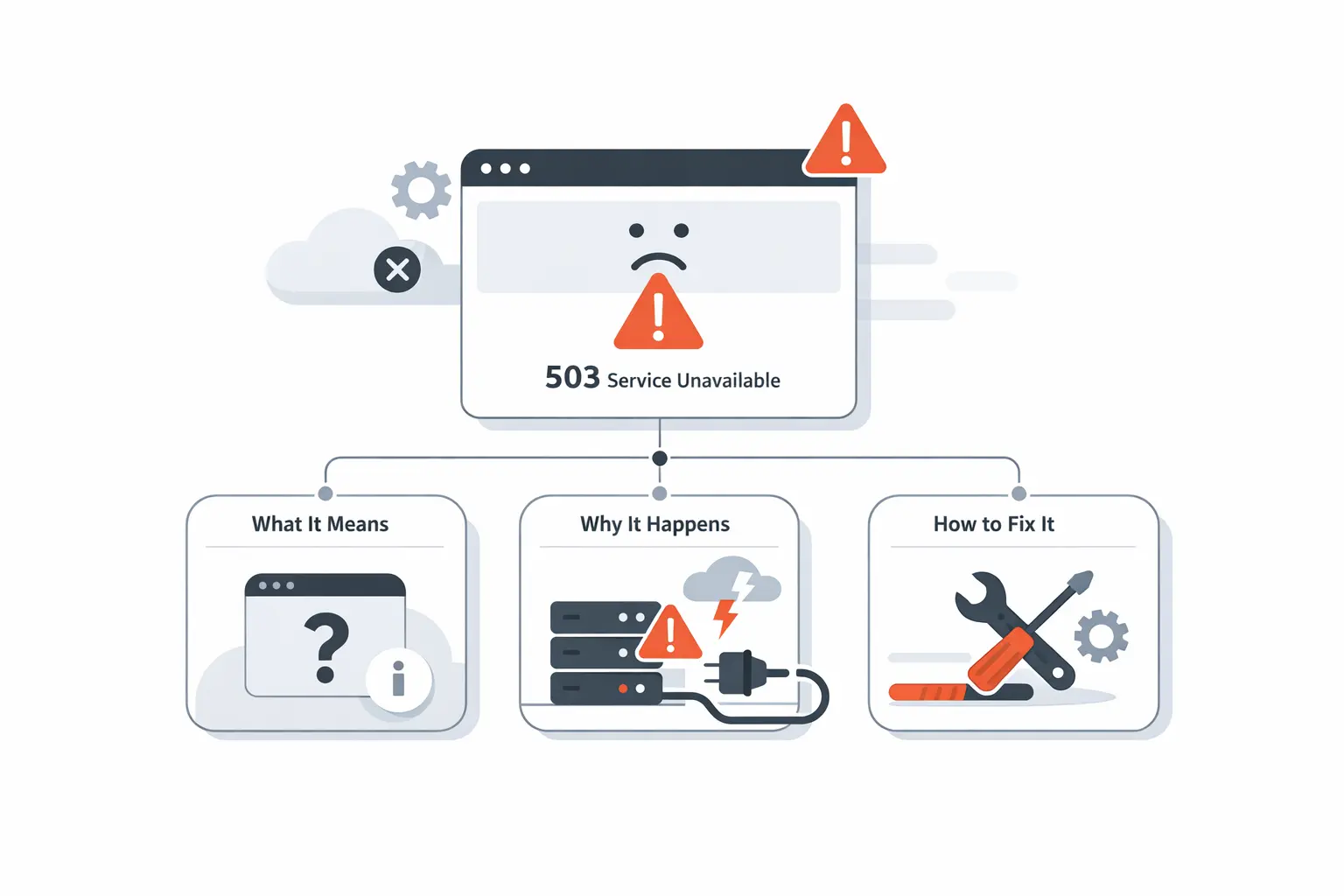
At TechTide Solutions, we think the 503 Service Unavailable error is less an annoying status code than a revealing systems signal. The market says the same thing: Gartner reports that the IT operations management health and performance analysis software market grew by 14.6% in 2024 to reach $21.7 billion, which tells us resilience and observability have become budget priorities rather than side projects. Public incidents make that reality concrete. Different stack, same lesson: temporary unavailability usually points to a deeper capacity, dependency, or configuration story.
In this guide, we explain what the 503 Service Unavailable error really means. We show why it appears in browsers, CDNs, and WordPress sites. We also cover how site owners should fix it. Visitors will see what they can safely try. Businesses will learn how to prevent the pattern from repeating. Throughout, we write from how we build and support production systems at TechTide Solutions. Calm diagnosis comes first. Targeted remediation comes second. Long-term stability remains the goal.
Understanding the 503 Service Unavailable Error
1. Temporary Unavailability and What It Signals
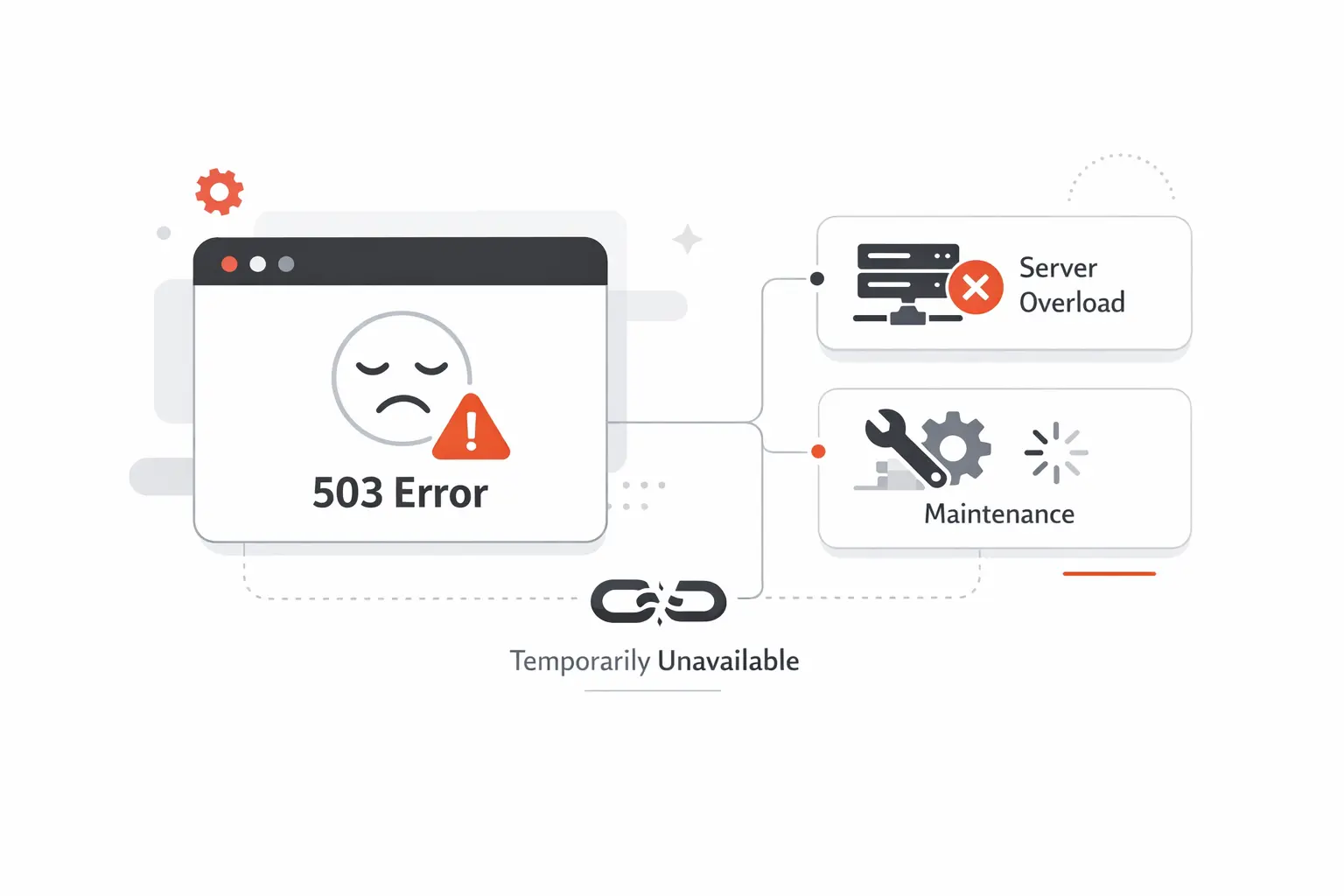
At TechTide Solutions, we treat a 503 as a deliberately informative failure. A 503 means the server is not ready to handle the request, usually because maintenance or overload makes serving traffic unsafe or impractical. In operational terms, the application, reverse proxy, or load balancer is still alive enough to answer, but not healthy enough to complete the requested work. That distinction matters because a 503 often signals controlled backpressure rather than total collapse.
2. Why the Message Can Be Confusing for Visitors and Site Owners
From a visitor’s perspective, the message simply looks like a broken website. For owners, the problem is almost the opposite: the error is so generic that it reveals very little about the real fault domain. We regularly remind teams that a 503 is an end-of-pipeline symptom. The browser sees one code, yet the actual failure may have started in PHP workers, a database pool, an upstream API, a health-check system, or a firewall rule several layers earlier.
Common Variations of the Error Message
1. Standard Browser and Server Wording
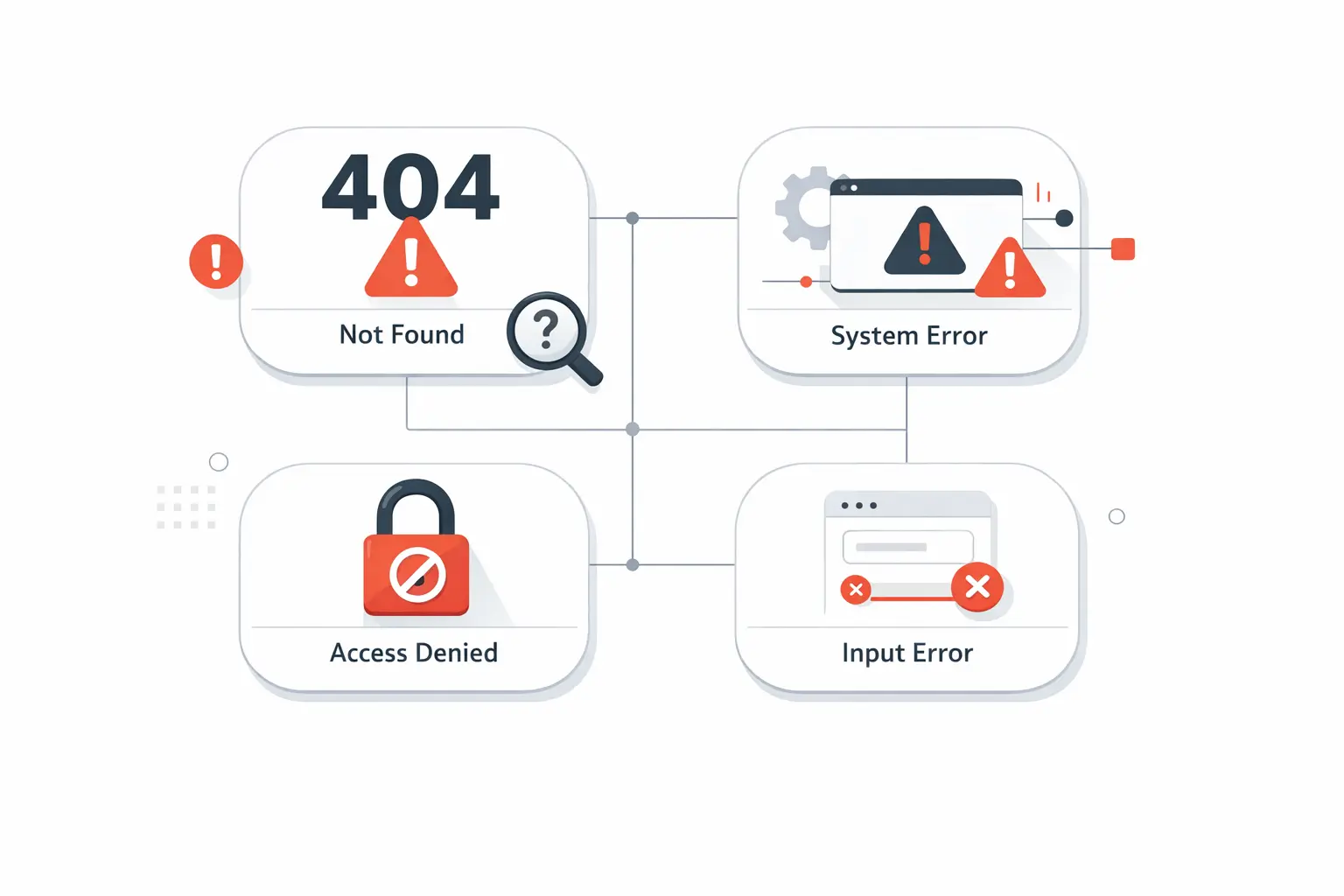
Different stacks phrase the problem differently. Some sites show “503 Service Unavailable.” Others render “Service Temporarily Unavailable.” WordPress can also surface the maintenance banner “Briefly unavailable for scheduled maintenance. Check back in a minute.” The wording changes, but the core meaning stays consistent: the service is reachable enough to reply, yet temporarily unwilling or unable to finish the request.
2. CDN and Firewall Related Variations
Edge platforms add a layer of ambiguity that often misleads owners into blaming the wrong system. Cloudflare explains that comparing edge and origin status codes can help determine whether the issue is occurring on your origin or on the Cloudflare edge, which is exactly why we inspect proxy telemetry before touching application code. Load balancers can create the same confusion. AWS notes that if all targets in a target group are failing health checks, the balancer can return a 503 even though the balancer itself is working as designed.
Main Causes of 503 Service Unavailable
1. Traffic Spikes and Scheduled Maintenance
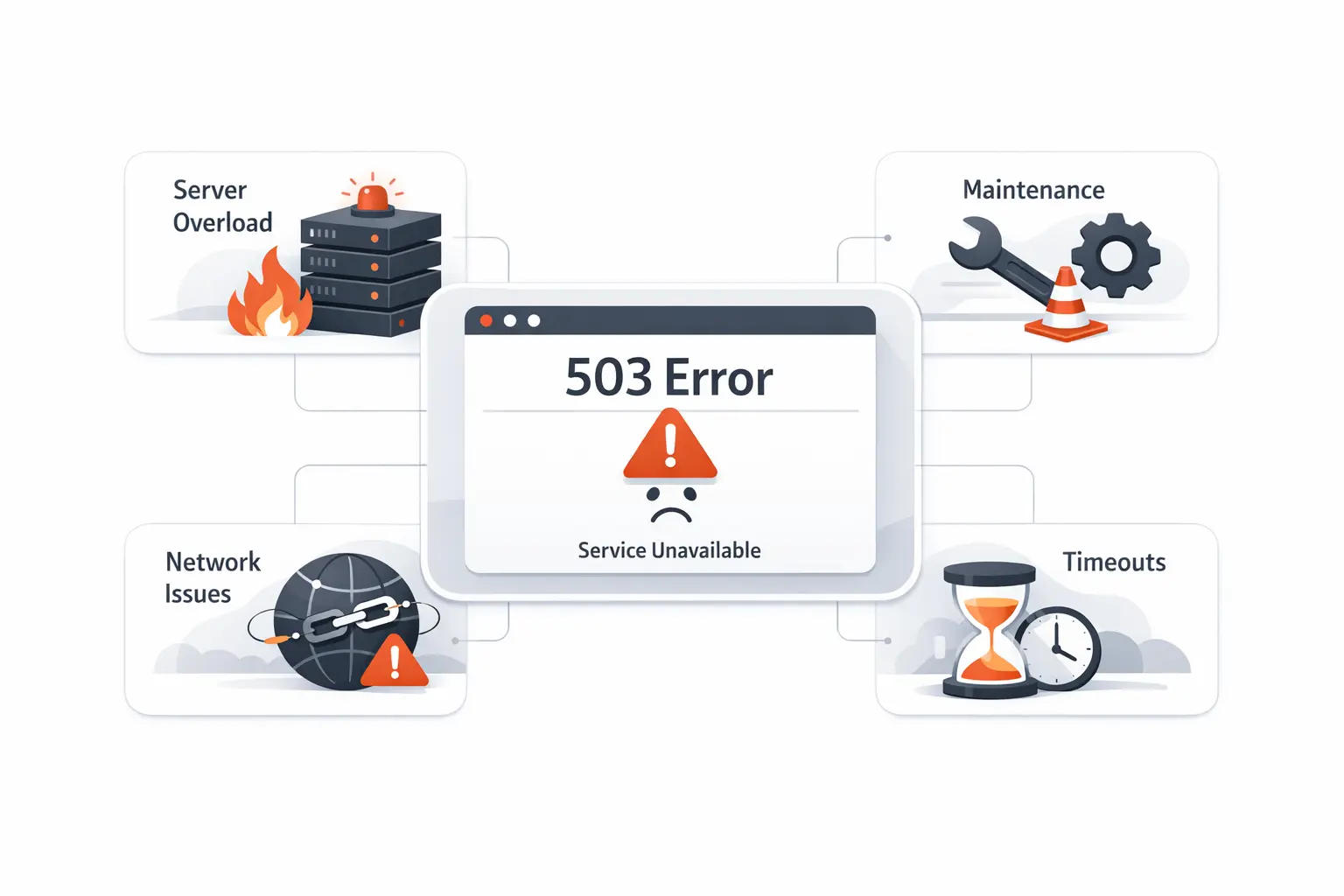
The most common cause is still simple arithmetic: more work arrives than the stack can safely serve. Amazon CloudFront’s guidance says a 503 often appears when the origin server does not have enough capacity to support the request rate. We see that during flash sales, product launches, viral posts, bulk imports, backup jobs, and deployment windows that temporarily consume the same CPU, memory, threads, or database connections your visitors need. Planned maintenance can also return a 503 intentionally, which is the correct behavior when recovery is expected.
2. Faulty Plugins and Incorrect Server Settings
Faulty plugins, broken middleware, and fragile server settings are quieter but equally common causes. On WordPress, a plugin update can leave the site half-upgraded, exhaust PHP workers, or trigger an AJAX loop that overwhelms modest hosting. In custom applications, the equivalent problems include bad reverse-proxy settings, invalid upstream definitions, runaway background jobs, missing environment variables, or a deployment that changed connection limits without adjusting the rest of the stack. In our experience, the timing of the last change is often the first real clue.
3. DDoS Traffic and Server Overload
Malicious traffic can produce the same outward symptom as organic growth. A large DDoS flood is obvious, but scraper storms, credential-stuffing, bot retries, and abusive API polling can be just as destructive on small or mid-sized infrastructure. Once queues fill, thread pools starve, or connection pools saturate, the safest thing a service can do is refuse more work. That refusal often surfaces as a 503 because the system is protecting itself from a worse failure.
How to Fix the Error for Website Owners
1. Disable Unnecessary Plugins
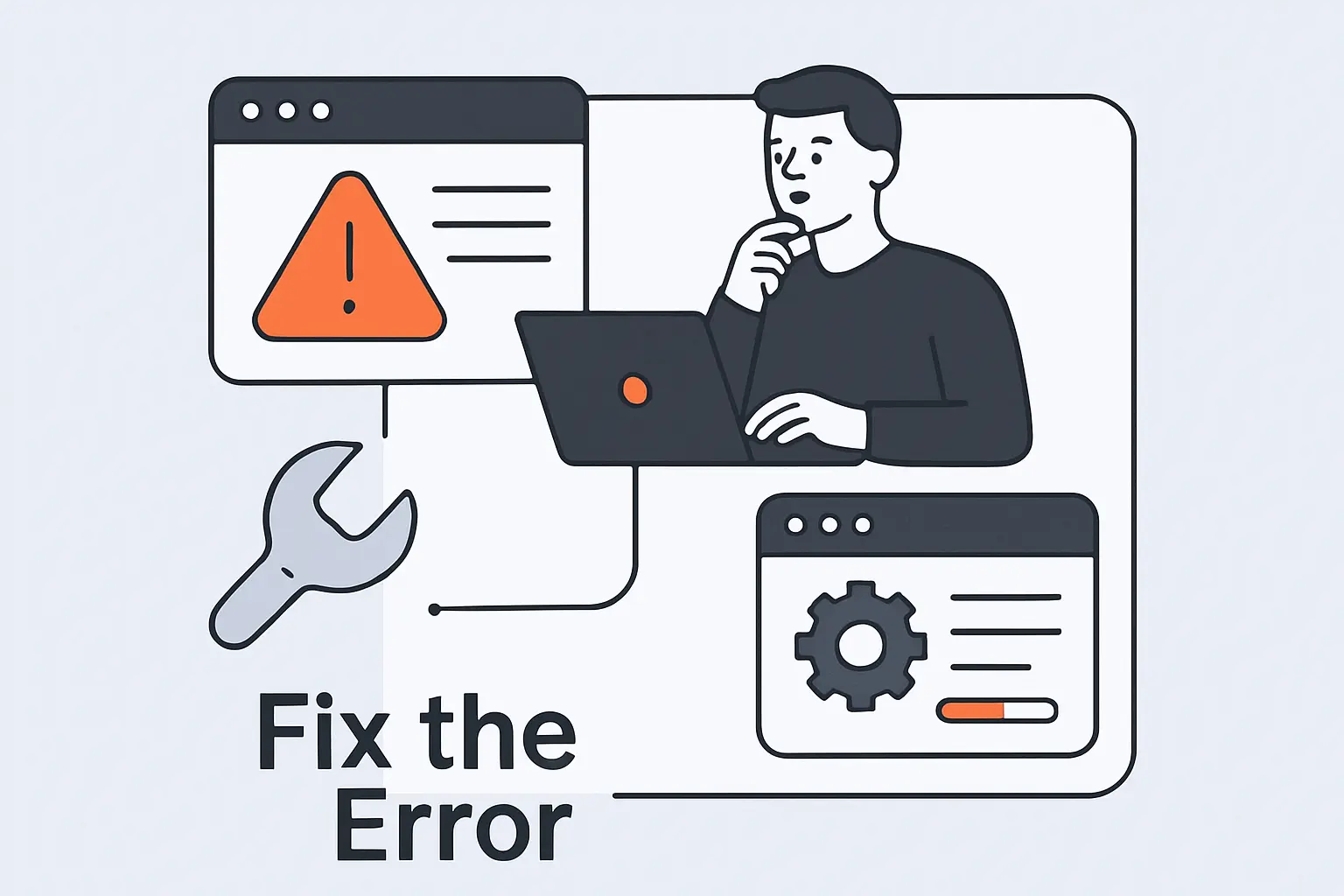
When the site runs on WordPress, one of the fastest isolation steps is to deactivate all plugins and switch to a default theme so you can see whether the application layer stabilizes. We prefer a binary-search mindset here. Remove optional code paths, restore service, and then re-enable components one at a time until the offender reveals itself. It is methodical rather than glamorous, but it is dramatically faster than guessing at hosting, DNS, or database failures without evidence.
2. Temporarily Deactivate the Website Theme
If plugin triage does not solve the outage, the active theme deserves its own isolation pass. Themes often contain far more business logic than they should, especially in builder-heavy WordPress sites. A theme can exhaust memory, trigger expensive queries, load broken assets, or conflict with a plugin update in ways that look random from the outside. We usually test with a default theme because it removes a huge surface area in one move and turns vague suspicion into a clear yes-or-no answer.
3. Slow Down WordPress Heartbeat API
WordPress’s Heartbeat API runs every 15-120 seconds to poll the server for near-real-time updates. On strong infrastructure, that is harmless. On lean hosting, the same behavior can turn the admin area into a constant stream of AJAX work. We often slow the heartbeat down rather than disabling it entirely, because reducing the polling frequency lowers background pressure while preserving useful editorial features. That recommendation is our inference from the polling model itself, and in practice it frequently buys valuable headroom.
4. Deactivate the CDN and Retest the Site
To separate edge problems from origin problems, Cloudflare documents that you can pause Cloudflare globally and send traffic directly to the origin while you retest. We use that move carefully, but it is excellent for narrowing the search space. If the 503 disappears, the proxy layer, caching behavior, SSL mode, or a front-door rule likely deserves scrutiny. If the error remains, the investigation should move deeper into the application, runtime, or upstream services.
5. Check Error Logs and Debug Logs
Logs turn suspicion into evidence. WordPress documents that you can log all errors, notices, and warnings to a file called debug.log in the wp-content directory, and we pair that with web server logs, PHP-FPM logs, container logs, database logs, and APM traces whenever possible. The line that matters is rarely the first fatal error you notice. More often, the real story is a sequence: latency spike, worker exhaustion, upstream timeout, restart, then user-facing 503.
6. Review Firewall Configurations
Firewall and WAF rules deserve a close audit because bad security logic can break perfectly healthy traffic. Cloudflare’s troubleshooting guidance says to first determine whether the issue originates from your origin web server or Cloudflare, and we apply the same principle to every proxy or security layer in front of an application. Allowlists, bot rules, challenge flows, rate limits, health-check exceptions, and origin reachability all belong on the review list. A well-meant security rule can easily become an availability bug.
7. Upgrade Hosting and Server Resources
Sometimes the fix is not subtle at all; it is capacity. If workers are pegged, queues are backing up, or database connections are perpetually near exhaustion, the site needs more headroom, better autoscaling, or less synchronous work in the request path. We have seen teams lose days to plugin blame when the real issue was an underpowered plan, too few application replicas, or storage and compute that could not absorb peak demand. Infrastructure limits are patient, but they are never negotiable.
Quick Troubleshooting Steps for Visitors
1. Refresh the Page After a Short Wait
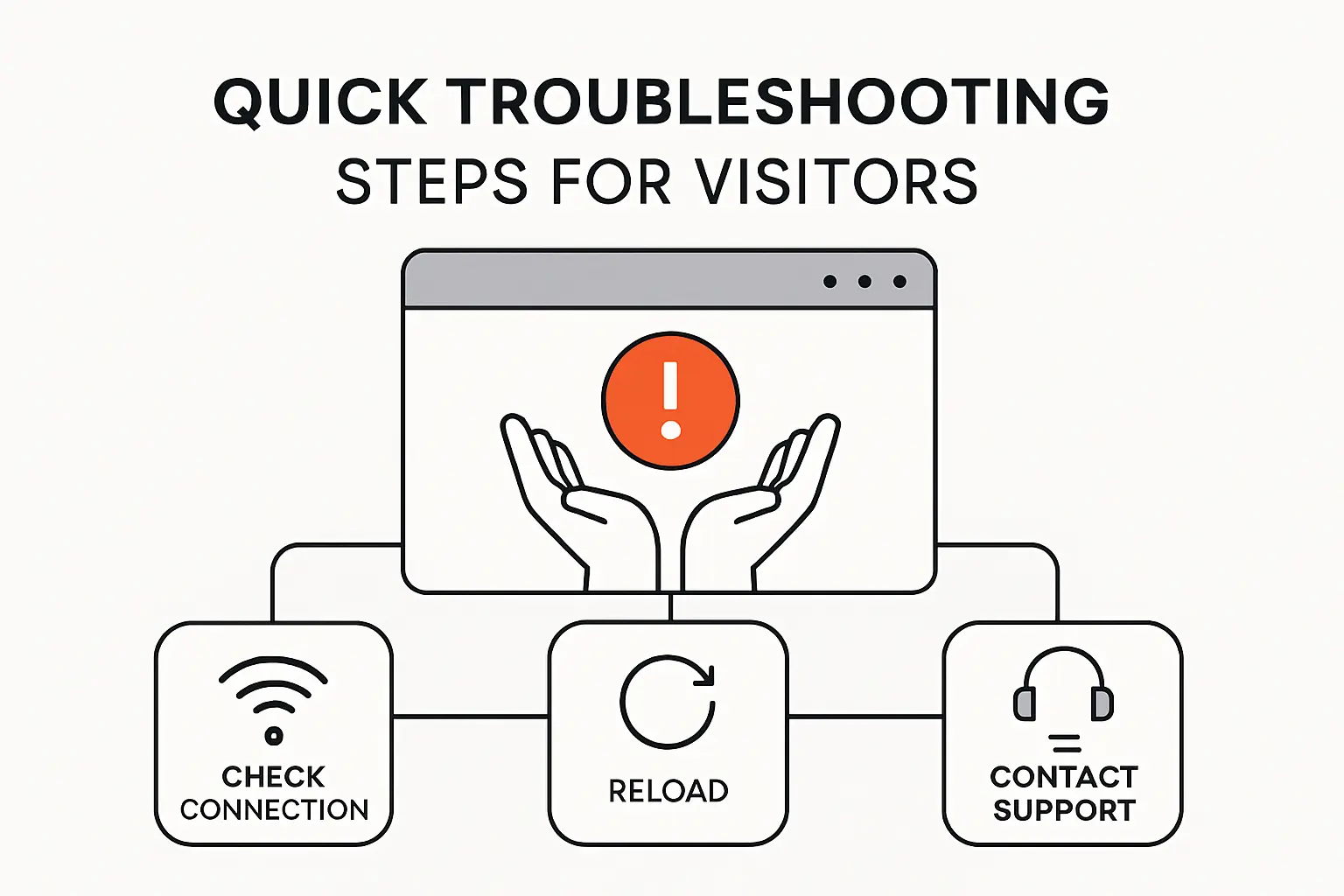
For visitors, the first move is patience, not panic. MDN notes that the Retry-After header indicates how long the service is expected to be unavailable, so if you see that guidance, it is worth honoring it before retrying. Even without the header, a brief pause is sensible because many 503s clear once a deployment finishes, a worker pool recovers, or a short-lived traffic spike passes. Hammering refresh during overload rarely helps.
2. Clear Browser Cache
Next, clear your browser cache or perform a hard refresh. Temporary errors should not persist for long on the client side, yet stale local state, caching extensions, or intermediary behavior can still keep an old failure page in view after the origin has recovered. We have watched this create false alarms more than once. Clearing cached assets and reloading gives you a cleaner test and removes one of the simplest sources of confusion.
3. Try a Different Device or Browser
Switching devices or browsers helps isolate local issues quickly. Sometimes the service is only failing for one browser session with stale cookies, a broken extension, cached DNS, or a network appliance on a corporate connection. If the site works on mobile data but fails on a desktop browser, the problem may be closer to your environment than to the website itself. We use this step constantly because it separates global outages from localized weirdness in minutes.
4. Check Website Status Before Trying Again
Before retrying repeatedly, check the site’s official status page, support account, or a reputable monitoring service. That step tells you whether the outage is widespread, regional, or limited to one feature. It also prevents duplicate effort. For SaaS products and e-commerce platforms, that distinction matters because the homepage may load while checkout, login, or a specific API endpoint still returns a 503 behind the scenes.
SEO and Website Performance Impact

1. Search Visibility Concerns During Repeated Outages
From an SEO perspective, the status code itself matters. Google recommends site owners return a 503 HTTP result code because it tells search engine crawlers that the downtime is temporary rather than hiding the outage behind a misleading success response. Google Search Central has also said that serving a 503 status code for an extended period of time will cause a decrease in crawl rate. Our view is straightforward: brief, well-signaled maintenance is manageable, but repeated or prolonged 503s erode crawl confidence and complicate recovery.
2. Traffic and User Experience Impacts
Business damage usually begins before rankings move. A 503 blocks sessions, interrupts checkouts, breaks lead forms, and wastes paid traffic that you already bought. Just as importantly, generic error pages create emotional friction because users do not know whether to wait, retry, or leave. We therefore treat outage communication as part of performance engineering. Availability is not just an infrastructure metric; it is a user-experience promise with direct commercial consequences.
How to Prevent 503 Service Unavailable
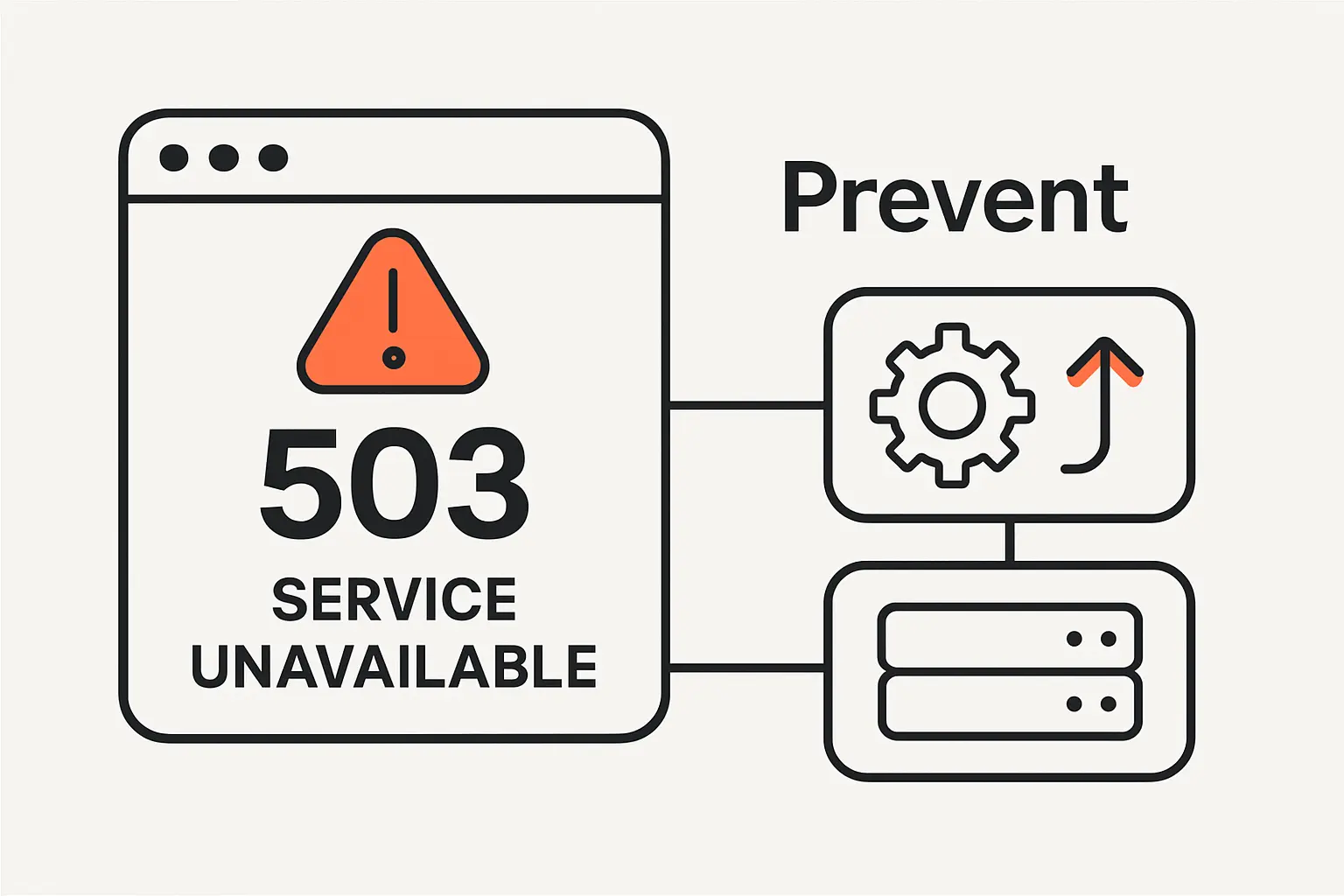
1. Use a Retry-After Header During Temporary Issues
During scheduled maintenance or controlled throttling, send a Retry-After header. The HTTP standard says the server MAY send a Retry-After header field with a 503 to suggest when the client should retry. We like this because it aligns browsers, bots, API consumers, and support teams around the same expectation. Clear retry guidance reduces wasted requests, protects the recovering system, and makes a temporary outage feel deliberate rather than chaotic.
2. Review Plugins, Firewall, and CDN Settings Regularly
Regular audits of plugins, security rules, cache behavior, origin certificates, and CDN settings prevent the slow configuration drift that leads to surprise outages. In our practice, recurring 503s are often not caused by one dramatic incident but by months of incremental changes that never went through a staging checklist. Review what changed, document why it changed, and remove layers that no longer earn their operational complexity.
3. Choose Hosting Resources That Can Handle Demand
Capacity planning should follow business reality rather than average traffic charts. If launches, billing cycles, ad campaigns, or enrollment windows can multiply request volume, the stack needs tested headroom before the event begins. We prefer load tests, queue offloading, autoscaling policies, cached read paths, and health checks that reflect real application health. A server that answers a ping can still be too sick to serve customers.
503 Service Unavailable Compared With 500 and 504 Errors
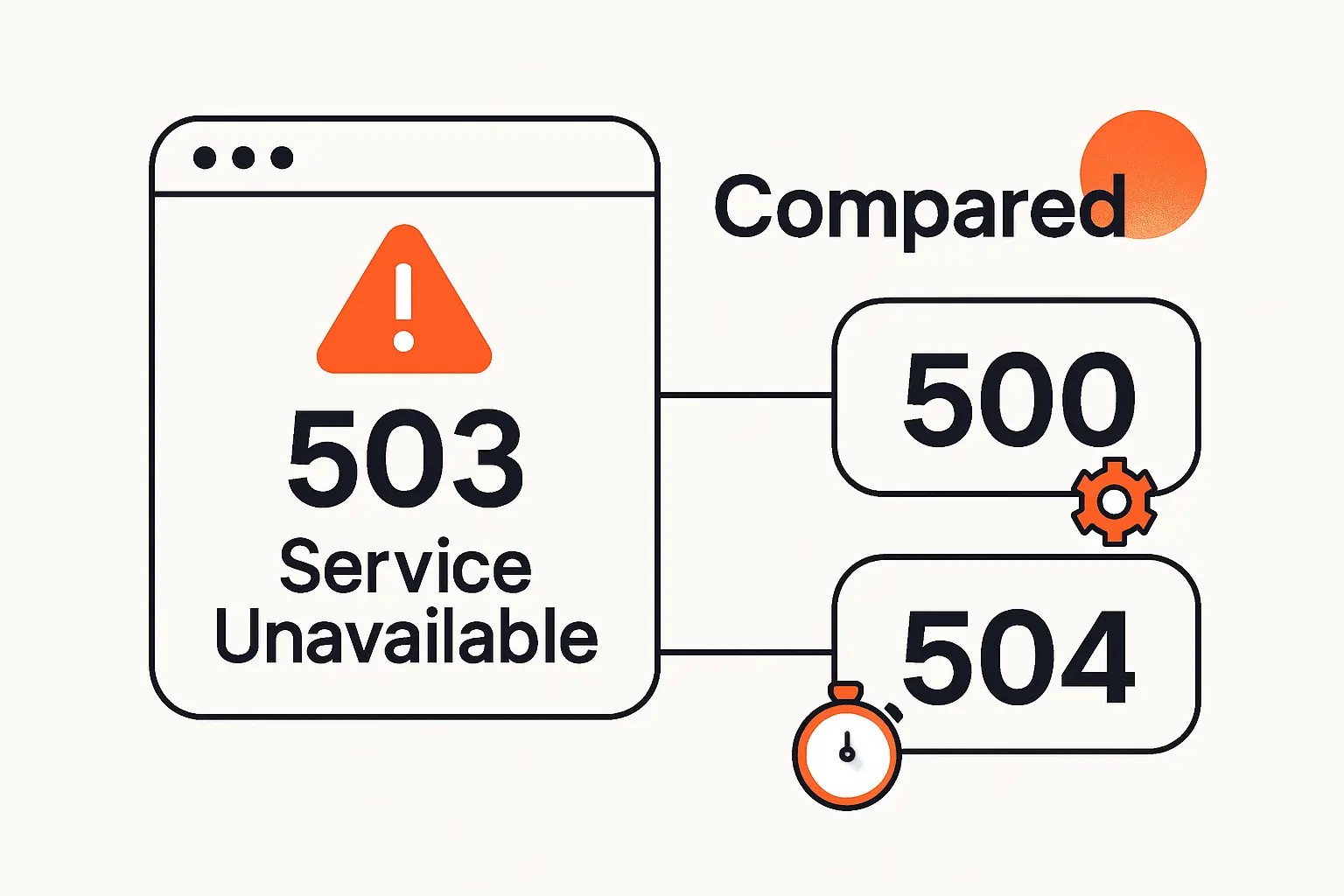
1. 503 Versus 500 Server Errors
A 500 Internal Server Error is the generic catch-all for unexpected server problems. By contrast, a 503 tells us the service is temporarily unavailable even though the system can still communicate that fact. We consider 503 the more operationally honest status when the outage is transient or capacity-driven. If a team uses 500 for everything, it loses a valuable signal for bots, monitoring tools, and incident responders.
2. 503 Versus 504 Gateway Issues
A 504 means the server, acting as a gateway or proxy, did not get a response in time from the upstream server. That usually sends us toward upstream latency, network path problems, or a backend that stayed silent too long. A 503, meanwhile, often implies maintenance, overload, health-check failure, or an explicit refusal to serve more requests. The debugging question changes with the code: 504 asks who failed to answer, while 503 asks who refused service and why.
FAQ About 503 Service Unavailable
1. How Long Does a 503 Service Unavailable Error Last?
It can last seconds, minutes, or much longer, depending on the cause. A clean maintenance window usually ends as soon as deployments, migrations, or restarts finish. Overload-driven 503s last until queues drain, traffic falls, or extra capacity comes online. In our experience, duration is a clue: very short events often point to controlled maintenance or burst traffic, while persistent ones usually suggest a deeper configuration or capacity problem.
2. Can 503 Service Unavailable Resolve on Its Own?
Yes, sometimes it can. Auto-scaling may catch up, a worker process may restart, or a short-lived spike may disappear without human intervention. Even so, if the same pattern returns under similar conditions, we do not treat the issue as solved. Self-recovery only means the system stopped failing for the moment; it does not mean the underlying weakness has been removed.
3. What Is the Root Cause of 503 Service Unavailable?
There is no single universal root cause. Most 503s trace back to a temporary inability to serve work: too much traffic, too little compute, an unhealthy upstream dependency, a misconfigured reverse proxy, blocked health checks, or a bad deployment. We advise teams to stop asking only what the status code means and start asking which layer decided it could not safely keep serving requests.
4. Does a 503 Service Unavailable Error Mean a Site Is Down?
Not always. Sometimes the whole site is unavailable, but just as often only one route, region, admin panel, checkout path, or API endpoint is affected. That is why a homepage test alone is not enough when you are verifying login, search, checkout, or an integration workflow. Partial outages are common, and a 503 can be the signal for one broken subsystem rather than a completely dead platform.
How TechTide Solutions Helps Solve 503 Service Unavailable Challenges
1. Build Custom Web Apps and Software Solutions for Stable Performance
At TechTide Solutions, we build custom web apps and backend services with resilience patterns in mind from the start. That means queue-based workloads, smarter caching, graceful degradation, circuit breakers, and request paths that do not force every dependency to succeed synchronously. We often decouple expensive work such as report generation, media processing, or third-party enrichment so a slow subsystem does not take the entire user experience down with it.
2. Create Tailored Troubleshooting and Maintenance Workflows for Your Stack
We also create troubleshooting and maintenance workflows that fit the stack you actually run. A WordPress publishing site needs a different playbook than a containerized Node.js API or a SaaS platform sitting behind a CDN and WAF. Because of that, we map failure domains, log sources, rollback options, cache behavior, and escalation paths so your team knows what to test first, what to pause, and what not to touch during a live incident.
3. Plan Scalable Infrastructure Upgrades Around Your Traffic and Business Needs
Finally, we help clients plan infrastructure upgrades around traffic shape, release cadence, and business risk. Sometimes that means moving off fragile shared hosting. In other cases, it means tuning autoscaling, splitting read-heavy workloads, hardening health checks, or redesigning background processing so user requests keep priority during bursts. We prefer upgrades that are legible to the business: fewer outages, steadier revenue capture, and less support friction.
Conclusion: Staying Ahead of the Error
Fastly said it detected the disruption within one minute and restored 95% of its network within 49 minutes, while GitHub traced a recent Copilot disruption to resource exhaustion in one of the Copilot backend services. A 503 Service Unavailable error is frustrating precisely because it is temporary: the system is still there, but it is not ready to keep its promise. Our advice at TechTide Solutions is to treat that moment as structured evidence rather than generic failure. Trace the request path, identify which layer refused service, and correct the capacity or configuration weakness that forced the refusal. If your team is seeing intermittent 503s today, would mapping the full path from browser to database before the next spike hits save you from repeating the same outage tomorrow?