


At TechTide Solutions, we see a 504 Gateway Time-Out error as a signal, not just an annoying message. It usually means one server asked another server for data, waited too long, and gave up. For visitors, that feels like a broken site. For owners, it points to a problem somewhere between the browser, the gateway, and the upstream service.
We think this matters more now because websites run through more layers than they used to. Gartner expects worldwide end-user spending on public cloud services to reach $723.4 billion in 2025. That means more applications now depend on gateways, CDNs, load balancers, APIs, and managed databases before a page ever reaches the browser.
What a 504 Gateway Time-Out Error Means
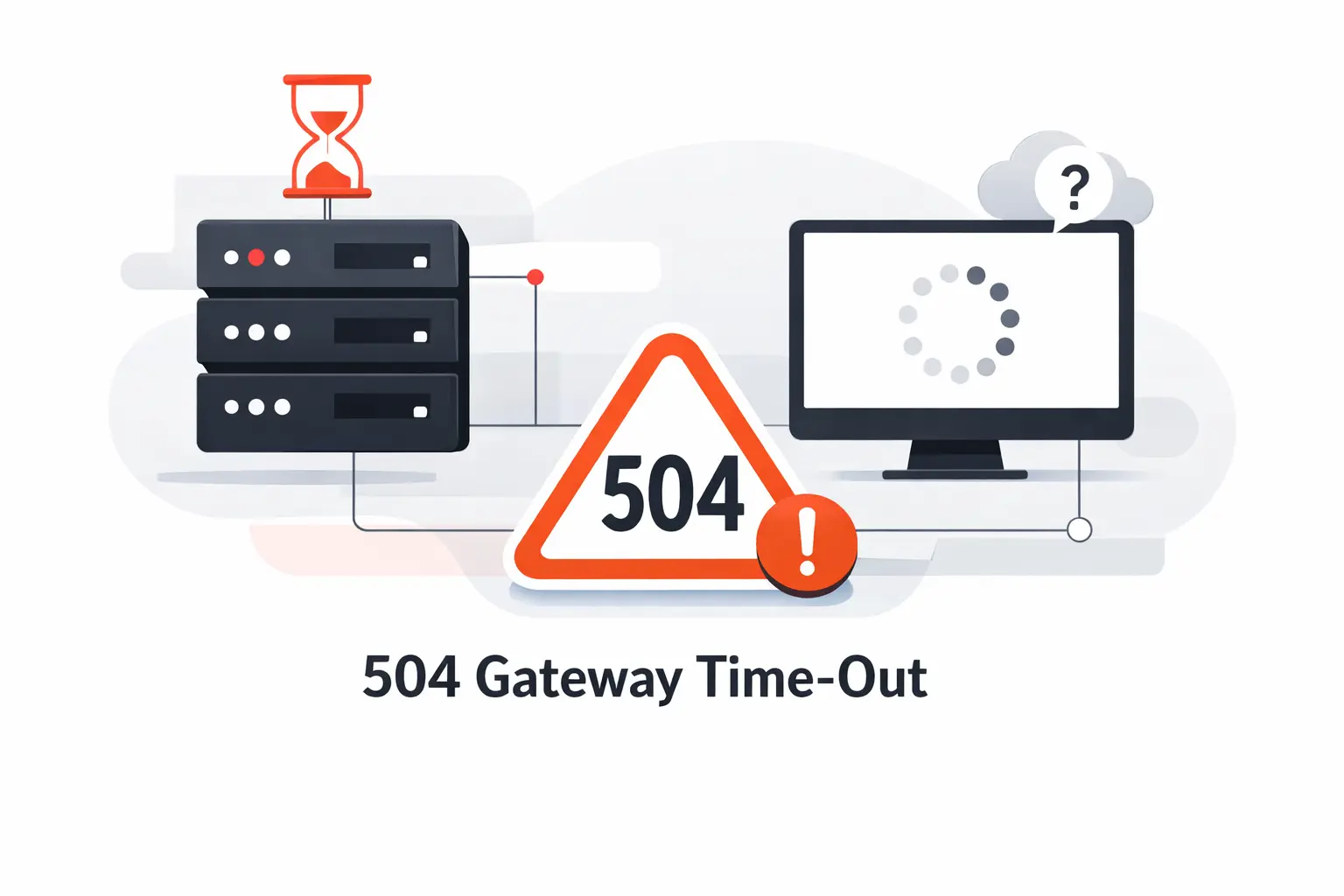
A 504 is a middle-layer problem. One server is acting as a gateway or proxy, and it cannot get a timely answer from the system behind it. We tell clients to read it as a failed handoff, not a random glitch.
1. How the Browser, Gateway, and Upstream Server Connect
The browser sends a request. That request may hit a CDN, load balancer, reverse proxy, or ingress before it reaches the application. The application may then call a database, cache, payment service, or internal API. We call the system behind the gateway the upstream service. If one hop drags, the layer in front may return the error.
2. Why Delayed Upstream Responses Trigger a 504 Gateway Time-Out
A 504 happens when the waiting layer hits its time limit. The upstream might still be running, but it is not answering fast enough. Long database queries, blocked workers, slow third-party APIs, and request queues can all create that silence. In our experience, the upstream is often busy, not fully dead.
3. Visitor Checks and Website Owner Checks
Visitors should start small. Refresh once. Try another device or network. Check whether the whole site is affected or just one page. Owners need a different playbook. We look at gateway logs, application logs, response times, recent deployments, and dependency health. The browser tells you that a wait ended. The logs tell you where it ended.
Recommended reading: 503 Service Unavailable Error: What It Means, Why It Happens, and How to Fix It
Why 504 Gateway Time-Out Errors Matter
A 504 Gateway Time-Out error is more than a nuisance. It interrupts work at the worst possible moment. People hit it during logins, searches, uploads, checkouts, and dashboards that should feel routine.
1. User Experience and Abandoned Sessions
Even small delays change user behavior. Google’s published case study on Deloitte research found that a 0.1-second improvement increased conversion rates by 8.4% for retail sites. In our view, a 504 is the harsher version of the same problem. The visitor does not just wait longer. The journey stops.
2. Revenue Loss During Checkout and Critical Workflows
The money side adds up fast. In its survey, Uptime Institute found that 54% of surveyed outages cost more than $100,000. A checkout flow does not need a full platform collapse to hurt revenue. It only needs a payment step, fraud check, tax lookup, or inventory call to stall at the wrong moment.
3. SEO Risks When Search Crawlers Hit Repeated Time-Outs
Repeated server failures can create search problems. Google documents that 5xx responses temporarily slow down with crawling. Persistent failures can eventually remove URLs from the index. If important pages keep timing out, rankings and fresh content discovery can suffer.
Recommended reading: 407 Status Code Guide: Proxy Authentication Required Causes, Headers, and Fixes
Common Causes of a 504 Gateway Time-Out
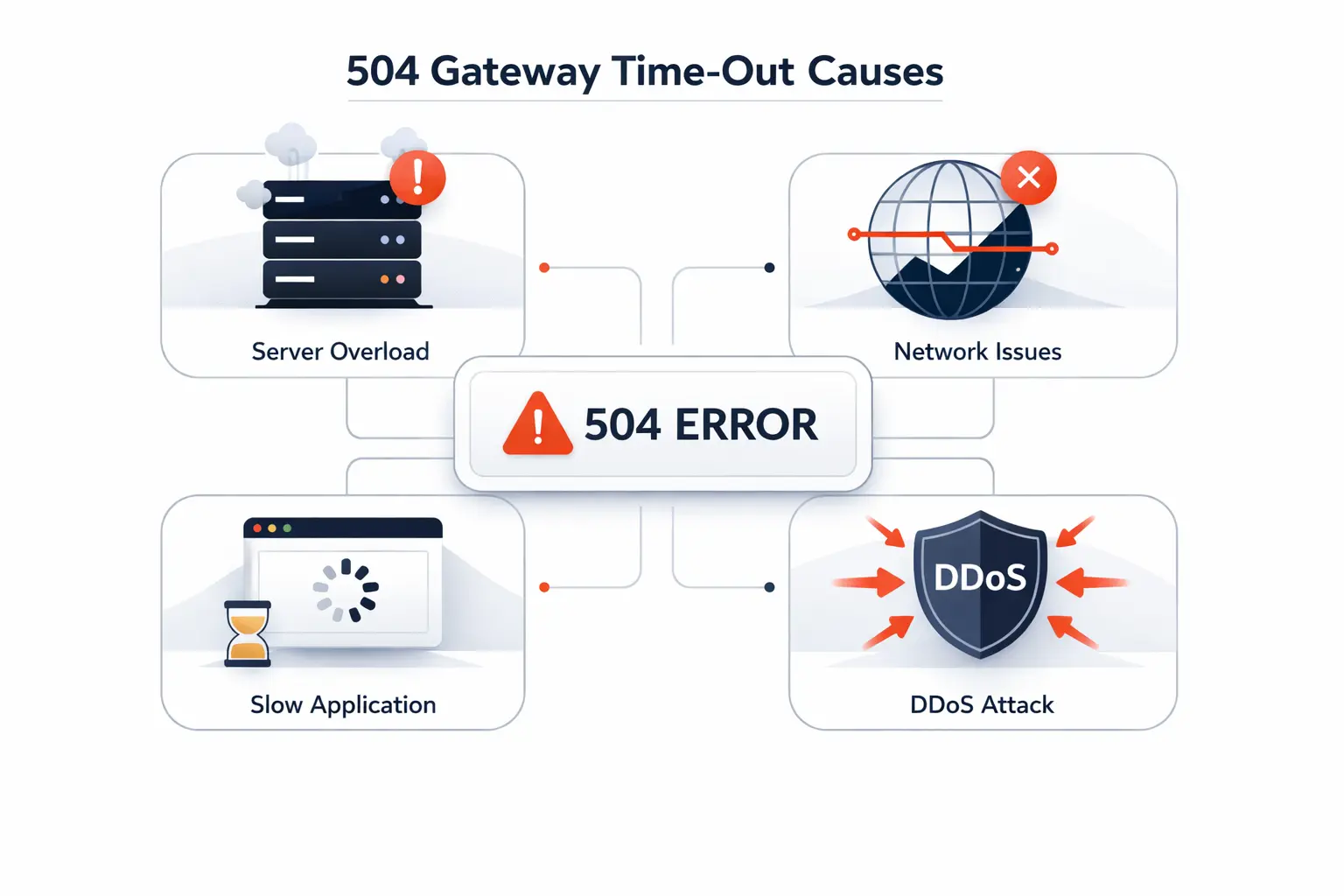
The tricky part is that many different failures can surface as the same message. We have seen the same 504 come from overloaded servers, slow SQL, plugin conflicts, and regional network issues. That is why guessing usually wastes time.
1. Overloaded Servers and Traffic Spikes
Traffic spikes are the classic cause. A campaign email, product launch, or bot wave can exhaust workers, connections, or CPU. Autoscaling helps, but it is never instant. If requests pile up faster than the platform can absorb them, the gateway is often the first layer to complain.
2. Slow APIs, Databases, and Heavy Queries
Sometimes the web server is fine. The slow part is a database query, a report builder, or an external API call. A missing index, a full table scan, or a chain of serial service calls can stretch response time past the limit. We often see this in checkout flows that wait on shipping, tax, fraud, or inventory services.
3. Proxy, CDN, Firewall, and DNS Problems
Middle layers can cause the issue too. A proxy may wait less time than the app needs. A CDN may keep sending traffic to an origin with stale DNS or bad health checks. A firewall can inspect or block a needed path. When timers do not match across layers, the shortest timer usually wins.
4. Plugins, Themes, and PHP Execution Limits
On CMS sites, especially WordPress and WooCommerce, a plugin or theme can block the request path. A page builder, search plugin, backup task, or remote integration may keep PHP workers busy. If execution limits, memory, or worker pools are too small, new requests stack up. The gateway then reports the symptom, not the cause.
5. Network Latency and Regional Outages
Some 504s are geography specific. A cloud zone issue, ISP problem, or cross-region dependency can slow only part of the traffic. That is why one team member sees the site working while another sees failures. When this happens, tests from several regions are worth their weight in gold.
Recommended reading: 500 Internal Server Error: What It Means, Common Causes, and How to Fix It
Quick Checks to Try First
If you are troubleshooting as a visitor, start with the low-effort checks first. They will not fix every 504, but they help rule out local noise. We like quick separation before deep analysis.
1. Refresh the Page After a Short Wait
Wait a few seconds, then refresh once. Short bursts of load sometimes clear after queues drain or a failed worker recovers. We do not recommend pounding refresh over and over. If the site is already overloaded, repeated retries can make things worse.
2. Try Another Browser or a Private Window
A private window strips away saved cookies, session fragments, and many extensions. That helps when a page fails only after login or form submission. Try a second browser if you can. If the problem disappears there, the issue may be local rather than server-side.
3. Clear Browser Cache and Retest the Request
A true 504 usually starts on the server side. Still, clearing browser cache can help when an old asset, broken service worker, or stale redirect is confusing the request flow. Retest the same page after clearing it. If behavior changes, you have learned something useful.
4. Restart Local Network Equipment
Restarting a router or modem sounds basic because it is basic. Local DNS issues, unstable Wi-Fi, or a flaky connection can make a remote problem look worse than it is. We also like testing from mobile data for comparison. A second network can quickly separate a site issue from a local one.
Recommended reading: 402 Status Code Guide: Payment Required Meaning, Use Cases, and X402 Payments
How to Diagnose a 504 Gateway Time-Out
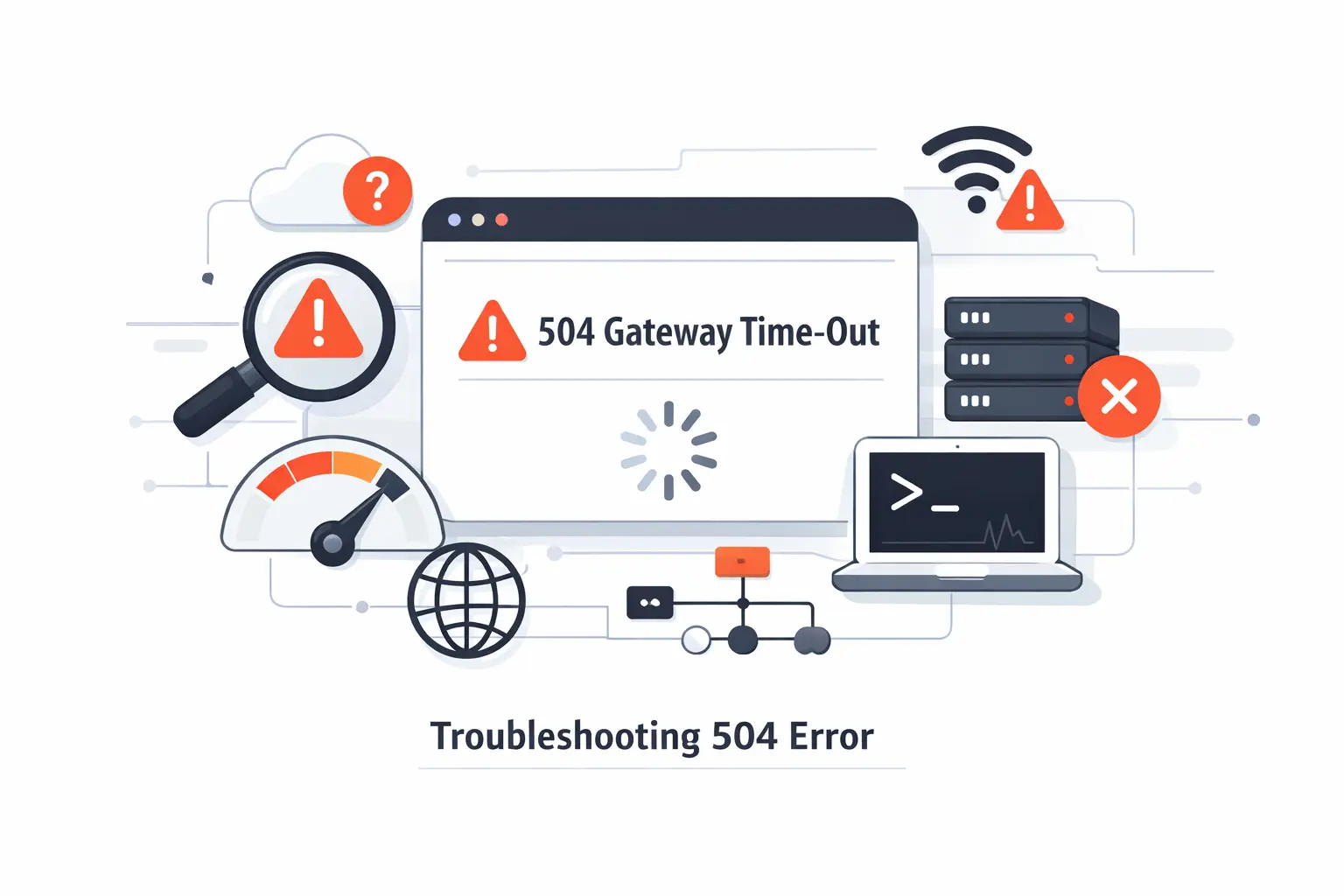
If you own the system, move from guesses to evidence fast. In our experience, the fastest fix is usually the boring one. Start where the request is observed, then walk backward through the chain.
1. Check Gateway and Upstream Logs First
Start with the gateway log and the upstream log for the same time window. Look for request IDs, response times, upstream status, and messages that show where the wait happened. Reverse proxies often tell you whether the upstream connected and whether headers ever came back. Application logs then show whether the code started work, stalled on a dependency, or failed mid-request.
2. Measure Upstream Response Time and Overall Latency
Measure both end-to-end latency and service time inside the stack. A system can have a decent average and still have ugly tail latency. We like traces because they show whether the lost time lives in network calls, database queries, template rendering, or lock contention. That is the difference between guessing and knowing.
3. Test Network Paths with Ping, Traceroute, and MTR
Ping, traceroute, and MTR help test the path between systems. Ping shows reachability and rough latency. Traceroute shows where hops change or stall. MTR combines route and packet-loss testing, which makes it useful for intermittent problems. These tools are not perfect, but they can expose routing trouble fast.
4. Review Proxy, Firewall, and DNS Configuration
Then review the plumbing. Check read timeouts, keepalive behavior, upstream addresses, DNS TTLs, firewall rules, WAF policies, and health checks. We also compare staging and production settings side by side. Small differences in a proxy or DNS record can create very large failures.
Recommended reading: 415 Status Code: How to Fix HTTP 415 Unsupported Media Type Errors
How to Fix a 504 Gateway Time-Out on the Server Side
A lasting fix targets the bottleneck, not the symptom. We try hard not to treat timeouts like a settings problem when they are really a design problem. Once the cause is clear, the repair path gets much cleaner.
1. Increase Timeout Settings Where Appropriate
Sometimes a higher timeout is reasonable. File imports, large exports, or slow legacy operations may need more room. But this is where teams get burned. A longer timeout can hide bad code and tie up workers for longer. When work truly takes time, we prefer moving it into a background job and returning status updates instead.
2. Add CPU, Memory, and Capacity to the Upstream Service
If the upstream is starved, give it breathing room. That may mean more CPU, more memory, more PHP workers, more app replicas, or a larger database tier. Capacity fixes are blunt, but sometimes necessary. They buy stability while you remove the deeper bottleneck.
3. Optimize Database Queries and Slow Application Tasks
This is where many lasting wins live. Add missing indexes. Break huge queries into smaller ones. Paginate large result sets. Stop doing report generation, image processing, or third-party synchronization inside the request cycle. The fewer blocking steps a request needs, the less likely it is to die at the gateway.
4. Use Load Balancing and Caching to Reduce Server Pressure
Load balancing helps distribute hot spots across healthy instances. Caching reduces repeated work, especially for read-heavy pages and expensive query results. We also like serving recent cached content for noncritical views while fresh data is fetched in the background. That keeps pressure off the origin during spikes.
5. Contact Hosting Support with Clear Diagnostic Details
If the problem sits below your access level, escalate with detail. Send timestamps, affected URLs, regions, headers, screenshots, and short log snippets. Include what changed recently and how to reproduce the failure. A good hosting team can help fast if the ticket is specific. A vague note that says the site is down usually burns the first round.
Environment-Specific 504 Gateway Time-Out Troubleshooting
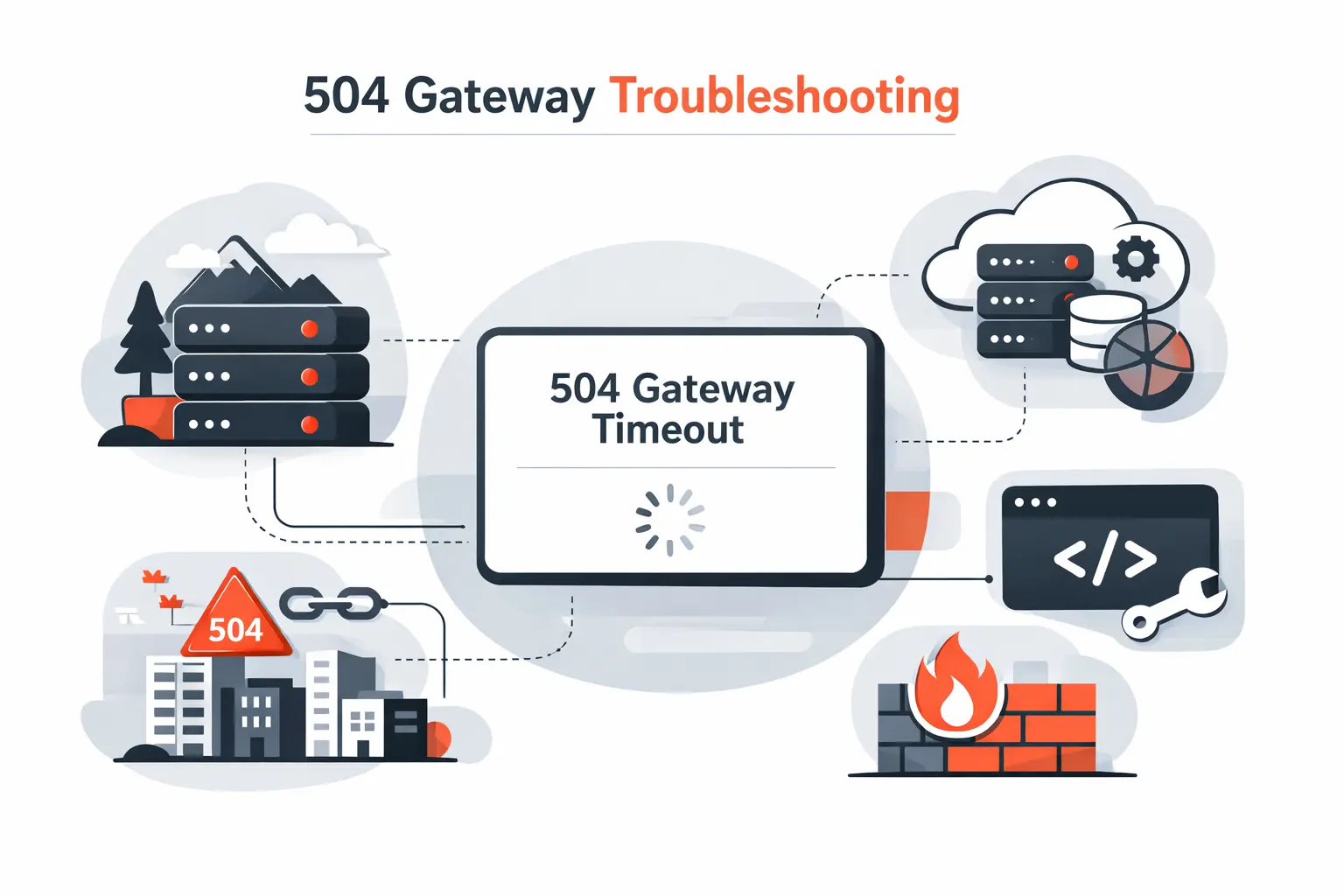
The same timeout looks different in each stack. Here is how we usually approach three common environments. The goal is the same in all of them. Find the layer that waited, then find the dependency that stalled.
1. Adjusting NGINX Proxy and FastCGI Time-Out Settings
When NGINX sits in front, we start with read behavior, not guesswork. Its proxy module waits 60s by default between read operations. That means a quiet upstream can trigger the gateway before the full response is sent. If PHP-FPM is behind NGINX, we review the equivalent FastCGI settings next and compare them with real request times.
2. Troubleshooting WordPress Plugins, Themes, and CDN Conflicts
On WordPress sites, the fastest isolation method is often the least glamorous. The official docs say to disable your plugins one at a time until the issue returns. We pair that with a default theme, fresh logs, and a close look at any CDN or WooCommerce add-on that makes remote API calls.
3. Tracing Kubernetes Ingress, Services, and Readiness Probes
In Kubernetes, a 504 may start outside the container itself. When readiness checks fail, pods become not ready and stop receiving traffic. That can create intermittent failures during rollouts, slow startups, or partial outages. We trace the full path from ingress rules to service selectors to pod health before we blame the application code.
How to Diagnose 504 Gateway Time-Out Errors at Scale
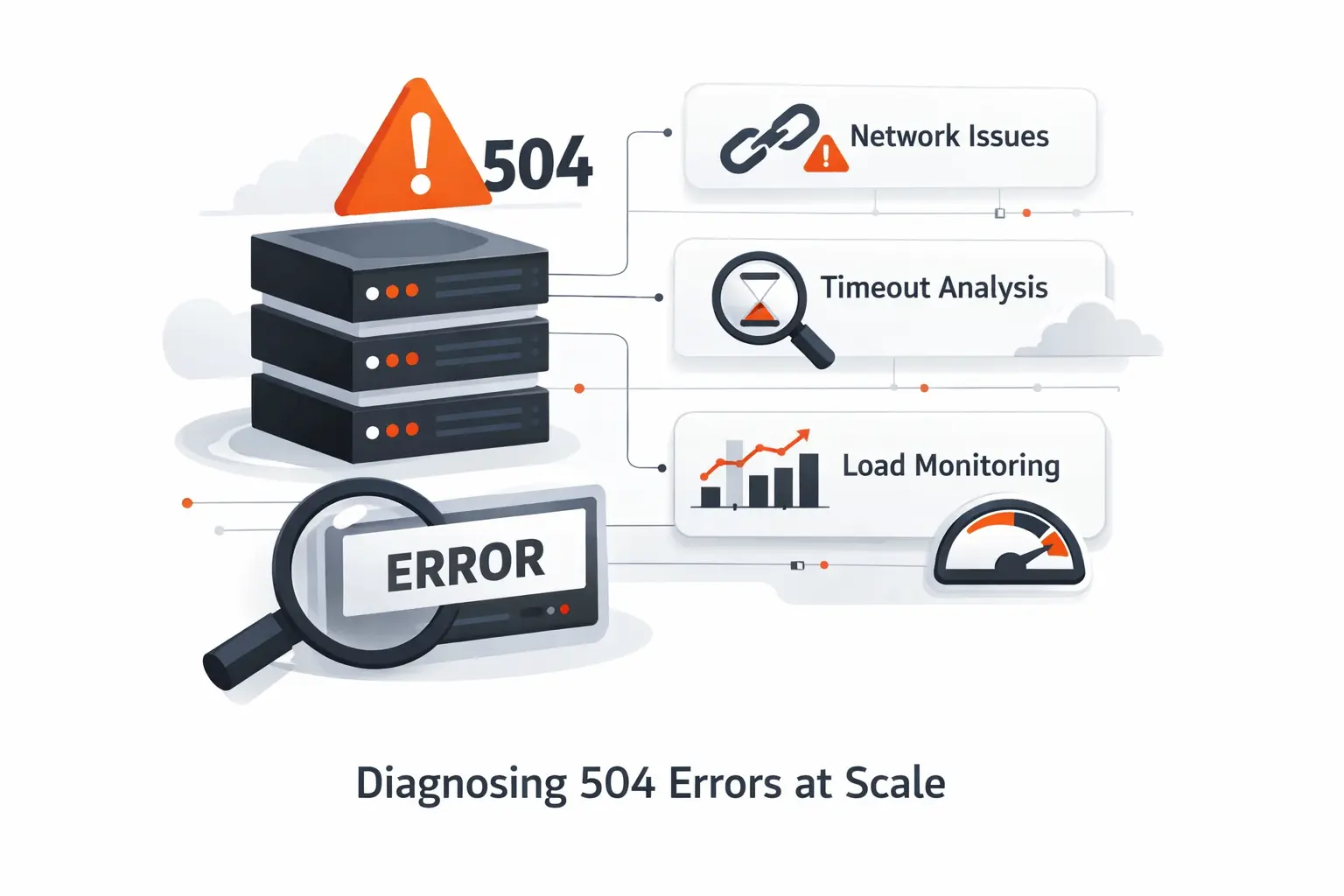
As systems grow, one-off troubleshooting stops scaling. You need shared visibility across layers. Otherwise teams end up comparing screenshots while the real signal sits in separate tools.
1. Centralized Logging Across Gateway and Application Layers
Centralized logging is the first upgrade we recommend. Gateway, app, worker, and database logs should land in one place with consistent timestamps. Add correlation IDs so a single request can be followed end to end. Without that, teams waste time lining up fragments instead of tracing the same failure.
2. Dashboards, Alerts, Queue Depth, and Latency Monitoring
Dashboards should track more than uptime. Watch latency, error rates, queue depth, worker saturation, database waits, cache hit rate, and dependency health. Queue depth matters because it shows how many requests or jobs are waiting. A rising queue with steady traffic is often an early warning that a 504 wave is coming.
3. Cross-Functional Incident Response Across Backend, Networking, and SRE Teams
Timeout incidents often cross team lines. Backend engineers may own the code path. Networking may own routing and firewall rules. SRE or operations may own alerts and rollback. We prefer one incident lead, one timeline, and one shared channel. Clear ownership keeps a slow response from becoming a second outage.
How to Prevent Future 504 Gateway Time-Out Errors
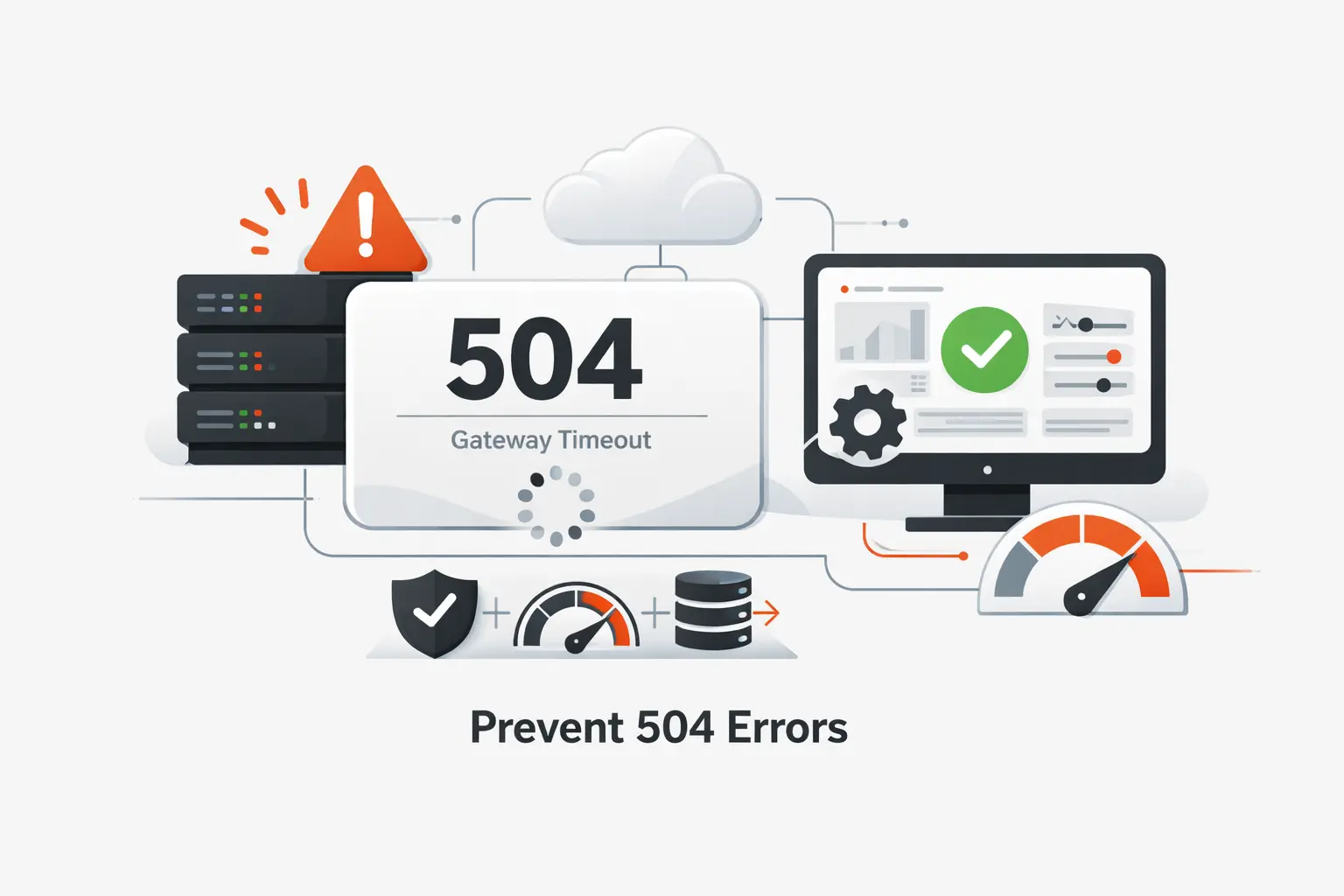
Prevention is mostly discipline. Healthy systems rarely avoid 504s by luck. We think the best teams treat timeout prevention as part of product quality, not just infrastructure hygiene.
1. Choose High-Quality Hosting and Infrastructure
Cheap infrastructure looks expensive once timeouts start. Pick hosting with predictable I/O, enough headroom, good regional coverage, and solid support. Managed databases and load balancers can remove operational pain if they are sized well. Reliability is a feature users feel immediately.
2. Optimize Performance with Caching and Lightweight Code
Keep request paths lean. Cache what can be cached. Remove duplicate queries. Avoid loading giant libraries or plugins for small tasks. Push long work into queues. Small performance habits add up, and they lower the odds that one slow dependency drags the whole page into a 504.
3. Plan Capacity for Traffic Surges and Heavy Workloads
Traffic surges are rarely as surprising as teams claim. Product launches, seasonal peaks, migrations, and marketing campaigns are visible ahead of time. Load test before them. Set scaling policies before them. Review database limits, worker pools, and rate limits before them. The best surge plan is written before the surge arrives.
4. Monitor Uptime, Resource Usage, and Error Trends
Watch the basics every day. Uptime checks tell you if pages are reachable. Resource graphs show CPU, memory, disk, and connection pressure. Error trends reveal whether one endpoint is slowly getting worse. We also like tests from multiple regions because partial failures often hide from office networks.
Frequently Asked Questions About 504 Gateway Time-Out Errors
These are the questions we hear most when a 504 Gateway Time-Out error shows up. The short answers are useful, but the right fix still depends on where the delay begins.
1. How Do You Fix a 504 Gateway Time-Out?
Start with logs and response times. If you are a visitor, refresh once, try another browser, and test another network. If you own the site, find whether the gateway, app, database, or third-party dependency stalled. Then fix that bottleneck. Raising timeouts is sometimes part of the answer, but rarely the whole answer.
2. Is a 504 Gateway Time-Out My Fault?
Usually, no. Most 504s start on the server side or somewhere in the path between services. That said, a local network problem, VPN, DNS issue, or browser extension can make the symptom look personal. If other devices and networks show the same failure, it is probably not your machine.
3. How Long Does a 504 Gateway Time-Out Last?
It can clear in seconds or stick around for hours. It depends on the cause. A brief overload may disappear after a retry. A bad deployment, broken dependency, or regional outage will last until the underlying issue is fixed. The error itself does not have a built-in lifetime.
4. What Is the Difference Between a 502 and a 504 Error?
A 502 means the gateway got a bad or invalid response from upstream. A 504 means the gateway waited and did not get a timely response. Both involve a middle layer. The difference is whether the reply was wrong or missing.
5. Can a 504 Gateway Time-Out Hurt SEO?
Yes, if it happens repeatedly on crawlable pages. Search engines can tolerate brief failures, but persistent server errors hurt crawling and can cause indexed URLs to disappear over time. If the issue affects templates, category pages, or sitemaps, the impact spreads faster.
6. Can a CDN or Firewall Cause a 504 Gateway Time-Out?
Yes. A CDN, firewall, load balancer, or ingress controller can trigger a timeout if its timers, health checks, DNS records, or routing rules do not match the origin behavior. We see this after migrations and security changes. The app code may be fine while the layer in front is the real bottleneck.
How TechTide Solutions Helps Build Custom Solutions for 504 Gateway Time-Out Challenges
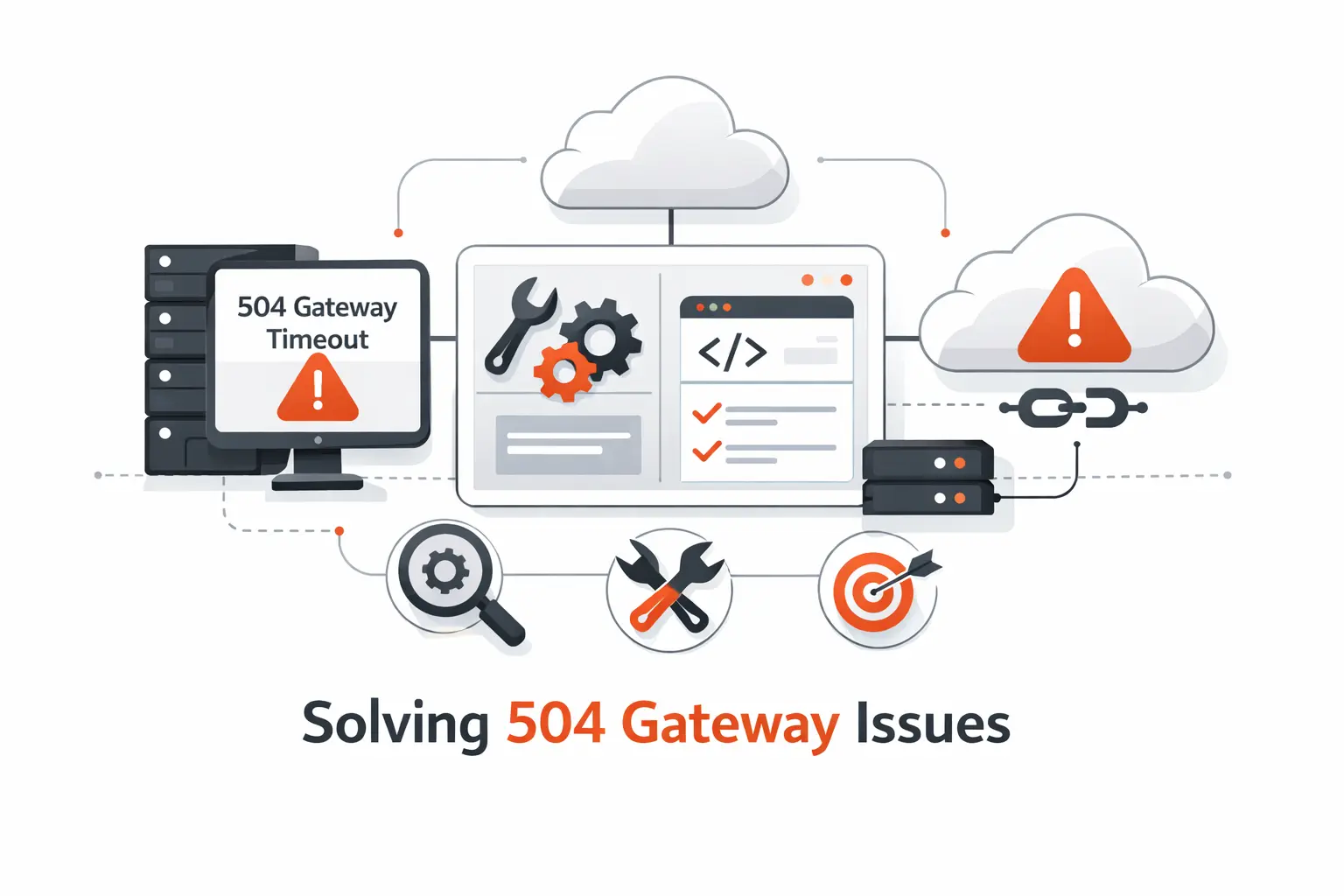
At TechTide Solutions, we build and maintain custom software, so we usually meet 504s in the messy middle where code, traffic, and infrastructure intersect. We do not assume one stock fix works everywhere. We follow the path of the request and solve the weakest link.
1. Custom Web and Backend Development for Reliable Performance
We design request paths that stay fast under real load. That includes reviewing synchronous endpoints, moving long tasks into background jobs, tightening database access, and reducing dependency chains. If a platform keeps timing out during key actions, we trace the path and reshape it. We do not stop at the error page.
2. Tailored Monitoring, Alerting, and Infrastructure Workflows
We help teams set up logging, alerting, dashboards, and runbooks that match the system they actually have. Generic alerts are noisy. Useful alerts point to the failing layer and tell the team what to check next. We also define thresholds around latency and error growth so teams can act before users feel pain.
3. Custom API, Integration, and Scaling Solutions
Many 504 problems come from integrations. A payment service, shipping tool, CRM, ERP, or internal API slows down and everything behind it waits. We build safer integrations with retries, caching, queues, fallback behavior, and cleaner scaling rules. The goal is simple. One slow dependency should not take the whole customer journey with it.
Conclusion: A Practical Approach to 504 Gateway Time-Out Errors
A 504 Gateway Time-Out error is frustrating, but it is usually readable. One layer waited too long for another. Once you identify which layer waited, which service stalled, and why the stall happened, the fix becomes much more practical. We think the biggest mistake is treating 504s as random when they are usually patterns with evidence behind them.
Start small. Confirm the symptom. Check logs. Measure latency. Fix the upstream bottleneck. Then harden the system with better capacity, caching, monitoring, and deployment habits. That approach works for a single WordPress site, a custom API platform, or a Kubernetes-based product. At TechTide Solutions, that is the path we trust because it solves the cause, not just the warning.

