


At Techtide Solutions, we have reviewed a lot of marketing project management software, and the pattern is clear. The best tool is rarely the one with the longest feature list. It is the one that keeps briefs, deadlines, assets, owners, and approvals from breaking under campaign pressure. The market is getting harder to ignore because global marketing automation revenue is expected to climb 12.6 percent to over eight billion U.S. dollars in 2024, and that same overview points to a martech stack crowded enough to punish every extra handoff.
For this guide, we judged each platform on campaign planning, approval handling, reporting, adoption risk, and budget fit. We also separated tools that work well for general marketing teams from tools that make more sense for agencies, enterprise marketing ops, or finance-heavy service delivery.
Quick Comparison of Marketing Project Management Software
We start with a fast shortlist. Entry pricing matters, but guest rules, automation caps, and seat minimums often decide the real bill.
AI is also moving from nice-to-have to buying criteria. McKinsey says 88 percent report regular AI use in at least one business function, so we now care less about flashy copy helpers and more about tools that can route work, summarize changes, and warn teams before deadlines slip.
| Tool | Best for | From price | Trial/Free | Key limits |
|---|---|---|---|---|
| Airtable | Data-driven marketing ops | $20/user/mo | Free plan | Editor billing, usage caps |
| Wrike | Proofing and approvals | $10/user/mo | 14-day trial + free | Team 2-15 users |
| Asana | Campaign task management | $10.99/user/mo | Free plan | Free plan 2 users, 100MB files |
| ClickUp | All-in-one work hub | $7/user/mo | Free plan | 60MB free storage, 1 form |
| monday.com | Visual campaign tracking | $9/seat/mo | Free plan + 14-day trial | Paid plans start at 3 users |
| Jira | Marketing and dev alignment | $7.91/user/mo | Free plan + short trial | 10 users, 2GB, 100 rule runs |
| Teamwork | Agency client delivery | $9.99/user/mo | Free plan + 30-day trial | Free plan 5 projects |
| Notion | Docs and planning | $10/seat/mo | Free plan | Team limits on free, 5MB uploads |
| Smartsheet | Spreadsheet-style ops | $9/member/mo | 30-day trial | Pro 1-10 members |
| Basecamp | Simple coordination | $15/user/mo | Free plan + 30-day trial | Free plan 1 project |
Recommended reading: Top 20 Free Website Hosting Providers and Builders for Beginners and Small Businesses
Top 20 Marketing Project Management Software for 2026
Below, we rank each tool by real marketing fit, not just generic project management breadth. We looked hardest at campaign planning, approvals, reporting, cross-team handoffs, and how quickly a new team can get useful value.
1. Airtable — Best for AI-Powered Marketing Management
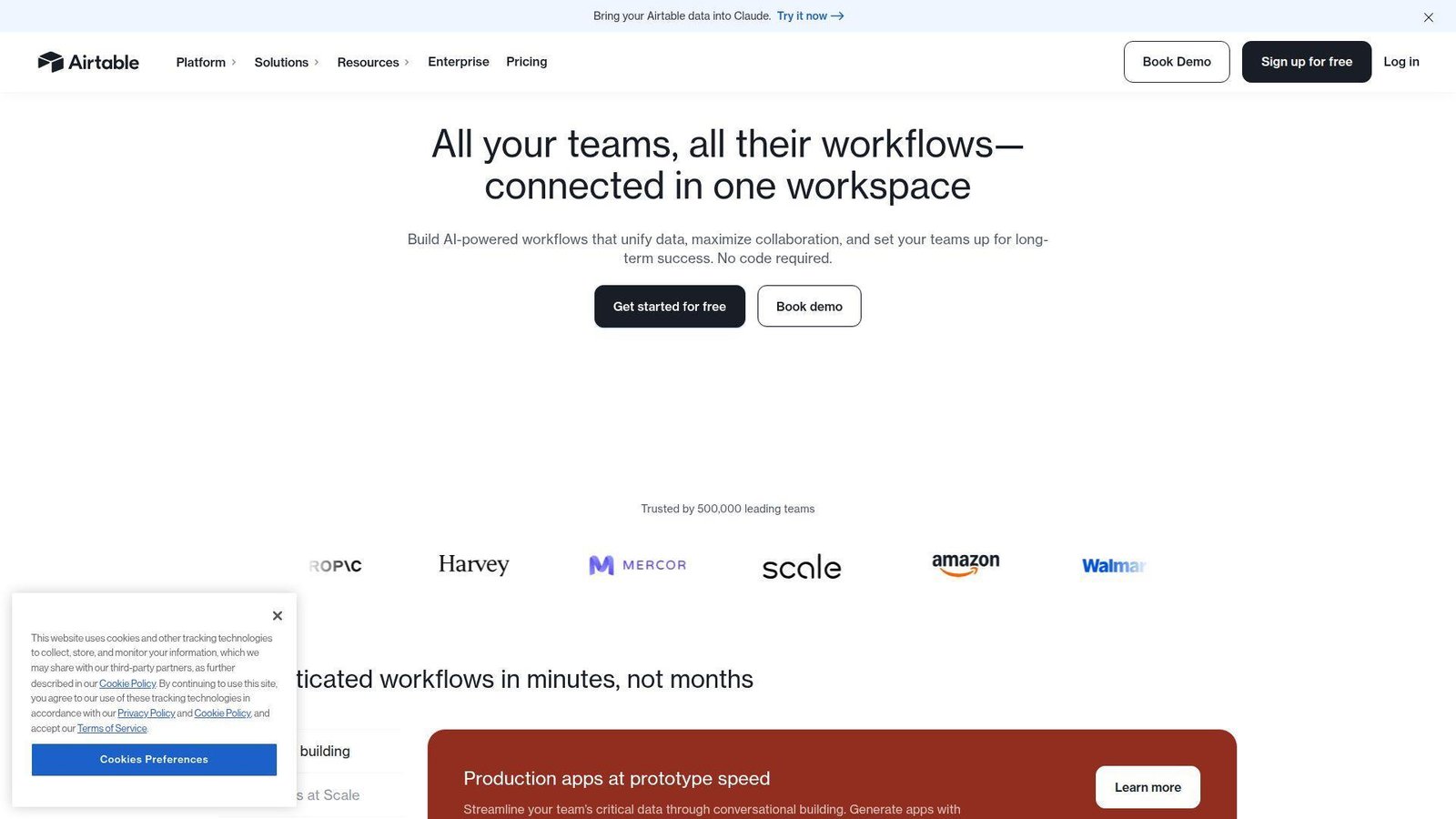
Airtable grew from a flexible database tool into a serious operations platform. Its product team keeps pushing AI, interfaces, and workflow features that fit marketing ops far better than most simple task apps.
Best for: marketing ops leaders and content operations managers.
- Relational campaign databases and custom interfaces → keep briefs, assets, owners, launch dates, and reporting fields in one live system.
- Slack, Salesforce, Jira, and AI-powered workflows → remove 2 to 4 manual update steps from common handoffs.
- Template-first setup and multiple views → most teams can launch a usable campaign hub in 1 to 2 days.
Pricing & limits: From $20/user/mo billed annually. A free plan is available. Paid workspaces bill editors, not read-only collaborators, and lower tiers can hit limits on records, attachments, automations, and API usage.
Honest drawbacks: Airtable can sprawl if nobody owns structure and naming rules. It also beats Asana on structured data, but trails Wrike on native proofing and trails Productive on agency finance.
Verdict: If you want one source of truth for campaigns, this helps you move from scattered sheets to a live marketing system in a week or less.
2. Wrike — Best for Creative Approval and Proofing Workflows
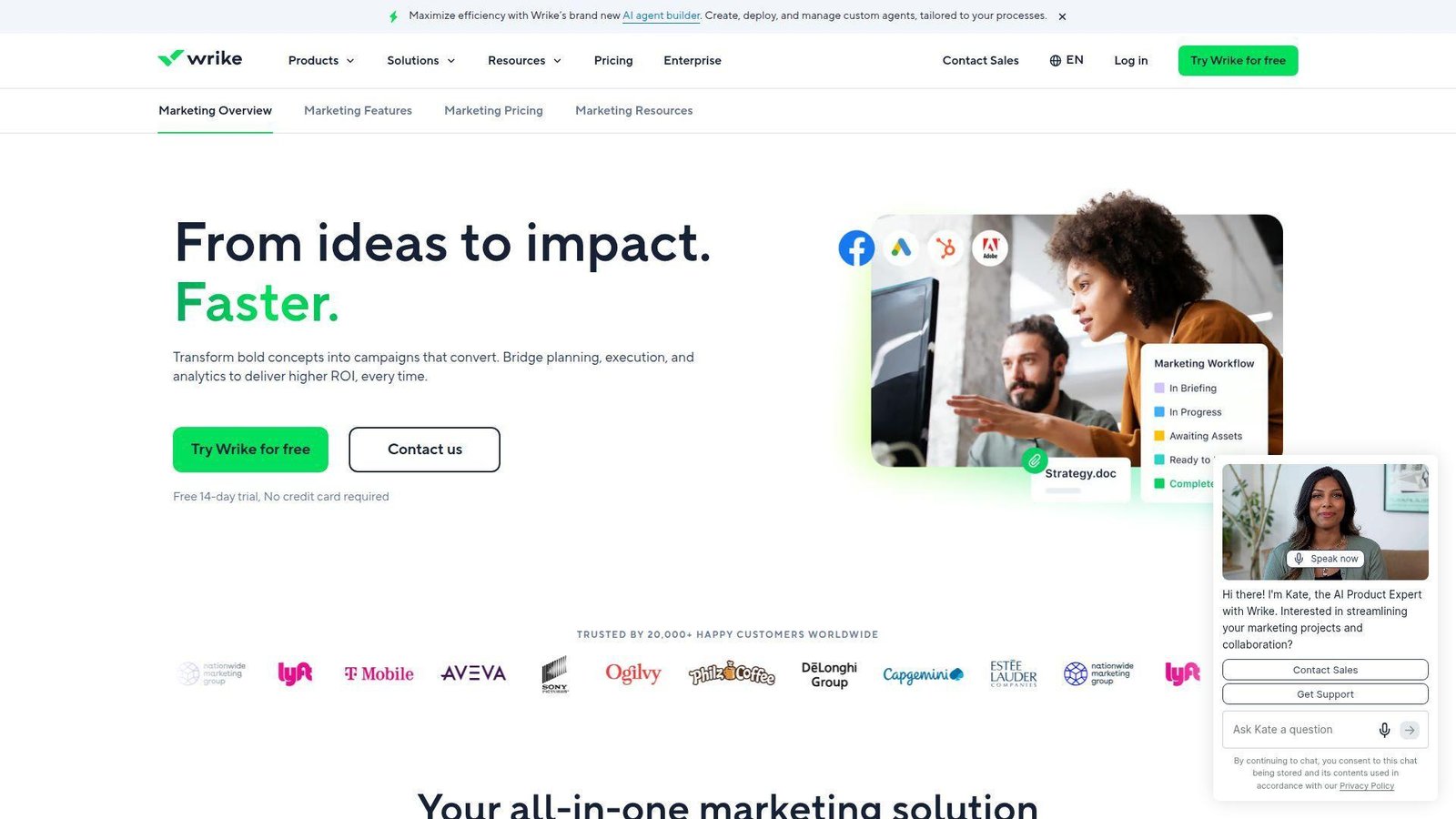
Wrike has been in work management for years, and its marketing team clearly understands creative review pain. The product feels built for marketers who need approvals to move on schedule instead of drifting through email.
Best for: in-house creative teams and enterprise brand managers.
- Built-in proofing, markup, and approvals → cut review loops and keep feedback tied to the actual asset version.
- Adobe, Google Drive, and automation rules → skip the export, attach, remind, and chase cycle that slows sign-off.
- Marketing templates and request forms → many teams can pilot one approval workflow in a few hours.
Pricing & limits: From $10/user/mo billed annually. There is a free plan and a 14-day free trial. Team is aimed at 2 to 15 users, Business at 5 to 200, and some paid seat ranges are sold in bundles.
Honest drawbacks: Wrike gets expensive once you need advanced resource planning, budgeting, or deeper enterprise controls. It beats Asana at proofing, but monday.com feels easier on day one.
Verdict: If approvals are your main bottleneck, this helps you push assets from draft to sign-off faster in the first month.
3. Asana — Best for Campaign Task Management and Collaboration
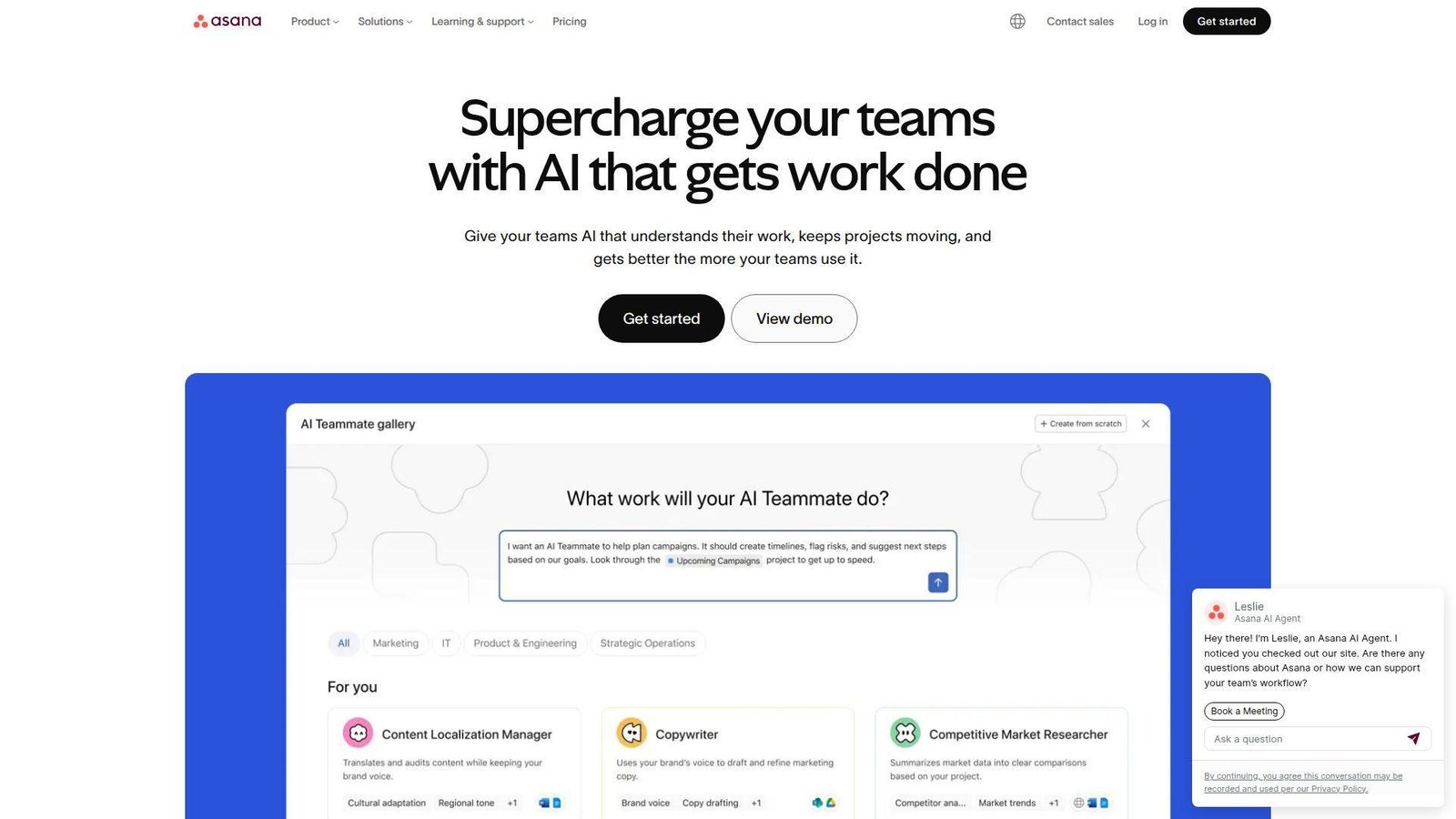
Asana remains one of the safest picks for cross-functional marketing. Its product team is very good at turning project basics into a polished daily workspace that non-technical teams actually keep using.
Best for: campaign managers and SMB marketing teams.
- Timelines, forms, approvals, and templates → launch repeatable campaigns without rebuilding the same workflow every quarter.
- 100+ integrations and AI Studio basics → auto-route requests and reduce manual status work by several clicks.
- Clean UX and low admin overhead → most teams can get useful value the same day.
Pricing & limits: From $10.99/user/mo billed annually. The free Personal plan is forever, but it is really for 1 to 2 users. Paid tiers remove user caps, while file uploads still top out at 100MB each.
Honest drawbacks: Asana is less flexible than Airtable for database-heavy marketing ops. Its deeper portfolio and workload tools also push you into higher tiers or add-ons.
Verdict: If you want dependable campaign execution without a steep learning curve, this helps you organize work and hit deadlines within days.
4. ClickUp — Best for All-in-One Marketing Operations
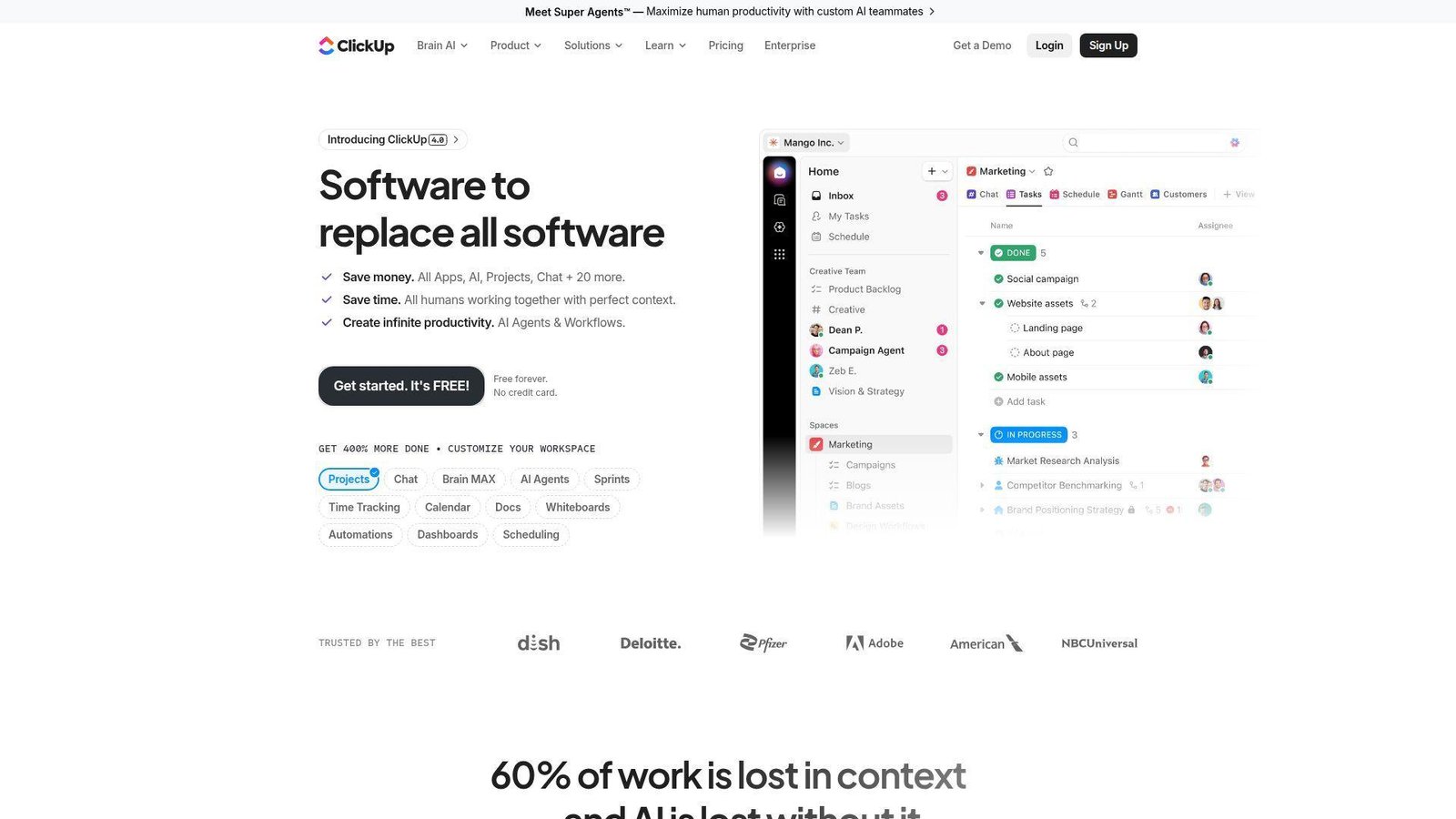
ClickUp aims to be the control center for work, and marketing teams can get real value from that ambition. Docs, tasks, chat, whiteboards, and proofing in one place can reduce a lot of tool switching.
Best for: marketing ops generalists and lean in-house teams.
- Docs, tasks, whiteboards, chat, and proofing → keep planning, execution, and review inside one workspace.
- Automations and AI add-ons → replace repetitive updates and routing with fewer manual steps.
- Flexible setup options → small teams can get first value in a day if they keep the structure simple.
Pricing & limits: From $7/user/mo billed annually. A free plan exists, but it starts with 60MB storage and one form. AI is packaged separately, and higher automation allowances arrive on Business and above.
Honest drawbacks: The interface can overwhelm beginners. ClickUp beats Notion on execution depth, but trails Asana on consistency and is easier to over-customize into chaos.
Verdict: If you want one platform to run briefs, tasks, and internal collaboration, this helps you centralize work in the first sprint.
5. monday.com — Best for Visual Campaign Tracking and Team Alignment
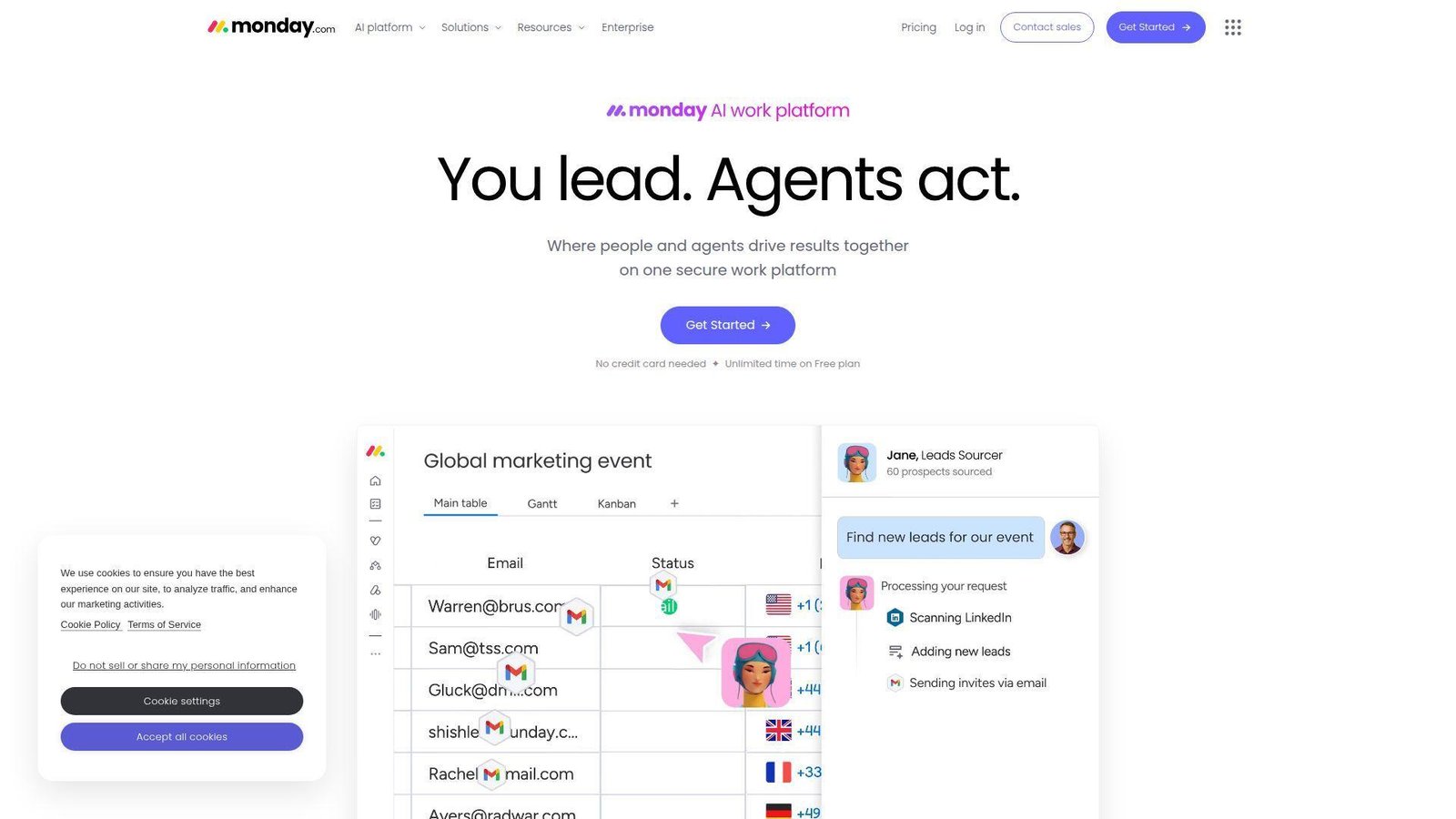
monday.com has become a favorite for teams that want visual clarity fast. Its product team makes boards, dashboards, and automations approachable, which matters when marketers need broad adoption across many roles.
Best for: marketing managers and cross-functional launch teams.
- Visual boards, dashboards, and workload views → spot blocked campaigns and owner gaps before launch week.
- Automations, integrations, and AI credits → automate recurring assignments, reminders, and updates without heavy setup.
- Friendly onboarding and templates → many teams build a usable campaign tracker the same day.
Pricing & limits: From $9/seat/mo billed annually. There is a free plan for up to 2 seats and a 14-day Pro trial. Paid plans start at 3 users, and automation or AI credits shape the real value.
Honest drawbacks: Total cost can rise quickly as seats and advanced needs grow. It beats Jira on usability, but Airtable gives stronger structure for teams that live in campaign data.
Verdict: If you want high visibility with low training effort, this helps you align campaign owners and deadlines in the first week.
6. Jira — Best for Marketing and Development Collaboration
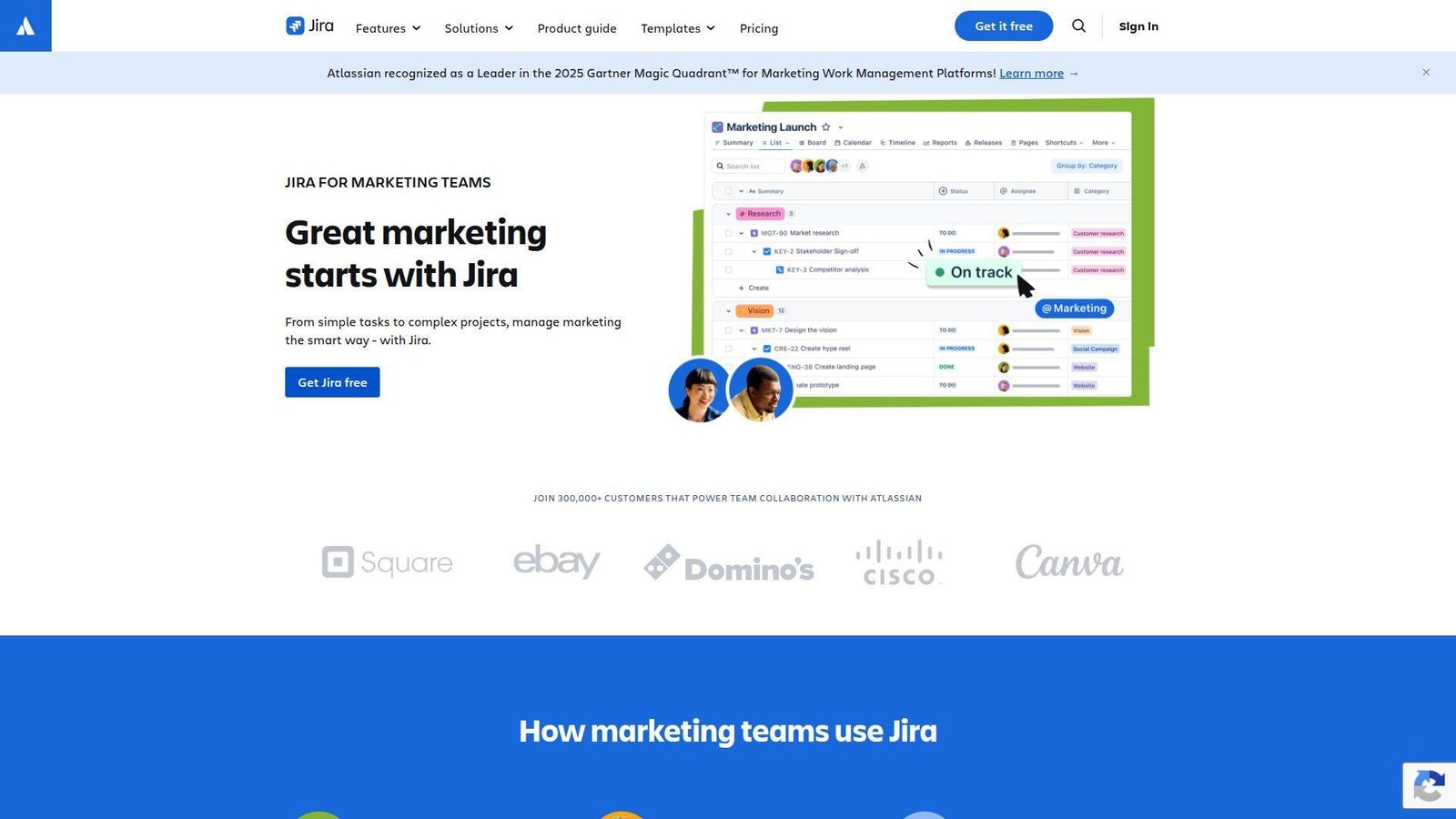
Jira is still a developer-first tool, but it has become more usable for non-engineering work. For marketing teams that work closely with product, web, or release cycles, that matters more than most buyers expect.
Best for: product marketing teams and web teams tied to developers.
- Boards, backlogs, forms, and dependencies → keep launch tasks tied to actual release work instead of separate shadow plans.
- Atlassian ecosystem and automation → cut duplicate ticket creation and sync changes across marketing and engineering.
- Fast rollout in Atlassian shops → teams often get first value in a day because users already know the basics.
Pricing & limits: From $7.91/user/mo. The free plan covers up to 10 users with 2GB storage and 100 automation rule runs per month. Paid plans offer a short free trial and scale well for larger organizations.
Honest drawbacks: Creative review is weak without extra tools or workarounds. Jira beats Asana on dev collaboration, but most content teams will find the language and workflow more technical than they want.
Verdict: If launch work must stay connected to engineering, this helps you reduce missed handoffs and last-minute surprises in one release cycle.
7. Teamwork — Best for Agency Client Management
Teamwork is one of the few tools on this list that clearly thinks like an agency. Client work, time, budget, and utilization are not side features here. They are part of the main workflow.
Best for: small digital agencies and client service teams.
- Client project views, budgets, and time tracking → keep delivery and profitability in the same operating layer.
- Intake, automations, and AI summaries → reduce kickoff back-and-forth and cut manual status prep.
- Agency-ready templates and setup flows → many shops can stand up onboarding or retainer workflows in 1 to 2 days.
Pricing & limits: From $9.99/user/mo billed annually. There is a free plan and a 30-day free trial on paid tiers. The free plan caps you at 5 projects and 100MB storage.
Honest drawbacks: The UI is less polished than Asana. Teamwork beats Basecamp on agency controls, but Productive goes deeper on margin and finance analysis.
Verdict: If you need client-friendly project control without jumping straight to heavy PSA software, this helps you clean up delivery fast.
8. Notion — Best for Marketing Documentation and Campaign Planning
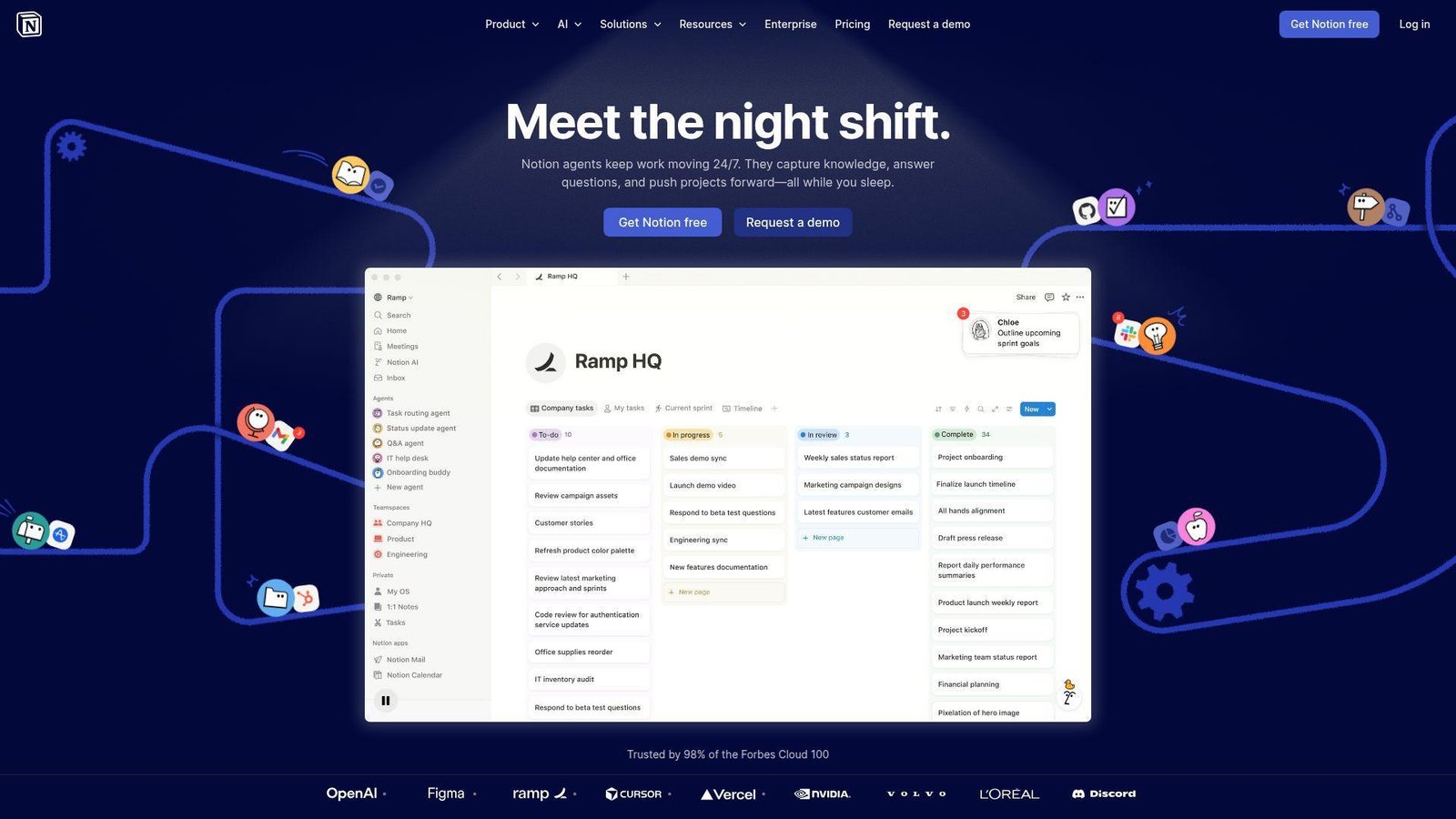
Notion is still the best documentation-first option for many marketing teams. Its team keeps improving databases, AI, search, and connected work, but the core strength is still clear thinking on the page.
Best for: content marketers and brand or editorial teams.
- Docs plus lightweight databases → tie strategy, briefs, calendars, and meeting notes together in one shared workspace.
- Connected tools and AI trial features → reduce tab hopping when teams need quick context or rough drafts.
- Fast setup and easy editing → solo marketers can be live in an hour, and small teams usually need a day.
Pricing & limits: From $10/seat/mo. The free plan is generous for individuals, but 2+ member teams hit collaboration limits faster. Free uploads top out at 5MB, guest counts are capped, and advanced AI is trial-based or paid.
Honest drawbacks: Notion is lighter than Asana or ClickUp for execution control. It beats most wikis on usability, but it is not our first pick for proofing, budgeting, or resource planning.
Verdict: If your biggest pain is scattered plans and missing context, this helps you create a clean campaign home base quickly.
9. Smartsheet — Best for Spreadsheet-Familiar Marketing Teams
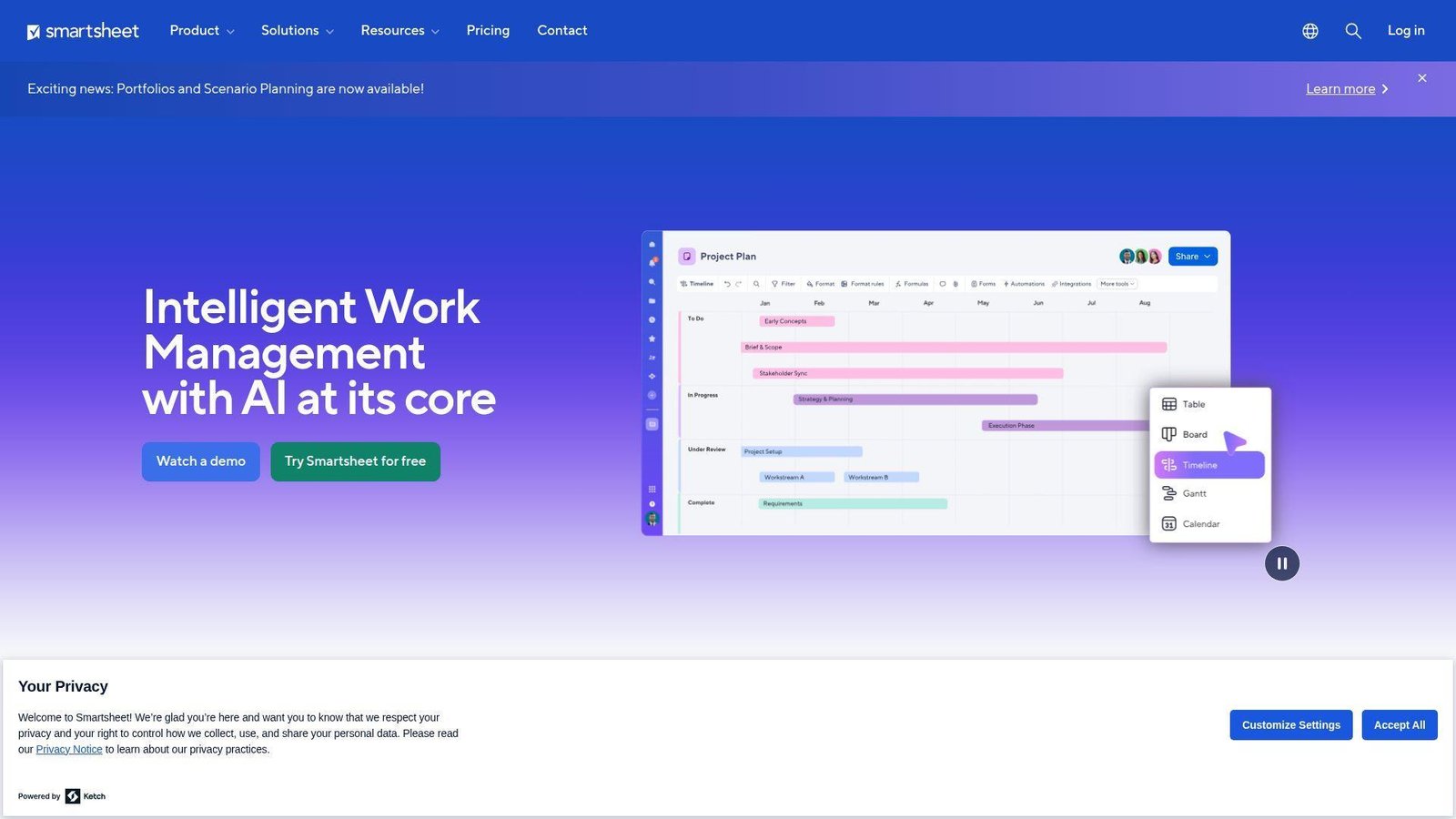
Smartsheet still wins teams that think in rows, columns, and formulas. For marketing ops groups with spreadsheet muscle, it feels familiar while adding automation, dashboards, and much better governance.
Best for: enterprise marketing ops teams and spreadsheet-heavy departments.
- Sheet-based planning with forms and reports → turn manual trackers into live campaign control without retraining everyone.
- Automations, connectors, and portfolio add-ons → reduce copy-paste work across systems and reporting layers.
- Excel-friendly adoption path → first value often lands in a day for ops-minded teams.
Pricing & limits: From $9/member/mo billed annually on Pro. There is a 30-day free trial. Pro is for 1 to 10 members and includes 250 automations per month, while Business starts at 3 members and unlocks unlimited automations and 1TB attachment storage.
Honest drawbacks: Advanced capabilities often sit in paid add-ons. Smartsheet beats monday.com for sheet logic, but Airtable gives a more flexible front end for teams that want custom campaign apps.
Verdict: If your team already lives in spreadsheets, this helps you modernize campaign planning without forcing a total process reset.
10. Basecamp — Best for Simple Marketing Team Coordination
Basecamp is deliberately simple. The 37signals team keeps the product focused on calm communication, clear task lists, and fewer moving parts, which can be a real advantage for smaller marketing teams.
Best for: small marketing teams and founders running lean campaigns.
- To-dos, message boards, schedules, and files → replace chat chaos and keep campaign basics in one calm workspace.
- Free guests and clients → reduce access friction and approval chasing without buying extra seats.
- Very low setup burden → most teams can go live the same afternoon.
Pricing & limits: From $15/user/mo on Basecamp Plus with a 30-day trial. There is also a free plan with 1 project, 1GB storage, and up to 20 users, plus a flat-rate Pro Unlimited plan for larger companies.
Honest drawbacks: Automations, dashboards, proofing, and workload planning are thin. Basecamp beats email-plus-chat confusion, but almost every tool above it offers stronger workflow control.
Verdict: If email threads are the main problem, this helps you organize routine marketing work almost immediately.
11. ProofHub — Best for Flat-Rate Marketing Collaboration
ProofHub positions itself around flat pricing, which gives it a very different buying story from most tools here. Its team focuses on putting common collaboration needs into one app without turning seat math into a second project.
Best for: midsize marketing teams and agencies that hate per-user pricing.
- Tasks, proofing, chat, notes, and time tracking → consolidate several daily collaboration jobs in one tool.
- Flat-rate pricing and built-in approvals → avoid seat-count surprises and reduce app switching by a few steps per project.
- Straightforward workspace design → most teams can reach first value in 1 to 2 days.
Pricing & limits: From $45/mo billed annually on Essential. There is a 14-day free trial. Essential caps you at 40 projects and 15GB storage, while Ultimate Control moves to unlimited projects and 100GB storage with unlimited users on both plans.
Honest drawbacks: Integrations and reporting depth trail Wrike, Smartsheet, and Airtable. It wins on predictable pricing, but not on enterprise polish or advanced customization.
Verdict: If seat-based pricing is crushing your budget, this helps you standardize marketing collaboration without a long rollout.
12. Zoho Projects — Best for Budget-Conscious Marketing Teams
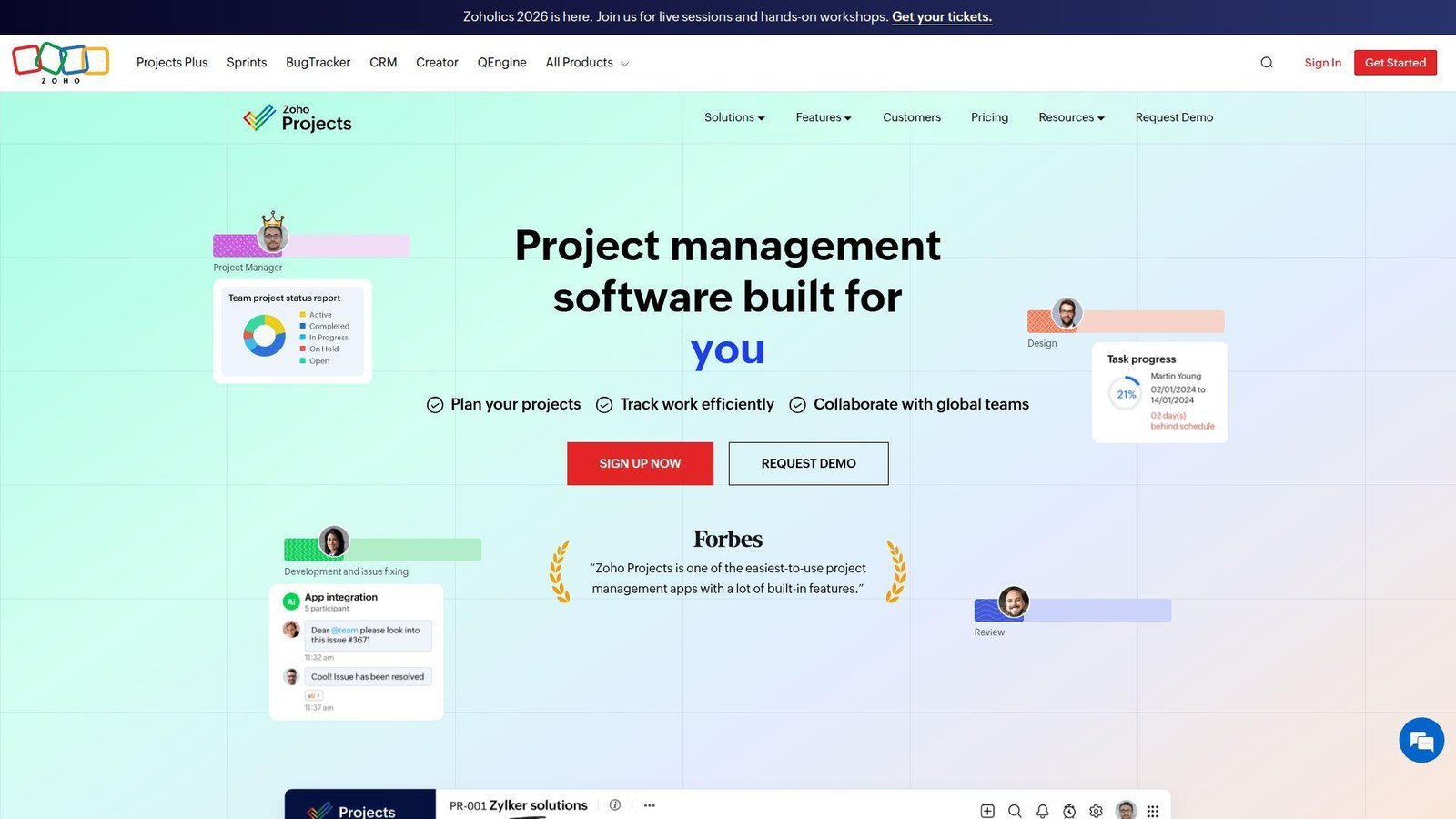
Zoho Projects is one of the better value plays in this category, especially if you already use Zoho elsewhere. Its team has packed in blueprints, timesheets, budgeting, and useful integrations without forcing a premium price point.
Best for: budget-conscious SMB marketers and teams already using Zoho apps.
- Task blueprints, timesheets, and budget tools → turn repeatable campaigns into reusable flows with less manual setup.
- Zoho CRM, Books, Desk, Flow, and Zia features → reduce duplicate entry across sales, delivery, and reporting.
- Familiar Zoho admin model → existing Zoho customers usually get first value within a day.
Pricing & limits: From about $5/user/mo on paid tiers. There is a 15-day free trial. The free plan includes 3 projects, up to 5 users, 5GB storage, and a small monthly workflow-action allowance.
Honest drawbacks: The interface feels more utilitarian than Asana or monday.com. Zoho Projects beats Basecamp on automation, but it is most attractive when the rest of your stack already leans Zoho.
Verdict: If cost matters and you want more structure than a basic task tool, this helps you run marketing work without stretching the budget.
13. Ravetree — Best for All-in-One Agency Work Management
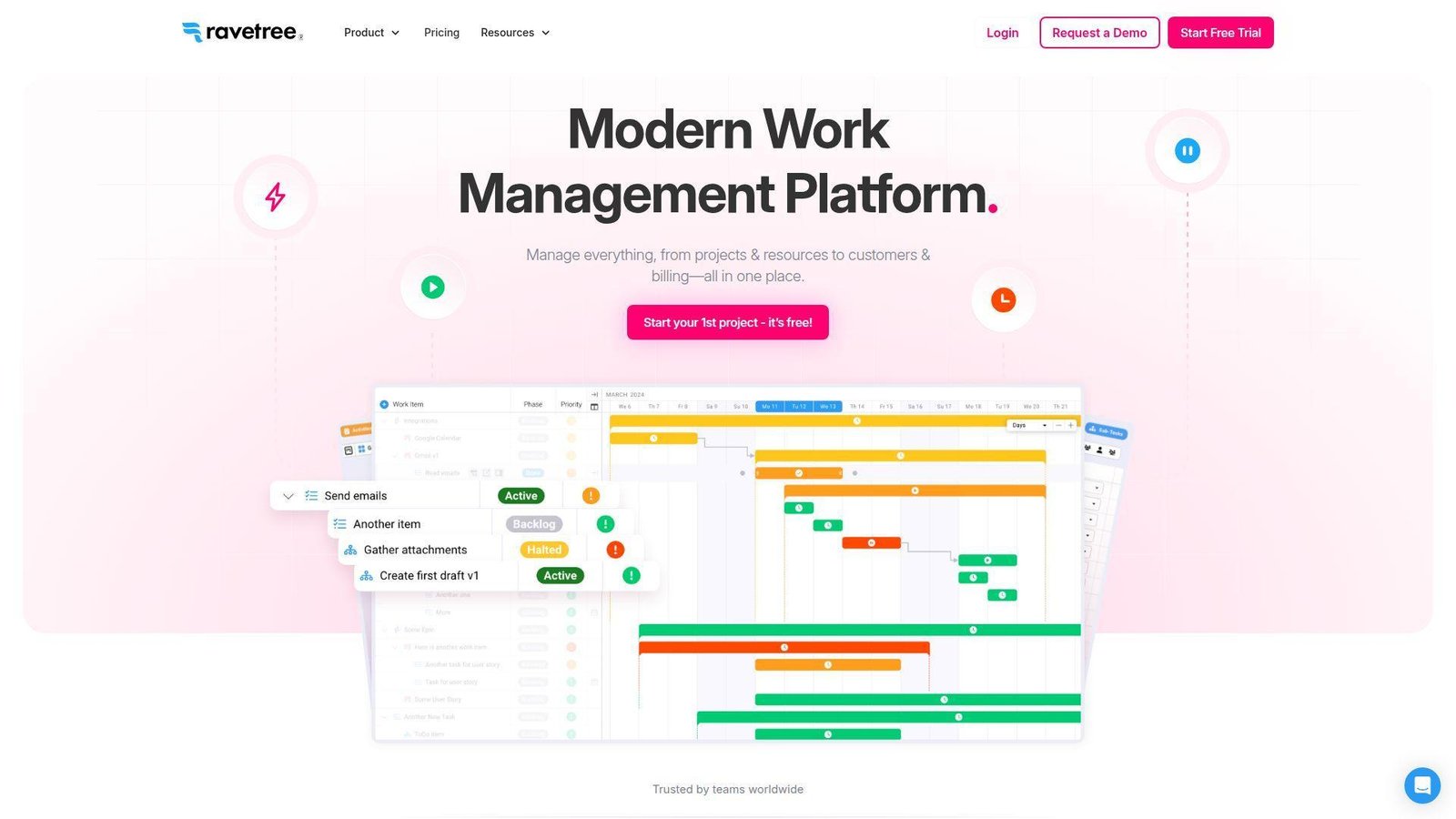
Ravetree is one of the more agency-shaped platforms on this list. Its team built it around the idea that CRM, projects, resource planning, and billing should not live in separate worlds.
Best for: growing agencies and operations leaders who want one system for work and revenue.
- Projects, CRM, resource planning, time tracking, and billing → manage delivery and revenue in one connected workspace.
- Agency-centered reporting and operational flows → cut handoffs between PM and finance by several routine steps.
- Free onboarding, training, and support → many agencies can start a serious pilot inside a week.
Pricing & limits: From $34/user/mo billed quarterly, or $39 billed monthly. A free trial is available. Plans include unlimited projects, which is helpful once agencies juggle many retainers or active client jobs.
Honest drawbacks: Ravetree starts higher than Teamwork or monday.com for smaller shops. It beats Teamwork on all-in-one breadth, but Productive and Scoro still feel stronger on finance-heavy analysis.
Verdict: If you want one agency hub instead of separate PM and billing tools, this helps you see delivery and margin together quickly.
14. Productive — Best for Managing Agency Finances and Project Profitability
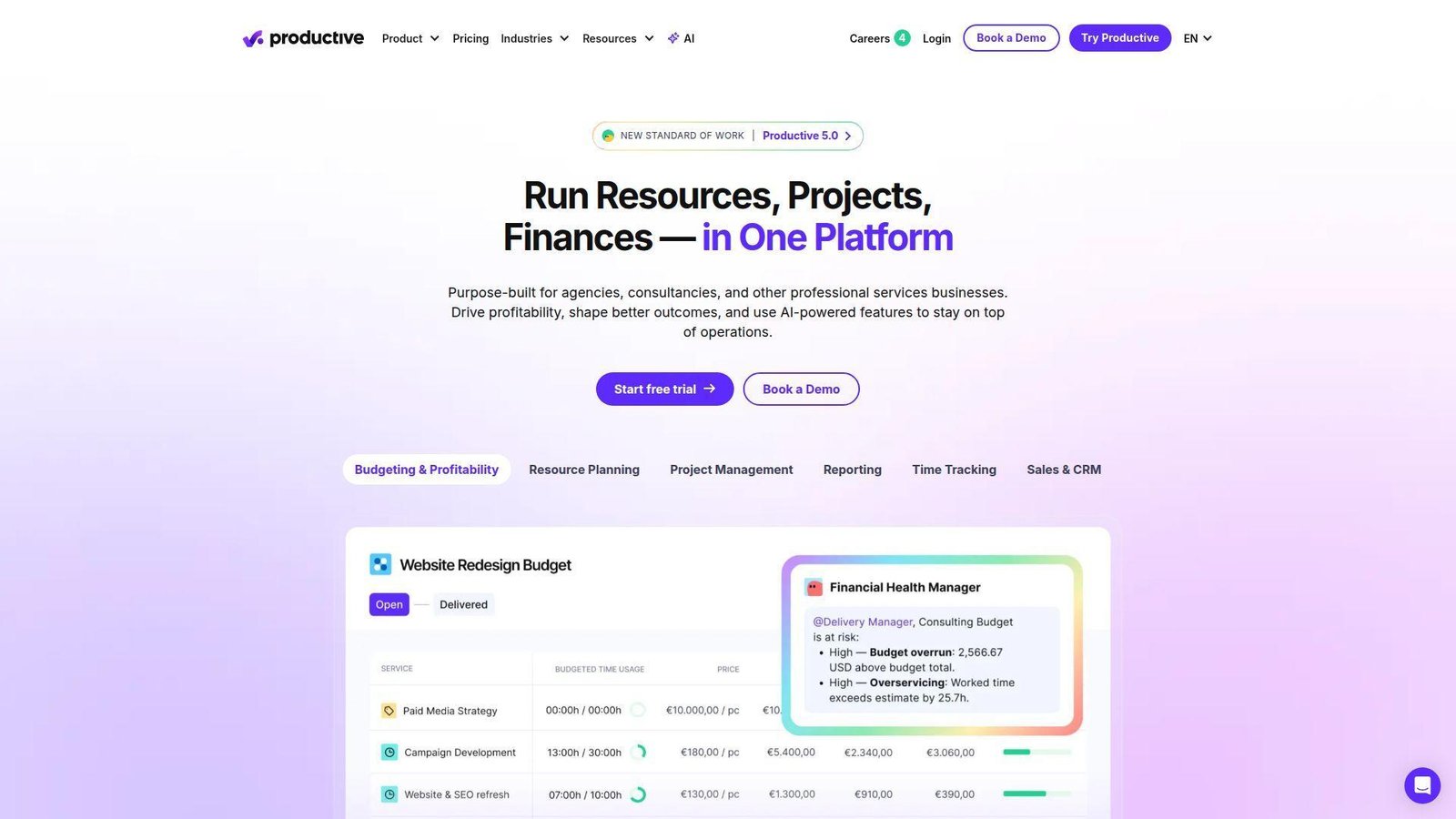
Productive is one of our favorite agency tools when profitability matters as much as project completion. Its team clearly built it for firms that need rates, budgets, resourcing, and billing to live inside daily delivery work.
Best for: growing agencies and finance-minded operations teams.
- Budgets, resourcing, time, expenses, and invoices → see whether work is profitable before month-end, not after it.
- AI reports, automations, and Slack-connected workflows → cut manual reporting and reduce repetitive handoffs.
- Agency-first setup → teams usually see first value in the first week once rates and roles are loaded.
Pricing & limits: From $10/user/mo billed annually on Essential. There is a 14-day free trial. Productive requires a minimum paid seat count and does not cap projects, tasks, clients, or budgets in normal use.
Honest drawbacks: This can feel heavy for simple in-house marketing teams. Productive beats Teamwork on margin control, but trails Wrike if creative proofing is your main pain.
Verdict: If you need better agency economics, this helps you spot underpriced or over-serviced accounts much faster.
15. Scoro — Best for Financial Performance Tracking
Scoro sits closer to the business side of work than most project tools. Its team blends projects, quotes, invoices, calendars, and reporting in a way that suits firms that care deeply about commercial performance.
Best for: agencies, consultancies, and ops leaders who need project and finance visibility together.
- Quotes, projects, bills, invoices, and dashboards → connect delivery with revenue in one operating workflow.
- Automations and cost-management features in higher tiers → cut manual finance follow-up and improve forecast quality.
- Structured rollout path → ops teams can stand up a core workflow in a week, even if full adoption takes longer.
Pricing & limits: From $19.90/user/mo billed annually on Core. There is a 14-day free trial. Growth and Performance unlock deeper automation, resource planning, and profitability features, while Enterprise is custom.
Honest drawbacks: Scoro feels denser than monday.com or Asana. It beats generic PM tools on financial control, but it is overkill for teams that only need campaign tasks and approvals.
Verdict: If finance visibility is non-negotiable, this helps you run projects with clearer margin control in the first quarter.
16. CoSchedule Marketing Suite — Best for Content Calendar and Social Media Management
CoSchedule has always understood editorial planning better than most generic project tools. Its team focuses hard on calendars, publishing flow, and social coordination, which makes it attractive for content-led marketing teams.
Best for: content marketers and editorial managers.
- Editorial calendar and social scheduling → keep campaigns, posts, and publish dates in one visible calendar.
- AI assistant and publishing tools → reduce repetitive scheduling and copy prep by a few steps per post.
- Calendar-led UX → content teams can usually start planning the same day.
Pricing & limits: Marketing Suite uses custom pricing. There is a free calendar for a single user with one social profile and a capped number of scheduled messages, while paid calendars and suite plans unlock team collaboration and deeper workflow controls.
Honest drawbacks: CoSchedule is not a full replacement for deeper resource planning or agency finance tools. It beats generic PM platforms on editorial planning, but ClickUp or Asana handle broader work management better.
Verdict: If your main pain is content coordination, this helps you turn scattered publishing plans into one working calendar quickly.
17. SmartSuite — Best for Customizable Marketing Operations
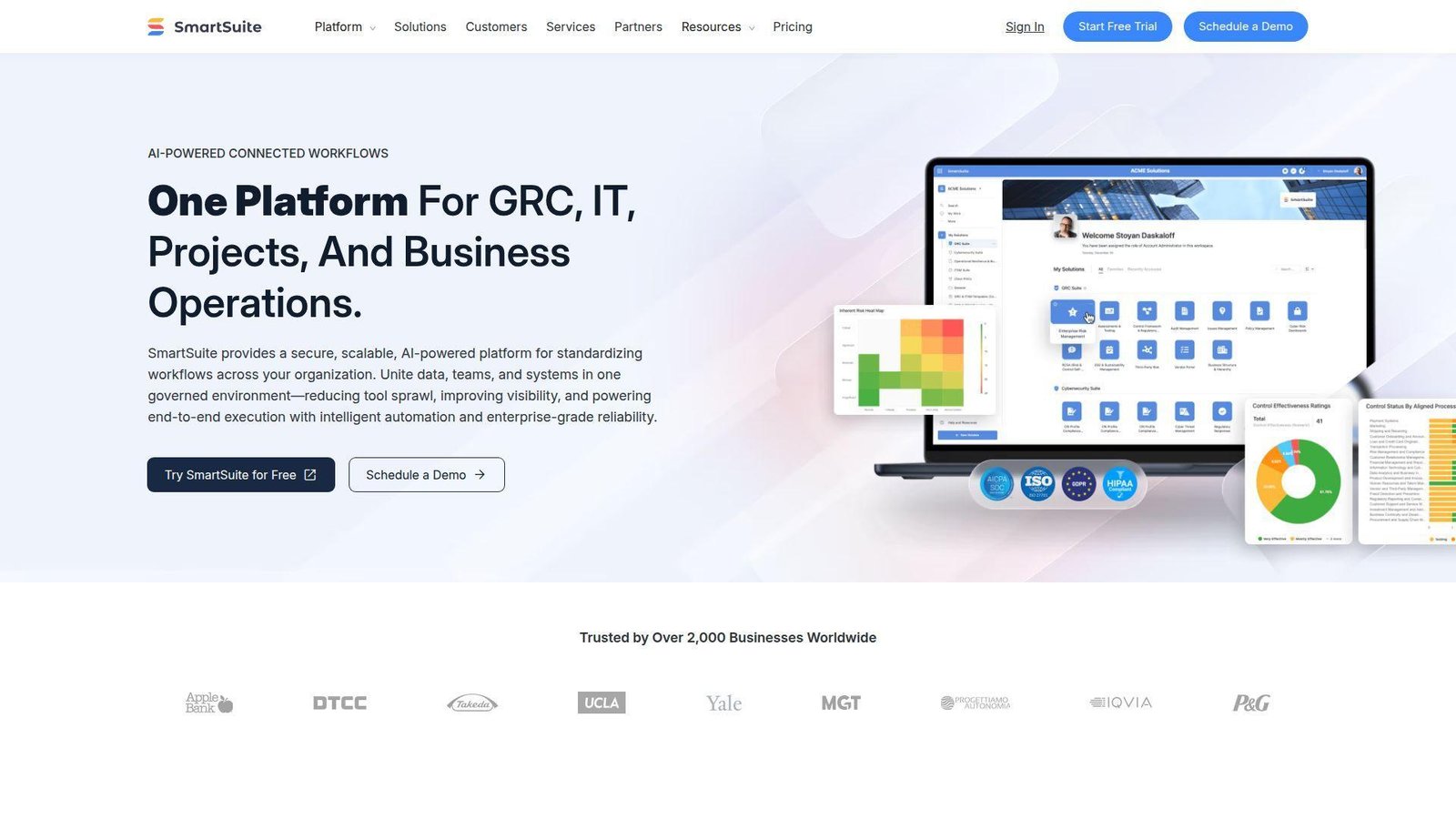
SmartSuite is a strong option for teams that want Airtable-like flexibility with a bit more packaged structure. Its team leans into custom workflows, records, automations, and no-code buildouts for operational use cases.
Best for: marketing ops teams and process-minded departments.
- Custom solutions, views, and records → build intake, campaign tracking, and asset operations around your actual process.
- Automations, AI, and Gmail or Outlook integrations → remove repetitive updates and cut tool switching during campaign execution.
- Guided Professional trial → most ops teams can produce a live prototype in a few days.
Pricing & limits: From $15/seat/mo billed annually on Team. There is a free 14-day Professional trial. Team has a 3-user minimum, 5,000 records per solution, and 50GB file storage.
Honest drawbacks: More configurability means more design work up front. SmartSuite beats monday.com on custom structure, but Airtable still feels more mature in ecosystem mindshare and templates.
Verdict: If you want a customizable marketing system without writing code, this helps you stand up a real prototype fast.
18. Hive — Best for Budget-Friendly All-in-One Marketing Collaboration
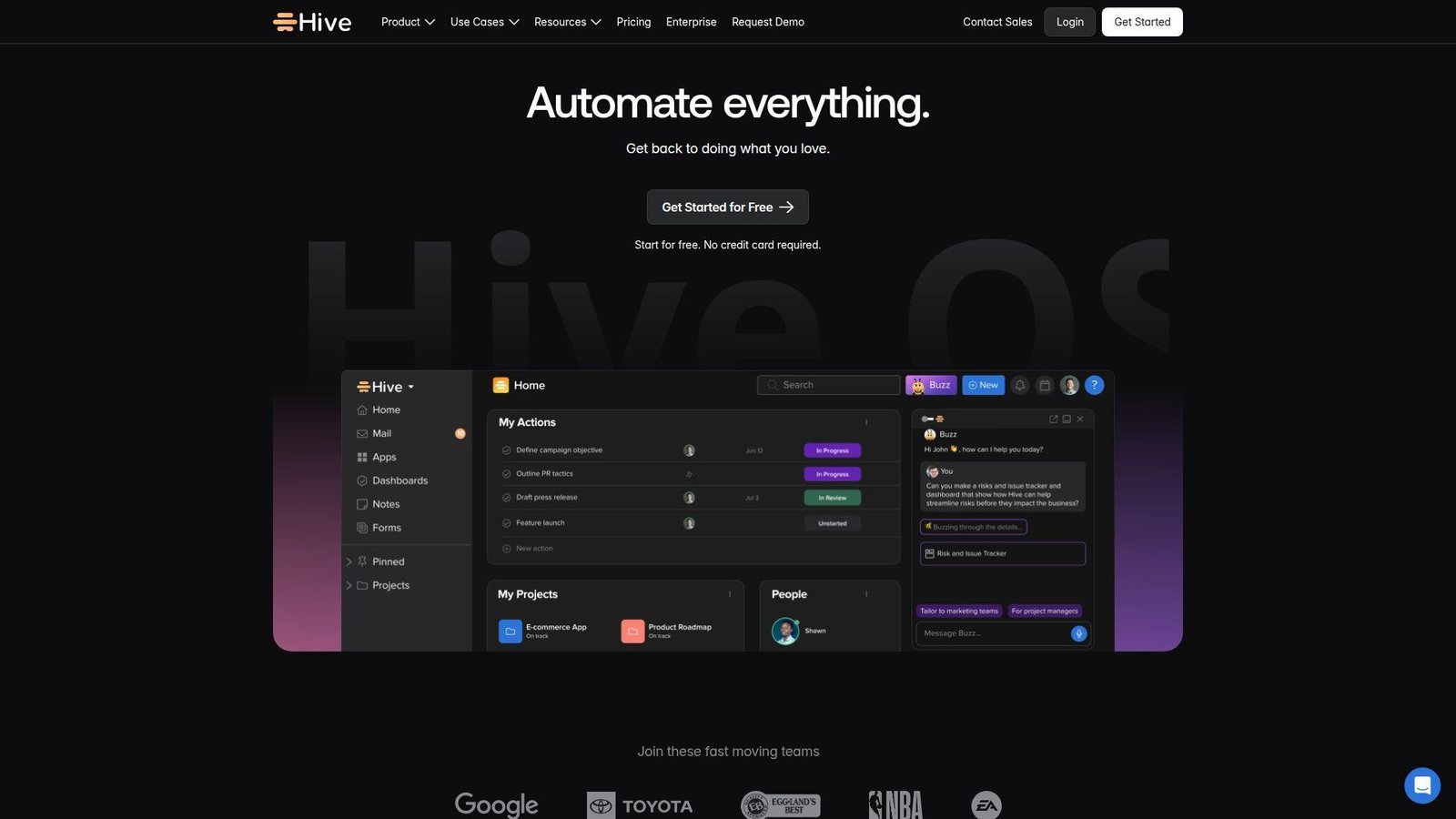
Hive sits in a useful middle ground. It is broader than a simple task app, yet usually cheaper to enter than the bigger work management suites. That makes it attractive for smaller marketing teams with mixed needs.
Best for: small marketing teams and budget-conscious cross-functional groups.
- Tasks, forms, time tracking, portfolios, and team views → cover core execution without buying a heavier suite too early.
- 14-day access to the full feature set → test stronger workflows before paying for a higher tier.
- Simple rollout and approachable UI → many teams can get productive in a day.
Pricing & limits: From $5/user/mo on Starter. There is a free plan, and all plans include a 14-day full-feature trial. More advanced customization, forms, time tracking, and portfolio features sit in higher tiers or add-ons.
Honest drawbacks: Add-ons can muddy the real cost, and the platform still trails Asana, monday.com, and Wrike on consistency and depth. It beats Basecamp on flexibility, though.
Verdict: If you want a lower-cost step up from basic task tools, this helps you run broader marketing collaboration without a painful migration.
19. Screendragon — Best for AI-Powered Marketing Project Workflows
Screendragon is aimed at larger marketing operations teams that need formal workflows, governance, and broad system integration. Its team positions the product as a true marketing workflow platform, not just a project board.
Best for: enterprise marketing ops teams and large brand organizations.
- End-to-end workflow design for intake, production, approval, and reporting → standardize complex marketing delivery across teams.
- AI support and 1,000+ integrations → reduce manual routing between marketing, finance, and creative systems.
- Guided implementation model → larger teams usually reach first real value after a structured rollout, not a rushed self-serve signup.
Pricing & limits: Pricing is custom, with a per-user monthly fee plus a one-time setup and training fee. There is no public self-serve trial, so this is a deliberate sales-led buy.
Honest drawbacks: Screendragon is likely too heavy and expensive for SMBs. It beats general PM tools on formal marketing workflow control, but monday.com or Asana are far faster to buy and pilot.
Verdict: If you need enterprise-grade workflow discipline, this helps you standardize complex marketing delivery over the next quarter.
20. Kantata — Best for Full Lifecycle Service Delivery
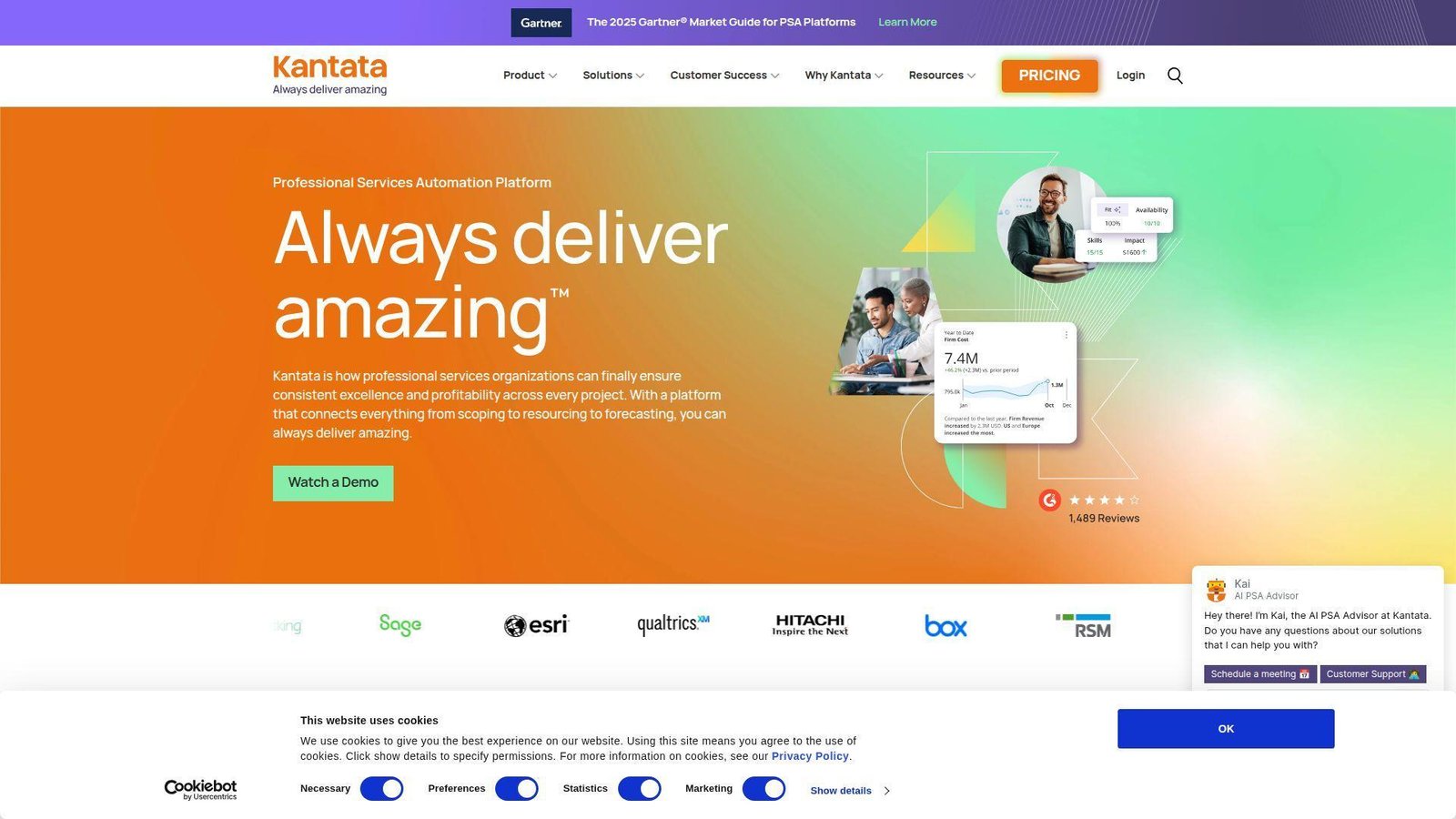
Kantata is built for services businesses that need more than project plans. Its team focuses on resource planning, forecasting, utilization, and operational performance, which makes it a serious option for large agencies and client-service organizations.
Best for: larger agencies and professional services teams.
- Resource planning, time, forecasting, and service delivery controls → manage delivery health and business performance in one system.
- AI-led PSA workflows and broad connector coverage → reduce duplicate data entry across services systems and reporting tools.
- Enterprise onboarding motion → best fit for teams ready to invest a few weeks in setup for longer-term control.
Pricing & limits: Kantata uses custom pricing. There is no public self-serve trial. It fits best once utilization, forecast quality, and service operations matter as much as task tracking.
Honest drawbacks: It is too much platform for many in-house marketing teams. Kantata beats project-only tools on portfolio economics, but it trails Wrike or CoSchedule for creative review and editorial planning.
Verdict: If your agency has outgrown project-only tools, this helps you run staffing, delivery, and margin with much more confidence.
Recommended reading: Top 20 Best Website Builder Platforms for Your Next Site
Why Marketing Teams Need Specialized Tools
Generic project software can track tasks. It usually starts to crack when a campaign needs briefs, assets, approvals, channel calendars, and executive visibility at the same time. That is where marketing-specific workflow design starts to matter.
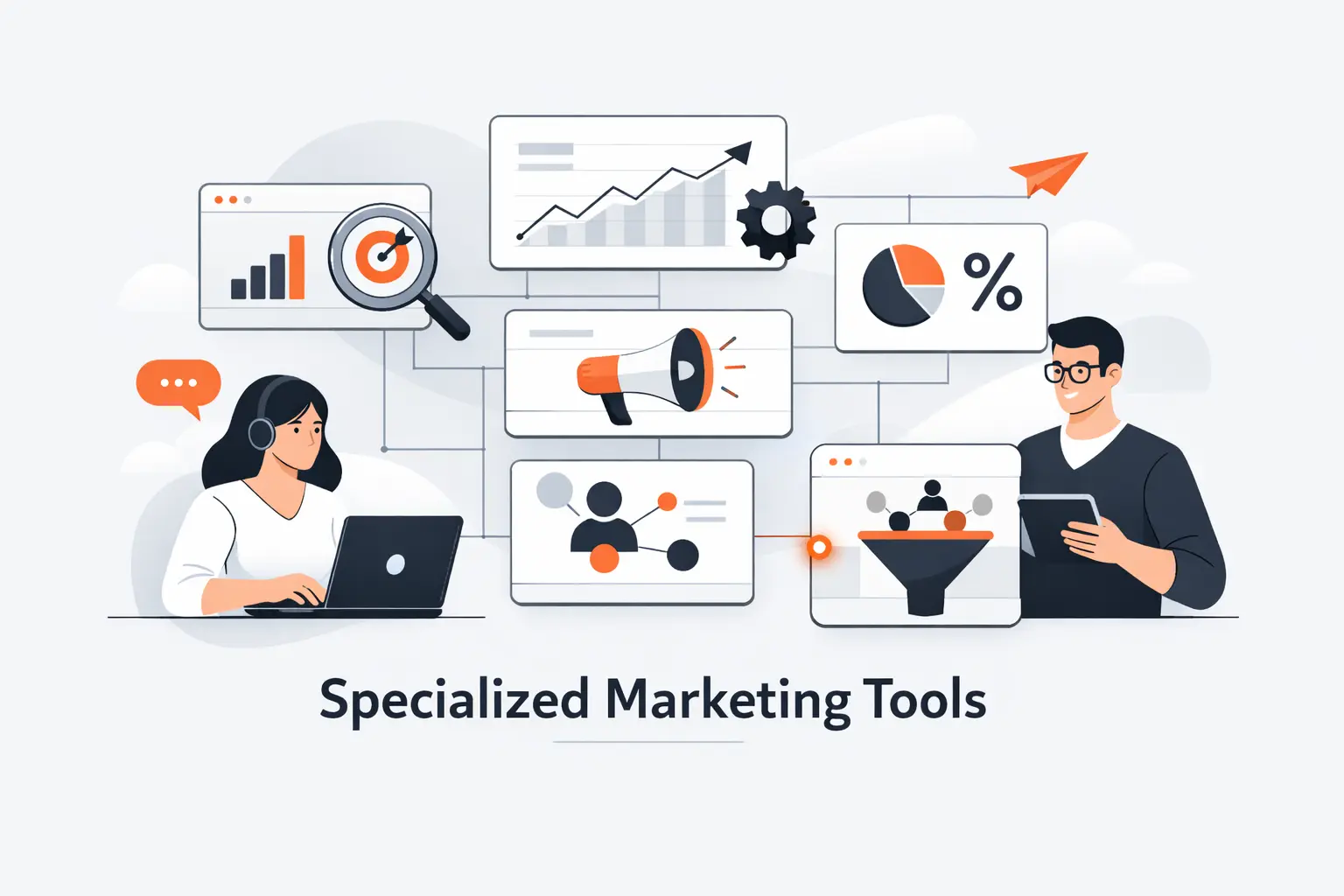
We also like concrete outcomes. Airtable says Code and Theory saves more than 10,000 hours a year after standardizing production workflows, which is the kind of operating gain marketing leaders should chase.
1. Campaign Complexity Across Channels, Stakeholders, and Deadlines
Marketing work is messier than standard project work. One campaign can touch paid media, email, design, web updates, compliance, sales enablement, analytics, and post-launch reporting. Gartner describes the category as a self-service system of record for marketing projects and productivity, and we think that wording matters because marketers need context, assets, approvals, and timing in one place.
That is why tools like Asana, monday.com, Airtable, and Wrike feel different in real use. They do not just store tasks. They give teams enough structure to keep many channels moving without losing the brief or the owner.
2. Centralized Briefs, Assets, Approvals, and Communication
The cost of scattered work shows up in boring places. A brief lives in Docs, files live in Drive, feedback lives in chat, and launch dates live in somebody’s head. In one official customer story, Airtable says Code and Theory saves more than 10,000 hours a year after centralizing production, contracts, and reporting, which is a good reminder that operations wins compound over time.
We especially see this with approval-heavy teams. Once feedback, version history, and final sign-off live inside the same task or project record, the number of “which file is final?” messages drops quickly.
3. Real-Time Visibility Into Ownership, Capacity, and Delivery Risk
Marketing leaders need to know who owns what, where work is blocked, and which deadlines are slipping. A specialized tool makes that visible without asking a project manager to rebuild a weekly spreadsheet by hand.
Capacity also matters more than many teams admit. If a tool cannot show overloaded designers, late copy reviews, or a channel owner with too many launches at once, it is not really helping campaign planning. It is just storing tasks.
Recommended reading: Top 20 Free AI Flyer Generator Tools for Fast, Professional Designs
Key Features to Prioritize
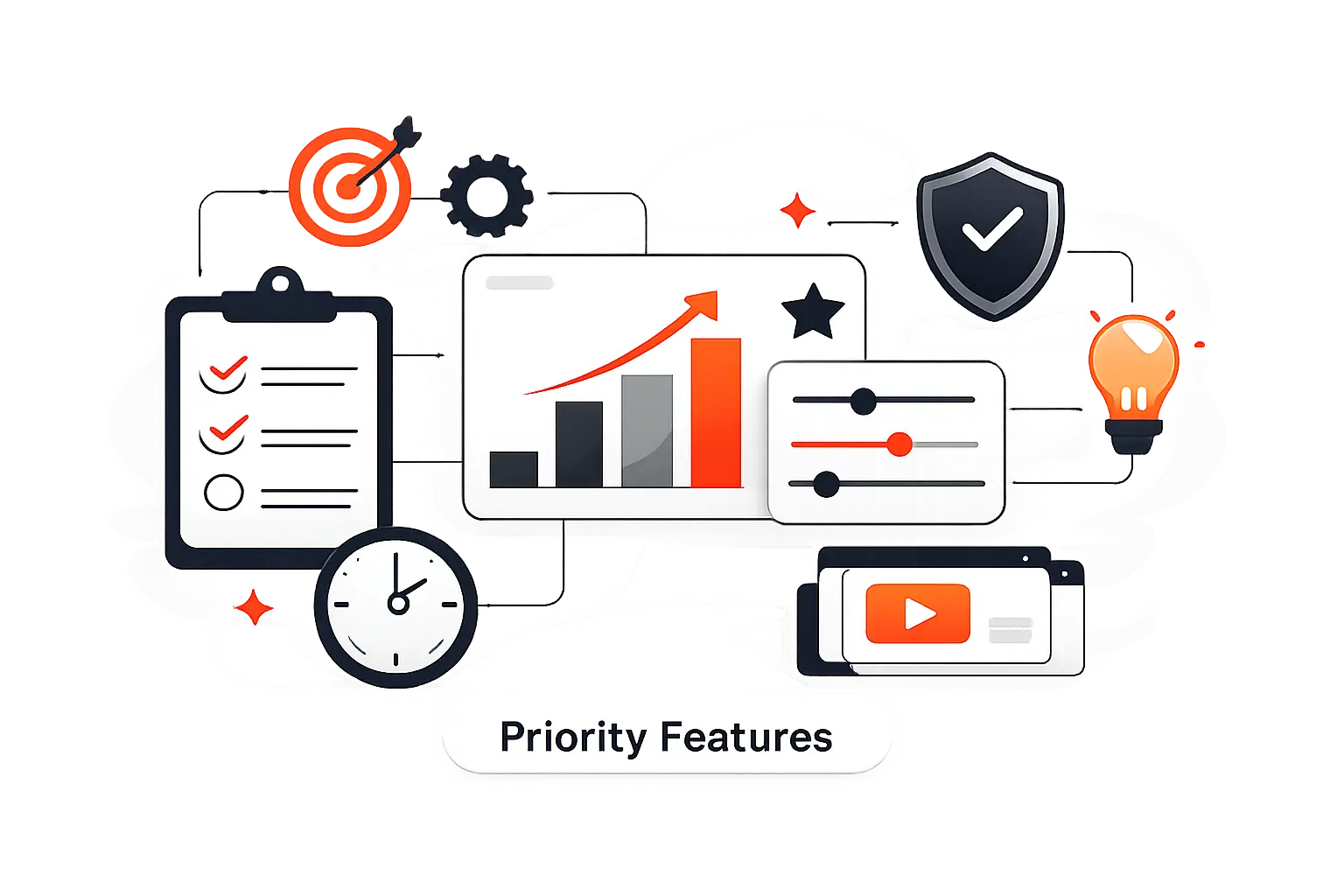
When we evaluate platforms, we look for features that reduce coordination load. Fancy AI matters less than whether a brief moves cleanly from request to assignment, review, approval, and reporting.
1. Flexible Views, Dependencies, and Repeatable Campaign Templates
We want list, board, timeline, and calendar views on the same underlying work. Marketers, designers, executives, and agency partners do not need the same view, but they do need the same source of truth.
Dependencies matter too. Paid launch dates often depend on creative review, landing page QA, legal sign-off, or a product release. Templates are just as important. If your team runs webinars, product launches, seasonal promos, and nurture campaigns repeatedly, reusable campaign blueprints can cut kickoff time from an hour to a few minutes.
2. Proofing, Request Forms, Automation, and Approval Workflows
Request forms are how work enters the system cleanly. If a tool makes teams submit full briefs up front, campaign quality goes up because PMs are not chasing missing details later.
Proofing and approvals are where specialized tools really separate themselves. We look for inline comments on creative, named approvers, version history, due dates, and automatic reminders. Without that, approvals still happen in email, and the tool becomes a side record instead of the place where work moves.
3. Reporting, Integrations, Resource Management, and Budget Tracking
Dashboards should answer basic questions fast. What is late, what launched this week, what is at risk, and where is team capacity tight? If a platform cannot answer those clearly, reporting turns back into slide work.
Integrations matter when campaign data touches CRM, DAM, email, analytics, chat, or development tools. Agency teams also need time tracking, budget visibility, and utilization views much earlier than they think. In our experience, that is the dividing line between a nice task app and a real operating system.
Recommended reading: Top 20 AI Business Name Generators for Brand-Ready Ideas
Pricing Models and Budget Considerations
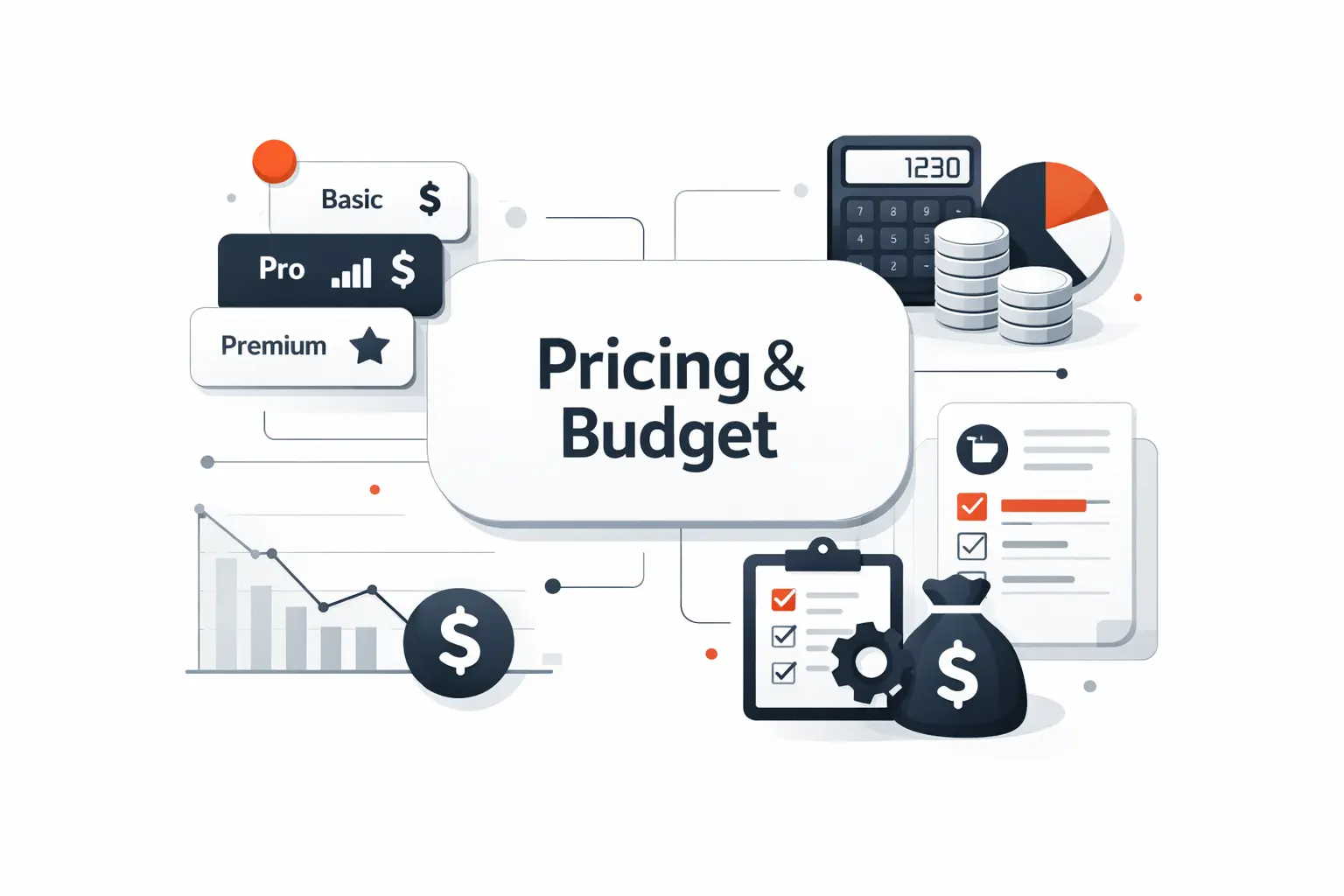
Sticker price lies. The real bill comes from seat minimums, guest rules, automation caps, storage, and add-ons for proofing, time tracking, AI, or budgeting.
1. Free, Basic, Professional, and Enterprise Tiers
Free plans are useful for pilots, solo marketers, and very small teams. They are usually not enough for a real department because approval controls, workload views, automation, and advanced reporting arrive on paid tiers.
Enterprise plans deserve scrutiny too. Some teams genuinely need SSO, audit logs, data residency, advanced permissions, or portfolio controls. Others buy them too early and end up paying for security and admin features they will not use for a year.
2. Per-User Pricing Versus Flat-Rate Team Pricing
Per-user pricing is the norm because it scales neatly for vendors and gives buyers a low entry point. It works well if your team is small and only a few users need full editing access.
Flat-rate pricing can win fast once headcount grows. ProofHub and Basecamp are good examples. That said, flat-rate tools often trade away some depth in permissions, reporting, or finance controls, so lower complexity usually comes with that lower pricing friction.
3. Feature Gating in Automations, Storage, Reporting, and Add-Ons
Automation caps are easy to ignore in a demo and painful in real life. The same goes for storage limits, guest policies, reporting history, and AI credits. We always tell buyers to price the workflow they want, not the headline plan name.
Also watch for “included” features that only show up as paid add-ons. Smartsheet, Basecamp, and some agency tools can get much better with add-ons, but total cost changes quickly once you need more than the starter bundle.
Recommended reading: Top 20 Canva Alternatives for Creators, Marketers, and Small Businesses
How to Choose the Right Platform
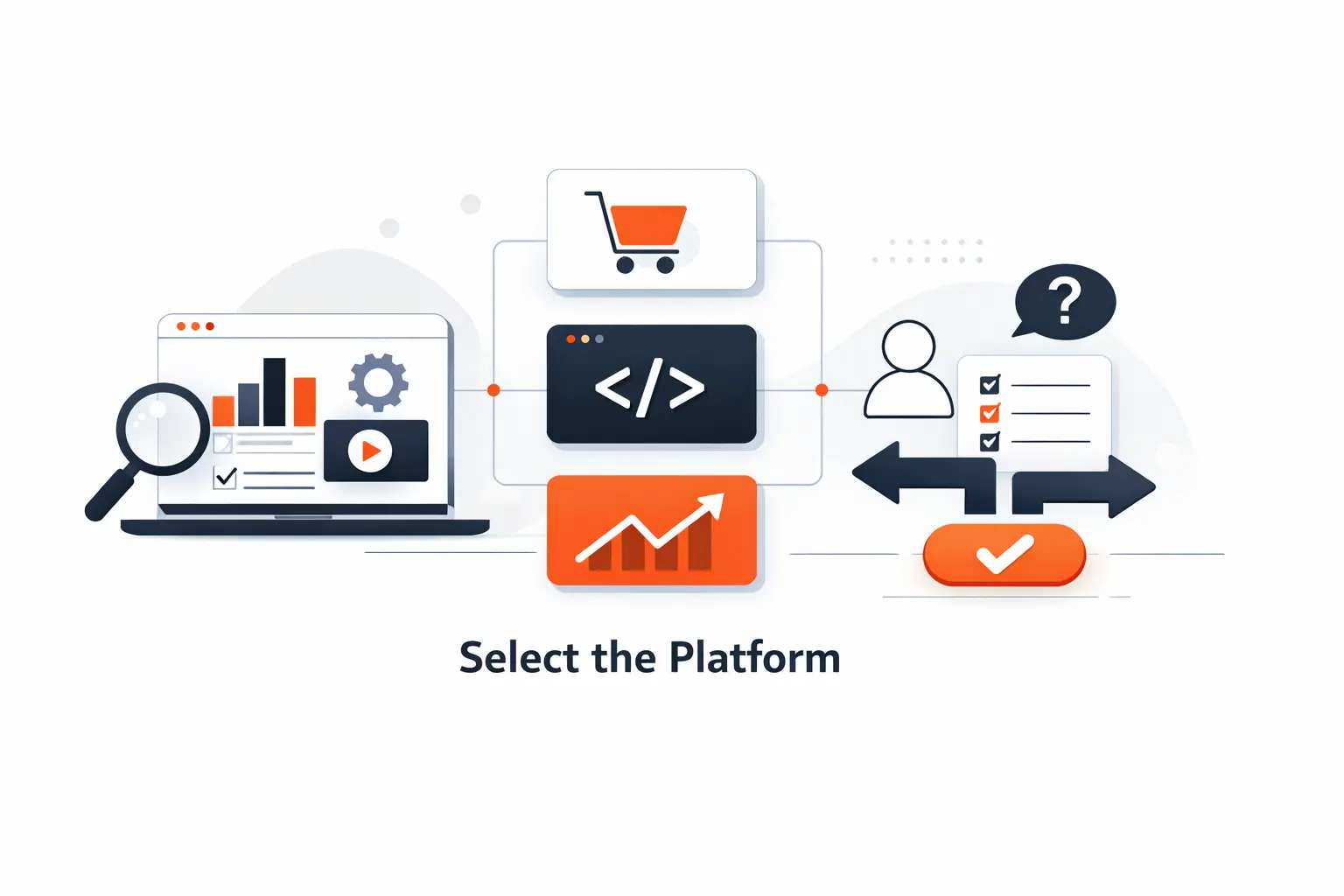
We usually shortlist three tools, then run the same pilot in each one. That means one real campaign, one approval loop, one dashboard, and one external stakeholder review. The winner is usually obvious after that.
1. Start With Pain Points, Team Size, and Workflow Complexity
Start with the bottleneck, not the brand. If review chaos is killing campaigns, shortlist Wrike or ProofHub. You should start with Airtable or SmartSuite if messy data is the issue with your project. If documentation is the real problem, Notion may be enough. If margin visibility matters, look hard at Teamwork, Productive, Scoro, Ravetree, or Kantata.
Team size changes the answer too. Small teams often do better with Asana, monday.com, ClickUp, or Basecamp because adoption is easier. Larger operations teams can justify Airtable, Smartsheet, Screendragon, or Kantata once governance, scale, and reporting matter more.
2. Check Onboarding, Ease of Use, Support, and Adoption Readiness
The best platform on paper fails if nobody updates it. We always ask who will own templates, automations, permissions, and reporting after the rollout. If the answer is nobody, the team should pick a simpler tool.
Support quality matters more than buyers expect. A tool with better templates, cleaner onboarding, and faster vendor help often beats a more capable platform that sits half-configured for three months.
3. Align Integrations, Pricing, and Scalability With Long-Term Goals
Check native integrations first, then decide if you really need middleware. The right question is not “Does it integrate?” It is “Does it move the right fields, in the right direction, at the right time?”
We also ask buyers to look 12 to 24 months ahead. What happens at 20 users, 50 users, or multiple teams? Do you need guest approvals, SSO, resource planning, or budget tracking later? It is cheaper to think that through early than to replatform after a year.
AI, Automation, and Future Trends

AI is now table stakes, but most buyers still overrate writing helpers and underrate workflow automation. We care more about AI that routes work, summarizes risk, and predicts delays than AI that simply drafts a headline.
1. AI Task Generation, Prioritization, and Timeline Forecasting
The most useful AI in this category pulls work out of a brief and turns it into a draft plan. That means suggested tasks, owners, dates, dependencies, and risk flags. Airtable, Asana, monday.com, ClickUp, and SmartSuite are all moving in that direction.
Still, AI only works well when the underlying process is clear. If your statuses, owners, and campaign stages are inconsistent, AI will automate confusion faster. Buyers should clean their workflow before they expect real forecasting value.
2. Automated Reporting, Content Assistance, and Approval Routing
Automated reporting and approval routing are where we see immediate payoff. Wrike highlights teams that reported 156 hours saved in proofing, and that is far more meaningful to us than another generic AI writer button because review cycles are where many campaigns stall.
Useful automation looks like this: a request form creates the work, the right reviewer is assigned automatically, reminders go out before the due date, and a weekly status digest lands in Slack or email without a project manager assembling it by hand.
3. Deeper Financial, Ecommerce, and Cross-Channel Workflow Integration
The next wave is less about isolated AI features and more about connected operations. Marketing teams want campaign plans tied to budgets, spend, revenue signals, ecommerce events, and channel-level outcomes.
That is why agency and services tools keep gaining ground in higher-complexity environments. Once leadership asks which campaigns were late, over budget, under-resourced, or least profitable, project management starts blending into business operations.
Agency and Client-Service Needs
Agencies need a different lens. A tool can look great for internal marketing and still fail once you add billable time, client approvals, margin tracking, and retainer planning.
1. Client Portals, Guest Approvals, and Shared Progress Dashboards
Client access should be controlled, simple, and cheap. Teams need clients to review assets, approve work, or see progress without exposing internal chatter, rate cards, or unrelated projects.
That is why guest rules matter so much. Teamwork, Wrike, Basecamp, and some enterprise tools make outside collaboration easier. Marketing teams with many external reviewers should test guest flows before anything else.
2. Time Tracking, Billing, Profitability, and Capacity Planning
If you invoice retainers, track billable time, or staff work by utilization, generic PM tools start to feel thin. They can track tasks, but they rarely tell you whether the work was commercially healthy.
Productive, Scoro, Ravetree, Teamwork, and Kantata are stronger here because they connect time, budgets, staffing, and billing. Agencies that skip this often end up exporting everything into finance sheets anyway, which defeats the point of having one system.
3. CRM-Connected Intake, Briefing, and Delivery Workflows
A strong agency workflow starts before project kickoff. When a deal closes, the right project template, scope details, dates, and stakeholders should flow into delivery without retyping the same brief.
That is why CRM-connected intake is so important for client-service teams. Even a basic automation that turns a won deal into a prebuilt project saves time and reduces setup mistakes that later become scope or billing problems.
Frequently Asked Questions About Marketing Project Management Software
Most buyers ask the same six questions. Here are our blunt answers after comparing general PM tools, agency platforms, and more structured marketing workflow systems.
1. What Is the Best Marketing Project Management Software for Most Teams?
For most teams, we would start with Asana or monday.com. They are easier to adopt, quick to pilot, and strong enough for recurring campaign work. If the team is more operations-heavy and lives in structured campaign data, Airtable is often the smarter pick.
2. Which Marketing Project Management Software Is Best for Small Digital Marketing Agencies?
For small agencies, we usually shortlist Teamwork and Productive first. Teamwork is a little easier for project delivery and client collaboration. Productive is stronger when margin visibility, rates, and billing discipline matter from day one.
3. Can Generic Project Management Tools Work for Marketing Teams?
Yes, but only up to a point. Generic tools can handle tasks and due dates. They start falling short when you need formal briefs, proofing, guest approvals, resource visibility, campaign calendars, or finance-aware reporting.
4. Which Features Matter Most in Marketing Project Management Software?
The features we care about most are request forms, templates, dependencies, proofing, dashboards, guest access, and strong integrations. Agency teams should add time tracking, budgeting, utilization, and billing to that list.
5. How Do Marketing Teams Manage Campaign Approvals More Efficiently?
They centralize review inside the work item. That means one task, one asset version, named approvers, due dates, comments tied to the file, and automatic reminders. Once approvals move out of email, review speed usually improves fast.
6. Can Marketing Project Management Software Integrate With CRM, Email, and DAM Tools?
Yes, but depth varies a lot. Some tools offer a simple connection that passes notifications. Others sync records, status changes, files, or custom fields. We always recommend testing one real workflow, not trusting the integration logo wall alone.
How TechTide Solutions Helps Teams Build Custom Marketing Workflow Software
Sometimes none of these tools fit cleanly. That usually happens when a team has a non-standard approval chain, complex compliance steps, or needs data from several systems in one interface. That is where custom workflow software starts to make sense.
1. Custom Workflow Platforms Shaped Around Your Approval and Delivery Process
At Techtide Solutions, we build workflow platforms around the way your team already works when that process is worth keeping. We map your real intake, review, approval, and delivery stages, then turn them into forms, queues, dashboards, and status rules that match the business instead of forcing the business into a vendor’s vocabulary.
This works best for teams with unique approval chains, regulated review paths, or many external stakeholders. In those cases, custom software can remove workarounds that off-the-shelf tools never really solve.
2. Seamless Integrations With CRM, DAM, Analytics, and Communication Tools
We also help teams connect project workflows with the tools that hold their customer, asset, and performance data. That means CRM for intake, DAM for creative, analytics for results, and chat or email for timely notifications.
The goal is simple. Marketers should not have to retype project data between systems or chase status across five tabs. A connected workflow gives leaders cleaner reporting and gives the team fewer manual steps.
3. Scalable Web Apps, Dashboards, and Automation for Growing Marketing Teams
When teams outgrow templates and need a real internal product, we build web apps and dashboards that fit the next stage of growth. That can include role-based access, approval audit trails, campaign intake portals, capacity dashboards, and automation tied to APIs or internal systems.
We do not think custom software should be the first answer. But when your process creates constant exceptions, repeated manual work, or reporting blind spots, it can become the most cost-effective answer over time.
Final Thoughts on Choosing the Right Platform
If we were buying today for a typical marketing department, we would start with Asana, monday.com, and Airtable. Wrike would move up fast if approvals were the main headache. If the team were an agency, our first look would usually go to Teamwork, Productive, or Scoro depending on how much finance control the business needs.
The right choice depends on which bottleneck hurts most right now. Is it approval drag, weak visibility, poor adoption, or missing profitability data? Once you answer that clearly, the shortlist usually gets much smaller.
Pick three tools, run one real campaign in each, and see which one your team actually wants to keep using. Which problem are you trying to fix first?

