


At Techtide Solutions, we treat cloud based CRM software as business infrastructure, not a prettier address book. The best systems become the shared operating layer for pipeline, service history, automation, and management decisions.
Across the market, vendors now sell economics as much as features. Sugar cites Nucleus Research showing up to 32% lower total cost versus Salesforce, which matches what we see when a team picks a CRM it can actually maintain.
Quick Comparison of Cloud Based CRM Software
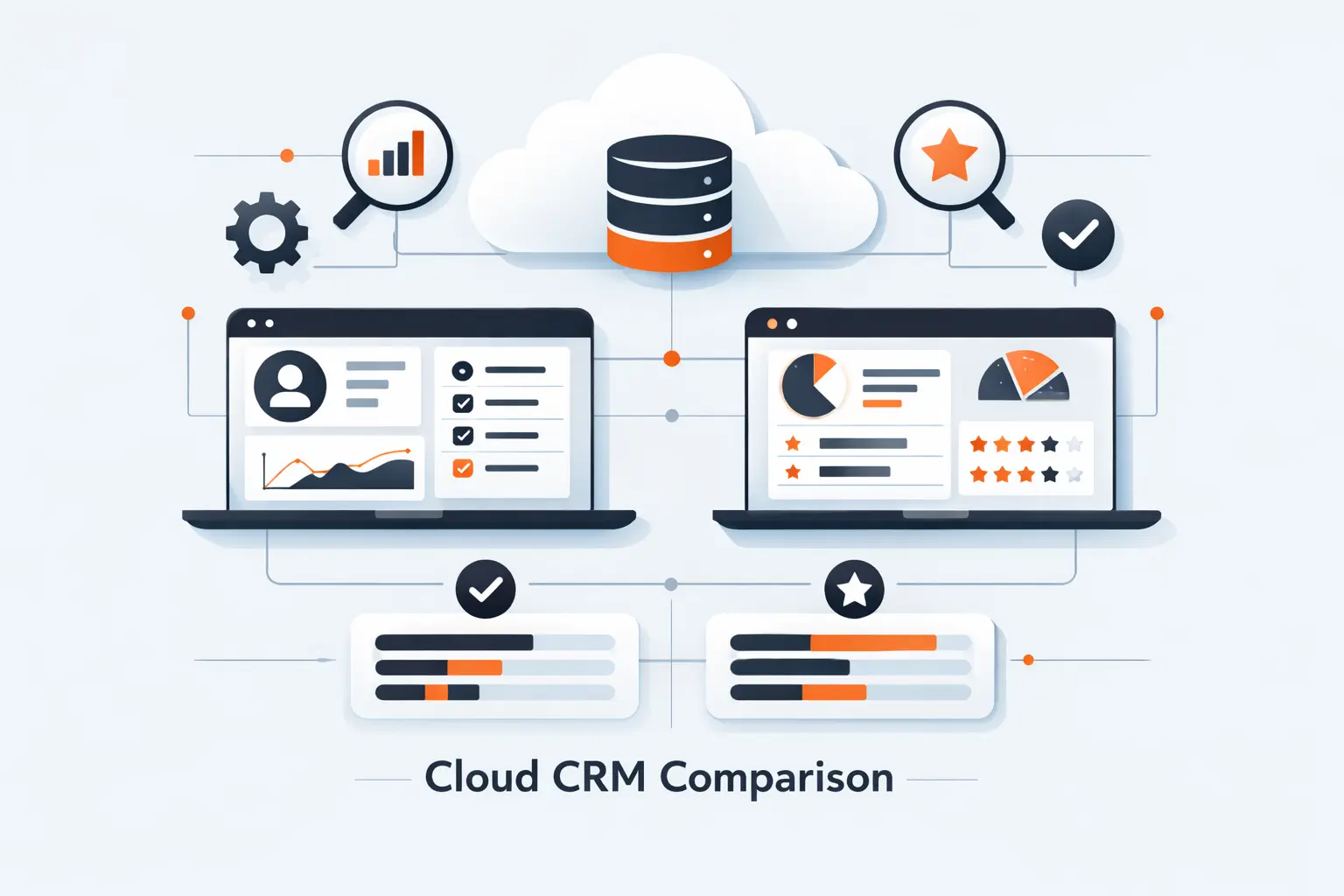
We use this quick view to eliminate obvious mismatches fast. It is not the whole story, but it gives a buyer-level snapshot of the first ten platforms most teams seriously short-list.
That upside can be real. HubSpot reports 84% of customers reporting increased revenue, and we read that less as software magic and more as evidence that clean process plus adoption still wins.
| Tool | Best for | From price | Trial/Free | Key limits |
|---|---|---|---|---|
| Salesforce CRM | Enterprise sales ops | $25/user/mo | Free Suite; trial | Admin-heavy; AI extra |
| HubSpot CRM | Growing GTM teams | $0 | Free; 14-day trial | 2 free seats; 1 pipeline |
| monday CRM | Visual ops teams | $12/user/mo | 14-day trial | 3-seat minimum; action caps |
| Pipedrive | Pipeline-first SMBs | $14/user/mo | 14-day trial | No free plan; add-ons for lead capture |
| Zoho CRM | Budget-minded SMBs | $0 | Free 3 users; 15-day trial | AI stronger on higher tiers |
| Microsoft Dynamics 365 Sales | Microsoft-first firms | $65/user/mo | Trial | Extra Microsoft licensing can apply |
| Creatio | Process-heavy mid-market | $40/user/mo | 14-day trial | Composable pricing can climb |
| Insightly CRM | Services plus delivery teams | $29/user/mo | 14-day trial | Stronger AI above entry plan |
| Freshsales | SMBs wanting built-in comms | $0 | Free 3 users; 21-day trial | Custom modules only Enterprise |
| Zendesk Sell | Sales plus support alignment | $19/user/mo | 14-day trial | Pipeline caps by plan |
Recommended reading: Top 20 Marketing Project Management Software for Smarter Campaign Planning in 2026
Top 20 Cloud Based CRM Software Platforms to Consider
We ranked these platforms by practical fit, not by logo size alone. Our lens is blunt: adoption speed, workflow fit, reporting depth, integration quality, and how sane the pricing still feels after the honeymoon ends.
Service-led businesses add another twist. Zendesk says 2 in 3 sales teams saw early ROI, which is one reason support history and sales context increasingly belong in the same system.
1. Salesforce CRM
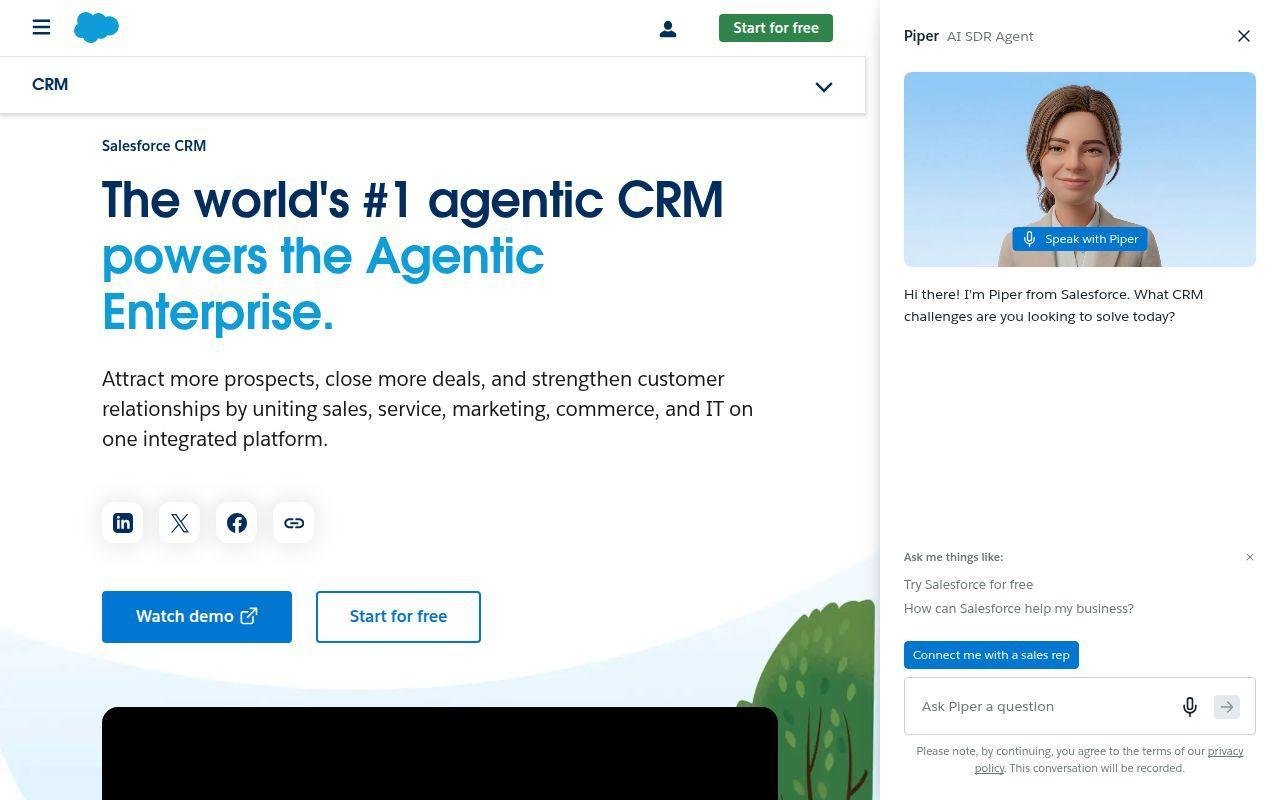
Salesforce remains the category heavyweight. Its product team, partner network, and admin ecosystem are immense, and we still bring it into serious consideration when governance, scale, and extensibility outrank simplicity.
Best for: enterprise rev-ops leaders, multi-region sales teams.
- Opportunity, account, and forecast layers → standardize complex pipeline reviews and reduce exception handling.
- Flow, Slack, and AI add-ons → remove several handoff steps between reps, managers, and rev-ops.
- Huge admin and partner ecosystem → a focused team can reach first value in a few weeks.
Pricing & limits: From $25/user/mo for Starter Suite. Free Suite exists for basics, and paid tiers climb quickly to $175/user/mo for Enterprise and $350/user/mo for Unlimited. Trial available. AI and Data Cloud value usually mean extra spend.
Honest drawbacks: Salesforce is easy to overbuy and overbuild. If nobody owns architecture, the system turns into a maze of fields, flows, and workarounds. Beats most rivals on extensibility; trails simpler tools on ease.
Verdict: If you run a complex revenue motion, this helps you unify pipeline, permissions, and automation in one operating layer within a quarter.
2. HubSpot CRM
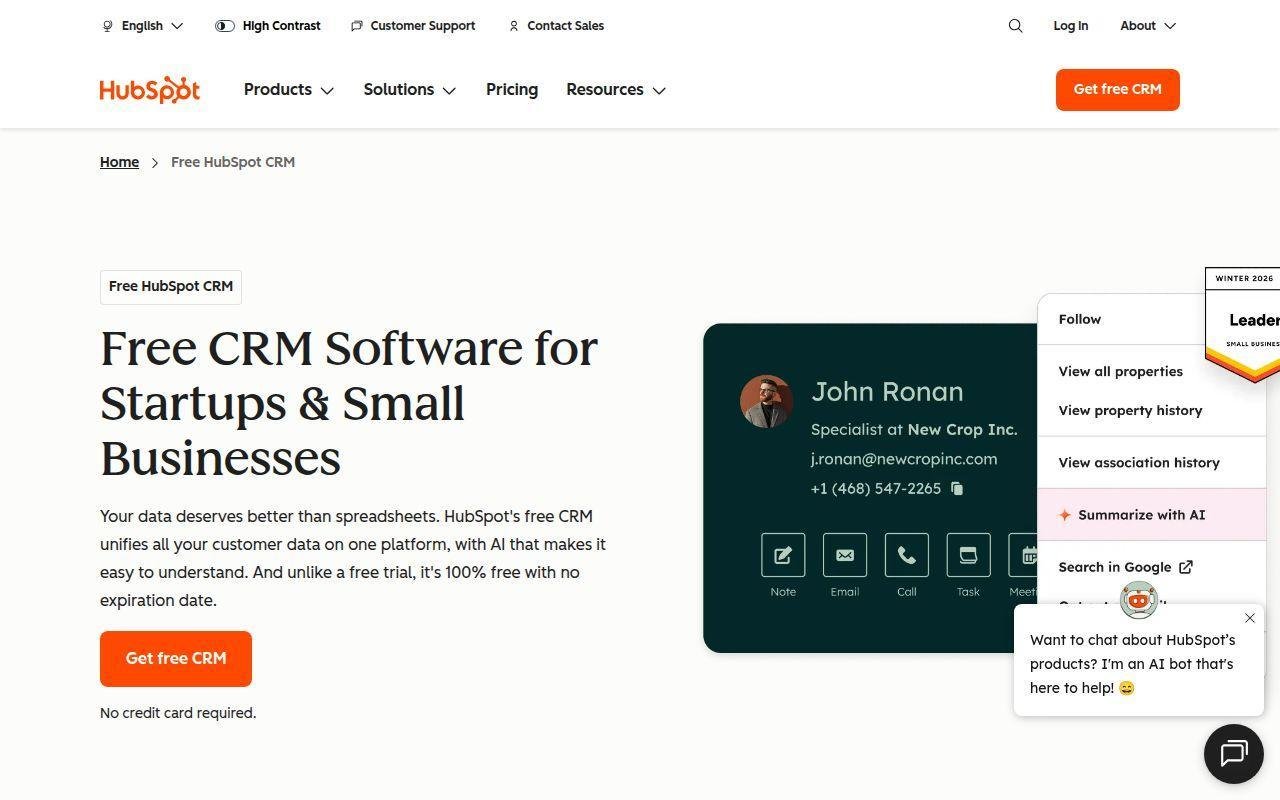
HubSpot built its reputation in inbound marketing, but its CRM team has quietly become one of the strongest adoption engines in the category. We reach for it when a client wants fast alignment across marketing, sales, and service.
Best for: solo founders, SMB revenue teams.
- Shared customer record across hubs → gives every team one lifecycle view instead of fragmented tools.
- Workflows and broad integrations → cut repetitive follow-up and list-management work every week.
- Clean UX and strong training content → many teams see first value in a few days.
Pricing & limits: From $0 for free tools. Paid Sales Hub starts at $9/seat on annual billing. The free tier is capped at 2 users and 1 pipeline, and upper tiers add onboarding fees. Sales Hub trials run 14 days.
Honest drawbacks: HubSpot gets expensive once you need deeper automation, reporting, or multiple hubs. Its elegant simplicity can also mask real long-term cost growth. Beats Salesforce at onboarding speed; trails it on deep enterprise complexity.
Verdict: If you want fast adoption and one shared go-to-market system, this helps you systemize growth in weeks, not months.
3. monday CRM
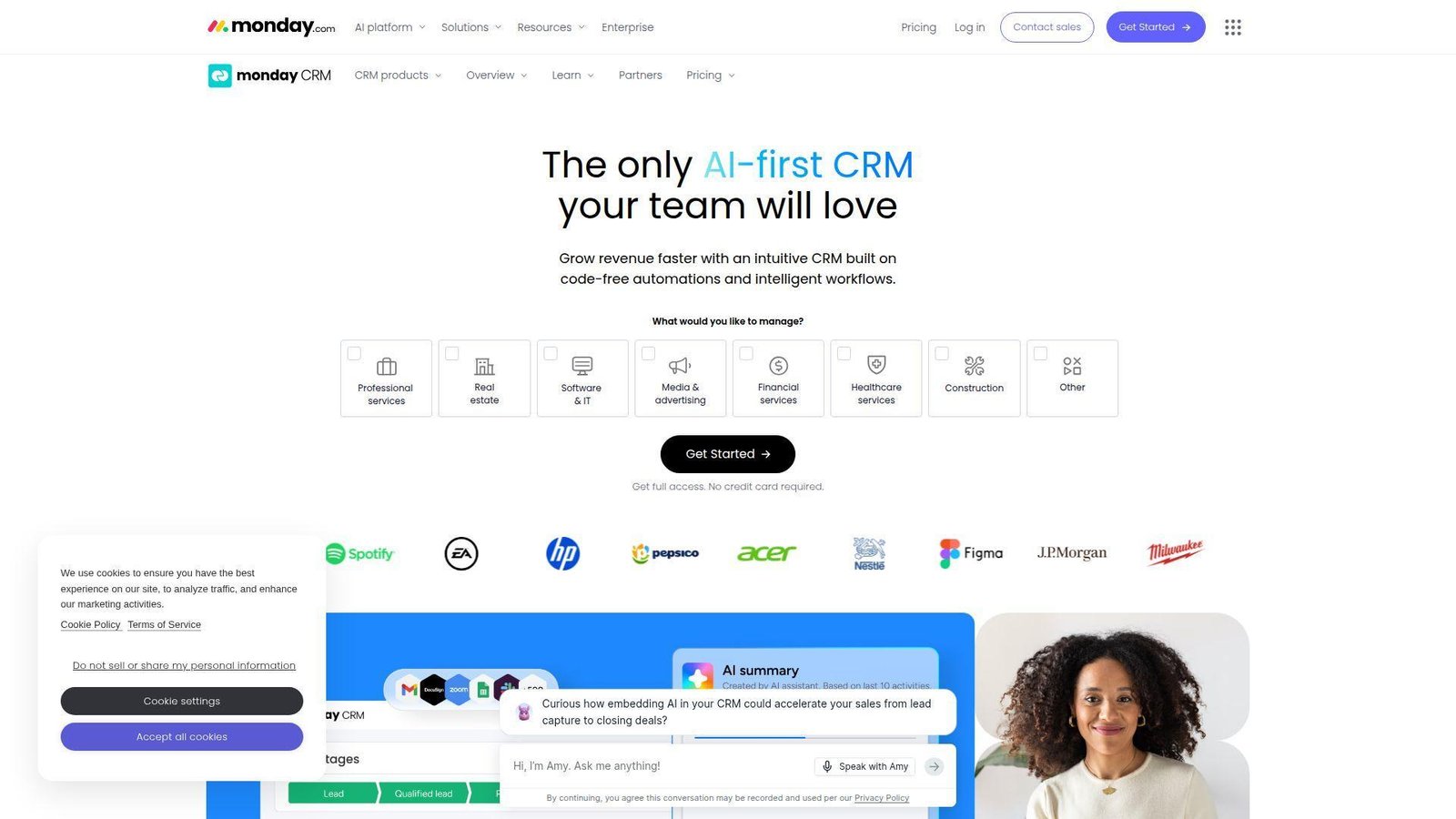
monday CRM comes from a team that thinks visually. That shows up everywhere, from boards and views to the way sales workflows can be rearranged without calling an admin every time the process changes.
Best for: visual ops teams, collaborative SMB sales groups.
- Boards and customizable pipelines → make deal flow easy to read for reps and managers.
- Email sync, sequences, and automations → remove several reminder and status-update steps each day.
- No-code setup → working dashboards often appear the same day.
Pricing & limits: From $12/seat/mo on annual billing. The trial runs 14 days. Plans start at 3 seats, and mid-tier limits can matter, including caps on active contacts, deals, and automation actions.
Honest drawbacks: It is flexible, but that flexibility can shift design work onto your team. Some sales orgs will also outgrow its native depth before they outgrow the interface.
Verdict: If you want a visual CRM that bends around your process, this helps you stand up a practical operating rhythm very quickly.
4. Pipedrive
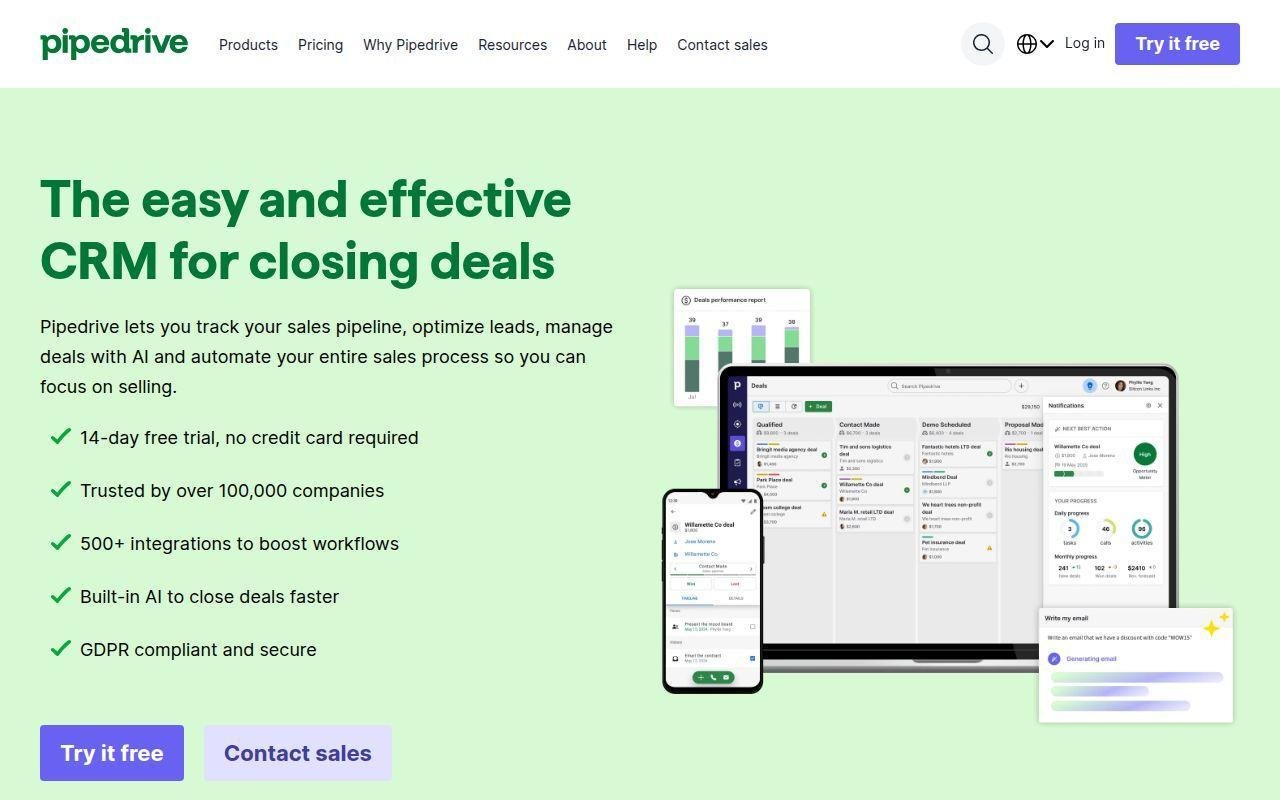
Pipedrive is built by a sales-first team, and it shows. We still like its discipline because it keeps the conversation on deal movement, not software theater.
Best for: owner-led sales teams, SMB outbound reps.
- Pipeline-centered workflow → keeps reps focused on moving deals instead of menu hunting.
- Email sync and workflow automation → save daily follow-up time and reduce manual updates.
- Simple UI → most small teams feel productive within hours.
Pricing & limits: From $14/seat/mo on annual billing. The trial runs 14 days. There is no permanent free plan, deeper automation starts above Lite, and lead capture tools like web forms and chat often mean add-ons.
Honest drawbacks: Pipedrive is less compelling when marketing, service, and account management all need one native stack. Beats many rivals on pipeline clarity; trails HubSpot on all-in-one breadth.
Verdict: If you want reps living inside a clean sales pipeline, this helps you create daily selling discipline almost immediately.
5. Zoho CRM
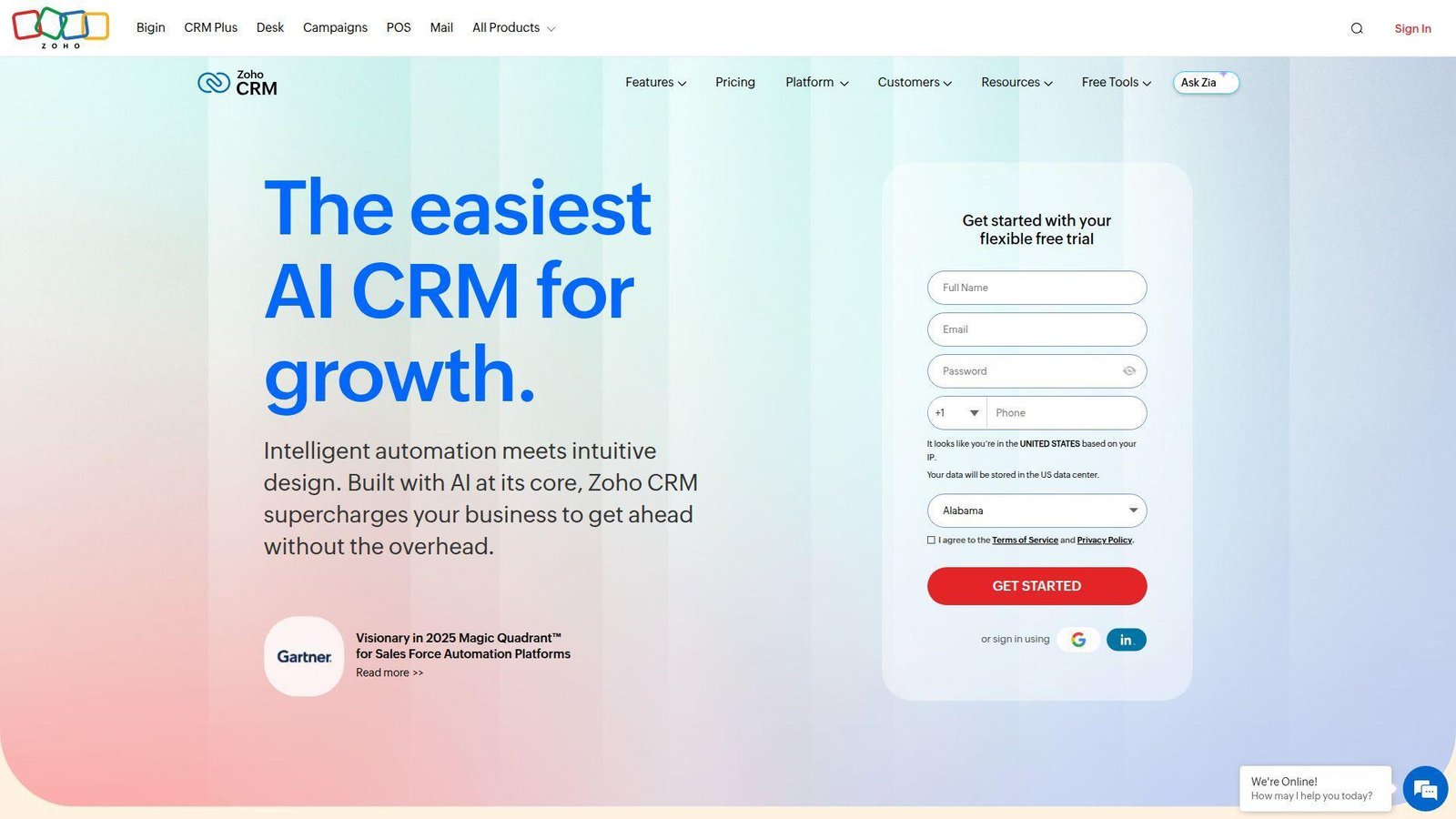
Zoho CRM comes from a broad suite company with a value-first mindset. We often shortlist it when a buyer wants real capability without inviting enterprise pricing into a small or mid-sized budget.
Best for: budget-conscious SMBs, teams already using Zoho apps.
- Flexible modules and workflows → give small teams structure without enterprise bloat.
- Suite integrations and higher-tier AI → reduce copy-paste across sales, service, and finance tools.
- Configurable layouts at low cost → first useful setup usually lands in a few days.
Pricing & limits: From $0 with a free edition for 3 users. Paid plans start at $14/user/mo annually, and trials run 15 days. AI, deeper prediction, and stronger automation live higher in the stack.
Honest drawbacks: The interface can feel dense, and the suite has enough moving parts to overwhelm first-time admins. You save money, but you may spend more energy learning the shape of the platform.
Verdict: If price-to-capability matters most, this helps you outgrow spreadsheets without taking on enterprise-level cost.
6. Microsoft Dynamics 365 Sales
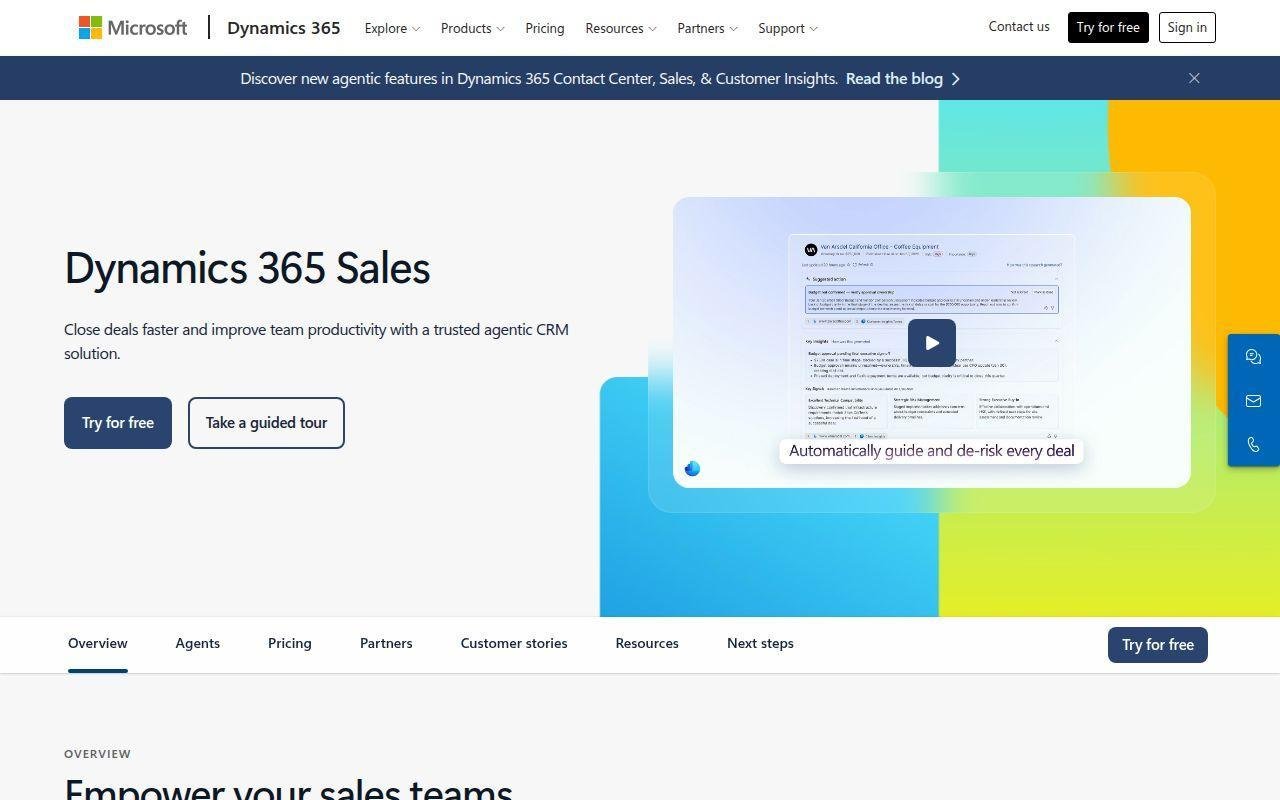
Dynamics 365 Sales is strongest when the wider Microsoft estate already matters. We like it most when Outlook, Teams, Excel, Power Platform, and IT governance are already part of the operating DNA.
Best for: Microsoft-first mid-market firms, enterprise IT-led sales orgs.
- Outlook, Teams, and Excel adjacency → lets sellers work inside familiar Microsoft surfaces.
- Copilot and Power Platform flows → cut approval and note-entry steps across the sales cycle.
- Enterprise governance → a scoped rollout can show value in weeks.
Pricing & limits: From $65/user/mo paid yearly for Professional, then $105 for Enterprise and $150 for Premium. Trial available. Professional limits customization, and some Power Platform scenarios need additional licenses.
Honest drawbacks: Licensing can get complicated fast. Smaller teams may also find the platform heavier than the benefit, especially if they are not already committed to Microsoft’s broader stack.
Verdict: If your company already lives inside Microsoft, this helps you connect sales work to the rest of the business with less integration friction.
7. Creatio
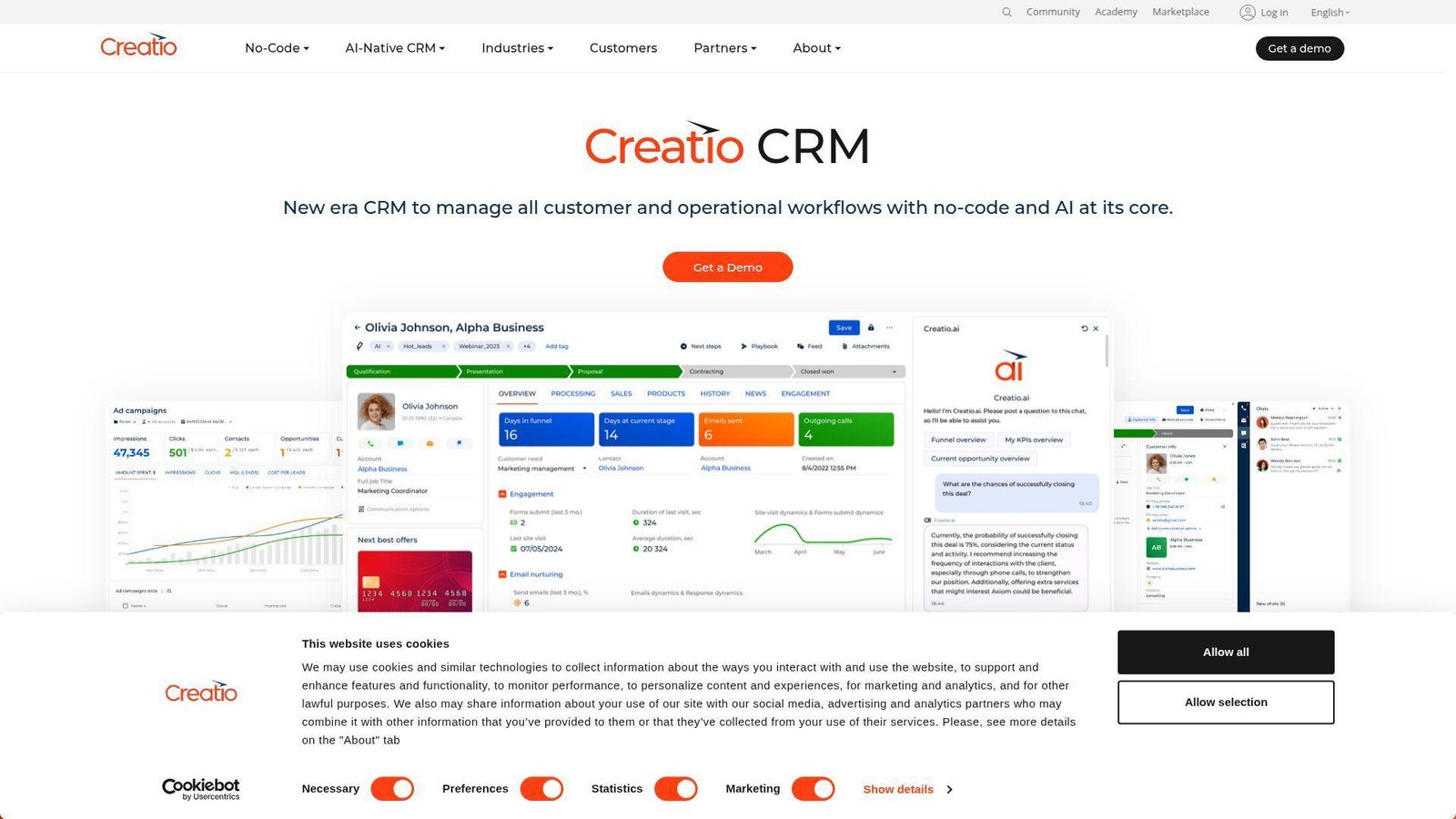
Creatio sits at the intersection of CRM, workflow automation, and no-code application design. We bring it into the room when the buyer’s real problem is process complexity, not just pipeline visibility.
Best for: process-heavy mid-market companies, operations leaders.
- No-code process designer → turns special-case sales rules into governed workflows.
- AI-native automation and marketplace assets → shrink manual approvals and follow-up work across teams.
- Composable deployment model → focused use cases can show value in weeks, not months.
Pricing & limits: From about $40/user/mo when the Sales app is paired with the Growth platform. Trials run 14 days. Add more modules or move up platform tiers, and the bill rises quickly.
Honest drawbacks: Creatio can be overkill for straightforward sales motions. The composable pricing is powerful, but it also means buyers need sharper scoping discipline than they would with a simpler all-in-one plan.
Verdict: If you need CRM plus serious workflow control, this helps you build a more exact operating model without jumping straight into custom software.
8. Insightly CRM
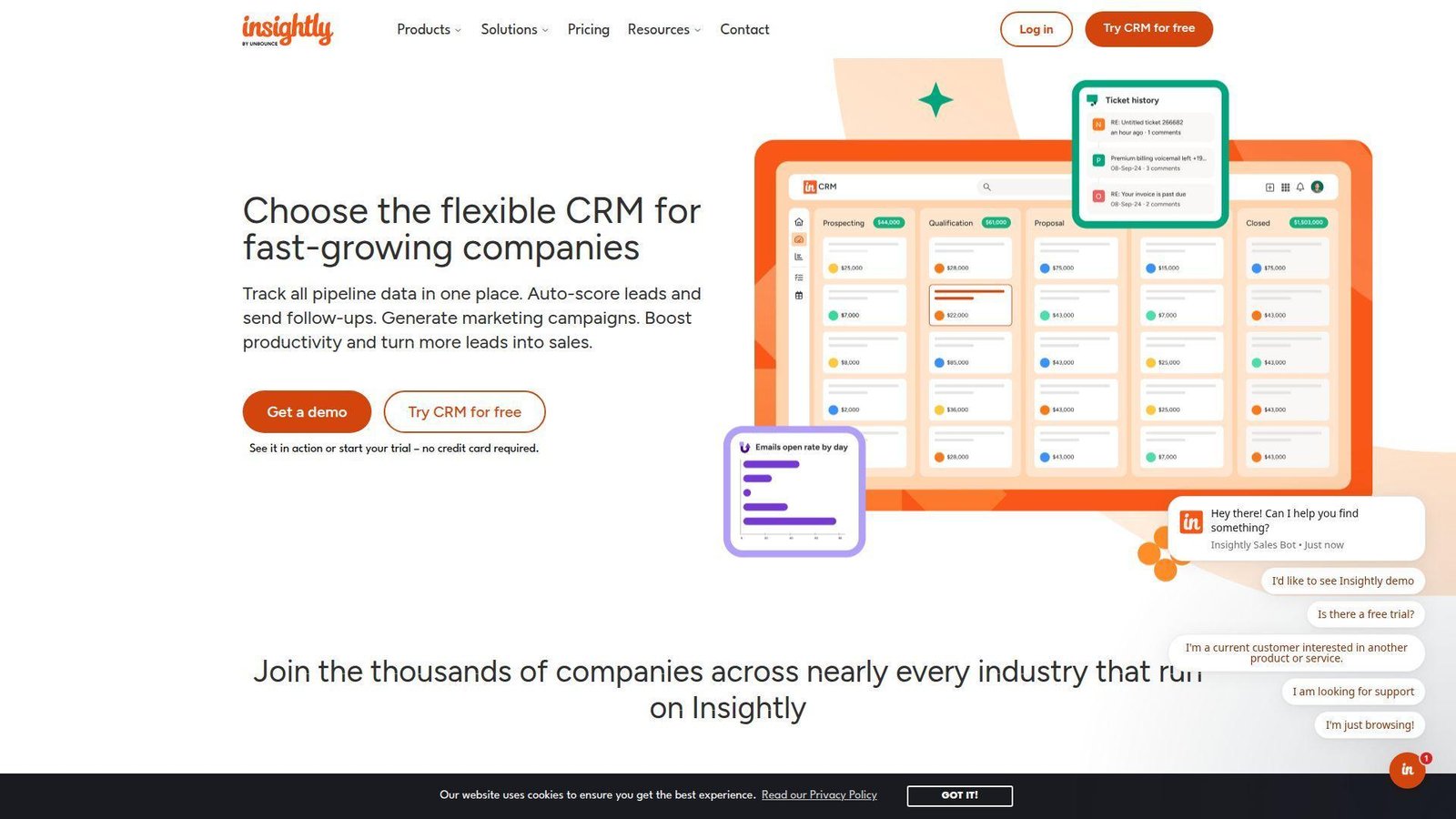
Insightly has long aimed at companies that need sales workflow plus project delivery after the close. That overlap is why we keep it in view for service businesses and firms where execution starts the moment a deal is won.
Best for: service businesses, consultancies.
- CRM-to-project handoff → keeps post-sale delivery from disappearing into email.
- AppConnect and AI Copilot → save recurring rekeying and record-review time.
- SMB-friendly layout → a services team can get useful value in a day or two.
Pricing & limits: From $29/user/mo annually. Trials run 14 days. AI Copilot and stronger automation start in Professional, while sandboxes and quote tools sit in Enterprise.
Honest drawbacks: Insightly is less expansive than the largest ecosystems, and highly complex governance needs will push it toward its upper plans fairly quickly.
Verdict: If deals flow straight into delivery work, this helps you keep sales promises and execution connected without buying a much larger platform.
9. Freshsales
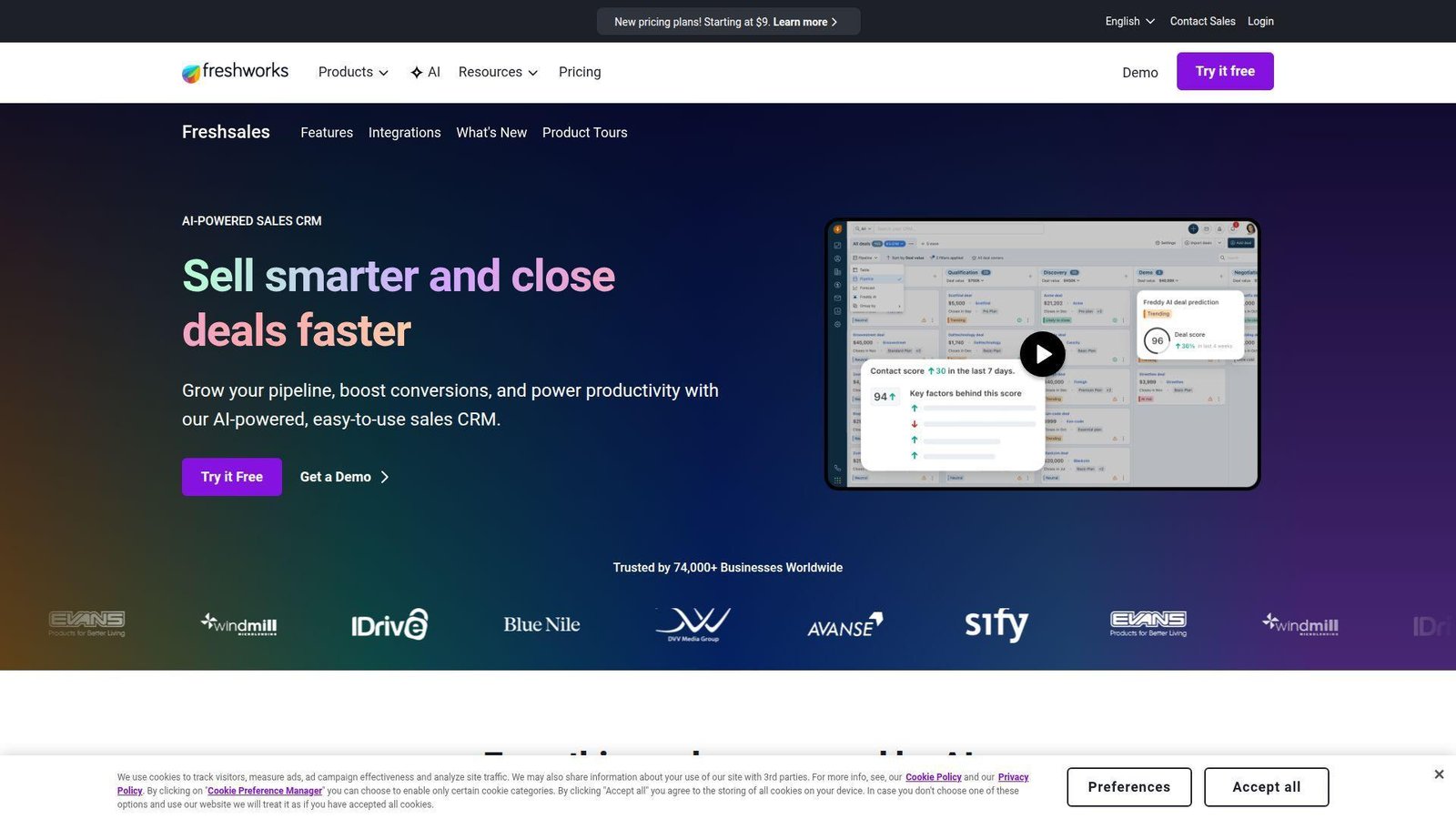
Freshsales comes from a product team that values practical usability. We like that sensibility because it turns CRM into a daily workspace instead of a weekly reporting ritual.
Best for: SMB sales managers, inside sales teams.
- Built-in phone, email, and chat → keeps outreach history in one record.
- Freddy AI and workflow rules → cut logging and prioritization steps every day.
- Strong defaults → many teams can launch a real pipeline in a single day.
Pricing & limits: Free for 3 users, or $9/user/mo annually for Growth. Trials run 21 days. Custom modules, sandbox access, and deeper governance are reserved for Enterprise.
Honest drawbacks: Freshsales does not match Salesforce or Dynamics on enterprise modeling. Some buyers also expect more AI magic than the lower plans realistically deliver.
Verdict: If you want one practical workspace for selling conversations, this helps your team move faster with less tab chaos.
10. Zendesk Sell
Zendesk Sell makes the most sense when sales and support should share the same customer narrative. We like it when service history shapes renewals, expansions, or account rescue work.
Best for: support-led businesses, SaaS account teams.
- Shared customer context with Zendesk → sales avoids blind spots before renewal or upsell calls.
- Reach automation and analytics → remove several follow-up steps from each sequence.
- Straightforward setup → teams often feel value within the first couple of weeks.
Pricing & limits: From $19/user/mo. Trials run 14 days. Team tops out at 2 pipelines, Growth at 10, Professional at 20, and Enterprise removes that cap.
Honest drawbacks: Zendesk Sell is not as configurable as Salesforce. Highly bespoke field modeling or vertical workflows can feel tight. It beats standalone CRMs on service context and trails top enterprise suites on raw configurability.
Verdict: If customer experience and revenue motions need one view, this helps you align pipeline and service context faster.
11. Copper CRM
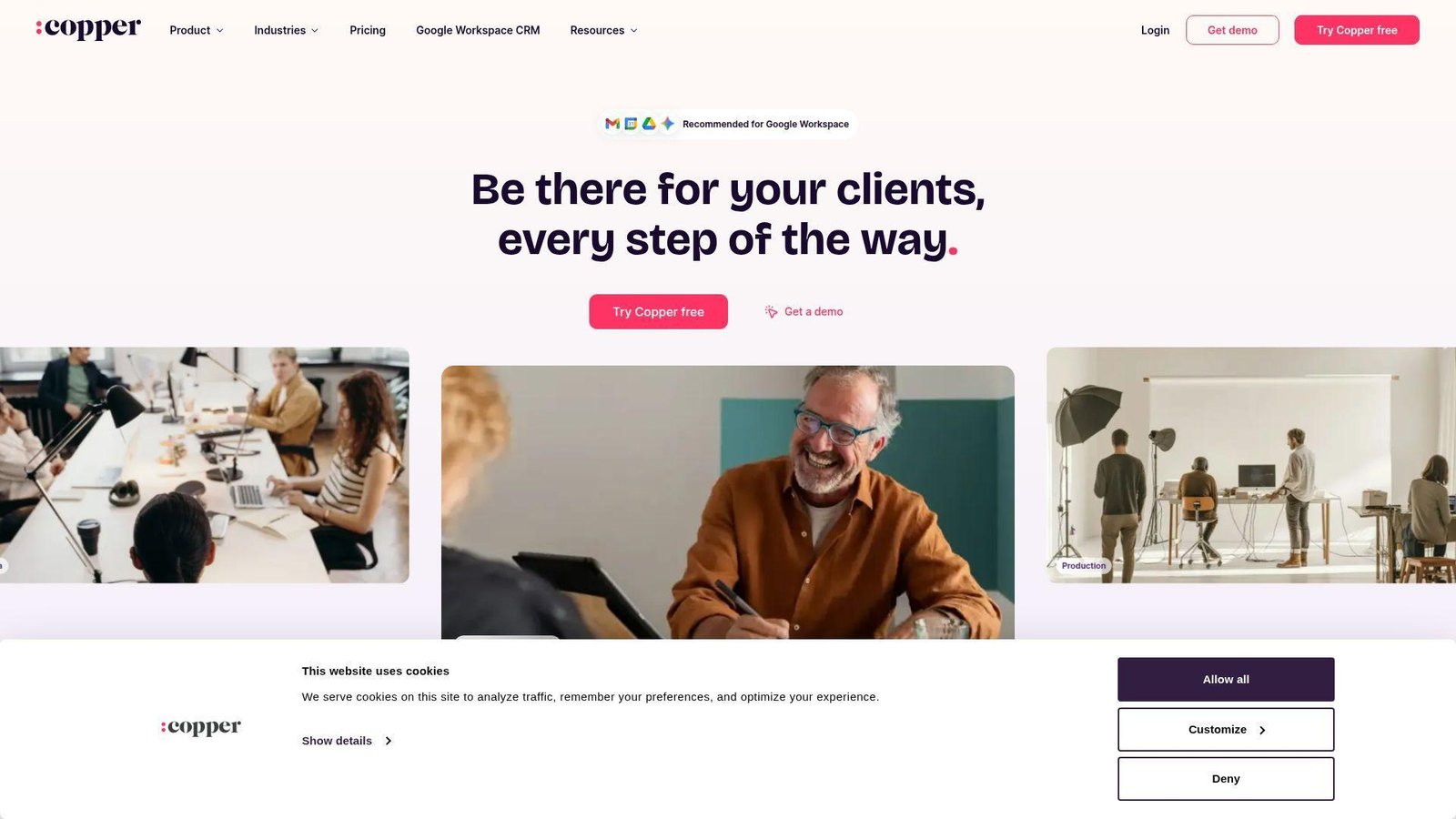
Copper is built for Google Workspace shops and leans hard into Gmail-native selling. We still like it for small teams that want CRM to sit quietly inside existing habits instead of demanding a new one.
Best for: Google-centric agencies, relationship-driven SMBs.
- Gmail and Calendar workflow → turns everyday email activity into usable CRM history.
- Contact enrichment and automation → save manual logging on every prospect touch.
- Google-native UX → small teams often get value in days.
Pricing & limits: From $9/user/mo annually. Free trial available. Contact limits run 1,000, 2,500, 15,000, then unlimited by tier, and lead and opportunity features begin at Professional.
Honest drawbacks: Starter and Basic are too thin for structured sales teams. Microsoft-heavy companies should also keep walking. Beats HubSpot at Google-native flow; trails Pipedrive on structured sales depth.
Verdict: If your team lives in Gmail, this helps turn email activity into CRM data with very little change management pain.
12. SugarCRM
SugarCRM, now framed around SugarAI, has a strong mid-market heritage in guided selling and revenue intelligence. We look at it when the buyer wants more structure than SMB tools usually offer.
Best for: mid-market sales ops leaders, manufacturers and distributors.
- Guided sales and account intelligence → make complex deals more consistent across reps.
- Revenue intelligence and AI → reduce manual prioritization and forecast cleanup.
- Flexible deployment options → the right mid-market team can see value in weeks.
Pricing & limits: From $59/user/mo annually for Standard. The trial runs 7 days. Every plan carries a 15-user minimum, and deeper AI, support, and forecasting sit above the entry tier.
Honest drawbacks: That seat minimum alone excludes many smaller businesses. Sugar also expects a real admin owner, not a casual side project from sales leadership.
Verdict: If you need structured selling with stronger analytics, this helps you make pipeline reviews more reliable and less anecdotal.
13. Keap
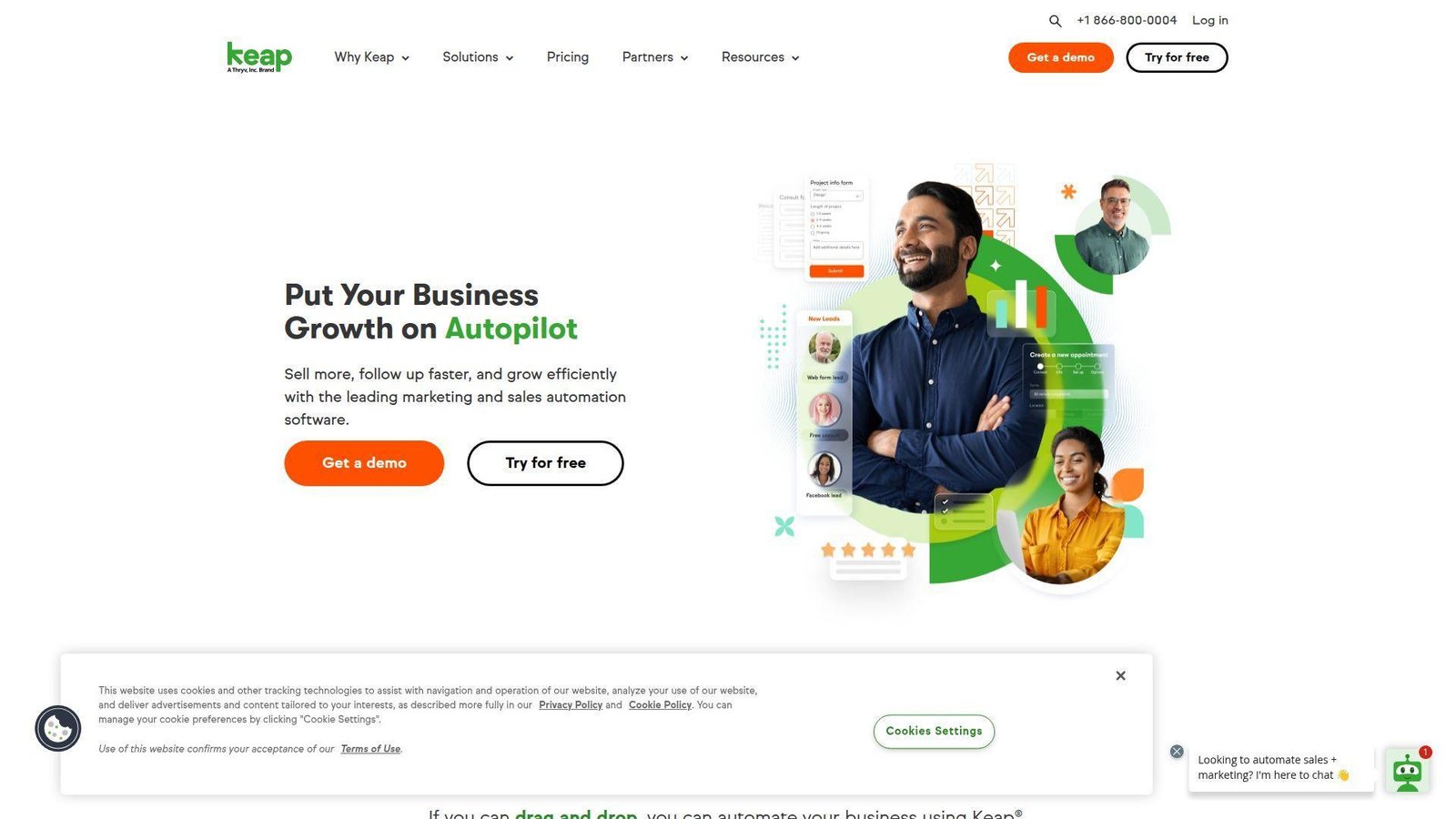
Keap is built for small businesses that want CRM, automation, forms, and payments to work as one commercial engine. We tend to recommend it when service revenue matters more than enterprise sales process purity.
Best for: service businesses, coaches.
- Forms, landing pages, and automations → turn inquiries into booked conversations faster.
- Email, text, and payment workflows → compress several handoffs between lead, nurture, sale, and invoice.
- Template-led onboarding → common service businesses can see value within weeks.
Pricing & limits: From $299/mo billed annually. That includes 2 users, and extra users cost $39/mo each. Trials run 14 days, but trial email sending is capped and payments and texts stay off.
Honest drawbacks: Keap gets expensive quickly for very small databases. It is also not the tool we would pick for deeper forecast analysis or multi-layered enterprise permissions.
Verdict: If you sell services and need fast follow-up plus billing-adjacent automation, this helps you reduce leakage across the whole client journey.
14. Bitrix24
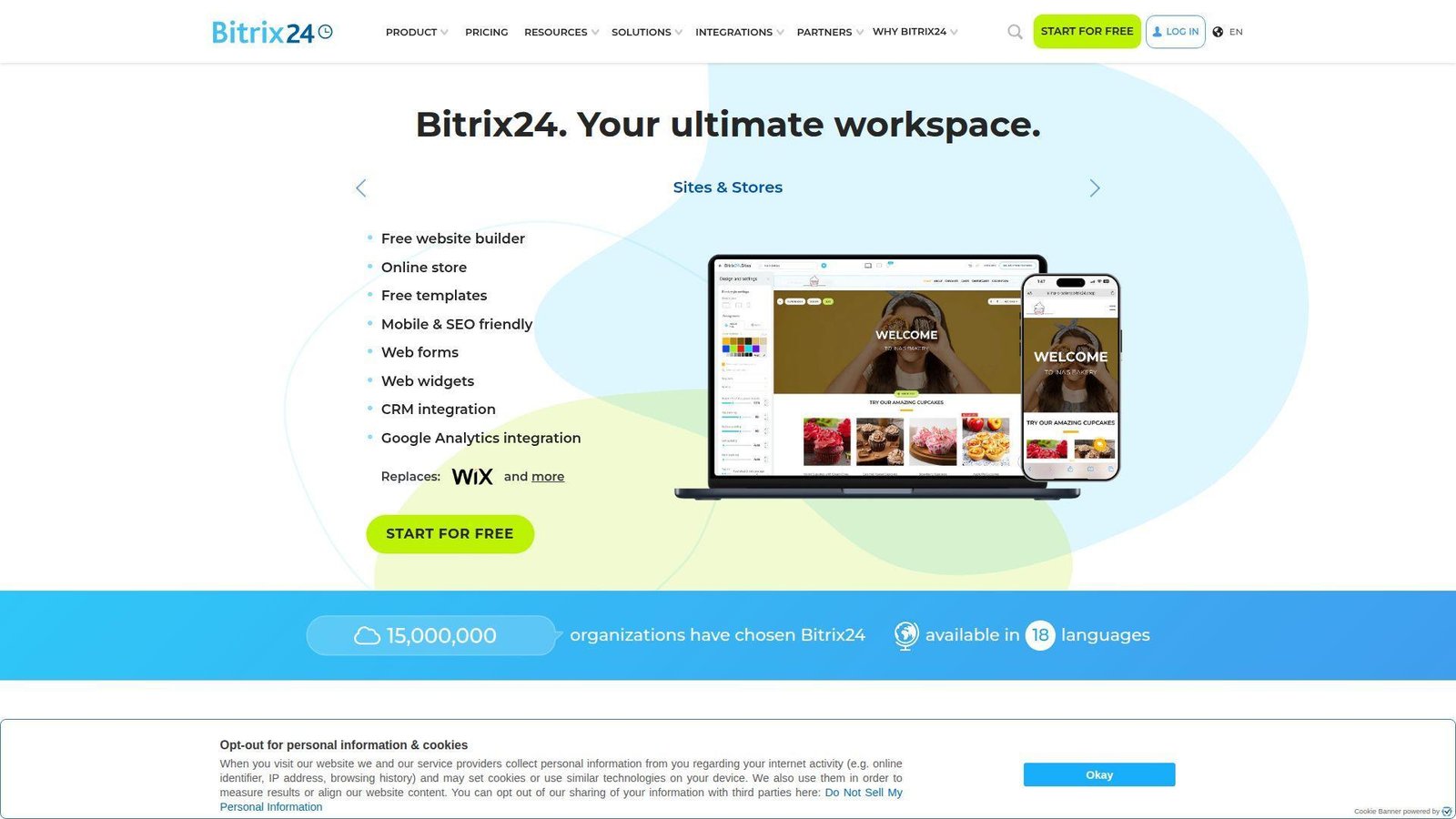
Bitrix24 is less a pure CRM than an all-in-one business workspace with CRM layered into collaboration, tasks, and communication. We keep it on the table when buyers want breadth first and elegance second.
Best for: budget-driven teams, all-in-one platform seekers.
- CRM plus chat, tasks, and telephony → consolidate scattered work into one workspace.
- Automation and flat-rate plans → reduce tool switching and limit seat-cost creep.
- Broad out-of-the-box feature set → teams can start using real workflows in days.
Pricing & limits: A free plan is available. Paid plans start at $49/mo annually for 5 users, then $99/mo for 50 users and $199/mo for 100 users. Trials run 15 days, and storage rises by tier.
Honest drawbacks: The interface can feel crowded, and the platform often tries to do more than a focused CRM buyer actually needs. If clarity matters more than breadth, other tools feel cleaner.
Verdict: If you want one broad workspace more than a specialist CRM, this helps you consolidate tools without per-seat pricing shock.
15. Nimble CRM
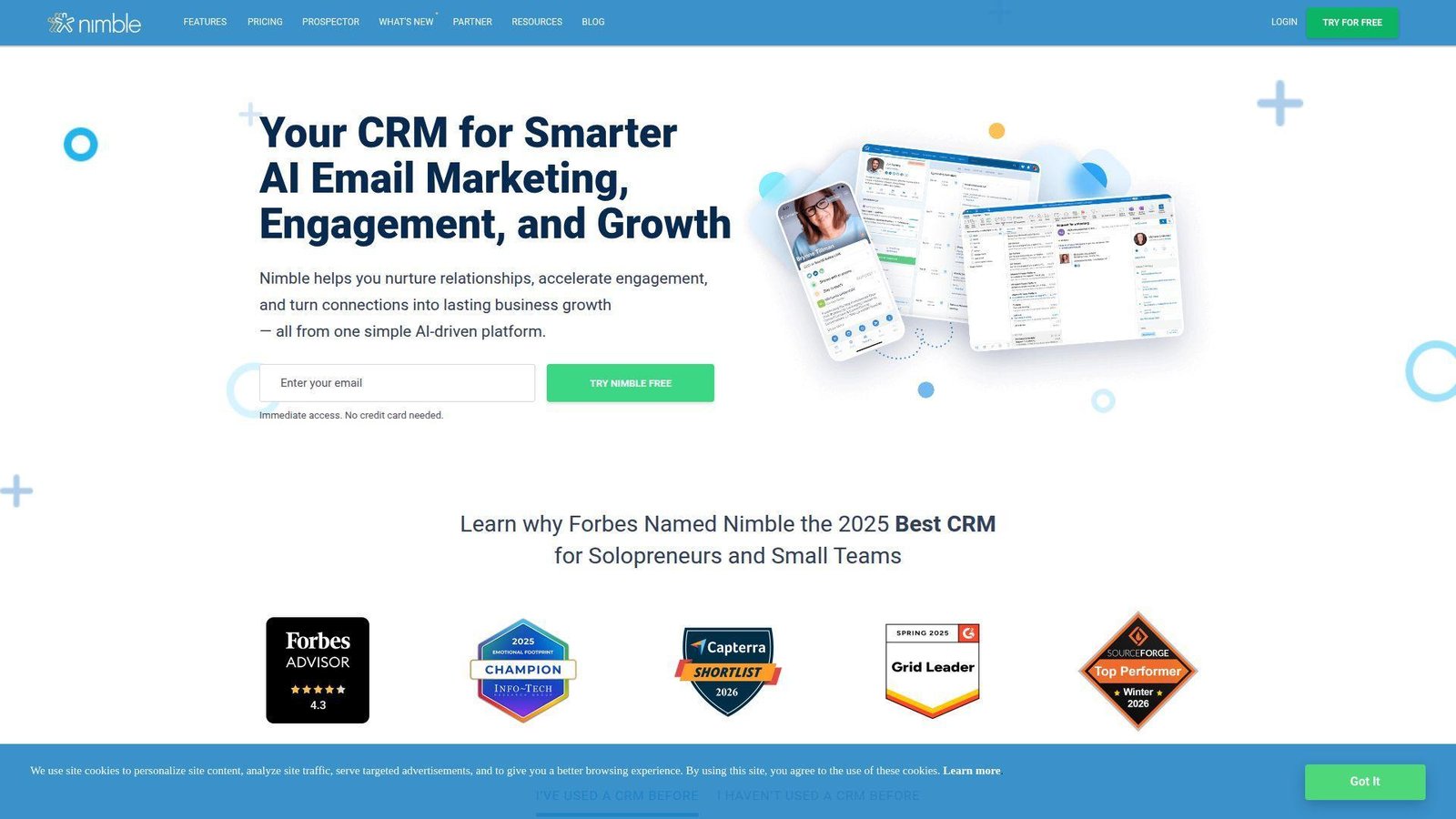
Nimble focuses on relationship selling, lightweight pipelines, and contact enrichment across the web. We like it when the real job is not complex deal operations, but staying close to people and context.
Best for: consultants, small B2B sellers.
- Social and web contact enrichment → build fuller contact profiles without manual research.
- Prospector and inbox tools → save repetitive lookup and logging time every day.
- Single-plan simplicity → useful value often appears the same day.
Pricing & limits: From $24.90/user/mo annually. Trials run 14 days. The plan includes 25,000 contact records, 2 GB per seat, and 1,000 group messages per license each month.
Honest drawbacks: Nimble is lighter on automation than HubSpot or Salesforce. Its service and marketing depth is also limited. Beats Copper on enrichment breadth; trails larger platforms on workflow control.
Verdict: If your sales motion is built on relationships and outreach, this helps you keep context fresh without carrying enterprise complexity.
16. EngageBay
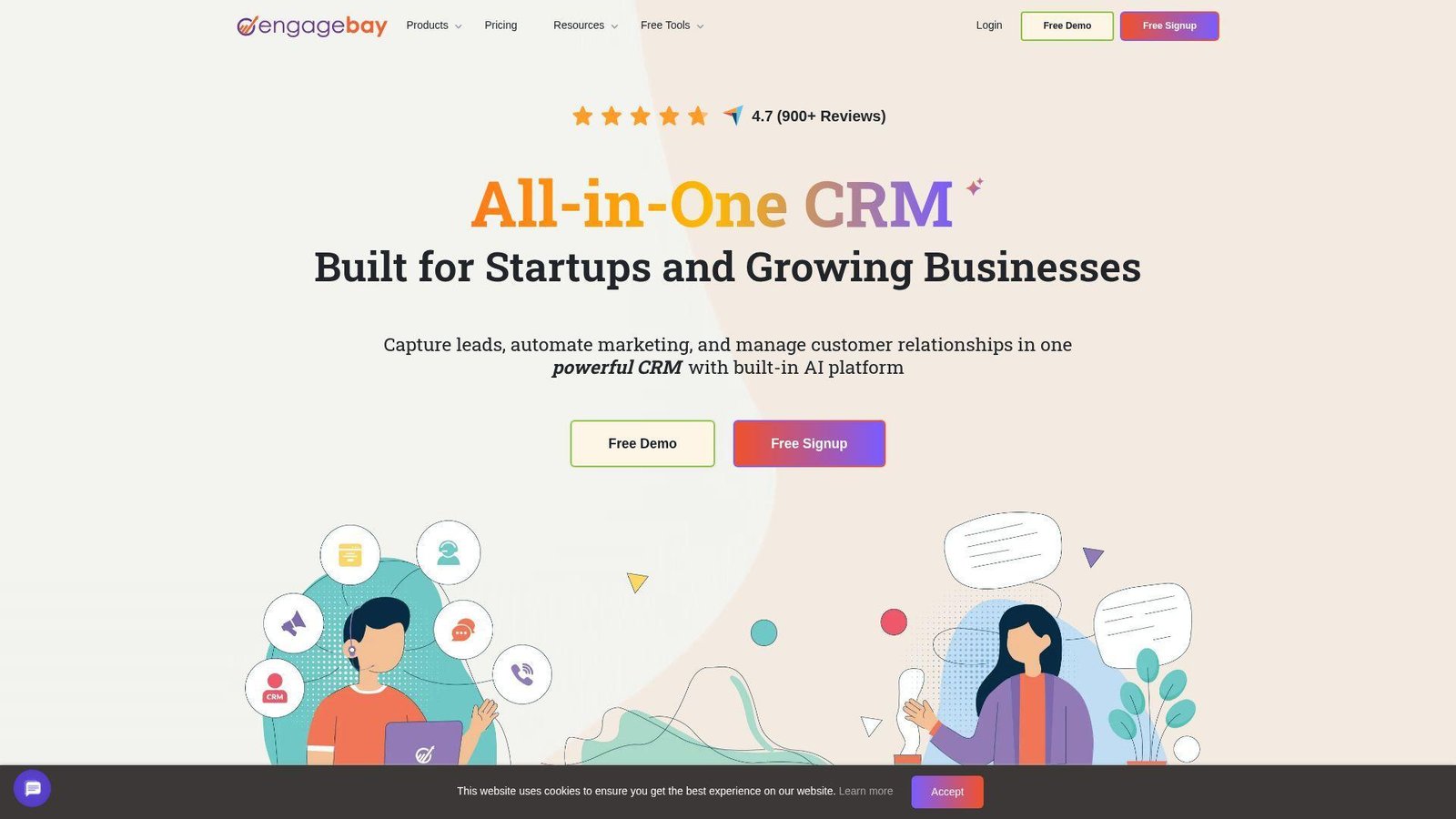
EngageBay targets startups and small teams that want CRM, marketing, and support in one lower-cost stack. We look at it when the budget is tight but the buyer still wants more than a bare-bones contact manager.
Best for: bootstrapped founders, small agencies.
- All-in-one suite → replaces several entry-level tools with one customer database.
- Automations, sequences, and forms → remove follow-up and ticket-routing steps for lean teams.
- Free onboarding sessions → first value usually lands within days.
Pricing & limits: A free plan is available, and paid all-in-one plans start at $12.74/user/mo on annual billing. The free tier includes 250 contacts, Basic 500, Growth 5,000, and Pro 50,000. Trial available.
Honest drawbacks: The experience is less polished than HubSpot, and serious enterprise governance is not the point. You buy it for breadth and value, not for category-leading refinement.
Verdict: If you need broad CRM coverage on a lean budget, this helps you replace a messy starter stack with one workable system.
17. Salesflare
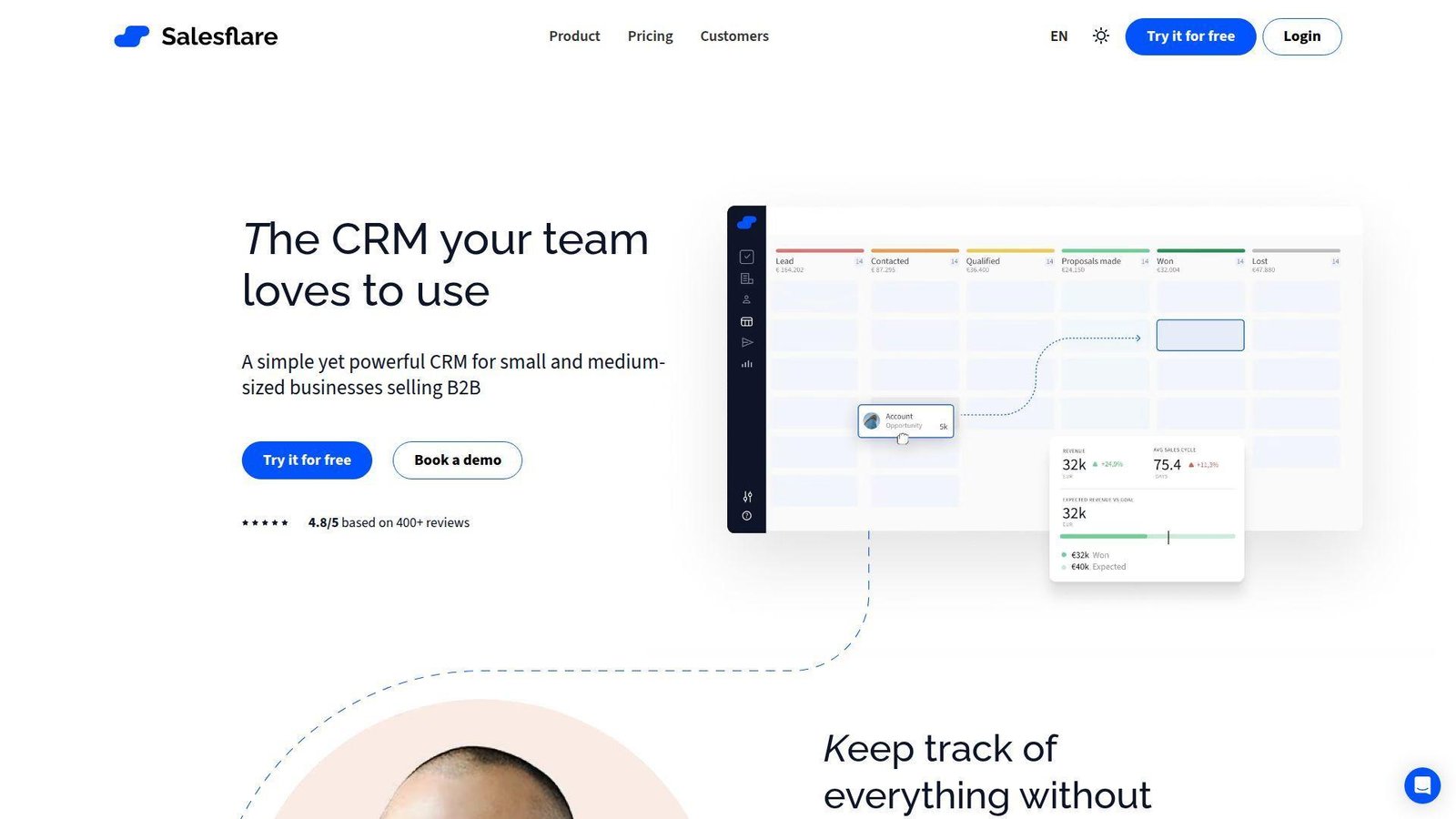
Salesflare is built by a small team obsessed with automating CRM hygiene for B2B selling. We appreciate that obsession because stale data is still the silent killer of many CRM rollouts.
Best for: founders, small account-exec teams.
- Automatic email and meeting capture → keeps deal records current without rep nagging.
- B2B sales automation → cuts follow-up and record-update work dramatically for small teams.
- Light setup → most teams can start productively in minutes.
Pricing & limits: From $29/user/mo annually. Pro is $49 and Enterprise is $99. Free trial available. There is no permanent free plan, and the product is built around per-user selling teams rather than cross-functional service work.
Honest drawbacks: Salesflare is not meant for deep enterprise governance or heavy custom object design. Beats Pipedrive at passive data capture; trails Salesforce on admin control.
Verdict: If your biggest CRM problem is stale data, this helps you keep the system current without turning reps into clerks.
18. Less Annoying CRM
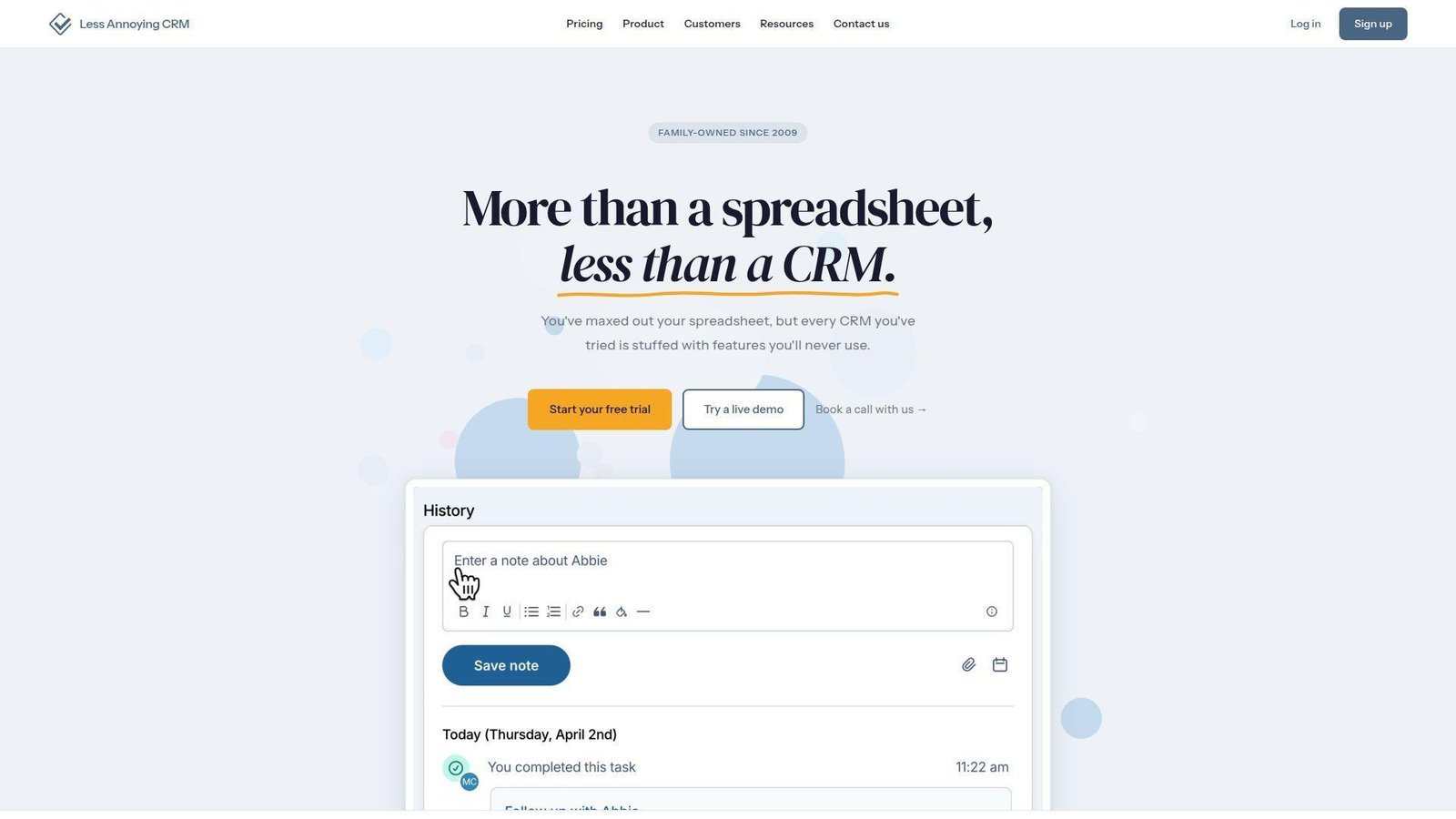
Less Annoying CRM does exactly what the name promises. It focuses on small businesses that value clarity over bells and whistles, and we respect that because overcomplicated software wrecks adoption.
Best for: micro-businesses, non-technical owner-operators.
- Single-plan contact and pipeline management → gives small teams structure without complexity.
- Email sync and simple workflows → remove spreadsheet juggling and repetitive updates.
- Friendly UX and support → most users feel comfortable the same day.
Pricing & limits: $15/user/mo flat. The free trial lasts 30 days. There are no long-term contracts, and no tier ladder exists to unlock basic essentials.
Honest drawbacks: Automation is limited, and advanced reporting is not the draw. Beats almost everyone on simplicity; trails almost everyone on depth.
Verdict: If you want an uncomplicated CRM your whole team will actually use, this helps you get organized fast without admin overhead.
19. Apptivo
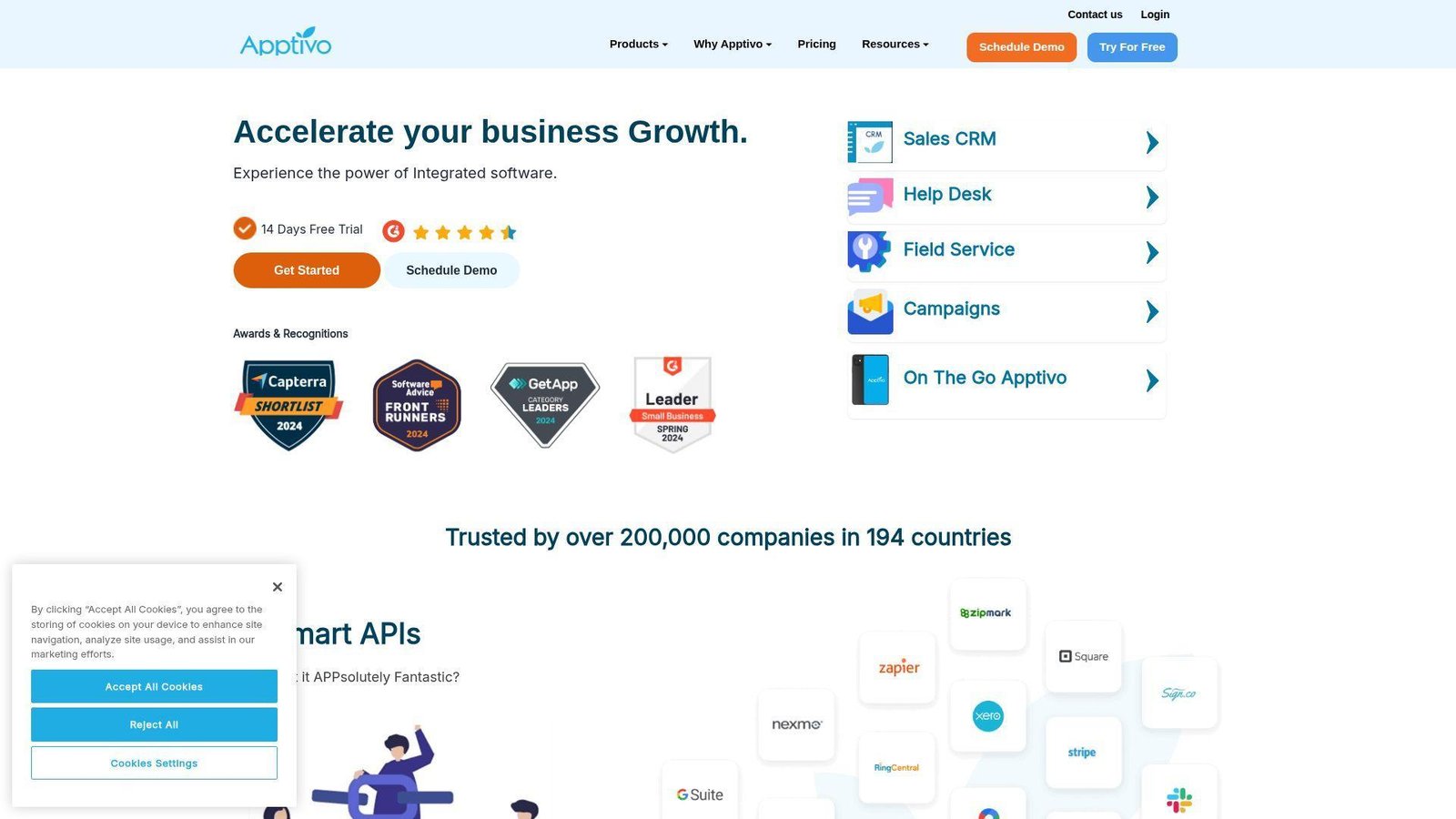
Apptivo takes a modular approach, giving growing companies CRM plus a wider business app framework. We like it when the buyer wants room to expand into projects, invoices, and operational workflows later.
Best for: operations-heavy SMBs, mid-market teams.
- Modular app architecture → extend from CRM into projects, invoices, and service without changing platforms.
- Workflow and API flexibility → reduce manual transfers between customer-facing and back-office steps.
- Broad platform depth → core CRM value arrives quickly, with room to expand later.
Pricing & limits: From $20/user/mo for Lite on monthly billing. The trial lasts 14 days. Lite includes 18 apps, 100 custom fields per app, 25 workflows, and 8 custom dashboards.
Honest drawbacks: Apptivo feels more utilitarian than HubSpot or monday CRM. The platform breadth is useful, but it can also slow decisions if the team lacks a clear process owner.
Verdict: If you want CRM that can grow into a wider business system, this helps you scale without stitching together too many point tools.
20. Nutshell CRM
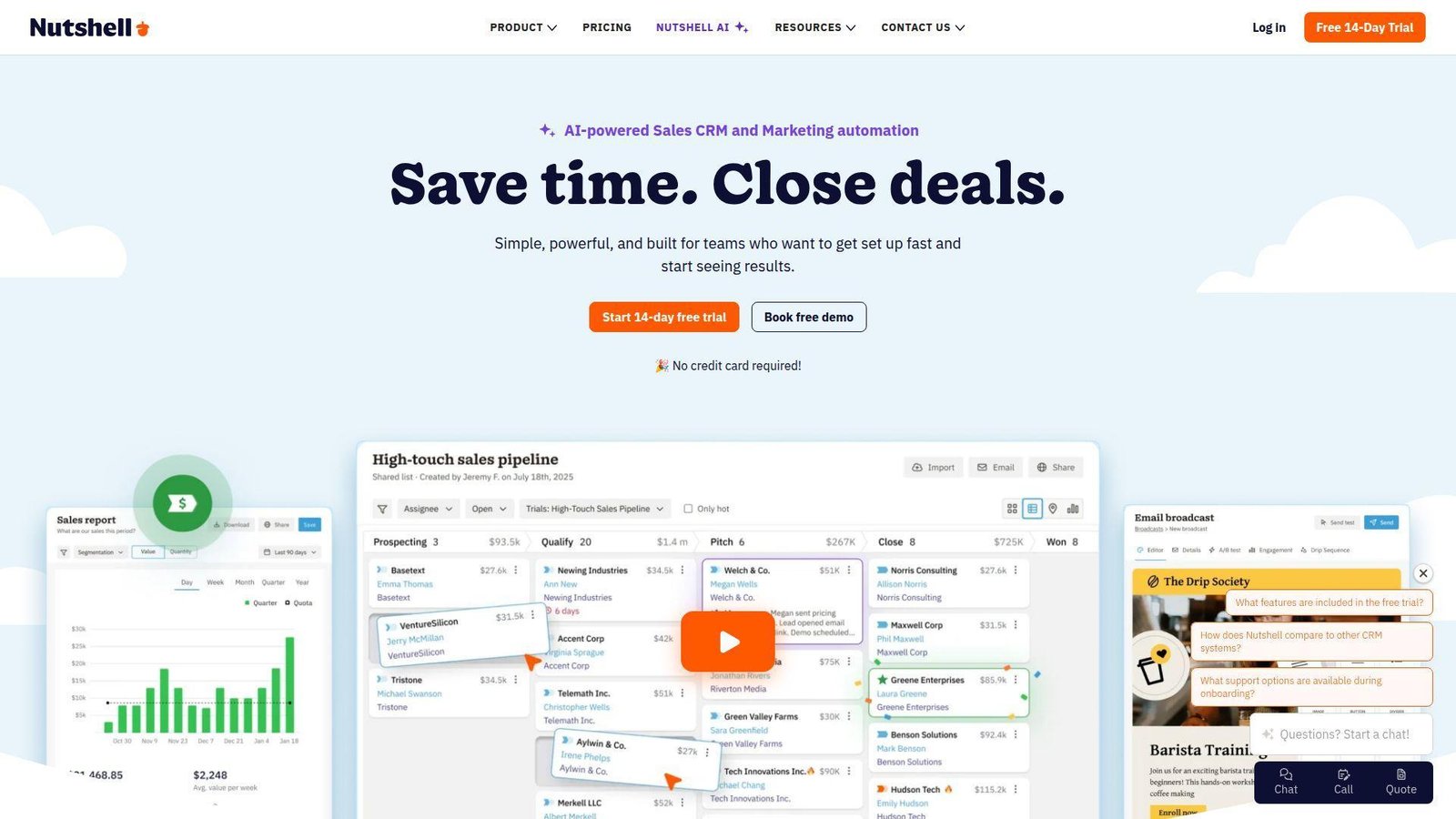
Nutshell targets SMB sales teams that want straightforward pipeline management plus practical built-in marketing tools. We like its honesty. It does not pretend to be an enterprise operating system, and that restraint is often a strength.
Best for: growing SMB sales teams, owner-led revenue teams.
- CRM plus chat, forms, landing pages, and AI tools → build and convert pipeline from one workspace.
- Rules, reporting, and sync tools → cut weekly cleanup and handoff work.
- No seat minimums and easy onboarding → teams usually see value in days.
Pricing & limits: From $13/user/mo for Foundation. Trials run 14 days, and there are no seat minimums. All plans include unlimited contacts and storage, while AI outcomes and open lead limits vary by tier.
Honest drawbacks: Highly bespoke enterprise workflows will outgrow it. Beats many SMB rivals on included extras; trails enterprise suites on deep customization.
Verdict: If you want a practical SMB CRM with useful extras included, this helps you standardize selling without buying a platform you will never fully use.
Recommended reading: Top 20 Free Website Hosting Providers and Builders for Beginners and Small Businesses
What Cloud Based CRM Software Is and Why Businesses Choose It
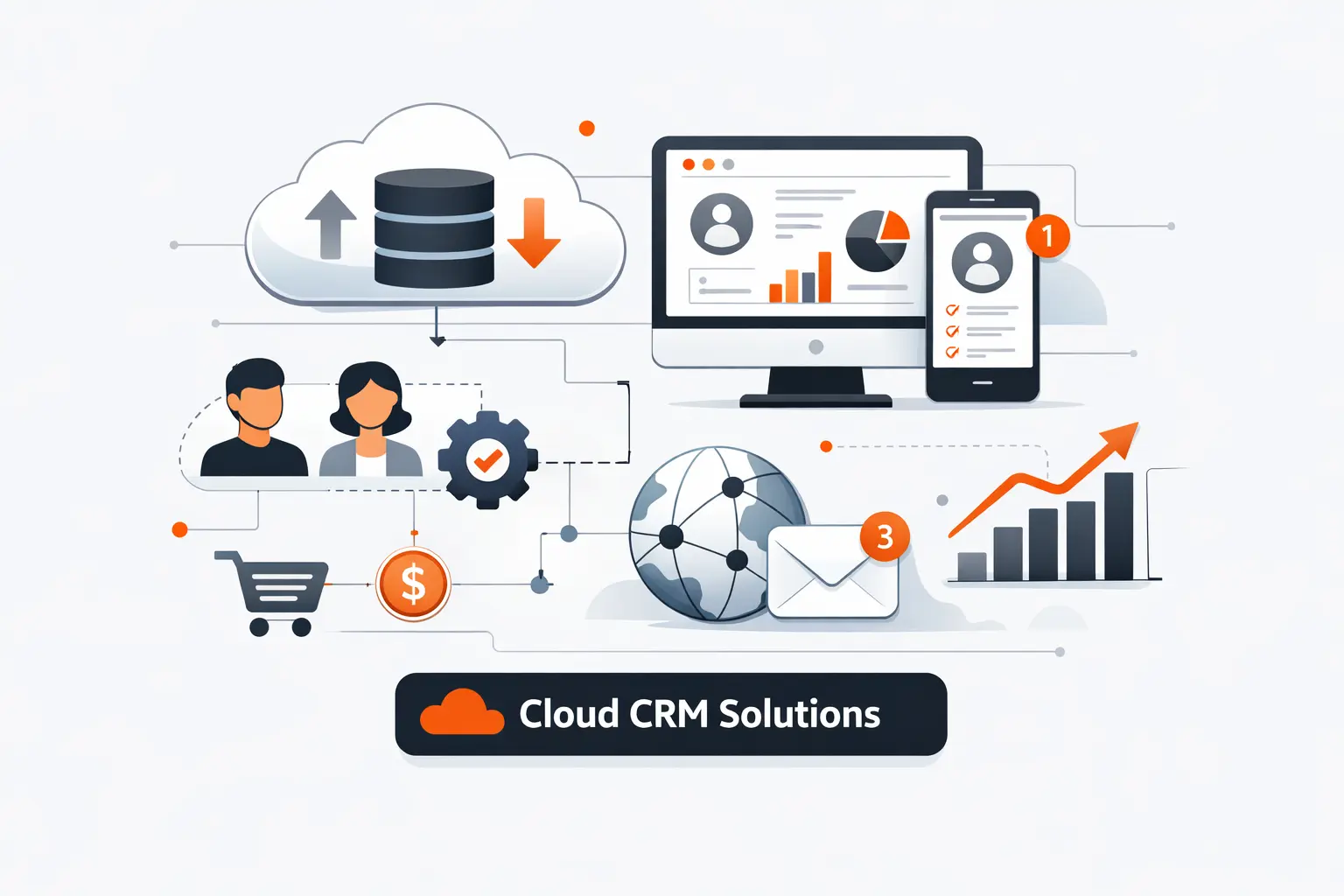
Cloud based CRM software is delivered as an online service, updated by the vendor, and reached through the browser or mobile app. We prefer that model for most businesses because it shifts attention from servers and patches to process, adoption, and customer visibility.
We also watch adoption speed with unusual intensity. Copper highlights a customer that got running in 3 days, and that kind of ramp matters when a small team cannot burn a quarter on setup.
1. How the SaaS Delivery Model Works
In a SaaS CRM, the vendor hosts the application, database, and release cycle. Your team signs in through the web or mobile app, and most configuration happens through settings, fields, permissions, workflows, and APIs rather than local installs.
That sounds simple, but the implications are large. We can pilot faster, integrate sooner, and avoid the old pattern where sales waits on infrastructure before it can improve process. The hidden catch is that every vendor meters something, whether that is storage, automation volume, AI usage, or API access, so commercial terms matter almost as much as interface polish.
2. Cloud Based CRM Software Compared to On-Premise CRM
On-premise CRM still has a place. If a business has hard data residency constraints, brittle legacy dependencies, or internal platform teams that prefer full-stack control, self-managed deployment can still be defensible.
Most modern businesses do better with the cloud. We get faster updates, easier mobile use, better vendor-managed security operations, and less infrastructure overhead. More important, cloud delivery matches the pace of go-to-market change. Sales motions evolve too quickly to wait on slow upgrade cycles.
3. Why Sales, Marketing, and Service Teams Rely on One Shared System
Customers do not experience your departments separately. They experience one company. That is why a shared CRM matters. Marketing needs lead source and campaign context. Sales needs conversation history and buying signals. Service needs the promise that was made before the contract was signed.
When those teams work from the same record, handoffs stop feeling like guesswork. We usually see better lead routing, cleaner onboarding, smarter upsell timing, and fewer awkward moments where support has no idea what sales promised. That is where CRM stops being software and starts acting like operating memory.
Recommended reading: Top 20 Best Website Builder Platforms for Your Next Site
Core Benefits of Cloud Based CRM Software
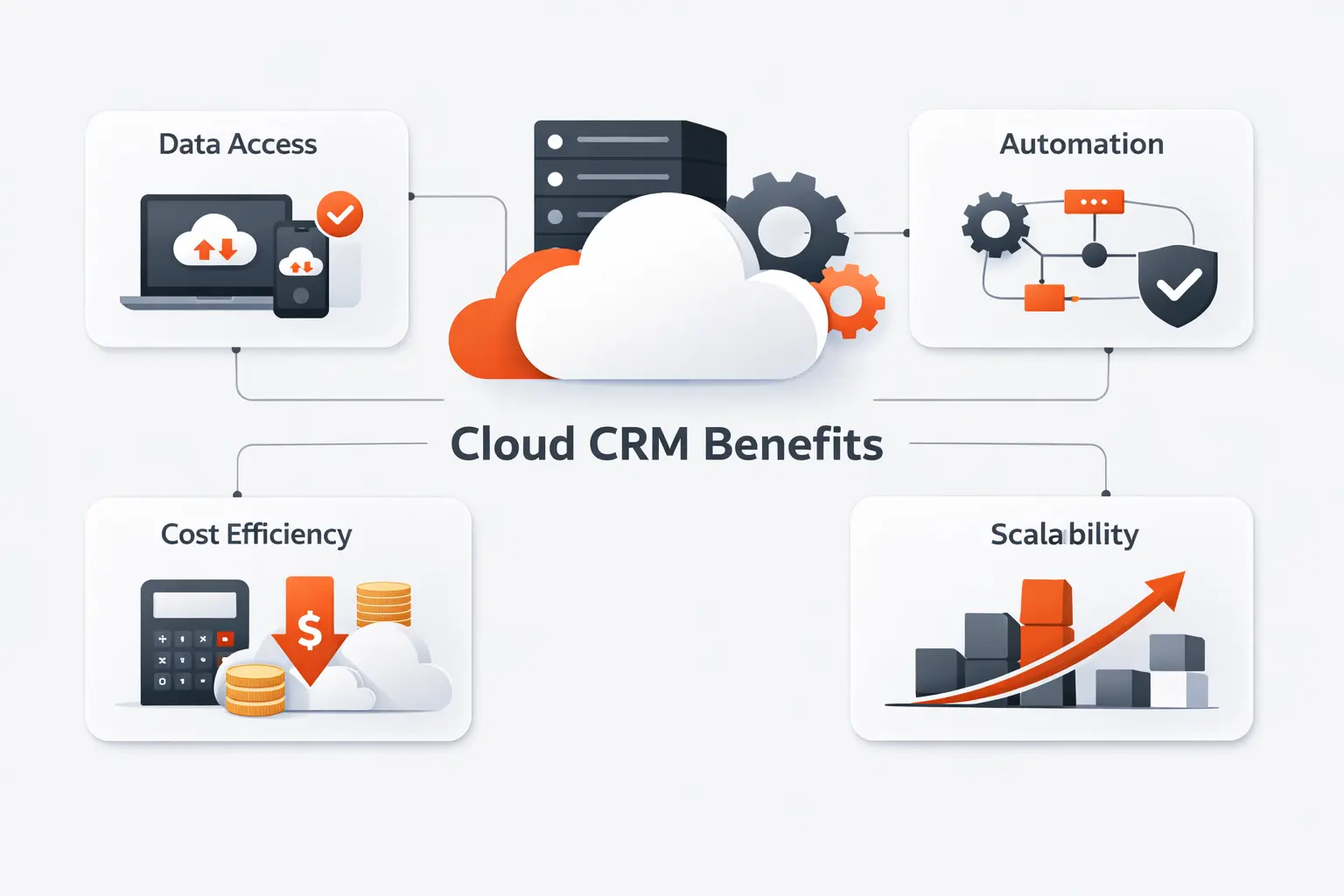
The attraction is not abstract. A strong cloud CRM compresses coordination work that used to live in inboxes, spreadsheets, and hallway memory. Revenue teams lose more momentum to friction than to lack of features, and this is where the right system earns its keep.
Freshsales showcases a customer that added 10X more customers while reducing administrative drag, which is why we rank tools by fit, not by brand prestige alone.
1. Lower Upfront Costs and Predictable Operating Expenses
Cloud CRM usually replaces a large infrastructure project with a subscription line item. That makes experimentation easier. We can test fit, roll out by team, and upgrade when the process deserves it instead of buying everything up front.
Still, we never treat subscription pricing as the full story. Implementation fees, contact-based charges, add-ons, AI credits, and seat creep can turn a cheap CRM into an expensive one. Smart buyers compare total operating shape, not just entry price.
2. Anywhere Access Across Web, Mobile, and Remote Teams
Sales teams do not work in one room anymore. Reps update deals after calls, managers review pipeline on the move, and service teams need context without waiting for someone to forward a note. Cloud delivery supports that reality cleanly.
We care a lot about mobile quality here. A CRM that looks great in a desktop demo but feels clumsy on a phone will quietly lose rep adoption. Good cloud tools make logging activity feel easy enough to happen in real time.
3. Automatic Updates, Security, and Reduced IT Overhead
Vendor-managed updates are one of the least glamorous and most valuable parts of SaaS. New features arrive faster, patches land without local firefighting, and security operations are generally more mature than what many mid-sized businesses can support alone.
That does not remove your responsibility. We still advise clients to own role design, access reviews, retention rules, integration permissions, and offboarding discipline. Strong software helps, but weak governance can still spoil the barrel.
4. Better Collaboration Across Sales, Marketing, and Service
A shared CRM creates a common language for pipeline stage, account status, campaign influence, and customer risk. That sounds basic, yet it changes how teams plan. Instead of arguing over whose spreadsheet is right, they can argue about what action to take next.
We find the biggest gains appear when service notes and sales notes stop living apart. Once marketing, sales, and service can read the same account story, the handoffs get tighter and the customer experience gets less accidental.
5. Scalability, Faster Deployment, and Easier Growth
Good cloud CRM lets a business start narrow and grow deliberately. One team can begin with a clean pipeline, then add territories, advanced permissions, custom objects, portals, or automation later as the process matures.
That flexibility matters because most businesses do not need the final-state system on day one. We usually recommend starting with the minimum design that supports discipline, then expanding only after the team proves it will use the foundation well.
Recommended reading: Top 20 Free AI Flyer Generator Tools for Fast, Professional Designs
What to Look for in Cloud Based CRM Software
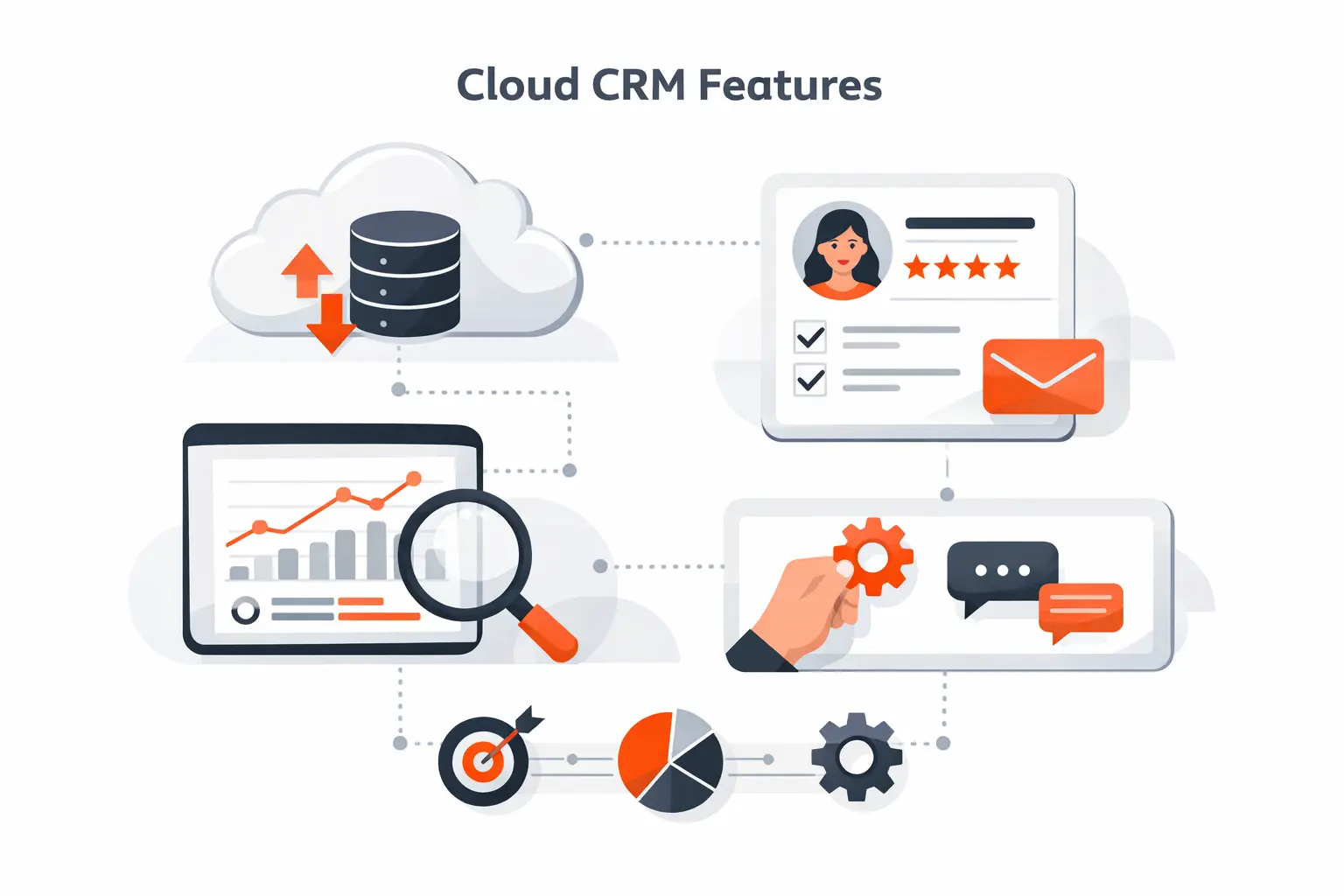
Feature grids can be deceptive. We have seen buyers choose the longest checklist, then struggle with sync errors, admin sprawl, weak mobile use, and reporting nobody trusts. The safer move is to inspect the failure points first.
1. Accessibility Across Devices and Reliable Real-Time Sync
Browser speed, mobile usability, calendar sync, email logging, and duplicate handling matter more than they get credit for. If a rep cannot trust the record after a meeting or update it quickly from a phone, the system decays fast.
We always test real-world actions, not just screenshots. Can users update a deal, log a call, schedule follow-up, and see the last service note without friction? If not, the tool is already telling you how adoption will go.
2. Contact Management, Pipelines, and Automation Without Lock-In
A serious CRM should make it easy to import, deduplicate, organize, and export data. Multiple pipelines, clean contact history, basic automation, and role-aware visibility are table stakes. The real question is how portable those structures stay over time.
We are wary of systems that make exports awkward or hide key automation behind steep plan jumps. You want leverage, not captivity. Clean ownership of your data model matters more than flashy setup wizards.
3. Customization, AI, and No-Code Workflow Flexibility
Customization should help the business mirror reality, not indulge every whim. Good platforms let you adapt fields, layouts, rules, approvals, and objects without making the system brittle. The trick is choosing change that earns its complexity.
AI deserves the same skepticism. We like AI that summarizes calls, drafts follow-up, scores leads, or flags risk in a useful way. We dislike AI that adds noise, hides logic, or creates another layer the team has to babysit.
4. Integrations, Reporting, and Cross-Team Visibility
Most businesses already have billing tools, support software, marketing systems, telephony, or internal apps. Your CRM should connect to them cleanly. Native integrations are helpful, but durable APIs and clear data mapping matter even more.
Reporting is where shallow tools reveal themselves. We want dashboards people believe, attribution that survives scrutiny, and cross-team visibility that helps leaders act without needing a spreadsheet interpreter in the room.
5. Security, Compliance, and Governance Controls
Security is not just encryption. We look for SSO, MFA, role-based access, field-level permissions, audit logs, environment controls, and clear admin accountability. In regulated businesses, this is not optional housekeeping. It is part of the buying decision.
Governance also protects the future. A CRM that scales in headcount but not in permission structure or change management will become messy long before the contract ends. We would rather buy a slightly smaller feature set with cleaner controls than the reverse.
Recommended reading: Top 20 AI Business Name Generators for Brand-Ready Ideas
How to Choose the Right Cloud Based CRM Software
A good shortlist is smaller than most people expect. We usually narrow it by revenue motion, admin maturity, data cleanliness, and budget shape before we argue about AI buttons or pretty dashboards.
1. Match the CRM to Team Size, Budget, and Business Goals
Founders often need speed, clarity, and low overhead. Mid-market teams usually need reporting, territory logic, and stronger automation. Enterprises need governance, scale, and extensibility. Headcount matters, but process complexity matters more.
We always ask a simple question first: what job must the CRM do right now? If the answer is vague, the shortlist will get bloated fast. If the answer is sharp, the field narrows in a hurry.
2. Balance Adoption Speed With Feature Depth and Flexibility
The best CRM is the one people use before the excitement wears off. That is why we weigh adoption speed heavily. A deep platform is useless if reps treat it like a monthly compliance chore.
On the other hand, easy does not always scale. We warn clients against both extremes: aspirational enterprise software for a simple team, and overly simple software for a complex motion. The sweet spot is where present behavior and future needs overlap.
3. Review Migration, Training, and Total Cost of Ownership
Migration is where many projects get bruised. Old fields, duplicate contacts, bad owners, inconsistent stages, and missing activity history all show up at once. Cleaning the data before rollout is usually cheaper than fixing trust after launch.
Training matters just as much. Licenses are only part of cost. Admin time, onboarding, consulting, change management, add-ons, and workflow maintenance all belong in the real number. We prefer a sober budget over a cheerful surprise.
4. Validate Vendor Reputation, Support, and Long-Term Scalability
Support quality is not a side note. When a workflow breaks or a sync fails, you learn quickly whether the vendor is a partner or a ticket portal. We look at documentation quality, support access, partner depth, roadmap clarity, and pricing transparency.
Long-term scalability also means escape velocity. Can the system evolve without turning fragile? Can you undo a bad design choice and new teams join without wrecking the permission model? Those questions matter more than a glossy demo.
Frequently Asked Questions on Cloud Based CRM Software
These are the questions we hear most often when teams move from casual browsing to a real CRM selection.
1. What Are Cloud Based CRM Systems?
They are CRM platforms hosted by the vendor and accessed online. Instead of managing servers, the customer manages users, permissions, workflows, integrations, and data quality. In practice, that means faster rollout, easier remote access, and a subscription model rather than a hardware project.
2. What Are the Four Types of CRM?
The classic four are operational, analytical, collaborative, and strategic CRM. Operational CRM handles day-to-day selling and service work. Analytical CRM turns data into insight. Collaborative CRM connects teams. Strategic CRM centers long-term customer value. Modern platforms usually blend all four.
3. Which Cloud Based CRM Software Platforms Fit Small, Mid-Market, and Enterprise Teams?
For small teams, we usually start with Less Annoying CRM, Pipedrive, Freshsales, Zoho CRM, Copper, Nimble, or EngageBay. Mid-market teams often fit HubSpot CRM, monday CRM, Nutshell CRM, Insightly CRM, Apptivo, or Creatio. Enterprise buyers usually lean toward Salesforce CRM, Microsoft Dynamics 365 Sales, Creatio, or SugarCRM. Process complexity matters more than headcount alone.
4. Is Zoho CRM Really Free?
Yes, but only in a narrow sense. Zoho CRM has a free edition for up to three users and covers core basics. Once you want richer automation, deeper analytics, advanced AI, or tighter governance, you move into paid tiers. We still think it is one of the more generous true-entry options.
5. How Secure Is Cloud Based CRM Software?
Potentially very secure, but not automatically. Vendor controls matter, yet so do your own choices around MFA, SSO, least-privilege roles, data retention, user offboarding, integration scope, and audit review. We tell clients the same thing every time: strong software cannot rescue weak governance.
How TechTide Solutions Helps Businesses Build Custom Cloud CRM Solutions
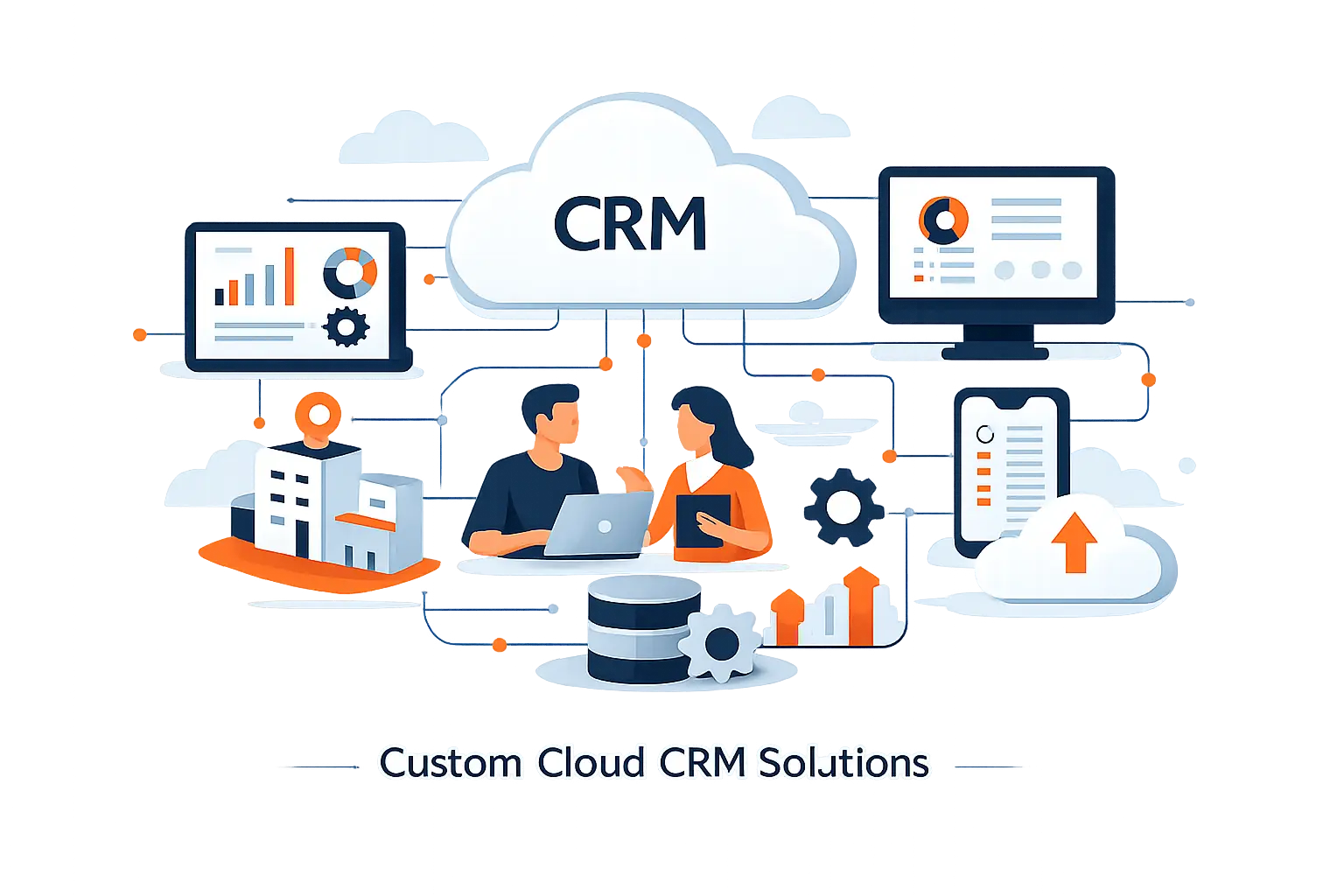
Off-the-shelf CRM works well until your workflows, data model, or customer journey stop fitting the box. That is the point where we at Techtide Solutions usually step in.
1. Custom Software Strategy and Architecture for Tailored CRM Workflows
We start by mapping how leads, approvals, opportunities, onboarding, service requests, and renewals actually move today. Then we decide what should live inside the CRM, what should stay in surrounding systems, and where custom development creates lasting leverage instead of technical debt.
That architectural step matters. Too many teams treat CRM customization like decoration. We treat it like process engineering. The result is a cleaner data model, saner permissions, and workflows that reflect how the business truly sells and serves.
2. Web and Mobile Development for Better User Adoption
Adoption rises when screens feel native to the job. We build companion web and mobile experiences that simplify field entry, guide complex handoffs, surface the right next action, and hide clutter that generic CRM screens often expose.
In plain English, we make the software easier to use. That can mean a sales portal, a service dashboard, a mobile workflow for field reps, or a quote experience that connects directly to the CRM without forcing users through unrelated tabs.
3. Integrations, Automation, and Ongoing Support for Scalable Growth
We also connect CRM platforms to the rest of the business stack. That includes ERP, help desk, marketing automation, telephony, payments, analytics, and custom internal tools. When those systems talk cleanly, duplicate entry drops and leadership gets a more trustworthy view of the customer lifecycle.
After launch, we stay involved with optimization, integration maintenance, training, and roadmap support. Cloud based CRM software is never really done. The best results come from steady iteration, not a one-time configuration sprint.
Conclusion: Finding the Best Cloud Based CRM Software for Your Business
There is no universal winner in cloud based CRM software. Salesforce CRM and Dynamics 365 Sales make sense when governance and scale dominate. HubSpot CRM, monday CRM, Freshsales, and Nutshell CRM shine when adoption speed matters. Zoho CRM, Less Annoying CRM, Nimble, and EngageBay are strong when budget pressure is real. Creatio, SugarCRM, and Apptivo earn their place when workflow shape matters more than brand familiarity.
At Techtide Solutions, we would start by naming the bottleneck you most want to remove: slow lead response, weak pipeline visibility, broken handoffs, or scattered customer data. Once that is clear, the shortlist gets smaller fast. Which pain do you want your next CRM to eliminate first?

