


At Techtide Solutions, we treat engineering project management software as the control plane for delivery, margin, and accountability. We reviewed these tools the way we review platforms for our own clients: by asking how quickly they surface risk, how clearly they expose resource strain, and how honestly they report project finances. Some are ideal for software engineering. Others are built for architecture and engineering firms that live or die by phase budgets, billable utilization, and change control.
Quick Comparison of Engineering Project Management Software
We like to start with a fast scan. The table below compares the first 10 tools in our toplist, with the emphasis on fit, entry price, and the limits that matter before you commit your team.
That discipline is showing up in adjacent engineering markets too. Statista notes Autodesk’s AEC products generated over 2.9 billion U.S. dollars in the financial year ended in January 2025, a strong signal that technical teams now expect software to connect planning, documents, staffing, and commercial performance.
| Tool | Best for | From price | Trial/Free | Key limits |
|---|---|---|---|---|
| Scoro | A/E firms needing PSA depth | $19.90/user/mo | 14-day trial | SSO only on Enterprise |
| Factor A/E | Small A/E firms on QuickBooks | $30/user/mo | Free trial | One plan, plus implementation fee |
| Wrike | Cross-functional engineering work | $0; paid from $10 | Free plan; 14-day trial | Budgeting and capacity sit higher up |
| Zoho Projects | Budget-conscious teams | $0; paid from $4 | Free plan; 15-day trial | Free tier caps at 3 projects |
| Microsoft Project | Microsoft 365 enterprises | $10/user/mo | 1-month trial | Portfolio depth needs higher plans |
| BQE CORE | Engineering financial control | Custom quote | Demo/quote | Modules and pricing are opaque |
| ProjectManager | Classic PM plus resources | $13/user/mo | 30-day trial | Team plan caps at 10 users |
| OpenProject | Open-source and self-hosted teams | Free; paid from €5.95 | Community free; 14-day trial | Paid plans start at 25 users |
| Monograph | Small design-led A/E firms | From $25/mo | Select trial | Track plan is for very small firms |
| Notion | Docs-first engineering ops | $0; paid from $10 | Free plan; AI trial | No native PSA or capacity depth |
Recommended reading: Top 20 Cloud Based CRM Software Platforms for Modern Businesses
Top 20 Engineering Project Management Software Platforms
Gartner Digital Markets reports that over 85% of businesses actively use project management software, which tells us the conversation has moved well past simple task tracking and into operational discipline.
We ranked these platforms by workflow fit, financial visibility, resource planning strength, integration depth, and time-to-first-value. We also stayed frank about trade-offs, because engineering teams do not need another glossy shortlist that hides the warts.
1. Scoro
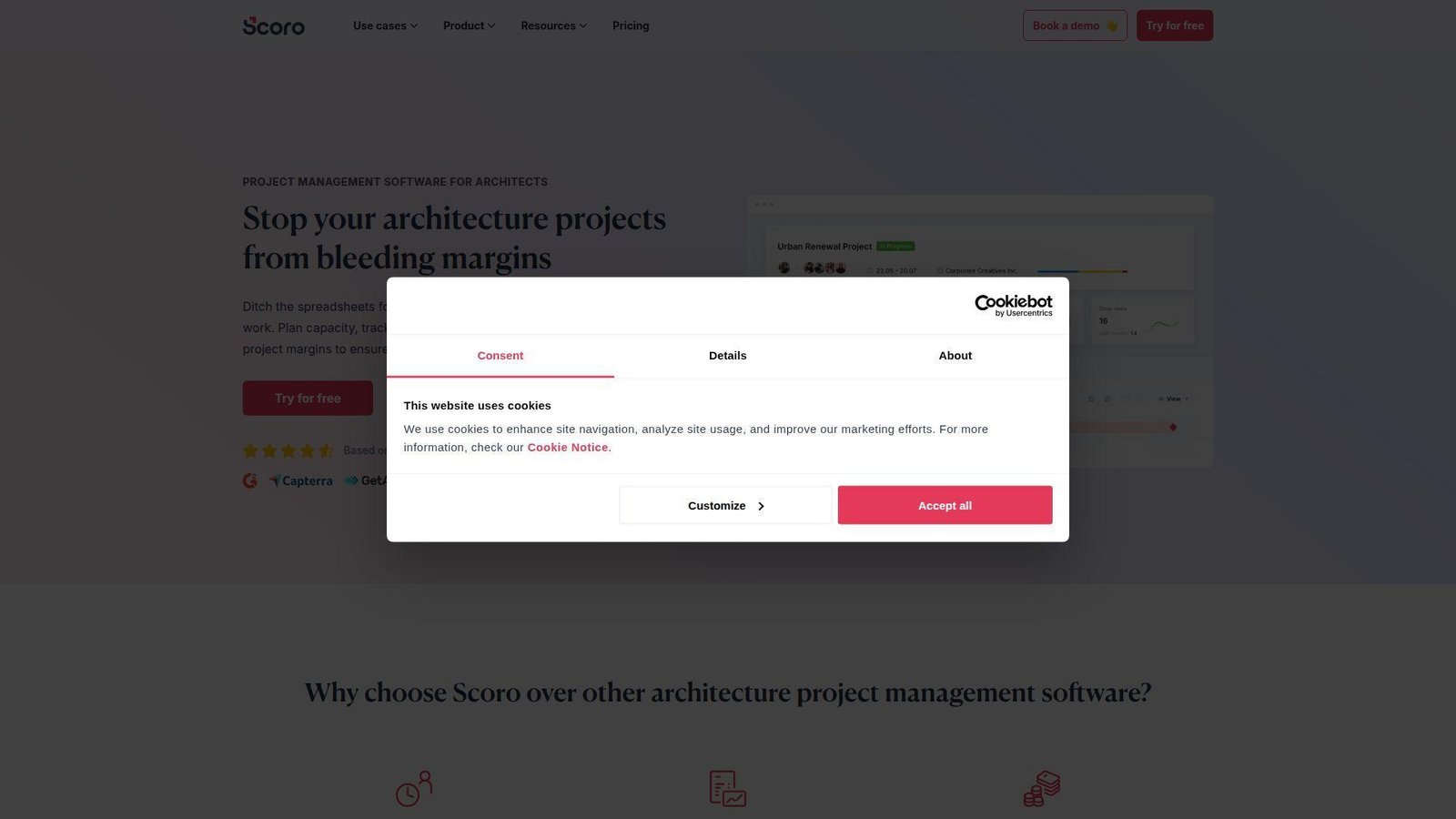
Scoro is a professional services automation vendor whose product, onboarding, and support teams clearly understand billable project businesses. We like how it combines work management, quoting, budgeting, utilization, and invoicing in one place instead of forcing firms to stitch finance together after delivery.
Best for: mid-sized architecture or engineering firms, and operations leaders who need margin visibility without spreadsheet cleanup.
- Quoted vs. actual project financials → principals can spot fee burn and margin drift before invoicing week.
- Templates, automations, and role-based cost controls → teams remove several manual handoffs per project cycle.
- Unified UI for work, CRM, and billing → most firms can reach their first useful dashboard in one to two weeks.
Pricing & limits: From $19.90/user/mo billed annually for Core; 14-day free trial; deeper budgeting, utilization, and forecasting sit in higher tiers, while SSO is gated to Enterprise.
Honest drawbacks: Scoro can feel dense on day one, and smaller technical teams may pay for commercial features they barely use. It beats generic PM tools at financial control but trails engineering-specific systems on CAD or BIM context.
Verdict: If you want one platform for delivery and profitability, this helps you move from reactive reporting to same-week decisions in a single billing cycle.
2. Factor A/E
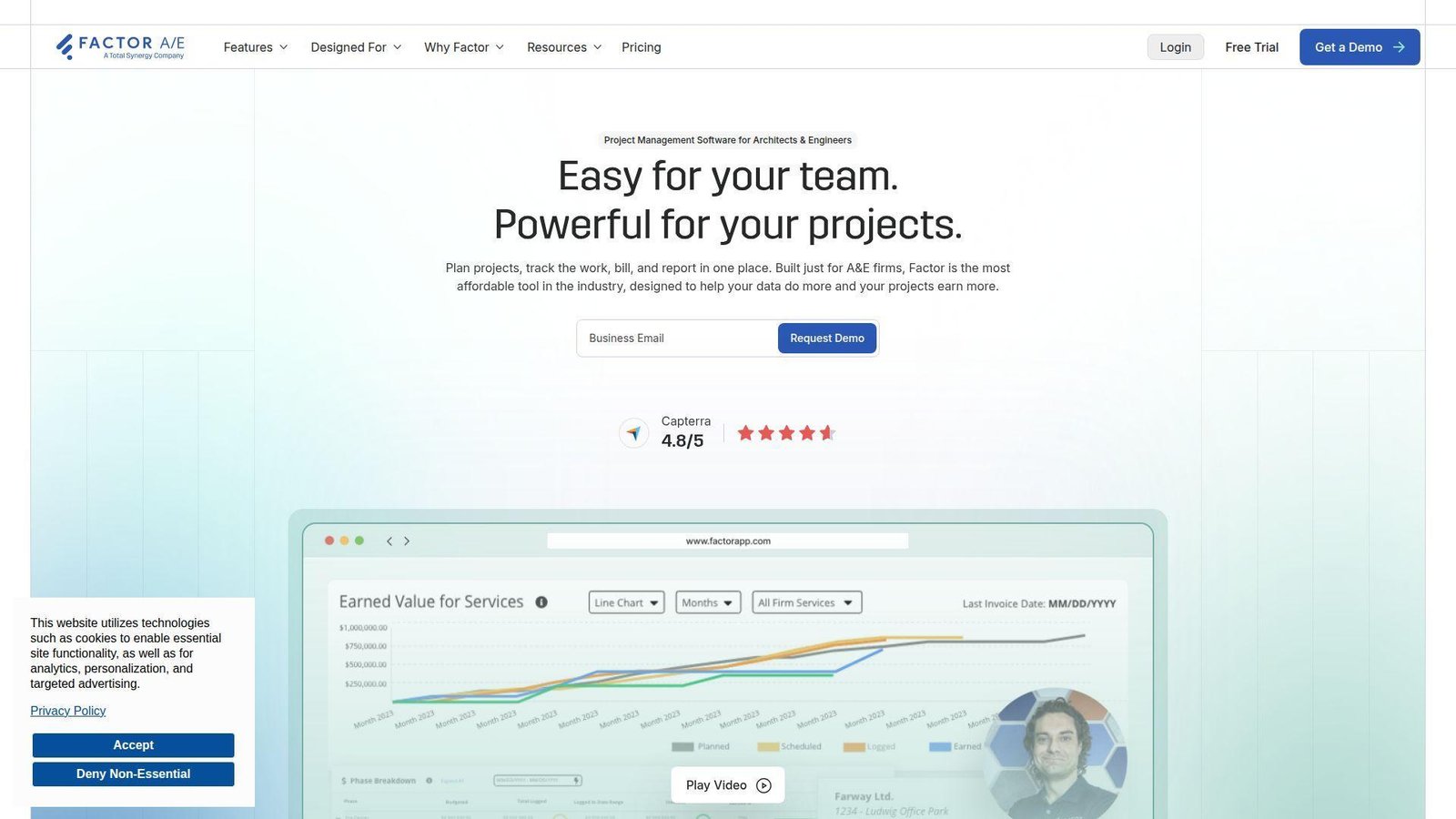
Factor A/E is a focused A&E platform with a product team built around the day-to-day realities of architecture and engineering firms. Its pitch is simple and, in our view, refreshingly honest: fewer tiers, fewer moving parts, and better alignment with how small firms actually bill and staff work.
Best for: small architecture firms, and engineering office managers who want a simpler A&E system tied closely to QuickBooks.
- A&E-specific project setup and KPI dashboards → teams launch projects faster and see phase-level performance earlier.
- Time entry, invoicing, scheduling, and QuickBooks sync → firms can cut double entry across billing by several steps each week.
- Single-plan packaging → most teams can get meaningful value in a few days, not a month-long config project.
Pricing & limits: From $30/user/mo on an annual plan; free trial available; all core features are included, but a one-time implementation fee applies for setup, data import, and training.
Honest drawbacks: The ecosystem is still lighter than larger PSA suites, and firms with complex portfolio governance may outgrow it. Beats heavier systems on simplicity; trails them on enterprise controls and global reporting depth.
Verdict: If you want A&E-specific control without enterprise bloat, this helps you standardize billing and staffing fast, usually within your first month.
3. Wrike
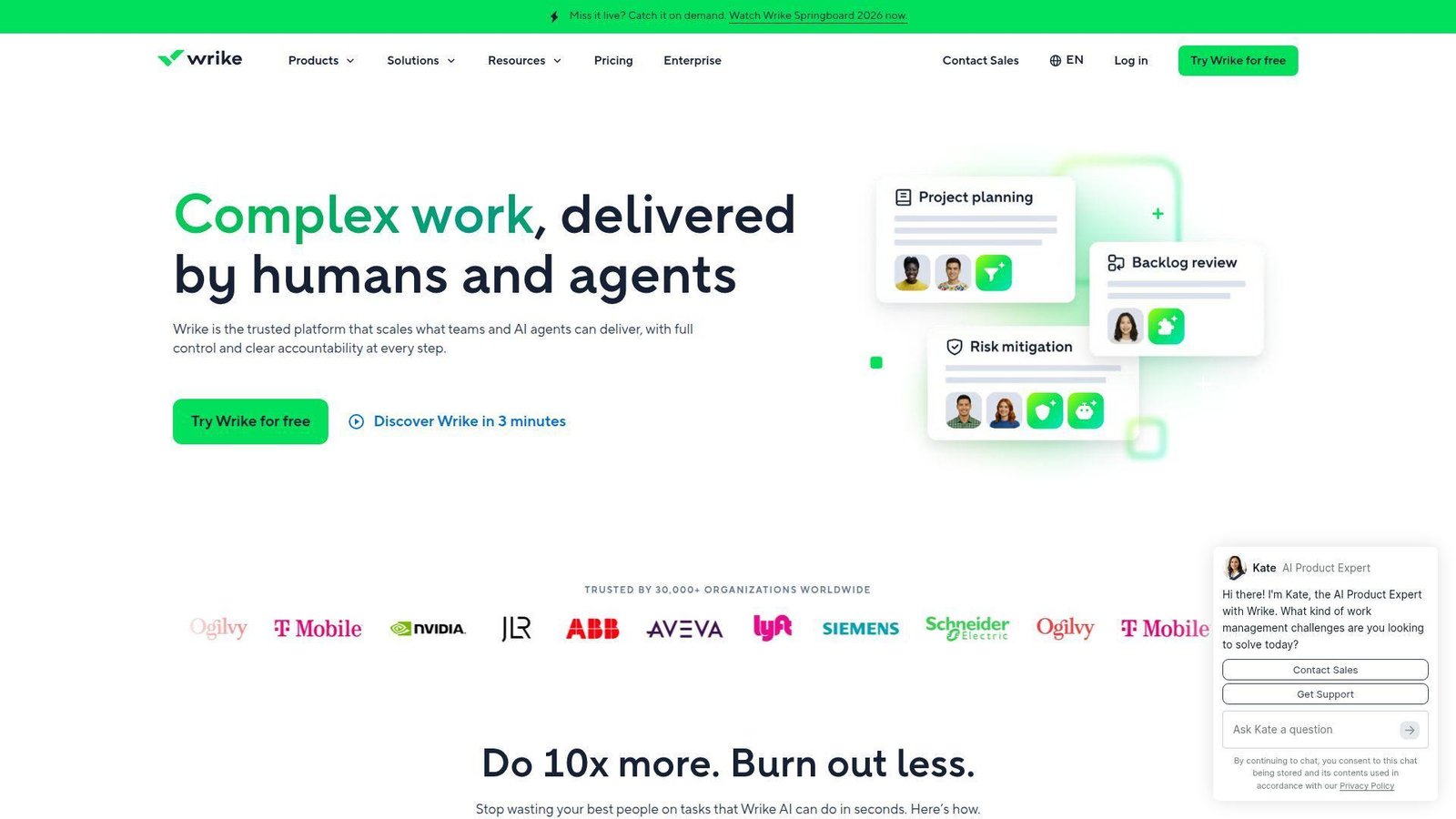
Wrike is a mature collaborative work platform backed by a broad product and enterprise support organization. We see it as strongest when engineering work spans design, operations, IT, and executive reporting, because its workflow and visibility model is built for cross-functional coordination.
Best for: engineering PMOs, and cross-functional product or manufacturing teams that need shared visibility.
- Dashboards, forms, boards, and interactive Gantt charts → managers get cleaner execution tracking across mixed teams.
- AI features, automations, and integrations → teams can remove repeat status updates and save several clicks on every handoff.
- Friendly interface and template depth → many teams can reach first value in under a week.
Pricing & limits: From $0 on the free plan; Team starts at $10/user/mo billed annually and Business at $25/user/mo; 14-day free trial; Team supports 2 to 15 users, while Business supports 5 to 200.
Honest drawbacks: The financial side gets serious only in upper plans, and add-ons can push costs up quickly. Wrike beats simple task apps at scale, but it is not our first pick for firms that care most about fee burn or project accounting.
Verdict: If you need to coordinate engineering work across departments, this helps you replace status-chaos with a live operating view in days.
4. Zoho Projects
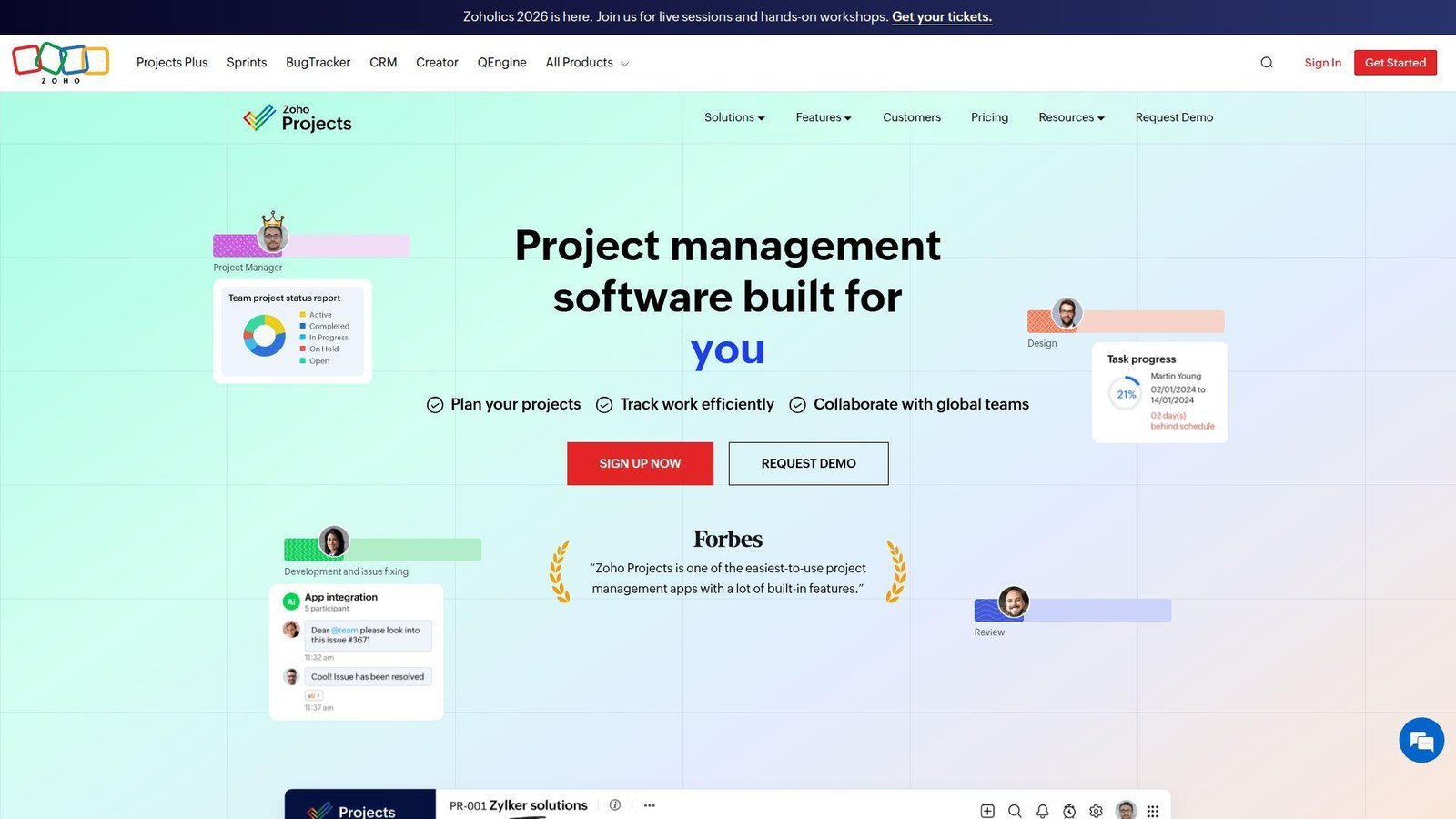
Zoho Projects comes from a broad SaaS company with deep platform, support, and integration teams. We keep coming back to it because the value is hard to ignore: it delivers real scheduling, issue tracking, and budget control at a price point that does not make smaller firms flinch.
Best for: small engineering teams, and cost-conscious operations managers who need more than a basic task board.
- Gantt, baselines, critical path, and project budgets → teams can move from loose planning to controlled delivery without upgrading immediately.
- Zoho Books, Analytics, Flow, and ecosystem integrations → firms can cut repeated data entry across PM and finance.
- Low-friction setup with familiar menus → first value often arrives within a few days.
Pricing & limits: From $4/user/mo billed annually on paid plans, with a free tier available; 15-day free trial for paid editions; the free plan caps you at 3 projects, 5 users, 5 GB storage, and limited workflow actions.
Honest drawbacks: The interface is functional more than elegant, and some portfolio or governance features sit higher up. It beats many low-cost tools on breadth; it trails premium engineering suites on deep financial modeling and enterprise polish.
Verdict: If you want affordable engineering project management software that still has real scheduling teeth, this helps you formalize delivery fast without blowing the budget.
5. Microsoft Project
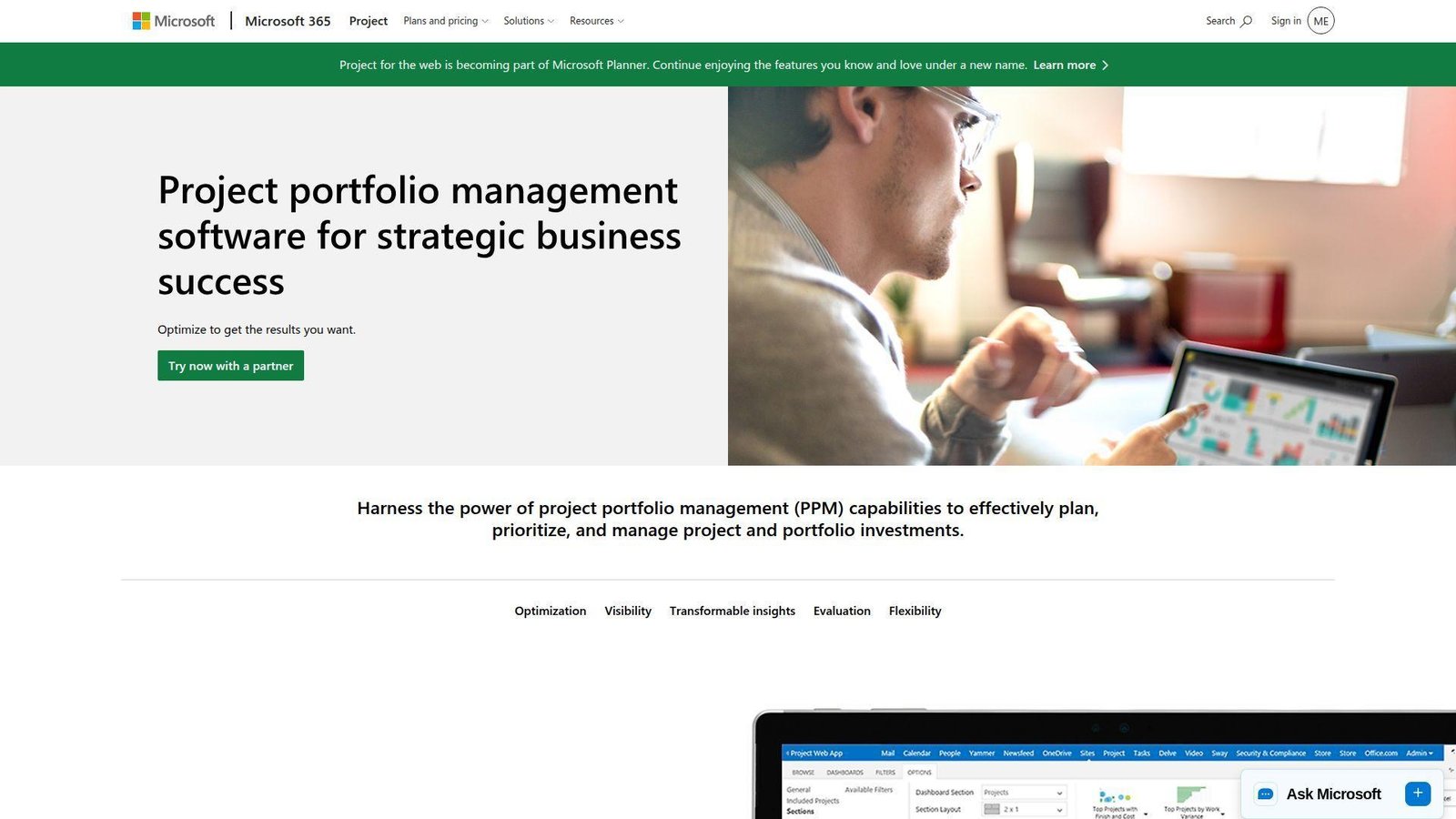
Microsoft Project now lives inside a broader Planner and Project portfolio, which tells us exactly who it serves: organizations already standardized on Microsoft 365. The product and ecosystem teams have folded classic project control into a broader work-management story, and that matters if your enterprise already runs on Teams, Power Platform, and Azure.
Best for: enterprise PMOs, and Microsoft-first engineering organizations with layered governance needs.
- Dependencies, timeline views, backlogs, and program controls → teams can manage waterfall and agile work without splitting systems.
- Teams, Power Platform, and Microsoft 365 integration → users avoid multiple context switches and save reporting effort each week.
- Familiar Microsoft experience → companies already in the stack often see first value in days, not months.
Pricing & limits: From $10/user/mo billed yearly for Planner Plan 1; one-month trial on eligible plans; deeper resource, program, and portfolio features step up to Plan 3 and Plan 5, which reaches $55/user/mo.
Honest drawbacks: Licensing can feel like a maze, and the overlap between Planner, Project for the web, and legacy Project language still confuses buyers. It beats many tools on enterprise familiarity; it trails cleaner mid-market tools on simplicity.
Verdict: If your organization already runs on Microsoft, this helps you centralize planning and portfolio oversight quickly with less adoption friction.
6. BQE CORE
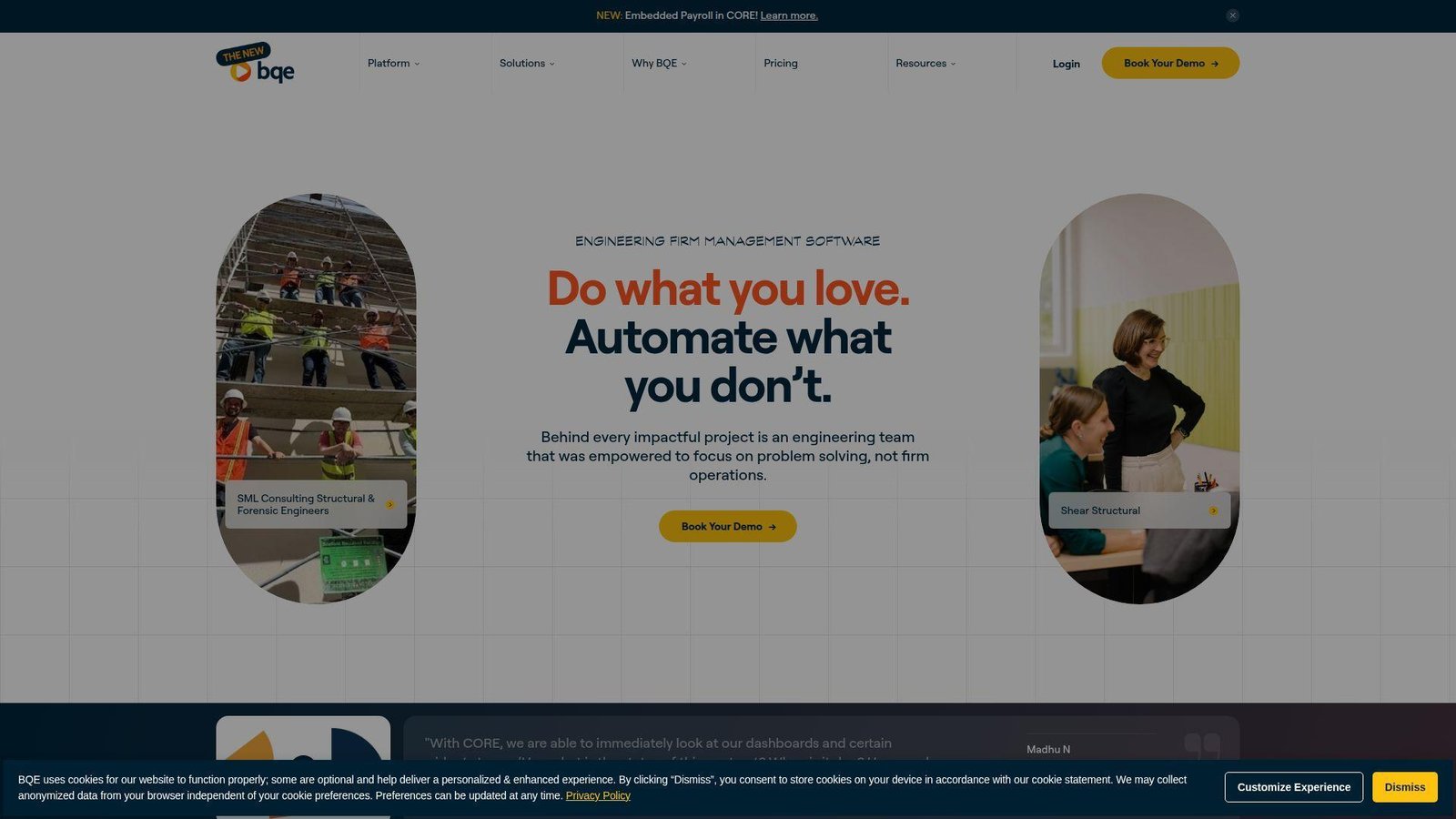
BQE CORE is built by a long-running professional services software company with clear roots in architecture and engineering. We like it most when the problem is not just task execution but financial truth: rate management, phased billing, utilization, realization, and profitability all matter here.
Best for: engineering firm principals, and finance or operations leaders who need project performance tied directly to revenue.
- Fee schedules, phased billing, and project financial reporting → leaders can catch margin leakage before it becomes a quarter-end surprise.
- Optional accounting, CRM, HR, and payroll modules → firms can cut system hopping and remove several admin loops.
- Native A&E orientation → firms usually reach first serious reporting value within a few weeks.
Pricing & limits: From quote-based pricing; evaluation is sales-led rather than self-serve; optional modules such as Accounting, CRM, HR, and Payroll affect the total footprint and spend.
Honest drawbacks: Pricing is not transparent, and smaller teams may find the platform heavier than they need. BQE beats general PM tools on financial visibility but trails lighter apps on setup speed and UI simplicity.
Verdict: If you need engineering project management software that treats margins as first-class data, this helps you tighten operational control within the first reporting cycle.
7. ProjectManager
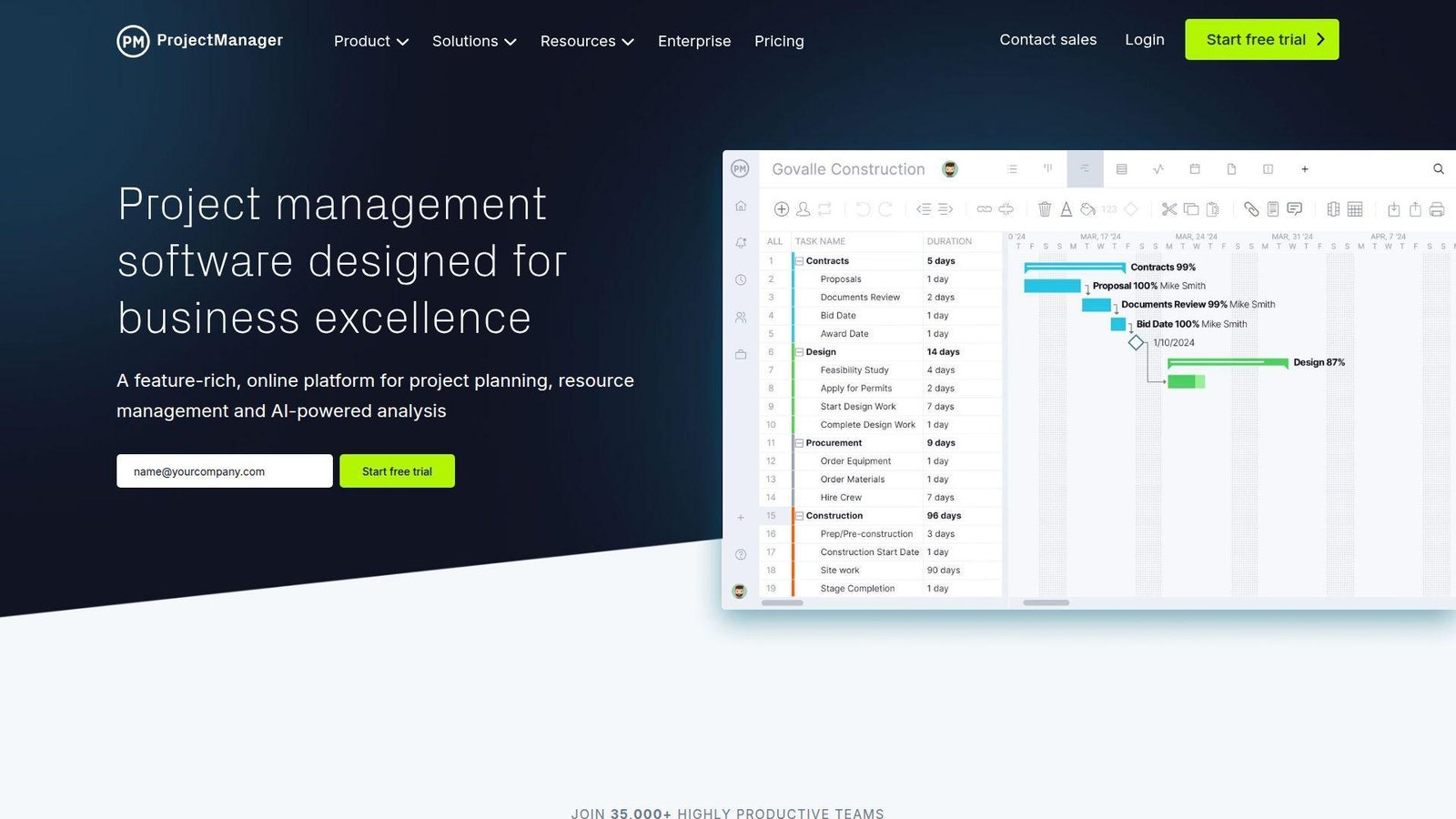
ProjectManager sits in a practical middle ground between classic PM software and modern SaaS collaboration. Its product team focuses on scheduling, workload balancing, timesheets, and portfolio views, which makes it a sensible option for engineering groups that want real structure without a full PSA rollout.
Best for: project managers, and operations leads who want resource planning plus familiar PM controls.
- Gantt, dashboards, workload views, and timesheets → teams plan and track in one environment instead of juggling separate tools.
- Jira, Azure DevOps, Power BI, Teams, and Slack connectivity → status data moves with fewer exports and fewer manual updates.
- Straightforward web app with classic PM vocabulary → many teams get useful planning value in the first week.
Pricing & limits: From $13/user/mo billed annually for Team; 30-day free trial; Team is aimed at smaller groups and caps at 10 users and 20 projects, while portfolio features sit higher up.
Honest drawbacks: It is not a true A&E financial suite, and deep custom workflow logic is lighter than in some rivals. It beats spreadsheet-heavy PM habits with ease; it trails Scoro or BQE when the finance layer is non-negotiable.
Verdict: If you want traditional project control with modern resource visibility, this helps you get organized and reporting quickly, often in the first few days.
8. OpenProject
OpenProject is the standout open-source option on this list, backed by a team that has leaned hard into transparency, self-hosting, and enterprise support. We think of it as a governance-first choice for organizations that care about control, data location, and long-term flexibility.
Best for: public-sector engineering teams, and regulated organizations that want open-source or self-managed deployment.
- Work packages, timelines, boards, and document management → teams can run structured engineering work without buying a proprietary stack.
- Open architecture, self-hosting, and file integrations → admins remove vendor lock-in and reduce process workarounds.
- Community edition and clear deployment options → small pilots can generate value fast, especially for technical teams.
Pricing & limits: From free on Community; paid plans start at €5.95/user/mo with annual-style enterprise packaging; 14-day free trial on paid options; Basic and Professional plans start at a 25-user minimum.
Honest drawbacks: The interface is more utilitarian than slick, and paid minimums can be steep for smaller commercial teams. OpenProject beats many SaaS tools on deployment control; it trails them on polish and plug-and-play convenience.
Verdict: If you need governance, flexibility, and open-source credibility, this helps you stand up a serious engineering PM environment without surrendering control.
9. Monograph
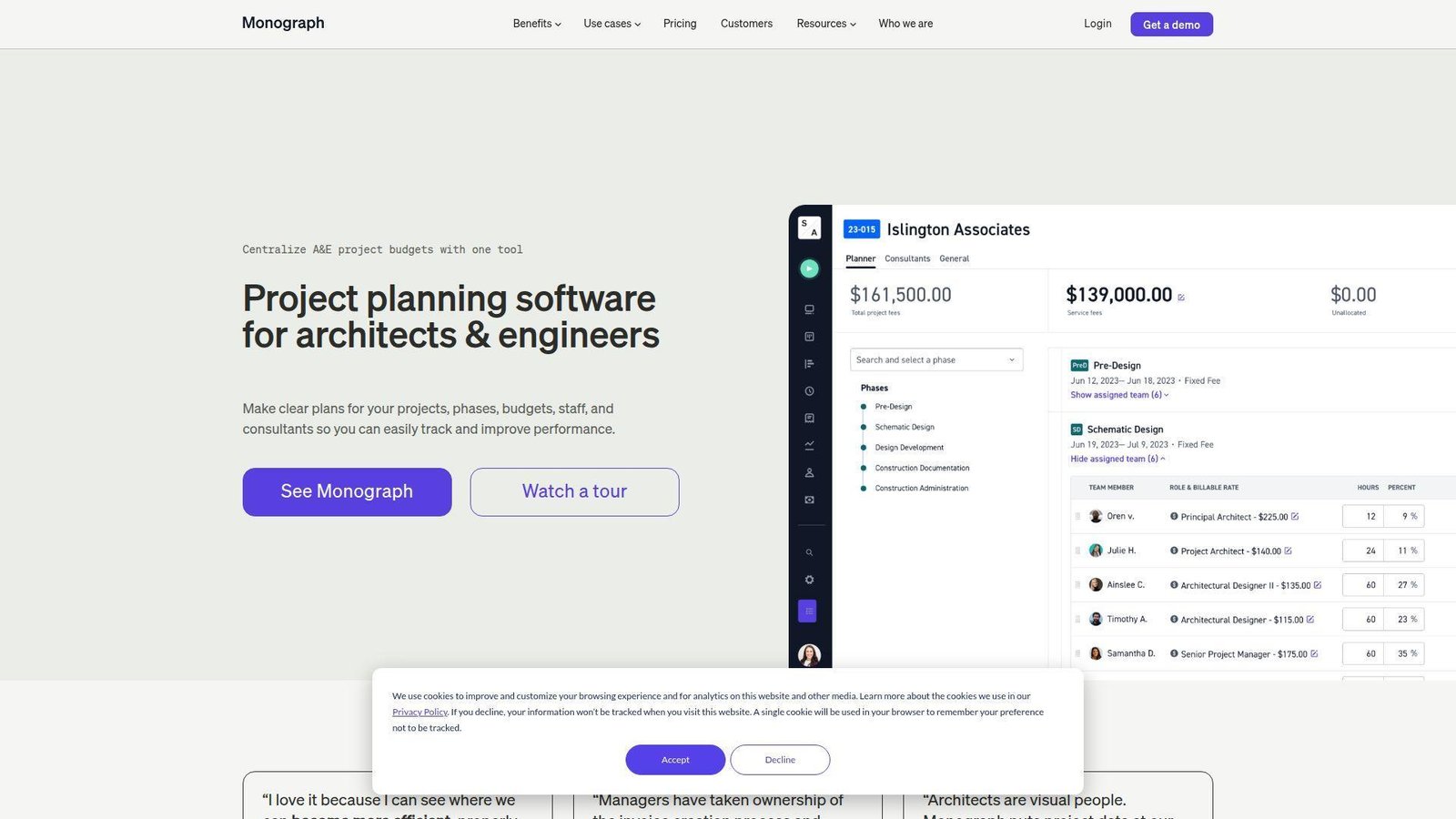
Monograph is one of the more design-centric tools on the market, and that focus shows in the product team’s choices. The platform is tuned for architecture and engineering firms that want budgets, staffing, billing, and project health to feel intuitive instead of accounting-heavy.
Best for: small architecture studios, and design principals who want fast financial visibility without enterprise complexity.
- Phase budgets, staffing, and project planner workflows → teams can understand project health before overages spiral.
- Project accounting and QuickBooks Online alignment → firms remove extra billing steps and shorten admin lag.
- Clean, design-led UX → first value often shows up within a few days for small firms.
Pricing & limits: From $25/mo for the smallest annual setups, with costs scaling by firm size and plan; trials are available for select firms; Track is mainly for firms of five or fewer employees, while Grow unlocks staffing and forecasting depth.
Honest drawbacks: The sweet spot is clearly smaller design firms, and larger multi-office engineering organizations may want heavier portfolio controls. It beats bulky PSA tools on elegance; it trails them on enterprise breadth.
Verdict: If you want a design-friendly way to connect budgets, time, and billing, this helps you bring clarity to firm operations in your first month.
10. Notion
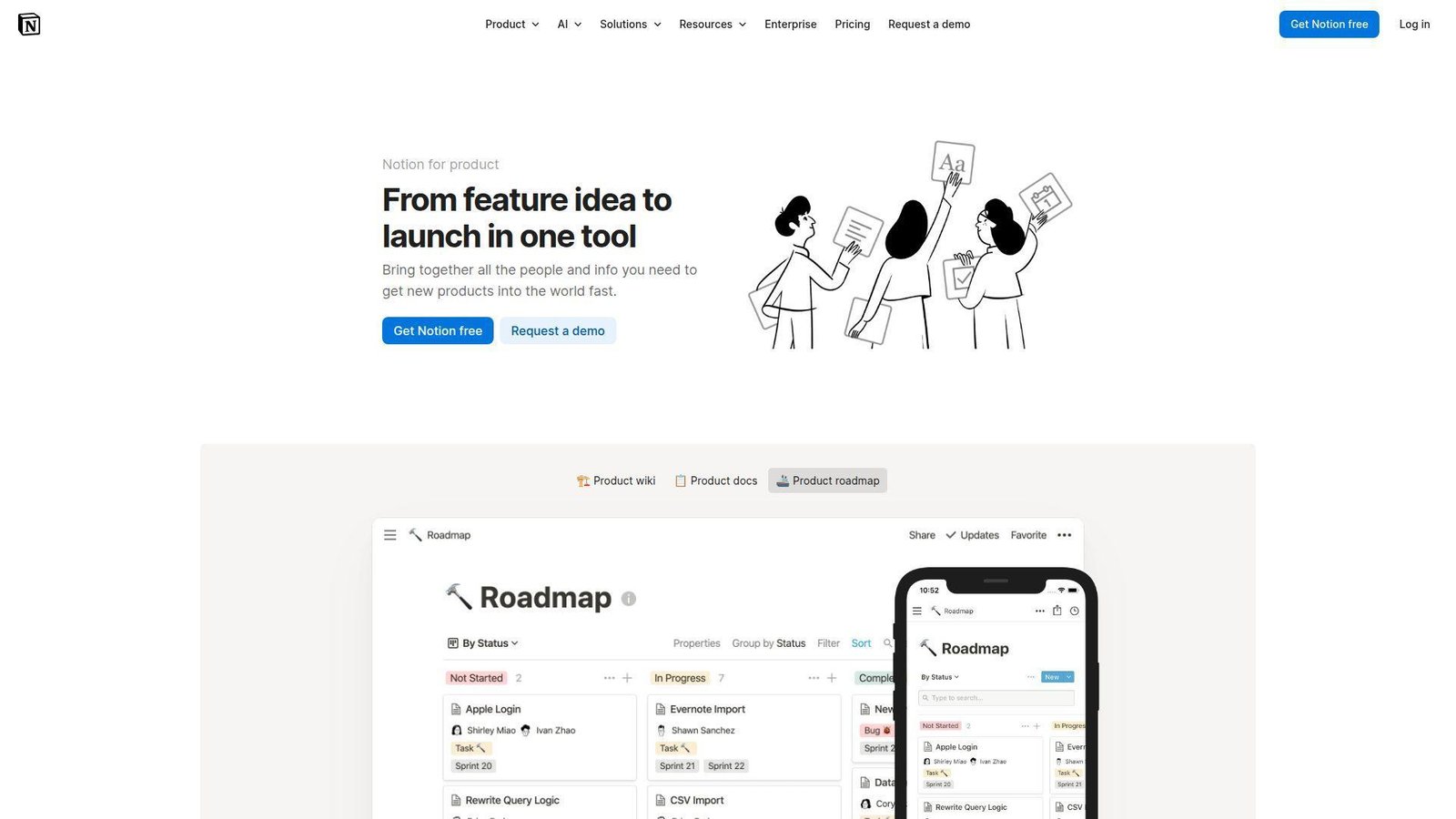
Notion is not engineering-specific, but its product and AI teams have turned it into a credible operating layer for software and internal engineering ops. We include it because many teams need docs, decisions, tasks, and lightweight workflow in one place more than they need classical PM ceremony.
Best for: software startups, and engineering operations teams that prefer docs-first collaboration.
- Databases with subtasks, dependencies, and custom properties → teams can build a single source of truth around work and knowledge.
- AI meeting notes, agent workflows, and integrations → teams skip repeated note cleanup and save handoff time every week.
- Highly flexible setup and low adoption friction → first useful workflow can be live the same day.
Pricing & limits: From $0 on the free plan; Plus starts at $10/member/mo and Business at $20/member/mo; AI features include trial access, while enterprise controls like SCIM sit higher up.
Honest drawbacks: Notion can become a DIY maze if governance is weak, and it lacks native resource balancing, profitability control, and engineering-grade portfolio depth. It beats rigid PM apps on flexibility; it trails them on operational discipline.
Verdict: If you want an adaptable workspace for engineering docs and lightweight planning, this helps you centralize context immediately and refine process over time.
11. Accelo
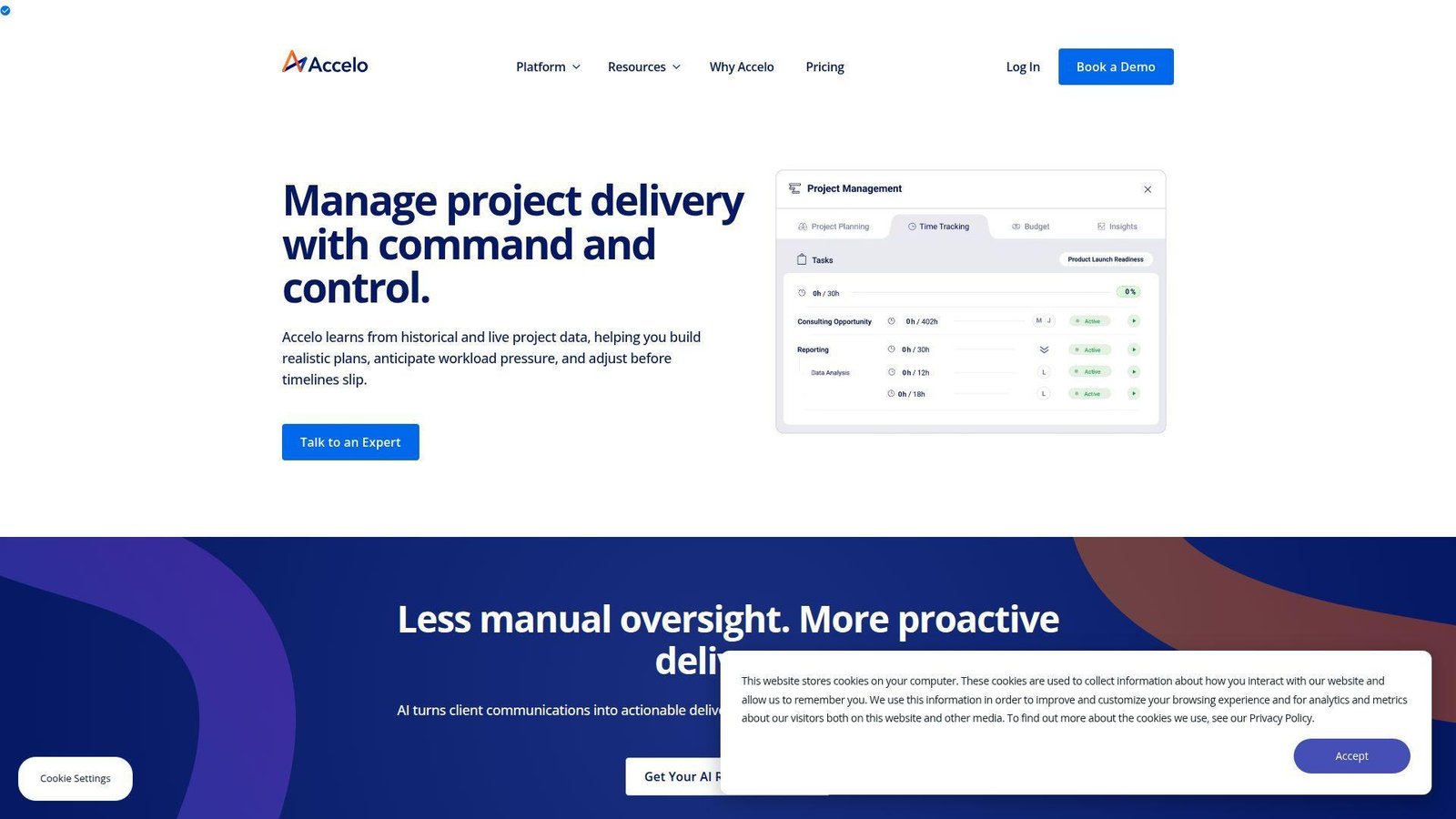
Accelo is a professional services automation vendor with teams focused on service businesses that need the whole client lifecycle, not just project tasks. We tend to recommend it when firms want sales, retainers, tickets, projects, billing, and renewals to flow together without hand-built glue.
Best for: engineering consultancies, and service operations leaders managing work from quote to cash.
- Client, project, retainer, and billing workflows → teams reduce handoff loss between sales, delivery, and finance.
- Automations across tickets, projects, and invoicing → firms save multiple admin steps per client cycle.
- PSA-first implementation model → teams usually see first process value within a few weeks, not a weekend.
Pricing & limits: From quote-based pricing; evaluation is demo-led; active professional and admin users drive licensing, which means cost depends heavily on staffing model and scope.
Honest drawbacks: Pricing is opaque, and the platform can feel heavier than smaller firms expect. Accelo beats lightweight PM tools on lifecycle control; it trails A&E specialists on discipline-specific financial workflows.
Verdict: If you need one backbone for client work, delivery, and invoicing, this helps you tighten operational flow within the first full rollout phase.
12. Smartsheet
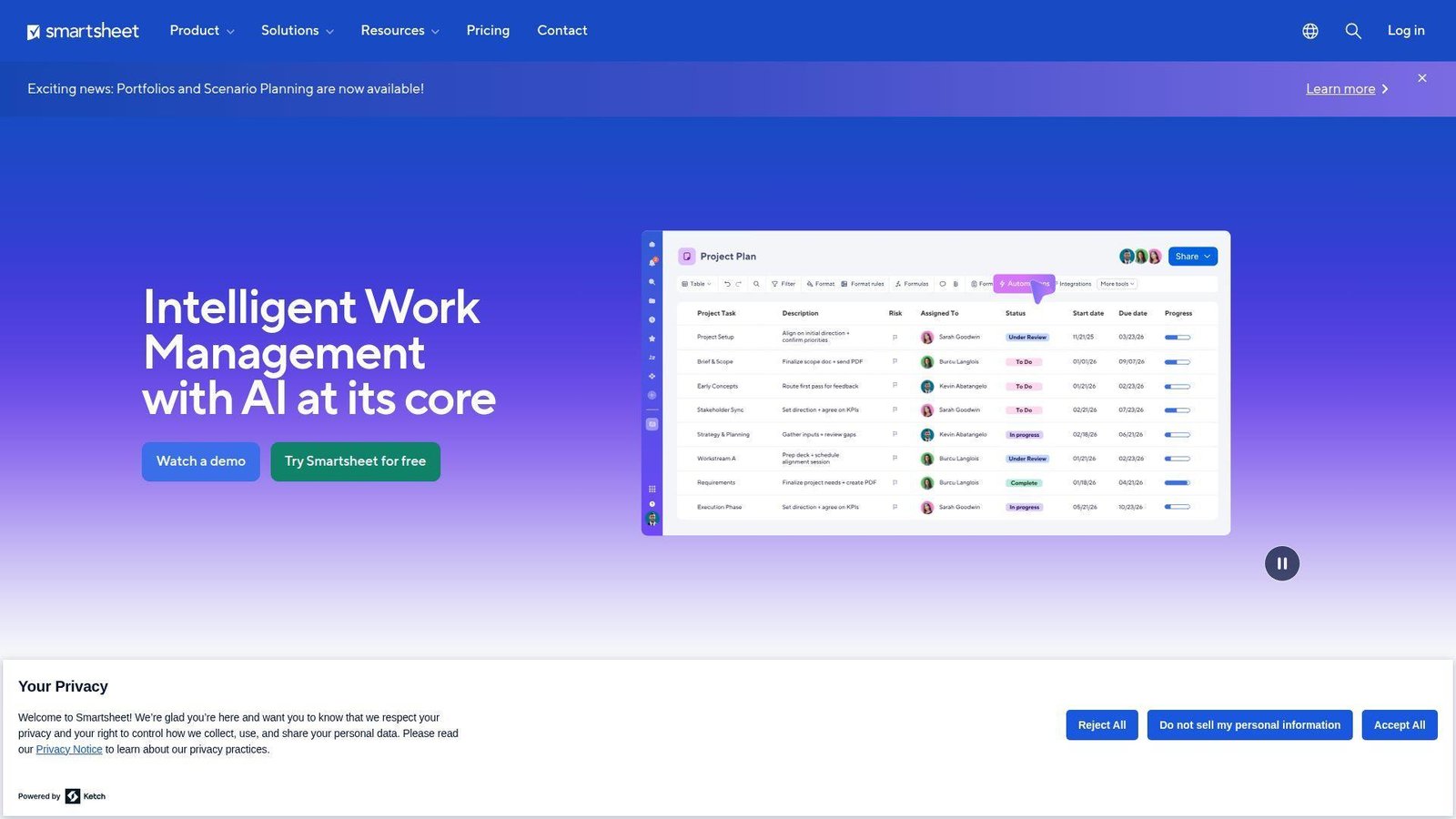
Smartsheet remains the spreadsheet-lover’s bridge into real work management, and that is not a bad thing. Its product team has built strong reporting, automation, and workload capabilities around a familiar grid model, which makes adoption easier in organizations that still think in rows and columns.
Best for: PMO analysts, and engineering operations teams migrating off Excel-heavy coordination.
- Grid, Gantt, board, and workload views → teams preserve spreadsheet familiarity while gaining real execution control.
- Automations, forms, and integrations → managers remove repetitive update chasing and trim hours of weekly admin.
- Low learning curve for spreadsheet-native users → first value often arrives in days, not weeks.
Pricing & limits: From $9/member/mo billed yearly for Pro; free trial available; Pro is limited to 1 to 10 members and 250 automations per month, while Business starts at $19/member/mo with stronger admin and workload depth.
Honest drawbacks: Financial management is still lighter than in PSA tools, and sheet sprawl becomes real if standards are weak. Smartsheet beats traditional spreadsheets with ease; it trails deeper engineering systems on project finance and domain structure.
Verdict: If your team thinks in tables but needs better control, this helps you modernize without a painful culture shock.
13. Productive
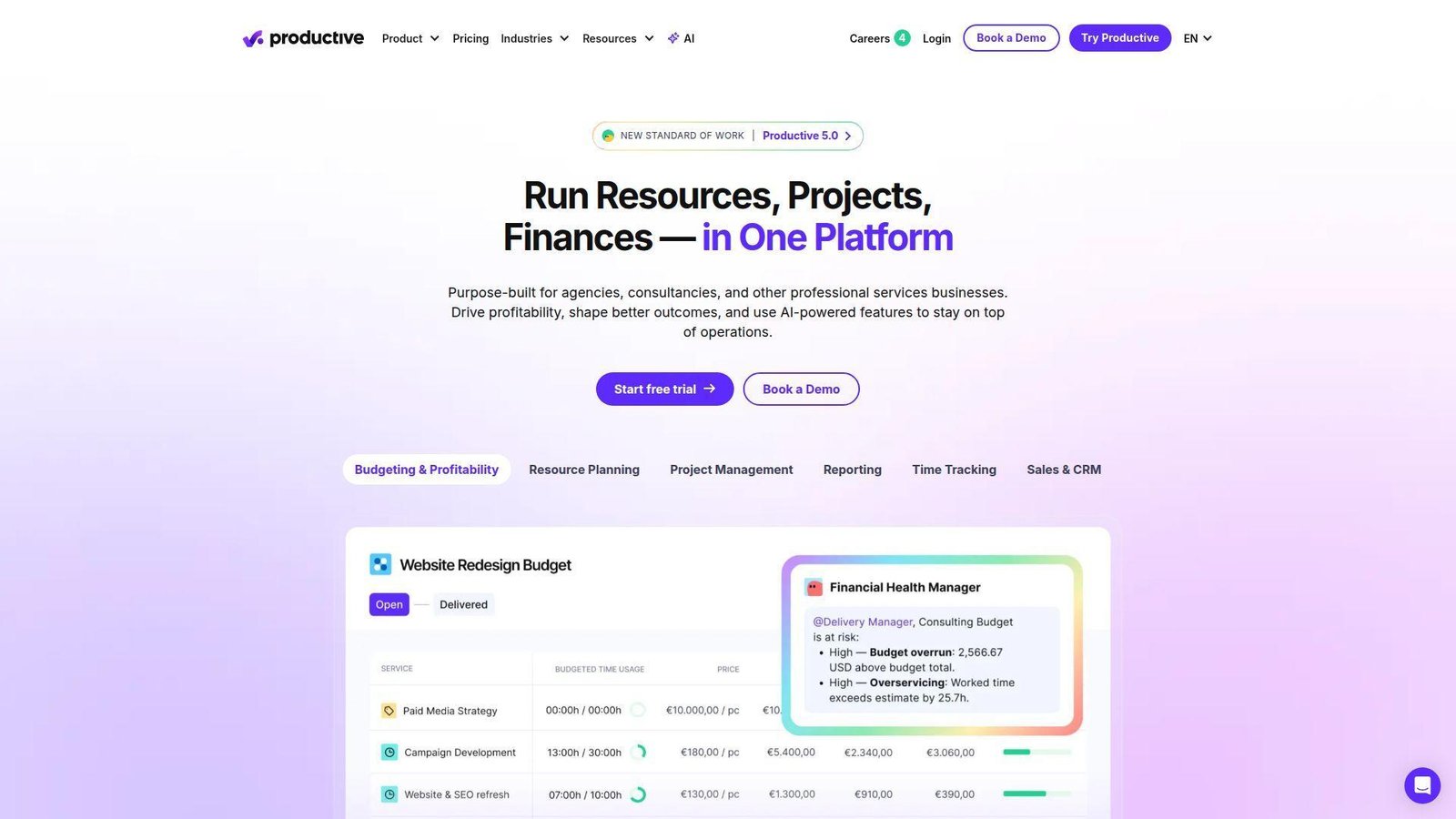
Productive comes from the PSA world, with a product team that clearly understands services delivery, resourcing, and profitability. We see it as a strong fit for firms that want resource planning and financial visibility to sit in the same operating layer, not in separate reporting silos.
Best for: resource managers, and finance-minded A&E or services teams that need utilization and margin visibility.
- Budgets, forecasting, time tracking, and profitability reporting → leaders can see whether delivery is actually earning the margin they expect.
- Resourcing, automation, and connected financial workflows → teams save repeated planning and invoice-prep effort each week.
- Modern UX with guided onboarding → first useful reports often appear within one to two weeks.
Pricing & limits: From $10/user/mo billed yearly for Essential; 14-day free trial; there is a 3-seat minimum, and deeper financial forecasting and controls sit in Professional or Ultimate.
Honest drawbacks: It is less discipline-specific than Deltek or BQE, and smaller teams may need time to define clean budget structures. Productive beats generic task tools on resource and margin clarity; it trails old-school A&E suites on industry heritage.
Verdict: If you want modern PSA-style control over people, budgets, and profitability, this helps you create cleaner operational visibility within your first quarter.
14. Deltek
Deltek is one of the most established names in project-based business software, and its engineering focus is not window dressing. The company’s A&E-oriented teams have spent years building around project schedules, budgets, resource allocation, and firm-level financial visibility.
Best for: established engineering firms, and CFO or PMO leaders who need deep industry-specific control.
- Resource allocation, budgets, schedules, and project financials → firms gain tighter control over delivery and fee performance.
- Ajera and Vantagepoint ecosystem depth → teams reduce the need for external finance workarounds and duplicate data handling.
- Industry-tuned workflows → the first real value usually appears after structured onboarding, often over several weeks.
Pricing & limits: From quote-based pricing; evaluation is sales-led; product selection matters because Ajera targets smaller A&E firms, while Vantagepoint is aimed at medium and large organizations.
Honest drawbacks: Deltek is rarely the lightest or fastest buy, and smaller teams may find it too much tool for the job. It beats general PM platforms on A&E depth; it trails modern mid-market apps on setup speed and simplicity.
Verdict: If your firm needs engineering-specific control over projects and profitability, this helps you build a stronger operating core for the long haul.
15. Asana
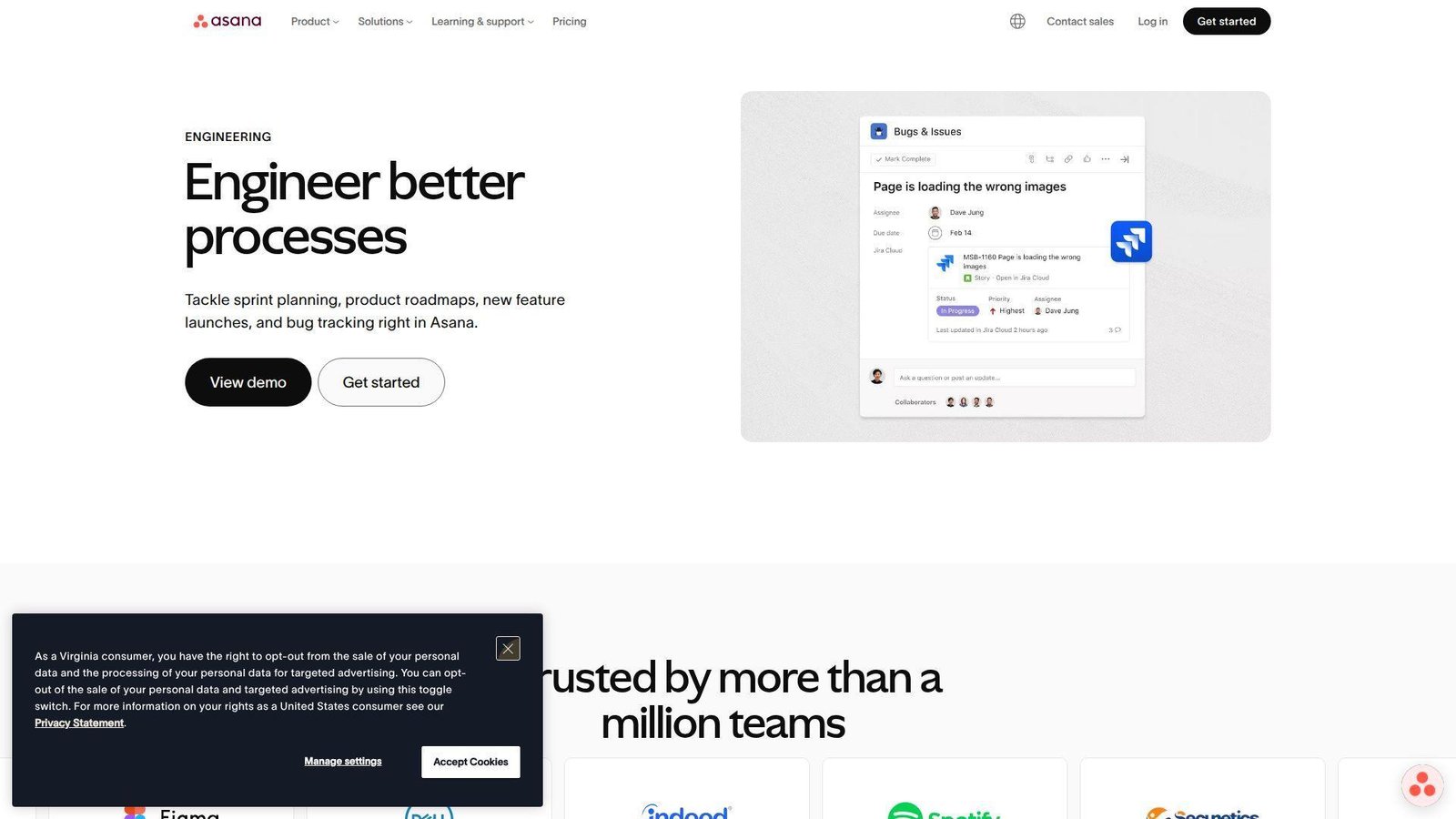
Asana has become far more than a marketing workboard. Its product and AI teams have pushed the platform toward serious cross-functional planning, which makes it useful for software engineering teams that need alignment, intake, and portfolio-level visibility without going fully Jira-native.
Best for: software engineering managers, and cross-functional product teams that need clean execution and stakeholder alignment.
- Portfolios, goals, approvals, and workflow rules → leaders can connect day-to-day work to program outcomes.
- Jira sync, AI features, and automation builder → teams reduce manual status reporting and save hours across recurring workflows.
- Low-friction collaboration model → many teams see first adoption wins in the first week.
Pricing & limits: From $0 on Personal; Starter begins at $10.99/user/mo billed annually and Advanced at $24.99/user/mo; paid-plan trials are available, commonly for small teams evaluating premium features.
Honest drawbacks: Native bug tracking is still lighter than Jira, and time or budget depth may require add-ons or plan upgrades. Asana beats many tools on stakeholder clarity; it trails developer-centric platforms on engineering traceability.
Verdict: If you need software engineering work to stay visible across product, ops, and leadership, this helps you create a cleaner execution rhythm quickly.
16. Celoxis
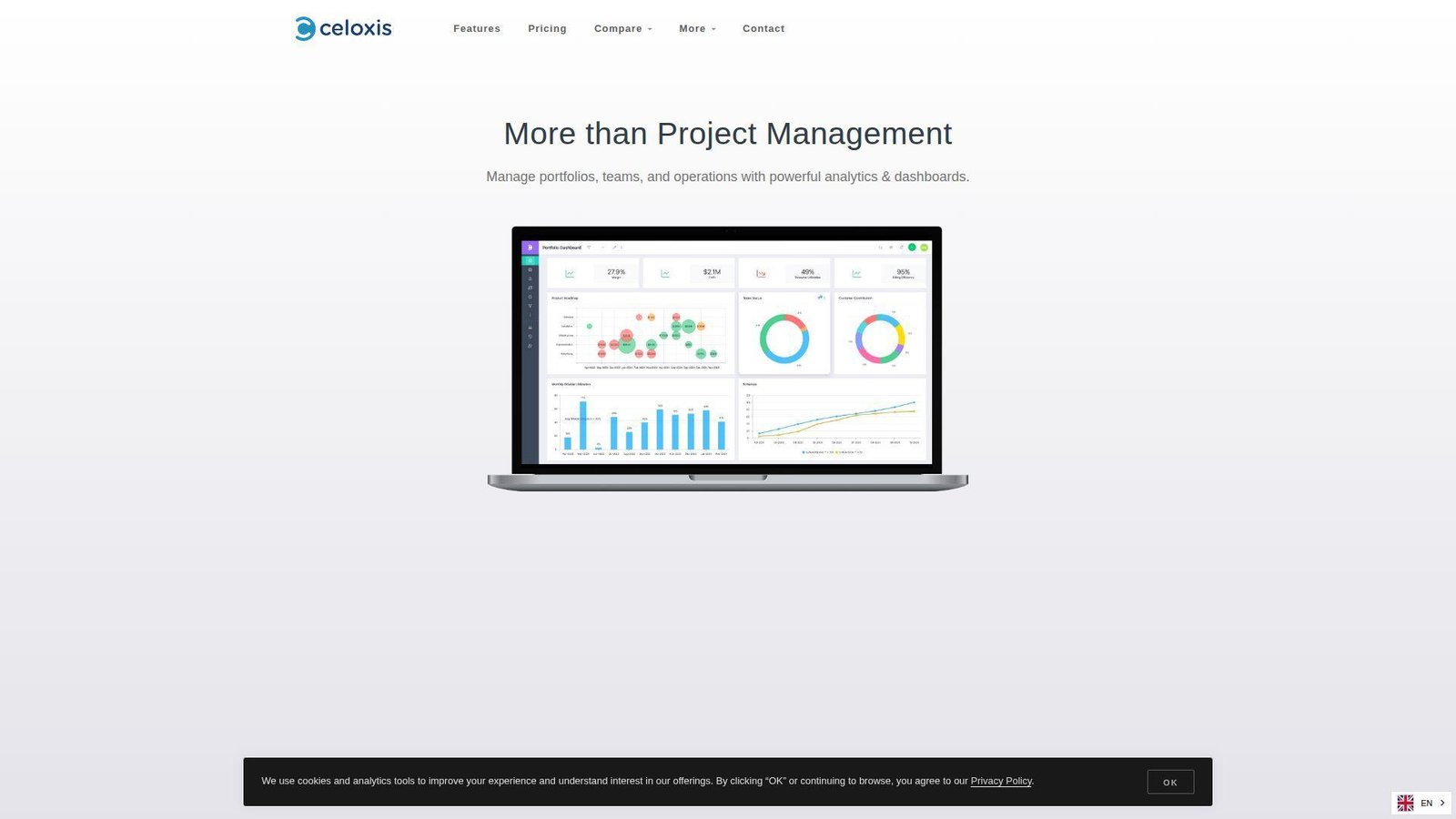
Celoxis is a serious PPM option with a product stance we respect: it aims at buyers who care about analytics, intake, risk, cost, and resource control more than trendy branding. That makes it well suited to engineering PMOs that need breadth without jumping straight to the biggest enterprise suites.
Best for: PMO directors, and engineering program teams managing portfolios, risks, and resources together.
- Intake, risk tracking, costing, and portfolio dashboards → teams get tighter front-door control and stronger project oversight.
- BI dashboards, client access, and automation-friendly workflows → managers cut export work and save repeated reporting time.
- Structured implementation and POC-friendly packaging → first value usually lands within one to two weeks for organized teams.
Pricing & limits: From $10 per Standard User for Core, with Essentials at $25, Professional at $35, and Business at $45; evaluation is POC or demo-led; there is a minimum purchase of 5 full-access users.
Honest drawbacks: The UI is more utilitarian than glossy, and full value depends on thoughtful setup. Celoxis beats lighter task tools on PMO depth; it trails the most polished SaaS platforms on surface-level ease.
Verdict: If you need a portfolio-minded engineering platform without going fully enterprise-monolithic, this helps you build control fast and scale it sensibly.
17. Jira
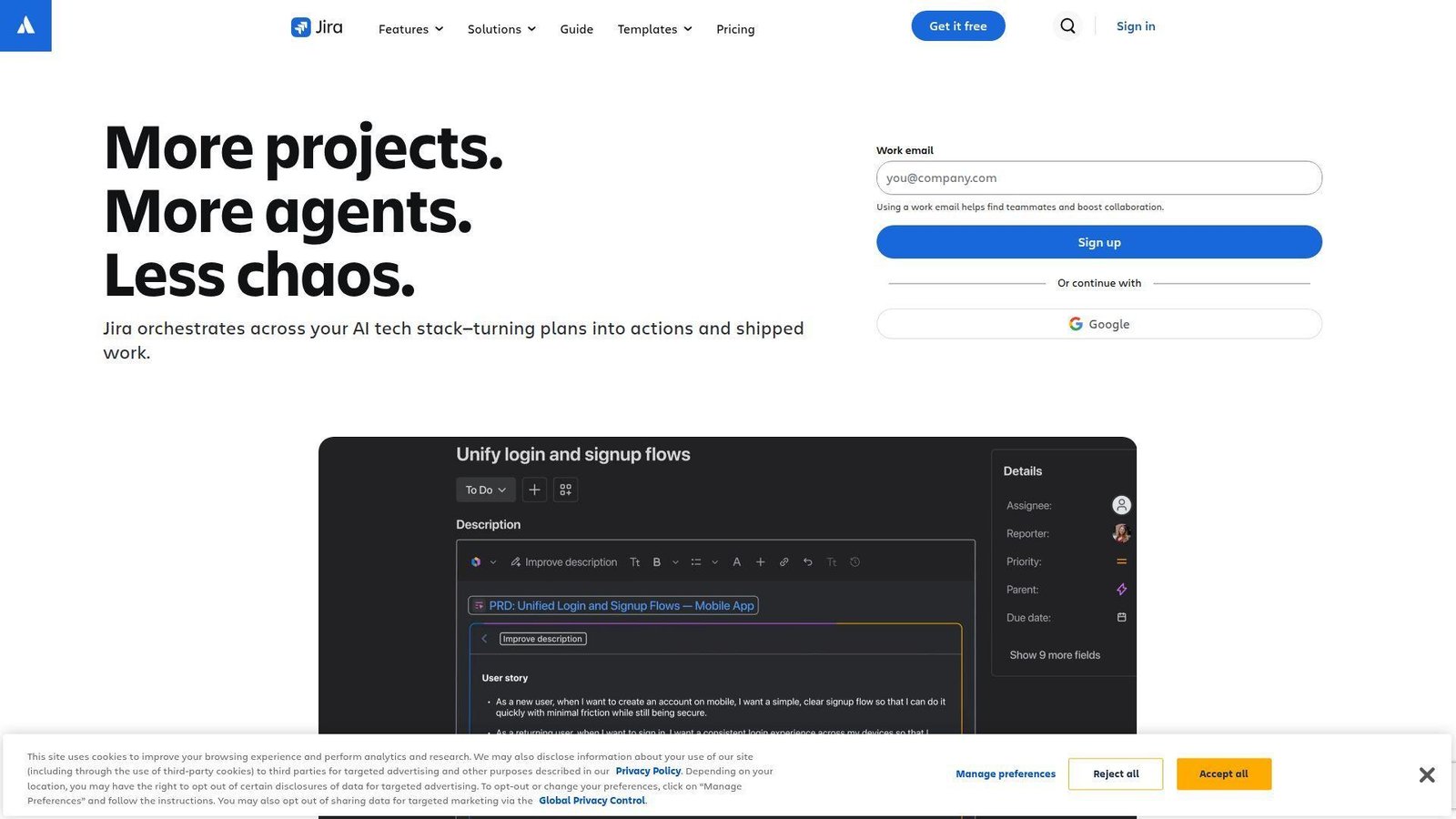
Jira remains the default reference point for software engineering work, and for good reason. Atlassian’s product teams have built around issue workflows, backlog control, roadmapping, and developer integrations so deeply that most software organizations still measure alternatives against it.
Best for: software engineering teams, and QA or platform leads who need backlog discipline and issue traceability.
- Issue workflows, backlog, roadmap, and dependency controls → teams can track engineering work with clear ownership and status logic.
- Automation and developer ecosystem integrations → teams remove repetitive updates and save several coordination steps per sprint.
- Fast self-serve setup for small teams → first working board can be live the same day.
Pricing & limits: From $0 for up to 10 users; Standard starts at $7.91/user/mo billed annually; 7-day free trial on paid cloud plans; the free tier includes 2 GB storage and limited automation.
Honest drawbacks: Jira is not a financial system, and non-technical stakeholders can bounce off its complexity. It beats Asana at software traceability; it trails PSA tools when you need margin, billing, or utilization truth.
Verdict: If your main problem is engineering execution and bug tracking, this helps you create disciplined delivery almost immediately.
18. Teamwork.com
Teamwork.com is unapologetically built for client work, and that makes it more relevant to engineering consultancies than many buyers first assume. Its product team focuses on time, budgets, templates, reports, and client-facing workflow, which are exactly the levers service firms care about.
Best for: engineering consultancies, and project service teams balancing delivery, time, and client communication.
- Project health, time tracking, budgeting, and profitability workflows → teams can see whether client work is on track operationally and commercially.
- QuickBooks, Harvest, HubSpot, and automation depth → firms remove repeated admin work and cut several steps from project reporting.
- Templates and client-work-first UX → many firms reach first value in a few days.
Pricing & limits: From $0 on Free; Deliver starts at $10.99/user/mo billed yearly with a 30-day free trial; Free caps at 5 users and 5 projects, while Deliver requires 3 users and Grow requires 5.
Honest drawbacks: It is not a CAD or BIM-aware platform, and some of the strongest financial or resource controls start at Grow or above. Teamwork beats many general PM tools for client services; it trails engineering-native suites on domain specificity.
Verdict: If you run engineering work as client delivery, this helps you standardize planning, time, and reporting in the first month.
19. Tempo Portfolio Manager
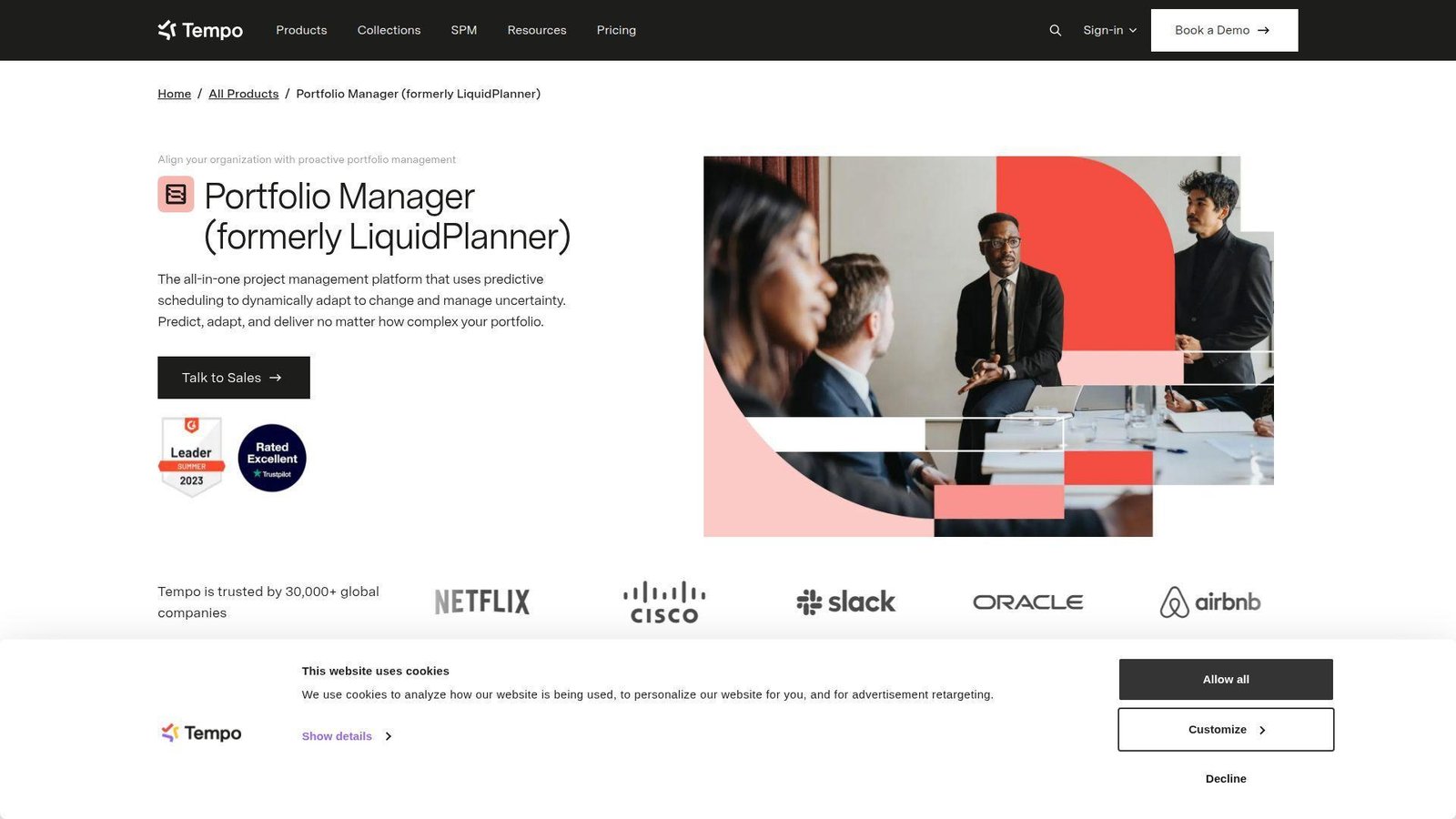
Tempo Portfolio Manager comes from the LiquidPlanner lineage, and its product DNA still shows in the way it handles uncertainty, capacity, and scheduling. We respect it most for predictive planning, because very few tools make probabilistic scheduling and scenario modeling this approachable.
Best for: PMO leads, and software or technical program teams that need predictive scheduling more than classic PSA depth.
- Predictive scheduling, scenario modeling, and resource leveling → managers can test delivery assumptions before commitments get public.
- Jira integration and built-in time tracking → teams reduce manual import work and keep planning tied to execution.
- Focused planning experience → teams can reach first scheduling value within days if they already know their workload structure.
Pricing & limits: From $15/user/mo billed annually for Essentials; free trial availability is offered; higher plans add stronger access controls, broader views, and enterprise features.
Honest drawbacks: Roadmap certainty is weaker here than with more actively expanding portfolio suites, so we would not pick it for every long-horizon buyer. It beats many tools at predictive planning; it trails broader platforms on future-proof confidence and ecosystem breadth.
Verdict: If you care most about schedule confidence and capacity trade-offs, this helps you model risk and make better commitments quickly.
20. Planview
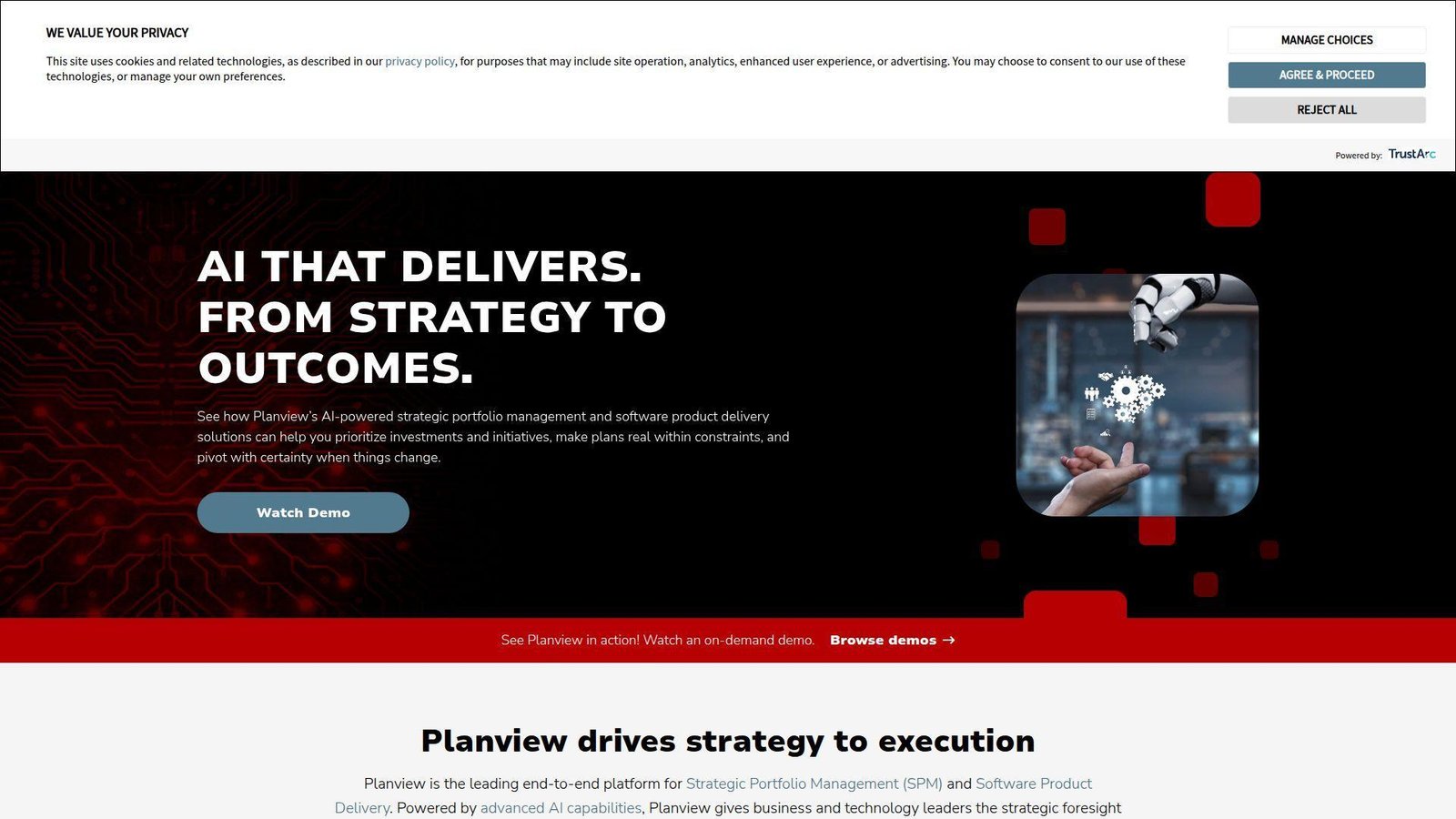
Planview is the broadest enterprise portfolio player on this list, with product lines that span PPM, strategic portfolio management, agile planning, and team work execution. We usually bring it into the conversation when the buyer is not just choosing a tool, but choosing an operating model for prioritization and governance.
Best for: enterprise PMOs, and transformation offices managing portfolios, resources, and cross-functional delivery at scale.
- Portfolio prioritization, central governance, and enterprise reporting → leaders can align work to strategy instead of funding everything halfway.
- Broad integration and platform ecosystem → organizations reduce manual consolidation across delivery, finance, and planning layers.
- Modular suite with faster entry points like ProjectPlace → first value ranges from days in lighter products to several weeks in core PPM rollouts.
Pricing & limits: From quote-based pricing for core PPM products; some Planview tools such as ProjectPlace offer a fully functional 30-day trial, but most enterprise buyers should expect a sales-led process.
Honest drawbacks: Planview can be overkill for smaller teams, and buying the suite well takes discipline. It beats most competitors on enterprise portfolio breadth; it trails mid-market tools on simplicity and speed of purchase.
Verdict: If you need strategic portfolio governance across a large organization, this helps you move from fragmented project views to real portfolio control over a phased rollout.
Recommended reading: Top 20 Marketing Project Management Software for Smarter Campaign Planning in 2026
What Engineering Project Management Software Does for Modern Teams
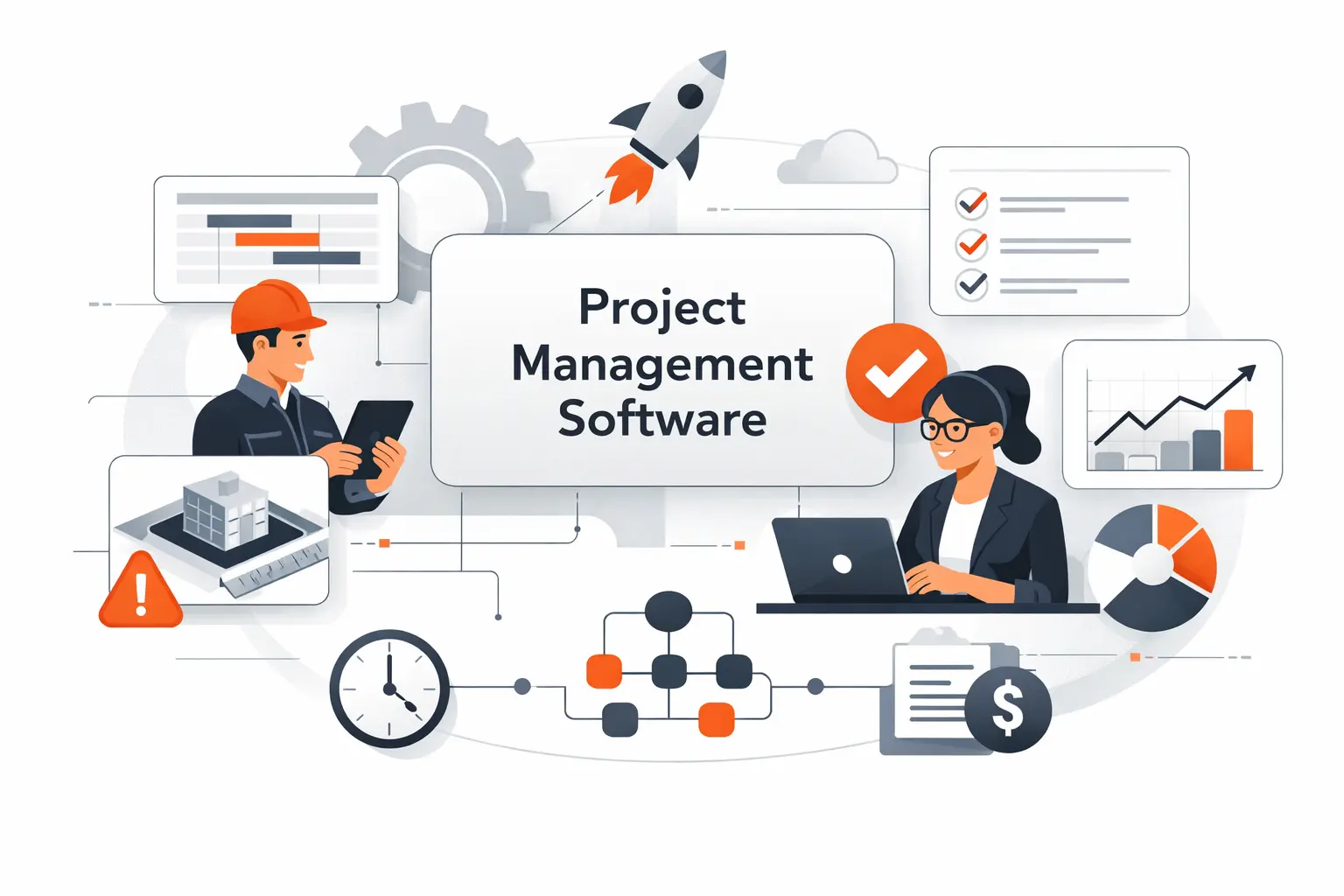
We think the easiest way to judge engineering project management software is to ask what it replaces. A strong system replaces spreadsheet stitching, status-chasing, and late budget surprises. A weak one just gives those same problems better colors.
1. Support for Planning, Execution, and Project Control
At a minimum, the software should help teams define scope, sequence work, assign ownership, and track progress against a baseline. That is the easy part. The harder part, and the part we care about most, is project control: change logs, dependencies, time capture, budget burn, risk registers, and approval history that all stay coherent as the work moves.
In engineering environments, control beats cosmetic simplicity. When a design phase slips, labor cost rises, or a dependency moves, the platform should surface the impact immediately. If it cannot connect schedule movement to cost and resource consequences, it is only half doing the job.
2. Use Cases Across Civil, Mechanical, Electrical, and Software Teams
Civil teams often need phase planning, consultant coordination, document discipline, and client reporting. Mechanical and electrical groups care about revisions, procurement timing, review gates, and test or commissioning readiness. Software engineering teams need backlog control, issue workflows, sprint planning, release coordination, and developer-tool integration.
That variety is why one-size-fits-all advice usually falls flat. We prefer tools that let discipline-specific teams work their way while still feeding a common management layer for budgets, staffing, and delivery visibility.
3. Differences Between Engineering-Specific and General Project Management Tools
The real divide is not whether a tool has a Gantt chart. Most of them do. The real divide is whether the system understands phase fees, utilization, rate cards, subconsultants, time approvals, and delivery economics.
General PM tools excel at collaboration and flexible workflows. Engineering-specific tools go deeper on project accounting, resource forecasting, and operational controls. When margins matter, that difference is not academic. It is the whole ballgame.
Recommended reading: Top 20 Free Website Hosting Providers and Builders for Beginners and Small Businesses
Key Benefits of Engineering Project Management Software
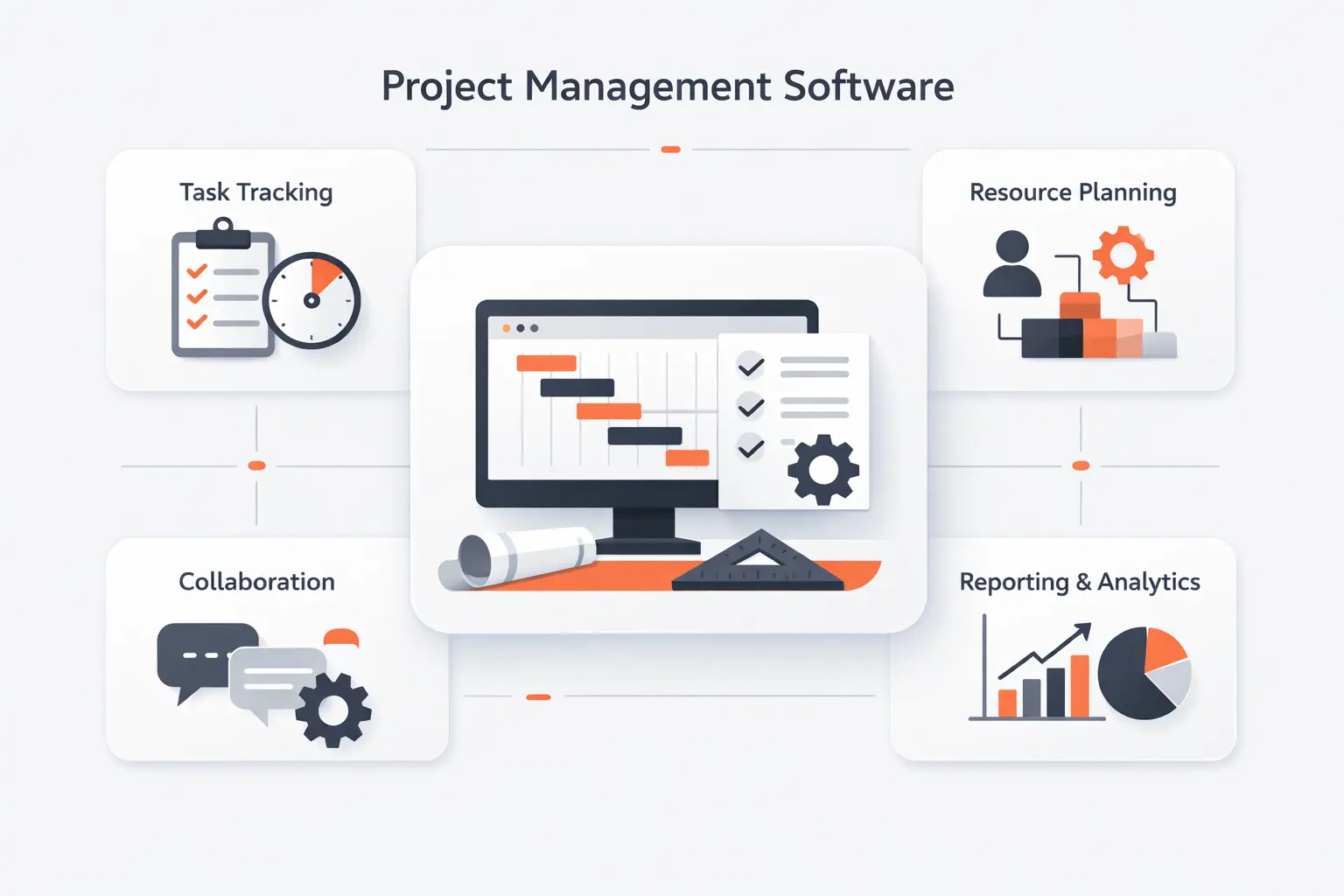
We care about measurable lift, not glossy demos. Tempo says REDspace estimated over $220,000 CDN or $25,000 per Project Manager annually in cost savings after adopting its suite, and that is the bar we use: software should remove admin drag, improve decisions, or it does not deserve a seat in the stack.
1. Better Visibility Into Budgets, Margins, and Project Financials
Engineering teams rarely fail because nobody updated a to-do list. They fail because cost drift stayed invisible for too long. Strong software shows quoted versus actual effort, fee burn by phase, unbilled time, and margin pressure early enough to act.
We especially value tools that keep labor cost and project progress in the same frame. That lets principals and PMs stop arguing about whether a job “feels busy” and start seeing whether it is actually healthy.
2. Stronger Resource Planning, Staffing, and Workload Balance
Resource planning is where many firms still run on hope and heroics. Good platforms replace that with capacity views by person, skill, role, discipline, and availability. Better ones layer planned hours, actual hours, and forecast demand together.
That matters because engineering talent is expensive and finite. When one structural lead is overloaded or one software architect becomes a hidden bottleneck, the schedule problem is already a staffing problem.
3. Faster Collaboration Across Teams, Clients, and Stakeholders
Modern engineering work crosses too many boundaries for email to carry the load. Teams need shared plans, clear task ownership, comment history, document access, and client-safe reporting. The best tools reduce the “who said what, when?” nonsense that burns time on every project.
We also like platforms that let non-technical stakeholders see progress without forcing them into technical workflows. That keeps decisions moving while preserving engineering rigor.
4. Improved Accountability, Compliance, and On-Time Delivery
Audit trails matter. So do approval records, version history, issue logs, and timesheet locks. In regulated or contract-heavy environments, those controls are not overhead. They are protection.
When accountability is embedded in the workflow, teams spend less time reconstructing decisions after something slips. That is one of the quiet but powerful advantages of better engineering project management software.
Recommended reading: Top 20 Best Website Builder Platforms for Your Next Site
Best Engineering Project Management Software by Use Case
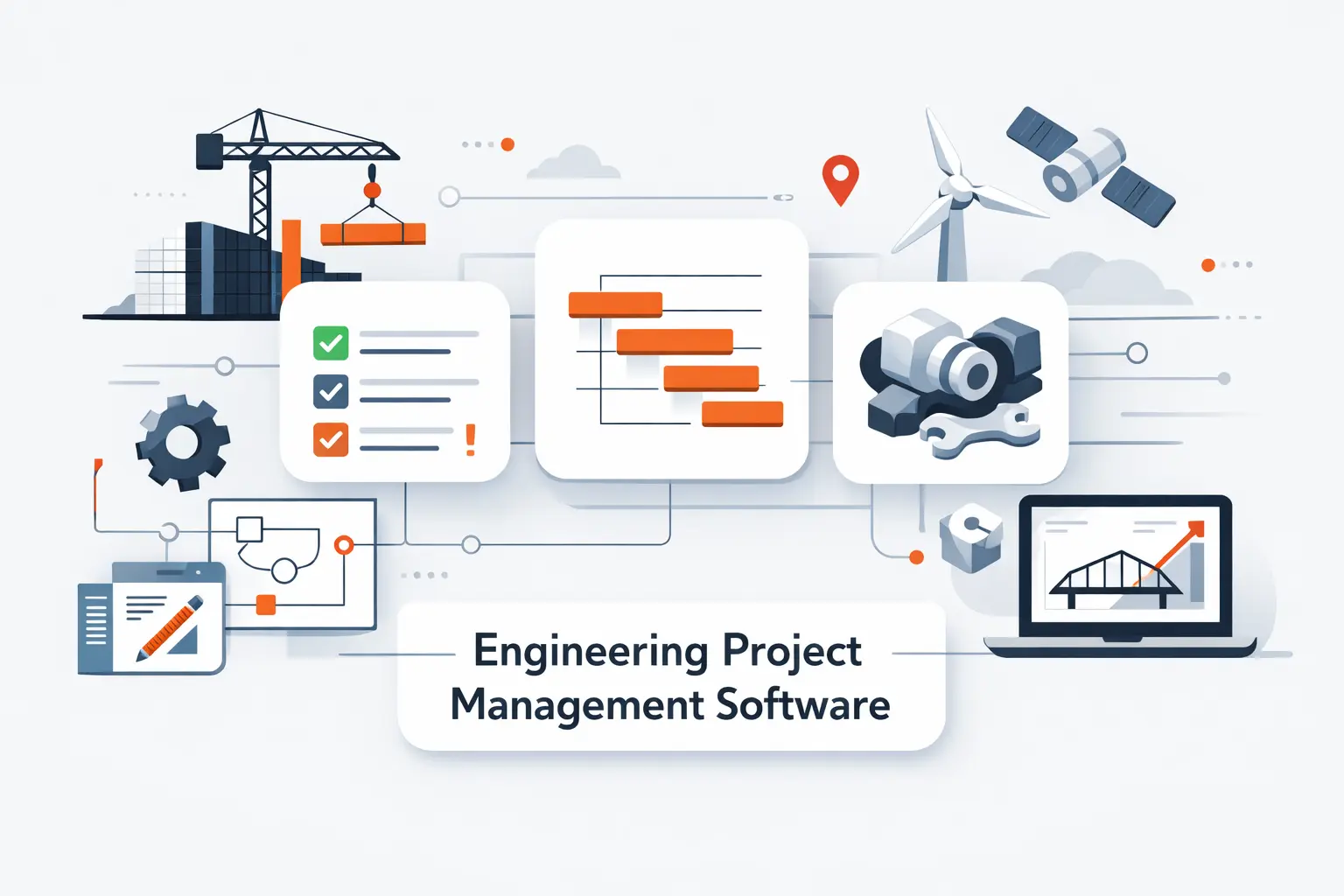
Real organizations also remind us that tooling choices ripple across functions. Asana’s public filings state that Autodesk uses Asana for general work and project management across marketing, sales, and operations, which reinforces our view that engineering work management succeeds when adjacent teams can understand and act on the same source of truth.
1. Architecture and Engineering Firms That Need Financial Visibility
For A&E firms, we usually narrow the shortlist quickly to Scoro, BQE CORE, Deltek, Factor A/E, Monograph, and sometimes Productive. Why? Because these tools understand billable work, labor cost, phase budgets, invoicing, and utilization in ways general PM platforms usually do not.
If the key pain is fee burn, billing lag, or weak operational reporting, start there. We would only choose a general PM tool for this use case if the finance stack is already solved elsewhere and tightly integrated.
2. Software Engineering Teams That Need Agile Planning and Bug Tracking
Software teams need backlog structure, issue workflows, developer integrations, and fast change handling. Jira is still the reference point when bug tracking and traceability lead the requirements. Asana, Wrike, and Notion become stronger when cross-functional planning, stakeholder clarity, or docs-heavy collaboration matter more.
We also see hybrid stacks work well here. A team may run engineering execution in Jira while using Asana or Smartsheet for portfolio reporting and executive alignment. The trick is to keep status data flowing instead of duplicating it.
3. Organizations Managing Portfolios, Resources, and Cross-Functional Work
If the buyer is really a PMO or transformation office, the shortlist changes. Microsoft Project, Planview, Celoxis, Smartsheet, Wrike, and OpenProject deserve serious attention, depending on governance depth, deployment model, and budget.
Our rule of thumb is simple. The more the organization cares about portfolio prioritization, demand management, and enterprise control, the more sense it makes to move upmarket. The more it cares about team usability and faster rollout, the more mid-market options stay attractive.
Recommended reading: Top 20 Free AI Flyer Generator Tools for Fast, Professional Designs
Must-Have Features in Engineering Project Management Software
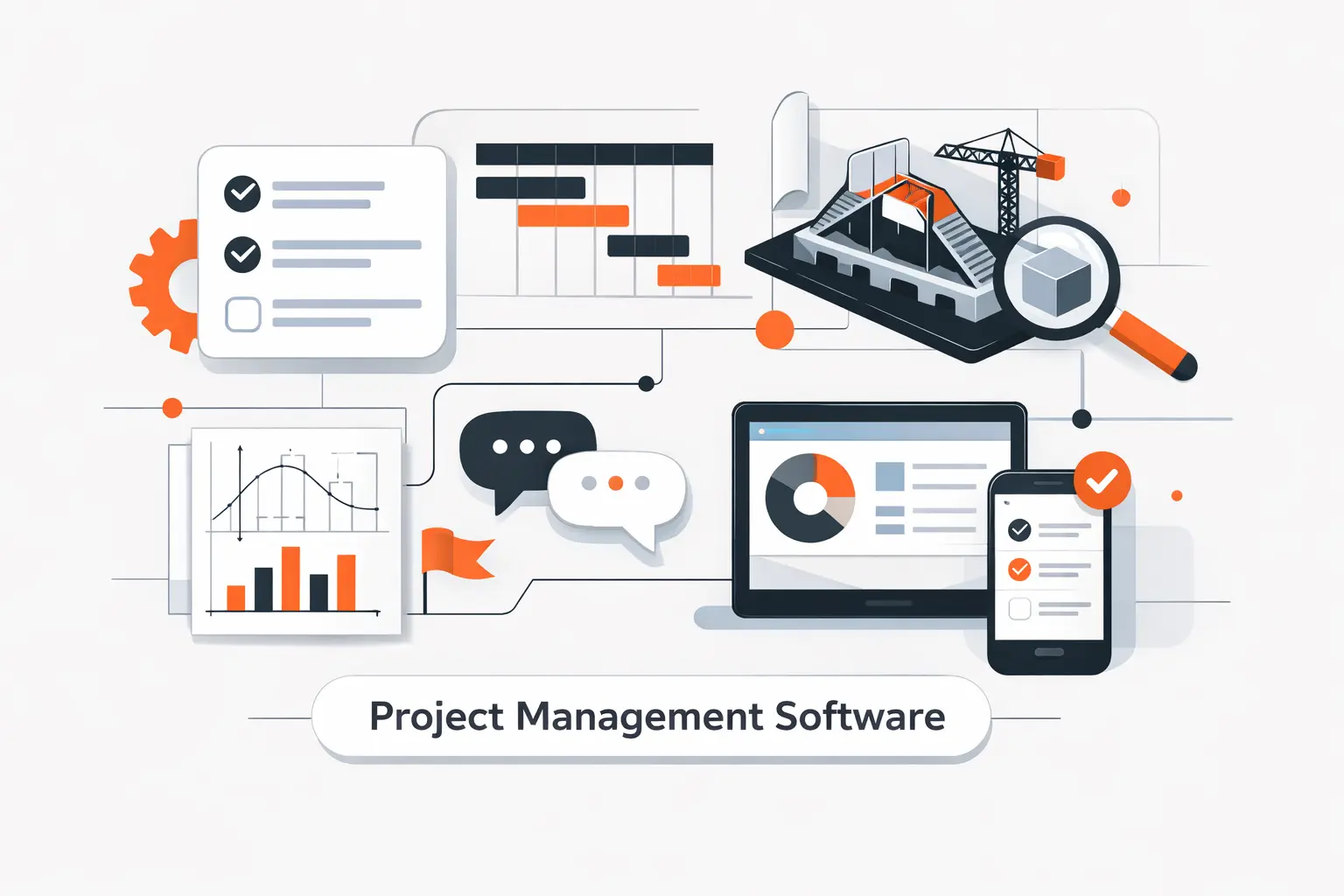
We never buy these platforms for one flashy feature. We buy them for how the features reinforce each other. A dependency map without resource context is weak. Time tracking without budget context is weaker. The best systems make each layer more useful because the data model is connected.
1. Scheduling, Gantt Charts, and Dependency Management
Engineering work needs more than dates on cards. We want dependency logic, milestones, baselines, critical path awareness, and the ability to model what moves when something slips. Without that, schedules become decorative.
We also look for cross-project visibility. In real firms, one delayed deliverable can impact multiple projects and teams. The software should make that easy to see, not something you discover in a meeting.
2. Resource Planning, Workload Balancing, and Capacity Forecasting
This is where weaker tools often run out of gas. Good resource planning means seeing demand by role, person, team, and timeframe. Better resource planning means balancing future commitments before burnout hits or utilization collapses.
If your firm shares specialists across jobs, this feature is not optional. It is the difference between deliberate staffing and constant firefighting.
3. Budgeting, Time Tracking, Billing, and Profitability Reporting
We are skeptical of any platform that calls itself engineering-ready but treats finance like an afterthought. The essentials include rate cards, time approvals, expenses, budget tracking, invoice support, and profitability views at project and phase level.
Even when accounting stays in a separate system, the PM layer should still show commercial health. Otherwise, project managers are steering blind.
4. Document Management, Version Control, and Team Collaboration
Engineering teams need structured file access, comment trails, approvals, and version awareness. That does not always mean full PLM or BIM control inside the tool, but it does mean the system should not turn documents into an unsearchable junk drawer.
We also favor platforms that make external collaboration sane. Clients, consultants, and subcontractors often need visibility without full internal access.
5. Dashboards, Analytics, and Risk Monitoring
The dashboard should answer useful questions, not just look busy. Which projects are slipping? Which teams are overloaded? Where is margin shrinking? Which risks are aging without action?
When analytics do that well, leaders stop asking every PM for custom slide decks. That alone can save a startling amount of energy.
How to Choose the Right Engineering Project Management Software
We tell clients to choose for the operating reality they have now, while leaving room for the one they want next. Buy too small and you hit the ceiling fast. Buy too big and the team never adopts it. There is no silver bullet here, only better fit.
1. Match the Platform to Your Team Size, Discipline, and Workflow Complexity
A five-person design studio does not need the same stack as a multi-office engineering consultancy or a software PMO. Start with how your team plans work, staffs work, reviews work, and bills work. Then filter tools against that reality.
We would rather see a smaller team fully adopt a lighter platform than half-adopt an enterprise monster. Shelfware is expensive in more ways than one.
2. Check Integrations With CAD, BIM, Jira, GitHub, and Accounting Tools
Integration is where good purchases become great ones, or bad ones become unlivable. If engineering data, accounting data, and delivery data stay trapped in different systems, managers will keep rebuilding the truth manually.
We prioritize tools that either integrate well out of the box or offer APIs strong enough to support a clean custom layer. That is often the hinge between short-term convenience and long-term viability.
3. Compare Security, Mobile Access, Usability, and Onboarding
Security and governance matter, but so does daily usability. Teams will not consistently enter time, update status, or review risk if the workflow feels like punishment. Mobile access matters too, especially for distributed teams and field-heavy work.
We usually ask buyers to test two things in trial: a PM workflow and a non-PM workflow. If both feel usable, adoption odds go way up.
4. Weigh Pricing, Customization, and Long-Term Scalability
Price is never just the license. It includes onboarding, admin effort, process redesign, integrations, reporting cleanup, and user training. A cheap tool can become expensive if it creates manual work around the edges.
We also look at how gracefully the platform grows. Can it handle more offices, more roles, more approval rules, more reporting needs, and more integrations without becoming brittle?
Pricing, Implementation, and Adoption Considerations
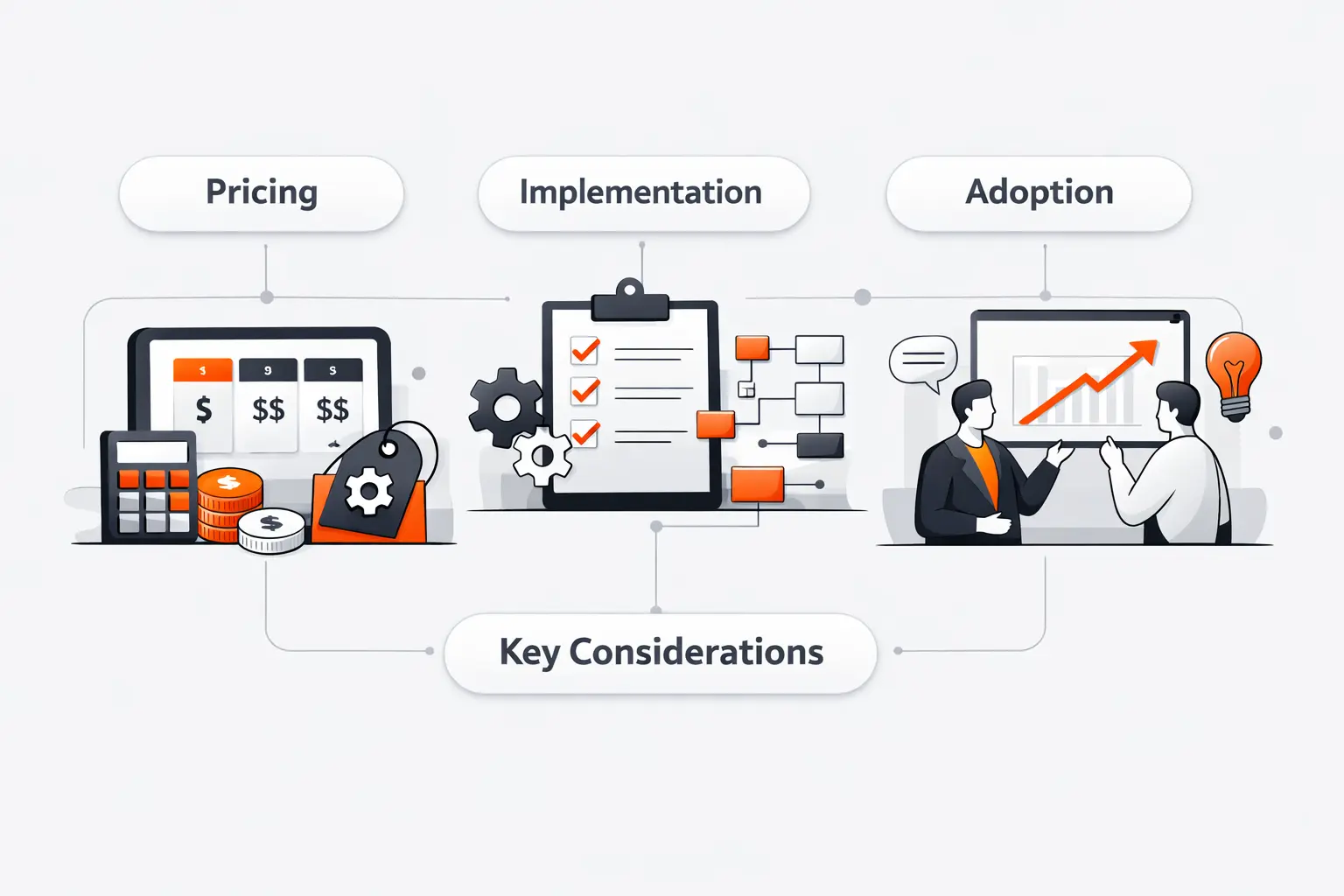
Buying the software is the easy part. Getting value from it is the real project. We have seen too many teams underestimate migration, naming standards, permissions, and reporting design, then wonder why the rollout feels muddy.
1. Free, Mid-Market, and Enterprise Plan Expectations
Free plans are useful for trials, tiny teams, and lightweight workflows. Mid-market plans usually unlock the real value: dependencies, time tracking, workload views, or stronger automation. Enterprise tiers add SSO, advanced security, portfolio controls, or deeper support.
In other words, the jump in price often follows the jump from coordination to control. That is usually the inflection point buyers should examine.
2. Migration From Spreadsheets and Disconnected Tools
The migration challenge is rarely technical alone. It is also semantic. Teams have to agree on project stages, naming rules, templates, role definitions, budget structures, and reporting logic. Without that, the new tool simply inherits old confusion.
We advise teams to migrate one clean workflow first. Once that works, expand. Big bang migrations sound bold. They often land with a thud.
3. Training, Change Management, and Team Adoption
Adoption improves when each role sees its own value. Engineers need less admin pain. PMs need clearer control. Leaders need better visibility. Finance needs cleaner billing or budget data. If the rollout message speaks only to one audience, the rest tune out.
We also prefer short, role-based training over one giant universal session. Adults learn faster when the examples actually look like their work.
4. Integration Complexity, Data Overload, and Governance
More data is not always more insight. Teams can drown in custom fields, views, statuses, reports, and dashboards if governance is weak. That is why we like to define a minimum viable data model early and add complexity only where it pays off.
A good governance approach keeps the platform useful six months later, not just impressive during the pilot.
Trends Shaping Engineering Project Management Software
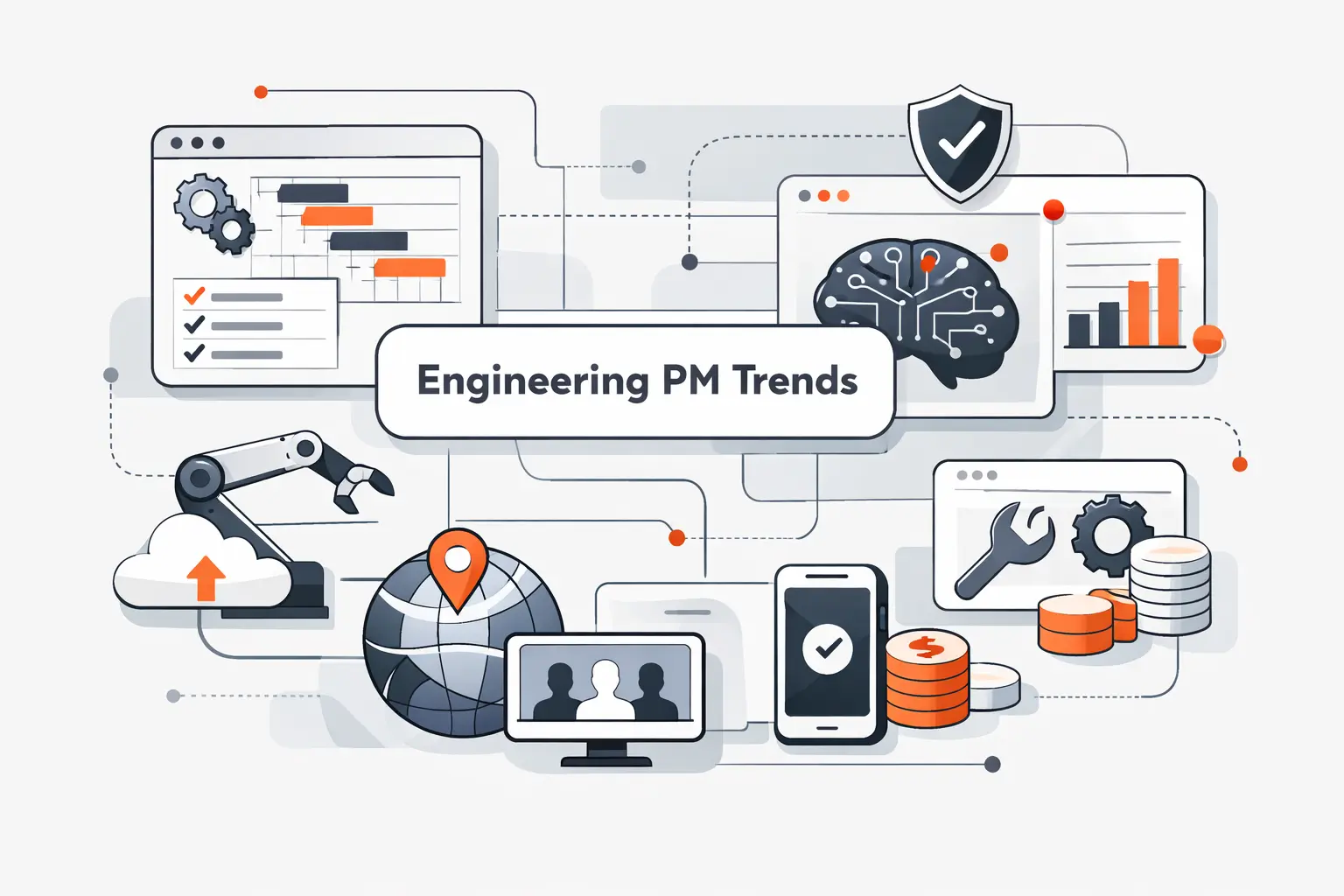
We expect this market to keep consolidating around platforms that blend execution, portfolio planning, and AI. Gartner forecast $5.43 trillion in worldwide IT spending in 2025, and a fair share of that budget is chasing better workflow automation, stronger governance, and cleaner decision data.
1. 3D Model Integration, CAD/BIM Workflows, and Digital Twin Support
Engineering work is moving toward tighter links between planning data and design context. We see growing demand for systems that can reflect model-driven milestones, review cycles, asset data, and field feedback without forcing teams into detached status reporting.
The more digital twins and model-based workflows mature, the less acceptable it becomes for project management to sit in a separate universe from the technical reality.
2. AI-Driven Risk Prediction and Workflow Automation
AI is not magic, but it is becoming useful at pattern detection, summarization, and workflow acceleration. The near-term win is not replacing project managers. It is reducing repetitive admin, spotting drift earlier, and surfacing next-best actions faster.
We are most interested in AI that works from real project data, not shallow prompts. That is where practical value starts.
3. Real-Time Resource Planning and Live Portfolio Visibility
Static monthly staffing reports are losing relevance. Leaders want live portfolio views that show demand, overload, underuse, and delivery risk as conditions change. That pushes the market toward systems with better resourcing engines and stronger portfolio layers.
In our view, this is one of the most important shifts to watch. Staffing accuracy is becoming strategy, not just scheduling.
4. Built-In Compliance Tracking and Stronger Data Security
Security, auditability, and residency controls are moving from procurement checkboxes into daily buying criteria. As more sensitive design, financial, and project data flows through these platforms, buyers want stronger permissioning, logs, and deployment options.
That trend especially favors vendors that can prove governance without making the user experience miserable. It is a delicate balance, but a necessary one.
Frequently Asked Questions About Engineering Project Management Software
We hear these questions in consulting calls all the time. The short answers below should help buyers separate must-haves from marketing noise before they start a trial or demo cycle.
1. What Software Do Project Engineers Use?
Project engineers usually use a mix of tools. That often includes scheduling or project management software, document collaboration tools, issue tracking, and financial or ERP systems. For software teams, Jira, Asana, and Wrike show up often. For A&E firms, Deltek, BQE CORE, Scoro, Monograph, and Factor A/E are more common.
2. Which Engineering Project Management Software Tools Are Best for Small Teams and Large Firms?
Small teams often do best with Zoho Projects, Monograph, OpenProject, Teamwork.com, or Factor A/E because they are easier to adopt and cheaper to start. Larger firms usually lean toward Deltek, Planview, Microsoft Project, Celoxis, Scoro, or BQE CORE because they need stronger governance, resources, and financial controls.
3. What Features Should Engineering Project Management Software Include?
We would insist on scheduling, dependencies, workload planning, time tracking, budget visibility, reporting, document collaboration, and solid integrations. If the firm bills by phase or manages multiple disciplines, profitability and resource forecasting become essential too.
4. How Is Engineering Project Management Software Different From General Project Management Tools?
Engineering-specific software usually goes deeper on project accounting, utilization, staffing, billing, and compliance. General PM tools are often better at flexible collaboration and cross-functional workflows. The right choice depends on whether your main pain is execution visibility or operational and financial control.
5. What Software Does a PMO Use for Engineering Projects?
Engineering PMOs often use Planview, Microsoft Project, Celoxis, Smartsheet, Wrike, or OpenProject, depending on scale and governance needs. Software-heavy PMOs may also combine Jira with Tempo or other portfolio tools. The deciding factor is usually portfolio visibility and resource control, not just task tracking.
6. How Much Does Engineering Project Management Software Cost?
Costs range from free tiers for small teams to mid-market pricing in the low double digits per user per month, and then up to quote-based enterprise contracts. The bigger spend usually reflects added controls such as SSO, portfolio management, advanced resource planning, accounting depth, or dedicated support.
How TechTide Solutions Helps Teams Build Custom Engineering Project Management Software
Off-the-shelf tools are often the right starting point. Still, we see plenty of cases where a firm’s workflow, pricing model, approval logic, or integration needs do not fit neatly inside packaged software. That is where custom engineering project management software starts to make real business sense.
1. Discovery and Solution Design Around Your Engineering Workflow
We begin by mapping the real workflow, not the imaginary one on the org chart. That means phases, discipline handoffs, approvals, staffing rules, cost structures, document flows, reporting needs, and the ugly spreadsheet hacks that keep everything alive today.
From there, we design a data model and product architecture that fits how your team actually delivers work. We care about practical flow first, then interface polish, because the best-looking system in the world is useless if the process underneath is crooked.
2. Custom Web, Mobile, and Cloud Development With the Right Integrations
We build web, mobile, and cloud solutions that can sit beside existing tools or replace fragmented ones entirely. That often includes integrations with CAD or BIM repositories, Jira, GitHub, accounting tools, ERP platforms, document systems, SSO, and reporting stacks.
Our goal is not to reinvent every wheel. It is to connect the right wheels into a system that actually turns. When off-the-shelf products leave gaps in approvals, field capture, client portals, forecasting, or portfolio views, we fill those gaps with focused software, not wishful thinking.
3. Ongoing Optimization for Automation, Reporting, and Scale
Shipping version one is only the opening move. We keep improving automation rules, dashboards, alerts, reporting logic, permissions, and integration reliability as the organization grows. That is especially important once teams want cleaner executive reporting or more advanced forecasting.
We also help clients avoid platform drift. As more projects, users, and business units enter the system, governance becomes just as important as code quality. Done well, custom software compounds in value instead of collapsing under its own weight.
Conclusion: Choosing the Best Engineering Project Management Software for Your Team
The best engineering project management software is not the one with the longest feature list. It is the one that matches your delivery model, exposes the risks you actually face, and gives your team a cleaner path from planning to profit. You should choose Zoho Projects, Factor A/E, or Monograph if your business is a small firm. For finance-heavy A&E operations, Scoro, BQE CORE, or Deltek are often stronger. Jira, Asana, and Wrike stay compelling for software engineering. For enterprise PMOs, Microsoft Project, Celoxis, and Planview deserve the closest look.
We would start with one hard question: what breaks first in your current process: schedule control, resource planning, document coordination, or financial visibility? Once you know that, the shortlist gets much shorter. If you want, we can help you turn that answer into a tighter evaluation matrix or a custom build plan for your team.

