


At TechTide Solutions, we think Flutter is worth learning in 2026 for many people, but not for everyone. We do not see it as a magic ticket. We see it as a practical choice when one team wants to ship one product across several platforms without splitting every feature into separate tracks.
The market context still matters. Teams are building into a large app economy, and annual app revenue worldwide reached 585bn USD in 2025. That does not make every toolkit equal, but it does explain why the right choice still changes cost, speed, and risk.
What Is Flutter and What Can You Build with It
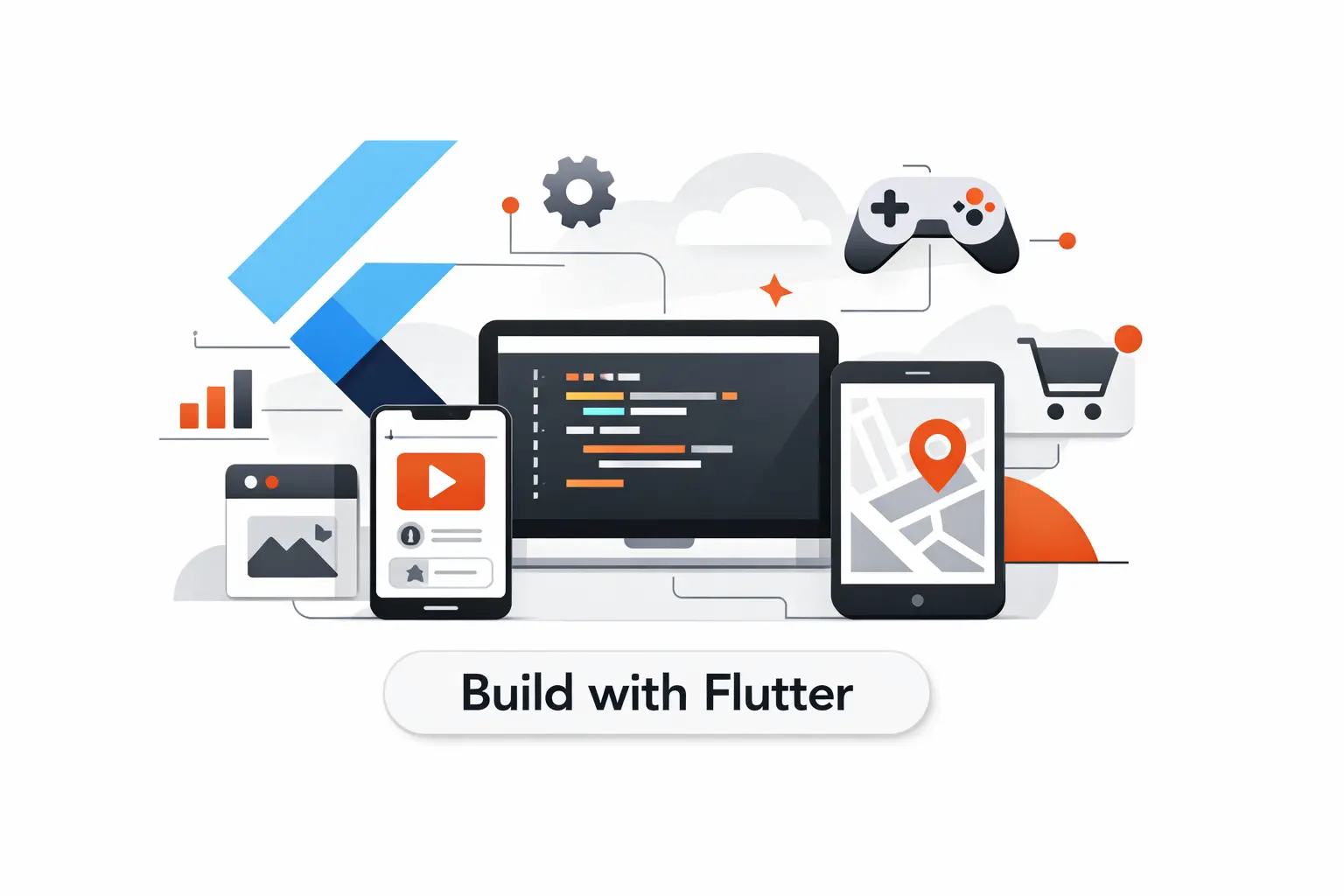
Before we judge whether Flutter is worth learning, we need to define it clearly. Flutter is a UI toolkit backed by Google and powered by Dart. Its official materials frame it as a multi-platform way to build apps from one codebase, which is the core reason it still gets serious attention from teams like ours.
1. Mobile, Web, and Desktop Apps from One Codebase
In practice, Flutter lets one project target several platforms with shared logic and shared interface code. The official platform integration docs say apps can work across supported targets with little to no modifications to your code once the environment is set up, and that is a big deal for small and mid-sized teams.
2. Use Cases from MVPs to Internal Tools and Marketplaces
We see Flutter fitting best where the experience behaves like an app, not a document. MVPs, booking flows, customer portals, field tools, internal dashboards, and small marketplaces all fit that pattern well. The web docs also draw a clear line. Flutter is aimed at app-like experiences, while text-heavy sites are usually better served by the normal web stack.
3. Dart and the Flutter Ecosystem
Dart scares some beginners more than it should. The language compiles to native machine code for mobile and desktop, and to JavaScript or WebAssembly for the web. On top of that, the Dart docs point to thousands of packages from the wider community, which makes the ecosystem feel much more complete than many newcomers expect.
Recommended reading: How to Make an Android App: A Beginner-to-First-Build Roadmap
Why Flutter Is Still Worth Learning in 2026
So why is Flutter still worth learning in 2026? In our view, the answer is simple. Teams still care about fast iteration, shared product ownership, and consistent interfaces across platforms. Flutter still speaks directly to those business needs.
1. Speed, Time to Market, and Faster Iteration
The speed argument is still real. In Google’s own learning tutorial, stateful hot reload shows changes reflected under a second without losing app state. That does not remove engineering work, but it shortens the feedback loop, and shorter loops usually lead to better product decisions.
2. Cost Efficiency, UI Consistency, and Performance
Cost is not just salary math. It is also the cost of duplicated screens, repeated QA, and design drift between platforms. Flutter helps by giving teams one UI layer and one language for much of the work, while Dart still compiles to native output on mobile and desktop and web output in the browser. For many commercial apps, that is a practical middle ground.
3. Developer Demand, Community Support, and Enterprise Adoption
The talent pool is smaller than JavaScript’s, and we think that concern is fair. Still, Dart showed up among 6.1% of professional developers in Stack Overflow’s 2025 survey. That tells us the ecosystem is niche, not abandoned.
The maintenance story also matters. The official SDK archive continues to show an active release cadence, and the public repositories continue to receive updates in 2026. That does not guarantee easy hiring, but it does show the project is alive and moving.
Enterprise adoption matters most when it is concrete. BMW said its BMW and MINI apps reached more than 10 million active users, and BMW’s earlier engineering material said the My BMW app platform was built in-house on Flutter. That is the kind of example that makes this toolkit hard to wave away as a toy.
Recommended reading: Is Flutter Owned by Google: Ownership, Open Source Licensing, and What It Means for Developers
Who Should Learn Flutter and Who Should Look Elsewhere
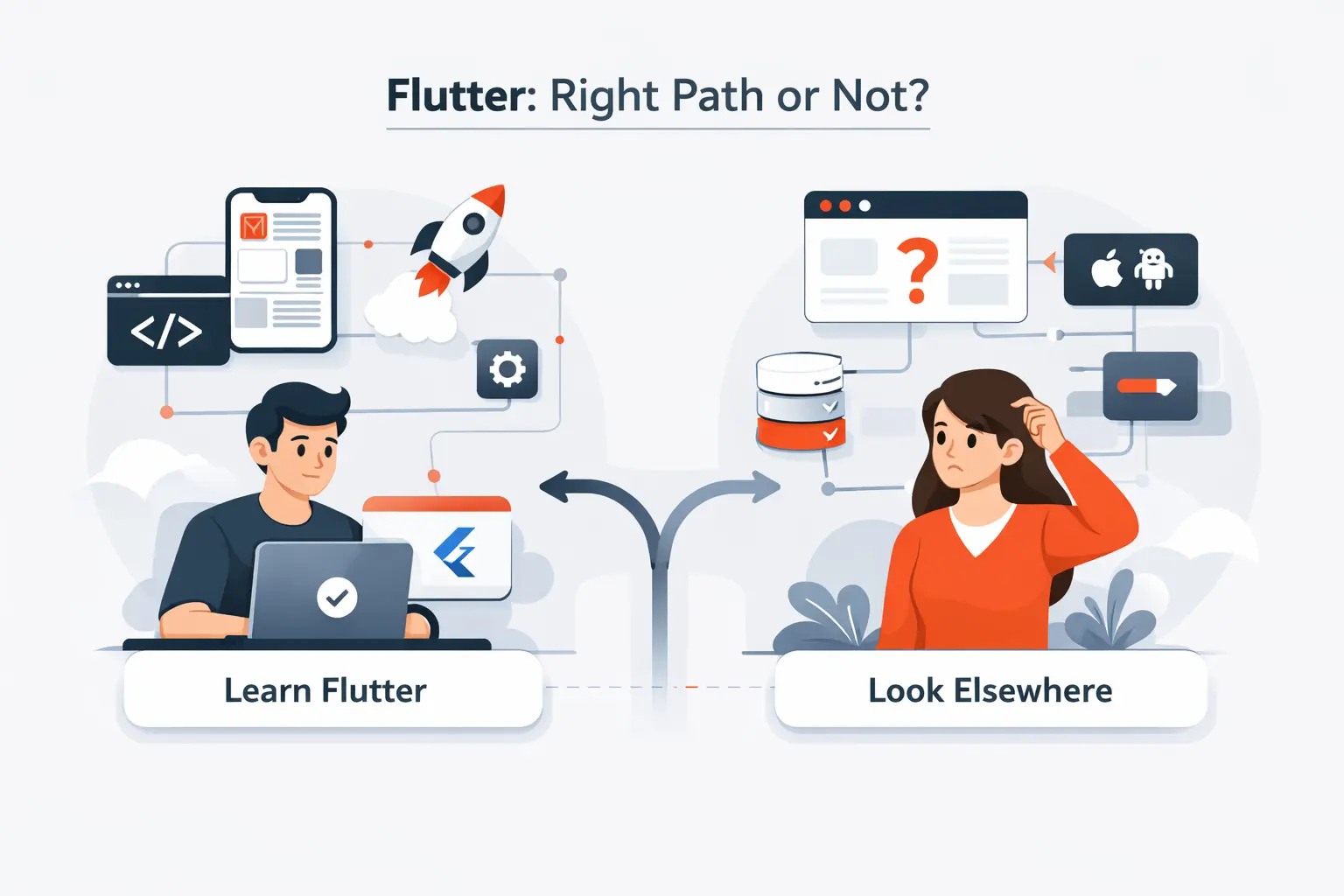
This is where we stop speaking in slogans. Whether Flutter is worth learning depends on what you want to build, how your team works, and where you want your career to bend next.
1. Good Fits for Beginners, Founders, and Product Teams
For beginners, Flutter has a simple advantage. It gives visible results early. The official learning path starts with Dart and then moves into app building, which means new developers can learn syntax and screen-building in one guided flow instead of juggling two native ecosystems at once. We often recommend that path to junior developers and founders who learn best by making real things.
2. Strong Matches for Cross Platform and Design Driven Products
We especially like Flutter for design-led products that need a consistent feel across platforms. If the product lives or dies by onboarding, booking, dashboards, subscriptions, or marketplace flows, shared UI logic can reduce visual drift. The official docs also note that apps usually work across supported platforms with little change once the environment is ready.
3. Cases Better Suited to Native Development or Other Frameworks
We would look elsewhere when the product is mostly article pages, marketing pages, or SEO-heavy documentation. Google’s own web FAQ says Flutter is not a fit for static, text-heavy pages and even suggests keeping landing pages and help content in search-friendly HTML. We also lean native when a product depends on very new platform APIs, advanced device work, or platform-specific behavior from day one.
Recommended reading: iOS Android Code Signing: What You Need to Know for Secure Mobile Releases
Flutter Versus Native Development and React Native
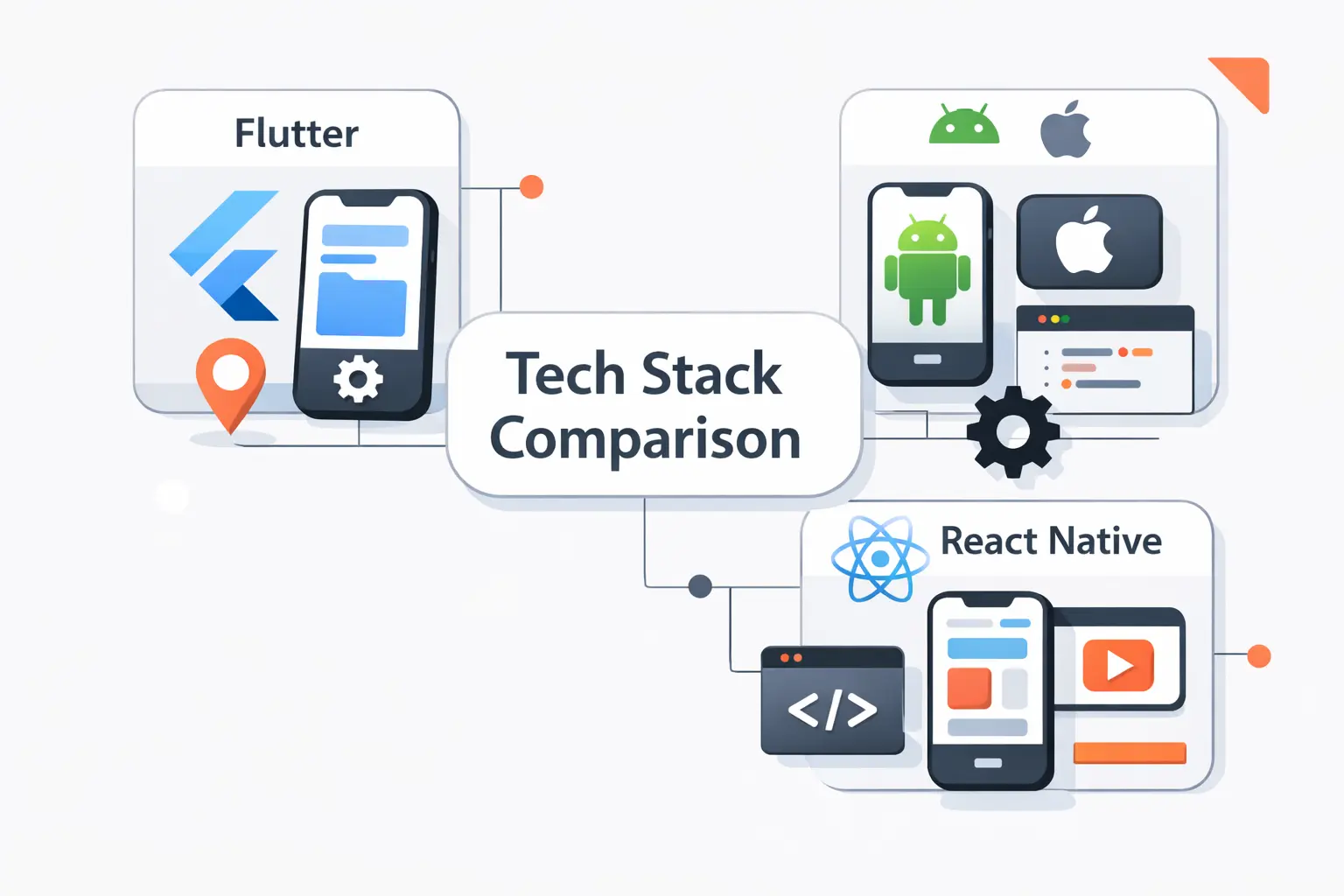
The fair comparison is not Flutter versus dead tools. Native development is still the best option when you need full platform control, and React Native is also very active. Its official versions page lists 0.85 as the latest stable release, and its newer architecture has been rolling forward since 0.76, so the real question is fit, not survival.
1. Where Flutter Competes Well with Native Apps
Flutter competes well with native when the app has many shared screens, a custom interface, and a roadmap that spans more than one platform. It also provides formal ways to bind to native code and embed native views when needed. That matters because real products always have edges, and those edges often decide whether a shared codebase remains practical.
2. How Flutter and React Native Differ
The day-to-day feel is different. Flutter centers the interface in Dart widgets and a more self-contained UI stack. React Native centers the interface in React components and, with its newer architecture, deeper direct access to native interfaces from JavaScript. If a team already thinks in React, that difference matters more than any marketing line.
3. How Team Skills and Project Goals Influence the Choice
We usually choose based on team gravity. A product team with strong React skills may reach useful output faster in React Native. A design-led team that wants one consistent visual layer across several platforms may prefer Flutter. A team that needs the newest iOS or Android capability first may still be happiest staying native.
Recommended reading: Android vs iPhone Users: Demographics, Behavior Differences, and What They Mean for Apps
How Hard Is Flutter to Learn
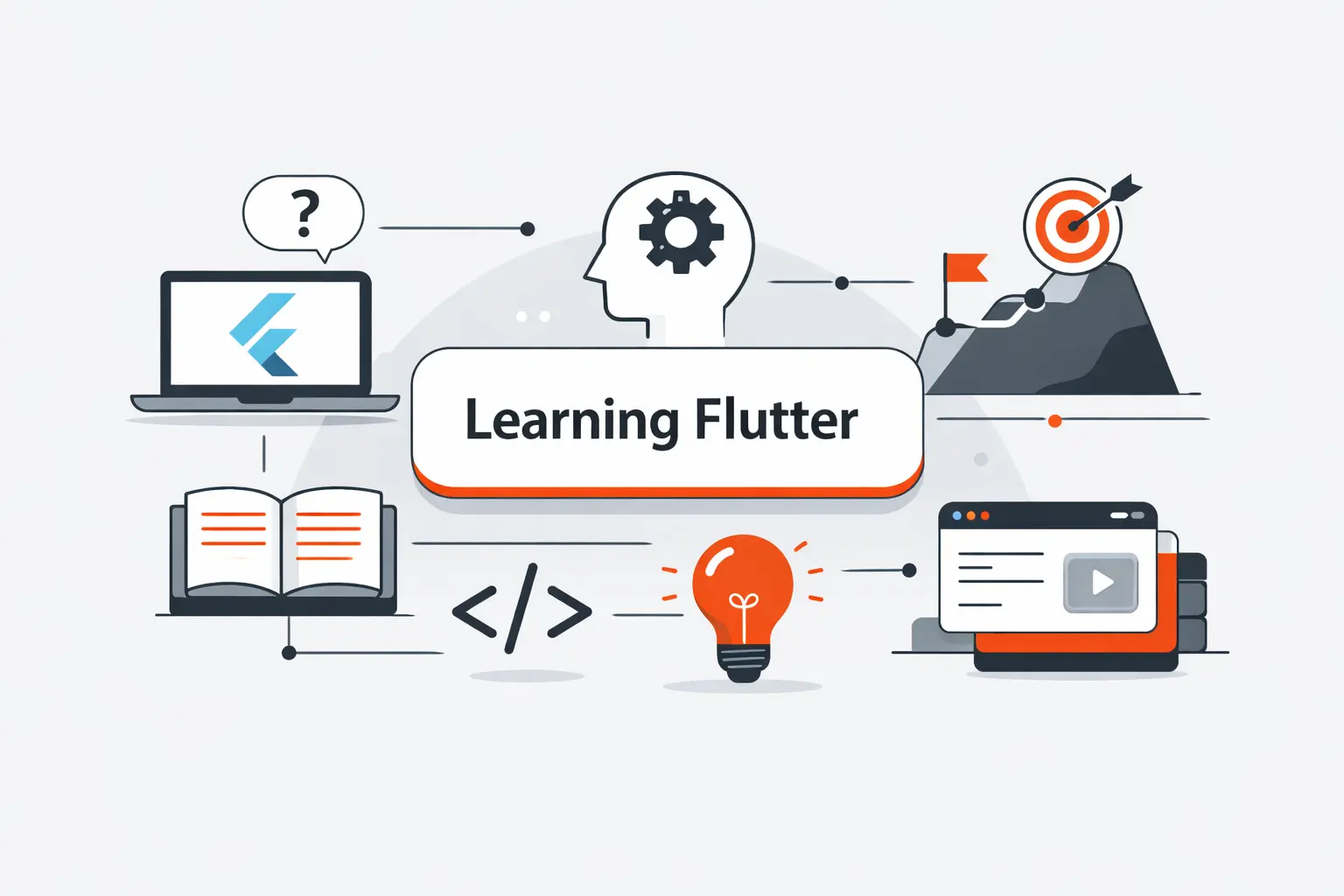
How hard is Flutter to learn? Our honest answer is this. It is easier than learning native iOS and native Android together, but it is still real engineering. You need to understand a language, widget composition, state, async work, debugging, and app structure.
1. Dart Learning Curve for Beginners
Dart is usually not the wall people fear. It has clear compilation targets, strong typing, and modern async tools. In our experience, the harder shift for beginners is not the language itself. It is learning how declarative UI, state changes, and widget composition fit together.
2. Documentation, Tutorials, and Community Support
The learning support is better than many people expect. The official learning page is aimed at beginners and points new developers to a guided route through Dart, app building, architecture, and network work. That kind of structure matters when you are trying not to drown in random videos and half-finished tutorials.
3. Timelines for Reaching Working Proficiency
In our view, a focused beginner can reach working proficiency in about three months. That usually means building a small app, using packages, calling an API, handling state, and shipping a clean interface. Production-grade confidence takes longer, especially when authentication, payments, offline behavior, testing, and release work enter the picture.
Recommended reading: Android Software Development: Tools, Languages, Workflows, and Cloud Features
How to Learn Flutter Efficiently

If we were teaching Flutter from scratch, we would not start with architecture debates or package wars. We would start with the shortest path to competence, then add depth once the basics stop feeling slippery.
1. Dart Fundamentals and Core Flutter Concepts
Begin with Dart basics, then move straight into widgets, layout, user input, state, navigation, and async data loading. The official learning flow is designed in that order for a reason. It reduces context switching and gives each new concept a visible result on screen.
2. Free Courses, Tutorials, and Guided Resources
We would use the official learning pathway first, then sample apps, then targeted documentation for testing, packages, and platform integration. Free does not have to mean messy. A guided sequence is usually faster than collecting twenty disconnected tutorials from search results and hoping they somehow add up.
3. Practice Projects That Reflect Real World Use Cases
Practice projects should look like work you might actually do. Build a booking app with authentication, an internal approval tool, a marketplace listing flow, or a simple analytics dashboard. Those projects teach more than a decorative weather clone because they force decisions about forms, validation, navigation, state, and API errors.
How AI Changes the Value of Learning Flutter

AI changes the economics of learning, but not in the way people first assume. We see it reducing boilerplate, not replacing judgment. That makes Flutter knowledge more valuable when it is real, and less valuable when it is shallow.
1. Code Generation, Testing, and Workflow Speed
AI can draft widgets, generate model classes, write test skeletons, and help wire up packages. That is useful. It means beginners can move past blank-page anxiety faster, and experienced developers can spend less time on repetitive glue code. We use it that way ourselves.
2. Architecture, UX, and Integration Decisions That Still Need Developers
What AI still does poorly is product thinking. It cannot reliably decide your app’s state model, offline rules, navigation strategy, package risk, or integration boundaries. It will happily give you code that compiles and still leave you with a brittle app and a confused user journey.
3. How AI Makes Skilled Flutter Developers More Effective
That is why skilled Flutter developers gain more from AI than casual users do. They know when a generated widget tree is clumsy, when a package choice is risky, when native code is the better move, and when a pretty screen hides a broken flow. Real knowledge still does the heavy lifting.
Flutter Limitations to Consider Before You Commit
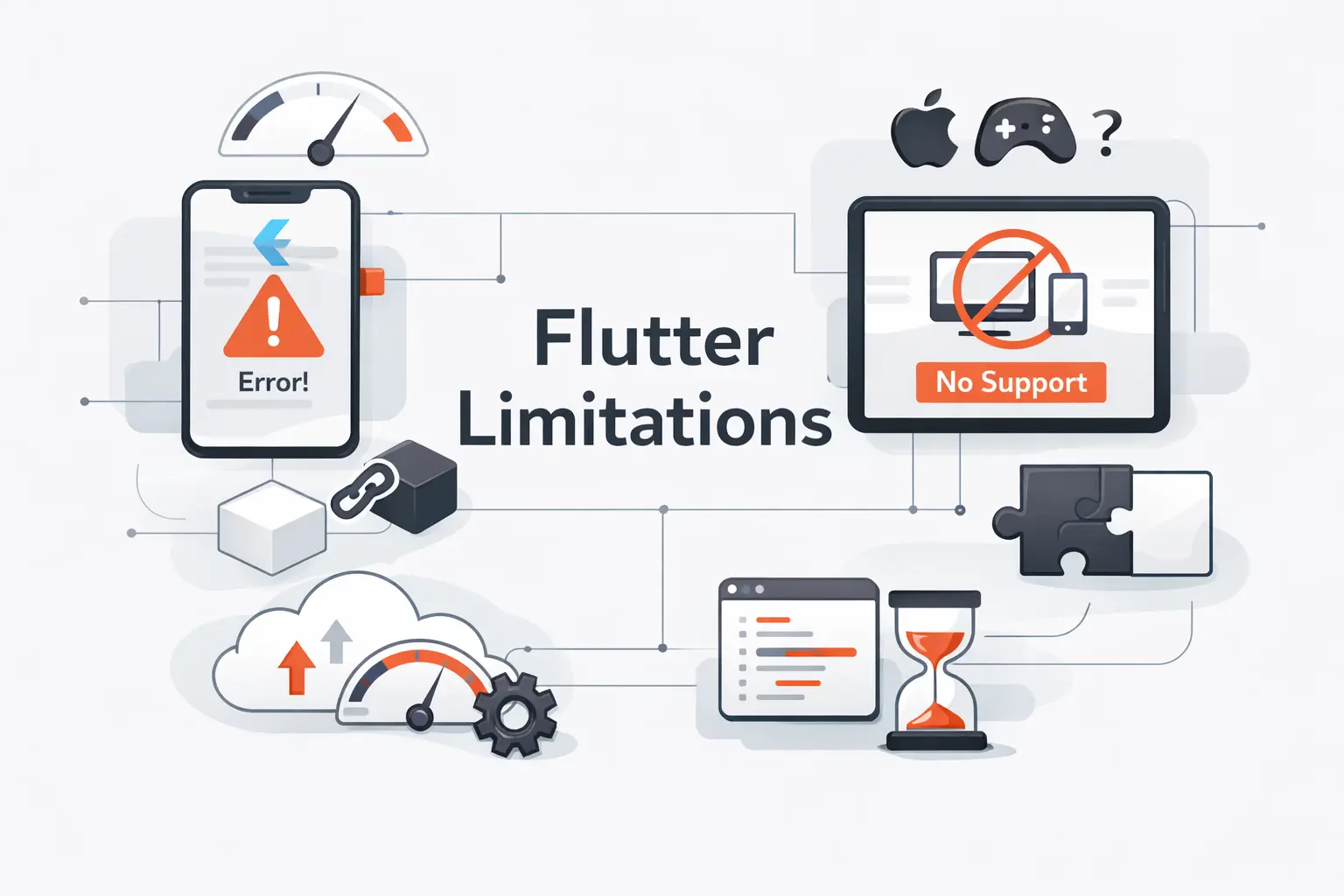
Before we sound too enthusiastic, we should say the quiet part out loud. Flutter has limits, and ignoring them is how teams pick the wrong stack.
1. App Size and Low Level Platform Constraints
App size and low-level control are two recurring tradeoffs. If you want the smallest possible wrapper app or you need the newest platform feature the week it lands, Flutter can add friction. The docs themselves show that binding to native code is part of serious Flutter work, which tells us platform expertise still matters even in a shared-code project.
2. SEO Challenges for Content Heavy Websites
The web and SEO story needs special honesty. Google’s own FAQ says Flutter is not suitable for static sites with text-rich flow-based content, and it even suggests keeping landing pages and help content in traditional HTML. We agree with that advice. For content-heavy sites, web-native tools are usually the cleaner choice.
3. Talent Availability and Long Term Maintenance
The talent pool is smaller than what you get with JavaScript or native mobile hiring. The same survey evidence shows Dart is present, but still a minority language. On the other hand, the official release cadence and public project activity both continue into 2026, so the long-term risk is more about team discipline, testing, and package choices than about the project vanishing tomorrow.
A Simple Checklist to Decide If Flutter Is Worth Learning for You

If you are still on the fence, use a checklist. We do. Stack choices stop being philosophical once you force them into product constraints.
1. Career Goals, Target Platforms, and Project Types
Ask where you want your career to go. Do you want to build consumer apps, internal tools, dashboards, or startup MVPs across multiple platforms? If yes, Flutter is a sensible bet. If your target is deep iOS work, Android platform work, or heavy React web continuity, another first choice may serve you better.
2. Performance, Security, and Long Term Maintenance Needs
Next, look at performance and security needs. If your app needs extreme platform specialization, deep hardware control, or strict compliance work shaped by native SDKs, that should weigh heavily. If it needs polished UI, standard backend integration, and careful testing across several platforms, Flutter stays firmly in the conversation.
3. Budget, Team Availability, and Scalability Plans
Finally, look at budget and people. Can one shared team support the product better than two separate mobile teams? Who will maintain packages, OS updates, automated tests, and release pipelines a year from now? If the shared-team answer reduces complexity instead of hiding it, Flutter deserves serious consideration.
Frequently Asked Questions about Flutter Learning

Here are the short answers we give most often when clients, founders, and junior developers ask us about learning Flutter.
1. Is Flutter Still Worth Learning in 2026?
Yes, Flutter is still worth learning in 2026 if your goal is shipping app-centric products across several platforms. It still offers shared code, fast iteration, active maintenance, and proven production use. We would just avoid treating it as the best answer for every website or every hardware-heavy app.
2. Does Flutter Have Long Term Support from Google?
In practical terms, yes. As of May 15, 2026, the official SDK archive still shows a 2026 release schedule, and the public repositories continue to receive updates. We would not call that a classic enterprise LTS contract, but we would call it clear ongoing backing.
3. Can You Learn Flutter in Three Months?
Yes, you can learn Flutter in three months well enough to build useful apps if you study consistently and build one or two real projects. The official beginner path gives you a sensible route through Dart, widgets, and app building. Mastery takes longer, but working proficiency is realistic.
4. Should You Learn Flutter or React Native First?
If you already know React well, React Native may feel more natural first. If you care more about one shared visual layer, design control, and a Dart-based stack, we would start with Flutter. Neither choice is foolish. The better first step is the one closest to the products you actually want to build.
5. Do You Need to Learn Dart Before Flutter?
You do not need to master Dart before touching Flutter, but you should learn the basics first. Variables, classes, collections, async work, and null-safe thinking make the framework far less confusing. The official learning flow reflects that order for good reason.
How TechTide Solutions Helps Build Custom Flutter Solutions
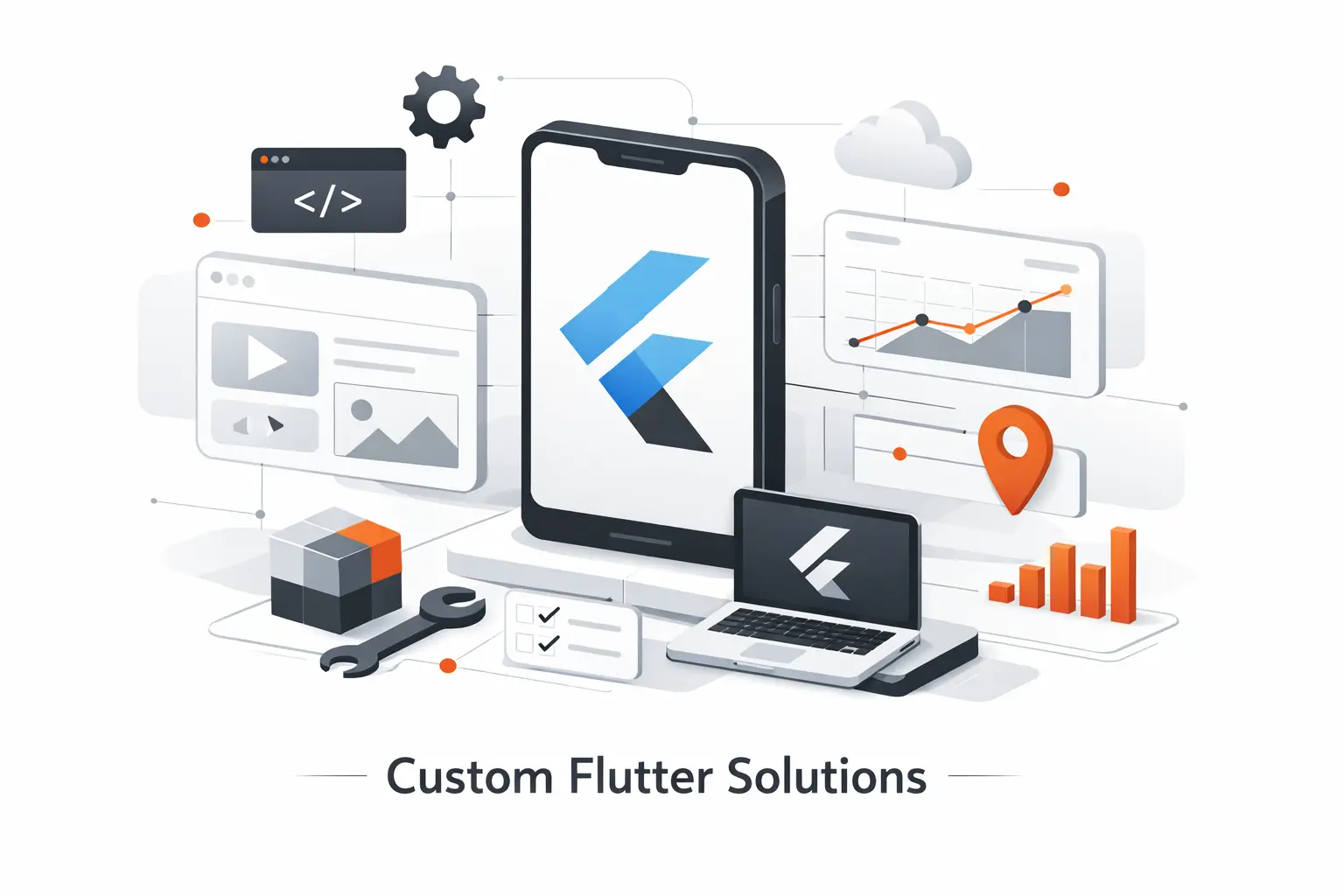
At TechTide Solutions, we treat Flutter as a business tool, not a religion. When it fits, we use it to shorten the path from idea to working product. When it does not fit, we say so early.
1. Product Discovery and Custom Solution Planning
We start with product discovery. That means clarifying user flows, target platforms, backend dependencies, offline needs, analytics, admin requirements, and the risks that could break budget or scope later. We would rather find a constraint in week one than hide it until build week.
2. Custom Cross Platform Development Tailored to Project Needs
From there, we plan the app around the project’s real shape. Some teams need a lean MVP. Others need a polished marketplace, an internal operations tool, or a customer app with payment and account flows. We shape architecture, packages, and native extensions around that need instead of forcing every project into the same template.
3. Long Term Support for Integrations, Testing, and Maintenance
We also stay after launch. Integrations need care. Tests need upkeep. Dependencies need regular reviews. App store rules change. Devices change. Our job is to keep the product healthy while the product keeps evolving.
Final Verdict on Whether Flutter Is Worth Learning
1. Why Flutter Remains a Practical Option
So, is Flutter worth learning in 2026? We think yes, for the right reasons. It is practical, mature enough, and still very good at helping one team build one product across several platforms with a shared interface and a faster feedback loop. That value proposition is still intact.
2. Who Benefits Most from Learning Flutter
The people who benefit most are beginners who want visible progress, founders validating a product, and teams shipping app-centric experiences where design consistency matters. It is also a strong option for companies that want mobile, web, and desktop coverage without multiplying codebases too early.
3. Key Takeaways Before You Invest Time in Flutter
Before you invest, ask one simple question. Are you learning a tool for the kinds of products you actually want to build, or just following hype? If the answer points to multi-platform apps with shared UI and reasonable platform demands, we would learn Flutter with confidence. If not, choose the stack that matches your road ahead, and do it with open eyes.

