


At TechTide Solutions, we see the Confluence vs Jira decision as a business architecture question, not a simple software comparison. Market-wise, the worldwide collaboration software segment is projected to reach US$15.60bn by 2025, and McKinsey has found that knowledge workers still spend nearly 20 percent looking for internal information or tracking down colleagues who can help with specific tasks. In plain terms, companies lose speed when knowledge and execution live in separate worlds.
We have seen that split play out in real organizations. Royal Caribbean reported over 800 hours and $500,000 per year saved after shifting manual reporting into an integrated Jira-and-Confluence operating model, while Docker has publicly described the pairing as central to how teams communicate and onboard developers. Those examples matter because they show the tools are not interchangeable; they are complementary when used with intention.
Confluence vs Jira at a Glance
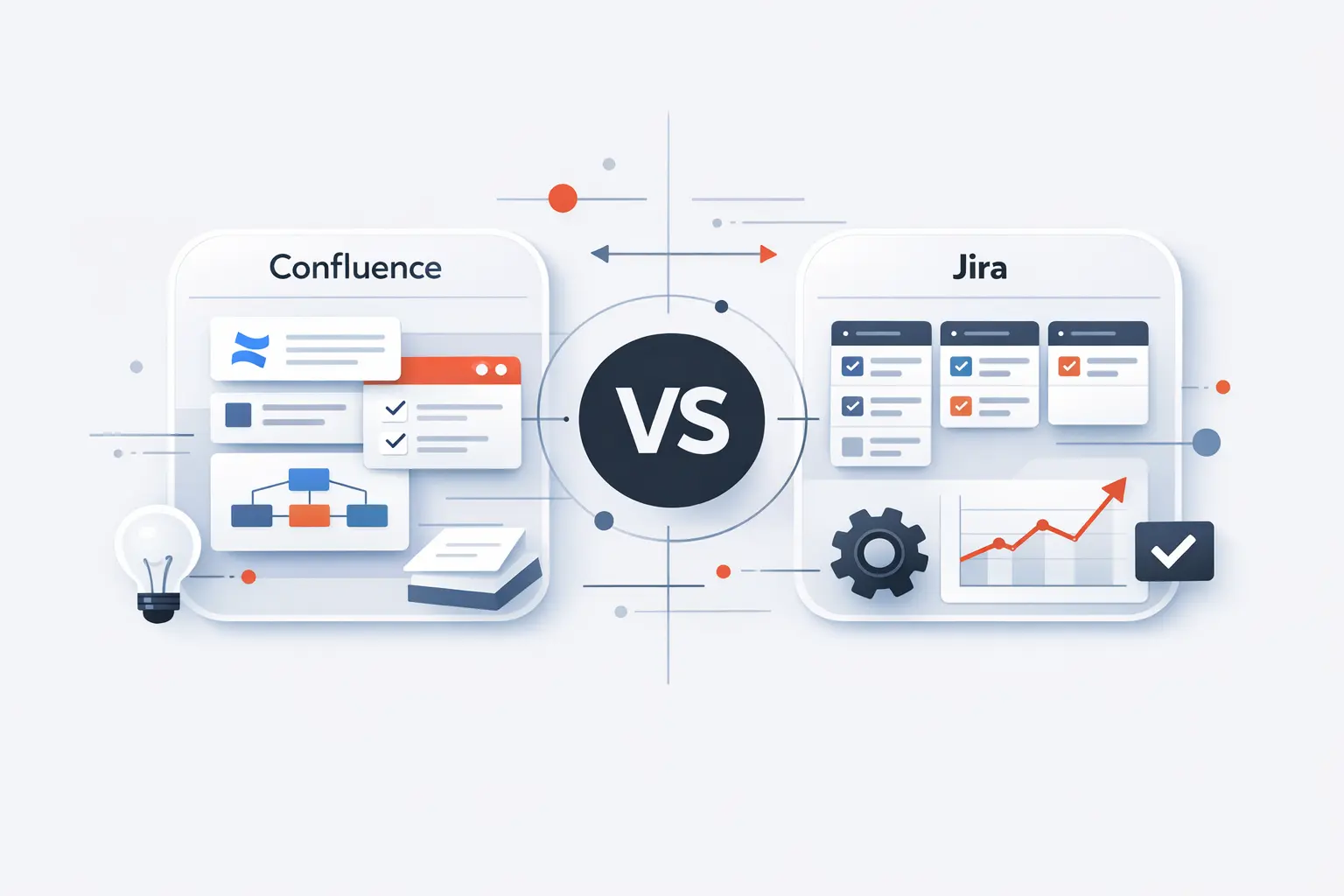
Our baseline view is straightforward: Confluence is built to capture context, and Jira is built to control flow. Once we separate documentation from execution, the comparison becomes much clearer, and the best-fit use case for each tool becomes easier to defend inside a growing business.
1. The essential difference between documentation and execution
We usually describe Confluence as the system of context and Jira as the system of execution. Confluence is centered on collaborative content such as pages, live docs, and knowledge spaces, while Jira structures work into trackable items that move through workflows, boards, and sprints. For most businesses, that means Confluence preserves the reasoning behind work, whereas Jira preserves the state of work.
2. How both tools fit into the Atlassian ecosystem
Both products sit inside Atlassian’s first-party ecosystem and are designed to exchange context natively. Jira can surface related Confluence content, and Confluence can display Jira work items and status directly inside a page. We value that integration because it reduces the usual friction between planning, collaboration, and delivery.
3. Why many teams use Confluence and Jira together
Most teams that scale beyond a single function eventually need both narrative knowledge and structured delivery control. Atlassian explicitly supports patterns where requirements, meeting notes, decision logs, retrospectives, and status reporting live alongside tracked Jira work rather than outside it. When organizations force one tool to do both jobs, the result is usually either weak documentation or weak execution discipline.
Recommended reading: RAG Status in Project Management: How to Define, Use, and Improve Reporting
What Is Confluence?
1. How Confluence supports wikis, knowledge bases, and project documentation
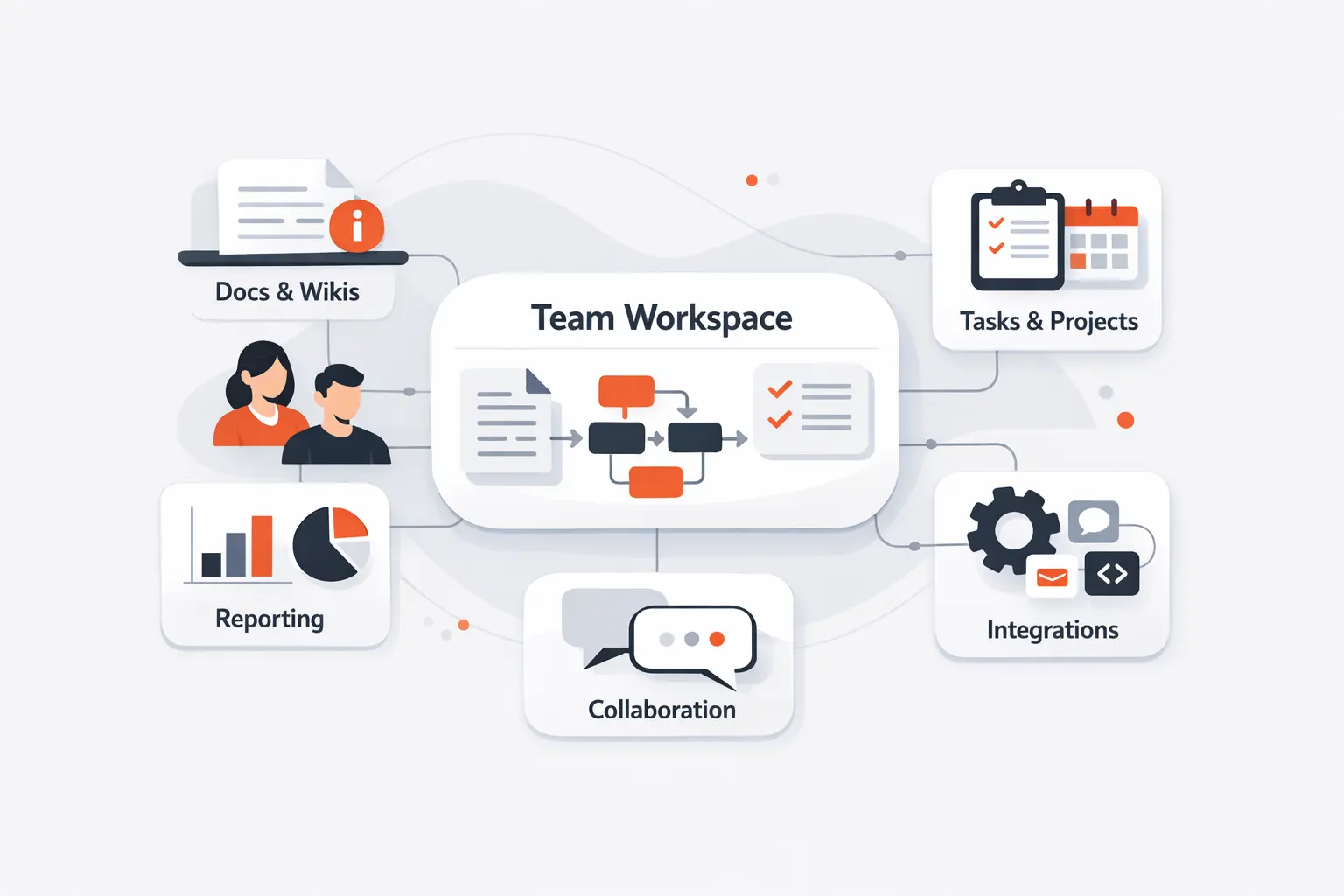
Confluence is Atlassian’s collaboration workspace for shared knowledge, and its spaces are commonly used as collaboration hubs or knowledge bases. Atlassian’s guidance emphasizes that teams use spaces to organize important information for projects, initiatives, documentation, and broader internal knowledge sharing. In our view, Confluence works best when a team’s main problem is fragmented understanding rather than unmanaged task flow.
2. Spaces, pages, templates, macros, and version history
Inside Confluence, spaces act as containers for content, pages and live docs hold the working material, templates speed up repeatable documentation, macros add dynamic components, and version history lets teams compare or restore earlier edits. Atlassian’s support documentation also makes clear that page history is retained and can be reviewed, compared, or rolled back when needed. That combination is precisely why we treat Confluence as a living documentation layer rather than a static file cabinet.
3. Best use cases for cross-functional teams and shared knowledge
Cross-functional teams typically get the most value from Confluence when their output is shared understanding: product briefs, onboarding guides, architecture decisions, policies, meeting notes, retrospectives, and knowledge-base content. Atlassian’s own examples point toward requirements, decision logs, launch collaboration, and documentation-heavy team workflows. We recommend Confluence whenever many roles need the same context but do not all need to participate in the same workflow engine.
Recommended reading: Hybrid Project Management: A Fit-for-Purpose Guide to Blending Agile and Waterfall
What Is Jira?
1. How Jira supports issue tracking, project management, and Agile delivery
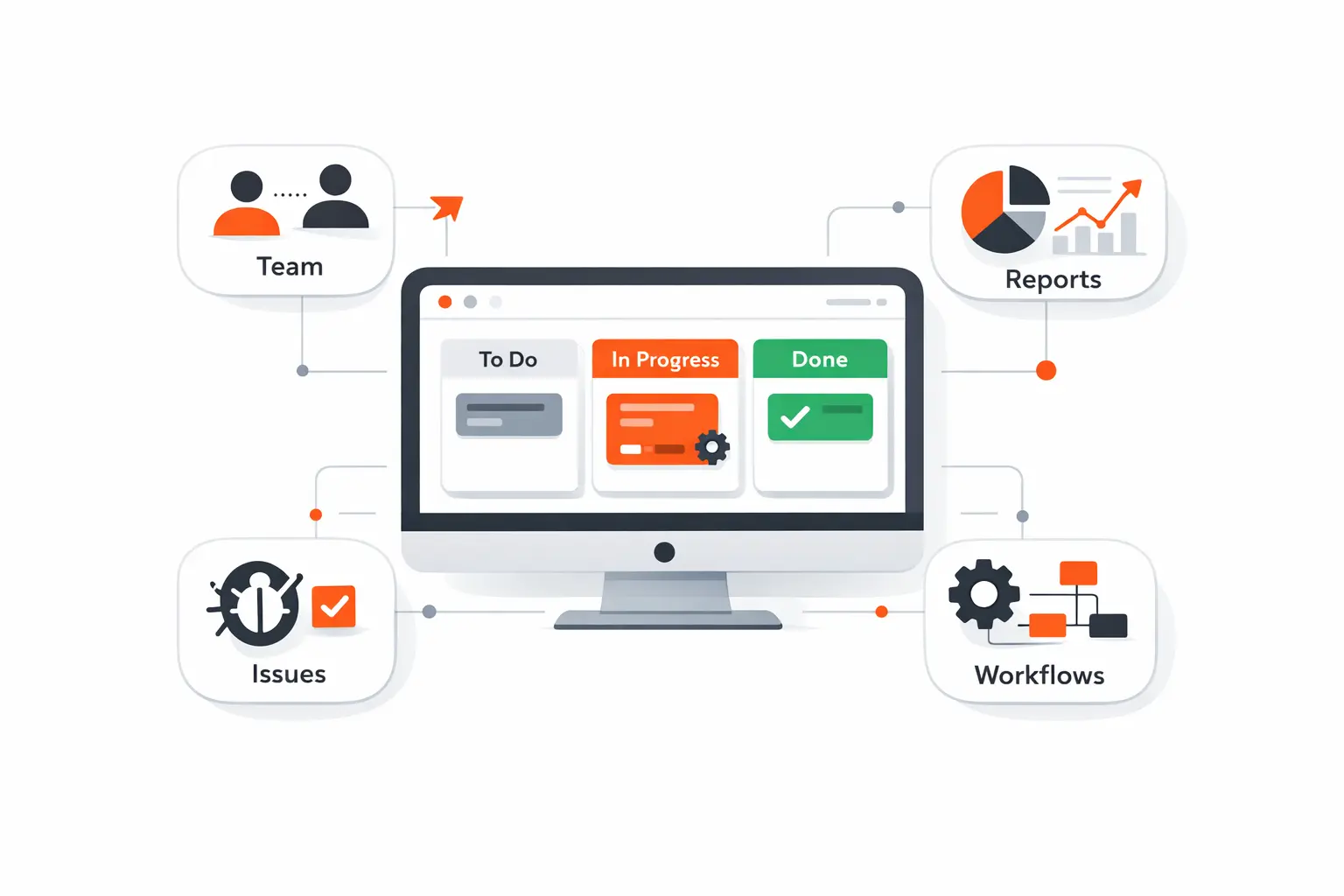
Jira centers on trackable work. Atlassian describes work items as the core of Jira and supports project management views, work tracking, reporting, and Agile delivery patterns around them. We see Jira as an execution platform first, even when it is used outside software teams.
2. Projects, issues, boards, sprints, workflows, automation, and JQL
Operationally, Jira organizes work into projects and work items, exposes that work on boards and backlogs, supports sprints for Scrum teams, moves items through workflows, automates repetitive actions, and lets users query data through JQL. Atlassian’s documentation also shows how these capabilities connect to reporting, search, and rule-based updates across teams. That structure is what gives Jira its distinctive analytical and operational strength.
3. Best use cases for software, QA, DevOps, and IT service teams
Jira is especially strong where work must be routed, prioritized, measured, and linked to delivery systems. Atlassian notes that Jira work items can surface commits, builds, and pull requests, while the wider Jira platform supports approvals, requests, cross-team planning, and service-oriented workflows. From our standpoint, Jira earns its place whenever operational accountability matters more than narrative depth.
Recommended reading: Agile Mindset: How to Build a Culture of Learning, Collaboration, and Continuous Improvement
Key Differences in Confluence vs Jira
1. Focus and purpose
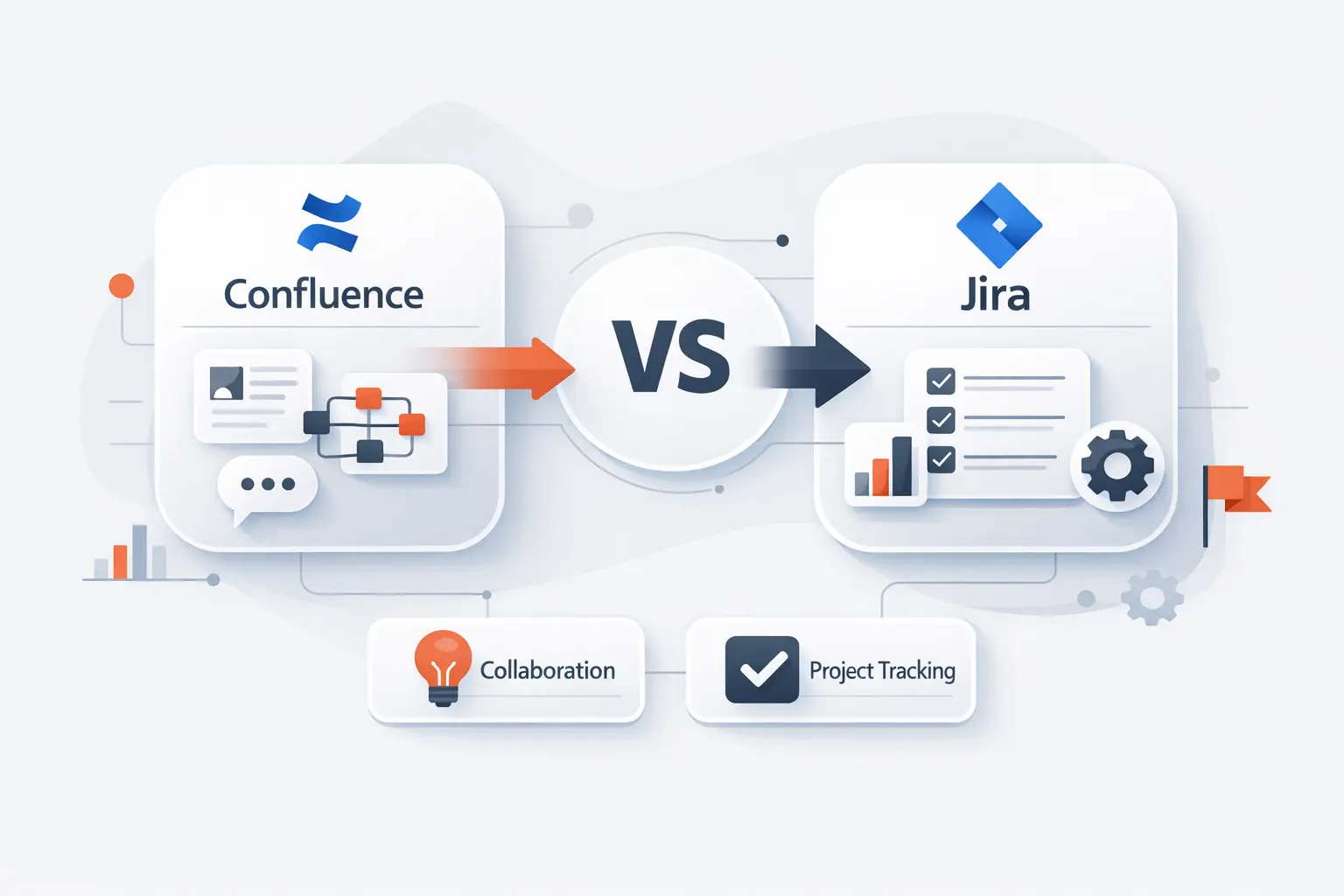
The biggest difference is purpose. Confluence is built to explain, preserve, and socialize knowledge, while Jira is built to coordinate execution and expose status through structured work management. In practical business language, Confluence answers “what do we know and why,” and Jira answers “what is happening, who owns it, and what changes next.”
2. Structure, hierarchy, and content types
Their data models are fundamentally different as well. Confluence is hierarchical and content-led, with spaces, pages, live docs, blogs, and labels; Jira is field-led, with work items, statuses, transitions, links, and board-based views. That is why we rarely advise clients to treat one as a substitute database for the other.
3. Collaboration, reporting, search, and permissions
Day-to-day collaboration also feels different in each product. Confluence emphasizes comments, mentions, sharing, watching, search, and space permissions, whereas Jira emphasizes assignees, dashboards, reports, advanced search through JQL, and more operational permission controls. We think this distinction matters because teams often underestimate how much reporting and permission logic changes tool adoption.
Recommended reading: Project Risk Management: A Practical Guide to Identify, Analyze, and Control Risks
Pros and Cons of Confluence vs Jira
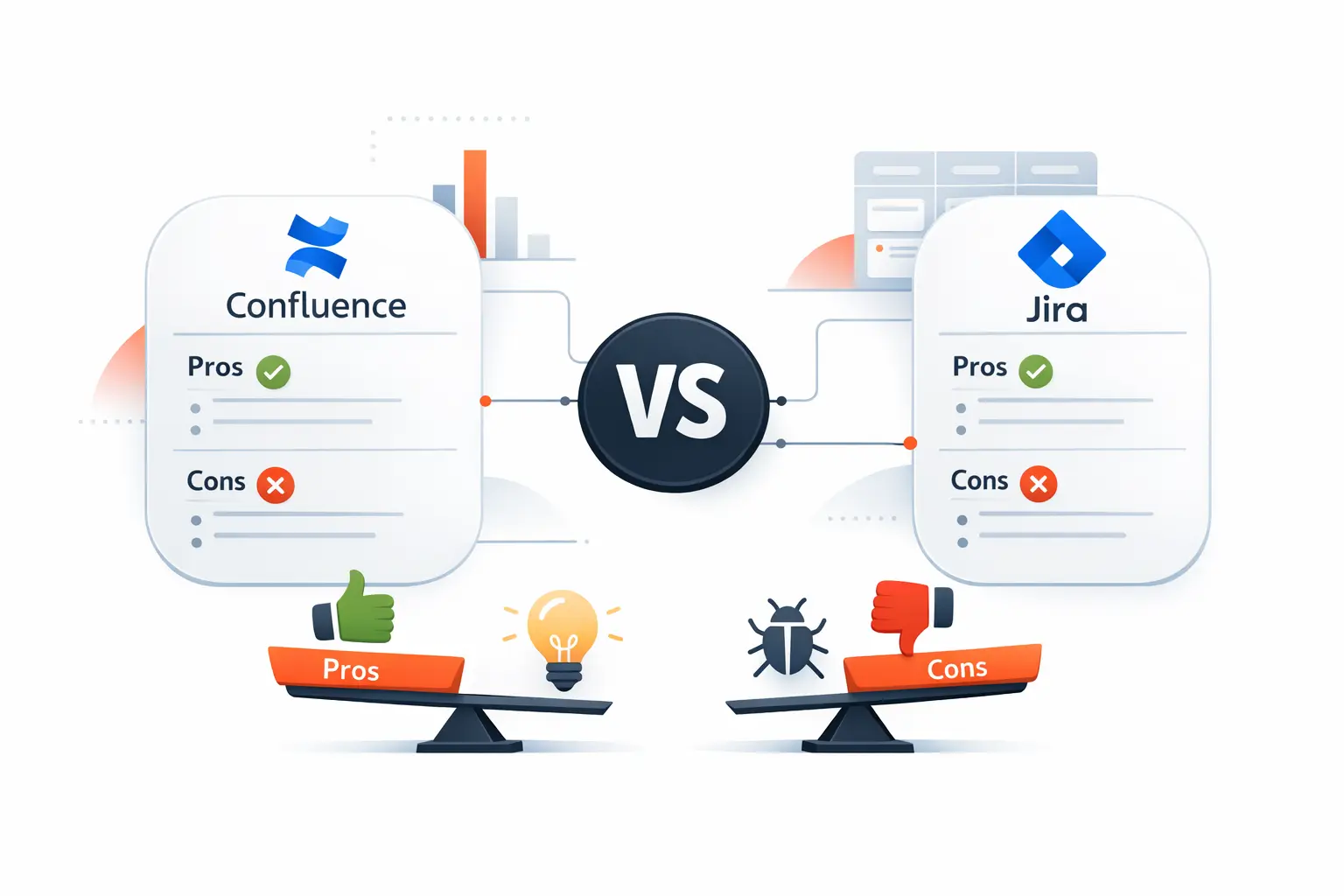
1. Confluence strengths and limitations
Confluence’s strengths come from flexibility: templates, macros, collaborative pages, and version history make it easy to build reusable knowledge assets. Atlassian’s feature set clearly supports structured documentation and dynamic content composition across teams. Its main limitation is that flexibility can become disorder unless teams actively govern page ownership, naming, and information architecture.
2. Jira strengths and limitations
Jira’s strengths are rigor and visibility. Workflows, boards, automation, JQL, reports, and linked development signals create a more reliable operating picture than ad hoc task lists or comment threads can provide. The tradeoff is configuration gravity, because too many statuses, issue types, fields, or rules can make a healthy system feel heavier than the work it is meant to support.
3. Common learning curve, setup, and governance challenges
Across both tools, the real challenge is usually governance rather than features. In our delivery work, the most common problems are space sprawl in Confluence, workflow bloat in Jira, unclear permissions, and inconsistent naming across teams. Once organizations treat templates, fields, and automation as shared product decisions instead of local improvisations, adoption becomes much smoother.
Recommended reading: What Is Scrum: A Complete Outline of Roles, Events, and Artifacts
How Confluence and Jira Work Together
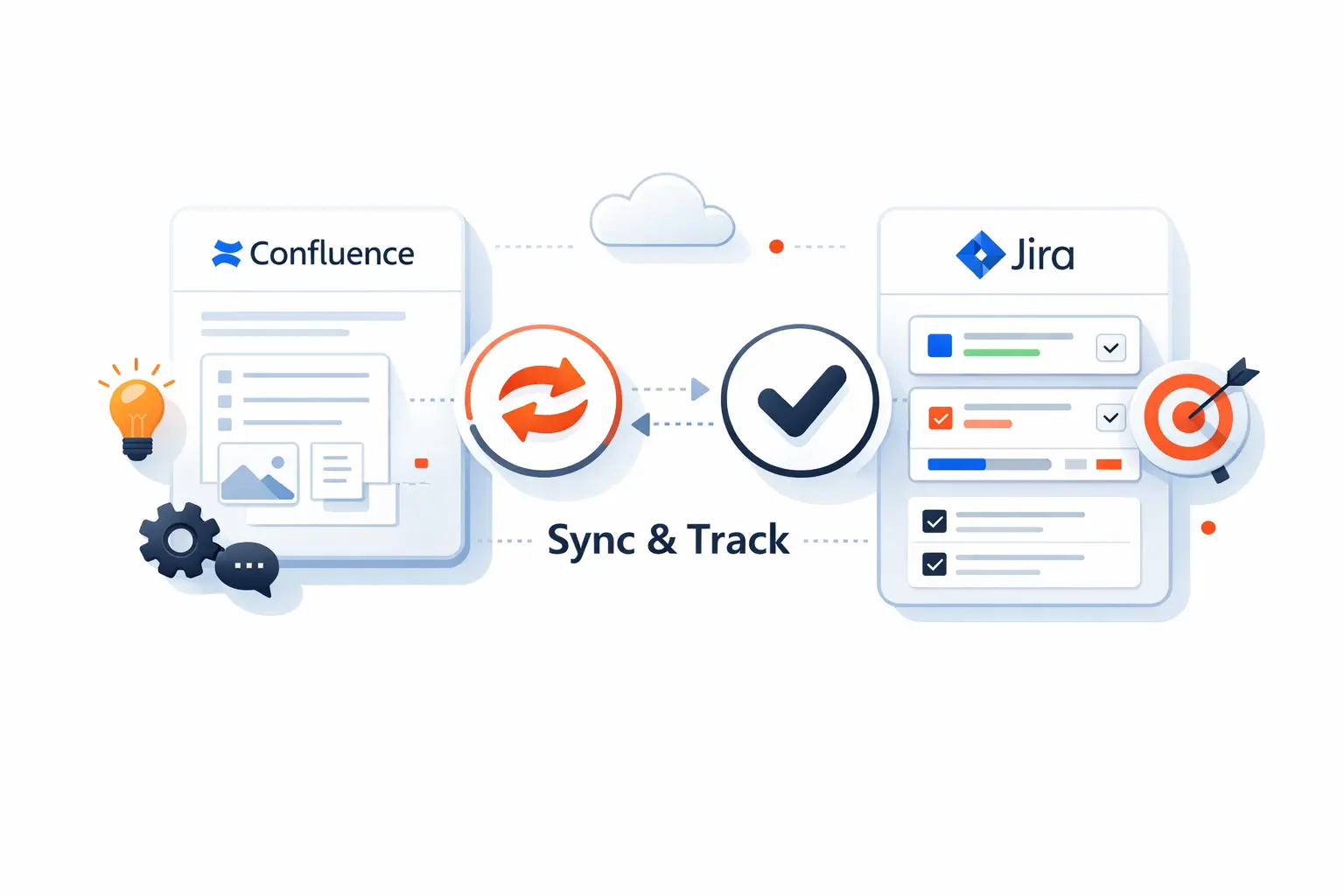
1. Link Jira projects with Confluence spaces
When Jira and Confluence are connected, teams can give a Jira project a nearby Confluence home for requirements, meeting notes, decision logs, and retrospectives, while Jira surfaces the related documentation back to the delivery team. Atlassian’s documentation explicitly encourages this connected setup. We like this pattern because it keeps planning artifacts close to the backlog without burying them inside ticket descriptions.
2. Create Jira work items from Confluence pages
Confluence can also shorten the gap between discussion and action. Atlassian highlights the ability to create Jira tasks from Confluence content, including page text and connected collaboration elements, without forcing users to leave the documentation flow. That matters because action items are far less likely to disappear when the handoff into tracked work is immediate.
3. Embed Jira reports, roadmaps, and knowledge bases across both tools
Reporting is where the pairing becomes especially persuasive. Jira reports can be rendered in Confluence, Confluence can support service-oriented knowledge patterns, and Atlassian customer stories show how integrated Confluence pages can replace manual status decks with live Jira-fed reporting. For stakeholders, that translates into fewer screenshot rituals and more trustworthy visibility.
When to Use Confluence vs Jira
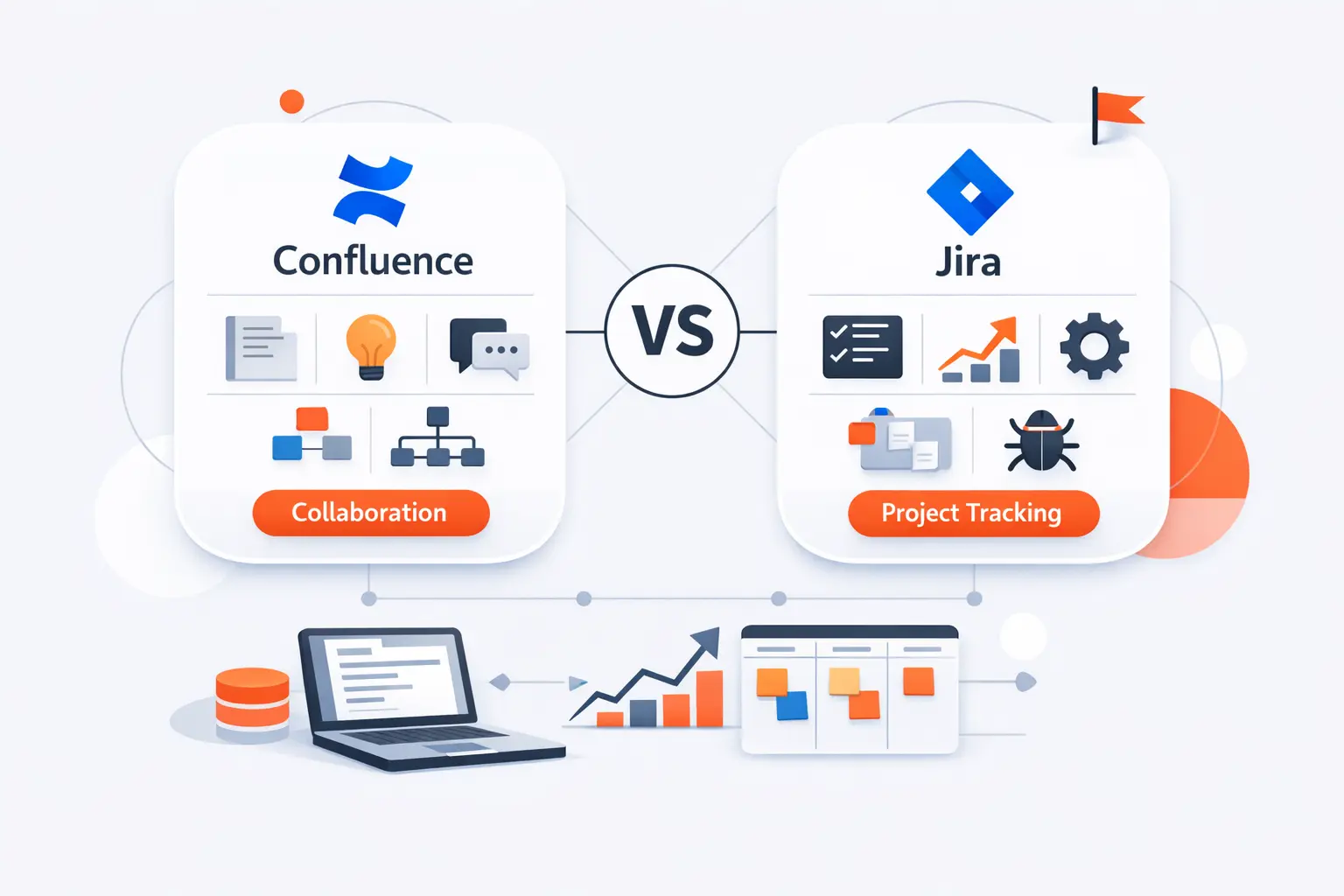
1. Choose Confluence for documentation and knowledge sharing
Choose Confluence when the core business problem is missing context: undocumented processes, weak onboarding, scattered requirements, unclear decisions, or no durable home for shared knowledge. Atlassian’s documentation around pages, live docs, and version history makes the product clearly better suited to shared understanding than to queue management. If the pain sounds like “we cannot find the answer,” Confluence is usually the right starting point.
2. Choose Jira for task tracking and delivery management
Choose Jira when the core business problem is delivery control: unclear ownership, unstable priorities, sprint slippage, poor dependency visibility, or weak reporting on work status. Boards, workflows, reports, automation, and JQL exist specifically for that style of operational control. If the pain sounds like “we cannot govern the work,” Jira is typically the better fit.
3. Choose both for planning, traceability, and stakeholder visibility
Use both when the organization needs a clean line from idea to outcome. Atlassian’s integration model supports documentation in Confluence and tracked execution in Jira without forcing either product to imitate the other. We see the strongest results when leadership can open one page for context and one delivery view for state.
Confluence vs Jira for Different Teams
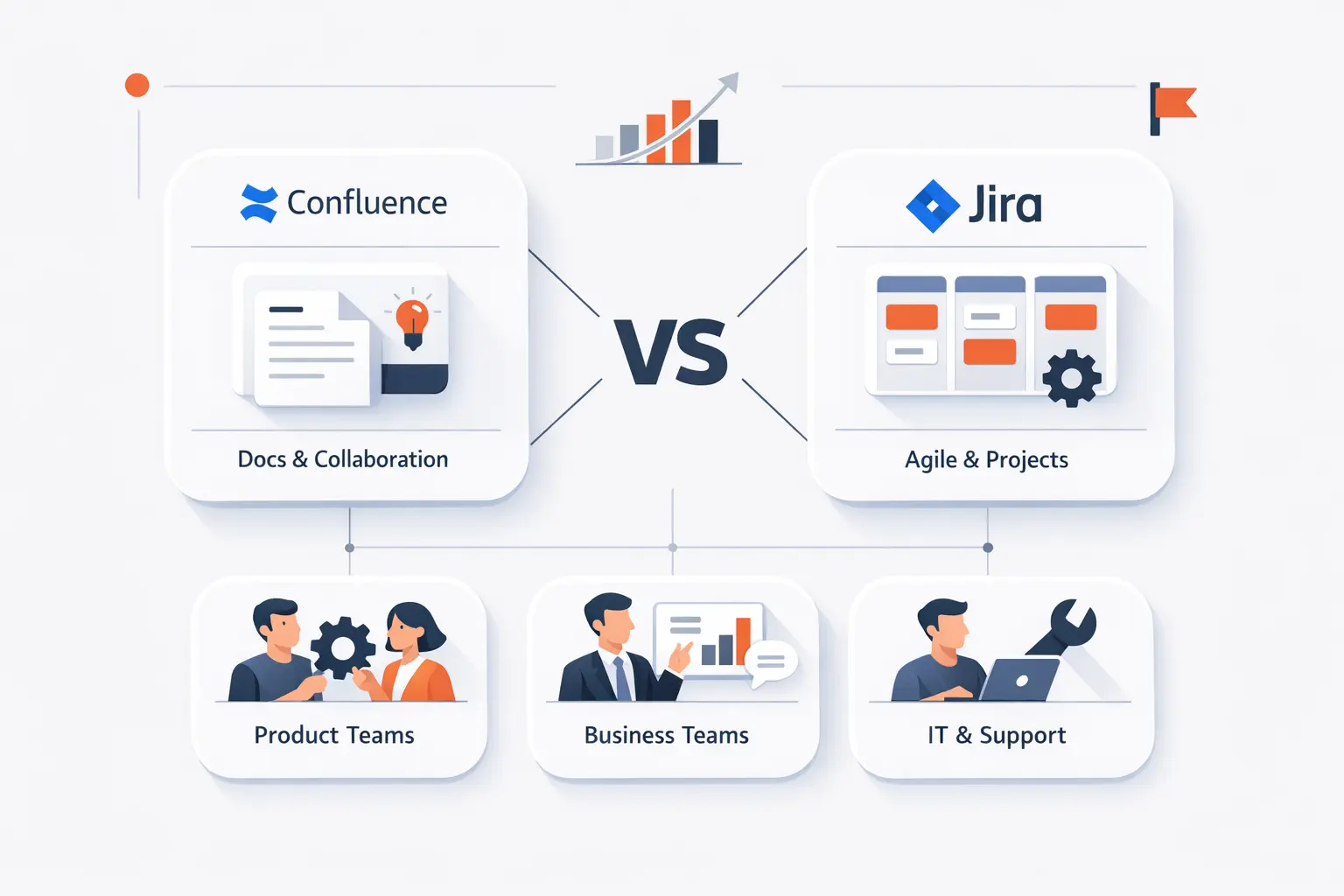
1. Business analysts, project managers, and product teams
Business analysts, project managers, and product teams usually live across both tools. Confluence fits requirements, decision records, and meeting outcomes, while Jira fits epics, milestones, delivery coordination, and execution tracking. That split keeps product intent visible without forcing every strategic idea into a workflow field.
2. Software development, DevOps, QA, and IT service management teams
Software development, DevOps, QA, and IT service teams lean more heavily toward Jira because their work depends on status discipline, automation, and links to delivery artifacts. Confluence still matters, though, because runbooks, postmortems, architecture notes, and operating standards are better maintained as durable documents than as ticket comments. We recommend Jira as the control plane and Confluence as the memory plane.
3. Marketing, HR, and other non-technical teams
Marketing, HR, finance, and other non-technical teams can often start in Confluence for campaigns, policies, handbooks, and shared planning pages, then add Jira when approvals, intake, recurring requests, or multi-step handoffs become more complex. Atlassian’s own examples point to launches, campaigns, templates, and business-friendly project views outside engineering. The adoption mistake we try to prevent is giving non-technical teams engineering-grade complexity before they need it.
Pricing, Licensing, and Team Adoption Considerations
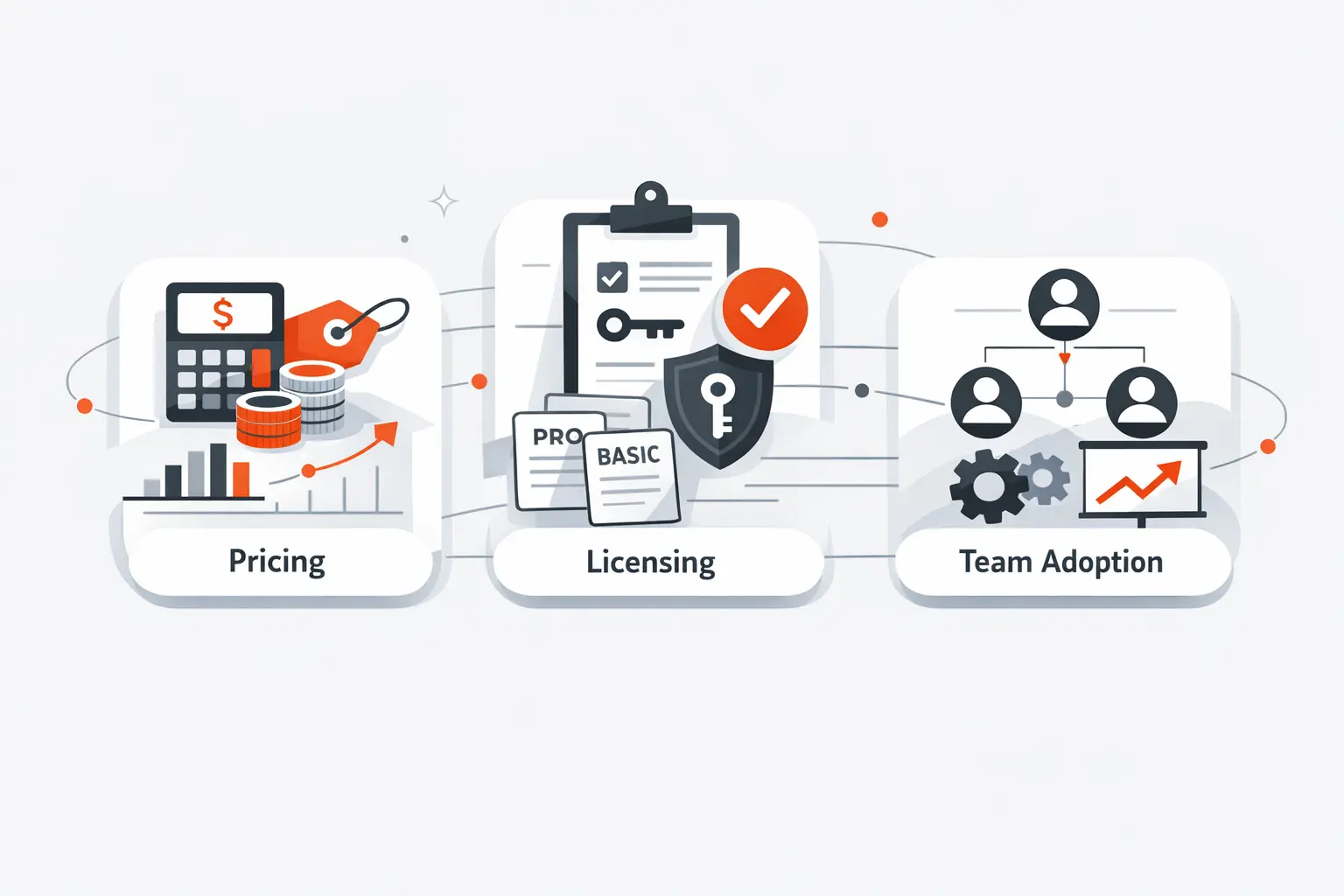
1. Separate licenses and user counts for Confluence and Jira
Jira and Confluence are separate cloud products, and Atlassian’s billing experience shows billable users for each product independently; certain admin roles can also count against each parent product. We advise clients to map who truly needs authoring access in each app before they buy seats by habit rather than by role.
2. Free plan availability, scaling costs, and admin overhead
Currently, Atlassian lists Confluence Standard at $5.42 per user / month and Jira Standard at $7.91 per user / month, and both products also offer free plans for smaller teams. Monthly cloud billing also follows Atlassian’s maximum-quantity model, where the bill is based on the highest seat count assigned during the cycle. That detail is easy to miss and very important once usage starts expanding across departments.
3. How technical and non-technical teams can adopt both tools effectively
Adoption works best when technical and non-technical teams do not share the same governance defaults. We typically simplify Jira fields and workflows for business teams, tighten Confluence space architecture for broad knowledge sharing, and treat templates, permissions, and automation as managed assets rather than one-off fixes. A mixed audience can succeed with both tools, but only if the operating model is intentional.
Frequently Asked Questions About Confluence vs Jira
1. Can Confluence and Jira be used together?
Yes. Atlassian explicitly supports using them together so teams can see Jira work in Confluence and related Confluence content in Jira. We generally see the combined setup as the default choice for organizations that are growing beyond lightweight coordination.
2. Is Confluence an Agile tool?
Not in the narrow execution sense. Confluence supports Agile artifacts such as requirements, retrospectives, and shared sprint context, but Jira is the product built around boards, sprints, workflows, and delivery tracking. We call Confluence Agile-adjacent rather than Agile-native.
3. Which tool is better for Agile teams?
For execution, Jira is better. For planning context, decision history, and team knowledge, Confluence is better. Mature Agile teams usually become more effective when they stop asking which one wins and start defining which layer each one owns.
4. Do Confluence and Jira require separate licenses?
Yes. They are licensed as separate cloud products with separate billable-user counts. That separation is useful because documentation audiences and delivery audiences are rarely identical.
5. Is Confluence a good alternative to Jira for small teams?
Sometimes, but usually only for a while. If a small team mainly needs shared notes, plans, and lightweight coordination, Confluence can be enough; once workflow states, queue depth, dependencies, or delivery reporting become important, Jira becomes hard to avoid. We would not position Confluence as a durable replacement for a true work-tracking system.
6. Can non-technical teams use Jira and Confluence effectively?
Absolutely. Atlassian supports business-oriented templates, collaborative spaces, forms, and broader project-management use cases outside engineering. Success depends far more on simplifying the rollout than on whether the audience writes code.
How TechTide Solutions Helps Teams Build Custom Solutions
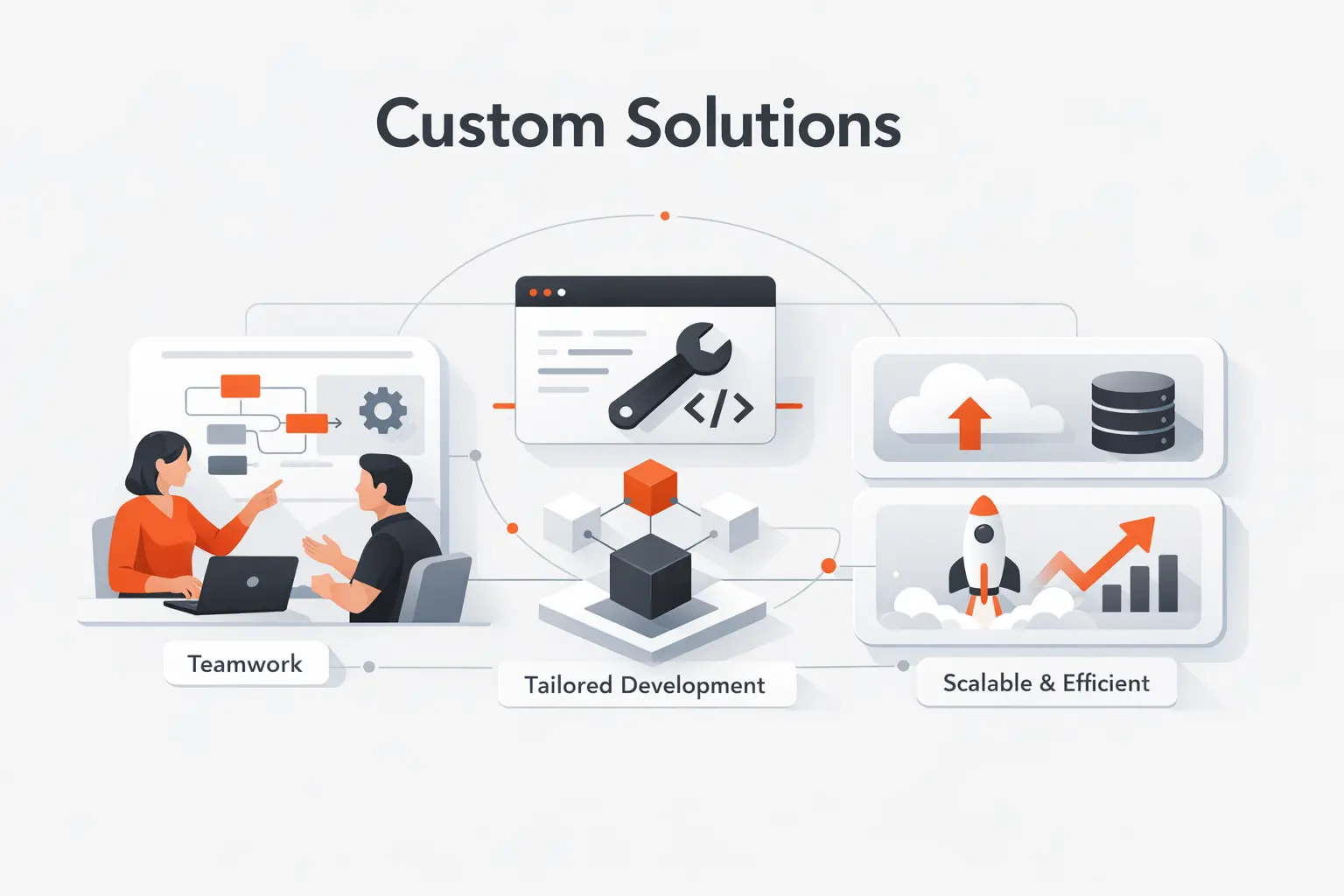
1. Custom software planning built around your collaboration and delivery needs
At TechTide Solutions, we do not start with tool menus; we start with operating design. Our planning work maps where requirements, approvals, tasks, code references, release notes, and stakeholder updates should live so Confluence and Jira reinforce each other instead of duplicating each other.
2. Web and mobile development workflows tailored to your team processes
For web and mobile delivery, we tailor workflows to the handoffs that actually exist inside your business: discovery, design review, backlog refinement, QA, release management, and post-launch learning. Rather than cloning a generic board and hoping the team adapts, we shape the workflow around how your product organization already creates value.
3. Integration and automation solutions that connect Jira, Confluence, and your broader stack
Where out-of-the-box Atlassian configuration is not enough, we build integration and automation layers across repositories, CI/CD pipelines, support systems, analytics platforms, CRMs, and internal tools. Our goal is simple: documentation should trigger execution, and execution should continuously refresh documentation.
Final Thoughts on Confluence vs Jira
Choose the tool that matches your workflow, or combine both for a more complete system.
In the end, Confluence vs Jira is not really a cage match. Confluence is the better place for shared knowledge, Jira is the better place for managed work, and together they can form a system that leadership can understand, teams can operate, and customers indirectly benefit from through faster, cleaner delivery. If you are deciding now, why not map one real workflow from idea to shipped outcome and ask where context lives, where status lives, and where your current stack loses the thread?

