


At TechTide Solutions, we see AWS DynamoDB as a clear sign of where application data has gone. Gartner says cloud made up 64% of DBMS spending in 2024. To us, that means managed, cloud-native stores now sit at the center of modern product architecture.
We think AWS DynamoDB makes the most sense when we stop asking, “Where do the tables go?” and start asking, “What questions must the app answer, fast, every time?” That shift changes everything. It affects key design, index choices, scaling behavior, and even whether DynamoDB is the right fit at all.
What AWS DynamoDB Is and Why It Matters
At base, DynamoDB is a serverless, fully managed NoSQL service. What makes teams pay attention is AWS’s focus on predictable performance at any scale. That promise fits carts, sessions, profiles, and other request-driven workloads. The trade-off is real. We must design for known access patterns instead of leaning on relational features later.
1. A Fully Managed NoSQL Database Service
DynamoDB belongs in the NoSQL family. It supports key-value and document-style storage, and it removes the usual chores of patching database servers, replacing hardware, planning failover, and babysitting clusters. In our view, that makes it especially attractive for product teams that would rather ship features than run database infrastructure.
2. Consistent Low-Latency Performance at Scale
DynamoDB is built for applications that need predictable low latency even when demand climbs fast. AWS uses it behind high-traffic systems. That is one reason the service has a reputation for handling ugly traffic spikes better than many self-managed stacks. We still tell teams to separate “fast at scale” from “good for every query,” because those are not the same thing.
3. Reduced Operational Overhead for Development Teams
The biggest business win is often operational, not theoretical. A small team can run a serious workload without owning backup schedules, failover drills, version upgrades, or storage planning in the old sense. We have seen that change roadmaps because engineers spend more time on product logic and less time on database care and feeding.
Recommended reading: Lambda Functions: A Cross-Platform Outline for AWS, Python, and Excel
How AWS DynamoDB Organizes Data
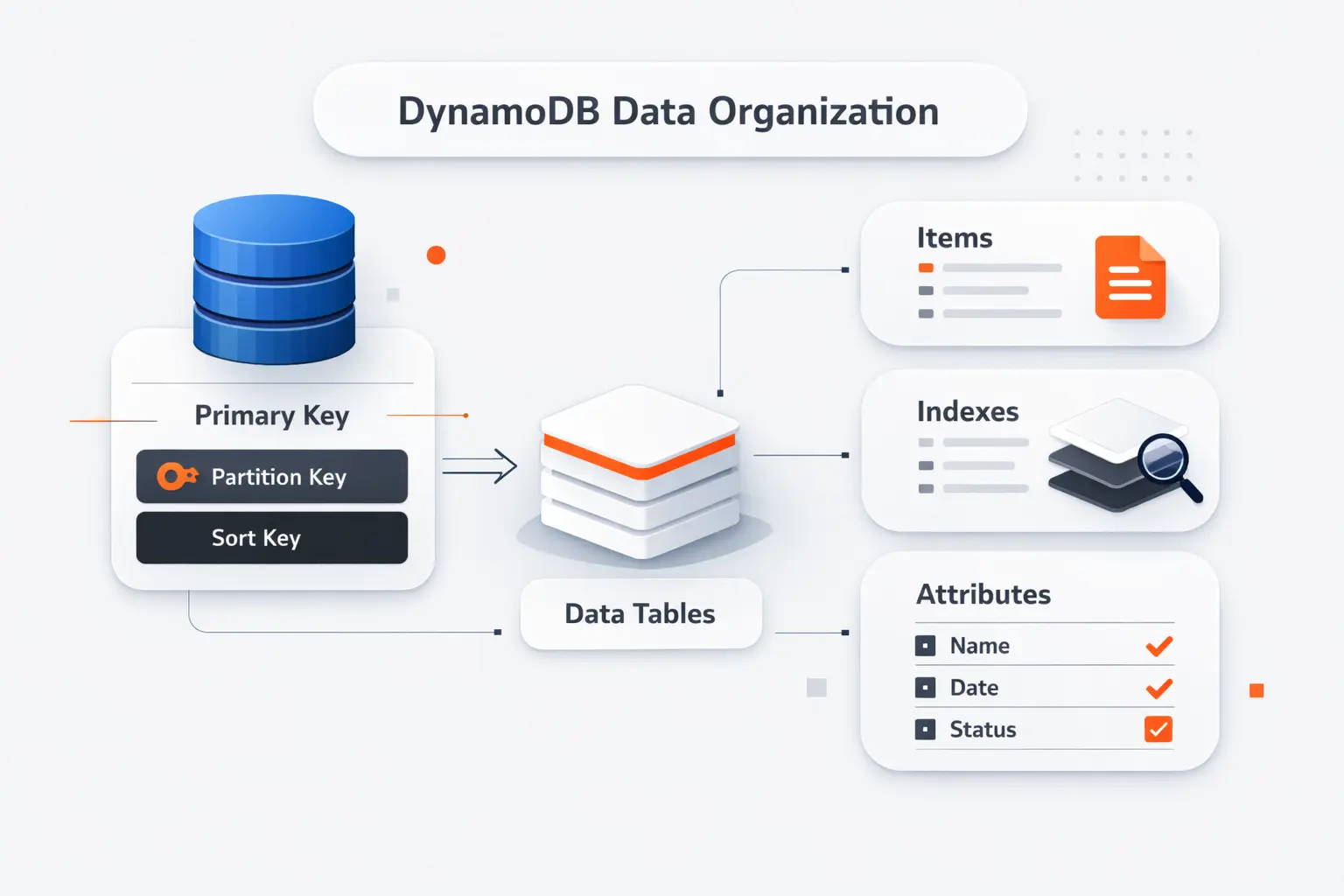
Before we talk about keys and indexes, we need a simple mental model. DynamoDB stores data in tables, but it does not behave like a relational table engine under the hood. The structure is flexible. That flexibility helps only when we use it with intent.
1. Tables, Items, and Attributes
A table is a named collection of items. An item is a record, and each item contains attributes, which are the individual fields. If we were storing support tickets, one item might hold a ticket ID, customer ID, status, priority, assignee, and a nested history block.
2. Key-Value and Document Data Models
DynamoDB works well for straightforward key-value access, like fetching a shopping cart by user ID. It also works well for document-like records, such as profiles, device settings, or order snapshots that include nested objects. That combination is one reason the service fits web, mobile, and serverless applications so often.
3. Supported Data Types and Nested Attributes
You can store scalar values such as strings, numbers, booleans, and nulls. You can also store lists, maps, and set types, which makes nested JSON-style data feel natural. The important catch is that your primary key attributes need well-defined scalar types, even though the rest of the item can stay flexible.
Recommended reading: What Is Email Hosting? How It Works, Options, and How to Choose the Right Service
Designing Primary Keys for AWS DynamoDB
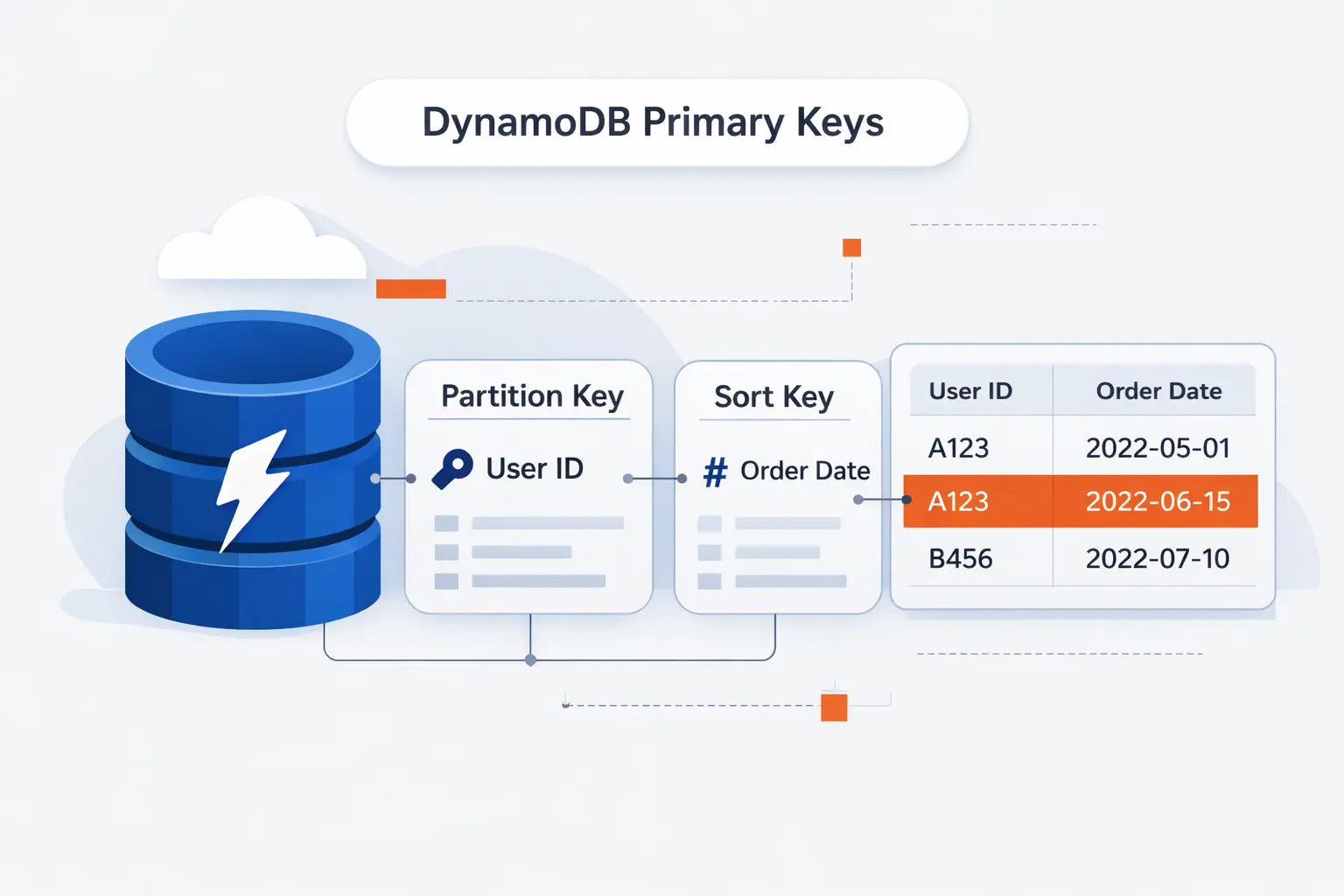
If there is one lesson we repeat at TechTide Solutions, it is this: most DynamoDB success or failure is decided in the primary key. Schema flexibility is real, but poor key design still creates hot spots, awkward queries, and expensive workarounds.
1. Partition Keys and Data Distribution
A partition key decides how data is distributed. We prefer keys with many possible values because that spreads reads and writes more evenly. A bad key, like a low-cardinality status field, can funnel too much activity into the same storage path and create a hot partition.
2. Sort Keys and Ordered Query Patterns
When a table uses both a partition key and a sort key, related items stay grouped by the partition key and ordered by the sort key. That opens the door to clean patterns such as “all orders for this customer,” “latest events for this device,” or “messages in this room within a time range.” Sort keys are where much of DynamoDB’s elegance shows up.
3. Simple Primary Keys Versus Composite Primary Keys
A simple primary key is fine when each item stands alone, like a session record or feature flag. A composite key is more flexible when you need collections of related items, time ordering, or hierarchical lookups. In practice, we usually reach for a composite key once the application has more than a single fetch pattern.
Recommended reading: AWS Cost Allocation Tags: Strategy, Activation, and Best Practices
Using Secondary Indexes in AWS DynamoDB
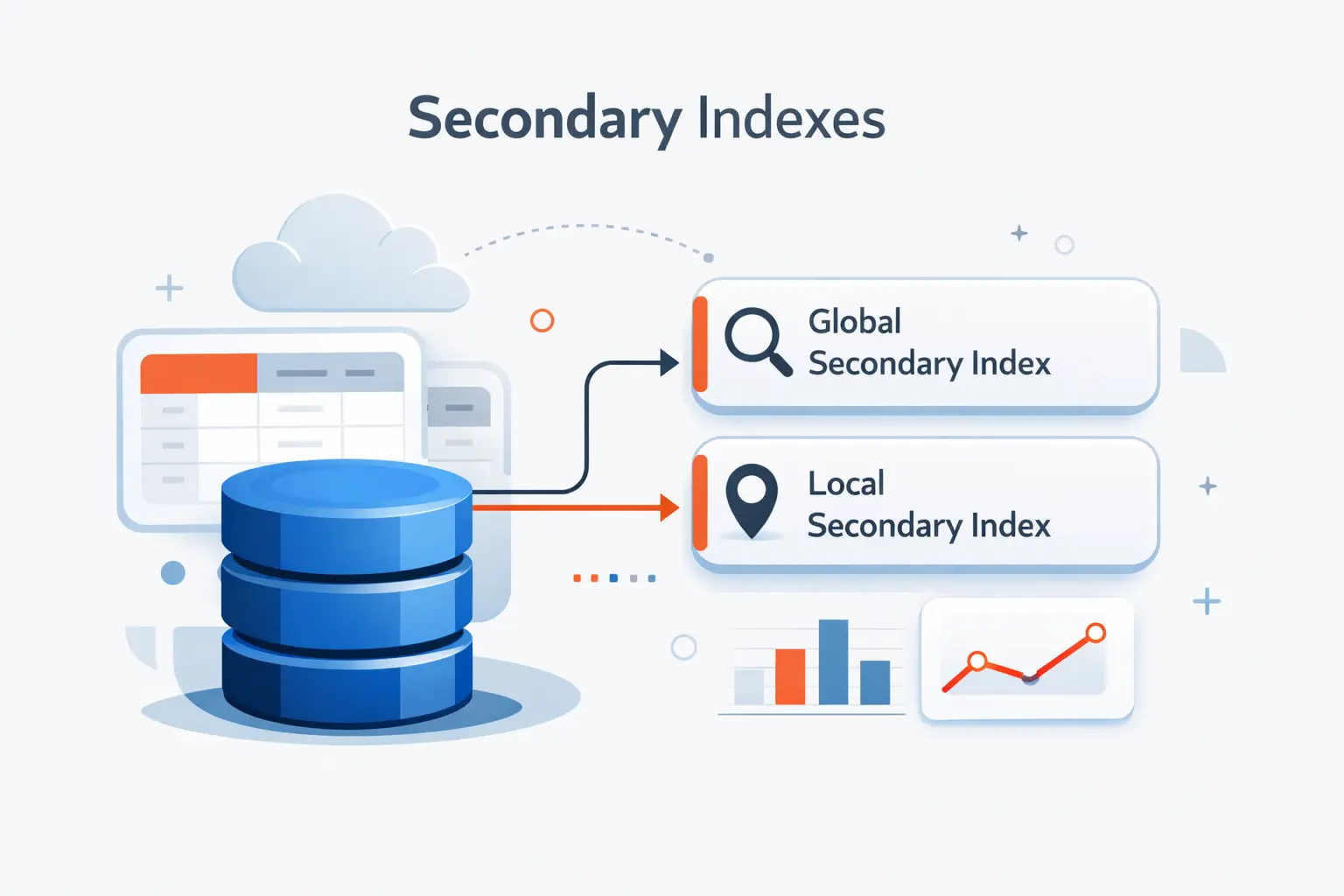
Secondary indexes are DynamoDB’s way of adding alternate read paths without rebuilding the table. We like them, but we do not treat them as a free escape hatch. Every index adds cost, write amplification, and more moving parts to reason about.
1. Local Secondary Indexes
A local secondary index keeps the same partition key as the base table and changes the sort key. That makes it useful when you already know the parent entity and want a different way to order or filter the related items. LSIs are a design-time choice, which means you need to know you want them before the table goes live.
2. Global Secondary Indexes
A global secondary index can use a different partition key, a different sort key, or both. That makes it the usual answer when the business suddenly wants a new lookup path, like finding orders by status or users by email. GSIs are more flexible than LSIs. They still need deliberate design because they scale and consume capacity as separate access paths.
3. Choosing the Right Index for Query Flexibility
The service gives you a default quota of 20 global secondary indexes and 5 local per table, but our real advice is simpler. Add an index only when it answers a stable, high-value query. If an index exists only to rescue an unclear model, it usually becomes technical debt.
Recommended reading: Windows Server 2022 Standard: Features, Licensing, Evaluation, and Buying Guide
Choosing the Right Capacity Mode in AWS DynamoDB
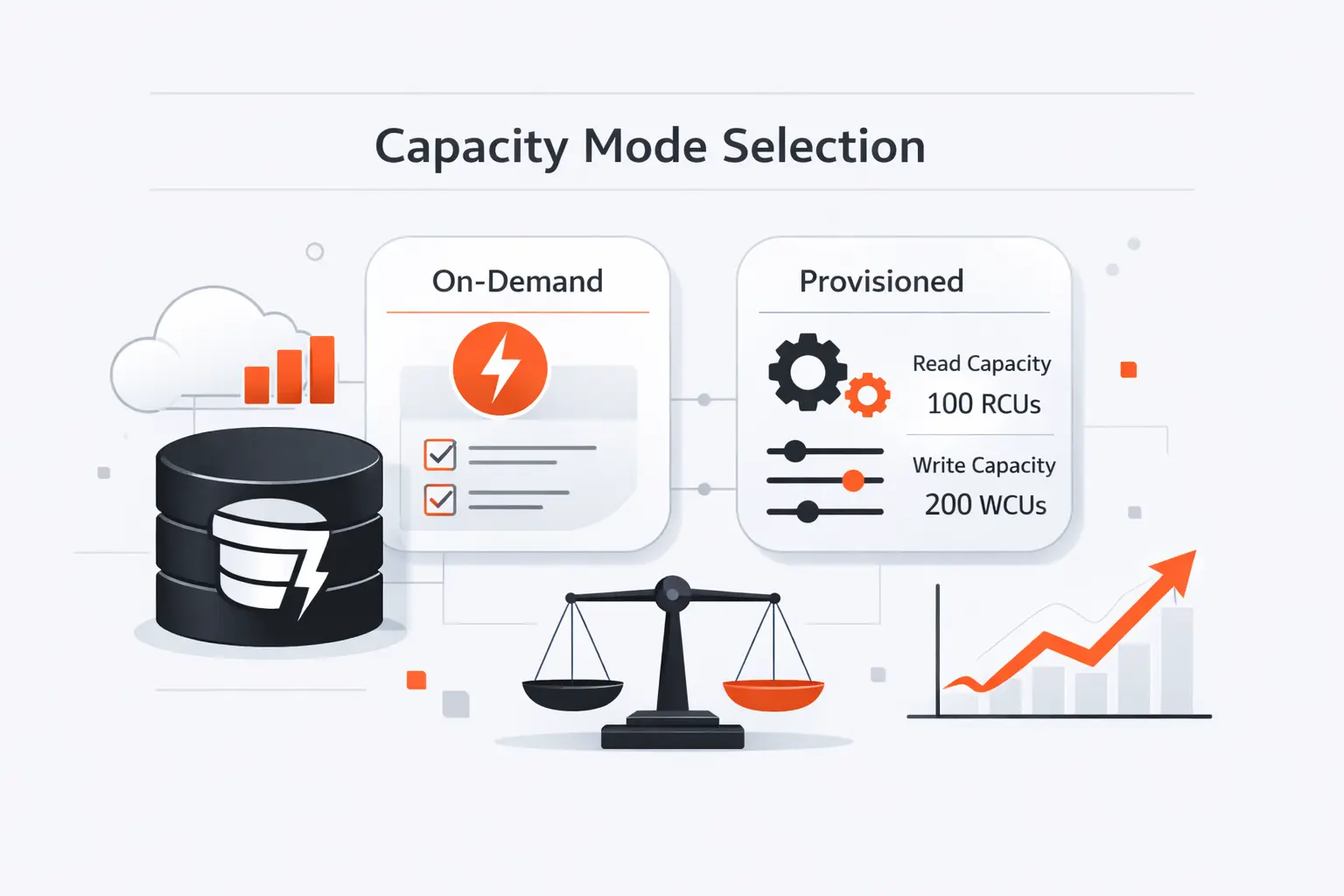
Capacity mode is where architecture meets money. AWS says on-demand is the default and recommended option for most workloads. We think that is a sensible starting point for teams still learning their traffic shape. Provisioned mode becomes more interesting once request patterns are steady enough to forecast with confidence.
1. On-Demand Capacity for Unpredictable Traffic
On-demand capacity is the right pick when traffic is spiky, seasonal, or simply unknown. It removes most planning work because the table adapts to the request rate instead of asking your team to guess ahead. For startups, new product launches, or event-driven systems, that simplicity is often worth more than a finely tuned forecast.
2. Provisioned Capacity for Predictable Workloads
Provisioned capacity fits workloads with stable baselines and predictable growth. It gives finance teams clearer cost expectations and gives engineering teams more direct control over throughput settings and auto scaling policies. We usually recommend it for mature systems with repeatable traffic curves, not for workloads that surprise you every week.
3. Partitioning, Auto Scaling, and Cost Considerations
Capacity mode does not rescue a weak data model. A hot partition can still cause pain, and noisy access patterns can still drive cost. Good partition keys, realistic auto scaling settings, and regular reviews of read paths matter just as much as the billing mode you choose.
Recommended reading: What Is App Cloud? Understanding AppCloud on Samsung Phones vs App Cloud Platforms
Advanced AWS DynamoDB Features
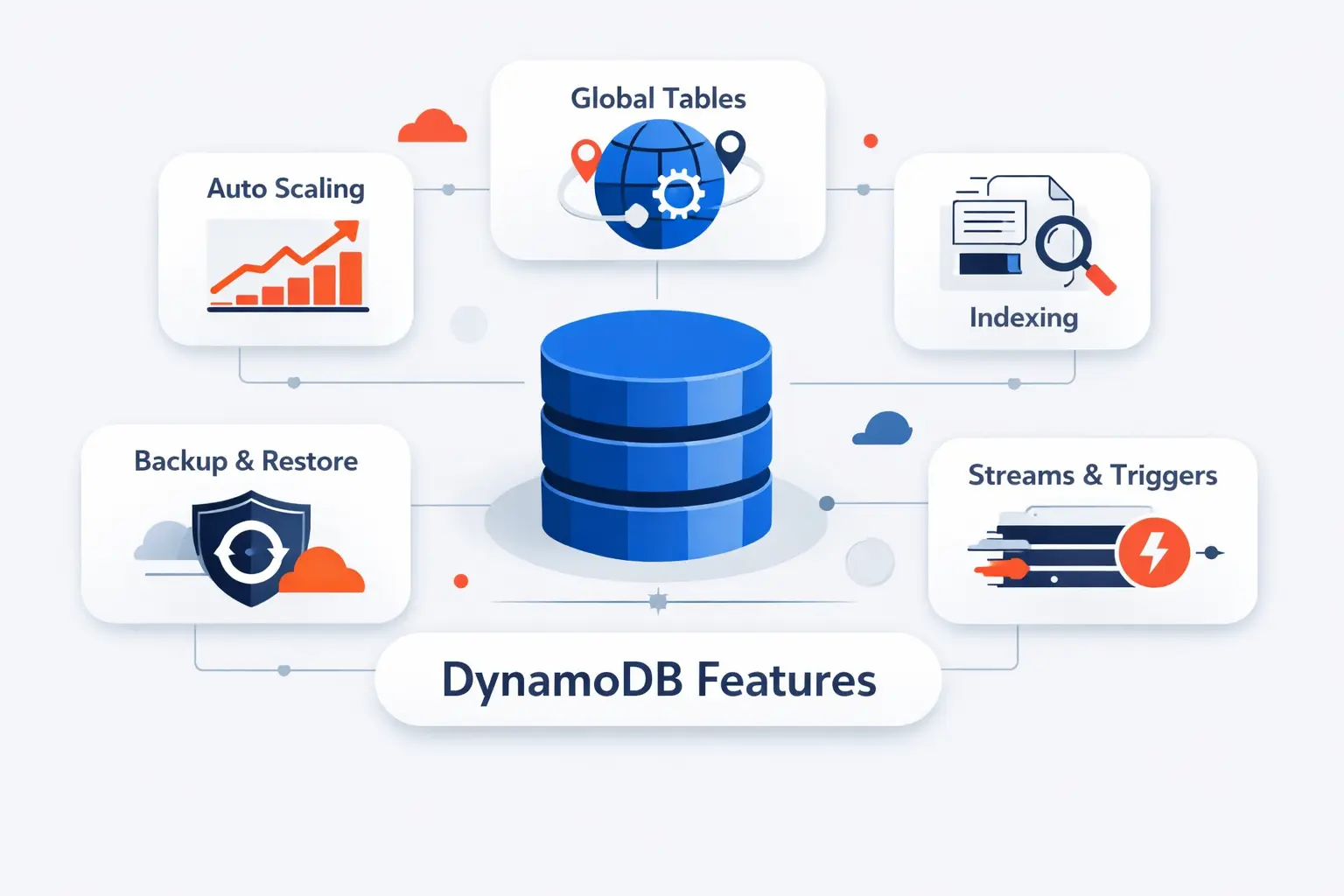
DynamoDB becomes much more useful when we combine the core table with its surrounding features. Streams help build event-driven workflows. Global tables add multi-region replication. DAX reduces read pressure when the same items are fetched again and again.
1. DynamoDB Streams
DynamoDB Streams records item-level changes as they happen. We use it when another part of the system needs to react to writes, such as sending notifications, updating a search index, creating audit side effects, or fanning changes into Lambda workers. It is a clean way to keep the write path simple while still reacting in near real time.
2. Global Tables
Global tables replicate data across Regions for active-active applications. In the default consistency mode, changes usually arrive typically within a second or less. That is fast enough for many user-facing systems. The deeper question is different. Does your product need lower write latency or stronger cross-region read consistency? That choice shapes whether MREC or MRSC makes more sense.
3. DynamoDB Accelerator
DynamoDB Accelerator, or DAX, is a managed in-memory cache built for DynamoDB. We reach for it when the workload is read-heavy, hot keys repeat often, and shaving latency on repetitive reads matters. It is especially helpful for catalog pages, profile lookups, leaderboards, or session-heavy APIs where the same data is requested over and over.
Common AWS DynamoDB Use Cases
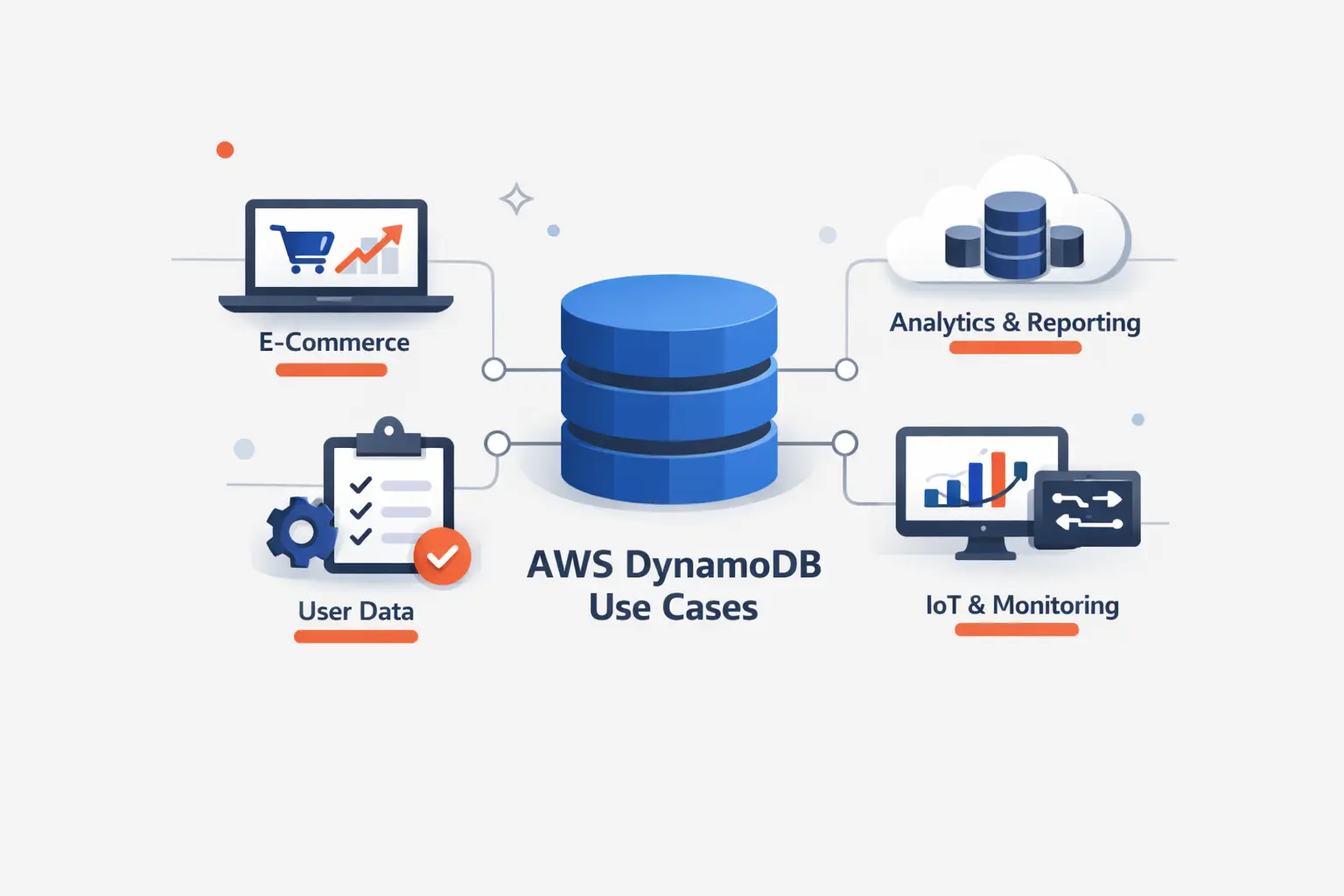
Not every database problem is a DynamoDB problem. We like it most when the application has well-defined request patterns, a need for predictable low latency, and a team that wants to avoid owning database infrastructure. That combination shows up more often than many teams expect.
1. High-Traffic Applications Handling Unpredictable Demand
High-traffic apps with bursty demand are a natural fit. Shopping carts, user sessions, profile services, device state, and content metadata all map well when access starts from a known key. AWS also points to Prime Day-scale Amazon systems as real proof that this design can absorb punishing traffic without turning the database layer into the bottleneck.
2. Multi-Region Applications Using Global Tables
AWS customer stories show the multi-region pattern in the wild. Genesys reports 99.999% availability while using global tables, Streams, and on-demand capacity to support a broad microservices platform. We like this example because it shows DynamoDB not as an isolated database choice, but as part of a wider resilience strategy.
3. Read-Heavy Workloads Using DynamoDB Accelerator
Read-heavy workloads are another sweet spot, especially when many requests keep asking for the same small working set. Product details, home feeds, and rapidly refreshed dashboards often fall into this bucket. DAX can offload repeated reads from the table and keep the application code simpler than rolling your own cache layer. AWS also highlights customers such as Expedia and Tinder when discussing DAX in production.
How to Perform Core Operations in AWS DynamoDB
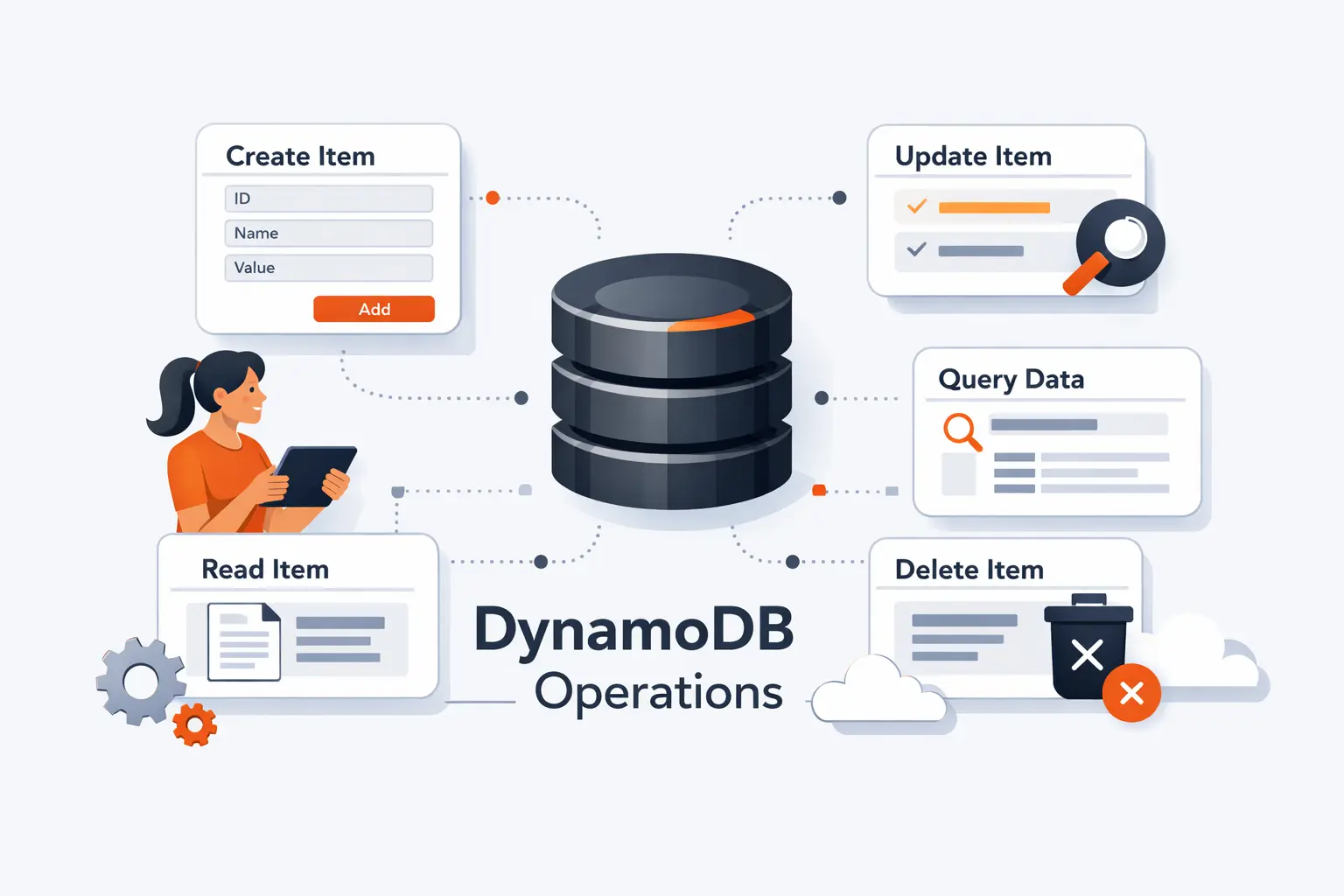
The basic read and write path is simple, which is part of DynamoDB’s appeal. The trick is to use the right operation for the right job. We stay disciplined about querying by key instead of falling back to scans because they feel familiar.
1. Creating Tables and Defining Primary Key Schemas
Creating a table starts with the key schema, not the full set of columns you think you might need later. We begin by listing the exact reads and writes the application must support, then shape the partition key, sort key, and any required indexes around those patterns. That process feels strict at first, but it prevents a lot of pain later.
2. Handling CRUD Operations Efficiently
DynamoDB’s core CRUD operations are PutItem, GetItem, UpdateItem, and DeleteItem. We prefer Query whenever possible because it follows the designed access path. We treat Scan as a warning sign unless the table is small or the task is clearly administrative.
3. Using Pagination, Conditional Writes, and Atomic Counters
For multi-item reads, DynamoDB paginates results and hands back a LastEvaluatedKey when more data remains. Conditional writes are excellent for optimistic concurrency, idempotent updates, and “only write if this state still matches” rules. Atomic counters are usually implemented with UpdateItem expressions, which is handy for stock levels, unread counts, or rate tracking.
Security and Access Control in AWS DynamoDB
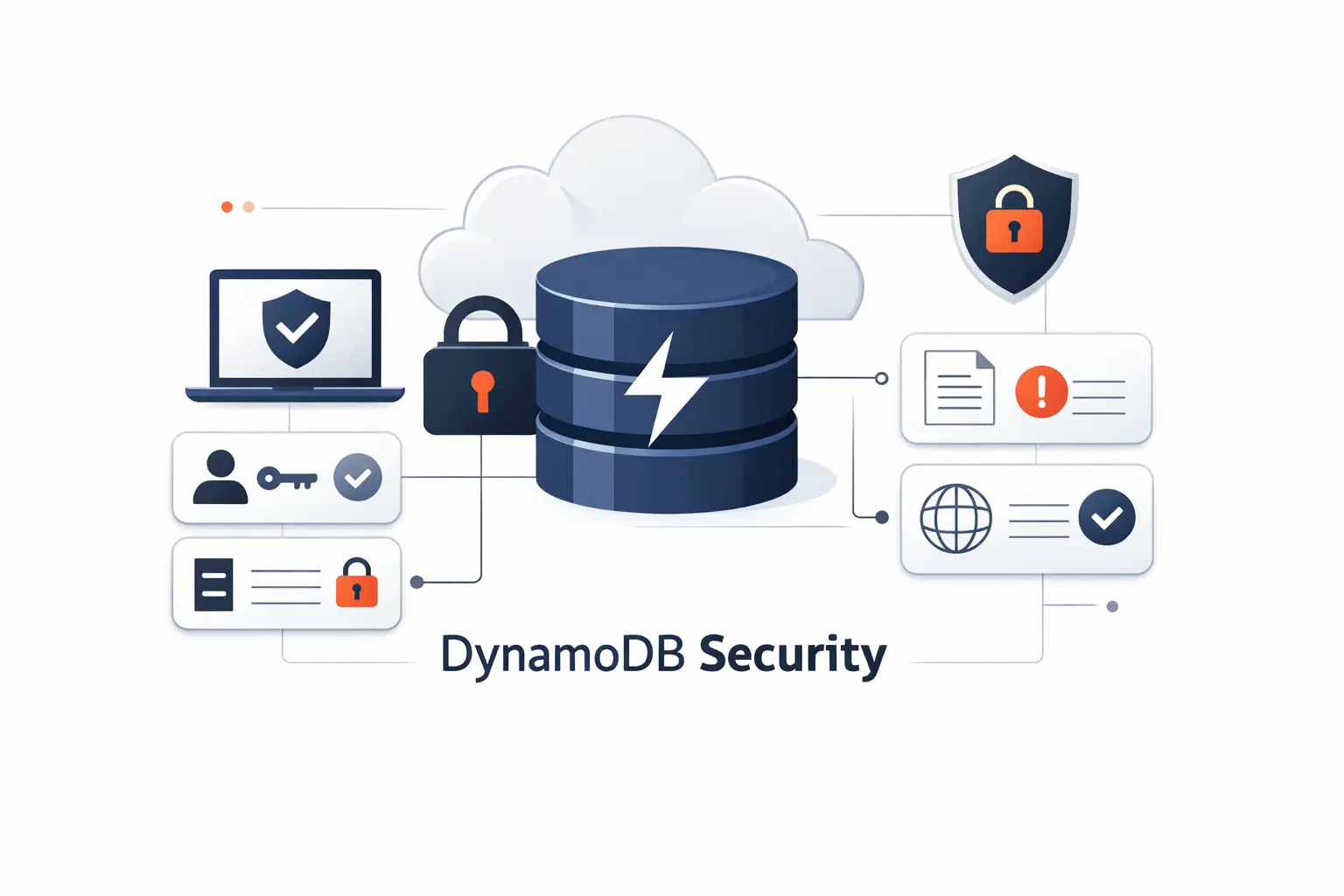
Security in DynamoDB is a mix of sensible defaults and clear operator choices. We still need least-privilege IAM, disciplined key management, and an auditing plan, but we do not start from scratch. That is one reason DynamoDB is approachable even for teams without a large platform function.
1. Encryption at Rest and Data Protection
Encryption at rest is enabled by default for table data, and AWS handles server-side protection through KMS-backed keys. Data in transit is protected over HTTPS. Teams that need tighter control can choose customer-managed keys or add client-side encryption for sensitive fields. We see this as a strong baseline, not an excuse to ignore application-level data handling.
2. IAM Policies and Granular Permissions
IAM gives you fine control over who can read, write, back up, export, or administer a table. In well-designed systems, the app role can do only the operations it actually needs, and human access is kept narrow. Attribute-level controls can also help when different users or services should see different slices of the same item.
3. Audit Logs and Regulatory Support
For auditing, DynamoDB integrates with CloudTrail, which captures all API calls as events across console actions and API activity. That gives teams a practical trail for investigations, change review, and compliance evidence. The same AWS guidance also makes it clear that you should be selective with data event logging so audit detail does not become surprise spend.
AWS DynamoDB Versus Traditional RDBMS
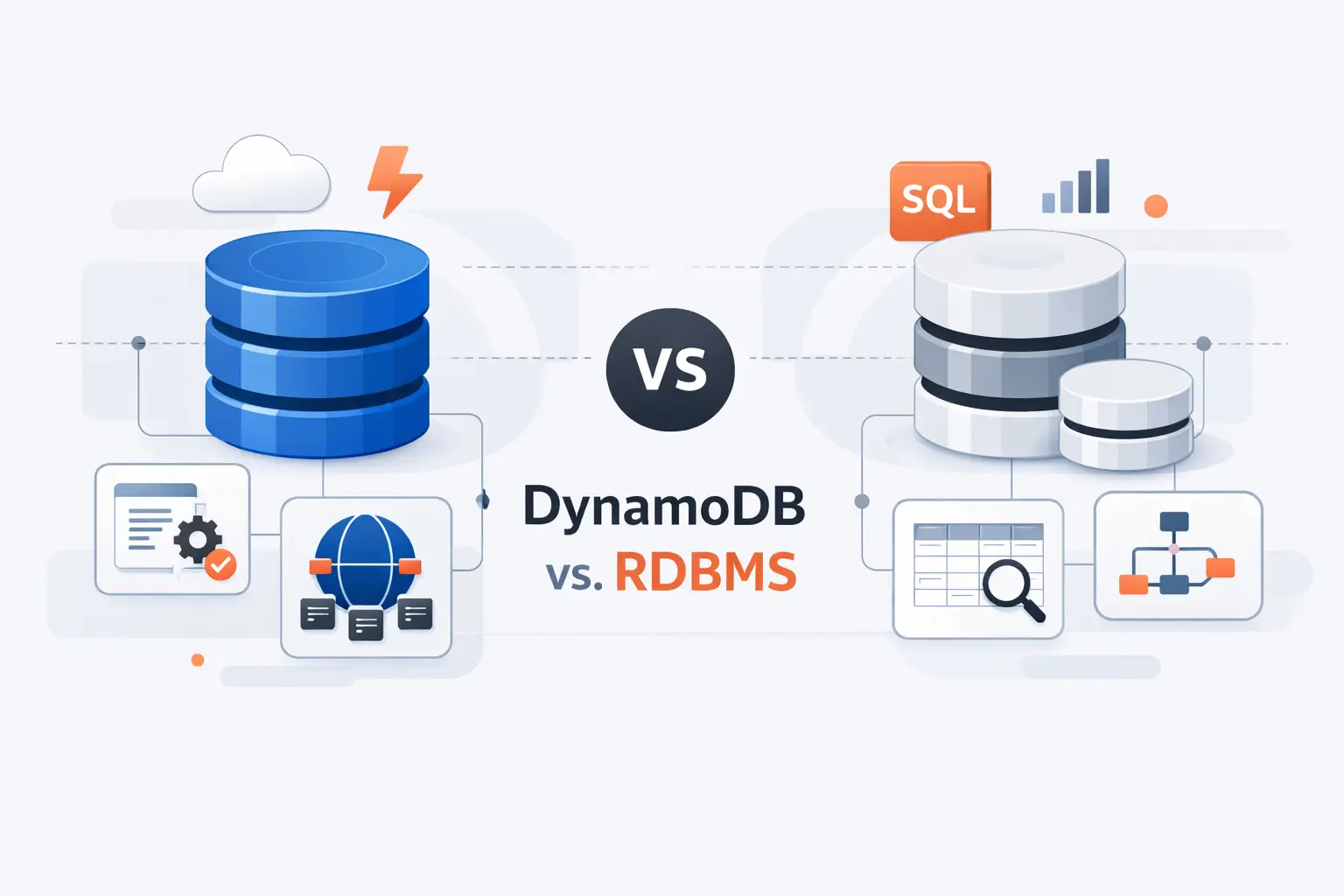
We do not frame DynamoDB versus relational databases as a cage match. We frame it as workload fit. If the app lives on predictable key-based access, DynamoDB can feel refreshingly direct. If the workload depends on joins, rich aggregations, or analyst-driven queries, a traditional RDBMS is often the saner home.
1. Flexible Schemas Versus Fixed Schemas
DynamoDB lets items evolve without the ceremony of full table migrations for every small field change. That is useful when product teams add optional fields, nested settings, or versioned payloads over time. A relational schema is better when strict structure is the feature, not the burden.
2. Horizontal Scaling Versus Vertical Scaling
Relational systems often start by getting a bigger box or carefully tuning replicas and storage layers. DynamoDB is built around horizontal distribution across partitions from the start. In practice, that changes the conversation from machine sizing to access-pattern design. We think that is the more durable abstraction for internet-scale products.
3. Key-Based Queries Versus SQL Joins and Aggregations
SQL is excellent when the question is unknown until the analyst asks it. DynamoDB is excellent when the question is known ahead of time and must be answered fast, every time. The price of that speed is giving up joins and leaning into denormalization, precomputed access paths, or companion systems for search and analytics. When teams need to move DynamoDB’s JSON-structured data into a relational database or cloud data warehouse for that kind of analytical work, automated conversion tools reduce the manual effort significantly. Flexter is one such tool, designed to convert complex JSON and XML structures into SQL-ready database tables for platforms like Snowflake, BigQuery, and Databricks without custom ETL scripting.
AWS DynamoDB Limitations and Design Trade-Offs
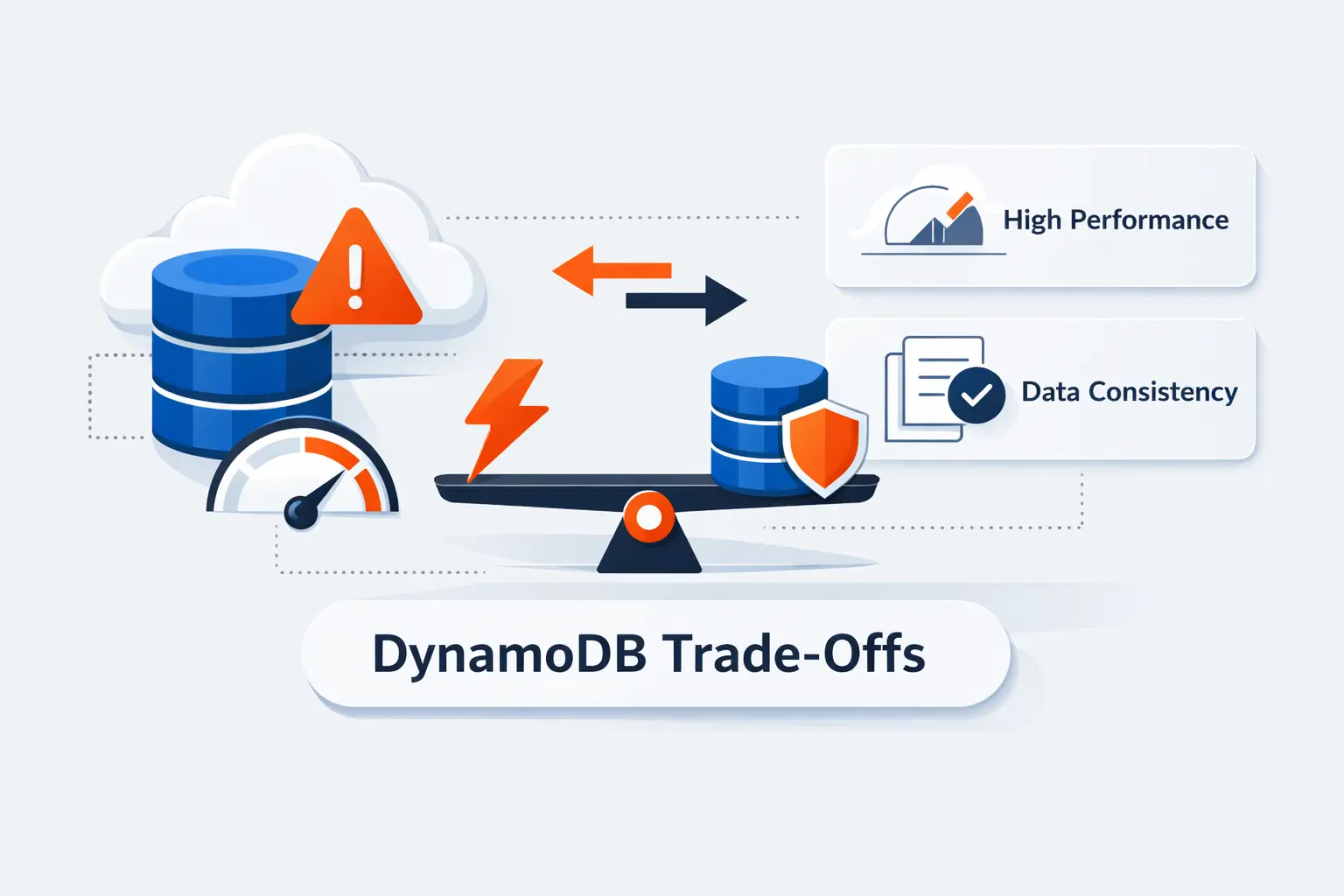
Every DynamoDB success story has a design discipline behind it. The service is forgiving about infrastructure, but it is not forgiving about vague access patterns. We like that honesty, even if it means saying no to DynamoDB when a team really needs something else.
1. No Joins and Key-Oriented Query Limitations
The biggest limitation is simple. You cannot join tables the way you would in a relational system, and query flexibility stays tied to keys and indexes. If the business keeps inventing new reporting questions that nobody modeled ahead of time, DynamoDB can start to feel tight very quickly.
2. Index Limits and Service Quotas
Indexes help, but they do not erase service quotas or cost trade-offs. Each added index creates more write work and more design surface to monitor. We tell teams to treat quotas as an architecture signal. If you need a pile of indexes to answer basic questions, the model probably needs another pass.
3. Reserved Keywords and Expression Constraints
Expression syntax is another place beginners stumble. Some attribute names collide with reserved words, and update, filter, and condition expressions can get awkward when naming is sloppy. This is why we favor boring, explicit attribute names and careful use of placeholders like #status or :newValue.
Frequently Asked Questions About AWS DynamoDB
We hear the same DynamoDB questions again and again. Here are the short answers we give first, before we start sketching keys on a whiteboard.
1. What Is AWS DynamoDB Used For?
It is used for low-latency application data that can be read by key or by predictable indexed queries. Common examples include carts, sessions, account state, device data, event-driven metadata, and global services that need fast reads and writes across Regions.
2. Is DynamoDB SQL or NoSQL?
It is NoSQL. DynamoDB supports key-value and document models, and it does not behave like a relational system built around joins.
3. What Is the Difference Between a Partition Key and a Sort Key?
The partition key decides how items are grouped and distributed. The sort key orders related items inside that group and lets you query ranges, timelines, or hierarchies within the same partition.
4. What Is the Difference Between On-Demand and Provisioned Capacity?
On-demand adapts to changing traffic and charges by request volume. Provisioned asks you to set throughput ahead of time and is better when usage is steady enough to forecast.
5. What Is a Global Secondary Index in DynamoDB?
A global secondary index is an alternate access path with its own key schema. We use it when the application must query by attributes that are not part of the base table’s primary key.
How TechTide Solutions Helps Businesses Build Custom AWS DynamoDB Solutions
When we build with DynamoDB, we do not start from generic templates. We start from business events, user flows, and the exact reads and writes the product must serve under pressure. That is how we keep the design practical instead of theoretical.
1. Designing Data Models for Unique Business Requirements
We design data models around real access patterns, not around entity diagrams alone. That means mapping user lookups, workflow transitions, time-based reads, admin queries, and failure cases before we settle on keys or indexes. Sometimes that leads to a single table. Sometimes it does not. What matters is that the model fits the product, not a trend.
2. Building Custom Web, Mobile, and Serverless Solutions
We pair DynamoDB with the application layers that need it most, whether that is a web platform, a mobile backend, or a serverless stack built on Lambda, API Gateway, and event-driven components. We pay close attention to how the app reads data, how it writes data, and what happens when traffic jumps without warning.
3. Scaling and Refining AWS DynamoDB Architectures Over Time
Good DynamoDB architecture is not frozen on launch day. We review hot access patterns, index usage, latency trends, and cost behavior over time, then refine the model as the product grows. In our experience, the teams that do this well keep DynamoDB simple. The teams that do not often blame the database for problems that started in the model.
Final Thoughts on AWS DynamoDB
We think AWS DynamoDB is excellent when the workload is honest about what it needs. If the product has known read and write paths, global users, and little appetite for database operations, DynamoDB can feel refreshingly straightforward.
We would not force it into every problem. When reporting, joins, and open-ended querying dominate, another database is usually the better fit. Still, for the right application shape, DynamoDB remains one of the clearest examples of cloud architecture working the way it should.

