



When clients ask us how to build RAG from scratch, we tell them to stop thinking about magic and start thinking about architecture. A good RAG system is search, grounding, and prompt discipline working together. That discipline matters because, in an October 11, 2023 forecast, Gartner said more than 80% of enterprises would use GenAI APIs or production GenAI apps by 2026.
At Techtide Solutions, we like boring first versions. We start with a narrow question set, a small body of documents, and answers that show their work. RAG rewards that restraint because it joins a language model to explicit outside memory instead of asking model weights to know everything.
What RAG Is and Why It Matters
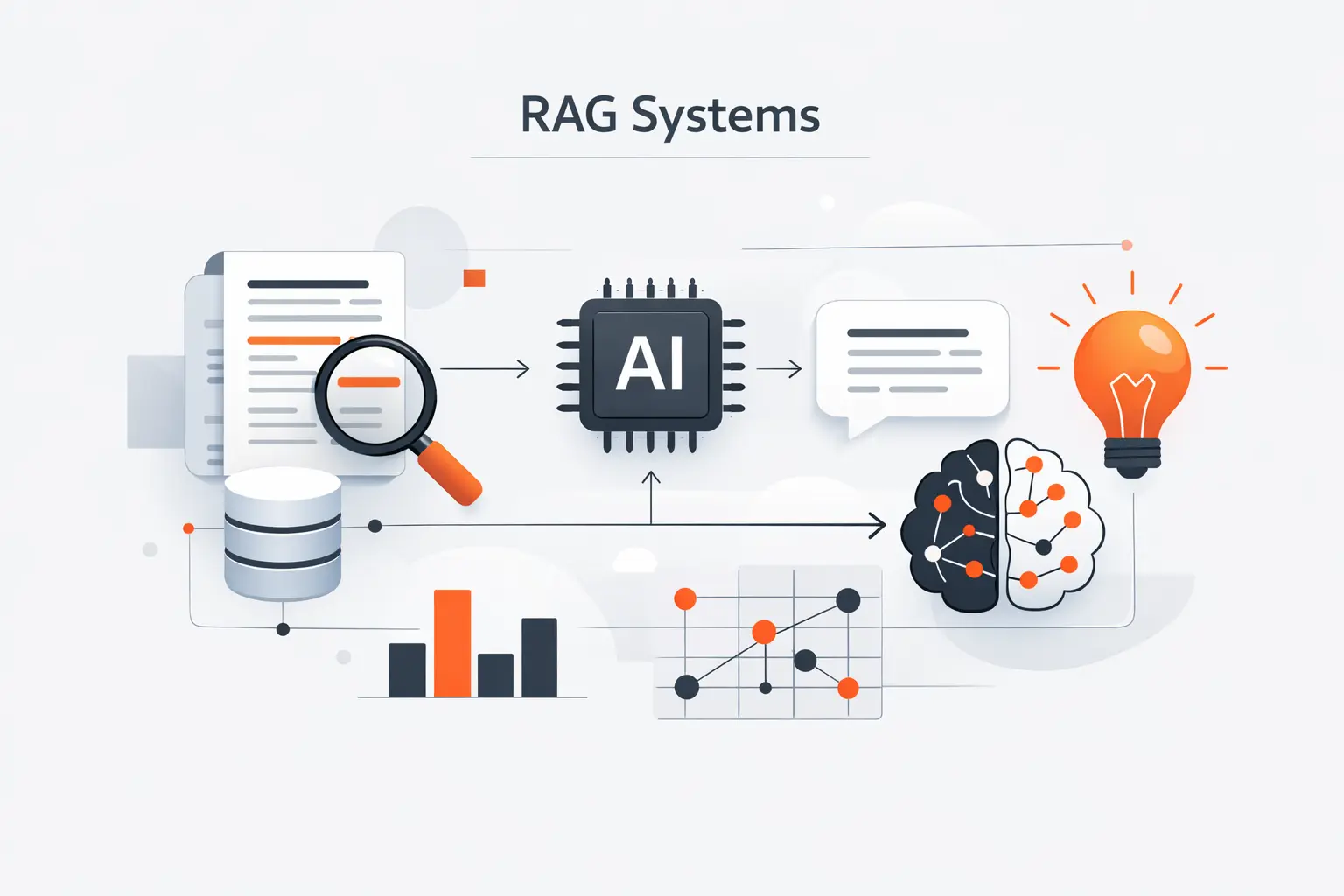
RAG matters because it changes what an AI answer is allowed to be. Instead of guessing from pretraining alone, the model gets live context at query time and can point back to it. That makes the system easier to maintain, easier to debug, and far easier to trust.
1. Why a Standalone LLM Is Not Enough
A standalone LLM can sound certain while missing your actual facts. It may know public knowledge, but it does not inherently know your latest policy memo, product sheet, or contract clause. The original paper reported state-of-the-art on three open-domain QA tasks while also flagging provenance and knowledge updates as core problems for parametric-only systems.
2. The Two Core Parts of a RAG System
Every RAG system has a retrieval job and a generation job. The retriever finds likely evidence in your corpus. The generator reads that evidence and writes the answer. We keep those stages separate because retrieval failures and answer failures look the same to users, but need very different fixes.
3. What Users Gain from Grounded, Traceable Answers
Users gain something simple but powerful. They can inspect the source, challenge it, and decide whether the answer is good enough. In our experience, grounded answers reduce blind trust and make refusals more acceptable because the system can say what it found and what it did not.
Recommended reading: What Is DSPy? A Practical Guide to Programming Language Models
How to Build RAG Step-by-Step
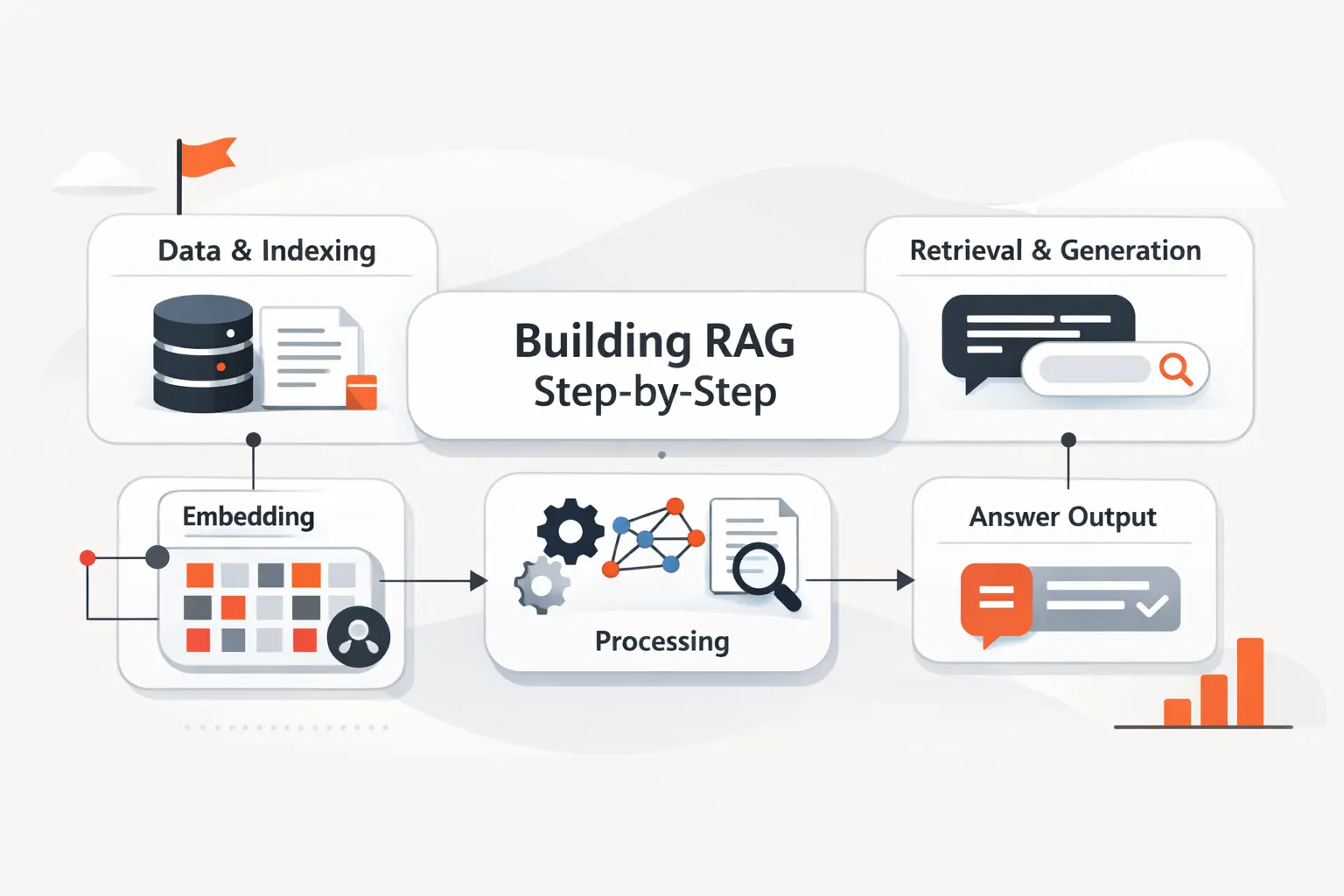
When we build a RAG pipeline from scratch, we do not begin with the full company archive. We begin with a narrow workflow, a clear audience, and a concrete success metric. That keeps the first version honest and keeps debugging manageable.
1. Define the Use Case and Pick a Small Test Corpus
Pick a narrow use case such as policy Q&A, support knowledge search, or product manual assistance. Then pick a small test corpus that actually covers those questions. We also write an evaluation set before coding, because good RAG starts with expected answers, not with a vector database. If someone asks whether contractors can access staging, the system should find the policy section, not improvise.
2. Set Up Your Development Environment, Embedding Model, and LLM
Keep the first stack plain. A small Python service, a document parser, a chunker, an embedding step, a vector index, and a prompt template are enough. We also log each stage, because if you cannot inspect chunks, retrieved passages, and final prompts, debugging turns into guesswork fast.
3. Choose Local Models or Hosted APIs for Your First Build
Hosted APIs usually win the first sprint because setup is lighter and iteration is faster. Local models make sense when privacy rules, offline use, or cost control matter more. Our advice is practical. Choose the path that lets you measure quality quickly, then harden the stack after you understand the workload and its guardrails.
Recommended reading: Is Vibe Coding Legal for Businesses, Founders, and Developers
Prepare and Chunk Your Source Data
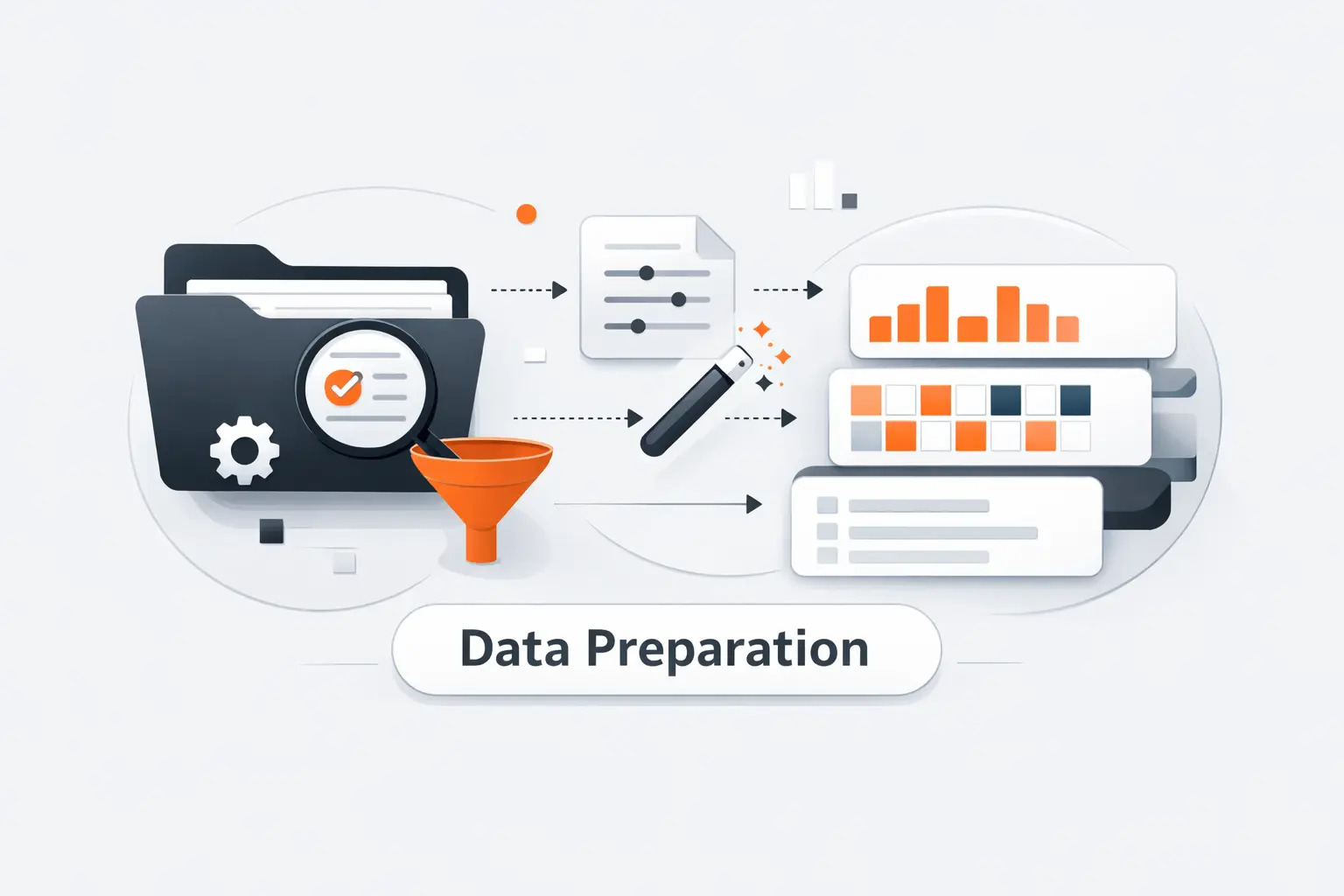
Data preparation is where RAG projects earn or lose trust. We are blunt here. Bad chunking ruins more pilots than average model choice. If the wrong text gets embedded, every downstream layer inherits that mistake.
1. Clean Documents into Searchable Text
Turn every source into clean, searchable text before you embed anything. We strip repeated headers, footers, navigation chrome, and broken line wraps. We preserve headings, table labels, page markers, and section names when they carry meaning, because those clues often matter at retrieval time.
2. Choose Sentence, Paragraph, or Context-Aware Chunking
We pick chunking based on how answers live in the documents. Short fact sheets may work with sentence-level chunks. Policies and manuals usually work better with paragraph or section chunks. Structure-aware chunking is often the sweet spot because it follows headings and keeps related sentences together.
3. Add Metadata for Filtering and Traceability
Every chunk should travel with metadata. We store document ID, title, section path, page or anchor, version date, access label, and source file path. That metadata supports filtering, freshness checks, and human-friendly citations later. Without it, even a correct answer feels harder to verify.
Recommended reading: AI-Driven Decision Making: How It Works, Benefits, and Real-World Use Cases
Build the RAG Index and Vector Database
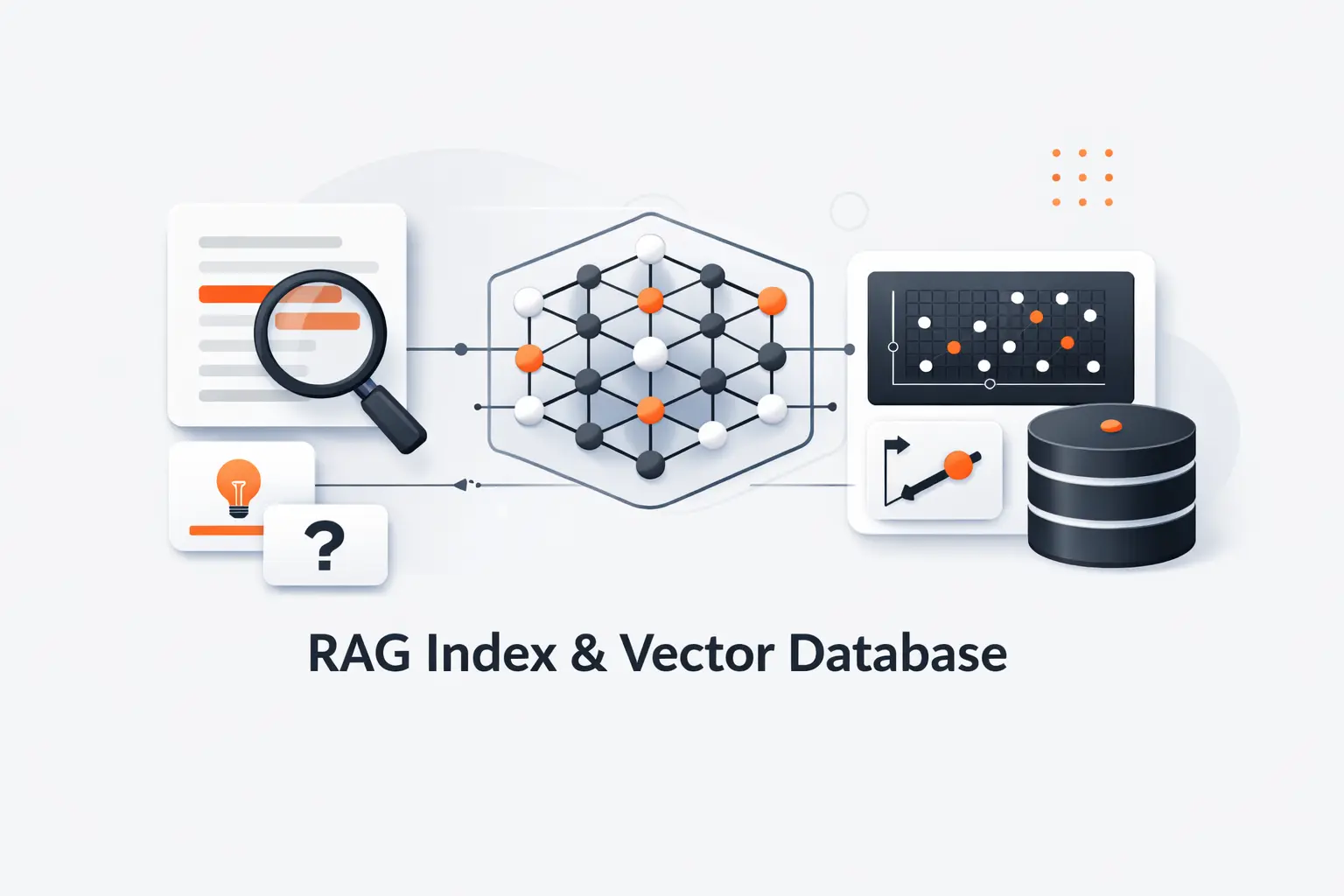
Now we turn documents into machine-searchable memory. The goal is simple. For any user question, the system should quickly pull back the few text blocks most likely to help. That is the heart of the index.
1. Generate Embeddings for Each Chunk
An embedding is just a numeric vector that places similar meanings near each other. For the first build, we use one embedding model for documents and queries so the geometry stays consistent. We also cache embeddings and stable chunk IDs, because re-indexing everything after every edit is wasteful.
2. Store Chunks, Vectors, and Metadata in a Vector Database
Your store needs fast vector similarity search plus room for text and metadata beside each vector. It can be an in-process library for a prototype or a managed service for production. What matters most is predictable lookup, clean updates, and filters that narrow the search space without hiding good evidence.
3. Use Semantic Similarity Search to Rank Relevant Matches
The first ranking pass is usually semantic similarity. That means the system compares the user query vector with stored chunk vectors and brings back nearby matches. We like this pass to stay fast and forgiving, then improve precision later with reranking and metadata filters.
Recommended reading: DSPy vs LangChain: Key Differences, Best Use Cases, and How to Choose
Retrieve the Most Relevant Context
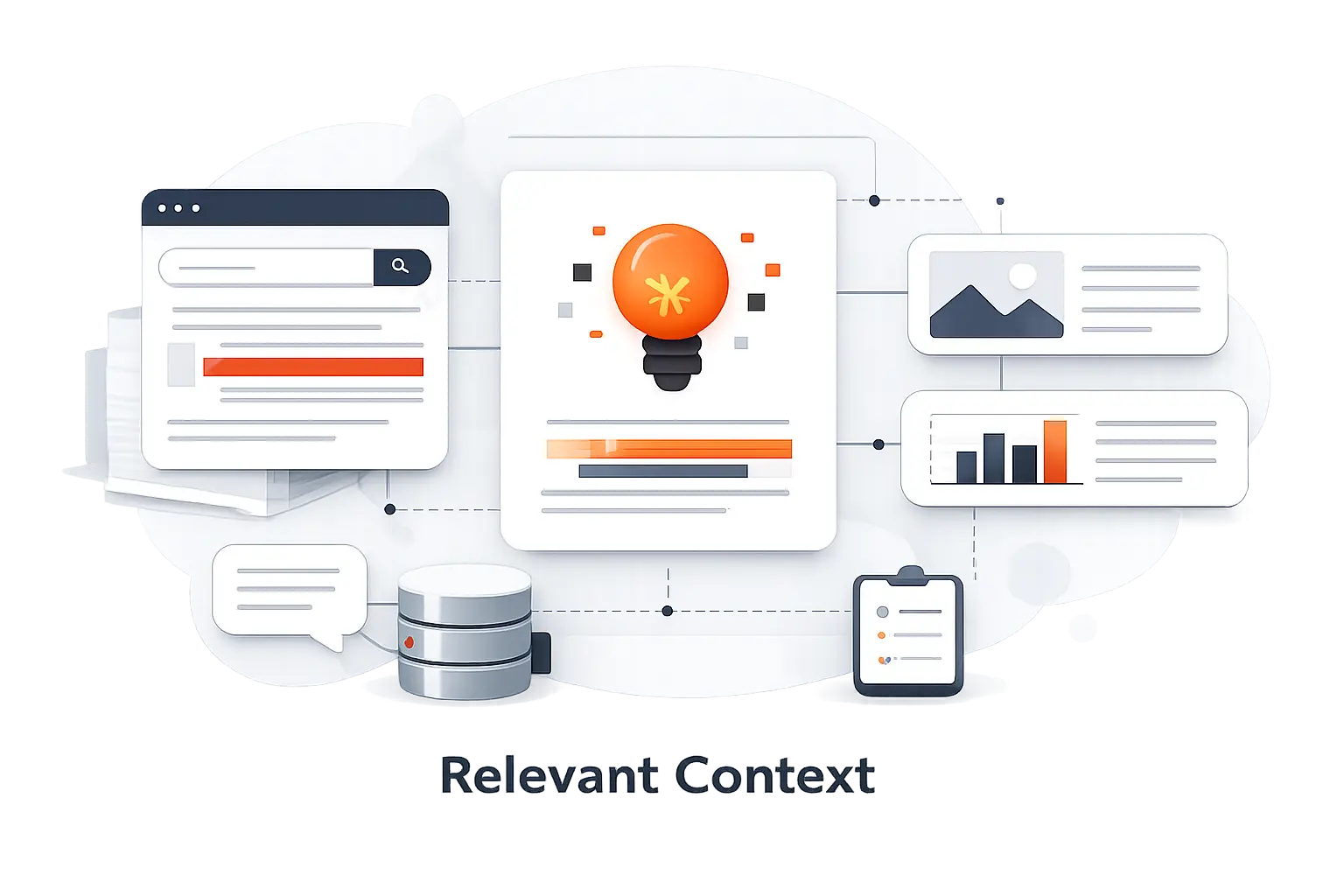
Retrieval is where the live question meets your stored knowledge. If this stage misses the right passage, the generator never gets a fair chance. That is why we debug retrieval separately and early.
1. Convert Each Query into an Embedding
At query time, we encode the user question with the same embedding model used during indexing. If the question is short or vague, we may normalize spelling, expand acronyms, or add product context before embedding. Small rewrites here can rescue many bad searches without touching the answer model.
2. Return the Most Relevant Chunks for the Question
We usually return a small set of likely chunks, not a single winner. Then we remove duplicates, keep neighboring text when it completes the thought, and carry forward the metadata needed for citation. The point is to hand the generator enough evidence to answer, but not so much that the prompt turns into a junk drawer.
3. Tune Candidate Pool Size to Fit the Context Window
There is no magical default here. Too little context starves the model. Too much context buries the answer and raises cost. We tune this against real questions until the prompt holds the strongest evidence without flooding the context window.
Recommended reading: What Is ChromaDB? A Practical Guide to Features, Use Cases, and Trade-Offs
Generate Grounded Answers with the Retrieved Context
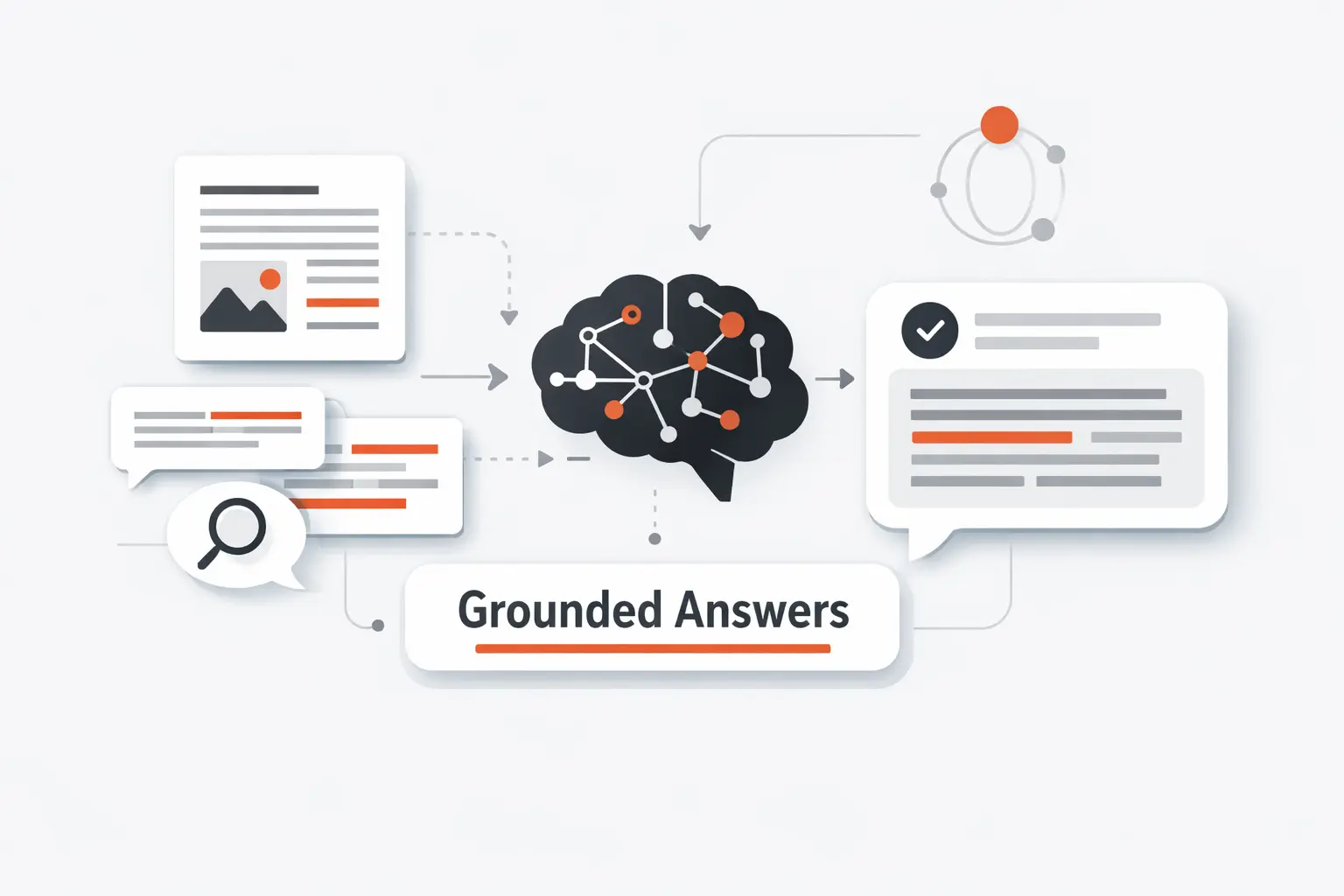
Generation should behave like a careful analyst, not like a stage magician. The model should answer from the retrieved record, respect uncertainty, and show users where it looked. When that contract is clear, the whole system feels more dependable.
1. Build a Prompt That Uses Only Retrieved Context
Our first prompt rule is simple. Use only the retrieved context. We separate the user question from the evidence block, name each source clearly, and ask for a concise answer followed by source markers. That structure makes prompt violations easier to spot in logs and evaluations.
2. Tell the Model When to Say It Does Not Know
A good RAG assistant must be allowed to refuse. If the retrieved text is missing, conflicting, or too weak, the answer should say so plainly. We prefer a clean “I do not know from the provided sources” over a polished invention every time.
3. Add Source References the User Can Verify
Source references should point to something a human can inspect. We attach document titles, section paths, page anchors, or chunk IDs, then map answer claims back to them. That keeps trust grounded in evidence instead of tone.
Improve Retrieval Quality Early
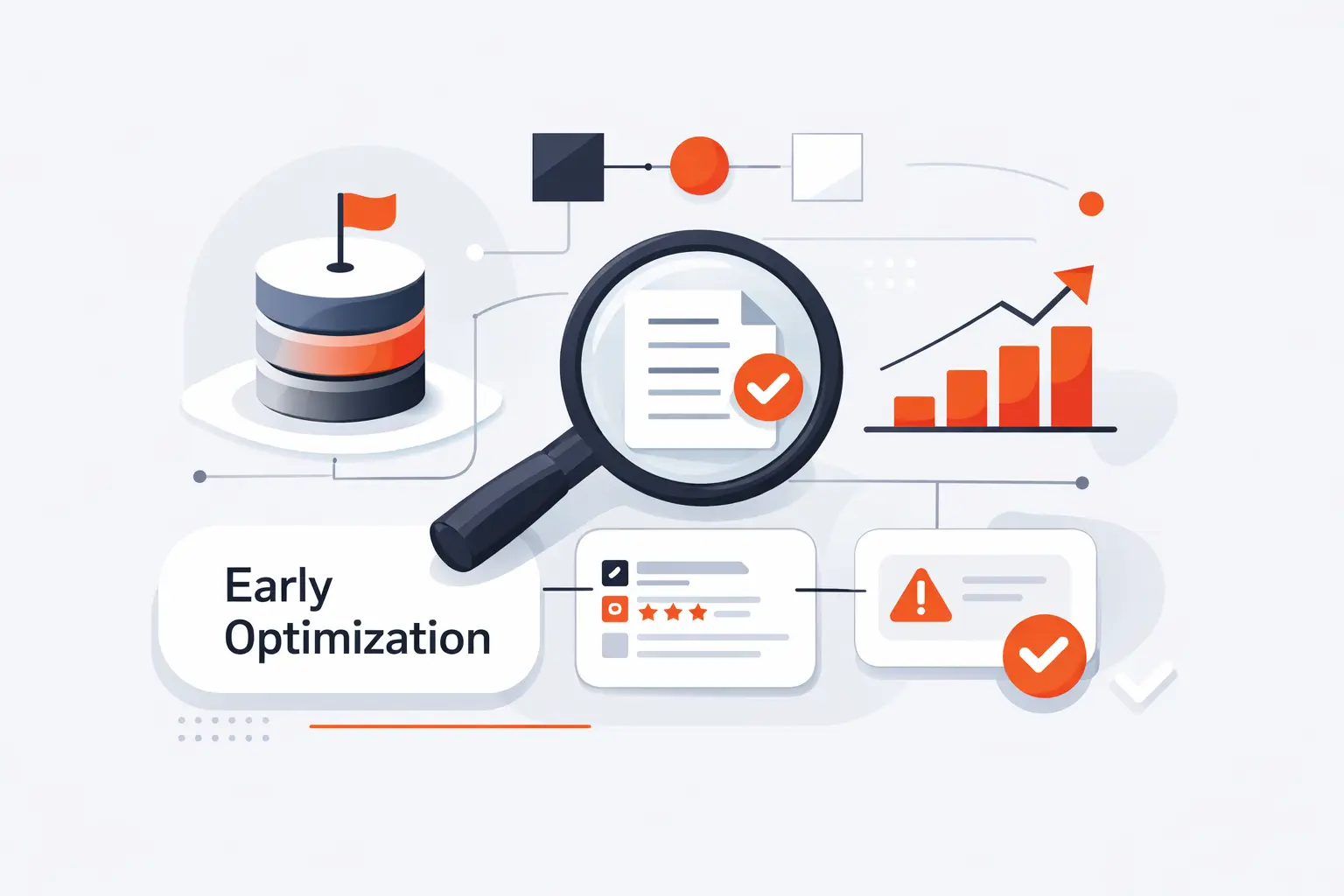
Before you reach for a bigger model, tune retrieval. Early wins usually come from better query matching, better ranking, and smarter filtering. In our work, this is often where the real quality jump happens.
1. Fix Vocabulary Mismatch with Query Expansion
Users rarely speak like your documents. They use nicknames, abbreviations, old product names, and messy wording. In our experience, hybrid search is often the fastest fix because keyword signals catch exact terms while vector search handles meaning. That is an inference from the way hybrid search combines text and vector queries in one request.
2. Use Hypothetical Document Embeddings for Better Recall
When ordinary semantic search still misses, Hypothetical Document Embeddings can help. The idea is clever. Generate a fake but relevant answer-like passage, embed that passage, and use its vector to pull back real chunks that live nearby in meaning space.
3. Add Reranking and Metadata Filters for Better Precision
We often add second-pass ranking after the first retrieval stage. A fast retriever casts a wide net, then a stronger ranker reorders the candidates. Metadata filters do the rest by excluding the wrong product line, role, date range, or document type before the answer stage.
Debug and Evaluate Your RAG Pipeline
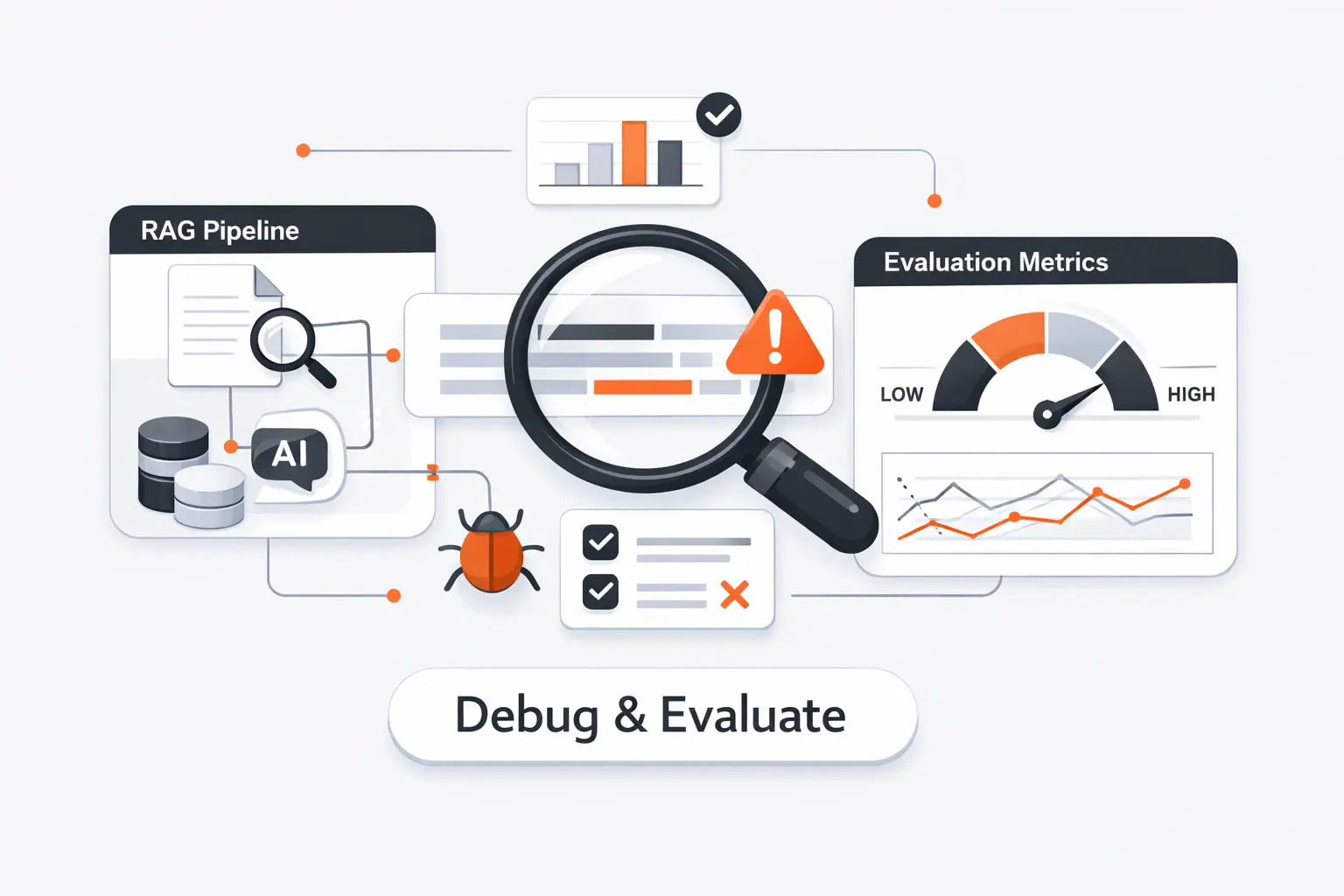
If you cannot measure retrieval and answer quality separately, you are flying blind. We test the pipeline in layers so that failures are boring to diagnose. That is our favorite kind of AI engineering.
1. Check Retrieval, Relevance, Faithfulness, and Citations
We inspect a few basics first. Did the right chunk appear at all? Was the final answer relevant? Did every claim stay faithful to the context? And do the citations actually point to the evidence used? Those checks line up well with current RAG evaluation guidance around retrieval, groundedness, relevance, and completeness.
2. Use Synthetic Test Sets, LLM Evaluators, and Manual Review
Manual review is still the truth serum, but it does not scale by itself. So we mix hand-written questions with synthetic test cases and LLM judges that flag risky outputs for deeper inspection. That discipline pays off in the field. Morgan Stanley says over 98% of advisor teams actively use its internal assistant, and the company credits an eval framework for guiding deployment.
3. Track Recall, Precision, Latency, and Answer Quality
We watch retrieval recall, final-answer precision, refusal behavior, latency, and citation coverage on every release. Then we review logs for drift after new documents, model changes, or prompt edits. A RAG system that answers well on launch day can quietly decay if you stop measuring it.
Common RAG Failure Modes and Fixes
Most broken RAG apps fail in familiar ways. The good news is that the fixes are usually ordinary engineering work, not exotic research. That is one reason we like this pattern so much.
1. Hallucinations from Weak Prompting
Weak prompts leave too much room for the base model to improvise. If your instructions do not force the answer to stay inside retrieved text, the model will fill gaps with plausible nonsense. Strong grounding rules, answer schemas, and citation checks reduce this sharply.
2. Parametric Override from the Base Model
Sometimes the base model “knows” an answer that conflicts with your corpus and chooses its memory anyway. We call that parametric override. The fix is to improve retrieval quality, raise the visibility of source text in the prompt, and penalize unsupported claims during evaluation.
3. Confident but Outdated Answers That Look Correct
Outdated answers are especially dangerous because they often read well. The model may retrieve an old policy, or it may answer from stale prior knowledge when fresher evidence exists. Freshness metadata, re-indexing schedules, and date-aware filters are simple safeguards that matter a lot.
How to Build RAG for Production
Production RAG is less about demos and more about operations. You need accuracy, traceability, access control, throughput, and maintenance to hold together at the same time. That is where careful engineering starts to matter more than novelty.
1. Choose Embedding and LLM Models for Your Domain
We choose models by workload, not by hype. Domain vocabulary, latency budget, multilingual needs, privacy rules, and evaluator scores matter more than leaderboard gossip. Gartner has long urged tech leaders to weigh performance, ecosystem support, and guardrails, and real deployments like Morgan Stanley reinforce that habit.
2. Handle Complex Documents, Tables, and Multimodal Content
PDFs, tables, screenshots, and diagrams need more than plain text splitting. Layout-aware parsing preserves headings and table context, while multimodal pipelines can either verbalize images for citation-friendly text or embed images directly for similarity search. We pick the path based on whether the user needs explanation, visual matching, or both.
3. Plan for Batching, Throughput, GPU Scaling, and Monitoring
At scale, ingestion and monitoring become first-class work. Batch document jobs, queue retries, parallelize safely, and log both indexing and query behavior. If you self-host models, plan GPU capacity for embedding, reranking, and answer generation. If you use managed search, make sure logs, alerts, and retry strategy are in place before the first real traffic spike.
Advanced RAG Patterns to Explore Next
Once the baseline pipeline is stable, special patterns start to make sense. We explore them only after the simple version is measured and working. Otherwise, fancy architecture just hides basic retrieval mistakes.
1. Hybrid RAG
Hybrid RAG combines keyword search and vector search in the same request. We like it when queries include exact error codes, policy names, SKUs, or acronyms that dense vectors can blur. It is often the most practical upgrade for enterprise search because it improves recall without forcing a whole new architecture.
2. Graph RAG
Graph RAG is useful when the question is broader than any single chunk. Microsoft Research describes this pattern around global questions over the whole corpus, where ordinary local retrieval can miss the larger theme. We reach for it when users ask for summaries, trends, relationships, or causes across a big document set.
3. Cross-Modal and Modular RAG
Cross-modal RAG joins text with images, diagrams, and sometimes audio or video. Modular RAG keeps ingestion, retrieval, ranking, and answer generation loosely coupled so you can swap one part without rewriting the whole stack. That makes experimentation safer, especially when multimodal search or new ranking models enter the picture.
How TechTide Solutions Helps You Build Custom RAG Applications
At Techtide Solutions, we build RAG systems the same way we build any serious software. We define the job, shape the data, test the risky edges, and keep the system observable after launch. That sounds ordinary. It is also what makes these systems useful.
1. Plan a Custom RAG Architecture for Your Data and Business Goals
We start with your actual data and business rules. That means document formats, update cadence, permissions, latency targets, and the kinds of questions users really ask. From there, we choose chunking, retrieval, filtering, citation design, and evaluation methods that fit the workload instead of forcing a template.
2. Build Web Apps, Mobile Apps, and Internal Tools with Grounded AI
We can wrap grounded AI into customer-facing web apps, mobile experiences for field teams, and internal assistants for operations, support, or compliance. Our focus is simple. Put verified context inside the workflow people already use, so the answer is actionable the moment it appears. The Morgan Stanley deployment is a good reminder that grounded internal tools can become daily habits when retrieval and evaluation are treated seriously.
3. Get Ongoing Development, Integration, and Scaling Support
RAG systems do not stand still after launch. New documents arrive, taxonomies change, models improve, and evaluation targets move with the business. We support that ongoing work with connector updates, regression tests, log reviews, scaling changes, and model swaps that do not break trust.
Conclusion
If you want to build RAG from scratch, think like a search engineer first and an AI prompt writer second. Clean data, smart chunking, measurable retrieval, and conservative generation beat flashy demos every time. That is the path we follow at Techtide Solutions because it produces answers people can actually verify.
Start small. Make the system show its work. Then improve retrieval before you chase bigger models. Do that, and RAG stops feeling mysterious and starts behaving like dependable software.

