


At TechTide Solutions, we treat free website hosting as a starting tool, not a religion. It works best when you need to test an idea, ship a first version, or help a small business get visible without waiting on custom development. The market is still growing fast. Statista forecasts global web hosting revenue at US$196.62bn in 2025, which helps explain why beginner-friendly builders and low-friction hosting plans keep multiplying.
Quality is improving too. Gartner Peer Insights shows website builders clustering around a 4.5 average rating, and we see that on the ground. A bakery can stand up pickup ordering on Square Online over a weekend, while a freelance designer can publish a sharp portfolio on Wix before the week is out.
Quick Comparison of Free Website Hosting
We use this quick table as a first filter. It covers the first 10 tools in our full list and focuses on the trade-offs beginners feel fastest.
| Tool | Best for | From price | Trial/Free | Key limits |
|---|---|---|---|---|
| Wix | Fast brochure sites | $0 | Free forever | Branded subdomain, no custom domain |
| WordPress.com | Blogs and content sites | $0 | Free forever | 1 GB storage, branded subdomain |
| Square Online | Local selling | $0 | Free forever | Branding and transaction fees |
| InfinityFree | Hobby PHP sites | $0 | Free forever | Community support, resource caps |
| GoogieHost | Test sites | $0 | Free forever | 3 sites, light storage |
| ByetHost | CMS experiments | $0 | Free forever | Technical UI, shared resources |
| Freehosting.com | One-site experiments | $0 | Free forever | 1 site, 1 DB, fair-use bandwidth |
| Weebly | Simple starter sites | $0 | Free forever | Branding, custom domain needs paid |
| Jimdo | Freelancer sites | $0 | Free forever | Basic features, branded subdomain |
| AccuWeb Hosting | Free WordPress | $0 | Free plan | 1 site, 2 GB SSD, 30 GB bandwidth |
Recommended reading: Top 20 Free Digital Business Cards for Easy Networking and Better Contact Sharing
Top 20 Free Website Hosting Providers and Builders
We mix true free plans, free trials, developer sandboxes, and low-cost upgrade paths on purpose. That is how free website hosting really shows up in buying decisions. The first half leans closer to true free. The later entries lean toward trials, sandboxes, or cheap managed paths that often make more business sense once a site matters.
1. Wix
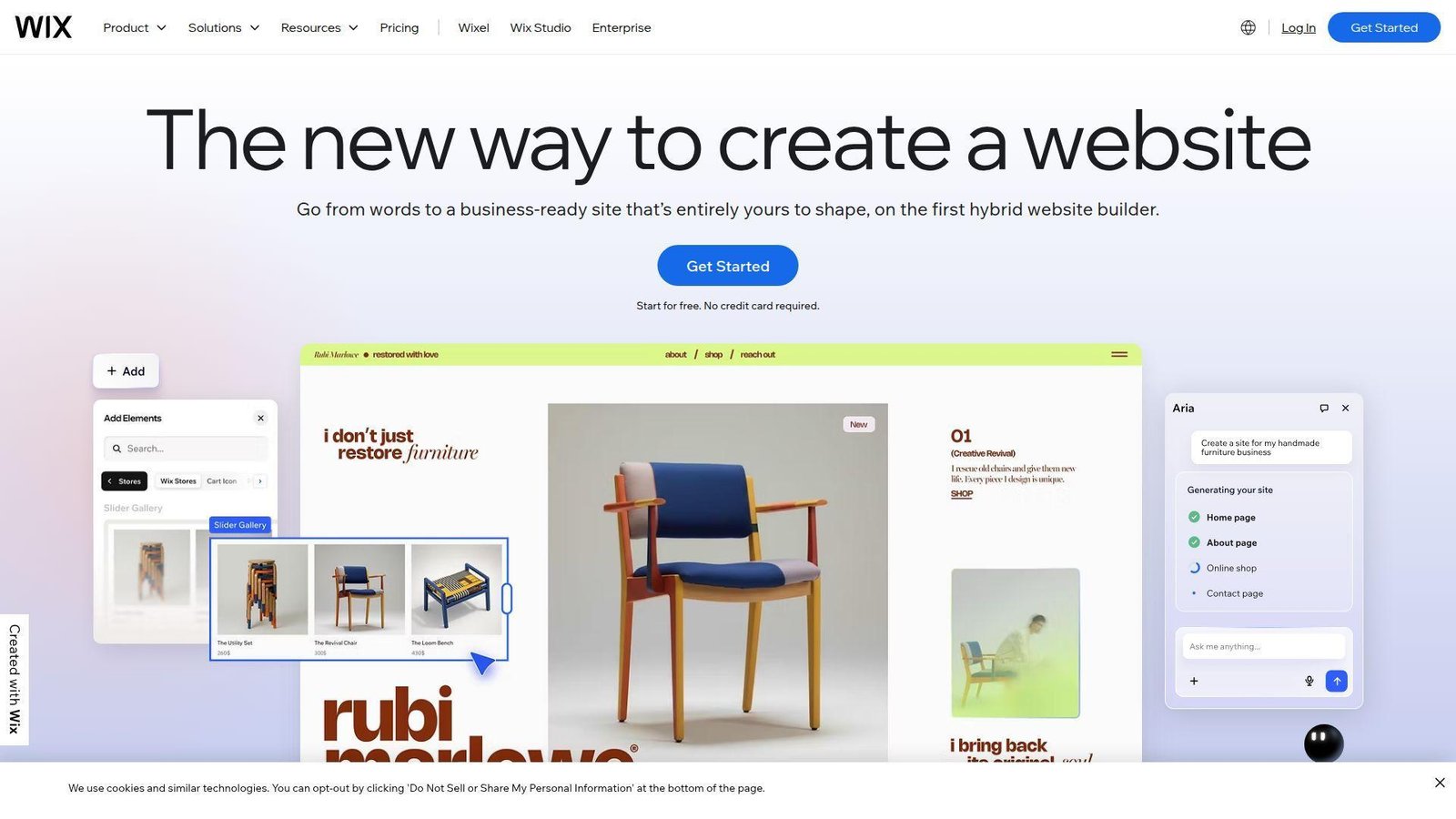
Wix is one of the largest website builder companies, and its product team has turned site setup into a guided visual flow. We like how little friction sits between “I have an idea” and “my homepage is live.”
Best for: solo service businesses, freelancers.
- Drag-and-drop editor plus industry templates → publish a polished brochure site without hiring a designer.
- Built-in forms, bookings, and AI setup → skip a pile of plugin hunting and manual setup work.
- Clean onboarding and fast previews → most first-time users reach a usable draft in one evening.
Pricing & limits: From $17/mo for Light. The free plan has no time limit. It keeps Wix branding, a Wix subdomain, and about 500 MB of storage.
Honest drawbacks: The free tier is mostly a test lane. Moving away later can be awkward. WordPress.com gives you cleaner content portability.
Verdict: If you want a polished site fast, this helps you get online over a weekend.
2. WordPress.com
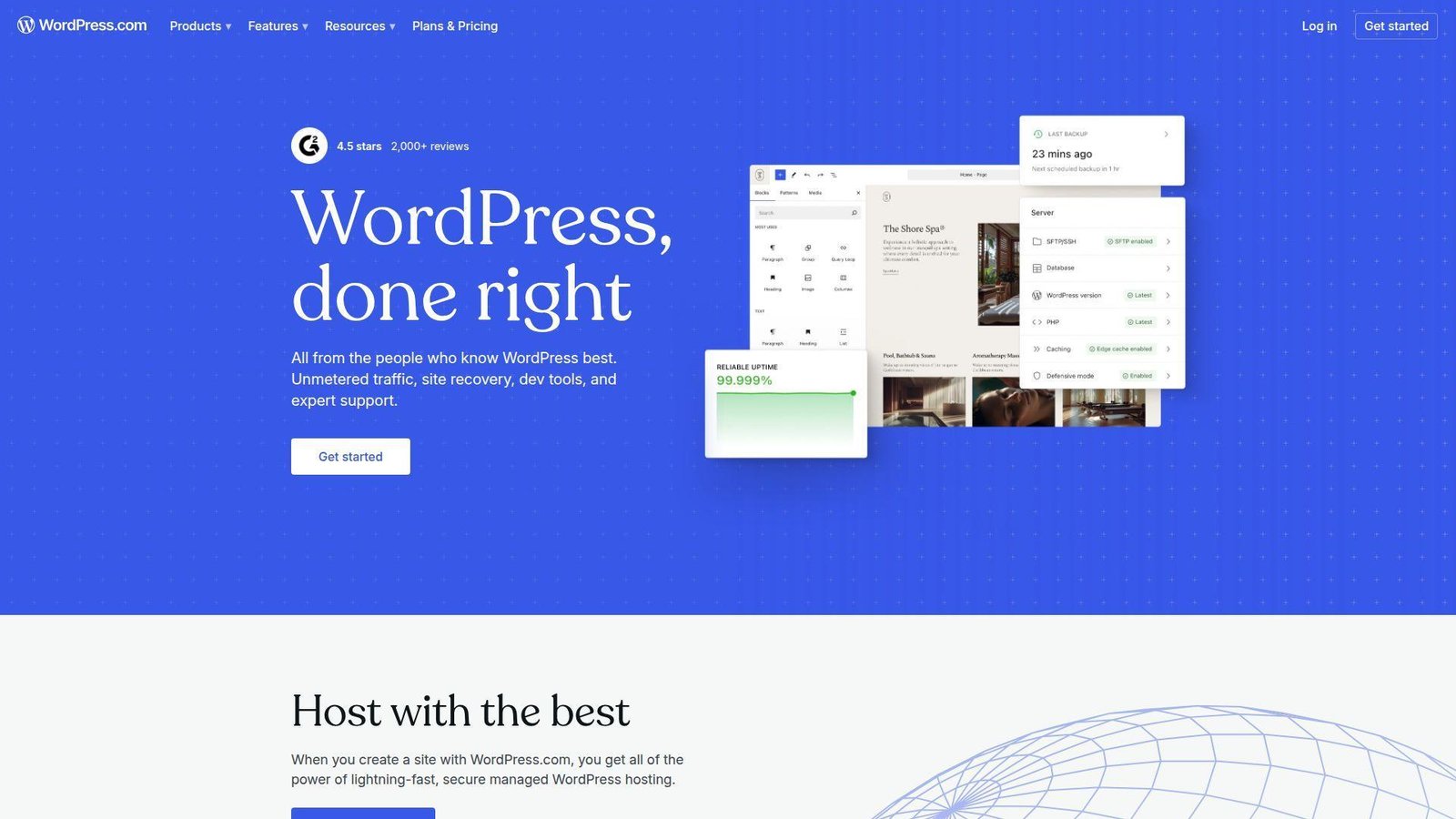
WordPress.com comes from Automattic, the team closest to the modern WordPress ecosystem. We trust it more than most builders when publishing, archives, and long-term content matter.
Best for: writers, nonprofits.
- Managed WordPress with the block editor → publish consistently without dealing with server chores.
- Newsletters, comments, and monetization paths → reduce the number of extra tools you need early on.
- Theme switching and clean content structure → first value lands fast and migration is easier later.
Pricing & limits: From $0/mo. The free plan is permanent. It includes 1 GB of storage and a wordpress.com subdomain. Paid plans start at $4/mo billed annually.
Honest drawbacks: Visual freedom is narrower than Wix. The free tier can feel plain for portfolios. It beats Wix for content workflows, but trails it on instant visual flair.
Verdict: If you want to publish often, this helps you build a real content home in an afternoon.
3. Square Online
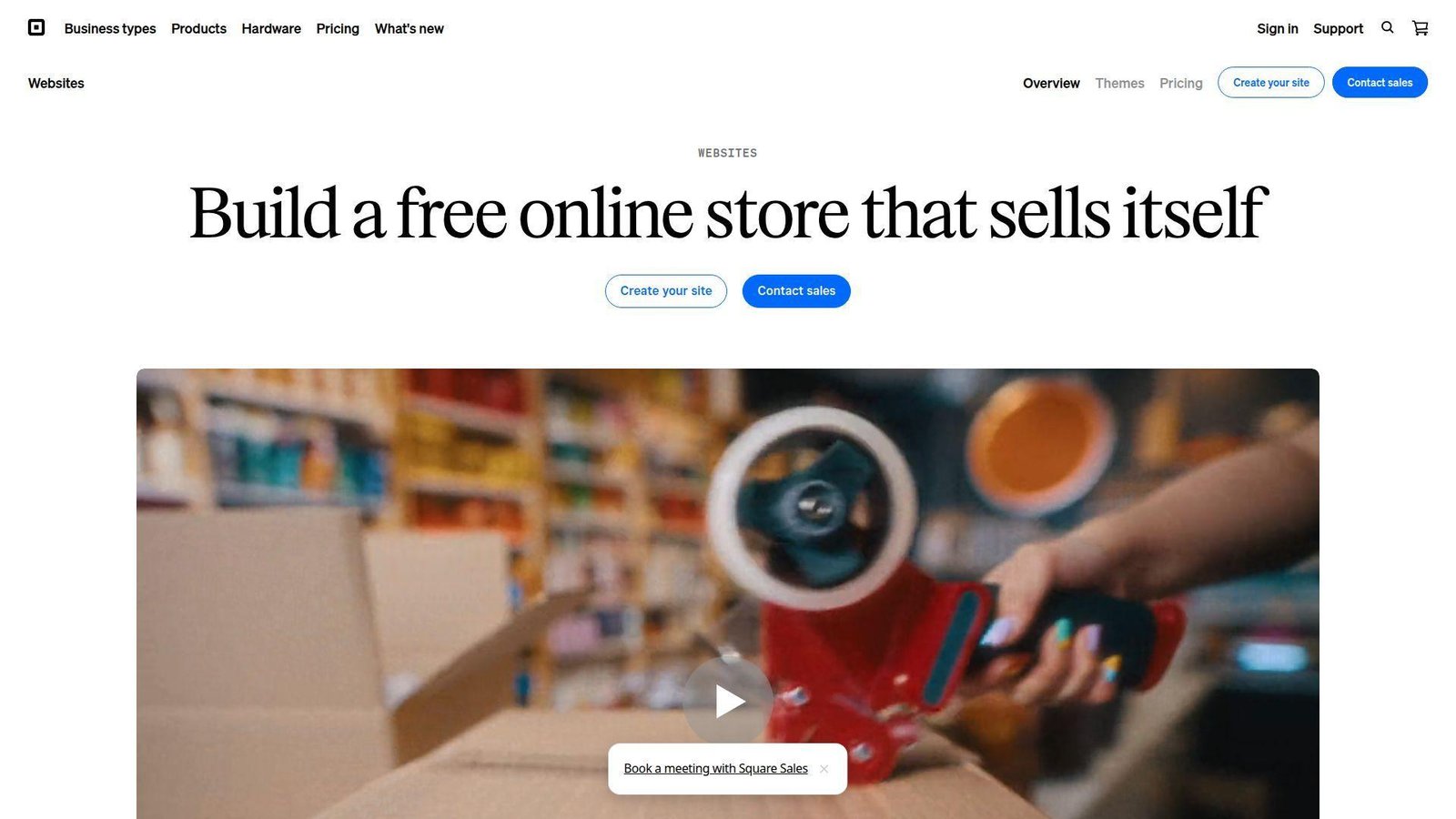
Square Online is built by a commerce team, not a design-first team, and that shows in good ways. We reach for it when a site must talk to inventory, pickup, or a point of sale from day one.
Best for: local retailers, cafes.
- POS-linked catalog and inventory → stop double-entering products across your counter and your website.
- Pickup, delivery, and payment flows → turn a paper menu or shelf list into an orderable site in a few steps.
- Dashboard-led setup → many brick-and-mortar sellers get first value the same day.
Pricing & limits: From $0/mo. The free plan has no monthly fee. It uses a square.site domain and charges online transaction fees. Paid plans start at $29/mo billed annually. Plus and Premium include a 30-day trial.
Honest drawbacks: Design freedom is lighter than Wix or WordPress.com. Fees can pile up if volume grows and you stay on the free tier.
Verdict: If you sell in person and online, this helps you launch a usable store in days, not weeks.
4. InfinityFree
InfinityFree is a classic free host for people who would rather get file access than drag blocks around. We see it as a lab bench, not a storefront.
Best for: students, hobby developers.
- PHP and MySQL hosting with installers → test a real CMS instead of a toy site builder.
- Large free storage plus broad bandwidth claims → host small projects without watching every image upload.
- Free SSL and no forced ads → put a public demo online faster than many free hosts.
Pricing & limits: From $0/mo. It is free with no set end date. The headline offer includes 5 GB of disk space and a generous bandwidth allowance.
Honest drawbacks: Resource limits show up before the marketing copy does. Support is community-led. We would not use it for a revenue-critical business site.
Verdict: If you want to learn hosting basics or test WordPress cheaply, this helps you get a live sandbox up quickly.
5. GoogieHost
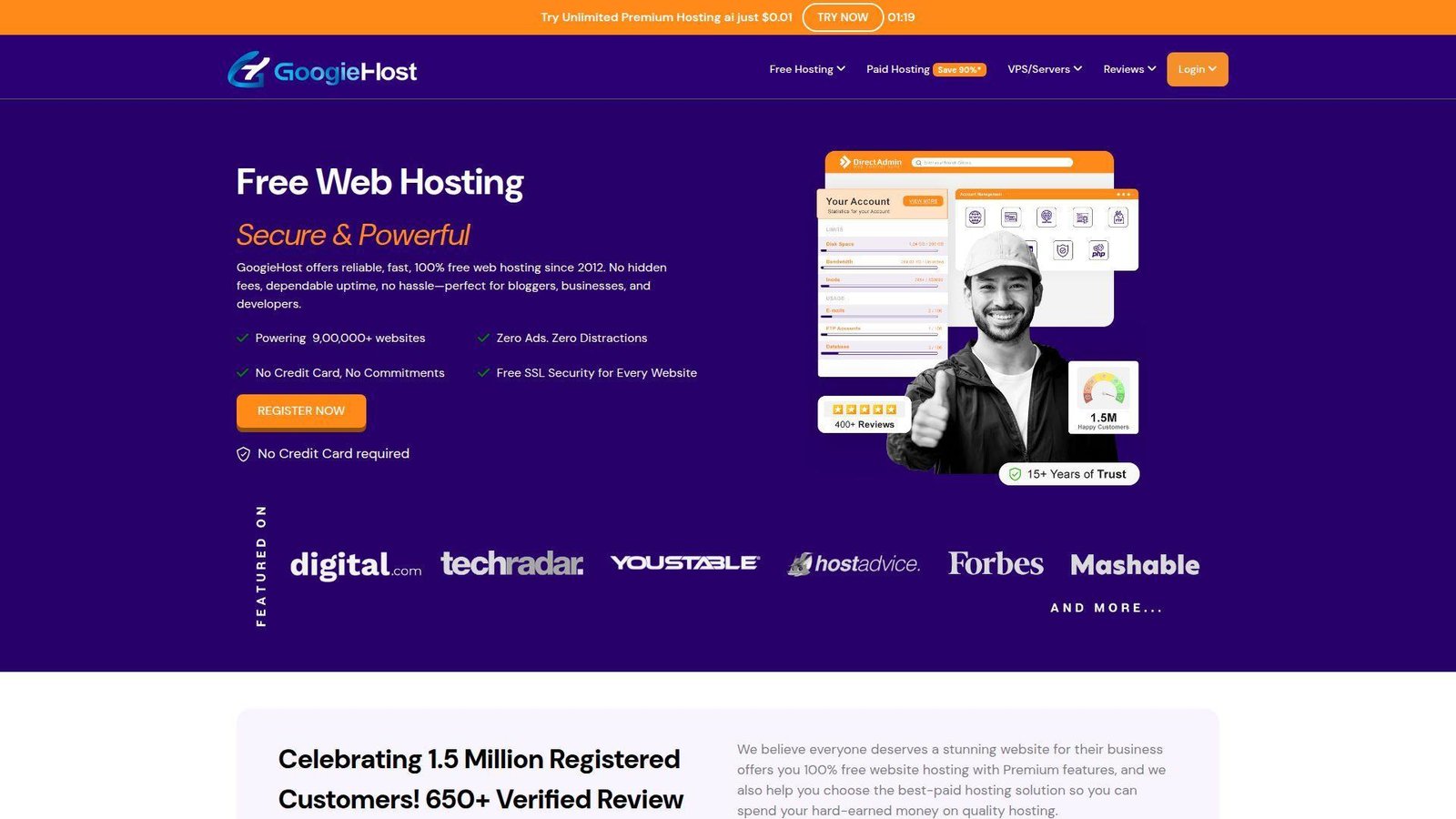
GoogieHost is a free-hosting-first company that leans into familiar control-panel workflows. We like that it gives beginners a taste of “real hosting” without an invoice.
Best for: students, nonprofit microsites.
- Support for up to 3 websites → run a main test site plus a couple of side experiments.
- WordPress installer and 380+ scripts → cut out repetitive manual installs and database setup.
- Site builder and file managers → get a rough site live in 30 to 60 minutes.
Pricing & limits: From $0/mo. The free tier is ongoing. It allows up to 3 websites, 1 GB of SSD storage, and 100 GB of bandwidth. Free short subdomains are included.
Honest drawbacks: The dashboard feels older, and performance can wobble if your site gets busy. Standard custom domains add cost, which weakens the “free” pitch.
Verdict: If you want to practice with hosting panels and simple CMS installs, this helps you learn the ropes fast.
6. ByetHost
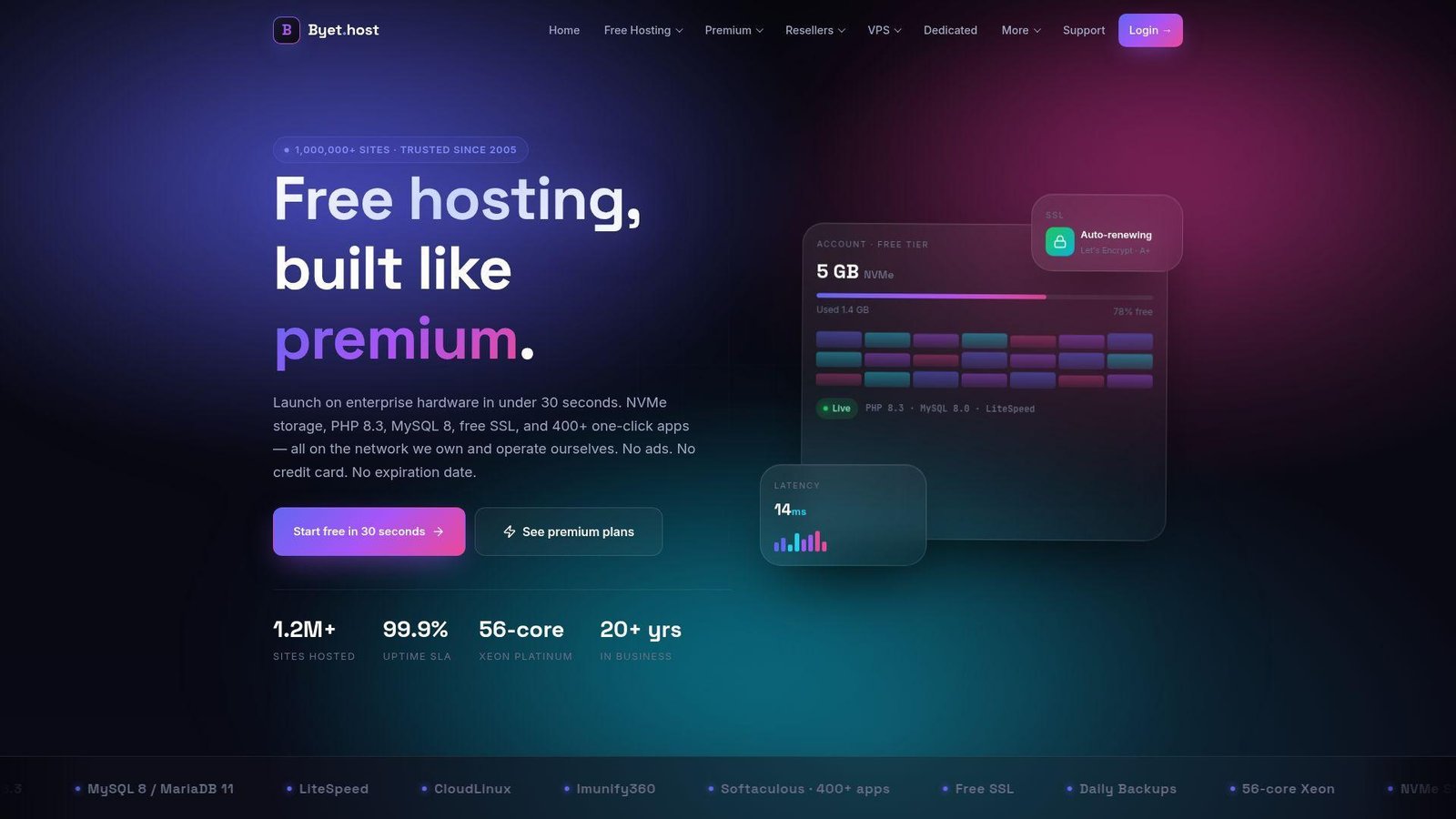
ByetHost sits closer to the technical side of free hosting, and its team clearly markets to users who want control. We find it stronger than many free builders once you need custom domains and app installers.
Best for: tinkerers, PHP developers.
- NVMe storage with broad bandwidth → run faster test environments than many legacy free hosts.
- 400+ one-click apps and DNS tools → save a long chain of manual setup steps on CMS demos.
- Custom domains plus no forced ads → get a cleaner public proof of concept in one setup session.
Pricing & limits: From $0/mo. The free plan is free forever. It includes 5 GB NVMe storage, broad bandwidth, one free subdomain, and support for custom domains.
Honest drawbacks: It is more technical than Wix, Weebly, or Jimdo. Support and UX are thinner than paid managed hosts, so first-time users can feel lost.
Verdict: If you want a no-cost place to test PHP apps or host a basic custom-domain site, this helps you move from idea to demo quickly.
7. Freehosting.com
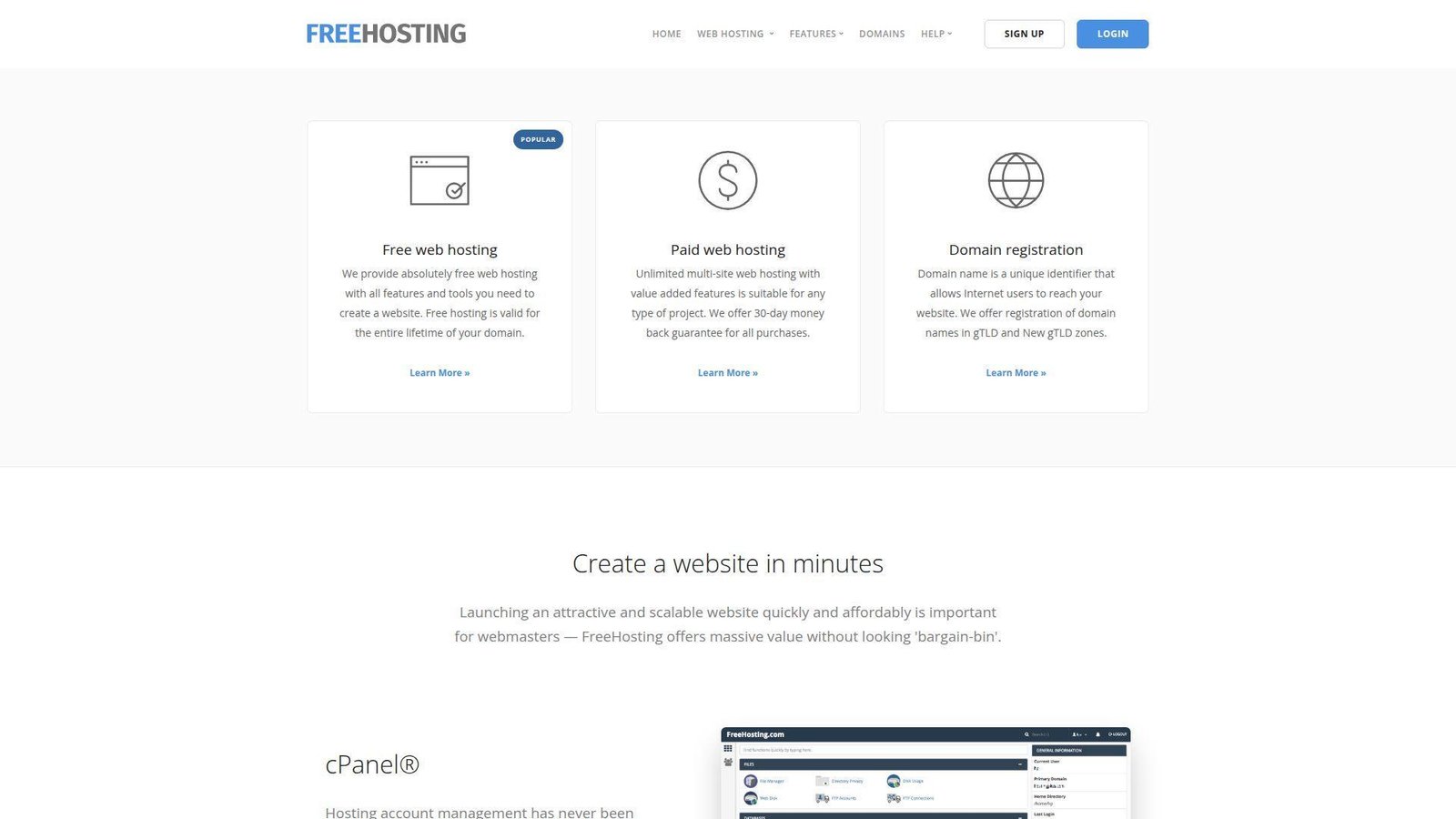
Freehosting.com keeps the pitch simple, and we appreciate that honesty. It feels like a one-site, one-purpose host for people who already know what they want.
Best for: one-site experiments, plain brochure sites.
- One hosted site on the free tier → keep a single project focused and lightweight.
- Site builder, app installer, and control panel → go from empty account to a working demo without outside tools.
- Email plus database included → cover basic contact needs in one place.
Pricing & limits: From $0/mo. There is no trial clock. The free package covers 1 website. You also get 1 GB of storage, fair-use bandwidth, 1 email account, and 1 MySQL database.
Honest drawbacks: The free plan is narrow by design. Once you need multiple sites, higher storage, or stronger support, you will outgrow it fast.
Verdict: If you need one modest site and already own a domain, this helps you get online with very little fuss.
8. Weebly
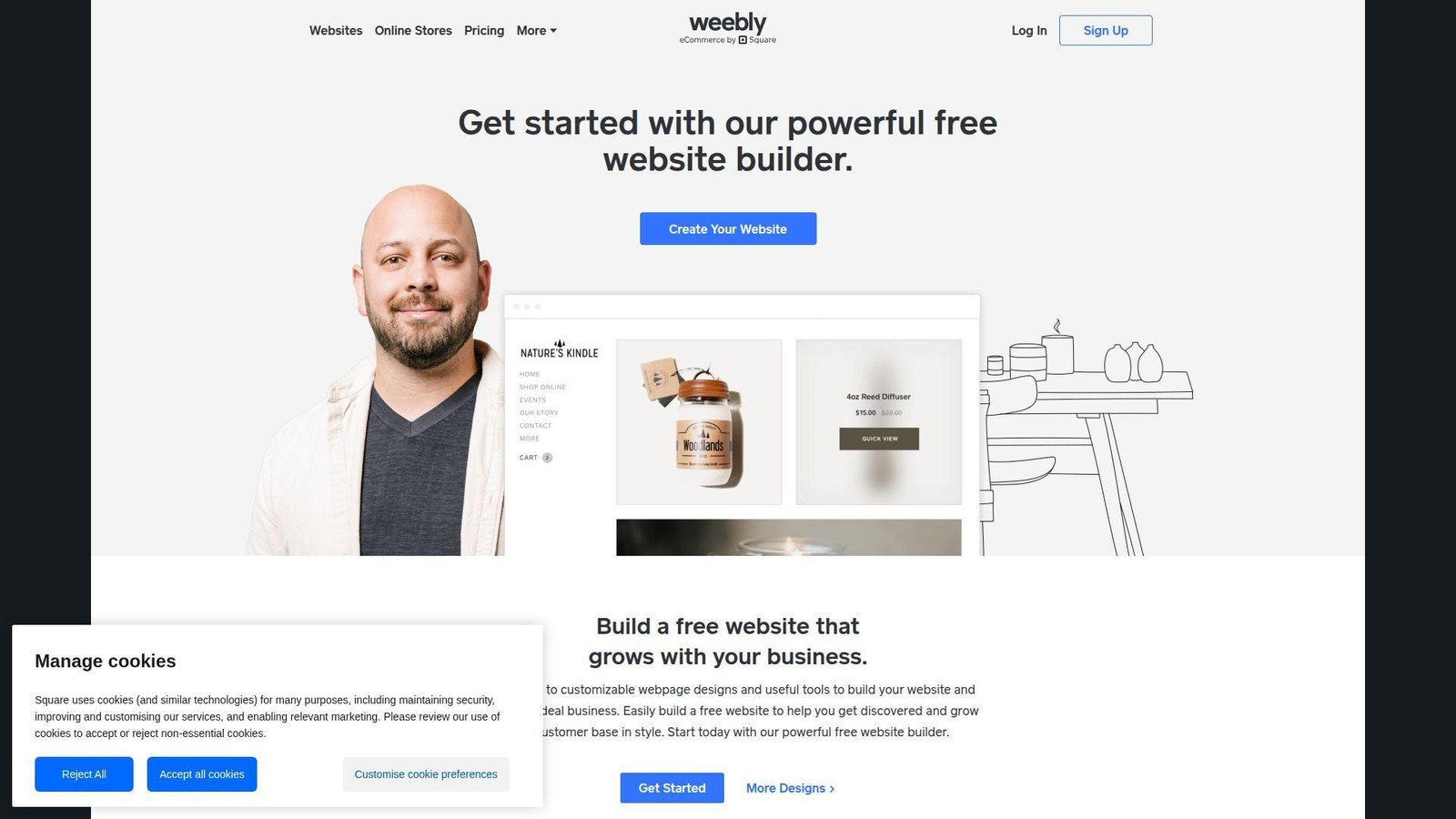
Weebly now sits inside the Square world, and its team has kept the editor easy even if it no longer feels cutting edge. We still like it for simple sites that should stay simple.
Best for: hobby businesses, basic service sites.
- Section-based editor → build clean pages without layout decisions slowing you down.
- Square commerce connection → add products and simple selling without stitching two tools together.
- Calm beginner-friendly UX → most users reach first value in a single sitting.
Pricing & limits: From $0/mo. The free plan lasts indefinitely. Paid plans start at $13/mo billed annually for a custom domain. Higher tiers remove Square ads and add more selling tools.
Honest drawbacks: The editor feels dated beside Wix and 10Web. Template variety and modern AI help are thinner than the leaders.
Verdict: If you want a low-stress builder for a basic site, this helps you launch fast and keep upkeep light.
9. Jimdo
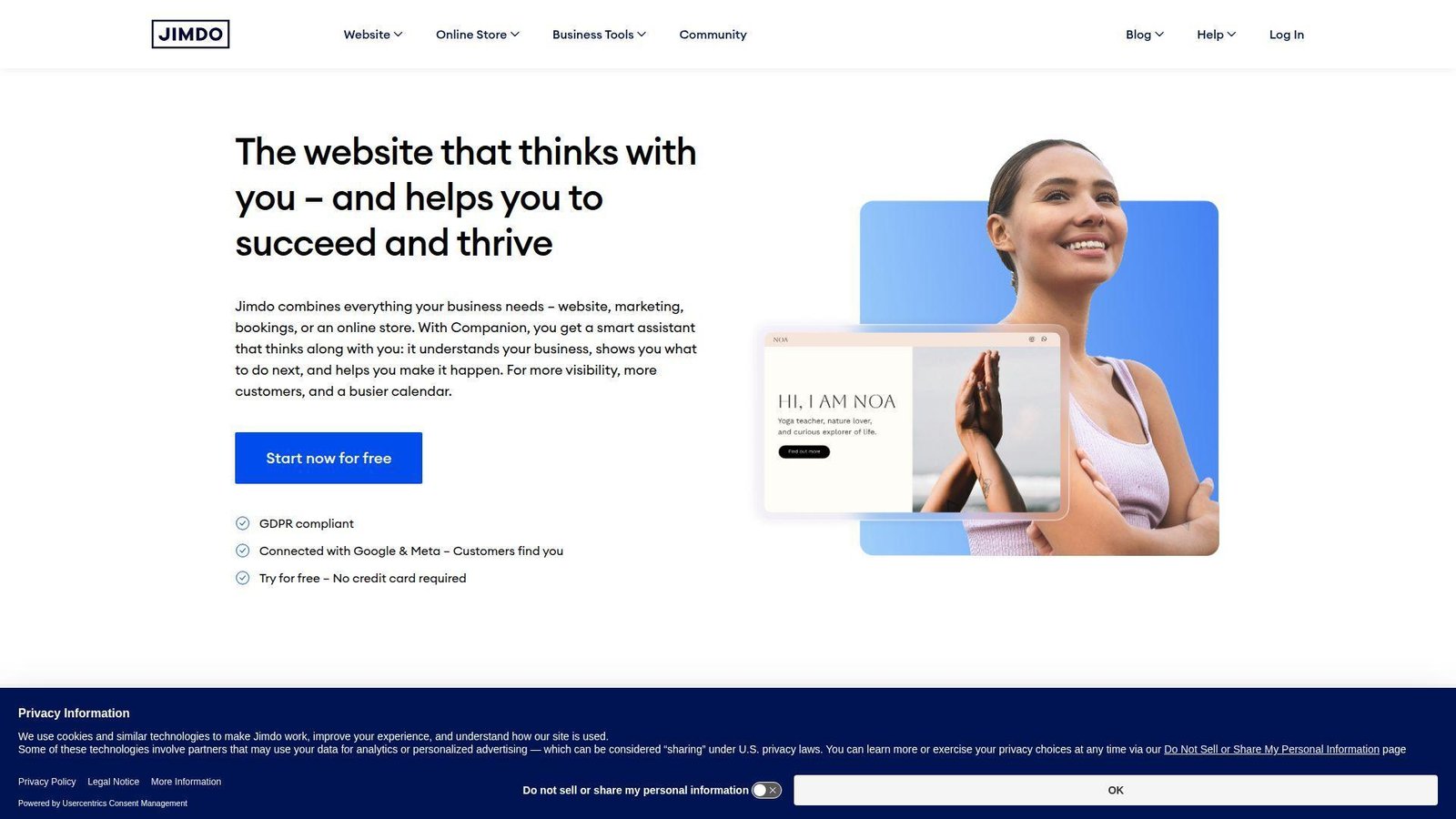
Jimdo is built for small operators who want guided setup more than endless control. We often think of it as the “just ask me a few questions and get me moving” option.
Best for: freelancers, solo consultants.
- Guided website creation flow → turn a rough business idea into a usable homepage without planning every section.
- Simple social and contact features → make it easier for leads to find, message, and trust you.
- Straightforward editing → reach a publishable draft in under an hour.
Pricing & limits: From $0/mo. The free plan has no time limit. It uses a Jimdo subdomain and keeps you on basic features. Premium pricing varies by market and contract length.
Honest drawbacks: App depth and design freedom are slimmer than Wix or WordPress.com. It beats free hosts on ease, but power users can outgrow it quickly.
Verdict: If you want to get a simple business site live with minimal decisions, this helps you publish this weekend.
10. AccuWeb Hosting
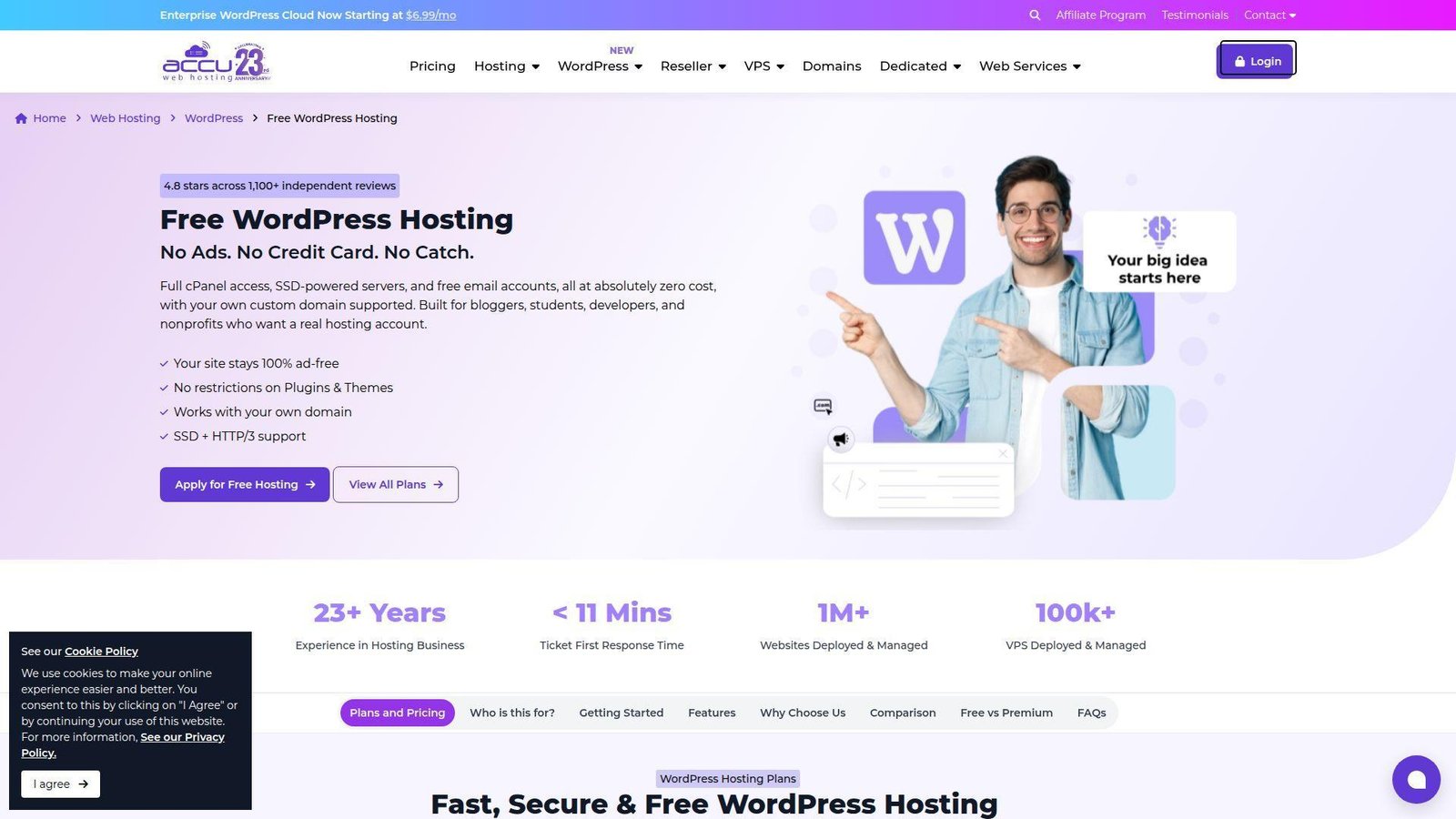
AccuWeb Hosting comes from the traditional hosting world, and its free WordPress offer is more serious than most. We like it because it lets beginners use a real domain and cPanel without site ads.
Best for: WordPress learners, nonprofits.
- Custom-domain WordPress hosting → launch a more credible site without a branded subdomain.
- cPanel, email accounts, and database access → handle common setup tasks in one place.
- Preinstalled WordPress on SSD hosting → cut setup time to about 30 minutes.
Pricing & limits: From $0/mo. The free WordPress tier includes 1 website. It also includes 2 GB SSD storage, 30 GB bandwidth, up to 25 email accounts, and 10 MySQL databases.
Honest drawbacks: It is still hosting, not a polished builder. Approval and support expectations feel closer to a host than a hand-holding website platform.
Verdict: If you want free WordPress with your own domain and real admin access, this helps you learn the stack without paying up front.
11. 10Web
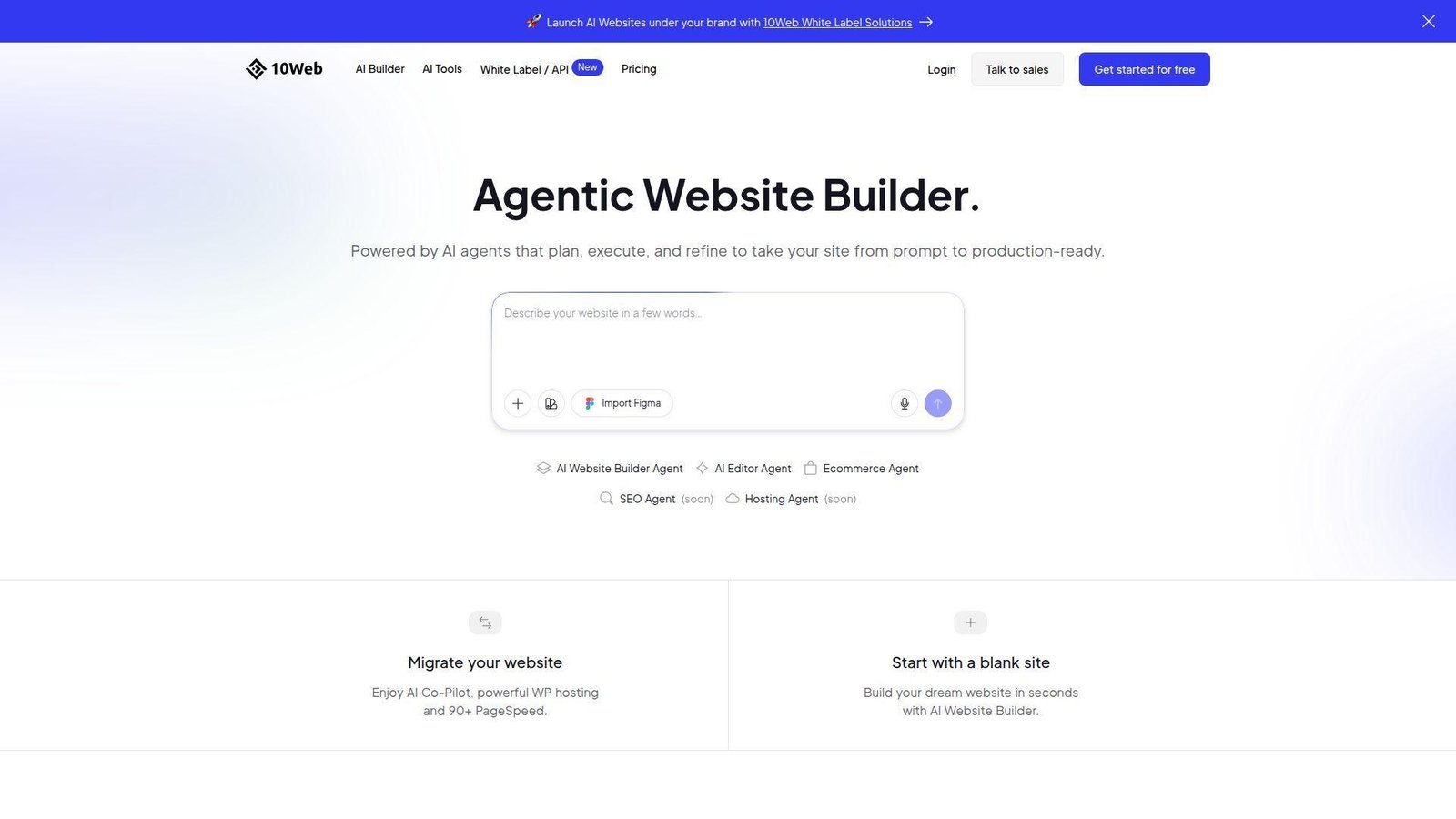
10Web is an AI-native WordPress company, and its team is aiming straight at the gap between builders and managed hosting. We think its strongest move is turning a prompt or URL into a WordPress draft fast.
Best for: agencies, SMBs that want AI-built WordPress.
- Prompt-to-site and URL-to-WordPress flows → get a usable first draft in minutes instead of days.
- AI assistant, templates, and hosting in one stack → skip a long chain of theme, copy, and plugin setup tasks.
- Editor plus managed hosting → reach first value in one session, then keep refining.
Pricing & limits: From $10/mo billed annually for AI Starter. You can generate a site for free. Full editing opens through a 7-day free trial. Free users are limited to 1 generated website.
Honest drawbacks: The first draft still needs human cleanup, especially on messaging and layout hierarchy. It beats Wix on WordPress ownership, but Wix still feels smoother on day one.
Verdict: If you want AI speed without giving up WordPress ownership, this helps you move from blank page to live draft in one day.
12. Shopify

Shopify is a commerce company first, and its product team shows that obsession in checkout, inventory, and channels. We would not call it free website hosting, but we would call it the fastest clean path to a real store.
Best for: product sellers, omnichannel retailers.
- Storefront, payments, inventory, and shipping in one platform → start selling without gluing separate apps together.
- Sales channels and POS sync → reduce duplicate catalog work across web and in-person selling.
- Tight onboarding and strong themes → get a credible store live in a weekend.
Pricing & limits: From $5/mo for Starter, or $29/mo billed yearly for a full Basic store. Shopify offers a 3-day free trial. It also runs intro offers on eligible plans.
Honest drawbacks: It is overkill for a brochure site or personal blog. App costs and transaction rules can raise the real monthly bill as you grow.
Verdict: If you need to sell products seriously, this helps you launch faster than most DIY stacks and scale without rebuilding.
13. Google Cloud Storage
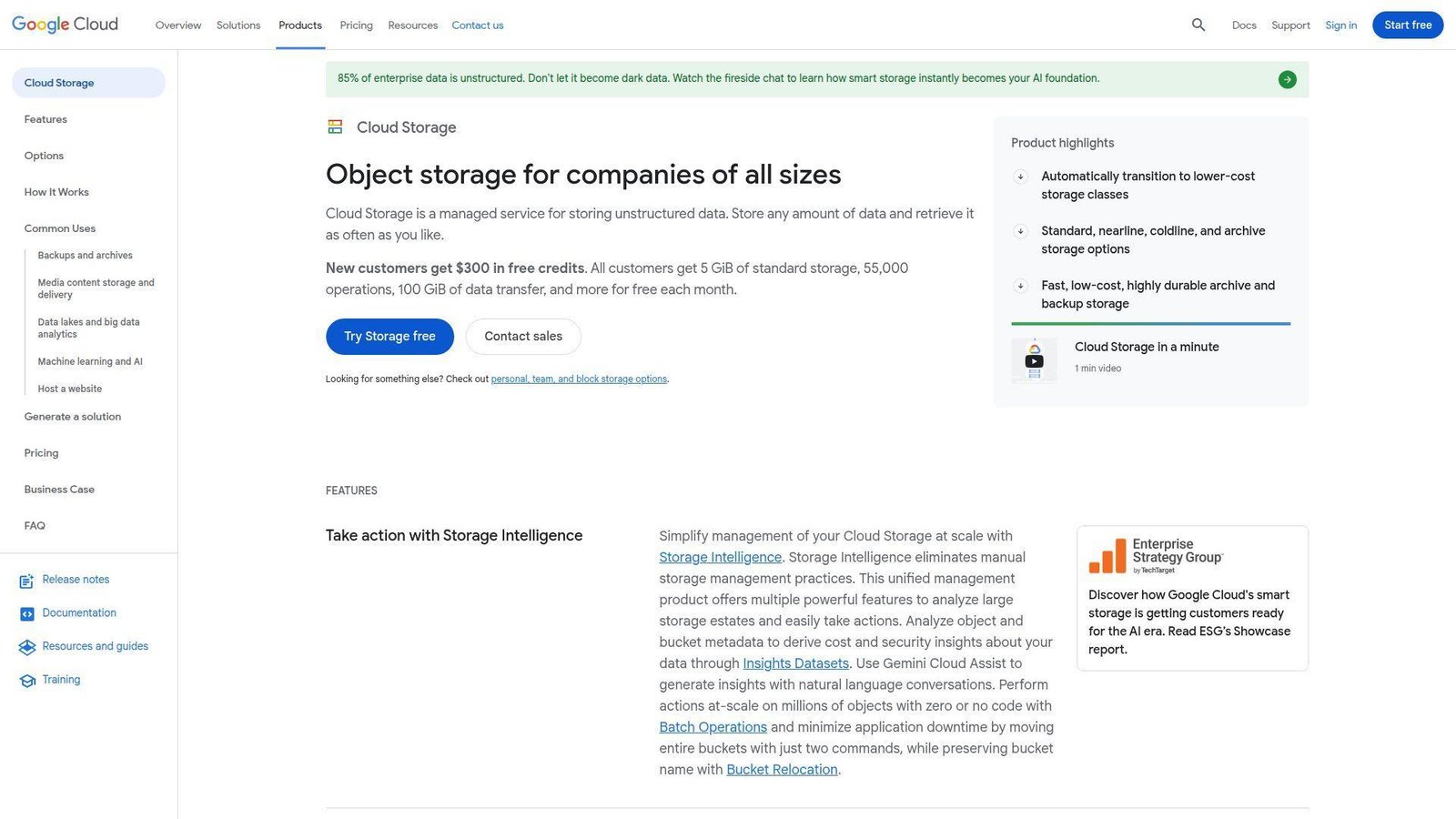
Google Cloud Storage is not a beginner builder. It is an infrastructure product from a cloud engineering team, and we only recommend it when control matters more than simplicity.
Best for: developers, teams hosting static assets or static sites.
- Durable object storage with global infrastructure → serve files and static content reliably at scale.
- Free tier plus starter credits → prototype without immediately opening the wallet.
- Tight Google Cloud integrations → cut deployment steps if your app already lives in that ecosystem.
Pricing & limits: From $0/mo on a pay-as-you-go model. The always-free allowance covers 5 GB-months of standard storage, plus monthly operation and transfer limits.
Honest drawbacks: There is no visual builder, no friendly CMS onboarding, and billing can confuse true beginners. It beats many platforms on control, but trails them badly on ease.
Verdict: If you are deploying a static site or app assets and you know your way around cloud tools, this helps you ship cleanly and grow later.
14. OVHcloud
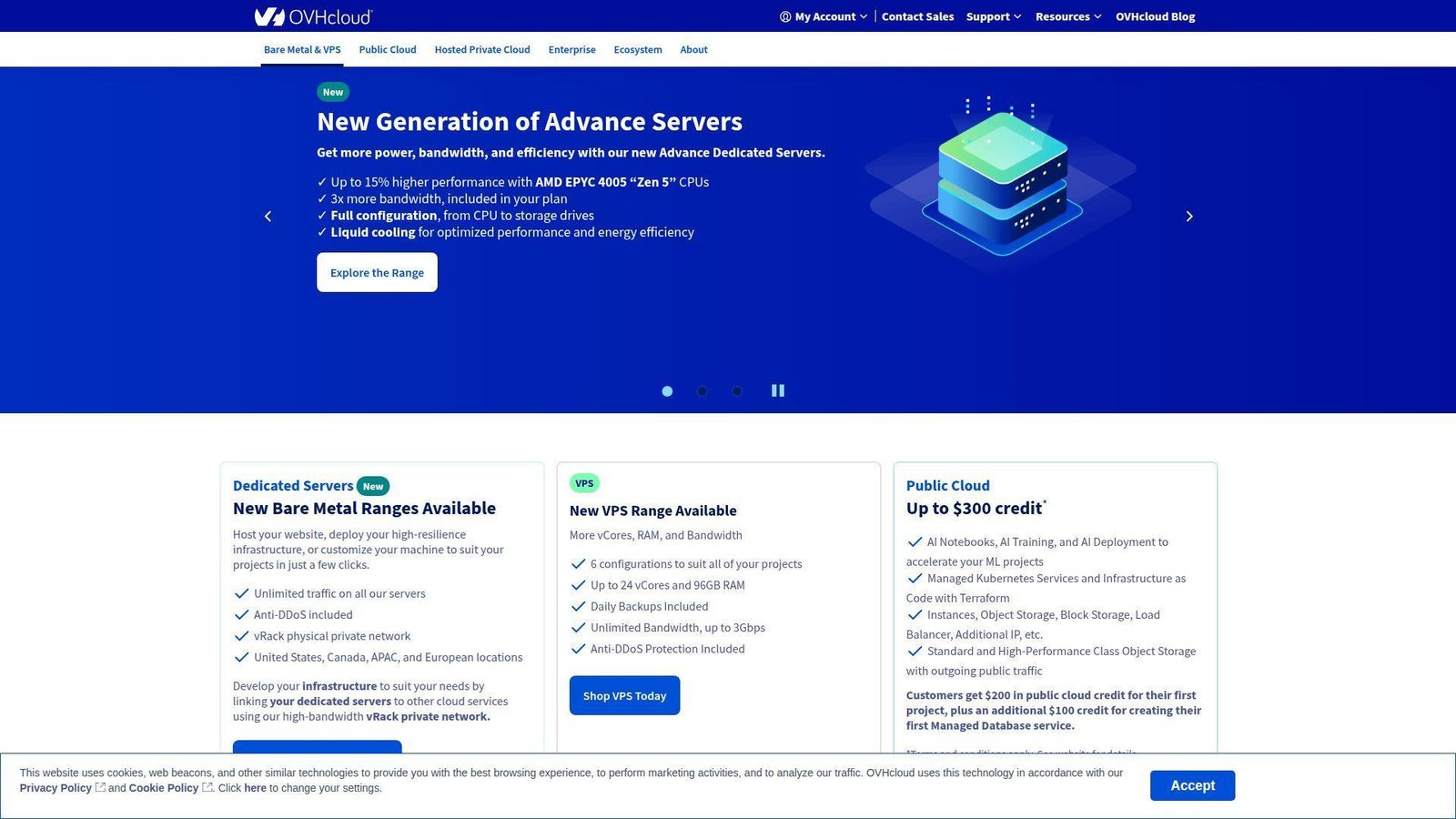
OVHcloud comes from the infrastructure side, with a team that thinks hard about price and control. We do not see it as a builder. We see it as a budget host with a surprisingly useful starter lane.
Best for: cost-sensitive developers, small businesses that want cheap hosting.
- Low-cost starter hosting with WordPress setup → get a real site online without a big monthly commitment.
- Public cloud credit path → test workloads before locking into paid use.
- Predictable infrastructure pricing → plan growth without surprise jumps from flashy builder tiers.
Pricing & limits: From $1.04/mo for Starter web hosting. That tier includes 1 free domain, 1 GB of disk space, 2 email accounts, and WordPress installed.
Honest drawbacks: The beginner experience is rougher than Wix, Square, or Hostinger. Storage on the starter tier is tiny, so media-heavy sites hit limits quickly.
Verdict: If price is your first filter and you can tolerate a more technical setup, this helps you get a basic site live for almost nothing.
15. Hostinger
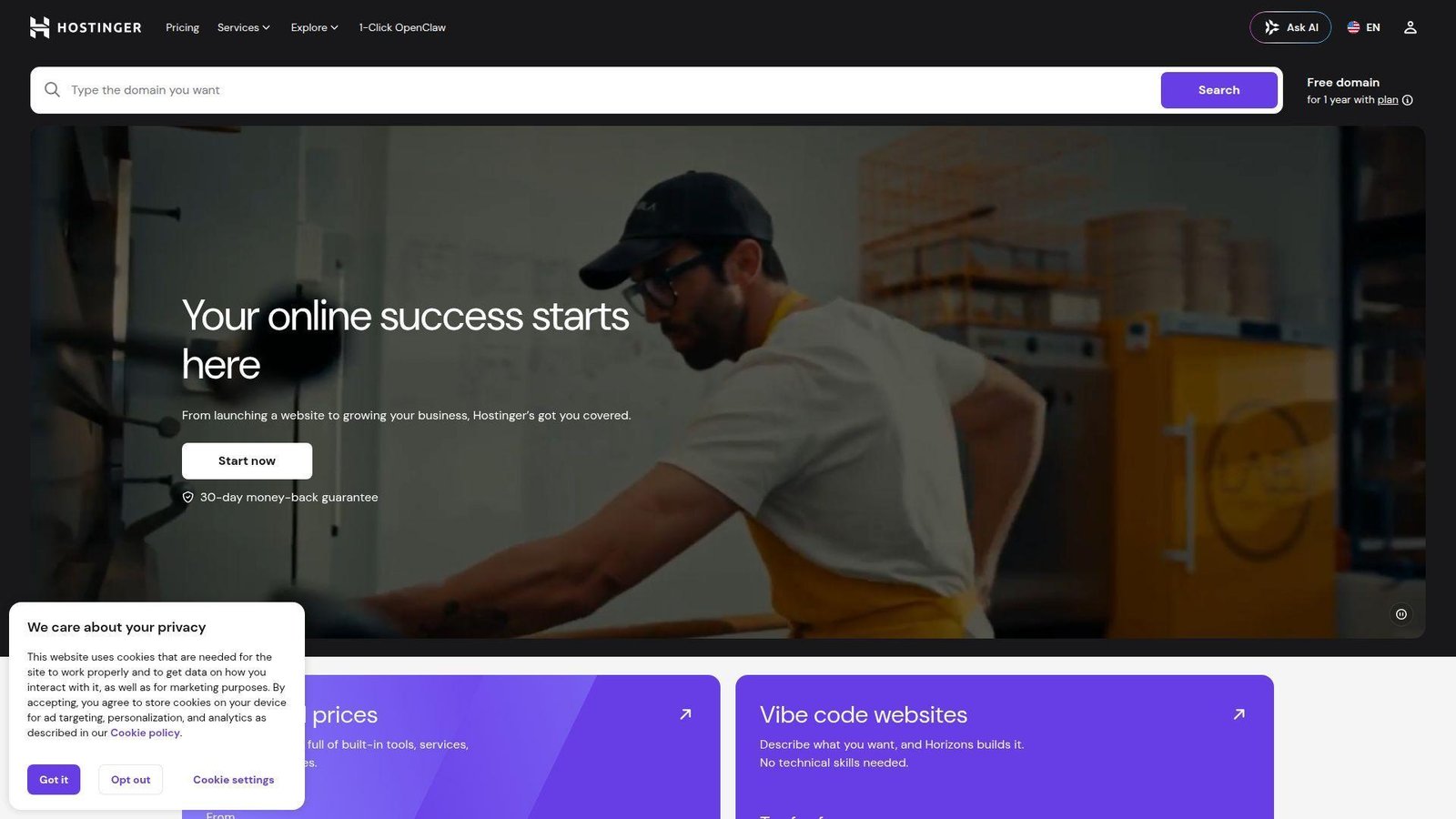
Hostinger is a mainstream hosting company with a product team that moves fast on beginner features. We often recommend it when “free website hosting” searches really mean “I want something cheap that will not break later.”
Best for: first-time site owners, budget small businesses.
- WordPress, builder, SSL, and migration tools in one plan → avoid a piecemeal setup.
- AI site and WordPress helpers → shave hours off copy, layout, and initial configuration.
- Clean onboarding and strong value pricing → first value usually lands in under an hour.
Pricing & limits: From $2.99/mo on Premium with long-term billing. It covers up to 3 websites, 20 GB SSD storage, a free domain for 1 year, and free SSL. There is no free-forever plan.
Honest drawbacks: The low entry price depends on longer commitments, and renewals climb later. It is cheap, but not truly free.
Verdict: If you want better long-run value than most free plans, this helps you launch cheaply without painting yourself into a corner.
16. Cloudways
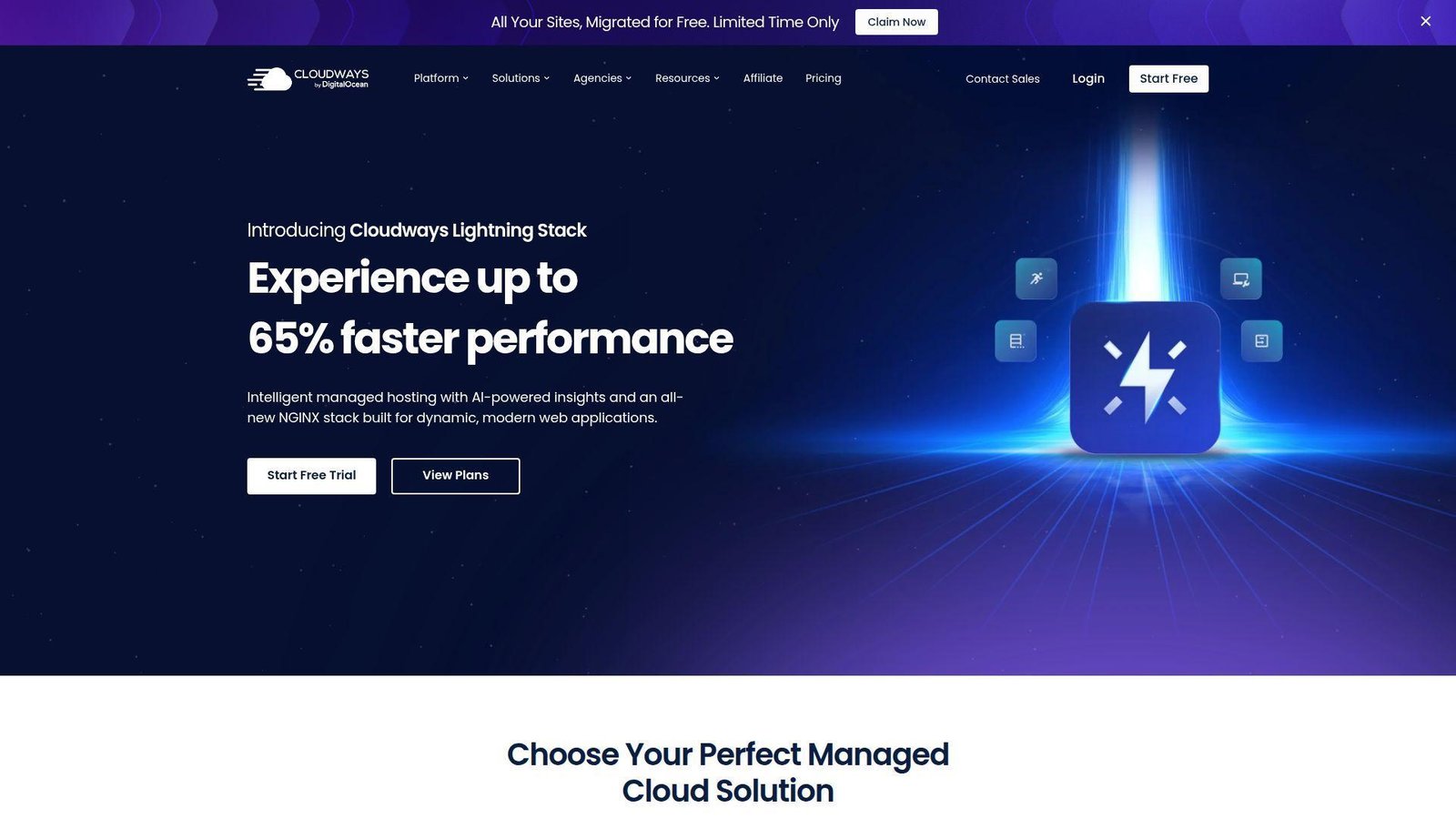
Cloudways is a managed cloud hosting team for people who want performance without becoming full-time server admins. We think of it as the practical middle ground between shared hosting and raw cloud.
Best for: agencies, WooCommerce or WordPress teams.
- One-click deployment on managed cloud servers → launch WordPress or PHP apps without hand-tuning the stack.
- Backups, migrations, caching, and security layers → save hours of recurring ops work each month.
- Server scaling and a familiar dashboard → get to usable production hosting in one short setup session.
Pricing & limits: From about $11/mo on entry plans. Cloudways offers a 3-day free trial with no credit card. Entry tiers vary by cloud provider and workload.
Honest drawbacks: This is not a drag-and-drop builder, and costs rise as traffic or team needs grow. It beats Hostinger on managed flexibility, but Pressable is stronger for pure WordPress support.
Verdict: If you have outgrown cheap shared hosting and want managed speed, this helps you upgrade without hiring a DevOps team.
17. Pantheon
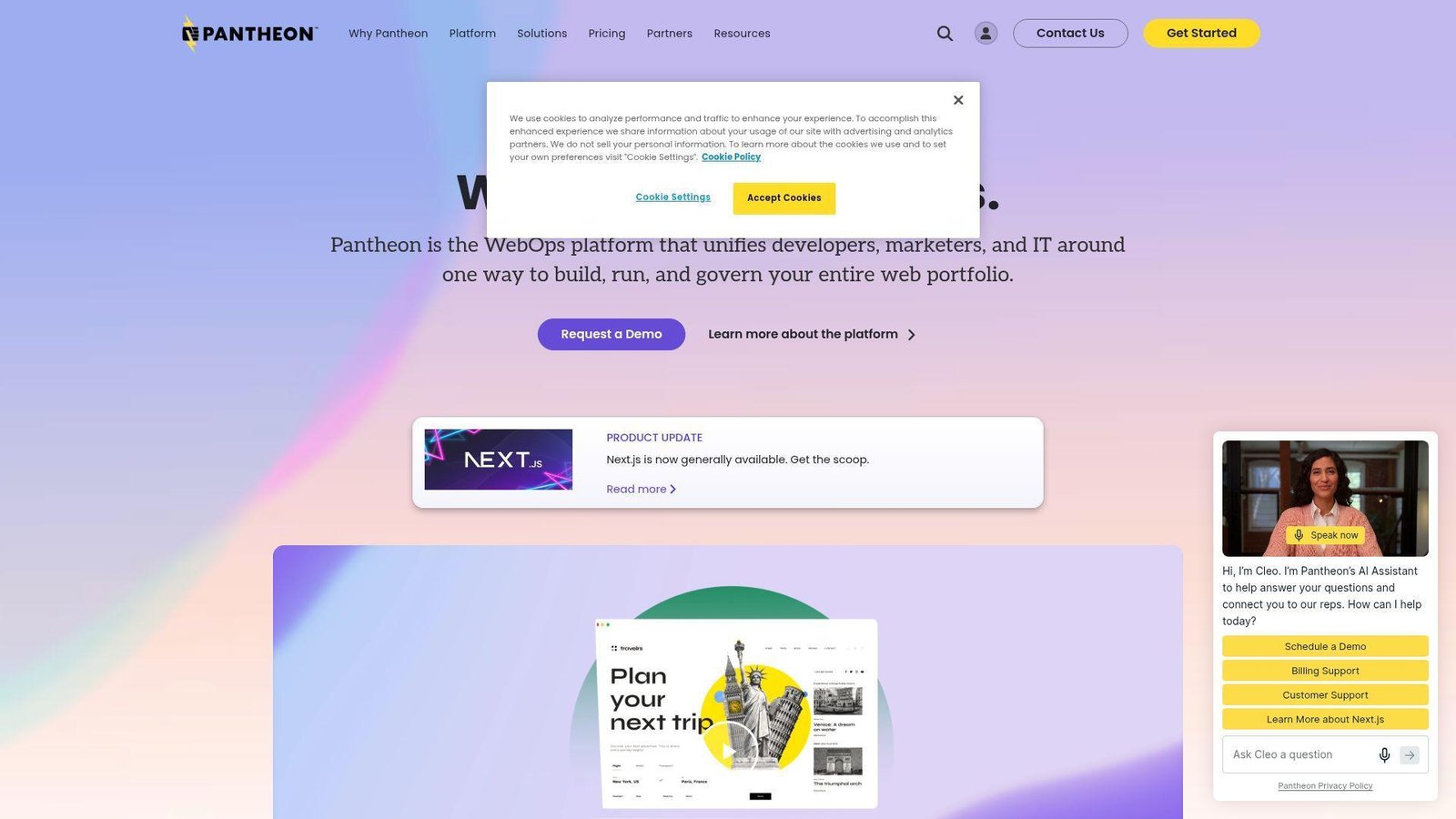
Pantheon is a WebOps platform built for structured WordPress and Drupal work. We respect it most when teams care about environments, workflows, and governance more than a pretty builder.
Best for: agencies, WordPress or Drupal dev teams.
- Dev, test, and live environments → cut release risk and give teams a safer publishing flow.
- Built-in version control, backups, and CDN → reduce manual deployment and rollback work.
- Free sandbox starting point → prove the platform before paying for production.
Pricing & limits: From $0/mo for a sandbox site. The free account is for development, not a live production site, so you need a paid site plan before connecting a public domain.
Honest drawbacks: It is too heavy and too expensive for most beginners. You are paying for workflow discipline, not beginner ease or low-cost hosting.
Verdict: If your team needs serious WordPress or Drupal process control, this helps you move faster with fewer release headaches.
18. DigitalOcean
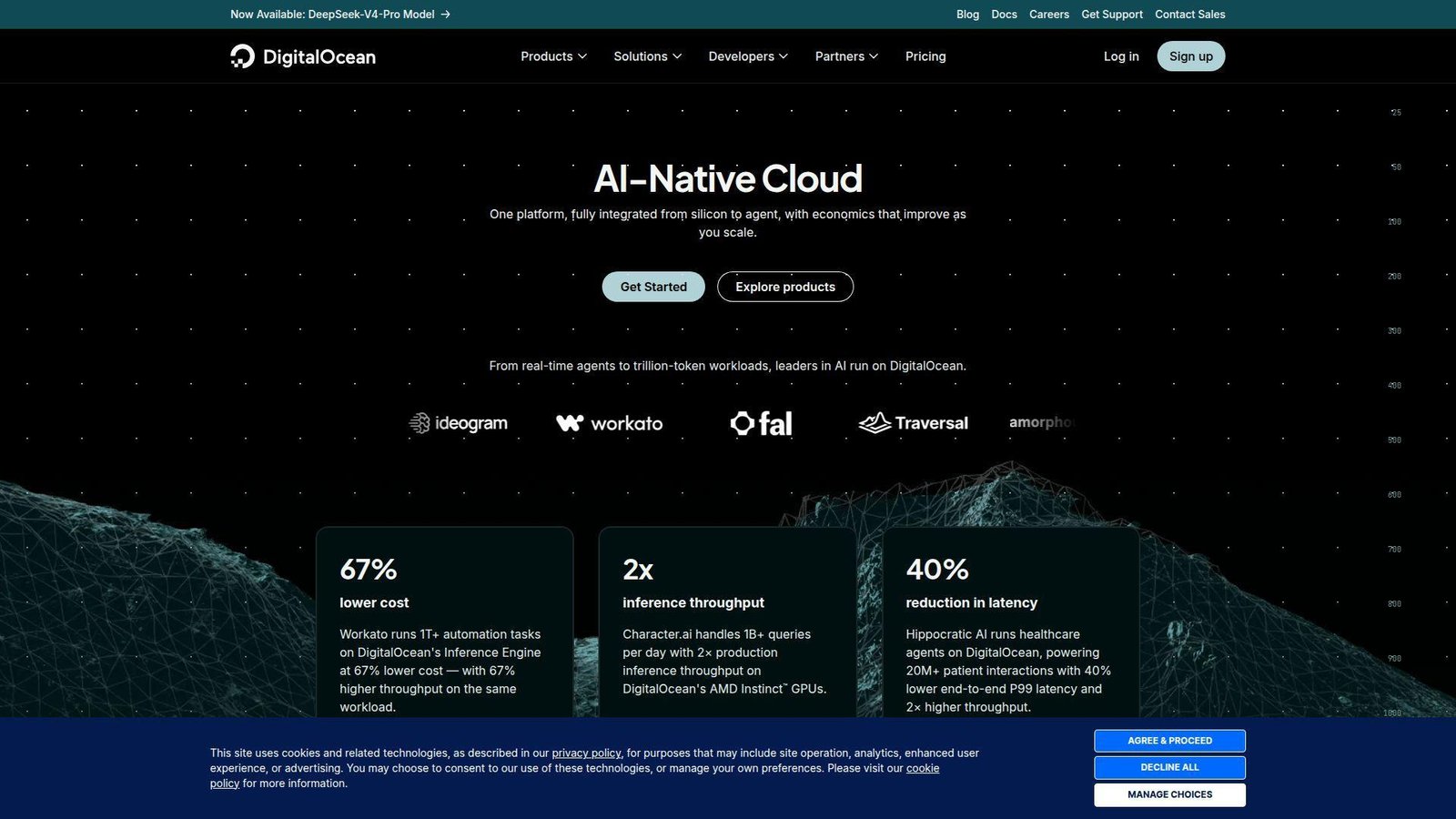
DigitalOcean is a developer cloud company that has gotten much better at lightweight app hosting. We like it when the site is simple, static, and owned by people comfortable with Git.
Best for: developers, technical founders.
- App Platform free tier for static sites → publish landing pages and docs without running servers.
- Git deploys, HTTPS, CDN, and custom domains → remove a lot of routine setup friction.
- Predictable paid path from static to app workloads → reach first value in a short afternoon.
Pricing & limits: From $0/mo on App Platform’s free tier. It covers up to 3 static site apps with 1 GiB of outbound transfer each. Paid apps start at $5/mo.
Honest drawbacks: There is no no-code editor, and the free tier is static-only. It beats Google Cloud on simplicity, but it still is not a beginner builder.
Verdict: If you build with Git and want free static hosting with a clean upgrade path, this helps you ship small sites quickly.
19. Pressable
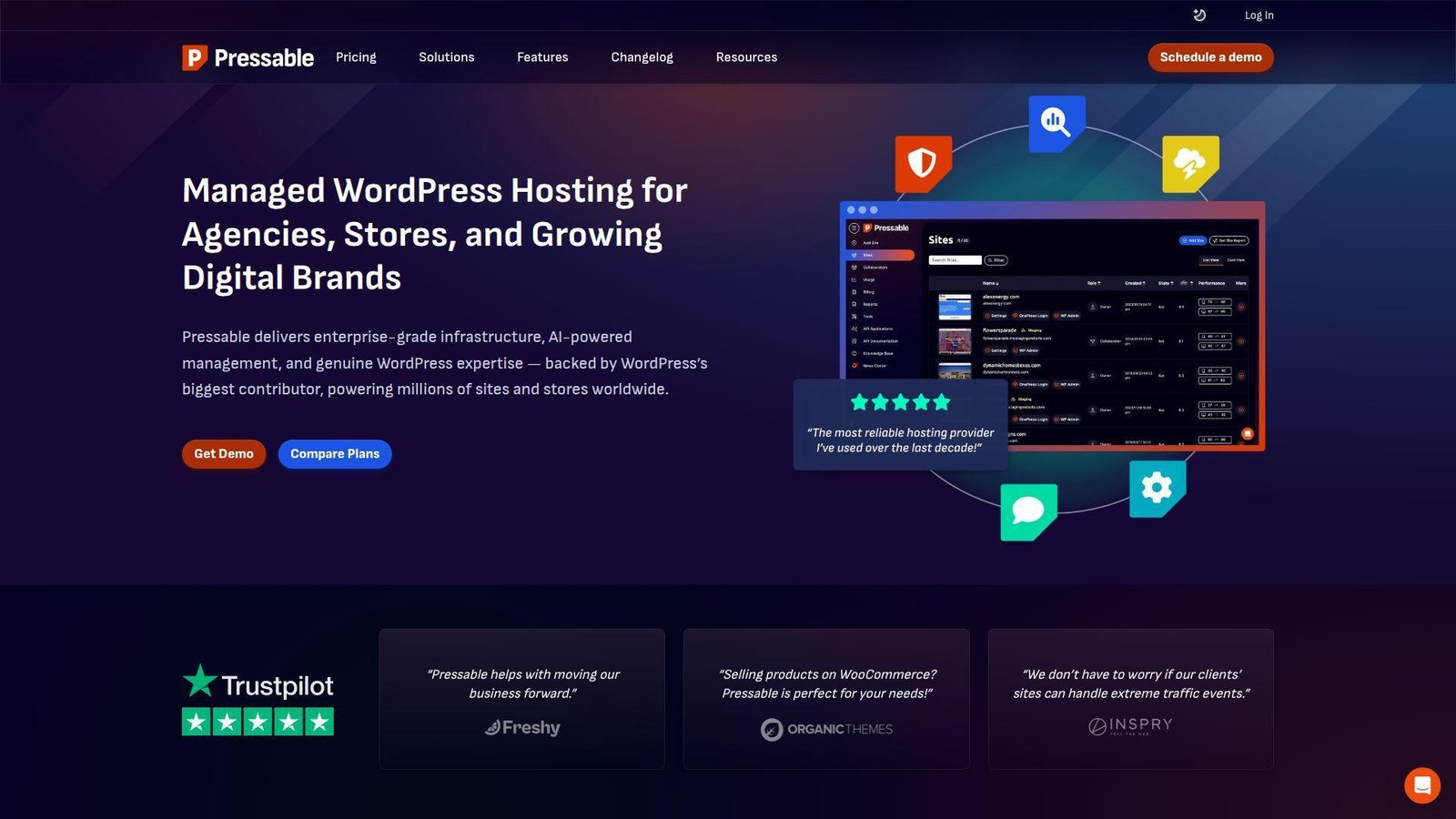
Pressable is an Automattic-backed managed WordPress host, and its team is unapologetically focused on WordPress and WooCommerce. We like it when support quality matters more than shaving every dollar.
Best for: agencies, growing WooCommerce brands.
- WordPress-only managed stack → spend less time patching, tuning, and debugging hosting issues.
- Staging, migrations, security, and expert support → cut a lot of recurring admin work.
- Clean migration path for client sites → reach first value the same day on many moves.
Pricing & limits: From $20.83/mo billed yearly on the entry Signature plan. That includes 1 WordPress install, 30K visits, and 20 GB storage. There is no free plan, but there is a 30-day money-back guarantee.
Honest drawbacks: Tiny projects will find it expensive, and non-WordPress stacks need to look elsewhere. It beats generic hosts on support, but not on entry price.
Verdict: If you run WordPress sites that affect revenue, this helps you buy peace of mind quickly.
20. Utho
Utho is a price-focused cloud server provider that pitches hard on better cost-to-performance than the hyperscalers. We see it as an interesting budget cloud option, not a beginner website builder.
Best for: startups, developers testing cloud servers on a budget.
- Fast server deployment → spin up infrastructure in seconds instead of waiting through manual provisioning.
- Free trial credit plus predictable pricing → test workloads before making a real monthly commitment.
- Simple resize options → change server size without a full rebuild.
Pricing & limits: From about $19.4/mo for a 2 vCPU, 4 GB RAM, 80 GB SSD example server. New users can use a free trial credit for the first 30 days, but a credit card is required.
Honest drawbacks: Docs, ecosystem depth, and community mindshare are thinner than DigitalOcean or Google Cloud. Nontechnical users will still need help getting a website stack running.
Verdict: If you want low-cost cloud compute more than a visual site builder, this helps you test and deploy cheaply.
Recommended reading: Top 20 Best Website Builder Platforms for Your Next Site
How Free Website Hosting Options Compare
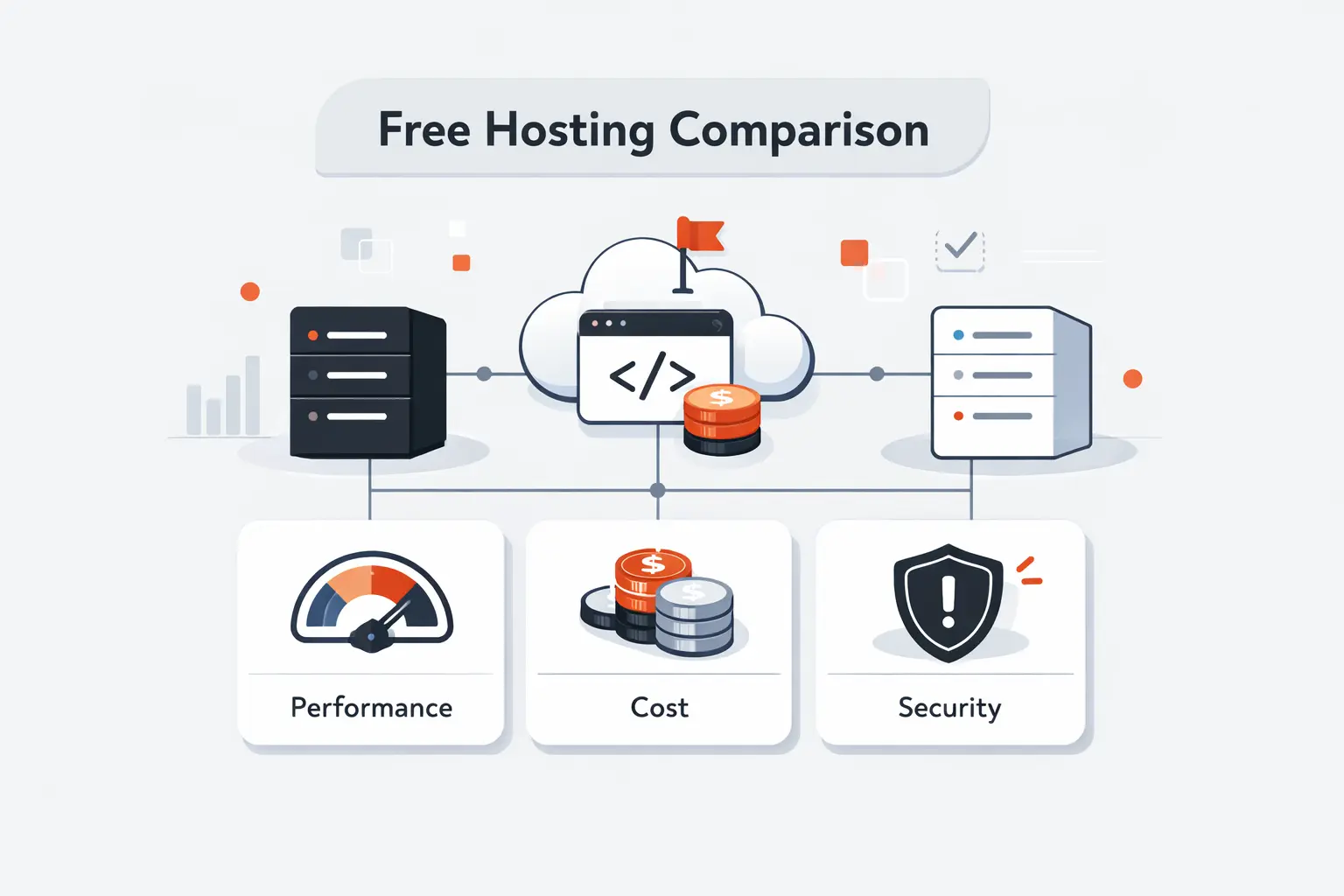
We think the real line is not free versus paid. It is packaged simplicity versus raw control. Once you see that, the list above stops looking random and starts looking useful.
1. All-in-One Builders vs. Standalone Hosts
All-in-one builders bundle the editor, hosting, SSL, templates, and updates into one account. Wix, WordPress.com, Square Online, Weebly, Jimdo, Shopify, and 10Web all live in that world. Standalone hosts give you storage, databases, file access, and maybe an installer. InfinityFree, ByetHost, Freehosting.com, AccuWeb, OVHcloud, DigitalOcean, and Google Cloud sit closer to that side.
Builders win when the user is a shop owner, coach, writer, or local business owner. Hosts win when the user wants WordPress plugins, custom code, or repeatable test installs. We rarely put a florist on Google Cloud Storage. We rarely put a dev sandbox on Wix.
2. Free Plans, Free Trials, and Low-Cost Upsells
Free forever plans are real, but they often cap branding, domains, or storage. Trials are different. 10Web, Shopify, Cloudways, and Utho give you a taste of the full product, then ask for payment. Pantheon gives you a sandbox, which is useful, but it is not the same thing as a live business site.
Low-cost plans from Hostinger or OVHcloud often beat both because they remove the constant friction. In our work, that friction is the hidden tax that matters most. A cheap plan can save more time than a “free” plan saves money.
3. Custom Domains, Branded Subdomains, and Free Domain Bundles
Subdomains are fine for testing and rough validation. They are poor for trust once a site appears on invoices, menus, or business cards. A bundled domain can help, but it is usually a first-year perk, not a permanent freebie.
We tell clients to decide early whether the site is a draft or a real public brand. That one choice narrows the platform list fast. If the site is public and customer-facing, the domain question should not wait long.
Recommended reading: Top 20 Free AI Flyer Generator Tools for Fast, Professional Designs
Key Features to Evaluate in Free Website Hosting
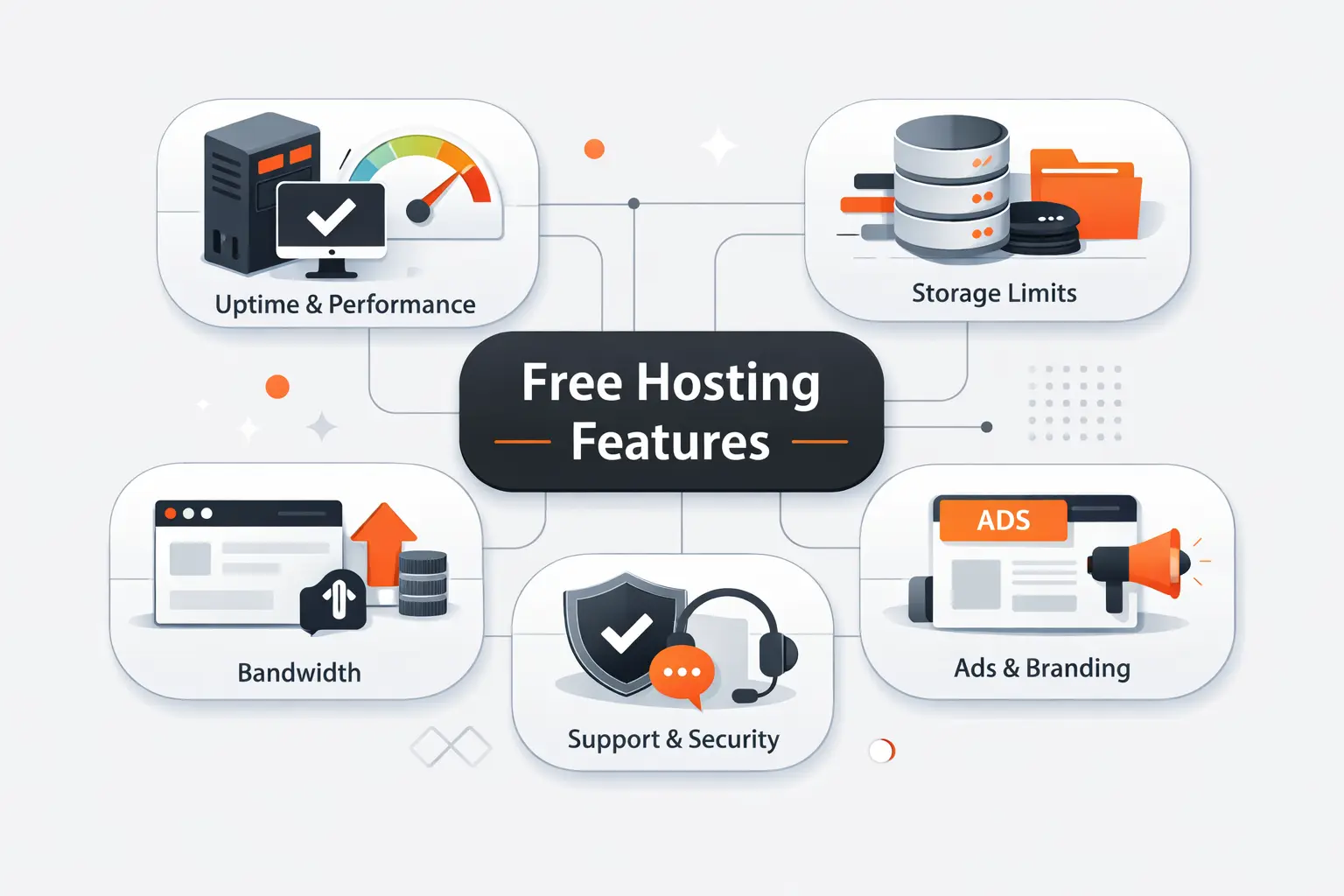
Free website hosting looks similar on landing pages. It behaves very differently after week two. We tell buyers to examine the boring stuff first, because the boring stuff decides whether the site survives real use.
1. Uptime and Reliability
Uptime sounds boring until a customer taps a dead link. Builders like Wix, Shopify, and WordPress.com carry most of the infrastructure burden for you. Free hosts can still be useful, but they are better for sandboxes than revenue pages.
We look for clear upgrade paths, backups, and sane support before we care about giant feature grids. A perfectly free site is still expensive if it is down when someone scans your QR code.
2. Storage, Bandwidth, and Traffic Limits
Storage limits matter most on image-heavy sites. Bandwidth matters once traffic or file size climbs. A text-only blog can live comfortably on a small plan. A portfolio with raw photography or a store with many product shots hits ceilings much faster.
We also watch for “unlimited” language. In practice, fair use and resource throttles often matter more than the headline. If the admin area already feels slow, the public site will not age gracefully.
3. Custom Domains, Subdomains, and Branding
Custom domains change how serious a site feels. They also make email, search visibility, and word of mouth easier. Free website hosting often delays this step on purpose, because that upgrade is the easiest sale in the stack.
If the site needs to look established, we solve the domain question early. That choice often moves the recommendation from a free builder to a low-cost host fast.
4. Security, SSL, and Malware Protection
Free SSL is table stakes now. The bigger questions are backups, malware scanning, patching, and how much damage a bad plugin can do. Builders reduce risk by owning more of the stack.
Raw hosts give you more control, but they also give you more ways to forget something important. We never recommend a fragile free host for checkout flows or sensitive forms.
5. Ease of Use, Templates, and AI Builders
Ease beats flexibility at the start. Most beginners do not need perfect control. They need momentum. Wix, Jimdo, Square, and Weebly reduce choices so the site gets published.
Tools like 10Web push this further with AI. That is useful for drafts. It is not magic. We treat AI output as a starting point, not finished work.
6. Support, Control Panels, and App Installers
Support quality shows up on the worst day, not the first day. Forum-only help is fine for school projects. It is rough when a store goes down or DNS breaks before an event. We also pay attention to the panel itself.
A clean dashboard or a good one-click installer can save more time than a long features list. If you are choosing between two similar tools, support usually breaks the tie.
7. User Ratings, Review Volume, and Real-World Feedback
We read reviews for patterns, not hero stories. Usually the winners get praised for onboarding, templates, and support, while the losers get dragged for lock-in, billing surprises, or unstable performance.
The same Gartner category view reinforces that point. Buyers reward tools that feel dependable in daily use. That matches what we see in client handoffs too.
Recommended reading: Top 20 AI Business Name Generators for Brand-Ready Ideas
Common Trade-Offs and Hidden Costs
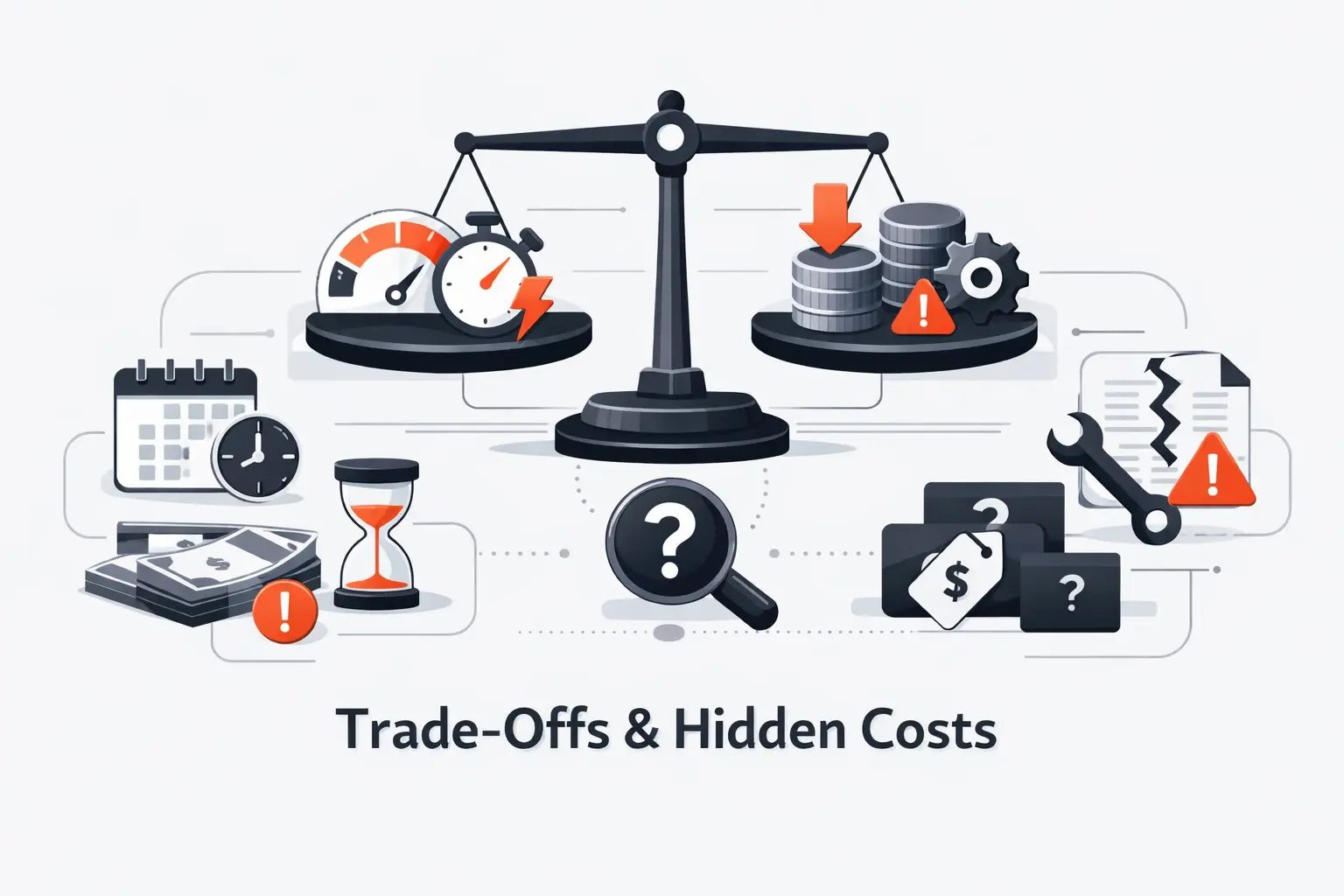
Free website hosting always charges something. If not money, then it charges in branding, time, limits, or migration pain. We would rather name those costs early than let them ambush you later.
1. Ads, Branded Subdomains, and Free-Plan Limitations
Ads and branded footers are the most visible cost of free website hosting. They make a personal test page look acceptable, but they make a business page look rented. Branded subdomains do the same thing.
We are fine with that during validation. We are not fine with it once the site becomes part of your brand. The moment someone prints the URL, these limits start to feel expensive.
2. Performance Caps, Storage Ceilings, and Traffic Restrictions
The sneakier problem is performance. Some free hosts run well until a plugin-heavy WordPress install, image gallery, or traffic spike hits CPU and file limits. Then dashboards slow down, pages time out, and debugging starts.
That is why “free” can get expensive in staff time. The user feels the slowdown before the platform admits the cap.
3. Upsells for Domains, SSL, Ecommerce, and Support
Domains, email, checkout features, backups, premium templates, and support are where many platforms make their money. None of that is wrong. It just means the real comparison is not monthly price alone.
We compare the full path from first page to working business website. Many tools are cheap to publish on. Far fewer stay cheap once you need a site that works like part of the business.
Recommended reading: Top 20 Canva Alternatives for Creators, Marketers, and Small Businesses
Best Free Website Hosting by Use Case
No single provider wins every use case. We match the platform to the first serious job the site must do, because that job exposes the platform’s weak spots fast.
1. Ecommerce Stores and POS-Connected Businesses
For a truly free start, we prefer Square Online for local shops, restaurants, and service businesses already using Square. It keeps catalog, payments, and orders in one place. That is a big deal for small teams.
Shopify is stronger once the business is product-led and ready to scale. Weebly works for simpler stores, but it no longer sets the pace. If the store is your business, not just a side tab, Shopify or Square usually wins.
2. Blogs, Writers, and Content-First Sites
For writers and content-first teams, WordPress.com is still our cleanest pick. The publishing flow is mature, and the structure ages well. Wix works if the site is more visual than editorial.
If you want AI help and WordPress under the hood, 10Web is interesting. Still, it behaves more like a trial-driven managed platform than a classic free publishing home.
3. Portfolios, Hobby Sites, and Small Local Businesses
For portfolios and brochure sites, Wix is the easiest recommendation. Jimdo is good when the user wants guided simplicity. Weebly still makes sense for very plain sites that should stay plain.
If the project is more of a hobby lab than a brand asset, InfinityFree, ByetHost, or Freehosting.com can be enough. We just would not confuse a hobby lab with a public-facing business site.
4. WordPress Sites, Agencies, and Managed Hosting Needs
For WordPress learning, AccuWeb gives more real hosting muscle than most free offers. For agencies or client work, we would jump quickly to 10Web, Cloudways, Pressable, or Pantheon depending the workflow.
This is where free website hosting often stops being smart savings and starts being false economy. Client sites need better support, better process, and fewer surprises.
5. Developers Testing CMS Installs and Custom Builds
Developers need to decide whether the project is static, CMS-based, or full server control. DigitalOcean is great for free static deployments. InfinityFree and ByetHost work for CMS experiments.
Google Cloud Storage, OVHcloud, and Utho suit teams that want infrastructure knobs, not template knobs. If the goal is learning or proof of concept work, that trade can be worth it.
When Free Website Hosting Is Enough and When to Upgrade
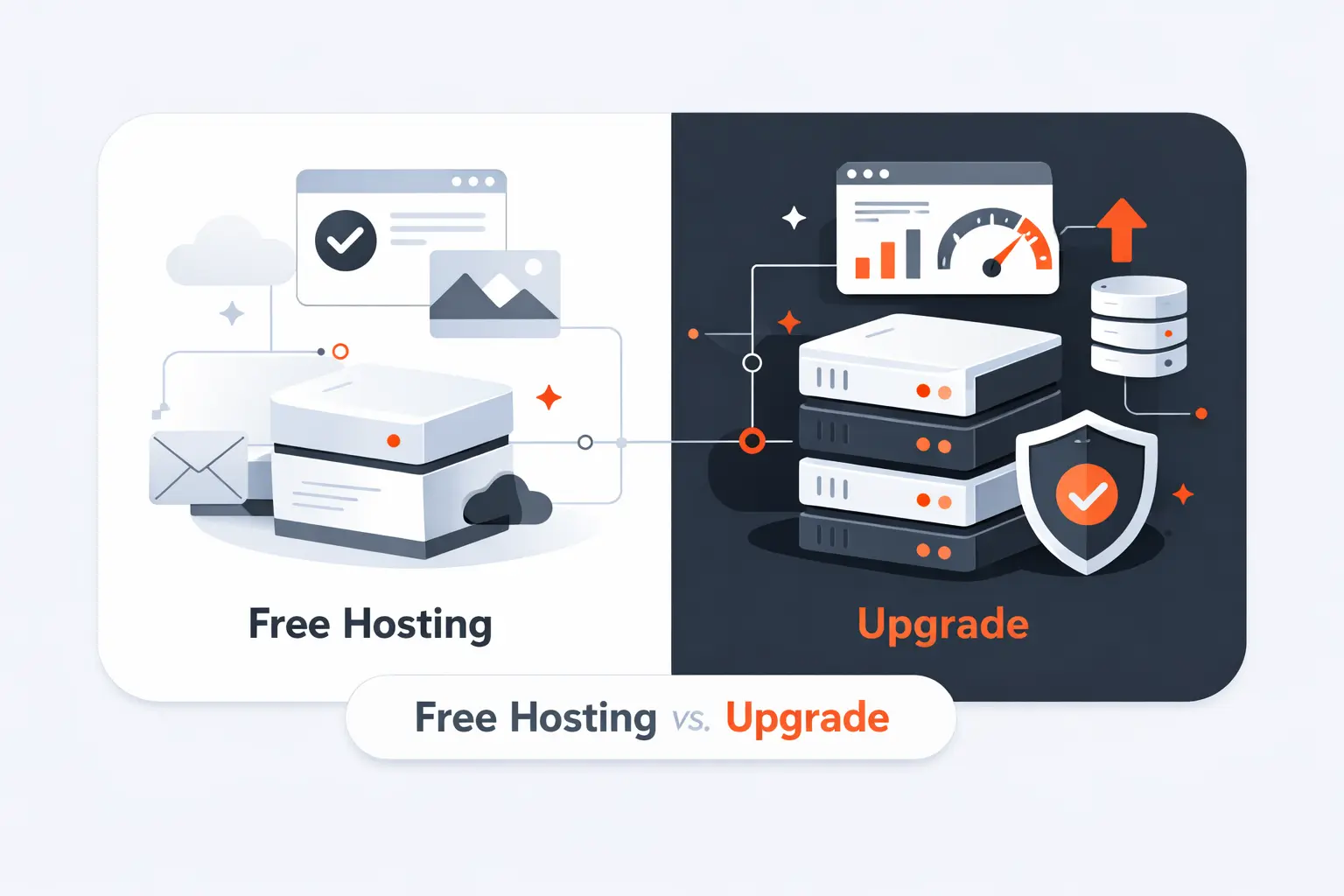
We are not anti-free. We are anti-wasting months on the wrong free plan. The goal is to buy time and clarity, not to trap yourself in a starter tier forever.
1. When a Free Plan Is Enough
A free plan is enough when the site is small, short-lived, or still proving demand. Think event pages, class projects, early portfolios, waitlists, internal demos, or a temporary business placeholder.
The shorter the shelf life, the better free website hosting looks. If the site only needs to exist long enough to test an idea, free is often the right move.
2. When Low-Cost Hosting Delivers Better Value
Low-cost hosting delivers better value once the site needs a real domain, better support, stable performance, and a cleaner brand impression. At that point, the problem is no longer “Can we publish?” It is “Can we trust this site?”
A small bill is often cheaper than hours of workarounds. That is the inflection point we watch most closely.
3. Signs It Is Time to Migrate or Rebuild
We tell clients to upgrade when they start apologizing for the URL, fighting storage ceilings, or bolting on workflows the platform never wanted to support. Slow dashboards, export pain, weak team permissions, or missing integrations are all signs.
If the site matters to revenue, delay becomes the expensive choice. Free website hosting should help you start, not stop you from growing.
FAQ About Free Website Hosting
These are the questions we hear most when clients ask us about free website hosting. The short answers help, but the pattern matters too: the right tool depends on whether you are publishing, selling, or testing.
1. Where Can You Host a Website for Free?
You can host for free on builders like Wix, WordPress.com, Square Online, Weebly, and Jimdo if you accept a branded subdomain. You can also use host-style options like InfinityFree, ByetHost, Freehosting.com, and AccuWeb if you want more control. For developers, DigitalOcean, Google Cloud, and Pantheon offer free tiers or sandboxes rather than classic free business hosting.
2. Is Wix Really Free for Hosting and Building a Site?
Yes. Wix lets you build and publish on a free plan with hosting included. The catch is that the site carries Wix branding, uses a Wix subdomain, and keeps tighter resource limits. That makes it good for testing, portfolios, and rough first versions. It is less ideal once the site needs a custom domain or a more polished brand presence.
3. Which Free Website Hosting Option Is Best for Beginners?
For most beginners, we point to Wix first because it is visual and fast. WordPress.com is our pick for writers and content-heavy sites. Square Online is the best beginner lane for people already taking payments through Square. If someone wants to learn real hosting instead of using a builder, AccuWeb or ByetHost is a better classroom.
4. Is a 100% Free Website Possible?
Yes, but it usually means trade-offs. You can publish without paying when you accept a platform subdomain, lighter storage, and limited support. The minute you want a custom domain, branded email, stronger ecommerce, or premium support, costs start showing up. So yes, a fully free site is possible. A fully free serious business site is much rarer.
5. Can You Use a Custom Domain With Free Website Hosting?
Sometimes. Most free builders reserve custom domains for paid plans. Some host-style options, like AccuWeb and ByetHost, give more flexibility here. We still urge people to read the fine print. Domain connection, domain renewal, and domain privacy are often separate costs even when the hosting looks free at first glance.
6. What Are the Biggest Limits of Free Website Hosting?
The biggest limits are usually branding, weaker support, lower performance, fewer integrations, and migration friction. Storage and bandwidth matter, but they are not the only constraint. Sometimes the real wall is simple. You cannot remove the platform badge, connect the right domain, or install the tool your workflow needs.
7. When Should You Upgrade From Free to Paid Hosting?
Upgrade when the site starts carrying brand, revenue, or operational weight. If customers rely on it, if staff update it, or if slowdowns and workarounds eat your time, the free tier has done its job. That is the point where reliability and ownership matter more than squeezing the bill to zero.
How TechTide Solutions Helps Build Custom Software and Web Solutions
At TechTide Solutions, we often meet clients after the free plan did its job. It proved the idea. Then the business outgrew the box. That is where custom work starts paying for itself.
1. Custom Websites That Move Beyond Template and Subdomain Limits
We build websites that stop feeling borrowed. That means your own domain, your own content model, and a front end shaped around your brand instead of a template’s assumptions. Sometimes that is a lightweight marketing site. Sometimes it is a custom CMS or a headless setup. Either way, we design for the workflow you actually have, not the one a free builder wishes you had.
2. Tailored Web Apps, Integrations, and Scalable Back Ends
Many businesses outgrow free website hosting because the website is no longer just pages. It needs booking, quoting, inventory sync, customer portals, dashboards, or links into a POS, CRM, or ERP. That is our lane. We build the back-end logic and integrations that glue those systems together so the site stops being a silo.
3. Migration Paths From Free Website Hosting to Custom Solutions
We also handle the awkward middle step. A business may start on Wix, Square, WordPress.com, or Shopify and then need more control without losing content, traffic, or search visibility. We plan exports, redirects, design refreshes, and phased launches so the move feels deliberate, not chaotic. If needed, we can keep the old site stable while the new one comes online.
Final Thoughts on Free Website Hosting
Free website hosting is enough when speed and learning matter more than polish. It is not enough when brand trust, selling, workflow depth, or long-term ownership start to matter. We tell clients to choose the lightest platform that can survive the next stage, not just the next hour.
That usually means a builder for simple public pages, a free host for learning or dev tests, and a paid or custom solution once the site becomes part of the business engine.
If you want help narrowing this list to the best two or three options for your exact project, why not tell us what you are building next?

