Free digital business cards sound simple, but choosing the right one is not. At TechTide Solutions, we look past the QR code and ask tougher questions. Does the card open in a browser without an app, can you update details instantly, and will it support your team later? Those details separate a real networking tool from a novelty.
We are also seeing the behavior behind this category move fast. Gartner says at least 500 million smartphone users by 2026 will regularly make verifiable claims through a digital identity wallet, which makes wallet-ready contact sharing a lot less niche than it used to be. In our own client work, that shows up in small moments, from a recruiter sharing a card at a campus fair to a sales rep dropping a QR code into a Zoom background after a demo.
This guide is our decision-first review of the best free digital business cards. We compare the actual free tier, no-app viewing, branding control, lead capture, security, and how easy it is to grow from one personal card to a team rollout.
Quick Comparison of Free Digital Business Cards
If you only want the shortlist, start here. We would test Blinq, HiHello, Wave Connect, and Popl first, then match the rest to a more specific need like hardware, AI scanning, or design freedom.
| Tool | Best for | From price | Trial/Free | Key limits |
|---|---|---|---|---|
| Blinq | All-around solo and team use | $0/mo | Free forever | CRM, analytics, and admin tools sit on paid tiers |
| HiHello | Contact-focused professionals | $0/mo | Free forever | Best team controls are not in the free tier |
| Wave Connect | No-app wallet sharing | $0/mo | Free forever | Deeper team governance is separate |
| Popl | Event booths and sales teams | $0/mo | Free plan | Team pricing is custom and more sales-led |
| Mobilo | NFC plus digital workflows | $0/mo | Free digital card | Best value shows up with hardware or team plans |
| Spreadly | GDPR-minded SMBs | $0/mo | Free forever + paid trial | CRM, AI scan, and branding are paid |
| ClickCard | Low-cost polished cards | $0/mo | Free plan + 3-day trial | Enterprise features are custom |
| Uniqode | QR analytics and enterprise rollouts | $0 to start | Free start / free trial | Bulk admin and advanced branding need higher tiers |
| Lynqu | AI scan and follow-up | $0/mo | Free plan + 7/14-day trials | Free plan is limited to one card |
| eylet | No-subscription NFC sharing | $0/mo software | Free platform | Hardware costs extra and integrations are lighter |
Recommended reading: Top 20 Best Website Builder Platforms for Your Next Site
Top 20 Free Digital Business Cards for Professionals and Teams
Below is how we would actually shop this category. We do not rank these tools by who has the prettiest homepage. We rank them by how usable the free plan is, how easy the card is to share, what happens after someone scans it, and whether the tool has a believable path to team use.
1. Blinq
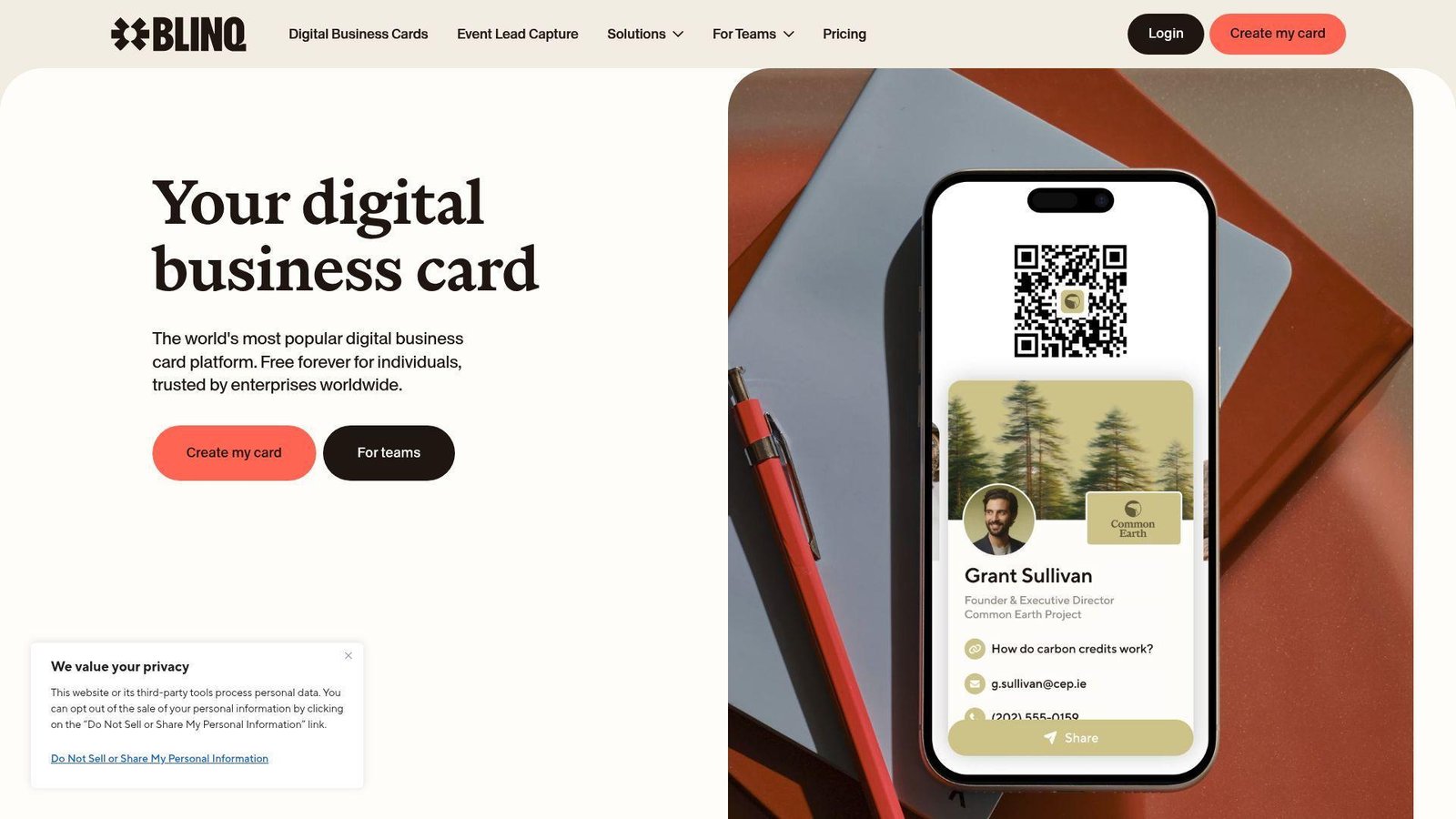
Blinq feels like the most complete all-rounder in this category. The company has pushed well past the basic QR profile and built a platform that works for individuals, sales teams, and larger organizations. We like that the product team thinks about the full sharing surface, not just the card page itself. Best for: consultants and growing sales teams that want a free digital business card now, with room to add admin controls later.
- Multiple cards, unlimited links, and instant updates → you can keep separate cards for prospecting, recruiting, and personal networking without rebuilding from scratch.
- CRM sync, notes, tags, and event-friendly lead capture → teams can cut a 4-step post-meeting follow-up into one same-day handoff.
- Wallet, smartwatch, widget, email signature, and virtual background support → most users can publish a usable card in about 5 minutes.
Pricing & limits: From $0/mo. Blinq is free forever for individuals. Paid tiers add stronger branding, analytics, CRM integrations, and team management. The public page is clear on the free personal tier, but less clear on exact plan boundaries for larger buying decisions.
Honest drawbacks: pricing transparency is weaker than ClickCard or CardGit. If you only want a very simple link and QR code, the wider feature set can feel bigger than you need.
Verdict: If you want one tool that starts free and still makes sense when your team grows, Blinq helps you launch fast and avoid a migration later.
2. HiHello
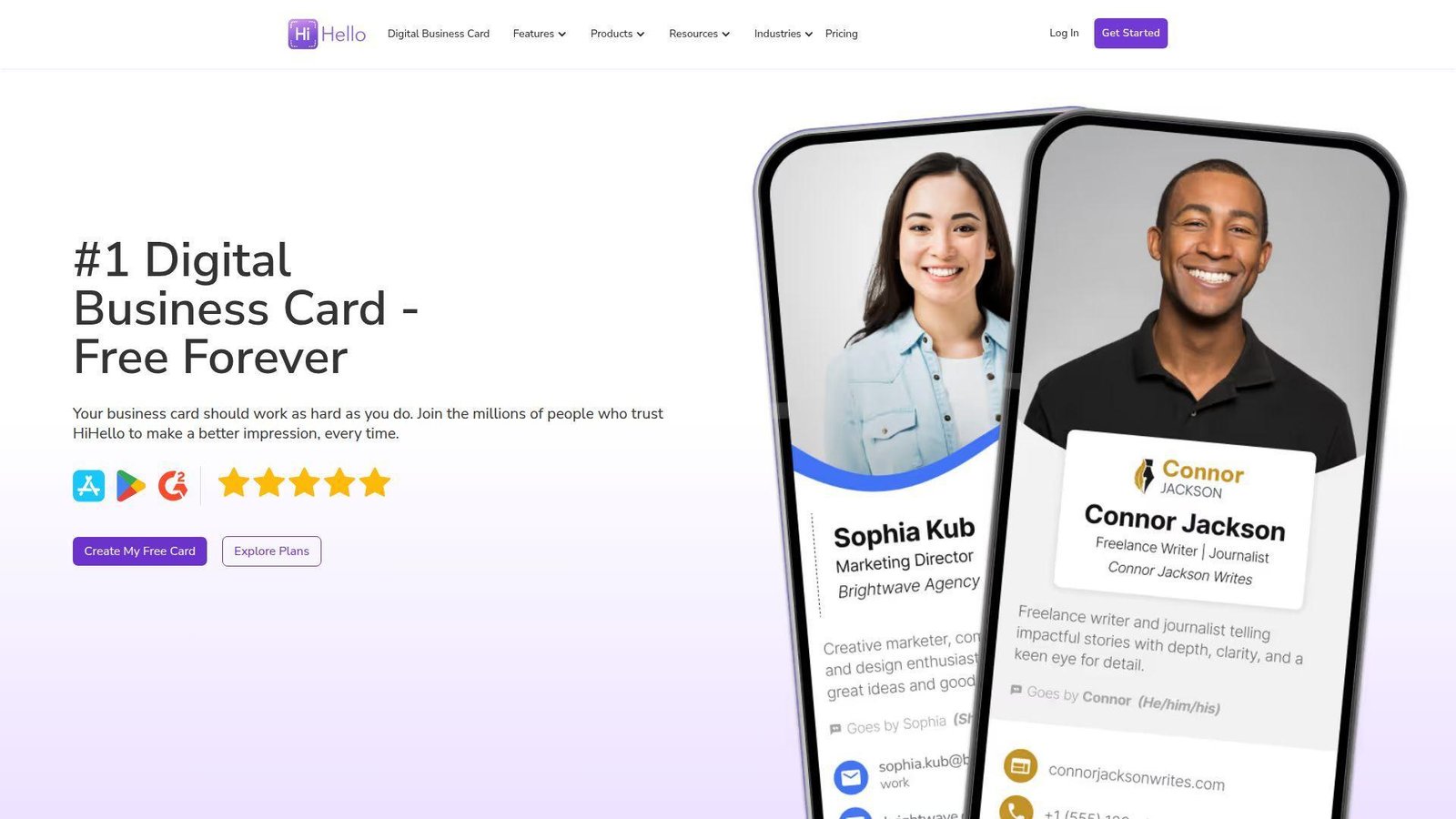
HiHello has been one of the best-known names in digital business cards for good reason. The product is polished, contact-centric, and clearly designed for both individuals and admins. We see it as a strong choice when relationship follow-up matters as much as the initial share. Best for: recruiters and client-facing professionals who want a clean card plus a strong contact manager.
- Well-designed digital cards with scanner and contact tools → it is easier to keep business contacts organized after meetings, not just shared once.
- Salesforce, HubSpot, Google Workspace, Outlook, and identity integrations → teams can remove several copy-paste steps from onboarding and follow-up.
- Polished mobile and web experience → most solo users can get to a presentable first card in about 10 minutes.
Pricing & limits: From $0/mo, with a free forever personal tier and higher professional, business, and enterprise options. The public feature page clearly points to paid tiers, though exact free-plan caps are not as visible as we would like.
Honest drawbacks: HiHello is less event-heavy than Popl or Mobilo. If your main need is trade show capture or hardware-first NFC workflows, other tools are a better fit.
Verdict: If you care about turning a first meeting into a cleaner, more organized relationship follow-up process, HiHello does that better than most free-first rivals.
3. Wave Connect
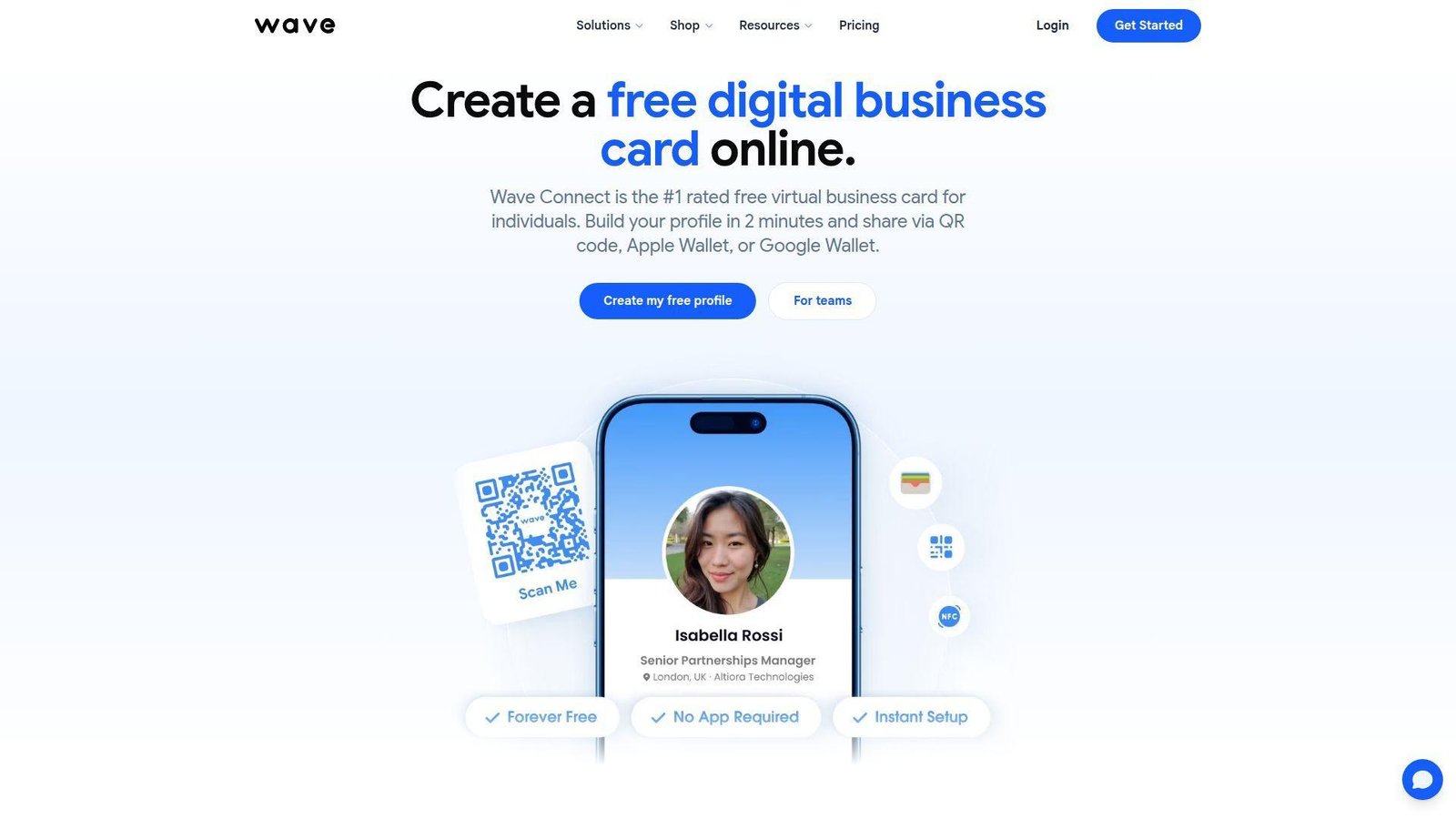
Wave Connect takes a stance we strongly agree with, the recipient should not need an app. The company leans hard into browser sharing, Apple Wallet, and Google Wallet, which makes the free plan unusually practical. We think that focus is why it stands out for day-to-day networking. Best for: solo consultants and small firms that want no-app digital business cards with strong wallet support.
- Browser-first cards plus Apple and Google Wallet sharing → your card opens on almost any phone with less friction in live conversations.
- Included contact export and light analytics → you can turn a 3-step follow-up routine into a quick export or direct save flow.
- Simple profile builder → most users can have a working card live in about 2 to 5 minutes.
Pricing & limits: From $0/mo. The free plan includes wallet access, unlimited sharing, and contact export. Paid team and enterprise options exist for deeper control, but the individual page is clearly built around free solo use first.
Honest drawbacks: it is lighter on native AI, CRM depth, and event capture than Spreadly, Popl, or Blinq. The design experience is practical more than expressive.
Verdict: If your main goal is fast, frictionless sharing without asking anyone to install anything, Wave Connect is one of the smartest free picks on the market.
4. Popl
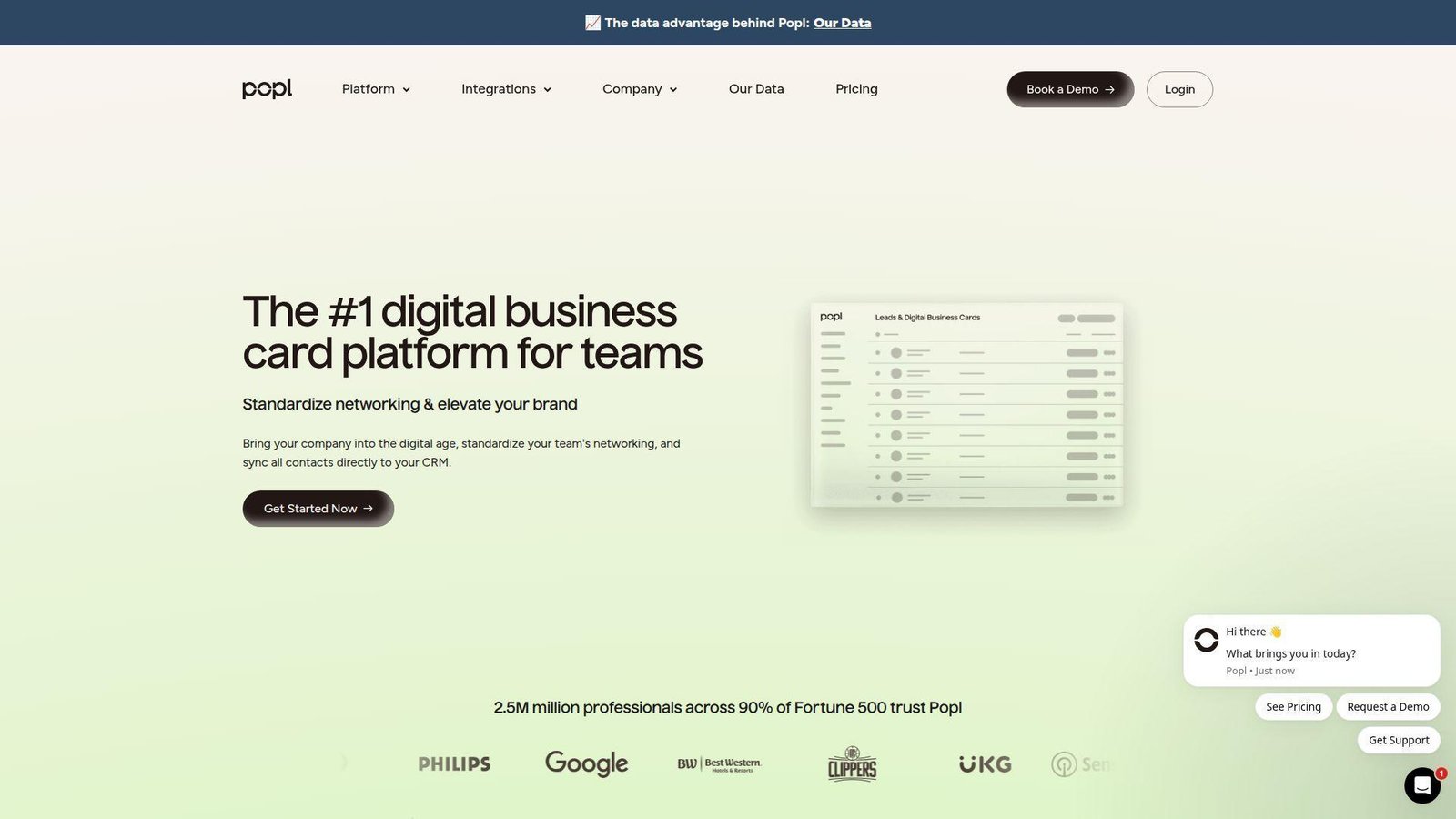
Popl feels like a networking platform that grew up around events and sales teams, not just digital cards. That changes the product in important ways. The card is only one part of the system. Lead capture, admin control, and HR-driven management sit much closer to the center. Best for: field sales teams and event marketers who care about capturing leads, not just passing along contact info.
- Event-oriented card flows and lead capture tools → booth staff and reps can turn quick scans into real follow-up lists instead of loose contacts.
- HR integrations and card reassignment controls → ops teams can remove 3 to 5 manual steps when employees join, move roles, or leave.
- Free individual card plus scalable team setup → solo users can start fast, while larger rollouts can be organized in a single admin process.
Pricing & limits: From $0/mo for individuals. Popl also offers higher individual plans, while team pricing is more custom and usage-oriented. That works for sales ops teams, but it is less helpful if you want one tidy public price list.
Honest drawbacks: Popl is overbuilt for a freelancer who only wants a link and QR code. Pricing is also less transparent than ClickCard, CardGit, or BizLinker.
Verdict: If your networking happens at trade shows, conferences, or on the road, Popl helps you capture contacts and move them into follow-up much faster than a simple free card app.
5. Mobilo
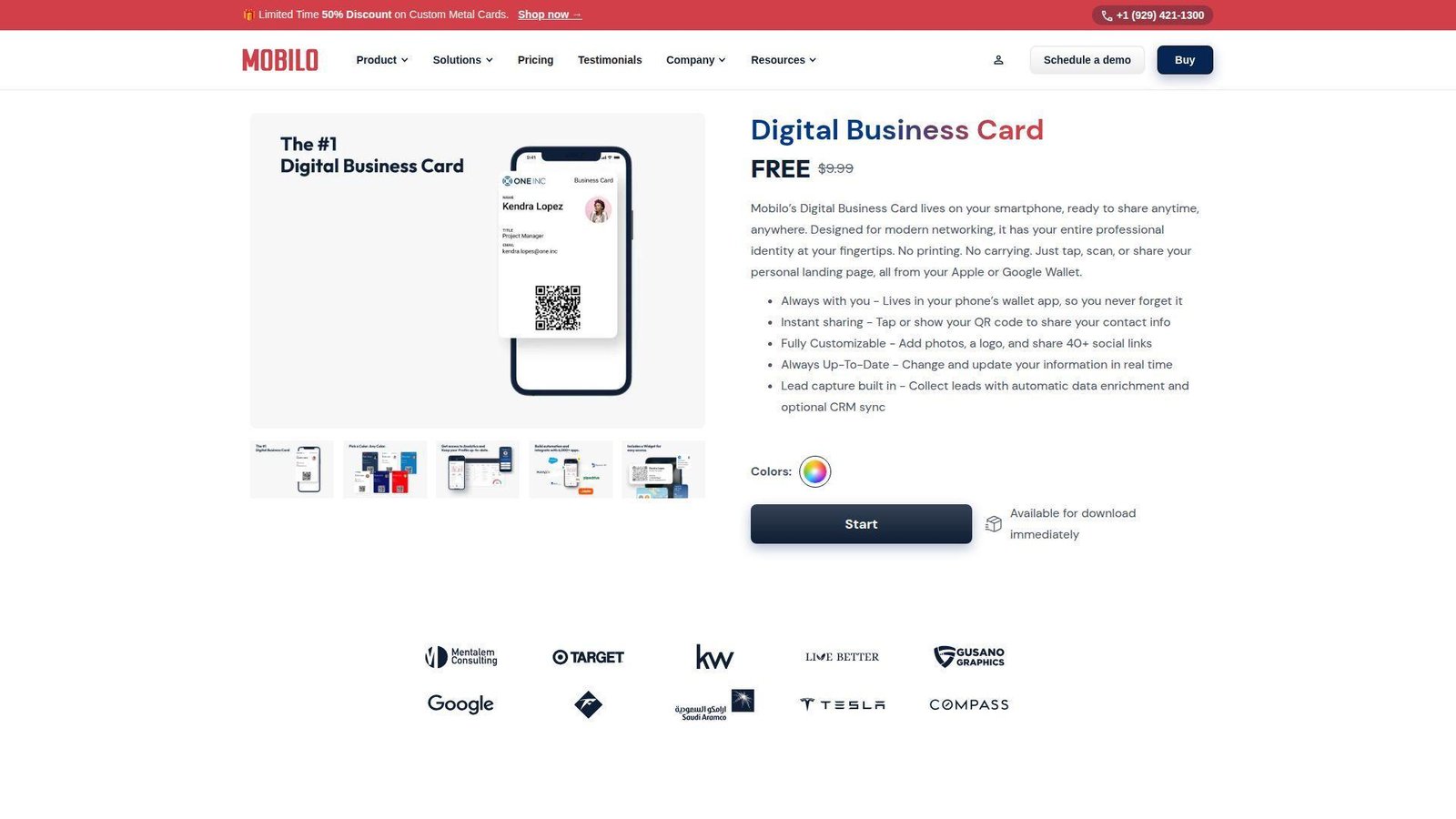
Mobilo sits in the hybrid camp. It combines digital business cards with physical NFC products, which makes it attractive for teams that still want something tactile in the field. We like that the free digital card is not hidden, but the real value shows up when you combine wallet sharing, lead capture, and optional hardware. Best for: field sellers and companies that want one platform for digital cards plus NFC handoffs.
- Landing pages plus two-way contact exchange → both sides can trade details on the spot instead of one person doing all the saving later.
- Lead enrichment and optional CRM sync → reps can skip several manual follow-up steps after events or client visits.
- Digital card first, hardware when needed → software value is immediate, while card-based workflows start paying off as soon as the gear arrives.
Pricing & limits: From $0/mo for the digital card. Team wallet setups start at a low monthly per-user fee, and physical card bundles often include temporary Pro access. Limits depend on whether you stay digital-only or move into the team and hardware tiers.
Honest drawbacks: Mobilo’s pricing pages are built around hardware, which can confuse buyers who only want software. Purely digital-first users may find Wave Connect or Blinq simpler.
Verdict: If you want a card that works on your phone today and on an NFC card tomorrow, Mobilo gives you a practical bridge between the two.
6. Spreadly
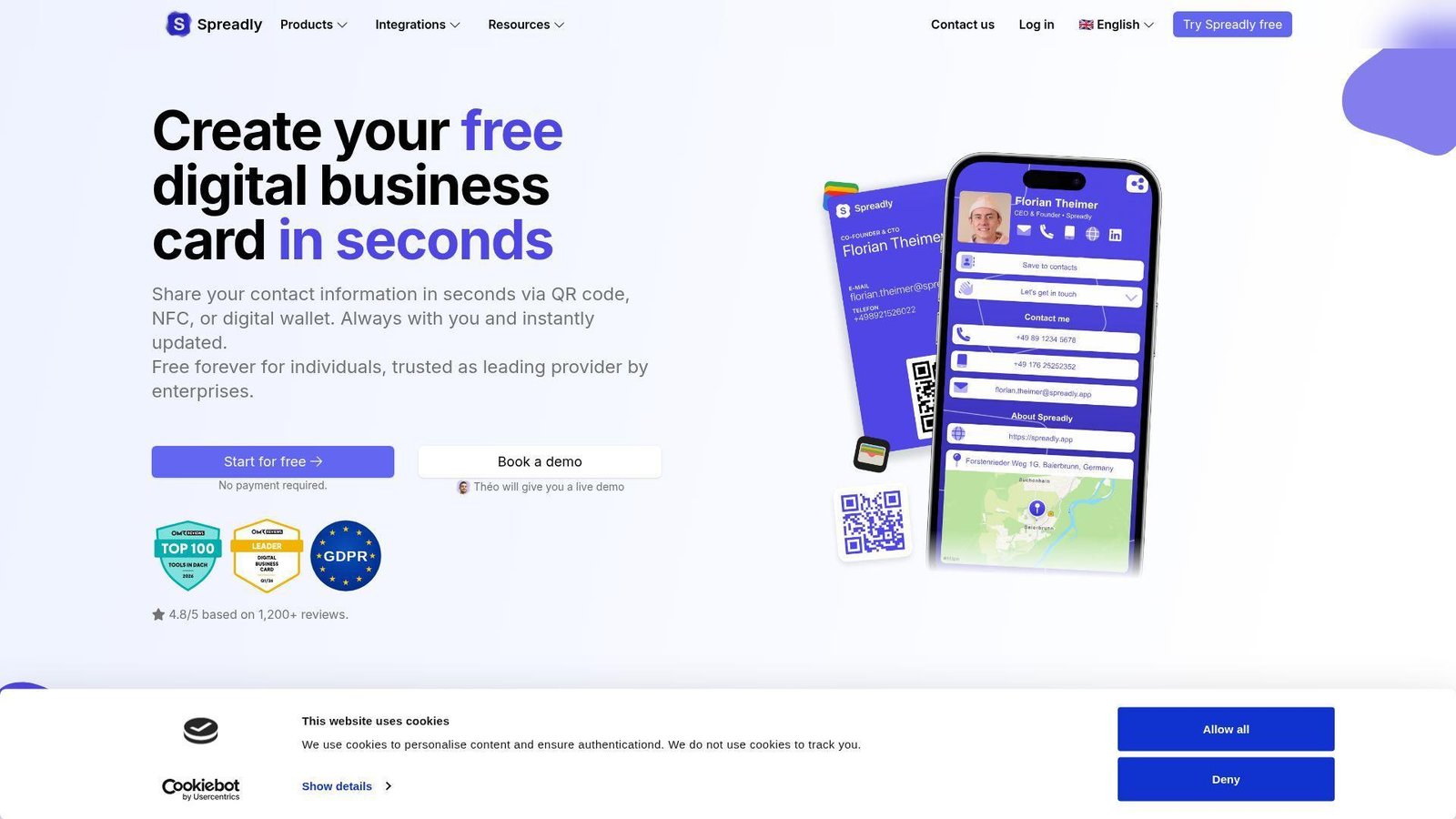
Spreadly is one of the more buyer-aware platforms in this space. The product is clean for individuals, but the roadmap clearly points toward teams that need branding, lead capture, and CRM workflows. We also like its Europe-friendly posture, which will matter to privacy-conscious companies. Best for: European SMBs and sales teams that want a free digital business card with a credible upgrade path.
- QR, NFC, wallet sharing, and rich content blocks → you can share one card across meetings, events, and email without changing tools.
- CRM integrations, lead forms, and AI business card scanning → teams can shrink a 5-step event admin process into one dashboard flow.
- Free plan plus a 7-day paid trial → solo users can start in minutes, while teams can test branded workflows in under a week.
Pricing & limits: From $0/mo. Spreadly has a free forever individual plan, and paid plans start at €5 per user per month when billed yearly. The free tier covers the core card, while CRM, AI scan, multi-branding, and team analytics live on paid plans.
Honest drawbacks: some of the best features sit behind paid tiers fairly quickly. If you want the slickest contact manager, HiHello may still feel more mature.
Verdict: If you need a wallet-ready card now and a GDPR-friendly team stack later, Spreadly is one of the stronger upgrade paths we reviewed.
7. ClickCard
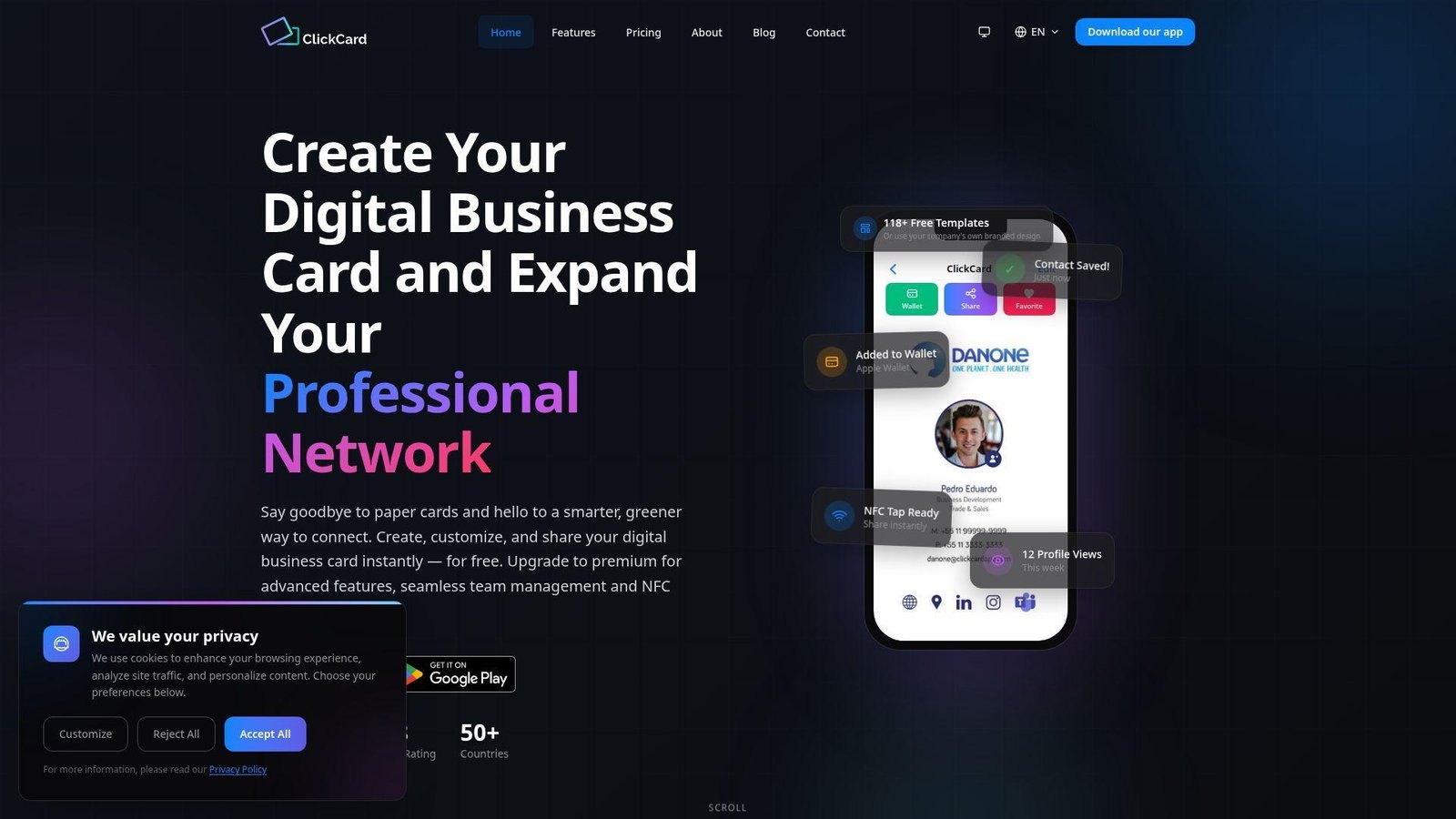
ClickCard is more design-forward than many lesser-known card apps, and its public pricing is refreshingly easy to understand. We like that the free plan is useful instead of being a teaser. The mix of templates, AI scanning, and low-cost premium pricing gives it a nice middle-market feel. Best for: freelancers and small teams that want polished cards without paying much upfront.
- More than 100 card designs and branding controls → you can launch something that looks polished without hiring a designer.
- AI scanner, analytics, wallet support, and NFC support → users can remove 2 to 4 contact handling steps after meetings.
- Easy onboarding and clear pricing → most users can get to a shareable card in under 10 minutes.
Pricing & limits: From $0/mo. The Basic plan is free. Premium starts at $3.99/mo billed yearly, and premium features have a 3-day free trial. Enterprise adds SSO, API access, and custom integrations.
Honest drawbacks: the 3-day trial is short. Compared with Blinq or HiHello, the overall ecosystem and trust footprint still feel smaller.
Verdict: If price clarity matters and you want a nicer-looking free card than most startup tools offer, ClickCard is an easy one to shortlist.
8. Uniqode
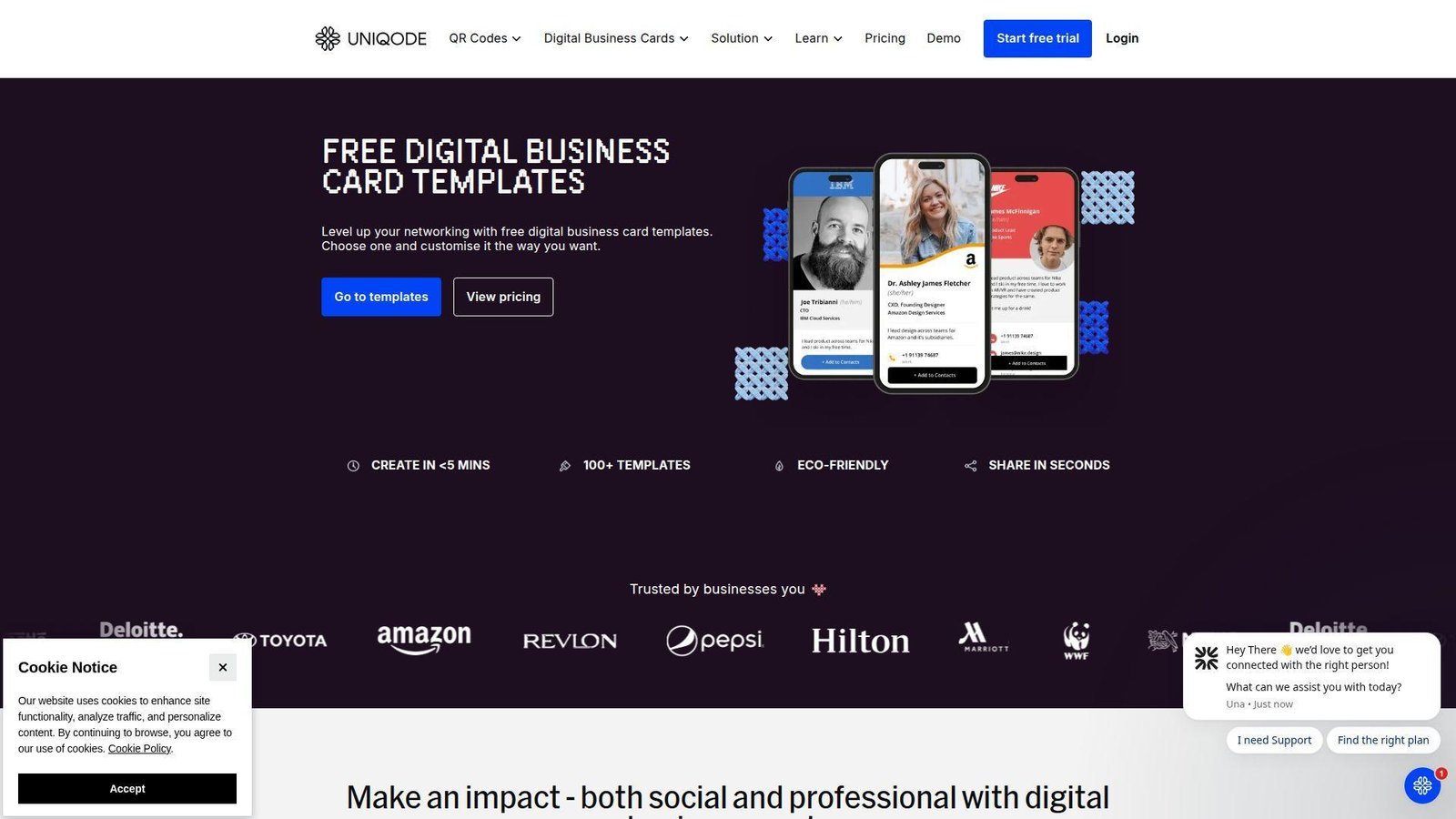
Uniqode approaches digital business cards from the connected-QR side of the market, and that shows in a good way. The company thinks about tracking, wallet passes, templates, and scale, not just personal profile pages. We tend to recommend it when a card must fit into broader campaign measurement or enterprise operations. Best for: larger sales teams and ops-led organizations that want analytics-rich cards.
- Trackable QR-powered cards with branded layouts → you can measure scans and views instead of guessing whether sharing worked.
- Email signatures, virtual backgrounds, wallet passes, and bulk creation → teams can remove several rollout and follow-up steps at once.
- Fast first-card setup with deeper admin controls later → individuals can start quickly, while structured teams can layer templates and permissions after.
Pricing & limits: From $0 to start, with a free trial for broader features. Advanced customization requires Team or higher, bulk creation also needs Team, and some identity integrations sit on Business+ plans. That is useful detail for serious buyers.
Honest drawbacks: it is heavier than most solo professionals need. Pricing and plan names take more effort to decode than Wave Connect or ClickCard.
Verdict: If your card program needs reporting, wallet passes, and centralized control, Uniqode gives you more operational depth than most free-first tools.
9. Lynqu
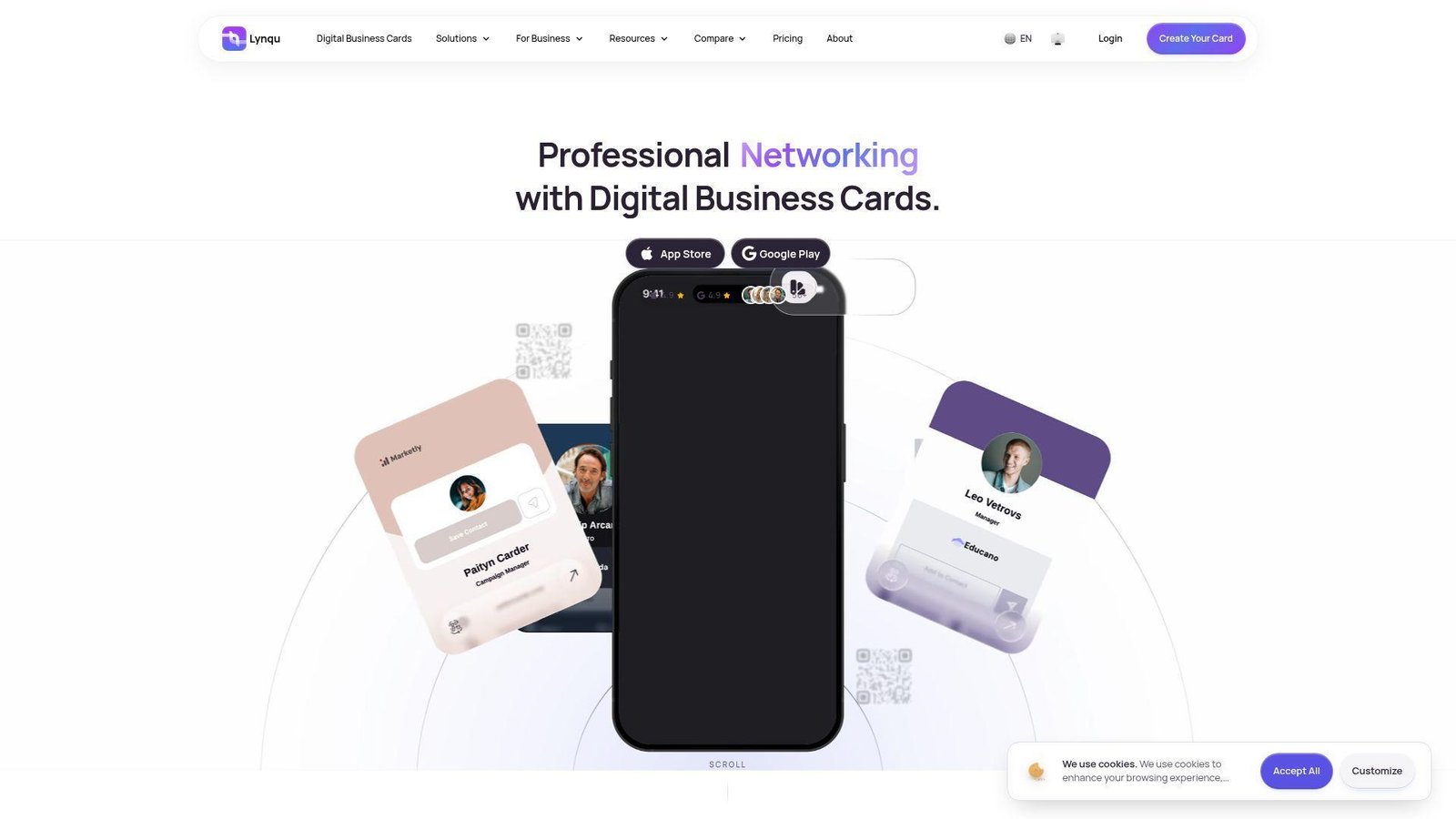
Lynqu is one of the more ambitious newer entries because it mixes digital cards with AI scanning, AI follow-up, wallet passes, email signatures, and even an AI hub. That sounds flashy, but the plan structure is actually practical. We think it has real appeal for modern solo pros and small AI-curious teams. Best for: founders and small business teams that want AI-assisted contact capture without giving up the basics.
- Multiple cards plus wallet, email signature, and virtual background sharing → you can keep one identity working across more channels with less repetition.
- AI Smart Scan, AI follow-up, and MCP integration → users can remove 3 to 4 repetitive post-meeting tasks.
- Free plan and short paid trials → a first card is fast, and teams can test business features within a week or two.
Pricing & limits: From $0/mo for one card. Pro is $7.99/mo billed yearly after a 7-day trial, and Business is $4.99/user/mo billed yearly after a 14-day trial for teams of 5 to 100 people. The free plan is clearly usable, but it is also clearly limited.
Honest drawbacks: some buyers will see the AI layer as extra noise. The brand is also newer and less proven than Blinq, HiHello, or Popl.
Verdict: If you want a digital card that also helps scan, sort, and start follow-ups, Lynqu covers more ground than most small-business rivals.
10. eylet
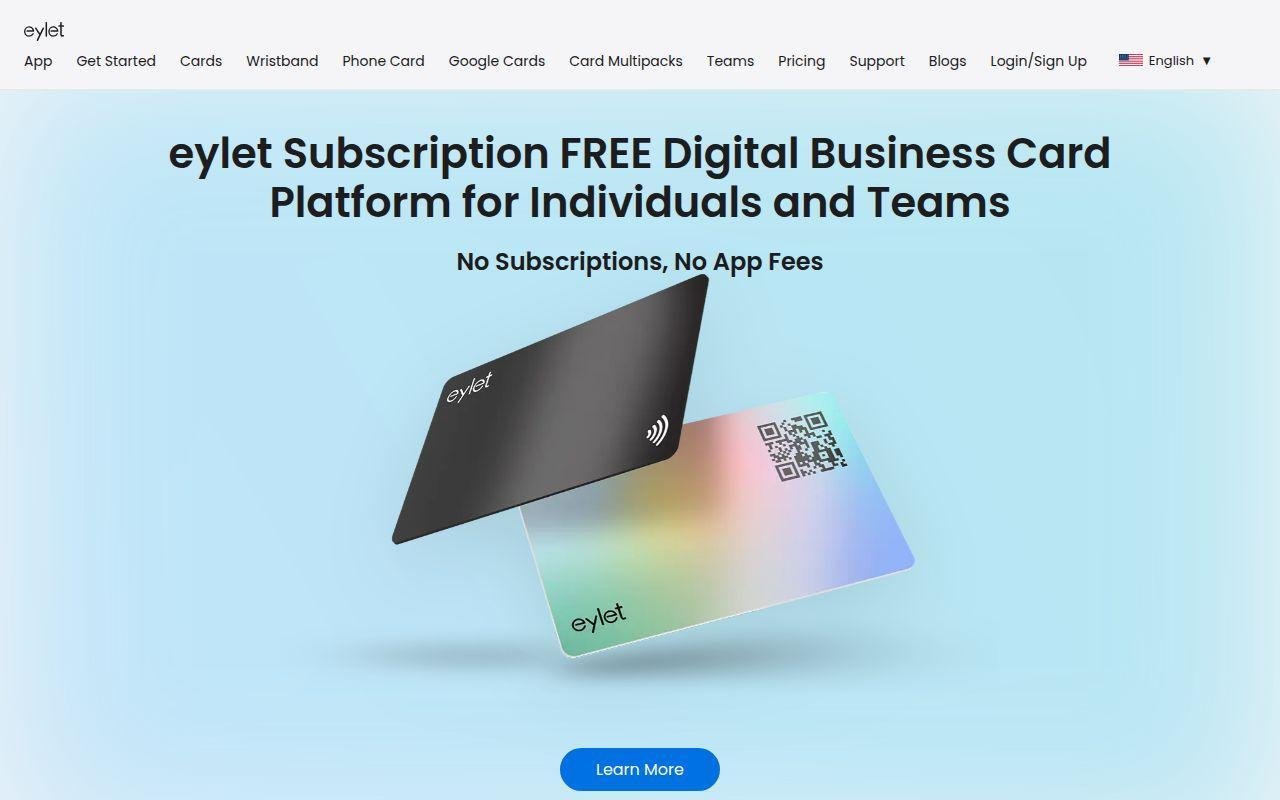
eylet takes a different route from software-first competitors. The platform pitch is simple, no subscriptions, no app fees, and a catalog of NFC products that work with a free account. We like the honesty of that positioning. It is easy to understand and appealing if you dislike recurring SaaS costs. Best for: small businesses and solo professionals who want NFC cards, phone tags, or wristbands without ongoing software fees.
- Phone cards, wristbands, and multi-card packs → you get more ways to share in person than most digital-only tools offer.
- Free software layer paired with physical products → budget approval is simpler because you avoid another monthly subscription.
- Free signup and quick setup → the account is ready fast, and the full in-person value starts as soon as hardware arrives.
Pricing & limits: From $0/mo for the software. The catch is that physical products are the main purchase, so your actual spend depends on what you order. There is no classic trial because the platform itself is free to join.
Honest drawbacks: public integrations, analytics depth, and enterprise controls look lighter than Blinq, Popl, or Spreadly. If you only want a browser card, the hardware-first catalog can feel distracting.
Verdict: If your team still likes a physical handoff but wants the card behind it to stay digital, eylet is a practical low-recurring-cost option.
11. Canva
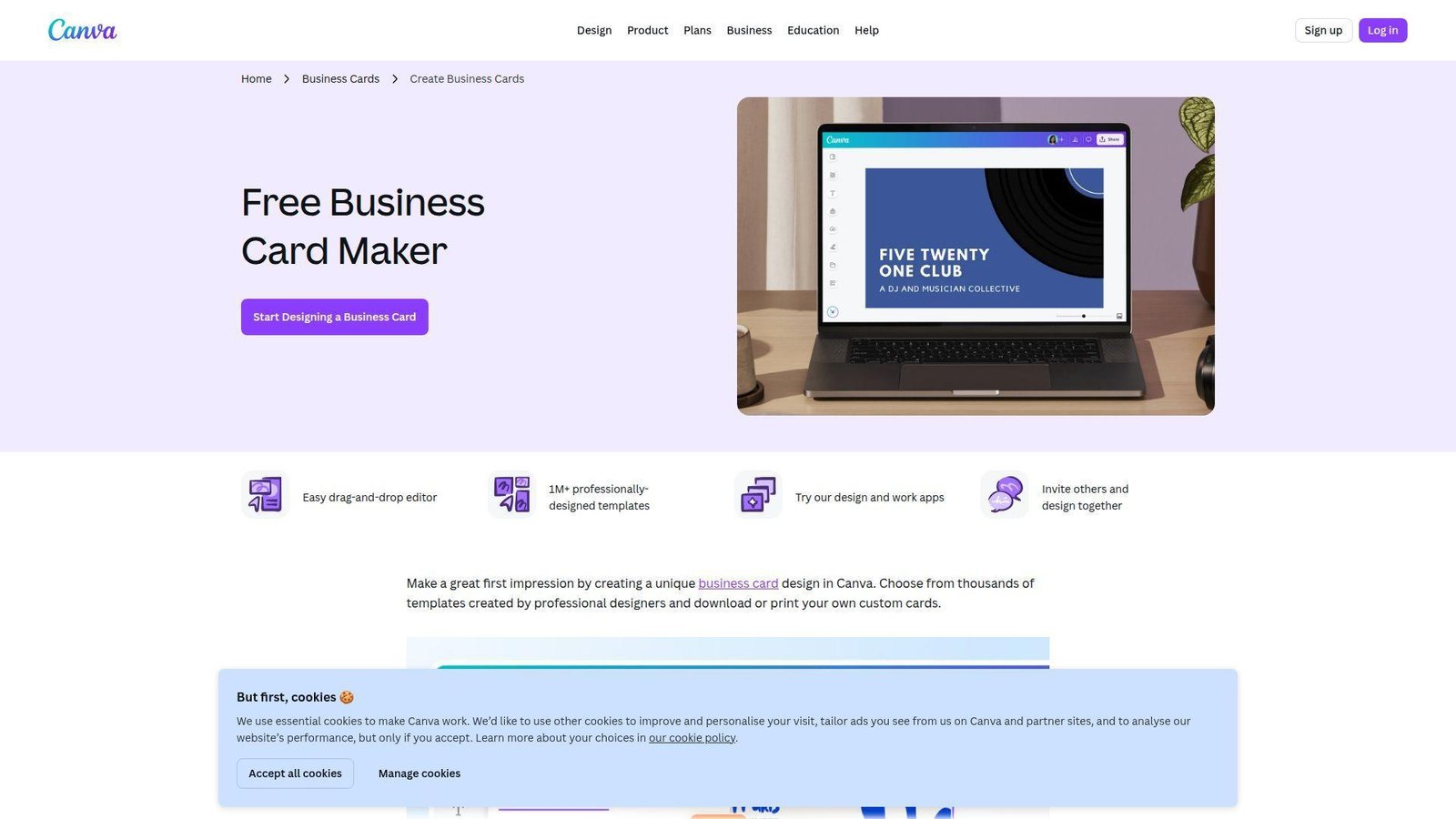
Canva is not a native digital business card platform, but it absolutely belongs in this conversation because many professionals just need a clean branded card they can share as a link. We use Canva when design freedom matters more than lead capture or CRM sync. Best for: designers, consultants, and side hustlers who care most about visual control.
- Huge template library and drag-and-drop editing → you can build a good-looking card fast without design training.
- QR generator, brand tools, and AI writing help → you remove 3 to 5 manual design and copy steps in one place.
- Browser-based editing with view-only link or website sharing → most users can publish a usable card in about 10 minutes.
Pricing & limits: From $0/mo on Canva Free. Pro trials are commonly available if you need premium assets or brand kits. The main limit is functional, because Canva gives you a shareable design or mini-site, not a live networking system with built-in lead capture or CRM.
Honest drawbacks: there is no native contact exchange, wallet pass, or business card analytics layer. It beats Adobe Express for many users on collaboration, but trails every dedicated card tool on follow-up mechanics.
Verdict: If you want the prettiest free digital business card and can live without deeper networking features, Canva is still one of the easiest places to start.
12. Adobe Express
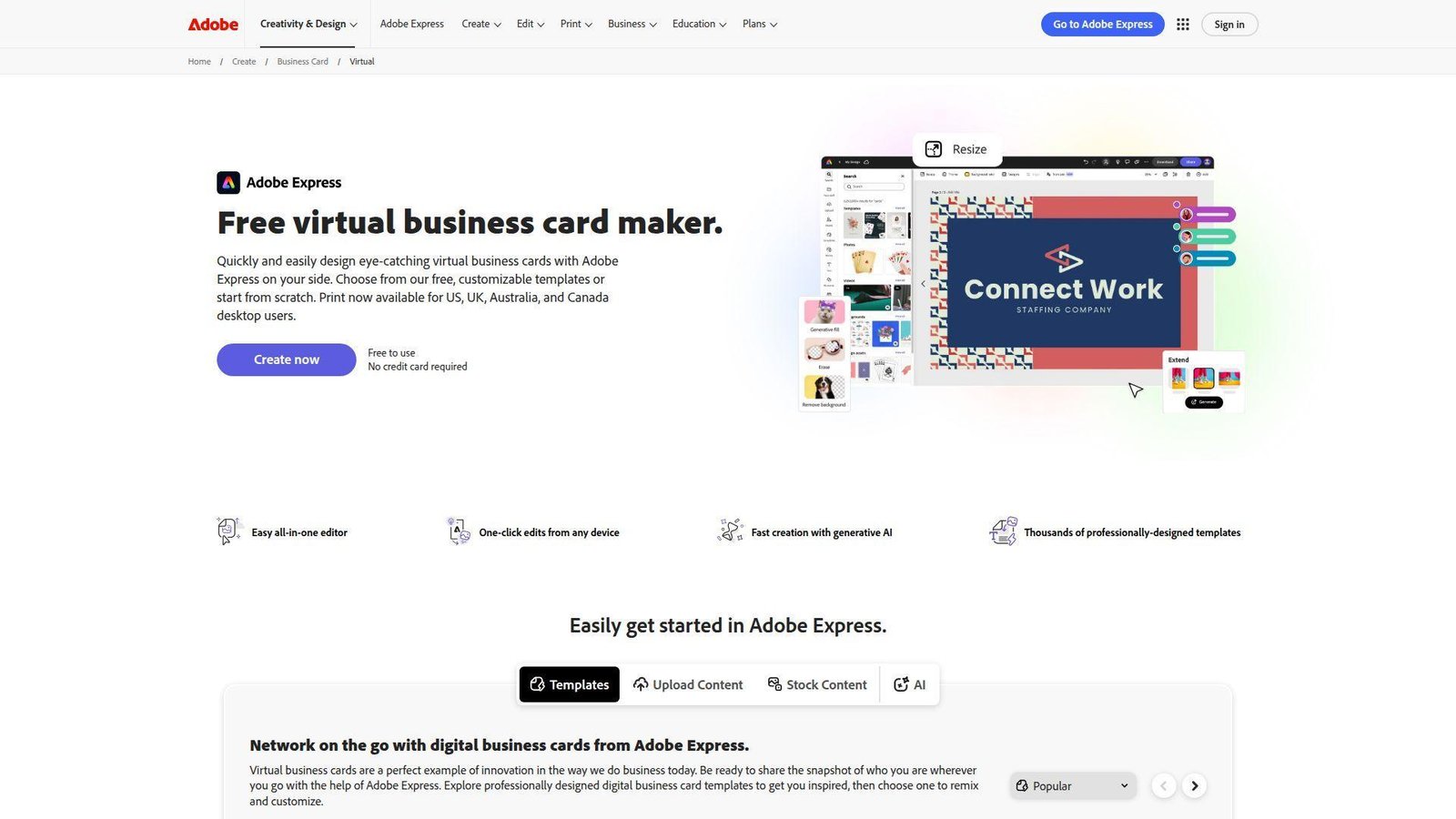
Adobe Express sits in the same design-first bucket as Canva, but it will feel more natural if your team already works with Adobe assets or brand files. We like it for polished one-off cards, especially when a solo user wants visual control without learning full Creative Cloud tools. Best for: creators, small brands, and Adobe-heavy teams that want a fast virtual card maker.
- Free templates and Adobe-backed assets → you can create a polished card faster than starting with a blank page.
- Brand application and resize tools on paid plans → premium users can skip several repetitive layout edits across versions.
- Desktop and mobile creation → most users can make a clean first card in minutes without a steep learning curve.
Pricing & limits: From $0/mo on the free plan. Premium starts at $9.99/mo and includes a 30-day free trial. Free users get strong creative tools, but sharing works more like sending a polished page or image than a live digital contact card.
Honest drawbacks: there is no native CRM sync, wallet pass, or contact capture workflow. If your goal is better networking follow-up, Blinq or HiHello will outperform it quickly.
Verdict: If brand polish matters most and you already live in Adobe’s world, Adobe Express makes fast, good-looking virtual cards with very little friction.
13. Dibiz
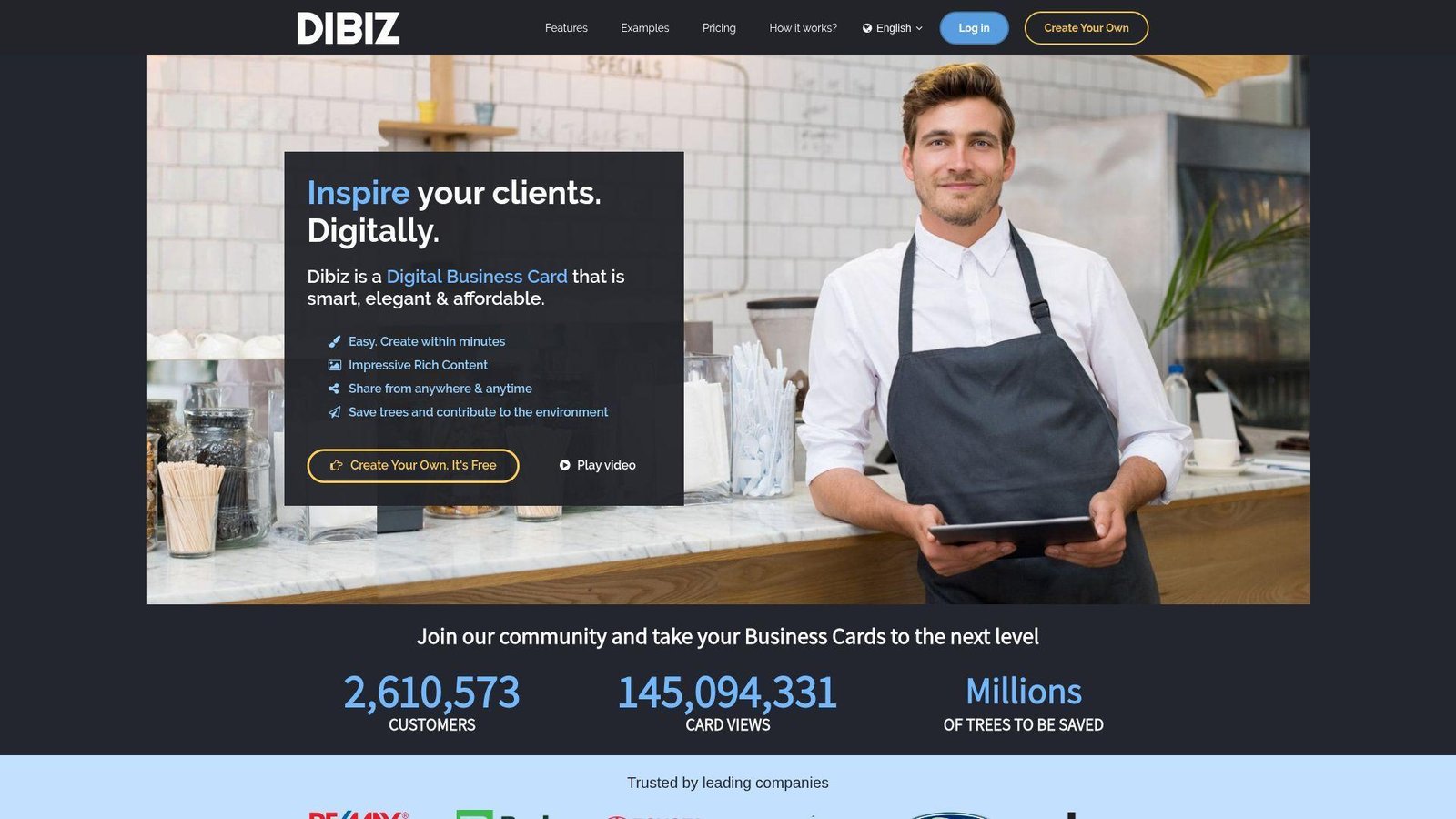
Dibiz has been around long enough to feel more like an established free card service than an experiment. The platform focuses on fast card creation, rich content, and broad mobile sharing. We like it for users who want more personality on the card page, especially creatives and service providers. Best for: freelancers and small business owners who want a content-rich card without much setup.
- Photos, videos, and custom links inside the card → your first impression can feel more like a mini profile than a plain contact sheet.
- Mobile-first sharing flow → you can trim the usual send-link, explain, and retype sequence down to one clean handoff.
- Fast signup flow → the site positions setup as a roughly 2-minute task, which is strong for casual users.
Pricing & limits: From $0/mo to create a card. Dibiz clearly supports free users and also references premium users, but the homepage does not make those plan differences especially transparent. It is easy to start, harder to compare before upgrading.
Honest drawbacks: the UI and plan clarity feel older than newer competitors. Security, admin controls, and integrations are not front and center.
Verdict: If you want a free digital card that feels more expressive than a simple vCard page, Dibiz still holds up better than many people expect.
14. MagikTap
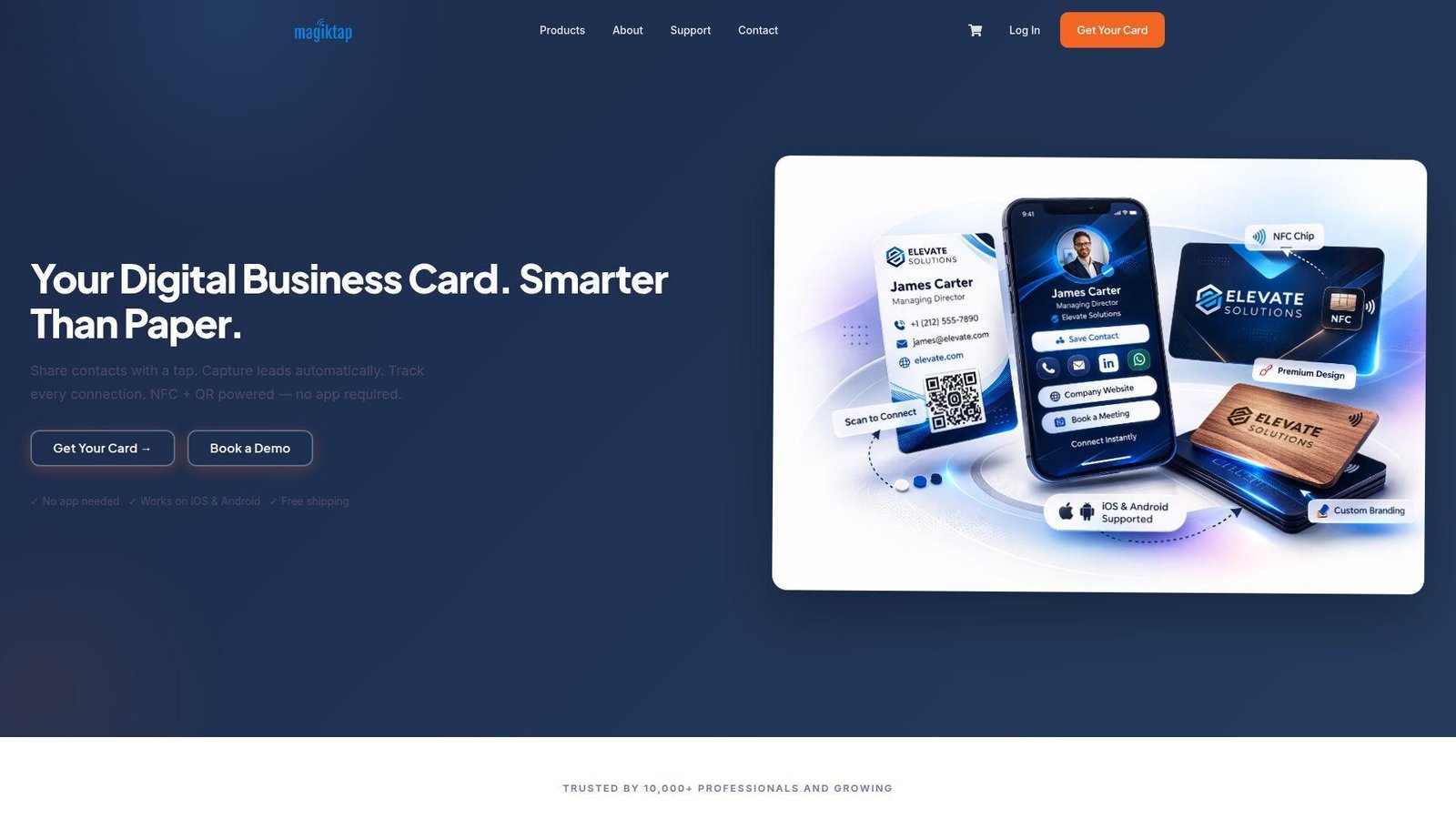
MagikTap is built like a smart-card business rather than a simple profile app. The free digital card gives you an entry point, but the bigger story is lead capture, CRM sync, contact export, and physical NFC cards. We think it is especially compelling for real estate, events, and field teams. Best for: realtors and sales teams that need both a memorable handoff and actual lead handling.
- Lead capture forms and contact export → you can move from meeting to follow-up list without retyping names into a spreadsheet.
- CRM integrations plus Zapier support → teams can collapse a half-dozen routing steps into one automated handoff.
- Free digital card plus low-cost physical card options → value starts fast in software and grows once your NFC card arrives.
Pricing & limits: From $0/mo for the digital card. Physical cards start with low one-time pricing, and the free digital tier includes unlimited shares with a basic profile. Team and enterprise plans go much deeper, but public detail on those tiers is thinner than the hardware pricing.
Honest drawbacks: buyers who only want a free browser card may find the physical-card push unnecessary. Brand trust is also smaller than with Blinq, HiHello, or Popl.
Verdict: If you want to tap a card, capture a lead, and route that contact into your sales stack, MagikTap offers more substance than most hardware-led rivals.
15. CardGit
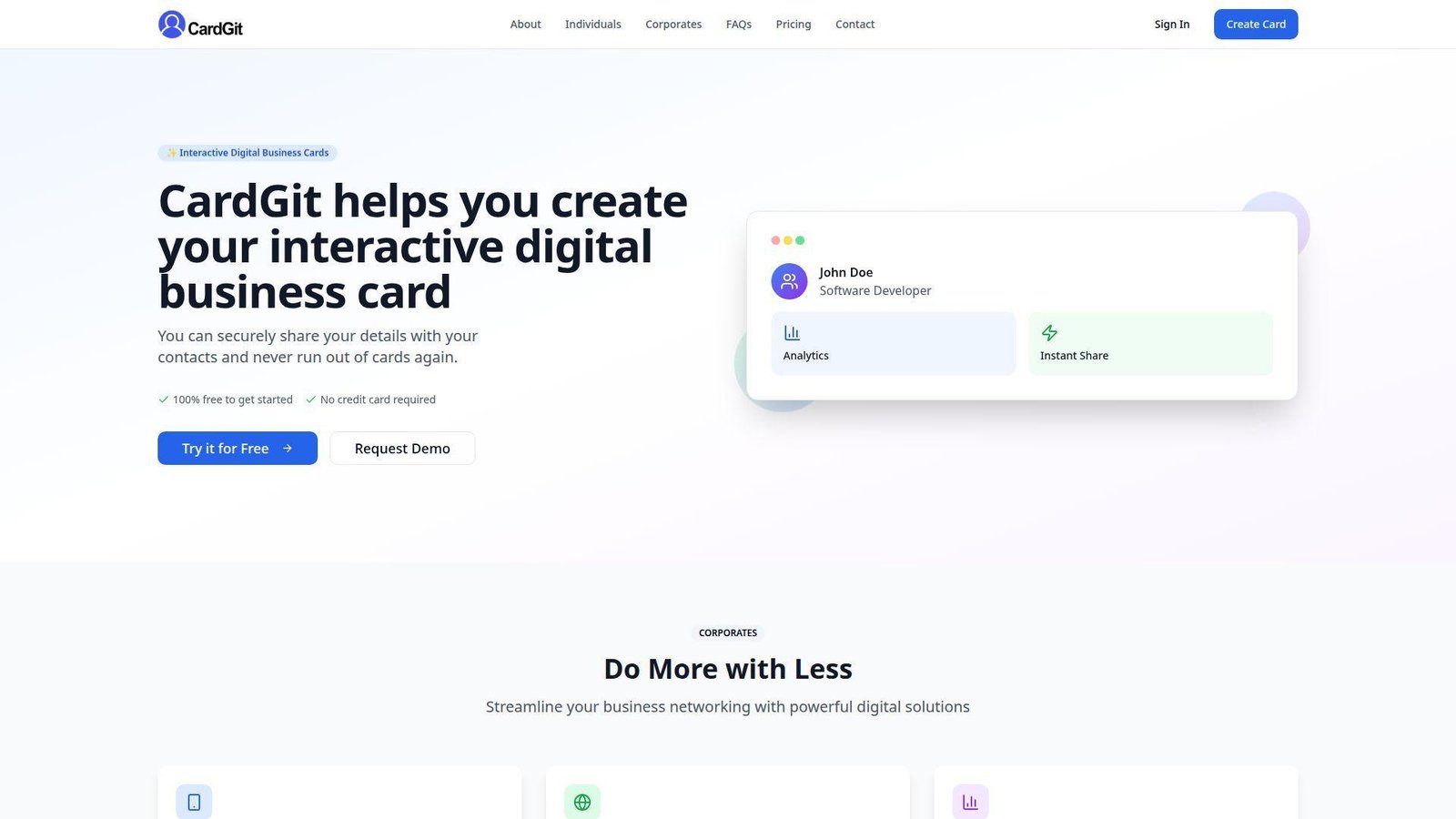
CardGit does a good job on one thing many startup tools ignore, it tells you the free and paid limits clearly. That alone makes it easier to buy. The platform is simple, practical, and aimed at people who want interactive cards without enterprise complexity. Best for: very small businesses and solo professionals who want transparent pricing and a modest premium step-up.
- Up to two free cards with QR sharing → you can support a day job and a side business without paying right away.
- Activity reports and business app sync on premium → you remove repetitive manual checking and follow-up steps as usage grows.
- Simple onboarding → most users should reach a working card in about 5 to 10 minutes.
Pricing & limits: From $0/mo per user on the Free plan. That covers up to 2 cards, QR sharing, photos, and limited templates. Premium is $6/mo per user and raises the cap to 5 cards while adding more templates, reporting, and sync features.
Honest drawbacks: design polish is lighter than ClickCard or Canva. Integration breadth also appears smaller than Blinq, Popl, or Uniqode.
Verdict: If you want a free digital business card with clear limits and a low-risk upgrade path, CardGit is one of the most straightforward options on this list.
16. BizLinker
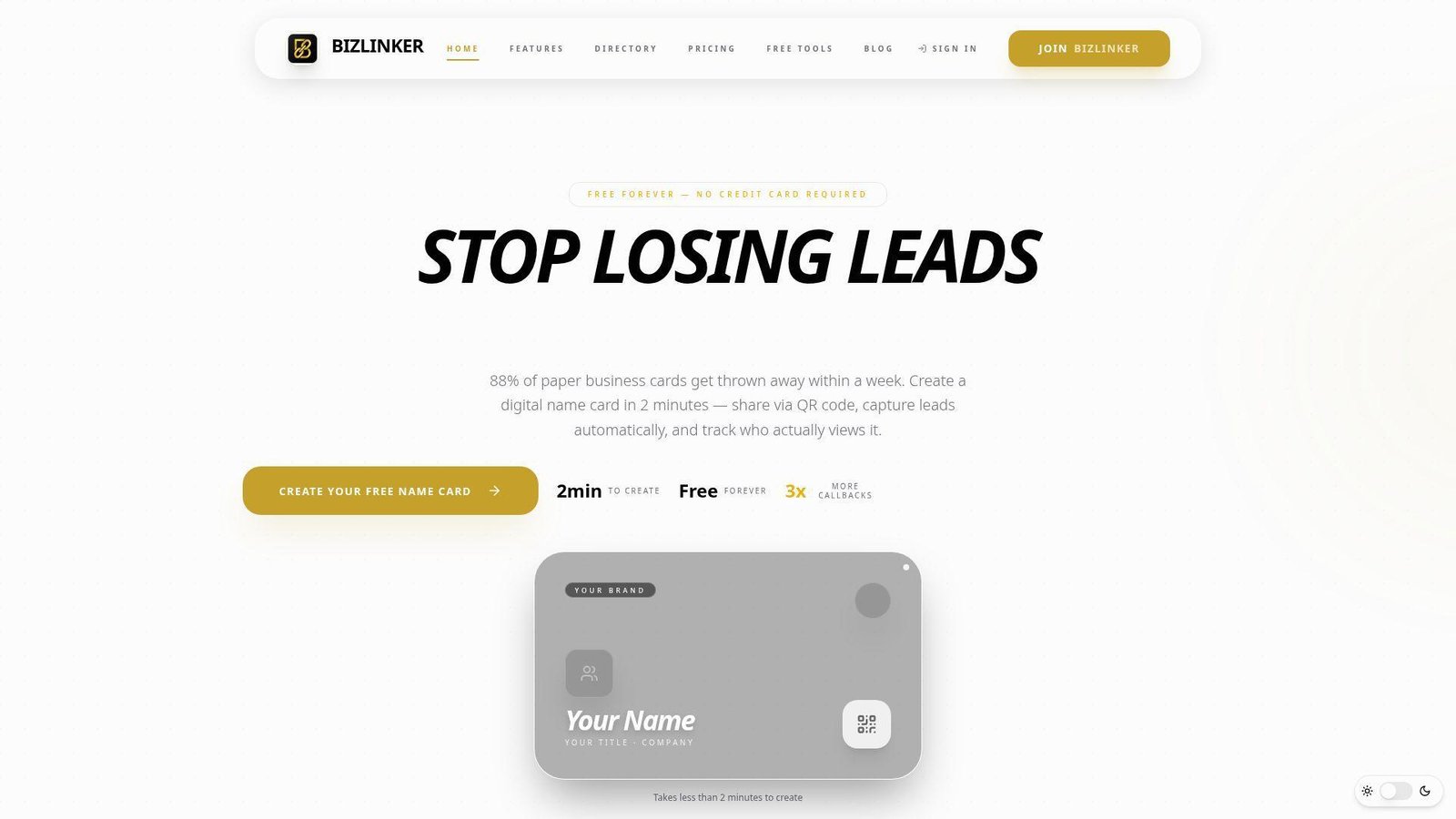
BizLinker feels like a lightweight networking tool built for solo professionals who want a modern card without spending much time setting it up. We like the directory idea and the fact that even the free plan includes view tracking. That makes it more useful than a plain digital flyer. Best for: freelancers and consultants who want simple analytics without enterprise overhead.
- QR sharing, card links, and vCard saving → you get a cleaner handoff from phone to saved contact.
- View tracking, click tracking, and automatic lead capture on Pro → you remove several guesswork steps after meetings.
- Fast signup and simple theme system → most users can go from zero to a working card in about 2 minutes.
Pricing & limits: From $0/mo. The free plan includes 1 digital name card, 5 layouts, view tracking, click tracking, themes, and contact saving. Pro is $9/mo and adds unlimited cards, branding, lead capture, badge removal, and priority support.
Honest drawbacks: the product pitch is strong for individuals, but team management is not a major public focus. If you need SSO or admin controls, you will outgrow it quickly.
Verdict: If you want a free card that shows who viewed it and you do not need a giant feature stack, BizLinker is one of the easier yes-or-no decisions here.
17. QCard
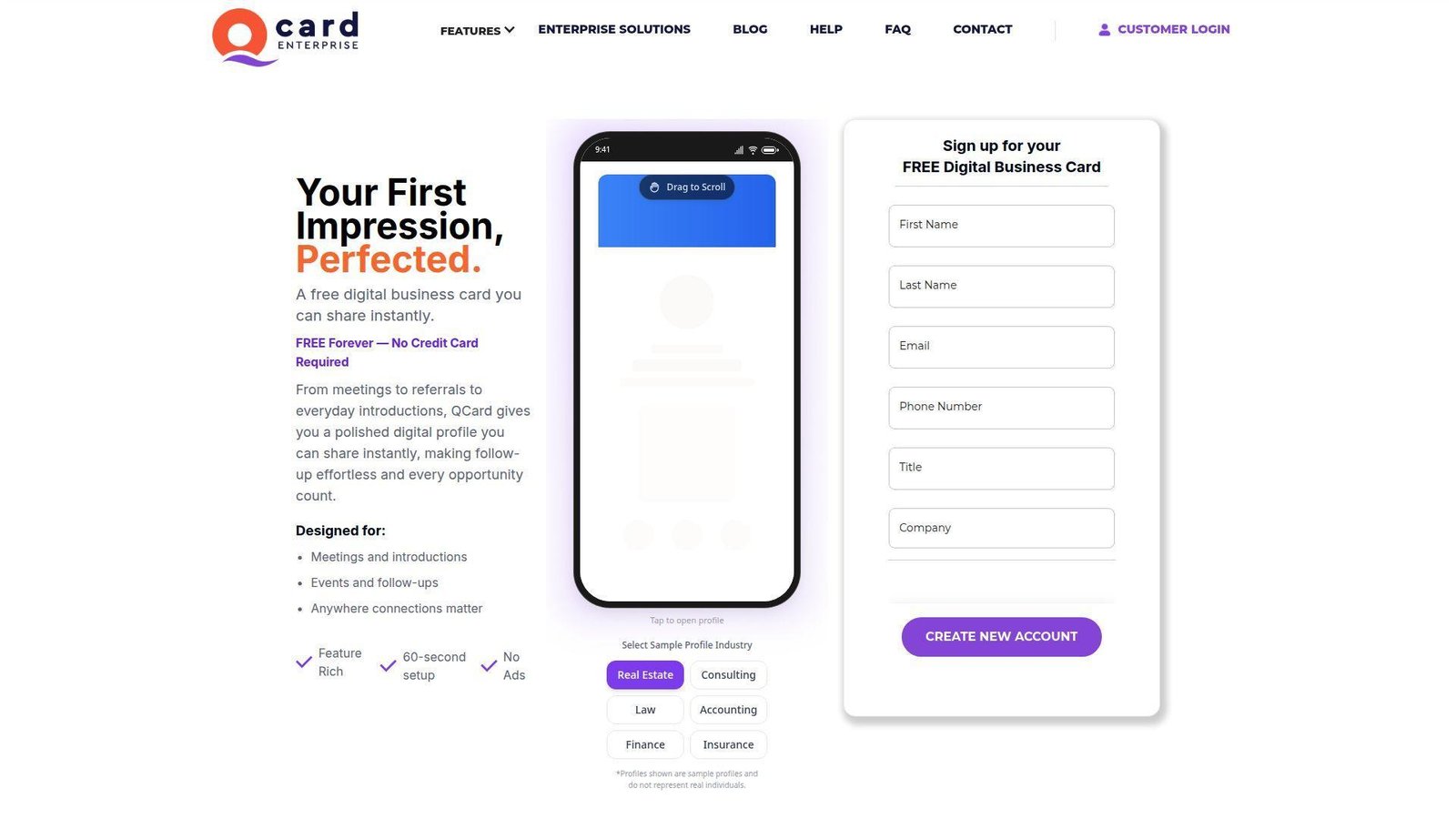
QCard positions itself as a free professional digital card with a more enterprise-ready backbone than the homepage first suggests. That combination is interesting. We see real appeal for firms that want a clean solo entry point today and HRMS or CRM connections later. Best for: independent professionals and regulated teams that may need enterprise controls down the road.
- QR, link, and text sharing with one-tap save → recipients can store your details fast without extra explanation.
- Enterprise HRMS, CRM, API, and SSO options → operations teams can remove several manual onboarding and offboarding steps later.
- Very fast first setup → the product promises a usable free card in roughly 60 seconds.
Pricing & limits: From $0/mo, free forever, with no credit card required. The free tier is clearly a real product, while enterprise plans are custom. Public plan caps are lighter on detail than we would like, so larger buyers will need a demo.
Honest drawbacks: the site is more persuasive than transparent on exact free-versus-enterprise boundaries. Wallet support and design variety are also less visible than on Wave Connect or Blinq.
Verdict: If you want a free card with a more serious enterprise story behind it, QCard is worth a look, especially if your organization expects to standardize later.
18. AliveCard
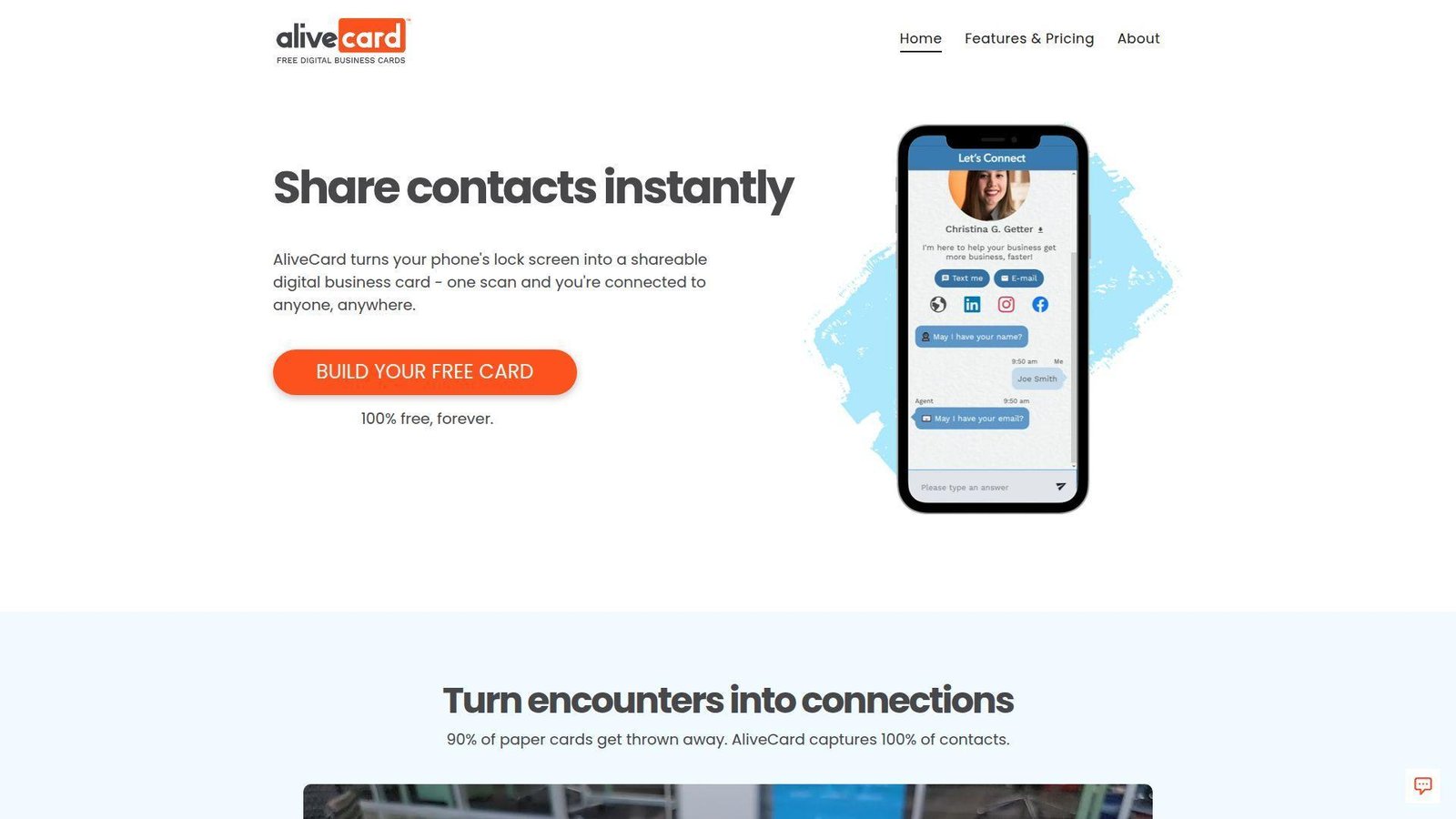
AliveCard is one of the few products here with a truly distinct interaction model. Instead of asking people to open an app or tap hardware, it turns your phone lock screen into the card. We think that idea is clever because your phone is already in your hand at most networking moments. Best for: founders and solo professionals who want a zero-hardware, QR-first way to share.
- Lock-screen QR flow → spontaneous sharing gets faster because your card is visible the moment you wake your phone.
- Chat-style follow-up and social links → you cut the extra explain-my-links step after someone scans.
- Very quick setup → the company frames the basic build as a roughly 30-second task.
Pricing & limits: From $0/mo, free forever. There is no paid self-serve tier on the public site right now, and no trial is needed. The limits are functional, because the product is QR-based and centered on one personal card rather than team admin.
Honest drawbacks: no NFC requirement is nice, but it also means no wallet or tap-based sharing. Team dashboards, CRM depth, and advanced branding are far thinner than on enterprise-focused rivals.
Verdict: If you want the fastest possible way to turn your phone into a shareable card, AliveCard is refreshingly different and genuinely easy to understand.
19. CardzIn
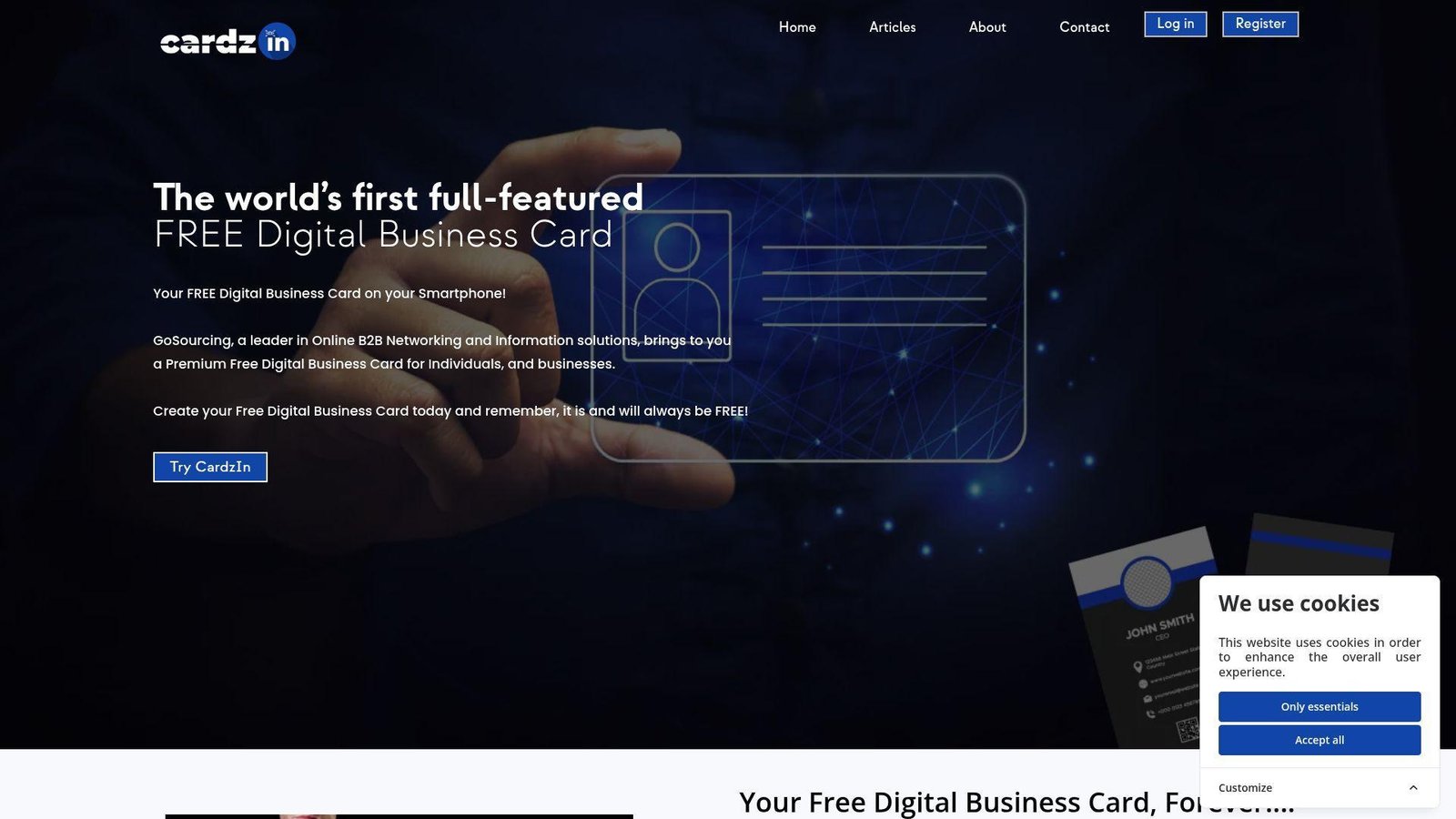
CardzIn is unapologetically free, and that will attract a certain kind of buyer right away. The platform comes from GoSourcing and focuses on giving individuals and businesses a digital card with branding basics, a custom link, and an email signature. We think its main appeal is obvious, the price stays at zero. Best for: budget-sensitive professionals who want a forever-free card and can tolerate a simpler product.
- Logo, profile photo, custom link, and email signature support → you get more branding than a bare contact page.
- Mobile app availability on both major platforms → cross-device sharing is easier than with tools that live only on the web.
- Forever-free positioning → users can start quickly without budgeting for upgrades or trials.
Pricing & limits: From $0/mo, forever. CardzIn says it is free and will always stay free. The trade-off is that the service appears ad-supported, and public detail on analytics, CRM, or team controls is limited.
Honest drawbacks: the site feels dated, and the ad-supported model will bother some buyers. If you need clear security assurances or centralized management, this is not where we would start.
Verdict: If your budget is truly zero and your needs are basic, CardzIn is usable. We would just keep expectations modest.
20. DigiCard
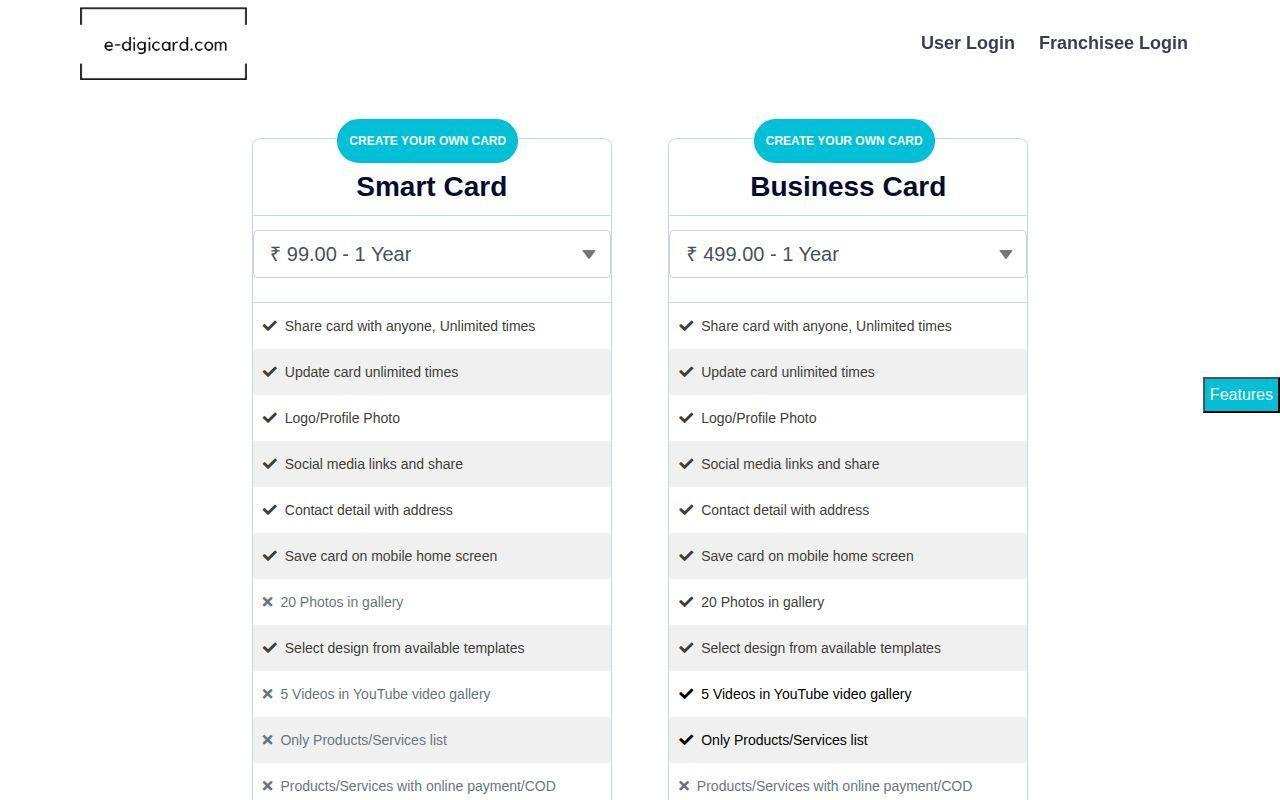
DigiCard has the clearest tier ladder of the smaller vendors we reviewed. That helps a lot if you are comparing free, pro, and team use in one meeting. The platform promises the expected feature set, QR sharing, analytics, branding, CRM integration, NFC, and then a jump to business admin controls. Best for: small teams that want a simple pricing path and do not need a household-name vendor.
- Free card plus built-in analytics → you get immediate visibility into basic engagement instead of a blind share link.
- Pro and Business tiers with CRM, API, SSO, and admin tools → several manual routing and access-management steps can be removed as the team grows.
- Clear free trial on paid plans → users can start on free and test paid features before committing.
Pricing & limits: From $0/mo forever for 1 digital card, QR sharing, basic analytics, 50-contact storage, and standard templates. Pro is $9/mo with a 14-day free trial and raises the cap to 5 cards plus unlimited contacts. Business is $29/user/mo for unlimited cards and team controls.
Honest drawbacks: the trust signals are thinner than larger competitors, and the site copy reads a bit generic. The free plan’s 50-contact cap is also tight for anyone who networks often.
Verdict: If you want the easiest pricing table to compare and a low-cost jump from free to team features, DigiCard is a reasonable small-vendor option.
Recommended reading: Top 20 WordPress Website Design Companies for Custom, Scalable Websites
Why Free Digital Business Cards Beat Paper Cards
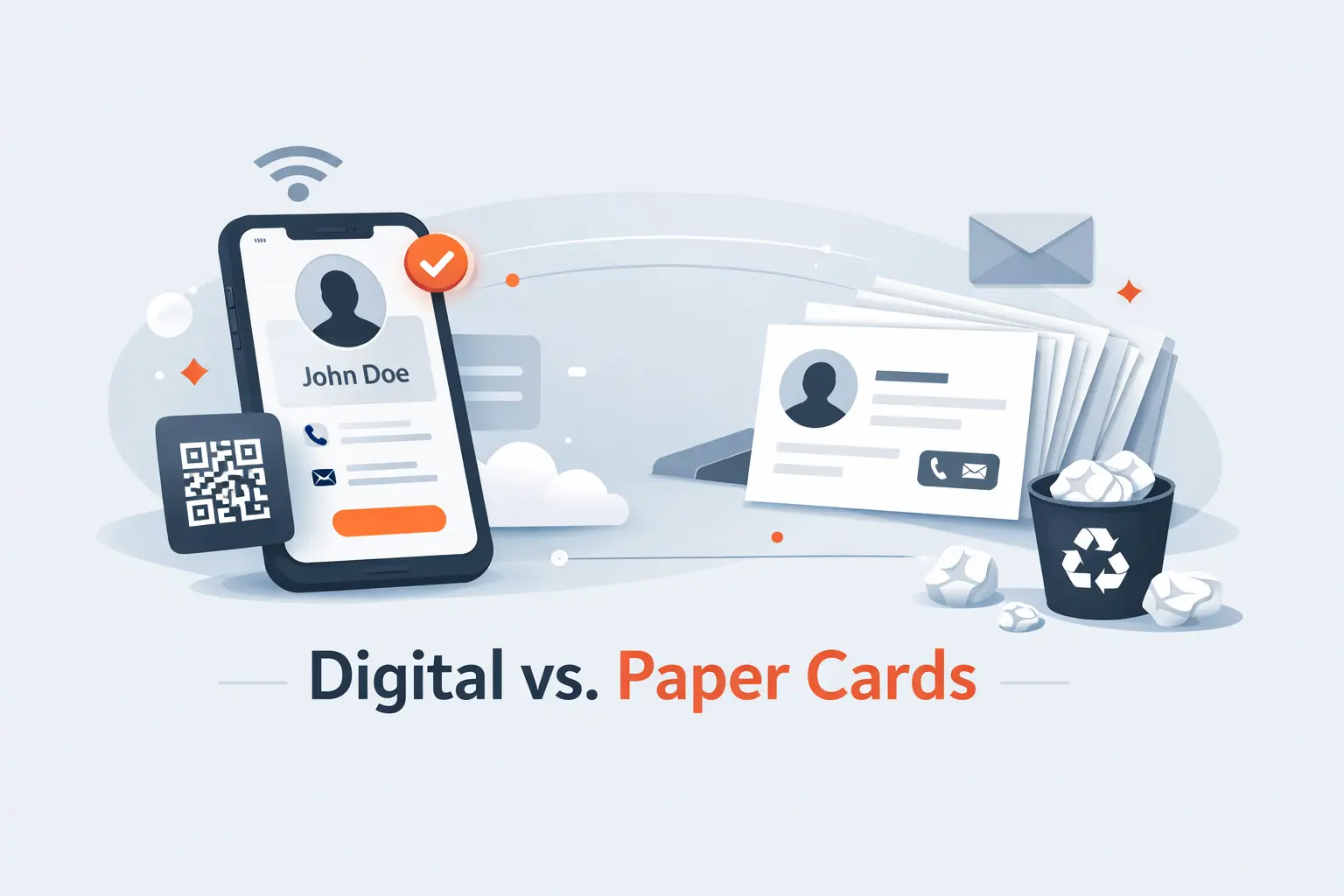
Free digital business cards are not better just because they cost less. They solve three practical problems paper cards never solved well. They stay current, they work across more channels, and they reduce the dead time between meeting someone and following up.
1. Always-Up-to-Date Contact Details Without Reprints
Paper cards go stale fast. A title changes, a number changes, or a rep moves to a new territory, and the whole box is wrong. A digital card fixes that in seconds. We think this is the single biggest reason to switch.
It also changes how you manage personal branding. You can keep one version for recruiting, another for sales, and a third for speaking or partnerships. That is much harder with paper. If you change roles often, or manage a distributed team, free digital business cards are the safer bet.
2. Better Sharing Across Events, Meetings, and Social Channels
Paper works in one context. Digital works in many. A rep can show a QR code at a trade show, send the same card link in a LinkedIn message, add it to an email signature, and surface it in Apple Wallet before a client lunch.
That flexibility matters more than people expect. We have seen the same person need three sharing modes in one week, one at a conference booth, one on a Zoom call, and one in a follow-up email. A good digital card handles all three without forcing a reset.
3. Paperless Networking and Less Manual Data Entry
Manual data entry is where a lot of networking value disappears. Someone takes a paper card, forgets it in a bag, or types it into the wrong field days later. Digital cards shorten that path. Many of the better tools let the recipient save you with one tap, or let your team push captured details into a spreadsheet or CRM.
That is why we look beyond design. A pretty card is nice. A card that helps you follow up the same afternoon is better. If your team attends events regularly, this gap becomes obvious very quickly.
Recommended reading: Top 20 Free AI Flyer Generator Tools for Fast, Professional Designs
How to Create a Free Digital Business Card Online
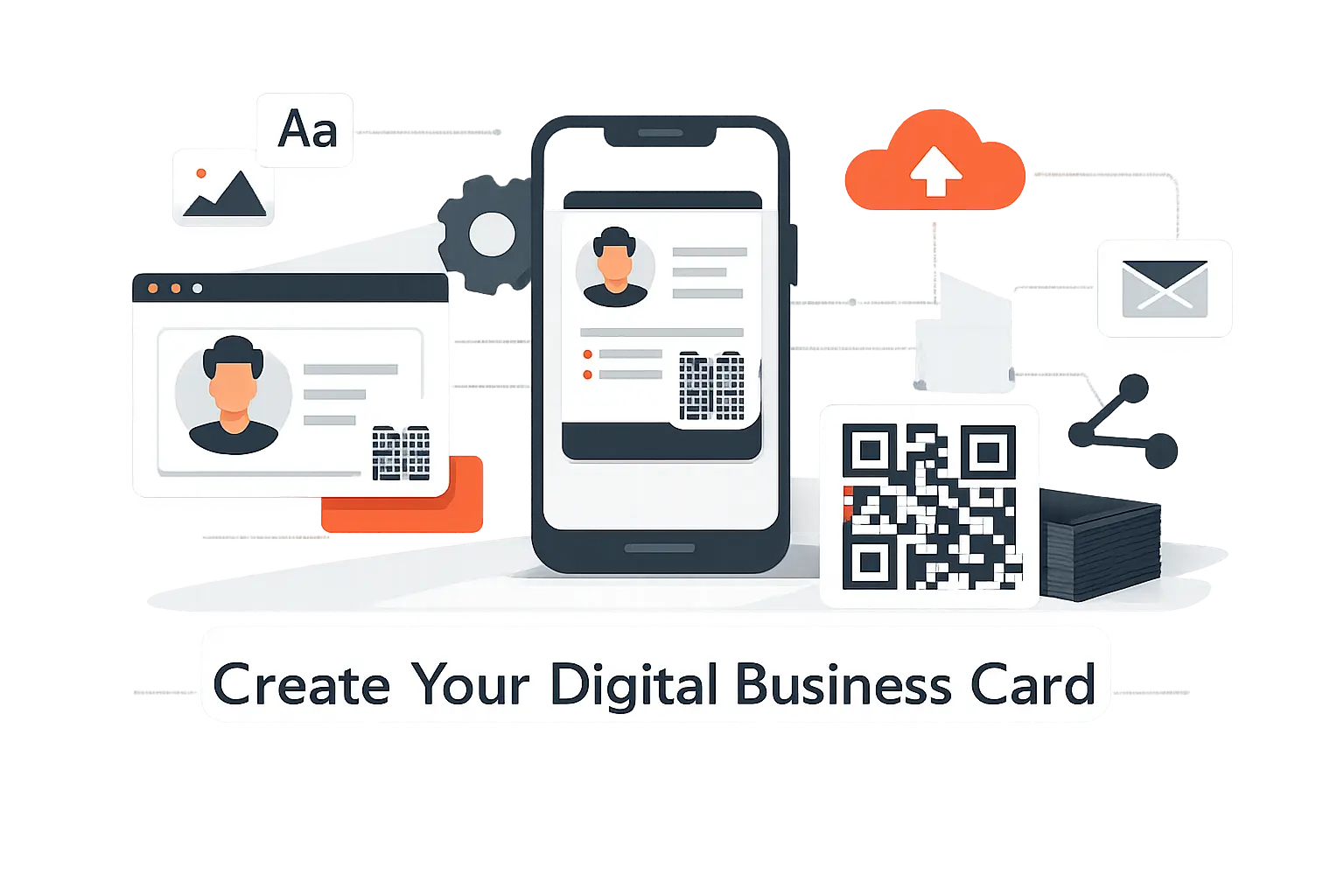
The easiest way to make a free digital business card is to keep the first version small. Get the core identity right, then decide whether you need analytics, lead capture, NFC, or team controls. Most people try to do too much too early.
1. Sign Up in Your Browser or Start With a Template
If you care most about sharing and contact capture, start with a dedicated card app like Blinq, HiHello, Wave Connect, or Spreadly. Those tools are built for QR sharing, wallet access, and contact saving first.
If you care most about visual freedom, start with Canva or Adobe Express. They let you design faster, but you will trade away some native networking features. In our view, the right starting point depends on whether you need a card or a mini landing page.
2. Add Contact Details, Branding, and Social Profiles
Keep the essentials above the fold. We usually recommend name, role, company, mobile number, email, website, and one strong next step such as booking a call or visiting a portfolio. Add your logo and brand color, but do not overload the page.
This is also where judgment matters. Five useful links beat twelve random ones. If you wear multiple hats, create multiple cards. One card for sales, one for recruiting, and one for partnerships often works better than one crowded card trying to do everything.
3. Share by QR Code, Wallet Pass, or View-Only Link
Use QR for in-person networking and a wallet pass for everyday speed. Use a view-only link for email, text, social bios, or meeting follow-up. The best setup is not one method. It is one card with several easy surfaces.
Before you publish, test it on both iPhone and Android. Make sure the page opens in a browser, loads quickly, and gives the recipient a simple way to save your contact. That small test catches a lot of problems before they cost you a real lead.
Recommended reading: Top 20 AI Business Name Generators for Brand-Ready Ideas
Design and Branding Options That Help You Stand Out
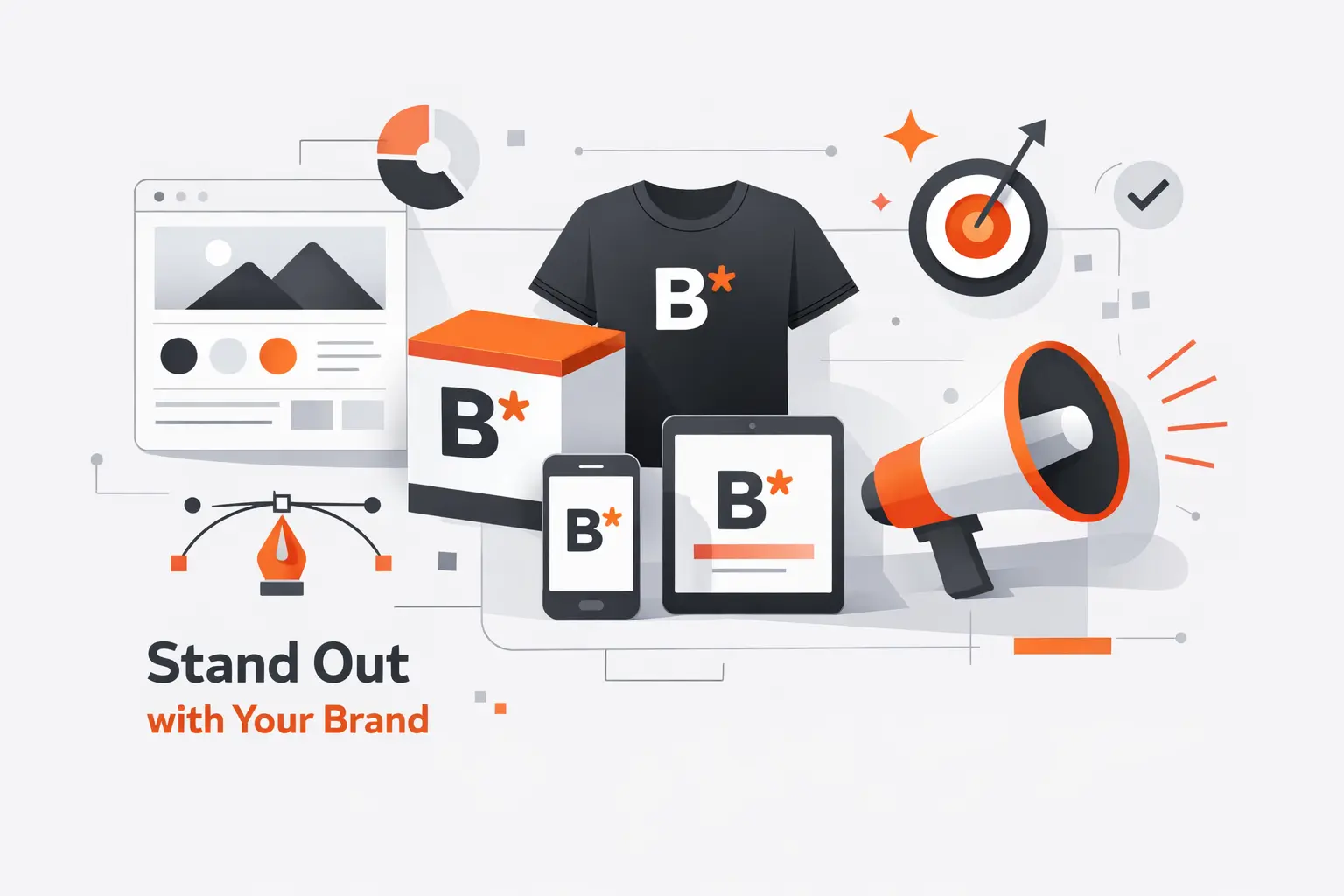
A free card still has to look credible. Design affects whether someone saves you or forgets you five minutes later. We usually tell clients to treat the card as a one-screen pitch, not a tiny website stuffed with everything they have ever made.
1. Templates, Brand Colors, Logos, and Custom Layouts
A good layout should make three things obvious right away, who you are, what you do, and what the recipient should tap next. That sounds basic, but many cards miss it. The best templates use strong contrast, readable type, and enough whitespace to feel intentional.
If your company has brand rules, choose a platform that lets you lock colors, logos, and fonts. That matters more for teams than for individuals. One well-managed template keeps every employee card aligned without making the rollout slow.
2. Multiple Cards for Different Roles, Teams, or Use Cases
This feature is more valuable than it looks. A founder may need one card for investors and another for customers. A recruiter may want one version for candidates and another for school partnerships. A sales leader may want separate cards for outbound, events, and partner channels.
We prefer tools that handle this cleanly. It keeps each card focused and lets you match the next step to the conversation. That usually improves response quality more than adding extra links ever will.
3. Rich Content Like Social Links, Photos, Videos, and More
Rich content can help, but only when it shortens the next step. A designer can add a portfolio link. A consultant can add a calendar link. A speaker can add a recent talk. Those are useful additions because they move the conversation forward.
What we do not recommend is packing the card with noise. Too many icons, videos, or buttons can make the card feel like a marketing page instead of a quick business introduction. Better to leave one strong impression than ten weak ones.
Ways to Share Free Digital Business Cards Anywhere
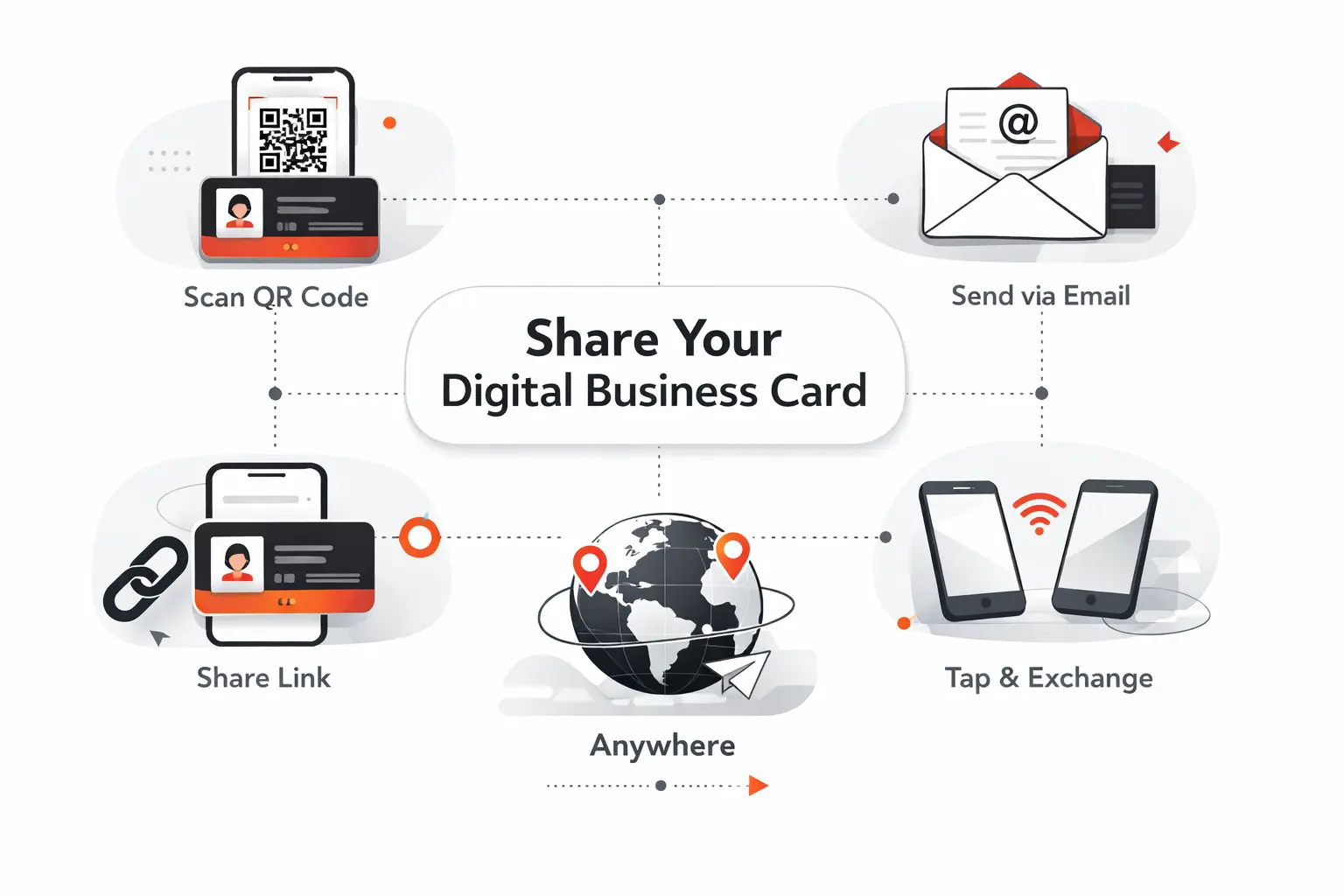
A digital business card only works if you can surface it at the exact moment someone asks for your info. The best tools make sharing boringly easy, which is exactly what you want. If you have to hunt for the card, you will stop using it.
1. QR Codes, Personal Links, and Browser Sharing Without an App
We treat browser-first sharing as the minimum bar. If the recipient has to install an app, friction jumps fast. QR codes and personal links solve that problem because they open in a familiar browser flow and work across devices.
This is why tools like Wave Connect, Blinq, and HiHello score well in real use. They remove explanations. You show a code, send a link, or paste it into a message, and the recipient can act immediately.
2. Apple Wallet, Google Wallet, NFC, Widgets, and Smartwatches
Wallet passes are excellent for people who share their card often. They are fast, reliable, and easy to find in a live conversation. NFC works well when you want a physical touchpoint, especially at events, open houses, or client visits.
Widgets and smartwatches are smaller extras, but they matter for heavy networkers. If you share your card several times a day, cutting even a few seconds each time makes the whole habit stick.
3. Email Signatures and Virtual Backgrounds for Everyday Visibility
This is one of the most underused sharing channels. A digital card in your email signature turns routine outreach into a low-friction networking surface. A virtual meeting background with a QR code does the same during demos, interviews, and webinars.
We like these passive surfaces because they do not depend on memory. Your card keeps showing up even when you are focused on the conversation. That is often a better long-term habit than relying only on conference networking.
Integrations, Security, and Team-Ready Features
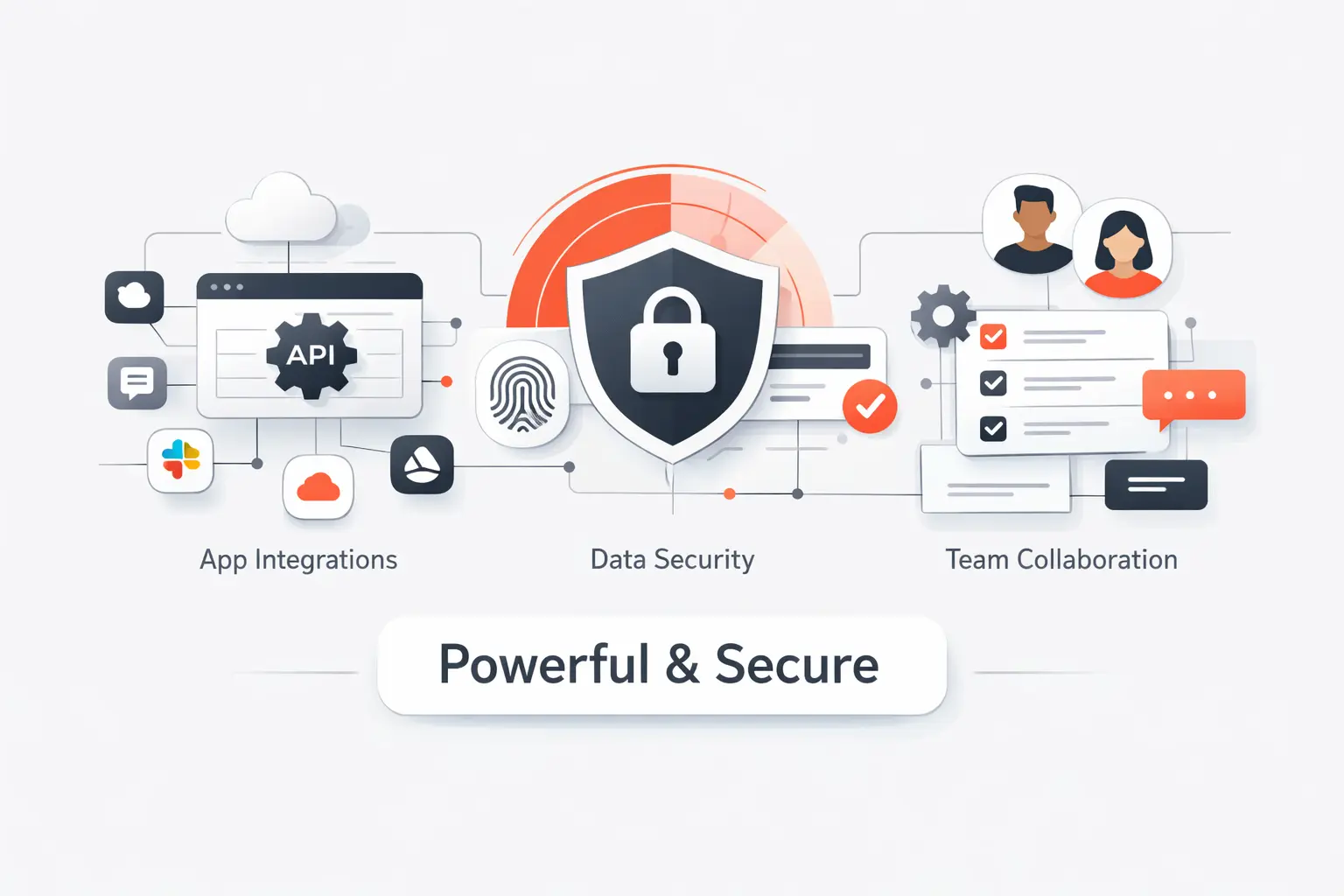
This is the section most buyers skip, and it is where bad decisions get expensive. A solo user may only need a share link. A real team usually needs CRM handoff, offboarding control, brand governance, and a security story that procurement can live with.
1. CRM, Email, and Meeting Tool Integrations
If your digital card will live inside a sales or recruiting workflow, integrations matter. Native CRM sync is ideal. Zapier or export support can still work for smaller teams. Email signature support and virtual background tools also help because they extend the card into daily routines.
We do not think every buyer needs this on day one. Still, if your team attends events, follows up through HubSpot or Salesforce, or runs outbound email at scale, the integration layer goes from nice-to-have to essential very quickly.
2. Privacy Controls, SOC 2, and GDPR Readiness
At a minimum, we want to know who owns the data, how quickly a card can be deactivated, and whether the vendor talks clearly about security. Larger teams should also look for SSO, audit logs, role-based permissions, and clear compliance language.
Some vendors are much stronger here than others. That is not a deal-breaker for a solo freelancer. It is a serious issue for a company-wide rollout. If a vendor is vague, we would not make it the standard for a bigger team.
3. Team Dashboards, Multiple Cards, and Centralized Management
This is what separates a solo card app from a team platform. Admin dashboards, template locking, bulk creation, role-based fields, and HR sync all reduce rollout pain. They also protect your brand when employees change jobs, titles, or regions.
In practical terms, centralized management means fewer broken cards, fewer off-brand pages, and faster onboarding. If you plan to give digital cards to more than a handful of people, this feature set deserves more attention than the color palette.
Frequently Asked Questions About Free Digital Business Cards
We hear the same six questions whenever clients compare free digital business cards. Here are our short, practical answers, without the fluff.
1. How Can You Create a Free Digital Business Card Online?
Pick a platform, sign up, add your contact details, upload a photo or logo, and choose how you want to share it. Most dedicated tools give you a QR code and a share link right away.
If you want networking features, use a card platform. If you mostly want a polished visual card, Canva or Adobe Express can work. The best starting point depends on whether you value follow-up or design more.
2. Where Can You Make a Free Virtual Business Card?
You can make one in dedicated apps like Blinq, HiHello, Wave Connect, Popl, and Spreadly. You can also make one in design tools like Canva and Adobe Express if you are comfortable sharing a link instead of using a true card platform.
We usually point beginners to a dedicated card tool first. The setup is faster, and the sharing flow is usually better.
3. What Is the Best Free App for Making Digital Business Cards?
In our view, Blinq is the best all-around option for most people. Wave Connect is excellent if you want wallet sharing without forcing an app. HiHello is stronger if you care a lot about contact organization and follow-up. Popl is our pick for event-heavy sales teams.
There is no single winner for every buyer. The right choice depends on whether you need design freedom, lead capture, or team management.
4. Do Free Digital Business Cards Work on iPhone and Android?
Yes, most of the better tools work on both. The real question is how they work. Browser-first sharing is the safest option because it is not tied to one app ecosystem.
Extras like Apple Wallet, Google Wallet, NFC, widgets, and smartwatches vary by platform. Always test your final card on both operating systems before you rely on it at an event.
5. Do Recipients Need an App to View a Digital Business Card?
With the best tools, no. That is one of our main buying criteria. A recipient should be able to open the card in a browser, save your details, and move on.
If a service requires both sides to install an app, we usually treat that as a red flag for broad networking use.
6. Can You Add a QR Code to a Free Digital Business Card?
Yes. Almost every tool on this list supports QR-based sharing in some form. Dedicated card apps do it natively, and design tools like Canva or Adobe Express can add a QR code to a static design.
The difference is what happens after the scan. Dedicated apps usually handle contact saving better. Design tools are better if you want full layout control.
How TechTide Solutions Can Build Custom Digital Business Card Solutions
Off-the-shelf tools cover most individual needs, but they do not always fit branded customer journeys, compliance rules, or internal systems. At TechTide Solutions, we build custom card platforms when teams need flexibility that marketplace apps stop short of.
1. Custom Web and Mobile Apps for Branded Digital Cards
We build fully branded web and mobile apps for organizations that want digital cards under their own identity, not a vendor’s template. That includes role-based card types, custom layouts, multilingual support, and branded domains.
This is useful for franchises, real estate groups, insurance teams, universities, and event organizations that need a consistent brand but different card versions for different roles.
2. Tailored QR Code, Wallet, CRM, and Analytics Workflows
We can connect digital cards to QR workflows, Apple Wallet and Google Wallet passes, CRM write-back, routing rules, meeting tools, and custom analytics dashboards. That matters when your card is part of a bigger sales, support, or recruiting flow.
Instead of forcing your process into a vendor’s plan limits, we design the handoff around how your team actually works. That could mean badge capture at events, domain-based lead routing, or offboarding rules tied to HR systems.
3. Scalable Platforms for Teams, Events, and Enterprise Needs
For larger rollouts, we design admin portals, role permissions, audit logs, SSO, bulk provisioning, and template locking. We also build systems that support regional branding, department-level templates, and controlled field editing.
If you are comparing tools and thinking, this is close, but not quite right, that is usually the moment a custom build becomes worth discussing. We can help you bridge that gap without sacrificing brand control or operational fit.
Final Thoughts on Choosing the Right Free Digital Business Cards
If we were choosing today, we would start with Blinq for the best all-around free digital business card, HiHello for relationship-heavy professionals, Wave Connect for no-app wallet-first sharing, and Popl if events or field sales drive your pipeline. Mobilo and eylet make more sense when you want physical NFC in the mix. Canva and Adobe Express are worth it only when design matters more than live contact exchange.
The right choice usually comes down to one question. Do you want a prettier card, or a better follow-up system? If you need both, shortlist one dedicated card tool and one design-first tool, then test each on two phones before you roll it out to your team.
If you are still unsure, pick three tools from this list, build a card in each, and ask a colleague to save you from an iPhone and an Android device. The winner is usually obvious within a day.