


At Techtide Solutions, we review website builders the same way we review software stacks. We care about what gets a site live quickly, what breaks when the business grows, and what quietly becomes expensive later. If you are comparing the best website builder platforms for a portfolio, service business, store, or lead generation site, the smart choice usually comes down to fit, not hype. That matters more now because Forrester estimated the low-code market at $13.2 billion in 2023, and website builders have started acting more like lightweight operating systems than simple page editors.
We have seen a solo consultant win with a clean Squarespace launch in a weekend, while a retailer with recurring orders, inventory rules, and multiple sales channels needed Shopify from day one. We have also seen teams pick the easiest builder, then pay for that choice later when redirects, structured content, and integrations get messy. That is why we ranked these tools by buying fit, trade-offs, and long-term friction, not by template count alone.
Quick Comparison of Best Website Builder
If you want a fast shortlist before reading the full reviews, start here. We pulled the 10 tools below from our top-ranked list and focused on the paid starting point or most practical entry tier for a real launch.
| Tool | Best for | From price | Trial/Free | Key limits |
|---|---|---|---|---|
| Wix | All-around small business sites | $17/mo | Free plan | Free branding, Light has no payments |
| Squarespace | Portfolios and service brands | $16/mo | 14-day trial | No free plan, tighter structure |
| Shopify | Growing online stores | $29/mo | 3-day trial | App costs and fees can rise |
| Webflow | Design-led marketing sites | $14/mo | Free starter | Starter has 2 pages, 50 CMS items |
| Hostinger | Low-budget launches | $2.99/mo | 30-day refund | Promo pricing, 3 sites on entry |
| Duda | Agencies and client work | $19/mo | 14-day trial | 1 site included, extras cost more |
| Simvoly | Funnels and memberships | $8/mo+ | 14-day trial | Layered pricing, funnel-first setup |
| WordPress.com | Blogs and content-first sites | $4/mo | Free plan | Best features need paid tiers |
| HubSpot CMS | B2B lead generation | $15/seat/mo | Free tools + trial | Advanced tiers get expensive fast |
| Square Online | Local sellers on Square POS | $0/mo | Free plan | Paid plans bill per location |
Recommended reading: Top 20 Free AI Flyer Generator Tools for Fast, Professional Designs
Top 20 Best Website Builder Platforms Ranked
We ranked these website builders by how well they handle real site types, how quickly you can get useful pages live, and how painful growth becomes later. Some are broad all-purpose platforms. Others are specialists. That difference matters more than most roundup lists admit.
1. Wix
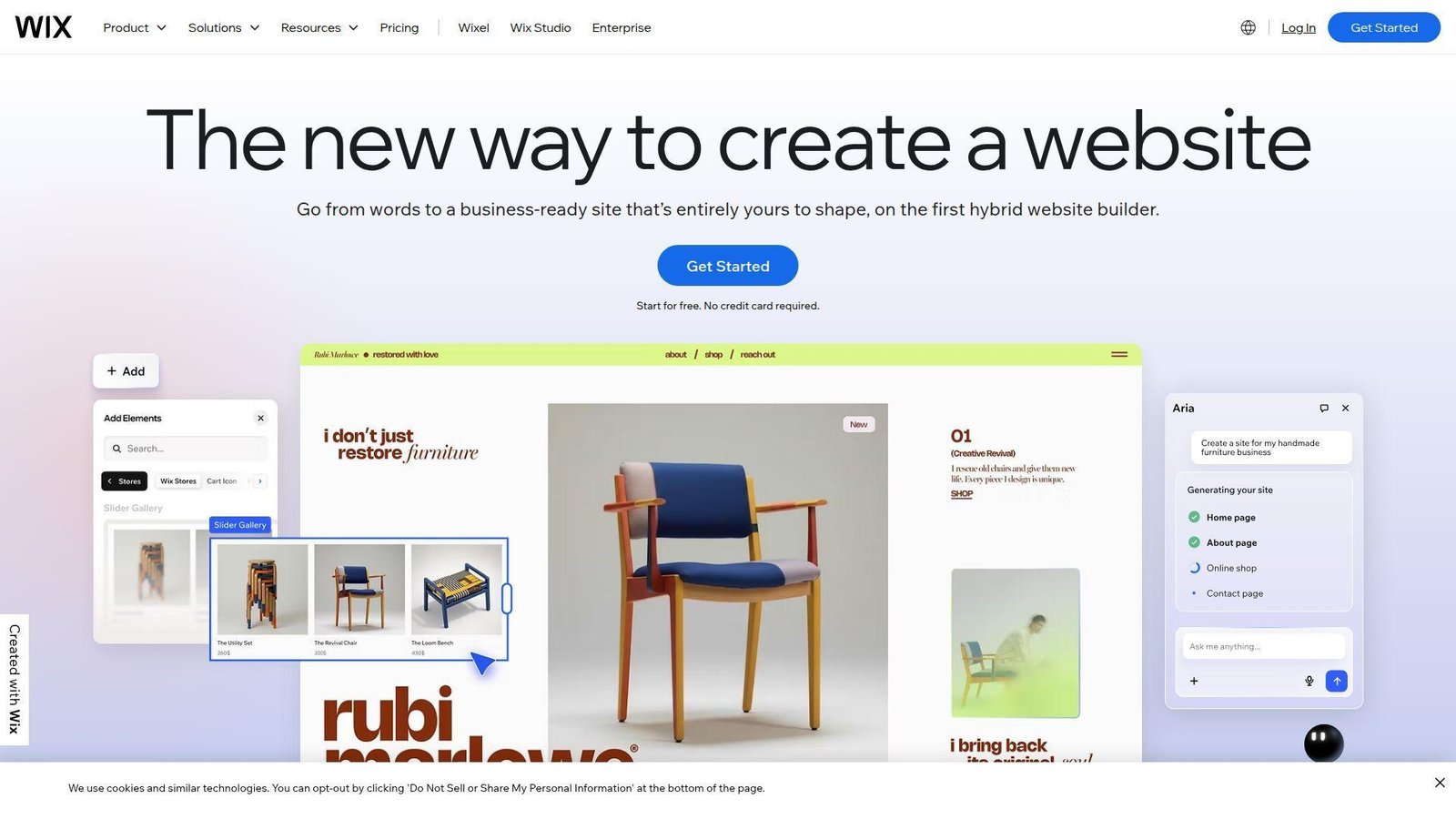
Wix feels like a platform built by a big product team instead of a single-purpose page editor. It covers templates, AI setup, blogging, bookings, ecommerce, and an app market in one account, which is why we keep coming back to it as the safest all-around choice. Best for: small business owners and solo service providers who want one tool for content, scheduling, and light marketing. Beats Squarespace at feature breadth. Trails Webflow on design precision.
- AI site setup plus drag-and-drop sections → gets a respectable brochure or booking site live in one afternoon.
- Built-in bookings, email, and store tools → replaces 3 to 5 separate starter apps for many small teams.
- Familiar editor and large template library → most beginners reach first live pages within 1 day.
Pricing & limits: From $17/mo on annual billing. Wix also has a free plan. Light removes ads and connects your domain, but payments start on Core and above. Core adds 50GB storage, while Business and Business Elite expand storage, collaborators, and commerce tools. Wix uses a 14-day money-back window instead of a classic free trial.
Honest drawbacks: freedom can create messy layouts fast if you have no design discipline. App costs can pile up, and moving a mature Wix site to another platform is still a project, not a click.
Verdict: If you want one builder that covers content, bookings, and light selling, Wix helps you publish fast and keep improving over the first few months.
2. Squarespace
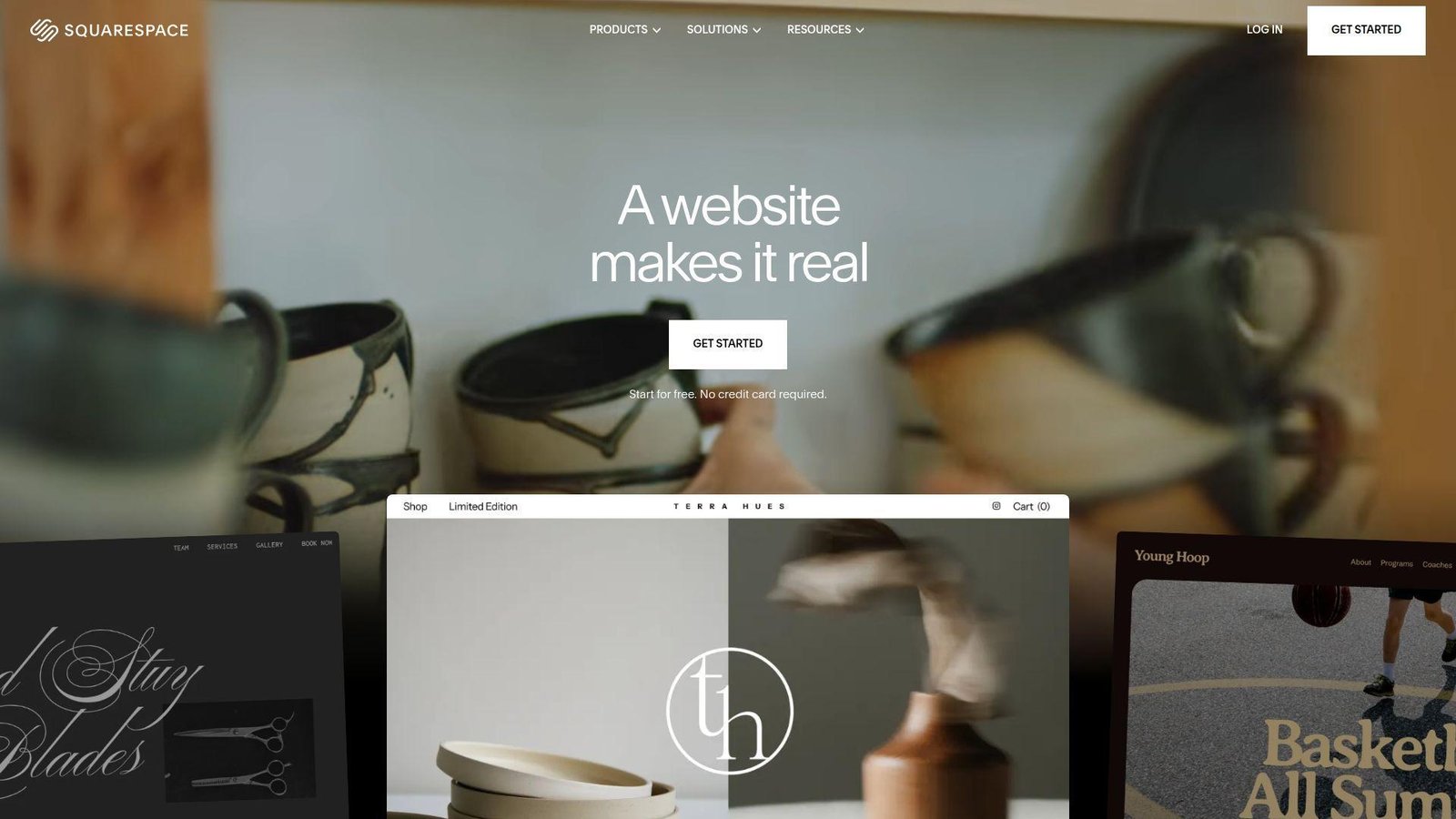
Squarespace feels like it is run by a design-led team that cares about defaults. That matters. Many builders promise beautiful templates, but Squarespace still produces some of the cleanest out-of-the-box sites in this category. Best for: photographers, consultants, and creative service businesses that want a polished brand site without wrestling with layout systems. Beats Wix on default visual polish. Trails Webflow on content modeling and advanced layout freedom.
- Strong templates and section-based editing → makes it easier to publish pages that look intentional, not homemade.
- Native scheduling, commerce, and email tools → cuts setup steps for service businesses that sell appointments or digital offers.
- Tighter editor guardrails → most users get to a solid first version in a day or two.
Pricing & limits: From about $16/mo on annual billing, with a 14-day free trial and no free forever plan. The entry website tier keeps contributors tighter, and Squarespace’s selling tiers unlock more commerce depth and lower transaction drag. The public comparison also shows 2 contributors and 30 minutes of video hosting on the lowest website tier, while higher plans expand those limits fast.
Honest drawbacks: content-heavy sites can start to feel boxed in. If you need complex filtering, custom databases, or very custom page logic, Squarespace becomes more rigid than its homepage suggests.
Verdict: If you care most about launching a brand site that looks polished right away, Squarespace helps you get there in a weekend without overthinking design.
3. Shopify

Shopify is not trying to be everything. It is a commerce company first, and that clarity is exactly why it wins for stores. The admin, checkout, catalog structure, and ecosystem all feel built around selling, not around publishing pretty pages and hoping commerce fits later. Best for: direct-to-consumer brands and retailers that expect catalog growth, repeat orders, or omnichannel sales. Beats Square Online at store depth. Trails Squarespace and Webflow on editorial presentation.
- Catalog, inventory, checkout, and marketplace tools → gives growing stores fewer operational dead ends as orders rise.
- Sidekick and app ecosystem → cuts manual setup across merchandising, shipping, marketing, and store tasks.
- Well-documented onboarding and theme flow → a basic store can be selling within a day.
Pricing & limits: From $29/mo on annual billing after a 3-day free trial, with the current offer moving into $1/mo for 3 months. Basic is built for solo operators, Grow adds up to 5 staff accounts, and Advanced moves toward larger teams and regional selling. Shopify also supports unlimited products, which matters once your catalog stops being tiny.
Honest drawbacks: content pages can feel secondary, and app spending can creep up if you keep patching gaps with add-ons. It is also overkill if you only sell a handful of products once in a while.
Verdict: If your main goal is to build a serious store, Shopify helps you launch quickly and keep scaling without rebuilding the stack six months later.
4. Webflow
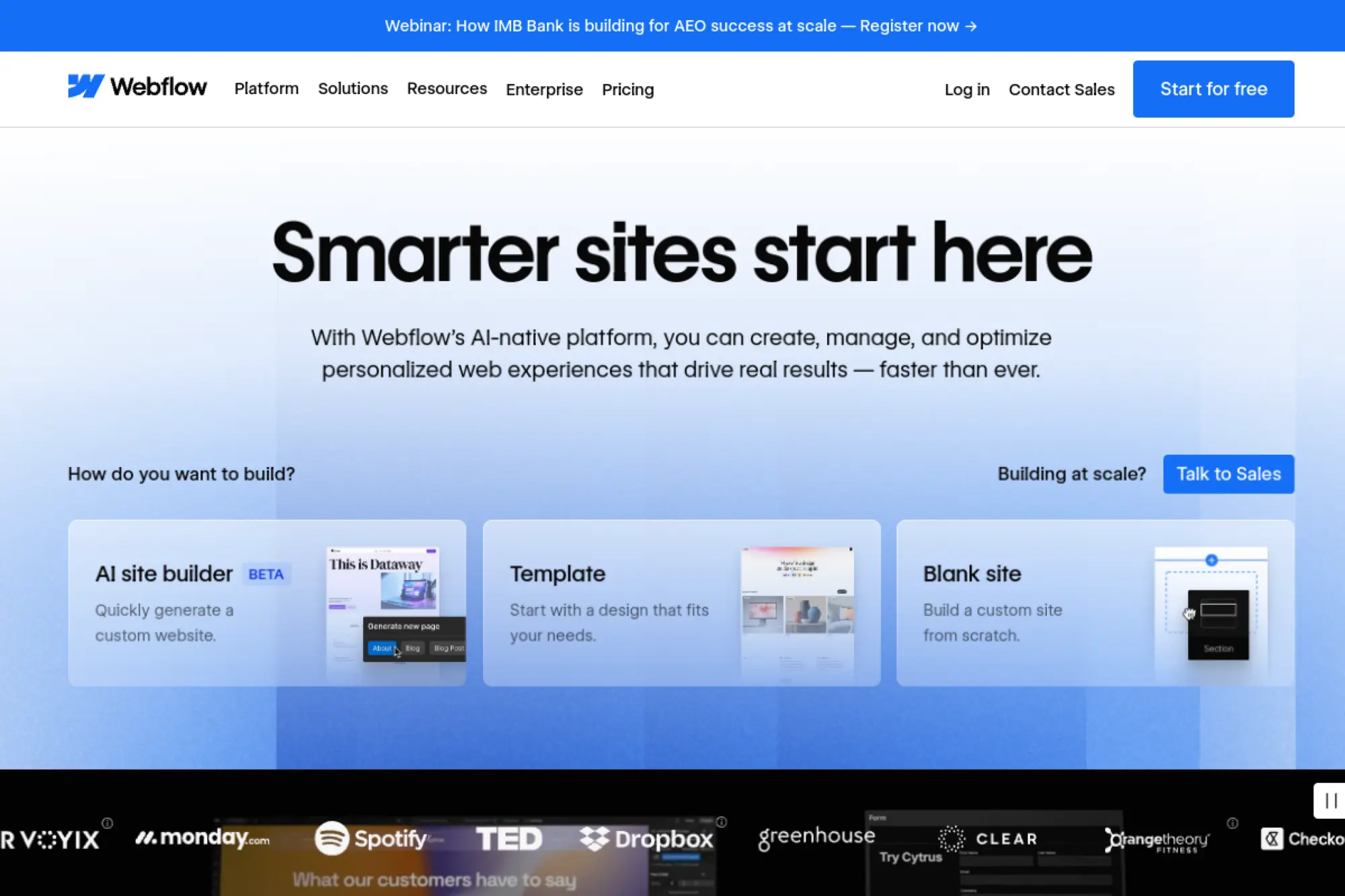
Webflow sits in the gap between design tool and website platform, and that is why teams either love it or bounce off it. It gives far more control than mainstream builders, but it expects you to think in structure, not just drag boxes around. Best for: startup marketers and design-led teams that want custom landing pages, strong CMS pages, and cleaner handoff between design and production. Beats Squarespace on precision. Trails Wix on beginner friendliness.
- Visual control that maps closely to real layout behavior → produces custom marketing pages without waiting on a front-end sprint.
- CMS plus AI page and collection support → cuts repetitive setup when building content hubs and campaign pages.
- Serious staging and structured editing model → teams usually reach first real value in 2 to 3 days, not weeks.
Pricing & limits: Paid site plans start at $14/mo annually. Webflow also has a free Starter site that is useful for prototyping, but it caps you at 2 pages, 20 CMS collections, 50 CMS items, 1GB bandwidth, and 50 lifetime form submits on a webflow.io domain. That free tier is great for testing, not for a real business launch.
Honest drawbacks: the learning curve is real. Non-designers can find the editor intimidating, and content teams used to simpler page builders may need training before they feel safe.
Verdict: If your goal is a highly custom marketing site with less developer bottleneck, Webflow helps you ship a sharper site within the first week and keep iterating cleanly.
5. Hostinger
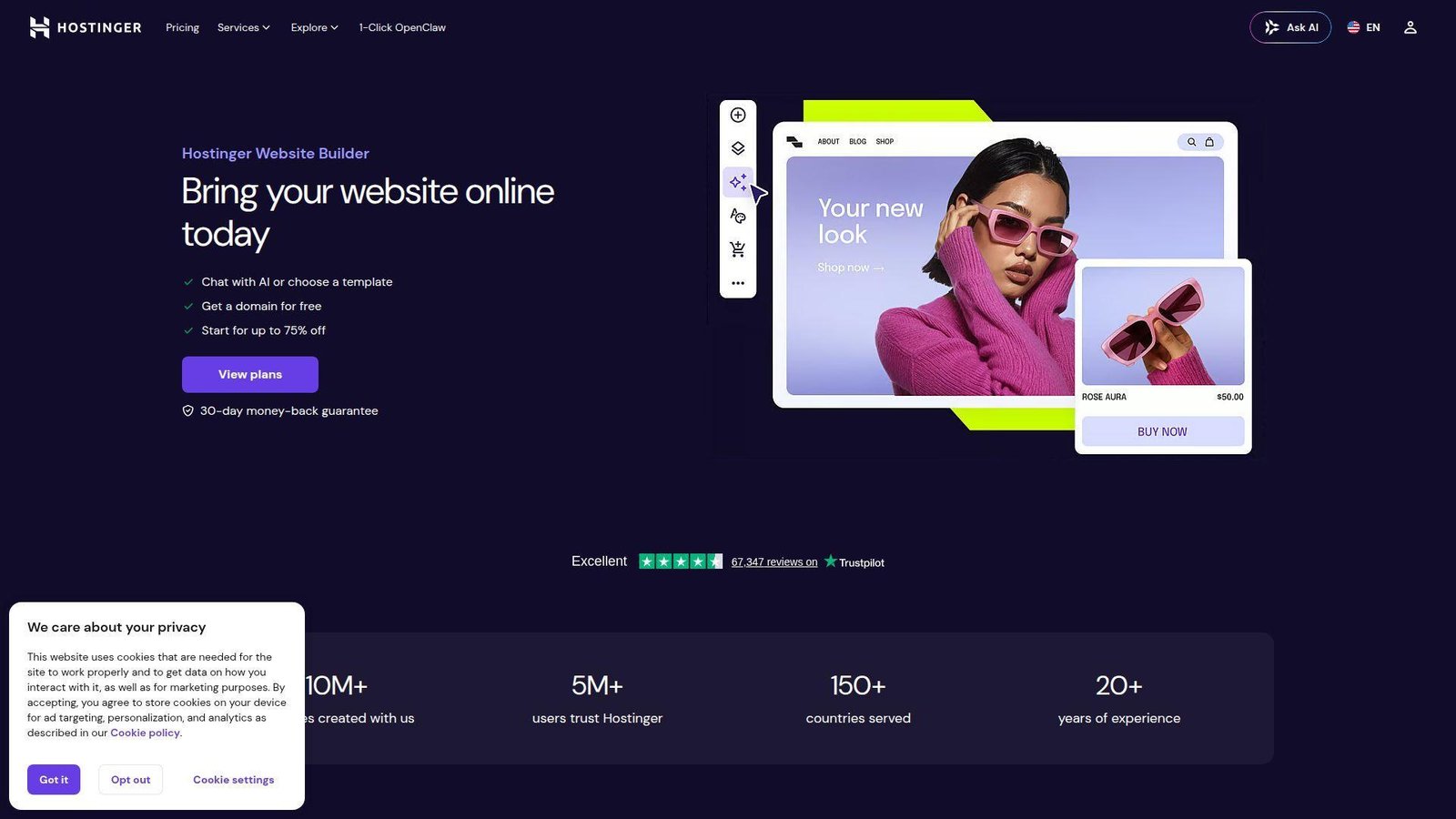
Hostinger comes from the hosting world, and that background shows in how aggressively it packages price, domain, email, and builder access into one low-cost starting point. We do not think it beats the leaders on depth, but it does beat a lot of them on value. Best for: side hustlers and local businesses that want a fast site without a serious monthly bill. Beats GoDaddy on entry value. Trails Wix on feature depth and app variety.
- AI-assisted setup with ready-made templates → gets a clean 5-page site online in under an hour.
- Bundled email, SEO, and marketing tools → removes several early setup steps for first-time owners.
- Simple dashboard and mobile editing → time-to-first-value is usually the same day.
Pricing & limits: From $2.99/mo on the long-term Premium Website Builder plan, with a 30-day money-back guarantee. Premium includes up to 3 websites, 20GB storage, 5 AI credits, and 2 mailboxes per site for a year. Business starts at $3.99/mo on promo pricing and expands to 50 websites, 50GB storage, daily backups, and stronger ecommerce support. Renewal rates are much higher than the intro rate.
Honest drawbacks: the low teaser pricing is great until renewal time. It is also less refined for complex brands, larger stores, or content-heavy sites that need long-term structure.
Verdict: If you want the cheapest solid launch path for a simple business site, Hostinger helps you get live this week without draining the budget.
6. Duda
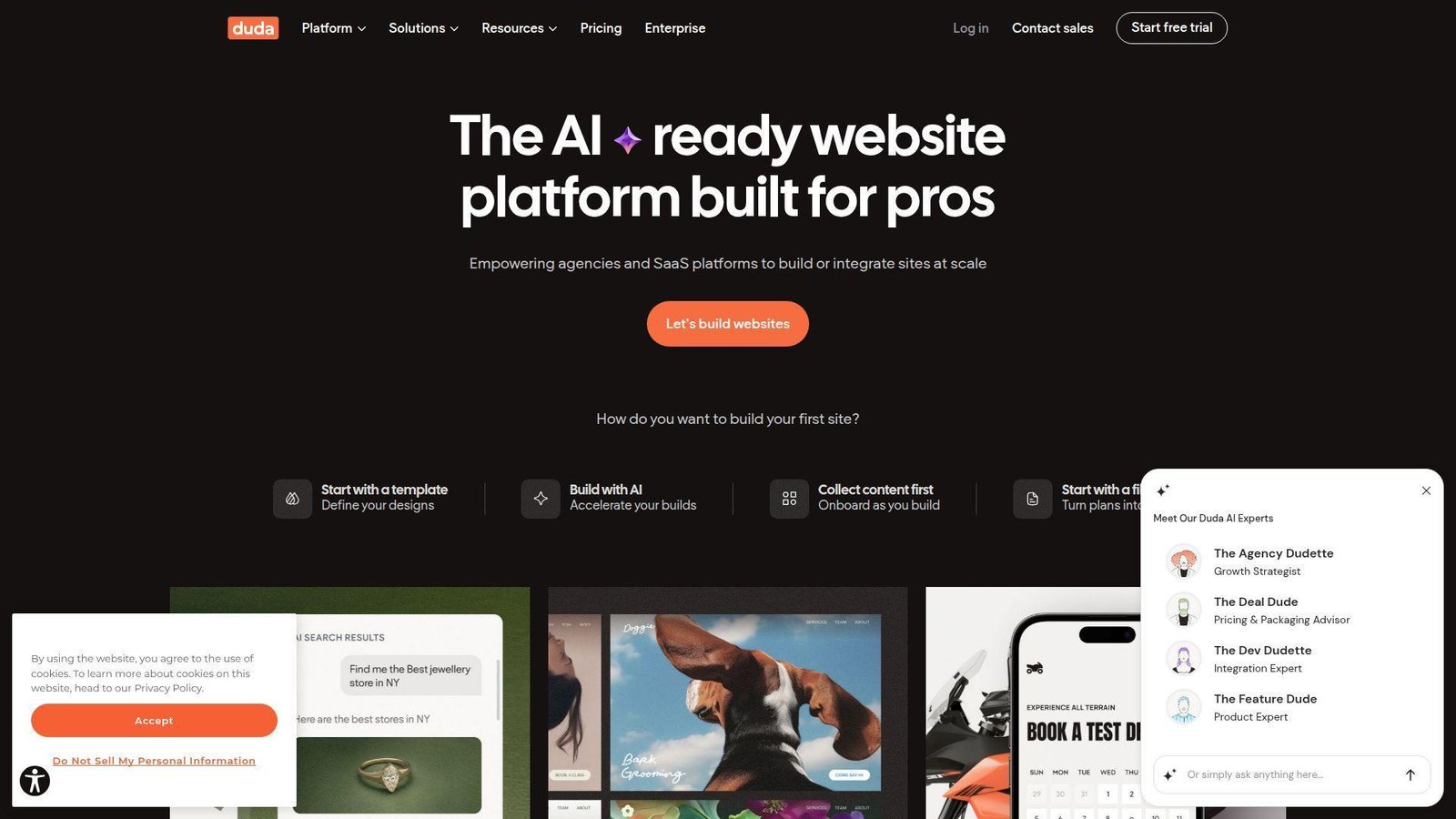
Duda is not really chasing hobby users. It is built for agencies, freelancers, and multi-site operators who need to create, manage, and hand off sites at scale. That focus makes it feel different from consumer-first builders in a good way. Best for: agencies and freelance designers handling multiple client websites. Beats Wix on client management. Trails Webflow on open-ended creative freedom.
- Client roles, permissions, and handoff tools → reduces the usual chaos after site launch.
- White-label options, widgets, and AI helpers → cuts repeated build and content tasks across many projects.
- Structured editor for repeatable delivery → most pros can get first client value in 1 to 2 days.
Pricing & limits: Duda starts at $19/mo annually for Basic. Team is $29/mo, Agency is $52/mo and includes 4 sites plus 6 team members, and White Label is $149/mo annually. Duda also offers a 14-day free trial that includes White Label plan features. The catch is that extra sites cost more, usually $17 to $19 each depending on plan.
Honest drawbacks: the account-plus-site pricing model can annoy solo buyers who only need one website. It also does not invite wild visual experimentation the way Webflow or Framer can.
Verdict: If you build sites for clients and need a calmer delivery workflow, Duda helps you standardize production and handoff within your first few projects.
7. Simvoly
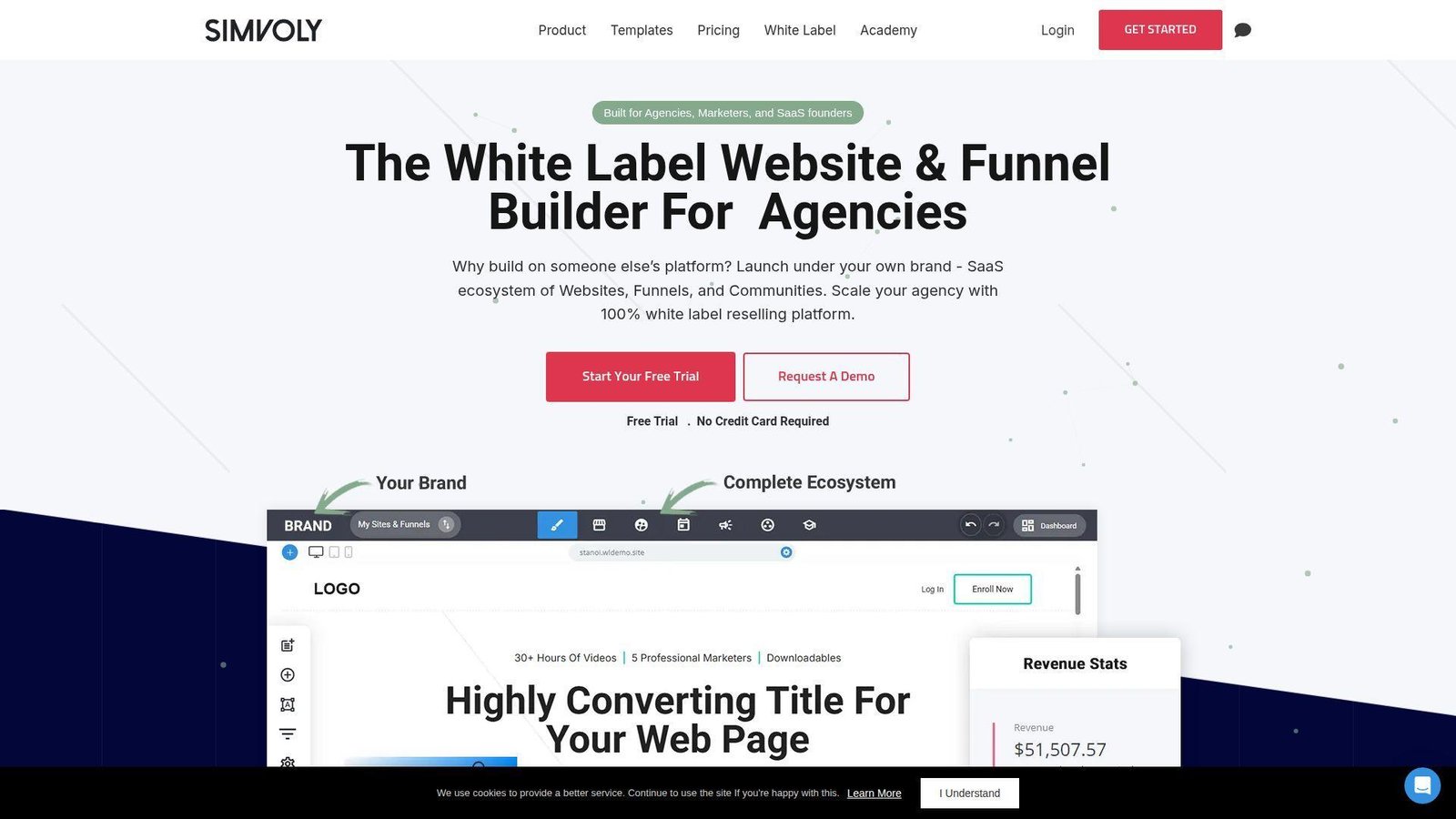
Simvoly is one of the few builders in this list that treats funnels, memberships, appointments, and sites as one connected system instead of bolt-ons. That makes it interesting for revenue-first businesses, even if it is not the prettiest product here. Best for: coaches, info-product sellers, and membership businesses. Beats generic builders at funnel logic. Trails Shopify on store operations and Squarespace on visual polish.
- Funnels, upsells, and site pages in one flow → improves the path from visitor to paid customer.
- Communities, appointments, and email tools → replaces several small subscriptions and manual steps.
- Preset funnel structure → first working offer funnel is often live in a day.
Pricing & limits: pricing is layered and more confusing than it should be. Simvoly advertises a 14-day free trial, project pricing that starts at $8/mo inside its structure, and white-label plans from $59/mo. A starter project includes 1 website, 1 community, 100 subscribers, 10GB bandwidth, 5 hosted videos, and 2 admin seats. We like the capability mix more than the pricing page itself.
Honest drawbacks: the pricing page is harder to decode than most buyers will like. Design flexibility and app maturity also lag the top-tier platforms.
Verdict: If your goal is to sell offers through funnels and memberships instead of just publishing pages, Simvoly helps you connect those pieces in the first week.
8. WordPress.com
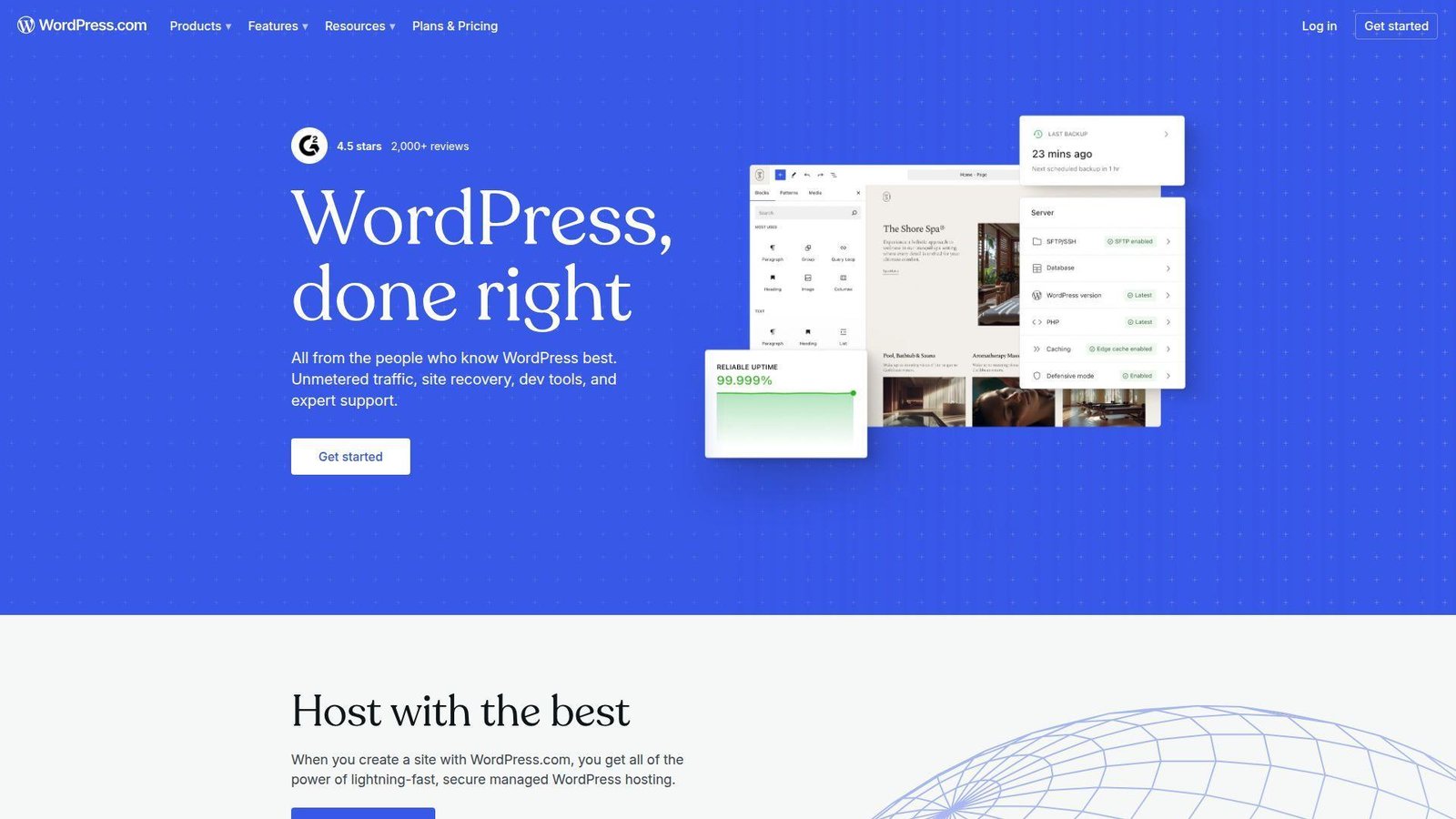
WordPress.com is strongest when content is the business or at least a major growth channel. It inherits the publishing DNA of WordPress, but wraps it in managed hosting and friendlier operations than a self-hosted setup. Best for: bloggers, publishers, and content-heavy small businesses. Beats Wix on editorial depth. Trails self-hosted WordPress on raw control and trails Squarespace on out-of-box beauty.
- Strong publishing workflow with unlimited pages, posts, and users → makes editorial collaboration easier from the start.
- Plugins on paid plans plus built-in sharing and subscriptions → cuts the number of separate tools content teams need.
- Free plan and managed hosting → lets you test the workflow in a few hours before spending money.
Pricing & limits: From $4/mo annually for Personal, then $8 for Premium, $25 for Business, and $45 for Commerce on annual terms. There is a free forever plan with no expiration date, but it uses the WordPress.com setup and only gives basic visitor stats for the last 7 days. Business includes 50GB storage, while Commerce adds full store tools like subscriptions, bookings, taxes, and shipping workflows.
Honest drawbacks: plan changes have made the lineup less intuitive than it used to be. Also, the block editor still feels abstract to some beginners who just want simple visual dragging.
Verdict: If you want a builder that takes content seriously, WordPress.com helps you publish fast now and grow into a richer site over the next few quarters.
9. HubSpot CMS
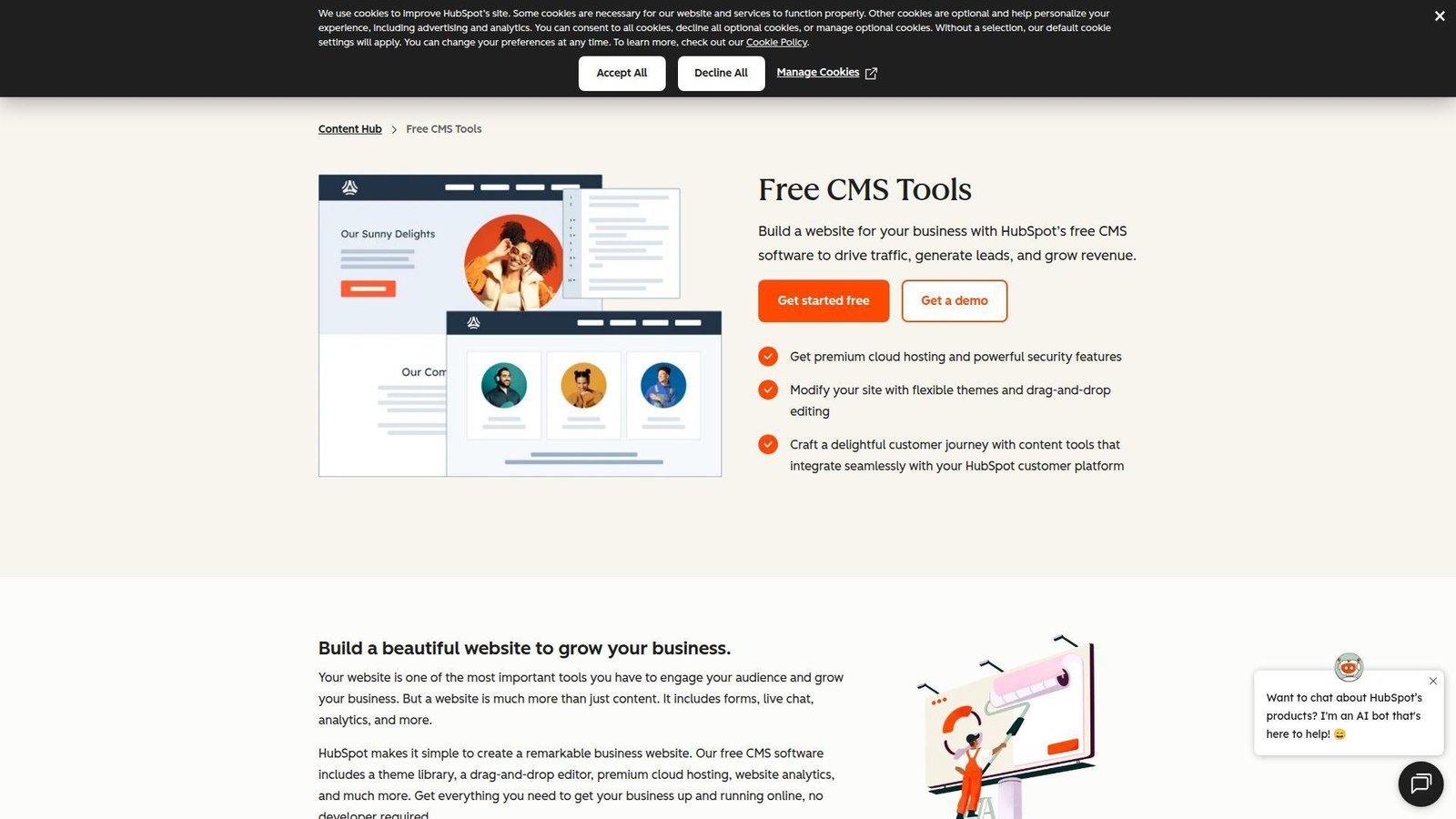
HubSpot’s CMS, now positioned inside Content Hub, is the most business-system-aware option in this list. It is not trying to win on visual creativity alone. It wins when the website needs to feed a CRM, support campaigns, and help revenue teams act on the data. Best for: B2B marketers and sales-aligned teams. Beats almost everyone at native CRM fit. Trails Webflow and Framer on design freedom.
- Forms, CTAs, analytics, and CRM in one platform → removes lead handoff gaps that waste follow-up opportunities.
- AI content tools, SEO help, and personalization → cuts several publishing steps for lean marketing teams.
- Hosted CMS with drag-and-drop editing → first landing pages can be live the same day.
Pricing & limits: From $0 for the free CMS tools. Content Hub Starter begins at $15 per seat per month, Professional starts at $500/month with 3 seats, and Enterprise starts at $1,500/month with 5 seats. HubSpot also offers a 14-day free trial for its content tools. This is one of the clearest cases where cheap at the start can turn expensive fast as teams, workflows, and governance needs expand.
Honest drawbacks: it is expensive for small teams that only need a brochure site. Design-first teams may also find the visual experience less inspiring than Framer, Webflow, or Squarespace.
Verdict: If your goal is to turn the site into a real revenue channel, HubSpot helps you connect content, leads, and follow-up in the first few weeks.
10. Square Online
Square Online makes the most sense when the website is an extension of a physical selling workflow. That sounds narrow, but it is a huge advantage for shops, cafes, salons, and small retailers already using Square. Best for: local merchants and service businesses on Square POS. Beats GoDaddy for POS sync. Trails Shopify on large-catalog and multichannel depth.
- Catalog and inventory sync with Square POS → reduces stock mismatches between in-person and online sales.
- Payments, invoicing, links, and orders in one ecosystem → removes manual reconciliation work every week.
- Simple store setup → many sellers reach first live checkout the same day.
Pricing & limits: From $0/mo on the Free plan, then $49/mo per location for Plus and $149/mo per location for Premium. Square Plus and Premium each come with a 30-day free trial. Free is great for testing and smaller sellers, but per-location pricing becomes important as you expand beyond one storefront or need stronger marketing and rate advantages.
Honest drawbacks: templates are practical more than beautiful. If your business becomes heavily brand-led, content-led, or enterprise-like, the front-end experience can feel limiting.
Verdict: If you already run payments through Square and want your site to stay in sync, Square Online helps you get selling online without rebuilding operations from scratch.
11. Framer
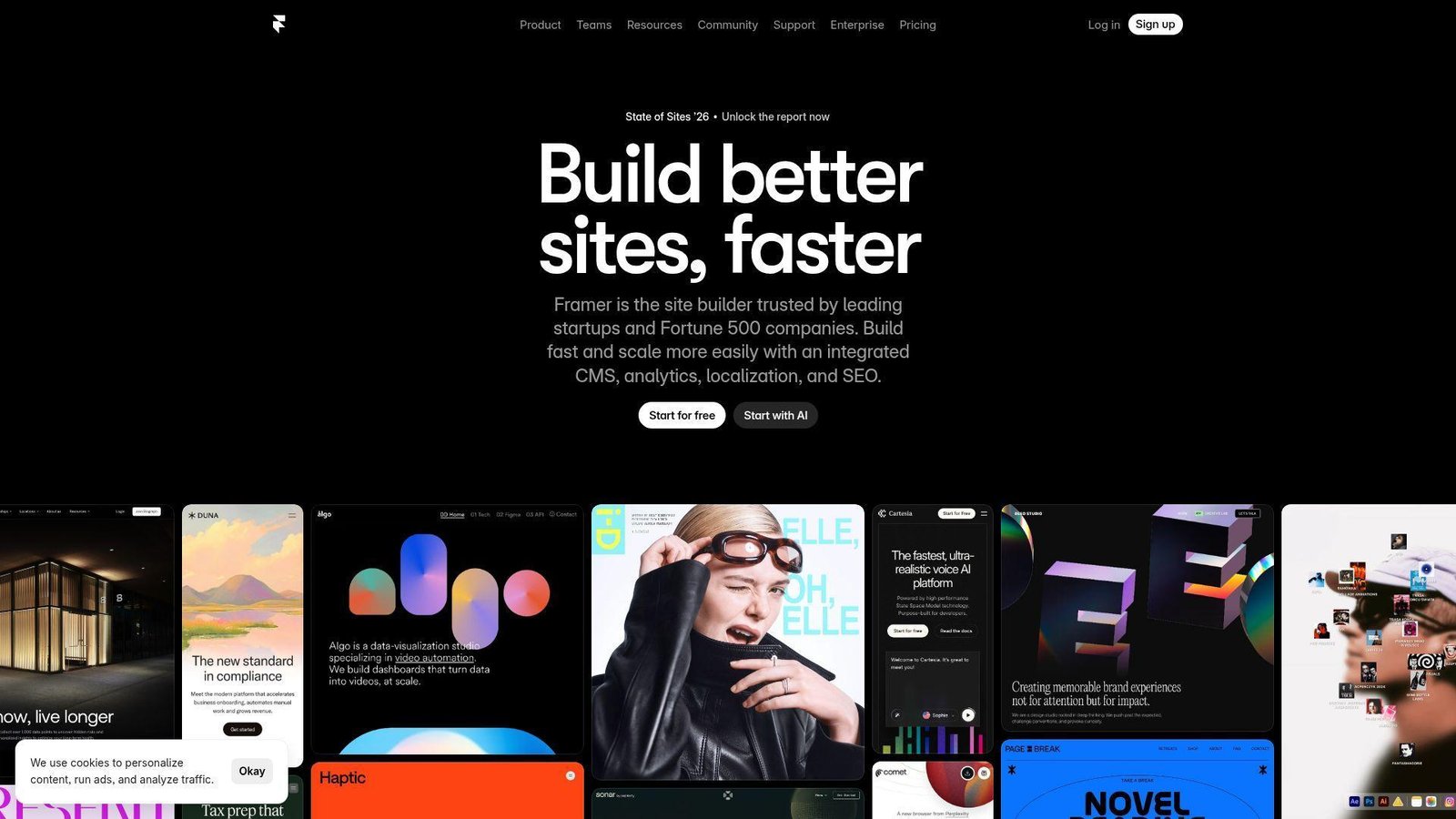
Framer is the builder we reach for when the homepage itself has to feel like the brand. It is clearly shaped by a design-first team, and that shows in the motion, canvas feel, and speed of visual iteration. Best for: startup marketing sites and creative portfolios. Beats Squarespace on modern motion and interaction. Trails Webflow on CMS maturity and larger team workflows.
- Canvas-like page building with motion tools → creates high-polish launch pages without a design-to-dev handoff.
- AI tools, CMS, and experiment-friendly features → reduces the steps between draft, publish, and optimization.
- Fast, familiar interface for designers → first live hero section often happens in a few hours.
Pricing & limits: From $10/mo annually for Basic, then $30 for Pro and $100 for Scale plus usage. Basic includes 30 pages, 1 CMS collection, 1,000 CMS items, and 10GB bandwidth. Yearly plans include a free .com domain, but extra editors cost more, and higher-scale traffic is usage-based. There is also a free publishing path with Framer branding on the free site plan.
Honest drawbacks: content-heavy teams can hit limits faster than expected. Extra editor pricing also makes Framer less friendly once collaboration expands beyond a tiny group.
Verdict: If you want a site that looks modern from day one and care more about presentation than backend complexity, Framer helps you launch impressively within a few days.
12. SITE123
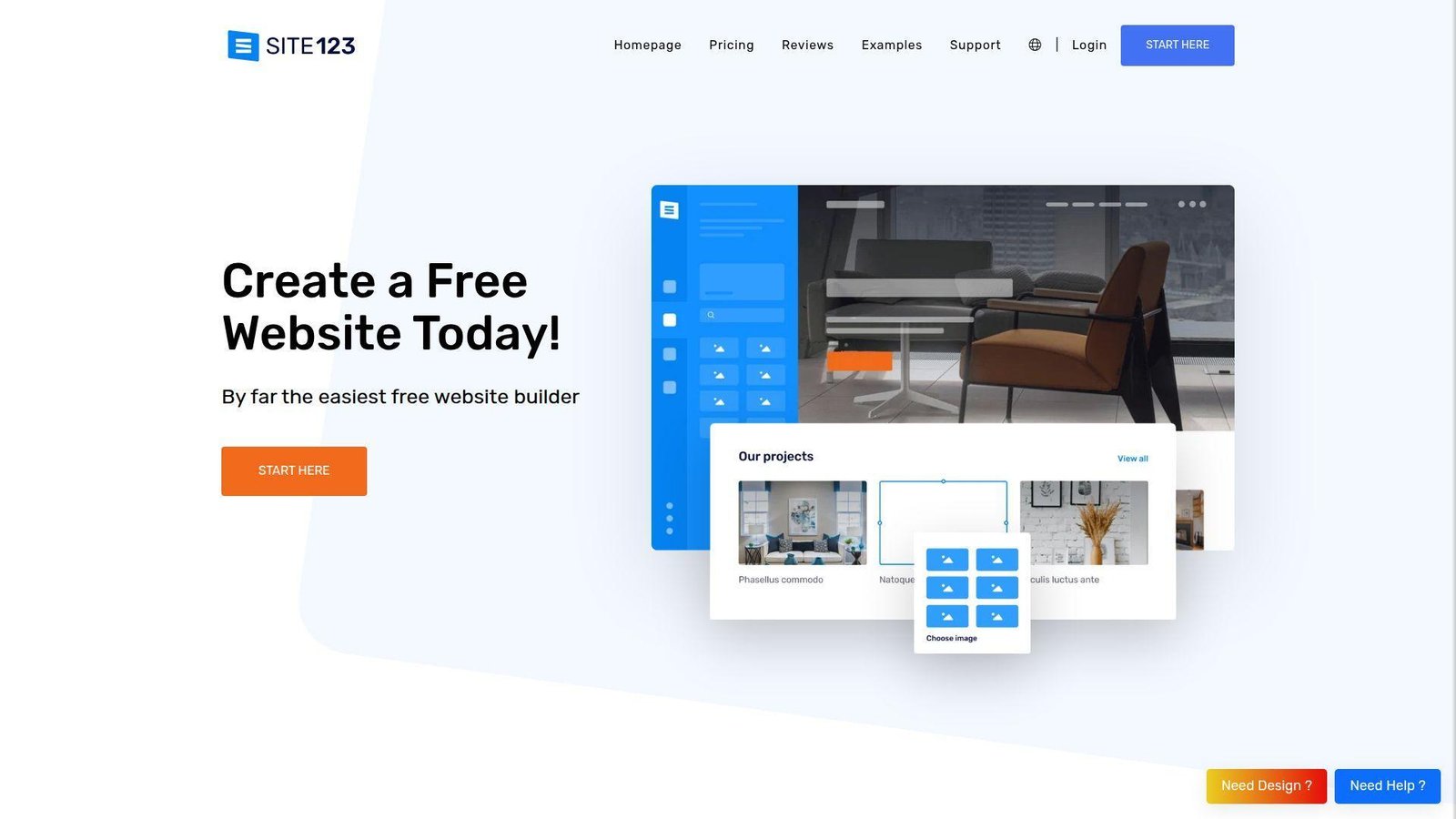
SITE123 takes the opposite path from tools like Webflow. It removes decisions on purpose. For some buyers that is a weakness. For true beginners, it can be a gift. Best for: absolute beginners and simple brochure sites. Beats more advanced builders on setup simplicity. Trails nearly all of them on flexibility and long-term headroom.
- Guided setup and rigid structure → gets users past blank-page paralysis fast.
- Built-in basics like domain connection and store support → avoids extra setup choices for first-time site owners.
- Minimal learning curve → first workable site usually appears in under an hour.
Pricing & limits: SITE123 has a free forever tier with 250MB storage, 250MB bandwidth, and a subdomain. Premium removes the floating tag, connects your domain, includes a free domain for a year, and adds store support. The site also advertises a 14-day money-back guarantee. Based on public positioning, paid entry lands around the low-teens per month, though the page shown to some users does not expose a single clean number, so we treat that as an inference.
Honest drawbacks: you will hit the design ceiling quickly. It is fine for getting live, but not for buyers who want a strong brand system or custom content architecture.
Verdict: If your goal is simply to stop procrastinating and publish a basic site this week, SITE123 gets you there faster than most.
13. Strikingly
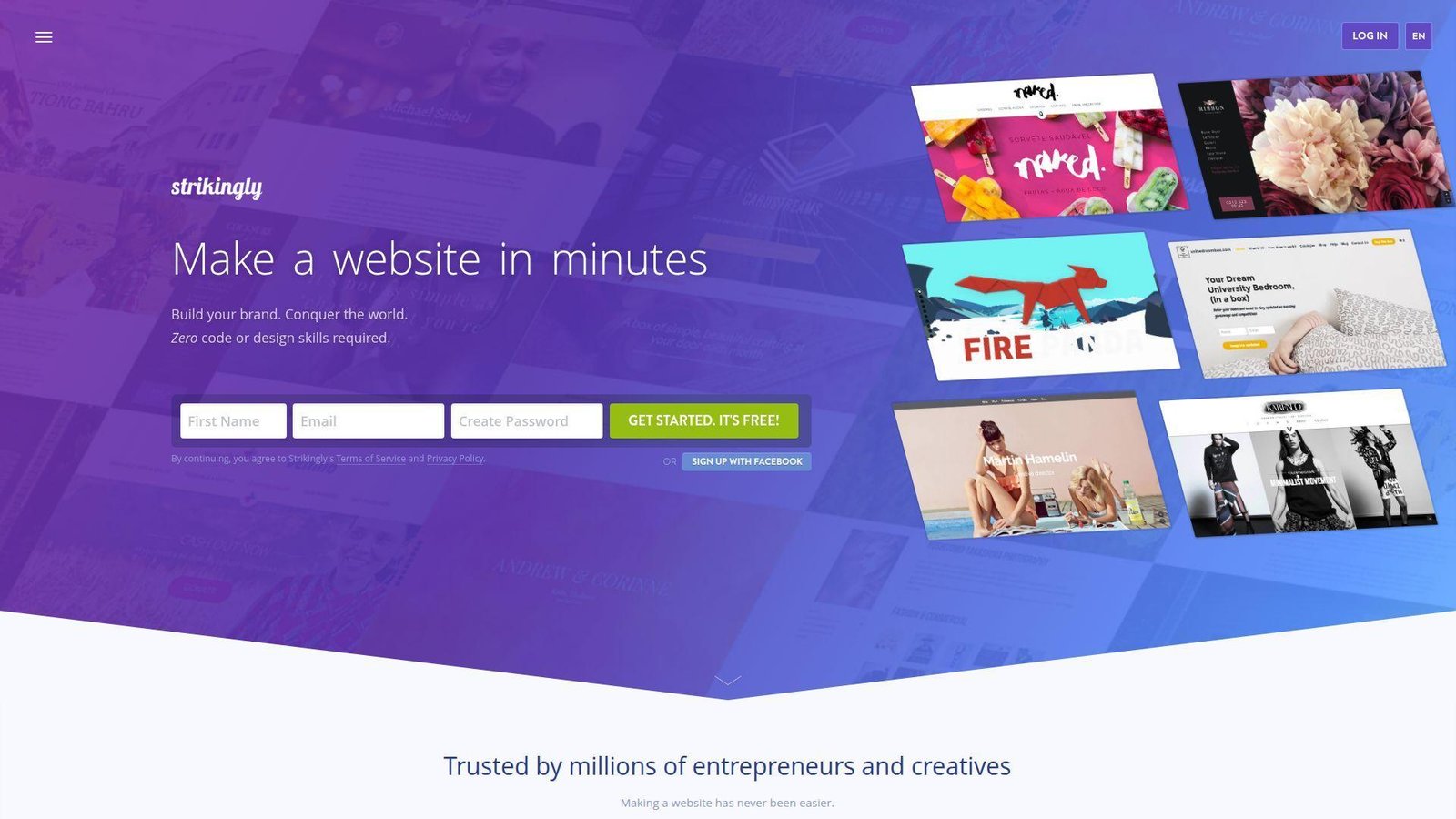
Strikingly still owns a useful niche. It is great when one page, one offer, and one clear call to action matter more than site depth. We would not use it for a broad content strategy, but that is not what it is for. Best for: personal brands, simple landing pages, and very small stores. Beats SITE123 on one-page selling. Trails Wix on multi-page breadth.
- One-page flow with native store options → helps visitors move from interest to action without extra clicks.
- Memberships, forms, pop-ups, and custom code on paid tiers → covers many simple lead and sales use cases.
- Very light editor → first live page often takes only a few hours.
Pricing & limits: Free starts at $0 forever. Pro costs $16/mo on annual billing and VIP costs $49/mo annually. Free includes unlimited free sites, 500MB storage per site, 5GB monthly bandwidth, a single product, and a 5% transaction fee. Pro expands to 3 Pro sites, 20GB storage per site, up to 100 pages, up to 300 products, and a lower 2% transaction fee.
Honest drawbacks: it still works best when kept simple. As soon as you need richer navigation, larger catalogs, or a serious content strategy, it starts feeling narrow.
Verdict: If you want to launch a clean one-page offer or profile site quickly, Strikingly helps you do that in a single sitting.
14. Webador

Webador feels designed for very small business owners who do not want to think like web professionals. That is a compliment. It keeps the workflow plain and the selling story straightforward. Best for: solo businesses, side hustles, and tiny shops. Beats many entry-level builders on clarity. Trails Wix and WordPress.com on ecosystem depth.
- Simple editor with AI-assisted starting points → gets a site published the same day.
- No platform commission plus built-in store tiers → keeps the cost model easier to explain and forecast.
- Low-friction setup for pages, products, and forms → first useful version usually appears in a few hours.
Pricing & limits: Free plan is available for testing. Paid plans step through Lite, Pro, and Business, with public pricing examples showing Pro around $10.50/mo and Business around $21/mo on annual billing after intro offers. Paid tiers include a custom domain for the first year, while Pro and Business add email and store features. Business opens unlimited online selling, and Webador says it does not take commission on sales.
Honest drawbacks: the simplicity is real, but so is the ceiling. Third-party integrations and advanced content structures are thinner than what bigger platforms offer.
Verdict: If you want a straightforward business site or tiny store without a long learning curve, Webador helps you get to a working launch in a day.
15. GoDaddy
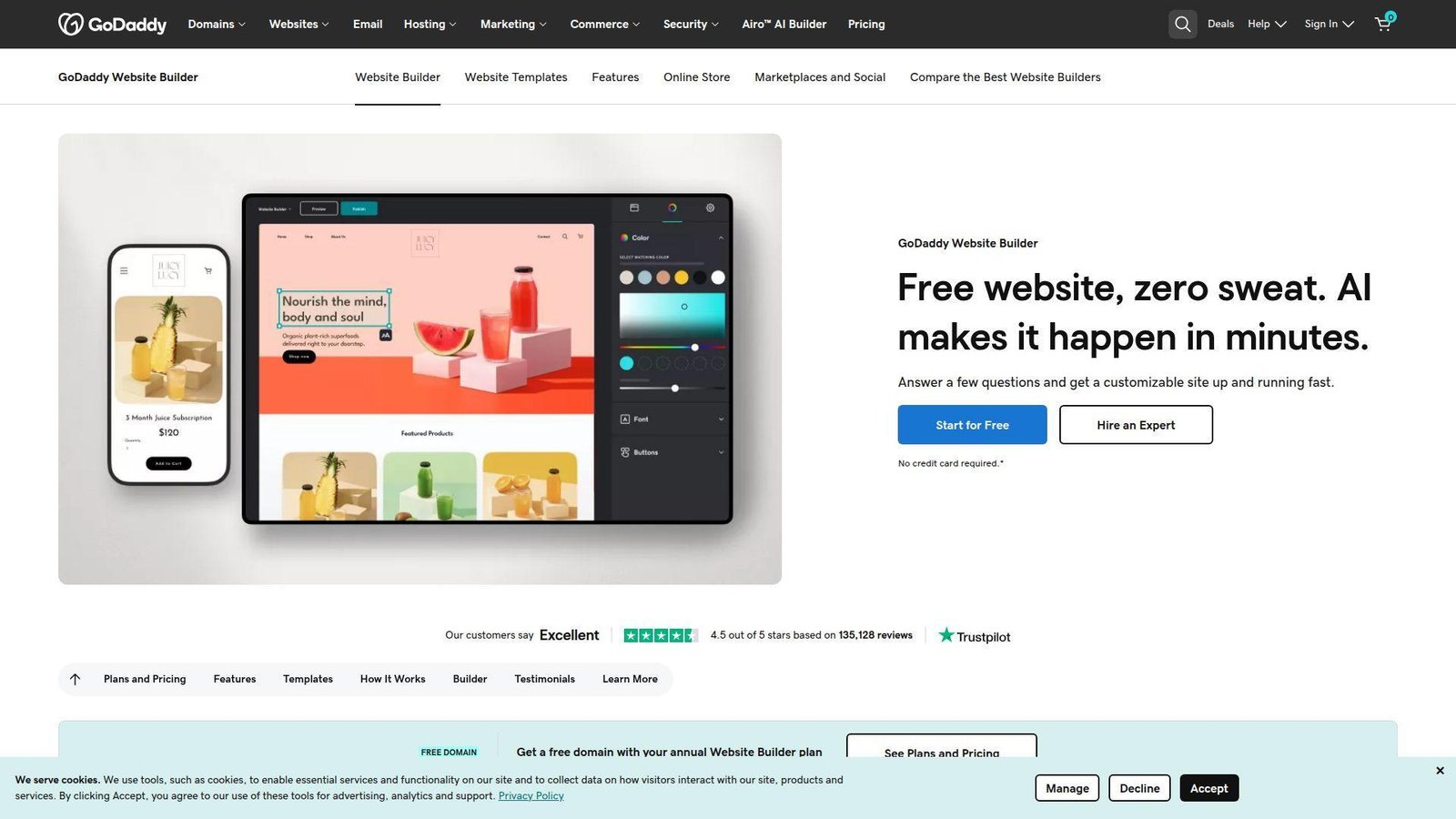
GoDaddy Website Builder is built for speed and reassurance. The product is clearly aimed at first-time business owners who want AI help, a safe template path, and support that feels available. Best for: local service businesses and first-time site owners. Beats many rivals on setup speed and support confidence. Trails Squarespace on polish and trails Wix on breadth.
- AI website flow and ready templates → gets a business brochure site online in minutes, not days.
- Email marketing, social posting, bookings, and payments → reduces the number of tools a new owner has to juggle.
- Simple editor with 24/7 support → first value usually shows up the same day.
Pricing & limits: From $9.99/mo annually for Basic, $14.99 for Premium, and $20.99 for Commerce. GoDaddy offers a 7-day free trial with no credit card required. Annual plans include a free domain and professional email. Marketing send limits also jump hard by tier, from 100 sends monthly on Basic to 25,000 on Premium and 100,000 on Commerce.
Honest drawbacks: the sites can feel generic if you do not customize them carefully. Larger content sites and brand-heavy experiences can outgrow the editor faster than owners expect.
Verdict: If your main goal is to get a service business online without friction, GoDaddy helps you publish this week and handle the basics from one dashboard.
16. IONOS
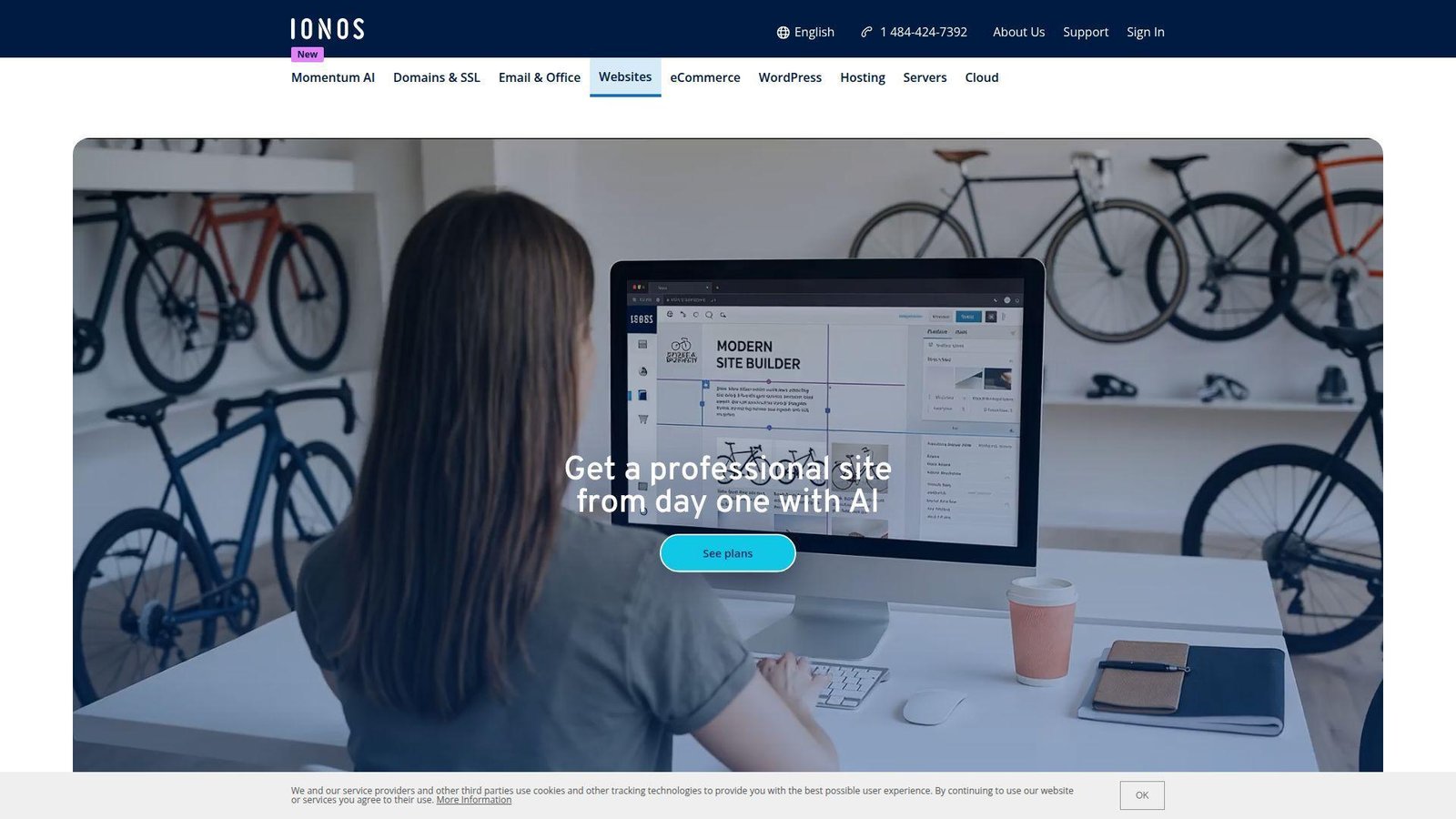
IONOS takes the bundle route seriously. Domain, email, marketing, AI tools, and builder access are packaged in a way that makes sense for small businesses that want one vendor to handle the basics. Best for: cost-sensitive service businesses and appointment-led sites. Beats many builders on bundled business extras. Trails the top design tools on front-end polish.
- AI text, image, and site tools → shortens the first draft cycle for owners who hate writing web copy.
- Domain, email, SEO, analytics, and booking in one place → removes a lot of early setup work.
- Guided editing experience → first usable site often lands in a day.
Pricing & limits: IONOS advertises aggressive intro pricing. Starter is $6/mo with a 1-year term and includes 10GB storage. Plus is $1/mo intro, then renews higher, and adds AI tools, booking, analytics, and 50GB storage. Pro is $17/mo and adds unlimited storage. All plans include a free domain, professional email, and a 30-day money-back guarantee.
Honest drawbacks: renewal pricing deserves real attention. The editor is serviceable, but it does not feel as refined or modern as Squarespace, Framer, or Webflow.
Verdict: If you want one low-friction vendor for website, email, and small-business basics, IONOS helps you get operational fast and stay lean in the first year.
17. Weebly
Weebly still has a place, mostly because of how naturally it fits Square users and very simple sites. We do not think it is the most exciting builder in 2026, but boring can be fine when the needs are modest. Best for: existing Square sellers and simple small business sites. Beats some entry tools on familiarity. Trails most of the modern leaders on innovation.
- Drag-and-drop elements with Square alignment → makes basic storefront setup easier for existing merchants.
- Straightforward editing and embeds → keeps setup steps manageable for beginners.
- Predictable builder workflow → many owners reach a usable site in a few hours.
Pricing & limits: From $0 on the free plan. Personal is $13/mo annually, Professional is $15/mo, and Performance is $32/mo. Paid tiers connect a custom domain and add more customization, while higher plans add advanced site stats and growth-oriented store features. It is still one of the simpler pricing structures in the category.
Honest drawbacks: the pace of improvement feels slower than what we see from Wix, Shopify, Webflow, or even GoDaddy. Templates and the surrounding ecosystem can feel dated.
Verdict: If you want a simple site and already live in the Square world, Weebly helps you launch quickly without relearning a totally different ecosystem.
18. Jimdo
Jimdo has always leaned toward self-employed users who just want a respectable presence without becoming website hobbyists. That focus still shows. It is simpler than most, and for some buyers that is exactly the point. Best for: freelancers, trades, and microbusinesses, especially in Europe. Beats heavier builders on plain-language setup. Trails WordPress.com and Wix on feature depth.
- Guided AI builder → turns a few business details into a publishable first draft quickly.
- Domain, contact, and SEO basics in one flow → reduces the startup checklist for a one-person business.
- Stripped-down editor → most owners can reach first value within a day.
Pricing & limits: Jimdo offers a free plan, and paid website plans start at $9/mo. Premium plans can include a free domain during the first contract term, and Jimdo lets you connect or transfer existing domains. Instead of a conventional free trial, Jimdo highlights a 14-day right of withdrawal for eligible consumers in supported countries.
Honest drawbacks: advanced customization is limited. Once the site needs deeper integrations, richer content structure, or custom flows, Jimdo starts to feel small.
Verdict: If you want a simple business site with very little setup overhead, Jimdo helps you get online fast and stay focused on the business, not the editor.
19. Webnode
Webnode is one of the more underrated options in this category, mostly because it stays focused on straightforward small business sites and multilingual publishing. That alone makes it worth a serious look for the right buyer. Best for: multilingual small businesses and freelancers who need a clean starter site. Beats many budget builders on language support. Trails premium builders on visual polish and app depth.
- Built-in multilingual tools → avoids awkward plugin workarounds when you serve more than one audience.
- AI-assisted startup plus standard business features → cuts setup steps for forms, pages, and basic store needs.
- Simple editing and quick launch orientation → many small sites can be live on day one.
Pricing & limits: Webnode has a free plan with a webnode.page address and light ads. Paid plans shown in Webnode’s own guidance include Limited at $3.90/mo, Mini at $7.50/mo, and Standard at $12.90/mo. The company also highlights a large installed base and fast launch behavior, which fits the product’s quick-start positioning.
Honest drawbacks: the marketplace and advanced marketing stack are thin. If SEO, automation, or advanced ecommerce becomes central, you will likely want a bigger platform.
Verdict: If you need a multilingual business site without a big budget or steep learning curve, Webnode helps you launch quickly and keep things manageable.
20. Canva
Canva Websites is easiest to understand when you stop treating it like a full website platform and treat it like the fastest way to turn design work into a live web presence. For the right use case, that is powerful. Best for: creators, event pages, digital menus, internal hubs, and lightweight portfolios. Beats nearly everyone on speed from design to publish. Trails almost everyone here on full-site depth.
- Turn Canva designs into live websites → repurposes assets you already made instead of rebuilding from scratch.
- Magic Studio, huge asset library, and app ecosystem → cuts several creative production steps for fast microsites.
- Familiar Canva interface → first value often happens in minutes, not hours.
Pricing & limits: From $0/mo on a my.canva.site domain with free hosting. Canva lets you buy a custom domain through Canva, and Pro users can publish to an existing domain and use extras like Website Insights. It also includes password protection and mobile-ready output. The trade-off is depth. This is a lightweight builder, not a full CMS or advanced store platform.
Honest drawbacks: deep SEO control, complex navigation, dynamic content, and heavy ecommerce are not what Canva Websites is built for. If your site needs to behave like software, Canva will run out of road fast.
Verdict: If you need a stylish microsite or portfolio fast, Canva helps you publish the same day with the least friction in this list.
Recommended reading: Top 20 AI Business Name Generators for Brand-Ready Ideas
How to Choose the Best Website Builder for Your Goals
Picking the right website builder is less about finding the platform with the longest feature list and more about buying the fewest future headaches. We usually tell clients to decide based on what the site has to do in month six, not just week one.
1. Match the Platform to Your Site Type, Budget, and Skill Level
A portfolio site, a local service site, and a 1,000-product store should not start on the same platform. That is the first trap most buyers fall into. If your site is mostly brand pages, contact forms, and a blog, Wix or Squarespace is usually enough. Shopify is the safer bet if you need serious ecommerce. If you sell in person already, Square Online makes more sense than forcing a disconnected store stack.
Budget matters too, but sticker price is only half the story. Cheap launch pricing is great until you need more editors, stronger SEO controls, a booking system, or a cleaner checkout. We would rather see a business spend a little more on the right fit now than rebuild in six months.
2. Balance Ease of Use With Design Freedom and Learning Curve
The easiest builder is not always the best website builder for your team. SITE123, Webador, GoDaddy, and Hostinger are fast because they remove choices. Webflow and Framer are stronger for custom design because they give you more control. That extra freedom takes time to learn.
Our rule is simple. If nobody on your team thinks in layout systems, spacing, or content structure, buy guardrails. If someone on the team cares deeply about art direction, motion, or reusable design systems, the stricter builder may start feeling cramped right away.
3. Prioritize SEO, Marketing, Ecommerce, and AI Tools
Ignore the AI headline for a minute and focus on the money path. Can the platform handle page titles, meta descriptions, redirects, blog structure, product pages, email capture, booking flows, and analytics without duct tape? That is the real checklist.
Integrated marketing matters more than many buyers realize. HubSpot highlights customers seeing a 110% increase in website traffic after 6 months when content operations improve inside its connected platform, and while that is a vendor example rather than a market-wide benchmark, it matches what we see in practice. The smoother the link between content, capture, and follow-up, the more likely the site will actually produce business results.
4. Factor in Support, Scalability, and the Cost of Switching Later
Most builder buyers underestimate migration pain. You can usually move text and images. What is harder to move is structure. That means URL patterns, CMS fields, product data, page SEO, redirects, memberships, and app logic. The bigger the site gets, the more expensive the switch becomes.
That is why support and scale deserve a real look. Duda shines for agencies because client handoff is built in. Shopify scales stores well because commerce is the core product. WordPress.com grows nicely for content. Canva, on the other hand, is brilliant for fast microsites but not a long-term bet for a complex business site.
Recommended reading: Top 20 Canva Alternatives for Creators, Marketers, and Small Businesses
Best Website Builder Picks by Use Case
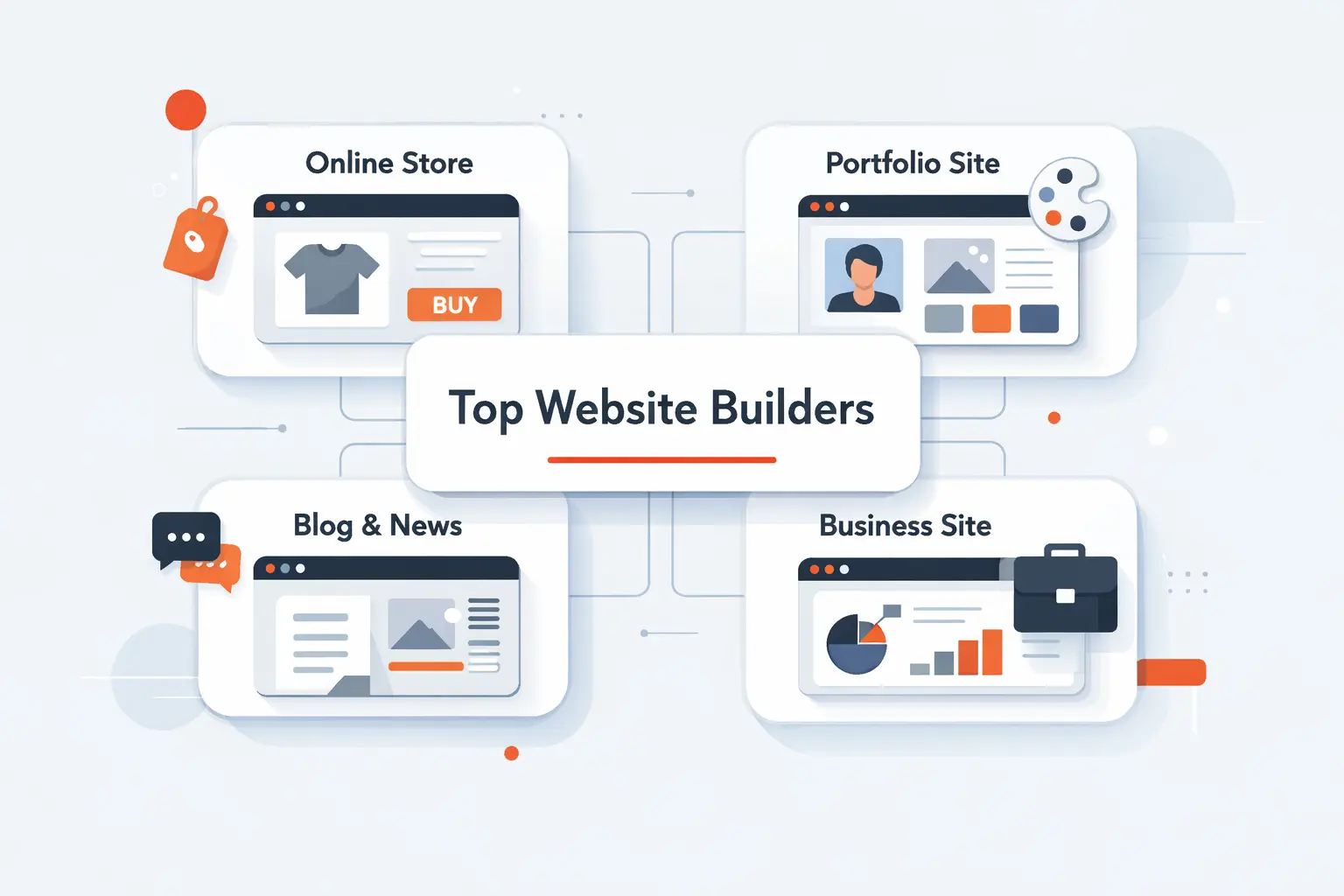
One reason website builder roundups go stale is that they force a single winner on every buyer. We do not buy that. The better approach is to shortlist by use case, then test the top two side by side.
1. Best Choices for Beginners and Quick Launches
For true beginners, our short list is Hostinger, GoDaddy, Webador, and SITE123. Hostinger is the best value of the group if price matters most. GoDaddy is great when phone support and fast setup matter more than design nuance. Webador is a nice middle ground for very small businesses. SITE123 is the purest simplicity play if you just need a basic web presence live fast.
Wix also belongs in the beginner conversation, but it gives enough freedom that some new users can still make a mess. If you want the broadest set of business tools and are willing to spend a little time learning, Wix is the stronger long-term beginner choice.
2. Best Choices for Design-First Sites and Portfolios
For visual portfolios and brand-first websites, we would start with Squarespace, Framer, and Webflow. Squarespace wins when you want polished templates and do not want to overthink layout. Framer wins when the page itself needs motion and a modern startup feel. Webflow wins when design precision and CMS structure both matter.
Canva deserves a mention too, but mostly for lightweight portfolios, campaign pages, and event sites. It is excellent when speed matters more than depth. We would not choose it for a content-heavy portfolio with lots of filtering or long-term SEO ambitions.
3. Best Choices for Stores, Services, and Online Selling
Shopify is still our top commerce pick for most real stores. It handles catalog growth, payments, operations, and ecosystem needs better than the others here. Square Online is a smart alternative for sellers already running Square in person. Wix and Squarespace work well for lighter selling, especially when the site needs strong content and modest store features together.
For service businesses, the answer changes. Wix works well for booking-heavy small businesses. Squarespace is strong for visually led service brands. Simvoly is more interesting when the sale happens through funnels, upsells, or memberships instead of a traditional storefront.
4. Best Choices for Marketing, CRM, and Lead Generation
If the website exists to attract leads, score interest, and move prospects into a sales process, HubSpot is the clearest specialist. It is expensive, but the CRM link is real. Wix can do a respectable job for smaller lead-gen sites. Webflow also works well for campaign-heavy teams that already have marketing tools elsewhere and want a more custom front end.
WordPress.com is a solid pick if publishing is the main traffic engine. That is especially true for founders, consultants, and publishers who plan to grow through content rather than through paid ads alone.
5. Best Choices for Agencies, Freelancers, and Client Work
Duda is the most agency-aware builder in this list. Client permissions, white-label options, and repeatable workflows are built into the product. Webflow is excellent for custom marketing sites when clients can handle a little more complexity. Framer is strong for smaller design-led client sites where the handoff does not need a heavy CMS model.
WordPress.com can also work for client content sites, though we would still choose Duda first for production efficiency and choose Webflow first for highly custom brand work.
Recommended reading: Top 20 Low Code Development Platforms for Internal Tools, Portals, and Enterprise Apps
Features That Matter Most in a Website Builder
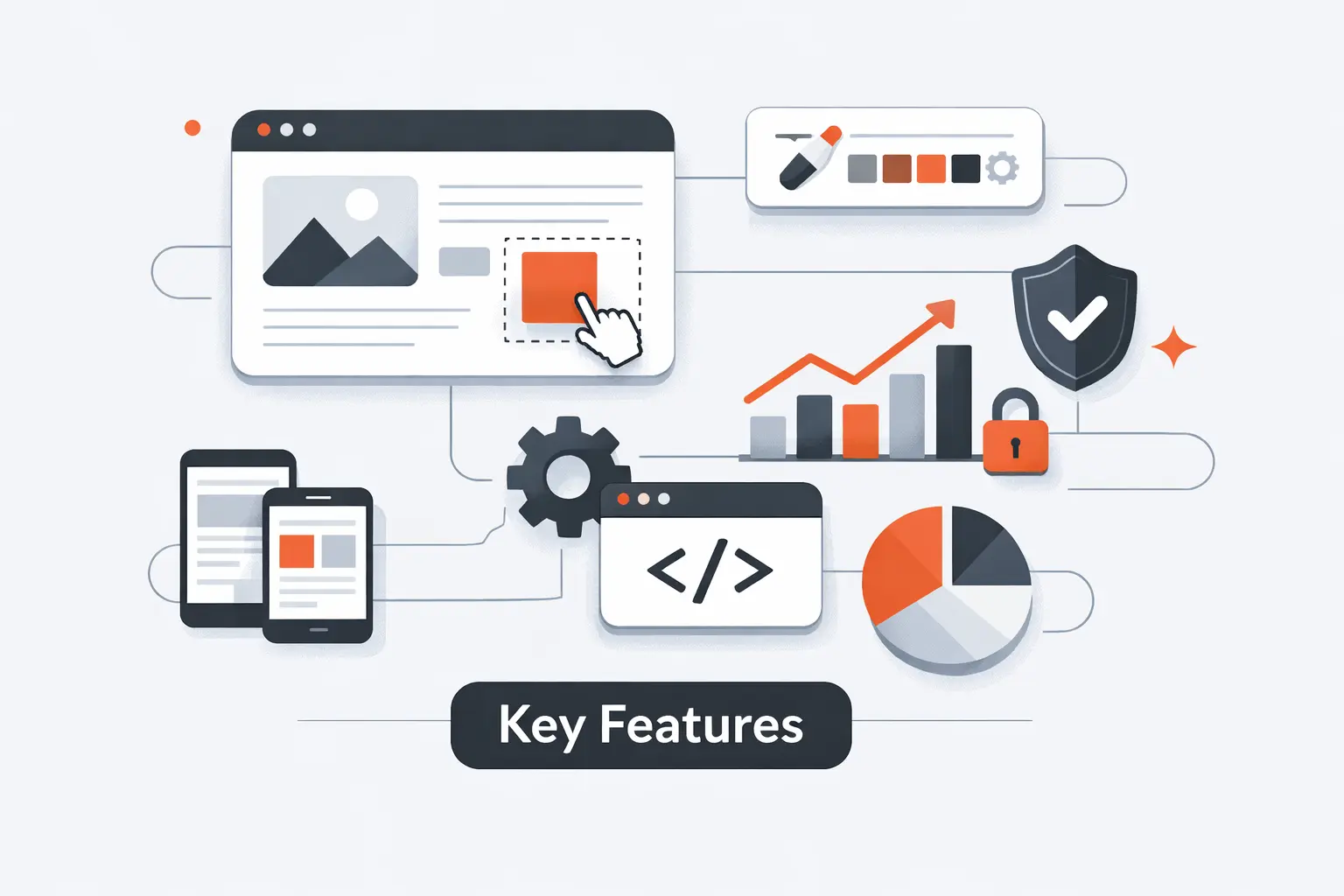
The best website builder is rarely the one with the most features. It is the one with the right few features in the right place. We focus on the capabilities that change real outcomes, not checkbox fluff.
1. Templates, Section Layouts, and Drag-and-Drop Editing
Templates should help you start fast, not lock you into a generic site. Squarespace and Wix do this well in different ways. Squarespace gives better default taste. Wix gives more room to customize. Webflow and Framer ask for more design intention, but they reward it. SITE123, Webador, and GoDaddy make stronger trade-offs toward simplicity, which is exactly why they work for beginners.
2. AI Builders, Content Creation, and Workflow Automation
AI builders are useful when they remove blank-page anxiety, not when they promise magic. We like AI for first drafts, section ideas, basic copy scaffolds, and image generation support. We do not trust it to make final messaging or conversion decisions without human editing.
The builders doing this best right now are the ones that keep AI close to editing and publishing. Wix, Hostinger, Framer, IONOS, Canva, and HubSpot all use AI to reduce early setup work. The real buying question is not whether AI exists. It is whether it saves enough steps to matter every week.
3. SEO, Analytics, Email Marketing, and CRM Integrations
SEO basics are table stakes now. We expect editable titles, meta descriptions, image alt text, redirects, and mobile-ready output at a minimum. Where the tools really separate is what happens after someone lands on the site. Can you capture a lead, segment the audience, follow up, and measure the result without a pile of manual work?
That is where HubSpot, Wix, Shopify, and WordPress.com stand out in different ways. HubSpot is strongest when CRM integration is the point. Wix is strong for smaller all-in-one setups. Shopify is strong when traffic must lead to product sales. WordPress.com is strong when content is the engine.
4. Ecommerce, Bookings, Memberships, and Multilingual Tools
These are the features that usually push buyers out of a basic builder and into a more specialized one. Stores need strong product handling, tax logic, shipping, and checkout. Service businesses need bookings and deposits. Creators may need memberships or subscription sales. International businesses often need multilingual support.
Shopify wins on store depth. Square Online wins on Square-connected selling. Wix and Squarespace are great for blended business models. Simvoly is interesting for funnel and membership businesses. Webnode earns a real look if multilingual support is central from the start.
5. White-Label, Collaboration, and Client Management Features
Most solo buyers ignore these features until they become painful. Agencies should not. If you build multiple sites, collaborate across designers and content editors, or hand access to clients after launch, role controls and white-label tools matter a lot.
Duda leads here. Webflow is strong for structured professional teams. Framer works well for small design groups. HubSpot makes sense when the website is one part of a larger marketing and sales system that multiple teams touch.
Recommended reading: 30 Best CRM for Startups 2026: Buyer’s Guide, Toplist, and Implementation Outline
Free Plans, Pricing, and Platform Trade-Offs
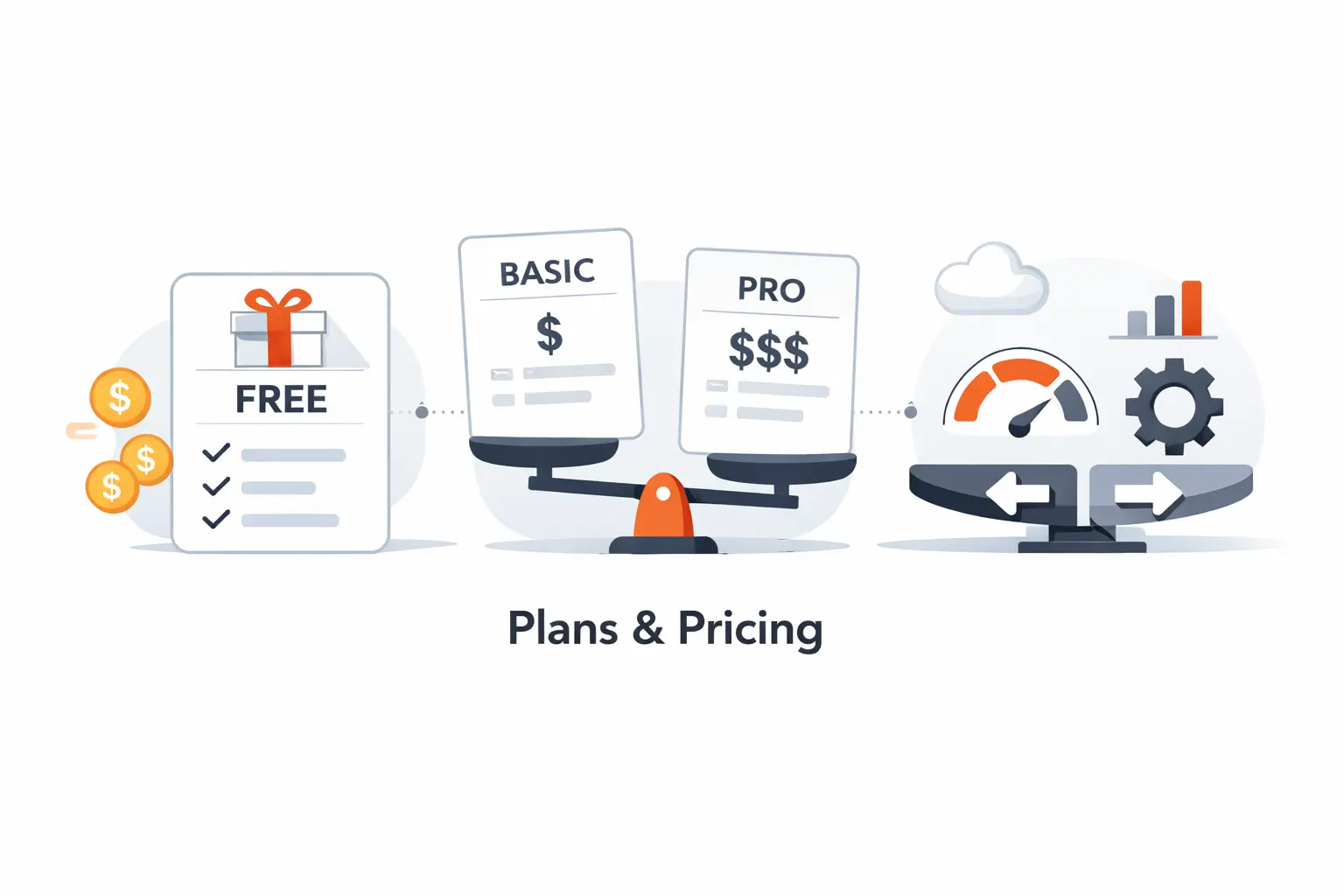
Free plans are useful, but they are often misunderstood. They are best for testing a workflow, not for proving a business model long term. The real cost question is what happens when your site starts working and needs more people, more content, or more transactions.
1. What Free Plans Actually Include and Exclude
Some free plans are genuinely helpful. WordPress.com lets you build on a free plan without an expiration date. Square Online can process real sales on its free tier because the pricing model leans on payment fees. Wix lets you test the full editor before paying. SITE123 and Strikingly also give free forever options that are useful for learning the system.
The catch is almost always professionalism and scale. Free plans usually keep the platform subdomain, show branding, tighten storage or bandwidth, or limit selling. That is fine for validation. It is not ideal for a business that wants trust on day one.
2. Ads, Subdomains, Storage Caps, and Page Limits
This is where free plans reveal their ceiling. Webflow’s free Starter site gives you only 2 pages, 50 CMS items, 1GB bandwidth, and 50 lifetime form submits. SITE123’s free tier gives 250MB storage and 250MB bandwidth. Strikingly’s free tier includes 500MB storage per site, 5GB monthly bandwidth, and only one product. WordPress.com free sites keep the platform setup and only basic short-window stats.
Those caps are not bad. They are just easy to ignore until traffic or content starts growing. This is why we tell buyers to compare plan ceilings before they compare template screenshots.
3. How Costs Change as Your Site Grows
Growth costs rarely come from the base plan alone. They come from editor seats, transaction fees, app subscriptions, storage upgrades, additional sites, and renewal pricing. Framer charges extra for more editors. Duda charges separately for more sites. HubSpot gets expensive as you move into professional tiers. Square bills paid plans per location. Hostinger and IONOS use very attractive intro pricing that changes later.
That does not make these tools bad deals. It just means the real comparison is not “What is the cheapest monthly number?” It is “What will this cost when the site actually works?”
4. Vendor Lock-In and the Real Cost of Migrating Later
Every builder here has some level of lock-in. Even when you can export pieces, you usually cannot export the whole experience. Design systems, CMS structure, store logic, automations, and SEO patterns all need work when you move. That is why migration costs are usually paid in time and labor, not just in software fees.
We tell clients to think about switching costs up front. If the site may grow into a revenue engine, content library, or client portal, buying slightly above your current need is often cheaper than rebuilding under pressure later.
Frequently Asked Questions

These are the questions we hear most often when teams are trying to narrow down a website builder shortlist. The honest answer usually depends on the site type, not on who spent the most on ads.
1. What Is the #1 Website Builder?
If we have to name one overall winner, it is Wix for the broadest range of buyers. It handles small business sites, service sites, blogs, and light stores better than most all-purpose builders. That said, Shopify is the better answer for serious ecommerce, Webflow is the better answer for design-led marketing teams, and Duda is the better answer for agencies.
2. Which Website Builder Is Best for Beginners?
For beginners, we would start with Hostinger, GoDaddy, Webador, or Wix. Hostinger is the best budget-first option. GoDaddy is strong if you want quick setup and support. Webador is easy to live with for very small sites. Wix is still beginner-friendly, but it gives you enough freedom that you need a little more judgment.
3. Is Wix Really Free Forever?
Yes. Wix does offer a real free plan, but it comes with Wix branding and a Wix-branded URL. Paid plans remove the branding and add things like custom domains, more storage, and payment support, depending on tier.
4. Are Free Website Builders Good Enough for Business Use?
Usually no, at least not for a serious business launch. Free plans are fine for testing ideas, learning the editor, or previewing layouts. Once credibility matters, the platform branding, subdomain, and tighter limits start to work against you.
5. Do I Need Coding Skills to Use a Website Builder?
No. Most of the tools in this list are designed for non-coders. Still, a little knowledge helps. Webflow, Framer, Duda, and WordPress.com become more powerful if someone on the team understands basic HTML, CSS, structure, and SEO concepts.
6. What Is the Best Website Builder for Ecommerce?
Shopify is our top ecommerce pick for most stores. Square Online is excellent if you already use Square in person. Wix and Squarespace work well for lighter catalogs, service sales, and hybrid sites where content matters almost as much as products.
7. Can You Switch Website Builders Later?
Yes, but it is rarely simple. You can usually move core content, but design, URL structure, product data, CMS fields, automations, and SEO details often need manual work. If you think switching is likely, plan for it early and keep your site structure clean.
TechTide Solutions for Custom Website and Software Development
At Techtide Solutions, we like website builders when they fit the job. We also know where they stop fitting. The break point usually comes when the website stops behaving like marketing content and starts behaving like software.
1. When a Website Builder Is Not Enough for Complex Business Needs
A website builder is often the right answer for marketing pages, booking pages, portfolios, and straightforward stores. It is usually the wrong answer when the business needs custom workflows, multi-step quoting, unusual checkout logic, private dashboards, custom permissions, deep third-party integrations, or shared data across multiple internal systems.
That is the moment when the website is no longer just a site. It becomes part of operations. Once that happens, forcing everything through a generic builder can create more friction than it saves.
2. How TechTide Solutions, a Software Development Company, Builds Tailored Web Solutions
We start with the business flow, not the visual layer. That means understanding users, actions, approvals, data, and handoffs before we choose a stack. Then we design the front end, backend, admin tools, integrations, and performance plan around the real workflow.
For some clients, that means a custom marketing site with a headless CMS. For others, it means a full web platform with user roles, APIs, dashboards, payment flows, and reporting. We build what the business actually needs, not what a template happens to support.
3. Why Custom Solutions Support Better Performance, Flexibility, and Growth
Custom solutions give you control over structure, performance, data ownership, and future changes. You can shape the user flow around your sales process instead of bending the sales process around a builder. You can connect the tools that already run the business and also avoid paying forever for workarounds that never feel quite right.
If your site needs to look custom, act custom, and keep growing with the business, custom development usually becomes the cheaper long-term choice, even if it is not the cheaper month-one choice.
Final Thoughts on Choosing the Right Website Builder
Our short version is simple. Pick Wix if you want the safest all-around choice. Pick Squarespace if design polish matters most and the site is not too complex. You should pick Shopify if the business is really a store. Pick Webflow or Framer if the front end is a competitive asset. Duda if you build for clients and finally HubSpot if the website needs to live inside a serious lead generation and CRM system.
The best website builder is the one that fits your actual business model, not the one with the loudest feature list. If you already have a shortlist, test two builders this week by recreating the same homepage, contact flow, and one conversion action. Which one gets you live with fewer compromises?

