


At TechTide Solutions, we’ve watched the same pattern repeat across industries: a business can have a great product, a slick website, and a polished brand voice, yet still feel “temporary” online until its address matches its identity. A custom domain is that address—the one you control, the one customers remember, and the one your software stack can safely build on without inheriting a platform’s constraints.
In the sections below, we’ll define what a custom domain is, contrast it with generic domains and subdomains, explain the DNS plumbing that makes it work, and share how we implement custom-domain capabilities inside real software products. Along the way, we’ll keep a practical lens: what matters to a business owner, a marketing lead, and a technical team trying to avoid surprises.
What is a custom domain: definition and ownership basics
1. Custom domains as unique branded names used to identify a website
A custom domain is a domain name chosen and registered by you (or your organization) that becomes the branded entry point to your digital presence—your website, landing pages, customer portal, docs site, or even application endpoints. In plain terms, it’s the difference between living at “someone else’s neighborhood address” and putting your company’s name on the mailbox.
Market dynamics make that mailbox more than cosmetic. When we advise founders on naming strategy, we point out how crowded the namespace has become: country-code domains alone account for more than 324 million registrations worldwide, which is why distinct, pronounceable names get scarce and lookalikes proliferate in every niche.
From a branding standpoint, a custom domain does three jobs at once: it tells people who you are, it signals you’re serious enough to manage your own address, and it creates a stable “home” that marketing campaigns can reference for years without rework. In our experience, that stability is the underrated value—teams change tools, replatform websites, and rebuild apps, but the domain can remain the constant.
2. Ownership and control: why registering a domain matters for your online identity
Domain “ownership” is really a bundle of rights and responsibilities. Registering a domain typically means you become the registrant (or registered name holder) with an accredited registrar, and you gain the ability to point that domain wherever you want—today to a website builder, tomorrow to a custom app, later to a new host—without renegotiating your brand’s location each time.
Control matters because domain names are foundational identifiers across systems. Email, identity verification, password resets, transactional notifications, and even third-party integrations routinely use your domain as a trust anchor. When that anchor is tied to a platform-owned subdomain, you’re effectively outsourcing part of your identity.
Operationally, we treat domains as critical assets, not marketing decoration. Domain access often becomes a single point of failure during mergers, agency handoffs, or leadership transitions. For teams that want a more formal view of what registration implies, ICANN’s guidance on registrant rights and responsibilities when registering a domain name maps well to what we see in real projects: payment, accurate contact details, and a clear understanding of who can make changes are the boring details that prevent expensive emergencies.
3. Domain names vs. IP addresses: why DNS makes custom domains usable
Under the hood, computers don’t “run on domains.” They route traffic to network addresses. Domain names exist because humans are better at remembering words than long numeric identifiers, and because businesses need names that can survive infrastructure changes.
DNS (the Domain Name System) is the translation layer that makes domains practical. Think of DNS as a distributed database that answers one simple question: “When someone types this name, where should the browser or mail server go?”
That word distributed matters. No single server holds the whole truth. Caches live everywhere so lookups stay fast and resilient.
That architectural intent is not accidental. The core DNS model was designed as a distributed, hierarchical namespace implemented by DNS servers, which is why domain changes are powerful but also why they sometimes take time to appear consistently across geographies and networks. In our day-to-day delivery work, DNS is where “simple branding decisions” become “production engineering tasks”—and that’s precisely why understanding the basics pays dividends.
Custom domain vs. generic domain vs. subdomain
1. Brand-specific custom domains compared with descriptive generic domains
Not every domain strategy aims for pure branding. Some teams buy descriptive, generic domains that explain a category (“bestcityplumber,” “taxhelp,” “buywidgets”) rather than a unique brand name. Those can work for short-term campaigns or affiliate-style funnels, but they come with tradeoffs that we’ve seen repeatedly in practice.
A brand-specific custom domain tends to scale better because it compounds recognition. As marketing channels multiply—paid search, email, social, partnerships—brand recall becomes the performance multiplier that generic phrasing can’t easily replicate. Put differently: generic domains chase intent, while branded domains build it.
Risk is the other dimension. Generic domains are easier to imitate and harder to defend because the name often resembles a common phrase. Branding doesn’t eliminate impersonation, yet it gives you a stronger basis for consistent messaging and a clearer “official home” for customers who are trying to verify legitimacy.
2. Subdomains on hosted platforms and what they signal about domain ownership
A subdomain is a domain that sits under another domain—often as a prefix before the main name. Hosted platforms often give you a subdomain under their domain, which makes onboarding easy. But that convenience sends a signal to users and partners: the platform owns the parent domain, and you’re renting a slice of it.
From a customer’s perspective, that can feel provisional. From a technical perspective, it can be limiting. When you nest your public identity under someone else’s root domain, you tighten your own leash. Cookie scope gets narrower. Cross-app authentication becomes harder to design cleanly. Security settings and email alignment also run into extra constraints.
We see this most clearly in commerce and creator ecosystems. Shopify, for example, can be connected through DNS so that a business uses its own domain rather than a platform-branded address; their guidance to point the CNAME record for your subdomain to shops.myshopify.com illustrates the core pattern: the platform serves the site, but the business controls the name that routes to it.
3. Root domain, www domain, and additional subdomains for sections and microsites
Domain naming conventions often look like trivia until they collide with analytics, cookies, SEO, or single sign-on. The “root domain” (sometimes called the apex) is the bare name without a prefix, while “www” is a conventional subdomain that many stacks still treat as the canonical web host.
Beyond those, additional subdomains are one of the most underused tools in a mature web presence. In our client work, we regularly see practical patterns: a documentation site on a subdomain, a status page on a separate host, careers content managed by a different vendor, and a customer portal sitting behind stricter security rules.
Architecturally, subdomains are a boundary. They can isolate cookies, separate infrastructure ownership, and reduce blast radius when a microsite is managed by a third party. Strategically, they can also clarify intent: a portal subdomain feels like an application, while a blog subdomain feels like content. When teams align naming with user expectations, support tickets tend to drop—even if the technology remains unchanged.
Benefits of using a custom domain for branding, trust, and discoverability
1. Brand consistency and recognition across marketing and online campaigns
Brand consistency is not just a design concern; it’s an operational advantage. A custom domain lets every channel point back to the same identity, which reduces confusion in attribution, makes offline referrals easier (“just type our name dot com”), and creates a stable backbone for campaign landing pages.
In our experience, the most visible win shows up when businesses scale content production. Blog posts, webinars, press releases, partner pages, and product announcements all become stronger when the URLs share the same recognizable foundation. Over time, that consistency becomes a memory cue: customers learn what “official” looks like.
Even internal alignment improves. Teams that rely on shared domains tend to standardize faster on analytics tagging, naming conventions, and redirect hygiene because the organization realizes it’s managing a brand asset, not merely a technical setting.
2. Customer trust and professionalism compared with builder-provided addresses
Trust on the internet is built through signals. Some signals are technical, like encryption and authentication. Others are psychological, like whether a URL “looks right.” A custom domain is one of those blended signals: it suggests permanence, responsibility, and a level of operational maturity.
Builder-provided addresses and free subdomains may be perfectly functional, but they often resemble the patterns used by low-effort scams and disposable pages. That resemblance is unfair to legitimate small businesses, yet customers don’t run forensic checks—they make quick judgments based on familiar cues.
As a software company, we also see the enterprise side of this equation. Procurement and security reviews frequently treat a custom domain as a baseline expectation for vendor legitimacy. When a startup comes to us while gearing up for its first bigger contracts, we often recommend moving from a platform subdomain to a custom domain. It’s a quiet move, but it signals maturity—and people take the company more seriously.
3. Search visibility considerations: credibility signals and long-term authority building
Search visibility is a long game, and custom domains support that game by giving you a stable place to accumulate authority. When content lives under your own domain, internal linking strengthens a single ecosystem instead of scattering value across platform-hosted addresses and temporary campaign URLs.
Beyond pure ranking theory, discoverability is also about shareability. People are more likely to click, remember, and re-share links that look official and readable. A clean domain contributes to that effect even when the underlying page is hosted by a third party.
From our perspective, the biggest SEO-related benefit is governance. A domain you control can be redirected, reorganized, and consolidated without losing continuity, which is essential when businesses evolve their offerings. Teams that start with a coherent domain plan generally spend less time later repairing broken links and rebuilding trust signals after rebrands or migrations.
How custom domains work: DNS records that route web and email traffic
1. DNS as the translation layer from domain names to network addresses
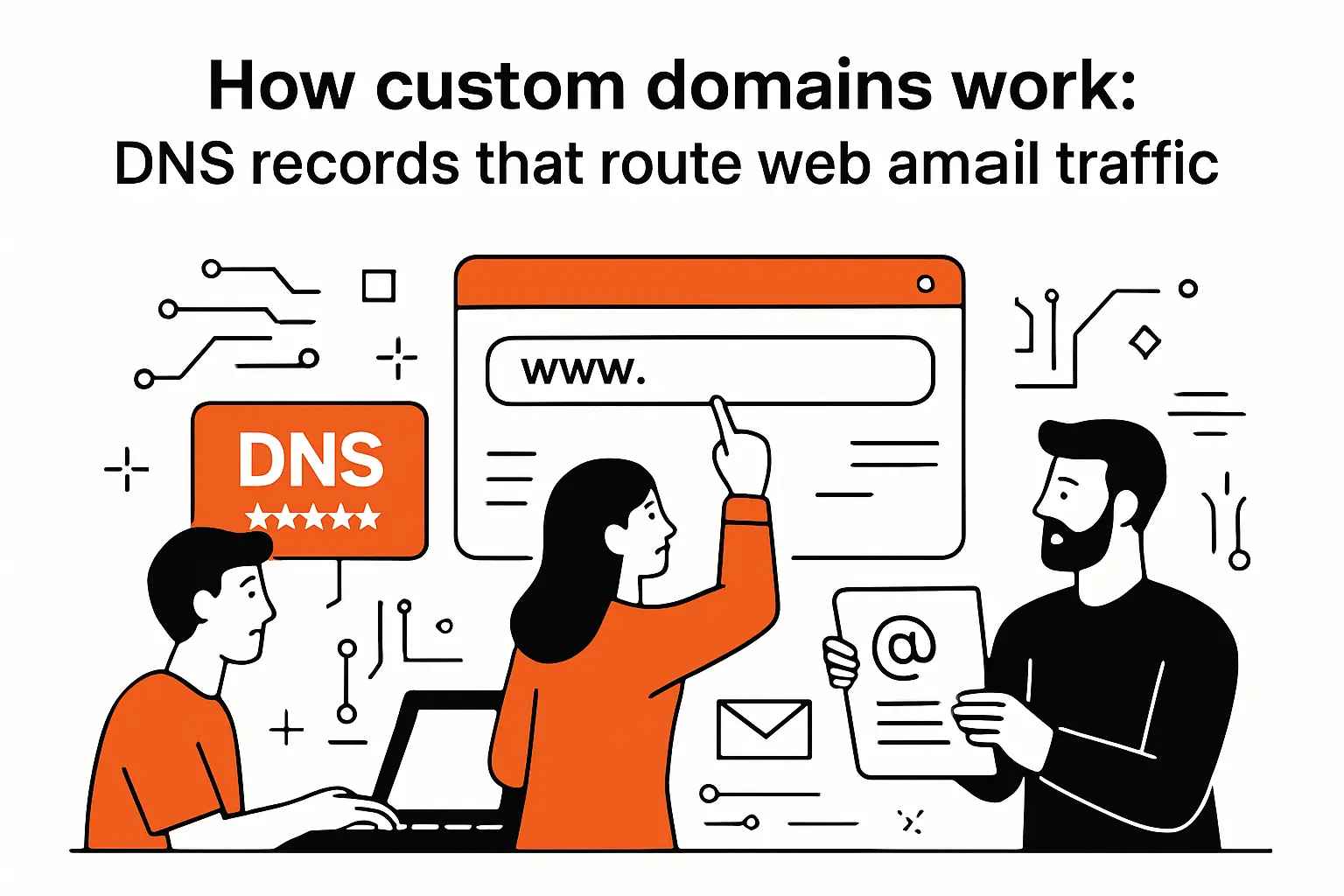
DNS works like a chain of responsibility. A user’s device asks a recursive resolver for an answer, the resolver consults authoritative name servers for your domain, and the response points the client to the right destination. Caching reduces repeated lookups, which is why a newly changed record can appear “fixed” in one location but “broken” in another for a while.
In implementation terms, we treat DNS configuration as part of the product surface, not a mere infrastructure detail. Any workflow that asks customers to “go add a record” must respect how non-linear DNS troubleshooting can feel: interfaces differ across registrars, terminology varies, and tiny formatting mistakes can derail verification.
Why the separation matters for businesses
Because DNS decouples names from hosts, companies can change providers without changing the address customers type. That separation is why replatforming—from a website builder to a headless CMS, from a single server to a CDN, or from a monolith to microservices—can happen behind the scenes while the public identity stays stable.
2. Common DNS changes: CNAME, TXT, and name server updates
When customers ask us “what do I actually have to change,” the answer usually falls into a few patterns: you either point a hostname at a target (often with a CNAME), prove ownership (often with a TXT record), or delegate DNS authority (by changing name servers).
From a practical operations view, those patterns map to different risk profiles. CNAME changes are targeted and reversible. TXT records are typically safe because they don’t reroute traffic, but they can clutter a zone over time if teams don’t document why each one exists. Name server changes are the most powerful—and the most dangerous—because they can transfer the entire zone’s authority to a different provider.
For a concise reference to how these record types behave, Cloudflare’s documentation on DNS record types such as CNAME, TXT, MX, and NS matches what we see across platforms, even when the UI labels differ.
A pattern we rely on: “least disruptive change first”
In guided setups, we prefer verification-before-routing whenever the platform supports it. Ownership checks via TXT records can validate that a user controls DNS without risking downtime, and only after that do we encourage the traffic-routing change. That sequencing reduces panic, shortens support loops, and makes rollbacks safer.
3. Email routing and verification basics: MX records and TXT-based ownership checks
Email is where domains become truly business-critical. Your website can be down for a short period and survive; your email misrouting can silently break customer support, billing, and internal communication in ways that take days to notice.
MX records tell the world where to deliver email for your domain, while TXT records are commonly used for verification and email authentication policies. In practice, domain verification often follows a predictable script: a vendor asks you to publish a unique token in DNS, checks that token, and then allows you to activate services like sending email, receiving email, or signing outbound messages.
From a product-design standpoint, we treat DNS-based verification as a UX challenge disguised as an engineering task. Clear copy, copy-to-clipboard tokens, provider-specific instructions, and diagnostic feedback (“we found the record but the value differs”) turn a fragile process into something customers can complete without a support ticket.
How to choose and buy a custom domain name
1. Start with a brand name, then confirm availability before you build around it
Domain selection starts with identity, not with a registrar’s search box. A strong domain aligns with how customers talk about you, not merely how you want to talk about yourself. When naming is handled as a collaborative exercise—marketing, leadership, and product together—the result tends to be a domain that survives pivots and expansions.
Availability checks should happen early, before design assets harden around a name. In our project kickoffs, we often ask clients to confirm domain ownership during discovery because domain access can become a hidden blocker later—especially if a prior agency registered it, a former employee holds the login, or billing emails go to an inactive inbox.
Once you confirm availability, buy defensively. That doesn’t mean hoarding; it means ensuring the core brand domain is secured before you print it on packaging, launch ad campaigns, or bake it into app flows like OAuth callbacks and webhook endpoints.
2. Domain selection best practices: keep it short, avoid confusing spellings, plan workarounds
Memorability beats cleverness. Short, pronounceable domains reduce customer friction in ways analytics rarely capture: fewer mistyped addresses, fewer support chats that start with “I can’t find your site,” and fewer brand leaks to lookalike domains.
Clarity matters even more for spoken marketing—podcasts, phone calls, conference booths, and word-of-mouth referrals. Hyphens, unusual spellings, and ambiguous letters can be manageable, but they impose a tax every time the domain is shared verbally.
Workarounds we’ve seen succeed
- Using a distinctive modifier (like a product line name) to avoid awkward spellings while keeping the brand recognizable.
- Choosing a regional or industry-relevant extension when the ideal name is taken, then reinforcing legitimacy through consistent branding and messaging.
- Reserving common misspellings and redirecting them to the canonical domain, especially when launching paid campaigns that incentivize quick typing.
Tradeoffs are inevitable, so our guiding principle is coherence: the domain should look like it belongs to the company, not like a workaround that customers must decode.
3. Cost and checkout considerations: extensions, renewal pricing, and domain privacy protection
Domain costs are rarely the expensive part of a digital program; the expensive part is disruption when a domain expires, is transferred incorrectly, or becomes inaccessible during an organizational transition. Because of that, we recommend treating the checkout flow as governance setup, not as a commodity purchase.
Renewal pricing can differ from first-time registration pricing, and some providers bundle add-ons that may or may not matter to your risk profile. Domain privacy (often framed as WHOIS privacy) can reduce personal information exposure, but businesses should also consider internal transparency: whoever owns the domain account should be a role-based email and an owned credential path, not a personal inbox that disappears when someone leaves.
From a security perspective, registrar access should be protected like production infrastructure. Multi-factor authentication, tight role assignment, and documented recovery paths are not bureaucratic overhead; they are the difference between a minor annoyance and a brand-threatening incident.
Connecting and managing your custom domain on website platforms

1. Attach the domain to your website or ecommerce platform, then verify and wait for updates
Connecting a custom domain is usually a two-sided handshake: you configure the platform to expect the domain, and you configure DNS to route the domain to the platform. Many modern platforms add an ownership verification step to prevent domain hijacking, which is a welcome safety feature even when it adds a bit of friction.
After changes are made, updates may not appear instantly everywhere due to caching. That delay can feel mysterious to non-technical teams, so we build “expectation management” directly into deployment checklists. Internal stakeholders should know what to test (web, email, redirects, certificates) and what not to assume during the transition window.
In client work, we also encourage a rollback plan before making changes. Even a simple decision—like noting the previous DNS values—can save hours if you need to revert quickly during a campaign launch or a critical sales demo.
2. Root-to-www setup: redirects, 301 forwarding, and avoiding infinite redirect loops
Root-to-www configuration is where small mistakes can create big messes: duplicated content, broken cookies, inconsistent analytics, and the dreaded infinite redirect loop that makes a site feel “down” even though servers are healthy.
The practical goal is canonicalization: pick the one hostname you want customers and search engines to treat as primary, then redirect the other hostnames to it consistently. When permanence is intended, a 301 redirect is the standard tool to consolidate behavior and reduce ambiguity across browsers and crawlers.
Where redirect loops come from (and how we prevent them)
Loops usually appear when both the platform and an upstream proxy or CDN attempt to “fix” the URL at the same time. In our deployments, we avoid double-canonicalization by deciding where redirects live (edge, load balancer, app, or platform setting) and ensuring only one layer enforces the primary hostname. Logging at the edge and in the application is also essential: when a loop occurs, visibility turns guessing into diagnosis.
3. Beyond websites: branded short links using a custom domain as a vanity URL
Custom domains aren’t only for websites. Branded short links are one of the most practical extensions of domain ownership, especially for marketing teams that need clean URLs in limited-space contexts like QR codes, slide decks, print materials, and social media posts.
From a technical standpoint, vanity URLs add governance benefits too. Rather than scattering campaign links across third-party shorteners (and hoping they remain available), a business can keep link analytics and redirect control under its own domain. That control becomes critical when you need to update destinations after a product page moves, a partner link changes, or a campaign ends and should be repointed to an evergreen resource.
At TechTide Solutions, we like vanity domains because they turn link management into a reusable capability instead of a recurring scramble. Once the redirect infrastructure is in place, teams can ship campaigns faster without risking “link rot” or brand inconsistency.
TechTide Solutions: implementing custom domains in real-world software products
1. Custom domain onboarding UX, validation, and guided DNS setup for end users
When we implement custom-domain support inside a product, we treat onboarding as a product feature—because it is. Users aren’t “configuring DNS”; they’re trying to ship their site, launch their portal, or go live with their brand. The job of the software is to translate a complex infrastructure task into a guided, low-risk workflow.
In practice, we design onboarding around progressive confidence. First, the user selects the desired hostname and we validate it syntactically. Next, we present the exact DNS record(s) required, with copy-to-clipboard functionality and provider-specific hints. After that, we poll for verification and show clear diagnostics: what we found, what we expected, and what to fix if they don’t match.
Validation we consider non-negotiable
- Confirming the hostname isn’t already claimed by another tenant in the product to avoid accidental collisions.
- Detecting conflicting DNS records and explaining why “two sources of truth” break routing.
- Verifying that TLS can be provisioned before declaring success so the user doesn’t “go live” into browser warnings.
From our viewpoint, the most successful implementations feel almost boring: the user follows steps, sees checks turn green, and moves on. That “boring” outcome is the product doing its job.
2. Domain management automation: redirects, environment routing, and scalable multi-tenant architecture
Custom domains become more interesting—and more challenging—once a platform supports many tenants. At that point, you’re no longer configuring a single site; you’re operating a routing layer that must safely map hostnames to tenants, handle certificate lifecycles, and enforce security boundaries.
Architecture choices matter. Some platforms route by host header at the edge and forward to the appropriate tenant service. Others terminate TLS at a CDN and use origin routing rules. In either case, we emphasize deterministic mapping: the same hostname must always resolve to the same tenant, and misconfigurations must fail closed, not leak content across accounts.
Automation patterns we use to keep systems sane
Automation typically includes: issuing and renewing certificates without manual intervention, generating redirect rules from canonical-host settings, and supporting environment routing so staging domains don’t collide with production. On the operational side, we also build tooling for bulk analysis—when a support issue arises, engineers need to see DNS status, certificate state, and routing outcomes in one place, not across scattered dashboards.
Scalability isn’t just about traffic; it’s about change volume. A system that can handle many domains must also handle frequent updates without human babysitting, because domain onboarding tends to spike during customer growth phases and product launches.
3. Platform integrations that extend custom domains into branded links, email workflows, and customer portals
Once a platform has custom domains, the natural next step is to extend them beyond “a website lives here.” Customers want their portal on their own domain, their notifications to come from branded addresses, and their links to match the same identity everywhere.
We’ve implemented this in products where a customer portal, a billing experience, and a support center all needed to look like one cohesive brand surface. Technically, that usually means integrating domain routing with identity, permissions, and template systems so content is not only delivered correctly but also branded correctly per tenant.
For external examples, we like pointing to mainstream tools because they normalize the expectation. Notion, for instance, explicitly supports the ability to connect their existing custom domains with Notion Sites so a workspace can publish under its own identity rather than a shared platform address, and that’s a signal of where customer expectations have headed: domain control is no longer “enterprise-only,” it’s becoming table stakes for serious products.
Conclusion: what is a custom domain and when to invest in one

1. Key takeaways for choosing, registering, and connecting a custom domain with fewer surprises
A custom domain is your controllable, branded address on the internet, and it becomes more valuable the longer you use it. Brand recognition, customer trust, and platform flexibility all compound when your public identity stays stable while your tooling evolves behind the scenes.
Ownership is the real dividing line. Registering a domain gives you the right to repoint your digital presence without rebuilding brand equity from scratch, and it keeps critical systems—web routing, email delivery, verification workflows—anchored to an asset you govern. Operationally, DNS is the mechanism that makes that governance real, which is why good documentation and careful change management matter as much as the name you pick.
From our vantage point at TechTide Solutions, the “right time” to invest is earlier than most teams think: as soon as you care about being found, trusted, and able to switch platforms without losing your identity. If you’re planning a launch, a rebrand, a customer portal, or even a serious email program, what would it look like to treat your domain as a product asset—then design your processes and software around that reality?




