

Search never stops moving, and our tooling has to keep pace. Market context: Statista forecasts search advertising spend will reach US$355.10bn in 2025 worldwide, which keeps SEO ops under constant pressure to prove value fast. At Techtide Solutions, we build software for teams who want traction, not terminology. We look for platforms that make the next action obvious. Busy teams win when the platform reduces decisions, not adds them.
Quick Comparison of simple seo platforms
Market context: McKinsey reports 71% of consumers expect companies to deliver personalized interactions, and SEO content is often the first “interaction” they feel. That is why we judge tools on execution speed, not feature count. Below are ten compact picks we see teams actually stick with. Each has a clear “why,” and each can fit a beginner path.
| Tool | Best for | From price | Trial/Free | Key limits |
|---|---|---|---|---|
| Google Search Console | First-party queries and indexing signals | Free | Free | Sampling, delayed reporting, API quotas |
| Bing Webmaster Tools | IndexNow workflows and Bing diagnostics | Free | Free | Coverage varies by market, feature depth differs |
| SE Ranking | Beginner all-in-one with clear tasking | $65.00/month | Free trial | Plan tiers gate reporting depth and add-ons |
| Semrush | Broad suite for content, research, and reporting | $139/month | Trial options | Limits scale by tier, add-ons can stack cost |
| Ahrefs | Backlinks and competitive research with strong UX | $29 /month | Free tools | Credit-based usage, collaboration can add cost |
| Moz Pro | Guided SEO fundamentals and reporting | $49/month | Free trial | Caps on campaigns and tracked keywords by tier |
| Ubersuggest | Budget-friendly keyword ideas and audits | $20/month | Free trial | Data depth can lag larger suites |
| BrightLocal | Local SEO tracking and listing audits | $29 per month | Free trial | Pricing scales with locations and feature set |
| Surfer | On-page content optimization and briefs | $79.00 | Free trial | Credit limits shape output volume |
| Screaming Frog SEO Spider | Deep technical crawls for developers | $279 Per Year | Free version | Desktop resource limits, learning curve for beginners |
Our broader shortlist spans beginner-friendly platforms and “graduation tools” for later complexity. Here are the platforms we see most often across real teams. Selection should match your workflow, not your aspirations.
Top 30 simple seo platforms to streamline your SEO
We picked these tools with one question in mind: what gets you to clearer rankings growth with the least friction. Some products win on breadth. Others win on speed, focus, or a clean workflow that keeps teams moving. Our scoring is weighted toward outcomes, not feature sprawl.
Each tool gets a 0–5 score across seven criteria. We weight Value-for-money (20%) and Feature depth (20%) highest. Next comes Ease of setup & learning (15%) and Integrations & ecosystem (15%). We then score UX & performance (10%), Security & trust (10%), and Support & community (10%). We roll those into one weighted total, rounded to one decimal place.
Within each mini-review, you’ll see who it’s best for, what makes it meaningfully different, and the limits that actually matter. Wherever pricing or trials are unclear or vary by region, we state that plainly. The goal is fast shortlisting, not wishful thinking.
1. Google Search Console
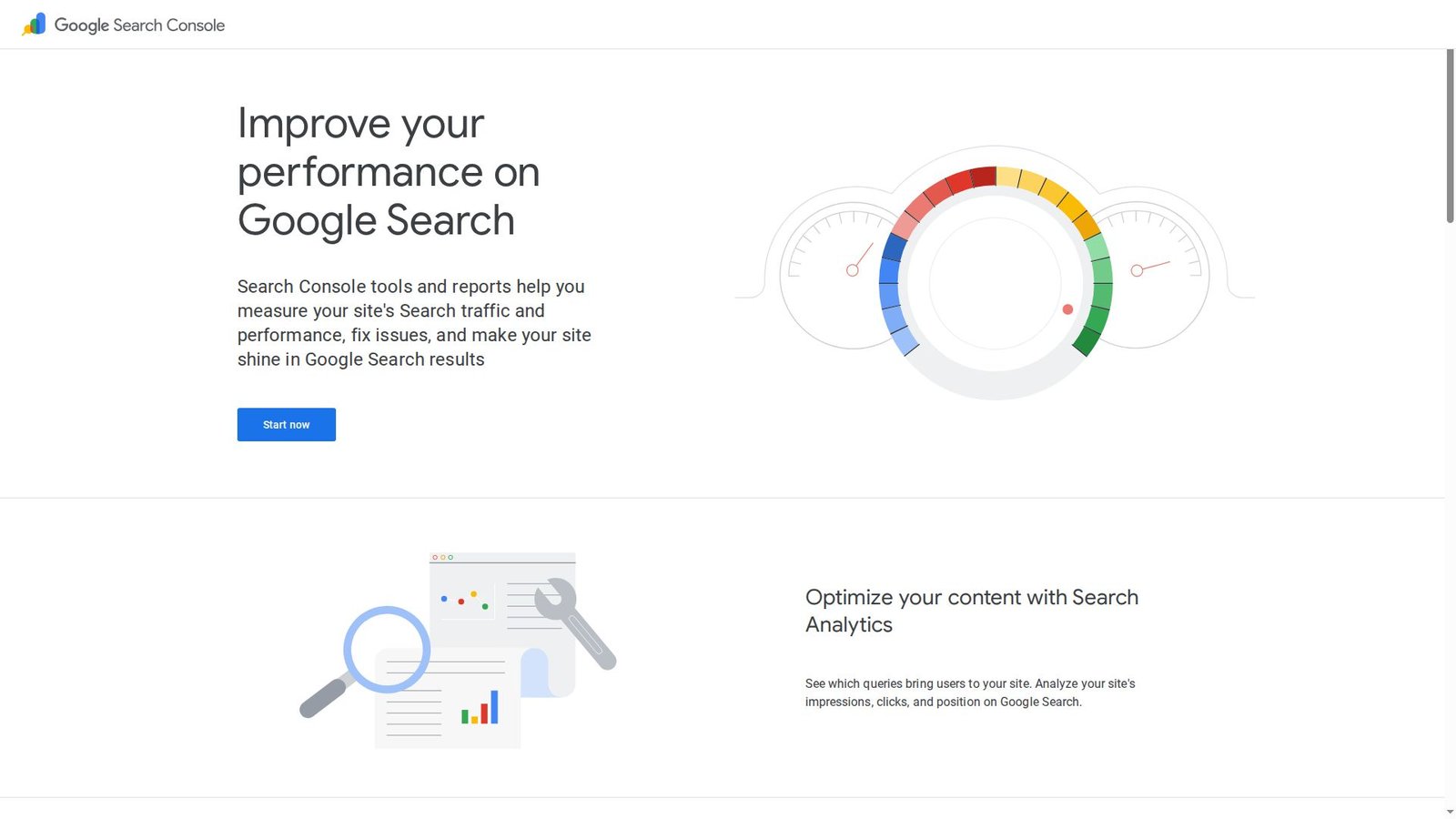
Built by Google’s Search team, Search Console is the closest thing to a direct line into how Google views your site. It’s not flashy software. It’s a diagnostic cockpit that tells you what’s indexed, what’s failing, and what’s earning impressions.
Turn search visibility into a weekly fix list you can actually ship.
Best for: solo site owners and in-house marketers who need trustworthy SEO signals.
- Performance reports → spot winning queries, then refresh pages for more clicks.
- Indexing and sitemaps → cut manual checks into one weekly review.
- Verification setup → time-to-first-value is about 20 minutes on most sites.
Pricing & limits: From $0/mo; trial length: none. Access depends on verified properties. API usage is free, but subject to usage limits.
Honest drawbacks: Data is sampled and delayed. It won’t replace competitive research or backlink intelligence.
Verdict: If you need to diagnose indexing and ranking drops, this helps you act within 24 hours. Beats most suites at trustworthiness; trails Semrush on competitor context.
Score: 3.8/5
2. Bing Webmaster Tools
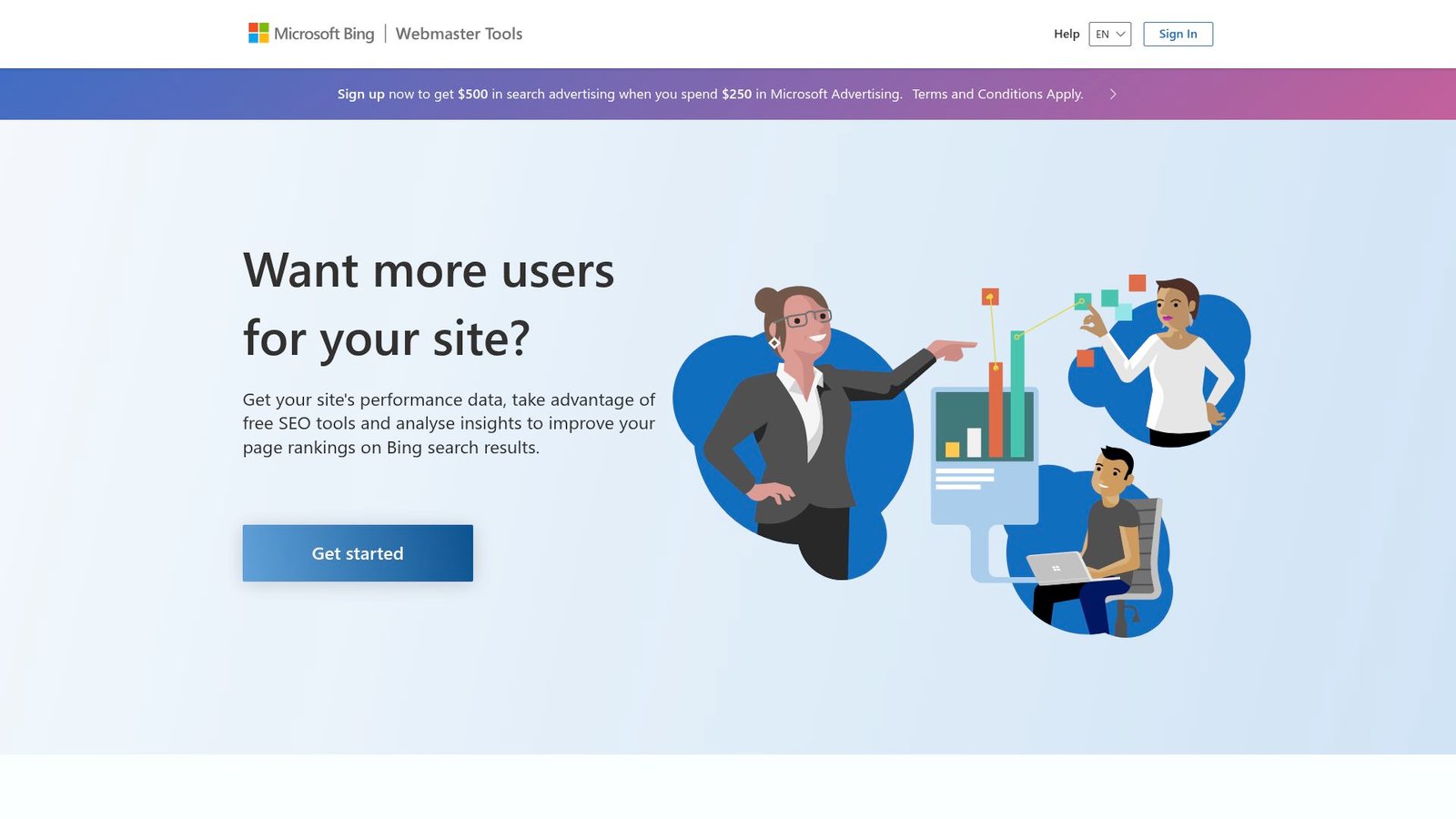
Shipped by Microsoft’s Bing team, Bing Webmaster Tools is the pragmatic sibling to Search Console. It gives you crawl insights, basic keyword visibility, and a place to submit sitemaps and URLs for Bing’s index.
Get quick technical signals without paying for a suite.
Best for: SMB operators and technical SEOs who want a second search-engine lens.
- Site scan and crawl reports → surface errors before rankings drift.
- URL submission and sitemaps → save several manual “is it indexed?” checks.
- Account setup → time-to-first-value is roughly 15–30 minutes.
Pricing & limits: From $0/mo; trial length: none. Access is tied to site verification. Feature depth varies by market and property type.
Honest drawbacks: The ecosystem is smaller than Google’s. Competitive research and content tooling are limited.
Verdict: If you want a free technical pulse on Bing traffic, this helps you tighten indexing in a day. Beats many free tools on diagnostics; trails Google Search Console on impact.
Score: 3.4/5
3. Semrush
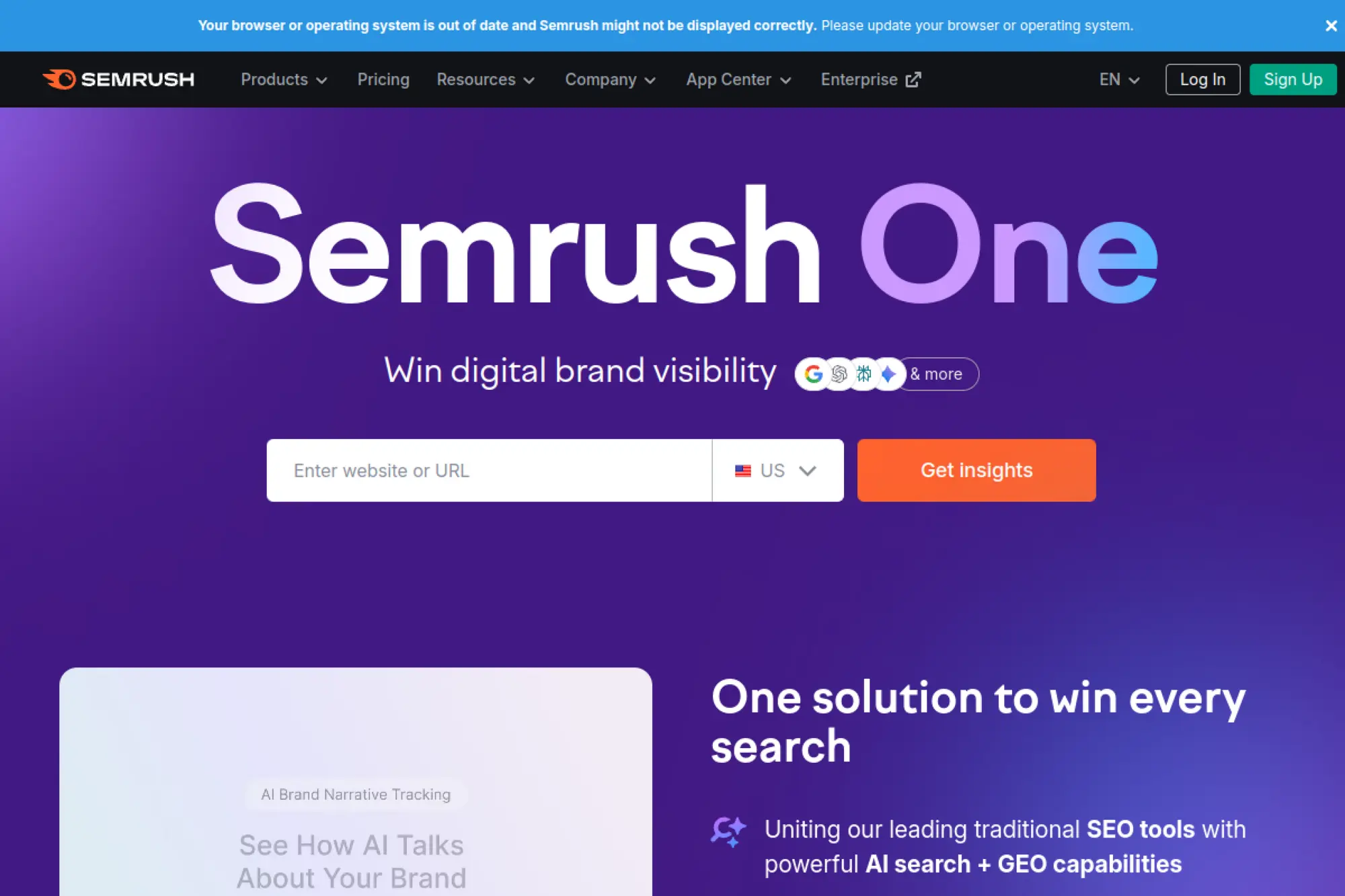
Semrush is built by a large product team focused on turning search data into repeatable marketing workflows. The platform is broad by design. It can replace a small stack, if you accept the learning curve.
Run SEO like a program, not a string of one-off tasks.
Best for: agencies and in-house SEO teams managing multiple sites and stakeholders.
- Projects and Site Audit → convert messy issues into a prioritized sprint backlog.
- Keyword and competitor research → save hours by keeping research in one place.
- Guided onboarding → time-to-first-value is about 60 minutes for one domain.
Pricing & limits: From $139.95/mo; trial length: typically 7 days on many toolkits. Pro includes 5 projects, 500 tracked keywords, and 100,000 pages crawled per month.
Honest drawbacks: Costs climb fast with add-ons and extra users. The interface can feel dense for beginners.
Verdict: If you need an all-in-one system for research, tracking, and reporting, this helps you show progress within 30 days. Beats Ahrefs at workflow breadth; trails Ahrefs on pure link-first simplicity.
Score: 3.9/5
4. Ahrefs
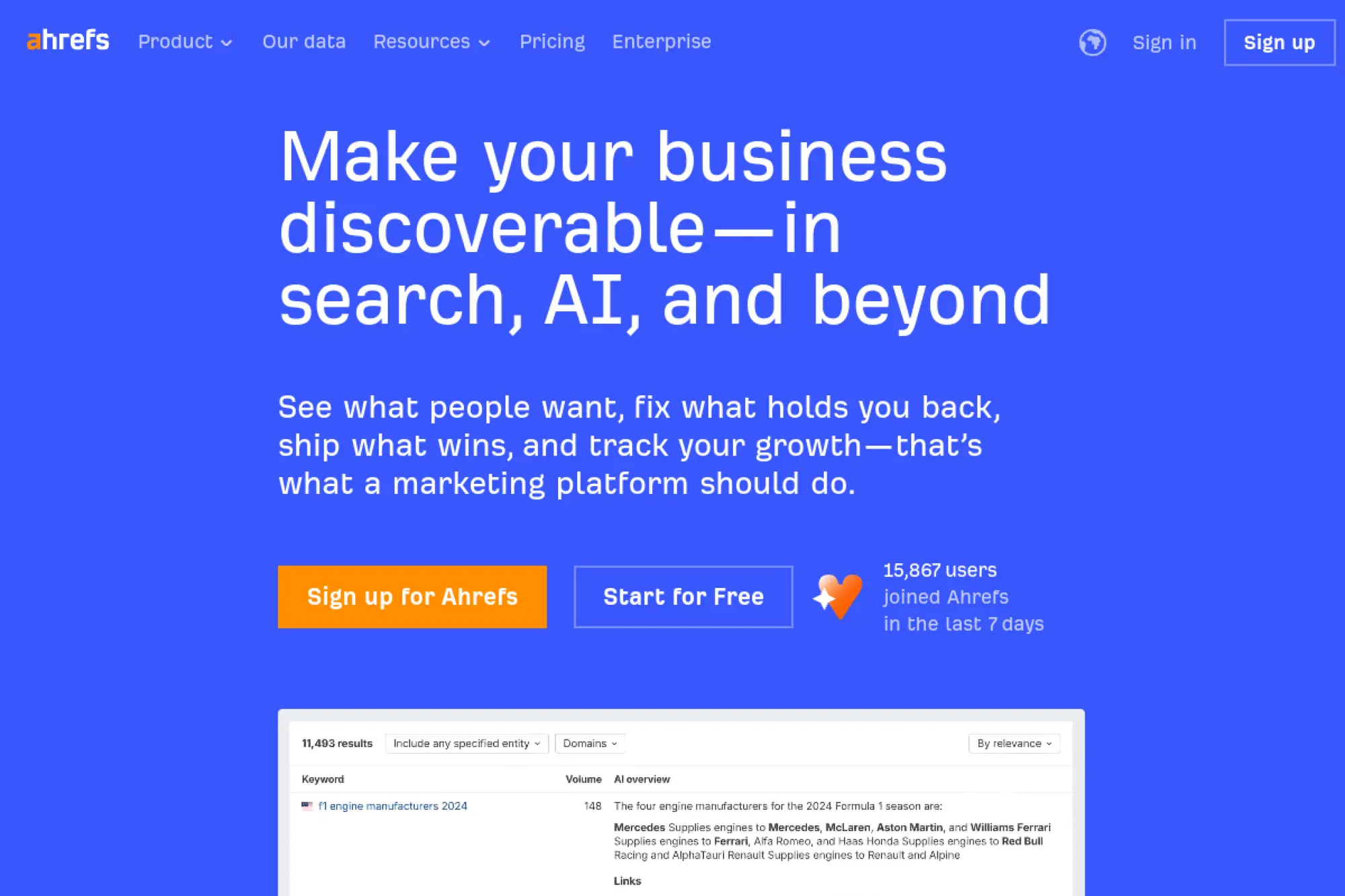
Ahrefs is built by a team obsessed with web crawling, link data, and fast competitive insights. It’s a research-first platform. When you want to know why competitors win, Ahrefs is usually where you start.
See what’s working in your niche, then copy the shape.
Best for: SEO consultants and content teams doing heavy competitor research.
- Site Explorer workflows → find link and content gaps that drive rankings.
- Rank tracking and audits → reduce tool-switching into one daily dashboard.
- Project setup → time-to-first-value is about 30–45 minutes per site.
Pricing & limits: From $99/mo (shown in local currency on the pricing page); trial length: no free trials. Lite includes 5 projects, 750 tracked keywords, and 100,000 crawl credits per month.
Honest drawbacks: No traditional trial makes adoption harder. Collaboration and reporting are less agency-flashy than Semrush.
Verdict: If you need sharp competitor intel and reliable crawling, this helps you find new targets in a week. Beats Semrush at research flow; trails Semrush on multi-channel toolkits.
Score: 3.7/5
5. Surfer
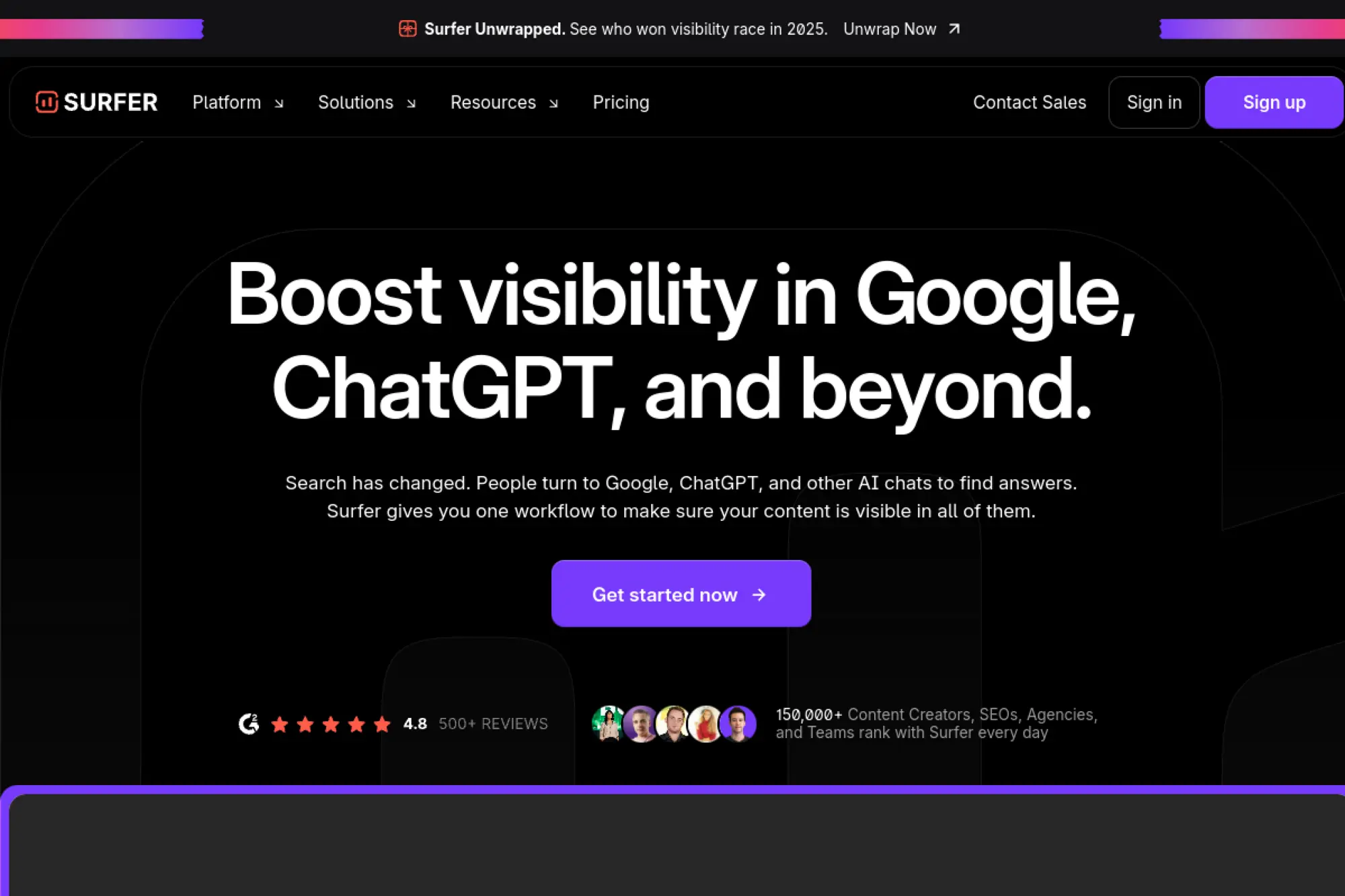
Surfer is built by a product team focused on content optimization and “visibility” workflows across search and AI surfaces. It’s opinionated software. The point is to write with guardrails, not debate every SEO theory.
Publish content that ranks faster, with fewer revisions.
Best for: content marketers and agencies shipping SEO articles every week.
- Content Editor scoring → turn SERP analysis into a clear writing checklist.
- Google Docs and WordPress integrations → save 3–5 steps per draft handoff.
- Plan templates and voices → time-to-first-value is about 30 minutes per article.
Pricing & limits: From $99/mo; trial length: none listed. Essential includes 30 Content Editor articles per month and 5 AI articles per month. Scale raises limits to 100 articles per month and 20 AI articles.
Honest drawbacks: Limits are credit-like, so costs rise with volume. It won’t replace technical SEO crawling.
Verdict: If you want writers to hit on-topic coverage without endless edits, this helps you improve drafts this week. Beats Clearscope on workflow breadth; trails Ahrefs on competitive depth.
Score: 3.6/5
6. Clearscope
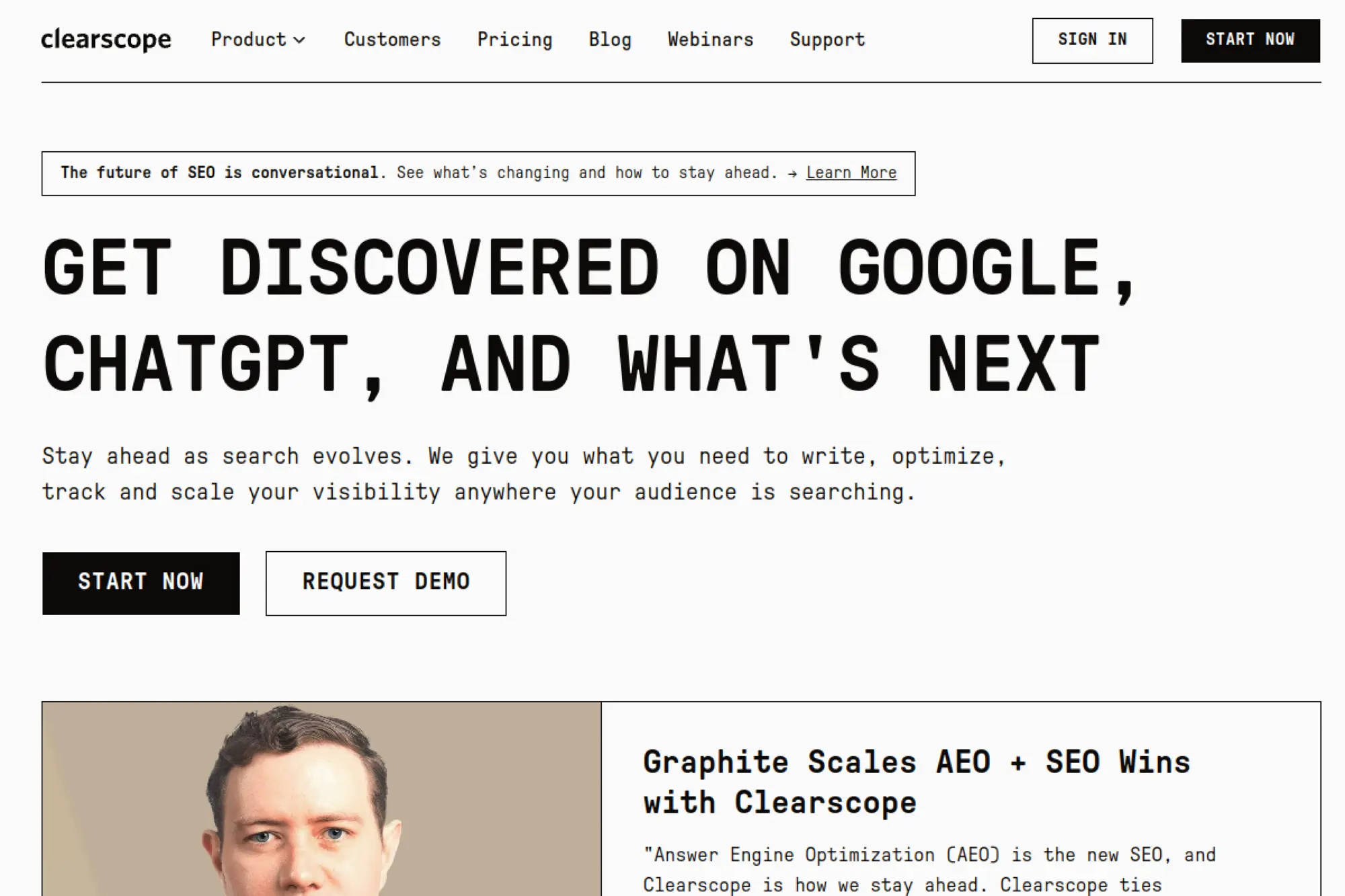
Clearscope is built by a focused team that leans into usability over endless knobs. The product feels like a clean editor with strong recommendations. It’s designed to be adopted by writers, not only SEOs.
Make every draft more relevant, without turning writers into analysts.
Best for: editorial teams and content leads who need consistent on-page quality.
- Topic-driven optimization → reduce “what should we include?” guesswork per draft.
- Content inventory workflow → save hours by spotting decay and gaps in one view.
- Low-friction onboarding → time-to-first-value is often under 45 minutes.
Pricing & limits: From $129/mo; trial length: none listed. Essentials includes 20 AI tracked topics, 20 monthly explorations, 20 AI drafts, and 50 content inventory pages.
Honest drawbacks: It’s not a full SEO suite. Teams needing deep link data will still add Ahrefs or Semrush.
Verdict: If you want faster content refreshes that lift rankings, this helps you tighten drafts within days. Beats Surfer on simplicity; trails Surfer on add-ons and broader workflows.
Score: 3.6/5
7. SE Ranking
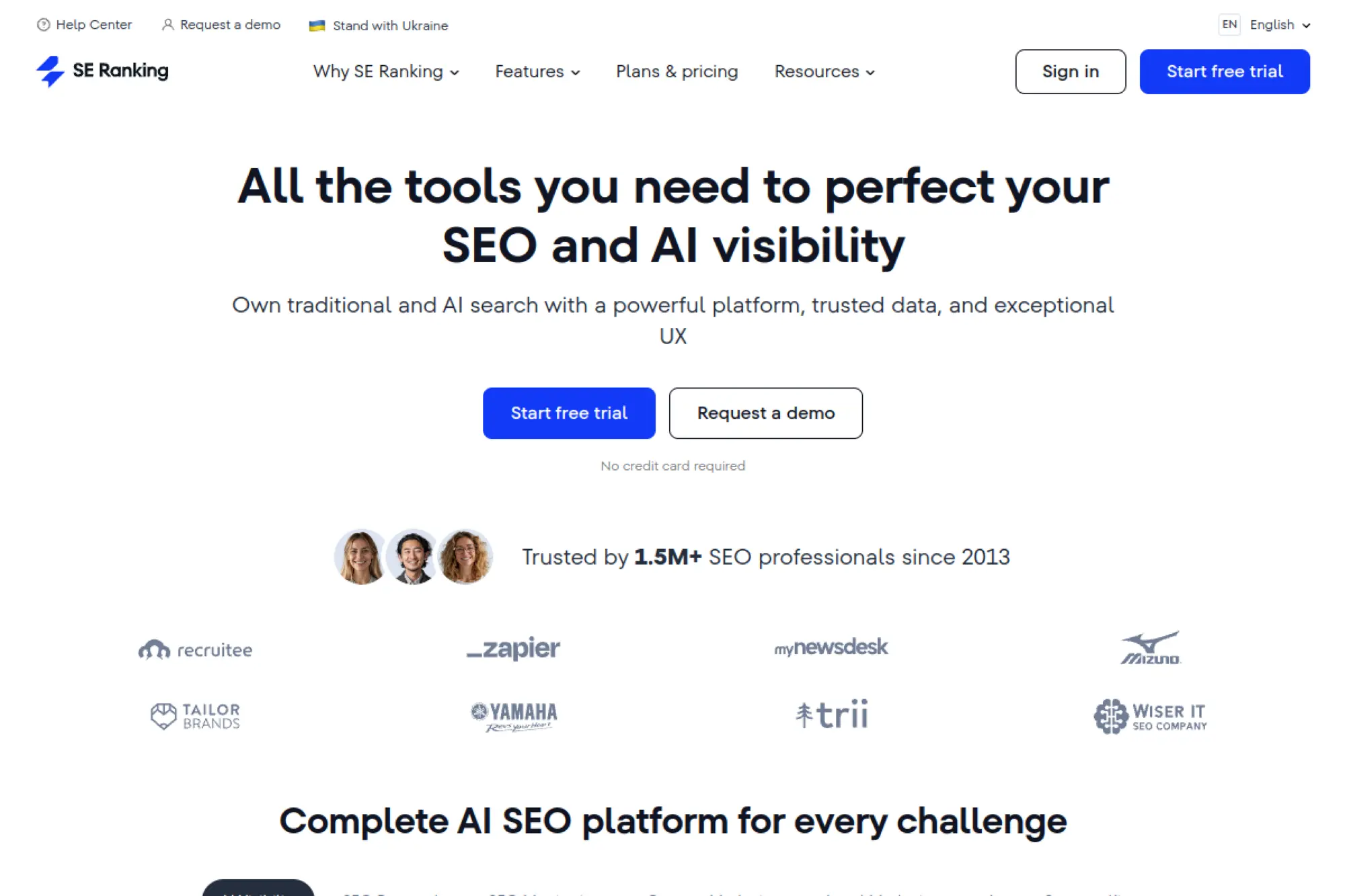
SE Ranking is built by a team aiming for the “right-sized” SEO platform. It covers tracking, audits, research, and reporting without the enterprise bloat. The UI is approachable, even for newer practitioners.
Run ongoing SEO with predictable cost and solid coverage.
Best for: freelancers and small agencies who need an all-rounder platform.
- Rank tracking and audits → keep weekly client updates consistent and repeatable.
- Looker Studio integration (higher tiers) → save several reporting steps each month.
- Guided setup → time-to-first-value is about 45–60 minutes per project.
Pricing & limits: From $65/mo; trial length: 14 days with no card required. Essential includes 1 manager seat, 5 projects, and 500 keywords tracked daily.
Honest drawbacks: Some advanced data depth trails Semrush and Ahrefs. Add-ons can complicate what looks like simple pricing.
Verdict: If you want a balanced suite that doesn’t punish you for growth, this helps you operationalize SEO in a week. Beats Mangools on breadth; trails Semrush on ecosystem scale.
Score: 3.8/5
8. SEOptimer
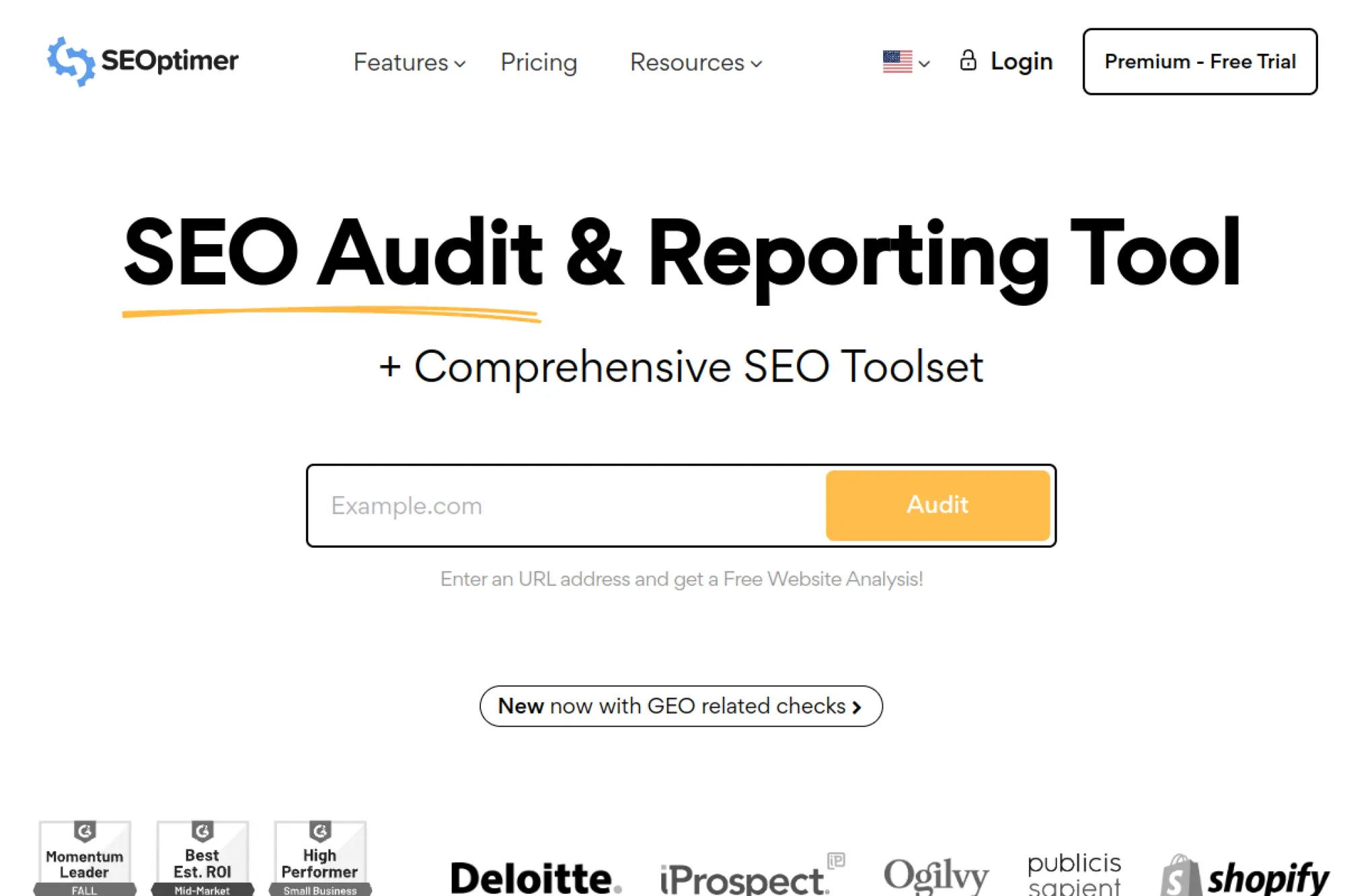
SEOptimer is built for practical audits and client-ready reporting. The team’s focus is clear: scan, explain, and package fixes so work gets approved. It’s especially agency-friendly for lead gen and lightweight audits.
Turn audits into paid work, with reports clients understand.
Best for: small agencies and consultants selling SEO fixes and retainers.
- SEO audits and task lists → move from “issues” to action items faster.
- Embeddable audit form and webhooks → save manual lead capture steps per prospect.
- Quick signup flow → time-to-first-value is about 10–20 minutes.
Pricing & limits: From $29/mo; trial length: 14 days. Plans vary by reporting and embedding needs. Limits include report templates and scheduled reports by tier.
Honest drawbacks: Competitive research is not its strength. Data depth can feel thin for advanced technical teams.
Verdict: If you need to produce clear audits that convert into deliverables, this helps you ship a report today. Beats many suites on report clarity; trails Screaming Frog on crawl depth.
Score: 3.6/5
9. seoClarity
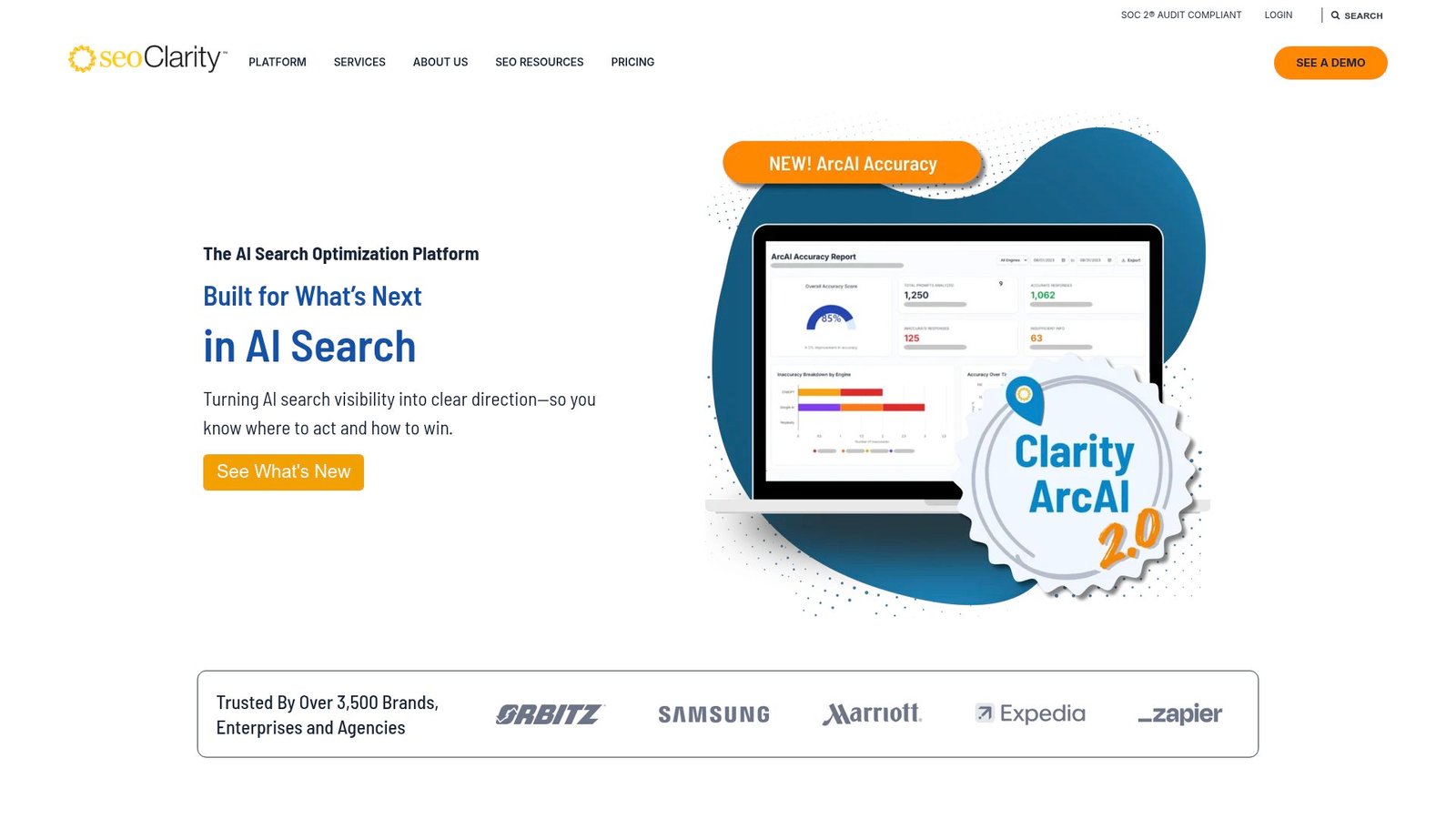
seoClarity is built for enterprise SEO operations, with teams that care about scale, SLAs, and deep technical workflows. It’s not trying to be cute. It’s trying to be the system of record for large SEO programs.
Make enterprise SEO measurable, repeatable, and governable.
Best for: enterprise SEO teams and agencies managing large multi-domain portfolios.
- Enterprise platform modules → consolidate rank, content, and tech work in one place.
- Integrations and APIs → save hours by feeding SEO data into existing BI stacks.
- Implementation support → time-to-first-value is often 2–6 weeks.
Pricing & limits: From $2,500/mo; trial length: typically demo-led. Packages scale by domains and keyword queries. Technical SEO packages start higher and include unlimited crawl pages and projects.
Honest drawbacks: It’s expensive for small teams. Setup demands process maturity and stakeholder alignment.
Verdict: If you need governed SEO at scale, this helps you standardize execution within a quarter. Beats Semrush on enterprise support; trails Semrush on self-serve simplicity.
Score: 3.7/5
10. Mangools
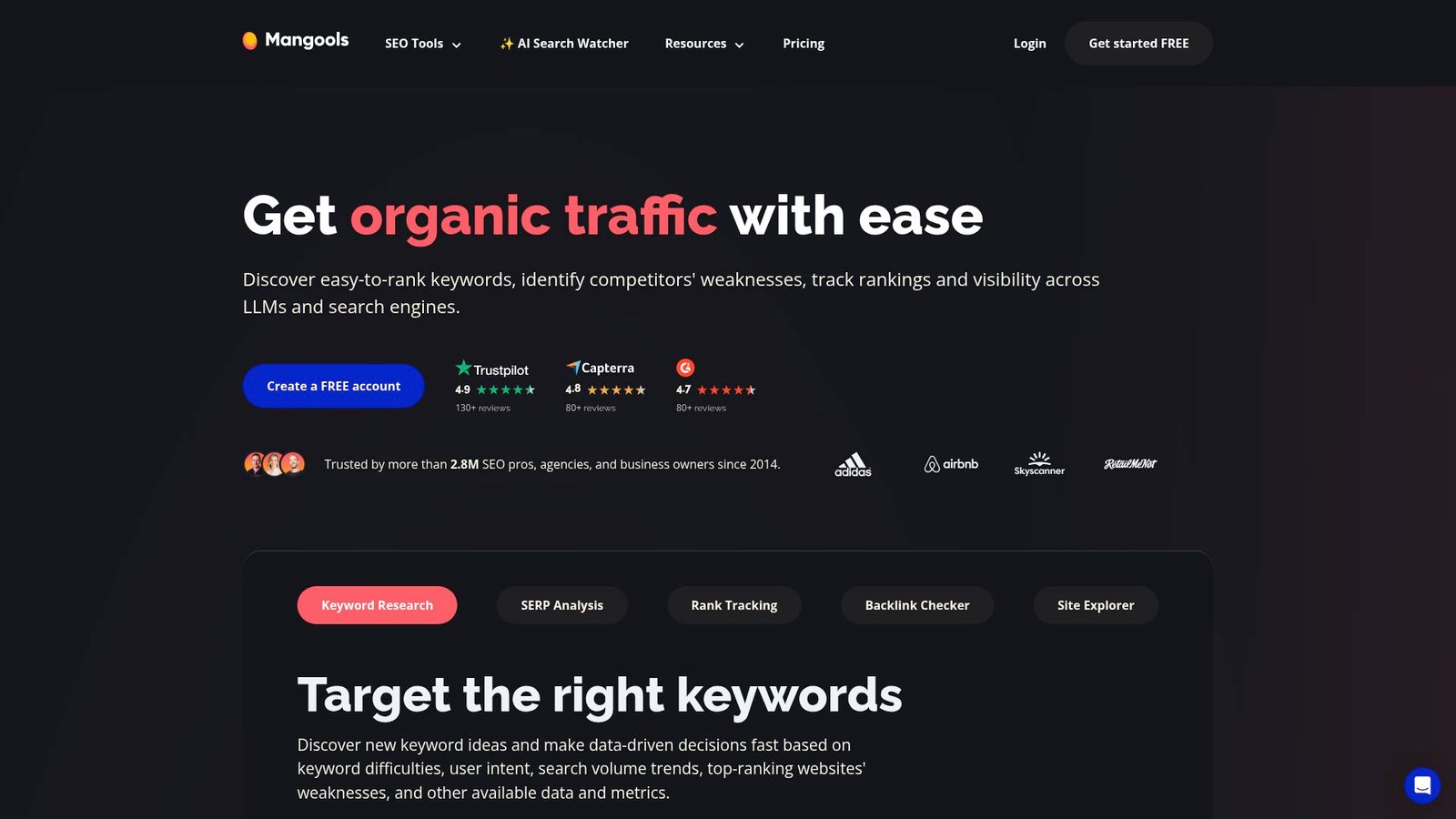
Mangools is built by a team that leans hard into “SEO tools for humans.” The suite is lighter than the big platforms, but it covers the daily essentials. It’s a comfortable entry point for consistent SEO habits.
Do core SEO work without drowning in dashboards.
Best for: bloggers and freelance SEOs who want a simple daily workflow.
- KWFinder plus SERPChecker → choose keywords you can actually win.
- Suite workflow → save tool-hopping by keeping research and tracking together.
- Friendly UI → time-to-first-value is about 20–30 minutes after signup.
Pricing & limits: From $49/mo; trial length: Free plan plus a 10-day Free+ experience is offered. Basic limits commonly include 100 keyword lookups per day and 200 tracked keywords daily.
Honest drawbacks: Integrations are modest. Power users may outgrow limits and crave deeper link intelligence.
Verdict: If you want a calm toolset that keeps you shipping SEO work, this helps you build momentum in a week. Beats some enterprise tools on usability; trails Ahrefs on backlink depth.
Score: 3.8/5
11. Keywords Everywhere
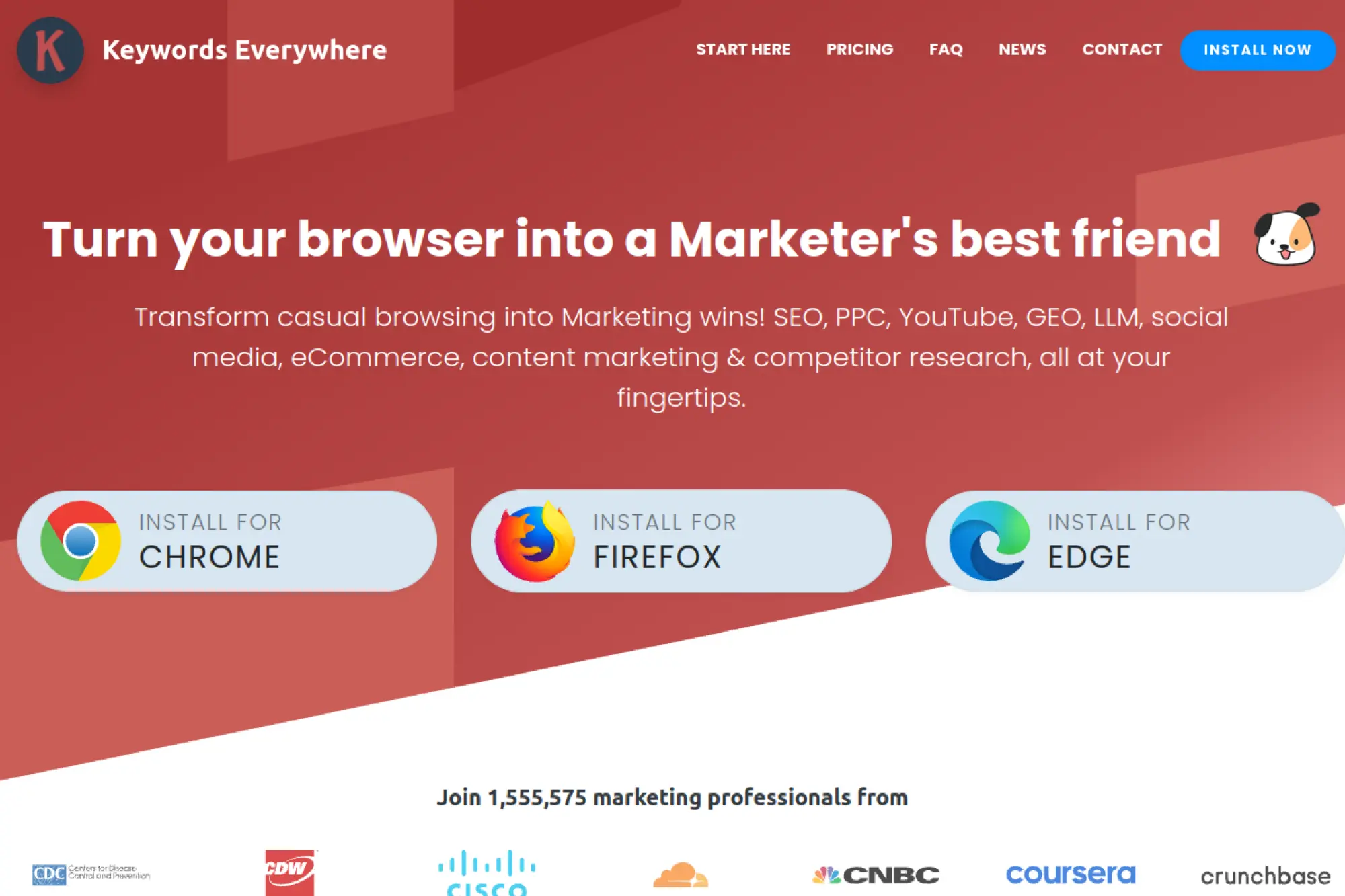
Keywords Everywhere is built by a small product team that turned keyword data into a lightweight browser habit. It lives where research happens: your search results and competitor pages. The model is credits, not a heavy suite.
Get keyword context in seconds, right inside your browser.
Best for: solo marketers and PPC-or-SEO generalists doing frequent quick checks.
- Browser overlays → validate keyword intent without opening five tabs.
- Credit-based usage → save time by running bulk pulls in one pass.
- Fast activation → time-to-first-value is about 5 minutes after install.
Pricing & limits: From $7/mo (billed $84/yr); trial length: none. Bronze includes 100,000 credits per year and 1 seat. Credits expire after one year.
Honest drawbacks: It’s not a full workflow for audits or reporting. If you burn credits fast, the “cheap” feeling fades.
Verdict: If you need lightweight research at the speed of thought, this helps you move in minutes. Beats most suites at convenience; trails Semrush on end-to-end execution.
Score: 3.2/5
12. AlsoAsked
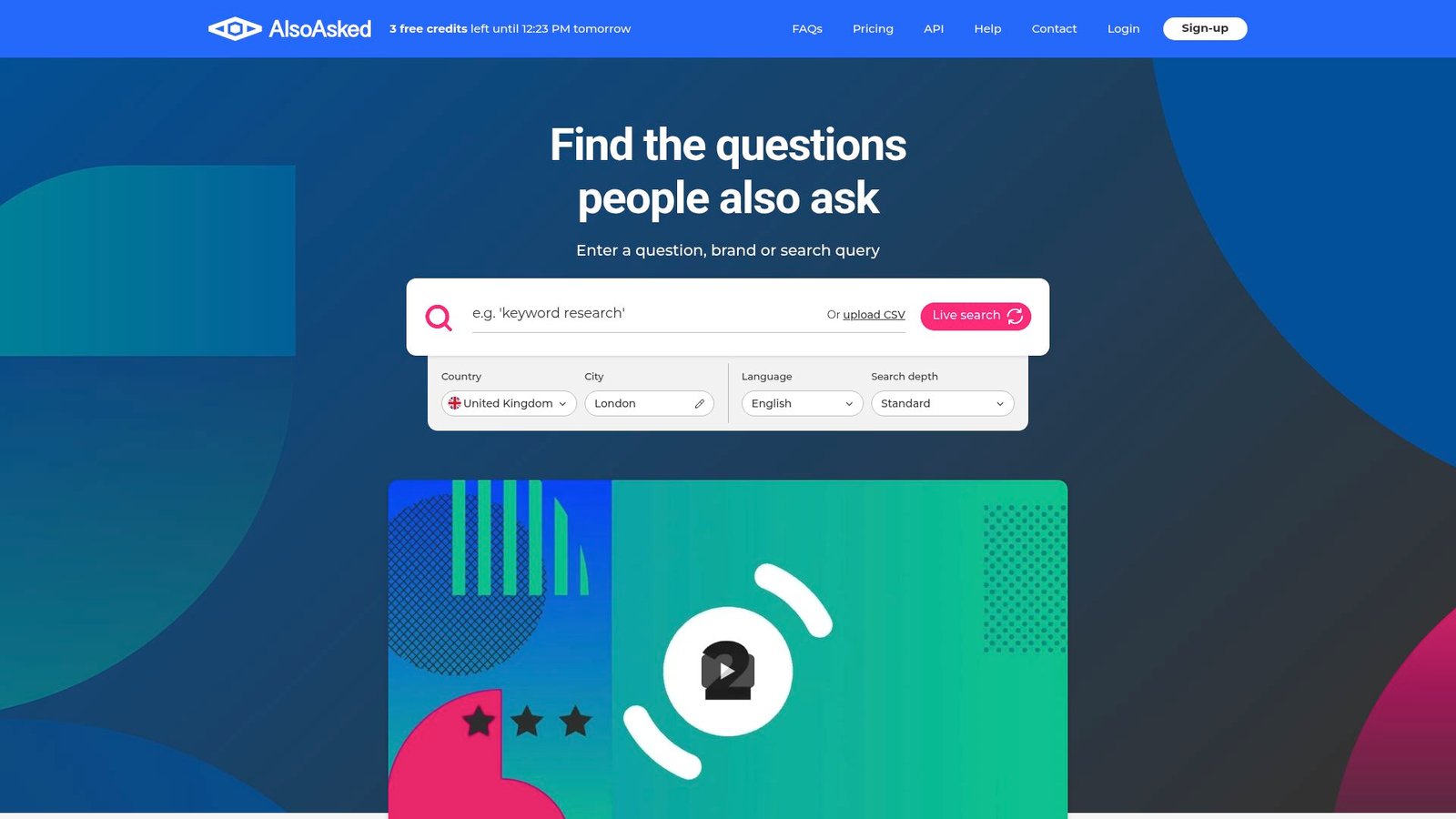
AlsoAsked is built by a team focused on turning “People Also Ask” into a usable content map. The product is intentionally narrow. It helps you see question clusters, then build pages that answer them cleanly.
Turn search questions into a ready-to-outline content cluster.
Best for: content strategists and bloggers planning topical coverage.
- Question trees and exports → outline clusters that match real user intent.
- PAYG top-ups and CSV workflows → save repeated manual searches per topic.
- Low setup burden → time-to-first-value is about 2 minutes on a guest search.
Pricing & limits: From $12/mo; trial length: free guest access with 3 search credits per day. Paid tiers commonly include 100, 300, or 1,000 monthly credits. Deep searches cost 4 credits.
Honest drawbacks: Integrations are mostly export-based. If you need keyword volumes and difficulty, you’ll pair it with another tool.
Verdict: If you want to plan content that matches question intent, this helps you build briefs in an afternoon. Beats AnswerThePublic on structure; trails Semrush on multi-metric research.
Score: 3.4/5
13. AnswerThePublic
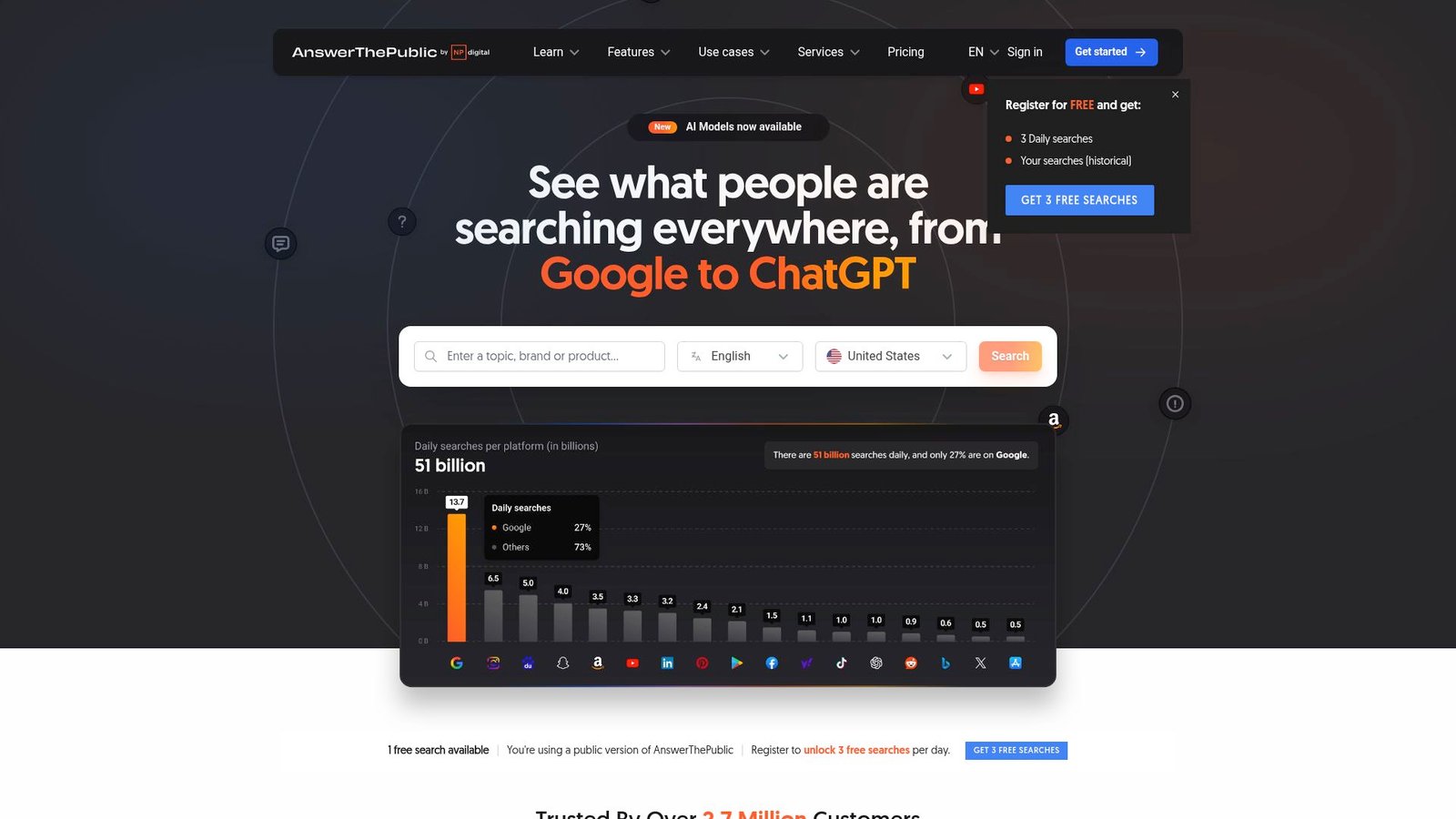
AnswerThePublic is built to make audience questions visible fast. The team’s emphasis is on ideation and monitoring, not heavy SEO operations. It’s a research accelerant that helps you stop guessing what people ask.
Find content angles people already search for, then ship faster.
Best for: bloggers and content marketers building topic pipelines.
- Question visualization → turn seed keywords into dozens of headings quickly.
- Search listening alerts → save repeated manual checks with weekly digests.
- Easy onboarding → time-to-first-value is about 10 minutes per topic.
Pricing & limits: From $20/mo; trial length: 7 days on monthly plans. Starter includes 100 searches per month and 1 user. Higher plans raise searches and user counts.
Honest drawbacks: Data is directional, not a single source of truth. You’ll still need a suite for technical fixes and rank tracking.
Verdict: If you need faster content ideation with monitoring, this helps you build a month of topics in a day. Beats many suites on ideation speed; trails AlsoAsked on cluster mapping.
Score: 3.2/5
14. BuzzSumo
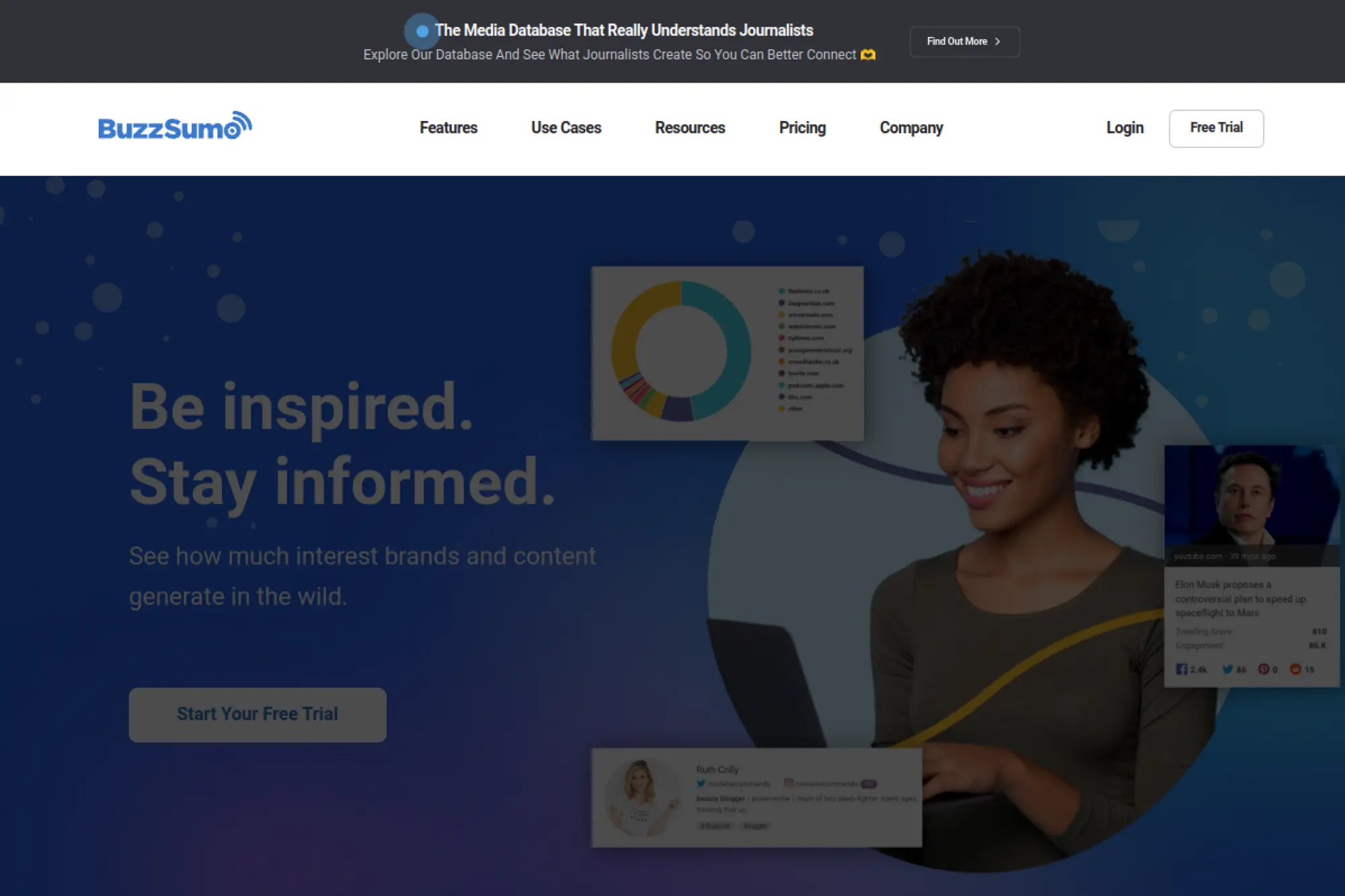
BuzzSumo is built by a team that treats content as an intelligence problem. It’s less about “SEO scoring” and more about what spreads, who shares, and what earns attention. For topic validation, it’s a strong complement to SEO suites.
Pick topics with proof of traction, not vibes.
Best for: content leads and PR teams who need shareable topic bets.
- Content Analyzer workflows → find formats that earn links and shares.
- Alerts and monitoring → save time by automating mention tracking.
- Clean UI for research → time-to-first-value is about 20 minutes.
Pricing & limits: From $199/mo (billed yearly); trial length: available, but capped at 50 searches. Content Creation includes 1 user and 2 alerts. Higher tiers increase users and alert counts.
Honest drawbacks: Trial length is not clearly stated in the help docs. It is not a technical SEO tool, so you still need a crawler.
Verdict: If you want content ideas that already earn engagement, this helps you validate angles this week. Beats many SEO suites at share insight; trails Semrush on technical execution.
Score: 3.6/5
15. SimilarWeb
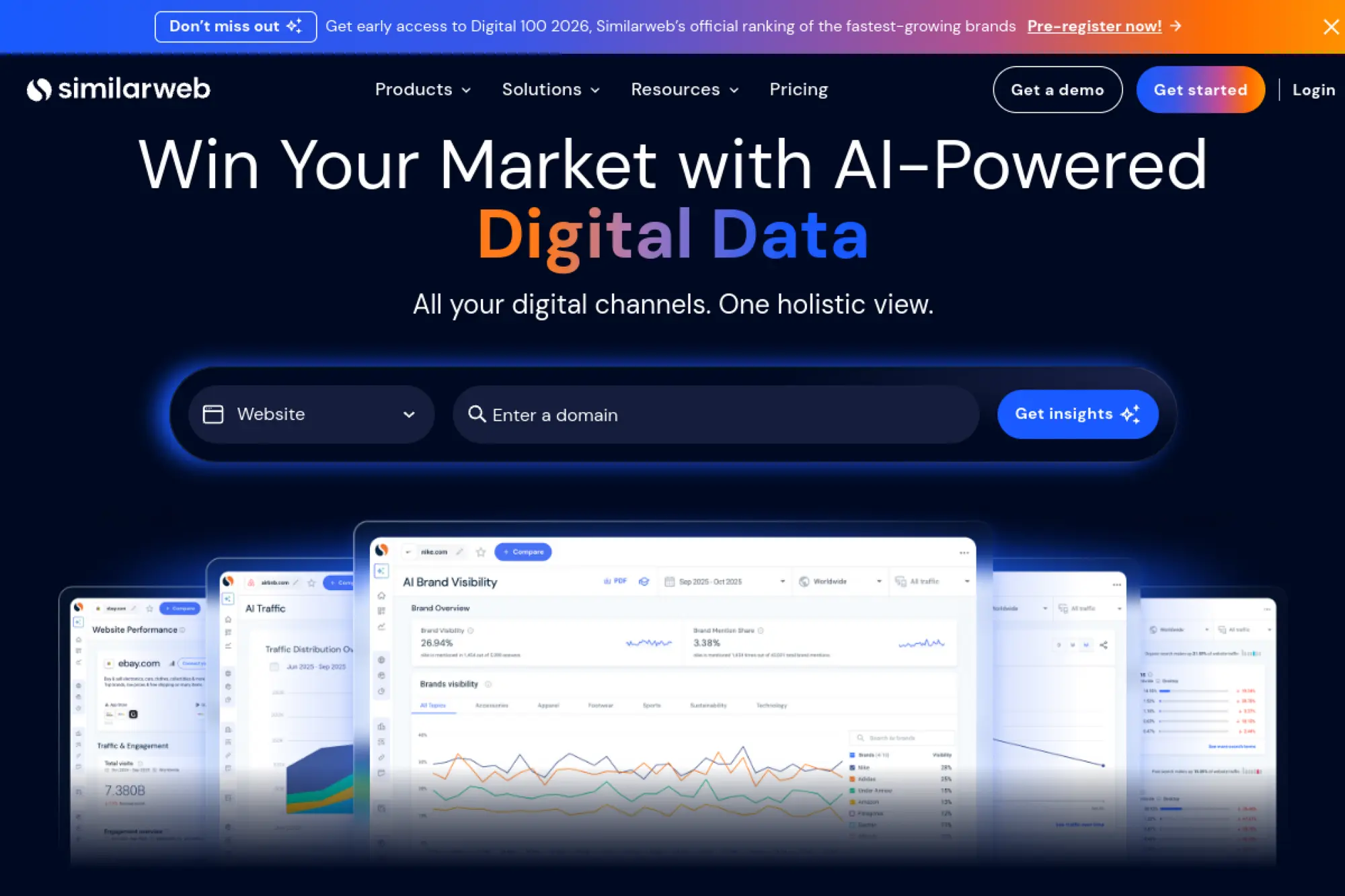
SimilarWeb is built by teams that focus on market and competitor intelligence. It’s not just SEO. It’s about understanding traffic channels, benchmarking, and finding where competitors get demand.
See your market landscape, then choose the right SEO battles.
Best for: growth marketers and SEO managers needing competitive benchmarking.
- Channel and competitor benchmarks → prioritize opportunities with clearer upside.
- Exports and workflow sharing → save reporting cycles across stakeholders.
- Guided trial onboarding → time-to-first-value is about 45 minutes.
Pricing & limits: From $199/mo; trial length: 7 days with auto-billing after trial. Starter typically includes 1 user, 3 months of historical data, and 1,000 keywords per table.
Honest drawbacks: Pricing jumps steeply beyond starter tiers. SEO-specific actions can feel indirect without pairing a true SEO suite.
Verdict: If you need competitor context to steer SEO and content bets, this helps you decide in a week. Beats most SEO tools on market view; trails Semrush on hands-on SEO execution.
Score: 3.7/5
16. Screaming Frog SEO Spider
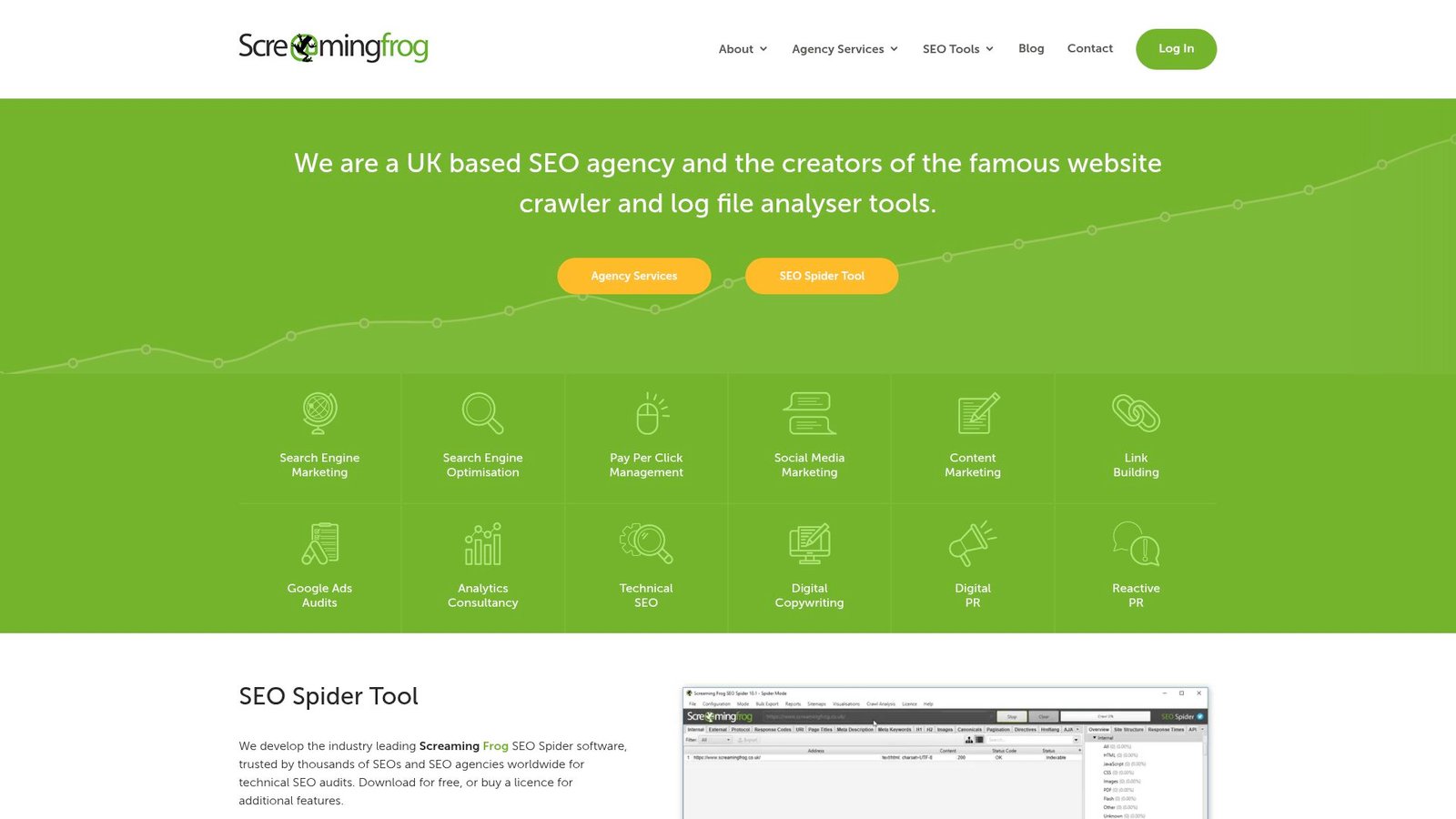
Screaming Frog is built by a technical team that treats crawling as craft. It’s desktop software, not a SaaS dashboard. For many SEOs, it’s the quickest way to turn a site into a list of fixable problems.
Crawl your site, find issues, and export a repair plan.
Best for: technical SEOs and developers supporting SEO cleanups.
- Deep crawl controls → surface redirects, duplicates, and metadata gaps reliably.
- Search Console and Analytics integration → save manual joins across datasets.
- Install-and-crawl flow → time-to-first-value is about 10 minutes.
Pricing & limits: From $0/mo; trial length: none. Free version crawls up to 500 URLs per crawl. Paid license is £199 per user per year, unlocking advanced features and higher crawl capacity.
Honest drawbacks: It’s only as fast as your machine and settings. Teams wanting cloud collaboration will need an additional layer.
Verdict: If you need a fast technical audit you can hand to engineering, this helps you deliver within a day. Beats many SaaS tools on crawl control; trails them on multi-user workflows.
Score: 3.8/5
17. Nightwatch
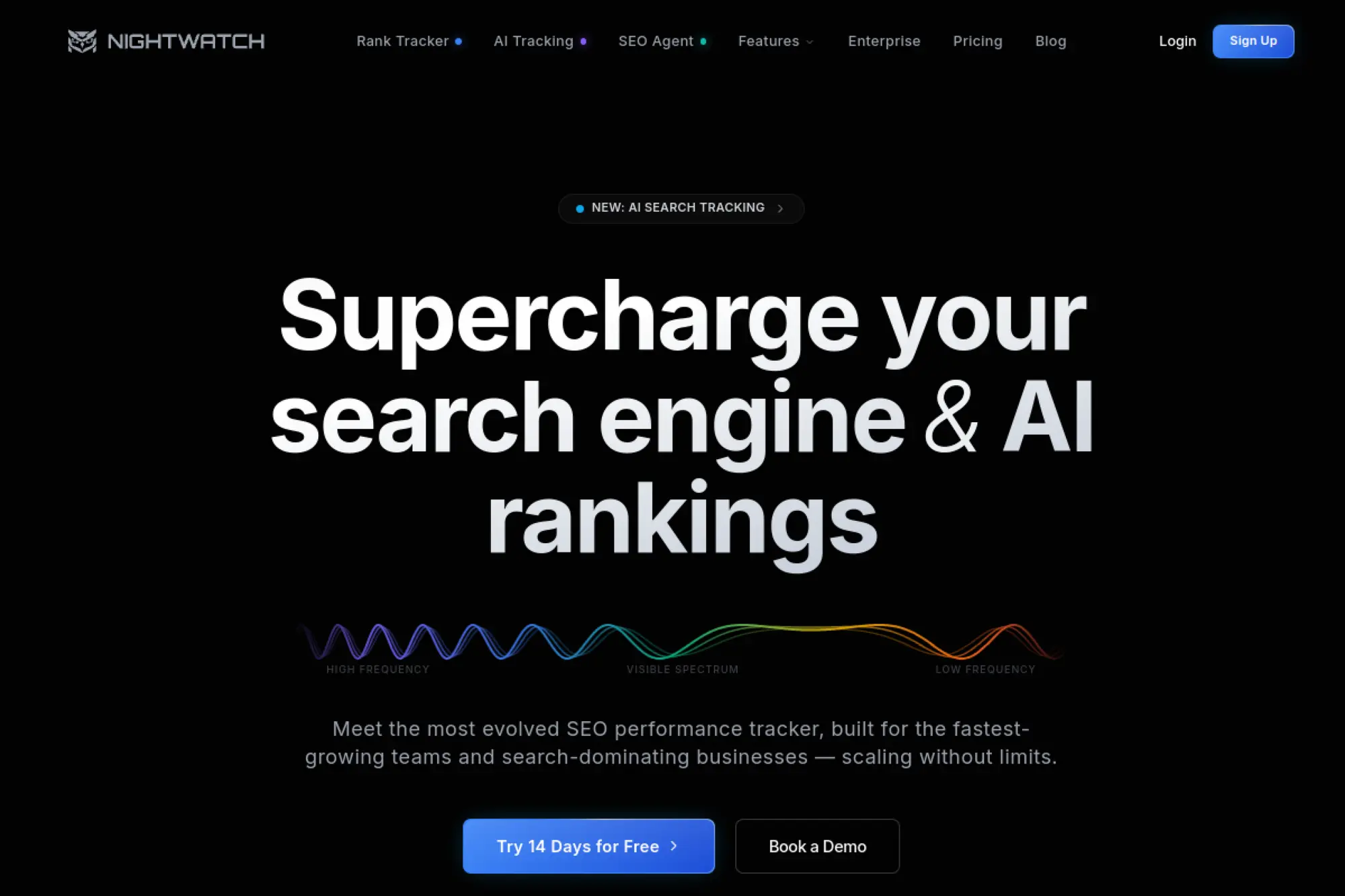
Nightwatch is built by a team focused on rank tracking accuracy and visibility reporting. The product is built to be calm. You track keywords, see movement, and report without wrestling a suite.
Track rankings precisely, then prove SEO impact with clean reporting.
Best for: agencies and in-house SEOs who need reliable rank tracking.
- Rank tracking and segmentation → spot drops fast and respond before traffic falls.
- Automated reporting → save recurring monthly report assembly steps.
- Fast onboarding → time-to-first-value is about 30 minutes for first keyword set.
Pricing & limits: From $590/yr (annual pricing is commonly published); trial length: 14 days. Plans vary by tracked keywords and reporting needs. Expect caps around tracked keywords per tier.
Honest drawbacks: It’s not a full research suite. You may still need Semrush or Ahrefs for discovery work.
Verdict: If you want clean rank tracking that clients trust, this helps you ship reports this month. Beats many suites on rank focus; trails Semrush on breadth.
Score: 3.7/5
18. ProductRank.ai
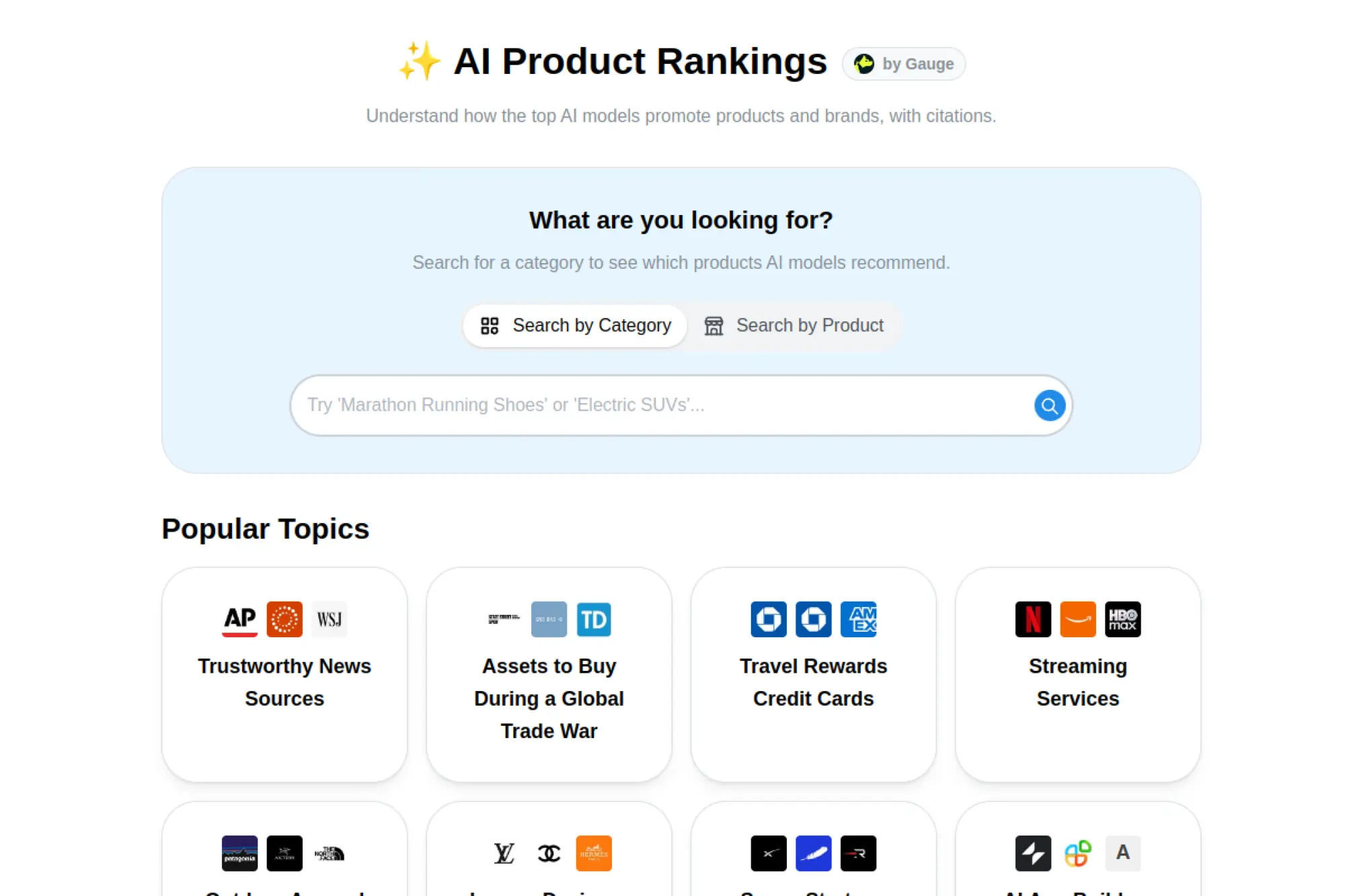
ProductRank.ai is positioned as an AI-forward SEO tool, aimed at product and commerce-style pages. The team appears to be building for speed and repeatability. Expect a workflow that emphasizes templates and scalable page improvements.
Improve product-page discoverability without rebuilding your whole SEO stack.
Best for: ecommerce marketers and lean SEO teams managing many product URLs.
- Product-focused optimization → turn SKU pages into clearer, search-friendly listings.
- Automation-first workflows → save repetitive edits across similar pages.
- Quick setup intent → time-to-first-value is often under an hour.
Pricing & limits: From $custom/mo; trial length: not clearly published. Limits likely vary by tracked pages, runs, or credits. Confirm caps before committing for large catalogs.
Honest drawbacks: As an emerging category, feature depth can be uneven. Integrations may be narrower than mature SEO suites.
Verdict: If you need to scale product SEO improvements, this helps you standardize updates in weeks. Beats generic tools on product focus; trails Semrush on ecosystem maturity.
Score: 3.2/5
19. AirOps
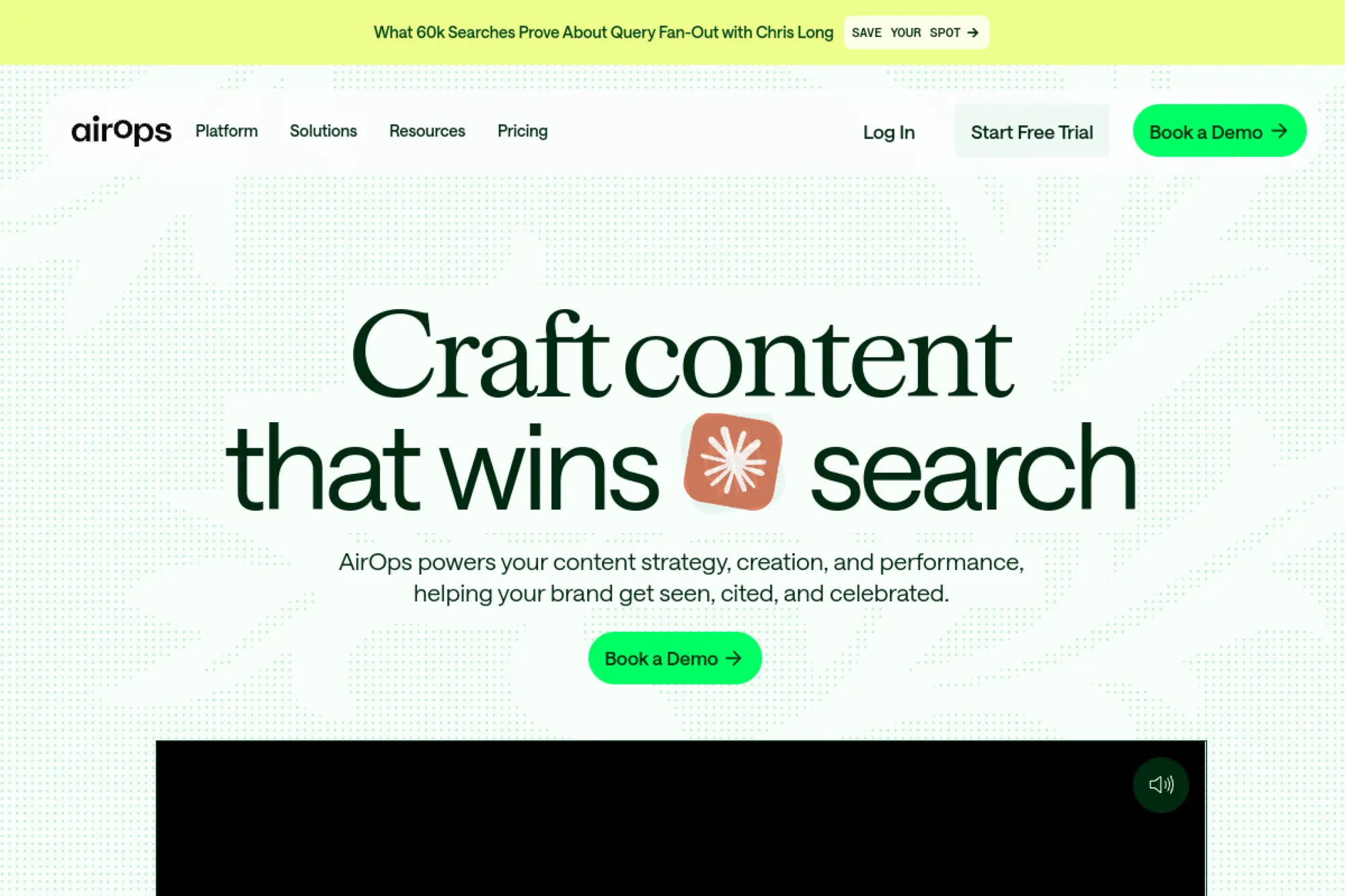
AirOps is built by a team aiming to connect AI workflows with SEO and content operations. It’s not just “write content.” It’s track prompts, monitor pages, and run production tasks with structure.
Turn AI content operations into a measurable, repeatable system.
Best for: growth teams and content ops leads scaling AI-assisted publishing.
- Prompt and page monitoring → find opportunities and refresh content systematically.
- CMS and SEO integrations → save several handoff steps per content update.
- Free start → time-to-first-value is about 30–60 minutes for one workflow.
Pricing & limits: From $custom/mo; trial length: 14 days on a Scale-feature set. Solo includes 100 tracked prompts and pages, 20,000 monthly tasks, 1 brand kit, and 3 knowledge bases.
Honest drawbacks: Pricing isn’t posted as a simple dollar figure. Task-based billing requires monitoring usage to avoid surprise overages.
Verdict: If you want AI workflows that produce measurable SEO outputs, this helps you build a production loop in 30 days. Beats generic AI tools on structure; trails Semrush on classic SEO research depth.
Score: 3.9/5
20. Anthropic
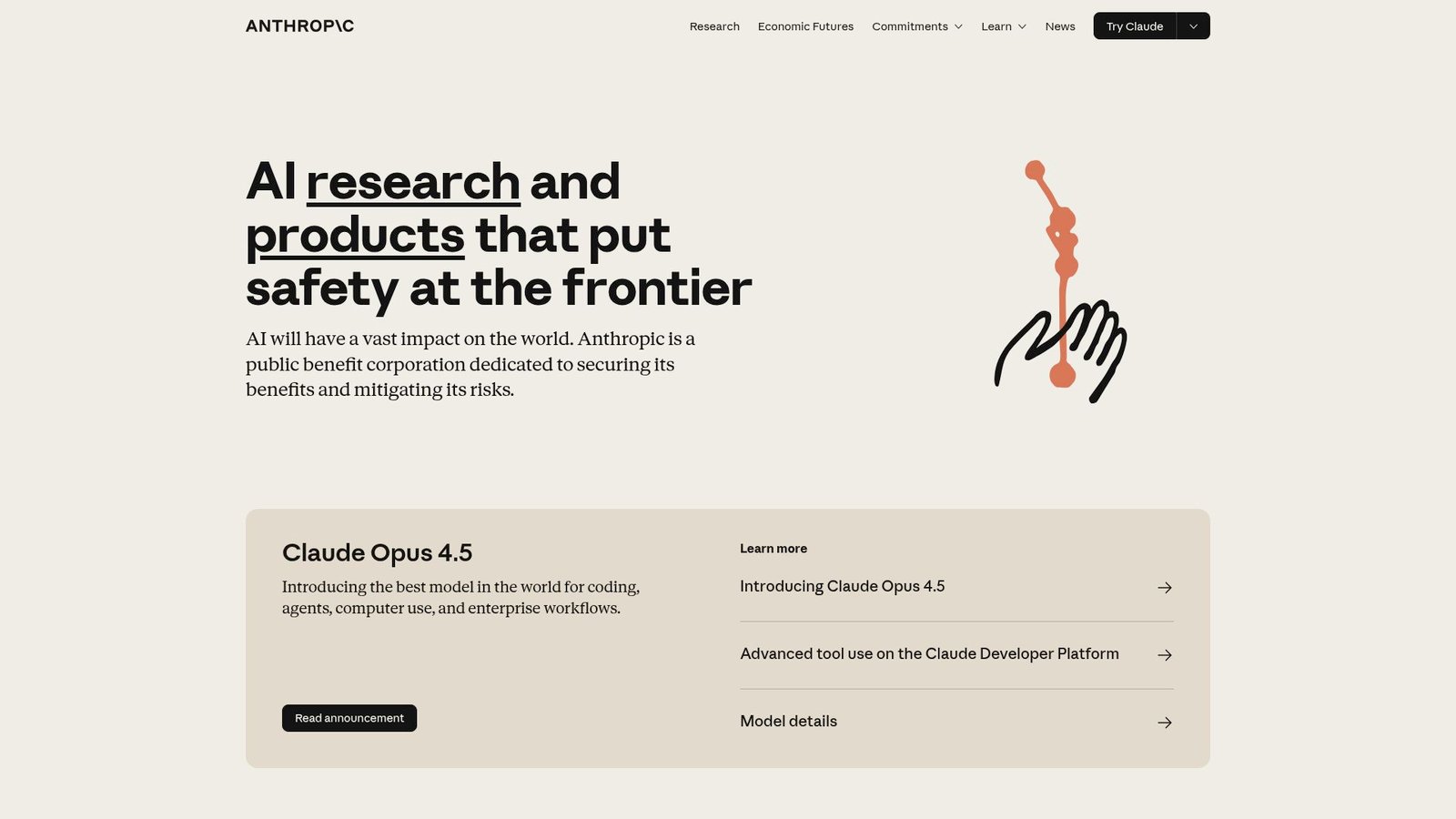
Claude is developed by Anthropic’s research and product teams, with a strong emphasis on helpfulness and safety. In SEO work, Claude is less a “platform” and more a thinking partner. It shines in briefs, rewrites, and structured planning.
Go from messy notes to publishable SEO assets, fast.
Best for: solo marketers and content teams needing AI drafting and analysis support.
- Long-context analysis → summarize audits and briefs into clear action plans.
- Projects and reusable context → save repeated briefing steps per content cycle.
- Instant access on web apps → time-to-first-value is under 5 minutes.
Pricing & limits: From $0/mo; trial length: free plan is available. Paid plans vary by region and tier, with Pro commonly around $20/mo. Team plans are typically per-seat with minimums, and Max tiers may reach $100–$200/mo.
Honest drawbacks: It is not an SEO crawler or rank tracker. Outputs need human review, especially for factual claims and citations.
Verdict: If you need faster briefs, outlines, and content rewrites, this helps you ship in hours. Beats Jasper on conversational planning; trails dedicated SEO suites on hard metrics.
Score: 3.8/5
21. Jasper
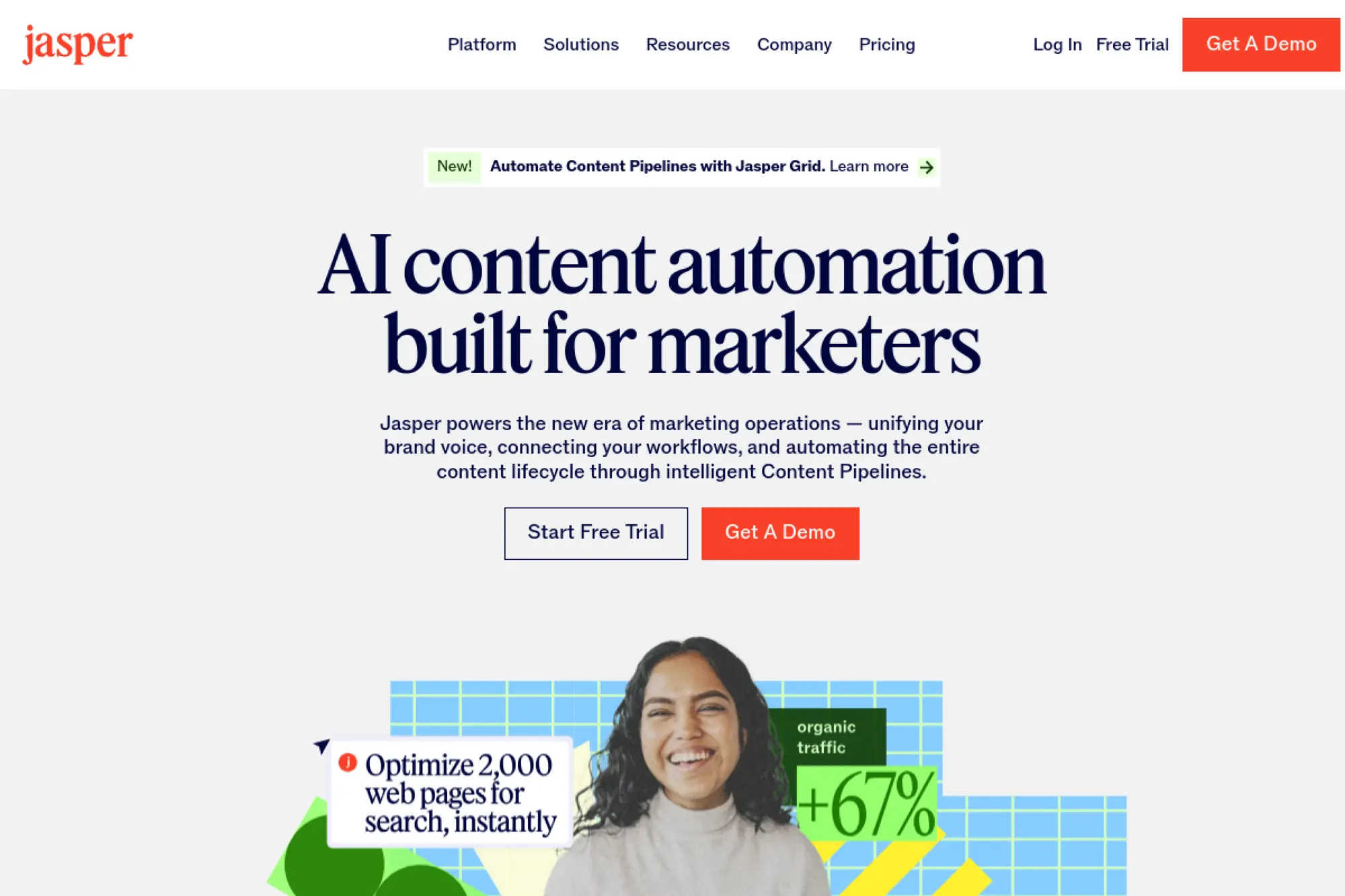
Jasper is built by a team focused on marketing use cases, brand control, and reusable campaign workflows. It’s designed to help teams produce consistent copy at scale. For SEO, the win is speed with guardrails.
Create on-brand SEO content faster, without losing voice consistency.
Best for: marketing teams and agencies producing multi-brand content.
- SEO mode and templates → turn briefs into drafts with fewer blank-page delays.
- Browser extension workflows → save copy-paste steps across tools and tabs.
- Brand assets setup → time-to-first-value is about 45 minutes for one brand.
Pricing & limits: From $69/mo per seat; trial length: 7 days. Pro commonly includes brand voices and knowledge assets with a single seat. Business pricing is custom and adds governance features.
Honest drawbacks: Costs scale per seat. It won’t replace keyword research, crawling, or rank tracking.
Verdict: If you want faster first drafts that stay on-brand, this helps you ship within a week. Beats generic chat tools on brand control; trails Claude on flexible reasoning with long context.
Score: 3.5/5
22. Gumloop
Gumloop is built by a team pushing no-code automation into AI workflows. Think of it as a visual factory for repetitive tasks. For SEO, that usually means automated audits, enrichment, and content ops glue.
Automate the repetitive parts of SEO and content operations.
Best for: operators and growth teams who want automation without engineering queues.
- Visual flows and triggers → turn recurring SEO checks into automated runs.
- Webhooks and BYO API keys → save manual copy steps across tools.
- Free tier onboarding → time-to-first-value is about 30 minutes for a simple flow.
Pricing & limits: From $0/mo; trial length: Team offers a 14-day trial. Free includes 2,000 credits per month, 1 seat, 1 active trigger, and 2 concurrent runs. Solo starts at $37/mo with 10,000+ credits.
Honest drawbacks: Credit models require discipline. Complex flows can become hard to debug without strong documentation.
Verdict: If you need repeatable automation for SEO operations, this helps you save hours each week. Beats Zapier-like tools on AI-native nodes; trails dedicated SEO suites on built-in SEO data.
Score: 3.8/5
23. RankIQ
RankIQ is built with a clear goal: help publishers choose topics and optimize posts with less guesswork. The team’s product choices reflect a publisher mindset. It’s not trying to be an enterprise suite.
Pick topics you can win, then optimize without overthinking.
Best for: bloggers and niche site owners who want a guided content path.
- Keyword library and reports → choose targets that match your site’s strength.
- Content optimizer workflow → save editing time with a clear coverage checklist.
- Simple dashboard → time-to-first-value is about 30 minutes per post.
Pricing & limits: From $49/mo; trial length: none stated. Standard includes 16 report credits per month. Pro includes 36 credits, and Agency includes 80 credits. Credits do not roll over.
Honest drawbacks: If you publish at high volume, credits can be tight. Broader SEO needs still require crawling and rank tracking elsewhere.
Verdict: If you want a straightforward publishing companion, this helps you plan and optimize within days. Beats broad suites on focus; trails Semrush on technical and link tooling.
Score: 3.3/5
24. Rank Ranger
Rank Ranger is built by a team that treats reporting and tracking as the product. It’s designed to support agencies and advanced teams with dashboards, segmentation, and client-ready outputs. The platform leans operational, not trendy.
Prove SEO progress with dashboards clients actually read.
Best for: agencies and in-house teams who need heavy reporting and segmentation.
- Rank tracking and reporting → keep client updates consistent across many campaigns.
- Connector-style workflows → save report assembly steps each month.
- Trial onboarding → time-to-first-value is about 60 minutes for a full dashboard.
Pricing & limits: From $79/mo (pricing is commonly published by plan); trial length: 14 days. Free trials vary, including a limited trial without a card. Caps typically include keyword volume, dashboards, and crawl quotas.
Honest drawbacks: The interface can feel “agency software” heavy. Research features may feel secondary compared to dedicated research suites.
Verdict: If you need repeatable reporting at scale, this helps you standardize client comms this month. Beats many trackers on reporting depth; trails Nightwatch on simplicity.
Score: 3.6/5
25. SISTRIX
SISTRIX is built by a team known for the Visibility Index and a structured SEO toolkit approach. It’s a data-forward product with a strong European footprint. The experience favors clarity and comparability over flashy automation.
Track visibility, understand competitors, and spot trend shifts early.
Best for: SEO professionals and small teams who want dependable visibility tracking.
- Visibility Index workflows → monitor performance without drowning in noisy metrics.
- API access on higher tiers → save manual exports when feeding dashboards.
- Quick start path → time-to-first-value is about 30 minutes for one domain.
Pricing & limits: From $119/mo (priced in local currency, often €); trial length: “test for free” is offered, but length is not clearly stated. START includes 2,500 SERP updates and 30,000 monthly crawlable URLs.
Honest drawbacks: Some plans are expensive for solo users outside Europe. If you want content writing workflows, Surfer or Clearscope feel tighter.
Verdict: If you want a steady visibility benchmark you can trust, this helps you track trends month to month. Beats many tools on visibility clarity; trails Semrush on breadth.
Score: 3.8/5
26. Majestic
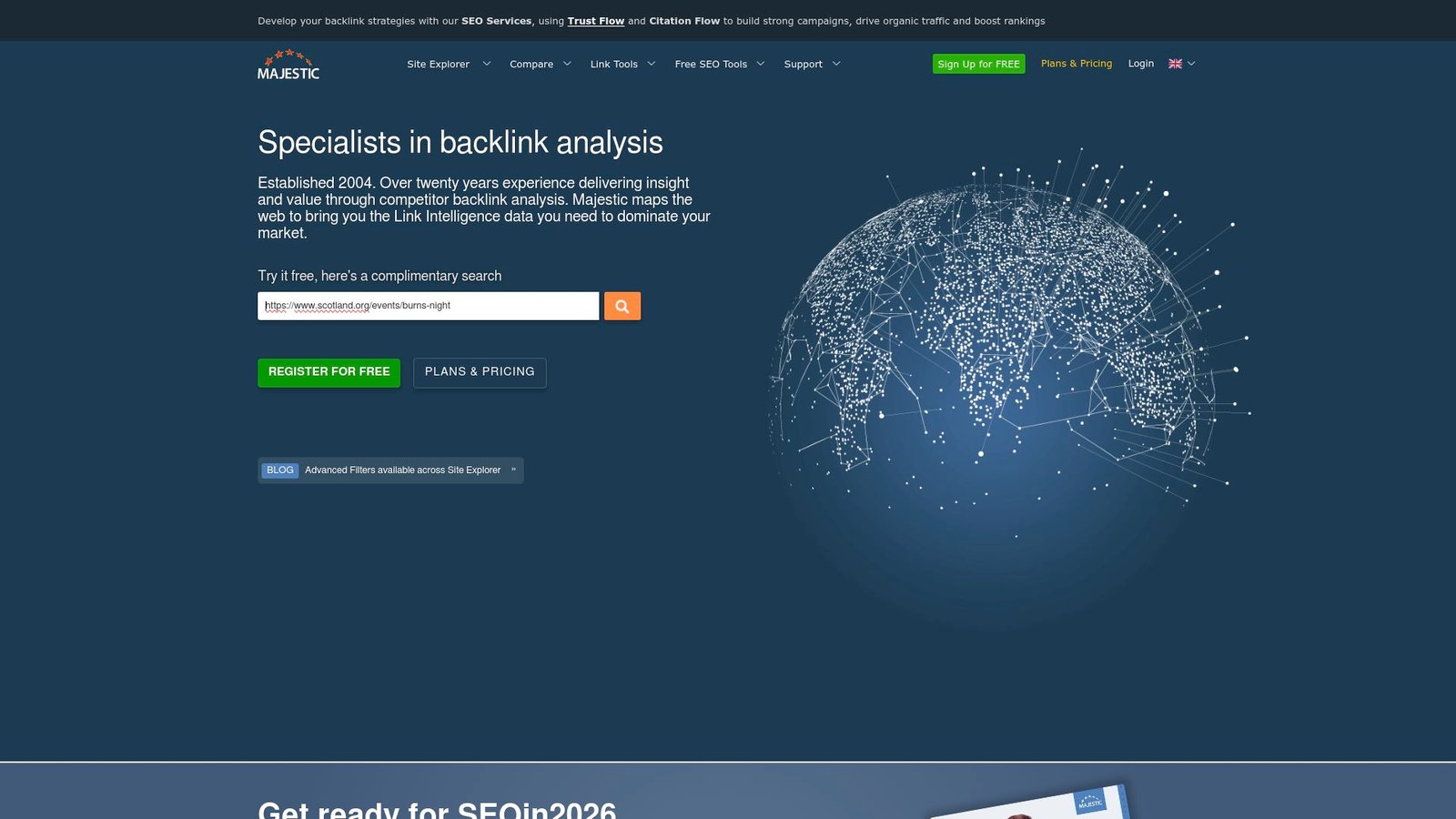
Majestic is built by a team deeply specialized in backlinks and link intelligence. The tool is not trying to be everything. It’s built for SEOs who treat links as a core ranking lever and want consistent metrics.
Understand link profiles fast, then target the next best links.
Best for: link builders and SEO consultants doing backlink audits.
- Fresh and Historic index views → diagnose link issues and opportunities quickly.
- Exports and bulk checking → save hours across large prospect lists.
- Fast account start → time-to-first-value is about 20 minutes.
Pricing & limits: From $39.99/mo (priced in local currency, often £); trial length: no free trial, but a 7-day money-back guarantee is offered for new Lite and Pro customers. Lite includes 1 million analysis units and 1 user.
Honest drawbacks: UI feels dated compared to newer suites. Content and technical workflows are minimal outside link intelligence.
Verdict: If links are your main growth lever, this helps you prioritize prospects within a week. Beats many suites on link focus; trails Ahrefs on all-around research polish.
Score: 3.3/5
27. Moz
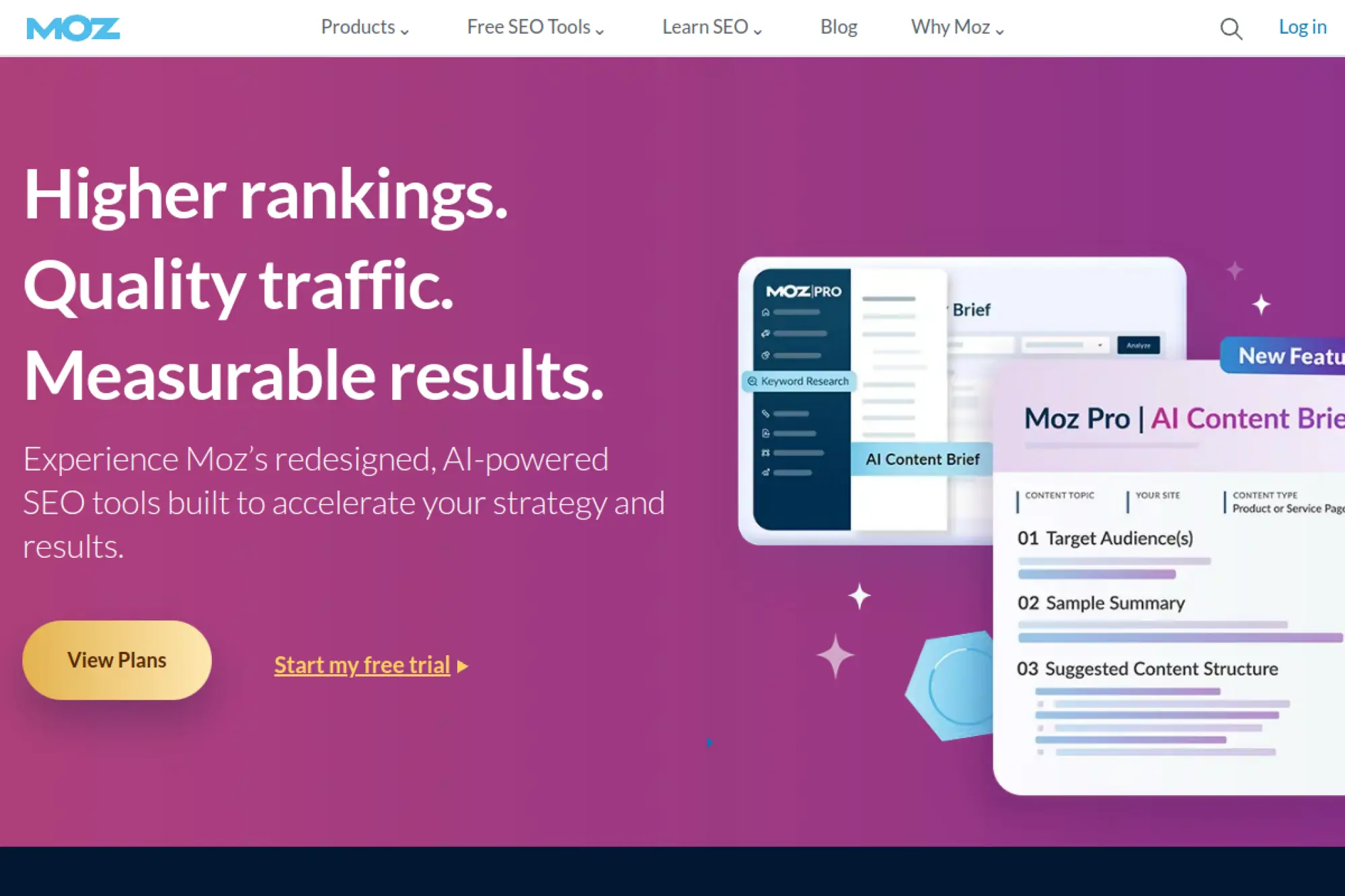
Moz is built by teams that have long focused on approachable SEO education and practical tools. The product line blends software with a strong learning culture. For many teams, Moz is where SEO becomes understandable.
Make SEO measurable without turning it into a full-time obsession.
Best for: SMB marketers and SEO beginners who still want credible tooling.
- Site Crawl and campaigns → turn technical issues into an understandable checklist.
- MozBar and metrics → save research steps while reviewing SERPs and competitors.
- Campaign setup flow → time-to-first-value is about 45 minutes for one site.
Pricing & limits: From $49/mo; trial length: 7 days for Moz Pro is commonly offered. Tier caps vary by campaigns, tracked keywords, and crawl limits. Standard tiers often include weekly crawl quotas and query limits.
Honest drawbacks: Some datasets feel lighter than Semrush or Ahrefs. If you need deep link or PPC tooling, you’ll supplement.
Verdict: If you want a steady, understandable SEO platform, this helps you build consistency in 30 days. Beats many tools on approachability; trails Semrush on breadth and integrations.
Score: 3.7/5
28. Webflow
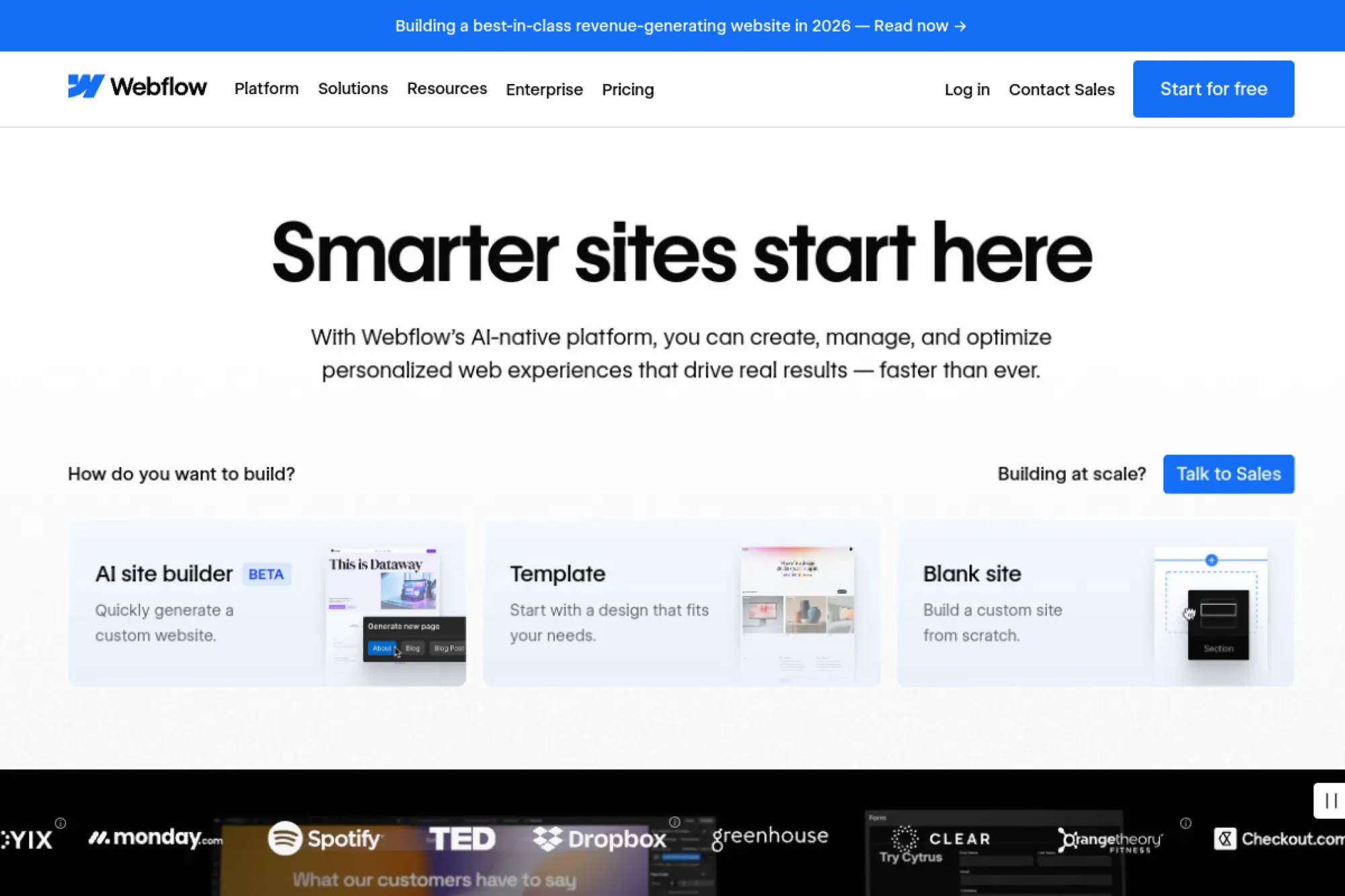
Webflow is built by teams focused on design, publishing, and modern site infrastructure. It’s not an SEO suite. It’s a site platform where SEO execution becomes easier because publishing is cleaner and faster.
Ship SEO changes fast, without waiting on dev cycles.
Best for: marketing teams and designers who own the website end-to-end.
- CMS-driven page building → launch SEO pages faster with structured content.
- 301 redirects and publishing controls → save deployment back-and-forth steps.
- Hosted setup flow → time-to-first-value is about 1–2 hours for a live site.
Pricing & limits: From $0/mo; trial length: free Starter site plan. CMS site plans start at $23/mo billed yearly, with 2,000 CMS items. Starter includes 2 pages and 50 CMS items.
Honest drawbacks: The learning curve is real. SEO success still needs research, content, and tracking tools outside the platform.
Verdict: If you want to publish SEO updates quickly and safely, this helps you ship within days. Beats many CMSs on design control; trails WordPress on plugin ecosystem breadth.
Score: 3.5/5
29. Network Solutions Simple SEO Tool
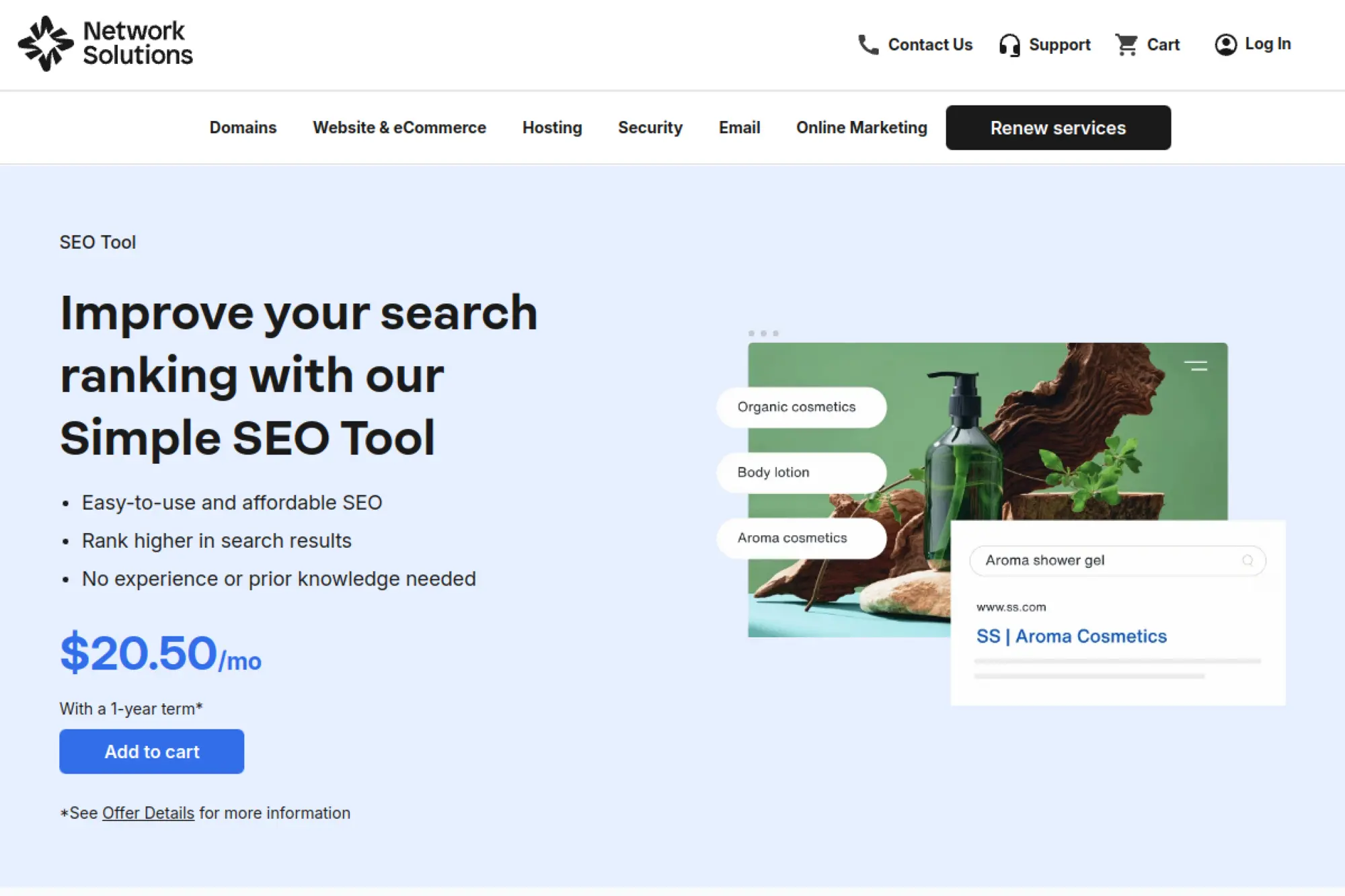
Network Solutions’ Simple SEO Tool is built for business owners who want guidance, not jargon. The team’s focus is on making SEO feel like a checklist you can complete. It’s bundled-style marketing, packaged as a monthly service.
Get a step-by-step SEO plan you can follow without prior experience.
Best for: local businesses and first-time site owners who need structure.
- Guided SEO actions → turn “do SEO” into concrete weekly tasks.
- Keyword tracking and health checks → save manual audits and re-checks.
- Simple onboarding → time-to-first-value is about 30 minutes after purchase.
Pricing & limits: From $20.50/mo; trial length: none stated. Plans are often sold with a 1-year term. Feature caps are geared toward basic keyword optimization and reporting.
Honest drawbacks: Power users will find limited customization. If you already run Semrush or Ahrefs, this will feel redundant.
Verdict: If you need a beginner-safe SEO checklist with light tracking, this helps you take action this week. Beats DIY spreadsheets on structure; trails dedicated SEO platforms on depth.
Score: 3.0/5
30. SmallSEOTools
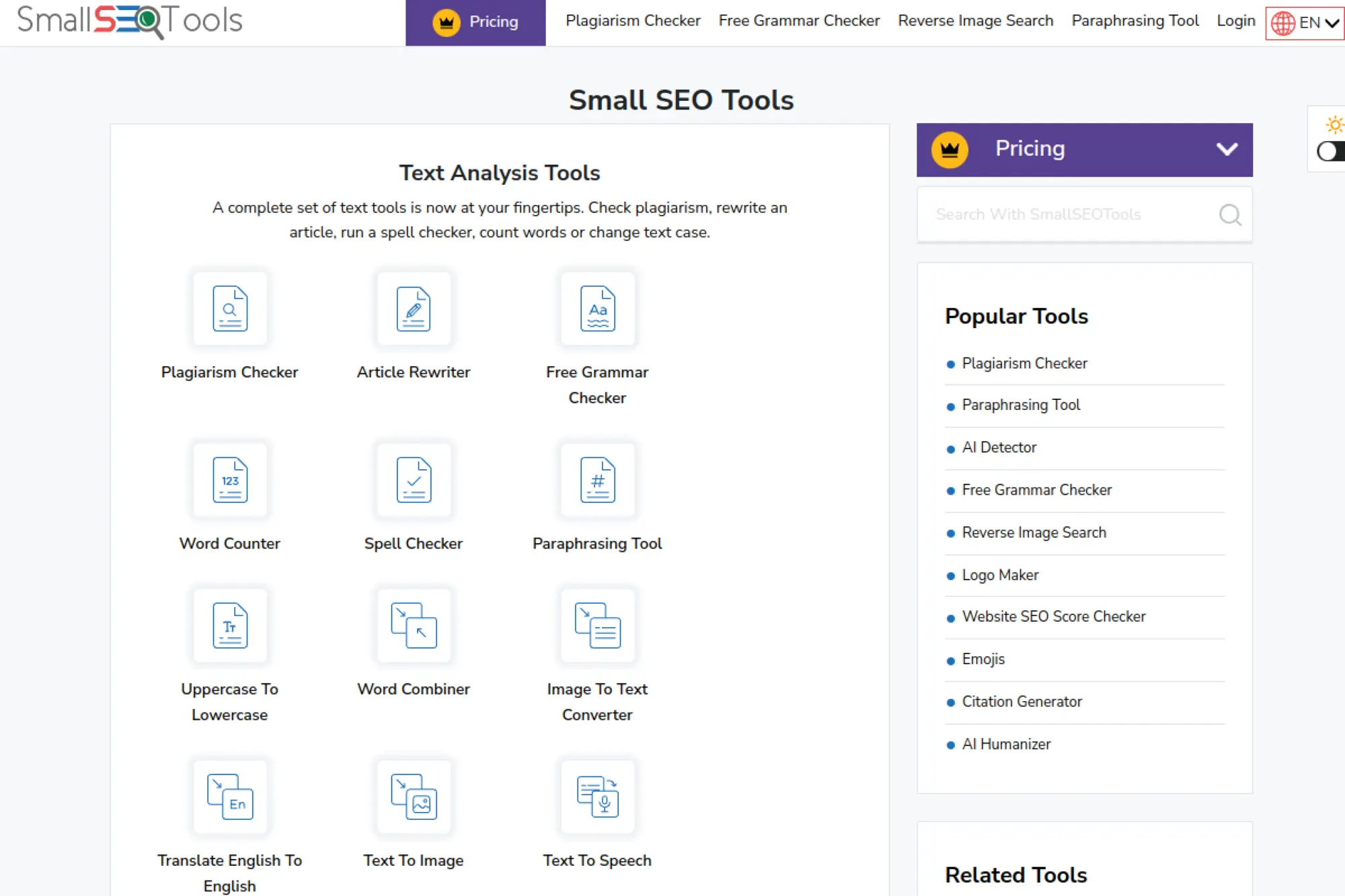
SmallSEOTools is built as a toolbox-style site, aimed at quick checks like plagiarism, paraphrasing, and basic SEO utilities. It’s not one coherent platform. It’s a pile of handy utilities with a paid tier to raise limits.
Handle quick SEO and content checks without opening five accounts.
Best for: students, solo marketers, and small teams needing occasional utilities.
- Toolbox access → run quick checks without assembling a paid stack.
- Ad-free plans and higher quotas → save time lost to friction and repeats.
- Instant web access → time-to-first-value is under 2 minutes.
Pricing & limits: From $9.99/mo; trial length: no traditional trial, but many tools have free usage. Monthly plans include quotas like 40,000 plagiarism words and 60 image searches. Enterprise pricing is custom.
Honest drawbacks: It’s not designed for ongoing SEO operations. Trust and consistency can vary by tool, so results need verification.
Verdict: If you need quick checks and lightweight writing utilities, this helps you move in minutes. Beats piecemeal free sites on convenience; trails dedicated platforms on reliability and depth.
Score: 2.9/5
What Makes Simple SEO Platforms Actually Simple?

Market context: Gartner reports marketing budgets sit at 7.7% of overall company revenue, which is why “simple” must also mean “efficient.” In our delivery work, simplicity is not fewer features. Simplicity is fewer steps between a signal and a fix. That difference matters when SEO competes with every other growth channel.
1. Simple seo platforms vs. point tools: what “platform” should include
A platform should cover the full loop. It should detect issues, propose fixes, and track outcomes. Point tools excel at one slice, like crawling or rank checks. Beginners suffer when they must stitch slices together. In our builds, we treat “platform” as a workflow product. That means tasks, ownership, and history live in one place.
What We Expect in a Real Platform
- Audits that turn findings into assignable tasks.
- Keyword and page mapping, not just keyword lists.
- Reporting that ties work to traffic and conversions.
2. Beginner-friendly dashboards that highlight “what to do next”
Dashboards often fail by trying to impress experts. Busy teams need direction, not density. We like dashboards that begin with a prioritized queue. The best ones show a small set of actions with plain language. A Shopify store owner should see “fix duplicate titles” before “check crawl depth.” That ordering reduces anxiety and speeds shipping.
A Real Example From Client Work
On a regional retailer site, we saw teams ignore “health scores” for weeks. They acted once we reframed the same data as a short task list. The work did not change. The interface did. That is the hidden power of “simple.”
3. Bite-sized SEO action plans with estimated effort and impact
Simple platforms package SEO as small bets. Each bet should show expected lift and estimated effort. Those estimates will never be perfect. Still, they help non-SEO stakeholders say yes. We also prefer plans that separate “safe technical hygiene” from “content bets.” Hygiene fixes are usually deterministic. Content bets need iteration and patience.
- Effort should map to your team’s skills, not generic labels.
- Impact should connect to a keyword and a page.
- Plans should explain dependencies, like redirects before relaunches.
4. Built-in health checks: page speed, broken links, and duplicate meta tags
Health checks are the entry ramp for beginners. Yet the checks must be actionable. “Slow pages” is vague without templates and examples. Good platforms show the slow URL, the likely cause, and the fix path. Broken links should include the linking page and the target. Duplicate tags should propose rewrites, not just warnings.
Why This Matters Technically
Many “simple” tools run shallow audits. They crawl HTML and miss rendered states. If your site is JavaScript-heavy, that gap grows. We push teams to validate audits against real render output. That prevents wasted work and false confidence.
5. Keyword-first onboarding: choosing target keywords before optimizing pages
Teams often optimize pages before picking targets. That feels productive, but it is backward. Keyword-first onboarding forces tradeoffs early. It also prevents “one page for everything” content. We prefer platforms that ask for intent, not just terms. When intent is clear, internal links and titles get easier. Simplicity becomes a product of good constraints.
6. Question-led content research for faster topic coverage
Question-led research helps beginners write useful pages quickly. It also reduces fluff. We like platforms that cluster questions by intent and stage. A “how to” query and a “best” query need different page shapes. The fastest wins come from matching shape to intent. That is also why FAQs, guides, and comparisons should live as separate assets.
- Questions should map to headings and sections.
- Clusters should suggest internal link routes.
- Recommendations should cite competitor patterns, not guesses.
7. Automation-ready workflows to reduce repetitive SEO work
Busy teams lose time on repeated steps. Automation should handle monitoring and routing. We like when platforms can notify Slack or create tickets. The ideal loop is simple: detect, assign, verify, report. Automation also reduces “SEO as a person.” It becomes “SEO as a system.” That change survives team turnover.
Automation That Actually Helps
- Auto-flag new broken links after deploys.
- Auto-check titles on newly published posts.
- Auto-watch index coverage drops by page group.
8. Keeping it lightweight: avoiding “bloated” tool experiences
“All-in-one” can become “all-over-the-place.” Lightweight platforms keep the surface area small. They hide advanced levers until needed. They also keep defaults sane. In our evaluations, we test how many clicks it takes to answer one question. If the question is “why did traffic drop,” the journey should be short. A simple tool respects attention as a scarce resource.
How to Choose Simple SEO Platforms for Your Workflow

Market context: McKinsey found 78 percent of respondents say their organizations use AI in at least one business function, and SEO tools now ship AI features by default. That trend raises the bar for evaluation. A “simple” platform must stay understandable even with automation. Our selection process starts with workflow fit, then checks limits, then checks trust.
1. Pick your primary goal: content, technical fixes, rank tracking, or reporting
Choosing a primary goal prevents tool sprawl. Content-focused teams need briefs, outlines, and internal linking suggestions. Technical teams need crawl detail and change detection. Growth leads often need rank and share-of-voice signals. Stakeholder-heavy orgs need reporting first. At Techtide Solutions, we pick one “center of gravity” tool. Then we add only what the center cannot do well.
2. Prioritize first-party visibility: indexing status, queries, and page performance
First-party tools are the ground truth for many SEO questions. They show what search engines actually saw. Third-party estimates can be useful, but they are still models. We teach teams to start with indexing, query, and page signals first. That habit avoids “phantom problems.” It also reduces panic during volatility.
- Check coverage and indexing patterns by template.
- Review query intent shifts before rewriting content.
- Use page groups to spot systemic issues quickly.
3. Match “ease of use” to team skill level: beginner, intermediate, advanced
Ease is relative to skills. A developer finds a crawler easy. A writer finds it hostile. We map tools to roles, not to org charts. If writers do on-page, pick a tool with guided checks. If engineers own fixes, choose a tool with exportable evidence. Simplicity is a social property. The tool must fit the people who will use it.
4. Check practical limits: projects, keyword caps, credits, and audit crawl limits
Limits drive real cost. Many teams buy a tool, then hit a ceiling mid-quarter. That is when trust breaks. We review limits before we review advanced features. Crawl limits matter for large sites. Keyword caps matter for multi-product orgs. Credit systems can be fine, but they must be predictable.
5. Decide if you need local SEO features (multi-location tracking and profiles)
Local SEO is its own discipline. It needs grid-style rank views, listing audits, and review tracking. A general SEO suite can help, but local depth varies. We see many “busy teams” succeed by pairing a local tool with a lightweight SEO platform. That split keeps each job focused. It also reduces the temptation to force a suite to do everything.
6. Evaluate automation and integrations before committing to a platform
Automation is not a bonus feature anymore. It is the difference between “runs weekly” and “runs never.” We check integration paths early. Webhooks, APIs, and native connectors matter. The simplest workflow is often “send to ticketing.” That keeps SEO inside existing routines. A platform that cannot integrate tends to become a dashboard people forget.
7. Confirm reporting needs: dashboards, exports, and stakeholder-friendly views
Reporting is a product, not a screenshot. Stakeholders want trends, not tool jargon. We like reports that explain “why” and “what changed.” Exports matter when your BI team owns analytics. Dashboards matter when leadership checks progress directly. Either way, reporting should close the loop. If reports do not drive decisions, they are noise.
8. Watch for pricing traps: premium tiers, add-ons, and “credits that don’t roll over”
Pricing traps create tool churn. Add-ons can be reasonable. Trouble starts when core workflows require add-ons. We watch for “pay to finish the job” patterns. Credit expiration is another friction point. Busy teams do not want to manage meter systems. They want predictable spend and predictable outcomes.
9. Verify privacy and data handling for content-based checks and uploads
Many SEO platforms now ingest drafts and pages. That raises privacy questions. We recommend reading data handling terms closely. Sensitive industries should be extra cautious. If a tool asks for full site exports, clarify retention. If AI features require uploads, confirm storage and model training terms. Trust is part of simplicity, because distrust creates manual workarounds.
10. Use the “one tool you’ll actually use” rule to avoid overbuying
We have a blunt rule: the best tool is the one used weekly. A “less capable” platform can win if adoption is high. Adoption usually comes from clarity and speed. We also like tools that encourage a steady cadence. That cadence is how SEO compounds. It is hard to build momentum with a platform nobody opens.
SEO Starter Guide Essentials to Apply in Simple SEO Platforms
Market context: Deloitte reports 42% of surveyed CFOs say their organizations are experimenting with GenAI, which increases content volume and raises quality risk. Teams need stronger basics, not looser rules. In our experience, “simple SEO” succeeds when it enforces fundamentals. The platform should make best practices easy and bad habits annoying.
1. Organize your site logically so users and search engines understand it
Information architecture is the quiet hero of SEO. Beginners often start with keywords and forget structure. We recommend organizing by user problems first. Then map products and categories underneath. A good platform should visualize your structure. It should also highlight orphan pages. Logical structure reduces internal link guesswork later.
2. Use descriptive URLs that support clarity and breadcrumb-style understanding
URLs are not magic, but they are signals. Descriptive paths help users and teams. They also reduce confusion during migrations. We like platforms that flag messy parameters and inconsistent casing. Clean URLs help analytics too. When URLs read like labels, reporting becomes easier. That is a practical win for busy teams.
3. Write clear, unique title links that accurately describe each page
Titles are still the fastest on-page improvement. Many sites reuse titles across templates. That creates weak differentiation. We advise writing titles that reflect the page’s specific promise. Simple platforms should detect duplicates and propose rewrites. They should also warn when titles are too vague. Clear titles help both ranking and click behavior.
4. Create helpful, reliable, people-first content before chasing tools or hacks
Tools do not create trust. Content does. We like “people-first” as a build constraint. That means answering the question fully and clearly. It also means citing real experience where possible. A platform can support this with outlines and content checks. Yet the team must still care about the reader. That mindset is the real moat.
5. Use sitemaps and crawling controls as part of a stable SEO foundation
Sitemaps help discovery and monitoring. Crawling controls help focus. Beginners sometimes block important pages by accident. A platform should surface robots issues clearly. It should also confirm sitemap health and freshness. In our audits, sitemap drift is common after redesigns. Good tooling catches drift before traffic drops become visible.
6. Handle duplicates the right way with canonical URLs, not panic
Duplicates happen for valid reasons. Filters, sorting, and tracking parameters create them naturally. The goal is not perfection. The goal is clarity about the preferred URL. Simple platforms should detect clusters and recommend canonical patterns. They should also warn when canonicals conflict with redirects. Calm handling beats reactive deletion every time.
7. Plan redirects when changing URLs to protect visibility
Redirects are operational, not theoretical. Teams often change URLs during redesigns without redirect maps. That is a classic visibility trap. We recommend building redirect lists during planning, not after launch. Platforms that support migrations shine here. They should track old-to-new mappings and validate outcomes. That reduces the “post-launch fire drill” cycle.
8. Improve search appearance with structured data when it makes sense
Structured data should be purposeful. It is not a decoration layer. We apply it when it clarifies entities or eligibility for rich results. Beginners often over-mark up everything. That can create maintenance burden. A good platform suggests schema types by page template. It should also validate and monitor changes after deploys.
9. Optimize visual elements so images and media don’t become SEO friction
Media can silently harm performance. Large images slow pages. Unlabeled images reduce accessibility. We like platforms that combine performance checks with content guidance. That means surfacing heavy assets and missing alt text in one view. The platform should also respect design constraints. Optimization must be practical for your CMS workflow.
10. Avoid SEO myths: duplicate content “penalty,” heading order, and E-E-A-T as a ranking factor
Myths waste time. We still see teams afraid of a mythical duplicate “penalty.” We also see heading order treated as a ritual. Structure should serve readability first. E-E-A-T is best treated as a content quality lens, not a toggle. Simple platforms should explain these topics clearly. Clarity prevents cargo-cult SEO behaviors.
Common Tasks Simple SEO Platforms Should Handle End-to-End
Market context: CB Insights reports generative AI attracted 48% of all AI funding, and that wave is changing how content is produced and discovered. SEO platforms now must manage higher content velocity. They also must manage higher risk. End-to-end task handling is how busy teams keep control. We judge platforms by whether work flows through them cleanly.
1. Keyword selection and prioritization: start with a clear target set
Keyword selection is a product decision. It defines what you will be known for. We recommend choosing targets by business value and intent fit. Simple platforms should support tagging and grouping. They should also force one primary keyword per page. That guardrail prevents cannibalization by accident. The output should be a readable map, not a spreadsheet graveyard.
2. Content research: turning questions and intent into outlines and headings
Research should create a draftable plan. We like tools that turn intent into structure. That includes headings, supporting sections, and internal link targets. In practice, writers move faster with clear outlines. Editors also review faster with consistent structure. A platform should store these briefs with the page, not in a separate folder. That keeps the work connected to outcomes.
3. On-page optimization: titles, metadata, internal links, and content coverage
On-page optimization is a checklist when done well. It should be repeatable and visible. We want platforms that guide title work and meta descriptions without prompting spam. Internal links should be suggested based on topical adjacency. Coverage checks should compare against competitor patterns carefully. The best platforms help you improve without pushing you into sameness. That balance is hard, and it matters.
4. Technical health checks: speed issues, broken links, and duplicate meta tags
Technical checks should run continuously, not quarterly. Speed issues often return after small design changes. Broken links happen after content pruning. Duplicate tags happen after template edits. A simple platform should detect new problems quickly. It should also let you filter by template. In our engineering work, template-level fixes create outsized returns. Platforms should encourage that approach.
5. SEO action dashboards: filtering tasks by category, keyword, page URL, or time-to-fix
An action dashboard is the “home screen” of SEO operations. It should support triage. Busy teams need filters that match work reality. Category filters help role routing. Keyword filters help content planning. URL filters help engineering tasks. Time-to-fix estimates help sprint planning. Without these views, SEO becomes a pile of alerts with no flow.
6. Indexing workflow: submitting URLs, monitoring coverage, and spotting drops
Indexing is the gate before ranking. Many teams skip it until something breaks. We prefer platforms that treat indexing as a workflow. That means “submitted,” “discovered,” “indexed,” and “needs attention” states. It also means grouping by content type. Spotting drops is easier when you track page cohorts. This is where first-party integrations are non-negotiable.
7. Rank tracking: monitoring movement and identifying winners vs. decliners
Rank tracking should support decisions, not obsession. We care more about direction and patterns than daily noise. Simple platforms should highlight winners and decliners by page group. They should also connect ranking changes to recent edits. That connection is how teams learn. Without it, rank charts are just entertainment. A platform that teaches is a platform that sticks.
8. Competitor analysis: understanding traffic sources, SEO share, and opportunities
Competitor analysis should be humble. Third-party traffic is always an estimate. Still, patterns can be useful. We like tools that show competitor pages by topic. That helps content teams understand what “good” looks like. We also like backlink gap views, with context. Blind link chasing is a trap. The goal is to learn strategies, not copy tactics.
9. Automation: connecting tools and creating repeatable SEO workflows
Automation should create reliability. We think of automation as “SEO ops.” The platform should push tasks into your existing systems. It should also log actions and outcomes. That audit trail matters when leadership asks what changed. In a mature setup, automation is the glue. It connects crawling, monitoring, and ticketing in one loop. Simplicity emerges from repeatable patterns.
10. AI search visibility: tracking presence in AI-driven discovery and answers
AI-driven discovery is real, and it is messy. Teams want to know if their brand appears in summaries and assistants. We recommend treating this as monitoring, not as a ranking replacement. Platforms that track citations and mentions help. Yet the bigger win is improving content clarity and structure. AI systems reward clean entities and unambiguous answers. That pushes us back toward fundamentals, again.
11. Content quality checks: originality and duplication detection before publishing
Quality checks help teams publish with confidence. We want checks that run in the authoring flow. That includes duplicate detection and thin-content warnings. It also includes link validation and formatting checks. For busy teams, pre-publish gates prevent post-publish cleanup. They also reduce the temptation to “ship now, fix later.” In SEO, “later” often never arrives.
12. Measure improvement with reports: keeping a simple feedback loop month over month
SEO needs a feedback loop. The loop should be light enough to sustain. We like a monthly rhythm with a short narrative. The narrative should cover what changed, what moved, and what to do next. A platform should support that with consistent templates. When reporting is simple, learning speeds up. That is how teams compound progress without burning out.
TechTide Solutions: Building Custom Simple SEO Platforms That Fit Your Business
Market context: the same Gartner spend survey reports 59% of CMOs report they have insufficient budget to execute their strategy, which makes “buy another tool” a harder sell. Sometimes the simplest path is not another subscription. It is a small internal platform that fits your stack. At Techtide Solutions, we build those systems when off-the-shelf platforms bend too far. We focus on workflow, integration, and trustworthy signals.
1. Discovery workshops to translate business goals into SEO requirements and workflows
Discovery is where simplicity is designed. We map business goals to measurable SEO outcomes. Then we map outcomes to workflows. The result is a requirements doc that reads like operations, not theory. We also identify your “source of truth” systems early. That often includes analytics, CMS, and first-party search consoles. A custom platform must respect how your team already works.
- We define roles, ownership, and approval paths.
- We document site templates and known constraints.
- We decide what gets automated versus reviewed.
2. Custom development for dashboards, integrations, and automation tailored to your stack
Custom platforms win when they reduce context switching. We integrate data into one view. That often means pulling from first-party APIs and your CMS. We also connect ticketing and chat tools for routing. Our goal is a dashboard that drives action. We avoid vanity scoring unless it predicts outcomes. If a metric does not change behavior, we drop it.
Common Integrations We Build
- Search console data into your warehouse and BI tools.
- Automated audit findings into Jira or Linear tickets.
- Content briefs synced into docs and CMS drafts.
3. Scalable SEO engineering: crawlers, reporting pipelines, and AI visibility monitoring built to spec
Engineering is where “simple” must survive scale. We build crawlers that respect robots rules and render needs. We also build pipelines that keep history, not just snapshots. History is how you debug changes. For AI visibility, we prefer monitored prompt sets and citation capture. The output becomes a trend view, not a novelty chart. When built well, a custom platform becomes an internal habit.
Conclusion: A Practical Roadmap for Simple SEO Platforms Success

Market context: major research firms consistently frame martech as a consolidation story, and teams feel that pressure in day-to-day tooling choices. Simplicity wins when it reduces tool churn. At Techtide Solutions, we see the best results when teams commit to a routine. The platform matters, but the cadence matters more. So, we end where execution begins.
1. Start with one platform and one weekly routine you can sustain
Pick a platform that feels easy on a tired day. Then build a weekly ritual around it. The ritual should include checking health, reviewing tasks, and shipping fixes. We also recommend a short content review block. Consistency beats intensity in SEO. A sustainable routine protects you from tool hopping. Momentum is the real advantage.
2. Build the “simple stack”: indexing visibility + audits + content workflow
A simple stack covers three needs. First, you need indexing and query visibility. Next, you need audits that create tasks. Then you need a content workflow that turns intent into pages. If one tool covers all three, great. If not, pair tools carefully. Keep the stack small and well integrated. That is how busy teams stay calm during volatility.
3. Track progress with lightweight reporting, then expand only when needed
Reporting should be a feedback loop, not a performance. We recommend a short monthly narrative for stakeholders. Focus on wins, losses, and next actions. If a platform makes reporting painful, adoption drops. Lightweight reporting also helps teams learn faster. Expansion should follow need, not curiosity. Tools are easiest to buy and hardest to maintain.
4. Upgrade from simple seo platforms to broader suites when complexity earns its keep
Some teams outgrow simple platforms, and that is fine. Growth brings more pages, more stakeholders, and more risk. Broader suites can help when you need governance and scale. Yet upgrades should be earned. We suggest proving a stable routine first. Then add complexity with intention. If you are choosing today, what workflow do you want to run next week?




