


A Panda penalty can feel sudden, but it usually comes from slow quality decay. Thin pages pile up, duplicate articles spread, ads crowd the answer, and Google starts trusting the site less. When one search engine still controls 90.02% of worldwide search, that kind of quality hit becomes a business problem fast.
At Techtide Solutions, we still use the phrase because site owners search it that way. Technically, Panda is better understood as an algorithmic quality demotion, not a manual action. The label matters less than the pattern. If a site keeps publishing pages that do not satisfy readers, rankings can erode across large sections of the domain.
What the Panda Penalty Is and Why It Matters
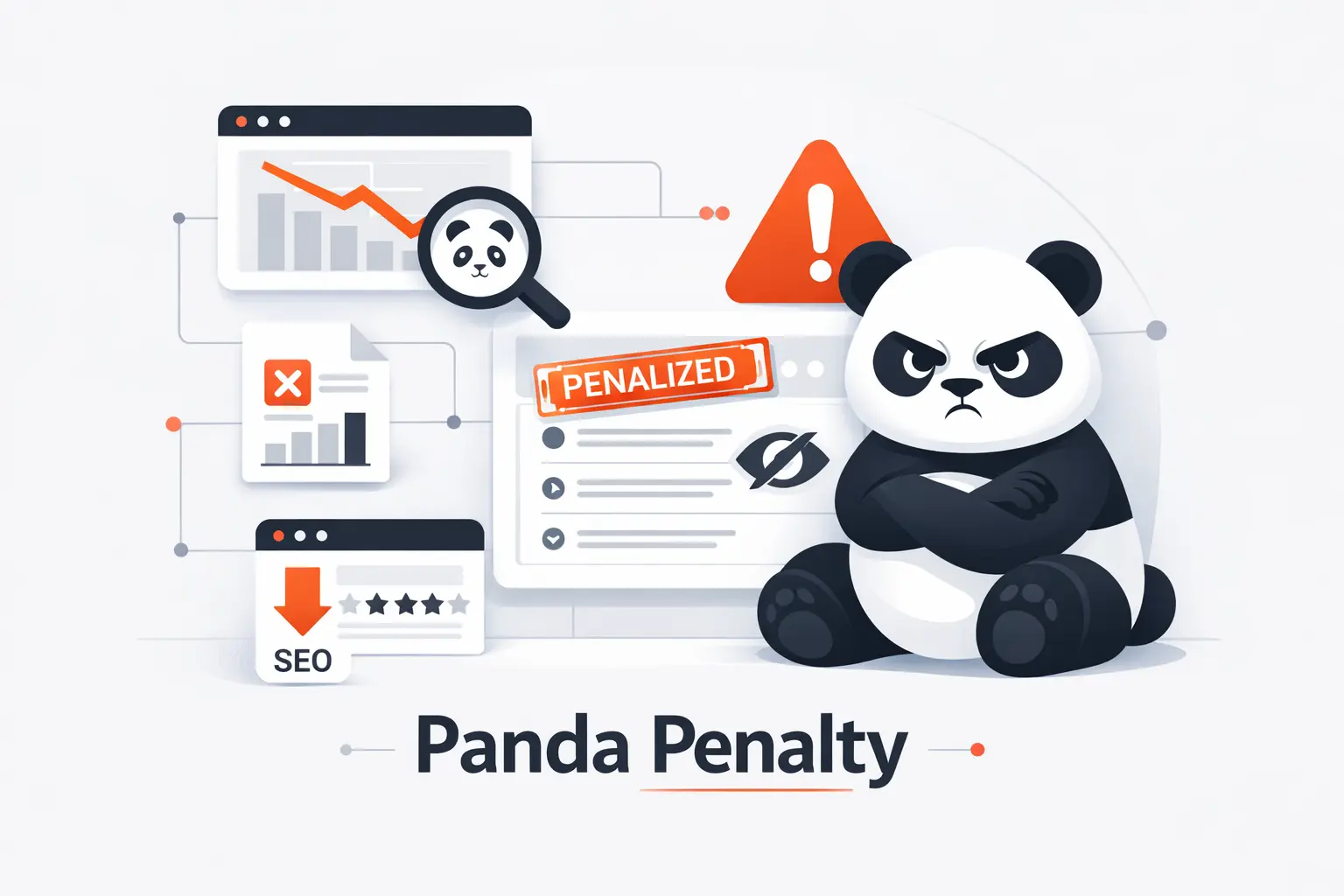
We think this is the right place to start, because many site owners still picture Panda as an old, isolated update. That misses the point. Panda changed how Google judged content quality, and those ideas still shape how weak pages lose ground in search.
1. How Panda Raised Content Quality Standards
At launch, Google said the change affected almost 12% of U.S. queries, which tells you how serious the shift was. Google was not just tweaking rankings around the edges. It was trying to reward pages with stronger trust, originality, and usefulness while pushing down low-value material.
2. Why the Panda Penalty Can Hurt Traffic, Rankings, and Visibility
The damage is rarely limited to one article. Google’s own Panda guidance says low-quality content on some parts of a website can impact the whole site’s rankings. That is why a weak archive, bloated blog, or duplicate content cluster can pull down clicks, impressions, and overall visibility far beyond the pages you first notice.
3. Why Panda Still Matters as Part of the Core Algorithm
Google later said Panda became part of its core ranking systems in 2015. So yes, the named update is historical. But the quality logic lives on. We do not treat Panda as a museum piece at Techtide Solutions. We treat it as a lasting lesson in how search systems judge weak, search-first content.
Recommended reading: Backlink Strategy Guide for Building Authority, Trust, and Organic Visibility
How the Panda Algorithm Evaluates Content Quality
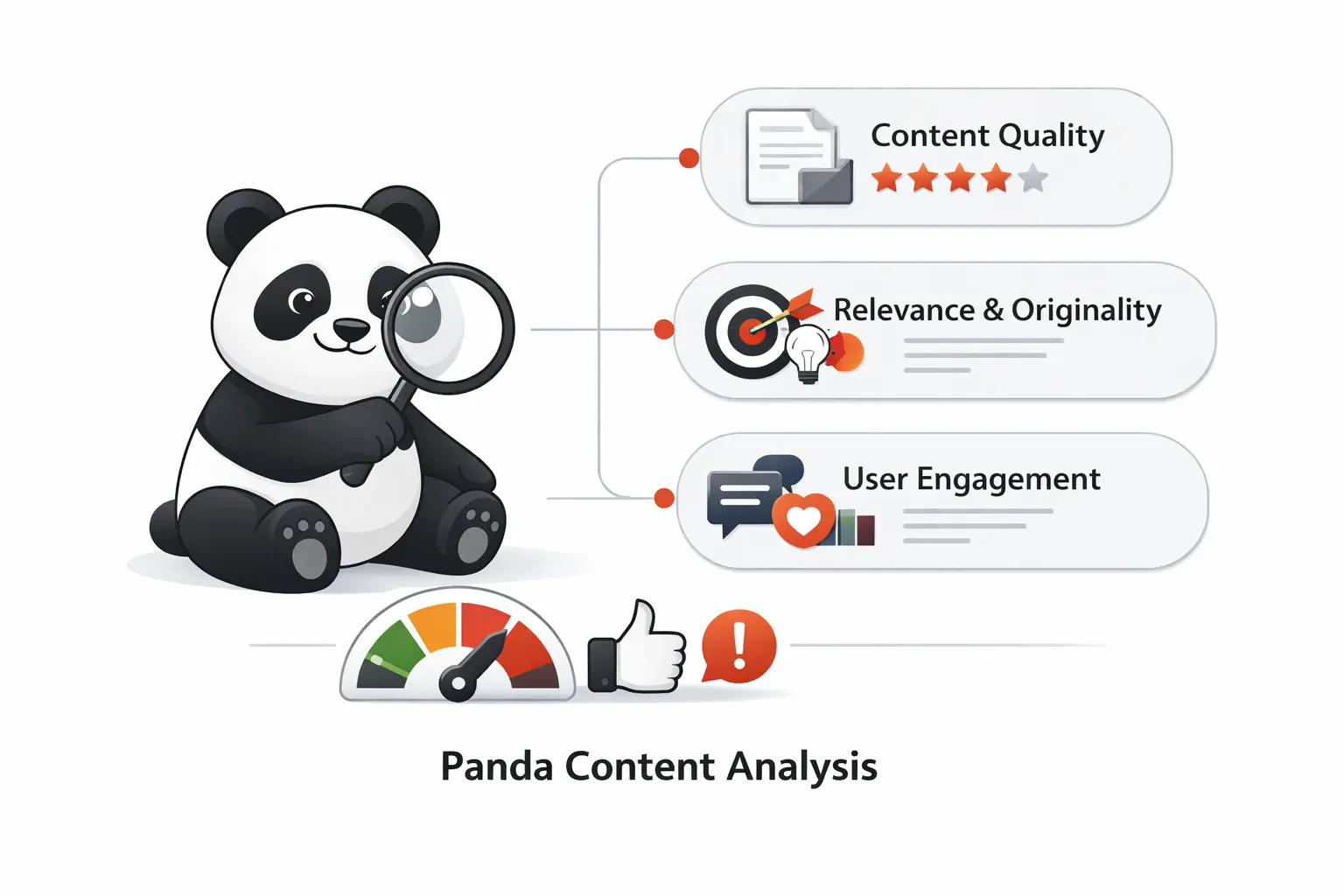
Panda-style quality evaluation is less mystical than people think. Google has spent years describing the basics. Pages should be genuinely helpful, clearly original, trustworthy, and easy to use. When those signals are missing at scale, trouble usually follows.
1. Content Usefulness, Originality, and Depth
Google’s guidance still centers on first-hand expertise and depth. That means real experience, clear answers, and enough substance that a reader can stop searching. Google’s older Panda-era questions asked whether content provides original reporting, meaningful value, and insight beyond the obvious. We still use that same lens today.
2. User Experience, Readability, and Ad Balance
Panda was never just about words on a page. Google says strong pages should offer a good overall experience, with obvious main content, readable layout, mobile comfort, and ads that do not overpower the answer. If readers have to fight clutter, popups, or awkward formatting before they learn anything, that page is sending the wrong quality signal.
3. Authority, Trustworthiness, and Relevance Signals
Authority is not about sounding grand. It is about being the right source on the right topic. Google’s helpful content guidance ties quality to experience, expertise, authoritativeness, and trustworthiness, especially on sensitive subjects. Relevance matters too. A site that jumps across random topics can look unfocused, even when the writing itself is clean.
Recommended reading: How to Get Backlinks in 2026: Proven Ways to Earn High-Quality Links
Common Panda Penalty Triggers
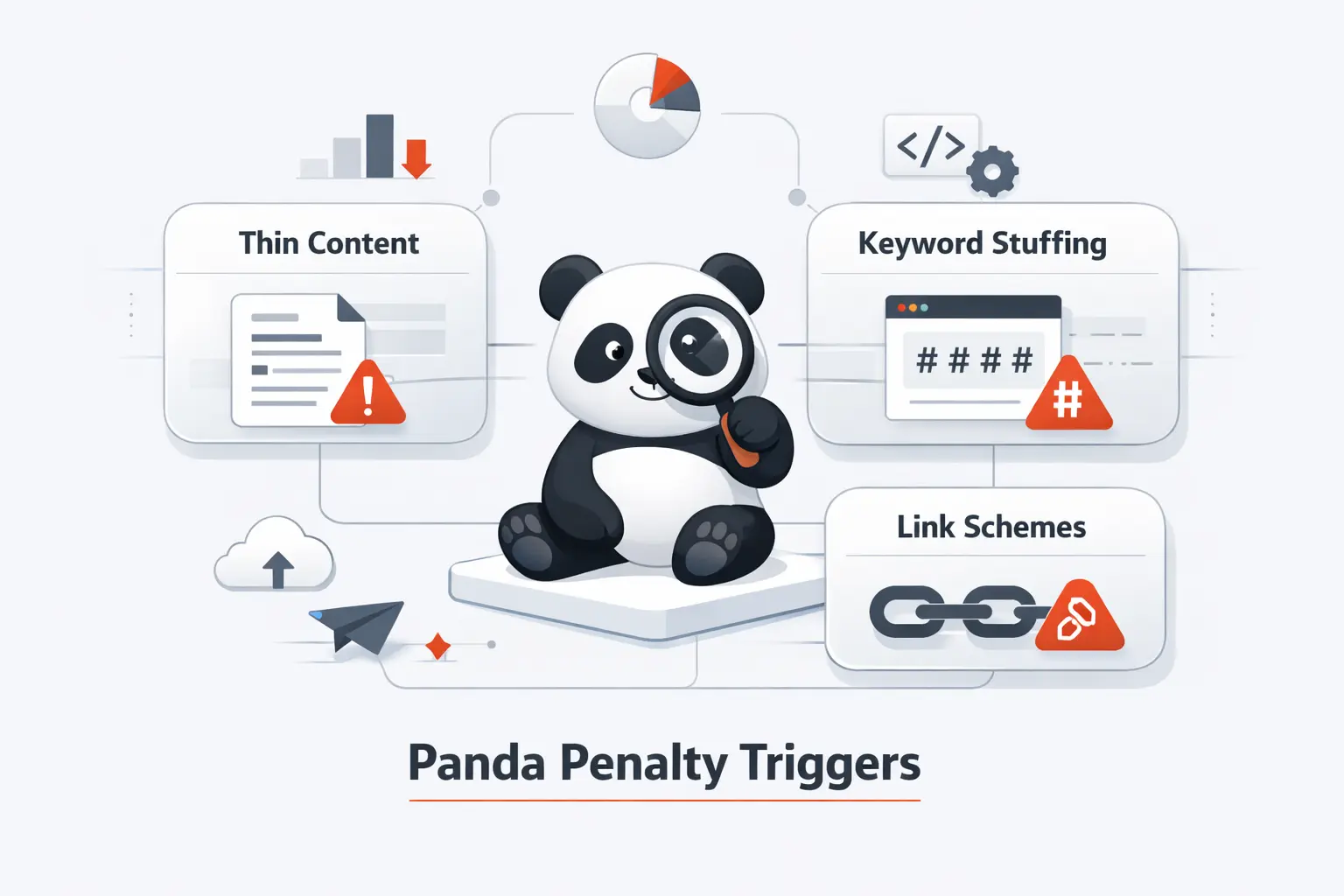
Most Panda-style problems are self-inflicted. They usually build slowly through weak editorial controls, careless scaling, or a habit of publishing pages that look useful from afar but deliver almost nothing once a reader lands on them.
1. Thin, Duplicate, and Low-Value Content
Thin content is the classic trigger, and duplication is its close cousin. Google’s own Panda questions flag duplicate, overlapping, or redundant articles and ask whether a page offers substantial value compared with other results. Empty category pages, weak tag archives, near-copy service pages, and reused product descriptions all fit the pattern.
2. Keyword Stuffing, Poor Grammar, and Content Farm Patterns
Keyword stuffing usually sounds bad before it ranks badly. Headers repeat the same phrase, sentences bend around search terms, and the page exists to catch traffic rather than answer intent. Google’s quality questions also call out spelling, stylistic, and factual errors, which is a reminder that sloppy editing and mass-produced content still carry real risk.
3. Auto-Generated Content, Thin Affiliate Pages, and Low-Quality User-Generated Content
Google’s spam policies are direct about scaled pages, thin affiliation, scraped material, and low-value automation. We would put templated AI pages, copied comparison tables, shallow affiliate reviews, and unmoderated forum spam in the same bucket. The shared problem is simple. The page takes more from search than it gives to the reader.
4. Excessive Ads, Broken Links, and Weak User Experience
Ads become a trigger when they interfere with the main content. Google literally asks whether a page has an excessive amount of ads that distract from or interfere with the main content. Broken links and dead-end navigation are different, but they usually make the same impression. The site feels neglected, frustrating, and not worth trusting.
Recommended reading: How Does a Search Engine Work
How to Detect a Panda Penalty
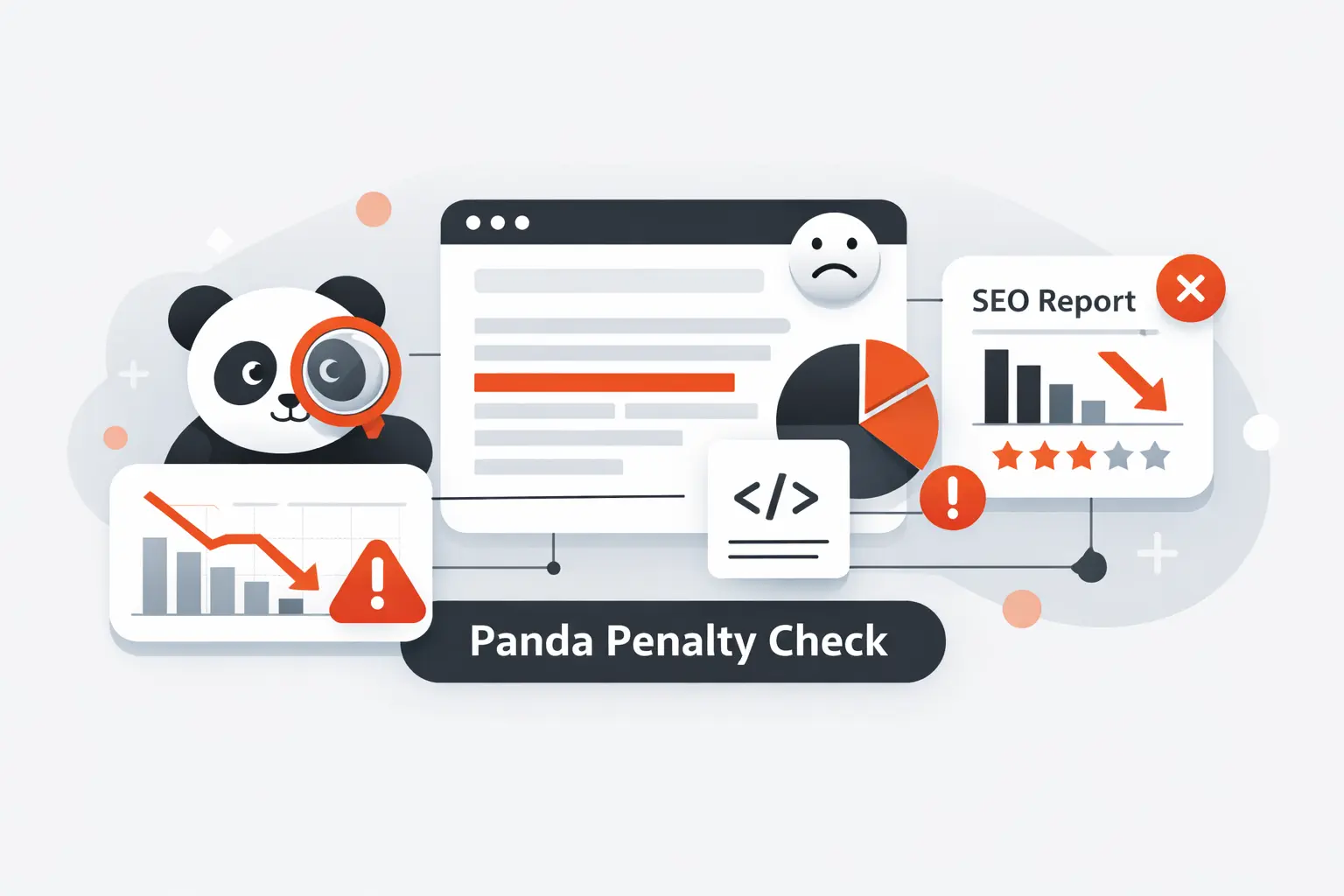
No Google tool will hand you a neat message that says Panda penalty detected. Detection is about reading patterns. We look for broad ranking loss, engagement weakness, index issues, and obvious quality problems that line up with the timing of the drop.
1. Track Organic Traffic Drops and Sitewide Ranking Declines
Start in Search Console. Review clicks, impressions, click-through rate, and average position over the affected period. A broad decline across many queries, folders, or templates is far more suspicious than one article slipping. We always rule out seasonality, migrations, tracking issues, and wider demand changes before calling a drop Panda-like.
2. Check Google Search Console for Deindexed and Non-Indexed Pages
Next, open the Page Indexing report. It shows how many pages Google tried to crawl and whether they ended up indexed or non-indexed. That makes it useful for spotting exclusions, bad directives, or weak sections that stopped earning a place in the index. If important clusters vanish here, quality may not be your only problem.
3. Review Google Analytics Metrics Such as Bounce Rate, Exit Rate, and Time on Page
Google Analytics gives you the user behavior layer. In GA4, bounce rate is tied to sessions that were not engaged, while engagement time shows whether readers actually stayed active on the page. High exits on landing pages are not proof of a Panda issue, but when poor engagement lines up with thin copy, weak relevance, or ad clutter, the pattern becomes hard to ignore.
4. Audit Content Quality, Duplication, and Site Errors
Then comes the hard part, the audit. Crawl the site. Group pages by template. Find duplicates, stale archives, thin articles, copied descriptions, orphaned URLs, and dead pages. Panda problems rarely hide in one spectacular failure. They hide in habits. At Techtide Solutions, we ask one blunt question during audits. If Google disappeared tomorrow, would this page still deserve to exist?
Recommended reading: SEO On Site Off Site: Differences, Ranking Factors, and a Balanced Strategy
How to Recover from a Panda Penalty
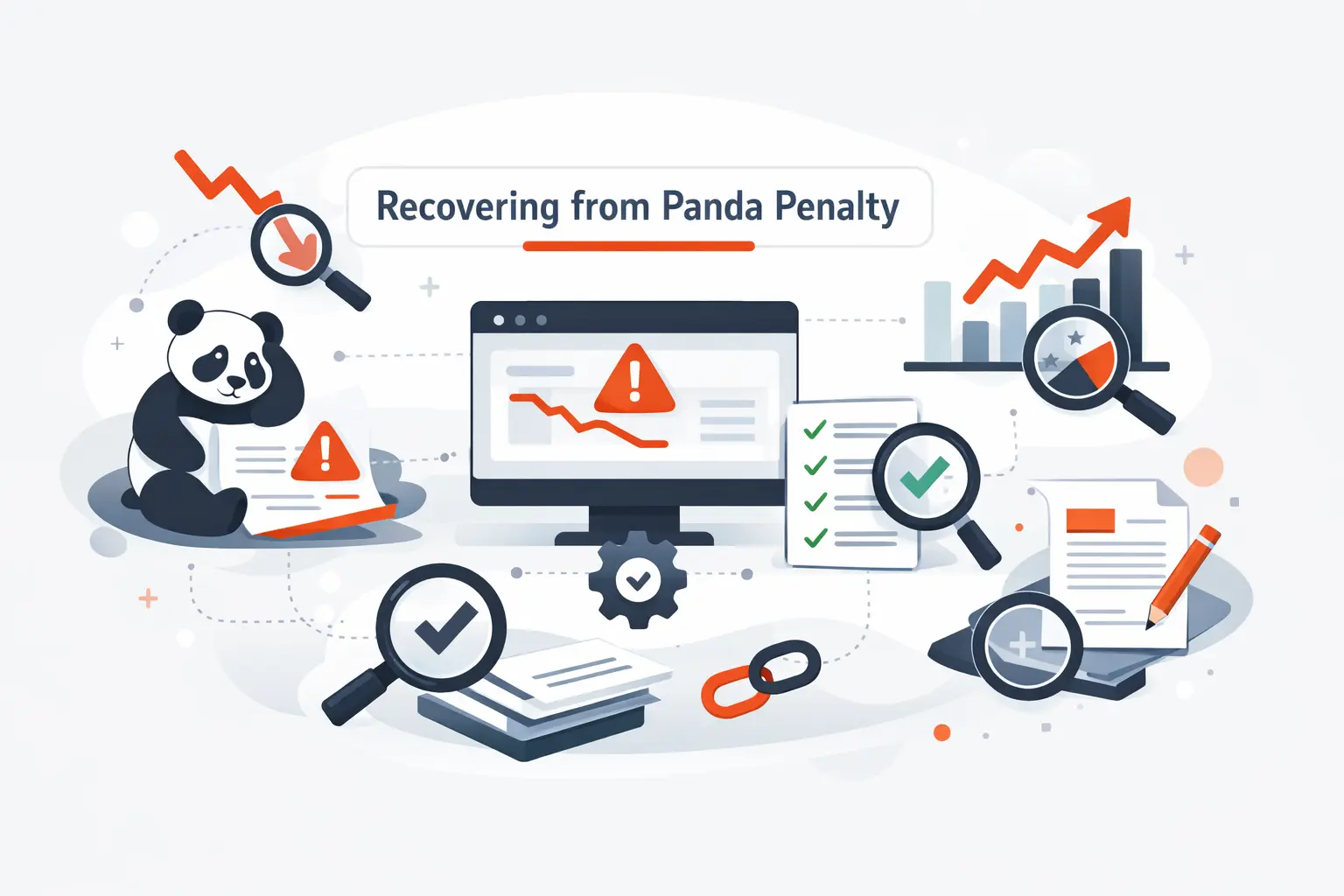
Recovery is less about clever SEO and more about honest cleanup. The site has to become more useful, more focused, and easier to trust. We have never seen a lasting recovery built on cosmetic edits alone.
1. Remove, Merge, or Rewrite Low-Quality Pages
Weak pages need a decision, not a delay. Keep and improve them, merge them into a stronger page, noindex them, or remove them if they add nothing. Google’s own Panda guidance said low-quality sections can hurt the whole site and that removing, merging, or improving shallow pages can help higher-quality content. That remains the clearest recovery playbook we know.
2. Refresh Outdated Content and Add Real Value
There is a real-world lesson here. Demand Media later disclosed a decline in traffic to eHow.com after changes in search algorithms, then said it reviewed its content library and removed some assets. When quality systems hit, publishers often end up cleaning house. Our advice is to rewrite for value, not length, with better examples, clearer structure, fresher facts, and a real point of view.
3. Fix Duplicate Content, 404 Errors, and Broken Links
Consolidate overlapping pages. Choose canonicals carefully. Redirect or repair dead URLs. Clean internal links. Remove pages that exist only because the CMS kept generating them. Technical clutter can block quality gains. If Google keeps finding dead pages, duplicate versions, or confusing directives, your improved pages still have to compete with your own mess.
4. Improve Site Structure, Readability, and Ad Placement
Make the main content obvious. Shorten bloated intros. Use headings that help scanning. Reduce ad pressure above the fold. Make mobile reading comfortable. In our experience, recovery gets traction when pages stop feeling manufactured and start feeling genuinely helpful. Good structure is not decoration. It is part of the quality signal readers and search systems both pick up.
Recommended reading: How to Increase Website Traffic with SEO Content Promotion and Analytics
Google Panda Versus Google Penguin
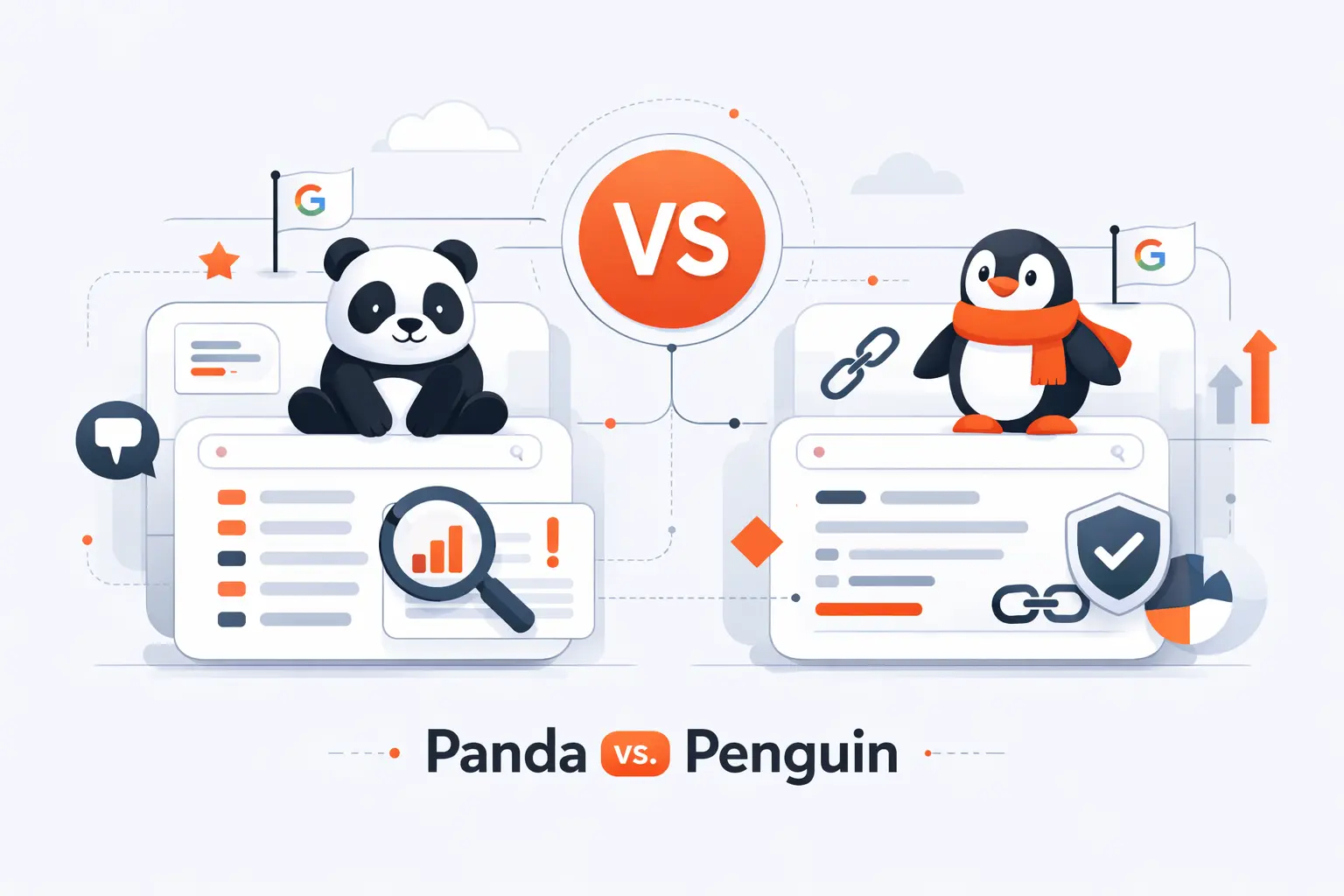
Panda and Penguin get lumped together all the time, but they solve different search quality problems. If you mix them up, you usually pick the wrong recovery plan and lose weeks or months in the process.
1. Content Quality Issues Versus Link Manipulation
Panda is about content quality. Penguin is about link spam. Google describes Panda as a system meant to surface high-quality and original content, while Penguin was built to combat link spam. That means rewriting shallow pages will not fix manipulative backlinks, and disavowing links will not rescue pages that readers never found useful in the first place.
2. Sitewide Impact Versus Page-Level Impact
A Panda-style drop is usually investigated at the site or section level because Google said low-quality content in some parts of a site can affect the whole site’s rankings. At the same time, Google also says modern ranking uses page-level systems plus some site-wide assessments. Penguin is clearer on scope. Google says its modern form is more granular and adjusts ranking based on spam signals rather than affecting the whole site.
3. Why the Difference Changes Your Recovery Strategy
If the issue looks Panda-like, put your energy into content audits, duplication cleanup, editorial standards, and better user experience. If it looks Penguin-like, focus on backlinks, link schemes, paid placements, widgets, and manipulative anchor patterns. One name, one strategy, is how sites waste a lot of time.
How Long Panda Penalty Recovery Takes
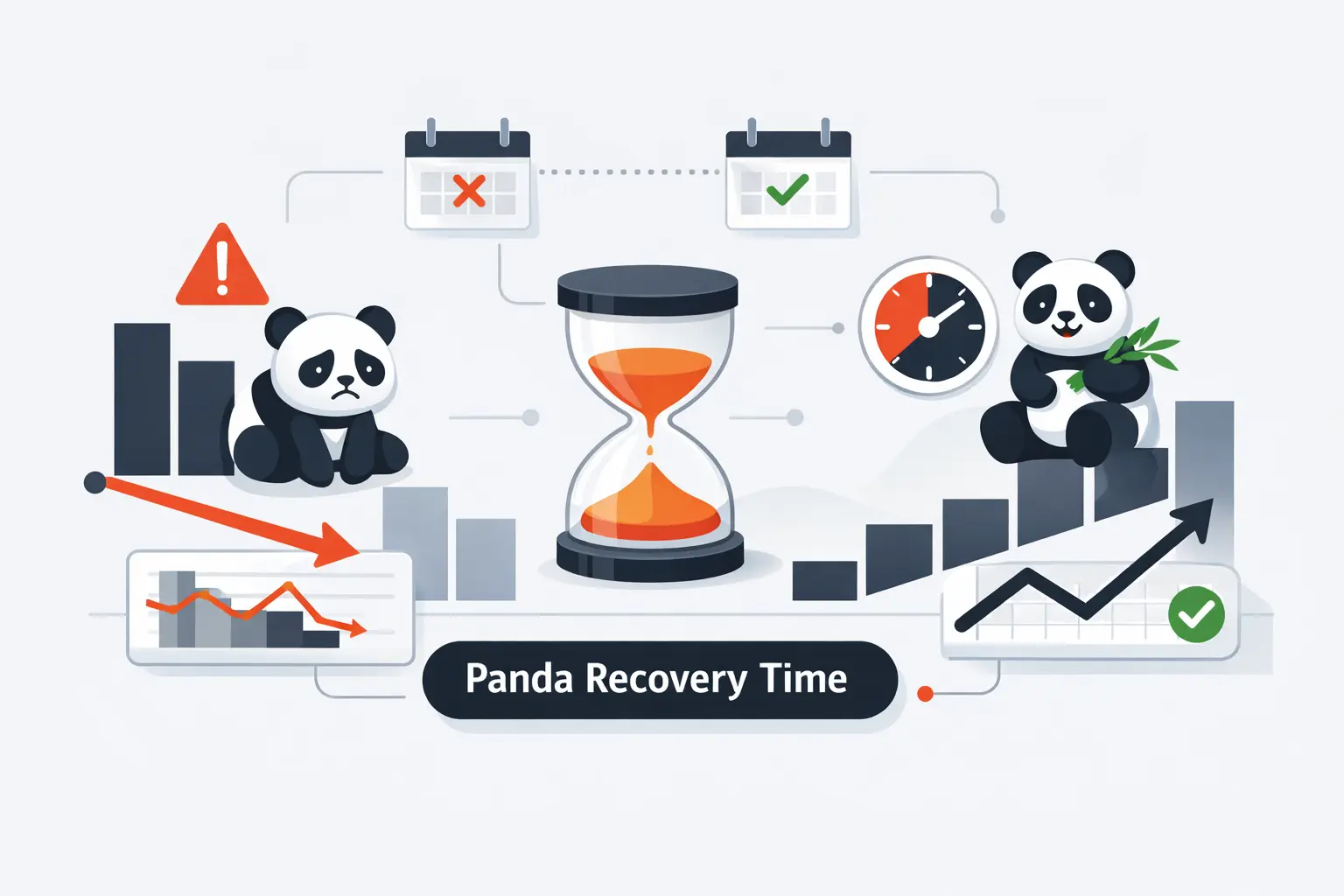
Recovery time is the question everyone asks first, and the one nobody enjoys hearing answered. There is no fixed clock. Quality recovery depends on what you changed, how much you changed, and how quickly Google can process the new reality of the site.
1. Why There Is No Fixed Recovery Timeline
Google says some changes can show up quickly, while broader quality reevaluation may take months. That is why a full rewrite sprint on Friday rarely means a visible rebound by Monday. We tell clients to stop watching rankings hour by hour. Recovery is usually measured across recrawling, reindexing, and a longer period of trust rebuilding.
2. What Influences How Fast Rankings Return
Speed depends on how much weak content you fixed, how clearly you improved it, how often Google recrawls the site, and whether duplicate or thin sections are still hanging around. Smaller, cleaner sites often get clearer feedback faster. Huge domains with bloated archives or mixed signals usually take longer to stabilize.
3. What to Monitor While the Site Recovers
During recovery, watch indexed page counts, impressions, average position, and the performance of repaired templates. Search Console is usually the first place we look for movement. We also watch engagement on improved pages. If rankings recover but readers still leave cold, the fix may be cosmetic rather than real.
How to Avoid a Panda Penalty
Prevention is cheaper than recovery. That sounds obvious, but it is easy to forget when publishing at scale. Strong editorial habits and recurring audits beat emergency cleanup every single time.
1. Publish Original, In-Depth Content That Serves User Intent
Publish pages that answer a clear intent and show real experience. Add context, examples, comparisons, and specifics. If a reader can finish the page feeling informed, you are moving in the right direction. We like content that could earn a bookmark or a recommendation, because that old Panda-era test still captures the spirit of quality better than most SEO checklists do.
2. Consolidate Similar Pages and Monitor Duplicate Content
When two pages chase the same intent, combine them. One strong page usually beats several weak siblings. That is true for blog posts, product variants, service areas, and archive pages. Duplicate control is not glamorous, but it keeps your site from looking repetitive, bloated, and uncertain about which page should rank.
3. Update Aging Content to Keep It Relevant and Useful
Aging content needs maintenance. Refresh facts, examples, screenshots, internal links, and recommendations before the page starts feeling abandoned. Old pages are not bad by default. Neglected pages are the bigger risk. A stale article can quietly become low-value even if it once performed well.
4. Reduce Ad Clutter and Improve the User Experience
User experience is part of prevention. Keep ads restrained. Make pages readable on phones. Use secure pages. Separate the main content from everything else. Remove distractions that slow understanding. If the monetization layer gets louder than the answer, trust drops, and Panda’s legacy has always been brutally clear on that point.
5. Use Google Search Console and Content Audits to Catch Problems Early
Use Search Console as an early warning system. Review performance, manual actions, and page indexing before a small quality problem becomes a sitewide headache. At Techtide Solutions, we favor recurring content audits for the same reason. Quality issues are easier to fix when they involve a manageable cluster of pages instead of a sprawling mess.
Panda Penalty FAQ
These are the questions we hear most often when site owners suspect a Panda penalty. We keep the answers short, but we do not sugarcoat them.
1. What Is the Panda Update?
The Panda update was Google’s quality-focused system for reducing low-value content and surfacing more original, useful pages in search results.
2. What Did Google Panda Penalize?
It targeted thin, duplicated, shallow, poorly edited, ad-heavy, and low-value content, along with many patterns associated with content farms and thin affiliate pages.
3. What Is the Panda Algorithm Used for?
It was used to assess content quality and help Google rank pages from stronger sites more confidently than pages from weaker ones.
4. Is Google Panda Still Relevant Today?
Yes. Google says Panda was folded into its core ranking systems, so the old name may be historical, but the quality principles remain active.
5. How Do You Know if Your Site Has a Panda Penalty?
You never know with perfect certainty. We infer it from broad traffic and ranking drops, a lack of manual action notices, thin or duplicate content patterns, and weak engagement on affected pages.
6. How Can You Avoid a Panda Penalty?
Avoid it by publishing original, useful pages, consolidating duplicates, moderating low-quality user content, and keeping ads and UX problems under control.
7. How Long Does It Take to Recover from a Panda Penalty?
There is no guaranteed timeline. Some fixes show faster than others, but broader quality reevaluation can take a while.
Conclusion: Building a Site That Panda Rewards
1. Prioritize Content Quality and User Value
At Techtide Solutions, we think the deepest lesson from Panda is not about penalties. It is about value. Pages that teach, help, compare, explain, and earn trust are the pages Google keeps wanting more of.
2. Treat User Experience as Part of SEO
User experience belongs inside SEO, not beside it. Readability, layout, ad balance, mobile comfort, and obvious main content all shape whether a visitor stays, learns, and trusts the page.
3. Keep Auditing, Updating, and Improving
The safest long-term strategy is boring in the best way. Audit regularly, update old content, cut weak pages, and keep standards high. Do that consistently, and Panda stops looking like a threat and starts looking like a filter your site is built to pass.

