We are TechTide Solutions, and we build SEO stacks the same way we build software systems. We start with observability, then add automation, and only then chase scale. That mindset matters more now, because search has splintered into classical search engines and AI answer layers.
Market signal is loud. Gartner expects traditional search volume to drop 25% as AI assistants absorb intent. McKinsey estimates generative AI could add $2.6 trillion to $4.4 trillion annually, which reshapes marketing operations. Statista forecasts search ad spending reaching US$355.10bn in 2025, even as attribution gets messier.
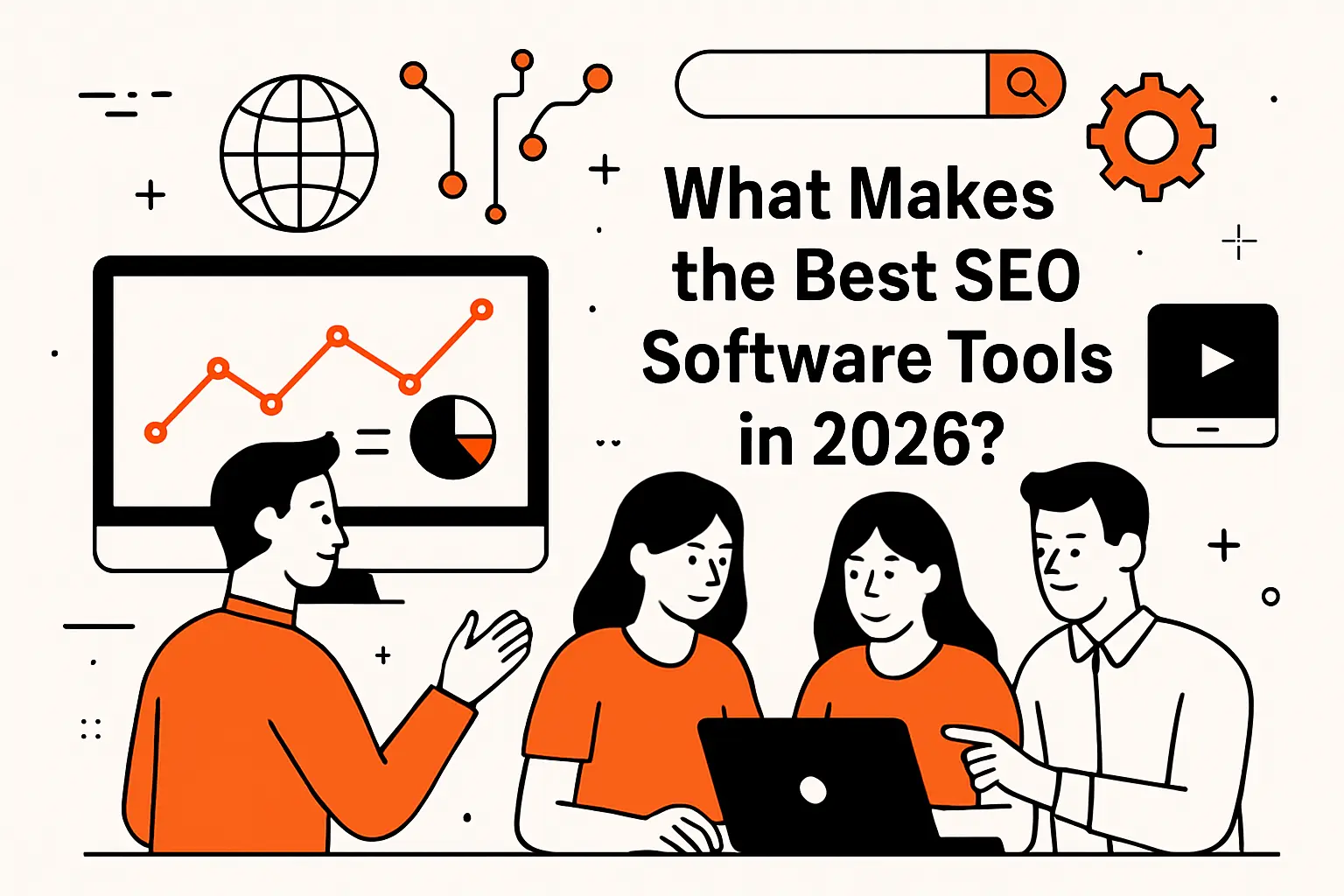
What Makes the Best SEO Software Tools in 2026
One more signal rounds it out. Deloitte reports 86% of surveyed deal leaders already use generative AI, and that behavior spills into everyday discovery. In our client work, we see it in board questions and content briefs. Teams want “visibility” that includes classic rankings and AI citations.
So our practical promise is simple. We will treat SEO as an engineering workflow, not a collection of hacks. The tools below are the ones we can actually operationalize, across content, links, technical health, and AI discovery.
1. SEO is no longer just Google: optimizing for Bing and AI search discovery
Search diversification is not a theory anymore. We now optimize for multiple crawlers, multiple indexes, and multiple “answer surfaces.” That changes which tool signals we trust and which reports we ship.
In practice, TechTide Solutions treats Bing Webmaster Tools and Google Search Console as first-class products. Those consoles tell us what machines actually saw. Everything else is an inference layer.
- We prioritize crawl diagnostics over “estimated traffic” charts.
- We align content intent with AI answers, not only blue links.
- We validate wins through impressions, clicks, and conversions.
2. Start with first-party data fundamentals before scaling your paid stack
Tool spend does not fix broken instrumentation. Before we buy another suite, we confirm we can measure outcomes cleanly. That means analytics, tags, and search consoles, wired into reports that stakeholders trust.
Google Analytics and Google Tag Manager are not “nice to have” in our stack. They are the plumbing that keeps SEO honest. Looker Studio then turns raw signals into shared understanding.
- We define what “qualified organic traffic” means for the business.
- We map content to conversion events and lead lifecycle stages.
- We separate SEO performance from brand demand and seasonality.
3. All-in-one suites vs specialist best SEO software tools for specific jobs
All-in-one platforms feel efficient, until they force compromises. Specialist tools feel expensive, until they remove a bottleneck that costs more than the subscription. Our rule is workflow-first selection.
Semrush and Ahrefs often anchor research and competitive work. Screaming Frog SEO Spider or Sitebulb then anchors technical truth. For AI discovery, Otterly.AI adds a new layer we did not need before.
- Suites are great for breadth and stakeholder-friendly reporting.
- Specialists win when data fidelity matters more than convenience.
- We avoid overlap unless it reduces operational risk.
4. Ease of use matters: beginner, intermediate, and advanced tool fit
Tool fit is a team design question. A powerful crawler is wasted if nobody configures it well. A simple platform is risky if it hides critical edge cases.
We match tools to the people who will run them weekly. For example, SE Ranking can be easier for smaller teams. Oncrawl, JetOctopus, or Lumar can fit teams with technical capacity.
- We prefer “teachability” over feature checklists.
- We document playbooks for recurring audits and reporting cycles.
- We design dashboards that reduce context switching.
5. Pricing realities: free tiers, usage limits, and enterprise-level costs
SEO software pricing is rarely about features alone. It is often about data access, export limits, and seat governance. That makes procurement a technical decision, not only a finance decision.
We also watch soft costs. Time spent fighting quotas or brittle exports is an operational tax. In our experience, the “cheapest” tool can be the most expensive process.
- We estimate tool cost in hours, not only subscription fees.
- We plan for exports, dashboards, and retention requirements.
- We treat vendor roadmaps as part of the risk profile.
Quick Comparison of best SEO software tools
This table is deliberately compact. We picked tools that cover distinct jobs and show up repeatedly in real workflows. Our intent is to help you assemble a functional baseline quickly.
| Tool | Best for | From price | Trial/Free | Key limits |
|---|---|---|---|---|
| Semrush | All-in-one research and workflows | Paid | Trial | Credit-style caps |
| Ahrefs | Links and competitor intelligence | Paid | Limited free tools | Export depth by plan |
| Screaming Frog SEO Spider | Hands-on technical crawling | Paid | Free limited | Local machine constraints |
| Sitebulb | Audits with explainers | Paid | Trial | Desktop resource usage |
| Oncrawl | Large-scale technical analysis | Enterprise | Demo | Requires process maturity |
| STAT Search Analytics | Serious rank tracking | Paid | Demo | Best with analyst time |
| AccuRanker | Fast reporting for teams | Paid | Trial | Keyword volume decisions |
| Clearscope | Content coverage and briefs | Paid | Demo | Editorial alignment required |
| BrightLocal | Local visibility workflows | Paid | Trial | Listing scope varies |
| Otterly.AI | AI answer visibility monitoring | Paid | Trial | Model variance and drift |
Our “stack” view matters here. No single tool will cover every surface well. The goal is to cover your workflows with minimal overlap.
Top 30 best SEO software tools to grow rankings, traffic, and AI visibility
These picks are built for outcomes, not screenshots. We score each tool on the jobs it helps you finish fast, with fewer regrets later. Our rubric uses a 0–5 scale across seven weighted categories: Value-for-money (20%), Feature depth (20%), Ease of setup & learning (15%), Integrations & ecosystem (15%), UX & performance (10%), Security & trust (10%), and Support & community (10%).
To keep it honest, we prioritize what a real buyer feels in week one. Can you find the next content brief, fix a crawl trap, or ship a report without babysitting it. We also look for limits that quietly cap momentum, like low keyword quotas, missing exports, or paywalls on basics.
Scores reflect typical SMB and in-house needs. Your reality may vary. A crawler for a 50-page site plays differently than one for 5 million URLs. Same with “AI visibility.” For some teams, it is a dashboard. For others, it is a weekly workflow tied to revenue.
1. Surfer SEO
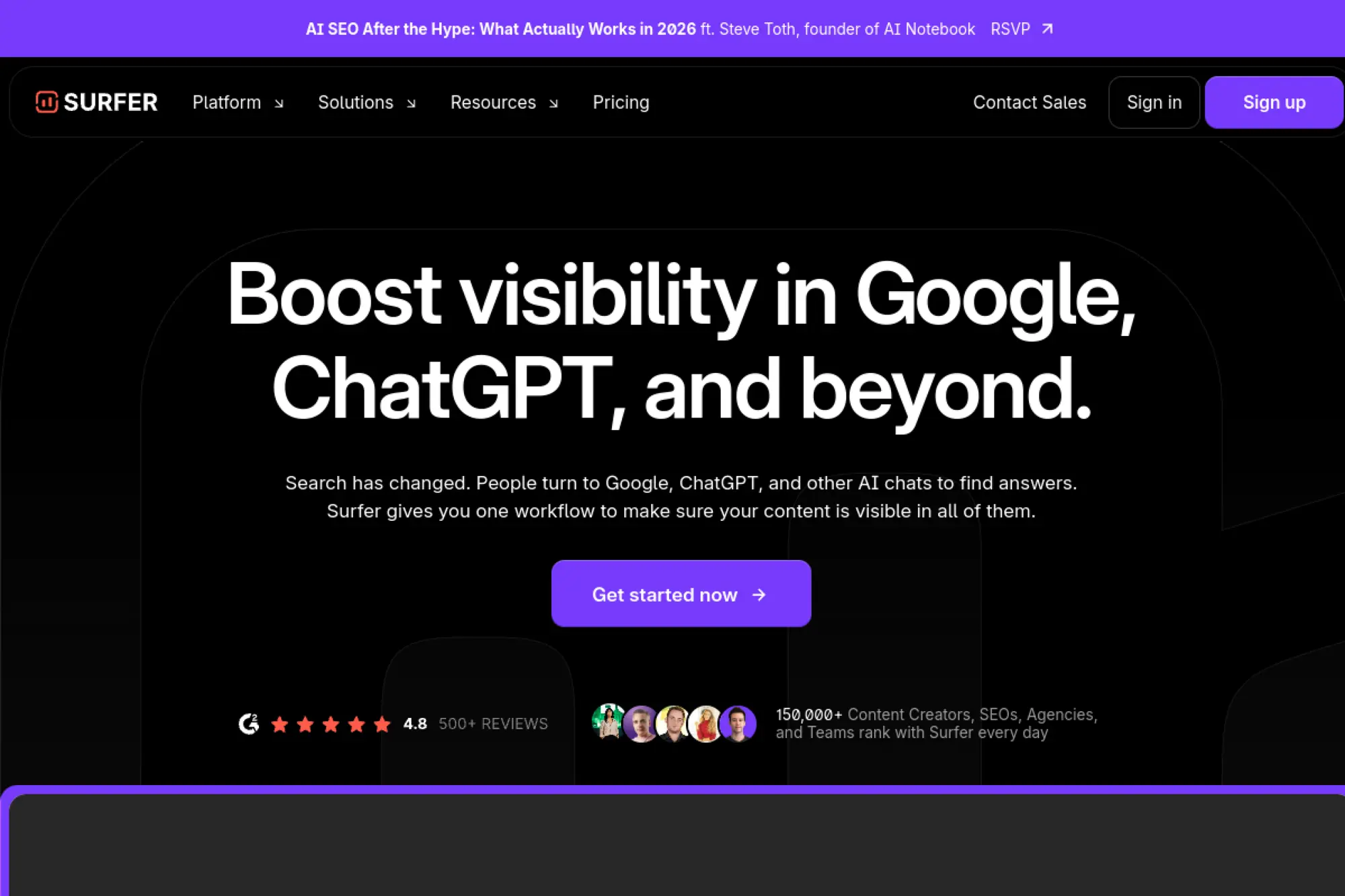
Surfer SEO is built by a focused product team that lives in the content-SEO trenches. The platform centers on turning SERP patterns into writing guidance. It also leans into AI-era visibility workflows.
Tagline: Turn one brief into a publish-ready page that matches what ranks.
Best for: content manager at a SaaS company; small SEO agency shipping weekly articles.
- Content Editor workflow → writers hit an on-page target before draft handoff.
- Google Docs and WordPress support → fewer copy-paste steps and fewer formatting errors.
- Guided optimization loop → time-to-first-value is often under 60 minutes.
Pricing & limits: From $99/mo (Essential). Trial: no free trial; 7-day money-back guarantee. Caps: Essential and Scale are credit-based, with plan limits tied to articles and tracking.
Honest drawbacks: Costs climb fast if you publish at high volume. Some teams still want a separate “all-in-one” suite for links and tech audits.
Verdict: If you need cleaner briefs and faster revisions, this helps you publish higher-confidence content within the same week. Beats Frase on workflow polish; trails Clearscope on “pure” editorial simplicity.
Score: 4.4/5 and .
2. Gumloop
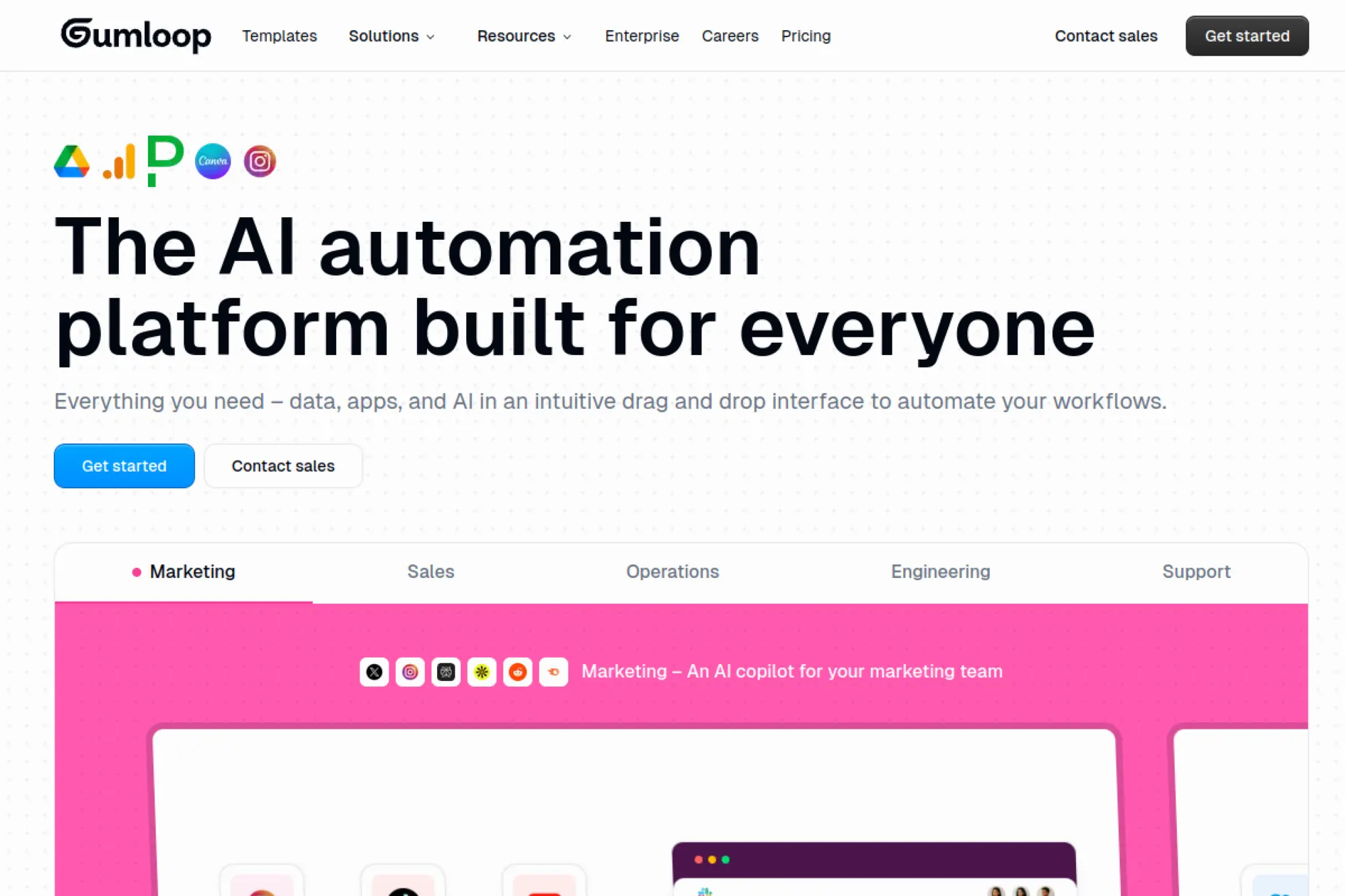
Gumloop is built by a team aiming to make automation feel like a visual studio. It is not an SEO suite. It is a workflow engine you can point at SEO chores.
Tagline: Automate the boring SEO glue work, so humans ship strategy.
Best for: solo marketer who wants repeatable SEO ops; SMB growth team connecting tools fast.
- Visual flows and triggers → recurring SEO tasks run without calendar reminders.
- Webhooks and “bring your own API key” → saves several manual steps per run.
- Templates plus free tier → time-to-first-value can be under 90 minutes.
Pricing & limits: From $0/mo (Free). Trial: 14-day trial for Team plan. Caps: Free includes 2k credits/month, 1 seat, 1 active trigger, and 2 concurrent runs.
Honest drawbacks: You still need SEO judgment and source tools. Credit-based usage can surprise you on heavy runs.
Verdict: If you want SEO workflows that fire on schedule, this helps you reduce manual ops within days. Beats Zapier for “SEO-flavored” building blocks; trails dedicated crawlers for technical depth.
Score: 4.1/5 and .
3. Ahrefs
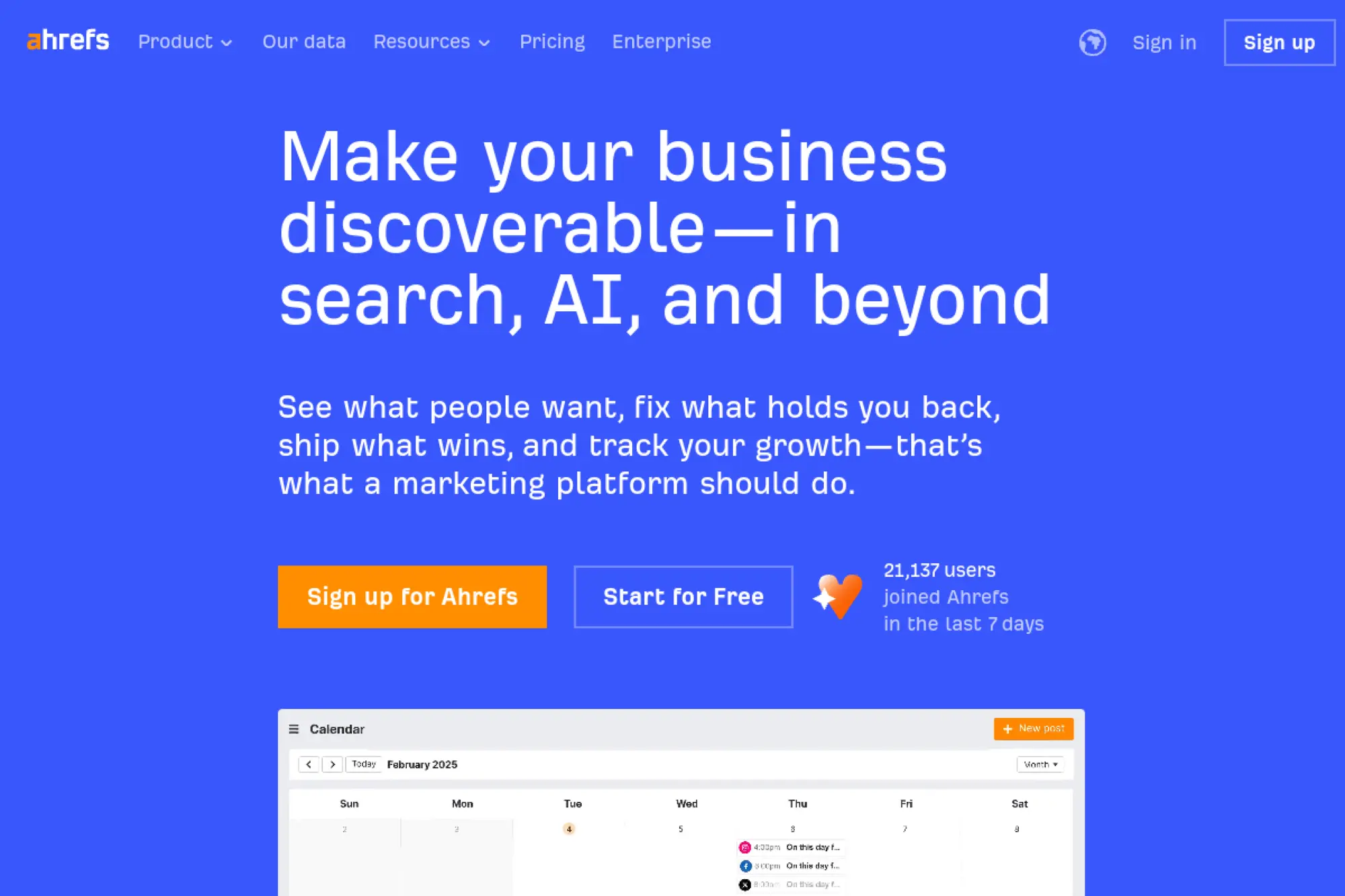
Ahrefs is built by a team known for large-scale crawling and SEO datasets. The toolset is broad, yet it stays unusually opinionated about workflow. It shines when you need backlink-driven answers fast.
Tagline: Find the keywords, links, and pages that will actually move rankings.
Best for: in-house SEO lead; agency strategist doing competitive research daily.
- Site Explorer and Keywords Explorer → quicker decisions on what to build next.
- Free Webmaster Tools option → saves a tool purchase for basic audits and links.
- Projects and audits → time-to-first-value is often 1–2 hours after setup.
Pricing & limits: From $29/mo (Starter). Trial: no free trials; free Ahrefs Webmaster Tools exists for verified sites. Caps: Starter includes 100 credits/month and 1 unverified project.
Honest drawbacks: Credits and add-ons can complicate budgeting. Entry plans may feel tight for multi-site teams.
Verdict: If you need reliable competitor and backlink signals, this helps you map priorities in a day. Beats Moz on link research depth; trails Semrush on marketing-tool breadth.
Score: 4.6/5 and .
4. Semrush
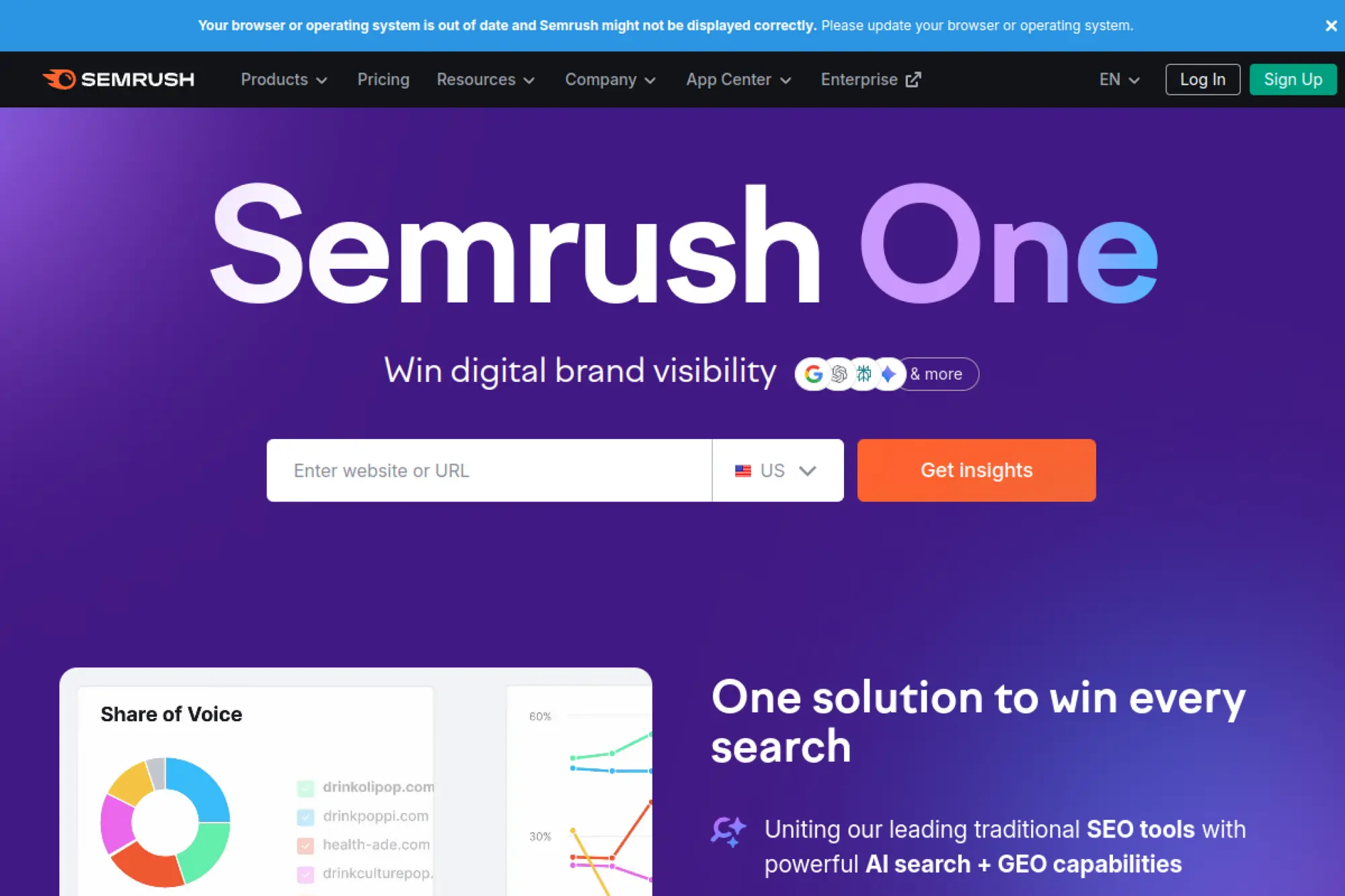
Semrush is built by a large product organization with a wide marketing footprint. It is a suite that tries to be your SEO command center. For many teams, it becomes the default “one login” tool.
Tagline: Plan, execute, and report SEO from one dashboard.
Best for: SMB marketing teams; agencies that need client-ready reporting.
- SEO Toolkit projects → teams track fixes and wins without spreadsheets.
- Looker Studio integration (Guru+) → saves hours on recurring reporting builds.
- Clear guided workflows → time-to-first-value is often same day.
Pricing & limits: From $139.95/mo (SEO Toolkit Pro). Trial: 7-day free trial on most toolkits. Caps: Pro includes 5 projects, 500 tracked keywords, and 100,000 pages crawled/month.
Honest drawbacks: Many features live behind higher tiers or add-ons. The interface can feel dense for beginners.
Verdict: If you want one platform for audits, tracking, and research, this helps you run SEO weekly with fewer tool hops. Beats Ahrefs on built-in marketing add-ons; trails Ahrefs on “clean” link-first focus.
Score: 4.5/5 and .
5. SE Ranking
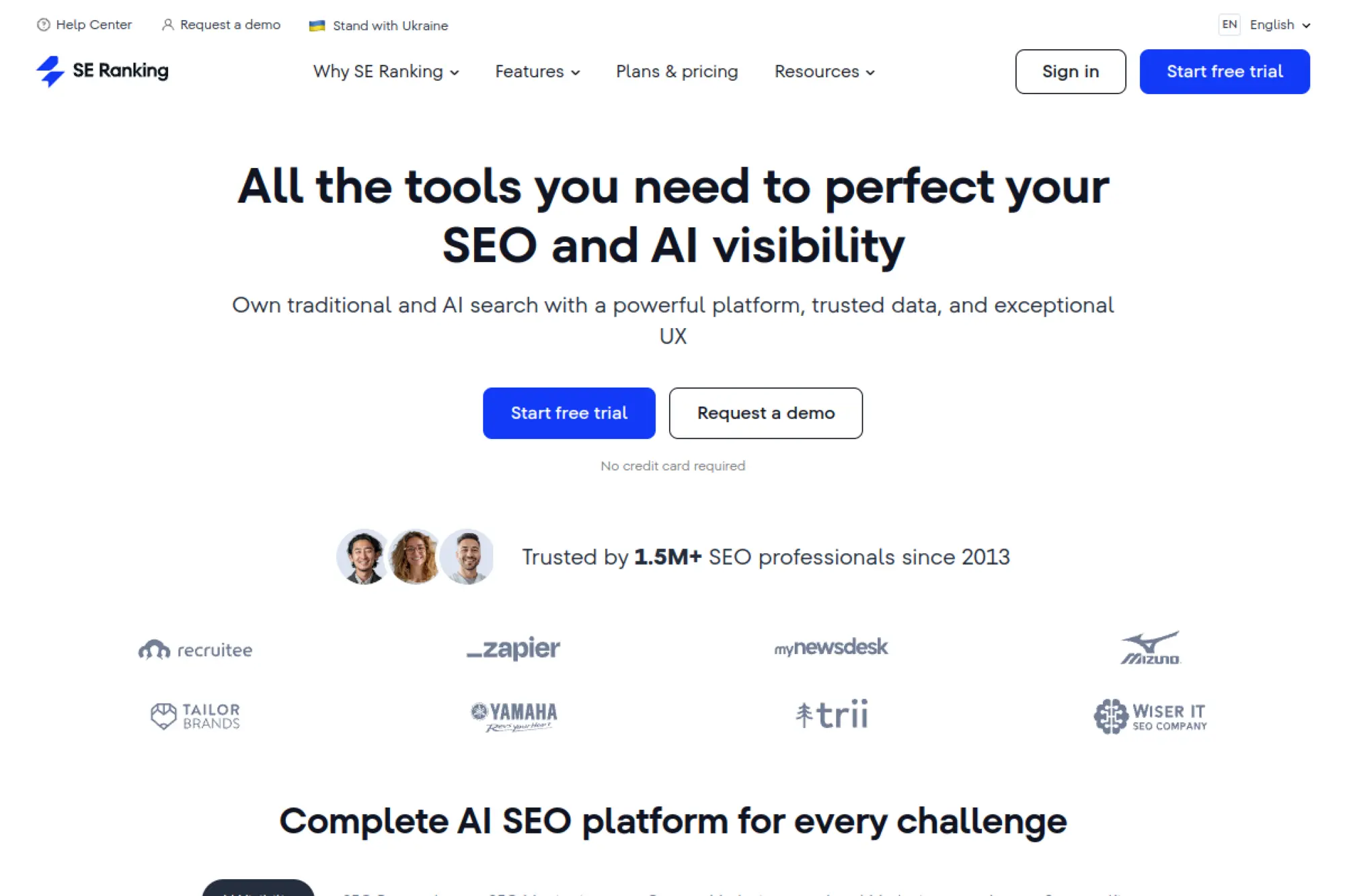
SE Ranking is built by a team that aims for breadth without premium-suite pricing. The UI is friendly, and the platform covers the core loop. It is often a “first serious suite” for growing teams.
Tagline: Run rank tracking, audits, and reporting without the enterprise bill.
Best for: freelancer SEO; SMB marketing generalist managing a few sites.
- Projects plus rank tracking → you see movement without building dashboards.
- Looker Studio support on higher plans → cuts reporting setup time by hours.
- Guided setup and trial → time-to-first-value can be under 45 minutes.
Pricing & limits: From $65/mo (Essential). Trial: 14-day free trial, no credit card. Caps: Essential includes 5 projects and 500 daily tracked keywords.
Honest drawbacks: Add-ons can creep the total price up. Data depth can feel lighter than top-tier crawlers.
Verdict: If you need an affordable “do-most-things” suite, this helps you build a steady SEO cadence in the first month. Beats Moz on price-flexibility; trails Semrush on toolkit sprawl.
Score: 4.3/5 and .
6. Screaming Frog
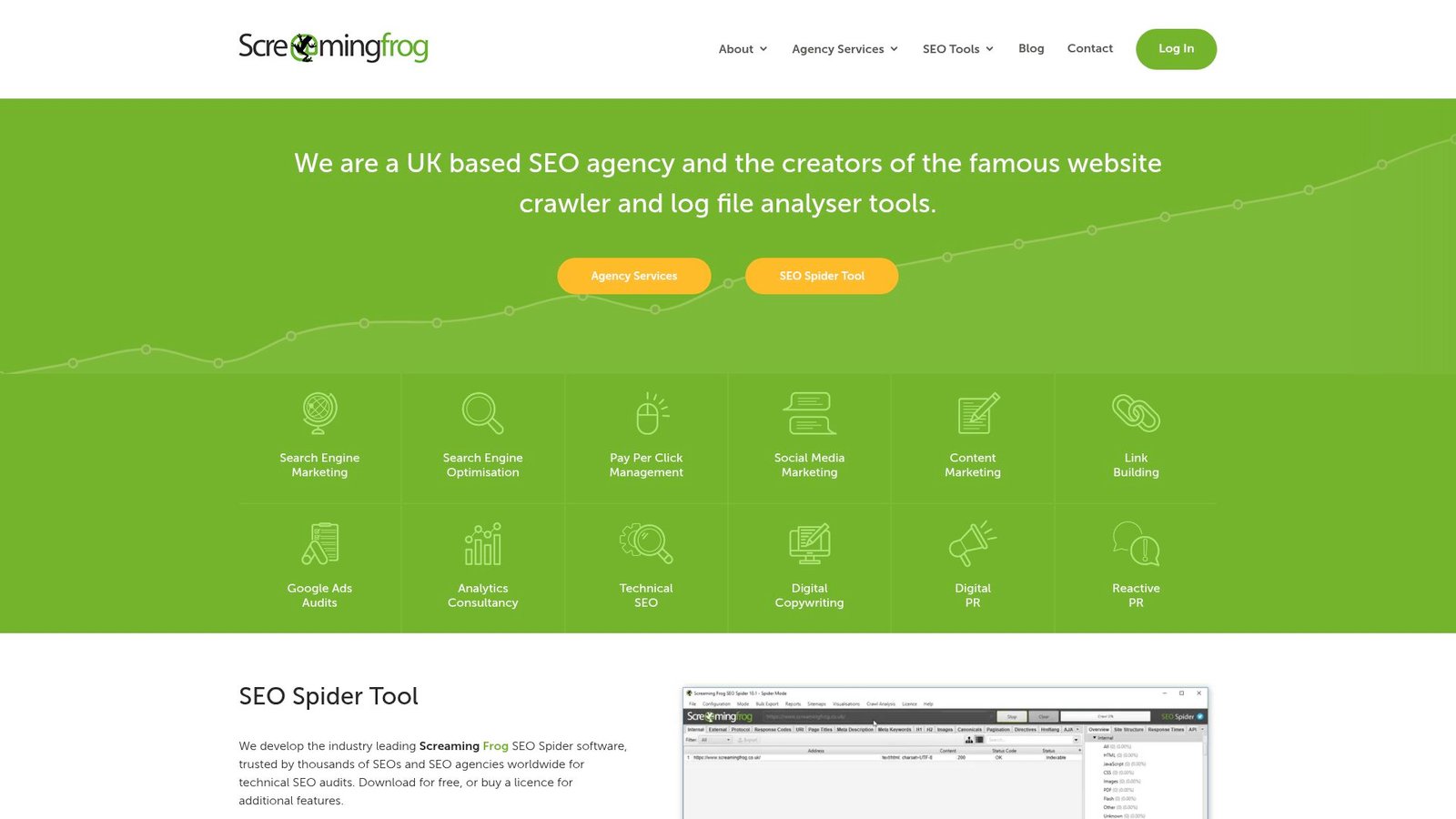
Screaming Frog is built by a technical team obsessed with crawling. It is desktop software, not a cloud suite. That choice keeps it fast, powerful, and sometimes intimidating.
Tagline: Crawl your site like a bot, then fix what the bot hates.
Best for: technical SEO; in-house SEO working with developers and QA.
- Deep crawl diagnostics → pinpoint redirect chains, canonicals, and broken links fast.
- GA and GSC integrations (paid) → saves manual exports and messy merges.
- Install-and-crawl simplicity → time-to-first-value can be 15 minutes.
Pricing & limits: From $0/mo (free). Trial: the free version is the trial. Caps: free crawls up to 500 URLs per crawl; paid license is £199/year per user.
Honest drawbacks: Desktop workflow can be heavy for non-technical users. Collaboration and sharing are not “cloud-native.”
Verdict: If you need a sharp technical audit fast, this helps you produce developer-ready findings in a day. Beats most cloud crawlers on depth; trails them on team sharing.
Score: 4.2/5 and .
7. Clearscope
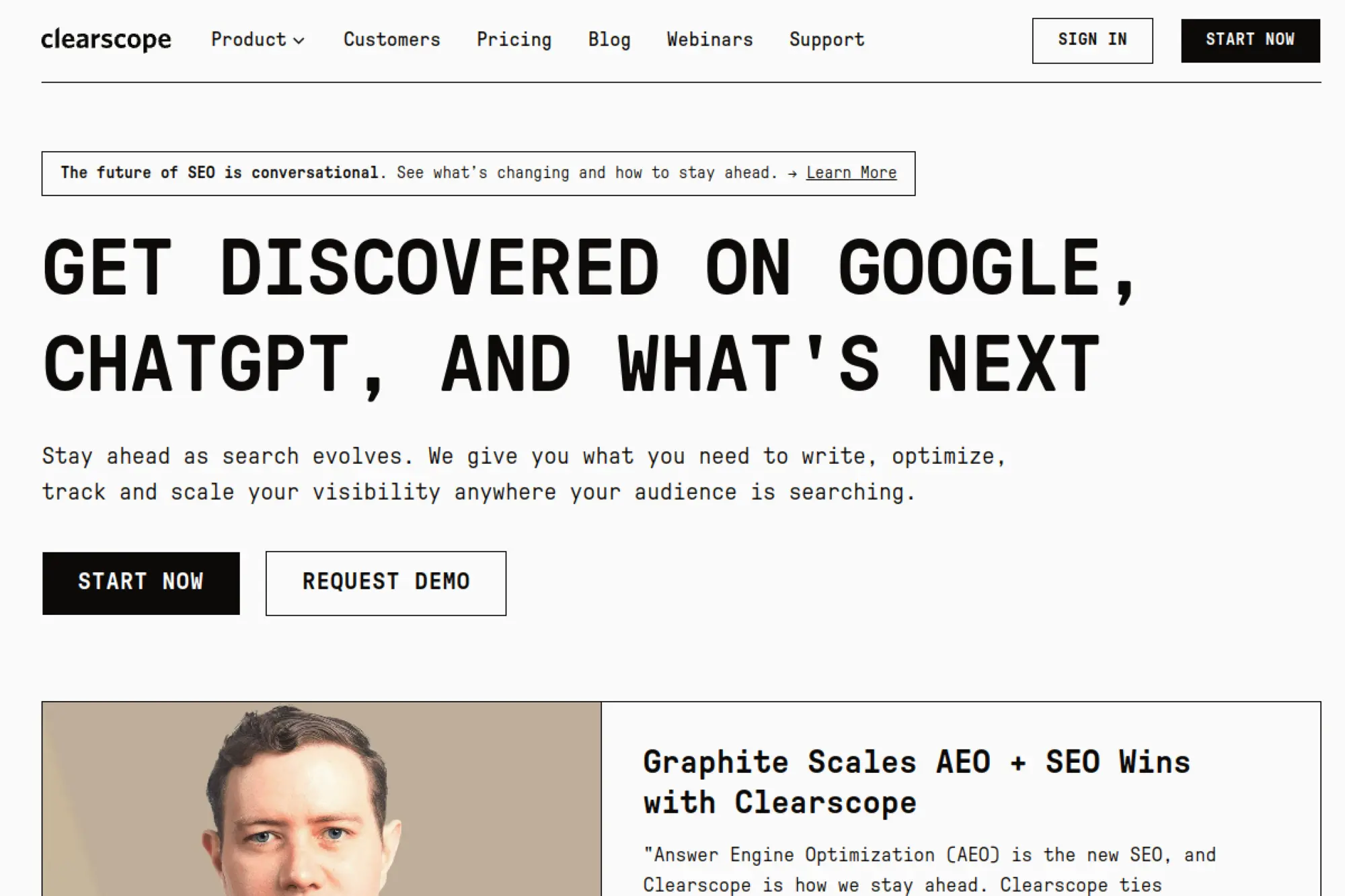
Clearscope is built by a team that prioritizes editorial clarity over tool sprawl. It is a content optimization product first. You use it when the main bottleneck is “what to write next.”
Tagline: Write content that covers the topic the way winners do.
Best for: editorial lead; content team that needs consistent briefs.
- Topic research and grading → drafts improve before they hit editing.
- AI drafts and inventory tools → reduces research time by several steps.
- Clean UI → time-to-first-value is often under an hour.
Pricing & limits: From $129/mo (Essentials). Trial: not listed on the pricing page. Caps: Essentials includes 20 AI Tracked Topics, 20 Topic Explorations, 20 AI Drafts, and 50 inventory pages.
Honest drawbacks: Not a backlink or technical SEO suite. Price can feel high if you publish rarely.
Verdict: If you want fewer content misses, this helps you ship stronger drafts in days, not weeks. Beats Surfer for simplicity; trails Surfer on workflow breadth.
Score: 4.1/5 and .
8. AirOps
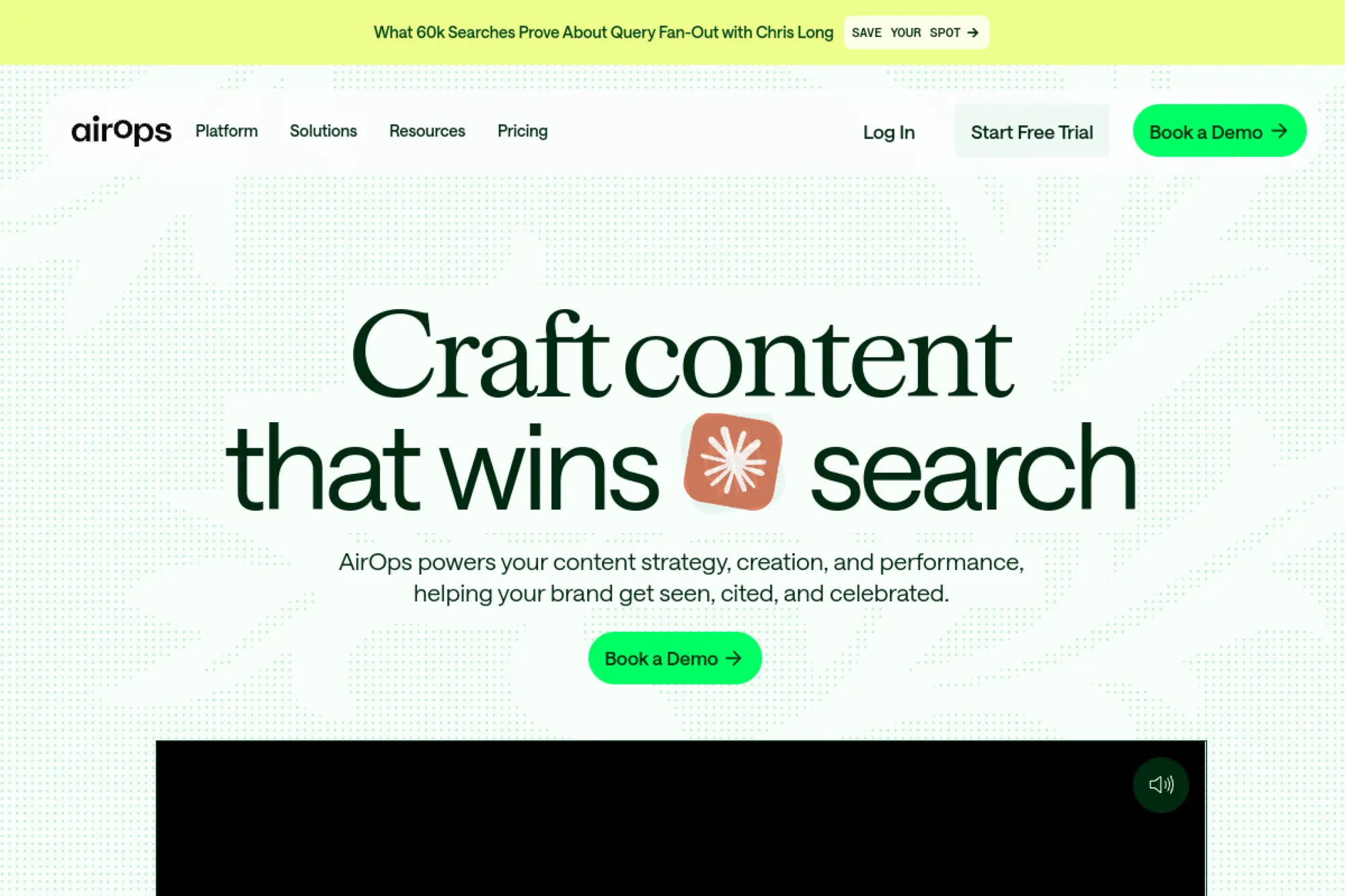
AirOps is built by a team focused on AI workflows for content and “answer engine” visibility. It blends monitoring with action. The platform is built around prompts, pages, and repeatable tasks.
Tagline: Turn AI search insights into content actions on a schedule.
Best for: growth marketer tracking AI visibility; lean content team automating refreshes.
- Opportunity reports → you know what to refresh, not just what happened.
- CMS and SEO integrations → saves multiple export-and-paste loops per week.
- Free start plus templates → time-to-first-value can be 1–2 hours.
Pricing & limits: From $0/mo (Solo). Trial: 14-day free trial with Scale features. Caps: Solo includes 100 tracked prompts/pages and 20,000 tasks for content production.
Honest drawbacks: Task-based pricing needs monitoring. Some features are gated to higher plans or sales-led tiers.
Verdict: If you want AI visibility tied to a content queue, this helps you build that loop within the first month. Beats generic AI chat tools for repeatability; trails Semrush on “classic” SEO breadth.
Score: 4.0/5 and .
9. Mangools
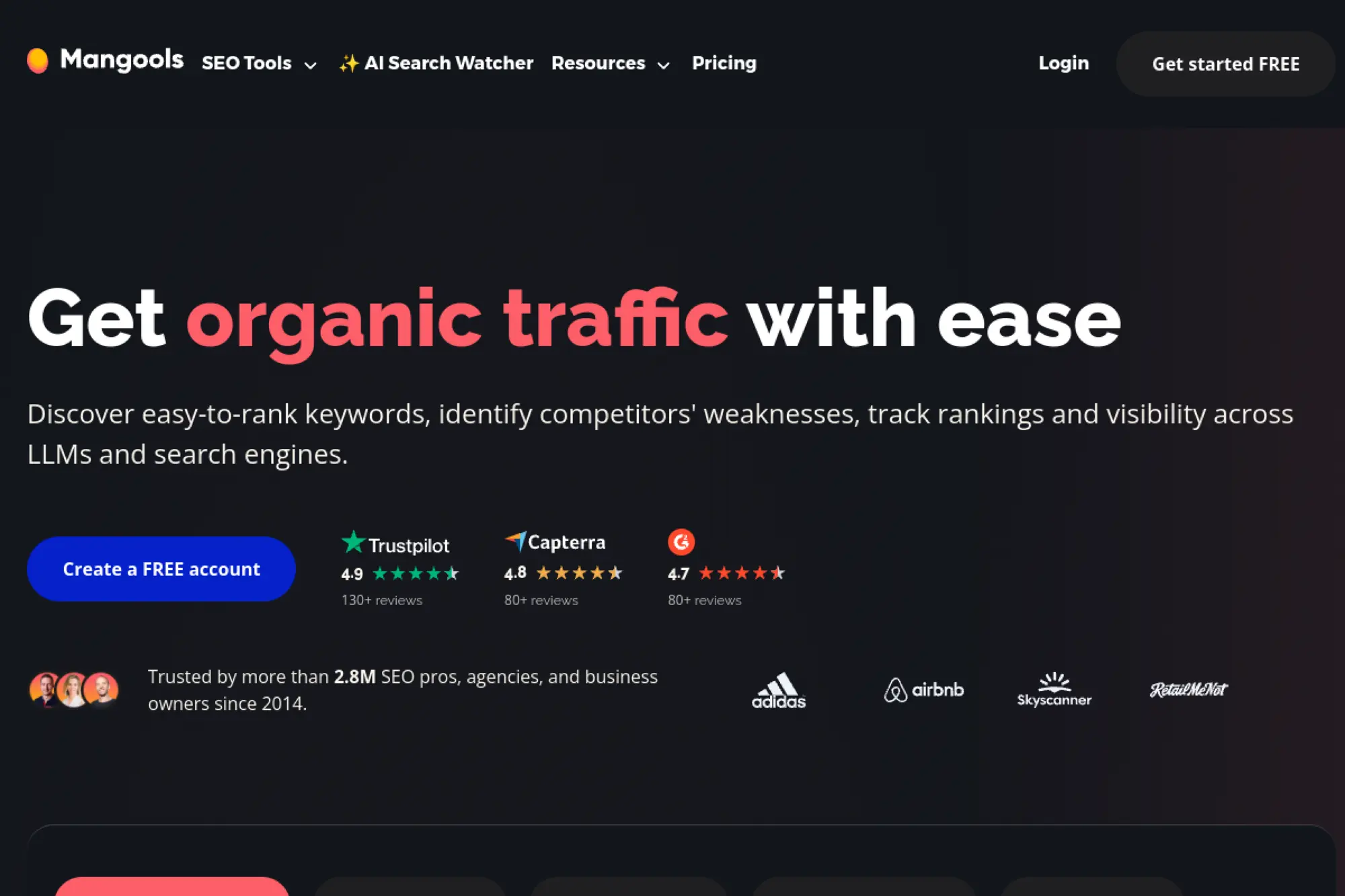
Mangools is built by a team that keeps SEO approachable. The toolkit is smaller than enterprise suites. Still, it covers the daily loop for many small teams.
Tagline: Get keyword and SERP answers without the enterprise learning curve.
Best for: solopreneur; freelance SEO who wants lightweight research and tracking.
- KWFinder and SERPChecker → faster keyword picks with less second-guessing.
- Suite includes rank and link tools → saves switching between 3–4 tabs.
- Simple onboarding → time-to-first-value can be 30 minutes.
Pricing & limits: From $0/mo (Free plan available). Trial: Free+ plan for new users; Mangools also offers paid tiers. Caps: Entry plan includes 25 keyword lookups/day, 50 tracked keywords, 25 SERP lookups/day, and 10 site lookups/day.
Honest drawbacks: Data depth is lighter than Ahrefs or Semrush. Heavy teams will hit daily lookup ceilings.
Verdict: If you need “good enough” keyword research fast, this helps you choose targets and track movement in a week. Beats big suites on simplicity; trails them on dataset depth.
Score: 4.0/5 and .
10. SEO PowerSuite
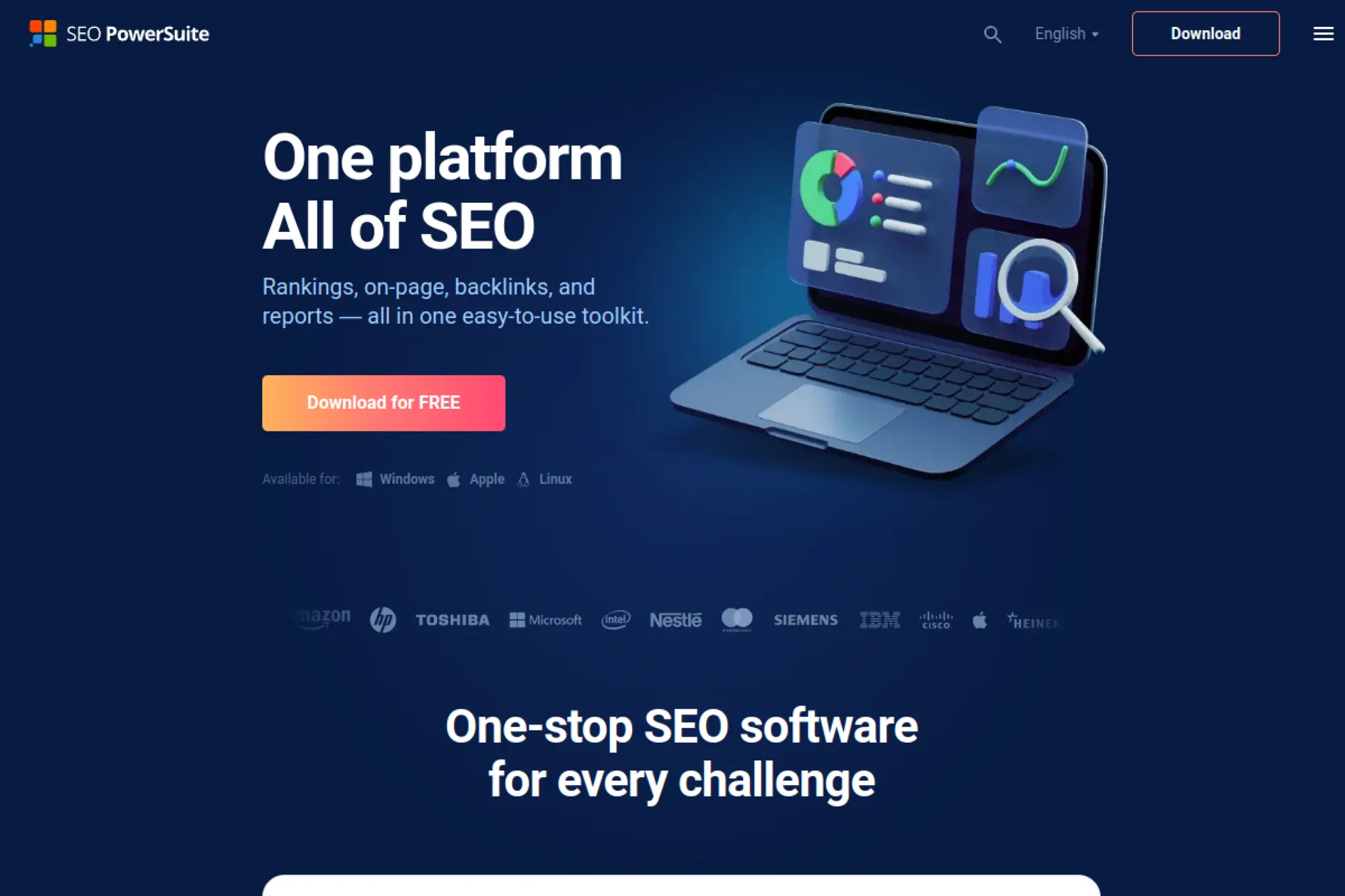
SEO PowerSuite is built by a team that favors desktop control and long-lived licenses. It is a classic toolkit with a loyal user base. The value is in owning the workflow, not renting it forever.
Tagline: Keep core SEO utilities on your machine, with fewer recurring fees.
Best for: budget-focused consultant; technical SEO who prefers desktop tooling.
- Desktop suite approach → run audits and checks without cloud limits.
- Export-heavy workflows → saves reporting steps when clients want spreadsheets.
- Install-and-run → time-to-first-value can be under 60 minutes.
Pricing & limits: From $0/mo (free version). Trial: free version is time-unlimited. Caps: paid starts at $299/year (Professional) and $499/year (Enterprise), per license.
Honest drawbacks: Desktop UX can feel dated versus modern SaaS. Collaboration is harder than cloud tools.
Verdict: If you want a durable toolkit with a low recurring footprint, this helps you ship audits and exports within days. Beats many SaaS tools on ownership; trails them on team workflows.
Score: 3.8/5 and .
11. Morningscore
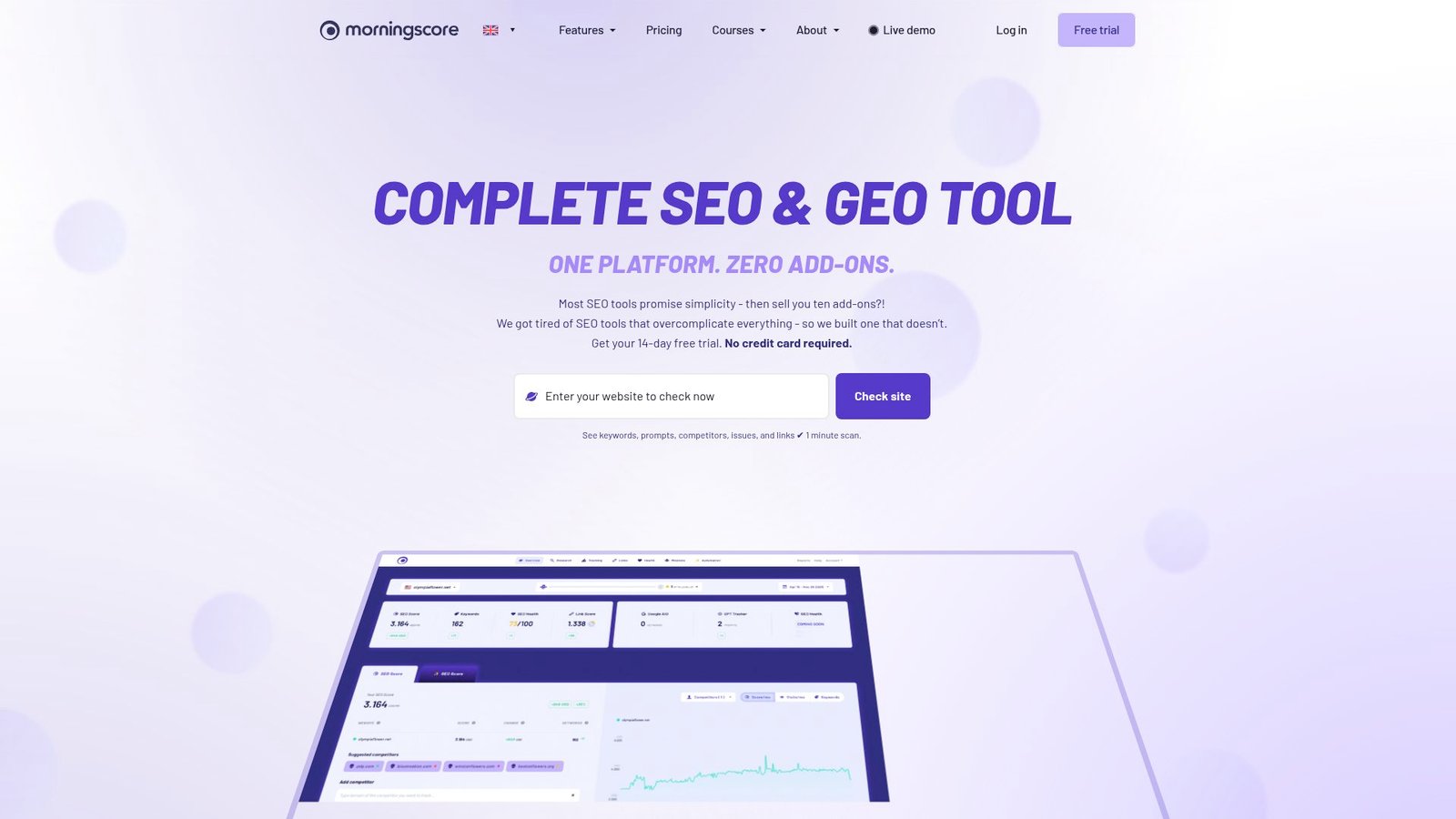
Morningscore is built by a team that leans into clarity and motivation. It wraps SEO tasks into missions. The result feels less like a cockpit and more like a to-do list.
Tagline: Turn SEO into clear missions, then track progress daily.
Best for: SMB owner-operator; marketer who wants guided prioritization.
- Missions and health checks → you always know the next fix to ship.
- GSC integration option → saves repeated manual performance pulls.
- Fast onboarding → time-to-first-value can be 30–60 minutes.
Pricing & limits: From $49/mo (Lite). Trial: 14-day free trial, no credit card. Caps: Lite includes limits on tracked keywords and websites, with higher tiers expanding both.
Honest drawbacks: Power users may want deeper link tooling. Some metrics feel “simplified” by design.
Verdict: If you want consistent weekly progress without analysis paralysis, this helps you build momentum in the first month. Beats big suites on approachability; trails them on raw data depth.
Score: 4.0/5 and .
12. Moz Pro
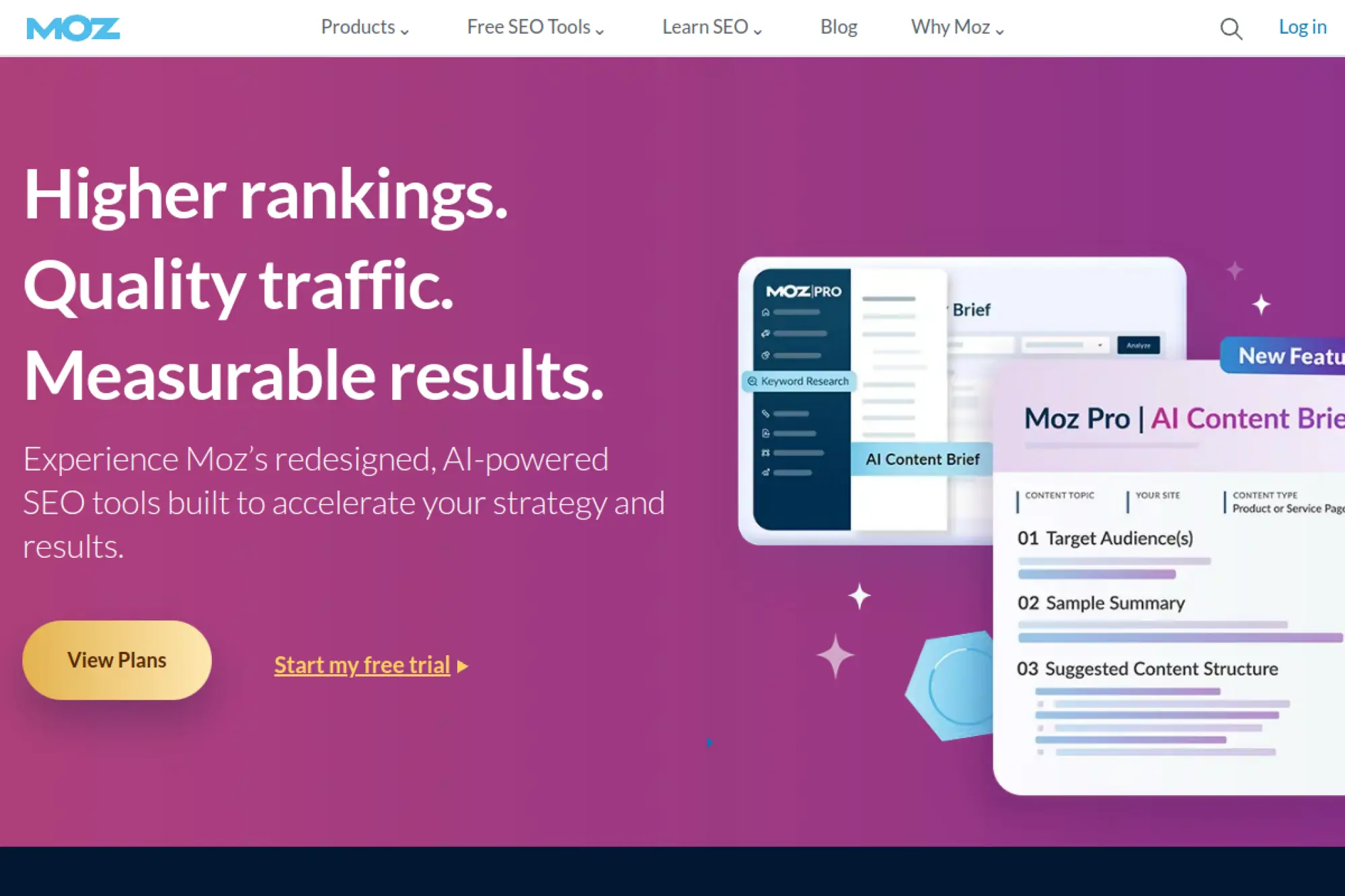
Moz Pro comes from a team with deep roots in SEO education and tooling. The product aims to be dependable and teachable. It works best when you want a structured SEO routine.
Tagline: Build a steady SEO program with clean, readable reporting.
Best for: in-house marketer; consultant who values explainable metrics.
- Campaign tracking → monitor priority sites without scattered spreadsheets.
- MozBar and research tools → saves several research steps per keyword set.
- Guided UI → time-to-first-value can be a few hours.
Pricing & limits: From $49/mo (Starter). Trial: free trial available (Moz shows the end date inside your account). Caps: entry tiers limit tracked sites, tracked keywords, and crawl volume.
Honest drawbacks: Data depth can feel lighter than Ahrefs for links. Some teams dislike credit-card trial requirements.
Verdict: If you want a tool your team will actually use weekly, this helps you run consistent audits and tracking within a month. Beats Ahrefs on approachability; trails Ahrefs on backlink depth.
Score: 4.0/5 and .
13. Seobility
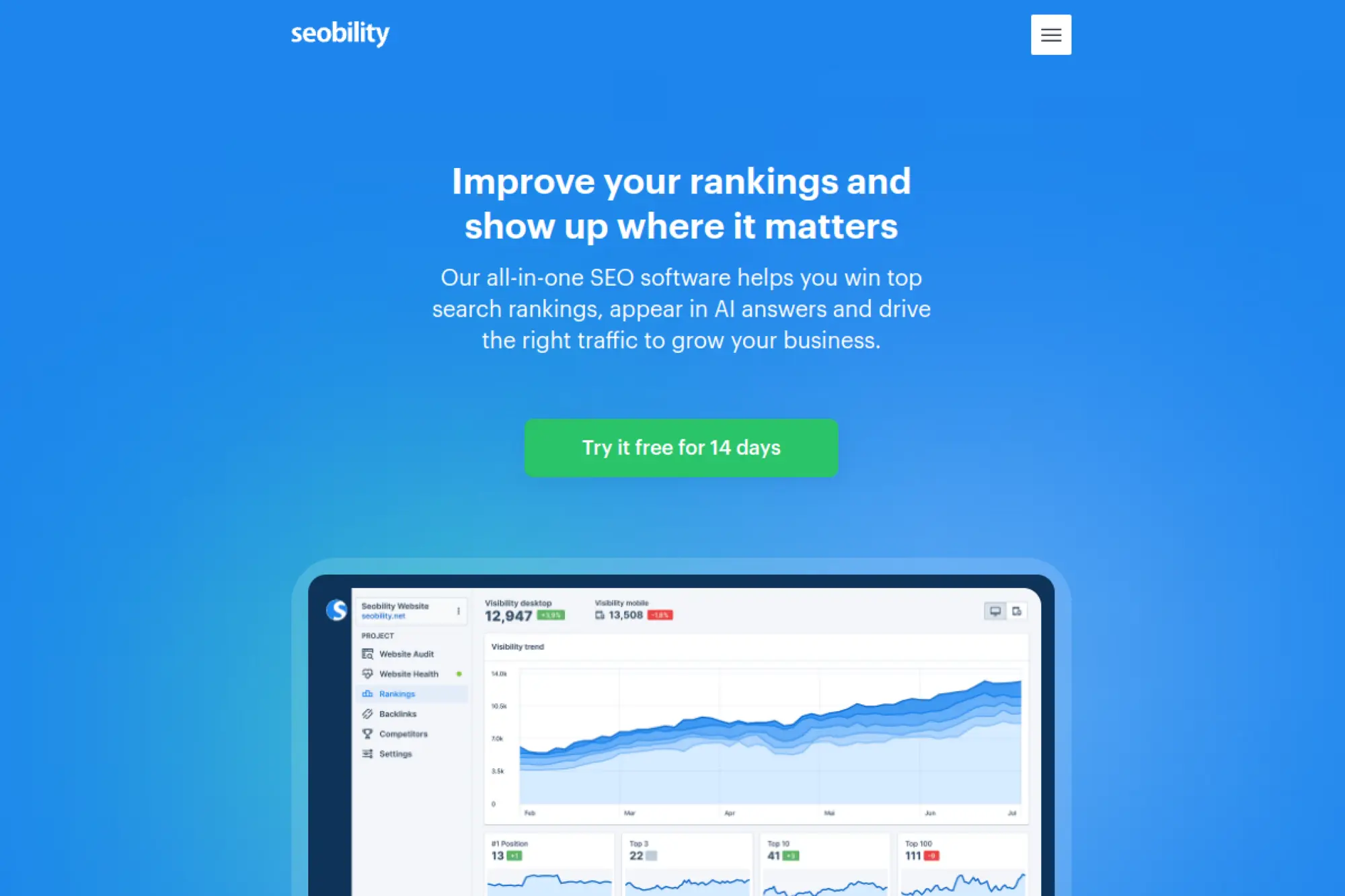
Seobility is built by a team that keeps SEO auditing accessible. It focuses on site checks, monitoring, and straightforward reporting. The value is in “good answers, quickly.”
Tagline: Keep your site healthy with automated checks and clear fixes.
Best for: small business website owner; junior SEO running routine audits.
- Website audit focus → find technical blockers before rankings slip.
- Simple reports and exports → saves time packaging findings for stakeholders.
- Quick signup → time-to-first-value can be under an hour.
Pricing & limits: From $0/mo (Basic). Trial: 14-day free trial on Premium. Caps: plans scale by audit and monitoring limits, with Premium positioned for SMB use.
Honest drawbacks: Not a replacement for a full competitive suite. Advanced workflows may outgrow it quickly.
Verdict: If you want a steady “site health” rhythm, this helps you catch issues within days. Beats heavier suites on simplicity; trails Screaming Frog on deep technical detail.
Score: 3.9/5 and .
14. AccuRanker
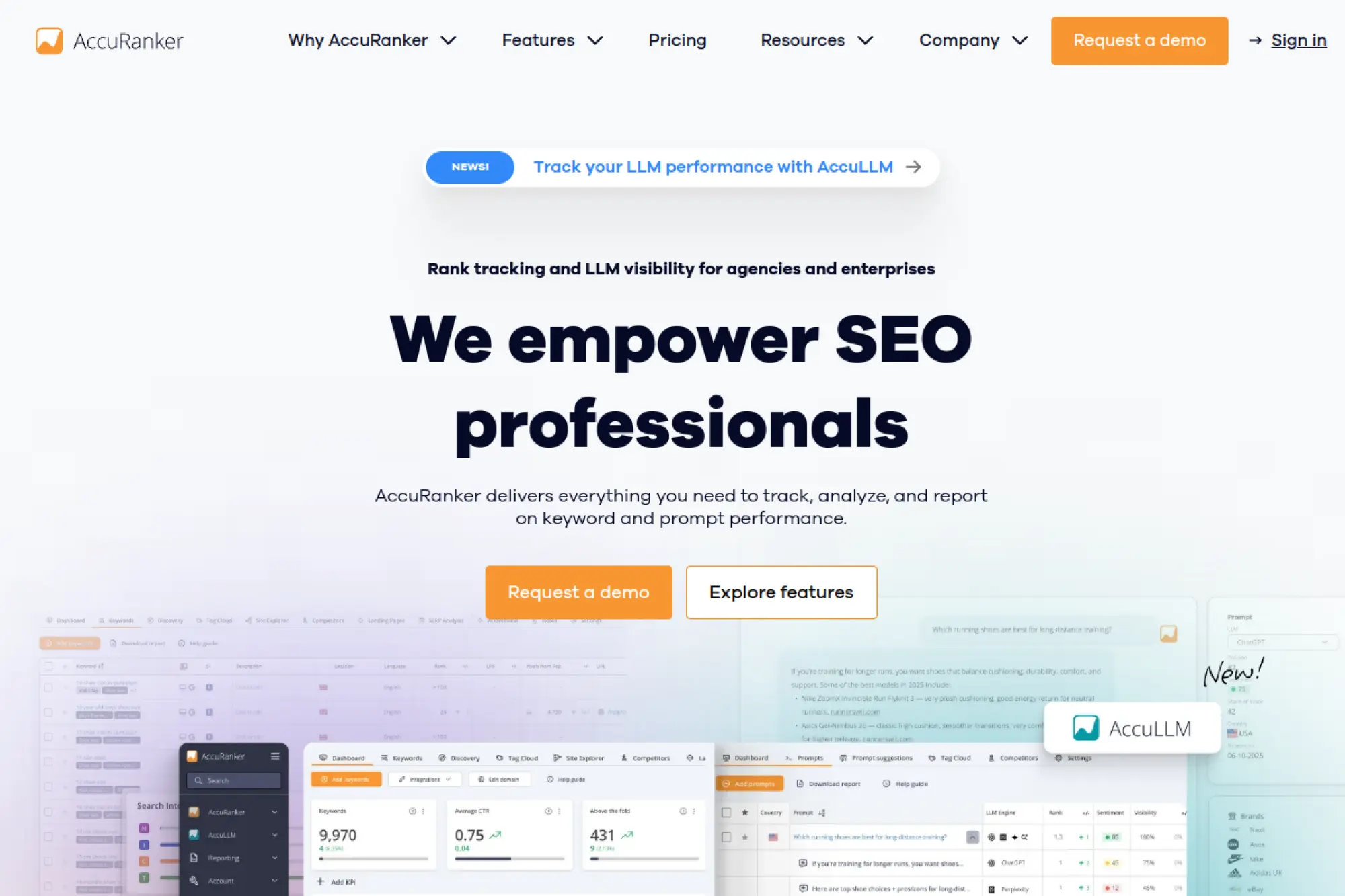
AccuRanker is built by a team that treats rank tracking like a precision instrument. The product is narrow by design. That narrowness is the feature.
Tagline: Get reliable daily rankings, then act before the dip becomes a trend.
Best for: agency reporting team; in-house SEO lead monitoring many keywords.
- Daily updates at scale → you spot movement while it still matters.
- GSC and GA connections → cuts manual cross-checking across tools.
- Focused UI → time-to-first-value is often under 45 minutes.
Pricing & limits: From $224/mo (Professional). Trial: available (plan-based). Caps: Professional starts at 2,000 keywords with daily updates.
Honest drawbacks: It is not a full suite for research or links. Price jumps quickly as keyword volume grows.
Verdict: If your priority is ranking truth, this helps you track and report in the first week. Beats Semrush on rank-tracker focus; trails Semrush on all-in-one breadth.
Score: 4.4/5 and .
15. Nightwatch
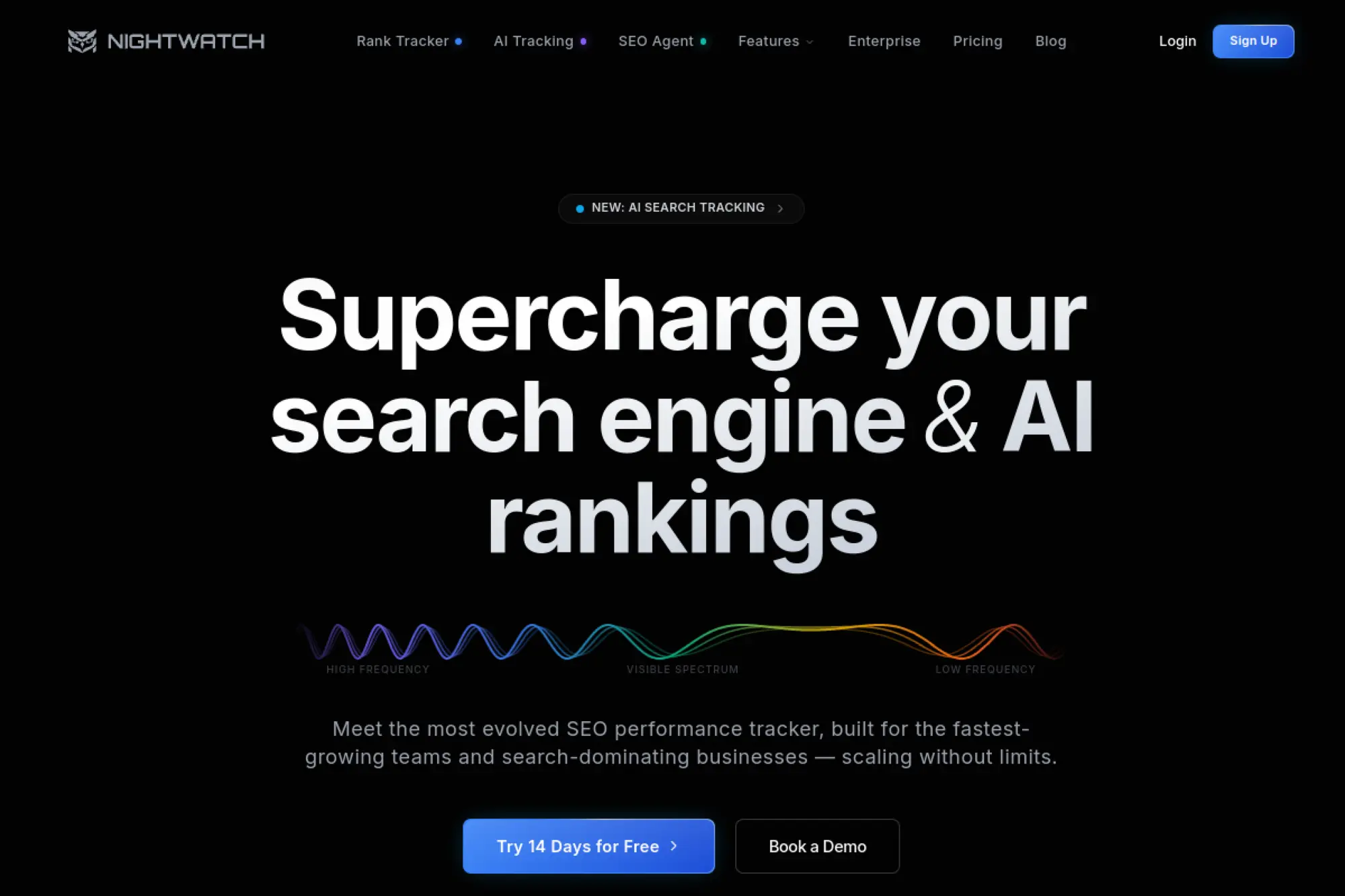
Nightwatch is built by a team that blends rank tracking with modern reporting. It also adds AI tracking as an optional layer. The product feels designed for agencies and lean teams.
Tagline: Track rankings and AI visibility without drowning in setup.
Best for: agency SEO manager; in-house marketer tracking many locations.
- Daily tracked keywords → steady measurement without manual refreshes.
- Looker Studio and GA integration → saves repeated reporting assembly work.
- Fast onboarding → time-to-first-value can be under 60 minutes.
Pricing & limits: From $32/mo (250 keywords, billed annually). Trial: 14-day full-feature trial. Caps: base plan includes 250 daily tracked keywords and 25 site audit pages.
Honest drawbacks: AI Tracking is an add-on, starting at $99/month for 100 prompts. Teams wanting deep research still need a separate suite.
Verdict: If you need dependable tracking and client-ready reports, this helps you stand up dashboards within two weeks. Beats many trackers on reporting; trails AccuRanker on tracking purity.
Score: 4.2/5 and .
16. Google Search Console
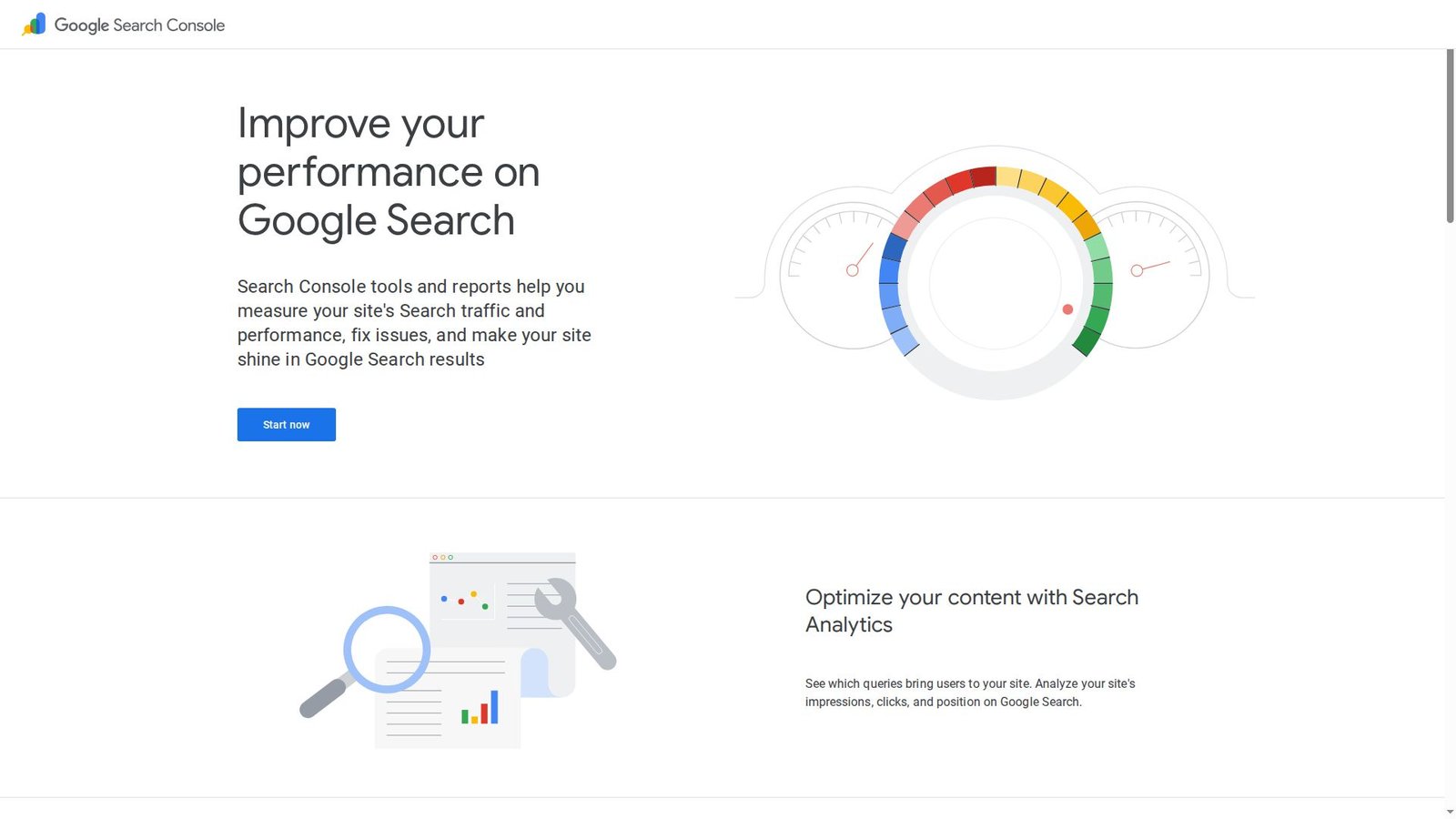
Google Search Console is built by Google’s Search teams. It is not a paid product. It is the source layer you trust when other tools disagree.
Tagline: See what Google sees, then fix what blocks clicks.
Best for: every site owner; any SEO team validating performance and coverage.
- Performance reports → tie SEO work to clicks and queries, not opinions.
- Indexing and coverage signals → saves hours of blind troubleshooting.
- Easy verification → time-to-first-value can be under 30 minutes.
Pricing & limits: From $0/mo. Trial: not applicable. Caps: data is sampled and delayed, and report detail varies by property.
Honest drawbacks: It will not replace keyword databases or backlink tools. The UI can hide nuance, and data can lag.
Verdict: If you need the “ground truth” of organic performance, this helps you prioritize fixes within days. Beats every third-party tool for first-party signals; trails them on competitor intel.
Score: 4.7/5 and .
17. Bing Webmaster Tools
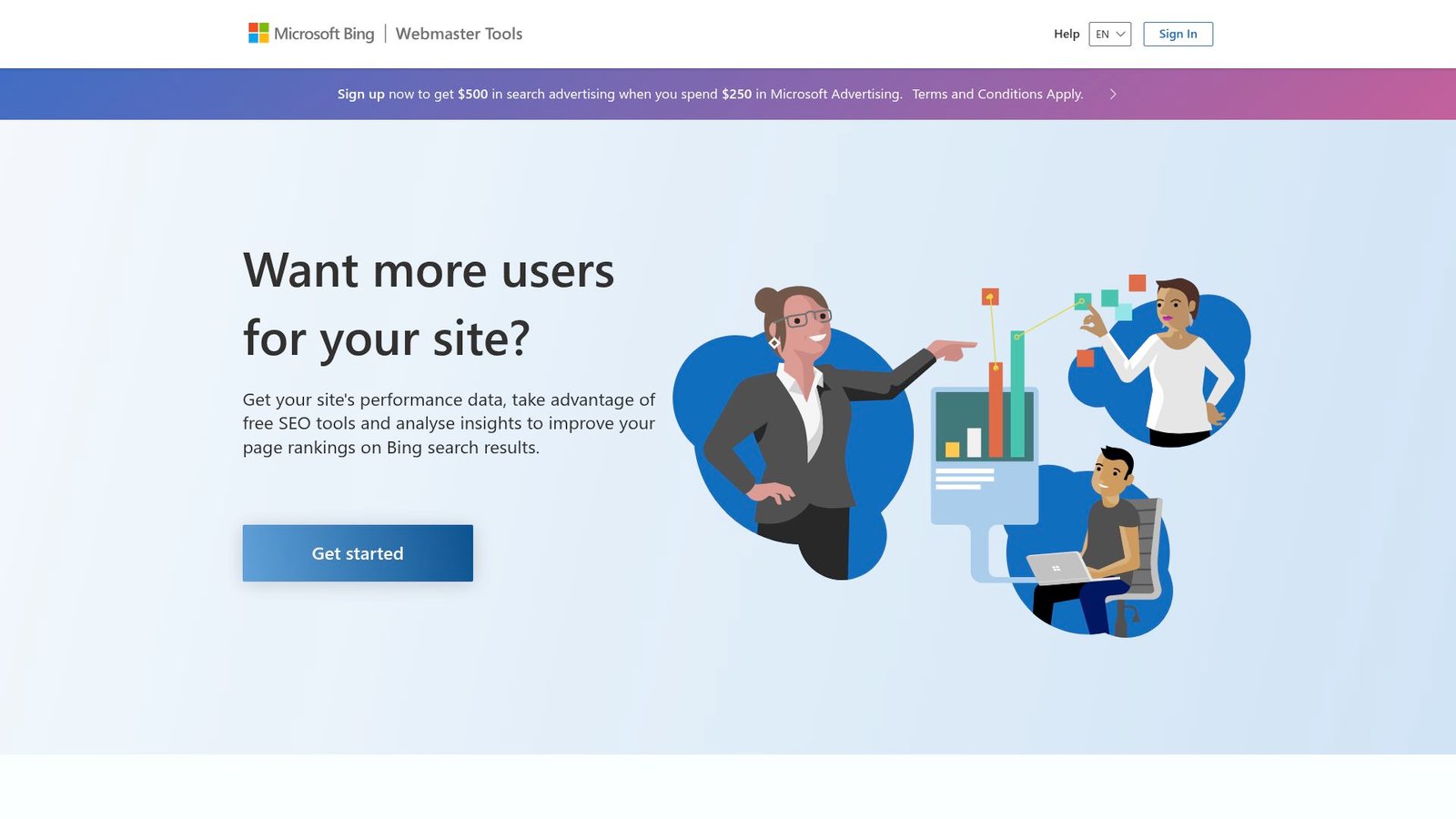
Bing Webmaster Tools is built by Microsoft’s search team. It is free, and it is surprisingly useful. It also pairs well with IndexNow for faster discovery.
Tagline: Get another search engine’s view of your site, for free.
Best for: site owners who want extra diagnostics; SEO teams expanding beyond Google.
- Site reports and diagnostics → catch technical issues with a second opinion.
- IndexNow support → reduces waiting time for discovery and updates.
- Quick verification → time-to-first-value can be under 30 minutes.
Pricing & limits: From $0/mo. Trial: not applicable. Caps: data coverage reflects Bing’s ecosystem, not Google’s.
Honest drawbacks: Market share varies by industry and region. Some teams ignore it, which is a missed opportunity.
Verdict: If you want more visibility and faster indexing options, this helps you add another signal layer in a day. Beats “Google-only” workflows on breadth; trails GSC on primary impact.
Score: 4.3/5 and .
18. Keywords Everywhere
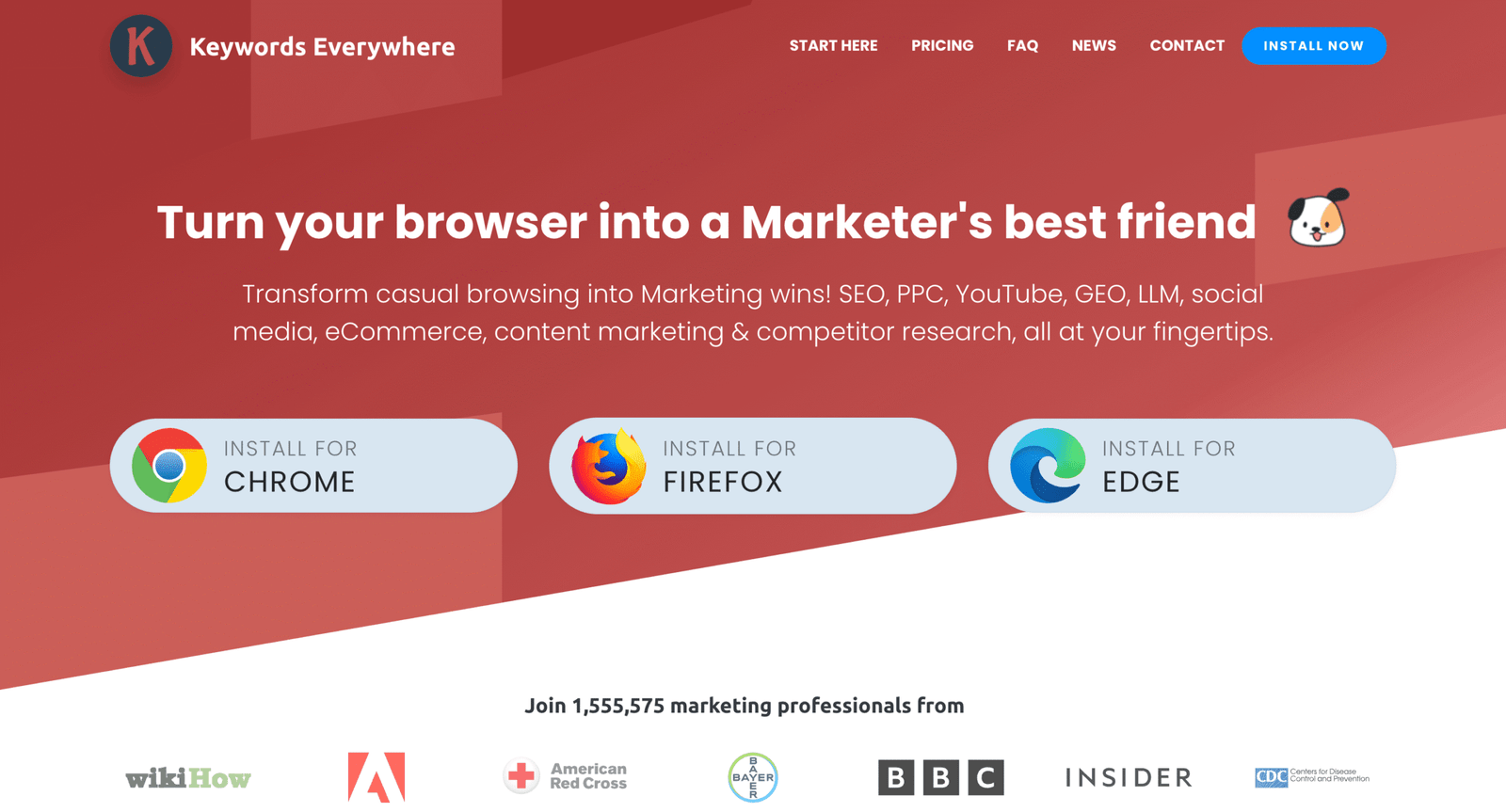
Keywords Everywhere is built by a team that made keyword data feel lightweight again. It lives where research happens: the browser. The product is built around credits, not giant subscriptions.
Tagline: Add keyword intel to your everyday browsing, on demand.
Best for: solo marketer doing quick research; SEO who wants lightweight checks.
- Browser-based keyword overlays → faster “is this worth it” decisions.
- Annual credit plans → reduce repeated purchases and research friction.
- Minimal setup → time-to-first-value can be 10 minutes.
Pricing & limits: From $5/mo (Bronze, billed annually at $60/year). Trial: not positioned as a classic trial. Caps: Bronze includes 100,000 credits/year and 1 seat, with credits expiring after one year.
Honest drawbacks: Credit systems need discipline, or you overspend quietly. It is not a full suite for audits or links.
Verdict: If you want quick keyword context while you browse, this helps you work faster the same day. Beats full suites for “micro-research”; trails them on deep competitive workflows.
Score: 4.0/5 and .
19. AlsoAsked
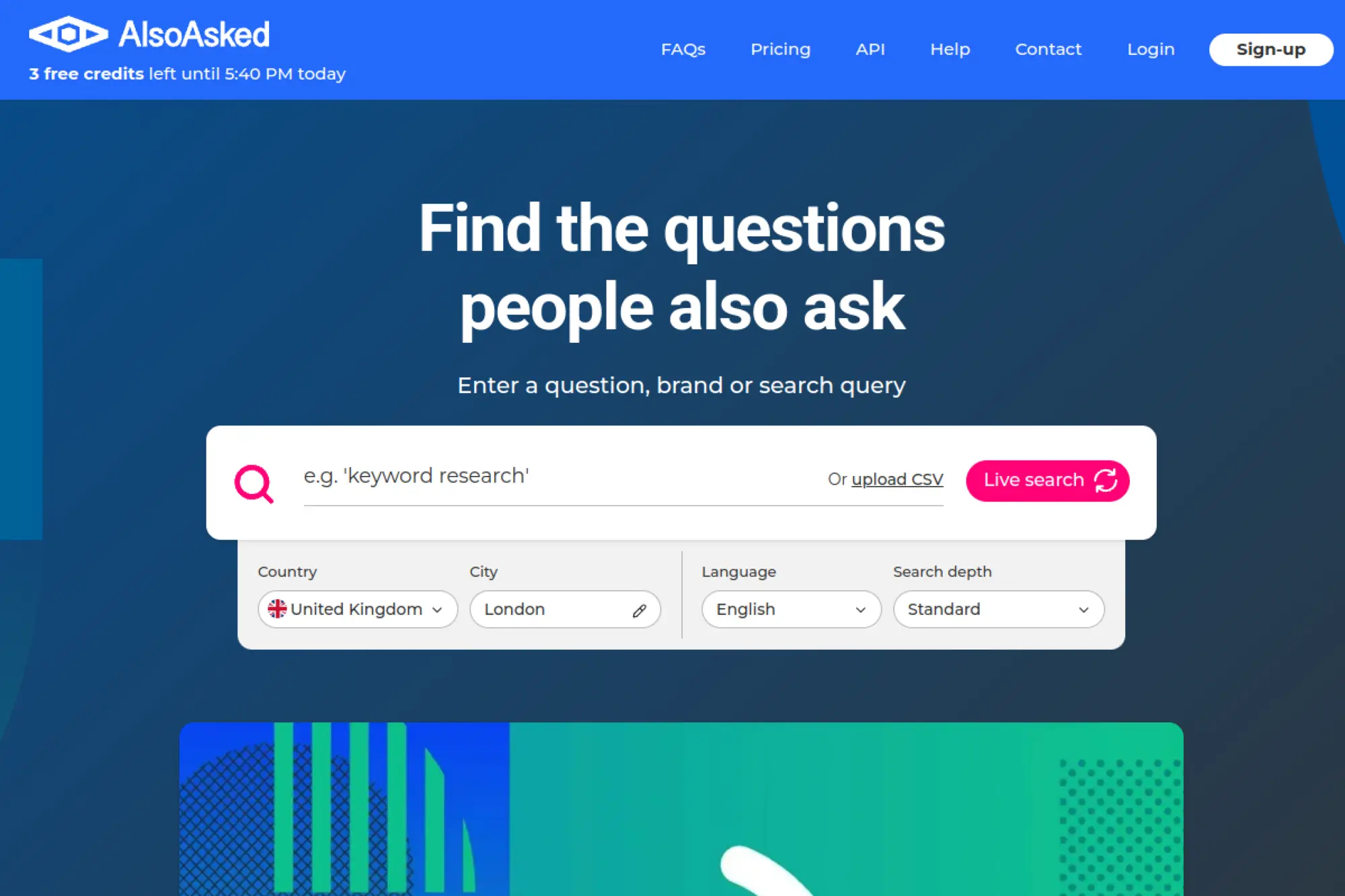
AlsoAsked is built by a team that focuses on “People Also Ask” data. It turns questions into a visible tree. That tree becomes your topic cluster plan.
Tagline: Turn PAA questions into a content map you can actually build.
Best for: content strategist; SEO building topical authority clusters.
- Question trees → build clusters and FAQs that match real searches.
- CSV export and API (higher tiers) → saves hours vs manual scraping.
- Instant results → time-to-first-value can be under 15 minutes.
Pricing & limits: From $0/mo (free accounts include 3 searches per day). Trial: free plan exists, plus paid plans. Caps: Basic includes 100 searches/month, Lite 300, and Pro 1,000.
Honest drawbacks: It will not give full keyword difficulty or backlink context. You still need a suite for priority scoring.
Verdict: If you want faster topic clustering, this helps you build a question-driven outline in one sitting. Beats AnswerThePublic for visual clustering; trails Semrush for full keyword depth.
Score: 4.1/5 and .
20. AnswerThePublic
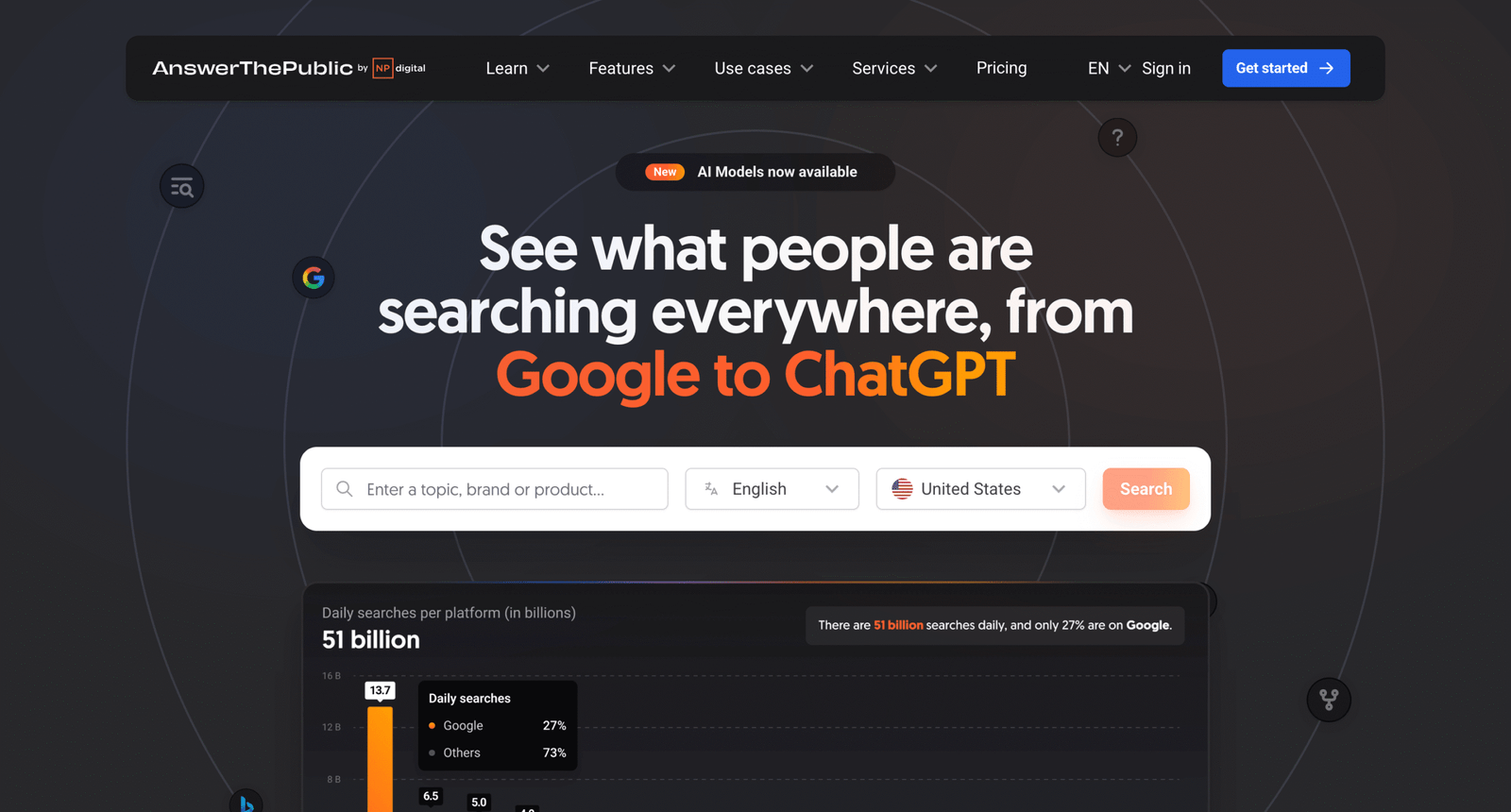
AnswerThePublic is built around audience questions and autosuggest patterns. The tool is designed to spark ideas quickly. It is less about dashboards and more about direction.
Tagline: Discover what people ask, then write the page that answers first.
Best for: content marketer; SEO building FAQ and intent-driven outlines.
- Question discovery → faster briefs and cleaner content sections.
- Prompt suggestions and tags → reduces organization work across projects.
- Simple onboarding → time-to-first-value can be under 20 minutes.
Pricing & limits: From $11/mo (Individual). Trial: 7-day free trial on monthly plans. Caps: Individual includes 100 searches per day and 1 user.
Honest drawbacks: Not a full SEO suite. Some plan messaging online can be confusing across offers.
Verdict: If you need content angles fast, this helps you generate a publishable outline in a day. Beats generic keyword tools for questions; trails AlsoAsked on cluster visualization.
Score: 3.8/5 and .
21. Similarweb
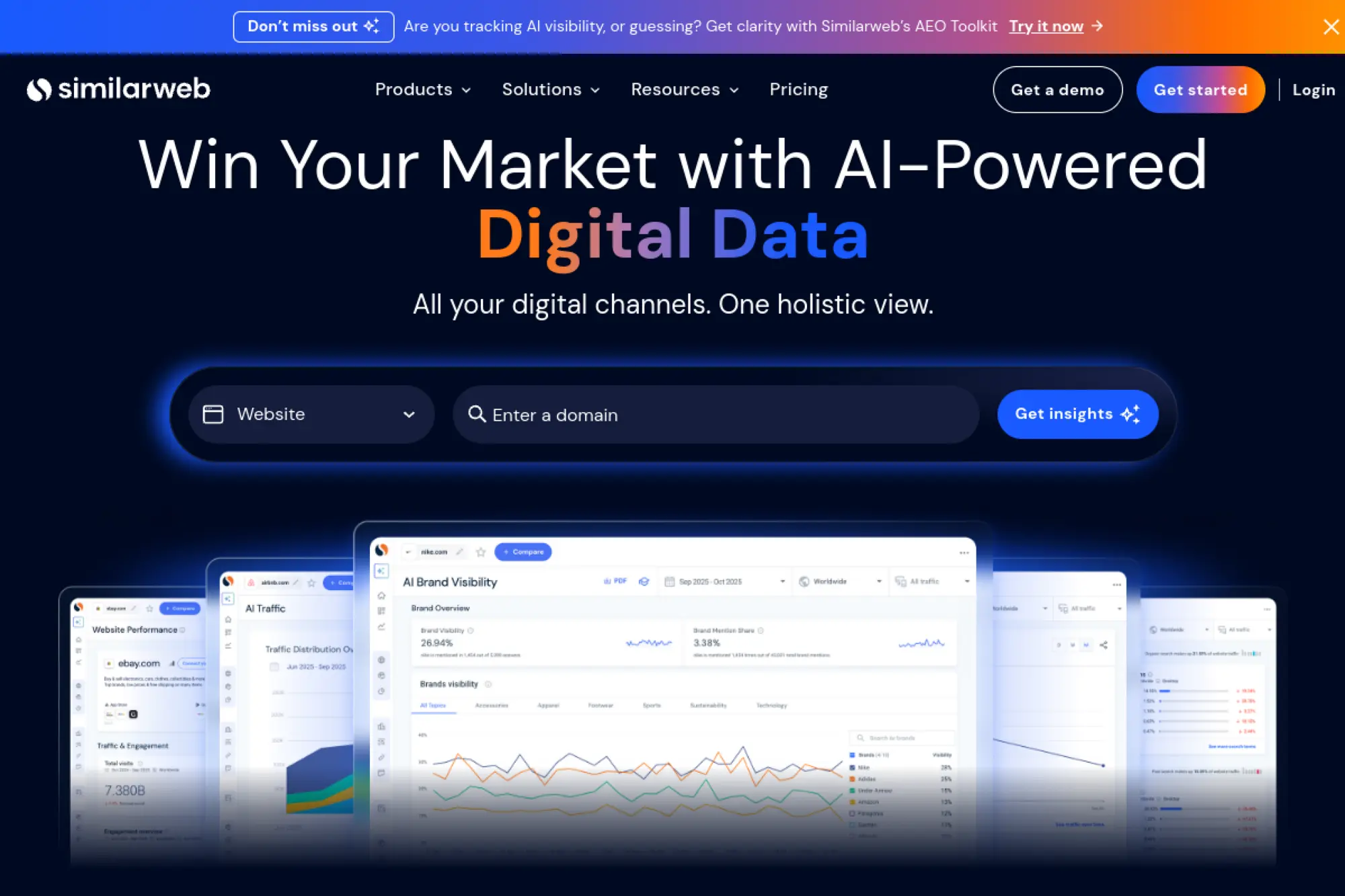
Similarweb is built by a team focused on digital market intelligence. It is a research platform, not a crawler. You use it to understand category motion and competitor channels.
Tagline: See competitor traffic patterns, then steal the right lessons.
Best for: SEO manager doing competitive planning; growth team sizing markets.
- Traffic and engagement intel → validate where competitors really win.
- Competitor alerts and channel views → saves manual monitoring work weekly.
- Guided packages → time-to-first-value is often same day.
Pricing & limits: From $125/mo (Competitive Intelligence, billed annually). Trial: “Try for free” is offered on package pages. Caps: entry package includes 1 user and 3 months of historical data.
Honest drawbacks: Not cheap for small teams. Some data is modeled, which can frustrate precision-seekers.
Verdict: If you need competitive context before you invest in content, this helps you choose smarter bets within weeks. Beats SEO suites on market view; trails them on page-level audits.
Score: 4.2/5 and .
22. ProductRank.ai
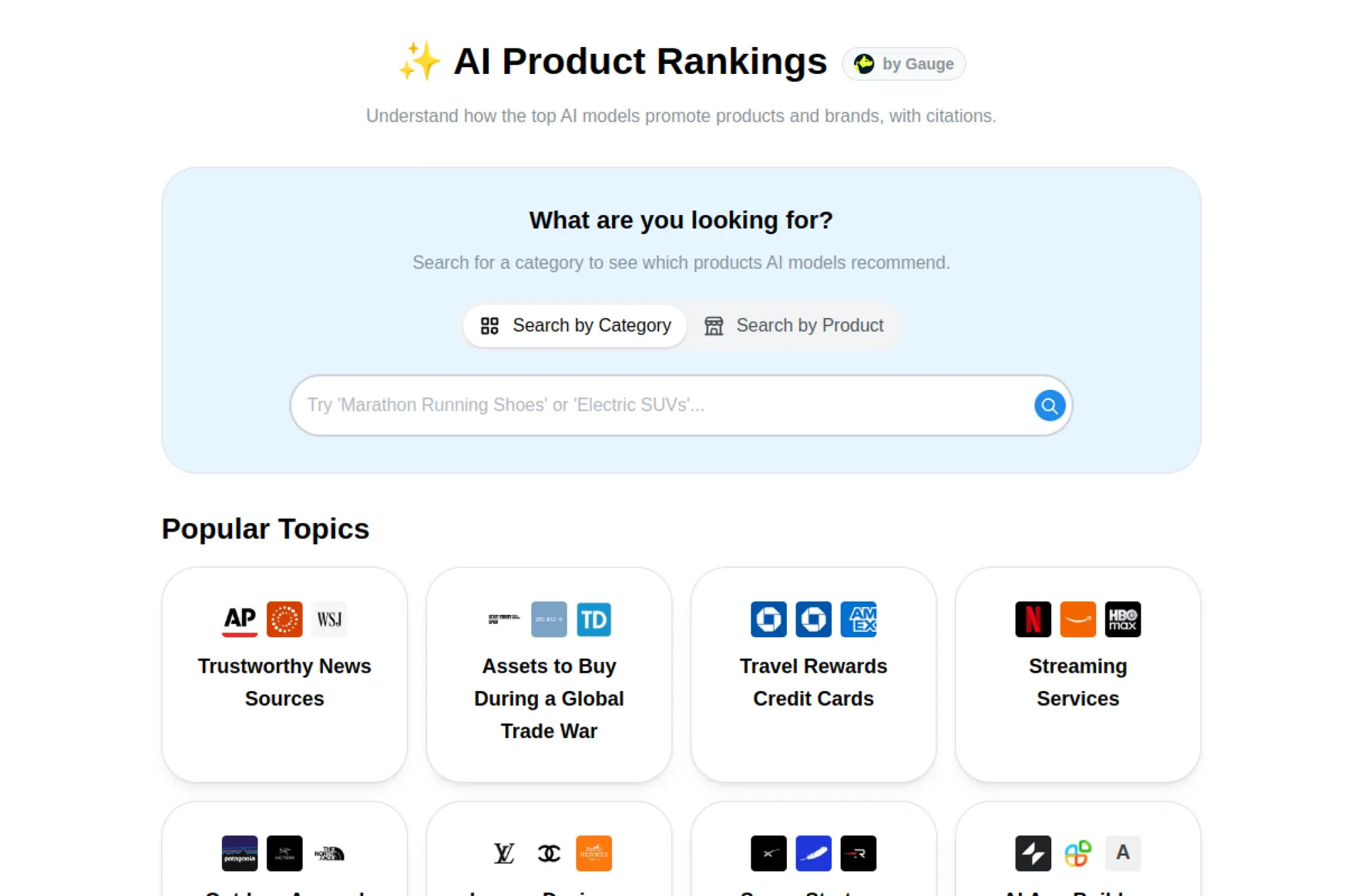
ProductRank.ai appears built for teams who want clearer product positioning in search. The promise is GEO-style visibility for product pages. It aims to help product-led teams move faster.
Tagline: Improve product discovery by aligning pages with modern search answers.
Best for: product marketer; ecommerce SEO optimizing category and PDP pages.
- Product-focused optimization → clearer positioning that matches buyer intent.
- AI-assisted suggestions → reduces manual analysis steps per page refresh.
- Workflow-first setup → time-to-first-value depends on site size.
Pricing & limits: From $—/mo. Trial: not confirmed here. Caps: usage limits are not confirmed here.
Honest drawbacks: Without transparent pricing and limits, procurement can stall. You may still need a crawler and backlink tool alongside it.
Verdict: If you want product pages to show up in more answer surfaces, this could help you iterate faster once configured. Beats general AI chat for structure; trails major suites on known ecosystem depth.
Score: 3.7/5 and .
23. Yoast SEO
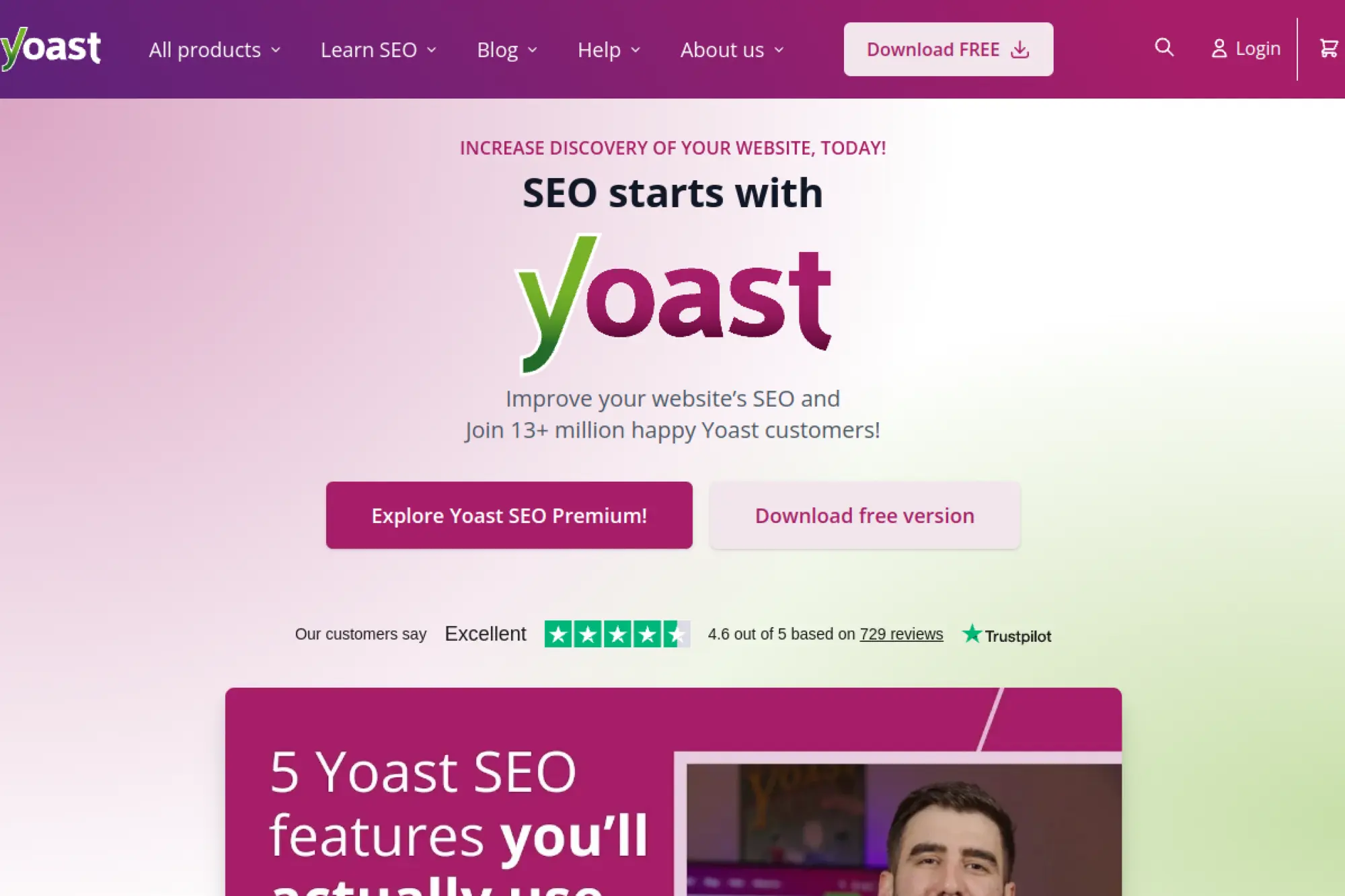
Yoast is built by a team that made WordPress SEO more standardized. The plugin is designed for steady, repeatable wins. It is widely used, which helps with shared language across teams.
Tagline: Keep on-page SEO clean inside WordPress, without extra tools.
Best for: WordPress site owners; content teams wanting guardrails in the editor.
- Editor guidance → fewer missed titles, meta issues, and internal linking gaps.
- Integrated training via Academy access → reduces ramp time for new writers.
- Plugin install flow → time-to-first-value can be 20–40 minutes.
Pricing & limits: From $0/mo (free plugin). Trial: not positioned as a trial for Premium. Caps: Premium is $118.80/year (ex VAT) per site license, with updates and support.
Honest drawbacks: Power users may find it limiting for advanced schema workflows. Some features overlap with other plugins, which can create conflicts.
Verdict: If you want baseline WordPress SEO hygiene, this helps you reduce on-page mistakes immediately. Beats manual checklists on consistency; trails Rank Math on some bundled features.
Score: 4.0/5 and .
24. Rank Math
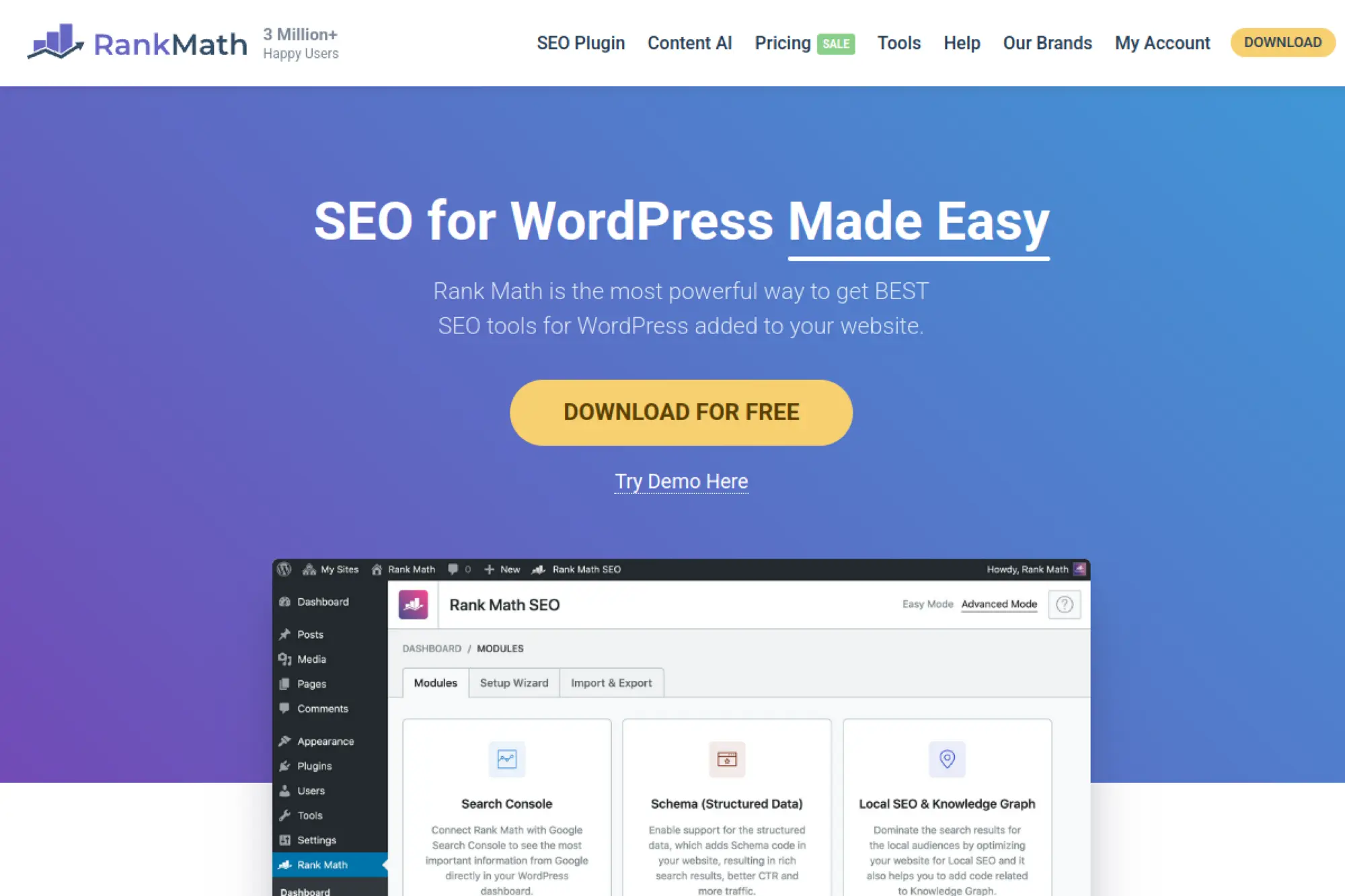
Rank Math is built by a team that bundles many SEO controls into one WordPress plugin. It targets creators who want more power without stacking plugins. Pricing is tied to license tiers and tracking.
Tagline: Run advanced WordPress SEO and schema from one plugin.
Best for: WordPress builders; agencies managing many client sites.
- Schema and SEO controls → fewer plugin conflicts and faster edits.
- Keyword tracking in paid tiers → reduces tool-switching for small sites.
- Quick setup wizard → time-to-first-value can be under 45 minutes.
Pricing & limits: From $7.99/mo (PRO, billed annually). Trial: Content AI includes a 15-day trial credit allotment on plans. Caps: PRO includes 500 keyword tracking, Business 10,000, and Agency 50,000.
Honest drawbacks: Paid tiers are billed annually, which some buyers dislike. WordPress-only focus means it will not help headless sites much.
Verdict: If you want one WordPress SEO plugin that does more, this helps you ship improvements the same week. Beats Yoast on bundled breadth; trails Yoast on “classic” simplicity.
Score: 4.1/5 and .
25. SEO.ai
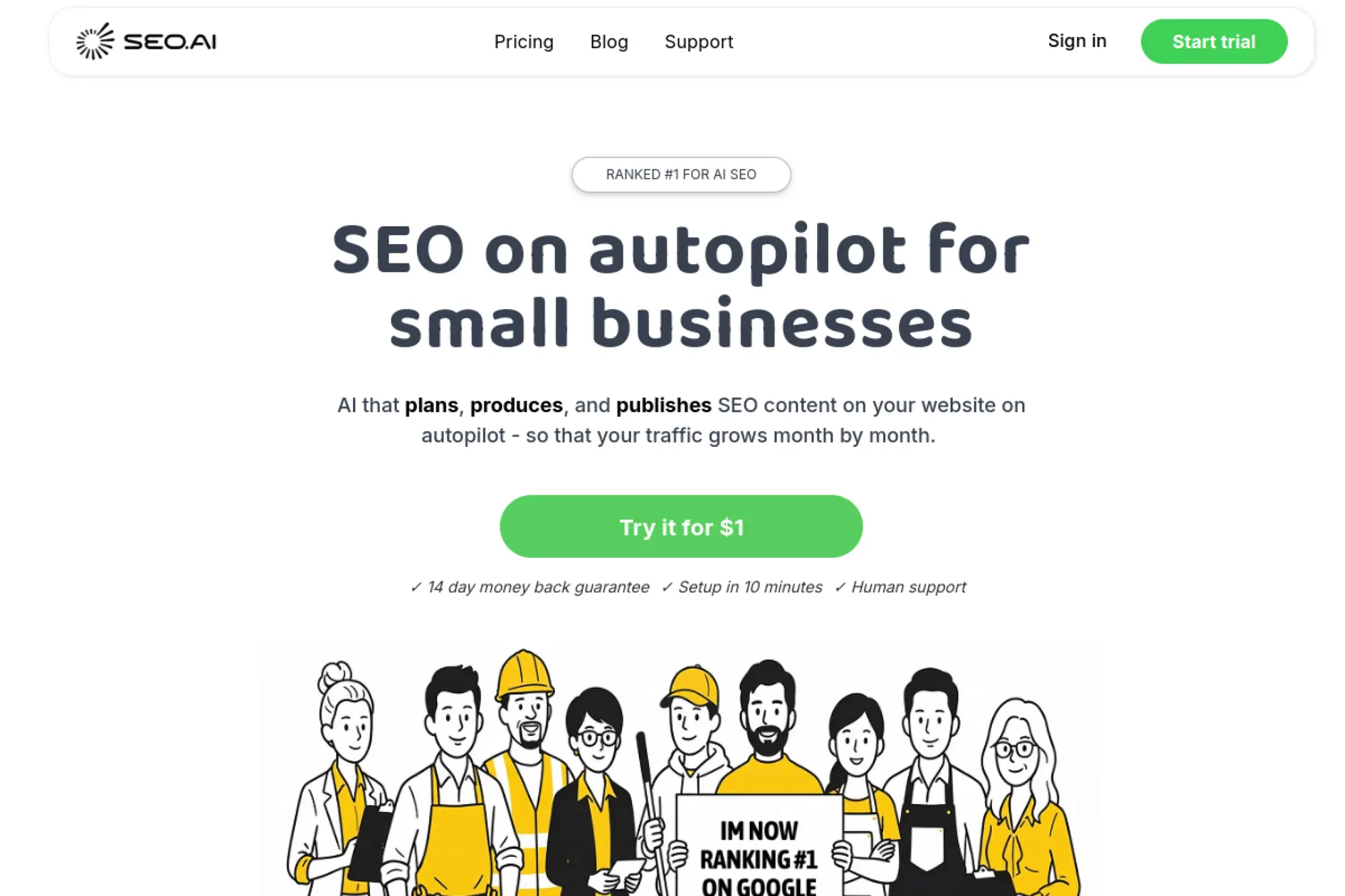
SEO.ai is built by a team pitching an “AI colleague” approach. It is designed to produce and publish content, not just assist. The core promise is steady, programmatic output with SEO structure.
Tagline: Let an AI teammate plan, draft, and publish SEO content each month.
Best for: lean ecommerce team; agency wanting production support without hiring.
- Publication plan plus content gap analysis → clearer monthly output targets.
- Direct publishing support → saves multiple copy-and-format steps per article.
- Fast CMS connection → time-to-first-value can be a few hours.
Pricing & limits: From $149/mo (Single Site). Trial: $1 for the first 7 days. Caps: Single Site is 1 website in 1 language; Multi Site is $299/mo for up to 3 sites or languages.
Honest drawbacks: The model assumes you accept AI-driven cadence. Some teams will want tighter editorial control than “auto-publish.”
Verdict: If you want consistent SEO content without scaling headcount, this helps you start shipping within 2–4 weeks. Beats generic AI writers on end-to-end flow; trails Surfer on editor-first optimization.
Score: 3.9/5 and .
26. Claude

Claude is built by Anthropic’s research and product teams. It is not an SEO tool by default. Still, it can become a strong SEO teammate when you give it clear inputs and constraints.
Tagline: Turn messy SEO notes into clean briefs, drafts, and rewrites.
Best for: content strategist; solo marketer who needs faster writing iteration.
- Brief-to-draft writing → faster first versions, with fewer blank-page stalls.
- Reusable prompt templates → saves repeated setup steps per article cycle.
- Instant access in browser → time-to-first-value is minutes.
Pricing & limits: From $0/mo (free access is available). Trial: not applicable to the free tier. Caps: usage is rate-limited and varies by plan and load.
Honest drawbacks: It will not crawl your site or track rankings. Output quality depends heavily on your inputs and fact-checking.
Verdict: If you need faster drafts and cleaner rewrites, this helps you move from outline to publish in days. Beats many SEO tools at writing flexibility; trails them on measurement and data.
Score: 4.2/5 and .
27. Schemantra
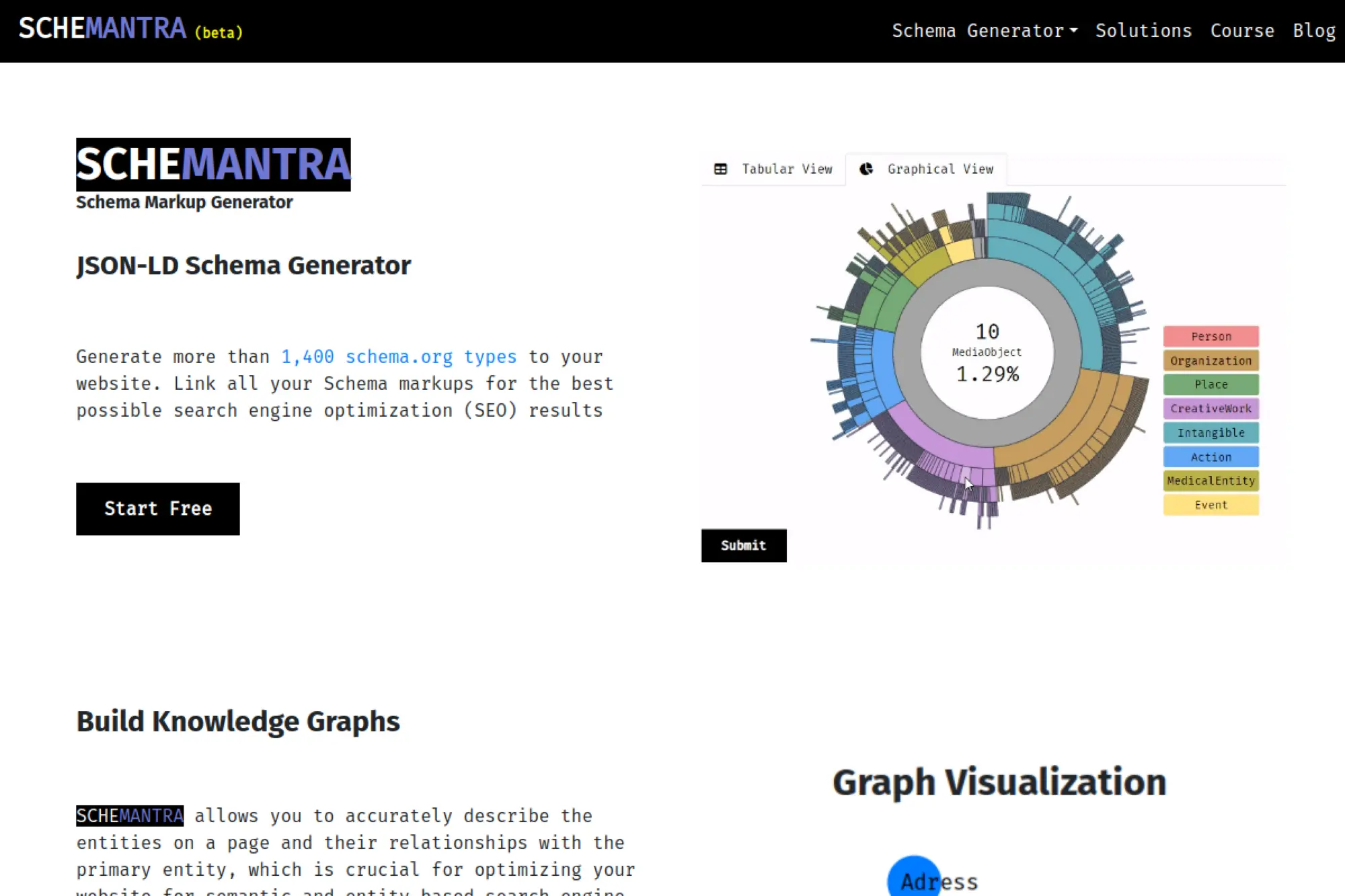
Schemantra positions itself around structured data workflows. The team’s goal seems clear: make schema less painful. It is aimed at teams who want rich results without hand-coding JSON-LD.
Tagline: Ship schema markup faster, with fewer developer tickets.
Best for: SEO working with devs; ecommerce team scaling product schema.
- Schema generation flow → quicker structured data coverage sitewide.
- Automation possibilities → reduces repetitive markup steps per template.
- Setup-led product → time-to-first-value depends on CMS and templates.
Pricing & limits: From $—/mo. Trial: not confirmed here. Caps: license and site limits are not confirmed here.
Honest drawbacks: Schema tools can conflict with existing plugins. Results also depend on eligibility, not just markup.
Verdict: If schema is a bottleneck, this could help you implement markup within weeks once aligned with your stack. Beats manual JSON-LD on speed; trails developer-built schema on flexibility.
Score: 3.6/5 and .
28. Robinize
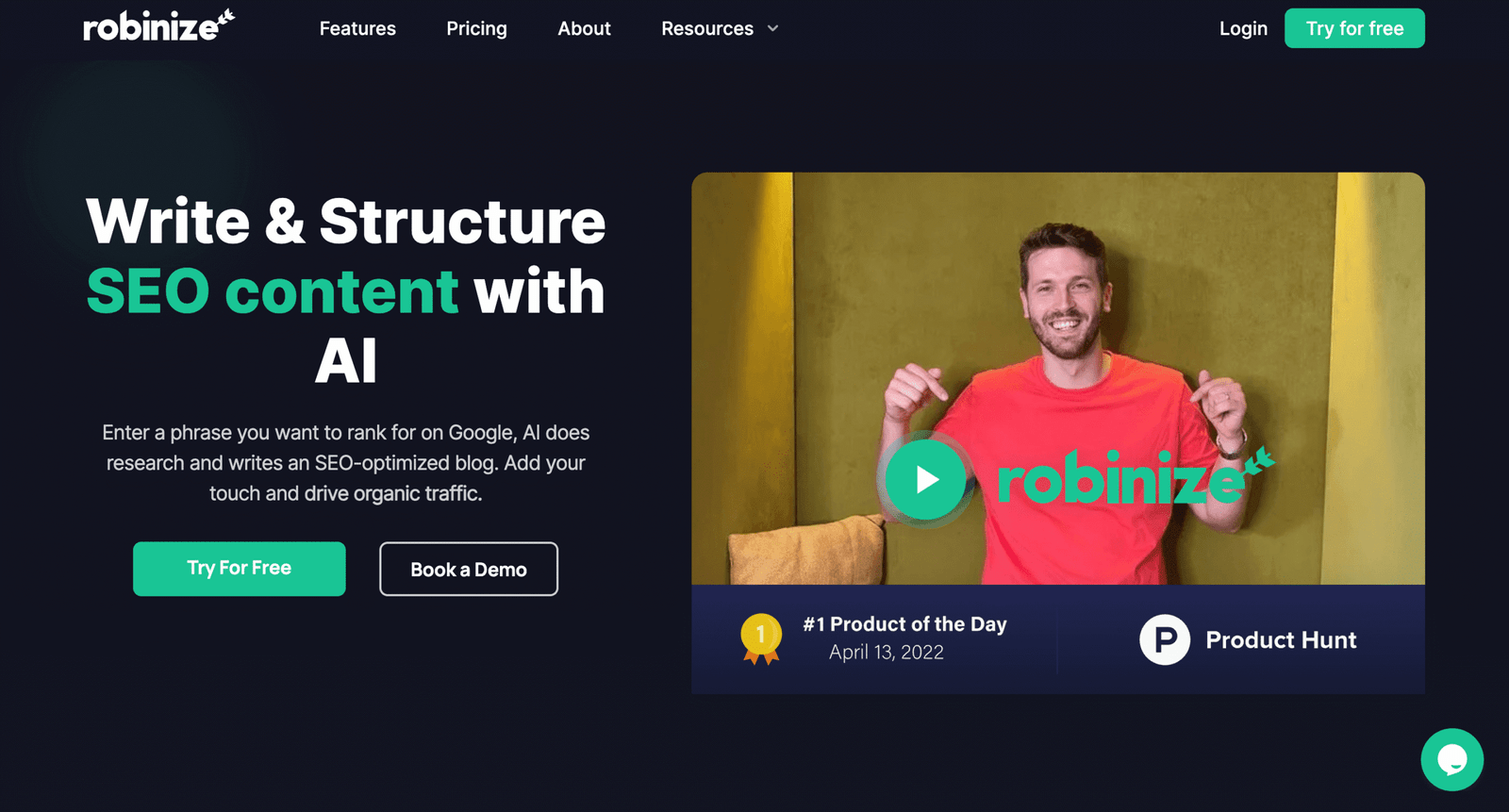
Robinize is positioned as a content optimization assistant. The team appears to focus on making content refresh work faster. It aims to help you improve pages without rewriting everything.
Tagline: Refresh existing content for better rankings, without starting over.
Best for: bloggers updating old posts; content teams running refresh sprints.
- Refresh-oriented workflow → quicker updates that keep pages current.
- AI assistance → cuts drafting and rewriting time per section.
- Lightweight usage → time-to-first-value can be same day.
Pricing & limits: From $—/mo. Trial: not confirmed here. Caps: project and usage limits are not confirmed here.
Honest drawbacks: Optimization tools can nudge you toward generic content. You still need measurement tools to confirm lift.
Verdict: If you have a backlog of aging pages, this could help you refresh faster within a month. Beats blank-page rewriting on speed; trails Surfer on prescriptive SERP modeling.
Score: 3.7/5 and .
29. KeywordWatchdog
KeywordWatchdog is positioned around monitoring and alerting. The intent is simple: catch keyword and page changes before they cost you traffic. It feels built for “set it and watch it” buyers.
Tagline: Get alerts when rankings shift, so you respond before traffic drops.
Best for: SMB site owner; solo SEO managing many small sites.
- Monitoring-first approach → fewer surprises in weekly performance checks.
- Alerts and automation → saves time versus manual daily spot-checking.
- Simple deployment → time-to-first-value depends on keyword import.
Pricing & limits: From $—/mo. Trial: not confirmed here. Caps: tracked keyword limits are not confirmed here.
Honest drawbacks: Monitoring alone does not tell you what to fix. You may need a research tool to decide the next move.
Verdict: If you want early warning signals, this could help you tighten your reaction time within weeks. Beats spreadsheets on reliability; trails dedicated trackers on feature depth.
Score: 3.5/5 and .
30. Frase
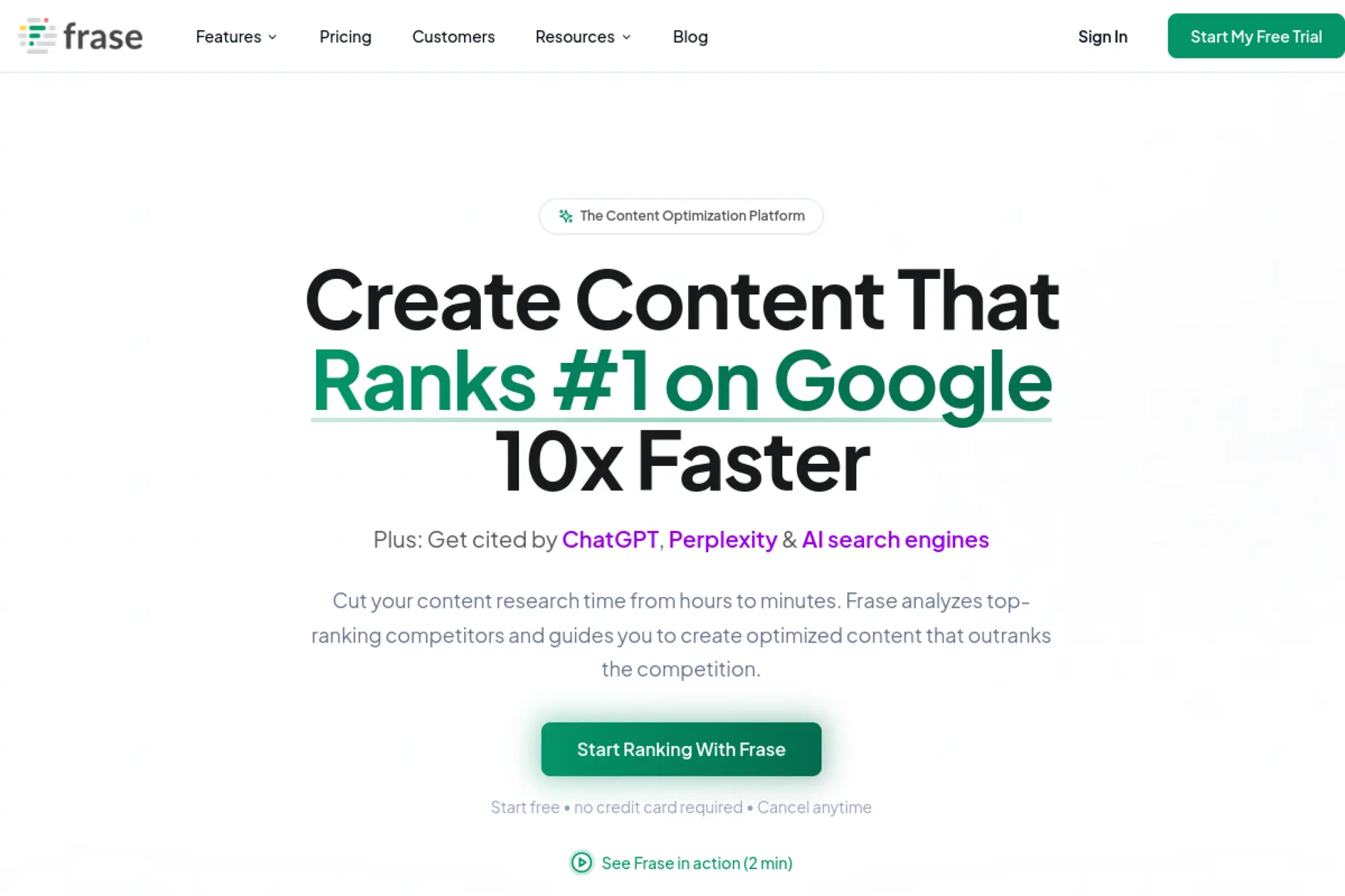
Frase is built by a team that blends content research, briefs, and AI drafting. It sits between “writer tool” and “SEO assistant.” The product has evolved toward AI search tracking and GEO language.
Tagline: Research, outline, and draft content that can rank in search and AI.
Best for: content teams producing many articles; SEO who wants one research workspace.
- Content projects workflow → faster briefs and more consistent outlines.
- AI search tracking on higher tiers → saves manual prompt checking time.
- Start free onboarding → time-to-first-value can be under an hour.
Pricing & limits: From $38/mo (Starter, as listed on the pricing page). Trial: “Start Free” is offered; plus a 7-day money-back guarantee. Caps: Professional includes 75 content projects per month and 3 users.
Honest drawbacks: Higher tiers can get pricey quickly. Teams may still prefer a separate suite for deep link research.
Verdict: If you need one place to research and draft, this helps you ship optimized content in days. Beats Surfer on all-in-one drafting flow; trails Surfer on strict on-page scoring culture.
Score: 4.0/5 and .
How We Shortlisted These Best SEO Software Tools
1. From 450+ options to a usable shortlist: focusing on tools that stand out in 2026
We started broad, because the SEO tool market is noisy. Many products are thin wrappers around the same data. Others are great, but fragile in real workflows.
So we filtered for repeatable value. We kept tools that help us ship decisions, not only dashboards. That bias comes from shipping software under deadlines.
- We favor tools that integrate cleanly into weekly routines.
- We drop tools that require constant manual babysitting.
- We prefer vendors with clear positioning and stable exports.
2. Category-based evaluation: links, content, keyword research, rank tracking, and technical SEO
SEO is a system, so we evaluate by subsystem. Keyword research and intent mapping feed content. Crawlers and logs feed technical fixes. Links and brand mentions feed authority.
We also force each tool into a “job story.” If we cannot describe the job, we do not buy it. That is the simplest guardrail we know.
- Research tools must produce decisions, not infinite exploration.
- Crawlers must help prioritize fixes by impact and confidence.
- Reporting tools must reduce stakeholder friction and misreads.
3. Testing approach: real usage, feature fit, and practical workflow value
We test tools in the mess of real sites. That includes redirects, faceted navigation, JavaScript rendering, and odd CMS constraints. Clean demo sites lie.
When a tool produces output, we ask a blunt question. Can a developer act on it quickly? If not, the tool is not helping the business.
- We validate crawl outputs against actual indexing behavior.
- We test content workflows with editorial teams, not only SEOs.
- We measure reporting effort, because it becomes recurring labor.
4. Where community feedback helps validate best SEO software tools choices
We do not outsource judgment to reviews, but we do listen. Community feedback helps reveal reliability patterns and support quality. It also exposes “hidden gotchas” before procurement.
Still, we never assume a tool fits your constraints. A tool can be loved and still be wrong for your tech stack. That is a normal outcome.
- We look for repeated complaints, not isolated frustration.
- We notice whether vendors respond with fixes or deflections.
- We compare community claims to our own test results.
5. Understanding tool limitations: ownership constraints, data gaps, and learning curve
Every SEO dataset is partial. Even the best link index is not the web. Even the best rank tracker samples reality through locations and personalization constraints.
Ownership constraints also matter. Desktop crawlers depend on machines and permissions. Enterprise SaaS depends on governance, integrations, and user training.
- We document what each tool cannot see, not only what it sees.
- We plan onboarding time as part of the implementation budget.
- We avoid vendor lock-in when exports are restricted.
6. What “SEO automation” means in modern best SEO software tools stacks
Automation is not “push button SEO.” Automation is consistent detection, consistent reporting, and fewer manual steps. It is also safer change management, when paired with alerts.
Our favorite automation pattern is drift detection. It catches silent failures like broken templates, missing canonicals, or indexation shifts. That is boring work, and that is why it pays.
- We automate audits, then triage with human judgment.
- We automate reporting, then explain outcomes with context.
- We keep approvals and QA steps, because risk is real.
7. Why AI visibility and prompt tracking are now part of SEO tool evaluation
AI answers changed the “last mile” of discovery. A brand can be visible in answers while losing clicks. Another brand can gain citations without ranking first.
That is why we include Otterly.AI in evaluation conversations. Prompt tracking becomes a new kind of rank tracking. It is noisier, but it is directionally valuable.
- We monitor which pages get cited, not only which pages rank.
- We watch for misinformation risk in AI summaries.
- We treat AI visibility as a content and PR feedback loop.
Best SEO Software Tools by Category and Workflow
1. Keyword research and topic ideation: turning seed terms into structured content plans
Keyword research is now planning, not hunting. We cluster by intent, then map clusters to pages that can win and convert. That mapping is where most teams fail.
Semrush and Ahrefs remain strong for building lists and seeing competitor coverage. Moz Pro can be easier for teams that want guidance. Google Trends keeps us honest about demand shifts.
- We start with sales questions and support tickets as seed inputs.
- We build clusters that match the site’s information architecture.
- We align each cluster to one page with a clear conversion path.
2. Question-based research for headings and intent mapping using People Also Ask style workflows
Questions are intent in plain language. They also map cleanly to headings, FAQs, and comparison sections. That structure helps classical SEO and answer engines.
AlsoAsked is useful when we need real question graphs fast. We then validate the language in search consoles and on-site search logs. That loop keeps content grounded.
- We write headings as answers, then support them with evidence.
- We treat FAQs as navigational aids, not keyword stuffing bins.
- We reuse question clusters across product pages and help content.
3. Competitor research: estimating traffic sources, share of voice, and channel mix
Competitor research is not copying. It is understanding where the market’s attention flows. The goal is to find gaps you can own with your product truth.
Similarweb helps frame channel mix and discovery patterns. Sistrix can help with visibility trends and SERP volatility. Semrush and Ahrefs then fill in the keyword and page-level detail.
- We identify “topic territories” competitors defend consistently.
- We look for weak content clusters with strong commercial intent.
- We separate brand dominance from true non-brand performance.
4. Backlink research and link monitoring: finding opportunities and protecting authority
Link work is still about trust, but tactics changed. Digital PR, original data, and strong tools are safer than mass outreach. That is especially true in AI answer ecosystems.
Ahrefs is a workhorse for link prospecting and monitoring. Semrush adds outreach workflows and competitive views. Moz Pro can be useful for teams that want simpler narratives.
- We monitor link losses as carefully as new link gains.
- We prioritize links that also drive referral traffic and credibility.
- We audit internal linking, because it compounds external authority.
5. Technical SEO audits and crawlers: on-page checks, indexing issues, and site health
Technical SEO is where “software thinking” pays off. We treat crawl output as a bug backlog. Then we fix the highest-impact issues first.
Screaming Frog SEO Spider is our fast tactical crawler. Sitebulb adds explanations that help cross-functional teams. Oncrawl, JetOctopus, and Lumar fit bigger sites with deeper monitoring needs.
- We crawl staging environments before releases, not after incidents.
- We compare crawl snapshots to detect template regressions.
- We connect crawl data to search console performance for triage.
6. Rank tracking and reporting: daily monitoring, segmentation, and stakeholder-ready views
Rank tracking is still useful, but only with segmentation. A blended average rank is a comforting lie. We track by intent, page type, and market segment.
STAT Search Analytics is strong for serious segmentation. AccuRanker can be smoother for teams that want speed and clarity. Advanced Web Ranking can work well for flexible reporting setups.
- We separate “money pages” from informational pages in reporting.
- We annotate releases, migrations, and content launches for context.
- We report trends, then drill into page-level causes.
7. Content optimization and content intelligence: scoring coverage and closing topic gaps
Content optimization tools should not write your content voice. Their real job is coverage discipline. They help teams stop missing obvious subtopics and entities.
Clearscope is strong for editorial workflows and brief clarity. MarketMuse can be powerful for planning and gap analysis. Surfer SEO can help teams iterate quickly, if they avoid formulaic writing.
- We optimize for reader clarity, then validate with tool coverage.
- We align entities and definitions with how buyers actually talk.
- We track updates, because content decays and competitors publish.
8. AI-assisted content workflows: drafting, editing, and maintaining quality at scale
AI-assisted workflows are less about drafting speed now. They are more about consistency, refresh cycles, and editorial QA. The content bar keeps rising, even as output gets cheaper.
Frase can help teams research, outline, and refresh pages. Surfer SEO can support iterative on-page changes. We still insist on human review for claims and brand tone.
- We use AI to propose structure, not to invent facts.
- We add expert review checkpoints for high-stakes pages.
- We build refresh queues based on ranking loss and SERP shifts.
9. Local SEO and multi-location needs: city-level tracking and local marketing workflows
Local SEO is operational SEO. You are managing listings, reviews, location pages, and consistency across real-world constraints. Small errors scale into big visibility gaps.
BrightLocal is a practical hub for many local workflows. Whitespark is useful when citations and local link opportunities matter. We also connect local reporting to real leads and calls.
- We standardize location page templates and local schema patterns.
- We track brand consistency across directories and data aggregators.
- We monitor review themes to generate content and FAQ ideas.
10. Schema and structured data: generating markup and validating eligibility for rich results
Structured data is not a magic ranking lever. It is a clarity layer for machines. Clarity matters more as AI systems synthesize answers from multiple sources.
Schema App is the structured data tool we see scale well. It supports durable markup processes and knowledge-graph thinking. We pair that with crawls to QA deployment and spot regressions.
- We model entities first, then generate markup from stable sources.
- We avoid markup that contradicts visible page content.
- We version changes, because schema drift is a silent failure mode.
11. Integrations and automation: connecting tools, dashboards, CMS publishing, and repeatable routines
Integrations are where SEO stacks either mature or collapse. Manual exports feel fine until the team grows. Then reporting becomes a recurring fire drill.
We unify reporting in Looker Studio, because stakeholders need one truth. Google Search Console and Bing Webmaster Tools feed discovery signals. Google Analytics and Google Tag Manager connect visibility to business outcomes.
- We define a shared taxonomy for pages, topics, and markets.
- We automate scheduled reporting, then add narrative interpretation.
- We build alerts for indexing drops and template regressions.
Enterprise, Agency, and Multi-Site SEO: What to Prioritize
1. Enterprise SEO platforms vs modular stacks: when consolidated platforms win
Enterprise teams often prefer consolidation, and we understand why. Vendor risk, access control, and auditability become daily concerns. A modular stack can be faster, but also harder to govern.
In our experience, consolidation wins when you must standardize workflows across many teams. A modular stack wins when technical depth and experimentation matter more. The right answer depends on culture and risk tolerance.
- We choose consolidation when governance and repeatability dominate.
- We choose modular when specialist depth drives measurable gains.
- We design exports to keep optionality, even in consolidated stacks.
2. Multi-client and multi-site management: unlimited projects, shared governance, and rollups
Agencies and multi-site brands have a unique pain point. They need rollups for executives and detail for operators. That duality pushes tooling hard.
We typically centralize templates and definitions, then decentralize execution. That reduces chaos and preserves local autonomy. Tooling must support that balance, or it becomes political.
- We standardize dashboards, naming, and page-type taxonomies.
- We isolate experiments to reduce cross-site blast radius.
- We track shared technical debt, not only content output.
3. Reporting at scale: dashboards, report generators, and stakeholder-friendly packaging
Reporting at scale is a product. It needs a clear audience, a stable metric dictionary, and release notes. Without those, dashboards become a rumor mill.
Looker Studio is our common delivery layer because it is shareable and flexible. We keep reports focused on decisions, not vanity charts. Stakeholders rarely want more charts.
- We build executive views that answer “what changed” quickly.
- We include drilldowns for analysts and developers.
- We document definitions so teams do not argue over metrics.
4. Local and global coverage: multi-country rank tracking and location-specific SERPs
International SEO adds language nuance and SERP nuance. Even within one language, the results differ by geography. That creates a measurement trap for centralized teams.
We segment tracking by market realities, not org charts. For local brands, BrightLocal and Whitespark can anchor operations. For broader tracking, STAT Search Analytics and Advanced Web Ranking can support structured segmentation.
- We localize intent mapping, because words shift meaning by market.
- We track market-level outcomes, not a single global average.
- We align hreflang and canonicals with business routing logic.
5. AI search monitoring for enterprises: tracking visibility across AI Overviews and LLM discovery
Enterprises face a new reputational risk. AI answers can summarize your brand incorrectly, at scale, with confidence. Monitoring becomes a brand safety function, not only an SEO function.
Otterly.AI helps teams monitor citations and mentions across AI answer experiences. We treat those signals as directional, because models drift. Still, drift is exactly why monitoring matters.
- We track where AI answers cite owned pages versus third parties.
- We monitor for recurring inaccuracies and escalate fixes quickly.
- We connect AI visibility work to PR and subject-matter experts.
6. Technical depth: crawling, auditing, monitoring, and change detection
At enterprise scale, the enemy is not one bug. The enemy is silent regressions across templates and deployments. You need change detection and triage discipline.
We often pair a tactical crawler with a platform crawler. Screaming Frog SEO Spider and Sitebulb help with deep dives. Oncrawl, JetOctopus, and Lumar help with ongoing monitoring and large-scale analysis.
- We treat crawls as recurring tests, not annual audits.
- We connect technical issues to impacted page groups.
- We prioritize fixes by revenue exposure and crawl impact.
7. Tool format tradeoffs: desktop SEO software vs SaaS platforms
Desktop tools are fast and flexible, but they are harder to govern. SaaS platforms are shareable, but they can hide complexity behind defaults. We like having both, with clear responsibilities.
For example, Screaming Frog SEO Spider can answer sharp technical questions quickly. A SaaS crawler can then operationalize monitoring. The “both” approach reduces single-tool risk.
- We use desktop tools for investigation and debugging.
- We use SaaS tools for repeatability and shared visibility.
- We document settings, because defaults are rarely correct.
8. Budget planning: paying for data, limits, and the operational cost of using tools well
Budget planning is where strategy meets reality. Data costs money, and analysis costs time. Most teams under-budget time, then blame tools for weak execution.
We plan cost around workflows. If the team cannot run the workflow weekly, the tool is shelfware. That is why we bias toward fewer tools with stronger adoption.
- We budget for training, onboarding, and documentation time.
- We track usage, because unused tools are hidden waste.
- We review ROI through outcomes, not feature usage counts.
TechTide Solutions: Custom Implementations for SEO Tooling and Data
1. Custom SEO dashboards and unified reporting tailored to stakeholder needs
Most organizations do not need more data. They need fewer arguments about data. Our dashboard work focuses on shared definitions and clean pipelines, so reporting stops being a weekly debate.
We often unify Google Search Console, Bing Webmaster Tools, and Google Analytics into Looker Studio. That makes SEO visible to product, marketing, and leadership in one view. Clarity tends to unlock action.
- We build role-based views for executives, marketers, and engineers.
- We add annotations for releases, migrations, and content updates.
- We define “north star” KPIs tied to business outcomes.
2. Automated SEO workflows and integrations across crawlers, rank trackers, and content tools
Automation is the difference between “SEO as heroics” and “SEO as operations.” Our goal is repeatable QA, repeatable reporting, and fewer manual exports.
We connect crawlers like Oncrawl or Lumar with reporting layers. Rank tracking from STAT Search Analytics or AccuRanker then becomes a monitoring stream. Content tools like Clearscope or Frase become part of a structured brief workflow.
- We standardize issue taxonomies so audits map to tickets cleanly.
- We build alerts for indexation anomalies and template changes.
- We keep humans in the loop for high-risk pages and releases.
3. Bespoke SEO utilities and internal tools: audits, schema checks, monitoring, and custom solutions
Sometimes the best SEO tool is a small internal utility. That is especially true for schema QA, template validation, and large site governance. Off-the-shelf tools rarely match internal conventions perfectly.
We build lightweight internal checks that complement tools like Screaming Frog SEO Spider and Schema App. Those utilities enforce consistency across teams. They also reduce reliance on tribal knowledge.
- We create automated checks for metadata, canonicals, and internal links.
- We build schema QA routines that catch regressions before launch.
- We implement monitoring that fits your release process and cadence.
Conclusion: Building a Sustainable Best SEO Software Tools Stack
1. Build a baseline first, then layer specialized tools only where they remove bottlenecks
A sustainable stack starts with fundamentals. Google Search Console, Bing Webmaster Tools, Google Analytics, and Google Tag Manager form the measurement core. From there, add tools only when they remove a proven bottleneck.
We prefer boring baselines that teams actually use. Flashy stacks fail when nobody runs them consistently. Discipline beats novelty.
2. Choose tools by workflow impact: what you will use weekly, not what looks impressive
Procurement should follow behavior. If the team will not crawl, triage, and fix every week, a crawler purchase is theater. If nobody writes briefs, content optimization tools become expensive ornaments.
At TechTide Solutions, we ask what will happen on Monday morning. That question filters most tools out quickly. It also protects budgets.
3. Plan for AI visibility alongside traditional SEO without abandoning technical fundamentals
AI visibility is now part of discovery, but it does not replace technical SEO. Crawling, indexation, internal linking, and structured data still shape what machines can trust. Tools like Otterly.AI add monitoring, not magic.
We treat AI surfaces as another distribution layer. The winning strategy is clarity plus authority plus measurement. That is still SEO, just wider.
4. Reassess quarterly: tool fit changes as your site, team, and goals evolve
Stacks drift. Teams change, sites change, and vendors change. A tool that was perfect can become redundant after a redesign, a replatform, or a hiring shift.
We reassess tools by asking which workflows improved. Then we cut what no longer serves the system. That creates room for better experiments.
5. Make the stack measurable: connect efforts to rankings, traffic, and business outcomes
Measurement is the last word, not the first. Rankings matter, but so do qualified visits, leads, pipeline, and revenue. A great stack turns SEO into a business narrative, not an SEO narrative.
If you had to simplify your stack tomorrow, which single workflow would you protect first: technical health, content production, or AI visibility monitoring?