At TechTide Solutions, we treat AI writing tools like power tools: fast, sharp, and easy to misuse. The real win is not “more words.” The win is a cleaner workflow that ships better pages, sooner, with fewer rewrites and fewer approvals.
Across the market, momentum is not subtle. Gartner forecasts worldwide generative AI spending will reach $644 billion, and we see that demand show up in every content backlog we inherit. That money is flowing into models, apps, and “content factories,” but also into governance and risk controls.
Our viewpoint is practical. We build software, not slogans. So we judge tools by output quality, review friction, integration depth, and how safely they fit inside a business. If a tool cannot plug into your CMS, your docs stack, and your approvals, it becomes another tab people ignore.
What the best content ai writing tools can do for your content workflow
In content operations, the bottleneck is rarely “writing.” The bottleneck is alignment, review, and iteration speed. That is where the best tools earn their seat.
McKinsey’s research shows AI use is already mainstream, with adoption jumping to 72% of surveyed organizations, and content teams feel that shift daily. That adoption pressure changes expectations. Leaders now assume drafts appear quickly, while humans focus on decisions.
1. AI content generators vs AI writing assistants for content teams
Generators aim to produce complete drafts. Assistants aim to improve what you already wrote. In practice, teams need both behaviors in one place.
Jasper, Writesonic, and Copy.ai usually behave like generators. Grammarly, Wordtune, and DeepL Write behave like assistants. ChatGPT, Claude, and Gemini can do either, depending on prompting and guardrails.
Our preference is hybrid workflows. A generator creates a structured first pass. Then an assistant layer polishes for clarity, tone, and compliance.
2. Where AI writing software boosts efficiency and cost-effectiveness
Efficiency gains come from fewer blank-page sessions. They also come from fewer “rewrite from scratch” loops. The best tools reduce rework by keeping intent visible.
In our builds, the largest savings appear in briefing and revision. Notion AI can turn meeting notes into a usable brief. Microsoft Copilot can summarize long threads into action items. Writer can enforce brand rules during the draft, not after launch.
Cost-effectiveness depends on adoption. If the tool feels slow, people bypass it. So we optimize for low-click flows and repeatable prompts.
3. Common outputs: blog drafts, outlines, titles, and headers
Most teams overvalue full drafts. Outlines and section plans are often more valuable. They are easier to review, and they prevent late-stage rewrites.
We commonly use ChatGPT or Claude for outline generation. Then we push titles through Anyword or Copy.ai for variation. For headers, we enforce a simple rule: each header must promise an answer.
When outlines are strong, SEO work becomes easier. Internal links fit naturally. Structured sections invite featured snippets and skimmability.
4. Marketing copy support: social posts, website copy, and email copy
Short-form copy is a different sport. Constraints are tighter, and voice matters more. The best tools provide tone controls without flattening personality.
Copy.ai and Anyword shine for variants and angles. HubSpot’s AI helpers are useful when copy must match CRM context. Canva Magic Write works well when copy and design happen together.
We still insist on message discipline. One page, one promise. One email, one action.
5. Content updates at scale: rewriting, simplifying, and expanding existing text
Updating content is where AI can feel like magic. Rewrites are predictable, and input context is stable. That makes quality easier to manage.
QuillBot and Wordtune are reliable for rephrasing and simplification. DeepL Write often improves fluency without changing meaning. Grammarly helps keep consistency across many authors.
For scale updates, we avoid “rewrite everything.” Instead, we rewrite the sections that block intent. That preserves ranking signals and internal link logic.
6. Why careful human review still matters for quality and accuracy
AI writing tools are confident. That confidence is not evidence. A clean sentence can still be wrong.
Human review is also about strategy. Only a person can decide what not to say. Only a person can choose a positioning angle that fits the business.
Our rule is simple. If a claim could change a buyer’s decision, it gets verified. If a claim touches policy, it gets escalated.
Quick Comparison of best content ai writing tools
Choosing a tool now is less about raw “intelligence.” It is more about workflow fit. Pricing changes often, and features converge fast.
Statista projects the generative AI market will reach US$66.89bn, and that growth is pushing vendors toward bundles and suites. As buyers, we treat that trend as a risk. Tool sprawl creeps in quietly.
| Tool | Best for | From price | Trial/Free | Key limits |
|---|---|---|---|---|
| ChatGPT | General drafting and rewrite workflows | Free and paid plans | Free tier | Needs strong prompts and review discipline |
| Claude | Long-form editing and safer tone control | Free and paid plans | Free tier | Tooling varies by plan and region |
| Gemini | Research-to-draft workflows in Google stacks | Free and paid plans | Free tier | Best results need clean context inputs |
| Jasper | Brand voice and marketing team workflows | Paid plans | Trial varies | Less flexible outside defined templates |
| Copy.ai | Copy variants for ads and landing pages | Paid plans | Free tier varies | Can become generic without strong inputs |
| Writesonic | Fast drafts with SEO-oriented features | Paid plans | Trial varies | Quality depends on brief quality |
| Grammarly | Editing, tone, and consistency at scale | Free and paid plans | Free tier | Not a full research or SEO system |
| Notion AI | Briefs, specs, and internal knowledge writing | Paid add-on | Trial varies | Best inside Notion-centered teams |
| Semrush ContentShake AI | SEO content ideation and draft scaffolds | Paid plans | Trial varies | Requires editorial judgment to rank well |
| Surfer | On-page guidance during drafting | Paid plans | Trial varies | Can tempt keyword-first writing |
Below is the broader roster we see most often in real production stacks: Jasper, Copy.ai, Writesonic, Rytr, Anyword, Writer, Grammarly, Wordtune, QuillBot, DeepL Write, Notion AI, Canva Magic Write, Adobe Express, Descript, Sudowrite, Perplexity, Semrush ContentShake AI, Semrush SEO Writing Assistant, Surfer, Frase, Clearscope, MarketMuse, Scalenut, Shopify Magic, Hypotenuse AI, Zapier AI, plus the general models ChatGPT, Claude, Gemini, and Microsoft Copilot.
Top 30 best content ai writing tools to generate, optimize, and polish content
Selection starts with real jobs-to-be-done, not shiny demos. We look for tools that ship publishable drafts, reduce review cycles, and protect brand voice. Each pick must help you either generate content, optimize it for search and AI discovery, or polish it for clarity and tone. We also check how well a tool behaves in team workflows, like approvals and reuse.
Scoring uses a weighted rubric on a 0–5 scale. Value-for-money and feature depth each carry 20%. Ease of setup and learning weighs 15%. Integrations and ecosystem also weigh 15%. UX and performance weigh 10%. Security and trust weigh 10%. Support and community weigh the final 10%. We combine these into one weighted total, rounded to one decimal.
We avoid “unlimited” hype unless limits are clearly stated. When pricing varies by region or usage, we call that out. If a vendor buries caps behind checkout, we treat that as a trust penalty. The goal is simple: help you pick a tool that earns its keep this month.
1. ChatGPT
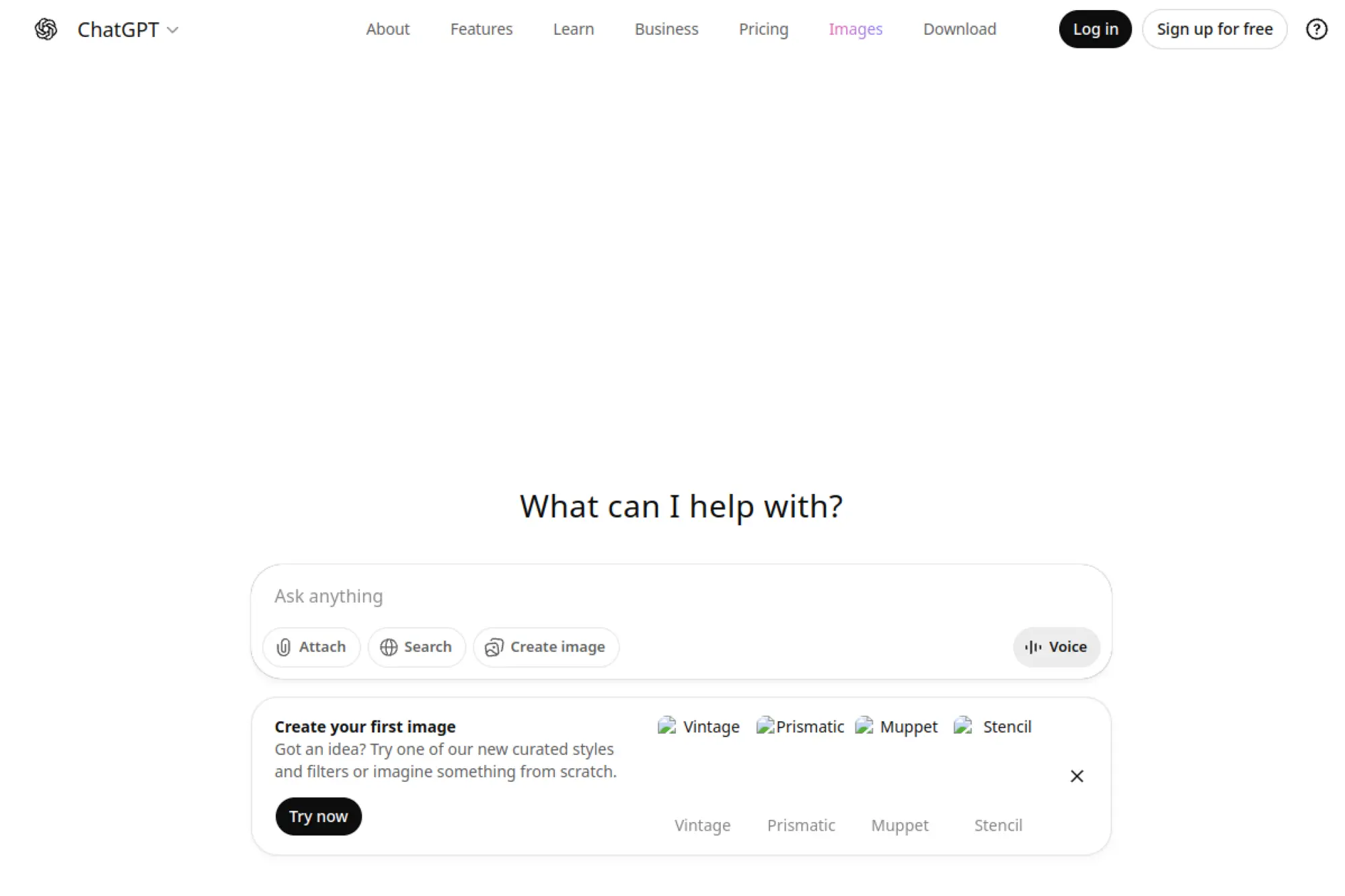
ChatGPT is built by OpenAI, a research-and-product team known for fast iteration. The platform has matured into a writing workspace, not just a chat box. Projects, file uploads, and “deep research” modes make it feel closer to a lightweight content studio than a novelty.
Outcome: turn messy inputs into clean drafts, faster than your calendar can complain. Best for: solo marketer, cross-functional startup team that needs drafts plus analysis.
- Projects and tasks → keep briefs, drafts, and revisions in one reusable workspace.
- Search and connectors → skip 2–4 copy-paste steps when pulling context from tools.
- Familiar chat UX → first usable outline in about 5–10 minutes.
Pricing & limits: From $0/mo; Plus is $20/mo; Business is $25/user/mo billed annually. Trial: none standard for Plus; Business shows a “try for free” offer at signup. Caps: Free shows a 16K non-reasoning context, while Plus lists 32K.
Honest drawbacks: Output quality still depends on your prompt clarity and inputs. Also, “limits apply” can feel vague for teams planning volume.
Verdict: If you need drafts, rewrites, and quick research, this helps you ship clearer content within a day. Beats many niche writers on flexibility; trails dedicated SEO suites on SERP-specific scoring.
Score: 4.6/5
2. Google Gemini
Google Gemini comes from Google’s AI and product teams. Its biggest advantage is proximity to Google’s ecosystem and daily productivity surfaces. For many teams, that means fewer tabs and fewer context switches.
Outcome: draft, summarize, and repurpose content while staying inside Google workflows. Best for: Google Workspace-heavy teams, founders who live in Docs and Gmail.
- Deep research flows → turn a vague topic into a structured brief you can assign.
- Google ecosystem fit → often removes 2–3 export-and-reformat steps per draft.
- Subscription onboarding → first useful output in about 10 minutes after setup.
Pricing & limits: From $19.99/mo for Google AI Pro, with $0 for one month listed. Trial: 1 month at $0. Caps: 1,000 monthly AI credits are listed for the Pro plan.
Honest drawbacks: Heavy non-Google stacks will feel friction. Also, credit-style limits can surprise high-volume teams mid-campaign.
Verdict: If you want better drafts inside a Google-first workflow, this helps you publish faster in the same week. Beats many tools at Workspace proximity; trails ChatGPT on broad third-party tooling.
Score: 4.2/5
3. Jasper
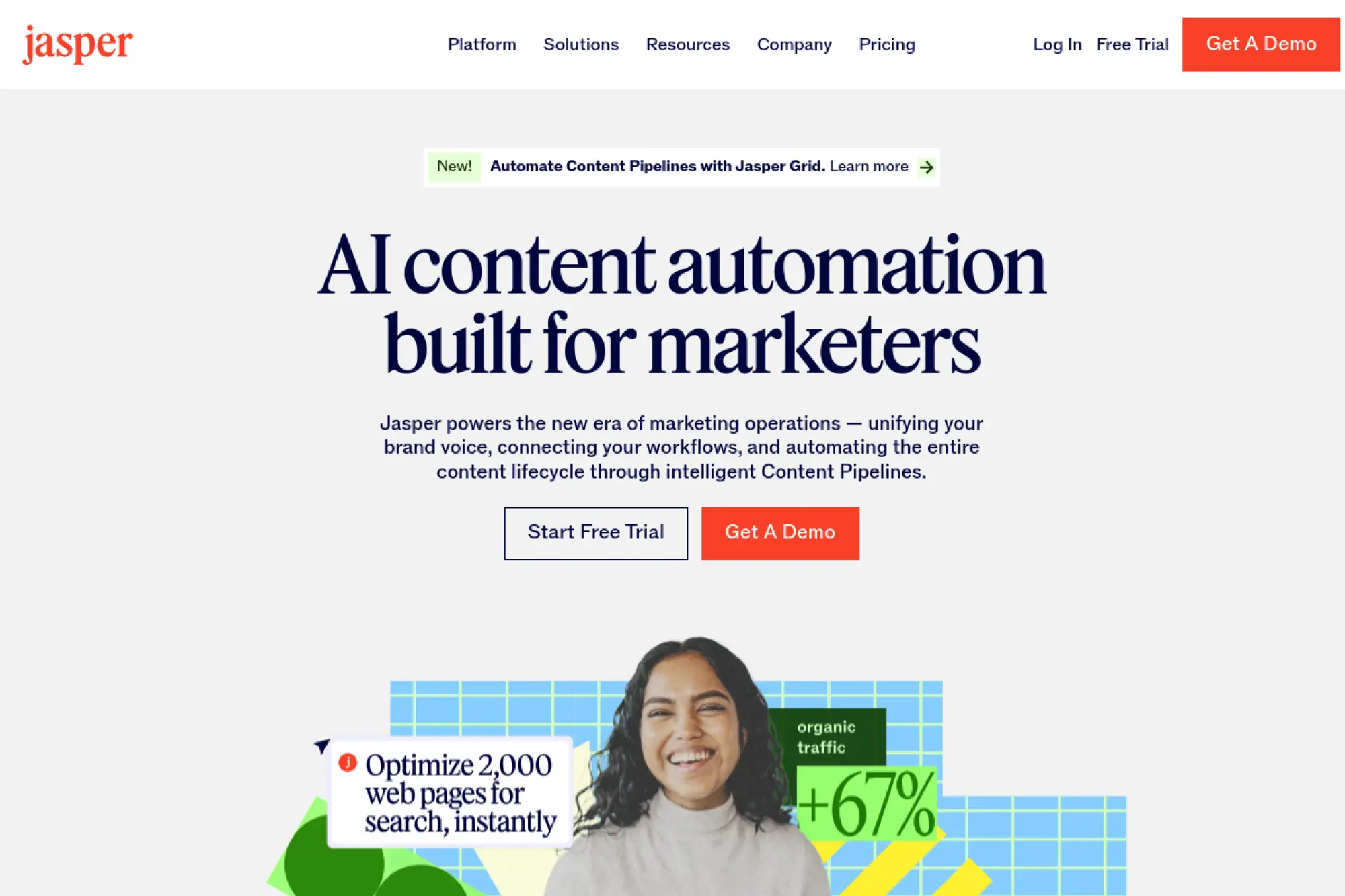
Jasper is built for marketing teams who care about brand consistency. The company positions the product as an on-brand AI layer for campaigns. Teams tend to adopt it when “voice drift” becomes a real cost.
Outcome: produce on-brand campaign content without rewriting everything yourself. Best for: in-house marketing teams, agency writers juggling multiple client voices.
- Brand Voice and knowledge assets → reduce “doesn’t sound like us” edits in reviews.
- Marketing-focused apps → save 2–3 steps per asset versus generic prompting.
- Guided trial flow → first on-brand draft in about 30–60 minutes.
Pricing & limits: From $59/seat/mo for Pro, with a 7-day free trial. Trial: 7 days. Caps: Pro includes 1 seat and lists 2 Brand Voices, 5 Knowledge assets, and 3 Audiences.
Honest drawbacks: Seat-based pricing can rise fast for large teams. Also, it can feel heavyweight if you only need simple rewrites.
Verdict: If you need consistent marketing copy across channels, this helps you launch cleaner campaigns within one sprint. Beats general chat tools on brand controls; trails them on open-ended flexibility.
Score: 4.0/5
4. Writesonic

Writesonic is built around marketing output and SEO workflows. The team has leaned into “content automation” rather than pure text generation. It’s trying to be your lightweight marketing bench.
Outcome: move from keyword to publish-ready draft with fewer tools in between. Best for: solopreneurs, small SEO teams shipping weekly content.
- AI article generations → turn a content plan into batches you can schedule.
- SEO data integrations → save 2–4 manual research steps per topic.
- Quick plan setup → first optimized draft in about 20–30 minutes.
Pricing & limits: From $49/mo (Lite, billed annually) with a “start free trial” option. Trial: available with no credit card, per the pricing FAQ. Caps: Lite lists 1 included user and 1 included project, with audits and writing styles capped by plan.
Honest drawbacks: Plan structure is busy, and add-ons can pile up. Also, “fair use” language can be hard to forecast for AI-heavy teams.
Verdict: If you want SEO-minded drafts at speed, this helps you publish a working article in a single session. Beats generic chat tools on workflow; trails Surfer on deep optimization detail.
Score: 4.1/5
5. Copy.ai
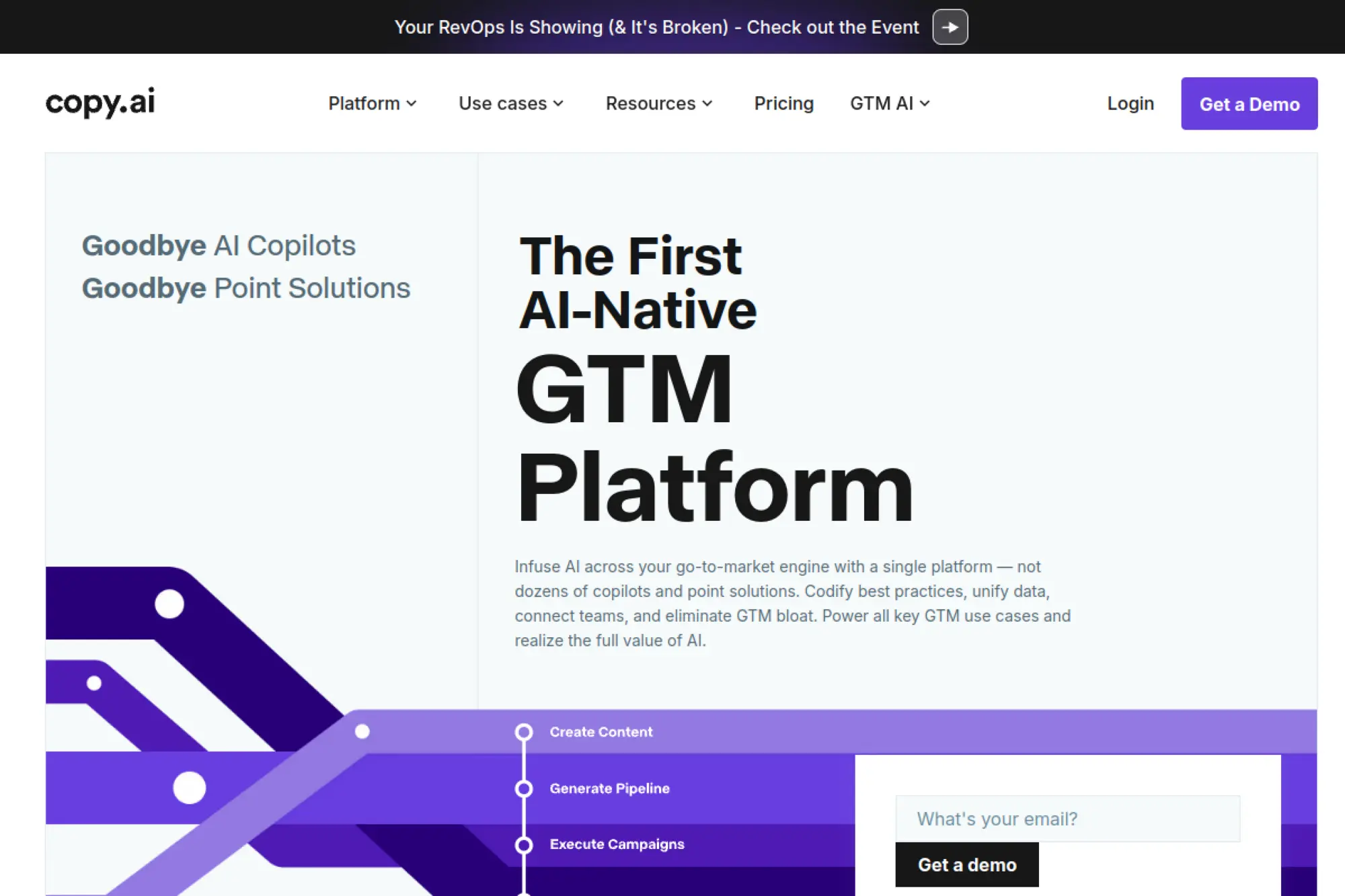
Copy.ai is built by a team focused on go-to-market workflows. The product has shifted from “templates” toward chat plus automations. That shift matters when you want repeatable outputs, not one-off copy.
Outcome: generate and automate routine marketing copy without rebuilding prompts daily. Best for: small GTM teams, marketers building repeatable workflows.
- Chat projects → keep campaigns organized, so drafts do not vanish in scrollback.
- Workflow credits → replace 2–5 manual steps with reusable automations.
- Fast onboarding → first usable workflow in about 30–45 minutes.
Pricing & limits: From $29/mo for the Chat plan, which includes 5 seats and unlimited words in chat. Trial: not stated on the pricing excerpt; plan is available for direct signup. Caps: Agents plan lists 10k workflow credits per month and up to 10 seats.
Honest drawbacks: Automation value depends on you defining a clear process first. Also, workflow credits can become the bottleneck for heavy users.
Verdict: If you want repeatable copy systems, this helps you ship consistent assets within a week. Beats template-only tools on automation; trails Jasper on brand-governance depth.
Score: 4.2/5
6. Rytr
Rytr is a budget-friendly AI writer built for speed and simplicity. The team keeps the product lightweight, with common writing use cases baked in. It works best when you need quick drafts, not deep process control.
Outcome: produce decent first drafts fast, without paying enterprise prices. Best for: freelancers, early-stage founders writing their own marketing.
- Simple generators → turn short inputs into usable copy blocks quickly.
- Low-friction workflow → save 1–2 steps versus tools that require “projects” setup.
- Minimal UI → first draft in about 5 minutes after signup.
Pricing & limits: From $0/mo for Free, with 10K characters per month. Paid plans start at $7.50/mo and include unlimited generations. Trial: the Free plan is free forever. Caps: Free includes 10K characters per month and no plagiarism checks.
Honest drawbacks: Brand voice controls are limited on lower tiers. Also, long-form structure can feel shallow without manual outlining.
Verdict: If you need quick copy for emails and posts, this helps you get a clean draft today. Beats many tools on price; trails ChatGPT on reasoning and multi-step editing.
Score: 4.1/5
7. Article Forge
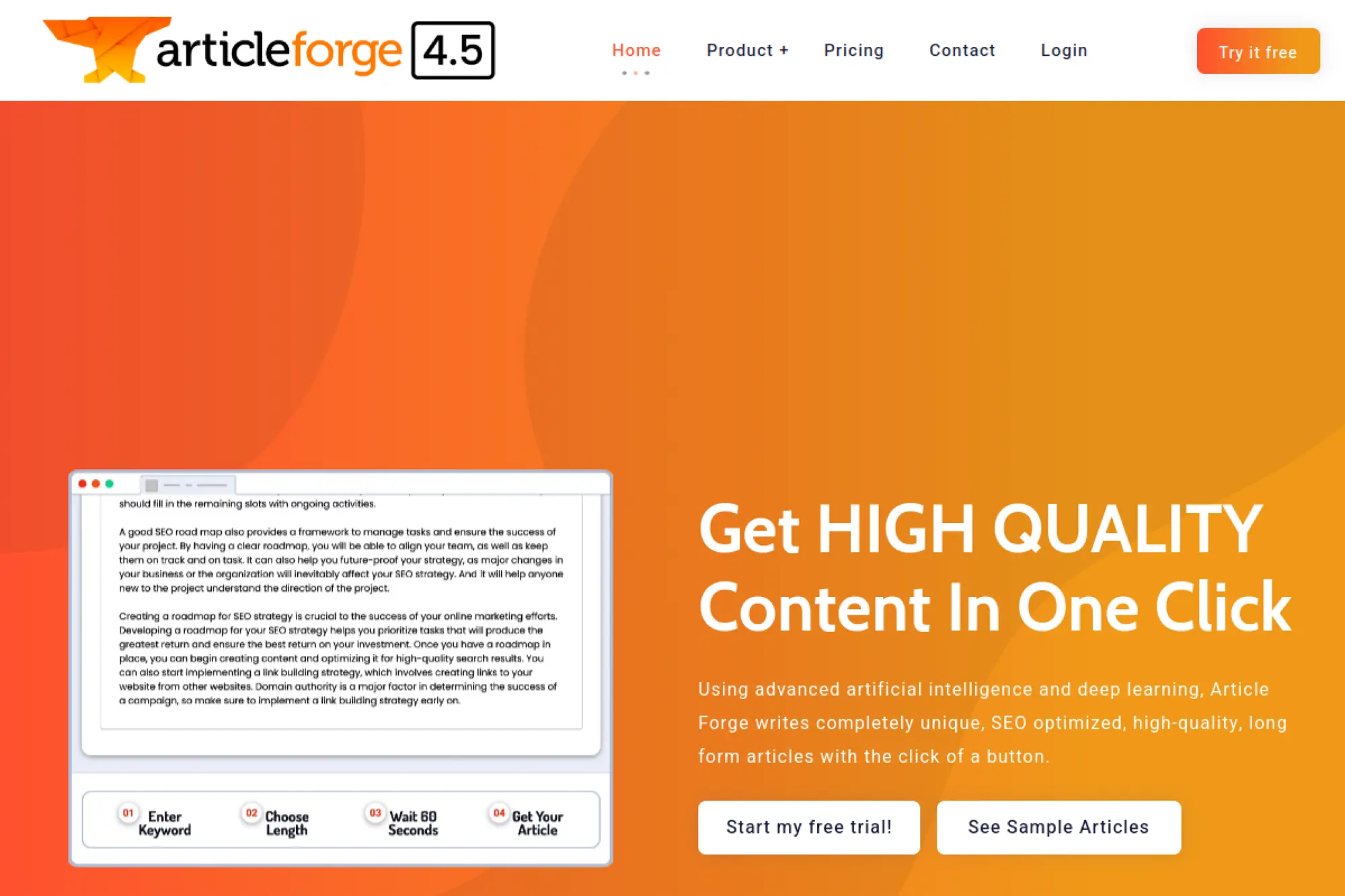
Article Forge is designed for long-form generation at scale. The team markets it as a hands-off article engine, with bulk generation and blog posting support. It’s a “produce volume” tool first.
Outcome: generate long-form articles quickly when volume is the priority. Best for: niche site operators, SEO teams testing many topics.
- Long-form generation → get a 1,500+ word draft without building a prompt library.
- Bulk creation → save 3–6 repetitive setup steps per batch of articles.
- Trial workflow → first full article in about 15–30 minutes.
Pricing & limits: From $57/mo billed monthly, or $27/mo billed annually, for 250,000 words per month and 1 user. Trial: 5 days, capped at 10,000 words. Caps: standard tier lists 250,000 words per month and 1 user.
Honest drawbacks: You still need strong human editing for voice and accuracy. Also, one-size generation can create sameness across a content library.
Verdict: If you need a lot of drafts to triage, this helps you fill a pipeline in a weekend. Beats manual drafting on speed; trails tools like Surfer on precision optimization.
Score: 3.6/5
8. Frase
Frase is built for SEO research-to-writing loops. The team focuses on turning SERP patterns into outlines, then drafts you can refine. It’s strongest when you want structure and optimization in one place.
Outcome: create search-aligned content briefs and drafts without juggling extra tools. Best for: SEO content leads, freelance writers doing optimization work.
- Content projects → turn SERP analysis into cleaner outlines and fewer missed subtopics.
- Rank-Ready documents → save 30–60 minutes per article on first-draft assembly.
- Editor-first UX → first optimized outline in about 20 minutes.
Pricing & limits: From $45/mo for Starter with 1 user, 15 content projects per month, and 2 Rank-Ready documents per month. Trial: “start for free” is offered on the pricing page. Caps: Starter also lists SEO analytics for 1 domain and one saved brand voice.
Honest drawbacks: AI drafting quality depends on your brief quality. Also, project caps can bite agencies with many clients.
Verdict: If you want SEO-guided writing that stays organized, this helps you publish stronger articles within a week. Beats generic tools on SERP grounding; trails Clearscope on pure optimization focus.
Score: 4.0/5
9. Anyword
Anyword is built for performance-minded marketing copy. The product team leans into predictive scoring and iteration loops. It’s made for “which version wins” people, not “just write something” people.
Outcome: write marketing copy with guardrails that push you toward better conversion. Best for: paid media managers, growth marketers optimizing landing pages.
- Performance predictions → choose stronger variants faster, with fewer gut-feel debates.
- Chrome extension and workflows → save 2–3 steps when rewriting in-context.
- Quick setup → first scored variant set in about 20 minutes.
Pricing & limits: From $49/mo for Starter, with a 7-day free trial. Trial: 7 days. Caps: Starter lists 100 performance predictions, 50 performance data rows, and 1 seat.
Honest drawbacks: It can feel overkill for blog-first teams. Also, prediction-style limits can constrain high-volume ad testing.
Verdict: If you want copy that is built for testing, this helps you iterate faster in the same campaign window. Beats many writers at ad-focused scoring; trails ChatGPT for broad creative exploration.
Score: 3.9/5
10. Pepper Content
Pepper Content operates as an enterprise content platform and talent marketplace. The team’s angle is “human + AI” across the content lifecycle. It works best when you need orchestration, not just generation.
Outcome: run a content engine that blends AI drafts with human production at scale. Best for: enterprise marketing teams, content ops leads managing many stakeholders.
- Lifecycle tooling → reduce handoffs by keeping ideation, writing, and audit in one system.
- AI plus network → save days of back-and-forth when you need vetted human support.
- Platform onboarding → first workflow value in about 1–2 weeks for teams.
Pricing & limits: From $35/mo for Peppertype’s Starter plan as an entry AI writer, with a fair-usage policy noted at 200,000 words. Trial: Pepper’s CMP page mentions a 14-day free trial when access is granted. Caps: Peppertype’s starter tier notes 1 seat, with usage governed by fair use.
Honest drawbacks: Full CMP pricing is not transparently listed, so budgeting can be slow. Also, enterprise rollouts can add procurement friction.
Verdict: If you need governance plus scale, this helps you standardize content production over a quarter. Beats tool-only stacks on orchestration; trails lightweight writers on speed to solo output.
Score: 3.7/5
11. Clearscope

Clearscope is built for content optimization teams. The company’s focus is clear: improve content quality signals with practical recommendations. It is less a writer and more a ruthless editor.
Outcome: tighten content relevance so pages earn better visibility and stay competitive. Best for: SEO editors, content teams refreshing existing libraries.
- Topic explorations → find missing subtopics and reduce revision loops in editing.
- Content inventory → save 1–2 hours spotting decay versus manual spreadsheets.
- Usable UX → first optimization pass in about 15 minutes per page.
Pricing & limits: From $129/mo for Essentials. Trial: not stated on the pricing page excerpt. Caps: Essentials includes 20 AI Tracked Topics, 20 Topic Explorations monthly, 20 AI Drafts, and 50 content inventory pages.
Honest drawbacks: It is expensive if you only need occasional optimization. Also, it will not replace a full writer for net-new content.
Verdict: If you want stronger on-page relevance, this helps you improve existing content within a week. Beats many suites on clarity and focus; trails broader platforms on end-to-end publishing.
Score: 4.1/5
12. Reword
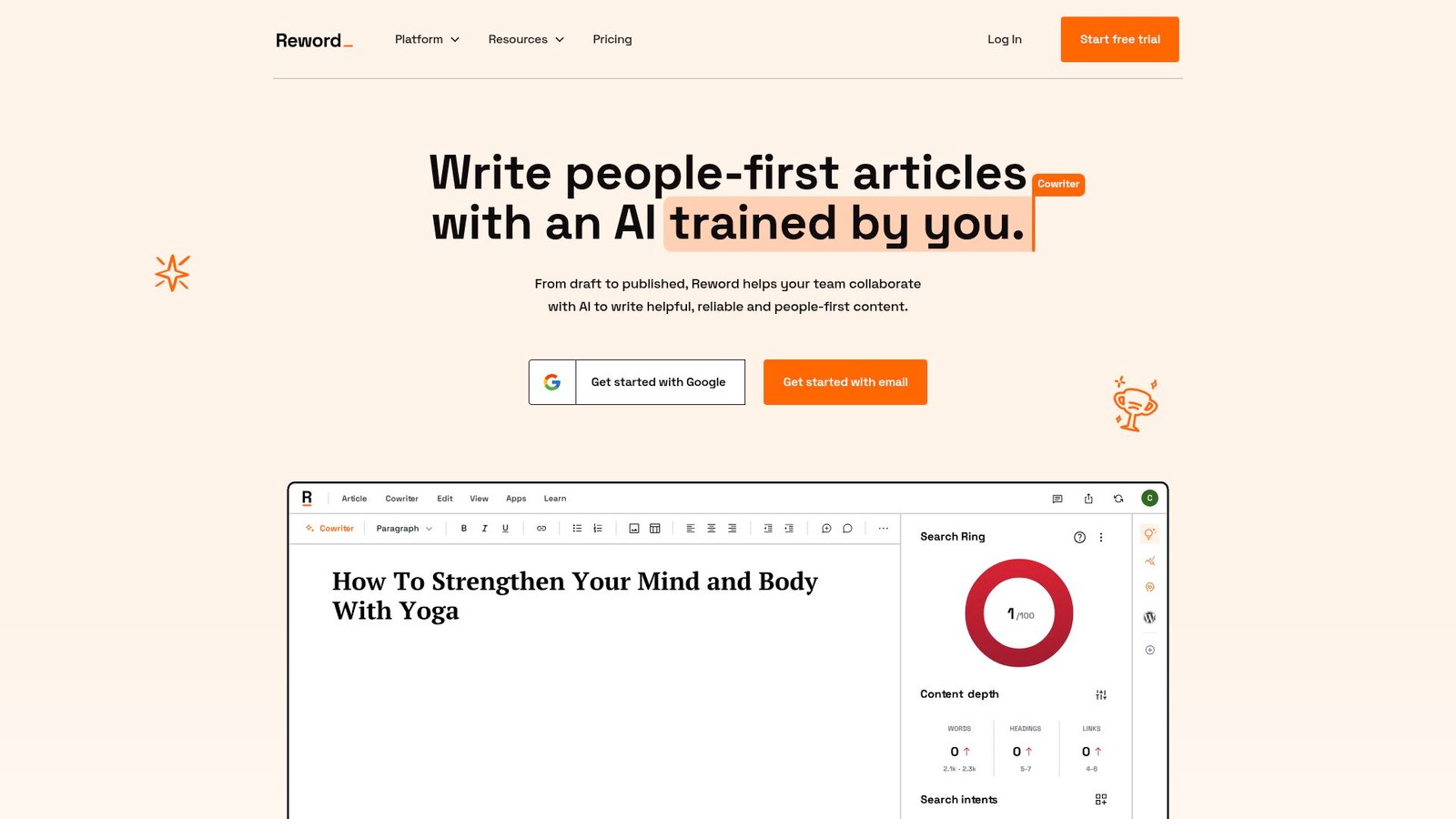
Reword is built around a “cowriter” concept for publishers and teams. The company emphasizes training and collaboration, so outputs match your editorial reality. It’s designed to feel like a newsroom assistant, not a slot machine.
Outcome: write people-first articles with a trained assistant that learns your context. Best for: content leads, publishers building a repeatable editorial voice.
- Trained voices → cut “rewrite for tone” time across drafts and contributors.
- Integrations like GSC and CMS tools → save 2–3 steps on research and publishing loops.
- Training flow → initial training takes about 10–20 minutes.
Pricing & limits: From $60/mo on monthly billing, or $48/mo billed annually, with a 7-day trial. Trial: 7 days. Caps: Essential includes 1 seat and lists 20 new drafts per month in the plan comparison.
Honest drawbacks: It is not the cheapest option for solo creators. Also, value depends on feeding it good internal examples.
Verdict: If you want consistent long-form writing with team context, this helps you raise quality within a month. Beats generic writers on training; trails Grammarly on pure sentence-level polish.
Score: 4.0/5
13. Surfer
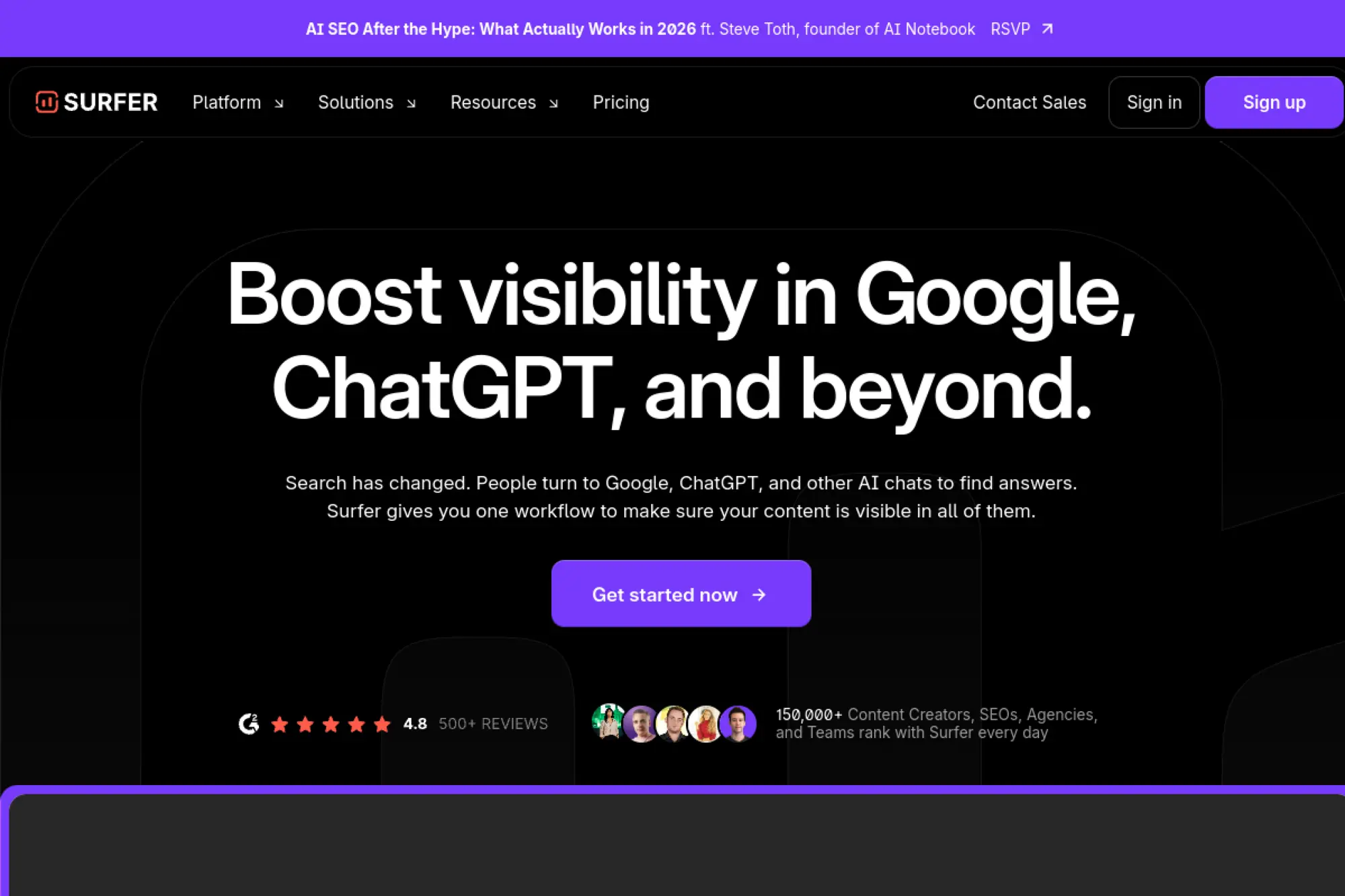
Surfer is built for SEO-driven content production. The team positions it as a visibility platform spanning Google and AI surfaces. It shines when you want concrete targets, not vibes.
Outcome: write and optimize content that matches what already ranks. Best for: SEO specialists, content managers shipping consistent search content.
- Content Editor and scoring → reduce “what should we add” guesswork during edits.
- AI articles plus optimization tools → save 1–2 hours per piece on setup and drafting.
- Docs and WordPress integrations → first optimized draft in about 30–60 minutes.
Pricing & limits: From $99/mo for Essential. Trial: not stated on the pricing excerpt, but plans are selectable online. Caps: Essential includes 30 Content Editor articles per month and 5 rank-ready AI articles per month.
Honest drawbacks: Costs rise with higher output needs. Also, teams may still want a separate editorial style tool for tone.
Verdict: If you want SEO targets that drive revisions, this helps you publish better-aligned content in the same week. Beats many writers on SERP specificity; trails Ahrefs on deep backlink research breadth.
Score: 4.2/5
14. HubSpot AI Blog Writer
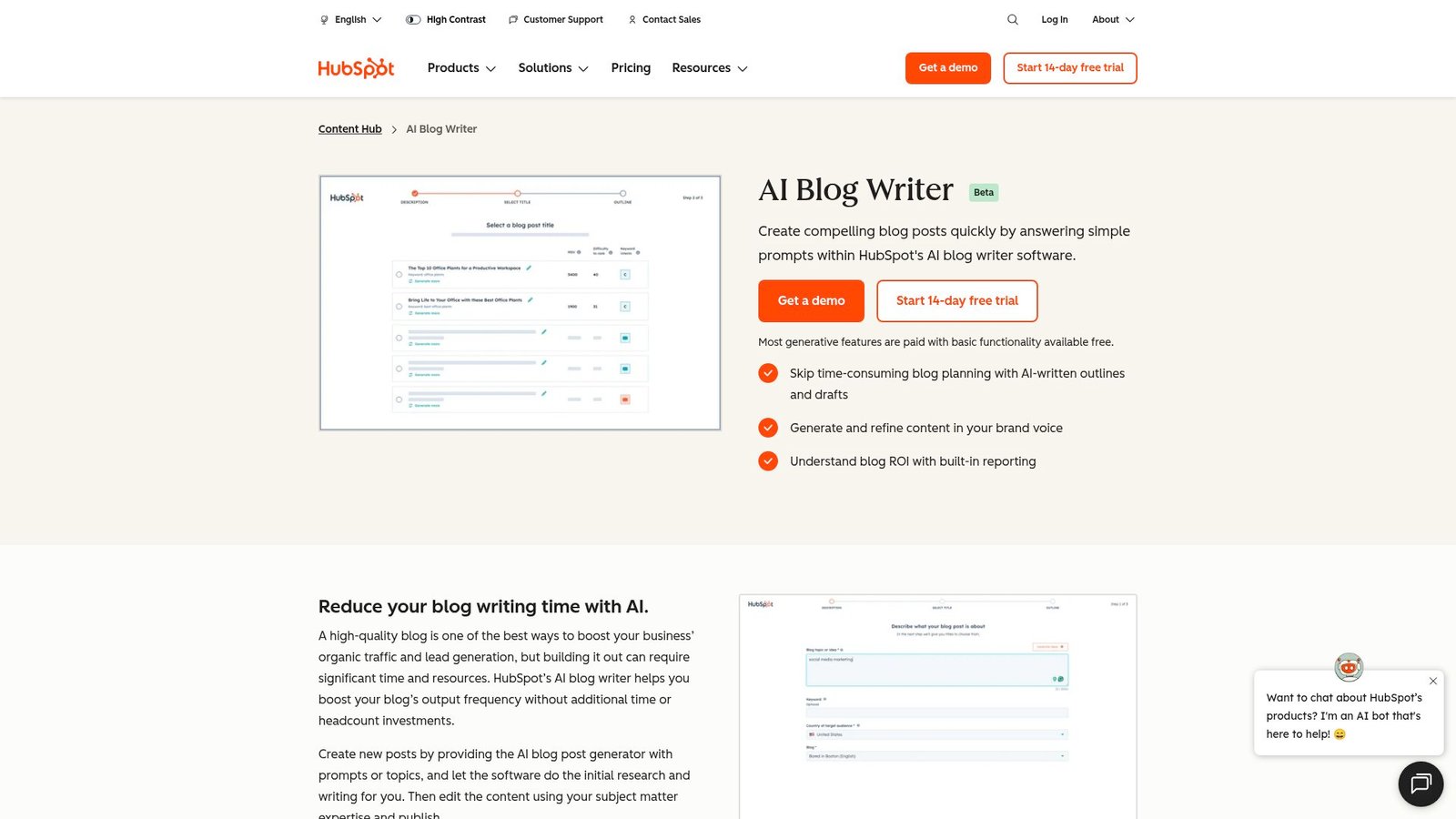
HubSpot’s AI Blog Writer (currently in beta) is basically a caffeine shot for your content calendar. Inside HubSpot’s Content Hub, you answer a few simple prompts and the tool quickly generates blog outlines and first drafts—perfect for escaping writer’s block without sacrificing quality.
It also connects with Breeze Copilot, letting you draft, rewrite, adjust tone, and shape the text into your brand voice without bouncing between a dozen apps. Even better, HubSpot bakes in reporting so you can track blog performance and ROI after publishing. Basic features are free, while advanced generative tools are paid.
Outcome: create content that connects directly to contacts, campaigns, and reporting. Best for: SMB marketing teams, ops-minded marketers who want one system.
- CRM-connected content → reduce manual list exports and audience guessing.
- Automation and campaigns → save 3–5 steps when scheduling, tagging, and reporting.
- Fast free start → first email or landing draft in about 30 minutes.
Pricing & limits: From $0/mo for Free tools, with Starter starting at $15/month per seat on HubSpot’s pricing pages. Trial: Free plan is ongoing. Caps: Marketing Hub Enterprise starts at $3,600/month and includes onboarding fees on higher tiers.
Honest drawbacks: It can get expensive as you scale seats and contacts. Also, it is not the fastest way to do pure writing in isolation.
Verdict: If you want content tied to revenue workflows, this helps you ship and measure within one quarter. Beats standalones on CRM context; trails ChatGPT on freeform ideation speed.
Score: 4.0/5
15. SudoWrite
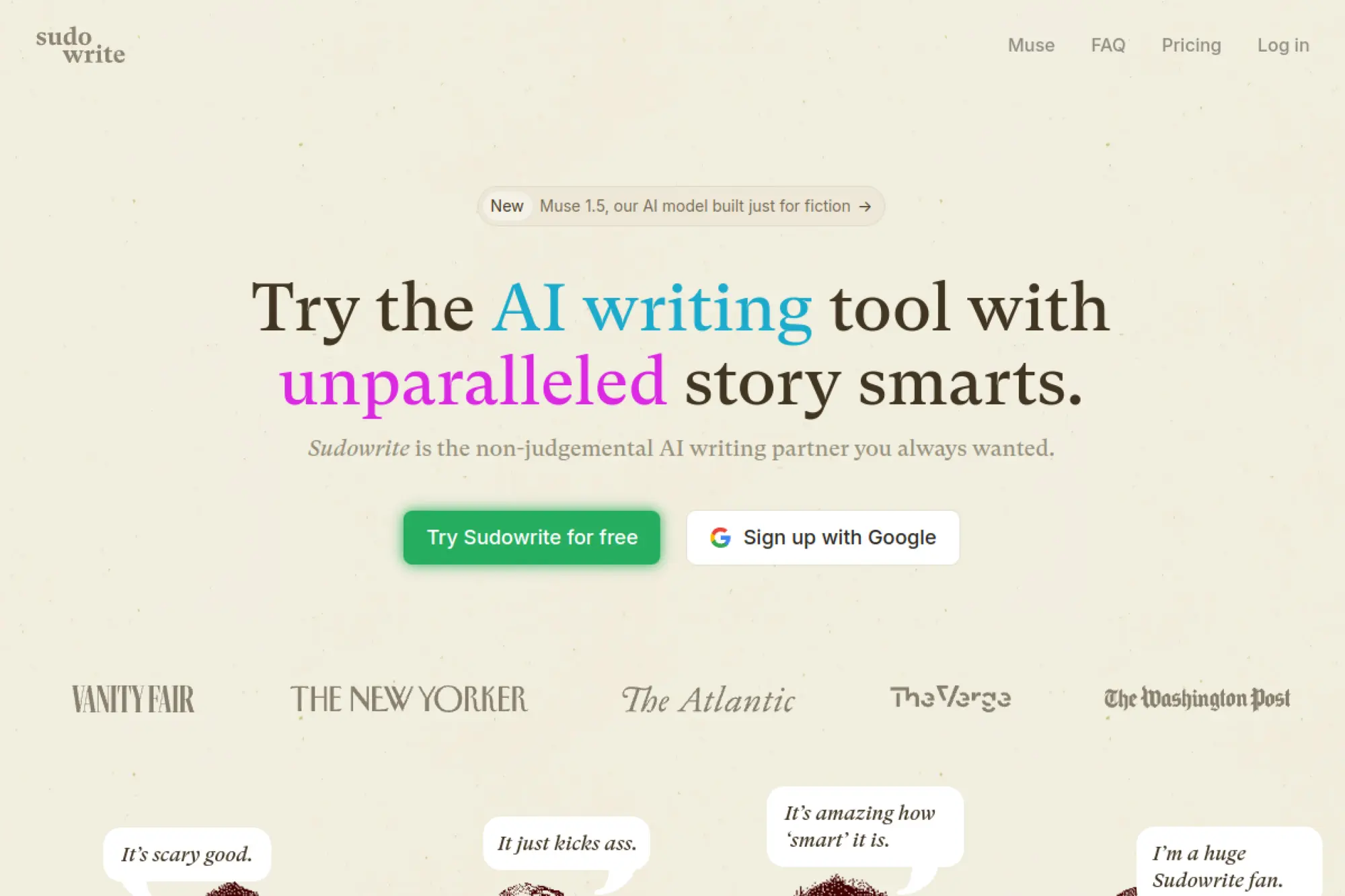
SudoWrite is built for creative writers, not marketing departments. The team leans into “make writing fun again” tools. That focus shows in how it nudges you past blocks instead of chasing SEO scores.
Outcome: break writer’s block and keep momentum on long creative projects. Best for: novelists, screenwriters, fiction writers on deadlines.
- Creative drafting modes → generate options when a scene stalls mid-paragraph.
- Credit-based usage → save 1–2 false-start drafts by exploring variations fast.
- Low-friction setup → first helpful continuation in about 10 minutes.
Pricing & limits: From $10/mo for Hobby & Student, with 225,000 credits per month listed. Trial: “Start Free Trial” is offered, but duration is not shown on the pricing excerpt. Caps: entry tier specifies a monthly credit allotment.
Honest drawbacks: It is not built for SEO workflows or content briefs. Also, credits require a little learning to budget across features.
Verdict: If you want to write more fiction consistently, this helps you produce pages this week. Beats most tools at creative momentum; trails Grammarly on formal business polish.
Score: 4.3/5
16. Growthbar
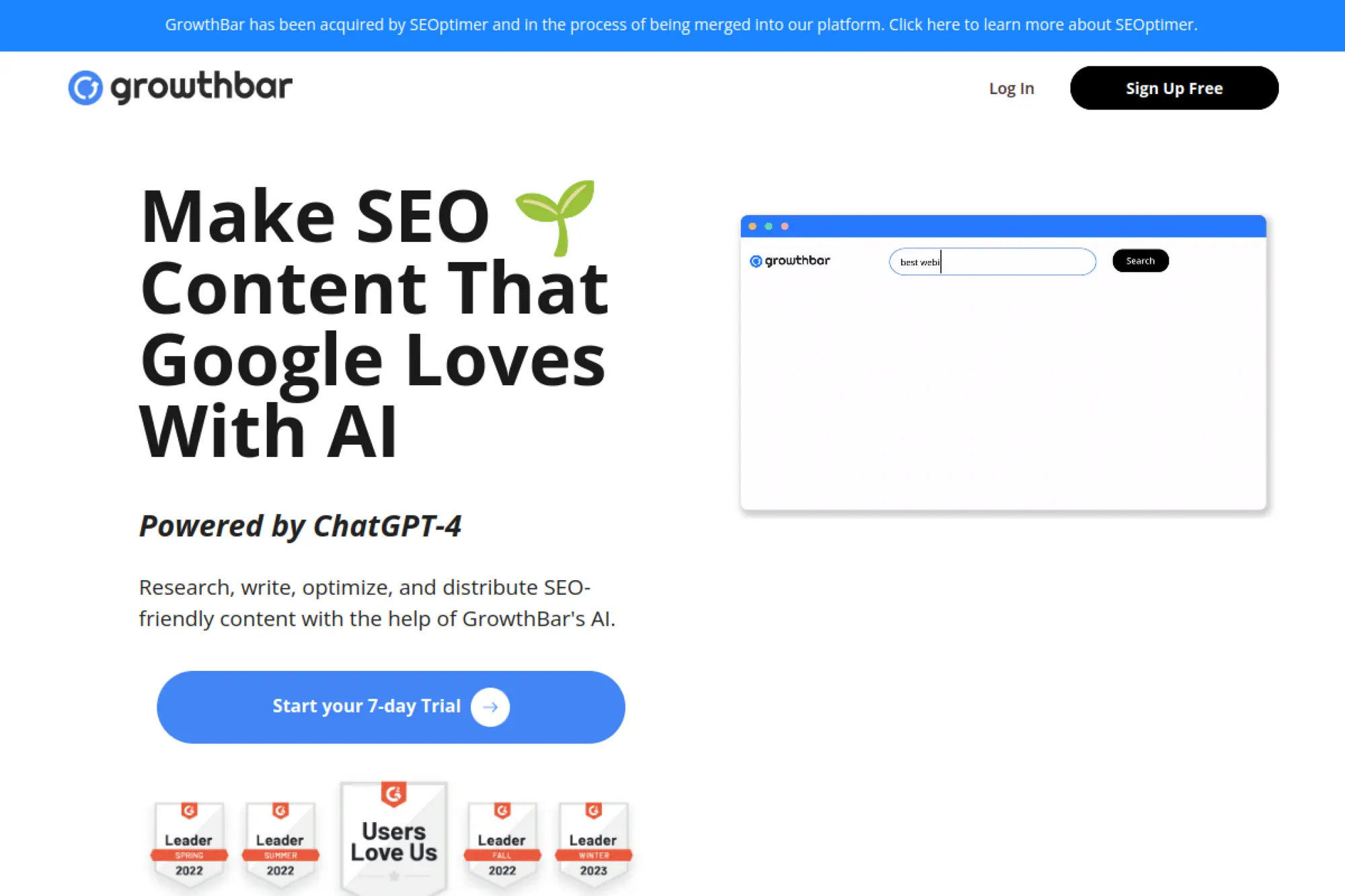
GrowthBar is built for marketers who want SEO plus writing in one dashboard. The product team mixes research, outlines, and draft support. It aims to be the “good enough” SEO assistant you actually use.
Outcome: research and draft SEO content without building a complex stack. Best for: solo marketers, small agencies managing a few sites.
- AI blog articles or audits → produce content briefs without separate SERP tools.
- Keyword and GSC integration → save 2–3 steps when validating topic ideas.
- Simple setup → first outline in about 15–20 minutes.
Pricing & limits: From $36/mo shown on the pricing page for Standard, with a 7-day free trial. Trial: 7 days. Caps: Standard lists 25 AI blog articles or audits per month and 2 user accounts.
Honest drawbacks: Advanced SEO teams may outgrow the depth quickly. Also, plan messaging can be confusing due to promotions and discounts.
Verdict: If you want “one tool that’s enough,” this helps you publish an SEO draft this week. Beats piecing together spreadsheets; trails Surfer on deep optimization targets.
Score: 3.8/5
17. Scalenut

Scalenut is built for GEO and SEO workflows, with a team angle toward end-to-end content ops. It combines planning, drafting, and auditing under one banner. For busy teams, that consolidation is the point.
Outcome: build topical authority with a repeatable research-to-draft pipeline. Best for: startups scaling organic content, lean SEO teams.
- Ready-to-rank articles → reduce outline-to-draft time per post.
- WordPress publishing support → skip 2–3 steps moving drafts into a CMS.
- Plan-based workflows → first publishable draft in about 1–2 hours.
Pricing & limits: From $49/mo for Essential, with 5 ready-to-rank humanized articles per month. Trial: not stated in the help article excerpt. Caps: Growth is $79/mo with 30 articles and audits up to 200 pages per month.
Honest drawbacks: The tool tries to do many things, so UX can feel dense. Also, some features are locked behind higher tiers and add-ons.
Verdict: If you need a structured SEO pipeline, this helps you scale output within a month. Beats basic writers on workflow; trails Ahrefs on raw link data depth.
Score: 3.9/5
18. Outranking
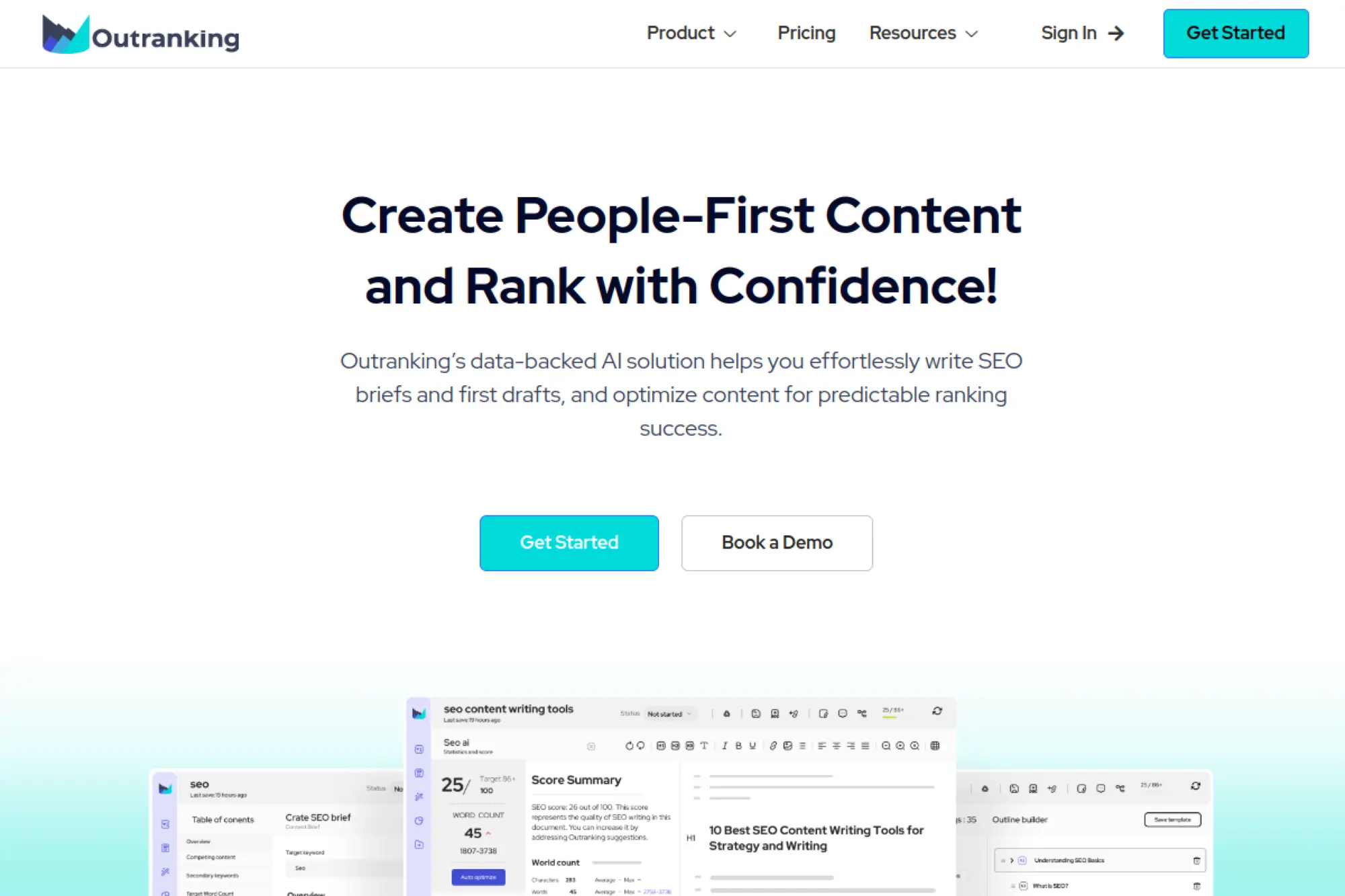
Outranking is built for SEO documents and optimization-first drafting. The team positions it as a guided writing system that keeps you aligned to ranking goals. It is less playful, more procedural.
Outcome: produce SEO-focused drafts that require fewer optimization rewrites. Best for: SEO writers, agencies producing templated SEO pages.
- SEO documents → keep each article tied to a measurable optimization workflow.
- Automatic optimization and linking → save 2–4 manual cleanup steps per draft.
- Clear plan tiers → first optimized doc in about 45–60 minutes.
Pricing & limits: From $19/mo for Starter with 4 SEO Documents. Trial: not stated on the pricing page excerpt. Caps: SEO Writer is $79/mo with 15 SEO Documents and 2 users.
Honest drawbacks: Creative brand storytelling can feel constrained by the SEO-first frame. Also, the workflow assumes you want “documents,” not freeform writing.
Verdict: If you want SEO drafts with a checklist built in, this helps you ship within the same week. Beats generic writers at structure; trails Surfer on broader visibility tooling.
Score: 3.8/5
19. Describely
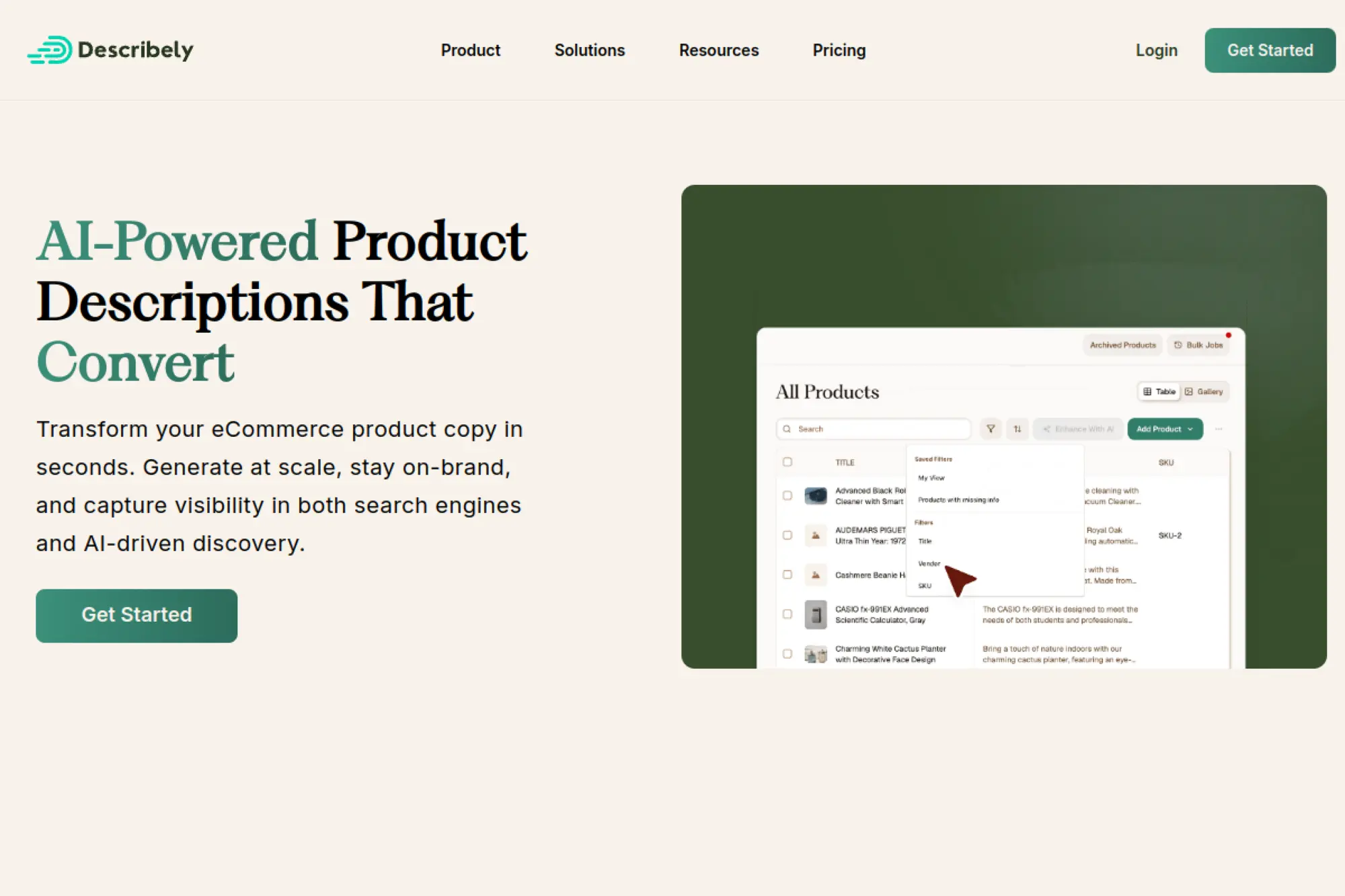
Describely is built for ecommerce catalog content. The team focuses on scale, rules, and consistency across hundreds of SKUs. It is not trying to write your blog; it is trying to fix your product pages.
Outcome: generate consistent product descriptions and metadata without weeks of manual work. Best for: ecommerce operators, marketplace teams managing large catalogs.
- Per-product generation → produce descriptions and meta fast across a backlog.
- Pay-as-you-go credits → avoid monthly subscriptions and save procurement steps.
- Catalog-first setup → first batch value in about 30–60 minutes.
Pricing & limits: From $0/mo with pay-as-you-go pricing at $0.75 per product for up to 500 products. Trial: Describely advertises a free plan in its ecosystem, and purchased products allow unlimited generations for 30 days after first generation. Caps: data enrichment is $0.55 per product credit, with additional usage rules defined in the knowledge base.
Honest drawbacks: It is specialized, so blog teams will not benefit much. Also, pay-as-you-go can still add up on massive catalogs without governance.
Verdict: If you need to refresh product pages fast, this helps you get weeks ahead in a day. Beats general writers on SKU structure; trails them on open-ended storytelling.
Score: 3.9/5
20. QuillBot
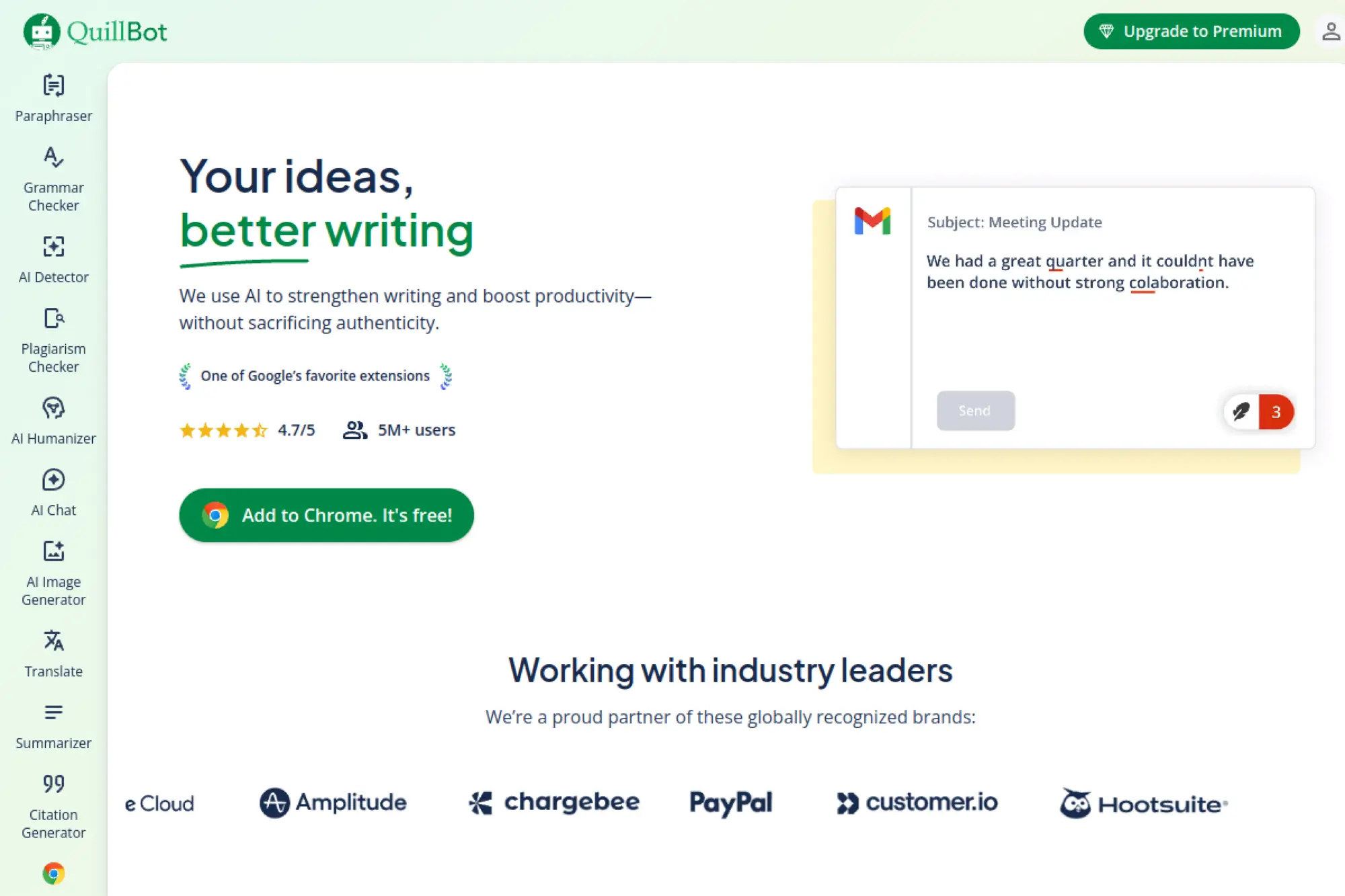
QuillBot is built as a rewriting-and-polish toolkit. The company’s focus is practical: paraphrase, summarize, and clean up writing with predictable controls. It is a strong “last mile” tool for students and pros alike.
Outcome: rewrite and polish text quickly without losing your meaning. Best for: students, busy professionals refining drafts.
- Paraphraser modes → create alternatives fast when a sentence feels stuck.
- Extensions and tools → save 1–3 steps versus copying into separate editors.
- Low learning curve → first improved paragraph in about 5 minutes.
Pricing & limits: From $19.95/mo for Premium, with an annual option at $8.33/mo ($99.95 billed yearly). Trial: Free plan is ongoing, plus a 3-day money-back guarantee is described for Premium. Caps: Free paraphrases up to 125 words and summarizes up to 1,200 words.
Honest drawbacks: It is not a strategy tool, so it will not plan content for you. Also, deep brand voice control is limited compared to marketing platforms.
Verdict: If you need cleaner writing fast, this helps you improve drafts today. Beats many tools on quick rewrites; trails Grammarly on broader tone and consistency features.
Score: 4.1/5
21. Grammarly
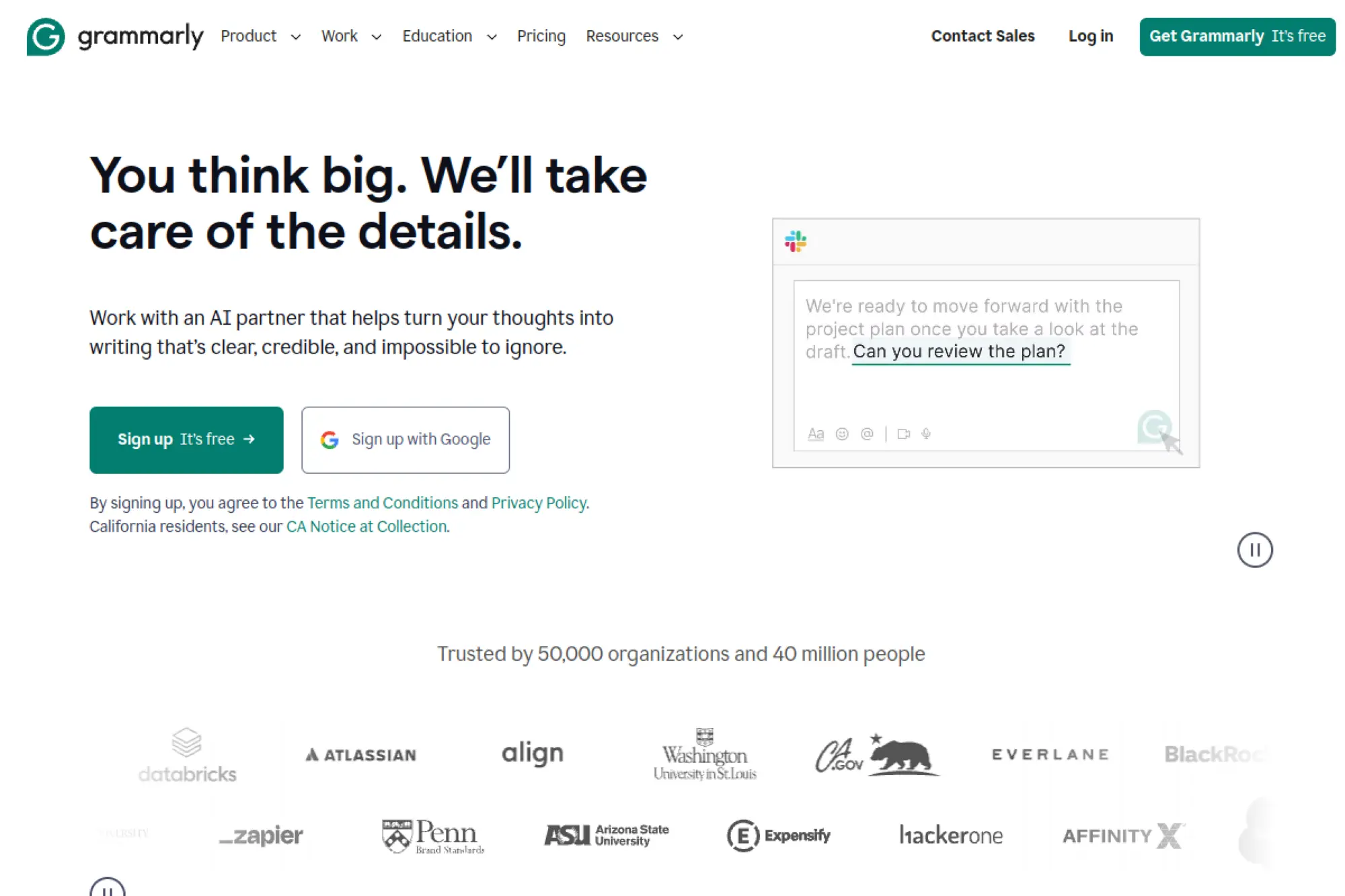
Grammarly is built by a team obsessed with everyday writing quality. It lives where you write, which is the real superpower. In 2026, the product is also a controlled AI assistant, not only a grammar checker.
Outcome: ship clearer, more confident writing across apps with fewer embarrassing misses. Best for: professionals writing daily, teams standardizing tone.
- Rewrite and tone controls → reduce “sounds harsh” edits before anyone replies.
- Prompt-based generation → save 2–3 drafting steps for common business messages.
- Browser-first setup → first value in about 5 minutes.
Pricing & limits: From $0/mo for Free; Pro is $12/member/month billed annually (or $30 monthly), with a 7-day trial available. Trial: 7 days for Pro, with an email reminder noted. Caps: Free includes 100 AI prompts, while Pro includes 2,000 AI prompts.
Honest drawbacks: It can feel prescriptive for creative writing. Also, full team controls and advanced security sit behind Enterprise.
Verdict: If you want fewer mistakes and faster rewrites everywhere, this helps you sound sharper immediately. Beats most tools at in-app presence; trails ChatGPT on long-form ideation freedom.
Score: 4.5/5
22. ProWritingAid
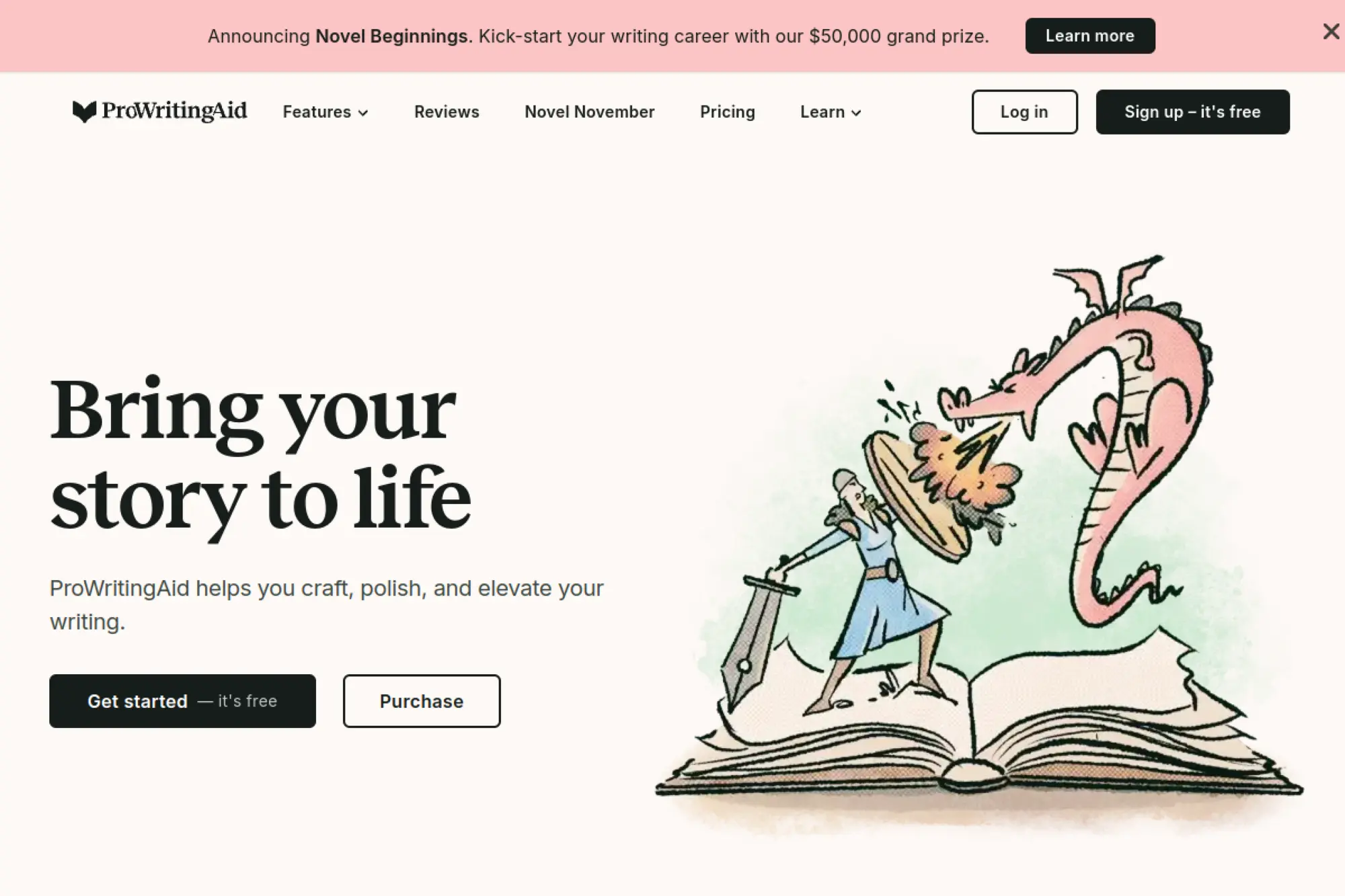
ProWritingAid is built for writers who want deeper feedback than basic grammar. The team has long focused on reports and style insights. It’s especially popular with long-form writers who revise in layers.
Outcome: diagnose style issues and tighten prose with structured reports. Best for: authors, editors, long-form writers who revise heavily.
- Writing reports → spot repeats and readability issues before an editor flags them.
- Rephrases and Sparks → save 2–3 rewrite passes on stubborn sentences.
- Report-first UX → first actionable insights in about 10 minutes.
Pricing & limits: From Free with a 500-word limit and 2 report runs per day. Paid starts at £30 per month billed monthly, or £10 per month billed yearly for Premium. Trial: Free plan is ongoing, plus a 3-day money-back guarantee is stated for yearly or lifetime purchases. Caps: Free also lists 10 Rephrases per day and 3 Sparks per day.
Honest drawbacks: It is English-only, which limits multilingual teams. Also, its UI can feel report-heavy if you want quick “one click” fixes.
Verdict: If you want deeper revision guidance, this helps you improve a chapter or article in a single sitting. Beats lightweight checkers on depth; trails Grammarly on seamless cross-app presence.
Score: 4.2/5
23. OpenAI
OpenAI is a platform team building models and APIs used across modern writing tools. This is not an “AI writing app” by default. It is the engine you can wire into your own content workflows.
Outcome: build custom writing, editing, and content ops automation that fits your stack. Best for: product teams, developers enabling content at scale.
- Model choice → tune cost and quality to the job, from drafts to reasoning.
- API-first automation → save 5–10 manual steps by generating at the point of work.
- Quick start docs → first working prototype in about 1–2 hours.
Pricing & limits: From $0/mo plus usage-based API costs. Trial: none stated as a universal free tier for core models, though usage tiers and rate limits vary by account. Caps: GPT-4.1 mini is listed at $0.40 per 1M input tokens and $1.60 per 1M output tokens, while o4-mini lists $1.10 input and $4.40 output per 1M tokens.
Honest drawbacks: You must own the UX, prompts, and guardrails yourself. Also, costs can spike if you do not measure and cache aggressively.
Verdict: If you want a custom content system, this helps you automate workflows within a sprint. Beats off-the-shelf tools on flexibility; trails them on “open and write” simplicity.
Score: 4.4/5
24. Chibi AI
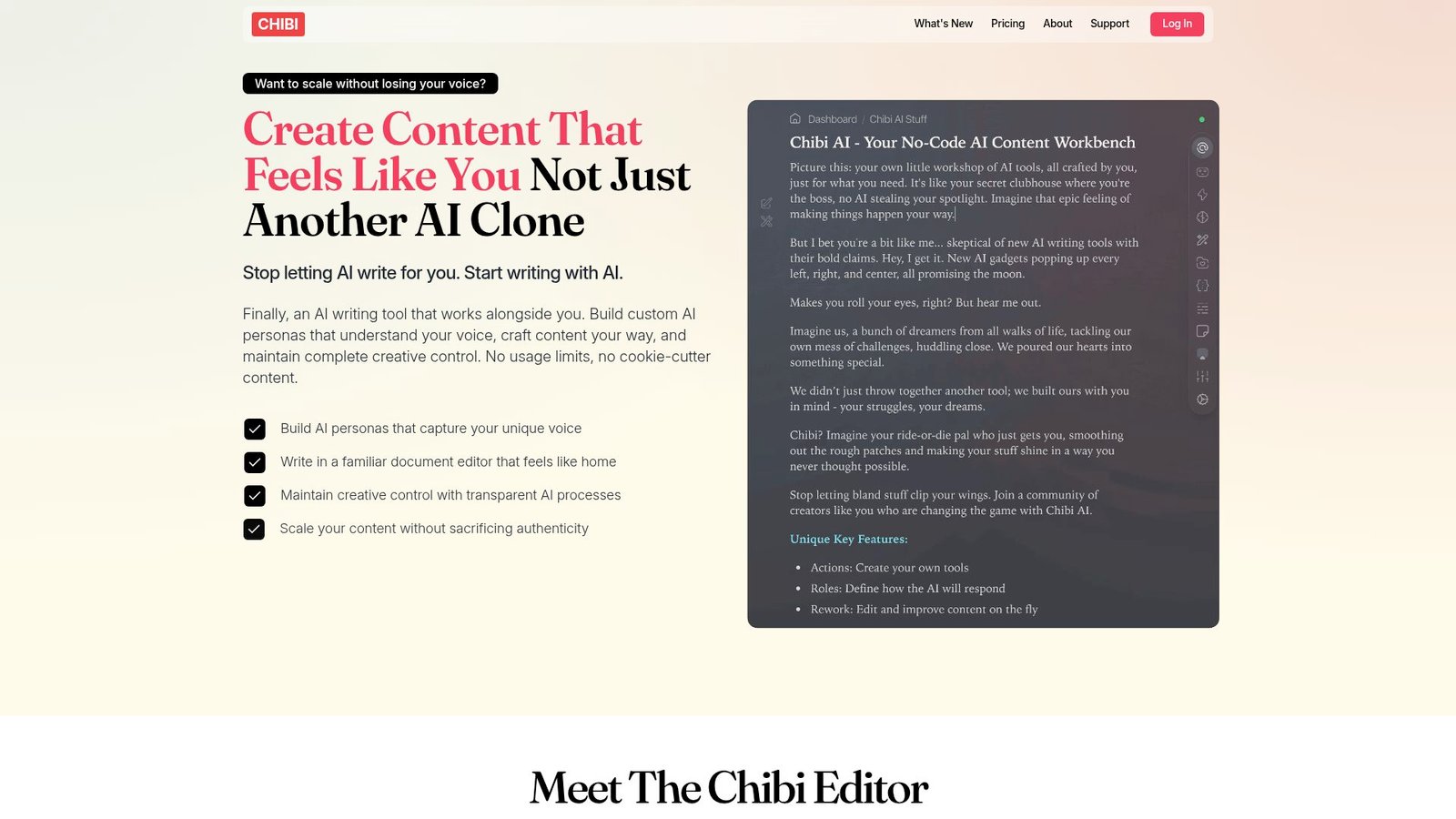
Chibi is built for writers who want a structured environment with flexible model choice. The team’s defining move is “bring your own model” via OpenRouter. That keeps the app lightweight while giving you control over model spend.
Outcome: write in a focused editor while controlling model costs and behavior. Best for: indie authors, power users who want BYO-AI economics.
- Editor plus memory features → keep long projects consistent across sessions.
- Bring-your-own OpenRouter key → skip 1–2 vendor markups and control costs directly.
- Simple plan setup → first draft in about 15 minutes.
Pricing & limits: From $29/month or $290/year. Trial: 3-day full-access trial with no credit card required. Caps: model token costs are paid to OpenRouter, so your usage ceiling depends on your OpenRouter settings.
Honest drawbacks: You must manage your own model billing and choices. Also, teams wanting centralized admin controls may need a more enterprise tool.
Verdict: If you want a writing studio with cost control, this helps you draft reliably this week. Beats many apps on BYO flexibility; trails Grammarly on universal, app-wide editing.
Score: 3.9/5
25. ClosersCopy
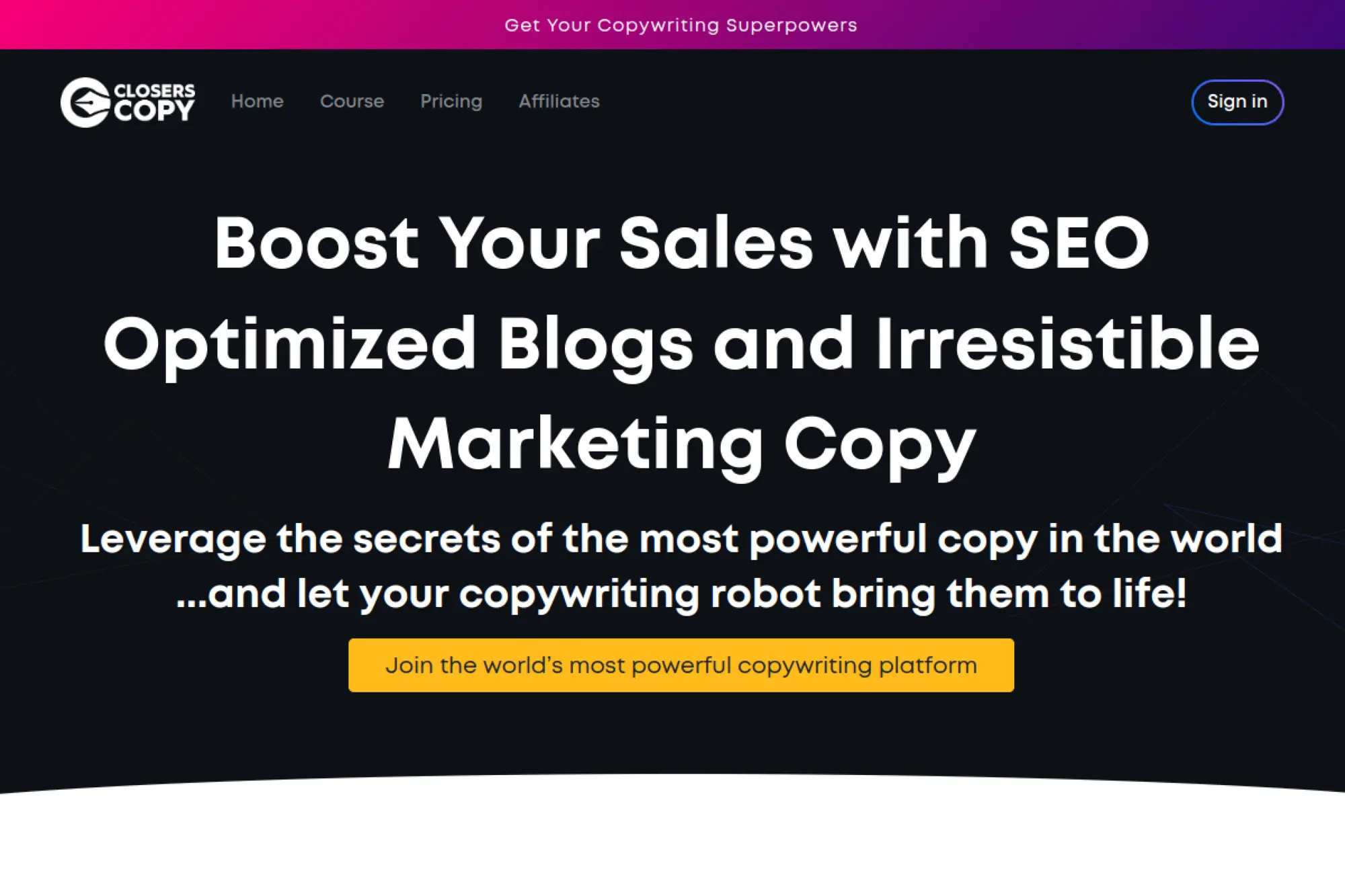
ClosersCopy is built for marketing copy and sales pages, with a strong community angle. The product leans into frameworks and “copy formulas” to guide outputs. Its pricing is unusual in today’s subscription world.
Outcome: draft sales copy using frameworks, without paying monthly forever. Best for: solo entrepreneurs, copywriters who prefer one-time licensing.
- Framework-heavy workflows → turn offers into landing copy with fewer blank-page stalls.
- Lifetime access option → avoid recurring billing and save budgeting steps.
- Immediate access → first draft in about 20–30 minutes.
Pricing & limits: From $0/mo with lifetime pricing starting at a $297 one-time payment. Trial: not stated on the lifetime pricing page excerpt. Caps: the Solo lifetime plan lists 1 seat, while higher lifetime tiers list 3 seats and 5 seats.
Honest drawbacks: One-time deals can mean uneven roadmap pacing. Also, it may not match modern team governance expectations.
Verdict: If you want framework-driven copy without subscriptions, this helps you draft offer pages this weekend. Beats many tools on pricing structure; trails Jasper on enterprise brand governance.
Score: 3.6/5
26. NeuralText
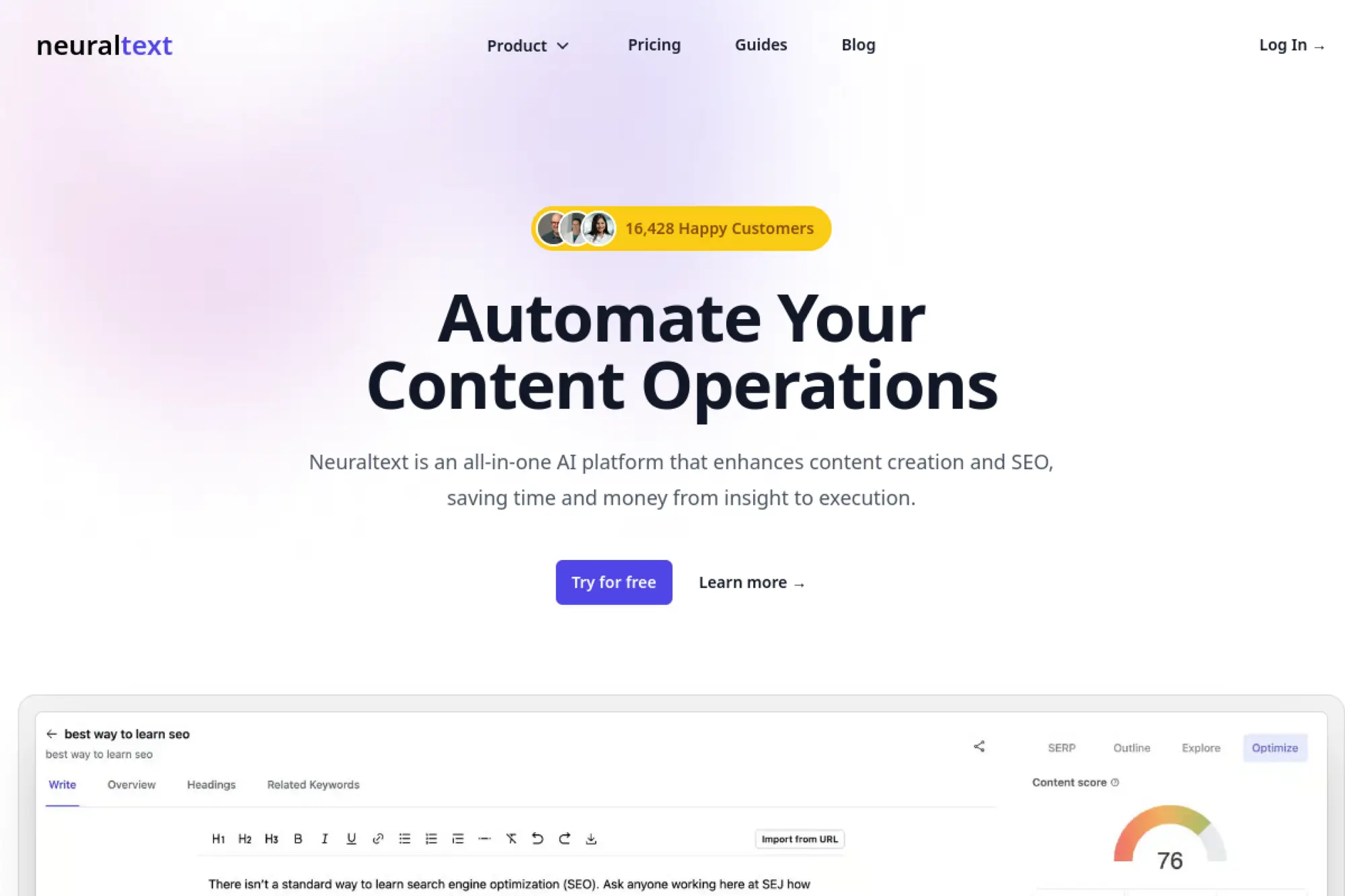
NeuralText is built as an SEO content platform that blends research, briefs, and AI writing. The product team’s focus is consolidation. It aims to replace a scattered toolchain with one workspace.
Outcome: move from keyword research to briefs and drafts with fewer handoffs. Best for: freelance SEOs, small teams doing briefs plus writing.
- Content briefs → turn SERP insights into outlines that reduce missed sections.
- Keyword clustering credits → save 2–3 steps versus manual grouping and tagging.
- Quick plan start → first brief in about 30 minutes.
Pricing & limits: From $0/mo for Free. Paid starts at $49/mo for Starter. Trial: Free plan is ongoing, and listings note free trial availability. Caps: Free includes 1 user seat, 5 content briefs, and 50 smart copy runs, while Starter lists 60 content briefs and 1,000 keyword cluster credits.
Honest drawbacks: Some SEO teams may want deeper link data elsewhere. Also, AI writing quality still needs editorial oversight for voice.
Verdict: If you want briefs and drafts in one place, this helps you move faster within a week. Beats piecing tools together; trails Surfer on AI-search visibility tooling.
Score: 3.8/5
27. Hypotenuse

Hypotenuse AI is built for teams producing content at scale, especially ecommerce and SEO blogs. The company leans into word-based plans and structured generation. It is pragmatic, not flashy.
Outcome: generate high-volume content with predictable word budgets. Best for: ecommerce teams, content studios producing consistent blog output.
- Word-based plans → budget output without guessing “credits” conversions.
- CMS integrations → save 2–4 steps moving drafts into publishing systems.
- Clear plan ladder → first article draft in about 30–45 minutes.
Pricing & limits: From $29/mo for Entry with 50,000 words and 1 seat. Trial: “try for free” is offered, but the duration is not shown on the pricing excerpt. Caps: Essential lists 250,000 words per month, while Blog Pro starts from $230/mo and includes 3 seats.
Honest drawbacks: Serious SEO teams may want deeper SERP tooling elsewhere. Also, fair-use language can complicate precise capacity planning.
Verdict: If you need predictable volume output, this helps you ship batches within the month. Beats many tools on word budgeting; trails specialized editors on sentence-level nuance.
Score: 4.0/5
28. INK For All
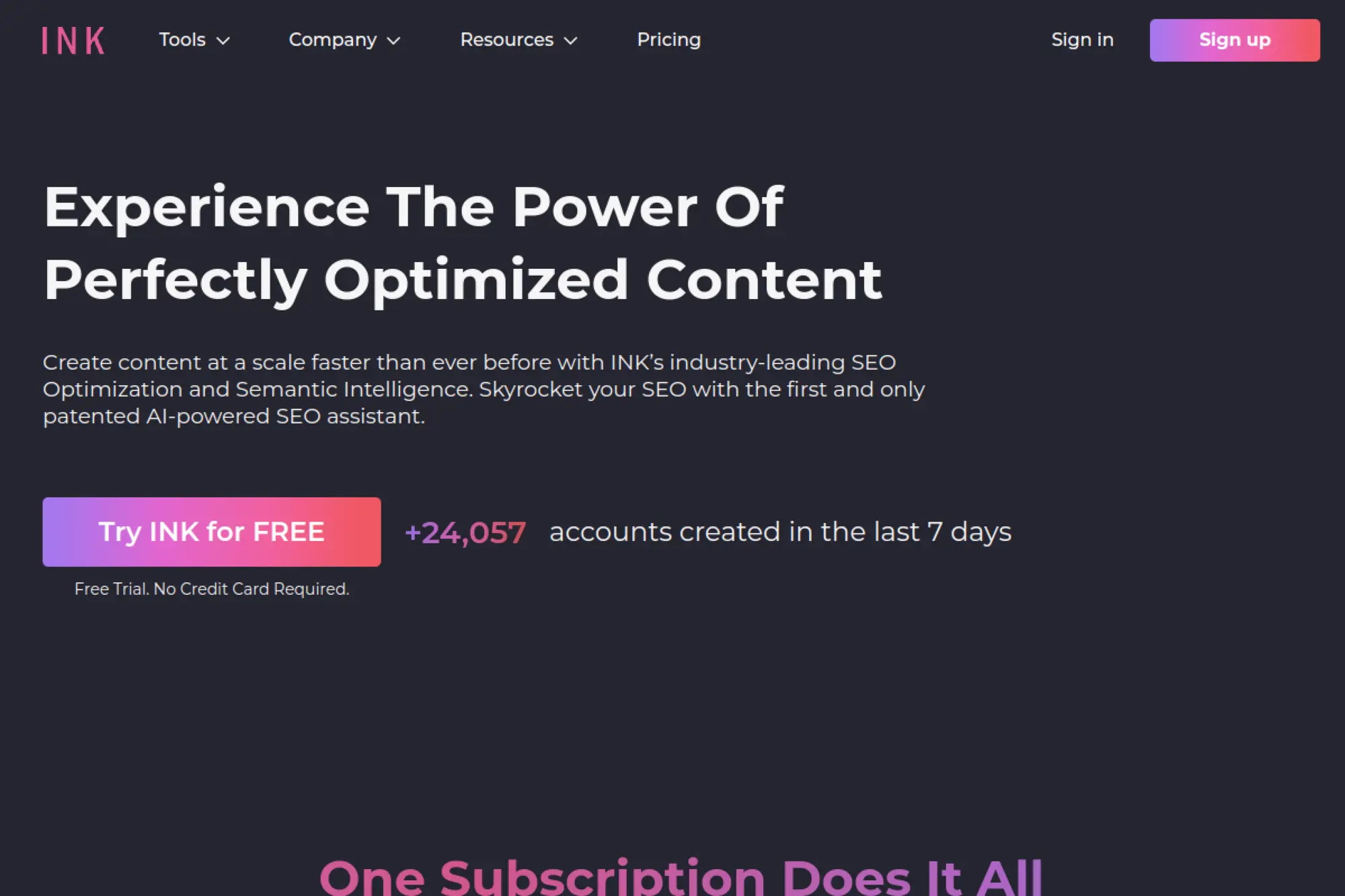
INK is built as a performance-minded writing and SEO suite. The team emphasizes optimization and content protection concepts. It tries to be both writer and scorer, with an aggressive “unlimited” pitch.
Outcome: draft and optimize marketing content with SEO-minded tooling in one place. Best for: content marketers, small teams wanting an all-in-one editor.
- SEO and writing suite → reduce tool switching during drafting and optimization.
- Credits plus unlimited areas → save 2–3 steps for common SEO checks and rewrites.
- Free trial access → first value in about 20 minutes.
Pricing & limits: From $39/mo (billed annually at $468/year) for Professional, with a 5-day free trial that includes 10K words. Trial: 5 days. Caps: Professional includes 1 user account and lists 4,000 INK credits, plus trial limits like 10,000 AI words.
Honest drawbacks: “Unlimited” often relies on fair-use and credit systems, which require learning. Also, some feature claims can feel marketing-forward versus workflow-forward.
Verdict: If you want a bundled writer plus optimizer, this helps you draft and tune content this week. Beats fragmented stacks on consolidation; trails Surfer and Ahrefs on specialist SEO depth.
Score: 3.7/5
29. AI-Writer
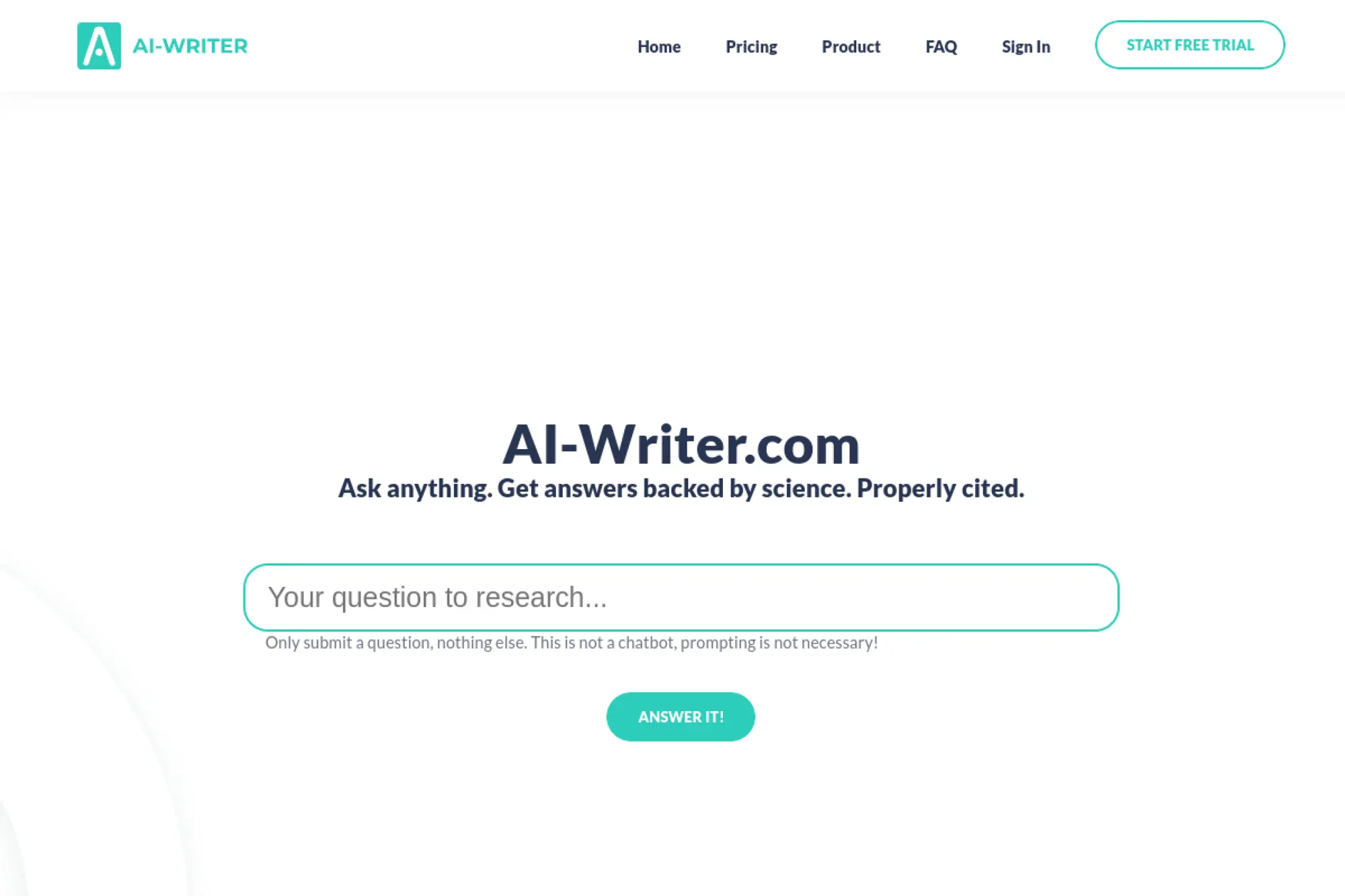
AI-Writer is built around “answers backed by science,” with citations as a core promise. The team positions it more as a research engine than a generic chatbot. It fits best where sourcing is non-negotiable.
Outcome: turn research questions into cited summaries and structured writing fast. Best for: students, researchers, technical marketers needing sources.
- Topic Explorer → turn a topic into key questions you can systematically answer.
- Research-first flow → save 2–4 steps versus manually finding and citing papers.
- Low-risk trial → first cited answer in about 15 minutes.
Pricing & limits: From $29/mo for Basic, with a 7-day free trial that does not require a credit card and does not auto-convert. Trial: 7 days. Caps: plans list a quota of “questions answered,” though the exact number is presented in-app and varies by tier.
Honest drawbacks: It is not aimed at marketing voice and brand tone. Also, if you want casual creative writing, it may feel too rigid.
Verdict: If you need sourced writing support, this helps you produce a referenced draft within a week. Beats general chat tools on citation-first workflows; trails them on broad creative range.
Score: 3.8/5
30. Ahrefs AI Writing Tools
Ahrefs is built by a team known for serious web-scale SEO tooling. It is the research and competitive intelligence backbone many writers rely on.
Ahrefs’ Free AI Writing Tools page is a handy toolbox for marketers and writers who want faster, cleaner copy without the blank-page dread. You simply share a topic or a rough idea, and the tools help shape it into usable text—from grammar checks, outlines, and paragraph rewrites to conclusions, summaries, and plagiarism scans.
It also leans into SEO and content marketing with generators for blog ideas, titles, meta descriptions, and image alt text, plus social media helpers for hooks, captions, hashtags, and bios. It’s like having a mini copy team on standby—free and quick for those days when deadlines bite.
Outcome: pick better topics and optimize content using reliable SEO data, not guesses. Best for: SEO professionals, content strategists planning high-impact calendars.
- Keyword and competitor research → reduce wasted content by validating demand upfront.
- Credits and add-ons → save 2–3 steps by consolidating research into one suite.
- Fast project start → first insights in about 30 minutes.
Pricing & limits: From $29/mo for Starter, with higher tiers like Lite at $129/mo on the pricing page. Trial: Ahrefs Webmaster Tools is listed as free, while paid plans are subscription-based. Caps: Starter is described as credit-based with 100 credits per month, plus limits like 50 rank tracker keywords in help documentation.
Honest drawbacks: It is expensive for casual users who only need occasional checks. Also, credit mechanics require governance for teams with many users.
Verdict: If you want to choose topics that actually win, this helps you plan smarter within a week. Beats most tools on backlink and keyword depth; trails Surfer on in-editor writing guidance.
Score: 4.3/5
How to evaluate the best content ai writing tools for your needs

Evaluation is a systems problem. A tool can be brilliant in a demo and painful in your process. So we test tools where work actually happens.
Gartner expects worldwide IT spending to hit $5.74 trillion, and content tooling is now part of that budget story. That shift invites procurement scrutiny. Security questionnaires and audit trails matter more than “cool outputs.”
1. Cost and plan fit: free plans, trials, and changing pricing
Pricing is unstable across this category. Bundles change. Feature gates move. “Unlimited” often means “unlimited until you hit a cap.”
In evaluations, we focus on usage shape. Are writers drafting daily, or only polishing weekly? Does research happen inside the tool, or elsewhere? Those answers determine whether a suite is worth it.
We also track exit costs. If you leave, can you export prompts, guidelines, and drafts? Lock-in is rarely obvious on day one.
2. Speed and usability: fewer clicks, clearer workflows, faster iteration
Speed is not only token generation speed. It is navigation speed. It is also revision speed.
Tools like Notion AI feel fast when your context already lives there. Grammarly feels fast because suggestions appear in-line. For SEO tools, Surfer and Frase can feel slow if the editor fights your writing rhythm.
Our quick test is harsh. A writer must reach a usable draft without switching tabs repeatedly. If they cannot, adoption drops.
3. Accuracy standards: when you must fact-check every output
Accuracy requirements vary by content type. Product pages need precision. Thought leadership needs integrity. Medical or legal content needs strict controls.
For higher-risk domains, we build a “claims ledger.” Each factual claim becomes a checklist item. Editors verify each item before publish.
AI makes drafts faster. It can also make mistakes faster. The workflow must slow down at the right moments.
4. Security and privacy considerations for business content
Security is not abstract here. Drafts often include launch plans, pricing changes, or customer names. Those details should not leak.
We look for SSO, role-based access, and admin visibility. Enterprise vendors like Writer often lead on governance. General chat tools can still be safe, but controls vary by plan.
In sensitive teams, we add a redaction layer. It strips names, IDs, and private metrics before any prompt leaves the browser.
5. Collaboration features: shared guidelines, workflow, and editing
Collaboration is where most tools underdeliver. A single user can prompt well. A team needs shared standards.
We prefer systems that support reusable templates, shared libraries, and approval stages. Jasper and Writer are built for this. Notion AI benefits from shared docs and databases. ClickUp AI can help when tasks and drafts sit together.
Without collaboration features, teams invent personal styles. That creates brand drift and review chaos.
6. Templates and text types: long-form, short-form, and specialized outputs
Templates should encode judgment, not just format. A good template asks for the right inputs. It also blocks risky outputs.
- For ecommerce, Shopify Magic and Hypotenuse AI can speed up product descriptions.
- For editorial, Sudowrite helps with creative exploration.
- Support teams, Copilot-style tools can draft replies with consistent tone.
Our test is simple. Can the template prevent weak prompts? If not, it is decorative.
7. Plagiarism checks and originality safeguards
Originality is not only “not copied.” It is also “not generic.” Readers can smell AI sameness.
Some platforms include similarity checks. Others rely on integrations. Regardless, the best safeguard is process. Teams should require first-hand experience, screenshots, or internal examples in drafts.
We also recommend a “novelty pass.” An editor adds a unique point of view before final approval.
8. Integrations and extensions: CMS, docs editors, and APIs
Integrations decide whether AI is a helper or a distraction. If drafts cannot flow into your CMS, your tool becomes a side quest.
Zapier AI is useful for gluing steps together. Airtable AI can turn content calendars into structured briefs. In custom stacks, we often rely on APIs and internal prompt routers.
Our strongest results come from fewer tools, not more. Integration should reduce steps, not add them.
Best use cases for best content ai writing tools across teams

Different teams need different kinds of “help.” Marketing needs speed and voice. Product needs accuracy. Support needs consistency.
Deloitte Digital reported 26% of surveyed marketers were already using generative AI in content production, and we see that adoption spreading into every adjacent team. As usage grows, the best workflows become cross-functional. Brand, legal, and SEO need a shared lane.
1. SEO blogging and long-form drafting with real-time guidance
SEO blogging works best when intent drives structure. Tools should guide, not bully. A content score is useful only when it serves readers.
Surfer, Clearscope, and MarketMuse provide on-page guidance. Frase helps map questions and subtopics. Semrush ContentShake AI can help move from keyword to outline quickly.
We recommend a “SERP reality check.” Writers must skim competing pages before drafting. That prevents redundant posts that never rank.
2. Content research and planning: outlines, briefs, and structure suggestions
Research is where teams waste time. It is also where AI can hallucinate confidently. So we separate discovery from drafting.
Perplexity is useful for question exploration and source discovery. Gemini can help when your team lives in Google tools. ChatGPT can summarize internal notes into a publishable brief.
Our preferred flow is “brief first, draft second.” Briefs get reviewed fast. Drafts then inherit the approved plan.
3. Marketing copywriting: ads, landing pages, social captions, and emails
Copywriting success depends on constraints. The best prompt is a strong creative brief. Without it, variants become noise.
Anyword can help explore angles and tone. Copy.ai is strong for campaign variants. Jasper fits teams that need consistent voice across many channels. HubSpot’s AI features help when emails must map to lifecycle stages.
We often add a “proof point block.” Every claim needs a supporting example, or it gets softened. That keeps copy honest.
4. Product content at scale: descriptions, summaries, titles, tags, and more
Product content is structured content disguised as prose. That makes it ideal for automation. It also makes errors expensive.
Shopify Magic is convenient inside Shopify workflows. Hypotenuse AI is built for catalog-style generation. For marketplaces, we frequently build a custom pipeline that reads attributes and outputs consistent templates.
Our safety rule is strict. The AI may not invent specs. If data is missing, the output must say so.
5. Rewrite and repurpose workflows: summarizing, rephrasing, and expanding
Repurposing is where content teams gain leverage. One webinar can become many assets. AI helps, but only if it preserves meaning.
QuillBot and Wordtune are strong for controlled rephrases. Grammarly helps standardize tone for final publish. Descript is useful when scripts come from audio and video edits.
We prefer “repurpose with intent.” Every derivative asset must serve a different audience moment. Otherwise, it is clutter.
6. Proofreading and writing improvement: clarity, tone, and correctness
Editing is a craft. AI can assist that craft, but it cannot own it. Teams still need editorial taste.
Grammarly is a staple for clarity and tone nudges. DeepL Write can improve fluency, especially for non-native writers. Writer can enforce terminology, capitalization, and style rules across a company.
In our internal reviews, we ask a blunt question. Does this read like a human with experience? If not, we revise.
7. Creative writing support: brainstorming, plots, and writer’s block help
Creative support is real, even in business content. Many posts fail because the angle is dull. AI can help find sharper frames.
Sudowrite is designed for creative ideation. ChatGPT and Claude can also help brainstorm metaphors and hooks. Canva Magic Write helps when creative and layout decisions happen together.
We still demand a human “spark.” A draft must include at least one specific belief or lesson learned. That prevents bland output.
SEO, originality, and accuracy: using AI writing tools responsibly
Responsible use is no longer optional. Search engines reward useful content, but they also punish thin content. Brand trust can collapse fast when content feels automated.
Public adoption keeps rising, with the St. Louis Fed reporting 54.6% usage among surveyed adults, and that normalizes AI-written text across the web. That normalization raises the bar. Readers now expect real insight, not rephrased common knowledge.
1. Search intent focus: optimize for people-first content, not autopilot SEO
Intent is the north star. Keyword stuffing is a relic. AI tools can still tempt teams into writing for scores.
We recommend an intent checklist. What problem is the reader solving? What decision are they making next? And what would make them trust you?
When intent is clear, SEO becomes quieter. Headers align. Internal links feel natural. Conversions rise without gimmicks.
2. Reducing generic outputs: adding unique insights, beliefs, and perspective
Generic content is the default output. Models average the internet. That means your draft starts as “everyone’s opinion.”
Our fix is deliberate differentiation. We add a unique stance, a trade-off, or a story from delivery work. We also add specifics: failure modes, edge cases, and lessons learned.
In client content, we push for “earned confidence.” Show what you have built. Show what broke. That is what readers remember.
3. Fact-checking workflows for AI-generated claims and references
Fact-checking needs structure, not heroics. Editors should not rely on memory. AI can fabricate citations and still sound polished.
We implement a three-step flow. First, isolate factual claims. Next, assign verification owners. Finally, store verified references in a shared library.
In regulated topics, we also lock prompts. Writers can draft freely, but claims must pass the same gate every time.
4. Plagiarism risk management for essays and publishable content
Plagiarism risk is both legal and reputational. Even accidental similarity can trigger takedowns or partner distrust. So we take it seriously.
We advise teams to avoid prompt patterns that invite copying. “Rewrite this competitor post” is a trap. Better prompts focus on your own experience and your own data.
When stakes are high, we add review tooling. Similarity checks help, but editorial judgment remains essential.
5. Brand voice consistency across teams and content formats
Brand voice is a system, not a vibe. It needs documented rules and examples. AI tools can enforce voice, but only if you encode it.
Writer and Jasper can support shared brand guidelines. Grammarly helps maintain consistency inside daily writing tools. Notion AI can store canonical voice examples in team docs.
We also build “voice unit tests.” A draft must pass a short checklist before it leaves review. That creates repeatability.
6. When to use AI as a draft assistant instead of a primary writer
Some content should not start with AI. Sensitive announcements, executive messaging, and policy statements need human intent first. AI can still help polish later.
We use AI as a primary writer when structure is known and risk is low. FAQs, glossaries, and internal enablement docs fit well. We use it as an assistant when nuance matters.
The best rule is honest. If you would regret this sentence on a billboard, do not let AI invent it.
TechTide Solutions: custom solutions for best content ai writing tools and workflows

Tool choice is only the surface layer. Competitive advantage comes from the workflow underneath. That workflow includes prompts, governance, integrations, and evaluation.
CB Insights reported AI funding hit $100.4B, and much of that capital is chasing horizontal platforms. Our stance is different. We focus on the “last mile” of content operations, where business context lives and where generic tools struggle.
1. Customer-first discovery to define requirements, goals, and success metrics
Discovery is where most AI projects succeed or fail. Teams jump to tools before they define outcomes. That creates chaos later.
In our engagements, we map the content lifecycle. We track who briefs, who drafts, who approves, and who publishes. Then we identify friction points and risk zones.
Success metrics should be operational, not magical. Faster approvals, fewer rewrites, and cleaner briefs are measurable improvements that compound.
2. Custom software development and integrations tailored to your content stack
Most companies already have a stack. They have a CMS, a DAM, analytics, and docs. AI must fit that reality.
We build integration layers that route prompts safely. We add brand context through retrieval, not copy-pasted instructions. Finally we also create reusable “content objects,” so outlines and briefs stay structured.
When needed, we add guardrails. That can include PII redaction, audit logs, and role-based access. Those controls matter when content touches customer trust.
3. Ongoing optimization, support, and iteration as needs evolve
AI workflows drift over time. Teams change prompts. Brand voice evolves. Product messaging shifts. Without maintenance, quality declines.
We run periodic audits. We sample outputs, review failure modes, and refine templates. Then we also add automation where it reduces busywork, not judgment.
Our north star stays the same. Content should sound like you, not like a tool. Systems should serve people, not replace them.
Conclusion: choosing the best content ai writing tools for sustainable results
Durable content performance comes from disciplined workflows. The “best” tool is the one your team actually uses, safely, every day. That usually means strong templates, clear brand rules, and an approval system that prevents risky claims.
Across our client work, we see one pattern repeat. Teams that treat AI as a drafting accelerator win. Teams that treat AI as an autopilot lose trust, rankings, or both.
If you want a practical next step, pick one workflow and pilot it end-to-end. Choose a single content type, define a brief template, and set a review checklist. Then measure friction and quality for a few cycles.
Which workflow in your organization would benefit most from an AI “assembly line” first: SEO blogs, product descriptions, or lifecycle emails?