

Market overview: Gartner forecasts worldwide GenAI spending to reach $644 billion in 2025, and that demand spills into hiring workflows fast. At TechTide Solutions, we feel it in client asks. Everyone wants faster hiring loops. Every candidate wants a tighter story. ATS filters sit in the middle, acting like a stern bouncer.
Our stance is practical. AI resume builders are not magic. They are productivity tools with sharp edges. Used well, they clarify impact and match language. Used poorly, they generate glossy nonsense that fails a recruiter skim.
We wrote this guide for builders, buyers, and job seekers. We focus on ATS-safe structure also focus on voice, proof, and restraint. If your resume reads like a brochure, it is already losing.
What Makes the best ai resume builder Effective for ATS-Friendly Hiring
Market overview: Gartner says worldwide AI spending will total $1.5 trillion in 2025, and recruiting tech gets its share of that momentum. Most teams now assume AI will assist writing. Many ATS platforms also add AI parsing features. That combination changes what “good resume” means.
1. How AI resume builders work: inputs, job ads, and keyword-driven tailoring
Most tools start with a profile graph. It includes roles, skills, and projects. The next input is the job ad. That ad becomes a target spec.
From there, builders extract entities. Titles, tools, and domains get normalized. “React” and “ReactJS” should become one concept. Good systems handle synonyms and spelling variants.
In our product work, we treat job ads like messy datasets. They contain fluff and legal boilerplate. The builder must learn what to ignore. Otherwise, you get a resume stuffed with irrelevant phrases.
Why Keyword Tailoring Often Fails
Keyword matching is not enough. ATS search often behaves like a recruiter search query. It is closer to a database filter than a moral judge. Context still matters to humans.
2. ATS-friendly formatting vs. design-heavy templates
ATS-friendly formatting is boring on purpose. Single column layouts parse cleanly. Standard headings reduce ambiguity. Design-heavy templates introduce parsing risk.
Columns can reorder text. Icons can become garbage characters. Graphics can hide critical words. When the ATS fails to map content, humans never see it.
We like tasteful typography. Still, a resume is a data artifact. Its primary job is to be indexed correctly. Visual flair is secondary in most pipelines.
A Simple Rule We Use
If a template cannot be copied into a plain text editor cleanly, it is risky. The safer it copies, the safer it parses.
3. Keyword targeting and job description matching for higher ATS compatibility
Keyword targeting works best when you aim at “skills plus outcomes.” A tool name alone is weak. A tool paired with results is stronger.
We coach candidates to match the employer’s vocabulary. If the posting says “incident response,” use that phrase. If it says “on-call,” do not rewrite it as “after-hours support.”
Strong builders highlight missing concepts. Great builders show where to place them. The best builders also warn against keyword dumping.
How ATS Search Really Shows Up
Recruiters often search for combinations. They want “Kubernetes” plus “platform.” They want “ETL” plus “warehouse.” A builder should support that pairing.
4. Bullet point generation that emphasizes achievements and measurable impact
AI shines at turning tasks into outcomes. It can swap “responsible for” into action verbs. It can also compress long narratives into skimmable bullets.
Yet impact must be real. AI will happily invent scale. It will also blur who did what. That is dangerous.
We prefer a “claim, method, outcome” bullet shape. It reads cleanly for recruiters. It also supports interview storytelling later.
Our Preferred Bullet Pattern
Start with a verb. Add the system or process. Finish with the business effect. Keep it honest and specific.
5. Resume scoring and real-time feedback loops
Scoring tools can be useful. They surface missing sections, catch weak verbs and repetition. They can also flag formatting issues.
Still, scores are proxies. They encode assumptions about hiring. Some are too keyword-heavy. Others reward generic “leadership” phrasing.
At TechTide Solutions, we treat scoring as linting. It is like a code linter. It finds issues, not truth.
Feedback Loops That Matter
Real-time suggestions work when they are local. A hint about a verb is helpful. A full rewrite can erase your voice.
6. Import options: starting from scratch vs. uploading an existing resume vs. LinkedIn-based workflows
Import is where most tools win or lose trust. Candidates already have a resume. They also have a LinkedIn profile. Few want to retype everything.
Uploading a resume helps preserve your timeline. It also surfaces parsing quality. LinkedIn imports help with titles and dates, but they often miss nuance.
We like builders that let you fix extraction mistakes quickly. A bad import that is hard to correct becomes a rage quit.
A Hidden Benefit of Imports
Import shows you how machines read you. That is free insight. Use it to clean your structure.
7. Customization controls: fonts, spacing, section order, and layout adjustments
Customization is not decoration. It is readability engineering. Spacing controls scan speed. Section order controls narrative flow.
ATS-safe customization keeps the underlying structure intact. It adjusts typography without reshuffling meaning. It also avoids visual elements that become parsing noise.
Our team likes tools that allow section toggles. Not every role needs a summary. Not every resume needs hobbies.
What We Look For in Editors
We want predictable spacing. We also want consistent heading hierarchy. A resume should behave like a clean document tree.
8. When a best ai resume builder is worth it and when manual editing is still required
AI builders are worth it when speed matters. They also help when you lack confidence in phrasing. They are strong for career changers who need translation.
manual editing is still required for truth and tone. Only you know what you actually shipped. Only you know which claims are defensible.
We also insist on human review for sensitive industries. Compliance roles and regulated work need precise language. AI can drift into risky claims.
Our Bottom Line
Use AI to draft. Use humans to verify. Then use AI again to tighten the final read.
Quick Comparison of best ai resume builder
Market overview: CB Insights reported quarterly AI funding reached $66.6B, and that capital keeps career tools shipping new features. More options sound great. More options also create confusion. A quick comparison helps you choose a workflow, not a brand.
| Tool | Best for | From price | Trial/Free | Key limits |
|---|---|---|---|---|
| Rezi | ATS-first writing and structured editing | Subscription or one-time option | Free tier | Design variety is not the main focus |
| Teal | Resume plus job tracking workflow | Freemium subscription | Free plan | Templates skew minimal and utilitarian |
| Jobscan | Job description matching and gap checks | Subscription | Limited free use | Best as a companion, not a full editor |
| Resume Worded | Feedback loops and rewrite guidance | Freemium subscription | Free feedback | Editing happens outside the tool for many users |
| Kickresume | Templates with AI drafting support | Subscription | Trial varies | Some layouts are more visual than ATS-safe |
| Enhancv | Storytelling and recruiter-friendly sections | Subscription | Limited free | Design features require restraint for strict ATS |
| Wozber | ATS keyword scanning plus structured builder | Freemium subscription | Free checks | Customization can feel constrained |
| Novorésumé | Clean templates and guided building | Freemium subscription | Free tier | Advanced tailoring is less central |
| OpenResume | Privacy-first, local editing, open-source feel | Free | Free | Fewer AI features than paid tools |
| BeamJobs | Guided ATS-friendly building with AI help | Low-cost download model | Build for free | Paywall can appear at export time |
Instead of chasing a “best” label, we suggest choosing a primary and a secondary tool. A primary tool is where you author. A secondary tool is where you validate. That combination mirrors modern software delivery. You build, then you test.
Here is our broader short list of tools we see used in the wild: Rezi, Teal, Jobscan, Resume Worded, Kickresume, Enhancv, Resume.io, Novorésumé, Zety, Canva, Hiration, Resumaker.ai, Resumatic, BeamJobs, SkillSyncer, Wozber, OpenResume, Reactive Resume, FlowCV, VisualCV, Standard Resume, CakeResume, Resume Genius, MyPerfectResume, LiveCareer, ResumeNerd, Careerflow, Huntr, LoopCV, and OptiResumeAI.
Some are builders. Some are matchers. A few are job search hubs. The right mix depends on your tolerance for editing and your need for targeting.
Top 30 best ai resume builder Platforms and AI Tools to Try
We picked these tools the same way most hiring systems judge you: on outcomes, not vibes. Each platform here can help you ship a cleaner resume faster, tailor it to a role, or spot ATS gaps before a recruiter never sees you. We favor tools that reduce rework, keep formatting stable, and make it easy to produce multiple targeted versions.
Every mini-review ends with a weighted score on a 0–5 scale. Value-for-money and feature depth each carry 20%. Ease of setup and integrations each carry 15%. UX and performance get 10%. Security and trust get 10%. Support and community get 10%. We also penalize unclear pricing, hard-to-cancel trials, and “looks pretty, parses poorly” templates.
In short: you should leave with a shortlist that matches your job-search style. Some tools win on design. Others win on tailoring speed. A few win by being free and good enough.
1. Kickresume
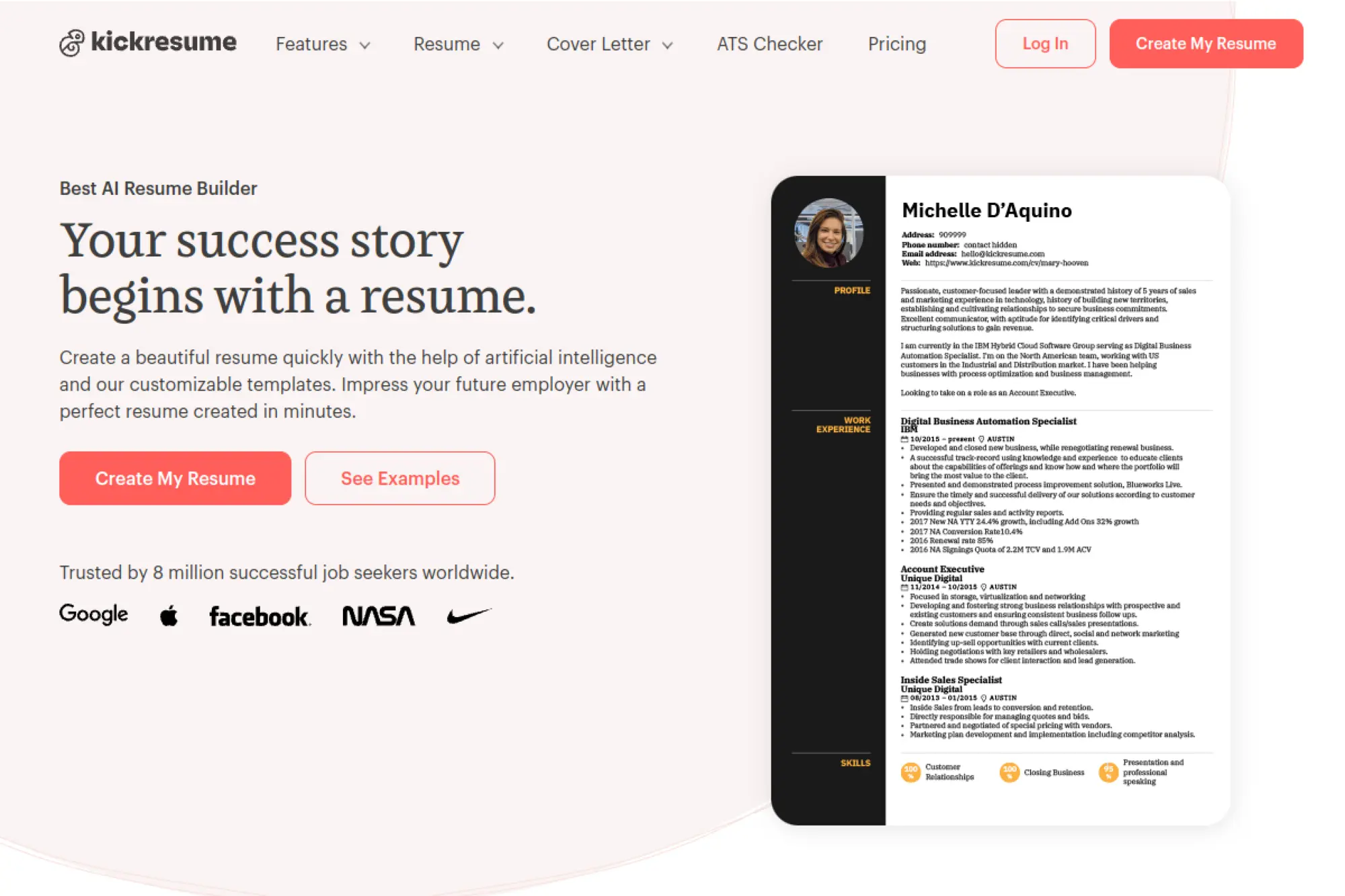
Kickresume is a long-running resume builder with a template-driven product team. The experience feels built by designers who still respect ATS basics.
Outcome: produce a polished, ATS-friendly resume fast, without wrestling Word margins.
Best for: students and early-career applicants who want strong visuals without chaos.
- Template-first builder → keeps formatting consistent across edits and reorders.
- LinkedIn/PDF import plus AI writing → saves 30–60 minutes of manual rewrite.
- Guided flow and examples → time-to-first-value is about 20 minutes.
Pricing & limits: From $0/mo; Premium is $24/mo monthly, or $8/mo billed yearly. There’s no separate trial, but Premium includes a 14-day money-back guarantee. The free plan limits you to 4 basic templates.
Honest drawbacks: Visual templates can tempt you to over-design if you are not careful. It also nudges you toward Premium for deeper customization.
Verdict: If you want a clean resume you can ship today, this helps you publish a credible version in one sitting. Beats Canva at ATS discipline; trails Rezi on strict keyword targeting.
Score: 4.2/5 and .
2. Rezi
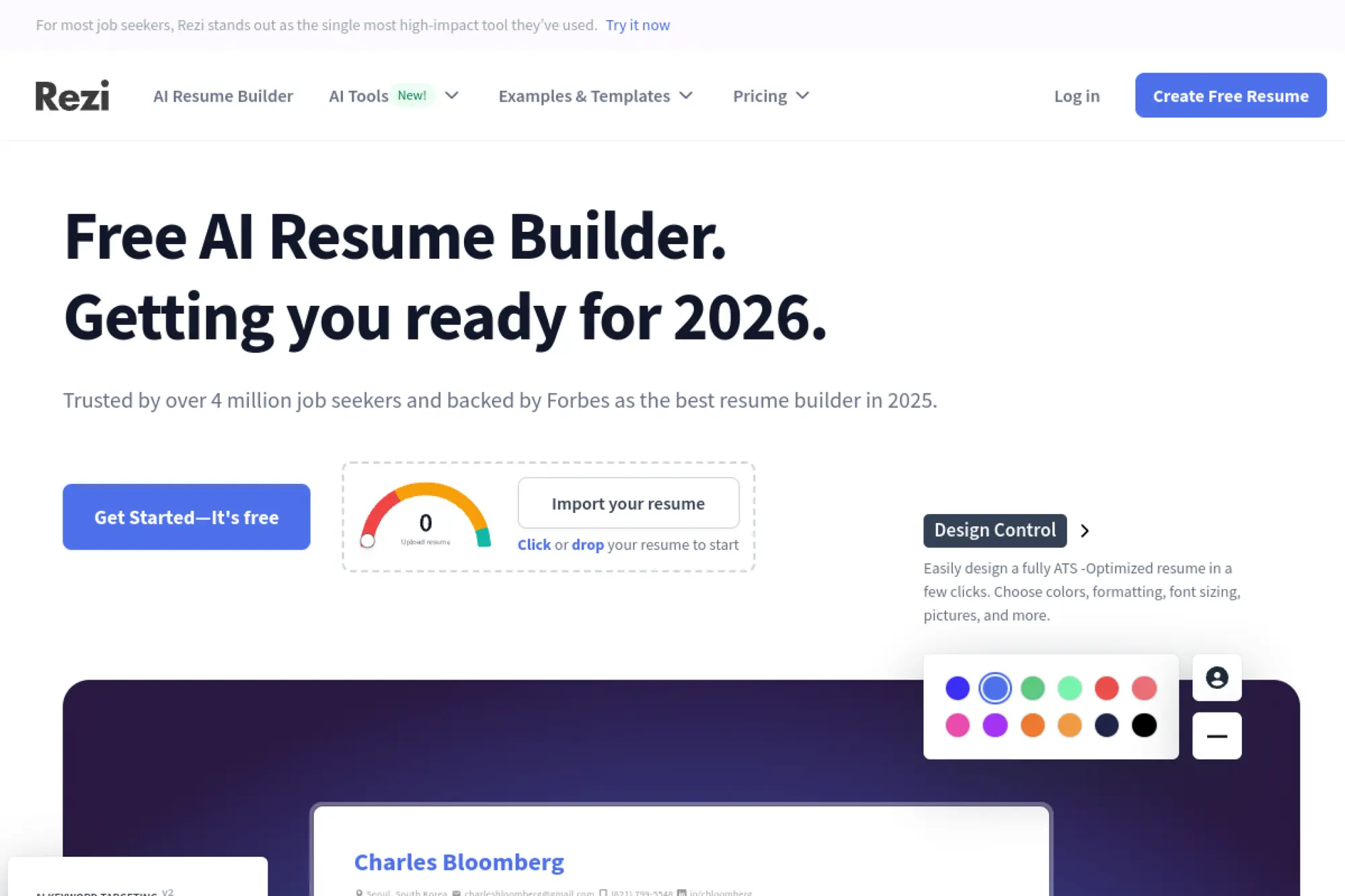
Rezi is built around an ATS-optimization mindset, with an engineering-heavy team focus. The product is less about “pretty” and more about “parsed correctly.”
Outcome: tailor a resume to a job description without losing structure or signal.
Best for: mid-career professionals and technical candidates chasing ATS-heavy funnels.
- Job-targeted writing and scoring → increases keyword alignment without stuffing.
- AI tools plus reviews → saves 10–20 prompt iterations per application.
- Simple templates and exports → time-to-first-value is about 25 minutes.
Pricing & limits: From $0/mo with a 1 resume limit and 3 PDF downloads. Pro is $29/mo, and Lifetime is $149 one-time. All paid plans include a 30-day money-back guarantee.
Honest drawbacks: The design options are intentionally conservative. If you want a portfolio-like resume, you may feel boxed in.
Verdict: If you want ATS-safe tailoring at speed, this helps you create role-matched versions in under an hour. Beats Enhancv at strict ATS structure; trails Kickresume on visual variety.
Score: 4.4/5 and .
3. Teal
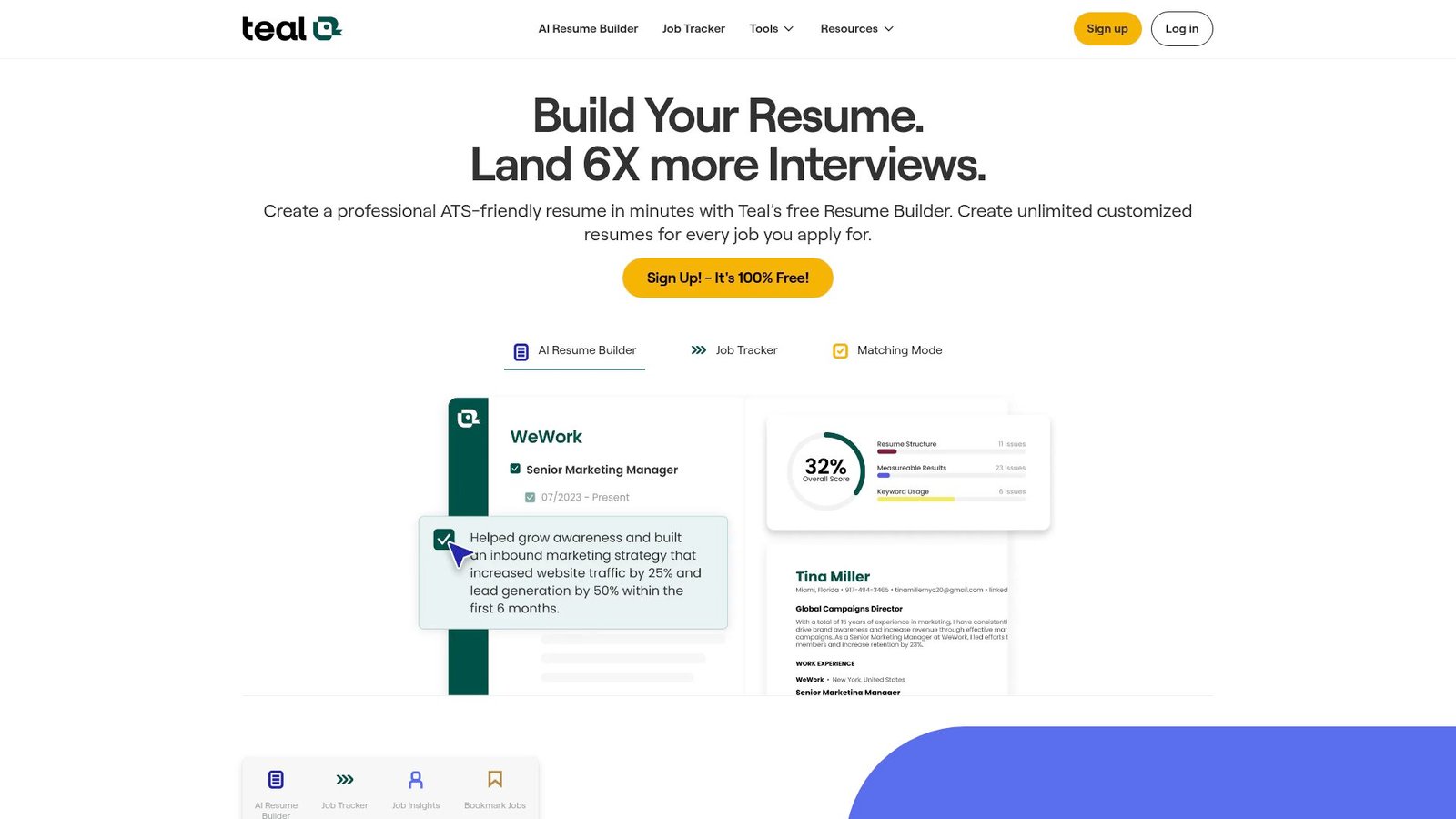
Teal is a job-search platform with a resume builder at its core. The team’s strength is workflow design, not just document editing.
Outcome: keep one “master resume” and spin tailored versions without losing your mind.
Best for: organized job seekers and career switchers managing lots of applications.
- Resume builder plus job tracker → keeps each version tied to one job goal.
- Keyword matching and AI credits → saves 15–30 minutes per tailored draft.
- Fast onboarding and templates → time-to-first-value is about 15 minutes.
Pricing & limits: From $0/mo with unlimited resumes and exports in the free tier. Teal+ is $29 monthly, or $13 weekly, or $79 quarterly. Teal does not offer a standard “credit card” free trial.
Honest drawbacks: AI is credit-gated on the free plan, so heavy tailoring can stall. The builder is practical, not deeply customizable.
Verdict: If you want a system for tailored applications, this helps you stay consistent all month. Beats Jobscan at end-to-end workflow; trails Rezi on strict ATS optimization detail.
Score: 4.3/5 and .
4. Jobscan
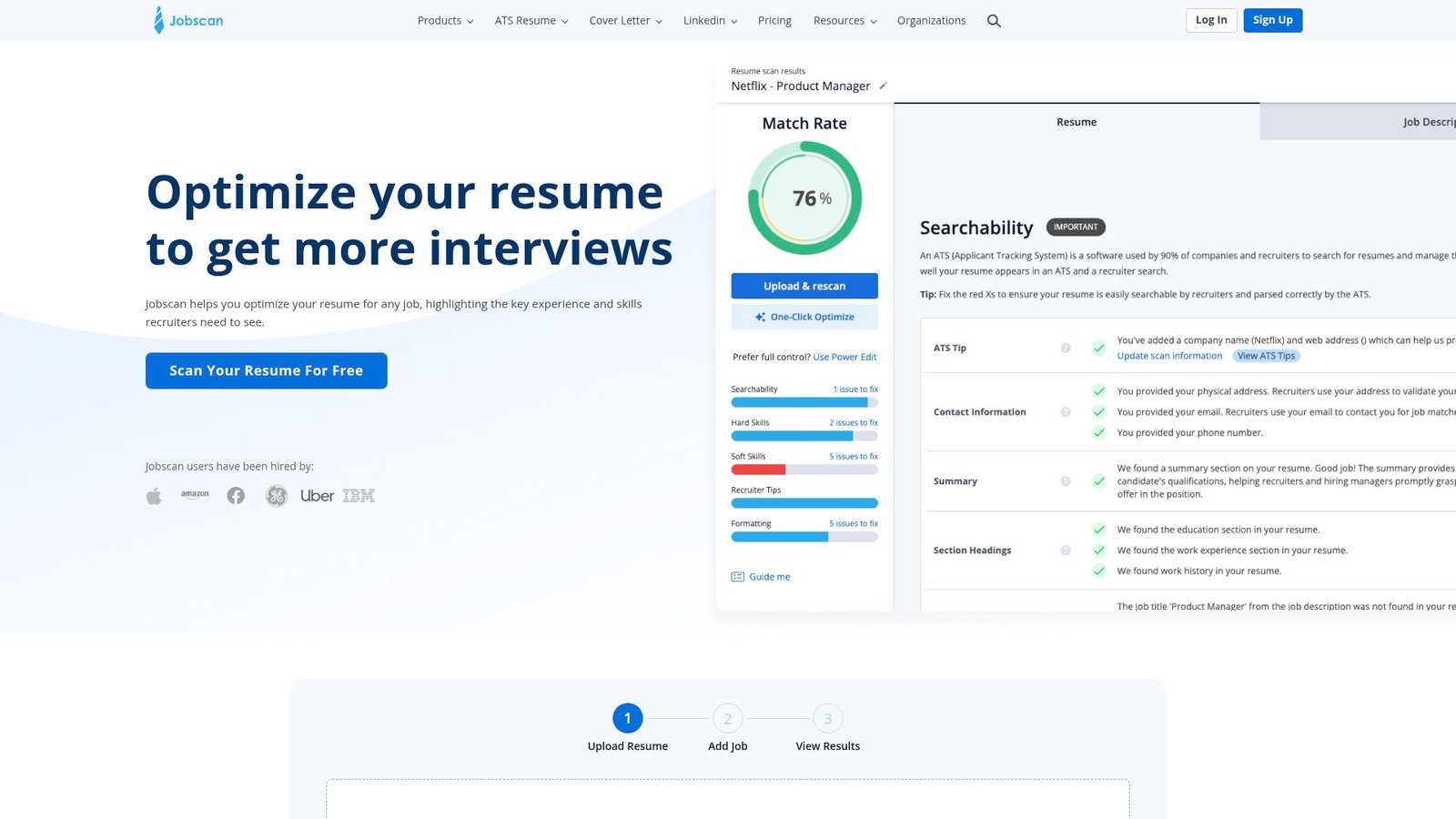
Jobscan is an ATS comparison tool built for serious optimization. The team’s reputation comes from match analysis and keyword guidance.
Outcome: spot missing keywords before the ATS quietly bins your application.
Best for: high-volume applicants and anyone applying through strict ATS portals.
- Resume-to-job scan workflow → surfaces gaps you can fix in minutes.
- Power Edit and generators → saves 20–40 minutes of manual rewording.
- Clear scoring UI → time-to-first-value is about 10 minutes.
Pricing & limits: From $0/mo with a limited free plan and free scans that accrue monthly. Premium is $49.95/mo, or $89.95 every 3 months. A two-week free trial is offered with the quarterly plan.
Honest drawbacks: Chasing a score can create robotic writing if you over-trust it. You may still need another tool for layout and final formatting.
Verdict: If you want ATS feedback you can act on today, this helps you tighten alignment in an afternoon. Beats most builders at analysis; trails Teal on job-tracking workflow.
Score: 4.1/5 and .
5. EnhanCV
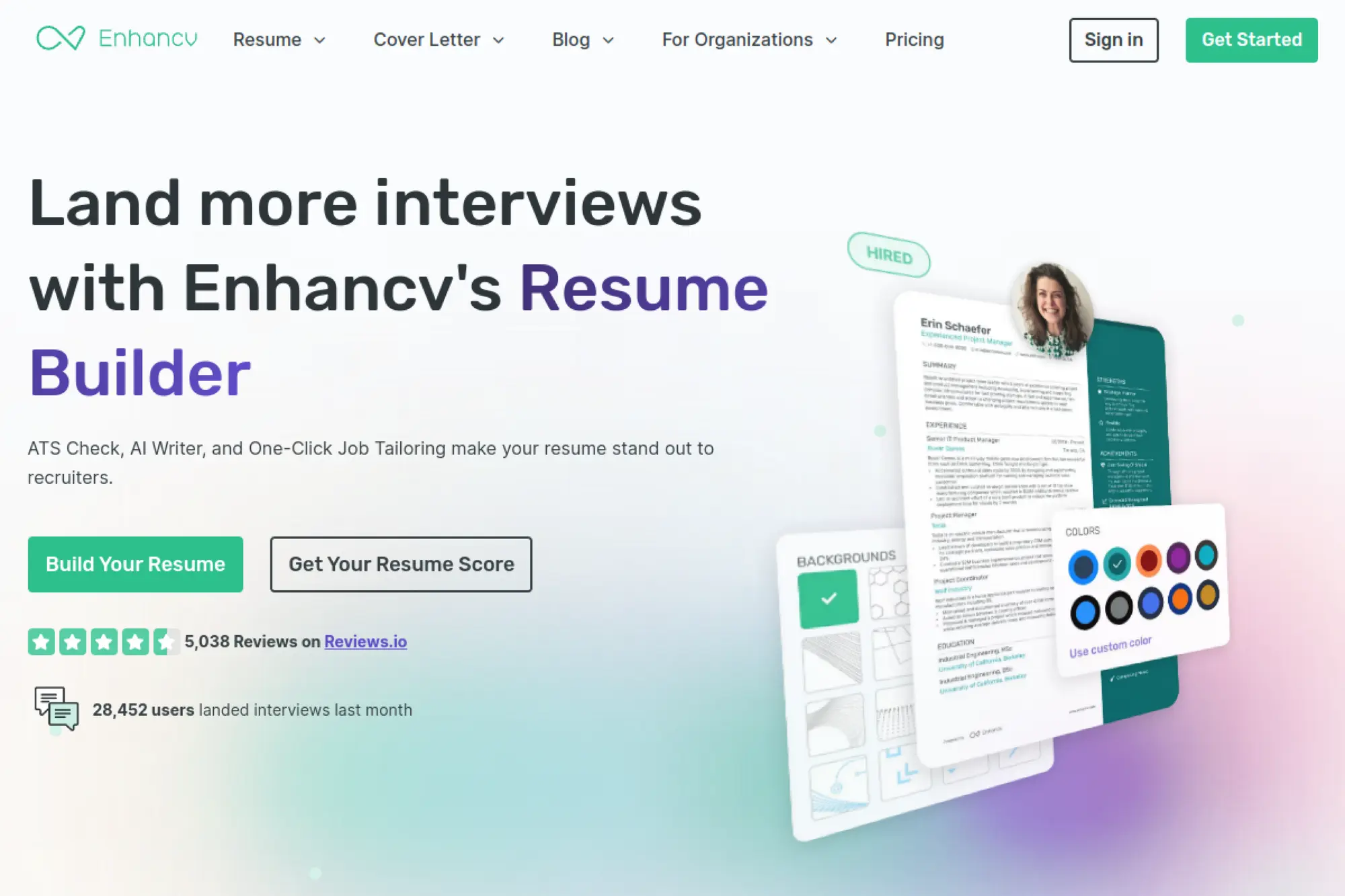
Enhancv is a design-forward resume platform with an editorial feel. The product team clearly obsesses over layout and storytelling.
Outcome: turn a plain resume into a confident narrative that still stays readable.
Best for: creatives and client-facing roles where presentation matters to humans.
- Section-rich builder → helps you highlight strengths without awkward formatting hacks.
- Content suggestions and ATS checks → saves 20 minutes per revision loop.
- Drag-and-drop editing → time-to-first-value is about 30 minutes.
Pricing & limits: From $0 for a 7-day free plan with Enhancv branding and item limits. Pro is $24.99/mo billed monthly, with discounted multi-month options. The free plan allows two resumes and limited section items.
Honest drawbacks: Some templates can feel “designed” for conservative industries. If you need strict minimalism, Rezi may fit better.
Verdict: If you want a resume that reads like a person wrote it, this helps you ship a stronger story this weekend. Beats Resume.io on customization; trails Rezi on ATS-first rigidity.
Score: 4.0/5 and .
6. Novorésumé
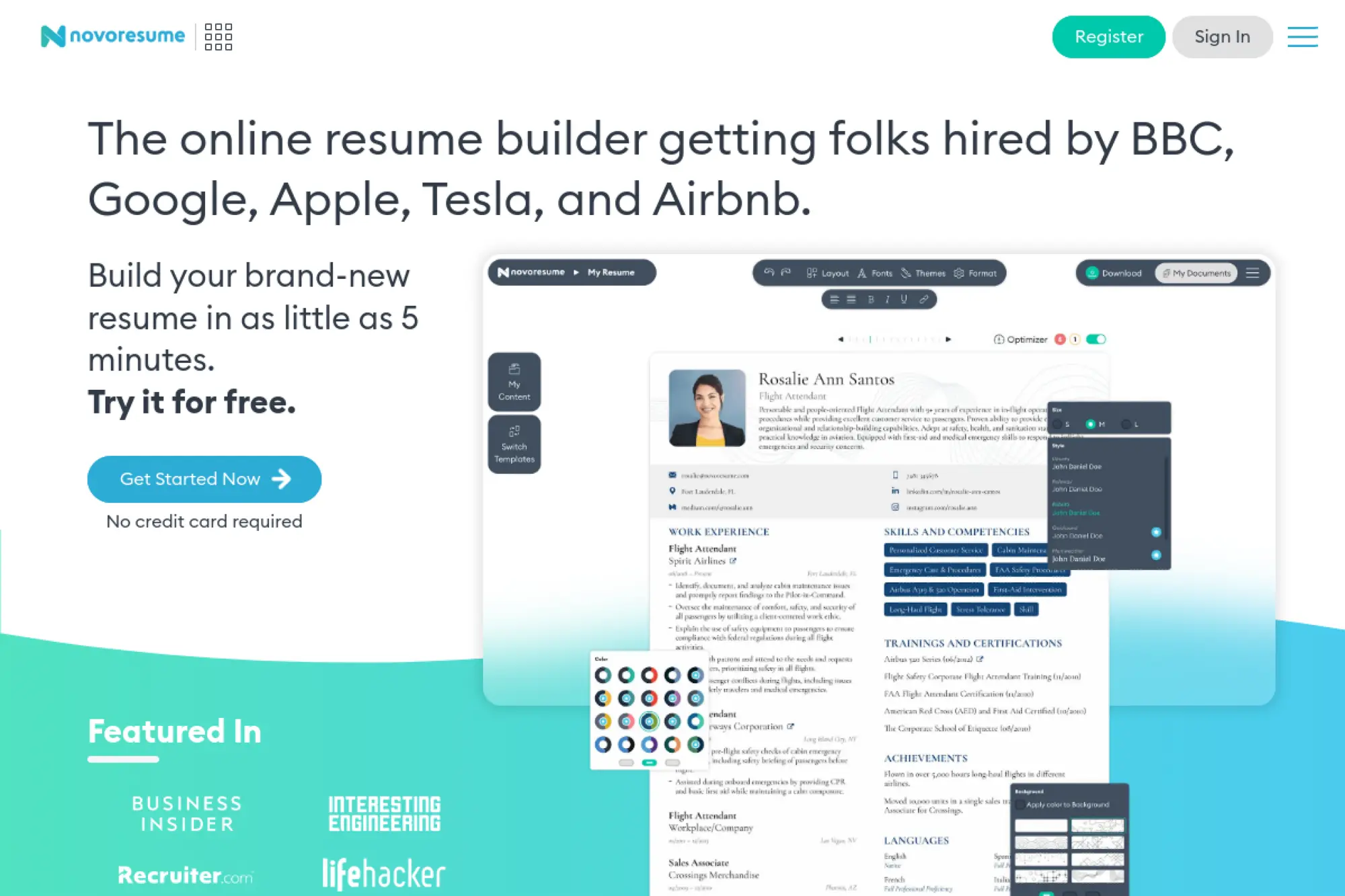
Novorésumé runs a polished, template-based builder with a strong focus on simplicity. The team’s approach feels like “less clutter, more completion.”
Outcome: build a clean resume that looks professional without constant formatting fights.
Best for: students, interns, and generalist roles needing fast, tidy output.
- Guided resume creation → reduces decision fatigue and keeps sections consistent.
- Premium unlocks layout options → saves 30 minutes of manual template tweaking.
- Minimal interface → time-to-first-value is about 20 minutes.
Pricing & limits: From $0 with a Basic plan limited to a single version and a 1-page resume. Premium is pay-once, not auto-renewing: $21.99 for a month, $39.99 for a quarter, or $139.99 for a year. Refund requests are allowed in the first 14 days.
Honest drawbacks: The free tier is tightly capped on versions and page length. Advanced tailoring tools are lighter than Jobscan or Teal.
Verdict: If you want a straightforward resume builder, this helps you finish and export within a day. Beats ResumeNerd on cleaner UX; trails Kickresume on template variety.
Score: 3.9/5 and .
7. Resumecoach
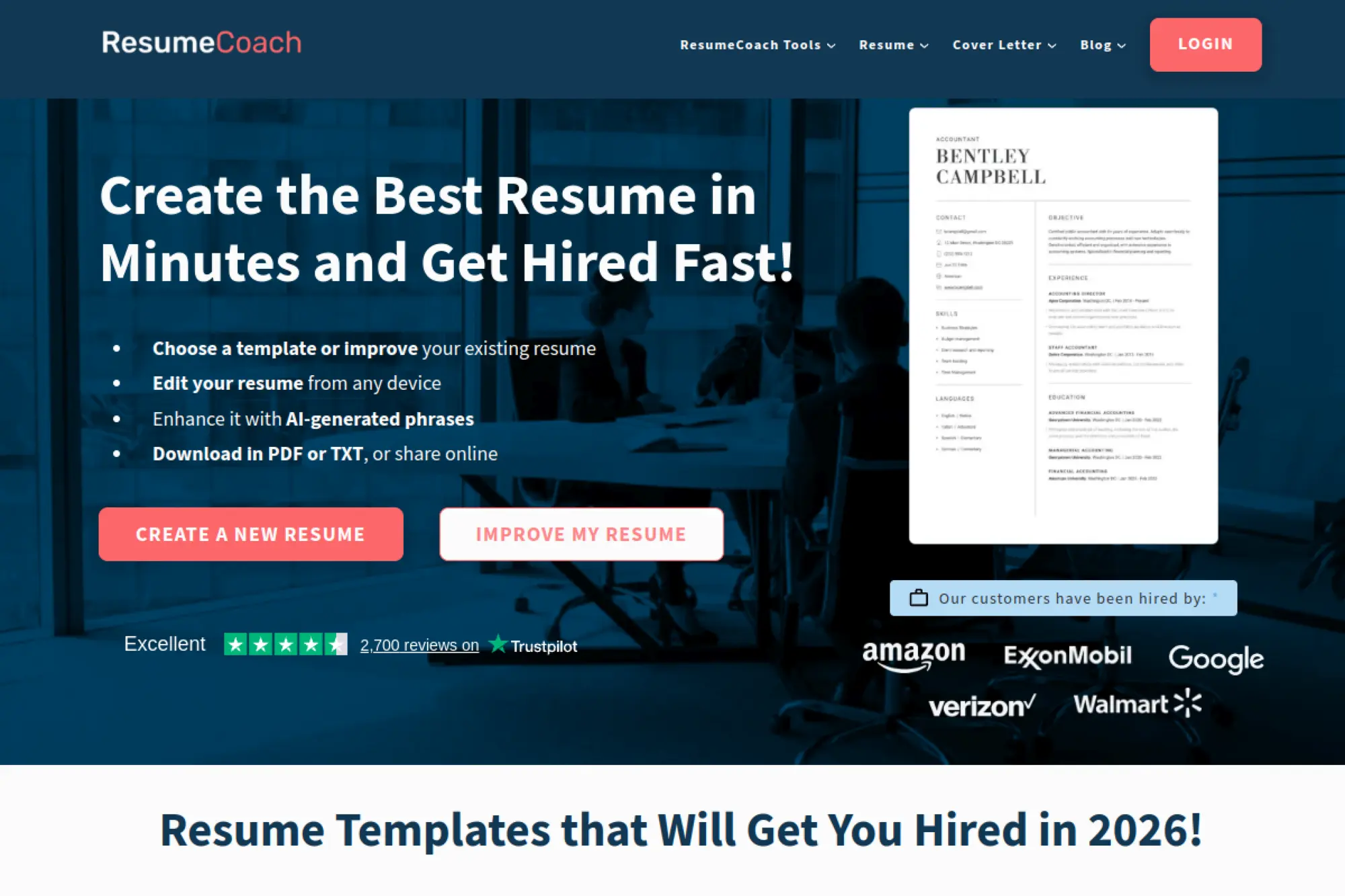
ResumeCoach is a guided builder that leans on templates and prompts. The team message is clear: speed, guidance, and quick downloads.
Outcome: go from blank page to a usable resume without knowing “resume rules.”
Best for: first-time resume writers and fast turnaround job seekers.
- Step-by-step builder → keeps you moving, even when you feel stuck.
- AI guidance and imports → saves 20–30 minutes on phrasing per section.
- Low-friction setup → time-to-first-value is about 15 minutes.
Pricing & limits: From $0/mo for basic building and TXT downloads, capped at one resume and one cover letter. A 14-day full-access trial is offered, then Premium typically renews around $29.95 billed every four weeks. The site notes a 14-day money-back guarantee.
Honest drawbacks: Pricing can feel trial-driven, so you need to watch renewal dates. Power users may outgrow the customization controls.
Verdict: If you need a resume quickly, this helps you produce a workable draft today. Beats raw ChatGPT on structure; trails Kickresume on design polish.
Score: 3.6/5 and .
8. Resume Worded
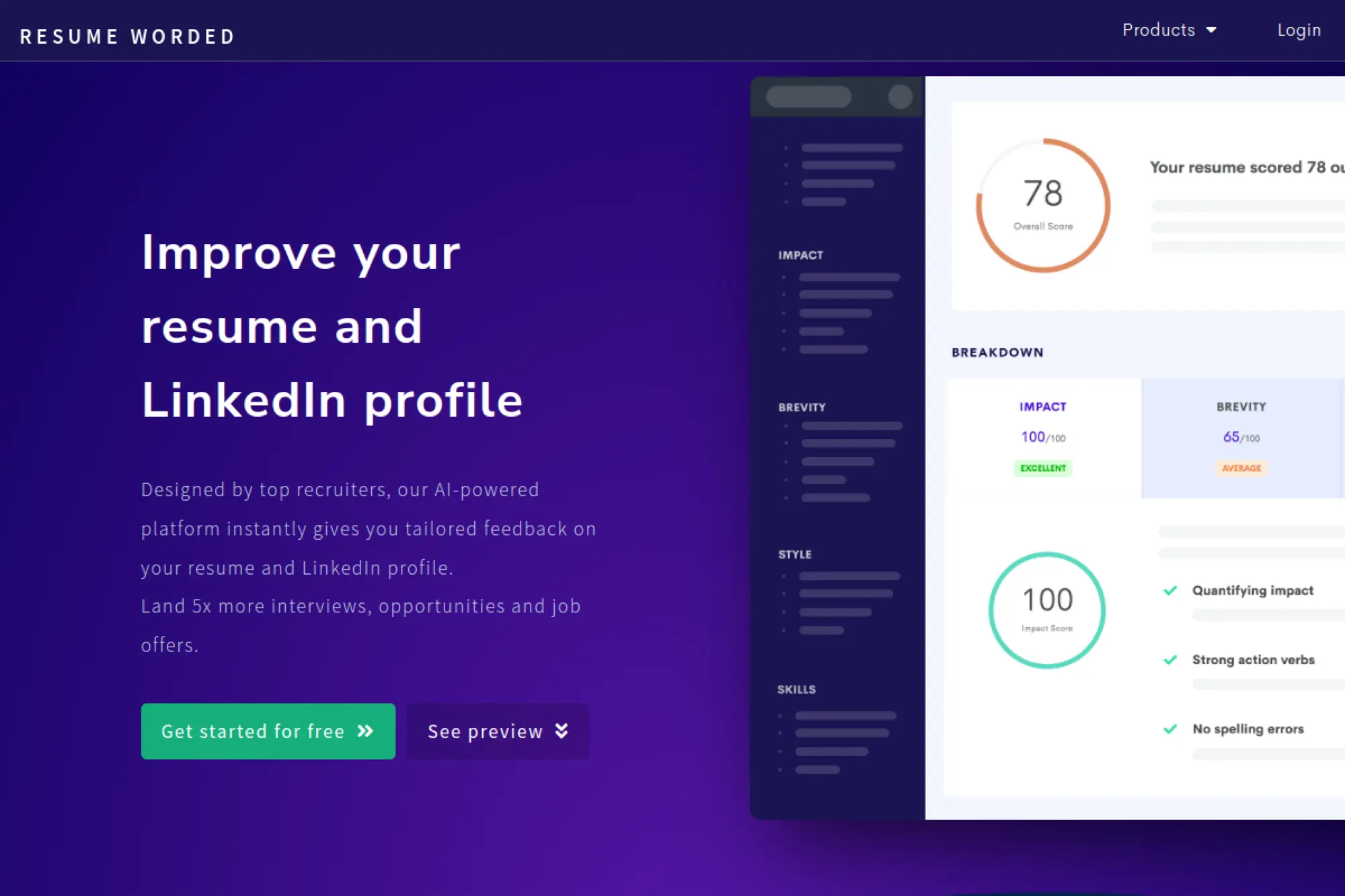
Resume Worded is built like a feedback engine, not a template gallery. The team’s product focus is scoring, rewrites, and fast iteration.
Outcome: improve resume and LinkedIn impact without guessing what recruiters want.
Best for: analytics-minded job seekers and busy professionals polishing positioning.
- Instant resume and LinkedIn review → turns vague bullets into clearer outcomes.
- AI rewrites and tailoring tools → saves 10–15 editing passes per role.
- Simple web workflow → time-to-first-value is about 10 minutes.
Pricing & limits: From $0/mo for limited reviews. Pro starts at $49/month, or $99 every 3 months ($33/month). The Pro pitch centers on unlimited reviews and rewrites.
Honest drawbacks: You will still need a separate builder if you want layout control. Some guidance can feel generic for niche roles.
Verdict: If you want sharper bullets and fewer weak lines, this helps you tighten your story in one afternoon. Beats Jobscan at LinkedIn coaching; trails Rezi on ATS formatting discipline.
Score: 4.1/5 and .
9. ResumeNerd
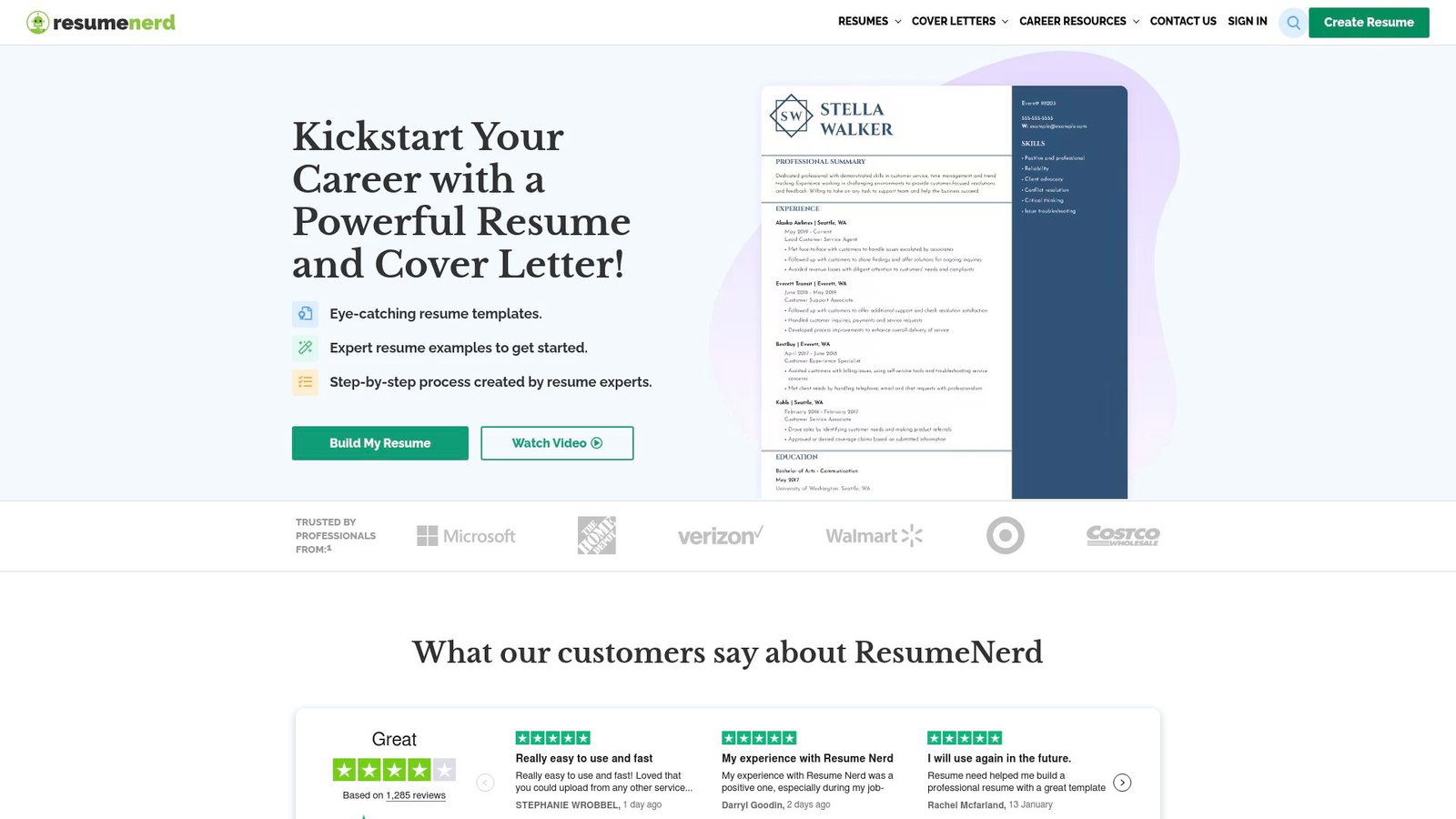
ResumeNerd is a template-based builder aimed at quick completion. The product feels optimized for guided filling, not deep customization.
Outcome: fill in sections fast and export a resume without Word template pain.
Best for: job seekers who want a guided builder and quick downloads.
- Prompted resume creation → reduces blank-page stress and speeds completion.
- Paid access unlocks downloads → saves 20 minutes versus manual formatting exports.
- Simple UI → time-to-first-value is about 20 minutes.
Pricing & limits: From $2.75 for 14-day complete access, then auto-renews at $23.75 billed every four weeks. A 1-year plan is $99.95 paid once. The free experience functions more like a preview, with download limits.
Honest drawbacks: The trial-to-renewal jump can surprise people if they forget to cancel. Advanced ATS analysis is lighter than Jobscan.
Verdict: If you want a basic resume you can export quickly, this helps you finish tonight. Beats building in Word from scratch; trails Novorésumé on clarity and paywall simplicity.
Score: 3.4/5 and .
10. Resume.io
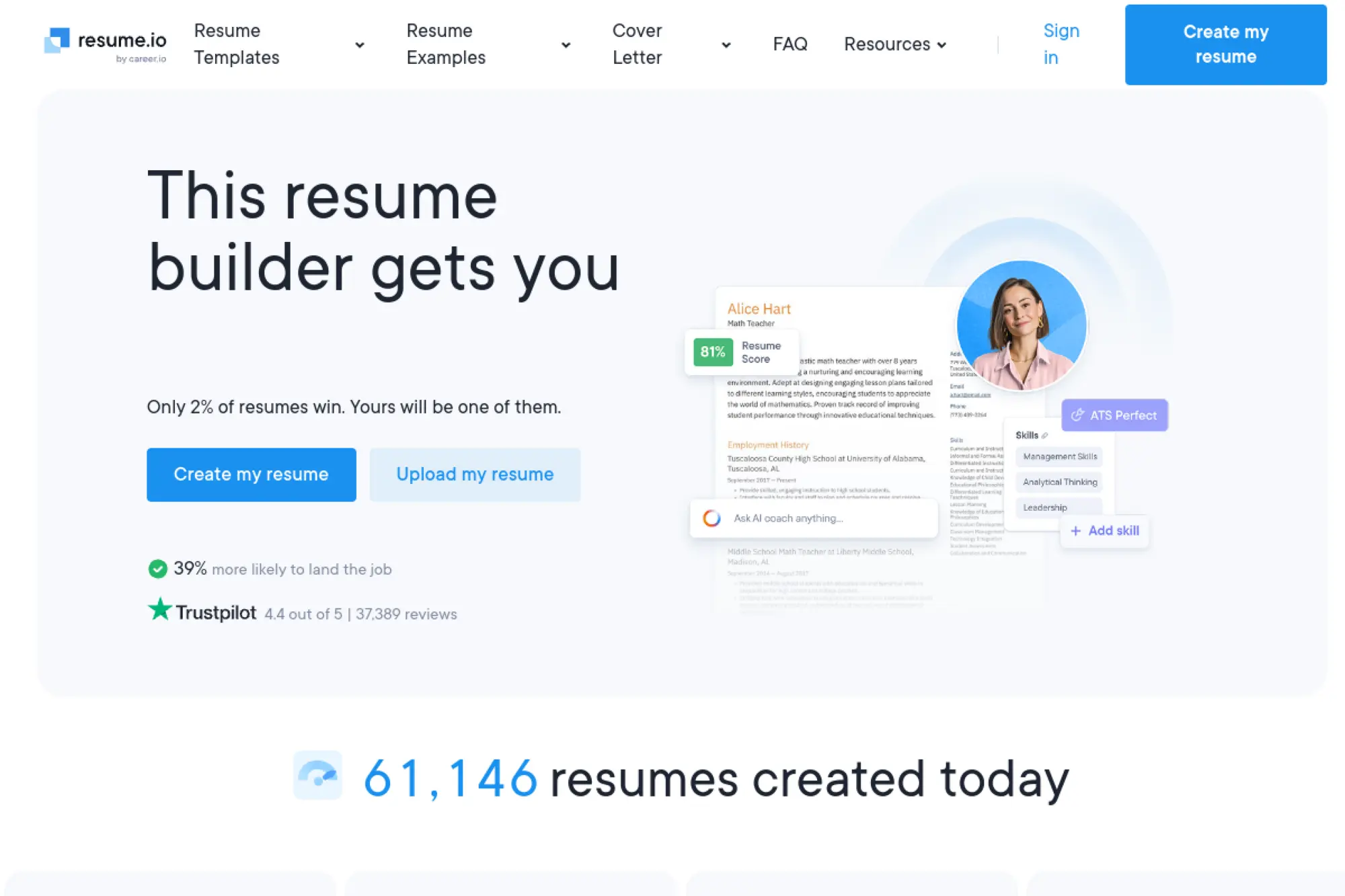
Resume.io is a popular builder with a large template library and premium workflow. The team emphasizes speed, templates, and bundled job-search tools.
Outcome: create and download a resume quickly, with fewer formatting surprises.
Best for: general job seekers who want templates and fast PDF exports.
- Template builder with guided text → keeps layout stable while you edit.
- Trial unlocks premium tools → saves 30–60 minutes on formatting and export.
- Quick setup → time-to-first-value is about 15 minutes.
Pricing & limits: From $0.00 for a free plan limited to one resume and one cover letter, with TXT downloads. A 7-day trial is $2.95, then auto-renews to $29.95 billed every 4 weeks. A 7-day money-back guarantee is advertised.
Honest drawbacks: The billing cadence is “every 4 weeks,” which can feel sneaky. Free downloads are limited, so you may hit the paywall late.
Verdict: If you want a presentable resume fast, this helps you export the same day you start. Beats ResumeNerd on UX; trails Enhancv on storytelling sections.
Score: 3.7/5 and .
11. Resume-Now
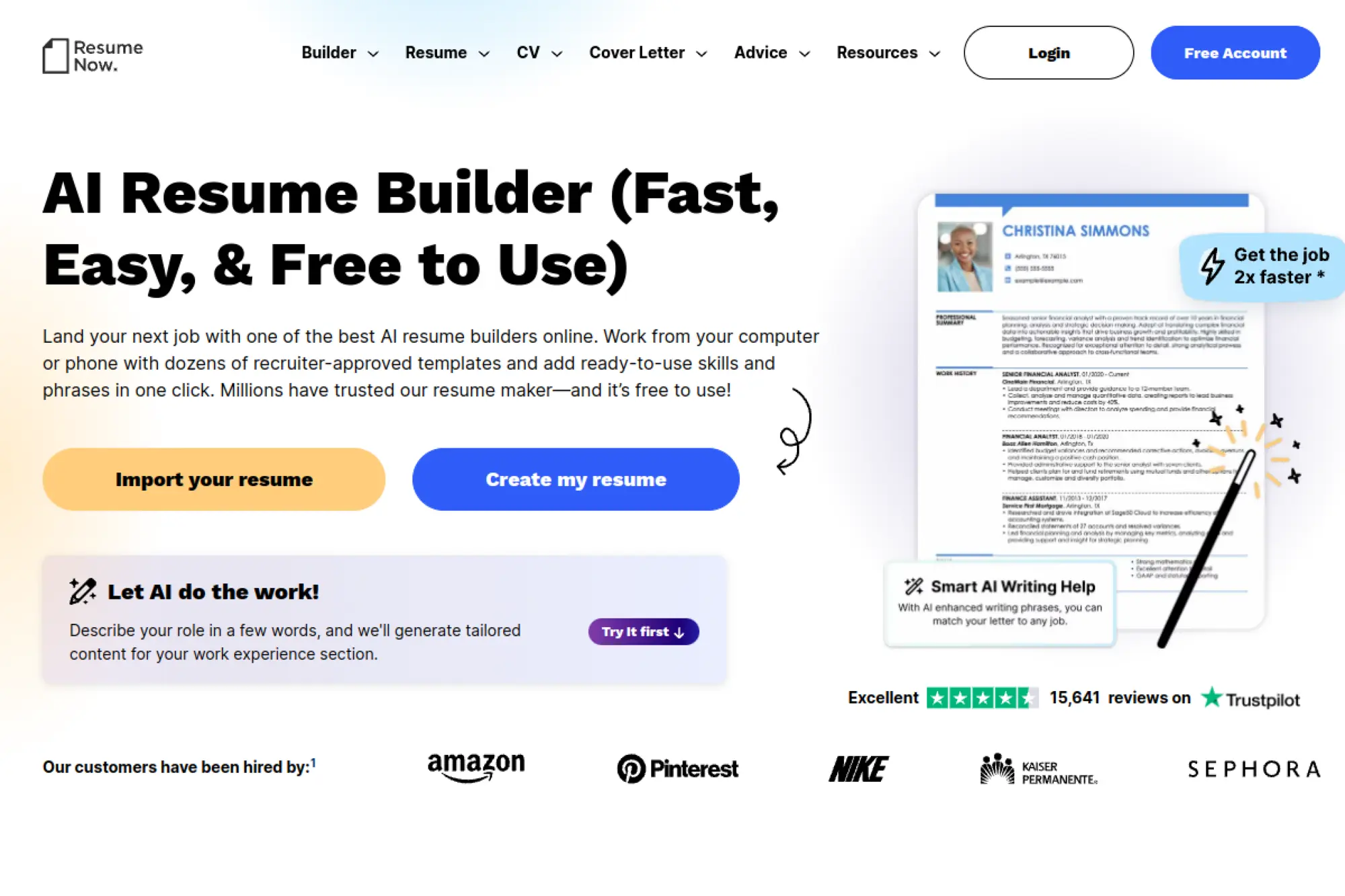
Resume-Now is a high-speed builder built around templates and guided text. The product team leans hard into “finish fast” onboarding.
Outcome: generate a resume draft fast, then upgrade for full exports and tools.
Best for: urgent applicants who need a resume tonight and can manage renewals.
- AI builder plus templates → gets you to a complete draft without formatting stress.
- Paywall unlocks PDF and DOC downloads → saves 30 minutes of reformatting elsewhere.
- Very guided flow → time-to-first-value is about 15 minutes.
Pricing & limits: From $1.45 for 14-day limited access, or $1.85 for 14-day full access. After 14 days, plans auto-renew at $23.85 billed every 4 weeks. Annual access is $5.85/month billed yearly at $70.20.
Honest drawbacks: Auto-renew pricing requires attention, especially after a short use. The experience can feel salesy compared with Novorésumé.
Verdict: If you need a resume draft and basic tools immediately, this helps you ship in one evening. Beats manual Google Docs setup on speed; trails Teal on ongoing job-search organization.
Score: 3.3/5 and .
12. Canva AI Resume Builder
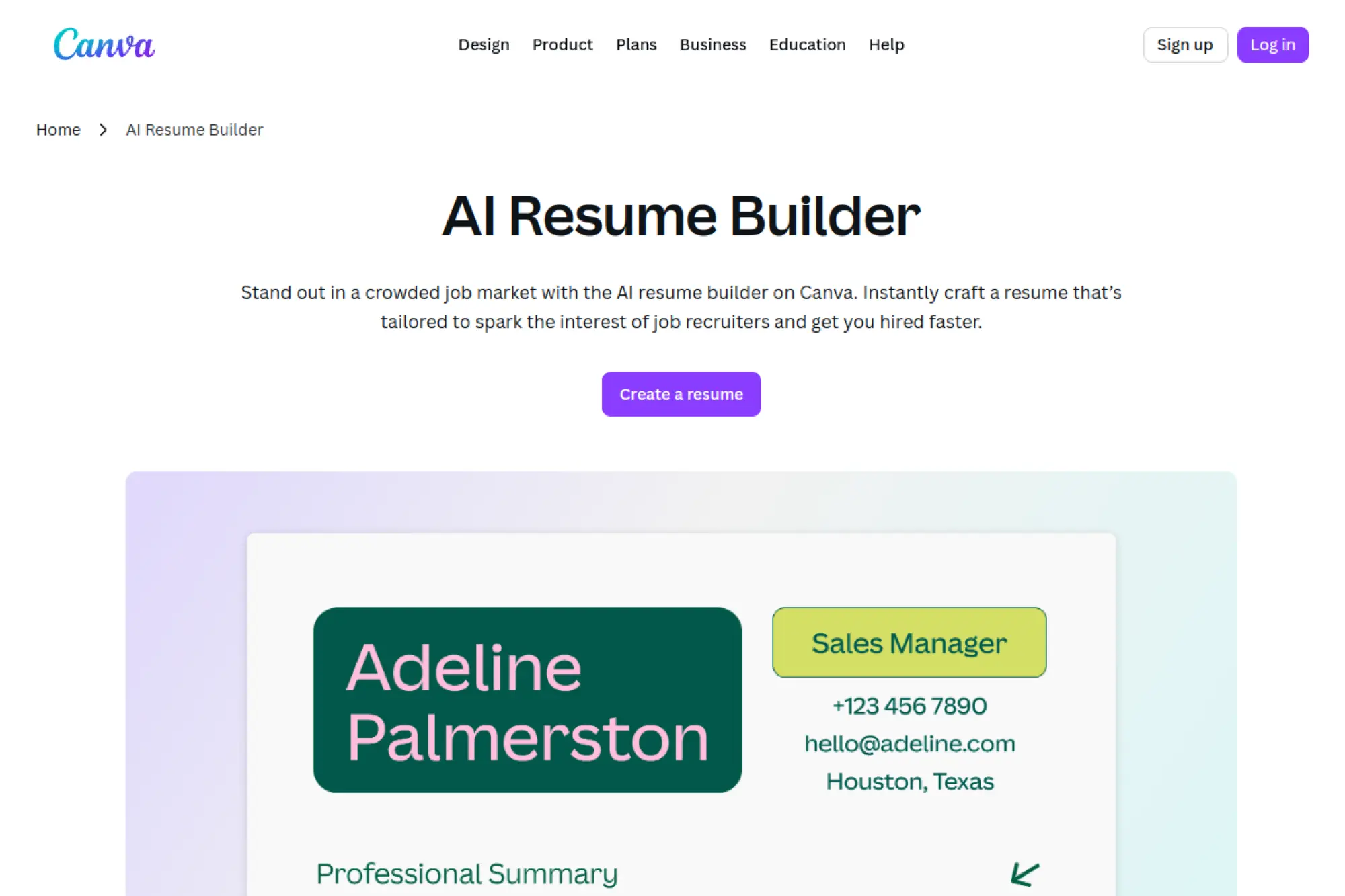
Canva is a design platform with a massive template ecosystem and a broad product org. Its resume builder is best seen as “layout power with optional AI help.”
Outcome: create a visually strong resume that still reads clean when exported.
Best for: creatives and marketers who want brand-level presentation and control.
- Design-first resume templates → makes your resume look intentional, not default.
- Magic Write support → saves 10–20 minutes per section rewrite.
- Familiar editor → time-to-first-value is about 30 minutes.
Pricing & limits: From $0/mo with Canva’s free plan. Canva Pro offers a 30-day trial, and paid plans raise AI usage limits. On free, Magic Write is capped at 50 uses, while paid plans allow up to 500 uses per user per month.
Honest drawbacks: Canva resumes can break ATS parsing if you overuse columns and graphics. You must self-police structure, or use a stricter builder.
Verdict: If you want a resume that looks like your brand, this helps you design one in an afternoon. Beats Kickresume at raw design flexibility; trails Rezi on ATS-safe structure by default.
Score: 3.8/5 and .
13. EarnBetter
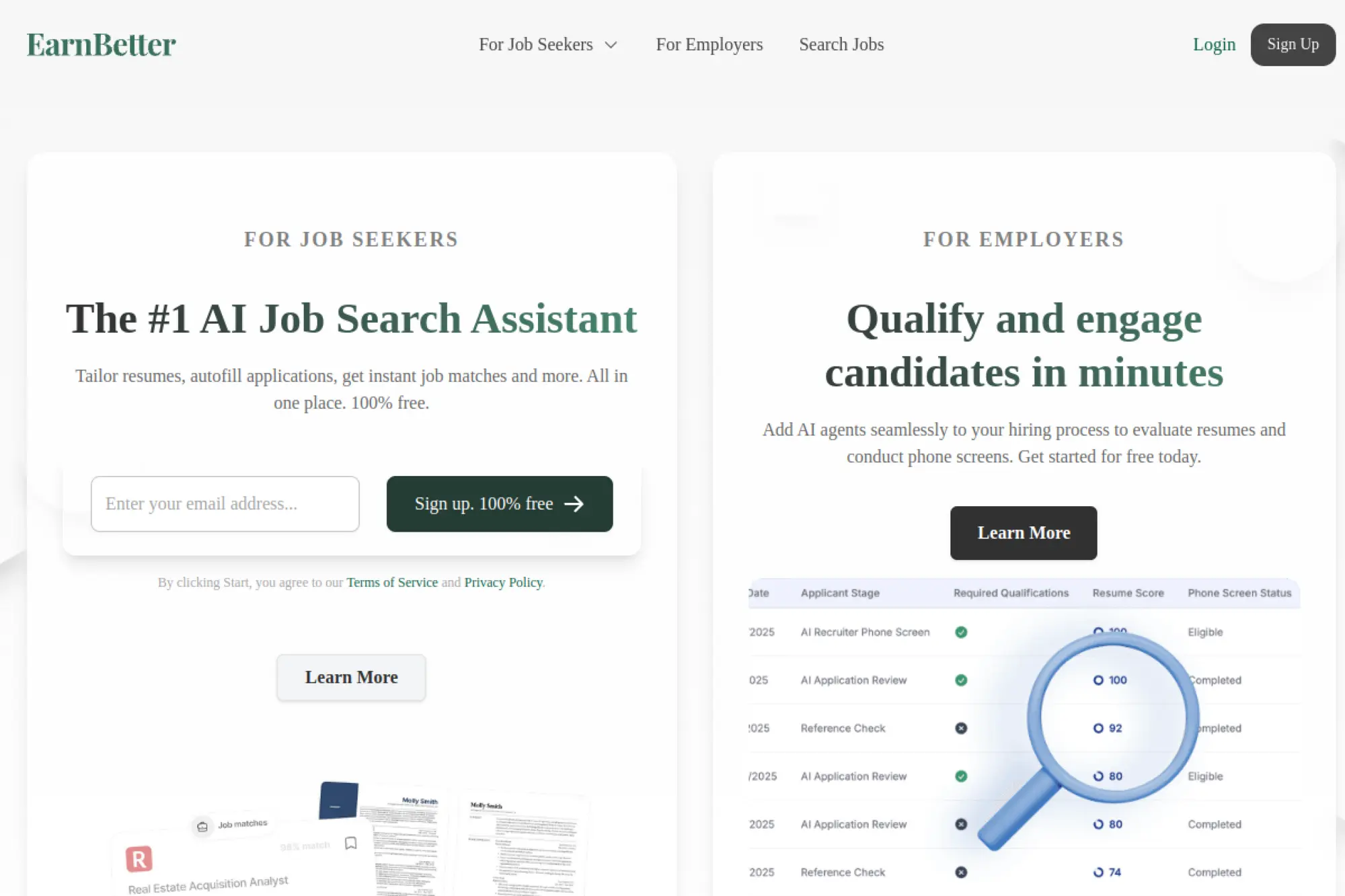
EarnBetter positions itself as a free AI job search assistant with a product-led team. The platform is built to remove cost friction for job seekers.
Outcome: generate tailored resumes and cover letters quickly, without paying to export.
Best for: budget-conscious job seekers and anyone applying across many ATS portals.
- Upload or import from LinkedIn → produces a reformatted resume without starting over.
- Custom docs generation per job → saves about 30–45 minutes per application.
- Simple web flow and extension → time-to-first-value is about 10 minutes.
Pricing & limits: From $0/mo, and EarnBetter states you can create as many resumes as you want. Custom docs generation is described as free, and the process can take about 30 seconds. The browser extension is free and supports ATS like Workday, Taleo, iCIMS, Greenhouse, and Lever.
Honest drawbacks: Free tools can mean fewer advanced controls and fewer premium templates. You may want a second tool for high-end design.
Verdict: If you want tailored documents without paying, this helps you apply faster this week. Beats most paid builders on cost; trails Jobscan on deep ATS analysis.
Score: 4.2/5 and .
14. Canyon
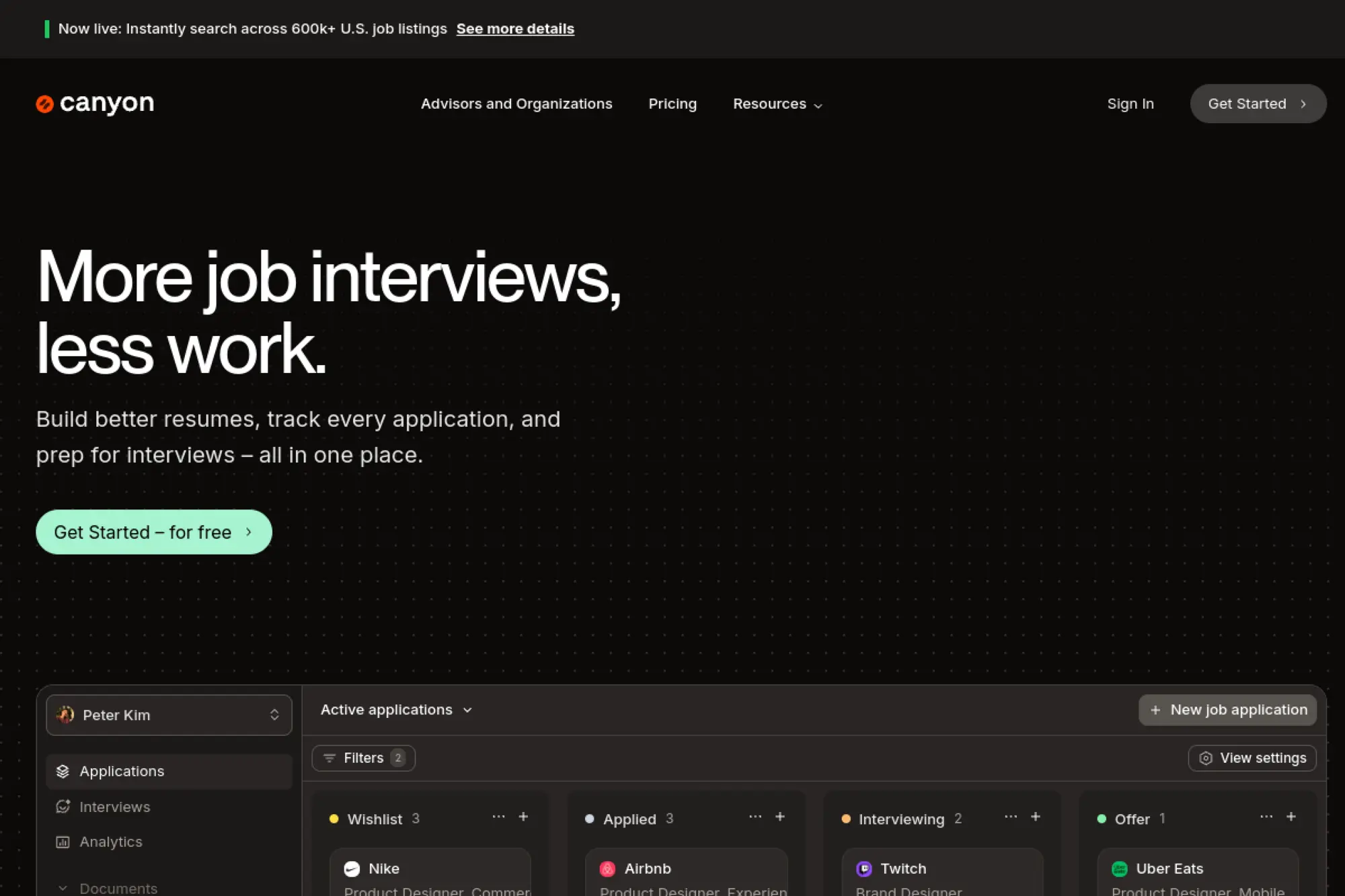
Canyon is an AI job-search suite with resume building, analysis, and tracking. The team’s product direction is “one dashboard for everything.”
Outcome: move from job description to tailored docs without juggling five tools.
Best for: solo job seekers who want an all-in-one application cockpit.
- Resume analysis plus builder → helps you ship a cleaner version per job.
- AI plus mock interviews → saves 45–60 minutes of prep per serious role.
- Fast signup and guided steps → time-to-first-value is about 20 minutes.
Pricing & limits: From $0/mo on Starter with limited resumes and analysis. Pro is $16.33/mo, and Gold is $43.33/mo. The free plan is capped across resumes, cover letters, tracking, and AI usage.
Honest drawbacks: The “unlimited everything” promise lives behind Pro and above. Gold may be overkill unless you network heavily.
Verdict: If you want one place to run your job search, this helps you produce better applications this month. Beats Teal on bundled mock interviews; trails Teal on a more mature tracker ecosystem.
Score: 4.0/5 and .
15. Huntr
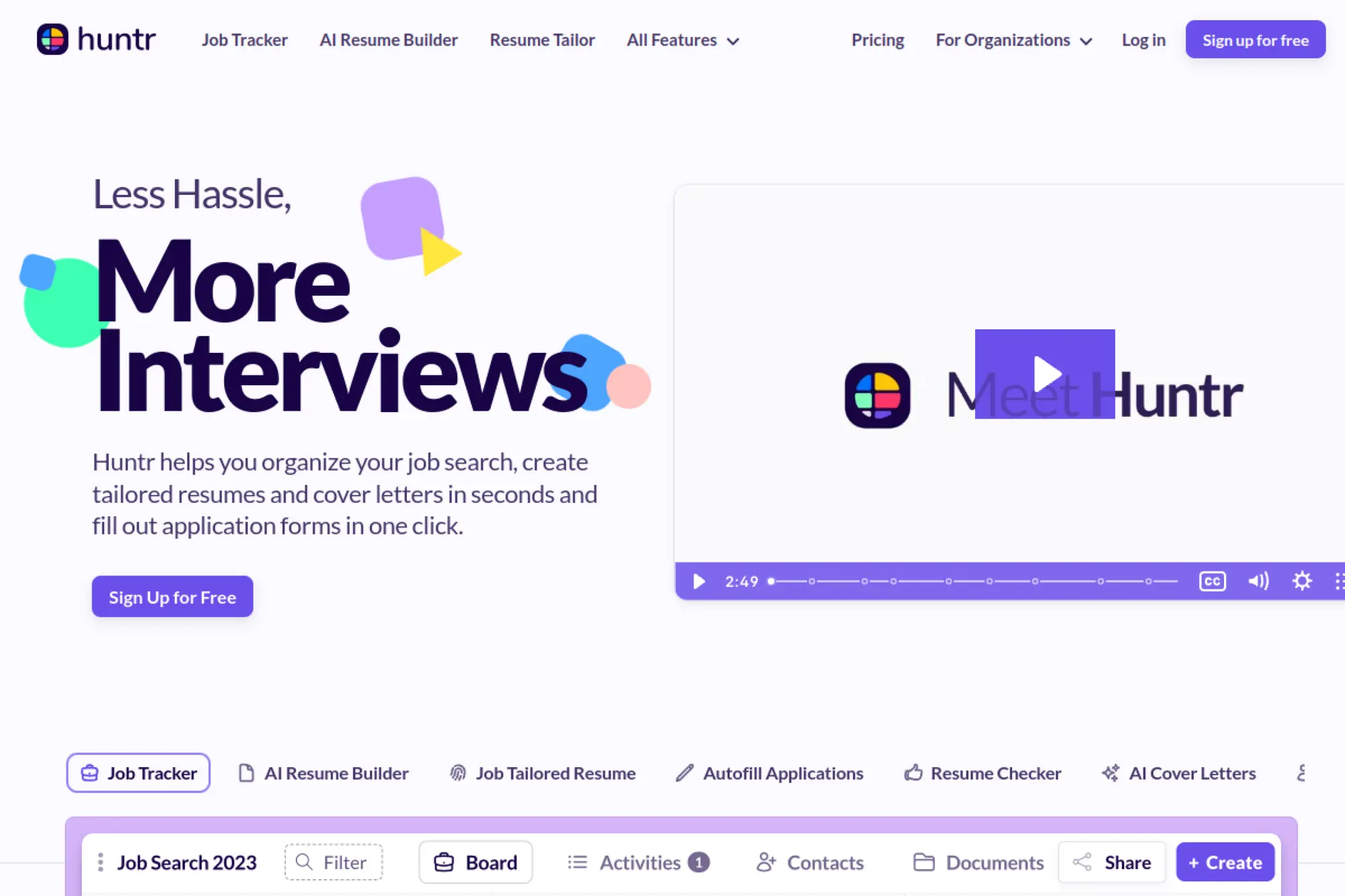
Huntr is a job-search toolset that combines tracking with AI tailoring. The team’s strength is turning job tracking into resume outputs.
Outcome: tailor your resume per role, then keep the whole process organized.
Best for: high-volume applicants and structured job hunters who like dashboards.
- Resume builder plus tracker → keeps each tailored resume attached to a job card.
- AI tailoring in Pro → saves 30–60 minutes per application packet.
- Quick onboarding → time-to-first-value is about 15 minutes.
Pricing & limits: From $0/mo with unlimited base resumes, 2 job-tailored resumes, and tracking up to 100 jobs. Pro is $40/mo, with quarterly and biannual discounts. Huntr states there is no free trial, but the free plan includes limited AI credits.
Honest drawbacks: The free plan’s tailoring caps can feel tight in an active search. Pro pricing is steep if you only apply occasionally.
Verdict: If you want tailored resumes with tracking baked in, this helps you stay consistent for weeks. Beats spreadsheets on automation; trails Teal on export flexibility in the free tier.
Score: 4.1/5 and .
16. SheetsResume
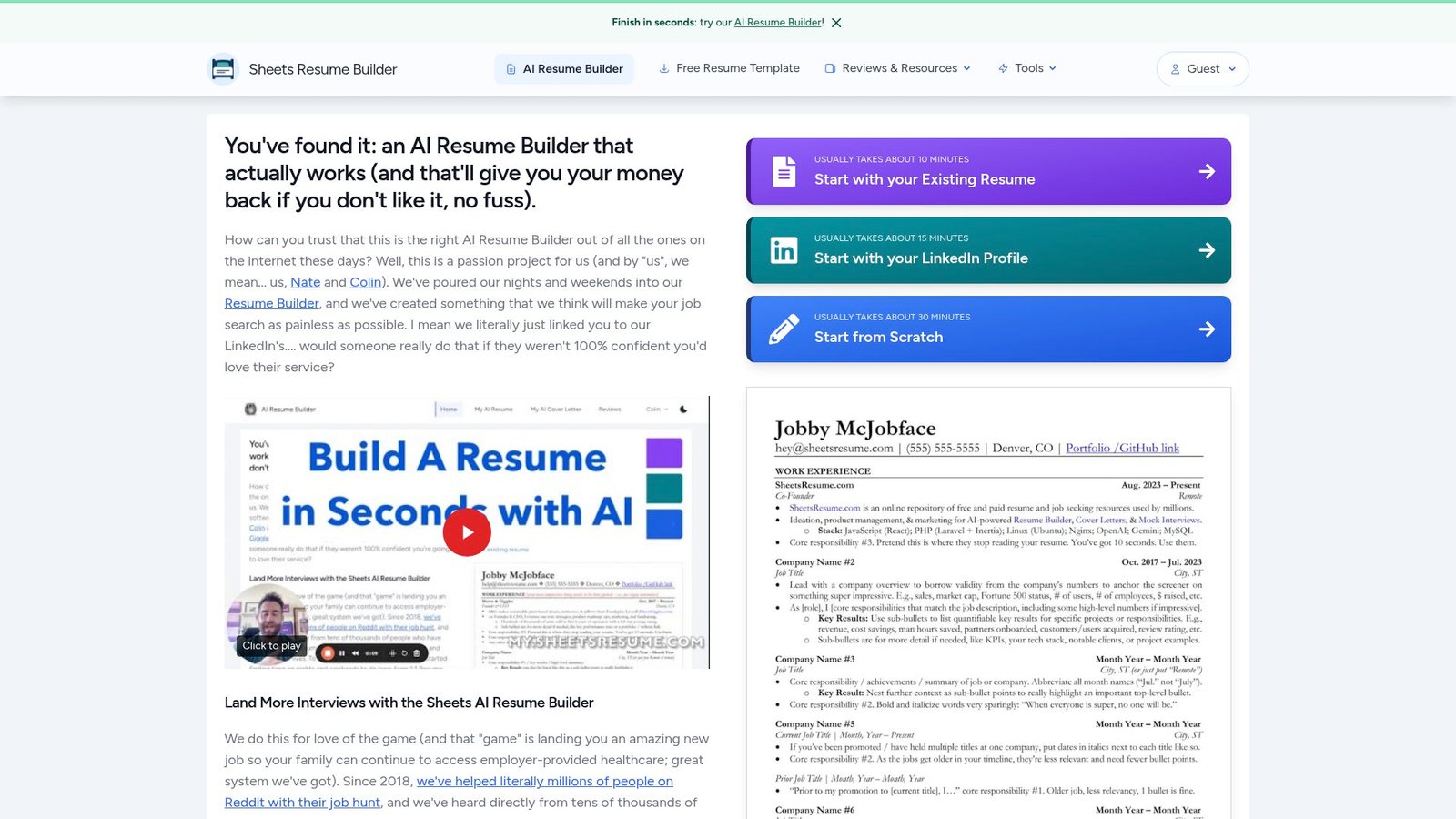
SheetsResume is a resume builder from a small, opinionated team. The brand voice is blunt: one strong format, fewer distractions.
Outcome: generate a tight, interview-focused resume without debating templates all day.
Best for: busy professionals and anxious job seekers who want one proven layout.
- Single-format resume system → prevents over-design and keeps ATS parsing predictable.
- Cover letter and mock interview tools → saves 1–2 hours per serious application.
- Try-before-you-buy flow → time-to-first-value is about 10–15 minutes.
Pricing & limits: From $39/mo, cancel anytime, or $99 lifetime access. The FAQ states memberships include unlimited usage of the resume builder, cover letter generator, and mock interview tool. A satisfaction guarantee with refunds is offered.
Honest drawbacks: If you want multiple layout styles, you will feel constrained. The “one format” philosophy is a feature and a limitation.
Verdict: If you want a no-drama resume that converts, this helps you ship a strong version this week. Beats Canva at focus; trails Kickresume on template variety.
Score: 4.0/5 and .
17. Resumatic
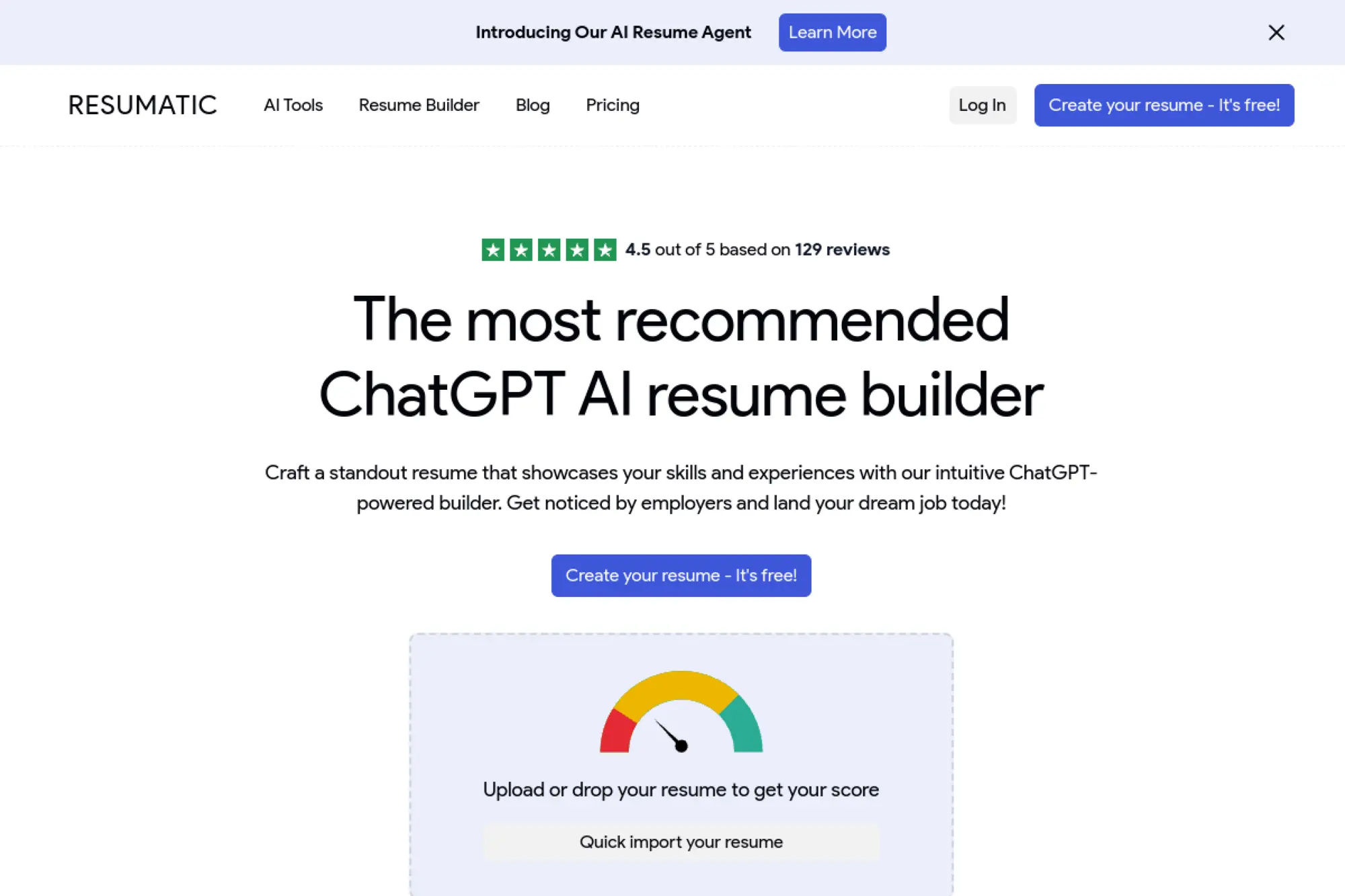
Resumatic sells itself as a ChatGPT-powered resume builder with ATS targeting. The team pushes a structured, “agent-like” workflow with refunds.
Outcome: generate ATS-optimized content while keeping exports and versions manageable.
Best for: job seekers who want Rezi-like pricing with a builder-first UI.
- Resume builder with analysis → helps you improve weak sections before exporting.
- Unlimited AI on paid tiers → saves 10–15 rewrite passes per application.
- Simple plan ladder → time-to-first-value is about 20 minutes.
Pricing & limits: From $0/mo with a 1 resume limit and 3 PDF downloads. Pro is $29/mo, and Lifetime is $149 one-time. The pricing page also advertises a refund guarantee.
Honest drawbacks: The ecosystem is smaller than Teal or Canva, so fewer adjacent tools exist. At this price, you should compare closely with Rezi.
Verdict: If you want ATS-safe drafts with minimal setup, this helps you produce tailored versions this weekend. Beats Resume.io on ATS intent; trails Rezi on brand trust and maturity.
Score: 3.9/5 and .
18. Resumai
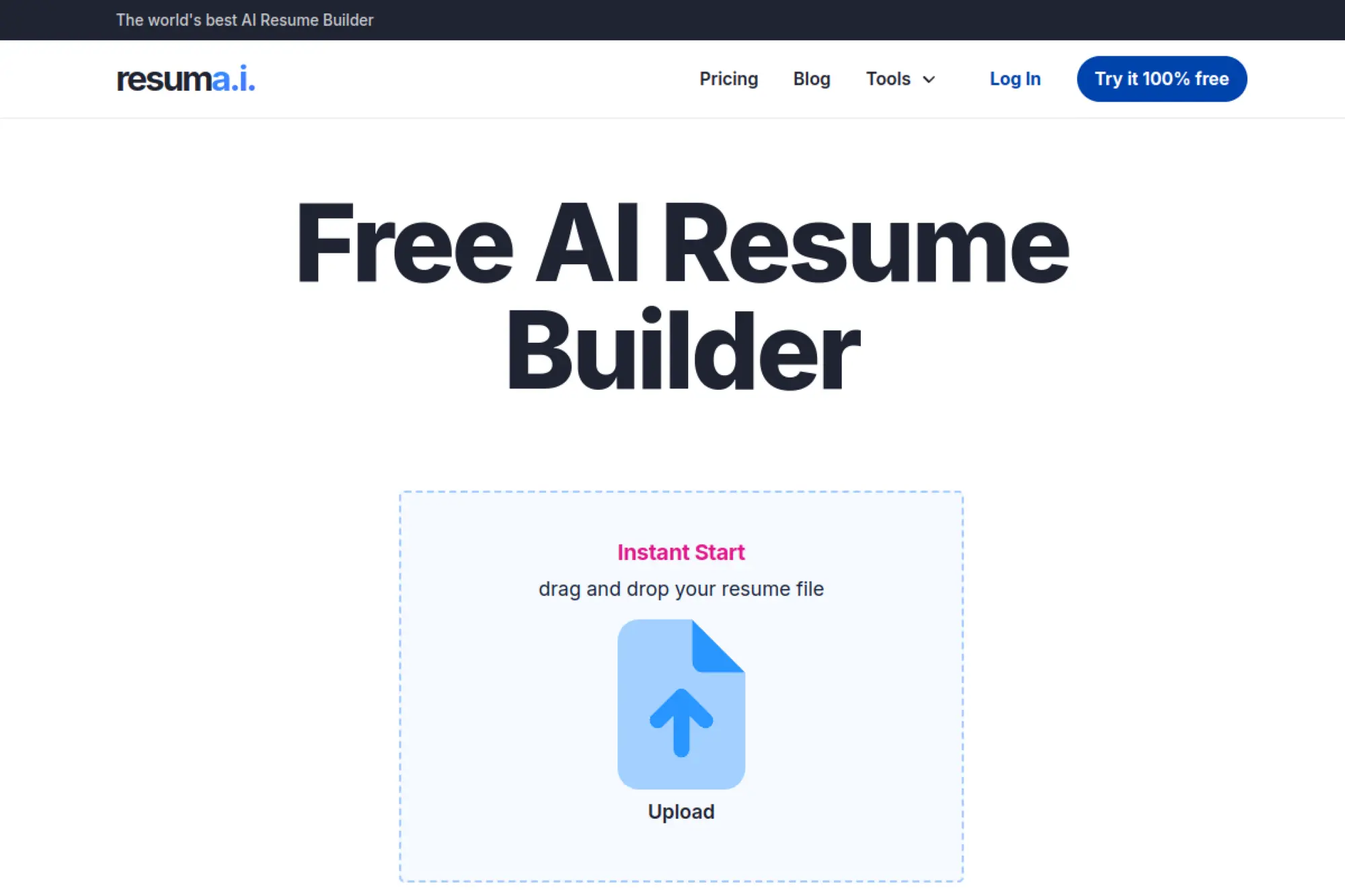
Resumai (resuma.i) presents as a streamlined AI resume builder with refund positioning. The product story is “one plan, unlimited generation.”
Outcome: generate resumes quickly when you do not want to manage credits or quotas.
Best for: solo applicants who want unlimited AI drafting without complex settings.
- Unlimited AI generation → keeps momentum when you are tailoring multiple roles.
- Free expert review included on Pro → saves 1–2 review cycles versus hiring help.
- Low setup friction → time-to-first-value is about 15–25 minutes.
Pricing & limits: From $29/mo, with a refund promise stated on the pricing page. The plan highlights unlimited generation and priority support. Trial details are not clearly presented on the pricing page.
Honest drawbacks: The brand and product surface area can feel similar to other Rezi-style builders. If you want deep workflow tools, Teal may fit better.
Verdict: If you want unlimited drafting without thinking about limits, this helps you iterate quickly over a few days. Beats credit-based tools on simplicity; trails Jobscan on deep comparison scans.
Score: 3.8/5 and .
19. MyResumeBuilder
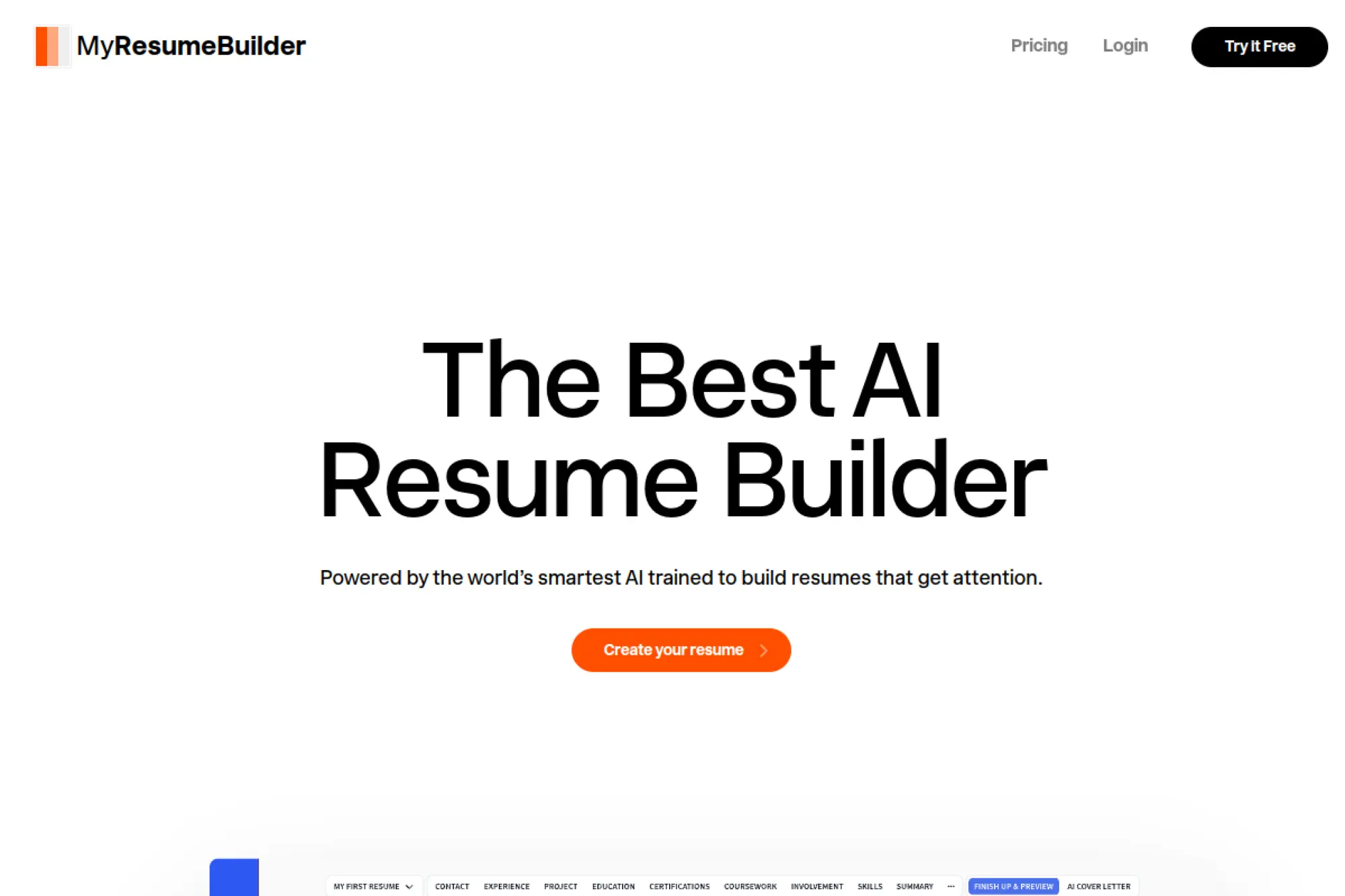
MyResumeBuilder is positioned as an AI resume writer with a white-labeled feel. The site frames the team as focused on quick formatting and ATS readiness.
Outcome: polish clarity, tone, and structure without learning design rules.
Best for: time-starved applicants who want fast, decent output with minimal fuss.
- Prompted improvements → reduces messy phrasing and makes bullets cleaner.
- AI suggestions and tailoring → saves 20–30 minutes per version you spin.
- Fast build-to-download flow → time-to-first-value is about 15 minutes.
Pricing & limits: From $0/mo for creating and downloading a resume, as stated on the pricing page. Pro is $29/month, and Lifetime is $149 one-time for premium features and unlimited AI credits. Refund messaging is emphasized.
Honest drawbacks: The branding and product language overlaps with other ATS-focused builders. If you want a distinctive editor, Enhancv may feel richer.
Verdict: If you want a quick cleanup pass before applying, this helps you ship a sharper resume this afternoon. Beats raw ChatGPT on formatting; trails Teal on job-tracking and workflow context.
Score: 3.7/5 and .
20. ChatGPT
ChatGPT is OpenAI’s flagship assistant, backed by a large research and product organization. It is not a resume builder by default, yet it is the best “writing engine” in this list.
Outcome: generate strong bullets, summaries, and tailored cover letters on command.
Best for: power users, career changers, and anyone who likes prompt-driven control.
- Prompt-to-bullets workflow → turns rough notes into crisp achievements quickly.
- File uploads and analysis in Plus → saves 30–60 minutes of manual redrafting.
- Works instantly in browser → time-to-first-value is about 5 minutes.
Pricing & limits: From $0/mo on the free tier. ChatGPT Plus is $20/month. Usage limits can apply, and they may vary with demand.
Honest drawbacks: You must supply structure, or you get inconsistent formats. It also will not “know” your achievements, so you must fact-check everything.
Verdict: If you want bespoke writing with full control, this helps you produce tailored content in one evening. Beats most builders at ideation; trails Rezi at enforced ATS formatting.
Score: 4.5/5 and .
21. Claude

Claude is Anthropic’s assistant, built by a safety-focused research team. It shines when you need careful rewrites and long-document edits.
Outcome: rewrite your resume in a consistent voice, with fewer awkward AI tells.
Best for: detail-oriented applicants and professionals rewriting dense, older resumes.
- Long-context editing → helps you keep consistency across the full document.
- Strong drafting and summarization → saves 20–40 minutes per rewrite pass.
- Clean interface → time-to-first-value is about 5–10 minutes.
Pricing & limits: From $0/mo on the free tier. Claude Pro has been offered at $20/month in supported regions. Free and paid tiers can include usage limits.
Honest drawbacks: You still need a resume template tool for final layout. Integrations are lighter than a full job-search platform.
Verdict: If you want calmer, cleaner rewrites, this helps you rebuild your resume over a weekend. Beats ChatGPT at long-form coherence; trails ChatGPT on ecosystem breadth.
Score: 4.4/5 and .
22. Perplexity AI
Perplexity is an AI answer engine with a research-first product direction. The team’s edge is sourcing, browsing, and summarizing fast.
Outcome: research roles, companies, and keywords, then feed better inputs into your resume.
Best for: strategic job seekers and interview prep heavy applicants.
- Research-driven querying → helps you understand role language before rewriting.
- Pro model access and Research features → saves 30 minutes per company deep dive.
- Low setup overhead → time-to-first-value is about 3 minutes.
Pricing & limits: From $0/mo with very limited Pro searches on the free plan. Perplexity Pro is $20 per month, or $200 per year. Education Pro can start with 1 month free, then $4.99/mo with verification.
Honest drawbacks: It is not a layout tool, so you still need a builder or template. Over-research can become procrastination in a nicer font.
Verdict: If you want smarter targeting, this helps you learn the right keywords today. Beats ChatGPT at sourced exploration; trails Jobscan on direct ATS scoring workflows.
Score: 4.3/5 and .
23. ResumeNow
ResumeNow routes to the same Resume-Now experience, with the same core product approach. The team clearly prioritizes quick completion and guided text.
Outcome: get a resume draft finished quickly, then upgrade for full exports.
Best for: applicants who want a fast builder and do not mind subscription vigilance.
- Template builder with AI prompts → speeds drafting when you are stuck on wording.
- Upgrade unlocks multiple file formats → saves 20–30 minutes versus reformatting elsewhere.
- Guided steps → time-to-first-value is about 15 minutes.
Pricing & limits: From $1.45 for 14-day limited access, or $1.85 for 14-day full access. After 14 days, it auto-renews at $23.85 billed every 4 weeks. Annual access is $70.20 billed yearly.
Honest drawbacks: The low entry price is paired with an easy-to-miss renewal. Power users will prefer tools with clearer ongoing value.
Verdict: If you need a resume output fast, this helps you publish a usable document tonight. Beats ResumeCoach on template library; trails Novorésumé on billing simplicity.
Score: 3.3/5 and .
24. TopResume
TopResume is a career services company with both DIY tools and done-for-you writing. The team strength is process, coaching, and professional delivery.
Outcome: outsource resume writing when your time or confidence is the bottleneck.
Best for: senior professionals and executives who want expert help, not templates.
- Expert-crafted resume service → delivers a professional narrative without DIY rewriting.
- Platform tools plus job matching → saves hours of scattered job-search admin.
- Guided onboarding for services → time-to-first-value is about 1–2 days.
Pricing & limits: From $0 to start with DIY career tools access. Resume writing packages start at $179, with monthly financing available. Premium services like “Get Hired Now” start at $2,495, with financing available.
Honest drawbacks: It is not the cheapest path, especially for early-career candidates. Turnaround and “fit” depend on your assigned writer and your feedback quality.
Verdict: If you want to hand off the writing work, this helps you get a professional draft without burning weekends. Beats any builder on outsourcing; trails Rezi on DIY iteration speed.
Score: 3.9/5 and .
25. Dartassist
Dartassist is a jobseeker tool that blends resume editing, job evaluation, and tracking. The product team frames it as a credits-based AI system with an unlimited tier.
Outcome: evaluate fit, generate a custom resume, and track applications in one place.
Best for: practical job seekers who want “unlimited” without a big monthly bill.
- Job evaluations plus custom resumes → closes gaps between your profile and postings.
- Unlimited tier removes credit limits → saves repeated “top up” steps during busy weeks.
- Browser-first workflow → time-to-first-value is about 15 minutes.
Pricing & limits: From $0 forever with limited credits and periodic topups, including 6 credits on signup. Unlimited is from $14.95 monthly with no credit limits. A Lifetime plan is listed at $479 one-time.
Honest drawbacks: Credit-based systems can feel opaque if you do not track usage. Smaller brand footprint means fewer community templates and guides.
Verdict: If you want a job-search cockpit with AI included, this helps you move faster in your next application burst. Beats pure builders at workflow; trails Teal on polish and template depth.
Score: 3.9/5 and .
26. Jobflow
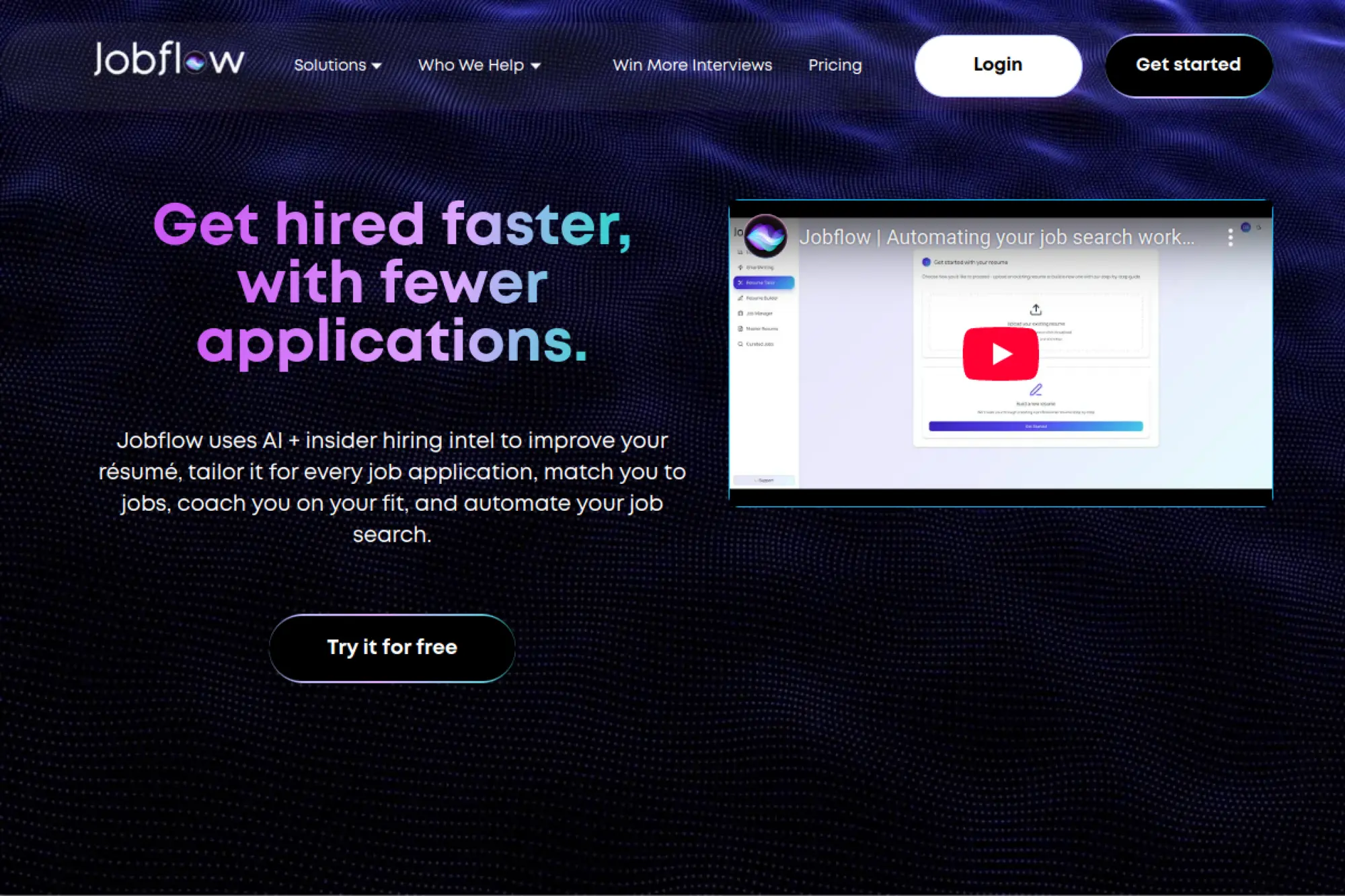
Jobflow is positioned as a resume tailoring and job matching platform built for speed. The team emphasizes “one-click tailoring” and a browser extension workflow.
Outcome: turn one base resume into job-specific versions without doing 30 prompts yourself.
Best for: frequent applicants and tech-savvy job seekers who want fast tailoring.
- Scan-and-optimize master resume → improves your baseline before you tailor.
- Tailored resume plus cover letter generation → saves 1–2 hours per application.
- Free trial with no card → time-to-first-value is about 10 minutes.
Pricing & limits: From $0 for a free 7-day trial with unlimited access and no credit card required. After that, weekly is $7.99 and monthly is $19.99. Institutions can purchase annual plans with custom pricing.
Honest drawbacks: The “goal is a job next month” positioning may feel pushy. You still need good inputs, or the output becomes generic.
Verdict: If you want fast tailoring at scale, this helps you apply smarter in your next two weeks. Beats using ChatGPT manually on workflow; trails Teal on long-term tracking maturity.
Score: 4.0/5 and .
27. Sonara
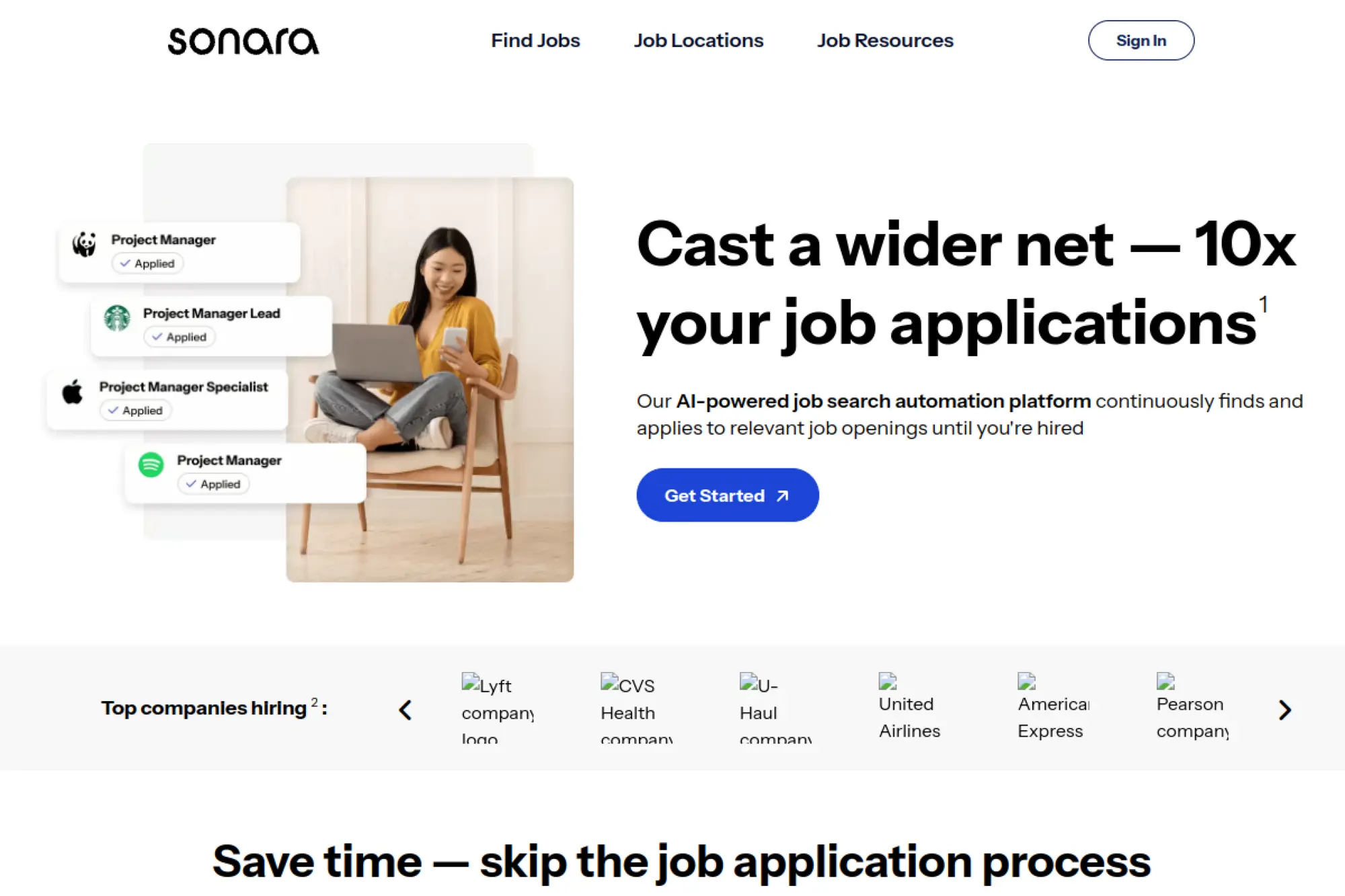
Sonara is presented as an AI job search tool in the “apply faster” category. The brand reads like a startup aiming to automate the repetitive parts.
Outcome: reduce application busywork so you can focus on interviews and networking.
Best for: busy professionals and job seekers who hate repetitive form filling.
- Automation-led workflow → reduces copy-paste fatigue across applications.
- AI assistance for tailoring → can save 30–60 minutes per targeted application.
- Setup should be quick → time-to-first-value is often under 20 minutes.
Pricing & limits: From $—/mo, because pricing details were not accessible via a public pricing page in our crawl. Trial length and caps are also not clearly stated in a public, static format. Expect limits tied to applications or generations.
Honest drawbacks: Any auto-apply tool can misfire if targeting settings are weak. You also risk volume over quality if you do not review outputs.
Verdict: If you want less admin and more momentum, this should help you apply faster over the next week. Beats manual spreadsheets on automation; trails Teal on transparent plan details.
Score: 3.5/5 and .
28. Massive
Massive appears positioned around scaling job applications with AI help. The product direction sounds like “volume with guardrails,” though details are hard to verify.
Outcome: streamline applications, resumes, and follow-ups in one consistent process.
Best for: high-volume job seekers and career changers testing many role types.
- Centralized application workflow → helps you avoid losing track of versions.
- AI-assisted drafting and tailoring → can save 20–40 minutes per job target.
- Likely web-first setup → time-to-first-value is often under 30 minutes.
Pricing & limits: From $—/mo, because the pricing page was not reachable in our crawl. Trial length and concrete caps were also not visible in a static public page. Plan limits may be tied to applications, credits, or generations.
Honest drawbacks: Without transparent limits, budgeting can be difficult. Any “scale applications” promise can backfire if quality drops.
Verdict: If you want to move faster across many roles, this may help you create a repeatable rhythm this month. Beats ad-hoc tooling on consolidation; trails tools like Huntr on clearly published plan limits.
Score: 3.4/5 and .
29. PopResume
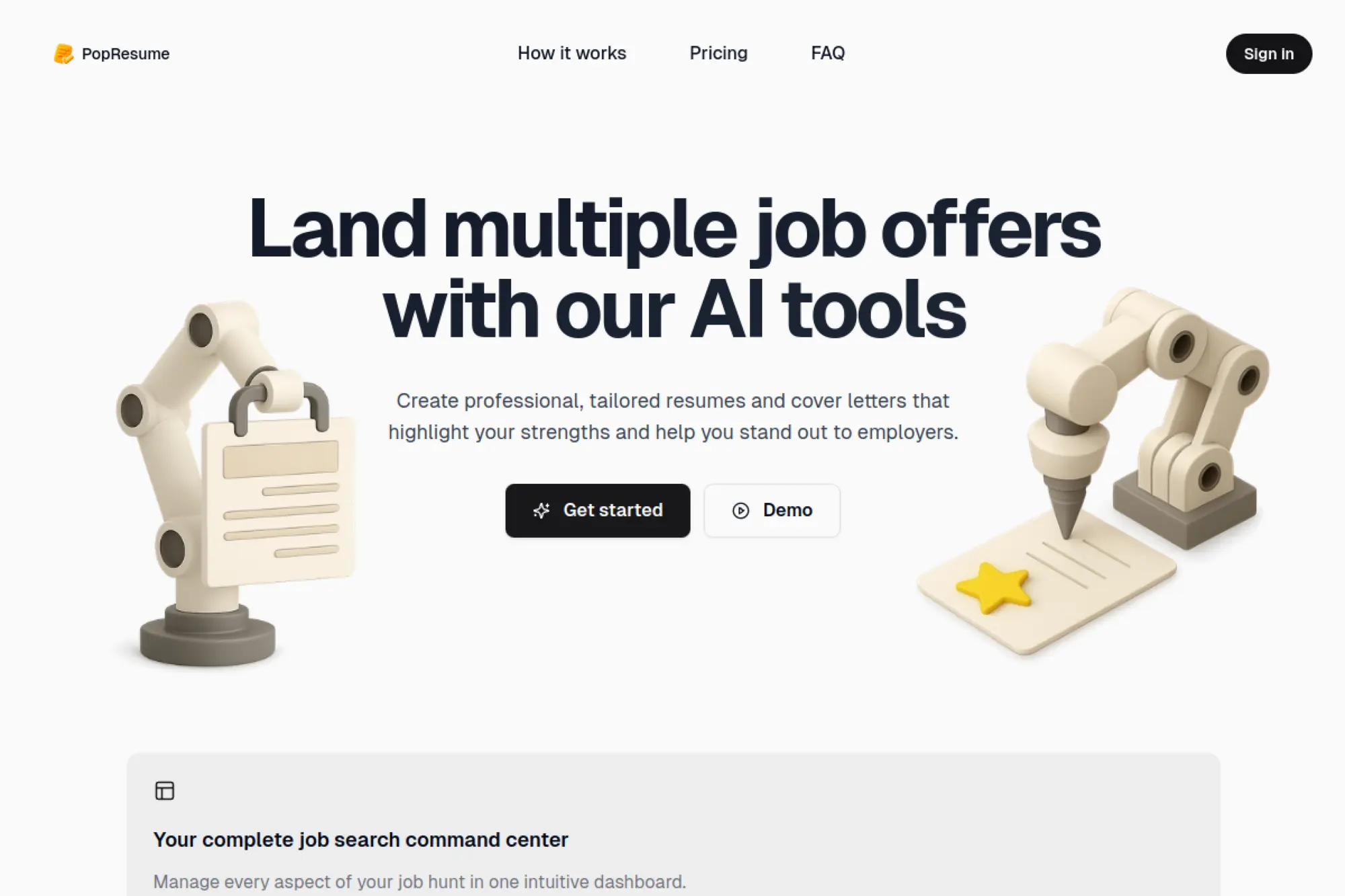
PopResume positions itself as a job search command center with AI doc generation. The product reads like a small team building a focused, modern workflow.
Outcome: generate tailored resumes, cover letters, and interview prep from one dashboard.
Best for: professionals who want one paid plan that covers the whole loop.
- Resume optimization against job descriptions → improves relevance without rewriting from scratch.
- Cover letters and prep tools → saves 60–90 minutes per interview-stage role.
- Unified dashboard → time-to-first-value is about 20 minutes.
Pricing & limits: From $29 per month on the Pro plan. The plan includes unlimited resumes per month, unlimited cover letters per month, and unlimited job tracking. Trial length is not highlighted as a standard offer.
Honest drawbacks: One-plan pricing is clean, but it can feel pricey for light users. The platform is newer, so long-term trust signals may be thinner.
Verdict: If you want a single place to run applications end-to-end, this helps you move faster over the next month. Beats piecing tools together on simplicity; trails Teal on established ecosystem depth.
Score: 3.8/5 and .
30. aiapply
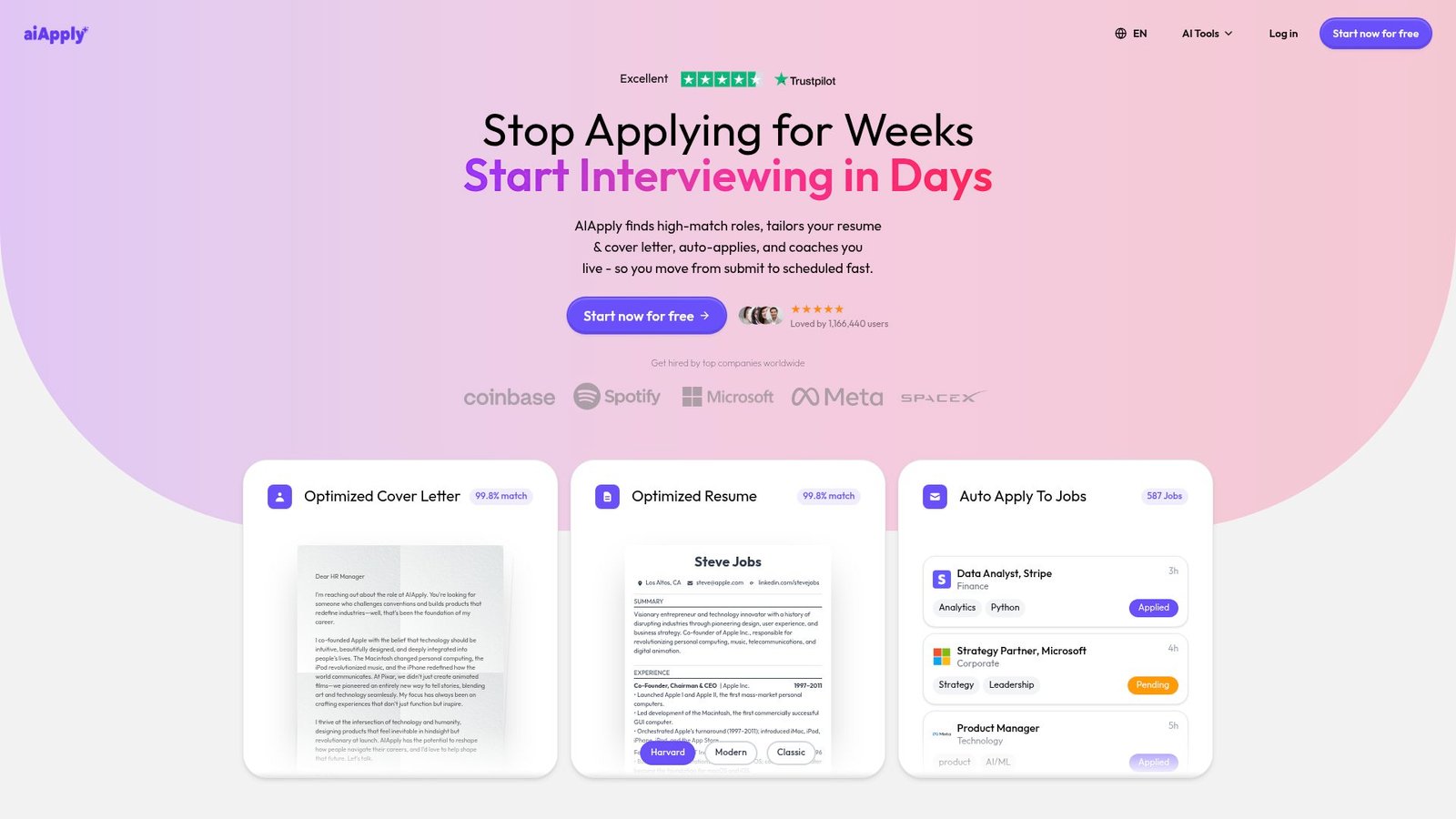
AiApply markets itself as an AI job-search co-pilot that bundles resumes, cover letters, and auto-apply. The team’s product posture is “submit to scheduled, faster.”
Outcome: generate tailored documents and reduce the grind of repetitive applications.
Best for: job seekers who want bundled tools, including interview coaching and applying help.
- Resume and cover letter generation → helps you produce job-specific drafts without starting from zero.
- Auto-apply style workflows → can save hours across a week of applications.
- Quick start flow → time-to-first-value is about 10–20 minutes.
Pricing & limits: From $0/mo to start, based on the “start now for free” positioning on the pricing page. Paid plan pricing and caps were not clearly visible in the static HTML capture we could access. Trial length and refund terms were also not clearly stated in the accessible snapshot.
Honest drawbacks: Any auto-apply system needs careful targeting to avoid bad-fit submissions. The marketing claims can read louder than the plan details.
Verdict: If you want an all-in-one job search assistant, this should help you draft and apply faster this week. Beats pure builders on automation; trails Teal and Jobscan on transparent, easy-to-compare pricing.
Score: 3.6/5 and .
Must-Have Features in the best ai resume builder for Modern Job Searches

Market overview: McKinsey reports 65 percent of respondents say their organizations regularly use gen AI, which normalizes AI-assisted writing everywhere. Hiring teams will see more AI-shaped resumes. That raises the bar for specificity. It also increases suspicion of vague claims.
1. AI resume generator vs. AI rewriter: when to use each
A generator is best for a blank page. It proposes structure and phrasing. It also helps when you cannot find a clean narrative arc.
A rewriter is best for refinement. It improves clarity without changing meaning. It can also preserve your authentic details.
We prefer a hybrid approach. Generate a rough draft for each section. Then rewrite your real bullets, one by one.
A Practical Workflow We Recommend
Generate a summary last. Rewrite experience first. Your experience carries the proof. Summaries should echo that proof.
2. AI bullet point writing and “enhance text” workflows
Enhance workflows save time. They turn long sentences into scannable bullets. They also suggest stronger verbs and tighter nouns.
However, enhancement can inject assumptions. A tool may add “cross-functional leadership” when you simply collaborated. That nuance matters.
We advise using enhance features in small batches. Edit immediately after each enhancement. That keeps you in control of tone and truth.
Where Enhancement Helps Most
Bullets that describe internal systems often read like jargon. Enhancement can translate jargon into outcomes. Recruiters will thank you.
3. Keyword scanning, ATS checks, and match scoring against job descriptions
Keyword scanning is a fast sanity check. It answers, “Did we mention the required tools?” It also reveals missing domain terms.
Match scoring can mislead. A high score may reflect keyword stuffing. A low score may reflect different wording for the same skill.
Our view is blunt. Use scoring to catch omissions. Ignore it as a prediction of interviews. Humans still decide.
What Good Matching Looks Like
Good matching keeps meaning intact. It adds missing skills where you truly have them. It never forces awkward phrasing.
4. Guided step-by-step resume building vs. free-form editors
Guided builders help beginners. They ask for role context and accomplishments. They also reduce formatting mistakes.
Free-form editors help experienced candidates. They want full control over section order. They also want unique sections for niche roles.
At TechTide Solutions, we see both needs in enterprise tools. The best systems offer modes. You can start guided and finish free-form.
A Small UX Detail That Matters
Inline examples beat tooltips. When you see a strong bullet sample, you write better. That is simple behavioral design.
5. Template quality: recruiter-approved layouts and ATS-safe structure
Template quality is not about decoration. It is about predictable parsing. It is also about a recruiter’s scan pattern.
Recruiters scan top-down. They look for title, company, dates, and scope. A good template makes those elements obvious.
We like templates that avoid novelty headers. “Experience” should be labeled “Experience.” Creative headings confuse parsers and humans.
A Template Red Flag
If the template relies on icons for meaning, avoid it. Icons rarely survive ATS parsing. Text does.
6. Design flexibility without breaking ATS readability
Design flexibility is useful when you need fit. Some candidates have dense experience. Others need whitespace to improve readability.
The danger is over-styling. Heavy lines, shapes, and text boxes can break parsing. The same is true for multi-column layouts.
We suggest using design knobs that change typography, not structure. Font size, spacing, and section order are safer than visual widgets.
Typography Choices We Prefer
Choose readable fonts. Prefer consistent heading sizes. Maintain predictable indentation. Those choices help both machines and humans.
7. Export formats and download rules: PDF, DOCX, Word, and TXT limitations
Export is where many tools hide paywalls. It is also where format choices affect parsing. PDF is common, but not always best.
DOCX often parses more cleanly in some ATS stacks. TXT is useful for testing how your resume reads without formatting. Each format has tradeoffs.
We advise exporting more than one format. Then test each by copying into plain text. Choose the cleanest result.
What We Test During Delivery
We test copy-paste behavior. We also test section order in plain text. If order breaks, the ATS may also break.
8. Resume review, grammar checks, and error detection
Grammar checks catch low-hanging mistakes. They also reduce awkward phrasing. That matters because recruiters skim fast.
Error detection should also include consistency checks. Dates should align in format. Role titles should follow a pattern. Punctuation should be predictable.
Our internal reviews treat resumes like production docs. A typo is small, but it signals care. Care signals reliability.
Errors That Hurt Most
Inconsistent tense confuses readers. Mixed punctuation distracts. Unexplained acronyms create friction. Fix those first.
9. Built-in cover letter generation and related job-application documents
Cover letter generation is useful, but risky. A generic letter is worse than none. It signals low intent.
We suggest using AI for structure only. Let it propose a hook and a close. Then rewrite the body in your voice.
Related documents can help too. A portfolio blurb, a networking message, and a concise follow-up email all benefit from the same fact set.
One Trick We Use
Write a “fact bank” once. Then reuse it across documents. That keeps claims consistent across your application package.
10. Job tracking and job search management features tied to the resume workflow
Job tracking is underrated. Many candidates lose momentum because they lose context. A tracker preserves your notes and versions.
When tracking is integrated with resumes, iteration becomes easier. You can store a tailored version per role. You can also see what worked.
From a builder perspective, this is retention glue. From a candidate perspective, it is sanity. We like tools that treat job search as a pipeline.
How We Think About It
A resume is not a file. It is a versioned artifact. Track it like you track code. Your future self will benefit.
How to Use a best ai resume builder Without Sounding Generic

Market overview: PwC reports only 14% of respondents are using GenAI daily, which means many candidates are still learning the basics. Early users often sound the same. They rely on the same verbs and templates. Recruiters notice patterns quickly.
1. Prepare your details first: roles, dates, metrics, and accomplishments
Preparation beats prompting. Gather role titles, team context, and systems touched. Capture projects, stakeholders, and constraints.
Write down what changed because of your work. Note which problems you solved. Keep a short list of “before and after” statements.
Then feed that into AI. You will get bullets that reflect reality. Without that prep, AI fills gaps with fluff.
A Fast Prep Checklist We Use
List your tools, deliverables and business outcomes. Add constraints like latency, security, or reliability.
2. Prevent exaggeration: verify every AI-generated claim before exporting
AI exaggeration is common. It upgrades “helped” into “led.” It also upgrades “supported” into “owned.” Those are not the same.
Verification is simple. Ask, “Could I defend this in an interview?” If the answer is no, rewrite it.
We also recommend aligning claims with references. If a manager would dispute a bullet, change it now. Trust is easier to keep than to rebuild.
Red Flags We See Often
Overconfident language is a red flag. Unrealistic scope is another. Vague “strategic” phrasing without proof is the loudest warning.
3. Make prompts specific: achievements, scope, tools, and outcomes
Specific prompts produce specific bullets. Mention the system, the constraint, and the goal. Include the tools you used.
Instead of asking for “a strong bullet,” ask for “a bullet that shows ownership of incident response tooling.” Give a small fact set. Then ask for options.
At TechTide Solutions, we treat prompting like requirements writing. Garbage in still produces garbage out. Clear inputs produce clean drafts.
A Prompt Pattern We Like
Ask for three variants. Request different tones. Choose one and edit it. That workflow keeps you from sounding like a template.
4. Keep resumes ATS-friendly: avoid columns, icons, photos, and heavy graphics when needed
Some roles tolerate design. Many do not. Large employers often route resumes through strict ATS parsing. Simple formatting wins there.
Avoid columns when you cannot test the ATS. Skip icons that replace words. Remove photos unless the role explicitly expects them.
Heavy graphics also break accessibility. They can confuse copy-paste behavior. When in doubt, choose clean text structure.
A Practical Test
Paste your resume into a plain text editor. If it becomes chaotic, your ATS risk rises. Fix structure before styling.
5. Personalize tone and language to avoid “AI voice” patterns
AI voice is recognizable. It overuses “spearheaded,” “leveraged,” and “synergy.” It also writes like every accomplishment was heroic.
Human voice is calmer. It uses direct verbs. It names the system and the outcome.
We recommend reading your resume aloud. If it sounds like a press release, rewrite it. A resume should sound like a capable colleague, not a brand campaign.
Words We Often Replace
Replace “utilized” with “used”, “optimized” with what you actually did and “strategic” with the decision you made.
6. Compare multiple builders and test outputs before committing
Each builder has a style bias. Some prefer corporate language. Others prefer a casual voice. Comparing tools reveals those defaults.
We suggest testing with one job ad and one experience set. Generate drafts in two tools. Then compare bullet specificity and keyword placement.
Do not pay before you test export quality. Also check editing friction. A tool that fights you will waste your time.
How We Run a Quick Tool Bake-Off
We judge on clarity, ATS safety, and editing speed. We also judge on how often we must “undo” AI changes.
7. Target a few job titles with strong versions instead of endlessly rewriting for every posting
Endless rewriting drains energy. It also creates version sprawl. Candidates lose track of what they sent where.
We prefer a small set of strong variants. Each variant targets a job family. Each has tuned keywords and proof points.
Then tailor lightly per posting. Adjust a summary. Swap a few bullets. Keep the spine stable. That approach scales without turning your job search into chaos.
A Recruiting Reality We Respect
Recruiters hire patterns. They recognize coherent profiles. A stable narrative builds trust faster than a constantly shifting resume.
Pricing, Free Plans, and Paywalls to Watch When Choosing the best ai resume builder
Market overview: Forrester reports more than 60% of decision-makers in a studied segment already use genAI, and that adoption drives subscription sprawl. Resume tools follow the same monetization playbook as other AI apps. They bundle features, gate exports, and upsell “optimization.” Understanding paywalls is part of choosing wisely.
1. Free plans that allow a complete resume build
A true free plan lets you finish a resume. It also lets you export it in a usable format. Anything less is a demo.
We like “build and export” free tiers. They create trust. They also reduce buyer regret.
From a product lens, free plans can still be sustainable. They can limit advanced tailoring. They can also limit document variants. What matters is honesty and clarity.
What to Check Before You Invest Time
Check whether export is allowed. Confirm whether edits remain accessible later. Verify whether the tool watermarks output.
2. Common restrictions: limited resumes, limited downloads, and format locks
Restrictions show up in subtle ways. Some tools limit how many versions you can store. Others limit how often you can download.
Format locks are common. A tool might allow PDF export but block DOCX. That matters if an employer requests a specific format.
We advise reading the export screen early. If the rules feel confusing, they usually are. Confusion is often a monetization strategy.
A Hidden Restriction to Notice
Some tools lock custom sections. They allow standard headings only. That can hurt candidates with portfolios or publications.
3. Pay-to-download models and “trial-only free plan” traps
Pay-to-download models can be fair. They align cost with output. They also work for candidates who need a single resume.
Trial-only traps are worse. They require a card to export. They also rely on cancellation friction.
At TechTide Solutions, we dislike these patterns. They erode trust. They also create support headaches for the vendor. Look for clear cancellation and clear receipts.
A Simple Buyer Defense
Export early in the trial. Test the file quality. Cancel immediately if the workflow feels manipulative.
4. Monthly vs. yearly vs. lifetime pricing structures
Monthly pricing fits active job searches. It is also easier to cancel. Yearly plans suit ongoing career management and frequent role changes.
Lifetime plans can be attractive. They can also be risky. The product might change direction. The company might get acquired.
We advise matching pricing to your timeline. If you expect a short search, choose flexibility. If you plan ongoing updates, consider longer terms.
A Vendor Signal We Watch
Transparent roadmaps signal maturity. Clear support channels also matter. Pricing is not only about cost. It is about reliability.
5. Add-on costs: premium templates, advanced AI features, and proofreading services
Add-ons can be valuable. Premium templates may be genuinely better. Proofreading can catch tone problems and grammar drift.
Still, add-ons can become a maze. The “cheap” plan might be unusable without upgrades. That is a classic dark pattern.
We suggest starting with the minimal plan that exports cleanly. Then add services only if they solve a real pain. Avoid buying “confidence” as a bundle.
When Proofreading Is Worth It
Proofreading helps when English is not your first language. It also helps when your resume spans multiple industries and tone shifts.
6. Balancing value: ATS optimization features vs. design-first resumes
Design-first resumes help in brand-heavy roles. Marketing and design candidates can benefit from tasteful visual identity. ATS optimization still matters, though.
ATS-first resumes help in high-volume pipelines. Enterprise recruiting often favors predictability. A clean document wins there.
Our advice is to choose the pipeline you are entering. If you apply through a portal, go ATS-first. If you network directly, you can consider more design.
A Hybrid Approach We Like
Maintain one ATS-safe baseline. Then keep a design-forward variant for direct outreach. That gives you flexibility without risking parsing.
TechTide Solutions: Custom Software That Turns AI Resume Ideas Into Real Products
Market overview: Deloitte’s human capital research highlights that 73% of respondents say it is important to keep human capabilities aligned with technological innovation, and resume tools sit on that boundary. A resume is human identity rendered into structured text. Building products in this space requires technical discipline and empathy.
1. Customer-first discovery to define the right best ai resume builder feature set
We start with workflows, not features. Candidates want speed, but they also want control. Recruiters want clarity, but they also want truth.
During discovery, we map user journeys end to end. We identify where users hesitate. We also identify where they lose trust.
Then we prototype small. A resume builder is a writing tool. Writing tools need fast iteration and careful UX. The best experiences feel calm, even when the user is stressed.
Questions We Ask Early
Which ATS platforms are most common in your market? Which industries are targeted? What tone does your audience expect?
2. Custom integrations with ATS workflows, job boards, and internal systems
Integrations separate “nice app” from “real product.” Job board ingestion enables job-ad parsing. ATS integrations enable structured exports and application handoff.
We also build skill taxonomies. They normalize synonyms and variants. That makes matching more reliable.
On the enterprise side, we often connect to internal role frameworks. That supports internal mobility. It also supports consistent leveling language across resumes and profiles.
Integration Pitfalls We Engineer Around
Job ads change formatting often. ATS systems differ in parsing. Our approach favors robust text extraction and resilient mapping layers.
3. Secure, scalable delivery: data protection, performance, and iterative improvements
Resume data is sensitive. It includes identity, employment history, and contact details. A builder must treat it like regulated data, even when it is not required.
We prefer privacy-first designs. Local storage options reduce risk. Server-side processing needs strict retention rules.
Performance also matters. Writing tools must feel instant. Latency breaks flow. Finally, we ship evaluation harnesses. They catch hallucinations and formatting regressions before users do.
Our Quality Bar
If the product can create a false claim, we add guardrails. If it can leak data, we redesign storage. Trust is the product.
Conclusion: Choosing the best ai resume builder That Fits Your Needs
Choosing a builder is really choosing a workflow. Start with your constraints. Consider your target employers and their ATS maturity. Then pick tools that support clarity and truth.
At TechTide Solutions, we see the same pattern again and again. Candidates win when they stay specific. They also win when they keep structure simple. AI helps most when it amplifies real work, not when it invents it.
If you want a practical next step, pick one job description and run a controlled test. Build one ATS-safe version, then validate it with a matcher. After that, read it aloud and remove the “AI voice.” Which two tools will you pair as your builder and your tester?




