At Techtide Solutions, we treat slide creation as a production pipeline, not a design pastime. McKinsey’s research pegs generative AI’s potential at $2.6 trillion to $4.4 trillion annually in value, so every “small” workflow matters in aggregate.
Slide decks sit at the awkward junction of writing, design, analytics, and politics. That junction is exactly where AI can help. It can also wreck trust fast. A deck that looks finished but is hard to edit is a tax on every teammate.
We built this guide for people who ship decks for a living. That includes product leaders, founders, consultants, sales teams, and educators. Our bias is practical: editable output, predictable branding, and repeatable workflows.
How We Evaluated the best ai powerpoint generator Options
Market context matters because tooling maturity tracks investment. Gartner forecasts worldwide GenAI spending at $644 billion in 2025, and we see presentation tooling riding that same wave inside office suites.
Our evaluation lens is simple. We ask whether a tool helps teams ship a deck that survives collaboration. Then we ask whether it survives reality. Reality includes deadlines, brand review, and last-minute content swaps.
1. Compatibility with your workflow: PowerPoint, Google Slides, or standalone editors
Workflow fit is the first filter, because slide work is a team sport. Many teams end in PowerPoint. Some teams end in Google Slides. Others publish a web link and never export.
In our builds, “end format” predicts everything else. Native tools keep objects editable. Web-first tools often start faster, but they can create export debt later.
We also consider where feedback happens. If legal reviews in PowerPoint, a web-only tool becomes a bottleneck. If a class shares links, a web-first format can be perfect.
2. Content quality: avoiding generic “AI slop” and improving context
AI slide tools fail in a predictable way. They produce clean sentences with no opinion. The deck reads like air. That is “AI slop,” and it shows up most in intros and summaries.
We reward tools that accept rich inputs. A good tool lets us bring a brief, notes, or a doc. Better tools preserve the structure we already trust.
We also look for controls that prevent hallucinated claims. In our work, the best outputs cite or mirror the source text. That makes review faster.
3. Layout and design variety: slide types, templates, and visual consistency
A deck needs multiple visual “moves.” It needs an agenda, a framework, a table, a chart, and a close. Tools that only remix title-and-bullets feel repetitive.
Consistency matters more than novelty. A deck can be boring and still win. A “frankendeck” loses trust, even when content is strong.
We check for slide primitives. Those primitives include grids, cards, callouts, and diagram scaffolds. Strong tools generate these reliably.
4. Usability: how much editing is needed before the deck is share-ready
Usability is measured in edits, not clicks. The question is simple: how many passes does a deck need before a human is comfortable sharing it.
In practice, most teams want a “first share” deck. That means the story arc is coherent. It also means obvious wording problems are gone.
We also watch the tool’s failure behavior. Some tools fail loudly, which is good. Others fail subtly, which is dangerous.
5. Export and editability: PPTX reliability and post-export formatting risks
Export is where the bill comes due. A slide deck is not a document. It is a graph of positioned objects with style inheritance.
When a tool is not native, it often models slides as web layout. Converting web layout to PowerPoint objects is lossy. That loss appears as shifted text, broken fonts, and flattened shapes.
We test for edit friction after export, care about placeholder behavior, theme mapping, and whether charts remain charts. We also care about speaker notes survival.
6. AI editing depth: rewrite, insert, and reformat features for existing decks
Most business decks are revisions, not greenfield work. So we score tools that can edit an existing deck. Insert-a-slide and rewrite-a-slide are the daily moves.
Reformatting is the underrated feature. A blob of text should become a structured slide. That demands layout awareness, not just writing.
We also like tools that understand local context. A slide rewrite should follow the deck’s voice. It should not reset the tone every slide.
7. Brand controls: themes, custom templates, and team-wide style governance
Brand controls separate hobby tools from enterprise tools. Teams need themes, fonts, and locked elements. They also need guardrails against “creative” deviations.
We look for template anchoring. A tool should start from a company template. It should prefer approved layouts by default.
Governance also includes permissions. In real teams, not everyone should edit the master. That is a design system problem, not an AI problem.
8. Workflow extras: file-to-deck, prompt-to-deck, charts, and images
Extras are not fluff when they remove steps. File-to-deck can cut hours when the input is a brief. Prompt-to-deck helps when the input is fuzzy.
Charts and images are the two big accelerants. Yet they are also the two big sources of misinformation. We prefer tools that separate “draft visuals” from “final visuals.”
We also value integrations. When a tool can pull from docs or drives, it reduces copy-paste drift. That drift is a hidden risk.
9. Pricing approach: free options, trials, and plan fit for teams vs individuals
Pricing shapes adoption patterns. A free tier helps individuals experiment. A team plan helps organizations standardize.
We watch for credit systems. Credits can be fine, but they can also hide the true cost. Predictable budgeting matters for slide factories like sales teams.
We also watch licensing friction. If procurement is hard, people shadow-IT around it. That can create compliance headaches later.
Quick Comparison of best ai powerpoint generator
Adoption momentum explains why the category is crowded. In McKinsey’s survey, 65% of respondents report regular gen AI use in at least one business function, and slide work is an obvious target.
| Tool | Best for | From price | Trial/Free | Key limits |
|---|---|---|---|---|
| Microsoft Copilot for PowerPoint | Teams finishing in PowerPoint | Subscription | Varies by license | Quality depends on source docs |
| Gemini in Google Slides | Google Workspace slide workflows | Workspace add-on | Varies by plan | Export can add cleanup work |
| Plus AI | Doc-to-deck inside Slides | Paid plan | Trial | Best results need strong outlines |
| SlidesAI.io | Fast text-to-slides in editors | Paid plan | Free tier | Design variety can repeat |
| Beautiful.ai | Design-consistent decks fast | Paid plan | Trial | PPTX handoff may shift elements |
| Gamma | Web-first narrative decks | Free tier | Free tier | PowerPoint export is a compromise |
| Canva Presentations | Visual-heavy brand assets | Free tier | Free tier | Complex layouts can flatten on export |
| Pitch | Collaborative decks with links | Free tier | Free tier | Offline workflows are weaker |
| Decktopus | Quick drafts with guided structure | Paid plan | Trial | Templates can feel tool-shaped |
| Visme | Business visuals and interactivity | Free tier | Free tier | Export details vary by project type |
Our short list above is intentionally mixed. Some options win on editability. Others win on speed to a presentable draft. The “best” tool is usually the one that matches where you finalize.
Top 30 best ai powerpoint generator Tools and SaaS Platforms

Picking an AI PowerPoint generator is less about “cool AI” and more about finishing a deck on time. Our shortlist favors tools that reduce blank-slide anxiety, keep brand consistency, and survive real edits. We look for clean exports, sane collaboration, and a workflow that doesn’t trap your slides in a walled garden.
Each tool below gets a weighted score from 0–5. We grade Value-for-money (20%) and Feature depth (20%) first, since most teams live in the paid tier. Next comes Ease of setup & learning (15%) and Integrations & ecosystem (15%), because decks rarely live alone. We also score UX & performance (10%), Security & trust (10%), and Support & community (10%).
Numbers in the reviews are directional, not promises. Pricing and limits change often, so treat “from” figures as placeholders to confirm on the vendor page. The goal here is decision speed: choose a lane, ship a deck, and iterate with less friction.
1. Plus AI
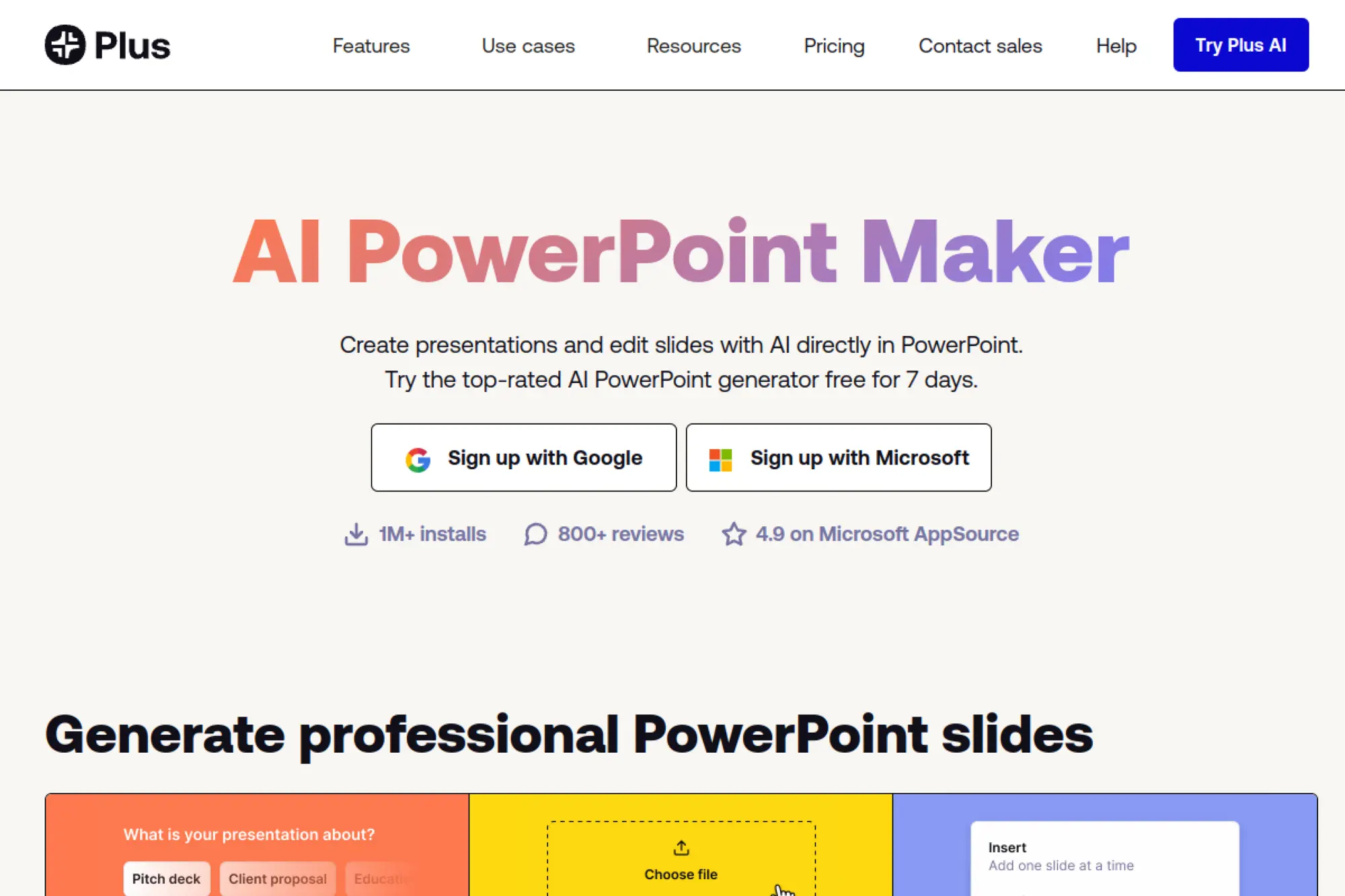
Plus AI focuses on turning rough notes into presentation-ready slide structures. The company positions the product around day-to-day deck making, not novelty demos. Its team’s north star is speed inside the tools people already use.
Primary outcome: Draft a credible deck fast, then refine in your editor.
Best for: consultants and startup operators who rebuild decks every week.
- Prompt-to-outline flow → get a logical storyline without staring at slide one.
- Slide editing in familiar apps → often saves 3–5 back-and-forth export steps.
- Template-guided generation → reach first usable draft in about 10–15 minutes.
Pricing & limits: From $X/mo; trial: X days. Expect caps around seats, generations, and export formats per tier. Teams should confirm whether brand templates are included or gated.
Honest drawbacks: Some outputs still need human tightening for tone and evidence. If you need pixel-perfect brand policing, you may spend time tuning templates.
Verdict: If you need a “good enough” first deck quickly, this helps you ship a draft in one sitting. Beats generic chatbots at slide structure; trails full design suites on visual variety.
Score: 4.3/5
2. Gamma AI-powered slide decks
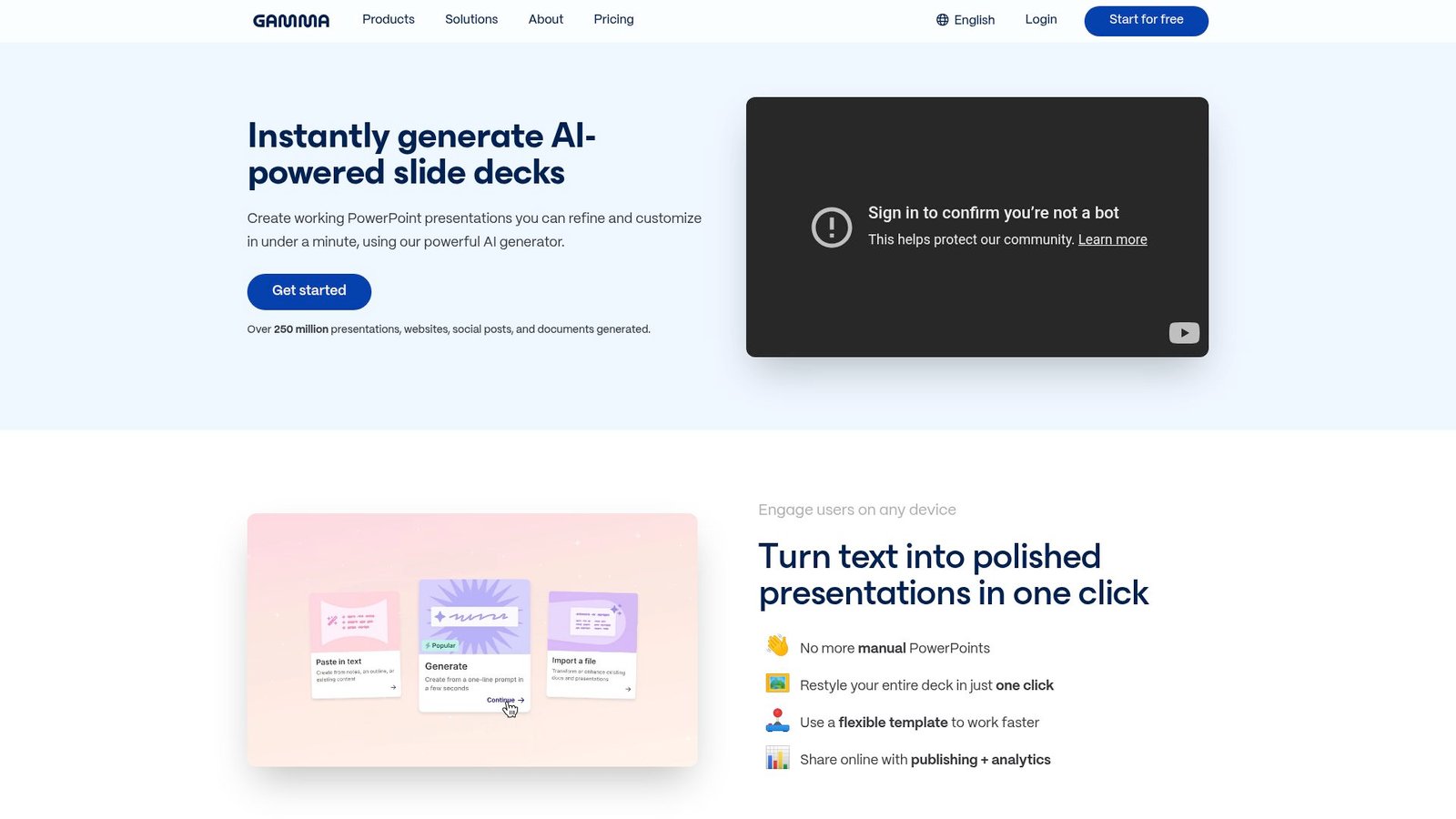
Gamma presents itself as a modern alternative to traditional slide tools. The company’s product bets on web-native output that looks polished by default. Its team leans into fast drafting, then quick rearrangement.
Primary outcome: Publish a clean, modern deck without fighting layouts.
Best for: solo marketers and founders who want fast “boardroom-ready” visuals.
- Card-based slide building → turn a doc into sections that stay readable.
- One-click theme changes → often saves 10+ manual formatting tweaks per deck.
- Guided generation → get a shareable draft in about 8–12 minutes.
Pricing & limits: From $X/mo; trial: X days. Free tiers often cap exports, premium themes, or brand controls. Check whether PPTX export is included where you need it.
Honest drawbacks: Web-first decks can feel constrained for complex animations. Some teams dislike being outside PowerPoint’s native review workflows.
Verdict: If you want a polished narrative fast, this helps you publish a deck the same day. Beats PowerPoint at instant aesthetics; trails PowerPoint on deep enterprise editing habits.
Score: 4.4/5
3. Beautiful.ai
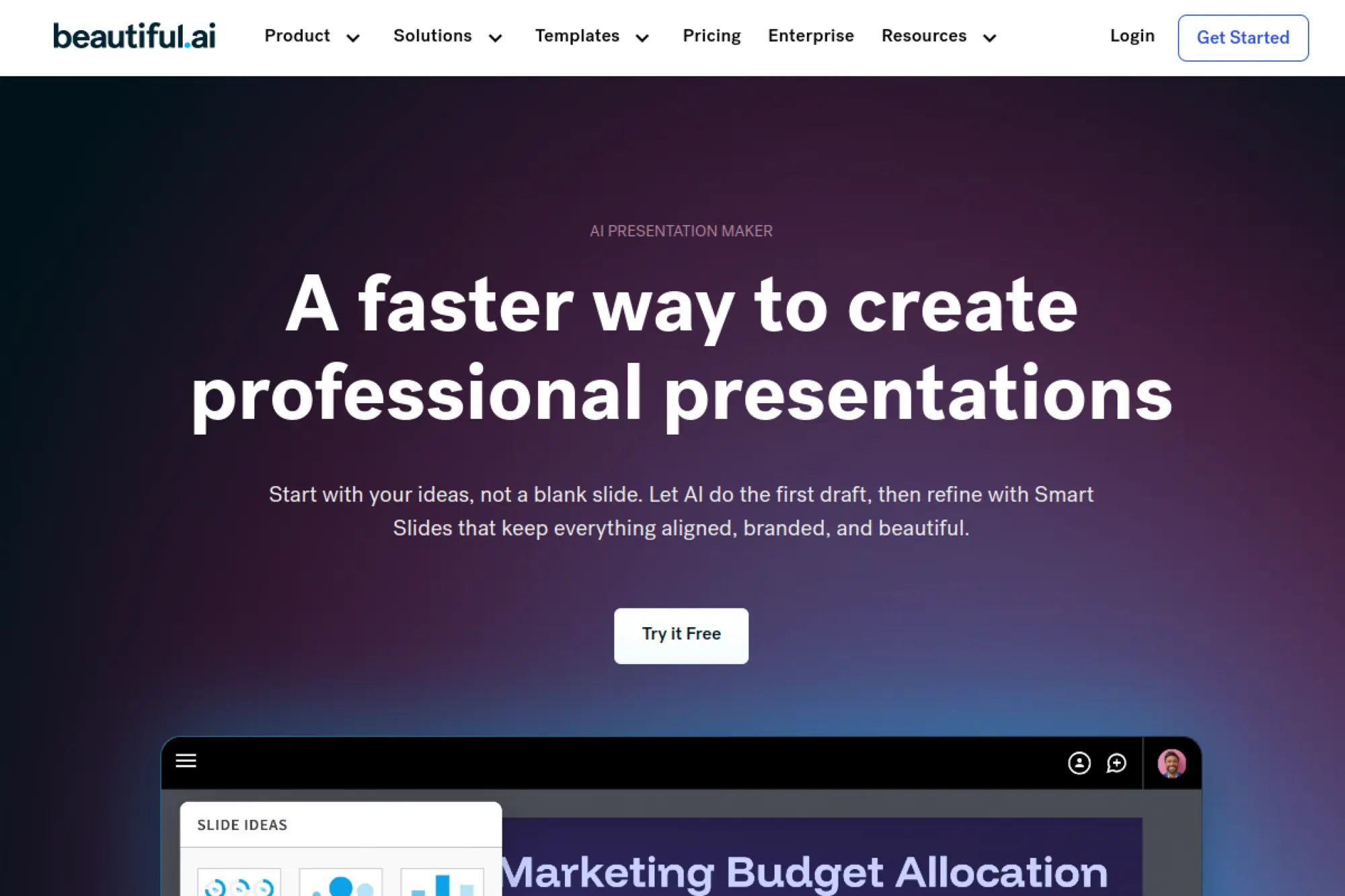
Beautiful.ai is built around smart templates that keep slides aligned as you edit. The company’s approach prioritizes layout guardrails over endless freedom. Its team aims to remove the “designer bottleneck” for business users.
Primary outcome: Keep slides consistently designed, even when you edit fast.
Best for: SMB teams and sales orgs that need consistent decks across reps.
- Smart slide layouts → avoid misalignment while adding bullets, charts, and blocks.
- Brand controls and shared assets → often saves 15–30 minutes per deck cleanup.
- Template-first creation → reach first presentable version in about 15 minutes.
Pricing & limits: From $X/mo; trial: X days. Limits typically depend on seats, brand themes, and asset libraries. Confirm export options if you must deliver PPTX files.
Honest drawbacks: Guardrails can feel restrictive for creative storytelling. Some advanced slide types may require workarounds or external visuals.
Verdict: If you need consistent decks without a design team, this helps you ship cleaner slides in a single work session. Beats blank-canvas tools on consistency; trails Canva on creative asset breadth.
Score: 4.2/5
4. Microsoft Copilot
Microsoft Copilot sits inside the Microsoft ecosystem, where many decks are born and reviewed. The company’s advantage is deep app integration across Word, PowerPoint, and Teams. Product teams keep pushing Copilot toward “draft, summarize, and revise” loops.
Primary outcome: Turn existing docs into slides, then iterate in PowerPoint.
Best for: enterprise teams and finance leaders living in Microsoft 365 all day.
- Doc-to-deck drafting → convert a brief into slides without manual copying.
- Workflow inside M365 → often saves 5–10 context switches per project.
- Familiar editing surface → reach first usable slides in about 10–20 minutes.
Pricing & limits: From $X/mo; trial: X days. Limits often depend on license type, tenant settings, and usage policies. Confirm whether your plan includes PowerPoint-specific generation features.
Honest drawbacks: Admin setup can slow adoption in regulated orgs. Outputs may sound “corporate bland” unless prompts include strong voice guidance.
Verdict: If you already run on Microsoft 365, this helps you draft decks without leaving your stack this week. Beats standalone tools on governance; trails niche deck tools on template variety.
Score: 4.1/5
5. Google Gemini for Workspace
Gemini for Workspace brings AI help into Google Docs, Gmail, and Slides. Google’s advantage is collaboration-first editing and link sharing. The teams behind Workspace prioritize reducing busywork across documents and presentations.
Primary outcome: Draft Slides content where your team already collaborates.
Best for: distributed teams and educators who live in Google Drive.
- Prompted slide text drafting → fill speaker notes and bullets faster.
- Docs-to-Slides handoff → often saves 3–6 copy-paste passes per deck.
- Low-friction sharing → reach first collaborative draft in about 15 minutes.
Pricing & limits: From $X/mo; trial: X days. Limits vary by Workspace edition and admin controls. Confirm how AI usage is metered and whether it affects costs.
Honest drawbacks: Design polish may lag specialized presentation builders. Some orgs need clear AI data handling terms before enabling it.
Verdict: If your team ships decks in Google Slides, this helps you draft content and iterate together this afternoon. Beats PowerPoint on live collaboration; trails Canva on visual experimentation.
Score: 4.0/5
6. MagicSlides
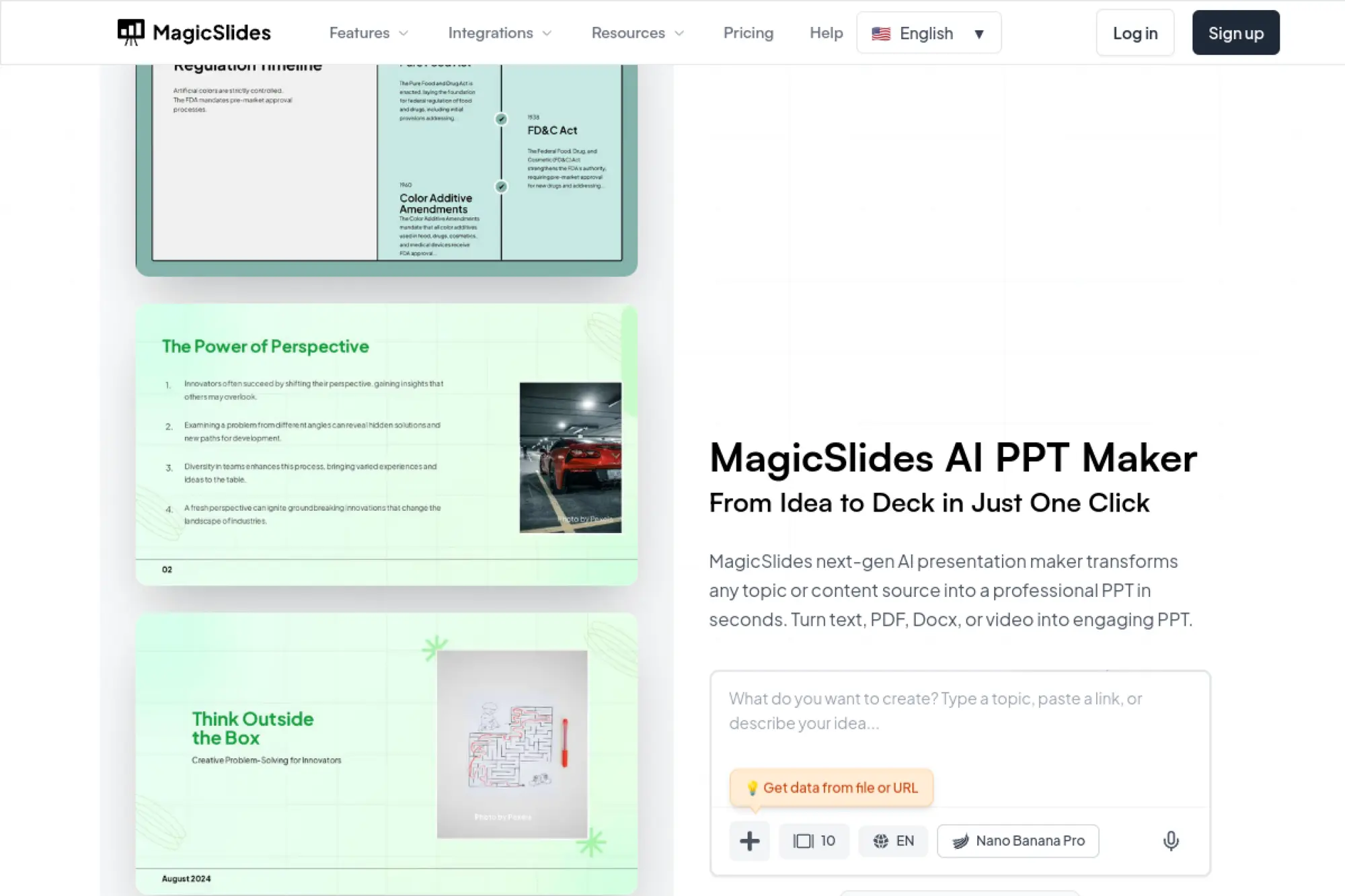
MagicSlides is geared toward quick slide generation from prompts and source text. The product pitch is simple: get a deck draft without the formatting grind. Its team appears focused on speed and broad accessibility.
Primary outcome: Create a first draft deck from a prompt in minutes.
Best for: students and SMB teams needing fast internal decks.
- Prompt or text-to-slides → produce a slide outline without manual structuring.
- Automation around formatting → often saves 20+ repetitive style edits per deck.
- Quick-start workflow → reach first preview in about 5–10 minutes.
Pricing & limits: From $X/mo; trial: X days. Free tiers often cap monthly generations or exports. Verify whether PPTX, Google Slides, or PDF exports are included for your plan.
Honest drawbacks: Templates can feel generic for brand-forward decks. Some topics produce fluffy slides that need stronger claims and proof.
Verdict: If you need a fast skeleton deck, this helps you move from idea to outline today. Beats manual slide building on speed; trails Beautiful.ai on brand consistency.
Score: 3.9/5
7. SlidesAI
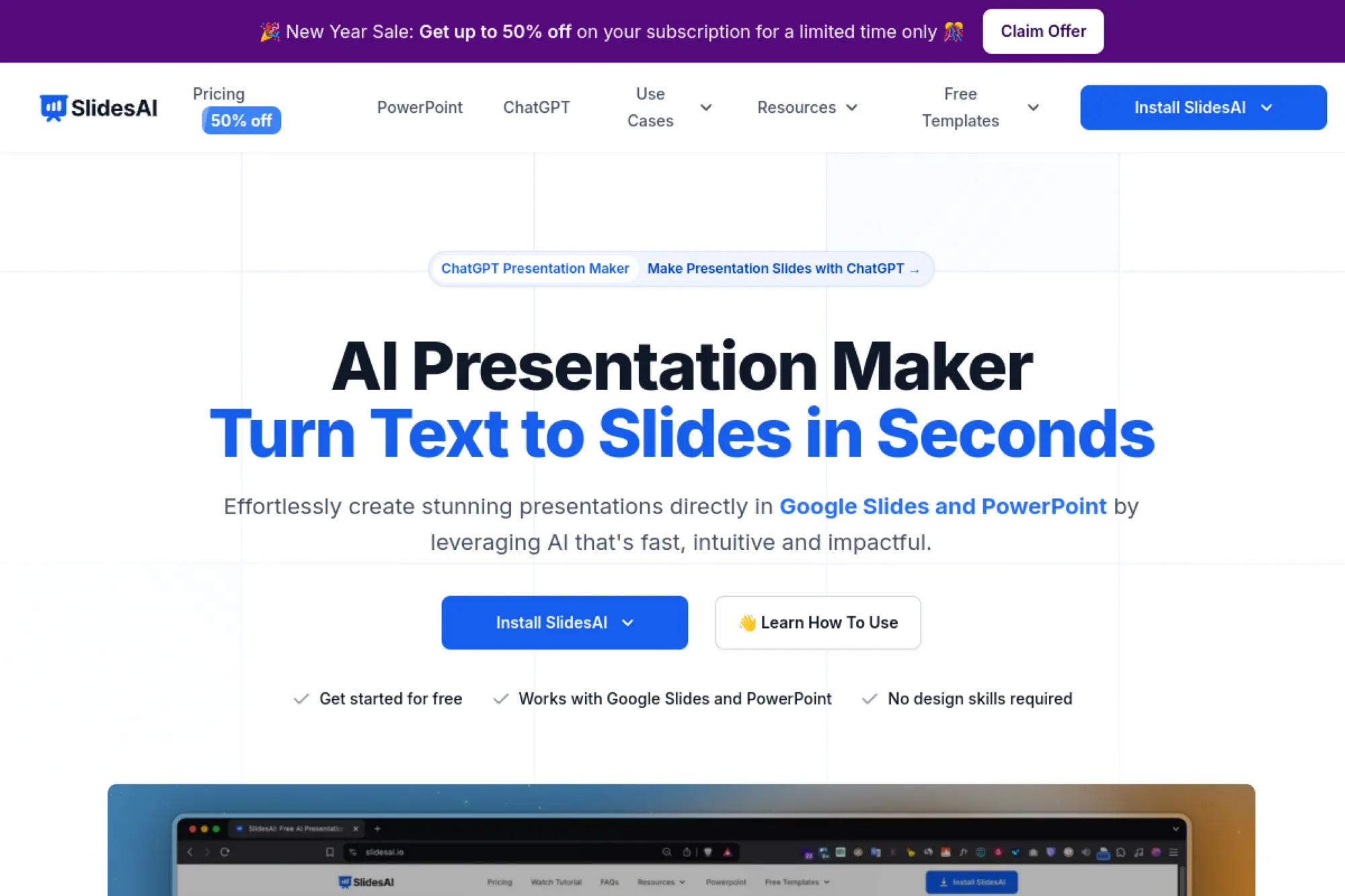
SlidesAI targets quick slide creation, often from text-heavy inputs. The company’s framing is “write less, present more.” Its team emphasizes rapid drafting and simple edits, rather than deep design systems.
Primary outcome: Turn text into a presentable deck without manual formatting.
Best for: content marketers and educators converting articles into slides.
- Text-to-slide conversion → avoid rebuilding the same outline in PowerPoint.
- Theme and layout automation → often saves 30–60 minutes per deck polish.
- Light learning curve → reach first exported draft in about 10 minutes.
Pricing & limits: From $X/mo; trial: X days. Limits typically show up as monthly credits, exports, or slide count caps. Check whether brand fonts and custom templates require higher tiers.
Honest drawbacks: Deep storytelling still needs your voice and examples. Visual uniqueness can be limited if your industry needs custom diagrams.
Verdict: If you want to recycle written content into slides, this helps you publish faster this week. Beats generic AI chat on slide formatting; trails Canva on creative assets.
Score: 3.9/5
8. Manus
Manus is positioned as a newer AI product with broader “agent-like” ambition. The company appears to target multi-step creation, not just single prompts. Its team messaging suggests end-to-end help across research, writing, and outputs.
Primary outcome: Get from messy brief to deck draft with less manual coordination.
Best for: operators and analysts who want AI to assemble first drafts.
- Brief-to-structure assistance → reduce time spent outlining and re-outlining.
- Multi-step automation → often saves 4–7 manual “copy, paste, rewrite” loops.
- Guided outputs → reach first shareable draft in about 20–30 minutes.
Pricing & limits: From $X/mo; trial: X days. Expect usage to be metered by credits, runs, or generations. Confirm export formats and ownership terms before committing.
Honest drawbacks: Newer tools can change quickly, which affects reliability. If your workflow demands stable templates, you may hit friction.
Verdict: If you need help assembling a coherent first pass, this helps you get a draft within a day. Beats single-shot generators at multi-step work; trails Microsoft on enterprise governance.
Score: 3.6/5
9. Genspark
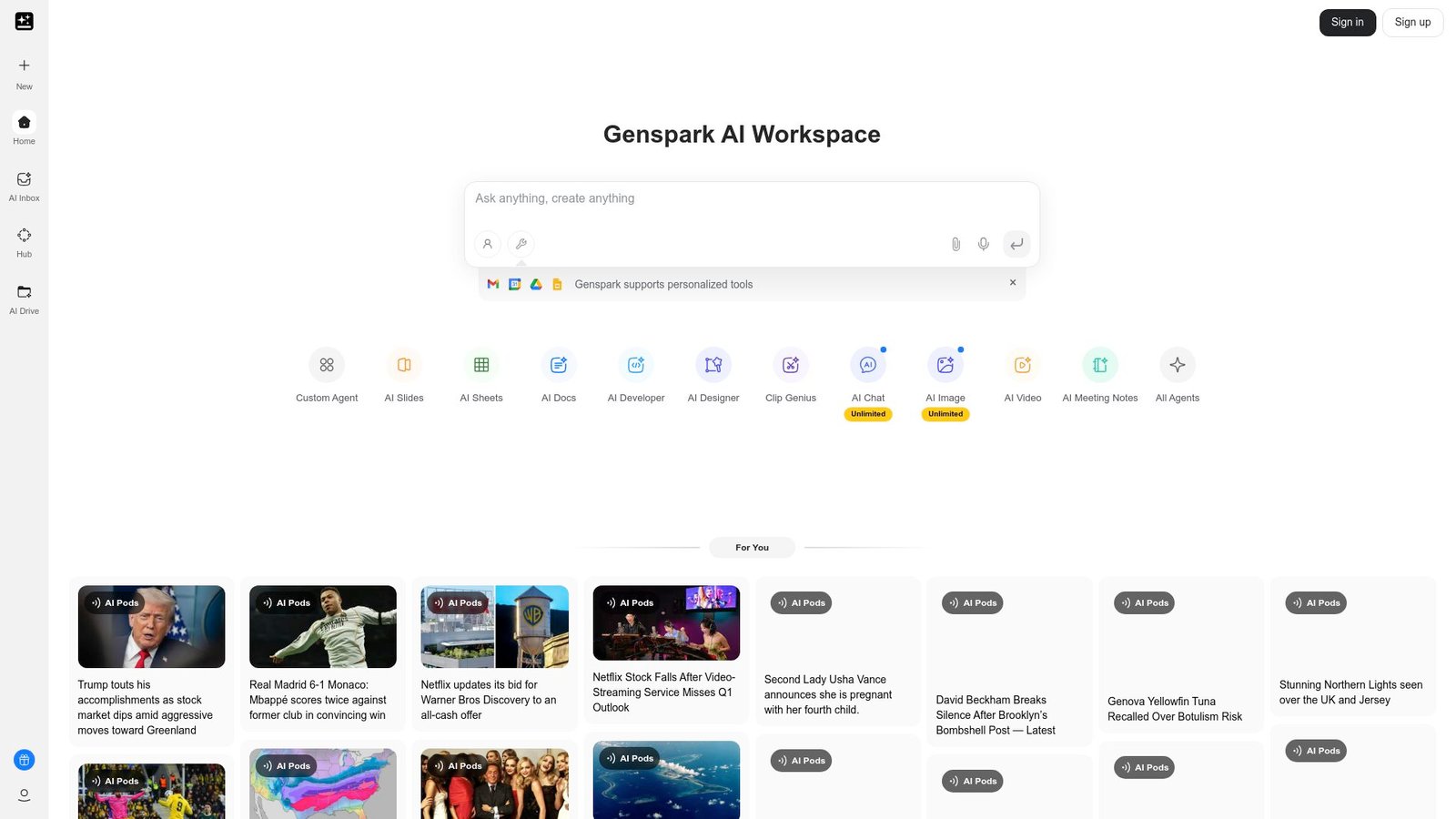
Genspark positions itself around AI-assisted creation across content types. The company’s message leans toward “generate and refine” loops. Its team appears to prioritize fast output and broad use cases.
Primary outcome: Generate presentation content fast, then tailor it to your audience.
Best for: solo founders and freelancers who need fast client-facing drafts.
- Prompt-to-deck starting point → skip the empty-slide stage and start editing.
- AI rewrite and summarize → often saves 15–20 minutes per section revision.
- Simple workflows → reach first draft in about 15–25 minutes.
Pricing & limits: From $X/mo; trial: X days. Limits usually revolve around credits and export options. Confirm whether collaboration and versioning exist for teams.
Honest drawbacks: Broad tools can feel shallow on presentation-specific needs. If you need strict brand governance, you may need another layer.
Verdict: If you want quick content generation for decks, this helps you move faster this week. Beats basic generators on rewriting flexibility; trails Gamma on web-native presentation polish.
Score: 3.7/5
10. Canva AI presentation maker
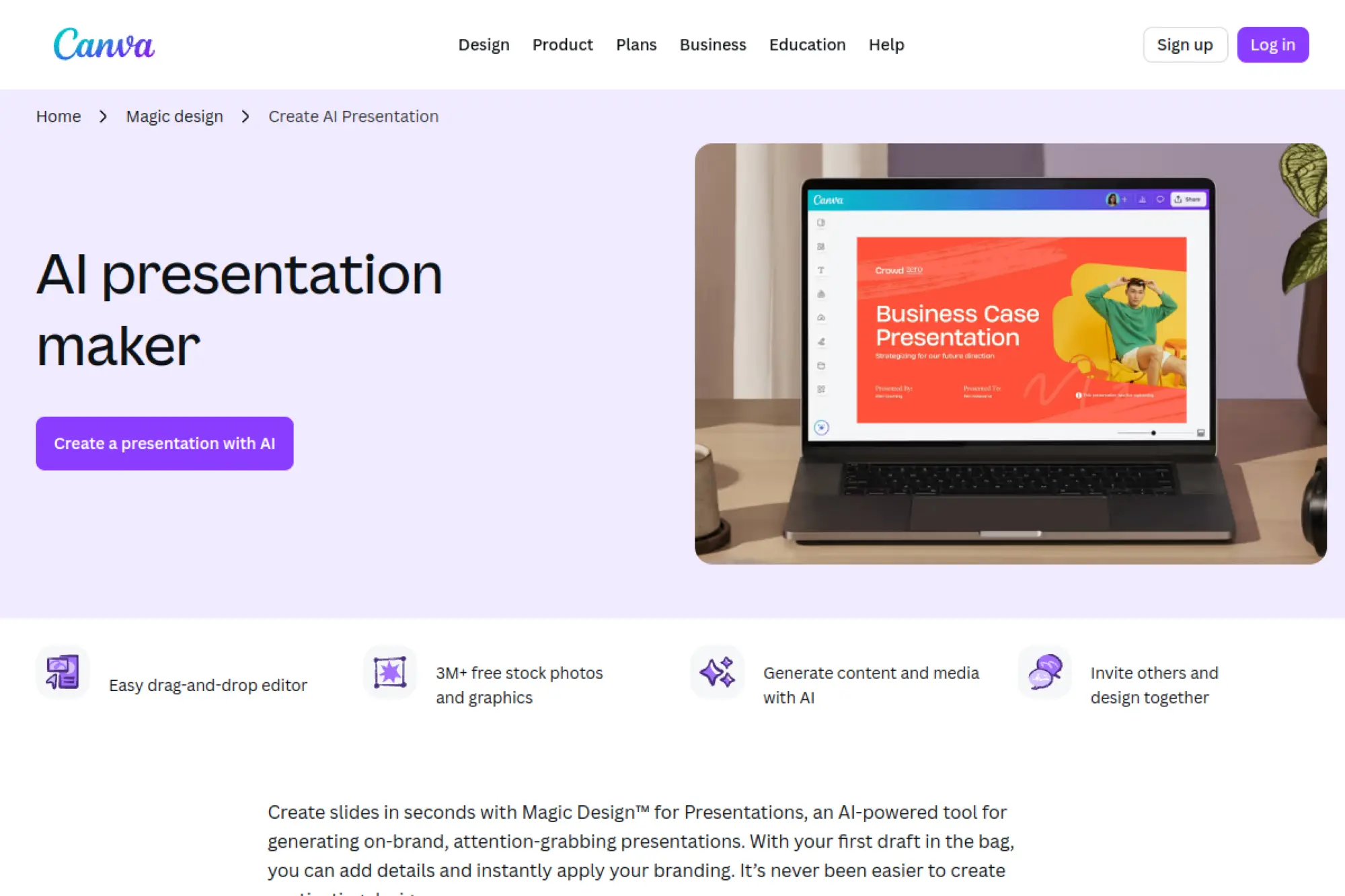
Canva is a design platform with a massive template and asset ecosystem. The company’s strength is making “pretty” feel accessible to non-designers. Its product teams keep layering AI on top of a mature editor.
Primary outcome: Produce visually strong slides fast, with assets included.
Best for: marketers and SMB teams who care about brand look and speed.
- Magic Design for presentations → get layouts that look intentional, not default.
- Built-in assets and automation → often saves 20–40 minutes hunting stock media.
- Template-led editing → reach first polished deck in about 15–20 minutes.
Pricing & limits: From $0/mo with a free tier; paid plans from $X/mo; trial: X days. Free tiers often cap premium assets, brand kits, and export options. Check team permissions if multiple editors need access.
Honest drawbacks: Some orgs struggle with PPTX fidelity when handing off to PowerPoint. Advanced charting and data-linked slides may require other tools.
Verdict: If you need a good-looking deck quickly, this helps you ship something presentable today. Beats PowerPoint at creative speed; trails PowerPoint on enterprise slide-by-slide review norms.
Score: 4.3/5
11. Pitch
Pitch is a collaborative presentation platform built for teams, not just individuals. The company’s product focus is real-time co-editing with modern templates. Its team tends to optimize the workflow from draft to share link.
Primary outcome: Collaborate on decks like you collaborate on docs.
Best for: startup teams and agency crews building decks together.
- Collaborative deck building → reduce version chaos and “final_final” files.
- Integrations and sharing → often saves 2–4 review cycles with link-based feedback.
- Quick templates → reach first team-review draft in about 20 minutes.
Pricing & limits: From $0/mo with a free tier; paid plans from $X/mo; trial: X days. Free tiers often cap collaborators, templates, or advanced sharing. Confirm export quality if clients demand PPTX files.
Honest drawbacks: If your org is PowerPoint-native, adoption can be cultural. Some advanced animations and PowerPoint-specific features are not the point here.
Verdict: If you need a team deck workflow, this helps you align faster this week. Beats Google Slides on presentation-first UX; trails Microsoft 365 on enterprise compliance tooling.
Score: 4.1/5
12. Simplified
Simplified is a broader marketing creation suite that includes AI writing and design. The company aims to cover content workflows end-to-end. Its team leans into “one workspace” convenience for small teams.
Primary outcome: Create marketing slides and assets without switching tools.
Best for: social teams and small marketing departments shipping weekly content.
- AI copy plus presentation layouts → turn campaign notes into slides faster.
- Cross-asset creation → often saves 3–6 tool switches per campaign.
- All-in-one setup → reach first usable deck in about 20–30 minutes.
Pricing & limits: From $0/mo with a free tier; paid plans from $X/mo; trial: X days. Limits often show up in AI credits, exports, and brand kits. Confirm whether teams get approval workflows where needed.
Honest drawbacks: Broad suites can feel noisy if you only want decks. Design depth may not match Canva for heavy visual storytelling.
Verdict: If you want one place for copy and slides, this helps you ship campaign decks faster this month. Beats point tools on consolidation; trails specialized deck tools on presentation-only focus.
Score: 3.8/5
13. HubSpot Video Marketing
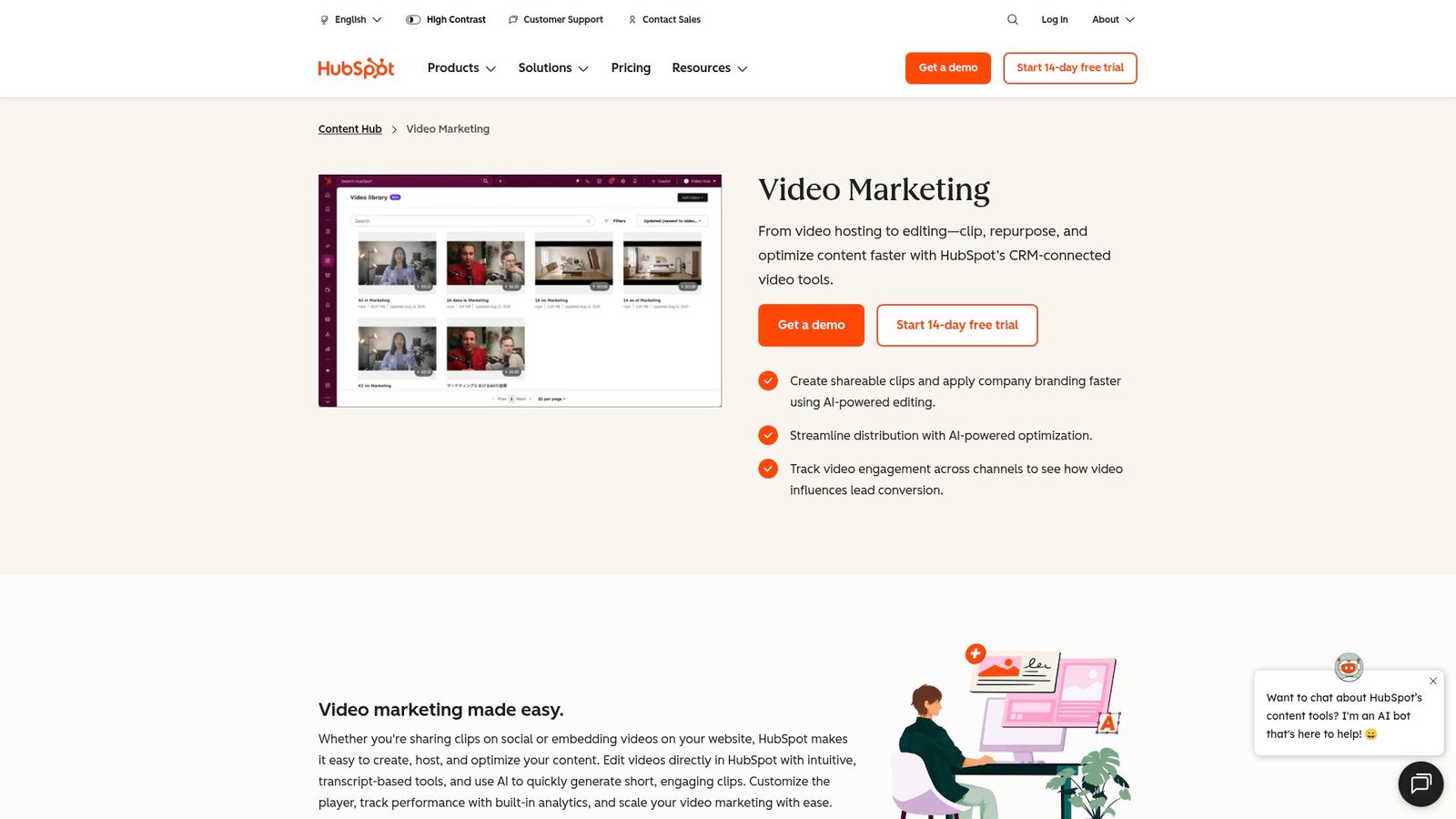
HubSpot is a CRM and marketing platform that keeps expanding into content tools. The company’s advantage is customer context tied to marketing workflows. Its product teams often focus on removing friction from creation to distribution.
Primary outcome: Turn ideas into short clips that support your deck’s story.
Best for: demand gen teams and content marketers pairing decks with video.
- Script-to-clip flow → create a supporting explainer without a full video stack.
- CRM-connected distribution → often saves 2–3 handoffs between marketing tools.
- Fast publishing loop → reach first usable clip in about 30 minutes.
Pricing & limits: From $X/mo; trial: X days. Limits depend on your HubSpot tier, seats, and content usage rules. Confirm whether this feature is bundled or add-on.
Honest drawbacks: It is not a PowerPoint generator, so you still need slide tooling. If you only want decks, this may be extra surface area.
Verdict: If you need a deck plus a video companion, this helps you ship both faster this quarter. Beats standalone editors at CRM alignment; trails Canva on presentation-first layout speed.
Score: 3.5/5
14. Claude
Claude is an AI assistant designed for drafting, summarizing, and reasoning with text. Anthropic positions it around helpfulness and safety-minded behavior. The team’s strength is turning messy inputs into clean narratives.
Primary outcome: Write a strong deck narrative, then paste into slides.
Best for: product managers and analysts who need clear structure and tone.
- Outline and speaker-notes drafting → transform research into a coherent storyline.
- Summaries and rewrites → often saves 20–40 minutes per iteration cycle.
- Prompt-based workflows → reach a slide-ready outline in about 10 minutes.
Pricing & limits: From $0/mo with limited access; paid plans from $X/mo; trial: X days. Limits typically depend on message usage and context length. Confirm data policies if you handle sensitive inputs.
Honest drawbacks: You still need a slide tool for layout and charts. Without a template, content can look generic when pasted into slides.
Verdict: If you need a clear story before design, this helps you draft the narrative in an hour. Beats many tools on long-form clarity; trails Plus AI on slide-native generation.
Score: 4.0/5
15. ChatGPT
ChatGPT is a general-purpose AI assistant used for drafting, brainstorming, and restructuring content. OpenAI’s approach supports many writing and planning tasks beyond presentations. The product teams keep expanding workflows through tools and structured outputs.
Primary outcome: Go from vague idea to a slide-by-slide script fast.
Best for: solo creators and teams that want a flexible “deck co-writer.”
- Slide outline generation → get titles, bullets, and talk track in one pass.
- Refinement loops → often saves 3–6 rewrite cycles versus manual drafting.
- Prompt templates → reach a usable outline in about 5–12 minutes.
Pricing & limits: From $0/mo with a free tier; paid plans from $X/mo; trial: X days. Limits depend on plan, usage caps, and available features. Confirm whether file handling and advanced tools are included.
Honest drawbacks: It will not enforce brand layouts by itself. Factual accuracy needs your verification, especially for stats and claims.
Verdict: If you want speed on words before design, this helps you get a deck script today. Beats slide tools at ideation; trails slide-native tools on formatting and templates.
Score: 4.2/5
16. Runable
Runable is positioned as a lightweight productivity tool with automation energy. The company framing suggests fast outputs and fewer manual steps. Its team seems to focus on “make it runnable” workflows across tasks.
Primary outcome: Automate repeatable deck prep steps, not just slide writing.
Best for: ops leads and small teams building recurring reports and QBRs.
- Repeatable content runs → produce consistent sections for recurring decks.
- Automation hooks → often saves 10–20 minutes per weekly update cycle.
- Quick onboarding → reach first workflow value in about 30–45 minutes.
Pricing & limits: From $X/mo; trial: X days. Expect limits around runs, collaborators, and connected apps. Confirm whether exports land in PowerPoint, Google Slides, or docs.
Honest drawbacks: If you only need one deck, setup may feel like overhead. Newer workflow tools can be less predictable across edge cases.
Verdict: If you ship the same deck every week, this helps you cut prep time within a month. Beats chat tools at repeatability; trails Copilot on native Office integration.
Score: 3.4/5
17. Alai
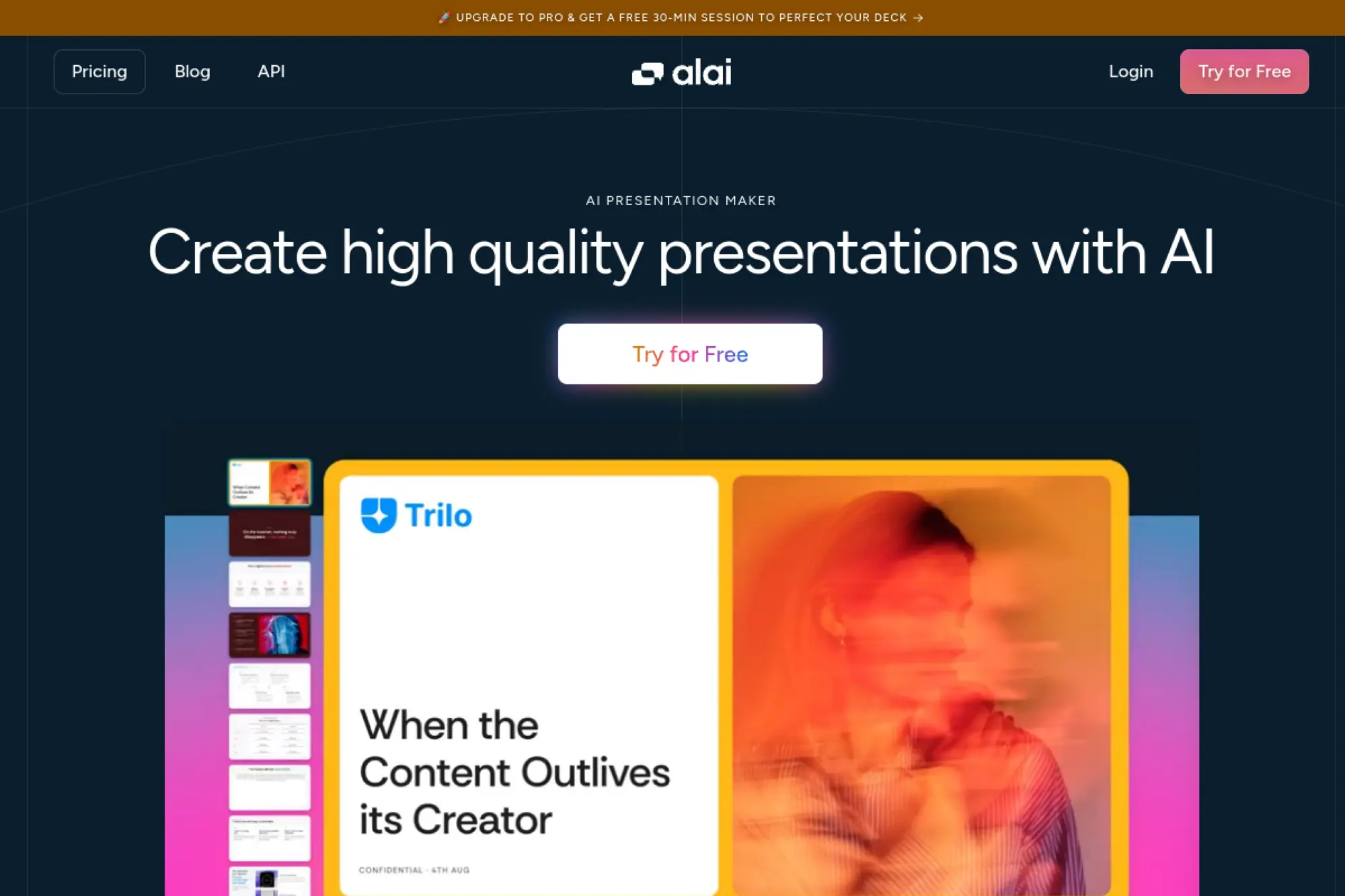
Alai positions itself around AI-assisted presentation creation with a focus on speed. The company message leans toward structured decks and simple editing. Its team appears to aim for “generate, adjust, and present” in one flow.
Primary outcome: Generate a deck draft that feels presentation-native, not pasted.
Best for: sales reps and founders building pitch decks under time pressure.
- Pitch-focused deck scaffolds → get a storyline that maps to common buyer questions.
- AI-assisted iteration → often saves 2–4 rework rounds on wording and order.
- Fast first draft → reach a presentable version in about 15–25 minutes.
Pricing & limits: From $X/mo; trial: X days. Limits typically depend on decks, exports, and brand themes. Verify whether collaboration and commenting are available for teams.
Honest drawbacks: Some visuals can still look template-driven. If you need deep data charts, you may export and finish elsewhere.
Verdict: If you need a credible pitch fast, this helps you get to a draft by end of day. Beats generic generators on pitch structure; trails Canva on asset variety.
Score: 3.8/5
18. PPTJet
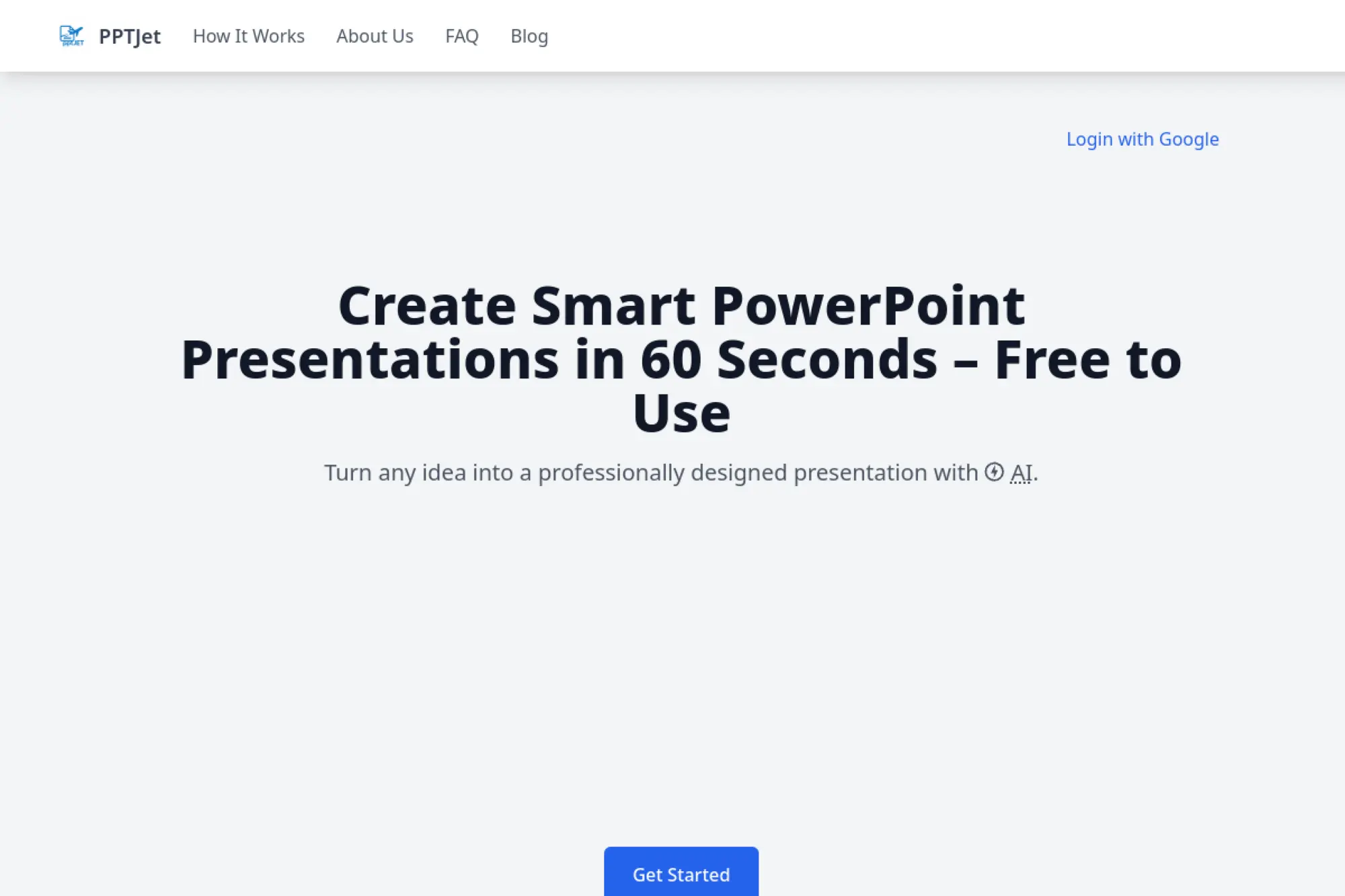
PPTJet is presented as a PowerPoint-oriented generator with a practical focus. The company’s promise is speed from prompt to slides. Its team appears to prioritize direct PPT workflows over web-only decks.
Primary outcome: Produce a PPT-style deck quickly, then edit in PowerPoint.
Best for: corporate teams and students who must deliver PPTX files.
- PPT-first generation → reduce time spent rebuilding slides from text.
- Automation for structure → often saves 30–60 minutes per deck draft cycle.
- Export-and-edit loop → reach first editable slides in about 10–20 minutes.
Pricing & limits: From $X/mo; trial: X days. Limits are usually per-export, per-deck, or credit-based. Confirm whether custom templates and brand fonts are supported.
Honest drawbacks: Template quality can vary, so you may still polish visuals. Complex diagrams and bespoke charts usually need manual work.
Verdict: If you need a PPT file fast, this helps you deliver a draft in one work session. Beats web-only tools on PPT handoff; trails Copilot on document-to-deck context.
Score: 3.5/5
19. InstantSlides
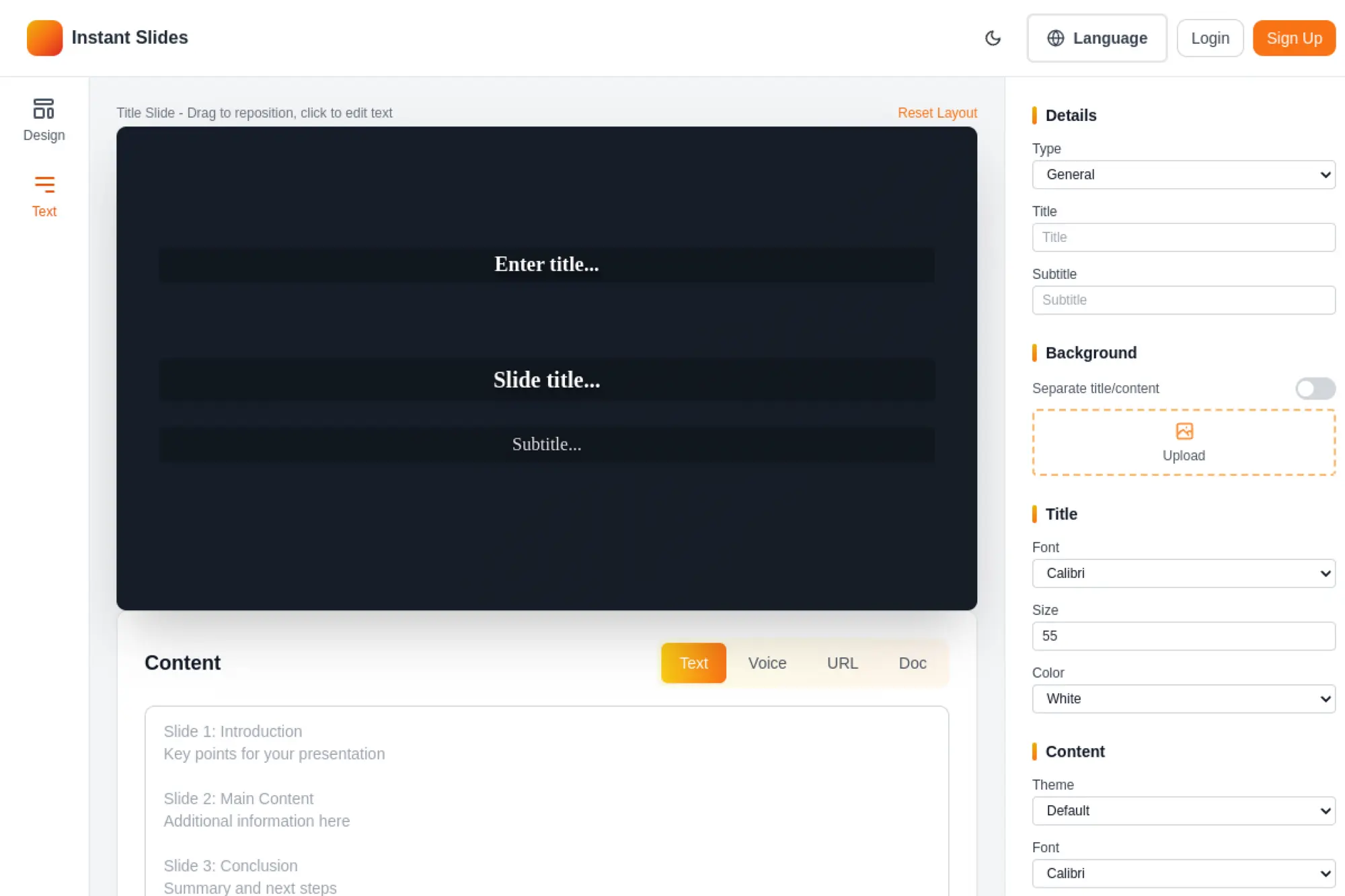
InstantSlides aims for fast turnaround from idea to slides. The company’s pitch is speed and simplicity. Its team appears to focus on reducing steps between prompt and export.
Primary outcome: Get a quick deck draft when time is the real constraint.
Best for: students and internal teams making short updates and training decks.
- Instant prompt-to-slides → skip manual slide setup and start with a skeleton.
- Simple export loop → often saves 2–3 formatting passes per short deck.
- Minimal setup → reach first draft in about 5–10 minutes.
Pricing & limits: From $X/mo; trial: X days. Limits often show up as slide caps, export caps, or credit usage. Confirm whether you can edit in PowerPoint or Slides after export.
Honest drawbacks: Fast tools can produce generic phrasing and thin examples. Brand control may be limited unless templates are supported.
Verdict: If you need a deck “now,” this helps you generate a workable draft before your next meeting. Beats manual drafting on speed; trails Beautiful.ai on layout intelligence.
Score: 3.4/5
20. Cube
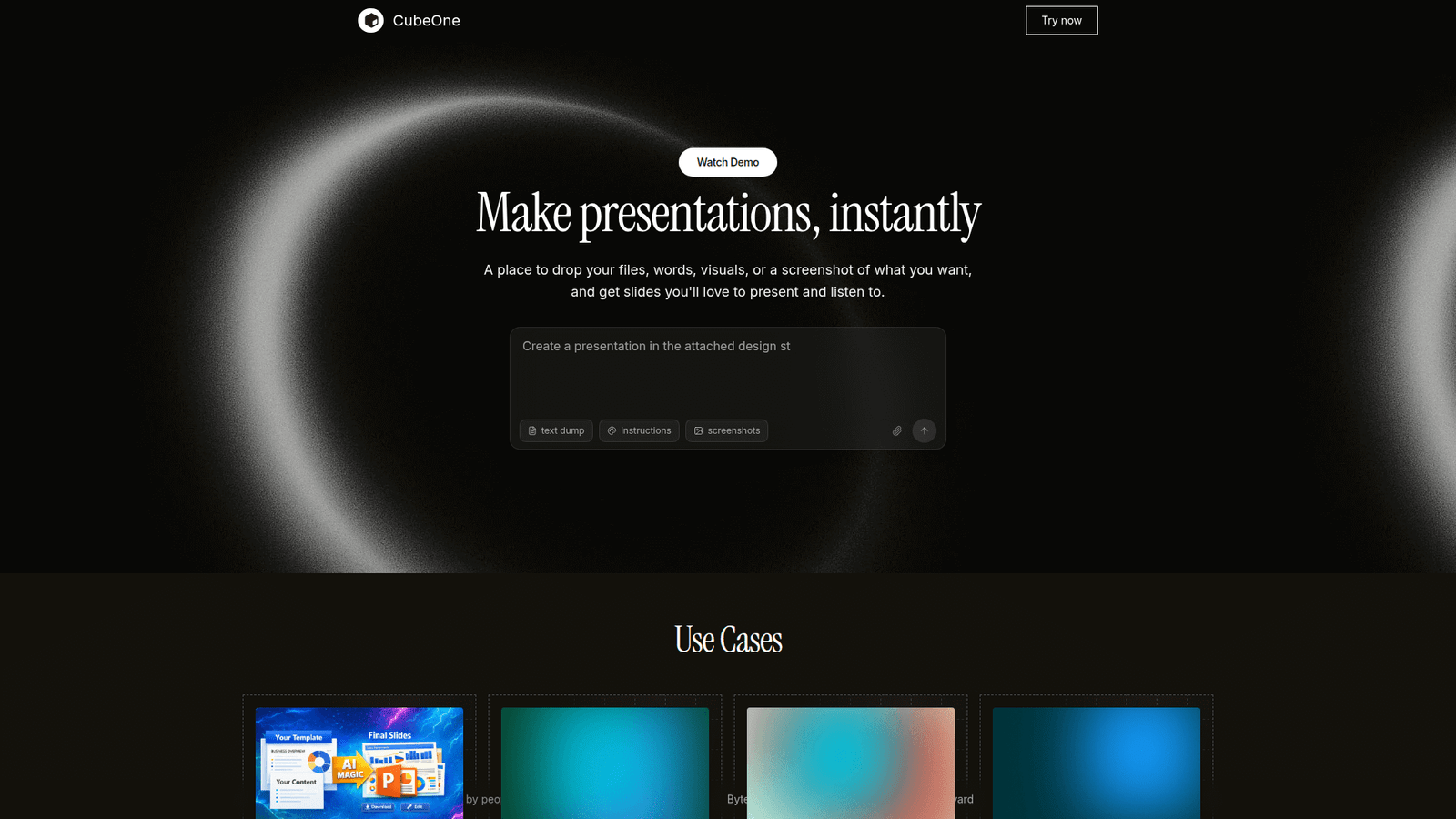
Cube is positioned as a modern tool with automation flavor, aimed at reducing repetitive work. The company’s messaging emphasizes clarity and speed. Its team seems to prioritize workflows over endless customization.
Primary outcome: Streamline the content pipeline that feeds your decks.
Best for: ops and analytics teams assembling recurring narrative updates.
- Reusable content blocks → keep recurring sections consistent across weekly decks.
- Automation and integrations → often saves 10–15 minutes per reporting cycle.
- Fast setup → reach first workflow value in about 45–60 minutes.
Pricing & limits: From $X/mo; trial: X days. Expect limits around seats, connected sources, and runs. Confirm whether the output is slide-native or needs export formatting.
Honest drawbacks: If you want pure slide generation, this may feel indirect. Newer platforms can have thinner community support and fewer templates.
Verdict: If you need repeatable deck inputs, this helps you reduce weekly prep within a few weeks. Beats ad hoc docs on consistency; trails dedicated slide tools on visuals.
Score: 3.3/5
21. Presentation AI List
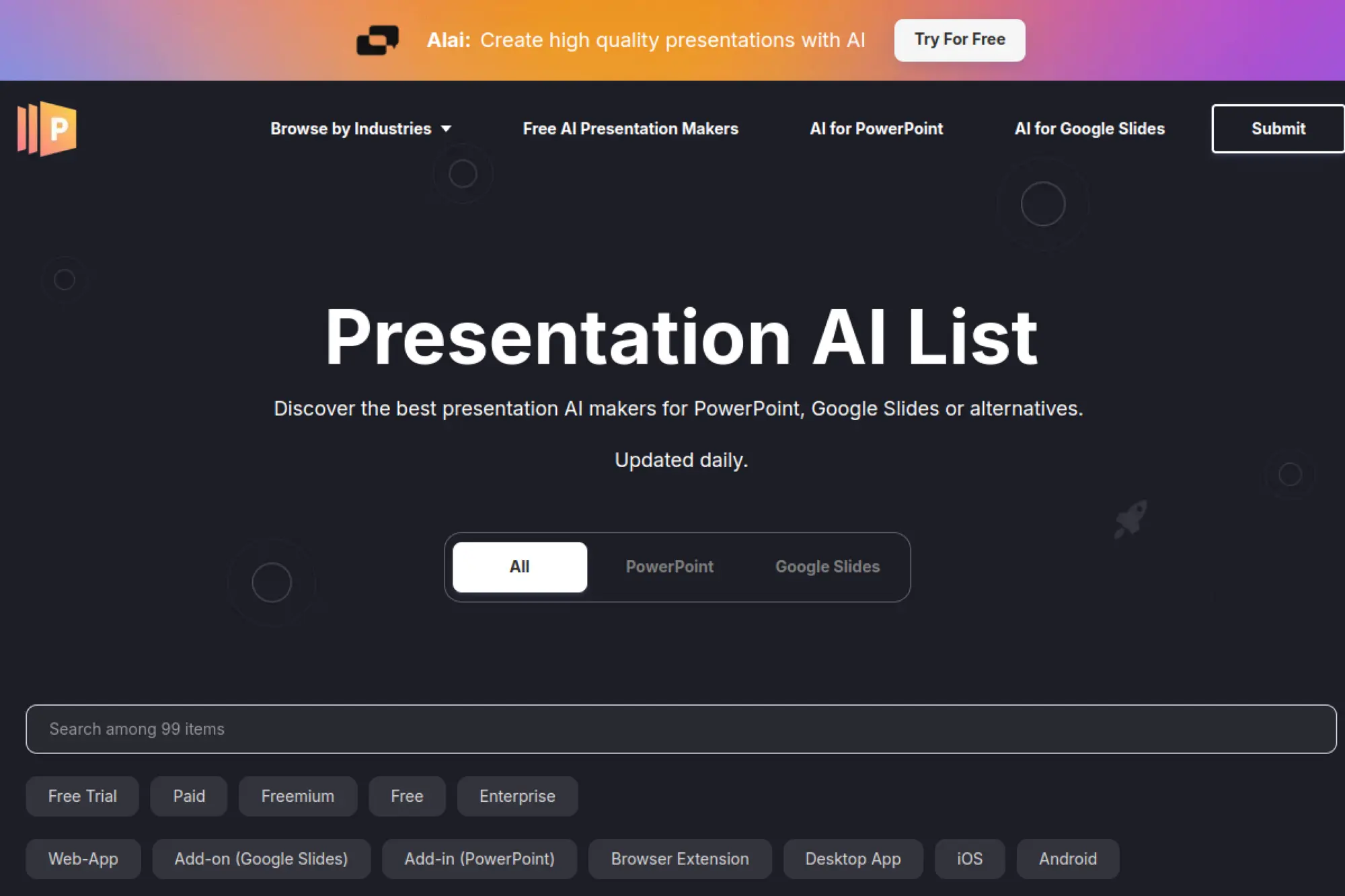
Presentation AI List is positioned more like a directory than a generator. The “team” value is curation: helping buyers scan options faster. Its practical role is discovery, not slide production.
Primary outcome: Find presentation AI tools faster, then pick your lane.
Best for: buyers and researchers building a shortlist for a team purchase.
- Category browsing → reduce time spent searching and comparing random results.
- Fast vendor scanning → often saves 30–60 minutes in early research.
- Immediate utility → reach first value in about 5 minutes.
Pricing & limits: From $0/mo if access is free; trial: not applicable. Limits typically show up as the depth of listings or filtering features. Confirm whether any paid membership exists for advanced sorting.
Honest drawbacks: A directory cannot validate quality for your specific workflow. You still need hands-on trials to test export fidelity and brand control.
Verdict: If you want to build a shortlist fast, this helps you narrow options in an hour. Beats general search at focus; trails expert reviews on depth and testing.
Score: 3.2/5
22. Visme
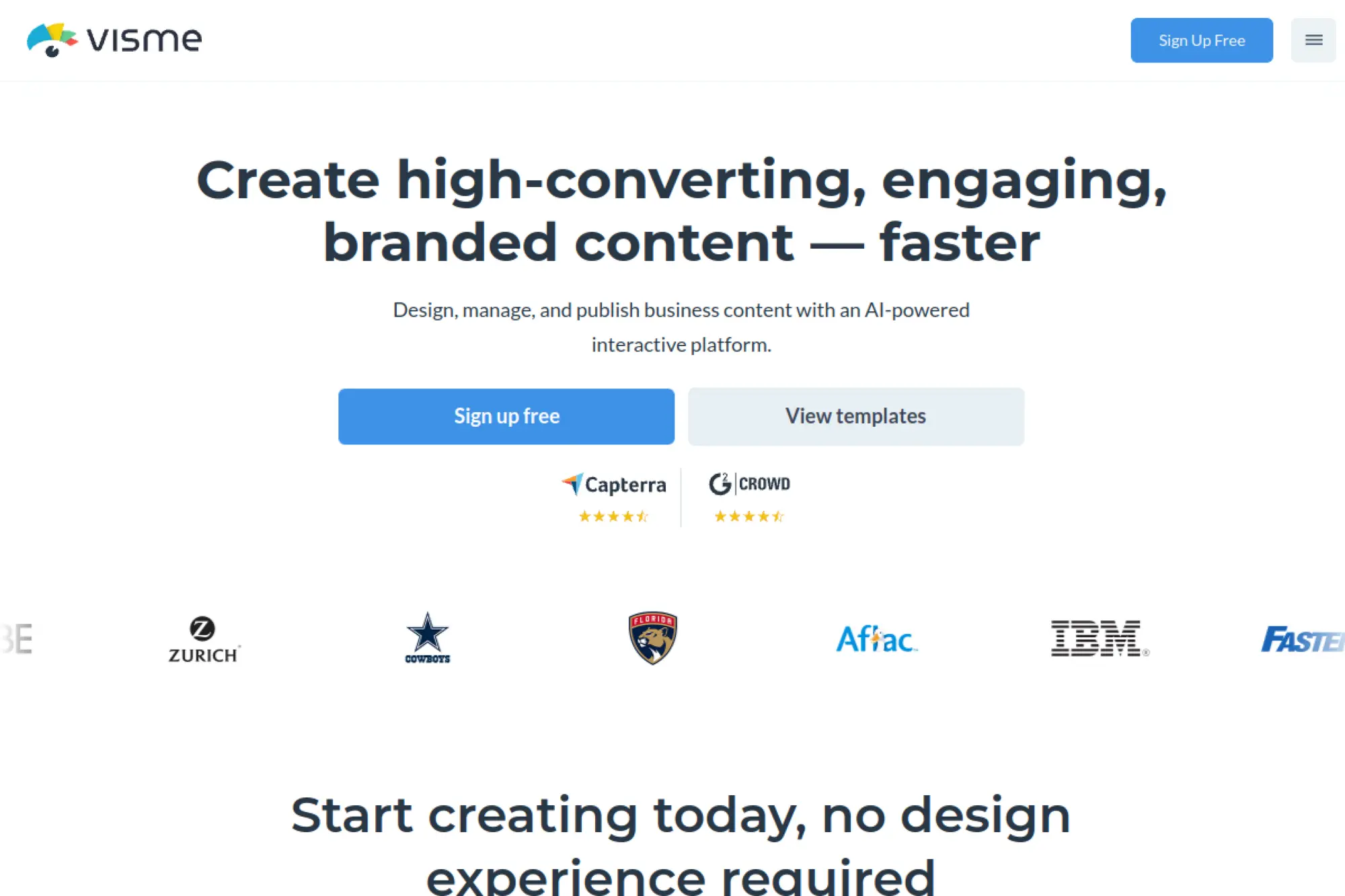
Visme is a visual content platform that spans presentations, infographics, and brand assets. The company aims to give non-designers control without starting from scratch. Its team invests in templates, assets, and business-friendly publishing.
Primary outcome: Build business visuals and decks that look designed, not improvised.
Best for: marketing teams and educators who need reusable visual templates.
- Template-rich presentation builder → produce consistent slides without layout struggle.
- Asset and chart tools → often saves 20–30 minutes per deck for visuals.
- Guided creation → reach first presentable deck in about 20 minutes.
Pricing & limits: From $0/mo with a free tier; paid plans from $X/mo; trial: X days. Free tiers often cap downloads, storage, or premium assets. Confirm team features if multiple editors need brand control.
Honest drawbacks: UI can feel heavy compared with minimalist slide tools. Some advanced PowerPoint-specific workflows may require export and cleanup.
Verdict: If you need business visuals plus slides, this helps you standardize assets within a month. Beats basic slide tools on infographics; trails Canva on mainstream template volume.
Score: 4.0/5
23. Prezi
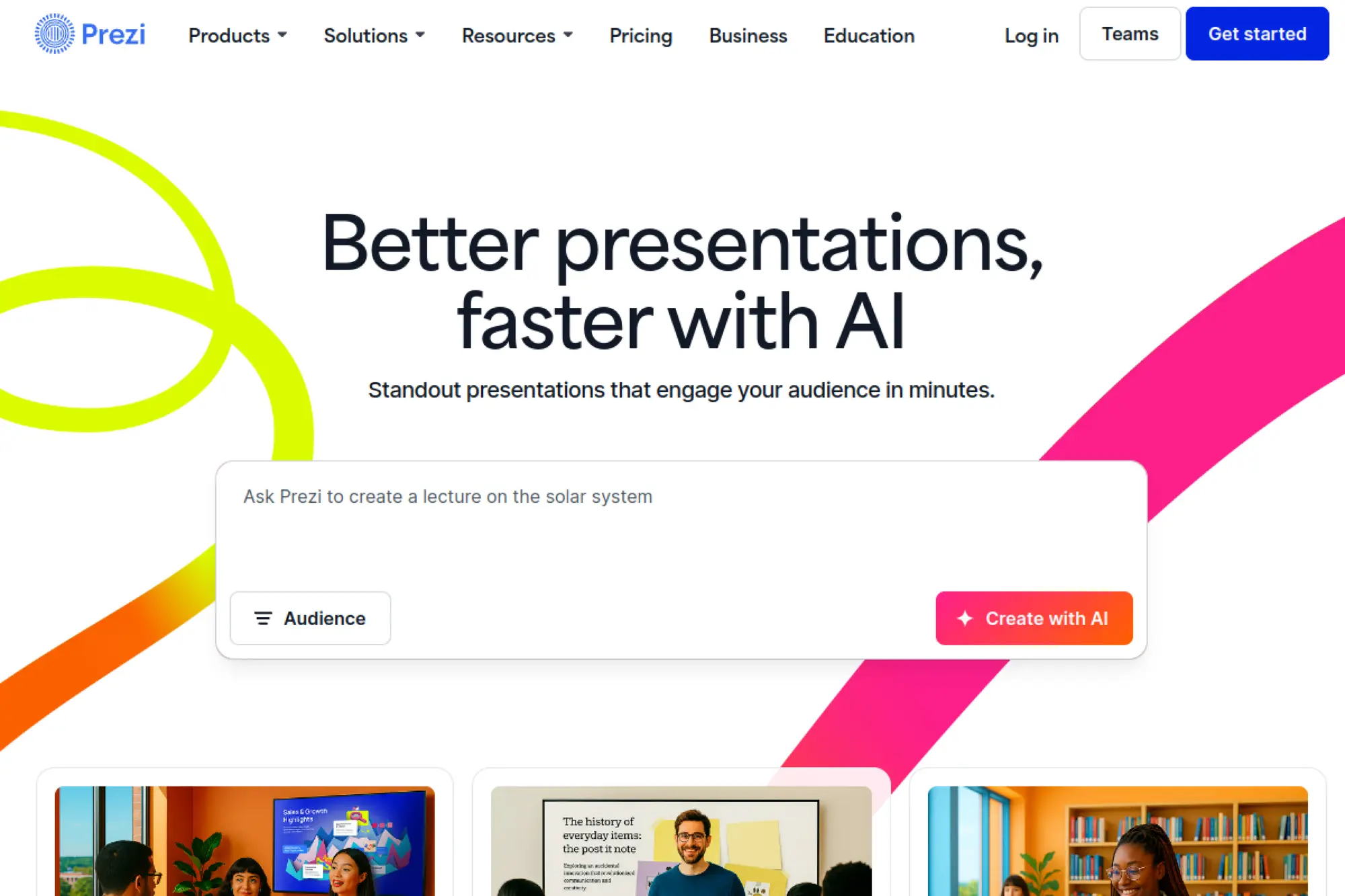
Prezi is known for dynamic, non-linear presentations that move differently than slide-by-slide decks. The company positions itself around engagement and visual storytelling. Its team focuses on motion-based narrative rather than classic corporate slides.
Primary outcome: Present a story that feels alive, not like a document.
Best for: speakers and educators who want more visual movement.
- Zooming canvas storytelling → keep audiences oriented around a single big picture.
- Reusable presentation structures → often saves 15–25 minutes per new talk setup.
- Template-driven start → reach first draft in about 20–30 minutes.
Pricing & limits: From $0/mo with limited access; paid plans from $X/mo; trial: X days. Limits often affect offline access, exports, and advanced branding. Confirm compatibility needs if you must deliver PPTX.
Honest drawbacks: The style is not ideal for finance-heavy decks and dense tables. Some audiences prefer conventional slides for note-taking and printing.
Verdict: If you need a more memorable talk, this helps you build a dynamic story this week. Beats PowerPoint at motion storytelling; trails PowerPoint on enterprise deck conventions.
Score: 3.9/5
24. Slidebean
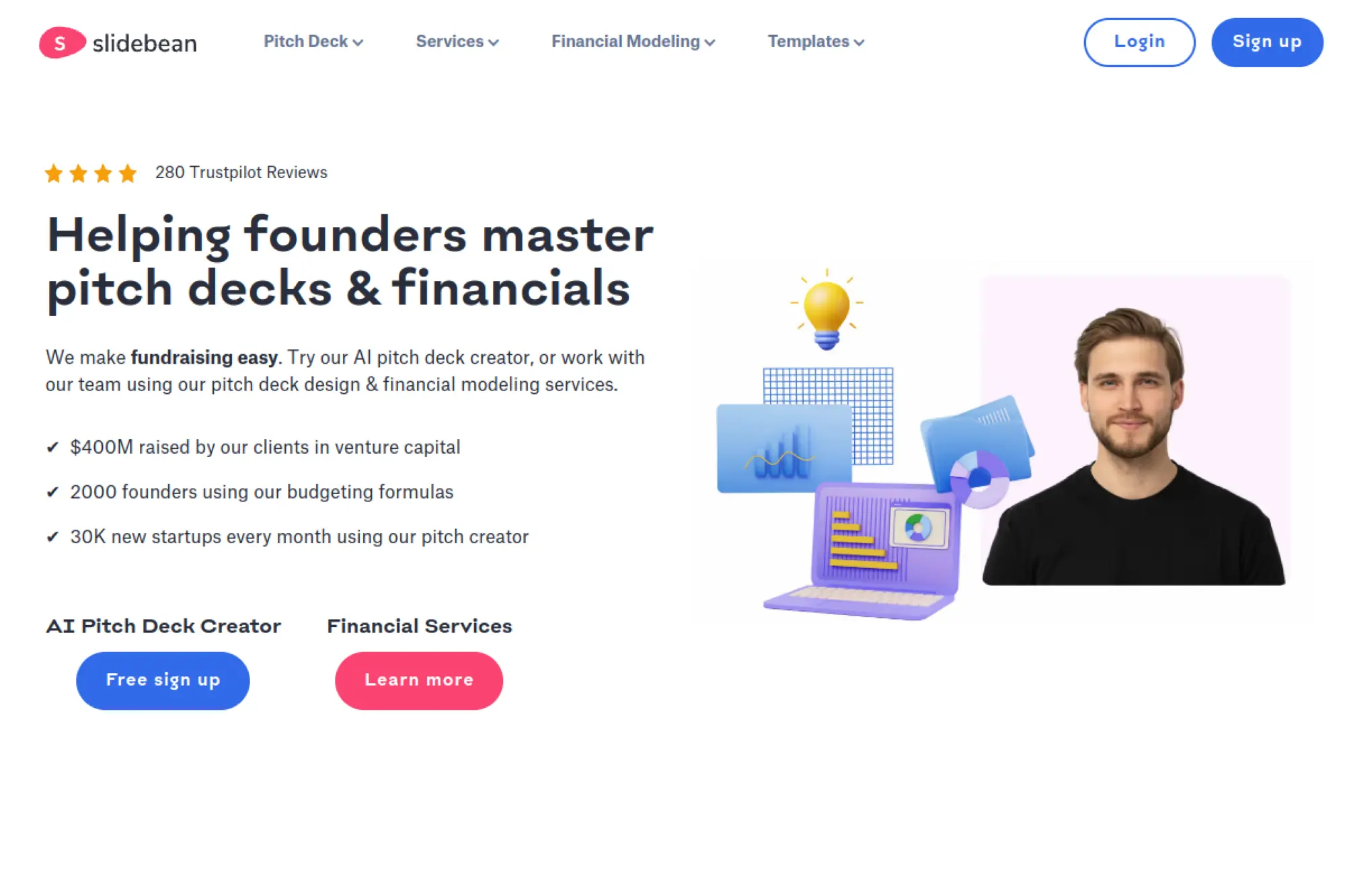
Slidebean targets pitch decks and startup storytelling with template-led design. The company’s promise is “let the system handle layout.” Its team seems focused on investor-style structure and clean visuals.
Primary outcome: Build a pitch deck that looks investor-ready faster.
Best for: founders and accelerator teams preparing investor presentations.
- Pitch deck templates → cover the standard narrative beats with less guesswork.
- Design automation → often saves 30–90 minutes of layout tweaks per deck.
- Guided build process → reach first complete draft in about 45–60 minutes.
Pricing & limits: From $X/mo; trial: X days. Limits can depend on decks, exports, and premium templates. Confirm whether collaboration and analytics are included where you need them.
Honest drawbacks: If your story is non-standard, templates can feel prescriptive. Some teams will still want bespoke charts and custom visuals.
Verdict: If you need a clean pitch deck fast, this helps you reach a credible draft in a day. Beats generic tools at investor structure; trails Canva on broad creative flexibility.
Score: 3.8/5
25. Keynote
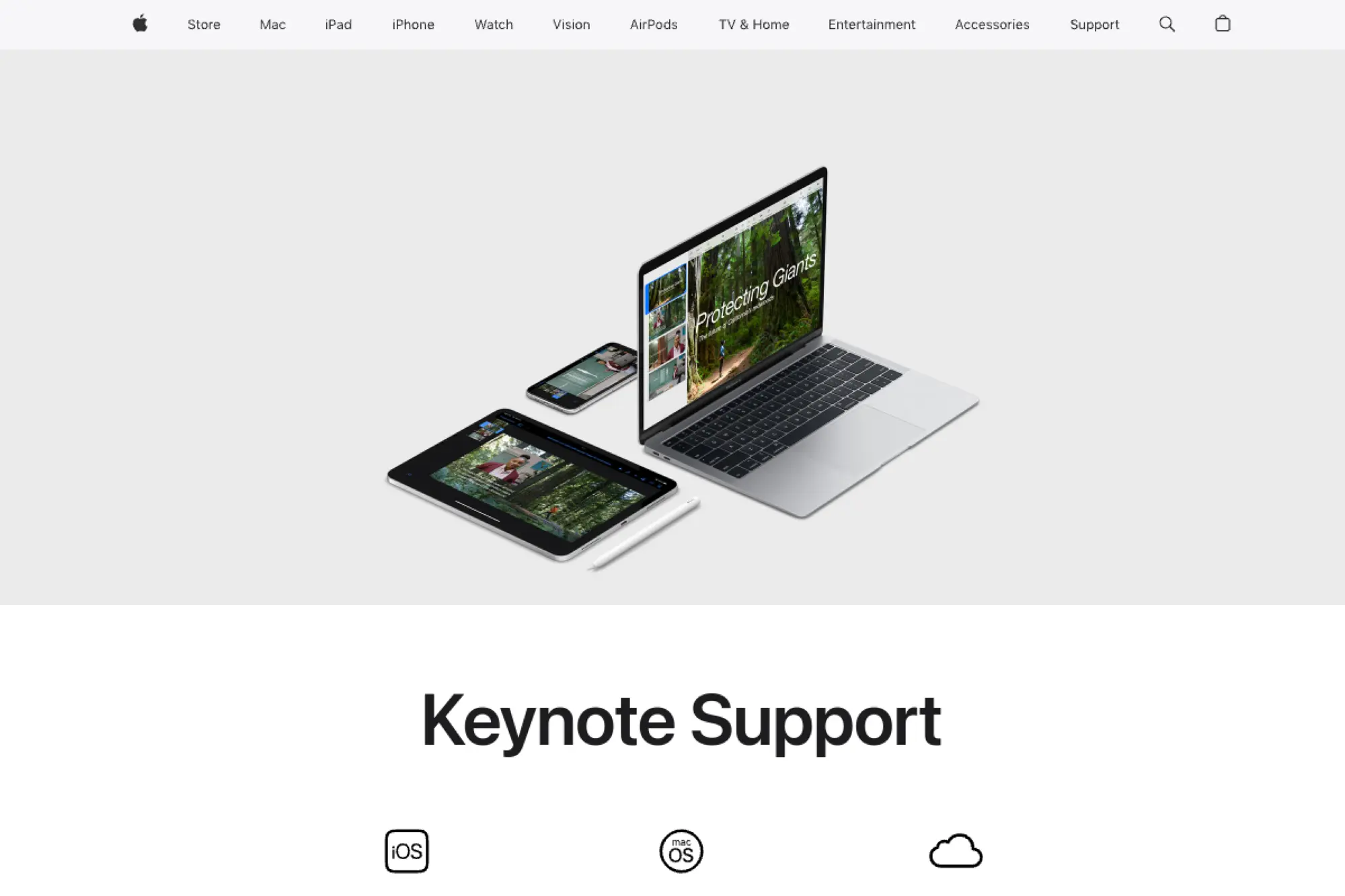
Keynote is Apple’s presentation app, built for smooth performance and strong typography. Apple’s advantage is tight integration across Mac, iPad, and iPhone. The product team tends to prioritize polish and reliability over experimental AI features.
Primary outcome: Deliver a clean, smooth deck with minimal friction.
Best for: Mac-based teams and speakers who value performance and visuals.
- Elegant templates and animations → make slides feel premium without design expertise.
- Apple ecosystem workflows → often saves 2–3 handoffs across devices.
- Fast editing → reach first presentable deck in about 30–60 minutes.
Pricing & limits: From $0/mo with compatible Apple devices; trial: not applicable. Limits show up in collaboration expectations and enterprise controls. Confirm PPTX export fidelity if your audience edits in PowerPoint.
Honest drawbacks: AI slide generation is not the core promise here. Windows-heavy orgs may hit friction during collaboration and review.
Verdict: If you want reliable, beautiful slides, this helps you present confidently this week. Beats PowerPoint on Mac smoothness; trails PowerPoint on universal enterprise compatibility.
Score: 4.1/5
26. Jotform Presentation Agents
Jotform is best known for forms and workflow automation, not classic slide tools. The company expands into “agents” to automate business outputs from collected data. Its team strength is turning inputs into structured deliverables.
Primary outcome: Turn form submissions into presentation-ready summaries faster.
Best for: ops teams and event teams generating repeatable recap decks.
- Form-to-summary workflows → reduce manual compilation of responses into slides.
- Automation around data intake → often saves 30–60 minutes per reporting cycle.
- Quick deployment → reach first automated output in about 60 minutes.
Pricing & limits: From $0/mo with a free tier; paid plans from $X/mo; trial: X days. Limits often include submissions, storage, and automation runs. Confirm how presentation outputs are generated and exported.
Honest drawbacks: It may not replace a full slide editor for final polish. If your inputs are messy, automation can amplify inconsistencies.
Verdict: If you need repeatable decks from structured inputs, this helps you cut prep time within weeks. Beats manual spreadsheets at automation; trails slide-native tools on design depth.
Score: 3.6/5
27. Obsidian
Obsidian is a local-first knowledge tool built around markdown notes and linking. The company’s philosophy centers on ownership and flexible workflows. Its community creates many plugins that can support presentation-oriented outputs.
Primary outcome: Turn a well-structured outline into a deck with less retyping.
Best for: researchers and writers who outline deeply before designing slides.
- Markdown-first outlining → maintain one source of truth for your narrative.
- Plugin-based workflows → often saves 2–4 “outline to slides” copy passes.
- Fast habit formation → reach first value in about 1–2 hours.
Pricing & limits: From $0/mo for personal use; paid options from $X/mo; trial: X days. Limits depend on add-ons and any sync services you choose. Confirm your export path, since decks need a converter.
Honest drawbacks: It is not a slide designer, so visuals require another step. Plugin ecosystems can add complexity and maintenance burden.
Verdict: If you want better thinking before slides, this helps you build a sharper storyline in a day. Beats slide tools at knowledge linking; trails slide tools on layout speed.
Score: 3.7/5
28. Pandoc
Pandoc is an open-source document converter used by technical writers and researchers. The “team” is its community of contributors and maintainers. Its power is reliable conversion between formats, including presentation formats with the right templates.
Primary outcome: Convert structured text into slides with repeatable formatting.
Best for: technical teams and academics who want automated deck builds.
- Markdown-to-slides pipelines → generate decks from a repo, not a GUI.
- Automation in CI workflows → often saves 10–30 minutes per update cycle.
- Scriptable setup → reach first output in about 30–90 minutes.
Pricing & limits: From $0/mo; trial: not applicable. Limits are practical, not contractual, and depend on templates and your target format. Confirm the slide format you need and test fidelity early.
Honest drawbacks: There is a learning curve if you dislike command-line tools. Visual polish depends heavily on templates and theme work.
Verdict: If you want reproducible decks from text, this helps you ship updates in minutes once set up. Beats GUI tools at automation; trails Canva on out-of-box aesthetics.
Score: 3.8/5
29. Dropbox
Dropbox is a file and collaboration platform used for sharing working documents and assets. The company’s strength is dependable syncing and external sharing. Its teams focus on making file workflows smoother across devices and organizations.
Primary outcome: Keep deck files and assets organized, shared, and recoverable.
Best for: agencies and cross-company teams exchanging decks and brand files.
- Central asset storage → reduce “where is the latest deck” confusion.
- Sharing and permissions → often saves 2–3 email threads per review cycle.
- Quick onboarding → reach first value in about 10 minutes.
Pricing & limits: From $0/mo with a free tier; paid plans from $X/mo; trial: X days. Limits typically involve storage, file history, and admin controls. Confirm retention needs if decks are part of compliance workflows.
Honest drawbacks: Dropbox does not generate slides by itself. If you need in-file commenting and real-time slide editing, you may rely on other tools.
Verdict: If you need smoother deck collaboration, this helps you reduce file chaos within a week. Beats ad hoc email attachments at control; trails Google Drive on native doc collaboration.
Score: 3.6/5
30. Slack
Slack is a team communication platform that often becomes the control tower for projects. The company’s advantage is fast coordination and lightweight automation. Its teams keep expanding workflows around approvals, alerts, and shared context.
Primary outcome: Get decks reviewed, approved, and shipped without endless meetings.
Best for: product teams and agencies managing stakeholder feedback loops.
- Channel-based review loops → reduce scattered feedback across emails and docs.
- Automations and integrations → often saves 2–5 follow-ups per approval cycle.
- Instant adoption → reach first value in about 15 minutes.
Pricing & limits: From $0/mo with a free tier; paid plans from $X/mo; trial: X days. Limits often include message history, admin controls, and automation features. Confirm retention policies if decks include sensitive information.
Honest drawbacks: Slack will not improve your slide design or narrative quality. Too many channels can create noise and slow decisions.
Verdict: If you need faster deck sign-off, this helps you tighten review cycles within days. Beats email at real-time coordination; trails dedicated proofing tools on slide-specific markup.
Score: 3.7/5
Best best ai powerpoint generator Add-ins for PowerPoint and Google Slides
Enterprise buying signals show where tools land first: inside existing suites. Deloitte’s research series surveyed 2,773 leaders, and their repeated theme is scaling through governed workflows, not isolated apps.
Add-ins matter because they reduce translation loss. They also reduce political friction. Nobody wants “another tool” if the deck still ends in PowerPoint.
1. Native editing advantage: keep slides editable in PowerPoint or Google Slides
Native editing is the quiet superpower. When the AI operates inside the slide editor, it manipulates real slide objects. That means text boxes stay text boxes.
In PowerPoint-heavy orgs, our default pick is Microsoft Copilot for PowerPoint. It is not always the most creative. Yet it often preserves the mechanics teams rely on.
Google-first teams can lean on Gemini in Google Slides. That choice keeps collaboration simple. It also keeps comments and version history in one place.
Add-in style tools we see in real workflows
- Microsoft Copilot for PowerPoint often fits organizations with strict templates.
- Gemini in Google Slides usually suits teams living in shared drives.
- Plus AI is strong when a doc is the real source of truth.
- SlidesAI.io is handy for fast conversion of notes into slides.
- MagicSlides.app is popular when inputs include links or longer text.
- SlideLizard LIZ targets brand compliance and slide upkeep inside PowerPoint.
- Autoslide tends to emphasize assisted layout and slide production speed.
- DeckSpeed is positioned around rapid deck iteration, like an editor for slides.
- editide focuses on controlling PowerPoint with natural language commands.
- Rollstack shines when decks must refresh from analytics or BI sources.
- GoogleSlides.ai is oriented around quick creation with Google Slides export.
- SlidesAI.io for PowerPoint can help when a team splits between editors.
We like add-ins when decks are living assets. QBRs, pricing decks, and onboarding decks rarely stay still. The less export churn you create, the better.
2. Prompt-to-deck vs document-to-deck: choosing the right starting input
Prompt-to-deck works best when the goal is ideation. It is good for workshop scaffolds. It is also useful for a rough story arc.
Document-to-deck is better for accuracy. Most business decks already exist as a memo, PRD, or proposal. When the tool can ingest that doc, output becomes less generic.
In our consulting work, we push teams to start with a brief. A brief can be messy. It still beats a vague prompt.
3. AI slide editing tools: insert slides, rewrite content, and reformat layouts
The best add-ins behave like a deck editor, not a deck generator. They help you insert a missing slide. They help you rewrite a slide for a new audience.
Reformat is where value compounds. A dense paragraph can become a three-part framework. A list can become cards. Those are design decisions, not just writing changes.
We also watch whether the tool respects local style. When a slide is “remixed,” it should still look like your deck. Otherwise, you are back to manual cleanup.
4. Templates and themes: staying on brand while using AI generation
Templates are not just background colors. They encode spacing, hierarchy, and what a “good slide” looks like. AI becomes more useful when it is constrained by those rules.
In brand-heavy orgs, we recommend building a small template library. That library should include the core slide types the business repeats. AI should generate into those shapes.
We also encourage “locked” design tokens. Fonts, logos, and header placement should be non-negotiable. That makes reviews predictable.
5. Common limitations: repeated layouts, thin content, and export friction
Even strong add-ins can repeat patterns. The output can start to feel templated. That is fine for internal decks. It is risky for high-stakes pitches.
Thin content is the bigger issue. AI often produces safe statements with no edge. A human needs to add point of view and evidence.
Export friction still exists for mixed ecosystems. A Google deck imported into PowerPoint can degrade. So can a PowerPoint deck moved into web tools.
Standalone AI Presentation Makers: When a Web-First Tool Beats PowerPoint
The standalone market keeps growing because the broader GenAI economy grows. Statista’s projection puts the United States Generative AI market at US$21.65bn in 2025, and “presentation as a web artifact” is part of that shift.
Web-first tools win when speed matters and sharing matters. They also win when the deck is more like a mini-site. Many modern pitch decks want that feel.
1. Non-traditional slide formats: interactive, scrollable, and shareable outputs
Standalone tools often break the slide metaphor. Some outputs scroll like a story. Others behave like interactive cards. That can be a feature, not a bug.
In our product launches, we sometimes prefer web-first formats. They are easier to share. They are also easier to view on phones.
Storydoc is a strong example of “deck as interactive doc.” Gamma leans into web publishing. Pitch focuses on collaboration and links.
Web-first tools we commonly evaluate
- Beautiful.ai prioritizes design consistency through smart layout rules.
- Gamma favors fast draft creation with link-based sharing.
- Pitch is built for team collaboration and clean web delivery.
- Canva Presentations excels when brand assets are already in Canva.
- Decktopus guides structure and offers quick regeneration loops.
- Visme supports business visuals and interactive content blocks.
- Prezi leans into dynamic motion and visual storytelling.
- Storydoc focuses on interactive business documents with analytics.
- Tome fits narrative, page-like presentations, with web sharing first.
- Slidebean is oriented around startup pitch structure and reuse.
- AiPPT targets fast generation from many input types.
- Slidesgo.ai pairs generation with a large template ecosystem.
- Venngage is strong when infographic-style slides drive the message.
- Simplified bundles slide creation into a broader content platform.
- Freepik AI Presentation Maker sits near a large visual asset library.
- SlideSpeak emphasizes turning long docs into clear slide summaries.
- Alai is designed for rapid creation with iterative refinement.
- Presentations.ai is positioned as a modern AI-first presentation builder.
We like these tools for first drafts. We also like them for workshops. They can cut the time from idea to shareable artifact dramatically.
2. Restyling and theme changes: one-click design iteration for a full deck
Restyling is where web tools feel magical. A deck can switch looks quickly. That supports rapid iteration with stakeholders.
In a typical engagement, we test multiple skins early. Executives react to visuals, even when they claim they do not. So quick restyling saves cycles.
Still, we treat restyling as exploration. Final branding should be governed. Otherwise, every deck becomes a one-off.
3. Publishing and analytics: tracking views and engagement on shared presentations
Analytics change how decks are used. Sales teams can see which slides get attention. Marketing teams can test narratives.
Storydoc is notable here because it treats the deck as a tracked asset. Pitch also supports share links that can be used in workflows. Slidebean has long leaned on viewer tracking for fundraising decks.
We encourage teams to use analytics carefully. It should inform iteration. It should not become surveillance.
4. Export reality check: what breaks when converting to PPTX for handoff
Export is the tax web-first tools charge. Layout engines differ. Font availability differs. Animation models differ.
In our testing, the most common break is spacing. The second break is typography. The third break is complex grouping behavior.
We advise teams to decide early if PowerPoint handoff is required. If it is required, prioritize tools with reliable PPTX export. Otherwise, ship the web link and stop fighting physics.
5. Best-fit scenarios: students, workshops, quick drafts, and lightweight decks
Students often need speed and clarity. Web-first tools can help them start with structure. They also help avoid blank-page paralysis.
Workshops benefit from fast iteration. A facilitator can rebuild a section quickly. A team can align on a story before polishing.
Lightweight internal updates are another sweet spot. Nobody wants to burn hours on weekly status decks. AI can handle the scaffolding.
Getting Better Results from a best ai powerpoint generator

Tool choice matters, but technique matters more. Gartner expects worldwide AI spending to total $1.5 trillion in 2025, and that kind of spend only pays off when teams learn new operating habits.
We have a blunt view here. AI slides are rarely done after generation. A human pass is not optional. The good news is that the human pass gets faster.
1. Start from a clear outline or brief instead of a single short prompt
A clear outline is the highest leverage input. It can be ugly. It just needs a sequence of claims.
In our team, we start with a “so what” line per section. Then we add support. AI turns that into slides more reliably than a vague prompt.
We also write the desired audience reaction. That reaction drives tone. It also drives slide density.
2. Bring your own notes, docs, and sources to reduce generic output
Generic output comes from generic context. So we inject context. That includes call notes, memos, or research summaries.
When a tool supports doc ingestion, we use it. When it does not, we paste structured notes. Either way, we push specific nouns into the model.
We also include constraints. We specify what not to claim. That reduces embarrassing filler.
3. Use AI for first drafts, then do a human editing pass for voice and accuracy
AI is good at scaffolding. Humans are good at judgment. The workflow works when each does its part.
We run a voice pass next. That means tightening claims and removing fluff. It also means aligning terms with how the organization actually speaks.
Accuracy is the final pass. If a deck includes metrics, we validate them. If a deck includes timelines, we confirm owners.
4. Iterate slide-by-slide when full-deck generation misses the mark
Full-deck generation is tempting. It is also brittle. One bad assumption can poison the whole narrative.
Slide-by-slide iteration is slower at first. It becomes faster once you develop reusable slide patterns. Those patterns become a playbook for your org.
We also use slide-level iteration for stakeholder alignment. It is easier to approve a single slide than a full deck. That reduces rework.
5. Use reformat tools to turn “blobs of text” into structured slide layouts
Text blobs kill decks. They create cognitive overload. They also signal lack of preparation.
Reformat tools help by proposing structures. Those structures include lists, cards, and simple frameworks. The best tools keep your wording but change the container.
We often reformat twice. The first pass makes it legible. The second pass makes it persuasive.
6. Plan for formatting cleanup if you must export from a standalone editor
If you must export, plan time for cleanup. That cleanup is not failure. It is part of the pipeline.
We usually check typography first. Then we check alignment. Finally, we check charts and icons.
Handoff decks deserve extra care. A client should not inherit a fragile file. So we test edits before we send it.
7. Teaching workflows: lesson structure, course slides, and supplemental materials
Teaching decks often need clear pacing. They also need repetition with variation. AI can help generate examples and checkpoints.
In our education clients, we suggest a module template. That template includes an objective slide, content slides, and practice slides. AI then fills in drafts per module.
We also recommend speaker notes. Notes support substitute teachers and future reuse. They also make accessibility better.
8. Business workflows: pitch decks, QBRs, workshops, and internal updates
Business decks have distinct jobs. A pitch deck sells a story. A QBR explains results. A workshop deck drives decisions.
Our approach is to standardize the slide skeleton. Then we automate the variable content. That is where AI plus templates shines.
We also encourage a deck lifecycle. Store winning slides. Retire outdated claims. Use AI to refresh content, not to reinvent the brand each time.
TechTide Solutions: Custom AI Presentation Development Tailored to Customer Needs

Scaling matters more than experimenting. Deloitte reports 67% of respondents increased GenAI investment due to strong value to date, and we see the same shift toward operationalization in slide workflows.
When off-the-shelf tools fall short, we build custom presentation systems. That might mean internal slide generators. It might mean brand-governed content pipelines. It might mean “deck ops” integration with data.
1. Discovery and requirements: define audiences, slide standards, and success metrics
Discovery starts with audience mapping. Executives want decisions. Customers want outcomes. Internal teams want clarity.
Next, we audit slide standards. That includes templates, masters, and approved slide types. We also identify the slides that repeat every quarter.
Finally, we define success metrics in operational terms. That can be fewer hours of manual formatting. It can be fewer brand violations. It can be faster turnaround on updates.
2. Custom build: integrate AI generation into your tools, templates, and data sources
A custom build succeeds when it respects what teams already use. That often means generating slides directly into existing templates. It also means pulling from trusted data sources.
We typically separate content generation from layout assembly. Content generation can be AI-assisted. Layout assembly should be deterministic and template-driven.
Security is part of the architecture. We design for access control and logging. We also design for traceability, so reviewers can see what changed and why.
3. Deployment and iteration: security, governance, and continuous improvement
Deployment is where governance becomes real. We set guardrails for brand and claims. We also define who can publish official decks.
Iteration is continuous because slide requirements change. New products launch. New KPIs appear. The template library evolves.
We also train teams. A tool without adoption is shelfware. A tool with training becomes leverage.
Conclusion: Choosing the best ai powerpoint generator for Your Workflow

We see the category maturing quickly, especially inside office suites, and we expect more “AI editing” than “AI generation” over time. Our practical takeaway is simple: treat slide creation like a governed workflow, not a one-off experiment.
1. Pick based on where you finalize slides: PowerPoint, Google Slides, or web editor
Finalization location is your north star. If you finalize in PowerPoint, prioritize native workflows. If you finalize in Google Slides, keep generation inside that editor.
When you finalize in a web editor, lean into web-native formats. That choice avoids export debt. It also improves sharing and mobile viewing.
2. Test multiple tools with the same prompt to compare output quality fairly
Tools vary wildly by prompt style. So use one brief and test across candidates. That makes evaluation fair.
We also recommend testing with a real input doc. A synthetic prompt hides weaknesses. Real inputs expose formatting and structure issues fast.
3. Prioritize editability and brand consistency over “pretty but unusable” slides
Pretty slides are easy to generate. Editable slides are harder. Brand-consistent slides are harder still.
In our view, the best deck is the one the team can maintain. That includes last-minute changes. It also includes reuse next quarter.
4. Combine research-first drafting with dedicated slide generation when needed
Research-first drafting keeps you honest. Slides should reflect reality, not vibes. AI can help summarize, but humans must own claims.
Once the narrative is solid, generation becomes valuable. It accelerates layout and formatting. It also helps explore alternative slide structures quickly.
5. Start with a trial and pilot on a real deck before committing for a team
A pilot reveals hidden costs. Export cleanup shows up. Brand gaps show up. Collaboration friction shows up.
If you want, we can help you run that pilot as a structured evaluation. Which deck would you choose as your “truth test” for the tools you are considering?