

Artificial intelligence has stopped being a lab curiosity and become a lived experience. At Techtide Solutions, we treat AI as a software capability, not a magic product. Market overview: Gartner forecasts worldwide AI spending will total $1.5 trillion, which signals lasting demand for practical deployments inside real workflows. The question is no longer “Will we use AI?” It is “Which AI examples fit our risks, data, and people?”
In our delivery work, “AI” often means a handful of patterns. Teams automate decisions that used to be manual. Others generate drafts that humans refine. Many simply detect anomalies faster than a person can. Each pattern succeeds for different reasons, and each fails in predictable ways.
What is artificial intelligence and how does it work?
Below, we map AI examples across daily life, business, and education. We stay grounded in how systems are built and operated. We also stay honest about the tradeoffs. AI can feel like a tailwind, until it becomes a tax.
AI is software that performs tasks that usually require human judgment. At Techtide Solutions, we also define AI by its operational footprint. Market overview: Gartner expects generative AI spending to reach $644 billion, which explains why nearly every vendor is “adding AI” to core products. That spending only helps when the system is reliable. Reliability comes from data quality, evaluation, and control.
1. Definitions of artificial intelligence from consumer and technical perspectives
From a consumer view, AI is “the thing that understands us.” It recommends a show, finishes a sentence, or tags a face. People judge AI by convenience. They also judge it by surprise, good or bad.
From a technical view, AI is a set of statistical models. Those models map inputs to outputs with learned parameters. The model might classify, predict, rank, or generate. In practice, AI is an engineered pipeline, not a single model.
How we phrase it with stakeholders
Inside projects, we define AI by outcome and by boundary. Outcome means the measurable business behavior we want. Boundary means the situations where the model must refuse or escalate. That boundary is where risk usually hides.
2. How AI works: data, algorithms, and computational power
Every AI system starts with data. Some data is structured, like transactions or inventory records. Other data is messy, like audio calls or emails. The model learns patterns that correlate with labels or targets. Those labels might come from humans, sensors, or business rules.
Algorithms turn data into learned behavior. Training uses optimization to reduce error. Inference uses the learned parameters to produce outputs on new inputs. Compute matters because bigger models and larger datasets require more processing. Cost then becomes part of the design.
The hidden work: data contracts
We often spend more time on data contracts than on model choice. A data contract defines what a field means, and when it changes. If the meaning drifts, the model drifts too. That is why “just connect the database” is a dangerous phrase.
3. Core AI technologies: machine learning, deep learning, natural language processing, and computer vision
Machine learning covers models that learn from examples. It includes trees, linear models, and many ensemble methods. Deep learning is a subset with multi-layer neural networks. It shines when inputs are high dimensional, like images or text.
Natural language processing focuses on text and speech. It powers search, summarization, extraction, and conversational interfaces. Computer vision focuses on images and video. It detects objects, segments scenes, and estimates poses.
Why these “cores” combine in modern products
Most modern AI products mix these technologies. A support bot may use NLP for intent and retrieval. It may also use ML for routing and prioritization. A security workflow may use vision for badge checks and ML for anomaly scoring.
4. What AI is not: common misconceptions about “conscious” or “always objective” systems
AI is not conscious, even when it sounds confident. A fluent answer is not a verified answer. We treat generated text as a draft. We do not treat it as a guarantee.
AI is also not automatically objective. Models inherit bias from data and labels. They also inherit constraints from evaluation choices. If “success” is defined poorly, the system will optimize the wrong thing. That is not malice, but it can still cause harm.
Types of AI: from narrow AI to artificial general intelligence
Most deployed AI today is narrow and task-specific. It excels inside a defined boundary and fails outside it. Market overview: IDC expects worldwide spending on AI-centric systems to pass $300 billion, which suggests enterprises are betting on many narrow wins rather than a single “thinking machine.” That pattern matches what we see in production. Small, scoped systems create compounding value.
1. AI by capability: artificial narrow intelligence, artificial general intelligence, and artificial superintelligence
Artificial narrow intelligence solves a bounded problem. Spam filters and recommendation engines fit this type. They can be extremely effective. They also remain brittle outside their domain.
Artificial general intelligence is a hypothetical system with broad competence. It would learn and transfer skills across domains. Artificial superintelligence goes beyond human capability. It is mostly discussed in theory and forecasting. In delivery work, we focus on narrow AI that can be tested and governed.
2. AI by functionality: reactive machines, limited memory, theory of mind, and self-aware AI
Reactive machines respond to inputs without storing context. Classic game-playing systems fit here. Limited-memory systems incorporate past data or recent state. Most production models behave like limited-memory tools.
Theory of mind and self-aware AI are conceptual categories. They imply understanding beliefs and intentions. They also imply internal experience. Current production systems do not meet those definitions. They approximate patterns in data, including social patterns.
3. Why AGI is still theoretical: key gaps current systems struggle to master
General intelligence would require robust transfer learning. It would also require stable planning under uncertainty. Current systems struggle with long-horizon reasoning in messy environments. They also struggle with grounding and verification.
Another gap is accountability. A general system must explain its actions reliably. It must also align its behavior with human constraints. Today, we approximate that with guardrails, monitoring, and human review. Those tools still need careful engineering.
4. Preparing for more advanced AI: data foundations and human expertise needed to deploy responsibly
Preparation starts with data hygiene and governance. Teams need lineage, retention rules, and access controls. They also need a clear inventory of data sources. Without that inventory, model training becomes accidental data exfiltration.
Human expertise remains central. Domain experts define what “good” means. Security teams define acceptable exposure. Legal teams define consent and usage. Engineers then implement controls that match those decisions. Responsible AI is rarely a single meeting. It is an operating model.
Everyday artificial intelligence examples you use without noticing
AI is already embedded in the tools people touch daily. That embedding is why users often forget it exists. Market overview: Omdia reports cloud infrastructure services spending reached $102.6 billion, and we see that capacity funding everyday inference at scale. The “everyday” examples below are powered by that backbone. The user experience is simple, but the stack is not.
1. Digital assistants and voice-driven tasks
Voice assistants translate speech to text, infer intent, and trigger actions. They also personalize responses using device context. A simple “set a reminder” call is a pipeline. It includes speech recognition, natural language understanding, and calendaring APIs.
In our experience, voice feels “smart” when latency is low. It also feels smart when errors are handled gracefully. The best assistants ask clarifying questions. The worst ones guess, then fail loudly. That difference comes from design, not just model quality.
2. Search engines, autocomplete, and question suggestion features
Search ranking is an AI problem dressed as a website box. Ranking models decide which pages you see first. Autocomplete predicts what you might type next. Query suggestions steer exploration by anticipating intent.
Those systems are shaped by feedback loops. Clicks and dwell time become training signals. That can improve relevance. It can also amplify sensational content. Product teams must tune objectives carefully. “Most clicked” is not always “most helpful.”
3. Social media algorithms: feed ranking, connection suggestions, ad targeting, and content monitoring
Feed ranking uses models that predict engagement. Connection suggestions use graph features and similarity scoring. Ad targeting clusters users into segments. Content monitoring applies classifiers for spam, hate, and policy violations.
We think of social algorithms as “attention routers.” That framing helps stakeholders see the risk. Attention is finite, and optimization can distort behavior. For brands, it also distorts attribution. A campaign may succeed because the algorithm favored a format, not because the message was better.
4. Online shopping AI: recommendations, pricing optimization, shipping estimates, and support chatbots
Retail recommendations combine browsing history with item similarity. Many systems also use sequence models to infer intent. Pricing optimization often uses demand signals and competitor tracking. Shipping estimates use forecasting on carrier performance and warehouse load.
Support chatbots are a separate class of system. The best ones retrieve policy and order context. They then guide a customer through next steps. The worst ones fabricate answers or loop. Our rule is simple. If the bot cannot verify, it should escalate.
5. Text editors and autocorrect: grammar, style, and language suggestions
Modern editors detect grammar patterns and propose rewrites. Some tools also learn personal style over time. They can improve clarity for non-native writers. They can also overcorrect voice and nuance.
In business writing, we treat these tools as “first-pass polish.” They reduce friction and speed drafts. Still, we insist on human review for tone and intent. A polished mistake is still a mistake.
Artificial intelligence examples in navigation, security, and digital life
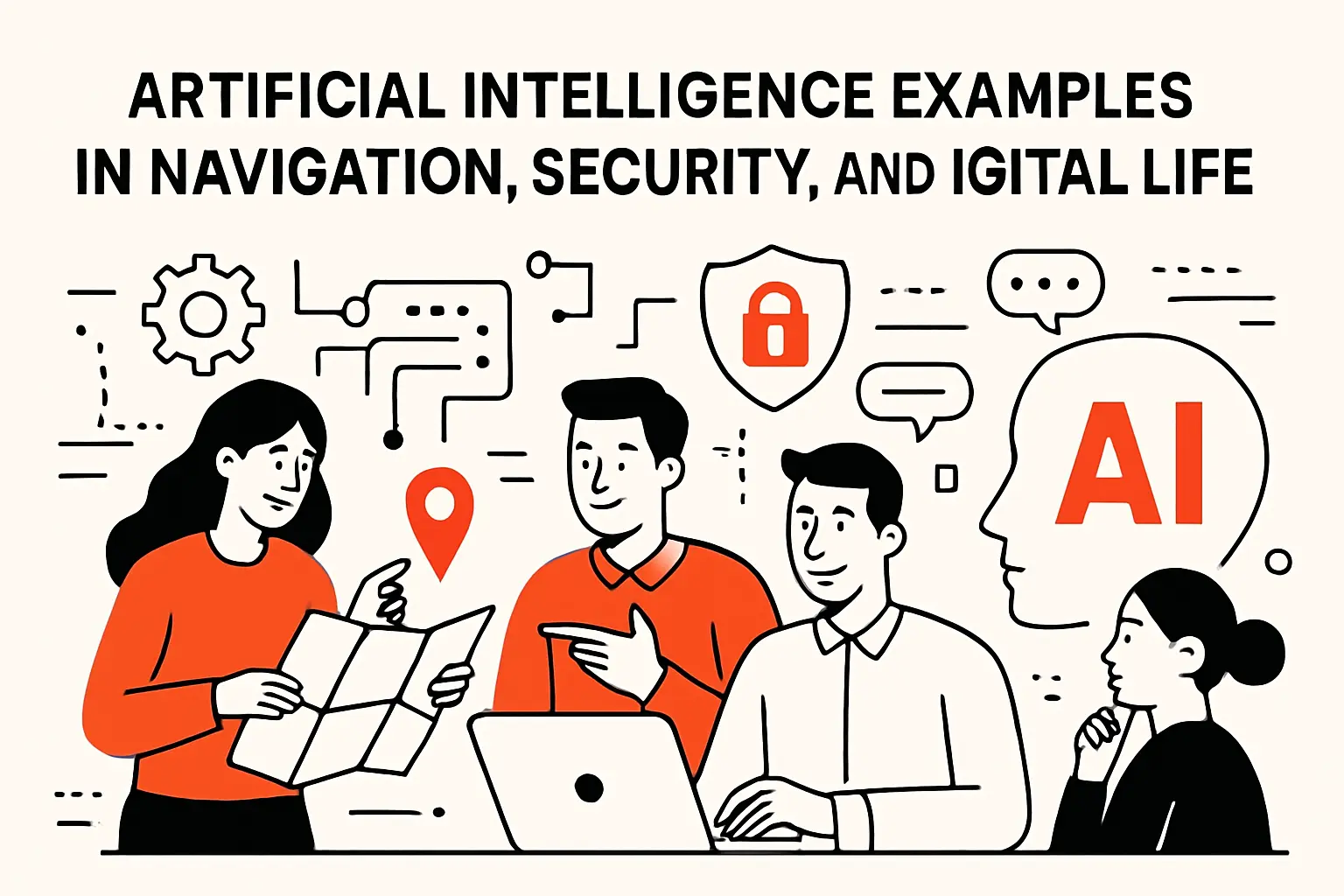
Digital life runs on prediction and detection. Navigation predicts where you will be and when. Security predicts whether you are really you. Market overview: Deloitte reports 47% of all respondents say they are moving fast with generative AI adoption, and that speed is reshaping consumer expectations across apps. Users now expect “smart” defaults everywhere. That expectation raises the bar for trust and safety.
1. Maps and navigation: real-time traffic, routing, and ETA prediction
Navigation is a forecasting problem. Systems ingest GPS traces, road graphs, and incident reports. Models infer congestion and recommend routes. ETA prediction blends historical patterns with real-time signals.
From our perspective, the hardest part is not the shortest path. The hardest part is uncertainty. A crash, a storm, or a stadium exit changes everything. Good systems update fast and explain changes. Users forgive reroutes when the reasoning is visible.
2. Facial detection and recognition: device unlock, filters, and security use cases
Face detection finds a face in an image. Recognition matches a face to an identity or embedding. Device unlock typically relies on local processing. That reduces exposure of biometric data. It also reduces latency.
Security use cases are more sensitive. Bias and false matches have real consequences. We advise strict thresholds and audit trails. We also recommend opt-in policies for any identification use. Convenience should not outweigh civil risk.
3. E-payments and banking: security, identity controls, and fraud pattern detection
Payment fraud detection uses anomaly scoring. It looks at device fingerprints, velocity patterns, and merchant behavior. Identity controls use risk-based authentication. That means the system asks for more proof when risk is higher.
In banking, explainability is a practical requirement. A flagged transaction triggers customer friction. It also triggers compliance workflows. Teams need reasons, not just scores. In our builds, we log feature snapshots for investigations. That log becomes a safety net.
4. Weather forecasting: faster prediction models built on historical data
Weather forecasts combine physics models with data assimilation. AI increasingly accelerates parts of that process. Learned models can approximate dynamics quickly. They can also help downscale predictions for local estimates.
For business, weather is a demand signal. Retail staffing, logistics, and energy planning all depend on it. We have seen forecasting errors cascade into overstock or missed deliveries. AI helps when it improves timeliness and calibration. It hurts when teams treat it as certainty.
5. Media and entertainment: AI in gaming behavior and music mastering workflows
Games use AI for non-player behavior and matchmaking. Behavior models detect griefing and cheating patterns. Recommendation models then decide which modes to promote. Even difficulty scaling is a form of prediction.
Music and video workflows also use AI. Tools separate stems, denoise audio, and level loudness. They can speed post-production dramatically. Still, creative direction remains human. A clean track is not always a compelling track.
Artificial intelligence examples transforming business operations and industries
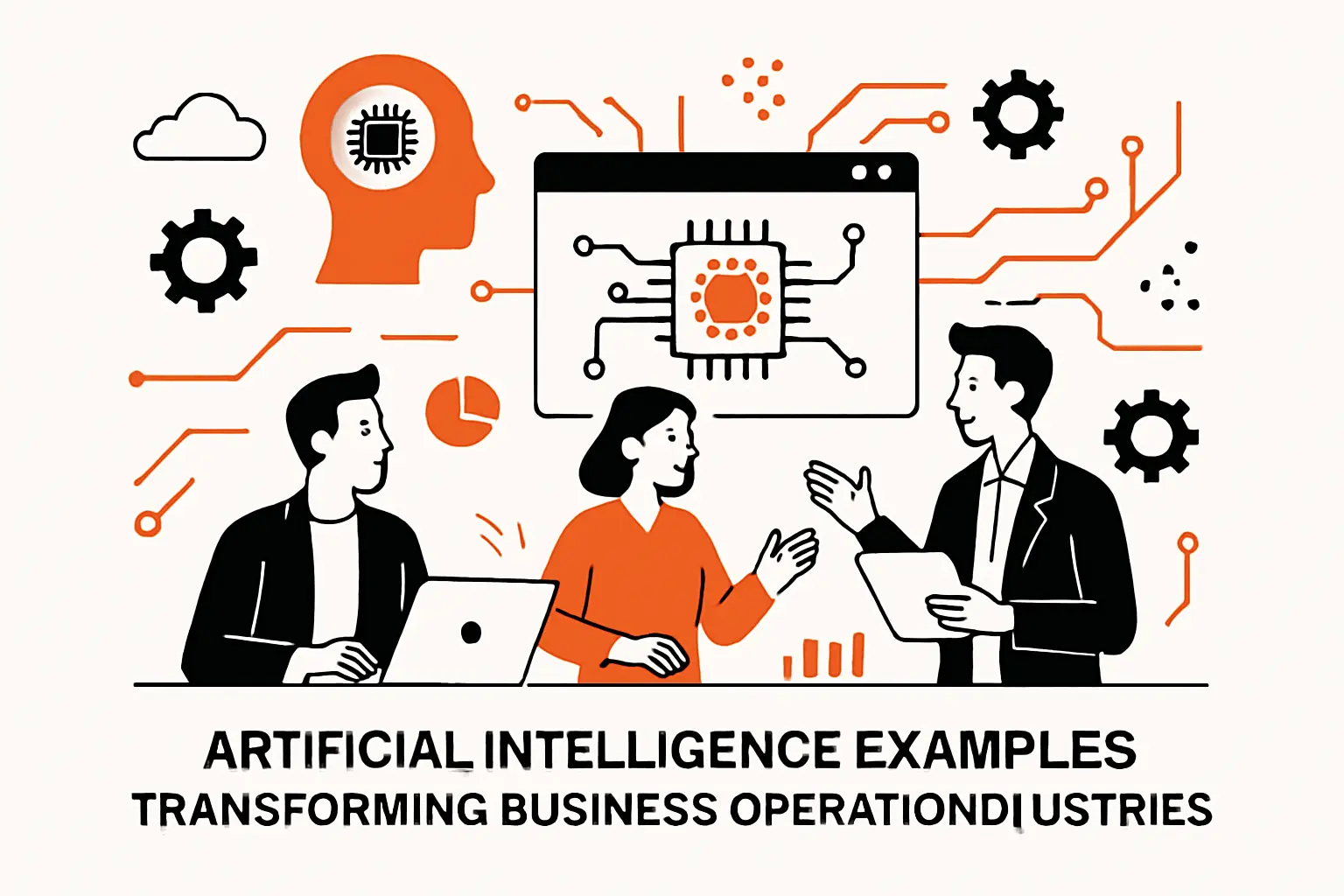
Business AI lives or dies on integration. A model that is not wired into process becomes a demo. Market overview: McKinsey estimates generative AI could add $2.6 trillion to $4.4 trillion annually in value, but only when companies rework how work gets done. That aligns with our delivery lessons. The value shows up after workflow redesign, not before.
1. AI software and generative platforms reshaping how teams work
Teams now draft documents with AI assistance. They summarize meetings and extract action items. They also generate code scaffolds and test cases. These examples reduce blank-page time. They also standardize format and tone.
However, generative platforms create new failure modes. Prompt injection can override instructions. Data leakage can occur through copied context. Hallucinations can slip into customer-facing content. We mitigate these risks with retrieval, validation, and role-based access. “Helpful” is not a sufficient requirement.
A practical enterprise pattern: retrieval with guardrails
In regulated settings, we prefer retrieval-augmented generation. The model drafts answers from approved sources. It then cites internal documents in the UI. If retrieval fails, the system refuses. That behavior builds trust faster than clever improvisation.
2. AI robotics: automated and increasingly complex physical tasks
Robotics uses perception, planning, and control. Vision detects objects and estimates pose. Planning chooses a sequence of actions. Control turns actions into motor commands. Warehouses use this for picking and sorting. Factories use it for inspection and assembly.
We view robotics as “AI plus physics.” That “plus” is expensive. Sensors fail and environments change. Safety constraints also matter more. For that reason, many wins come from narrow automation. A robot that does one job reliably beats a general robot that fails often.
3. AI in healthcare: management support, early diagnosis, disease tracking, and drug discovery
Healthcare AI spans operations and clinical care. On the operations side, AI can optimize staffing and scheduling. It can also forecast no-shows and reduce claim denials. Those wins are often easier to validate.
Clinical AI includes imaging triage and risk prediction. It also supports population health monitoring. Drug discovery uses models to propose candidates and predict properties. Even then, medicine demands humility. Models should support clinicians, not replace judgment. We recommend clear escalation rules and post-deployment monitoring.
4. AI in finance: automation, chatbots, anti-fraud defenses, and algorithmic trading
Finance uses AI for document processing and compliance checks. It also powers customer support and onboarding. Fraud defenses are a natural fit, because patterns shift quickly. Models can react faster than static rules.
Algorithmic trading is often over-romanticized. Many strategies rely on small edges and tight risk controls. Data leakage and overfitting are constant threats. In our view, the durable wins in finance come from process automation and risk detection. Trading requires deep domain controls and careful governance.
5. AI in retail and marketing: personalization, chatbots, keyword technologies, and ad buying
Retail uses AI to personalize storefronts and emails. Marketing uses it to segment audiences and predict churn. Keyword technologies help brands map intent to content. Ad buying uses automated bidding based on predicted conversion.
Yet personalization can backfire. Over-targeting feels invasive. Poor segmentation creates bias and exclusion. We recommend privacy-by-design and clear user controls. A user should be able to reset or limit personalization. Trust is a growth lever.
6. AI in travel and transportation: booking assistance, route optimization, and self-driving systems
Travel platforms use AI to bundle options and predict price movement. Customer support uses bots for itinerary changes. Route optimization helps fleets reduce fuel and delays. These are high-value, operational use cases.
Self-driving systems combine perception and planning. They also require robust failover behavior. Edge cases dominate the engineering effort. Because safety is central, deployment tends to be incremental. We encourage stakeholders to separate marketing hype from operational reality. Autonomy is a gradient, not a switch.
Benefits of AI in education: personalization, efficiency, and integrity
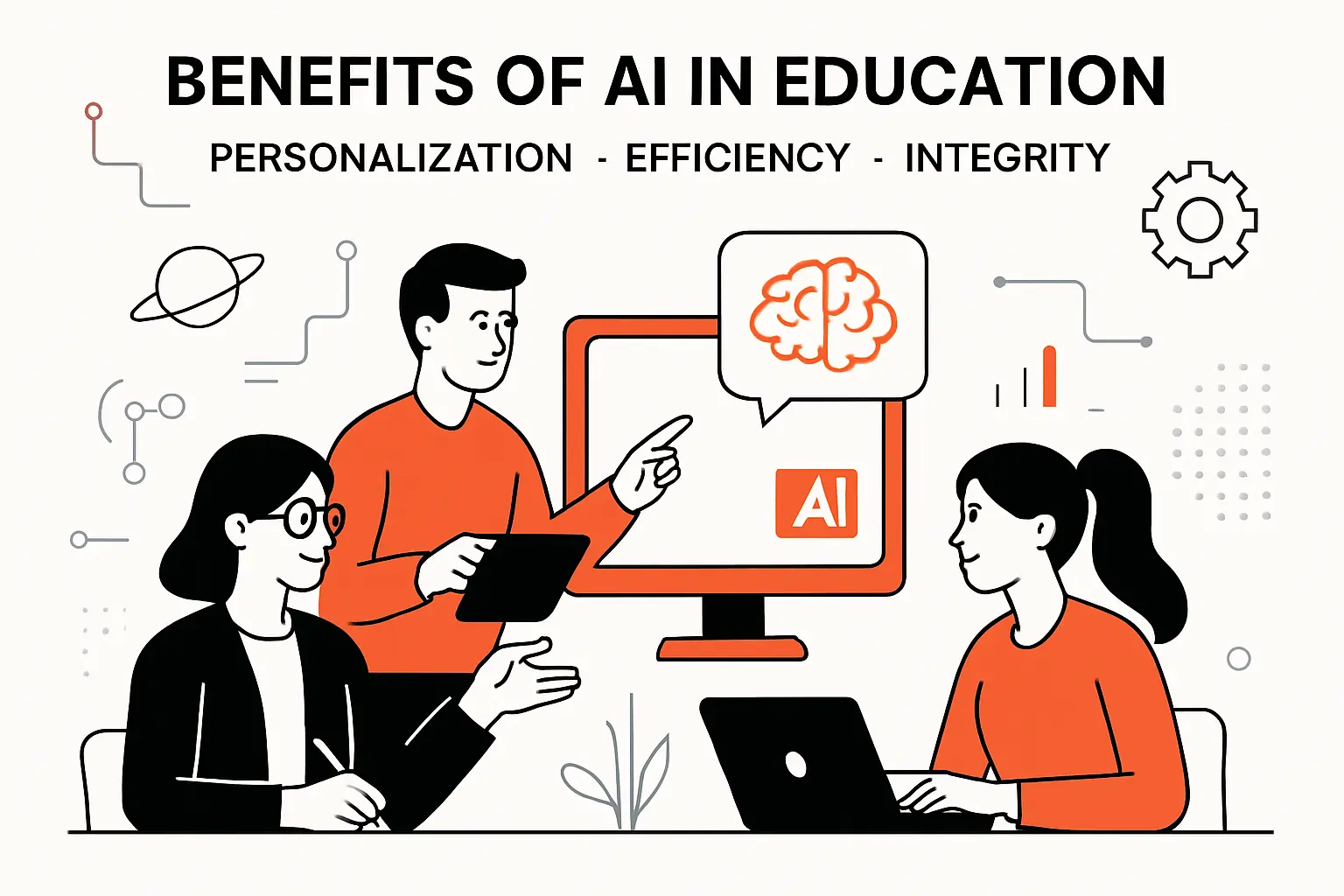
Education is an applied setting with real constraints. Students vary widely, and teachers face limited time. Market overview: Gartner forecasts AI software spending in education will reach $7.7 billion, reflecting demand for tooling that scales support without eroding learning quality. We see the same driver in districts and universities. Leaders want better outcomes, not just new gadgets.
1. Enhanced personalized learning through adaptive, real-time lesson adjustments
Adaptive learning adjusts practice based on student responses. It can detect mastery and confusion. It then selects the next activity to fit the learner. That can reduce boredom and frustration. It can also give teachers better signals.
Still, adaptation must respect pedagogy. “Fastest path” is not always the best path. Sometimes struggle is productive. We suggest designing for pacing, not just accuracy. Teachers should also be able to override recommendations easily.
2. Automated administrative tasks: grading, scheduling, and reporting support
Administrative automation can free teacher time. Systems can assist with rubric alignment and feedback drafts. Scheduling can also improve with constraint solvers. Reporting can be generated from structured inputs. These tasks often create burnout.
Our caution is simple. Automation should not become surveillance. Teachers need tools that reduce overhead without increasing monitoring pressure. Data collection should be minimal and purposeful. If the data is not used, it should not be collected.
3. More engaged learners through interactive and gamified experiences
AI can drive interactive practice and tutoring dialogs. Gamified systems can adapt difficulty to maintain flow. Learners can also receive instant hints. That immediacy can keep momentum. It can also reduce fear of failure.
Engagement is not the same as learning. A flashy tool can distract from deep comprehension. We look for signals of transfer, not just completion. The best products track conceptual errors. They then offer targeted remediation.
4. Improved accessibility via AI-driven assistive technologies
Accessibility is one of AI’s clearest benefits. Speech-to-text supports hearing impairments. Text-to-speech supports low vision and reading fatigue. Captioning helps multilingual learners too. Translation can reduce barriers for families.
However, assistive tools must be reliable. A bad transcript can misteach. A mistranslation can confuse assignments. We recommend confidence indicators and easy correction tools. Accessibility requires feedback loops, not just features.
5. Actionable insights, classroom management support, and scalable delivery
Analytics can reveal class-wide misconceptions. It can also show which items discriminate well. Teachers can then adjust instruction. Administrators can see where support is needed. That helps scale interventions across campuses.
Yet insights can become blunt instruments. If analytics are tied to punitive evaluation, teachers will resist. We advise collaborative dashboards. We also advise “explain the why” views. Metrics need context, or they become noise.
6. Better security and assessment integrity with plagiarism detection and proctoring tools
Assessment integrity has changed with generative tools. Plagiarism detection now includes style shifts and provenance checks. Proctoring tools can flag unusual behavior patterns. Identity verification can reduce impersonation. These systems attempt to protect fairness.
At the same time, proctoring can increase anxiety. It can also create accessibility issues. We recommend proportional controls. Open-book assessments and oral checks can reduce reliance on surveillance. Integrity should be designed into assessment formats, not only policed afterward.
Examples of AI in education: practical classroom and campus applications
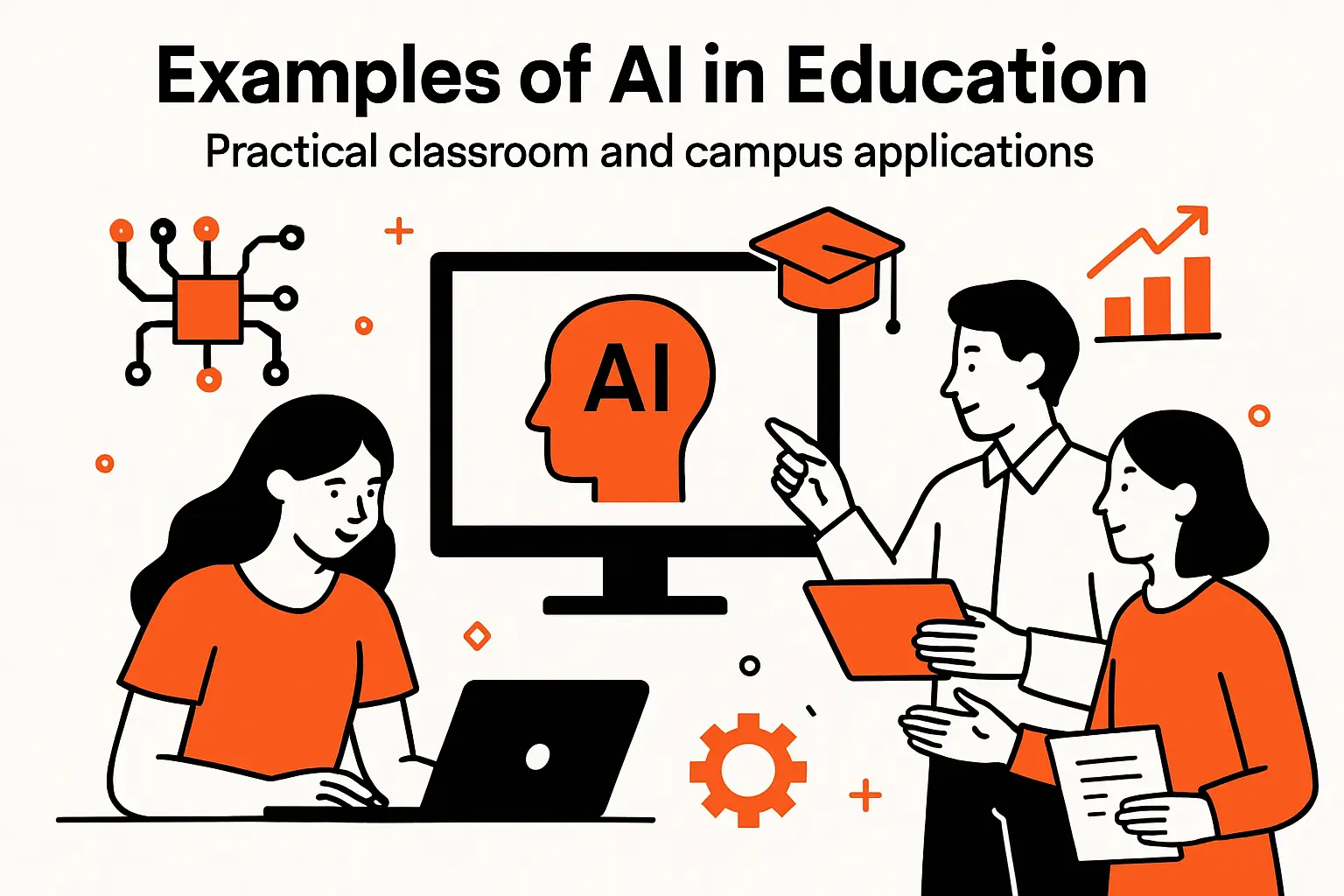
Education examples succeed when they respect real classroom constraints. Teachers need predictable tools and clear controls. Market overview: analysts continue to emphasize that education AI must show measurable learning impact, not just novelty. In our work, adoption rises when tools fit existing routines. The best implementations feel like assistants, not overseers.
1. Adaptive learning systems that tailor content to skill levels and responses
Adaptive platforms can personalize practice sets. They can also sequence content based on prerequisite gaps. For math, that might mean targeted drills. For writing, that might mean guided revision steps. The system can track growth over time.
Our preferred design uses teacher-facing knobs. Educators can set difficulty bands and pacing windows. They can also lock critical content for alignment. That keeps the system aligned with curriculum goals. It also supports teacher autonomy.
2. Assistive technology that supports hearing impairments, dyslexia, and diverse learning needs
Assistive tools include dictation, read-aloud, and phonetic hints. They also include note summarizers and focus aids. For dyslexia, font and spacing adjustments help. For hearing impairments, live captions matter. AI makes these tools more responsive.
We also watch for stigma. Tools must be available to everyone, not only “flagged” students. Universal design reduces social friction. It also reduces administrative overhead. When everyone can use support features, fewer students fall through cracks.
3. Data and learning analytics to identify trends, gaps, and interventions
Learning analytics can highlight topics with low mastery. It can also identify students who need support. Counselors can then intervene earlier. Advisors can track course engagement signals. This helps retention and wellbeing.
Privacy must lead the design. Data should be minimized and access-controlled. Models should avoid sensitive inference when possible. We also recommend transparent explanations for alerts. Teachers need to know why a student was flagged. Otherwise, analytics become mistrust.
4. Language learning tools that adjust difficulty based on progress
Language tools can adapt prompts and vocabulary. They can provide pronunciation feedback and listening practice. Spaced repetition helps memory retention. Dialog practice helps confidence in real speech. AI can also generate varied examples quickly.
We advise grounding content in authentic contexts. Travelers need practical phrases. Academic learners need discipline-specific vocabulary. A single “general” track often fails learners. Personalization should include goals, not only skill level.
5. Cybersecurity and threat detection to protect educational networks and student data
Schools are frequent targets for phishing and ransomware. AI can help by detecting abnormal login patterns. It can also classify suspicious emails. Endpoint systems can spot strange process behavior. These controls protect student records and payroll systems.
Still, technology is only part of defense. Training and incident playbooks matter. We recommend tabletop exercises for administrators. We also recommend segmented access for student devices. A campus network is a small city. It needs layered controls.
6. AI tools that build awareness of social issues through emotionally engaging experiences
Simulations can help students explore complex social issues. AI-driven characters can role-play perspectives in history or civics. Interactive storytelling can increase empathy and reflection. These tools can make abstract topics feel tangible.
Guardrails matter here too. Content must be age-appropriate and culturally sensitive. Bias in narratives can harm learners. We recommend educator-curated scenarios and reflection prompts. The goal is guided exploration, not algorithmic persuasion.
TechTide Solutions: building custom AI solutions around your requirements
Custom AI succeeds when it matches constraints and culture. Off-the-shelf tools can be great, but they rarely fit perfectly. Market overview: major analyst commentary continues to frame AI value as a product of workflow integration, governance, and data readiness. That framing matches our lived delivery reality. Clients do not need “more AI.” They need the right AI, safely operated.
1. Consultative discovery to translate customer needs into clear solution requirements
Discovery starts with the job to be done. We map the user journey and the decision points. We identify where time is lost and where risk concentrates. Then we define success in operational terms. That includes latency, accuracy, and escalation rules.
Next, we examine data reality. Teams often overestimate what is available and usable. We inspect data quality, access patterns, and retention constraints. We also define what data must never enter prompts or training. That boundary is part of requirements, not an afterthought.
Deliverables we insist on
- A clear problem statement tied to a workflow outcome.
- A risk register that includes privacy, security, and misuse scenarios.
- An evaluation plan that defines what “good” looks like.
2. Custom software development to implement AI features that match real workflows
Implementation is mostly software engineering. We build data pipelines, APIs, and user interfaces. We also build access controls and audit logs. Model choice is important, but integration is decisive. A model that cannot reach the user at the right moment is wasted.
We also design for fallback. The system should degrade gracefully when inputs are missing. It should ask for clarification when confidence is low. For high-risk actions, we add human approval steps. That design keeps the AI helpful without making it reckless.
Operational mechanics we build early
- Prompt and retrieval versioning with review workflows.
- Observability for latency, cost, and error modes.
- Security controls for prompt injection and data exposure.
3. Ongoing support and iteration to refine the solution as customer needs evolve
AI systems change because the world changes. Data distributions drift. Policies and products change too. We monitor performance and user feedback continuously. Then we tune prompts, retrieval, or models. Iteration is part of the contract, not a bonus.
We also help teams build internal capability. That includes playbooks for incidents and rollbacks. It includes review processes for new features. When clients own the operating model, the solution lasts. Without ownership, the tool becomes shelfware.
Conclusion: how to choose the most useful artificial intelligence examples for your goals
Choosing AI examples is really choosing where to change work. The best examples fit your data, your risk tolerance, and your users. Market overview: the same leading research narratives keep emphasizing that AI ROI appears when teams redesign processes and measure outcomes. That is the lens we use at Techtide Solutions. Strategy without execution is theater.
1. Match the AI example to the problem, the user, and the available data
Start with the workflow, not the model. Identify the user and the moment of need. Then list the data sources that can support that moment. If the data cannot support the decision, pick a different example. AI cannot compensate for missing truth.
We also recommend matching output type to risk. Summaries and drafts are safer than autonomous actions. Extraction is often safer than generation. When a system must take action, design for confirmation. That keeps humans in control of impact.
2. Weigh benefits against risks like bias, privacy, and security concerns
Every AI example has a shadow cost. Bias can affect eligibility and opportunity. Privacy risk can break trust quickly. Security risk can leak sensitive information through prompts or logs. Those risks must be named explicitly.
Mitigation is not only technical. Policies, training, and review workflows matter. So does vendor management. We ask clients to define unacceptable outcomes first. That clarity makes guardrails practical. Without it, teams argue about hypotheticals.
3. Start small, measure outcomes, and expand based on proven value
Small pilots should still be real. They must touch production data in a controlled way. They must also include monitoring and rollback. Measure cycle time, error rates, and user satisfaction. Then compare against the baseline process.
Expansion should follow evidence. If value is clear, invest in integration and governance. If value is unclear, adjust scope or stop. Stopping is a skill, not a failure. Which AI example in your organization is easiest to validate next, and who will own it after launch?




