



At TechTide Solutions, we treat the headless CMS vs WordPress question as an architecture choice with business consequences. The market for content management software is expected to reach $77.77 billion by 2033, which tells us this is no longer a side debate for developers or marketers.
As a software development company, we at TechTide Solutions have built content sites, custom platforms, and migration roadmaps, and we keep reaching the same conclusion. WordPress is still the right answer for many content-first businesses, and we have seen teams overspend on headless before they had real multichannel problems. A headless CMS wins when content has to move across products, apps, and regions. Headless WordPress is useful, but only when you truly need WordPress on the back end and a separate front end.
Headless CMS vs WordPress vs Headless WordPress
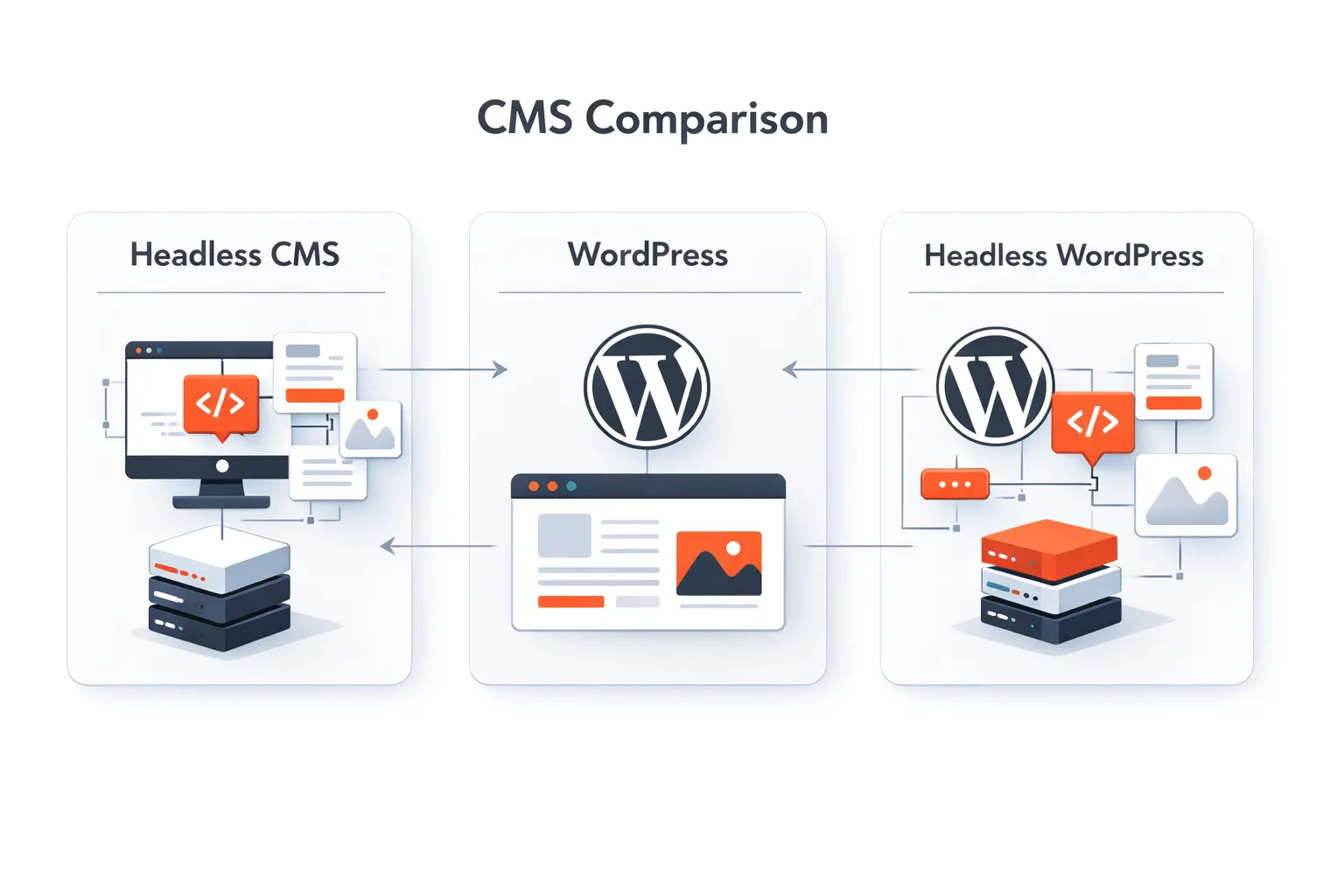
Before we compare features, we need clean definitions. Teams blur these terms all the time, then wonder why the project feels wrong months later.
1. What Traditional WordPress Is
Traditional WordPress is a coupled CMS. The admin area, database, theme, and page rendering all live together. Editors work inside WordPress, and the theme turns stored content into live pages. For blogs, company sites, landing pages, and publishing teams that want quick control, this model is still hard to beat.
2. What a Headless CMS Is
A headless CMS separates content from presentation. Editors manage structured content in one system, while a separate front end pulls that content through APIs. That makes it easier to use the same article, product story, or help entry across a website, a mobile app, and other channels. In our view, this model shines when content has a life beyond one website.
3. What Headless WordPress Means
Headless WordPress keeps WordPress as the editorial back end, while another front end consumes content through the REST API and handles the user experience. We usually recommend it when a team likes WordPress editing but wants a custom React or Next.js front end. It can work well, but it also means you inherit WordPress concerns and add a second application to maintain.
Recommended reading: Headless WordPress: A Practical Guide to Decoupled WordPress Architectures
Headless CMS vs WordPress: Core Differences That Matter
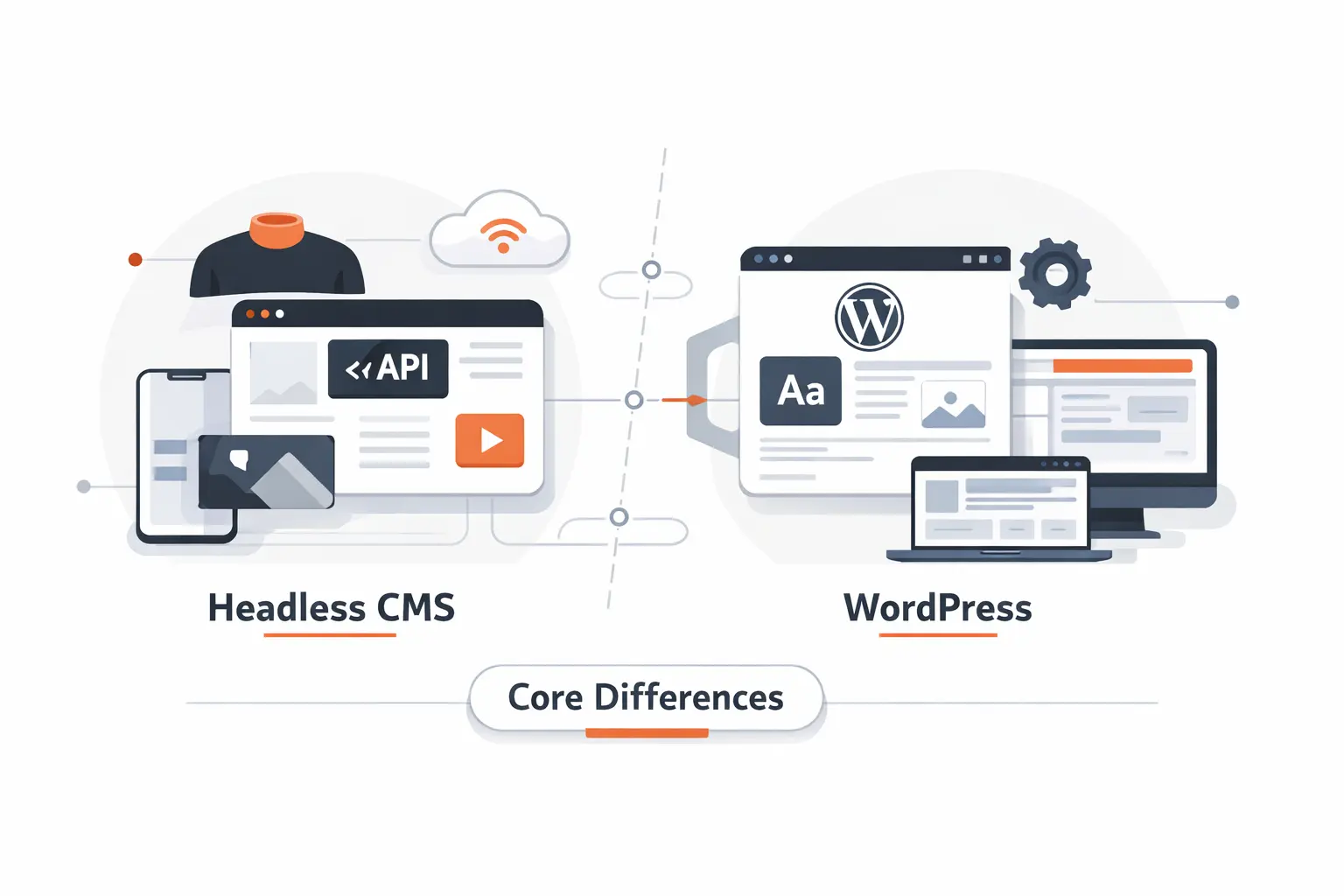
When clients ask us what really changes, we point to three things. Architecture, delivery, and front-end control usually settle the debate.
1. Coupled vs Decoupled Architecture
Coupled means the CMS and the website render pages together. That keeps deployment simpler and debugging more direct. Decoupled means the content system and front end are separate, which gives you cleaner boundaries and more engineering control. The tradeoff is extra complexity, because you now manage more moving parts.
2. API First Content Delivery Across Channels
Headless platforms are built around structured content delivered through APIs. One entry can feed a web page, a mobile screen, a kiosk, or an internal tool without being rewritten. WordPress can do this too, especially in headless mode, but it is not the default mindset of most WordPress builds. If your business only publishes to one marketing site, API-first delivery may be more power than you need.
3. Front End Flexibility With Modern Frameworks
A headless setup lets developers choose the front end that best fits the product, such as React or Next.js. That matters when you want server rendering, app-like behavior, or a shared design system across properties. Traditional WordPress is more opinionated because the theme layer shapes how pages are built. We think that structure is helpful for simple sites and restrictive for complex digital products.
Recommended reading: Umbraco vs WordPress: A Practical CMS Comparison for Businesses and Developers
Content Modeling and Editor Experience
Features on a vendor checklist rarely tell the whole story. The editor experience often decides whether the CMS becomes a help or a headache.
1. Structured Content Models and Reusable Content Blocks
Structured content is one of the clearest advantages of headless systems. PUMA describes creating 55,000 pieces of reusable content, which shows what becomes possible when teams model content for reuse instead of page-by-page duplication. WordPress can support structured content with custom post types and custom fields, but many WordPress projects still start as page layouts first. When reuse matters, headless usually feels more natural.
2. Localization Permissions and Editorial Workflows
In our experience, headless platforms often handle locales, roles, approvals, and staging flows with more discipline from the start. That matters for global teams, regulated content, and multi-brand governance. WordPress can support translation and permissions too, but it often does so through plugins and custom rules. The more markets and reviewers you add, the more that patchwork starts to show.
3. Previews Visual Editing and Page Builder Tradeoffs
This is where WordPress often feels friendlier. Editors can see pages, blocks, menus, and templates in a familiar interface, and many teams like that immediacy. Headless preview can be excellent, but it usually takes custom work to get there. The tradeoff is simple. Page builders make pages easy to arrange and harder to reuse elsewhere.
Recommended reading: How to Hire a WordPress Developer: A Research-Backed Outline for Finding the Right Fit
Where WordPress Still Wins
We still recommend WordPress often, and we do it without apology. For many businesses, it solves the real problem faster and with less friction.
1. Ease of Use for Nontechnical Teams
WordPress remains easier for nontechnical teams to learn. The admin is familiar, the publishing flow is straightforward, and common tasks feel close to normal editing. A content manager can usually draft, schedule, update images, and publish without waiting on a developer. That autonomy is a bigger advantage than many technical debates admit.
2. Themes Plugins and Faster Time to Market
WordPress wins on launch speed. Themes, plugins, and prebuilt blocks make it possible to ship a useful site fast, especially when the goal is lead generation, publishing, or a standard company presence. That speed reduces risk for small and midsize businesses. Why pay for custom architecture before you have a reason to use it?
3. Built In Blogging SEO Tools and Community Support
WordPress still carries serious publishing muscle. VentureBeat reports 18 million monthly page views, and the same case study describes major response time gains after the move to WordPress VIP. On smaller teams, the built-in blogging model, familiar SEO tooling, and vast community support reduce the odds of getting stuck. That makes WordPress a safer operational bet than many trend-driven conversations suggest.
Recommended reading: What Is Jetpack WordPress? Complete Guide to Features, WordPress.com Connection, and Setup
Where Headless CMS Wins
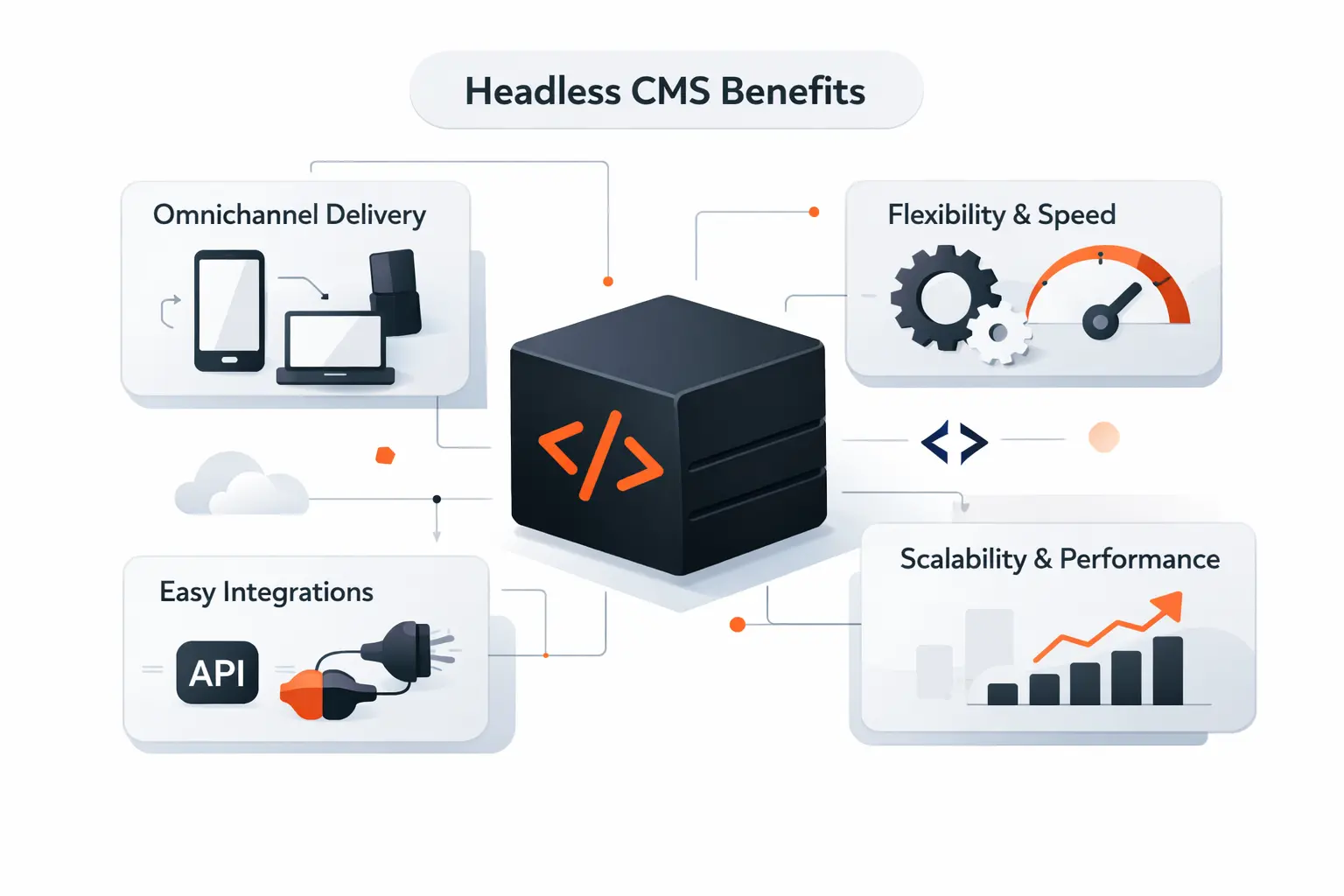
Headless earns its keep when the website is only one surface of a larger system. That is when the extra engineering starts to make sense.
1. Custom Front End Flexibility and Modern Frameworks
A headless CMS gives developers freedom to build exactly the front end a business needs. That matters for rich product pages, app-like experiences, custom journeys, and design systems shared across brands. You are not forced into theme conventions or plugin workarounds. From our side, that control is the main reason teams go headless in the first place.
2. Omnichannel Delivery for Web Apps Mobile Apps and More
When content must feed a site, a mobile app, and other channels, headless is easier to justify. The same PUMA example is a good picture of this, because one structured content layer supported web, mobile web, and native apps. That reduces duplicate entry and keeps messaging aligned. If your roadmap includes more than one customer touchpoint, this advantage becomes real very quickly.
3. Scalability Security and Future Readiness
A separate front end can improve how systems scale and how responsibilities are split. The public experience can scale independently from the content back end, and teams can update one layer without disturbing the other. Many cloud headless platforms also reduce patching work on the CMS side. Future readiness matters, but only if your business actually plans to use that future.
Recommended reading: WordPress vs Custom CMS: How to Choose the Right Platform for Your Website
The Biggest Tradeoffs on Both Sides
Every CMS promise comes with a bill. We would rather show the bill upfront.
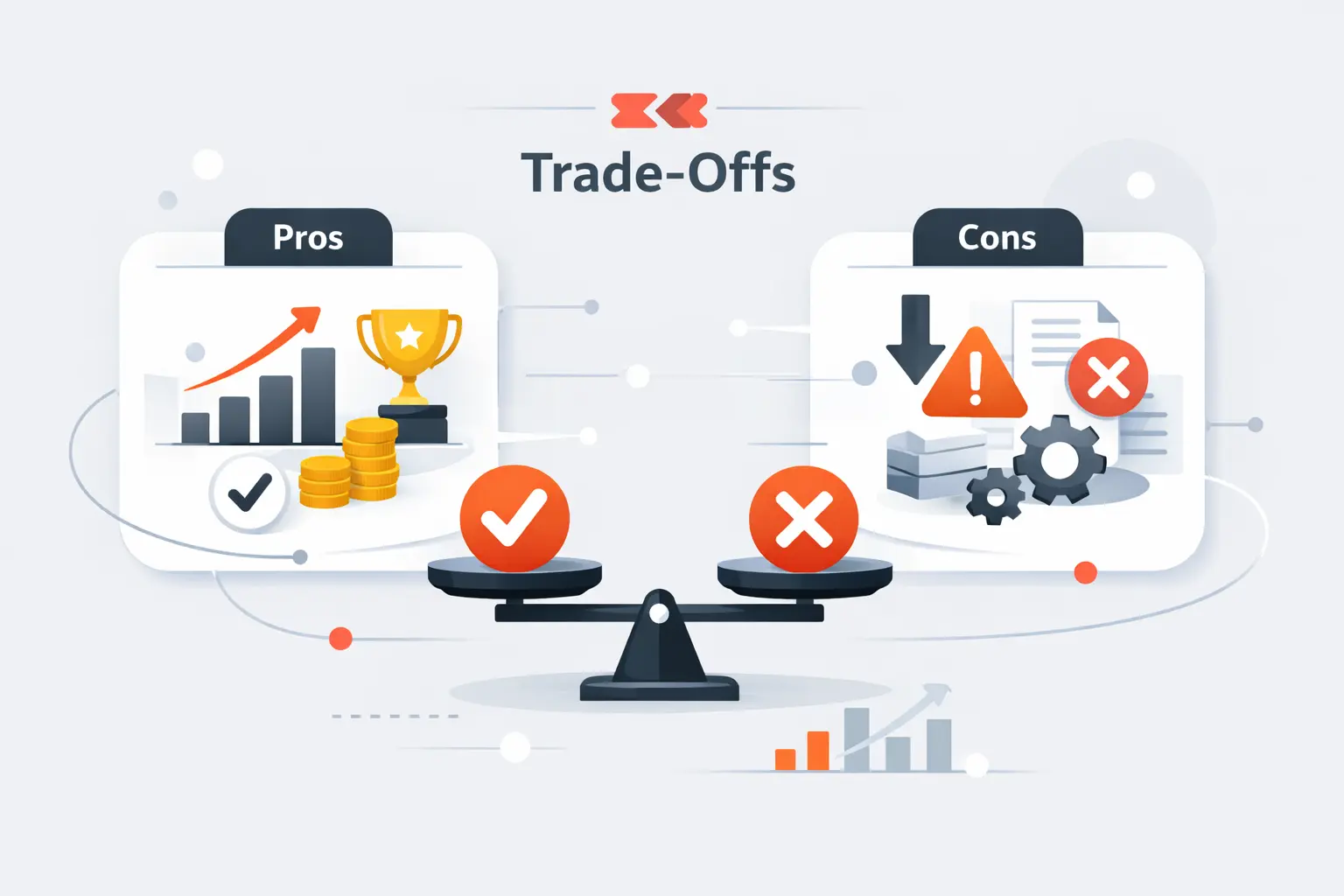
1. WordPress Maintenance Plugin Conflicts and Security Risks
WordPress gets messy when too many plugins, page builders, and custom fixes pile up over time. Updates can break layouts, duplicate features, or create security holes if no one owns maintenance. Cheap hosting makes the problem worse. In our experience, the problem is usually weak governance, not the core software alone.
2. Headless CMS Cost Complexity and Developer Dependence
Headless systems ask more from engineering. You need clear content models, preview flows, API rules, deployment steps, and front-end logic before the experience feels polished. Editors may also depend on developers for changes that WordPress would handle with settings or plugins. If the business does not need that depth, the extra complexity feels like paying rent on empty space.
3. Hosting Ownership and Ongoing Operational Overhead
With self-hosted WordPress, the database and files are usually under your control, but so are updates, backups, and hosting choices. Cloud headless platforms remove some CMS chores, yet vendor pricing and API limits become part of ownership too. The front end, integrations, and monitoring still need attention. Headless WordPress can be the heaviest mix because you maintain both worlds. We advise clients to price ongoing ownership, not just the launch project.
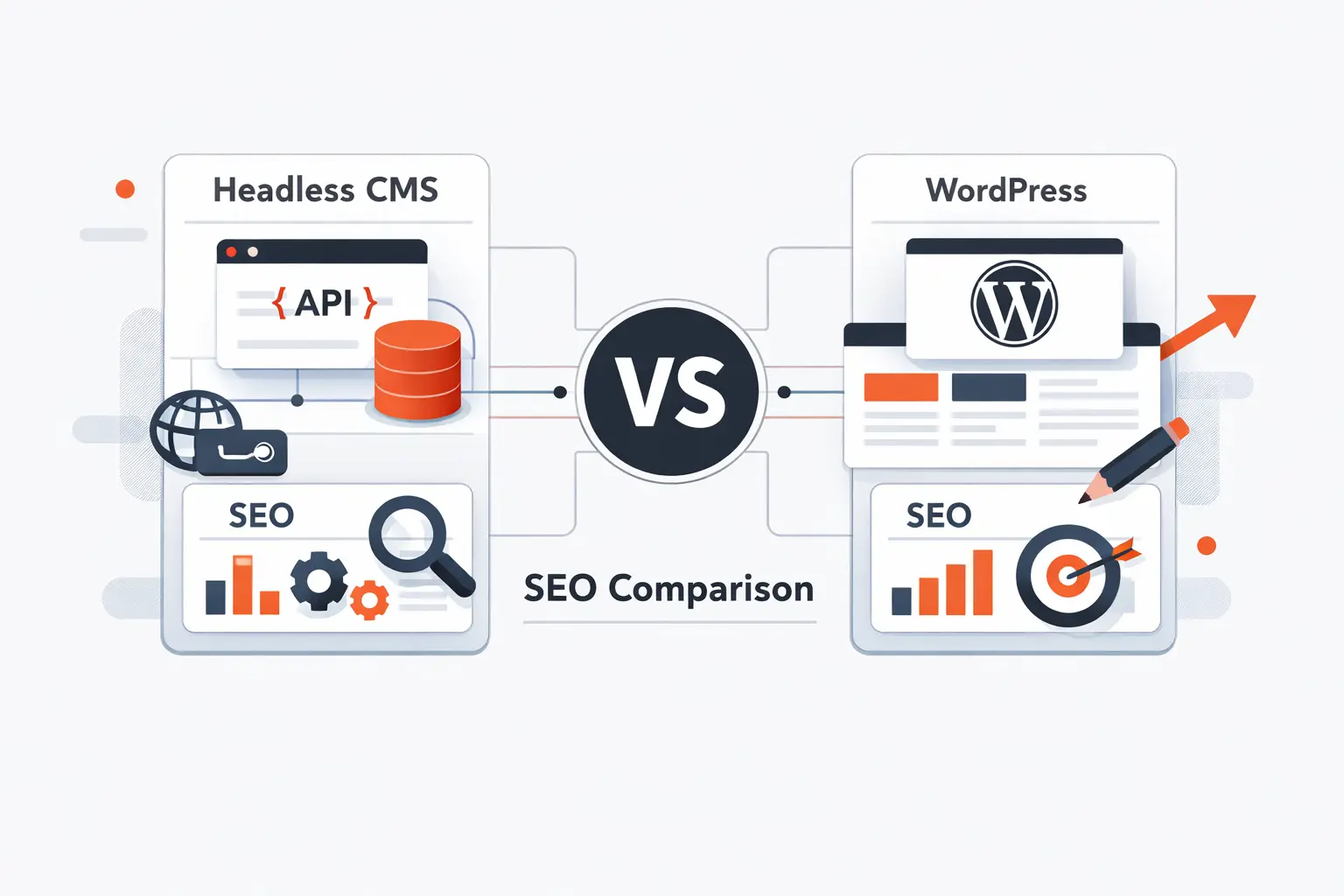
Headless CMS vs WordPress for SEO
The headless CMS vs WordPress SEO debate gets noisy fast. We prefer the boring truth. Both can rank, and both can fail.
1. How Speed Impacts Rankings and User Experience
Google says Core Web Vitals are used by ranking systems, so performance is not optional even if relevance still matters most. Faster pages also improve how willing users are to stay and engage. Headless can be very fast, but WordPress can be fast too with good caching, image handling, and hosting. Speed is an execution issue before it is a platform issue.
2. Where WordPress Plugins Simplify Optimization
WordPress makes common SEO work easier for beginners. Teams can manage page titles, descriptions, XML sitemaps, redirects, canonical URLs, and structured data from familiar dashboards. That lowers the chance that basic optimization gets forgotten before launch. In small teams, convenience often beats theoretical control.
3. Why Headless Gives More Control Over Technical SEO
Google also notes that server-side or pre-rendering is still a great idea, which fits well with modern headless front ends built for static output or server rendering. This matters because some bots still struggle with heavy client-side rendering. A strong headless build gives you tighter control over HTML, metadata, routing, structured data, and caching rules. The catch is simple. You have to build it correctly.
Integrations and Advanced Requirements
CMS choices get harder when the site is only one part of the system map. Commerce, sales, support, and operations all start to matter.
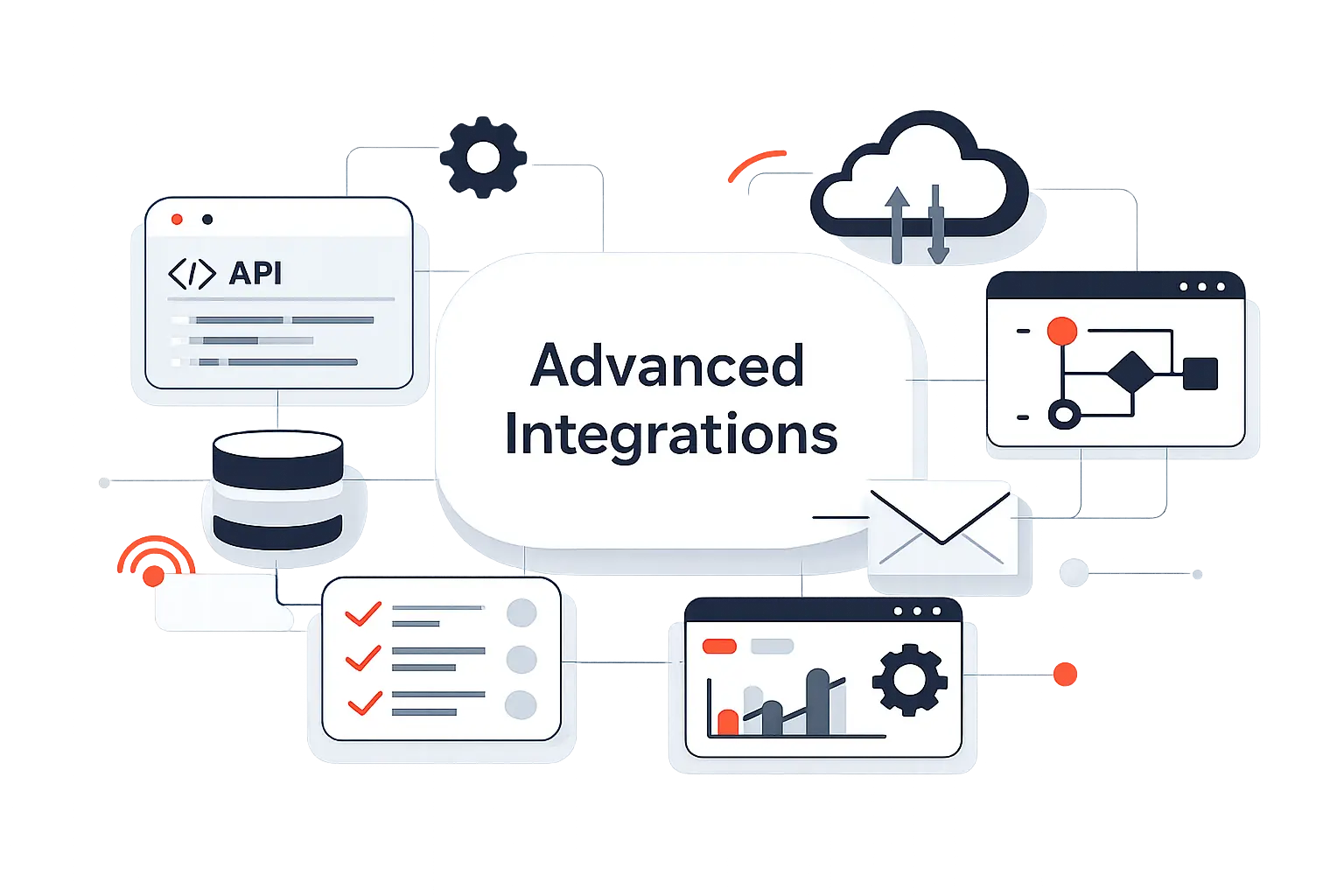
1. Connecting Ecommerce CRM ERP and Other Systems
Headless usually fits better when content must interact with product catalogs, customer data, pricing systems, or internal tools. APIs and webhooks make those connections more predictable. WordPress can integrate with almost anything, but the path often goes through several plugins or custom middleware. That works, though it can become fragile as requirements grow.
2. When Headless WordPress Adds Extra Layers
Headless WordPress sounds like a neat compromise, and sometimes it is. Yet it also adds login rules, preview setup, caching layers, and two places to debug. We only like this route when the team has a clear reason to keep WordPress editing and an equally clear reason to separate the front end. Otherwise, it is architecture by indecision.
3. When a Custom Build Becomes the Better Fit
Some businesses outgrow off-the-shelf CMS patterns altogether. If the experience depends on deep permissions, heavy user-specific logic, or workflows tied to core business rules, a custom application may be the cleaner answer. In those cases, the CMS should support the product, not define it. We sometimes pair a custom app with a CMS only for marketing and editorial content.
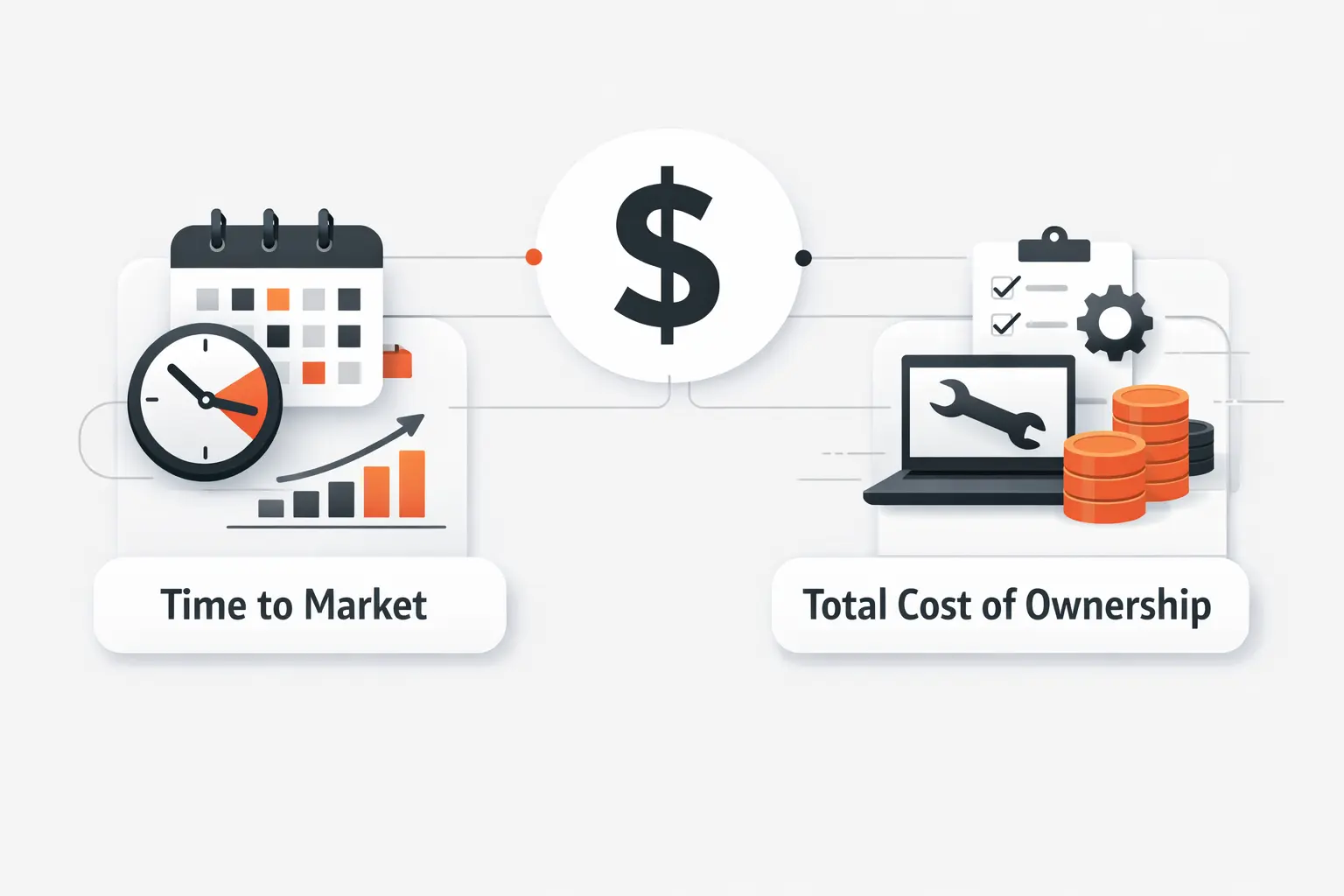
Cost Time to Market and Total Cost of Ownership
Sticker price lies. Real cost shows up in rework, support, delays, and the price of changing direction later.
1. Lower Upfront Costs With WordPress
WordPress usually costs less to start. Development is faster, hosting options are broad, and many common features already exist. That lowers the barrier for startups, local businesses, publishers, and service firms. If you need traction more than architecture, WordPress is often the financially sane choice.
2. Higher Initial Investment but Easier Scaling With Headless
Headless projects cost more at the start because you are funding architecture, content modeling, front-end work, and integration planning. Still, that structure can pay off when content must scale across brands, channels, or teams. We have seen businesses spend less in the long run by designing for reuse early. The key is honesty about whether that scale is real or imagined.
3. How Team Skills Change the Real Cost
The same project can be cheap or expensive depending on the team behind it. A company with strong WordPress talent may move faster there than on a headless stack. A product team fluent in React, APIs, and cloud deployments may feel the opposite. In our experience, team fit is one of the least discussed and most important cost drivers.
How to Decide Between Headless CMS and WordPress
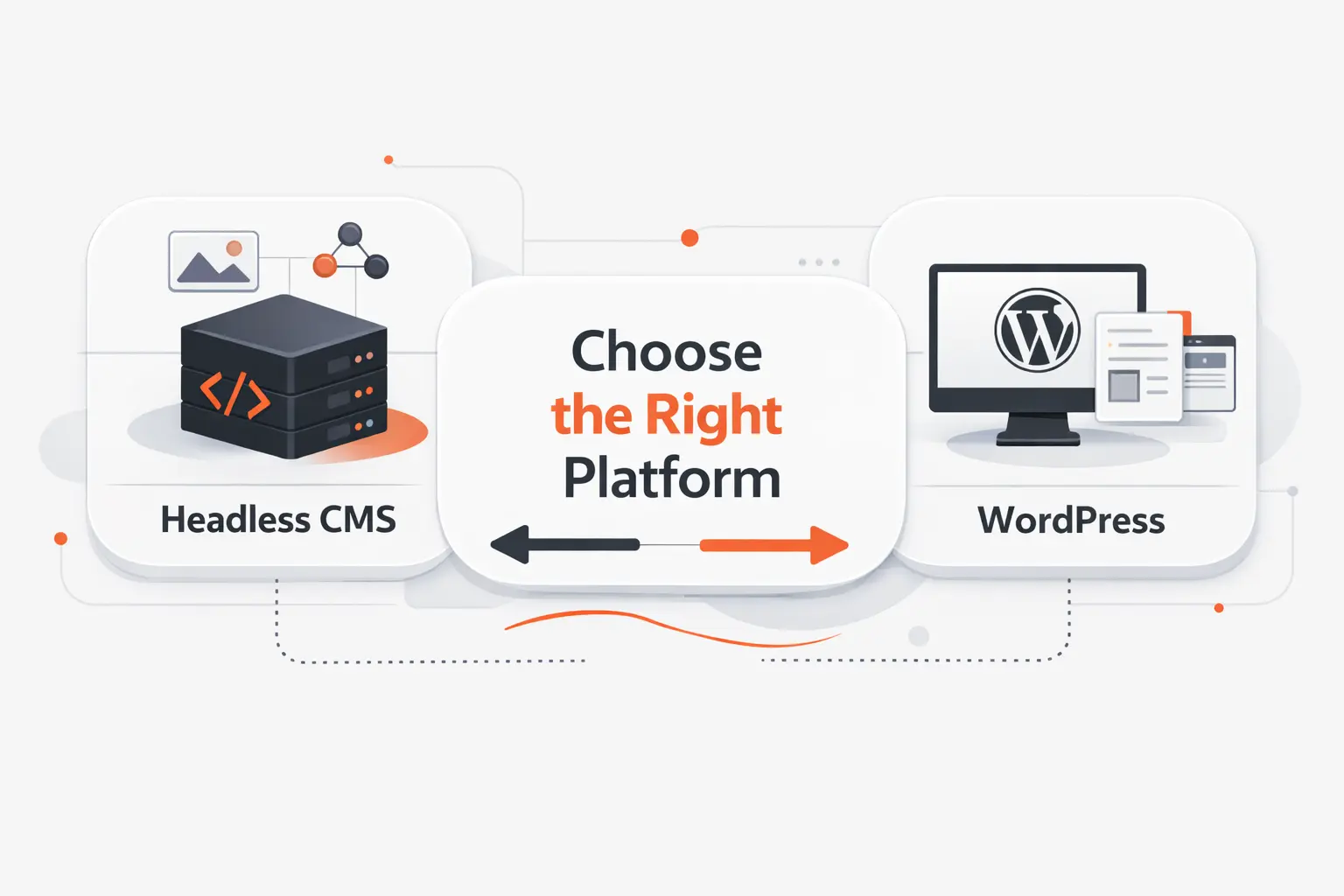
When we guide a CMS decision, we strip away fashion and look at fit. The right answer usually appears once business goals are stated plainly.
1. Choose WordPress for Simple Content Focused Sites
Choose WordPress when the site is mainly about publishing pages, posts, and campaigns on one web property. It is a strong fit for service firms, blogs, media sites, nonprofits, and marketing teams that need control without heavy engineering. If the business values speed and ease over deep customization, WordPress is often enough. Enough is not a compromise when it solves the problem well.
2. Choose Headless CMS for Complex Multichannel Growth
Choose headless when content must support multiple channels, complex models, design systems, or product-led experiences. It is especially useful when the front end behaves more like an application than a theme-based website. Global teams and multi-brand organizations usually feel the benefit sooner. In our view, headless should answer real complexity, not imagined prestige.
3. Choose Headless WordPress Only if You Need WordPress With a Decoupled Front End
This middle option works when WordPress editing, plugins, or existing workflows are already valuable, but the front end needs custom rendering or app behavior. That is a valid case, especially during staged migrations. We just would not call it the default best practice. It is a targeted answer to a targeted problem.
Migrating From WordPress to a Headless CMS
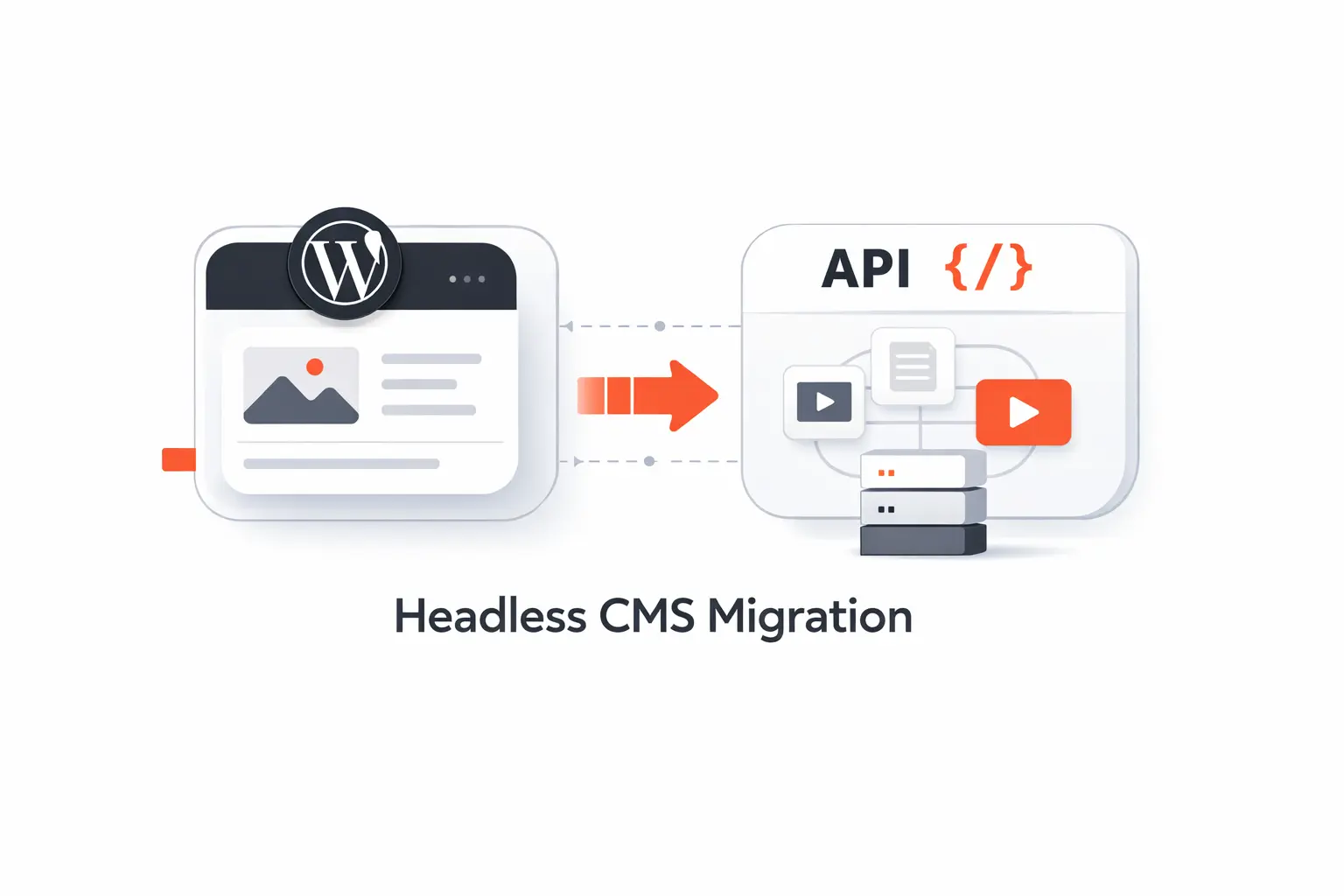
Migration is where optimism gets punished. A move from WordPress to a headless CMS is never just a content export.
1. Audit Plugins Themes and Content Dependencies
Start with a full audit. List plugins, shortcodes, templates, custom fields, redirects, forms, SEO settings, and theme-specific content dependencies. Many old WordPress sites hide business logic inside plugins and page builders. If you skip this step, your migration scope will be wrong from the start.
2. Rebuild Content Models APIs and Front End Components
Next, redesign the content model for structure and reuse. Then map APIs, previews, URL rules, and front-end components that replace the old theme. This is the part where teams decide whether they are moving content or actually improving it. We recommend using the migration to remove years of editorial debt.
3. Protect SEO During Migration With Redirects Metadata and Preview Workflows
SEO protection needs its own workstream. Preserve URLs where possible, map redirects so old pages land in the right place, carry over page titles and descriptions, and test rendered pages before launch. Preview workflows matter because editors need confidence that content still looks right. We also like phased launches when traffic or revenue risk is high.
Frequently Asked Questions
These are the questions we hear most in strategy workshops and migration calls. The short answers are usually more useful than the trendy ones.
1. Can WordPress Be Used as a Headless CMS?
Yes. WordPress can act as a content back end while a separate front end handles rendering. This is common when teams want WordPress editing but need a custom user experience. It works best when the architecture is intentional, not improvised.
2. Is WordPress Still Relevant for Modern Websites in 2026?
Yes. Current tracking shows WordPress powers 41.9% of all websites, which tells us relevance and trendiness are different things. We would still pick it for many marketing sites, publishing operations, and content-first businesses. Popularity is not everything, but staying power matters when you need support, talent, and proven workflows.
3. How Is Headless WordPress Different From Traditional WordPress?
Traditional WordPress renders the site through its theme layer. Headless WordPress keeps WordPress for content administration, but the front end lives somewhere else. Editors may still work in WordPress, yet the delivery pipeline is different. That changes hosting, previews, deployment, and debugging.
4. Can WordPress and a Headless CMS Work Together?
Yes, and sometimes that is the cleanest setup. A business might keep WordPress for its editorial site while a headless CMS powers product content inside apps or commerce flows. We have also seen the reverse. The trick is avoiding overlap and deciding which system owns which content.
5. When Is a Headless CMS a Better Choice Than WordPress?
A headless CMS is a better choice when content must travel across channels, when the front end is highly customized, or when governance needs are more complex than WordPress can handle comfortably. It is also a good fit for product teams that already work API-first. If those conditions are missing, WordPress may be the smarter choice.
6. Is Headless CMS Better for SEO?
Sometimes, but not automatically. Headless gives you more technical control, which can help on large or performance-sensitive sites. WordPress makes many SEO tasks easier for smaller teams. We judge the winner by implementation quality, not by label.
7. How Hard Is It to Migrate From WordPress to a Headless CMS?
It ranges from manageable to difficult. A clean blog with standard content is far easier than a site packed with page builders, old plugins, and theme shortcodes. The more custom logic buried inside WordPress, the harder the move becomes. That is why discovery work matters so much.
How TechTide Solutions Helps You Build the Right CMS Stack
At TechTide Solutions, we do not walk in with one favorite hammer. We match the stack to the business and the people who must run it.
1. CMS Strategy and Architecture for Custom Business Needs
We start with content audits, channel mapping, editorial workflow review, SEO needs, and integration discovery. From there, we recommend the simplest architecture that can carry the business forward. Sometimes that is WordPress, sometimes it is headless. Sometimes it is a staged path from one to the other.
2. Custom Web App Mobile App and API Development
We build the parts that make the decision workable in the real world. That includes custom websites, mobile apps, APIs, admin tools, and front ends for modern frameworks. We also help teams avoid false choices by separating what must be custom from what can stay standard. That keeps projects grounded.
3. Migration Integration and Optimization for Scalable Growth
We handle migrations, data mapping, redirects, performance work, analytics setup, and system integrations with the larger business stack. Just as important, we help teams prepare editors and stakeholders for the new workflow. A CMS migration succeeds when the business can actually use it after launch. That is where many projects go wrong.
Final Verdict: Headless CMS vs WordPress
1. Match the CMS to Your Team Budget and Growth Goals
At TechTide Solutions, our verdict is simple. If your team wants fast editing, and your budget rewards speed, WordPress is your best choice. Choose a headless CMS when content must power multiple channels, your front end is strategically important, or your growth plan demands cleaner architecture. Choose headless WordPress only when both sides of that sentence are true.
We would never pick a CMS just to sound modern. We pick the stack the team can run, improve, and afford long after launch. That is usually the choice that wins.


