



At TechTide Solutions, we think website maintenance cost gets underestimated most often when nothing looks broken yet. A live website is closer to operating infrastructure than a finished brochure. It needs updates, monitoring, backups, and periodic repair. The broader signal is hard to miss. Gartner expects worldwide IT spending to reach $6.31 trillion in 2026, which tells us businesses keep putting more core operations into digital systems.
A website ages quietly. Then a form stops sending leads, a checkout app collides with an update, or a renewal notice lands in the wrong inbox. We have priced enough rescue jobs to know this pattern well. Good maintenance is usually cheaper than emergency repair, and it gives owners a clearer monthly and annual budget.
Average Website Maintenance Cost Ranges
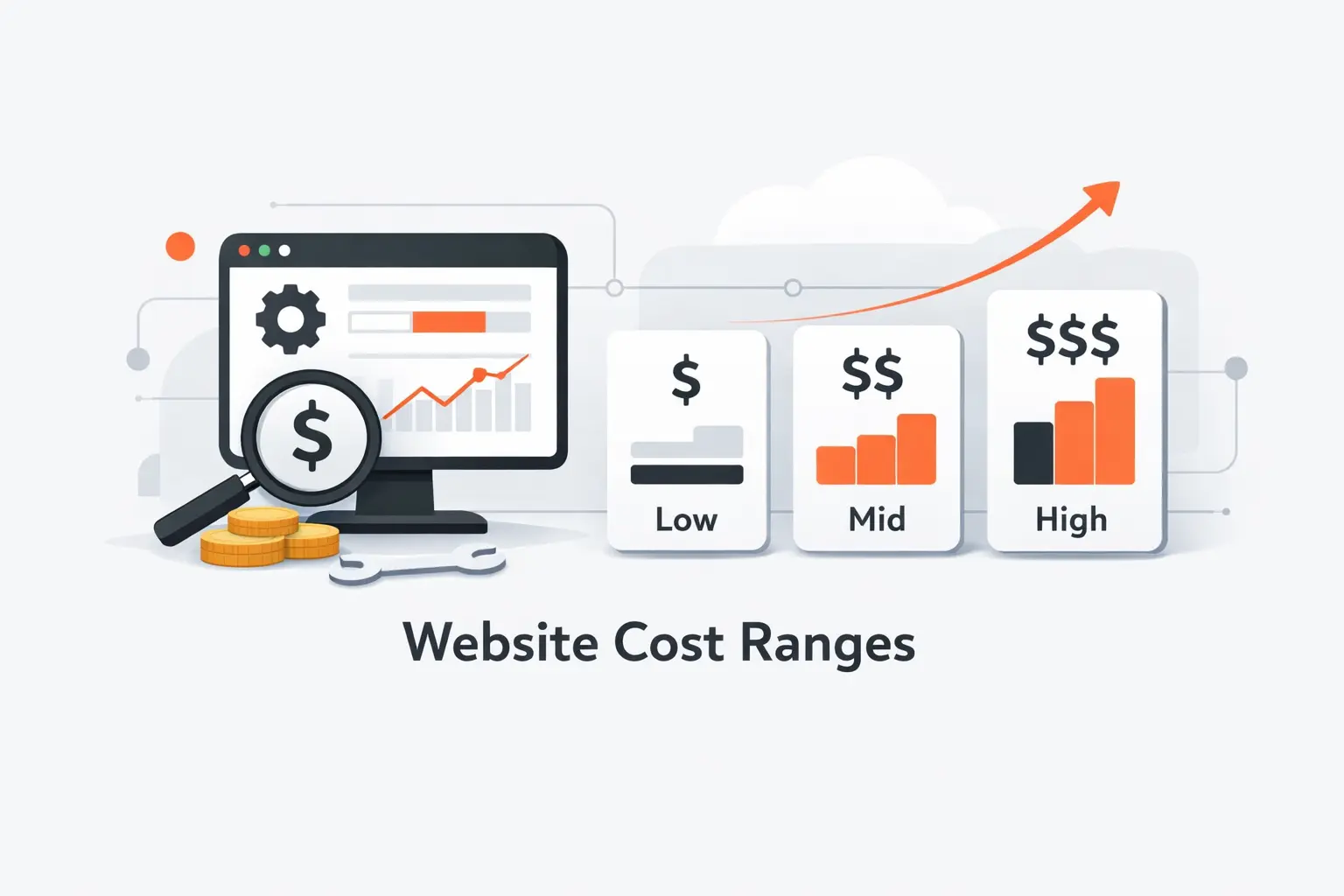
We do not like fake precision here. Website maintenance cost depends on business risk, traffic, software stack, and how fast someone needs help. Even so, planning bands are useful, especially when you are comparing DIY, freelancer, agency, and managed hosting options.
1. Typical Monthly Website Maintenance Cost Ranges
When we scope website maintenance cost, monthly pricing usually falls into a few broad bands. These are planning ranges, not promises.
- Simple portfolio or brochure site: $10 to $70, usually with light monitoring and very few changes.
- Small business marketing site: $75 to $350, often including updates, backups, form checks, and minor edits.
- Active lead generation, membership, or custom business site: $150 to $900, because integrations and testing add work.
- Ecommerce or high traffic website: $300 to $2,500, especially when checkout, catalog, and app issues need regular attention.
- Mission-critical enterprise environment: $2,000 and up, driven by uptime expectations, approvals, and ongoing development.
The low end assumes owner involvement and a very stable site. The high end assumes proactive testing, tighter response times, and someone accountable when a change goes sideways.
2. Typical Annual Website Maintenance Cost Ranges
Annual budgeting gives a cleaner picture than monthly pricing alone. Domains, premium licenses, security tools, and some hosting plans renew once a year, so the real yearly total is never just the retainer multiplied by twelve.
- Simple sites usually stay in the hundreds to low thousands per year.
- Active small business sites often land in the low to mid four figures.
- Commerce, custom, and enterprise stacks commonly move into the high four or five figures.
We usually advise clients to set aside a contingency fund as well. One unexpected conflict, renewal, or malware cleanup can turn a neat budget into wishful thinking.
3. Why Website Maintenance Cost Estimates Vary
Maintenance quotes vary because vendors define the job differently. One plan may cover only software updates. Another may include backups, uptime monitoring, content changes, SEO fixes, staging, reporting, and emergency time. That is why we compare scope before price. Otherwise, a cheap plan can become the most expensive option in the room.
Recommended reading: How to Make a Tourism Website: A Step-by-Step Blueprint for Travel Brands
What Website Maintenance Includes
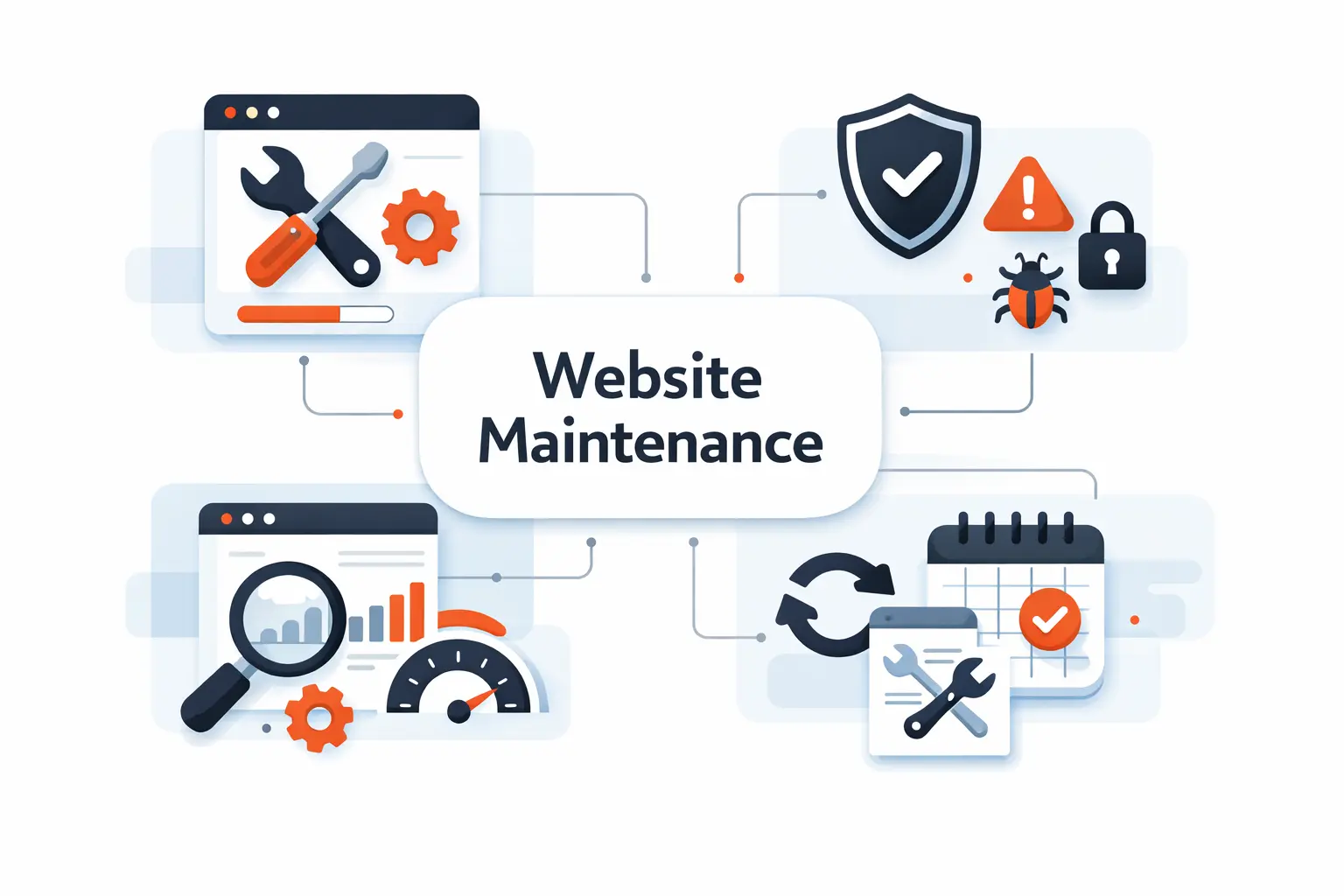
When owners ask what maintenance includes, we usually say it is the quiet work that keeps a website from drifting out of date. Most of it happens behind the scenes, and that is exactly why it is easy to overlook.
1. Routine Tasks That Keep a Website Secure and Functional
The core work is not glamorous, but it keeps the lights on. We usually include a mix of preventive checks, updates, and quick validation after each change.
- Core, theme, and plugin updates, ideally tested on staging first
- Automated backups with a restore process that is actually tested
- Uptime checks and manual form or checkout testing
- Spam cleanup, broken link review, and error monitoring
- Performance spot checks for images, scripts, and caching
- User access review and removal of stale accounts
- Basic reporting on what changed and what still needs attention
We also watch for small signs of trouble, such as slow pages, odd error logs, or expired API tokens. Those little signals often show up before a site fails in a visible way.
2. Optional Add-Ons That Raise Maintenance Costs
Optional services are where plans diverge fast. What looks like “maintenance” in a proposal can easily turn into light development, content production, or consulting.
- Landing page creation, layout changes, and design refreshes
- Blog uploads, copy edits, image resizing, and media cleanup
- Technical SEO work, redirect mapping, schema fixes, and page audits
- Accessibility reviews and remediation work
- Third-party integration fixes for CRM, email, booking, or payments
- Monthly strategy calls, analytics review, and conversion suggestions
- After-hours support, release planning, and deeper testing
We like to separate these extras from routine care. It keeps the scope honest and helps clients see what they are really buying.
3. Why Ongoing Maintenance Matters for Performance, Security, and SEO
Performance work is part of maintenance, not a one-time polish. Google has reported that 53% of visits are abandoned after three seconds. That is why we keep an eye on images, scripts, tags, and caching instead of treating speed as a nice bonus.
We also prefer real operating examples over vague advice. In a published case study, Rakuten 24 saw a 33.13% increase in conversion rate after improving Core Web Vitals. To us, that is the strongest argument for steady maintenance work. It protects user experience, search visibility, and revenue at the same time.
Recommended reading: Is Web Development Dying? What AI, No-Code, and Market Trends Really Mean
Maintenance Cost by Website Type
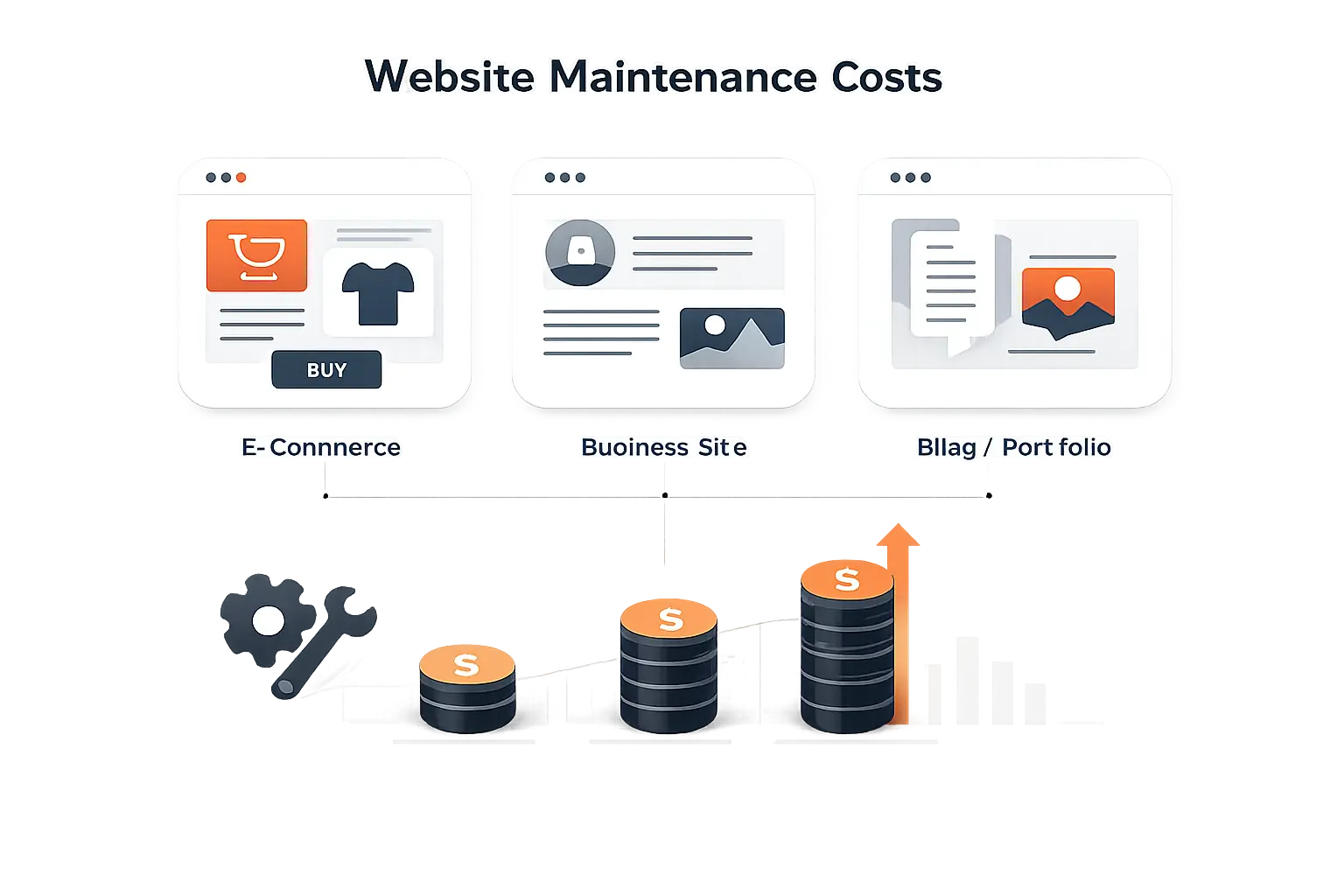
Site type changes the budget more than most people expect. A simple portfolio, a lead generation site, and an online store can share the same visual size and still need very different maintenance plans.
1. Personal Blogs and Portfolio Websites
Personal sites are usually the cheapest to maintain, especially if they are mostly static and updated a few times a year. Costs rise when creators pile on page builders, gallery plugins, sliders, forms, and custom effects. We often tell freelancers and creators to keep the stack lean. Every extra plugin is another future decision, update, and risk.
2. Small Business, Marketing, and Corporate Websites
Small business sites usually need more hands-on care than owners assume. Contact forms, quote requests, booking tools, analytics, local SEO, campaign landing pages, staff access, and policy pages all need regular attention. These sites are where a modest monthly plan often pays for itself, because even one missed lead form can do real damage.
3. Ecommerce, Enterprise, and High Traffic Websites
Ecommerce and high traffic websites cost more because more things can fail at once. We budget for checkout tests, payment issues, product feed errors, inventory syncs, app conflicts, search problems, cache tuning, and rollback plans before major promotions. Enterprise environments add approvals, documentation, and stricter uptime expectations on top.
Hosted commerce can flatten the infrastructure bill, but it does not erase maintenance. A platform plan may start around $39 USD a month and includes secure hosting. We still tell store owners not to confuse the platform fee with full maintenance, because apps, theme changes, merchandising updates, and QA still sit above the subscription.
Recommended reading: How to Make Your Own Website: A Practical Guide to Domains, Builders, and Launching
Website Maintenance Cost Breakdown
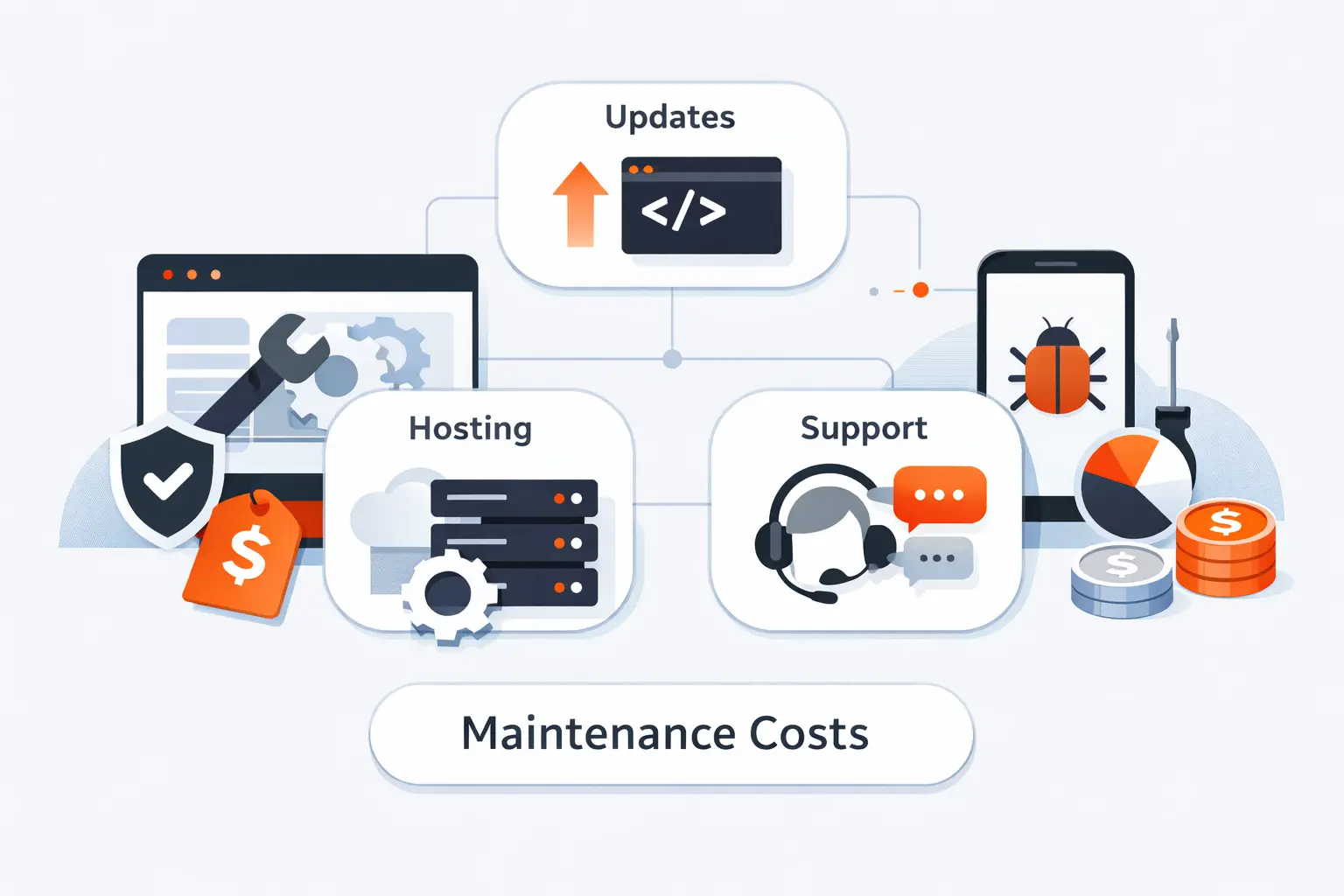
We find it easier to budget maintenance when the cost is broken into clear buckets. That lets owners separate fixed infrastructure from ongoing labor and from the surprise work that shows up during growth.
1. Domain, Hosting, and SSL Costs
Domain, hosting, and SSL make up the base layer. The domain is usually the smallest line item. Hosting is where costs spread out, from bargain shared plans to premium managed environments. SSL is often included now, but setup, renewal handling, and DNS mistakes can still create support work. In our view, the real cost here is not the invoice. It is the time lost when the basics are mismanaged.
2. CMS, Plugins, and Software Update Costs
Software costs are rarely just software costs. A content management system may be free to install, but premium plugins, themes, form tools, booking add-ons, and search extensions often renew separately. In our experience, owners rarely underestimate license fees. They underestimate testing time. A routine update on a quiet brochure site is one thing. The same update on a site with custom checkout logic is a different job entirely.
3. Design, Email, Content, and SEO Costs
Design and content work can quietly dominate the monthly plan. Banner swaps, image cleanup, blog formatting, broken layout fixes, email template changes, redirect requests, metadata cleanup, and page refreshes all take real time. SEO maintenance also lives here. We treat crawl issues, broken internal links, and outdated structured data as operating tasks, not special events.
4. Security, Backups, Technical Support, and Ecommerce Feature Costs
We never treat security as a cheap add-on. IBM reported the average global breach cost reached $4.88 million in 2024. That figure is broad, not website-only, but it still frames the risk correctly. Backups, patching, monitoring, and clean recovery procedures are usually far cheaper than one messy incident.
For smaller websites, the damage looks different. It may show up as lost leads, emergency developer time, reputation issues, or a rushed rebuild. The bill is smaller than a global breach average, but it still hurts.
Recommended reading: Git vs FTP for Website Deployment: Practical Comparisons, Secure Workflows, and When FTP Still Fits
What Affects Website Maintenance Cost
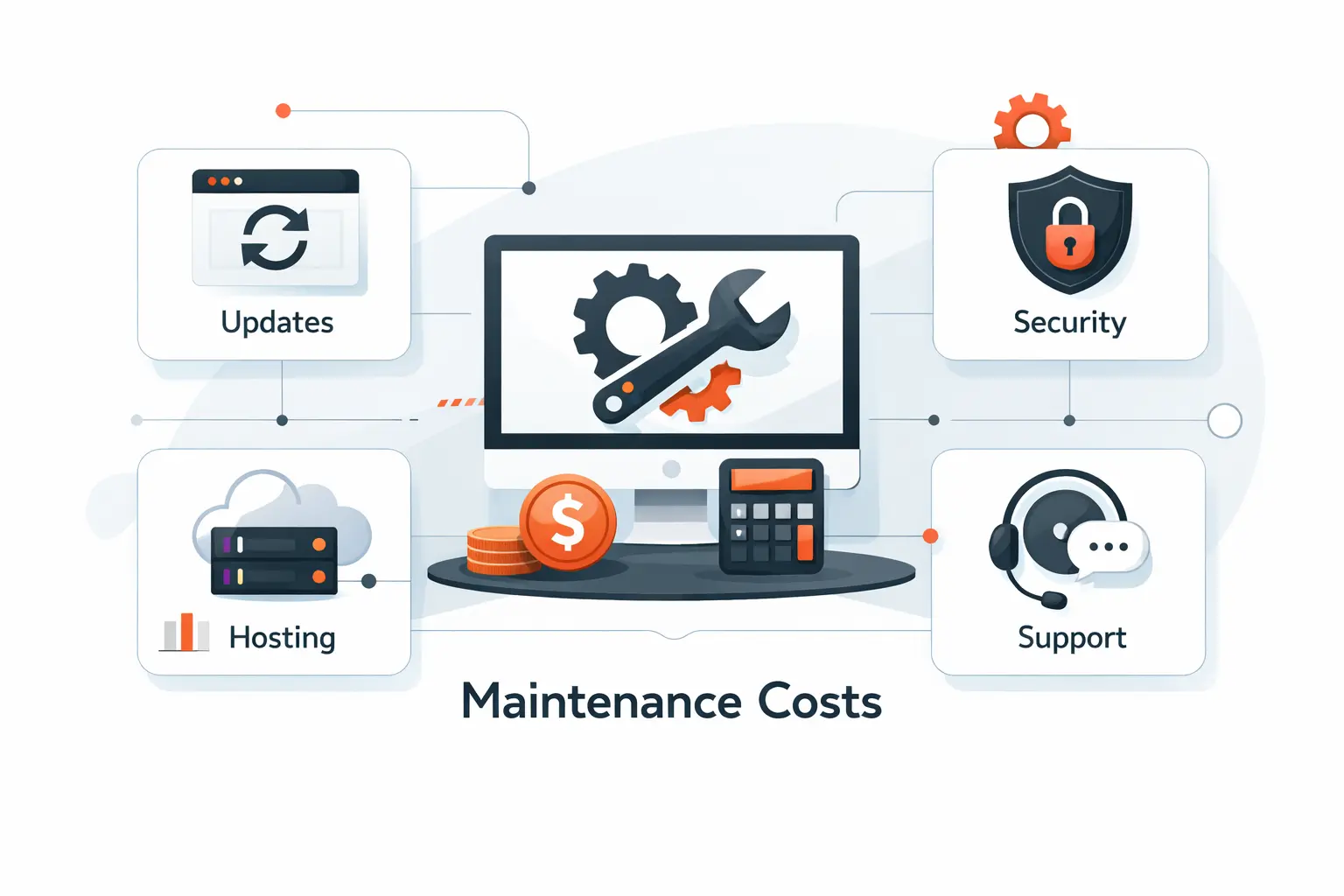
The biggest drivers of website maintenance cost are not mysterious. In most projects we scope, the final price comes down to complexity, risk, change volume, and how much certainty the client wants around support.
1. Website Size, Complexity, and Traffic Volume
More pages do not always mean more work, but size often tracks with complexity. A site with many templates, languages, authors, or campaign pages needs more review and testing. Traffic matters too. Higher traffic raises the stakes on caching, uptime, and speed, because small performance problems become very visible under load.
2. Platform, Tools, Integrations, and Custom Features
Platform choice changes the workload. A simple site builder removes some server chores. A self-hosted CMS gives more control but needs more oversight. Once you add CRM syncs, booking tools, payment gateways, product feeds, custom scripts, or API connections, maintenance turns into a dependency management job. Most breakages happen at those seams.
3. Support Level, Update Frequency, and Compliance Needs
Support level changes price quickly. Next-business-day response is cheaper than same-day triage. Monthly content edits are cheaper than weekly release cycles. Compliance needs raise the bar again. If a site handles sensitive data, payment flows, accessibility commitments, or documented approval steps, maintenance becomes more disciplined and more expensive.
Recommended reading: What Is Web Development? Definition, Core Technologies, Roles, Life Cycle, and Methodologies
Pricing Models and Service Options
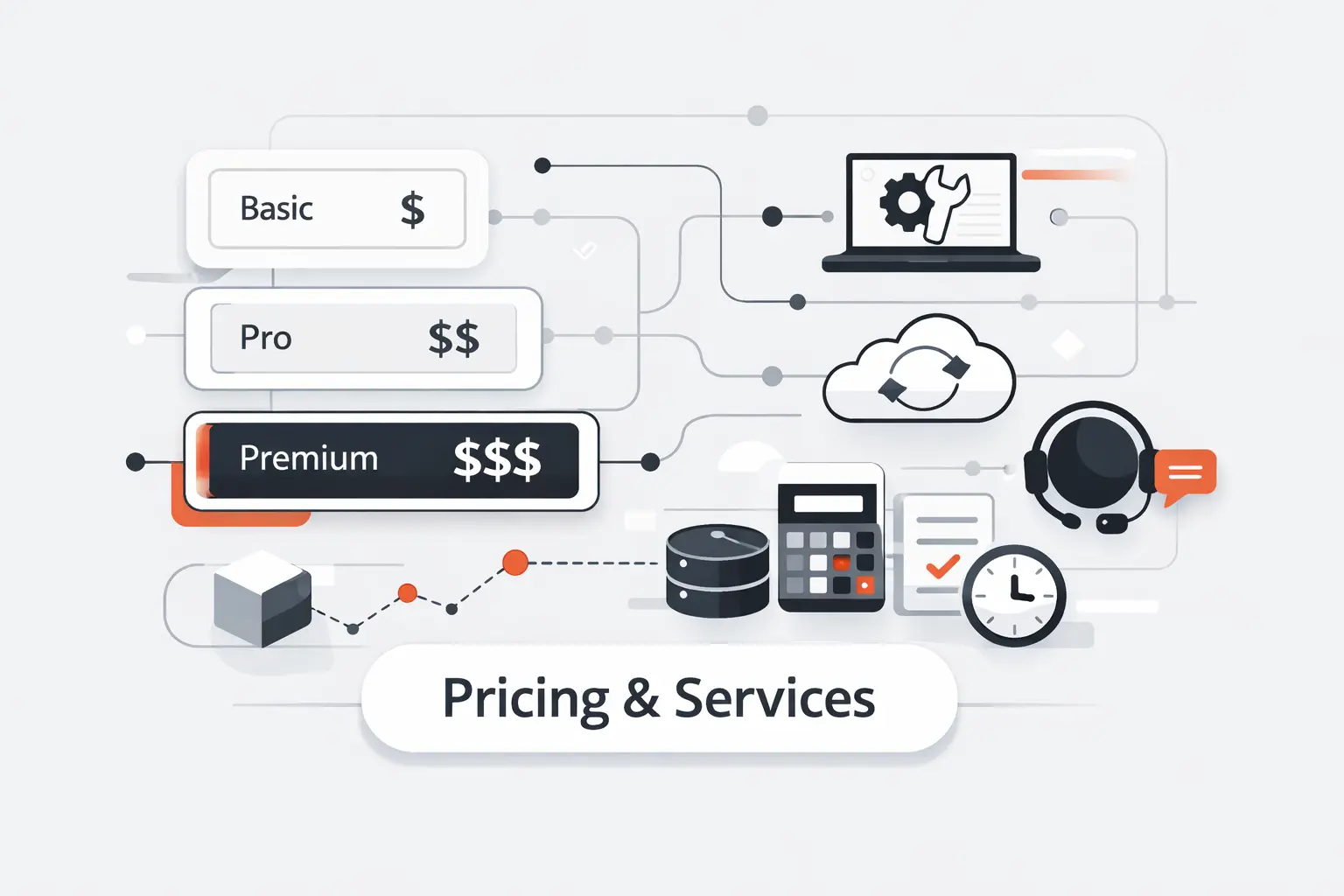
How you buy maintenance matters almost as much as what is included. We usually see three models, and each one makes sense in the right context.
1. Hourly Support and Emergency Fixes
Hourly support works best when the site changes rarely and the owner can live with some uncertainty. It is fine for a quick fix, a plugin conflict, or a one-off content issue. It is not great for business-critical sites, because discovery time and emergency triage make reactive work the most expensive kind of work.
2. Monthly Retainers and Maintenance Plans
Monthly retainers are the most practical option for active business websites. They create a predictable budget and a clear routine for updates, backups, monitoring, and minor changes. We like retainers because they reduce panic. Small issues get handled while they are still small, not after they have stacked up for six months.
3. Project-Based Work and Managed Services
Project pricing is best for cleanup jobs, migrations, redesign support, performance improvements, accessibility remediation, or a backlog of known problems. Managed services go a step further. They combine maintenance with hosting, development, monitoring, and release planning. For some teams, that is overkill. For others, it is the only sane way to run a busy site.
DIY or Professional Website Maintenance
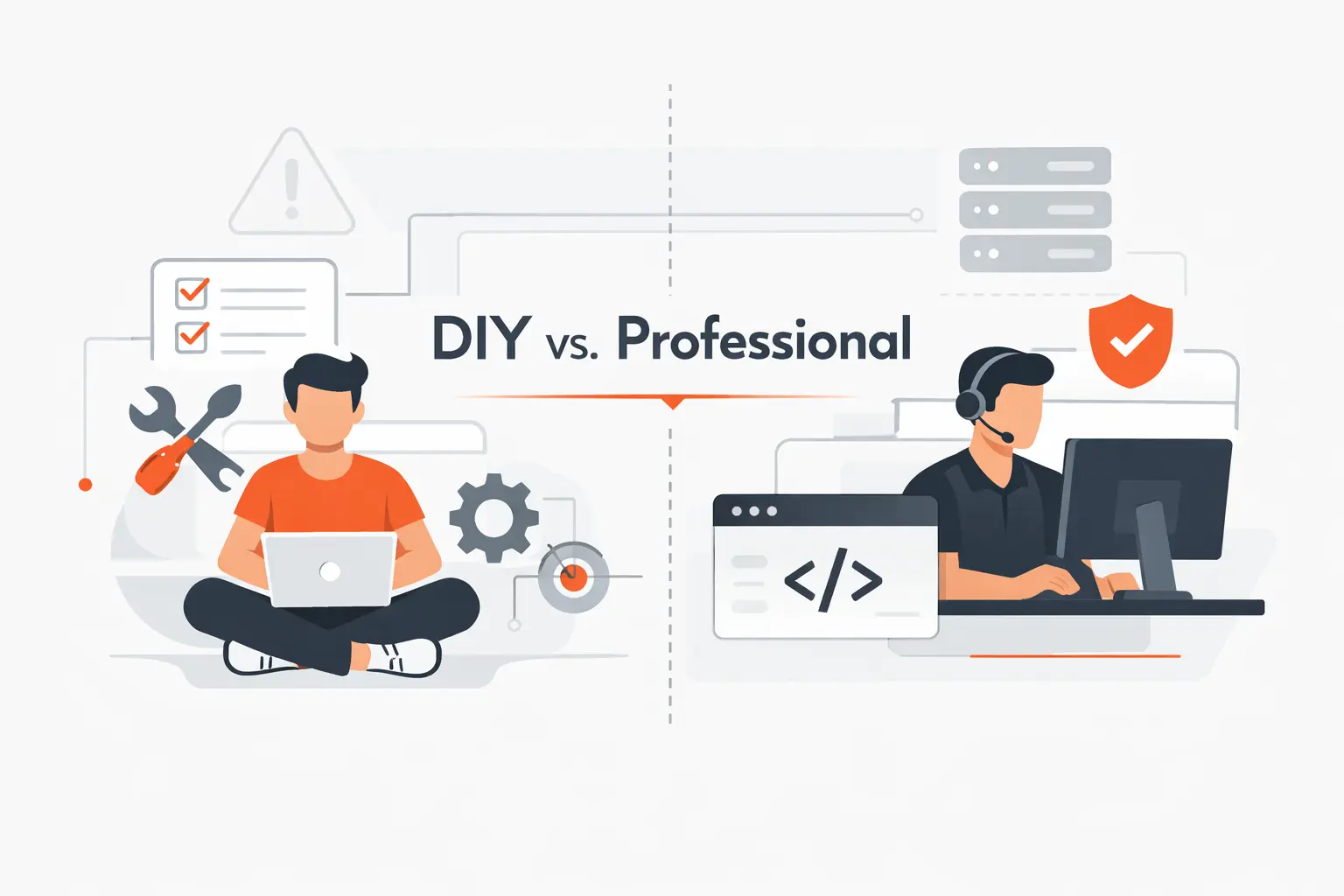
We do not think DIY maintenance is inherently risky. We think unplanned maintenance is risky. The right choice depends on what kind of website you have, how comfortable you are with the stack, and what failure would cost you.
1. When DIY Website Maintenance Makes Sense
DIY works well for simple websites that rarely change, especially if they live on a stable builder or a lightweight CMS setup. If you can manage backups, renewals, updates, and basic testing without breaking a sweat, you may not need a standing support plan. We still recommend a checklist and a backup routine, because memory is not a maintenance system.
2. When to Hire a Freelancer, Agency, or Managed Host
We recommend professional help when the site generates leads, processes sales, handles sensitive data, or depends on several third-party tools. A freelancer can be a good fit for a straightforward stack. An agency makes more sense when design, content, SEO, and development all move together. A managed host helps when server upkeep is the real pain point.
3. How to Balance Cost, Time, Risk, and Control
We usually frame the choice around four factors, cash, time, risk, and control. DIY lowers cash outlay, but it consumes time and increases personal risk. Full-service support lowers operational risk, but costs more. Most owners land somewhere in the middle, with a lean plan for routine care and professional help ready for bigger changes.
Hidden Costs to Watch

Hidden costs are where website budgets get ambushed. The danger is rarely one giant planned invoice. It is a series of neglected small items that all become urgent at the same time. Cheap websites have a habit of sending expensive follow-up invoices.
1. Expired Licenses, Plugin Conflicts, and Emergency Repairs
Expired licenses, abandoned plugins, and surprise conflicts are classic budget traps. A lapsed renewal can block updates. A neglected plugin can clash with the latest PHP version. A rushed fix can burn hours before anyone even knows what changed. We have seen cheap sites become expensive in a single afternoon because nobody owned the renewal calendar.
2. Downtime, Lost Revenue, and Conversion Issues
Downtime looks abstract until someone prices it. Uptime Intelligence found 54% said their recent outage cost more than $100,000. The report focuses on IT and data center outages, but the lesson carries over to revenue websites. A broken checkout, booking path, or lead form can burn money faster than most owners expect.
3. Security Recovery, Compliance, and Redesign Expenses
Security recovery is more than cleanup. It can mean password resets, hosting migration, malware removal, forensic review, customer notices, legal review, ad account checks, and sometimes a partial redesign to rebuild trust. Compliance issues can widen the bill further. That is why we prefer preventive spending over heroic rescue work.
How to Lower Website Maintenance Cost
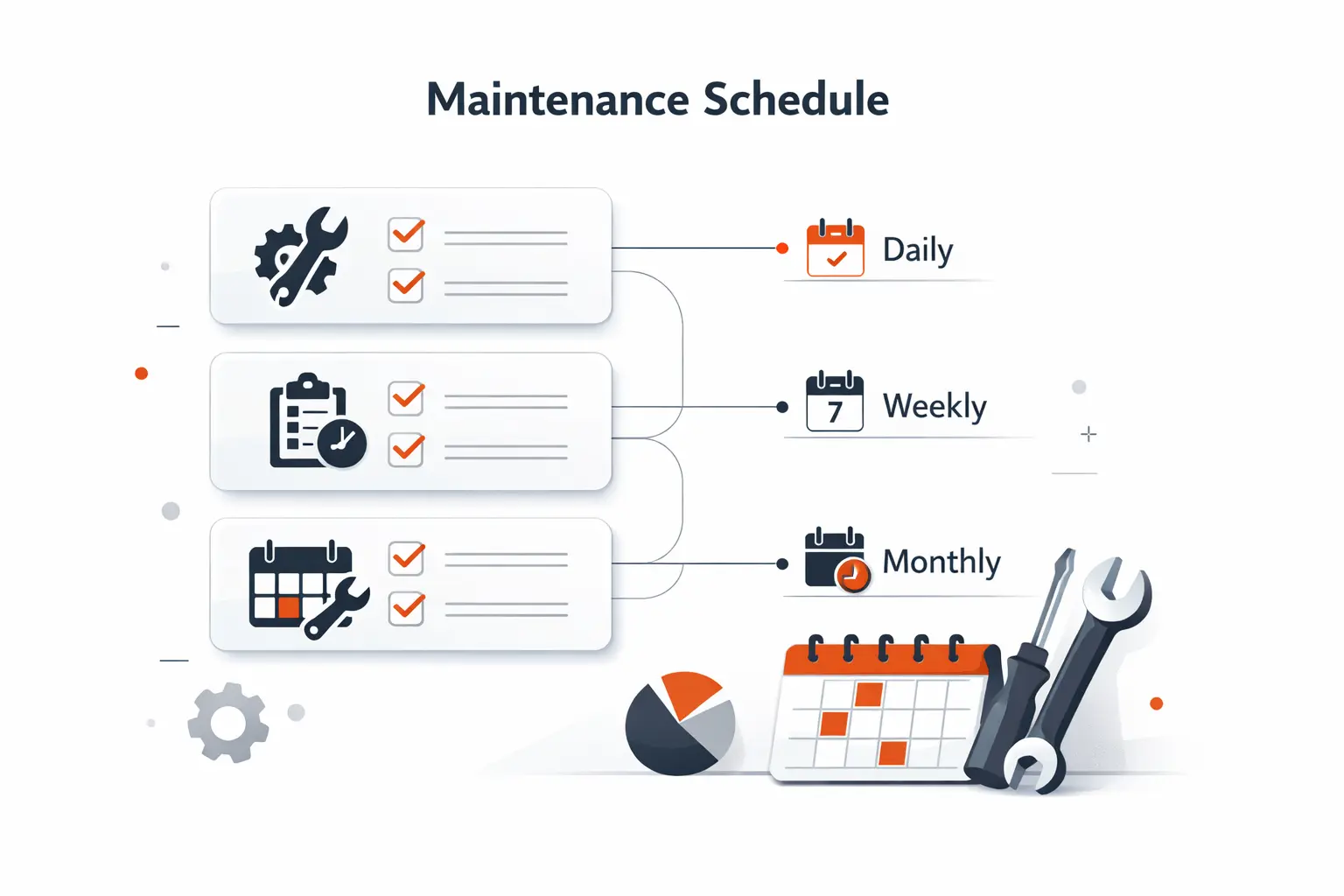
Lowering website maintenance cost does not mean stripping the plan to the bone. In our experience, the smarter approach is to simplify the stack, remove waste, and pay for the kind of support the site actually needs.
1. Bundle Services in One Maintenance Plan
Bundling related services into one plan often lowers the total bill. When hosting, updates, backups, minor edits, and monitoring sit with one provider, handoff friction drops. So does finger-pointing when something breaks. We still advise clients to read the scope carefully. Bundled does not help if the bundle quietly excludes the work you really need.
2. Use Managed Hosting or a Website Builder
We often lower total cost by handing server chores to a specialist. Managed WordPress plans are advertised starting at $30 a month for entry plans, and those plans commonly bundle backups, staging tools, SSL, and platform updates. That does not replace full maintenance, but it can remove a lot of infrastructure busywork.
3. Automate Routine Tasks and Remove Unnecessary Plugins
Automation helps when it removes repetitive risk, not when it encourages neglect. We automate backups, uptime alerts, and some update workflows, but we still validate important paths by hand. We also prune plugins aggressively. Every plugin you remove is one less license, one less update, one less security question, and one less chance for conflict.
Maintenance Checklist by Frequency
A good checklist keeps maintenance grounded. We like to separate tasks by frequency so teams do not waste time on the wrong work or forget the boring work that actually matters.
1. Monthly Website Maintenance Tasks
Each month, we focus on the tasks most likely to catch drift before it becomes a failure.
- Apply and test CMS, theme, and plugin updates
- Confirm backups completed and can be restored
- Test forms, checkout, booking flows, and email delivery
- Spot-check page speed and broken layouts
- Review uptime, errors, and security alerts
- Remove spam, stale users, and obvious plugin clutter
- Log what changed so the next round starts clean
2. Quarterly Website Maintenance Tasks
Quarterly work is more strategic. It helps us clean house, review patterns, and fix things that do not show up in a quick monthly sweep.
- Audit user permissions and admin roles
- Review plugin and integration usefulness
- Refresh key pages, legal text, and outdated offers
- Check redirects, crawl issues, and internal links
- Run a deeper performance and accessibility review
- Test staging and rollback processes
- Review analytics for broken goals or odd drops
3. Annual Website Maintenance Tasks
Annual maintenance is where we zoom out. The goal is not just upkeep. It is making sure the site still fits the business.
- Renew domains, premium licenses, and any manual certificates
- Review hosting fit, bandwidth, and support quality
- Audit content bloat and archive outdated assets
- Review privacy, compliance, and data retention needs
- Reassess design quality against current brand standards
- Budget for improvements before urgent work piles up
- Decide whether the site needs optimization or a larger rebuild
Budgeting for Ongoing Website Maintenance
Budgeting works best when maintenance is treated like an operating cost, not a surprise repair fund. We encourage clients to build a simple model that covers fixed costs, expected labor, and a buffer for the occasional ugly surprise.
1. Estimate Monthly, Annual, and Emergency Expenses
We like to split the budget into three buckets. First, fixed items such as hosting, domains, and renewals. Second, recurring labor such as updates, monitoring, and content changes. Third, emergency capacity for conflicts, outages, or cleanup. When owners skip the third bucket, every surprise feels like bad luck instead of normal operations.
2. Compare Service Levels, Response Times, and Scalability
When you compare plans, look past the headline price. Ask what response time is promised, how many edits are included, whether updates are tested before launch, whether backups are restorable, and who talks to third-party vendors when a connection fails. The cheapest plan on paper often leaves the most work on your side of the table.
3. Match Your Budget to Business Goals and Revenue Risk
The right budget depends on business value, not ego. A site that only lists office hours can live on a lean plan. A site that books demos, captures leads, or closes sales should be budgeted like sales infrastructure. We always ask one blunt question here. If the site breaks on your busiest day, what does that actually cost?
4. Reevaluate Your Plan as Your Website Grows
Maintenance plans should evolve. New traffic, new campaigns, new staff, new countries, or new integrations all change the workload. We revisit plans after redesigns, migrations, and platform changes because the old scope almost never fits the new site for long.
Website Maintenance Cost FAQ
These are the short answers we give most often when clients, marketers, and freelancers ask us about website maintenance cost.
1. How Much Should I Charge for Maintaining a Website
We would charge based on risk and workload, not on a generic flat fee. A static site can live on a modest retainer. A revenue site deserves a richer plan because you are taking responsibility for updates, monitoring, and problem response. In practice, tiered packages usually work better than one price for every client.
2. How Much Should I Pay for Someone to Manage My Website
If your site is simple and rarely changes, a light plan may be enough. If it carries leads, payments, or busy campaign traffic, pay for real support, not just update clicks. We tell buyers to compare included work, response expectations, and accountability, because that is where value lives.
3. How Much Does Website Maintenance Cost per Year?
Yearly upkeep can stay relatively modest for simple site. For an active business site, annual costs usually move into the low or mid four figures once renewals and support are included. For commerce, custom platforms, and enterprise stacks, the annual budget can climb much higher, especially when ongoing development is part of the plan.
4. Do Websites Cost Money to Maintain
Yes, they do. Even the cheapest website still carries some mix of hosting, domain, software, payment, or time costs. “Free” usually means the cash cost is hidden elsewhere, or the owner is paying with their own labor.
5. How Often Should a Website Be Maintained
Critical monitoring should be continuous or at least automated. Routine checks should happen every month. Bigger reviews fit a quarterly cycle, and a full strategic review usually makes sense once a year. The exact cadence depends on how often the site changes and how much damage a failure would cause.
6. Can I Maintain My Website Myself
Yes, you can, if the website is simple and you are comfortable handling updates, backups, renewals, and testing. We only push back when DIY turns into wishful thinking. If you do not have time to check the site after changes, the savings can disappear very quickly.
How TechTide Solutions Supports Website Maintenance and Custom Solutions
At TechTide Solutions, we see maintenance as part of product stewardship. The job is not to sell the biggest plan. The job is to match the level of support to the business risk, the software stack, and the pace of change.
1. Custom Software, Website, and Web App Solutions for Unique Business Needs
We build and maintain custom websites and web apps when off-the-shelf tools stop fitting the real workflow. That matters because many businesses do not need more plugins. They need cleaner logic, fewer moving parts, and software that reflects how the team actually works.
2. Ongoing Development Support for Performance, Security, and Scalability
Our support model focuses on performance, security, and scalability in practical terms. We monitor what matters, test before release, and keep a clear trail of changes. That helps clients avoid the slow drift that turns a healthy site into a fragile one.
3. Tailored Maintenance Roadmaps That Fit Your Budget and Growth Goals
We prefer roadmaps over vague retainers. Some clients need a lean monthly routine. Others need deeper release support, integration oversight, and a growth plan tied to budget. We shape the plan around priorities, then adjust it as the site and business grow.
Final Thoughts on Website Maintenance Cost
1. Choose a Plan That Fits Your Website, Budget, and Growth Stage
The right plan fits the website you have now, not the site you imagine two years from now. We would rather see a smaller plan used consistently than a larger plan nobody understands. Good website maintenance cost planning is really about buying the right level of certainty.
2. Invest in Proactive Maintenance Before Problems Get Expensive
Proactive maintenance rarely feels exciting. That is the point. Quiet maintenance is what keeps expensive drama off the calendar. In our experience, the cheapest month is often the month where nothing dramatic happened because someone was doing the quiet work in the background.

