



At TechTide Solutions, when we explain what ChromaDB is, we start with the plain version. ChromaDB is a retrieval layer for AI applications that need to store embeddings, keep documents and metadata close by, and fetch the nearest match without a pile of custom plumbing. We like it because the mental model stays small, even when the use case grows beyond a notebook.
The category is no longer niche. McKinsey’s 2025 survey found 88 percent of organizations now use AI in at least one business function, which helps explain why teams are investing in retrieval, grounding, and better context handling instead of treating them as side quests.
What Is ChromaDB and Why Does It Matter?
Before we talk about clients, collections, or filters, we need the core idea. ChromaDB matters because large language models are weak without relevant context, and context retrieval is a different job from ordinary row lookup.
1. What a Vector Database Does
A vector database stores numerical representations of content and returns the nearest matches to a query. In ChromaDB, that usually means storing an embedding beside a document, optional metadata, and a stable ID, then using nearest-neighbor search to pull back the most similar records.
2. Why Embeddings Matter for AI Applications
Embeddings matter because they represent meaning, not just surface text. If two passages say roughly the same thing with different words, a good embedding model can place them near each other, which is exactly why semantic search and grounded question answering work at all.
3. Why Traditional Databases Fall Short for Vector Search
Traditional databases shine when the question is exact, structured, and heavily relational. They are less natural when the question is “What feels most similar to this idea?” Current Chroma docs are explicit that collections are optimized for vector similarity, full-text search, and metadata filtering, which is a different center of gravity.
Recommended reading: How to Build a Rag Chatbot: A Practical Rag and Langchain Blueprint From Prototype to Production
How ChromaDB Works at a High Level
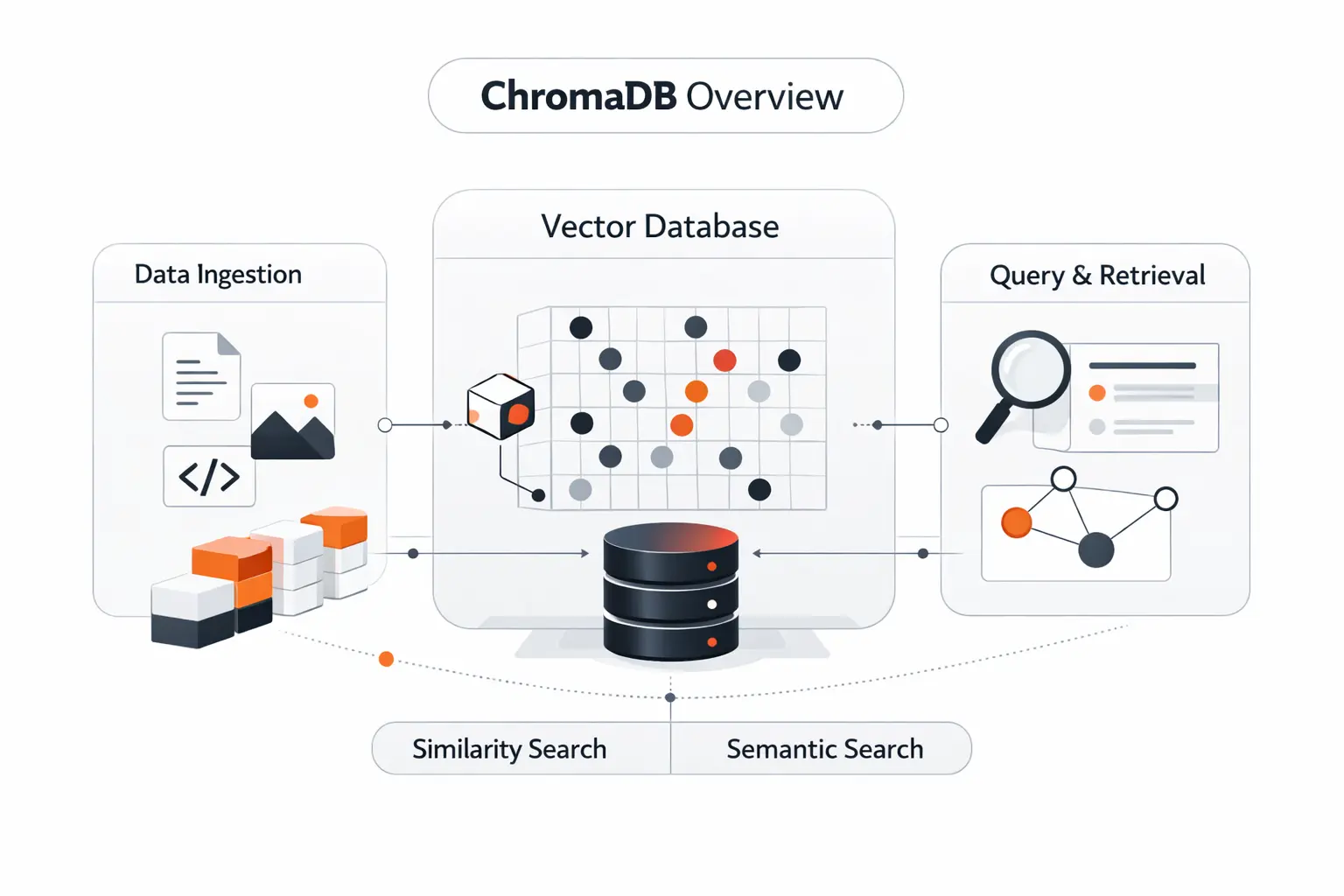
Under the hood, ChromaDB stays intentionally simple. We think that simplicity is a big part of its appeal, because developers can understand the basic flow in one sitting and still have room to extend it later.
1. Creating Collections for Documents, Embeddings, and Metadata
Collections are the core storage unit. They hold the records you want to search, and those records can include documents, embeddings, metadata, and IDs. In practice, we usually create separate collections for distinct domains, such as support docs, product manuals, or code snippets, because retrieval quality depends on clean boundaries.
2. Adding Data With Unique IDs and Searchable Context
When you add data, each record needs a unique string ID. You can provide documents, embeddings, or both, and metadata stays optional. That metadata is not window dressing. It gives you searchable context, such as source, author, product line, access scope, or publish state, which becomes useful the second your corpus grows up.
3. Querying by Text or Embedding to Find Similar Results
Querying is straightforward. You can send raw text with query_texts, or send embeddings directly with query_embeddings. If the collection has an embedding function attached, ChromaDB will embed the text query for you, run similarity search, and let you narrow results with ID constraints, metadata filters, or document filters.
Recommended reading: What Is Retrieval Augmented Generation: A Practical Guide to RAG for Building Grounded AI
Core Concepts in the ChromaDB Data Model
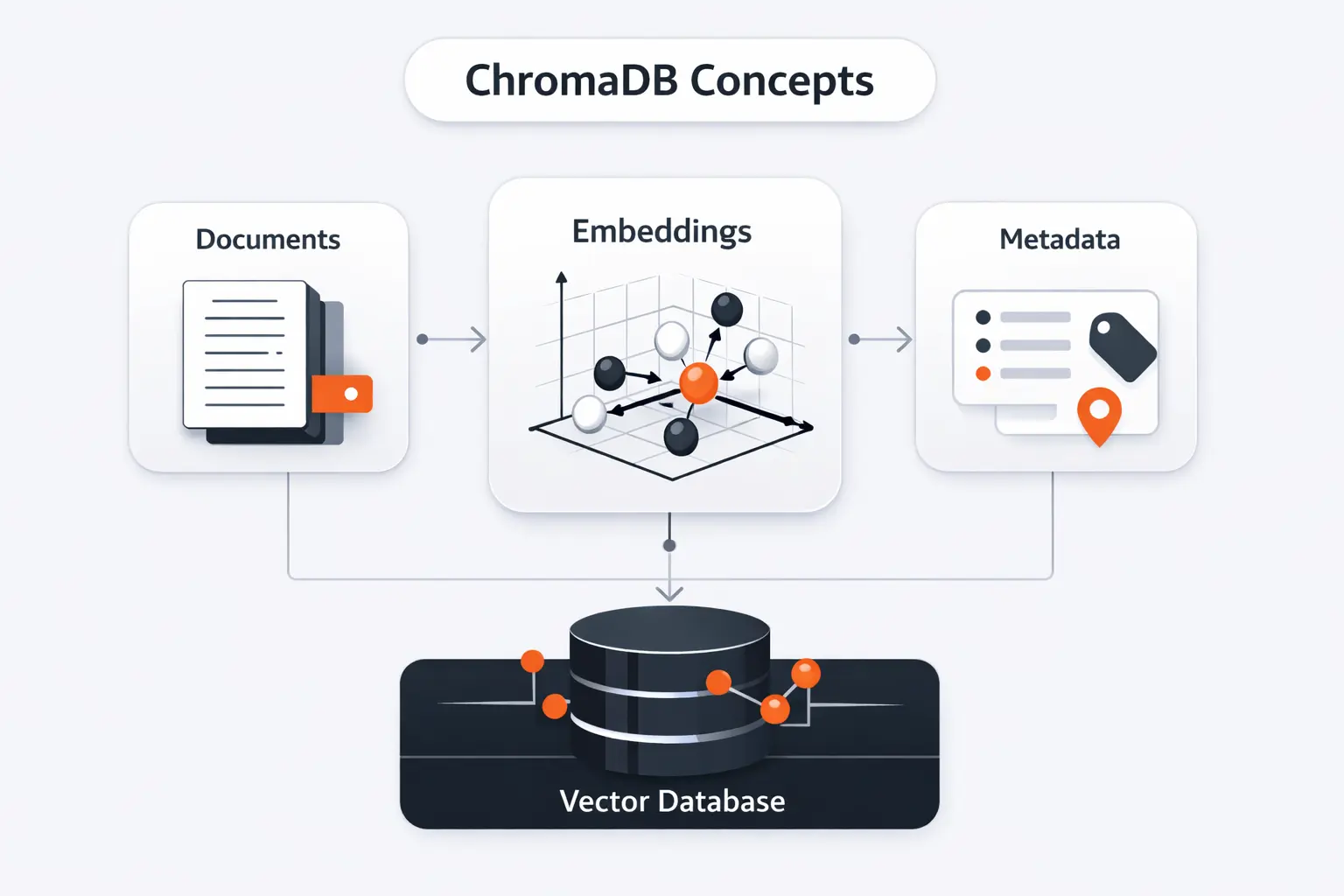
The data model is one of the reasons ChromaDB is easy to pick up. There are only a few moving parts, and each one does a clear job. That keeps the learning curve gentler than many developers expect.
1. Tenants and Databases
At the top level, Chroma uses tenants and databases as logical boundaries. A tenant represents the wider account or team boundary, while databases group collections inside that tenant. The docs describe tenants as the isolation layer, with access control, quota enforcement, and billing scoped there.
2. Collections, Documents, and Metadata
Inside a database, collections do the daily work. Each collection contains records with a unique ID, an embedding vector, an optional metadata object, and a document. That shape is simple, but it covers the bulk of retrieval use cases we see in production planning.
3. Schema-Less Organization for Fast Iteration
The outline says “schema-less,” and we think that is directionally right, though “schema-light” is a little more honest. Day to day, you can add records without designing rigid tables first, and metadata stays flexible. At the same time, newer sparse and hybrid search flows can introduce more explicit configuration, especially in cloud-oriented search paths.
Recommended reading: What Is AI Integration: How to Embed AI Into Existing Systems, Apps, and Workflows
Key ChromaDB Features to Know
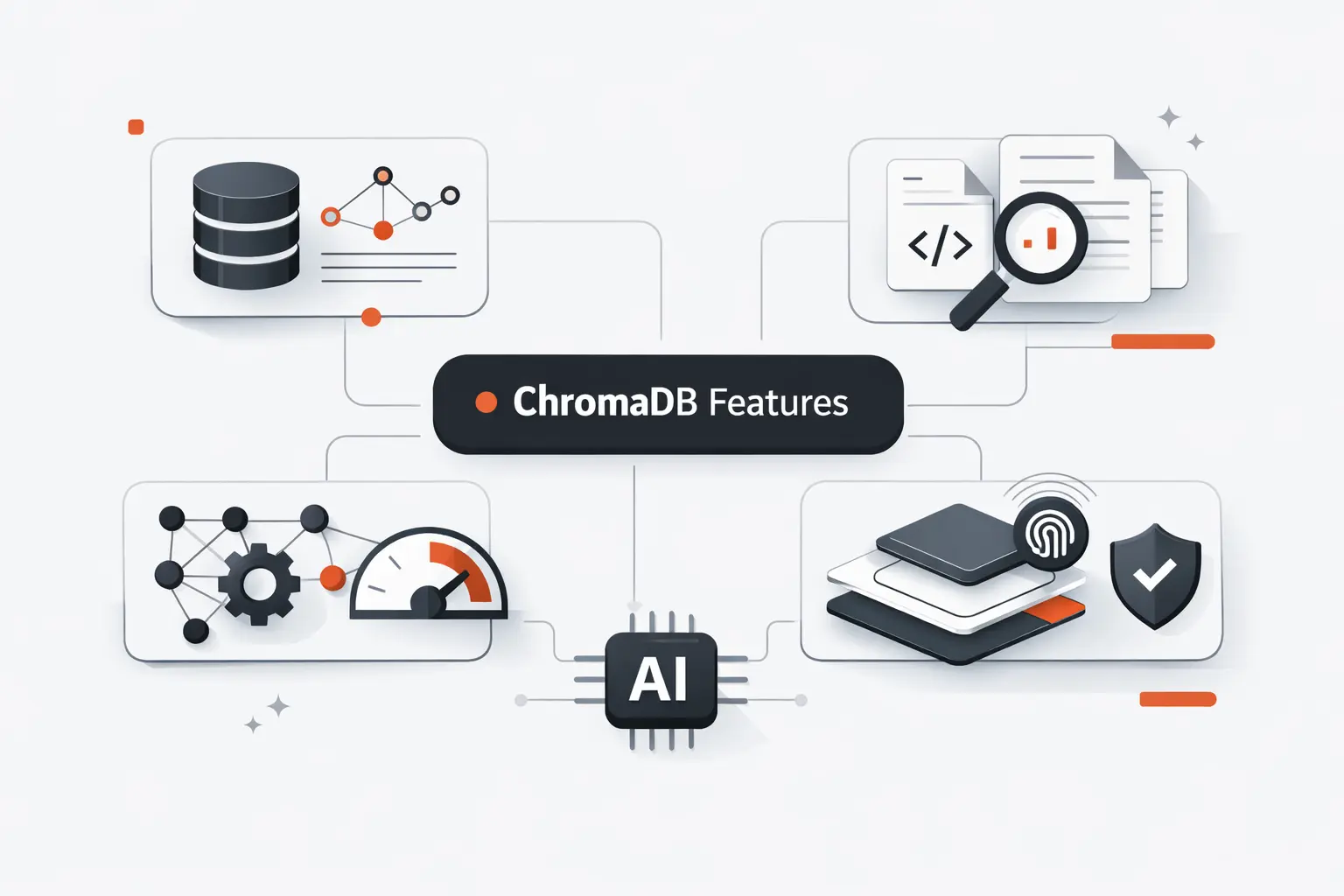
This is where ChromaDB gets more interesting. It is not only about dense vector lookups anymore. Current docs cover a broader retrieval toolkit, which is good news for teams that need more than one search style.
1. Semantic Similarity Search
Semantic similarity search is still the foundation. You store embeddings for documents, then ask ChromaDB for the nearest neighbors to a text query or a query embedding. This is the feature most people mean when they say they want a vector database.
2. Sparse, Hybrid, and Full-Text Retrieval
Current Chroma docs describe dense, sparse, and hybrid retrieval, plus full-text and regex search over document content. The richer sparse and hybrid flows live in the newer search and cloud documentation, where you configure sparse indexes and can combine dense and sparse ranking with reciprocal rank fusion. We like this direction, but we also think developers should check which API surface they are actually using before promising feature parity everywhere.
3. Metadata Filtering and Result Control
ChromaDB lets you control results with metadata filters, document filters, ID constraints, and result limits. The where clause handles metadata, while where_document handles document content rules such as contains or regex matching. That combination is where a prototype starts to feel like a real application.
Recommended reading: Case Studies of AI in Healthcare: Real-World Applications, Risks, and Lessons
ChromaDB Client Modes and Deployment Options
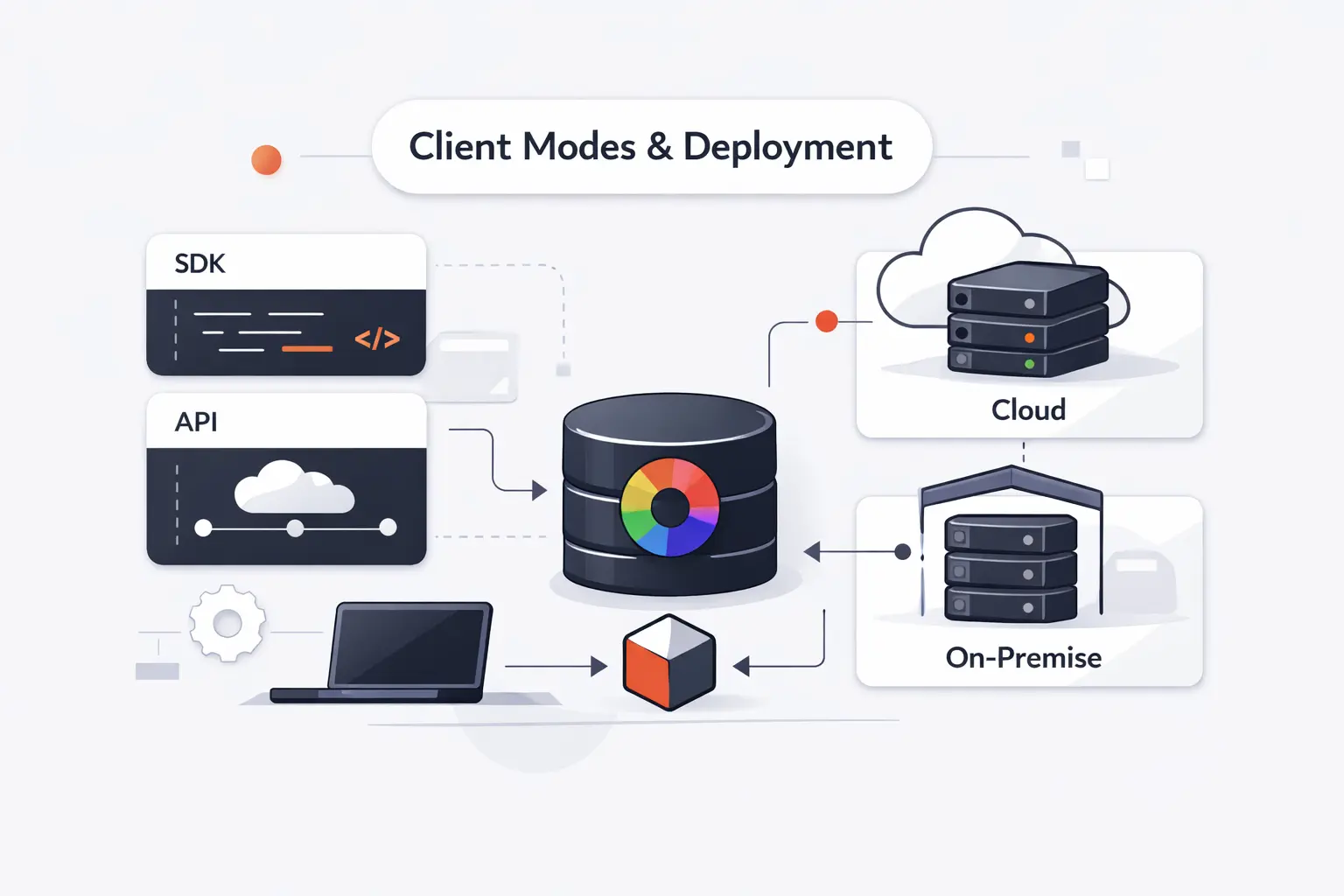
Client choice changes how ChromaDB feels in practice. If we want the clearest map, the current SDK reference lays out the main local and server-backed patterns well, and that is where we tell beginners to start.
1. Ephemeral Client for In-Memory Testing
The ephemeral client is the lightest starting point. It stores data in memory, does not persist to disk, and is intended for testing and development. For notebooks, demos, and quick retrieval experiments, that is often exactly what we want.
2. Persistent Client for Local Storage
The persistent client writes data to disk at a path you choose. That makes it useful for local development, repeatable tests, and small tools that need data to survive restarts. The docs are clear, though, that this mode is still aimed at local development and testing rather than serious server-backed production.
3. HTTP Client for Server-Based Setups
The HTTP client connects to a running Chroma server. That matters when multiple app instances need to hit the same database, or when you want a clearer separation between application code and storage service. The Python reference also exposes an async HTTP client and calls that the recommended production configuration.
Recommended reading: What Is Prompt Engineering? A Practical Guide to Better Generative AI Outputs
How to Get Started With ChromaDB
The first run is pleasantly short. We like that a lot. Too many AI tools ask developers to swallow the whole stack before they can test one idea. ChromaDB does not.
1. Installation and Environment Requirements
For Python, the package currently lists Python 3.9+, and the quick path is pip install chromadb. JavaScript teams can install chromadb from npm, though that client typically talks to a running backend over REST rather than spinning up the whole database in process.
2. Creating Your First Client and Collection
The beginner path in Python is simple. Import chromadb, create a client, then call create_collection with a name. If we are experimenting, we often start with the in-memory client. If we know we will revisit the work tomorrow, we jump straight to the persistent client.
3. Adding Documents and Running a First Query
Your first useful test is to add a few documents with stable IDs, then query them with natural language. The getting started docs show exactly that flow, and it is still the best way to feel how semantic retrieval differs from keyword matching. If the result ordering surprises you, good. That usually means embeddings are doing their job.
Working With Embeddings and Collections
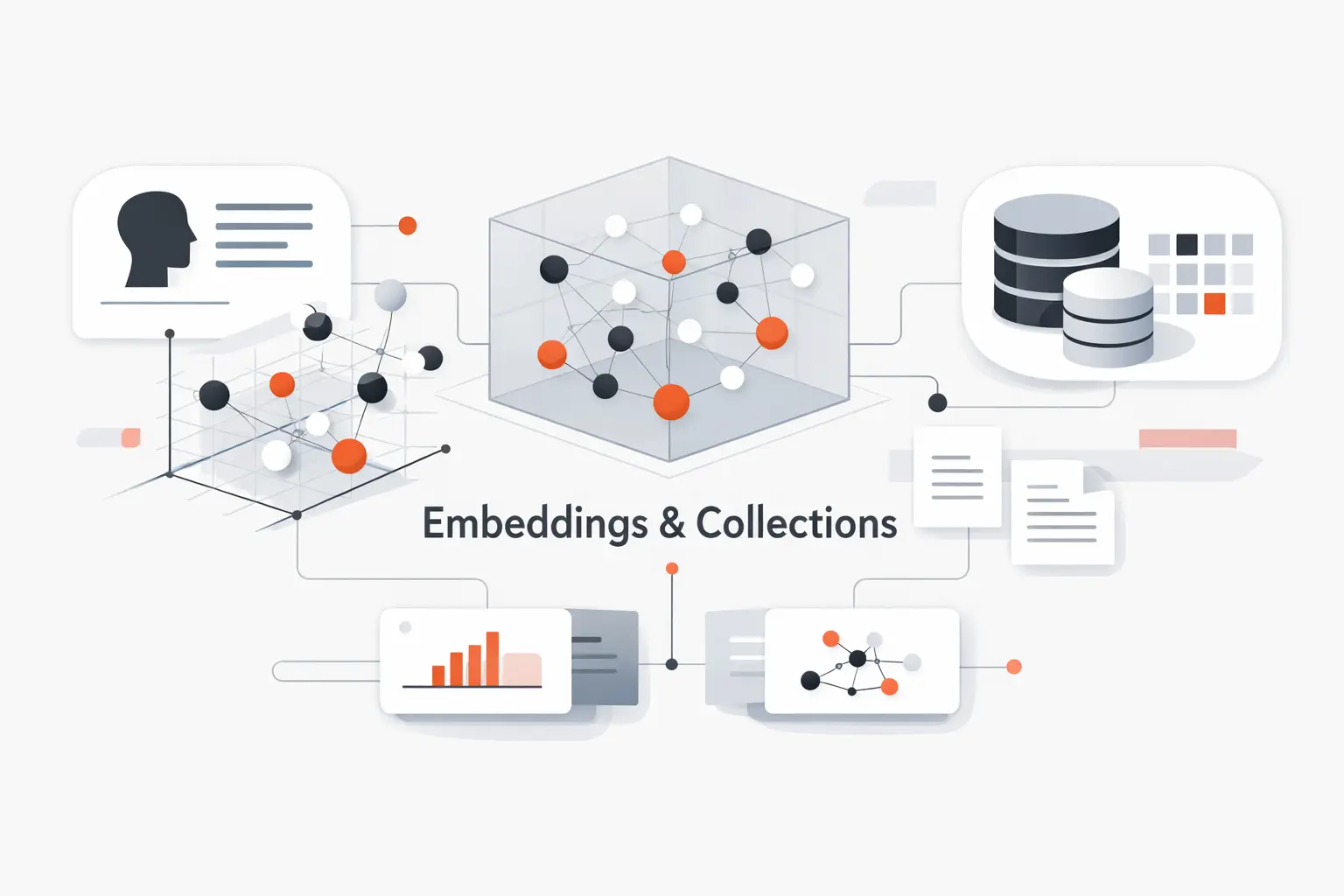
Embeddings are the heart of the system, but collection hygiene is what keeps a project maintainable. We have seen many promising demos fall apart because the data model stayed sloppy after week one.
1. Default and Custom Embedding Functions
ChromaDB ships with a default local embedding function based on Sentence Transformers all-MiniLM-L6-v2. You can also attach custom embedding functions and use provider wrappers for OpenAI, Hugging Face, Cohere, Jina, and others. That flexibility is useful because retrieval quality often depends more on the embedding model than the database itself.
2. Filtering Results by Metadata and Document Content
Metadata filtering is broader than simple equality checks. The docs cover operators for ranges, inclusion lists, logical combinations, and array contains rules. Document filtering adds text contains and regex rules. Together, they let you answer questions like “find passages about refunds from the US docs published this year” without extra application-side filtering.
3. Updating, Deleting, Renaming, and Resetting Collections
Once a collection is live, you can update records by ID, upsert records, delete records by ID or filter, rename a collection with modify, and reset the whole database from the client. That last operation is destructive, so we treat it like a loaded tool, not a convenience button.
Common Use Cases for ChromaDB
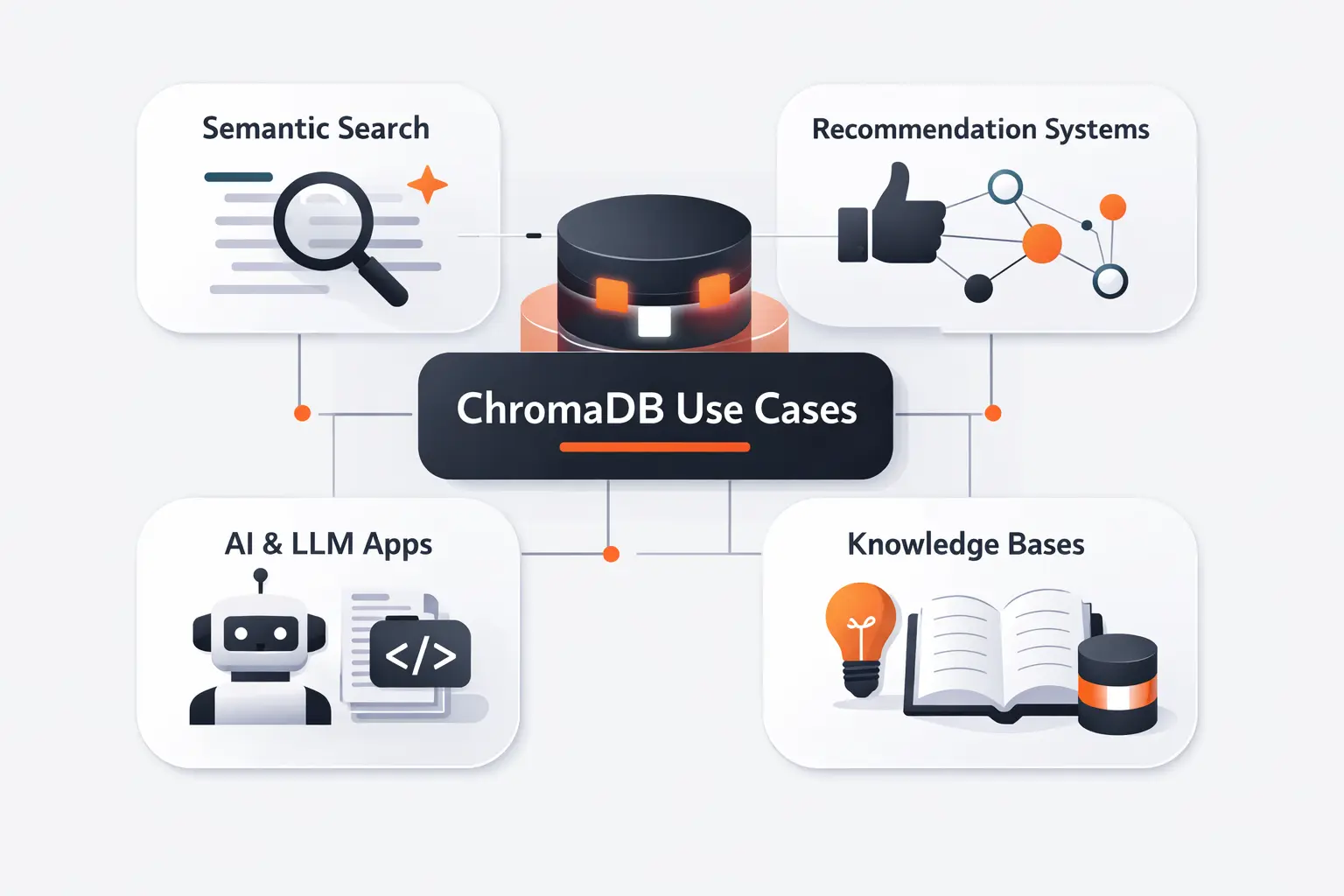
The better question is not whether ChromaDB can store vectors. It can. The useful question is what that unlocks once you combine retrieval with application logic and a decent embedding model.
1. Semantic Search and Knowledge Retrieval
Semantic search is the most obvious use case. We use it for internal docs, policy search, support archives, and developer knowledge bases. A helpful real-world mental model is one code search product, where the user does not want every file containing a term, they want the fragment that best answers the intent behind the query.
2. Retrieval-Augmented Generation and LLM Workflows
RAG layers an LLM on top of retrieval. The model gets a user question, ChromaDB finds relevant passages, and the model answers with that context in hand. That pattern looks a lot like one managed knowledge base, where the point is not storing text for its own sake, but grounding a model on permissioned data before it responds.
3. Recommendations, Anomaly Detection, and Multimodal Retrieval
Recommendations are a close cousin because “similar items” and “similar documents” use the same basic math. Anomaly detection also works as an inference pattern, where unusually distant vectors can signal outliers, though Chroma does not market that as a turnkey feature. Multimodal retrieval matters here too, and Gartner expects 40 percent by 2027 of generative AI solutions to be multimodal, which lines up with Chroma’s current docs around text, image, audio, and other modality support.
ChromaDB Integrations and Ecosystem
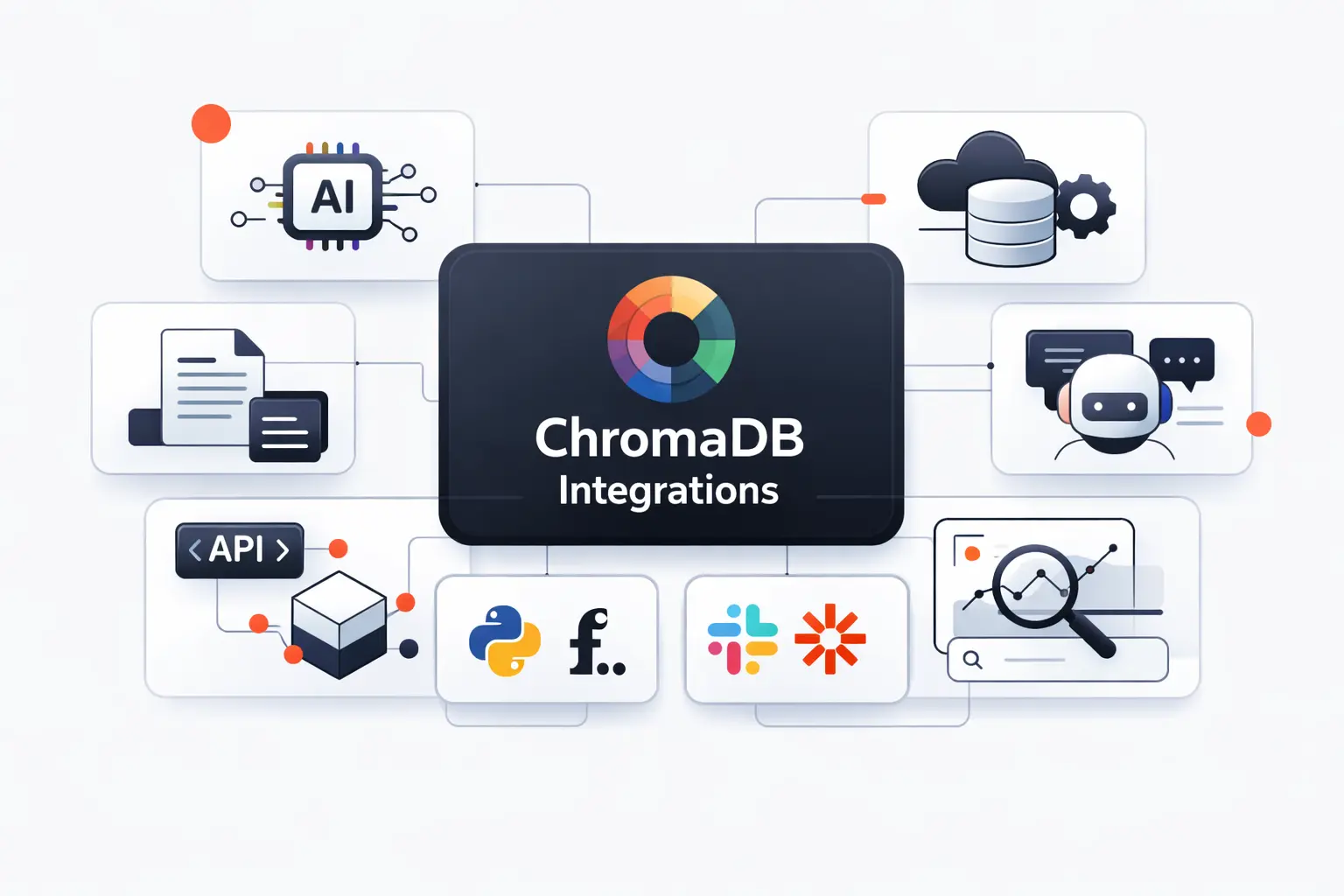
Ecosystem fit matters more than people admit. A clean database with weak integrations still creates drag. One reason ChromaDB gets early adoption is that it plugs into the tools developers already use.
1. OpenAI, Hugging Face, and Other Embedding Providers
ChromaDB includes wrappers for multiple embedding providers. OpenAI and Hugging Face are the names most teams start with, but the docs also cover several others. That keeps model choice flexible, which we strongly prefer, because retrieval stacks age better when the database and the embedder are not welded together.
2. LangChain and LlamaIndex for RAG Development
For orchestration, ChromaDB has official integration pages for both LangChain and LlamaIndex. That does not mean you must use either framework. It simply means ChromaDB already lives in the workflow most teams reach for when building early RAG applications.
3. Python, JavaScript, and Other Language Clients
Current docs list first-party clients for Python, TypeScript, and Rust, plus beta SDKs for Kotlin and Swift, with community clients for other languages. The npm package also describes the JavaScript client as a JS and TS interface to a backend Chroma service, which is useful to know before you plan your deployment.
ChromaDB Pros and Cons
This is where we stop cheering and start judging. Every database earns its keep through trade-offs, and ChromaDB is no exception. Some of its best qualities are also the reason certain teams outgrow it.
1. Where ChromaDB Shines for Simplicity and Rapid Prototyping
ChromaDB shines when the goal is to get retrieval working without building a mini platform first. The API is compact, the core concepts are easy to explain, and local setup is quick. For proofs of concept, internal tools, evaluation rigs, and early product discovery, that is a real advantage.
2. Why Developers Like Its Search Flexibility and Integrations
Developers like it because it can do more than one retrieval trick. Dense search, metadata filtering, full-text search, sparse and hybrid options, and integration with common embedding providers and RAG frameworks give teams room to experiment without swapping the storage layer every week.
3. Where Scalability, Tuning, and Documentation Can Become Challenges
From our perspective, the pain points usually show up in three places. First, production scaling demands more care once you move beyond local clients. Second, advanced sparse and hybrid features can require more explicit setup than beginners expect. Third, the documentation surface now spans core SDK, self-hosted server, and newer cloud search material, which can feel fragmented when you are trying to answer one simple question. That is not a deal breaker, but it is real.
ChromaDB Compared With Other Vector Databases
Comparisons get sloppy fast, so we try to compare design centers, not slogans. Each of these tools solves retrieval, but they do not optimize for the same developer moment.
1. ChromaDB Compared With pgvector
pgvector is a Postgres extension, so it keeps vectors inside the broader relational world. Its README highlights exact and approximate nearest-neighbor search, multiple distance metrics, sparse vectors, joins, and the rest of the Postgres toolchain. We usually lean toward pgvector when SQL, relational integrity, and existing Postgres operations dominate the design. We lean toward ChromaDB when a document-and-metadata retrieval workflow matters more than relational modeling.
2. ChromaDB Compared With Pinecone
Pinecone is built as a managed service and documents a serverless architecture with namespaces, distributed object storage, and separate read and write paths that scale independently. ChromaDB feels lighter and easier to start locally. Pinecone feels more opinionated for teams that want the infrastructure handled for them from day one.
3. ChromaDB Compared With Milvus
Milvus aims squarely at large-scale, cloud-native retrieval. Its architecture docs describe disaggregated layers, horizontal scaling, and a distributed design tuned for massive vector workloads. ChromaDB is easier to reason about. Milvus is easier to justify when the retrieval estate itself becomes a platform problem.
When ChromaDB Is the Right Fit
Fit is everything. The right tool at the wrong stage feels wrong, even if the technology is good. We think ChromaDB has a clear sweet spot, and teams save time when they admit that early.
1. Best for Prototyping, Local Development, and Early RAG Projects
ChromaDB is a strong fit when you are still shaping the retrieval problem. If you are testing chunking strategies, comparing embedding models, or building the first version of a RAG workflow, its local clients and small API surface make iteration fast. That is where we think it earns its reputation.
2. Strong Fit for Custom Retrieval Pipelines
It is also a good match for custom retrieval pipelines where you want direct control over IDs, metadata, embeddings, filters, and result shaping. We like ChromaDB for teams that want to own those decisions rather than disappearing behind a higher-level black box too early.
3. Signs You May Need a More Distributed Alternative
We start looking elsewhere when the real problem is platform gravity, not retrieval logic. If the company already standardized on Postgres, a warehouse stack, or a managed data platform, a closer-to-home option may win. Gartner predicts 80 percent by 2028 of GenAI business apps will be built on existing data management platforms, and we think that is a healthy reminder to follow data gravity before tool fashion. If you also need independent read and write scaling or a more explicitly distributed architecture, Pinecone and Milvus are built closer to that shape of problem.
Frequently Asked Questions About ChromaDB
These are the questions we hear most from founders, product teams, and engineering leads when retrieval moves from curiosity to implementation.
1. When Is ChromaDB a Good Fit?
It is a good fit for prototypes, internal knowledge search, early RAG systems, local development, and custom retrieval pipelines where you want tight control without too much operational ceremony.
2. Does ChromaDB Support Both In-Memory and Persistent Storage?
Yes. The docs describe an in-memory ephemeral client, a persistent client for local disk storage, and HTTP clients for server-backed setups.
3. Is ChromaDB Free to Use?
The open-source project is available under Apache 2.0, so self-hosting it does not require a license fee. Managed options such as Chroma Cloud are a separate commercial decision.
4. What Types of Applications Commonly Use ChromaDB?
Common examples include semantic search, knowledge retrieval, grounded chat assistants, code search, recommendation flows, and multimodal retrieval workflows.
5. Can ChromaDB Store Images, Audio, and Custom Embeddings?
Yes, with an important nuance. Current docs describe multimodal retrieval across text, images, audio, and other modalities, and the collection API supports direct embeddings plus query paths such as query_images and query_uris. We would still verify API parity on the exact deployment surface you plan to use, because newer cloud search paths do not expose every query mode the same way.
6. How Well Does ChromaDB Scale for Production Workloads?
It can move beyond toy projects, but the answer depends on which mode you choose. Chroma docs describe architecture that scales from local development to larger production setups, and Chroma Cloud exists as the managed serverless path. At the same time, the persistent local client is explicitly framed for development and testing, so very large or highly distributed workloads may be better served by systems designed around managed or distributed scale from the start.
How TechTide Solutions Helps Build Custom ChromaDB Solutions
At TechTide Solutions, we do not treat retrieval like a bolt-on feature. We design it as part of the application, because the database choice only works when chunking, embedding strategy, API design, permissions, and UX all line up.
1. Custom Vector Database Architecture for Business Needs
We help teams choose the right collection strategy, metadata model, deployment mode, and evaluation plan for their actual business constraints. That includes deciding what belongs in metadata, how access rules should flow into retrieval, and when a local-first ChromaDB architecture is enough or when a broader platform is smarter.
2. Web App, API, and RAG Development Tailored to Your Goals
We build the application layer around the database, not the other way around. That means search interfaces, chat systems, admin dashboards, retrieval APIs, chunking pipelines, prompt orchestration, and response grounding that fits the product you are actually shipping.
3. Integration, Optimization, and Long-Term Support
We also handle the messy middle. That includes provider integration, re-embedding plans when models change, filter tuning, latency profiling, quality evaluation, monitoring, and ongoing support as the corpus grows and the use case stops being “just a pilot.”
Final Takeaways on What Is ChromaDB
1. The Core Benefits Readers Should Remember
ChromaDB earns attention because it is easy to start, easy to explain, and flexible enough for real retrieval work. It combines embeddings, documents, metadata, filtering, and multiple search styles in a package that feels lighter than many alternatives.
2. The Main Trade-Offs to Evaluate
The trade-offs are just as important. Advanced search features can require more setup than the simplest demos suggest, documentation now spans several product surfaces, and the largest distributed workloads may fit better in tools built around managed or cloud-native scale.
3. Next Steps for Learning and Implementation
If we were starting fresh, we would run a small local prototype first, test chunking and embedding choices on real documents, add metadata filters early, and only then decide whether ChromaDB should stay at the center of the stack. That sequence saves time, exposes trade-offs quickly, and gives you a cleaner basis for comparison against pgvector, Pinecone, or Milvus.

