


A free AI flyer generator can cut a lot of grunt work, but only if the free plan is actually usable. Most lists skip that part. We do not. At TechTide Solutions, we care about prompt quality, editing headroom, export options, and whether the tool still helps after the first few regenerations. That push makes sense because the generative AI market was estimated at USD 22.21 billion in 2025, and design products now compete on how quickly they can turn a prompt into a real marketing asset.
We reviewed this category the way we review software products, not the way SEO lists usually do. Some tools here are true flyer editors. Some are image generators with light layout controls and best for a one-day restaurant promo. Others make more sense for a school fundraiser, an open house sheet, or a repeatable weekly campaign.
Below, we compare 20 options by what matters in practice: how fast you get a readable first draft, how much room the free tier gives you to fix it, whether print handoff is painless, and whether the final result still feels on-brand. We are frank about weak spots, because a flashy demo is not the same thing as a tool you would trust on a deadline.
Quick Comparison of Free AI Flyer Generator
We narrowed this table to the first ten tools in our main list and focused on buyer fit, free access, and the limits that hit fastest. If you only have two minutes, start here, then jump to the mini-review that matches your use case.
| Tool | Best for | From price | Trial/Free | Key limits |
|---|---|---|---|---|
| Adobe Express | Branded promo flyers | $0 | Free plan, 30-day trial | Limited AI credits, 5GB, brand kit on paid |
| Canva | Beginner-friendly team work | $0 | Free forever, 30-day Pro trial | Premium assets and brand tools gated |
| QuillBot | Quick prompt-based flyers | $0 | Free flyer generator | Lighter design workflow than Canva |
| Template.net | Multilingual team workflows | $0 | Free start | Busy all-in-one editor, account-first workflow |
| Piktochart | Info-heavy flyers | $0 | Free account | 2 PNG downloads, credit cap, 7-day access |
| Venngage | Accessible business flyers | $0 | Free plan | 5 designs, 6 uploads, public sharing |
| Kodo | No-signup prompt-first design | $0 | 40 free credits | 5 projects, credit burn on generation |
| PixExact | Exact-size ad creatives | $0 | Starter credits | PNG and JPG only, light layout tools |
| Fotor | No-login quick promos | $0 | Free basic use | Limited credits, basic exports |
| Visme | B2B and internal comms | $0 | Free sign-up | Advanced brand and export tools gated |
Recommended reading: Top 20 AI Business Name Generators for Brand-Ready Ideas
Top 20 Free AI Flyer Generator Tools
We ordered these tools by overall buying value, not by hype. Our judgment weighs four things most readers actually feel: how quickly the tool gets to a usable draft, how much editing room the free tier gives you, how painful print export is, and how well the result holds brand consistency once the AI step is done.
1. Adobe Express
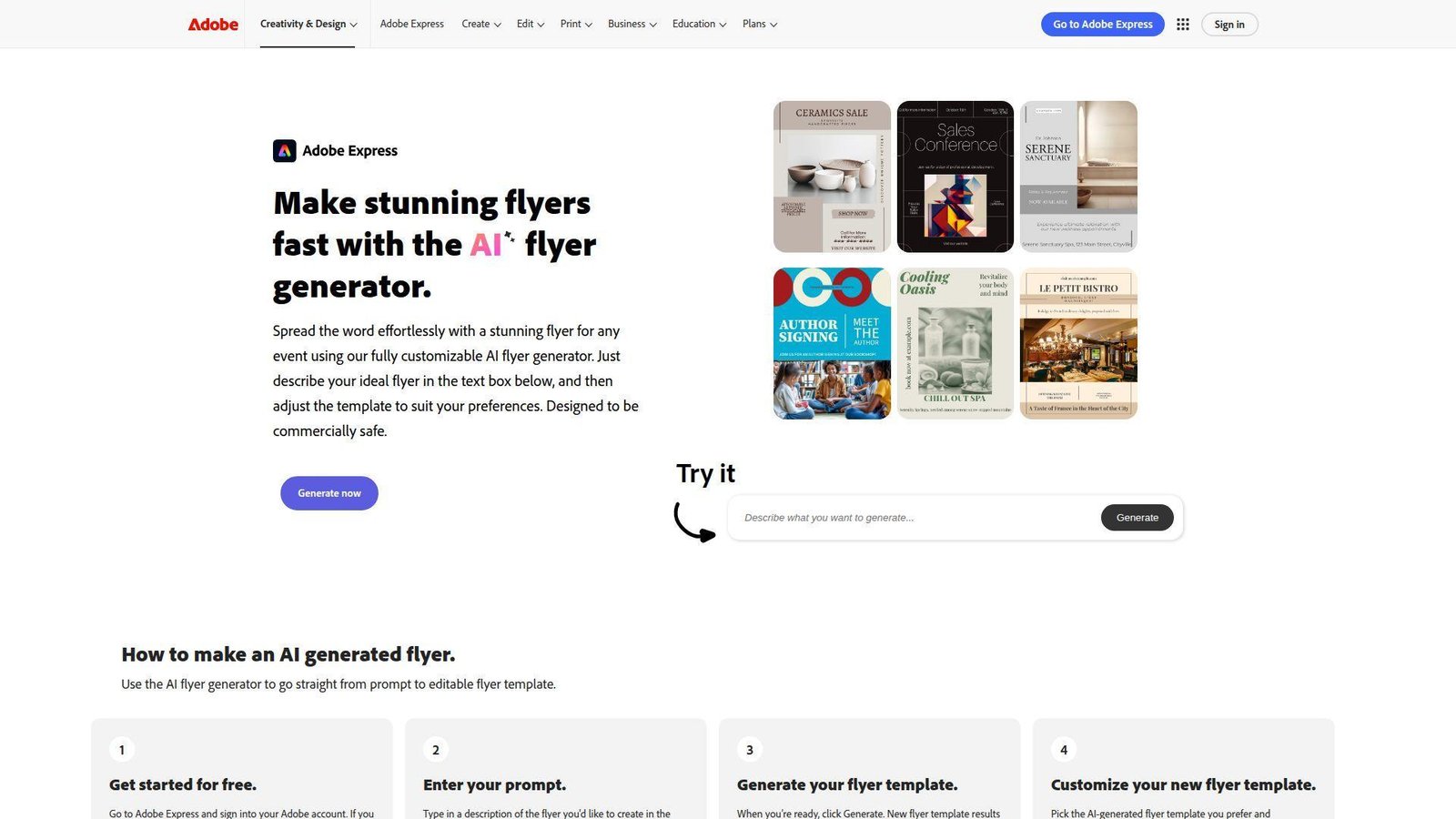
Adobe Express is a web and mobile creative suite — distinct from Photoshop and Illustrator — built for non-designers who need on-brand content fast. It draws on the Express and Firefly teams, and it shows: the tool thinks in campaigns, not just single images, so flyer creation sits next to resize, scheduling, print, and brand controls. Best for: small business marketers and in-house teams that already work within the Adobe ecosystem.
- Prompt-to-template variations via the built-in flyer maker → gives several usable directions at once, so you choose a near-fit instead of building from zero.
- Powered by Adobe Firefly — Adobe’s commercially safe generative AI model, trained on licensed assets — so all AI-generated content is cleared for commercial use, a meaningful advantage over tools that cannot guarantee the same.
- Firefly, Adobe Stock, and built-in publishing tools → can replace 3 separate tool hops for a simple promo run.
- Familiar editor with resize support → most users get a first solid flyer in 10 to 15 minutes.
Pricing & limits: From $0/mo on the Free plan. Adobe also offers a 30-day Premium trial. The free tier includes limited generative credits, 5GB storage, 10 days of version history, and scheduling to one account per social network. Brand kits and one-click resize sit on paid plans.
Honest drawbacks: The free plan limits generative credits, so heavy regenerators will hit the ceiling faster than on some competitors. And while the editor is approachable, it carries more interface weight for a true beginner who only needs one event flyer.
Verdict: For teams that need a free AI flyer generator that moves from prompt to print and social in one sitting, Adobe Express is one of the strongest choices available — particularly for anyone already working within the Adobe ecosystem.
2. Canva
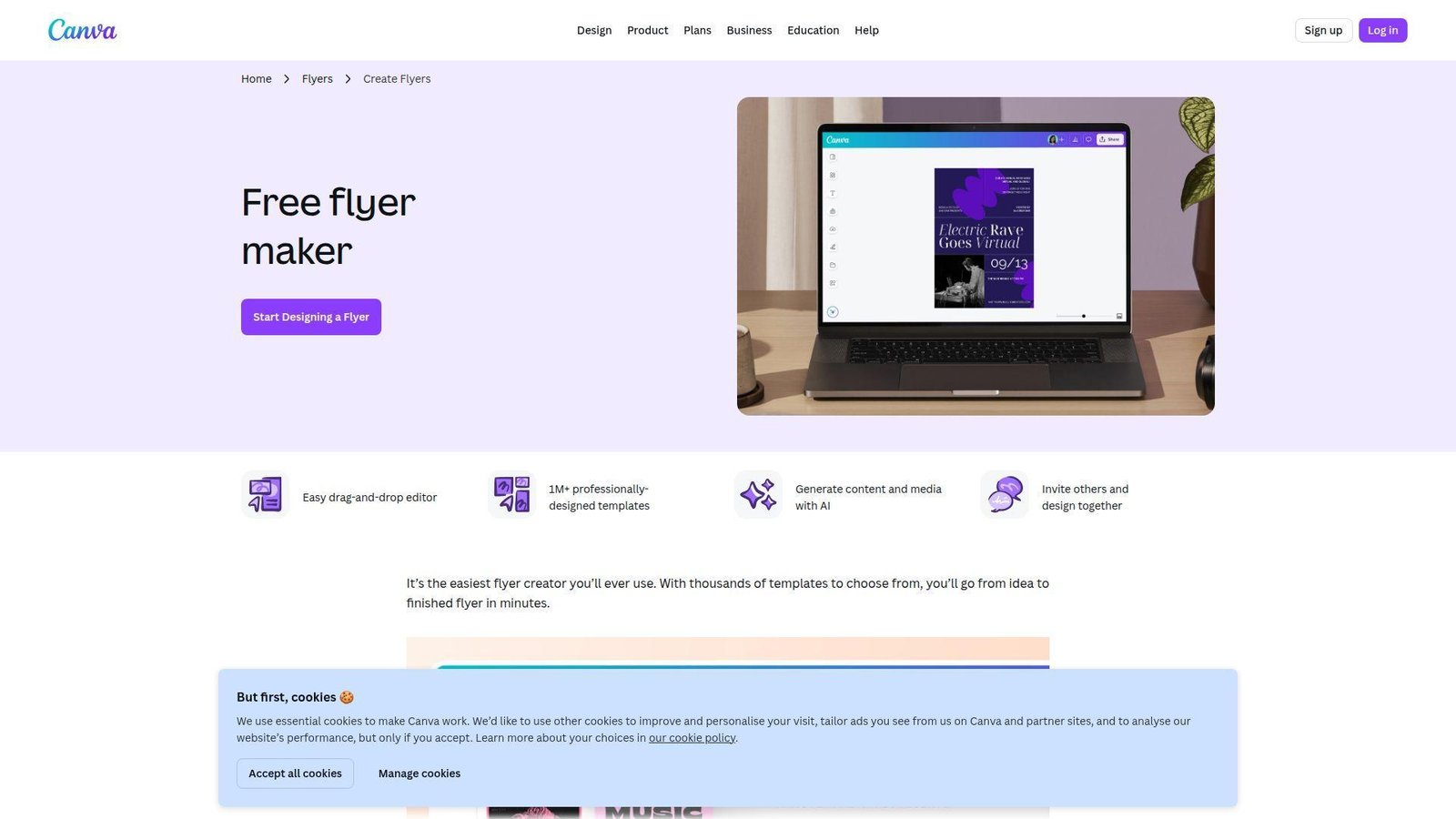
Canva’s product and Magic Studio teams have spent years making design approachable, and that simplicity still carries the product. It remains the easiest tool here to hand to a non-designer and expect a decent flyer back. Best for: solo business owners and small teams that need quick, collaborative marketing pieces.
- Template-first workflow with AI helpers → removes blank-page paralysis and gets you to a workable draft fast.
- Real-time collaboration and comments → can cut 2 or 3 approval messages before a flyer is ready.
- Drag-and-drop editing → most beginners get a first usable version in under 10 minutes.
Pricing & limits: From $0/mo. Canva is free forever for basic flyer creation, download, and sharing. There is also a 30-day Pro trial if you want more AI, premium content, and brand tools. The main limits show up when you hit premium assets, team approvals, or more advanced brand controls.
Honest drawbacks: Canva can make it too easy to accept the first okay-looking template. That is how designs start to look generic. Search results can also feel noisy, and premium elements still surprise beginners who assume every asset on screen is free. It beats most tools on beginner friendliness, but it does not always push you toward distinct design choices.
Verdict: if you need the safest default for a free AI flyer generator, Canva is still the one we would put in most beginners’ hands first.
3. QuillBot AI Flyer Generator
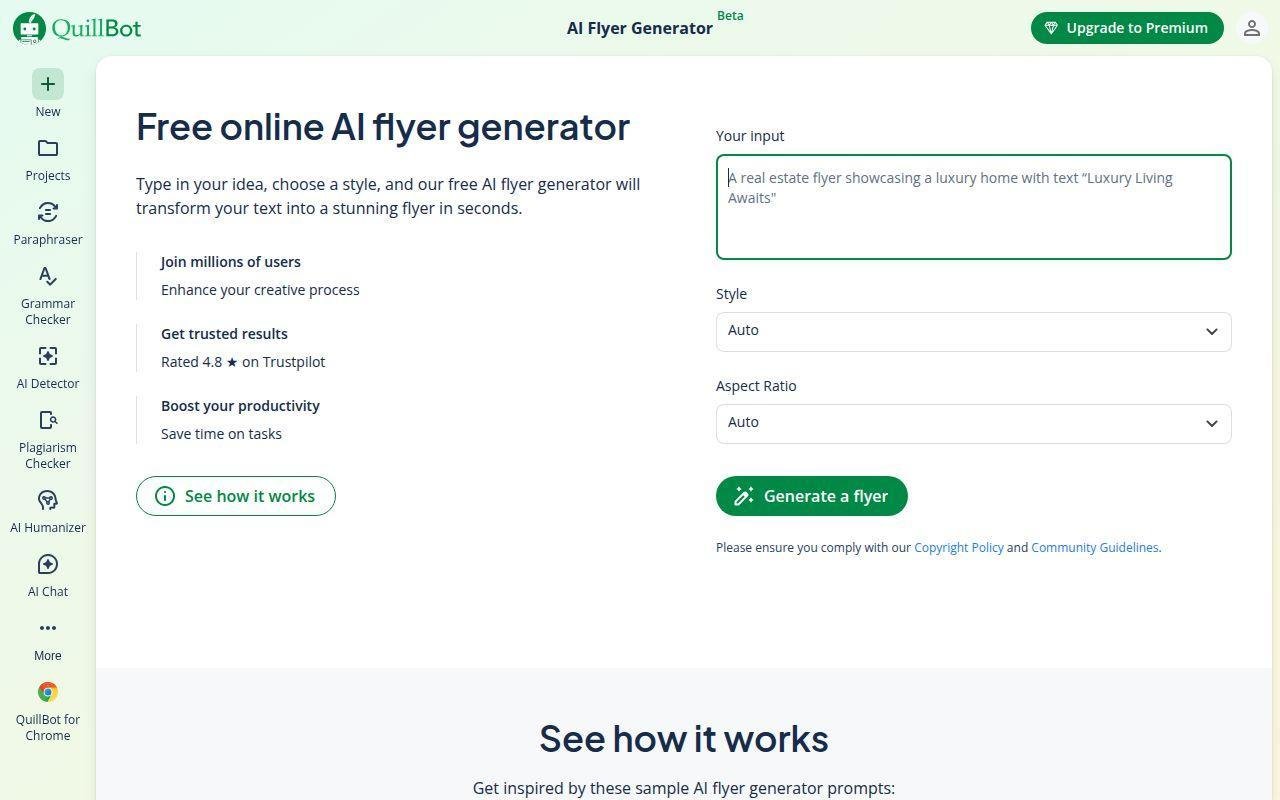
QuillBot AI Flyer Generator is a practical pick if you want to turn a short idea into a usable flyer without opening a full design suite. It feels lighter than Canva or Adobe Express, but that is also the point. You type what you need, choose a style, adjust the output, and move on before the design rabbit hole eats your afternoon.
Best for: marketers, students, small teams, and anyone who needs quick event or promo flyers.
Prompt-based flyer generation → you can describe an event, sale, campaign, or announcement and get a flyer concept in seconds.
Style and aspect-ratio controls → you get some creative direction without needing to manually build the layout from scratch.
Text support for flyer copy → QuillBot can also help generate headlines, taglines, and body text, which is useful when the design is ready but the wording is still limping around like Monday morning.
Pricing & limits: From $0/mo. The AI flyer generator is free to use. Some advanced QuillBot features may sit behind paid plans, but the flyer tool itself is positioned as a free online generator.
Honest drawbacks: QuillBot is faster than it is deep. It does not feel as mature as Canva for brand kits, team workflows, or heavy template browsing. It beats basic template sites when you want AI-assisted text and layout, but trails Adobe Express when you need a more polished, brand-safe creative workflow.
Verdict: If you want a free AI flyer tool that gets from prompt to usable draft quickly, QuillBot is a clean replacement for Design.com. It is not the fanciest tool in the room, but it does the job without making you wrestle a dashboard full of glitter and chaos.
4. Template.net
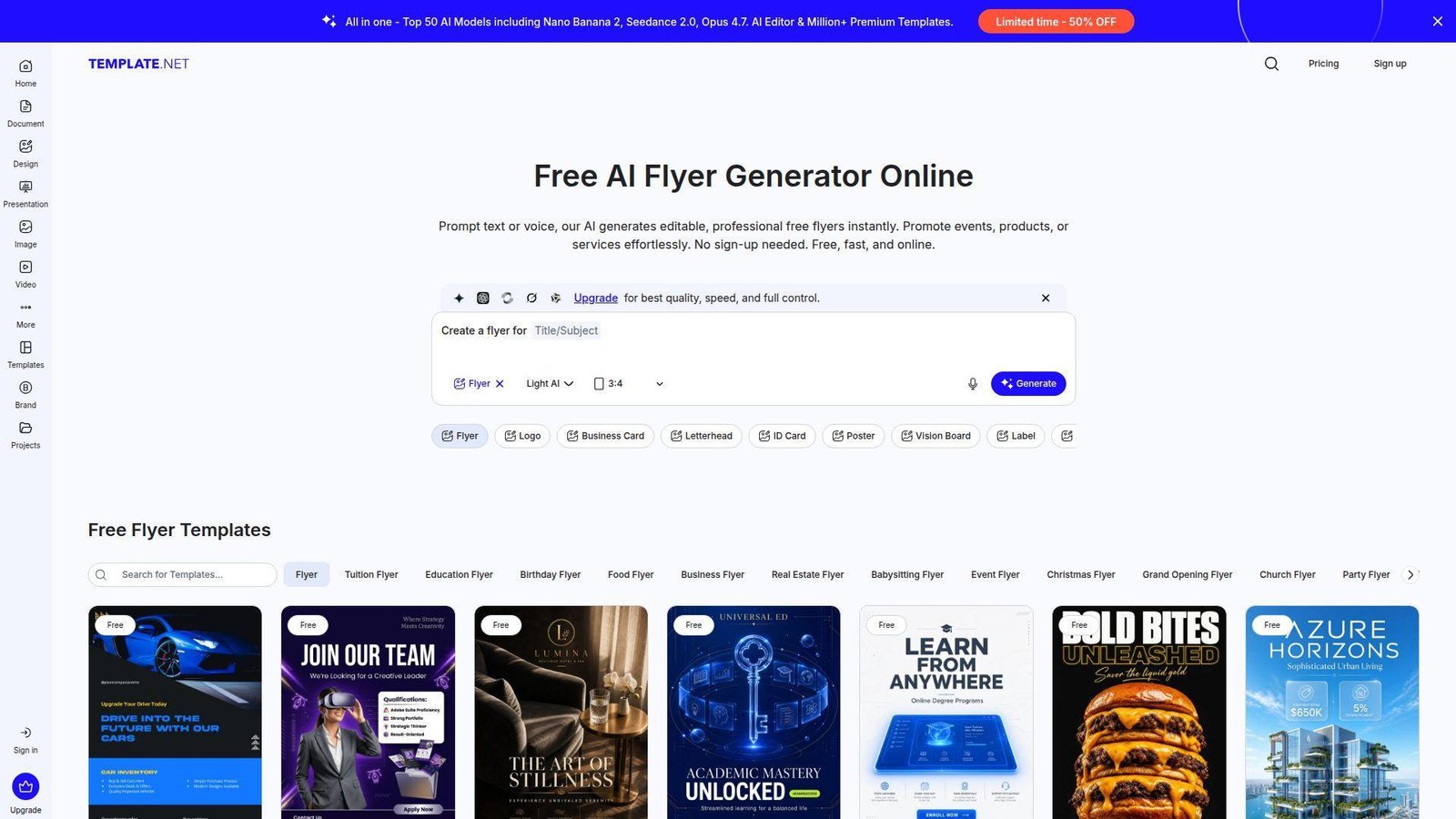
Template.net’s team has built an all-in-one document and design workspace, and the flyer tool inherits that breadth. It is less charming than Canva, but more operational. You can generate a flyer, translate it, export it in several formats, and hand it to a teammate without switching products. Best for: agencies, admins, and multilingual teams that juggle both design and document work.
- Text or voice prompts in many languages → gets multilingual first drafts moving without outside translation prep.
- Direct publishing, QR sharing, and workspaces → can remove 2 to 4 distribution steps from the usual workflow.
- Shared asset and role controls → a team can get initial value in about 20 minutes.
Pricing & limits: From $0/mo. The product is free to start, and the flyer tool can export PNG, PDF, SVG, and HTML. The bigger value shows up once you use workspaces, live collaboration, and broader content operations inside the same account.
Honest drawbacks: the interface can feel busy if all you want is one simple local event flyer. Template.net is also broader than it is delightful, so the user experience feels more like work software than creative software. It beats smaller tools on formats and collaboration handoff, but trails Canva on visual polish.
Verdict: if your flyer is part of a wider client or department process, Template.net deserves more attention than most casual lists give it.
5. Piktochart
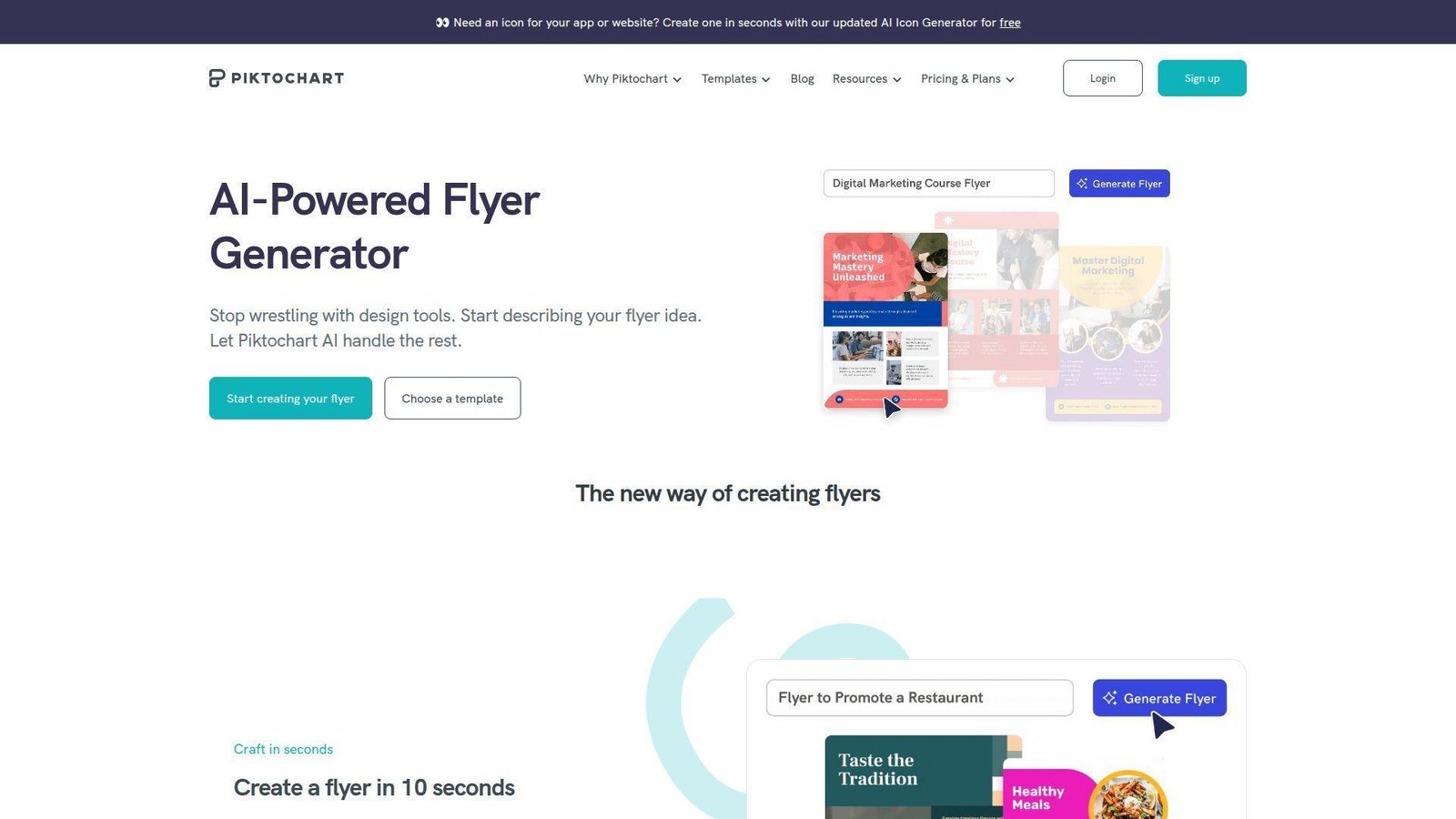
Piktochart started with infographics, and that DNA makes its flyer tool unusually good at structure. We like it when a flyer needs more than one big image and one bold headline. Think nonprofit event details, campus notices, program overviews, or internal announcements. Best for: nonprofit communicators and operations teams that need readable, information-heavy flyers.
- AI groundwork in under 10 seconds → gives you a clean first layout before you overthink the design.
- Charts, icons, and visual assets → cut manual assembly when the flyer needs facts, not just mood.
- Straightforward editor → first usable flyer usually lands in 10 to 15 minutes.
Pricing & limits: From $0/mo. The free plan requires sign-up and gives you a short test window with AI credits, limited downloads, and basic storage. Paid plans are where unlimited downloads and richer brand controls really open up.
Honest drawbacks: the free download cap is one of the sharper ones in this list. Piktochart is also stronger for structured communication than for dramatic retail or nightlife flyers. It beats Canva on information layout discipline, but trails PosterMyWall on event-marketing extras.
Verdict: if clarity matters more than visual flair, Piktochart gets you to a trustworthy flyer faster than most general design tools.
6. Venngage
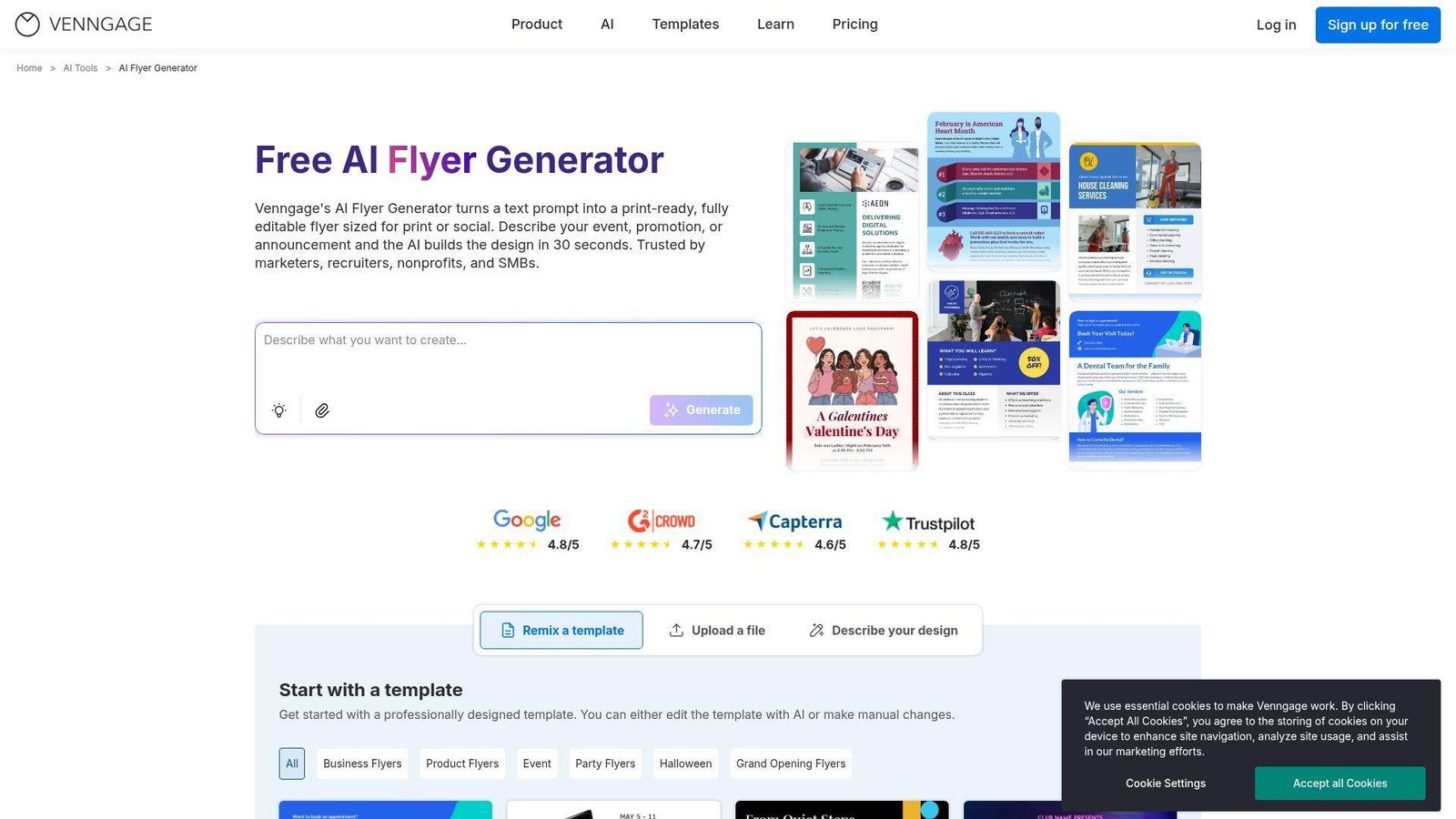
Venngage remains one of the most practical picks for business and education teams that care about readability and accessibility. Its flyer tool sits inside a platform built for visual communication, which means the AI leans toward understandable layouts, not visual noise. Best for: HR teams and training or compliance teams that need clear, accessible flyers.
- AI icons, images, and writing tools → help turn dense copy into cleaner visual blocks.
- Translation and accessibility checks → can remove a separate review pass for contrast and readability.
- Guided business editor → first polished flyer usually takes about 15 minutes.
Pricing & limits: From $0/mo on the free plan. That tier is small, with 5 designs and 6 image uploads. Premium starts around $10/mo, and business plans unlock PDF or PowerPoint export, team sharing, and brand kits.
Honest drawbacks: the free plan is tight, and the best collaboration sits above the entry level. Venngage also feels more corporate than playful. It beats many tools on accessibility and business clarity, but trails Canva and Adobe on creative range.
Verdict: if you need a flyer people can actually read at a glance, not just admire, Venngage is one of the better disciplined options.
7. Kodo
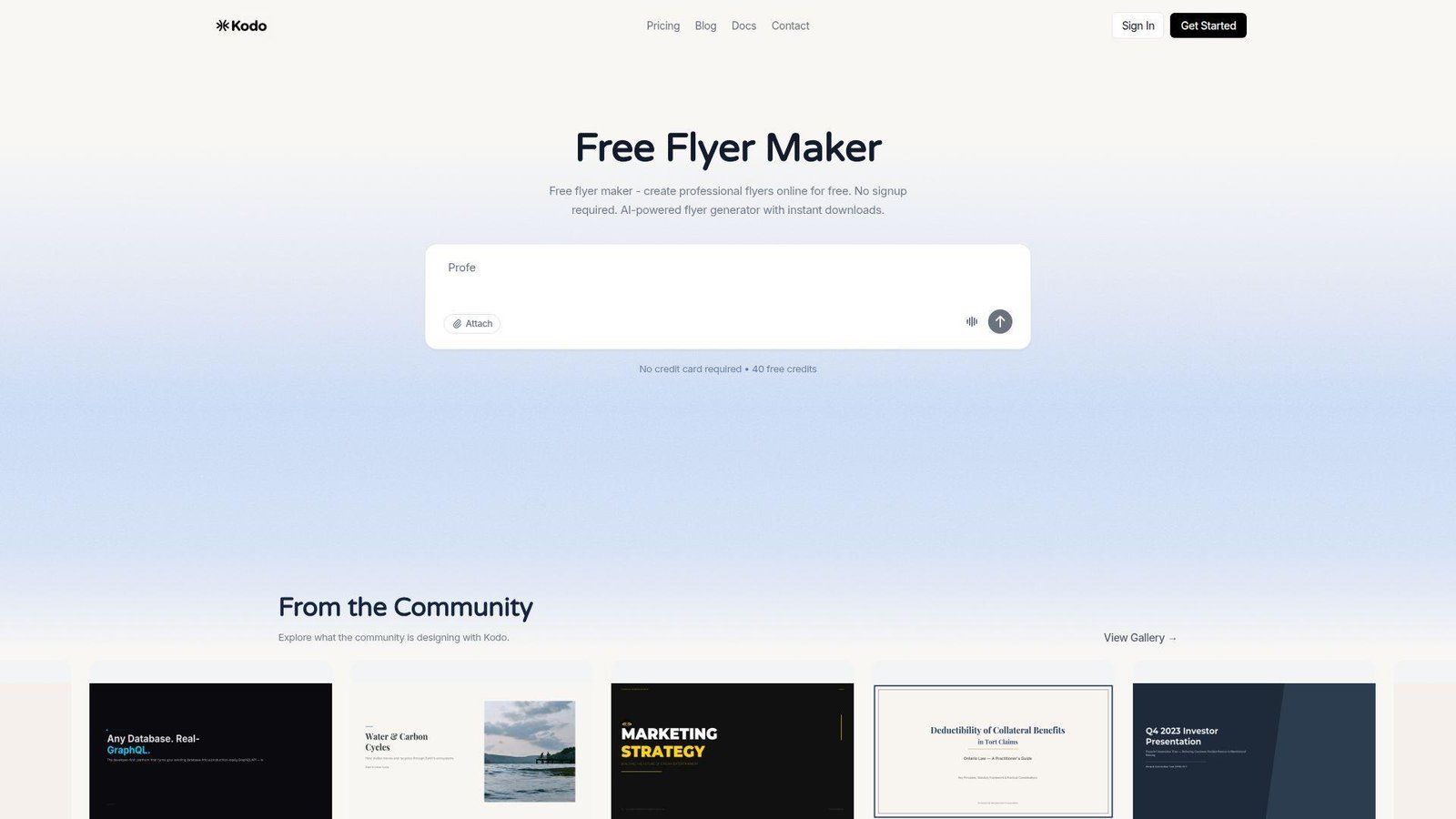
Kodo looks like a lean AI design product built for people who want the AI to do the heavy lifting first. We like that posture. Type a plain-English prompt, get an editable design, and skip template hunting unless you actually want it. Best for: students, freelancers, and prompt-first users who hate browsing giant template grids.
- Plain-English generation → jumps from idea to draft without a long template search.
- Brand kit, custom fonts, and manual tools on free → keep the post-generation cleanup inside one place.
- Simple editor → first usable flyer often appears in 5 to 12 minutes.
Pricing & limits: From $0/mo. The free plan includes 40 credits, 5 projects, watermark-free exports, a brand kit, and custom fonts. Each flyer usually costs 4 to 12 credits. Paid plans begin at $9/mo if you need more generation volume.
Honest drawbacks: credits disappear fast if you iterate heavily, and Kodo does not yet match Adobe, Canva, or PosterMyWall on ecosystem depth. Social publishing is lighter too. It beats bigger suites on directness, but trails them on mature collaboration.
Verdict: if you want a free AI flyer generator that feels fast instead of bloated, Kodo is one of the best newer tools we tested.
8. PixExact
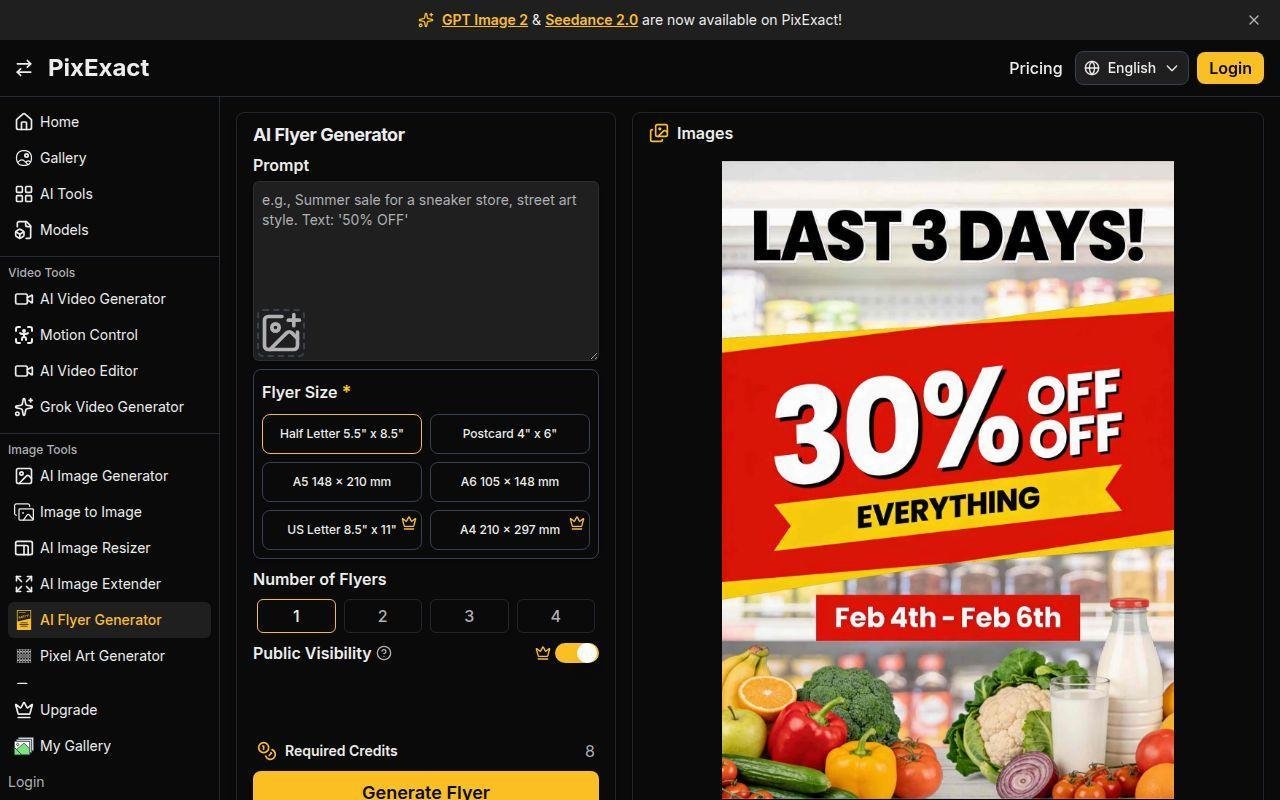
PixExact is really an exact-dimensions image generator first, and that is why it earns a place here. Many flyer tools still get sloppy when you need a precise pixel size or a fast ad creative in several fixed formats. PixExact does not. Best for: performance marketers and social managers who care more about exact dimensions than deep page layout features.
- Exact-size generation → avoids crop, resize, and composition cleanup after export.
- Reference images and saved sizes → reduce repeat setup across recurring campaigns.
- Simple export path → first asset is often ready in under 10 minutes.
Pricing & limits: From $0/mo to test with starter credits. Paid plans begin around $8.30/mo on annual billing and add larger credit pools, higher resolution ceilings, no watermark, private generation, and batch tools.
Honest drawbacks: exports are PNG or JPG only, so print handoff is weaker than tools with PDF or SVG. The layout side is also lighter than Canva, Adobe Express, or Visme. It beats generic AI image tools on precision, but trails full flyer suites for text-heavy work.
Verdict: if exact dimensions make or break your channel, PixExact is one of the sharper niche tools in this roundup.
9. Fotor
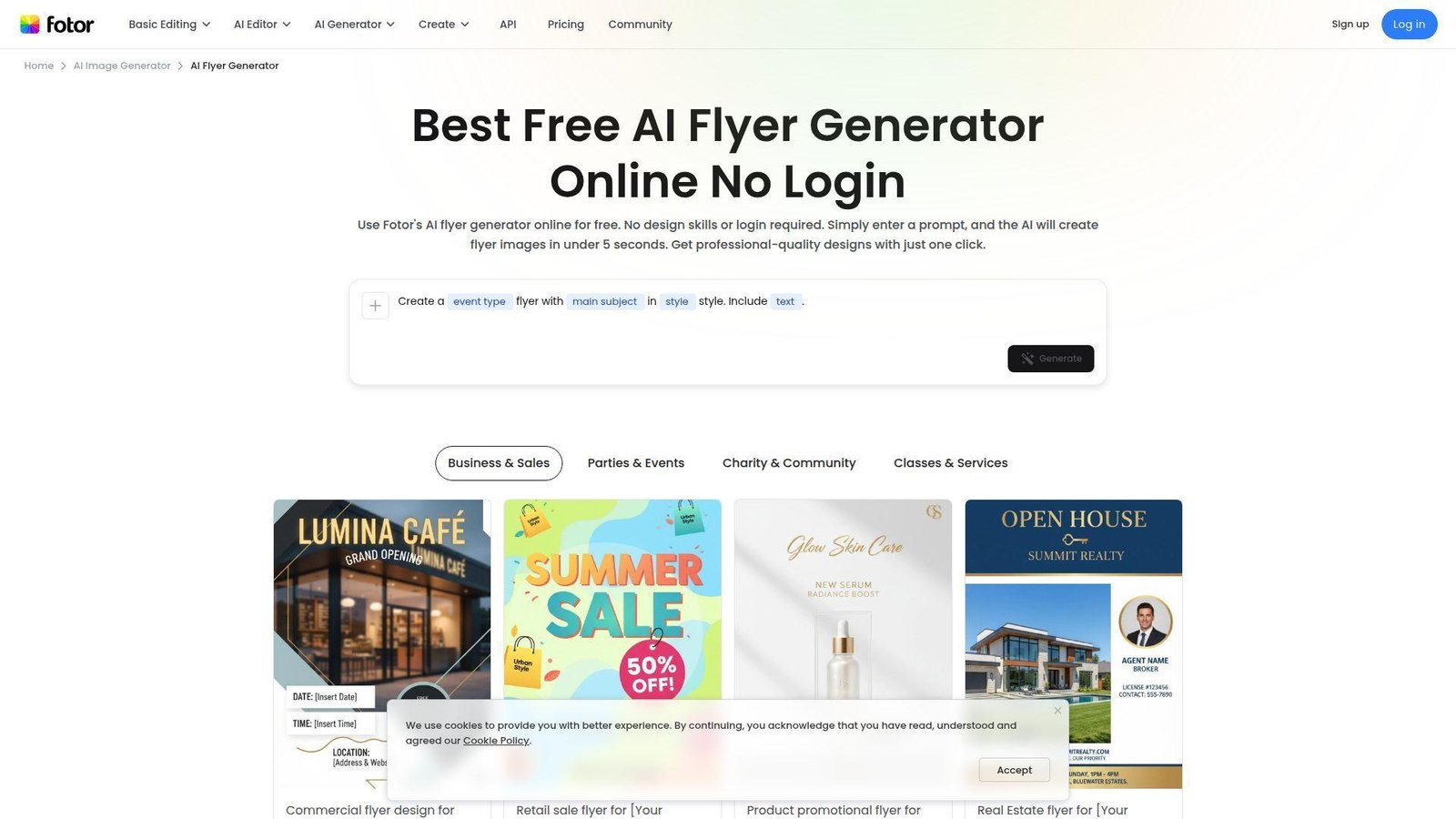
Fotor’s team has long focused on fast photo editing, and its AI flyer maker feels built for the same impatient user. We like it for quick promos because it gets out of the way. No long setup, no real learning curve, and strong results for simple retail or event use. Best for: small business owners and event organizers who want a flyer now, not after a tutorial.
- Prompt-to-layout automation → handles typography, color, and placement without extra setup.
- Reference image support and 4K PNG output → cut cleanup before print or social posting.
- No-login workflow → first draft can happen in under 5 minutes.
Pricing & limits: From $0/mo on Fotor Basic. The free path gives limited credits, one concurrent generation, and basic export or storage allowances. Paid plans add HD output, transparent export options, and larger storage pools.
Honest drawbacks: team collaboration is not the point here, and free usage tightens quickly if you regenerate often. It is also better for quick promos than structured community or internal notices. It beats heavier suites on raw speed, but trails Canva and Adobe on teamwork.
Verdict: if you run a café, salon, or local event and need something usable before lunch, Fotor is still one of the fastest paths.
10. Visme
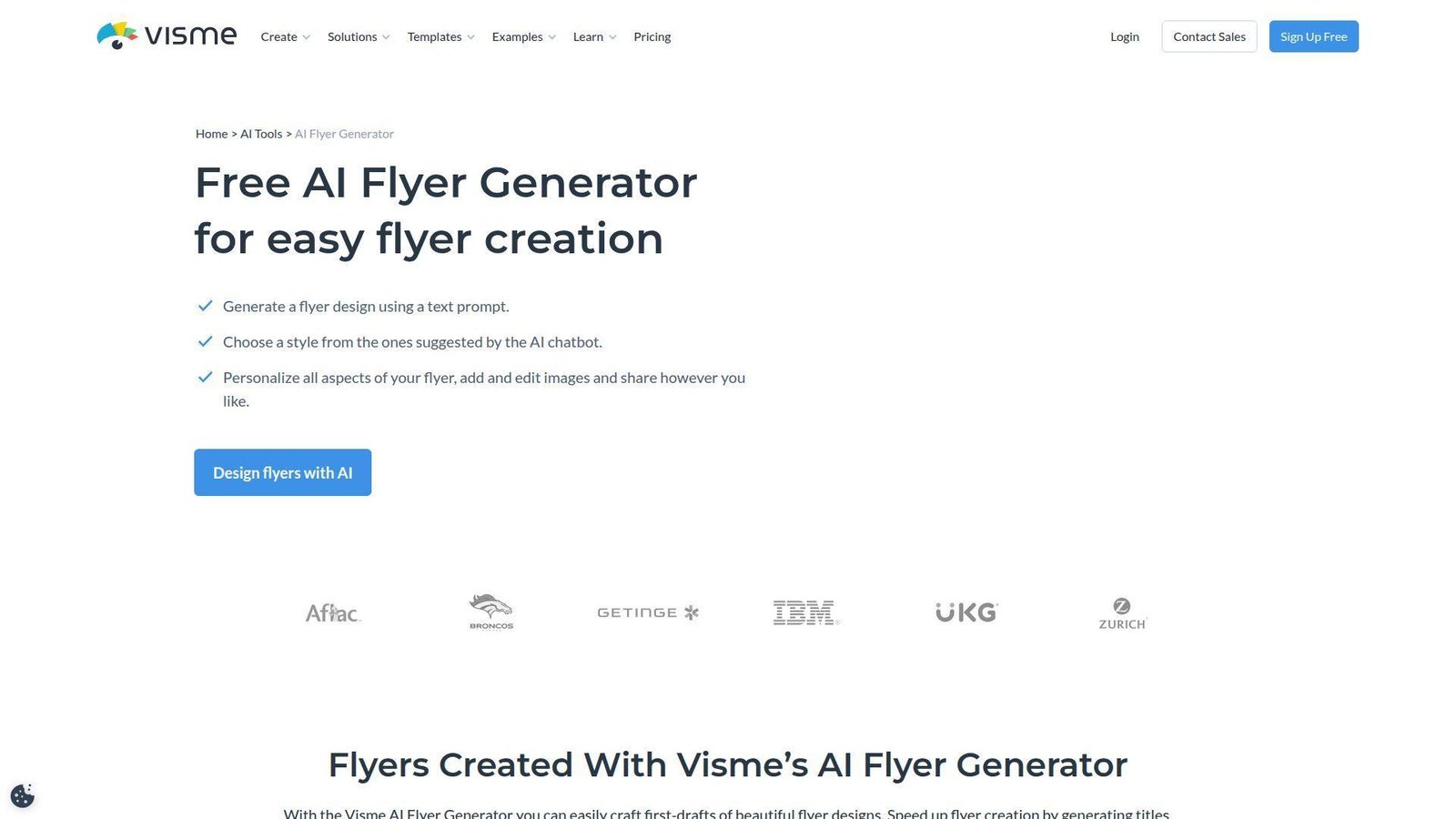
Visme comes from the presentation and business communications side of design, and that shows up in its flyer tool. The AI gives you a starting layout, then the platform pushes you toward controlled edits, brand consistency, and cleaner resizing. Best for: B2B marketers and internal communications teams that already build decks, reports, or explainers.
- Prompt-based flyer generation → speeds up the hard part, which is getting a clean starting structure.
- Brand Wizard and AI Resize → remove repeated brand setup and reformatting work.
- Structured editor → first business-ready flyer usually takes about 15 minutes.
Pricing & limits: From $0/mo with free sign-up. The free layer is useful for testing, but advanced brand controls, richer downloads, and heavier collaboration matter more once you move into paid tiers.
Honest drawbacks: Visme can feel like a business toolkit wearing a flyer costume, so it is not the fastest pick for a casual neighborhood promo. Beginners will also find Canva easier. It beats Canva when your flyer sits beside sales collateral, but trails it on friendliness.
Verdict: if your flyer lives next to reports, dashboards, or sales assets, Visme fits that environment better than most casual design tools.
11. Simplified
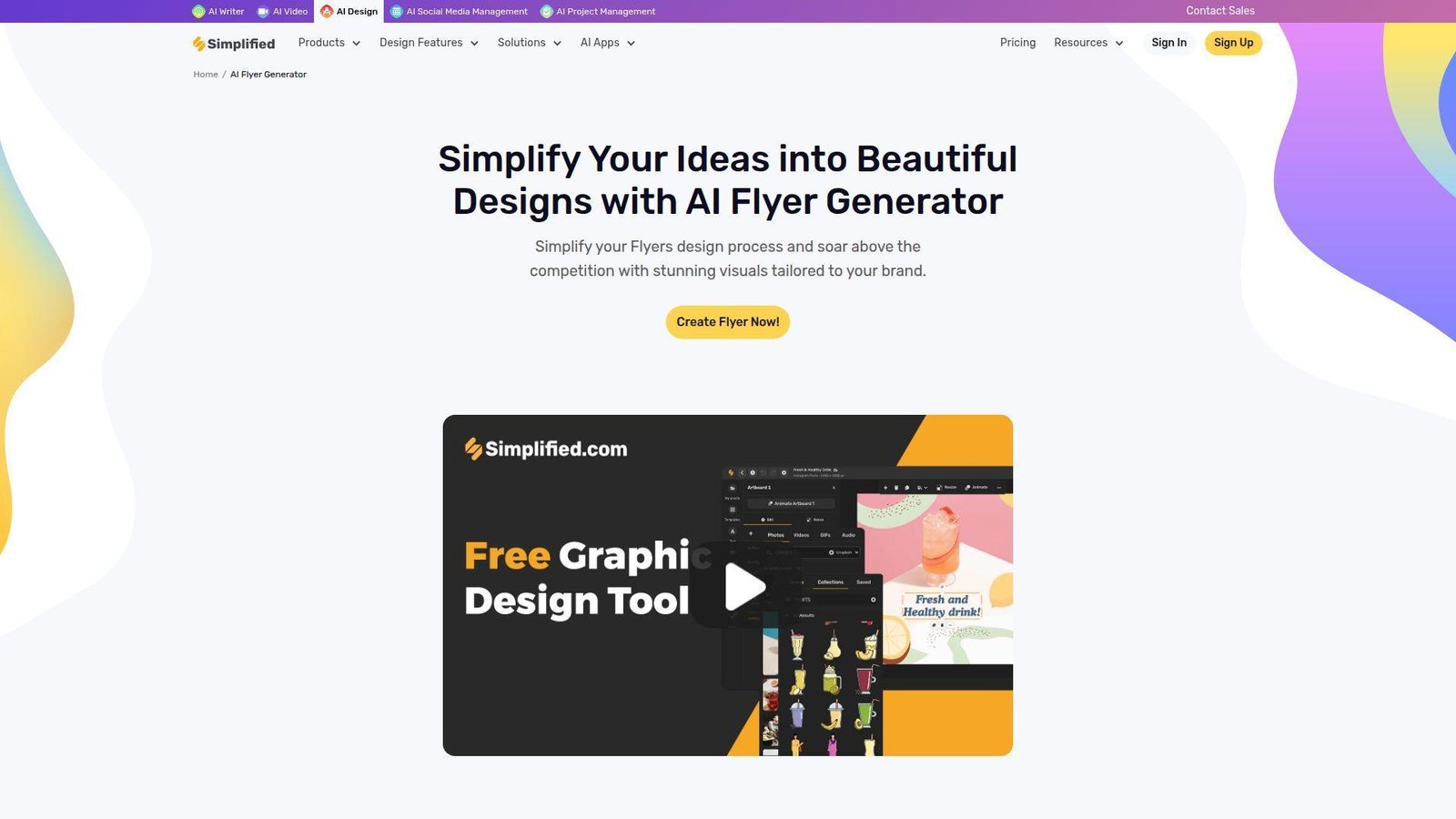
Simplified is trying to be one place for design, copy, video, social publishing, and light project work. That can sound like too much, but it makes sense when the same person is doing the whole campaign. Best for: social-first creators and lean marketing teams that also schedule posts after the flyer is done.
- AI templates with brand color control → move you from prompt to branded visual without much manual setup.
- Built-in scheduler and cross-device access → can remove the usual export, upload, and publish cycle.
- Unified dashboard → first useful flyer usually appears in 10 to 15 minutes.
Pricing & limits: From $0/mo on the Free Forever plan. You get 1 seat, 5 AI designs, 5,000 AI words, 3 connected social accounts, and 500MB storage. Paid plans start at $24/mo annually and expand generation volume, storage, and brand controls.
Honest drawbacks: five AI designs is a hard limit if you like to iterate. The interface also feels busy because design lives beside writing, video, and project modules. It beats Canva if post-publish management matters more than pure editing ease, but it trails on simplicity.
Verdict: if the same person designs the flyer and pushes the campaign live, Simplified earns a close look.
12. Designhill
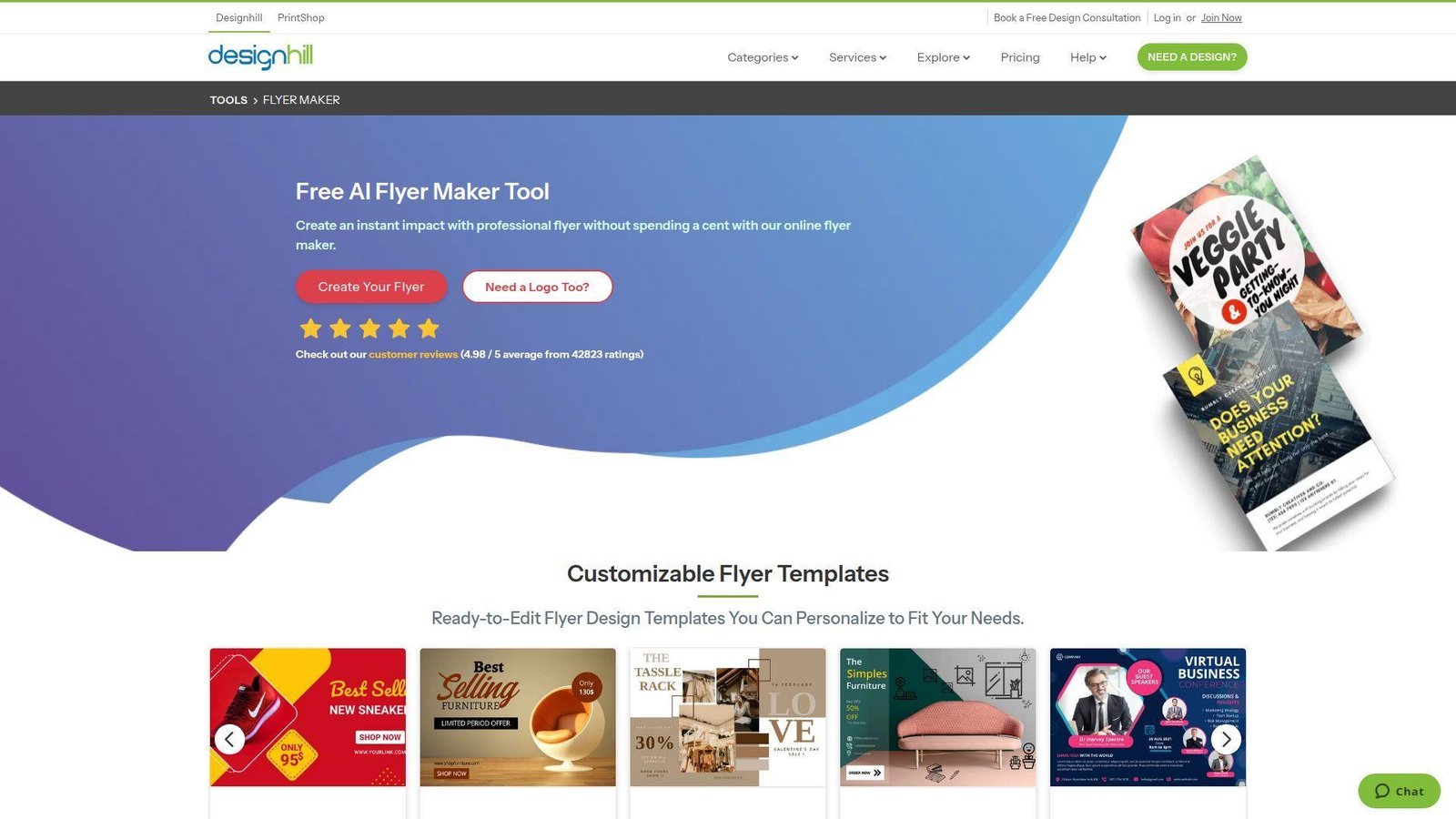
Designhill is best known as a design marketplace, and its flyer maker benefits from that practical, service-backed history. It feels more like a classic DIY creator than a pure prompt machine, which some buyers will actually prefer. Best for: small businesses and first-time users who may want DIY tools now and human design help later.
- AI-assisted template generation → gives hundreds of starter directions before you commit to one.
- Marketplace adjacency → removes a separate vendor search if you later need designer help.
- Simple canvas workflow → first draft usually takes 10 to 20 minutes.
Pricing & limits: From $0/mo to use the maker. Downloads support PNG, JPG, and PDF, and you can upload your own images for customization. The tool feels straightforward because there is less free-plan credit math to learn than in newer AI products.
Honest drawbacks: it feels more old-school than Canva, Adobe, or Mew Design. Collaboration and advanced brand controls are not the main story here. It beats newer AI tools on familiarity, but trails them on prompt-first magic and automated refinement.
Verdict: if you want a dependable flyer maker with fewer surprises and a clearer DIY feel, Designhill still holds up.
13. PosterMyWall
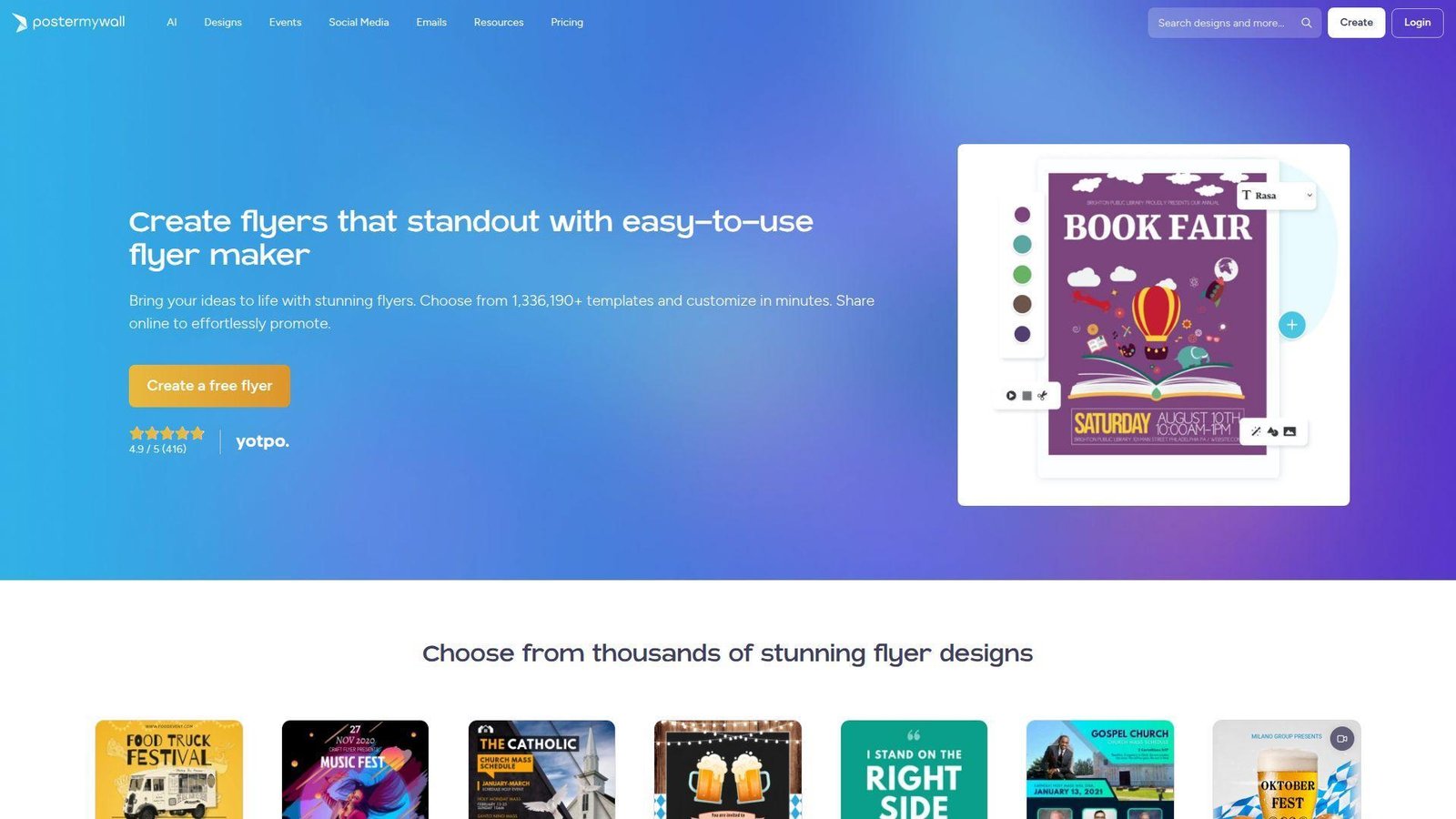
PosterMyWall has matured into a real event and local marketing platform, not just a template library. That matters because flyers often live inside a bigger job that includes social posts, email, event pages, and quick edits from staff. Best for: restaurants, churches, venues, schools, and event marketers.
- Large template base plus AI Redesign → turns a generic starter into a usable campaign piece quickly.
- Social scheduling, emails, and event tools → can replace 3 or 4 separate marketing steps.
- Drag-and-drop editor with resize → first publishable flyer often lands in about 10 minutes.
Pricing & limits: From $0/mo. Creating an account and using the editor is free, and basic quality image downloads are free too. Paid plans begin at about $13/mo if you need more high-resolution output, AI extras, and subscription perks.
Honest drawbacks: the interface packs in many modules, so first-time users can feel crowded. Free basic downloads are fine for testing, but serious print work usually pushes you upward. It beats Canva for event-promotion workflows, but trails Adobe on AI safety language and cleaner editing polish.
Verdict: if your flyer is only one piece of a local campaign, PosterMyWall is one of the smartest practical picks in the whole list.
14. Pixazo
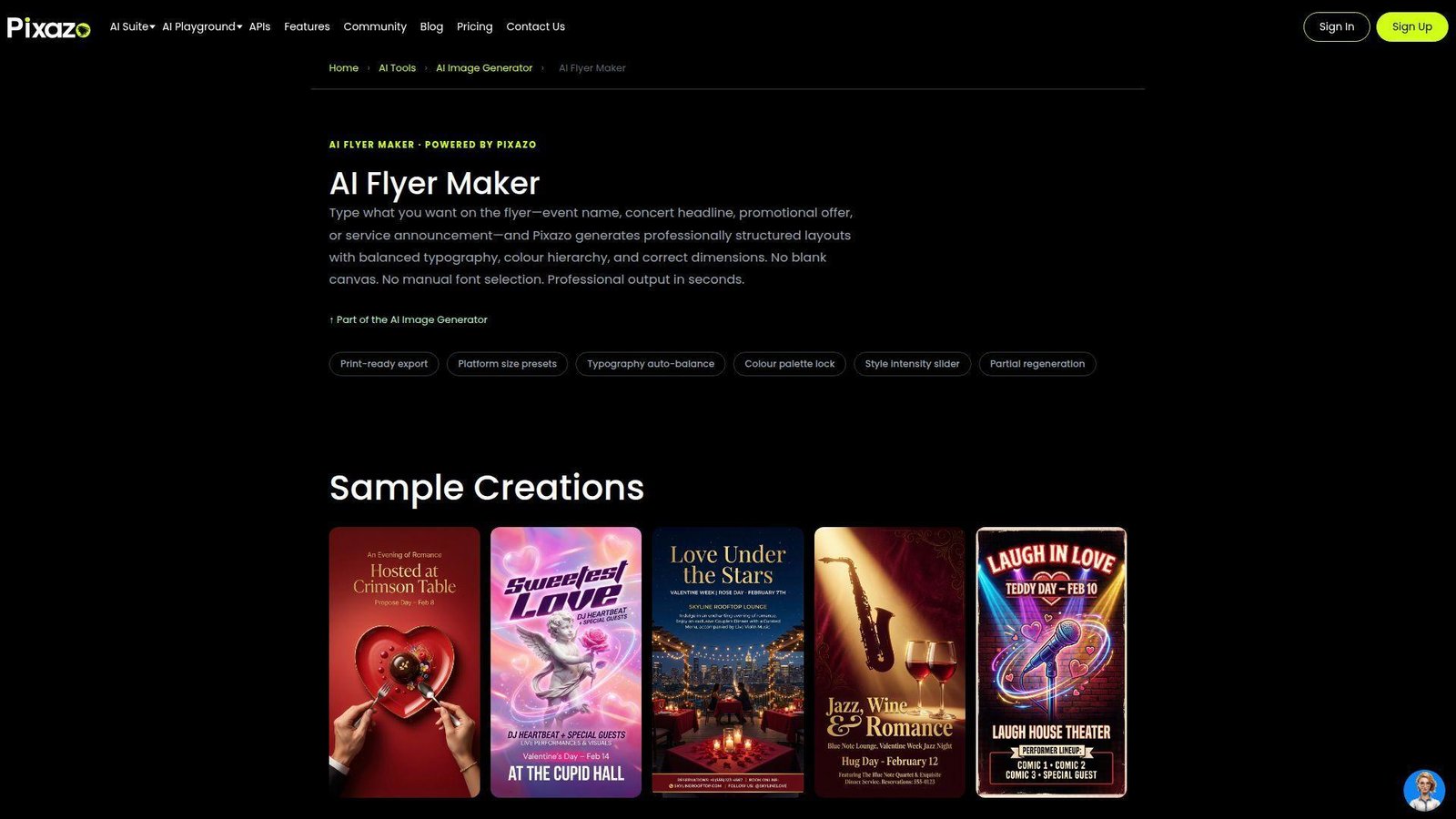
Pixazo feels like a model-rich AI art platform that added flyer creation with more respect for editable output than most image tools. That makes it more interesting than it first appears. Best for: creators who want AI variety, commercial rights, and editable export files without living inside a large suite.
- Multiple flyer variations per run → gives more angles before you start manual cleanup.
- SVG and PDF exports → remove a big handoff problem when you need Figma or Illustrator edits.
- Fast generation path → first working draft usually appears in 5 to 10 minutes.
Pricing & limits: From $0/mo to start. Free users can generate up to 20 flyers per month. Pixazo Pro includes a 7-day free trial and then moves into paid access with broader model use, commercial-ready output, and fair-use based unlimited image generation.
Honest drawbacks: custom fonts are not there yet, exports stay RGB rather than CMYK, and QR codes are not built in. Power users can also run into fair-use queueing. It beats many AI image tools on editability, but trails Canva and WiseGen on print workflow polish.
Verdict: if you want AI variety and still need editable files at the end, Pixazo is worth testing early.
15. LightX
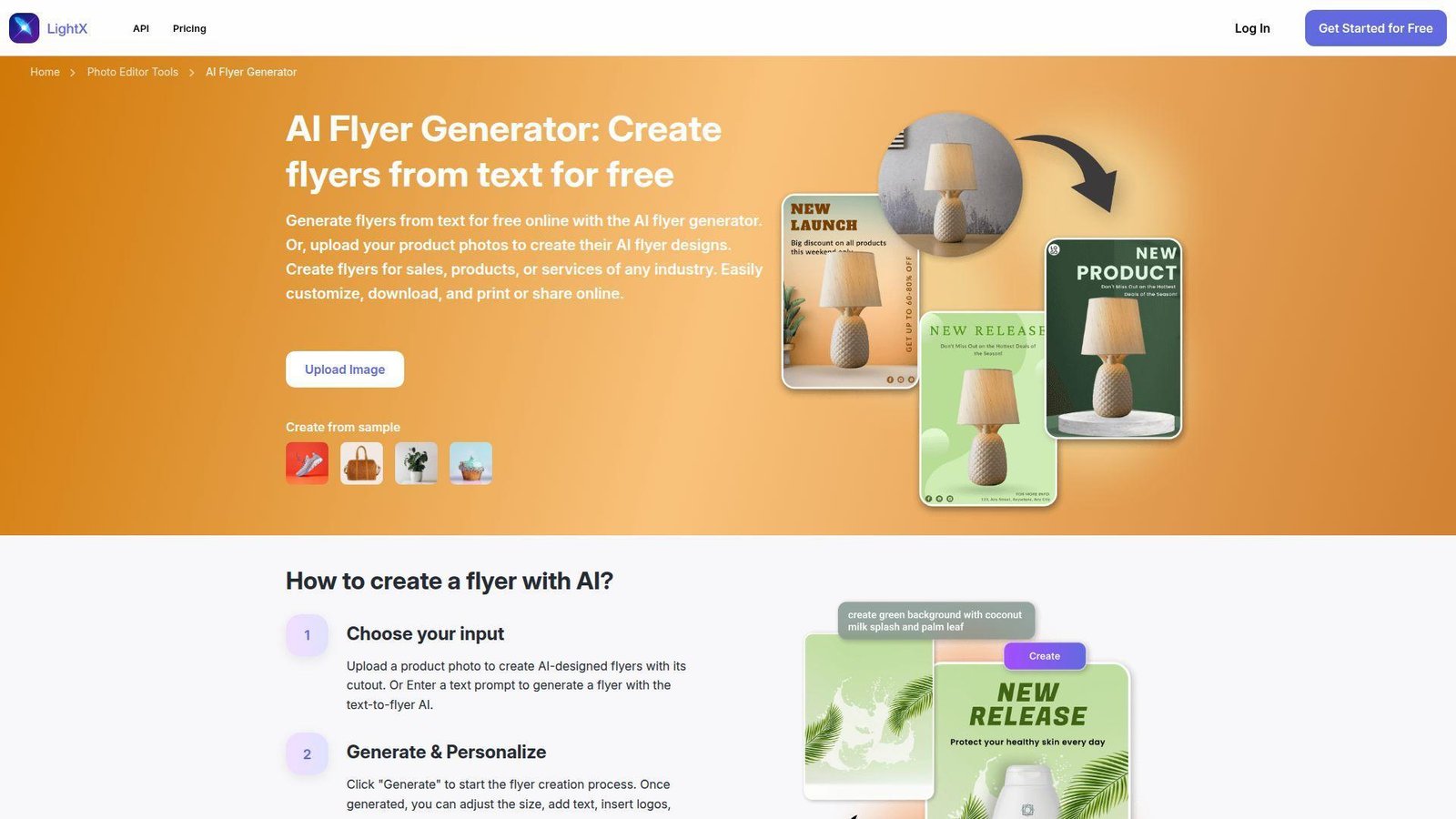
LightX comes from a photo editing background, and its flyer tool shines when the product image does the selling. We especially like it for ecommerce promos, product launches, and simple offer sheets where the cutout matters more than complicated layout rules. Best for: online sellers and marketers promoting products or services with strong visuals.
- Product-photo cutout plus text-to-flyer flow → gets you to retail-ready visuals without outside image prep.
- Basic editing for size, text, and logo → trims 2 or 3 cleanup steps after generation.
- No-fuss interface → first usable flyer often appears in under 10 minutes.
Pricing & limits: From $0/mo to try. LightX lets you create from text or uploaded product photos and download in JPEG or PNG. Paid plans exist across the wider editor, but the flyer entry point itself is clearly positioned as free to start.
Honest drawbacks: JPEG and PNG are fine for most social work, but they are weaker than PDF or SVG for professional print handoff. Team collaboration is also minimal. It beats Fotor when product cutouts matter, but trails Canva and PosterMyWall on campaign management.
Verdict: if your flyer is basically a product image plus a strong offer, LightX keeps the process short and practical.
16. Zawa
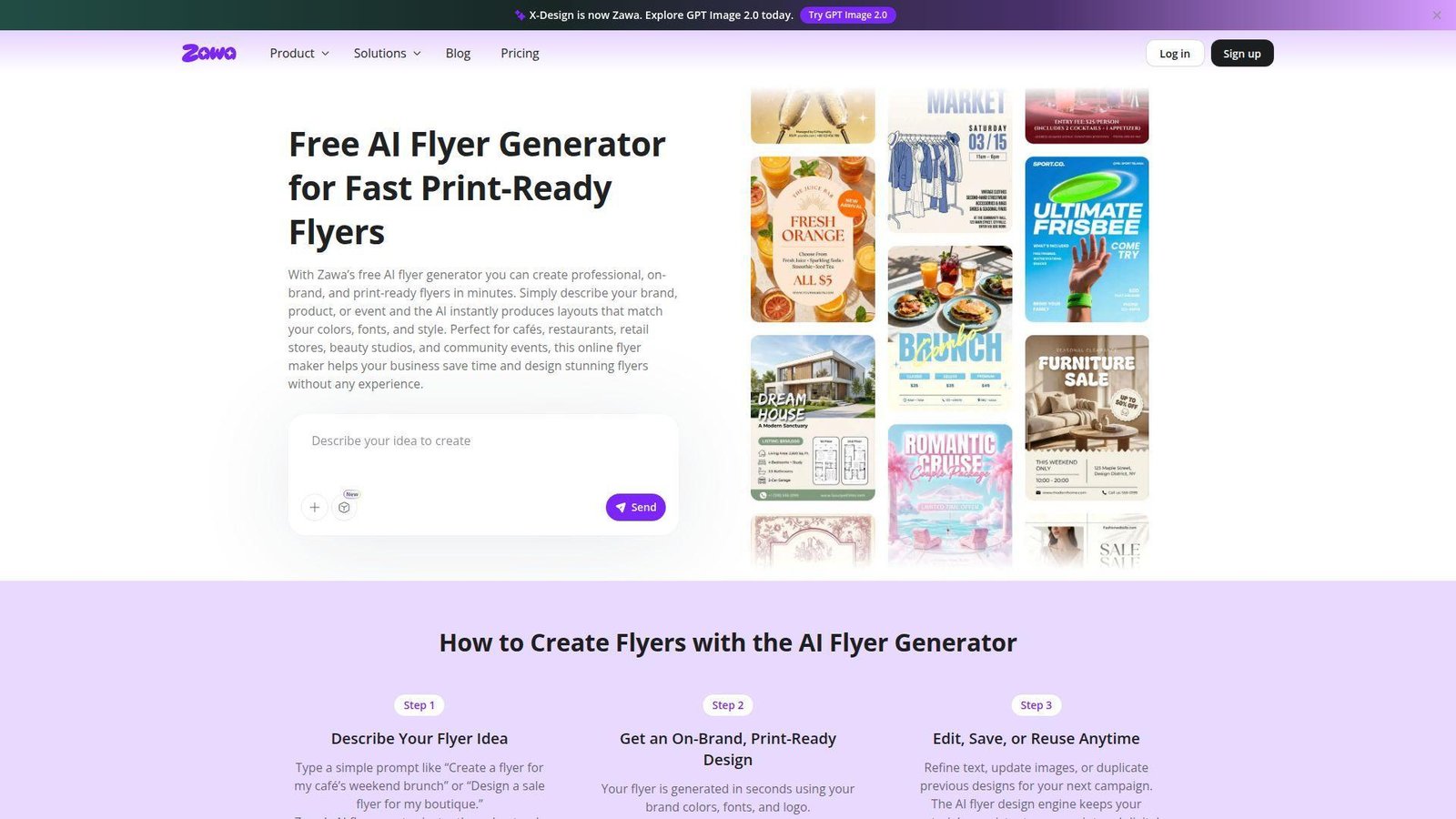
Zawa, formerly X-Design, is aiming at local commerce teams that want AI to respect brand assets from the first prompt. We like the positioning. It is less about artistic surprise and more about turning a short brief into something a café owner or boutique manager can actually use. Best for: local business owners and brand-led retail teams.
- Brand-aware prompt engine → applies colors, fonts, and logos early, not as an afterthought.
- Reusable designs and credit-based AI tools → reduce repeat setup across recurring promotions.
- Straight prompt flow → first print-ready draft usually takes 5 to 10 minutes.
Pricing & limits: From $0/mo on the free tier. Zawa uses credits, and the free plan carries daily and monthly usage caps. Paid plans lift those limits and give heavier room for image and video work inside the wider platform.
Honest drawbacks: the credit system can feel abstract if you just want a simple monthly allowance. Zawa also makes the most sense once you already have brand colors, fonts, and a logo ready to upload. It beats generic image tools at on-brand output, but trails Canva on broader team collaboration.
Verdict: if your real pain is keeping every local promotion on-brand, Zawa solves that problem better than many newer AI flyer tools.
17. insMind
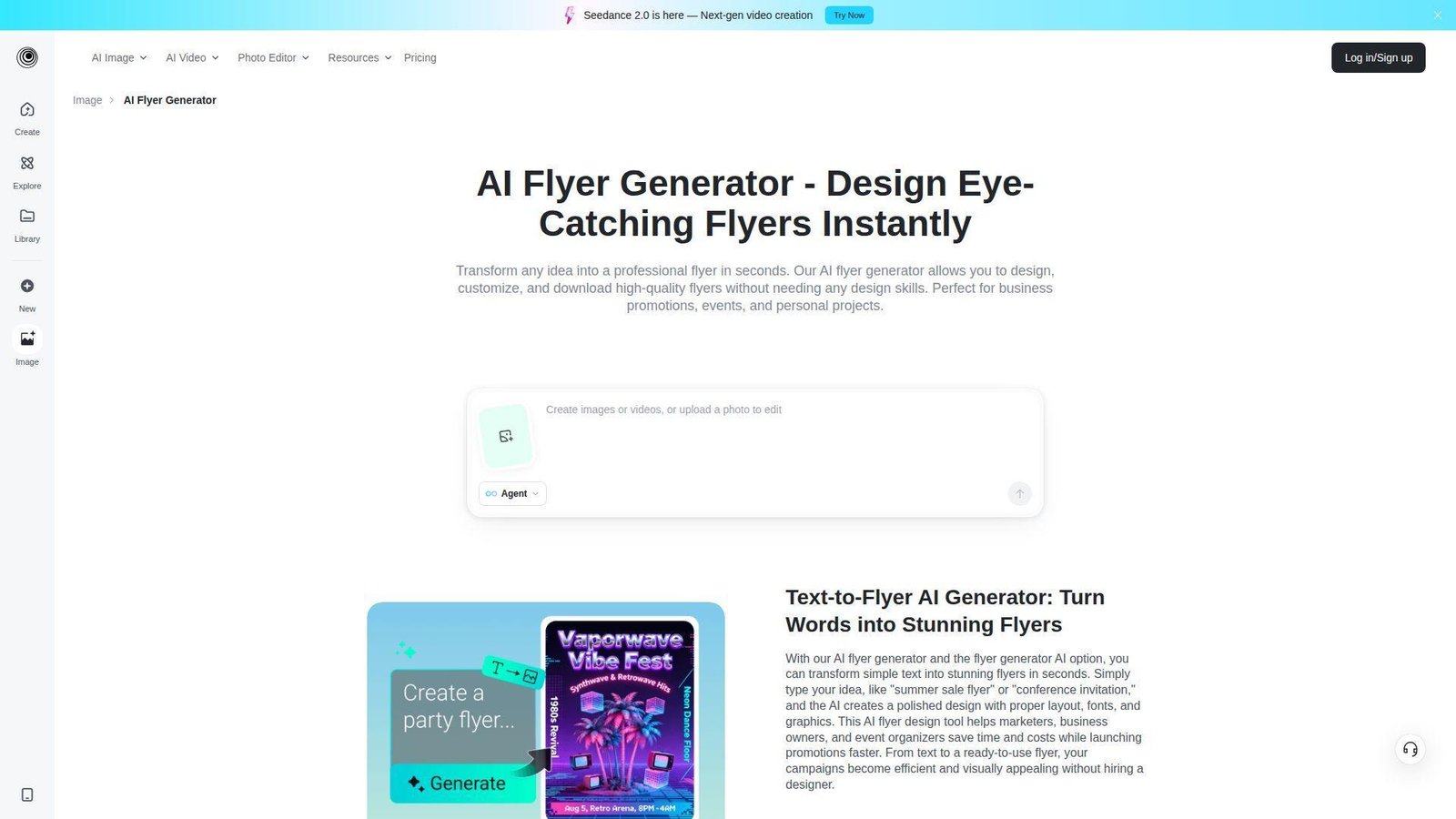
insMind grew out of AI image editing for ecommerce, and its flyer generator carries that product-first strength into layout. It is especially useful when you already have a product image, logo, or reference visual and want the AI to build around it. Best for: product marketers and online sellers who design from photos first.
- Image or logo-led generation → turns existing assets into a cohesive flyer layout quickly.
- Area-by-area AI editing → lets you fix one block instead of regenerating the whole page.
- Auto-layout engine → first polished promo usually appears in about 10 minutes.
Pricing & limits: From $0/mo to start. The wider insMind platform offers free use with limits, while paid plans remove more caps and watermarks across higher-value templates and AI design features.
Honest drawbacks: insMind is less mature on brand kits and team approvals than Adobe Express, Visme, or PosterMyWall. It is also stronger for product and promo visuals than for dense community notices. It beats Fotor on selective editing depth, but trails Canva on ecosystem breadth.
Verdict: if you already have the hero image and need the layout to catch up fast, insMind is a strong niche pick.
18. Mew Design
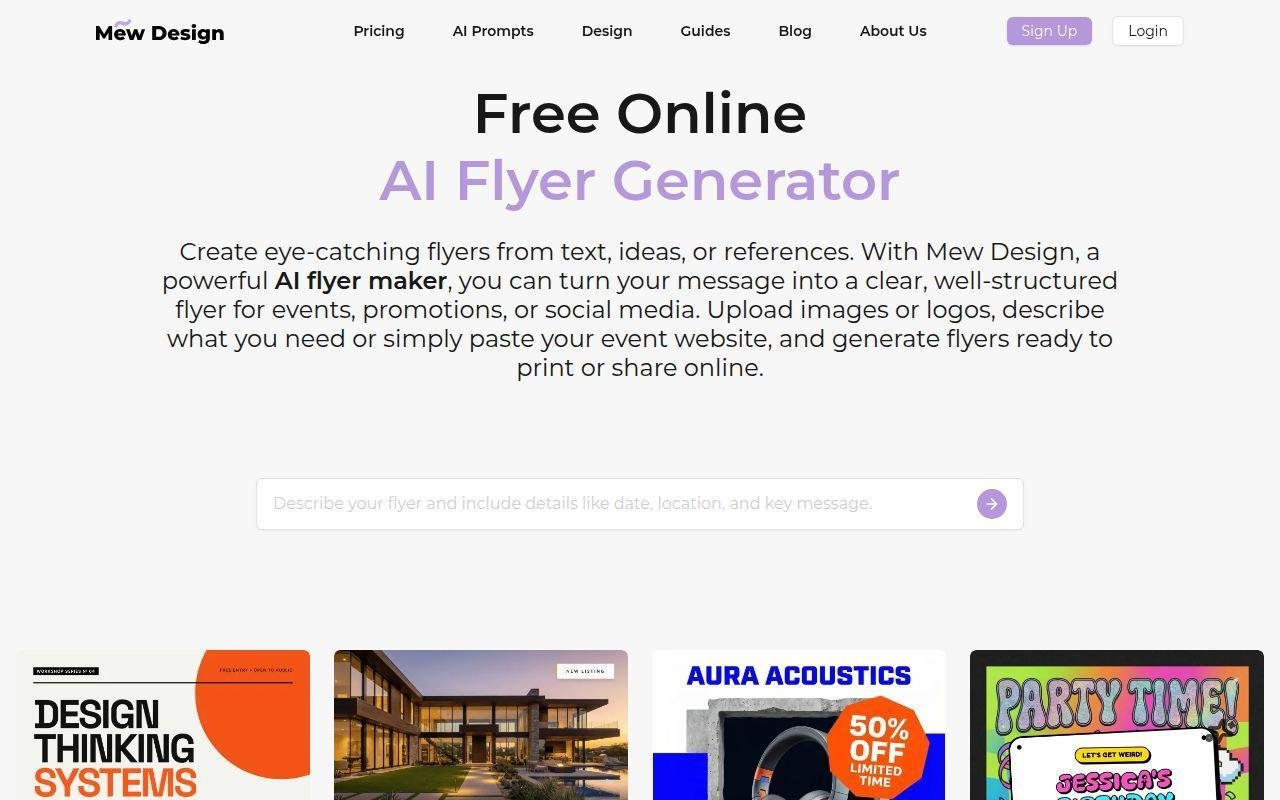
Mew Design is one of the more interesting prompt-first tools we reviewed because it tries to solve a real AI design weakness, text handling. Its team positions it as a natural language design studio, and that fits our experience. Best for: non-designers and marketers who want prompt-first flyer creation with better text structure.
- Text, URL, and reference-based generation → creates clearer first drafts from messy inputs.
- Prompt-driven typography changes → remove several manual font and spacing passes.
- Natural language workflow → first useful flyer usually arrives in 5 to 12 minutes.
Pricing & limits: From $0/mo. The free plan gives 50 credits on signup, roughly 5 to 7 generated designs, 10MB asset storage, and standard downloads. Paid plans begin around $5.69/mo if you need print-quality PDF export and high-resolution files.
Honest drawbacks: credits burn quickly because refinements also cost credits, and the free storage limit is tiny. Manual canvas control is lighter than Canva or Adobe Express. It beats image-only AI tools at text rendering, but trails mature suites on collaboration.
Verdict: if most AI visuals lose you at the text stage, Mew Design is one of the most promising newer tools to try.
19. WiseGen
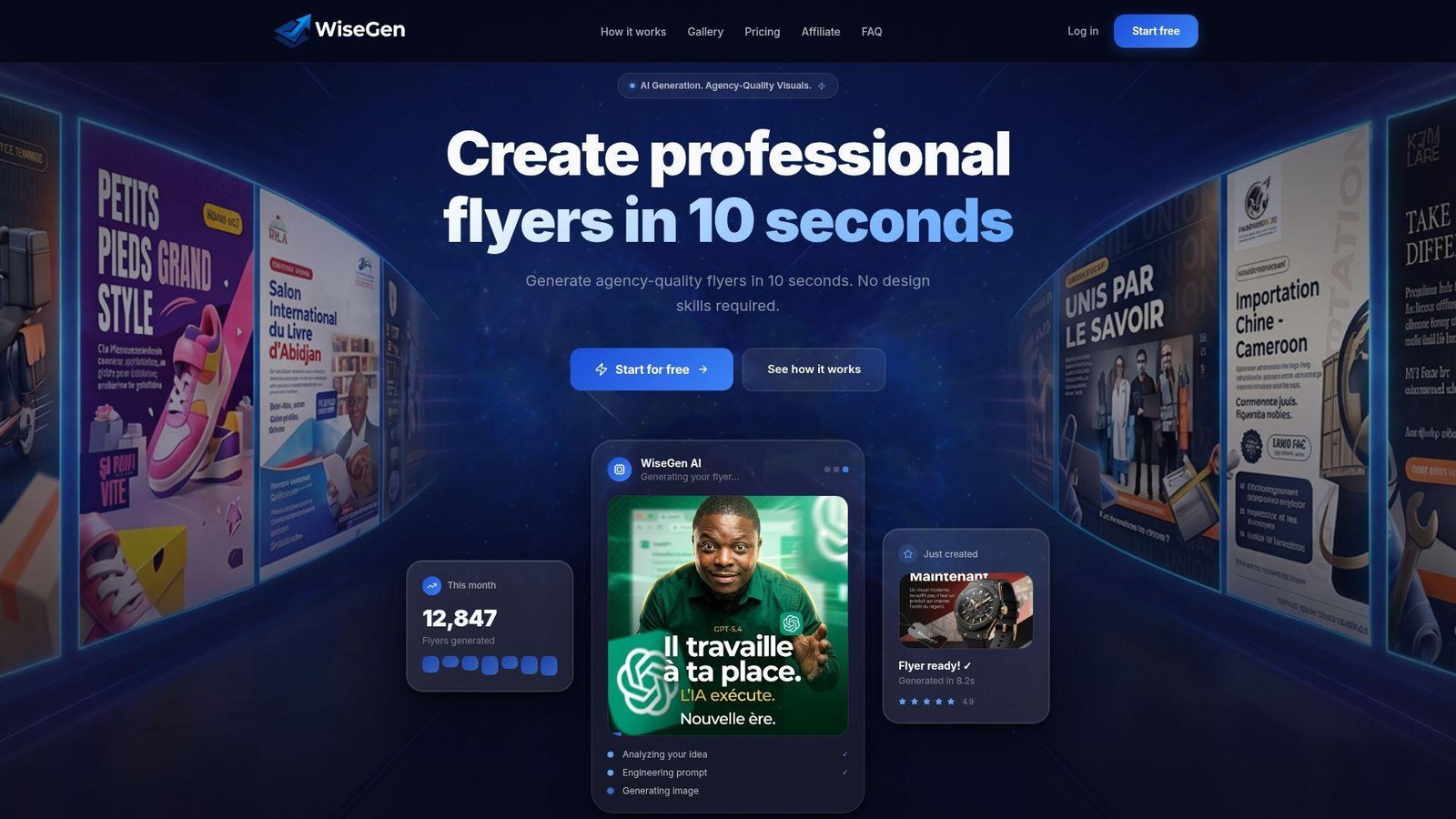
WiseGen is a focused AI flyer product, and that focus gives it a sharp identity. Instead of trying to be everything, it pushes speed, brand profiles, and proper print output. We see real appeal for agencies and local advertisers with repeatable needs. Best for: agencies, print-heavy marketers, and users who care about CMYK-ready exports.
- AI-engineered prompts → turn plain-language briefs into usable visuals in about 10 seconds.
- Brand profiles and print studio → remove repeat setup for recurring client work.
- Tight interface → first campaign-ready flyer often lands within 5 minutes.
Pricing & limits: From $0/mo. The free plan gives 50 points per month, square format only, 512px resolution, a watermark, and 1 brand profile. Starter begins at $15/mo, while Pro adds 2K output, PDF or CMYK tools, and up to 5 brand profiles at $29/mo.
Honest drawbacks: the free plan is one of the most restrictive here. This is also not the place for deep multi-user collaboration or a giant stock library. It beats Canva on print specificity, but trails it on free-plan generosity and breadth.
Verdict: if print handoff matters more than template abundance, WiseGen punches above its size.
20. ZSky AI
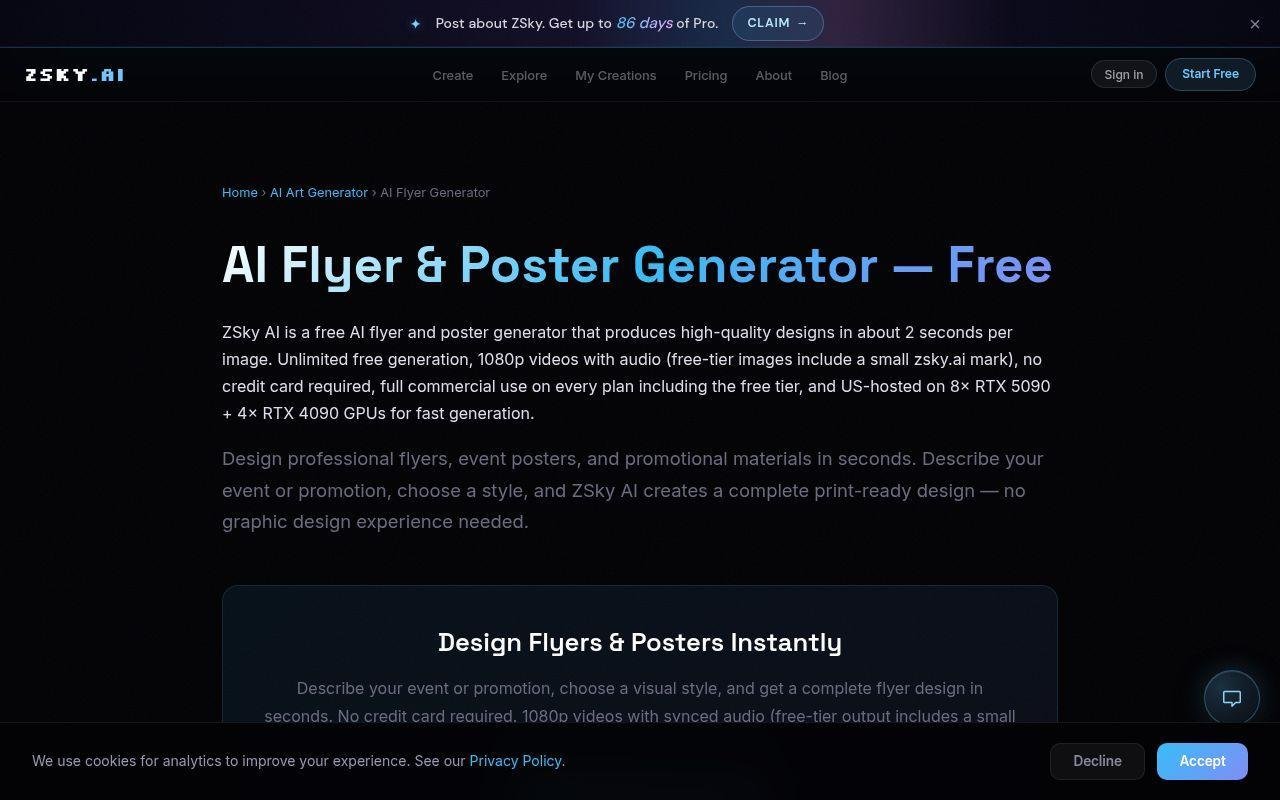
ZSky AI feels more like a creator-side AI lab than a classic design suite, and that is both the appeal and the catch. It offers unusually generous free experimentation, but it is still newer and more opinionated than Canva or Adobe Express. Best for: creators who want unlimited testing and marketers who can tolerate a lighter editing environment.
- Unlimited free generation → lets you test many directions without watching a credit meter.
- Fast image and video engine with commercial use → helps you concept several campaign angles in one sitting.
- Low signup friction → first flyer concept can appear in just a few minutes.
Pricing & limits: From $0/mo on the free forever plan. There is no card requirement. Paid plans start around $19/mo for faster generation, ad-free use, and broader model access. Free flyer outputs can include a small ZSky mark, so check the final export before client handoff.
Honest drawbacks: ZSky is newer, more image-led, and not as polished for manual layout editing as Canva, PosterMyWall, or Adobe Express. The wordmark issue alone will rule it out for some client-facing work. It beats most tools on free exploration volume, but trails mature suites on editing control.
Verdict: if you want to explore lots of flyer ideas before committing to one direction, ZSky AI is hard to ignore.
Recommended reading: Top 20 Canva Alternatives for Creators, Marketers, and Small Businesses
How to Choose the Best Free AI Flyer Generator
The right tool depends less on hype and more on your starting point. Are you beginning with a blank idea, a finished brand kit, a product photo, or a print deadline? We usually sort flyer tools by workflow first, then by credits, exports, and how painful the handoff becomes after the AI draft.
1. Decide Between Prompt-First Creation and Template-Led Editing
Prompt-first tools like Kodo, Mew Design, WiseGen, and ZSky are best when you can clearly describe the offer, audience, and tone. They help most when the real problem is getting off the blank page. Template-led tools like Canva, Adobe Express, PosterMyWall, and Designhill work better when you already know the structure and just need to swap photos, text, or brand colors.
We usually pick prompt-first for one-off jobs, like a pop-up sale or a local café flyer that needs a fresh visual angle. We pick template-led when sponsor logos, disclaimers, or recurring price blocks must land in exact spots every week. If the design will be reused often, template-led editors usually age better.
2. Compare Free Credits, Sign-Up Requirements, and Export Limits
Free does not mean the same thing across this category. Piktochart includes 60 AI Credits, which is enough for honest testing but not enough to ignore how often you regenerate once you start changing visuals and layouts.
Kodo gives 40 Kodo credits, and its manual editor stays free, which we think is fairer for beginners who like to revise after the AI draft instead of paying for every tiny change.
WiseGen is tighter at 50 pts / month, so we only recommend it when its print-focused output matters more than free experimentation volume.
Also check sign-up friction and export rules. Fotor lets you move fast. Piktochart and Visme ask for an account earlier. ZSky stays generous, but free outputs may need closer inspection before client use. Those details usually matter more than a flashy landing page.
3. Check Brand Kits, Collaboration, and Print Options
Brand kits are boring until you have three locations, six weekly offers, and one manager who keeps using the wrong orange. If that sounds familiar, focus on Canva, Adobe Express, PosterMyWall, Visme, Zawa, or Kodo. Those tools make recurring flyer work less fragile.
PosterMyWall’s paid layer starts at Premium $13, which is reasonable if you also need scheduled posts, email support, and recurring local event promotion from one dashboard.
For print, insist on PDF or SVG if you hand files to a designer or printer. If you mostly post to Instagram and Facebook, high-quality PNG is often enough. That one choice can narrow the list fast.
Recommended reading: Top 20 Low Code Development Platforms for Internal Tools, Portals, and Enterprise Apps
How to Get Better Results From a Free AI Flyer Generator
Even the best tool fails when the prompt is vague. We get stronger flyers when we treat the input like a mini creative brief, not a wish. Three lines of useful direction usually beat one long rambling paragraph.
1. Lead With the Goal, Audience, and Required Details
Start with the job. Say what the flyer must do, who it is for, and what information cannot be missed. A better prompt looks like this: “Create an 8.5 x 11 flyer for a neighborhood café brunch launch. Audience is local families and remote workers. Must include date, address, free coffee with entrée, and a QR code placeholder.”
That kind of input helps the AI rank the hierarchy correctly. The headline becomes the offer. The event details move lower. You spend less time dragging boxes around to fix what the model guessed wrong.
2. Define Style, Brand Colors, and the Desired Mood
Next, set the visual tone. Mention colors, vibe, and typography direction. For example: “Use warm cream, dark green, and soft daylight. Keep it inviting, not luxury. Use a serif headline and a clean sans-serif body font.”
Without that guidance, many tools default to loud gradients, generic nightlife energy, or stock-looking layouts. That can work for a DJ flyer. It usually fails for a daycare open house, a nonprofit event, or a real estate mailer.
3. Add Size, Platform, and Call to Action Up Front
Call out size and destination before the first generation. Ask for one print flyer, one square social version, and one story crop if you need all three. Also define the CTA early, like “Call today,” “Scan to book,” or “RSVP by Friday.”
When we specify the CTA at the start, the layout usually saves room for it. When we tack it on later, the button or phone number often feels pasted in. A small change in the prompt can save a lot of cleanup.
Recommended reading: 30 Best CRM for Startups 2026: Buyer’s Guide, Toplist, and Implementation Outline
Must-Have Features in Free AI Flyer Generator Tools
A free AI flyer generator can look great in a demo and still fall apart in real use. We filter for three feature groups every time: better inputs, better team control, and better output options. Miss one of those, and the tool becomes frustrating fast.
1. Prompt Generation, Reference Images, and Layout Variations
Prompt-only generation is not enough. The better tools also accept references, logos, or even URLs. Mew Design starts with 50 credits on signup and can build from text, a reference, or a pasted website, which is exactly the kind of flexibility we want when event information already exists somewhere else.
Layout variations matter too. One result is rarely enough. Adobe Express, Canva, and Kodo all improve the experience because they give you alternate directions instead of forcing a full restart every time the first layout misses.
2. Brand Kits, Collaboration, and Built-In Asset Libraries
If you publish recurring promos, brand kits are not optional. They keep logos, colors, and fonts consistent across stores, campaigns, and new staff. Built-in asset libraries matter for the same reason. We would rather swap one stock photo inside the editor than export, re-edit, and re-import.
For teams, look for comments, shared folders, reusable projects, or locked templates. Even a small community group benefits from one approved flyer layout that volunteers cannot accidentally break.
3. Flexible Sizing, Export Formats, and Sharing Options
Flexible sizing decides whether a tool is merely fun or actually useful. Social-first marketers can live with PNG. Print handoffs usually need PDF, SVG, or at least very clean high-resolution output. CMYK, bleed, and crop marks matter if the file goes to a local printer.
Sharing options matter too. PosterMyWall and Template.net do well when the flyer is one piece of a wider campaign. PixExact and LightX are better when the job ends at a clean image export. Different tools solve different last-mile problems.
Recommended reading: Top 30 Automate Chatbots Tools and Services for 2026
Which Free AI Flyer Generator Fits Your Use Case
Here is the shortcut we would use if we had to choose today. Start with the job, not the brand name. A tool that looks weaker in a demo can still be the right pick once you factor in print needs, recurring campaigns, or photo-led promos.
1. Promotions, Sales, and Small Business Marketing
For small business promotions, Canva and Adobe Express are the safest starting points. They balance ease, editable templates, and enough AI to speed up the first draft. We also like Zawa, LightX, Fotor, and insMind when the flyer begins with a product shot or a single local offer.
Real example: for a weekend salon promo, we would rather use Fotor, Zawa, or LightX than Venngage. They handle visual-first selling better. If that same salon wants a monthly branded offer pack, Canva, Adobe Express, or PosterMyWall is the stronger long-term move.
2. Events, Fundraisers, Real Estate, and Community Outreach
For events, fundraisers, and real estate, we look for clean information hierarchy and reliable print handoff. PosterMyWall, Piktochart, Template.net, WiseGen, and Mew Design stand out here for different reasons.
A school fundraiser flyer needs sponsor blocks, date, venue, price, and maybe a QR code. PosterMyWall and Template.net make that easy. A realtor open house flyer needs strong photo placement and readable property facts. Mew Design, Canva, or Adobe Express usually handle that mix better than pure image generators.
3. Internal Communications, Recruiting, and Public Awareness Campaigns
For internal updates, recruiting notices, and public awareness campaigns, clarity wins over visual drama. Visme, Venngage, Piktochart, and Adobe Express are our go-to group because they manage structured content well.
If a hospital team is posting a vaccination schedule or a company is advertising a hiring fair, we would skip the flashiest AI art tools. Clean hierarchy, readable type, and easy resizing matter more than surprise.
FAQ
We hear the same questions from founders, marketers, and nonprofit teams when they start using AI design tools. These are the short answers we think matter most before you commit to one platform.
1. What Is a Free AI Flyer Generator?
A free AI flyer generator is a tool that takes text, images, or references and turns them into a flyer layout. Some generate the whole design from a prompt. Others use AI to suggest templates, write copy, remove backgrounds, or create supporting visuals.
The catch is that “free” can mean free forever, free credits, limited exports, or just a trial window. Always check that before you build a whole campaign inside one tool.
2. How Can I Get Better Results From My Flyer Prompts?
Be specific. Include the goal, audience, offer, required details, brand colors, style, size, and call to action. AI does better when it has a real brief, not a vague phrase like “make it modern.”
We also suggest pasting the exact wording you need. Tools are much better at layout when they do not also have to invent the copy.
3. Can I Customize AI-Generated Flyers With My Brand Colors and Logo?
Yes. Many tools let you upload a logo and manually change colors. Better ones also offer brand kits, reusable assets, or auto-applied styles. Canva, Adobe Express, Zawa, PosterMyWall, Visme, and Kodo are stronger in that area.
If you publish recurring flyers, pick a tool with saved brand profiles. Manual recoloring every week gets old fast.
4. What Flyer Size Should I Choose for Print or Social Media?
For US print, 8.5 x 11 inches is still the common starting point. Half-letter is useful for handouts. Social posts usually need separate square or story crops rather than shrinking the print flyer.
If a tool offers resize, use it. One layout rarely survives every platform without adjustment.
5. Do Free AI Flyer Generators Let You Download Print-Ready Files?
Sometimes. PNG is common on free tiers. PDF, SVG, CMYK support, or crop marks often sit behind paid plans or premium exports.
If you know a printer will touch the file, check export settings before you invest too much editing time in the design.
6. Can Free AI Flyer Generators Create Flyers in Multiple Languages?
Yes, but quality varies a lot. Template.net is unusually strong here. Canva, Venngage, and Mew Design also help when you provide the final copy in the target language.
For legal, medical, or public information, we would still paste approved translated text ourselves instead of relying on the tool to improvise.
7. Are AI-Generated Flyers Safe for Commercial Use?
Usually, but you need to read the terms and export rules. Some tools clearly allow commercial use. Others restrict certain assets, premium models, or free-tier outputs.
We also check whether the free output includes a watermark or wordmark. That can be a deal-breaker for client work even when commercial use is technically allowed.
How TechTide Solutions Supports Custom AI Flyer Software
When teams outgrow off-the-shelf tools, the problem usually is not design quality. It is control. They need brand rules, approval paths, asset permissions, and output formats that public tools do not fully support. That is where we come in as a software development partner.
1. Software Development for Custom AI Flyer and Design Web Apps
At TechTide Solutions, we build custom web apps that turn prompts, brand assets, or structured campaign data into editable marketing layouts. That can mean a lightweight flyer generator, a branded internal portal, or a larger campaign design system with AI built in from day one.
We can wire together model access, prompt orchestration, editable layout layers, export services, asset storage, and usage tracking. The goal is simple. Your team gets faster first drafts without losing control over the final layout.
2. Tailored Workflows for Brand Assets, Templates, and Team Approvals
We also build the boring parts that make design software actually usable inside a business. Think role-based access, locked brand components, approved template libraries, draft states, comments, and one-click approvals.
That matters for franchises, agencies, and multi-location brands. A regional manager should be able to update the price and date without breaking the logo lockup, disclaimer, or call-to-action block.
3. Scalable Custom Solutions for Marketing Teams, Agencies, and Startups
For startups, we can begin with an MVP that proves prompt-to-layout value quickly. For agencies and larger teams, we can support white-label portals, tenant-based brand libraries, review queues, analytics, and higher-volume generation workflows.
If your team keeps bending Canva or Adobe Express into a process they were never built for, custom software may become the cleaner long-term move. That is usually the point where buying one more subscription stops solving the real problem.
Final Thoughts on Choosing the Best Free AI Flyer Generator
If we had to narrow this list fast, Canva is still the easiest all-around pick, Adobe Express is the strongest brand-safe all-in-one option, PosterMyWall is the best campaign-minded event tool, Piktochart is the clearest for information-heavy flyers, and Kodo or Mew Design are the most interesting prompt-first tools.
That said, the best free AI flyer generator is the one that matches your actual constraint. Need unlimited experimentation? Start with ZSky AI. Need exact sizes? Look at PixExact. Need product-photo promos? LightX, Fotor, or insMind make more sense. Need cleaner print handoff? WiseGen, Adobe Express, or PosterMyWall deserve the first test.
Our advice is simple. Start with two tools, not ten. Run the same prompt through both. Print one draft, post one draft, and see which one feels easier to trust. What do you need next, a quick social promo or a repeatable flyer system your team can use every week?

