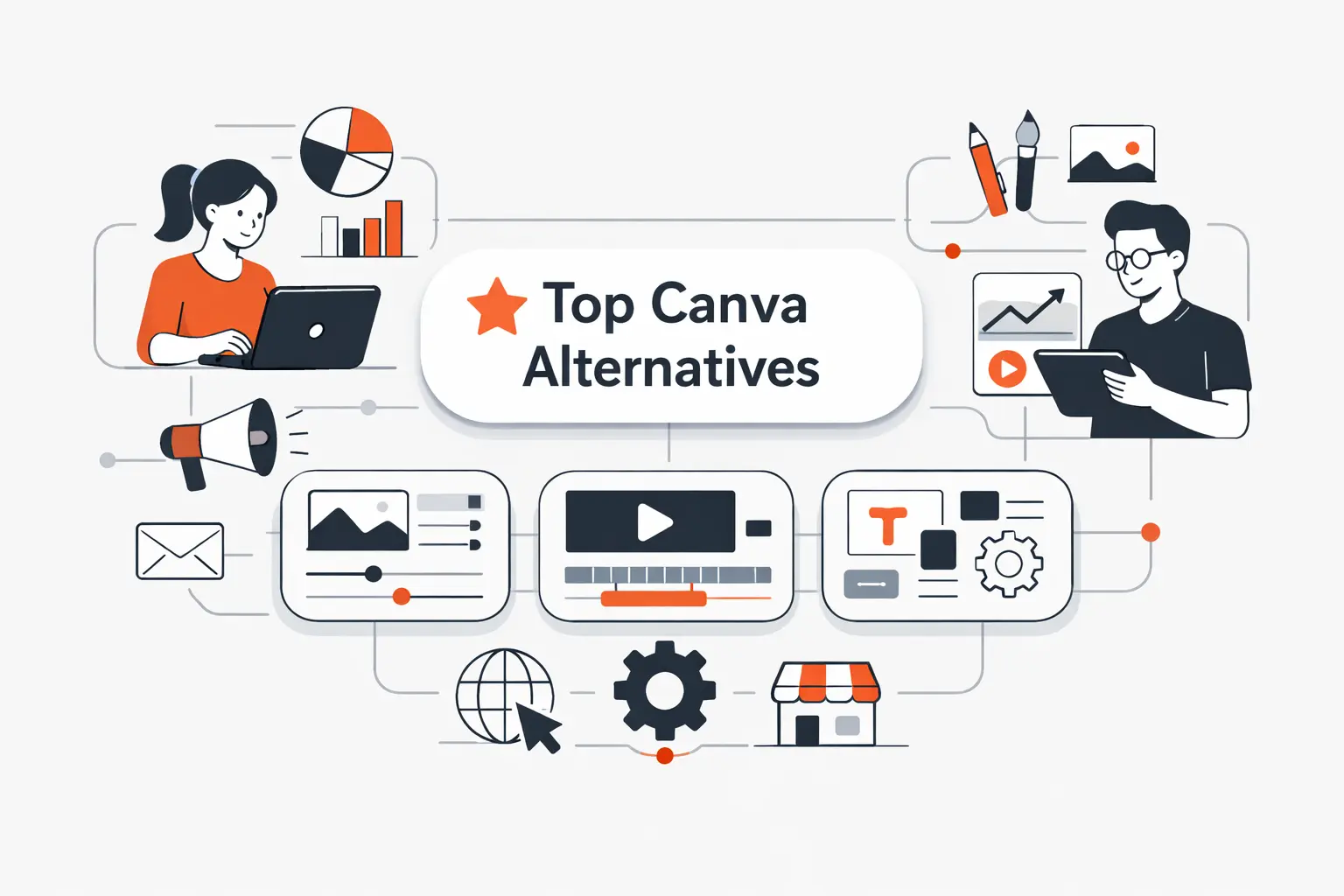
At Techtide Solutions, we do not judge Canva alternatives by logo size or hype. We judge them by fit. Some tools beat Canva for infographics. Others are better for fast social graphics, cleaner photo edits, locked brand templates, or beginner-friendly video. The right pick depends on what you make most often, how many people touch the file, and where your current workflow starts to drag.
That is why this category keeps getting more crowded. Statista projects the U.S. creative software segment at US$5.02bn in 2025, which means buyers now have more real options than “use Canva or settle.” In this guide, we compare 20 Canva alternatives, call out the trade-offs, and show where each one actually earns its keep.
Quick Comparison of Canva Alternatives
We built this quick table for readers who want the shortlist first. These 10 tools are the first 10 products in our full ranking, and they cover the broadest mix of social design, business visuals, photo editing, and lightweight team use.
| Tool | Best for | From price | Trial/Free | Key limits |
|---|---|---|---|---|
| Adobe Express | Adobe users, social, light video | $9.99/mo | Free plan, 30-day trial | 250 AI credits, 3 social accounts per network |
| Visme | Presentations, reports, data visuals | ~$12.25/user/mo | Free plan | Heavier editor, storage tiers |
| VistaCreate | Social posts and print promos | $10/mo | Free plan, 14-day trial | 10 seats, 100 AI images/mo |
| Piktochart | Infographics and reports | $14/member/mo | Free plan | 2 PNG downloads free, 60 AI credits |
| Snappa | Fast blog and social graphics | $10/mo | Free plan | 3 downloads/mo on free |
| Pixlr | Quick browser photo edits | ~$2.49/mo | Free use, 7-day trial | AI credit caps, weak brand workflows |
| Fotor | AI photo touch-ups | ~$8.99/mo | Free plan | Credits and storage vary by tier |
| PicMonkey | Branded photo and design work | ~$7.99/mo | 7-day trial | Free use is limited, 1GB on Basic |
| Easil | Locked templates and print | $7.50/user/mo | Free plan, 30-day trial | Older UI, fewer AI tools |
| Stencil | Ultra-fast social images | $9/mo | Free plan | Single-user focus, weak docs and video |
Recommended reading: Top 20 Low Code Development Platforms for Internal Tools, Portals, and Enterprise Apps
Top 20 Canva Alternatives for Every Design Need
We ranked these tools by buyer fit, not by brand fame. Some are true Canva replacements. Others are better viewed as specialists that do one job so well that switching makes sense. If you only want a prettier logo on the signup page, this list is not for you. If you want faster output, tighter brand control, or better results for a specific content type, it is.
1. Adobe Express
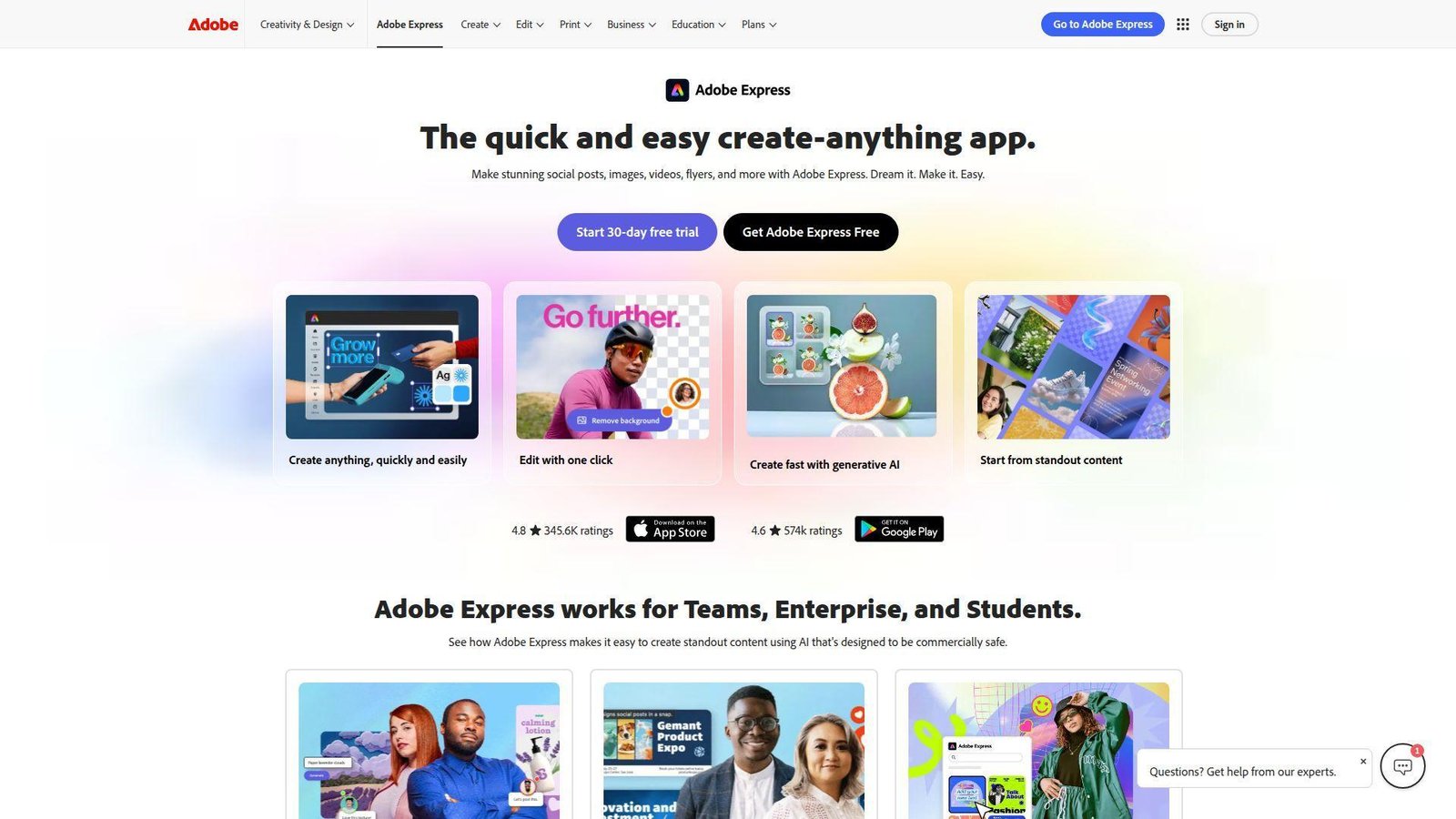
Adobe Express comes from the same product family that powers Photoshop, Illustrator, Acrobat, and Firefly, so the team behind it is thinking beyond one-off social posts. We see that in the way Express mixes a beginner editor with Adobe Stock, brand kits, light video, and direct ties to the larger Adobe stack.
Best for: in-house marketers and small business owners already using Adobe tools.
- One-click resize, brand kits, and Adobe Stock templates → turn one campaign into channel-ready assets without rebuilding each size by hand.
- Firefly AI, Adobe app tie-ins, and built-in scheduling → cut a typical edit-export-upload loop by a few steps each week.
- Familiar editor with strong starter templates → most beginners can publish a usable first asset in 15 to 20 minutes.
Pricing & limits: From $9.99/mo after a 30-day trial. The free plan gives you 100,000+ templates, 5GB storage, 10-day version history, and scheduling to one account per social network. Premium raises that to 250 generative credits per month, 100GB storage, 30-day history, and three accounts per network.
Honest drawbacks: It is broader than Snappa or Stencil, but not always faster for one quick post. Some of the more tempting AI and Adobe tie-ins also nudge you toward the bigger Adobe ecosystem.
Verdict: If you want a Canva alternative that feels familiar but gives you stronger brand control, better stock, and light video in one place, Adobe Express helps you ship polished assets by the end of the day.
2. Visme
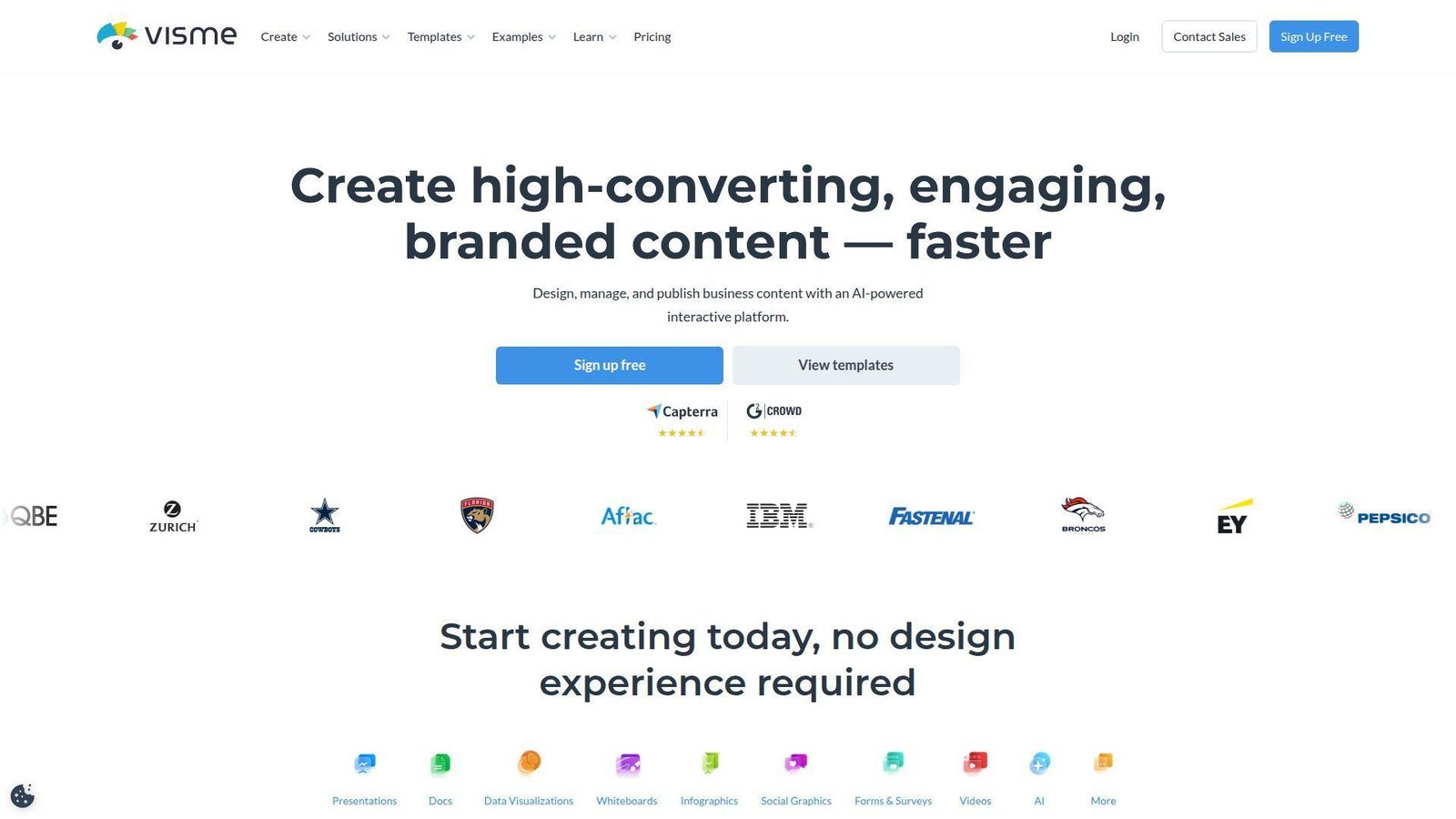
Visme is built by a team that talks less about cute social posts and more about visual communication. That shows. Its strength is not just design. It is business-facing content like reports, presentations, dashboards, proposals, training materials, and data visuals. We think of it as one of the most serious Canva alternatives for work that needs to inform, not just decorate.
Best for: SMB marketing teams and operations or internal communications managers.
- Presentations, reports, charts, and interactive content → make dense information easier to read without rebuilding slides from scratch.
- AI design tools, forms, and sharing options → reduce the handoff between drafting, designing, and publishing.
- Template-rich but business-first editor → expect first real value in 30 to 45 minutes, not five.
Pricing & limits: Public pricing starts at about $12.25 per user per month, with a free plan instead of a fixed trial. Lower tiers are tighter on storage, with public help docs listing 500MB on free, 1GB on Starter, and 5GB on Pro. That matters if your team stores decks, media, and branded templates in one place.
Honest drawbacks: Visme can feel heavier than Canva for quick Instagram graphics. If your work is mostly quote cards, posters, and basic reels, you may be paying for depth you will never use.
Verdict: If you need a Canva alternative for presentations, reports, or data-heavy content, Visme helps you move from rough draft to stakeholder-ready visual in one working session.
3. VistaCreate
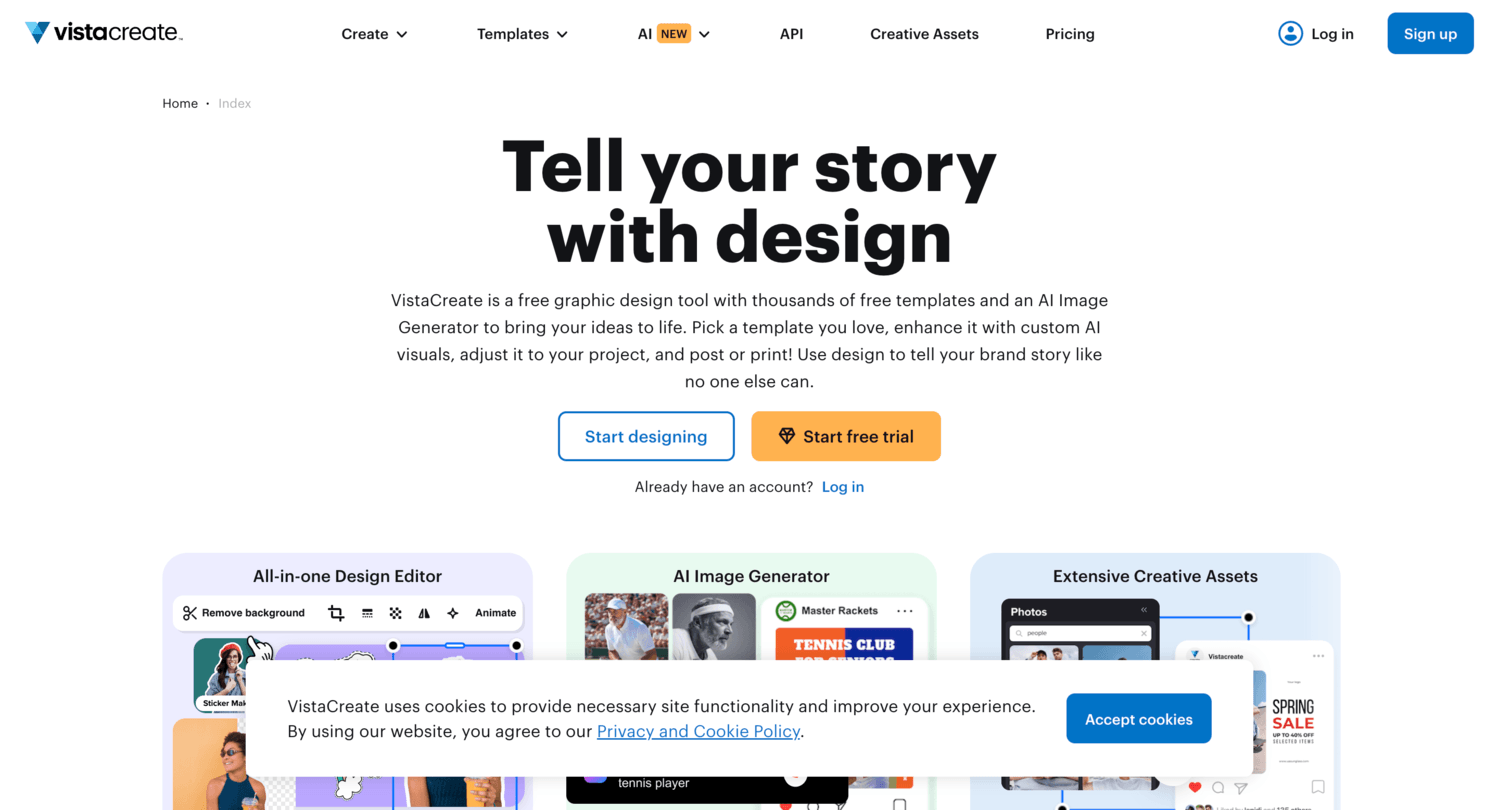
VistaCreate sits in a useful middle ground. It is easy enough for beginners, but it also carries enough print and social DNA to help small businesses move faster on recurring campaigns. Because it is tied to the broader Vista brand, we usually see it as a practical fit for teams that juggle digital promos and printed materials.
Best for: solo marketers and local businesses that create social posts, flyers, and ads every week.
- 85+ design formats, social templates, and print-friendly layouts → create matching promo sets without bouncing between tools.
- AI writer, AI image tools, and social scheduling → skip a few copy, cleanup, and publishing steps on repeat campaigns.
- Very approachable drag-and-drop editor → most first-time users can get value in 10 to 15 minutes.
Pricing & limits: From $10/mo with a 14-day free trial. The Starter plan is free and already includes 100K+ templates and social scheduling. Pro adds 200K+ premium templates, 170M+ stock assets, 100 AI image generations per month, unlimited brand kits, unlimited storage, and up to 10 team members.
Honest drawbacks: It is stronger on fast marketing design than on business reporting or detailed data visuals. If you need serious charting or interactive presentation controls, Visme and Piktochart go further.
Verdict: If you want a Canva alternative that feels fast, friendly, and useful for both social and print promos, VistaCreate helps you build a repeatable weekly content rhythm quickly.
4. Piktochart
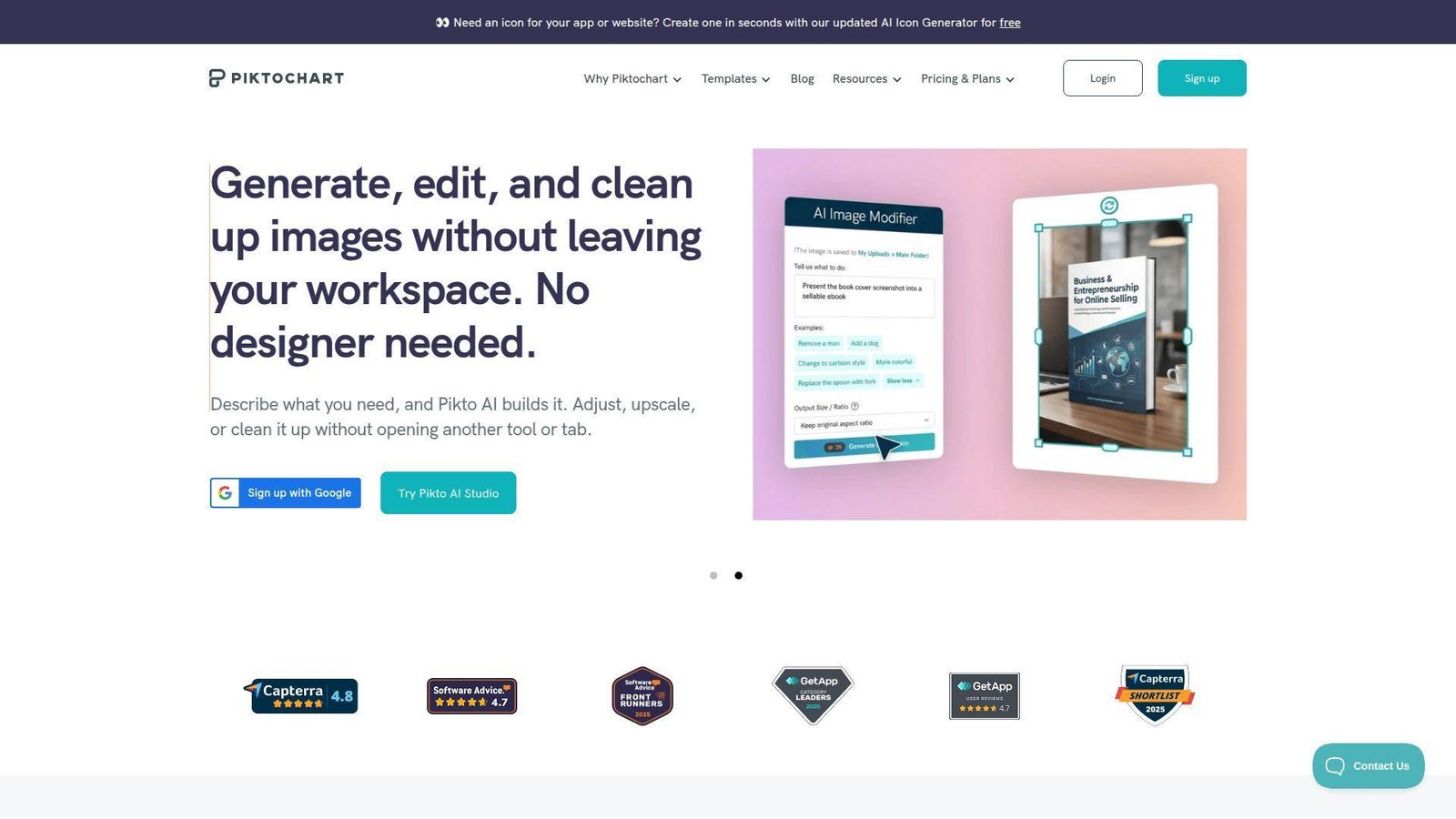
Piktochart has stayed focused on visual storytelling for years, and that focus still shows in the product. We like it most when the job is to turn messy information into something people will actually read. Its templates, document tools, and AI helpers feel aimed at reports, explainers, nonprofit materials, and stakeholder updates, not endless social media variations.
Best for: nonprofits and teams creating infographics, reports, or internal explainers.
- Infographic, report, and document-first workflows → turn raw information into a clean visual story without designing from a blank page.
- AI document and design tools plus team comments → shorten the jump from draft text to shareable visual by several steps.
- Focused editor with guided formats → most users see first useful output in 20 to 30 minutes.
Pricing & limits: From $14 per member per month on annual billing. Free lets 1 to 4 members collaborate, but it caps you at 2 PNG downloads, 60 AI credits, and 1GB storage. Pro adds unlimited PNG downloads, 500 AI credits, and 100GB storage. Business moves to unlimited PNG, PDF, and PPT exports plus brand controls and 250GB storage.
Honest drawbacks: Piktochart is not the tool we would pick for quick meme-style social content or heavy photo editing. It also feels narrower than Canva if your team needs many unrelated content types in one place.
Verdict: If your goal is to explain data, summarize research, or package updates clearly, Piktochart helps you turn rough material into a polished visual report in one afternoon.
5. Snappa
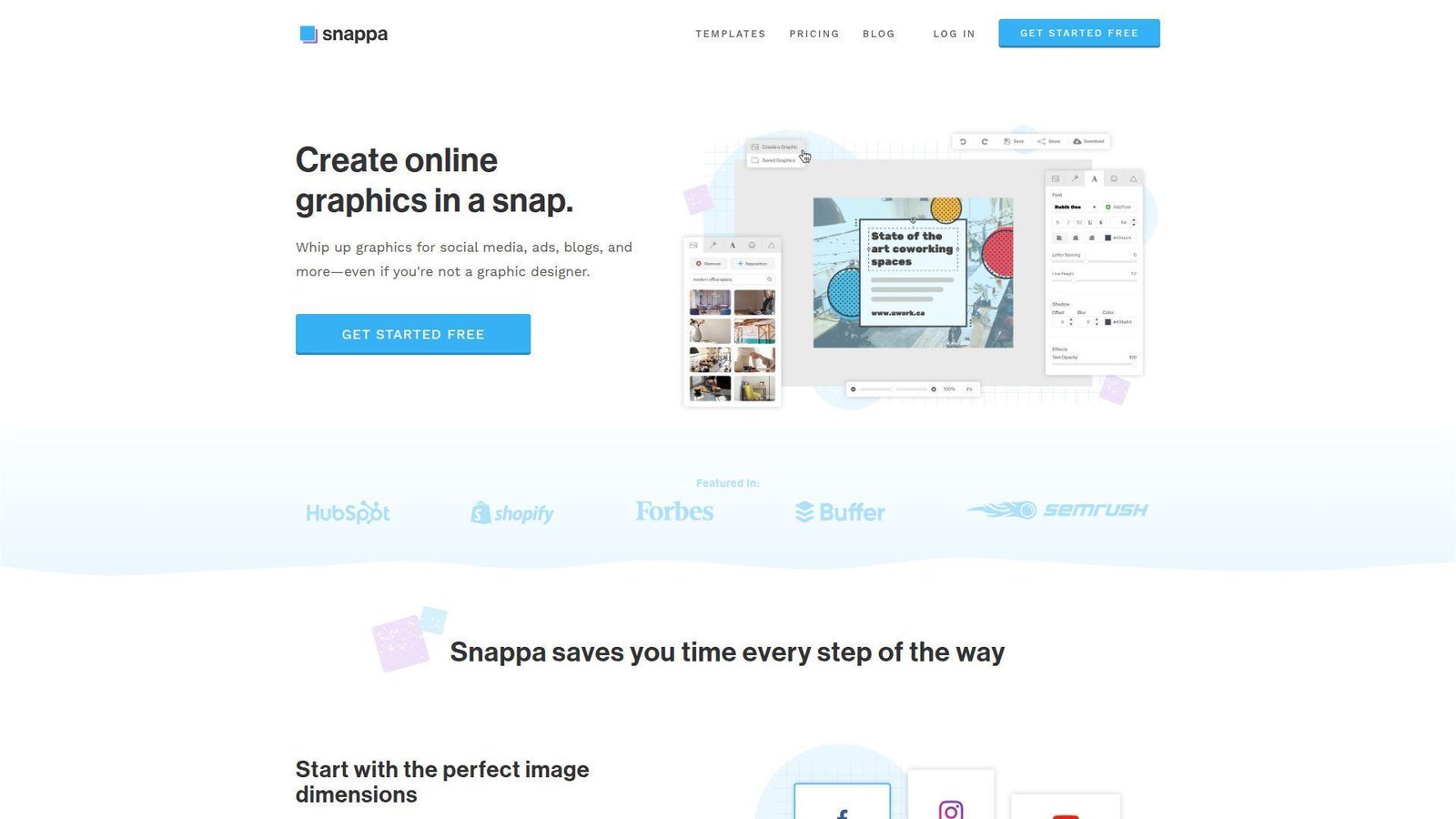
Snappa is the opposite of bloat. The team has kept it simple, and that simplicity is the whole pitch. We would not call it the most ambitious Canva alternative here. We would call it one of the fastest for basic marketing graphics, especially if your output is blog banners, social posts, and lightweight ads.
Best for: bloggers and lean marketing teams that value speed over depth.
- Preset sizes, quick templates, and simple editing tools → create promo graphics in minutes instead of fussing with layout controls.
- Buffer and social integrations plus background removal → save a few clicks every time you turn a finished graphic into a post.
- Minimal learning curve → most users get to first useful result in under 10 minutes.
Pricing & limits: From $10/mo on annual billing. Free gives one user, 6,000+ templates, 5M+ photos and graphics, and only 3 downloads per month. Pro removes the download cap. Team costs more, supports 5 users, and adds collaboration on top of the full Pro feature set.
Honest drawbacks: Snappa trails almost every tool here on deep collaboration, data visuals, multi-page work, and video. If your needs are growing, you will hit the ceiling fast.
Verdict: If you just want to make clean marketing graphics fast and move on, Snappa helps you do that with less friction than larger, busier tools.
6. Pixlr
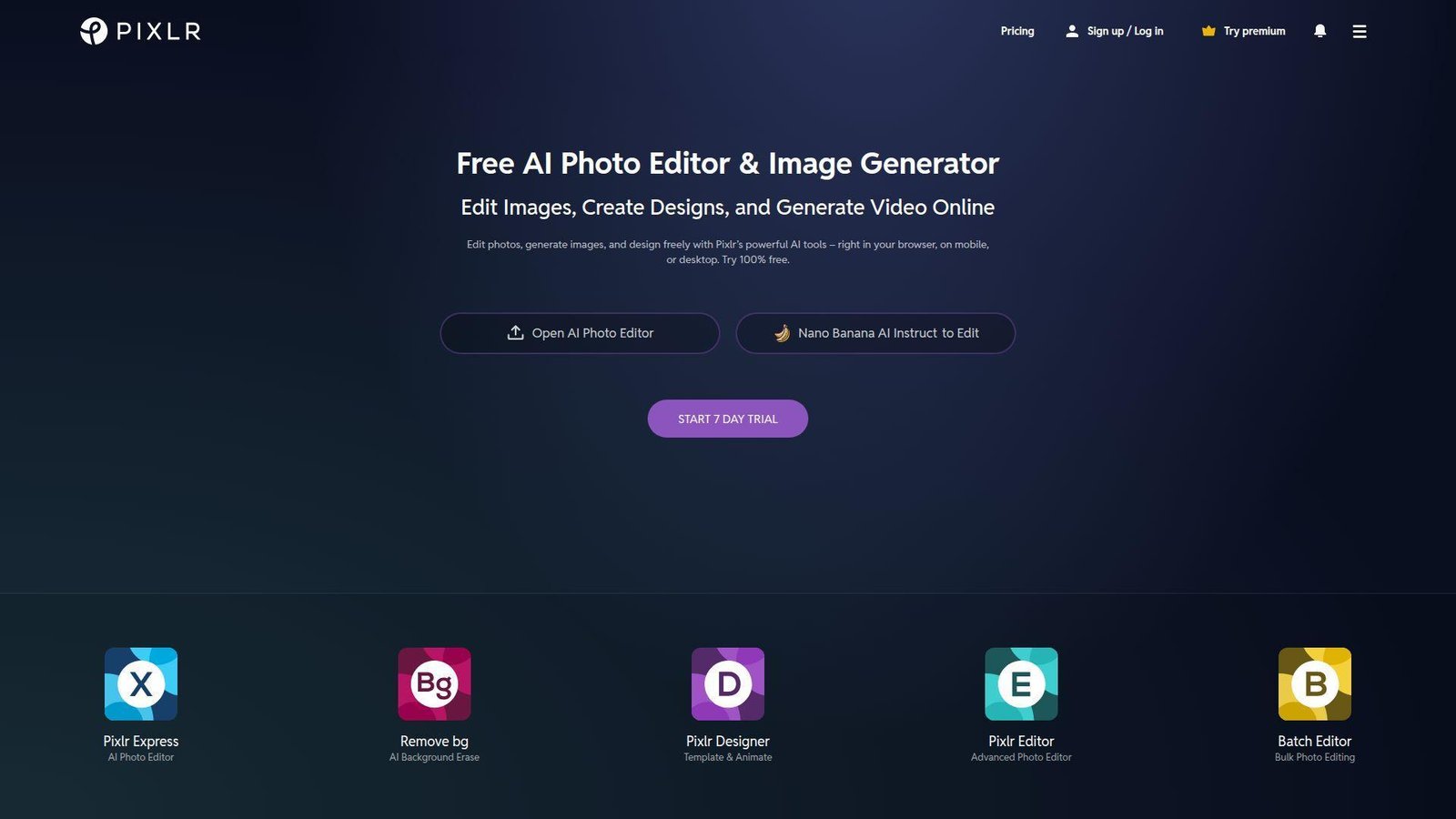
Pixlr is a browser-first photo editor before it is a design suite, and we think that is the right way to view it. The team has packed in AI cleanup, layer-based editing, and lighter design features, which makes Pixlr a better Canva alternative for image work than for full brand systems.
Best for: ecommerce sellers and creators who mostly need photo edits with occasional design work.
- Pixlr X and E editors plus AI cleanup tools → fix, crop, composite, and export faster than a template-led tool allows.
- AI credits, private generation mode, and asset libraries → cut out separate background removal and quick variation steps.
- No-install browser workflow → first value usually shows up in 5 to 10 minutes.
Pricing & limits: Paid plans start around $2.49/mo, with regional pricing and lower annual rates in some markets, plus a 7-day free trial. Plus includes 80 monthly AI credits. Premium jumps to 1,000 monthly AI credits and adds a larger library of fonts, templates, elements, and animations. A team tier is also available.
Honest drawbacks: Pixlr is better at photo work than at structured brand workflows. If you need presentations, locked templates, or strong team review features, look elsewhere. It beats Canva on image cleanup, but trails it on all-purpose marketing breadth.
Verdict: If your bottleneck is editing product shots, thumbnails, or promo images in the browser, Pixlr helps you get publishable visuals out in one short session.
7. Fotor
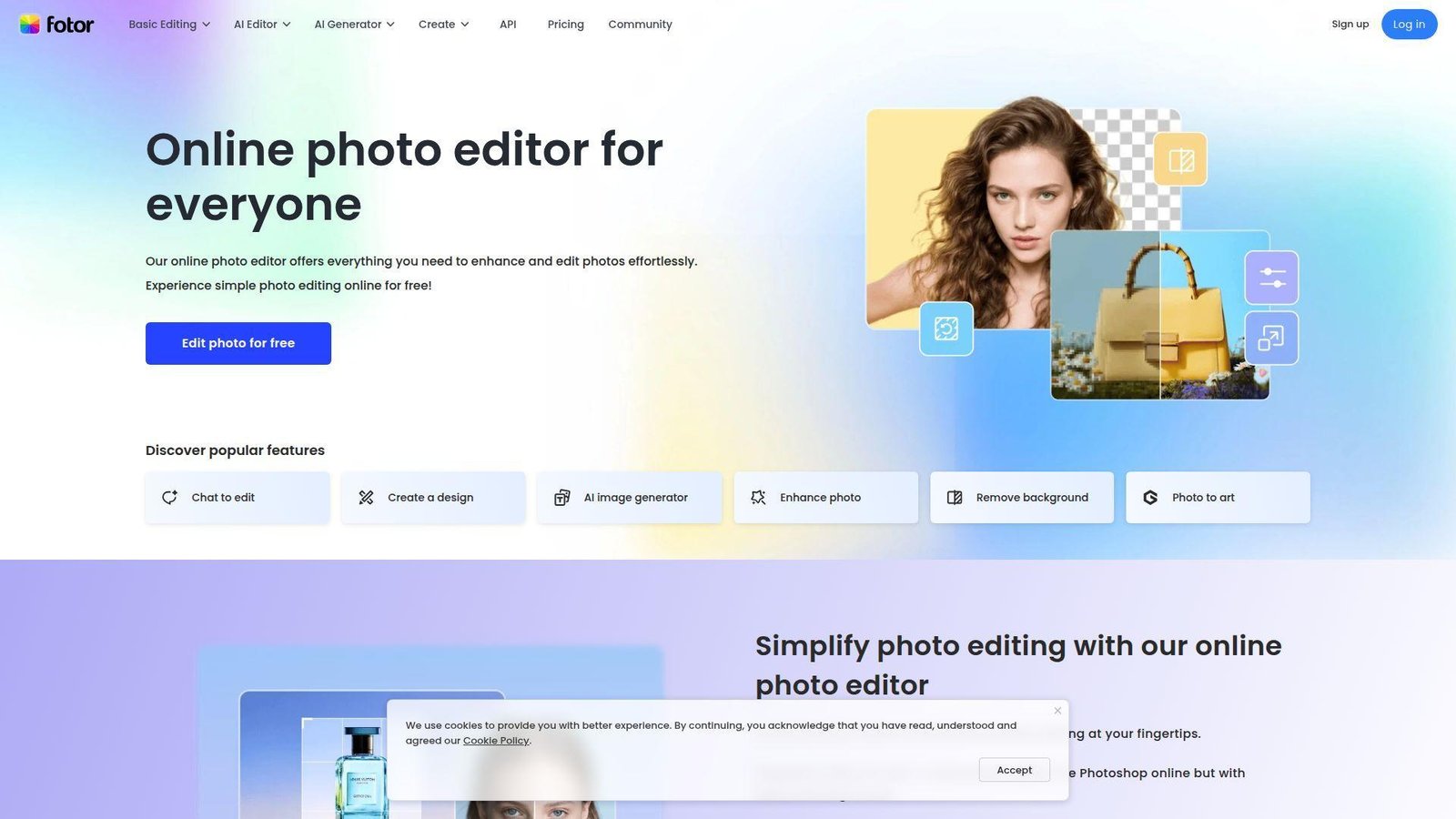
Fotor has moved hard into AI-assisted photo and image generation, and that makes it useful for buyers who care more about visual cleanup than layout freedom. The product team is clearly betting on a photo-first future, with enhancement, retouching, background removal, image generation, and even AI video layered into the same workspace.
Best for: photo-first creators and small shops that need touch-ups, mock visuals, or quick AI imagery.
- Enhancement, retouching, background removal, and batch tools → clean up images without bouncing to a separate editor.
- AI credits, image generation, and smart assistant tools → remove a few repetitive edit steps when you need many fast variations.
- Guided tool layout → most beginners can produce a usable result in 5 to 10 minutes.
Pricing & limits: Public paid pricing starts around $8.99/mo on recent listings, with a free plan instead of a fixed trial. Free caps you at 512MB storage, watermarked exports, and limited credits. Pro adds 2GB storage and monthly credits. Pro+ raises storage to 100GB, adds multiple brand kits, AI slides generation, and stronger batch workflows.
Honest drawbacks: The interface can feel crowded because Fotor now tries to cover many AI use cases at once. It is also weaker than Visme, Figma, or Easil for controlled, multi-page branded work.
Verdict: If you mostly need to fix, enhance, or generate images rather than build complex layouts, Fotor helps you get there quickly without learning a full editor.
8. PicMonkey
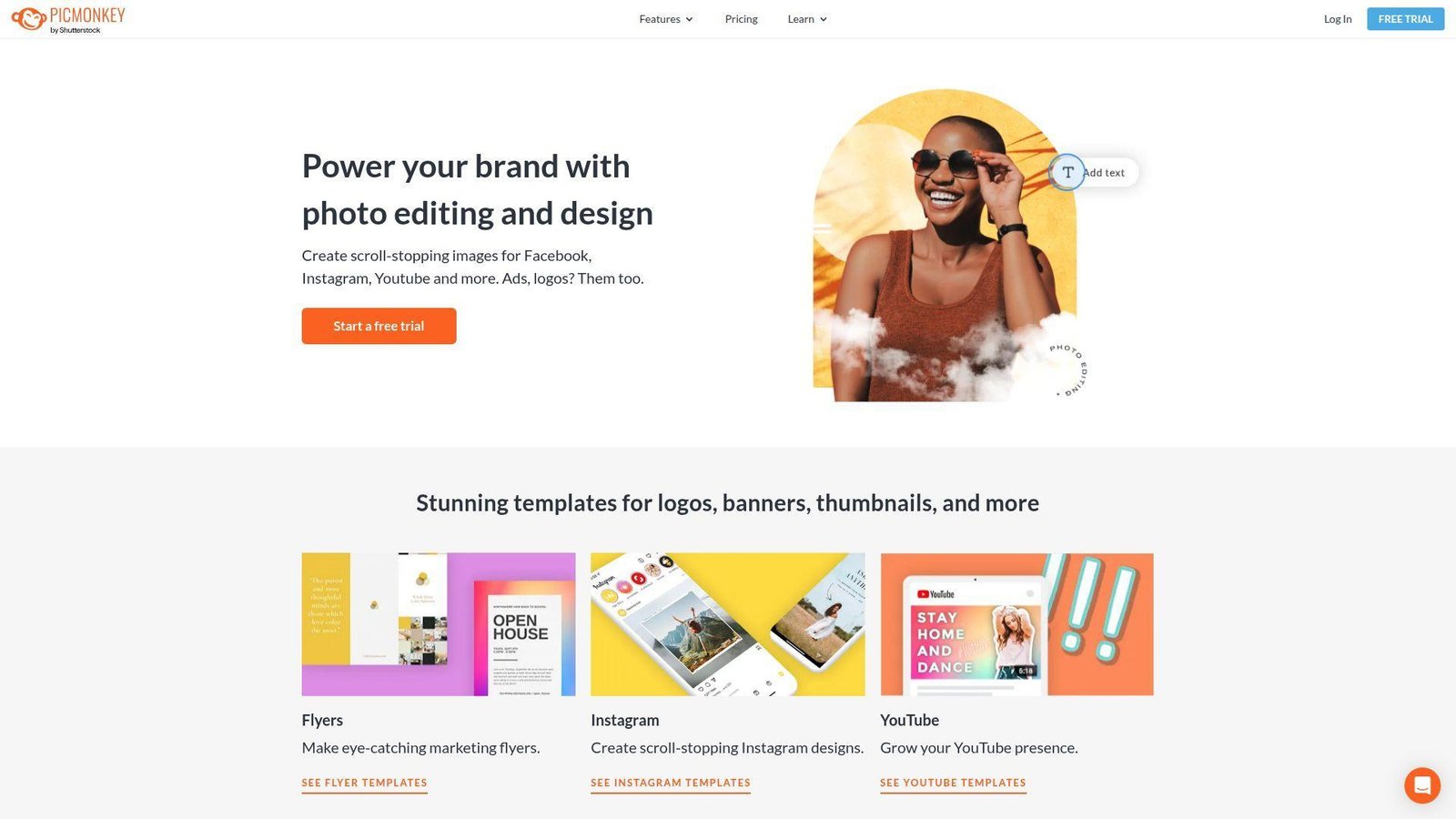
PicMonkey has always felt more creator-friendly than corporate, and that is still part of its charm. The team has kept photo touch-up, social design, basic branding, and cloud storage tied together in a way that works well for solo operators and growing small businesses.
Best for: creators and growing businesses that want branded designs with stronger photo polish.
- Touch-up tools, templates, and design editing → make cleaner promos, thumbnails, and social posts without leaving the same app.
- Smart Resize, brand kit, and background removal on Pro → save repeated resizing and cleanup steps on recurring campaigns.
- Straightforward editor and cloud hub → expect time-to-first-value in about 10 to 15 minutes.
Pricing & limits: Public pricing starts around $7.99/mo for Basic, with a 7-day free trial. Basic includes 1GB of storage and JPG or PNG export. Pro moves to unlimited storage, Smart Resize, brand kit access, PDF export, custom fonts, and priority support. Business adds co-editing, comments, tags, folders, and seat management for teams of 2 or more.
Honest drawbacks: PicMonkey is not the cheapest long-term pick if you only need occasional graphics. It also lacks the document and data depth of Visme or Piktochart.
Verdict: If you want a Canva alternative that is stronger on photo polish and still easy to learn, PicMonkey helps you produce branded, sharper-looking creative in a single sitting.
9. Easil
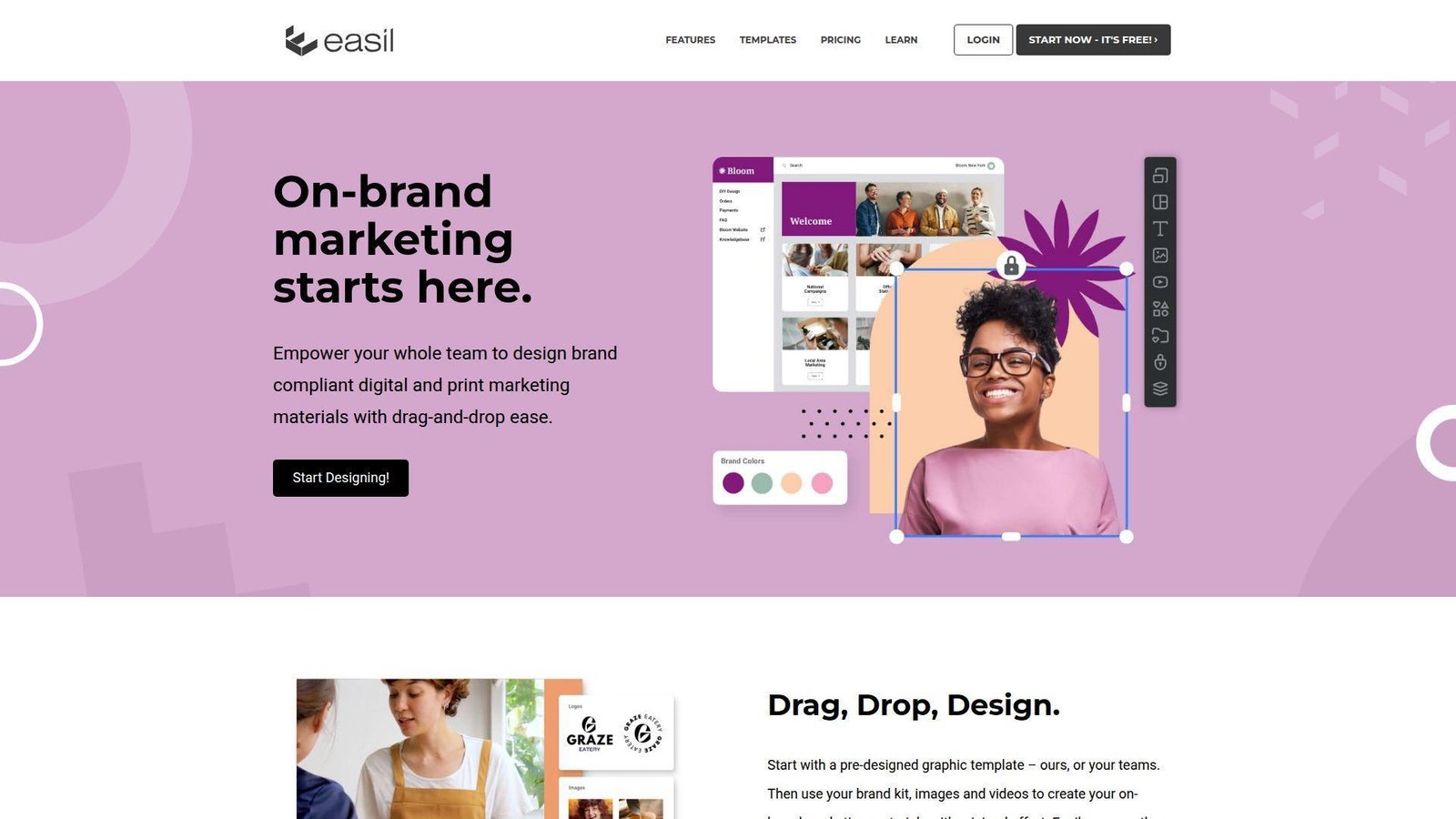
Easil has been popular with marketers who care about template control more than endless experimentation. We still think that is its clearest angle. The product feels built for people who want to hand others a template and keep them inside safe brand rails, especially for print, promo, and franchise-style design work.
Best for: agencies, franchises, and small businesses that reuse controlled templates.
- Template locking and design restrictions → let non-designers update text or images without breaking the layout.
- Stock, resizing, and downloadable print assets → reduce the back-and-forth that usually comes with local promo requests.
- Template-first setup → first real value usually lands after 20 to 30 minutes of setup.
Pricing & limits: From $7.50 per user per month, with a 30-day Plus trial and a free tier. Plus unlocks the full design feature set. Edge costs much more, but includes broader premium template access and industry-specific collections. Public support content also points to 9,000+ templates on Edge.
Honest drawbacks: Easil feels older than newer Canva alternatives. Its AI story is also lighter than Adobe Express, VistaCreate, or Fotor. If you want flashy AI creation, this is not the tool.
Verdict: If your goal is safe, repeatable branded output across many users, Easil helps you keep work on-brand without reviewing every tiny change.
10. Stencil
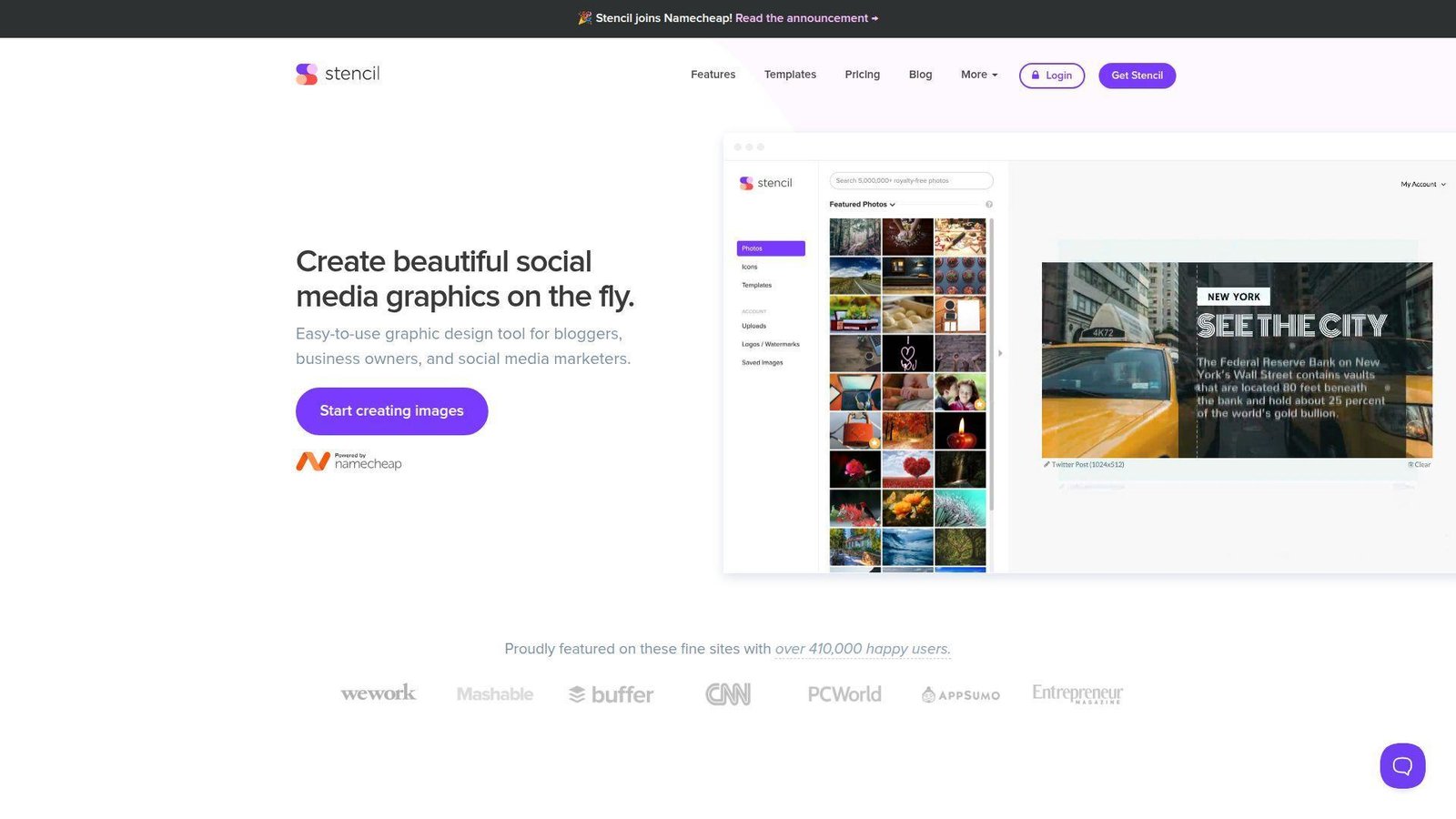
Stencil is now under Namecheap, but the product still feels like the same speed-first graphic maker it has always been. We like it when the job is simple, frequent, and annoying. Think blog headers, quote cards, basic ad creatives, and newsletter images that need to get made fast.
Best for: bloggers, affiliate marketers, and solo creators who need fast visuals, not deep design control.
- Preset sizes, templates, and quick asset access → publish routine social or blog images without design detours.
- Browser extensions, WordPress add-on, and social sharing → shave off a few repetitive steps when posting content daily.
- Very small learning curve → most users can create a first useful image in under 5 minutes.
Pricing & limits: From $9/mo on annual billing. Free includes 10 saved images per month, 50 uploaded images, 10 collections, and one user. Pro raises the save cap to 50 images per month and 250 uploads. Unlimited lifts those caps entirely. Paid plans come with a 7-day money-back guarantee rather than a classic trial.
Honest drawbacks: Stencil trails modern Canva alternatives on video, AI, collaboration, and multi-page content. It is excellent at one narrow job, but still narrow.
Verdict: If you just want to crank out clean visual assets quickly and keep moving, Stencil helps you do that with almost no overhead.
11. Desygner
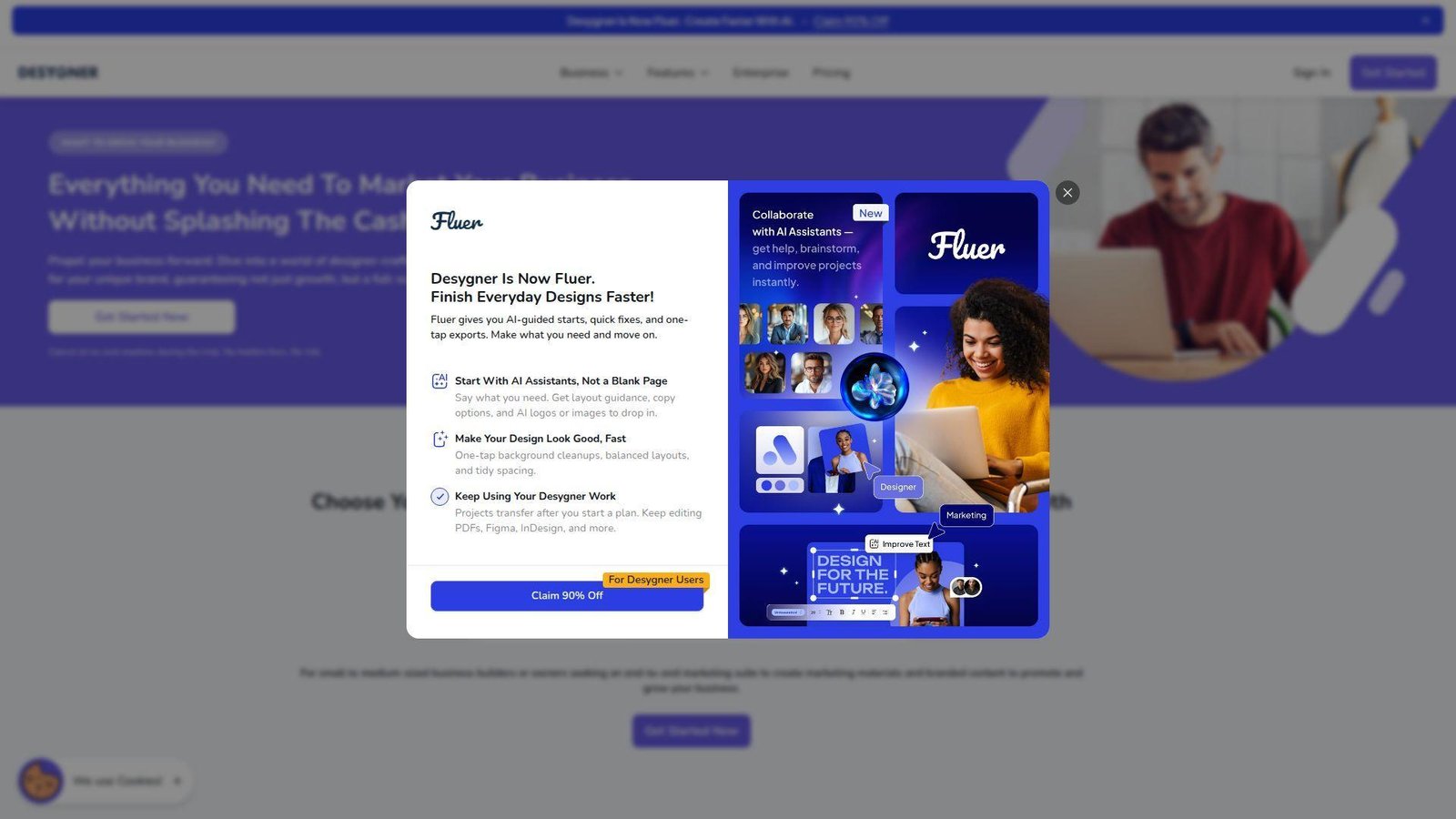
Desygner is more ambitious than it first looks. Under the surface, it is not just a template editor. It is trying to be a brand-content system for distributed teams. That is why we think it deserves more attention from businesses with many contributors, locations, or partner users.
Best for: distributed sales teams and growing businesses with shared templates.
- Locked templates, roles, and guest access → keep brand guardrails in place while more people produce assets.
- AI text, AI image tools, PDF import, and scheduling → cut the number of tools needed to go from draft to published asset.
- Admin-heavy but capable interface → expect 20 to 30 minutes to set up a useful workflow.
Pricing & limits: Public pricing starts around $9.95/mo for Pro+, with a 14-day free trial. Pro+ can be shared with up to 5 team members. Business starts at $29.95/mo for the first 6 people on annual billing and adds roles, guest actions, template controls, multiple asset libraries, and stronger workspace management.
Honest drawbacks: Desygner can feel denser than Canva or VistaCreate. It also makes the most sense when you actually need governance. For a solo creator, that extra structure may feel like clutter.
Verdict: If you need to hand branded design work to many users without losing control, Desygner helps you build that system faster than stitching several tools together.
12. BeFunky
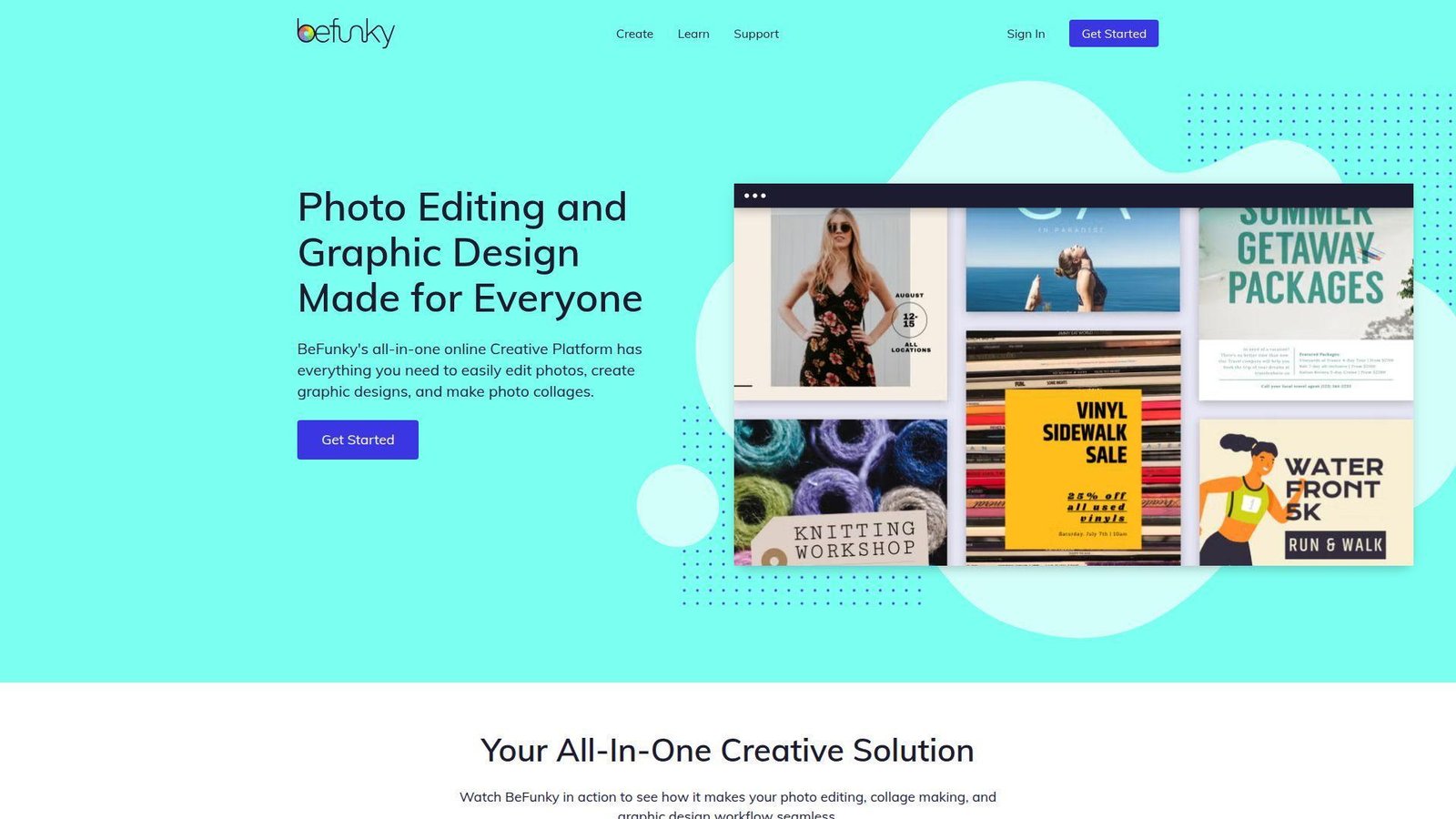
BeFunky is best understood as a photo editor, collage maker, and simple graphic designer rolled into one. We like that mix for buyers who want stronger image work than Canva offers, but do not want to learn something as heavy as Photoshop.
Best for: solo creators and small teams focused on photo-heavy marketing assets.
- Photo editing, collages, and graphic design in one tool → create cleaner promo visuals without splitting work across multiple apps.
- AI background removal, enhancement, and batch tools → cut repetitive cleanup time on product or campaign image sets.
- Beginner-friendly layout → most users reach a first publishable result in under 10 minutes.
Pricing & limits: Public listings put BeFunky Plus around $11.99/mo monthly, with lower annual pricing in some channels, and a free version instead of a standard fixed trial. Free use is real, but many premium templates, smart editing tools, and AI features stay locked behind Plus.
Honest drawbacks: BeFunky is not built for serious collaboration, structured brand governance, or multi-page reporting. If your team needs approvals, versioning, or locked templates, PicMonkey, Easil, or Desygner are stronger fits.
Verdict: If your main need is better photo polish with light design on top, BeFunky helps you get better-looking creative without a steep learning curve.
13. Design AI
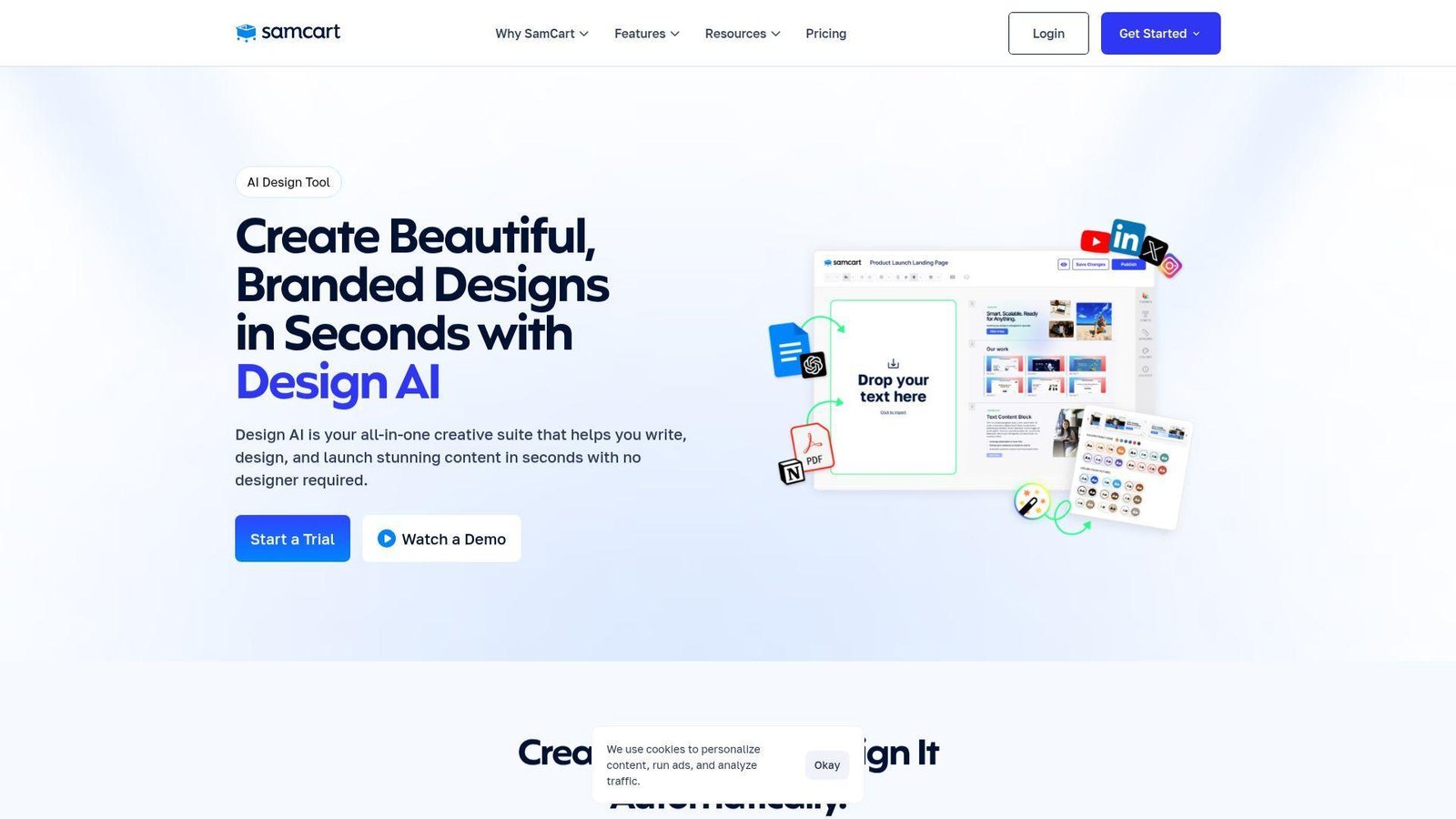
Design AI is the oddball on this list, and that is exactly why we included it. SamCart is not a traditional design company. It is a creator-commerce platform. So Design AI is really built for people who want AI to write, design, package, and sell digital products, not just make social posts.
Best for: course creators and coaches selling ebooks, guides, decks, or lead magnets.
- AI-generated ebooks, slide decks, social posts, and sales pages → go from topic idea to publishable product far faster than blank-canvas design tools.
- Brand styling, stock images, and direct checkout connection → skip several tool switches between content creation and sales launch.
- Prompt-led workflow → first value often appears in 20 to 30 minutes if you already know what you want to sell.
Pricing & limits: Design AI is bundled into SamCart plans, which start at $79/mo, with a 7-day trial promoted on the Design AI page. There is no real standalone free design tier. The upside is that checkout, sales pages, and creator workflows live in the same system.
Honest drawbacks: This is overkill if you only want to make graphics. It also trails Adobe Express, Canva, or Figma on manual design control. You are paying for the commerce context too.
Verdict: If your goal is to turn expertise into a sellable digital product fast, Design AI helps you go from outline to branded asset and checkout in a short launch window.
14. Animoto
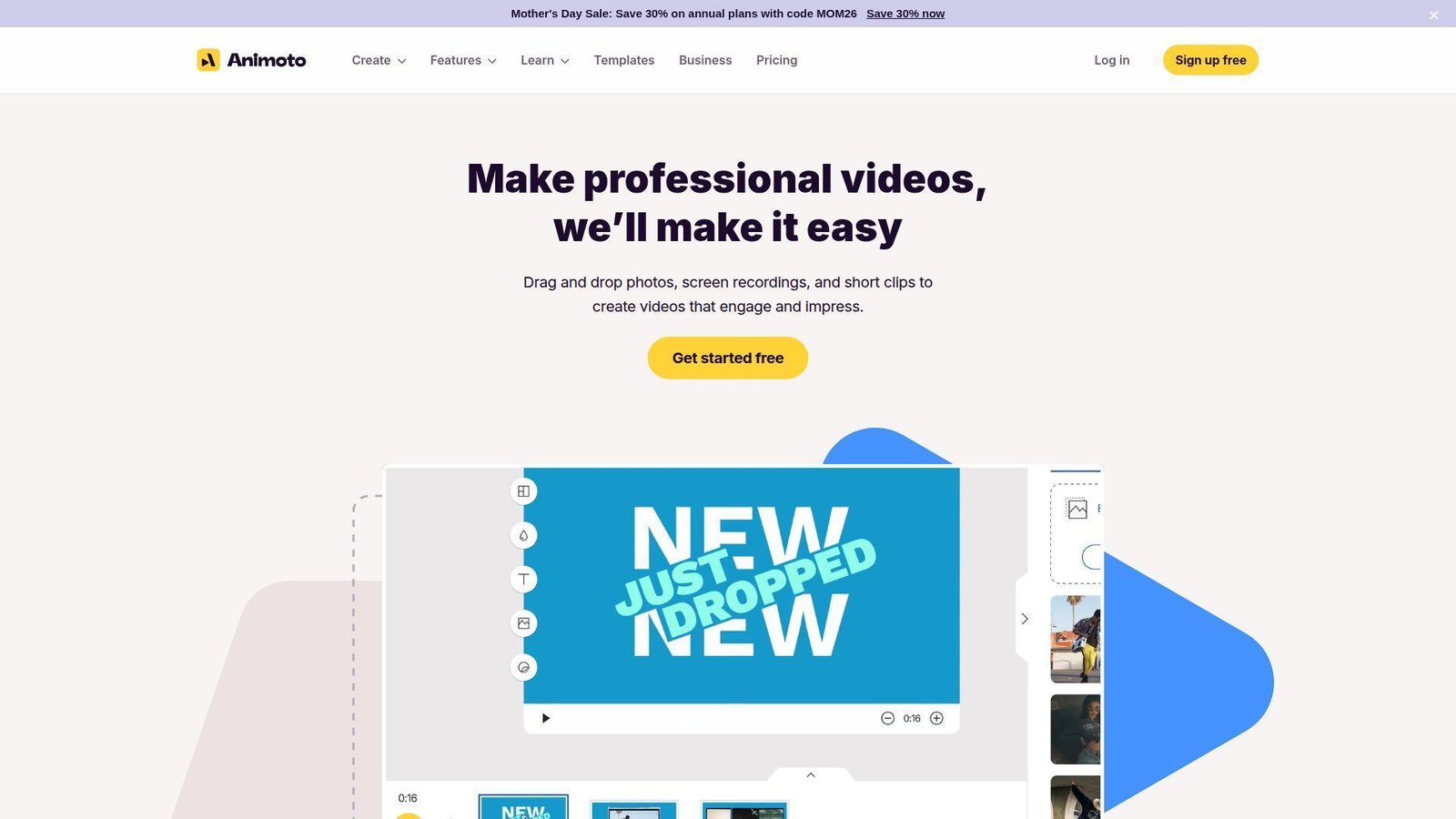
Animoto has kept a clear lane for years. It is about fast business video, not deep editing. We still like it for that reason. The team has focused on making promo videos, explainers, slideshows, and light branded video easier for non-editors.
Best for: SMB marketers and service businesses making simple promo or testimonial videos.
- Storyboard video builder with templates and licensed music → turn photos, clips, and text into usable marketing video fast.
- Screen recording, webcam tools, and brand features → cut out separate recording and basic customization steps.
- Guided video workflow → first useful video usually happens in 10 to 15 minutes.
Pricing & limits: Paid plans start around $8/mo on annual billing alongside a free plan. Free includes unlimited video creation, 720p export, screen recording, webcam recording, and an Animoto watermark. Higher plans add watermark-free 1080p downloads, logo and color branding, Getty stock, saved brands, saved templates, and team features on Professional Plus for 3 users.
Honest drawbacks: Animoto is easier than Clipchamp for quick branded videos, but it is less flexible for hands-on editing. If you want timeline control, captions-first editing, or Windows integration, Clipchamp may fit better.
Verdict: If you want to produce business video without learning a real video editor, Animoto helps you publish clean promo clips in an hour or two.
15. Clipchamp
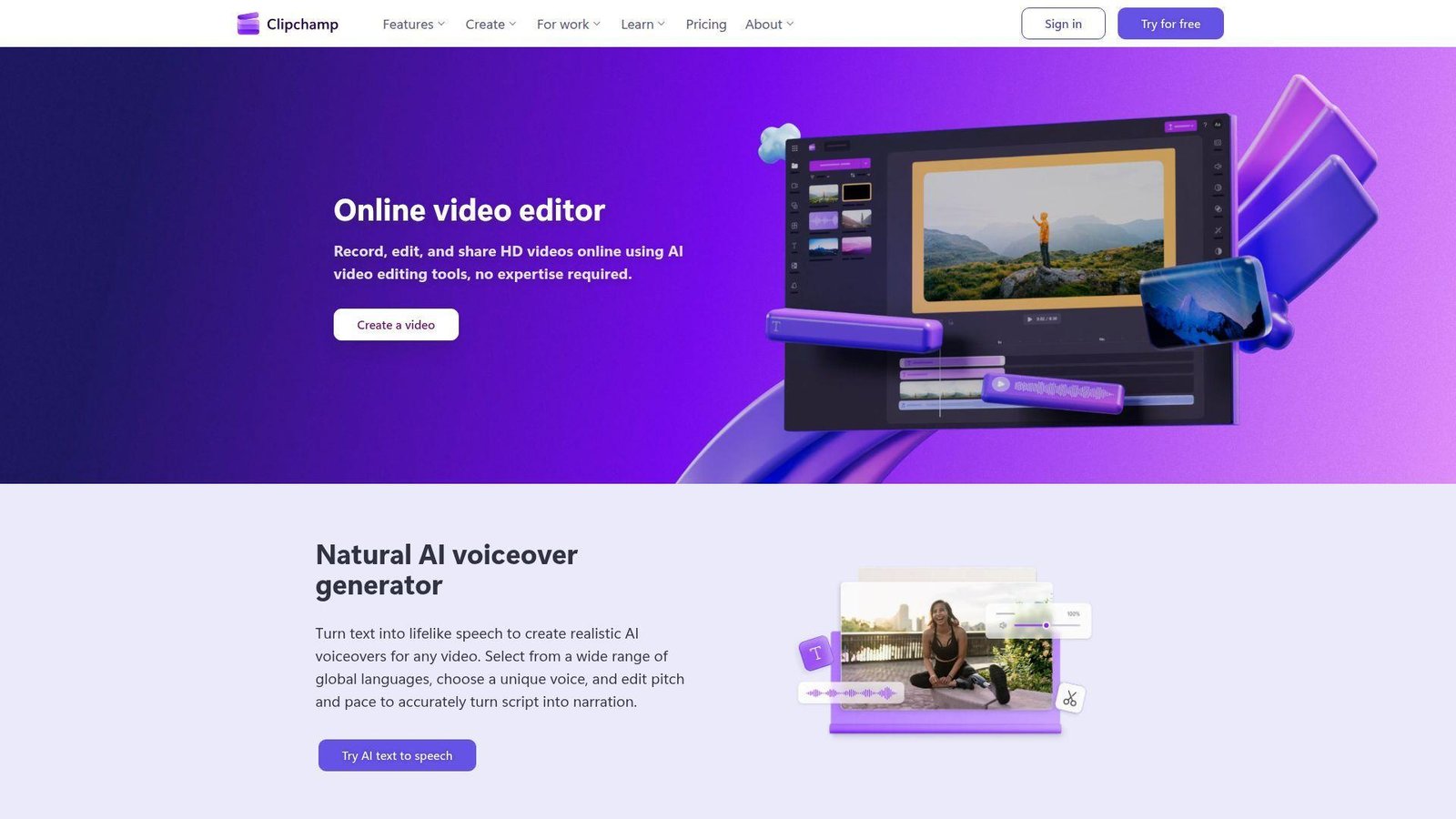
Clipchamp benefits from Microsoft ownership in the most practical way possible. It is easy to access, friendly to beginners, and increasingly tied to the Windows and Microsoft 365 world. We do not see it as a pure Canva replacement. We see it as one of the best Canva alternatives when video is the main output.
Best for: Windows users and office teams that need beginner-friendly video editing.
- Templates, captions, recording, and stock media → create explainers, updates, and social clips without a heavy editor.
- Microsoft account access and Microsoft 365 premium tie-in → avoid buying a separate video tool if you already live in that stack.
- Clean beginner workflow → time-to-first-value is often under 10 minutes.
Pricing & limits: From $0. Clipchamp offers a free video editor for anyone with a personal Microsoft account, while premium features are included with Microsoft 365 Personal and Family plans rather than sold as a separate public subscription tier on the main pricing page.
Honest drawbacks: Clipchamp is still more video editor than all-purpose design suite. It is not where we would go for print templates, infographics, or multi-page branded docs.
Verdict: If video is your real pain point and you want a low-friction place to start, Clipchamp helps you get useful edits out quickly, especially on Windows.
16. Pixazo
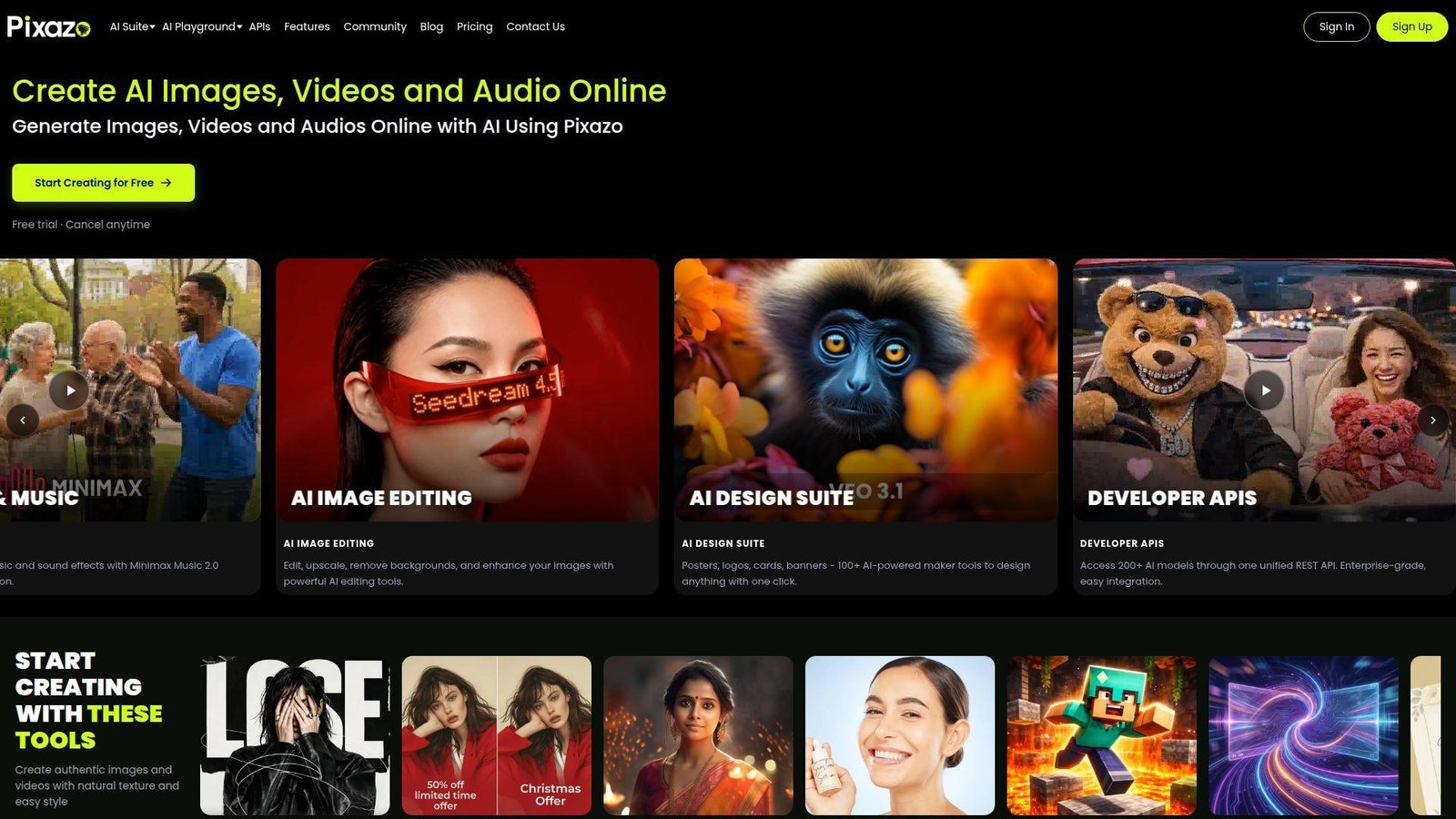
Pixazo is much closer to an AI image generation platform than a classic Canva-style editor. We included it because some buyers are not really looking for templates. They are looking for fresh visual concepts, campaign artwork, or prompt-driven imagery at volume.
Best for: prompt-based creators and teams exploring original AI visuals.
- Unlimited image generation for human-led use → create many visual directions without watching a hard daily cap.
- Commercial ownership and API access → move from experiments to campaign use or product integration more directly.
- Fast prompt workflow → first value usually appears in 5 to 10 minutes.
Pricing & limits: Pixazo promotes a paid Unlimited plan and separate usage-based API pricing, but the public pricing page we reviewed does not clearly surface a fixed starter dollar amount. What is clear is the limit model: no fixed daily or monthly cap for ordinary human use, with fair-use safeguards and temporary rate limiting for extreme or automated activity.
Honest drawbacks: Pixazo is not a structured brand-design workspace. It trails almost everything else on this list for layouts, presentations, print, or collaborative review.
Verdict: If your goal is original AI-generated visuals rather than template-driven content, Pixazo helps you explore creative directions fast, but it will not replace a full design workflow on its own.
17. Figma
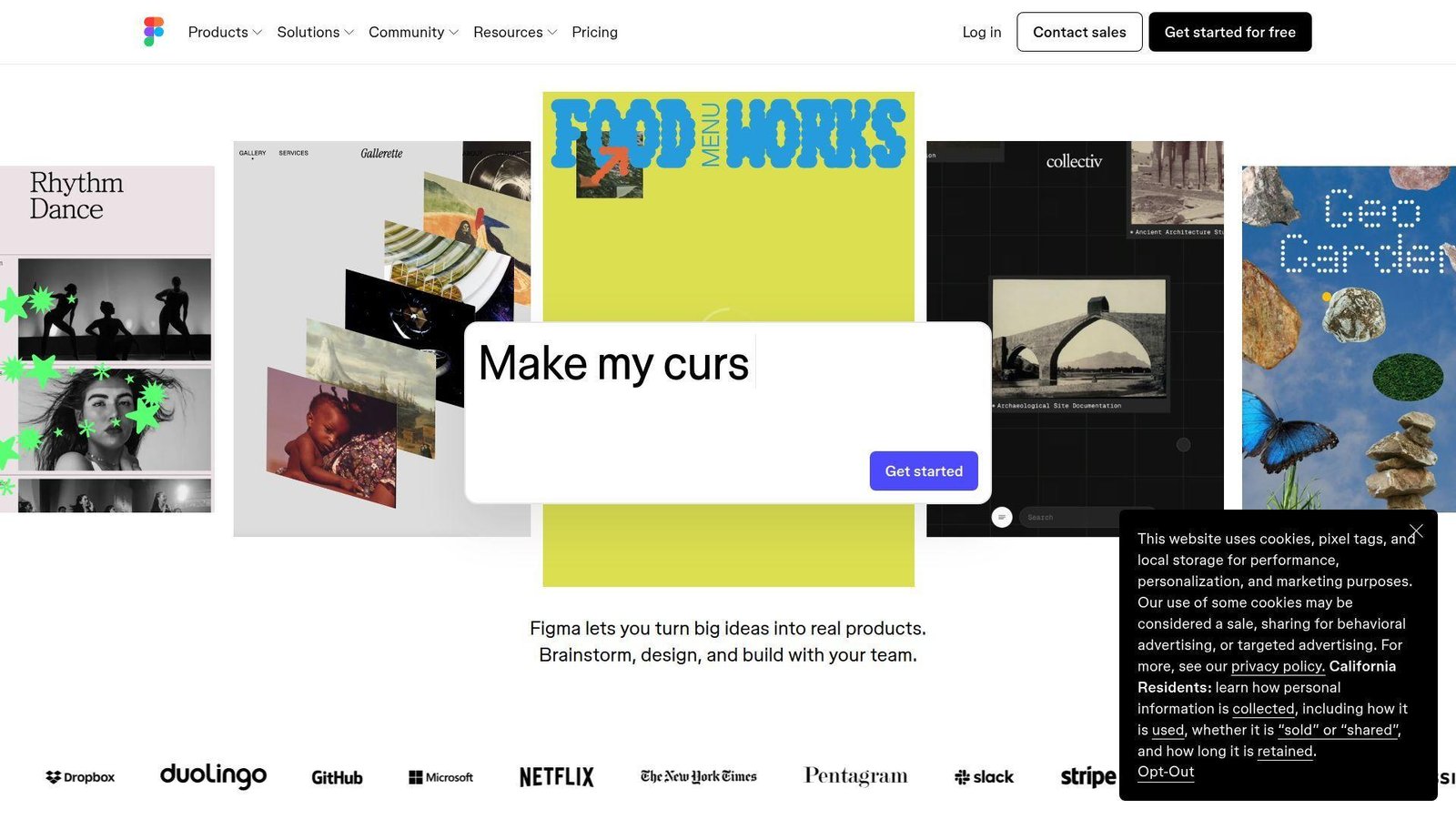
Figma is the least Canva-like tool in this ranking, but it deserves a place because so many teams outgrow template-first design and move into systems, collaboration, and reusable components. The Figma team keeps expanding beyond product design now, with Slides, Buzz, Sites, AI editing, and better support for broader brand work.
Best for: product teams and marketers who need serious collaboration or reusable design systems.
- Multiplayer editing, components, and libraries → keep recurring assets consistent instead of cloning and drifting versions.
- Slides, Buzz, Sites, AI tools, and Dev Mode → connect design, review, and handoff without as many export loops.
- Steeper learning curve → expect 30 to 60 minutes before a beginner feels comfortable.
Pricing & limits: Starter is free and includes unlimited drafts plus 150 AI credits per day, up to 500 per month. Professional starts at $16/mo for a full seat, $12/mo for a dev seat, and $3/mo for a collab seat. Paid plans unlock unlimited files and projects for a team plus stronger libraries, prototyping, and admin controls.
Honest drawbacks: Figma is not the easiest pick for quick Instagram graphics. Beginners who just want a flyer will usually move faster in VistaCreate, Adobe Express, or Canva.
Verdict: If you want a Canva alternative that can scale into a real team design system, Figma helps you move from one-off assets to repeatable, collaborative production over time.
18. Venngage
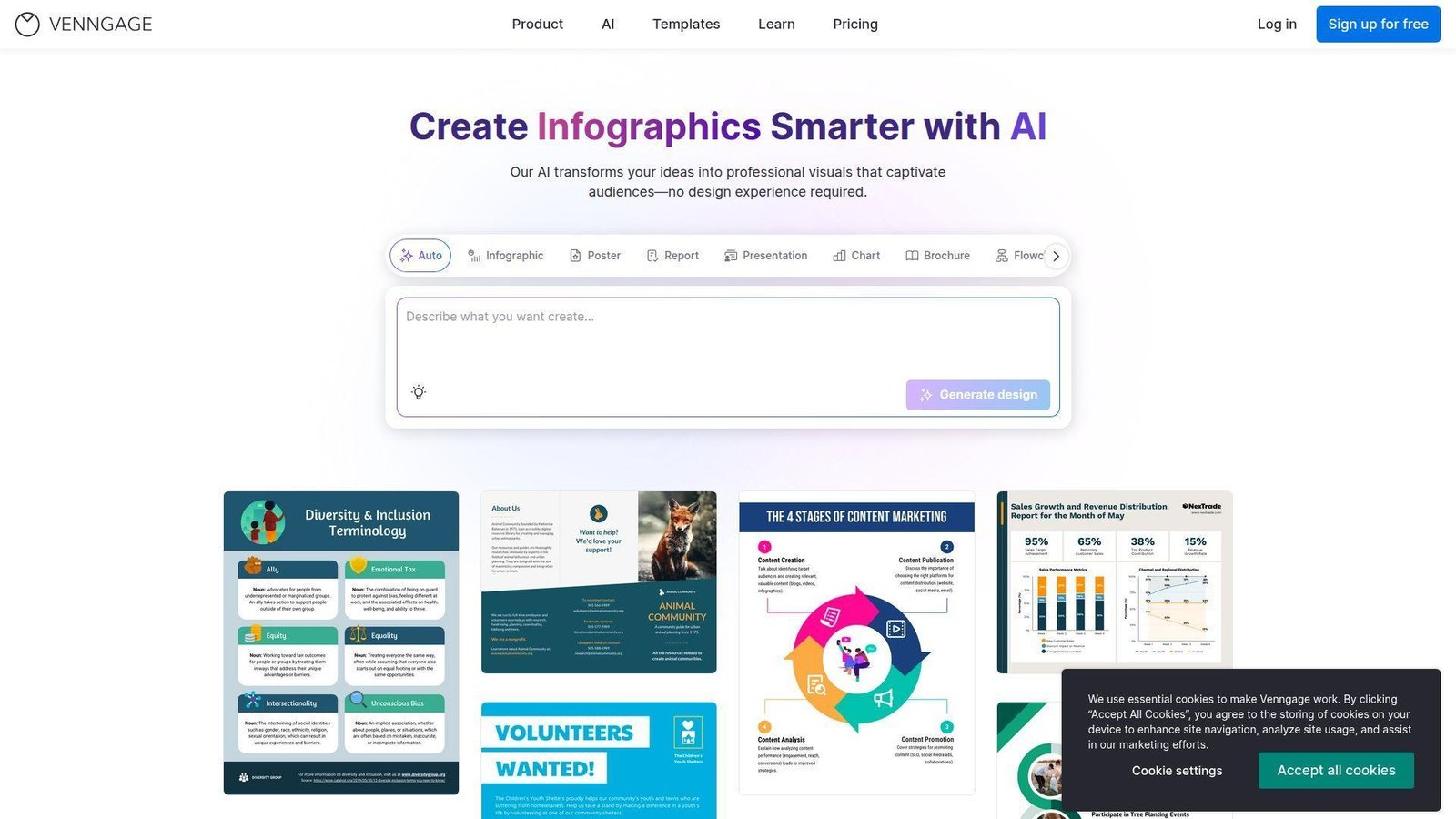
Venngage has stayed tightly aligned with infographics, business visuals, and accessible communication. We like that focus. It means the product often feels more intentional than general-purpose design suites when the task is a report, explainer, or training visual.
Best for: consultants and teams making infographics, reports, or training materials.
- Infographic, report, and business visual templates → turn complex information into cleaner, more structured visual content.
- AI features, brand kits, and export options → reduce the need to rebuild the same visual in several file formats.
- Business-oriented editor → most users reach first solid output in about 20 minutes.
Pricing & limits: Premium starts at $10/mo on yearly billing, while Business starts at $24 per user per month. Free is truly free, but it caps you at 5 designs and 6 image uploads. Premium removes design limits and enables PNG export. Business adds PDF and PowerPoint export, brand kits, team sharing, folders, and stronger privacy controls.
Honest drawbacks: Venngage is not where we would go first for fast meme-like social content, rich video, or heavier photo retouching. It is a specialist, and that is both the upside and the limit.
Verdict: If you want a Canva alternative that makes information easier to communicate, Venngage helps you build cleaner explainers and reports without fighting the layout.
19. Design Wizard
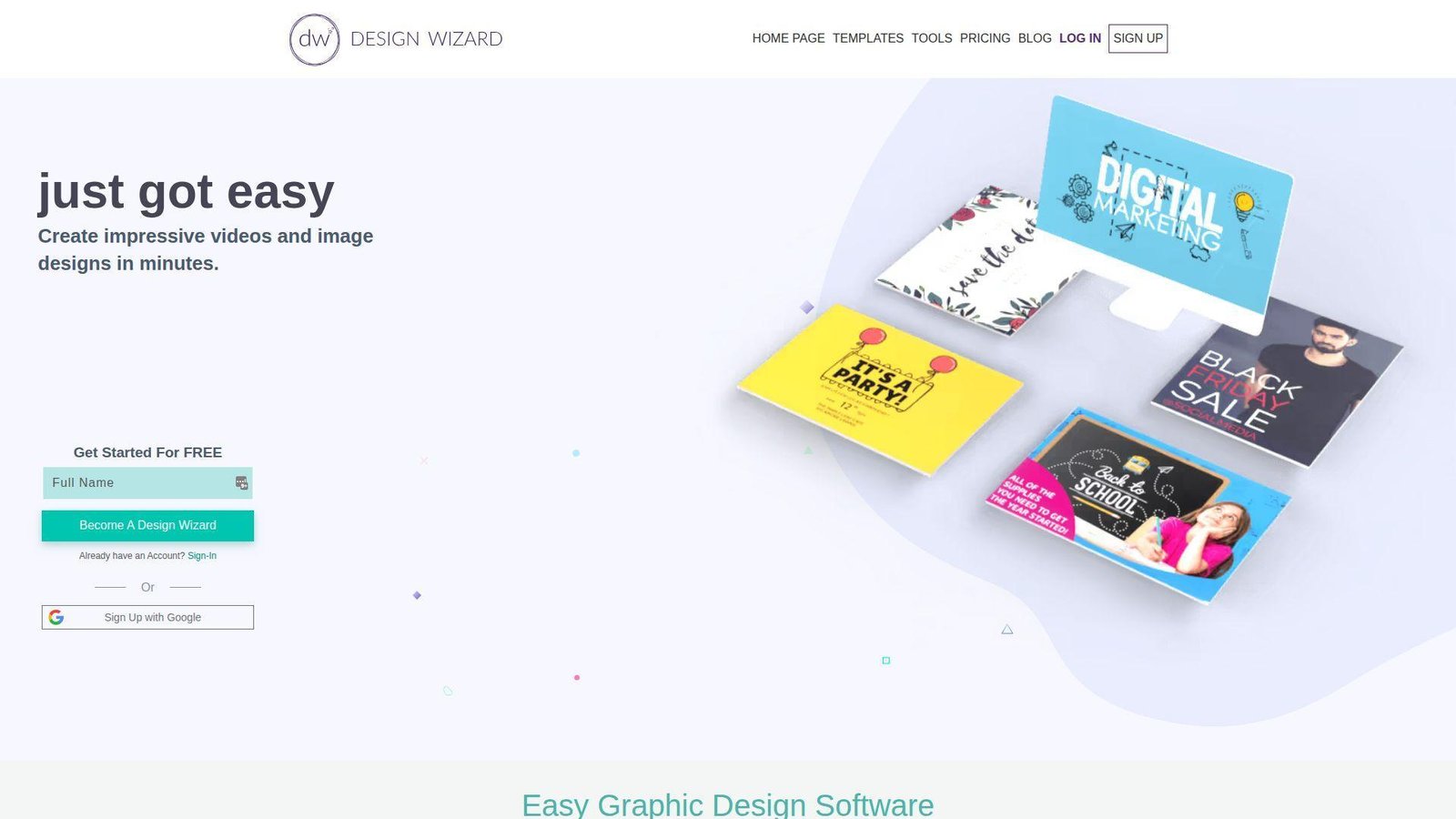
Design Wizard feels like a practical, no-drama tool. It combines static and simple video design in a way that still works well for small businesses, even if the product does not feel as modern as the biggest names in the category.
Best for: small businesses and marketers who want simple image and video design in one place.
- Image and video templates with a straightforward editor → make promo graphics and light video clips without learning two tools.
- Direct social sharing and upload support → cut out a few manual steps on routine campaign work.
- Low-friction workflow → most users can see useful output in under 10 minutes.
Pricing & limits: Pro starts at $9.99/mo or $89 billed annually, with a 7-day trial. Basic is free and very limited on storage. Pro adds uploads for images, fonts, and video, 1GB storage, JPG/PNG/PDF downloads, MP4 video downloads, and unlimited downloads under fair-use terms.
Honest drawbacks: Design Wizard trails VistaCreate and Adobe Express on freshness and overall polish. Team collaboration and brand governance are also pretty light.
Verdict: If you want an affordable Canva alternative for everyday image and light video work, Design Wizard helps you produce usable marketing assets with very little setup time.
20. Lunacy
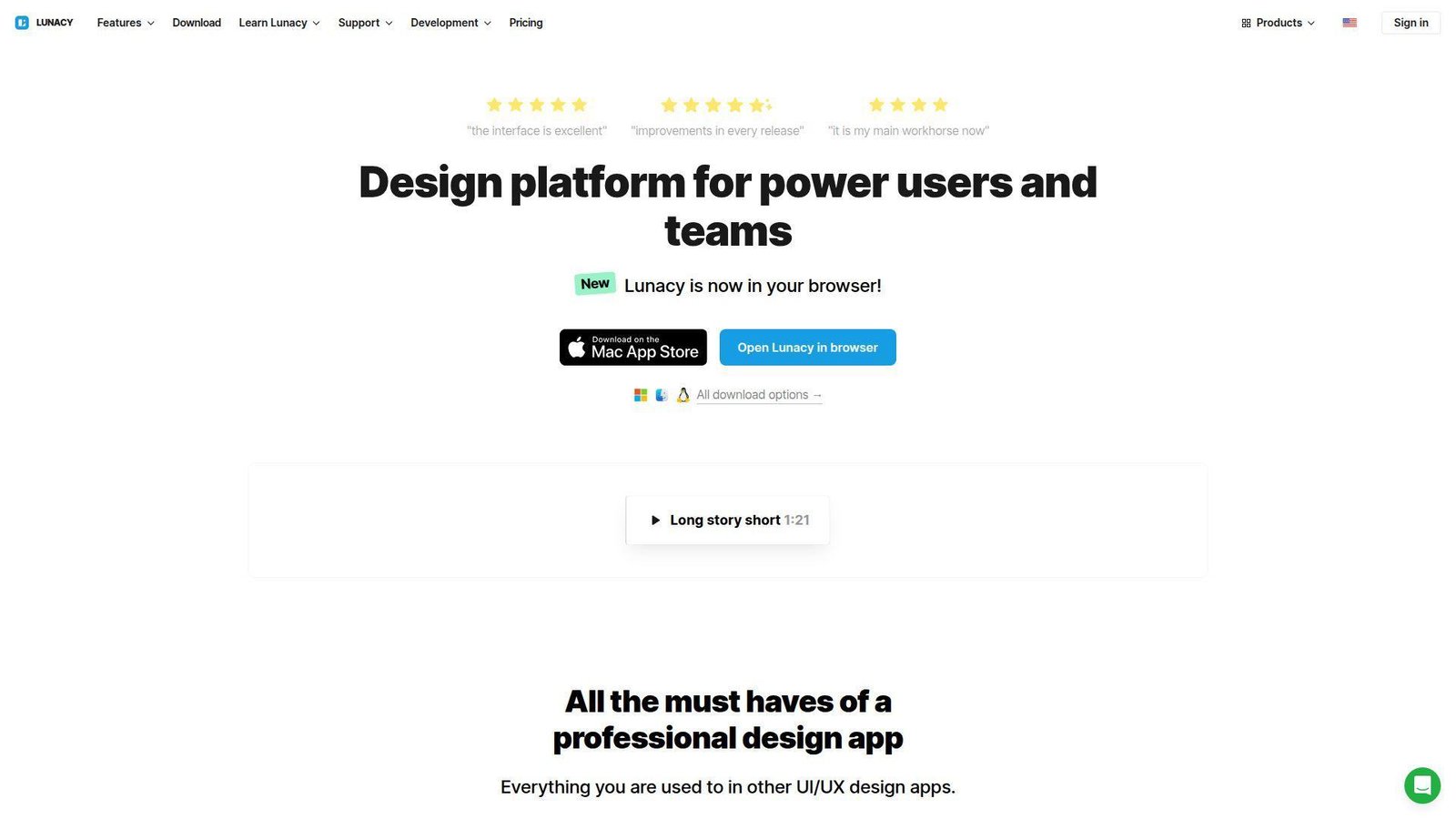
Lunacy comes from Icons8, and it feels more like a desktop design app than a marketing template platform. That makes it a poor Canva clone, but a very interesting alternative for users who want native performance, cross-platform support, built-in assets, and a Figma-like approach without living fully in the browser.
Best for: UI or web designers and teams that want a native desktop design workspace.
- Native desktop editor with built-in graphics and real-time collaboration → design faster on moderate hardware without hunting assets all day.
- Icons8 graphics access and AI image tools on paid tiers → cut out separate icon sourcing and background cleanup steps.
- Figma-adjacent workflow → first value comes in 15 to 20 minutes if you already know modern design tools.
Pricing & limits: Lunacy is free to use, but the free plan limits you to 10 cloud docs, 30-day version history, no AI tools, and required attribution for built-in graphics. Pro starts at $11.99 per user per month on annual billing. A separate personal cloud plan is also listed at $4.99/mo for unlimited cloud documents and fuller history.
Honest drawbacks: Lunacy is not the easiest tool here for beginners who just want social templates. It also trails Canva and Adobe Express on marketing-first convenience.
Verdict: If you want a Canva alternative with a more serious canvas, stronger desktop feel, and built-in design assets, Lunacy helps you move into a more advanced workflow without paying enterprise prices.
Recommended reading: 30 Best CRM for Startups 2026: Buyer’s Guide, Toplist, and Implementation Outline
Why Canva Alternatives Are Worth Considering
We still think Canva is useful. But useful is not the same as best fit. When teams switch away, we usually see three reasons: too much search friction, not enough control for the work they actually do, or pricing limits that hit the wrong part of the workflow.
1. Search Friction, Template Overload, and Slower Workflows
Canva is fast until it stops being fast. Once a team has hundreds of saved templates, multiple brand kits, reused folders, and duplicate campaign files, people start spending more time hunting than making. We see this all the time with agencies, nonprofits, and local businesses that repeat the same promotions every week.
That waste matters because budgets are still tight. Gartner found 59% of CMOs report insufficient budget to execute their 2025 strategy. In that kind of environment, a narrower tool like Snappa, Stencil, or VistaCreate can beat Canva simply by helping one person finish the job faster.
2. Limited Control for Intricate Designs, Data, and Video
General-purpose tools almost always hit a ceiling. Canva is strong for broad, everyday design. It is less convincing when you need a dense report, a real infographic, deeper photo cleanup, template locks for distributed users, or easier video editing. That is where specialized Canva alternatives pull away.
We see that in public customer stories too. Visme highlights teams like the Denver Broncos and Florida Panthers in its case studies, while Desygner showcases rollout stories with Keller Williams and Coldwell Banker. Those are not casual “make me a quote card” use cases. They are examples of tools chosen because the workflow needed more structure, more control, or both.
3. Free Plan Frustrations and Pricing Trade-Offs
Free plan frustration is rarely about the headline price. It is usually about the wrong limit. One tool blocks PDF export. Another adds watermarks. Another lets you design freely but stops you when it is time to download, share privately, upload a font, or invite another teammate.
Our rule is simple. Price the bottleneck, not the brand. If your real pain point is transparent PNG export, PPT download, weekly resizing, team comments, or light video, the cheapest paid specialist can be a smarter buy than a broad suite. On the other hand, if you only need occasional graphics, free tiers from Adobe Express, Pixlr, Clipchamp, or Lunacy may already cover enough ground.
Recommended reading: Top 30 Automate Chatbots Tools and Services for 2026
What to Look for in Canva Alternatives
We do not recommend choosing a Canva alternative by template count alone. A huge library looks good on a pricing page, but it matters less than the editor, the export options, and how well the tool matches your most common content type.
1. Drag-and-Drop Editors, Templates, and Asset Libraries
Start with the output. If you mostly make social posts, template speed matters most. If you build reports, multi-page documents matter more. If you edit product images, the editor has to handle cleanup, layers, and exports well. A drag-and-drop interface is useful only when the template library and canvas fit the work you actually publish.
We also look closely at asset quality. Stock libraries sound great until the visuals all look generic. Adobe Express, VistaCreate, and Piktochart do a good job here because the assets are broad enough for real campaign work. Stencil and Snappa are faster, but the trade-off is a narrower ceiling.
2. Brand Kits, Collaboration, and Repeatable Workflows
If more than one person touches the file, brand control moves up the list fast. Brand kits, comments, version history, seat permissions, locked templates, and private sharing are what turn a design app into a repeatable workflow. Without those, even good designs can become messy as soon as teams grow.
That is why tools like Easil, Desygner, Figma, Visme, and Venngage matter. They are not always the fastest on day one, but they reduce rework later. For franchises, agencies, and distributed sales teams, that often matters more than getting the very first draft out ten minutes faster.
3. AI Tools, Animation, and Export Flexibility
We now assume AI will show up in most design tools. We do not reward it unless it removes real work. McKinsey reports 23% of respondents are scaling agentic AI, which is a good reminder to ask harder questions. Does the AI resize assets, clean backgrounds, write a decent first draft, or generate a usable chart. Or does it just add one more button to click.
Export flexibility matters just as much. PNG, PDF, PPT, MP4, GIF, HTML, transparent backgrounds, and private share links sound boring, but they decide whether a tool fits your real process. We would rather have fewer AI tricks and better export options every time.
Recommended reading: Top 30 Simple SEO Platforms for Beginners and Busy Teams
Best Canva Alternatives by Use Case
This is where the buying decision gets easier. The best Canva alternative depends much more on the thing you publish most often than on the brand name. Once you sort by use case, the shortlist usually becomes obvious.
1. Best for Presentations, Interactive Content, and Business Visuals
Our top picks here are Visme, Adobe Express, and Figma. Visme is the strongest if your presentations are really business documents with charts, structure, and stakeholder context. Adobe Express is easier for marketers who want brand-safe decks plus social and light video in the same workspace. Figma becomes interesting when the presentation sits inside a larger design or product workflow.
If you sell knowledge products, Design AI is the wildcard. It is not the best pure design tool in this group, but it does something useful. It combines writing, designing, and selling in one flow, which can be a better answer for creators than using Canva plus several other apps.
2. Best for Infographics, Charts, and Data Storytelling
Piktochart, Venngage, and Visme are the clear leaders here. Piktochart is our favorite for straightforward visual storytelling and fast report-style explainers. Venngage is excellent when you want a more business-formal infographic style and cleaner accessibility-minded communication. Visme is the most flexible of the three if you also need decks, reports, and interactive visuals.
If your current Canva workflow involves too much manual box-dragging just to make a chart readable, this is the category where switching pays off fastest. These tools are built around structure, which means you spend less time fighting layout and more time shaping the message.
3. Best for Social Media Graphics and Fast Marketing Work
For pure speed, we would start with VistaCreate, Adobe Express, Snappa, and Stencil. VistaCreate is the best all-around balance for small businesses. Adobe Express is stronger if you already use Adobe or want more range beyond social. Snappa is excellent for basic blog and social graphics. Stencil is the fastest when the work is narrow and repetitive.
The right question here is not “Which tool has the most templates.” It is “Which tool lets us turn one message into six clean assets with the fewest clicks.” If that is your real goal, speed-first tools often beat bigger suites.
4. Best for Photo Editing, Collages, and Visual Touch-Ups
Pixlr, Fotor, PicMonkey, and BeFunky stand out here. Pixlr is the best low-friction browser editor for quick cleanup. Fotor is the most AI-heavy and works well for enhancement and generated variations. PicMonkey gives the nicest balance between touch-up, branding, and design. BeFunky is a strong middle ground for solo creators who want better image work without much learning.
If Canva frustrates you because every image fix turns into a workaround, one of these tools will feel better almost immediately. They are simply closer to the problem you are trying to solve.
5. Best for Print Design, Team Workflows, and Video-First Needs
For print and controlled team edits, we would shortlist Easil and Desygner first. They are especially useful when local teams or partners need to customize assets without wrecking the brand. For video-first work, Animoto and Clipchamp are the better choices. Animoto wins on guided business-video creation. Clipchamp wins on Microsoft convenience and basic editing flexibility.
If your workflow stretches into UI, reusable components, or cross-platform collaboration, Figma and Lunacy also deserve a look. They are not classic marketing design tools, but they can be the smarter long-term move for teams that have moved past template-first content work.
Free and Paid Canva Alternatives
We rarely tell people to pay on day one. A better move is to use the free plan long enough to identify the exact limit that annoys you. Then upgrade only if the paid tier removes that limit cleanly.
1. Best Free Canva Alternatives for Light and Occasional Use
Adobe Express, Clipchamp, Pixlr, Snappa, Design Wizard, and Lunacy all have legitimate free entry points. They are not all equal, but they are useful. Adobe Express gives the broadest general design range. Clipchamp is strong for video. Pixlr is better for browser photo edits. Snappa is great for a few quick graphics. Lunacy is unusually generous if you want a more advanced canvas and can live with attribution rules on built-in assets.
For occasional users, that is enough. If you publish a few things each month and do not need private sharing, bigger storage, or brand governance, free can be the right answer.
2. When a Paid Canva Alternative Is Worth the Upgrade
A paid plan becomes worth it when it removes a weekly pain, not just a possible future one. That usually means watermark-free downloads, transparent backgrounds, more AI credits, better stock, custom fonts, more seats, or export formats your team uses every week.
We usually see the clearest upgrade value in Adobe Express for all-purpose marketing work, VistaCreate for recurring small business promos, Visme for business visuals, Piktochart and Venngage for reports, and PicMonkey or Fotor for photo-heavy content.
3. Common Limits to Watch Before You Switch
Watch for hidden caps on downloads, storage, team seats, public versus private sharing, version history, AI credits, and export formats. Those are the limits that reshape daily work. A low monthly price can look great right up until you learn that PDF export, transparent PNG, or shared folders live one tier up.
Also watch for seat minimums and fair-use wording. Enterprise-style tools can get expensive fast when teams grow. AI-first tools can look generous until prompt-heavy work starts eating credits or rate limits.
How to Choose the Right Canva Alternative for Your Workflow
When we help clients narrow this decision, we try to simplify it. Do not compare every feature. Compare the first month of actual work. What will you make. Who will edit it. How will it get approved. What has to export at the end.
1. Match the Tool to Your Main Content Type
If 80 percent of your work is social graphics, choose a fast marketing tool. If it is presentations and reports, pick a business visual tool. If it is photo cleanup, start with a photo editor. If it is video, stop forcing a design tool to act like a video editor.
This sounds obvious, but it is where most bad software picks begin. Buyers choose the broadest tool, then spend months recreating what a specialist would have handled more cleanly.
2. Balance Ease of Use with Creative Control
There is always a trade-off. Canva-like simplicity is great until you want stricter layout control, reusable systems, or better collaboration. On the flip side, deeper tools like Figma or Lunacy can feel like too much if your real job is just posting three Instagram graphics each week.
We recommend choosing the easiest tool that still handles your hardest recurring task. That keeps the workflow light without boxing you in too early.
3. Compare Pricing, AI Features, and Collaboration Needs
Do not compare only the starter price. Compare the real plan you would need in month two. That means seats, downloads, private sharing, brand kits, AI credits, and storage. A cheaper tool can become more expensive if it forces workarounds or outside add-ons.
AI deserves the same skepticism. If it removes three or four steps from real production, great. If it mostly generates noise, ignore it and buy for the workflow instead.
Canva Alternatives FAQ
These are the questions we hear most when teams start seriously comparing Canva alternatives and trying to avoid an expensive switch that solves the wrong problem.
1. Is There Anything Better Than Canva?
Yes, for specific jobs. Visme is better for reports and presentations. Piktochart and Venngage are better for infographic-style communication. Pixlr, Fotor, PicMonkey, and BeFunky are better for image cleanup. Clipchamp and Animoto are better if video is your real bottleneck.
What we would not say is that one tool is simply “better” across every workflow. Canva still wins on broad ease of use. Many alternatives win by being more focused.
2. What Is the Best Free Website Like Canva?
For most people, Adobe Express is the best free website like Canva because it covers the widest range of everyday design tasks. If your main need is photo editing, Pixlr is a better free option. If your focus is video, Clipchamp has a very solid free starting point.
We would choose based on the asset you make most often, not on which free plan looks the most generous on paper.
3. What Is a Good Replacement for Canva?
A good replacement depends on your use case. VistaCreate is one of the closest all-around replacements for small businesses. Adobe Express is the strongest choice for users already in Adobe. Visme is better for business communication. Figma works better when design is collaborative and system-driven.
If you want the closest thing to Canva without using Canva, VistaCreate is usually where we would start.
4. Which Canva Alternative Is Best for Social Media Graphics?
For social graphics, we would shortlist VistaCreate, Adobe Express, Snappa, and Stencil. VistaCreate is the most balanced. Adobe Express has better ecosystem depth. Snappa and Stencil are better when speed matters more than range.
If your team posts daily and rarely makes anything beyond social graphics, the speed-first tools often feel better than broader suites.
5. Which Canva Alternative Is Best for Infographics and Data Visualization?
Piktochart, Venngage, and Visme are the best Canva alternatives for infographics and data visuals. Piktochart is excellent for fast explainers. Venngage is strong for more formal business visuals. Visme is the most flexible if you also need presentations and reports in the same tool.
If your current process feels like too much manual layout work, this is the category where a switch pays off quickly.
6. Which Canva Alternative Is Best for Photo Editing?
Pixlr is our pick for quick browser editing. Fotor is strong for AI-heavy enhancement. PicMonkey is great if you want better branding on top of touch-up tools. BeFunky is a good middle option for solo creators.
The right pick depends on whether you care more about cleanup speed, AI effects, or branded design output after the edit.
7. Which Canva Alternative Is Best for Presentations and Reports?
Visme is our first recommendation for presentations and reports. Figma is useful when those presentations sit inside a broader collaborative design workflow. Piktochart works well for report-style explainers and stakeholder summaries.
If you sell educational or coaching products, Design AI is also worth a look because it combines content creation with packaging and launch steps.
8. Do Canva Alternatives Offer Team Collaboration and Brand Kits?
Yes, but not all of them do it equally well. Adobe Express, Visme, VistaCreate, Piktochart, PicMonkey Business, Easil, Desygner, Figma, Venngage, and Lunacy all offer some form of collaboration or brand controls.
The difference is depth. Some tools give you a simple brand kit. Others give you permissions, comments, locks, libraries, or role-based control. If your team grows beyond one or two users, that difference matters a lot.
Final Thoughts on the Best Canva Alternatives
1. Start with the Tool That Fits Your Primary Use Case
If you remember one thing from this guide, make it this. The best Canva alternative is usually the one that matches your main output, not the one with the longest feature list. Social, reports, photo editing, print, and video all reward different tools.
2. Test the Free Plan Before Moving Your Entire Workflow
We would always test with a real week of work before migrating everything. Recreate the assets you actually publish. Invite the people who will really use the tool. Export the formats you need. That tells you more than any demo page will.
3. Prioritize Speed, Flexibility, and Long-Term Value
A good switch should remove friction now and still make sense six months from now. If you are deciding between two Canva alternatives, map out your next month of assets and choose the one that gets them out with fewer steps, fewer workarounds, and fewer surprise limits. Which tool on this list fits that test for your team?