


At Techtide Solutions, we look at trending apps a little differently. We care less about hype and more about what earns repeat opens, real habit, and clear user value. That matters because the best trending app for one person can be a waste of space for the next. The market is large enough that even small product shifts matter. Statista pegs annual app revenue at 585bn USD, which helps explain why AI assistants, creator tools, messaging apps, and subscription platforms keep colliding inside the same shortlist.
Quick Comparison of Trending Apps
A sharp real-world example came in Q2 2025, when Sensor Tower said ChatGPT became the #1 app by downloads in Q2 2025. That was a meaningful shift because it put an AI assistant ahead of the usual social heavyweights.
If you want the short version first, this table shows who each app fits, what it costs to start, and the limit that most often pushes users to a second option.
| Tool | Best for | From price | Trial/Free | Key limits |
|---|---|---|---|---|
| ChatGPT | Everyday AI help | Free | Free tier | Advanced model caps |
| Claude | Writing-heavy AI work | Free | Free tier | Usage limits |
| Google Gemini | Google users | Free | Free tier | Best features paid |
| TikTok | Trend discovery | Free | Free app | Reach swings fast |
| WhatsApp Messenger | Group messaging | Free | Free app | Weak discovery |
| Creators and brands | Free | Free app | Link-out friction | |
| CapCut | Fast short-form edits | Free | Free tier | Pro assets gated |
| Temu | Bargain shopping | Free | Free app | Quality varies |
| Cash App | Peer payments | Free | Free app | Instant transfer fees |
| Whatnot | Live buying and selling | Free | Free app | Seller fees and live effort |
Recommended reading: Top 20 Web Developer Portfolio Examples to Inspire Your Next Site
Top 20 Trending Apps Across AI, Social, Shopping, Streaming, and SaaS
AI is no longer a side category. McKinsey found almost 70 percent reporting regular use of gen AI, so it makes sense that consumers now compare ChatGPT, Claude, and Gemini the way they once compared browsers or note apps. Our shortlist mixes consumer giants with practical work tools because trending apps rarely stay in one lane anymore. We judged each one by fit, daily usefulness, pricing reality, and the trade-offs we think buyers should actually care about.
1. ChatGPT
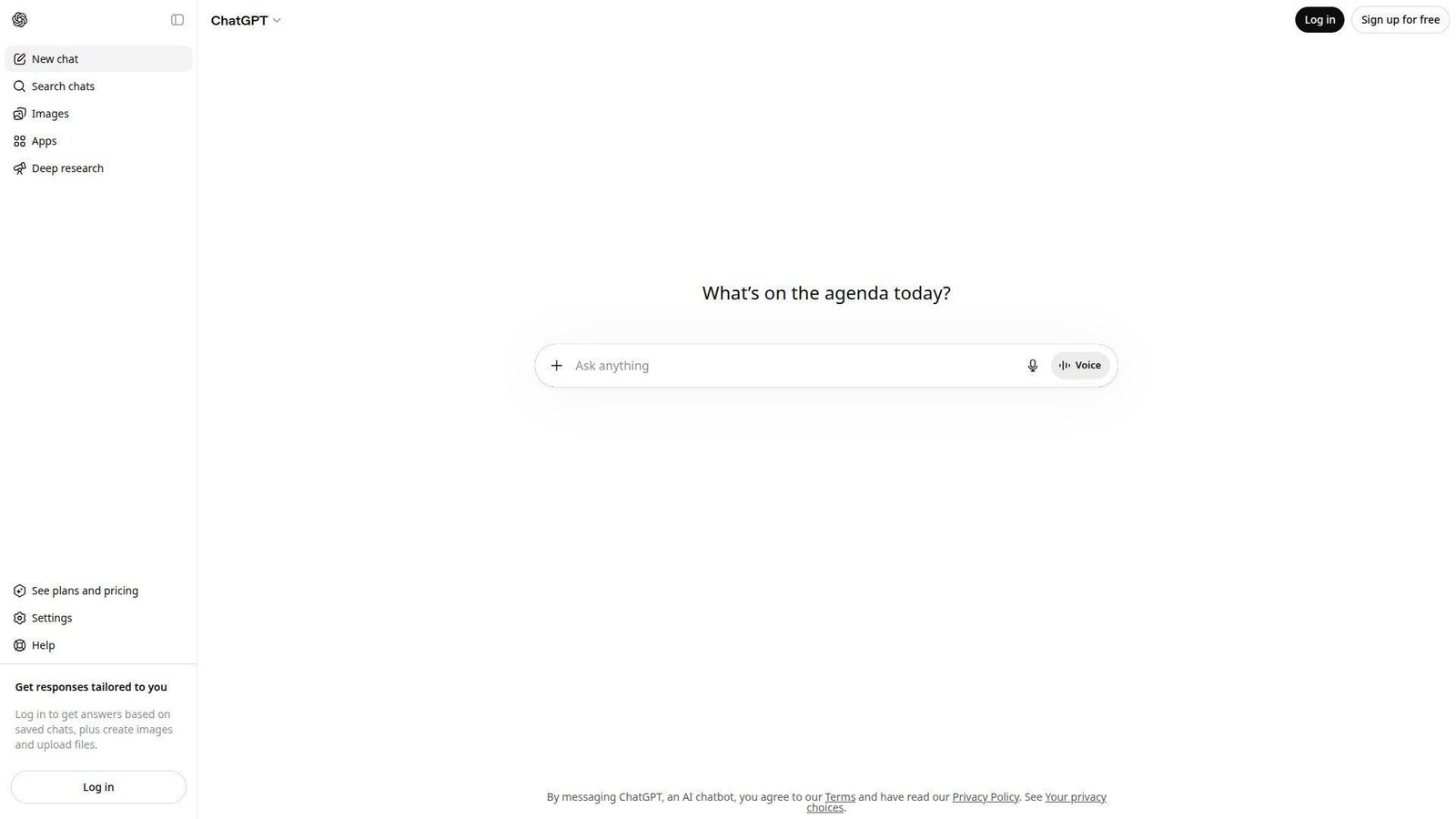
ChatGPT comes from OpenAI, a research-driven company that now ships consumer features at a very fast clip. The team has turned the product into a broad utility app, not just a chatbot. We see it used for writing, file analysis, light coding, brainstorming, and search-heavy questions in the same session.
Best for: solo professionals and small product teams.
- Projects, tasks, and custom GPTs → turn repeat prompts into reusable workflows and more consistent weekly output.
- Search, deep research, and data analysis → replace a messy chain of tabs and cut first-draft work by several steps.
- Clean web, mobile, and desktop apps → most users get useful output on day one, often in under 10 minutes.
Pricing & limits: From free. Plus starts at $20/mo, while business plans start higher per user. There is no timed trial because the free tier works as the test drive. Free access has limits on messages, uploads, deep research, and advanced model usage.
Honest drawbacks: answers can still sound confident when they are wrong, and citation discipline still takes effort. Model behavior also changes more often than some teams like. It beats Gemini at flexible custom workflows and trails Claude on some long-form tone control.
Verdict: If you need one AI app for everyday drafting, research, and thinking, this helps you get to a usable answer in minutes.
2. Claude
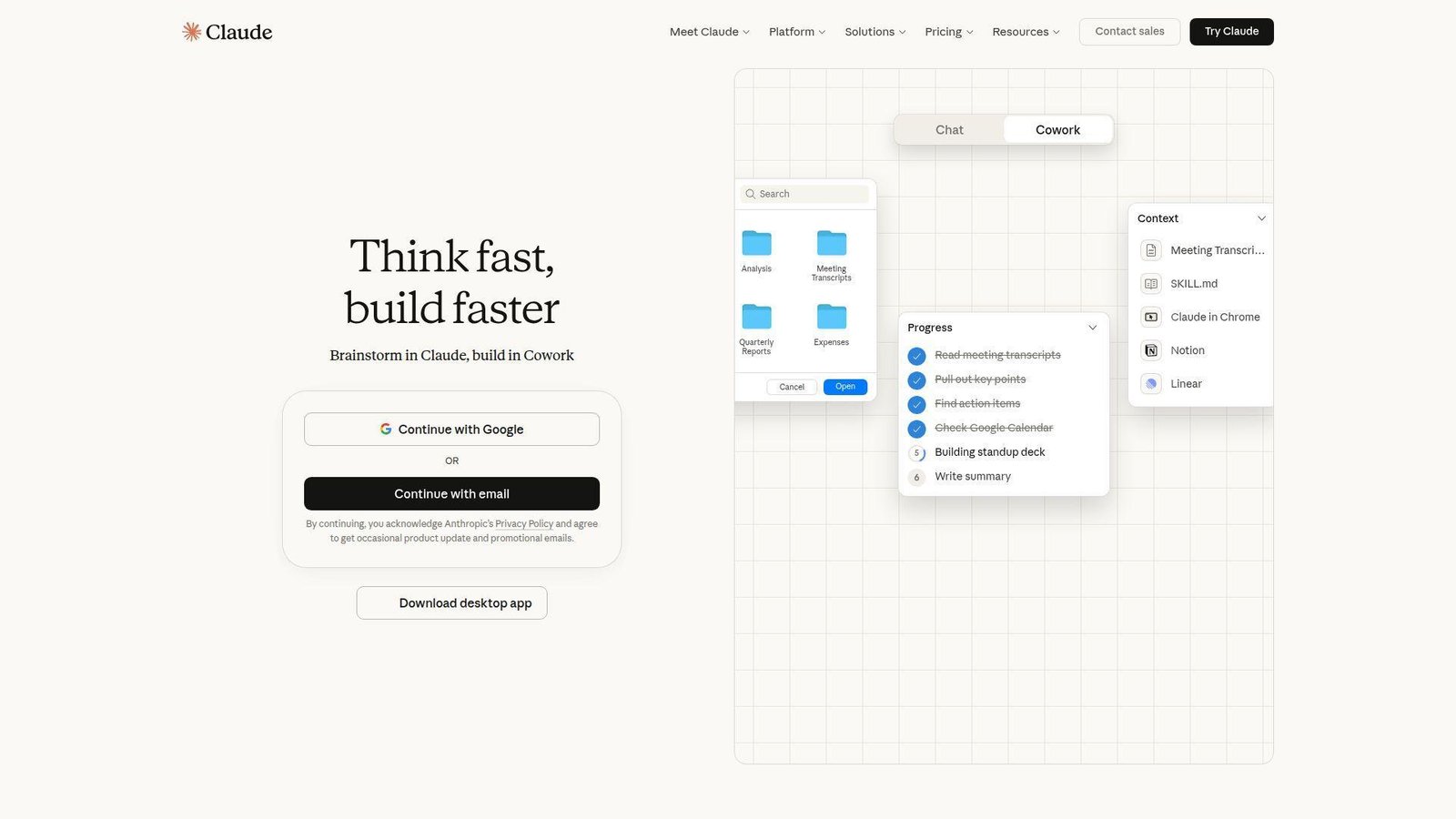
Claude comes from Anthropic, a safety-heavy AI company whose product team leans toward clarity and restraint. That shows up in the app. We usually reach for Claude when a task needs patient reading, cleaner prose, or better judgment across long documents.
Best for: writers and analyst-led teams.
- Long-document reading and calm writing style → produce cleaner first drafts and better summary quality.
- Claude Code, Cowork, and workplace connectors → reduce copy-paste between chats, docs, and team tools.
- Projects and a simple interface → most users find value in one focused session without much setup.
Pricing & limits: From free. Pro costs $20/mo, or about $17/mo with annual billing. Team starts at $20 per seat monthly billed annually, with 5 to 150 seats. There is no timed trial, and usage caps still apply on paid tiers.
Honest drawbacks: Claude has a smaller consumer ecosystem than ChatGPT, and flashy multimodal extras are not its main appeal. If you want endless extensions and broader everyday integrations, it can feel narrower. It beats ChatGPT on tone discipline and trails Gemini on native Google integration.
Verdict: If you care most about writing quality and thoughtful synthesis, this helps you get stronger output in one sitting.
3. Google Gemini
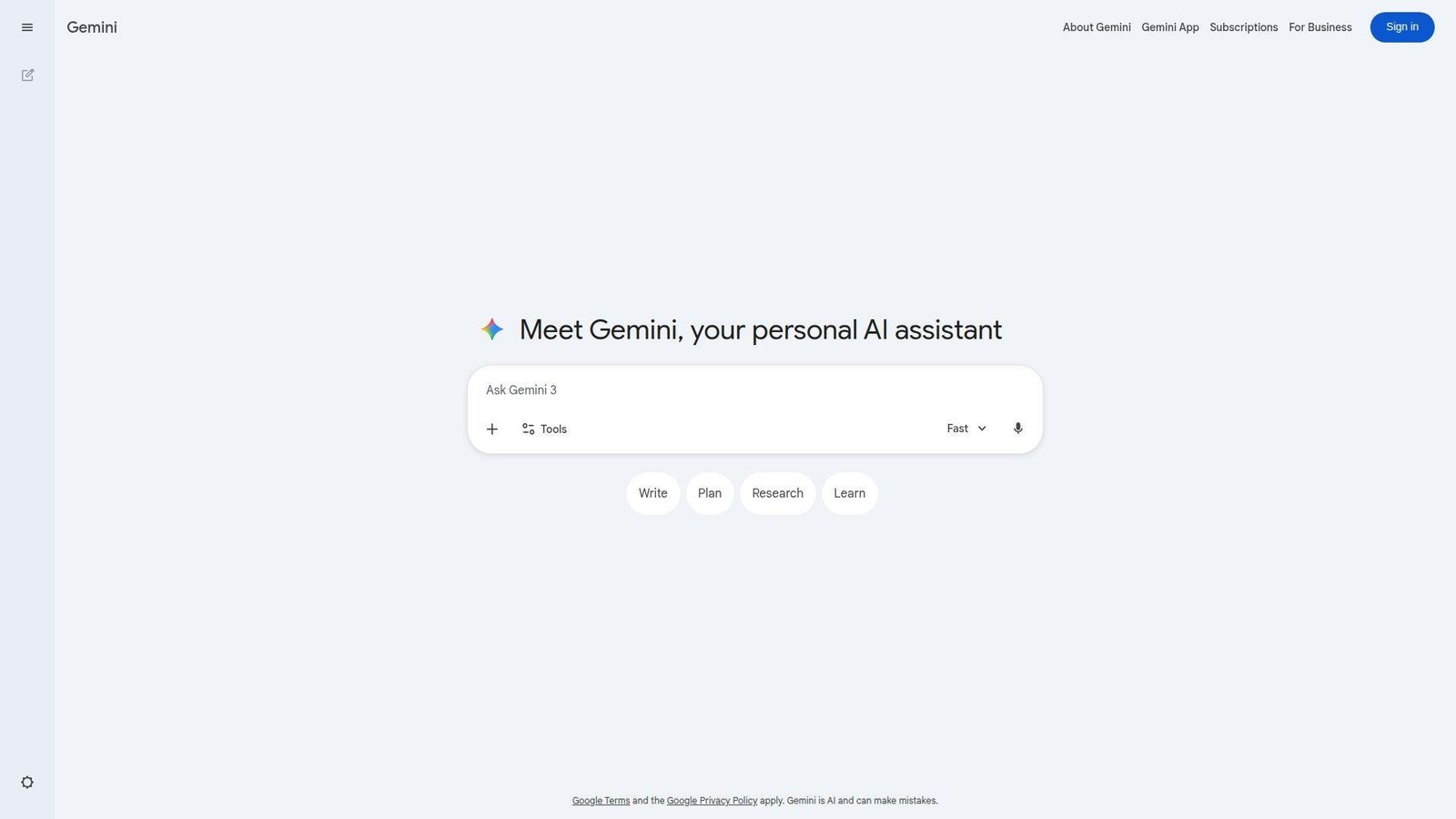
Google Gemini is built by Google’s AI and productivity teams, and that background is its biggest advantage. The app gets more compelling the more you already live in Gmail, Docs, Sheets, Drive, and Chrome. We think of it less as a standalone chatbot and more as an AI layer across the Google stack.
Best for: Google Workspace users and students.
- Gemini in Gmail, Docs, and Sheets → move from inbox to draft to edit without leaving your main tools.
- Deep Research, Search integration, and coding features → cut several handoffs across browsing, note-taking, and first-pass analysis.
- Google account onboarding and family sharing on paid plans → time-to-first-value is usually measured in minutes, not days.
Pricing & limits: From free. Paid Google AI plans start at $7.99/mo. Google AI Pro sits higher and often shows a 1-month promo trial, plus more model access and 5 TB storage. Some features stay tied to paid plans, the right account type, or US availability.
Honest drawbacks: Google’s naming and plan structure can confuse new buyers, and the writing voice still feels less consistent than Claude. Some of the best features are locked behind the paid tier. It beats ChatGPT if your work already lives in Google and trails it on workflow packaging.
Verdict: If you want AI inside the tools you already open all day, this helps you get faster value with less app switching.
4. TikTok
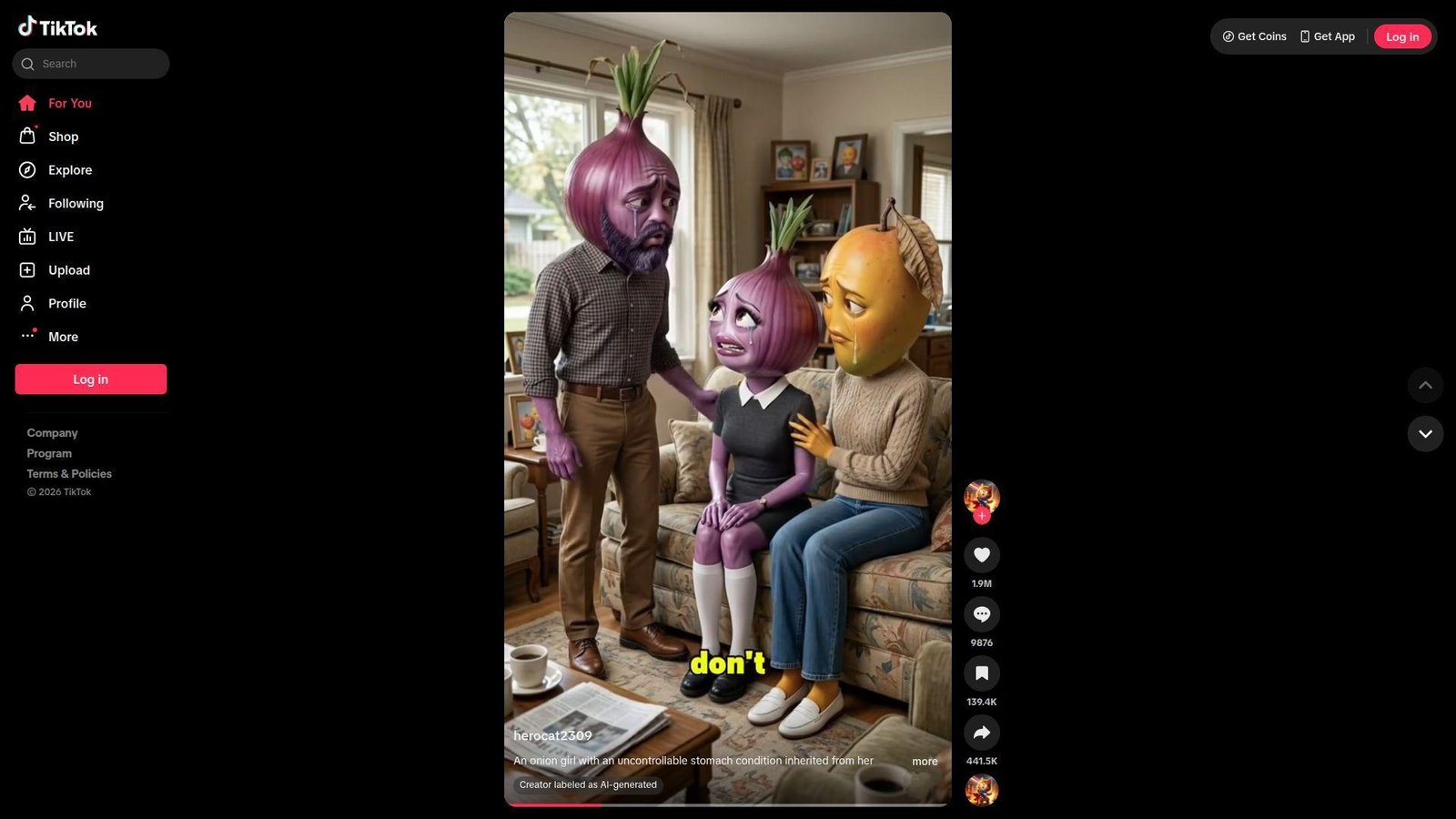
Deloitte says social video platforms now capture over half of US ad spending, which is one reason TikTok, Instagram, CapCut, and WhatsApp shape buying journeys far beyond entertainment. TikTok comes from ByteDance, whose recommendation and creator teams understand habit loops as well as anyone in consumer tech. The app remains the fastest way we know to study short-form hooks, creator behavior, and trend velocity. For many users, it is part search engine, part entertainment feed, and part shopping trigger.
Best for: creators and trend researchers.
- For You discovery and strong cold-start distribution → test hooks fast and spot what people actually stop scrolling for.
- Ads, shopping surfaces, and tight CapCut handoff → move from idea to edited post to product push in fewer steps.
- Mobile-first posting tools → most creators can publish a usable first video the same day.
Pricing & limits: From free. There is no trial because the core app is free to use. Ad spending and shop activity are separate costs. The real limit is not price. It is reach volatility and how much of your audience you truly own.
Honest drawbacks: a great week can be followed by a flat one for no obvious reason. Outbound traffic is weaker than email or search, and policy risk always sits in the background. It beats Instagram at cold discovery and trails YouTube on evergreen search depth.
Verdict: If you want attention fast and can produce native short-form video, this helps you learn what resonates almost immediately.
5. WhatsApp Messenger
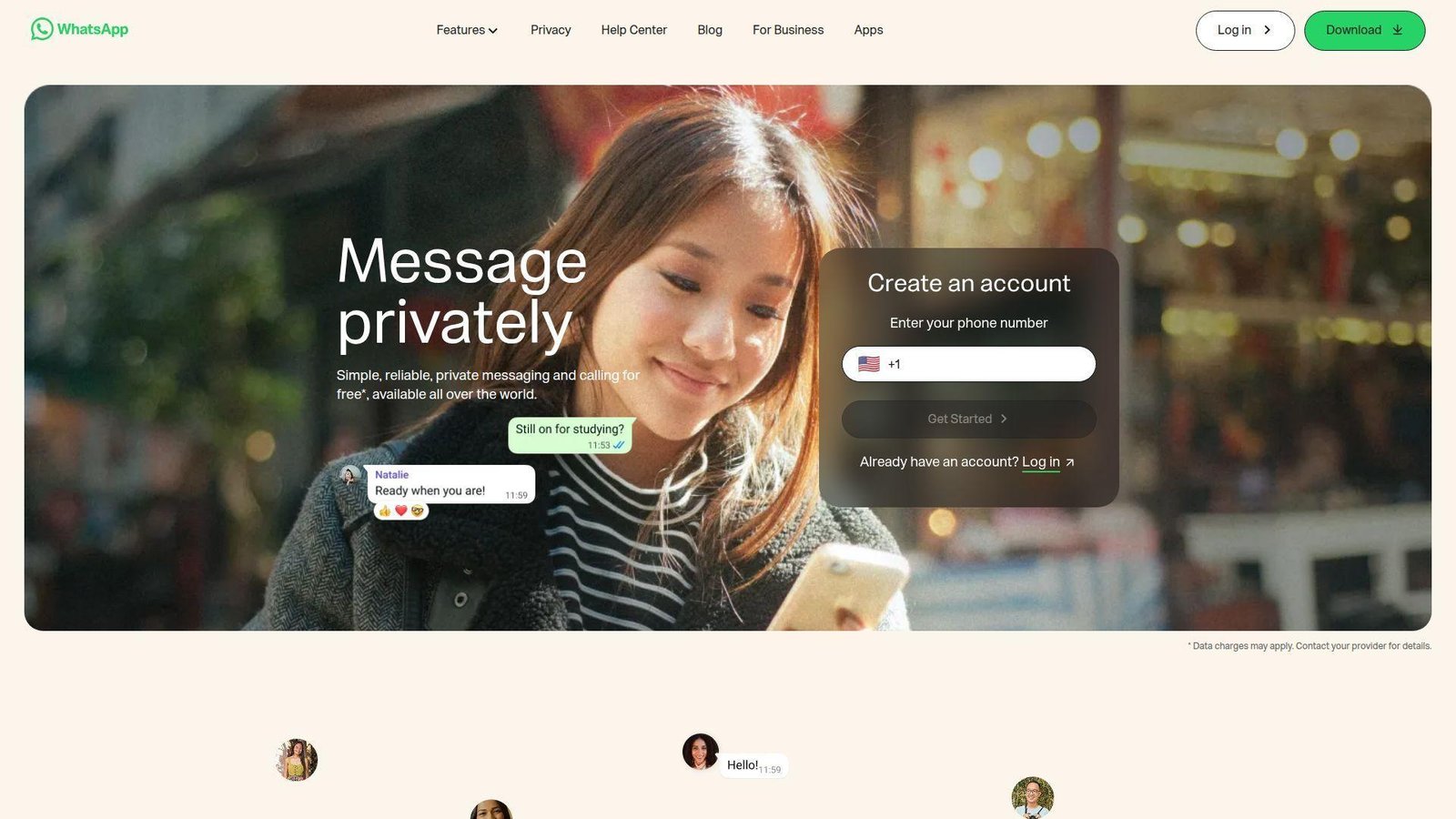
WhatsApp sits inside Meta, but the product still feels like it is run by a messaging-first team. Reliability, low friction, and daily habit matter more here than flashy discovery. That is why we see families, local businesses, and project groups keep it installed no matter what else is trending.
Best for: families and SMB customer teams.
- Groups, voice notes, calls, and communities → coordinate people quickly without teaching them a new workflow.
- Desktop sync and business tools → handle common replies and ongoing conversations with less back-and-forth.
- Simple phone-number onboarding → most users get to first value in a few minutes.
Pricing & limits: From free. The core app is free, and the Business app is also free to start. There is no trial period. The real limits show up when you need structured support, CRM depth, or advanced automation beyond simple messaging flows.
Honest drawbacks: large groups get noisy fast, and discovery is weak compared with Instagram or TikTok. It is excellent for ongoing relationships but not for broad public reach. It beats SMS on richness and convenience and trails Slack on structured team work.
Verdict: If your goal is dependable daily communication, this helps you stay connected with almost no training or setup.
6. Instagram
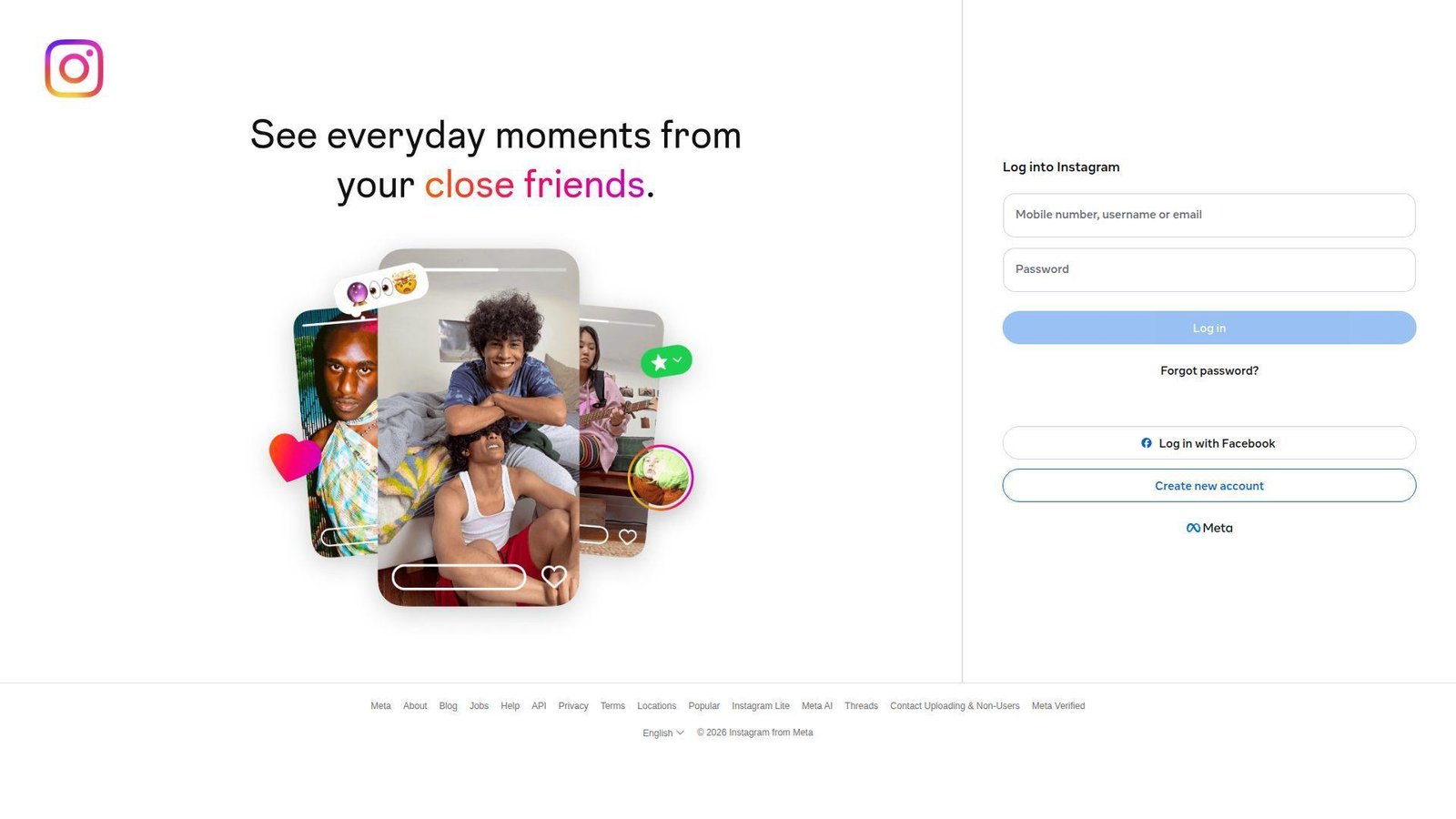
Instagram is also under Meta, but the product now acts like a blend of creator, commerce, and messaging teams. It remains one of the strongest all-around social apps because it gives brands and creators several surfaces inside one account. Reels, Stories, posts, DMs, and profile presence still work together better than most rivals.
Best for: creators and local brands.
- Reels, Stories, and carousels → reuse one campaign idea across multiple formats without starting from scratch.
- DMs, collab tools, and paid promotion options → turn a post into inquiries, partnerships, or follow-up conversations in fewer steps.
- Familiar creator workflow → new users can usually publish and learn the basics within an afternoon.
Pricing & limits: From free. The app is free to use, with optional spend for ads and promotions. There is no trial. The main limit is not access. It is how much organic reach and outbound traffic you can reliably keep.
Honest drawbacks: link-out friction is real, native editing still trails CapCut, and organic performance can be uneven. It beats Snapchat at evergreen creator visibility and trails TikTok on cold-start discovery.
Verdict: If you want one social app that supports brand building, visual storytelling, and DMs, this helps you establish a presence quickly.
7. CapCut
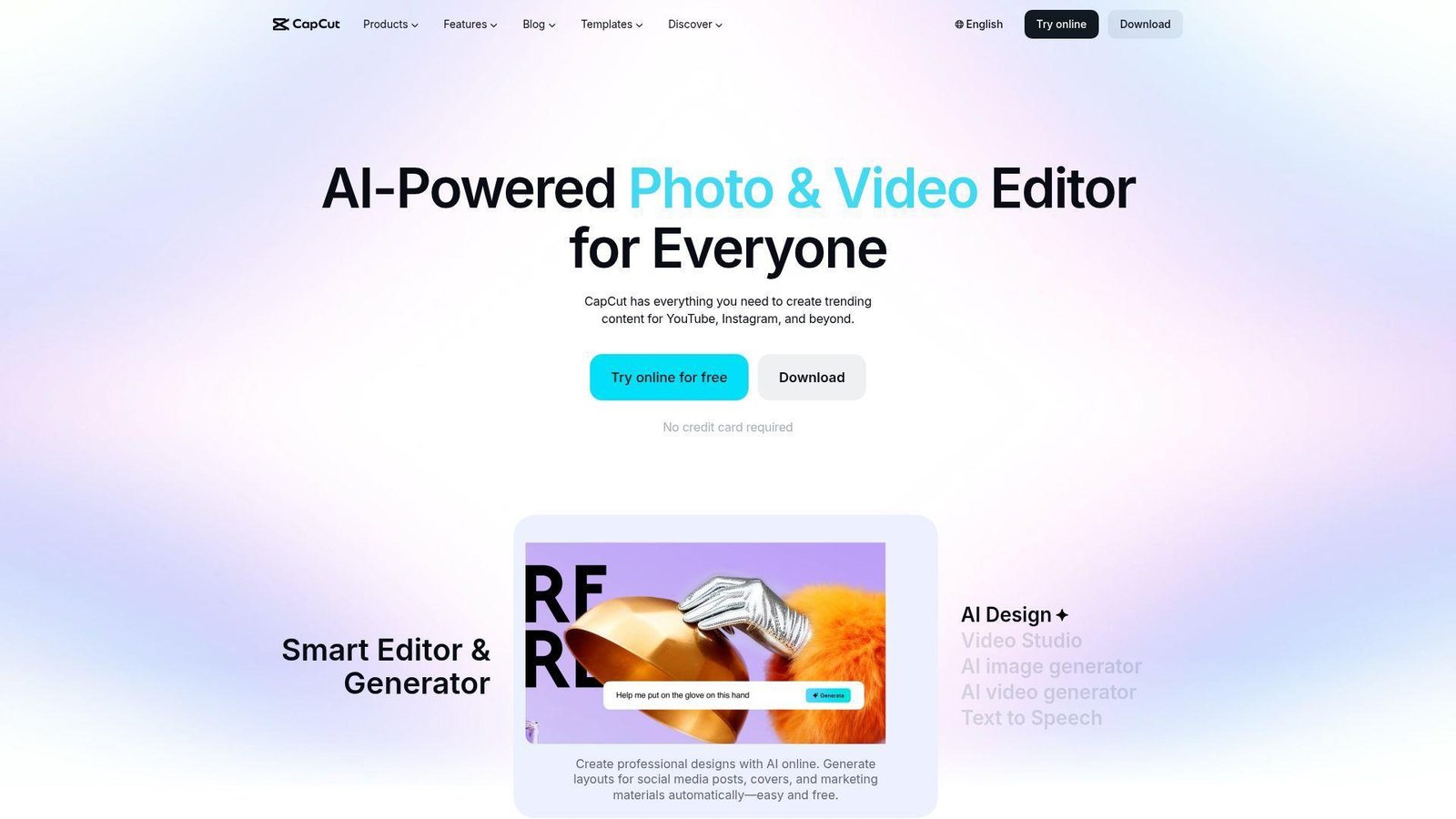
CapCut comes from ByteDance’s creator-tools team, and it shows. The app is built to shorten the distance between rough footage and publishable short-form video. We like it because it removes enough editing friction that beginners can move fast without feeling lost.
Best for: solo creators and SMB content teams.
- Templates, auto captions, and beat sync → produce platform-native short videos much faster than a manual timeline workflow.
- AI tools, cloud sync, and TikTok handoff → remove several export and upload steps from the content process.
- Web, desktop, and mobile access → most users get to a finished first edit within an hour.
Pricing & limits: From free. Pro pricing varies by region, device, and billing cycle, so there is no single global entry number we would treat as reliable for every buyer. The free tier is strong enough for real testing. Pro adds premium assets, higher-end exports, AI extras, and 100 GB cloud storage.
Honest drawbacks: pricing variation is annoying, and popular templates can make content look samey if you lean on them too hard. Deeper audio, color, and multi-layer control still trail pro desktop editors. It beats Instagram’s native editor at speed and trails full suites on precision.
Verdict: If you want fast short-form video without learning a heavyweight editing tool, this helps you publish polished clips the same day.
8. Temu
Temu is run by PDD Holdings, and the app reflects a growth-focused merchandising team. Its pitch is simple. Open the app, browse hard on price, and keep finding another deal. That formula has made it sticky with bargain hunters and price-sensitive households.
Best for: bargain shoppers and deal-driven households.
- Price-led browsing, bundles, and flash-style offers → lower cart totals for users who care more about savings than brand names.
- Alerts, coupons, and recommendation loops → shrink the time spent hunting across several stores or tabs.
- Simple mobile checkout → most users can place a first order in one short session.
Pricing & limits: From free. The app is free to use and has no trial. The limit is really product consistency. Shipping windows, brand assurance, sizing, and quality can vary more than they do on higher-trust retail platforms.
Honest drawbacks: if you need predictable product quality, fast delivery, or premium customer confidence, Temu is a compromise. Browsing can also feel noisy and a little exhausting. It beats many marketplaces on price intensity and trails established retailers on consistency.
Verdict: If your main goal is stretching a budget, this helps you surface cheap options fast, though you should buy with a sharper filter.
9. Cash App
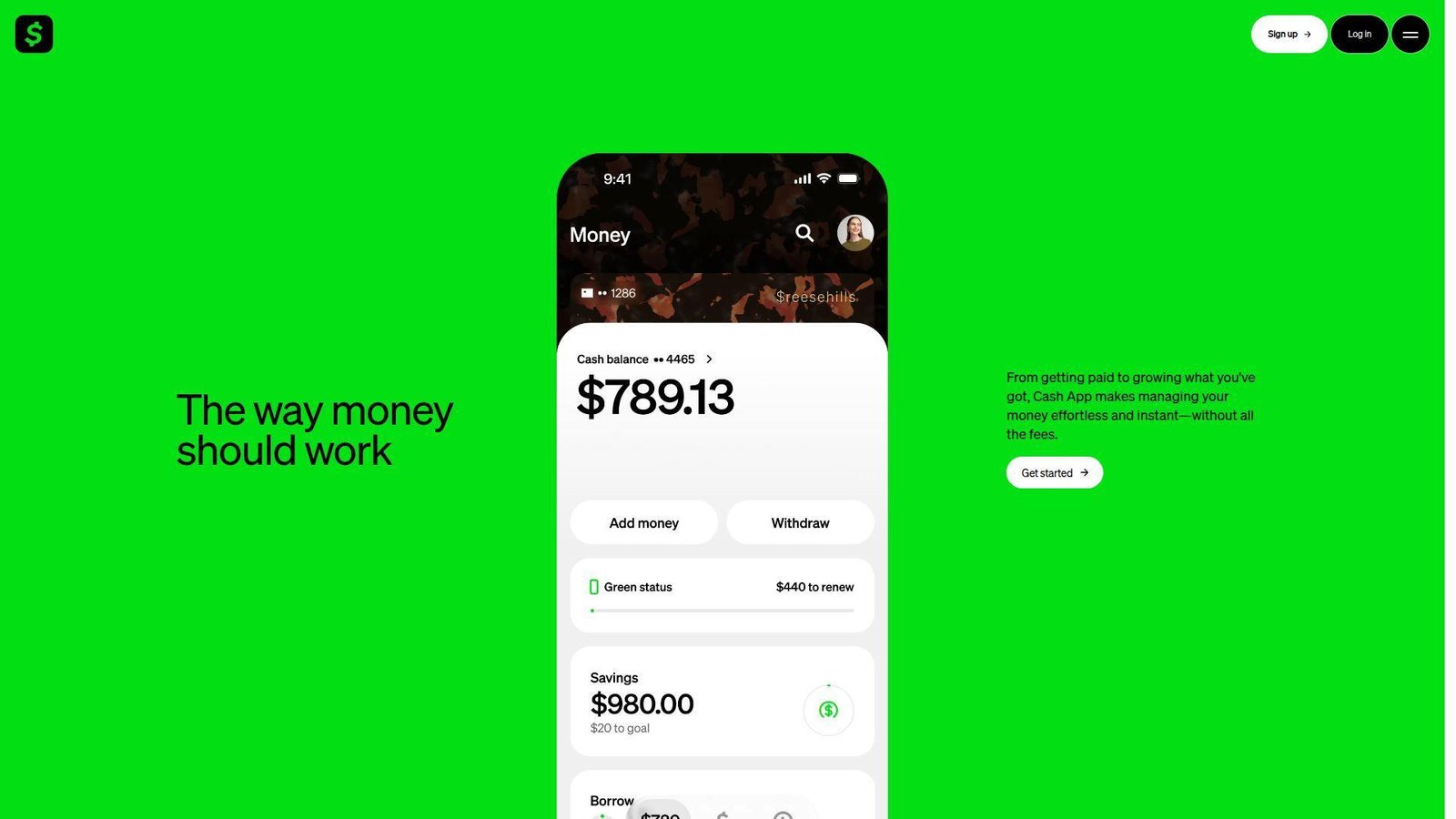
Cash App comes from Block, and the product carries that company’s bias toward simple financial actions. The team has kept the core use case clear. Send money, get paid, use a card, and handle a few other money tasks without opening a traditional bank app.
Best for: peer payments and younger money app users.
- Send, request, split, and Cash App Card features → settle casual money moments quickly with very little setup.
- Direct deposit, transfers, and extra money tools in one place → cut the number of apps needed for day-to-day money movement.
- Fast onboarding with a simple mobile flow → users can usually get to first value in minutes.
Pricing & limits: From free. There is no trial. Cash App has no monthly maintenance fee and standard bank transfers are free. Instant transfers cost 0.5% to 1.75%, and credit-card-funded payments cost 3%. That fee structure matters if you use it often.
Honest drawbacks: support can feel thin during account reviews, and it is not a full replacement for a traditional bank if you need richer controls. It beats many bank apps on casual money movement and trails banks on dispute handling depth.
Verdict: If you want a low-friction payments app for everyday transfers, this helps you move money with less hassle right away.
10. Whatnot
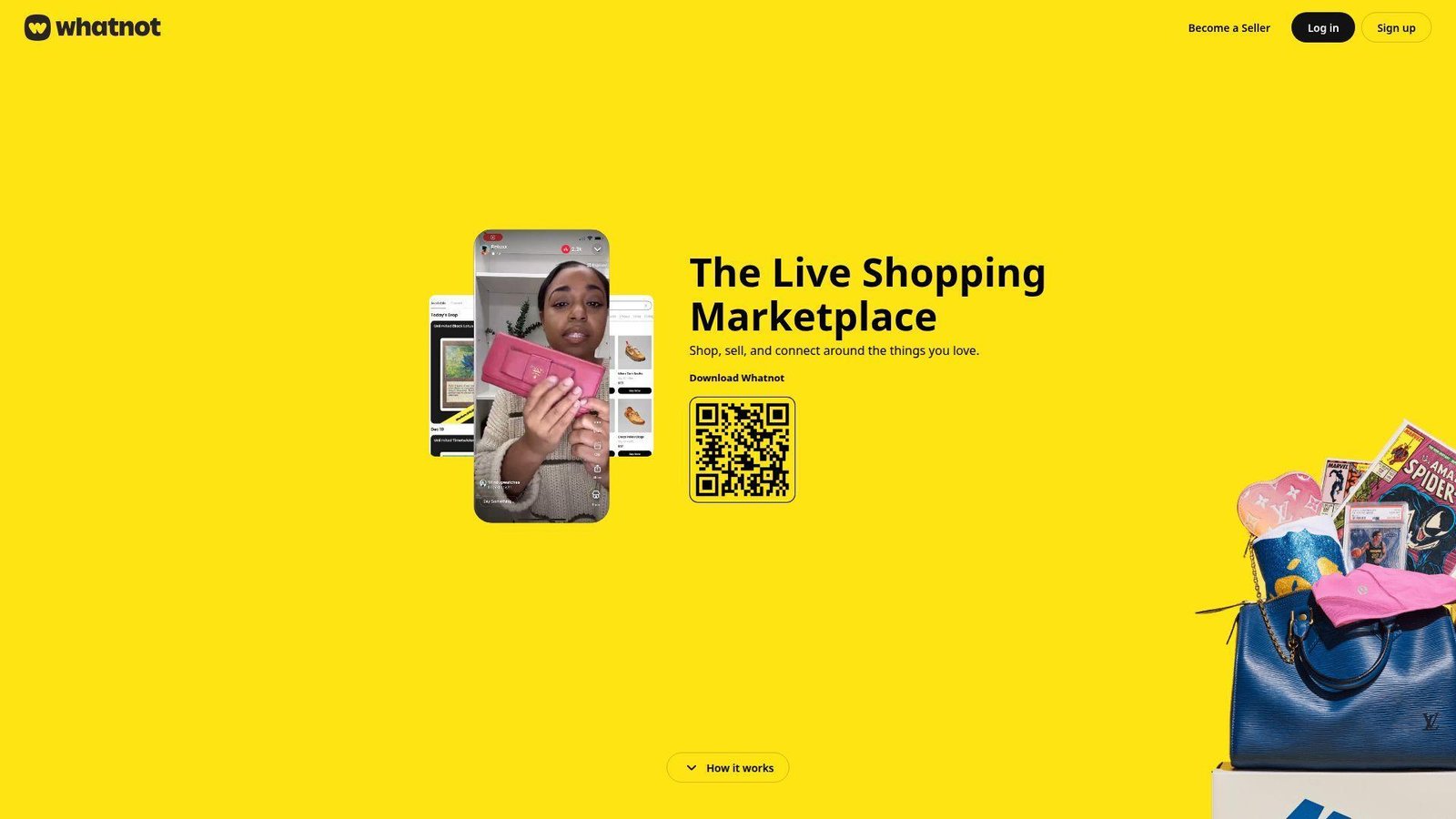
Whatnot is built by a marketplace and community team that understands live selling better than most mainstream commerce apps. The product feels designed for energy, speed, and collector behavior. We like it most when the seller has personality and the category has scarcity or fandom behind it.
Best for: collectors and side-hustle sellers.
- Live auctions and Buy It Now formats → move inventory quickly and create urgency that static listings rarely match.
- Selling tools, shipping options, and in-show discounts → reduce manual admin during and after a live session.
- Mobile-first go-live flow → sellers can usually start learning the platform in a week, not a quarter.
Pricing & limits: From free for buyers. There is no trial. Seller fees vary by category, with many US categories landing around an 8% commission plus payment processing. That means margin math matters before you decide the format is a fit.
Honest drawbacks: if you hate being on camera, Whatnot is probably the wrong business model. Results also depend on show timing, category demand, and seller stamina. It beats eBay at live engagement and trails Shopify on owned-brand control.
Verdict: If you sell collectible or community-driven products, this helps you create momentum and close sales in real time.
11. DoorDash
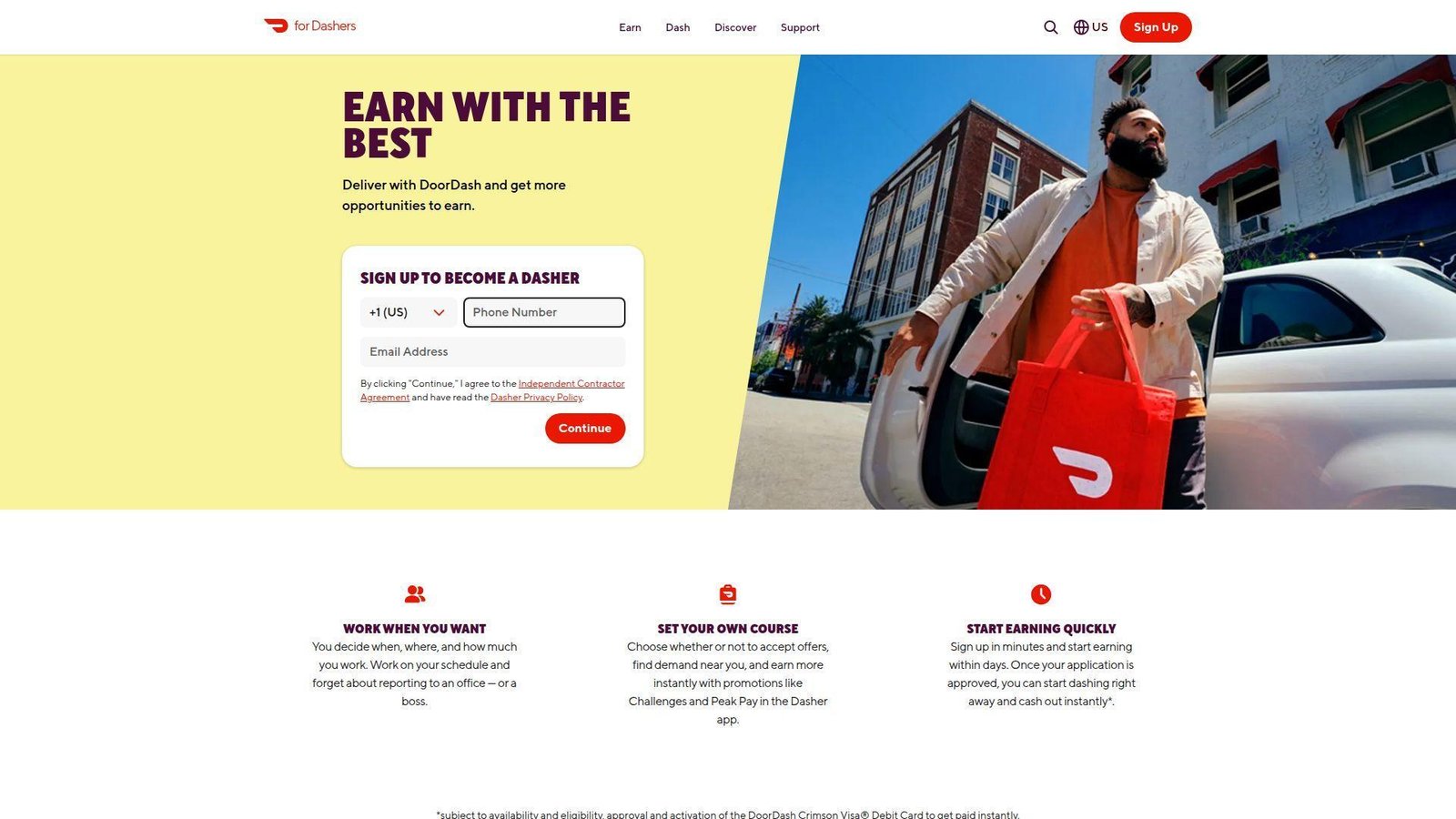
DoorDash is run by a logistics-heavy product team, and the app keeps expanding beyond restaurant delivery. It now feels like a local convenience layer for food, grocery, and retail. For busy households, that broad coverage is the real reason it keeps getting opened.
Best for: busy households and urban professionals.
- Food, grocery, and retail ordering in one app → cut errands and avoid juggling separate delivery services.
- DashPass and pickup benefits → reduce repeat order friction for people who order often.
- Clear checkout and live tracking → most users get to first value on their first order.
Pricing & limits: From free. DashPass includes a 30-day trial for eligible new users, then costs $9.99/mo or $96/yr. The app itself is free to use, but fees, store minimums, and availability vary by location and merchant.
Honest drawbacks: total cost rises fast if you are not a member, and order quality still depends on the store, not just DoorDash. It beats restaurant-only apps on breadth and trails in-store pickup on cost control.
Verdict: If you want one local-delivery app that covers more than takeout, this helps you place repeat orders with less friction.
12. Netflix
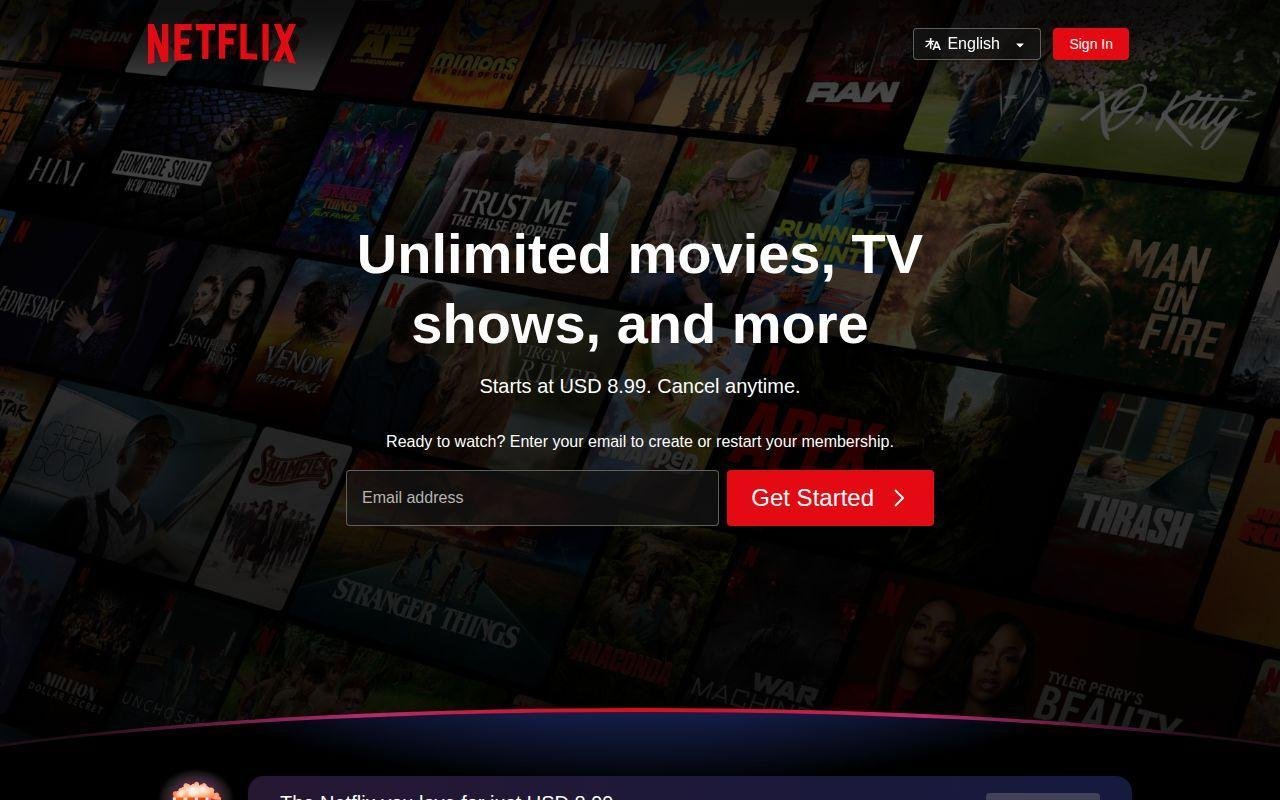
Netflix is run by a mature streaming, content, and recommendation organization, and that polish still shows. Even when rival libraries change, Netflix remains one of the easiest places to actually find something to watch. That sounds basic, but it matters more than people admit.
Best for: households and binge-watchers.
- Strong recommendation loops and a deep original catalog → cut browsing time and get users to a watchable title faster.
- Profiles, downloads, and built-in games → serve multiple household needs inside one subscription.
- Consistent apps across TV, phone, tablet, and desktop → first value is immediate on almost any device.
Pricing & limits: From $8.99/mo. There is no free trial. Standard with ads and Standard allow 2 supported devices at a time, while Premium allows 4 and adds 4K plus HDR. That structure is clear, but the top tier is not cheap.
Honest drawbacks: some popular titles rotate out, the best picture quality costs more, and Netflix is still lighter on live-TV utility than some competitors. It beats Paramount+ on recommendation quality and trails pure live-TV bundles on real-time viewing.
Verdict: If you want a polished, reliable streaming app for regular home use, this helps you start watching with very little friction.
13. Paramount+
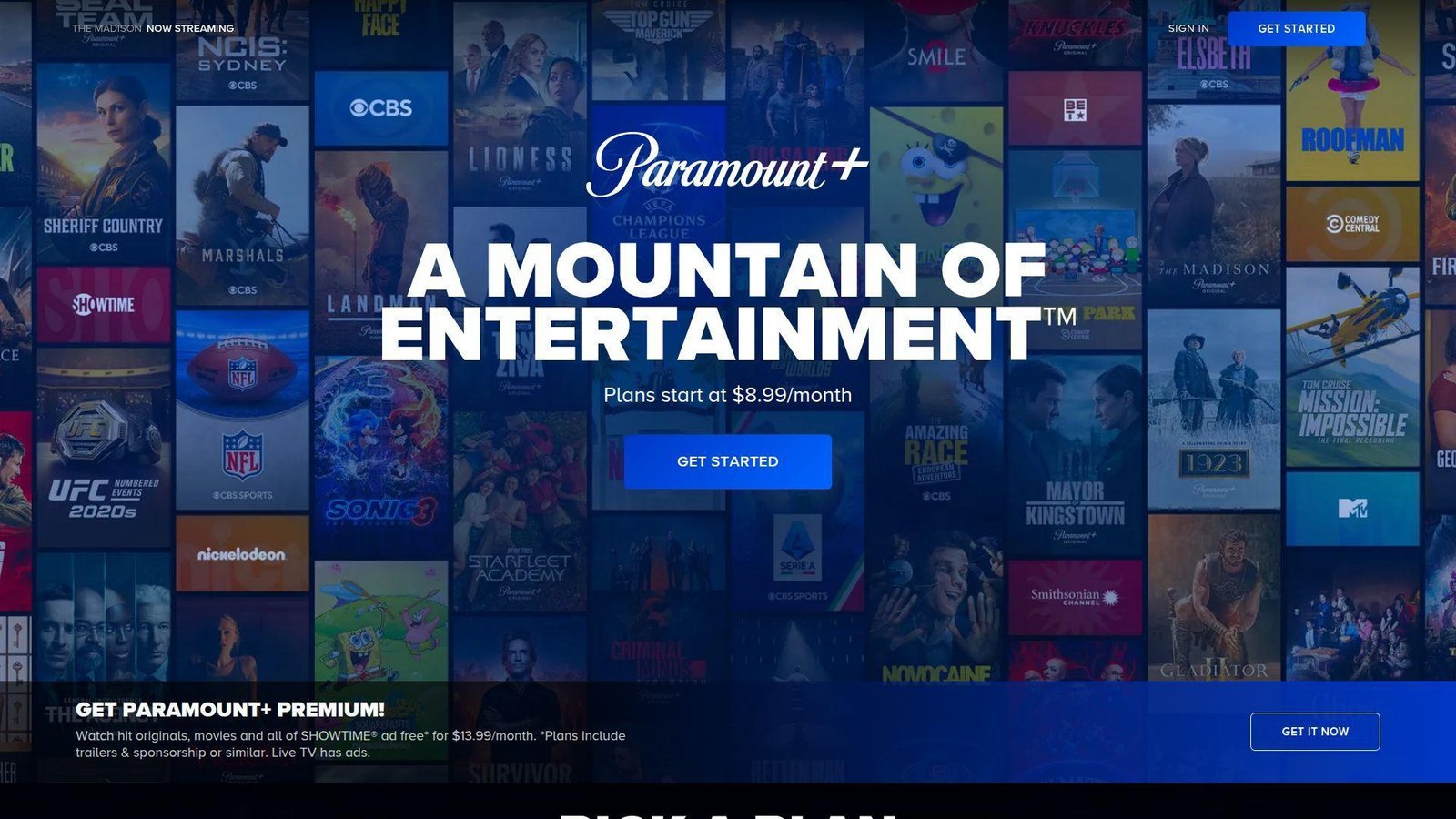
Paramount+ comes from Paramount’s streaming team, and its value is tied to recognizable franchises, CBS ties, and live sports appeal. It is not the broadest streaming brand, but it can be a smart pick if its specific library lines up with what your household actually watches.
Best for: franchise fans and sports-minded streamers.
- Paramount originals, CBS content, and sports tie-ins → bring several viewing needs into one service for the right household.
- Profiles, downloads on Premium, and live channel utility → reduce the need to bounce to a second entertainment app.
- Simple signup and familiar browsing flow → first value usually arrives in a single evening.
Pricing & limits: From $8.99/mo, while Premium costs $13.99/mo. Standard trials are mostly promo-based rather than always-on. You can stream on up to 3 devices at once. That is workable for families, but the content edge is more specific than Netflix.
Honest drawbacks: the interface is less polished, recommendations are weaker, and the catalog feels thinner if you do not care about its core brands. It beats some niche streamers on live utility and trails Netflix on overall depth.
Verdict: If you want CBS, select live sports, and familiar Paramount franchises in one place, this helps you get there without overcomplicating your stack.
14. Spotify
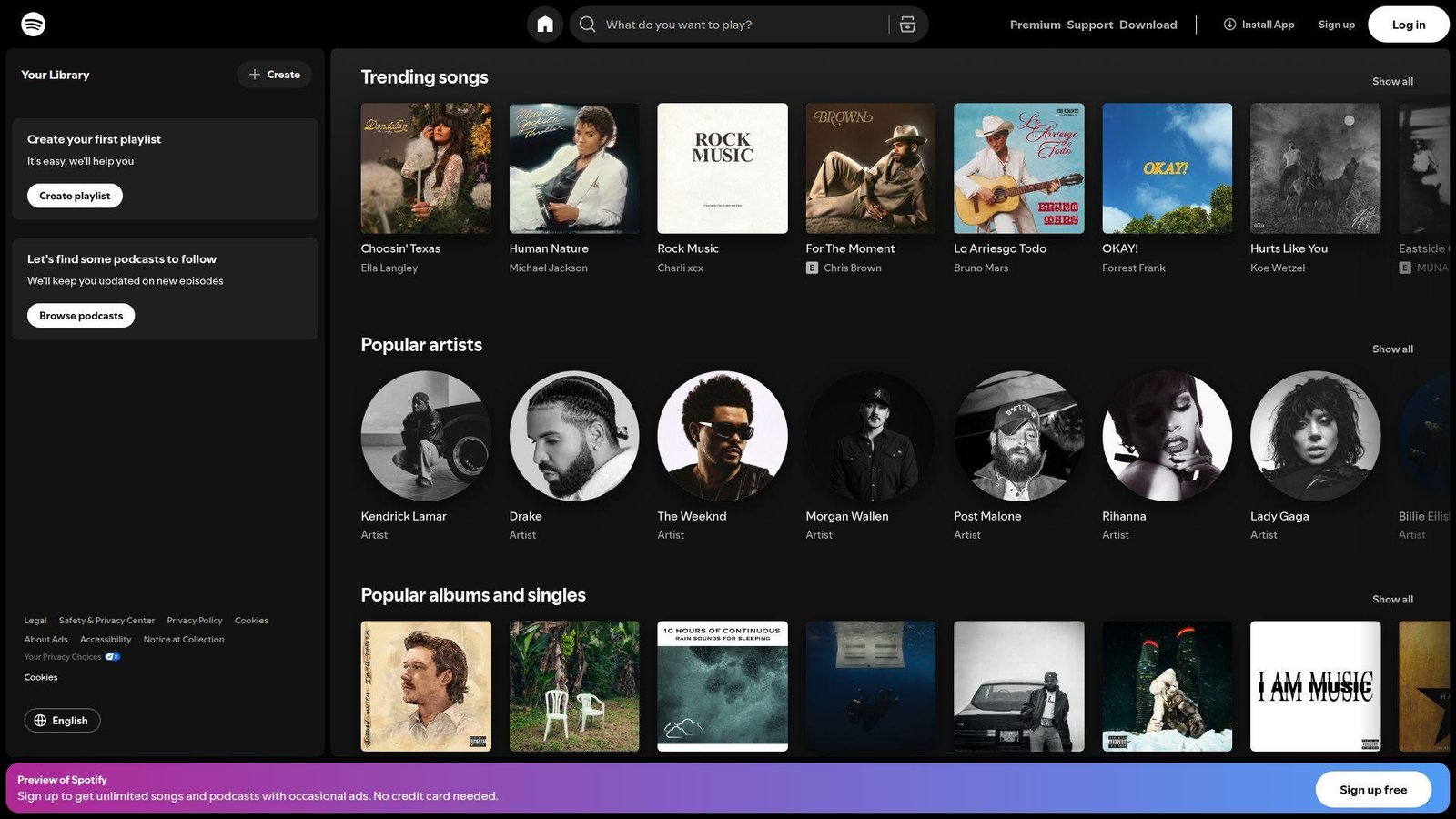
Spotify is run by an audio and recommendation team that knows how to turn casual listening into a daily habit. The app keeps winning because it is not just a music player. It is a discovery engine, a podcast hub, and now a bigger audiobook destination too.
Best for: commuters and music-first households.
- Personalized mixes, playlists, and recommendations → get users to something worth hearing with very little search effort.
- Podcasts, audiobooks, and broad device support → keep audio use inside one account across home, car, and desktop.
- Simple signup and familiar controls → most users find first value in minutes.
Pricing & limits: From free. Premium Individual is $12.99/mo, and eligible new users usually get 1 month free. The free tier includes ads and more playback limits, so heavy listeners often hit the wall quickly.
Honest drawbacks: audiobook hour limits can surprise paid users, and video-native creator discovery still trails YouTube. It beats most rivals on cross-device listening and trails video platforms on creator depth.
Verdict: If you want one audio app that can handle daily music, podcasts, and more, this helps you settle into a routine fast.
15. Roblox
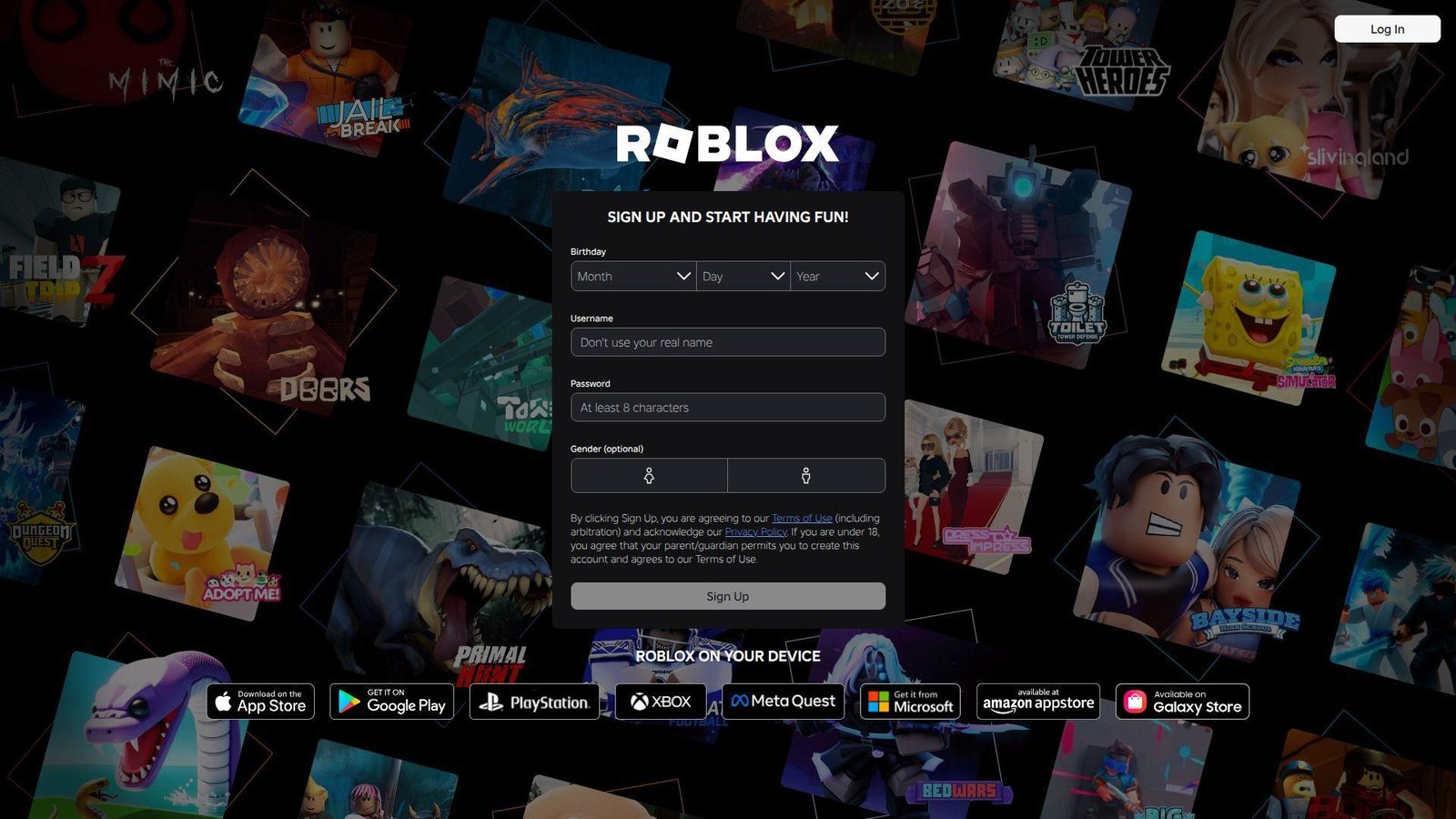
Roblox is run by a platform team that thinks about creation and play at the same time. That makes it very different from a normal game app. One account can play experiences, buy avatar items, and eventually start building worlds too, which gives the platform unusual staying power.
Best for: younger gamers and aspiring creators.
- Play and create with the same account → move from consumer to builder without switching ecosystems.
- Creator tools, marketplace access, and shared experiences → shorten the path from idea to something playable.
- Fast setup on common devices → most players reach first value in one session, though parental setup should come early.
Pricing & limits: From free. There is no trial. Optional Robux purchases and premium items increase spend quickly, and that is the real monetization pressure to watch. The platform itself is free to join and play.
Honest drawbacks: experience quality varies a lot, device performance is uneven across games, and parents need to stay active on safety settings. It beats traditional games on user-generated variety and trails curated titles on consistency.
Verdict: If you want a gaming app that also opens the door to creation, this helps you get entertainment and learning value in the same ecosystem.
16. Snapchat
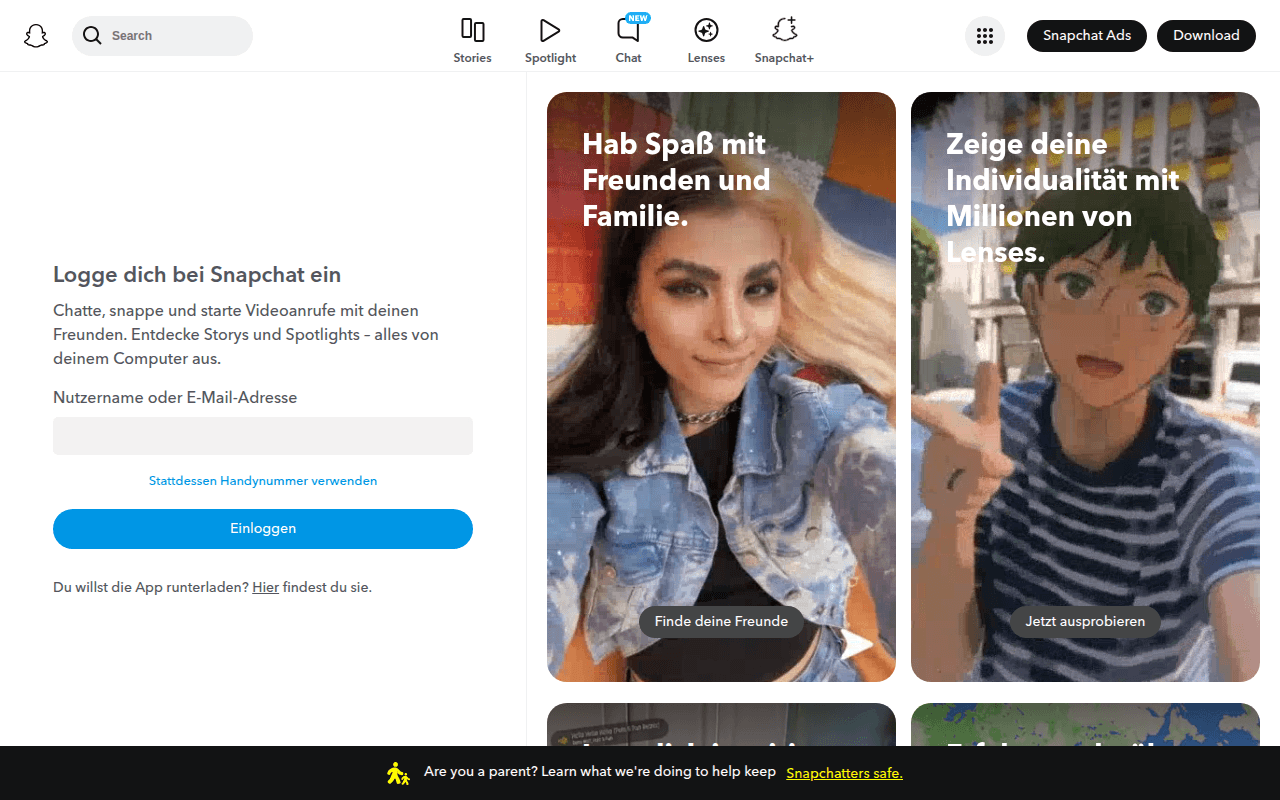
Snapchat comes from Snap’s camera-first social team, and the product still feels built around close-friend behavior more than broad audience reach. That is why it remains sticky with younger users. The app makes fast visual sharing feel more natural than polished posting.
Best for: close-friend sharing and Gen Z communication.
- Camera, Stories, and chat in one flow → make daily sharing feel light and immediate, not overproduced.
- AR lenses and creative tools → cut the steps needed to make fast, playful visual content.
- Mobile-first design → users usually understand the core flow within minutes.
Pricing & limits: From free. There is no fixed trial. Snapchat+ is optional, and pricing varies by country and device. The free version handles the main social use case, but several management and story functions still work best in the mobile app.
Honest drawbacks: public discovery is weaker than on Instagram or TikTok, and the app becomes less useful if your real friend group is not active there. It beats Instagram for private visual messaging and trails it on evergreen creator visibility.
Verdict: If you care more about real-time sharing with friends than building a public feed, this helps you stay engaged without much effort.
17. Zoom
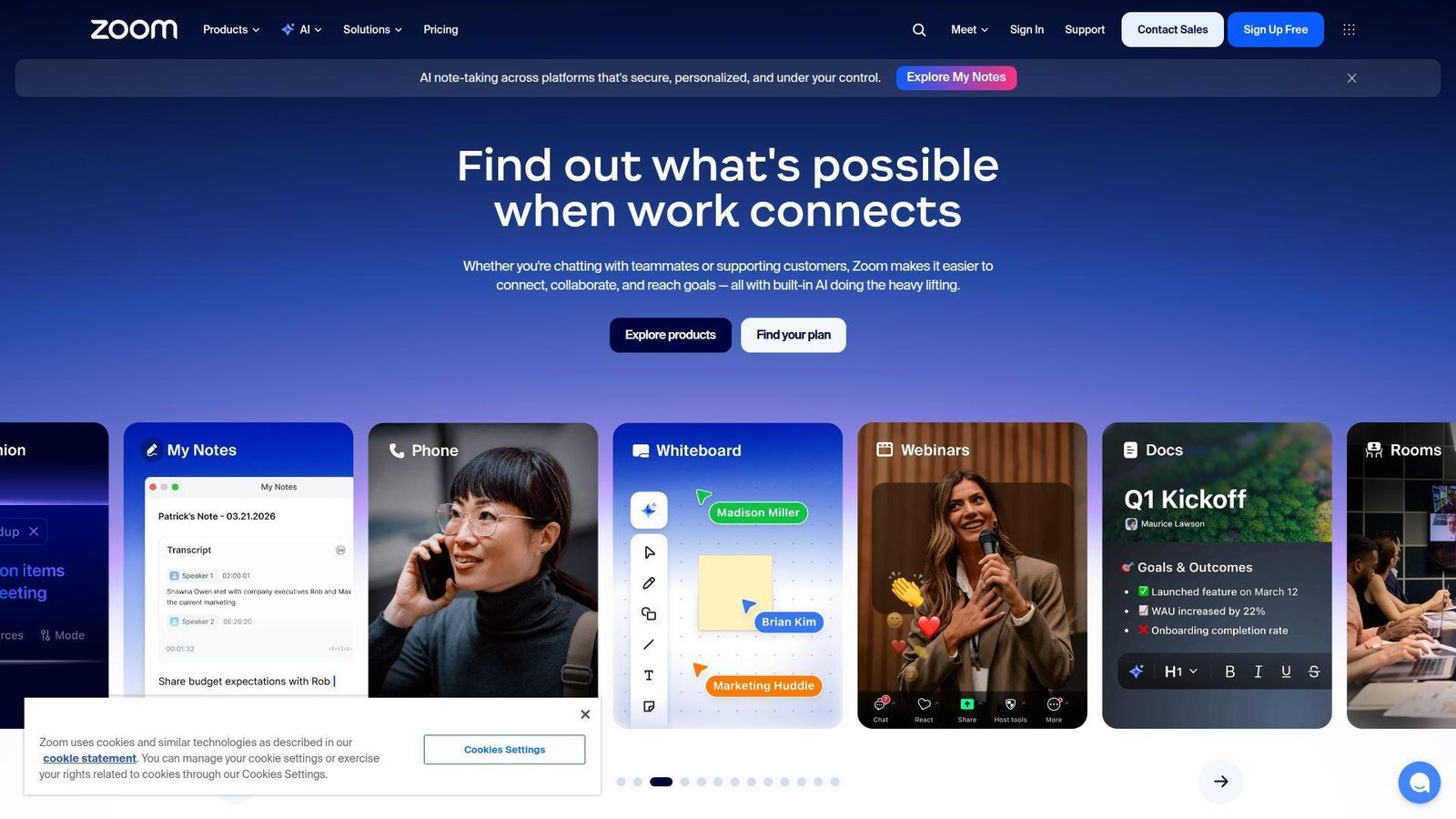
Zoom is built by Zoom Communications, a company that won trust by making meetings easier and more reliable than the alternatives. The product has widened since then, but the core appeal is still the same. Click a link, get people into a room, and do not fight the software.
Best for: SMB meetings and client calls.
- Reliable meetings, recordings, and easy join links → reduce support pings and wasted start-of-call minutes.
- Calendars, chat, docs, and AI add-ons → keep more collaboration work close to the meeting itself.
- Familiar interface across devices → most teams start using it with almost no training.
Pricing & limits: From free. There is no trial requirement. Basic group meetings cap out at 40 minutes and 100 participants. Paid bundles remove the time cap and add more admin features, which is usually the point where business buyers decide whether to stay.
Honest drawbacks: once you want a broader work suite, costs and add-ons can pile up, and Microsoft-heavy teams may get better bundle math elsewhere. It beats Google Meet on host control feel and trails Teams on ecosystem bundling.
Verdict: If you need a dependable video meeting app that people already understand, this helps you get to a smooth call in minutes.
18. Shopify
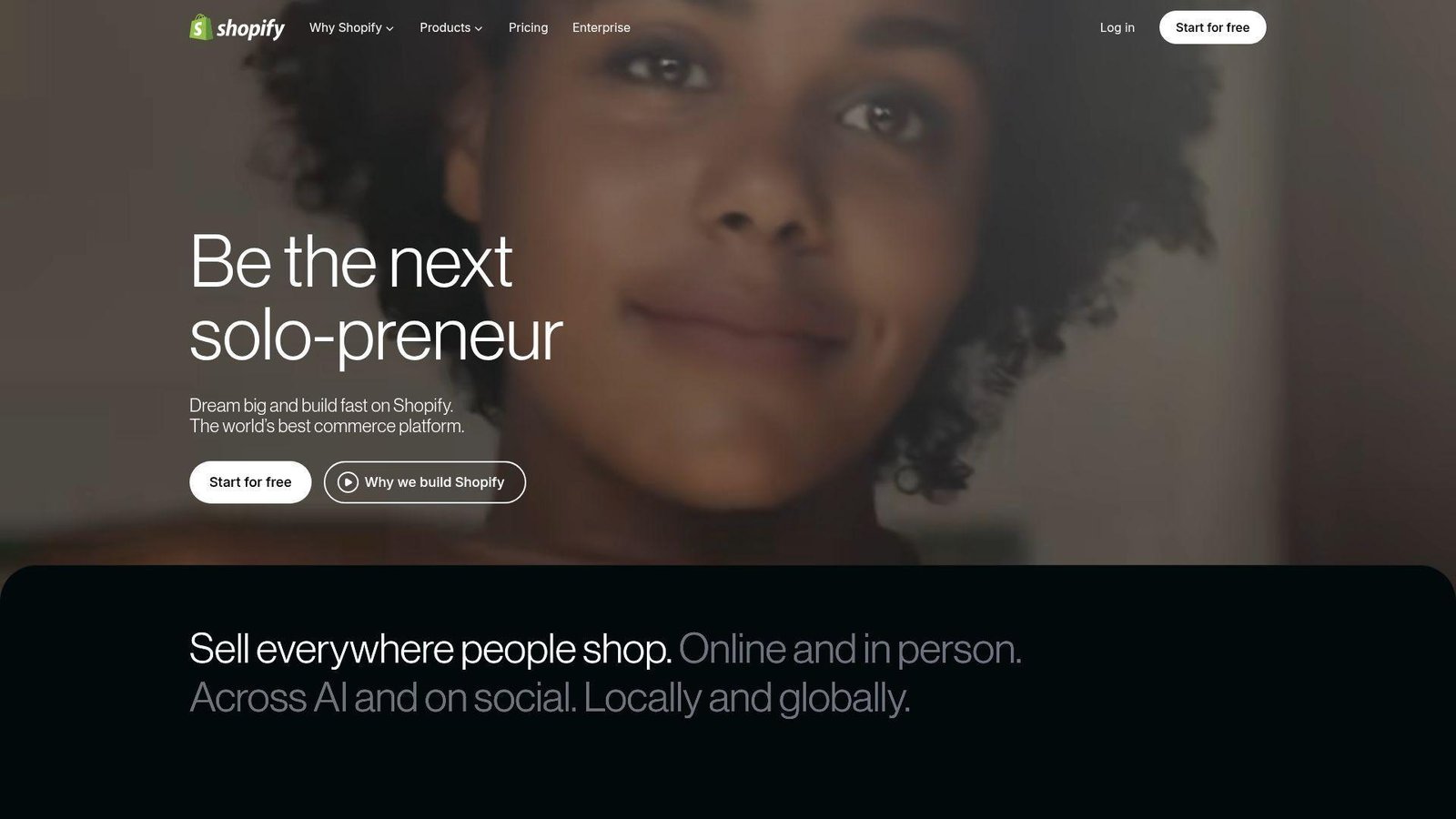
Shopify is a commerce platform company with deep product, partner, and ecosystem experience. What we like most is that it keeps the path from idea to storefront unusually short. A solo merchant can start simple, while a growing brand can keep adding layers without changing platforms too early.
Best for: DTC brands and small merchants.
- Storefront, checkout, POS, and channel selling → run online and offline commerce in one operating system.
- Apps, automation, and channel integrations → remove manual order, fulfillment, and marketing steps as volume rises.
- Themes and guided setup → most merchants can get to a usable first store in a day or a weekend.
Pricing & limits: Start for free, then $1/mo for 3 months on the current promo. Basic starts at $29/mo billed annually. Lower tiers cap staff accounts and inventory locations, and payment-provider fees still matter when margins are tight.
Honest drawbacks: app costs stack faster than new merchants expect, and advanced B2B or custom checkout needs higher plans. It beats marketplaces on brand control and trails custom commerce stacks on bespoke workflow freedom.
Verdict: If you want to own your storefront instead of renting audience from a marketplace, this helps you launch and iterate quickly.
19. Zapier
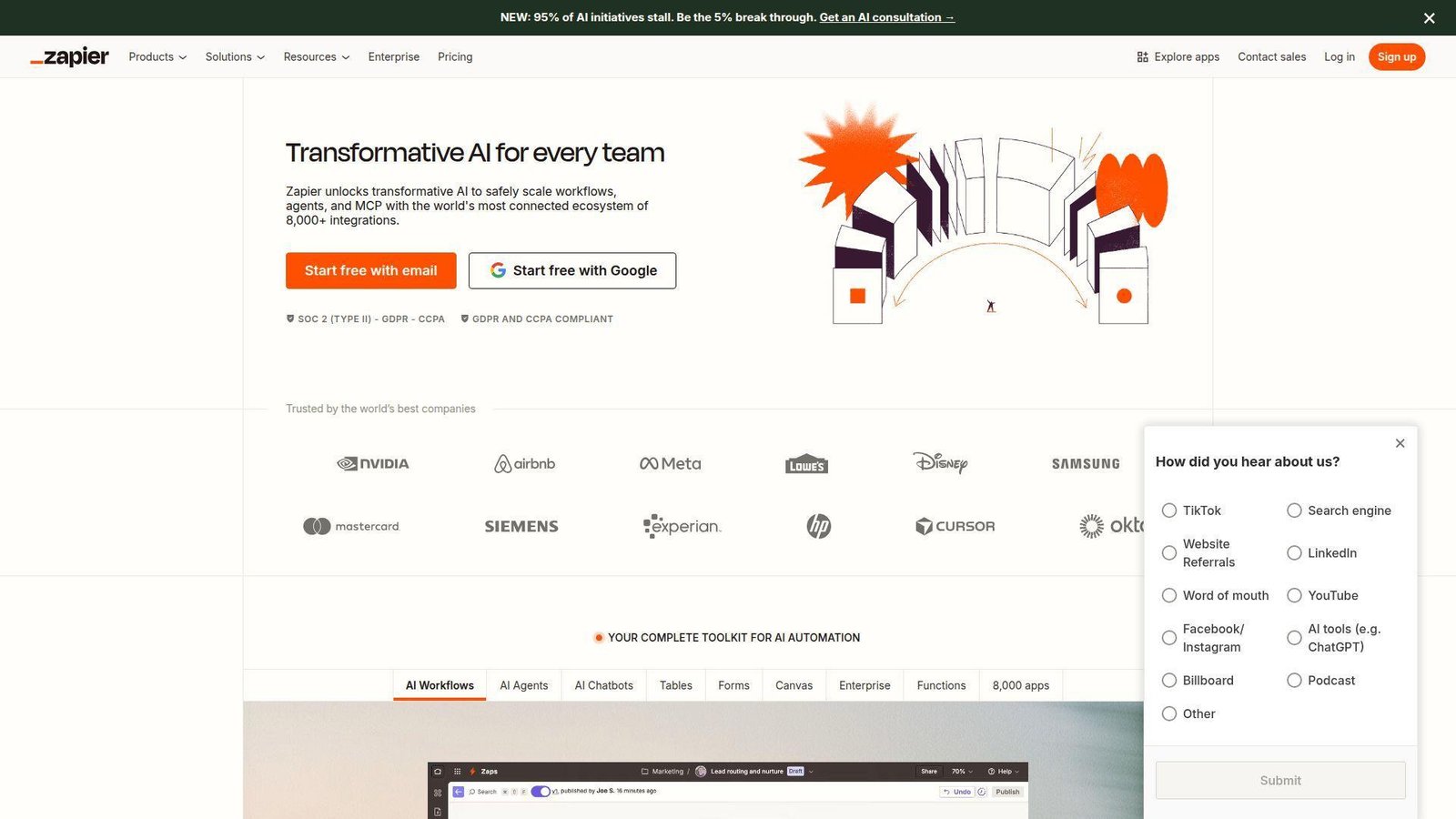
Zapier is built by an automation-first team that knows how much business work still happens through copy-paste. The product has become broader than classic app-to-app triggers now. It combines workflows, forms, tables, and AI actions into one system that non-developers can actually use.
Best for: ops managers and no-code builders.
- Zaps, Tables, Forms, and MCP in one plan → turn repetitive admin into workflows instead of checklist work.
- Large integration coverage and AI actions → remove manual hops between tools and shorten routine processes.
- No-code setup and templates → most teams can build a working first automation in under an hour.
Pricing & limits: From free. The free plan includes 400 activities per month. Pro costs $33.33/mo billed annually and includes 1,500 activities per month. In practice, the free plan acts as the trial, which is useful because it lets teams test real workflows before paying.
Honest drawbacks: costs climb with volume, and complicated logic can become hard to manage if no one owns the system. It beats single-app automation features on breadth and trails custom scripts on high-volume economics.
Verdict: If you want to automate recurring busywork across your stack, this helps you get visible wins the same week.
20. Mailchimp
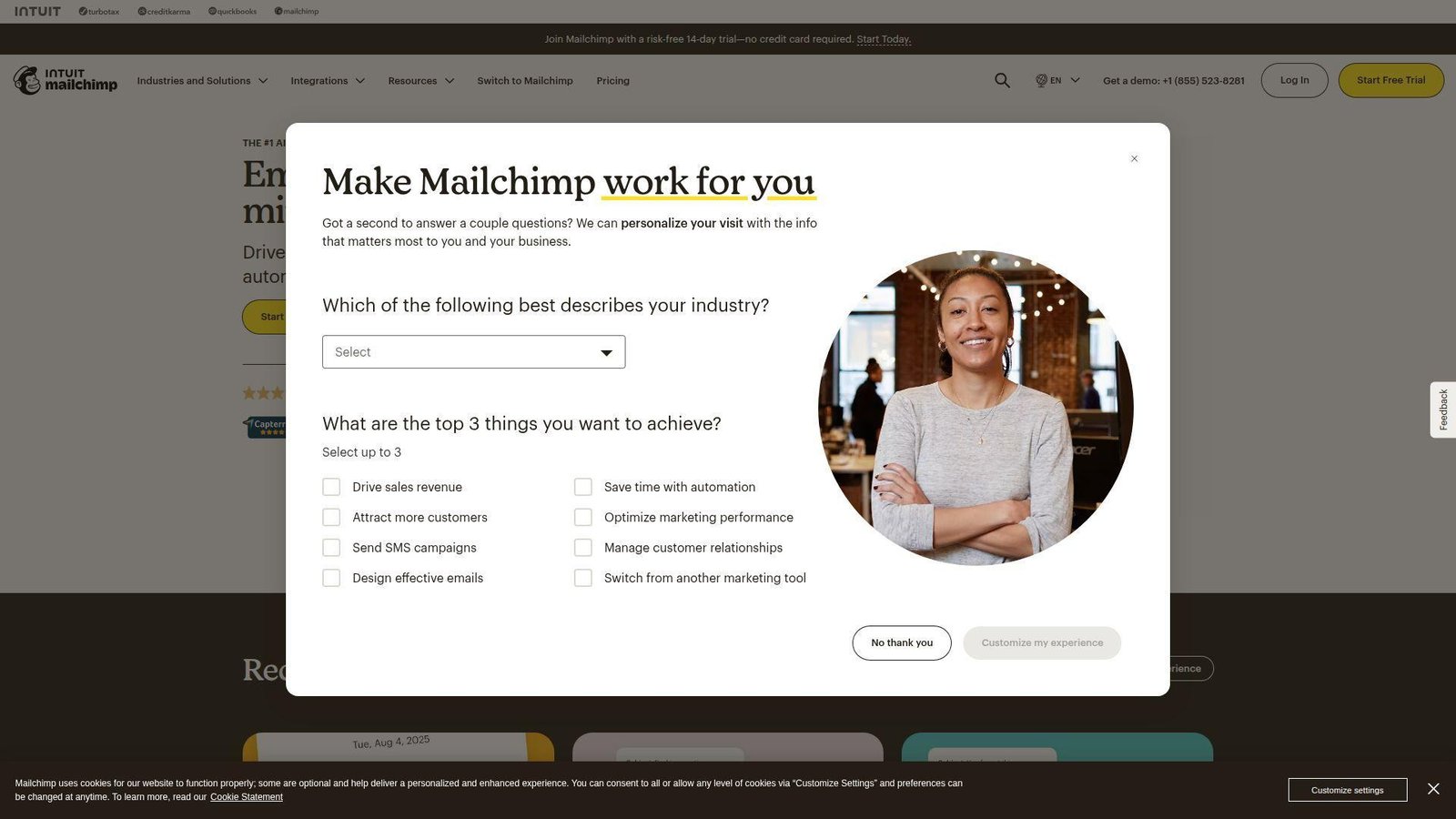
Mailchimp now sits inside Intuit, but the product still feels focused on helping smaller teams run email and audience workflows without a heavy operations setup. It remains a practical choice because it teaches beginners while still offering enough structure for real campaigns.
Best for: small ecommerce brands and beginner marketers.
- Campaigns, segments, and automations → launch welcome flows, promos, and repeat communication without a steep learning curve.
- Integrations and AI-assisted setup tools → cut the time needed to prepare lists, drafts, and simple journeys.
- Familiar interface and guided setup → most teams can send a first campaign the same day.
Pricing & limits: From free. Essentials starts at $13/mo, Standard at $20/mo, and Premium at $350/mo. Paid plans offer a 14-day trial. Overages apply if you exceed contact or send limits, so list growth changes the real cost fast.
Honest drawbacks: pricing rises quickly with audience size, and deeper lifecycle or ecommerce event logic may push larger brands elsewhere later. It beats basic newsletter tools on breadth and trails specialist lifecycle platforms on depth.
Verdict: If you want a marketing app that is easy to start and still useful as you grow, this helps you send smarter campaigns in a day.
Recommended reading: Top 20 Best Tech Blogs for Developers, Founders, and Curious Readers
What Is Driving Trending Apps Right Now
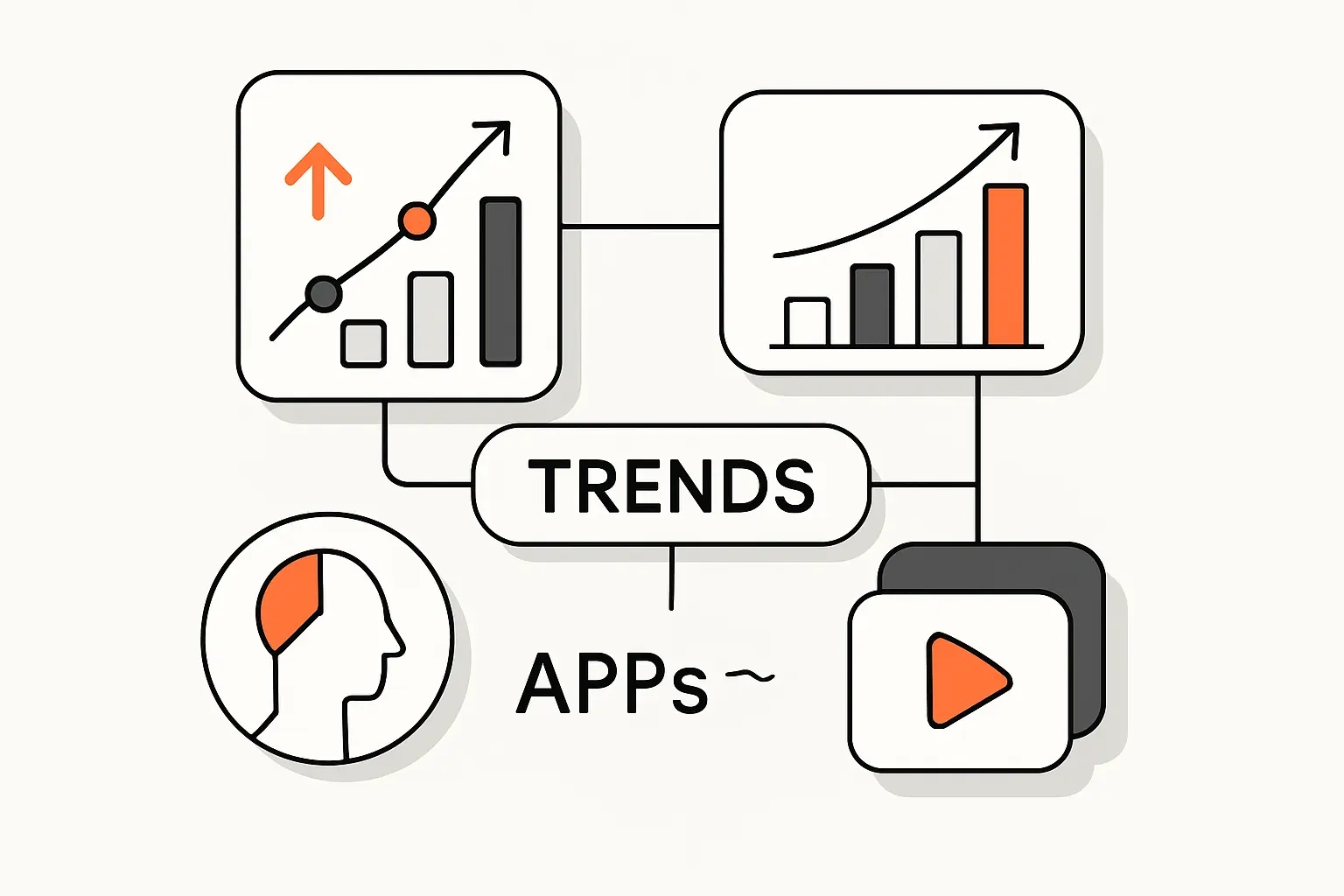
Similarweb saw the same story from a growth angle, with ChatGPT showing app users up 127.9% in its large-app analysis. Even so, momentum alone can fool buyers, so we reviewed each option by fit, trade-offs, and long-term value. When we zoom out from the individual logos, three forces keep showing up. Utility is beating novelty, attention is still concentrated in visual and messaging loops, and the strongest winners shorten the distance between discovery and action.
1. AI Assistants Are Rising Fast in Consumer Charts
AI assistants keep climbing because they replace a bundle, not a single tool. One app can search, summarize, draft, explain, plan, and sometimes take action. That makes ChatGPT, Claude, and Gemini feel less like experiments and more like default utilities.
We also think buyers are learning to sort AI apps by workflow fit. ChatGPT wins when you want breadth and fast feature shipping. Claude wins when tone and long-form reasoning matter most. Gemini gets stronger when Gmail, Docs, and Drive are already where your work lives.
2. Short-Form Video, Messaging, and Community Apps Still Hold Attention
Short video still owns cold-start attention. TikTok and Instagram can put a creator or product in front of strangers quickly. Snapchat keeps private sharing fun. CapCut makes content creation easier, which feeds the whole loop.
Messaging and community apps stay strong because they sit inside real relationships. WhatsApp groups, Instagram DMs, and Roblox experiences are not just content feeds. They are social infrastructure. That makes them harder to replace than simple entertainment apps.
3. Shopping, Finance, and On-Demand Services Keep Expanding Reach
Shopping, finance, and on-demand apps keep growing because they compress intent into action. Temu turns bargain browsing into checkout. Cash App turns a texted IOU into a payment. DoorDash turns dinner indecision into a tracked order.
Whatnot adds another layer by mixing entertainment with transactions. Live commerce works because the app is selling emotion and urgency, not just inventory. That is a useful lesson for any builder watching trending apps closely.
Recommended reading: Top 20 Best Font for Coding Picks for Readability, Focus, and Developer Comfort
How Rankings for Trending Apps Vary by Source
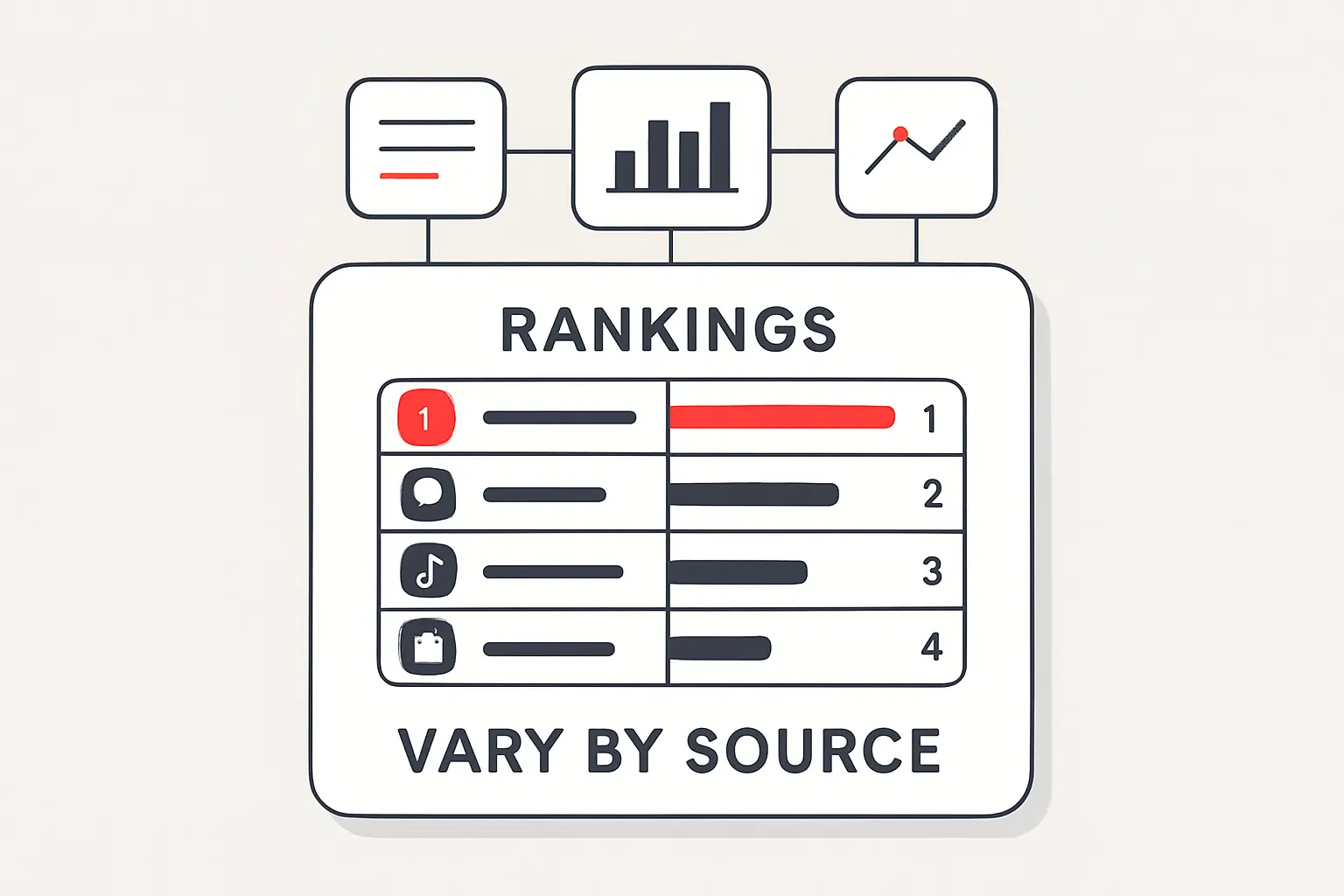
A common buyer mistake is treating every ranking list as if it measures the same thing. We compare download charts, traffic data, and niche discovery sources differently because each one reveals a different kind of momentum.
1. Mobile Store Charts Surface Fast-Moving Consumer Demand
App Store and Google Play charts are good at spotting sudden demand. A product update, creator trend, seasonal event, or ad push can move an app quickly. That is useful if you want to know what users are downloading right now.
The weakness is retention. Store charts can tell you what surged this week. They cannot tell you whether users stay after the novelty fades. We use them as an early signal, not the whole decision.
2. Traffic-Based Rankings Highlight Broad Visibility and Visits
Traffic-based rankings catch broader visibility across web and app ecosystems. That favors brands with strong cross-device behavior, direct visits, and existing recognition. It is one reason established names like Netflix, Spotify, Shopify, and ChatGPT often look strong in broader digital rankings.
These sources are useful for seeing reach and brand gravity. They are less useful for measuring monetization quality, app-only intensity, or how deep users go after they arrive.
3. Niche Marketplaces Reveal Trending SaaS, Learning, and Open-Source Tools
Niche leaderboards tell a different story. Product Hunt, GitHub trends, SaaS review platforms, and category-specific reports can surface tools before they show up in mainstream consumer lists. That matters a lot in automation, learning, and B2B software.
It also explains why tools like Zapier and Mailchimp stay highly relevant even if they never look flashy in consumer app-store screenshots. For serious buyers, niche discovery sources can be more useful than raw download rank.
Trending App Categories Worth Watching
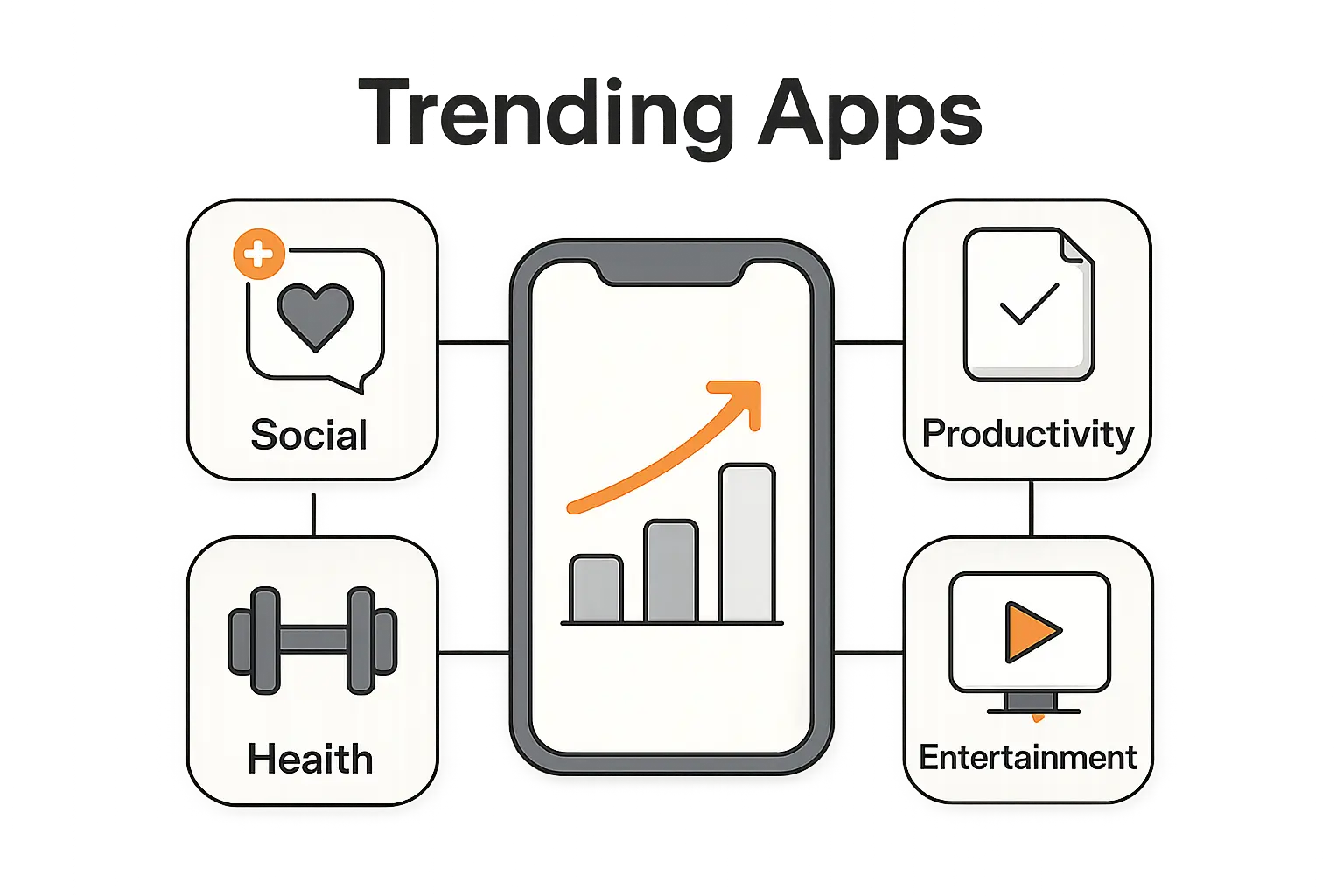
If we were building a watchlist instead of a one-time ranking, we would track categories, not just logos. Categories tell you where behavior is moving next and where new entrants still have room to matter.
1. AI and Everyday Productivity
AI and productivity remain the clearest momentum category. ChatGPT, Claude, and Gemini are the visible leaders, but the deeper story is that users now expect AI to help them act, not just answer. Zapier and Mailchimp matter here too because automation and marketing are becoming more conversational and AI-assisted.
2. Social, Short-Form Video, and Messaging
TikTok, Instagram, WhatsApp, and Snapchat still dominate attention in different ways. Short video wins discovery. Messaging wins retention. The strongest products combine identity, conversation, and media without forcing users to think about the boundaries.
3. Shopping, Finance, and Live Commerce
Temu, Cash App, Whatnot, DoorDash, and Shopify show how fast utility can blend with commerce. The category is worth watching because the next winners will likely reduce even more steps between seeing, deciding, and paying.
4. Streaming, Gaming, and Digital Communities
Netflix, Paramount+, Spotify, and Roblox prove that habit is still king. These apps win when they become the default place for relaxing, listening, watching, or hanging out. Builders should pay attention because this category rewards retention more than flashy launches.
How to Choose Trending Apps That Fit Your Needs
We always tell readers to stop asking which app is hottest and start asking which one fits the job. That small shift usually makes the shortlist much smaller and much more useful.
1. Match Each Trending App to a Real Use Case
Start with the job you need done. If you need daily research help, compare ChatGPT, Claude, and Gemini. If you need fast short-form editing, start with CapCut. If your real need is dependable group communication, WhatsApp will matter more than a creator app with better trend buzz.
The clearest wins happen when the app matches a repeat behavior. That is what turns a trending download into a permanent home-screen habit.
2. Compare Platform Availability, Pricing, and Privacy
Check whether the app works well on iPhone, Android, web, desktop, or TV. Then look at where the best features actually live. Many trending apps are free to start but put the useful layer behind subscriptions, transaction fees, or in-app purchases.
Privacy matters too. If the app touches payments, kids, or work data, account recovery, permissions, safety controls, and data settings deserve a close read before you commit.
3. Look for Retention, Updates, and Long-Term Value
A trending app should still feel useful after the first weekend. We look for steady updates, a believable business model, and a clear reason to return every week. If the app only works because of one viral moment, a coupon flood, or a short-lived gimmick, we treat it as fragile.
Long-term value is often boring on the surface. That is exactly why it matters. The apps people keep are usually the ones that remove friction again and again.
Frequently Asked Questions About Trending Apps
Because trending apps move fast, readers usually want the direct version. Here is how we answer the questions that come up most often when people are comparing what to use next.
1. What Are Popular Apps Right Now?
Right now, the most talked-about trending apps usually sit in a few clusters. AI assistants like ChatGPT, Claude, and Gemini are obvious leaders. Social and messaging apps like TikTok, Instagram, WhatsApp, and Snapchat still command attention. On the utility side, Spotify, Netflix, DoorDash, Cash App, Shopify, Zapier, and Mailchimp keep earning daily use because they solve repeat jobs.
2. What Is the Best Trending App for Everyday Use?
It depends on your routine. If you want help thinking, writing, and researching, we would start with ChatGPT. If daily communication matters more, WhatsApp is the stronger everyday pick. If your phone is mostly entertainment and commuting, Spotify may be the app you open most often. The best choice is the one tied to a behavior you already repeat.
3. What Is the No. 1 App in the World Right Now?
As of May 11, 2026, there is no single universal No. 1 because download charts, usage charts, and revenue charts measure different things. The same Sensor Tower report that showed ChatGPT leading global downloads in Q2 2025 also showed TikTok ahead on mobile in-app revenue. So the real answer depends on which scoreboard you care about.
4. Which Trending Apps Are Most Popular With Gen Z?
TikTok, Instagram, Snapchat, Spotify, and Roblox remain especially important with Gen Z because they mix identity, entertainment, and social interaction. WhatsApp matters too in many group and family contexts. We would also watch Whatnot in collector niches, because live commerce and community trust can be surprisingly strong there.
5. How Do Trending Apps Differ Between iPhone and Android?
They often differ by audience mix, region, and rollout timing. iPhone charts can tilt more toward subscriptions, creator tools, and US-centric behavior. Android often reflects a broader global base and more price-sensitive utility behavior. Features can also launch on one platform first, which changes how an app feels depending on your device.
6. Are Trending Apps Usually Free to Download?
Yes, most trending apps are free to download. That does not mean they are free to use heavily. The money usually comes from subscriptions, ads, in-app purchases, seller fees, payment fees, or delivery charges. We always tell buyers to check the real cost of the habit, not just the install button.
How TechTide Solutions Helps You Build Custom App Solutions
We do more than track the market. At TechTide Solutions, we build apps and internal software around the behaviors that make users open, return, share, and pay. Our goal is not to clone whatever is trending this month. It is to help clients build something people actually keep using.
1. Custom Mobile Apps Built Around Real User Demand
We start with the user job, not a giant feature wishlist. If your audience wants booking, messaging, ordering, payments, content sharing, or AI help, we map the smallest version that proves demand fast. Then we design and build mobile apps around that real behavior.
That approach works because most failures are not technical. They are mismatches between what a team built and what users actually wanted on day one.
2. Web App and Software Development Tailored to Your Workflow
Not every problem needs a consumer app. Sometimes the real win is a custom web app, internal dashboard, admin portal, customer workspace, or automation layer that cuts manual work. We build those systems around how your team already operates, then improve the workflow instead of forcing a generic SaaS pattern onto it.
That usually means cleaner operations, better data visibility, and fewer workarounds hiding in spreadsheets and inboxes.
3. Scalable Integrations, Analytics, and Product Iteration Support
We also help clients connect the parts that make software useful in the real world. Payments, messaging, CRM data, analytics, support systems, content pipelines, and reporting all need to work together. We design those connections so a product can learn from behavior and improve over time.
Just as important, we help teams iterate after launch. Trending apps stay relevant because they keep refining onboarding, retention, and value delivery. We bring that same product mindset into custom builds.
Final Takeaways on the Top Trending Apps to Watch
If we were choosing from this list today, our safest everyday utility picks are ChatGPT, WhatsApp, Spotify, and Netflix. For creators, the strongest loop is still TikTok, Instagram, and CapCut. For operators and sellers, Shopify, Zapier, and Mailchimp remain the most practical stack. The right choice depends on the job you need done, not the app with the loudest buzz.
The bigger lesson is simple. Trending apps win when they remove steps, create habit, and keep delivering value after the hype cools. If you are picking one this week, start with the behavior you want to improve first. If you are building one, ask yourself a tougher question: what user habit is valuable enough to earn a permanent spot on the home screen?

