


At Techtide Solutions, we see the same mistake again and again with useRef in React. Teams treat it like a secret performance trick, or like state with different syntax. It is neither. The clean mental model is simpler. A ref is a stable container that survives re-renders, and its value usually belongs outside the rendered UI.
We keep seeing this question because React still sits near the center of front-end work. Statista reported that 39.5% of developers used React.js in 2024, so small hook choices still shape a lot of production code. Our goal here is to make useRef feel ordinary, practical, and hard to misuse.
What useRef Is and Why It Exists
We like to start with the official contract. React says same object on later renders, and that one sentence explains most of the hook. The ref object stays put. Its current value can change. That split is why refs are useful and why they behave so differently from state.
1. Persistent Values Across Re-Renders
A ref lets us keep a value between renders without asking React to paint again. That is the heart of the feature. If we need to remember an interval ID, a DOM node, or a drag start position, a ref is a good fit. React’s own examples use refs for timer handles in a stopwatch for exactly this reason.
2. Lost Local Variables in Function Components
Plain variables fail here because local variables do not persist across renders. They also do not tell React to render again. So a let timeoutId or let previousValue may look fine for one click, then quietly break on the next render. That is where refs step in.
3. The Role of the current Property
The current property is the writable slot inside the ref object. React may fill it with a DOM node when we attach the ref to JSX, or we may fill it with our own mutable data. In both cases, the pattern is the same. The object stays stable, while current holds the latest nonvisual value.
Recommended reading: What Is NPM and How Does It Work in JavaScript Development
How a useRef Object Works Across Renders
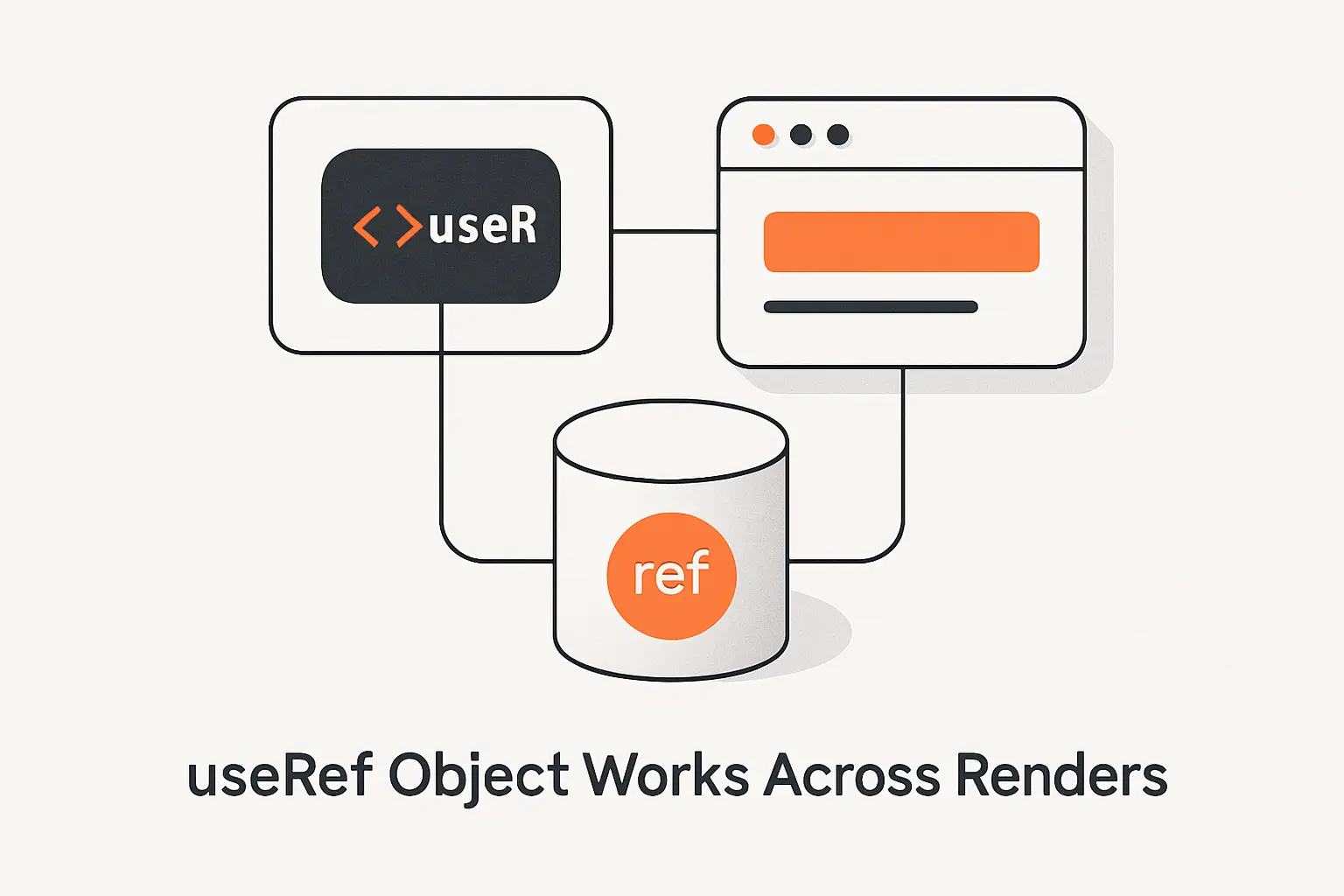
When we explain this to beginners, we say the object is stable and the value is mutable. React’s refs guide says changing a ref does not trigger a re-render. That is why refs are useful for bookkeeping, and also why they are dangerous if we try to use them as visible UI state.
1. Creating a Ref and Reading current
We create a ref with const ref = useRef(initialValue). On the first render, ref.current starts with that initial value. On later renders, React gives us the same ref object again. We usually read current inside event handlers or effects, because render should stay pure and predictable.
2. Updating current Without a Re-Render
When we assign a new value to ref.current, that change happens right away because a ref is just a plain JavaScript object. React does not watch it. That makes refs useful for interval IDs, abort handles, media elements, and in-flight interaction data. It also means React will not update the screen just because the ref changed.
3. Keeping Ref Data Out of Rendered UI
If a value should appear in JSX, it should almost always live in state. React’s docs are blunt on this point. If we show {ref.current} in the UI and update the ref, the screen will not refresh. In our view, that is the line to memorize. Refs are memory. State is visible truth.
Recommended reading: What Is Perl? Uses, Features, and Whether It Still Matters Today
How to Use useRef With DOM Elements
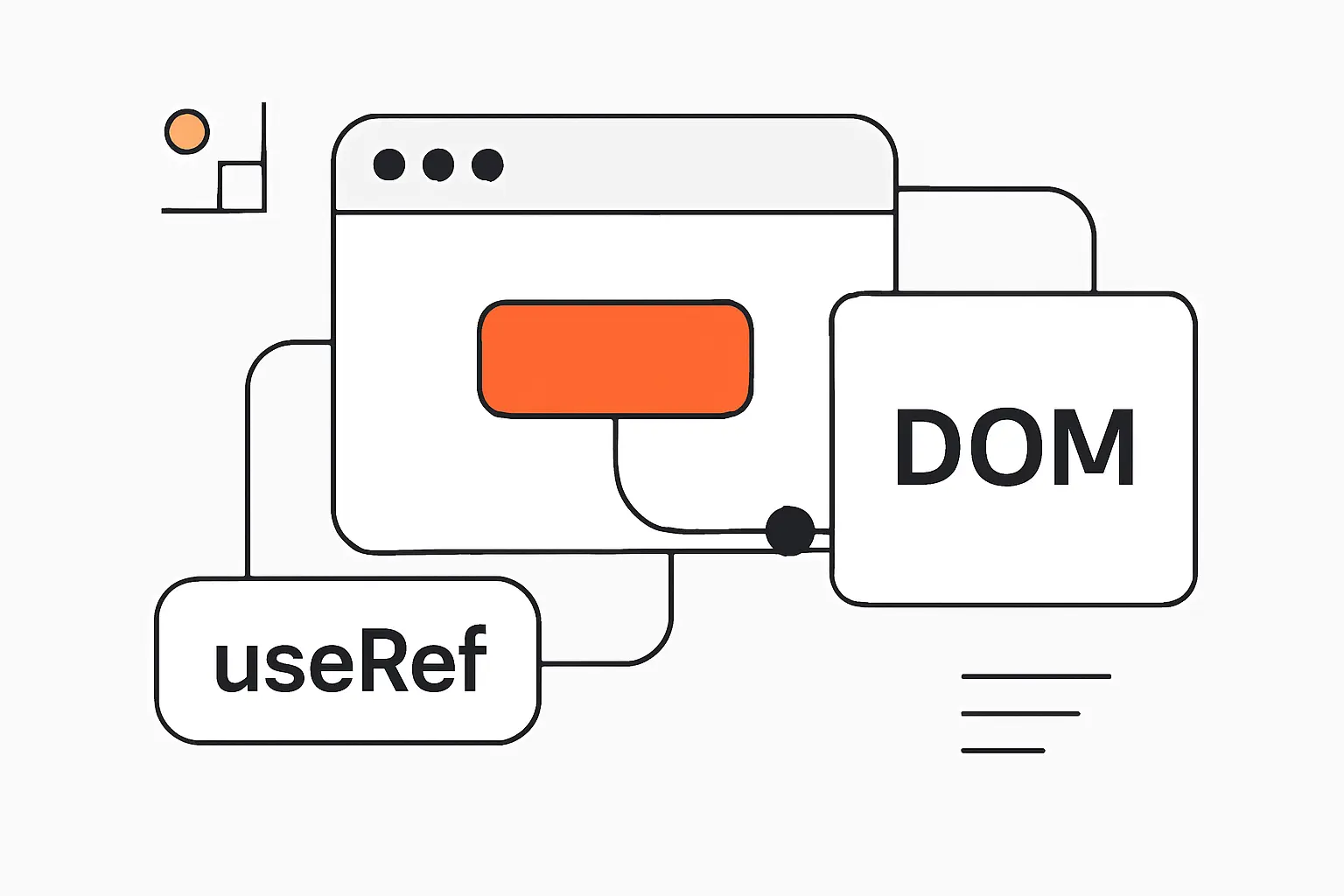
The DOM case is the one most developers meet first. React’s documentation frames refs as a way to focus, scroll, or measure elements that React manages, while warning us not to replace normal state-driven rendering with manual DOM hacks. We agree with that framing. It keeps refs useful and narrow.
1. Connecting useRef to an Input Element
The pattern is straightforward. We create const inputRef = useRef(null), then pass it into <input ref={inputRef} />. After React mounts the element, inputRef.current points to the real browser node. From there, our event handlers can call browser methods like focus() or scrollIntoView().
2. Focusing an Input With a Button Click
Here is the smallest useful example. We reach for this pattern in forms, search bars, and validation flows where keyboard users need a precise next step.
import { useRef } from 'react';function SearchBox() { const inputRef = useRef(null); return ( <> <input ref={inputRef} placeholder="Search products" /> <button onClick={() => inputRef.current?.focus()}> Focus search </button> </> );}In one onboarding flow we built, we used this after validation to move focus to the first invalid field. The code stayed small, and the behavior was kinder to real users. That is a good useRef pattern. It is direct, easy to test, and does not fight React.
3. Avoiding Direct DOM Shortcuts for State Driven UI
What should we not do? We should not manually remove, insert, or restyle DOM nodes that React believes it owns when state should drive that change. React automatically syncs the DOM to render output, so manual mutations can cause crashes or inconsistent screens. Use refs for non-destructive actions. Use state for showing, hiding, and changing UI content.
Recommended reading: What Is C Sharp? Key Features, Use Cases, and How to Learn It
How to Store Previous Values and Mutable Data With useRef
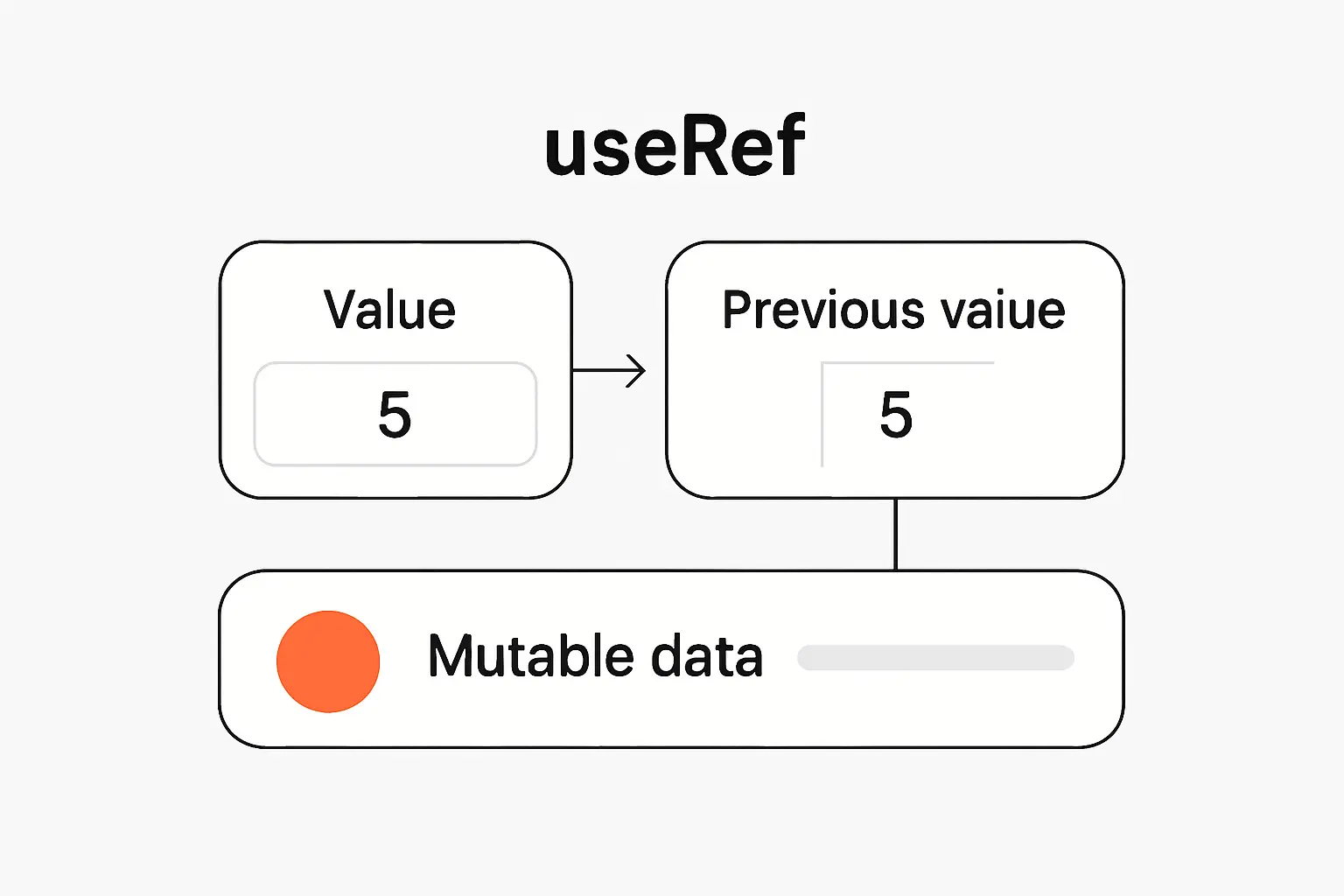
This is where useRef starts paying rent in real apps. We often need a small piece of memory that lasts across renders but should not, by itself, redraw the screen. Timer IDs, previous values, pointer positions, and transient interaction flags all fit that description. React’s own refs lessons use stopwatch and timeout examples for the same reason.
1. Keeping the Previous Value of State
If we only need the old value for comparison or behavior, a ref is often enough. If the previous value itself must appear on screen, React also documents storing information from previous renders with state. In practice, we use refs for invisible comparisons and state when the old value is part of the UI contract.
import { useEffect, useRef } from 'react';function PriceBadge({ price }) { const prevPriceRef = useRef(price); const prevPrice = prevPriceRef.current; useEffect(() => { prevPriceRef.current = price; }, [price]); const direction = prevPrice === price ? 'same' : price > prevPrice ? 'up' : 'down'; return <p>Price moved {direction}.</p>;}We like this pattern because it is honest. The UI depends on current props. The ref just remembers what happened before. That keeps the rendered output simple and the comparison logic local.
2. Preserving Interaction Data Between Renders
React’s refs challenge includes a broken chat input where a timeout ID stored in a local variable stops working after re-render. A ref fixes that because the ID survives. We use the same idea for drag origins, temporary request markers, and cancel tokens. These values matter to behavior, but users do not need them painted to the page.
3. Grouping Related Mutable Values in One Ref Object
Sometimes one ref holding an object is cleaner than three or four separate refs. For example, a single interaction ref can hold startX, lastX, pointerId, and isDragging. In a booking calendar we built, that approach kept pointer math together while state tracked only the visible selection users could see. That split made the code easier to reason about.
Recommended reading: Is Flutter Worth Learning in 2026 for Beginners, Developers, and Teams
useRef Compared With State in React
The sharpest distinction is this. React says state is a snapshot for a render, while refs are mutable containers that React does not track. When we pick between them, we ask one question first. Should a change here affect what the user sees right now? If yes, it is state.
1. What Belongs in State and What Belongs in useRef
State should own values like form text, loading messages, selected items, disabled buttons, and error banners. Refs should own values like DOM nodes, interval IDs, latest pointer coordinates, or the most recent callback data used by an escape hatch. When teams blur that line, bugs usually follow.
2. Using State for Visual Output and useRef for Nonvisual Data
A common combo looks like this. Search text lives in state because the input displays it. The input DOM node lives in a ref because we may want to focus it. A debounce timeout may also live in a ref because it supports behavior, not display. We use this blend a lot because each tool does one clear job.
3. Avoiding State Management Pitfalls With Refs
Refs can save us from pointless renders when we are tracking invisible details. But they are not a shortcut around state design. If business logic depends on a value in a way users can observe, hiding it in a ref usually creates stale UI and confusing bugs. In our experience, overusing refs feels clever for a week and expensive for a quarter.
Recommended reading: Dark Programming Language: What Darklang Is, Why It Stood Out, and What Happened to It
Why the current Property Matters

Many articles treat current like awkward syntax. We think that misses the point. current is the whole idea. React keeps the ref object stable, and that stable object gives us one mutable slot we can update without changing the object identity. That design is why refs can be both persistent and non-reactive.
1. Stable Containers for Mutable Values
Because the ref object itself stays stable, effects and callbacks can safely hold onto it. React even documents that a locally created ref object has stable identity, which is why it does not matter whether we list that object in an effect dependency array. The object does not change. Only current does.
2. Latest Values Inside Cached Callbacks
One practical pattern is to keep a latest value in a ref while a memoized callback keeps a stable function identity. That can help when an event listener or cached callback must stay steady, but still needs fresh data. We use this carefully. It is an escape hatch, not a default style. If the data should affect rendering, state still wins.
3. The Limits of Simple let Variables
A let variable looks tempting, but it resets on the next render. Worse, older handlers still close over older render snapshots. So a local variable often gives us both problems at once. It fails to persist, and it can read stale data. Refs solve persistence. State solves visible updates. Plain locals solve neither.
Advanced useRef Patterns for Cleaner Code
We like advanced patterns only when they make the code plainer, not trickier. The best useRef patterns reduce noise while keeping the main rule visible. Rendered data still flows through props and state. Refs hold mutable details that support behavior around that flow. When the pattern stops being obvious, we usually back out of it.
1. Dereferencing Constant Values at Initialization
React documents one special case where reading or writing a ref during render is okay. If the result is predictable and only happens once, we can lazily initialize expensive values with a guard like if (serviceRef.current === null). We like this for caches, controller objects, or utility instances that should be created once per component instance.
2. Mutable Object Refs That Reduce current Repetition
Inside a handler, we often pull the ref value into a local alias, like const drag = dragRef.current, then mutate its fields. That reduces repeated .current noise and keeps a long handler readable. The key is location. We do this inside handlers or effects, not at the top of render where it could blur what React actually tracks.
3. Gesture Tracking and Similar Interaction Patterns
Gesture code is one of our favorite ref use cases. In a drag-heavy calendar, pointer movement can fire constantly. We store the working math in a ref, then move only the final visual outcome into state. That means start points, last positions, and active pointer IDs can update freely, while the UI changes only when users need to see a new result.
Fragile useRef Shortcuts to Avoid
We have seen refs clean up code, and we have seen them hide land mines. The risky patterns all share one trait. They make React’s data flow harder to see. When a ref trick depends on a component never remounting or a callback never changing, we start to worry. React is flexible. Our assumptions often are not.
1. Components That Only Seem Constant
React keeps component-local memory tied to tree position. In practice, that means a ref survives re-renders, but not conceptual resets like a key change or a component being removed and added back. So we should not treat a ref like durable storage. If the data must outlive remounts, it belongs somewhere else.
2. Assuming a Callback Will Stay Cached Forever
React’s docs explicitly say the cache can be discarded in some cases. That is why useCallback should be treated as a performance optimization, not as the foundation of correctness. If a piece of logic only works because a function identity stays cached forever, we would redesign it before trusting it.
3. Custom Ref Abstractions That Only Hide current
Helpers can be useful, but only when they encode real behavior. Many ref wrappers simply hide current and make writes harder to spot in code review. We usually keep plain refs unless the abstraction removes real duplication or captures a clear, repeated pattern. In our view, boring code wins here.
Best Practices for Working With useRef

React’s docs and lint rules keep pushing the same lesson, and we think they are right. do not read or write ref.current during normal rendering. Keep render pure. Keep visible state in state. Use refs as narrow escape hatches around the edge of your component, not at the center of its data flow.
1. Keeping Visual Changes in State and Props
If the user can see a change, state or props should own it. That includes values, labels, open and closed panels, error messages, and selected tabs. Refs can support that logic, but they should not secretly control it. We treat this as the single best rule for avoiding stale UI.
2. Using Refs for Behavior Rather Than Data Flow
Refs are strongest when they help behavior around the UI. Focus management, scroll jumps, media control, timeout storage, and request bookkeeping are all good examples. They are weakest when they become a hidden transport layer for business data between components. That job belongs to props, state, context, or external stores.
3. Choosing Clear Patterns Over Clever Abstractions
We ask a simple question in code review. Can another developer understand this ref in under a minute? If the answer is no, the pattern is probably too clever. We would rather see inputRef.current.focus() than a maze of wrappers unless the wrapper adds clear value. Clarity is not glamorous, but it ages well.
Frequently Asked Questions About useRef

Most useRef confusion comes from mixing up persistence and rendering. These short answers separate those two ideas and make the hook far less mysterious.
1. What Does useRef Actually Do
useRef gives us a stable object with a current property. We can keep a value there across renders, and changing that value does not tell React to paint again.
2. When Is useRef the Right Choice
It is the right choice when data must survive re-renders, but should not itself change the visible UI. Common cases include DOM nodes, timer IDs, media handles, and small pieces of interaction state.
3. Does useRef Cause a Re-Render
No. Updating ref.current does not trigger a re-render. If a changed value must appear on screen, use state instead.
4. Can useRef Preserve Previous Values
Yes. A common pattern is to read the old ref value during render or an effect, then update the ref after the render cycle so it stores the newest value for next time. If both current and previous values must be visible, state may be clearer.
5. Can You Use useRef Without current
Not with the standard object ref API. React returns an object whose public slot is current. We can hide that behind helper functions, but the underlying ref still works through current.
How TechTide Solutions Helps Build Custom React and Web App Solutions

At Techtide Solutions, we care about these details because maintainable React code has real business value. Grand View Research estimates the U.S. custom software development market at $10.70 billion in 2024, and that demand rewards teams that can keep front-end logic readable as products grow. Clean state and ref boundaries are a big part of that.
1. Custom React Features Built Around User and Business Needs
We do not start by sprinkling hooks everywhere. We start with user actions, business rules, and visible outcomes. Then we decide what belongs in state, what belongs in refs, and what can stay derived. That process keeps features grounded. It also avoids the common trap of hiding product logic inside mutable escape hatches.
2. Web App Architecture That Balances State and Ref Logic
In larger apps, this split matters even more. We map which values are visual, which values are operational, and which effects synchronize with outside systems. That helps prevent stale handlers, extra renders, and direct DOM fights. It also makes later debugging much less painful, which every growing product eventually needs.
3. Tailored Software Solutions That Scale With Evolving Requirements
Requirements change. Teams change. Deadlines tighten. Code that survives those shifts is usually code with obvious data flow. Our preference is steady and practical. Keep refs narrow. Keep state truthful. Keep abstractions earned. That gives products more room to grow without turning simple hooks into hidden liabilities.
Final Takeaways on useRef
Our final take is simple. useRef in React is not a magic performance trick. It is a stable container for mutable values that do not belong in rendered output. Use it for DOM access, timer handles, previous values used for comparison, and interaction bookkeeping. Do not use it as a shadow state system.
When we choose between state and refs, we ask one plain question. Should this change be visible to the user right away? If yes, state is usually the answer. If no, a ref may be the right tool. That one habit keeps hook code cleaner, calmer, and much easier to trust in production.

