In our day-to-day delivery work at TechTide Solutions, the “new database problem” almost always begins with a deceptively simple question: how do we make machines find “things like this” rather than “things named exactly this”? The moment an application crosses into semantic territory—customer support, knowledge bases, contract review, product discovery, code search—it starts producing embeddings: numerical representations of meaning that make text, images, and other content comparable in a shared space.
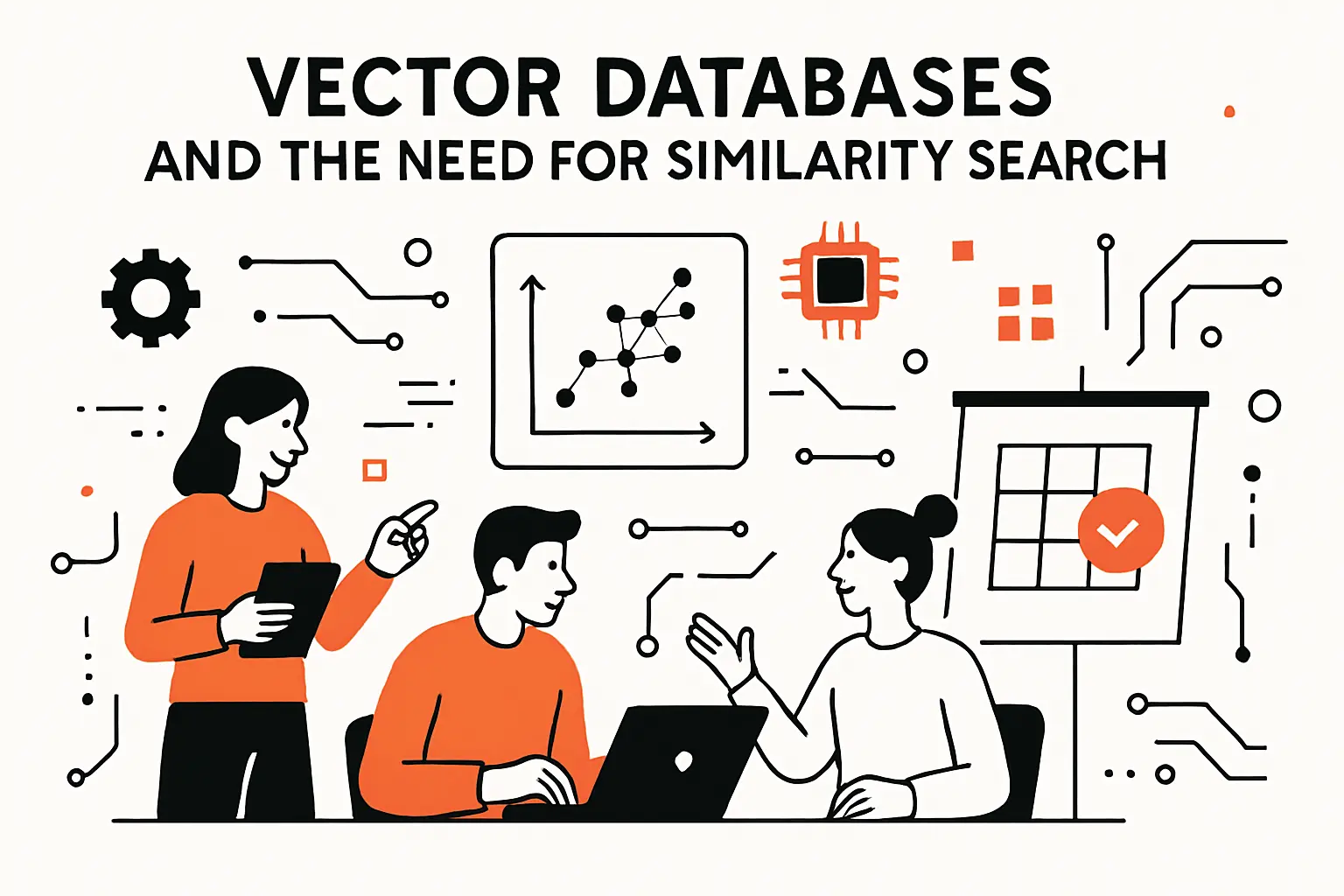
Vector databases and the need for similarity search
1. Why modern AI workloads create high-dimensional vector data
Conceptually, embeddings turn messy, ambiguous human language into geometry. Practically, that geometry becomes the backbone of retrieval, ranking, deduplication, and classification workflows. A single enterprise app can generate embeddings from documents, messages, tickets, product descriptions, call transcripts, and internal wiki pages; then it generates more embeddings at query time for every user question. At that point, “storage” stops being the interesting part, and “fast similarity retrieval with guardrails” becomes the real workload.
Market pressure is not subtle here. McKinsey estimates generative AI could add between $2.6 trillion and $4.4 trillion annually in value, and the lion’s share of that value depends on systems that can reliably retrieve the right context under latency, cost, and governance constraints.
From our perspective, vector search is not a trendy bolt-on to “real software.” It’s becoming the substrate for software that can remember, adapt, and explain itself—without collapsing into brittle prompt hacks.
2. How similarity search and nearest-neighbor queries differ from traditional SQL lookups
Relational databases shine when the world is crisp: primary keys, foreign keys, and deterministic joins. Similarity search is what we reach for when the world is fuzzy: synonyms, paraphrases, implied intent, and “I don’t know the right keyword, but I’ll recognize the answer when I see it.” That shift changes everything about how we query.
Instead of asking for exact matches, we ask for nearest neighbors: items whose vectors are “closest” to a query vector under a distance metric. The best mental model we’ve found for non-ML stakeholders is to treat vectors as coordinates in a meaning-space. SQL answers “which row equals X?” while vector search answers “which rows resemble X most?”
Operationally, this is why naive approaches fail. If we store embeddings in a conventional table and compute distances row-by-row, latency grows with dataset size in exactly the wrong way. Even worse, fuzzy retrieval encourages iterative user behavior—people refine questions—so the system must run many queries quickly, not just one query occasionally.
Because similarity retrieval is probabilistic (and often approximate), the engineering emphasis moves toward measurable retrieval quality: relevance, recall, drift, and false positives. In production, we treat retrieval as an accountable subsystem with tests, monitoring, and explicit failure modes—otherwise it becomes a silent source of hallucinations that everyone blames on the model.
3. Common vector-database operations: similarity search, clustering, and approximate nearest neighbor matching
People often introduce vector databases as “semantic search engines,” but that label undersells their broader utility. Similarity search is the headline feature, yet teams quickly discover adjacent needs: grouping similar items, detecting outliers, and creating fast candidate sets for downstream reranking.
In practice, we see three recurring operation patterns:
- Similarity search for retrieval: fetch the most semantically relevant chunks for a user question, then pass them to an LLM as grounded context.
- Clustering for organization: group support tickets by theme, cluster product reviews by sentiment topic, or segment documents for human triage.
- Approximate nearest neighbor matching for speed: trade a bit of theoretical exactness for orders-of-magnitude improvements in latency and throughput.
A concrete external reference point is Faiss, described as a library for efficient similarity search and clustering of dense vectors, which captures the same two-sided reality: retrieval is only half the story; organization and evaluation workflows matter just as much. When we design systems, we plan for both “search” and “shape the corpus,” because the best retrieval stack is the one that stays maintainable as content and user intent evolve.
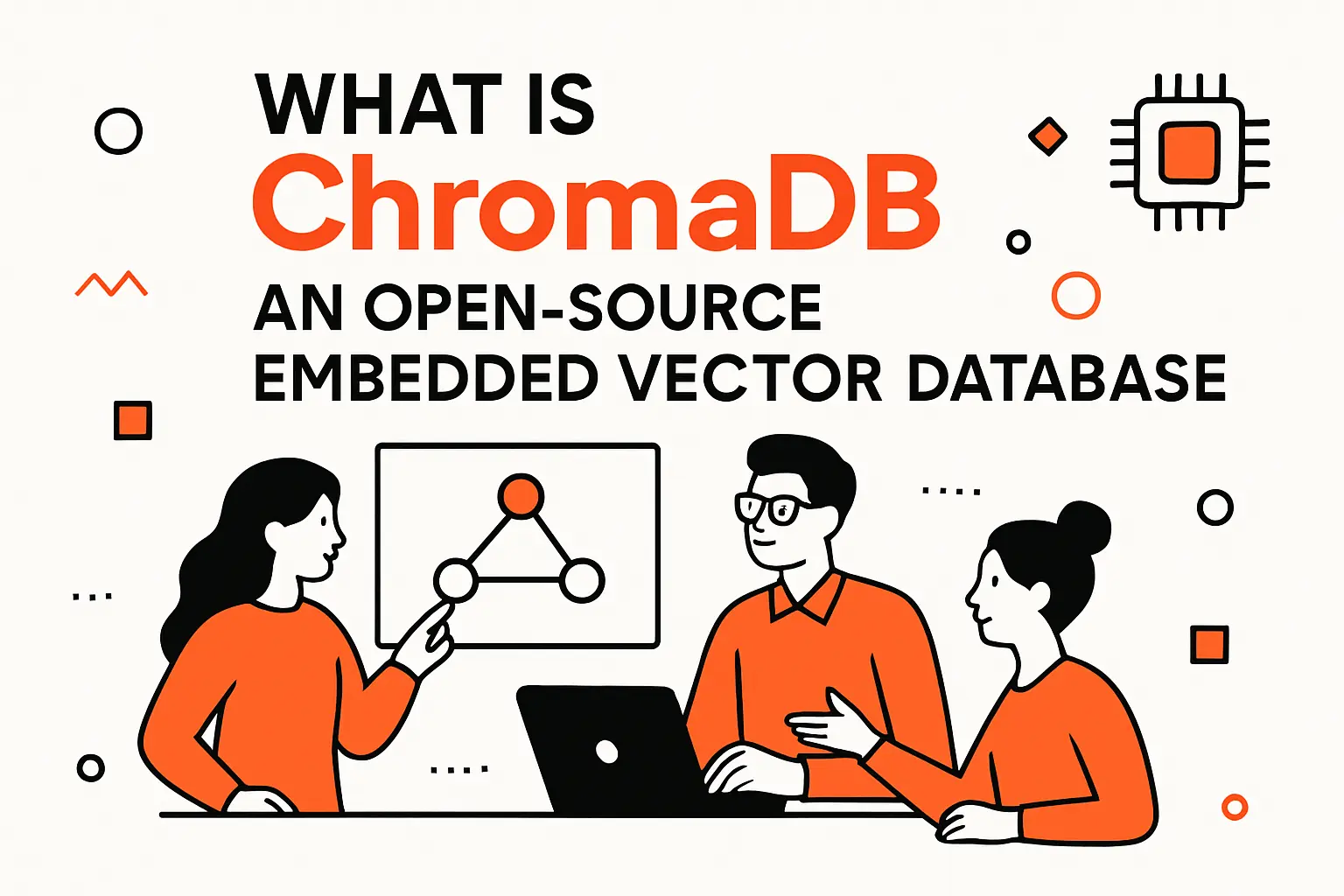
What is ChromaDB: an open-source embedded vector database
1. ChromaDB as a lightweight database for rapid prototyping on a laptop
ChromaDB earns its place in our toolbox when a team needs to go from idea to working retrieval loop quickly, without dragging a full distributed data platform into the conversation on day one. For many product teams, the earliest stage of a GenAI initiative is not “scale”; it’s “prove that retrieval improves answers, and prove it with our own data.”
Chroma’s philosophy aligns with that reality. The project positions itself as the open-source embedding database and emphasizes developer experience: a straightforward client API, local-first workflows, and a fast path to building “memory” into LLM apps.
From our delivery experience, laptop-first matters more than it sounds. When iteration is cheap, teams test chunking strategies, metadata conventions, and evaluation sets early—before architecture calcifies. Conversely, when the first step requires provisioning, networking, and platform approvals, teams skip experiments and jump straight to assumptions.
ChromaDB’s “embedded” story also changes organizational dynamics: a single engineer can validate a retrieval design locally, then bring concrete evidence—good and bad—into architecture discussions. That is vastly healthier than debating vector DB choices based on vibes.
2. Core purpose: efficient storage and retrieval of vector embeddings with associated metadata
We rarely deploy vector search in isolation; we deploy it as retrieval with constraints. The constraint layer—tenant boundaries, document types, access rules, recency bias, domain scoping—usually lives in metadata. ChromaDB treats that pairing (embedding + metadata + original text) as first-class, which is exactly what RAG systems need to stay grounded and governable.
The Chroma Cookbook describes collections as the grouping mechanism for embeddings, documents, and metadata, while also clarifying that “documents” are text chunks rather than files; see Documents in ChromaDB lingo are chunks of text for the nuance that often surprises new teams. That definition matters because chunking is not a preprocessing footnote—it defines what retrieval can return, and therefore what the model can cite, summarize, or answer from.
In our builds, we treat document text as the “evidence payload,” embeddings as the retrieval index, and metadata as the control plane. When any one of those is missing or sloppy, debugging turns ugly: answers look plausible, but nobody can explain why a chunk was selected—or why a sensitive document slipped into the results.
3. Open-source licensing and a developer-focused ecosystem across multiple languages
Open-source is not just a cost decision; it is an engineering ergonomics decision. With ChromaDB, we can inspect behavior, track issues, and understand upgrade implications instead of treating the database as a sealed appliance. That transparency is particularly valuable in AI stacks where “one weird edge case” can become a reliability incident.
Chroma’s repository specifies it is Apache-2.0 licensed, which is a practical detail for companies that want to prototype aggressively while keeping a path open to commercial deployment. After licensing, the next concern is language reach: most teams we support have a Python-heavy ML workflow but a TypeScript-heavy product surface area, so cross-language compatibility is not optional.
Ecosystem maturity shows up in small things: examples that run, clients that feel consistent, and enough community activity that you’re not alone when you hit an integration snag. ChromaDB’s surrounding ecosystem (clients, integrations, admin tooling) is not merely “nice”; it’s what lets a prototype survive first contact with a real product roadmap.
ChromaDB hierarchy and data model

1. Tenants for organizing and isolating usage by organization or individual
Multi-tenancy is where many “cool RAG demos” quietly die. A retrieval system that cannot isolate data per customer, per business unit, or per environment turns into an access-control nightmare. ChromaDB’s hierarchy explicitly names this problem, which we appreciate because it forces the right design conversation early.
The Chroma Cookbook defines a tenant as a logical grouping of databases, designed to model a single organization or user. That framing fits the way we build SaaS: tenant boundaries are not an afterthought; they are a durability requirement for security reviews, compliance posture, and customer trust.
In practice, we map tenants to the strongest isolation primitive we can justify: distinct customers, regulated data domains, or internal business units with strict separation rules. Once that line is drawn, the rest of the data model becomes easier to reason about. Without tenants, teams tend to invent ad-hoc “customer_id” metadata filters everywhere, and those filters eventually fail in one subtle path or another.
2. Databases as logical containers for application or project data
Inside a tenant, the next layer of organization is typically “which application or initiative owns this corpus?” ChromaDB’s database concept gives us a clean way to separate projects that should not share retrieval behavior, even if they share infrastructure.
From an engineering governance standpoint, that separation is useful for lifecycle management. Retire a proof-of-concept corpus without endangering the production corpus. Validate a new embedding model in parallel without mutating the “known good” index. Apply a compliance-driven retention policy cleanly at a boundary that matches ownership.
When we design retrieval systems, we also consider evaluation as a first-class workload. Databases give you a convenient way to keep “golden test corpora” close to production logic, so you can regression-test retrieval quality as code, chunking, or metadata rules change. That pattern—tests as data—has saved our clients from silent quality drift more times than we can count.
3. Collections and documents: schema-less storage for embeddings, documents, and metadata
Collections are where most practical modeling happens. A collection is the unit of indexing, searching, and filtering. So it reflects a bet about what should be comparable. One common early mistake is mixing unrelated content types into one collection. That increases false positives and makes relevance tuning feel random.
Because collections are schemaless and metadata stays flexible, engineering discipline carries more weight. Therefore, the application team should define naming conventions, required keys, and filter patterns. In our engagements, we usually introduce a metadata contract. It often includes document_type, source_system, access_scope, ingestion_timestamp, and a stable external reference key. That keeps retrieval results explainable.
In Chroma’s model, documents are chunks linked to embeddings and metadata. Meanwhile, the Concepts guide says single node mode stores tenancy, database, collection, and document data in one local SQLite store. The architecture is simple, but it shifts responsibility to the team. We must think carefully about persistence, backups, and multi process access before calling the design production ready.
Getting started with ChromaDB installation and clients
1. Install the ChromaDB client and set up your first environment
Our preferred way to start is intentionally boring: isolate an environment, install the client, and build a tiny end-to-end retrieval loop that you can run repeatedly. The point is not to be clever; it’s to create a stable sandbox for experimenting with chunking, metadata, and evaluation prompts.
Chroma’s README shows the basic path—installing the Python client, installing the JavaScript package, and running the database in client-server mode via the CLI—summarized in pip install chromadb and related quickstart snippets. Once that works locally, we move to an explicit “corpus creation script” that ingests a known set of documents, then runs a fixed suite of queries and prints ranked outputs.
At TechTide Solutions, we treat this as the retrieval equivalent of “hello world plus tests.” If a team cannot rebuild the same corpus and reproduce the same query results, the project is not ready for more advanced architecture decisions.
2. Initialize a Chroma client for in-memory development workflows
Fast iteration often means throwing data away on purpose. For quick experiments—does this chunking strategy work, does this metadata key help, does this filter reduce noise—an in-memory or ephemeral setup reduces friction dramatically.
The Cookbook’s clients guide describes Ephemeral client is a client that does not store any data on disk, which matches how we prototype: ingest, query, adjust, reset, repeat. During this stage, we focus on retrieval behavior rather than operational durability.
A practical workflow we like is to keep “ingestion” and “query” in the same script, then run it from a clean slate frequently. That style catches hidden coupling early—such as assuming IDs are sequential, or forgetting that metadata fields can be absent. When teams move from ephemeral experiments to persistent storage, they see fewer surprises because the work has already forced the logic to be explicit.
3. Create your first collection as the primary unit for storing and searching embeddings
Collections should be created with intent. A collection is not just “a table for vectors”; it’s a statement that the contents belong in the same semantic neighborhood. In a RAG system, that usually corresponds to a single knowledge domain (support articles, product docs, policy docs) or a single retrieval behavior (FAQ-like chunks vs long-form reference chunks).
We generally recommend starting with a single collection that is small but representative, then expanding only when you can explain why. If results are noisy, splitting collections by domain can be a better first move than tweaking the embedding model. If results are missing, chunking and ingestion completeness are often the culprit.
One subtle practice we’ve found valuable is to include a human-readable “source label” in metadata from day one. When stakeholders review retrieval results, they need to see whether the system is pulling from the right sources, not just whether the answer sounds good.
Core API workflow: add and query embeddings
1. Add documents with unique IDs and metadata
IDs are the spine of operational sanity. Every update, deletion, deduplication pass, or audit trail eventually depends on stable identifiers. When teams treat IDs as an afterthought, they end up re-ingesting the same content repeatedly, then wondering why retrieval quality degrades over time.
Chroma’s collection APIs support adding documents along with IDs and metadata, and the Cookbook’s collections page includes practical examples of adding, updating, and iterating through stored records, including col.update(ids=batch[“ids”], metadatas=…) patterns that highlight how IDs anchor later maintenance. We rarely copy these examples verbatim, but the operational lesson is universal: design IDs so you can deterministically reconstruct the corpus.
Operational habit we recommend
In our implementations, we generate IDs from stable upstream references (like a document URI plus a chunk identifier) rather than from random values. That approach makes ingestion idempotent: re-running ingestion produces the same IDs, which makes updates and deletes feasible instead of frightening.
2. Run similarity search using natural-language query_texts and n_results
Querying is where teams find out whether their embedding strategy truly matches user intent. Natural-language querying feels great because it mirrors how people think, but it can also hide corpus problems: if the index holds outdated policy text, the model may cite it with confidence unless you constrain retrieval.
Chroma’s core query pattern—pass natural-language query text and request the top results—maps cleanly onto RAG. Under the hood, the system embeds the query, searches the vector index, and returns candidate chunks plus associated metadata. From there, application logic typically performs a second stage: reranking, filtering by permissions, or assembling a context window for an LLM call.
A minimal Python sketch
import chromadbclient = chromadb.EphemeralClient()collection = client.get_or_create_collection("kb")collection.add( ids=["policy_chunk_a", "policy_chunk_b"], documents=["...", "..."], metadatas=[{"source": "handbook"}, {"source": "handbook"}],)top_k = 4results = collection.query( query_texts=["How do reimbursements work?"], n_results=top_k,)When we review a prototype, we look beyond “does it return something?” and ask sharper questions: are the returned chunks internally consistent, are they redundant, and do they include enough metadata to enforce business rules?
3. Apply query constraints with metadata filters and document-level conditions
Constraints are where retrieval becomes trustworthy. A system that retrieves “the most similar chunk” without respecting scope is not a helper; it’s a liability. For multi-tenant SaaS, metadata filters are often the first hard requirement, because cross-customer leakage is unacceptable even if it happens rarely.
The Cookbook’s filters guide explains that Chroma provides two types of filters: metadata filtering via a where clause and document-content filtering via where_document. In our work, metadata filters enforce access control and domain scoping, while we use document-level conditions sparingly—mostly for specific UX features (like “must contain this phrase”) or for debugging corpus issues.
From a design standpoint, we encourage teams to keep filters declarative and centralized. If every feature implements its own filter logic ad-hoc, retrieval behavior becomes impossible to reason about, and relevance tuning turns into whack-a-mole.
Managing data over time: update, delete, and collection utilities
1. Update stored documents and metadata by referencing record IDs
Retrieval systems are living systems. Policies change, documentation evolves, product pages get rewritten, and old guidance becomes dangerous. If you cannot update content, your RAG system eventually becomes an automated way to resurface outdated truth.
Because Chroma operations are ID-driven, updates become feasible when IDs are stable. In our maintenance playbooks, we treat updates as routine: re-ingest a source, detect changed chunks, update those records, and leave unchanged chunks alone. That reduces index churn, which tends to stabilize retrieval behavior.
One nuance we emphasize: pair every update with evaluation. After you update the corpus, run a fixed set of “canary queries” to make sure nothing critical regressed. Without that discipline, teams only notice problems after users complain—or worse, after a compliance review discovers that the system cited a retired policy.
2. Delete records and collections to keep retrieval results accurate
Deletion sounds easy until you have to prove you did it. In production, deletes are motivated by content correctness (remove stale chunks), governance (remove restricted content), or compliance (enforce retention policies). Each of those requires traceability: what was deleted, when, and why.
Chroma collections support record deletion by IDs and collection deletion for larger lifecycle operations, which fits how we manage environments. For example, ephemeral environments can be reset aggressively, while production environments should require explicit operator intent and audit logging around destructive actions.
A practical lesson we’ve learned is that deletion design should be decided before the first large ingestion. If teams ingest without a deletion strategy, they later resort to “create a new collection and hope the old one is unused,” which is operationally messy and can lead to accidental retrieval from legacy data.
3. Collection utilities for inspection and administration: get, count, list_collections, delete_collection, reset
Operational visibility is the difference between “a demo that works” and “a system you can run.” Collection utilities give engineers the hooks to inspect what is actually stored: fetch records, validate metadata, and confirm ingestion completeness.
At TechTide Solutions, we build admin and diagnostic endpoints early, even for internal prototypes. The reason is simple: retrieval bugs are often data bugs. If you can’t quickly answer “what’s in the index?” you waste days blaming embeddings, models, or prompting when the real issue is missing documents or malformed metadata.
The Chroma system constraints guide also flags operational realities like Chroma is not process-safe, which directly impacts how we design admin tools and deployment topologies. When a system is safe within a process but not across multiple processes, you must choose client-server mode (or a different architecture) if you want concurrent access from multiple workers.
Embeddings, indexing, and common AI use cases

1. Embedding options: built-in embedding behavior and provider-backed embedding models
Embeddings are the retrieval lens through which your corpus is interpreted. Change the lens, and “similarity” changes meaning. Because of that, we treat embedding choice as a product decision as much as a technical one: do we optimize for short queries, long queries, multilingual input, code, or domain-specific jargon?
Chroma supports multiple embedding approaches, including defaults and provider-backed options surfaced through client libraries. The Go client documentation, for example, lists multiple embedding wrappers and notes the default Chroma embedding function running on Onnx Runtime, alongside external provider integrations. Even if a team is not using Go, the key point stands: you can either let Chroma embed content for you or pass embeddings you generate elsewhere.
Our architectural preference is to make embedding generation explicit in production. By centralizing embedding generation behind an internal service, teams can standardize preprocessing, control model versions, and perform re-embedding migrations deliberately instead of accidentally drifting across environments.
2. Similarity search techniques referenced for ChromaDB, including HNSW graphs
Indexing is where vector databases either feel magical or painfully slow. Exact search is straightforward but scales poorly; approximate search introduces an index structure that speeds retrieval by exploring a smaller portion of the space.
The Chroma Concepts guide states that under the hood Chroma uses its own fork HNSW lib for indexing and searching vectors, along with a brute-force buffer approach before vectors are incorporated into the index. In other words, Chroma blends “fast approximate” with “simple exact” to balance ingestion behavior and query performance.
When we explain HNSW to stakeholders, we avoid math and focus on intuition: it builds a navigable graph that lets the system hop through likely neighbors rather than scanning everything. For the deeper technical lineage, the HNSW approach originates from Efficient and robust approximate nearest neighbor search using Hierarchical Navigable Small World graphs, which is widely cited because it demonstrates strong practical performance across many datasets.
Engineering-wise, index choices show up in two places: memory usage and recall behavior. If the index is too aggressive, results can become unstable; if it’s too conservative, latency climbs. That tension is why we treat retrieval evaluation as a continuous process, not a one-time benchmark.
3. Where ChromaDB fits best: semantic search, recommendation systems, anomaly detection, and retrieval-augmented generation
ChromaDB is strongest when teams need a pragmatic retrieval layer that can live inside an application or sit beside it as a lightweight service. In our experience, it shines in four patterns.
Semantic search
Product documentation search, internal knowledge portals, and support-agent copilots benefit immediately because users rarely know the right keyword. Semantic search lets intent win over phrasing.
Recommendation and matching
When “similar items” are defined by descriptions, reviews, or behavior summaries, vectors give a flexible foundation. Metadata filtering then enforces business rules like availability, category constraints, or customer entitlements.
Anomaly detection and deduplication
Embeddings can surface near-duplicates (repeat incidents, repeated fraud patterns, repeated defect reports) even when the text is rewritten. That can reduce operational noise and accelerate triage.
RAG for LLM applications
Retrieval-augmented generation is the most visible use case, and it is grounded in the idea formalized in Retrieval-Augmented Generation for Knowledge-Intensive NLP Tasks: combine parametric model knowledge with non-parametric retrieved context. From our viewpoint, RAG is not just about “better answers”; it’s about controllable answers—answers with sources, scope, and updateable knowledge.
TechTide Solutions: building custom ChromaDB-powered solutions
1. Solution design tailored to customer needs: data modeling, metadata strategy, and retrieval goals
Our ChromaDB work almost always starts with retrieval intent, not database selection. Different applications demand different notions of “relevant,” and the data model should encode that reality. A compliance assistant needs strict scoping and auditability; a discovery experience can tolerate fuzzier recall if it delights users.
During design, we map three axes:
- Data modeling: what is the unit of retrieval—paragraphs, FAQ entries, policies, transcripts, code blocks?
- Metadata strategy: which keys enforce access, provenance, freshness, and domain constraints?
- Retrieval goals: are we optimizing for precision, recall, diversity of evidence, or explainability?
From that foundation, we decide collection boundaries and ingestion pipelines. If a team expects to filter heavily (by region, product line, customer tier, or department), we invest more in metadata quality than in fancy prompting. That is not glamorous work, but it’s where production reliability is born.
2. Custom application development: web apps, APIs, and RAG workflows powered by ChromaDB search
ChromaDB is a component, not a product, so the real value comes from how it is integrated. In most builds, we deliver an API surface that wraps retrieval behind business semantics: “search policies,” “answer with citations,” “find similar tickets,” “suggest next actions.” That wrapper is what makes retrieval safe to consume from multiple frontends.
A common architecture we ship includes an ingestion service, a retrieval service, and an application UI. The ingestion service normalizes content and writes to Chroma. The retrieval service handles queries, filters, and reranking. The UI presents results with provenance and feedback controls so users can flag bad matches.
What makes this work in real organizations is not merely returning text. Practical systems need traceability: users want to click through to the source, reviewers want to see why a chunk was chosen, and operators want to reproduce a query that led to a questionable answer. When those needs are met, stakeholders stop treating the LLM as a mystical oracle and start treating it as software.
3. Production readiness: persistence choices, client-server deployment, and scaling pathways
Production readiness is where optimism meets physics. Embedded deployments are excellent for single-process apps, edge deployments, and developer tooling. Client-server mode becomes important when you need multiple services or workers querying the same index concurrently.
The Chroma Cookbook clients guide describes HTTP Client, suitable for use in a client-server mode, which is the natural step when a team outgrows laptop workflows. From there, scaling becomes a matter of workload characterization: query volume, ingestion rate, update frequency, and latency targets.
At TechTide Solutions, we also plan for migration even when teams hope they will never need it. If the product succeeds, the retrieval layer will become core infrastructure. That means designing for backups, re-embedding jobs, index rebuilds, and observability. Done well, ChromaDB can be a strong stepping stone: it lets teams validate retrieval value early and evolve the deployment shape later, without rewriting the application contract.
Conclusion: when ChromaDB is the right fit
1. Strengths to prioritize: simple API, fast prototyping, and flexible embedding workflows
ChromaDB fits teams that need fast iteration. It works well when retrieval should feel like part of the application. The developer experience is straightforward, and the mental model is easy to grasp. That workflow matches how AI products usually get built: prototype, evaluate, refine, then operationalize.
From our viewpoint, the most strategic strength is flexibility. Teams can start with built-in embedding behavior, then move to external embedding services once they understand their domain needs. Collections can be modeled to match product boundaries, and metadata filtering can enforce the real-world constraints that make retrieval trustworthy.
In other words, ChromaDB works well when you want to turn retrieval into a concrete engineering practice—something you can test, debug, and improve—rather than a black box you hope behaves.
2. Key trade-offs to plan for: memory usage, scalability considerations, and indexing performance
Every vector database choice is a trade. With ChromaDB, the main planning questions are operational: how will we persist data, how will we run concurrent workloads safely, and how will we handle growth?
Embedded modes simplify deployment but can constrain concurrency and scaling patterns, especially when applications move to multi-worker or multi-service architectures. Index behavior also has real implications: approximate search trades perfect recall for speed, and ingestion patterns can affect when vectors become fully indexed versus buffered.
Retrieval quality is a system property, not a single knob. Teams should treat indexing, chunking, metadata, and evaluation as one bundle. Neglect one part, and the whole system feels unstable. Then the LLM gets blamed for problems that actually come from retrieval.
3. A practical next-step path: prototype locally, validate retrieval quality, then select persistence and deployment options
A pragmatic adoption path looks like this. First, prototype locally with a representative corpus and a repeatable evaluation script. Next, validate retrieval quality with real user queries and a feedback loop, tightening chunking and metadata until results are defensible. Finally, choose persistence and deployment modes based on how the product is actually used, not how you imagine it might be used someday.
At TechTide Solutions, we like to end discovery phases with a direct decision artifact: a small set of “retrieval acceptance tests” plus a deployment recommendation (embedded vs service) tied to concrete workload assumptions. That combination prevents teams from drifting into endless prompt tweaking while the underlying corpus remains ungoverned.
If you already have a dataset, we can start with a dozen real user questions. Then measure retrieval quality in a local Chroma prototype. That evidence can show whether the next milestone should improve chunking, metadata, or deployment topology.