


At Techtide Solutions, we think about retrieval augmented generation (RAG) as a simple promise wrapped in serious engineering: instead of asking a language model to “remember” the world, we ask it to look things up in knowledge we control, then write answers that stay tethered to that knowledge.
What is retrieval augmented generation and why it matters
1. Definition: optimizing LLM responses by retrieving authoritative knowledge outside training data
Conceptually, RAG is a pattern that combines information retrieval with text generation. Operationally, it’s a pipeline: a user asks a question, the system retrieves relevant passages from external sources (policies, docs, tickets, databases), and the model generates an answer using those passages as context. When it works well, it feels like a subject-matter expert who can quote the handbook, cite the runbook, and still speak naturally.
Business leaders often ask us, “Why is everyone talking about RAG now?” The macro answer is that generative AI is no longer a novelty line item; it’s becoming an expected feature layer across products and internal operations. McKinsey’s research is one reason the urgency is real: generative AI could add $2.6 trillion to $4.4 trillion annually in value, which pushes teams to ship AI experiences that can survive legal review, security review, and user skepticism.
2. Why LLMs need help: hallucinations, knowledge cutoffs, and non-authoritative answers
Large language models are remarkable at composing plausible text, but plausibility is not the same thing as truth. In the wild, we see the same failure modes repeating: an answer that sounds confident but is subtly wrong, a response that blends outdated policy with current policy, or a “best guess” that ignores the organization’s actual rules.
From a product perspective, the core problem isn’t that models are “bad.” The problem is that many questions users ask are inherently organizational: “What does our SLA cover?”, “Which refund exceptions apply?”, “How do we handle patient consent here?”, “What did we decide in that incident postmortem?” Those answers live outside the model—inside your documents, your systems, and your institutional memory.
Even when a model gets the general idea right, teams still need authority. Without retrieval, the model’s output is hard to audit: it might be “true-ish,” but you can’t prove it. With retrieval, the model can point back to the exact paragraph, the exact procedure, or the exact ticket history that justifies the response. That traceability is what turns a clever demo into a deployable feature.
3. RAG as a cost-effective alternative to retraining or fine-tuning for every update
Retraining or fine-tuning can be valuable, but many organizations overestimate what those approaches solve. Fine-tuning can shape style and behavior; it can improve performance on recurring patterns. Still, it’s rarely the best first move when the underlying problem is that information changes constantly: policies update, product capabilities shift, and compliance language evolves.
RAG is attractive because it changes the economics of “being current.” Instead of scheduling expensive training cycles whenever the handbook updates, you update the knowledge base. Instead of reworking a model because a support article changed, you re-ingest the article. Put differently, the model becomes a reasoning and writing engine, while your curated sources become the system of record.
We also like RAG because it creates leverage for teams that don’t want to bet everything on one model or one vendor. The retrieval layer is yours: you can swap models, experiment with different orchestration strategies, and keep the core knowledge intact. That architectural separation is often the difference between an AI feature that scales and an AI feature that becomes a maintenance burden.
Recommended reading: What Is AI Integration: How to Embed AI Into Existing Systems, Apps, and Workflows
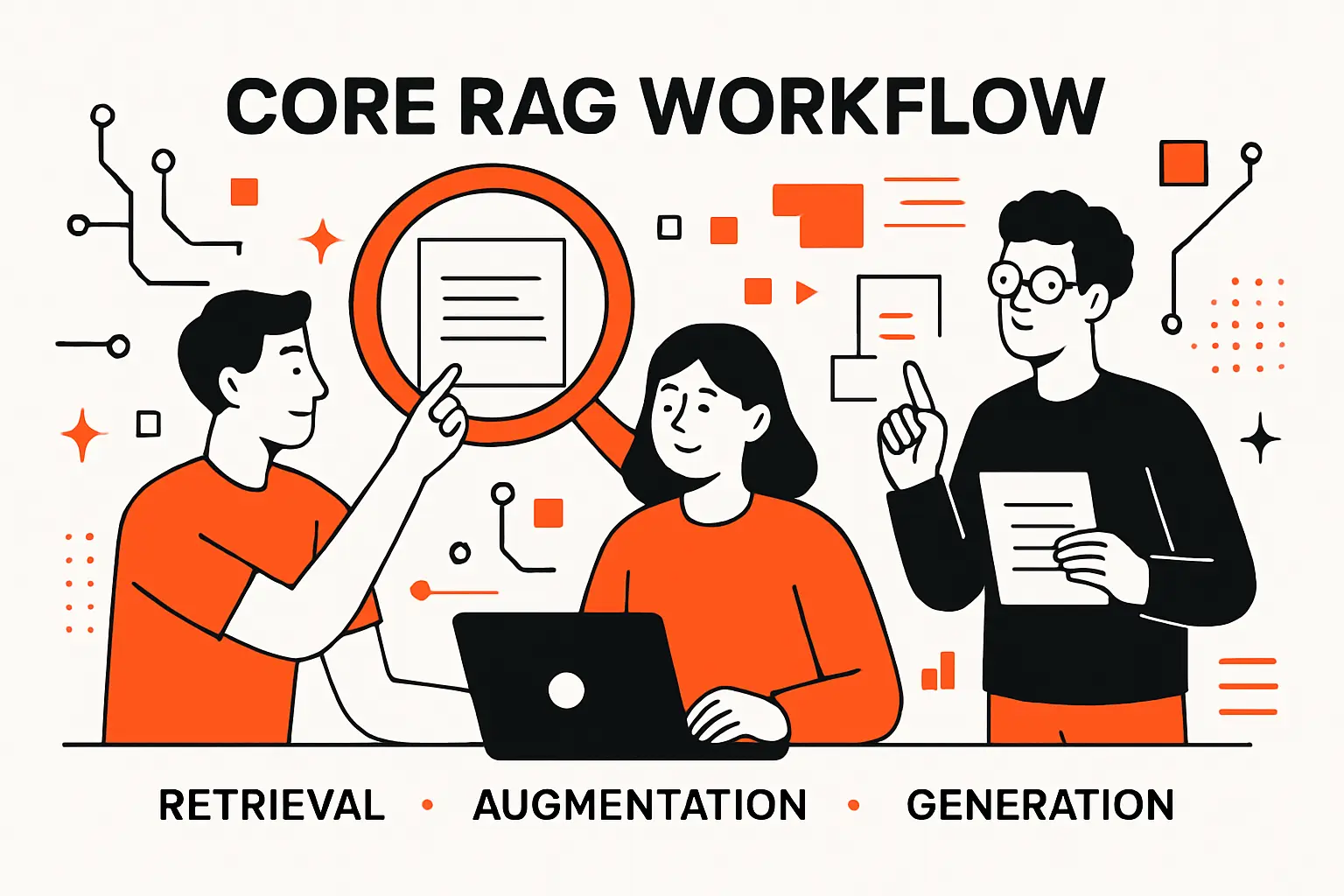
Core RAG workflow: retrieval, augmentation, generation
1. Create external data sources and convert content into embeddings for machine-readable lookup
Before retrieval can happen, the system needs something to retrieve. In practice, that means assembling external data sources—documents, web pages, PDFs, tickets, wiki pages, policies, database rows—and transforming them into a representation that supports efficient matching against a user’s query.
Embeddings are the workhorse here. An embedding model converts text into vectors, where “closeness” approximates semantic similarity. When we embed both documents and user questions, we can compare them in vector space and retrieve passages that “mean the same thing,” even if they don’t share the same keywords.
Chunking decisions matter more than most teams expect. Oversized chunks dilute relevance and waste context budget; undersized chunks lose meaning and break referential integrity (definitions without the exceptions, steps without the prerequisites). At Techtide Solutions, we usually treat chunking as a product decision as much as a technical one: what would a careful human want to see if they were verifying the answer?
2. Retrieve the most relevant passages using vector similarity search and relevance ranking
Retrieval is where RAG systems earn their keep—or quietly fail. The naive implementation is “retrieve the nearest neighbors” and call it a day. Real systems do more: they filter by access scope, they prefer fresher sources when appropriate, they avoid duplicates, and they balance relevance with coverage.
Vector similarity search is typically the first pass. The retrieval layer takes the query embedding and searches an index for the closest document embeddings. That gives you candidate passages, but candidates are not guarantees. If the retrieved text is off by a nuance, generation will amplify the mistake with fluent prose.
Relevance ranking is the second pass, and it’s often the difference between “nice demo” and “reliable tool.” A reranker—typically a model trained to score query-passage relevance—can reorder candidates so the most answerable passages rise to the top. When we add domain constraints (like “policy documents only” or “latest version only”), retrieval starts to behave the way stakeholders assume it behaves.
3. Augment the user prompt with retrieved context using prompt engineering for grounded generation
Augmentation is the handoff between retrieval and generation: we take the best passages and place them into the model’s context with instructions that emphasize groundedness. The goal is to make “use the sources” the path of least resistance for the model.
In our implementations, we treat prompt structure like an interface contract. The model receives: the user question, the retrieved excerpts, and explicit rules about what to do when excerpts are insufficient. A good augmentation layer also includes metadata that matters to interpretation—document titles, section headers, effective dates (when available), and internal identifiers—because those cues help the model avoid stitching together incompatible facts.
We also design for refusal and escalation. If retrieval returns weak evidence, the model should say so, ask a clarifying question, or route the user to a human workflow. Grounded AI isn’t only about being right; it’s about being honest about uncertainty.
4. ELI5 view: retrieval plus augmentation plus generation becomes RAG when automated
Imagine a smart assistant sitting in a library. A user asks a question. The assistant walks to the shelves, finds the relevant books, opens to the right pages, and then answers using those pages—not using imagination.
That’s RAG in plain language: retrieval is “finding the right pages,” augmentation is “placing the pages on the desk in front of the assistant,” and generation is “writing the answer.” When the whole flow happens automatically—fast enough to feel conversational—you have a RAG system.
From our viewpoint, the “automation” part is the hidden cost. Anyone can manually paste excerpts into a chat window. Shipping RAG means building the machinery that does it consistently: indexing, access control, query handling, monitoring, evaluation, and user experience design that makes the system feel coherent rather than cobbled together.
Recommended reading: Case Studies of AI in Healthcare: Real-World Applications, Risks, and Lessons
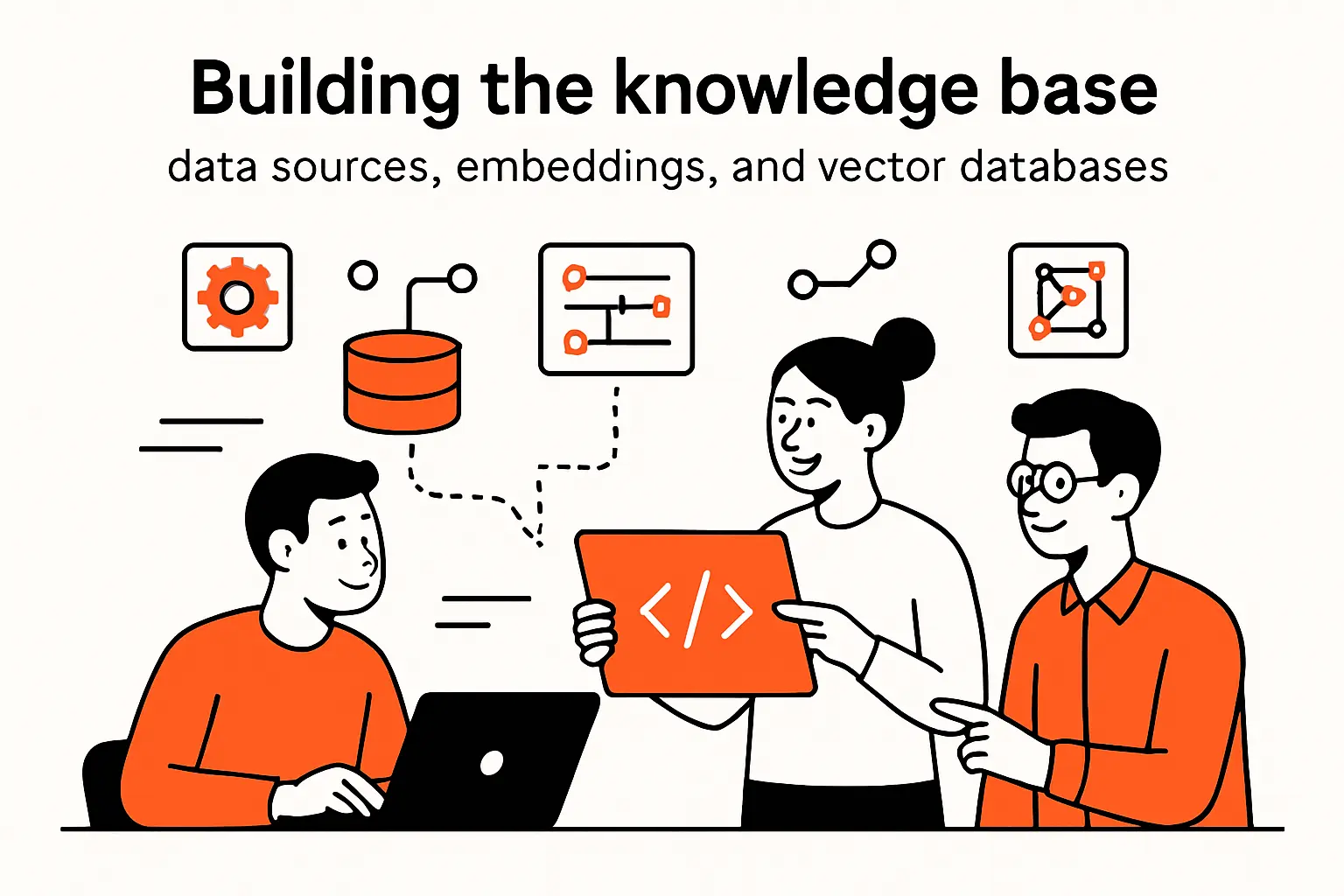
Building the knowledge base: data sources, embeddings, and vector databases
1. Choosing inputs: documents, databases, repositories, and structured sources such as knowledge graphs
RAG stands or falls on the knowledge base. The temptation is to ingest “everything,” but that often backfires: noisy inputs produce noisy retrieval, and the model will confidently summarize the noise. Instead, we like to start with the sources that already function as authority inside the organization.
For customer-facing assistants, that usually means public documentation, internal support macros, policy pages, and product release notes. For internal copilots, the best early wins often come from onboarding guides, runbooks, and curated Q&A repositories that reflect how teams actually work.
Structured sources deserve special attention. Databases can power precise, filterable retrieval when the question is transactional (“What is the status of this ticket?”). Knowledge graphs can encode relationships the model otherwise fumbles (“Which services depend on this component?”). Repositories can capture “living truth” in code comments, READMEs, and architectural decision records—especially when teams treat docs-as-code as a first-class practice.
2. Embedding and indexing: storing vectors in a vector database to enable fast document retrieval
Once content is selected and chunked, embedding turns it into vectors, and indexing makes retrieval fast. A vector database (or a vector-enabled search engine) stores embeddings along with metadata that supports filtering, permissions, and lifecycle management.
In our builds, metadata is not an afterthought. We attach document identifiers, source systems, ownership, timestamps, and access tags. Those fields become levers later: they let us restrict retrieval to a business unit, exclude deprecated pages, prioritize approved policy content, or explain to auditors why a particular excerpt was used.
Indexing strategy depends on the retrieval goals. Some teams need low-latency conversational search; others can tolerate slower responses for higher precision. Either way, we treat indexing as an operational system: it needs observability, backfills, and predictable behavior during deployments—because production search infrastructure is rarely forgiving.
3. Keeping sources current: updating documents and re-embedding to avoid stale answers
Staleness is one of the most common “quiet failures” in RAG. The assistant keeps answering with confidence, and no one notices that the underlying policy changed. Eventually, a user follows the assistant’s advice, and the gap becomes visible in the worst possible way: a compliance incident, a support escalation, or an eroded trust relationship.
Good RAG systems treat freshness as a lifecycle problem. Ingestion pipelines should detect changes, re-chunk when formatting shifts, re-embed only what changed, and keep old versions for auditability when needed. When sources include both canonical policy and informal tribal knowledge, the system should reflect that hierarchy by design, not by accident.
At Techtide Solutions, we also like to add feedback loops that point back to content owners. If users keep asking a question that retrieval can’t answer, that’s a documentation signal. If an excerpt is retrieved frequently but produces confusion, that’s a rewriting opportunity. RAG becomes a documentation improvement engine when teams treat it that way.
Recommended reading: What Is Prompt Engineering? A Practical Guide to Better Generative AI Outputs
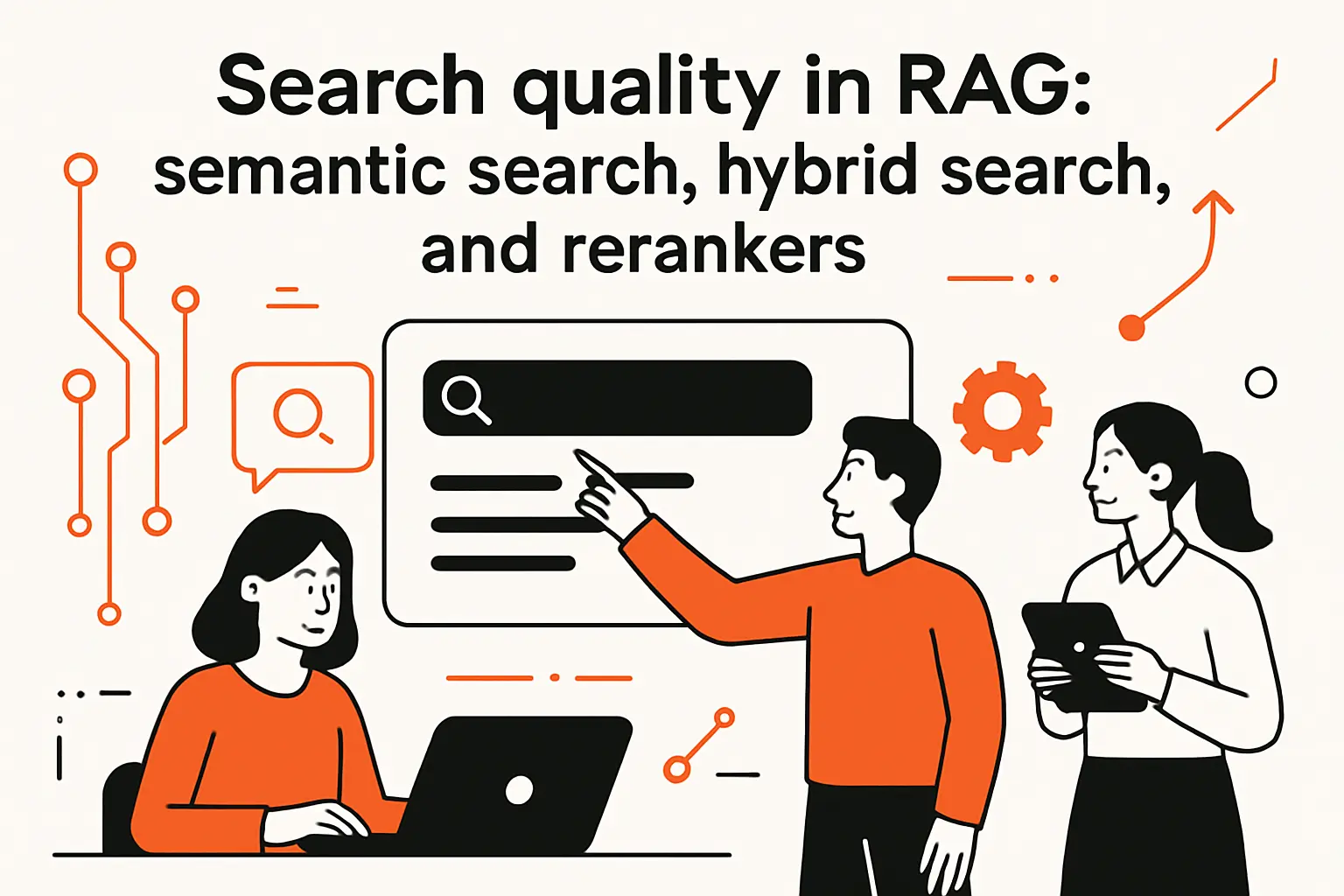
Search quality in RAG: semantic search, hybrid search, and rerankers
1. RAG vs semantic search: how stronger retrieval boosts downstream generation quality
Semantic search is often the starting point: “Find me the most similar paragraphs.” RAG adds a second obligation: “Now generate an answer that stays faithful to those paragraphs.” The difference sounds small, but it changes how we evaluate quality.
In a pure search experience, a user can skim results and self-correct. In a RAG experience, the system compresses results into a single narrative, which means retrieval errors become answer errors. Because the model writes fluently, weak retrieval can look deceptively strong.
For that reason, we treat retrieval quality as an upstream determinant of product safety. Better retrieval reduces the model’s temptation to improvise. Stronger retrieval also improves the user experience: answers become shorter and more specific, because the system has concrete evidence to quote and summarize.
2. Hybrid search: combining keyword text search with vector search to reduce missed facts
Vector search is powerful, but it has blind spots. Proper nouns, part numbers, error codes, and exact policy terms often behave better under keyword search. Meanwhile, conceptual questions (“How do we handle exceptions?”) typically behave better under semantic similarity. Hybrid search is how we reconcile those realities.
In hybrid systems, we combine lexical retrieval (often using traditional text indexing) with vector retrieval, then merge results. The merged set tends to be more robust across query styles. In our experience, hybrid approaches shine when users paste logs, cite internal acronyms, or ask about edge cases where a single phrase carries huge meaning.
Hybrid search also gives teams a practical debugging tool. When a user says “the assistant missed the obvious page,” keyword retrieval can confirm whether the page was findable lexically. If it was, the vector model might be the issue. If it wasn’t, the indexing or chunking might be the culprit. That diagnostic clarity accelerates iteration.
3. Retriever improvements: reranking, query handling, and efficiency techniques for better relevance
Retriever improvement is a broad category, and we approach it like tuning an instrument: small adjustments compound. Reranking is the headline technique, but it’s not the only one that matters.
Query handling is an underrated lever. Users ask vague questions, mix concerns, or omit context they assume the system knows. Lightweight query rewriting can transform “What’s the policy here?” into a better retrieval prompt by injecting the product area, user role, or workflow stage. Clarifying questions can do even more, as long as the UX makes them feel helpful rather than obstructive.
Efficiency techniques matter once adoption grows. Caching frequent queries, precomputing embeddings for common templates, and optimizing filters can reduce latency without sacrificing relevance. When we design these systems, we treat performance as a trust feature: slow answers feel uncertain, while fast answers feel dependable—even when the underlying logic is the same.
Recommended reading: Is LangChain Bad? A Research-Backed Look at the Criticisms, Tradeoffs, and Best-Fit Use Cases
Key benefits of retrieval augmented generation for teams shipping AI features
1. More accurate and up-to-date answers by grounding outputs in retrieved facts
Grounding is the central benefit: the model’s answer is constrained by retrieved evidence. In customer support scenarios, that translates into fewer “almost correct” replies that create rework. In compliance or policy contexts, grounding reduces the risk that the assistant invents a rule that feels plausible but doesn’t exist. And in enterprise environments, freshness matters as much as correctness.
Teams change processes, update product behavior, and adjust legal language. RAG is the most pragmatic way to keep an AI assistant aligned with those changes without constantly retraining the model.
We also see a second-order benefit: grounded answers are easier to improve. When an answer is wrong, we can inspect what was retrieved, adjust chunking, fix metadata, or rewrite the relevant documentation. That kind of iterative improvement is far more tractable than trying to “fix” a model’s internal representation directly.
2. Enhanced user trust through transparent source attribution and verifiable references
Trust is not a vibe; it’s a mechanism. When users can see where an answer came from, they can verify it, challenge it, and build confidence over time. Without attribution, every answer is a leap of faith.
In RAG products, we like to show sources as quoted excerpts, expandable citations, or “view in document” links—depending on privacy and UX constraints. The design goal is to make verification effortless. If it takes effort to validate the assistant, most users won’t do it, and trust will be fragile.
At Techtide Solutions, we also push for attribution because it changes organizational behavior. Teams write clearer runbooks when they know those runbooks will be surfaced directly to end users. Meanwhile, policy owners become more engaged when they can see which paragraphs are driving real-world decisions.
3. Developer control: swap data sources, enforce access levels, and maintain privacy and security
RAG gives developers knobs that pure prompting doesn’t. Data sources can be swapped, restricted, or scoped by role. Access control can be enforced at retrieval time so the model never even sees unauthorized content. Logging and audit trails can track which documents influenced which answers.
Those properties matter because many organizations have a hard boundary: sensitive information must not be exposed to the wrong user, and it must not leak into training data or analytics pipelines. With RAG, we can architect the system so the model only receives the minimum context required to answer the question.
Control also supports experimentation. Teams can pilot RAG with a limited corpus, then expand scope gradually. In our view, that incremental path is healthier than trying to launch a “company brain” overnight, because it forces deliberate decisions about what content is authoritative and what content is merely convenient.
Recommended reading: RAG Pipeline Diagram: How to Build and Optimize Retrieval-Augmented Generation Pipelines
Common RAG use cases across products and internal tools
1. Specialized chatbots and virtual assistants for customer support and policy questions
Customer support is a natural home for RAG because the problem is rarely “write text.” The problem is “find the right answer in a sea of docs, then explain it clearly.” RAG can pull from help center articles, known-issue lists, and internal escalation notes to produce answers that match the current product reality.
A real-world pattern we’ve built around is “policy-aware support.” Consider refunds: the assistant retrieves the relevant policy section, identifies whether the request meets criteria, and then drafts a response that includes the policy excerpt. When an exception applies, the assistant can surface the exception language rather than improvising.
In product-led growth companies, this becomes a scale lever. Support teams handle more requests without sacrificing consistency, and product teams get clearer signals about where documentation is failing users. Done right, the assistant becomes a feedback channel that turns user confusion into actionable improvements.
2. Enterprise knowledge engines for employee onboarding, HR support, and field guidance
Internal knowledge work has a familiar pain: answers exist, but they’re scattered across wikis, chat threads, PDFs, and tribal memory. RAG-based knowledge engines compress that search burden into a conversational workflow, which is especially powerful for onboarding and just-in-time guidance.
Onboarding copilots are one of our favorite examples because success is measurable in human terms: fewer interruptions to senior staff, faster ramp-up, and less anxiety for new hires. The assistant can retrieve “how we do things here” from curated sources rather than forcing new employees to infer norms from incomplete conversations.
Field guidance is another high-leverage case. For teams in operations, IT, or customer success, the assistant can retrieve runbooks, troubleshooting steps, and escalation criteria. The key is to couple retrieval with permissioning, so sensitive operational details are available only to authorized roles.
3. Research, content generation, market analysis, and recommendation services driven by fresh data
RAG is also a research accelerator. When analysts need to draft a market memo, they often spend most of their time collecting references, not writing. A RAG workflow can retrieve relevant excerpts from internal research, meeting notes, and vetted external sources, then generate a structured draft that stays tied to evidence.
Recommendation services can benefit as well, especially when product catalogs, pricing rules, or eligibility constraints change frequently. Retrieval can surface the right constraints and user-specific context, while generation turns those constraints into a readable recommendation that explains the “why.”
Even content generation becomes more responsible under RAG. Instead of producing blog posts or release notes from thin air, the model can pull from approved messaging, product specs, and documentation. In our experience, that reduces brand drift and lowers the editorial burden, because reviewers can check outputs against known sources.
Limitations and risks: where RAG can still fail
1. RAG does not eliminate hallucinations and can still produce incorrect statements
RAG improves grounding, but it does not magically guarantee truth. A model can still misread a retrieved passage, interpret it incorrectly, or apply it to the wrong context. If retrieval returns irrelevant text, the model may still produce a confident answer—only now it will sound “sourced.”
In other words, retrieval changes the failure mode from “invented from nothing” to “wrongly reasoned from something.” That’s progress, but it is not perfection. Teams shipping RAG need evaluation that tests not only whether the answer sounds good, but whether it is faithful to the provided excerpts.
At Techtide Solutions, we treat this as a design constraint: the product experience should communicate uncertainty when evidence is weak. Guardrails matter, but user education matters too. A grounded system should encourage verification rather than pretending verification is unnecessary.
2. Context and conflict issues: misreading sources, merging mismatched facts, and prompt stuffing pitfalls
Context can betray you in subtle ways. If you retrieve passages from different versions of a policy, the model may merge them into a single answer that never existed in any official document. If you retrieve both a general rule and an exception, the model may summarize the rule and ignore the exception—or apply the exception too broadly.
Prompt stuffing is another risk. Overloading the model with too much retrieved text can dilute the signal. Important passages get buried among less relevant excerpts, and the model may latch onto the wrong detail. Better retrieval is often about choosing less text with higher relevance, not more text with marginal relevance.
We’ve also seen “format traps.” Tables, disclaimers, and footnotes can be misinterpreted when chunked poorly. The fix is rarely only prompt engineering; it’s usually a pipeline improvement: smarter chunk boundaries, better metadata, and retrieval constraints that respect document structure.
3. RAG poisoning: retrieving misleading sources and the need for careful data curation
RAG poisoning is a real concern: if malicious or low-quality content enters the knowledge base, retrieval can surface it, and generation can amplify it. The risk is especially sharp when teams ingest user-generated content, scraped web pages, or unvetted internal notes.
Curation is the first defense. Knowledge bases should differentiate between authoritative sources and informal discussion. Access control is the second defense. If some content is sensitive or untrusted, retrieval should be scoped so that content does not influence user-facing answers.
Operational controls complete the picture. We recommend monitoring retrieval logs for suspicious spikes, adding approval workflows for high-impact documents, and building “known good” corpora for regulated answers. In our view, RAG safety is less about a single clever technique and more about treating knowledge like production infrastructure.
TechTide Solutions: building retrieval augmented generation solutions tailored to your users
1. Product discovery and architecture for custom RAG-powered web apps, mobile apps, and internal tools
Our starting point is rarely “Which model should we use?” Instead, we begin with the user journey: who is asking questions, what they consider authoritative, what mistakes are unacceptable, and what escalation path exists when the assistant is uncertain.
Architecture follows those constraints. For a customer-facing assistant, we might prioritize strong guardrails, curated public sources, and clear attribution. For internal tools, we might prioritize deep integrations with identity, role-based access, and internal systems that store the truth. In both cases, the retrieval layer is designed as a product feature, not a background implementation detail.
Market signals reinforce why this discipline matters. Gartner expects more than 80% of enterprises will have used generative AI APIs or deployed generative AI-enabled applications by 2026, which means “AI features” are increasingly table stakes; differentiation comes from reliability, governance, and user trust.
2. End-to-end implementation: ingestion, chunking, embeddings, retrieval, reranking, and LLM orchestration
Implementation is where RAG becomes real. We build ingestion pipelines that pull from the chosen sources, normalize formats, chunk content with attention to semantics, and attach metadata that enables filtering and auditability. Embedding is then applied consistently so retrieval behavior is predictable.
Retrieval and reranking are tuned against real queries—not hypothetical ones. We gather question logs, identify failure patterns, and improve retrieval iteratively. In some domains, we add query rewriting; in others, we add hybrid retrieval; in most, we add a reranker because relevance ordering is critical for faithful generation.
Orchestration ties everything together: prompt templates, tool calling (when needed), response formatting, citation rendering, and fallbacks. We also design the assistant’s voice to match the organization. A compliance assistant should read differently from a developer assistant, and both should feel grounded in the same underlying truth.
3. Production readiness: security controls, continuous data updates, evaluation, monitoring, and iteration
Shipping RAG is not the same as demoing RAG. Production systems need identity-aware access control, safe logging, secure secret management, and clear data retention policies. They also need an ingestion cadence that keeps answers current without breaking the index.
Evaluation is non-negotiable. We measure retrieval quality, answer faithfulness, refusal behavior, and user satisfaction. Monitoring closes the loop by detecting drift: new questions, new documents, new edge cases, and new failure modes. Over time, the assistant becomes more reliable because the system learns where it is weak and the team fixes the root cause.
Organizational readiness matters too. Deloitte’s enterprise survey found 47% of all respondents say they are moving fast with their adoption, and we’ve seen the same dynamic: the teams that scale successfully treat RAG as a product program with content ownership, governance, and continuous improvement—not as a one-off engineering sprint.
Conclusion: when to use RAG and how to start
1. Decision guide: choose RAG when you need fresh, private, or domain-specific knowledge without constant retraining
RAG is the right tool when answers depend on knowledge that changes, knowledge that must be private, or knowledge that is deeply domain-specific. If the assistant must reflect your organization’s policies, your product’s current behavior, or your internal procedures, retrieval is the most direct path to groundedness.
Conversely, if your use case is mostly about tone, format, or creativity—and the factual substrate is stable—then RAG might be unnecessary overhead. A well-designed prompt and a small set of curated examples may be enough. The mistake we see is teams reaching for RAG as a default, instead of as a targeted response to “where does the truth live?”
From our perspective at Techtide Solutions, the real decision is not “RAG or not.” The real decision is whether your product needs an answer generator or a truth-connected assistant. When users will act on the output, the latter is usually the safer bet.
2. Practical first steps: curate sources, measure retrieval and groundedness quality, then refine over time
Starting well beats starting big. We recommend curating a small, high-authority corpus first, then building an evaluation set of real questions that matter to users. With those ingredients, you can measure retrieval relevance and answer faithfulness before expanding scope.
Next, refine the system in tight cycles: improve chunking, add metadata, tune retrieval, consider hybrid search, and introduce reranking if relevance ordering is inconsistent. Along the way, design the UX so users can verify sources and understand when the assistant is uncertain.
Finally, treat the knowledge base as a living product. Content ownership, update workflows, and monitoring are not optional if you want sustained trust. If we’re being candid, the question we’d leave you with is this: which internal source would you bet your reputation on—and what would it take to make your AI assistant cite it as confidently as your best human expert?

