


We are TechTide Solutions, and we build WordPress sites for teams that cannot afford “good enough.” A modern site is a product. It has uptime needs, security risk, and user expectations.
Most buyers still shop with their eyes first. Yet the real win comes later, when editors publish faster and marketing can iterate without breaking layouts.
Market overview: Statista projects the content management software market at US$23.17bn, which keeps budgets competitive. Gartner expects 80% of business-to-business sales interactions between suppliers and buyers will occur in digital channels, so your site becomes your sales floor. McKinsey found design leaders delivered 32 percentage points higher revenue growth, which reframes design as a growth lever. Deloitte showed even a 0.1s natural mobile site speed improvement can materially change user behavior.
In the field, we see the same pattern. Organizations that treat WordPress as an engineering system ship faster, rank better, and sleep more.
We also like examples that prove WordPress can scale. Al Jazeera’s move to a decoupled, headless WordPress stack shows what “enterprise WordPress” looks like when performance and workflows matter. People.com’s migration to WordPress VIP with Alley leading delivery is another reminder that good agencies think in systems, not pages.
How to Choose wordpress website design companies for a fast, secure, conversion-focused site
1. Define the website type first: corporate site, eCommerce store, web portal, or landing pages
Start with the job the site must do. A corporate site sells trust and clarity. An eCommerce store sells products and reduces friction.
Portals behave like software products. They need roles, permissions, and data flows. Landing pages need speed, message discipline, and clean analytics.
In our scoping calls, we push for plain language. “Marketing site with gated resources” is better than “redesign.” Clear types produce clear architecture.
2. Prioritize WordPress specialists with deep CMS expertise over generalist agencies
WordPress is simple until it is not. The hard parts are content modeling, editor guardrails, and plugin governance. Specialists know those traps.
Generalists often reach for heavy page builders. That choice can slow performance and complicate maintenance. A WordPress-native build avoids that tax.
We also look for teams that contribute to open source. It signals habits like code review, standards, and long-term thinking.
3. Validate outcomes with portfolios, case studies, and measurable results
Pretty screenshots are not proof. Ask what changed for the business after launch. Look for stories about conversion funnels and editor productivity.
Strong case studies explain constraints. They discuss timelines, risk, and tradeoffs. Weak ones read like a highlight reel.
During vendor checks, we ask for a walkthrough. Watching an agency explain decisions reveals maturity fast.
4. Check for mobile-first UX and conversion-focused UI design
Mobile-first is not only responsive CSS. It is information hierarchy, tap targets, and ruthless prioritization. Conversion lives in those details.
We like teams that prototype flows before polishing visuals. A clean checkout beats a flashy animation. Good UI is quiet confidence.
Ask how they validate UX. Usability testing can be lightweight, yet still disciplined. Guesswork gets expensive later.
5. Confirm performance work: speed, lightweight builds, and optimization planning
Performance must be designed, not rescued. The agency should discuss image strategy, caching layers, and render-blocking assets. Vague promises are a red flag.
Performance Budgets Beat Performance Pep Talks
In our builds, we set budgets for page weight and scripts. Budgets force tradeoffs early. That is where speed is won.
Also ask about staging and profiling. Mature teams measure database queries and template hotspots. They optimize at the source, not with bandages.
6. Make SEO part of the build, not an afterthought
SEO begins with information architecture. It needs clean URLs, internal linking, and semantic templates. Then content strategy can do its job.
We watch for technical basics too. Proper indexing controls, canonical logic, and structured metadata should be planned. Retrofits usually miss edge cases.
An agency should also respect editor workflows. If publishing is painful, content quality declines. That hurts SEO quietly over time.
7. Look for built-in security, updates, and long-term maintainability
WordPress security is operations, not fear. You want disciplined updates, tested releases, and least-privilege access. Many incidents start with sloppy admin habits.
We also review plugin supply chain risk. Fewer plugins is not always better, but unmanaged plugins are dangerous. Strong agencies build governance into delivery.
Ask how they handle emergencies. Clear escalation paths matter. “Email us” is not a plan.
8. Evaluate collaboration: project management, review rounds, and communication flow
Most projects fail in the gaps between teams. A good agency runs a predictable cadence and documents decisions. Great design needs great coordination.
We prefer a single source of truth for requirements. Spreadsheets, tickets, and notes must connect. Otherwise scope drifts silently.
Review rounds also need structure. You want consolidated feedback. Scattershot comments burn time and morale.
9. Ask how they handle custom functionality: integrations, migrations, and complex features
Custom features are where WordPress becomes “real software.” Think CRM sync, product catalogs, and membership logic. The agency should speak clearly about data contracts.
Integration Work Is Mostly Failure Management
APIs fail. Webhooks retry. Auth tokens expire. We look for teams that design for those realities. Reliability is part of user experience.
Migrations also need care. URLs, media, and metadata require mapping. The best agencies plan redirects and content parity early.
10. Clarify ownership and handoff: documentation, editing access, and post-launch training
Ownership is more than admin credentials. You need deployment knowledge, plugin rationale, and content patterns. Otherwise the site becomes “mysterious” within months.
We like lightweight documentation that editors will actually read. Short videos and annotated templates help. Long PDFs get ignored.
Training should match real roles. Marketers need editing rules. Developers need build notes. Everyone needs confidence.
Quick Comparison of wordpress website design companies
This comparison is intentionally compact. We chose firms known for custom WordPress delivery, not theme flipping. Use it as a shortlist starter, then run deeper diligence.
| Tool | Best for | From price | Trial/Free | Key limits |
|---|---|---|---|---|
| Human Made | Enterprise publishing platforms | Custom quote | Discovery call | Best fit for complex orgs |
| XWP | Large migrations and performance | Custom quote | Consultation | Process-heavy engagements |
| rtCamp | Enterprise builds and support | Custom quote | Consultation | Best for scaled teams |
| WebDevStudios | Custom sites and integrations | Custom quote | Discovery call | Scope clarity required |
| Kanopi Studios | Mission-driven org websites | Custom quote | Consultation | Mixed CMS practice |
| Alley | Publishers and content workflows | Custom quote | Consultation | Publisher focus |
| Multidots | Migrations and editorial tooling | Custom quote | Consultation | Strong on enterprise patterns |
| DevriX | Growth-focused WordPress platforms | Custom quote | Consultation | Best with clear KPIs |
| Crowd Favorite | Open-source DXP style builds | Custom quote | Consultation | Discovery is essential |
| Syde | WooCommerce and multilingual | Custom quote | Consultation | Best for structured programs |
Below is our broader list of companies we see teams hire for custom WordPress work. The “best” choice depends on your constraints. Geography matters less than process maturity.
Top 12 wordpress website design companies to consider in 2026
Selection here is outcome-first, not brochure-first.
We prioritize teams that can ship a credible WordPress site, then keep it improving.
Each pick is scored on a 0–5 scale using weighted criteria.
Value-for-money and feature depth each carry 20% of the total.
Ease of setup and learning is 15%, since handoffs often fail in onboarding.
Integrations and ecosystem is another 15%, because WordPress lives or dies by its stack.
UX and performance count for 10%, with security and trust at 10%.
Support and community take the last 10%, because sites outlive project teams.
Scores reflect what a buyer can expect to achieve, not how nice a sales deck looks.
1. Duck.Design
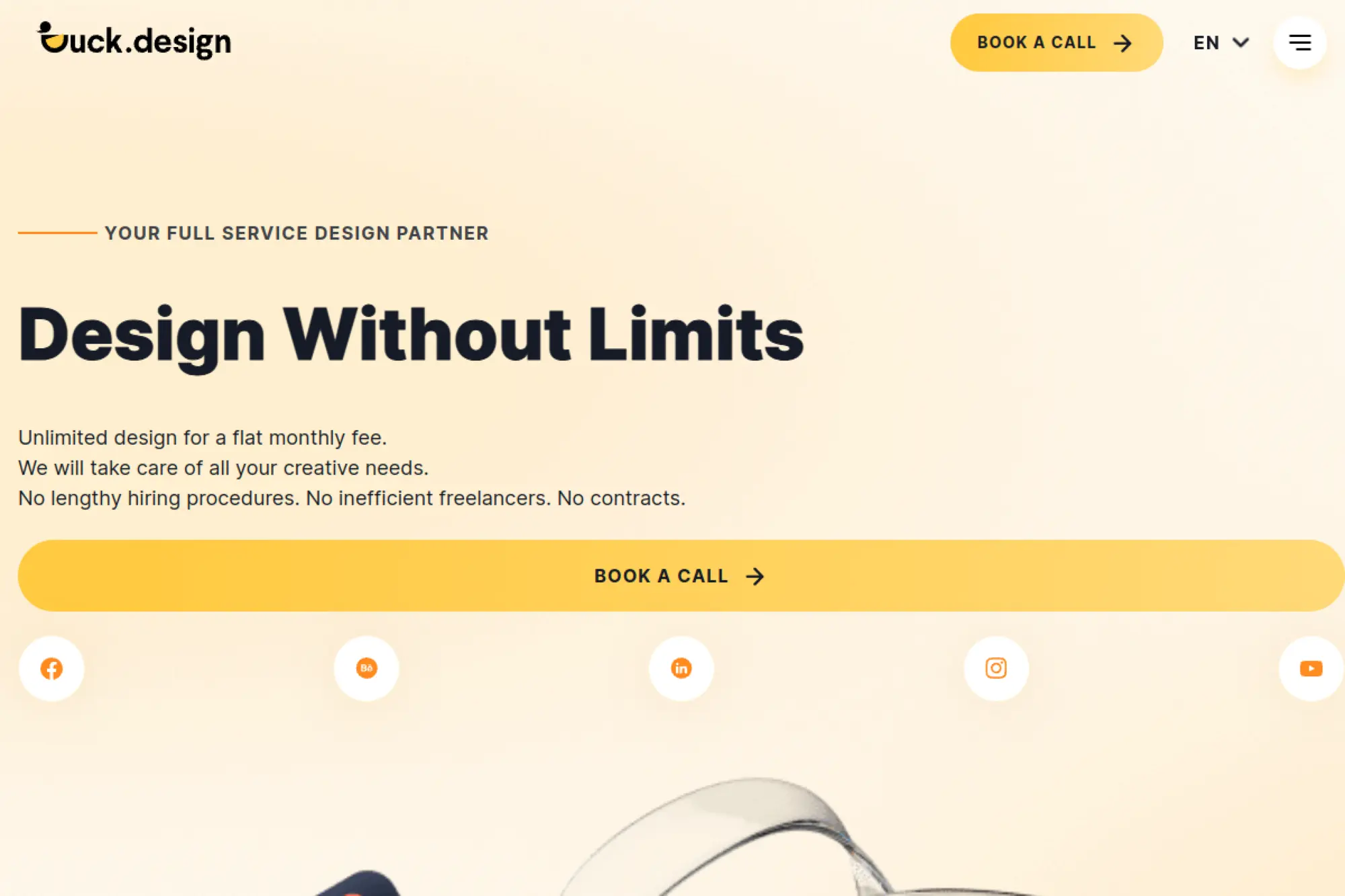
Duck.Design runs a productized creative service with an in-house team model.
Its setup feels closer to a subscription studio than a traditional WordPress agency.
Ship a steady stream of website-ready design work without hiring full-time.
Best for: a solo marketer who needs consistent landing pages, or an SMB team drowning in requests.
- Unlimited requests workflow → keeps your site backlog moving every week.
- Trello-style collaboration + fast handoffs → often saves 10–20 follow-up messages per request.
- Clear monthly packages → time-to-first-value is often 1–3 days for initial deliverables.
Pricing & limits: From $1,199/mo; trial: none; refund window: 7-day money-back guarantee.
Capacity is the real cap, since work ships sequentially within your plan.
Honest drawbacks: It is not a “one big bespoke build” shop.
Complex custom WordPress engineering may require a separate dev partner.
Verdict: If you need predictable creative output, this helps you publish faster in the first month.
Score: 4.4/5
2. WordPress.com Website Design Service
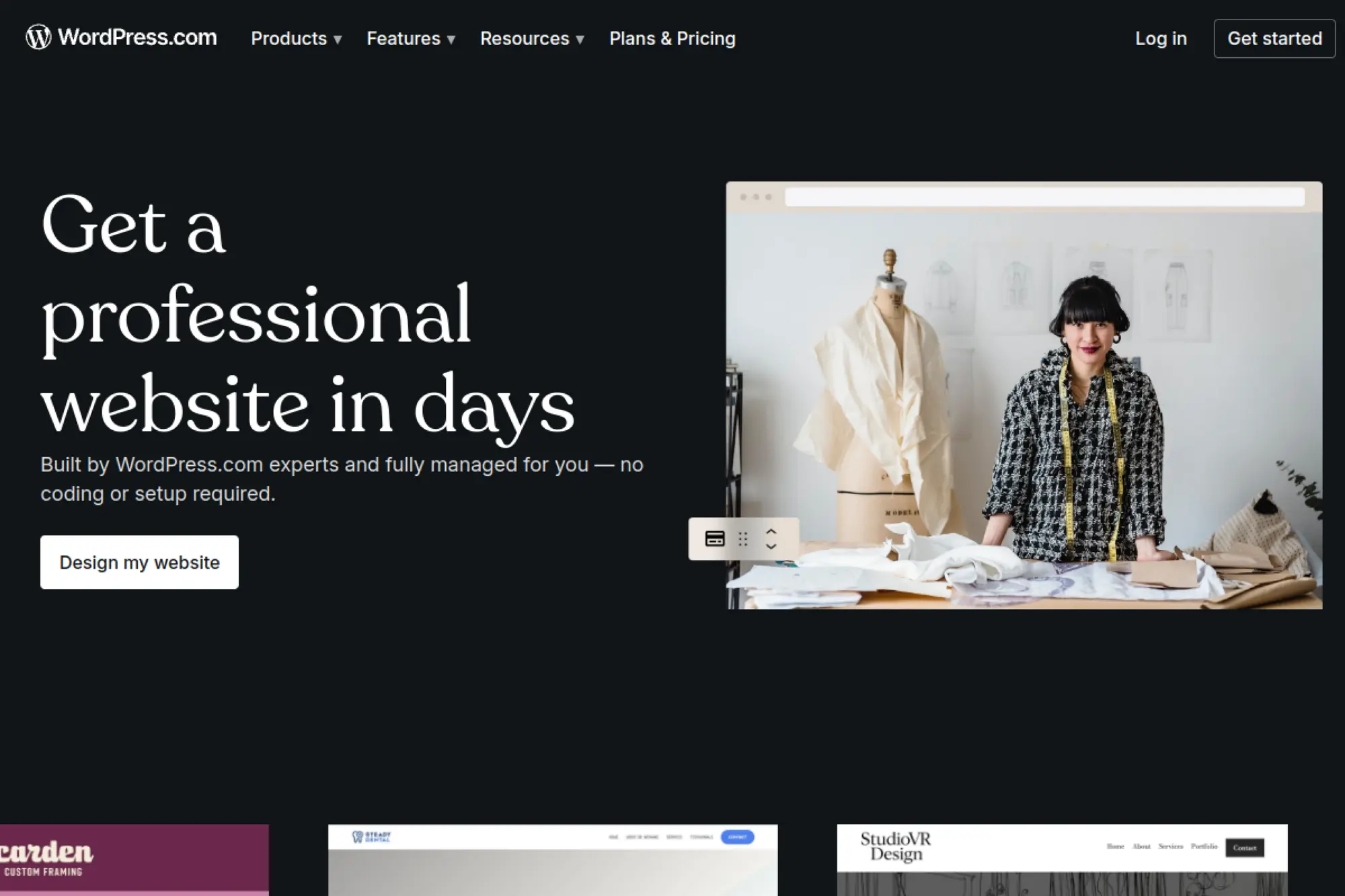
WordPress.com’s design service is delivered by a dedicated internal team.
The model is tightly scoped, with strong operational rails.
Get a polished WordPress.com site live in days, not quarters.
Best for: a first-time founder, or a small local business that needs a credible web presence fast.
- Structured intake + fixed 5-page deliverable → gets you a launchable site without scope creep.
- Optional AI text help → often saves hours of blank-page copy drafting.
- 4-business-day timeline → time-to-first-value is under a week once content lands.
Pricing & limits: From $49.6/mo in year one (Express $499 + Premium $96/year, amortized); trial: not applicable.
Cap is 5 pages in the Express package, with paid add-on pages available.
Honest drawbacks: Revisions are not included on Express tiers.
Pixel-perfect matching and bespoke layouts are limited by the service scope.
Verdict: If you need a fast launch, this helps you go live within a week of content readiness.
Score: 4.1/5
3. Freshy
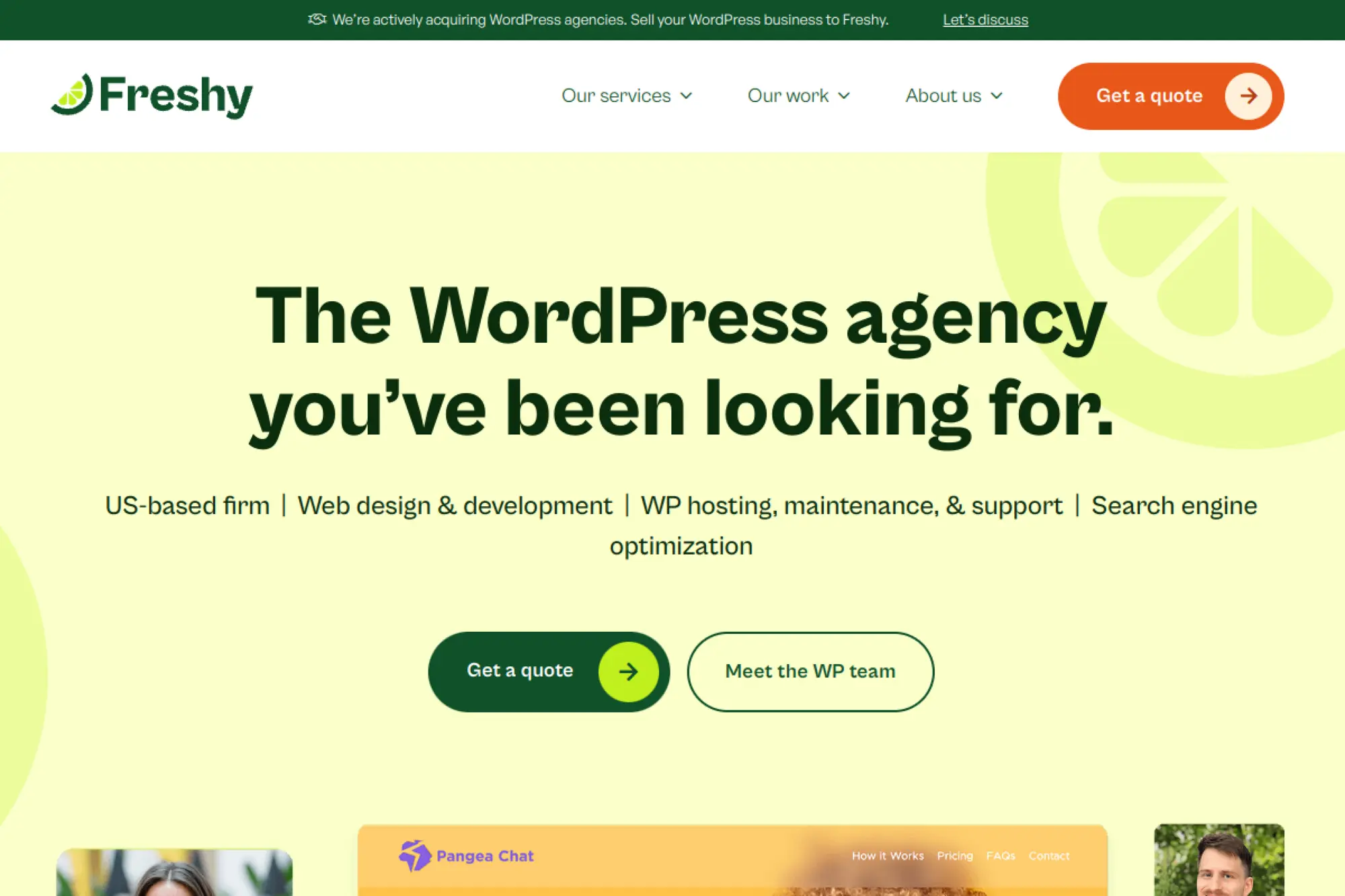
Freshy is a WordPress-focused shop with a support-first posture.
The team’s public guidance leans practical, not mystical.
Keep a WordPress site healthy with a maintenance rhythm you can actually sustain.
Best for: a small business owner who wants updates handled, or a lean marketing team without a dev bench.
- Monthly update retainers → reduces “update anxiety” and surprise breakages.
- Maintenance-mode workflow → often saves a multi-step rollback when plugin conflicts appear.
- Simple retainer start → time-to-first-value can be within the first week of onboarding.
Pricing & limits: From $185/mo; trial: not listed; cap: includes 1 hour per month for updates.
Extra work expands the bill, so define “done” before you start.
Honest drawbacks: The retainer is built for maintenance, not full redesign strategy.
Large rebuilds may require a separate project scope and timeline.
Verdict: If you want fewer fires, this helps you stabilize operations within the first month.
Score: 3.9/5
4. UPQODE
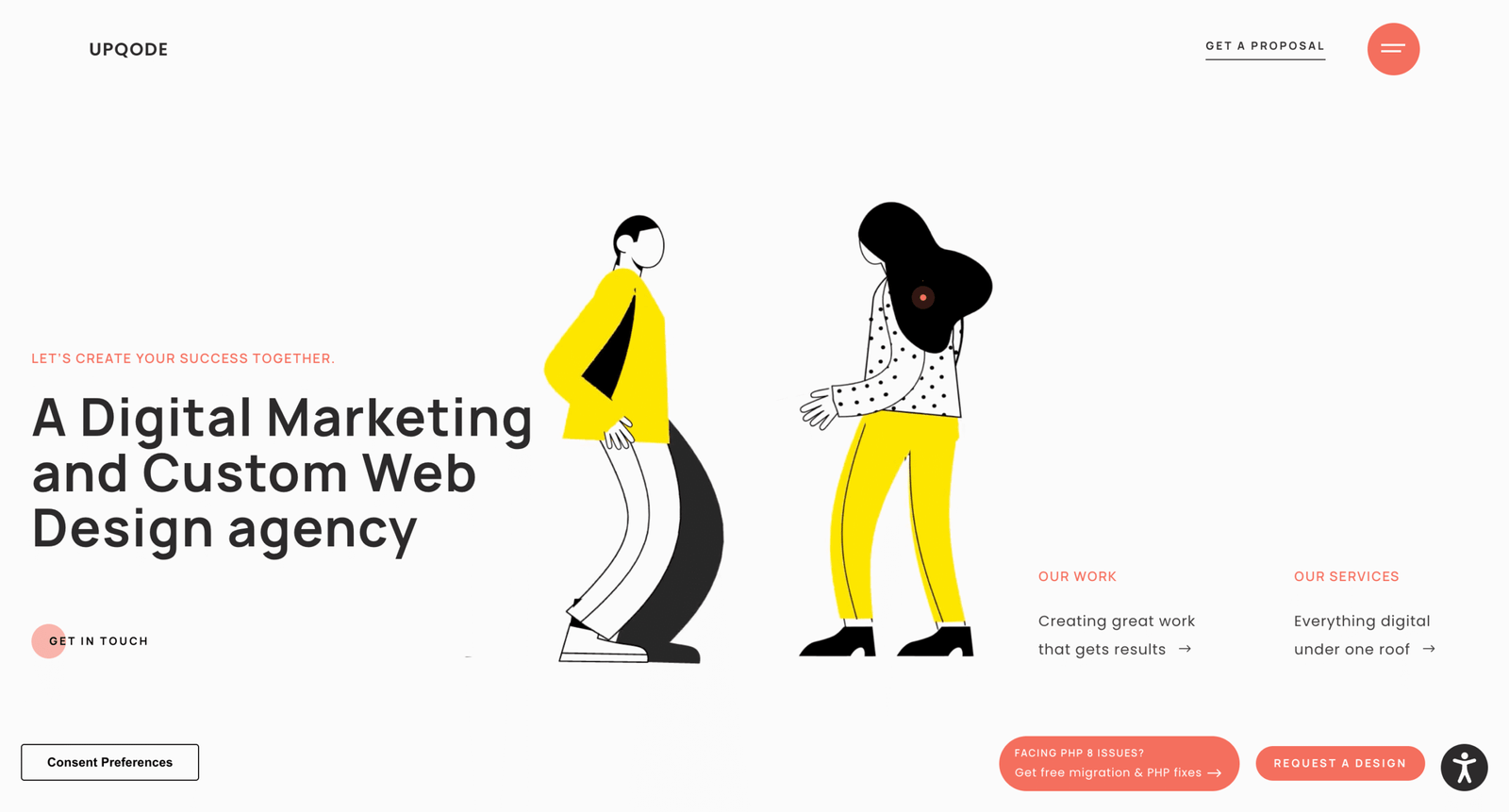
UPQODE positions as a web design team with defined WordPress build options.
The offering is unusually concrete for an agency site.
Buy a WordPress build with predictable scope and clear page math.
Best for: an SMB needing a clean marketing site, or a founder who wants fixed-price guardrails.
- Theme-based package → ships a professional site without weeks of discovery overhead.
- Per-page pricing structure → often saves a full negotiation cycle on scope changes.
- Two-path approach (theme vs scratch) → time-to-first-value is often 2–6 weeks, depending on path.
Pricing & limits: From $250/mo (amortized from a $3,000 project over 12 months); trial: not applicable.
Caps include revision rounds and per-page add-on rates.
Honest drawbacks: Fixed package constraints can feel tight for brand-heavy teams.
Deep custom components push you into the higher tier fast.
Verdict: If you want a scoped build, this helps you launch a credible site within one quarter.
Score: 4.0/5
5. WISE Digital Partners
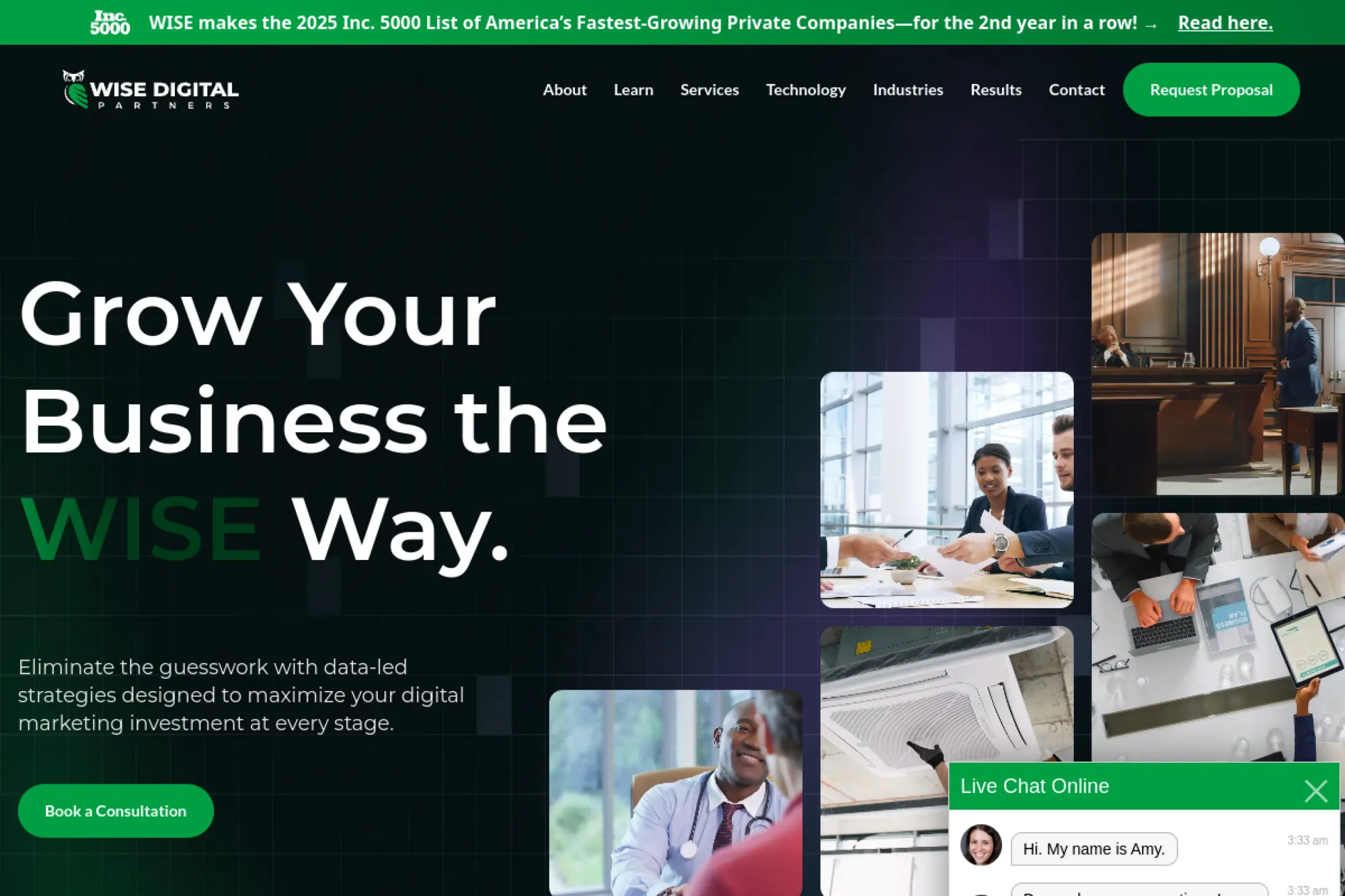
WISE Digital Partners sells strategy and implementation as a structured engagement.
The team frames pricing as a minimum-led retainer, not a one-off project.
Turn your website into a growth system with ongoing execution.
Best for: an established business ready to commit, or a marketing lead who needs a partner for delivery.
- Retainer-based “strategy & implementation” → keeps web and marketing moving together.
- Financed terms structure → often saves weeks of internal budget approvals.
- Clear starting minimums → time-to-first-value is usually the first month’s roadmap and fixes.
Pricing & limits: From $1,500/mo (no new website); trial: not applicable.
Contract minimums apply, including 6-month and 12-month starting terms.
Honest drawbacks: This is not the cheapest path for a simple brochure site.
Short-term buyers may feel locked in by minimum engagement lengths.
Verdict: If you want steady growth work, this helps you build momentum within 30–60 days.
Score: 4.2/5
6. Filament
Filament markets itself around B2B tech and SaaS websites on WordPress.
The team also leans into ongoing hosting and maintenance as a core lane.
Keep a B2B WordPress site fast, secure, and conversion-ready over time.
Best for: a SaaS marketer who needs reliable execution, or a small B2B team that wants managed hosting.
- Maintenance plans by need tier → reduces downtime risk and update drift.
- Managed cloud approach → often saves several setup steps versus DIY hosting stacks.
- Support hours included on higher tiers → time-to-first-value is usually the first month’s fixes.
Pricing & limits: From $0/mo to start (free consultation); trial: not applicable.
Caps are explicit on support hours in higher plans, with no rollover language.
Honest drawbacks: Pricing is not published on the plan comparison.
Budgeting requires a sales conversation, which slows procurement.
Verdict: If you want less ops burden, this helps you stabilize the site within the first month.
Score: 3.8/5
7. Passionate
Passionate Agency sells senior execution through subscription-style packages.
The framing is capacity and turnaround, not hours.
Move fast with a senior team that ships website work in small, steady drops.
Best for: a growth-stage marketing team, or a product marketer juggling landing pages and experiments.
- Unlimited requests model → keeps site improvements flowing without new scopes.
- Workflow flexibility with common tools → often saves days of “where is this tracked” confusion.
- Frequent delivery cadence → time-to-first-value can be 1–3 working days per request.
Pricing & limits: From $187/mo (1-hour package); trial: not listed.
Concurrency is capped by workstreams, so parallel work costs more.
Honest drawbacks: Premium pricing can feel steep for simple sites.
Single-workstream plans can bottleneck if your backlog is wide.
Verdict: If you need continuous iteration, this helps you ship new pages in weeks, not quarters.
Score: 4.3/5
8. Digital Silk
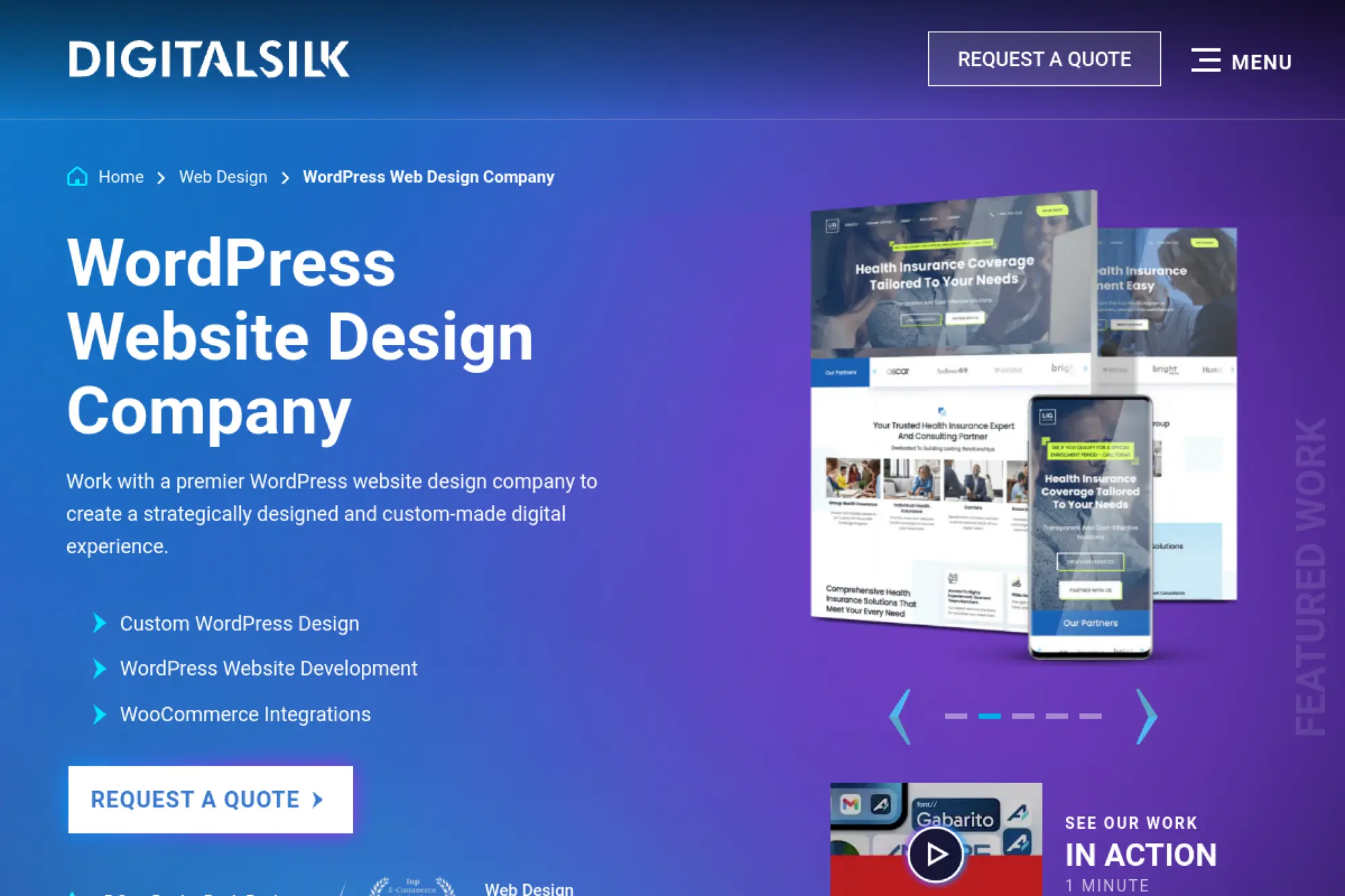
Digital Silk presents as a larger custom web design agency with enterprise posture.
The team leans into strategy, design, and build depth.
Build a premium WordPress experience that supports brand and growth goals.
Best for: a mid-market marketing leader, or an enterprise team replacing an aging site.
- High-touch custom builds → improves brand trust and conversion clarity.
- Strategy plus build alignment → often saves a full redesign redo later.
- Big-project orientation → time-to-first-value is usually 4–10 weeks for a usable launch.
Pricing & limits: From $2,083/mo (amortized from $25,000 project over 12 months); trial: not applicable.
Caps are project-defined, so change control matters.
Honest drawbacks: Budget is the first gatekeeper here.
Smaller teams may overbuy depth they will not fully use.
Verdict: If you need a flagship rebuild, this helps you relaunch with confidence in one to two quarters.
Score: 4.2/5
9. WebDevStudios
WebDevStudios is a long-running WordPress agency serving complex organizations.
The team positions around strategy, design, and custom development.
Deliver a robust WordPress build that can handle real integrations and scale.
Best for: an enterprise comms team, or a marketing org that needs WordPress engineering depth.
- End-to-end WordPress services → reduces vendor sprawl across design and development.
- API integration readiness → often saves manual data entry across systems later.
- Ongoing support retainer option → time-to-first-value is typically the first sprint’s fixes and roadmap.
Pricing & limits: From $0/mo to start (consultation); trial: not applicable.
Caps are contract-defined, so clarify response times and ownership early.
Honest drawbacks: Pricing is not self-serve on the main service overview.
Procurement may require more stakeholder alignment than smaller shops.
Verdict: If you need a serious build, this helps you ship a durable platform in one or two quarters.
Score: 4.1/5
10. Vital Design
Vital Design offers ongoing maintenance alongside broader digital services.
The maintenance page is refreshingly specific about what is included.
Keep WordPress stable with a plan that prevents small issues becoming expensive ones.
Best for: a marketing manager who needs peace of mind, or an SMB site owner who wants predictable upkeep.
- Maintenance plan structure → reduces surprise downtime from neglected updates.
- Testing and quality-check emphasis → often saves a rollback cycle after plugin updates.
- Low-friction onboarding → time-to-first-value can be within the first month’s update window.
Pricing & limits: From $97.50/mo; trial: not listed.
Caps: the base fee covers update, test, and QA time for routine maintenance.
Honest drawbacks: PHP version updates are called out as not included.
Edge cases from unvetted plugins may fall outside the plan.
Verdict: If you want fewer surprises, this helps you stay secure and current within 30 days.
Score: 3.9/5
11. Pronto Marketing
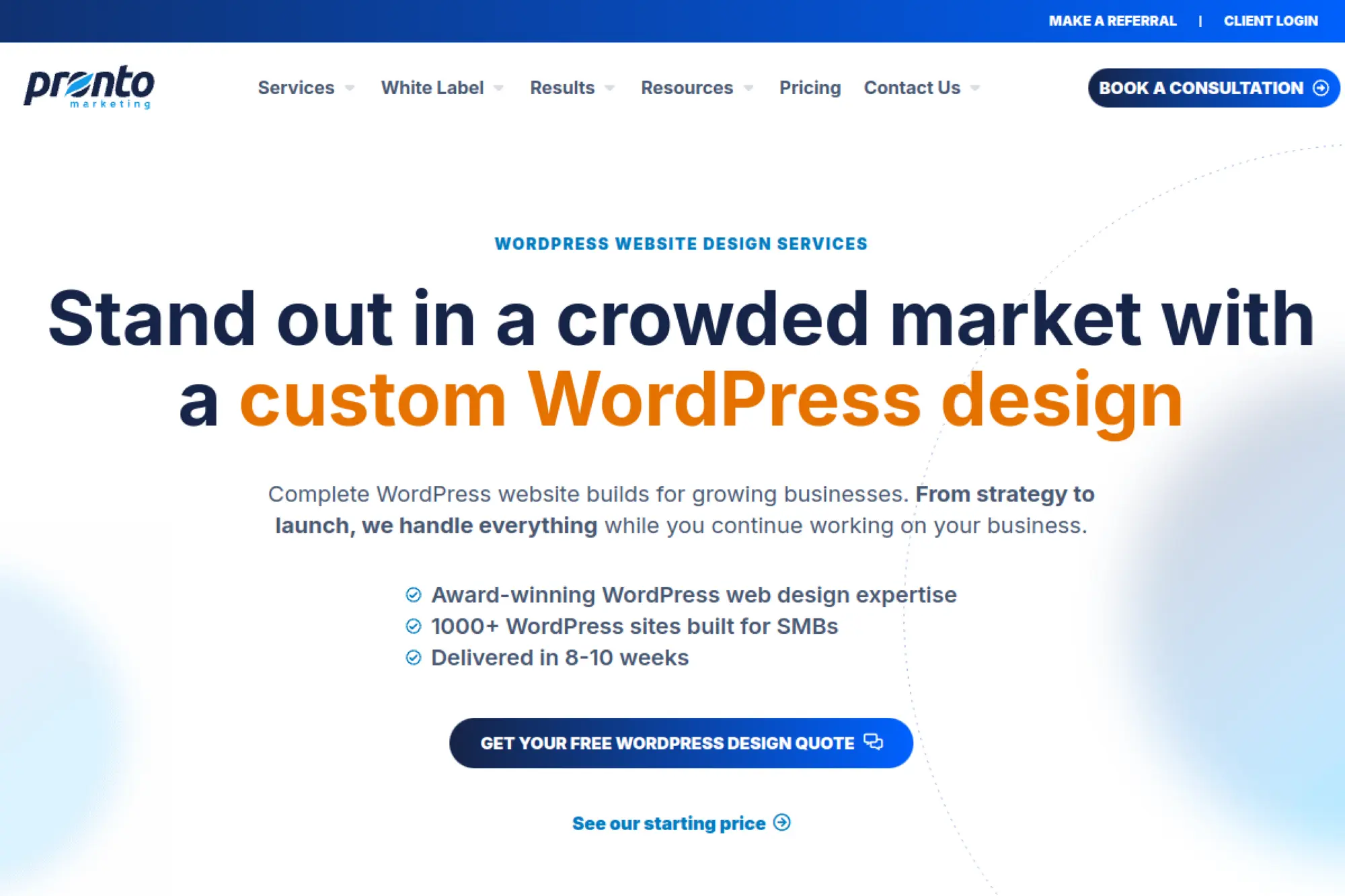
Pronto sells WordPress support as an always-on execution bench.
The team’s offer reads like “outsourced web operations,” not a single project.
Get WordPress work done on demand, without hiring a full team.
Best for: a small marketing department, or a service business that needs ongoing edits and new pages.
- Tiered support plans → turns “we should update that” into completed work.
- 24/7 monitoring and emergency support → often saves hours during incidents.
- Fast plan start → time-to-first-value is often within the first business day for simple tasks.
Pricing & limits: From $99/mo; trial: not listed; contract: described as a rolling contract model.
Caps vary by plan, with higher tiers adding dedicated management and scheduled calls.
Honest drawbacks: Custom builds are a separate budget line.
Teams expecting unlimited bespoke development on the cheapest tier will be disappointed.
Verdict: If you want execution capacity, this helps you clear web tasks in the first month.
Score: 4.2/5
12. WordPress VIP
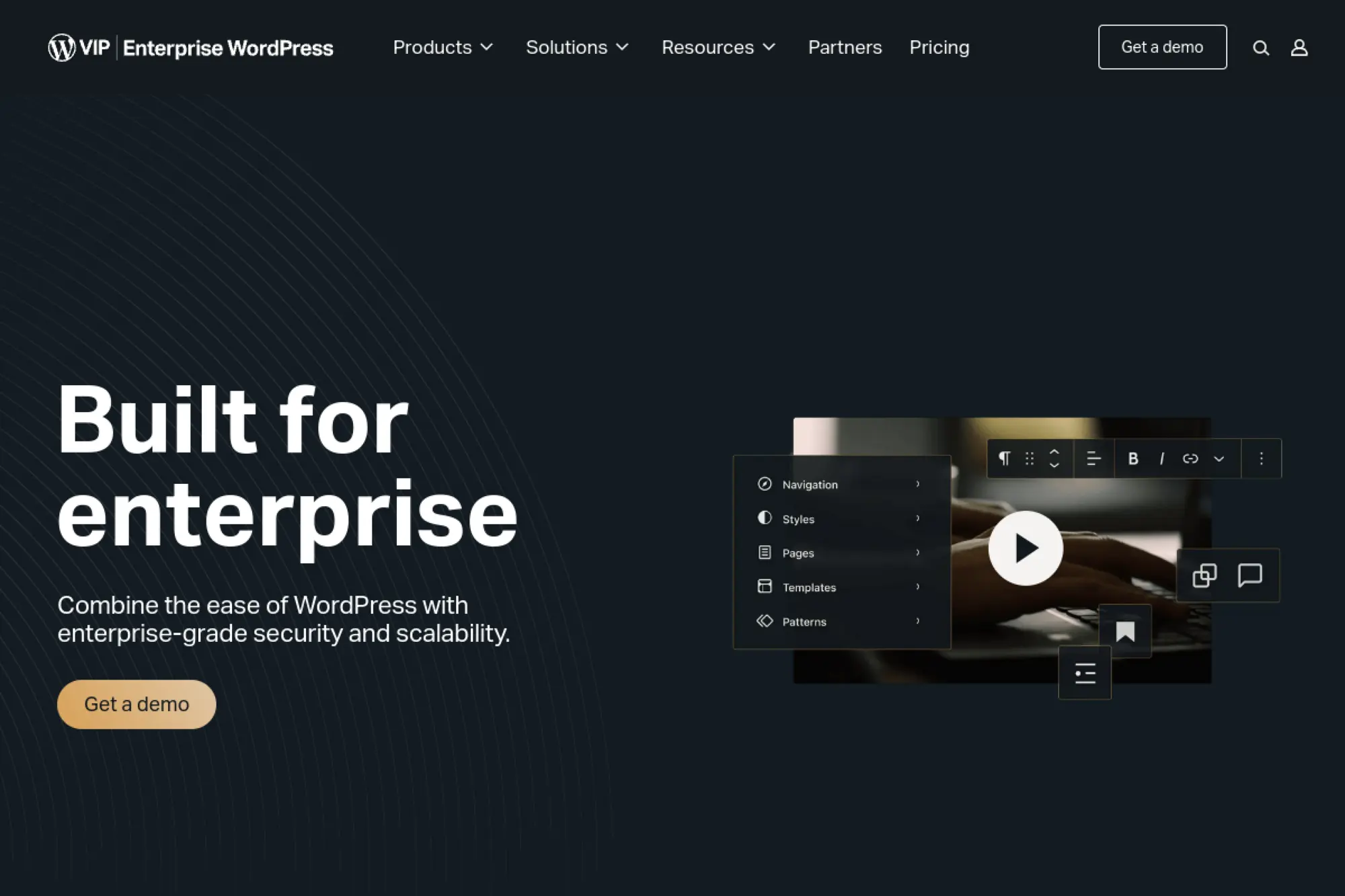
WordPress VIP is an enterprise WordPress platform with managed infrastructure and governance.
The team and ecosystem skew toward large, risk-aware organizations.
Run WordPress like a mission-critical system, not a hobby site.
Best for: an enterprise digital team, or a publisher with high traffic and strict requirements.
- Enterprise-grade managed platform → reduces operational risk and scaling pain.
- Platform integrations and guardrails → often saves many manual security steps.
- Structured onboarding → time-to-first-value is typically weeks, not days, due to governance.
Pricing & limits: From about $2,000/mo (sales-led); trial: not publicly specified.
Caps are contract-based, with usage and support shaped by the plan.
Honest drawbacks: This is not built for budget buyers.
Procurement and implementation can feel heavyweight for simple marketing sites.
Verdict: If you need enterprise WordPress, this helps you reduce platform risk over the first quarter.
Score: 4.4/5
Custom WordPress design vs templates: what impacts credibility, speed, and SEO
1. Website design as credibility: why first impressions shape trust
Design is a promise you make before users read a word. Layout, typography, and spacing signal competence. That signal shapes what users believe next.
Templates can look fine, yet still feel “rented.” The sameness is subtle. Users cannot name it, but they feel it.
Custom design lets you encode your brand’s logic. It aligns navigation, tone, and interaction. That cohesion builds trust faster.
2. Speed expectations: why load time is tied to lost traffic and conversions
Speed is a credibility cue too. Slow pages imply neglect. Fast pages feel professional and safe.
Template stacks often ship extra scripts and features. You pay that cost even when unused. Custom builds can keep only what matters.
We also see speed affect internal teams. Faster back-end tools reduce friction. Editors publish more often when the system feels snappy.
3. Brand differentiation: avoiding generic themes and lookalike layouts
Most themes push the same hero, the same cards, and the same animations. That sameness makes brands blend together. Differentiation is harder than it looks.
Custom design is not decoration. It is narrative structure. It decides what users notice, and in what order.
When we audit rebrands, the biggest gap is usually templates. The brand book evolves, but the theme does not.
4. Scalability and flexibility: growing without a forced rebuild
Templates are optimized for the demo use case. Real businesses evolve past that quickly. New content types appear, and the theme bends awkwardly.
Custom builds start with content models. They define reusable components and guardrails. Growth becomes additive instead of destructive.
We also recommend designing for governance. Permissions, approval flows, and block locking prevent content drift. That protects brand consistency.
5. SEO foundations: structure, performance, and clean implementation
SEO is not a plugin setting. It is clean markup, fast pages, and predictable internal linking. Templates can be messy under the hood.
Custom implementations can standardize headings, breadcrumbs, and schema patterns. That improves crawl clarity. It also makes content teams more confident.
We like SEO work that is testable. If a change breaks indexing, you want to know quickly. Monitoring and release discipline matter.
6. Why high-traffic WordPress sites rely on specialist builds and management
Traffic exposes every hidden weakness. Caching edge cases appear. Slow queries get amplified. Security scanning becomes constant background noise.
Specialist teams build for failure modes. They plan for cache purges, spikes, and content surges. They also police plugin quality.
In our experience, high-traffic success is boring. It is consistent releases, stable patterns, and disciplined operations. That is the real craft.
Full-cycle WordPress web design services to look for in an agency
1. Discovery and strategy: aligning the site to business goals and user journeys
Discovery translates ambition into buildable scope. It clarifies audiences, tasks, and content priorities. It also identifies organizational bottlenecks.
We like agencies that map journeys with real content. Placeholder copy lies. A strong discovery phase forces realism early.
Strategy should also include analytics intent. If you cannot measure outcomes, you cannot improve. Instrumentation is part of design.
2. Custom UI and UX: mobile-friendly, user-centered design that supports conversions
Good UX is a decision engine. It guides users toward action without feeling pushy. That requires clarity, not gimmicks.
Ask how designers collaborate with developers. Handoff quality changes everything. Design tokens, component rules, and edge cases must be explicit.
We also push for content-first UI. Headlines, proof, and calls-to-action should drive layout. Visuals then support the story.
3. WordPress build approach: custom-coded builds vs static themes and templates
Build approach dictates maintainability. Custom-coded themes can be lean and predictable. Template stacks can be faster at first, then brittle.
What “Custom” Should Mean Technically
For us, custom means reusable components and secure patterns. It also means predictable editing, with fewer “creative” ways to break pages.
Ask about code standards and reviews. Mature teams run automated checks and peer review. That reduces future regression risk.
4. Block-based editing and maintainable content workflows
The block editor is powerful when shaped carefully. Without guardrails, it becomes a collage tool. Editorial chaos follows.
We prefer custom blocks and curated patterns. They let non-technical teams build pages safely. They also protect performance by limiting risky embeds.
Workflow matters too. Drafts, approvals, and scheduled publishing should match your organization. Good agencies design those steps deliberately.
5. WooCommerce and eCommerce readiness: store pages, checkout, and growth features
WooCommerce can scale, but it needs careful design. Checkout friction kills revenue quietly. Shipping rules and tax logic also get complex fast.
We like agencies that treat eCommerce as operations. They plan inventory sync, refund workflows, and customer support tooling. They also test edge cases relentlessly.
Ask about extensibility. Subscriptions, memberships, and bundles often arrive later. A flexible architecture prevents a rebuild when growth hits.
6. Integrations and API connections: third-party software, booking, membership, and more
Most WordPress sites are integration hubs. Forms feed CRMs. Commerce feeds ERPs. Analytics feeds decision-making.
Integration quality is rarely visible in a screenshot. It shows up in reliability and data cleanliness. Poor data creates busywork for years.
We recommend asking about retry logic and monitoring. When a sync fails, someone needs a clear alert. Silence is expensive.
7. Content migration and rebuild planning: data, pages, and SEO preservation
Migrations are not just copy and paste. They are data modeling, mapping, and validation. They also involve redirects and canonical logic.
We like phased migrations when risk is high. Smaller waves reveal hidden content types early. Then automation becomes safer.
Ask how they preserve SEO signals. URL parity, metadata mapping, and media handling matter. A sloppy migration can erase years of equity.
8. Performance optimization: faster loading, lean builds, and technical enhancements
Optimization is a mindset. It is image formats, caching, and careful script loading. It also includes database hygiene and content discipline.
We look for agencies that can explain their stack. CDN, object caching, and edge rules should not be mysterious. Teams should know what happens on a cache miss.
Performance work also needs governance. Editors can accidentally add huge media. Guardrails and training protect speed over time.
9. Security and ongoing updates: protecting a widely used CMS target
WordPress security is mostly about routine. Updates must be tested. Backups must be restorable. Access should be minimal.
We prefer an agency that can run security audits. That includes checking file permissions and risky plugins. It also includes incident response playbooks.
Ask about environments. A staging site is not optional. Safe updates require safe places to test.
10. Accessibility and compliance checks before launch
Accessibility is user experience for everyone. It is also risk management. Many teams only think about it after complaints.
We like agencies that design accessibility into components. Color contrast and keyboard patterns should be standard. Retrofitting is slower and more expensive.
Testing should include real pages. Automated tools help, but humans catch context. Accessibility is a practice, not a checkbox.
11. Post-launch support: maintenance, managed hosting, and retainer options
Launch is the beginning of real life. Content changes, plugins update, and business priorities shift. A good support model keeps the site stable through that churn.
We like retainers that include proactive improvements. Purely reactive support turns into a queue. That queue becomes resentment.
Ask what “maintenance” includes. Updates are only part of it. Monitoring, logging, and performance reviews matter too.
Pricing & timelines: what wordpress website design companies charge and how long projects take
1. Fast-launch service tiers vs fully custom development engagements
Fast-launch tiers trade flexibility for speed. They often use a starter system and a constrained component set. That can be perfect for clear needs.
Fully custom engagements build a tailored system. They cost more in time and planning. They also reduce long-term friction for complex teams.
We advise matching the model to risk. If you need integrations or complex governance, custom is safer. If you need marketing speed, tiers can work.
2. Typical timelines: rapid builds in days vs custom builds over multiple weeks
Timelines depend on approvals more than code. Content readiness often controls the schedule. Stakeholder alignment matters too.
Rapid builds work when scope is tight. They need decisive owners and clean inputs. Custom builds take longer because they solve more unknowns.
In our delivery work, we push for milestones that produce usable outputs. Early prototypes reduce debate. They also reveal gaps in content.
3. What drives project cost: complexity, custom features, integrations, and eCommerce scope
Complexity is a multiplier. Every integration adds testing paths. Every custom workflow adds roles and permissions. Commerce adds operational edge cases.
Design systems also affect cost. A reusable component library pays off. Yet it takes time to build well.
We recommend listing “must have” versus “nice to have.” That list should be brutally honest. It protects budget and sanity.
4. Revision policies: limited rounds vs unlimited revisions and ongoing plans
Revision policies shape collaboration. Limited rounds encourage better internal alignment. Unlimited revisions can hide indecision, then explode timelines.
We prefer structured feedback windows. Consolidated notes help designers move faster. Scattered feedback leads to thrash.
Ongoing plans can absorb iteration safely. They turn “launch” into a checkpoint. That approach fits teams that evolve constantly.
5. Hosting and plan requirements: when hosting is included and when it is separate
Some agencies bundle hosting for simplicity. Others prefer you choose the platform directly. Neither is inherently better.
We focus on operational clarity. Who owns uptime? Who applies updates and manages backups? Those answers should be explicit.
Ask about environments and deployment flow. A professional setup includes staging and predictable releases. Hosting is not just a server line item.
6. Support plan models: maintenance-only vs unlimited edits vs dedicated support
Maintenance-only plans cover updates and monitoring. Unlimited edits plans favor marketing teams that move fast. Dedicated support fits complex organizations.
We recommend aligning support with your internal capability. If you have developers, you may need less. If you have marketers only, you need more guardrails.
Also evaluate response expectations. A support plan without clear prioritization becomes chaotic. Transparent triage keeps trust intact.
7. Cost transparency signals: flat-fee subscriptions, custom quotes, and proposal-based pricing
Transparent pricing is about clarity, not cheapness. A good proposal explains deliverables, assumptions, and risks. It should also define what is out of scope.
Subscriptions can simplify budgeting. They also require careful limits. Otherwise expectations drift.
Custom quotes make sense for complex builds. Still, you should demand a clear scope narrative. Ambiguity is where cost surprises grow.
How TechTide Solutions helps teams build custom solutions on WordPress
1. Discovery-led planning to translate customer needs into a clear technical roadmap
At TechTide Solutions, we start with discovery because code is the expensive part. Strategy is the cheap part. Clarity saves both time and money.
Our discovery work maps user journeys and content types. Then we define integrations and governance. The result is a roadmap that engineers can actually build.
We also align analytics early. Instrumentation and event naming become part of the system. That keeps optimization honest after launch.
2. Custom WordPress solutions: tailored themes, plugins, integrations, and performance improvements
We build custom themes that prioritize maintainability. Components are reusable and predictable. Editors get guardrails, not a blank canvas.
For custom functionality, we favor small, focused plugins. That keeps the theme clean. It also isolates risk and improves testability.
Integration work is treated like product engineering. We design for failures and retries. We also document data contracts for internal teams.
3. Post-launch iteration and support: scaling features, improving UX, and maintaining stability over time
After launch, we operate in cycles. We review performance, user behavior, and content quality. Then we ship improvements without destabilizing the system.
Our support approach focuses on predictability. Updates are tested and released on a cadence. Emergency work has a clear path, not a scramble.
We also invest in client enablement. Training, documentation, and guardrails reduce reliance. That is our preferred kind of partnership.
Conclusion: selecting the right wordpress website design company for your goals
1. Final shortlist checklist: expertise, outcomes, process, and long-term support
Shortlist agencies that speak in systems. Look for proof of outcomes, not only visuals. Demand process clarity and a real support model.
We also recommend checking technical maturity. Ask about code review and staging. Ask how they handle plugin governance and security updates.
Finally, evaluate fit. You need a partner that can challenge assumptions politely. Comfort matters, but so does candor.
2. Questions to ask wordpress website design companies before signing
Ask how they model content and protect editor workflows and how they measure performance and keep it healthy. Final ask how they manage risk during migrations.
Probe their SEO approach. Structure and implementation should be part of build scope. Then ask about accessibility testing and remediation workflow.
Also ask about handoff. Documentation, training, and ownership should be explicit. If answers sound fuzzy, take that seriously.
3. Next steps: prepare content, align stakeholders, and plan for launch and ongoing improvements
Before you hire anyone, inventory your content. Align stakeholders on goals and approvals. Decide who owns decisions when tradeoffs appear.
Then plan launch as a beginning. Put ongoing improvements into the roadmap. A site that never iterates becomes stale and fragile.
If you want a practical next step, choose a short list and request a discovery call. Which agency will ask the hardest, most useful questions first?




