WordPress still powers a huge slice of the web. It also still solves many problems well. Yet, in our day-to-day builds at TechTide Solutions, we keep seeing the same pattern. Teams outgrow the “plugin-first” default faster than they expect. Modern websites are no longer just pages. They are performance budgets, security postures, content workflows, integrations, and deployment pipelines. Once those parts matter, “a CMS” becomes “an operating model.” That is why we treat platform choice as engineering strategy, not taste.
Quick Comparison of WordPress alternatives
We do not believe in a single winner. Instead, we keep a practical shortlist for common scenarios. The table below is how we frame early conversations with clients.
| Tool | Best for | From price | Trial/Free | Key limits |
|---|---|---|---|---|
| Webflow | Marketing sites with visual control | $14/mo billed yearly | Free tier | Complex logic needs custom work |
| Wix | Fast small-business sites | $17 per month on paid plans | Free plan | Advanced dev workflows can feel constrained |
| Squarespace | Design-forward sites with simple commerce | $8 /mo billed annually | Free trial | Deep customization can be harder |
| Framer | High-end landing pages and prototypes | $5/month on the Mini plan | Free plan | Structured content depth is limited |
| Drupal | Governed publishing and complex content | Free | Open source | Requires stronger engineering ownership |
| Craft CMS | Custom sites with flexible content models | Paid license | Trial available | Hosting and ops are your responsibility |
| Contentful | Enterprise headless content operations | Free | Free tier | Costs can grow with scale |
| Strapi | Developer-led headless builds | Free | Open source | Requires backend stewardship |
| Ghost | Publishing with memberships | $18 USD / mo billed yearly | Try for free | Less suited to complex apps |
| Shopify | Commerce-first businesses | $29 USD/month billed yearly | Free trial | App costs can stack up |
We use this view to start conversations, not end them. After this, we validate content workflows, SEO control, and deployment realities. The goal is a platform that fits your daily operations.
Top 30 wordpress alternatives for blogs, business sites, and eCommerce
Choosing a WordPress alternative is less about “more features” and more about fit. So we score tools by the job they do best: publishing, marketing sites, content ops, or commerce. We start by mapping your likely workflow, then checking how quickly a real team can ship a credible first version.
Each pick gets a weighted score on a 0–5 scale: Value-for-money (20%), Feature depth (20%), Ease of setup & learning (15%), Integrations & ecosystem (15%), UX & performance (10%), Security & trust (10%), and Support & community (10%).
In practice, that means we reward platforms that reduce steps, not just add toggles. We also dock points for hidden limits, awkward migrations, and “you’ll need a developer” surprises. Finally, we sanity-check pricing and caps, because a tool that works at 1,000 visitors can crumble at 100,000.
1. Wix

Wix is a long-running site builder with a broad product team and a massive template ecosystem. It’s built for speed-to-site, with enough headroom for small businesses that keep evolving their offer.
Primary outcome: launch a modern site fast, then iterate weekly without breaking it.
Best for: a solo founder who needs leads now; a local SMB marketing manager.
- Visual editor + sections → publish a clean homepage without touching code.
- Built-in marketing tools → skip 3–5 separate apps for email and forms.
- Template-first setup → first publish often lands in 60–120 minutes.
Pricing & limits: From $0/mo for a basic site; paid plans start from $17/mo (annual billing). Expect a 14-day money-back window, plus plan-based caps like storage and collaborators.
Honest drawbacks: You can outgrow it if you need deep custom code or unusual data models. Complex SEO or multi-site governance can feel boxed-in versus headless setups.
Verdict: If you want a polished business site quickly, Wix helps you ship and iterate in days, not weeks. Beats Squarespace on app breadth; trails Webstudio on export freedom.
Score: 4.2/5
2. Squarespace
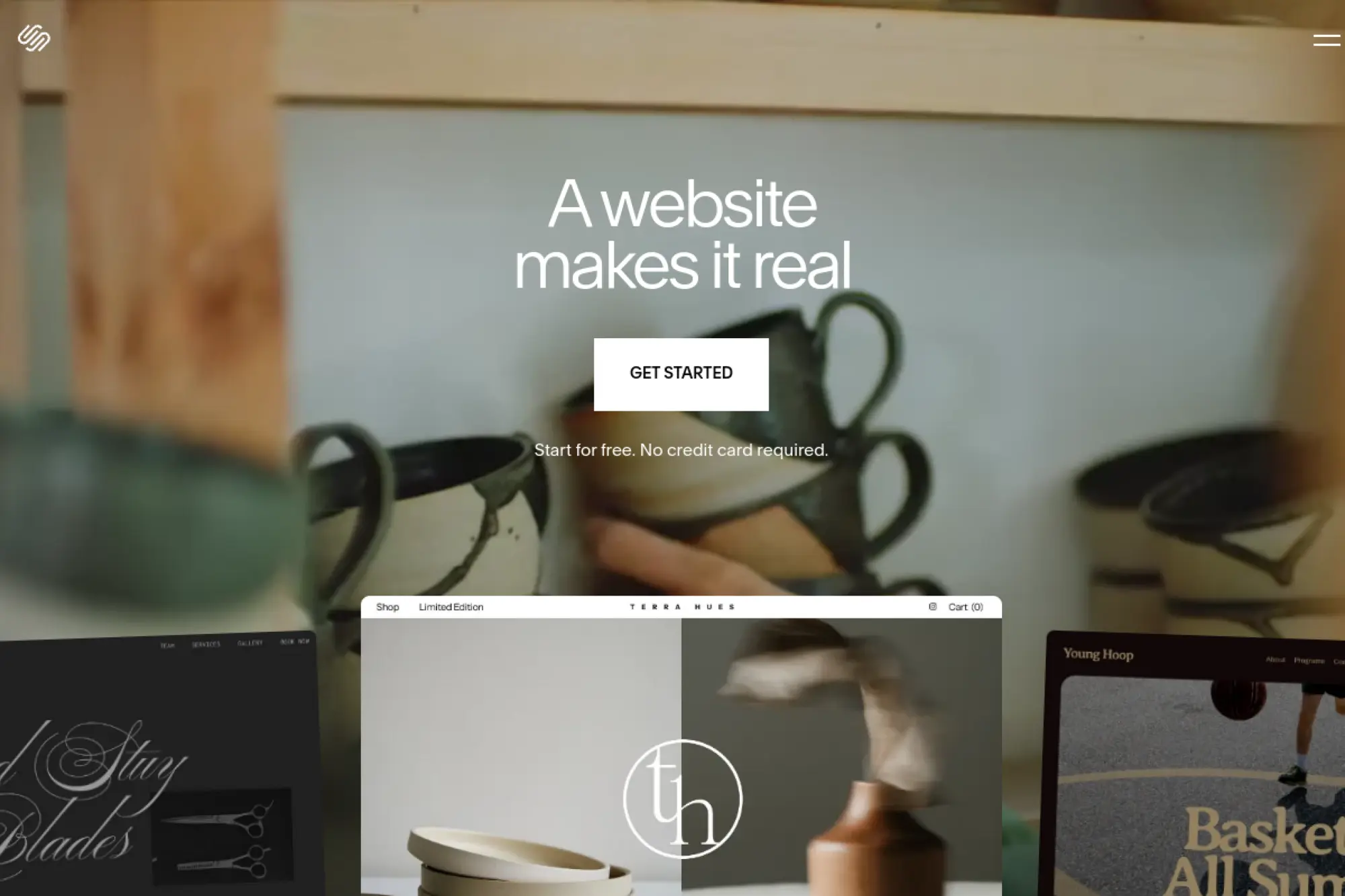
Squarespace is a design-led platform with a mature product and support organization. It’s aimed at people who want brand-forward pages without hiring a designer on day one.
Primary outcome: look expensive online, even when you’re small.
Best for: a creative professional; a boutique service business owner.
- Template system + styling controls → get consistent typography across the whole site.
- Commerce and scheduling add-ons → save 30–60 minutes per week of tool juggling.
- Guided onboarding → first publish is often under a single afternoon.
Pricing & limits: From $16/mo (annual billing) with a 14-day free trial. Higher tiers add stronger commerce features, and the usual constraints show up in plan levels.
Honest drawbacks: Deep customization can hit guardrails, especially for structured content. It’s also less flexible than developer-first systems when you need custom workflows.
Verdict: If you want a beautiful site that feels “done,” Squarespace gets you there in a weekend. Beats Wix on default design polish; trails Shopify on serious storefront tooling.
Score: 4.1/5
3. Shopify
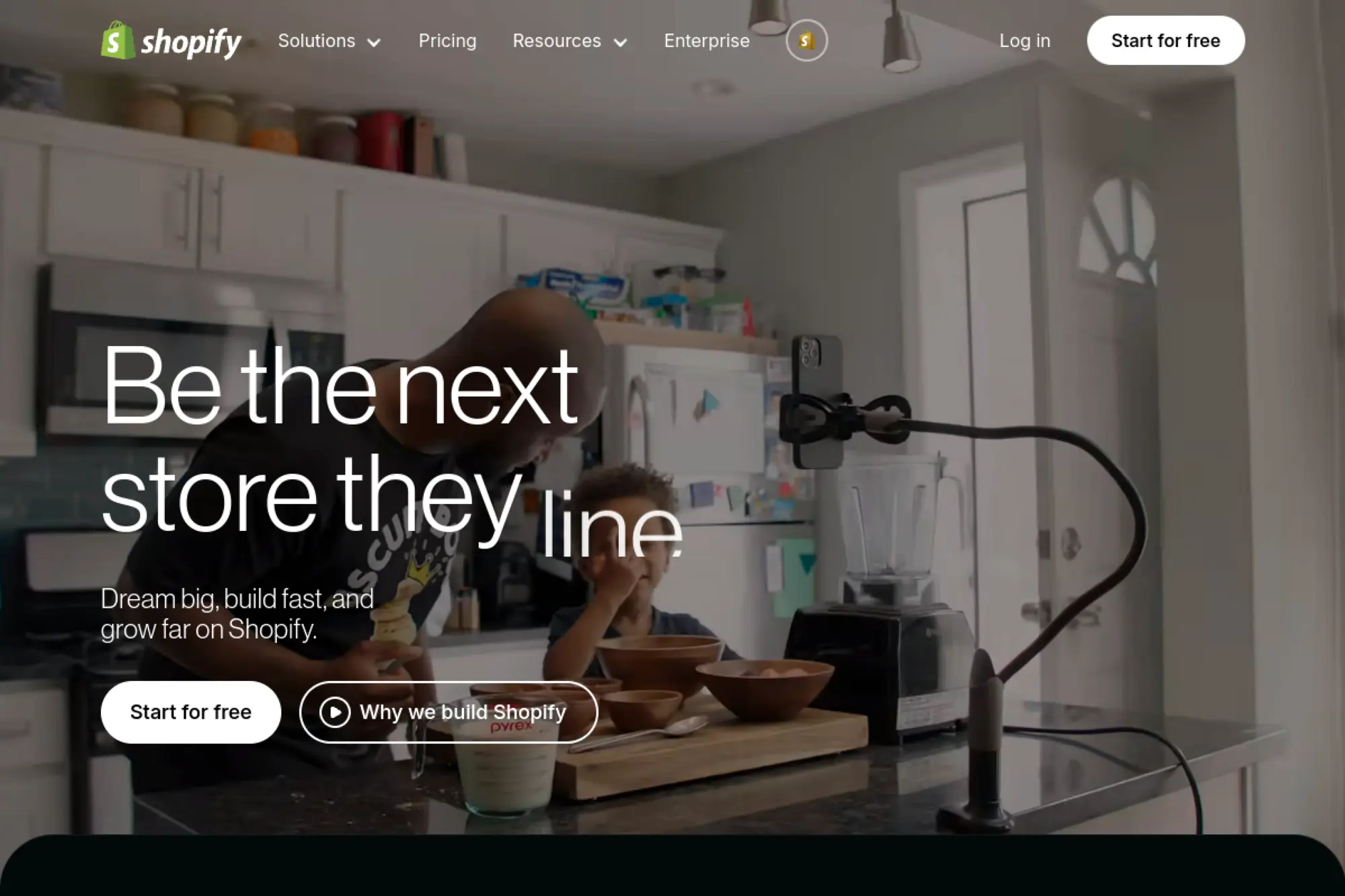
Shopify is a commerce platform with a deep product bench and one of the largest app ecosystems in eCommerce. It’s built to reduce checkout friction and operational chaos as orders scale.
Primary outcome: start selling reliably, with a checkout that converts.
Best for: a DTC founder; a small retail team going online.
- Storefront + checkout flow → launch a real store without custom backend work.
- App Store + automations → cut 5–10 manual steps per order with the right setup.
- Guided setup → first product-to-payment can happen in 2–6 hours.
Pricing & limits: From $29/mo billed yearly for the Basic plan, with a “start free” promo that includes $1/month for the first 3 months. Plan limits show up in staff accounts, reporting depth, and advanced features.
Honest drawbacks: Apps add up, and costs can creep quietly. Content-heavy sites can feel awkward compared with a CMS-first tool.
Verdict: If you need revenue, not tinkering, Shopify helps you open and stabilize sales in a week. Beats BigCommerce on ecosystem scale; trails headless stacks on total flexibility.
Score: 4.4/5
4. Drupal
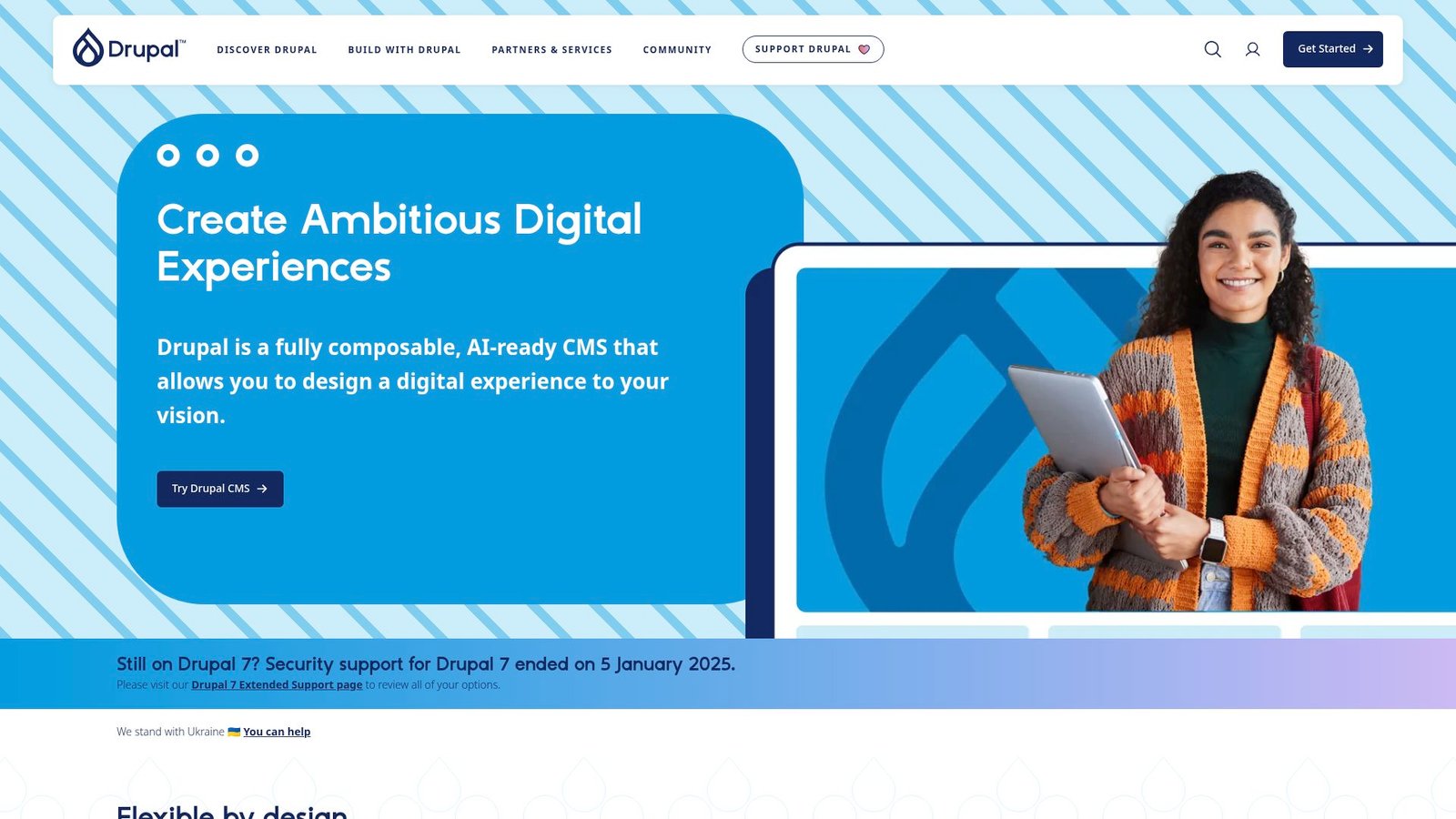
Drupal is an open-source CMS maintained by a global community of developers and contributors. It’s engineered for complex content structures and long-lived, heavily governed sites.
Primary outcome: run complex content at scale, with serious control.
Best for: a public sector web team; an enterprise content team with developers.
- Structured content modeling → keep thousands of pages consistent and searchable.
- Module ecosystem → avoid 5–8 custom builds with proven extensions.
- Dev-led setup → first value is often 1–3 weeks, not one afternoon.
Pricing & limits: From $0/mo for the software itself. Budget separately for hosting, development, and ongoing maintenance, since those costs are the real “plan.”
Honest drawbacks: The learning curve is real, especially for non-technical teams. If you want drag-and-drop simplicity, this is the wrong lane.
Verdict: If you need governed content and predictable architecture, Drupal helps you ship a durable platform in a month. Beats Joomla on enterprise patterns; trails Wix on pure speed.
Score: 3.9/5
5. Joomla
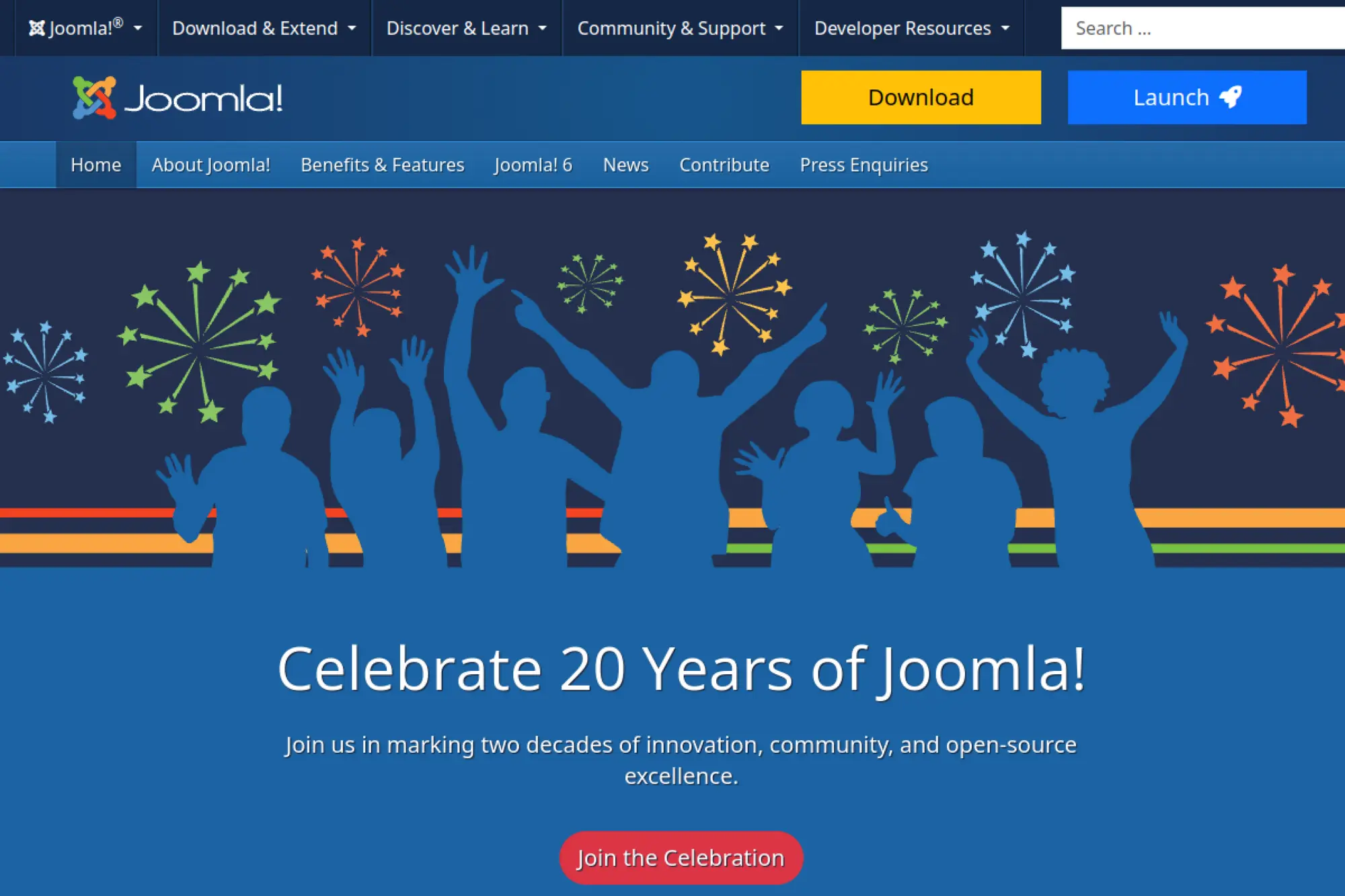
Joomla is a volunteer-built, open-source CMS with a long history and a broad extension directory. It sits between “simple site builders” and “enterprise CMSs,” depending on how you run it.
Primary outcome: publish a flexible website with traditional CMS controls.
Best for: a small org with a part-time developer; a site owner who wants a classic CMS.
- Menu-first structure → organize a multi-page site without reinventing navigation.
- Extensions and templates → save days of custom work for common site needs.
- Familiar admin UI → first publish can happen in a weekend.
Pricing & limits: From $0/mo for the CMS. Costs usually come from hosting, paid templates, and any premium extensions you choose.
Honest drawbacks: Extension quality varies, so due diligence matters. It can also feel less modern than headless-first platforms for content ops teams.
Verdict: If you want a capable, traditional CMS without subscriptions, Joomla can get you live in days. Beats ClassicPress on out-of-the-box structure; trails Drupal on big governance.
Score: 3.6/5
6. Ghost
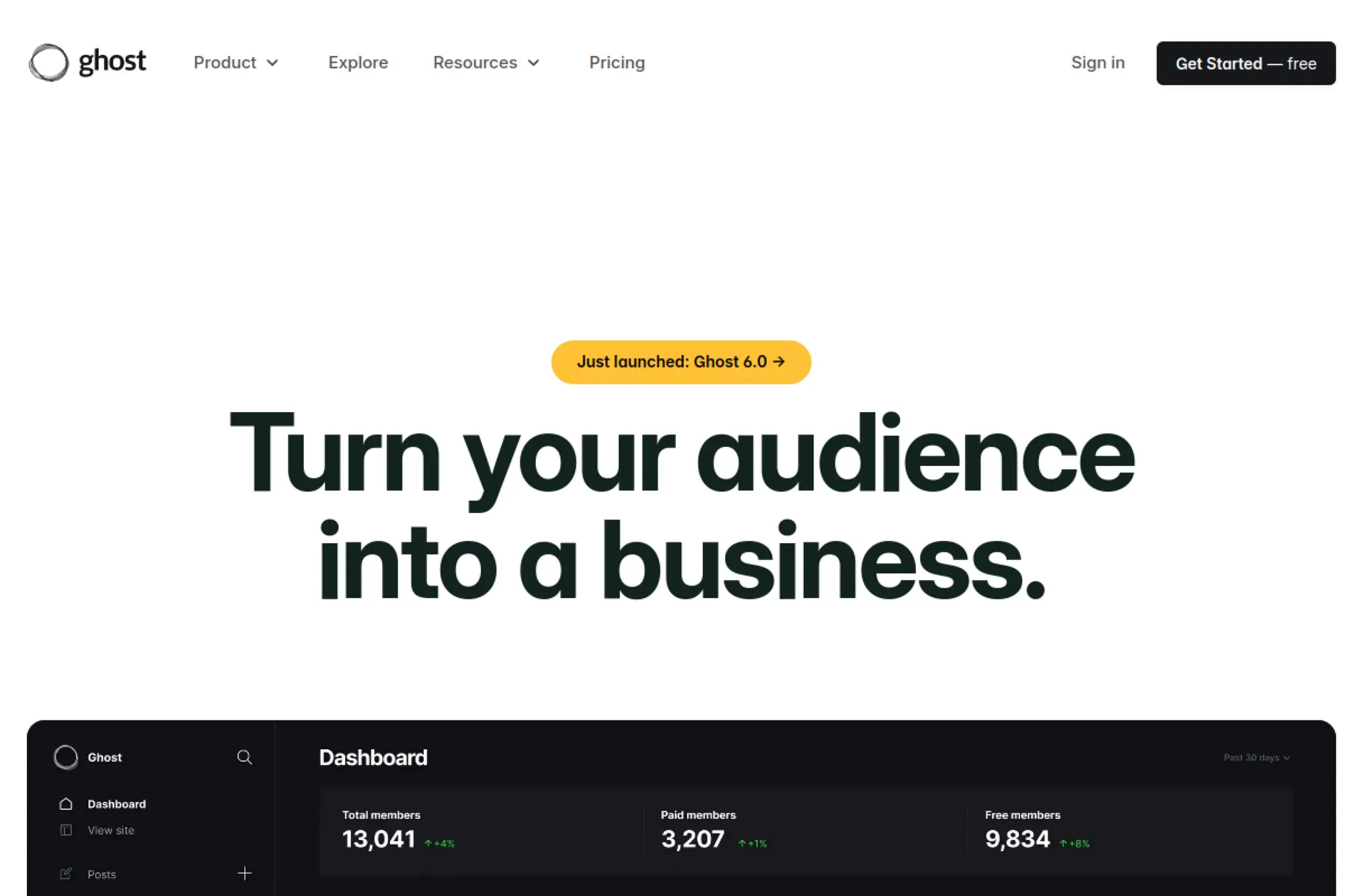
Ghost is built by the Ghost team with a clear focus: publishing and memberships. It feels like a writer’s room that happens to ship software, not the other way around.
Primary outcome: publish posts and newsletters that feel premium, fast.
Best for: an independent publisher; a newsletter-led creator business.
- Editor + membership flows → turn posts into paid subscriptions without plugins.
- Integrations breadth → connect email and analytics with fewer glue steps.
- Opinionated setup → first issue can ship the same day.
Pricing & limits: From $18/mo billed yearly on Ghost(Pro), with a 14-day free trial. Starter tiers include caps like 1,000 members and limited staff users.
Honest drawbacks: It’s not a general-purpose CMS for complex page hierarchies. ECommerce is not its core strength, so stores usually need another platform.
Verdict: If you want to grow an audience and sell memberships, Ghost helps you ship in days. Beats Medium on ownership and newsletters; trails Wix on broad website variety.
Score: 4.3/5
7. Hygraph
Hygraph is a headless CMS company built for teams who treat content like data. It’s designed for developers and content ops people who need structure, roles, and scale.
Primary outcome: power multiple frontends from one content hub.
Best for: a product marketing team with engineers; a company running multi-channel content.
- GraphQL-first modeling → reuse content across web, app, and landing pages.
- Webhooks and federation options → remove 3–6 manual publishing handoffs per release.
- Project templates → first content API can be live in 1–2 hours.
Pricing & limits: From $0/mo on the Hobby plan; Growth starts at $199/mo. Plan caps include seats, locales, entries, and API calls, with Enterprise offering a 30-day trial.
Honest drawbacks: Non-technical teams will still need a front-end to “see” the site. Costs can rise as you add seats, locales, and scale needs.
Verdict: If you need structured content powering many experiences, Hygraph helps you stabilize content ops within weeks. Beats Drupal at omnichannel delivery; trails Wix on no-code simplicity.
Score: 4.0/5
8. Contentful
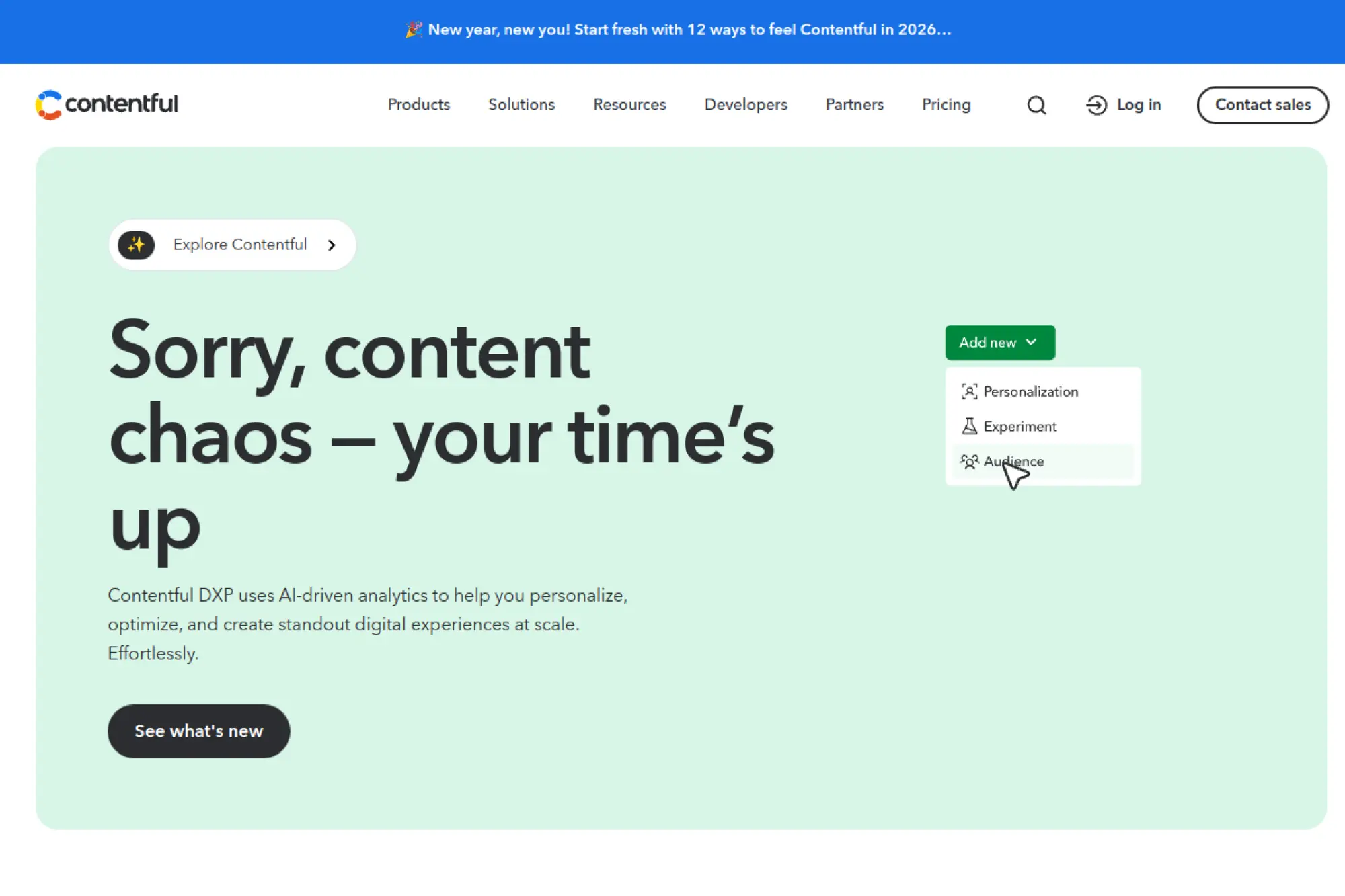
Contentful is a major headless CMS vendor with enterprise-grade product depth and documentation. It’s built for teams that care about content modeling, governance, and delivery performance.
Primary outcome: ship content reliably across many products and teams.
Best for: a mid-market product team; an enterprise content platform owner.
- Spaces and roles → keep teams separated without content collisions.
- APIs + developer tooling → cut release friction by 3–5 steps per deployment.
- Structured onboarding → first modeled content often lands in 1–3 days.
Pricing & limits: From $0/mo for Free, while Lite starts at $300/mo. Free includes quotas like 100K API calls/month and 50GB CDN bandwidth, and it’s positioned for learning and testing.
Honest drawbacks: It can feel expensive the moment you “graduate” to real production needs. The platform’s power can also tempt over-modeling, which slows teams down.
Verdict: If you need durable content infrastructure, Contentful helps you scale in quarters, not sprints. Beats many CMSs on enterprise maturity; trails Strapi on self-host flexibility.
Score: 4.1/5
9. Strapi
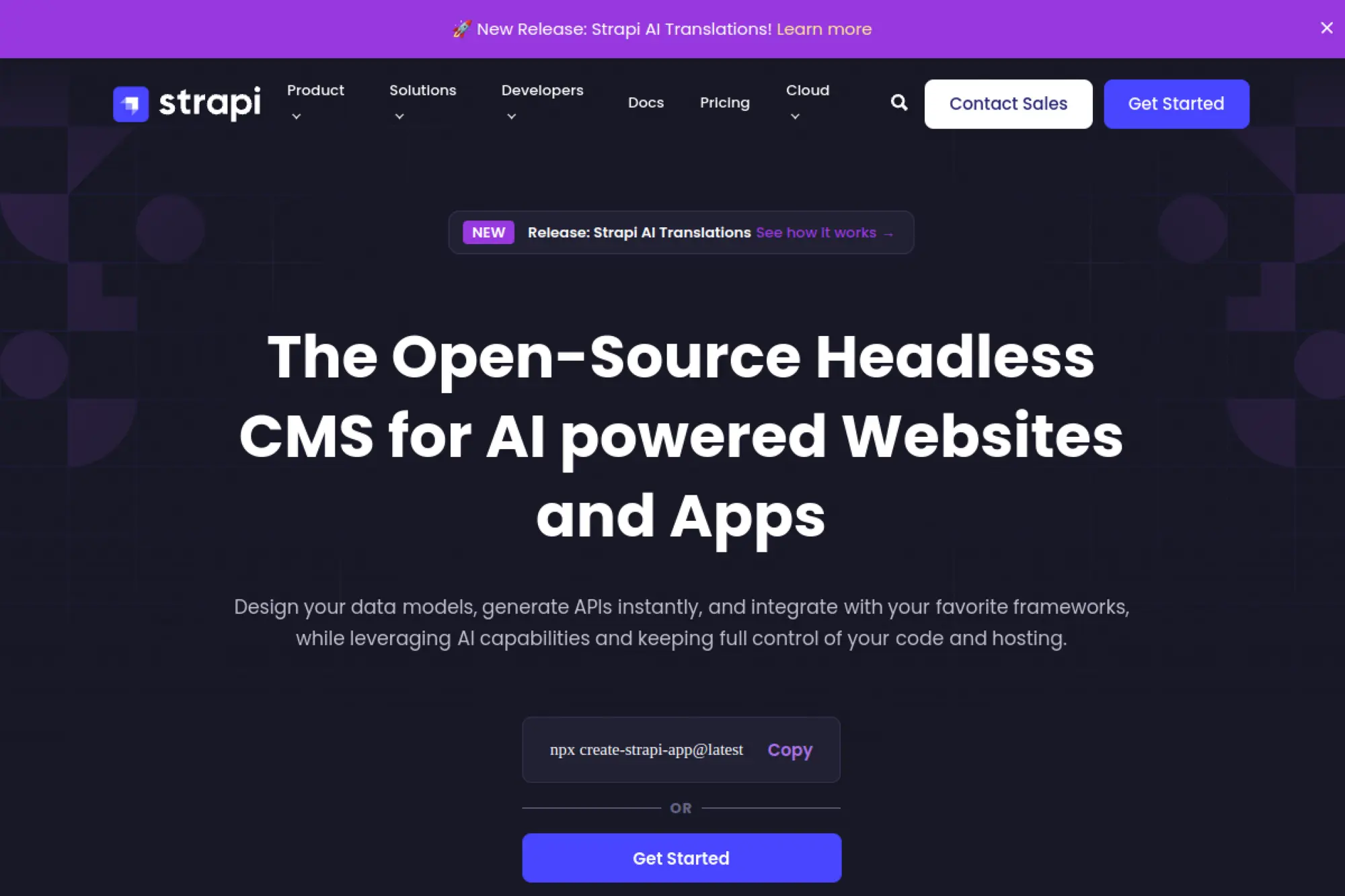
Strapi is an open-source-first company that built a developer-friendly headless CMS. It’s a strong choice when you want ownership, but still want a managed hosting path.
Primary outcome: build an API-driven CMS you can actually evolve.
Best for: a small dev team; a startup building a custom frontend.
- Admin UI + custom content types → ship a working API without hand-rolled CRUD.
- Plugins and integrations → save 2–4 engineering days per common feature.
- Cloud deployment → first hosted project can run in about an hour.
Pricing & limits: From $0/mo with Strapi Cloud’s free plan. Paid hosting starts from about $15/mo on Essential, with usage caps like database entries, storage, bandwidth, and API requests.
Honest drawbacks: You still need a frontend, so non-technical teams can feel blocked. Plugin choices vary in quality, so you’ll want a careful build standard.
Verdict: If you want a CMS that bends to your product, Strapi helps you ship a real content backend in days. Beats Contentful on control; trails Sanity on real-time collaboration feel.
Score: 4.0/5
10. Sanity
Sanity is a developer-first content platform built by a team that thinks in schemas and workflows. It’s best when content is part of your product, not just “pages.”
Primary outcome: model content once, then ship everywhere with confidence.
Best for: a product team with engineers; a content ops lead managing structured content.
- Schema-as-code → keep content structure versioned, reviewable, and consistent.
- Collaboration tools on Growth → remove 3–6 review back-and-forth loops per release.
- Starter projects → first working model often lands in 1–2 hours.
Pricing & limits: From $0/mo on Free; Growth is $15 per user per month and includes a 30-day trial. Free plan caps include 20 users, 1 dataset, and 10,000 documents.
Honest drawbacks: The power comes with decisions, and “blank canvas” can slow unfocused teams. Costs scale with users, so large editorial groups should model seats carefully.
Verdict: If you need structured content with strong developer ergonomics, Sanity helps you mature content ops in weeks. Beats Strapi on real-time editing; trails Wix on instant no-code pages.
Score: 4.3/5
11. Adobe Commerce

Adobe Commerce is the enterprise evolution of Magento, supported by Adobe’s broader commerce and experience stack. It’s designed for complex catalogs, B2B needs, and heavy customization.
Primary outcome: run sophisticated commerce with enterprise controls.
Best for: a mid-market or enterprise retailer; a B2B seller with complex pricing.
- Deep commerce capabilities → handle complex catalogs and customer rules cleanly.
- Adobe ecosystem fit → reduce 2–4 integration projects if you already run Adobe tools.
- Partner-led implementations → first value typically arrives in months, not days.
Pricing & limits: From about $1,800/mo equivalent for licensing, based on commonly reported starting annual costs around $22,000/year, with real pricing typically quote-based. Expect additional budget for hosting, development, and ongoing support.
Honest drawbacks: This is not a “small store” solution, and the implementation burden is significant. Security patching and maintenance discipline are non-negotiable.
Verdict: If you need enterprise-grade commerce customization, Adobe Commerce helps you build a durable store over quarters. Beats Shopify on deep custom logic; trails Shopify on time-to-launch.
Score: 3.8/5
12. BigCommerce
BigCommerce is an eCommerce platform built for serious sellers who want hosted reliability and strong core commerce features. The company positions itself for growing brands that want fewer add-ons.
Primary outcome: sell online with fewer “app patches” to stay stable.
Best for: a growing DTC brand; an SMB with a steady catalog.
- Solid core storefront tools → run promos and catalog updates without custom dev.
- Sales channel features → save 2–3 hours weekly syncing listings across channels.
- Quick trial path → first store draft can be ready in a day.
Pricing & limits: From $29/mo billed annually after a 15-day free trial. Standard includes an online revenue threshold, with automatic plan upgrades as sales grow.
Honest drawbacks: The revenue-based tiering can feel punitive as you succeed. Some advanced customization still pushes you toward developer work.
Verdict: If you want hosted commerce without constant app micromanagement, BigCommerce helps you launch in weeks. Beats Shopify on built-in features for some tiers; trails Shopify on ecosystem depth.
Score: 4.0/5
13. Commerce Layer

Commerce Layer is an API-first commerce platform built for composable stacks. The team’s philosophy is clear: let you build the frontend you want, while commerce runs behind the curtain.
Primary outcome: add commerce to modern apps without a monolith.
Best for: a developer-led startup; an agency building custom storefronts.
- Headless commerce APIs → build checkout flows that match your product experience.
- Developer plan → validate a store concept with minimal spend and fewer constraints.
- Fast prototyping → first live test order can happen in 1–2 days.
Pricing & limits: From $0/mo on the Developer plan. Expect caps like 1 organization, 2 users, 2 markets, 1,000 SKUs, and 100 free live orders per month.
Honest drawbacks: You’ll need engineering muscle, or you’ll stall. Non-technical store managers may miss a traditional “commerce dashboard” feel.
Verdict: If you want composable commerce without fighting a theme layer, Commerce Layer helps you ship a custom store in weeks. Beats Adobe Commerce on implementation weight; trails Shopify on plug-and-play ease.
Score: 3.9/5
14. Webstudio
Webstudio is a modern visual builder with a product team pushing hard on speed and portability. It’s aimed at designers and builders who want control without platform handcuffs.
Primary outcome: build fast, then keep ownership of what you made.
Best for: a freelancer building client sites; a small startup shipping marketing pages.
- Visual builder + clean output → publish pages that don’t feel “builder-y.”
- CMS connections → replace 2–3 separate tools for blogs and directories.
- Cloud plan simplicity → time-to-first-value is often 1–3 hours.
Pricing & limits: From $0/mo for Build; Pro is $15/mo and includes unlimited sites, custom domains, and 100,000 page views per month, with paid overages for more traffic.
Honest drawbacks: It’s newer than the legacy giants, so you may hit rough edges. If you want a massive plugin marketplace today, Wix still wins.
Verdict: If you want modern design control with fewer lock-in vibes, Webstudio helps you ship in days. Beats Wix on portability; trails Squarespace on “instant polish” templates.
Score: 4.1/5
15. Framer
Framer is a design-forward web builder that feels like it was built by people who ship products. It’s especially strong for marketing sites that need motion, speed, and iteration.
Primary outcome: publish high-converting pages that feel custom.
Best for: a startup marketer; a designer shipping launch pages weekly.
- Design-to-site workflow → keep the site aligned with your design system.
- CMS + localization add-ons → reduce 3–5 content update steps per release.
- Fast hosting defaults → first live page can ship in a few hours.
Pricing & limits: From $0/mo for Free; Basic starts at $10/mo (annual billing). Paid tiers add higher page and CMS limits, plus more bandwidth before overages.
Honest drawbacks: Collaboration costs can climb because editors are billed separately. It’s also less “store-first” than Shopify if commerce is your core job.
Verdict: If you want a premium marketing site that updates fast, Framer helps you publish in days. Beats Squarespace on modern motion; trails Webstudio on account-wide pricing simplicity.
Score: 4.2/5
16. Yola
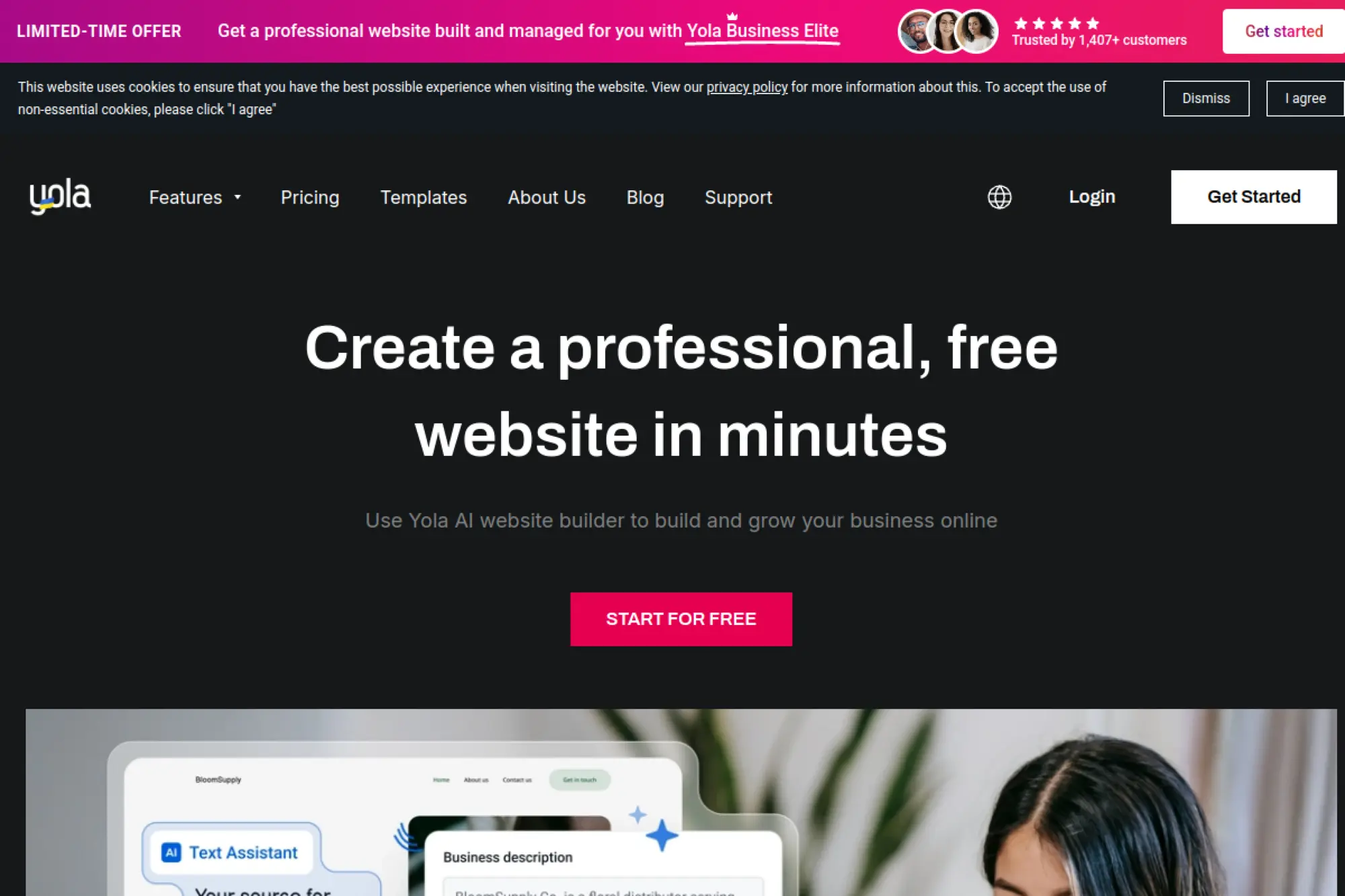
Yola is a long-standing website builder geared toward small businesses that want a straightforward path online. The platform is built around simple publishing, with optional store add-ons.
Primary outcome: get a basic business site live without drama.
Best for: a local service provider; a side-hustle owner testing demand.
- AI builder options → create a usable draft site from a simple prompt.
- Built-in basics → avoid 2–3 extra tools for domains and simple pages.
- Low-friction editor → first publish often fits into one evening.
Pricing & limits: From $0/mo on Free; paid hosting prices were updated with plans like Bronze at $9.95/mo billed annually (or $14.95 month-to-month). Expect a 30-day money-back guarantee on eligible subscriptions.
Honest drawbacks: Advanced customization and deep integrations are limited. If your site becomes a serious marketing engine, you may outgrow the feature depth.
Verdict: If you need a simple site quickly, Yola helps you publish in a day or two. Beats DIY CMSs on ease; trails Wix on ecosystem depth.
Score: 3.4/5
17. Weebly
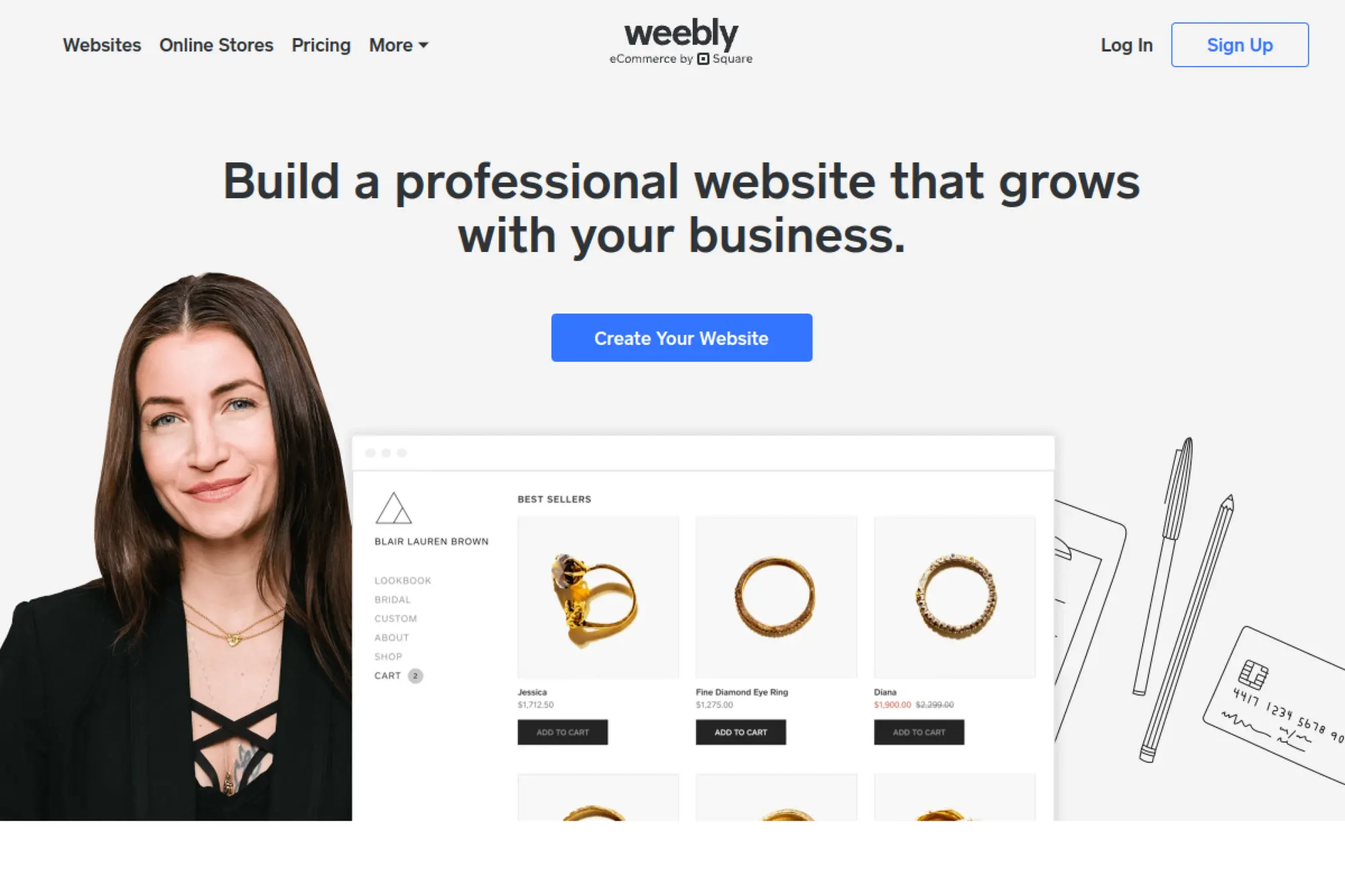
Weebly is a classic drag-and-drop builder now under the Square umbrella. It’s positioned for simple websites, especially when paired with Square’s commerce tools.
Primary outcome: build a small site and keep it maintained with minimal effort.
Best for: a solo operator; a small service business using Square already.
- Simple editor → publish pages without training sessions or handholding.
- Square ecosystem fit → remove 2–4 steps for payments and basic selling.
- Fast setup → first live page can happen in 1–2 hours.
Pricing & limits: From $0/mo for Free; Personal starts at $10/mo billed annually (or $13 month-to-month). Higher tiers add more customization and business features.
Honest drawbacks: The product direction has felt inconsistent for some users. If you want a builder with rapid innovation, Wix and Framer tend to move faster.
Verdict: If you want a basic site tied to Square workflows, Weebly can get you live this week. Beats Joomla on simplicity; trails Squarespace on modern design finish.
Score: 3.3/5
18. Medium
Medium is a publishing platform with an editorial ecosystem and built-in distribution. You’re joining a network, not building a standalone website stack.
Primary outcome: publish essays fast and find readers inside Medium.
Best for: an individual writer; a founder building thought leadership.
- Zero-setup publishing → write and publish without hosting or themes.
- Built-in audience mechanics → skip 4–6 marketing steps early on.
- Instant onboarding → first post can be live in minutes.
Pricing & limits: From $5/mo or $50/year for a Medium membership. The key “limit” is ownership: you’re building on Medium’s platform and policies.
Honest drawbacks: You don’t control the full site experience like you would with a CMS. Monetization and distribution rules can change, and migrations can be messy.
Verdict: If you want to write and be discovered, Medium helps you publish today. Beats WordPress on zero-maintenance; trails Ghost on memberships and audience ownership.
Score: 3.5/5
19. Kirby
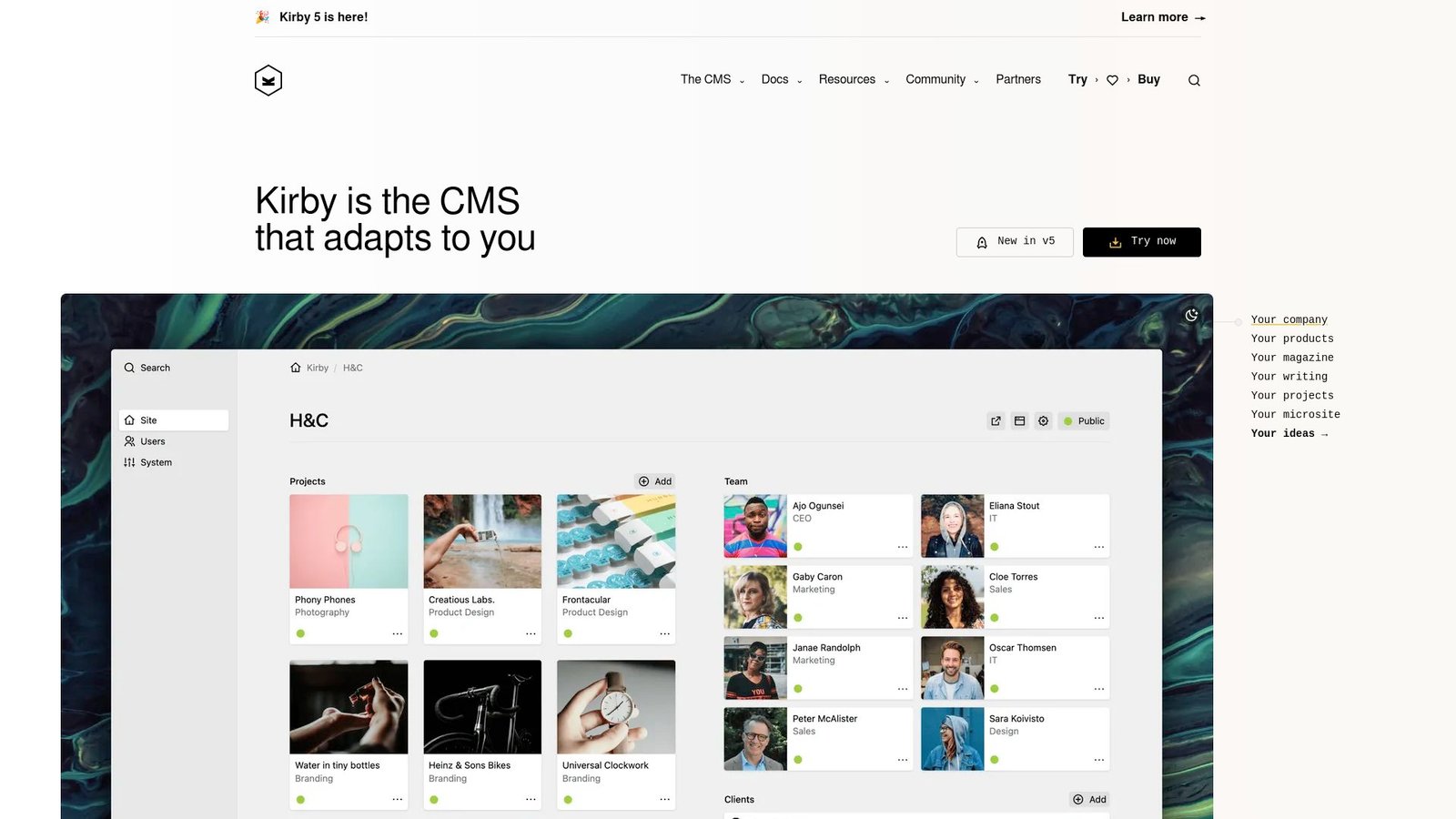
Kirby is a self-hosted CMS built for developers who like clean files and full control. The team runs a paid license model that keeps the product sustained without subscriptions.
Primary outcome: build a custom site that stays lean and maintainable.
Best for: a developer building bespoke sites; a small agency that wants control.
- File-based content → ship a site without a heavy database footprint.
- Flexible templating → reduce 3–5 plugin decisions by building exactly what you need.
- Local-first workflow → time-to-first-value is often 1–2 days.
Pricing & limits: From $0/mo to run self-hosted, with a one-time license cost per site. Kirby Basic is €99 per site, while Enterprise is €349 per site, with update periods included.
Honest drawbacks: It assumes you can code, or you’ll need someone who can. If you want “click to add a store,” Shopify is the faster path.
Verdict: If you want a lightweight CMS that stays yours, Kirby helps you ship a tailored site in weeks. Beats WordPress on simplicity; trails Craft CMS on editorial niceties for teams.
Score: 4.0/5
20. Craft CMS
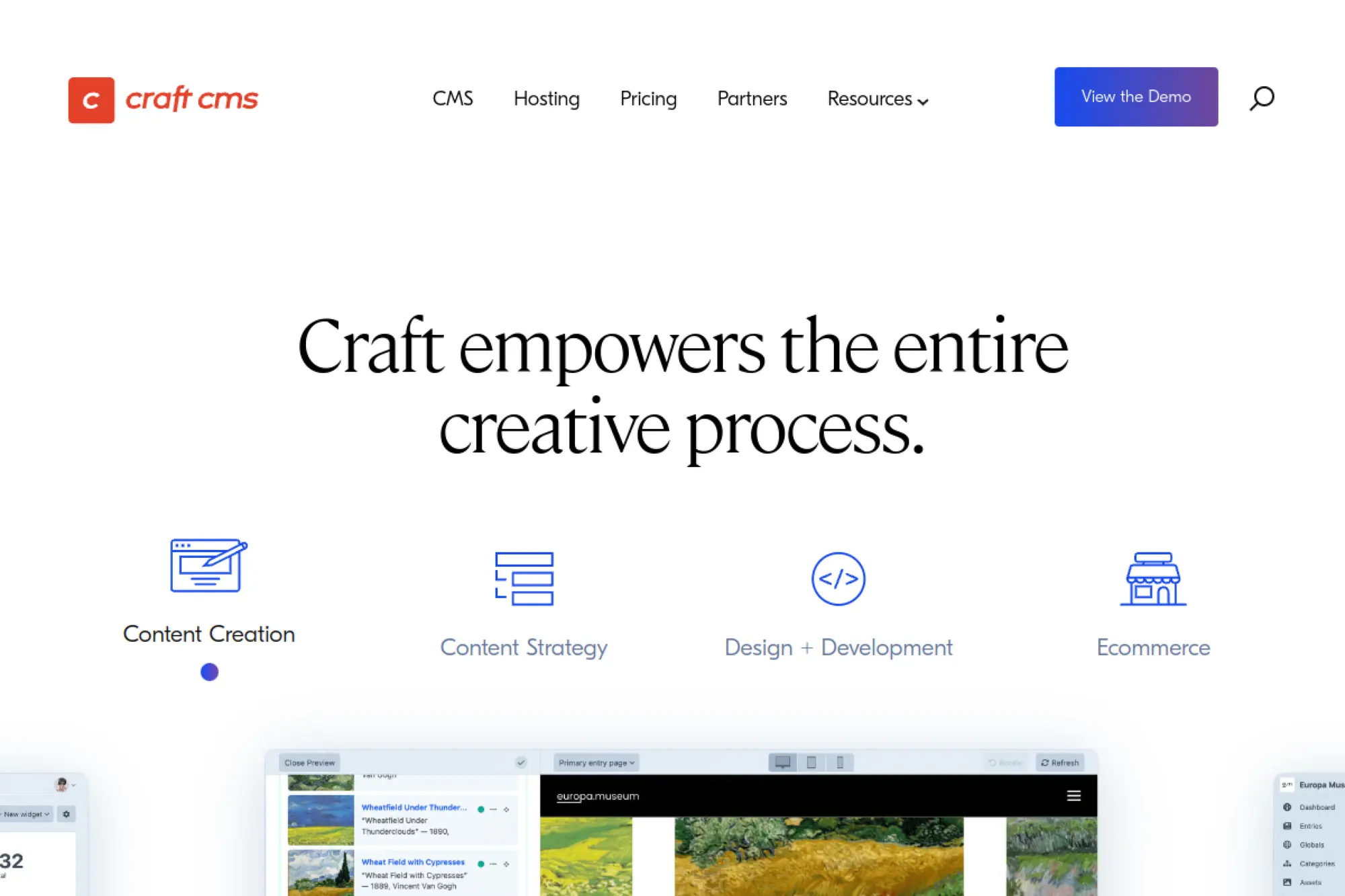
Craft CMS is built by Pixel & Tonic with a reputation for developer empathy and flexible content modeling. It’s a strong “bespoke site” CMS when you want control and a refined admin.
Primary outcome: build a custom content system clients can actually use.
Best for: an agency building client sites; an org needing structured content without headless complexity.
- Custom fields and sections → model real content instead of forcing posts into pages.
- GraphQL option → remove 2–4 integration layers for headless delivery.
- Clean admin UX → first editorial handoff can land in 1–2 weeks.
Pricing & limits: From $0/mo with Craft Solo (one admin account). Team is $279 per project and Pro is $399 per project, each including a year of updates, with renewals for continued updates.
Honest drawbacks: You’ll still want a developer for setup and long-term care. Costs can stack if you need multiple paid plugins or commerce add-ons.
Verdict: If you want a flexible CMS that feels professional, Craft helps you ship a durable site in weeks. Beats Joomla on modeling power; trails Wix on immediate no-code launch.
Score: 4.1/5
21. Statamic
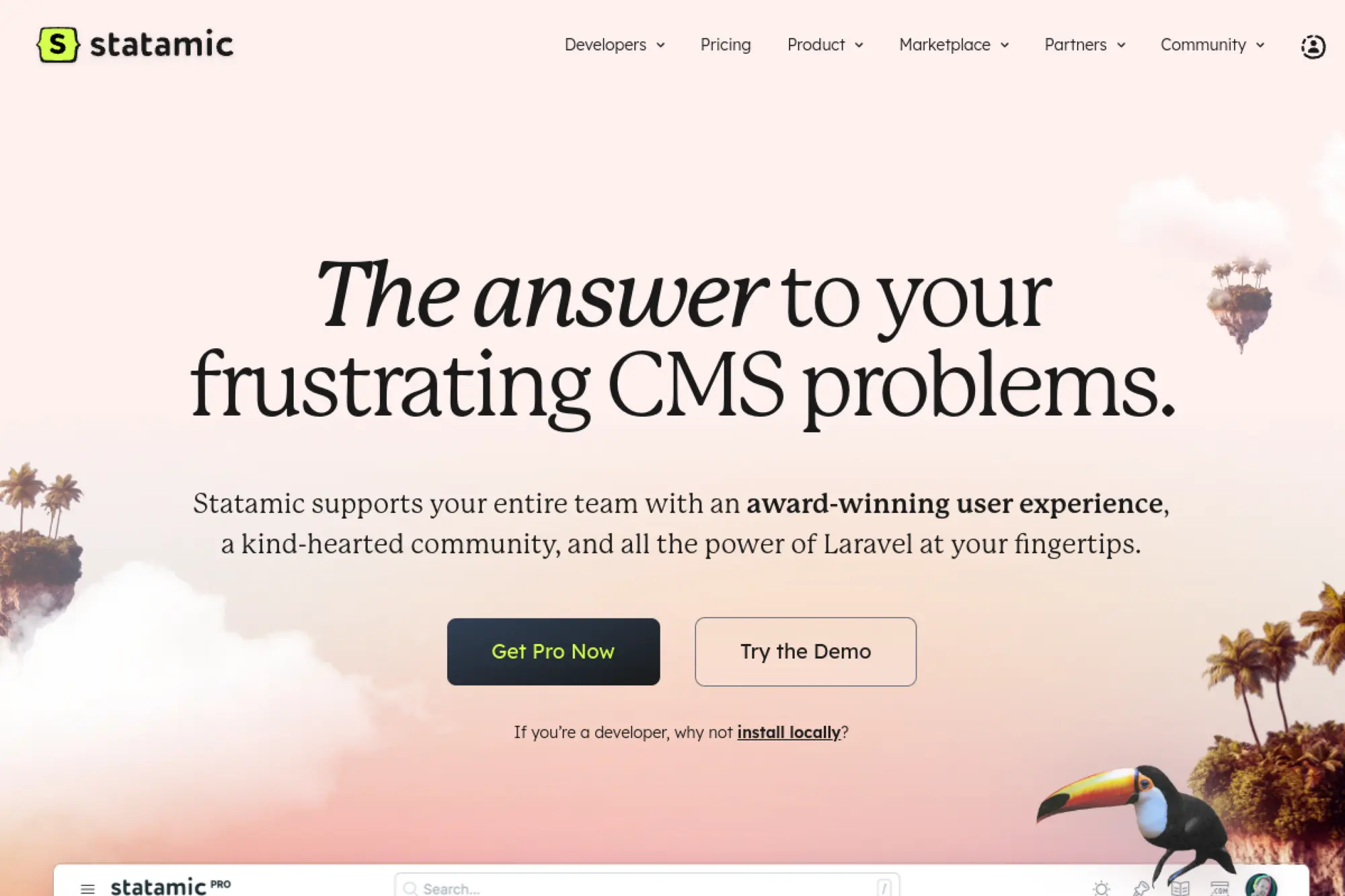
Statamic is built by a small, focused team with deep Laravel roots. It targets developers who want a clean CMS experience without heavyweight infrastructure.
Primary outcome: ship a fast, structured site with a calm editing experience.
Best for: a Laravel-friendly dev shop; a team that wants CMS power without bloat.
- Blueprint-driven content → keep structure consistent across editors and pages.
- Git-friendly workflows → save 2–4 hours per release by versioning config cleanly.
- Dev-to-prod licensing → build freely, then license when launching.
Pricing & limits: From $0/mo for Core; Pro is $275 per site and includes one year of updates, with $65/year for updates after that. Core is limited in team features compared with Pro.
Honest drawbacks: It’s not the cheapest once you license many sites. If you need massive enterprise governance, Contentful or Drupal may fit better.
Verdict: If you want a developer-friendly CMS with a great control panel, Statamic helps you launch in weeks. Beats Kirby on editor experience; trails Sanity on collaborative content ops.
Score: 4.0/5
22. ClassicPress
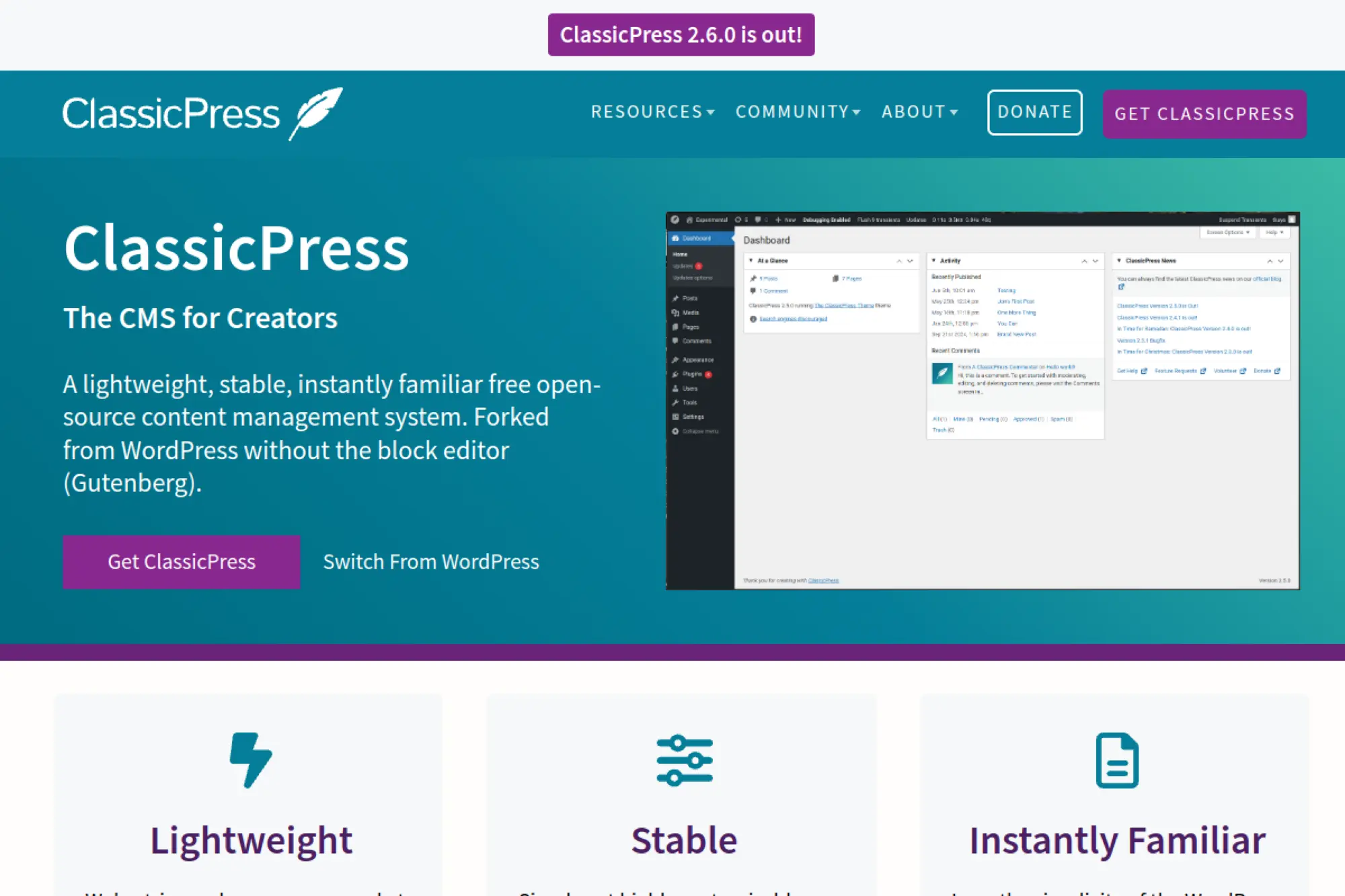
ClassicPress is a community-led fork built for people who prefer the pre-block-editor WordPress experience. It’s intentionally conservative, which can be a feature when stability matters.
Primary outcome: keep a familiar CMS workflow without Gutenberg.
Best for: a site owner who wants the classic editor; a small business with legacy workflows.
- Classic editing model → publish without re-learning a block-first mindset.
- WordPress-adjacent ecosystem → reduce 2–3 migration steps from older WP setups.
- Quick installs → first value can be same-day on decent hosting.
Pricing & limits: From $0/mo for the CMS itself. Like other self-hosted tools, your costs come from hosting, themes, and any paid plugins.
Honest drawbacks: The ecosystem is smaller than WordPress, so plugin choice may be narrower. If you want cutting-edge features, you may feel the “stability tax.”
Verdict: If you want a familiar dashboard with fewer surprises, ClassicPress helps you stay steady this month. Beats Joomla on WordPress-like familiarity; trails Wix on modern no-code building.
Score: 3.5/5
23. Wagtail
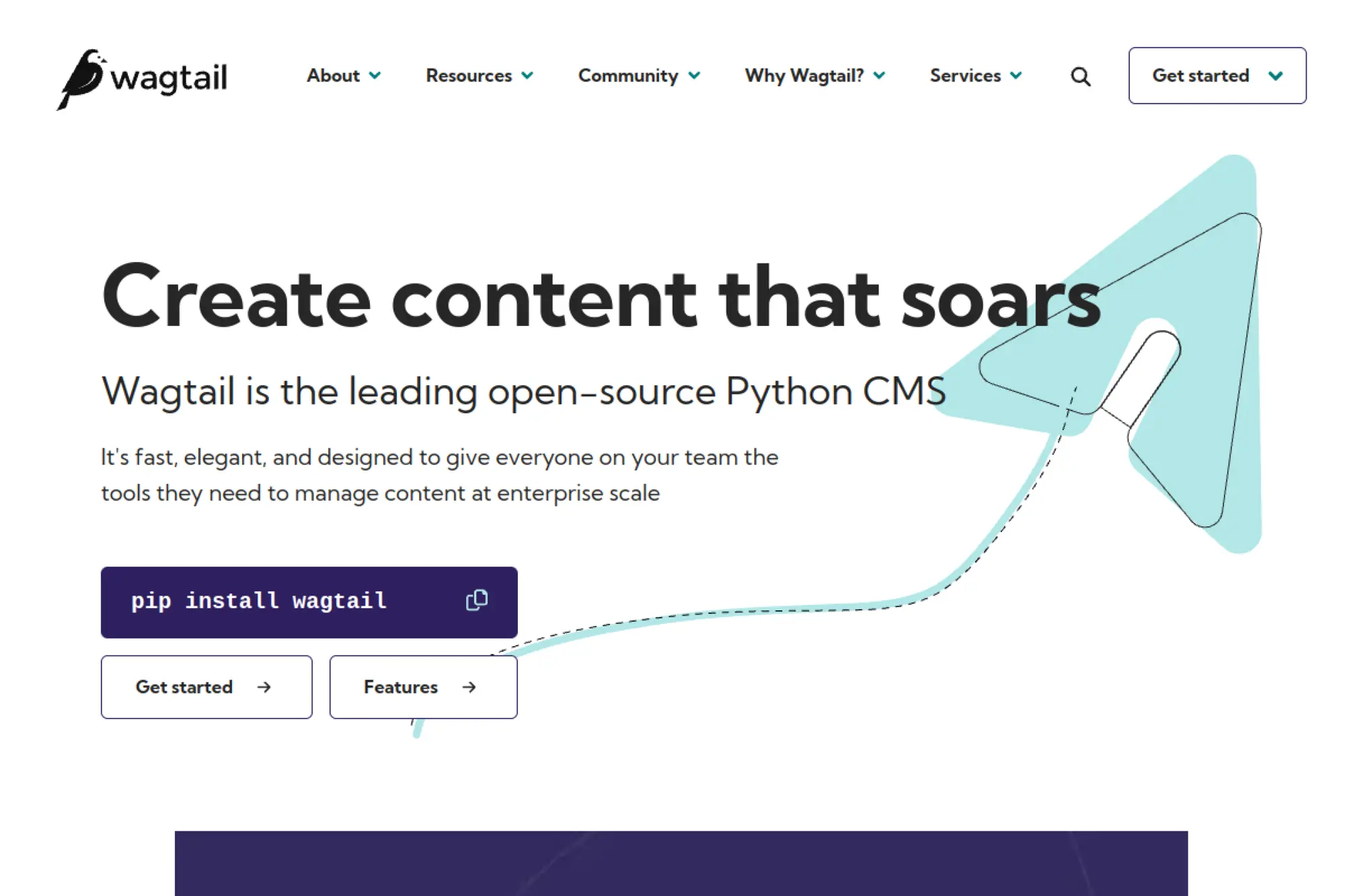
Wagtail is an open-source CMS built on Django, supported by a professional ecosystem and a strong community. It’s built for teams who want a modern editor and Python-based flexibility.
Primary outcome: give editors power, while developers keep architectural control.
Best for: a Python/Django team; a content team needing structured editorial workflows.
- Editor experience → publish rich pages without constant developer tickets.
- Django ecosystem → save weeks by reusing proven Python libraries.
- Project-based builds → first production site often takes weeks, not hours.
Pricing & limits: From $0/mo for the open-source CMS. Hosting, development, and support are your real costs, and they scale with traffic and complexity.
Honest drawbacks: You need Django expertise, which can be a hiring constraint. If you want a hosted builder, Wagtail is the wrong tool.
Verdict: If you want a powerful CMS inside a Python stack, Wagtail helps you build a durable platform in a quarter. Beats Drupal for Django teams; trails Squarespace for no-code speed.
Score: 3.9/5
24. Textpattern
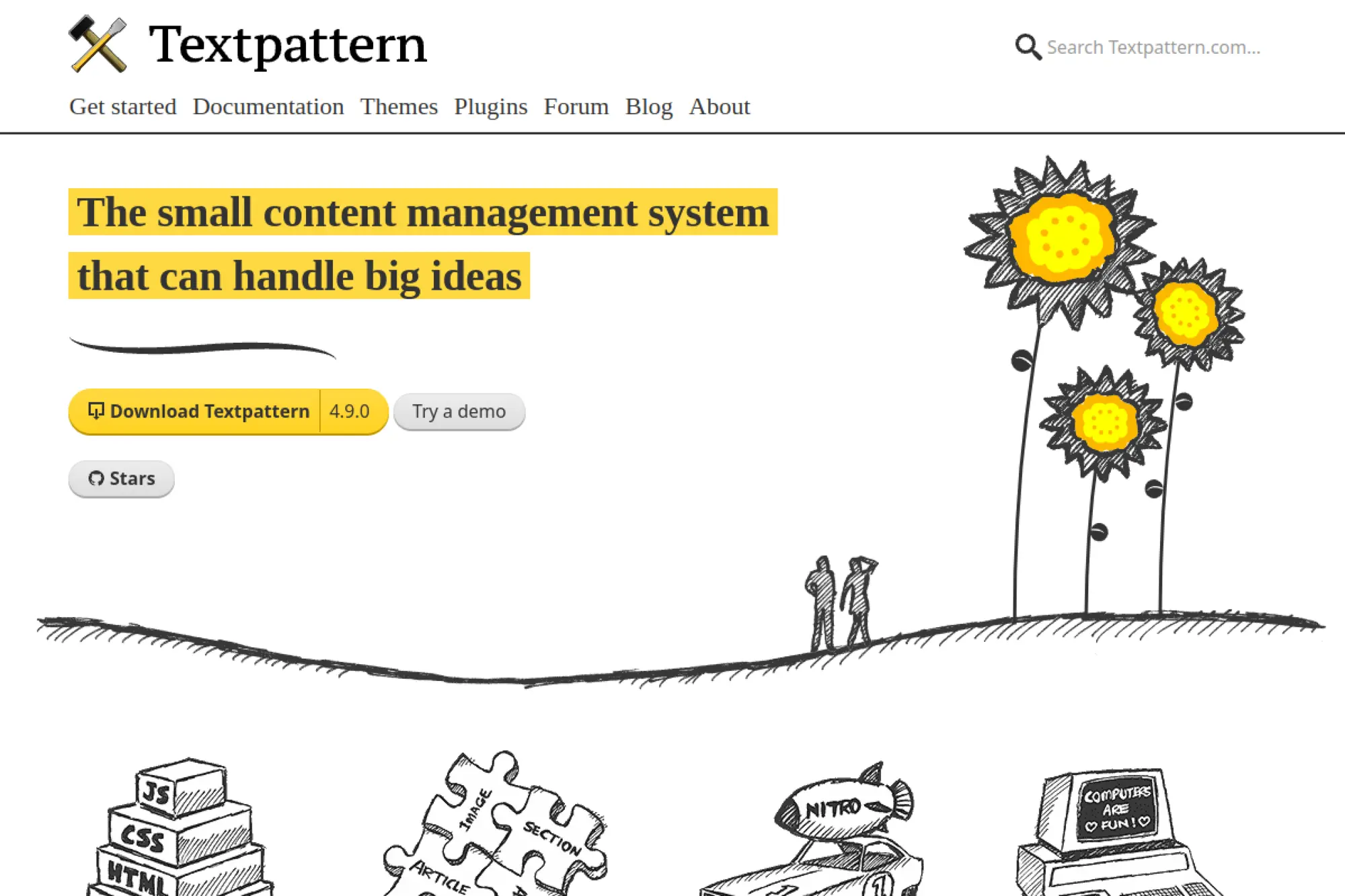
Textpattern is a long-lived open-source CMS maintained by a dedicated community. It’s intentionally lean, with a philosophy that your HTML should stay yours.
Primary outcome: run a lightweight CMS that stays fast and uncluttered.
Best for: a developer who wants minimalism; a small site that values stability.
- Tag-based templates → build custom layouts without fighting a theme framework.
- Plugin ecosystem → avoid 2–3 custom features with community extensions.
- Small-core mindset → first working site can land in a weekend.
Pricing & limits: From $0/mo as free open-source software. Costs are hosting and your own time, plus any optional paid services around it.
Honest drawbacks: It’s not built for modern commerce or complex apps. If you need headless delivery or big editorial workflows, you’ll feel the ceiling.
Verdict: If you want a lean CMS for a straightforward site, Textpattern helps you publish reliably for years. Beats heavier CMSs on simplicity; trails Ghost on memberships and newsletters.
Score: 3.4/5
25. Indiekit
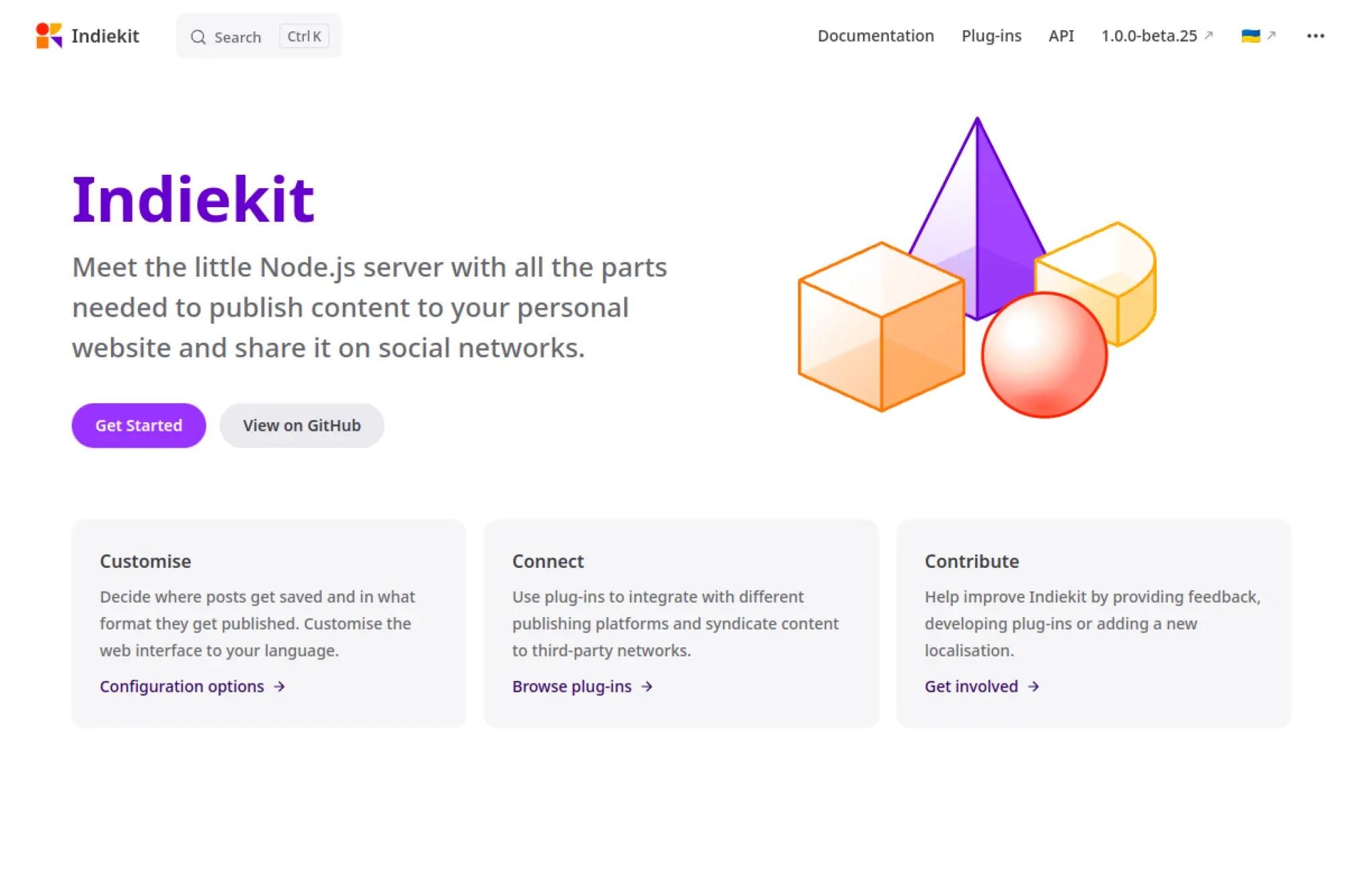
Indiekit is a small, developer-led publishing toolkit in the IndieWeb world. It’s designed for people who want to own their content pipeline and publish in their own format.
Primary outcome: publish to your own site with IndieWeb-style control.
Best for: a technical solo creator; a developer who wants a personal publishing stack.
- IndieWeb publishing workflows → keep your posts portable and self-owned.
- Automation-friendly approach → save 2–4 steps per post with a tuned workflow.
- Developer setup → first value often lands in a few hours.
Pricing & limits: From $0/mo if you self-host. Your practical limits depend on your hosting resources and how you configure storage and media.
Honest drawbacks: It’s not for beginners, and it’s not trying to be. If you want templates, themes, and “click to add a store,” choose Wix or Shopify.
Verdict: If you want maximum ownership of your publishing flow, Indiekit helps you build a personal stack in a weekend. Beats Medium on control; trails Ghost on turnkey newsletters.
Score: 3.6/5
26. Perch
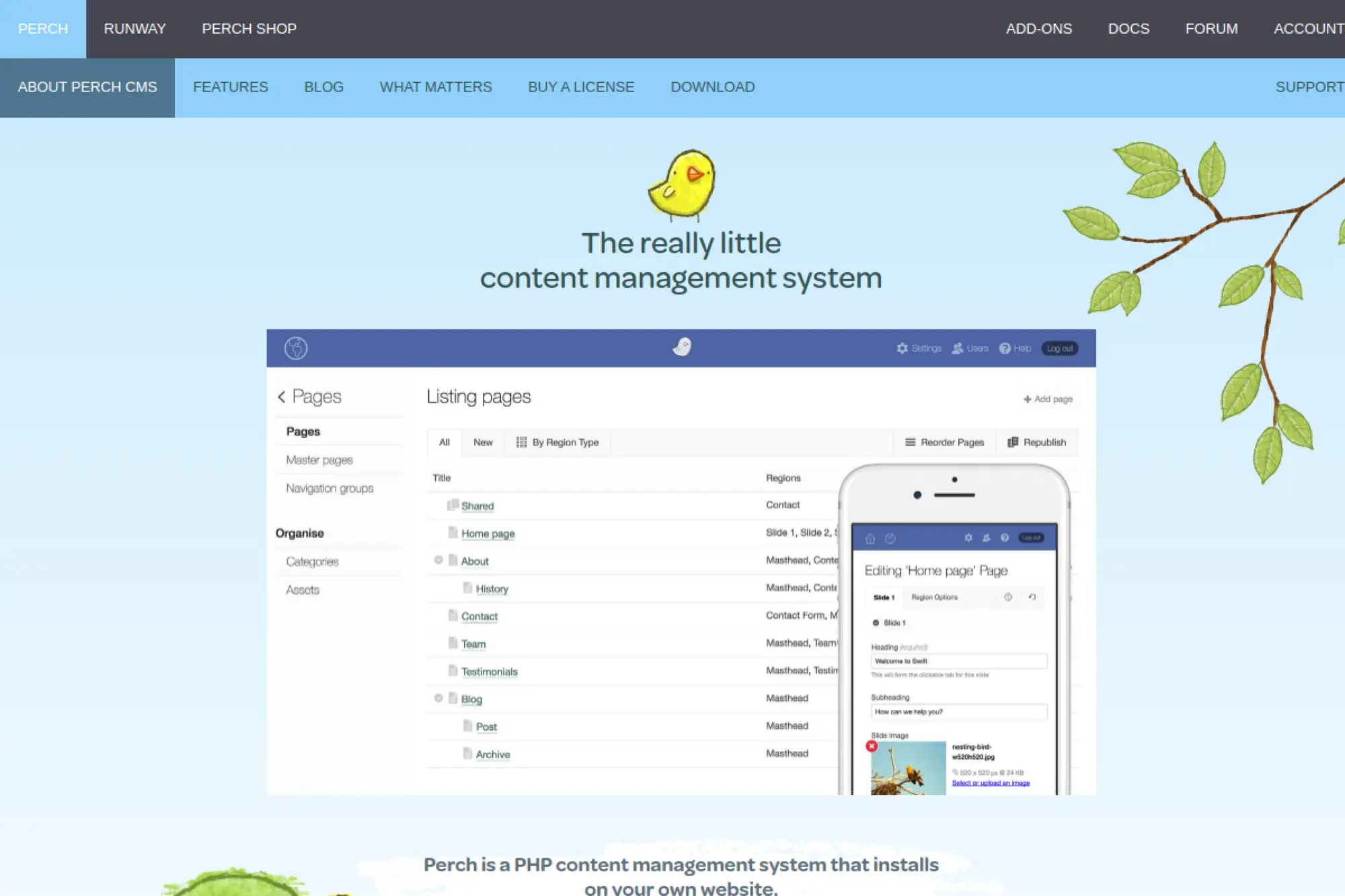
Perch is a commercially supported “small CMS” built by a team that prioritizes simplicity and client usability. It’s aimed at developers who want to retrofit CMS editing into existing sites.
Primary outcome: add editing to a custom-built site without rebuilding everything.
Best for: a freelancer maintaining client sites; a small agency doing bespoke builds.
- Retrofit-friendly CMS → make only the right parts editable for clients.
- Add-ons included in the license → avoid 2–3 paid plugin purchases for common needs.
- Local trial flow → validate fit in a day before paying.
Pricing & limits: From $69 one-time per website for Perch. You can run it locally or on non-public domains before buying, then license at launch.
Honest drawbacks: It’s not open source, and that’s a deal-breaker for some teams. The ecosystem is smaller than WordPress, so unusual needs can require custom work.
Verdict: If you build custom sites and want a calm CMS layer, Perch helps you ship client-friendly editing in days. Beats Joomla for retrofit simplicity; trails Craft CMS on deep modeling.
Score: 3.7/5
27. Buckets
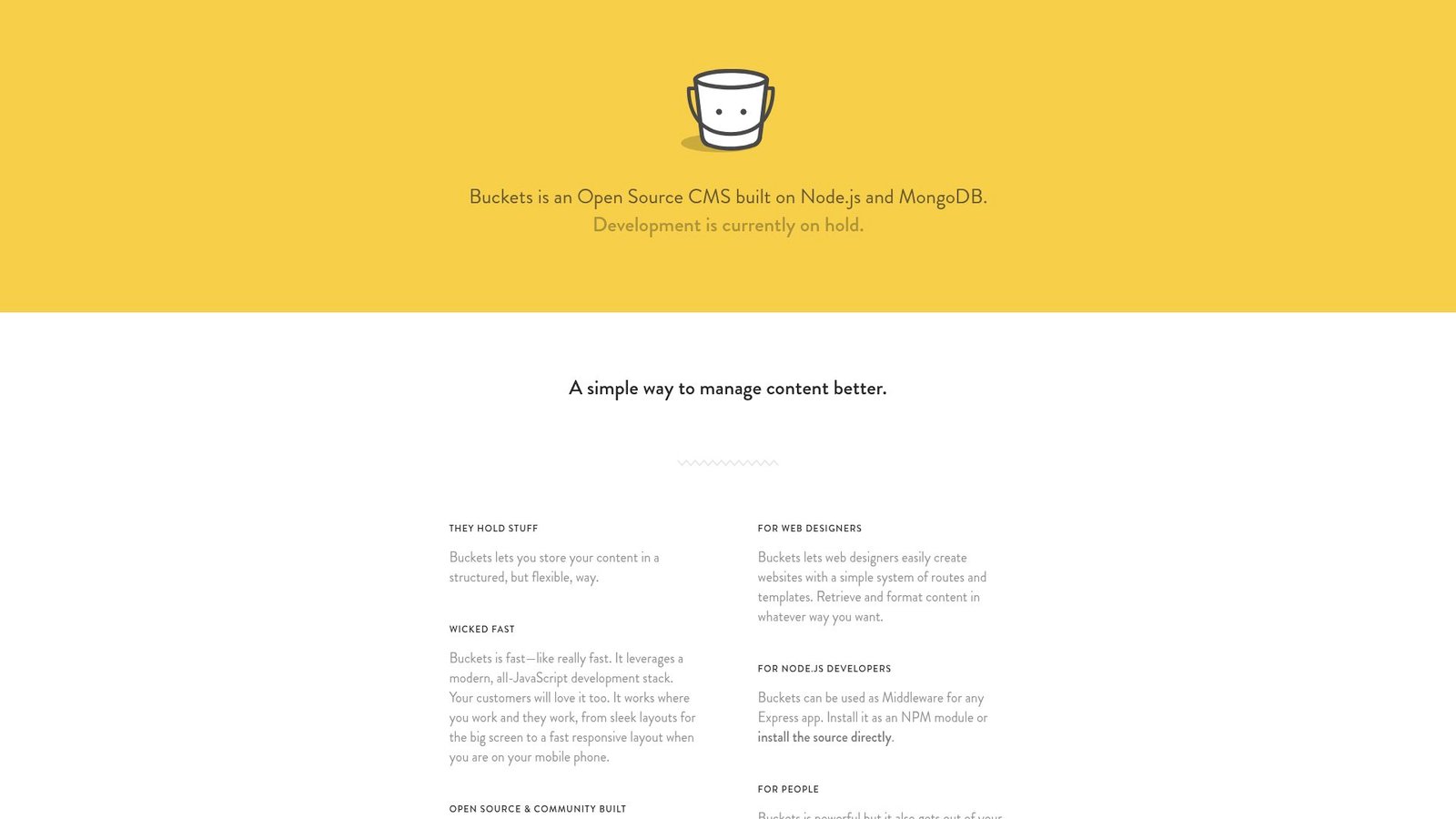
Buckets is positioned as an open-source Node.js and MongoDB CMS, built with a modern JavaScript stack in mind. The project’s own messaging notes that development is currently on hold.
Primary outcome: run a JavaScript-native CMS for structured content, if you accept the risk.
Best for: a developer experimenting locally; a hobby project with low stakes.
- Structured content approach → organize content beyond simple posts and pages.
- Express-friendly positioning → reduce integration steps if your app already uses Node.
- Quick trial installs → first value can happen in an afternoon.
Pricing & limits: From $0/mo as a self-hosted option. The biggest “limit” is maintenance, since active development is paused.
Honest drawbacks: A paused project is a serious security and longevity concern. If you’re building for clients, this risk is hard to justify.
Verdict: If you want to tinker with a JS CMS concept, Buckets can work as a sandbox this weekend. Beats Anchor CMS on modern stack intent; trails Strapi on active development and support.
Score: 2.4/5
28. Anchor CMS
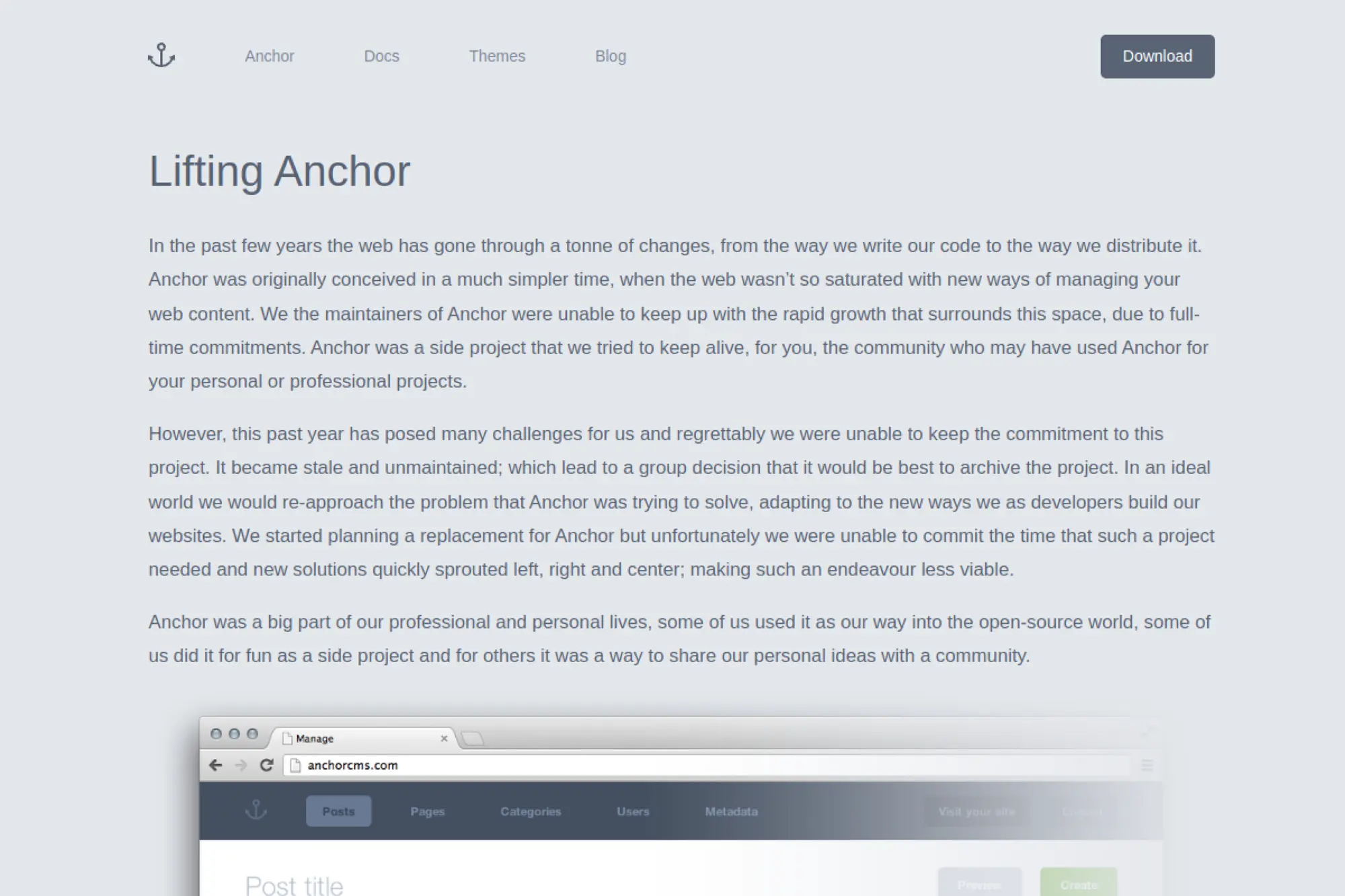
Anchor CMS is a lightweight PHP blogging CMS with a clear writing-first intention. The hard truth is that the project has been archived and is no longer maintained.
Primary outcome: a minimal blog engine, if you treat it as legacy software.
Best for: a local demo; a nostalgic dev experiment.
- Lightweight blog focus → keep the admin surface area small and simple.
- Basic install flow → get a test blog running without heavy dependencies.
- Quick experimentation → first value can be under two hours.
Pricing & limits: From $0/mo, but the real cap is viability. Without maintenance, you should assume growing security risk over time.
Honest drawbacks: “No longer maintained” is a deal-breaker for production sites. Modern PHP hosting and dependency expectations may also clash with older requirements.
Verdict: If you’re learning or exploring, Anchor can be a weekend sandbox. Beats nothing on modern support; trails almost every active CMS on safety and longevity.
Score: 1.8/5
29. Magic Pages
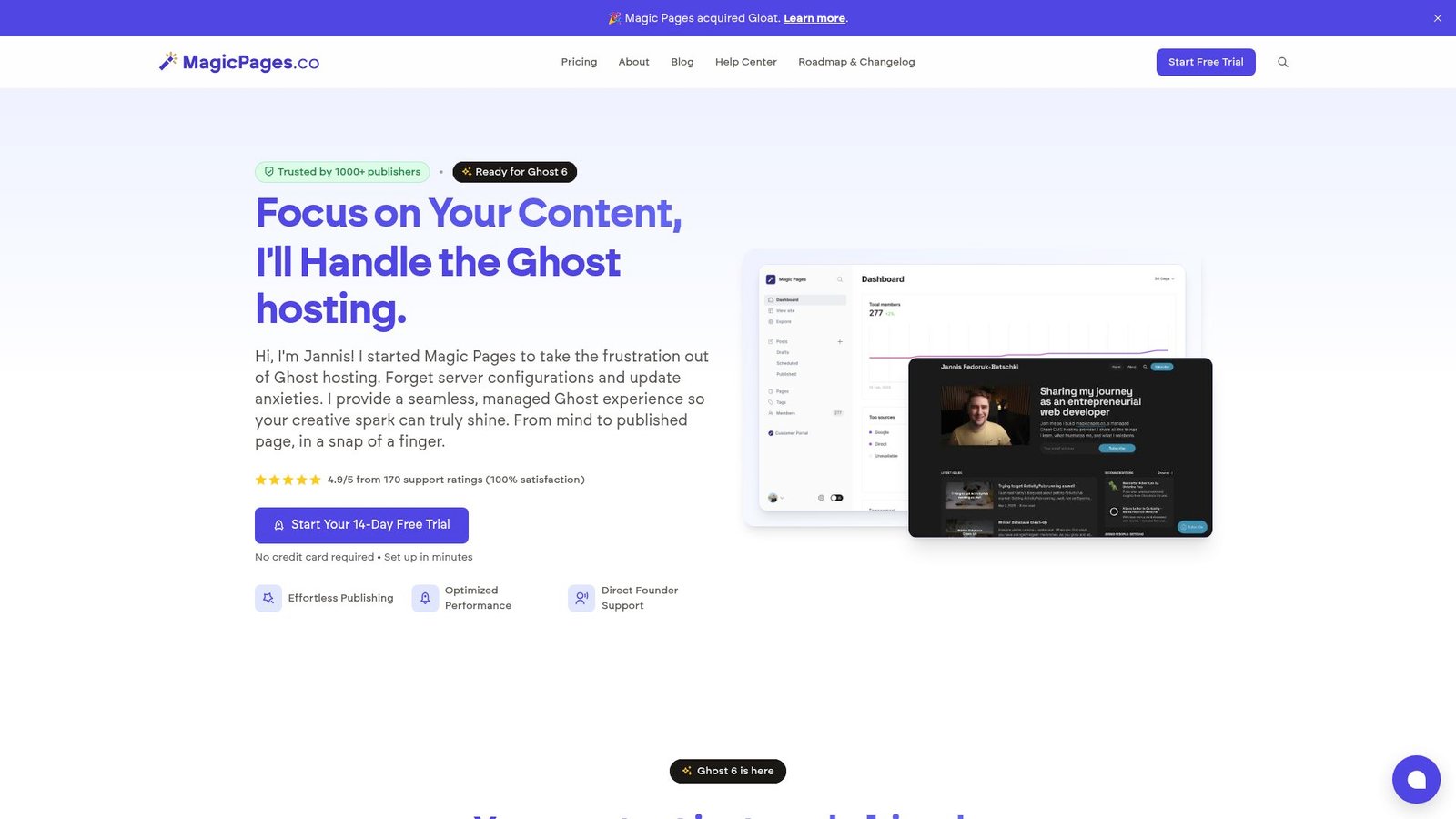
Magic Pages is a solo-founder-led managed Ghost hosting service, built for publishers who want “Ghost, minus the server stress.” The vibe is personal support and fast updates, not ticket queues.
Primary outcome: run Ghost without becoming your own sysadmin.
Best for: a newsletter creator; a small publication that values hands-on support.
- Managed Ghost + email → publish and send newsletters without DIY infrastructure work.
- Migration help and founder support → save 5–10 setup steps during launch week.
- Trial-first entry → first value can show up in under an hour.
Pricing & limits: From $12/mo (monthly plan pricing has been communicated publicly, but confirm at checkout). Expect a 14-day free trial, email caps like 2,000 or 10,000 included per month, and file upload limits by plan.
Honest drawbacks: It’s a smaller operation, so you’re betting on one team’s pace. If you need enterprise procurement and multi-admin governance, Ghost(Pro) or bigger vendors may fit better.
Verdict: If you want Ghost hosting that feels human, Magic Pages helps you publish and send within days. Beats generic VPS hosting on support; trails Ghost(Pro) on first-party “official” positioning.
Score: 4.0/5
30. PikaPods
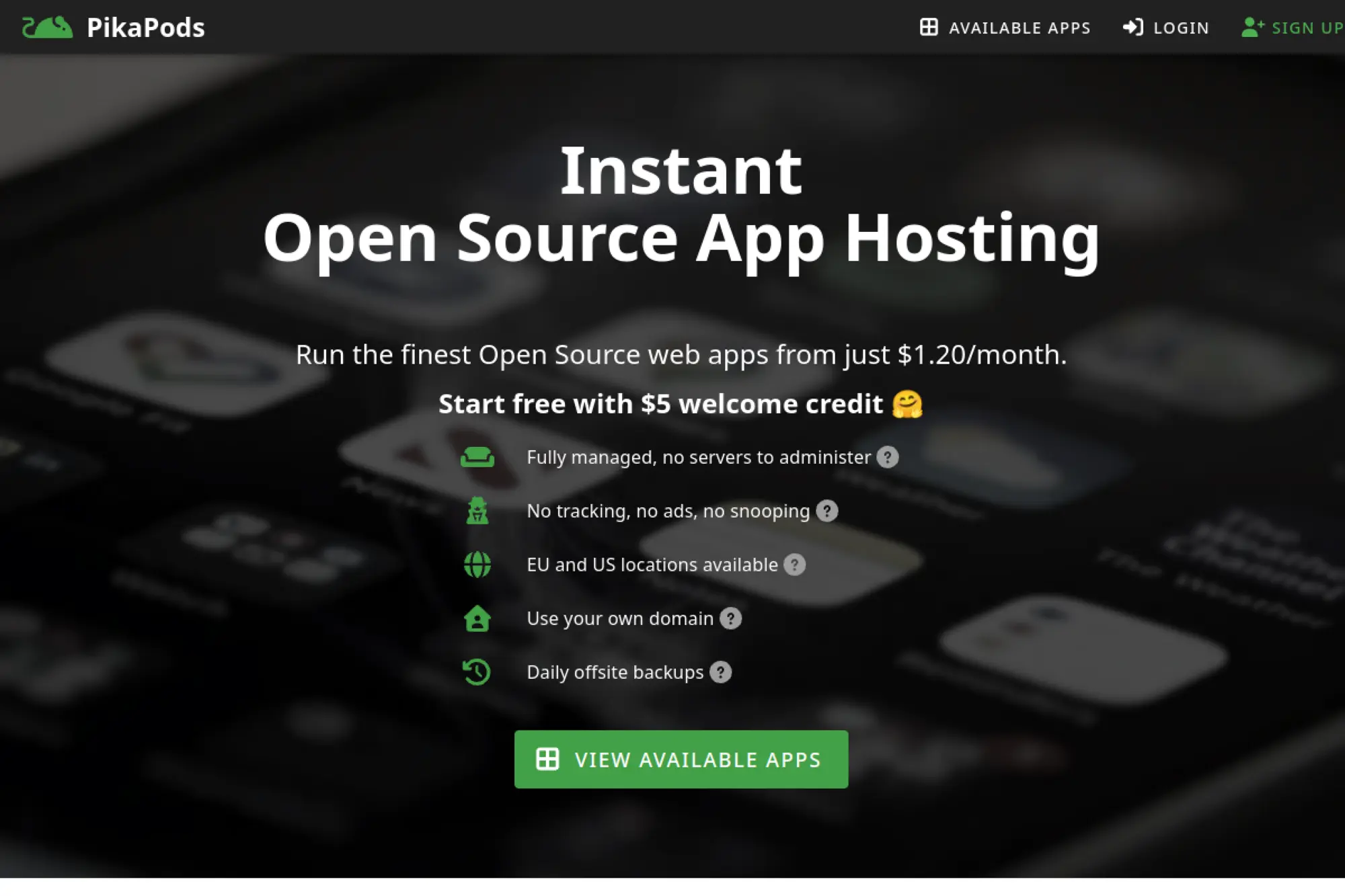
PikaPods is a managed hosting company focused on one-click open-source apps. The team position is clear: privacy, simplicity, and weekly updates, without ads or tracking.
Primary outcome: run open-source apps cheaply, without server work.
Best for: a solo maker; a small team testing self-hosted tools quickly.
- One-click app hosting → deploy useful tools without learning Docker first.
- Resource sliders → save 3–6 ops steps when scaling memory and CPU.
- Fast onboarding → first running app can be live in 10–20 minutes.
Pricing & limits: From about $1.20/mo for small pods, with a $5 welcome credit to start. Expect resource-based billing, plus a $1 per pod per month minimum charge, even if stopped.
Honest drawbacks: It’s hosting, not a CMS, so you still need to pick and manage an app. If you want a single “website builder” interface, Wix is a better match.
Verdict: If you want to self-host without the self-harm, PikaPods helps you go from idea to running app in an hour. Beats DIY VPS setups on speed; trails full platforms on integrated site-building.
Score: 3.8/5
Why consider WordPress alternatives in 2026
Market overview: Spend will hit $675.4 billion in 2024; eCommerce revenue may reach US$3.66tn in 2025; and Retail conversions increased by 8.4% with mobile speedups.
Those forces push teams toward simpler stacks and tighter control. We have seen marketing teams win with visual builders. We have also seen regulated teams prefer stricter CMS governance. The “best” option shifts with the mission.
1. Plugin and theme clashes can create ongoing maintenance work
Plugin ecosystems feel like leverage, until they feel like debt. Each plugin is another moving part with its own release cadence. Each theme adds opinions about markup, scripts, and styling.
In our incident reviews, the root cause is rarely “WordPress itself.” The culprit is usually an interaction surface between extensions. A minor update can break checkout, forms, or editor layouts. The fix often becomes a recurring tax on every sprint.
Operationally, the cost is not only developer time. It is also team confidence. Editors stop trusting previews. Marketers stop shipping landing pages. Eventually, “simple changes” get pushed into backlog purgatory.
Alternatives reduce that chaos in different ways. Some shrink the extension surface. Others move customization into controlled code. Either way, the goal is predictable change.
2. Performance limits from extra plugins, database load, and missing image pipelines
Speed is rarely a single optimization. It is the sum of rendering, data access, assets, and caching. WordPress sites often accumulate runtime work with every feature request. That work tends to run on every page view.
Plugin features can add queries, API calls, shortcodes, and render-blocking scripts. Database-heavy pages can also drift into “slow by default.” At that point, caching becomes a bandage instead of a plan.
We also see image handling become a silent killer. Teams upload large assets without automated resizing. Then, frontends ship oversized images to mobile users. That cost shows up as poor engagement and worse conversions.
Many WordPress alternatives include a stronger performance posture by design. Some default to static delivery. Others bake in CDN asset handling. The difference is not magic. It is fewer runtime surprises.
3. SEO fundamentals often require add-ons instead of being built in
Search visibility is built from boring fundamentals. Metadata control matters. Clean URL management matters. Internal linking discipline matters.
WordPress can deliver all of that, but it often arrives through extra layers. SEO plugins can be powerful. They also become one more “must not break” dependency.
We prefer platforms where essential SEO controls are first-class. That includes editorial guardrails, canonical logic, and reliable redirects. It also includes predictable output markup. Search engines reward consistency over cleverness.
Alternatives vary here, so we test early. The right choice depends on who owns SEO. A developer-led team can code missing pieces. A content-led team needs them built in.
4. Security risk increases as third-party extensions and updates pile up
Security is a probability game. Each extension expands your attack surface. Each stale update stretches your exposure window.
We approach CMS security like supply-chain security. You are not only defending your code. You are defending every vendor in your dependency graph. That is hard to do well when the graph keeps growing.
Alternatives reduce risk in different ways. Some shrink the plugin ecosystem. Others isolate content editing from delivery. Some shift patch ownership to a managed provider.
No option is “secure by branding.” The goal is ownership clarity. Someone must be responsible for patching, monitoring, and access control. If that “someone” is undefined, the risk compounds.
5. Different project goals demand different WordPress alternatives, not one “best” option
A marketing site is not a documentation portal. A news publication is not a product-led SaaS front door. An online store is not a content hub.
WordPress tries to be a universal tool. That universality is a feature, but it can also be friction. A platform optimized for one job will often feel lighter. It will also feel clearer to operate.
In our planning workshops, we map the “center of gravity.” Is the site content-heavy, integration-heavy, or transaction-heavy? Once we name that center, the platform shortlist gets easier.
Choosing by category beats choosing by hype. A headless CMS might be perfect, or total overkill. A site builder might ship fast, or box you in. Context decides.
6. Budget, shared hosting, and client skill level can shape the best choice
Budget is not only licensing. It is maintenance time, incident time, and training time. Teams often undercount those costs because they do not show up on a vendor invoice.
Shared hosting adds another constraint. Some stacks assume modern deployment. Others tolerate simpler environments. That difference matters for nonprofits, local businesses, and smaller agencies.
Client skill level matters too. A system that needs Git discipline can empower engineers. That same system can overwhelm a non-technical team. We have seen both outcomes.
The “best” platform is the one your team can run calmly. A slightly less powerful tool that ships reliably often wins. Stability is a feature.
Types of WordPress alternatives: no-code builders, open-source CMS, headless CMS, and commerce platforms
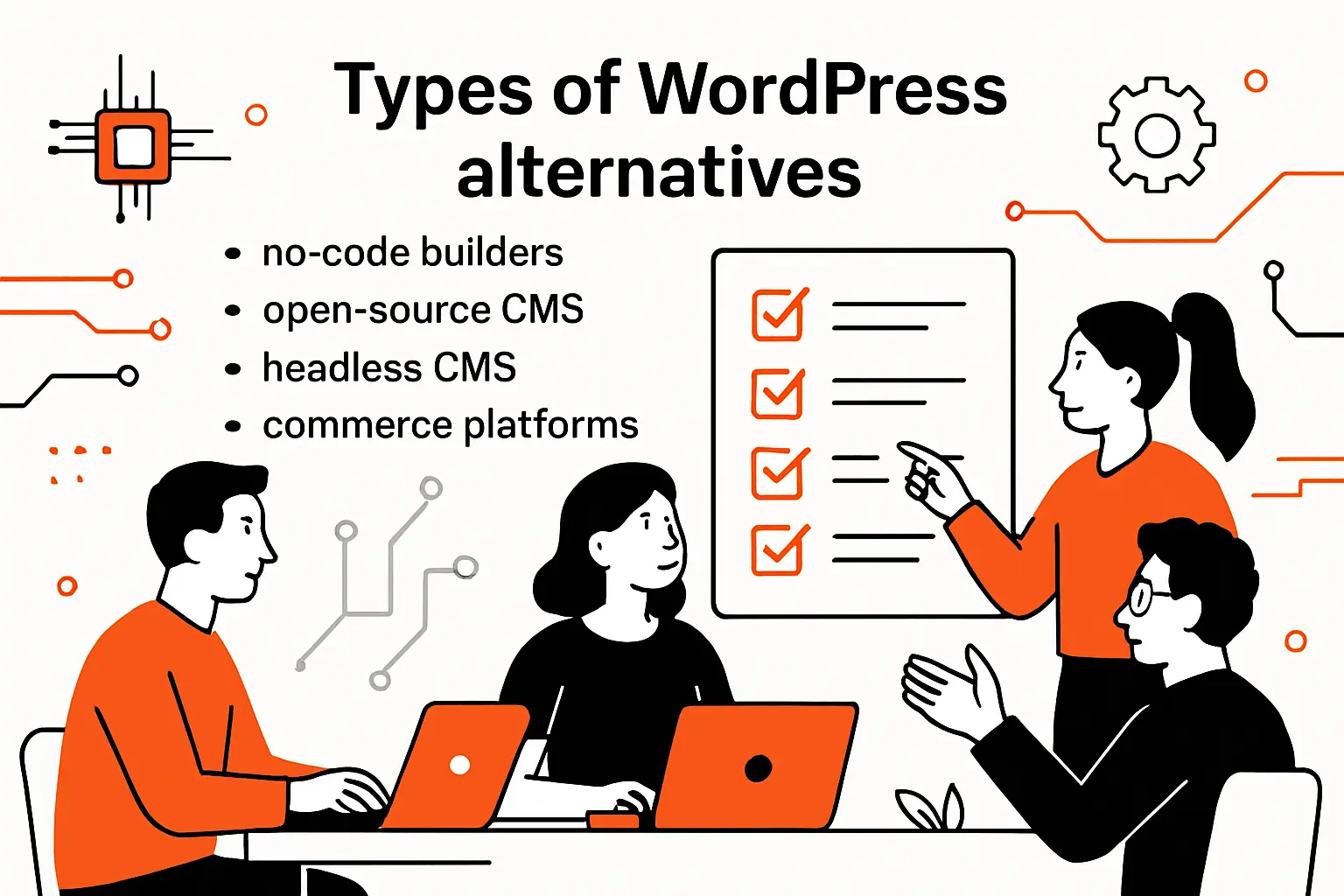
1. No-code / WYSIWYG website builders for fast publishing and minimal setup
No-code builders shine when speed is the business requirement. They minimize setup, hosting choices, and infrastructure debates. That matters when a team needs to publish now.
In our work, these tools win for marketing sites, founder pages, and campaign microsites. They also reduce “dependency sprawl” because features live inside the platform. The trade-off is deeper customization limits.
- Webflow — visual control with CMS-style collections for marketing teams.
- Wix — broad templates and app marketplace for quick small-business presence.
- Squarespace — polished themes with strong defaults for design-first teams.
- Framer — fast iteration for landing pages and interactive layouts.
- Duda — agency-friendly management features and templated client delivery.
- Carrd — lightweight single-page sites with minimal overhead.
- Tilda — content blocks and design control for editorial-style pages.
2. Monolithic CMS options for traditional theming and all-in-one site management
Monolithic CMS platforms keep content and presentation tightly coupled. Editors often get previews “for free.” Routing is built in. Many teams like the simplicity.
These systems can also be governance-friendly. Roles, permissions, and structured workflows are usually mature. For complex organizations, that maturity can outweigh the allure of newer stacks.
- Drupal — robust permissions and structured content for large publishing teams.
- Joomla — classic CMS patterns with a broad extension ecosystem.
- Craft CMS — flexible content modeling with a developer-friendly approach.
- TYPO3 — enterprise-oriented CMS with strong editorial controls.
- Umbraco — .NET-centric CMS for teams standardized on Microsoft stacks.
- Concrete CMS — in-context editing with straightforward site management.
- October CMS — Laravel-based CMS for teams that prefer PHP frameworks.
3. Headless CMS platforms for API-first and composable architectures
Headless CMS shifts the center of gravity. Content becomes an API-backed asset. Frontends become independent applications. That separation unlocks composability and better performance control.
We like headless when content must power multiple channels. We also like it when engineering teams want modern deployment patterns. The trade-off is ownership of routing, previews, and SEO glue.
- Contentful — mature SaaS headless CMS with enterprise features.
- Sanity — flexible schemas and real-time collaboration for content teams.
- Strapi — self-hosted headless CMS for developer-led projects.
- Directus — database-first headless layer with strong admin UX.
- Storyblok — visual editing layered on headless delivery patterns.
- Prismic — slice-based content blocks for component-driven frontends.
- Hygraph — GraphQL-first content delivery for structured content use cases.
4. Flat-file and database-light CMS options for simpler operations
Flat-file systems remove a major failure domain: the database server. Content lives in files. Deployments become repeatable artifacts. That can feel refreshingly calm.
We reach for this approach when content volume is modest and workflows are simple. It pairs well with modern build pipelines. It is also excellent for docs-like sites.
- Hugo — fast static generation with strong templating and content organization.
- Jekyll — classic static generator with a mature ecosystem and conventions.
- Eleventy — flexible static generation with JavaScript-friendly templating.
- Grav — flat-file CMS with an admin panel for lighter editorial workflows.
5. Blogging-first platforms built around writing, newsletters, and memberships
Some teams do not need a general CMS. They need a publishing engine. Writing-first platforms optimize for drafts, subscriptions, and audience growth.
We like these tools when the business model is “content is the product.” They also reduce the temptation to bolt on many plugins. The trade-off is less flexibility for broader site experiences.
- Ghost — publishing with membership and newsletter capabilities built in.
- Beehiiv — newsletter-first publishing with growth tooling and analytics.
6. eCommerce-first platforms when selling is the primary requirement
Commerce changes everything. Checkout reliability matters more than theme elegance. Inventory, taxes, fulfillment, and payment flows become the real product.
For commerce-first businesses, we favor platforms that treat selling as the core. That often means less time stitching together add-ons. It also means fewer fragile integrations.
- Shopify — full commerce platform with strong ecosystem and hosted operations.
- BigCommerce — commerce platform with flexibility for catalogs and integrations.
- commercetools — API-first commerce for composable enterprise architectures.
7. Open-source vs proprietary trade-offs in control, community, and lock-in
Open-source gives you code-level control. It also gives you responsibility. You own updates, hosting, scaling, and incident response.
Proprietary platforms often reduce operational burden. They also introduce platform constraints and pricing leverage. Vendor roadmaps become part of your roadmap.
We rarely frame this as ideology. Instead, we ask where risk should live. Some teams want control because compliance demands it. Others want speed because the market demands it.
The healthiest choice is explicit trade-offs. If you cannot name the trade-off, you cannot manage it. Clarity is the real advantage.
8. When “download and deploy” matters versus integrating multiple services
Some organizations need a downloadable system. They may require on-prem hosting or strict data residency. They may also need a predictable audit trail.
Other organizations prefer a composable stack. They want best-in-class search, analytics, personalization, and experimentation tools. Those stacks can be powerful, but integration becomes product work.
At TechTide Solutions, we map integration burden early. We treat it like a feature backlog. If the backlog is large, we reconsider platform assumptions.
Download-and-deploy can simplify ownership. Composable can accelerate capabilities. The right answer depends on your team’s operational maturity.
How to choose the best WordPress alternatives for your project
1. Content editing experience and day-to-day usability for non-technical teams
The editor experience decides adoption. A technically perfect system fails if editors hate it. Usability is not a “nice to have.” It is operational risk control.
We watch for confidence signals. Can editors preview changes clearly? Do they understand where content appears? Can they recover from mistakes calmly?
Visual builders often excel here. Headless systems can struggle unless you invest in preview tooling. Monolithic CMS platforms tend to be predictable for editorial teams.
In evaluations, we ask editors to perform real tasks. We do not demo “happy paths.” Real workflows expose real friction.
2. Customization approach: modules and extensions versus code-first development
Customization is inevitable. The only question is where it lives. Some platforms push you toward extensions. Others push you toward custom code.
Extension-driven customization can be fast. It also increases dependency risk. Code-first customization can be stable. It also demands stronger engineering discipline.
We choose based on longevity. If the site will evolve for years, we prefer customization that is testable and reviewable. That often means code, even if it costs more upfront.
For short-lived campaigns, speed can matter more. In those cases, modular builders can be the right call. The time horizon changes the answer.
3. Performance expectations: caching strategy, database load, and asset handling
Performance is a system property. It emerges from caching, rendering, and asset delivery. It also emerges from organizational habits.
We start with a performance budget. Then we ask what the platform makes easy. Does it encourage bloated scripts, promote clean HTML output and provide a sane image pipeline?
Database load is another hidden constraint. Some stacks read from the database on every request. Others publish static artifacts and serve them globally. The latter can reduce operational complexity.
Asset handling matters more than most teams expect. Images, fonts, and third-party scripts often dominate load time. A platform that guides these choices saves real money.
4. SEO capabilities: metadata controls, clean URLs, and content discoverability
SEO is partly technical and partly editorial. The platform must support both sides. That includes predictable metadata fields and clean URLs.
We also look for redirect management and sitemap control. Content discoverability matters too. Editors should find content, reuse content, and avoid duplicate pages.
Headless stacks need special attention here. You own routing and canonical rules. That is fine, but it is engineering work. If nobody owns it, SEO quietly degrades.
Builders and monolithic CMS platforms can be simpler. Yet, simplicity can hide limits. We test SEO controls before committing.
5. Security ownership: who patches what and how risk scales with add-ons
Security begins with ownership. Someone must patch the platform, dependencies and manage access and secrets.
Managed platforms shift some responsibilities to the vendor. That is useful, but not complete. You still own user permissions, content hygiene, and integration security.
Self-hosted systems give you more control. They also demand more discipline. We recommend defining patch SLAs and monitoring plans before launch.
Add-ons are a risk multiplier. Each one must be evaluated, updated, and monitored. A smaller surface area is often safer.
6. Hosting and deployment requirements: shared hosting, managed hosting, or edge
Deployment is not an afterthought. It is where reliability is won or lost. Hosting choices also shape how quickly teams can ship.
Shared hosting can still be valid for small sites. Yet, it often limits modern CI workflows. Managed hosting can reduce toil. It also can hide complexity behind a friendly dashboard.
Edge delivery is appealing for performance. It can also complicate debugging. We choose it when the business truly benefits from global delivery speed.
The key is matching operations to team reality. A fancy pipeline nobody understands becomes fragile. Simpler can be safer.
7. Scalability and governance: roles, permissions, and structured workflows
As teams grow, governance becomes the real feature. Roles and permissions prevent accidental damage. Workflows prevent content from skipping review.
We also consider auditability. Who changed what, and when? Can you roll back safely? Can you enforce approvals for sensitive pages?
Monolithic CMS platforms often excel at governance. Some headless platforms do too, especially at higher tiers. Many site builders are improving here, but depth varies.
Governance is not bureaucracy. It is how you protect velocity at scale. Without it, teams slow down anyway, just through fear.
8. Multi-site and agency management needs across many client websites
Agencies run a different business than single-site owners. They need repeatable patterns. They also need centralized oversight and client handoffs.
We look for templating and reuse. Can you standardize components across projects? May you manage access cleanly when staff rotates? Can you clone and adapt without copy-paste chaos?
Builders like agency-focused platforms can shine here. They support client management and templated delivery. Monolithic CMS platforms can also work with disciplined tooling.
Operational design matters more than feature checklists. A tool can be powerful yet painful at scale. We test multi-client workflows early.
9. Localization and multilingual support for global publishing
Localization is not only translation. It is content structure, URL strategy, and editorial process. It also affects SEO and analytics segmentation.
We ask how the platform models locales. Can content be shared across languages, editors see what is missing? Can previews reflect language-specific routing?
Headless platforms often handle structured localization well. Builders can be easier for basic multilingual sites. Monolithic CMS platforms vary widely in how elegant localization feels.
We also plan governance for translations. Someone must own consistency and approvals. Without that, multilingual sites drift quickly.
10. Total cost of ownership: licensing, maintenance time, hosting, and extensions
Total cost is the bill you pay in time. Licensing is visible, but maintenance is persistent. Hosting is predictable, but incident response is not.
We estimate cost in hours, not just dollars. How many hours per month will updates take and performance work take? How many hours will editor support take?
Platforms with fewer moving parts often win here. A slightly higher subscription can be cheaper than a fragile stack. That is especially true for small teams.
The cleanest metric is calm operations. If the site needs constant babysitting, it is expensive. Reliability is the hidden ROI.
11. Integrations: APIs, webhooks, and connecting marketing and business systems
Modern sites live inside an ecosystem. CRM, analytics, ads, email, and support systems all connect. Integrations must be deliberate, not accidental.
We prefer platforms with strong APIs and webhooks. That keeps integrations explicit and testable. It also prevents fragile “copy a snippet into the header” habits.
Headless stacks are naturally integration-friendly. Builders can integrate too, but sometimes through marketplaces. Monolithic systems can integrate well, yet may require deeper server access.
We also watch for vendor lock-in. If integrations become proprietary, migration becomes painful. Clean boundaries protect future flexibility.
Migration & implementation checklist for switching from WordPress
1. Content audit, inventory, and URL mapping before selecting WordPress alternatives
Migration begins with inventory, not tooling. We catalog content types, templates, taxonomies, and media. We also document which pages drive business value.
URL mapping is critical for SEO continuity. It is also critical for user trust. Broken inbound links are silent revenue leaks.
We build a redirect plan alongside the content plan. That forces early clarity about what stays, what changes, and what dies. It also prevents last-minute panic.
A disciplined audit also surfaces content debt. Many sites contain outdated pages that nobody owns. Migration is a chance to clean house.
2. Decide between redesign, rebuild, or phased migration strategy
Teams often want a redesign and a platform switch at the same time. That can work, but it raises risk. It also makes SEO validation harder.
We separate goals when possible. A phased approach can reduce disruption. You can move content first, then refine design. Or you can launch a new front door first, then migrate the archive.
Rebuilds are powerful when architecture must change. Redesigns are useful when brand needs a reset. Phased migrations are safest when uptime and continuity matter most.
Strategy should match business tolerance for change. Some brands can absorb disruption. Others cannot. We design for reality, not bravado.
3. Content modeling and schema planning to reduce future rework
Content modeling is where migrations succeed or fail. A poor model forces hacks later. A good model enables reuse and consistent templates.
We model around queries, not around pages. What content must be reused across sections? What must be filtered, searched, or personalized? Those questions shape the schema.
Over-modeling is also risky. Teams sometimes create complex schemas for hypothetical futures. That complexity burdens editors. It also slows development.
Our rule is pragmatic. Model what you will use soon. Leave room for expansion, but avoid speculative scaffolding. Content should feel natural to authors.
4. Template, theme, and component strategy for consistent page building
Consistency is a conversion feature. It also is a maintenance feature. A component library reduces design drift and speeds up publishing.
For builders, we create a component toolkit and lock it down. For headless, we align content “blocks” with frontend components. And for monolithic CMS platforms, we create theme conventions and reusable templates.
We also define who can change components. Too much freedom leads to chaotic pages. Too little freedom leads to bottlenecks. Governance should protect quality without killing speed.
The best component strategy is teachable. Editors should understand what each block is for. Developers should be able to evolve blocks without breaking content.
5. Blog and media migration: handling rich embeds, images, and editorial workflows
Blogs are deceptively complex. They include embeds, galleries, shortcodes, and legacy HTML. Media libraries often include duplicates and inconsistent filenames.
We migrate content with a clear transformation plan, normalize headings, quotes, and tables. We also rewrite broken embeds into supported patterns.
Images deserve special attention. We typically reprocess them into modern formats and sizes. We also ensure alt text and captions survive. Editorial UX matters for long-term accessibility.
Workflow migration matters too. Editors need drafts, reviews, and previews. If those are worse after migration, adoption suffers. A platform switch should improve daily life.
6. eCommerce migration planning: catalog structure, checkout, and operational needs
Commerce migrations are business-critical. Product data must map cleanly. Categories, variants, and inventory rules must be correct. Checkout must be stable from day one.
We start by modeling the catalog and operational flows. Fulfillment, taxes, refunds, and shipping rules shape platform needs. If those flows are unclear, platform selection becomes guesswork.
We also plan data ownership. Who owns product attributes, pricing updates and the promotions? Commerce is as much operations as it is software.
When commerce is core, we prefer specialized platforms. They reduce the risk of “custom checkout” fragility. The site must sell reliably, not just look pretty.
7. SEO continuity: redirects, metadata parity, and post-migration validation
SEO continuity is engineering discipline. Redirects must be accurate. Metadata must carry over. Canonical rules must be consistent.
We validate with a crawl before and after launch. Compare indexability, duplicate pages, and broken links. Then also verify analytics and search console configurations.
Post-migration monitoring is essential. Crawl errors and ranking shifts happen. The key is catching issues quickly and fixing them calmly. That requires dashboards and ownership.
We also watch page performance. SEO and performance are linked through user experience signals. A faster site often improves discoverability. The benefits compound over time.
8. Ongoing operations: updates, backups, monitoring, and security responsibilities
A site is a living system. It needs backups, monitoring, and patching. It also needs an incident plan that does not rely on luck.
Managed platforms simplify some operational tasks. Self-hosted platforms require more tooling. Either way, responsibilities must be explicit.
We define runbooks and ownership early. Who handles access requests, approves plugin additions and monitors uptime and error logs? Those questions prevent “nobody owns it” failures.
Security is ongoing, not a launch checkbox. We recommend routine vulnerability review and least-privilege access. Calm operations come from repeatable practices.
9. Run a proof of concept to validate fit before a full platform commitment
We rarely recommend “big bang” decisions. A proof of concept reduces risk. It also exposes hidden requirements that slide past slide decks.
Our proofs focus on workflow reality. Editors create pages, preview content, and publish. Developers integrate APIs, implement redirects, and deploy. Stakeholders review performance and accessibility.
We also test failure modes. What happens when an editor makes a mistake, when content models change and when traffic spikes?
A successful proof creates confidence. A failed proof is still a win because it prevents an expensive commitment. The goal is truth, not confirmation bias.
TechTide Solutions: custom solutions that complement WordPress alternatives
1. Discovery and requirements mapping to select the right platform or architecture
At TechTide Solutions, we start with discovery that is brutally practical. We map content workflows, stakeholder needs, and integration points. Then we translate that into an architecture decision.
Our favorite deliverable is a platform scorecard. It ties requirements to evidence from hands-on trials. That keeps decisions grounded.
We also look beyond launch. We plan for operational ownership, staffing realities, and future feature requests. A platform that fits today but fails tomorrow is not a good choice.
Discovery is where we prevent platform regret. It is cheaper to decide well than to migrate twice.
2. Custom web app development and headless CMS implementations tailored to customer needs
Some websites are actually products. They need application logic, user accounts, and complex personalization. In those cases, we build with a product mindset.
Headless CMS can be a strong foundation for this work. It separates editorial operations from the delivery layer. That enables faster frontend iteration with stable content governance.
We also build custom admin experiences when needed. Sometimes the best CMS is not a generic UI. It is a workflow-specific interface that matches how teams work.
Custom does not mean reckless. We use modular architectures and strong testing discipline. The goal is flexibility without fragility.
3. Integrations, migrations, performance optimization, and long-term support for scalable delivery
Migration is only the beginning. Sites need integration maintenance, performance tuning, and ongoing security work. We treat those as product operations, not afterthoughts.
Our team supports data migration pipelines, redirect management, and content validation. We also help teams instrument monitoring and performance budgets. Those tools make issues visible early.
We optimize images, scripts, and delivery patterns. We also remove third-party bloat when it does not earn its cost. The best optimization is often subtraction.
Long-term support is about reducing surprises. Stable releases, clear ownership, and predictable change processes keep teams shipping. That is the real value of a modern platform.
Conclusion: choosing WordPress alternatives that match your goals
1. Match platform type to your content complexity, team workflow, and maintenance tolerance
The right alternative depends on what you are building. Visual builders fit fast marketing execution. Monolithic CMS platforms fit governed publishing. Headless fits composable architectures and multi-channel needs.
We encourage teams to decide based on operational comfort. Who will maintain the stack, own security support editors? Those answers matter more than feature lists.
Complexity should be earned. If a simple tool meets the need, choose it and ship. If a sophisticated stack unlocks durable advantage, invest thoughtfully.
Platform selection is strategy. Treat it with the same seriousness as hiring and budgeting.
2. Shortlist, trial, and validate key workflows before committing
A shortlist should be small and testable. Each candidate must be evaluated against real work. That includes editing, previewing, deploying, and integrating.
We like to test with real content, not placeholder lorem ipsum. Real content exposes model problems immediately. Real publishing also reveals permission and workflow friction.
Validation should include non-technical voices. Editors, marketers, and support teams will feel the daily burden. Their feedback is not optional.
If a platform wins on demos but loses in daily use, it is the wrong choice. Run the trial like a rehearsal, not a sales call.
3. Consider a custom build when off-the-shelf WordPress alternatives cannot meet requirements
Sometimes the problem is not a CMS choice. It is a product architecture problem. When requirements include unique workflows, complex integrations, or strict governance, custom can be the cleanest route.
We recommend custom builds when they reduce long-term risk. That means clear ownership, testability, and maintainable components. Custom should simplify operations, not complicate them.
When in doubt, start with a proof of concept and measure reality. The best next step is often a small experiment that answers big questions. What workflow would we validate first if we were choosing your platform together?