At TechTide Solutions, we think about enterprise applications the way civil engineers think about bridges: not as shiny objects, but as load-bearing infrastructure that must hold up under messy reality—policy changes, mergers, audits, outages, and the occasional “why is payroll late?” phone call. Enterprise application software is where business intent becomes executable: approvals, controls, customer commitments, inventory truth, and financial finality.
Market context matters because it explains why expectations keep rising. Gartner expects worldwide IT spending to total $6.08 trillion in 2026, and enterprise applications tend to absorb a disproportionate share of scrutiny because they sit at the intersection of data, workflows, and risk. Across industries, we see the same pattern: leaders don’t merely want software that “works”; they want software that makes the organization work.
In the guide below, we’ll define what enterprise applications are, compare them to consumer and small-business apps, unpack the architectural and operational traits that make them different, and share how we build custom enterprise systems that survive contact with real enterprises.
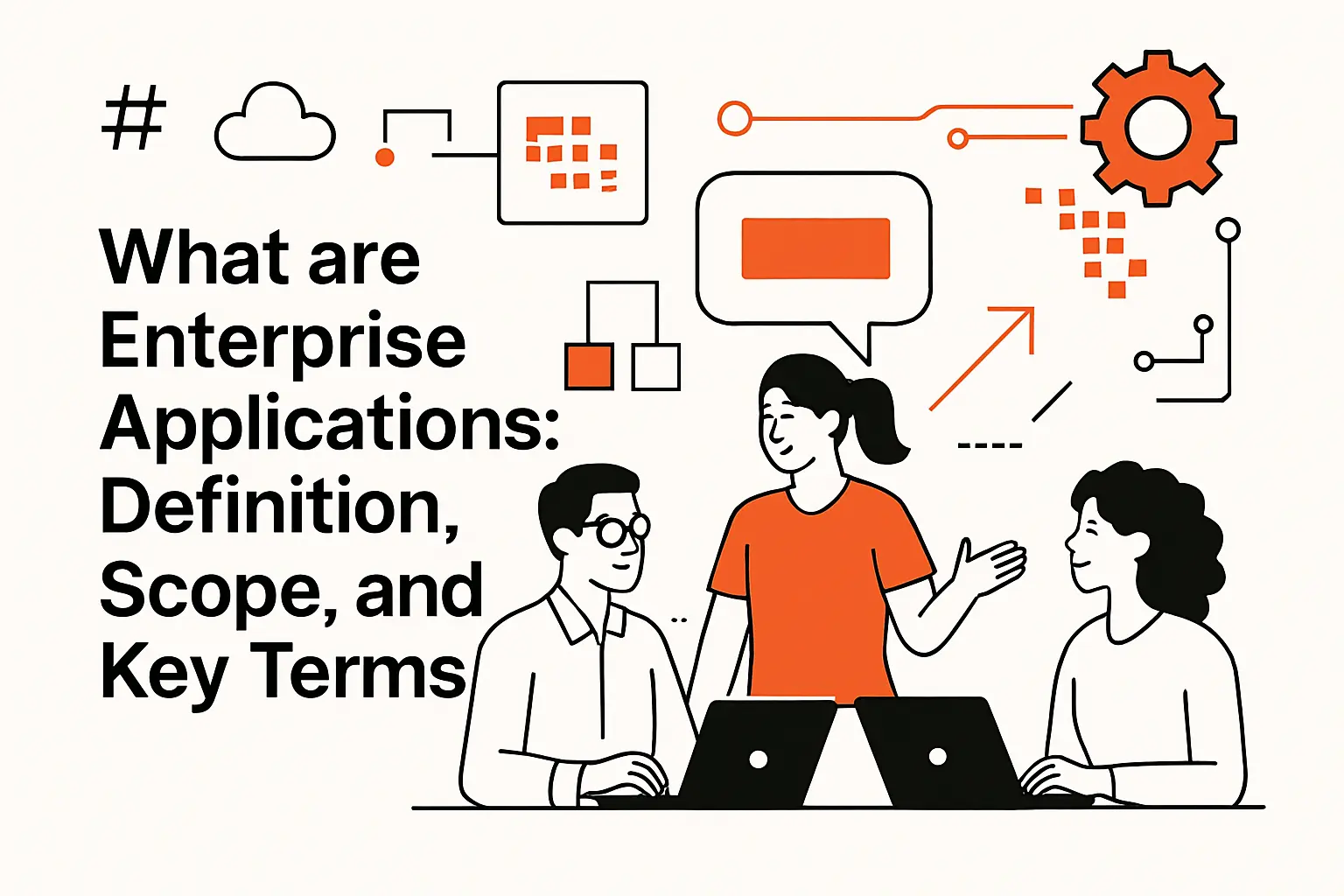
What are enterprise applications: definition, scope, and key terms
1. Enterprise applications as large-scale solutions that streamline and automate organizational processes
Enterprise applications are large-scale systems designed to run the business, not just support it. Unlike a single-purpose tool, an enterprise app usually encodes a process end-to-end: request, approve, fulfill, reconcile, report, and audit. From our perspective, that “end-to-end” idea is the heart of the definition, because it forces software to handle the gray areas—exceptions, escalations, overrides, and timing.
Operationally, we treat enterprise applications as workflow engines wrapped around authoritative data. A purchase order system is not “a form”; it’s a set of constraints, permissions, thresholds, vendor rules, receipt matching, and accounting implications. When the workflow is well-modeled, automation isn’t just speed—it becomes consistency, traceability, and predictable outcomes across teams.
2. Enterprise application software and enterprise software: how the terms relate
In day-to-day conversations, “enterprise application software” and “enterprise software” are often used interchangeably, and that’s mostly fine. Still, we like to keep a useful distinction: enterprise software is the broader category (including databases, middleware, security tooling, and observability platforms), while enterprise application software refers to the business-facing layer that users live in—ERP, CRM, HR systems, supply chain platforms, and analytics portals.
Architecturally, enterprise software is the ecosystem; enterprise applications are the visible organs. Because of that dependency chain, performance and reliability are rarely “inside the app” alone. In our delivery work, a slow approval screen might be caused by identity provider latency, a fragile integration, or a reporting query that grew up into a monster over time.
3. Enterprise apps as mission-critical platforms for business and government operations
We call enterprise apps mission-critical when failure creates immediate business harm: missed shipments, incorrect patient eligibility, delayed benefits, erroneous invoices, or noncompliant reporting. That criticality changes everything about how we design: failure modes, rollback strategy, audit trails, and the ability to operate “degraded but safe” when dependencies wobble.
Government contexts intensify the stakes because public-sector systems often combine long service lifecycles, statutory rules, and strict procurement constraints. Commercial contexts add different pressures—competition, margins, and customer expectations—but the engineering requirement is the same: build systems that remain trustworthy under stress, and keep the organization functioning even when the perfect plan collapses.
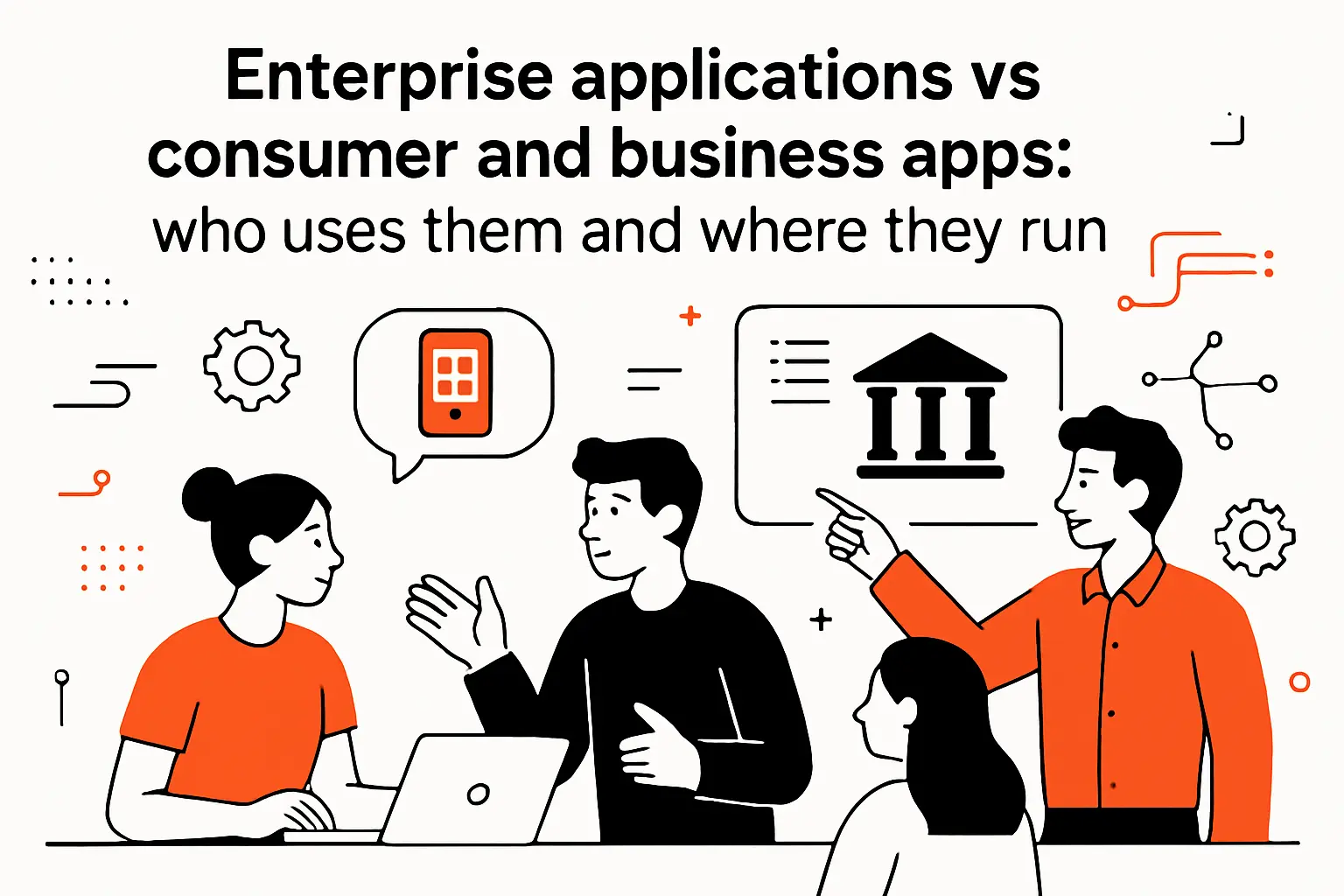
Enterprise applications vs consumer and business apps: who uses them and where they run
1. Organizationwide systems that unify operations across departments and locations
Consumer apps are typically optimized for individual preference; enterprise apps are optimized for organizational alignment. That sounds abstract until you watch a company try to unify “customer,” “product,” or “location” definitions across sales, finance, and operations. In an enterprise, disagreement about data definitions becomes operational friction, and enterprise software exists largely to reduce that friction.
In practical terms, enterprise applications unify operations by enforcing shared workflows and shared data models. The app is often the referee: it decides what’s allowed, what’s required, what must be logged, and what must be approved. When we design these systems, we prioritize clarity over cleverness because ambiguity becomes a recurring support ticket.
2. Internal enterprise use cases and examples across common business functions
Enterprise apps show up wherever coordination is expensive. Sales teams need account context; finance needs accurate revenue recognition inputs; operations needs inventory truth; HR needs consistent onboarding and policy enforcement. Even when the surface features vary, the same underlying problem appears: multiple roles touching the same entity with different permissions and different incentives.
In a real rollout we supported for a services organization, a “simple” time entry workflow turned into a strategic lever. By connecting time entry to project governance, billing readiness, and utilization reporting, leadership gained a coherent view of delivery health. The software wasn’t valuable because it collected hours; it was valuable because it linked decisions to downstream consequences.
3. Web-based, desktop, and cloud suite approaches in enterprise environments
Enterprises rarely choose a single runtime shape forever. Some environments still rely on desktop clients for latency-sensitive workflows, specialized hardware integrations, or offline operation. Other organizations default to browser-first experiences because they simplify deployment, reduce endpoint complexity, and align with modern identity and access control approaches.
Cloud suites add another layer: an opinionated ecosystem with bundled identity, collaboration, analytics, and integration options. From our standpoint, suites can be accelerators when the organization accepts the default process model, and they can become constraints when differentiation depends on workflows the suite can’t express cleanly. The healthiest environments we see treat deployment style as a tool, not an ideology.
Core characteristics of enterprise application software
1. Centralized management and standardized policies and procedures
Enterprise applications are governed products, even when they’re “just internal tools.” Centralized management shows up as admin consoles, role design, policy enforcement, configuration control, and consistent provisioning and deprovisioning. When we meet teams struggling with enterprise sprawl, the root cause is often policy fragmentation: different departments reinventing rules that should have been shared.
Standardization is not about bureaucracy for its own sake; it’s about repeatability. A standardized approval chain means auditability, predictable cycle time, and easier training. In implementation work, we aim to separate policy (what must be true) from process (how work flows) so the organization can evolve without rewriting the entire application every time leadership reshuffles.
2. Integration across existing systems to enable seamless communication and data flow
Integration is where enterprise dreams meet enterprise reality. Most organizations already have systems of record, departmental tools, and legacy platforms that cannot be replaced quickly without breaking revenue or compliance. As a result, enterprise applications are often less like standalone products and more like well-orchestrated networks.
From a technical standpoint, integration means dealing with inconsistent identifiers, mismatched schemas, asynchronous events, and partial failure. The best enterprise apps are honest about those constraints: they validate inputs, reconcile differences, and expose operational dashboards that show what is delayed, what failed, and what requires human intervention. That visibility is a feature, not an afterthought.
3. Scalability to support many users, transactions, and growing data volumes
Scalability in enterprise applications is not only about concurrency; it’s about sustained throughput, data growth, and uneven load patterns. Payroll spikes, quarter-end reporting, seasonal retail demand, and incident-response surges create load shapes that aren’t “steady.” In our architecture reviews, we look for bottlenecks that appear only during peak business stress, because those are the moments that define trust.
Designing for scale typically forces hard choices: how much to precompute, which queries must be optimized, what data to archive, and where to introduce caching without undermining correctness. Enterprises also need organizational scalability—more teams, more integrations, more compliance requirements—so we bias toward patterns that don’t collapse when the second or third product team joins the repo.
4. Security and compliance measures to protect sensitive business data
Enterprise applications tend to handle sensitive, regulated, or reputation-critical data: customer identities, financial records, employee details, contracts, and operational intelligence. That makes security a first-order design requirement, not a checklist. Access controls must be role-driven, auditable, and resilient to misconfiguration, because misconfiguration is the most common “attack vector” we see internally.
Risk management also includes evidence: logs, immutable audit trails, and traceable data lineage. When a regulator, auditor, or internal investigator asks, “Who changed this, and why?”, the app should answer without a heroic engineering effort. From our perspective, compliance is easiest when it’s implemented as product behavior rather than documentation theater.
5. Customization and flexibility to adapt to changing workflows with minimal disruption
Enterprises change constantly: reorganizations, acquisitions, new product lines, vendor switches, and regulatory updates. Enterprise apps must therefore be configurable without becoming chaotic. We prefer layered customization: configuration for straightforward policy changes, extension points for domain-specific logic, and code changes only when the business is truly differentiating.
Flexibility also depends on how you model workflow. If every change requires a hard-coded state machine rewrite, the organization will either freeze innovation or start bypassing the system. In our builds, we treat “safe change” as a deliverable: feature flags, migration scripts, backward-compatible APIs, and testing strategies that allow changes to land without breaking downstream consumers.
Types of enterprise applications: common categories and examples
1. What are enterprise applications used for across departments and teams
Enterprise applications exist to coordinate shared work at scale. Departments use them to enforce accountability, capture institutional knowledge, and reduce handoffs that rely on tribal memory. In our experience, the best enterprise apps reduce cognitive load: users should not have to remember policy nuances because the system encodes them.
Cross-department usage is where value compounds. A single shared customer record improves sales forecasting, billing accuracy, support context, and marketing segmentation. The same is true for shared product and pricing data. When an enterprise app fails, it’s often because the design treated departments as separate universes rather than participants in one operational story.
2. Enterprise resource planning ERP as the transactional backbone with deeply integrated modules
ERP is the transactional backbone: purchasing, inventory, production, order management, and financial postings woven into a single operational fabric. What makes ERP enterprise-grade is not the UI; it’s the rigor of the accounting and operational implications behind each transaction. When a receipt is posted, it changes inventory valuation, impacts vendor liabilities, and affects reporting.
In implementations we’ve seen succeed, teams treat ERP as the source of operational truth for a defined scope, then integrate outward with clear contracts. In implementations we’ve seen struggle, organizations attempt to customize ERP until it becomes a bespoke product with vendor lock-in and brittle upgrades. Our bias is to customize at the edges and standardize at the core whenever possible.
3. Customer relationship management CRM and contact center operations
CRM is often misunderstood as “a sales database.” In reality, CRM is a customer operating system: pipeline governance, account ownership, segmentation, communication history, and service workflows. Contact centers add complexity: queues, routing rules, escalation paths, knowledge bases, and quality monitoring.
From a technical lens, CRM success depends heavily on identity resolution and data hygiene. Duplicate accounts, mismatched contacts, and inconsistent status fields erode trust until users stop believing dashboards. In our builds and integrations, we focus on deterministic matching rules, deduplication workflows, and event-driven updates so customer context remains coherent across sales, support, and billing.
4. Human resource management and human capital management HRM HCM
HRM and HCM systems manage the employee lifecycle: hiring, onboarding, job changes, compensation, performance, and offboarding. The “enterprise” complexity comes from policy and exception handling—different regions, different unions, different benefits, and different approval requirements. Because HR data is sensitive, access models tend to be more intricate than teams anticipate.
Integration is also central: HR systems feed identity provisioning, payroll, learning platforms, and sometimes physical access controls. When HR data lags or becomes inconsistent, the downstream blast radius can be surprising: delayed onboarding, incorrect access rights, or payroll corrections that consume leadership attention. We treat HR integrations as security-critical pipelines, not casual ETL jobs.
5. Supply chain management and inventory operations
Supply chain systems coordinate procurement, manufacturing or assembly, warehousing, logistics, and fulfillment. Inventory operations are where enterprise software meets physics: items exist in places, quantities change, and mistakes show up as late shipments or write-offs. For many businesses, inventory accuracy is profitability.
On the engineering side, supply chain apps demand careful transaction design. Concurrency matters when multiple scanners, pickers, or systems update the same stock positions. We frequently use patterns like optimistic concurrency, idempotent updates, and event sourcing for high-integrity flows. When a warehouse runs at speed, the software must be both fast and correct, which is a nontrivial balancing act.
6. Business intelligence and analytics for reporting, dashboards, and decision-making
BI and analytics are often positioned as a layer “on top” of enterprise applications, but we prefer to see them as a feedback system that shapes behavior. Dashboards influence priorities, and priorities influence what people enter into the system. That loop is why definitions, governance, and trust are so important in enterprise reporting.
Technically, analytics ecosystems range from embedded reporting inside applications to dedicated warehouses and semantic layers. In custom enterprise work, we prioritize a clear separation between transactional stores (optimized for writes and operational queries) and analytical stores (optimized for aggregation and historical insight). That separation reduces performance risk and clarifies data ownership, especially when multiple departments rely on the same metrics.
7. Accounting, billing, payroll, and financial operations
Financial operations software is where mistakes become expensive quickly. Billing systems must handle contract terms, proration, credits, tax logic, and revenue timing. Payroll systems must apply policy correctly, respect confidentiality, and produce auditable records. In enterprises, finance applications are often the final arbiter of truth: the numbers must reconcile, or everything downstream becomes suspect.
From our viewpoint, the essential engineering trait here is traceability. Every posted transaction should be explainable: source event, applied rules, approvals, and adjustments. When we design financial workflows, we also plan for reversals and corrections, because the ability to fix mistakes safely is as important as preventing them in the first place.
Benefits and outcomes enterprises get from enterprise applications
1. Streamlined processes through automation and reduced manual effort
Automation is the headline benefit, but the deeper outcome is operational maturity. When software enforces workflow, it eliminates ad hoc decision-making that depends on who is online, who remembers the policy, or who happens to be copied on an email thread. That shift reduces cycle time, but it also reduces organizational anxiety, which is harder to measure and easier to feel.
In projects we’ve delivered, the most valuable automations tend to be “boring”: automatic routing, prefilled forms, validation rules, and standard notifications. Those small features remove a thousand paper cuts from daily work. Over time, the organization stops paying a hidden tax in manual follow-ups, rework, and context switching.
2. Improved data accuracy, governance, and unified data repositories
Enterprises adopt enterprise applications partly because spreadsheets and siloed tools don’t preserve truth at scale. A unified repository creates shared context and reduces disputes about “whose numbers are right.” Governance then becomes feasible: data owners can define permissible values, required fields, and lifecycle rules, and the software can enforce them consistently.
Data accuracy is not merely a reporting concern; it shapes operational decisions. If customer status is wrong, support response degrades. If inventory is wrong, fulfillment suffers. And if pricing is wrong, margin evaporates. In our implementations, we treat data quality as a product feature with ownership, workflows, and monitoring, rather than a cleanup effort pushed into the last week of go-live.
3. Better communication and collaboration enabled by shared information access
Collaboration in enterprises is often a data access problem disguised as a teamwork problem. When teams cannot see the same customer record, the same order status, or the same approval history, collaboration becomes guesswork and escalation. Shared enterprise systems reduce that uncertainty by giving teams a common factual substrate.
From a design standpoint, shared access does not mean universal access. Permission models must support least privilege and separation of duties while still enabling cross-functional workflows. We often implement role-based access, attribute-based rules, and workflow-specific views so collaboration is real but controlled. Good enterprise apps make it easy to do the right thing and hard to do the risky thing.
4. Cost reduction over time through fewer errors and optimized resource allocation
Cost reduction is rarely immediate because enterprise applications require implementation effort, training, and process change. Over time, however, fewer errors and fewer manual reconciliations lower operating costs. The hidden savings are often larger than the obvious ones: fewer expedited shipments, fewer billing disputes, fewer compliance scrambles, and fewer emergency meetings to resolve data contradictions.
Resource allocation improves because decision-makers gain visibility into constraints. Staffing can be aligned with demand patterns, procurement can be planned with clearer lead time signals, and service teams can triage with better customer context. In our view, the enterprise app is valuable not because it “saves money” in the abstract, but because it converts uncertainty into manageable queues and measurable work.
5. Improved customer relations and satisfaction through better data and service workflows
Customer satisfaction improves when enterprises behave consistently. Enterprise applications make consistency achievable: standardized service workflows, unified customer histories, and clearer accountability for follow-ups. From our perspective, the best customer outcomes come from internal alignment first; the customer feels the difference when internal handoffs stop breaking.
Service quality also improves when the system supports proactive work. A well-integrated platform can trigger reminders, escalate overdue tasks, and surface risk indicators before a customer complains. We’ve seen organizations shift from reactive ticket handling to structured customer care by connecting CRM, billing, and fulfillment states into one operational picture.
6. Long-term scalability and adaptability as the organization evolves
Enterprises rarely stand still, so enterprise applications must support evolution without frequent rewrites. Scalability includes technology scalability, but it also includes governance scalability: adding business units, introducing new approval policies, onboarding new partners, and integrating acquisitions. The application becomes a platform when it can absorb those changes without turning every request into a bespoke engineering project.
From our vantage point, adaptability is mostly about constraints. If business rules are externalized, workflows are modular, and integrations are contract-driven, change becomes safer. If everything is embedded in brittle customizations, evolution becomes expensive. The long-term outcome of a good enterprise app is not perfection; it’s the ability to keep moving without breaking trust.
Enterprise systems and platforms: architecture, modules, and software stacks
1. Enterprise systems as large-scale packages supporting business processes, information flows, reporting, and analytics
Enterprise systems are not single applications; they are packages of capabilities tied together by shared data and shared governance. They support operational processes, information flows between teams, reporting, and analytics. In practice, that means an enterprise system usually includes a transactional core, integration surfaces, a reporting plane, and operational tooling for support teams.
When we evaluate an enterprise platform, we look for where it “wants” to be the source of truth and where it expects to integrate. That boundary definition prevents architectural ambiguity later. Without clear boundaries, teams end up duplicating logic in multiple places, and the organization pays for it in reconciliation work, inconsistent behavior, and fragile change management.
2. Packaged enterprise software vs bespoke custom-developed systems for specific organizational needs
Packaged software brings speed and proven patterns, especially for standardized functions like general ledger, procurement basics, or commodity HR workflows. Bespoke systems bring differentiation and fit when the business process is unique, rapidly evolving, or strategically important. The hard truth is that “build vs buy” is rarely binary; most enterprises end up doing both.
From our experience, custom work is justified when packaged software forces the business into unnatural contortions or when integration complexity eclipses the perceived savings. Conversely, buying makes sense when the organization would otherwise reinvent a mature domain. Our strongest recommendation is to decide deliberately: define what must be unique, then standardize everything else without apology.
3. Modular components that support specific functions and interoperate through middleware
Modularity is how enterprises survive change. Instead of building one monolith that does everything, modern enterprise architecture often decomposes into modules: customer identity, pricing, order management, fulfillment, billing, reporting, and so on. Middleware—whether an integration platform, message broker, or API gateway—becomes the connective tissue that prevents modules from turning into silos.
Engineering discipline matters here. Modules must have clear ownership, versioned contracts, and stable interfaces. Otherwise, modularity becomes “distributed confusion,” where every change breaks three downstream consumers. In our builds, we prioritize contract testing, event schema governance, and explicit backward-compatibility strategies so modules can evolve independently without harming the broader system.
4. Managing complex software stacks by rationalizing tools and reducing redundancy
Enterprise stacks grow like coral reefs: new layers accrete, and nobody wants to remove anything because something important might be living in it. Over time, tool redundancy becomes a cost center: multiple reporting tools, multiple workflow engines, multiple identity systems, and overlapping data pipelines. Rationalization is the unglamorous work that makes everything else cheaper and safer.
At TechTide Solutions, we approach stack management as portfolio engineering. First, we inventory what exists and who depends on it. Next, we identify overlapping capabilities and pick strategic defaults. Finally, we plan migrations that respect business continuity. The real win is not fewer tools for the sake of it; the win is fewer integration points, fewer failure modes, and fewer “mystery dependencies” that stall delivery.
Integration, deployment models, and implementation considerations
1. Enterprise application integration EAI to synchronize databases and enable cross-application data access
EAI is the practice of making enterprise applications behave like one coherent system, even when they are built from many products. Synchronization can be data-level, process-level, or event-level. In practice, the choice depends on what must be consistent, what can be eventually consistent, and what must remain isolated for security or regulatory reasons.
Integration also has a political dimension: which team “owns” a field, which system is authoritative, and who is accountable when data conflicts. We’ve learned that EAI succeeds when those ownership questions are answered early. Without explicit ownership, integrations drift into silent failure, and the organization discovers the problem only when customers, auditors, or finance teams notice discrepancies.
2. APIs, middleware, and data transformation layers for connecting legacy and modern systems
APIs are the contract layer, middleware is the orchestration layer, and transformation is the translation layer. Legacy systems often speak older dialects—flat files, rigid schemas, or procedural interfaces—while modern systems expect structured APIs and event streams. That mismatch is not an obstacle; it’s a normal condition in enterprise environments.
In our integration work, we avoid embedding transformation logic in too many places because it becomes untestable and hard to govern. Instead, we prefer explicit mapping services, schema registries when events are used, and centrally managed policies for validation and normalization. The goal is not just connectivity; it’s maintainability when the next system upgrade arrives and breaks assumptions.
3. Integration patterns including real-time synchronization, batch processing, publish-subscribe, service buses, and microservices
Integration patterns are ultimately trade-offs about latency, reliability, and complexity. Real-time synchronization offers immediacy but increases coupling and failure sensitivity. Batch processing reduces operational coupling but can create stale data windows that frustrate users. Publish-subscribe patterns support decoupling and extensibility, yet they demand disciplined event design and monitoring to avoid “ghost updates” and duplicated processing.
Service buses can standardize integration governance, while microservices can localize change. Neither approach is automatically superior. We choose patterns based on business semantics: which events represent commitments, which flows require confirmation, and where eventual consistency is acceptable. When enterprises get this wrong, they don’t merely get technical debt; they get operational confusion.
4. Deployment models: on-premises, cloud-based, hybrid, and software as a service
Deployment is not just a hosting choice; it’s an operating model choice. On-premises deployments can provide control and data locality, especially for constrained environments, but they require strong internal operations discipline. Cloud-based deployments can accelerate scaling and simplify infrastructure management, but they introduce shared-responsibility security realities and dependency risk on providers.
Hybrid deployments are common because enterprises are rarely greenfield. Many organizations keep certain systems close while pushing new workloads to managed platforms. SaaS reduces the burden of patching and infrastructure, but it also limits customization and can complicate data integration. In our design decisions, we aim to align deployment with risk tolerance, regulatory constraints, and the organization’s ability to operate reliably.
5. Operational readiness: maintenance, monitoring, load balancing, high availability, redundancy, failover, and disaster recovery planning
Operational readiness is where enterprise application success is decided after the launch party. Maintenance windows, patching strategy, incident response, and observability practices determine whether the app stays healthy. In our projects, we insist on defining service objectives, alerts that reflect user-impacting failures, and runbooks that allow support teams to act without improvisation.
Resilience is built from redundancy, failover design, and disaster recovery planning, but it also depends on data integrity guarantees. A system that fails over quickly but loses transactional correctness is not resilient; it’s dangerous. We typically design with layered safeguards: idempotent operations, durable queues for critical events, and audit trails that allow reconstruction if something goes wrong. That approach turns outages from existential threats into manageable incidents.
6. Implementation approach: phased rollouts, change management, training, executive sponsorship, and user champions
Implementation is a socio-technical project. Phased rollouts reduce risk by limiting the blast radius of change, but they require thoughtful coexistence strategies between old and new processes. Change management and training determine whether users adopt the system or quietly route around it. Executive sponsorship provides the authority needed to enforce process alignment when departments resist standardization.
In our delivery experience, user champions are the secret weapon. Champions translate between the business language and the system’s capabilities, and they surface edge cases before they become production incidents. For another hard truth, McKinsey notes that 70 percent of transformations fail, and enterprise application rollouts are often the sharp end of those broader transformations. Because of that risk, we treat adoption metrics and workflow fit as seriously as performance and security.
7. Total cost of ownership planning: licensing, infrastructure, customization, upgrades, security, and eventual replacement
Total cost of ownership is where strategy becomes honest. Licensing and infrastructure are the visible costs, but customization, integration maintenance, upgrades, security operations, and talent needs often dominate over time. Enterprises also pay in opportunity cost: slow delivery, brittle change processes, and the inability to adopt new capabilities without disruption.
Technical debt is a direct TCO multiplier. McKinsey observes that technical debt accounts for about 40 percent of IT balance sheets, and we see that “tax” manifest as delayed features, risky releases, and integration fragility. Security incidents further compound costs; IBM reports the global average cost of a data breach reached $4.88 million in 2024, which makes preventative engineering feel less like overhead and more like prudent investment. In our planning, we always include eventual replacement because every enterprise system has a lifecycle, even if nobody wants to talk about it.
How TechTide Solutions helps teams build custom enterprise applications
1. Discovery workshops to map business processes, requirements, stakeholders, and success metrics
Discovery is where we prevent expensive misunderstandings. Rather than asking only “what screens do you want?”, we map processes: who initiates work, who approves, what data is required, what exceptions exist, and what downstream systems consume the outputs. Stakeholder alignment is not a meeting; it’s a shared model of reality that becomes the foundation for architecture and delivery.
During workshops, we also define success metrics in operational terms: cycle time reduction, reconciliation reduction, fewer handoffs, better data completeness, or improved audit readiness. That clarity helps teams avoid shipping features that look impressive but don’t move the business. From there, we produce a delivery plan that sequences value, reduces risk, and keeps integration constraints visible.
2. Custom software development for web apps and enterprise platforms tailored to customer needs
Custom development is most valuable when the business needs a system that reflects its unique operating model. In our builds, we emphasize domain modeling, permissions and auditability, workflow clarity, and integration contracts. A great enterprise app is not a pile of features; it’s a coherent set of business rules expressed as software, with enough guardrails that the organization can trust outcomes.
Engineering-wise, we build for maintainability: modular services, tested APIs, predictable deployment pipelines, and observability designed into the product. We also design for the reality that enterprise apps are never “done.” New integrations appear, compliance rules shift, and internal customers ask for better experiences. Our goal is to deliver a platform that can absorb those changes without losing stability.
3. Integration and modernization with secure deployments across cloud, hybrid, and on-prem environments
Modernization usually means coexistence before replacement. We help teams integrate legacy systems safely, introduce APIs where none existed, and build migration pathways that allow business continuity. Security is woven into these efforts through identity integration, least-privilege access models, encryption practices, and operational monitoring that detects abnormal patterns early.
Deployment choices follow business constraints, not fashion. Some customers need on-prem control, others want cloud elasticity, and many require hybrid realities. In all cases, we implement repeatable environments, clear release processes, and operational runbooks that support on-call teams. The objective is simple: deliver software that can evolve without putting the business at risk.
Conclusion: turning enterprise application needs into a sustainable roadmap
1. Define the business problem: processes to automate, data to unify, and teams to support
Enterprise applications succeed when they are anchored to specific business problems. A roadmap should start by identifying which processes create friction, which data entities are inconsistent, and which teams are blocked by missing visibility. From that foundation, you can decide what must become standardized and where the organization truly needs flexibility.
At TechTide Solutions, we also recommend documenting the “trust model” up front: what must be auditable, what must be correct in real time, and what can be corrected later. That framing prevents architecture from becoming an academic exercise. When the trust model is clear, integration decisions and workflow design become far more straightforward.
2. Choose the right approach: build vs buy, plus an integration-first implementation plan
Build vs buy becomes less contentious when you define where differentiation matters. Commodity functions can be purchased and integrated, while unique workflows can be built to fit. Either way, an integration-first plan is essential because enterprise value usually depends on data flowing across systems, not living in a new silo.
Implementation should also respect operational reality. Phased rollouts, strong change management, and adoption planning are not optional work; they are part of engineering the outcome. If teams cannot adopt the system, the system effectively does not exist. As a result, we treat rollout strategy and product usability as core architecture concerns, not project-management footnotes.
3. Measure and iterate: adoption, efficiency gains, data quality, and continuous improvement
Enterprise applications are living systems, so measurement must continue after launch. Adoption metrics show whether the intended workflows are actually used. Efficiency signals reveal whether automation reduced friction or merely relocated it. Data quality indicators expose where governance is working and where users are compensating for confusing design.
Continuous improvement is where long-term value compounds. Small refinements—better validation, clearer queues, improved audit views, safer integrations—often produce outsized operational relief. If we could leave one next step, it would be this: what is the smallest enterprise workflow you can modernize in a way that improves trust across teams, and who will own that trust when the software is live?