We build production systems where speed and safety must coexist, and low code is often the lever that reconciles both. In practical terms, the category’s gravity is unmistakable, as the worldwide market for low‑code development technologies totaled $26.9 billion in 2023, which tracks with what our clients ask us to deliver. That momentum shapes architecture choices, workforce strategies, and the economics of software portfolios. We see the shift not as a fad, but as an operating model change that aligns design, data, and delivery under a shared canvas.
What are low code development platforms? Benefits, use cases, and limits
Low code platforms compress the distance from idea to deployment by making visuals the first language of design. The market backdrop explains the surge: the global low‑code platform market is forecast to reach approximately 65 billion U.S. dollars by 2027, which mirrors what we witness in budget cycles and backlog triage. With that context, we treat low code as a layer on top of proven engineering disciplines, not a substitute.
1. Definition of low code development platforms and how they work
At heart, these platforms offer visual modeling, reusable components, and managed runtimes. We map processes, data, and user journeys in a shared canvas that generates scaffolded code or metadata. Under the hood, engines translate models into artifacts ready for the platform runtime. That translation is powerful, yet it still benefits from sound design rules, domain modeling, and disciplined naming. In our projects, we treat platform models as living specifications that evolve with the product.
2. Low code development platforms vs no code: key differences
Low code emphasizes extensibility, letting professional developers drop to code when patterns hit edge cases. No code focuses on accessible assembly for business users, often with stricter guardrails. We choose low code for workflows that must integrate with complex systems or require lifecycle rigor. We choose no code for light internal tools that need quick iteration and limited integration points. Both approaches improve delivery, provided governance matches ambition.
3. Core features of low code development platforms drag-and-drop, visual modeling, templates
Foundational features include visual process builders, UI designers, data mappers, and template libraries. Connectors hide repetitive integration plumbing so teams focus on behavior and policy. Prebuilt components reduce boilerplate while still allowing custom widgets where design needs demand. We layer templates with domain conventions so every new app starts with solid defaults. That habit preserves quality when teams scale and turnover rises.
4. Common use cases internal tools, workflow apps, and customer-facing apps
Internal tools benefit from rapid schema changes and rich audit trails. Workflow apps thrive when orchestrating handoffs across departments or vendors. Customer‑facing apps gain from headless patterns that let the platform power logic while a separate frontend handles experience. We have built branch operations portals, claims triage, and partner onboarding journeys using that mix. The outcome is consistent flow, even when every form looks different.
5. Benefits speed to value, flexibility, and collaboration between IT and business
Speed matters, but shared understanding matters more. Visual modeling accelerates conversations, because stakeholders can point to a flow rather than debate abstractions. Flexibility shows up when requirements change during discovery. Collaboration improves when business experts become modelers and reviewers inside the same environment. We see fewer lost handoffs and less translation overhead, which improves both throughput and morale across the team.
6. Governance, security, and compliance considerations for low code development platforms
Strong guardrails keep velocity from becoming risk. We enforce environment tiers, role‑based access, and approval workflows for sensitive connectors. Data policies sit close to the model so changes trigger targeted reviews. Logging, tamper‑evident audit trails, and centralized secret management are non‑negotiable. Our guidance makes the CoE the steward of platform policy, while product teams own solution risks within those guardrails.
7. Customization and scalability limits to watch
Every platform abstracts something, which implies trade‑offs. Some limit background jobs, some restrict network topologies, and others constrain UI freedom. We evaluate multi‑tenant considerations, cold start behavior, and limits on long‑running flows. For heavy compute, we offload specific steps to cloud functions behind clear contracts. That separation protects upgrade paths while letting teams meet demanding workload profiles.
8. Citizen development and fusion teams operating model
Citizen makers bring domain fluency that shortens discovery. Fusion teams pair those makers with architects and security partners inside transparent workflows. The model depends on curated components, documented patterns, and scheduled design reviews. We favor a catalog of approved building blocks over ad hoc experimentation. That balance unlocks local innovation while keeping the platform posture consistent enterprise‑wide.
9. AI-assisted development trends within low code development platforms
Platform copilots generate forms, flows, and queries from natural language. Those assistants shine during scaffolding and during test data generation. We still expect human review on data handling, branching logic, and error paths. Model prompts become part of design artifacts so decisions remain explainable. When teams treat AI suggestions as drafts, they gain speed without sacrificing intent or control.
10. Typical pitfalls vendor lock-in, hidden costs, and shadow IT
We avoid lock‑in by embracing modular boundaries and externalizing core data contracts. Hidden costs lurk in premium connectors, capacity units, and over‑provisioned environments. Shadow IT appears when teams bypass governance to ship faster. Transparent intake, reference architectures, and clear platform roadmaps keep everyone aligned. The cure is open conversation and repeatable patterns rather than blanket restrictions.
Quick Comparison of low code development platforms
Adoption has crossed a practical threshold, with 87% of enterprise developers use low‑code development platforms for at least some of their work, which squares with what we see in mixed‑skill delivery teams. Against that backdrop, we compare widely used options that succeed in demanding environments. We focus on enterprise guardrails, extensibility, and connector breadth rather than surface polish alone.
| Tool | Best for | From price | Trial/Free | Key limits |
|---|---|---|---|---|
| Microsoft Power Apps | Microsoft‑centric estates and Dataverse‑first design | Per user plan | Developer plan | Environment quotas and premium connector constraints |
| Salesforce Platform | CRM‑adjacent apps, Flow automation, and secure data sharing | Included with CRM or platform licenses | Trial | Org limits and governor rules require careful design |
| ServiceNow App Engine | Ops workflows, request management, and service catalogs | Contact sales | Trial | Best when workloads align to platform records and tasks |
| Mendix | Domain‑rich apps with model‑driven patterns | Contact sales | Community edition | Specialized hosting choices need upfront planning |
| OutSystems | High‑scale web and mobile with deep extension | Contact sales | Trial | Runtime footprint and deployment choices add complexity |
| Appian | Process‑heavy work with strong case management | Contact sales | Trial | Best value when process models drive most behavior |
| Oracle APEX | Data‑centric apps on Oracle estates | Included with Oracle Database | Free tier | Optimal when schemas anchor design choices |
| SAP Build Apps | Extensions for SAP processes and data | Contact sales | Trial | Great inside SAP landscapes, less neutral elsewhere |
| Google AppSheet | Light apps over Sheets and cloud data | Per user plan | Free tier | Better for departmental tools than mission‑critical cores |
| Retool | Internal tools powered by databases and APIs | Per user plan | Free tier | UI freedom is strong; heavy workflows need extra design |
Rounding out the list, these platforms frequently deliver value when deployed with the right guardrails: Pega Platform, Zoho Creator, Quickbase, Kissflow, Creatio, Nintex Automation Cloud, Airtable Apps, Claris FileMaker, DronaHQ, Betty Blocks, Kintone, Unqork, Quixy, WEM, LANSA, TrackVia, Bubble, FlutterFlow, Backendless, and Budibase. We choose from this catalog based on integration posture, security patterns, and the depth of component reuse teams can sustain.
Top 30 low code development platforms for diverse needs
We score low code platforms the way teams buy: by outcomes, not hype. Each tool is evaluated against seven weighted criteria that reflect day‑to‑day impact. Value‑for‑money (20%) looks at what you can deliver per dollar. Feature depth (20%) checks whether core building blocks cover real workflows. Ease of setup and learning (15%) gauges how quickly new builders ship safely. Integrations and ecosystem (15%) measure connectors, extensibility, and partner heft. UX and performance (10%) reflect responsiveness under load and overall polish. Security and trust (10%) consider governance, controls, and enterprise confidence. Support and community (10%) weighs docs, forums, training, and vendor care.
To keep this practical, we build sample apps, wire common systems, and push limits. Short paragraphs surface who benefits, the time you save, and clear tradeoffs. Pricing notes capture publicly available entry points and typical caps. Scores land on a 0–5 scale with a single decimal, calculated from the weights above. Use these mini‑reviews to choose the shortest path from idea to working software.
1. Appian
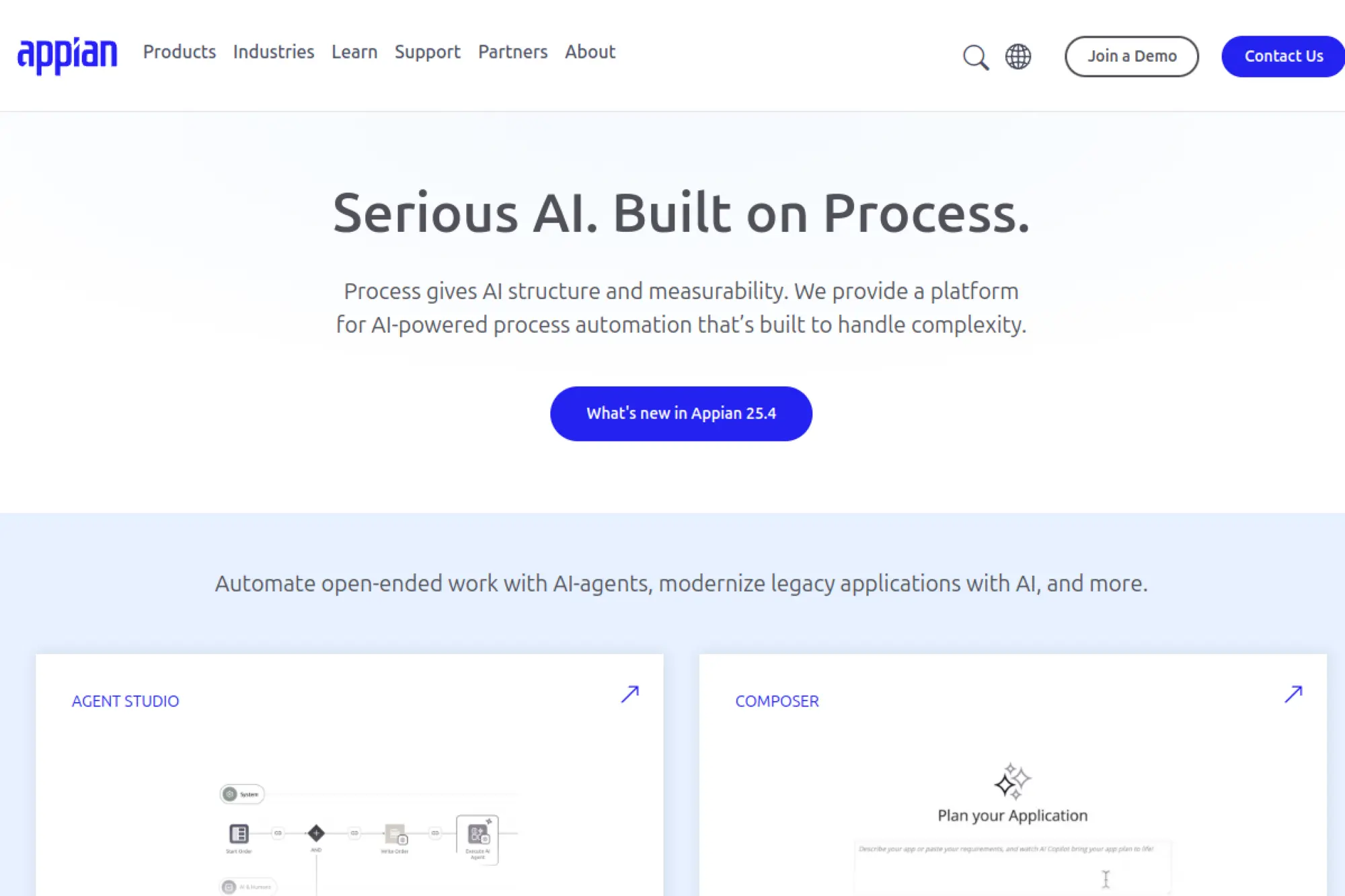
Appian’s team has shipped enterprise automation for decades. The platform blends process, data, and AI under one roof. Most customers come for governance and stay for speed. Implementation partners and Appian’s own experts help large programs land well.
Automate complex work, fast, with guardrails that scale.
Best for: operations leaders and enterprise COEs modernizing cross‑department processes.
- Process modeling and case management → orchestrate approvals and exceptions without brittle custom code.
- Prebuilt connectors and RPA bots → remove handoffs and cut multi‑system steps to minutes.
- Guided app wizards and design checks → reach first deploy within a focused week.
Pricing & limits: From $0/mo via Community Edition; enterprise trials available. Community caps include one environment and limited users. Paid plans expand environments, users, and automation volume.
Honest drawbacks: Licensing for at‑scale automation can feel opaque. App design feels opinionated, which experienced front‑end teams may resist.
Verdict: If you need end‑to‑end process apps with governance, Appian helps you deliver resilient workflows within a quarter.
Score: 4.2/5 and
2. Mendix
Mendix, part of Siemens, pairs a mature platform with a strong partner ecosystem. Both pro developers and business technologists can collaborate here. The team invests in modeling, testing, and cloud portability. That balance supports ambitious portfolios.
Model once, deliver anywhere across web, mobile, and cloud.
Best for: product teams and IT leaders building multi‑app portfolios.
- Visual domain modeling → encode rules cleanly and cut regressions across modules.
- Marketplace components and connectors → shrink integration steps from days to hours.
- Opinionated dev‑to‑prod pipeline → reach first release within one to two weeks.
Pricing & limits: From $0/mo on the Free tier; paid plans add environments and support. Trials are available for enterprise tiers. Free tier limits apps and resource quotas.
Honest drawbacks: Advanced features can demand training. Costs rise as you add environments and users.
Verdict: If you manage a product line, Mendix helps you standardize delivery and scale quality within a few sprints.
Score: 4.4/5 and
3. OutSystems

OutSystems is a veteran of enterprise low code with deep runtime control. The company’s guidance emphasizes performance and maintainability. Devs can extend with code when needed, which reduces compromise. Architecture tools help teams govern large estates.
Build serious apps without sacrificing runtime control.
Best for: IT departments delivering mission‑critical portals and mobile apps.
- Full‑stack visual development → ship responsive experiences with reusable blocks.
- Integration studio and libraries → compress API work and accelerate multi‑system flows.
- Scaffolded pipelines and monitoring → hit first production within two to three weeks.
Pricing & limits: From $0/mo on the Personal environment; enterprise trials available. Free limits include one environment and resource caps. Paid plans expand scale, users, and environments.
Honest drawbacks: Licensing can be complex for growing portfolios. UI theming flexibility requires extra effort.
Verdict: If you need performance at scale, OutSystems helps you ship robust apps on a predictable cadence.
Score: 4.3/5 and
4. Microsoft Power Apps
Microsoft backs Power Apps with the breadth of the Power Platform. The product benefits from tight Microsoft 365 and Azure integrations. Citizen developers start quickly, while IT retains oversight. The connector ecosystem is wide and well supported.
Turn spreadsheets and ideas into secure apps inside Microsoft’s universe.
Best for: Microsoft‑first organizations and lean business teams.
- Canvas and model‑driven apps → convert manual work into guided screens and flows.
- Hundreds of connectors and Power Automate → collapse multi‑app tasks to one tap.
- Templates and Dataverse policies → reach first value in a single afternoon.
Pricing & limits: From $20/user/mo on the per‑user plan; 30‑day trial available. Limits apply to API calls and Dataverse capacity. Per‑app options fit focused use cases.
Honest drawbacks: Non‑Microsoft systems may need extra connectors or Azure services. App performance depends on careful design.
Verdict: If you live in Microsoft 365, Power Apps helps you modernize processes within days, not months.
Score: 4.5/5 and
5. Salesforce Platform

Salesforce Platform extends CRM data with custom applications. The team’s focus on metadata and automation shows in developer velocity. Admins can deliver quickly while keeping security aligned. An active partner network reduces build risk.
Ship CRM‑adjacent apps where your data already lives.
Best for: revenue operations and service leaders standardizing work around CRM.
- Flows and low code triggers → automate handoffs and prevent dropped customer tasks.
- AppExchange components → replace custom builds and cut weeks of integration.
- Guided setup and schema aware UI → launch first app in a week.
Pricing & limits: From $25/user/mo on Platform Starter; trials available. Storage and API limits vary by edition. Platform Plus increases capacity and features.
Honest drawbacks: Licensing across clouds can be confusing. Heavy custom UI can take effort to polish.
Verdict: If your core lives in Salesforce, the Platform helps you codify processes within one quarter.
Score: 4.4/5 and
6. Oracle APEX
Oracle APEX is engineered by the Oracle database team. It turns SQL and business rules into secure web apps rapidly. The platform favors data‑centric design and strong governance. That bias suits finance, operations, and government programs.
Transform database logic into secure, usable apps quickly.
Best for: data teams and DBAs modernizing forms, reports, and workflows.
- Declarative components → deliver dashboards and CRUD apps without heavy front‑end code.
- Native Oracle integrations → move data routines from scripts to managed flows.
- Opinionated wizards → achieve first release in days, not weeks.
Pricing & limits: From $0/mo on Oracle Free Tier; trials available for managed APEX services. Free Tier sets compute and storage caps. Paid services scale environments and support.
Honest drawbacks: Best with Oracle at the core. Styling advanced UIs requires extra work or custom code.
Verdict: If data integrity rules your roadmap, APEX helps you ship governed apps in weeks.
Score: 4.1/5 and
7. Quickbase
Quickbase grew up in operations, where teams need change without chaos. The company’s focus is fast iteration with controls. Business users can build while IT watches the rails. Templates shorten the path from idea to action.
Unblock operations with flexible, governed apps.
Best for: operations managers and PMOs replacing spreadsheets.
- Schema‑first builder → link tables and prevent version sprawl.
- Connectors and pipelines → cut manual steps and email churn dramatically.
- Role‑based UX → reach first usable app within one week.
Pricing & limits: From $35/user/mo on Team; 30‑day trial available. Plans have minimum seats and app limits. Higher tiers add governance and integrations.
Honest drawbacks: Complex reporting can feel constrained. Per‑user pricing adds up for large casual audiences.
Verdict: If you chase operational visibility, Quickbase helps you centralize work within a sprint or two.
Score: 4.0/5 and
8. Zoho Creator
Zoho Creator arrives from a company that ships integrated business apps. The platform benefits from Zoho’s ecosystem and steady updates. Citizen developers can deliver fast while admins manage access. Scripts extend logic when rules get tricky.
Build business apps that play nicely with the rest of Zoho.
Best for: SMB teams and mid‑market admins consolidating tools.
- Visual builder plus Deluge scripts → encode rules without rewriting whole apps.
- Zoho and third‑party integrations → reduce swivel‑chair work and save hours weekly.
- Starter templates → reach first value in a day.
Pricing & limits: From $8/user/mo; 15‑day trial available. Plans cap apps, records, and integrations. Higher tiers add environments and governance.
Honest drawbacks: Complex UI tweaks may require custom code. Vendor lock‑in rises if most systems are Zoho.
Verdict: If you run on Zoho or want affordable breadth, Creator helps you publish quickly and safely.
Score: 4.2/5 and
9. Pega
Pega’s team is known for decisioning, case management, and scale. The platform blends AI, rules, and workflows for complex service. Large enterprises pick it for longevity and governance. Partners support heavy transformation programs.
Unify decisions and work in one governed backbone.
Best for: service leaders and transformation teams in regulated industries.
- Case lifecycle management → handle exceptions without derailing the process.
- Rules and decisioning engines → trim manual reviews and shorten resolution steps.
- Guardrailed implementations → reach first value within one to two months.
Pricing & limits: From $0/mo on trial; paid plans are custom. Trials cap environments, users, and workloads. Enterprise agreements unlock full governance and scale.
Honest drawbacks: Requires committed sponsorship and training. Interface customization can take time to refine.
Verdict: If you orchestrate complex service, Pega helps you reduce friction across channels within a quarter.
Score: 4.0/5 and
10. Studio Creatio
Creatio’s team builds for process‑heavy organizations. Studio Creatio focuses on no‑code workflows with strong CRM roots. Admins can compose apps without losing audit trails. The marketplace and partners extend coverage.
Design processes, then ship apps that follow them.
Best for: operations owners and business analysts digitizing processes.
- No‑code process designer → move SOPs into living workflows quickly.
- Marketplace connectors → remove manual integrations and save days of effort.
- Guided rollout tools → reach first usable flow in under a week.
Pricing & limits: From $0/mo with Studio Free; trials available for paid editions. Free tier limits users and features. Paid plans expand automation, environments, and support.
Honest drawbacks: Advanced analytics may need add‑ons. UI customization depth trails specialized UI frameworks.
Verdict: If process clarity is the goal, Studio Creatio helps you institutionalize it within weeks.
Score: 4.1/5 and
11. Kissflow
Kissflow’s team pursues approachable workflow and project tooling. The platform bundles forms, boards, and automations in one place. Business users can start small and grow. IT can step in with governance when needed.
Turn messy requests into trackable, automated flows.
Best for: SMB support teams and operations leads.
- Form and workflow builder → capture requests and enforce approvals without email loops.
- Native integrations and bots → compress repetitive steps into automatic actions.
- Template library → reach first value within a day.
Pricing & limits: From $20/user/mo; 14‑day trial available. Plans cap process count and users. Higher tiers add SSO and controls.
Honest drawbacks: Complex data models can feel constrained. Advanced reporting may require exports.
Verdict: If you need fast intake and routing, Kissflow helps you reduce turnaround time quickly.
Score: 3.9/5 and
12. Caspio
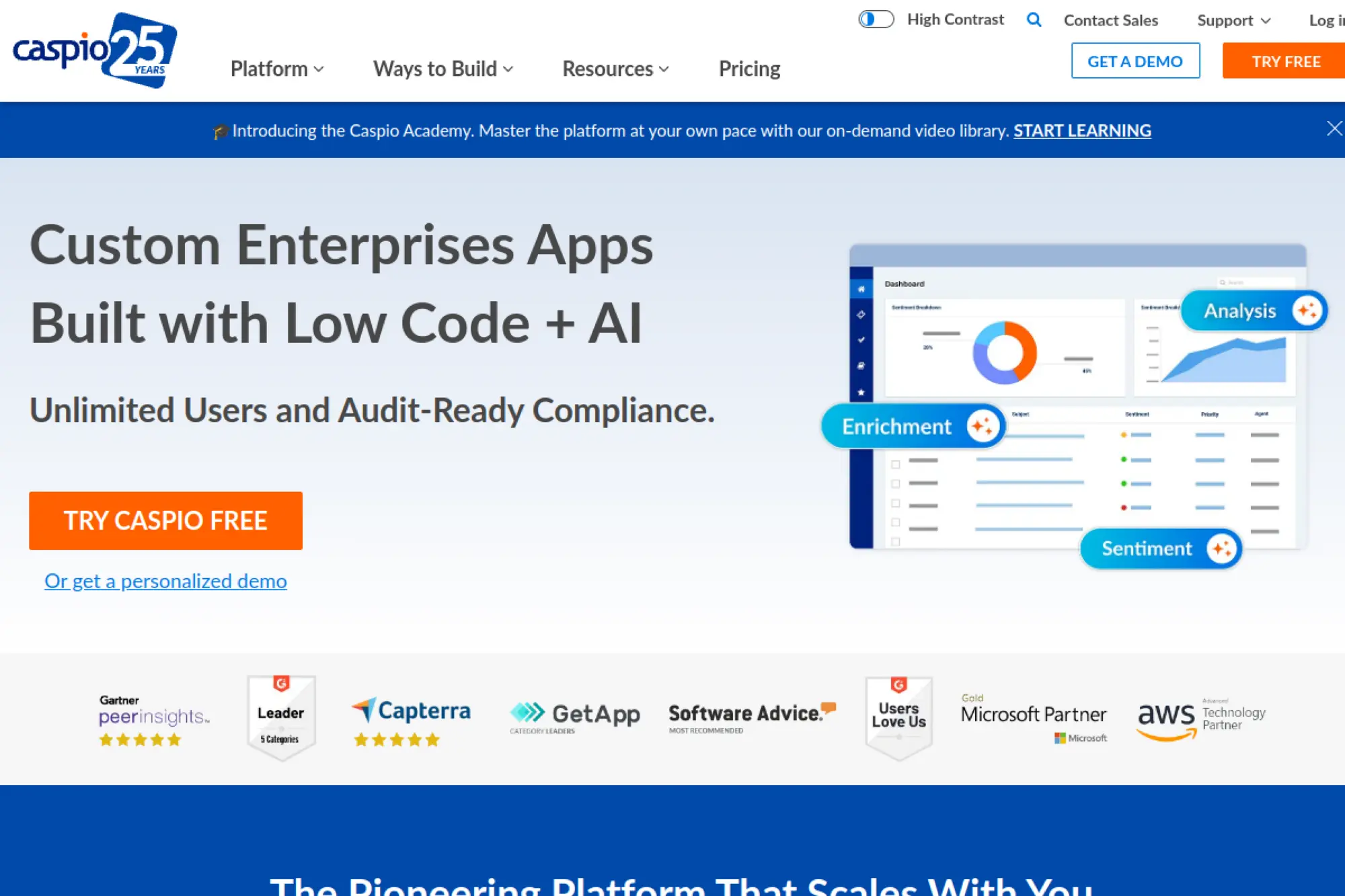
Caspio has served database apps to business users for years. The company emphasizes security and compliance. Non‑developers can stand up portals without reinventing the stack. Support materials are practical and thorough.
Launch secure database apps without managing servers.
Best for: line‑of‑business owners and IT partners.
- Point‑and‑click data modeling → replace spreadsheet chaos with governed records.
- Connectors and REST APIs → trim integration time from weeks to days.
- Deployment wizards → reach first portal within a week.
Pricing & limits: From $100/mo; 14‑day trial available. Plans cap records, bandwidth, and developers. Higher tiers add SSO and advanced security.
Honest drawbacks: UI flexibility is limited compared with modern frameworks. Pricing jumps between tiers.
Verdict: If your priority is secure data apps, Caspio helps you publish portals with confidence.
Score: 3.8/5 and
13. Kintone
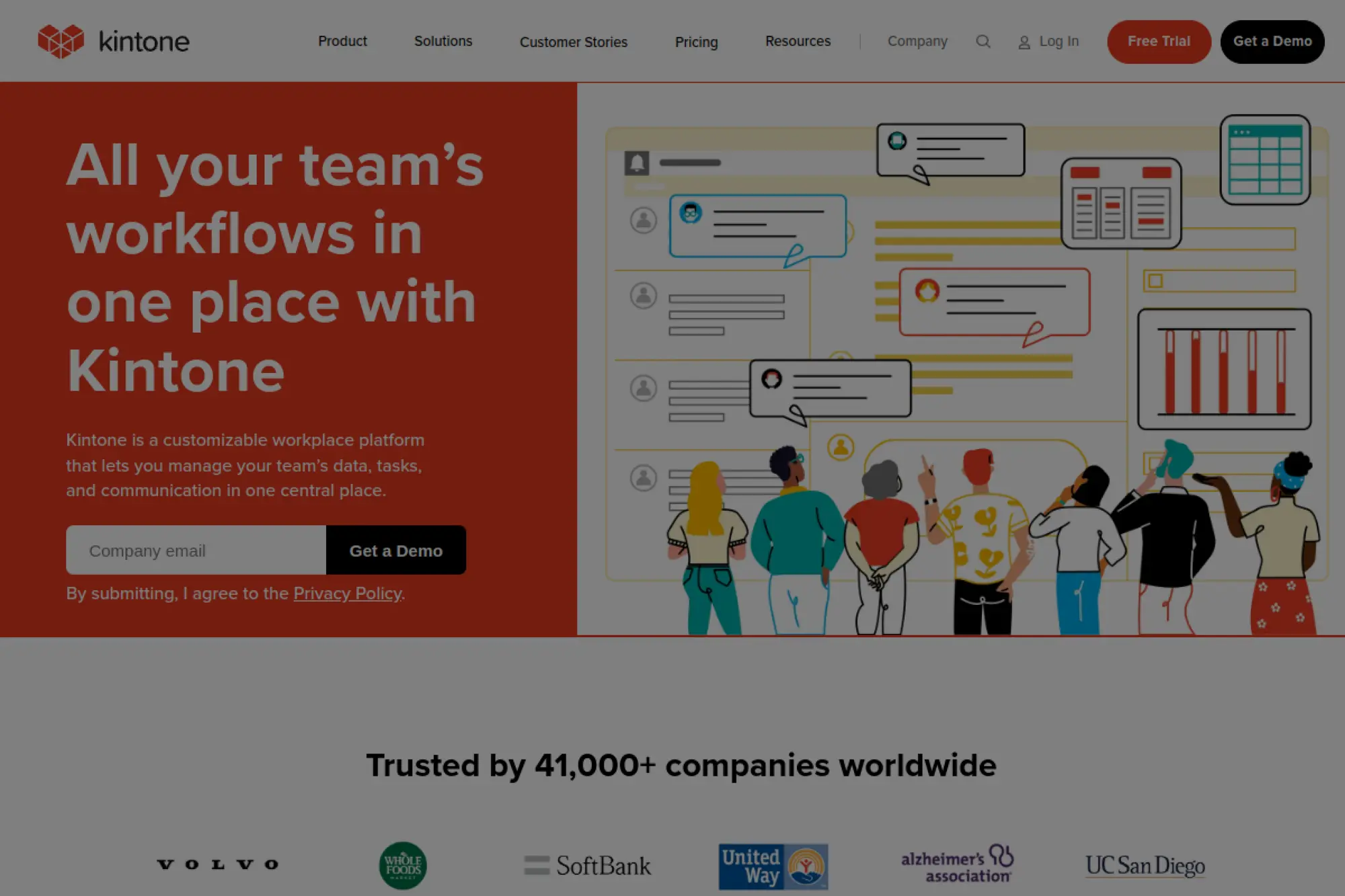
Kintone’s product comes from a collaboration‑first mindset. Teams build databases and workflows that live beside conversations. The company supports structured work with approachable tools. Admins can guide standards without blocking momentum.
Organize data, tasks, and context in one place.
Best for: SMB teams and departments replacing email threads.
- App and form builder → standardize requests and reduce ad‑hoc spreadsheets.
- Connectors and extensions → cut routine steps and save hours weekly.
- Simple rollout → reach first app in a single day.
Pricing & limits: From $24/user/mo; 30‑day trial available. Minimum users apply. Storage and app counts vary by plan.
Honest drawbacks: Heavy analytics require external tools. Visual customization can feel limited.
Verdict: If you want order with minimal friction, Kintone helps you operationalize work fast.
Score: 3.9/5 and
14. Quixy
Quixy’s team focuses on empowering business users while serving IT needs. The platform offers app building, workflows, and reports in one package. Templates accelerate adoption across functions. Governance keeps growth sustainable.
Empower teams to build without losing control.
Best for: mid‑market operations and shared services groups.
- No‑code builder → publish forms and automations without developer wait time.
- Integrations and bots → shrink multi‑system tasks to a few clicks.
- Onboarding guides → reach first value within days.
Pricing & limits: From $20/user/mo; 14‑day trial available. Plans cap apps, users, and API volume. Enterprise adds SSO and environments.
Honest drawbacks: Complex UI patterns may need custom widgets. Documentation depth varies across features.
Verdict: If speed matters across departments, Quixy helps you replace spreadsheets inside a month.
Score: 3.8/5 and
15. ServiceNow App Engine
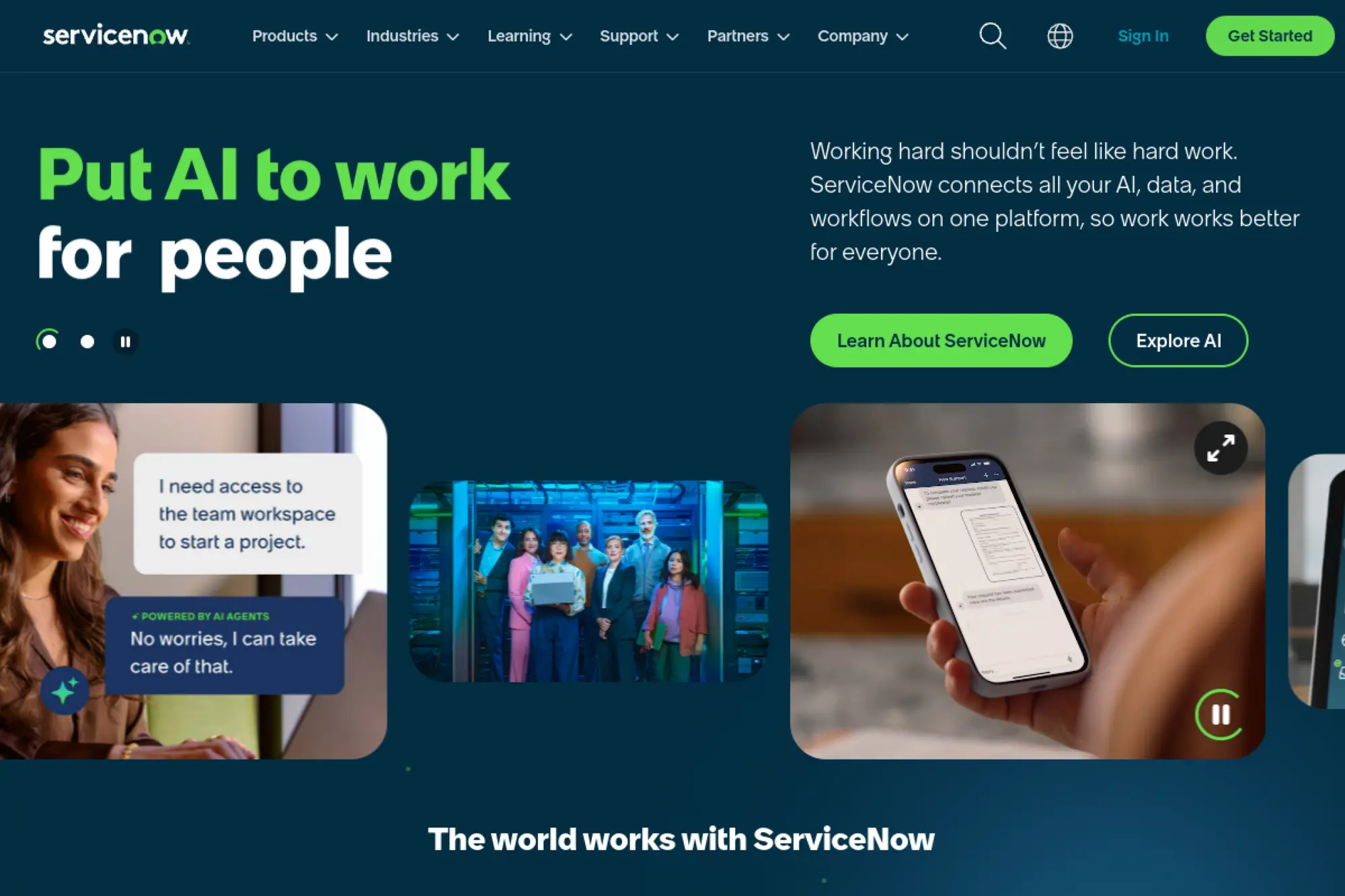
ServiceNow’s platform team builds for enterprise scale and governance. App Engine sits atop shared data and workflow primitives. Departments build while central teams enforce policy. The ecosystem covers IT, HR, and operations widely.
Bring enterprise workflows under one auditable platform.
Best for: large organizations consolidating service workflows.
- Flow Designer and records → encode processes with strong compliance trails.
- Integrations and spokes → reduce integration steps to configuration work.
- Guardrailed studio → reach first app in two to four weeks.
Pricing & limits: From $0/mo on trial; paid pricing is custom. Trials limit instances and features. Enterprise subscriptions expand environments, users, and governance.
Honest drawbacks: Costs can rise with broad adoption. Front‑end customization requires platform fluency.
Verdict: If governance is non‑negotiable, App Engine helps you scale safely within a quarter.
Score: 4.3/5 and
16. TrackVia
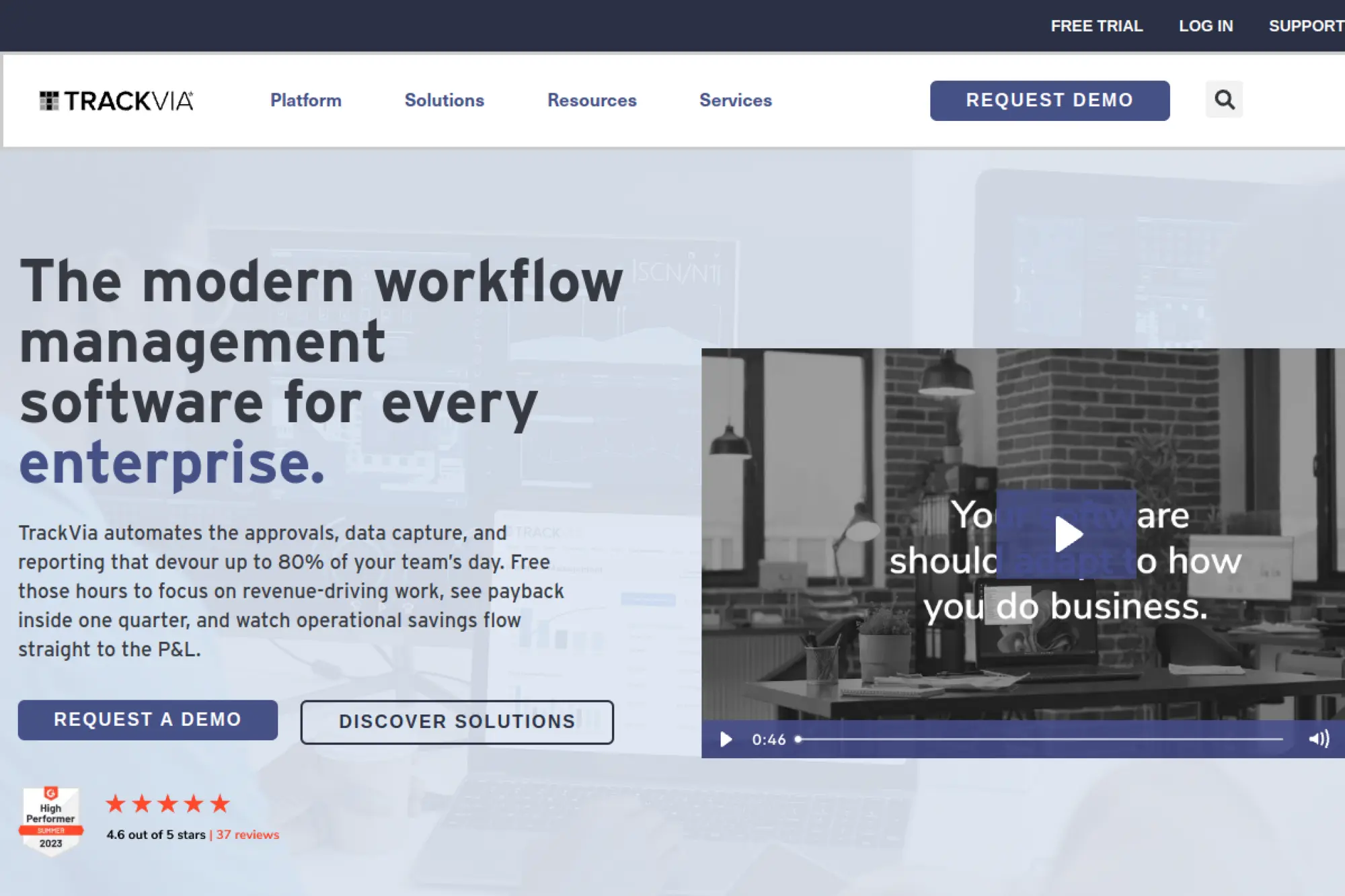
TrackVia’s team serves operations pros who need visibility and control. The platform centers on mobile‑ready data apps. Implementation help and templates reduce lift. Audits and permissions keep change safe.
Digitize frontline workflows without heavy IT lift.
Best for: operations managers and continuous improvement teams.
- Table and form builder → capture field data reliably and standardize steps.
- Integrations and APIs → remove double entry and cut hours weekly.
- Rapid deployment approach → reach first value inside two weeks.
Pricing & limits: From $0/mo on trial; paid plans are custom. Trials cap users, apps, and environments. Enterprise adds SSO, SLAs, and advanced controls.
Honest drawbacks: Pricing transparency is limited. Complex analytics may need external BI.
Verdict: If field execution is the gap, TrackVia helps you close it quickly.
Score: 3.7/5 and
17. Jotform Apps
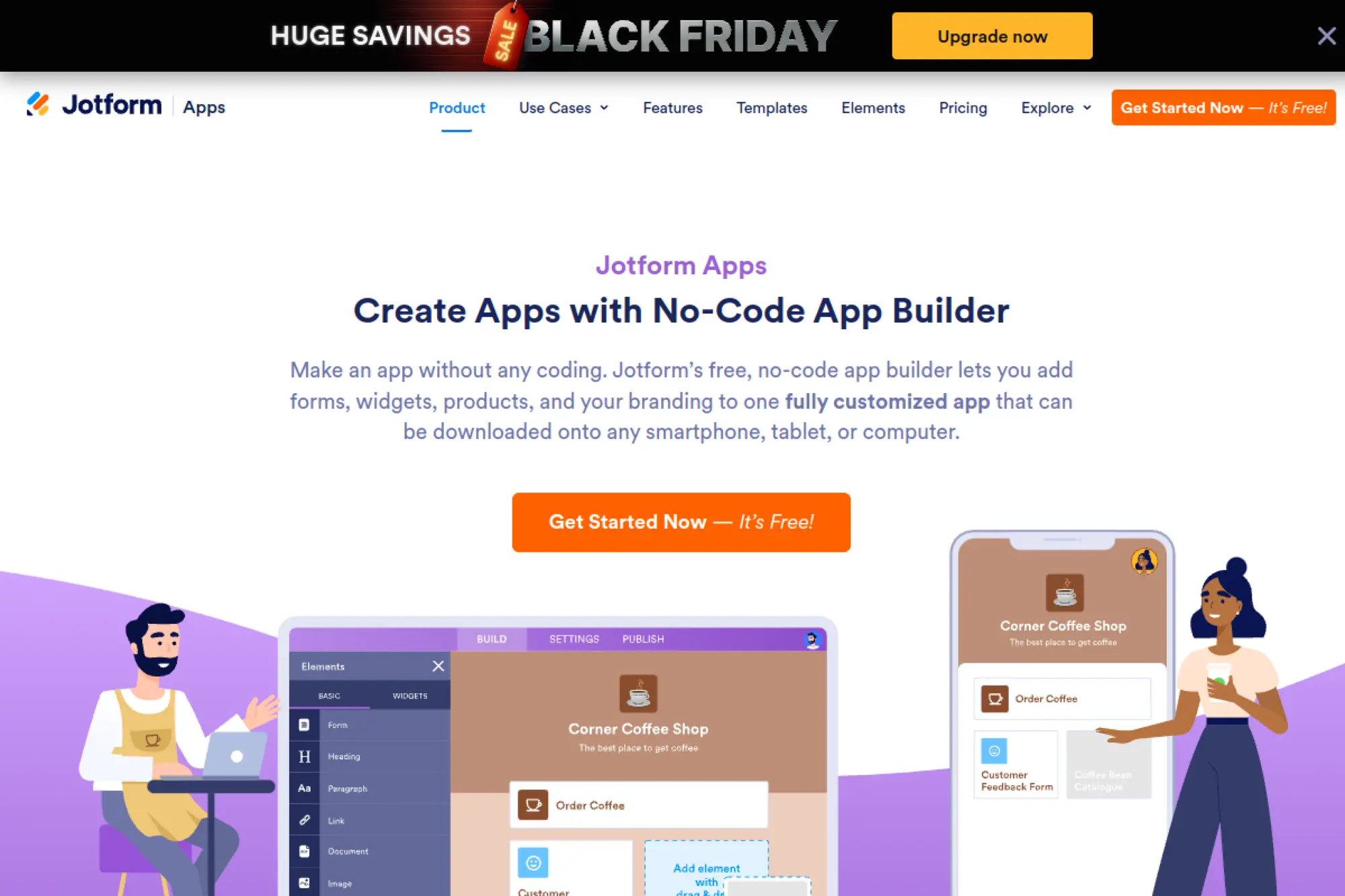
Jotform’s team brings form expertise to lightweight apps. Non‑technical users can assemble screens from form elements. The result suits intake, checklists, and simple workflows. Publishing is straightforward and mobile friendly.
Turn forms into simple apps your team actually uses.
Best for: solo marketers and small support teams.
- Drag‑and‑drop builder → turn requests into guided steps without devs.
- Native integrations and zaps → compress follow‑up tasks to automated actions.
- One‑click publishing → reach first value in under an hour.
Pricing & limits: From $0/mo on Free; paid plans scale submissions and storage. Trials and a 30‑day guarantee help testing. Higher tiers add HIPAA and more seats.
Honest drawbacks: Not ideal for complex logic or relational data. Versioning controls are basic.
Verdict: If you need intake apps fast, Jotform helps you launch and iterate today.
Score: 3.6/5 and
18. WaveMaker
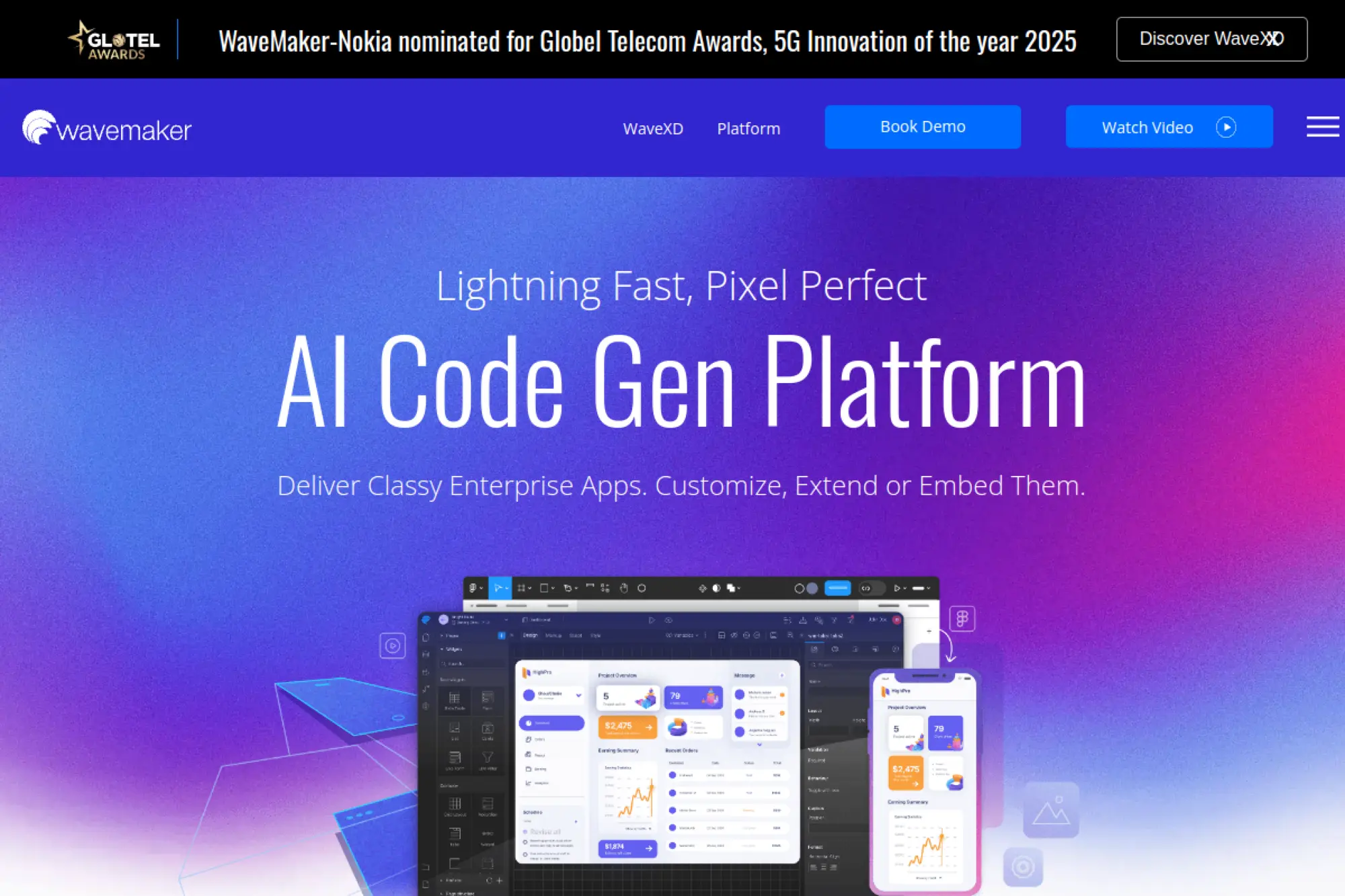
WaveMaker’s team targets enterprise app factories and ISVs. The platform mixes visual development with a component library. Developers can extend with code where necessary. Deployment options support enterprise architectures.
Scale app delivery without abandoning engineering rigor.
Best for: enterprise app factories and software vendors.
- Composable UI and data binding → assemble complex screens quickly and consistently.
- Integrations and APIs → turn multi‑system work into reusable services.
- Factory tooling → reach first production in a few weeks.
Pricing & limits: From $0/mo via Community edition; cloud trials available. Community caps features and deployment targets. Paid plans add enterprise security and support.
Honest drawbacks: Learning curve exists for full customization. Designer UX feels dated in places.
Verdict: If you run a delivery factory, WaveMaker helps standardize output without slowing teams.
Score: 3.7/5 and
19. m-Power
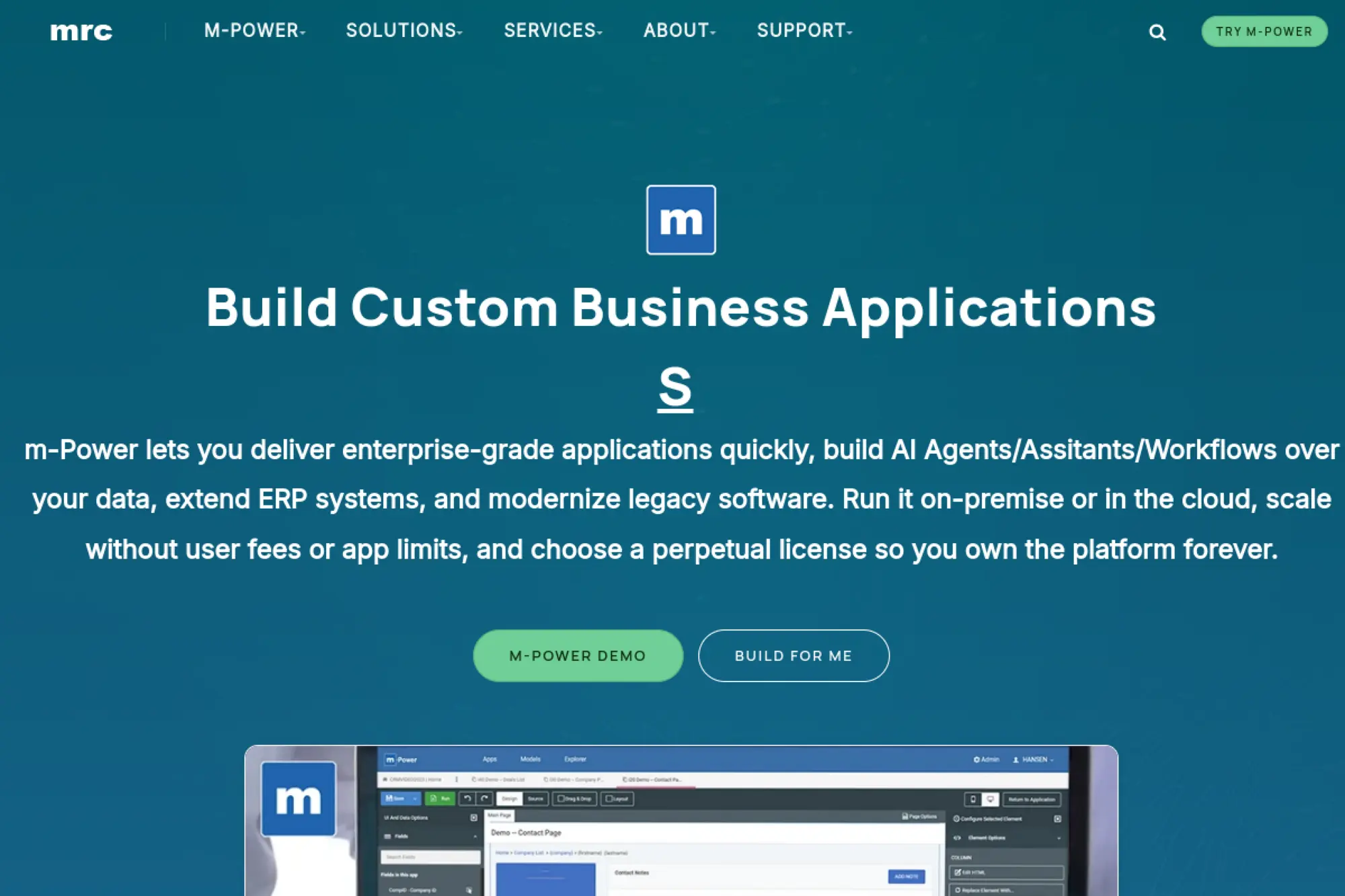
mrc’s m‑Power has long served data‑rich business apps. The team focuses on reliability and reporting. Organizations with strong SQL skills feel at home. Projects benefit from proven templates and patterns.
Turn databases into secure web apps with strong reporting.
Best for: IT partners and analysts modernizing legacy apps.
- Template‑driven builder → deliver CRUD apps and reports without boilerplate code.
- Connectors and web services → collapse integration work into repeatable steps.
- Guided rollout → reach first deliverable in one to two weeks.
Pricing & limits: From $0/mo on trial; licenses are custom. Trials cap environments and features. Enterprise licensing unlocks unlimited apps and users.
Honest drawbacks: UI customization can require extra effort. Modern front‑end patterns need careful configuration.
Verdict: If data apps drive your roadmap, m‑Power helps you modernize with less risk.
Score: 3.6/5 and
20. Appsmith
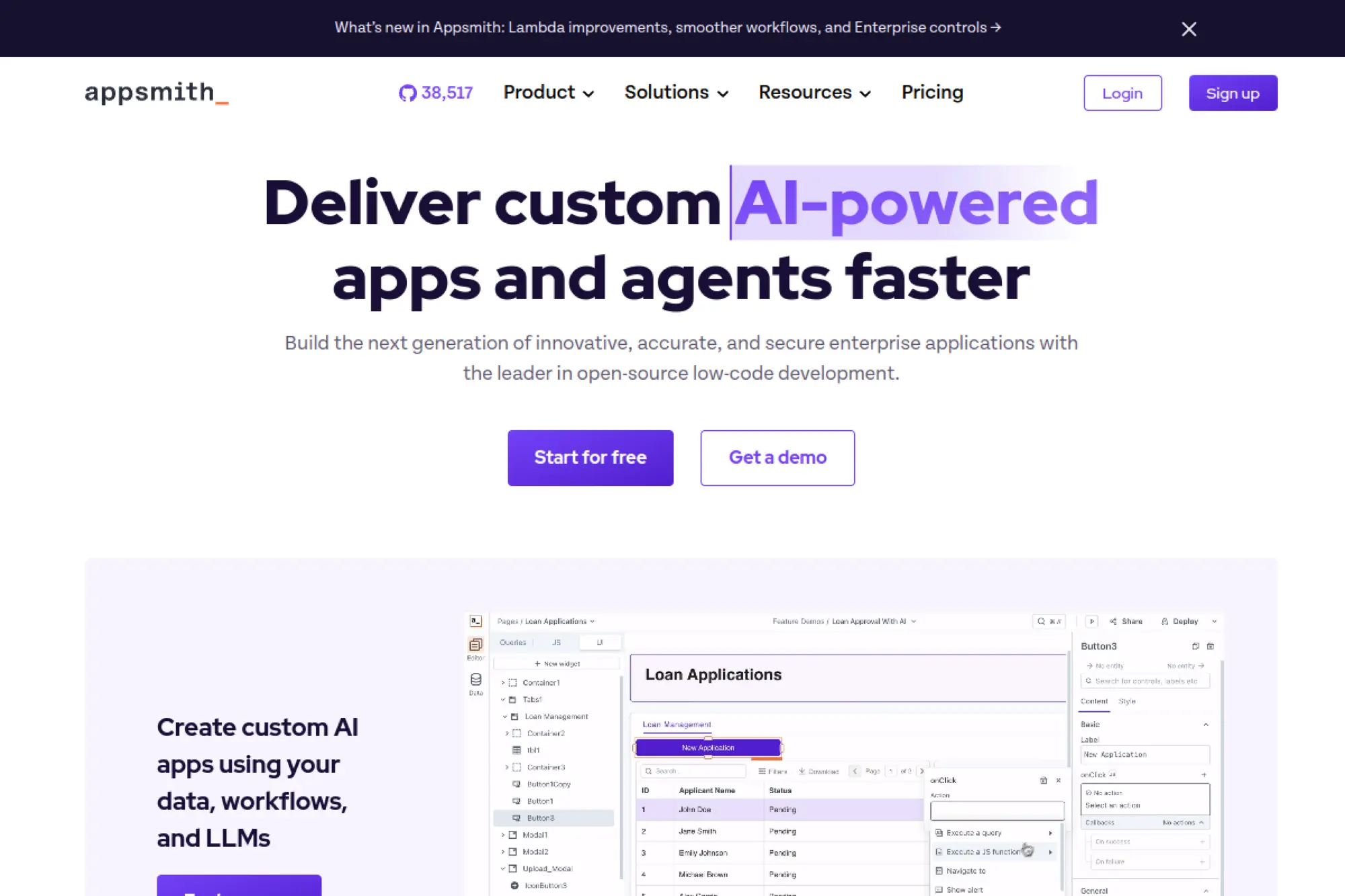
Appsmith’s open‑source roots show in flexibility and pace. The team builds for developers who need internal tools quickly. Self‑host or use the cloud offering. Community plugins multiply coverage fast.
Build internal tools your devs can actually maintain.
Best for: engineering teams and data engineers shipping internal UIs.
- Widget library and JS actions → assemble dashboards and admin panels quickly.
- API and database connectors → turn manual ops into button clicks.
- Low‑friction onboarding → reach first value in under a day.
Pricing & limits: From $0/mo on Community; Pro from $20/user/mo. Trials available for Business tiers. Limits include environments, SSO, and audit features by plan.
Honest drawbacks: Mobile experiences are limited. Complex offline logic needs custom work.
Verdict: If you need internal apps fast, Appsmith helps you ship and iterate weekly.
Score: 4.0/5 and
21. Superblocks
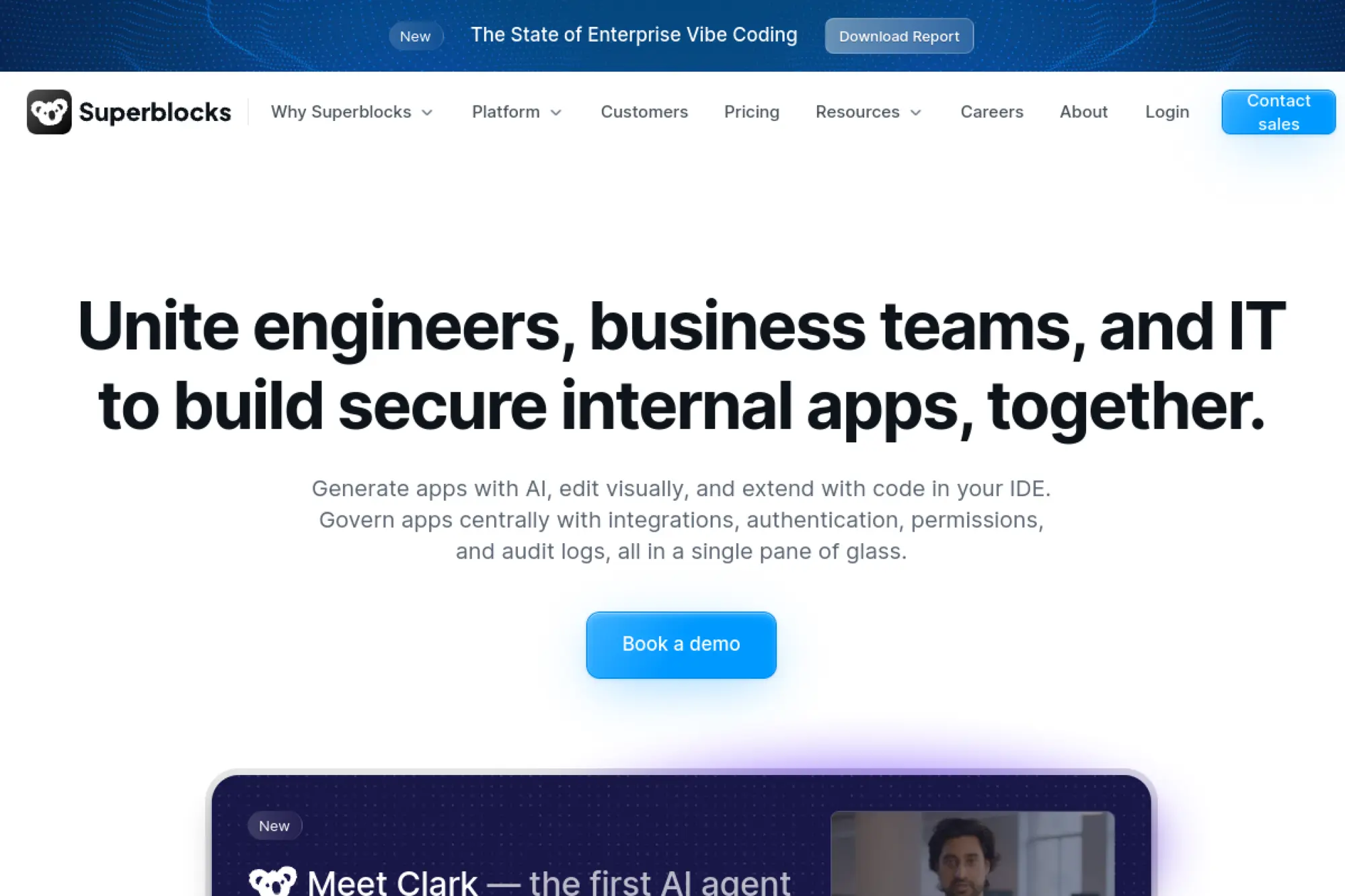
Superblocks is built by a team focused on developer speed. The platform targets internal tools with clean primitives. Engineers wire data sources and compose workflows. Scheduling and automations reduce operational toil.
Deliver internal tools and automations without boilerplate.
Best for: software teams and data operations groups.
- Pages, jobs, and workflows → codify ops and reduce manual interventions.
- Connectors and triggers → compress multi‑system tasks into scheduled runs.
- Editor ergonomics → reach first value in a single afternoon.
Pricing & limits: From $0/mo on Free; paid plans available on request. Free caps seats and usage. Higher tiers add SSO, audit, and environments.
Honest drawbacks: Public pricing is limited. Advanced UI patterns may require custom components.
Verdict: If you need pragmatic internal tools, Superblocks helps you move from scripts to systems quickly.
Score: 4.0/5 and
22. UI Bakery
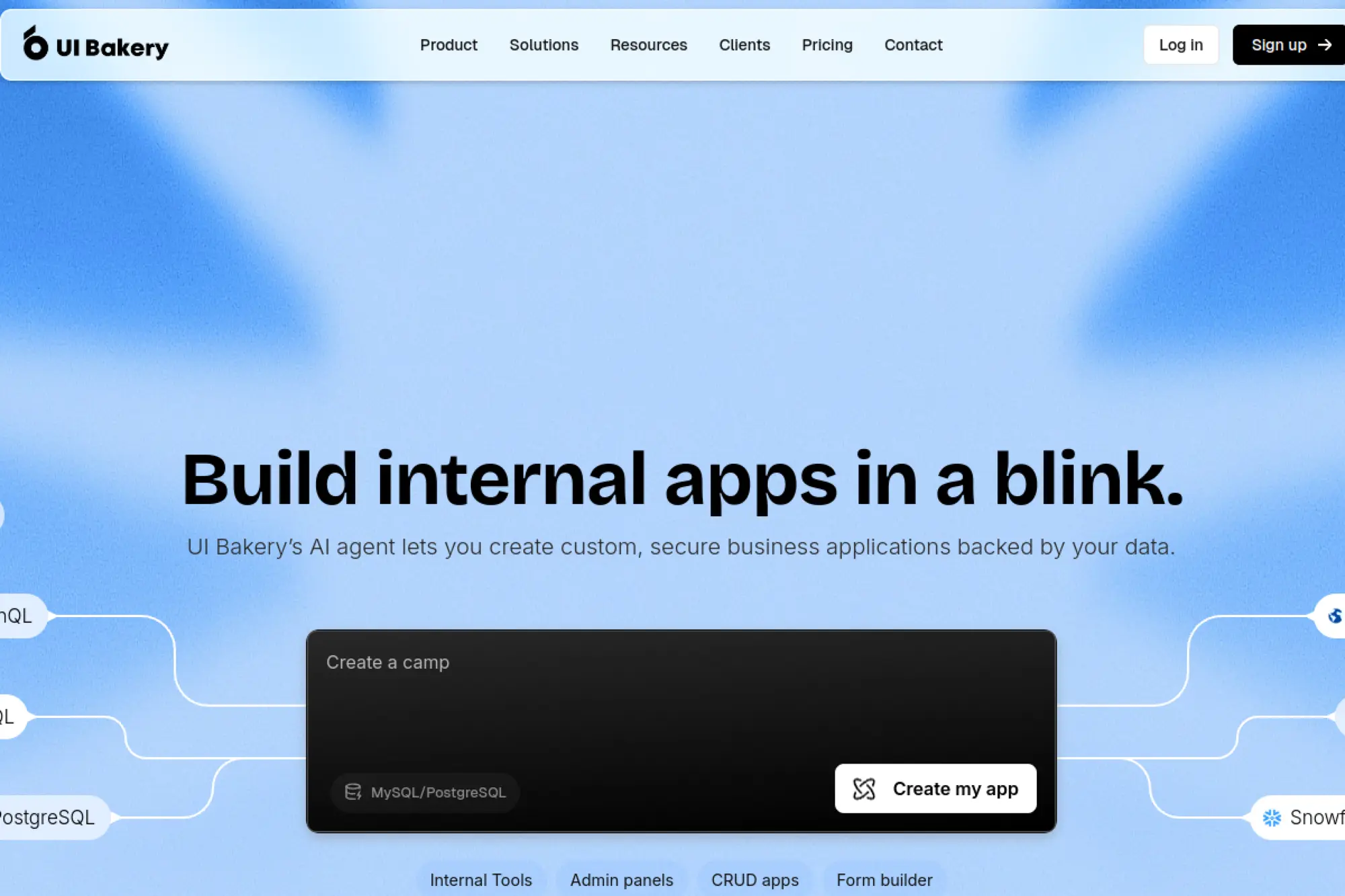
UI Bakery’s team serves developers who want control with speed. The builder is opinionated yet flexible. Data bindings and actions keep logic close to the UI. Cloud and self‑host options exist.
Compose polished internal tools without heavy front‑end lift.
Best for: lean engineering teams and data squads.
- Component library and theming → produce consistent UIs fast.
- Integrations and automations → reduce context switching and save hours weekly.
- Guided onboarding → reach first value in a day.
Pricing & limits: From $10/user/mo; 14‑day trial available. Plans cap makers, apps, and environments. Higher tiers add SSO and advanced roles.
Honest drawbacks: Mobile layouts need care. Complex charts may require external libraries.
Verdict: If speed and polish both matter, UI Bakery helps you ship reliable internal apps quickly.
Score: 3.8/5 and
23. Xano
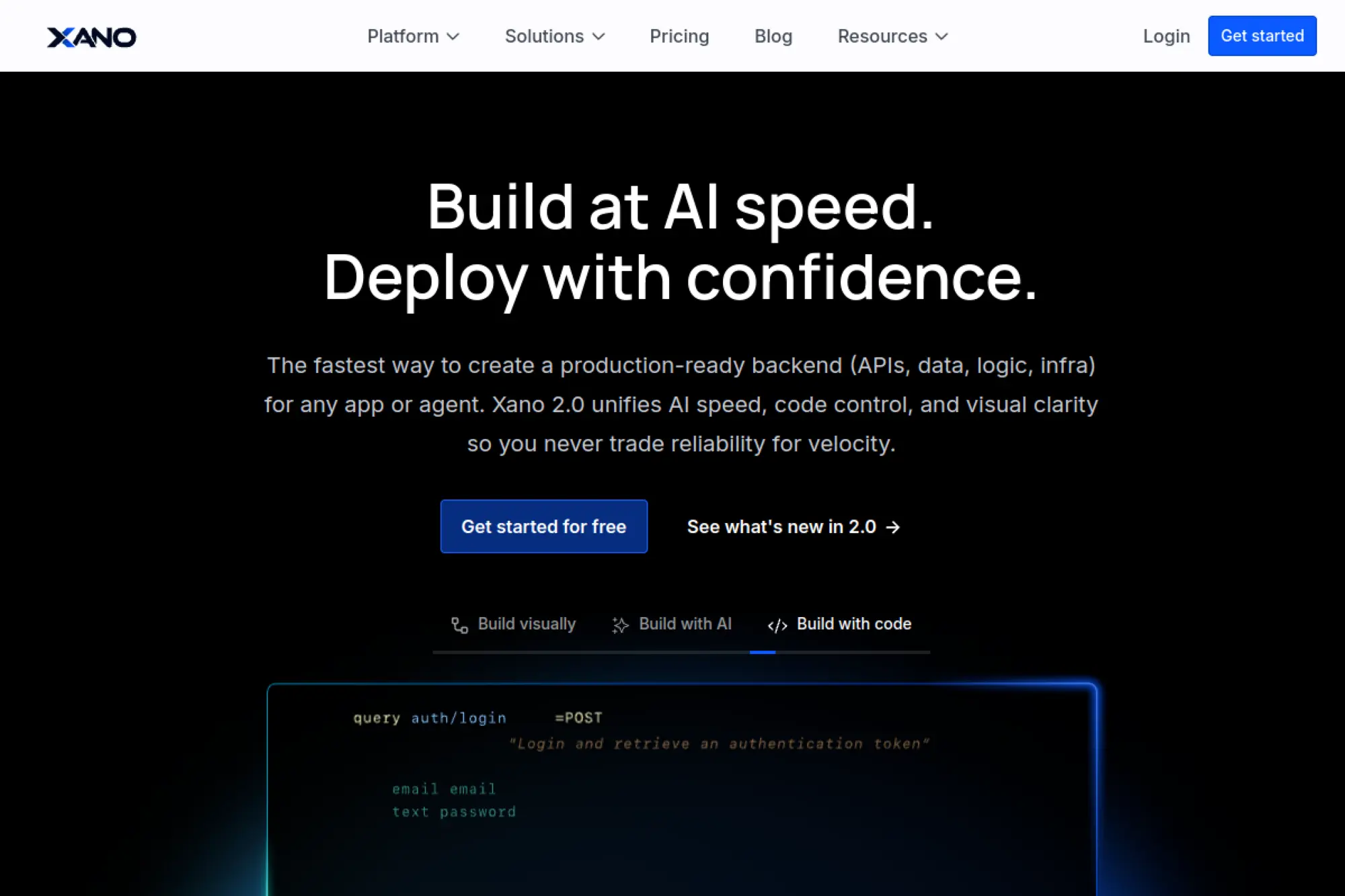
Xano’s team focuses on the backend for no‑code and low‑code apps. You get scalable APIs without server management. Builders define data, logic, and integrations visually. Front‑ends hook in cleanly.
Launch a production‑ready backend without DevOps.
Best for: product teams and indie builders needing robust APIs.
- Schema and functions → encode rules once and reuse across endpoints.
- Connectors and background tasks → cut glue code and recurring chores.
- Straightforward onboarding → reach first API in under an hour.
Pricing & limits: From $0/mo; paid plans from $19/mo. Tiers cap API calls, storage, and workers. Higher plans add performance and collaboration.
Honest drawbacks: Complex analytics need external BI. Query tuning still matters at scale.
Verdict: If your app needs a strong backend, Xano helps you ship with confidence fast.
Score: 4.1/5 and
24. GeneXus

GeneXus has decades of model‑driven development behind it. The team emphasizes longevity across platforms and databases. You model once and generate code for multiple targets. Enterprises value that portability.
Future‑proof apps with model‑driven development.
Best for: IT leaders supporting diverse platforms and long horizons.
- Knowledge base modeling → reduce rewrite risk as tech stacks evolve.
- Generators and connectors → turn integrations into repeatable assets.
- Methodical rollout → reach first production in several weeks.
Pricing & limits: From $0/mo on trial; paid plans are custom. Trials cap environments and features. Licenses unlock generators and deployment options.
Honest drawbacks: Learning curve is real. UI modernization often needs extra care.
Verdict: If longevity is key, GeneXus helps you deliver once and adapt over time.
Score: 3.8/5 and
25. Rierino
Rierino targets composable commerce and operational apps. The team blends low code with APIs and headless patterns. You assemble services and tailor workflows quickly. Governance keeps modules aligned.
Compose business apps on a modular backbone.
Best for: digital product teams and commerce operations.
- Service‑centric building → adapt processes without full rewrites.
- Integrations and events → collapse cross‑system tasks into reliable automations.
- Guided implementation → reach first value in a few weeks.
Pricing & limits: From $0/mo on trial; paid pricing is custom. Trials cap environments and throughput. Enterprise plans add SSO, SLAs, and more modules.
Honest drawbacks: Smaller ecosystem than incumbents. Advanced analytics often need external tools.
Verdict: If modularity matters, Rierino helps you tailor operations without heavy code.
Score: 3.7/5 and
26. Google Apps Script
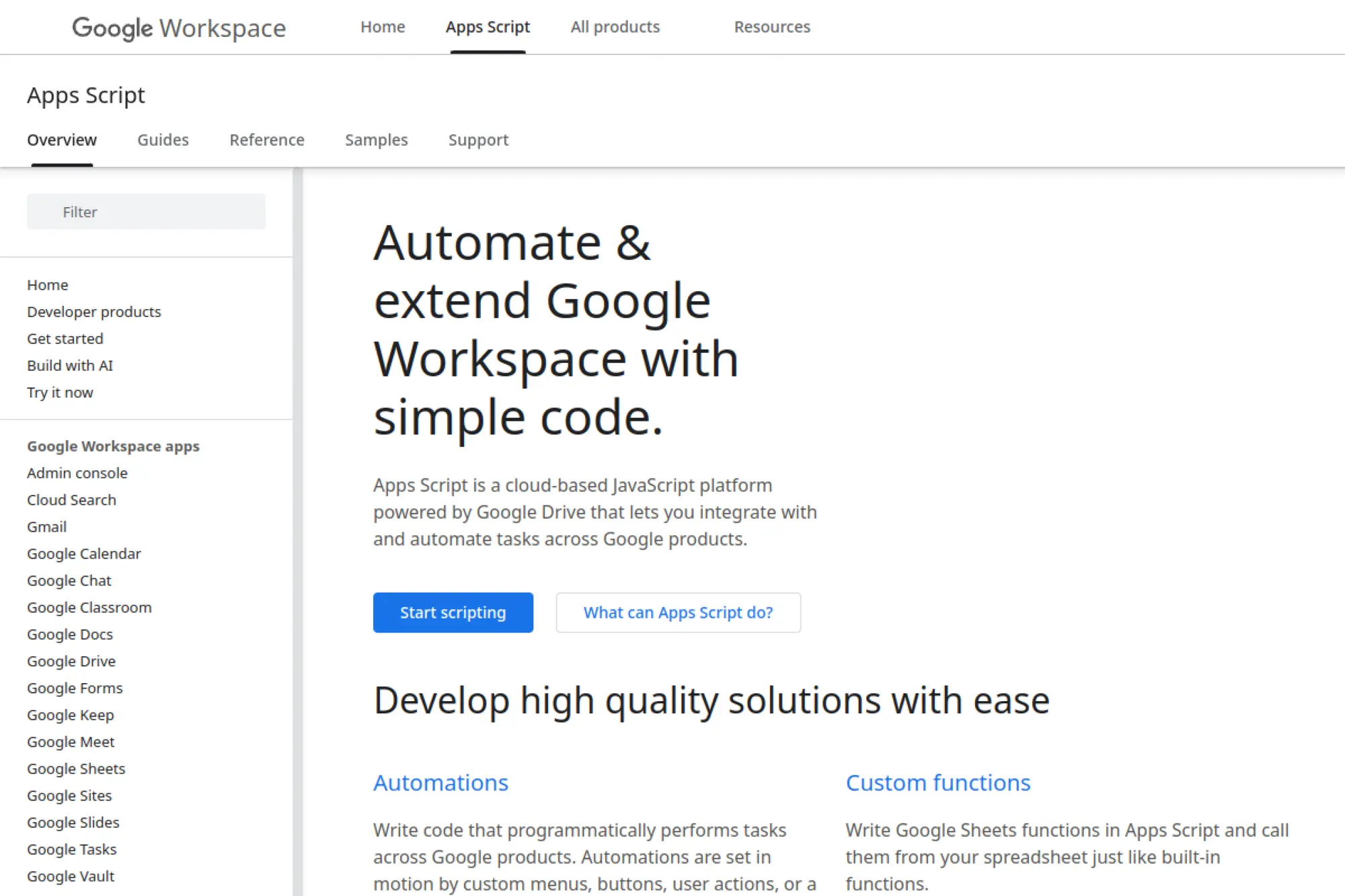
Google Apps Script is maintained by Google for Workspace automation. It lets you script Sheets, Docs, Gmail, and more. JavaScript familiarity goes a long way. Small teams can automate quickly.
Automate Google Workspace without servers.
Best for: analysts and operations staff inside Google Workspace.
- Simple scripting against Workspace → replace manual steps with triggers.
- Web apps and APIs → shrink multi‑app tasks to one click.
- Templates and examples → reach first value in an afternoon.
Pricing & limits: From $0/mo; included with Google accounts. Workspace editions increase quotas and admin controls. Daily service limits apply.
Honest drawbacks: Best inside Google’s ecosystem. Complex UIs need external frameworks or Apps Script HTML.
Verdict: If your work lives in Workspace, Apps Script helps you automate within days.
Score: 3.9/5 and
27. Budibase
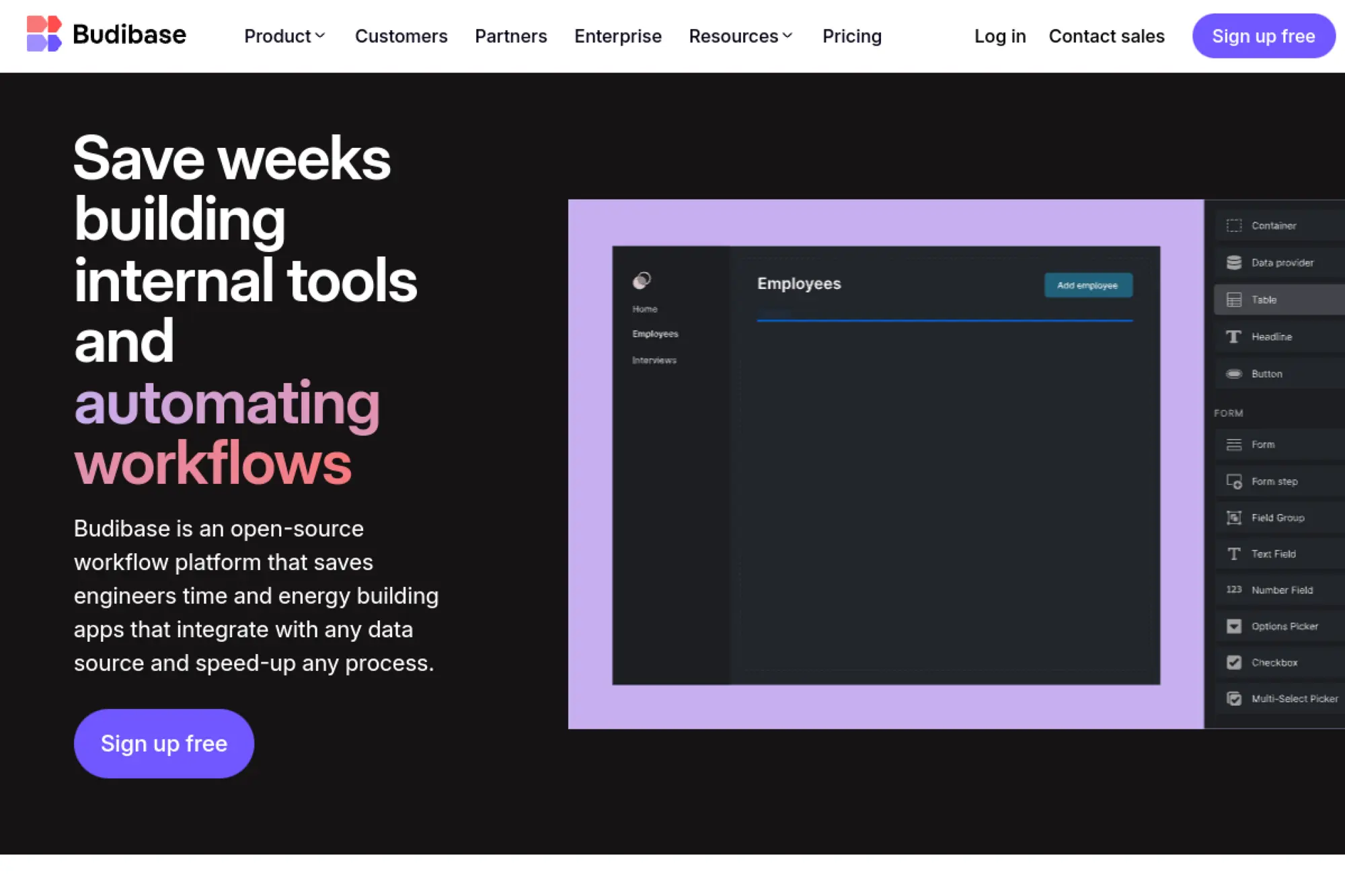
Budibase combines open‑source flexibility with a clean builder. The team builds for internal tools first. Self‑hosting is straightforward, which helps sensitive teams. Community momentum adds integrations quickly.
Create internal tools fast, on your terms.
Best for: engineering‑lean teams and IT building admin apps.
- Data sources and automation → turn repetitive work into reliable flows.
- Components and themes → speed up UI work and reduce rework.
- Low‑friction onboarding → reach first value in a day.
Pricing & limits: From $0/mo on Open Source; Cloud from $50/maker/mo. Trials available. Limits vary by makers, apps, and environments.
Honest drawbacks: Complex mobile layouts need finesse. Some enterprise controls live behind higher tiers.
Verdict: If you want open flexibility, Budibase helps you ship maintainable tools quickly.
Score: 3.9/5 and
28. Jitterbit App Builder
Jitterbit’s team built its name in integration. App Builder sits atop that foundation. You compose front‑ends that ride proven pipelines. That pairing reduces brittle, custom glue.
Build apps right where integrations already work.
Best for: integration‑heavy teams and IT operations.
- Low‑code UI on integration flows → expose processes without extra plumbing.
- Connectors and recipes → shrink build steps from weeks to days.
- Deployment tooling → reach first value within two weeks.
Pricing & limits: From $0/mo on trial; paid plans are custom. Trials cap environments, connectors, and usage. Enterprise adds governance and SLAs.
Honest drawbacks: Best value arrives if you adopt the integration suite. Pure app needs may fit other tools.
Verdict: If integration is your center, Jitterbit helps you ship front‑ends faster.
Score: 3.8/5 and
29. Wix

Wix’s team brings a massive website builder to businesses. Velo adds low code for data and logic. Designers and marketers build quickly, then extend. Hosting is managed and reliable.
Launch web apps where design and speed come first.
Best for: small businesses and creators needing web experiences fast.
- Visual editor and datasets → turn content into dynamic pages quickly.
- Apps and integrations → reduce manual updates and recurring tasks.
- Guided publishing → reach first value in hours.
Pricing & limits: From $16/mo on premium plans; 14‑day guarantee available. Plans cap collaborators, storage, and features. Business tiers add payments and extra seats.
Honest drawbacks: Complex backends require workarounds. Migrating off Wix can be painful.
Verdict: If presentation and pace matter, Wix helps you launch and learn quickly.
Score: 3.7/5 and
30. Zoho Creator
Zoho Creator also shines as a citizen‑developer tool at scale. The team keeps adding practical templates and governance features. IT can set policies while business users build safely. Integrations cover both Zoho apps and external systems.
Empower business builders without creating shadow IT.
Best for: department admins and operations analysts.
- Visual logic and rules → encode processes with minimal scripting.
- Zoho and third‑party connectors → condense handoffs and reduce busywork.
- Guided onboarding and help → reach first value the same day.
Pricing & limits: From $8/user/mo; 15‑day trial available. App, record, and integration caps vary by tier. Higher plans add environments, SSO, and audit logs.
Honest drawbacks: Complex UI theming can take time. Vendor ecosystem depth may bias tool choices.
Verdict: If your team wants safe self‑service, Creator helps you deliver useful apps quickly.
Score: 4.1/5 and
Evaluation criteria and selection checklist for low code development platforms
Selection should follow product goals, not vendor gloss. Productivity claims deserve scrutiny and context, even when generative helpers impress during demos. A helpful benchmark comes from research showing developers can complete coding tasks up to 2x faster with generative techniques, which we treat as a reason to invest in pipelines and governance that convert speed into durable quality.
1. Core functionality coverage data, workflows, UI, and automation
We evaluate whether the platform models data, process, and interface with equal depth. Strong candidates handle branching logic, human approvals, and background work with clarity. We also assess state management patterns to prevent brittle flows. Extensible UI kits matter when brand standards are strict. The best choices feel balanced, with no layer forcing awkward workarounds across teams.
2. Ease of use and learning curve for makers and pro developers
Low friction matters during ramp‑up and during handover. We look for discoverable tooling, contextual help, and clear error messages. Pro developers need escape hatches into code without breaking the model. Makers need templates that encode enterprise policy. When both groups can iterate together inside shared spaces, the learning curve becomes a feature rather than a barrier.
3. Integration capabilities APIs, connectors, and external data
Integration decides whether an app thrives after launch. We prefer declarative connectors with testable contracts and transparent throttling behavior. Event‑driven hooks keep systems in sync with minimal polling. Data virtualization helps when a single truth must span many systems. Our rule is simple: never hide data lineage behind opaque adapters. Clear contracts build trust across teams.
4. Security, compliance, identity, and auditability
Identity flows should align with enterprise directories and modern federation patterns. We expect granular roles, admin approval for sensitive connectors, and encrypted secrets in managed vaults. Built‑in audit trails need filterable views to support investigations. If a platform simplifies compliance reporting with exportable evidence, operations will thank you later. Security posture must be visible rather than implied.
5. Performance, scalability, and reliability SLAs
We examine runtime isolation, cold start behavior, and resource scaling rules. Platforms that expose observability signals allow meaningful performance tuning. Queue backlogs, flow retries, and idempotency controls should be first‑class. Real reliability comes from graceful degradation, not heroics. We validate failover patterns with game days so surprises appear in safe spaces, not during incidents.
6. Extensibility custom code, SDKs, and component frameworks
Great platforms invite extension through documented interfaces. We look for clean ways to package custom components, connectors, and policies. Versioned artifacts must deploy through pipelines rather than manual steps. Extensibility should never require unsupported hacks. If a feature can be modeled, test it like code. That principle keeps custom parts reliable across upgrades.
7. DevOps and lifecycle version control, CI CD, testing
Versioning needs parity with conventional development. We want project files that play well with repositories and branch policies. Automated validation catches common mistakes before they reach user acceptance. Release gates, environment promotions, and rollback options should be boring and repeatable. When pipelines treat models like code, the platform fits naturally into existing delivery rhythms.
8. Ecosystem marketplace, partners, and community
Healthy ecosystems reduce time to value. Component marketplaces accelerate build cycles through trusted extensions. Partner networks help with specialized integrations and vertical patterns. We also scan community activity for real answers to real problems. A vibrant discussion space signals durable support. Ecosystems matter because no platform team can anticipate every needed building block.
9. AI features copilots, generation, and governance
Generative helpers should be configurable, observable, and auditable. We favor assistants that produce explainable artifacts rather than opaque code. Content filters and approval steps protect sensitive data. Governance needs guardrails on prompt sources and training data exposure. When AI proposals are treated as drafts, teams move quickly while maintaining accountability.
10. Pricing model licenses, usage, and hidden costs
Sticker prices rarely tell the full story. Capacity units, connector tiers, and environment counts can shift total cost. We stress test scenarios with anticipated user growth and integration intensity. Usage alerts and cost dashboards prevent unpleasant surprises. Our financing advice is simple: fund the platform and the surrounding enablement, since the combination drives outcomes.
11. Vendor viability roadmap, support, and global reach
Roadmaps must align with your stack and compliance posture. We assess support response patterns and the quality of knowledge repositories. Global reach matters when latency, data residency, and localization carry weight. We also evaluate commitment to open standards. Viable vendors publish clear deprecation policies that respect long‑lived enterprise apps.
Trends shaping low code development platforms
Strategic direction has shifted from feature checklists to operating model transformation. The adoption context around generative techniques underscores the pace, as 47% of surveyed organizations report rapid movement, which mirrors the appetite for platform‑embedded assistants across our clients. With that momentum, we expect emphasis on governance patterns and data trust to intensify.
1. AI assisted development and code generation in-platform
Copilots seed pages, flows, and tests from prompts, then refine outputs through chat‑like loops. We set prompts as artifacts so they are reviewable and reusable. The best platforms also generate test scaffolds and seed data. We still expect human design for error paths, privacy checks, and rollback plans. Teams that embrace pairing norms get the most from these helpers.
2. Blockchain and trusted data patterns in low code
Trusted records matter when many actors coordinate across boundaries. Instead of forcing chains into every app, we focus on verifiable claims and notarized events. Some platforms integrate ledgers through connectors that abstract complexity. We use those patterns to anchor dispute workflows and supply documentation trails. Trust becomes a feature rather than an afterthought.
3. Real time collaboration for distributed teams
Concurrent editing, inline comments, and review requests now live inside builders. That shift eliminates extra tools for many teams. We coach squads to treat models like design documents with embedded discussions. Real‑time co‑creation shortens feedback cycles and reduces context switching. Collaboration becomes the default, not a meeting.
4. Convergence of app, automation, and integration suites
Vendors are unifying app builders, workflow engines, and integration layers under consistent governance. We welcome that convergence because it reduces brittle handoffs. One control plane for identity, data policies, and deployment improves resilience. It also simplifies training and support agreements. The platform becomes a suite rather than a set of islands.
5. Composable architecture and reusable building blocks
Composable thinking treats apps as assemblies of capabilities rather than monoliths. Reusable flow fragments, schemas, and UI patterns accelerate builds while preserving standards. We publish internal packages that encode cross‑cutting requirements. That library approach unlocks velocity without sacrificing consistency. Over time, the catalog becomes a living memory for the enterprise.
6. Vertical industry templates and domain accelerators
Domain accelerators jumpstart projects with artifacts tuned to industry processes. We refine them with client‑specific rules and integrations. This pattern shortens discovery and reduces rework. It also grounds governance in real use rather than abstract policy. Relevance is the antidote to shelfware.
7. Multi experience apps web, mobile, chat, and portals
Users expect seamless behavior across devices and channels. Platforms answer with responsive layouts, offline support, and chat handoffs into workflows. We design once and adapt thoughtfully for each surface. Accessibility standards inform every screen. The key is one process brain with many faces, each tuned for its moment.
8. Fusion teams and democratized delivery models
Fusion delivery blends business fluency with platform mastery. Clear swimlanes and regular reviews keep everyone moving together. We set contribution models that reward reusable patterns. Leaders who celebrate shared assets see their app portfolios improve week by week. Democratization works when teams own outcomes and guardrails together.
9. Governance by design center of excellence patterns
Governance belongs inside the tooling, not in a separate portal. CoEs provide templates, policies, and review services embedded in builder workflows. Dashboards highlight risk hotspots so coaching reaches the right teams. With that design, compliance becomes faster than the alternative. People follow rules that help them move faster.
10. Open source low code options gaining traction
Open alternatives support self‑hosting, deeper customization, and community evolution. They demand stronger internal platform engineering because teams own more layers. We choose them when sovereignty, unusual integration needs, or cost structures dominate. The pattern still benefits from a CoE and curated components. Freedom without discipline rarely scales.
Implementation best practices and governance for low code development platforms
Execution quality makes or breaks platform value. Tooling is an enabler, yet operating models decide outcomes. Analyst forecasts also underline sustained investment in this space, with LCNCIDT revenue expected to reach $21.0 billion in 2026, which aligns with continued enterprise focus on enablement, testing, and guardrails.
1. Stand up a low code Center of Excellence with clear guardrails
The CoE curates templates, connectors, and patterns that encode policy. We define intake paths, naming standards, and review checkpoints. Clear service levels help teams plan work. The CoE earns trust by unblocking, not policing. Over time, that posture fosters a community that teaches itself.
2. Adopt ALM pipelines environments, versioning, CI CD
Models belong in repositories alongside code. Pipelines validate, package, and promote artifacts through environments. We automate smoke tests and schema checks to catch drift early. Release gates protect shared sandboxes from risky changes. Lifecycle discipline turns speed into sustainable throughput.
3. Define data architecture and integration strategy up front
Data placement and truth sources deserve early decisions. We prefer an integration tier with event and API capabilities. That layer decouples apps from brittle point links. Data lineage tracking makes audits easier and reduces duplication. Architecture decisions should appear in the platform catalog for reuse.
4. Set identity, access, and segregation of duties policies
Access rules start with least privilege and expand thoughtfully. Segregation of duties prevents accidental escalation during deployments. Privileged operations require approvals and audit trails. We rehearse access changes during drills so incidents do not surprise anyone. Identity clarity beats heroic debugging during outages.
5. Control costs with license planning and usage monitoring
We model consumption against adoption scenarios and connector intensity. Usage alerts flag sudden spikes before invoices do. Chargeback models align platform growth with product budgets. Archiving policies limit stale environments. Cost hygiene is an everyday habit rather than a quarterly scramble.
6. Mitigate vendor lock in with portability and modular design
Portability begins with clean boundaries between platform artifacts and external services. We isolate business rules into modules with clear contracts. Data lives in systems of record rather than hidden stores. With that stance, migration becomes a project, not a rewrite. Optionality strengthens your negotiating position without slowing delivery.
7. Train citizen developers with curated patterns and reviews
Training that uses real templates and approved connectors sticks better than slideware. We couple practice labs with office hours and design clinics. Makers learn when to escalate to engineers and when patterns suffice. Peer reviews become a celebration of shared craft. Training owns outcomes when it is embedded in daily work.
8. Establish intake, approval, and lifecycle governance
Intake should be lightweight but structured. Simple forms capture goals, data sensitivity, and integration needs. Approvals route to reviewers with clear criteria. Lifecycle plans include sunsetting and archival steps. Governance feels supportive when it shortens time to green‑light.
9. Automate testing and quality gates across releases
Automated tests validate forms, flows, and permissions with stable fixtures. Contract tests protect integrations from accidental breaks. Synthetic monitors watch critical journeys in production. We bake these checks into pipelines so teams trust releases. Quality gates should be boring and visible.
10. Plan for scalability, performance testing, and observability
Load profiles shift after go‑live, so test mixes must evolve. We model concurrency, spikes, and slow consumers across flows. Observability dashboards track lag, queue depth, and failure patterns. That data informs throttling and backpressure designs. Performance becomes a continuous practice rather than a milestone.
11. Change management and adoption enablement across teams
Adoption rises when teams see themselves in the platform story. We share wins, patterns, and playbooks in accessible spaces. Champions inside business units accelerate local uptake. Incentives reward reuse and contribution to the catalog. Change lands smoothly when people feel ownership.
TechTide Solutions: custom builds on low code development platforms
Our teams ship with a bias for small, frequent releases and transparent guardrails. We pair platform strength with cloud services and proven integration patterns. The surrounding ecosystem is vibrant, as CB Insights maps 400+ promising AI agent startups across many categories, which raises the stakes for trustworthy orchestration. We help clients harness that energy without compromising governance.
1. Platform selection and solution architecture aligned to your stack
We start with architecture discovery that surfaces domain boundaries and data truths. Platform options are evaluated against target journeys and compliance posture. Integration choices are codified early so schemas and events match. We also plan for observability from the outset. The result is a solution architecture that fits your stack and team shape.
2. Rapid MVPs with low code plus custom extensions where needed
Our approach mixes template‑driven scaffolding with targeted extensions where domain quirks appear. We wire prompt‑assisted builders to accelerate early flows while keeping reviews automatic. Custom components emerge only where they unlock clear value. The MVP becomes a learning vehicle rather than a prototype. Momentum builds as users confirm value in production.
3. Enterprise rollout governance, integrations, and scale support
Rollout plans align with capability maps and risk profiles. We harden identity flows, segregation rules, and release gates before broad adoption. Integration teams manage contracts through shared repositories and test harnesses. Operations receive dashboards with actionable signals, not noise. The program matures into a sustainable capability rather than a series of projects.
Conclusion and next steps for low code development platforms
The case for low code now rests on operating model gains rather than isolated projects. The market signals from leading analyst research converge on durable momentum, and our field work reinforces that trajectory. From our vantage point, the decisive moves involve governance by design, composable patterns, and honest total cost modeling. Those who invest in shared catalogs, event‑driven integration, and embedded testing convert platform speed into lasting advantage.
If you want to turn a backlog into shipped value without trading away control, we should talk. We can run a short discovery to align on platform fit, architecture boundaries, and a clear release plan. Would you like us to assemble a tailored shortlist and a rollout blueprint for your stack?