Retrieval-augmented generation (RAG) is the pattern we reach for when a chatbot must be useful in the real world, not just charming in a demo. Language models are excellent at producing fluent text, yet businesses rarely need “fluent”; they need “grounded,” “auditable,” and “updatable.” By pulling relevant passages from your own knowledge base and feeding them into the model at answer time, we can make the model behave more like a reader than an improviser.
RAG chatbots with LangChain: what you’ll build end to end
1. Why retrieval-augmented generation is a common pattern for LLM-powered chatbots
From our vantage point at TechTide Solutions, the market signal is loud enough to stop being optional: Gartner projected worldwide GenAI spending to total $644 billion in 2025, and Deloitte reported 47% of respondents said they were moving fast with adoption, which together tells us that “try it” has become “operate it” across many teams.
In practice, RAG earns its keep because your underlying documents can change daily without requiring a full model retrain. Policies get revised, SKUs get discontinued, onboarding steps get reorganized, and incident runbooks evolve after every outage. With RAG, we can re-index content and immediately change chatbot behavior, which is a far better fit for business reality than waiting for a new model lifecycle.
2. Demo architecture overview: chatbot API plus a Streamlit chat interface
For an end-to-end build, we like a deliberately boring architecture: a back-end chatbot API that does all intelligence, and a front-end chat UI that does all interaction. Boring is good because it keeps blast radius small. The API becomes the single contract for security, logging, evaluation hooks, and tool access, while the UI remains replaceable (Streamlit for internal pilots, a web app for customer-facing, or an embedded widget for support portals).
At the core, LangChain acts as our orchestration layer: it turns “retrieve context, format prompt, call model, parse output, optionally call tools, then answer” into a composable pipeline. Around that, we add a document ingestion job (batch or incremental), a vector store, and a conventional database for user/session metadata. From an SRE perspective, this separation matters: ingestion is throughput-oriented, while chat inference is latency-oriented, and mixing them is how systems get sluggish at the worst moments.
When we prototype, we often start with Streamlit because it reduces UI friction and encourages fast iteration with stakeholders. Later, the same API can power a production UI with stronger authentication, role-based access, and analytics. That continuity lets us avoid rewriting the brain every time the face changes.
3. Using both structured and unstructured knowledge to answer user questions
Most organizations store truth in at least two forms: unstructured documents (handbooks, PDFs, wikis, ticket comments) and structured records (orders, inventory, account plans, entitlements). A chatbot that only reads documents becomes verbose and occasionally vague. Meanwhile, a chatbot that only queries tables becomes brittle because humans don’t speak in schema.
Our best results come from treating the chatbot as a router between knowledge modalities. Unstructured retrieval is ideal for narrative explanations (“What does the policy mean?”), while structured queries shine for precise facts (“Which plan am I on?” or “What is the status of my request?”). In a RAG design, that often means two parallel retrieval channels: a vector retriever for passages, and a tool for structured lookup (SQL, APIs, or graph queries) that returns normalized facts the model can cite in plain language.
Importantly, combining the two is not just a technical flourish; it is a trust strategy. Customers will forgive a conversational tone, but they will not forgive a wrong entitlement, an invented return window, or a hallucinated troubleshooting step. Grounding answers in both documents and live records is how we keep the chatbot aligned with business outcomes rather than model aesthetics.
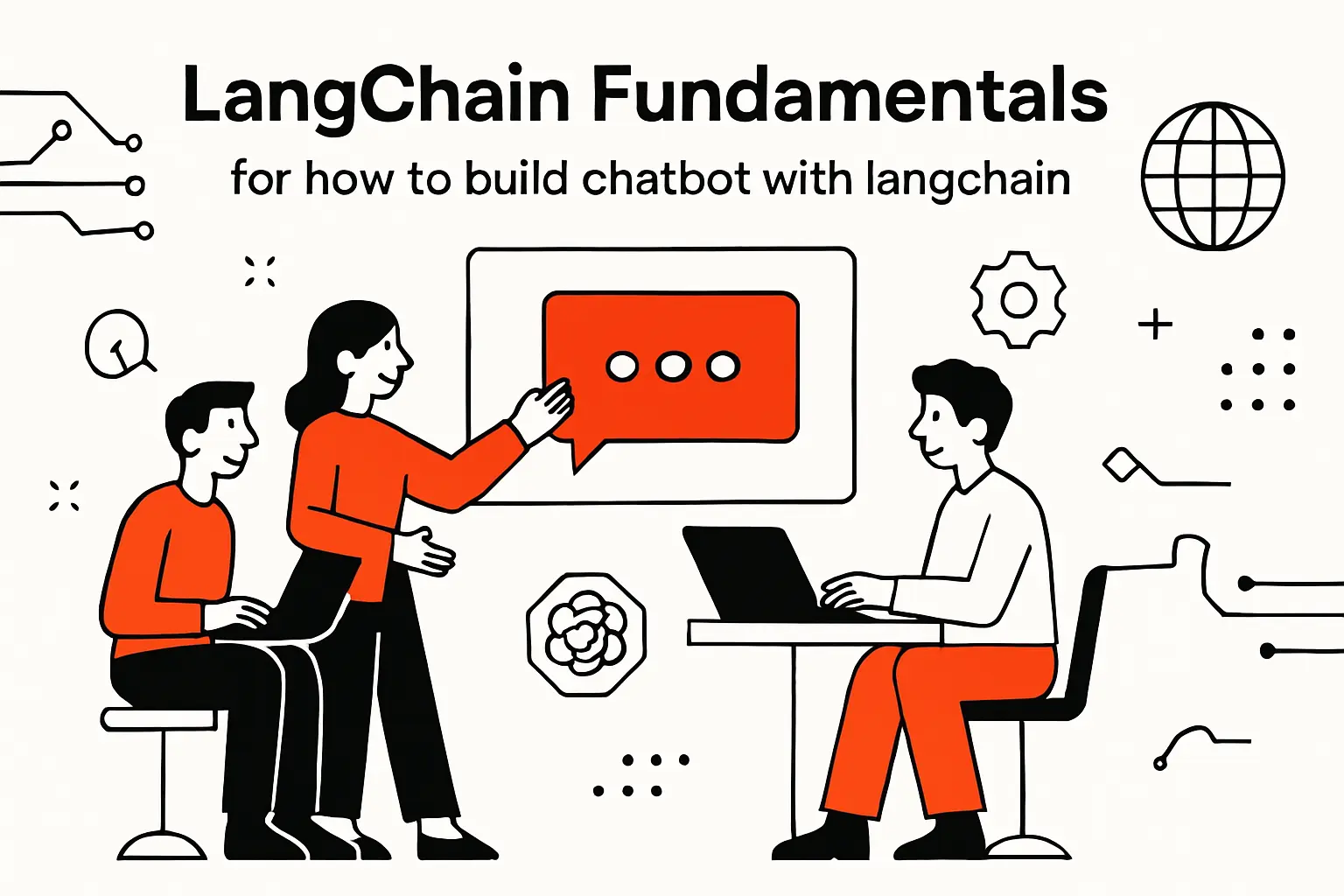
LangChain fundamentals for how to build chatbot with langchain
1. Chat models and chat messages for controlling assistant behavior
LangChain’s chat abstractions push us to think in messages, not monolithic prompts. That design choice is subtle but powerful: system messages define non-negotiable behavior, developer messages can encode product constraints, and user messages carry the immediate request. When we build enterprise chatbots, we treat the system layer like policy-as-code: it’s where we forbid fabrication, require citations to retrieved context, and define escalation behavior when uncertainty is high.
Operationally, we also use messages as an audit surface. A single “prompt string” is hard to reason about once it grows. In contrast, a structured message stack makes it easier to log what mattered: user intent, retrieved context, tool outputs, and final response. That clarity helps debugging, and it also helps compliance teams understand what the assistant was instructed to do.
Key TechTide Implementation Habit
Rather than letting every engineer invent their own system prompt, we maintain a shared prompt policy template and version it like any other artifact. This reduces drift across environments and prevents “helpful changes” from quietly turning into security regressions.
2. Prompt templates for reusable system and user instructions
Prompt templates are where we stop improvising and start engineering. In LangChain, templating turns repeatable structure into a first-class object: we can inject retrieved passages, user metadata, conversation summaries, or tool results without hand-concatenating strings. That may sound mundane, yet mundane is exactly what we want in production systems.
In our builds, prompt templates usually include: an explicit role, a clear “use context only” rule for grounded modes, a refusal style guide for restricted data, and a response format specification (bullets, steps, tables, or JSON). The last item is easy to overlook, but it’s pivotal when the chatbot feeds other systems. A support assistant that returns structured troubleshooting steps can be turned into a ticket draft; a sales assistant that returns structured qualification notes can be turned into CRM updates.
Pattern We Rely On
We design prompts with “failure paths” on purpose: if context is missing, the model should ask targeted follow-ups or route to a tool, not guess. A good template makes the correct behavior cheaper than the incorrect one.
3. Chains and LangChain Expression Language for composing multi-step pipelines
Chains are LangChain’s way of saying, “We are not calling a model; we are running a workflow.” That workflow mindset is essential in RAG. A typical pipeline retrieves documents, formats context, invokes a chat model, then parses and post-processes the result. LangChain Expression Language (LCEL) makes these steps composable, which is a fancy way of saying we can build legible, testable pipelines rather than tangled callbacks.
From a software architecture point of view, LCEL encourages a dataflow style: each component consumes and produces structured data. That helps us isolate responsibilities. Retrieval should be swappable without rewriting prompting. Output parsing should be replaceable without touching model calls. This modularity becomes valuable the moment teams ask for “the same chatbot, but for a different department,” because we can reuse the scaffolding while changing only the knowledge base and a handful of policies.
Pragmatic Debugging Benefit
Because LCEL pipelines are explicit, we can log intermediate artifacts (retrieved passages, tool outputs, formatted prompts) in a controlled way. That turns “the model is weird” into “retrieval returned irrelevant context,” which is the kind of sentence engineers can actually fix.
4. Retrieval objects and agents as the foundation for RAG and tool use
Retrieval objects are the backbone of RAG: they define how we turn a query into candidate context. Agents sit one level above: they decide whether to retrieve, which tool to call, and in what order. In other words, retrieval is about “finding,” while agents are about “choosing.” Both concepts matter because a real chatbot is rarely a single-shot question answering box.
At TechTide Solutions, we treat tool use as an extension of retrieval, not a separate feature. A tool is just another way to fetch truth: a search retriever fetches text, an API tool fetches records, and a calculator tool fetches deterministic computation. Once we frame it that way, the architecture becomes coherent: every tool should be describable, observable, and governed, and every tool result should be injected into the model in a way that keeps provenance intact.
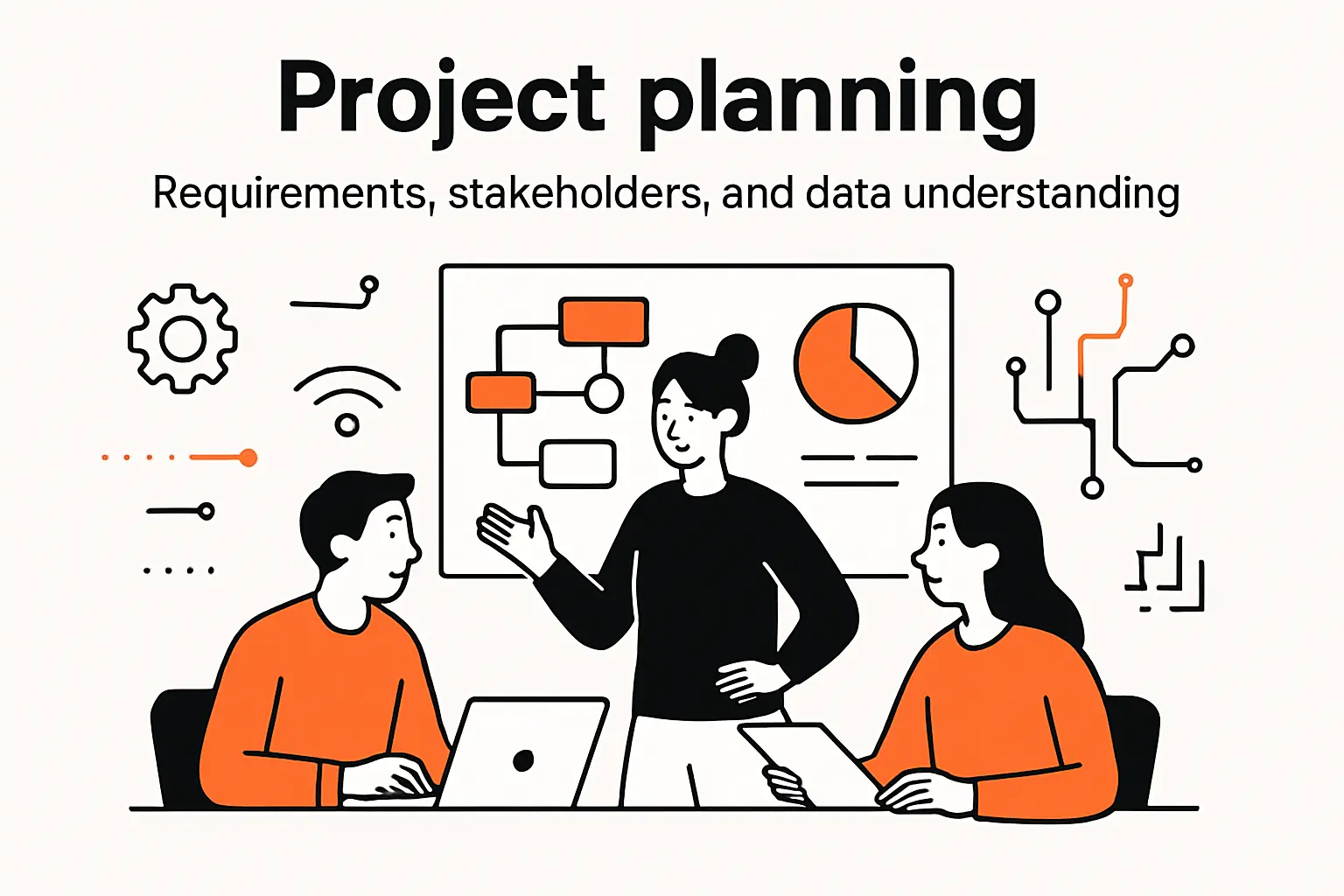
Project planning: requirements, stakeholders, and data understanding
1. Clarify the problem, requirements, and expectations before implementation
Before we touch LangChain, we clarify what “success” means for the business. A chatbot for customer support is measured by deflection quality and customer satisfaction; a chatbot for internal enablement is measured by time-to-answer and reduced interruptions; a chatbot for compliance is measured by safety and traceability. Mixing these goals without stating priorities is how teams end up with a pleasant assistant that nobody trusts.
Crucially, we ask what the chatbot is allowed to do, not just what it should do. Can it quote policy and summarize contracts? Can it initiate workflows, or only recommend steps? Many failures we’ve seen were not model failures; they were expectation failures. When a stakeholder imagines a proactive agent and engineering ships a passive Q&A bot, disappointment is guaranteed even if accuracy is high.
Stakeholder Map We Use
We always include an owner for the knowledge base, an owner for security policy, and an owner for user experience. Without those roles, the chatbot becomes an orphaned feature that silently decays.
2. Explore available datasets and identify what users will ask about
RAG systems are only as good as the corpus they retrieve from, and corpora are rarely clean. In discovery, we inventory sources: document repositories, wikis, ticketing systems, LMS content, CRM notes, and product docs. Then we categorize them by freshness, authority, and confidentiality. A dusty PDF may be less useful than a living runbook, and a “helpful” doc may be dangerous if it is not the official policy.
To anticipate user questions, we look for natural demand signals: search logs, support ticket tags, onboarding checklists, and the questions subject-matter experts answer repeatedly. That’s where the chatbot will create value. A surprising lesson from our projects is that the best initial corpus is not always the biggest; it’s the one with stable language and clear ownership. Starting small and authoritative tends to outperform starting broad and messy.
3. Design the chatbot’s capabilities and decision points before coding
Capability design is where we decide whether we are building “a RAG bot” or “a workflow assistant.” For a pure RAG bot, the decision points are mostly retrieval and answer formatting. For a workflow assistant, we must decide when to call tools, when to ask clarifying questions, and when to hand off to a human. Those decisions must be explicit because they shape security, cost, latency, and user trust.
We like to write a simple decision table before coding: if the user asks for policy interpretation, retrieve and answer; if the user asks for account-specific data, call a tool; if the user asks for restricted content, refuse and explain the boundary; if the request is ambiguous, ask a follow-up. This small design artifact becomes the anchor for prompts, tests, and stakeholder alignment, and it prevents the “agent that does everything” fantasy from turning into a “system that fails unpredictably” reality.
Indexing the knowledge base: loading documents, splitting, and embedding
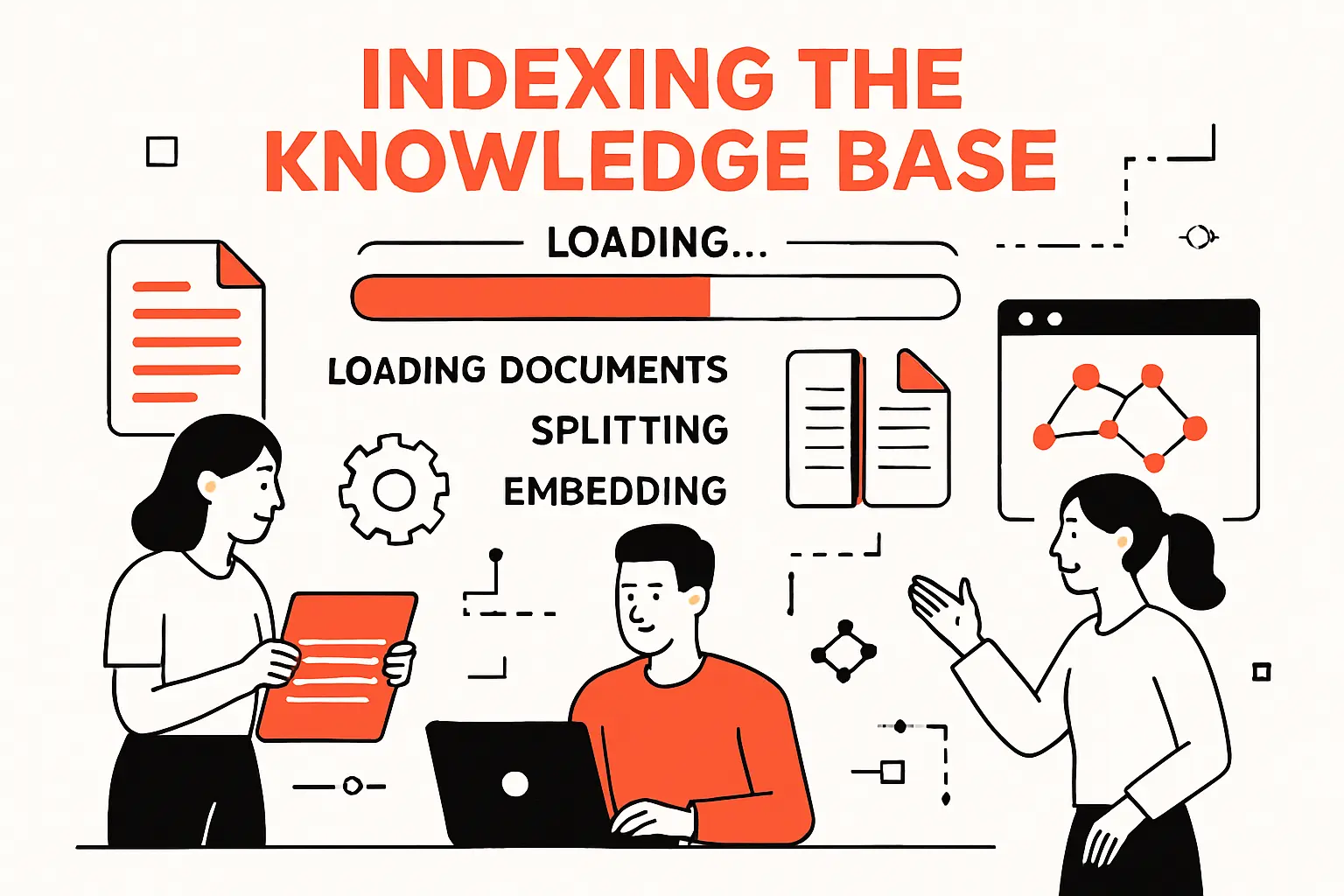
1. Loading content with document loaders, including PDF-based sources
Indexing starts with ingestion, and ingestion starts with humility: documents are weird. PDFs contain headers, footers, duplicated page numbers, broken line wraps, and tables that turn into punctuation soup. LangChain’s document loaders give us a consistent interface to fetch and normalize content, but the real craft is deciding what “clean” means for retrieval. Sometimes we want to keep headings; sometimes we strip them. In regulated environments, we often preserve section identifiers to make citations meaningful.
In our experience, PDF-based sources require special attention because “visual structure” does not translate cleanly into text. When the chatbot must answer with high confidence, we favor loaders that preserve layout cues or allow custom post-processing. The goal is not aesthetic text; it is retrievable meaning. A chunk that begins mid-sentence because of a page break will be harder to rank, and harder to trust when surfaced as evidence.
Ingestion Rule We Enforce
We store raw text, cleaned text, and provenance metadata separately. That way, when a user disputes an answer, we can show exactly where the context came from and re-run the pipeline deterministically.
2. Splitting long documents into chunks with a text splitter strategy
Chunking is where RAG either becomes reliable or becomes random. If chunks are too small, retrieval returns fragments that lack meaning and force the model to guess. If chunks are too large, retrieval returns bloated context that dilutes relevance and wastes tokens. Our approach is to chunk along semantic boundaries: headings, bullet lists, or paragraph groups that represent a single idea. Text splitters can approximate this, but we often add domain rules, like keeping “procedure steps” together or preserving “definitions” blocks intact.
Overlap is another subtle lever. A bit of overlap helps avoid losing context at boundaries, yet too much overlap creates near-duplicates that pollute retrieval. When we tune chunking, we do it with representative queries in hand, not in isolation. Watching the retriever pull “the right chunk for the wrong reason” is the fastest way to see why chunking is not just preprocessing; it’s model behavior design.
3. Embedding chunks and storing them in a vector store for retrieval
Embeddings translate text into vectors so we can retrieve by meaning rather than exact keywords. The vector store then becomes the “semantic index” of your organization’s knowledge. Choosing an embedding model is less about hype and more about fit: language coverage, domain terminology, and stability over time. In enterprise settings, we also care about privacy, hosting options, and whether embeddings can be regenerated consistently when models change.
Equally important is metadata. We tag chunks with document source, section titles, timestamps, access control labels, and business context. Then we use metadata filters during retrieval so the chatbot does not leak restricted content. Without metadata, a vector store is an ungoverned memory. With metadata, it becomes a policy-aware retrieval layer that can respect team boundaries, customer tenancy, or internal-versus-external distinctions.
Index Design Viewpoint
We treat embeddings as an index, not as “training.” That mindset keeps teams honest about what the model actually knows and pushes them to invest in the retrieval layer instead of hoping the model magically improves.
Retrieval and generation: building a grounded RAG chain
1. Retriever configuration and top-k selection for relevant context
Retriever configuration is where we control relevance, recall, and latency. A top-k setting that is too aggressive returns noise; one that is too conservative misses key passages. Instead of guessing, we tune with a small evaluation set: real questions, expected sources, and “acceptable” alternative sources. In a well-run project, retrieval tuning is a weekly ritual, not a one-time configuration.
From a systems perspective, we also watch for “retrieval collapse,” where the same few chunks appear for many queries because of boilerplate language. That’s a sign your corpus contains repeated templates or that chunking preserved too much repeated header text. Fixing it usually improves both accuracy and user trust, because citations stop feeling generic and start feeling specific.
2. Prompting patterns that restrict answers to retrieved context when needed
Grounded prompting is the difference between a helpful assistant and a liability. When a chatbot answers from context, we instruct it to cite relevant passages, avoid speculation, and explicitly say when the answer is not present. In domains like HR, legal, or healthcare operations, we also require it to recommend contacting a human owner for final interpretation. That is not hedging; it is product integrity.
In our builds, we maintain two answer modes: a strict grounded mode and a flexible “assistive” mode. Strict mode is used when policy or facts must be accurate. Flexible mode is used for brainstorming, rewriting, or summarizing user-provided text. Switching modes can be driven by user intent classification, by role, or by explicit UI toggles. This is one of those places where good UX is also good safety: users should know what kind of assistant they are talking to.
Prompt Clause We Like
We instruct the model to distinguish between “found in context” and “general guidance,” and to label the difference in the answer. That small transparency cue reduces over-trust and makes audits far easier.
3. Inspecting retrieved context to debug and validate RAG behavior
When RAG fails, it usually fails in retrieval, not generation. Debugging therefore starts by inspecting what was retrieved, in what order, and why. LangChain makes it straightforward to log retrieved documents and metadata, and we recommend doing that early, before stakeholders get attached to the chatbot’s personality. If retrieval is wrong, no prompt is long enough to compensate.
Validation is not only an engineering task; it’s a domain task. We run review sessions where subject-matter experts judge whether retrieved passages are actually relevant, not just “kind of related.” Over time, this becomes a feedback loop: we refine chunking, metadata, and document selection based on expert judgment. The result is a corpus that behaves like a curated knowledge base rather than a noisy archive.
Agent-orchestrated RAG: tool selection, prompts, and conversational memory
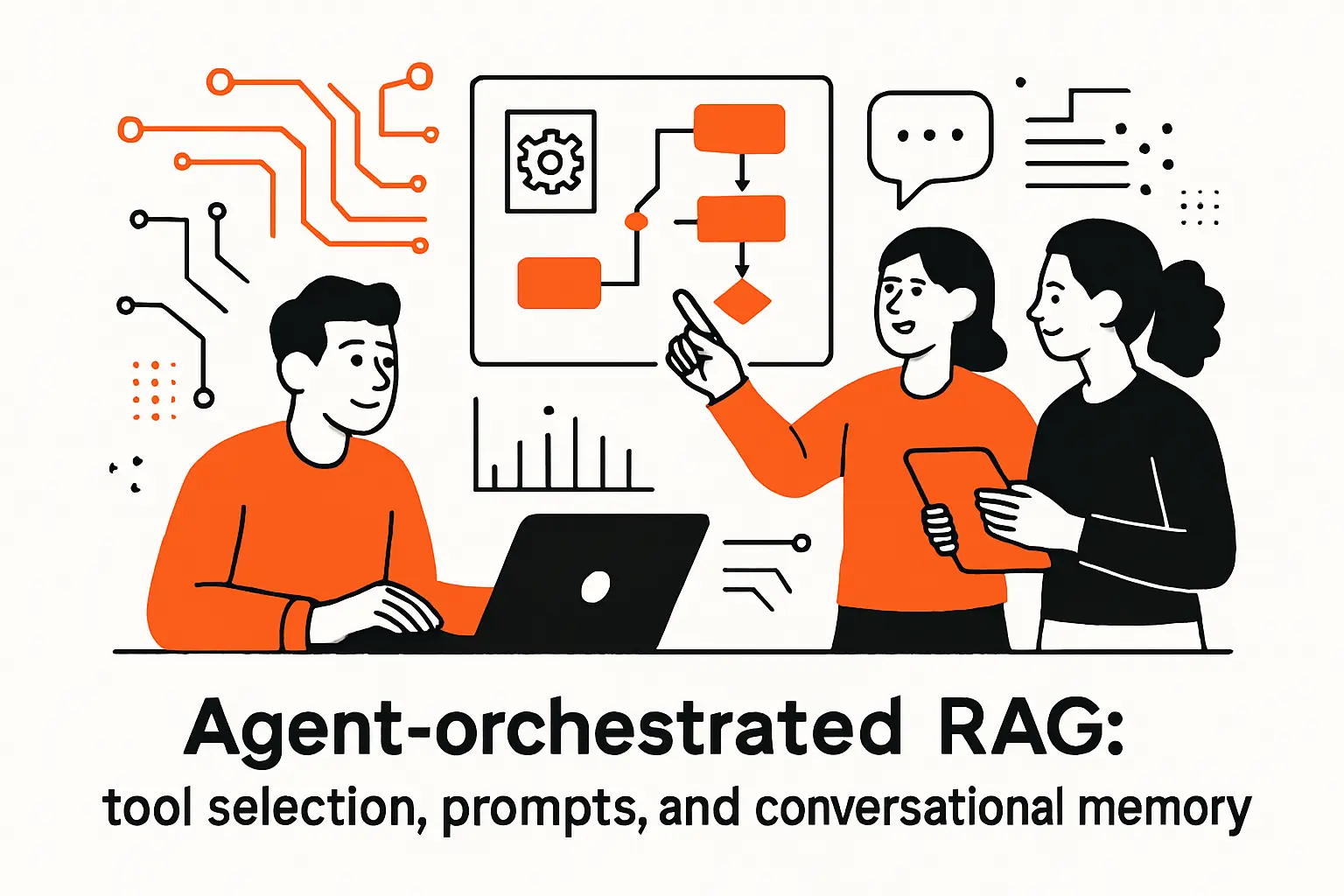
1. Defining tools and writing clear tool descriptions for reliable routing
Tools are the agent’s hands, so we describe them like we are training a new teammate. A tool description should state what it does, when to use it, what inputs it expects, what it returns, and what it cannot do. Vague tools create unpredictable routing, which is another way of saying users will see inconsistent behavior.
In our projects, we keep tools narrow on purpose. A “search everything” tool invites misuse, while a “search policy documents” tool makes the decision obvious. Similarly, a “lookup customer entitlements” tool should return only the minimum necessary fields. Tight tool scopes reduce both security risk and reasoning ambiguity, and they make it easier to test the agent’s decisions with deterministic expectations.
Operational Tip
We log every tool call with input and output redaction rules. That gives us a reliable audit trail without creating a new data leak in the logs.
2. ReAct-style prompting formats for tool calling and final answers
ReAct-style prompting encourages an agent to alternate between reasoning steps and actions. Whether a given model truly “reasons” is a philosophical debate; what matters to us is the operational structure. With ReAct, we can guide the model to decide: “I should retrieve,” “I should call a tool,” or “I can answer now.” This reduces the tendency to hallucinate because the model is given a sanctioned path to fetch missing information.
We also constrain the format of the final answer. Even if intermediate steps are not shown to users, the output should be consistent: cite sources when using retrieved text, present steps when describing procedures, and summarize tool outputs rather than dumping raw data. In customer-facing chatbots, polished answer structure is not cosmetic; it is how we prevent misunderstandings and reduce follow-up questions.
3. Adding conversation memory and managing multi-turn interactions
Multi-turn chat is where enterprise assistants either shine or crumble. Memory is not just “keep the transcript”; it’s deciding what to carry forward and what to forget. We typically split memory into three layers: a short conversational buffer, a running summary of user goals and constraints, and durable state stored outside the model (such as user identity, permissions, and workflow status).
In RAG systems, memory also affects retrieval. A user may say, “What about the exception?” and the retriever needs the earlier topic to form a meaningful query. We often implement query rewriting that uses conversation context to create a fully-specified retrieval query. Done carefully, this makes the assistant feel attentive without forcing it to ingest the entire chat history on every turn.
Memory Governance
We treat memory like data retention: we define what is stored, for how long, and who can access it. That policy is as important as the prompt.
4. Handling iteration limits and parsing errors in agent execution
Agents can fail in ways simple chains do not. They can loop, they can pick the wrong tool repeatedly, or they can produce outputs that do not parse as expected. Rather than pretending this won’t happen, we design explicit guardrails: iteration caps, fallback strategies, and user-visible recovery messages. A graceful failure that explains next steps is better than a confident hallucination.
Parsing errors deserve special attention because they can be silent. If your system expects structured output and the model returns unstructured text, the agent may crash or, worse, continue with partial data. We mitigate this by using robust output parsers, adding schema-aware prompts, and capturing raw outputs for debugging. Over time, these “boring” reliability features become a competitive advantage because users learn they can depend on the assistant even when it says, “I can’t complete that automatically.”
Graph RAG with Neo4j: combining vector search, Cypher QA, and functions
1. Graph database basics: nodes, relationships, and properties for domain modeling
Graph RAG enters when the question is not just “What does the document say?” but “How do entities relate?” Graph databases model domain reality as nodes (entities), relationships (connections), and properties (attributes). For certain domains—assets and maintenance histories, products and dependencies, employees and org structures—graphs capture meaning that text chunks cannot. When a user asks, “What systems are impacted if this service is down?” a graph is naturally expressive.
At TechTide Solutions, we think of graphs as structured context with built-in constraints. A vector retriever might pull a paragraph that mentions a service. A graph query can enumerate upstream and downstream dependencies in a way that is both precise and explainable. Blending these gives us the best of both worlds: narrative grounding from documents and deterministic relationships from the graph.
Practical Graph RAG Mindset
We do not replace vector search with graphs. Instead, we use graphs to answer the parts of a question that require structure, then let generation turn the structured output into readable guidance.
2. Designing a graph schema from domain entities and evolving it over time
A graph schema should start with the questions users ask, not with a theoretical model. In early phases, we identify the smallest set of entities and relationships needed to answer high-value queries. Then we evolve the schema as new question patterns appear. This evolution is normal; business domains are living systems, and your schema should reflect that.
We also emphasize provenance when building a graph: where did a node or relationship come from, and how fresh is it? Some relationships can be derived from authoritative systems, while others may be extracted from text using information extraction pipelines. Mixing these without labeling creates confusion. With clear provenance, the chatbot can communicate uncertainty honestly, and engineers can prioritize which parts of the graph should be hardened by integrating with source-of-truth systems.
3. Cypher QA chains that translate questions into Cypher and validate queries
Cypher QA chains let a model translate natural language into Cypher queries, run them, and then explain the results. This is powerful, but it is also a place where we insist on safeguards. A model can generate an unsafe query (too broad, too slow, or targeting restricted data), so we add validation layers: allowlists of labels and relationship types, query complexity checks, and post-processing that limits output fields.
In our implementations, we treat Cypher generation like code generation: it must be reviewed by constraints, not trusted blindly. We often run a “query lint” step that checks whether the query adheres to schema rules and access policy. Then we execute it with least-privilege credentials. Done right, this turns the agent into a helpful analyst that can navigate complex relationships without exposing the entire graph or inviting accidental data leaks.
4. Extending the agent with function tools for capabilities beyond retrieval
Once an agent can retrieve documents and query a graph, the next leap is adding function tools that perform actions: create a ticket, schedule a task, generate a report draft, or run a diagnostic. We approach these capabilities cautiously because action tools change the risk profile. Retrieval mistakes are embarrassing; action mistakes are expensive.
To keep this safe, we implement confirmation patterns: the agent proposes an action, shows a structured preview, and requires explicit user approval. We also maintain strong tool boundaries: read-only tools for exploration, and write tools for controlled workflows. In business settings, this is where the chatbot becomes more than a helpdesk; it becomes an interface to operations. The better the tool design, the more the assistant feels like a reliable coworker rather than a clever toy.
Deploying the chatbot: FastAPI serving, Streamlit UI, and container orchestration
1. Serving the agent as a REST endpoint with FastAPI
Serving the agent behind a REST endpoint is how we make it a product component rather than a notebook experiment. FastAPI is a strong fit because it encourages clear request and response schemas, supports async execution, and integrates neatly with observability middleware. In deployment, the API becomes the control plane for authentication, rate limiting, tenant routing, and logging.
We recommend a clean contract: a chat request includes user message, session identifier, and optional context (like selected knowledge base or user role). The response includes the assistant message, optional citations metadata, and tool traces for internal debugging. Keeping these concerns explicit allows multiple clients—Streamlit, web apps, integrations—to share the same back end without duplicating logic or exposing model internals.
Security Posture We Prefer
We isolate secrets in environment variables, keep outbound network access minimal, and explicitly gate which tools the agent may call in each environment. This turns “agent freedom” into “agent governance,” which is the only sustainable path in production.
2. Creating a Streamlit front end to send messages to the API and display responses
Streamlit is an efficient way to validate end-to-end behavior with real users. A simple chat interface lets stakeholders focus on usefulness rather than UI polish, and it also lets engineers iterate on retrieval, prompting, and tool routing rapidly. In early pilots, the UI is essentially a microscope: it helps us observe failure modes and gather feedback without weeks of front-end development.
To make the UI genuinely useful, we often include toggles for “show sources,” “show retrieved context,” and “show tool calls” in internal builds. Those features are not for customers; they are for product development. When stakeholders can see what the system retrieved, they stop blaming “the model” and start helping us improve the knowledge base, which accelerates progress.
3. Running and orchestrating services with Docker Compose and environment variables
Container orchestration is where prototypes become repeatable systems. Docker Compose is a practical stepping stone because it captures your local topology: API service, UI service, vector store, graph database, and any supporting components. With environment variables, we can keep credentials out of code and make deployments configurable across environments.
In our delivery practice, we define separate configuration profiles for development, staging, and production behavior. That includes different logging verbosity, stricter tool access policies, and production-grade persistence for vector indexes. Once teams experience a clean “spin up the whole stack” workflow, iteration speeds up, onboarding improves, and reliability issues become easier to reproduce—an underrated win when debugging agent behavior.
TechTide Solutions: custom chatbot development tailored to your customers
1. Custom RAG and agent architecture aligned to your data, users, and business goals
At TechTide Solutions, we don’t treat “build a chatbot” as a generic request, because the architecture should reflect your domain constraints. A support bot for consumer products needs fast retrieval, strong tone control, and careful safety boundaries. An internal policy bot needs authoritative citations and strong access control. A workflow agent needs tool governance and confirmation UX. The same LangChain primitives can serve all of these, but the right composition differs.
Our architecture decisions are guided by three questions: what data is authoritative, who is allowed to see it, and what actions (if any) the assistant may initiate. Once those are answered, we design the retrieval layer, tool layer, and memory strategy accordingly. This approach keeps “agentic ambition” grounded in operational reality and prevents a common trap: shipping an assistant that demos well but can’t be trusted by the people it was meant to help.
2. Full-stack delivery: back-end services, web app interfaces, and system integrations
Shipping a chatbot that matters requires full-stack thinking. The model call is the easy part; the hard part is integrating with identity, permissions, knowledge ownership, analytics, and existing workflows. Our delivery typically includes the ingestion pipeline, vector and graph indexing, a secured API, and an interface tailored to user context—plus integration points into ticketing, knowledge management, or internal portals.
Because businesses live in ecosystems, we also build for interoperability: webhooks, event logs, and structured outputs that downstream systems can consume. A chatbot that can draft a ticket, summarize a conversation, or produce a structured handoff note becomes part of operations rather than a novelty. That’s where ROI tends to appear, not in the novelty of chatting but in the reduction of friction across teams.
3. Production readiness: testing, observability, and deployment practices for reliability
Production readiness is where we see most “AI projects” falter, so we invest there heavily. Testing for RAG means more than unit tests; it means retrieval evaluation, prompt regression tests, and adversarial checks for unsafe requests. Observability means tracing chains, capturing tool call events, and monitoring latency, error rates, and fallback frequency. Deployment practices mean repeatable environments and controlled rollout, because prompt changes can alter behavior as surely as code changes.
Our perspective is simple: if the chatbot is part of a business process, it deserves the same rigor as any other service. That includes on-call considerations, incident playbooks, and clear ownership for both infrastructure and content. When those elements are present, teams iterate confidently. When they’re absent, teams freeze after the first mishap, and the chatbot quietly becomes shelfware.
Conclusion: next steps for production-ready LangChain chatbots
1. Enhance user experience with streaming responses and better interaction patterns
Once the core pipeline works, user experience becomes the differentiator. Streaming responses can make the chatbot feel responsive even when tool calls take time, and it also communicates progress rather than leaving users staring at a blank screen. Beyond streaming, we like interaction patterns that reduce ambiguity: suggested follow-up questions, explicit “what I used to answer” context panels, and gentle confirmations before sensitive actions.
In our experience, UX improvements also reduce model risk. When users can see what the assistant is basing its answer on, they calibrate trust better. When users can correct context (“No, I meant the other product line”), retrieval improves. A well-designed chat experience turns the user into a collaborator in accuracy rather than a passive consumer of output.
2. Add structured responses and richer memory for real multi-turn workflows
As soon as the chatbot participates in workflows, structured responses become essential. Instead of returning only prose, we often have the assistant emit a structured object alongside the human-readable answer: intent classification, extracted entities, recommended next step, and any tool inputs it proposes. That structure lets downstream systems act, and it lets engineers evaluate behavior without reading thousands of chat transcripts.
Richer memory is the companion feature. A workflow assistant should remember constraints and state: what the user is trying to accomplish, what has been confirmed, and what remains open. By storing durable state outside the model and using the model as an interpreter rather than a database, we can build assistants that handle complex, multi-turn tasks without becoming unpredictable or overly expensive.
3. Use tracing and monitoring to iterate safely as complexity grows
As the system gains tools, modalities, and knowledge sources, tracing becomes non-negotiable. With tracing, we can answer the questions that matter: what was retrieved, which tool was selected, what output was produced, and where failures occurred. Monitoring then closes the loop by highlighting drift over time, whether from changing documents, changing user behavior, or changing model responses.
Looking ahead, the most reliable teams we work with treat the chatbot like a living system: they run evaluations regularly, they maintain content ownership, and they iterate in small, observable steps. If we were sitting with your team tomorrow, the next step we’d suggest is simple: pick one high-value user journey, build the smallest RAG pipeline that can answer it with grounded evidence, and then ask—what would it take to make that journey trustworthy enough to ship?