


At Techtide Solutions, we build and audit web products with discoverability in mind, so we do not treat search as magic. We treat it as a stack of systems that discover pages, render code, extract signals, build indexes, and sort answers at speed. Once we see search through that engineering lens, SEO stops feeling like folklore and starts feeling like architecture.
From a market perspective, search is still concentrated even as the interface changes: Google represented 79.1 percent of the global online search engine market on desktop devices as of March 2025, and McKinsey reports half of consumers use AI-powered search today. We see that tension clearly in answer-style experiences such as Google AI Overview and in privacy-led options like DuckDuckGo, which is why businesses now need content that can be crawled, interpreted, and trusted across very different search environments.
What a Search Engine Is
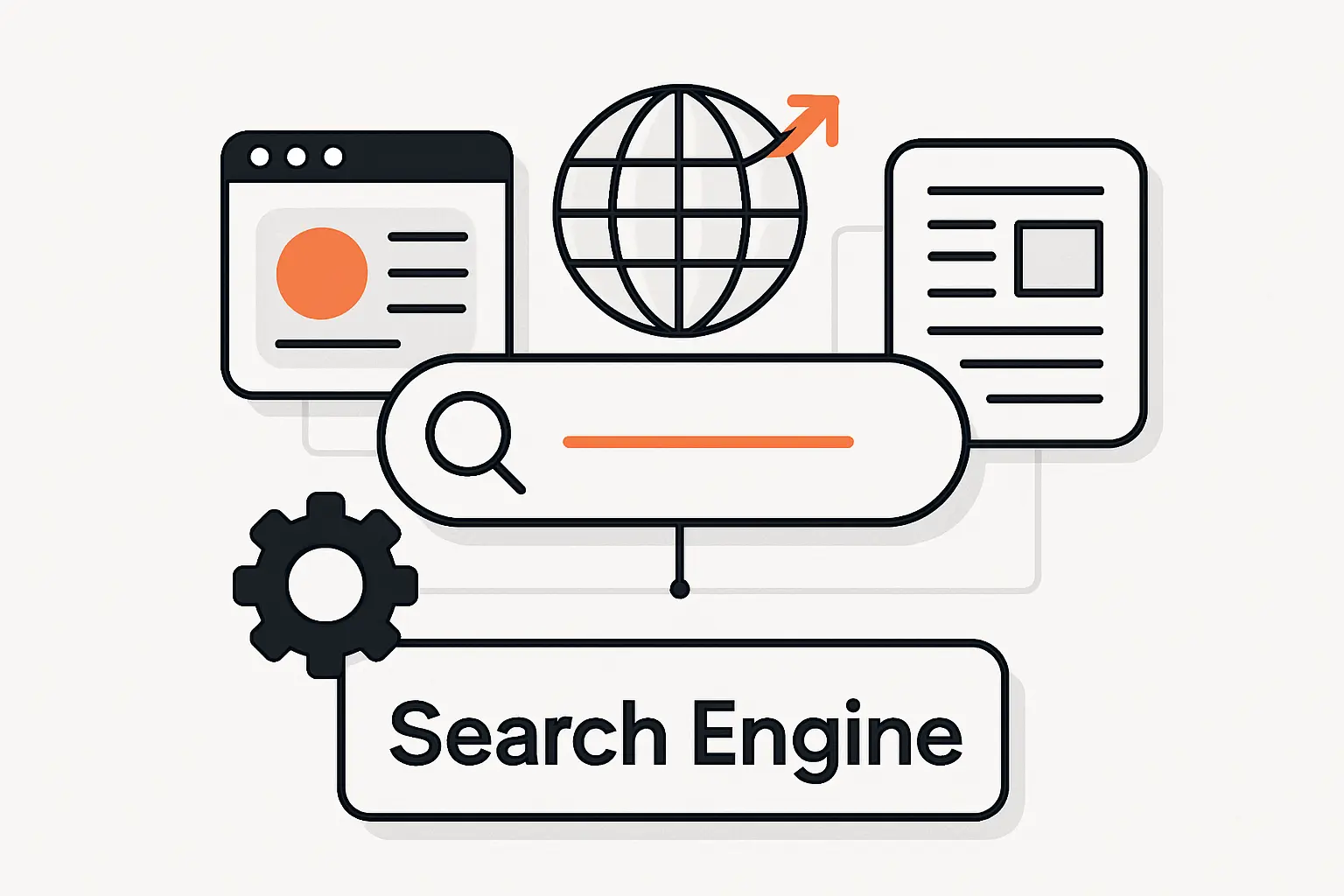
1. The Search Index and the Algorithm
At a base level, a search engine is software that collects information from the web and returns ranked matches to a query. The critical asset is the index: a structured database of pages and signals that have already been processed, not the live web itself. People often talk about “the algorithm” as one black box, but we find it more accurate to think in terms of interacting systems for discovery, indexing, quality evaluation, and ranking.
2. How Keywords Connect Queries to Pages
Keywords still matter because search systems need textual evidence of what a page is about. Even so, modern engines do not rely on exact-match wording alone; Google describes systems that interpret intent, correct spelling, recognize synonyms, and connect phrases such as “change laptop brightness” to pages that say “adjust laptop brightness.” In our experience, that is why rigid keyword stuffing underperforms while clear topic coverage, descriptive headings, and natural language tend to age much better.
Recommended reading: SEO On Site Off Site: Differences, Ranking Factors, and a Balanced Strategy
How Does a Search Engine Work Step by Step
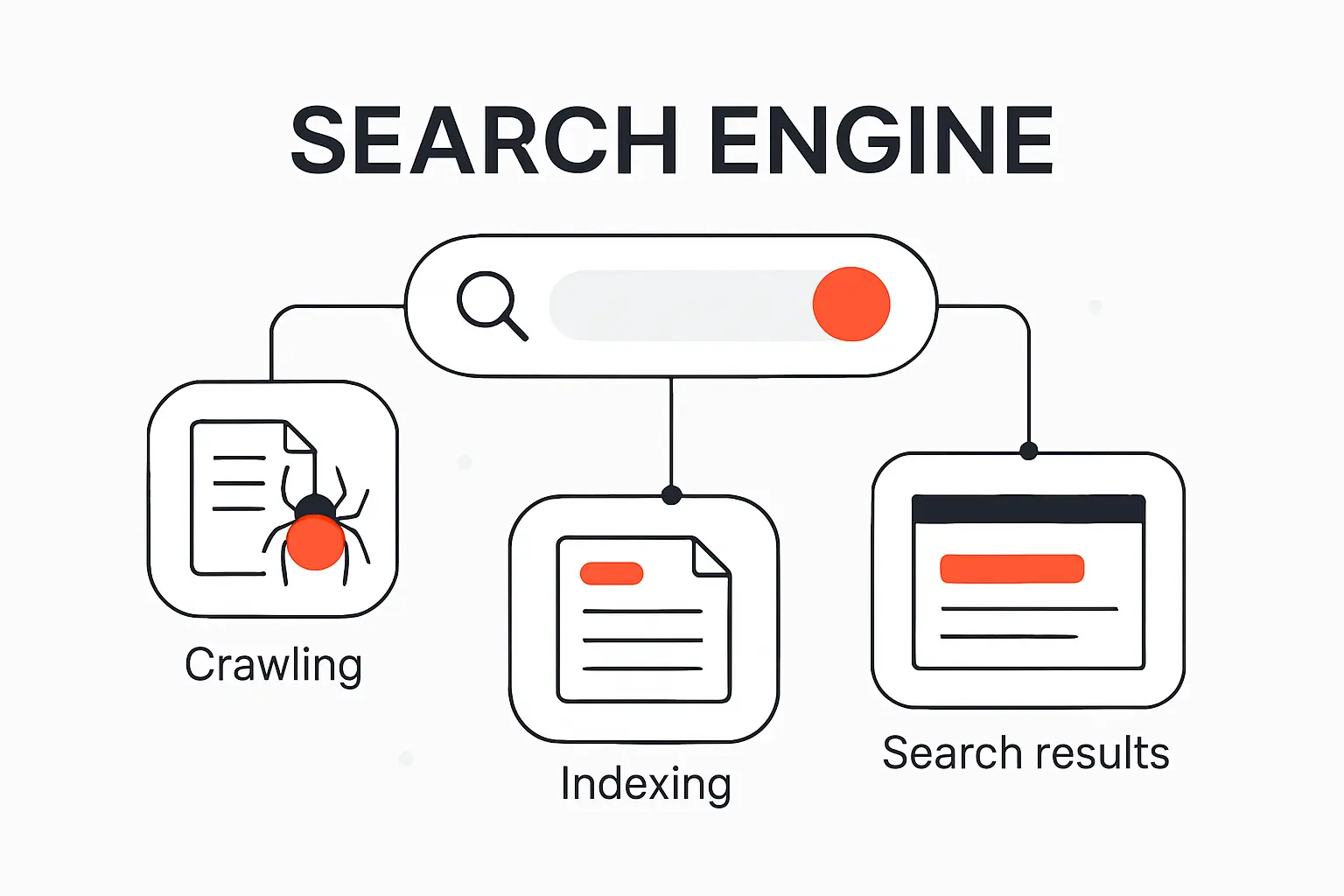
1. Crawling How Bots Discover New and Updated Pages
Crawling is discovery in motion. Search bots revisit known pages, follow links to new ones, and use signals such as sitemaps to expand the set of URLs they know about. Google also renders pages with a recent version of Chrome, which means JavaScript-heavy websites can be understood only if the critical resources are accessible and the rendered output contains the real content and links. When a site hides navigation behind broken scripts or blocked assets, the crawler’s map of the site becomes incomplete fast.
2. Indexing How Search Engines Store and Organize Content
Indexing is where fetched content is analyzed and stored so it can be retrieved later. Text, images, video, links, and other page signals are processed and attached to the engine’s index, which is the searchable layer used at query time. A crawl, however, is not a promise of inclusion. Low-value pages, inaccessible resources, and URLs carrying directives such as noindex can all be excluded even after a bot has visited them.
3. Ranking How Results Are Ordered on the Search Results Page
Ranking happens after the user searches, not before. Systems scan the index, estimate query meaning, compare likely relevance, weigh quality and usability signals, then fold in context such as location, language, and device before ordering the results page. Google is also clear that organic ranking is programmatic and that payment does not buy a better organic position. We therefore treat ranking as a competitive decision model, not as a simple reward for publishing a page.
Recommended reading: How to Increase Website Traffic with SEO Content Promotion and Analytics
How Search Engines Discover and Understand Websites
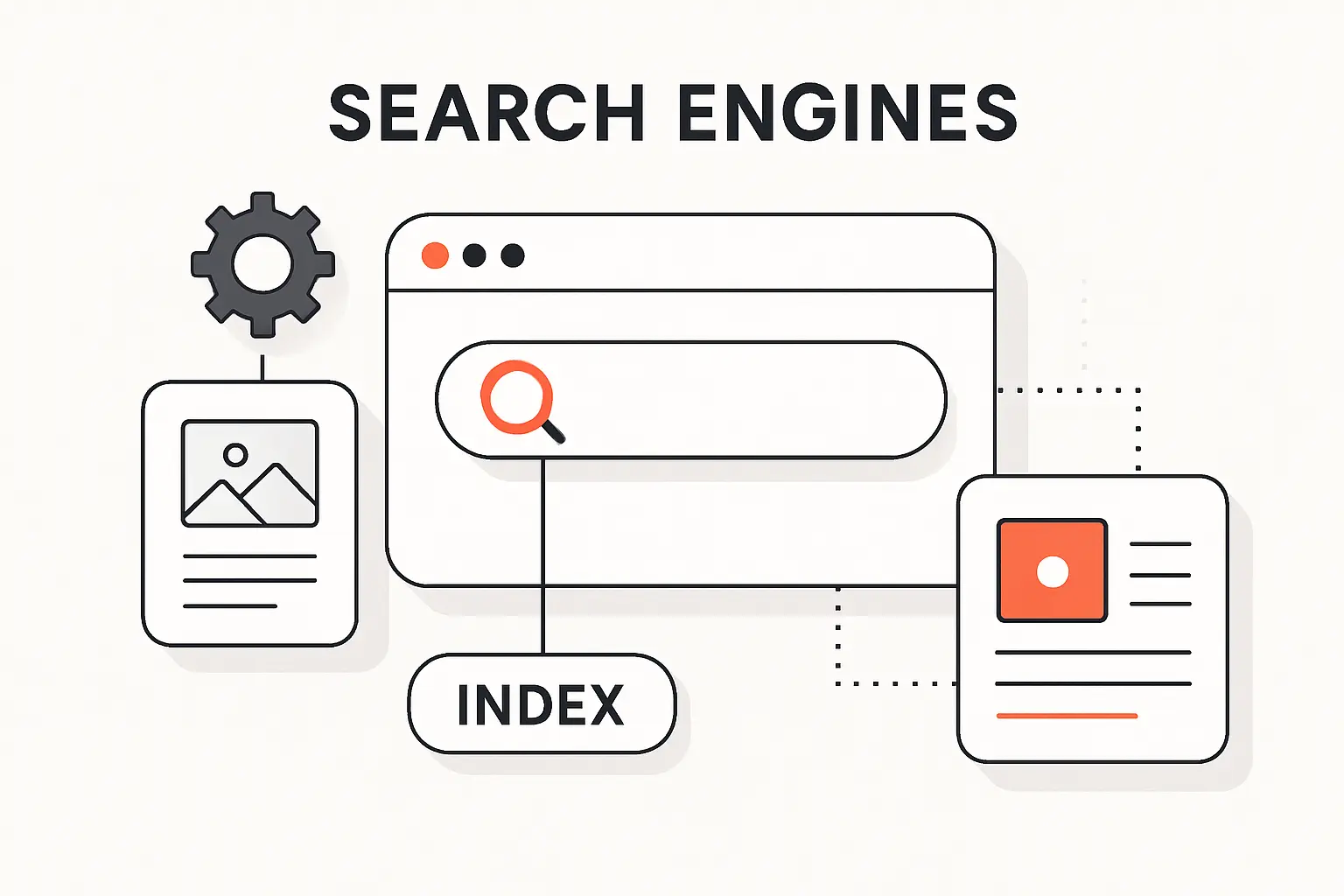
1. Links, Internal Navigation, and Sitemaps
Links are the web’s routing layer. Search engines use them to discover pages and to understand how information on a site is connected, which is why clean internal navigation still punches above its weight. Google goes as far as saying every page you care about should have a link from at least one other page on your site. Sitemaps help by listing preferred canonical URLs, but they are hints rather than guarantees; we use them to support discovery, not to replace logical menus, breadcrumbs, and contextual internal links.
2. Robots.txt and Crawl Permissions
Robots.txt is about crawl permissions, not confidentiality. Before crawling, major engines read the file to understand which paths may be explored, and they also support sitemap declarations there. The classic mistake is assuming a disallow rule hides sensitive material. Don’t use a robots.txt file as a means to hide your web pages from Google Search results; a blocked URL can still surface if the web points to it. For private content, we prefer authentication, proper headers, or noindex depending on the use case.
3. Metadata, Structured Data, and Content Signals
Metadata helps a search engine summarize what it found, while structured data helps it classify what it found. Google explains that Google will sometimes use the meta description tag from a page to generate a snippet in search results, but the page content itself still remains the primary source. Structured data, usually based on schema.org vocabulary, gives machines clearer signals about products, articles, organizations, reviews, and other entities. For businesses, that can mean richer search features, cleaner interpretation, and fewer ambiguities around what the page is supposed to represent.
Recommended reading: SEO Affiliate Marketing: A 2026 Playbook for Ranking, Trust, and Revenue
Why Some Pages Do Not Show Up in Search Results
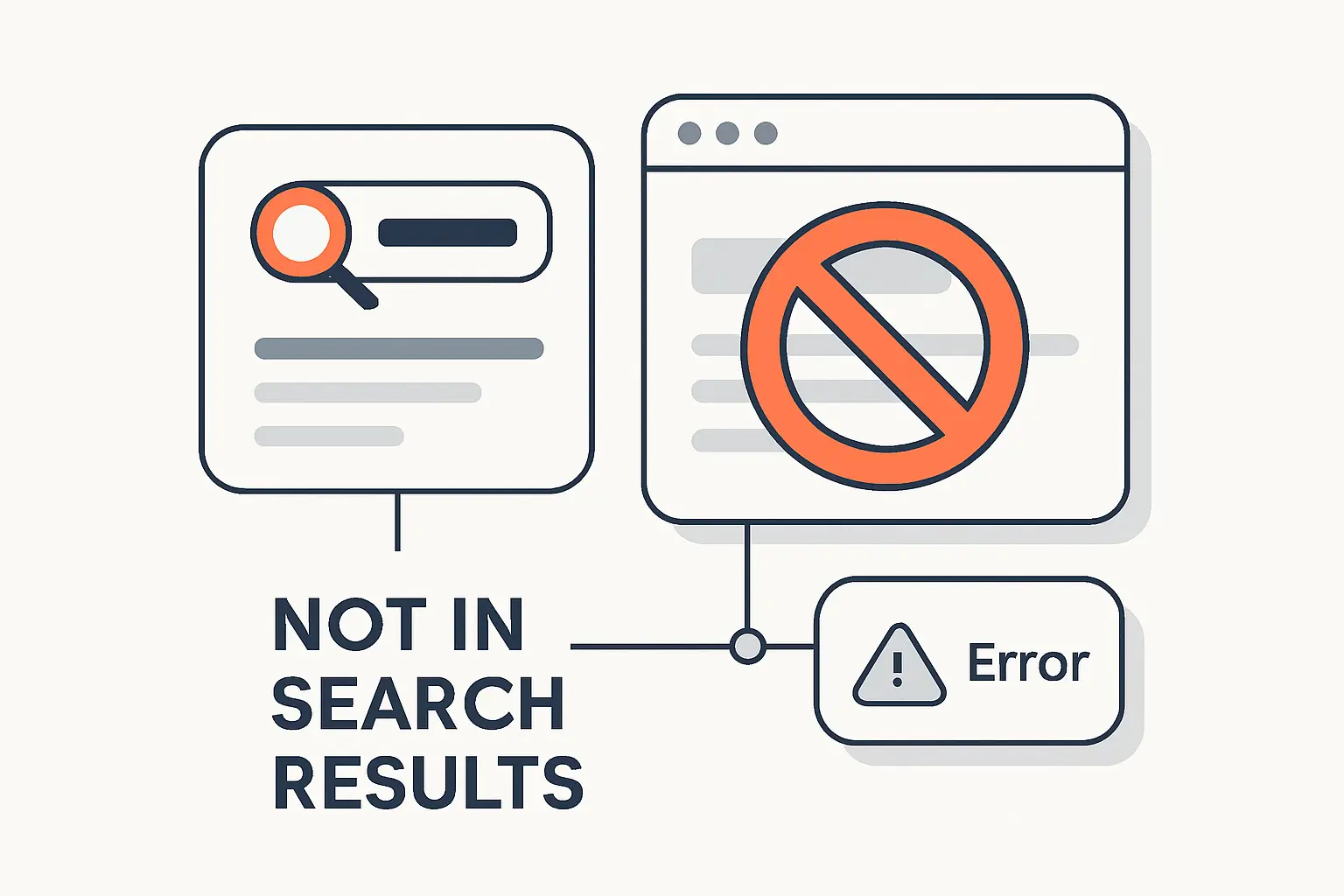
1. Noindex Directives and Crawl Blocking
Noindex is one of the most direct ways to keep a page out of results, whether we apply it as a meta tag or an X-Robots-Tag header for non-HTML assets such as PDFs. Yet the rule works only when the crawler can actually reach the page. Google states that the page or resource must not be blocked by a robots.txt file. If robots blocks access first, the engine may never see the noindex instruction at all. That single misconfiguration explains a remarkable number of stubborn indexing problems.
2. Login Protected Pages and Inaccessible Content
Public visibility begins with public access. Google’s technical requirements say if a page requires a log-in, Googlebot will not crawl it, and that rule is exactly as unforgiving as it sounds. We design customer portals, internal knowledge bases, and subscription areas with that boundary in mind. If a business expects account-only content to rank, the real problem is usually not weak SEO copy; it is that the content was never available to the crawler in the first place.
3. 404 Errors, 500 Errors, and Rendering Problems
Errors can quietly break discoverability. A 404 tells the crawler the requested resource is missing, a 500 tells it the server hit an unexpected failure, and a soft 404 happens when the page looks like an error to humans while still returning a 200 status code. Rendering issues create a second failure mode: blocked or missing JavaScript can hide the main content or links that search engines need to see. From our perspective, this is where technical SEO becomes pure operations discipline.
Recommended reading: 7 SEO Tips for WordPress: A Practical Outline for Better Rankings and Clicks
What Helps Search Engines Rank One Page Above Another
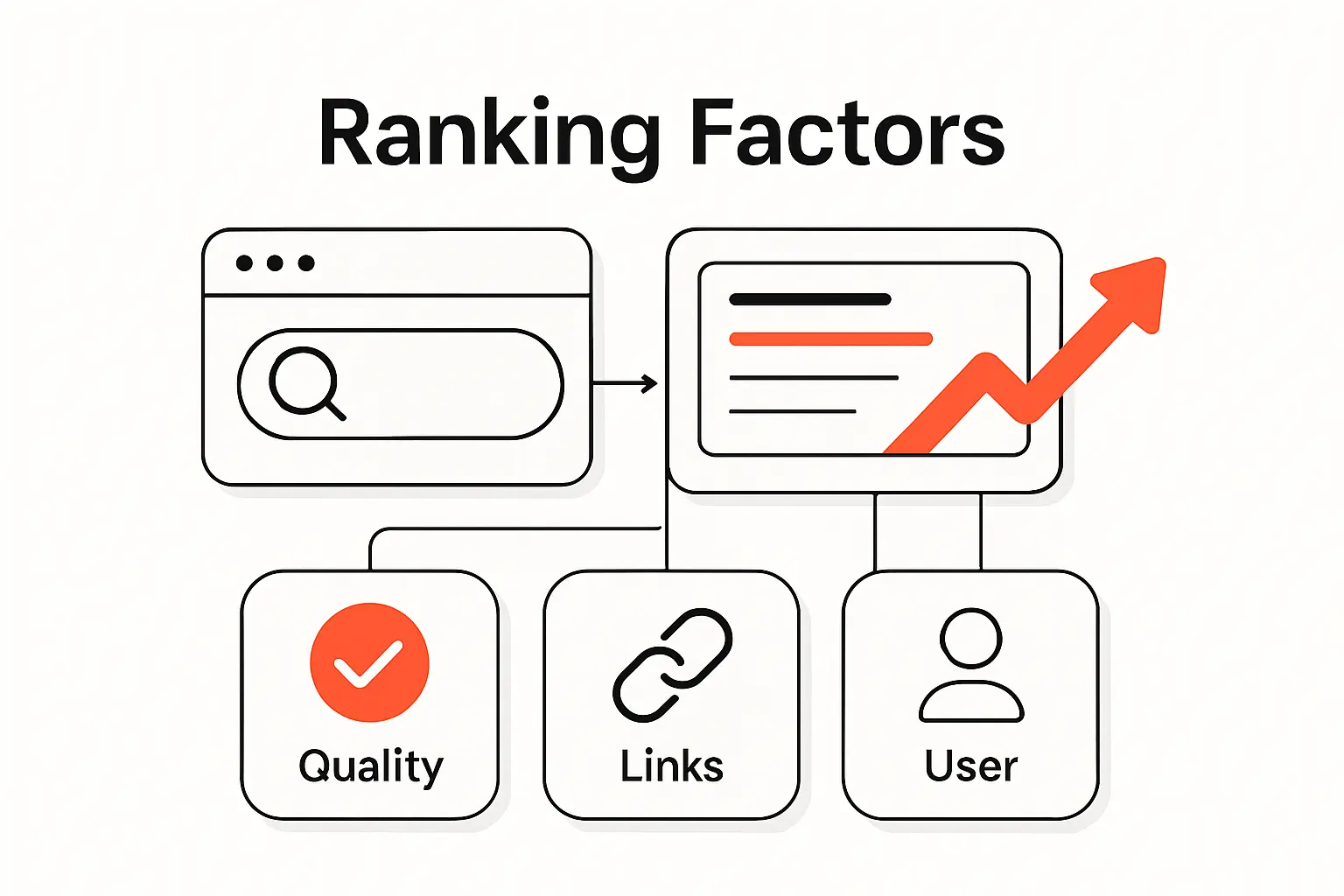
1. Relevance to Search Intent
Relevance starts with the user’s task. Google shows this clearly with examples: a search for “bicycle repair shops” is likely to surface local results, while “modern bicycle” is more likely to trigger image-oriented pages. That is a reminder that search engines rank answers to intents, not just pages containing words. We advise teams to ask a blunt question before optimizing any URL: what job is the searcher hiring this page to do?
2. Authority and Trust
Authority is partly earned off-page and partly demonstrated on-page. Google says references or links from other prominent websites can signal trustworthiness, while its broader guidance emphasizes experience, expertise, authoritativeness, and trustworthiness when evaluating content quality. We translate that into real publishing practices: show authorship, expose evidence, keep policies visible, maintain editorial consistency, and earn citations because the work is genuinely useful. Shortcut link schemes might look tempting, but they age like milk.
3. Content Quality, Freshness, Location, and Device Context
Quality is contextual, not absolute. Helpful, reliable, people-first content remains the baseline, but the weights shift by query: freshness matters more for breaking events than for evergreen definitions, location matters more for nearby services than for abstract topics, and mobile usability can tip the scale when other signals are close. Search systems also use language and settings to adapt the page people see. That is why we rarely diagnose ranking in a vacuum; the user context is part of the ranking logic itself.
Recommended reading: SEO Friendly Content Writing: How to Create Content That Ranks and Helps Readers
Search Engines vs Web Browsers
1. What a Browser Does
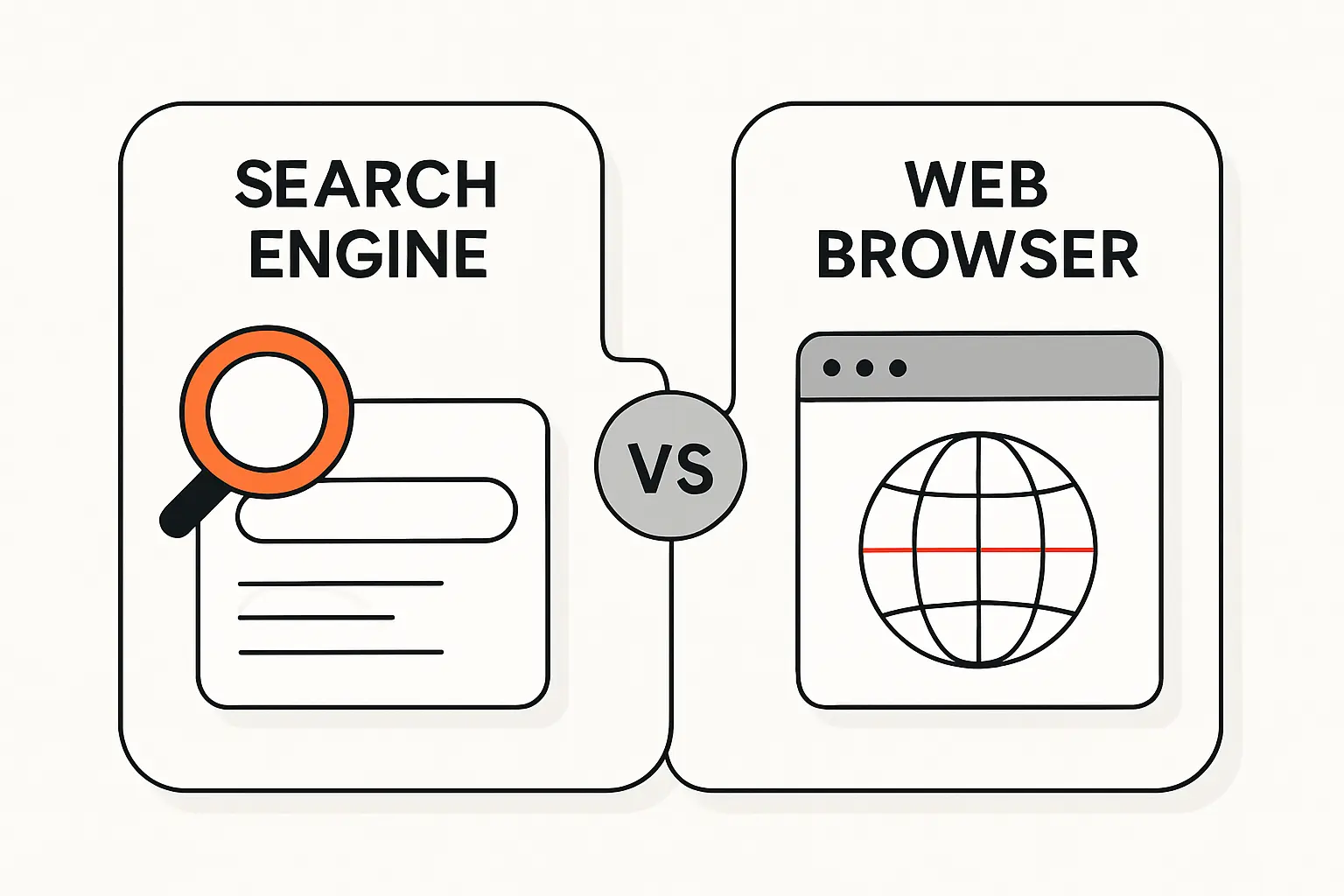
A browser is the software we use to fetch and view pages. In MDN’s wording, a web browser or browser is a program that retrieves and displays pages from the web, using a rendering engine to show what the server sends. Chrome, Safari, Edge, and Firefox are browsers. Their role is navigation and display, not web-wide discovery.
2. What a Search Engine Does
A search engine operates behind the scenes. It collects documents from across the web, organizes them into an index, and ranks relevant results when we type a query. Google and Bing are the mainstream examples, but alternatives matter too: DuckDuckGo markets itself as a product that never tracks your searches, while Brave Search positions itself as an independent, private search engine. Those design choices affect privacy, result diversity, and sometimes which pages appear at all.
3. Why the Two Often Feel Similar
The line blurs because modern browsers merge navigation and search into one omnibox-style field. Firefox support documentation notes that the address bar can suggest popular searches from search engines while also surfacing sites from history, bookmarks, and open tabs. So users type into a browser, receive search suggestions, and land on results pages without consciously switching tools. The experience feels unified, but the responsibilities are still distinct underneath.
How to Use Search Engines More Effectively
1. Choose Specific Keywords
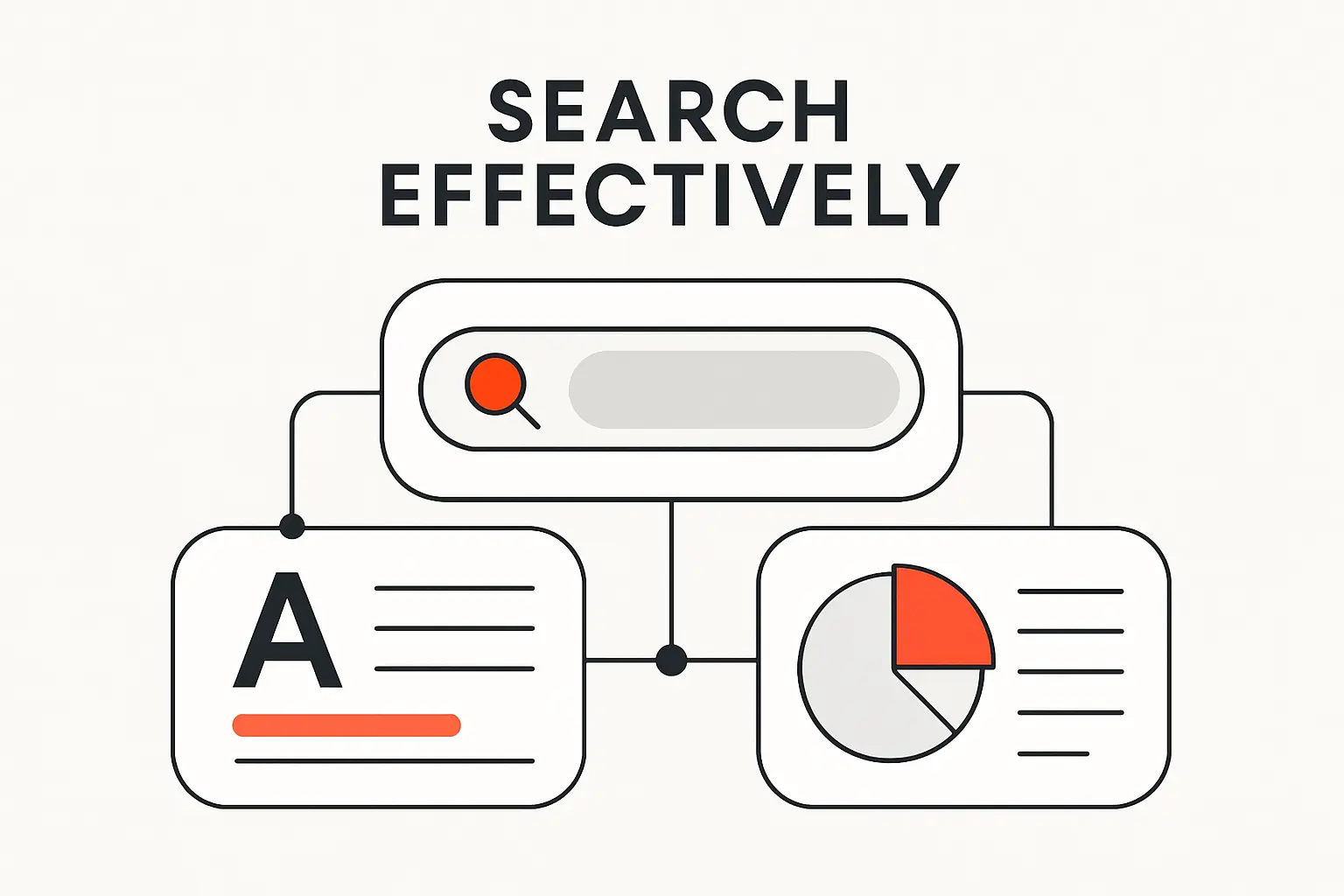
Specific searches usually outperform vague ones. If we search “mercury,” we may get the planet, the element, or the car brand; if we search “mercury outboard repair manual PDF” or “Mercury planet atmosphere,” we narrow the intent immediately. Google generally recommends starting with natural language, then using precision tools when needed. For exact phrasing, quotation marks only show pages that contain those exact words or phrases. That habit is especially useful when we are hunting documentation, legal wording, or bug messages.
2. Understand How Ranking Shapes the First Results You See
The first results page is not a neutral dump of the web. It is a ranked construction shaped by meaning, relevance, quality, usability, location, language, device context, and sometimes prior activity or settings. That is why two people can search the same phrase and still see noticeably different results. We encourage clients to test queries across devices, locations, and private windows before they make strategic calls about visibility.
3. Know That Different Search Engines Can Show Different Results
Different search engines can legitimately return different answers because they may maintain different indexes, follow different privacy rules, and weight signals differently. Brave emphasizes index independence, DuckDuckGo emphasizes private search behavior, and larger engines apply their own ranking and freshness systems at scale. For users, alternative engines are useful as second opinions. For publishers, the lesson is simple: build pages that are understandable across the web, not just on one platform.
FAQ About How Search Engines Work
1. What Is the Most Popular Search Engine
As of March 2026, Google remained the most popular search engine worldwide, with 89.85% of worldwide search engine share in March 2026. We would still caution businesses to watch device, country, and use-case differences, because desktop, mobile, regional, and privacy-led behavior can look very different from the global average.
2. Is Google Always Right
No. In our opinion, Google is extraordinarily useful, but it is not a truth machine. Its systems rank what seems most relevant and helpful based on many signals and context factors, which is different from verifying every statement for factual accuracy. That is why we still recommend primary sources, especially for medical, legal, financial, scientific, or rapidly changing topics.
3. Which Search Engines Can You Use Besides Google
Besides Google, we commonly point people to Bing, DuckDuckGo, and Brave Search. Bing is a mainstream alternative with its own webmaster ecosystem, DuckDuckGo appeals to users who want search without profiling, and Brave Search appeals to users who want an independent index. In practice, the best choice depends on whether the priority is breadth, privacy, or experimentation.
4. Do All Search Engines Rank Results the Same Way
No. Search engines share the broad crawl-index-rank model, but they do not share a single index or a single ranking formula. Even small differences in query interpretation, freshness handling, privacy defaults, or source weighting can change the result order significantly. We often use more than one engine during audits for exactly that reason.
5. What Is a Search Index
A search index is the organized database a search engine consults when a query arrives. Instead of scanning the live web from scratch every time, the engine searches this stored representation of pages and the signals attached to them, then ranks the matches. That design is what makes web search fast enough to feel instantaneous.
6. Why Is a Page Missing From Search Results
A page can be missing because it is new, blocked, marked noindex, behind a login, low in perceived value, broken by errors, or unreadable after rendering. Sometimes the page is indexed but simply ranks too low or is displaced by other results for that query. When we diagnose the issue, we usually check crawl access, index status, HTTP responses, rendered HTML, and internal links before we touch copy.
Key Takeaways on How a Search Engine Works
1. Search Engines Crawl, Index, and Rank Content
Search engines work through a repeatable pipeline: discover URLs, fetch and render pages, analyze what they contain, store useful signals in an index, and rank responses when a user searches. Once we view search that way, optimization becomes less mystical and far more testable.
2. Keywords Matter, but Relevance and Quality Matter More
Keywords still matter because they help engines interpret relevance, but they are only part of the puzzle. Query intent, helpfulness, topical depth, trust signals, and context usually determine whether a page actually earns visibility. Put bluntly, the page that best resolves the need beats the page that merely echoes the phrase.
3. Accessibility Helps Search Engines Find and Understand Pages
Accessibility is an SEO force multiplier. Clean internal links, crawlable resources, accurate directives, public access where appropriate, healthy status codes, and readable markup help engines find and understand what a page is really about. If we want one practical next step, it is this: audit your site the way a crawler would—what would it discover, index, and trust today?

