Market overview: Gartner forecasts public cloud end-user spending will total $723.4 billion in 2025, and we keep seeing ERP decisions follow that center of gravity. At Techtide Solutions, we treat ERP as an operating model, not a software purchase. A small business does not “install ERP.” A small business rewires how work moves. The real goal is steady, auditable execution. That includes quoting, buying, making, shipping, billing, collecting, and reporting. When those steps share one data model, friction drops fast. When they do not, every “quick fix” becomes tomorrow’s delay. We have watched teams drown in spreadsheets. We have also watched them snap into a calmer cadence after the right rollout. The difference is rarely features. It is fit, implementation discipline, and data ownership.
ERP for small businesses: what it is and when you’re ready to upgrade
Market overview: Statista estimates worldwide ERP software revenue will reach US$55.88bn in 2025, which tracks with the rising seriousness we see in SMB buying cycles. A modern ERP is a shared ledger of truth. It is also a workflow engine. When both parts work, leaders stop “asking for updates.” They start reading the business as it runs.
1. What an ERP for SMBs does: one system for finance, inventory, sales, and customer management
Across our projects, we describe ERP as the “system that explains the numbers.” Accounting software records results. ERP explains why results happened. That sounds abstract until month-end hits. Finance needs to reconcile sales, shipping, returns, and cash. Operations needs to trust inventory and lead times. Sales needs accurate availability and promise dates. Customer teams need order status without Slack archaeology.
In practice, ERP connects four loops. The first loop is order to cash. Quotes become sales orders, then fulfillment, then invoices, then cash. The second loop is procure to pay. Requests become purchase orders, then receipts, then vendor bills, then payment. The third loop is plan to produce. Demand becomes a plan, then work orders, then consumption, then finished goods. The fourth loop is record to report. Every event posts to a controlled chart of accounts.
We like real examples. A specialty foods distributor might sell through ecommerce and wholesale. Without ERP, ecommerce oversells and wholesale gets shorted. With ERP, allocation rules become policy, not heroics. A contract manufacturer might track components in spreadsheets. Without ERP, kitting errors hide until shipping. With ERP, the item master and picking rules guard the process.
2. SMB challenges and opportunities that make ERP valuable
Growth is the obvious trigger, yet pain is the honest one. The first pain is rework. People re-key orders, reformat bills, and re-count inventory. Another pain is timing. Leaders learn the truth weeks later, which delays action. A third pain is exceptions. Returns, substitutions, partial shipments, and backorders expose weak data structures.
Opportunity shows up in quieter places. Margin improves when costing is consistent. Cash improves when billing is immediate and accurate. Customer experience improves when status is self-serve. Compliance improves when approvals and audit trails exist by default. Hiring improves when tribal knowledge becomes a workflow. That last one surprises many owners.
From our viewpoint, SMBs also gain “option value.” ERP makes acquisitions, new channels, and new locations less scary. The platform becomes a repeatable template. That is not glamorous, but it is strategic.
3. What makes an ERP solution small business ready
Small business ready means the system can be operated by a lean team. It also means the system can be implemented without an army. We look for configuration paths that map to common realities. Those realities include partial receiving, split shipments, and messy customer purchase orders.
Usability matters, yet so does operability. An SMB-ready ERP has clean roles and permissions. It also has import tools that do not punish you for imperfect data. Clear audit logs are essential. The best systems explain “who changed what” without detective work.
We also care about adoption physics. Approvals must be fast. Mobile access must be real, not an afterthought. Reporting must be consumable by non-analysts. When dashboards require a specialist, they die quietly.
4. Small business ERP vs enterprise ERP: scope, pricing, configuration, and support differences
Enterprise ERP can be magnificent. It can also be the wrong instrument. The enterprise model assumes teams for governance, architecture, and process ownership. Many small businesses do not have those roles. For them, complexity becomes a tax.
Scope is the first difference. SMB ERP usually covers finance, purchasing, inventory, and order management cleanly. Enterprise ERP often assumes deep vertical complexity from day one. Pricing is another difference. Enterprise deals can hide cost in modules, environments, and partner layers. SMB systems tend to be more transparent, even when they are not cheap.
Configuration is where we see the sharpest split. Enterprise systems allow almost anything. That freedom can enable chaos. SMB-ready ERPs push you toward conventions. That is a feature, not a limitation, when your team is small.
Support also behaves differently. Enterprise support expects formal tickets and long lifecycles. SMBs often need rapid, practical answers. They also need implementation partners who speak “warehouse” and “bank feed,” not only “architecture.”
5. Deployment options for ERP for small businesses: cloud, on-premise, and hybrid
Deployment shapes your risk profile. Cloud reduces infrastructure work and speeds updates. On-premise can satisfy strict constraints, yet it shifts responsibility to you. Hybrid can be a bridge, but it can also become permanent limbo.
We model deployment as two questions. First, who patches and monitors the platform. Second, who owns resilience and recovery. Small businesses often underestimate those duties. Backups are easy to say and hard to test.
Hybrid deserves a careful definition. Some teams mean “cloud ERP with local barcode devices.” That is normal. Other teams mean “finance in cloud, manufacturing on-premise.” That is more complex. Integration then becomes a core competency.
6. Why cloud-based ERP is often recommended for small business adoption and faster value
Cloud ERP wins when speed and focus matter. It reduces the distraction of servers and upgrades. It also standardizes environments across sites. That helps when you have remote teams and outsourced partners.
At Techtide Solutions, we like cloud for another reason. It forces clarity about integrations. Cloud APIs often push teams to define data contracts. That improves long-term maintainability. A fragile spreadsheet pipeline is replaced by explicit flows.
Faster value also comes from update cadence. Feature improvements arrive without re-platforming projects. That matters for security too. A small business rarely has time for patch sprints. Cloud moves much of that burden away from the operator.
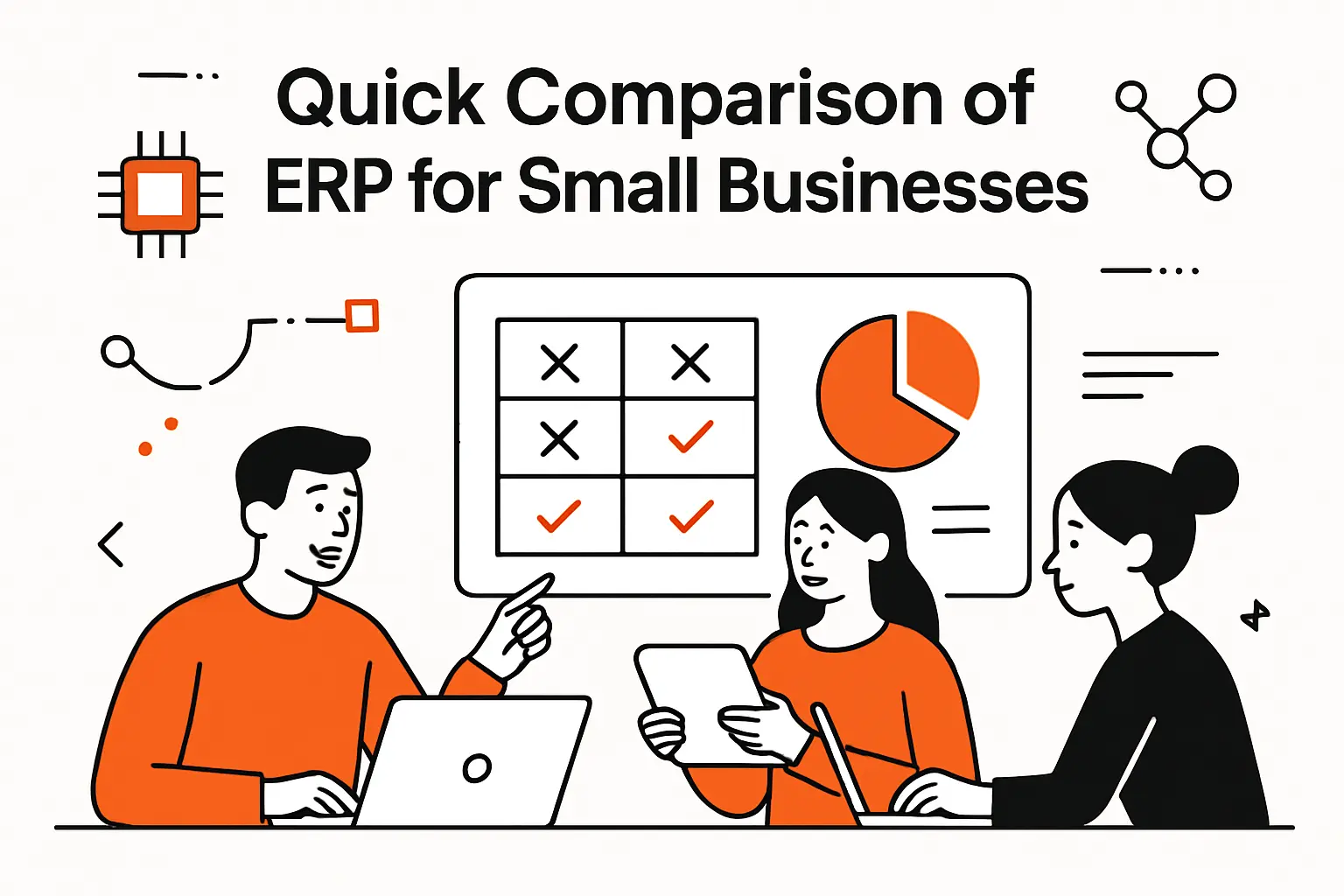
Quick Comparison of erp for small businesses
Market overview: Deloitte reports 42% of surveyed CFOs say their organizations are experimenting with GenAI, and we see that pressure land inside ERP shortlists. Buyers now ask about automation, forecasting, and assistant workflows early. The trick is staying grounded. Fancy AI does not fix broken item masters. Still, the direction is clear: leaders want systems that shrink manual effort.
| Tool | Best for | From price | Trial/Free | Key limits |
|---|---|---|---|---|
| NetSuite | Multi-entity finance with strong controls | Quote | Demo | Customization governance required |
| Microsoft Dynamics Business Central | Microsoft-centric ops and finance | Tiered | Demo | Partner quality varies |
| SAP Business One | Distribution and light manufacturing | Quote | Demo | Reporting often needs tuning |
| Acumatica | Process flexibility with modern UI | Quote | Demo | Design discipline prevents sprawl |
| Odoo | Modular growth with strong app ecosystem | Tiered | Demo | Implementation quality is decisive |
| Sage Intacct | Finance-first ERP posture | Quote | Demo | Operations depth depends on add-ons |
| Infor CloudSuite Industrial | Manufacturing with structured planning | Quote | Demo | Setup effort can be meaningful |
| Epicor Kinetic | Discrete manufacturing execution | Quote | Demo | Process design needs upfront time |
| ERPNext | Open-source control with customization | Free to start | Community | Ops ownership shifts to you |
| Priority ERP | Midmarket breadth with pragmatic workflows | Quote | Demo | Regional support differences exist |
How We Think About The “Top Thirty” List
Our long list is not a ranking. It is a coverage map. Different ERPs win in different terrains. We also include open-source options because control can matter. Here are the platforms we most often evaluate with SMB clients.
- NetSuite
- Microsoft Dynamics Business Central
- SAP Business One
- SAP Business ByDesign
- Acumatica
- Odoo
- Sage Intacct
- Sage X3
- Infor CloudSuite Industrial
- Epicor Kinetic
- SYSPRO
- QAD Adaptive ERP
- IFS Cloud
- Oracle Fusion Cloud ERP
- JD Edwards EnterpriseOne
- Plex
- Unit4
- Priority ERP
- Exact Online
- Deskera
- Zoho (suite approach)
- Katana
- MRPeasy
- Cin7
- Brightpearl
- Fishbowl
- ERPNext
- Dolibarr
- Tryton
- iDempiere
Our Practical Take On “Best ERP” Claims
We do not trust “best” without context. A services firm needs project accounting and time capture. A distributor needs item master rigor and picking rules. A manufacturer needs routings, substitutions, and quality checkpoints. Many failures come from buying a brand, not a fit.
Top 30 erp for small businesses Software and SaaS Tools
Picking an ERP is less about features and more about friction removed. We score tools on how quickly they turn messy operations into repeatable work. Our lens is jobs-to-be-done. Think: close the books faster, ship on time, or see margin by product line.
Each mini-review uses the same weighted rubric. Value-for-money is 20%. Feature depth is 20%. Ease of setup and learning is 15%. Integrations and ecosystem is 15%. UX and performance is 10%. Security and trust is 10%. Support and community is 10%.
Scores are editorial. They reflect typical SMB realities. Budget, change management, and partner quality can swing outcomes. Use the “Best for” line to short-list. Then pressure-test with a pilot that mirrors your ugliest workflows.
1. Oracle NetSuite ERP for small businesses
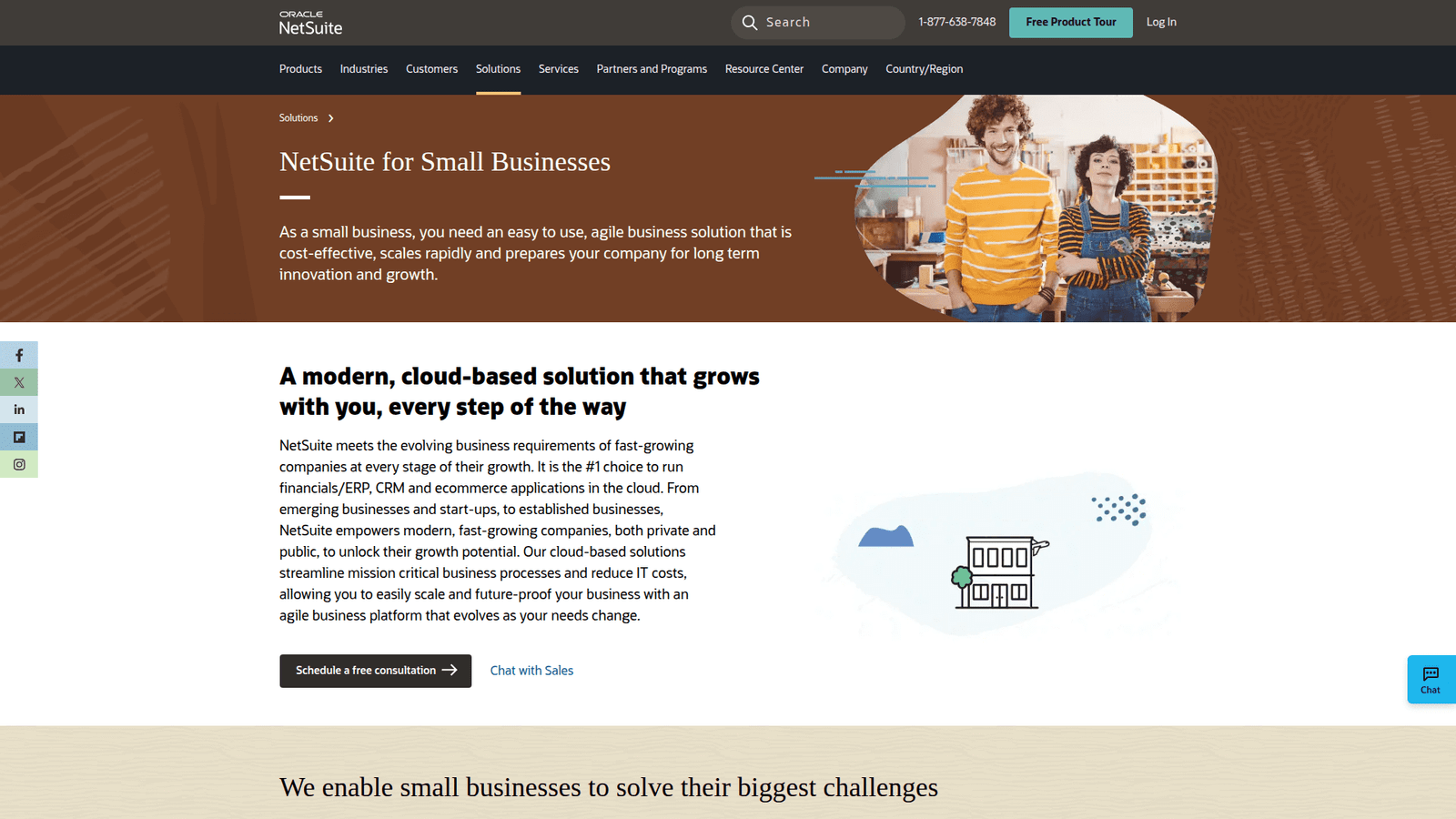
NetSuite is Oracle’s SMB-to-midmarket ERP, with a mature product org behind it. The platform feels built by people who have seen real finance chaos. Expect strong accounting DNA, plus broad operational coverage.
Outcome-first tagline: Get one system of record for finance, inventory, and billing.
Best for: growth-minded CFOs and ops leads who need cleaner close cycles.
- Financial controls and reporting → tighten month-end close without spreadsheet patchwork.
- AP/AR automation and connectors → usually removes 2–3 manual handoffs per invoice cycle.
- Structured implementation paths → time-to-first-value is often 6–12 weeks with a good partner.
Pricing & limits: From $contact sales/mo. Trials are typically guided demos, not self-serve. Seats, modules, and subsidiaries tend to drive the final contract. Usage limits are usually contract-defined.
Honest drawbacks: Setup can feel heavy if your processes are still forming. Budget surprises happen when you add modules late. Trails lighter tools on quick DIY onboarding.
Verdict: If you need audit-ready accounting plus operational visibility, this helps you standardize fast. With disciplined scope, you can stabilize core workflows in one quarter.
Score: 4.3/5
2. Microsoft Dynamics 365 Business Central
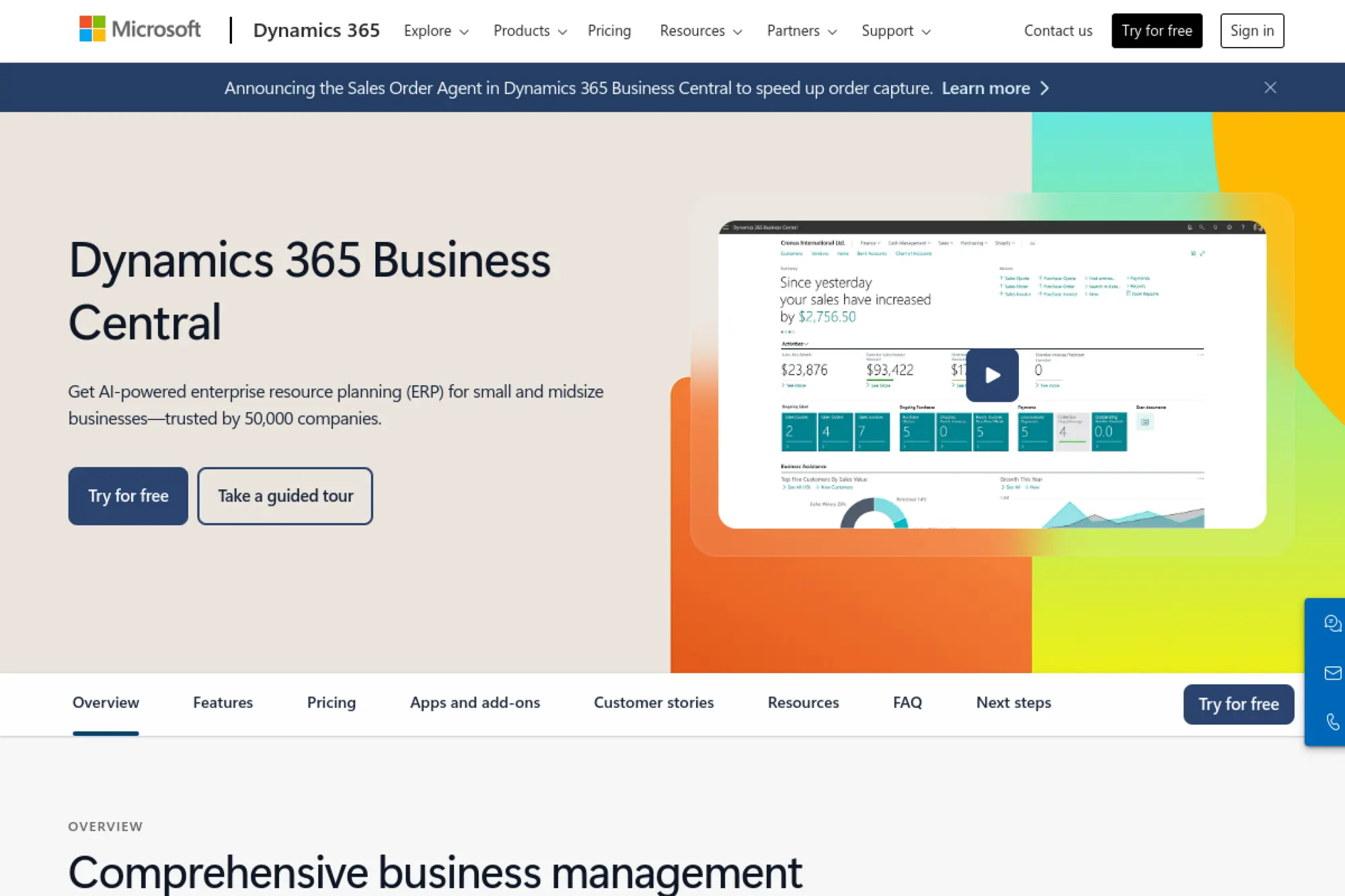
Business Central is Microsoft’s SMB ERP, built to live comfortably inside the Microsoft ecosystem. The product team ships like a cloud suite, not a bolt-on accounting tool. Familiar Microsoft patterns also reduce training shock.
Outcome-first tagline: Run finance and operations with less swivel-chair work.
Best for: Microsoft-first SMBs and finance teams that want predictable processes.
- Core finance plus inventory → reduce rework by keeping purchasing, sales, and GL aligned.
- Microsoft 365 ties and automation → often cuts 2–4 steps in approvals and reporting loops.
- Partner-led deployment options → time-to-first-value can land in 4–10 weeks.
Pricing & limits: From $contact sales/mo. A sandbox or trial may be partner-provided. Seats are typically per named user. Limits vary by licensing and environment settings.
Honest drawbacks: Customization choices can sprawl without governance. Some integrations work best with Microsoft-friendly stacks. Beats heavier ERPs on familiarity, but trails NetSuite on unified suite breadth.
Verdict: If you want finance control plus operational basics, this helps you run tighter workflows quickly. Expect meaningful process lift within two months with a crisp scope.
Score: 4.4/5
3. SAP Business One
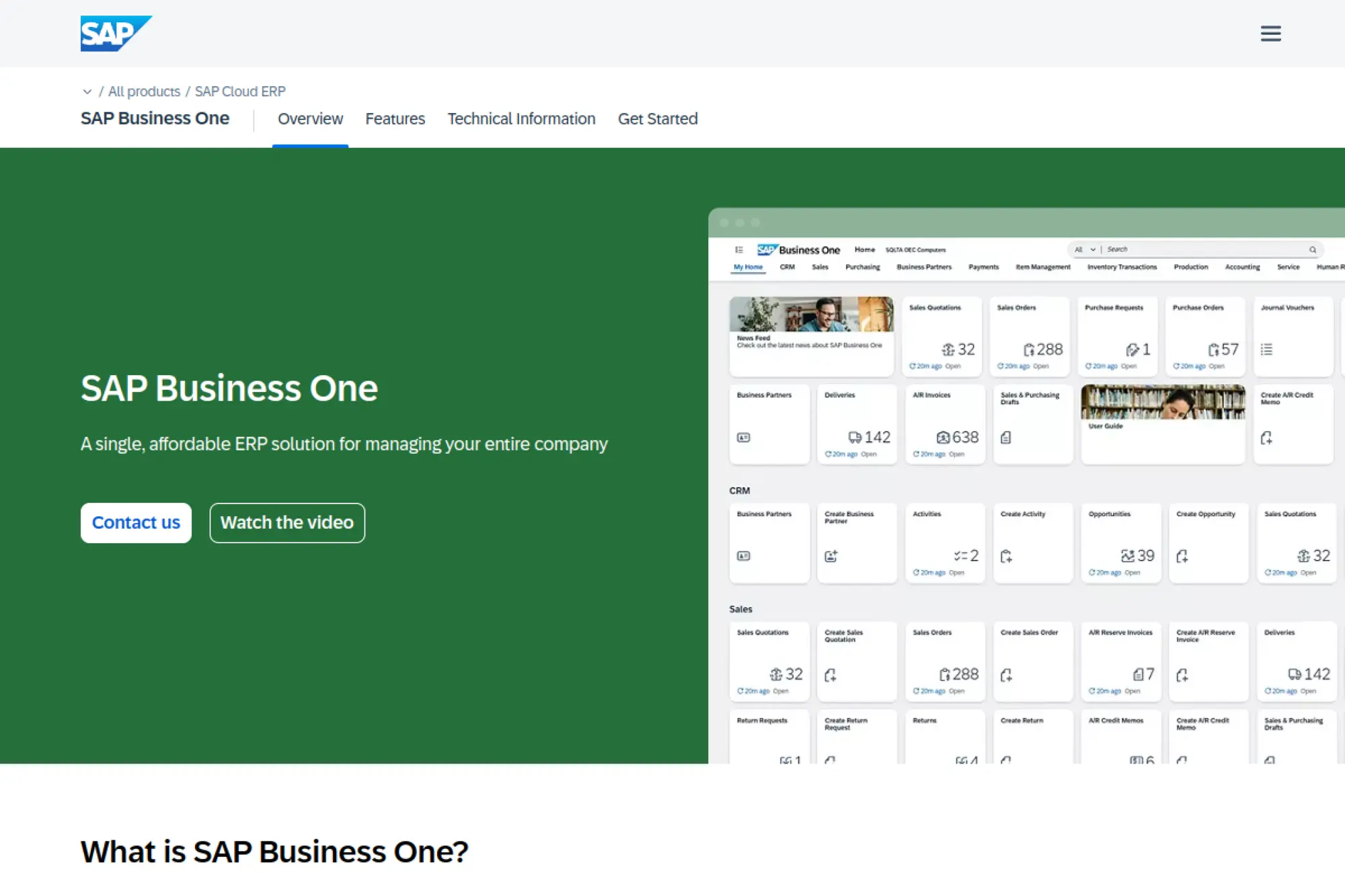
SAP Business One is SAP’s long-running ERP for smaller firms, usually delivered through partners. The team focus shows in solid accounting and inventory foundations. It is less flashy than newer cloud suites, yet it is proven.
Outcome-first tagline: Standardize finance and inventory so growth stops breaking your back office.
Best for: established SMBs and distributors who want disciplined processes.
- Strong financial backbone → improve margin visibility by keeping costs and revenue structured.
- Partner ecosystem add-ons → commonly saves a few steps per order via industry connectors.
- Repeatable implementation playbooks → time-to-first-value is often 8–14 weeks.
Pricing & limits: From $contact sales/mo. Trials usually look like demos or partner sandboxes. Seats may be named or concurrent, depending on packaging. Limits and hosting models vary by partner.
Honest drawbacks: UX can feel dated in parts. Cloud options depend on your provider and region. Trails newer suites on rapid low-code changes.
Verdict: If you want a steady, partner-supported ERP core, this helps you lock down fundamentals. With a strong reseller, you can stabilize inventory and finance within a quarter.
Score: 4.0/5
4. Odoo ERP for small businesses
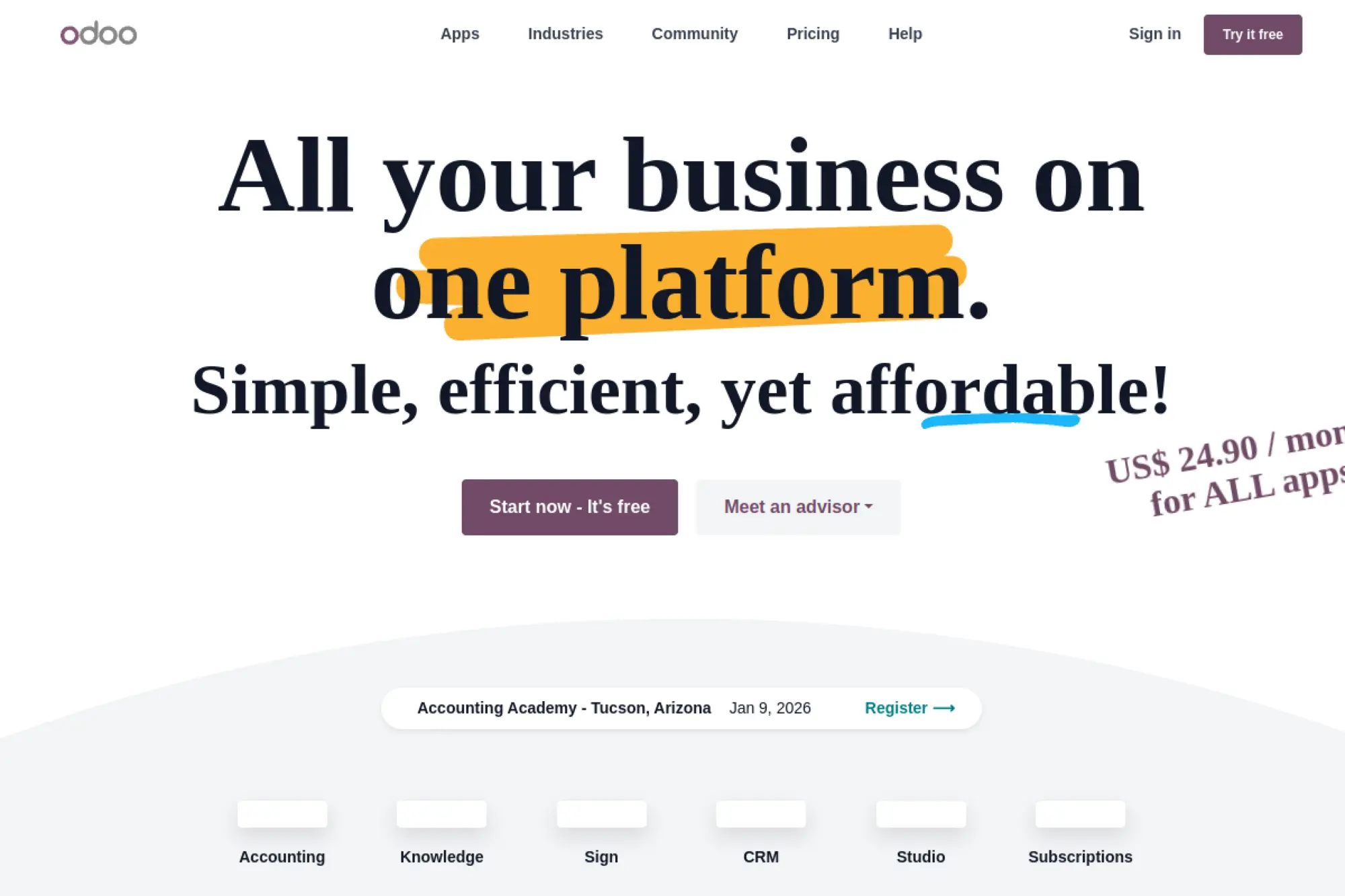
Odoo is a modular suite with a large community and a fast-moving product roadmap. The team leans toward practical workflows, not enterprise ceremony. Its app-per-need model can fit SMBs that want flexibility.
Outcome-first tagline: Build an ERP that matches your process, not the other way around.
Best for: lean ops teams and founders who want configurable workflows.
- Modular apps across departments → unify sales-to-fulfillment without stitching five tools together.
- Automation and app connectors → often removes 2–3 manual updates between CRM, stock, and invoices.
- Quick starts for small scopes → time-to-first-value can be 2–6 weeks.
Pricing & limits: From $0/mo for Community self-hosting; paid plans are typically quote-based. Trial experiences vary by edition and partner. Seats and apps drive cost. Limits depend on hosting and chosen modules.
Honest drawbacks: Flexibility can turn into complexity fast. Some “easy” customizations still need developer help. Beats rigid suites on adaptability, but trails NetSuite on out-of-box financial depth.
Verdict: If you need a configurable stack that can grow module by module, this helps you move fast. With tight governance, you can see first wins in a month.
Score: 4.2/5
5. Acumatica Cloud ERP
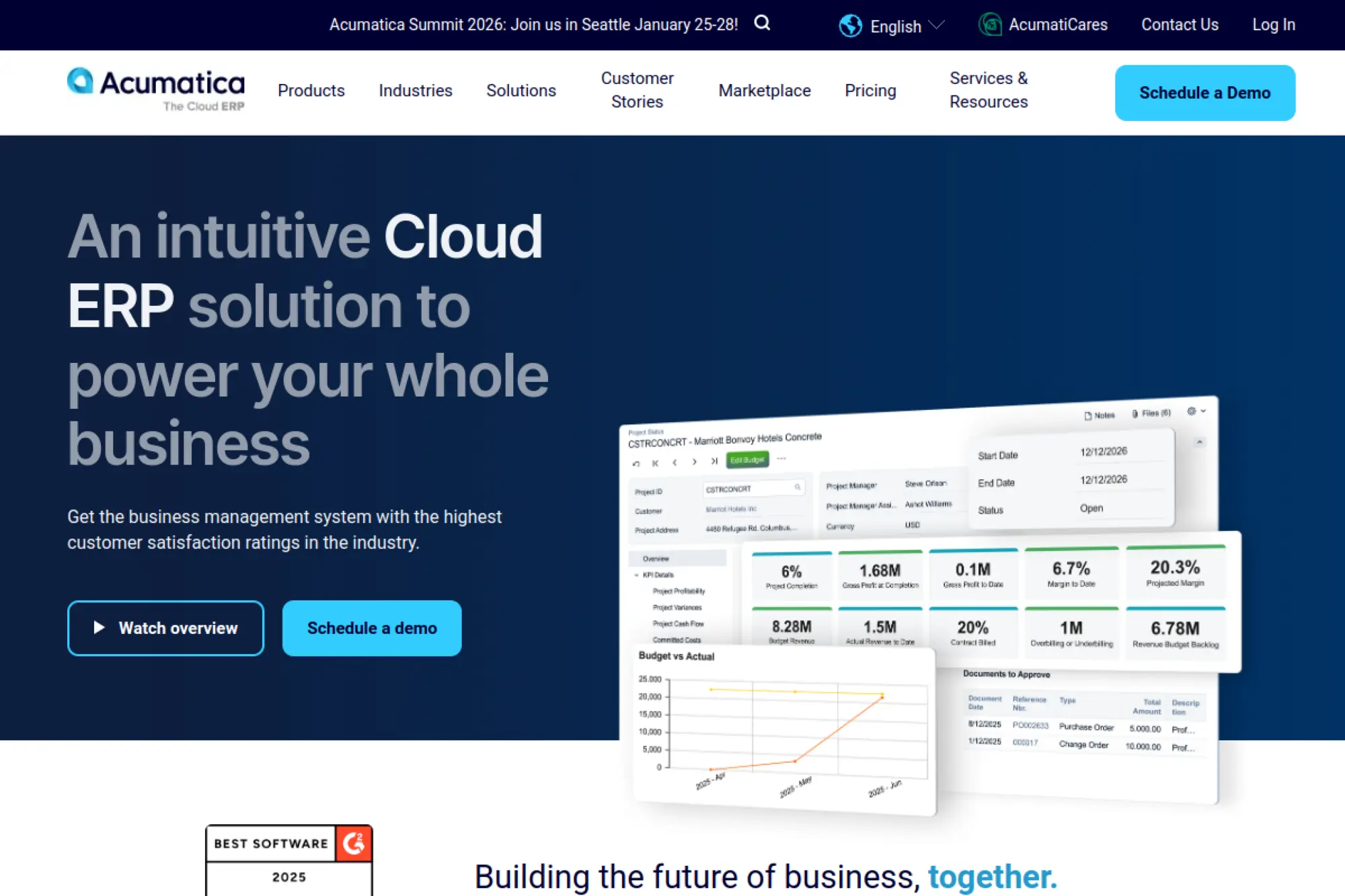
Acumatica positions itself as a cloud ERP built for midmarket realities. The company emphasizes flexibility and modern workflows. Partner delivery is common, so implementation quality matters a lot.
Outcome-first tagline: Connect finance, projects, and operations without forcing a rigid template.
Best for: project-driven SMBs and growing distributors needing real visibility.
- Role-based dashboards and workflows → spot margin leaks earlier, then fix the process.
- Integration and automation tooling → often reduces duplicate entry across sales, purchasing, and billing.
- Cloud-first deployment approach → time-to-first-value is often 6–12 weeks.
Pricing & limits: From $contact sales/mo. Trials are usually demo-led, with sandbox access on request. Limits are contract-based and can be tied to resources or editions. Seats and modules still matter in most deals.
Honest drawbacks: The partner you choose can make or break outcomes. Some advanced reporting takes extra configuration. Beats older on-prem ERPs on modern UX, but trails ultra-simple tools on setup speed.
Verdict: If you want cloud ERP flexibility without losing control, this helps you standardize workflows. Expect measurable gains inside one quarter with good project discipline.
Score: 4.1/5
6. Epicor Kinetic
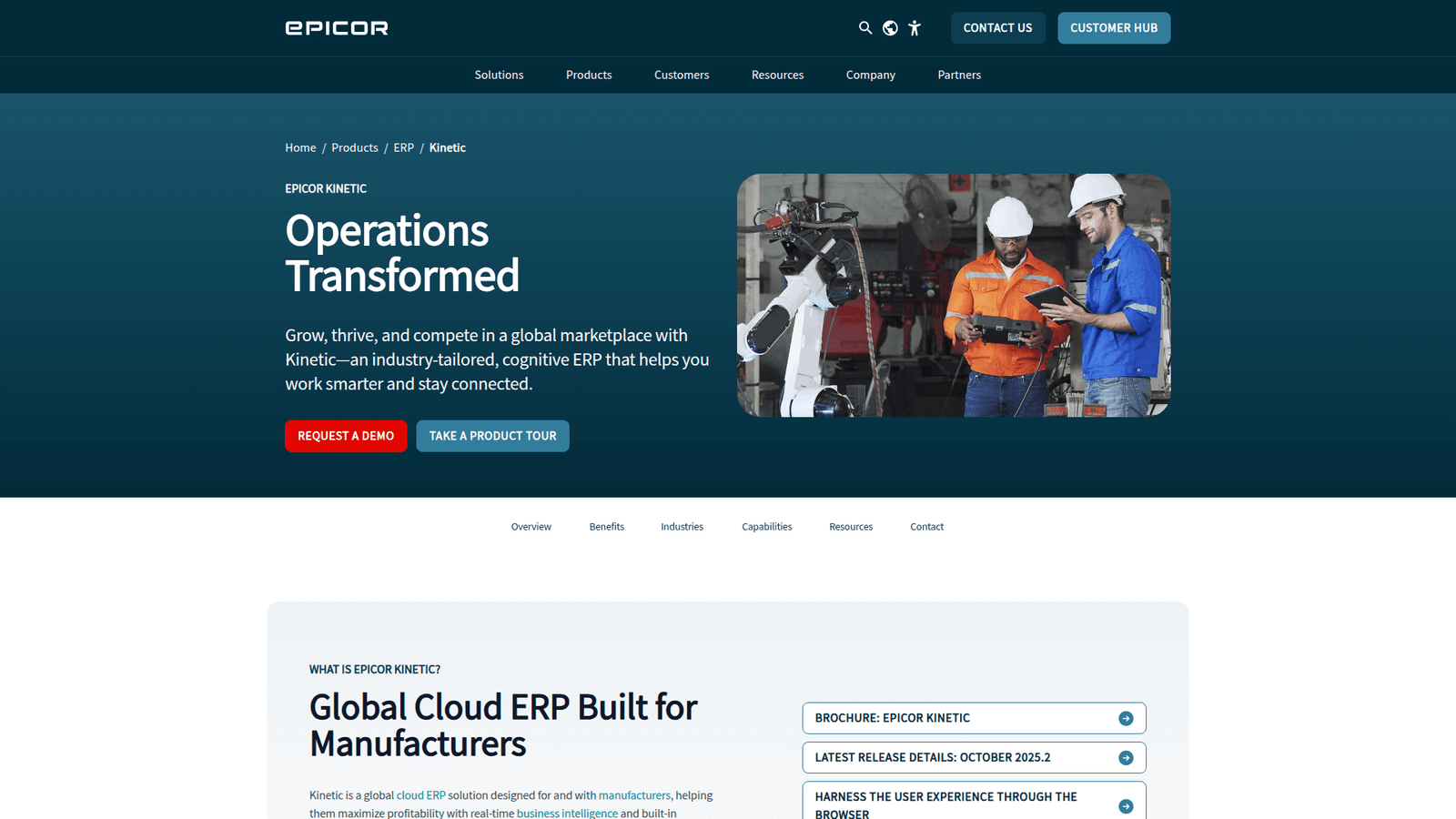
Epicor Kinetic is built with manufacturers in mind, with years of shop-floor DNA. The product team tends to prioritize scheduling, production flows, and costing. It is a serious system for serious operations.
Outcome-first tagline: Turn production planning into a repeatable, on-time machine.
Best for: small manufacturers and job shops scaling beyond spreadsheets.
- Manufacturing and costing depth → improve schedule confidence and understand true job profitability.
- Automation for production signals → often cuts a few status-check steps per work order.
- Implementation templates for manufacturing → time-to-first-value is often 8–16 weeks.
Pricing & limits: From $contact sales/mo. Trials usually mean demos or structured evaluations. Seats and modules typically drive licensing. Limits and hosting vary by deployment model.
Honest drawbacks: It can be too much system for simple make-to-stock firms. Setup requires strong process owners. Beats generic ERPs on manufacturing depth, but trails lighter tools on ease of learning.
Verdict: If you need real production control, this helps you ship more predictably. With focused scope, you can stabilize planning within one quarter.
Score: 4.0/5
7. Sage Intacct
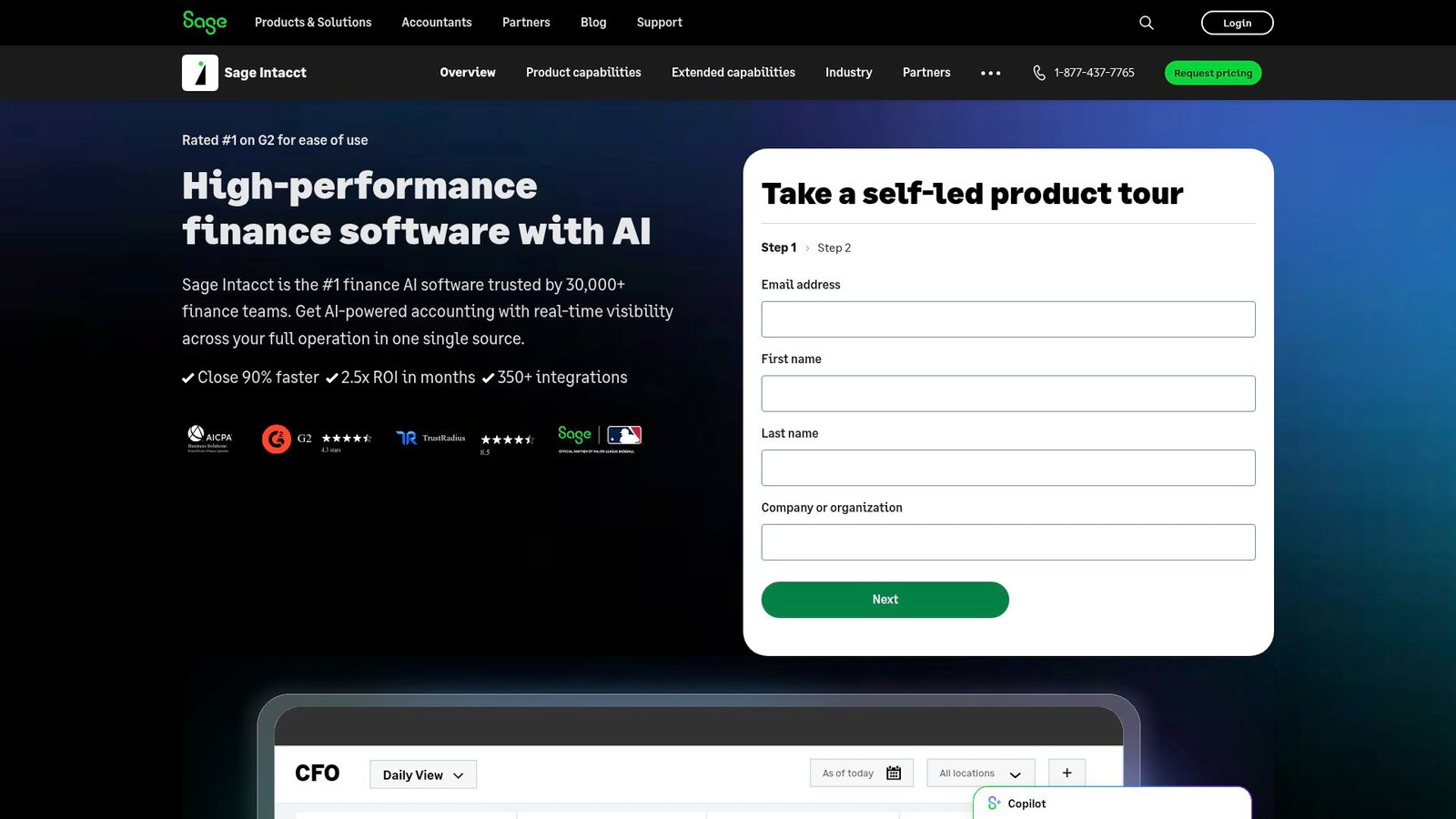
Sage Intacct is finance-first, built for teams that care about clean closes and audit trails. The company’s focus shows in reporting and multi-entity control. Operations coverage often comes via integrations, not one monolith.
Outcome-first tagline: Close faster with stronger financial controls and clearer reporting.
Best for: CFOs and finance managers at service firms and multi-entity SMBs.
- Multi-entity accounting and reporting → reduce consolidation pain and improve board-ready visibility.
- AP automation and ecosystem apps → often removes 2–3 manual steps per bill approval cycle.
- Finance-led rollout paths → time-to-first-value can be 4–8 weeks for core accounting.
Pricing & limits: From $contact sales/mo. Trial access is commonly demo-based. Seats and modules typically set the price. Limits vary by contract and connected applications.
Honest drawbacks: Operational modules may not match a full manufacturing ERP. Some workflows require add-ons. Beats many ERPs on financial reporting, but trails NetSuite on unified operations breadth.
Verdict: If your pain is close, consolidation, or reporting trust, this helps you regain control quickly. Many teams feel the lift within two months.
Score: 4.3/5
8. IFS Cloud
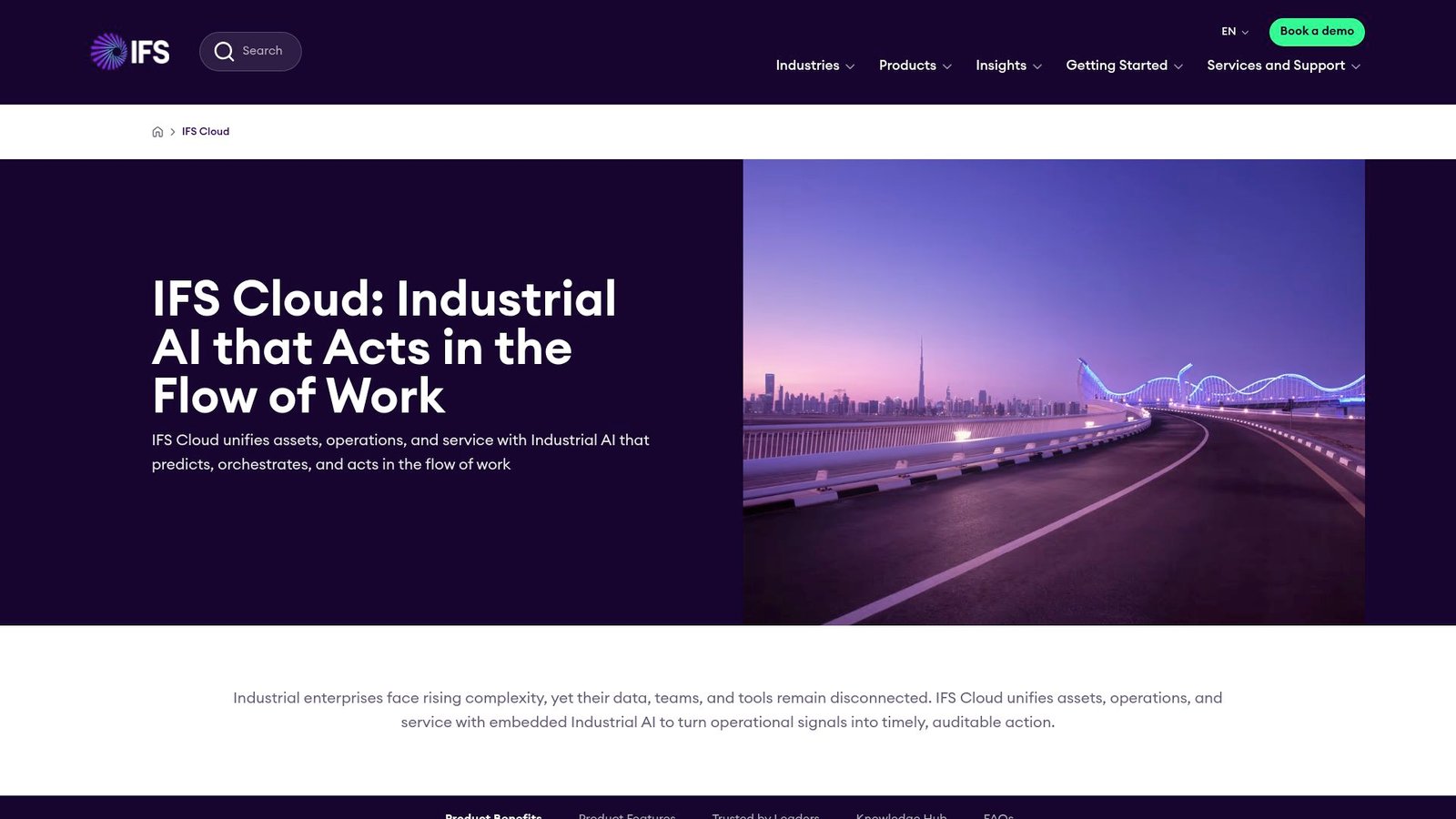
IFS Cloud targets complex operations, often in asset-heavy industries. The company invests in deep workflows and enterprise-grade governance. For a small business, it can be powerful, but sometimes oversized.
Outcome-first tagline: Run complex operations with fewer workarounds and clearer control.
Best for: specialized SMB manufacturers and service teams with demanding compliance needs.
- Deep operational modules → reduce process gaps in maintenance, projects, and supply planning.
- Workflow automation options → often trims a few approval steps across maintenance and purchasing.
- Structured deployments → time-to-first-value is commonly 10–20 weeks.
Pricing & limits: From $contact sales/mo. Trials tend to be guided, not click-to-try. Seats, modules, and scope drive the deal. Limits are typically contract-defined.
Honest drawbacks: Overhead can be high for small teams. Partner and implementation costs can dominate ROI. Beats lighter ERPs on depth, but trails Business Central on SMB simplicity.
Verdict: If you run complex ops that simpler ERPs can’t model, this helps you standardize. Expect value after process design, not on day one.
Score: 3.9/5
9. Infor CloudSuite ERP
Infor offers industry-focused ERP suites, often aimed at manufacturing and distribution. The organization emphasizes vertical templates and operational depth. Fit depends on matching your industry flavor to the right CloudSuite.
Outcome-first tagline: Use industry patterns to reduce reinvention and speed standardization.
Best for: industry-specific SMBs and ops teams wanting proven process templates.
- Vertical workflows → reduce customization by leaning on industry-standard transaction models.
- Integration tooling and automation → often eliminates a few manual sync points across systems.
- Template-based rollouts → time-to-first-value is often 8–16 weeks.
Pricing & limits: From $contact sales/mo. Trials are usually demo-led with scoped evaluations. Seats, modules, and deployment choices shape cost. Limits tend to be set by contract terms.
Honest drawbacks: Product choice can be confusing without expert guidance. Some SMBs may feel the suite is too enterprise. Beats generic ERPs on vertical depth, but trails Odoo on flexible modularity.
Verdict: If your industry needs specific processes, this helps you avoid costly custom builds. With a clear template fit, you can stabilize core flows in one quarter.
Score: 3.9/5
10. Oracle Fusion Cloud ERP
Oracle Fusion Cloud ERP is built for enterprise-grade finance and controls. Oracle’s teams prioritize governance, scale, and deep process coverage. For small businesses, it is usually a “grow into it” choice.
Outcome-first tagline: Get enterprise-grade financial control without stitching multiple systems.
Best for: finance-led SMBs with complex compliance and aggressive scaling plans.
- Advanced financial controls → improve audit readiness and enforce consistent approvals.
- Automation across procure-to-pay → often reduces a few manual handoffs per purchase cycle.
- Phased rollout options → time-to-first-value is often 10–20 weeks for meaningful scope.
Pricing & limits: From $contact sales/mo. Trials are typically demos or guided pilots. Seats and modules usually drive licensing. Limits are contract-based rather than hard caps.
Honest drawbacks: It can be too complex for small teams. Implementation effort is significant. Beats many suites on governance, but trails Business Central on SMB fit.
Verdict: If you need robust controls and plan to scale fast, this helps you avoid replatforming later. Expect benefits after careful design, not a quick weekend setup.
Score: 4.1/5
11. Certinia ERP Cloud
Certinia is built on Salesforce and often chosen by services-heavy teams. The company leans into project accounting and services delivery workflows. For Salesforce-native orgs, that shared foundation can reduce friction.
Outcome-first tagline: Tie services delivery to finance so revenue and margin stay visible.
Best for: professional services leaders and Salesforce-first finance teams.
- Project-centric finance flows → improve utilization and margin tracking across engagements.
- Salesforce ecosystem leverage → often removes 2–3 manual updates between pipeline and billing.
- Shared platform familiarity → time-to-first-value can be 6–12 weeks for core workflows.
Pricing & limits: From $contact sales/mo. Trial access is usually structured around demos or sandboxes. Seats and modules drive cost. Limits often align with Salesforce environment constraints and contract terms.
Honest drawbacks: It is less ideal for manufacturing-heavy needs. Salesforce admin and governance skills become critical. Beats standalone PSA tools on finance linkage, but trails NetSuite on broad ERP coverage.
Verdict: If you sell time, projects, or managed services, this helps you bill cleaner and forecast better. Many teams see operational clarity within a quarter.
Score: 4.0/5
12. Tally Prime

TallyPrime is built for practical accounting and business management, with a long-lived user base. The product feels designed for speed at the keyboard. Teams that want straightforward books often appreciate its directness.
Outcome-first tagline: Keep accounting fast, clean, and less dependent on spreadsheets.
Best for: small finance teams and owner-operators who want simple control.
- Accounting-first workflows → reduce bookkeeping churn and keep daily entries consistent.
- Common exports and integrations → often cuts a few steps when reconciling with banks or tax tools.
- Quick installs and familiar patterns → time-to-first-value can be days, not months.
Pricing & limits: From $contact sales/mo. Trials and evaluation options depend on region and channel. Seats and licensing terms vary by edition. Limits usually reflect licensing and deployment choices.
Honest drawbacks: Deep ERP modules can be limited compared to full suites. Some automation requires add-ons. Beats heavy ERPs on simplicity, but trails Business Central on end-to-end operations.
Verdict: If you mainly need reliable accounting and basic controls, this helps you move faster. Expect noticeable day-to-day efficiency in the first few weeks.
Score: 4.2/5
13. Cetec ERP
Cetec ERP is aimed at smaller manufacturers that want real shop control without enterprise bulk. The company positions itself as pragmatic and implementation-aware. The product often resonates with teams that value clarity over polish.
Outcome-first tagline: Run manufacturing and inventory with fewer “mystery steps” and better traceability.
Best for: small manufacturers and ops managers who need visibility on the floor.
- Manufacturing-centric workflows → improve job tracking and reduce missed materials.
- Automations and practical integrations → often removes a few manual status updates per work order.
- SMB-friendly rollout pace → time-to-first-value can be 4–10 weeks for core production.
Pricing & limits: From $contact sales/mo. Trials are commonly demo-driven, with sandbox access as agreed. Seats and modules influence cost. Limits are typically defined in the subscription terms.
Honest drawbacks: The ecosystem is smaller than big vendors. Some UI areas may feel utilitarian. Beats heavier manufacturing ERPs on approachability, but trails Epicor on depth.
Verdict: If you want manufacturing control without a giant program, this helps you standardize quickly. Many teams feel the lift within one to two quarters.
Score: 4.1/5
14. xTuple
xTuple is a long-running ERP brand with roots in manufacturing and distribution workflows. The company has historically served teams that want control and configurability. Fit often comes down to your tolerance for system ownership.
Outcome-first tagline: Gain operational control without buying a massive enterprise suite.
Best for: technical SMBs and operations teams comfortable owning configuration decisions.
- Manufacturing and distribution core → reduce stock surprises with structured purchasing and inventory moves.
- Integration options and customization paths → often trims a few manual sync steps between systems.
- Configurable setup approach → time-to-first-value is often 6–12 weeks with focused scope.
Pricing & limits: From $contact sales/mo. Trial access often requires a guided evaluation. Seats, modules, and hosting choices shape terms. Limits are typically contract-defined.
Honest drawbacks: UI may feel less modern than newer cloud ERPs. A smaller ecosystem can mean fewer off-the-shelf connectors. Beats some legacy systems on flexibility, but trails Odoo on app breadth.
Verdict: If you want a configurable ERP core and can own the admin work, this helps you stabilize ops. Expect solid results once your processes are documented and enforced.
Score: 3.7/5
15. Global Shop Solutions
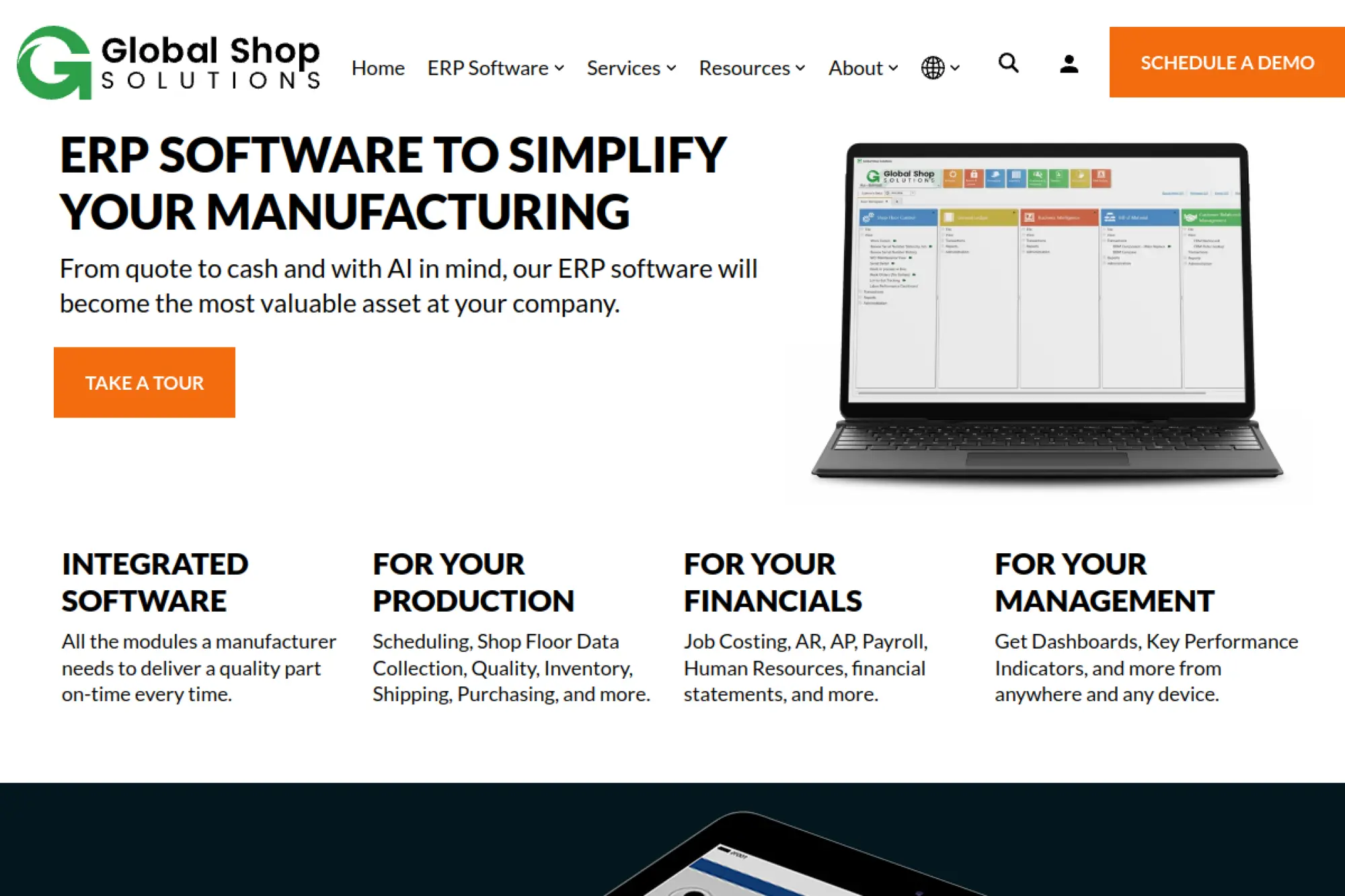
Global Shop Solutions is built around manufacturing execution needs, especially for job shops. The company leans into practical scheduling, quoting, and shop-floor visibility. It is less about “pretty dashboards” and more about control.
Outcome-first tagline: Quote, schedule, and ship with fewer surprises on the floor.
Best for: job shops and small manufacturers needing end-to-end production discipline.
- Shop-focused scheduling and tracking → reduce late jobs by making priorities visible daily.
- Automation for order-to-production flow → often removes a few manual handoffs per job packet.
- Implementation geared for manufacturers → time-to-first-value is often 8–16 weeks.
Pricing & limits: From $contact sales/mo. Trials tend to be guided demos or proofs-of-concept. Seats and modules influence price. Limits are usually defined by license and deployment model.
Honest drawbacks: Custom reporting may need specialist help. UX can feel specialized and less general-purpose. Beats generic ERPs on shop-floor fit, but trails cloud-native suites on modern UX.
Verdict: If you need production visibility more than broad ERP sprawl, this helps you control the floor. Expect payoff after training and disciplined data entry.
Score: 3.8/5
16. JobBOSS²
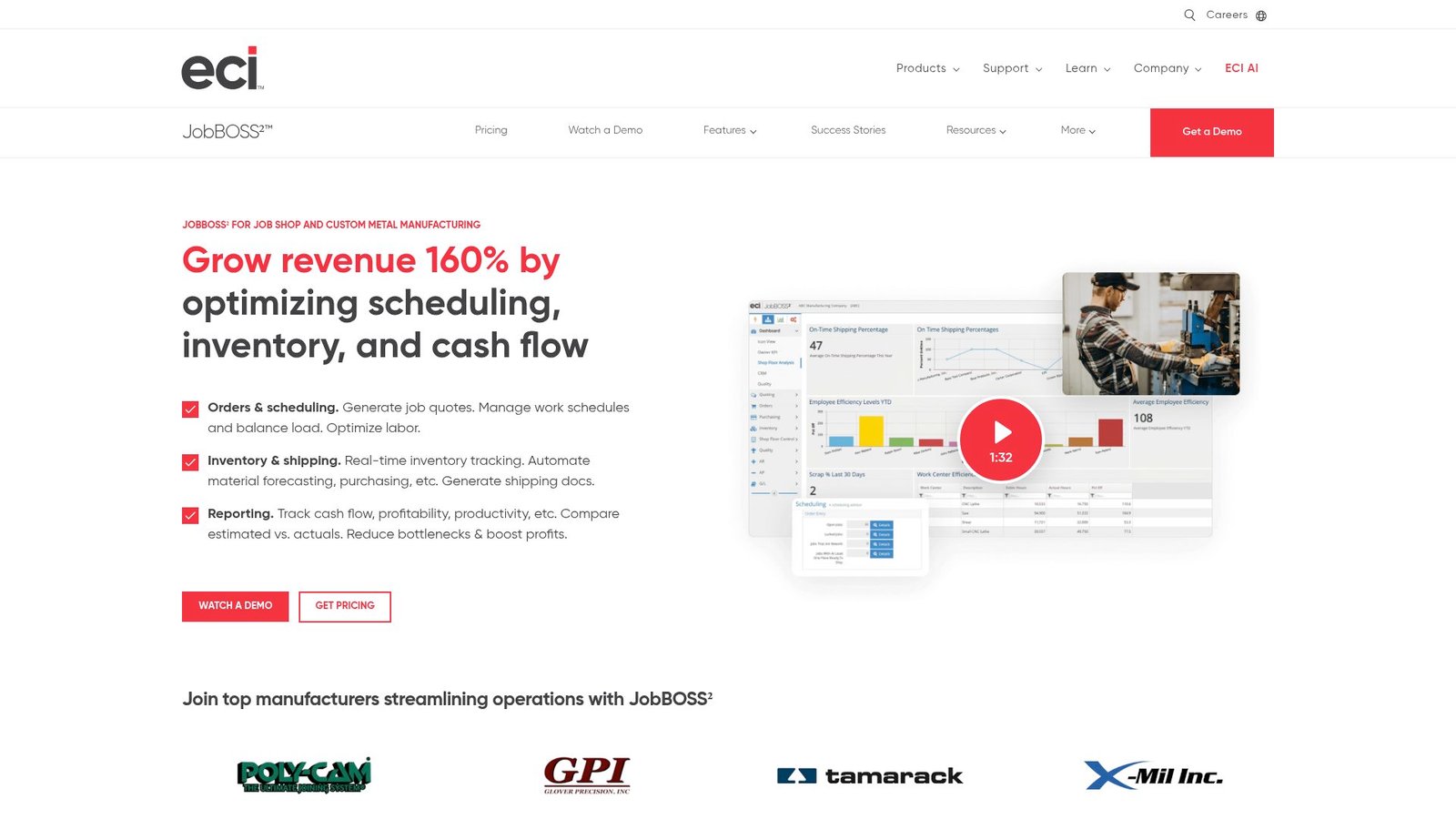
JobBOSS is an Enterprise Resource Planning (ERP) solution developed by ECI Software Solutions for small to mid-sized job shops and custom manufacturers, providing an end-to-end “quote-to-cash” platform that streamlines quoting, advanced scheduling, inventory, shop floor control, purchasing, and accounting within a single system—available both on-premise and in the cloud through JobBOSS².
JobBOSS² targets job shops that live and die by quoting, routing, and scheduling accuracy. The team focus shows in shop-centric workflows and job costing. It is built to help small manufacturers stop relying on tribal knowledge.
Outcome-first tagline: Keep jobs profitable by tracking time, materials, and schedule reality.
Best for: job shop owners and production managers who need job-level clarity.
- Job costing and routing control → reduce margin surprises by tying labor and materials to each job.
- Workflow automation options → often trims a few steps in quoting-to-release handoffs.
- Shop-friendly onboarding → time-to-first-value can be 6–12 weeks for core scheduling.
Pricing & limits: From $contact sales/mo. Trials are typically demo-based, sometimes with a pilot. Seats and modules influence cost. Limits depend on licensing and deployment terms.
Honest drawbacks: It is not a broad “everything ERP” for complex multi-entity finance. Integrations may require partner work. Beats spreadsheets on discipline, but trails Epicor on enterprise manufacturing depth.
Verdict: If you need shop control and job profitability visibility, this helps you run tighter. Many teams feel scheduling improvements within one to two quarters.
Score: 4.0/5
17. DELMIAworks
DELMIAworks is positioned for manufacturing operations, under the broader Dassault Systèmes umbrella. The product emphasis is on shop-floor execution and manufacturing visibility. It often appeals to teams that want tighter MES-like control.
Outcome-first tagline: Make production status and material flow visible in real time.
Best for: manufacturers needing production tracking plus ERP basics in one system.
- Production tracking and scheduling → reduce fire drills by seeing constraints earlier.
- Automation for shop signals → often eliminates a few manual updates per work center.
- Manufacturing-focused rollout → time-to-first-value is often 8–16 weeks.
Pricing & limits: From $contact sales/mo. Trial access tends to be guided demos. Seats and modules typically drive pricing. Limits are commonly contract-defined.
Honest drawbacks: UI can feel specialized and less friendly for casual users. Some SMBs may find setup heavy. Beats general ERPs on shop-floor focus, but trails Odoo on broad app flexibility.
Verdict: If your bottleneck is production visibility, this helps you surface truth faster. Expect meaningful gains after disciplined data capture on the floor.
Score: 3.9/5
18. Fishbowl Inventory
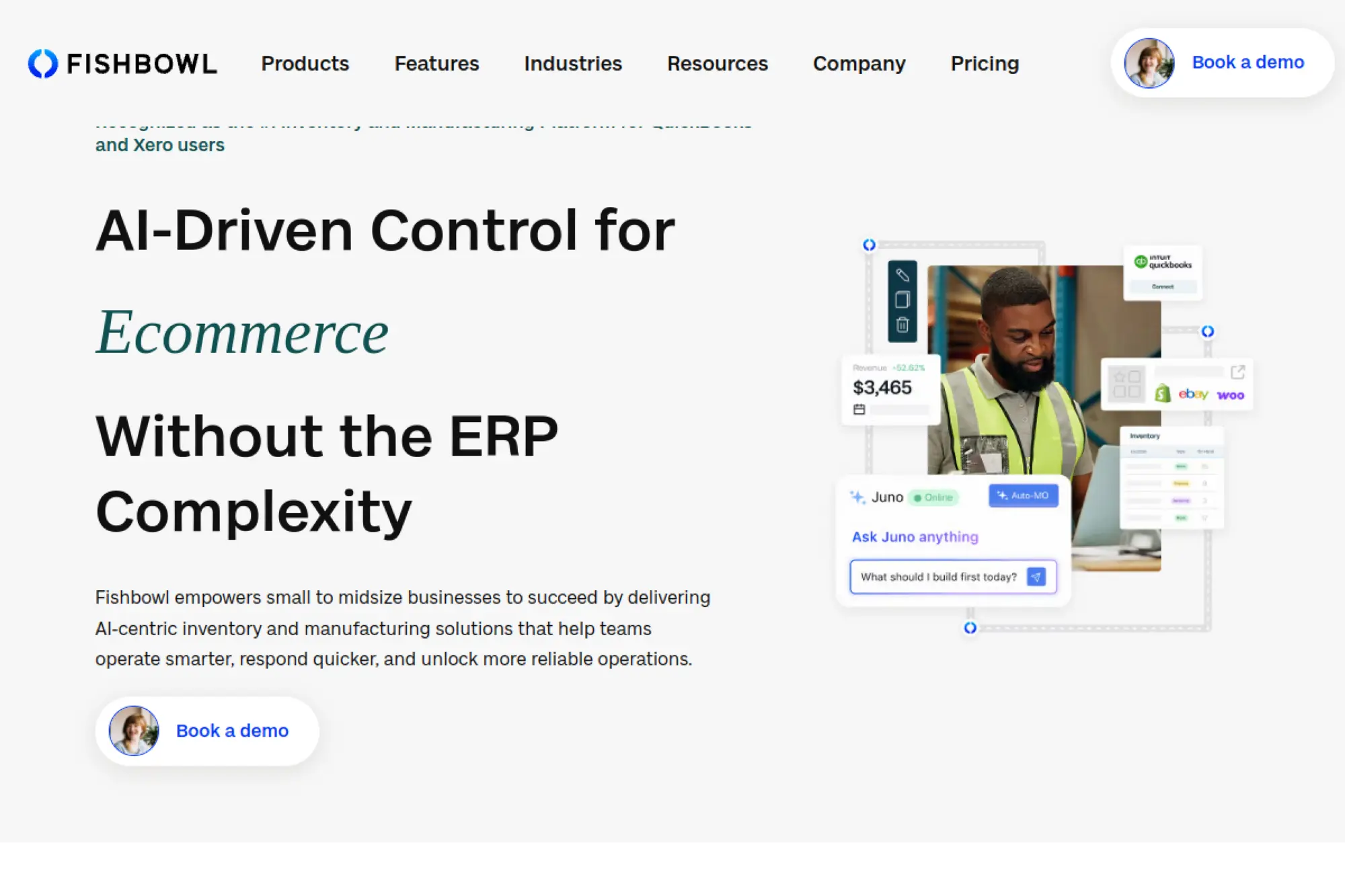
Fishbowl is inventory-first, built for teams that outgrow basic stock tracking. The company’s focus is practical warehouse control. Many SMBs use it alongside accounting software rather than replacing it.
Outcome-first tagline: Stop losing money to inventory chaos and fulfillment mistakes.
Best for: small warehouses and inventory managers needing tighter picking and tracking.
- Inventory and order workflows → reduce mis-picks with clearer item, bin, and order status.
- Integrations with accounting and commerce → often removes 2–3 manual posting steps per order batch.
- Faster deployments than full ERPs → time-to-first-value can be 2–6 weeks.
Pricing & limits: From $contact sales/mo. Trials may be available as demos or evaluations. Seats and modules influence pricing. Usage limits depend on your plan and connected channels.
Honest drawbacks: It is not a full ERP for complex manufacturing or multi-entity finance. Some deeper reporting may require extra work. Beats spreadsheets on inventory control, but trails ERPs on end-to-end planning.
Verdict: If inventory accuracy is the pain, this helps you regain control quickly. Many teams see fewer fulfillment errors within the first month.
Score: 4.0/5
19. ERPNext
ERPNext is an open-source ERP with a large community and an active development cadence. The project attracts teams that value transparency and control. It can be a smart choice when you want ERP fundamentals without vendor lock-in.
Outcome-first tagline: Own your ERP stack while still running real finance and operations.
Best for: technical SMBs and cost-conscious teams with in-house admin capacity.
- Broad ERP modules → unify accounting, inventory, and basic manufacturing in one place.
- Automation and APIs → often removes a few manual sync steps through custom integrations.
- Self-host or managed paths → time-to-first-value can be 3–8 weeks with a tight scope.
Pricing & limits: From $0/mo for self-hosting the open-source software. Managed hosting and support are typically quote-based. Trials depend on the hosting provider you choose. Limits are mostly your infrastructure and plan terms.
Honest drawbacks: You own more responsibility, including upgrades and governance. Advanced needs may require developer time. Beats proprietary ERPs on control, but trails them on turnkey support.
Verdict: If you want ERP capability with maximum flexibility, this helps you build a stable core. With good ownership, you can be operational in one to two months.
Score: 4.1/5
20. Zoho Inventory
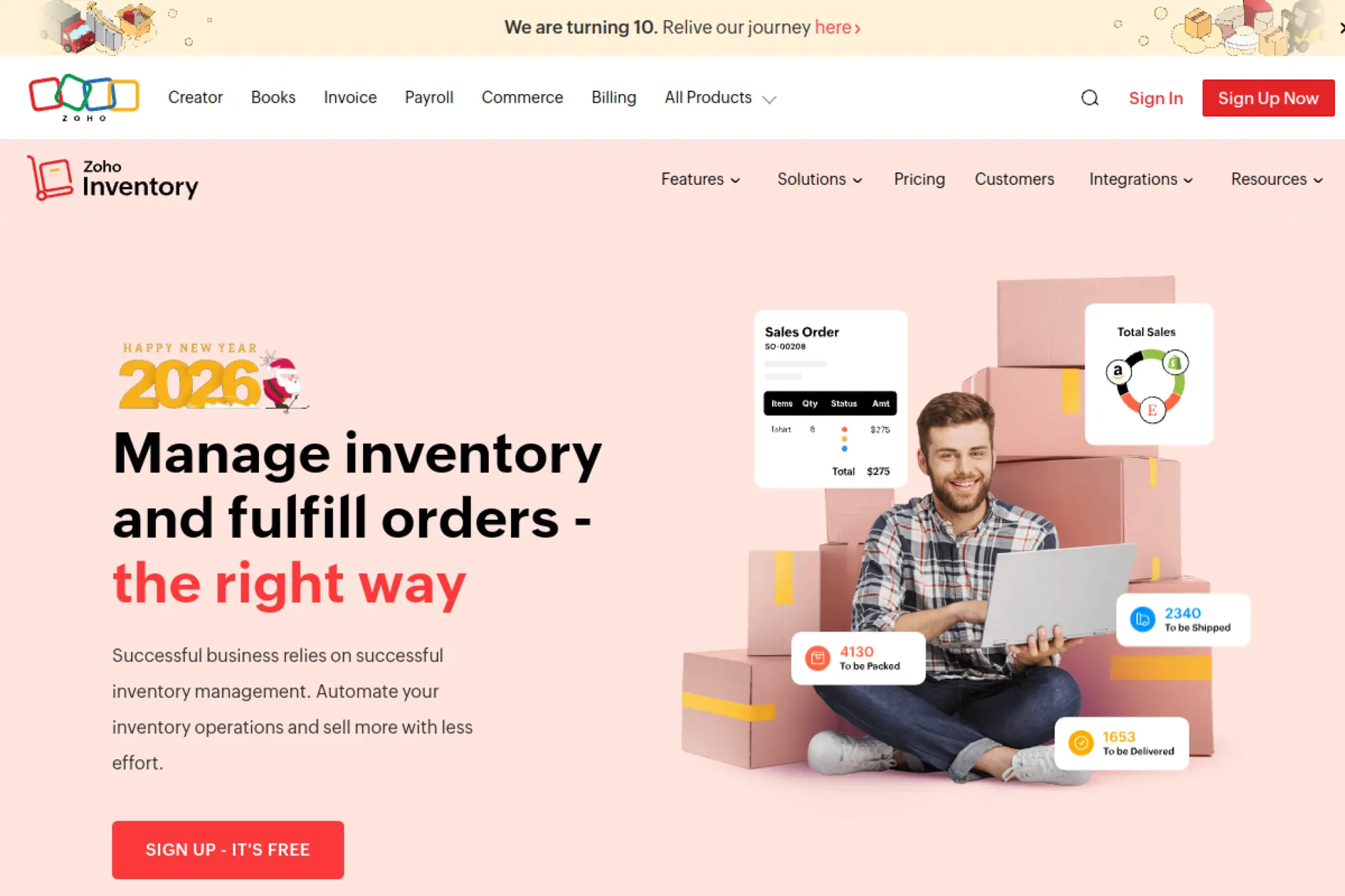
Zoho Inventory is designed for SMBs that need order and stock control without ERP heaviness. Zoho’s broader suite provides a wide ecosystem for adjacent needs. The team’s strength is making common workflows feel simple.
Outcome-first tagline: Ship faster with cleaner stock and order visibility.
Best for: e-commerce operators and small ops teams juggling multiple sales channels.
- Multi-channel inventory control → reduce stockouts by syncing availability across channels.
- Suite integrations and automation → often cuts 2–4 manual updates per order lifecycle.
- Quick onboarding flow → time-to-first-value can be days to a few weeks.
Pricing & limits: From $contact sales/mo. Trials are often available, depending on region and plan. Limits commonly include order volume, users, and warehouses. Exact caps vary by tier.
Honest drawbacks: It is not a full manufacturing ERP. Complex costing and production planning are limited. Beats heavier ERPs on speed, but trails NetSuite on full-suite depth.
Verdict: If you need inventory control that stays easy, this helps you reduce fulfillment chaos fast. Many teams feel immediate clarity in the first two weeks.
Score: 4.3/5
21. Cin7
Cin7 focuses on inventory, orders, and channel operations for product businesses. The company’s direction is clear: connect selling channels to stock truth. Teams often choose it when they need more than basic inventory tools.
Outcome-first tagline: Keep orders flowing while inventory stays accurate across channels.
Best for: omnichannel brands and small wholesale teams managing many SKUs.
- Order and inventory orchestration → reduce overselling by keeping stock synchronized.
- Integrations with marketplaces and accounting → often removes a few manual posting steps per batch.
- Structured setup assistance → time-to-first-value can be 2–6 weeks, depending on channels.
Pricing & limits: From $contact sales/mo. Trials may exist, but onboarding often needs guided setup. Limits typically include users, orders, and integrations. Caps vary by plan and add-ons.
Honest drawbacks: Complex channel catalogs can take time to normalize. Some reporting needs workarounds. Beats basic inventory apps on channel depth, but trails full ERPs on finance and manufacturing.
Verdict: If channel complexity is killing your team, this helps you stabilize fulfillment quickly. Expect smoother daily operations within the first month.
Score: 4.1/5
22. SYSPRO
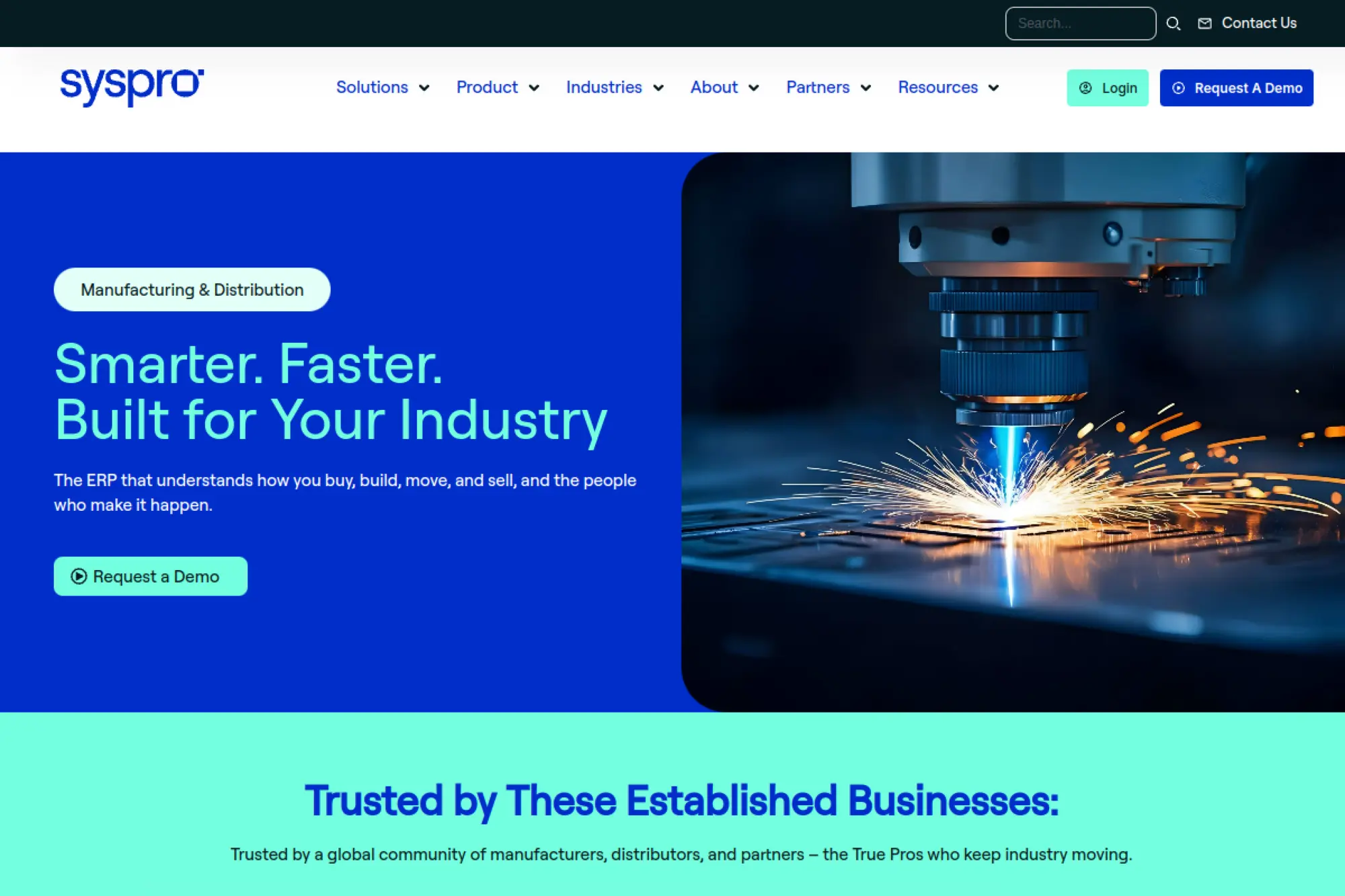
SYSPRO is a manufacturing and distribution ERP with a long history in operations-heavy environments. The company aims at firms that need disciplined inventory and production control. Implementation is typically structured and partner-supported.
Outcome-first tagline: Control manufacturing and inventory with tighter processes and better costing.
Best for: small manufacturers and distributors needing robust operational structure.
- Manufacturing and distribution depth → reduce inventory drift with controlled transactions.
- Integration and reporting options → often trims a few manual reconciliation steps each week.
- Guided implementation approach → time-to-first-value is often 8–16 weeks.
Pricing & limits: From $contact sales/mo. Trials are usually demo-led. Seats and modules drive pricing. Limits depend on deployment model and contract terms.
Honest drawbacks: UX can feel less modern than newer cloud-first tools. Customization can require specialists. Beats generic ERPs on operational depth, but trails Odoo on rapid configuration.
Verdict: If you need disciplined inventory and production control, this helps you standardize reliably. Expect value after training and careful master-data cleanup.
Score: 3.8/5
23. Priority ERP
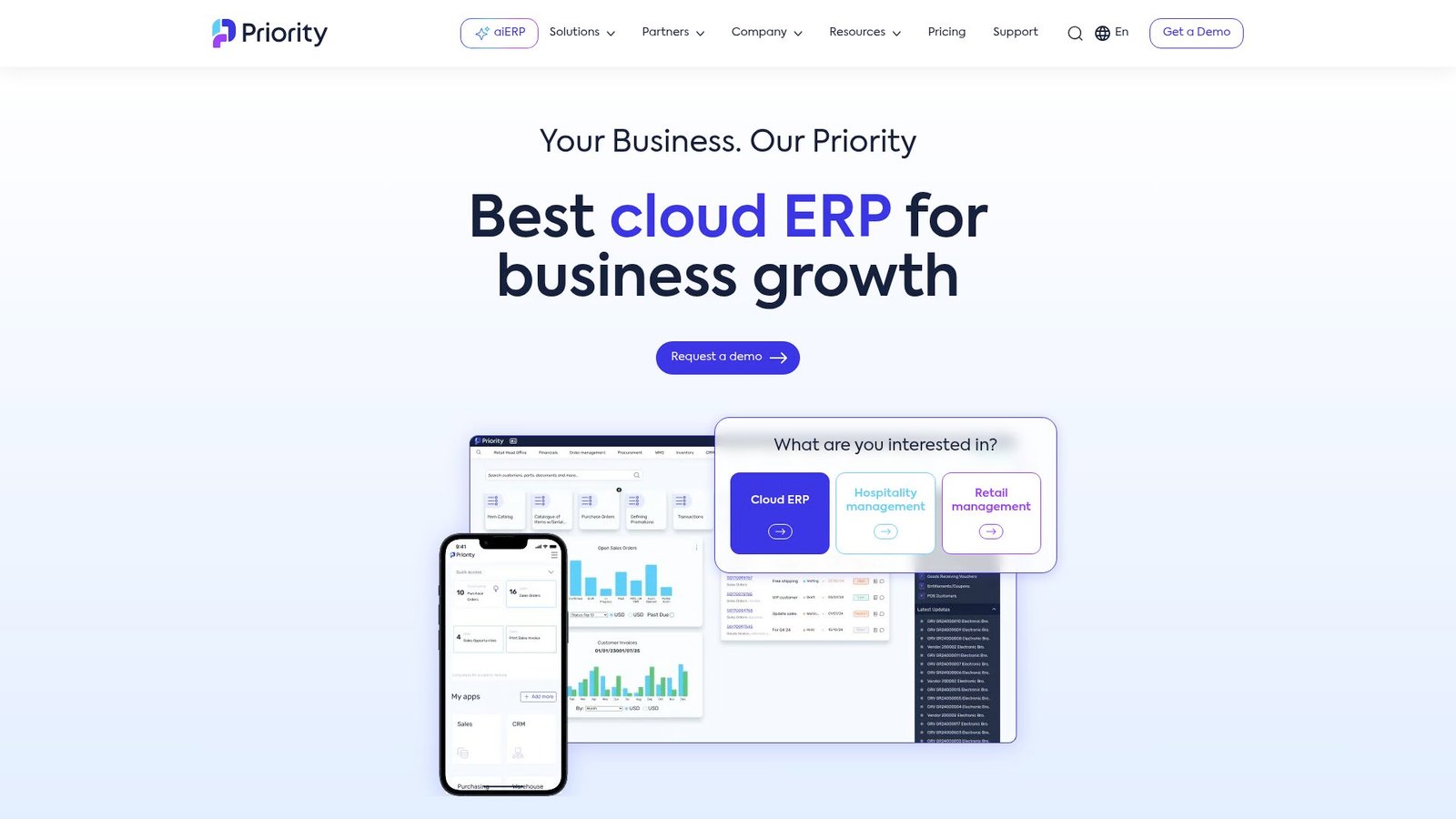
Priority ERP targets midmarket operations with a pragmatic balance of breadth and control. The company emphasizes flexible workflows and industry fit. Teams often pick it when they want ERP reach without extreme complexity.
Outcome-first tagline: Run finance and operations with fewer workarounds and clearer accountability.
Best for: growing SMBs and ops leaders who need a broad, configurable core.
- End-to-end workflows → reduce rekeying by linking sales, purchasing, and accounting.
- Automation and connectors → often cuts a few steps across approvals and document flow.
- Configurable deployment paths → time-to-first-value can be 6–12 weeks for core modules.
Pricing & limits: From $contact sales/mo. Trials usually mean guided demos or pilots. Seats, modules, and entities shape pricing. Limits are commonly contract-based.
Honest drawbacks: Industry fit varies by template and partner. Some advanced analytics may require extra tooling. Beats heavier ERPs on agility, but trails Business Central on Microsoft-native familiarity.
Verdict: If you want a capable ERP core that stays adaptable, this helps you standardize without freezing innovation. Many teams see operational clarity within one quarter.
Score: 4.0/5
24. Plex
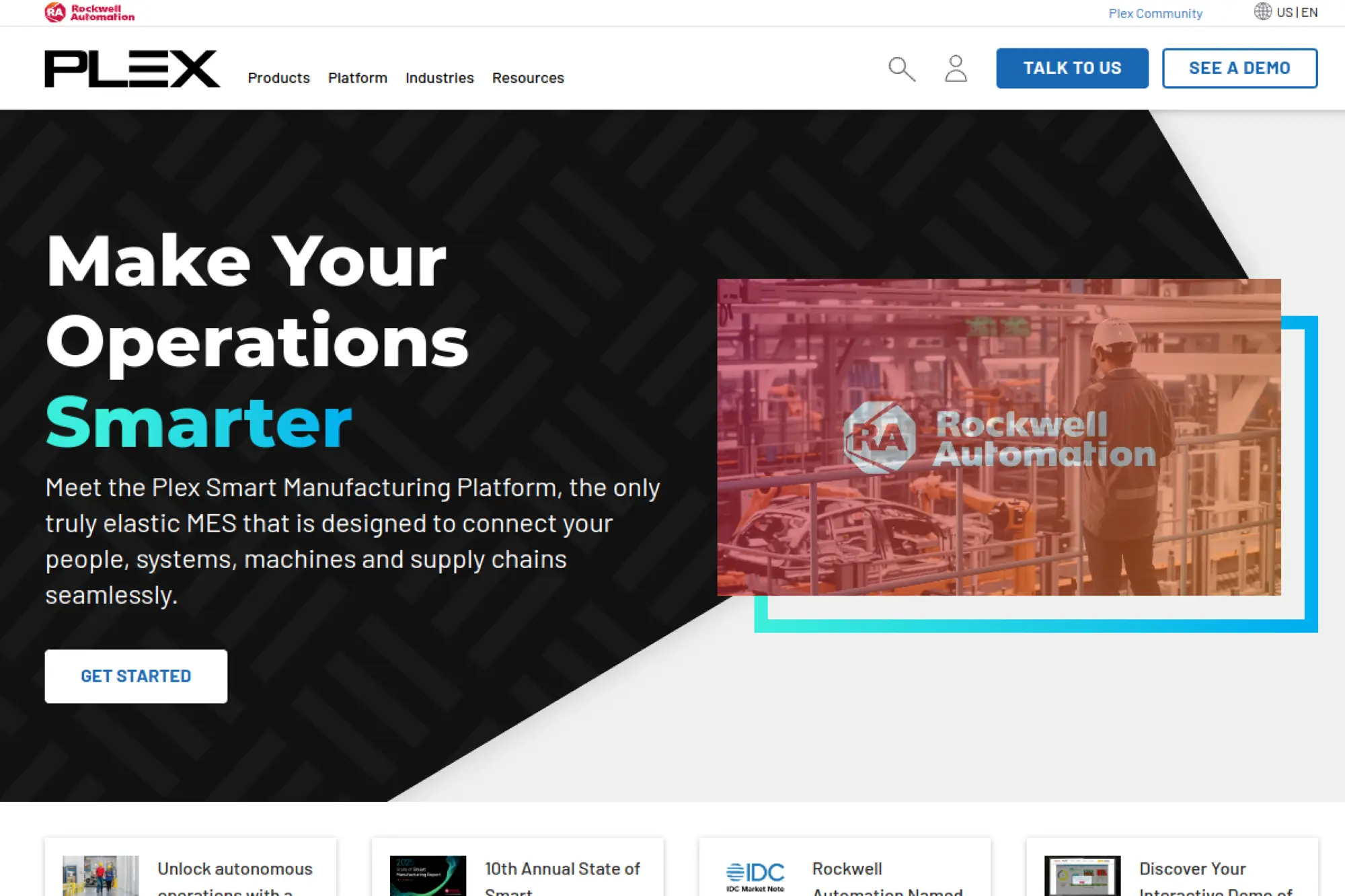
Plex is known for manufacturing-focused ERP and MES-style capabilities. The company emphasizes production visibility and traceability. For small manufacturers, it can bring strong control, though it may feel like a big lift.
Outcome-first tagline: Make manufacturing traceability and production status reliable, not hopeful.
Best for: regulated manufacturers and ops teams that need traceability baked in.
- Traceability and production tracking → reduce compliance stress with clearer lot and process history.
- Automation for shop-floor data → often removes a few manual logs and reconciliations per shift.
- Structured manufacturing rollouts → time-to-first-value is often 10–20 weeks.
Pricing & limits: From $contact sales/mo. Trials are typically guided evaluations. Seats and modules drive pricing. Limits are generally contract-defined.
Honest drawbacks: Implementation can be demanding for small teams. UI and workflow fit may require process change. Beats generic ERPs on traceability, but trails lighter tools on speed to deploy.
Verdict: If traceability and manufacturing control are non-negotiable, this helps you build confidence. Expect benefits after process redesign and disciplined adoption.
Score: 3.9/5
25. QAD Cloud ERP
QAD focuses on manufacturing-centric ERP, often tied to supply chain and quality needs. The company aims at firms that need consistent processes across plants and partners. For small businesses, it is usually chosen for depth, not simplicity.
Outcome-first tagline: Standardize manufacturing operations so quality and delivery become predictable.
Best for: manufacturing SMBs with complex supply chains and quality requirements.
- Manufacturing and quality workflows → reduce defects by enforcing consistent process checkpoints.
- Supply chain automation options → often trims a few manual planning and update steps.
- Phased rollouts by function → time-to-first-value is often 10–20 weeks.
Pricing & limits: From $contact sales/mo. Trials are commonly guided demos or pilots. Seats and modules typically determine the deal. Limits are contract-based and deployment-dependent.
Honest drawbacks: Overkill for simple operations. Adoption requires strong process ownership. Beats lighter ERPs on manufacturing depth, but trails Odoo on modular ease and flexibility.
Verdict: If you need consistent manufacturing and quality control, this helps you reduce variation. Expect ROI after disciplined rollout and training across teams.
Score: 3.8/5
26. Rootstock
Rootstock is a manufacturing ERP built on Salesforce, aiming to unify ops and customer context. The company’s strategy is platform leverage: use Salesforce where you can. For Salesforce-native teams, that reduces integration strain.
Outcome-first tagline: Connect manufacturing and finance to customer reality on one platform.
Best for: Salesforce-first manufacturers and ops teams wanting shared data models.
- Manufacturing workflows on a platform → reduce data silos between sales, ops, and finance.
- Salesforce ecosystem advantages → often removes 2–3 manual sync steps across teams.
- Platform familiarity speeds adoption → time-to-first-value can be 8–14 weeks for core flows.
Pricing & limits: From $contact sales/mo. Trials are typically guided evaluations. Seats and modules drive price, plus Salesforce platform needs. Limits often align with platform and contract terms.
Honest drawbacks: Salesforce admin maturity is a real requirement. Costs can rise with platform and add-ons. Beats standalone ERPs on unified CRM context, but trails Epicor on deep manufacturing heritage.
Verdict: If you live in Salesforce and need manufacturing control, this helps you unify teams. Expect clearer order-to-production alignment within one quarter.
Score: 4.1/5
27. Striven ERP
Striven positions itself as an all-in-one platform for SMB operations. The company aims to reduce tool sprawl by bundling core workflows. It often fits teams that want one system more than deep industry specialization.
Outcome-first tagline: Replace scattered tools with one operational hub.
Best for: service SMBs and small operations teams wanting simplicity over maximum depth.
- All-in-one business workflows → reduce context switching across projects, billing, and customer work.
- Automation and built-in modules → often cuts a few handoffs between task tracking and invoicing.
- Quicker onboarding than big ERPs → time-to-first-value can be 2–6 weeks.
Pricing & limits: From $contact sales/mo. Trials may be available, often with guided setup. Seats typically drive licensing. Limits vary by plan, especially around storage and usage.
Honest drawbacks: Deep manufacturing and advanced supply chain needs may not fit. Some customization may be limited compared to larger suites. Beats heavy ERPs on speed, but trails them on complex controls.
Verdict: If you want one platform to organize work and billing, this helps you streamline quickly. Many teams feel immediate relief within the first month.
Score: 4.0/5
28. abas ERP
abas ERP targets manufacturing and distribution firms, often with international footprints. The company emphasizes adaptable processes and long-term stability. Partner delivery is common, so fit and execution matter as much as software.
Outcome-first tagline: Keep manufacturing operations consistent as complexity and locations grow.
Best for: manufacturers needing configurable workflows and multi-site discipline.
- Manufacturing and logistics depth → reduce process drift across sites with standardized flows.
- Integration capabilities → often trims a few manual consolidation steps across systems.
- Partner-led implementations → time-to-first-value is often 10–18 weeks.
Pricing & limits: From $contact sales/mo. Trials tend to be guided demos. Seats and modules shape the deal. Limits are typically contract-defined and deployment-specific.
Honest drawbacks: It may feel heavy for very small teams. UI familiarity can take time. Beats basic ERPs on manufacturing fit, but trails cloud-native SMB tools on quick setup.
Verdict: If you need manufacturing stability with room to adapt, this helps you standardize across teams. Expect returns after deliberate rollout and master-data cleanup.
Score: 3.7/5
29. BatchMaster ERP
BatchMaster ERP targets process manufacturers, where batches, formulas, and compliance matter. The company focuses on traceability, lot control, and process-specific needs. For the right niche, that specialization can beat generic ERPs.
Outcome-first tagline: Control batches, lots, and compliance without spreadsheet gymnastics.
Best for: process manufacturers and quality teams managing lot traceability.
- Batch and formula workflows → reduce errors by enforcing consistent production steps.
- Traceability and compliance automation → often removes a few manual log and audit-prep steps.
- Industry-focused implementation → time-to-first-value is often 8–16 weeks.
Pricing & limits: From $contact sales/mo. Trials are typically demo-led with scoped pilots. Seats and modules drive pricing. Limits are usually defined by contract and deployment model.
Honest drawbacks: It is less suited for pure discrete manufacturing. Integrations may require specialist help. Beats generic ERPs on batch depth, but trails broader suites on cross-industry flexibility.
Verdict: If batches and traceability drive your risk, this helps you standardize quickly. Expect better audit readiness within one to two quarters.
Score: 3.9/5
30. Exact ERP
Exact offers business software aimed at finance and operations, often used by SMBs that want structured control. The company’s products tend to emphasize practical workflows and day-to-day usability. Fit can vary by region and product line.
Outcome-first tagline: Keep operations and accounting aligned so decisions match reality.
Best for: SMB finance leads and operations managers wanting consistent processes.
- Finance and operations alignment → reduce rework by keeping orders, costs, and invoices connected.
- Integrations and automation options → often trims a few manual handoffs across sales and accounting.
- SMB-friendly rollout scope → time-to-first-value can be 4–10 weeks for core needs.
Pricing & limits: From $contact sales/mo. Trials may be available depending on product and region. Seats and modules typically drive licensing. Limits vary by plan, hosting, and usage terms.
Honest drawbacks: Product packaging can be confusing at first. Some advanced industry needs may require add-ons. Beats heavier ERPs on approachability, but trails NetSuite on unified global suite breadth.
Verdict: If you want a structured system without enterprise bulk, this helps you standardize faster. Many teams see cleaner workflows within two months.
Score: 4.0/5
Must-have features in an ERP for small businesses
Market overview: McKinsey reports 65% of respondents say their organizations regularly use gen AI in at least one function, which raises expectations for ERP “assist” features. Our view stays conservative. Automation must land on stable process definitions. Otherwise, you automate confusion at scale.
1. Financial management that goes beyond bookkeeping
Finance is the spine of ERP. The essentials are a robust general ledger, payables, receivables, and bank processes. The differentiator is control. That means approvals, audit trails, and clear posting logic.
We also look for real operational accounting. Order events should post cleanly. Receiving should accrue cleanly. Inventory value should reconcile without mystery adjustments.
From our fieldwork, close quality predicts decision quality. If the close is chaotic, strategy becomes guesswork. A good ERP turns close into a repeatable routine. That frees leadership time.
2. Inventory management with real-time visibility and multi-location support
Inventory is where spreadsheets become dangerous. Visibility must be accurate, fast, and explainable. That includes on-hand, allocated, and available views. It also includes unit-of-measure consistency.
Multi-location is not optional for most growing SMBs. Even a small overflow space changes reality. Transfers, cycle counts, and bin logic then matter. Without structure, stock becomes “somewhere.”
We also push for traceability when risk exists. Lot and serial tracking reduce recall pain. They also reduce warranty debates. The cost is discipline in receiving and picking.
3. Reporting and analytics with dashboards and KPIs
Dashboards should answer operational questions. What is late? should be obvious. What is blocked? should be visible. And what is profitable? should be defensible.
In our design reviews, we prefer a small set of trusted metrics. Too many KPIs create noise. A single definition of margin beats a dozen inconsistent reports. Leaders then stop arguing about the math.
Analytics also needs drill-down. A chart without lineage is decoration. A good ERP lets a CFO trace a number back to documents. That builds trust across departments.
4. Mobile access for approvals, customer data, and inventory checks
Mobile ERP is not about doing everything on a phone. It is about speed on the critical path. Approvals must happen during real life. Customer status should not require a laptop.
Warehouse teams benefit too. Quick item lookups reduce mistakes. Simple receiving screens prevent bad data. If mobile is clunky, users invent side channels.
We also watch offline behavior. Connectivity is uneven in warehouses. A practical solution has graceful failure modes. That protects operations during outages.
5. Centralized data to reduce silos across departments
Centralized data is the quiet superpower of ERP. It reduces duplicate customer records. It also unifies item naming. Those sound small until you integrate systems.
We treat master data as a product. The customer master needs ownership. The item master needs governance. Without that, workflows rot slowly.
Cross-team alignment is part cultural. Sales must respect inventory rules. Operations must respect revenue rules. ERP makes those negotiations explicit.
6. Automated workflows for order processing, billing, and routine tasks
Automation starts with routing work. Approvals, holds, and exceptions need clear paths. The goal is fewer handoffs. Another goal is predictable handoffs.
Order processing is a prime target. Confirmations can be automatic. Shipping documents can be generated cleanly. Billing can trigger from fulfillment events.
We caution against automating chaos. A broken workflow becomes faster pain. Process mapping must happen first. Then automation becomes leverage.
7. Scalability to add users, modules, entities, and locations without disruption
Scalability is not only performance. It is also organizational expansion. Can you add a new location cleanly. Can you add a new business line without hacks.
We look for modularity with guardrails. Adding a module should not break accounting logic. Adding a new entity should not create reporting fragmentation. The platform should keep you honest.
Scalability also includes permissions. A growing team needs role clarity. Otherwise, access grows by accident. That invites risk and audit headaches.
8. Ecommerce integration for online sales operations
Ecommerce integration is about truth synchronization. Product data, pricing, and availability must match. Orders must flow in without manual re-entry. Refunds must map back to accounting.
In our experience, the hardest part is not the connector. The hardest part is the data model mismatch. Ecommerce loves variants and marketing labels. ERP loves controlled attributes and stable SKUs.
Good integration design reconciles those worlds. It creates a product information strategy. It also defines ownership for changes. Without that, every launch becomes brittle.
9. Advanced warehouse management options for growing operations
Warehouse complexity arrives suddenly. A few more SKUs and returns explode. Bin management, wave picking, and put-away rules then pay off. They reduce chaos and mis-picks.
We often start simple. Clear locations and barcode flows can be enough. As volume grows, advanced features become valuable. The key is choosing a system that can grow with you.
WMS features should align to physical reality. A beautiful screen does not fix a messy floor. Process design must match layout, staffing, and training. ERP should support that design.
10. APIs and integration capabilities for connecting your software stack
Every SMB has a stack. Payments, shipping, payroll, and support tools will exist. ERP must integrate without custom spaghetti. APIs are the foundation for that.
We prefer event-driven patterns when possible. Orders, invoices, and receipts are events. Those events can publish updates to other tools. That reduces batch lag and reconciliation work.
Integration also needs bulk import and export. Data migration is never perfect. Ongoing corrections are normal. A mature ERP supports that reality without drama.
11. Industry-specific modules aligned to your business model
Industry modules matter when your processes are not generic. Manufacturing needs routings and work centers. Distribution needs replenishment logic and customer-specific pricing. Services needs project cost tracking.
At Techtide Solutions, we ask one hard question. “Where do you differ from a typical company?” If the answer is “everywhere,” scope is wrong. If the answer is specific, modules can help.
We also watch for false verticalization. Some “industry” modules are just labels. The proof is in workflows, validations, and reporting. Demo scripts should match your day-to-day operations.
12. AI-driven productivity and insights where it delivers practical value
AI features should reduce toil. Suggested coding for transactions can help. Intelligent search across customers and items can help. Drafting narratives for reports can help.
We remain wary of black-box forecasting. Forecasts must explain drivers. Planners need to see assumptions. A model that cannot be interrogated will not be trusted.
Our best results come from “small AI.” That includes classification and summarization. It also includes anomaly detection on clean data. In that role, AI becomes a colleague, not an oracle.
How to choose the best ERP for small businesses in 7 steps
Market overview: IDC notes enterprise applications in public cloud reached 68% in 2023, and that tilt reshapes vendor roadmaps. Cloud-first features arrive sooner. Integration ecosystems mature faster. For SMBs, the choice process must reflect those dynamics.
1. Step 1: Decide on your deployment model
Start with constraints, not preferences. Regulatory obligations matter. Customer requirements matter. Your internal capabilities matter too.
Cloud is the default for many SMBs. On-premise can still be valid. Hybrid can work when boundaries are crisp. Fuzzy hybrids create recurring integration costs.
We also recommend clarifying downtime tolerance. Operations may accept short interruptions. Finance may accept them at different times. Deployment decisions must match those rhythms.
2. Step 2: Identify must-have features and integrations
A must-have list is a discipline tool. It prevents shiny-object buying. It also prevents overengineering. The list should include integrations, not just screens.
We map integrations by business consequence. Payments matter because they touch cash. Shipping matters because it touches customer trust. Payroll matters because it touches compliance. Priorities become clearer when framed that way.
One practical method helps. Document the life of an order. Document the life of a purchase. Those narratives reveal gaps quickly.
3. Step 3: Assess your business processes and growth plans
ERP selection is a process mirror. If processes are unclear, selection becomes guesswork. We run lightweight process discovery workshops early. Those sessions expose hidden variants and exceptions.
Growth plans should be translated into system requirements. New channels change pricing, tax and inventory logic. New product lines change planning and costing. An ERP should not force you to abandon your strategy.
We also ask about governance maturity. Who owns item creation. Who approves pricing changes. Without ownership, the best ERP degrades. That is a management issue, not a software issue.
4. Step 4: Build your vendor shortlist
Shortlists should be structured by fit categories. Finance-first platforms differ from operations-heavy platforms. Open-source differs from managed SaaS. Vertical ERPs differ from broad horizontal ERPs.
We advise limiting the shortlist tightly. Too many demos create cognitive fog. Each demo also costs internal attention. Selection fatigue leads to poor decisions.
References matter more than brochures. Ask for similar workflows, not similar industries. Ask about implementation surprises and what they would do differently.
5. Step 5: Measure ROI and total cost of ownership
ROI is not only labor savings. It is also fewer stockouts, fewer errors, and faster billing. It is also reduced risk. A clean audit trail has value even when it is boring.
Total cost includes more than subscriptions. Implementation is real work. Integration is real work. Data cleanup is real work. Training is real work too.
We model costs as “first year” and “steady state.” The first year includes change management effort. Steady state includes admin time and enhancements. That clarity prevents sticker shock later.
6. Step 6: Evaluate and compare solutions using real scenarios
Demos should follow your scripts. A vendor script proves little. Your script proves fit. Scenarios should include exceptions, not only happy paths.
We like scenario testing that spans departments. A single process should touch sales, warehouse, and finance. That reveals handoff friction. It also reveals data dependencies.
Evaluation also needs a data test. Load a slice of your item master. Load a slice of your customer list. Dirty data will expose how tools behave under pressure.
7. Step 7: Plan implementation and change management
Implementation planning starts before the contract. Roles must be assigned early. Decision rights must be explicit. Otherwise, questions stall and timelines slip.
Change management should be treated as engineering. Training needs schedules and owners. Feedback needs channels and response times. Governance needs cadence and accountability.
At Techtide Solutions, we also plan for “day two.” After go-live, issues surface. A support model must exist. Optimization should be expected, not feared.
Implementation, ROI, and risk management for ERP for small businesses
Market overview: a Forrester Consulting TEI summary for Infor CloudSuite highlights 114% ROI in its composite model, which matches the general pattern we see when operations truly adopt the system. Still, ROI is not automatic. Poor governance can erase value. Weak data can slow everything down.
1. Pre-selection evaluation: requirements, team capabilities, and budget realities
Pre-selection is where risk is priced. Requirements should be written in business language. “Track serialized items” is better than “support advanced inventory.” Clarity prevents later debates.
Team capability matters more than vendor promises. Who can own the item master, manage integrations and support end users. Those roles must exist, even if part-time.
Budget realism includes internal time. Meetings, testing, and training consume attention. A small business can underestimate that load. We plan around operational seasons to reduce strain.
2. Vendor questions to prevent surprises in costs, timelines, and support
Questions should target the hidden edges. Ask what is included in onboarding. What environment access is provided and what reporting tools are native versus add-ons. Surprises usually live in those boundaries.
Support questions should be blunt. What are response expectations. How are urgent issues handled. What is the escalation path. A great product with weak support can still fail.
We also ask about upgrade policy. Cloud vendors release changes regularly. You need to know how regressions are handled. You also need to know how new features are activated.
3. Future-proofing your investment with scalability planning
Future-proofing is about design decisions. If you over-customize, upgrades become painful. If you under-configure, users build shadow systems. Balance is the craft.
We recommend defining a customization threshold. Some changes should be configuration only. Others may justify custom modules. The rule should be explicit. That prevents scope creep disguised as “just one more field.”
Scalability planning also includes data volumes and integrations. More orders stress workflows. More SKUs stress the item master and more channels stress pricing rules. Planning for growth avoids emergency rebuilds.
4. Contract terms to review: data access, termination costs, and price caps
Contracts shape long-term leverage. Data access should be guaranteed. Export formats should be documented. The right to retrieve historical records matters for audit and continuity.
Termination terms deserve attention too. Exiting should not be punitive. If fees are unclear, risk increases. A clean exit plan reduces vendor lock-in anxiety.
Price terms also matter. You want predictability. You also want clarity about module changes. Ambiguity becomes budget conflict later.
5. Integration readiness: APIs, pre-built connections, and bulk import-export tools
Integration readiness is more than API marketing. It is documentation quality, rate limits, and error handling. It is also webhooks or event capabilities. Those details shape reliability.
Pre-built connectors can be useful. They can also become opaque. We ask how failures are surfaced. We also ask how mappings are managed. Debuggability is a must-have.
Bulk import and export tools are essential for operations. Data corrections happen. Migrations need re-runs. A tool that makes imports painful will slow continuous improvement.
6. Cloud ERP advantage for SMBs: minimal upfront costs, automatic updates, and anywhere access
Cloud advantage starts with focus. Your team spends less time on infrastructure. They spend more time on process and adoption. That shift drives earlier value.
Automatic updates can be a gift. They can also be a change risk. Strong vendors provide release notes and sandboxes. Strong teams test key flows routinely.
Anywhere access also changes leadership cadence. Approvals can happen while traveling. Inventory checks can happen on the floor. That reduces delays caused by “I will do it later.”
7. Implementation approaches: phased rollout versus big-bang launch
Phased rollouts reduce shock. They also allow learning cycles. Finance can stabilize first. Operations can follow with less pressure.
Big-bang launches can work in limited scopes. They can also compress confusion into a short window. The risk is higher, yet the transition is faster. The right choice depends on process complexity and team readiness.
We prefer phased when integrations are heavy, when the item master needs cleanup. We sometimes prefer big-bang when the legacy process is already broken. Context wins.
8. ERP change management: role-based training, feedback loops, and governance
Training should be role-based. A buyer needs purchasing flows. A picker needs scanning and exceptions. A controller needs posting logic and period-end routines.
Feedback loops prevent silent failure. Users find edge cases quickly. The team must respond quickly too. Otherwise, users revert to old tools.
Governance is the long-term guardrail. Someone must own chart of accounts changes. Someone must own item creation rules. When ownership is unclear, data decay accelerates.
9. ROI and payback planning: automation time savings and operational improvements
ROI planning should be operational, not theoretical. Identify manual steps that repeat daily. Remove re-keying points. Reduce reconciliation time.
We also quantify “error cost” qualitatively. Shipping errors damage trust. Billing errors slow cash. Inventory errors trigger emergency buys. ERP reduces those risks when adoption is strong.
Payback also depends on enforcement. If users bypass the system, ROI evaporates. If leaders insist on one source of truth, ROI compounds. Leadership behavior is part of the business case.
10. Total cost of ownership categories: licensing, implementation, support, and training
TCO has visible and invisible parts. Licensing is visible. Implementation is visible too. Support and training can be less visible, yet they persist.
We also include maintenance of integrations. Every connected system can change. APIs can evolve. Business rules can change. You need capacity for ongoing care.
Another hidden cost is reporting trust. If definitions are inconsistent, teams create private reports. Those private reports consume time. Strong ERP governance reduces that drift.
How TechTide Solutions helps you build ERP for small businesses

Market overview: CB Insights reports private AI-company funding reached $47.3B across 1,403 deals in Q2’25, and we see ERP buyers asking for AI-adjacent workflows as a result. Our stance is practical. We build ERP capabilities that survive audits and scale. We also integrate assistants only where the data is clean.
1. Requirements discovery and solution design aligned to customer needs
Discovery is where we prevent regret. We map your revenue flow end to end. We also map your purchasing and inventory flows. Those maps reveal where the business bleeds time.
Our workshops focus on decisions, not features. Who approves credit holds, create new SKUs and who can override pricing. Those are governance questions with software consequences.
Design then becomes a set of contracts. Data models become explicit. Integrations become explicit. Reporting definitions become explicit too. That clarity reduces rework later.
2. Custom ERP modules, workflow automation, and integrations built for your processes
Some businesses need extensions. They may need industry workflows, bespoke approvals and specialized billing logic.
When we build modules, we prioritize isolation and clarity. We avoid deep core modifications when possible. We favor APIs and extension frameworks. That approach protects upgrade paths.
Integration is a major part of our work. We connect ecommerce, shipping, payments, and customer tools. We also design monitoring for integration failures. Silent errors are the worst errors.
3. Implementation support, data migration assistance, and ongoing optimization
Implementation is not a one-time event. It is a stabilization period. We help teams plan cutover steps and backout plans. We also help define what “good data” means.
Migration is usually the hardest work. Old systems have inconsistencies. Item masters have duplicates. Customer records have drift. We treat cleansing as a first-class project.
After go-live, optimization begins. Users discover better workflows. Leaders discover better dashboards. We support that evolution with structured change control. The goal is steady improvement, not constant churn.
Conclusion: choosing an ERP for small businesses with confidence
Market overview: the same forecast behind today’s cloud momentum keeps shaping how ERP vendors invest and ship. At Techtide Solutions, we see ERP selection as a business design decision. The software matters, yet the operating model matters more. Process clarity, data governance, and integration discipline do the heavy lifting. A sensible shortlist, scenario-driven demos, and a realistic implementation plan reduce risk. When leaders commit to one source of truth, teams move faster. When leaders tolerate shadow systems, confusion returns.
Our closing suggestion is simple. Write down the life of an order and the life of a purchase. Then ask which ERP makes those stories boring and repeatable. If you want, we can help you turn those stories into requirements and a vendor scorecard next.