

At Techtide Solutions, we’ve watched “domain” and “hosting” get tangled together in boardrooms, Slack channels, and checkout carts. The confusion is understandable: both are required for most websites, both are sold by many of the same vendors, and both feel like “internet stuff” until something breaks. Yet the distinction matters—because the moment you try to change providers, set up email, improve performance, or harden security, domain decisions and hosting decisions suddenly pull in different directions.
Market context helps explain why the ecosystem is crowded and noisy. Gartner forecasts worldwide public cloud end-user spending to total $675.4 billion in 2024, and that scale attracts an endless variety of “website” products that blur lines between infrastructure, platforms, and managed services. In practice, our best client outcomes happen when we separate concepts cleanly first, then recombine them intentionally.
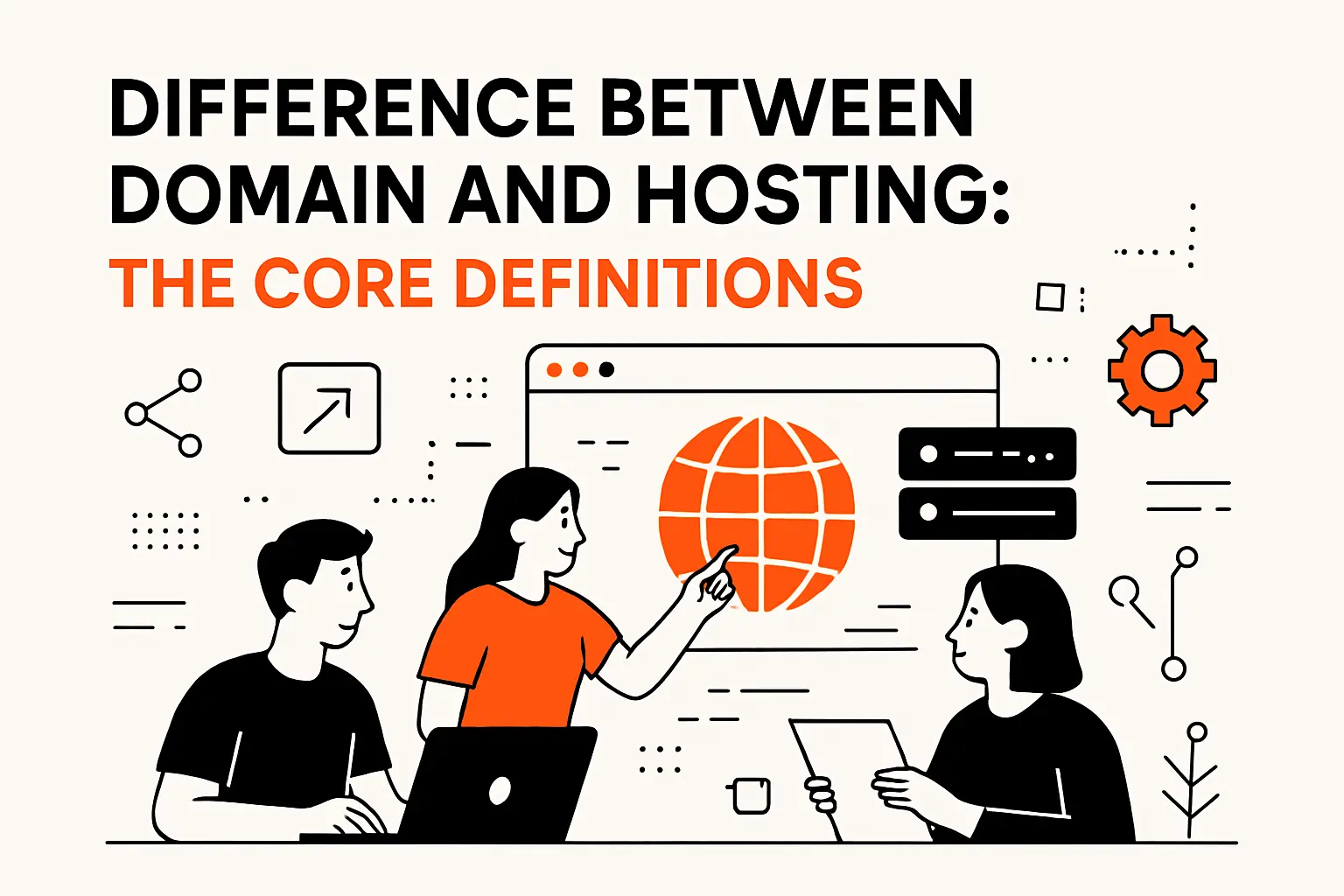
Difference between domain and hosting: The core definitions
Below, we’ll walk through the core definitions, the mechanics that make a site reachable, and the real trade-offs we see when teams buy, configure, and maintain domains and hosting over time.
1. Domain name: the human-friendly address people type into a browser
A domain name is an identifier humans can remember and share. It’s the label on your digital front door: the thing printed on packaging, embedded in QR codes, and spoken aloud in conversations. When someone types your domain into a browser, they’re not “going to your server” directly; they’re starting a lookup process that eventually discovers where your website lives.
From a business angle, domains behave like a brand asset and a routing instruction at the same time. Marketing teams treat a domain as identity (“this is our name”), while engineering teams treat it as a pointer (“send traffic over there”). That dual nature is why domain ownership and domain configuration deserve executive attention: a domain is often the single shared dependency across web, email, analytics, and paid campaigns.
In our delivery work, we try to get clients to name what they’re actually buying: a right to use a specific name in the global namespace, governed by registration rules, renewal expectations, and transfer policies. Once that clicks, teams stop assuming the domain “contains” the site—and start seeing it as the stable handle that can outlive any single hosting provider.
2. Web hosting: the server space that stores and delivers your site’s files
Web hosting is the runtime environment that serves your website to visitors. That environment might be a classic shared server, a virtual machine, a container platform, an edge network, or a fully managed application platform. The common thread is simple: hosting is where your site’s content and application logic run, and hosting is what responds when a browser asks for a page.
Operationally, hosting is a bundle of compute, storage, networking, and automation. The moment you move beyond a single static page, hosting also becomes the place where your database lives, where background jobs run, where uploads are stored, and where secrets must be managed. Even “static” sites typically rely on hosting-adjacent components like object storage, a content delivery network, and a deployment pipeline.
When we audit struggling sites, we often discover that the hosting decision was made as a one-time purchase instead of an ongoing operating model. Hosting is not only a location; it’s a set of constraints and capabilities that determines how fast you can ship changes, how safely you can scale traffic, and how reliably you can recover from incidents.
3. Domain hosting vs. web hosting: two related services with different jobs
“Domain hosting” is a phrase vendors use in different ways, which is part of the confusion. In many contexts, people mean “domain registration” (buying and renewing the name). In other contexts, they mean “DNS hosting” (the service that answers DNS queries for your domain and tells the world where to find things like your website and email). Meanwhile, “web hosting” is specifically the environment where the site or app runs.
Here’s the mental model we use internally: domains are naming and delegation; DNS is the traffic signage; hosting is the building. Each layer can be provided by the same company, but each layer can also be swapped independently. A clean separation gives you leverage: you can migrate hosting without rebranding, change DNS providers without moving the application, or rebuild a site without touching email routing.
For small teams, bundling can feel easier—and sometimes it is. For growing teams, clarity becomes a form of risk management. When the next replatforming arrives (and it will), knowing which lever controls “name,” which lever controls “routing,” and which lever controls “runtime” prevents expensive, anxiety-fueled weekends.
Domain names in detail: how they’re structured, registered, and managed
1. Domain name structure: second-level domain and top-level domain
Most domain names you interact with combine a second-level domain (the distinctive part you choose) with a top-level domain (the suffix, like a common commercial extension or an industry-specific one). Conceptually, the suffix places your name into a category within the global naming system, while the second-level portion becomes the memorable brand token.
From a technical perspective, this structure matters because DNS is hierarchical. Authority flows from the top of the tree downward. Your registrar relationship is largely about securing the right to the name; your DNS configuration is about publishing records under that name; and your hosting setup is about being the destination those records point to.
Brand-wise, structure influences perception. Some organizations choose a suffix to signal geography, mission, or product category. Others prioritize familiarity because they want fewer user errors in typing. In our experience, the “best” structure is usually the one that aligns with how customers already talk about the business—because a domain that matches natural language reduces friction in every channel, from podcasts to customer support calls.
2. Registrars and internet governance: how domain registration is coordinated
Domain registration isn’t a casual “claim it and it’s yours forever” action. It’s a coordinated system involving registries (which operate specific top-level domains), registrars (which sell registrations to the public), and governance bodies that set policy and accreditation rules. The important part for business leaders is that ownership is a contractual right that must be maintained.
Practically, a registrar is your control panel for key actions: changing authoritative name servers, updating contact details, locking the domain to prevent unauthorized transfers, and managing renewals. Because registrars sit at a sensitive choke point, they also become a target for account takeover attempts—especially for brands that would be valuable for phishing or impersonation.
In client environments, we recommend treating registrar access like production access. Identity controls, internal ownership clarity, and auditable change processes matter here. A domain compromise can be more damaging than a website outage, because it can cascade into email interception and long-lived trust erosion. Governance may feel abstract, but its real-world effect is that the internet has rules—and your domain lives inside them.
3. Registration lifecycle: availability, subscription periods, renewals, and privacy protection
A domain has a lifecycle: it can be available, registered, renewed, transferred, expired, and eventually released back into the market. Teams often underestimate how unforgiving this lifecycle can be, especially when renewals are tied to a single employee’s email address or a credit card that expires quietly.
Operational maturity shows up in the boring places. Calendar discipline, shared inboxes for registrar notifications, and clear vendor ownership prevent accidental lapses. We’ve seen organizations do beautiful product work while carrying an invisible cliff edge: a single missed renewal could break marketing links, customer portals, and email deliverability all at once.
Privacy protection is another lever. Many registrars offer privacy features that reduce exposed contact data in public registration lookups, which can cut down on spam and social engineering attempts. Even with privacy enabled, internal records still matter: you want to know which legal entity owns the domain, who can authorize transfers, and how you would prove control during a dispute. When those answers exist only in someone’s memory, the “simple domain” becomes an institutional risk.
Web hosting in detail: what hosting provides beyond “space on a server”
1. What web hosting does: publishing a website and serving content to visitors
Hosting is the mechanism that turns your site from a folder of code into a live service. It listens for requests, routes them to the right application component, runs business logic, fetches data, and returns responses quickly enough that users don’t bounce. For static sites, hosting still handles the core task: mapping a URL path to a file and delivering it efficiently across networks.
Application hosting expands the scope. Now you have deployment strategies, runtime configuration, dependency management, and environment separation (so changes can be tested safely before release). In our build work, we pay close attention to how hosting choices shape developer behavior. If deployments are fragile, teams ship less often. If rollback is painful, teams fear change. And if observability is missing, incidents become guesswork.
Business leaders sometimes ask us, “Isn’t hosting just where we put the website?” The better question is: what operational guarantees do you need to deliver your customer experience consistently? Hosting is the foundation of reliability, speed, and resilience, and it determines how expensive it will be to improve those qualities later.
2. What web hosts typically include: management tools, security measures, and support
Most hosting offerings include a control surface—dashboards, deployment hooks, access management, and logs. The exact shape varies widely, but the goal is the same: give you a way to configure the service without manually babysitting servers. Good tooling reduces human error by making routine actions repeatable.
Security, too, is part of the bundle, even if it’s unevenly delivered. Hosts commonly provide firewalls, patching for managed layers, automated certificate tooling, and some form of DDoS mitigation. What matters is where responsibility boundaries sit. In shared hosting, the provider controls much of the stack but you inherit multi-tenant risk. In infrastructure-style hosting, you gain flexibility but also accept more operational duty.
Support is the final included component that teams underestimate. During an incident, “support” is not a perk; it’s time-to-recovery. We’ve learned to evaluate support in terms of response workflows, escalation paths, and clarity of documentation, because the difference between a calm outage and a chaotic one often comes down to whether someone competent can see what’s happening and help you change the right setting safely.
3. Common hosting add-ons: website builders and email hosting tied to your domain
Vendors often bundle website builders, templates, and email hosting because customers want an outcome, not a topology diagram. Those add-ons can be perfectly reasonable for early-stage businesses: a builder gets you online fast, and bundled email reduces setup friction. The trap is assuming those conveniences don’t create coupling.
Website builders can lock design and content into proprietary structures. Export paths may exist, yet the migration effort can still be substantial once a brand grows and needs custom components, accessibility work, performance tuning, or advanced analytics. Email bundling can create its own gravity: if email settings, DNS records, and identity workflows are all intertwined with a vendor, switching becomes a project instead of a simple change.
Our approach is to treat add-ons as accelerators, then plan escape hatches early. Even when we recommend a builder for speed, we still document how DNS is configured, where the content lives, and which credentials control what. That way, when a business outgrows the starter setup, the upgrade path is evolutionary rather than traumatic.
How domains and hosting work together to make a website reachable

1. DNS basics: pointing a domain to the correct hosting provider
DNS is the translation layer that connects human-friendly domains to machine-friendly destinations. In plain terms, DNS records tell the internet where your site lives, where your email should be delivered, and which services are allowed to send mail on your behalf. When someone enters your domain, their device consults DNS to figure out where to connect.
Pointing a domain to hosting usually involves setting records that map the domain (or a subdomain like “www”) to a target your host provides. Sometimes that target is an IP address. Other times it’s a hostname that the hosting provider controls, which then resolves internally to the right infrastructure. Either way, DNS becomes the glue between the stable identity (your domain) and the evolving runtime (your hosting).
In client launches, DNS is where “small mistakes” cause outsized pain. A single typo can black-hole traffic. An incomplete configuration can break email while the website looks fine. Because of that, we treat DNS changes like production releases: planned, reviewed, and validated with repeatable checks before we declare success.
2. Traffic routing: how a domain resolves to an IP address so browsers can find your site
Resolution is a chain of trust and delegation. A browser doesn’t magically know where your site is; it asks a resolver, which may ask other servers, until it finds an authoritative answer for your domain. That’s why nameserver configuration matters: it declares which DNS service is authoritative for your domain’s records.
At the top of that hierarchy sits the root layer of DNS infrastructure. ICANN describes a root server system that represents over 1,500 individual servers distributing identical root zone information to resolvers worldwide, which is a reminder that “typing a domain” triggers a global choreography. Your DNS provider plugs into that choreography by publishing records and responding reliably when queried.
In practice, hosting and DNS choices can change routing behavior. Add a CDN, and your DNS starts sending visitors to an edge network rather than directly to an origin server. Add regional hosting, and traffic may be steered based on geography. Under the hood, it’s still the same idea: DNS hands out directions; the network follows them; the host answers requests.
3. Multiple domains and primary domains: forwarding behavior and simplified entry points
Businesses often own multiple domains: common misspellings, alternate suffixes, campaign domains, and legacy brand names from acquisitions. That sprawl can be useful, but it can also create inconsistency if each domain behaves differently or points to different infrastructure over time.
A primary domain strategy keeps things coherent. Typically, one domain becomes the canonical identity for marketing and product, while other domains forward to it. That forwarding can happen at the DNS level in limited ways, but most robustly it happens at the application or edge layer, where you can enforce a single canonical hostname, preserve paths, and maintain analytics continuity.
From a security angle, consolidating behavior matters. If one domain is neglected, it can become an easy target for impersonation or stale infrastructure exposure. From a user experience angle, consistency reduces confusion: customers should not have to remember which version of your name is “the real one.” When we design multi-domain setups, we aim for a single story: one brand entry point, and predictable redirects everywhere else.
Do you need both: domain-only, hosting-only, subdomains, and SaaS scenarios

1. Why most sites need both: without hosting there’s nothing to load, without a domain it’s hard to find
Most public-facing websites need both a domain and hosting because they solve different problems. Hosting provides the content and functionality. The domain provides discoverability, shareability, and a stable identifier that can remain constant even as the underlying infrastructure changes.
Without hosting, a domain points to nowhere useful. Without a domain, you can technically share an IP address or a provider-generated URL, but doing so creates friction and weakens trust. People are understandably cautious about clicking unfamiliar links, and a branded domain helps communicate legitimacy.
In real projects, the “need both” rule also shows up in integrations. Transactional email providers, analytics tools, customer support portals, and single sign-on systems often assume you control a domain and can publish DNS records. Even if your website itself is simple, the surrounding ecosystem expects domain-level control. That’s why we treat the domain as foundational infrastructure, even for teams that start with a minimal site.
2. Using a free subdomain: when it works and why custom domains are better for branding
Free subdomains—like “yourbrand.someplatform.com”—can be a perfectly valid starting point. For prototypes, internal tools, community projects, and early-stage experiments, the speed is hard to beat. You avoid registrar setup, skip most DNS configuration, and get a working URL quickly.
Branding is where the trade-off bites. A free subdomain places someone else’s identity in the customer’s address bar, which subtly signals “hosted elsewhere” instead of “owned and operated.” That may not matter for a personal portfolio, yet it often matters for commerce, healthcare, finance, or any business where trust is part of the product.
Control is the deeper issue. Subdomain setups can limit advanced DNS records, constrain email alignment, or complicate migrations. When teams later move to a custom domain, they can also lose accumulated SEO signals if redirects and canonicalization aren’t handled carefully. Our rule of thumb is simple: if the project is meant to last, a custom domain is rarely wasted effort.
3. When separate hosting may not be needed: software-as-a-service platforms with hosting included
Many SaaS platforms bundle hosting into the product. Website builders, managed commerce platforms, and hosted content systems often provide everything: templates, deployment, security features, and global delivery. In those cases, you still benefit from owning a domain, but you don’t necessarily need to buy separate hosting because the platform is the host.
The key is understanding what “included hosting” really means. Some platforms are ideal for brochure sites and standard commerce flows. Others support extensibility through plugins, custom code hooks, or headless APIs. The moment you need nonstandard workflows—complex quoting, multi-step onboarding, specialized search, bespoke integrations—you may find the platform’s hosting is fine but the platform’s product constraints are not.
We often help clients decide whether to lean into SaaS or move toward custom hosting and development. The decision is less about technology fashion and more about business differentiation: if your website is merely an informational surface, SaaS can be a great fit; if your web experience is core to how you win customers, owning more of the stack can be a competitive advantage.
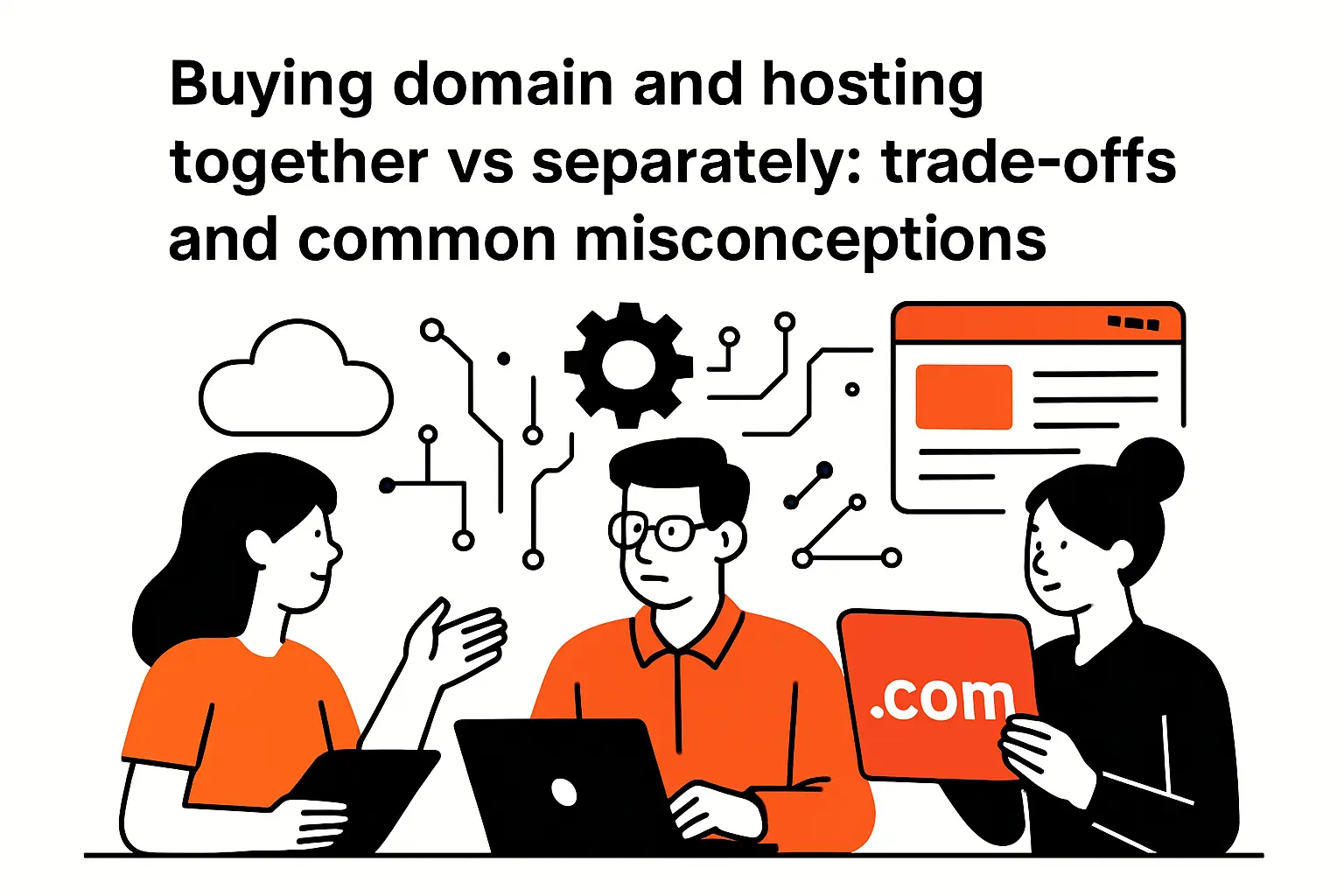
Buying domain and hosting together vs separately: trade-offs and common misconceptions
1. Myth check: buying a domain name doesn’t automatically include web hosting
The most common misconception we hear is that purchasing a domain automatically “comes with a website.” Sometimes the checkout flow makes it feel that way, especially when vendors bundle plans and upsell builders. Yet a domain purchase is fundamentally a registration, not a running service.
Even when a vendor offers both, the domain and the hosting remain separate systems behind the scenes. That separation becomes obvious the first time someone tries to connect the domain to a different host, set up third-party email, or delegate DNS to a specialized provider. Suddenly, there are nameservers, records, verification steps, and propagation behavior to account for.
In our client onboarding, we like to ask a grounding question: “If we shut off hosting today, who still owns the name?” When stakeholders can answer confidently, they’re far less likely to get trapped in accidental dependencies. Domains are your identity; hosting is your execution. Buying both from the same place can be convenient, but the myth is believing they are the same thing.
2. Buying together: streamlined setup, fewer DNS steps, and centralized support
Buying domain and hosting together can simplify the early journey. The vendor can preconfigure DNS, issue certificates automatically, and provide a single dashboard where non-technical users can manage settings without understanding the underlying machinery. For many small businesses, that reduction in moving parts is valuable.
Centralized support also helps. When something goes wrong, there is one place to call, and the provider can see the registrar state, DNS records, and hosting configuration in one context. That can shorten troubleshooting loops, especially when the team maintaining the site is not deeply technical.
Still, convenience has a shadow side: opacity. Bundled setups sometimes hide DNS details or restrict record types unless you upgrade. They may also make it harder to separate responsibilities, which matters when marketing wants access to domain settings but engineering needs stricter change control. Our stance is pragmatic: bundling is fine when it’s a deliberate choice, not when it’s an accident of checkout flow.
3. Buying separately: flexibility to move domains or hosts and avoid vendor lock-in
Buying separately gives you modularity. You can keep a registrar you trust for governance and security, choose a DNS provider that fits your reliability needs, and pick hosting based on performance and deployment workflow. When each layer is replaceable, change becomes an engineering task rather than a negotiation with a platform’s limitations.
That flexibility matters over time. Businesses rebrand, merge, and pivot. Traffic patterns shift. Compliance requirements evolve. A modular setup makes it easier to migrate hosting providers, adopt a CDN, improve security posture, or split environments for different product lines without rewriting your identity strategy.
Of course, separation adds operational responsibility. Someone must know how DNS works, how to validate changes, and how to manage credentials safely across vendors. In our projects, we treat that responsibility as a design requirement: if the client team won’t own it, we either provide ongoing support or recommend a more managed approach. Flexibility is only a benefit when it’s matched with operational competence.
Choosing and managing domain + hosting over time

1. Picking a domain name: memorability, uniqueness, and brand impact
A strong domain name is easy to say, easy to type, and hard to confuse. Memorability beats cleverness more often than teams expect. In meetings, we listen for how people naturally refer to the product—because the best domain often mirrors the language customers already use.
Uniqueness isn’t only a legal or brand concern; it’s also a usability concern. If your name is one character away from a competitor’s, you’ll bleed traffic through typos and misunderstandings. Meanwhile, if your domain is overly long or hyphenated, every spoken mention becomes a mini-instruction manual.
Brand impact shows up in the small moments. A clean domain makes email addresses feel legitimate. It reduces suspicion when links are shared. It helps paid campaigns because users see a consistent identity between ad copy and landing page. When we run naming workshops with clients, we emphasize durability. Pick a domain that still makes sense when your product expands beyond today’s initial feature set.
2. When your domain is taken: WHOIS outreach and alternative extensions
When someone else already owns the exact domain you want, teams often jump straight to frustration. Take a calmer route: map the options—reach out, choose alternates, or make a strategic rename. Sometimes the domain is in active, legitimate use and you should leave it alone. Other times it’s unused, parked, or held by someone who might sell.
Outreach can work, but it should be handled carefully. We recommend using a neutral business contact approach, documenting communications, and avoiding emotional signals that inflate the perceived value. In parallel, teams should explore alternative extensions that still align with brand intent and customer trust expectations.
In our experience, the most dangerous move is choosing an alternative that creates long-term confusion. If customers will continually type the more common extension out of habit, you may end up paying for brand awareness twice: once to build your brand, and again to train the market to remember a nonstandard suffix. A pragmatic compromise is often to choose a clean, defensible alternative and then purchase related domains for protection when feasible.
3. Hosting selection checklist: storage, bandwidth, uptime, scalability, backups, and security
Hosting selection should start with the application’s shape, not with a price comparison table. A content-heavy marketing site has different needs than a transactional web app. A startup with unpredictable growth has different constraints than a mature business optimizing cost. The checklist is less about “which plan” and more about “which operating model.”
What we evaluate in real client work
- Architecture fit: Does the host support the frameworks, runtimes, and deployment style you actually use?
- Operational clarity: Can your team observe logs, metrics, and traces without fighting the platform?
- Resilience posture: Are backups, restore procedures, and incident workflows straightforward to practice?
- Security boundaries: Is patching managed, and is access control granular enough for real teams?
- Availability expectations: If you need an explicit target, some providers publish objectives such as >= 99.99% for specific configurations, which helps translate “reliability” into enforceable commitments without guesswork.
Bandwidth and storage matter, but they’re rarely the hardest part. The harder part is designing for change: scaling traffic without a rewrite, migrating without downtime drama, and evolving security posture without breaking production. A host that makes change safe is usually the host that wins over time.
TechTide Solutions: building custom web solutions that fit your domain and hosting needs

1. Planning the right setup: domains, DNS, environments, and deployment strategy
Our planning process starts by separating responsibilities: registrar governance, DNS authority, and application hosting. From there, we design environments that match risk. A marketing site might need a simple staging flow. A customer portal may need stricter access controls, isolated environments, and formal release gates.
During discovery, we inventory domain-related requirements that teams forget until late: email authentication records, third-party verification challenges, redirects from legacy domains, and integration endpoints that assume stable hostnames. Because DNS changes ripple outward, we prefer to make them intentionally and infrequently, while making application deployments routine and automated.
A deployment strategy is where business goals meet engineering reality. If a team needs frequent updates, we prioritize continuous delivery and rollback safety. If regulatory scrutiny is high, we build auditability and controlled change windows. Either way, the domain becomes the stable contract with customers, while hosting and deployment become the evolving machinery behind that contract.
2. Custom development: web apps and websites designed around your customers and business goals
Custom development becomes valuable when the web experience is not merely informational but differentiating. We’ve built systems where the “website” is actually the product: onboarding flows, quoting engines, scheduling experiences, subscription management, and internal operational portals that reduce manual work for staff.
In those builds, domain and hosting decisions stop being generic. Authentication flows depend on cookie scope and hostnames. API designs interact with cross-origin policies. Performance architecture influences conversion. Even content strategy becomes technical when personalization and localization are involved.
We also see a hidden business benefit: custom systems create a vocabulary for the organization. Once the product has clear capabilities—accounts, roles, workflows, content types—teams stop treating the site as a pile of pages and start treating it as an owned customer experience. That shift makes marketing, operations, and engineering collaborate more effectively because everyone is working inside the same conceptual model.
3. Ongoing optimization: migrations, performance tuning, security hardening, and maintainable growth
Long-term value comes from treating a website as a living system. Migrations happen: new hosts, new frameworks, new analytics tooling, new compliance requirements. Our goal is to design systems so those migrations are mostly configuration and automation work, not a series of risky manual steps.
Security hardening is a continuous practice, not a one-time certificate purchase. The web ecosystem has improved dramatically as encryption has become the default. Let’s Encrypt notes that over 95% of all page loads are encrypted, which raises the baseline expectation for every serious business site: customers assume secure transport as table stakes. That expectation pushes teams toward disciplined secret management, safe dependency updates, and proactive monitoring.
Maintainable growth also means avoiding brittle coupling between domain and host. When DNS is documented, environments are reproducible, and deployment is automated, teams can evolve infrastructure without breaking identity. That’s the difference between a site that merely exists and a site that can keep pace with the business.
Conclusion: choosing the right domain and hosting setup with confidence
1. Quick recap: the difference between domain and hosting and why both matter
A domain is your durable public identity: the name customers remember, trust, and share. Hosting is the execution layer: the infrastructure and platform that actually serves pages, runs application logic, and stores data. DNS sits between them as the routing system that connects the name to the destination.
Once the separation is clear, decisions get easier. You can own the domain as a strategic asset, design DNS as controlled infrastructure, and choose hosting as an operational model that matches how fast you need to ship and how reliably you need to run. Confusion disappears when each component has one job.
At Techtide Solutions, we consider this clarity a form of technical leadership. When teams understand what they own and what they rent, they stop being surprised by migrations, outages, and vendor constraints—and they start steering intentionally.
2. Decision checklist: what to choose first based on your website or web app goals
Order matters less than alignment, but a practical sequence helps teams move. For most organizations, domain ownership is the earliest “no regrets” step, because it anchors branding and makes future platform changes easier.
How we advise clients to decide
- First secure the domain if brand consistency and long-term control are priorities.
- Next choose hosting based on whether you’re launching a simple site, a content platform, or an application with user accounts and workflows.
- Then pick a DNS approach that matches your operational maturity, especially if multiple services (web, email, integrations) must coexist safely.
- Finally document ownership: who can change registrar settings, who can change DNS, and who can deploy the app.
When that ownership map exists, teams can act quickly without breaking things. Without it, every change becomes a mini-crisis because no one knows which lever controls the outcome.
3. Next steps: connect your domain, validate DNS, launch, and plan for future changes
A practical launch flow looks like this: connect the domain to the hosting destination, validate DNS records carefully, verify that secure connections work as expected, and test critical user journeys end to end. After launch, the real work begins: monitoring, performance tuning, content iteration, and periodic reviews of security posture.
From our perspective, the best next step is to write down your intended architecture in plain language—domain, DNS, hosting, and who owns each—before you buy anything else. That single page prevents months of ambiguity later.
If you want a concrete action for today, pick one: will you prioritize domain ownership first, or will you prioritize the fastest hosted platform that can get your message in front of customers—and what will make it easiest to change your mind later?




