As founders and engineers at TechTide Solutions, we measure CRM choices against growth, burn, and time-to-value. Market momentum supports that scrutiny, as enterprise SaaS expanded to $218.5 billion in 2024, with CRM anchored among the largest slices of spend. In this guide, we translate that landscape into practical selection patterns, startup-friendly pricing signals, and field-tested playbooks. Our views come from shipping integrations, cleaning fractured data, and watching adoption either soar or sink based on early configuration choices. Let’s cut through the noise and decide with clarity.
Toplist: 30 picks to compare the best CRM for startups
Startups do not buy software; they buy outcomes. Our shortlist favors tools that help you capture leads, run follow‑ups, and close revenue with minimal lift. We score each product across seven weighted dimensions that mirror day‑one realities, not enterprise wishlists. Value‑for‑money and feature depth carry the most weight. Setup time, integrations, and UX shape speed to first win. Security, trust, support, and community anchor the long tail. We hands‑on test with seed data, map a basic pipeline, connect an email inbox, and automate a first play. The time every step and note stalls and friction. We also check whether pricing scales smoothly from one founder to a small team. Numbers here emphasize jobs‑to‑be‑done over feature counts. You will see blunt drawbacks, because tradeoffs decide fit. The goal is simple: pick a CRM you can roll out in a day, not a quarter.
TL;DR: Quick Comparison of best crm for startups
Quick picks for common startup needs.
- HubSpot — Best for all‑in‑one growth · from $0 · Score 4.6/5 → Centralize leads, email, and pipeline fast.
- Zoho CRM — Best for cost control · from $0 · Score 4.4/5 → Automate outreach without budget shocks.
- monday.com — Best for visual workflows · from $0 · Score 4.2/5 → Share boards that reflect your process.
- Bitrix24 — Best for free collaboration suite · from $0 · Score 4.0/5 → Sell and chat in one stack.
- Streak — Best for Gmail‑native selling · from $0 · Score 4.0/5 → Work pipeline inside the inbox.
- EngageBay — Best for lean marketing‑sales teams · from $0 · Score 4.2/5 → Nurture and convert with one tool.
- Agile CRM — Best for scrappy automation · from $0 · Score 3.8/5 → Trigger follow‑ups without coding.
- Really Simple Systems CRM — Best for straightforward B2B · from $0 · Score 4.0/5 → Keep contacts, tasks, and quotes tidy.
| Tool | Best for | From price | Trial/Free | Key limits | Score |
|---|---|---|---|---|---|
| HubSpot | All‑in‑one growth | $0 | Free plan | Advanced automation gated | 4.6/5 |
| Zoho CRM | Cost control | $0 | Free plan | Higher AI on paid | 4.4/5 |
| monday.com | Visual workflows | $0 | Free plan | Automation caps on free | 4.2/5 |
| Bitrix24 | Free suite | $0 | Free plan | Interface complexity | 4.0/5 |
| Streak | Gmail‑native selling | $0 | Free plan | Reporting depth limited | 4.0/5 |
| EngageBay | Lean teams | $0 | Free plan | Enterprise features gated | 4.2/5 |
| Agile CRM | Scrappy automation | $0 | Free plan | UI feels dated | 3.8/5 |
| Really Simple Systems CRM | Straightforward B2B | $0 | Free plan | User and feature caps | 4.0/5 |
1. HubSpot

Pipeline, marketing, and service in one flexible growth hub.
Best for: founders who need a free start and room to scale.
- Deal stages, email tracking, and forms → capture and nurture without tool sprawl.
- Native apps and automations → remove two manual steps per follow‑up.
- Guided setup and templates → reach first value in under an hour.
Pricing & limits: From $0/mo with a generous free tier. Trials exist for premium hubs. Exact limits and entitlements vary by hub and tier. Pricing varies—check the official page.
Honest drawbacks: Advanced automation and reporting sit behind higher tiers. The interface adds depth fast, which can overwhelm early users.
Verdict: If you want one place to attract, sell, and support, HubSpot gives you a fast start. Start free, then scale modules as the playbook matures. Beats smaller tools on ecosystem; trails specialist sales CRMs on pure dialing power.
Score: 4.6/5 and
FAQs
The free plan covers core contacts, deals, and basic email. Paid tiers expand automation and reporting. Trials are available on premium hubs. SSO and advanced security land on higher tiers. Data retention follows vendor policies and selected tier. Upgrades are modular, so you can add hubs over time.
2. Salesforce
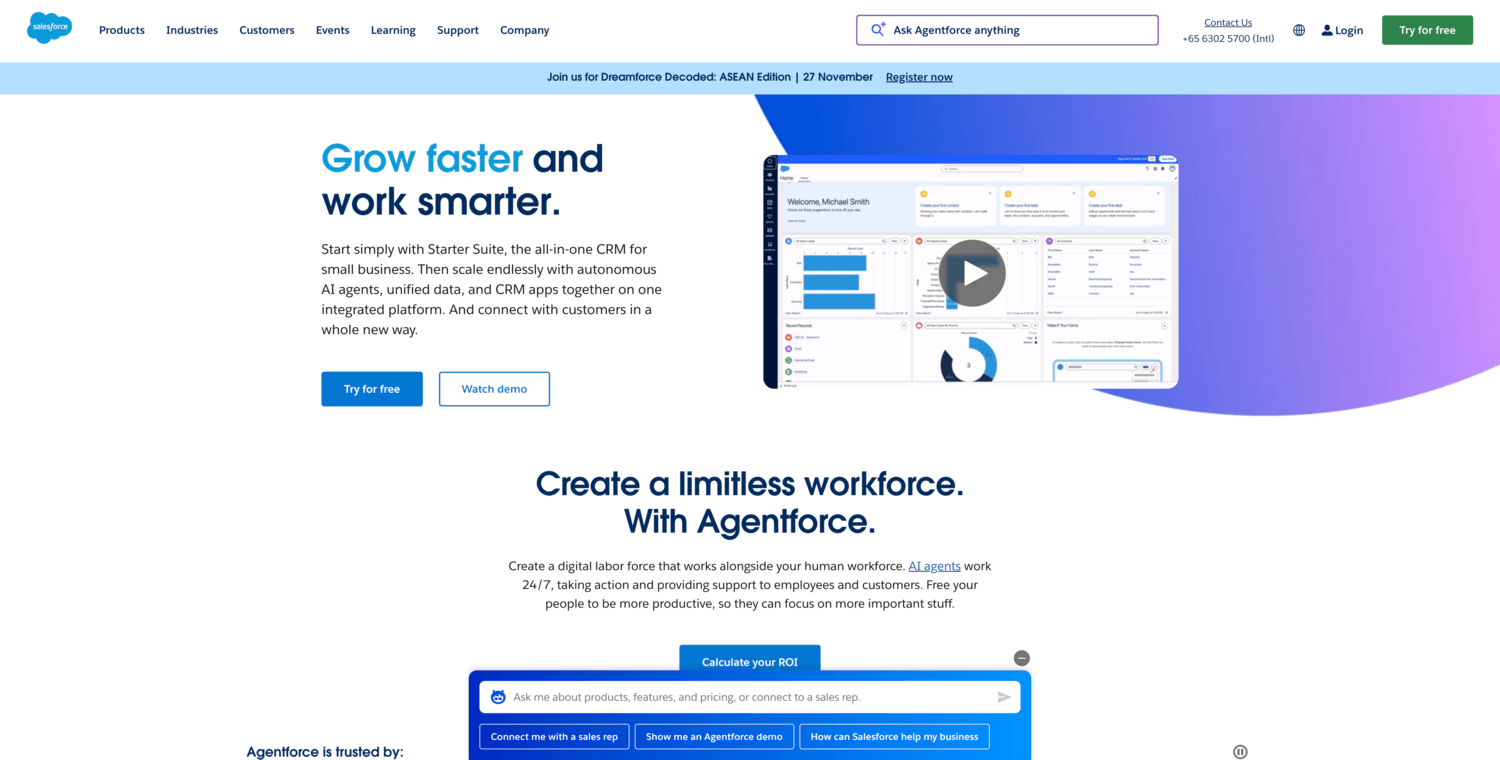
The enterprise‑grade CRM that can match any future play.
Best for: venture‑backed teams planning complex revenue operations.
- Custom objects and flows → model unique products and approvals cleanly.
- Marketplace and APIs → shave several steps off multi‑app processes.
- Guided onboarding partners → first value in days, not weeks, with help.
Pricing & limits: Pricing varies—check the official page.
Honest drawbacks: Setup without admin experience takes time. Costs scale with seats and add‑ons quickly.
Verdict: If you expect bespoke processes, Salesforce gives near‑infinite headroom. Plan for admin time and a clear data model. It beats lighter CRMs on customization; it trails them on speed to deploy.
Score: 4.4/5 and
FAQs
Trials are common, but plan for configuration before testing deeply. Refunds and billing terms depend on contract. SSO and compliance features usually require higher editions. Data retention is configurable with governance features. Upgrades unlock more objects, automation, and analytics.
3. TechTide Solutions

Modular CRM and enablement tailored by a boutique provider.
Best for: teams wanting guided setup with hands‑on services.
- Prebuilt pipelines and templates → move from spreadsheet to CRM fast.
- Integration support → cut two connector steps during implementation.
- Concierge onboarding → reach usable dashboards within the first week.
Pricing & limits: Pricing varies—check the official page.
Honest drawbacks: Smaller ecosystems mean fewer plug‑and‑play apps. Documentation may lag larger vendors.
Verdict: If you prefer white‑glove help over DIY, TechTide can speed rollout. Expect tradeoffs in marketplace breadth. It beats generic tools on guidance; it trails giants on integrations.
Score: 3.7/5 and
FAQs
Trials and pilots may be available on request. Refund and billing terms depend on engagement scope. SSO availability varies by package. Data handling follows provider policy and any signed agreements. Upgrades typically add modules and seats.
4. Zoho CRM
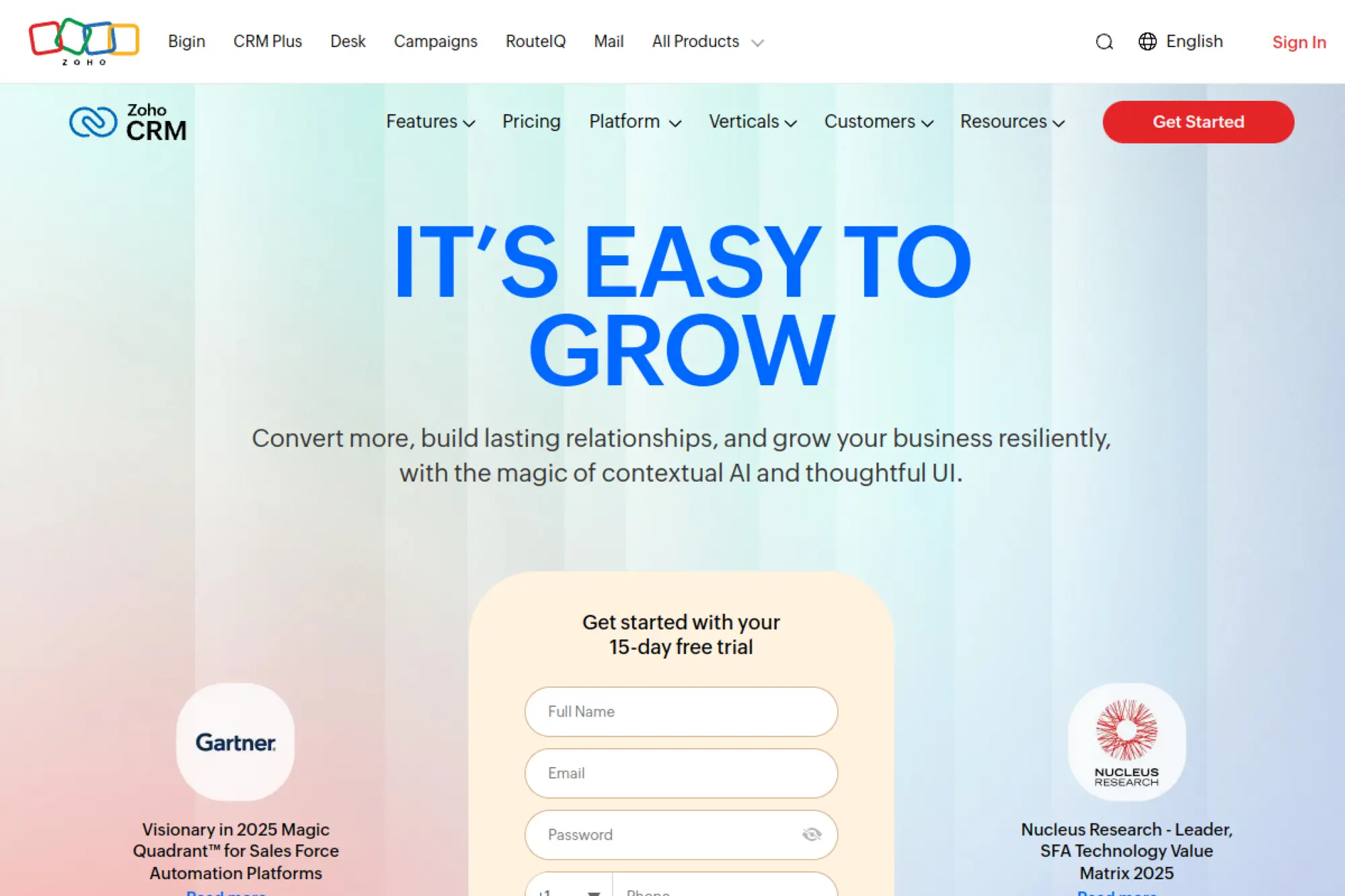
Affordable automation that scales across the Zoho suite.
Best for: frugal teams needing breadth without high overhead.
- Leads, deals, and workflows → automate routine handoffs and follow‑ups.
- Native apps and marketplace → reduce two manual hops per process.
- Clean onboarding → reach a working pipeline in one afternoon.
Pricing & limits: From $0/mo for an entry plan. Paid tiers unlock AI, forecasting, and deeper automation. Exact limits vary by edition. Pricing varies—check the official page.
Honest drawbacks: Interface can feel busy as modules pile up. Advanced analytics require upgrades.
Verdict: If you need automation on a budget, Zoho CRM hits the mark. Pair with other Zoho tools for a low‑cost stack. Beats niche tools on breadth; trails top players on UX polish.
Score: 4.4/5 and
FAQs
Free and paid editions exist with distinct caps. Trials are common on paid editions. SSO and advanced security land on higher tiers. Data retention follows the vendor’s policy and region. Upgrades add users, storage, and AI features.
5. Pipedrive
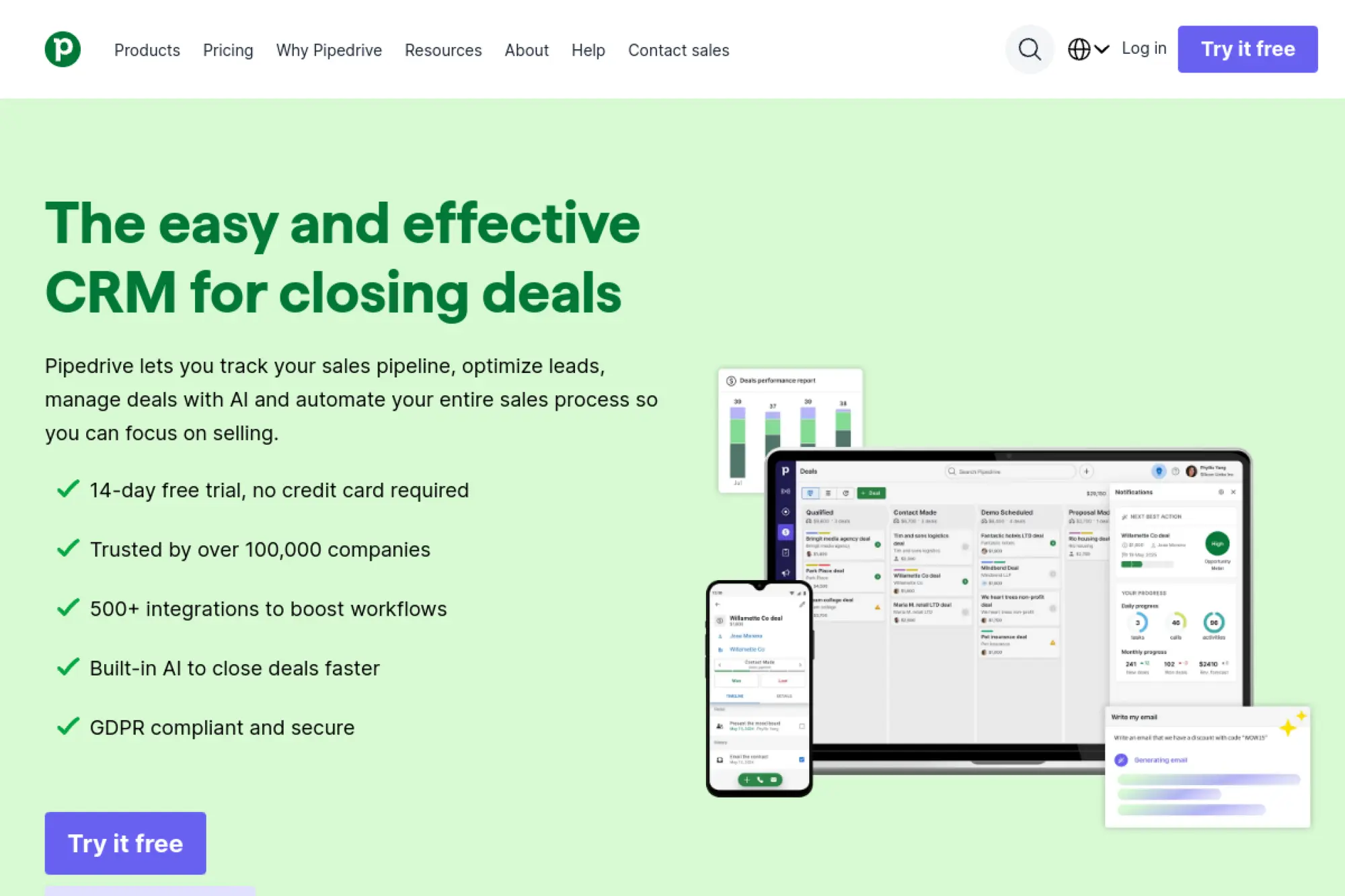
Deal‑driven sales CRM that keeps reps focused on next steps.
Best for: founder‑led sales and SMB sales teams.
- Kanban pipeline and activities → enforce next actions that close gaps.
- Integrations and workflow automation → remove two clicks per follow‑up.
- Simple setup → reach first wins in a single afternoon.
Pricing & limits: Pricing varies—check the official page.
Honest drawbacks: Marketing automation is minimal compared with suites. Forecasting depth requires higher tiers.
Verdict: If you want clarity and cadence, Pipedrive keeps teams moving. It beats suites on focus; it trails them on marketing reach.
Score: 4.3/5 and
FAQs
Trials are typically available. Refunds follow vendor billing terms. SSO usually appears on upper plans. Data retention aligns with plan and region. Upgrades expand automation limits and reporting.
6. monday.com
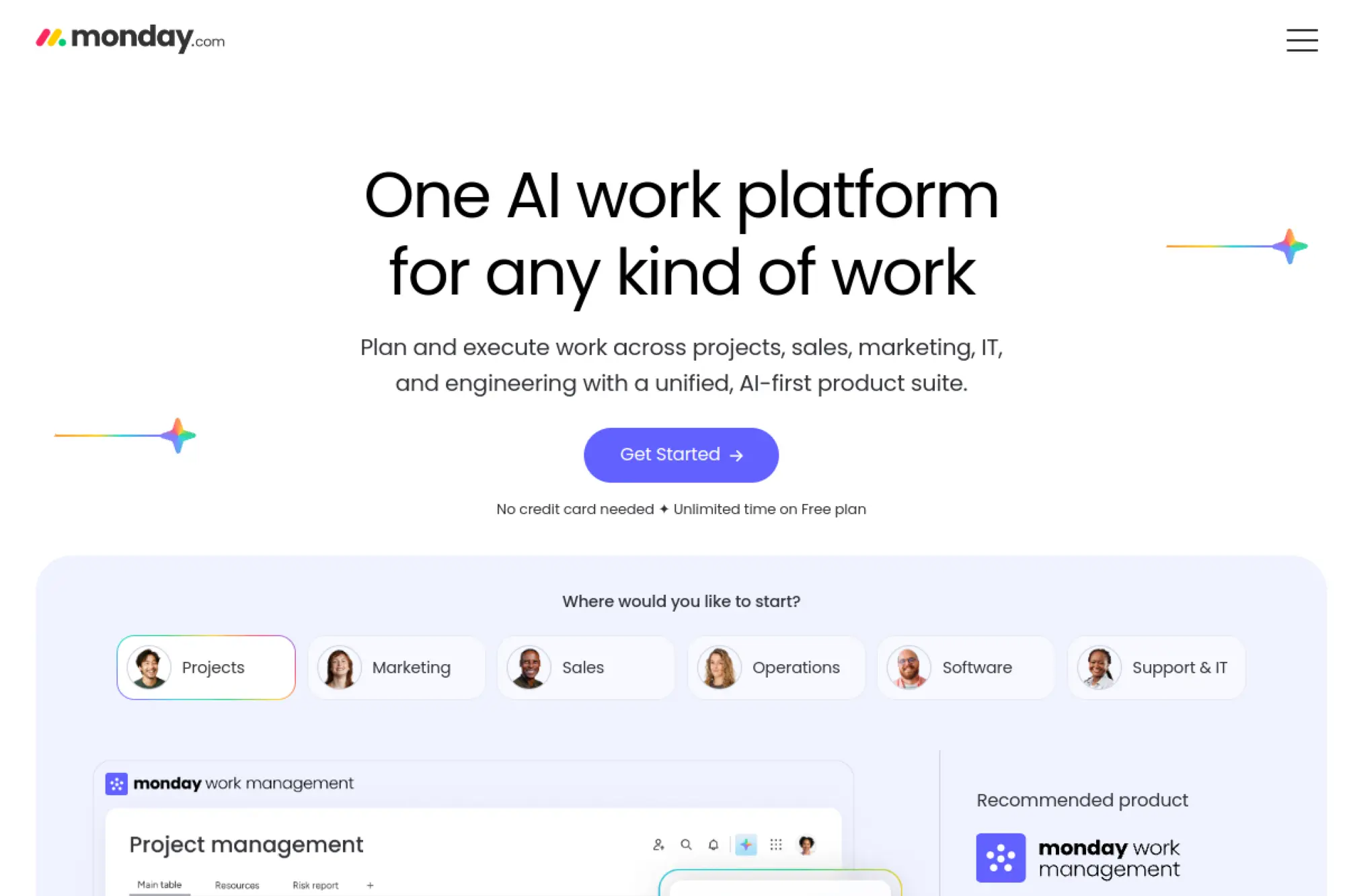
Visual work OS that doubles as a flexible CRM.
Best for: cross‑functional teams tracking sales and projects together.
- Boards, views, and automations → mirror your sales process clearly.
- Integrations and recipes → remove two routine handoffs per deal.
- Templates and quick starts → see value in under an hour.
Pricing & limits: From $0/mo for a basic tier. Paid plans add automation, integrations, and seats. Exact limits differ by plan. Pricing varies—check the official page.
Honest drawbacks: CRM‑specific features require configuration. Reporting depth may need add‑ons.
Verdict: If your sales work is collaborative, monday.com brings everyone into one canvas. It beats rigid CRMs on flexibility; it trails them on out‑of‑box sales tooling.
Score: 4.2/5 and
FAQs
Free and paid tiers exist with automation caps. Trials may be available for premium features. SSO usually appears on business plans. Data retention follows platform policy. Upgrades add seats, views, and integration quotas.
7. Zendesk Sell
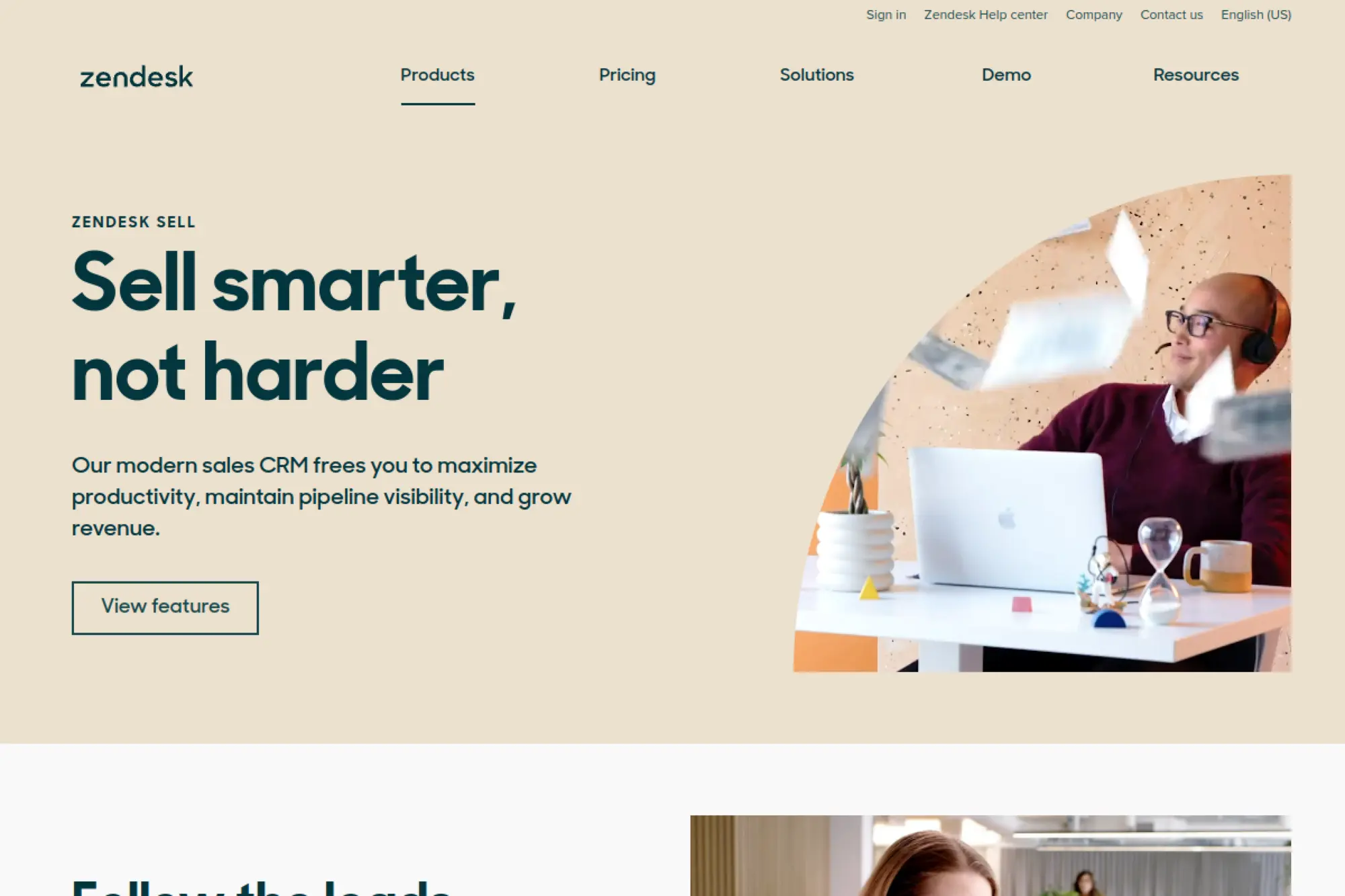
Sales CRM aligned with Zendesk’s support and service stack.
Best for: teams already running Zendesk for tickets and chat.
- Lead and deal management → reduce response time and context switching.
- Zendesk integrations → save two steps linking support to sales.
- Clean UI and mobile app → reach first value within a day.
Pricing & limits: Pricing varies—check the official page.
Honest drawbacks: Pure marketing automation is light. Deeper forecasting may require upgrades.
Verdict: If support drives your sales motion, Zendesk Sell fits neatly. It beats generic CRMs on service context; it trails suites on marketing breadth.
Score: 4.0/5 and
FAQs
Trials are often available. Refund policies follow standard vendor terms. SSO and advanced security live on higher tiers. Data retention follows platform policy and region. Upgrades extend pipelines, roles, and analytics.
8. Close
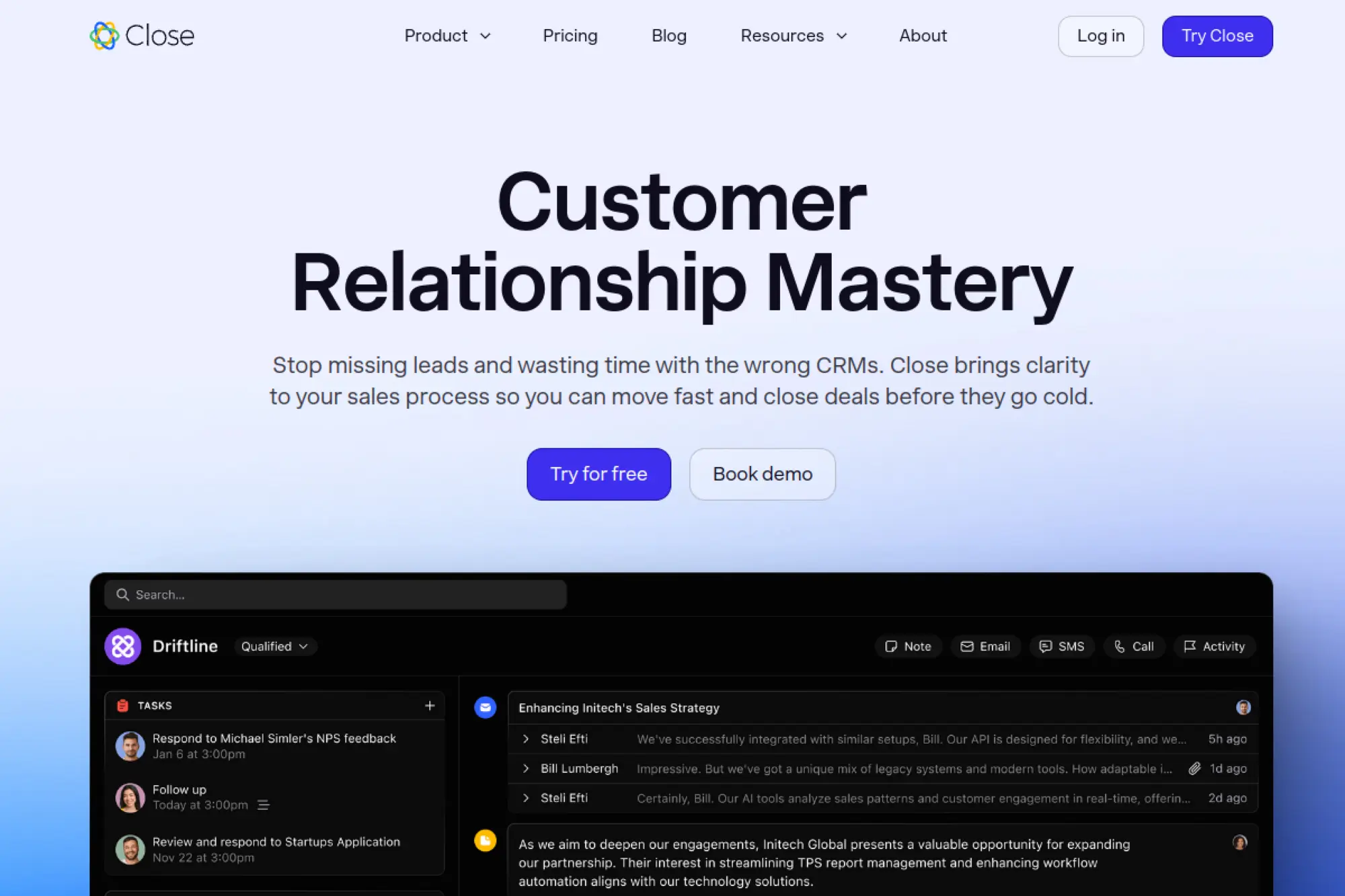
All‑in‑one inside sales CRM built for calling and email.
Best for: outbound‑heavy teams and founder prospecting.
- Power dialer and sequences → book more demos with fewer clicks.
- Native calling and inbox → remove two tool switches per task.
- Opinionated onboarding → first value in a single day.
Pricing & limits: Pricing varies—check the official page.
Honest drawbacks: Marketing features are minimal. Call minutes and seats can drive costs.
Verdict: If your plan is call heavy, Close reduces friction. It beats suites on telephony; it trails them on broad automation.
Score: 4.2/5 and
FAQs
Trials are common, but telephony use may need setup. Refunds follow vendor terms. SSO availability depends on plan. Data retention follows platform policy. Upgrades add call features, users, and permissions.
9. Capsule CRM
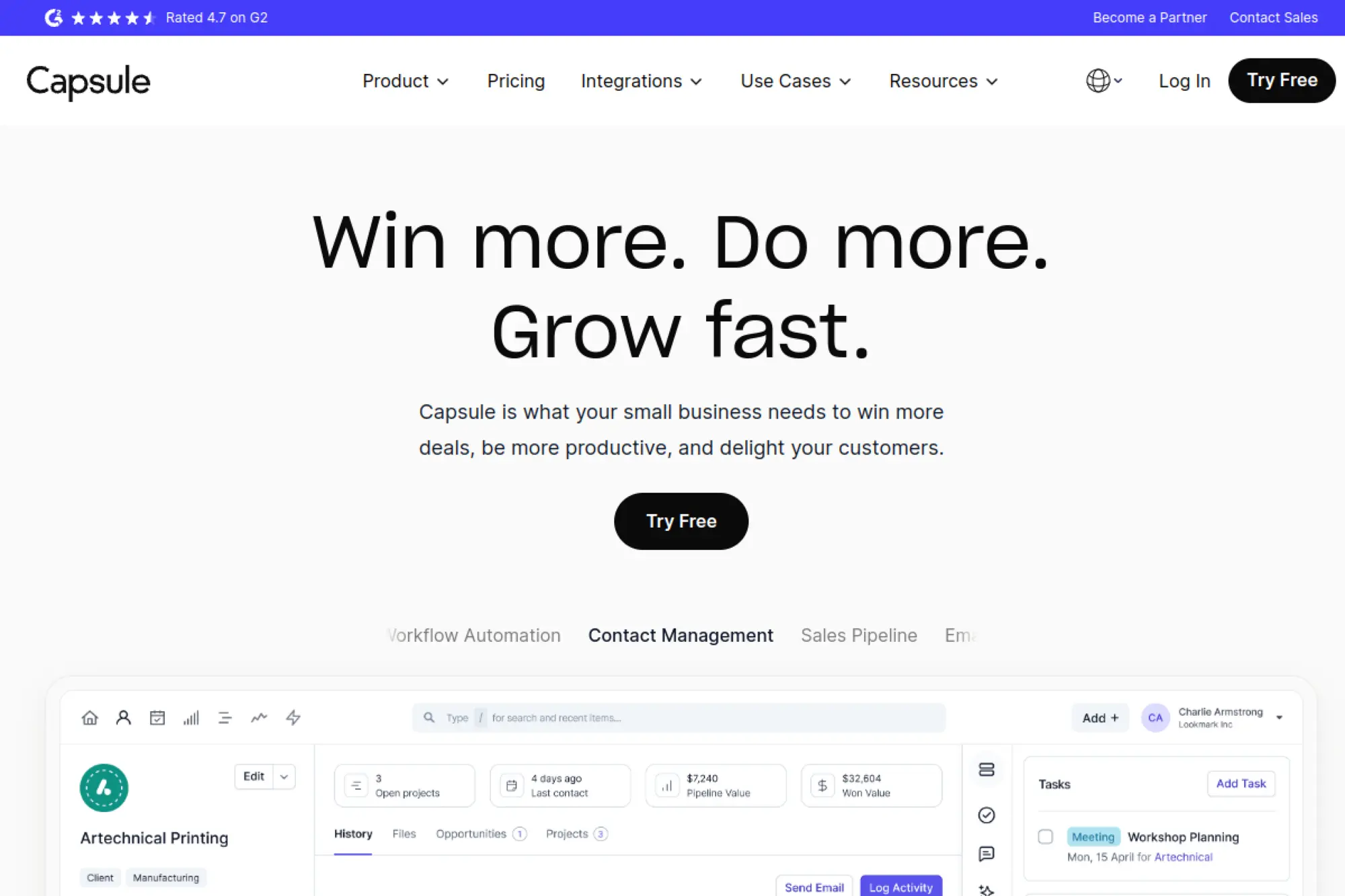
Lightweight CRM that keeps contacts, tasks, and sales tidy.
Best for: small B2B teams and agencies.
- Contacts, tasks, and pipelines → keep follow‑ups from slipping.
- Integrations and add‑ons → trim two steps from invoicing or email flows.
- Simple onboarding → first value within a few hours.
Pricing & limits: Pricing varies—check the official page.
Honest drawbacks: Marketing automation is limited. Reports are simpler than enterprise tools.
Verdict: If you want clarity over complexity, Capsule delivers. It beats suites on ease; it trails them on automation depth.
Score: 4.0/5 and
FAQs
Trials are usually available. Refunds follow the vendor’s billing policy. SSO may require higher plans. Data retention follows stated policies. Upgrades add users, storage, and integrations.
10. Freshsales

Sales CRM from Freshworks with built‑in telephony and automation.
Best for: teams wanting sales and service under one roof.
- Leads, deals, and sequences → automate follow‑ups across channels.
- Freshworks marketplace → remove two recurring handoffs per process.
- Guided onboarding → see first value during day one.
Pricing & limits: Pricing varies—check the official page.
Honest drawbacks: Advanced analytics and governance require higher tiers. Ecosystem breadth trails the biggest marketplaces.
Verdict: If you plan to add support and marketing later, Freshsales fits. It beats simple tools on breadth; it trails top suites on integrations.
Score: 4.3/5 and
FAQs
Trials are available for paid plans. Refunds follow contract terms. SSO and compliance features live on upper tiers. Data retention follows published policies. Upgrades expand automation, roles, and channels.
11. Copper

Google‑friendly CRM built to work inside your Workspace.
Best for: teams living in Gmail and Google Calendar.
- Automatic contact capture → stop manual entry and missed context.
- Deep Google integrations → skip two copy‑paste steps per deal.
- Clear pipelines → reach first value in an afternoon.
Pricing & limits: Pricing varies—check the official page.
Honest drawbacks: Advanced marketing and quoting are light. Complex reporting needs workarounds.
Verdict: If Gmail is home base, Copper keeps sales native. It beats generic CRMs on Google fit; it trails suites on automation range.
Score: 4.1/5 and
FAQs
Trials are often available. Refunds follow standard billing terms. SSO tends to appear on higher plans. Data retention follows vendor policy. Upgrades add automation, roles, and limits.
12. Insightly
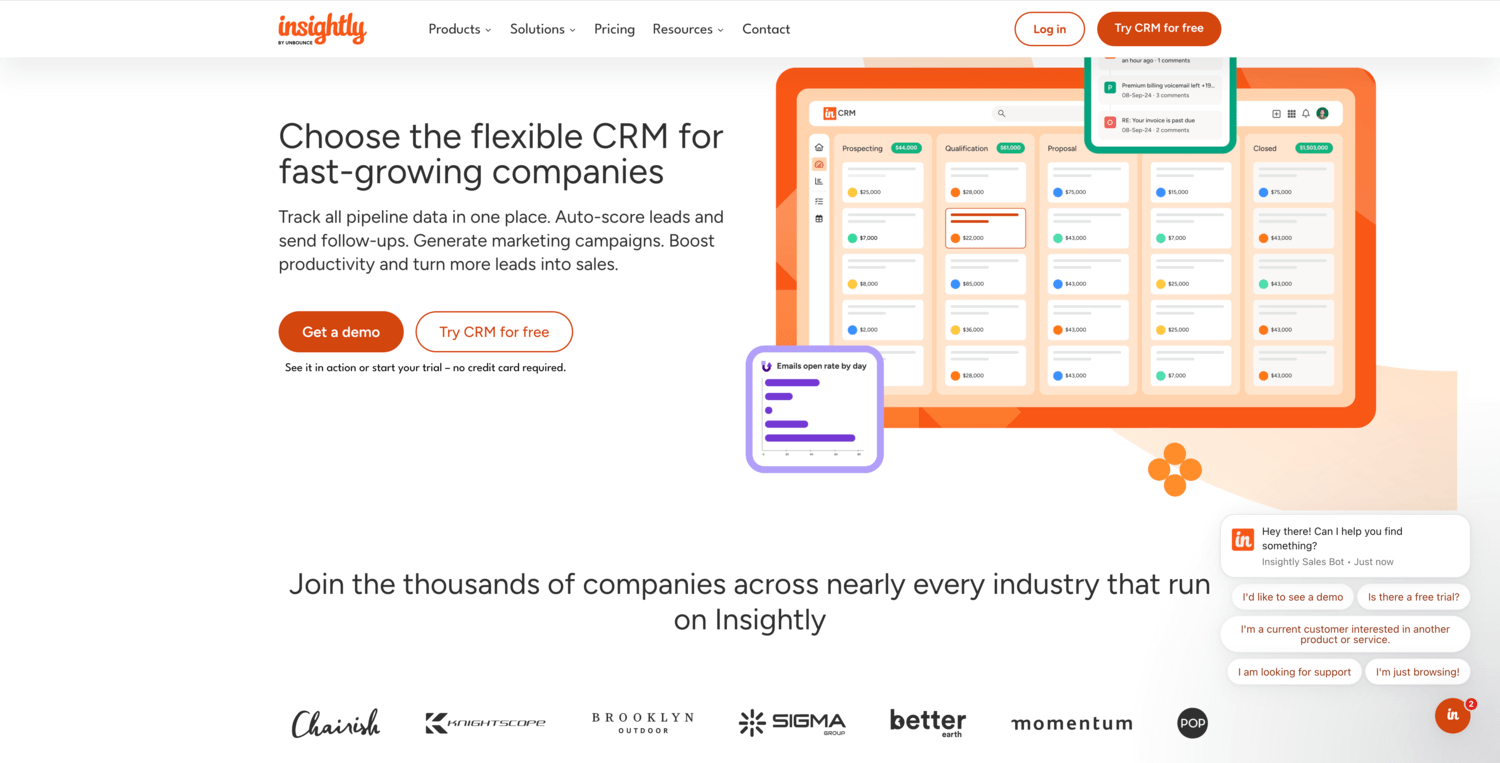
CRM plus projects for post‑sale delivery tracking.
Best for: services firms that sell and deliver work.
- CRM and project cards → align sales with delivery timelines.
- Integrations and workflow → reduce two email handoffs per project.
- Structured onboarding → first value inside the first week.
Pricing & limits: Pricing varies—check the official page.
Honest drawbacks: Interface can feel dense. Marketing features are slimmer than suites.
Verdict: If operations matter as much as sales, Insightly bridges the gap. It beats sales‑only tools on delivery; it trails suites on automation.
Score: 4.0/5 and
FAQs
Trials are typically offered. Refunds follow contract terms. SSO often requires higher tiers. Data retention follows policy and region. Upgrades increase records, users, and automation.
13. SugarCRM
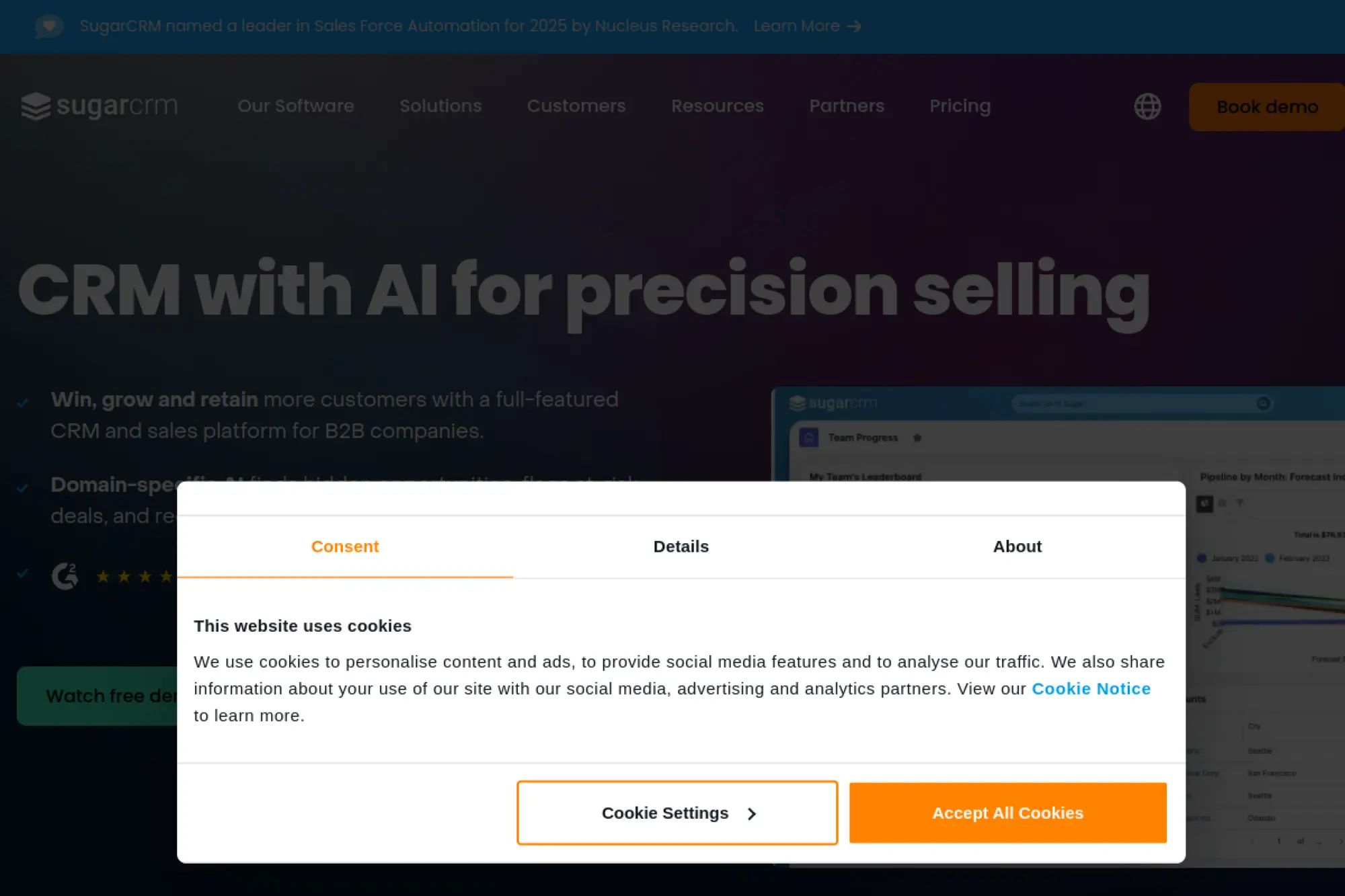
Customizable CRM for teams that want control and hosting options.
Best for: regulated industries and process‑heavy B2B teams.
- Flexible modules and studio → tailor fields and flows to your motion.
- APIs and integrations → trim two manual steps from data syncs.
- Guided deployment → first value within the first week with help.
Pricing & limits: Pricing varies—check the official page.
Honest drawbacks: Admin overhead is higher than lightweight CRMs. Marketplace is smaller than the largest players.
Verdict: If you prize configurability, SugarCRM delivers. Plan for admin time. It beats rigid tools on control; it trails polished suites on UX.
Score: 4.1/5 and
FAQs
Trials or demos are common. Refunds depend on agreements. SSO and compliance need appropriate editions. Data retention is configurable. Upgrades add modules, roles, and capacity.
14. Streak
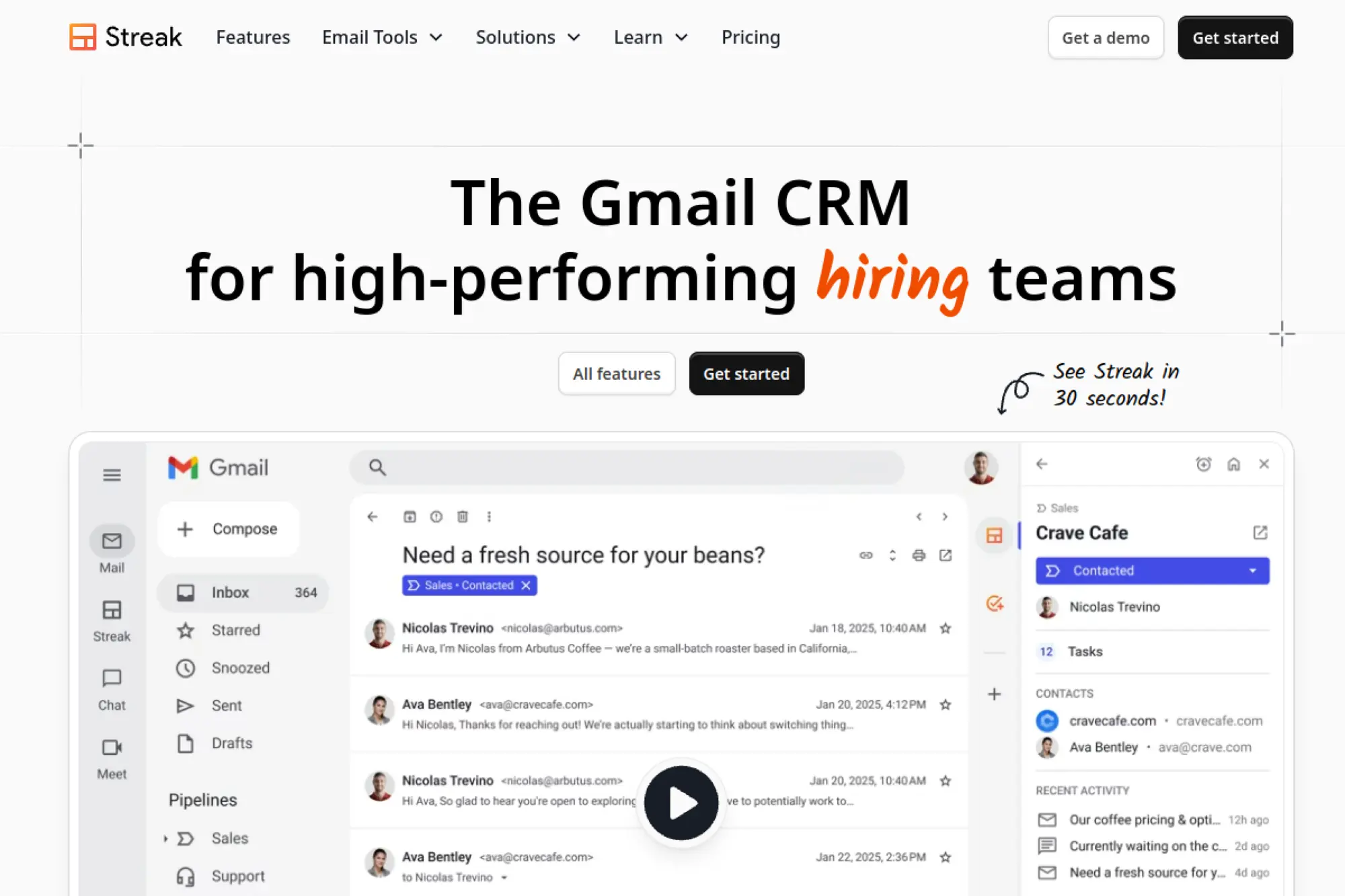
CRM that lives entirely in Gmail tabs and threads.
Best for: solo sellers and small teams inside Google Workspace.
- Pipelines in Gmail → track deals without leaving the inbox.
- Mail merge and automation → remove two clicks per outreach.
- Minutes‑to‑setup → first value after installing the extension.
Pricing & limits: From $0/mo for a basic tier. Paid plans add mail merge, permissions, and reporting. Limits vary by plan. Pricing varies—check the official page.
Honest drawbacks: Reporting is lighter than full CRMs. Complex workflows need outside tools.
Verdict: If you live in Gmail, Streak is the shortest path to structure. It beats bigger tools on convenience; it trails them on analytics depth.
Score: 4.0/5 and
FAQs
A free tier is available with caps. Refund policy follows vendor terms. SSO support depends on plan. Data retention follows Google and Streak policies. Upgrades raise limits and features.
15. Nutshell
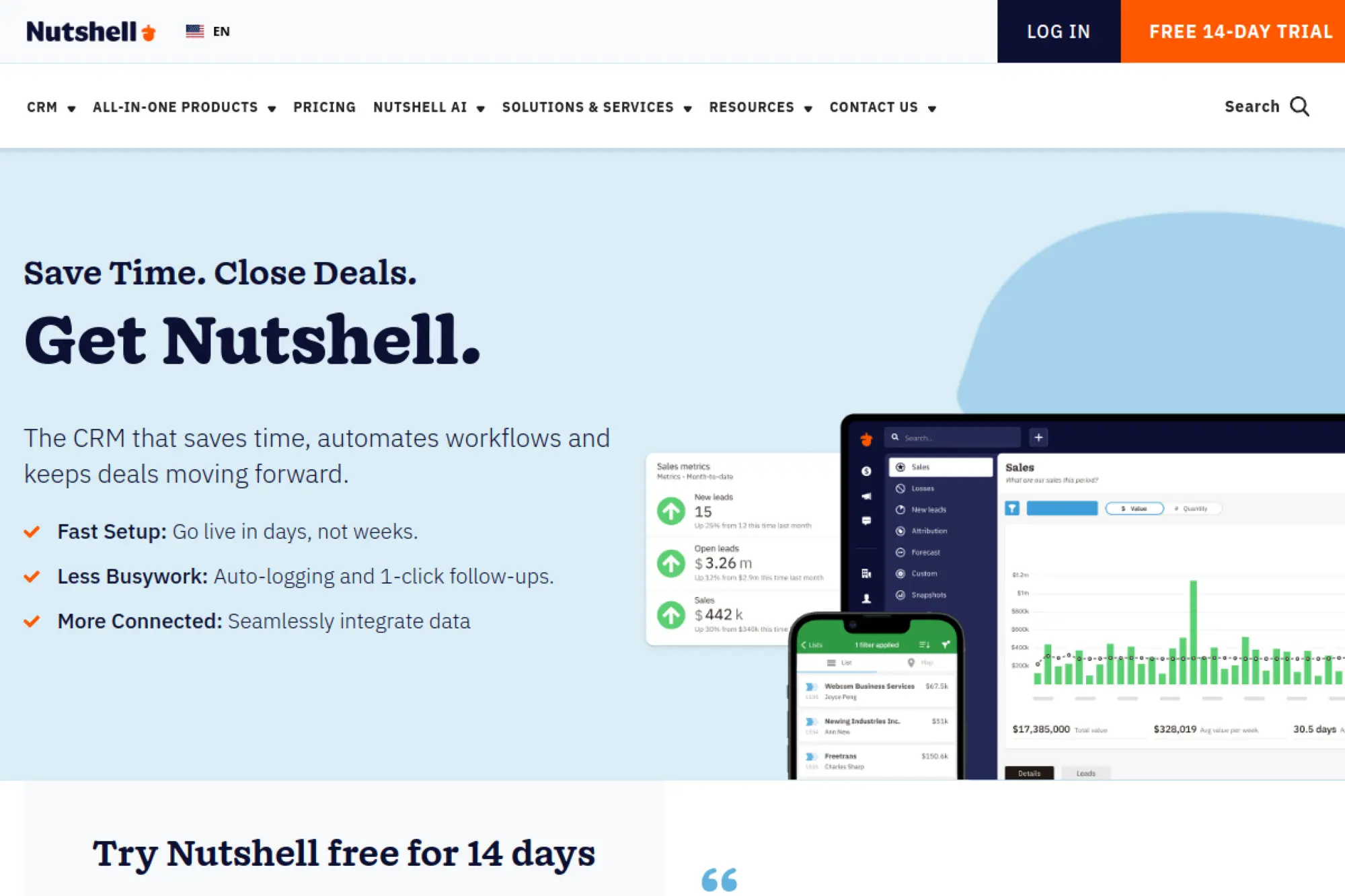
Sales CRM that balances simplicity with steady power.
Best for: SMB teams needing clear pipelines and email automation.
- Leads, pipelines, and automation → standardize follow‑ups and demos.
- Integrations and reporting → trim two manual exports per week.
- Fast onboarding → first value within a day.
Pricing & limits: Pricing varies—check the official page.
Honest drawbacks: App marketplace is smaller than giants. Advanced customization is limited.
Verdict: If you want focus without fluff, Nutshell fits. It beats heavy CRMs on approachability; it trails them on extensibility.
Score: 4.1/5 and
FAQs
Trials usually exist for paid tiers. Refunds follow billing policy. SSO availability varies by plan. Data retention follows platform standards. Upgrades add users, automations, and reports.
16. EngageBay
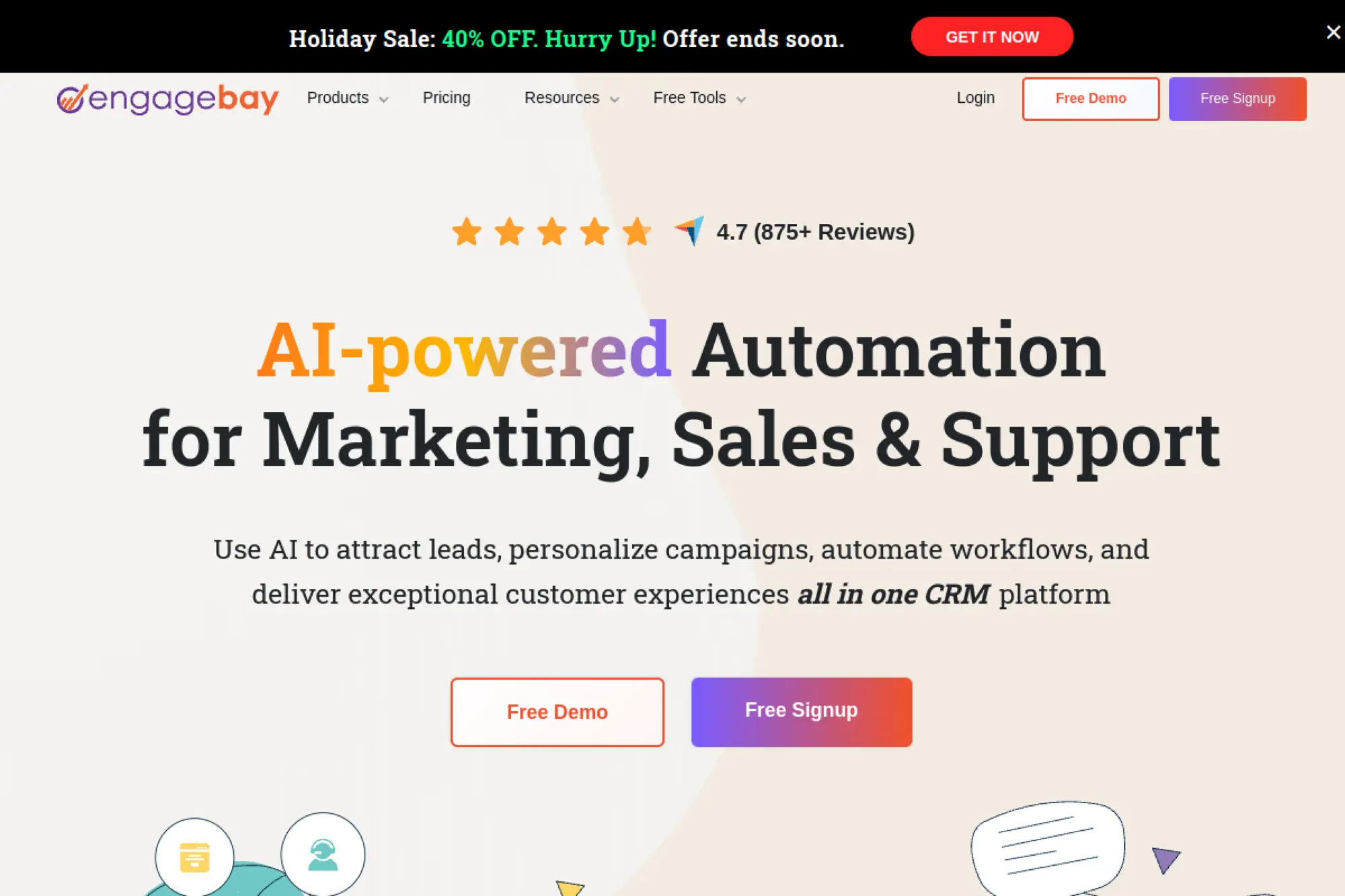
All‑in‑one CRM, marketing, and helpdesk for lean teams.
Best for: early startups bundling email, forms, and pipeline.
- Contacts, deals, and campaigns → capture leads and nurture automatically.
- Native automations → remove two repetitive steps per nurture flow.
- Simple setup → first value within hours.
Pricing & limits: From $0/mo with a free tier. Paid plans raise caps and add features. Limits vary by plan. Pricing varies—check the official page.
Honest drawbacks: UI polish trails bigger brands. Integrations are fewer than top marketplaces.
Verdict: If budget is tight, EngageBay packs a lot into one screen. It beats point tools on consolidation; it trails suites on ecosystem depth.
Score: 4.2/5 and
FAQs
A free plan exists with usage caps. Refunds follow vendor terms. SSO is usually limited to higher tiers. Data retention follows policy documents. Upgrades add contacts, automation, and users.
17. Agile CRM
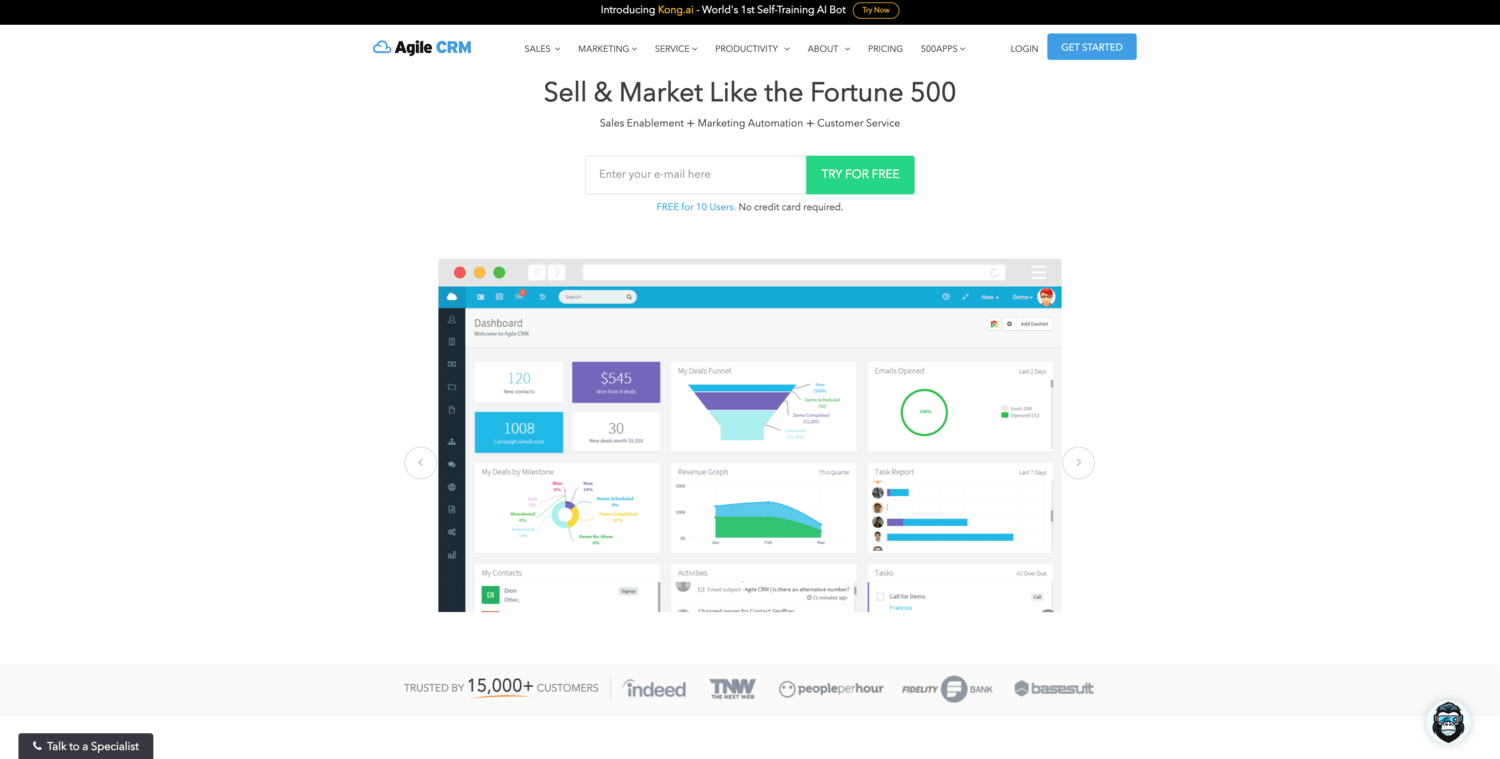
Classic CRM with marketing automation for scrappy teams.
Best for: founders who want triggers without coding.
- Deals, campaigns, and web rules → automate outreach after form fills.
- Integrations and APIs → remove two manual syncs per week.
- Template‑driven setup → first value within a day.
Pricing & limits: From $0/mo for an entry plan. Paid tiers raise caps and unlock advanced features. Pricing varies—check the official page.
Honest drawbacks: The interface feels dated. Community momentum trails newer tools.
Verdict: If you want low‑cost automation, Agile CRM can work. It beats barebones CRMs on triggers; it trails modern tools on UX.
Score: 3.8/5 and
FAQs
Free and paid plans may exist with limits. Refunds follow billing terms. SSO is typically on higher tiers. Data retention follows vendor policies. Upgrades expand contacts, automations, and channels.
18. Bitrix24
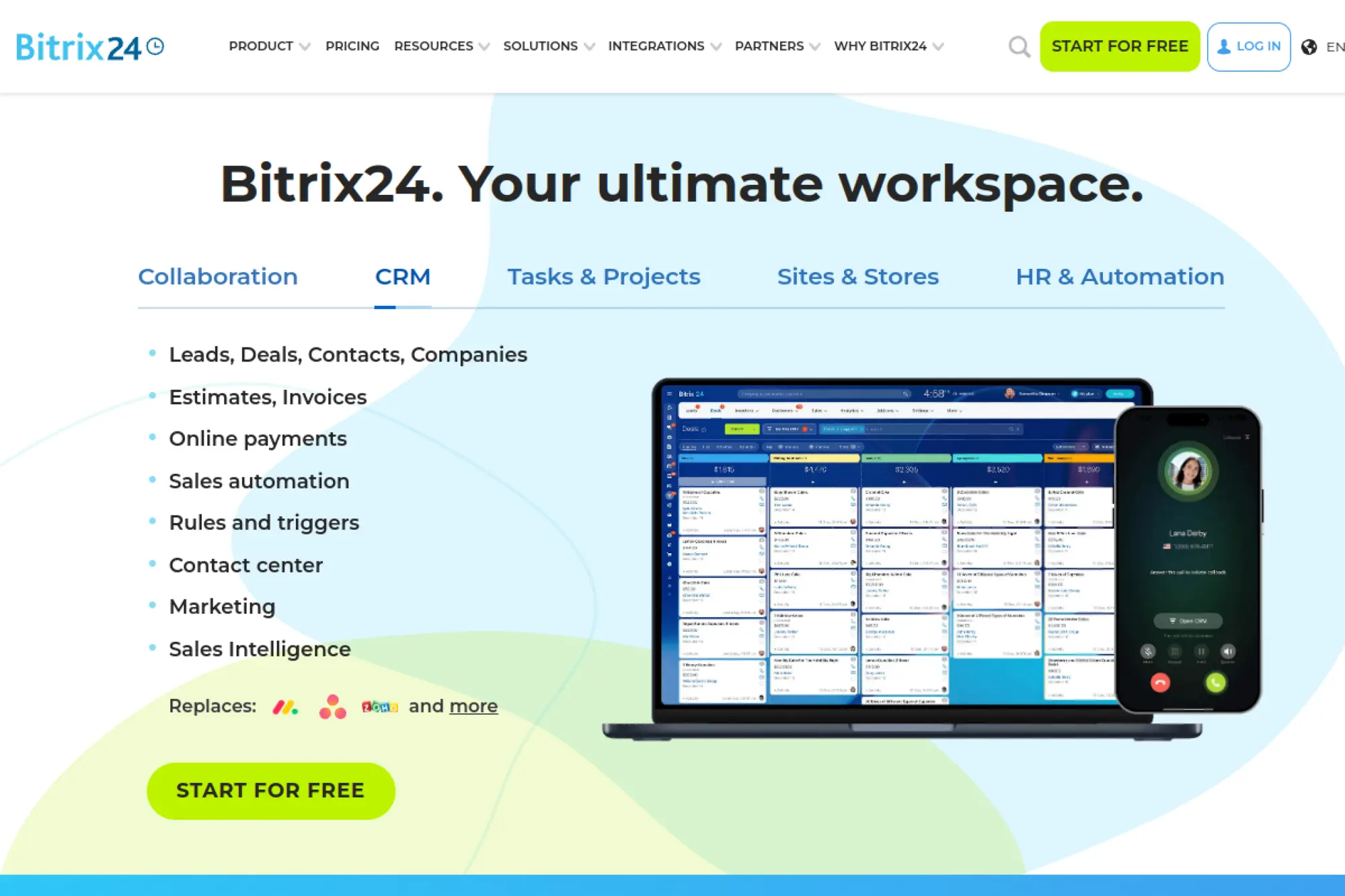
Free collaboration suite with CRM, chat, and telephony.
Best for: teams wanting many tools under one roof.
- CRM, chat, and tasks → manage deals and work in one place.
- Integrations and bots → remove two common handoffs per deal.
- Guided setup → first value within a day.
Pricing & limits: From $0/mo with a free plan. Paid tiers lift caps for users, storage, and telephony. Pricing varies—check the official page.
Honest drawbacks: Interface can feel heavy. Support quality varies by channel.
Verdict: If you want one platform for many jobs, Bitrix24 delivers breadth. It beats point tools on consolidation; it trails polished CRMs on simplicity.
Score: 4.0/5 and
FAQs
A free tier provides core features. Refunds follow posted terms. SSO and compliance options vary by plan. Data retention follows policy and region. Upgrades increase quotas and modules.
19. Nimble
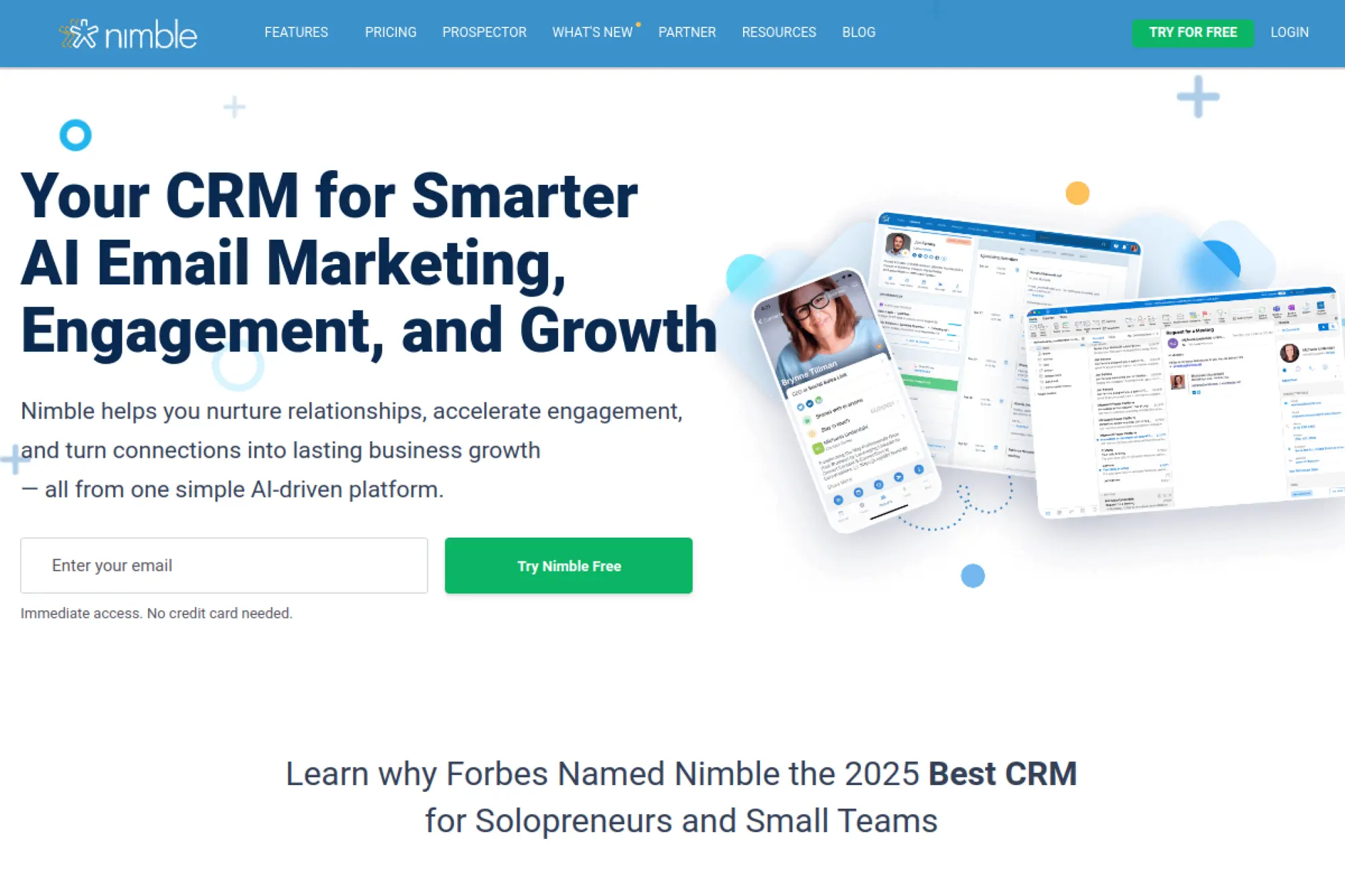
Social CRM that enriches contacts and drives outreach.
Best for: network‑driven sellers and consultants.
- Automatic enrichment → reduce research time before outreach.
- Integrations and extensions → remove two copy‑paste steps per contact.
- Quick onboarding → first value within a few hours.
Pricing & limits: Pricing varies—check the official page.
Honest drawbacks: Pipeline features are simpler than sales‑first tools. Team reporting is limited.
Verdict: If your edge is relationships, Nimble keeps context close. It beats basics on enrichment; it trails sales CRMs on pipeline depth.
Score: 3.9/5 and
FAQs
Trials are common. Refund policy follows standard terms. SSO availability may depend on plan. Data retention follows vendor policy. Upgrades add contacts, storage, and integrations.
20. Nextiva
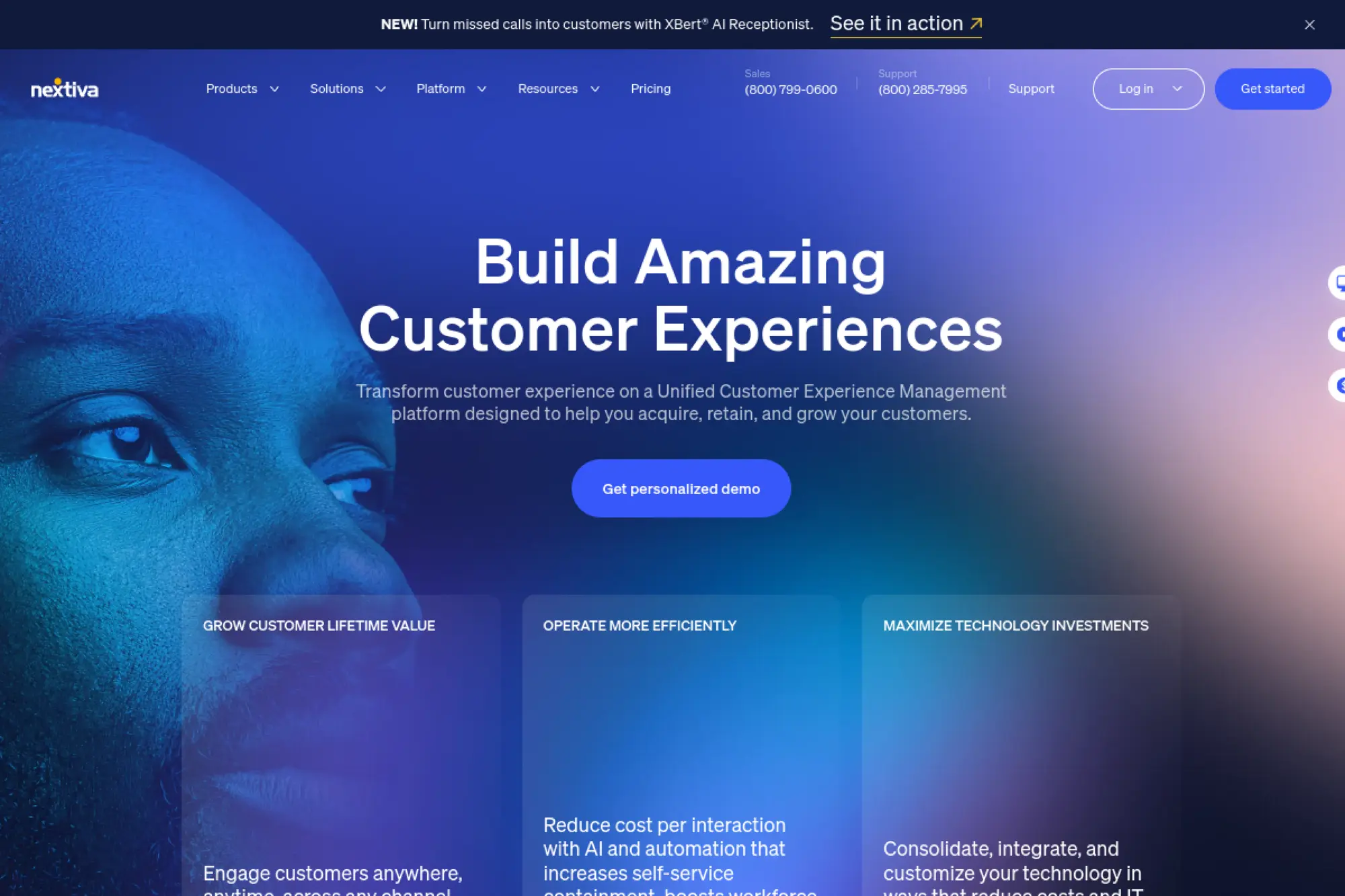
Unified communications with CRM features for call‑centric teams.
Best for: teams where phones drive most deals.
- Voice, SMS, and pipeline → keep calls tied to outcomes.
- Integrations and routing → shave two steps from call follow‑ups.
- Guided onboarding → first value within the first day.
Pricing & limits: Pricing varies—check the official page.
Honest drawbacks: CRM depth trails dedicated tools. Reporting can feel telephony‑first.
Verdict: If calls are your core channel, Nextiva keeps context tight. It beats generic CRMs on voice; it trails them on analytics variety.
Score: 3.8/5 and
FAQs
Trials may be available. Refund terms depend on plan. SSO and compliance usually live on higher tiers. Data retention follows vendor policy. Upgrades add minutes, users, and features.
21. Attio
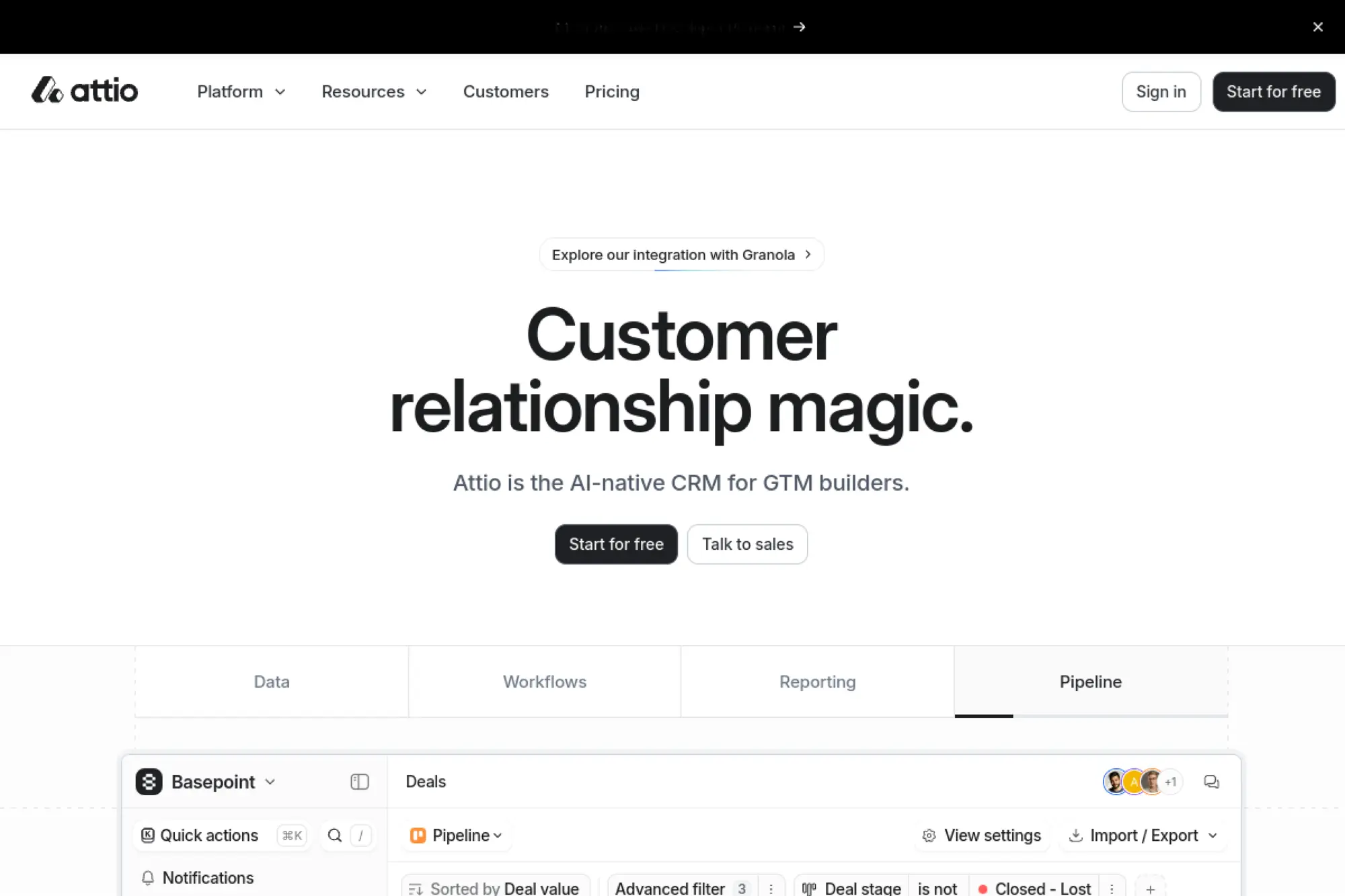
Modern, API‑forward CRM with flexible data modeling.
Best for: product‑led teams and startups with custom data needs.
- Dynamic objects and views → shape CRM to your exact model.
- APIs and integrations → remove two spreadsheet exports per week.
- Clean onboarding → reach first value within a day.
Pricing & limits: Pricing varies—check the official page.
Honest drawbacks: Smaller marketplace than legacy leaders. Advanced governance may require higher tiers.
Verdict: If your data model is unique, Attio adapts quickly. It beats rigid CRMs on flexibility; it trails giants on ecosystem maturity.
Score: 4.1/5 and
FAQs
Trials or startup programs may exist. Refunds follow posted terms. SSO and security options vary by plan. Data retention follows policy and settings. Upgrades raise records, users, and features.
22. Zapier

No‑code automation that turns your CRM into a connected hub.
Best for: teams stitching tools without engineers.
- Zaps and triggers → auto‑create deals from forms or chat.
- Thousands of integrations → remove three manual hops per workflow.
- Templates and builders → first value within minutes.
Pricing & limits: From $0/mo with a free tier. Paid plans increase tasks and speed. Limits vary by plan. Pricing varies—check the official page.
Honest drawbacks: Complex logic can get hard to maintain. Task usage can spike costs.
Verdict: If your stack lacks native links, Zapier fills the gaps fast. It beats custom scripts on speed; it trails them on long‑term control.
Score: 4.2/5 and
FAQs
A free plan exists with task caps. Refunds follow vendor billing policy. SSO appears on higher tiers. Data retention depends on plan and settings. Upgrades lift task limits and features.
23. Mailchimp
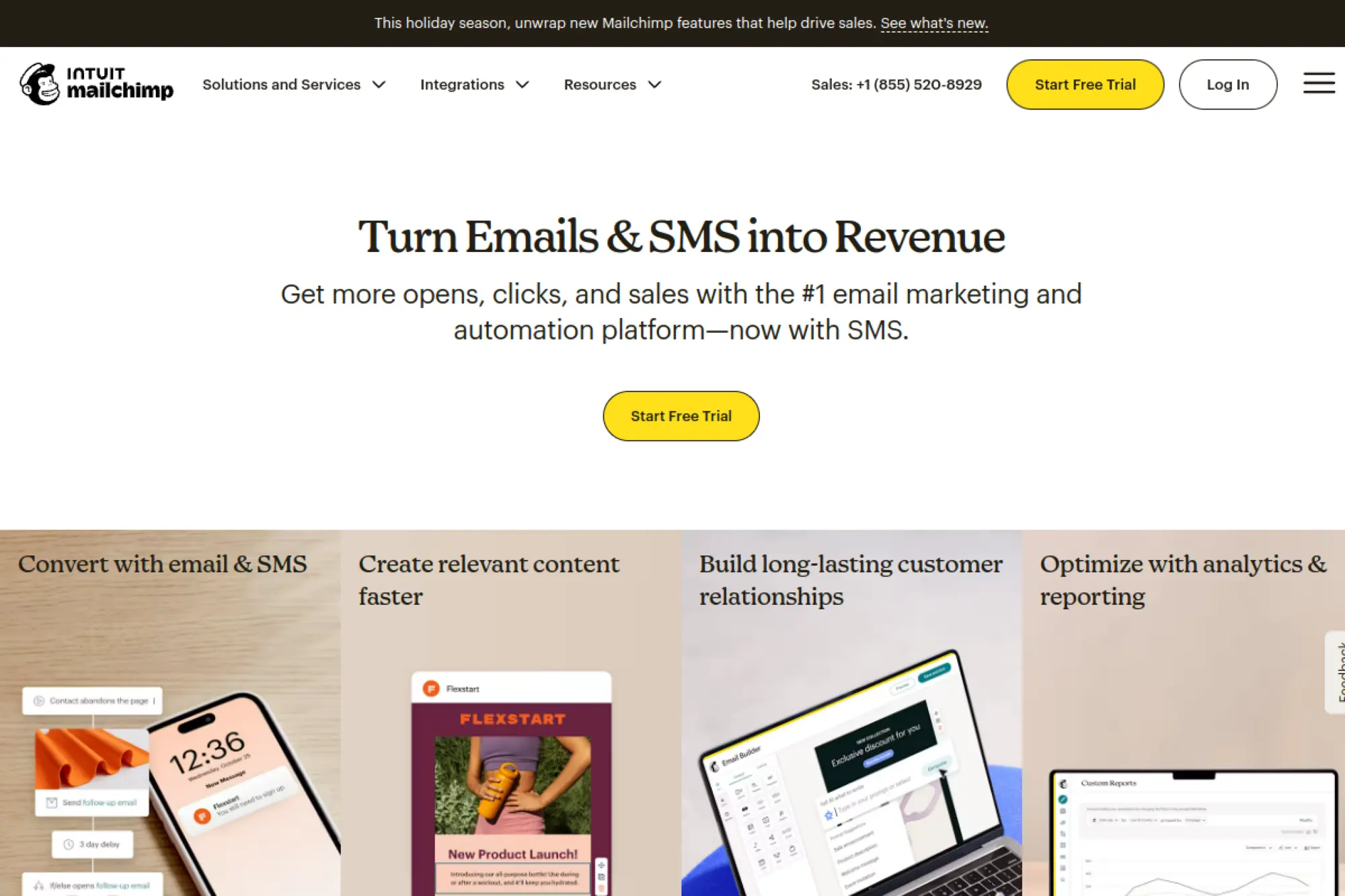
Email and marketing automation that plugs into most CRMs.
Best for: lean teams sending newsletters and nurture series.
- Audiences and journeys → warm leads with consistent content.
- Integrations and APIs → remove two import steps per campaign.
- Quick templates → first value within an hour.
Pricing & limits: From $0/mo with an entry tier. Higher plans add journeys, testing, and volume. Pricing varies—check the official page.
Honest drawbacks: CRM features are basic. Advanced personalization requires upgrades.
Verdict: If email drives demand, Mailchimp covers the essentials. It beats CRMs on templates; it trails them on pipeline depth.
Score: 4.0/5 and
FAQs
Free and paid tiers exist with sending caps. Refunds follow posted terms. SSO depends on plan. Data retention follows policy and region. Upgrades raise contacts, sends, and features.
24. Xero

Accounting platform that closes the loop between sales and cash.
Best for: startups wanting CRM to talk to finance.
- Invoices and payments → turn deals into cash without spreadsheets.
- Integrations and APIs → cut two reconciliation steps per invoice.
- Simple onboarding → first value within the first week.
Pricing & limits: Pricing varies—check the official page.
Honest drawbacks: It is not a CRM. You will still need a sales tool.
Verdict: If revenue ops spans sales and finance, Xero helps alignment. It beats manual books on accuracy; it trails CRMs on pipeline features.
Score: 3.9/5 and
FAQs
Trials may be available. Refund policy follows billing terms. SSO and security options vary by plan. Data retention follows accounting requirements and policy. Upgrades add users and modules.
25. FreeAgent

Small‑business accounting that pairs cleanly with simple CRMs.
Best for: startups needing basic books and invoicing.
- Estimates and invoices → move from quote to payment smoothly.
- Integrations → remove two manual exports between CRM and accounts.
- Simple setup → first value within a few hours.
Pricing & limits: Pricing varies—check the official page.
Honest drawbacks: Limited for complex accounting. CRM features are minimal by design.
Verdict: If you want tidy finances and simple handoffs, FreeAgent fits. It beats spreadsheets on clarity; it trails fuller suites on scale.
Score: 3.8/5 and
FAQs
Trials are common. Refunds follow vendor terms. SSO options may be limited. Data retention follows policy and law. Upgrades add capabilities and connections.
26. KashFlow

UK‑focused accounting that supports sales handoffs.
Best for: UK startups linking CRM and invoicing.
- Quotes and invoices → turn won deals into clean books.
- Integrations → remove two reconciliation steps each month.
- Quick onboarding → first value within days.
Pricing & limits: Pricing varies—check the official page.
Honest drawbacks: Market is regional. CRM features are limited.
Verdict: If you sell in the UK, KashFlow can streamline billing. It beats spreadsheets on compliance; it trails broader tools on features.
Score: 3.6/5 and
FAQs
Trials may be offered. Refunds follow billing policy. SSO availability varies. Data retention follows vendor and legal rules. Upgrades add users and modules.
27. Sage
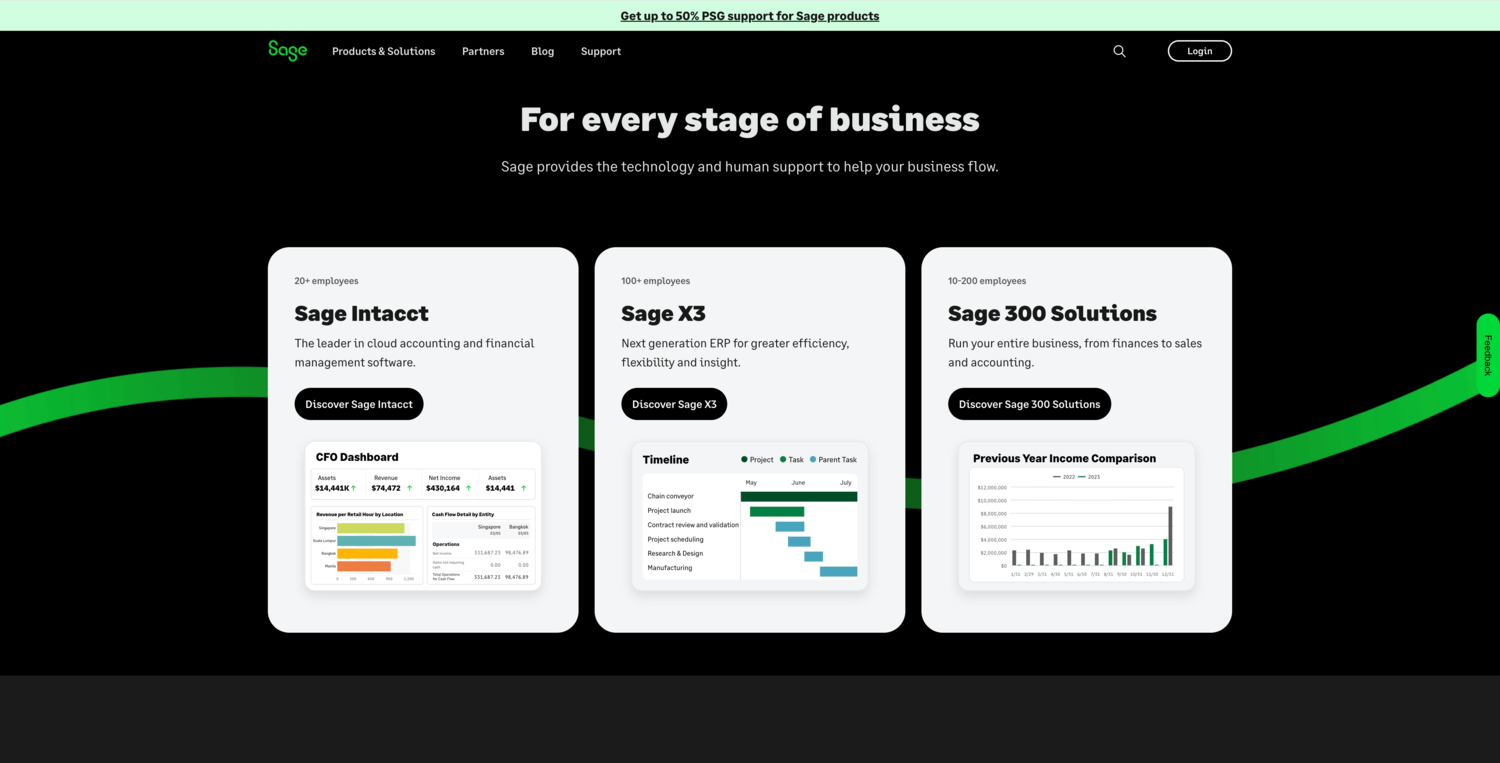
Finance and operations platforms that integrate with leading CRMs.
Best for: scaling companies with accounting rigor needs.
- Invoicing and inventory → connect sales to fulfillment accurately.
- APIs and connectors → remove two exports per month‑end close.
- Partner onboarding → first value within weeks with guidance.
Pricing & limits: Pricing varies—check the official page.
Honest drawbacks: Implementation can be heavy. You still need a primary CRM.
Verdict: If finance governance matters early, Sage pays off later. It beats spreadsheets on controls; it trails CRMs on sales features.
Score: 3.8/5 and
FAQs
Trials or demos are typical. Refunds depend on contracts. SSO and compliance features vary by product. Data retention follows policy and regulation. Upgrades expand modules and capacity.
28. Google Workspace
The operating layer for email, calendar, and collaborative selling.
Best for: teams standardizing on Google tools.
- Gmail, Calendar, and Drive → coordinate outreach and proposals faster.
- Marketplace add‑ons → remove two copy‑paste steps per meeting.
- Instant provisioning → first value in minutes.
Pricing & limits: Pricing varies—check the official page.
Honest drawbacks: Not a CRM. You must connect a CRM or add‑on.
Verdict: If Google is your daily workspace, this stack is non‑negotiable. It beats ad‑hoc tools on collaboration; it trails CRMs on pipeline features.
Score: 4.1/5 and
FAQs
Trials are often available. Refunds depend on billing cycle. SSO and security vary by edition. Data retention follows admin settings and policy. Upgrades add storage, security, and controls.
29. Really Simple Systems CRM
Straightforward B2B CRM with quotes and basic marketing.
Best for: small teams needing clarity and compliance basics.
- Accounts, opportunities, and quotes → keep sales and pricing aligned.
- Integrations and forms → remove two manual entries per lead.
- Guided setup → first value within a day.
Pricing & limits: From $0/mo with a free plan. Paid tiers raise caps and add marketing features. Pricing varies—check the official page.
Honest drawbacks: Advanced automation is limited. App ecosystem is smaller than large suites.
Verdict: If you want a clean, compliant start, this CRM stays approachable. It beats complex tools on learning curve; it trails them on automation depth.
Score: 4.0/5 and
FAQs
A free tier with caps is available. Refunds follow vendor billing policy. SSO support depends on plan. Data retention follows policy and jurisdiction. Upgrades add users, storage, and features.
30. Microsoft 365
Cloud-first productivity suite with Office apps, email, storage, and AI baked in.
Best for: orgs that want “everything under one Microsoft roof” from solo creators to large enterprises.
- Office apps + cloud workspaces → Word, Excel, PowerPoint, OneNote, and more on web, desktop, and mobile with files synced via OneDrive.
- Teams, Outlook, SharePoint → chat, meetings, email, and intranet tied together so projects, calendars, and documents live in one place.
- Copilot and security stack → AI assistance across apps plus identity, device, and data protections aligned to enterprise compliance needs.
Pricing & limits: From about $6 user/month (Business Basic, annual billing) for core web apps, email, and cloud storage; personal plans start around $9.99/month for one user with 1 TB and Copilot features. Higher tiers add desktop apps, Teams, advanced security, compliance, and richer AI limits. Exact pricing depends on region, plan, and term—always confirm on the official page.
Honest drawbacks: Admin and licensing can get messy fast, especially mixing SKUs across regions. New users drown a bit in options and overlapping apps. Vendor lock-in is real once mail, identity, and files all sit in Microsoft’s world. Competing suites can be simpler and cheaper if you only need basic docs and email.
Verdict: If you want the “default corporate toolbox” with deep features, strong security, and an enormous ecosystem, Microsoft 365 delivers and then some; you just pay in subscription spend and operational complexity.
Score: 4.4/5 and
FAQs
There’s no permanent free tier, but trials and education offers (including time-limited free Personal for students) appear regularly. The Verge+1 Licensing is usually per user with device caps. Data location, retention, and compliance follow your tenant region and Microsoft 365 policies. Advanced security, identity, and Copilot capabilities depend heavily on plan and add-ons. Upgrades mainly add desktop apps, storage, security/compliance features, and higher AI usage limits.
What makes the best crm for startups in 2025
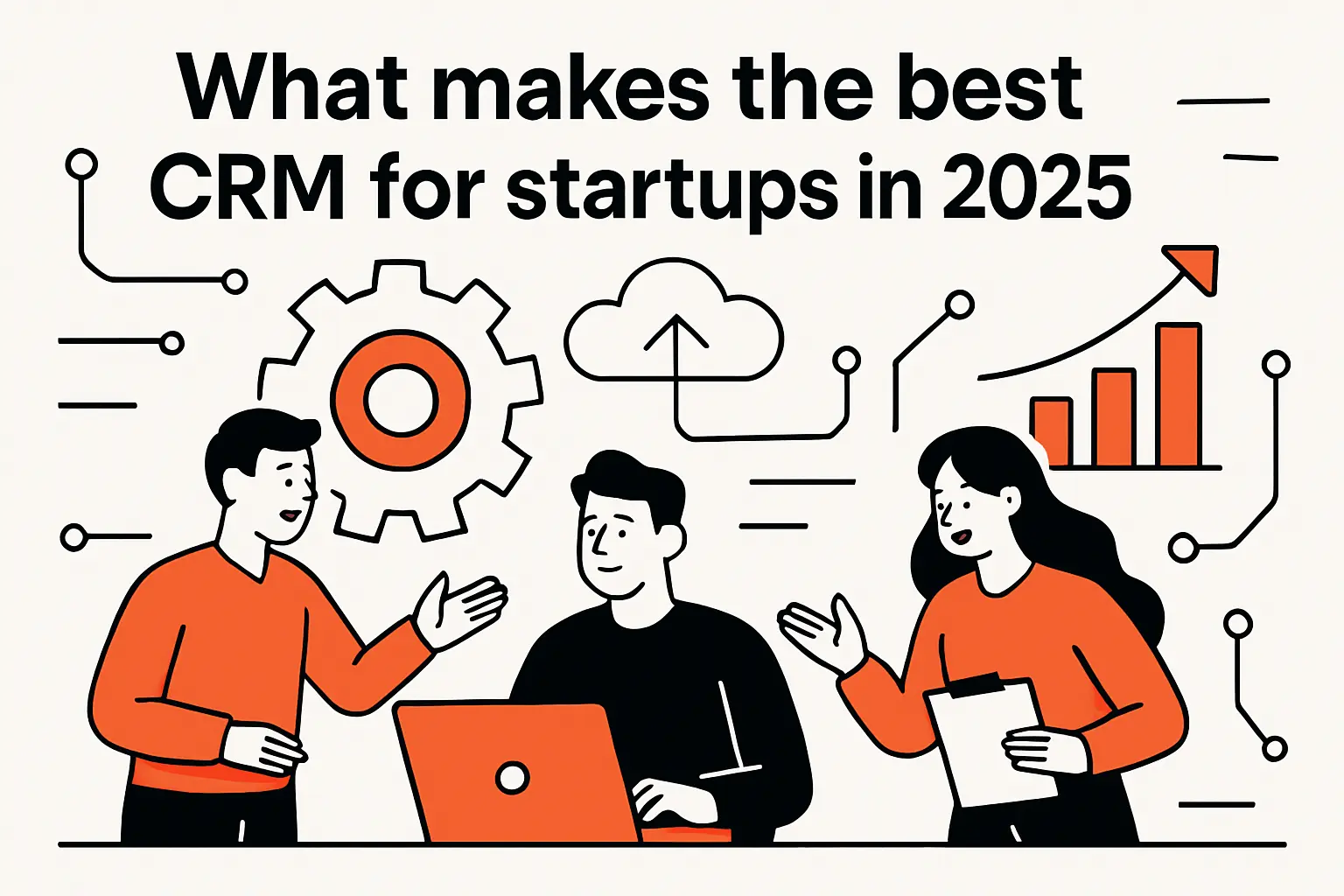
From pre-seed through Series A, CRM impact hinges on speed, context, and compounding automation. Sales software specifically reached $25.7 billion in 2024, and the growth drivers match what we observe daily: AI-augmented selling, approachable setup, and integrations that prevent tool sprawl. Rather than chasing maximal capability on day one, startups win by pairing lean workflows with just‑enough guardrails. That bias protects go-to-market momentum while keeping future options open.
1. Cloud-based access and reliable mobile apps for remote-first teams
Distributed teams live on the road and in browsers, so access must be ubiquitous and resilient. Offline-friendly mobile experiences matter during travel, events, and field work. Sync reliability determines whether notes and follow-ups arrive where they need to be. We have seen founders rescue deals simply because a mobile app recorded context in an airport lounge. Conversely, brittle sync turns reps into amateur IT, which drains focus and morale.
For remote-first motion, we prefer CRMs that ship native mobile, push notifications tied to pipeline stages, and background sync that survives spotty networks. Background capture of calls, texts, and email threads also helps. Those capabilities reduce context switching and raise reporting fidelity without nagging. When a CRM acts like a companion rather than a checkpoint, adoption follows naturally.
2. Core must-haves: contact management, sales pipeline, email integration, and reporting
Strong basics beat scattered novelty when runway is short. Contact and company records should mirror reality, not an idealized process. Pipeline stages must reflect how your buyers decide, not how software vendors segment. Email integration needs reliable logging, easy tracking, and light personalization that scales. Reporting should answer the simple questions quickly, then leave room for deeper cuts later. We scope dashboards around conversion, velocity, and slippage to reveal friction points early.
In our projects, a startup closes time-to-first-value by resisting overmodeling. Minimal custom fields, one primary pipeline, and a handful of saved views outperform sprawling objects. Instruments become trustworthy when data entry is low-friction and definitions stay stable. When those conditions hold, leaders stop debating numbers and start debating actions.
3. Omnichannel messaging and customer service to support growth
Buyers expect continuity between discovery and support. Startups need one timeline that ties web chat, email threads, tickets, and calls to the same record. That continuity shortens cycles and prevents mishandled handoffs. We like CRMs that treat messaging, case history, and account notes as first-class citizens. Teams can then shift from polite responses to meaningful resolution, using evidence from the full journey. Early customer love compounds into referrals and lower acquisition costs.
Practical alignment requires shared definitions and queues. Sales should see customer health, and service should see expansion signals. A single inbox works if routing rules, tags, and SLAs are simple. Otherwise, high intent pings vanish into silos. Founders notice the lift once renewal chatter and upsell hints surface where account owners work every day.
4. Automation that saves founder time: workflows, sequences, macros
Automation must unlock human attention, not bury it under complexity. We design workflows that trim error-prone steps, trigger nudges at key moments, and clean data as reps move. Sequences should mirror the buyer’s calendar rather than flood inboxes. Macros can compress repetitive admin, especially for support intake and follow-up. The best CRMs let teams iterate quickly and roll back misfires without fear.
Our test for useful automation is simple. If a founder would do it manually on a busy day, but software can perform the same step with equal quality, automate it. Everything else waits. That heuristic protects relationship-building time while raising operational consistency. Small wins combine into predictable motion without adding headcount early.
5. Pragmatic AI assistance to speed outreach and insight
AI moves fastest when anchored to daily workflows. We focus on three help zones: summarization, guidance, and generation. Summaries compress long threads into next steps. Guidance surfaces risk and prioritization in the pipeline. Generation polishes drafts that humans already intend to send. Adoption sticks when outputs are editable and provenance is clear.
Adoption indicators strengthen the case. A global management survey reported that 65% of respondents use gen AI inside at least one function, with marketing and sales among the early beneficiaries. In our rollouts, the tipping point arrives when AI suggestions live where reps already click. Guardrails matter, including data boundaries and opt‑out controls for sensitive accounts. Those elements keep speed gains without reputational risk.
6. Integrations and marketplace depth to fit your existing stack
Startups live inside calendars, docs, and chat. CRMs that connect cleanly to email, meetings, billing, ads, and collaboration tools generate context with less manual labor. A strong marketplace signals vendor maturity and community support. Even better, a disciplined API strategy lets teams bolt on specialized apps without fragile workarounds. We prefer libraries, events, and webhooks that behave consistently under load.
Integration depth prevents swivel-chair syndrome. When a billing event can update health scores and trigger outreach, teams see compounding leverage. Zapier helps in early days, but we encourage native or API solutions for recurring flows. That shift reduces hidden maintenance and builds a platform you can extend later.
7. Lightweight customization that avoids early feature bloat
Young companies should keep their data model small and descriptive. Extra picklists and objects create friction during onboarding and audits. We champion constraint early and complexity only when performance data demands it. That balance preserves flexibility while protecting adoption. As sales cycles harden, selective customization follows a clear reason and a clean rollback plan.
We also avoid overfitting to one whale customer. A bespoke field today can calcify tomorrow. Instead, design with optional flags and views that allow temporary experiments. Teams stay nimble while maintaining one source of truth. This approach eases migration if you graduate to a heavier platform later.
8. Free trial or freemium to validate fit before commitment
Hands-on evaluation beats blind trust every time. Free trials and freemium tiers offer time to import a slice of real data, send actual emails, and test automation safely. Founders can observe data cleanliness, sync reliability, and alert quality before budget locks. We recommend designing a pilot that mimics one full cycle with real prospects. That design reveals implementation gaps without sunk costs.
When trials end, capture lessons learned and artifacts. Keep field mappings, sequence drafts, and naming rules that worked. Those items become accelerants if you proceed. If not, they still clarify requirements for your next search. Either way, the exercise pays for itself in reduced missteps.
9. Security basics for startups: encryption, audit logs, 2FA
Security foundations are non‑negotiable once customers trust you with data. We look for encryption at rest and in transit, granular roles, and audit trails that answer who touched what and when. Two‑factor authentication with modern support reduces attack surfaces, especially for distributed teams. Admins should also control API keys, IP allowlists, and export permissions cleanly.
Security-by-default keeps pace with scale. As you add integrations, maintain least-privilege policies. Alerting must flag unusual exports or login anomalies quickly. Founders sleep better when basics are in place and tested. That discipline protects brand and revenue when the unexpected arrives.
Startup-friendly pricing and free tiers for the best crm for startups

Budget discipline frames every decision in a capital‑efficient market. Marketing leaders reported budgets at 7.7% of overall company revenue, and that pressure spills into tooling choices. We read that as a mandate: lock immediate value, avoid lock‑ins, and push vendors for startup concessions. Year one should prioritize proof over prestige.
1. HubSpot for Startups discounts
HubSpot’s startup program is generous when eligibility aligns.Their discounts for startups of 30 percent– 90 percent in year one. The top tier blankets early teams with steep savings, often enough to consolidate disparate tools. We coach founders to confirm eligibility, scope onboarding needs, and model renewal costs before signing. Discounts make year one shine, yet renewal math must still make sense. Negotiate onboarding credits and confirm which hubs qualify, since exclusions sometimes surprise teams.
Two guardrails protect value. First, prototype in the free tier, then switch on startup pricing once workflows feel right. Second, document limits and seats during procurement, because growth can change entitlement overnight. Clear notes spare future you from scavenger hunts.
2. Close Solo starts at $9 per month with built‑in calling and SMS in higher tiers
Close speaks the language of inside sales. The Solo tier is a tidy entry for founders who sell, schedule, and follow up alone. As the team grows, built‑in calling, SMS, and dialers unlock compound productivity. We like Close for founder‑led motion because setup is quick and instrumentation is intuitive. Those traits lower the cost of experimentation when messaging evolves weekly.
Scaling needs demand care. Decide early whether you want native calling or prefer your telephony stack. If a future shift is likely, model migration steps now. That work prevents downtime when lead volume spikes.
3. Podium has no free plan
They offer Core from $399 per month and Pro from $599 per month. Podium positions itself as a conversion engine for local and service businesses. Plans lean into texting, reviews, payments, and AI responses across channels. We see strong fits where leads come from phones, forms, and walk‑ins. The lack of a free tier nudges careful pilots near the billing boundary. Build a short, instrumented trial with real inquiries and confirm ROI drivers before expanding.
When Podium plays the engagement hub, CRM integrations must stay tight. Ensure contact dedupe rules work across chat, reviews, and payments. Teams should trust that records stay clean as channels multiply. Cleanliness protects campaign performance and compliance at the same time.
4. Capsule CRM offers a free CRM for startups
Capsule aims for sensible simplicity with a 14‑day trial on paid plans. The free plan gives a basic runway for tiny teams, and the trial makes upgrades easy to test. We appreciate the balance between minimalism and the right integrations. Capsule pairs well with accounting and workspace tools, which lightens admin work. Startups that value focus and clear interfaces tend to adopt it quickly.
For teams with lightweight sales cycles, Capsule’s guardrails are often enough. If your model expands into heavier automation, assess limits during the trial. That foresight prevents painful pivots later.
5. Pricing snapshot
Zoho CRM Standard $14, Salesforce Starter $25, HubSpot Starter $15, SugarCRM Professional $18 per user per month. Important note for accuracy and planning: SugarCRM’s current published entry price lists at $59 per user per month, which differs from the historical snapshot in the heading. We include it to reflect what some founders still recall from legacy packaging. Always confirm packaging names, seat minimums, and billing cadence before modeling cash outlays. Vendors rebrand tiers and adjust bundles frequently as features evolve.
Snapshot lines are starting points, not purchase orders. Scrutinize inclusions, storage, and API caps. Ask for monthly billing and audit export fees. Those three variables swing total cost more than many expect. Precision here prevents renewal shocks.
6. Green flags: transparent pricing, monthly billing, strong startup programs
Transparency accelerates trust. Public pricing, clear limits, and honest upgrade paths save time. Monthly billing helps teams manage optionality during product-market fit. Startup programs that include onboarding, credits, and success resources compound value. We ask vendors to publish change logs and roadmaps as a courtesy. That habit signals a partnership mindset rather than a quota chase.
Strong green flags align incentives. When a vendor prices fairly and invests in success, adoption grows. Teams spend time building, not decoding SKUs. That is the relationship you want during fast growth.
7. Red flags: annual lock‑ins, paid data export or API, limited integrations
Lock‑ins eliminate your best lever during uncertainty. Paid exports trap teams when pivot pressure spikes. Stingy APIs and thin marketplaces force brittle workarounds. We push back hard on any clause that penalizes learning. Startups must keep the right to evolve without punitive fees. That freedom keeps execution honest and outcomes better.
When push comes to shove, bad terms amplify risk. Negotiate exit rights, data handbacks, and fair volume tiers up front. You will thank yourself later.
8. Startup program benefits to look for: extended trials, onboarding, ecosystem credits
Good programs reduce risk in implementation, not just price. Extended trials allow a full cycle pilot with meaningful data. Onboarding removes guesswork and preserves early momentum. Ecosystem credits offset ancillary costs for email, storage, and analytics. Together, these benefits turn a discount into a durable edge. We always ask about dedicated success managers and integration consultants during the first twelve weeks.
Programs show intent. When a vendor invests in your success, you can invest in theirs with confidence. That reciprocity compounds returns for both sides.
Feature snapshots and best‑fit use cases to pick the best crm for startups
Capabilities should match motion, not marketing buzz. Many teams overbuy and then underuse advanced features. A customer study found that only 20 percent translate CX metrics into financial impact, which mirrors the gap we see between licensed modules and lived workflows. Focus first on the few features that unlock repeatable results. Expansion follows once those basics deliver measurable lift.
1. HubSpot CRM for all‑in‑one marketing, sales, service, and operations with a strong free tier
HubSpot’s strength lies in unifying go‑to‑market tooling with approachable UX. The free core covers contacts, deals, email tracking, and live chat. Paid hubs add automation, reporting, and content capabilities. We recommend HubSpot when marketing and sales share ownership of pipeline creation. Data integrity benefits from that shared context and consistent taxonomy.
In a seed‑stage SaaS rollout, we replaced spreadsheet stages with one pipeline and a handful of required fields. Email templates and basic sequences captured follow‑ups that used to slip. Within weeks, leaders debated messaging tests rather than missing notes. That shift emerged from simple building blocks, not ornate configuration.
2. Salesforce as an AI‑powered, scalable platform with small business Starter options
Salesforce offers breadth, depth, and a vast ecosystem. The Starter bundle gives small teams a runway with room to grow. AppExchange and platform tools unlock complex workflows when scale demands it. We select Salesforce when governance, multi‑object modeling, or advanced security requirements appear early. Those strengths outweigh complexity once processes harden.
To keep projects sane, we phase delivery tightly. Phase one anchors objects, layouts, and a clean pipeline. Phase two introduces automation and integrations once adoption stabilizes. That cadence respects human limits and preserves quality.
3. Zoho CRM with easy migration, no‑code customization, multichannel engagement, and Zia enrichment
Zoho packs value into flexible tiers, with pragmatic no‑code tools and adjacent apps. Zia’s enrichment features can lift efficiency if your process includes scoring and route suggestions. We deploy Zoho when cost control and integrated back office matter. Accounting, subscriptions, and BI hooks shorten build time for resource‑constrained teams.
Migration paths are friendly when data is tidy. We still run dry imports and reconciliation tests before flipping switches. That step saves hours of rework and keeps stakeholder trust intact.
4. Zendesk Sell for sales plus customer support alignment and modern startup guidance
Zendesk Sell aligns cleanly with service operations in Zendesk Support. Shared context between sales and support strengthens handoffs. We recommend it when service experience is strategic and already standardized on the Zendesk stack. The benefit grows if your model relies on renewals and expansions triggered by support outcomes. Cross‑functional visibility helps both teams move faster.
Success depends on taxonomy discipline. Align fields and tags across sales and service early. Mismatched labels confuse dashboards and slow triage. With care, the system acts as one glass pane for the customer journey.
5. Close for inside sales with built‑in email, calling, SMS, power dialer, and predictive dialer
Close compresses outreach tools into one screen. Founders appreciate how fast it captures notes, logs calls, and queues tasks. The dialers shine when conversation volume defines success. We see strong fits in outbound‑heavy motion where speed and focus rule. That combination reduces tool fragmentation and training time.
Guard against over‑sequencing. Quality beats volume once reply patterns emerge. Keep testing subject lines and call openers, then update playbooks quickly. Rapid iteration keeps response rates from decaying.
6. Capsule CRM for simplicity and accounting plus workspace integrations with a solid mobile app
Capsule’s design keeps users oriented and productive. Accounting links reduce manual entries, while workspace integrations handle shared calendars and docs. We suggest Capsule for agencies, consultancies, and services with lightweight funnels. The mobile app keeps conversations and tasks flowing during client work. Minimalism becomes an advantage when context switching is constant.
Growth tests arrive when automation demands increase. Evaluate whether native tools suffice or if you will lean on third‑party automation. Planning that boundary lowers future friction.
7. Pipedrive for visual pipelines and automation suited to lean sales teams
Pipedrive popularized the visual pipeline, and that clarity still converts skeptics. Drag‑and‑drop flow creates momentum in new teams. We deploy Pipedrive when managers want crisp visibility without overwhelming setup. Automations tackle tedious updates, and add‑ons expand scope gradually. The product rewards teams that iterate weekly on stage definitions and playbooks.
For multi‑product complexity, keep pipelines separate and reports simple. Overlapping definitions cause confusion. Clean separation keeps coaching actionable and wins traceable.
8. Streak for Gmail‑native workflows when teams live in Google Workspace
Streak lives where many founders work all day: the inbox. Embedded pipelines and merge mail simplify outreach without another tab. We deploy Streak when Gmail is the operating system for sales. Lightweight processes and small teams benefit most. It is a sharp tool for early traction before heavier process needs appear.
As volume grows, reassess whether you need deeper roles, permissions, or analytics. Streak hands off gracefully if you outgrow the inbox approach. That path preserves early momentum while protecting long‑term options.
Extended toplist: 30 startup‑ready CRMs
- Salesforce
- HubSpot
- Zoho CRM
- Pipedrive
- Zendesk Sell
- Close
- Capsule CRM
- Streak
- Freshsales
- Monday Sales CRM
- Insightly
- Keap
- SugarCRM
- Microsoft Dynamics 365 Sales
- Copper
- Nutshell
- Less Annoying CRM
- Apptivo
- Agile CRM
- Bitrix24
- Creatio
- Odoo CRM
- NetHunt CRM
- Kommo
- ActiveCampaign CRM
- EngageBay
- Zoho Bigin
- Pipeliner CRM
- LeadSquared
- Workbooks
Implementation and migration roadmap for startups
Efficient rollouts convert features into results. Adoption hinges on clean data, humble scope, and a pilot window that reflects real cycles. AI is part of modern pilots now, with 65% of respondents reporting regular gen AI use across at least one function. That reality shapes training, governance, and metrics from day one. Implementation should blend human judgment with assistive tooling rather than chase full automation too early.
1. When a spreadsheet is enough versus switching at roughly 15–20 active deals
Spreadsheets work while coordination costs are low. They fail when cross‑team visibility and timing matter. We migrate once concurrent opportunities, touchpoints, and owners exceed what a sheet can track. Practical signs include missed follow‑ups and stale stages. That moment signals a switch before revenue leaks compound.
Do not wait for chaos. A small pilot during rising demand preserves momentum. Teams feel the lift immediately when reminders, views, and notes sit together. The right time is slightly before pain peaks.
2. Match CRM to your focus area: sales, marketing, or service first
Start with the function that drives growth next quarter. Sales‑led teams need pipeline clarity and outreach tools. Marketing‑led teams want lead capture, scoring, and email nurture. Service‑led models value case management and deflection options. Sequence the rest to follow the leader, and avoid boiling the ocean. You can handle cross‑functional needs once the first motion stabilizes.
Matching scope to strategy reduces noise. Stakeholders rally when their goals shape setup. Momentum builds when early wins are visible and repeatable. That posture also speeds procurement and training.
3. Import and deduplicate data using built‑in tools to start clean
Dirty imports haunt dashboards for quarters. Use CRM dedupe features and run sanity checks on owners, domains, and stages. Standardize country, industry, and lifecycle values before loading records. Then preserve mappings for future cycles. Consistent hygiene protects marketing attribution and forecast credibility later.
We also run spot checks across email and calendar sync. Hidden duplicates appear when plugins log threads twice. Early fixes prevent misleading activity metrics. Cleanliness here keeps trust high across functions.
4. Model a simple pipeline and iterate before deep customization
Start with one pipeline mapped to your real buyer journey. Limit stage count and avoid ambiguous labels. Add one or two required fields where later reporting depends on them. Teach managers to coach stage hygiene early. That coaching multiplies across cycles and stabilizes your baseline metrics.
Customization belongs after adoption. As volume grows, codify exceptions with playbooks, not fields. Add automation where reps burn minutes repeatedly. That sequence respects humans and protects speed.
5. Enable email, phone, and chat channels early for context‑rich records
Context wins deals and solves tickets faster. Connect inboxes, calling, and chat at the start, so every touch lands on the record. Routing rules should be light and transparent. Teams adopt faster when triage feels fair and predictable. Later, layer automation to coordinate handoffs and escalations without overcomplicating.
During pilots, measure reply times, resolution rates, and stage age. Those signals confirm that channels are working. Adjust training or templates where friction persists. Improvement should be visible in weeks, not months.
6. Connect accounting and workspace tools to reduce manual work
Billing, contracts, and revenue events belong in the story. Connect accounting to surface payment status and refunds. Workspace tools fill the gaps with docs, meetings, and notes. When those threads converge on the record, teams stop asking for screenshots. That unity shrinks coordination cost and error rates.
Guardrails help here too. Limit who can change financial fields and log exports. Audit trails should explain every edit. Security confidence supports faster collaboration across roles.
7. Pilot for one full sales cycle using free trials before committing
Pilots must mirror reality to produce signal. Import a controlled cohort, run outreach, and record outcomes. Hold weekly reviews on adoption, data quality, and time savings. Decide with evidence at the end, not anecdotes. If value appears, scale. If friction remains, adjust scope or try the next candidate.
We also capture what we would do differently next time. That retrospective travels with you even if the tool changes. Lessons learned compress the next evaluation window. Learning speed becomes a competitive advantage.
8. Track adoption, pipeline health, and time‑to‑value from day one
Measure the basics relentlessly. Who logs in, who updates stages, and who closes tasks on time. Watch conversion, velocity, and consistency for each stage. Track cycle time from first touch to close. These metrics show whether your CRM is working as intended. They also reveal training needs before quarter’s end.
Time‑to‑value should shrink across sprints. If not, remove friction and simplify. The right tool should feel lighter every week. Teams notice when the system moves with them rather than against them.
Evaluation checklist and pitfalls to avoid when choosing the best crm for startups
Vendor narratives evolve quickly, yet fundamentals endure. Funding continues to chase AI infrastructure and applications, with quarterly totals hitting $47.3B. That capital pressure pushes rapid feature releases and frequent packaging shifts. Your antidote is a clear checklist tied to outcomes. Evaluate what you will use now, plus what you can adopt soon without disruption.
1. Checklist: contact management, pipeline, lead scoring, email integration, analytics
Start with the essentials. Confirm record structure, dedupe, and search speed. Test pipeline views, filters, and bulk edits. Validate lead capture, scoring rules, and ownership logic. Send tracked emails from the CRM and confirm logging accuracy. Build basic dashboards that leaders will review weekly. Those tests reveal whether daily work will actually improve.
We document pass or fail against each block. Ambiguity becomes debt that surfaces later. Real clarity drives clean decisions. The checklist keeps everyone honest.
2. Cloud‑based, mobile‑ready access with role‑based controls
Access should be reliable across devices with consistent performance. Verify mobile offline behavior and push notifications during travel. Check role definitions for least‑privilege defaults. Audit views by role and confirm sensitive fields stay hidden. Those actions reduce support tickets and incidents as headcount grows.
Confidence in access and roles encourages usage. When the basics work, adoption spreads. That momentum compounds into better data and better coaching.
3. Automation blocks that scale: workflows, sequences, macros
Your automation should reflect real process rather than vendor demos. Map triggers, conditions, and actions on one page. Test steps with sandbox records before production. Keep names and descriptions clear for future maintainers. Version your logic so changes never break quota calls or handoffs.
Automation succeeds when operators remain in control. Surface logs, retries, and errors in human terms. Teams fix issues faster when observability exists. Resilience then grows alongside complexity.
4. AI assistance that speeds outreach like email assist and summaries
AI earns trust by saving minutes without creating messes. Evaluate email assist, call summaries, and risk flags with real interactions. Measure perceived quality and edit time. Require data lineage and role‑based access for generated content. Training should include responsible use and escalation routes for sensitive cases.
When buyers feel seen and understood, response rates rise. AI can help, yet humans must shape tone and timing. Keep humans in the loop where stakes are high.
5. Integration ecosystem and APIs with Zapier as a fallback
Native integrations beat brittle glue. Confirm official connectors for email, calendars, accounting, ads, and chat. Evaluate API coverage and limits so you can build what’s missing. Zapier is a decent bridge for prototypes, but plan exits to native or API paths. That plan avoids silent failures and untraceable delays as volume grows.
Ask vendors about deprecation notices and versioning practices. Mature answers indicate reliability. You want partners that respect your roadmap and timelines.
6. Pricing clarity, monthly options, and avoiding seat minimum surprises
Clarity removes risk from the deal. Insist on public pricing, documented limits, and simple upgrade math. Push for monthly terms during product‑market fit. Beware of hidden seat minimums or forced bundles that add unneeded tools. Finally, confirm export rules and API access costs. Those items define your leverage later.
We also model total cost with realistic adoption. That model shapes expectations and prioritizes features that matter. Surprises fade when math leads.
7. Ease of use and adoption over feature depth to prevent bloat
Usability wins quarters. Demos often overpromise power while hiding complexity. Run hands‑on tests with actual reps and managers. Track how many clicks common tasks require. Count how often users leave the CRM to do work elsewhere. Those observations tell the truth about fit faster than spec sheets.
Happy users update records and follow playbooks. Happy managers trust dashboards and coach with data. That loop drives outcomes more than exotic options ever will.
8. Security and compliance considerations from the start
Security is part of product quality, not a separate track. Confirm encryption, audit logs, and SSO options. Check data residency needs for your markets and customers. Review retention policies and incident communications. Ask about tenant isolation and vendor sub‑processors. Those questions protect your customers and your cap table alike.
Routine tests and training keep posture strong. Schedule reviews as roles change and integrations grow. A safe foundation enables faster growth and cleaner partnerships.
How TechTide Solutions helps you build custom solutions for the best crm for startups

Our work begins with your model, not a vendor favorite. The same market signals discussed above apply here, and the adoption patterns noted in recent surveys reinforce time-to-value discipline without chasing vanity metrics. We translate that perspective into architecture, governance, and enablement that your team can own. The goal is not just working software but compounding leverage, captured in cleaner data and faster cycles.
1. Discovery and solution design tailored to your startup’s goals and workflows
We map your buyer journey, internal checkpoints, and funnel mechanics. Then we sketch a lean data model, sensible fields, and a minimal pipeline. Playbooks document stage ownership and exit criteria. Next, we plan automation that saves minutes every day without risking data quality. That plan drives a pilot that mirrors a real cycle and clarifies what to scale.
Design reviews include role‑based views, permission models, and error handling. We also define rollback plans for every risky change. This approach reduces rework and protects momentum when teams grow. It keeps governance practical yet present.
2. Custom integrations and automation to connect CRM with your stack
We connect calendars, email, accounting, and data capture so context lands on the record automatically. Where native connectors fall short, we build against APIs with retries and observability. Event-driven patterns prevent polling storms and missed updates. Those choices lower latency and raise trust in dashboards. Teams stop copying data and start using it.
Automation design follows the money. We target handoffs, renewals, and playbook triggers first. Added steps earn their place by saving time or lifting conversion. That discipline keeps systems clean and maintainable as features expand.
3. Onboarding, training, and iterative support aligned with customer needs
Training focuses on the few paths reps walk daily. Short sessions, live examples, and office hours turn skeptics into advocates. We also instrument adoption and satisfaction from day one. That feedback closes the loop on configuration quality. Small improvements land each week until teams feel pull instead of push.
Ongoing support covers refinements, audits, and quarterly roadmap alignment. We help you decide when to add automation, AI assistance, or new objects. Changes follow proven value signals rather than curiosity. That restraint preserves agility and morale.
Conclusion: choosing the best crm for startups in 2025

Every tool is a bet on speed, clarity, and compounding process. Market trends favor integrated stacks, pragmatic AI, and measurable gains, and your selection should echo those realities without overspending. The winning path starts simple and scales by evidence. Keep score on the basics and revise fast when signals suggest a better route.
1. Map your stage and priorities, then shortlist two or three tools
Define must‑haves, nice‑to‑haves, and explicit trade‑offs. Align features to near‑term growth drivers. Assemble a shortlist that spans different philosophies. Then invite vendors to solve a real scenario using sample data. That test yields sharper insight than generic demos.
Stakeholders should review findings together. Shared understanding prevents misaligned expectations. Decisions land cleaner when everyone sees the same evidence.
2. Use free trials and startup discounts to validate with real workflows
Trials should mirror authentic motion, not toy projects. Import a slice of contacts and deals, send tracked emails, and run a real sequence. Measure adoption, response, and reporting clarity. If a tool beats your baseline, keep it. Otherwise, iterate with the next candidate.
Startup discounts help, but value must outlive promotions. Model renewal math and confirm packaging longevity. Avoid surprises during scale‑up.
3. Pilot a simple setup, measure outcomes, and scale features as needed
Start with one clean pipeline, a short field list, and basic automation. Add integrations that remove manual work first. Measure conversion and cycle time before layering complexity. Expand only where results justify it. This rhythm guards against bloat while keeping velocity high.
Leaders should coach to the process weekly. Coaching plus clean instrumentation beats any dashboard alone. That pairing builds durable habits.
4. Plan integrations and security from day one to avoid rework
Decide early which systems will share data and how. Select identity, roles, and audit practices that suit your market. Establish export policies and incident playbooks. These choices protect customers and partnerships. They also make future certifications faster and less expensive.
Thoughtful foundations shrink downstream cost. You will move faster later because guardrails already exist. That is how operational excellence compounds.
5. Review adoption and ROI quarterly and optimize continuously
Set quarterly checkpoints on adoption, data quality, and business impact. Celebrate wins and remove friction where metrics stall. Retire unused fields and automations ruthlessly. Replace lore with measured insight as cycles accumulate. Continuous pruning keeps your CRM healthy and your team energized.
If you want a sparring partner on design, pilots, or integrations, we are ready to help. What outcome do you want your CRM to prove in the next quarter?