At TechTide Solutions, we see game hosting riding the same budget waves as mainstream cloud adoption. Gartner forecasts worldwide public cloud end-user spending to total $723.4 billion in 2025, and that money quietly reshapes game infrastructure choices. Faster CPUs win communities, but predictable operations win businesses. Our goal here is practical clarity, not vendor hype.
Cloud game hosting is also no longer “just a box.” It is orchestration, DDoS posture, storage discipline, and support processes. Many teams still buy compute like they buy a router. That mistake shows up as lag spikes, failed backups, and weekend firefights. We prefer designs that fail gracefully and recover fast.
This guide mixes providers and tools on purpose. A great host without sane tooling still bleeds staff time. A great panel on shaky infrastructure still burns player trust. So we’ll compare what matters, then show how we build stable stacks.
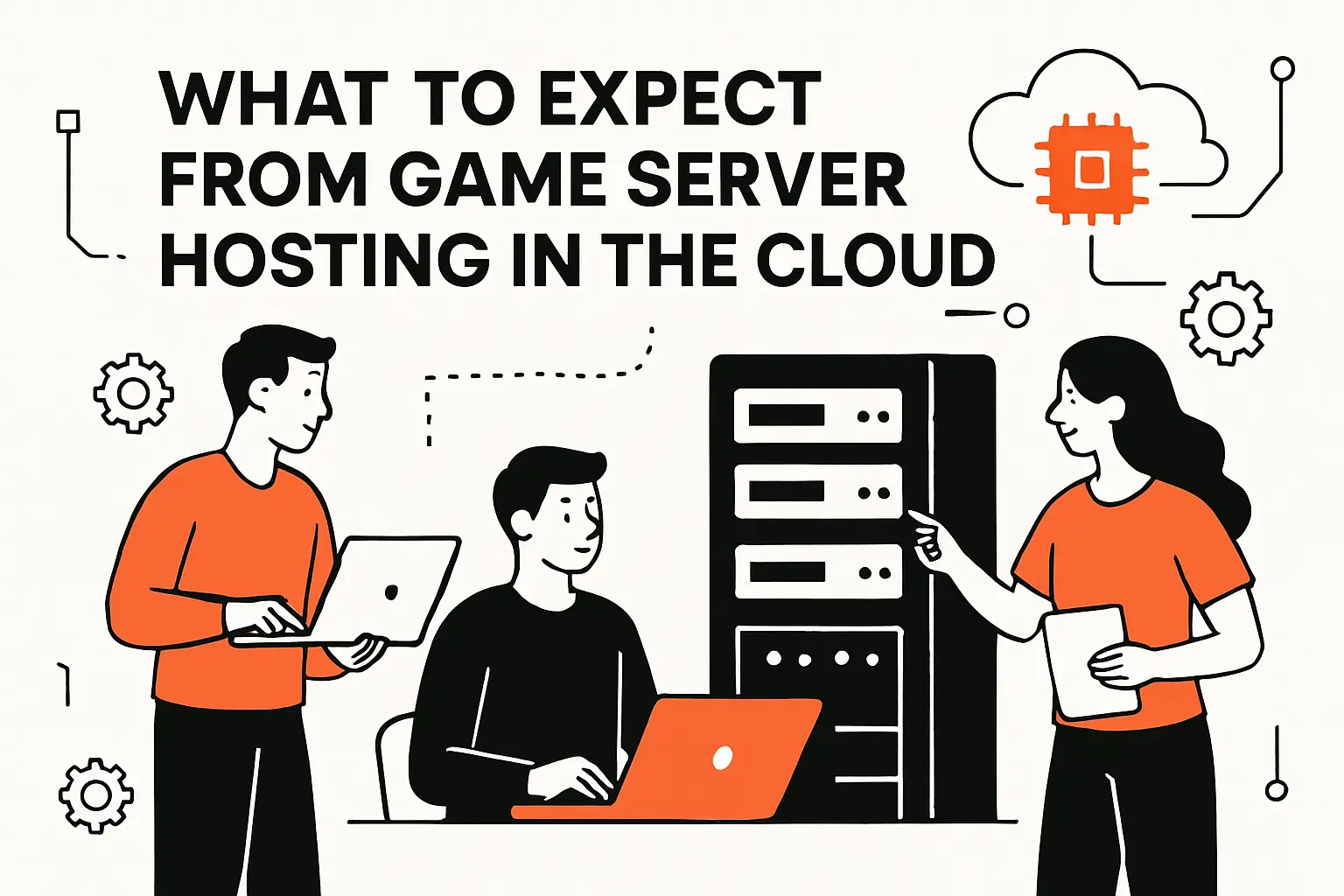
What to Expect From Game Server Hosting in the Cloud
Market snapshot: game communities keep professionalizing, and hosting demand follows player attention. Newzoo pegs global games revenue at $188.8B in 2025 revenues, which helps explain why “small servers” now need “serious ops.” Cloud providers benefit from that shift, but so do specialized hosts. Our experience says the winners will blend automation with performance literacy.
1. Dedicated resources and low-latency connections for multiplayer gameplay
Latency wins arguments before your moderators even arrive. In cloud terms, latency is routing, region choice, and noisy-neighbor risk. We look for dedicated CPU options, stable clock behavior, and clean network paths. Jitter matters as much as average ping. For competitive communities, we also value consistent packet pacing over raw bandwidth.
2. Popular game compatibility: Minecraft, Palworld, Rust, ARK, and Terraria
Compatibility is rarely “does it run,” but “does it run well.” Minecraft often rewards strong single-thread throughput and disciplined disk writes. Palworld can punish weak memory headroom during world churn. Rust servers feel CPU scheduling pain under heavy entity activity. ARK can stress both storage and RAM with aggressive save patterns. Terraria is kinder, yet still benefits from low-latency regions.
3. Modding and customization basics: file/FTP access, mods, and plugins
Modding is where most hosts reveal their true philosophy. A serious platform offers safe file access, sane permissions, and auditable changes. We like panels that support staged uploads, not blind overwrites. Plugin ecosystems also need reproducibility, or you will chase “works on my machine” ghosts. For teams, a change log is more valuable than a “one-click” button.
4. Typical pricing ranges and why “free” game server hosting is usually not worth it
“Free” hosting usually charges in other currencies. Expect limits on CPU priority, storage speed, and network protection. Many free tiers also restrict background processes, which breaks mods and scheduled tasks. We’ve seen communities lose worlds to cramped storage quotas and silent backup failures. In business terms, free plans can externalize risk onto your players.
5. VPS and dedicated servers vs gaming-specific hosting optimizations
A VPS is flexible, but it is also a responsibility contract. Dedicated servers deliver more predictable performance and cleaner isolation. Gaming-specific hosts add conveniences like curated templates and protocol-aware mitigation. The best choice depends on whether you value “time-to-server” or “time-to-stability.” We often start with a VPS for proof, then migrate once community load becomes consistent.
6. Uptime expectations: uptime guarantees and SLA concepts
Uptime is not only a percentage; it is a promise with definitions. SLAs can exclude planned maintenance, upstream outages, or abuse events. We advise reading what triggers credits and what counts as downtime. Operationally, redundancy beats paperwork. A smaller host with strong incident response can feel more reliable than a giant with slow escalation.
Quick Comparison of best cloud server for game hosting
Market snapshot: cloud spend keeps climbing in the same Gartner forecast, and gaming workloads increasingly share that infrastructure. That reality pushes more teams toward “build on cloud primitives” instead of buying single-purpose servers. The table below reflects what we see in production: low friction matters, but performance predictability matters more. We chose options that cover both managed and self-managed paths.
| Tool | Best for | From price | Trial/Free | Key limits |
|---|---|---|---|---|
| OVHcloud Game Dedicated Servers | High, steady tick performance | Varies | No | Stock swings by region |
| Hetzner Cloud | Budget VPS with good baseline | €3.49 | No | Some tiers have limited capacity |
| DigitalOcean Droplets | Simple VPS and clean workflows | $4.00 | Yes | Performance varies by plan family |
| Akamai Linode | Developer-friendly VPS operations | $5.00 | No | Shared tiers can suffer contention |
| Vultr Cloud Compute | Low-cost edge-like footprints | $2.50/mo | No | Cheapest tier may be IPv6-only |
| AWS Lightsail | Fast start with AWS ecosystem | Free tier | Yes | Less control than raw compute |
| AWS GameLift | Session fleets and scaling | Usage-based | No | Architecture overhead is real |
| Azure PlayFab Multiplayer Servers | Managed multiplayer orchestration | Usage-based | Yes | Best with Azure-first stacks |
| Pterodactyl Panel | Self-hosted multi-game control | Free | Yes | Ops burden stays on you |
| CubeCoders AMP | All-in-one panel with polish | Paid license | Yes | License terms need review |
How We Read This Table in Practice
We treat “best” as a fit problem, not a popularity contest. For a new community, we prize easy restores and straightforward updates. For mature networks, we prize isolation, observability, and controlled rollouts. When the staff is small, managed conveniences can be worth their weight. When the staff is strong, raw infrastructure often wins on flexibility.
Our Wider Shortlist (Twenty More Options Worth Testing)
- Amazon EC2
- Google Cloud Compute Engine
- Microsoft Azure Virtual Machines
- Oracle Cloud Infrastructure Compute
- Scaleway Instances
- UpCloud
- Kamatera
- IONOS Cloud Server
- Leaseweb Dedicated Servers
- Contabo VPS
- Hostinger VPS
- Shockbyte
- Apex Hosting
- BisectHosting
- Nodecraft
- Nitrado
- GPORTAL
- HostHavoc
- Pelican Panel
- Proxmox VE
Top 30 best cloud server for game hosting platforms and tools
We picked these tools by working backward from the job: keep players online, keep admins sane, and keep costs predictable. Some entries are pure hosting, others are the “glue” that makes hosting viable at scale. For each tool, we look at what it takes to go from zero to a joinable server, then what it takes to keep that server healthy for months.
Scoring is weighted, outcome-first, and intentionally practical. We rate Value-for-money (20%) and Feature depth (20%) highest, because game hosting punishes both weak hardware and weak controls. Ease of setup & learning (15%) and Integrations & ecosystem (15%) matter next, since mods, backups, billing, and alerts are where hours disappear. UX & performance (10%), Security & trust (10%), and Support & community (10%) round it out, because the “best” platform is the one you can actually operate on a bad day.
1. Hostinger

Hostinger is a mainstream hosting company with a large product and support team. The VPS line is the relevant lane for game hosting, since you get root control and predictable resources.
Outcome: launch a flexible game server you fully control, without enterprise pricing.
Best for: budget-minded solo admin; small community running one to three servers.
- Game-ready VPS sizing → pick a KVM tier and stop guessing resource headroom.
- Public API and panel workflows → skip 5–8 manual clicks per rebuild or redeploy.
- Clear plan ladder → time-to-first-value is about 45–90 minutes for experienced admins.
Pricing & limits: From $4.99/mo on KVM VPS promos; 30-day money-back guarantee; caps follow your plan (for example 1 vCPU, 4GB RAM, 50GB NVMe, 4TB bandwidth on entry).
Honest drawbacks: It’s still a VPS, so you own patching, firewalling, and crash recovery. Also, promo pricing and renewals can change your long-term math.
Verdict: If you want control and low cost, this helps you ship a stable server in a single evening. Beats many game hosts on flexibility; trails Nitrado on “click-and-play” simplicity.
Score: 3.6/5
2. OVHcloud Game Dedicated Servers

OVHcloud runs a large bare-metal operation with dedicated hardware lines built for high-load workloads. The “Game” range is designed for people who want raw performance and DDoS-aware networking.
Outcome: host high-tick, high-player servers on real dedicated hardware.
Best for: competitive communities; dev teams needing consistent CPU performance.
- Bare-metal provisioning → stable performance under load, with fewer noisy-neighbor surprises.
- Built-in game DDoS protection → save 30–60 minutes per incident triage session.
- Standard server lineup → time-to-first-value is 2–6 hours, depending on imaging.
Pricing & limits: From $90/month for entry game dedicated servers; no free trial; caps vary by SKU and range, including CPU generation, RAM ceiling, and bandwidth profiles.
Honest drawbacks: You’re fully responsible for administration, including OS hardening and backup strategy. Also, dedicated pricing can feel heavy for small, casual groups.
Verdict: If you need consistent performance for serious multiplayer, this helps you deliver low-variance sessions within a day. Beats many VPS offers on sustained CPU; trails managed hosts on hand-holding.
Score: 3.4/5
3. Vultr

Vultr is an infrastructure provider with a focused cloud ops team and a clean compute catalog. It’s popular for straightforward VM hosting, including game servers that need quick region moves.
Outcome: spin up affordable VMs fast, then iterate without vendor friction.
Best for: indie studios testing builds; sysadmins hosting multiple lightweight servers.
- Low-entry compute plans → run small servers cheaply while you validate demand.
- Simple provisioning + automation hooks → save 10–15 minutes per server rebuild cycle.
- Predictable plan table → time-to-first-value is about 20–40 minutes for a basic server.
Pricing & limits: From $2.50/mo for Cloud Compute; free credits are available for up to 30 days for new accounts; caps depend on plan (entry examples include 0.5GB RAM and 10GB storage).
Honest drawbacks: You must bring your own control panel and guardrails. Also, bandwidth overages and add-ons can surprise you if you ignore quotas.
Verdict: If you want fast iteration and clear pricing, this helps you get a server online in under an hour. Beats AWS on simplicity; trails AWS on managed ecosystem depth.
Score: 3.9/5
4. Nitrado
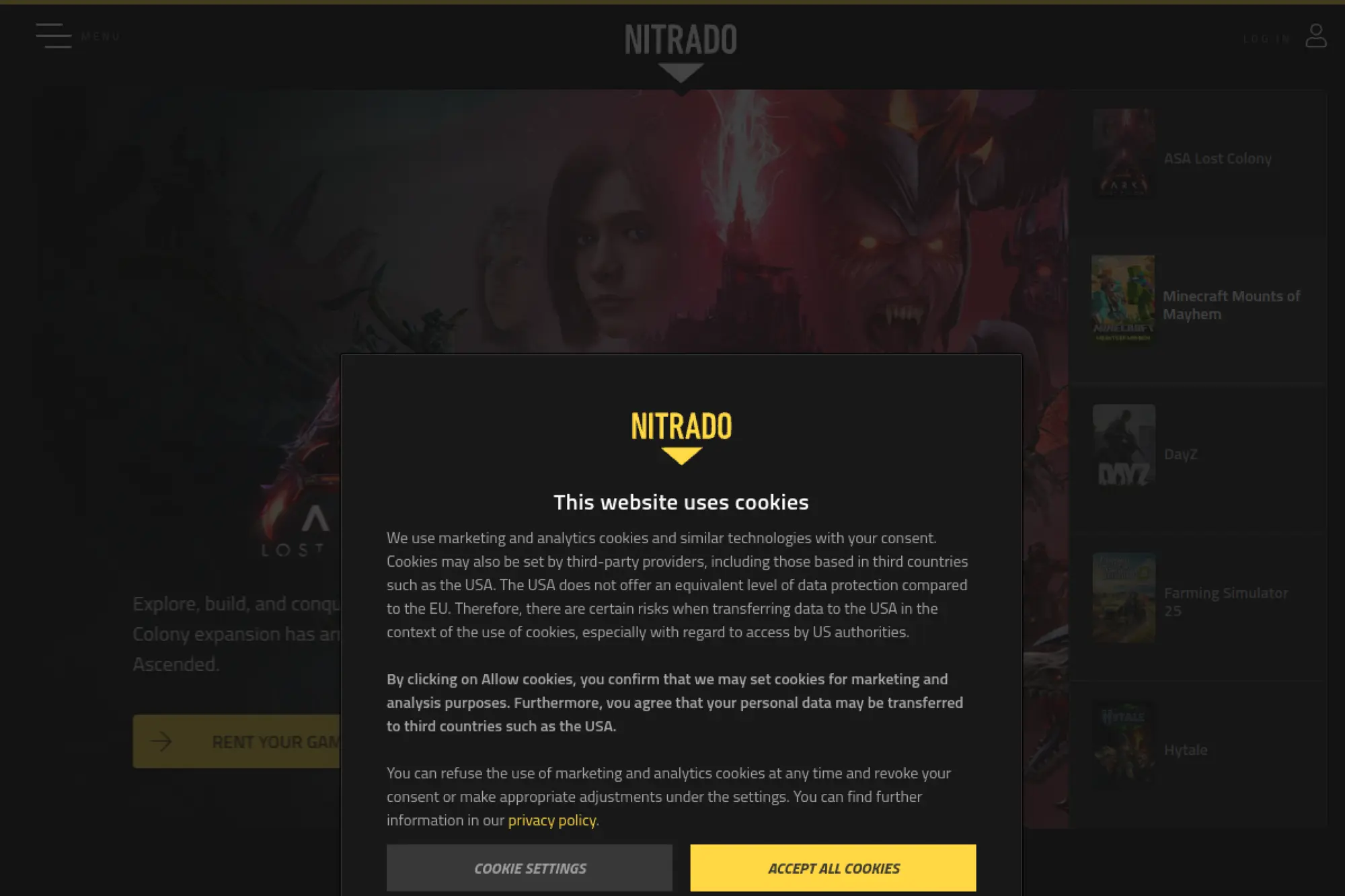
Nitrado is a long-running game server host with an operations and support team tuned for gamers, not general IT. The product is built around quick setup and fast plan changes.
Outcome: rent a game server that’s online fast, with minimal admin overhead.
Best for: friend groups; console-first communities needing simple controls.
- Configurable RAM/slots → right-size quickly when your player count spikes.
- Hosted game switching and installs → save 20–30 minutes per new game setup.
- Guided control panel → time-to-first-value is often 10–20 minutes.
Pricing & limits: From $6.59 for 30 days on a 4-slot Minecraft offer; no trial servers; refunds are limited to the first 14 days and only under specific conditions; caps are defined by slots and RAM ranges you select.
Honest drawbacks: Deep customization still hits limits versus a full VPS. Also, refund eligibility has rules that can catch you after plan modifications.
Verdict: If you want “set it and play,” this helps you go live in minutes, not hours. Beats most VPS providers on ease; trails Pterodactyl on customization.
Score: 3.7/5
5. GGServers
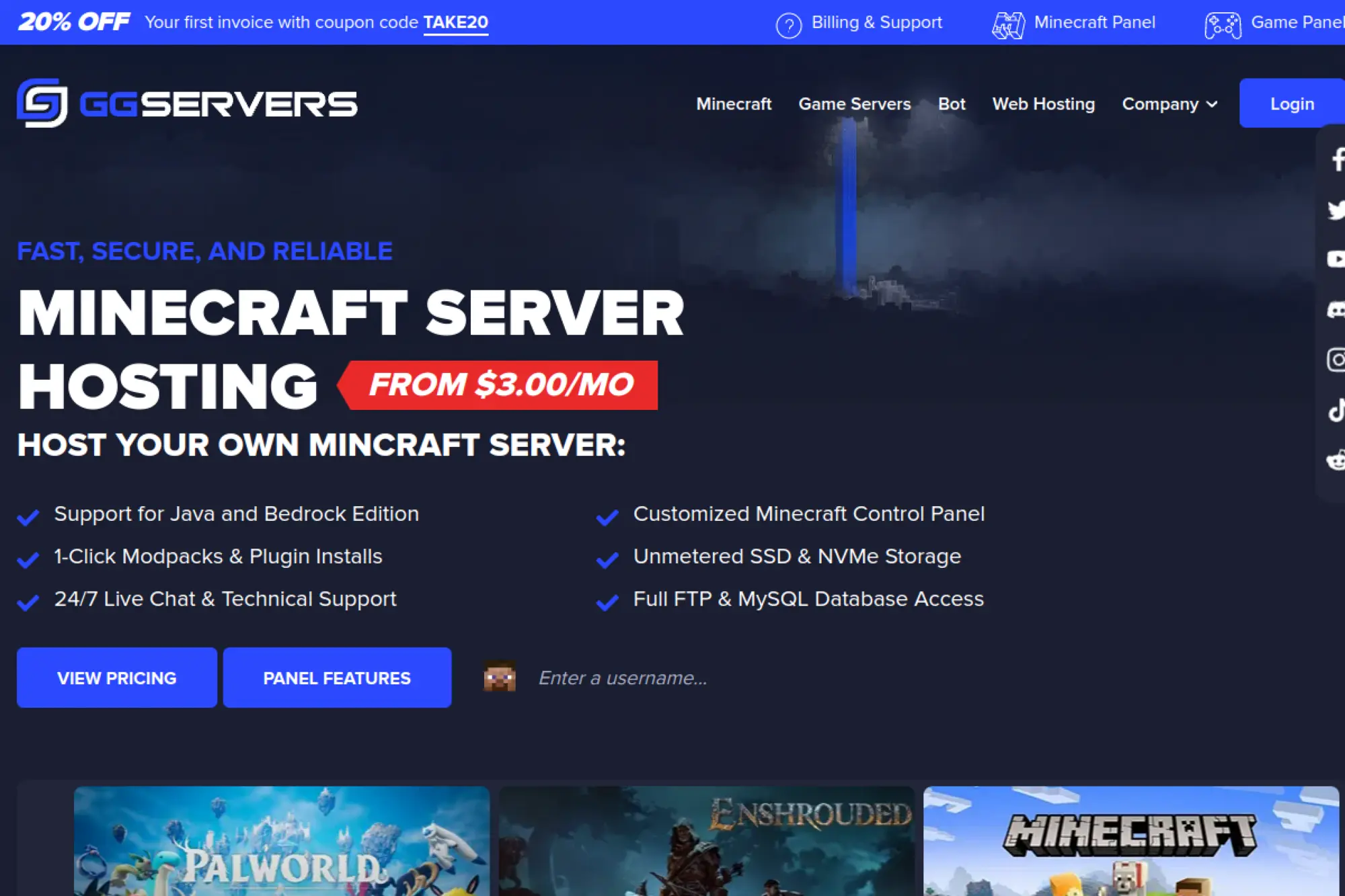
GGServers is a game hosting provider with a support operation oriented around Minecraft and popular multiplayer titles. The offering leans into entry affordability and quick upgrades.
Outcome: get a Minecraft server running cheaply, then scale as the world grows.
Best for: new community owners; budget-focused modpack testers.
- Low-cost starter plans → start small and avoid paying for unused headroom.
- One-click modpacks and installs → save 15–25 minutes per modded setup session.
- Familiar panels and workflow → time-to-first-value is roughly 10–30 minutes.
Pricing & limits: From $3.00/mo for Minecraft hosting; 24-hour money-back guarantee for new clients’ first Minecraft order; caps are tied to plan RAM tiers and the provider’s resource allocations.
Honest drawbacks: Very low tiers can feel cramped once plugins and view distance rise. Also, the refund window is short, so test quickly and decisively.
Verdict: If you want a low-risk launch, this helps you open your server the same day. Beats many premium hosts on entry price; trails Apex on polished “managed” guidance.
Score: 3.5/5
6. Host Havoc
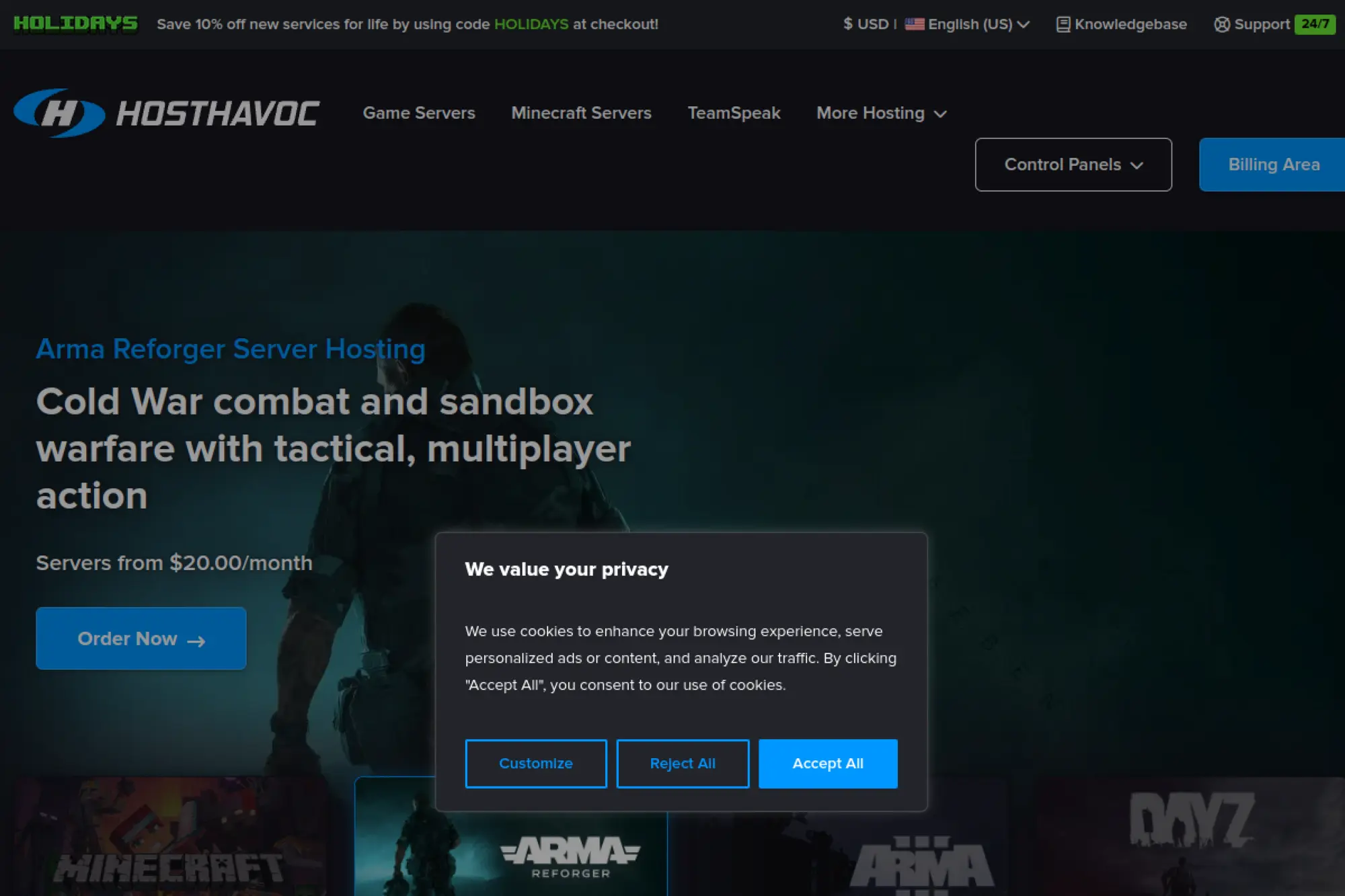
Host Havoc is a game server host with a focused team and a reputation for performance-first plans. It’s built for people who want strong hardware and straightforward management.
Outcome: run a lag-resistant server that stays stable under real player load.
Best for: modded Minecraft admins; communities that value support speed.
- Plan guidance by play style → pick a tier that fits vanilla versus modded needs.
- Workshop and mod tooling in-panel → save 10–20 minutes per mod update cycle.
- Clean purchase-to-panel flow → time-to-first-value is often 15–30 minutes.
Pricing & limits: From $3.75/mo for a 1GB Minecraft plan shown on the order flow; 72-hour money-back guarantee for new clients’ first hosting order; caps map to plan RAM and any per-game slot pricing.
Honest drawbacks: “No budget plans” can mean you pay more than ultra-cheap hosts. Also, some longer billing terms may not be refundable per policy language.
Verdict: If you want performance with real support, this helps you stabilize a community server in a weekend. Beats bargain hosts on consistency; trails self-hosting on total control.
Score: 3.8/5
7. ShockByte
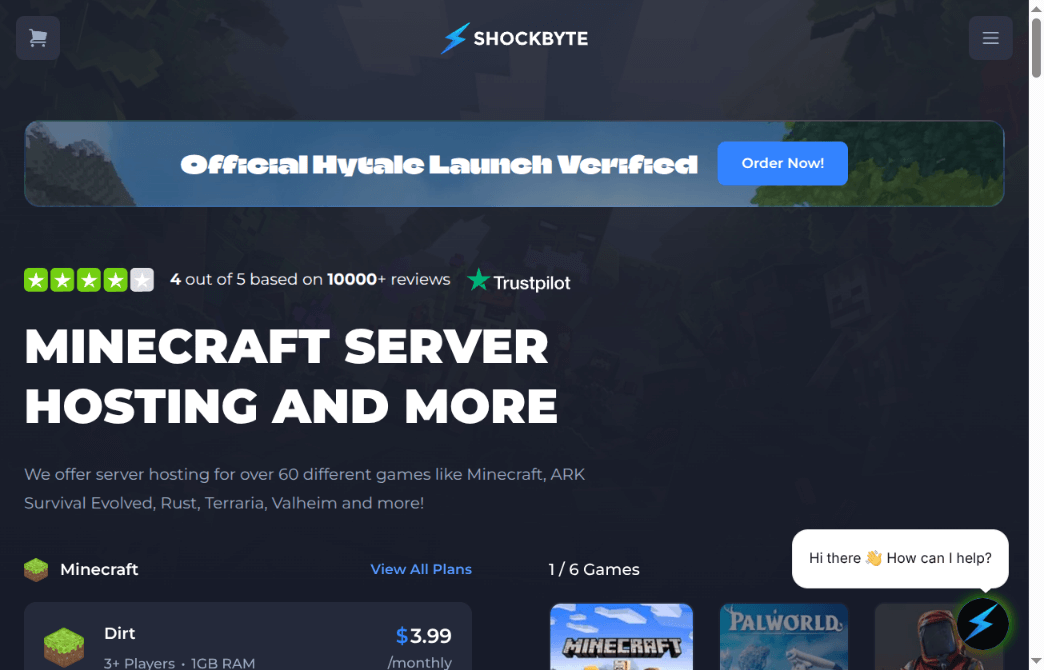
ShockByte is a multi-game server hosting company with a sizable operational footprint and support content library. The product aims for instant setup and broad game coverage.
Outcome: stand up a hosted server fast, then manage it without touching SSH.
Best for: first-time server owners; streamers launching short-lived community events.
- Instant provisioning → get from payment to joinable server with minimal waiting.
- Self-serve refund automation → save 10 minutes versus support-ticket back-and-forth.
- Simple plan ladder → time-to-first-value is about 10–25 minutes.
Pricing & limits: From $2.99/mo for Minecraft plans; 72-hour self-serve refund eligibility for qualifying purchases; caps commonly track RAM per plan and add-ons like dedicated IP.
Honest drawbacks: The cheapest tiers can bottleneck fast with modpacks. Also, support experiences can vary when queues spike.
Verdict: If you want speed and a familiar host workflow, this helps you open doors within an hour. Beats many panels on fast starts; trails Hostinger on deeper server-level control.
Score: 3.7/5
8. ScalaHosting

ScalaHosting is a hosting provider with a managed-services team and a strong focus on VPS operations. For game hosting, the appeal is “VPS control with less babysitting.”
Outcome: run game servers on a managed VPS, without living in sysadmin mode.
Best for: small studios; community admins who want help with server upkeep.
- Managed VPS posture → spend more time tuning gameplay, not patching kernels.
- SPanel and security tooling → save 30–60 minutes per month on routine maintenance.
- Migration-friendly onboarding → time-to-first-value is typically 1–3 hours.
Pricing & limits: From $9.95/mo for managed VPS plan examples; anytime money-back guarantee offers full refund within 30 days, then partial refunds for unused time; caps follow your chosen CPU/RAM/storage bundle.
Honest drawbacks: You still need game-specific knowledge, even with management help. Also, plan language can be web-hosting flavored, not game-hosting native.
Verdict: If you want VPS freedom with a safety net, this helps you get stable within a weekend. Beats raw VPS providers on support; trails Nitrado on game-first UX.
Score: 3.7/5
9. InMotion Hosting
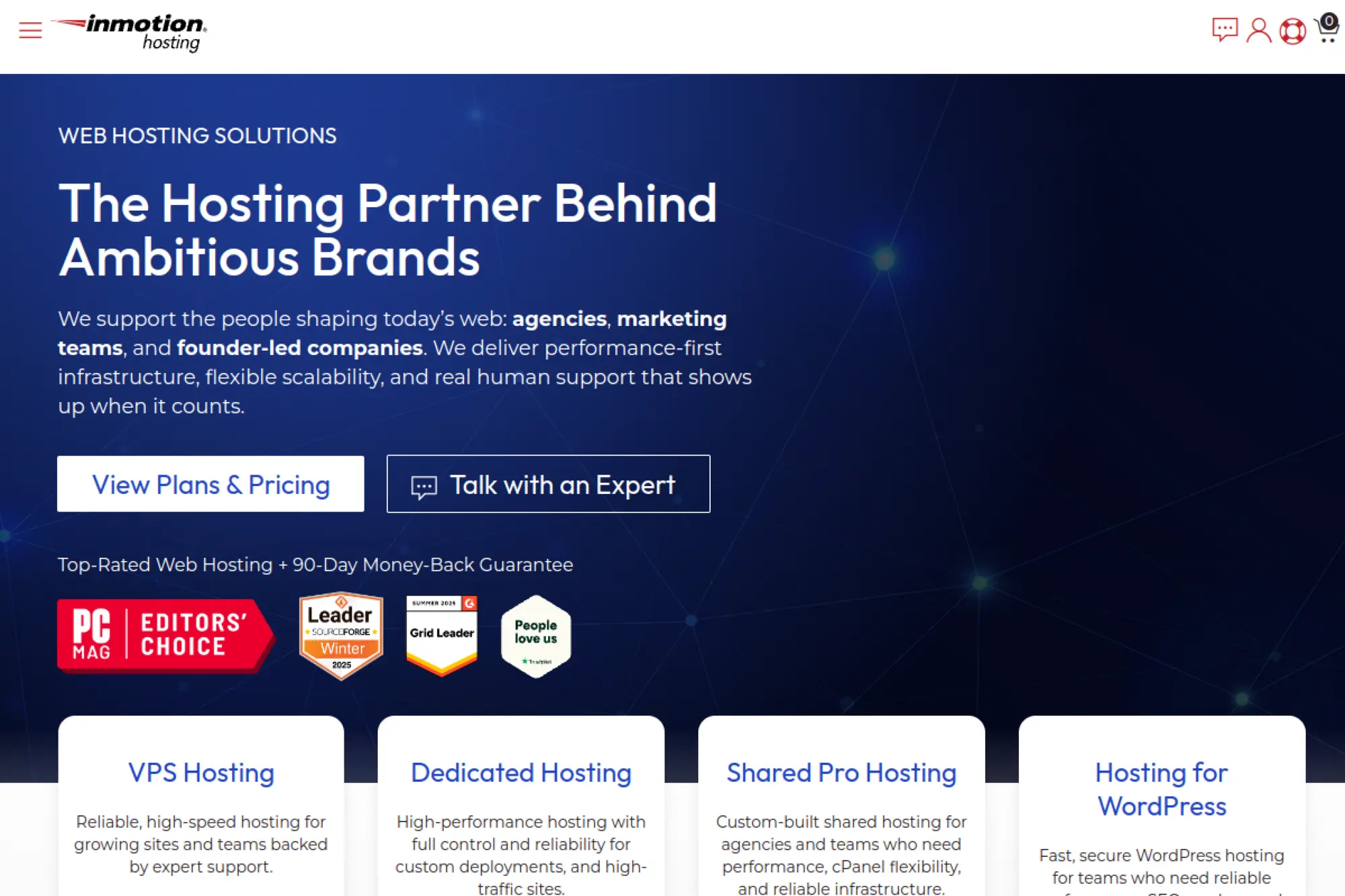
InMotion Hosting is an established hosting provider with a broad service catalog and a support organization built for business uptime. Their VPS line is the relevant base for game hosting.
Outcome: host game servers on a managed VPS that doesn’t feel fragile.
Best for: SMB teams; admins who want managed help but still need root-like capability.
- Entry VPS tier with real resources → avoid “toy server” limits when players arrive.
- Managed onboarding options → save 30–60 minutes on initial hardening steps.
- Traditional hosting UX → time-to-first-value is about 1–2 hours.
Pricing & limits: From $4.49/mo for a 2 vCPU VPS announcement; trial is a money-back window that can be 90 days on many plans, with exceptions for monthly-billed VPS; caps depend on plan resources like RAM, storage, and bandwidth.
Honest drawbacks: It’s not a game-native panel, so you’ll bring your own tooling. Also, plan fine print matters, especially around billing cadence and refunds.
Verdict: If you want a “serious” VPS foundation, this helps you be production-ready in a weekend. Beats ultra-budget VPS deals on support; trails Vultr on rapid iteration.
Score: 3.6/5
10. Apex Hosting
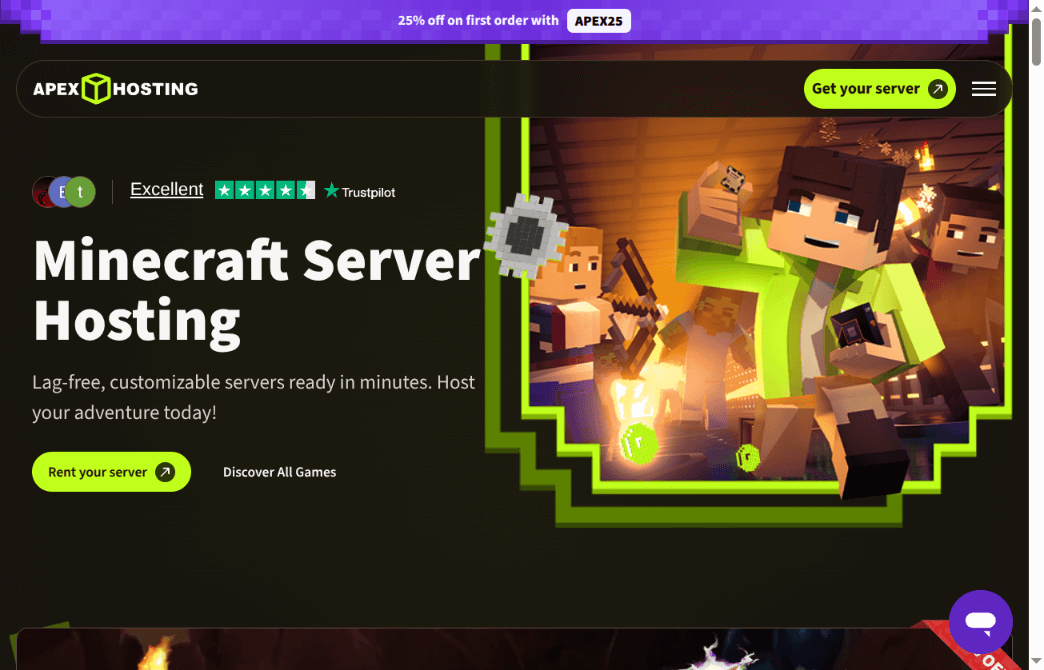
Apex Hosting is a dedicated Minecraft hosting provider with a team optimized for Minecraft workflows. The focus is guided setup, modpack support, and smooth day-two operations.
Outcome: run a Minecraft server that’s easy to manage and hard to break.
Best for: creators running public servers; admins who want support that speaks Minecraft.
- One-click modpacks and game switching → get from idea to playable build in under 10 minutes.
- Included transfer tooling → save 30–60 minutes when migrating worlds and configs.
- Polished control panel → time-to-first-value is usually 10–20 minutes.
Pricing & limits: From $14.99/mo recurring for a 4GB RAM plan; trial is a 7-day money-back guarantee; caps are mainly RAM-based, while player slots are positioned as unlimited.
Honest drawbacks: Pricing rises quickly once you need heavy modpacks or multiple instances. Also, you trade away OS-level control compared to a VPS.
Verdict: If you want a Minecraft-first hosting experience, this helps you deliver a polished server in an afternoon. Beats ScalaCube on support polish; trails Hostinger on total infrastructure control.
Score: 3.8/5
11. BisectHosting
BisectHosting operates as a game hosting provider with a strong support identity and a broad catalog. Their VPS offering is the closest match to “cloud server for game hosting” in a pure sense.
Outcome: host custom game stacks with support nearby, without paying hyperscaler rates.
Best for: modded-server operators; SMB teams hosting bots plus game services together.
- Unmanaged VPS baseline → run panels, bots, and databases on one box.
- 24/7/365 support positioning → save 30–90 minutes when troubleshooting hits a wall.
- Simple configuration flow → time-to-first-value is about 45–120 minutes.
Pricing & limits: From $4/month for VPS hosting; trial is not advertised as a fixed-length free trial; caps depend on your chosen configuration and the provider’s resource allocation.
Honest drawbacks: “Unmanaged” means you still own security updates and monitoring. Also, game-native convenience can be better on dedicated game hosts.
Verdict: If you want one server for many moving parts, this helps you consolidate infrastructure within a weekend. Beats many game-only hosts on flexibility; trails AWS on ecosystem breadth.
Score: 3.9/5
12. ScalaCube
ScalaCube is a game server hosting provider with a product team centered on Minecraft onboarding. The pitch is fast setup, broad modpack support, and low entry pricing.
Outcome: start a Minecraft server quickly, even if you’re not technical.
Best for: casual groups; first-time hosts trying modpacks without drama.
- One-click setup paths → get a server online without learning Linux first.
- Large modpack ecosystem → save 20–40 minutes versus manual mod installs.
- Beginner-friendly panel → time-to-first-value is commonly under 30 minutes.
Pricing & limits: From $2/month for plans as advertised; no fixed free trial is positioned; caps are tied to plan RAM and player slot limits, which scale by tier.
Honest drawbacks: Support coverage can be more limited than premium-first hosts. Also, ultra-low plans can feel tight once you stack mods and plugins.
Verdict: If you want “cheap and fast,” this helps you launch a playable server the same day. Beats many hosts on entry cost; trails Apex on premium support depth.
Score: 3.5/5
13. Pterodactyl
Pterodactyl is a community-driven, open-source game server panel built by a long-running maintainer group. The design centers on container isolation and multi-game control at scale.
Outcome: run many game servers cleanly, with a real panel and Docker isolation.
Best for: hosting providers; advanced home lab admins managing many instances.
- Containerized server model → isolate games and reduce “one crash ruins all” risk.
- API-friendly operations → save 5–10 minutes per provisioning workflow through automation.
- Mature docs and community patterns → time-to-first-value is 2–6 hours, depending on experience.
Pricing & limits: From $0/mo for the panel itself; no trial needed; caps are your hardware limits plus Docker and node architecture choices.
Honest drawbacks: Installation is not beginner-simple, especially with nodes, wings, and reverse proxies. Also, you own updates and security posture end-to-end.
Verdict: If you want a serious multi-server platform, this helps you standardize hosting within a weekend. Beats most paid panels on cost; trails AMP on “paid support” certainty.
Score: 4.0/5
14. Pelican Panel
Pelican is an open-source game server control panel built by a community team with an explicit security posture. It positions itself as free, modern, and Docker-based.
Outcome: manage game servers with a modern UI and safer isolation defaults.
Best for: small communities that self-host; builders who want a fresher panel UX.
- Security-forward panel approach → reduce risky defaults during early deployment.
- Docker-based isolation → save 20–30 minutes when debugging dependency conflicts.
- Modern interface and docs → time-to-first-value is 2–5 hours for experienced admins.
Pricing & limits: From $0/mo for self-hosted usage; no trial required; caps are defined by your node resources and your container strategy.
Honest drawbacks: The ecosystem is newer, so some “battle-tested” guides are thinner. Also, long-term enterprise support options are less standardized than paid tools.
Verdict: If you want a modern open panel, this helps you run cleaner instances within a weekend. Beats older panels on fresh UX; trails Pterodactyl on sheer community maturity.
Score: 3.9/5
15. CubeCoders AMP
AMP is a commercial game server management platform from a focused vendor team. It’s built for admins who want a unified panel without assembling an open-source stack.
Outcome: manage multiple game servers from one panel, with fewer DIY sharp edges.
Best for: semi-pro community operators; small hosting businesses needing predictable tooling.
- Unified instance management → run many servers without maintaining multiple panels.
- Controller-style orchestration options → save 10–20 minutes per scaling or cloning action.
- Paid-product onboarding → time-to-first-value is 1–3 hours for most admins.
Pricing & limits: From $0/mo after purchase (self-hosted); Standard Edition is described at about $10 with a 5-instance limit; no free trial is required for the software to run, but licensing governs limits.
Honest drawbacks: Licensing can feel constraining if you scale fast. Also, you’re buying into a vendor roadmap rather than pure community direction.
Verdict: If you want a paid panel with clear limits, this helps you standardize operations in a weekend. Beats most open-source panels on plug-and-play; trails Pterodactyl on cost scaling.
Score: 3.8/5
16. PufferPanel
PufferPanel is a player-built, open-source game server management system with a long-lived community. It aims to stay simple while supporting multiple game types.
Outcome: run a lightweight panel that keeps basic game hosting organized.
Best for: home lab hosts; small networks that want a free, simpler panel.
- Single-binary style architecture → reduce moving parts during deployment and upgrades.
- Template-based setups → save 10–20 minutes per new server configuration.
- Minimal UI overhead → time-to-first-value is around 1–4 hours, depending on OS comfort.
Pricing & limits: From $0/mo; no trial required; caps are your server resources and whatever templates you maintain.
Honest drawbacks: You may outgrow it if you need provider-grade multi-node controls. Also, advanced billing and client portals are not native to the core project.
Verdict: If you want a free, lighter control plane, this helps you host cleanly within a day. Beats raw SSH on usability; trails AMP on commercial-grade workflow depth.
Score: 3.6/5
17. Docker
Docker is built by a commercial team that also stewards a large developer ecosystem. For game hosting, containers can turn “works on my machine” into repeatable deployments.
Outcome: package game servers and dependencies so redeploys stop being scary.
Best for: DevOps-minded admins; studios shipping dedicated servers alongside CI.
- Containerized deployments → rollback faster when an update breaks a server.
- Compose-driven automation → save 10–30 minutes per rebuild using reusable configs.
- Huge docs and community → time-to-first-value is 30–90 minutes for basics.
Pricing & limits: From $0/mo on Docker Personal; paid plans start at $11 per user/month on monthly billing; usage caps include pull limits and plan-based cloud minutes.
Honest drawbacks: Containers don’t remove ops work; they move it into images and orchestration. Also, game anti-cheat or kernel needs can complicate container choices.
Verdict: If you want repeatable infrastructure, this helps you redeploy confidently in hours, not days. Beats “manual installs” on consistency; trails managed hosts on beginner friendliness.
Score: 4.2/5
18. Proxmox
Proxmox is produced by a vendor team that supports an open virtualization stack. It’s widely used for running VMs and containers on your own hardware.
Outcome: build your own “private cloud” for game hosting on a single box or cluster.
Best for: homelab builders; studios consolidating multiple services on-prem.
- VMs plus containers in one UI → isolate workloads without buying separate tooling.
- Snapshot-friendly ops → save 15–30 minutes when rolling back failed updates.
- Admin console design → time-to-first-value is often 2–6 hours for a clean host.
Pricing & limits: From $0/mo to use the platform; optional subscriptions start at €115/year per CPU socket; no free trial needed; caps are your hardware and storage design.
Honest drawbacks: You must supply and maintain hardware, networking, and backups. Also, clustering and storage choices can be complex for beginners.
Verdict: If you want ownership and control, this helps you run many servers from one platform within a weekend. Beats renting on long-term cost; trails cloud providers on instant scaling.
Score: 3.8/5
19. BuiltByBit
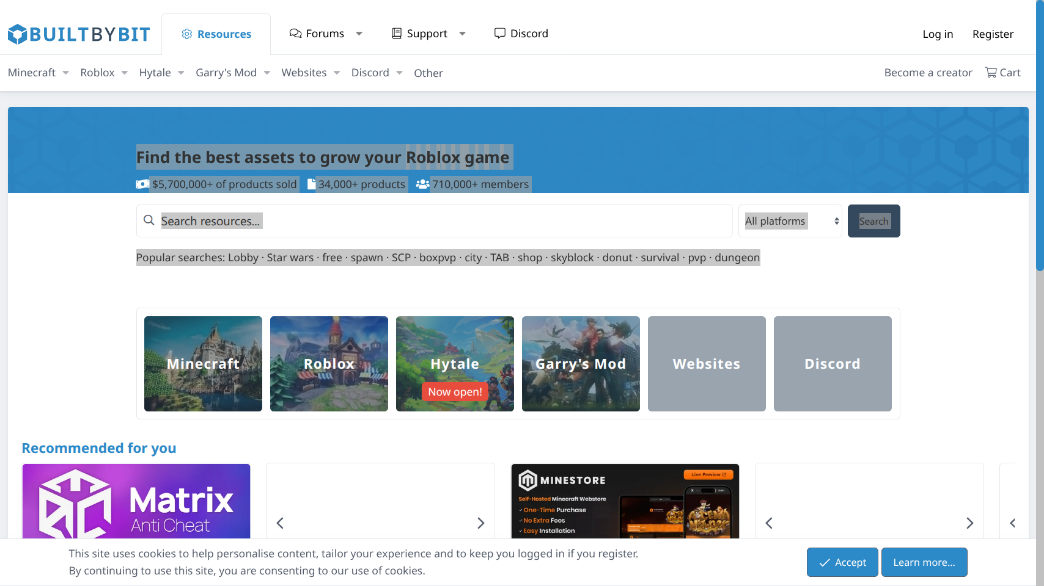
BuiltByBit is a marketplace and community hub for game server owners and creators. It’s not hosting, but it’s a real part of the “hosting stack” when you need plugins and expertise.
Outcome: source server assets and services faster than building everything yourself.
Best for: Minecraft network owners; plugin buyers who want a central marketplace.
- Resource marketplace → get production-ready plugins faster than custom development.
- Ads and promotion tooling → save hours versus manual forum outreach.
- Account upgrades and perks → time-to-first-value is immediate after signup.
Pricing & limits: From $0/mo to join; Ultimate subscriptions have been priced at $10/month in official announcements; no trial period is required; caps depend on marketplace rules and account tier perks.
Honest drawbacks: Marketplace quality varies, so vet sellers and update history carefully. Also, community moderation and support expectations can differ from SaaS-style support.
Verdict: If you need to buy time, this helps you ship features in days instead of weeks. Beats random Discord shopping on discoverability; trails “in-house dev” on control.
Score: 3.3/5
20. Steam Workshop
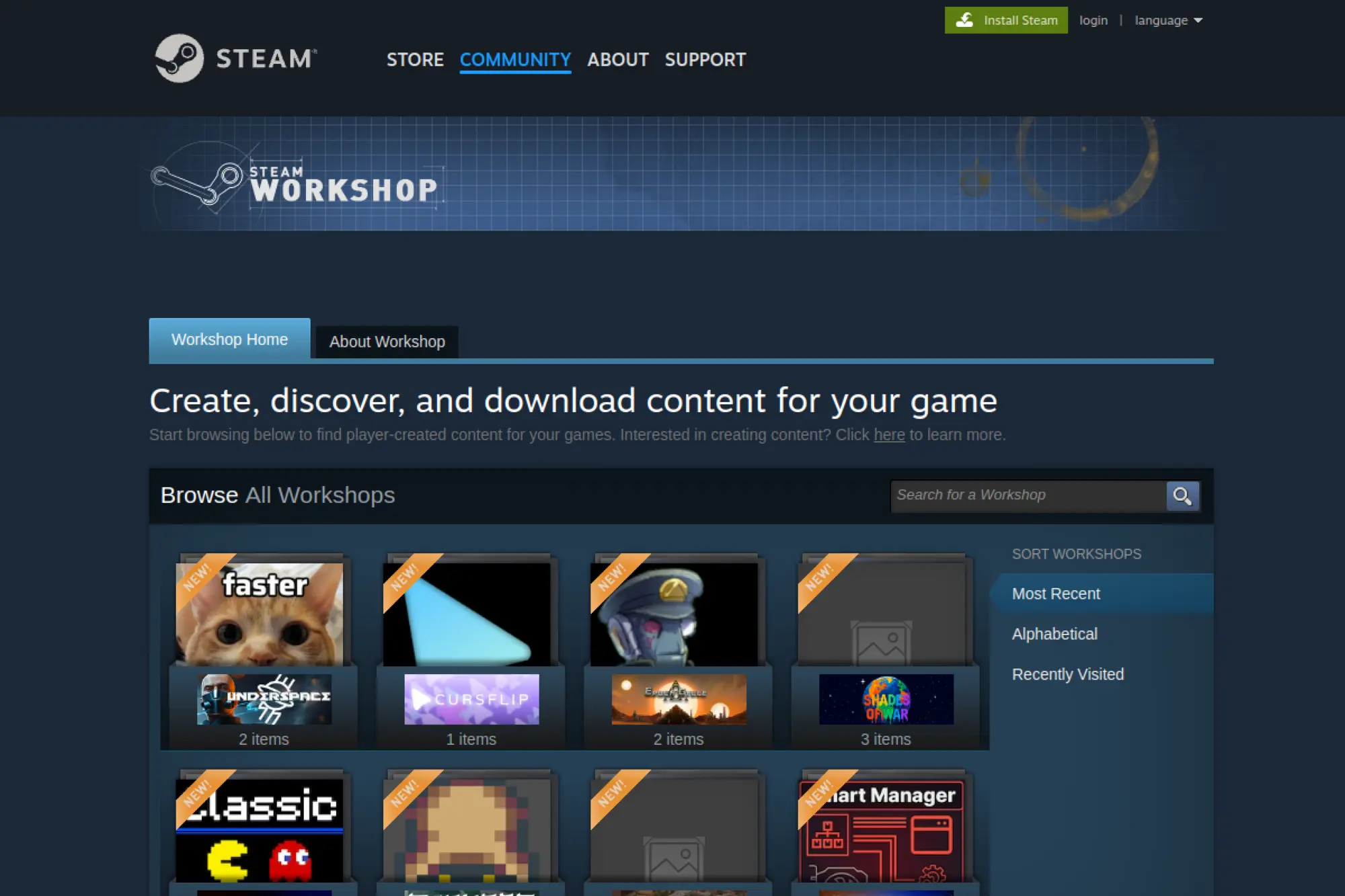
Steam Workshop is part of Valve’s platform ecosystem, supported by large-scale infrastructure teams. It’s a distribution layer for mods and user content, not a server host.
Outcome: keep mod installs and updates painless for players and admins.
Best for: mod-heavy communities; admins running Workshop-friendly games.
- Subscribe-to-install flow → reduce player setup friction and support tickets.
- Automatic update delivery → save 10–30 minutes per patch cycle versus manual uploads.
- Familiar UX for players → time-to-first-value is minutes for most subscribers.
Pricing & limits: From $0/mo to use; no trial required; caps vary by game, mod size rules, and publisher constraints.
Honest drawbacks: Not every game supports Workshop cleanly on dedicated servers. Also, you rely on platform availability and publisher policy changes.
Verdict: If you run Workshop-enabled games, this helps you keep content synced in an afternoon. Beats manual mod hosting on convenience; trails custom pipelines on fine-grained control.
Score: 3.7/5
21. Discord
Discord is a communication platform with large engineering and trust teams. For game hosting, it becomes your support desk, status page, and community living room.
Outcome: reduce player churn by keeping support, updates, and events in one place.
Best for: community managers; server owners who need fast announcements and triage.
- Channels and roles → route support and moderation without building your own portal.
- Webhooks and bot ecosystem → save 15–30 minutes per incident with automated alerts.
- Low learning curve for players → time-to-first-value is under 10 minutes.
Pricing & limits: From $0/mo; Nitro is $9.99/month in the US and Nitro Basic is $2.99/month; no trial is required for core use; caps on free plans include smaller upload limits and fewer premium perks.
Honest drawbacks: It’s not infrastructure, so it won’t fix server lag by itself. Also, moderation workload grows faster than you expect once you succeed.
Verdict: If you want fewer “where is the server IP” messages, this helps you organize community ops within a day. Beats forums on real-time support; trails purpose-built ticketing on workflow rigor.
Score: 4.0/5
22. AWS EC2
AWS EC2 is operated by massive infrastructure and security teams. For game hosting, it’s the “choose anything, build anything” compute layer with deep knobs.
Outcome: scale game servers globally, with enterprise-grade primitives.
Best for: studios with DevOps; scaling communities needing multi-region strategy.
- Huge instance catalog → match CPU, RAM, and network to each game’s profile.
- Autoscaling and automation ecosystem → save hours per week once fleets are scripted.
- Console plus IaC workflows → time-to-first-value is 30–120 minutes for one instance.
Pricing & limits: From $7.59/mo for an on-demand t3.micro estimate in us-east-1; no fixed trial length for EC2 itself; caps are quota-based (vCPU limits, region limits, and account policies).
Honest drawbacks: The learning curve is steep, and surprise bills happen without guardrails. Also, many “simple” goals require stitching multiple AWS services together.
Verdict: If you need global scale, this helps you expand capacity within days once automated. Beats most providers on breadth; trails Vultr on day-one simplicity.
Score: 4.1/5
23. Debian
Debian is a community-run Linux distribution maintained by a large volunteer ecosystem. It’s a quiet backbone for servers where stability matters more than novelty.
Outcome: run game servers on a stable OS with a deep package ecosystem.
Best for: sysadmins who want predictable updates; hosting providers standardizing images.
- Conservative stability posture → reduce update-caused outages and weird regressions.
- Massive package repos → save 15–30 minutes per setup when dependencies are packaged.
- Familiar server defaults → time-to-first-value is 30–90 minutes for base hardening.
Pricing & limits: From $0/mo; no trial required; caps are hardware and your chosen repository policy, plus your security update cadence.
Honest drawbacks: “Stable” can mean older packages, which may frustrate bleeding-edge needs. Also, you’ll still need to tune kernel, I/O, and firewalling for game workloads.
Verdict: If you want a reliable base OS, this helps you stay boring in the best way within a day. Beats Windows Server on licensing cost; trails Windows Server on some game tool compatibility.
Score: 3.7/5
24. Windows Server

Windows Server is produced by Microsoft’s large platform and security teams. For game hosting, it matters when your server software expects Windows-native tooling.
Outcome: run Windows-only dedicated servers without fighting compatibility wars.
Best for: admins hosting Windows-only games; studios needing Active Directory-aligned ops.
- Windows-native compatibility → avoid porting pain for Windows-first dedicated servers.
- PowerShell automation → save 10–20 minutes per repeatable maintenance task.
- Familiar admin UX for Windows shops → time-to-first-value is 1–3 hours.
Pricing & limits: From $0/mo for an evaluation download; evaluation period is commonly 180 days; caps include evaluation time limits and licensing needs for production use.
Honest drawbacks: Licensing and activation complexity can be a real friction point. Also, resource overhead may be higher than a lean Linux host for the same workload.
Verdict: If your server stack is Windows-first, this helps you go live in a weekend with fewer surprises. Beats Linux on Windows-only compatibility; trails Debian on resource efficiency.
Score: 3.7/5
25. Batocera
Batocera is a community-led retro gaming OS built by a passionate volunteer team. It’s not cloud hosting, but it’s useful for local event builds and dedicated machines.
Outcome: turn spare hardware into a stable retro gaming box fast.
Best for: LAN event organizers; arcade builders who want a ready-to-boot stack.
- Console-style boot experience → reduce setup friction for event or kiosk machines.
- Pre-integrated emulator stack → save hours versus assembling emulators manually.
- Appliance-like UX → time-to-first-value is 30–90 minutes on supported hardware.
Pricing & limits: From $0/mo; no trial required; caps are hardware compatibility, storage size, and the licensing limits of bundled upstream projects.
Honest drawbacks: It’s not designed for cloud deployment or multi-tenant hosting. Also, emulator legality depends on your ROM and BIOS sourcing.
Verdict: If you want a plug-in-and-play retro rig, this helps you be event-ready in one evening. Beats DIY Linux builds on speed; trails custom distros on deep customization.
Score: 3.4/5
26. RetroBat
RetroBat is maintained by an enthusiast team focused on a Windows-based retro front end. It’s positioned as free and open source, with broad system support.
Outcome: centralize emulators on Windows without building a fragile stack.
Best for: Windows arcade builders; streamers running multi-system retro setups.
- Windows-first packaging → avoid Linux learning curves when you just want to play.
- Unified front-end approach → save 1–3 hours versus hand-assembling emulators and UI.
- Installer-driven setup → time-to-first-value is often 30–120 minutes.
Pricing & limits: From $0/mo; no trial required; caps are Windows environment constraints, storage, and upstream emulator licensing rules.
Honest drawbacks: It’s not a cloud server tool, so it won’t help with public multiplayer hosting. Also, Windows updates and driver quirks can still disrupt “appliance” vibes.
Verdict: If you want a Windows-friendly retro hub, this helps you get organized in a night. Beats raw RetroArch sprawl on structure; trails Batocera on “boot-and-go” simplicity.
Score: 3.4/5
27. MySQL
MySQL is stewarded by Oracle with a huge global user community. In game hosting, databases become the truth layer for accounts, economies, and telemetry.
Outcome: store player data reliably, so restarts don’t erase progress.
Best for: game networks with plugins; admins running web dashboards and player stats.
- Battle-tested relational engine → keep economies and permissions consistent across servers.
- Connector ecosystem → save hours by using standard drivers instead of custom storage.
- Widely documented ops patterns → time-to-first-value is about 30–90 minutes.
Pricing & limits: From $0/mo with MySQL Community Edition; no trial required; caps are your CPU, RAM, storage, and replication design, plus your backup strategy.
Honest drawbacks: Poor schema choices will punish you later with slow queries. Also, HA and backups are not “free,” even if the software is.
Verdict: If you need durable player data, this helps you stabilize persistence within a day. Beats flat-file storage on reliability; trails managed databases on zero-maintenance ease.
Score: 3.9/5
28. Grafana
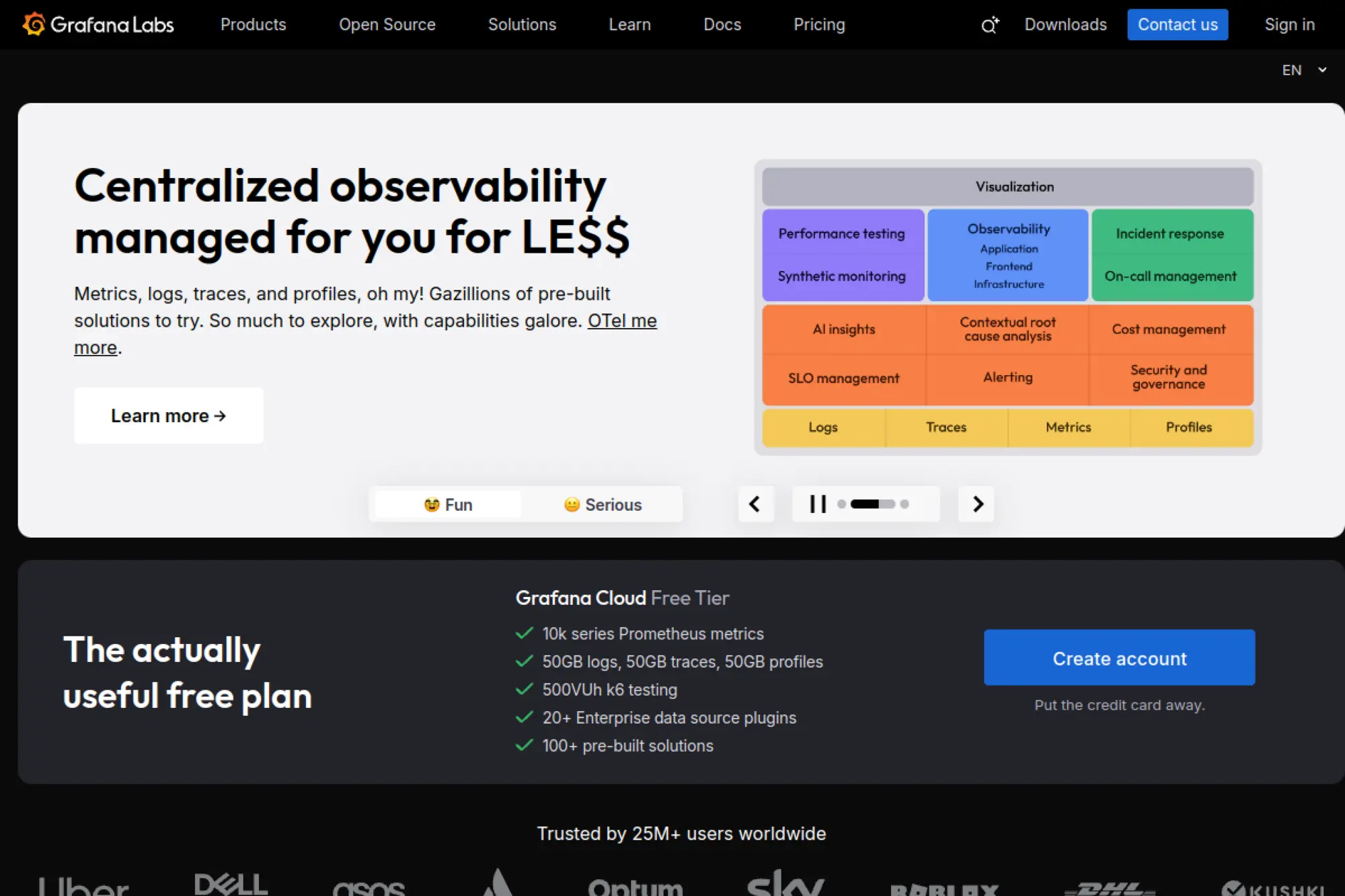
Grafana Labs builds Grafana with a commercial team and a large open-source community. For game hosting, it’s the visibility layer that turns “lag complaints” into evidence.
Outcome: spot performance issues early, before your Discord fills with smoke.
Best for: ops-minded communities; studios running multiple services and needing dashboards.
- Dashboards and alerting patterns → catch CPU spikes and memory leaks before downtime.
- Multi-source integrations → save 20–40 minutes by centralizing metrics and logs views.
- Fast onboarding via templates → time-to-first-value is 30–120 minutes with existing metrics.
Pricing & limits: From $0/mo on Grafana Cloud Free; Pro starts at $19/month plus usage; Free tier includes limited usage and 14-day retention for key data types.
Honest drawbacks: Grafana doesn’t collect data by itself, so you still need exporters and pipelines. Also, alert noise happens fast without thoughtful thresholds.
Verdict: If you want fewer blind spots, this helps you build actionable monitoring in an afternoon. Beats ad-hoc logs on clarity; trails managed APM on turnkey tracing.
Score: 4.2/5
29. Apache Kafka
Apache Kafka is an open-source project governed by the Apache community. It’s the backbone tool when game infrastructure needs real-time event pipelines.
Outcome: move events reliably between services, without brittle point-to-point glue.
Best for: studios with microservices; large networks ingesting logs, telemetry, and events.
- Event streaming backbone → keep matchmaking, stats, and anti-cheat feeds decoupled.
- Ecosystem connectors → save days by reusing existing sink and source patterns.
- Well-known operational playbooks → time-to-first-value is 1–2 days for a minimal cluster.
Pricing & limits: From $0/mo for the software; no trial required; caps are hardware, storage throughput, and the operational maturity to run clusters well.
Honest drawbacks: Kafka is powerful, but it’s not light. Also, misconfigured retention and partitions can eat disks and budgets fast.
Verdict: If you need scalable event flow, this helps you unlock real-time pipelines in days. Beats ad-hoc queues on durability; trails managed Kafka services on ease.
Score: 3.9/5
30. Bitcatcha Server Speed Checker
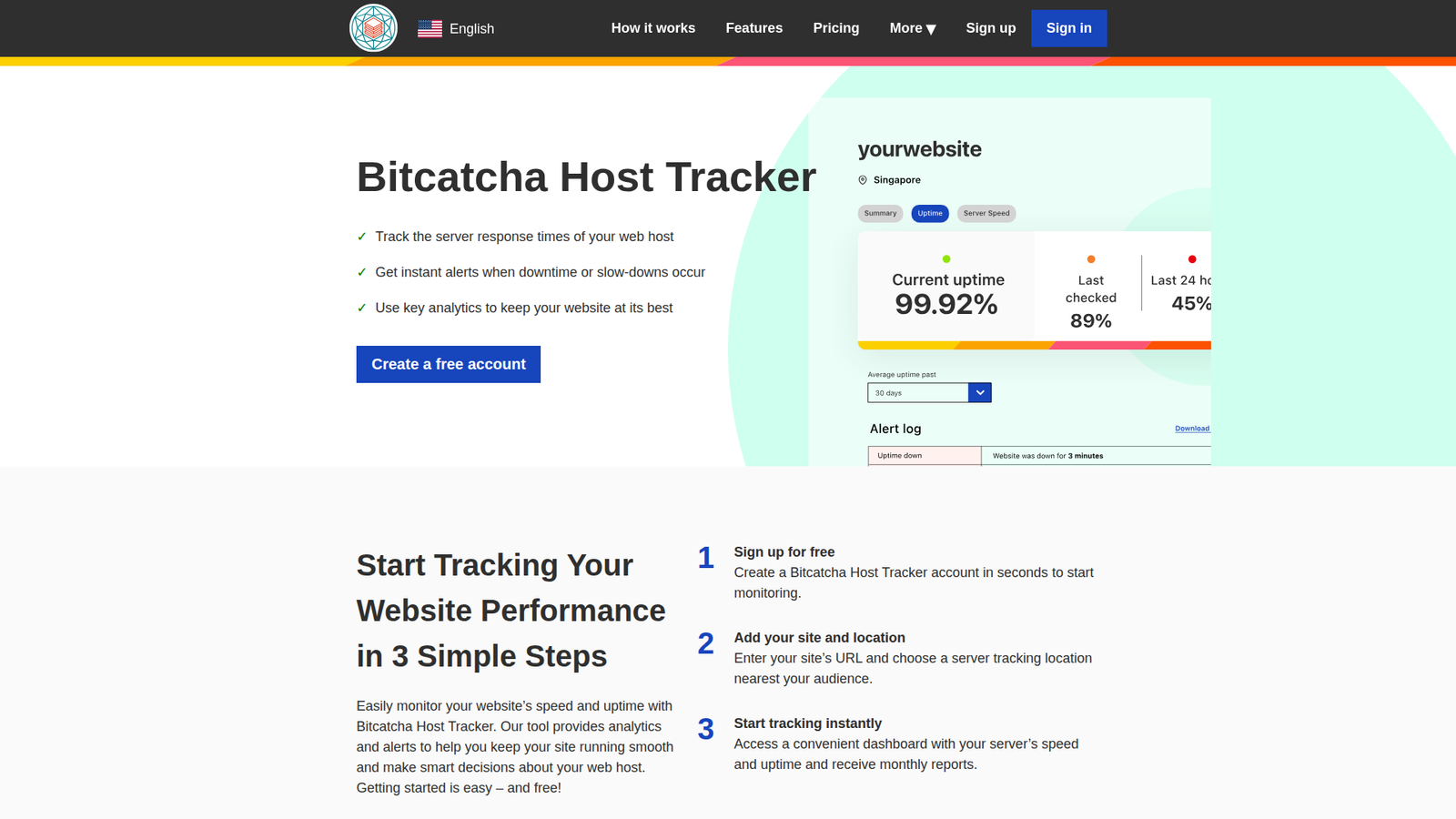
Bitcatcha is built by a web performance-focused team that publishes testing tools for response time and uptime. The Server Speed Checker is a quick diagnostic, not a host.
Outcome: validate server response time fast, before you blame the wrong thing.
Best for: server shoppers; admins troubleshooting “lag” reports and latency claims.
- Instant response-time test flow → identify slow regions before migrating a server.
- Permanent result URLs → save 5–10 minutes per report when sharing findings with teams.
- No-account usage → time-to-first-value is under 2 minutes.
Pricing & limits: From $0/mo for the Server Speed Checker; no trial required; caps include no bulk testing for multiple URLs through the checker tool.
Honest drawbacks: It won’t measure in-game tick rate or CPU contention. Also, a fast response time doesn’t guarantee good gameplay performance.
Verdict: If you want a quick sanity check, this helps you validate host latency in minutes. Beats manual ping tests on convenience; trails full monitoring stacks on depth.
Score: 3.5/5
How to Choose the Best Cloud Server for Game Hosting: Key Performance Criteria
Market snapshot: the same Gartner outlook implies more shared infrastructure, more multi-cloud habits, and more pressure to justify spend. That changes game hosting selection criteria. “Cheapest per month” is a trap when churn costs more than compute. We focus on measurable performance and operational friction. The best host is the one you can run calmly.
1. CPU performance and high frequency for game-server ticks
Tick-driven servers punish weak single-thread behavior. High frequency helps, but steady frequency helps more. We check CPU steal time, scheduler noise, and thermal throttling patterns. Shared VPS plans can hide contention until prime time. For communities, consistent tick pacing feels like “better netcode,” even when nothing changed.
2. RAM sizing: matching server memory to player counts and modpacks
Memory shortages rarely fail loudly at first. Instead, you see pauses, slow chunk loads, and creeping restart frequency. Modpacks also inflate heap needs and background caches. We size RAM with headroom for spikes, not averages. For Java-based servers, we also tune garbage collection to reduce pause cascades.
3. Storage performance: NVMe-based storage for faster world loads and saves
World saves are your hidden latency tax. Slow disks turn autosaves into micro-freezes, especially under modded I/O. NVMe helps, but so does filesystem tuning and avoiding oversubscribed nodes. We also separate backups from live disks when possible. A fast restore is meaningless if the save itself lags gameplay.
4. DDoS protection for a best cloud server for game hosting stability
DDoS resilience is a design choice, not an add-on checkbox. We want protocol-aware filtering, not blunt UDP blocking. Good providers publish mitigation posture and offer clear escalation. For self-managed stacks, we often front traffic with scrubbing or anycast services. The goal is simple: keep players online while you stay sane.
5. Data center locations and latency: keeping servers close to players
Region choice is an empathy exercise. Put servers near the player majority, not near your office. We measure routes from real user networks, not only provider test tools. Peering differences can outweigh geographic distance. When communities span continents, we prefer multiple smaller realms over one overloaded hub.
6. Control panels and usability: beginner-friendly vs advanced workflows
Panels can save hours, or create new failure modes. Beginner panels shine with templates, updates, and logs in one place. Advanced workflows need role-based access, audit trails, and API support. We also look for safe file operations and clear resource controls. A panel is “ops UX,” so treat it like product design.
7. Backups and restore strategy: automated backups and off-site protection
Backups are not real until you restore. We schedule test restores and treat them as drills. Off-site copies protect you from provider outages and operator mistakes. Silent failures are common when storage quotas fill slowly. Our rule is strict: backup alerts must page someone who can act.
8. “Unlimited” plans: what to verify in fair-usage and hidden-limit policies
“Unlimited” usually means “metered somewhere else.” Read fair-use clauses around CPU priority, storage IOPS, and network filtering. Some hosts cap concurrent processes or throttle heavy saves. We ask vendors for clear enforcement behavior. If they cannot explain limits, we assume limits will appear during your worst moment.
9. Support expectations: live chat, tickets, guides, and escalation options
Support quality shapes your total cost of ownership. Live chat helps during launches, but tickets matter during root-cause work. We value providers with clear status pages and honest incident reports. Escalation paths should be explicit, not social-media roulette. In our builds, we also document runbooks so support is not a single person.
10. Mod and plugin support: one-click installers vs manual management
One-click mod installers reduce friction, but they can hide complexity. Manual management increases control, but it demands discipline. We often blend both: templates for baseline, then versioned overrides. For Minecraft, we keep configs in Git-like workflows. That approach turns “mystery changes” into reviewable decisions.
VPS vs Dedicated vs Pay-As-You-Go for the Best Cloud Server for Game Hosting

Market snapshot: as cloud adoption matures in the same Gartner narrative, billing models keep fragmenting. That fragmentation can help game hosts if you match model to usage. The wrong model burns money during idle time. The right model funds better hardware during peaks. We think in “community rhythms,” not only server specs.
1. Gaming VPS: ideal for smaller servers and flexible scaling
A gaming VPS is often the best first serious step. It gives root control, automation options, and easy snapshots. Small communities benefit from quick restarts and cheap experimentation. Still, shared CPU can wobble under neighbor load. We mitigate with monitoring, CPU pinning where possible, and sensible restart policies.
2. Dedicated game servers: consistent performance for resource-intensive games
Dedicated servers shine when performance must be boring. Resource-intensive games can saturate shared environments fast. Bare metal reduces noisy-neighbor risk and simplifies capacity planning. We also like dedicated boxes for multi-instance virtualization with strict isolation. The tradeoff is slower provisioning and more deliberate scaling.
3. Short-term hosting and cost control: running servers only when needed
Pay-as-you-go can be a gift for event-driven communities. Tournament weekends, content drops, and streamer raids create bursty demand. We automate start and stop flows, then persist worlds safely. That approach needs disciplined storage handling and clean boot scripts. Without that hygiene, you get “it worked last time” surprises.
4. Scaling strategy: upgrading tiers as communities and mods grow
Scaling is not only “bigger server,” but “better shape.” Sometimes you split worlds, shard regions, or isolate chat services. Other times you move to higher-frequency CPUs. We plan migrations early so upgrades are routine. The best scaling feels like nothing happened to players.
5. When to upgrade: practical signals your current server is undersized
Upgrade signals are usually behavioral. Players report rubber-banding, delays, and failed joins during peaks. Admins see longer saves, slower restarts, and rising crash frequency. We also watch for CPU saturation and disk wait. If you fear updates because downtime will be long, you are already late.
6. Hosting on your own machine: tradeoffs vs a cloud-hosted game server
Self-hosting at home can work, but it has sharp edges. Residential networks often lack stable routing and upstream protection. Power events and ISP changes become your outage story. We also see hidden costs in hardware wear and operator fatigue. Cloud hosting buys you predictability, even when raw cost looks higher.
Self-Hosting Game Servers: Panels, Containers, and Practical Tips
Market snapshot: as game communities professionalize, self-hosting rises for teams that want control. The same industry dynamics behind the Newzoo report push creators toward “platform thinking.” Self-hosting can be a competitive advantage for hosts and clans alike. Yet it demands operational maturity. We treat it like running a small SaaS.
1. Pterodactyl-based setups: broad game coverage with a self-hosted panel
Pterodactyl is a common entry point for serious self-hosting. Its container approach helps isolate game processes and limit blast radius. We like it when teams want multi-game catalogs without custom scripts. The hard part is node hygiene, not the panel UI. Good results come from disciplined images, sane limits, and clear update cycles.
2. Pelican Panel: a forked panel approach that continues receiving updates
Pelican appeals to teams who want a familiar workflow with active iteration. Fork ecosystems can move faster on UX and quality-of-life features. We still advise validating upgrade paths before committing. Community support channels matter as much as code. In hosting businesses, “is it maintained” is an operational risk question.
3. CubeCoders AMP: fast setup with a broad game catalog and deep Minecraft tooling
AMP is attractive when you want polish without building your own panel stack. We have seen it used successfully for multi-game households and small providers. The tradeoff is licensing and vendor rules. We recommend reading terms as carefully as you read hardware specs. When budgets are tight, predictable licensing reduces future friction.
4. Docker-based game server deployments: repeatable installs and simpler migrations
Containers make servers portable, which makes communities resilient. We build images that include exact dependencies and startup scripts. That reduces “works on node A” drama. Migrations become moving volumes and redeploying definitions. Still, you must treat persistent storage as sacred, or portability becomes a mirage.
5. Proxmox virtualization: VM and template-based approaches for hosting
Proxmox is a strong choice when you want flexible virtualization with an admin-friendly interface. We use templates to standardize nodes and reduce drift. VMs work well for Windows-only servers and strict isolation needs. Containers are lighter for Linux-native fleets. Either way, consistent host patching keeps performance stable.
6. Modpacks and plugins: balancing one-click convenience with manual control
Mod convenience is great until it breaks reproducibility. We prefer scripted installs, pinned versions, and staged rollouts. One-click catalogs can still help for discovery and baseline config. After that, manual control prevents surprise updates. For business hosting, that discipline reduces support tickets and refund churn.
7. Backup reliability and troubleshooting: avoiding silent failures due to storage limits
Backups fail quietly when disks fill and logs rotate away. We monitor backup size trends and enforce retention rules. Off-site copies should be verified, not assumed. We also separate “world backup” from “panel backup.” That separation speeds recovery during incidents and prevents single-point corruption.
8. Automation workflows: starting/stopping servers and integrating with chat ops
Automation turns game hosting from a hobby into an operation. We wire start, stop, and update workflows into pipelines and chat bots. That reduces late-night SSH sessions and inconsistent fixes. Rollbacks become a button, not a panic. For communities, that maturity feels like “admins are always on top of it.”
OVHcloud Game Dedicated Servers for High-Performance Hosting
Market snapshot: as cloud spend grows in the same Gartner trajectory, bare metal remains a quiet workhorse for performance-sensitive workloads. Game hosting is one of the clearest examples. Dedicated hardware can deliver calmer ticks, steadier saves, and cleaner isolation. OVHcloud’s game-focused lineup reflects that demand. We evaluate it as a platform, not only a machine.
1. High-frequency AMD Ryzen X3D processors designed for demanding gaming environments
Cache-heavy CPUs can change how servers feel under load. Many game loops rely on fast access patterns and predictable scheduling. When cores stay responsive, players describe it as “less desync.” We like that this lineup targets gaming behavior, not generic compute benchmarks. In practice, fewer spikes beat higher averages.
2. DDR5 memory headroom: configurations supporting up to 256 GB RAM
Memory headroom is freedom for mods and multi-instance setups. It also helps when you consolidate multiple game worlds onto one host. We still recommend isolating noisy workloads and avoiding “everything on one box” temptations. For hosting businesses, headroom reduces emergency migrations. For communities, it reduces forced wipes caused by instability.
3. Water-cooling and performance engineering for sustained workloads
Sustained performance matters more than burst marketing. Cooling design affects frequency stability, which affects tick stability. We pay attention to long-run behavior during peak weekends. Thermal throttling is a stealth outage. Hardware that stays steady under heat creates a calmer player experience.
4. Game DDoS protection: configurable protection built for gaming protocols
Gaming DDoS is often targeted and persistent. Protocol-aware protection helps because game traffic is weird by normal firewall standards. We want mitigation that preserves legitimate UDP flows. Configurability also matters for niche titles and custom ports. The best outcome is simple: mitigation happens without your admins becoming network engineers.
5. Availability and reliability features: service level agreements and security dashboards
We treat SLAs as signals, not solutions. Dashboards and incident transparency matter more day to day. For teams, a good status surface reduces rumor-driven chaos in Discord. We also like clear logs around mitigation events. When something breaks, you need evidence, not guesses.
6. Server lineup overview: Game-1, Rise-Game-1, and Rise-Game-2 positioning
The lineup framing suggests a path from entry gaming boxes to higher-tier performance. We recommend mapping each tier to a workload class. Lightweight communities can live on the entry tier. Multi-instance resellers often prefer the more expandable options. The key is to avoid paying for headroom you will never use.
7. Latency strategy: deploying in data centers closest to players
OVHcloud’s footprint is useful when your audience is regional. We still advise measuring real routes from player ISPs. Latency is not only distance; it is peering. For cross-region audiences, we prefer multiple realms with shared identity services. That design reduces “everyone suffers” moments during localized events.
8. Use cases: community hosting, game virtualization, and e-sports competitions
Community hosting benefits from predictable performance and clear admin access. Virtualization works well when you run many smaller servers per host. Competitive events benefit from strict change control and pre-tested images. We’ve also seen teams use dedicated boxes as “match servers” with clean resets. Those patterns reduce drama when stakes are high.
How TechTide Solutions Builds Custom Game Hosting Solutions
Market snapshot: rising cloud budgets and steady games revenue push more creators into “semi-professional hosting.” That creates a gap between hobby servers and production-grade platforms. We build for that gap. Our work blends software engineering discipline with hosting pragmatism. The result is less firefighting and more community growth.
1. Requirements discovery and architecture planning tailored to each game community
We start with player geography, game mechanics, and admin skill levels. Next, we map failure modes that hurt trust the most. Save corruption, lag spikes, and DDoS downtime top the list. Then we choose a hosting model that fits the team’s operational appetite. Architecture is always social, because humans run it.
2. Custom control panels, automation, and integrations aligned to customer needs
Most communities do not need more dashboards. They need fewer manual steps and fewer surprise failures. We integrate identity, billing, and role-based access where it helps. Automation handles updates, restarts, backups, and announcements. Chat ops also reduces admin friction during incidents. The best tooling feels invisible until you need it.
3. Operational hardening: security, monitoring, backups, and performance optimization
Hardening is where stable hosting is actually made. We add monitoring that reflects player pain, not only CPU graphs. Backups are tested, retained, and isolated. Security includes least-privilege access and clean patch workflows. Performance work includes kernel tuning, process isolation, and log discipline. Those details turn “running” into “reliable.”
Conclusion: Picking the Best Cloud Server for Game Hosting for Your Community
Market snapshot: the same Gartner and Newzoo narratives point to one truth we see weekly. Game hosting is becoming an infrastructure product, not a weekend project. That shift rewards teams who choose sustainable stacks. Your best choice is the one you can operate calmly for the long haul. So we end with a simple selection framework.
1. Match hosting type to your goals: managed convenience vs full self-hosted control
Managed hosting buys speed and reduces staffing needs. Self-hosting buys control and deeper customization. We recommend matching the choice to your team’s tolerance for on-call work. If you hate incidents, buy convenience. If you love control, invest in automation and documentation. Either way, plan for growth before it arrives.
2. Prioritize latency, DDoS protection, and storage performance for consistent gameplay
Players forgive many things, but not lag. Strong DDoS posture protects your reputation as much as your servers. Fast storage protects the “feel” of the world during saves. We suggest testing under realistic load and watching for jitter. If gameplay feels steady, your community will stick around longer.
3. Choose an ecosystem you can operate long-term: support, tooling, and upgrade paths
Long-term success depends on upgrades you can do without fear. Support quality matters when something weird happens at midnight. Tooling matters when your staff changes over time. Upgrade paths matter when mods and communities evolve. If you want, we can map your games, regions, and admin capacity into a practical shortlist. Which game community are you building for, and what does “success” look like to your admins?