Market overview: Gartner expects worldwide GenAI spending to reach $644 billion in 2025, which keeps voice experiments funded inside real budgets. In TechTide Solutions projects, audio has shifted from “nice-to-have” polish to a product surface. Teams now treat voice as UI, not media. That shift changes how we test, govern, and ship cloning systems.
Realistic voice replication is also a trust problem. A clone is a biometric-like asset. It can elevate a brand or wreck it. So our lens is practical: pick tools that sound human, fit workflows, and withstand scrutiny.
How to Choose the Best AI Voice Cloning for Realistic Results
Market overview: In McKinsey’s survey, 65 percent of respondents say their organizations are regularly using gen AI, so voice cloning gets evaluated like any other enterprise system. Procurement is stricter now. Security questionnaires are longer. Success also depends on who owns audio quality, not just model access.
Our selection rule is blunt. A “best” voice cloning tool is the one that survives production reality. That includes onboarding time, editing friction, and governance overhead. The most realistic demo can still fail in a real pipeline.
1. Voice similarity vs expressiveness: what “best ai voice cloning” should optimize
Similarity answers one question. Does it sound like the target speaker? Expressiveness answers a harder one. Does it sound like the speaker in context? We have seen teams nail similarity, then ship flat delivery.
In practice, we score similarity on timbre, vowel color, and consonant edge. Expressiveness lives in prosody and intent. If your use case is audiobooks, you need range. If your use case is IVR compliance, you need steadiness.
A Practical Heuristic We Use
For brand voices, we bias toward expressiveness controls. For identity voices, we bias toward similarity and anti-drift. And with multilingual dubbing, we need both. A tool that forces a trade-off should be a conscious decision.
2. Pacing and natural pauses: avoiding rushed, monotone, or stilted reads
Pacing is where many clones “out” themselves. Human speech breathes. It hesitates. It shortens function words. Most tools expose speed sliders, but sliders rarely fix bad timing models.
We look for pause control at three levels. First, punctuation sensitivity. Second, phrase-level breaks. Third, the ability to insert micro-pauses without awkward silence. When tools support SSML or equivalent markup, editors regain control.
In customer-support bots, pacing is also comprehension. Fast speech increases re-asks. Natural pauses reduce barge-in collisions. Those effects show up as real contact-center metrics.
3. Emotion and contextual awareness: stability, intensity, and style controls
Emotion is not a single knob. It is a bundle of pitch contours, energy, and spectral tilt. Some tools offer “styles” or “emotions.” Others expose stability and similarity controls. Both approaches can work.
Our preference is predictable composition. We want to combine a calm baseline with light emphasis. We also want to avoid sudden intensity spikes. Those spikes trigger uncanny reactions, even when timbre is perfect.
Contextual awareness matters too. A sentence like “I can’t recommend this” needs different intent in marketing versus compliance. The best tools let us steer that intent without re-training the voice.
4. Training requirements: seconds vs minutes vs hours of audio (and why it matters)
Training requirements are rarely about “more is better.” They are about coverage. Short clips can capture a voiceprint. Longer sets capture phoneme variety, speaking rates, and emotional states. Multi-session sets reduce overfitting to one recording day.
In our internal tests, we often see two failure modes. Limited training produces brittle pronunciations. Overlong, messy training produces noisy embeddings and unstable prosody. A good tool guides you toward clean, diverse audio.
Operationally, training time is also stakeholder time. If legal approval is slow, you want faster iteration. If a voice is strategic, you accept longer preparation for better control.
5. File constraints that impact cloning quality: formats, single-file uploads, and size limits
Voice cloning quality can collapse due to mundane upload constraints. Single-file requirements force awkward concatenation. Size limits push aggressive compression. Both can erase high-frequency cues that distinguish speakers.
We prefer tools that accept uncompressed formats and multiple clips. Multiple clips help us isolate consistent microphone conditions. They also let us exclude problematic segments. Breath pops and mouth clicks can poison a clone.
Constraint awareness should shape your recording plan. A studio session with a consistent mic chain beats a patchwork of phone notes. Even “great models” cannot restore missing detail.
6. Editing workflow fit: project-based tools vs standalone text-to-speech cloning
Workflow fit is where “best ai voice cloning” becomes business fit. Project-based tools behave like DAWs for speech. They support takes, revisions, and timeline edits. Standalone cloning is faster for simple scripts.
We map workflows to roles. Marketing teams want preview, regenerate, and export loops. Product teams want an API and deterministic settings. Post-production teams want stems and edit-friendly chunking.
The wrong workflow choice creates hidden labor. A voice artist ends up doing QA. A developer ends up doing audio editing. Cost appears later, not on the pricing page.
7. Free plans and pricing tradeoffs: credits, character limits, and regeneration costs
Free plans are useful, but they are rarely representative. Many limit voices, export formats, or commercial rights. Some throttle queue priority. Others restrict cloning itself.
We also watch regeneration costs. Cloning systems invite iteration. Iteration drives spend. A tool that encourages “try again” without granular editing becomes expensive through reruns.
Our buying advice is simple. Estimate revisions, not scripts. Budget for the number of re-reads you will actually generate.
Quick Comparison of best ai voice cloning

Market overview: Statista estimates 8bn in 2024 digital voice assistants are in use, and that everyday exposure raises the bar for realism. Users compare your synthetic voice to what they hear daily. They also compare it to scams. That is why product and security teams must choose together.
Below is the compact shortlist we see most often in serious evaluations. Our goal is clarity, not hype. Many “top” tools are strong. The right pick depends on constraints.
| Tool | Best for | From price | Trial/Free | Key limits |
|---|---|---|---|---|
| ElevenLabs | Expressive narration and dubbing | Subscription | Yes | Policy constraints on sensitive impersonation |
| Resemble AI | API-first cloning for products | Usage-based | Yes | Quality depends heavily on clean training audio |
| PlayHT | Content pipelines and teams | Subscription | Yes | Editing depth varies by workflow tier |
| Descript Overdub | Podcasts and script edits | Subscription | Yes | Best when paired with Descript projects |
| Murf | Enterprise voice programs | Quote | Yes | Custom voice may require a guided process |
| LOVO | Creator voice libraries plus cloning | Subscription | Yes | Governance requirements matter for teams |
| Speechify Studio | Fast browser-based personal clones | Freemium | Yes | Commercial rights can depend on plan |
| Replica Studios | Games and character dialogue | Subscription | Yes | Style variety depends on actor catalog |
| Respeecher | Film and post-production voice work | Quote | No | Not optimized for self-serve experiments |
| Azure Custom Neural Voice | Enterprise compliance and identity voice | Quote | Limited | Approval steps can slow onboarding |
Our Longlist Beyond the Table
We keep a working longlist for “realistic voice replication” stacks. Some are strict cloning. Others are voice conversion or custom voice programs. Together, they cover most production patterns we see.
- ElevenLabs (voice cloning and expressive TTS)
- Resemble AI (API-first custom voices)
- PlayHT (studio plus distribution workflow)
- Descript Overdub (editing-first cloning for creators)
- Murf (enterprise voice cloning programs)
- LOVO (creator-focused voice cloning)
- Speechify Studio (browser-first voice cloning)
- Replica Studios (character voice pipelines)
- Respeecher (studio-grade voice transformation)
- Microsoft Azure Custom Neural Voice (compliance-oriented custom voice)
- Amazon Polly Brand Voice (brand voice at scale)
- Google Cloud Text-to-Speech Custom Voice (managed custom voice)
- WellSaid Labs Custom Voices (brand voice programs)
- Veritone MARVEL.ai (enterprise voice licensing workflows)
- Altered Studio (voice conversion for post work)
- Typecast (script-to-voice production tools)
- Listnr (content-oriented TTS with customization)
- Voice.ai (real-time voice conversion)
- Kits AI (voice conversion and creator workflows)
- Voicemod (voice effects and transformation)
- Coqui XTTS (open-source cloning stack)
- Piper (local lightweight TTS runtime)
- Bark (research-grade expressive generation)
- Tortoise TTS (slow but detailed cloning approach)
- VITS implementations (open-source TTS baseline family)
- StyleTTS variants (style and speaker control research)
- OpenVoice (reference-driven voice style transfer)
- RVC (retrieval-based voice conversion workflows)
- so-vits-svc (singing and voice conversion pipelines)
- VoiceCraft (research for speech editing and generation)
Top 30 best ai voice cloning Tools and Services to Try
Voice cloning is no longer a parlor trick. It is a production lever. The best tools help you ship clean, consistent narration without booking talent every time. They also help teams keep brand voice steady across languages, products, and channels.
To build this list, we focused on jobs-to-be-done. Think: “replace pickup lines fast,” “localize training videos,” or “stand up an in-app voice quickly.” We also looked for teams that ship reliably and explain limits plainly. That matters when audio becomes a workflow, not a one-off.
Each tool gets a weighted score from 0–5. Value-for-money and feature depth carry the most weight at 20% each. Ease of setup & learning and integrations & ecosystem follow at 15% each. UX & performance, security & trust, and support & community each weigh 10%.
Scores reflect practical fit, not hype. If a tool is powerful but hard to deploy, it loses points. If it is friendly but shallow, it also loses points. You are buying outcomes, not knobs.
1. ElevenLabs
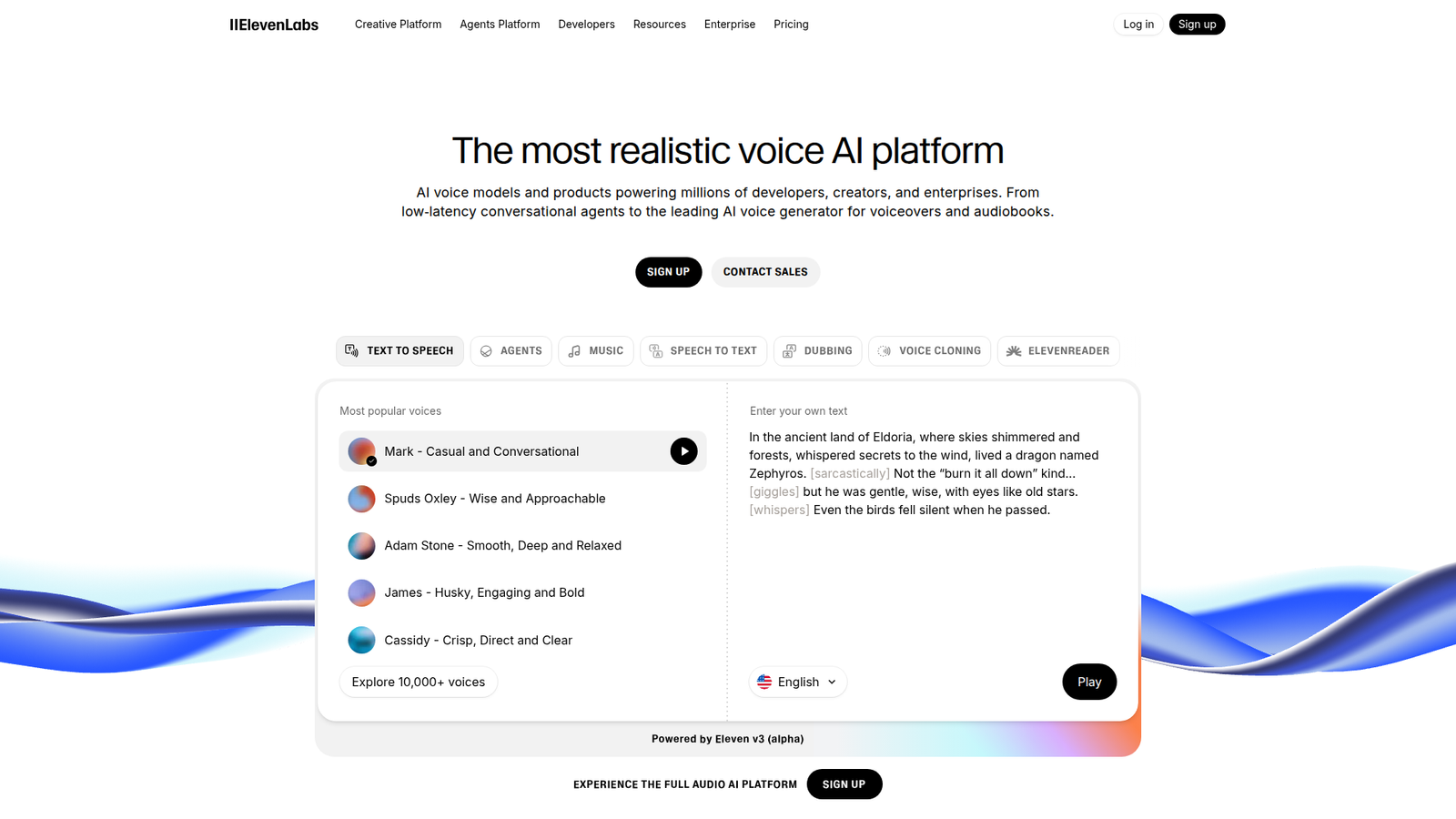
ElevenLabs is an AI audio company built around high-quality speech. The team moves fast and tends to ship creator-first features early. You feel that pace in the studio, the API, and the steady cadence of voice improvements.
Tagline: Studio-grade voiceovers, without studio scheduling.
Best for: solo creators and growth teams shipping weekly audio and video.
- Instant voice cloning workflow → keep one narrator voice across every script revision.
- API-first generation and automation → skip 3–5 manual export steps per episode.
- Clean web studio UX → reach first usable takes in about 15–30 minutes.
Pricing & limits: From $0/mo to start, with paid tiers for higher monthly usage. Trial length is effectively “as long as the free tier lasts,” if available. Caps are typically measured in characters or minutes, plus plan-based commercial terms.
Honest drawbacks: Safety checks and voice permissions can slow edge cases. Also, voice similarity can drift on emotional reads without careful prompting and retakes.
Verdict: If you need fast, credible narration, this helps you publish polished audio in hours. Beats many editors on raw voice quality; trails full DAWs on deep audio mixing.
Score: 4.6/5
2. Descript
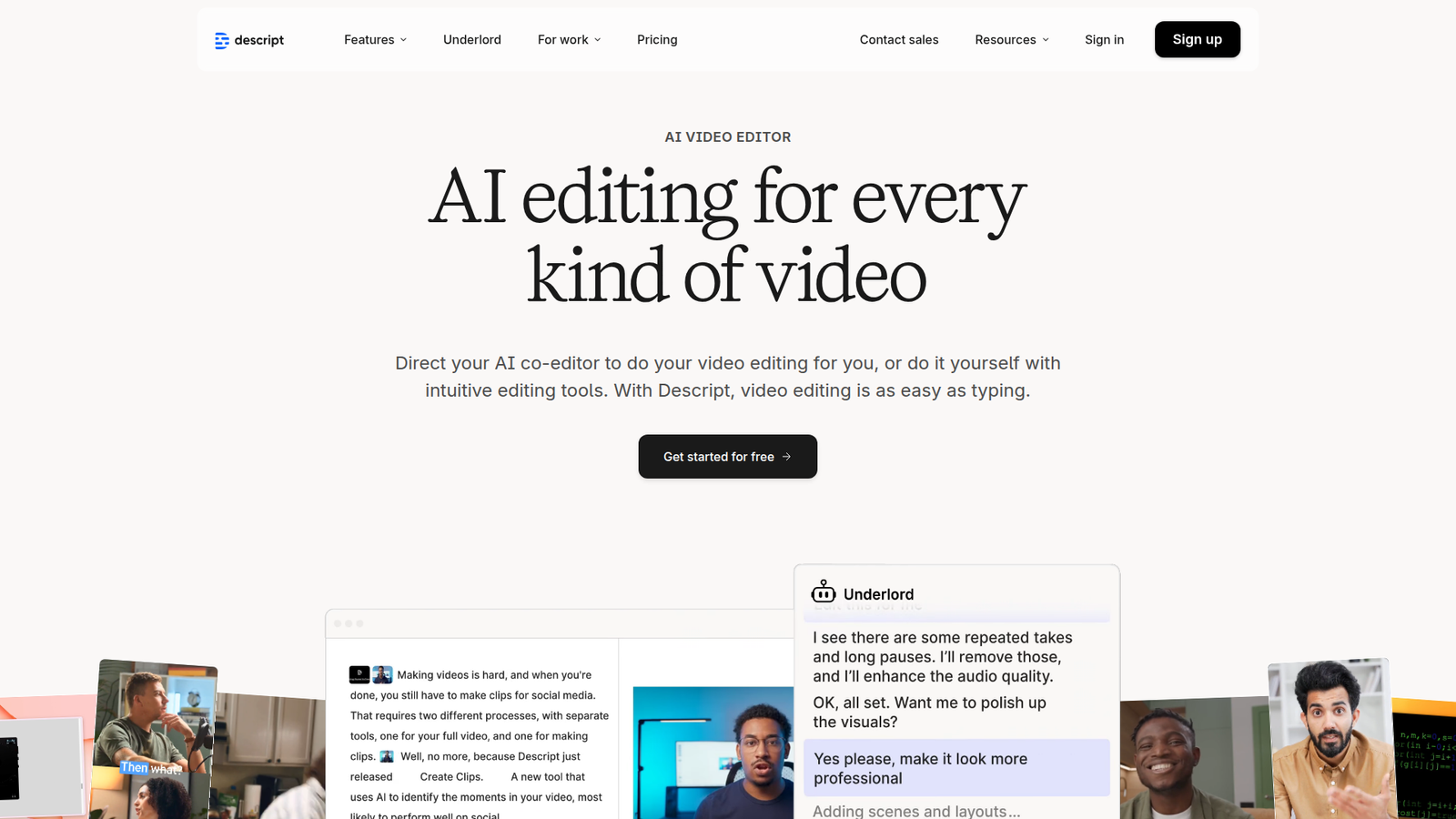
Descript is an editing company that treats audio like a document. The team built a strong workflow around transcripts, collaboration, and quick fixes. Voice cloning sits inside that broader “edit faster” philosophy.
Tagline: Edit audio by editing words, then patch lines with your cloned voice.
Best for: podcast teams and SMB marketing teams that live in revisions.
- Text-based editing and Overdub-style fixes → replace flubbed lines without re-recording sessions.
- Collaboration and shared projects → save 2–4 review loops per month with tighter handoffs.
- Gentle learning curve → get a first publishable cut in about 45–90 minutes.
Pricing & limits: From $0/mo with paid plans for more transcription, exports, and team features. Trial length usually maps to a free plan or limited trial access. Caps tend to include transcription hours, export quality, and seats per workspace.
Honest drawbacks: Voice cloning quality can lag specialist TTS vendors for expressive reads. Additionally, heavier projects can feel sluggish on older machines.
Verdict: If you want “one tool” for editing plus voice patching, this helps you ship cleaner episodes in a day. Beats pure TTS tools at editing flow; trails dedicated voice cloners on realism.
Score: 4.2/5
3. Play.ht
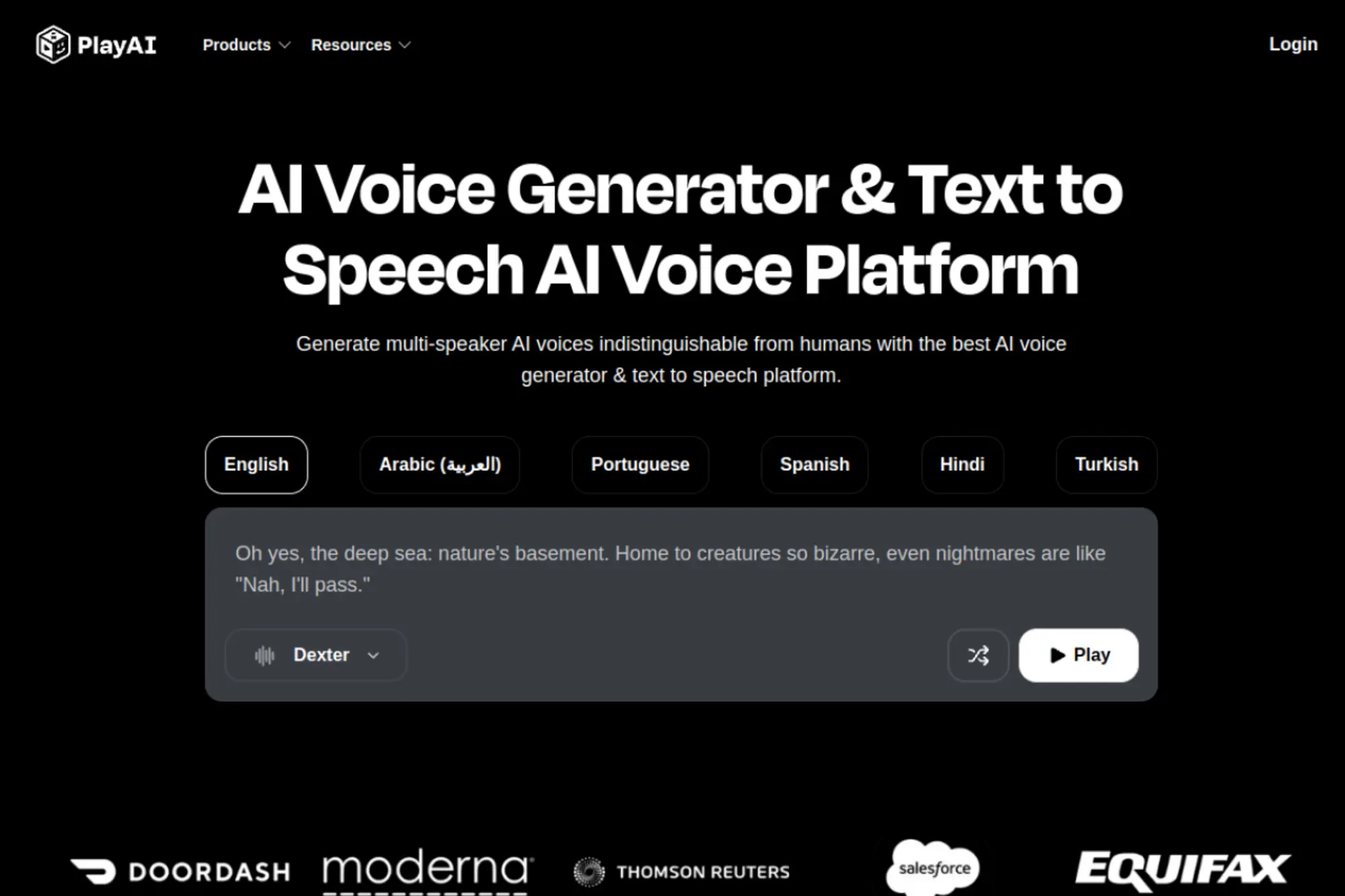
Play.ht positions itself as a voice platform for creators and developers. The team focuses on breadth: many voices, many languages, and usable APIs. That bias shows in quick generation and batch-friendly workflows.
Tagline: Turn scripts into publish-ready speech, at scale.
Best for: content marketers and dev teams embedding narration in products.
- Batch generation and projects → produce a week of voiceovers in one sitting.
- API and automation hooks → remove 3–6 repetitive steps per localization run.
- Simple dashboard flow → reach first audio drafts in about 20–40 minutes.
Pricing & limits: From $0/mo if a free tier exists, with paid tiers tied to usage. Trial length is typically a free plan or limited trial credits. Caps usually track characters, minutes, and the number of projects or seats.
Honest drawbacks: Some voices can sound “platform-polished” rather than human-specific. Also, fine-grained control over prosody may require experimentation and re-renders.
Verdict: If you need consistent narration throughput, this helps you ship voice assets the same day. Beats lightweight generators on scaling; trails top-tier cloners on emotional nuance.
Score: 4.0/5
4. Resemble AI
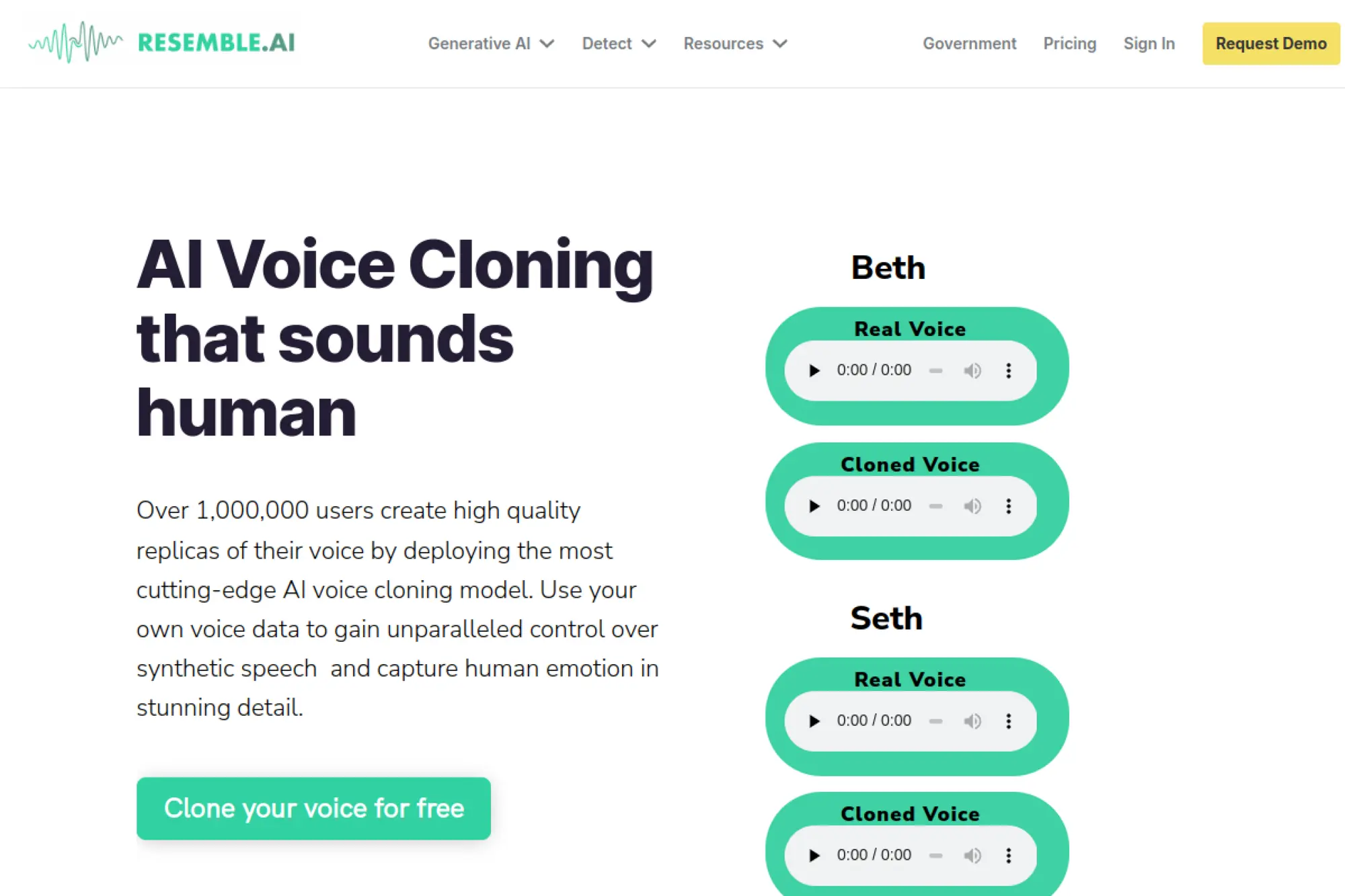
Resemble AI is built for teams that treat voice as brand infrastructure. The company emphasizes controllable voice cloning and production-grade deployment. Their team leans into enterprise needs like workflow controls and reliability.
Tagline: Build a branded voice you can safely deploy everywhere.
Best for: product teams and enterprise training teams with compliance concerns.
- Custom voice cloning pipeline → maintain consistent narrator identity across long libraries.
- Developer-ready integrations and APIs → save 4–8 hours per release by automating generation.
- Production-minded onboarding → reach first usable voice outputs in about 1–2 hours.
Pricing & limits: From $0/mo only if a trial or demo tier is offered; otherwise expect paid plans. Trial length can be a short pilot or free credits, depending on your path. Caps typically include usage quotas, seats, and commercial rights by plan.
Honest drawbacks: Smaller creators may find pricing and setup heavier than they need. Also, the “best” results often require higher-quality source recordings.
Verdict: If you need a voice you can operationalize, this helps you launch stable narration workflows in days. Beats creator tools on governance; trails simpler apps on instant fun.
Score: 4.1/5
5. MiniMax
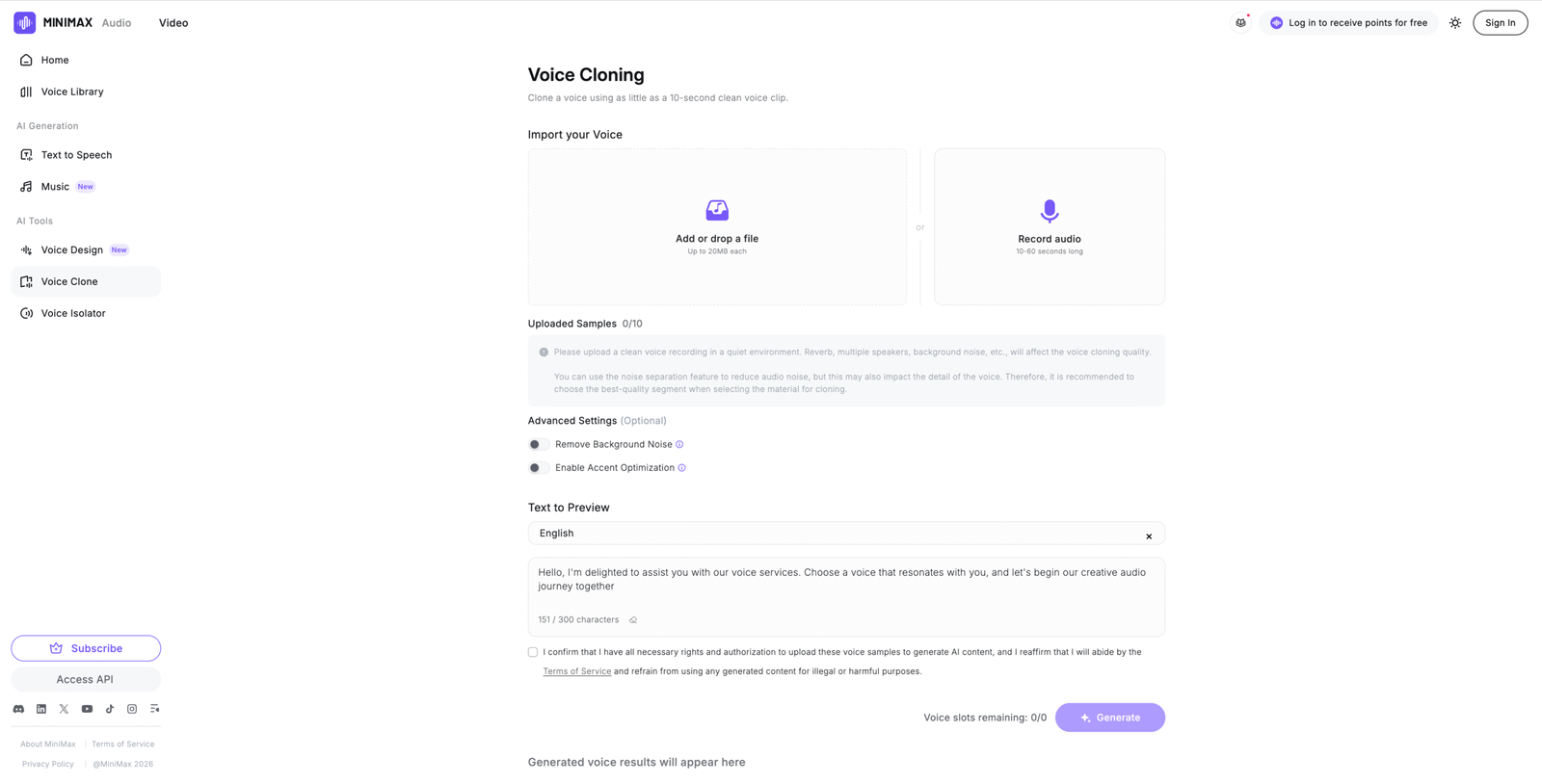
MiniMax is a broader AI company that also offers audio generation and voice cloning. The team’s strength is shipping multi-modal capabilities under one roof. That can matter when voice is only one piece of your pipeline.
Tagline: Clone voices as part of a wider AI production stack.
Best for: teams building multi-modal apps and creators needing multilingual coverage.
- Voice cloning plus broader audio tools → keep creation inside one system for faster iteration.
- Platform-style automation options → cut 2–4 handoffs between separate vendors.
- Straightforward web entry point → get first samples in about 30–60 minutes.
Pricing & limits: From $0/mo if free credits or a demo tier is available. Trial length is usually credit-based rather than time-based. Caps commonly follow usage units like characters, minutes, or compute-style quotas.
Honest drawbacks: Documentation and UI language clarity can vary by region. Also, support expectations may differ from Western enterprise norms.
Verdict: If you want voice cloning inside a bigger AI toolkit, this helps you prototype end-to-end flows in a weekend. Beats niche tools on breadth; trails specialists on refined voice direction.
Score: 3.7/5
6. Murf AI
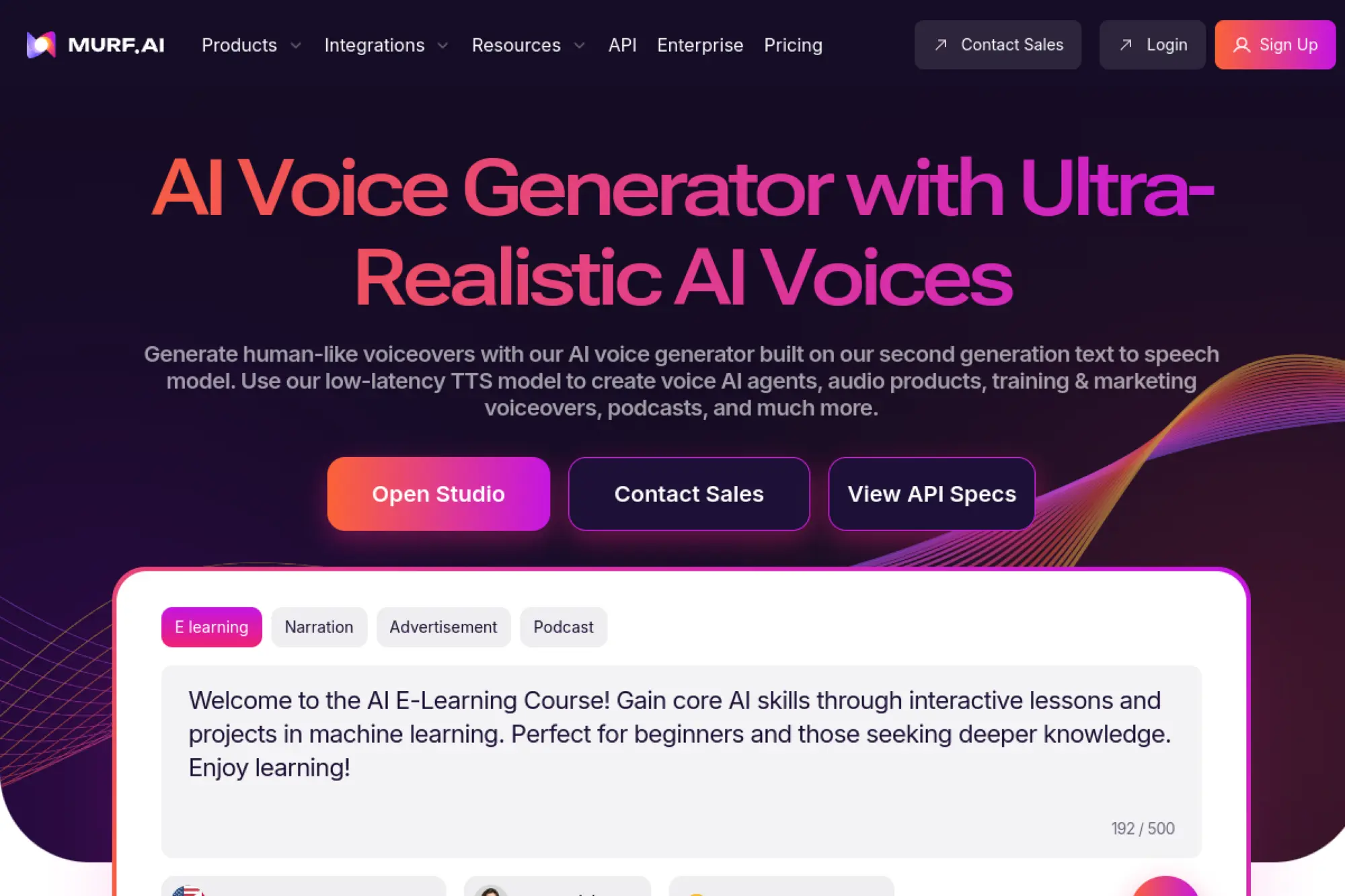
Murf is a voiceover-focused company aimed at business content. The team prioritizes templates, speed, and “good enough” polish for internal and marketing audio. Voice cloning fits as an upgrade for brand consistency.
Tagline: Ship clean business voiceovers without a booth.
Best for: SMB marketing teams and course creators producing repeatable narration.
- Script-to-voice workflow with revisions → update product videos without rebooking talent.
- Integrations and team-friendly sharing → save 2–3 approval cycles per project.
- Template-driven UX → reach first value in about 20–45 minutes.
Pricing & limits: From $0/mo if a free plan or trial exists, with paid tiers for higher usage. Trial length is typically limited by credits or exports. Caps often include minutes per month, seats, and export quality.
Honest drawbacks: Expressiveness can feel constrained on dramatic reads. Also, deeper phonetic control may be lighter than API-first platforms.
Verdict: If you need dependable narration for business assets, this helps you publish updates within a day. Beats many editors on speed; trails top cloners on cinematic realism.
Score: 4.0/5
7. WellSaid
WellSaid Labs built its reputation on consistent, professional text-to-speech. The team’s focus is enterprise-friendly quality and repeatability, not novelty. That makes it a steady choice for training and product narration.
Tagline: Keep your voiceovers crisp, consistent, and on-brand.
Best for: L&D teams and enterprise content studios with recurring modules.
- Brand-consistent voice output → reduce rework when multiple writers touch the same course.
- Workflow and team controls → save 1–2 hours per module via shared standards.
- Polished studio experience → get usable narration in about 30–60 minutes.
Pricing & limits: From $0/mo only if a trial is offered; otherwise expect paid plans. Trial length is often a limited evaluation window or credits. Caps usually include seats, usage volume, and licensing terms for enterprise distribution.
Honest drawbacks: It can feel expensive for casual creators. Also, cloning and custom voice options may be gated to higher tiers.
Verdict: If you produce lots of training audio, this helps you keep quality steady across quarters. Beats many tools on consistency; trails more playful platforms on variety and experimentation.
Score: 4.1/5
8. Speechify
Speechify is best known as a consumer-first reading and listening company. The team optimizes for accessibility, speed, and everyday usage across devices. Voice cloning is not always the headline, but voice quality is central.
Tagline: Turn text into listening, fast enough for daily life.
Best for: students and busy professionals who want consistent audio reading.
- Multi-device playback flow → finish long documents without staring at a screen.
- App ecosystem and syncing → save 10–20 minutes per day switching contexts.
- Low-friction setup → hit first value in about 5–10 minutes.
Pricing & limits: From $0/mo with paid plans for premium voices and features. Trial length often follows a free tier or limited trial window. Caps can show up as voice access, export controls, or feature gating by plan.
Honest drawbacks: It is less “production studio” than dedicated creator tools. Also, export and commercial workflows can feel secondary to listening use cases.
Verdict: If your goal is listening at scale, this helps you convert reading into commute-time audio immediately. Beats many studios on convenience; trails pro cloners on branding and control.
Score: 3.9/5
9. Listnr AI
Listnr AI targets creators who want fast voiceovers and syndication-friendly audio. The team tends to bundle creation with lightweight publishing workflows. That makes it appealing when narration is a means, not a craft.
Tagline: Produce voiceovers quickly, then move on.
Best for: solo marketers and podcast experimenters shipping frequent content.
- Quick voice generation and projects → create drafts for multiple posts in one session.
- Automation-friendly flows → save 2–5 minutes per asset on repetitive exporting.
- Beginner-friendly UI → reach first value in about 15–25 minutes.
Pricing & limits: From $0/mo if a starter tier exists, with paid plans for more usage. Trial length is commonly credit-based or feature-limited. Caps usually involve voice minutes, projects, and exports per month.
Honest drawbacks: Voice realism can vary across the catalog. Also, advanced editing and fine prosody controls may feel thin versus specialist tools.
Verdict: If you want “good audio now,” this helps you publish narration the same afternoon. Beats heavier platforms on speed; trails premium cloners on nuance and emotional pacing.
Score: 3.8/5
10. Artlist
Artlist is a media licensing company built for video creators. The team’s core strength is simplifying creative supply: music, SFX, and stock. Any voice features tend to serve that same “ship the video” mission.
Tagline: Keep your post-production moving, even when narration changes.
Best for: video editors and small agencies bundling assets into one subscription.
- All-in-one creative library approach → reduce vendor juggling when projects pile up.
- Ecosystem workflows → save 15–30 minutes per edit by sourcing assets in one place.
- Fast onboarding → reach first value in about 10–20 minutes.
Pricing & limits: From $0/mo only if a trial is available; otherwise expect subscription pricing. Trial length varies by product bundle and promotion. Caps usually relate to license scope, downloads, and team seats.
Honest drawbacks: Voice cloning may not be the deepest feature set here. Also, power users may prefer specialist voice vendors for control and realism.
Verdict: If your goal is finishing videos with fewer subscriptions, this helps you ship faster in a week. Beats niche tools on bundling; trails dedicated cloners on voice direction.
Score: 3.5/5
11. Colossyan
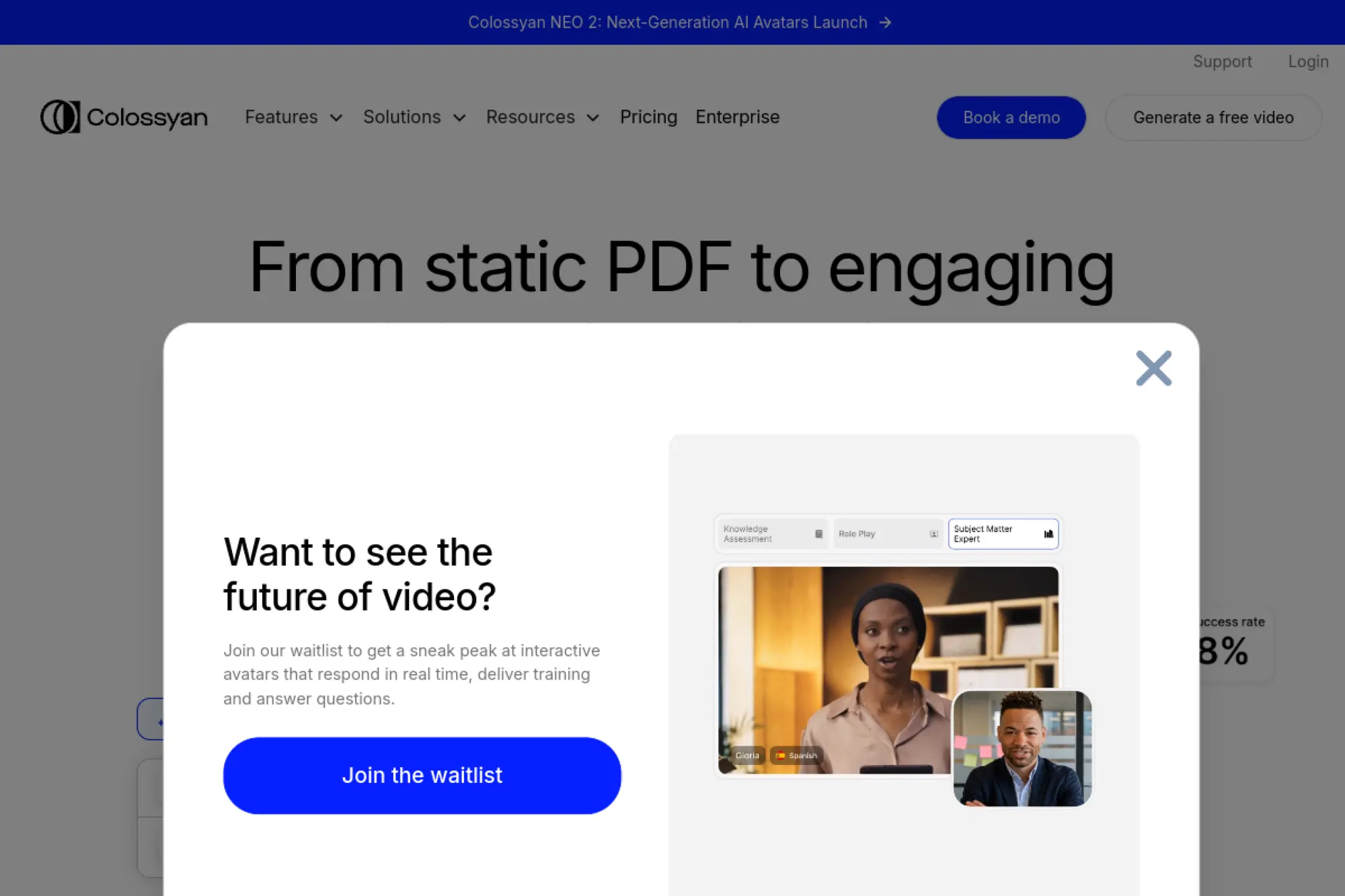
Colossyan is built around AI video creation for business. The team aims at training, enablement, and internal comms. Voice options matter because narration is the spine of those videos.
Tagline: Turn scripts into training videos without a studio day.
Best for: L&D teams and HR ops teams producing repeatable training clips.
- Script-to-video workflow → publish modules without coordinating shoots.
- Collaboration and structured projects → save 2–4 hours per course via streamlined review.
- Guided creation steps → hit first publishable output in about 60–120 minutes.
Pricing & limits: From $0/mo if a free trial exists, with paid tiers for teams. Trial length is often a limited evaluation period. Caps commonly include video minutes, seats, and export features by plan.
Honest drawbacks: If you only need voice, the video layer can feel like overhead. Also, avatar video can look “AI” unless you keep expectations realistic.
Verdict: If you want narrated training fast, this helps you ship a course in days, not weeks. Beats pure voice tools at end-to-end delivery; trails specialist cloners on voice detail.
Score: 3.7/5
12. Mango AI
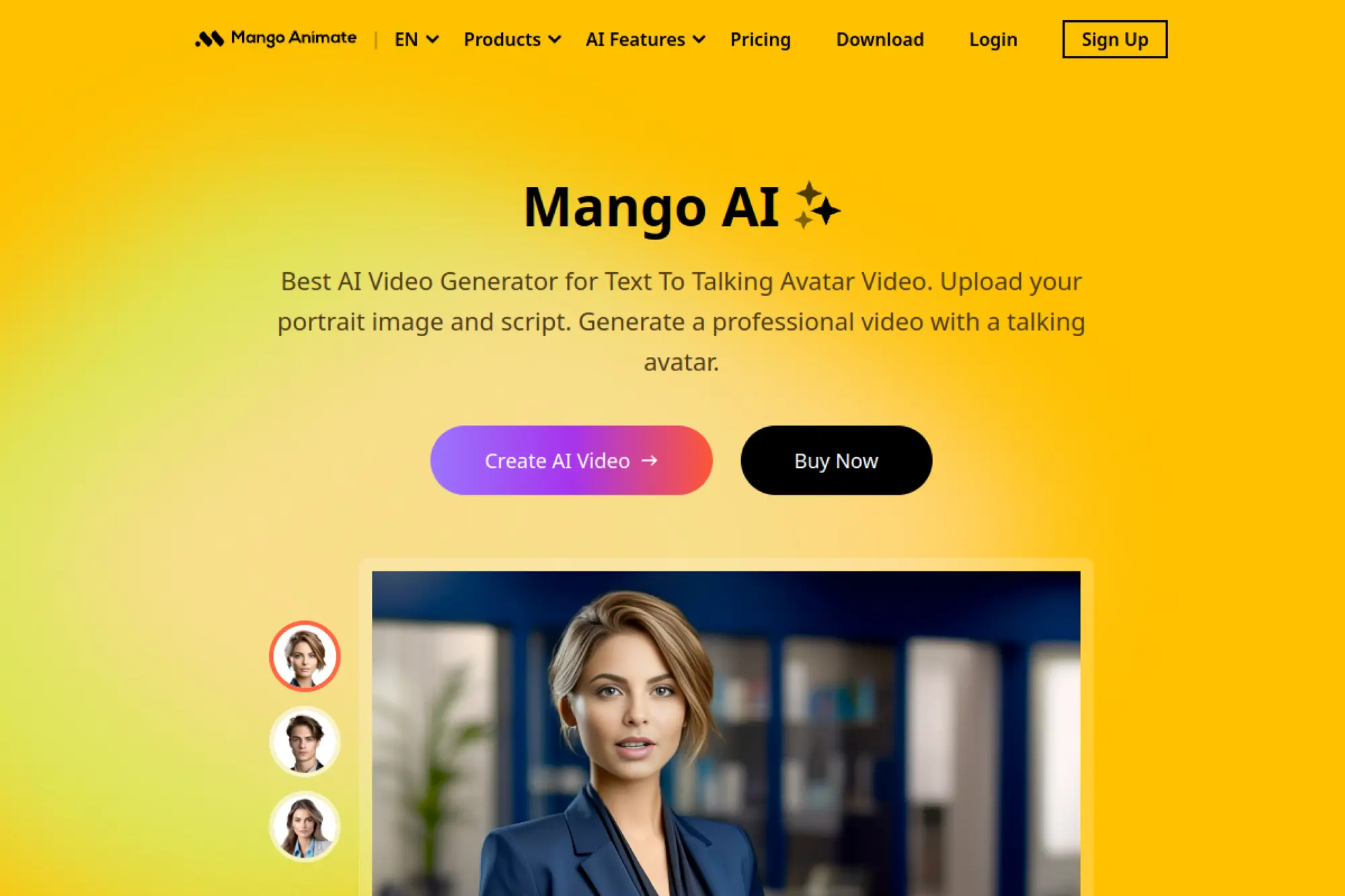
Mango Animate’s team focuses on easy video creation for non-editors. They extends that promise with AI-assisted narration and production helpers. It is designed for speed and clarity, not audio obsession.
Tagline: Make explainer videos with narration, minus the learning curve.
Best for: educators and SMB teams making simple explainers at volume.
- Template-based video plus voice → publish explainers without hiring an editor.
- Workflow shortcuts and presets → save 20–40 minutes per video iteration.
- Beginner-friendly setup → reach first value in about 30–60 minutes.
Pricing & limits: From $0/mo if a free tier or trial exists, with paid plans for more exports. Trial length is usually limited by watermarking, credits, or export resolution. Caps often include projects, export quality, and usage quotas.
Honest drawbacks: Voice cloning depth can be limited versus audio-first platforms. Also, advanced audio timing and mixing options may feel basic.
Verdict: If you need “good enough” narrated videos fast, this helps you ship in a day. Beats heavy editors on simplicity; trails pro audio tools on fine control.
Score: 3.6/5
13. Supertone Play
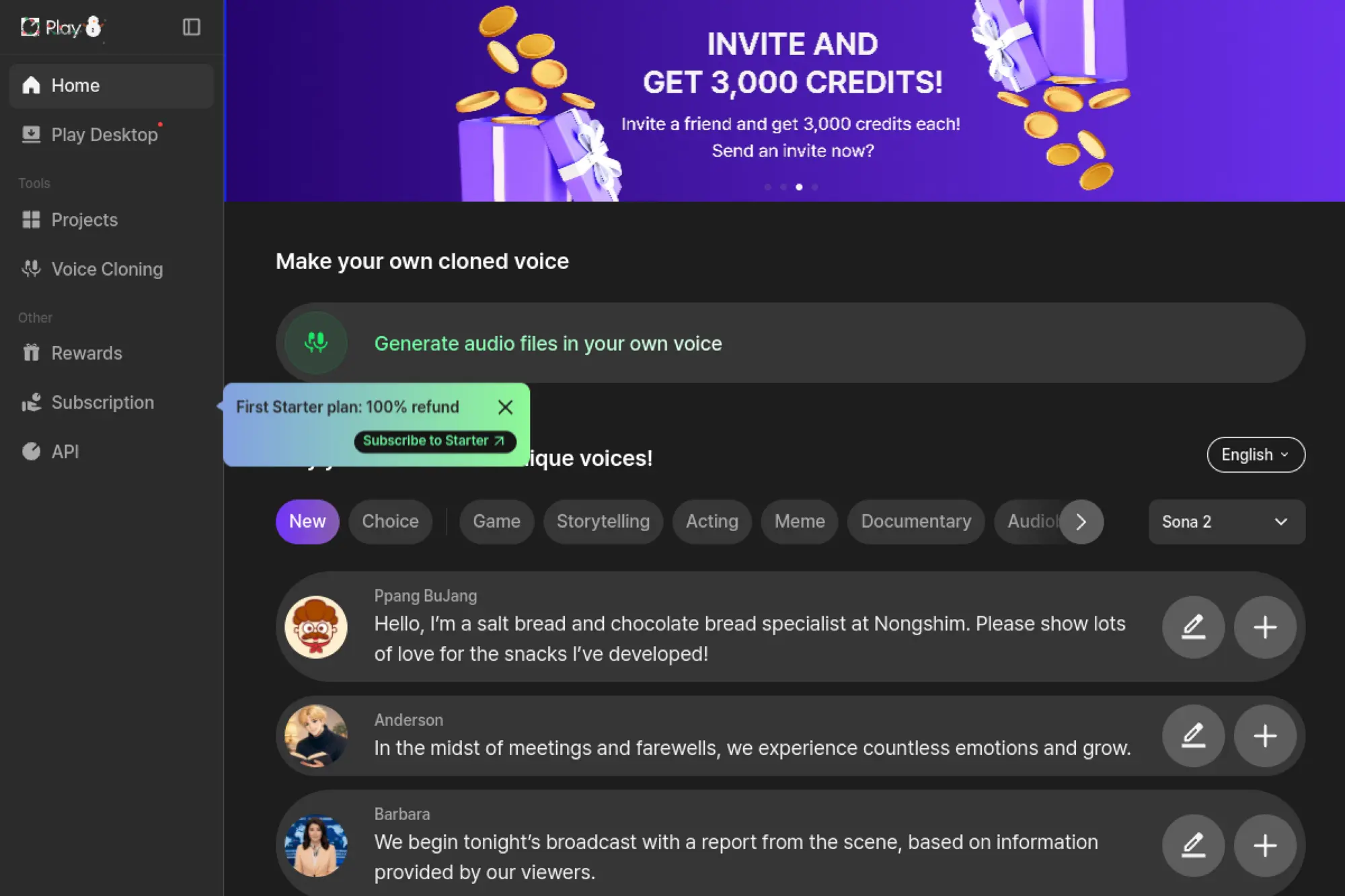
Supertone Play comes from a team known for voice technology and creative audio. The product leans toward voice transformation and stylistic control. That makes it attractive for creators chasing a specific sound, not just clarity.
Tagline: Shape a voice that feels like a character, not a template.
Best for: streamers and creative studios needing voice conversion effects.
- Voice conversion style tools → keep performances while changing identity or tone.
- Creator-friendly workflows → cut 2–3 hours of manual processing per project.
- Playable interface → reach first “wow” output in about 10–20 minutes.
Pricing & limits: From $0/mo if a free trial or demo mode exists, with paid tiers for more usage. Trial length is often credit-based. Caps usually track processing time, export quality, and rights by plan.
Honest drawbacks: It may be less suited for corporate narration standards. Also, real-time use can depend heavily on your hardware and audio chain.
Verdict: If you want creative voice transformation, this helps you land a new sound in an afternoon. Beats business TTS on character; trails enterprise platforms on governance and compliance.
Score: 3.9/5
14. Uberduck
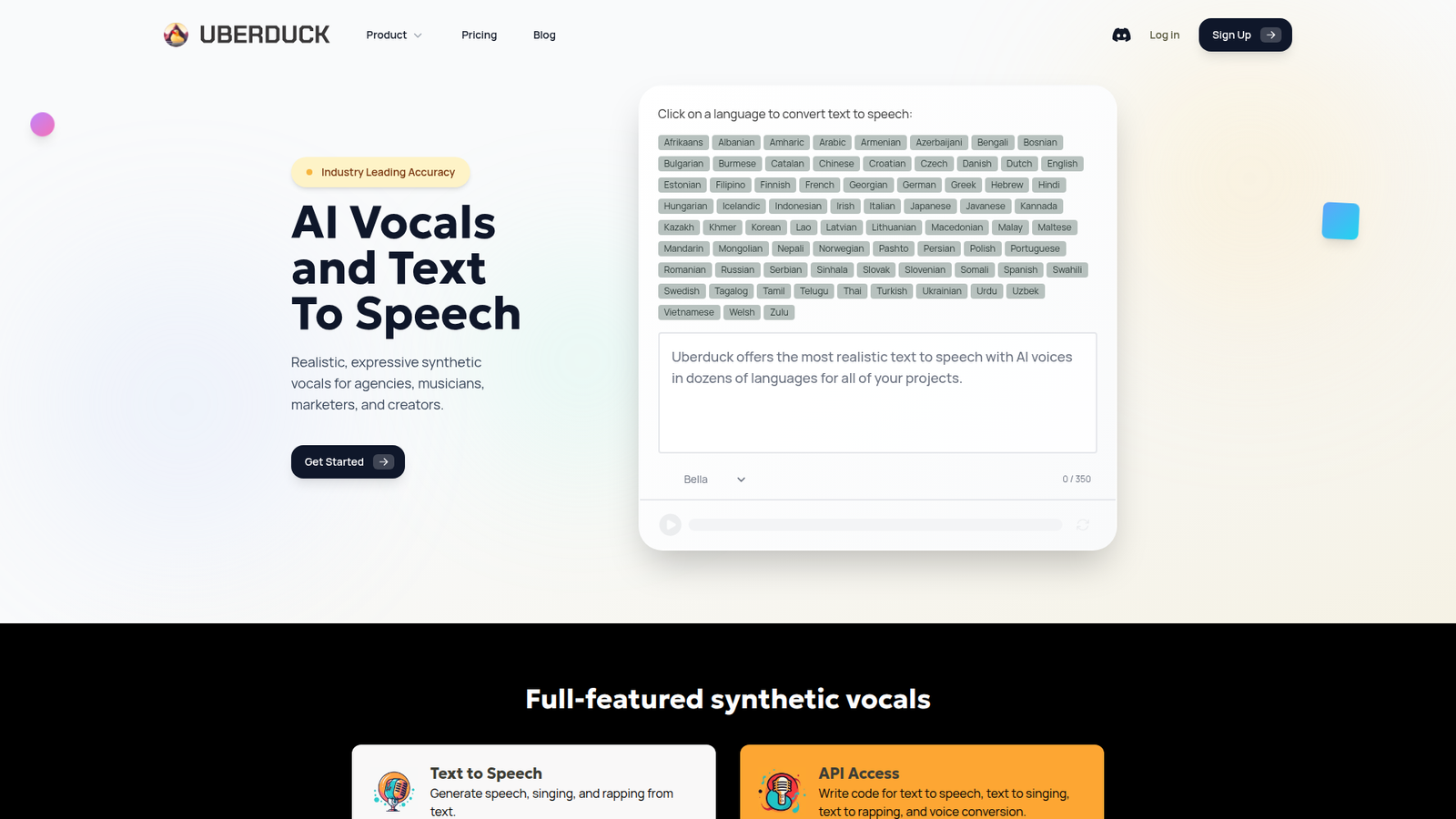
Uberduck is built for experimentation and developer-driven audio. The team leans into APIs, remix culture, and fast prototyping. It is a sandbox vibe, which can be perfect or chaotic, depending on your needs.
Tagline: Generate voices fast, then wire them into anything.
Best for: hackers and creative teams building voice features or memes.
- Voice generation and cloning options → prototype new voice experiences without a full studio stack.
- API automation → save 30–60 minutes per batch run by avoiding manual rendering.
- Quick start flow → get first audio outputs in about 15–30 minutes.
Pricing & limits: From $0/mo if free access or trial credits exist, with paid tiers for scale. Trial length is usually tied to credits or limited features. Caps can include concurrency, usage quotas, and project limits.
Honest drawbacks: Content controls and voice rights can be complex to manage. Also, quality can vary widely across voice options and configurations.
Verdict: If you want to test voice ideas quickly, this helps you ship a demo in days. Beats polished studios on flexibility; trails premium cloners on consistent realism.
Score: 3.6/5
15. VEED
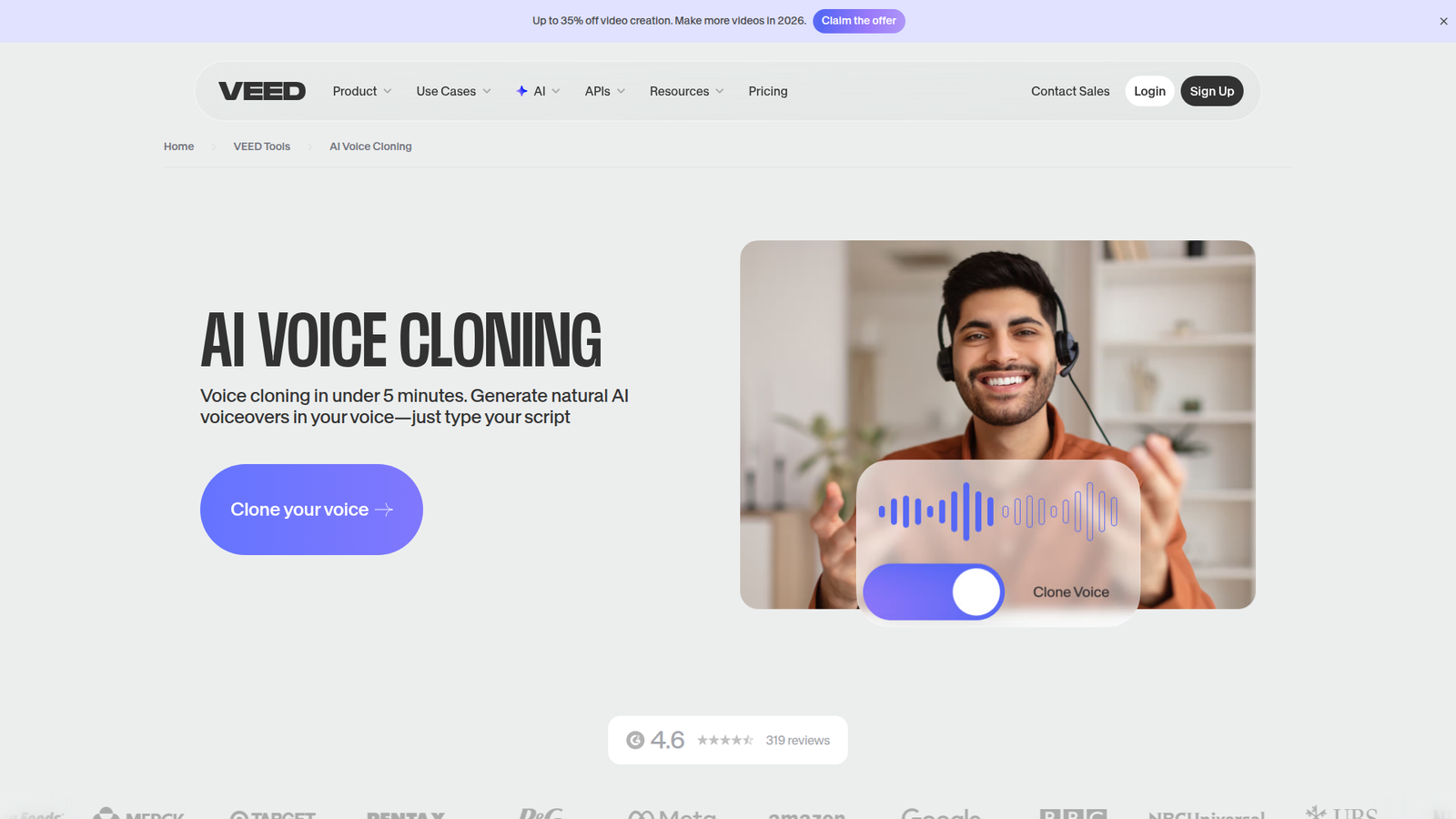
VEED is a browser-first video editor built for speed. The team focuses on creators who want fewer tools and faster turnaround. Voice features help fill the “I need narration now” gap inside the edit.
Tagline: Add narration inside your editor, then publish today.
Best for: social teams and solo video creators working on tight calendars.
- In-editor voice generation → avoid bouncing between tools for last-minute script updates.
- Automation and templates → save 10–20 minutes per video on repetitive assembly.
- Low setup overhead → reach first value in about 10–25 minutes.
Pricing & limits: From $0/mo if a free tier exists, with paid plans for higher exports. Trial length often maps to watermark-free exports or feature access. Caps usually include export resolution, minutes, and seats for team plans.
Honest drawbacks: Voice cloning depth may be limited compared with audio-first vendors. Also, browser performance can dip on long timelines.
Verdict: If you live in short-form video, this helps you publish narrated edits in hours. Beats standalone voice tools at workflow convenience; trails them on voice fidelity tuning.
Score: 3.8/5
16. Vocloner
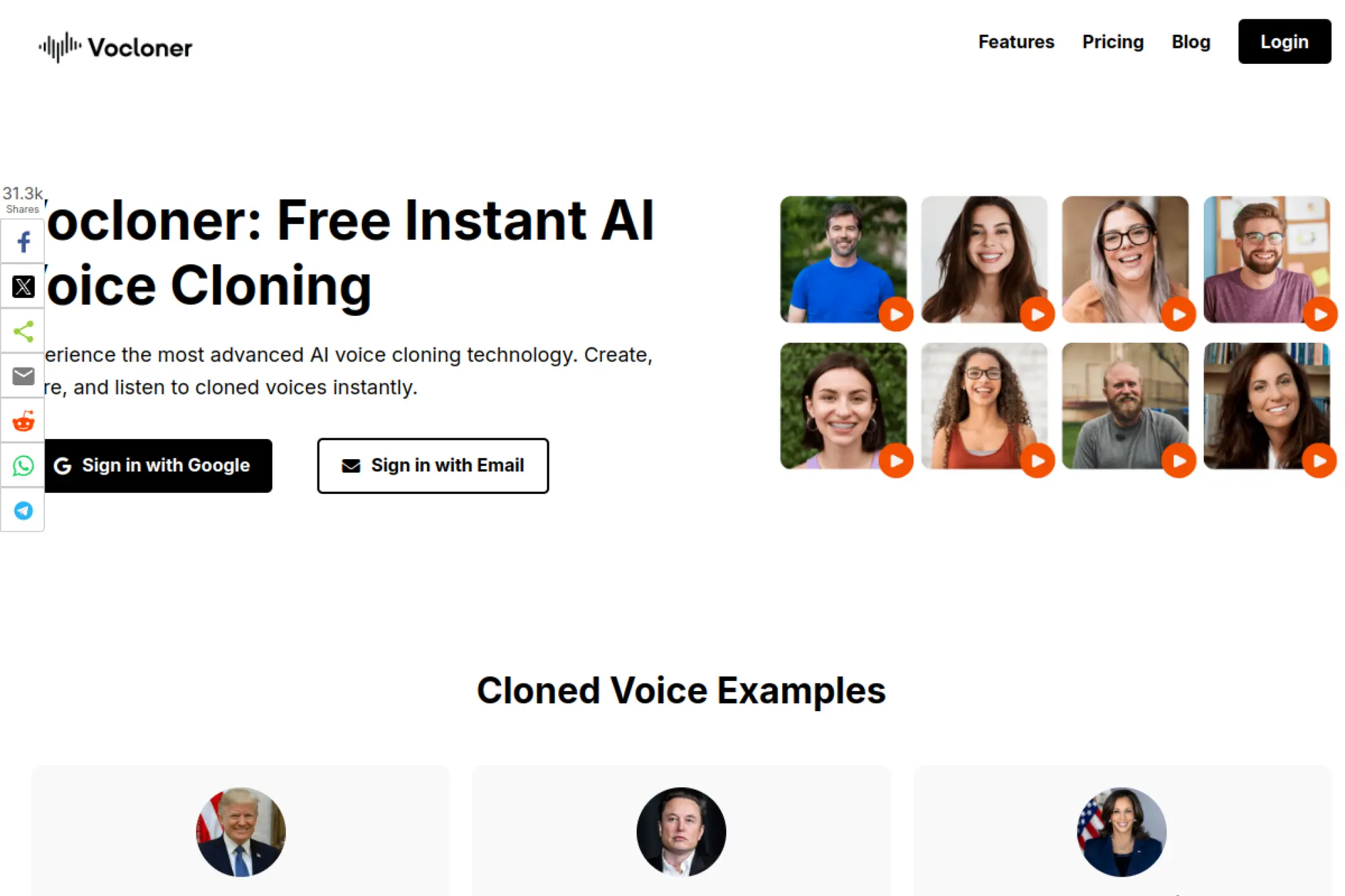
Vocloner presents itself as a lightweight voice cloning option. The team appears focused on simplicity and quick outputs. That narrow scope can be a strength when you want fast tests, not a platform.
Tagline: Clone a voice quickly, then move to production elsewhere.
Best for: tinkerers and indie creators validating a voice concept.
- Minimal cloning flow → get a voice sample without learning a full studio product.
- Simple generation loop → save 10–15 minutes per test versus manual recording.
- Quick time-to-first-audio → reach first value in about 10–30 minutes.
Pricing & limits: From $0/mo if a demo or trial is available, with paid tiers if offered. Trial length is typically credit-based or feature-limited. Caps may include limited daily generations, export gating, or single-user usage.
Honest drawbacks: Transparency around controls, rights, and support can be thinner. Also, advanced integrations may not exist if the product stays lightweight.
Verdict: If you want to test whether a cloned voice fits your project, this helps you know in an hour. Beats heavy platforms on speed; trails them on trust signals and depth.
Score: 3.1/5
17. Voice AI
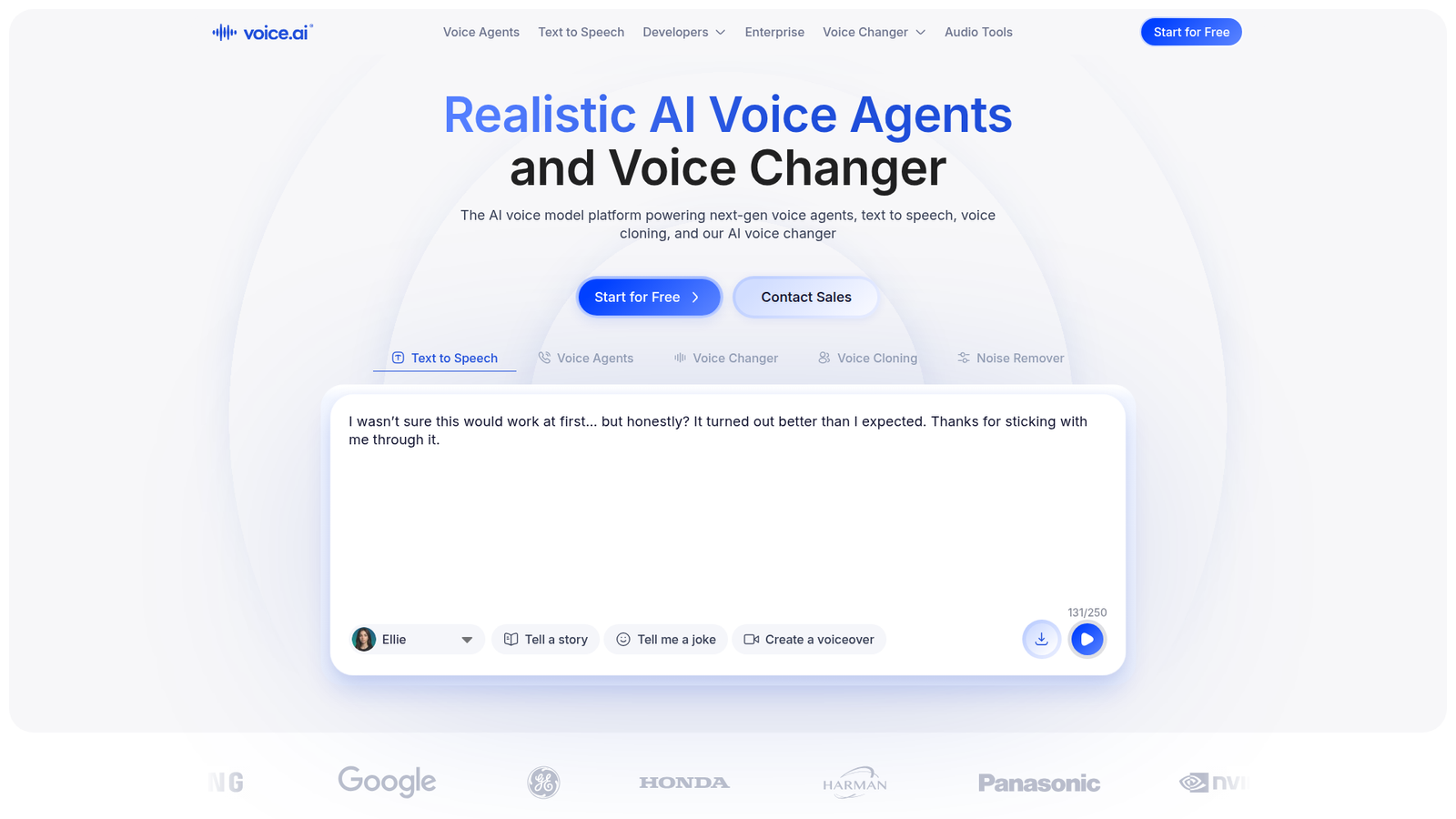
Voice.ai is built around real-time voice changing and creator play. The team targets streamers, gamers, and communities that want instant transformation. Cloning and conversion are used as performance tools, not just production assets.
Tagline: Sound like someone else, live.
Best for: streamers and gaming communities needing real-time voice effects.
- Real-time voice conversion → add character voices to streams without post-production.
- Community models and automation → save 30–60 minutes per session on setup and routing.
- Fast onboarding → reach first usable change in about 5–15 minutes.
Pricing & limits: From $0/mo if a free tier exists, with paid upgrades for features. Trial length is often “ongoing” at limited capability. Caps can include premium voice access, processing quality, and usage restrictions.
Honest drawbacks: Hardware and latency sensitivity can be a deal-breaker for live use. Also, it may not fit corporate or compliance-heavy environments.
Verdict: If you want live voice transformation, this helps you add variety in minutes. Beats studio tools at real-time play; trails enterprise cloners on rights management and controls.
Score: 3.7/5
18. Speechify Studio
Speechify Studio extends Speechify into a creator-oriented workflow. The team leans on its consumer polish, then adds export and production features. It aims to make narration a repeatable part of content operations.
Tagline: Produce voiceovers with consumer-level ease and creator-level exports.
Best for: content teams and creators repurposing blogs into audio.
- Studio-style script to voice → turn articles into narration without rereading on mic.
- Workflow automation and presets → save 20–40 minutes per batch of assets.
- Low-friction UX → reach first exportable audio in about 20–40 minutes.
Pricing & limits: From $0/mo if a trial or starter tier exists, with paid plans for scale. Trial length is typically limited by credits, exports, or time window. Caps often include monthly usage, voice access, and seats for teams.
Honest drawbacks: Deep cloning control may be less flexible than API-first platforms. Also, serious audio engineers may miss granular mixing tools.
Verdict: If you want to turn text into publishable audio quickly, this helps you ship in a day. Beats many studios on ease; trails top cloners on fine performance direction.
Score: 4.0/5
19. Tontaube
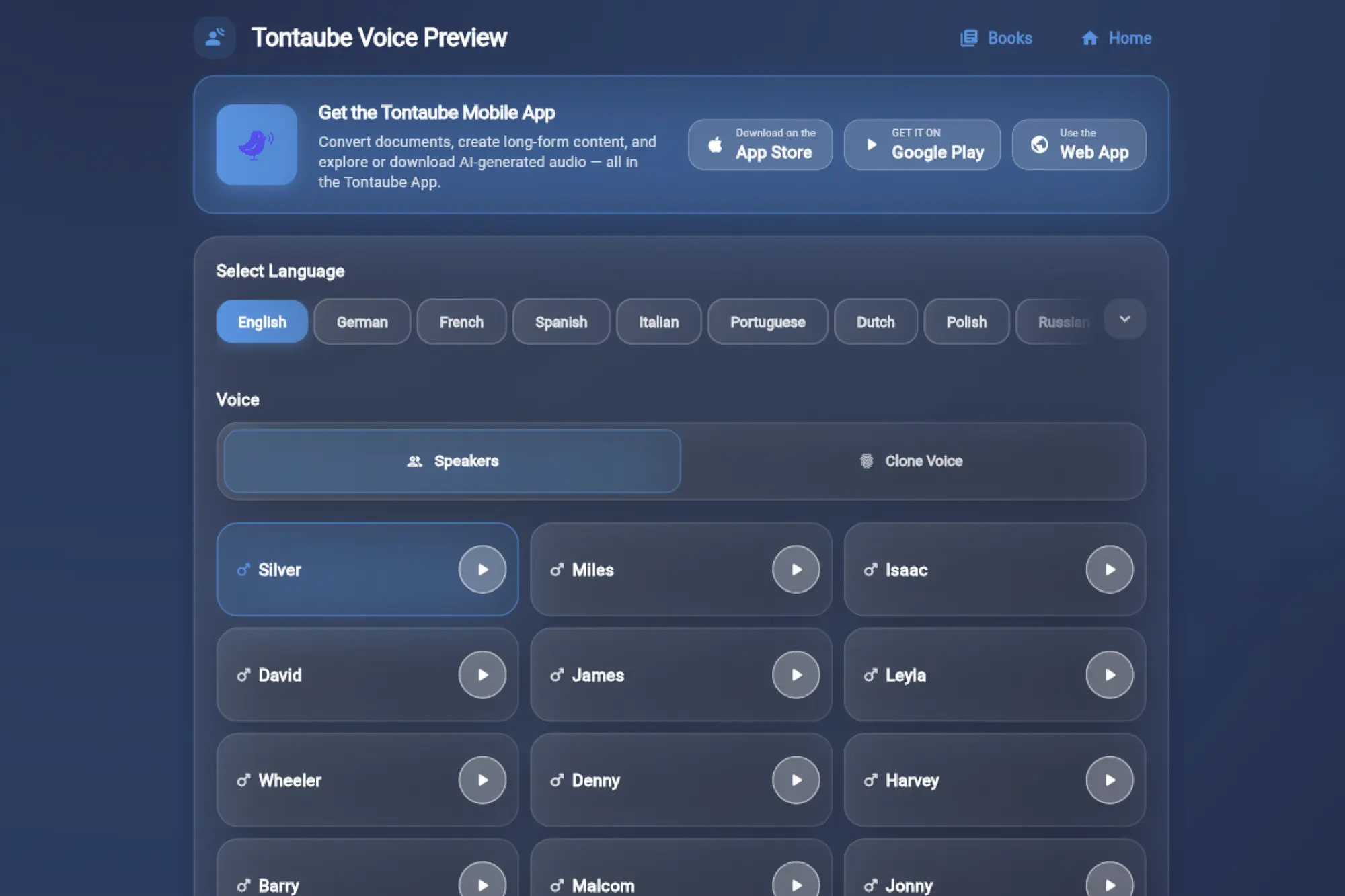
Tontaube positions itself as a speech-focused AI tool. The team appears to emphasize straightforward speech generation and practical output. It reads like a product built for “get audio done,” not endless tweaking.
Tagline: Generate speech that fits everyday business needs.
Best for: SMB ops teams and educators needing quick narration assets.
- Direct speech generation workflow → produce narration without a complex editor.
- Practical export loop → save 10–20 minutes per update by avoiding re-recording.
- Simple setup → reach first value in about 20–45 minutes.
Pricing & limits: From $0/mo if a free trial or starter plan exists, with paid tiers if offered. Trial length is usually time-limited or credit-limited. Caps often include monthly usage, seats, and export features.
Honest drawbacks: Ecosystem depth may be limited compared with larger platforms. Also, documentation and integrations can be thin if you need developer workflows.
Verdict: If you need basic narration without ceremony, this helps you publish audio in hours. Beats heavy suites on simplicity; trails them on integrations and advanced controls.
Score: 3.2/5
20. TaskAGI Hypervoice
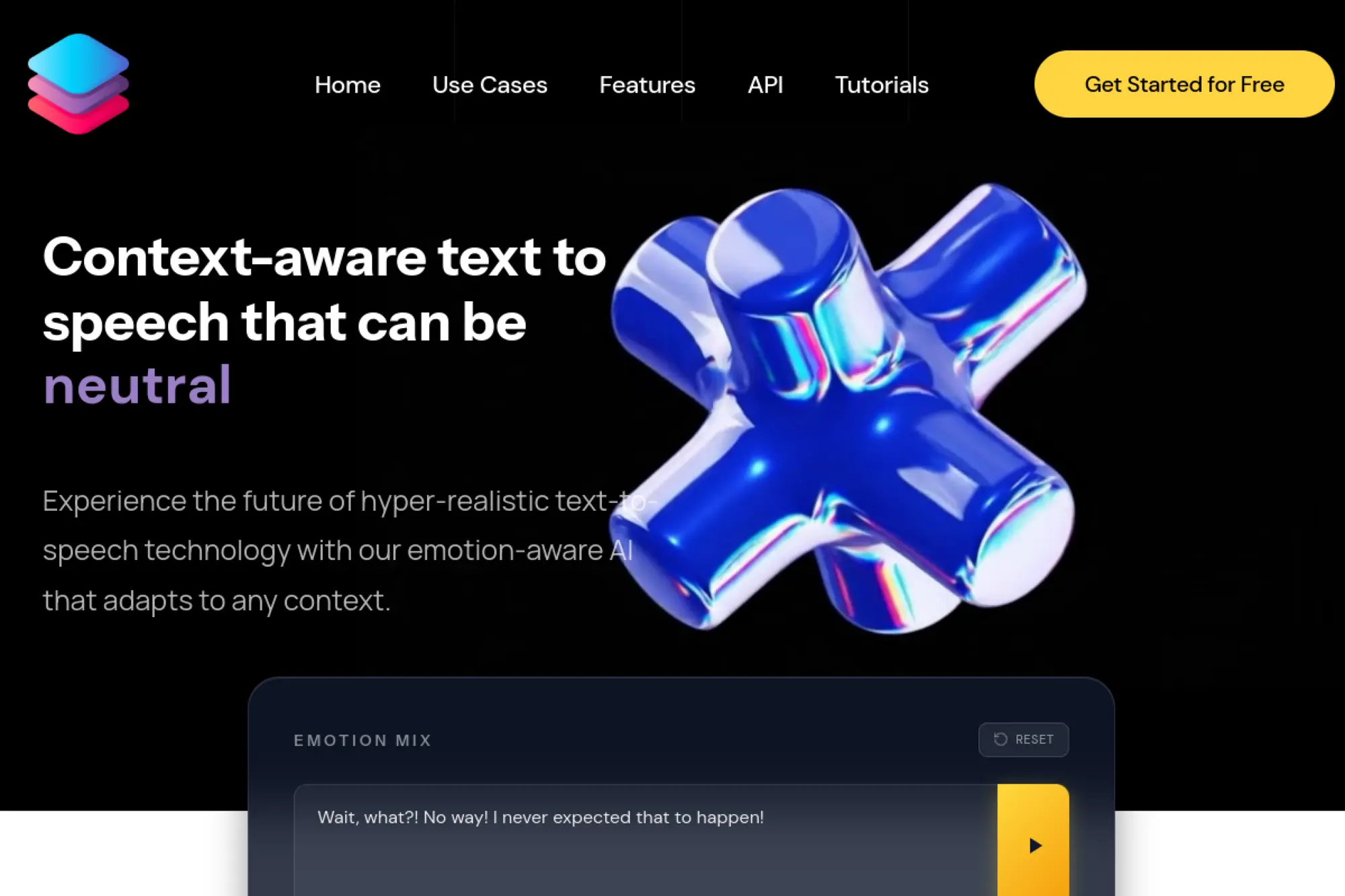
TaskAGI Hypervoice is positioned as a voice capability within a broader AI tooling universe. The team appears to aim at “agentic” productivity outcomes more than pure audio craft. Voice becomes a module you plug into tasks.
Tagline: Add voice to workflows, not workflows to voice.
Best for: automation builders and indie founders prototyping voice-enabled apps.
- Workflow-style voice generation → connect narration to tasks and pipelines.
- Automation emphasis → save 3–7 steps per run by removing manual audio stitching.
- Fast experimentation loop → reach first value in about 30–90 minutes.
Pricing & limits: From $0/mo if a demo or trial tier exists, with paid plans if offered. Trial length is commonly limited by credits or feature access. Caps may include usage quotas, run limits, or workspace seats.
Honest drawbacks: If you want pure voice artistry, the product may feel abstract. Also, support and docs may not match mature voice-first vendors.
Verdict: If you are building automated voice workflows, this helps you prototype in a weekend. Beats editors on automation; trails dedicated cloners on audio nuance and direction.
Score: 3.0/5
21. OpenVoice AI
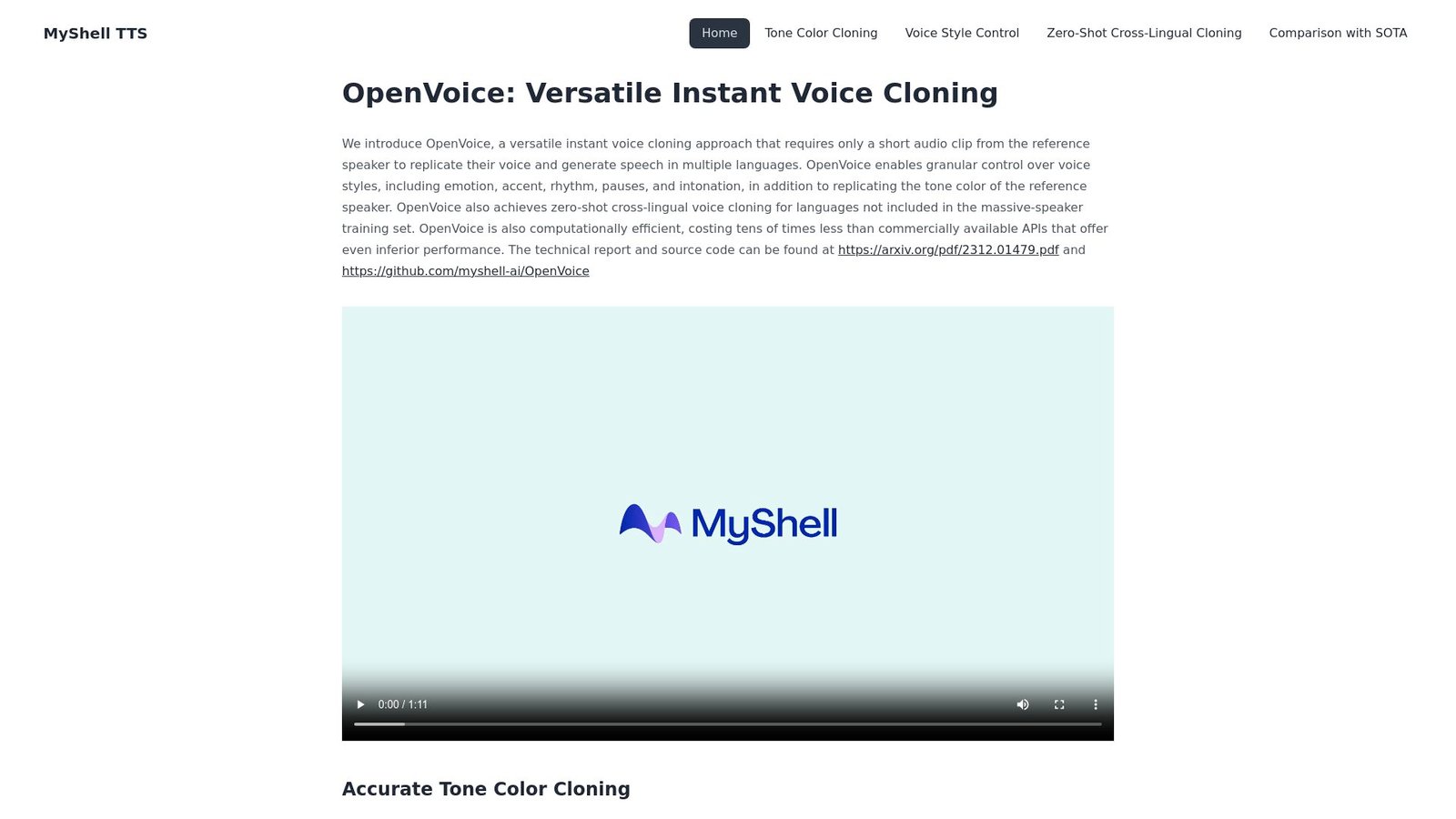
OpenVoice AI is widely referenced as a model family and concept, not just a single app. Teams and communities wrap it into demos, notebooks, and products. That ecosystem flavor is its power, and also its friction.
Tagline: Get voice cloning flexibility, if you can handle the setup.
Best for: developers and researchers who want control and portability.
- Model-driven cloning approach → adapt voices across tasks without vendor lock-in.
- Community integrations and forks → save days by starting from known pipelines.
- Time-to-first-value varies → expect 1–4 hours, depending on your environment.
Pricing & limits: From $0/mo if you run open-source code yourself. Trial length is effectively unlimited, since you control compute. Caps are defined by your hardware, hosting costs, and any wrapped service limits.
Honest drawbacks: You own the hard parts, including deployment and governance. Also, licensing and consent handling are on you, not a vendor.
Verdict: If you want maximum control over voice cloning, this helps you build custom pipelines in days. Beats SaaS tools on flexibility; trails them on polish, support, and compliance tooling.
Score: 3.6/5
22. Voicemy.ai
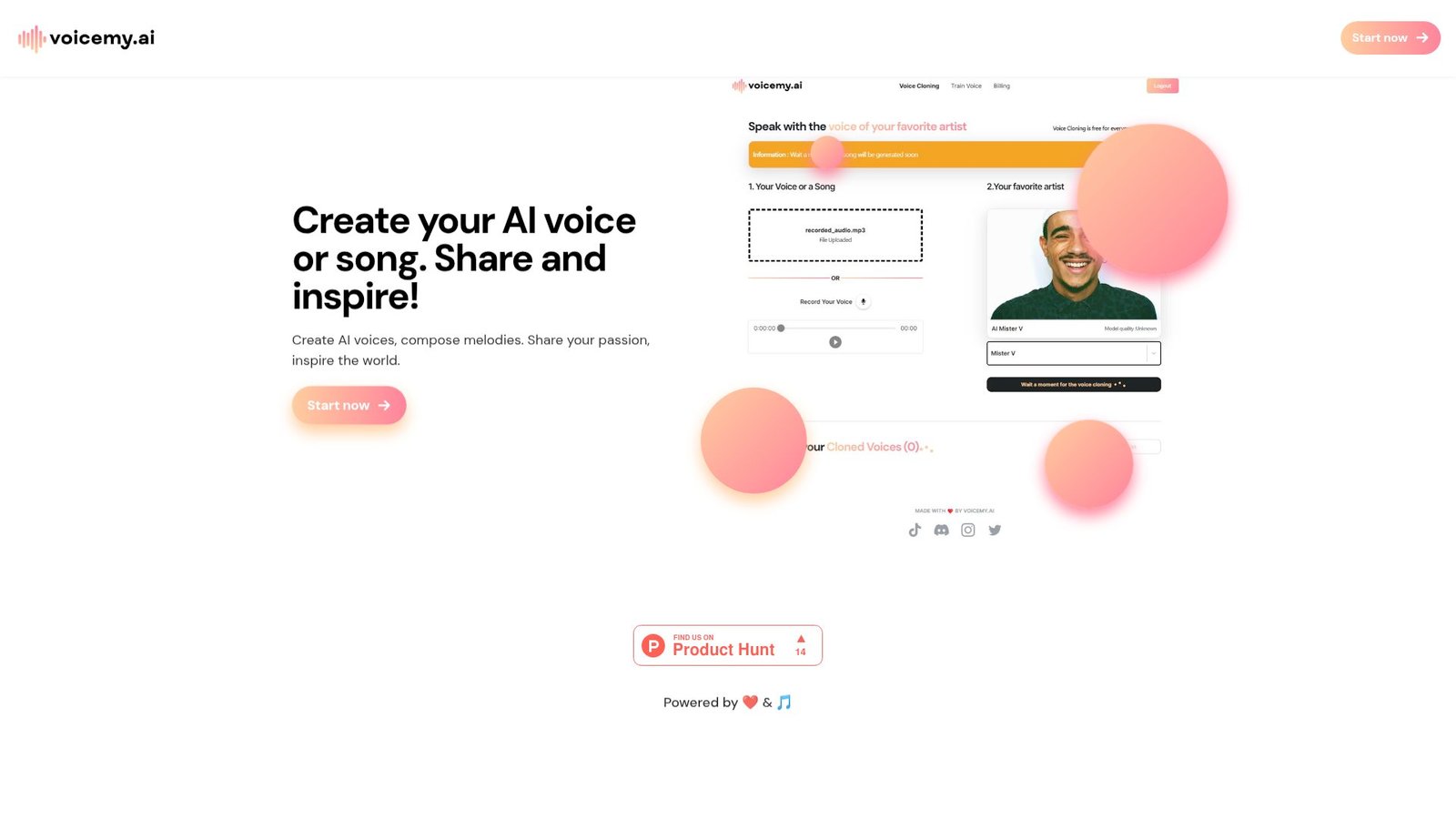
Voicemy.ai shows up as a voice cloning option in tool roundups and directories. The product positioning suggests quick cloning and straightforward usage. The team seems aimed at accessibility over deep professional tooling.
Tagline: Make a voice clone without turning it into a project.
Best for: casual creators and small teams needing quick voice tests.
- Straight-to-clone workflow → generate a usable sample without studio-level setup.
- Lightweight automation options → save 10–20 minutes per script update.
- Fast onboarding → reach first value in about 15–40 minutes.
Pricing & limits: From $0/mo if a demo or free tier exists, with paid upgrades if offered. Trial length is often credit-limited or feature-limited. Caps can include limited monthly generations, exports, or single-seat access.
Honest drawbacks: Trust signals can be harder to evaluate than established brands. Also, integrations may be minimal if you need API-first production.
Verdict: If you want to validate a voice idea quickly, this helps you decide in a day. Beats heavyweight platforms on simplicity; trails them on ecosystem and predictable support.
Score: 3.2/5
23. Hailuo AI Audio
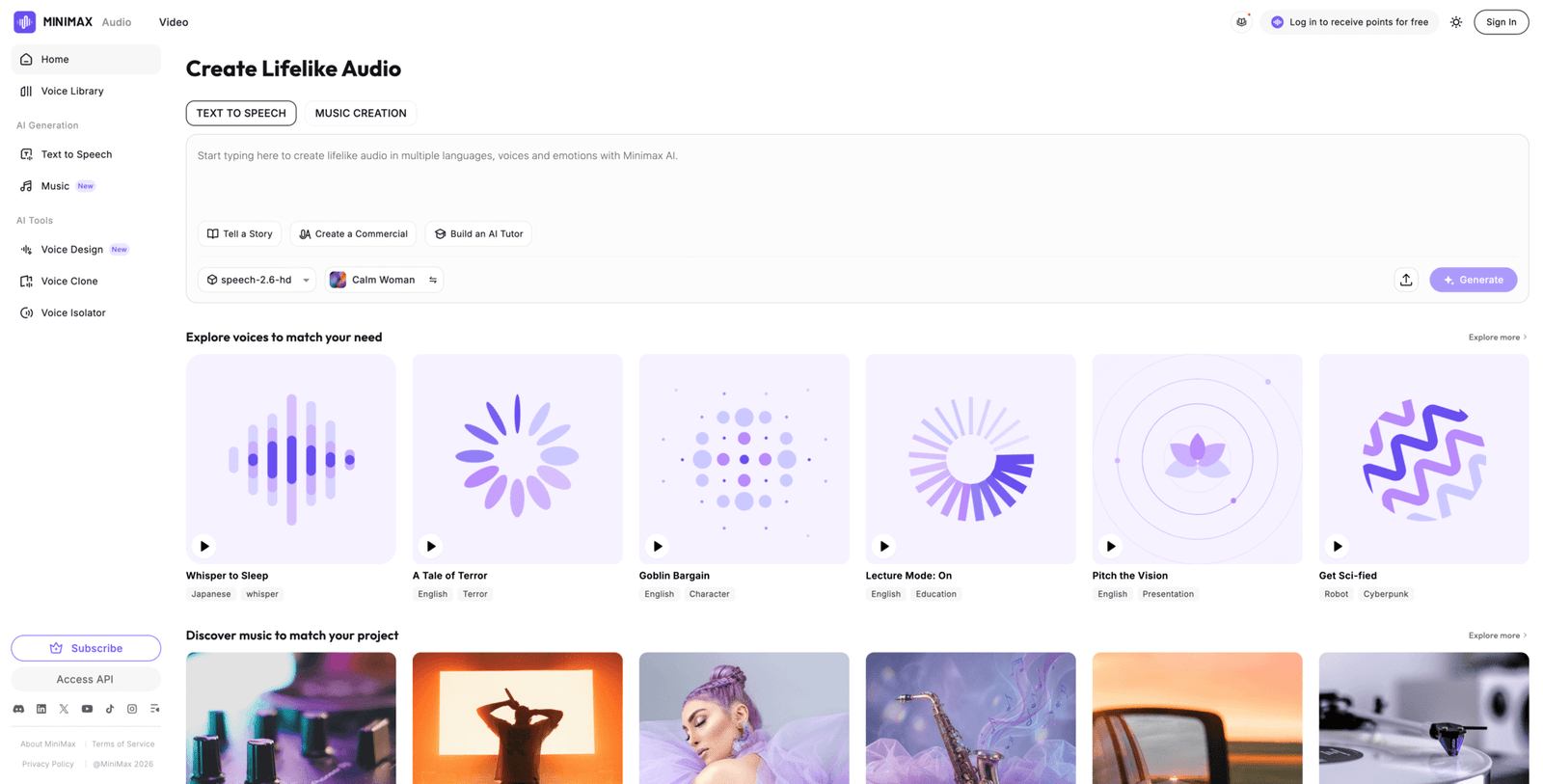
Hailuo AI Audio appears as part of a broader wave of app-like AI media tools. The team positioning suggests quick generation with a consumer-friendly surface. It is built for rapid output, not audio engineering rituals.
Tagline: Get usable audio fast, then refine only if needed.
Best for: short-form creators and marketers who need quick narration drafts.
- Rapid generation loop → produce multiple takes without booking or recording.
- App-style workflow → save 15–30 minutes per asset compared with manual narration.
- Easy start experience → reach first value in about 10–30 minutes.
Pricing & limits: From $0/mo if free credits or a starter tier exists, with paid tiers for more usage. Trial length is commonly credit-based. Caps usually follow minutes, characters, or export gating by plan.
Honest drawbacks: Long-form stability can vary if the tool is tuned for short clips. Also, developer integrations may not be a priority.
Verdict: If you need quick audio drafts for content, this helps you ship within hours. Beats complex platforms on speed; trails premium cloners on consistency across long scripts.
Score: 3.5/5
24. Audiobox by Meta
Audiobox by Meta is often discussed as a research-driven audio generation effort. The team behind it is known for large-scale AI research and platform thinking. As a “tool,” it reads more like a demo or concept than a packaged SaaS.
Tagline: Explore what’s possible in generative audio, before it becomes a product.
Best for: researchers and curious teams evaluating next-gen audio capabilities.
- Research-grade audio generation ideas → test feasibility before you commit to a vendor.
- Prototype-friendly experimentation → save weeks by validating assumptions early.
- Time-to-first-value depends → expect 30–120 minutes if access is straightforward.
Pricing & limits: From $0/mo if access is offered as a demo or research preview. Trial length depends on availability and access policies. Caps may include limited prompts, usage windows, or restricted features.
Honest drawbacks: You may not get stable product support or SLAs. Also, commercial usage and rights can be unclear if it stays research-oriented.
Verdict: If you want to scout the frontier, this helps you understand capabilities in an afternoon. Beats SaaS tools on novelty; trails them on reliability, packaging, and predictable access.
Score: 3.3/5
25. CloneDub
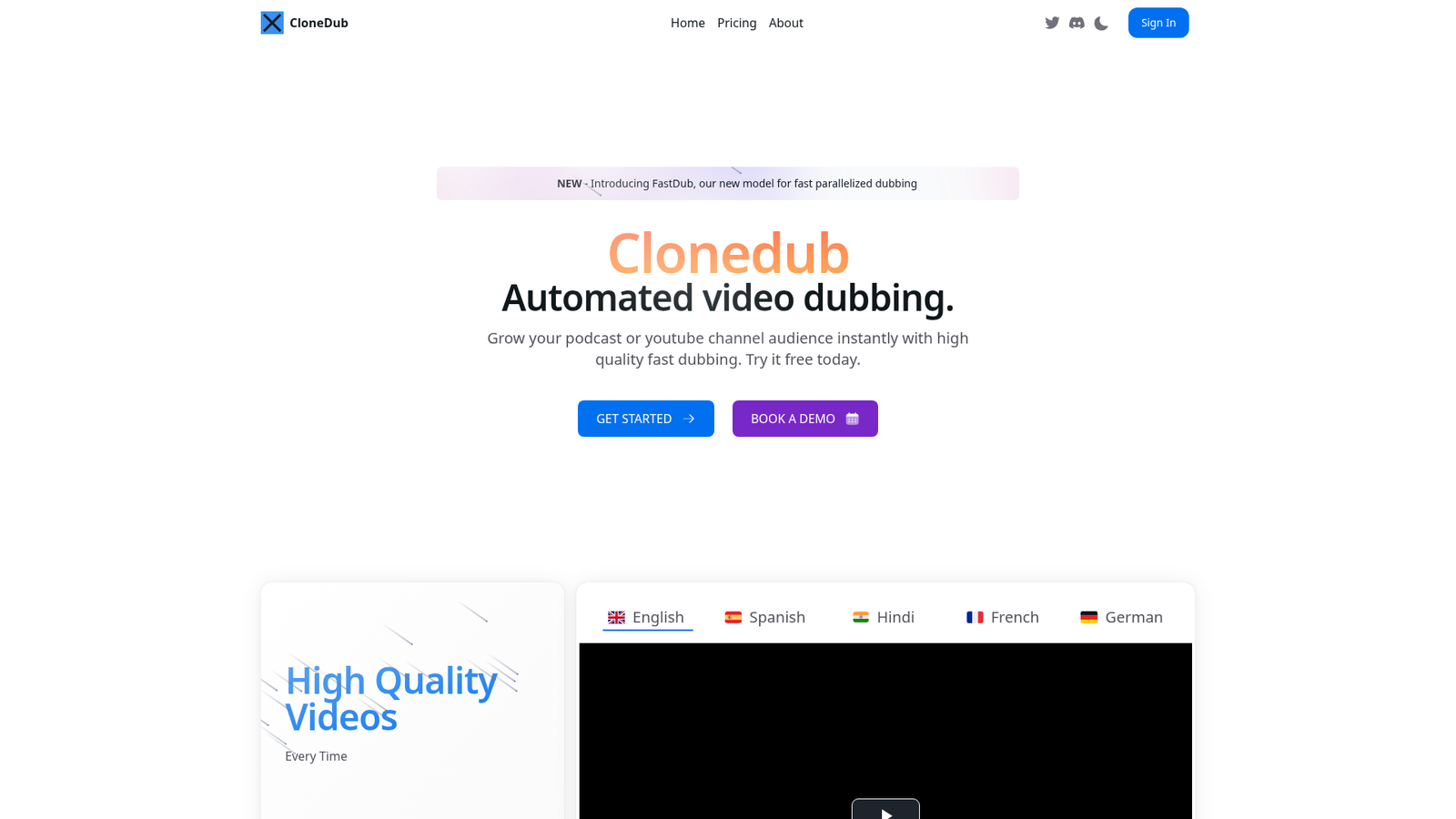
CloneDub is positioned around dubbing and voice replacement workflows. The team’s implied focus is localization outcomes: keep meaning, keep timing, keep momentum. Voice cloning is valuable here when you want continuity across languages.
Tagline: Localize voices without losing the speaker’s identity.
Best for: YouTube channels and video teams doing multilingual dubbing.
- Dubbing-oriented workflow → publish translated versions without re-shooting or re-recording talent.
- Automation-heavy pipeline → save 1–3 hours per video on export and alignment steps.
- Focused UI for dubbing → reach first value in about 45–90 minutes.
Pricing & limits: From $0/mo if a trial or demo exists, with paid plans for scale. Trial length is commonly credit-based. Caps tend to include minutes processed, languages, and team seats.
Honest drawbacks: If you only need short voiceovers, dubbing tools can feel overbuilt. Also, lip-sync and timing perfection may still require manual QA.
Verdict: If you want multilingual reach, this helps you publish localized cuts within a week. Beats generic voice tools at dubbing flow; trails full localization studios on bespoke polish.
Score: 3.4/5
26. KreadoAI Voice Clone
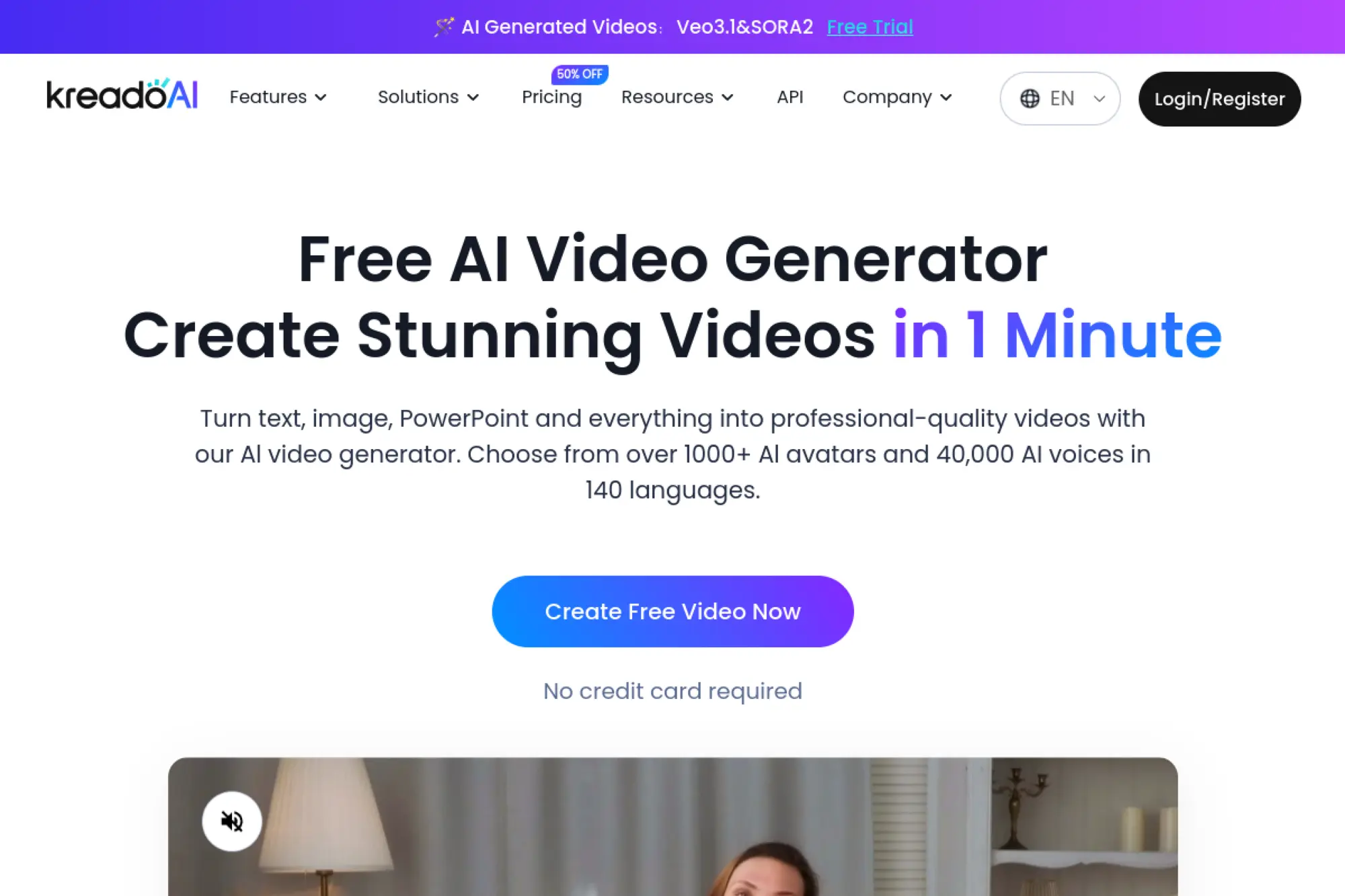
KreadoAI positions itself as a creator-friendly AI media toolkit. The team appears focused on practical outputs like voiceovers, avatars, and quick production. Voice cloning is framed as a way to scale “you” across content formats.
Tagline: Multiply your voice output without multiplying your calendar.
Best for: solo educators and SMB creators producing frequent lessons or ads.
- Voice cloning for repeatable narration → keep tone consistent across series content.
- Workflow automation options → save 20–40 minutes per batch by avoiding manual recording.
- Low-friction creation flow → reach first value in about 30–60 minutes.
Pricing & limits: From $0/mo if a trial or starter plan exists, with paid tiers for higher usage. Trial length is typically credit-based or time-limited. Caps usually track minutes, exports, and seats, plus plan-based rights.
Honest drawbacks: If you need deep phoneme control, you may hit limits quickly. Also, enterprise features like SSO may not be a focus.
Verdict: If you want a reliable cloned narrator for recurring content, this helps you publish weekly without burnout. Beats pure editors on speed-to-narration; trails premium APIs on customization depth.
Score: 3.5/5
27. Play.ai
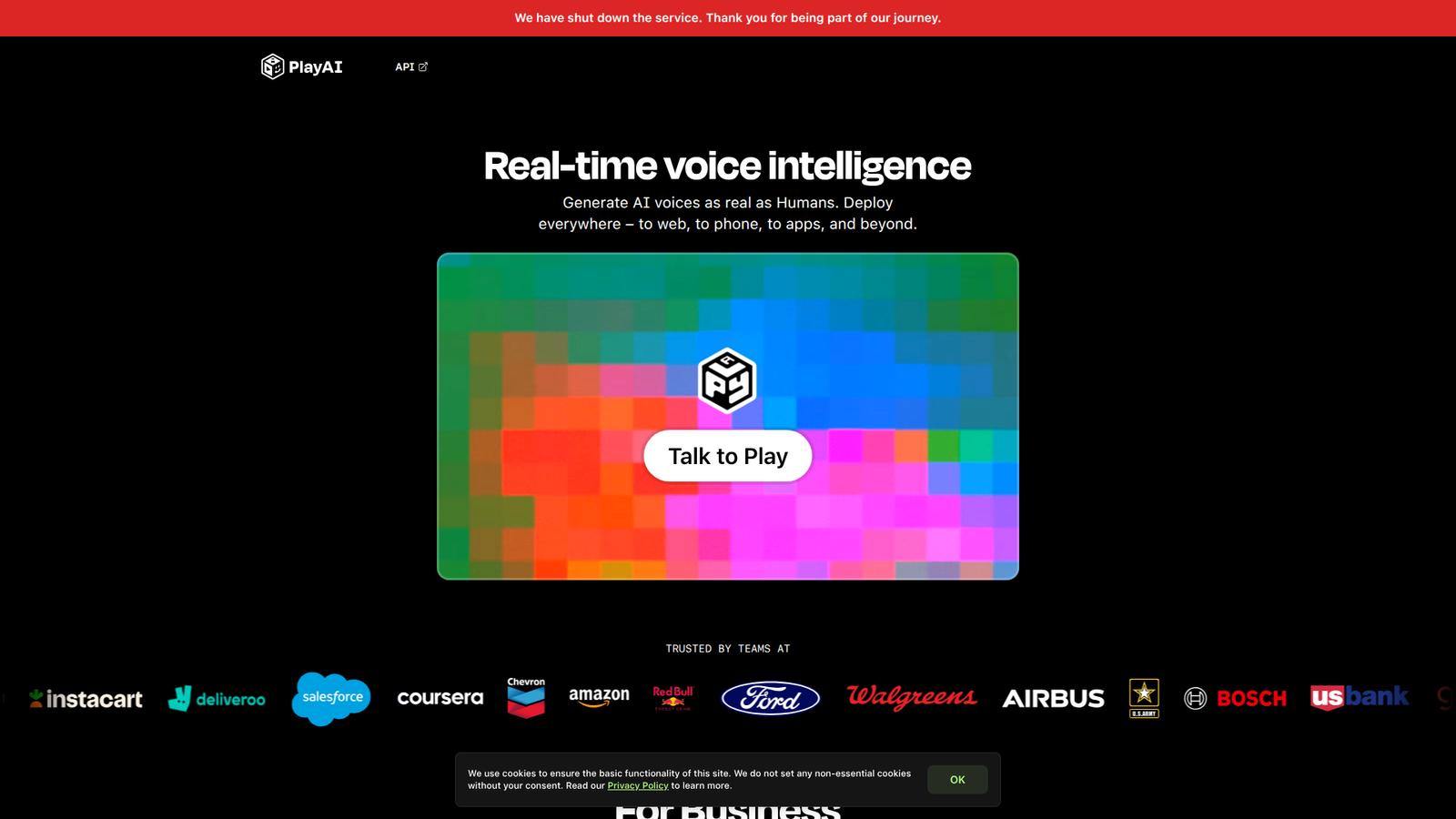
Play.ai is often positioned around voice generation for apps and agents. The team’s angle is “voice as an interface,” not just a file you export. That shifts priorities toward latency, APIs, and production reliability.
Tagline: Give your product a voice users can actually live with.
Best for: product teams and developers building voice agents or assistants.
- Voice generation built for interactive use → keep users engaged with clearer, steadier speech.
- API-centric workflow → save 4–10 engineering hours by avoiding custom audio pipelines.
- Developer onboarding path → reach first value in about 1–3 hours.
Pricing & limits: From $0/mo if a trial or free credits exist, with paid usage at scale. Trial length is commonly credit-based. Caps may include requests, characters, concurrency, and workspace seats.
Honest drawbacks: If you only need occasional voiceovers, it may feel too “platform” oriented. Also, cloning features may be gated behind higher tiers or approvals.
Verdict: If you are building voice into a product, this helps you ship an MVP in days. Beats editor-centric tools on APIs; trails studio apps on hands-on creative editing.
Score: 4.0/5
28. Zonos
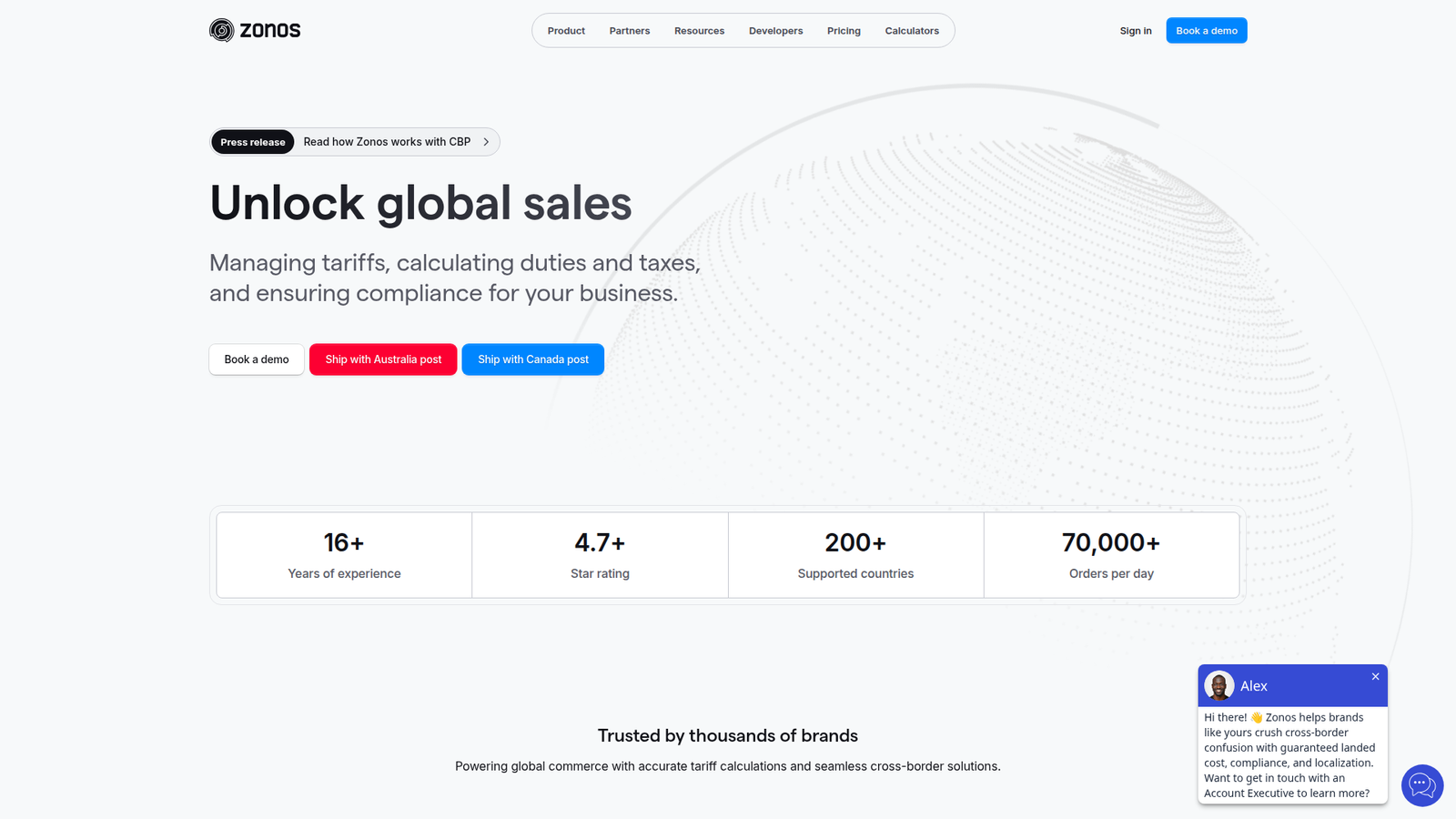
Zonos is referenced in community discussions rather than polished vendor pages. The “team” story can be harder to verify, which is part of the trade. You may be buying raw capability and community momentum instead of a support desk.
Tagline: Community-loved cloning experiments, for builders who can troubleshoot.
Best for: hobbyists and developers comfortable with rough edges.
- Experiment-first voice cloning → test novel approaches without waiting for SaaS roadmaps.
- Community-driven tips and forks → save hours by reusing shared configs and prompts.
- Setup time varies widely → reach first value in about 1–6 hours.
Pricing & limits: From $0/mo if it is distributed as code or a free build. Trial length is unlimited, but compute costs are yours. Caps are defined by your GPU, hosting, and model constraints.
Honest drawbacks: No guaranteed uptime, roadmap, or support response times. Also, rights, consent, and safety tooling are usually on you.
Verdict: If you want to explore alternatives to mainstream cloners, this helps you experiment in a weekend. Beats SaaS on flexibility; trails them on trust, documentation, and predictable results.
Score: 3.3/5
29. SparkTTS
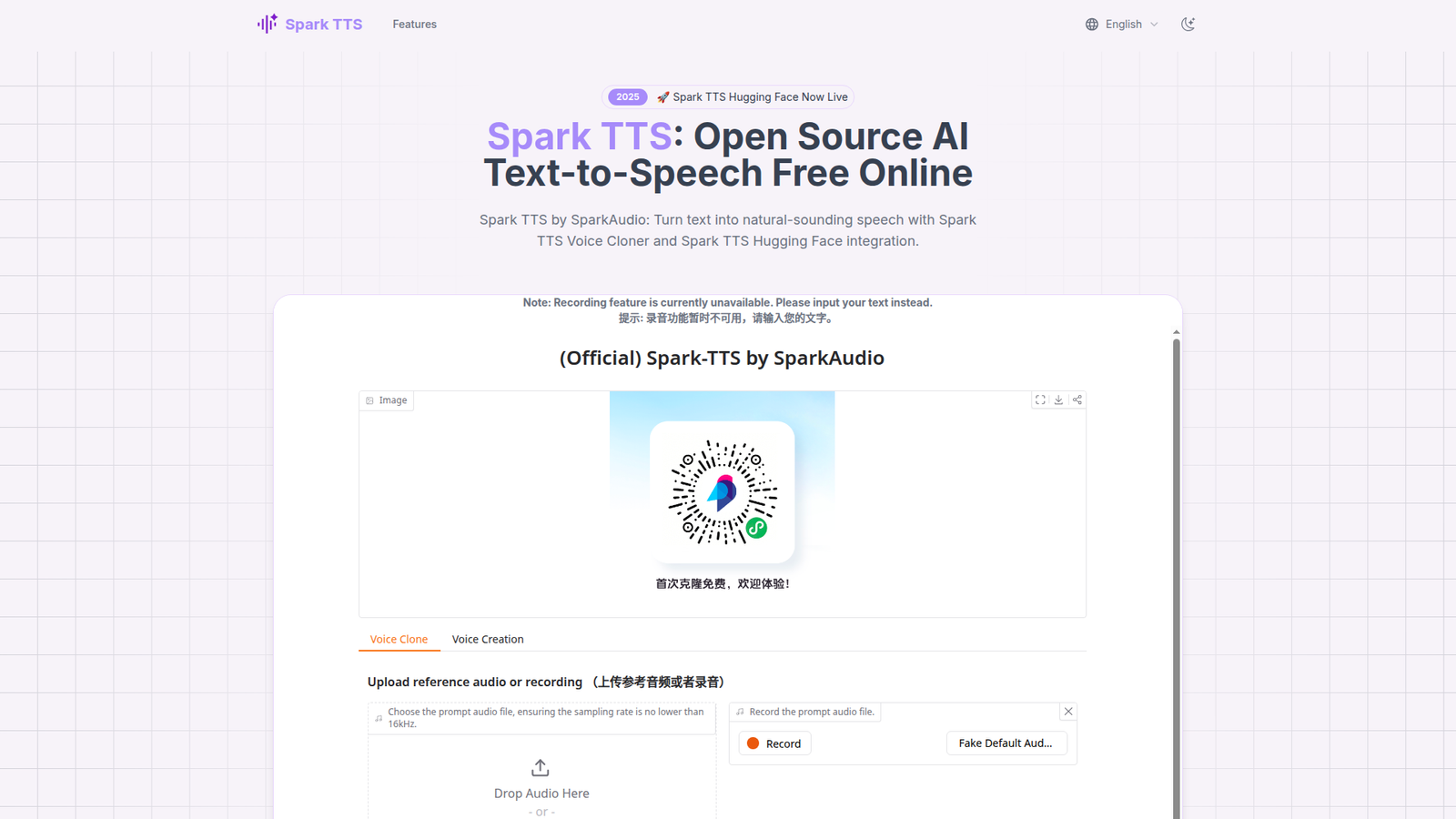
SparkTTS shows up as a community-mentioned option for speech generation. The team details can be unclear when a project is early or distributed. Still, these tools can outperform expectations if you like to tinker.
Tagline: A builder’s TTS playground, when you want control over convenience.
Best for: developers and researchers testing TTS quality trade-offs.
- Model-first approach → tailor voice output for niche use cases and datasets.
- Composable pipelines → save 2–5 hours by reusing scripts across experiments.
- Time-to-first-audio is variable → expect 1–5 hours, depending on your setup.
Pricing & limits: From $0/mo if run as open code or free binaries. Trial length is effectively unlimited. Caps depend on your compute budget, dataset size, and runtime environment.
Honest drawbacks: You may spend more time debugging than generating. Also, production deployment can be nontrivial without a packaged API and monitoring.
Verdict: If you are benchmarking voices or building custom stacks, this helps you move faster in days. Beats closed SaaS on transparency; trails them on polish and support.
Score: 3.4/5
30. Pixbim Voice Clone AI
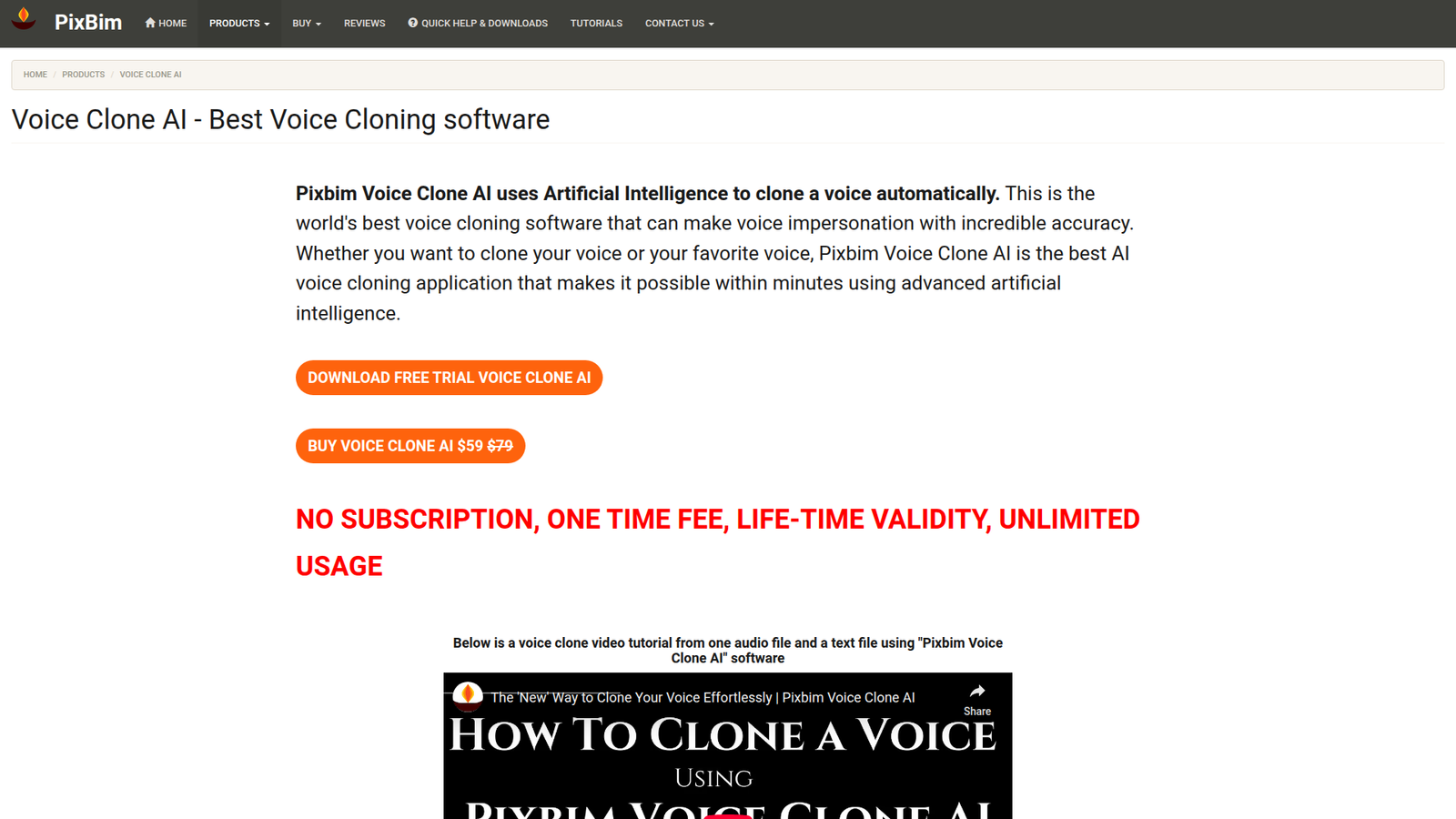
Pixbim is known for desktop-style media software rather than cloud platforms. The team’s approach tends to favor offline workflows and local control. That can be comforting when you do not want uploads or subscriptions.
Tagline: Clone voices locally, then keep your files on your machine.
Best for: Windows users and small studios wanting offline-style processing.
- Local-first workflow → process voice assets without relying on cloud uptime.
- Practical export loop → save 15–30 minutes per revision by keeping everything in one place.
- Install-and-run setup → reach first value in about 20–60 minutes.
Pricing & limits: From $0/mo if offered as a trial build, with paid licensing if required. Trial length is typically time-limited or feature-limited. Caps may include watermarking, export limits, or restricted model access.
Honest drawbacks: Desktop tools can lag SaaS on rapid model improvements. Also, integrations with modern pipelines may be limited without an API.
Verdict: If you want offline-style control for voice cloning tasks, this helps you produce assets in an afternoon. Beats cloud tools on local privacy; trails them on collaboration and always-new voice models.
Score: 3.2/5
Testing Method: How These AI Voice Cloning Tools Were Evaluated
Market overview: CB Insights reports AI funding hit $100.4B in 2024, and that capital is visibly improving audio quality and tooling. Better models are everywhere now. Testing is no longer “does it work.” It is “does it behave under stress.” That is the standard we apply.
At TechTide Solutions, we test with the mindset of a production incident. We assume messy text, revisions and governance needs. A tool that only works in ideal conditions is not “best.”
1. Voice training setup: recording scripts vs uploading existing audio samples
We start with two intake paths. One path uses a controlled recording script. The other uses existing audio, like podcasts or webinars. Both paths reveal different risks.
Controlled scripts expose coverage gaps. They also reveal how a tool handles phoneme variety. Existing audio exposes noise robustness. It also exposes whether diarization and trimming are required.
Our strongest results come from hybrid intake. We capture clean base audio. Then we add a small set of natural conversational clips. That mix tends to reduce “reading voice” artifacts.
2. Output evaluation: resemblance, diction, pacing, and natural intonation
We evaluate resemblance first, but we do not stop there. Diction decides whether users trust the voice. Pacing decides whether users can follow it. Intonation decides whether it feels intentional.
In testing, we include abbreviations, names, and product codes. Those tokens break many systems. We also include customer-service phrasing, where empathy must sound restrained.
One internal trick helps. We take the same script and vary punctuation. Strong tools respond with real phrasing changes. Weak tools stay monotone despite the text shift.
3. The “mom test” realism check for best ai voice cloning outcomes
We run a realism check with non-technical listeners. It is a blunt instrument. It is also revealing. Engineers often tolerate artifacts that users reject.
Our test is simple. We play short clips without context. Listeners answer one question: “Would you believe this was recorded?” We avoid telling them it is synthetic.
Failures cluster around the same cues. Breath sounds feel looped. Smiles sound pasted on. Emotion shifts feel abrupt. Fixing those issues usually requires better controls, not better prompts.
4. Technical criteria: MOS, PESQ, TAR, and FAR as realism signals
Subjective listening remains the gold standard. Still, we track technical proxies for consistency. MOS-style scoring provides a directional signal. PESQ-like measures help spot distortion and temporal smearing.
For identity scenarios, we also consider verification risks. TAR and FAR language is useful, even when we do not run full biometric benchmarking. The key is to understand false acceptance risk.
We never ship based on a single metric. Metrics guide investigation. Human listening decides release readiness.
5. Common friction points: file size limits, required formats, and single-file constraints
Friction points are often product decisions, not model decisions. Mandatory single-file uploads cause rushed preprocessing. Strict format rules cause conversions that degrade clarity. Limited upload tooling creates accidental data leaks.
We document friction as engineering time. Every constraint becomes a script or manual step. Manual steps create inconsistency. Inconsistency creates quality drift.
A strong tool reduces preprocessing burden. It also provides clear failure messages. Silent failures are the worst-case scenario.
6. Regeneration workflow: section-by-section control vs full-output reruns
Regeneration is where costs appear. A full-output rerun wastes time. It also breaks continuity across takes. Section-by-section control keeps edits local.
We test whether a tool can regenerate a single sentence without shifting the whole paragraph. We also test whether it can keep a consistent room tone. Those details matter in long-form narration.
For product voice, we test determinism. A stable seed-like behavior makes QA possible. If every run changes unpredictably, regression testing becomes guesswork.
Must-Have Features in the Best AI Voice Cloning Software
Market overview: IDC forecasts GenAI solutions spending will reach $143 billion in 2027, and feature depth is where vendors will differentiate. Model quality is converging. Workflow and governance features now decide winners. Buyers should demand those features early.
We treat “must-have” as production resilience. The feature list depends on use case. Still, patterns repeat across industries. These are the capabilities we insist on before integration.
1. Instant vs high-fidelity cloning: when 30 seconds is not enough
Instant cloning is excellent for prototypes. It is also excellent for disappointment. Short training often captures a voiceprint but misses expressive habits. The result can sound right and feel wrong.
High-fidelity cloning requires better audio and better curation. It also requires better review. For regulated use cases, high fidelity is worth the ceremony. For internal demos, instant cloning is fine.
We prefer tools that offer both modes. That lets teams start fast and mature gracefully. A forced choice creates migration pain later.
2. Fine-tuning controls: stability, similarity, clarity, and intensity
Controls are the difference between art and engineering. Without controls, teams brute-force prompts. Prompting works until it does not. Then you are stuck.
Stability keeps delivery consistent. Similarity preserves identity. Clarity helps with difficult consonants. Intensity prevents sudden emotional spikes.
We also like preview controls. A small change should produce a small result. Predictability is the real premium feature.
3. Chunked generation and stitching: editing-friendly best ai voice cloning workflows
Long-form audio should be generated in chunks. Chunking reduces rerun costs. It also helps preserve pacing. A single giant render encourages “pray and export.”
We look for smart stitching. Crossfades should be seamless. Room tone should not jump. Loudness should remain consistent across segments.
In e-learning, chunked generation enables modular updates. One policy change should not require re-exporting everything. That is a business advantage, not just convenience.
4. Pronunciation tools: phonetic spellings and part-of-speech guidance
Pronunciation drives trust fast. Mispronounced names feel careless. Mispronounced medical terms feel unsafe. A “best” tool needs pronunciation tooling.
Phonetic spellings are the baseline. Lexicon support is better. Part-of-speech hints are best, because homographs are common in product copy.
We also want reusable dictionaries. Teams should not fix the same name repeatedly. Institutional memory belongs in tooling, not in one editor’s head.
5. Localization and accent handling for more authentic voice delivery
Localization is more than translation. It is cadence, stress, and idiom. Many tools can output multiple languages. Fewer can preserve identity across languages convincingly.
Accent handling is also sensitive. A “neutral” accent is rarely neutral. The best systems give controlled accent options. They also avoid caricatured delivery.
In global support, we often deploy multiple voices. Each voice maps to a region and tone. That reduces user friction and improves comprehension.
6. Consent and authorization steps built into the cloning pipeline
Consent is not a checkbox. It is a system property. Tools should support explicit authorization flows. They should also support revocation and re-issuance.
We prefer pipelines that bind a voice to a verified identity. That can be an enterprise SSO step. It can also be a signed release workflow. Either way, “who approved what” must be queryable.
Authorization is also operational defense. When misuse happens, logs matter. A tool without auditability becomes a liability during investigations.
7. Output quality options: bitrate, PCM exports, and production readiness
Output quality determines where voice can ship. Compressed outputs are fine for previews. Production needs edit-friendly formats. Post teams want clean waveforms and consistent loudness.
We test whether exports preserve sibilants and plosives cleanly. We also test whether silence is natural. Over-aggressive noise removal can sound robotic.
Production readiness includes file naming and versioning. It also includes predictable rendering behavior. Those details reduce release-day friction.
8. API access and integrations for apps, content pipelines, and automation
APIs decide whether voice cloning is a feature or a manual service. For products, we need programmatic generation. We also need queue control and error reporting. Webhooks help pipelines stay observable.
Integration also touches security. We look for scoped keys, rotation, and environment separation. We also look for regional processing options when data residency matters.
On the automation side, we connect cloning to CMS events. A content update can trigger a re-render. That turns voice into a living interface.
9. Language coverage and multi-voice needs: cloning strategies for different tones
Many organizations need more than one voice. They need a “friendly” tone, a “serious” tone, and a “compliance” tone. A single clone cannot cover every register without sounding inconsistent.
We often recommend a small voice portfolio. One voice handles brand narration. Another handles support. A third handles legal disclaimers.
Cloning strategies must also respect role boundaries. A CEO voice should not be used casually. A support voice should not represent executive statements.
Ethics, Consent, and Legal Risks of AI Voice Cloning
Market overview: Deloitte finds 79% of respondents expect GenAI to drive substantial organizational transformation, and that urgency can outpace safeguards. Voice cloning amplifies that risk. A convincing voice can bypass skepticism. It can also trigger reputational damage in minutes.
We approach ethics as engineering. Policies must become system behavior. Consent must become verifiable artifacts. Risk must become monitored signals.
1. Consent-first cloning: what reputable best ai voice cloning tools ask you to confirm
Reputable tools push consent upfront. They request confirmation of rights to the voice. They may also require identity verification. Those steps are not friction. They are guardrails.
In our implementations, we capture consent as structured data. That includes who granted it and what scope applies. Scope includes purpose, duration, and allowed channels. A screenshot is not enough.
We also recommend visible disclosure. Users should know when they are hearing a synthetic voice. The disclosure can be subtle, but it should be consistent.
2. Privacy and intellectual property exposure: where lawsuits can come from
Voice sits at an awkward intersection of rights. It can be personal identity, performance and be part of a recorded work. Each angle creates a different legal theory.
Risk also comes from training data provenance. If a dataset contains unauthorized voices, downstream models inherit exposure. Even if a vendor promises safety, the buyer still faces reputational fallout.
Our practical stance is conservative. We clone only with explicit permission. We also limit who can generate audio. Least privilege applies to voice.
3. GDPR-style consent expectations and why disclosure matters
Modern privacy expectations treat biometrics carefully. Voice is not always classified the same way everywhere. Still, regulators and users treat it as sensitive. That means purpose limitation and minimization should be default behaviors.
Disclosure matters because it preserves trust. Without disclosure, a realistic clone feels deceptive. With disclosure, it can feel helpful and accessible. The same audio can land differently based on transparency.
We also advise retention limits. Keep raw training audio only as long as needed. Keep derived embeddings under stronger access controls. Reducing stored data reduces breach blast radius.
4. Celebrity voice misuse and deepfake risk: responsible boundaries for voice cloning
Celebrity misuse is the visible risk, but not the only risk. The more common failure is internal misuse. A well-meaning employee can generate an executive voice for a joke. That joke can leak.
Responsible boundaries start with policy. Then they become enforcement. Blocklists, watermarking, and monitoring are practical controls. Human review is still needed for high-stakes outputs.
We also separate “soundalikes” from “clones.” Soundalikes can still create confusion. If a tool markets “similar to” voices, governance needs extra attention.
5. Keeping voice data secure: isolated processing and minimizing external dependencies
Security design begins with where audio flows. If training audio leaves your boundary, you need vendor assurances. You also need internal approvals. Many teams forget that voice files can contain background conversations.
We like isolated processing options. Private storage, restricted access, and clear deletion workflows matter. The ability to run generation with minimal third-party sharing reduces risk.
Monitoring completes the loop. Track who generated what and when. Alert on unusual volume. Treat voice generation like privileged infrastructure.
How TechTide Solutions Delivers Custom AI Voice Cloning Solutions

Market overview: IDC projects a global cumulative impact of $22.3 trillion by 2030, and voice automation is a clear slice of that value story. We see voice cloning as product infrastructure. It is not a novelty feature. So we build it with the same discipline as payments or authentication.
Our delivery model blends engineering, audio craft, and governance. We aim for repeatable operations. We also aim for a voice that stakeholders can defend publicly.
1. Requirement discovery for custom best ai voice cloning: goals, data, quality, and constraints
Discovery starts with intent. Are you replacing studio sessions or enabling new UX? The answer shapes everything. It changes acceptable latency. It also changes approval workflows.
Next, we inventory voice sources. Clean studio audio is ideal. Existing content can work, but it needs review. We also map who owns the rights. That mapping avoids surprises later.
Finally, we define quality in operational terms. We choose evaluation scripts. We choose acceptance thresholds. Then we document what “good enough” means for release.
A Common Pitfall We Avoid
Many teams skip pronunciation planning. Then they discover failures on launch day. We build a pronunciation dictionary early. We also define naming conventions for projects and voices.
2. End-to-end implementation: integrating voice cloning APIs into products and workflows
Implementation is not just calling an API. We build a generation service that controls settings and logging. We add queues to protect downstream systems. Then also add caching when repeats are common.
For content teams, we integrate with editorial tooling. Scripts can be versioned. Audio exports can be traced. Regeneration becomes a controlled action, not an ad hoc click.
For product UX, we design fallbacks. If generation fails, we degrade gracefully. If a voice is flagged, we switch to a safe default. Reliability is part of realism.
3. Governance-by-design: consent capture, audit trails, and secure deployment for voice systems
Governance must ship with the first release. Retrofitting is painful. We add consent artifacts to the data model. We add role-based permissions around voice creation and use.
Audit trails are also product features. They enable internal trust. They enable external defensibility. When a partner asks, “Who approved this voice,” you can answer fast.
Deployment completes the story. We isolate environments, rotate credential and monitor output volume. That turns voice cloning into an accountable system.
Final Thoughts on Picking the Best AI Voice Cloning Tool
Market overview: Across major industry surveys, the signal is consistent: organizations are moving from experiments to operational AI, and audio is joining that shift. That reality makes the “best ai voice cloning” decision less about demos and more about systems. In our view, the winning tools will be the ones that combine realism, editability, and enforceable consent.
Our closing advice is deliberately practical. Start by writing your “voice policy” as product requirements. Then pick tools that can implement those requirements without heroic workarounds. After that, test with messy text and real reviewers, not just engineers.
When the clone is good, teams get bold. They localize faster. They update training content without re-recording. And they build voice UX that feels less mechanical. That upside is real, but only when trust holds.
If we were sitting with your team today, we would ask one question first: what would need to be true for you to feel comfortable defending your voice system in public?