Gartner projects worldwide generative AI spending will reach $644 billion, and branding workflows feel that pull for every team. At TechTide Solutions, we see logos as tiny assets with outsized operational consequences.
A logo is not “just design.” It is an interface token. It travels through websites, invoices, email signatures, app icons, and ad creatives. Once it ships, it becomes infrastructure.
AI logo generators help when speed matters. They also introduce new risks. The risks hide in file formats, licensing, and uniqueness. This guide shares how we evaluate tools in practice.
How to Choose the Best AI Logo Generator for Your Business

Gartner found marketing budgets average 7.7% of revenue, so speed and consistency matter for brand production. Under pressure, tool choice becomes a governance decision, not a cosmetic one.
1. Clarify your goal: logo-only downloads vs a complete brand kit
Logo-only is about shipping a mark fast. A brand kit is about repeatable output. That difference changes everything.
For a solo consultant, a clean wordmark and favicon may be enough. For a product team, the “logo” is only the start. They need matching social headers, slide templates, and UI-ready assets.
From our delivery work, the real cost is not creation. The cost is rework across channels. Brand kits reduce that churn when the kit is consistent.
What we look for in a “real” kit
Strong kits export reusable pieces. They include color definitions and font choices. They also keep those choices stable across templates. Without that, the “kit” is just more files.
2. Pick your workflow: guided questionnaire vs open-canvas editing
Guided questionnaires are great for non-designers. They convert fuzzy intent into concrete constraints. Open-canvas editors suit teams with a clearer direction.
In practice, guided flows help small businesses avoid blank-page paralysis. Open canvases help startups match an existing product aesthetic. The best tools offer both paths without forcing a restart.
When we advise clients, we match the workflow to decision speed. A committee needs guardrails. A founder-led brand can handle freedom.
3. Check design quality signals: variety, originality, and industry fit
Quality is not one “beautiful” logo. Quality is a set of directions that feel plausible. Variety matters because brand discovery is comparative.
Originality is harder. Many tools remix similar icon libraries. That can be fine for a first launch. It can also be a trademark headache later.
Industry fit is the hidden lever. A yoga studio and a cybersecurity firm can both like “minimal.” They still need different visual cues.
A quick reality check we use
We test a logo in grayscale. We also test it at tiny sizes. If it breaks, the concept is fragile. If it holds, refinement is worth doing.
4. Validate customization depth: fonts, colors, icons, layouts, and spacing
Customization is where tools separate. Many generators let you swap colors. Fewer let you fix spacing and alignment precisely.
Spacing is not cosmetic. It controls readability in app headers and invoices. It also affects how the mark “breathes” in crowded layouts.
We like tools that expose layout controls. We also prefer consistent snapping behavior. Small alignment problems scale into big brand inconsistency.
5. Confirm output formats: PNG, SVG, EPS, PDF, and transparent backgrounds
Most businesses need more than PNG. PNG is great for quick web use. Print and long-term scalability want vector.
SVG is typically the most practical vector for modern stacks. It plays well with websites and product UI. EPS and PDF still matter for many print vendors.
Transparent backgrounds are a basic requirement. Without them, every placement becomes manual cleanup. That cleanup is a silent tax on marketing teams.
Our “handoff” test
We try the exported files in three places, drop them into a website header and place them on a dark slide background. We also send them to a print workflow.
6. Compare pricing models: free testing, one-time fees, or subscriptions
Pricing tells you how the company thinks about value. One-time fees reward fast conversion. Subscriptions reward ongoing brand operations.
Free testing is useful for exploration. It can also be bait for paywalled exports. That is not “bad,” but it must be explicit.
When we budget software, we estimate edit frequency. Frequent edits justify subscriptions. Stable brands often prefer one-time purchases.
7. Understand post-purchase rules: re-downloads, edits, and revision limits
Post-purchase access is where teams get burned. A logo is not done when it downloads. It is done when it survives real usage.
Teams often need a second export later. They might need a monochrome variant. They might need a new layout for a mobile app.
We favor tools that keep a “download center” available. We also like tools that allow edits without starting over.
8. Review usage rights: commercial licensing, ownership, and trademark readiness
Licensing language is rarely fun. It is still critical. “Full ownership” can mean different things across vendors.
Trademark readiness is a separate question. If a tool uses common icon components, exclusivity is unlikely. That does not stop you from operating, but it can limit protection.
Our advice is simple. Treat AI logos as a starting point unless you confirm uniqueness. For serious brands, do a legal review before scaling.
A practical approach we suggest
We often launch with an AI-generated direction. Then we commission a designer to create a unique vector. That preserves speed while reducing long-term risk.
9. Account for AI text limitations when using image generators for logos
General image models still struggle with text. Letters can warp, merge, or hallucinate. That makes them risky for wordmarks.
We use image generators for mood boards and rough directions. Then we rebuild the mark with real typography. That rebuild can happen in a logo tool or a design suite.
If a tool cannot produce clean text, it can still be useful. Just treat it as concept art, not a final deliverable.
Quick Comparison of best ai logo generator
Statista forecasts global ad spending of US$1.17tn, which keeps brand assets in constant rotation across channels and formats. Under that cadence, the best logo tools behave like production systems, not novelty toys.
| Tool | Best for | From price | Trial/Free | Key limits |
|---|---|---|---|---|
| Looka | Fast brand-ready exports | $20 | Free to design | Logo-only tier is limited |
| Brandmark | Clean vectors, one-time buy | $35 | Free to generate | Style feels template-led |
| Canva | DIY edits and brand collateral | Free | Free tier | Originality depends on assets |
| Adobe Express | Quick social-ready deliverables | Free | Free tier | Vector depth varies by workflow |
| Wix Logo Maker | Website-first branding flow | $49 | Free to try | Edits depend on plan |
| Tailor Brands | Bundled small-business setup | $3.99 | Free to preview | Subscription mindset |
| Designs.ai | All-in-one creative suite | $19 | Free trial | Suite may feel heavy |
| Shopify Hatchful | Starter ecommerce identities | Free | Free | Less control over vectors |
| Namecheap Logo Maker | Quick, simple wordmarks | Free | Free | Limited advanced typography |
| Logo.com | Fast brand pages and assets | Free | Free tier | Licensing needs review |
Our Longlist Of Tools Worth Testing
- Looka works well when you need a logo plus consistent marketing assets.
- Tailor Brands is a strong pick for subscription-based brand operations.
- Wix Logo Maker fits teams already committed to Wix for web presence.
- Canva is ideal when non-designers must keep iterating in one workspace.
- Adobe Express helps teams move fast inside the Adobe ecosystem.
- Fiverr Logo Maker blends AI suggestions with designer-created templates.
- Brandmark is solid for clean vectors and straightforward one-time pricing.
- LogoAI is popular for quick ideation and packaged exports.
- Designs.ai Logo Maker is best when you want a broader creative suite.
- Renderforest Logo Maker pairs logos with video and promo templates.
- Hatchful by Shopify is a practical starting point for new stores.
- Logo.com emphasizes quick brand pages and basic asset generation.
- Namecheap Logo Maker is a lightweight tool for simple marks.
- Hostinger Logo Maker suits teams already buying hosting and domains there.
- Ucraft Logo Maker is a clean option for basic logo exploration.
- Logomaster.ai offers guided flows with familiar startup aesthetics.
- Logopony focuses on fast generation with minimal steps.
- Turbologo leans into rapid variations and lightweight editing.
- Zarla positions itself as an AI-first logo and brand generator.
- BrandCrowd is useful when you want a broad library of starting points.
- Designhill Logo Maker works best for teams used to marketplace workflows.
- FreeLogoDesign is a quick option for simple combinations and layouts.
- VistaPrint Logo Maker fits businesses that print signage and cards often.
- Kittl is excellent when you want high-control typography and layout work.
- Simplified AI Logo Maker is handy for lightweight marketing pipelines.
- Appy Pie Design helps teams that want many small brand assets fast.
- Fotor AI Logo Maker is useful when you already use Fotor for editing.
- LogoMaker.com is a template-first tool with quick customization.
- DesignEvo is practical for fast drafts when you need simple icon marks.
- Placeit is useful for mockups and quick marketing previews.
Top 30 best ai logo generator Tools and Platforms for Logo Creation
We score tools the way busy buyers actually decide. We start with the job: get a logo you can ship, use, and defend across channels. Then we test how fast each tool gets you to a clean first draft. We also look at what happens after the “wow” moment. Can you edit without fighting the UI? Can you export the files you need? Do you get usable brand consistency, or just pretty randomness?
Each pick gets a weighted score on seven factors: Value-for-money (20%), Feature depth (20%), Ease of setup & learning (15%), Integrations & ecosystem (15%), UX & performance (10%), Security & trust (10%), and Support & community (10%). We reward tools that reduce steps, not tools that add menus. We also note deal-breakers, because the cheapest logo is expensive if you must redo it next week.
1. LogoMakr
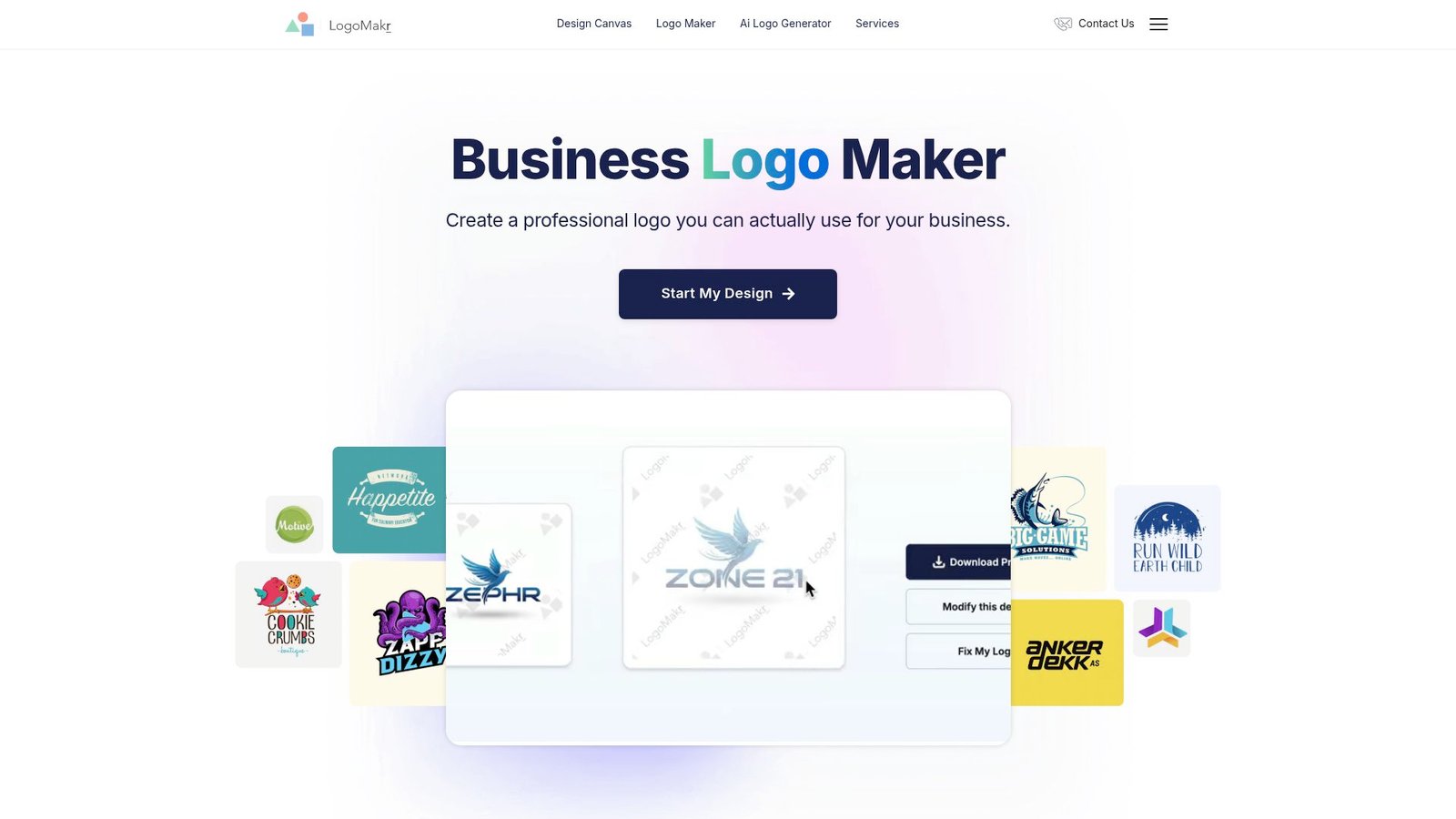
LogoMakr is built like a lean, web-first design utility. The team’s focus shows in the editor. It is direct, fast, and largely out of your way. You are not “guided” much. That is good if you already know what you want.
Make a clean logo you can download and use today.
Best for: DIY founders and side-project builders who want simple control.
- Drag-and-drop icon + text layout → assemble a usable mark without templates.
- Vector export in higher tiers → skip 2–3 formatting steps for print vendors.
- Lightweight web editor → time-to-first-value is about 10 minutes.
Pricing & limits: From $0/mo to design in the browser. Downloads are one-time purchases, with packages starting at $29. There is no fixed trial clock. Package limits are tied to included design credits and file formats.
Honest drawbacks: It can feel barebones for brand systems. Integrations are minimal, so teams will move files by hand. Also, results depend on your taste and restraint.
Verdict: If you need a straightforward logo fast, this helps you ship a solid draft in a single sitting. Beats complex suites on speed; trails Canva on broader brand assets.
Score: 3.6/5
2. Looka
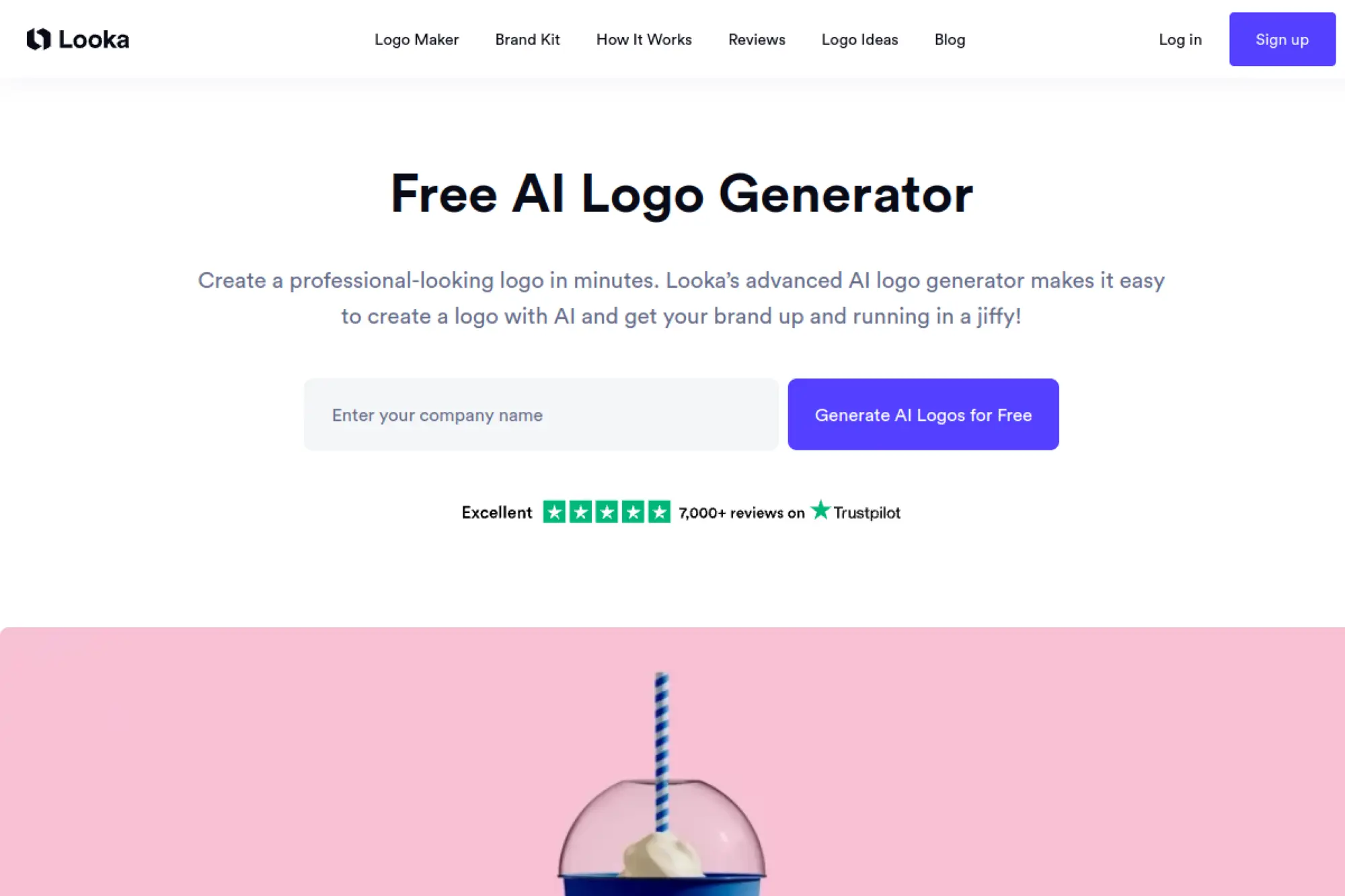
Looka operates like a polished product studio for non-designers. The team leans hard into guided choices. You answer questions, then refine. It feels like a brand kit workflow, not a blank canvas.
Go from name to brand-ready logo files without hiring a designer.
Best for: solo marketers and new SMBs that need a cohesive look fast.
- Guided style inputs → get usable directions instead of endless random grids.
- Brand kit outputs → save 30–60 minutes making matching social basics.
- Web editor with safe constraints → first draft often lands in 15 minutes.
Pricing & limits: From $0/mo to generate, edit, and save concepts. Download is a one-time purchase, with packages commonly listed at $20 (Basic) and $65 (Premium). Brand kit access is billed as a subscription, and is priced at checkout. Trials for subscriptions are not consistently stated on the pricing page.
Honest drawbacks: Many elements are not exclusive, which can matter for trademarks. Also, subscription value depends on whether you will keep using the brand kit.
Verdict: If you want a guided path to “good enough,” this helps you publish a credible logo the same day. Beats LogoMakr on guidance; trails Brandmark on one-time simplicity.
Score: 4.0/5
3. Designhill Logo Maker
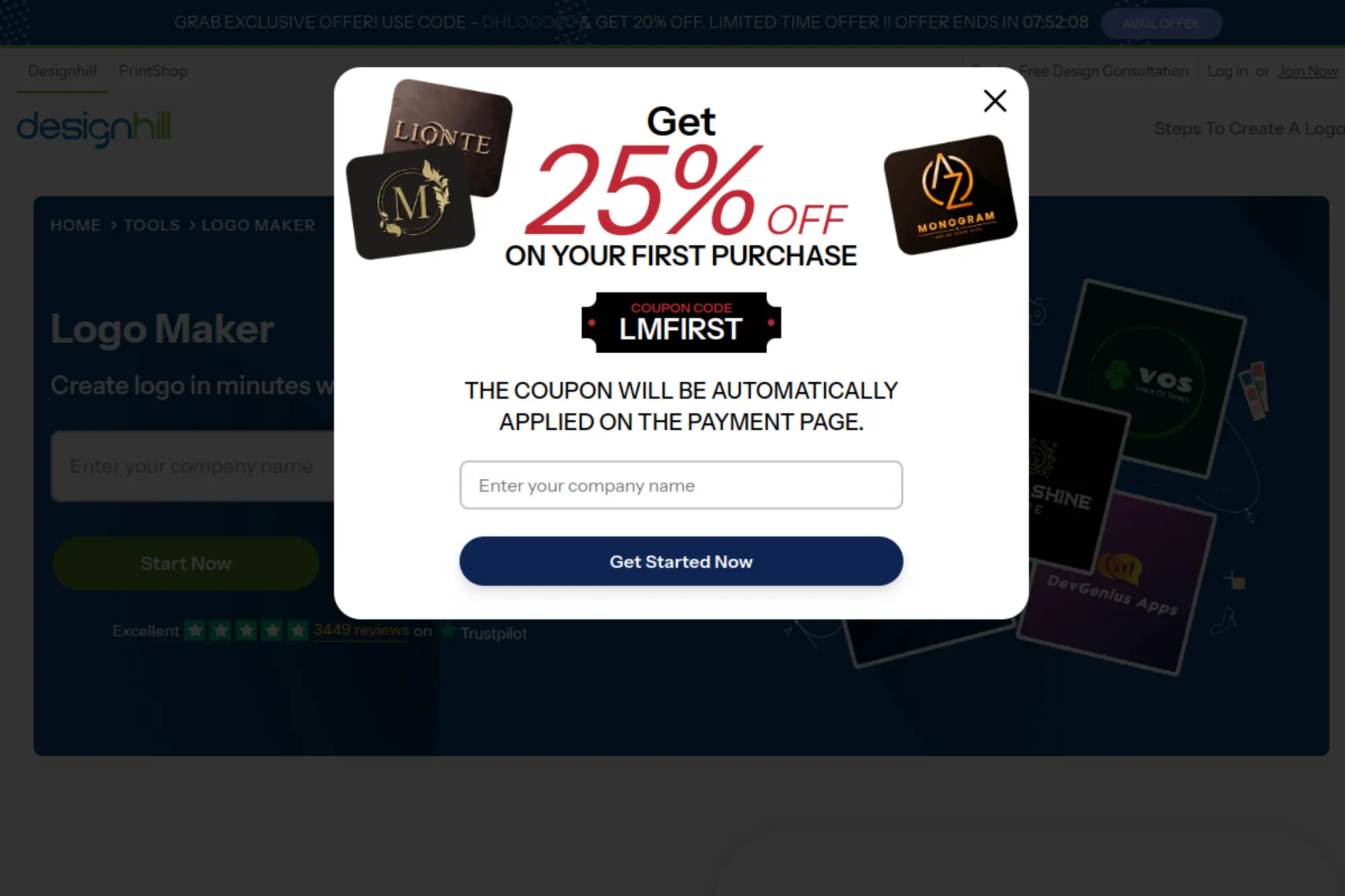
Designhill sits closer to a marketplace mindset. The company runs multiple design services, and the logo maker acts as a fast entry point. The tool aims to be friendly, not fussy.
Generate logo options quickly, then pay only when you’re ready.
Best for: bootstrapped founders and small teams testing names and niches.
- Unlimited concept generation → explore positioning without paying upfront.
- Paid download unlocks ownership → save legal back-and-forth later.
- Simple editor flow → time-to-first-value is about 15 minutes.
Pricing & limits: From $0/mo to create as many logos as you want. Download requires a paid package, which is commonly positioned as Basic versus Premium. Trial length is effectively unlimited for previewing. Export formats and higher-resolution files depend on the package selected.
Honest drawbacks: Expect some designs to look template-adjacent. Advanced brand system controls can be limited, especially for typography nuance.
Verdict: If you need breadth of ideas more than precision, this helps you shortlist a direction in one afternoon. Beats many generators on volume; trails Canva on editing depth.
Score: 3.7/5
4. Brandmark
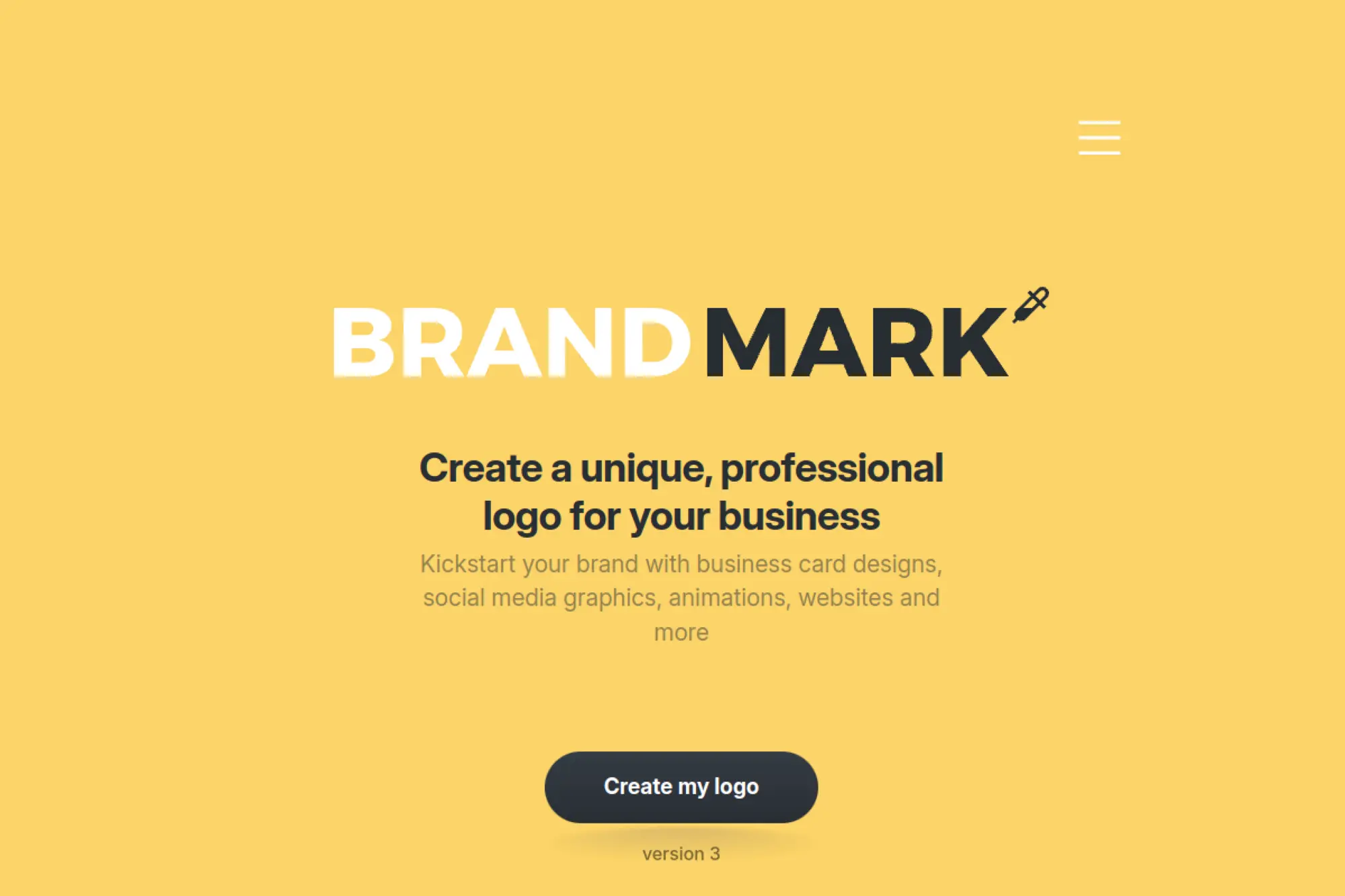
Brandmark positions itself as a design-forward AI brand tool. The team’s bias is clear: fewer, sharper options. It is less about endless spins. It is more about getting a modern, minimal mark that holds up.
Get a clean, contemporary logo that looks intentional.
Best for: startups and consultants who want a modern “agency-lite” look.
- Stronger baseline aesthetics → reduce the “template vibe” in final picks.
- Included brand assets in higher tiers → save 5–8 manual design steps.
- One-time pricing model → first usable export can happen in 20 minutes.
Pricing & limits: From $0/mo to generate and explore. Paid packages are one-time, with tiers starting at $35. There is no subscription required. Trial length is unlimited for previews. Included assets and source files vary by tier.
Honest drawbacks: Editing can feel constrained if you want radical changes. Also, “AI good taste” is not the same as uniqueness for trademark purposes.
Verdict: If you want a modern logo without learning design tools, this helps you land a confident mark in an hour. Beats many tools on style; trails Canva on team workflows.
Score: 3.9/5
5. Logo.com
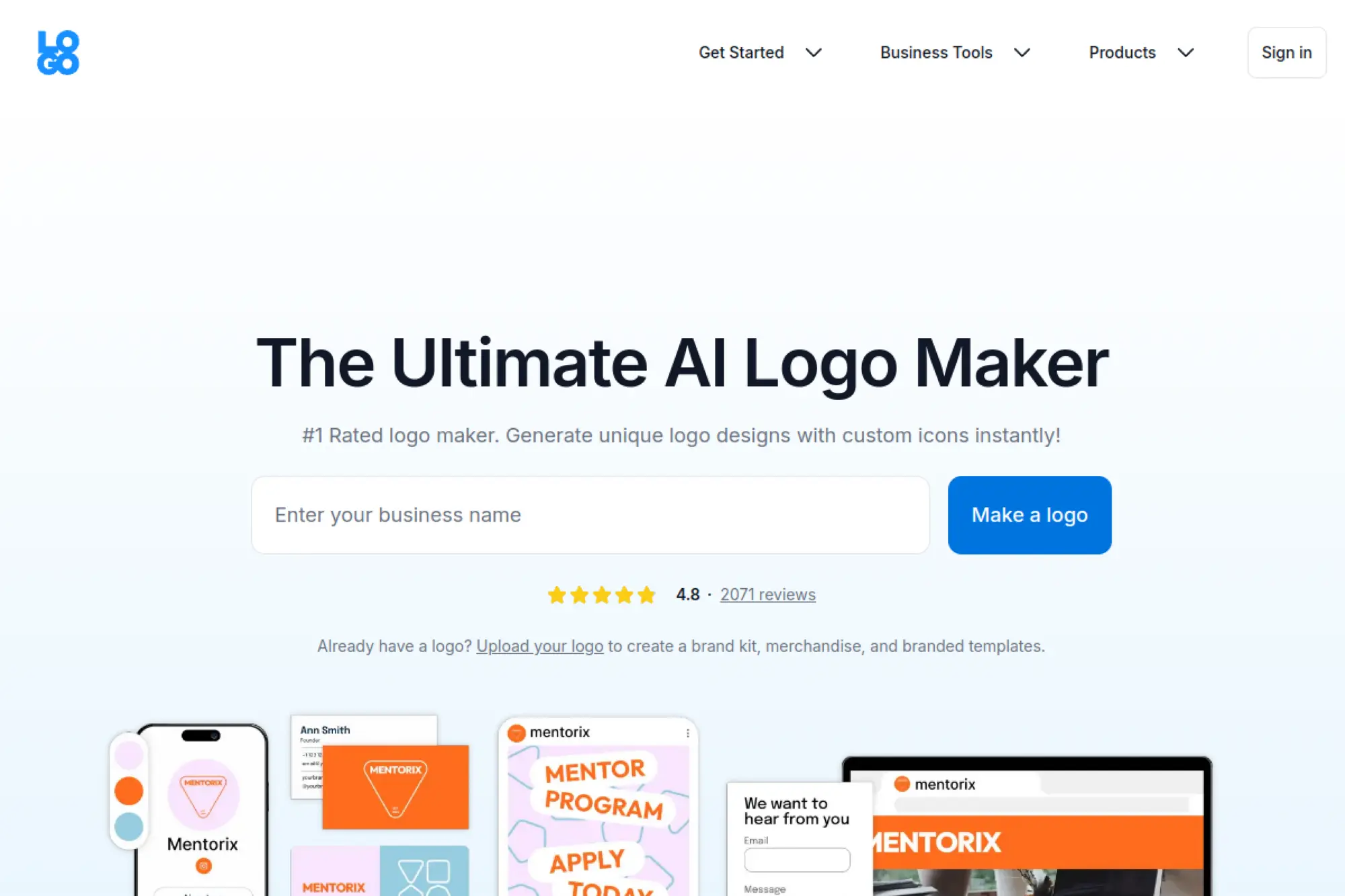
Logo.com is built like a small-business launchpad, not just a logo tool. The company wraps logos into brand utilities. That makes it feel like a “starter kit” product. The team aims for speed and breadth.
Make a logo and launch basic brand assets in one place.
Best for: first-time founders and creators who need many small assets fast.
- Free logo creation flow → get a usable draft before spending anything.
- Brand kit-style outputs → save 30 minutes on social resize chores.
- Low-friction onboarding → time-to-first-value is about 10–15 minutes.
Pricing & limits: From $0/mo with a free plan that includes at least one logo download. A paid subscription unlocks more formats, more saved logos, and added tools. Trial length is stated as 30 days for new users in the terms. Plan caps commonly include limits on saved logos, file formats, and storage.
Honest drawbacks: Pricing detail can be harder to compare than one-time tools. Also, access to additional downloads may depend on keeping a subscription active.
Verdict: If you want “logo plus basics,” this helps you get brand-ready files within a day. Beats LogoMakr on bundled outputs; trails Brandmark on pure logo focus.
Score: 4.1/5
6. Design.com
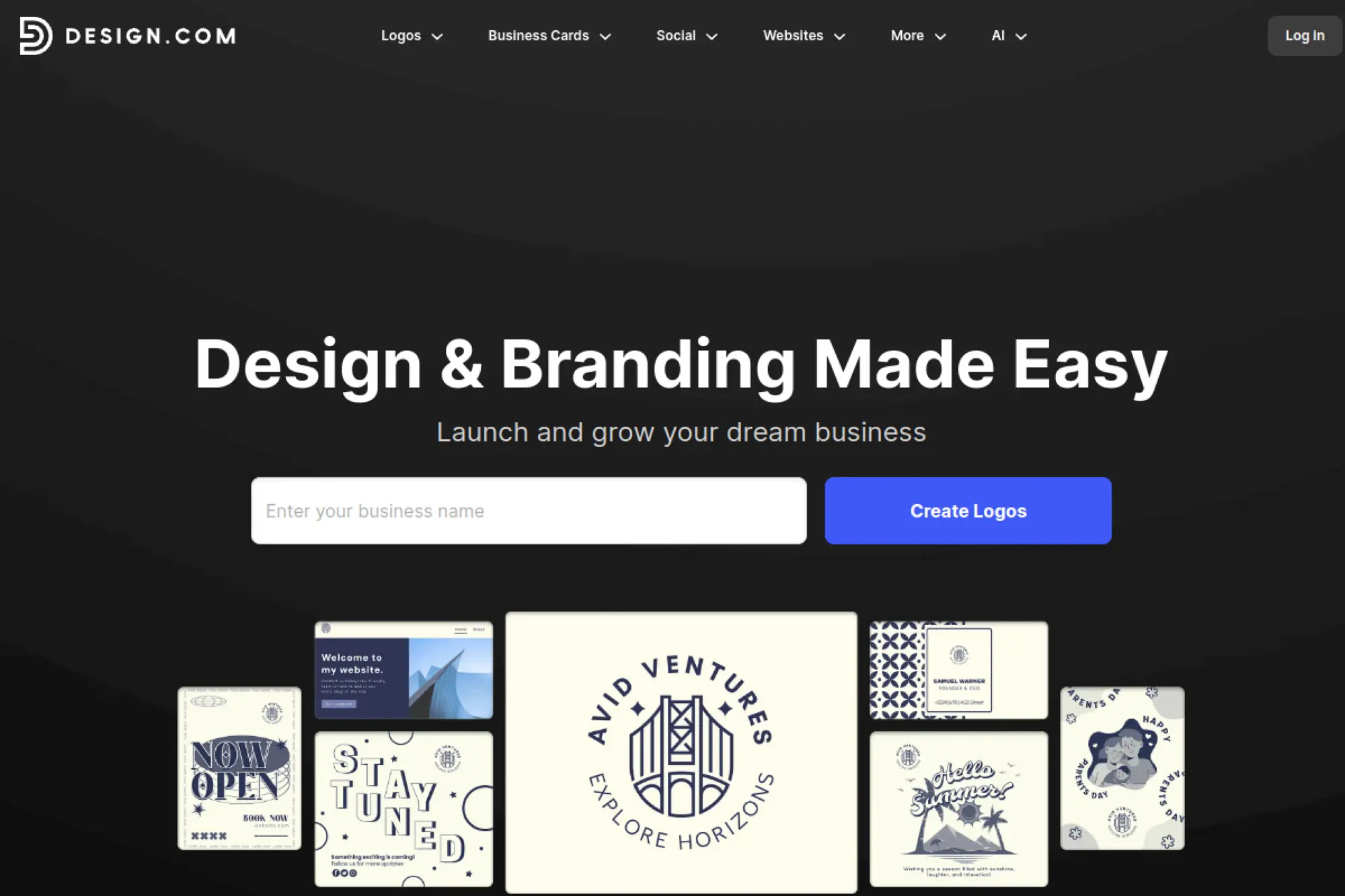
Design.com frames the logo maker inside a broader design platform. The company pushes subscriptions because the product is meant to stay in your workflow. The team positions it as an all-in-one brand creation system.
Keep your logo editable while you build the rest of your brand.
Best for: small teams and founders who want ongoing edits and templates.
- Subscription-based access → keep making updates without repurchasing files.
- Website and collateral tooling → save 5–10 steps across launch assets.
- Template-led creation → first usable logo often appears in 15 minutes.
Pricing & limits: From $25/mo for a starter logo pack, with higher bundles adding a website and more tools. A “try for one month then cancel” approach is positioned as the closest thing to a one-time buy. Trial length is not consistently advertised. Limits commonly relate to plan tier access and included tools.
Honest drawbacks: If you hate subscriptions, this is a non-starter. Also, you may pay for tools you never touch.
Verdict: If you want a logo that evolves with your business, this helps you iterate weekly without redesigning from scratch. Beats one-time tools on ongoing edits; trails Canva on ecosystem scale.
Score: 3.8/5
7. Logomaster
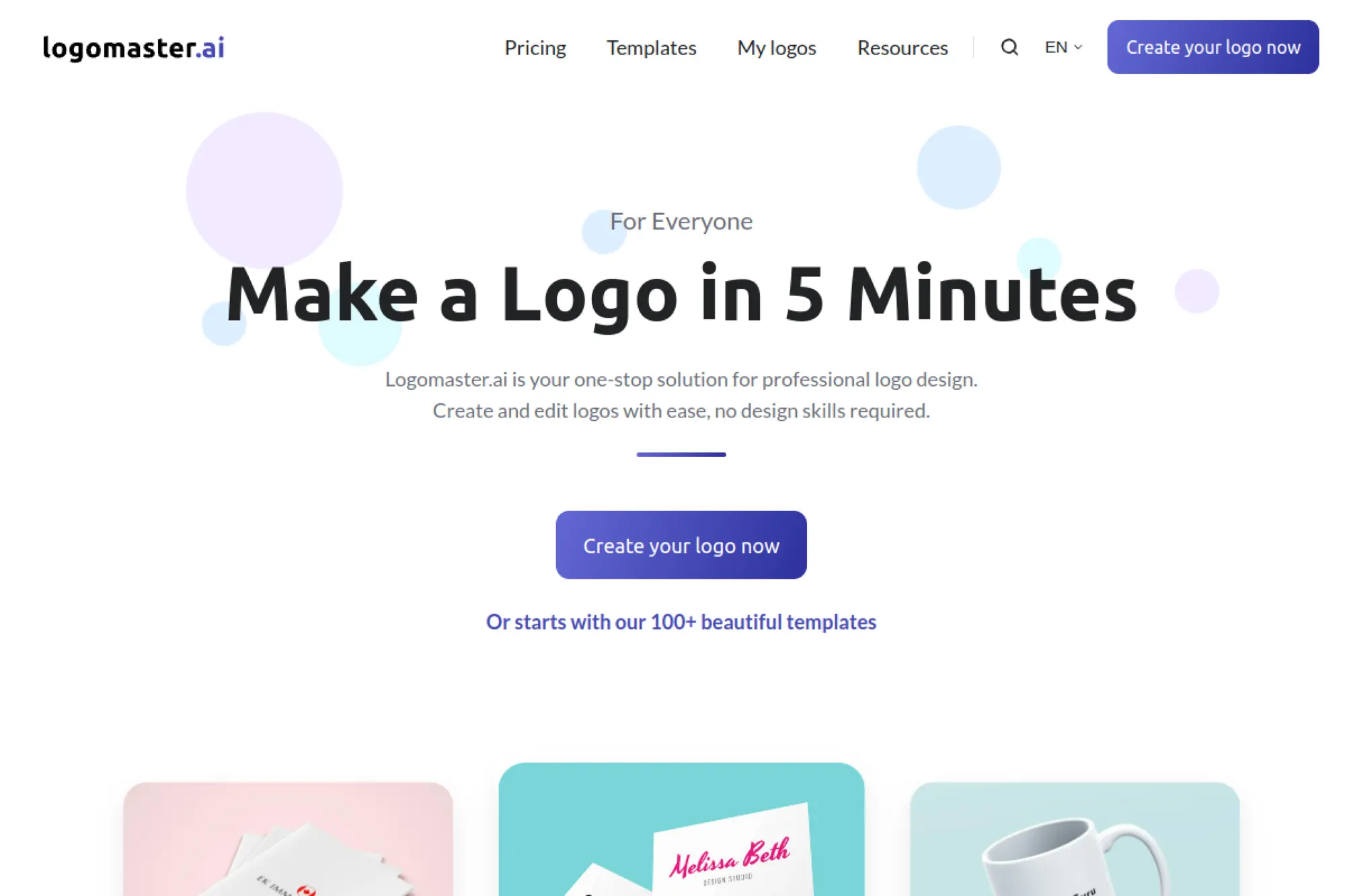
Logomaster aims at founders who want a fast, professional-looking result. The company positions itself as a practical alternative to hiring a designer. The team emphasizes speed and predictable exports.
Create a polished logo fast, then download professional files.
Best for: startup operators and freelancers who need print-ready exports.
- Industry + style guided generation → narrow options to a workable shortlist.
- Vector export in higher packages → save 2–3 vendor formatting steps.
- Quick flow → time-to-first-value is often 15–25 minutes.
Pricing & limits: From $0/mo to generate ideas and preview. Purchases are typically one-time packages, with entry pricing commonly around the $39 range. Trial length is unlimited for previewing. Limits depend on package tier, especially for re-edits and vector files.
Honest drawbacks: Some packages may restrict post-purchase edits. Also, uniqueness can vary by industry and prompt quality.
Verdict: If you need a credible logo without design software, this helps you reach a downloadable version in under an hour. Beats pure editors on guidance; trails Looka on brand kit breadth.
Score: 3.7/5
8. BrandCrowd
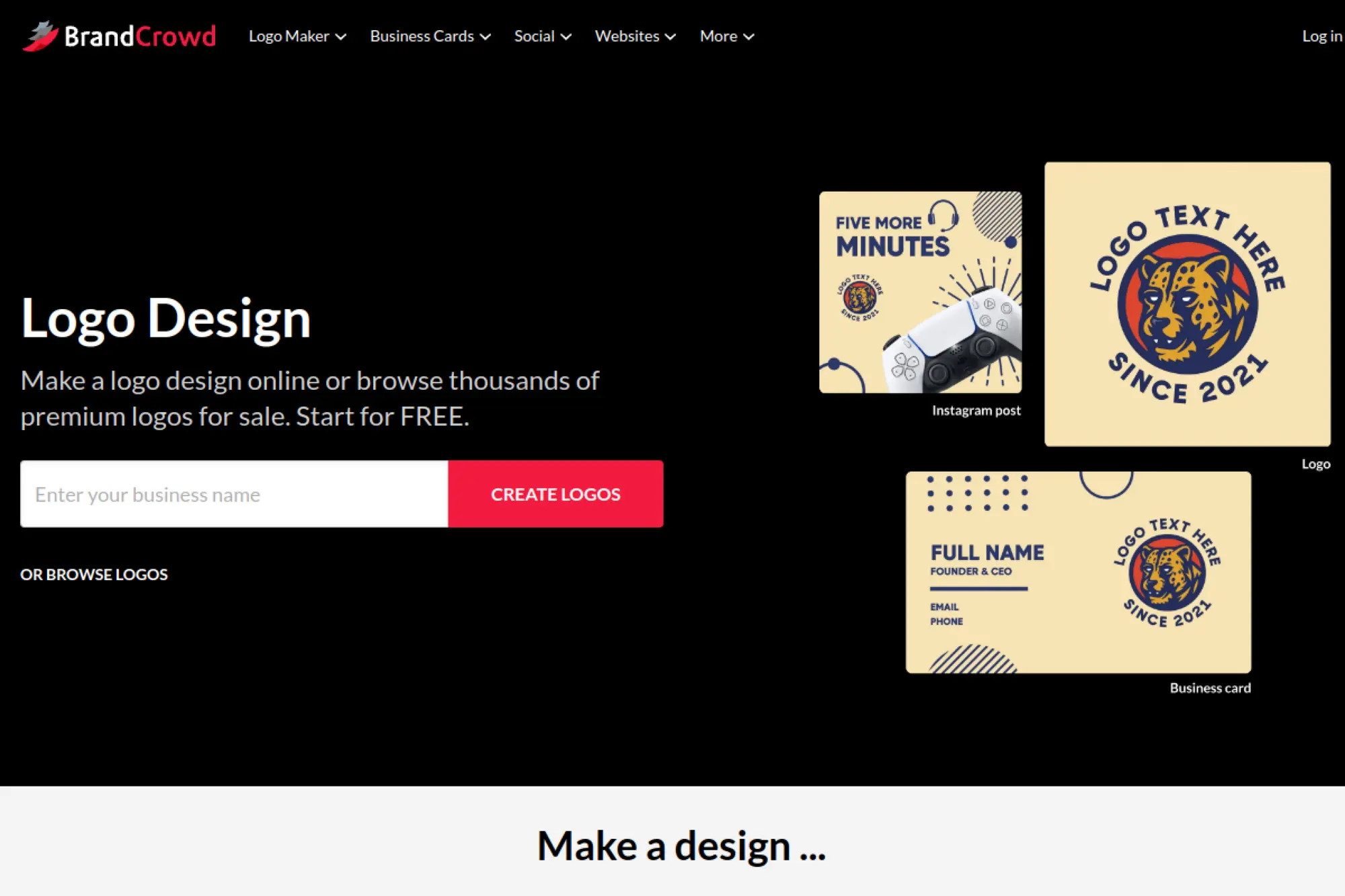
BrandCrowd is built around a large template library with customization. The company sits between “AI generator” and “logo marketplace.” The team’s strength is sheer coverage across industries.
Pick a strong starting template, then customize it into your brand.
Best for: small businesses and agencies needing many quick variations.
- Massive template inventory → find a relevant base in minutes.
- Subscription unlocks ongoing edits → avoid re-buying files after changes.
- Guided editor → time-to-first-value is about 10–20 minutes.
Pricing & limits: From $0/mo to browse and experiment. Paid plans are commonly positioned from about $5/mo when billed annually, with higher monthly pricing when billed month-to-month. Trial length varies by offer and template type. Limits depend on plan tier, especially for downloads and continued editing.
Honest drawbacks: Template origins can raise exclusivity concerns. Also, pricing paths can feel confusing at checkout if you expect one-time buys.
Verdict: If you value speed and variety over total originality, this helps you deliver a client-ready logo in an afternoon. Beats niche generators on breadth; trails Brandmark on refined aesthetics.
Score: 3.9/5
9. Tailor Brands
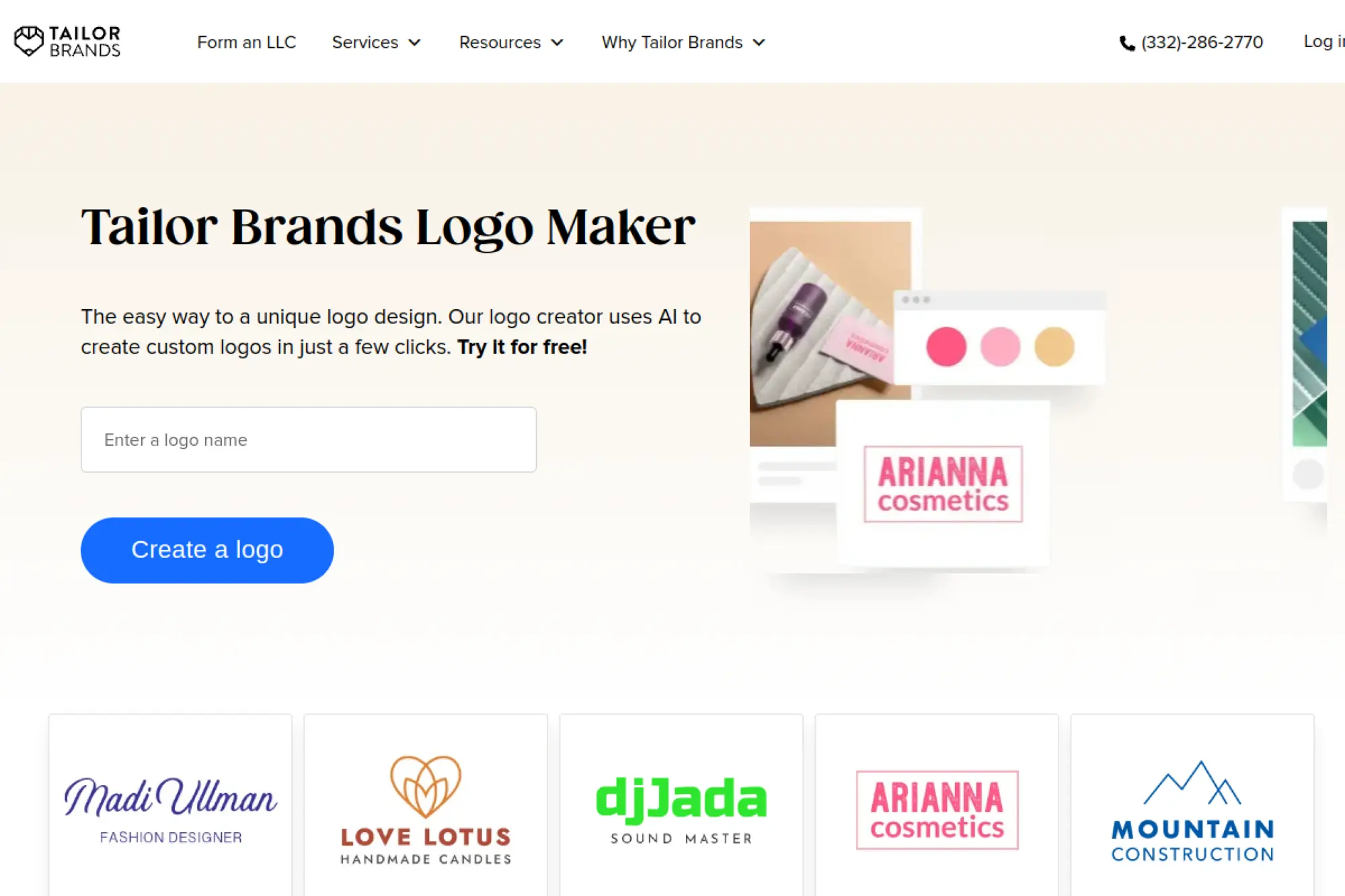
Tailor Brands is a guided brand builder with a logo at the center. The company sells a subscription because the product wants to stay “on” as you grow. The team’s approach is structured and business-first.
Build a logo and keep it editable as your brand expands.
Best for: new founders and ecommerce sellers who expect frequent updates.
- Wizard-based logo creation → avoid blank-canvas decision fatigue.
- Bundled brand tools → save 30–60 minutes on early marketing assets.
- Guided setup → first usable logo usually arrives in 20 minutes.
Pricing & limits: From $9.99/mo for entry subscription pricing, with discounted effective rates on longer terms. There is typically no free plan, but you can preview designs before paying. Trial length is not consistently advertised. Limits are mainly about export formats, vector availability, and bundled tools by tier.
Honest drawbacks: Subscription can cost more than one-time tools over time. Also, cancellation timing matters if you want a “one-month then done” purchase.
Verdict: If you want a logo that evolves with your business, this helps you keep branding consistent month to month. Beats one-time tools on ongoing edits; trails Canva on creative flexibility.
Score: 4.0/5
10. LogoAI
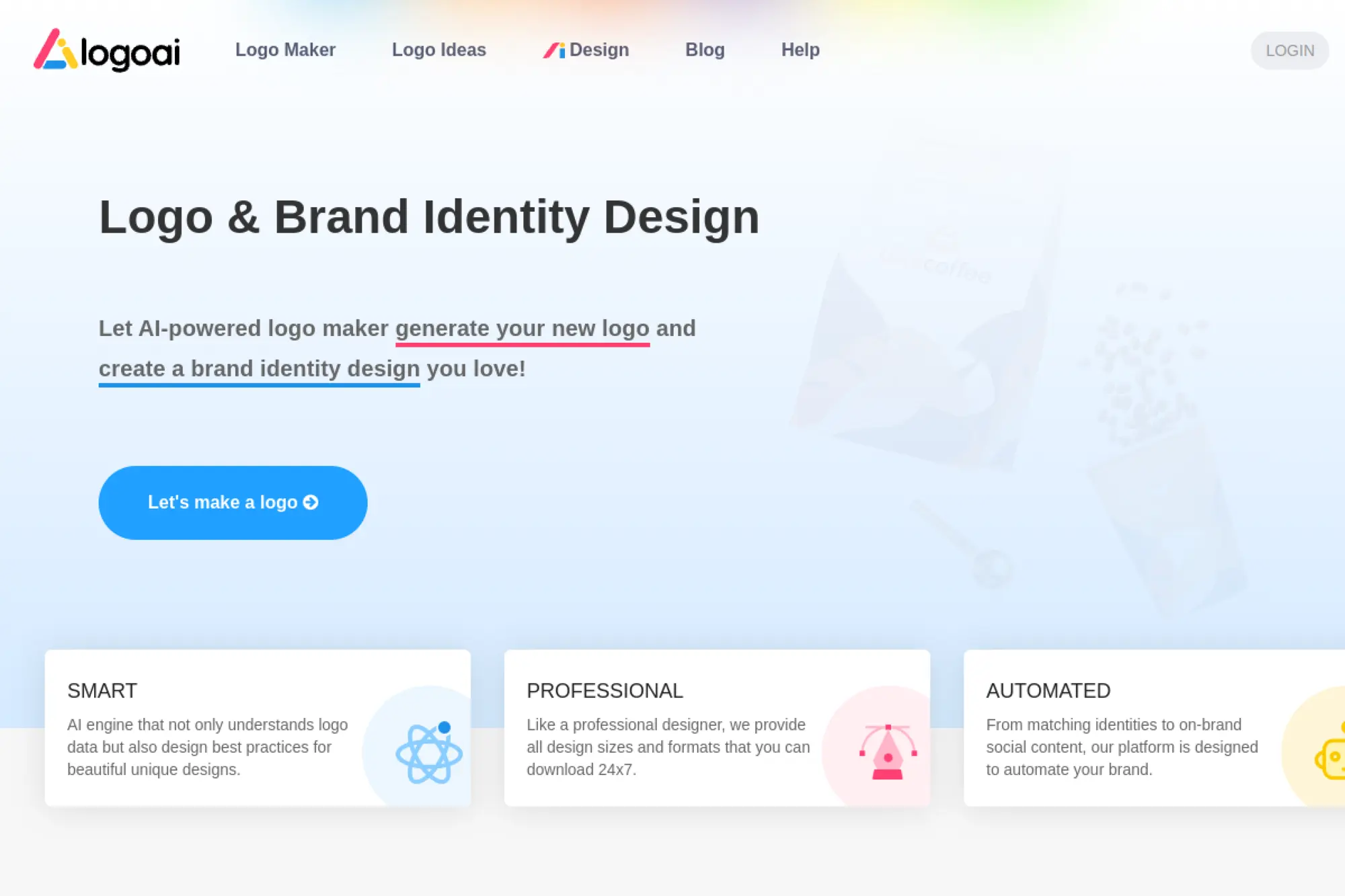
LogoAI positions itself as an AI engine for logo concepts plus matching stationery. The company leans into “generate first, pay later.” The team focuses on a fast loop: prompt, pick, polish, export.
Generate logo options quickly, then buy only what you use.
Best for: solo founders and makers who want quick iterations with AI help.
- Free generation loop → explore multiple directions without upfront cost.
- Add-on designer manual fix option → skip 2–3 revision cycles with freelancers.
- Fast web workflow → time-to-first-value is about 15 minutes.
Pricing & limits: From $0/mo to design and preview. Downloads are one-time purchases, and the platform positions pricing as “pay to download the logo you want.” A designer manual fix add-on is positioned at $40 extra. Trial length is effectively unlimited for previews. Limits depend on the package selected and export types.
Honest drawbacks: Package pricing can be less transparent until you select a tier. Also, “AI logo” outputs can need cleanup for serious trademark work.
Verdict: If you want fast concepting with a path to usable files, this helps you finalize a logo in an hour. Beats LogoMakr on AI iteration; trails Looka on structured brand kits.
Score: 3.8/5
11. Designs.ai
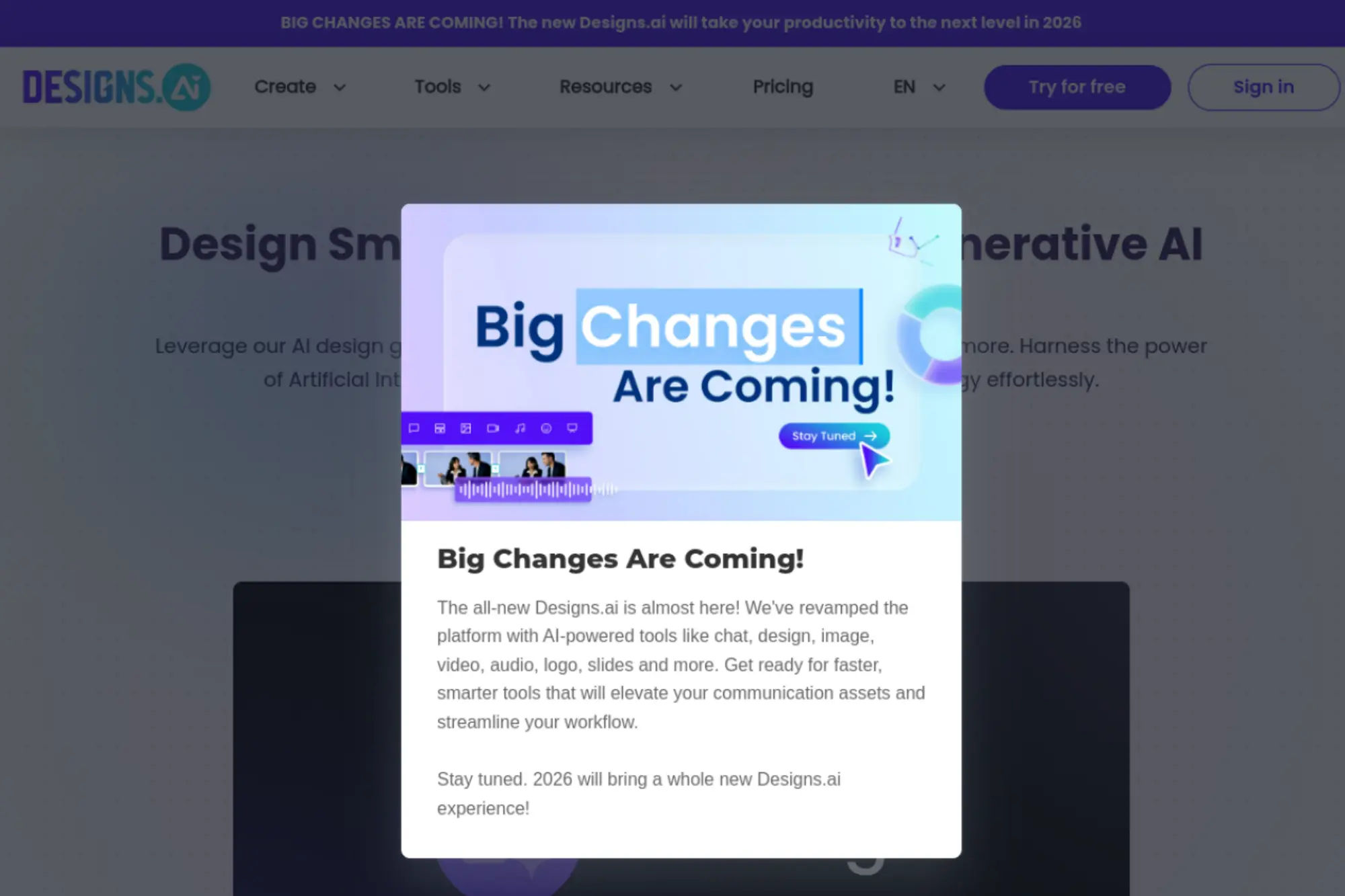
Designs.ai is a creative suite with logo generation as one module. The company is built for marketers who juggle many formats. The team sells “one subscription, many outputs,” with credits as the control knob.
Create logos and marketing assets without switching tools all day.
Best for: marketing generalists and small agencies shipping lots of creative.
- All-in-one suite → produce logo, social, and video without tool hopping.
- AI credits system → save 5–10 repetitive content-production steps weekly.
- Unified dashboard → time-to-first-value is about 20–30 minutes.
Pricing & limits: From $19/mo on the Basic plan. A free trial is offered, but the pricing page does not clearly state the number of days. Monthly AI credits are capped by tier, with Basic positioned around 1,000 credits per month. Team seats also vary by plan.
Honest drawbacks: If you only need a logo, this can be overkill. Also, credit-based limits can surprise heavy users late in the month.
Verdict: If you want one workspace for a brand launch, this helps you deliver multi-channel assets in a weekend. Beats one-tool logo apps on scope; trails Canva on ease for pure design novices.
Score: 3.9/5
12. Logomaker.com
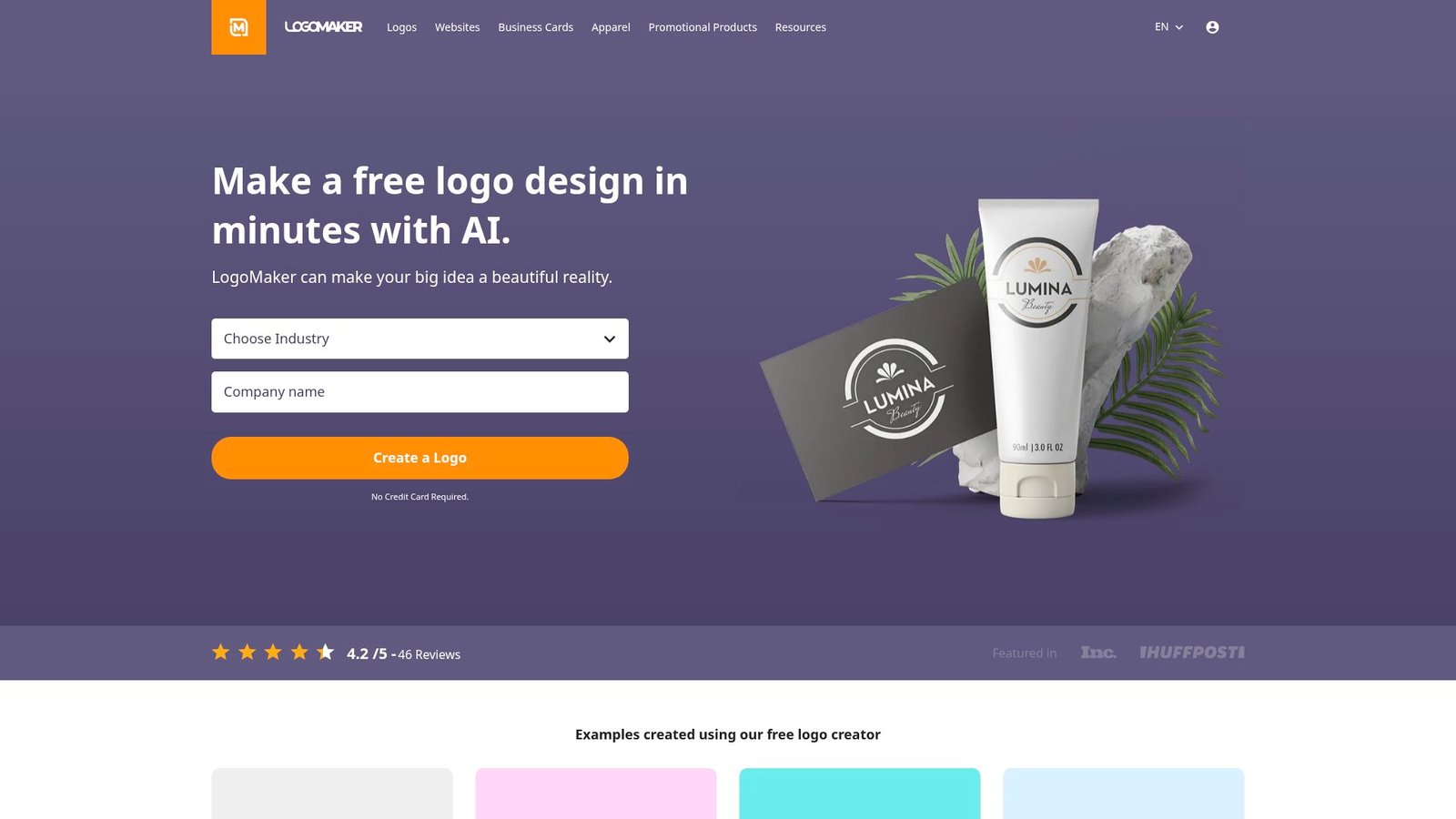
Logomaker.com is a classic online logo builder with a huge icon library. The company targets speed and simplicity over deep design theory. The team’s pitch is straightforward: build for free, pay to use.
Make a simple logo fast, with minimal learning curve.
Best for: local businesses and side hustles that need a basic mark today.
- Large icon selection → avoid hunting assets across multiple sites.
- Pay-once usage model → skip subscription management and renewals.
- Quick editor experience → time-to-first-value is under 10 minutes.
Pricing & limits: From $0/mo to design unlimited drafts. A common paid option is positioned as $39.95 for unlimited use of your logo. Trial length is unlimited for designing. Limits depend on what you purchase, especially for file formats and bundled services.
Honest drawbacks: It is not “AI-first” in the modern text-to-logo sense. Also, some outputs can look icon-and-text generic without careful editing.
Verdict: If you want a basic logo without learning a new platform, this helps you get something usable in one sitting. Beats heavyweight tools on simplicity; trails Brandmark on modern aesthetics.
Score: 3.4/5
13. Canva AI Logo Generator
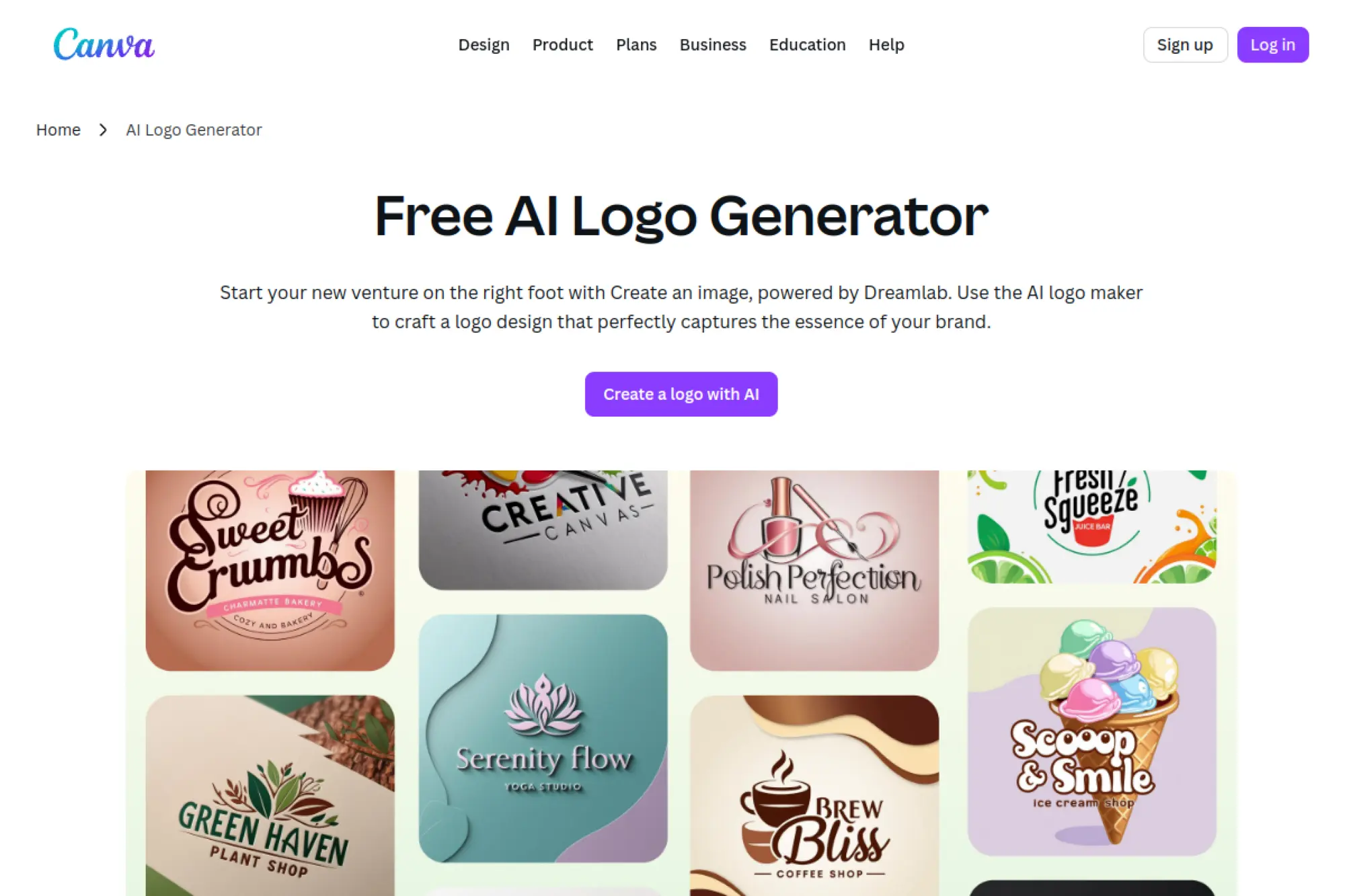
Canva is a large design platform with AI features layered into familiar workflows. The company’s strength is ecosystem. The team optimizes for non-designers who still want professional-looking output.
Create a logo and instantly apply it across your whole brand toolkit.
Best for: solo creators and marketing teams that need speed and consistency.
- Logo-to-assets workflow → turn one mark into dozens of on-brand designs.
- Templates + AI assistance → save 60+ minutes on resizing and layout work.
- Low setup friction → time-to-first-value is often 5–10 minutes.
Pricing & limits: From $0/mo on a free plan. Paid plans unlock higher limits, premium assets, and more export options. A free trial for paid plans is commonly offered, though duration can vary by region and offer. Limits depend on plan tier, especially for AI usage, premium content, and team features.
Honest drawbacks: Pure logo originality can be inconsistent without strong prompting. Also, vector-first logo workflows can require extra care versus dedicated logo tools.
Verdict: If you want a logo plus everything that follows, this helps you ship a consistent brand system in a weekend. Beats most logo-only tools on rollout speed; trails Brandmark on logo-first refinement.
Score: 4.4/5
14. Adobe Express AI Logo Generator
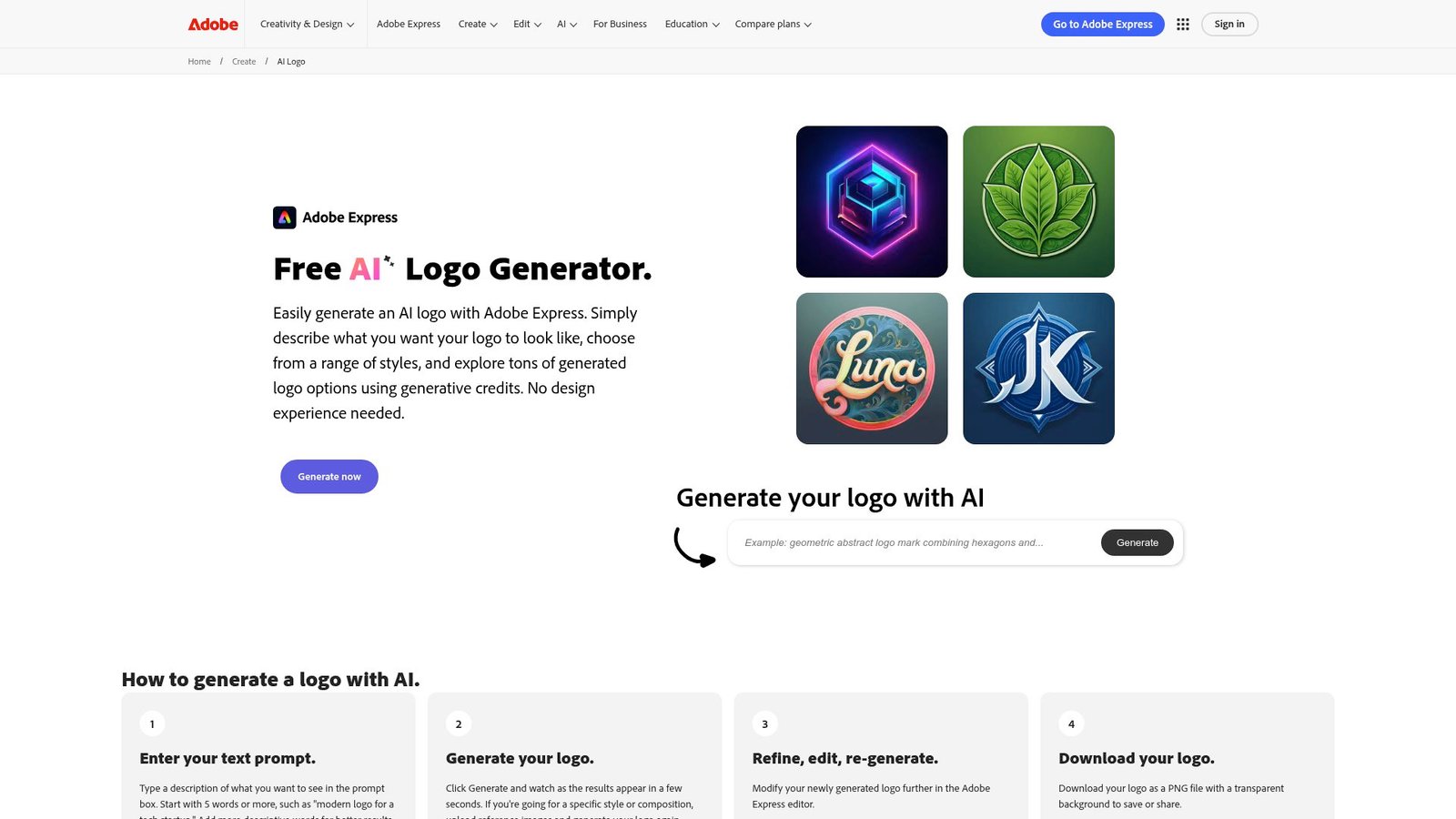
Adobe Express is Adobe’s lightweight creation product for quick content. The team’s advantage is a mature creative ecosystem. It is less “logo-only,” and more “brand content with AI power.”
Make a logo-style design and push it into real marketing assets fast.
Best for: content teams and creators already living in the Adobe ecosystem.
- Templates + AI features → produce on-brand visuals without deep design skills.
- Adobe file compatibility → skip 3 handoff steps with Photoshop or Illustrator.
- Fast onboarding → time-to-first-value is about 10–15 minutes.
Pricing & limits: From $0/mo for the Free plan. Premium is $9.99/mo with a 30-day free trial. The Free plan includes limited generative credits and 5GB storage, while Premium increases credits and storage. Team plans are priced per seat with minimum seat requirements.
Honest drawbacks: AI credits introduce a metered feel for heavy use. Also, true logo vector workflows still often end in Illustrator for final polish.
Verdict: If you want quick logo-like outputs plus campaign content, this helps you publish polished assets within a day. Beats Canva for Adobe handoffs; trails Canva for beginner friendliness.
Score: 4.3/5
15. ChatGPT Logo Maker
ChatGPT is built by OpenAI, with a product team focused on general-purpose creation and reasoning. It is not a single logo app. Instead, it becomes your brand strategist, prompt writer, and critique partner. Paired with image tools, it can generate logo concepts quickly.
Turn a vague brand idea into clear logo directions and usable drafts.
Best for: founders and marketers who need naming, positioning, and visuals together.
- Brand brief generation → clarify your concept before you generate visuals.
- Prompt iteration and critique → save 10+ “regenerate” cycles in image tools.
- Zero setup beyond an account → time-to-first-value is about 5 minutes.
Pricing & limits: From $0/mo on the Free plan. Plus is $20/mo, and Pro is $200/mo. Business plans are priced per user, with annual-billed pricing often starting at $25 per user per month. Usage caps apply by plan, especially for advanced features and generation limits.
Honest drawbacks: You still need a path to vector files for serious logo delivery. Also, copyright and trademark diligence remains on you, not the tool.
Verdict: If you need a brand brain and a rapid draft partner, this helps you get to a strong direction in one session. Beats most logo apps at strategy; trails dedicated logo makers on export simplicity.
Score: 4.2/5
16. Shopify Logo Maker
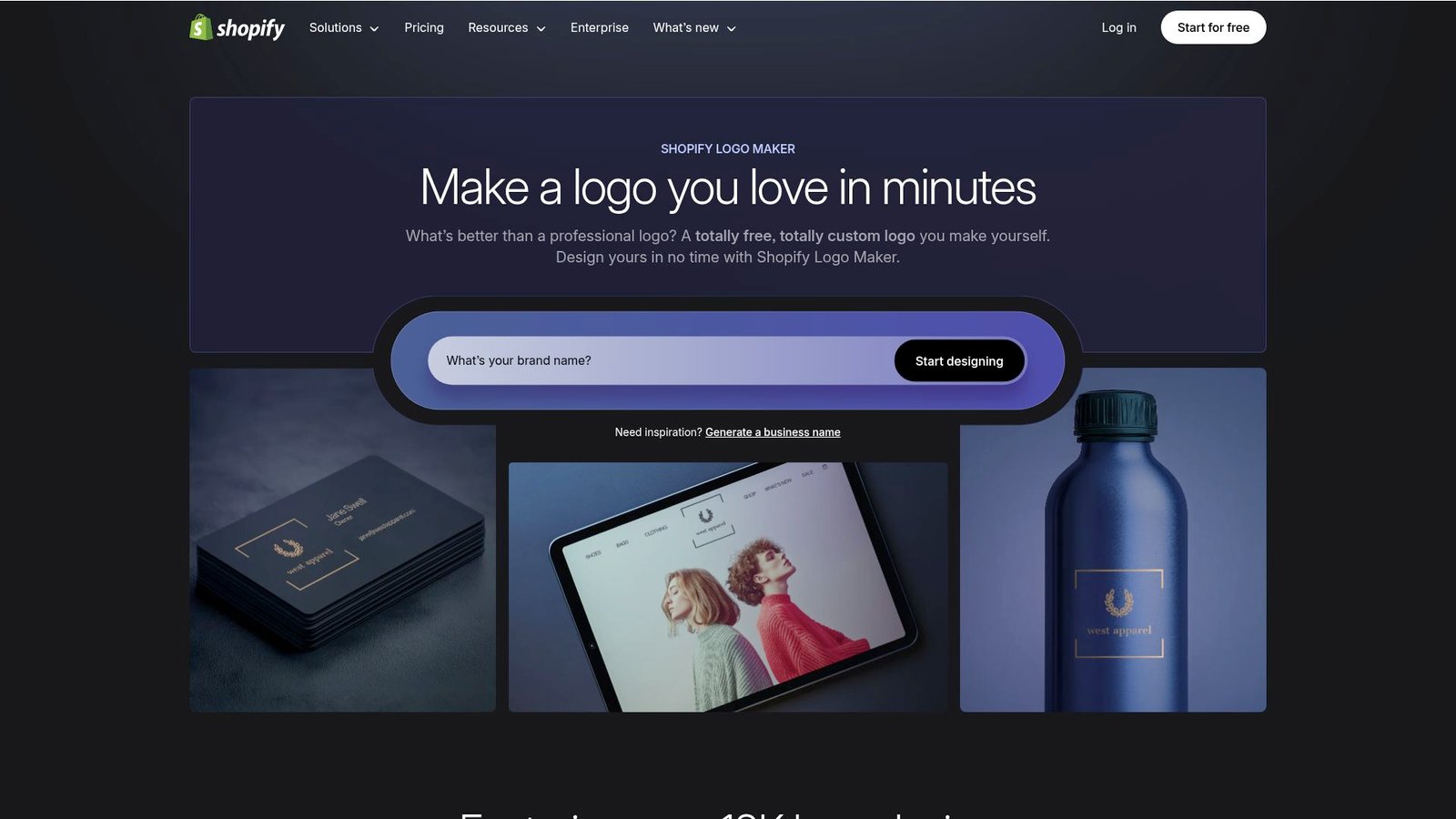
Hatchful is Shopify’s free logo maker built for quick small-business branding. The team optimizes for ecommerce newcomers. It is intentionally simple. The goal is “good enough to start selling.”
Create a free logo you can put on a storefront today.
Best for: new ecommerce sellers and local businesses launching on a budget.
- Industry-based suggestions → get relevant styles without prompt writing.
- Free high-resolution downloads → save the “pay to export” step entirely.
- Very short learning curve → time-to-first-value is around 5 minutes.
Pricing & limits: From $0/mo, with the tool positioned as free. Trial length is not applicable. Limits show up as simpler customization and fewer advanced export controls compared with paid platforms.
Honest drawbacks: Expect many designs to feel familiar. Also, fine typography control is limited, which matters for premium brands.
Verdict: If you need a fast, free starting logo, this helps you get something usable in minutes. Beats paid tools on price; trails Looka on brand polish.
Score: 3.5/5
17. Visual Electric
Visual Electric is built for image generation with designer-friendly integrations. The team leans toward creative exploration and iteration. It is not a logo-only engine. Still, it can generate logo-like marks, especially for mood exploration.
Explore bold visual directions, then refine the logo elsewhere.
Best for: designers and creative leads shaping early brand style.
- Image generation for style boards → define a look before committing to a mark.
- Plugins for design tools → save 3–5 context switches per concept sprint.
- Fast experimentation loop → time-to-first-value is about 10 minutes.
Pricing & limits: From $0/mo with a free option positioned on the pricing page. Paid tiers add commercial licensing and private generations, with usage metered in credits. Trial length is not clearly stated. Limits are tied to monthly credits and privacy controls.
Honest drawbacks: It can produce “logo-ish art,” not production-ready logos. Also, you will still need vectorization and typography work.
Verdict: If you need a strong visual direction fast, this helps you build a mood and icon idea in an hour. Beats logo apps at exploration; trails them on final deliverables.
Score: 3.6/5
18. Fiverr Logo Maker
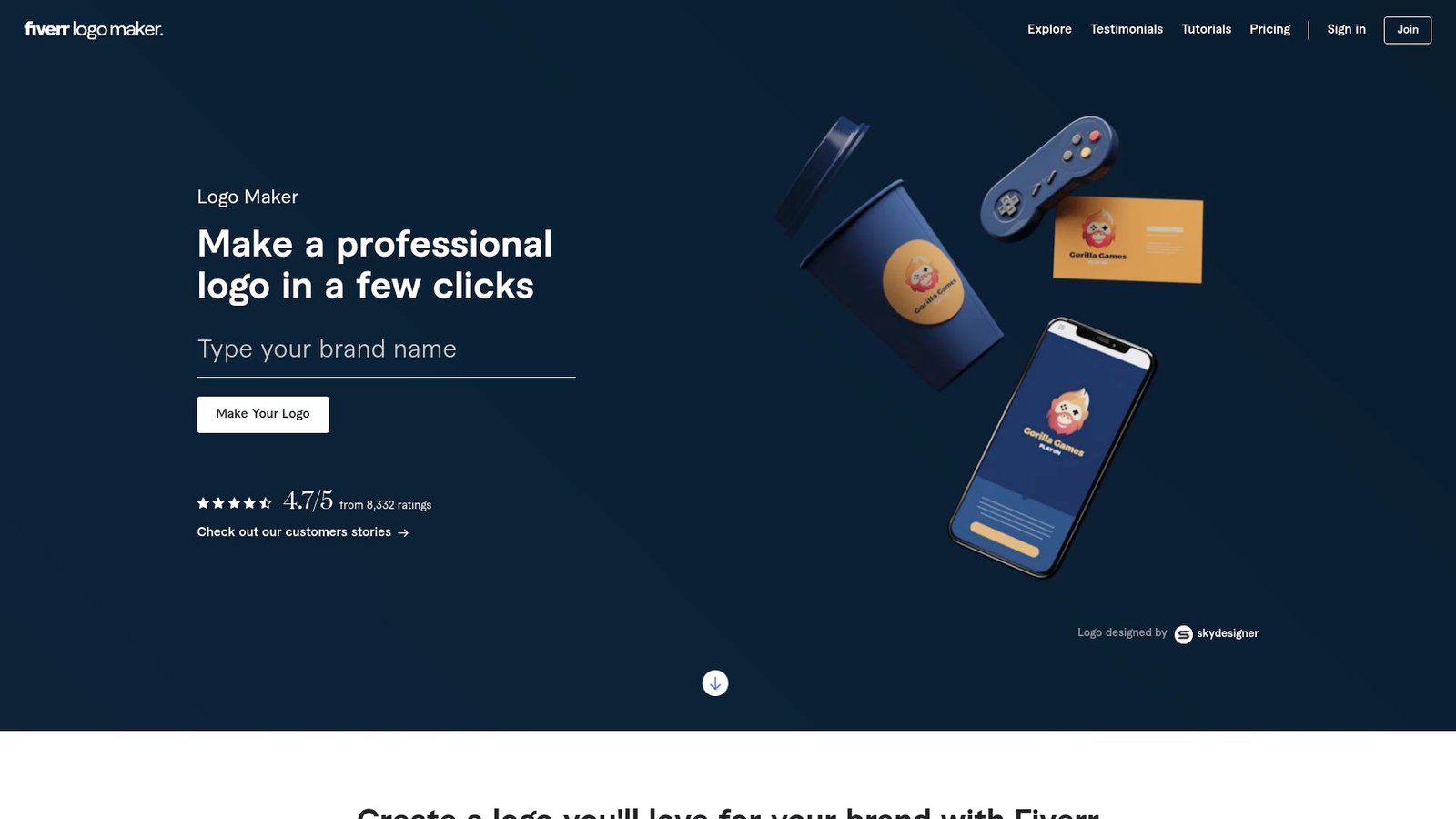
Fiverr’s Logo Maker sits on top of designer-made base logos, then uses automation to customize. The company’s advantage is its marketplace DNA. The team blends speed with access to human help if you need it.
Get a designer-backed logo quickly, with an upgrade path to human edits.
Best for: SMB owners and creators who want quality without agency pricing.
- Designer-made bases + customization → avoid the weakest “AI-only” results.
- Upgrade to a seller’s help → skip 2–4 revision rounds by hiring assistance.
- Guided setup → time-to-first-value is often 10–20 minutes.
Pricing & limits: From $0/mo to explore and customize. Logo packages start at $30 as a one-time purchase, with higher tiers adding more formats and assets. Trial length is not applicable for browsing. Limits depend on the purchased package, especially for SVG, revisions, and brand guidelines.
Honest drawbacks: You are still selecting from a catalog, so uniqueness varies. Also, adding human services can quickly change total cost.
Verdict: If you want a fast logo with a safety net, this helps you land a usable brand mark the same day. Beats many generators on baseline quality; trails Brandmark on one-time simplicity.
Score: 4.0/5
19. Proicon AI
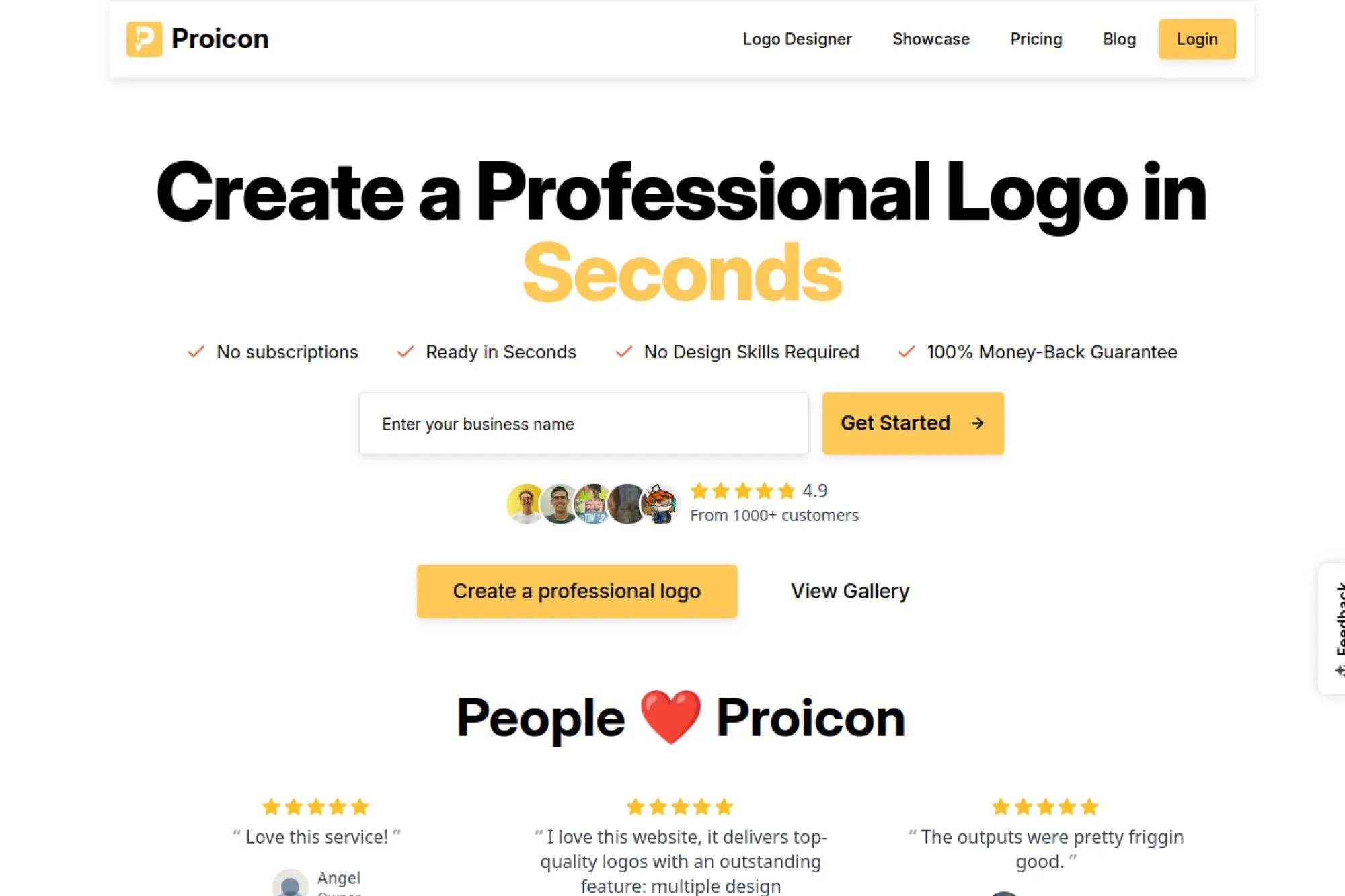
Proicon feels like a focused, lightweight AI logo product. The team positions it as quick, credit-based, and subscription-free. It is built around fast generation and simple edits. You pay once, then move fast.
Generate many logo options fast, then export clean files without subscriptions.
Best for: indie founders and small agencies who want lots of options quickly.
- Credit-based logo generations → explore dozens of options per concept sprint.
- SVG + PNG exports included → skip 2 handoff steps to print and web.
- Minimal setup → time-to-first-value is about 5–10 minutes.
Pricing & limits: From $0/mo in the sense that there is no subscription. One-time packages are positioned from $10 per purchase, with larger bundles at higher one-time prices. Trial length is not presented as a timed trial. Limits are defined by credits, which can expire after a stated period.
Honest drawbacks: Credits expiring can pressure your timeline. Also, the best outcomes still depend on strong prompts and taste.
Verdict: If you want fast option volume without ongoing fees, this helps you pick a direction in one afternoon. Beats subscription tools on cost control; trails Canva on downstream brand assets.
Score: 3.9/5
20. xlogo.pro
xlogo.pro presents itself as a dedicated logo maker experience. Under the hood, it aligns closely with Fiverr’s logo maker flow. The product team emphasis is guided questions and quick results. It is designed to be low stress.
Answer a few questions and walk away with a logo package.
Best for: small businesses and creators who want a guided buying path.
- Question-led generator → reduce decision fatigue in early brand work.
- Packaged downloads → skip 3–5 “which file type?” mistakes later.
- Fast wizard flow → time-to-first-value is about 10–20 minutes.
Pricing & limits: From $0/mo to generate and customize concepts. Paid packages are positioned as one-time purchases, with entry pricing commonly starting around $30. Trial length is not relevant for browsing. Limits depend on which package you buy, especially for SVG, kits, and revisions.
Honest drawbacks: Because it is catalog-based, true uniqueness varies. Also, deeper brand system work still requires a broader design tool.
Verdict: If you want a guided path to a purchasable logo, this helps you finish in a single sitting. Beats pure AI generators on curated starting points; trails Canva on full brand rollout.
Score: 4.0/5
22. logofa
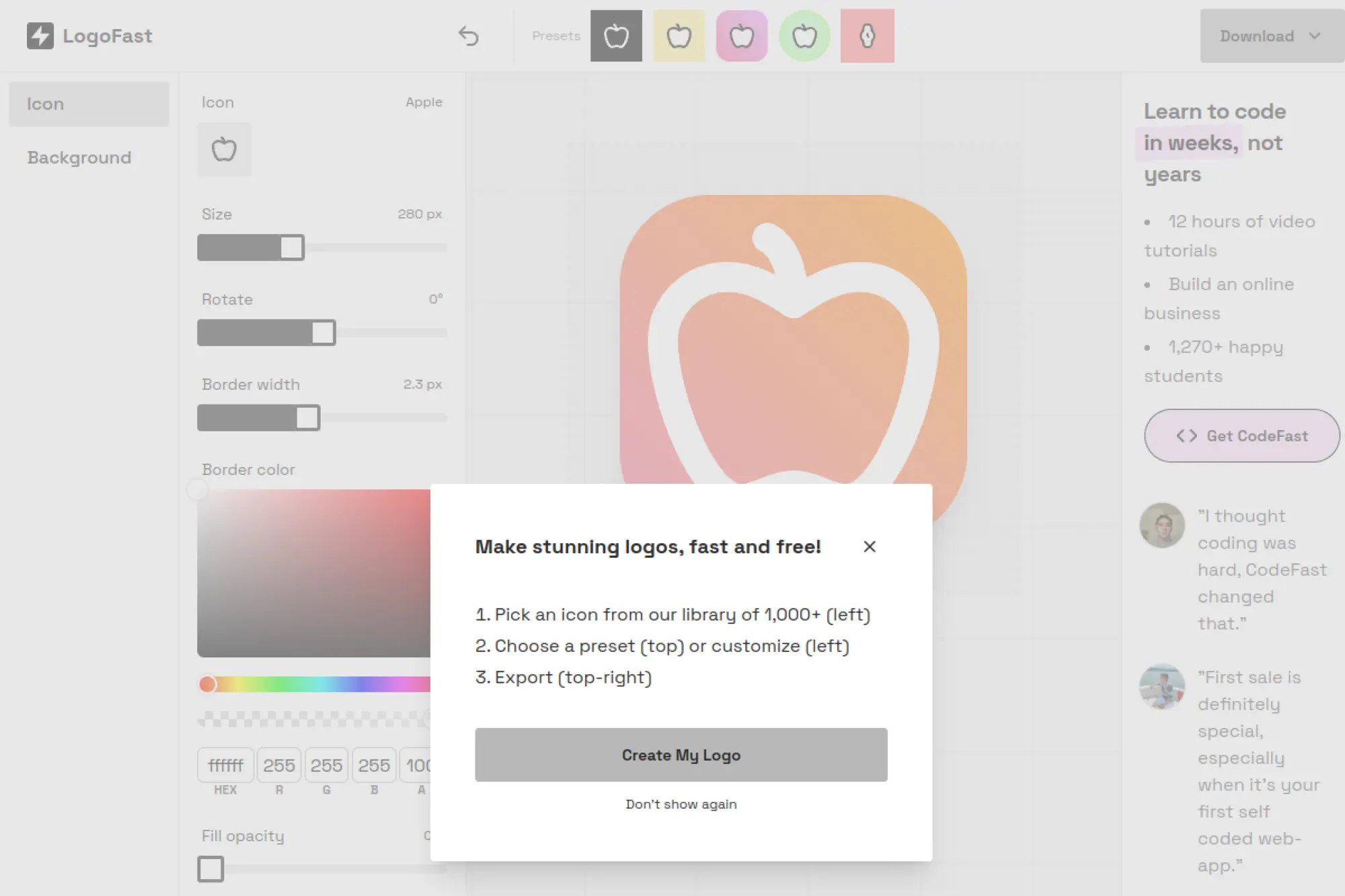
LogoFast is an indie-style web app that prioritizes speed. It is credited as an app by Marc Lou, with icons sourced from Lucide. The “team” is small by design. The product is closer to an icon badge maker than a full logo system.
Make a clean, simple icon mark in minutes, for free.
Best for: indie hackers and app builders needing a quick placeholder mark.
- Preset-driven icon styling → get a consistent badge without design tools.
- One-click download loop → save 5–10 minutes per iteration.
- No onboarding friction → time-to-first-value is about 2 minutes.
Pricing & limits: From $0/mo. There is no visible trial clock. Limits are practical, not contractual, with a focus on icon-based outputs rather than full brand kits.
Honest drawbacks: It does not solve typography, wordmarks, or brand systems. Also, the output is only as unique as your icon choice.
Verdict: If you need a fast app-icon-style logo, this helps you ship something clean immediately. Beats complex generators on speed; trails them on brand depth.
Score: 3.1/5
23. Cropink
Cropink is not a logo generator. It is a catalog ad creation platform aimed at teams managing product feeds. The company sells workflow and scale. The team focuses on turning product data into on-brand creative at volume.
Turn your logo and brand style into scalable catalog ad creative.
Best for: ecommerce marketers and agencies running product catalog ads.
- Template-based catalog ad design → generate consistent creative without manual layouts.
- Feed + platform outputs → save 10+ repetitive export steps per campaign.
- Fast setup for small catalogs → time-to-first-value is about 30–60 minutes.
Pricing & limits: From $0/mo on a free plan with no time limit, capped at up to 25 products. A paid plan is $39/mo for up to 100 products. Enterprise pricing is custom for unlimited products. Trial length is effectively unlimited on the free plan.
Honest drawbacks: If you only need a logo, this is the wrong tool. Also, value depends on having a product catalog and ad workflow.
Verdict: If you want your logo to actually show up consistently in ads, this helps you scale branded creative in days. Beats design tools at feed automation; trails Canva on general-purpose design.
Score: 3.0/5
24. Discord
Discord is a community platform, not a logo generator. Still, it is where many AI art and logo communities live. Teams gather to share prompts, critique drafts, and iterate fast. The “company and team” behind Discord build infrastructure for real-time collaboration.
Get fast feedback on logo drafts from real humans, in real time.
Best for: indie creators and design learners who want critique and prompt help.
- Community critique loops → improve a draft in 3–5 feedback rounds.
- Bot workflows in servers → save minutes per iteration with automated prompts.
- Join-and-post simplicity → time-to-first-value is 10 minutes.
Pricing & limits: From $0/mo. Nitro Basic has been positioned at $2.99/mo in the United States in official announcements. Trial length is not typical. Limits are community-based, plus file upload caps that change by plan.
Honest drawbacks: Quality depends entirely on the server you join. Also, privacy can be tricky if you share brand ideas in public rooms.
Verdict: If you want rapid critique and prompt refinement, this helps you improve a logo draft within a day. Beats Quora on speed; trails dedicated logo tools on direct output.
Score: 3.3/5
25. Quora
Quora is a knowledge platform rather than a design tool. The company’s product team optimizes for Q&A discovery. For logo work, Quora is useful for naming checks, brand positioning questions, and sanity-check feedback on directions.
Pressure-test your logo and brand decisions with searchable Q&A.
Best for: early-stage founders and marketers doing brand research.
- Searchable threads → save 30 minutes on “what should my logo include?” research.
- Creator content via Quora+ → reduce trial-and-error with deeper guidance.
- Low friction participation → time-to-first-value is about 10 minutes.
Pricing & limits: From $0/mo. Quora+ is $6.99/month, and it has been described with a 30-day free trial in Quora help content. Limits are not about exports, but about content access and community response speed.
Honest drawbacks: Feedback can be generic, and expertise varies. Also, it will not generate files or do layout work for you.
Verdict: If you need answers before you design, this helps you avoid obvious brand mistakes in a single evening. Beats social feeds on searchability; trails Discord on real-time critique.
Score: 3.2/5
26. BuzzFeed News
BuzzFeed News is not a logo tool, and it is no longer an operating newsroom. The brand historically covered internet culture and trends. For logo work, its remaining value is indirect: understanding meme cycles, audience tone, and what visual styles feel current.
Understand the culture your logo will live inside.
Best for: marketers and brand strategists scanning cultural context.
- Trend awareness lens → avoid tone-deaf branding choices.
- Story-driven framing → save 1–2 hours in audience research synthesis.
- Skim-friendly reading → time-to-first-value is 15 minutes.
Pricing & limits: From $0/mo to access what remains publicly available. There is no trial model. Limits are significant, since it is not an active logo-making workflow and coverage is not current.
Honest drawbacks: You will not get a logo, templates, or exports. Also, as a non-operating newsroom, freshness is a deal-breaker for “latest” insights.
Verdict: If you want cultural context for your brand tone, this helps you think more clearly in an hour. Beats nothing for pure nostalgia; trails every tool here for logo creation.
Score: 2.6/5
27. Trustpilot
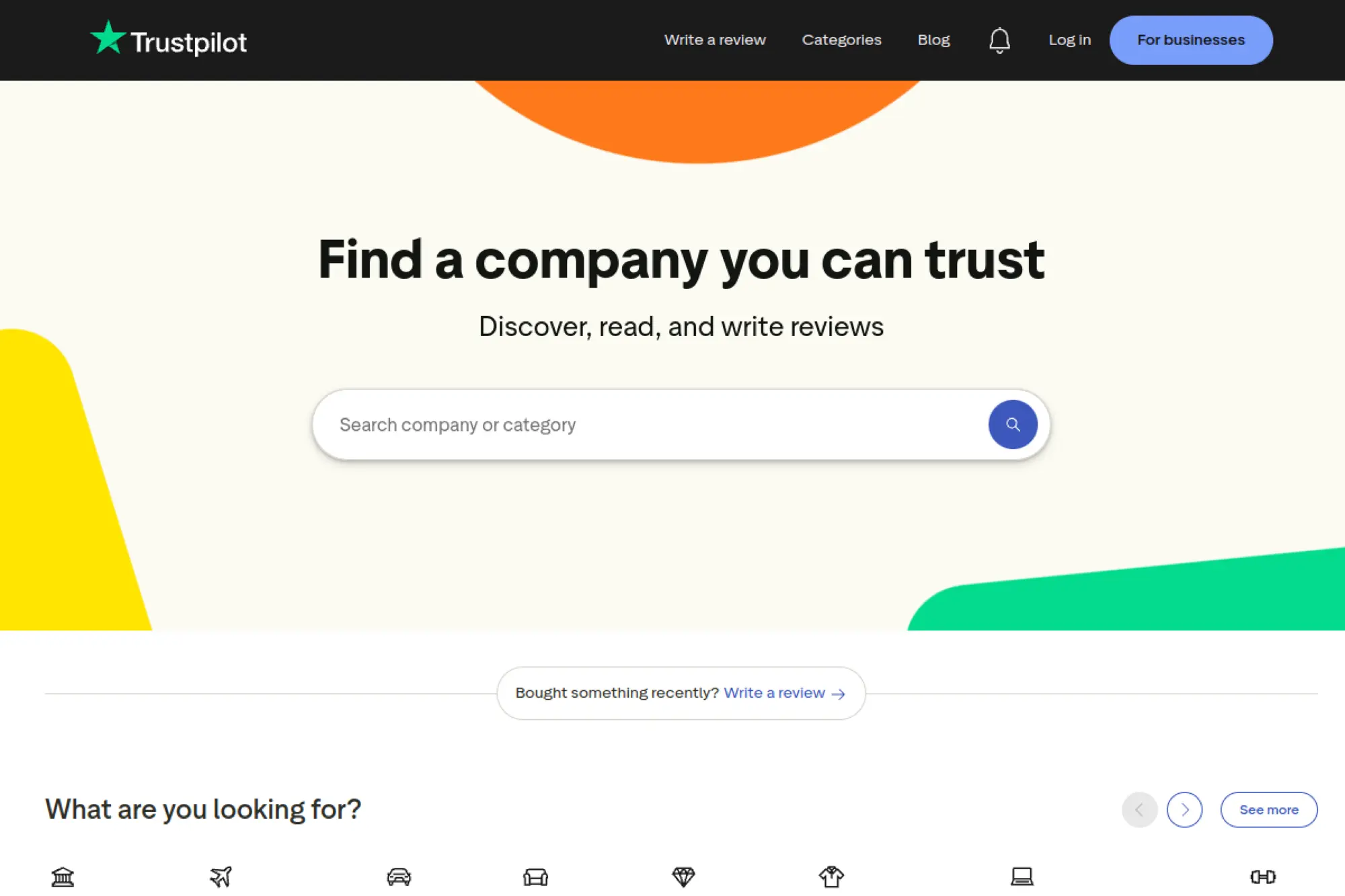
Trustpilot is a trust infrastructure platform, not a logo generator. The company’s business team sells review tooling to brands. For logo creation, Trustpilot is useful as a credibility check. You can see how real customers react to logo tools and agencies.
De-risk your logo tool choice by reading real buyer feedback.
Best for: careful buyers and procurement-minded founders.
- Review-based due diligence → avoid weeks lost to a bad platform choice.
- Vendor comparison at scale → save 1–2 hours of scattered research.
- Instant access → time-to-first-value is about 5 minutes.
Pricing & limits: From $0/mo to browse reviews. Trustpilot Business has a Free plan with 50 automated monthly review invitations. Paid business plans are positioned from $339 per month per domain, with 12-month commitments. Trial length is not standard for business plans.
Honest drawbacks: Reviews can be polarized, so you must read patterns. Also, it does not help you design, only decide.
Verdict: If you want fewer surprises before paying, this helps you choose tools with more confidence in one session. Beats Reddit on structured vendor pages; trails Reddit on raw detail.
Score: 3.4/5
28. LinkedIn
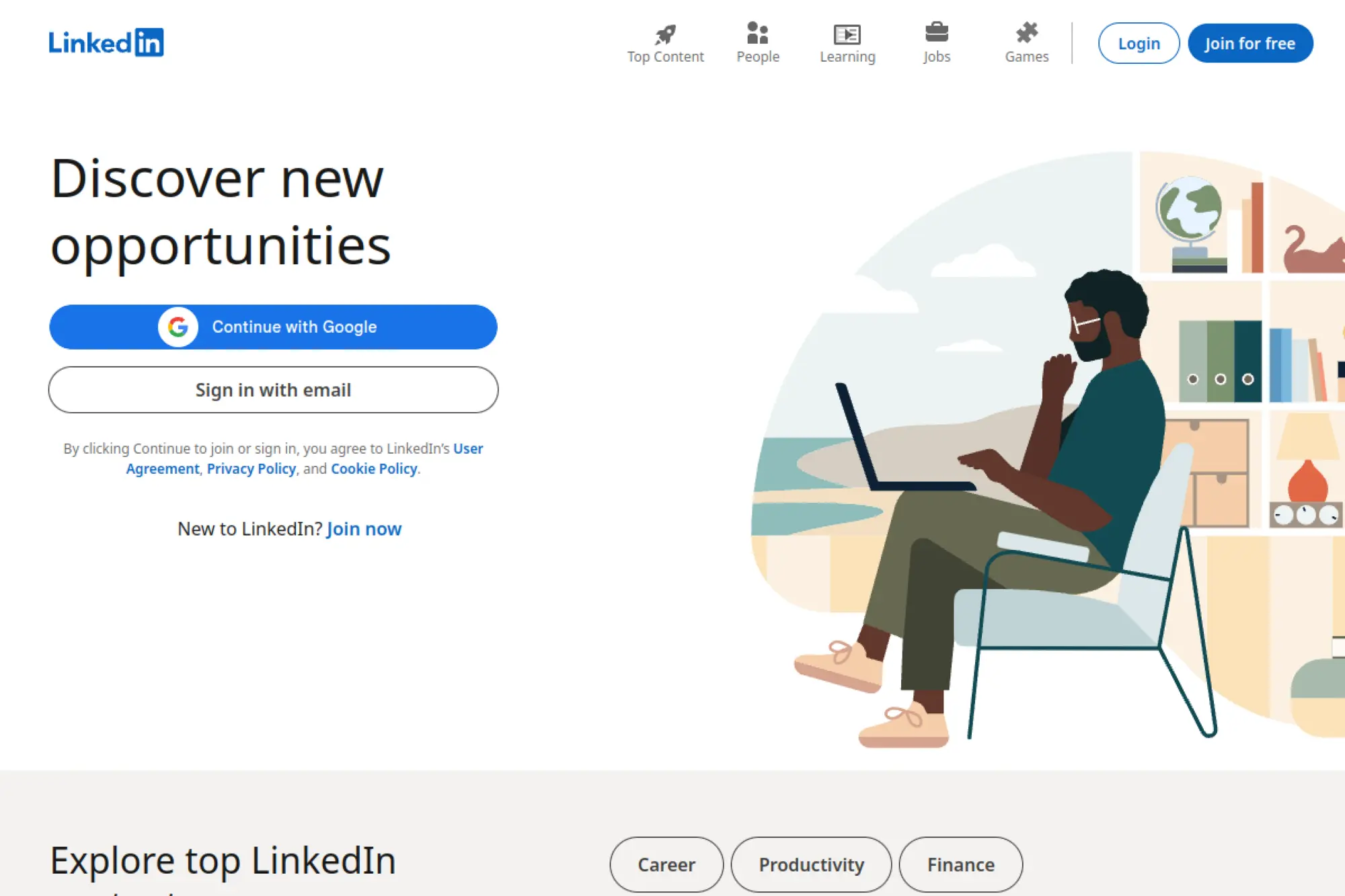
LinkedIn is a professional network, not a logo generator. The company’s product team optimizes for identity and credibility signals. For logos, LinkedIn matters because your logo will sit next to your company name, hiring posts, and thought leadership.
Make your logo look credible where buyers actually verify you.
Best for: B2B founders and service businesses selling trust.
- Profile + page context → validate whether your logo reads “real company.”
- Creator feedback loops → save days by getting targeted critique from peers.
- Fast publishing → time-to-first-value is about 15 minutes.
Pricing & limits: From $0/mo for core use. Paid tiers exist for sales, hiring, and premium features, with pricing that varies by product and region. Trial availability can vary by offer. Limits are mostly about reach, messaging, and premium access.
Honest drawbacks: Feedback is often polite, not precise. Also, it won’t generate a logo file for you.
Verdict: If you care about B2B credibility, this helps you sanity-check how your logo lands in the real buying environment within a day. Beats Instagram for professional context; trails Discord for fast critique.
Score: 3.5/5
29. Medium
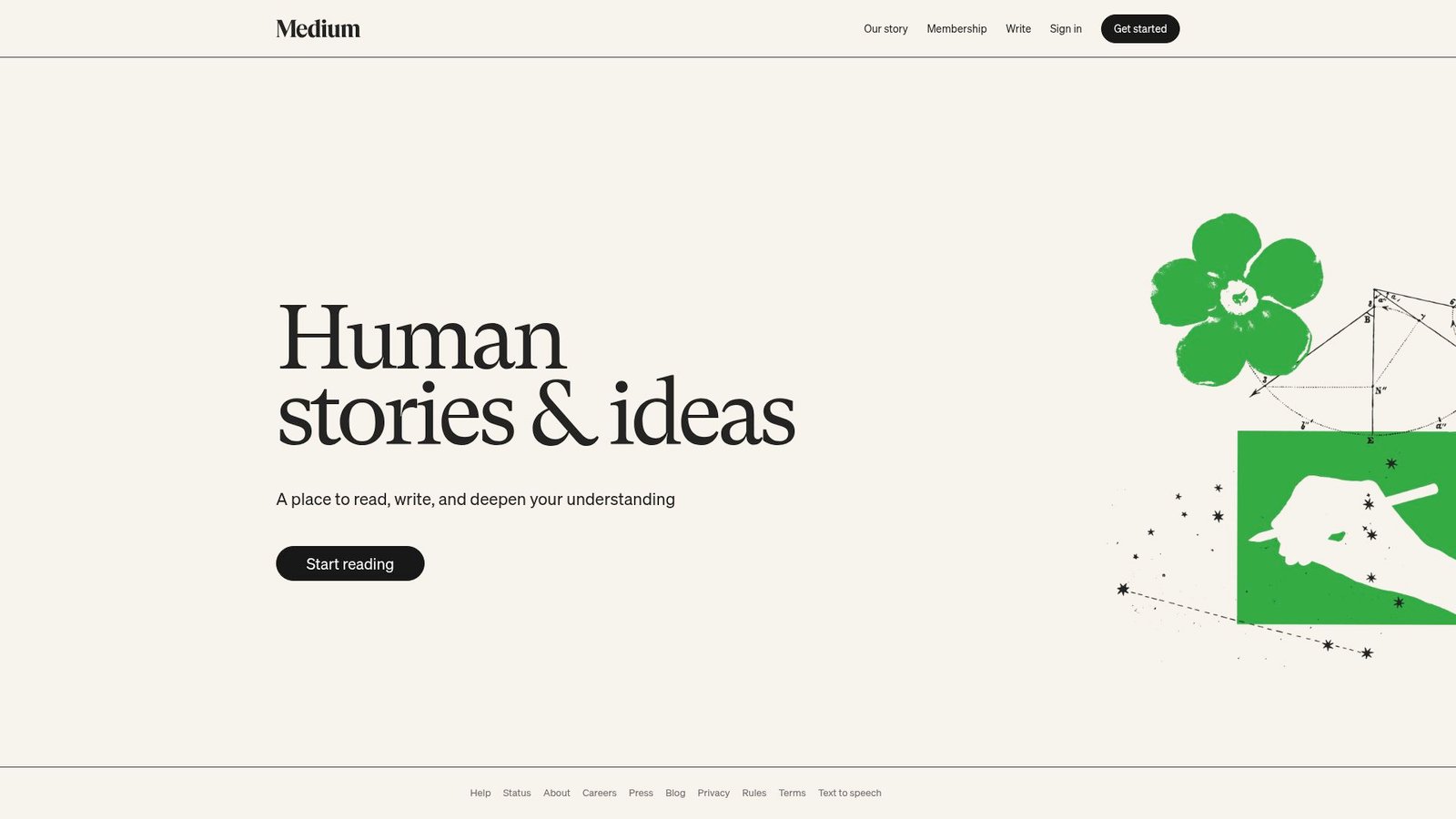
Medium is a publishing platform with a broad creator ecosystem. The company’s team focuses on reading and writing workflows. For logo creation, Medium shines as a learning library. You can find breakdowns on typography, brand systems, and AI prompt craft.
Learn the thinking behind good logos, not just the buttons.
Best for: self-taught founders and junior designers improving taste.
- Deep explainers → reduce rookie mistakes in logo composition and type.
- Prompt and process articles → save 10+ failed iterations in AI generators.
- Skimmable guides → time-to-first-value is 20 minutes.
Pricing & limits: From $0/mo for partial access, with membership options for broader reading in many regions. Trial length varies by offer. Limits are primarily paywall access, not exports or usage caps.
Honest drawbacks: Quality varies wildly by author. Also, advice can be opinionated without showing real constraints like print production.
Verdict: If you want to level up your logo judgment, this helps you make smarter choices within a weekend. Beats Quora on depth; trails hands-on tools on immediate output.
Score: 3.2/5
30. Reddit
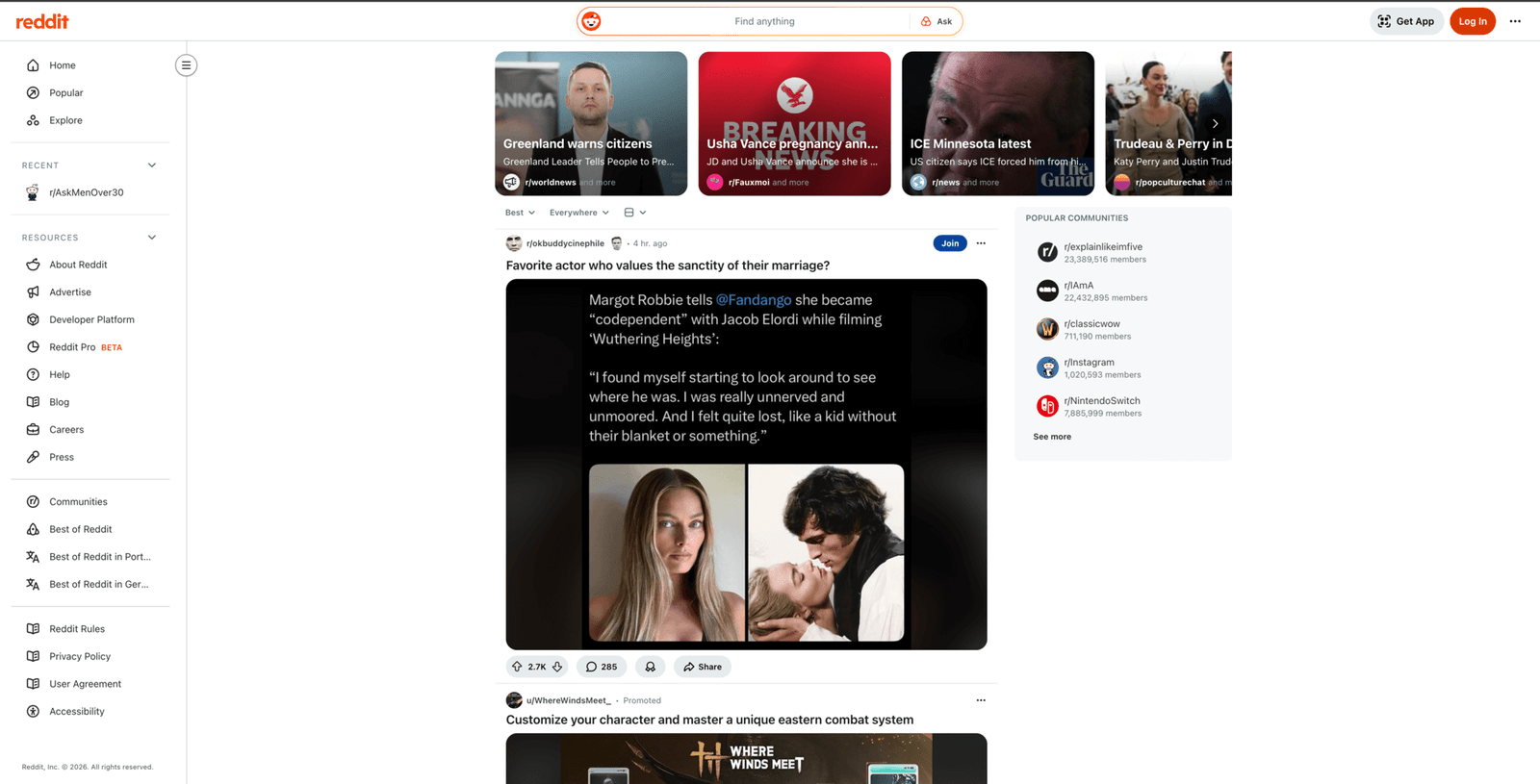
Reddit is a community network where brutal honesty lives. The company’s platform team enables forums that self-organize around niches. For logos, Reddit is useful for critique, tool experiences, and “what went wrong” stories you won’t see in marketing pages.
Get unfiltered feedback and real-world tool warnings before you commit.
Best for: founders who want honest critique and buyers doing deep due diligence.
- Critique communities → improve a logo in 2–3 revision cycles.
- Tool experience threads → save hours by learning from other buyers’ mistakes.
- Post-and-iterate speed → time-to-first-value is about 30 minutes.
Pricing & limits: From $0/mo. Optional paid features exist, but core usage is free. Trial length is not typical. Limits depend on subreddit rules, moderation, and posting frequency.
Honest drawbacks: Feedback can be harsh and inconsistent. Also, public posting can expose your brand idea before you are ready.
Verdict: If you want the truth before you ship, this helps you stress-test a logo direction within a day. Beats Trustpilot on detail; trails Trustpilot on structured vendor comparison.
Score: 3.4/5
Best AI Logo Generator Features That Matter Most
Deloitte reports 47% of surveyed leaders are moving fast on GenAI adoption across functions and workflows. That urgency shows up when teams need a credible brand identity without weeks of back-and-forth.
1. Logo concept generation speed and variety
Speed is not only about seconds. It is about how quickly you can compare options. Variety matters because founders rarely know their final direction up front.
In our workshops, we treat generation as brainstorming. We want many decent directions. Then we want a fast way to prune.
A good tool also remembers what you liked. That memory becomes a feedback loop. Without it, every run feels random.
2. Industry and style controls for more relevant logo directions
Style controls act like a design brief. They reduce noise. They also help a team align on a shared vocabulary.
Industry filters can be helpful, but they can also create sameness. We watch for “industry clichés” that repeat too easily. Think generic shields, swooshes, and abstract hexagons.
Better tools let you steer by mood and geometry. That produces more distinctive outcomes.
3. Typography options, pairing help, and font consistency guidance
Typography carries brand personality. A tool that treats type as an afterthought will ship weak logos. Strong tools guide font pairing without forcing it.
We look for two things. First, readable letterforms at small sizes. Second, consistent spacing across weights.
In SaaS branding, typography often becomes the product UI. That connection makes type decisions operational, not artistic.
Why font licensing still matters
Some tools embed fonts you cannot freely redistribute. That can complicate brand guidelines. We recommend confirming you can use the font everywhere you need.
4. Icon approach: curated libraries vs AI-driven suggestions
Curated libraries are predictable. They are also commonly reused. AI-driven icons can feel fresher, but they can also get weird fast.
Our preference depends on the brand risk profile. A local service business can live with common iconography. A venture-backed product may need a more unique symbol.
Either way, we want control over stroke weight and geometry. Mismatched icon styles look amateur quickly.
5. Brand kits that reuse logo colors and fonts across assets
A brand kit is valuable when it reuses decisions. Colors and fonts should propagate across templates automatically. That saves time and reduces inconsistency.
We like kits that behave like design tokens. They treat color as named values. They also expose those values for other tools to consume.
When the kit is weak, every asset becomes a one-off. That defeats the purpose of a system.
6. Mockups to preview logos on real-world surfaces and profiles
Mockups create context. They help non-designers judge scale, contrast, and legibility. They also reveal whether the mark works on light and dark backgrounds.
At TechTide Solutions, we push clients to test logos where money changes hands. Think checkout pages, invoices, and app icons. Those are the trust moments.
Mockups are not proof of quality. They are proof of fit.
7. Template libraries for fast expansion into marketing materials
Templates matter when marketing runs continuously. They reduce creative bottlenecks. They also reduce dependency on specialized designers for routine work.
We look for templates that respect spacing. We also want templates that do not force awkward logo placement. Bad templates teach bad brand habits.
A strong library also supports different channels. Social and email layouts need different density.
8. Business card and social media formats that match your logo
These formats are small, but they are frequent. A logo generator that ships consistent social avatars saves hours of manual resizing. It also reduces off-brand cropping.
For local businesses, business cards are still common. The key is not the card itself. The key is how the logo behaves with contact details and hierarchy.
We like tools that treat these as connected outputs. That connection reduces “brand drift.”
9. Export flexibility for web, print, and scalable vector needs
Export flexibility is a technical feature with business impact. Web teams want lightweight assets. Print teams want vector and proper color handling.
We often see teams ship a PNG everywhere. That works until it does not. Then they scramble when a vendor requests vectors.
The best tools make exports boring. Boring is good. It means your pipeline is stable.
10. Support, guidance, and onboarding for non-designers
Support matters when your team is not design-native. Onboarding should explain layout basics without condescension. It should also prevent common mistakes.
We pay attention to tool UX. Confusing controls create inconsistent output. Inconsistency then becomes a management problem.
Guidance can be lightweight. It just needs to be practical and repeatable.
11. Ability to iterate and refine after initial generation
Iteration is the real workflow. The first generation is rarely the final. Teams need to tweak spacing, swap icons, and adjust hierarchy.
We prefer tools that preserve edits and variants. That history makes decision-making easier. It also supports collaboration across stakeholders.
A tool that forces restarts wastes time. It also increases the chance of shipping a compromised logo.
Pricing, Licensing, and Deliverables to Expect From a Best AI Logo Generator
Forrester projects global tech spend will surpass $4.9 trillion, and brand tooling competes for that budget alongside security and cloud modernization. Pricing, licensing, and deliverables need to be predictable because logos become shared infrastructure.
1. Free to generate vs pay to download: what “free” really means
Many tools are free to explore. The paywall usually appears at export. That is reasonable, but it must be clear.
We advise teams to confirm what “download” includes. Sometimes you get a sample file only. Sometimes you get a full package.
In procurement terms, free generation is a demo. The deliverables define the real product.
2. One-time purchases compared with monthly and annual subscriptions
One-time purchases fit stable brands. Subscriptions fit brands that expect ongoing asset production. Neither is inherently better.
From our experience, subscriptions can become sticky. They also create “edit dependency.” Teams keep paying because they fear losing access.
One-time buys can be clean. They still require you to store files properly. That storage is your responsibility.
3. What a typical logo package includes: variations, sizes, and colorways
A solid package includes multiple layouts. You want a horizontal mark and a stacked mark. You also want a symbol-only option for icons.
Colorways should include light and dark usage. Monochrome options are also valuable. They help on stamps, embroidery, and one-color printing.
We look for consistent geometry across variations. Inconsistent variants create confusion in brand usage.
4. Vector vs raster files: knowing when you need SVG, EPS, or PDF
Raster files are pixel-based. They work well for screens. Vector files scale without losing sharpness.
SVG is common for web. EPS and PDF still show up in print pipelines. A good tool gives you at least one reliable vector option.
When a vendor asks for vectors, they usually mean “editable curves.” That is a different need than a simple image export.
5. Transparent background and monochrome options for flexible use
Transparency prevents ugly boxes around your mark. It also helps you place the logo on photos and gradients. That placement is common in modern social creatives.
Monochrome options are a professionalism signal. They show the logo was built with constraints in mind. They also reduce printing complexity.
We suggest testing both early. It prevents painful redesign later.
6. Brand guideline summaries for fonts and color codes
Guidelines do not need to be a long PDF. They do need to be accurate. Color and font decisions must be recorded somewhere.
We like tools that output practical notes. A teammate should be able to reproduce a poster without guessing. The goal is predictable reuse.
When guidelines are missing, teams invent their own. That invention fragments the brand quickly.
7. Brand kits and add-ons: templates, social assets, and mockup bundles
Add-ons can be useful. They can also be upsells with little value. The difference is whether the assets are actually reusable.
We evaluate add-ons by export freedom. If templates are locked to the tool, collaboration can suffer. Locked assets also complicate vendor handoffs.
Mockup bundles are helpful for early launch. They are less useful for ongoing operations.
8. Post-purchase edit limits and re-download policies
Edits are part of real life. A slogan changes. A product name shifts. Sometimes you discover a spacing issue in a mobile header.
We recommend confirming how edits work after purchase. Some tools allow edits forever. Others limit edits or charge for changes.
Re-download access is equally important. Teams lose files. People leave companies. A reliable download center prevents panic.
9. Commercial rights, ownership, and trademark considerations
Commercial rights should cover your real usage. That includes ads, packaging, and app stores. It should also cover global usage if you operate globally.
Ownership language needs careful reading. Many tools grant rights to the final composition. They may not grant rights to each individual element.
Trademark questions require legal advice. From our side, we focus on reducing obvious collisions. We also encourage uniqueness for serious brands.
10. Budget context: AI tools vs the typical cost of custom design work
AI tools reduce the cost of exploration. They also reduce timeline risk. That is valuable when a business must launch quickly.
Custom design brings deeper discovery. It can also create a more defensible mark. That matters when you scale into paid media and partnerships.
Our rule is pragmatic. Start with AI when you need speed. Switch to custom when the logo becomes a long-term asset.
Best Practices to Get Better Results From an AI Logo Generator
McKinsey estimates generative AI could add $2.6 trillion to $4.4 trillion in value each year across use cases, and creative work is clearly in scope. Better results come from constraints, testing, and a willingness to refine.
1. Start with a clear brief: name, slogan, keywords, and brand personality
A brief is a compression tool. It turns abstract taste into usable constraints. Without it, AI generation becomes a slot machine.
We recommend choosing a few keywords that describe tone. Then choose a few that describe the customer promise. Those words guide iconography and typography.
For example, a local bakery might want “warm” and “handmade.” A fintech tool might need “clear” and “trustworthy.”
2. Generate widely, then shortlist: treat AI as rapid ideation
AI is excellent at breadth. Humans are excellent at judgment. The best workflow uses both.
In our branding sprints, we generate many options quickly. Then we shortlist based on legibility and distinctiveness. We also ask what will still feel right in a year.
Shortlisting reduces emotional churn. It gives stakeholders a focused set to debate.
3. Iterate with style direction: minimalist, vintage, mascot, and emblem routes
Style direction is a testing strategy. You try distinct routes on purpose. That prevents endless micro-tweaks to a weak concept.
Minimalist marks often scale well in product UI. Mascots can work well for community-driven brands. Emblems can signal heritage and stability.
We encourage teams to pick a route, refine, then compare against another route. The contrast reveals what you actually value.
4. Use constraints: limit colors and keep shapes simple for recognizability
Constraints create clarity. Too many colors dilute recognition. Overly complex shapes fail at small sizes.
We like simple geometry because it survives real use. It works in a browser tab icon. It also works on a low-quality printer.
Complexity can still exist. It just needs to be intentional and controlled.
5. Test legibility early: small sizes, icons, and wordmarks
Legibility is trust. If people cannot read the name, they hesitate. That hesitation is costly in ads and search results.
We test logos where they will actually live. That includes app icons, social avatars, and website headers. Those are constrained spaces.
Early testing also exposes typographic weaknesses. It is easier to fix them before a brand launches.
6. Avoid AI text issues when using image generators for logo drafts
Image generators can inspire style. They can also corrupt text. Letterforms often come out inconsistent or unreadable.
Our practice is to separate concerns. Use image models for icon mood and composition. Then build the final wordmark with real typography.
This split workflow feels slower at first. It saves time later because you avoid unusable exports.
7. Validate across touchpoints: social icons, business cards, and mockups
Touchpoints reveal flaws. A logo can look good on a white canvas and fail on a storefront sign. Context changes perception.
We recommend testing on light and dark backgrounds. We also test on busy backgrounds. Many brands use photos in social posts.
Mockups help stakeholders agree. They replace imagination with evidence.
8. Export the right files for the job: web assets and print-ready vectors
File choice is a deployment choice. Web teams want clean, lightweight assets. Print workflows want vectors that render crisply.
We also recommend consistent naming conventions. That reduces mistakes when assets move between teams. It also helps future employees find the right files.
Export discipline is not glamorous. It is what keeps branding smooth during growth.
9. Use brand kits to keep every marketing asset consistent
Brand kits are consistency engines. They help non-designers produce on-brand assets. They also reduce the need for one-off designer requests.
We often pair a kit with simple governance. That includes where files live and who can approve changes. The goal is controlled evolution.
Consistency compounds. It improves recognition over time.
10. Know when to switch from AI to a designer for uniqueness and polish
AI tools are great at speed. They are less reliable at uniqueness. They also struggle with nuanced typography decisions.
When a brand becomes core to revenue, polish matters. That is the moment to invest in a designer. The designer can create a more defensible system.
In our client work, we often treat AI as the discovery phase. Then we translate the winning direction into a custom identity.
How TechTide Solutions Helps Teams Build Custom Logo and Branding Solutions
IDC projects AI investments could drive $22.3 trillion in cumulative global impact, and brand systems must scale alongside product and data systems. At TechTide Solutions, we build software that turns a logo file into a governed business asset.
1. Custom discovery and requirements mapping to match real customer needs
Discovery is where most branding software fails. Teams buy a tool for “logos.” Then they discover the real need is governance, handoff, and consistency.
Our approach starts with workflow mapping. We ask how assets move from creation to deployment. We also ask where mistakes happen today.
For example, a franchise business often needs locked templates. A startup often needs flexible experimentation. The software should match the operating model.
What we document early
We document file standards and naming rules. We also document approval flows. Finally, we define how assets propagate into web and product surfaces.
2. Building tailored software: generators, editors, workflows, and integrations
Some teams outgrow off-the-shelf tools. They need internal generators with brand-safe constraints. They also need integrations with existing systems.
We build custom editors that enforce brand rules. We also connect assets to design systems and CMS pipelines. That reduces manual work and prevents drift.
A practical example is a multi-product SaaS suite. Each product needs a variant lockup. The system should generate those variants consistently.
Where custom solutions shine
Custom solutions shine in regulated industries. They also shine in large teams with many contributors. In those contexts, governance is the product.
3. Ongoing optimization: scaling, performance, security, and feature iteration
Brand software is not “set and forget.” Teams add channels and campaigns. They also change product surfaces. The system must adapt.
We treat branding systems like any other production platform. That means performance budgets, access control, and audit logs. It also means a roadmap informed by real usage.
When a logo changes, the blast radius can be large. Good systems reduce that blast radius through controlled rollout and versioning.
Conclusion
Across the same research landscape, budgets rise while customer expectations tighten, and brands must ship trustworthy visuals without delay. At TechTide Solutions, we like AI logo generators as accelerators, but we respect their limits.
The best tools produce clean vectors, predictable licensing, and repeatable brand kits. The best teams pair those tools with a clear brief and simple governance. That pairing is what turns “a logo” into a coherent identity.
If your team picked a generator today, what would you optimize first: speed, uniqueness, or long-term control over the brand system?