At TechTide Solutions, we treat AI image generation as a production system, not a novelty. Gartner forecasts worldwide GenAI spending could reach $644 billion, and that scale changes how teams buy, govern, and ship visuals in real workflows. Our stance is simple. Choose tools like you choose databases. Pick for failure modes, controls, and integration paths, not hype.
What Makes the Best AI Image Generator Worth Using
Market reality is already here. In McKinsey’s survey, 65% of respondents say their organizations regularly use gen AI in at least one function, and marketing teams feel it first. That usage creates a sorting effect. The “best” image generator is the one that reduces rework across ideation, review, and export.
1. Image realism: resolution, texture detail, lighting, and anatomy
Realism is less about pixels and more about consistency. Skin texture, lens-like lighting falloff, and believable shadows matter. Anatomy matters even more in motion-adjacent assets. In our audits, hands and teeth are still the fastest credibility killers. Good tools either avoid the errors or help you correct them quickly.
We also care about repeatable detail. A strong generator can keep fabric weave stable across variations. That stability reduces post-work in Photoshop. It also lowers review churn with brand teams.
2. Prompt control: detailed prompts, negative prompts, and strong prompt adherence
Prompt adherence is the difference between “cool” and “usable.” Some tools interpret your prompt like a suggestion. Others treat it like a spec. We test for subject count, attribute binding, and scene logic. If a model confuses “red jacket” and “red background,” iteration becomes expensive.
Negative prompts matter for cleanup. They also act like guardrails. We often encode brand bans there, like “no visible logos.” That single practice reduces legal reviews later.
3. Editing flexibility: image-to-image, restyling, and prompt-based revisions
Text-to-image is only the entry point. Production work demands edits. Image-to-image helps preserve composition while shifting style. Inpainting saves time on localized fixes. Outpainting helps when a crop needs breathing room.
We look for revision loops that feel conversational. Prompt-based edits should not force a full regenerate. When revisions are targeted, teams ship faster. That speed is the true ROI.
4. Style range: photorealism, anime, sketches, pixel art, 3D renders, and more
Most organizations need multiple styles, not one signature look. Product pages want realism. Campaigns may want illustration. Internal decks often need clean icons. A tool with style range prevents tool sprawl. It also reduces training time for staff.
We also watch for “style collapse.” Some tools overfit to a trendy aesthetic. When that happens, brand identity drifts. The best platforms let you steer style without losing subject fidelity.
5. Ease of use: beginner-friendly UI and fast generation speed
A great model with a bad interface still fails in business. Marketers want a canvas, not a research console. Designers want layers and masks. Product teams want predictable export options. Ease of use includes discoverability of controls. It also includes sensible defaults.
Speed is a workflow feature. Fast previews enable rapid art direction. Slower “final” renders can happen later. We prefer tools that separate draft speed from final quality clearly.
6. Pricing approach: free credits, trials, tokens, and predictable subscriptions
Pricing shapes behavior. Token systems encourage careful iteration. Subscriptions encourage exploration. For teams, predictability matters most. Budget owners hate surprise usage bills. We ask one question early. Can a non-technical lead forecast monthly spend without spreadsheets?
We also watch for hidden costs. Some tools charge extra for privacy modes. Others limit commercial rights on free tiers. Those details change total cost of ownership.
7. Text-in-image performance: typography accuracy for posters, thumbnails, and ads
Text rendering is where many generators still stumble. Posters, thumbnails, and in-app banners need legible words. “Almost correct” typography is a production trap. It looks fine in a quick scroll. It fails in paid ads and print.
Our rule is pragmatic. If text accuracy is critical, we often generate background art first. Then we overlay typography with design tools. We only rely on in-image text when the tool is consistently strong.
8. Commercial usage readiness: licensing terms, indemnification, and brand safety
Commercial readiness is not a footnote. It is a procurement gate. Legal teams want clear usage rights. Marketing teams want brand-safe filters. Security teams want predictable data handling. The best tools make these terms easy to find and easy to explain.
From our experience, “public by default” workflows can be a deal breaker. Confidential launches need private generation. Some teams also need audit logs for who generated what. Those features turn a creative toy into a business platform.
Quick Comparison of best ai image generator
The tool market is expanding fast. Statista projects the worldwide generative AI market could reach US$66.89bn, and that growth is pulling image models into every design stack. We keep our shortlist grounded in daily production needs. Below are ten compact picks we see repeatedly in real teams.
| Tool | Best for | From price | Trial/Free | Key limits |
|---|---|---|---|---|
| Midjourney | High-impact concept art | Subscription access | Varies by plan | Workflow can feel nontraditional |
| ChatGPT (image generation) | Prompted ideation with chat edits | $20 tier | Free tier exists | Usage limits apply |
| Adobe Firefly | Brand-friendly creative suites | US$9.99/mo plan | Trial offered | Credits gate premium features |
| Ideogram | Text-in-image and posters | $8 USD per month plan | Free plan offered | Credit tiers shape throughput |
| Runway | Image plus video workflows | $12 plan | Free plan offered | Credits map to seconds and renders |
| Leonardo AI | Game assets and variations | $9 API plan | Free tier exists | Third-party models can be excluded |
| Shutterstock AI Image Generator | Licensable stock-like outputs | $7 plan | No-cost entry exists | Generation pack structure |
| Freepik AI Suite | Template-to-asset pipelines | 5.75 USD/month plan | Depends on account | Credits can span tools |
| Picsart | Social creatives and edits | $5.25/mo. plan | Try for free available | Credits cap AI features |
| DreamStudio | Stable Diffusion access without setup | Credit-based usage | Often offers starter access | Costs vary by operation |
Our remaining twenty tools worth testing depend on your team’s shape and risk profile. We keep them in a rotating bench. Each one wins a specific job. The mistake is treating them as interchangeable.
Quick review
- Canva Magic Media for template-driven brand production
- Microsoft Designer for quick social layouts and variations
- Bing Image Creator for lightweight exploration inside Microsoft flows
- Google ImageFX for fast prompting with a clean interface
- Krea for real-time style exploration and iteration
- Playground AI for mixed-model experimentation and edits
- Recraft for vector-like graphics and logo-adjacent assets
- OpenArt for community prompts, styles, and fast prototyping
- NightCafe for casual creation with many model options
- Dream by WOMBO for quick stylized outputs on mobile
- StarryAI for creator-friendly generation and exports
- Artbreeder for controlled blending and character exploration
- PhotoRoom for product cutouts and ecommerce visuals
- Clipdrop for background removal and lightweight generative edits
- Pixlr for browser editing plus AI features
- Fotor for simple generation with built-in editing tools
- DeepAI Image Generator for basic text-to-image experiments
- Craiyon for rough drafts when fidelity is not the goal
- Mage.space for Stable Diffusion style exploration online
- Tensor.art for hosted community models and fast runs
Top 30 best ai image generator Tools and Services to Try Right Now
Selection is outcome-first, not hype-first. We look for tools that reliably turn prompts into usable images for real work. That means fewer retries, cleaner edits, and faster approvals. We also factor in how often a tool fits into an existing workflow. A great model that lives in a dead-end UI still slows teams down.
Each pick is scored on seven weighted criteria. Value-for-money and feature depth carry the most weight at 20% each. Ease of setup, plus integrations, each carry 15%. UX and performance add 10%. Security and trust add 10%. Support and community add the final 10%. Scores are subjective, but the rubric is consistent.
Pricing and limits matter because image tools are usually credit-gated. We call out the entry price, any trial, and the clearest caps we can find. Plans change, so treat prices as directional when vendors bundle and re-bundle. Use the score as a shortcut, then match “Best for” to your job-to-be-done.
1. ChatGPT
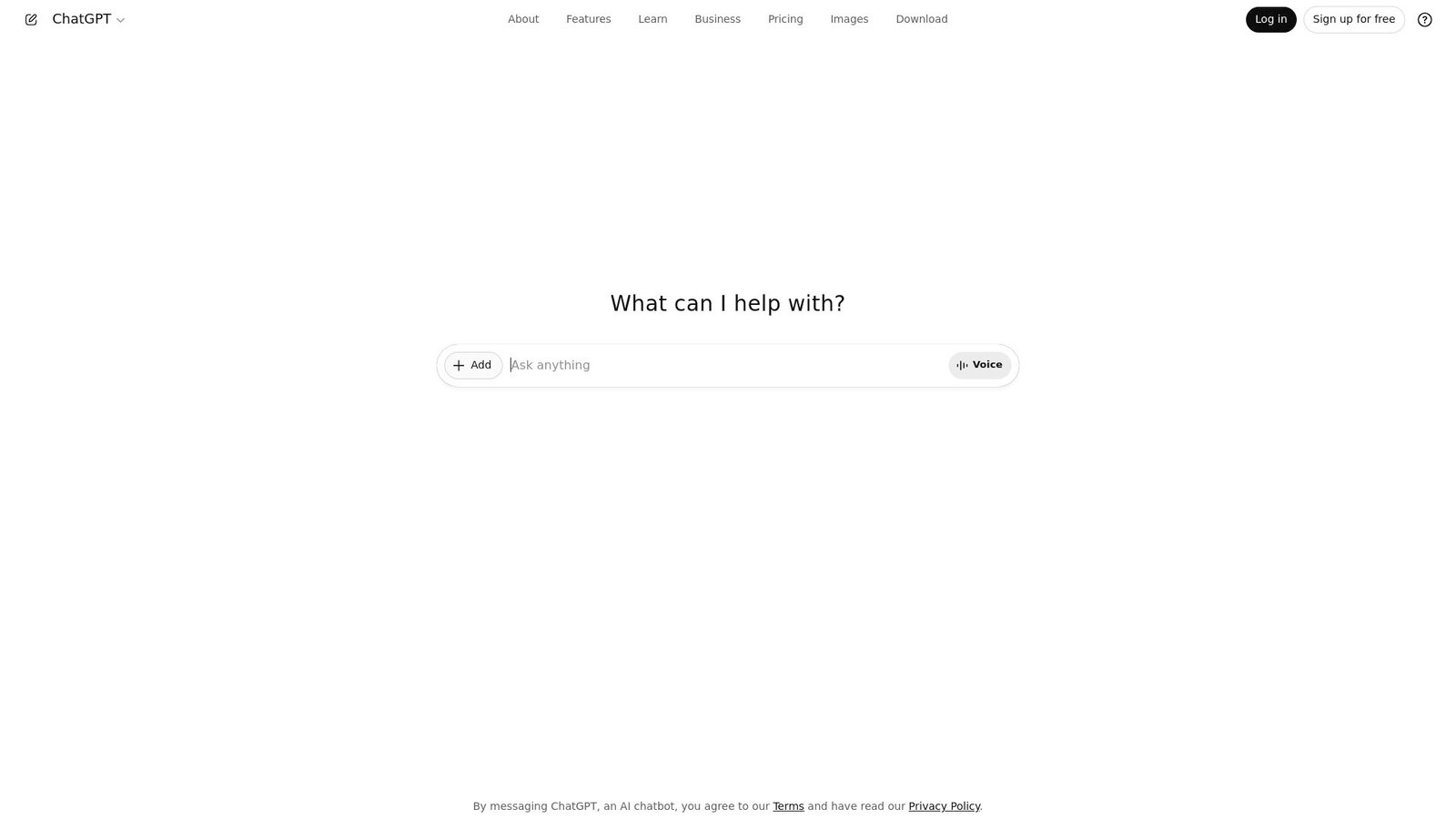
OpenAI builds ChatGPT with research and product teams focused on broad, everyday creation. The image tool benefits from that mindset. It favors clarity, iteration, and “good enough fast” momentum.
Tagline: Generate, refine, and ship images without leaving the conversation.
Best for: solo marketer, startup generalist who needs fast creative cycles.
- Chat-first image iteration → you tighten a concept in fewer back-and-forths.
- Files, prompts, and edits in one thread → you skip context switching and re-upload steps.
- Low-friction setup → time-to-first-value is about 2 minutes after login.
Pricing & limits: From $0/mo; Plus is $20/mo; Business starts at $25/seat/mo billed annually. Trial: Business has a “try for free” flow. Caps: image and message limits vary by plan and demand.
Honest drawbacks: Exact creative controls can feel abstract versus node-based tools. Team governance is best on Business, not individual plans.
Verdict: If you need “good visuals by lunch,” this helps you land a direction in one sitting. Beats most chat-first tools at iteration speed; trails Midjourney on stylized punch.
Score: 4.2/5
2. Midjourney
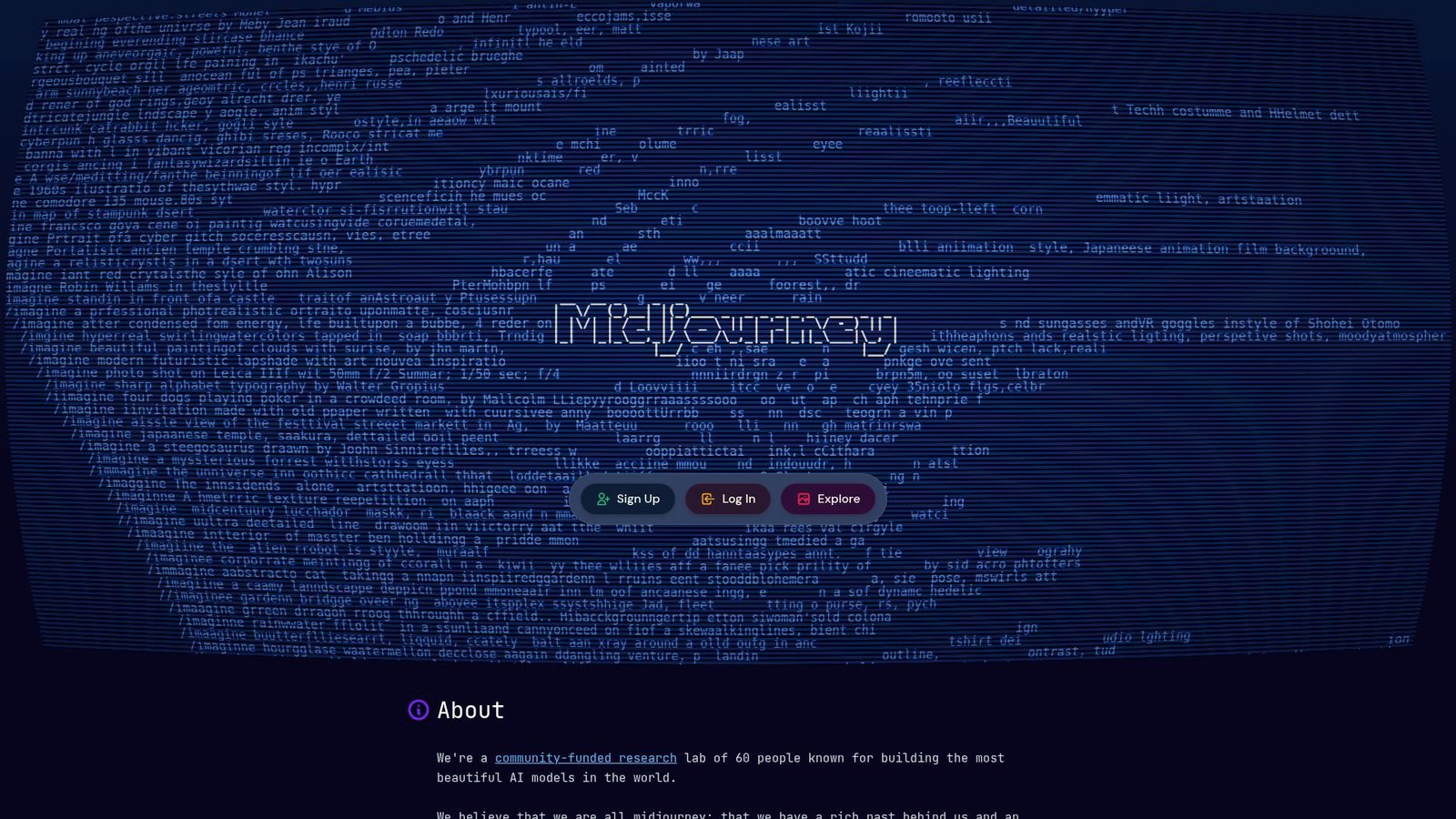
Midjourney is a small, design-obsessed team that keeps shipping aesthetic upgrades. The product feels built by people who care about taste. It shows in texture, lighting, and composition.
Tagline: Get striking, art-directed images that look expensive.
Best for: brand designer, concept artist who needs style on demand.
- Style-forward prompting and variations → you reach a “final-looking” frame faster.
- Relax Mode on higher tiers → you keep generating without watching a meter.
- Clear plan ladder → time-to-first-value is 10 minutes once subscribed.
Pricing & limits: From $10/mo. Trial: no free trial listed. Caps: Basic includes 3.3 hours of Fast GPU time; higher plans scale to 60 hours.
Honest drawbacks: Integrations are thin compared with API-first platforms. Private generation is gated behind higher tiers via Stealth Mode.
Verdict: If you want campaign-ready art direction, this helps you get there in an afternoon. Beats most tools at “wow” output; trails ChatGPT on guided editing and workflow notes.
Score: 3.6/5
3. Reve
Reve appears aimed at creators who want a simple credit system and quick output. The team’s positioning leans “flexible plans, fast creation.” It reads like a product built to keep you generating.
Tagline: Turn prompt ideas into images with a predictable credit budget.
Best for: hobbyist creator, small team prototyping visuals weekly.
- Credit-per-image flow → you can forecast output per month more easily.
- Tiered plans with higher resolution → you upgrade only when output matters.
- Simple web workflow → time-to-first-value is about 5 minutes.
Pricing & limits: From $9.99/mo on one published pricing page. Trial: free generations may exist, depending on current onboarding. Caps: entry plans often tie 1 credit to 1 image generation.
Honest drawbacks: Ecosystem depth looks lighter than larger suites. Long-term trust signals can be harder to judge versus legacy vendors.
Verdict: If you need steady monthly output, this helps you keep creating without surprise bills. Beats many small tools at pricing clarity; trails Ideogram on documented plan details.
Score: 3.3/5
4. Ideogram
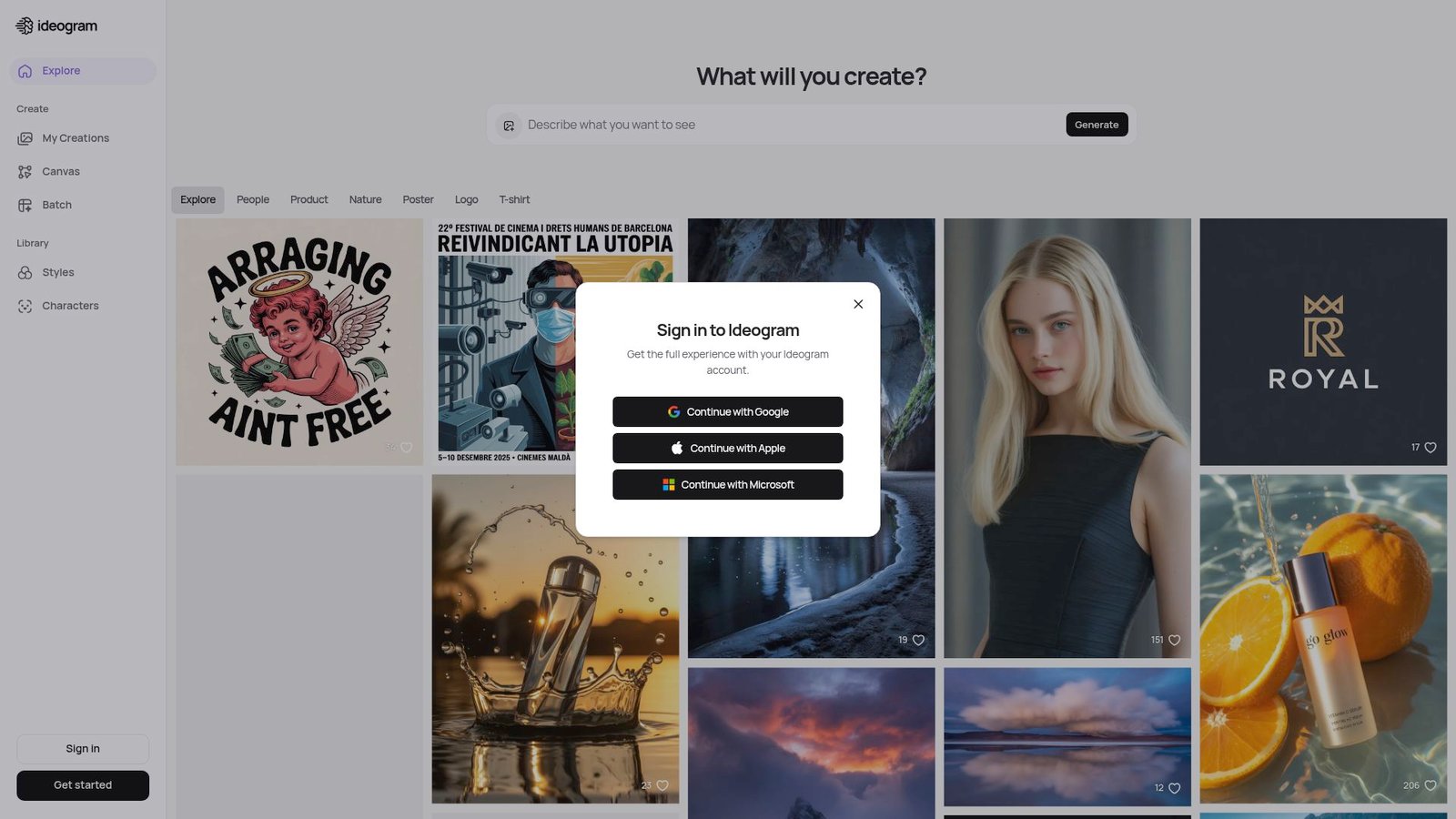
Ideogram is built by a focused team that emphasizes controllable generation and practical output. The product feels tuned for creators who ship. Documentation around plans is unusually clear.
Tagline: Generate images fast, with plan limits you can actually understand.
Best for: social content lead, SMB marketing team needing steady volume.
- Priority vs slow credits → you hit deadlines without paying for every burst.
- Top-ups and rollover rules → you save steps when you temporarily spike output.
- Queue concurrency controls → time-to-first-value is about 3 minutes.
Pricing & limits: From $0/mo; paid plans start at $8/mo. Trial: free plan included. Caps: Free includes 10 slow credits per week; Basic adds 400 priority credits per month.
Honest drawbacks: Advanced enterprise governance is less visible than bigger suites. Some workflows still require you to learn the credit economy.
Verdict: If you want predictable generation throughput, this helps you plan output week by week. Beats many rivals on pricing transparency; trails Adobe on deep creative-suite integration.
Score: 3.8/5
5. FLUX
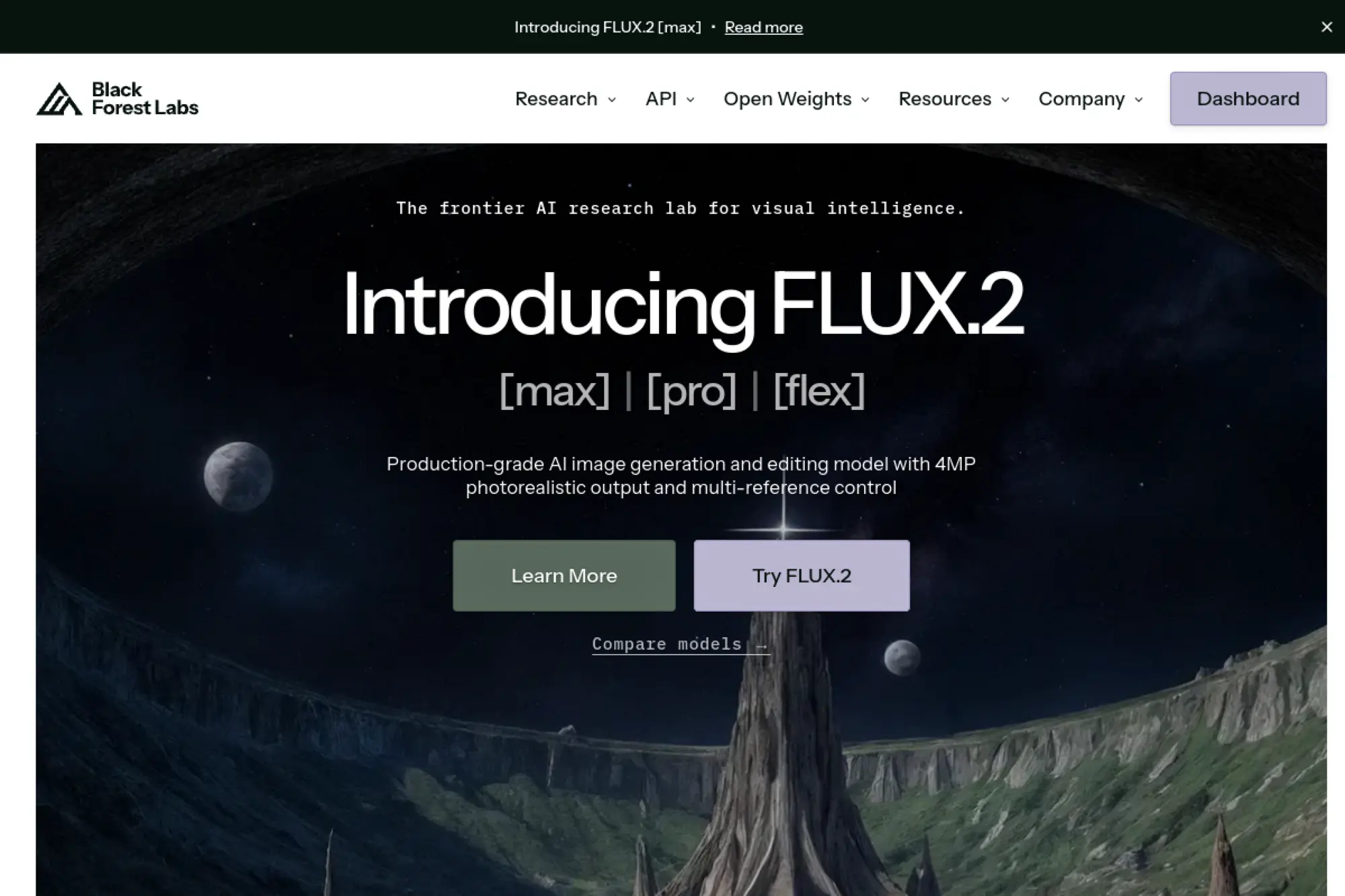
Black Forest Labs is an engineering-first team building models meant for production pipelines. The offering is less “cute app” and more “serious generation infrastructure.” It’s a builder’s tool at heart.
Tagline: Put high-end image generation into your product without running GPUs.
Best for: developer platform team, SaaS builder embedding image creation.
- Model variants for quality and editing → you match cost to each use case.
- API and Playground parity → you skip rework between testing and shipping code.
- Clear licensing for self-hosting → time-to-first-value is 1 day with an API key.
Pricing & limits: From $999/mo for self-hosted dev licenses on select models. Trial: some dev models are free for local, non-commercial use. Caps: licensing tiers include image-count ceilings, like 100,000 images per month.
Honest drawbacks: Non-technical teams may struggle without a wrapper UI. Cost predictability depends on your usage discipline and prompt hygiene.
Verdict: If you need “generation as a feature,” this helps you ship it this quarter. Beats most consumer apps at integration control; trails them on instant, friendly onboarding.
Score: 3.5/5
6. Adobe Firefly
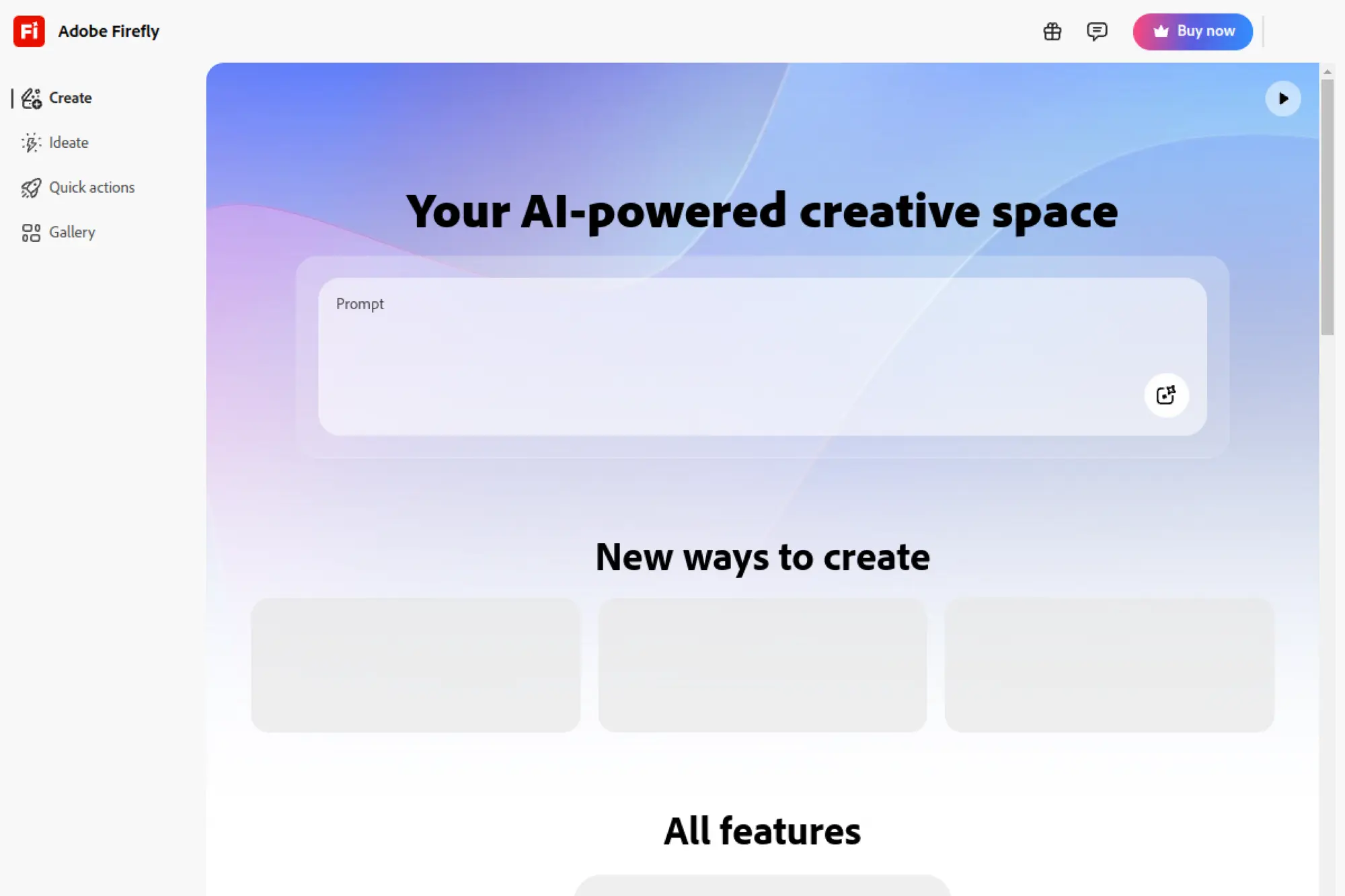
Adobe’s teams build Firefly to fit professional creative workflows and compliance needs. The tool is designed to sit beside Photoshop and Express. It feels like an enterprise-friendly creative layer.
Tagline: Generate and edit images in a workflow your stakeholders will approve.
Best for: in-house designer, brand team that needs licensing comfort.
- Generative Fill-style workflows → you remove or replace elements without rebuilding comps.
- Creative Cloud ecosystem → you save export-import steps across Adobe apps.
- Familiar UI patterns → time-to-first-value is 15 minutes for Adobe users.
Pricing & limits: From $9.99/mo for Firefly Standard with 2,000 monthly generative credits. Trial: free trial is offered on Standard and Pro. Caps: credits apply to premium generations, while standard image features can be unlimited.
Honest drawbacks: Credit logic can feel complex across apps and add-ons. Best value often assumes you already live in Adobe’s universe.
Verdict: If you need “safe enough for the brand,” this helps you deliver polished edits in a day. Beats most tools at ecosystem depth; trails Midjourney on pure stylistic surprise.
Score: 4.0/5
7. Recraft
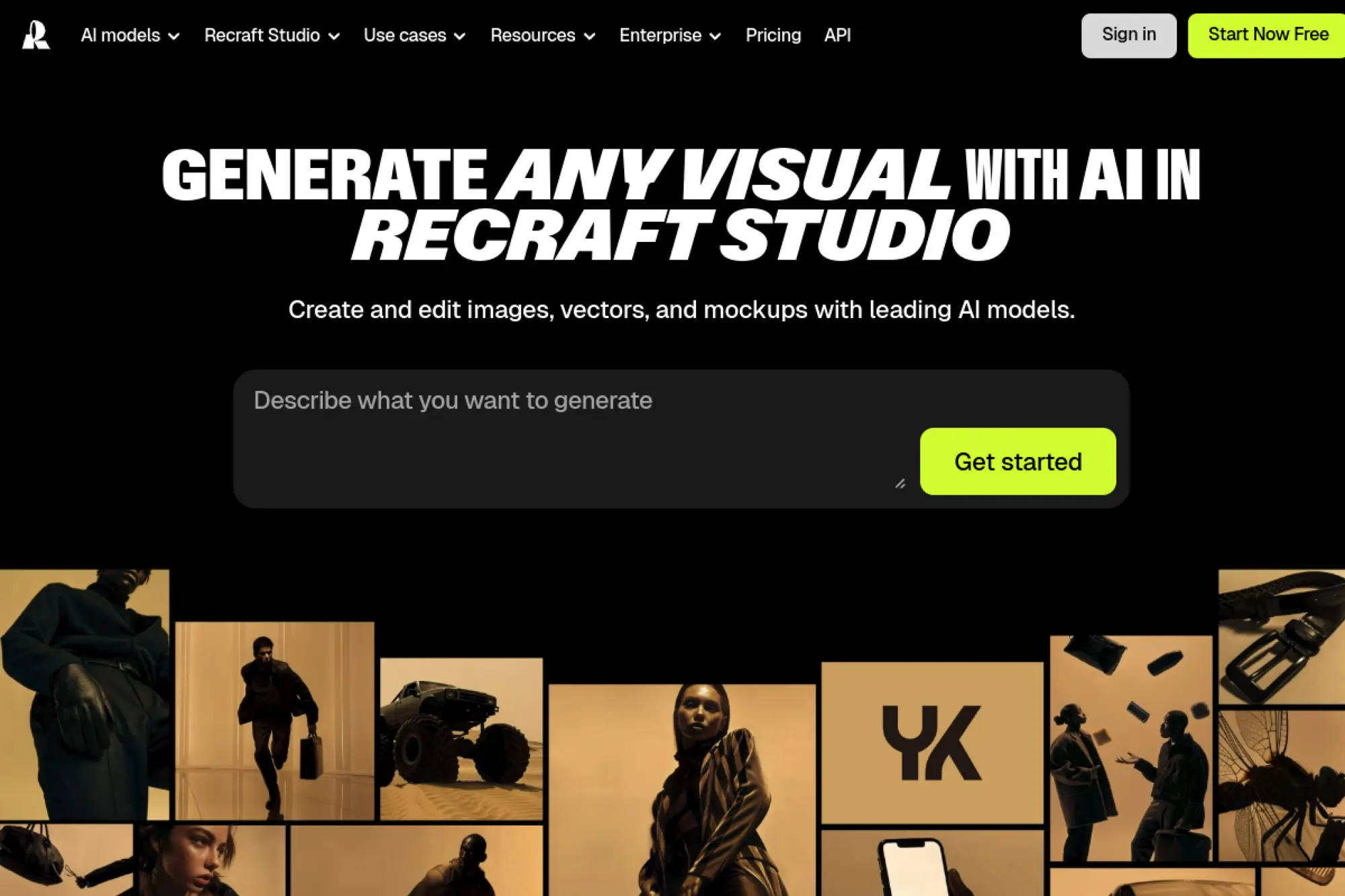
Recraft’s team targets designers who need vector-friendly outputs and practical editing. The platform reads like a design tool first, generator second. That’s a good bias for brand work.
Tagline: Generate visuals you can actually reuse in real design files.
Best for: product designer, brand designer needing vectors and assets.
- Raster and vector generation options → you get logos and icons that scale cleanly.
- API pricing clarity → you automate batches and skip manual queue babysitting.
- Credit-based actions → time-to-first-value is about 10 minutes in the web app.
Pricing & limits: From $0/mo for limited use in many freemium setups. Trial: commonly offered as a free tier. Caps: API units can be bought in advance, with raster generation priced per image action.
Honest drawbacks: Subscription pricing pages can be hard to parse outside the app. Some advanced controls take time to internalize.
Verdict: If you need “usable assets, not just pretty pictures,” this helps you deliver in a workday. Beats many tools at vector utility; trails Adobe on mature admin controls.
Score: 3.7/5
8. Imagen 3
Google’s Gemini teams bring Imagen into a general-purpose assistant experience. The product strength is convenience and access. It’s built for people who already live in Google’s ecosystem.
Tagline: Generate images where you already ask questions and draft work.
Best for: knowledge worker, marketer who needs quick visuals with research.
- Prompt-to-image inside Gemini → you move from brief to draft without new tools.
- Google AI plans with credits → you reduce tool sprawl across writing and visuals.
- Low setup overhead → time-to-first-value is under 5 minutes.
Pricing & limits: From $19.99/mo for Google AI Pro with a 1-month trial. Trial: 1 month at no charge is advertised. Caps: plans include monthly AI credits that apply across supported tools.
Honest drawbacks: Exact image controls can feel limited versus specialist generators. Output policy constraints may block some edgy creative directions.
Verdict: If you want “fast drafts inside your daily stack,” this helps you deliver concepts the same morning. Beats many tools at convenience; trails Recraft on production-ready assets.
Score: 3.9/5
9. Canva Free Online AI Image Generator
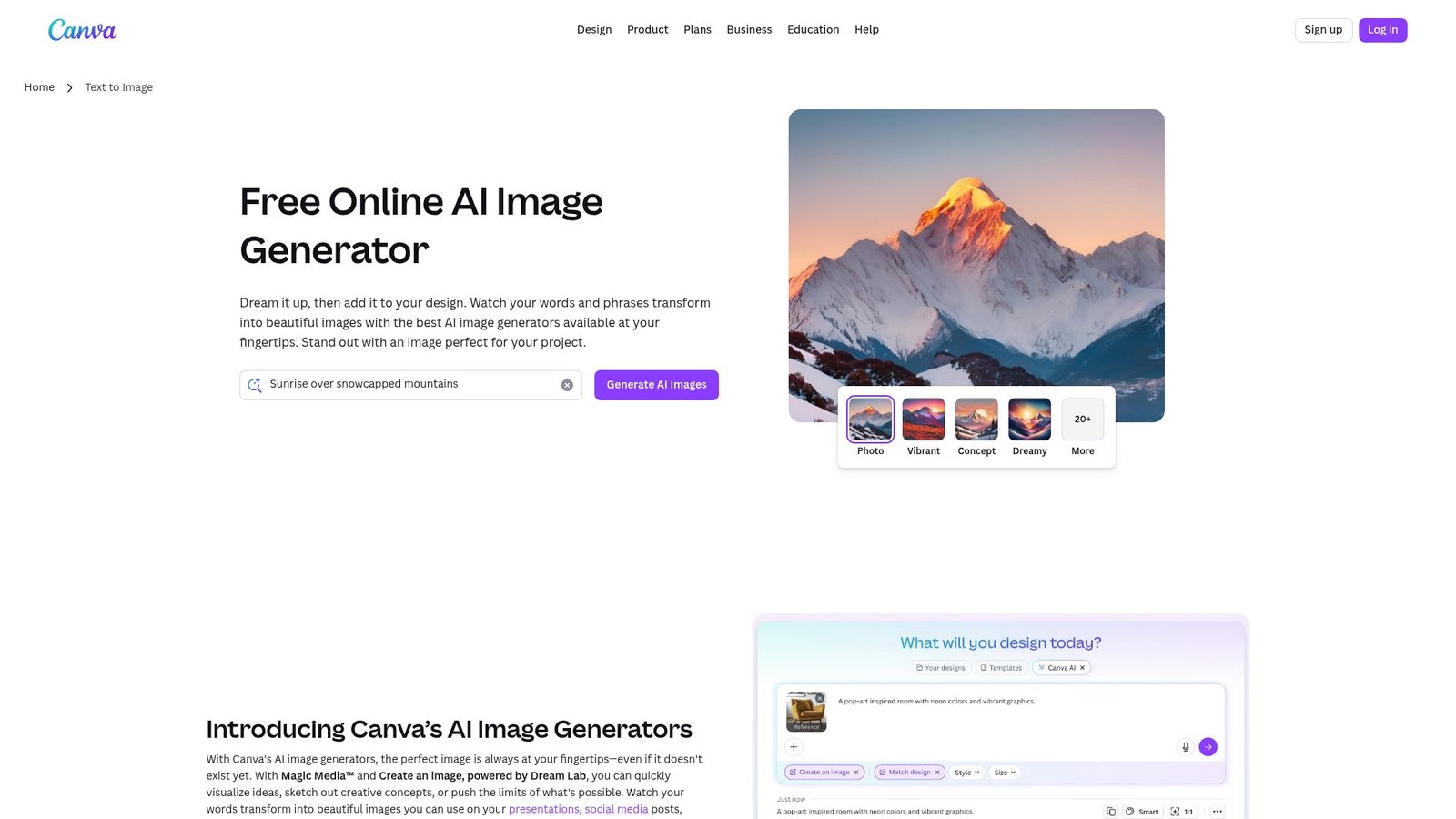
Canva’s AI Image Generator is a quick “turn words into visuals” machine built right into Canva’s design playground. You type a prompt (like a tiny movie scene in your head), and it generates fresh images in seconds—perfect for social posts, ads, slides, or mood boards when you don’t have the right stock photo.
Better yet, you can pick styles, create variations, and then edit the result directly in Canva with filters, text, and layout tools. In short: less hunting, more creating—because your ideas deserve to be seen, not stuck in your notes app.
Canva’s product teams obsess over making design accessible at scale. The AI image generator is part of that broader “make it, resize it, publish it” pipeline. It’s built for throughput, not mystique.
Tagline: Generate images and drop them straight into finished layouts.
Best for: social media manager, small business owner shipping daily content.
- Design-to-publish workflow → you go from prompt to post-ready in one place.
- Brand controls and templates → you save hours on resizing and format swapping.
- Familiar editor UX → time-to-first-value is 10 minutes for new users.
Pricing & limits: From $0/mo; Canva Business is $20 per person per month. Trial: many Canva plans offer trials, depending on region and signup path. Caps: AI usage limits depend on your plan and workspace level.
Honest drawbacks: Pure image quality can trail specialist generators on edge cases. Power users may feel boxed in by template-driven design patterns.
Verdict: If you need “assets that ship,” this helps you publish a full set in an afternoon. Beats Midjourney at layout speed; trails it on cinematic art direction.
Score: 4.0/5
10. NightCafe
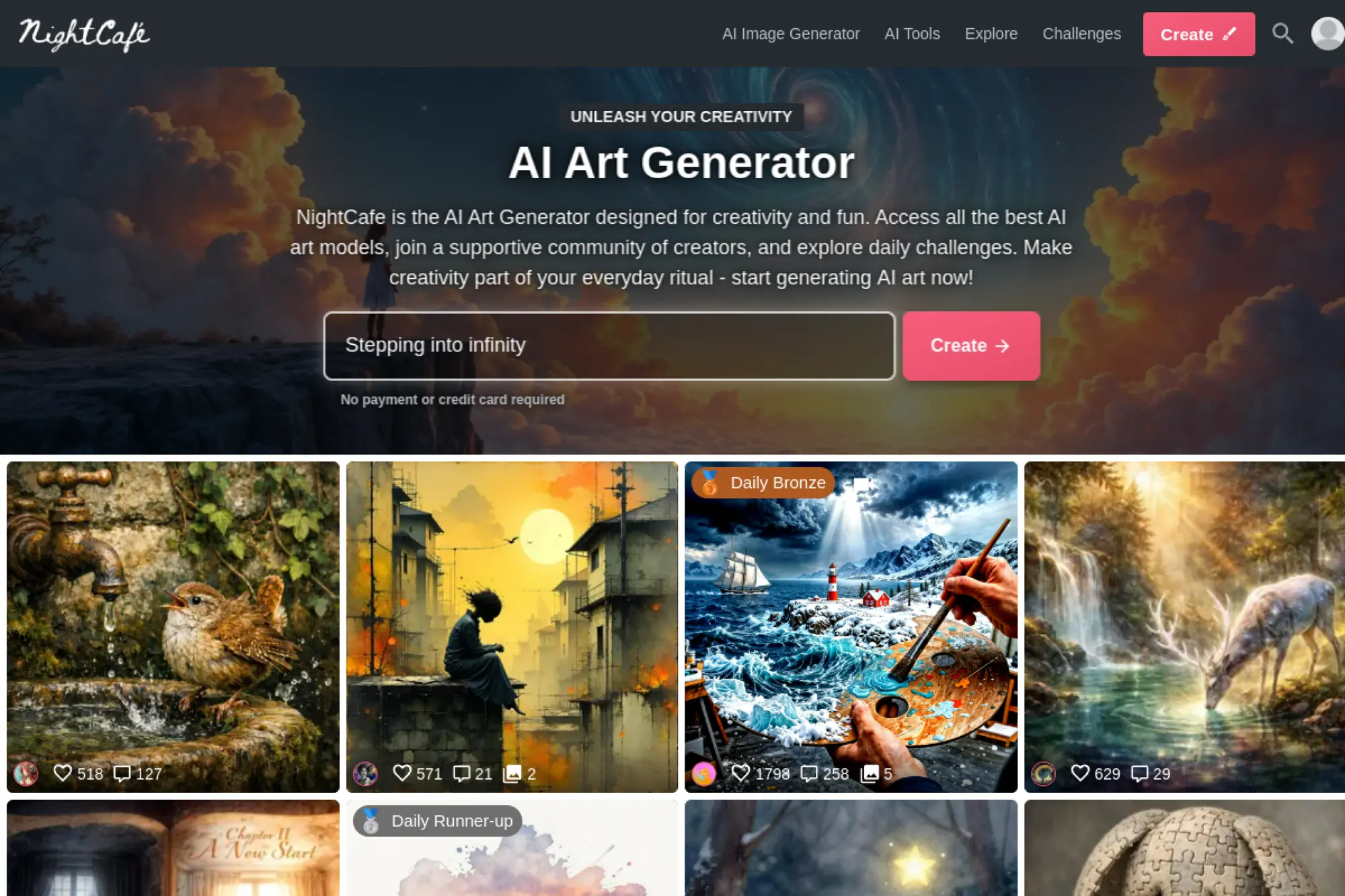
NightCafe is built around community creation and many model options under one roof. The team leans into fun, challenges, and steady iteration. It’s more studio hangout than enterprise workstation.
Tagline: Make a lot of images, learn by remixing, and keep rolling credits.
Best for: hobbyist creator, creator who likes community prompts and contests.
- Multiple generation modes → you explore styles without juggling several accounts.
- Credits that roll over on subscriptions → you waste fewer leftovers month to month.
- Fast onboarding → time-to-first-value is about 3 minutes.
Pricing & limits: From about $5.99/mo on common PRO tiers. Trial: free usage exists via daily credits and free tiers. Caps: subscriptions allocate monthly credits, and credits can roll over and never expire per support docs.
Honest drawbacks: Workflow polish can feel uneven versus single-purpose apps. Integrations and team controls are not the main story here.
Verdict: If you want “lots of reps,” this helps you practice and produce in the same week. Beats many tools on community momentum; trails Ideogram on business-like predictability.
Score: 3.5/5
11. OpenArt
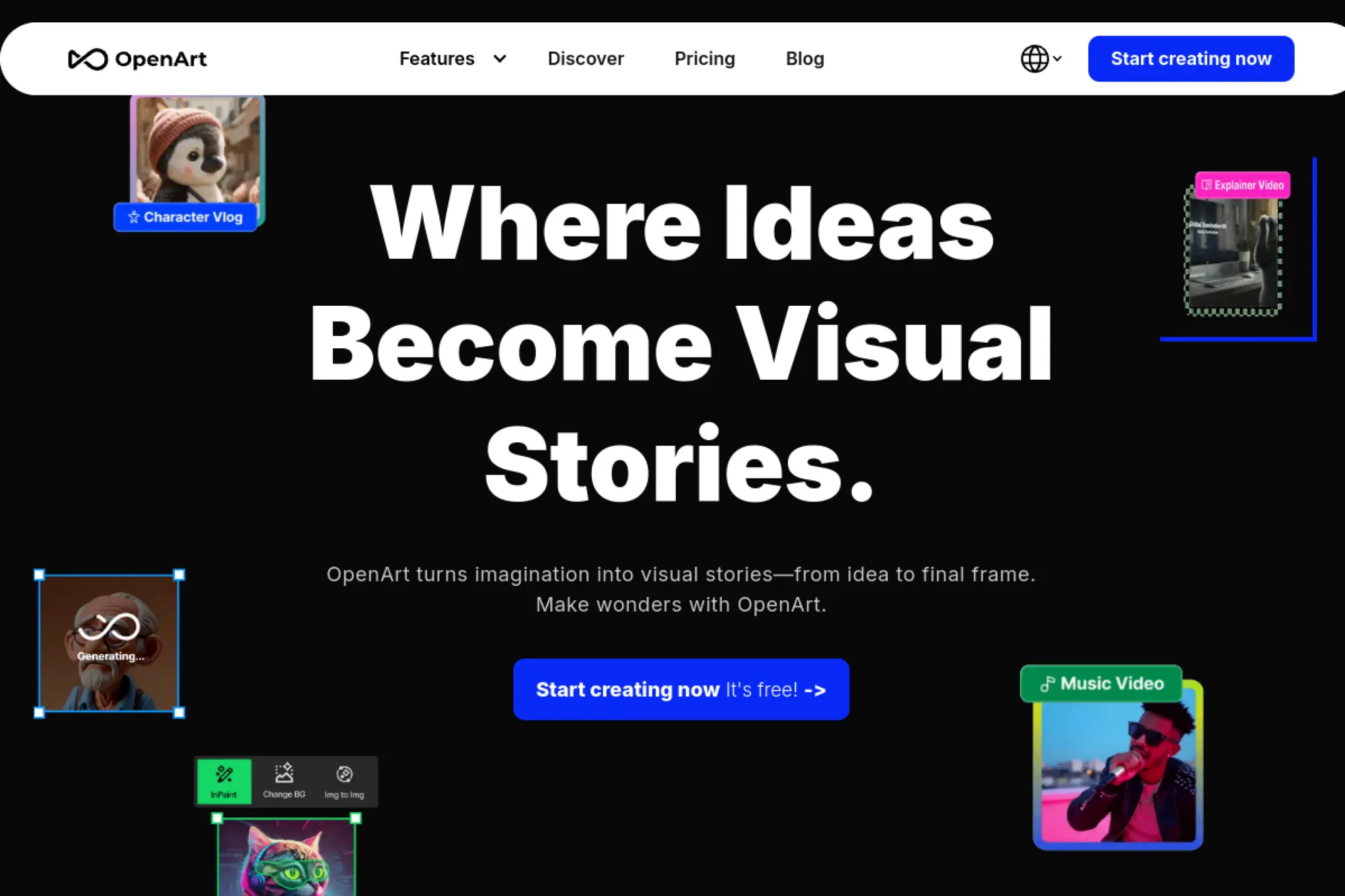
OpenArt is built by a team pushing breadth across models and creative modes. The product feels like a multi-model dashboard for makers. It aims to keep you in flow, even at high volume.
Tagline: Scale image creation with credits that map to real output.
Best for: content studio, creator who needs high monthly volume.
- Big monthly credit pools → you can plan production runs by the numbers.
- Parallel generations → you save time by running multiple drafts at once.
- Private creations by default → time-to-first-value is 5 minutes after signup.
Pricing & limits: From $0/mo with trial credits; paid starts at $14/mo. Trial: free plan includes one-time trial credits. Caps: paid tiers allocate monthly credits and parallel generation slots.
Honest drawbacks: Credit economics can be hard to compare across model types. Some creators may prefer a simpler, single-model experience.
Verdict: If you need “consistent output at scale,” this helps you deliver weekly batches in a predictable rhythm. Beats many apps at model breadth; trails Adobe on integrated editing depth.
Score: 3.5/5
12. Prodia
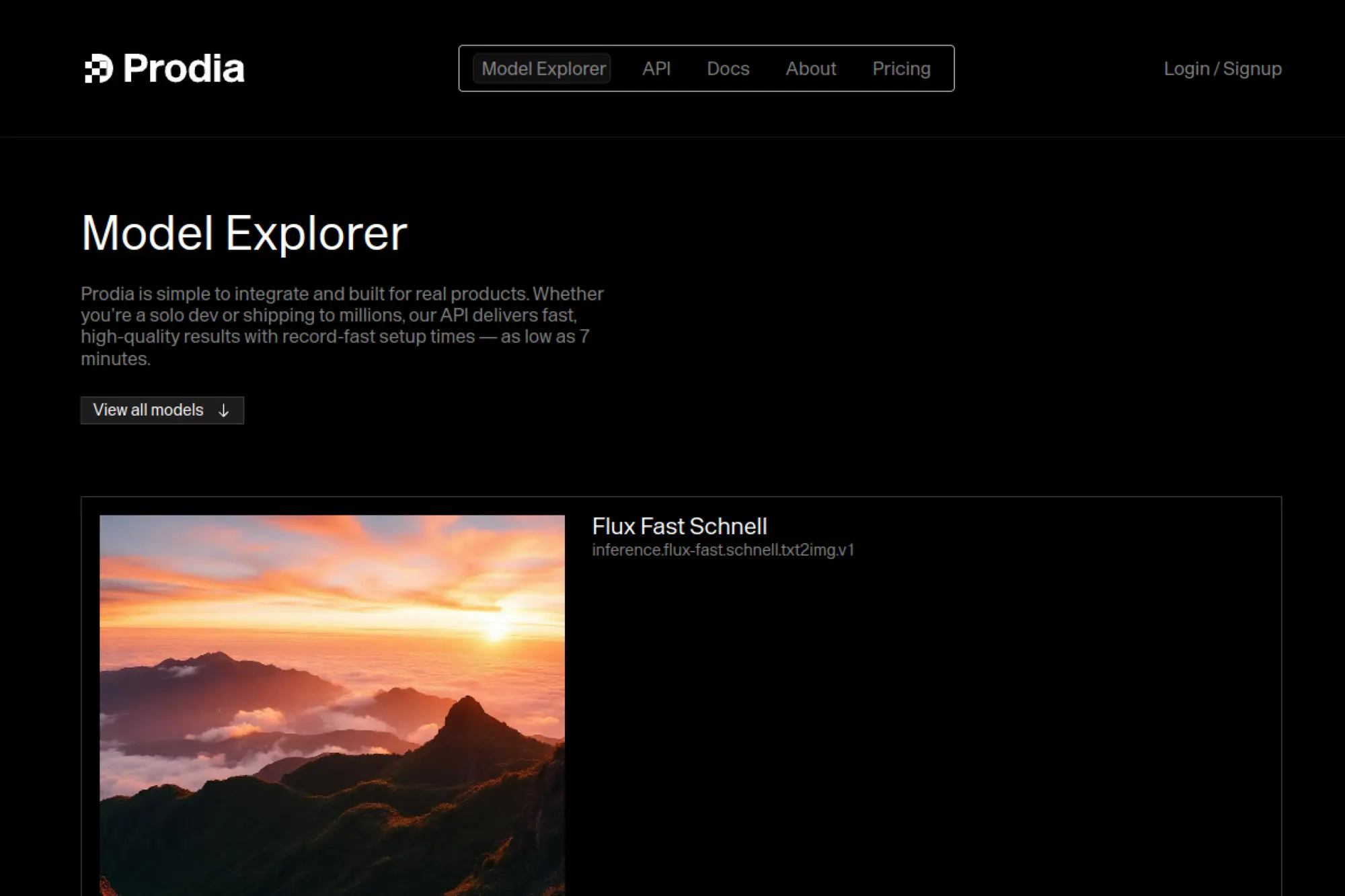
Prodia is built for developers who want speed and predictable infrastructure. The team positions it as production-ready media generation. It feels like a pricing matrix with an API attached, in a good way.
Tagline: Pay for generation like a utility, then scale without drama.
Best for: engineer building an app feature, automation-heavy creative ops team.
- Per-generation model pricing → you match cost to resolution and quality needs.
- Wide model catalog in one API → you cut vendor juggling to one integration.
- Fast start for developers → time-to-first-value is under 1 hour with an API key.
Pricing & limits: From $5/mo + usage for a Pro plan. Trial: enterprise is custom, while pricing tables are public for estimation. Caps: costs scale by model, resolution, and inputs per generation.
Honest drawbacks: Non-technical teams may need an internal wrapper. Budget control depends on guardrails you build yourself.
Verdict: If you need “images inside your product,” this helps you ship a dependable pipeline this sprint. Beats consumer tools at API clarity; trails them on cozy creative UX.
Score: 3.8/5
13. getimg.ai
getimg.ai is built for creators who want breadth across image and video models. The team leans into a clean pricing table and a fast web UI. It’s designed to make “credits” feel less mysterious.
Tagline: Generate a lot of assets with a plan that scales cleanly.
Best for: growth marketer, creator who needs volume plus editing tools.
- Plan-based credits → you budget output per month without surprise overages.
- Model access across tiers → you avoid switching platforms for different looks.
- Simple web workflow → time-to-first-value is about 5 minutes.
Pricing & limits: From $10/mo. Trial: free plan includes 120 credits per day. Caps: tier limits include batch size, concurrent generations, and monthly credits.
Honest drawbacks: Credit tables can be dense for first-time buyers. Some teams may want deeper admin controls and audit logs.
Verdict: If you want “predictable production,” this helps you ship batches every week with fewer tool hops. Beats smaller tools at plan clarity; trails Runway on advanced video-first workflows.
Score: 3.8/5
14. Stablecog
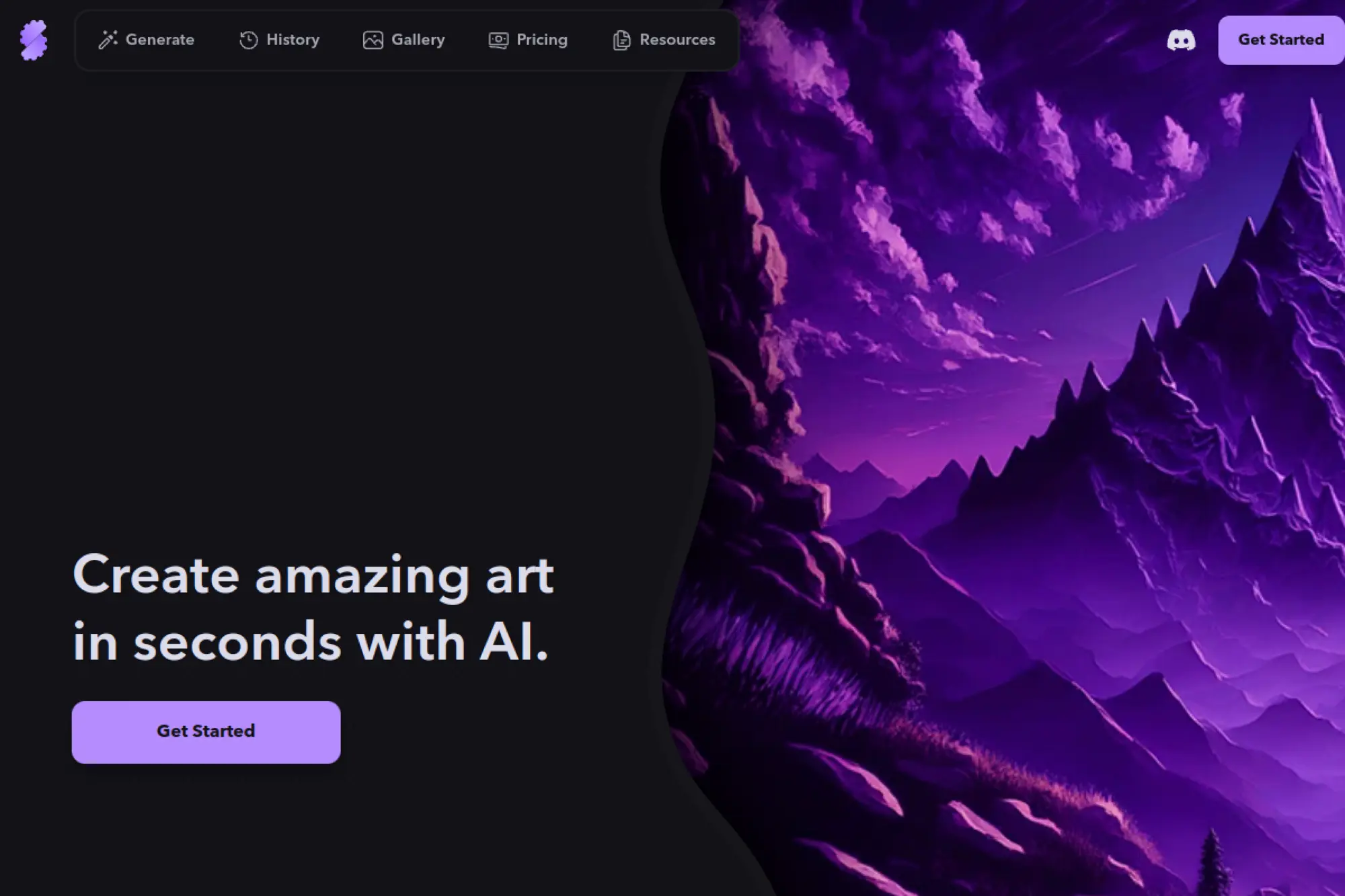
Stablecog is built by a lean team that prioritizes simple access and low pricing. The product is direct and utilitarian. It’s for people who want results, not ceremony.
Tagline: Get lots of images per dollar, with minimal setup.
Best for: solo creator, side project builder needing cheap volume.
- High monthly image quotas → you generate thousands without complex credit math.
- Parallel generations on paid tiers → you save time during batch creation.
- Clean, fast UI → time-to-first-value is about 2 minutes.
Pricing & limits: From $0/mo for 20 images per day; paid starts at $10/mo. Trial: free plan is the trial. Caps: Starter includes 2,000 images per month, while free images are public.
Honest drawbacks: Integrations and ecosystem are limited. Advanced editing workflows are thinner than full creative suites.
Verdict: If you want “lots of drafts fast,” this helps you explore ideas all week for a low bill. Beats premium tools on cost; trails them on polish and deep controls.
Score: 3.4/5
15. DeepAI Image Generator
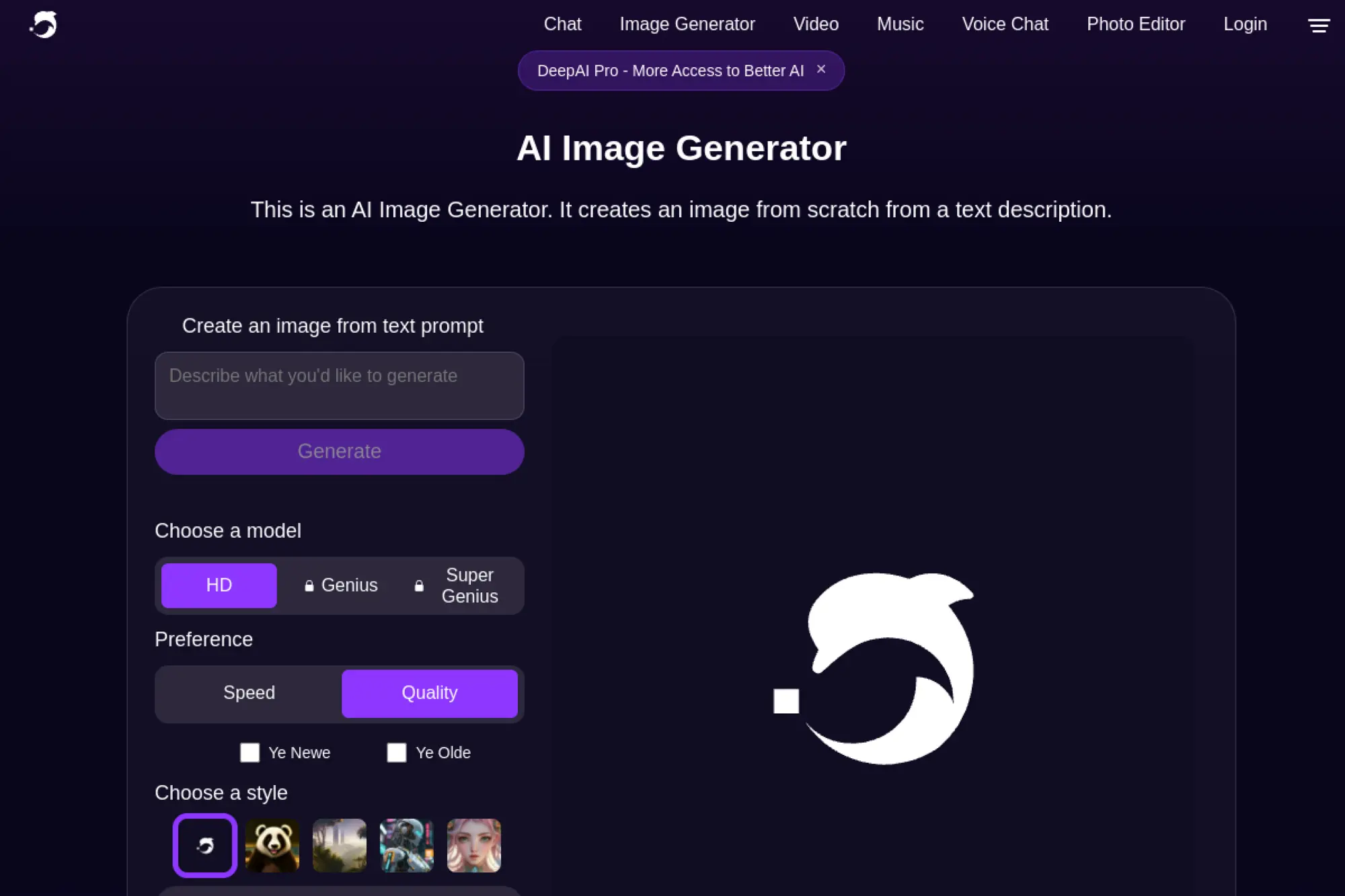
DeepAI is built as a broad toolbox of AI utilities with a simple subscription wrapper. The team frames it like a prepaid plan. It’s more “utility bundle” than boutique generator.
Tagline: Get a steady monthly image allowance, then top up as needed.
Best for: generalist creator, developer who wants a lightweight option.
- Monthly included image allowances → you know your baseline output each cycle.
- Pay-as-you-go wallet → you avoid upgrading tiers for small overages.
- Simple web access → time-to-first-value is about 5 minutes.
Pricing & limits: From $9.99/mo. Trial: free users have limited access, while Pro includes monthly image allowances. Caps: Pro includes 500 HD generations per month, plus separate higher-tier image allowances.
Honest drawbacks: Image quality and control can feel less premium than top specialists. Integrations and advanced workflows are not a main focus.
Verdict: If you need “good enough images plus other tools,” this helps you stay productive without overthinking plans. Beats many niche apps on simplicity; trails Ideogram on modern generation throughput.
Score: 3.3/5
16. WOMBO Dream
Wombo’s team builds for mobile-first creativity and fast fun. The app is optimized for quick creation on a phone. It’s less “pipeline tool” and more “creative spark generator.”
Tagline: Make shareable AI art from your couch, fast.
Best for: casual creator, social poster who works from mobile.
- Mobile-native creation flow → you generate and share without a desktop detour.
- In-app subscription upgrades → you reduce purchase friction to a few taps.
- Quick onboarding → time-to-first-value is about 2 minutes after install.
Pricing & limits: From $0/mo with in-app purchases; monthly premium is listed at $9.99 on iOS. Trial: free version exists. Caps: paid value depends on the current in-app tier, and usage is governed inside the app.
Honest drawbacks: Fine-grained control is limited compared with desktop tools. Enterprise features like SSO and admin controls are not the point.
Verdict: If you want “a daily creative habit,” this helps you produce quick art in minutes. Beats many tools on mobile speed; trails ChatGPT on guided iteration and prompt refinement.
Score: 3.2/5
17. Runway
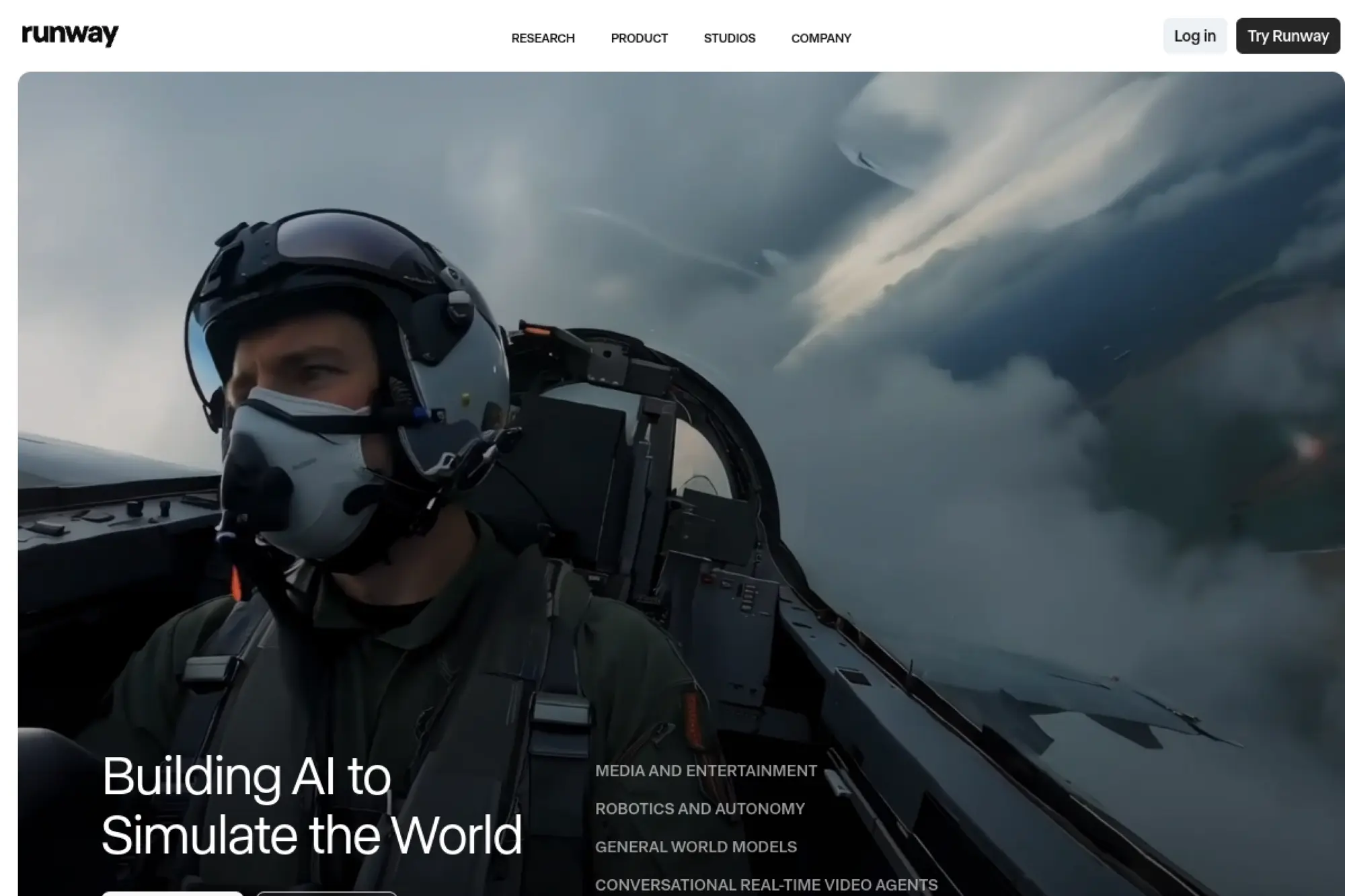
Runway’s team builds a creator suite where image and video generation sit together. The product is designed for modern content production. It feels like a studio tool, not a toy.
Tagline: Generate images and push them into video-ready workflows.
Best for: content studio, creative technologist shipping ads and reels.
- Unified generation credits → you allocate budget across image and video work.
- Workflows and apps → you cut repetitive export steps across projects.
- Fast onboarding → time-to-first-value is about 15 minutes with a short tutorial.
Pricing & limits: From $0/mo with 125 one-time credits; Standard is $12/user/mo billed annually. Trial: free plan is available. Caps: Standard includes 625 credits monthly, and credits refresh monthly.
Honest drawbacks: Credit spend can disappear fast in video-heavy work. Team workspaces can share one credit pool, which surprises some teams.
Verdict: If you need “images that feed motion,” this helps you deliver a full creative set in a week. Beats most image-only tools at downstream production; trails Midjourney on pure still-image artistry.
Score: 3.8/5
18. Visual Electric
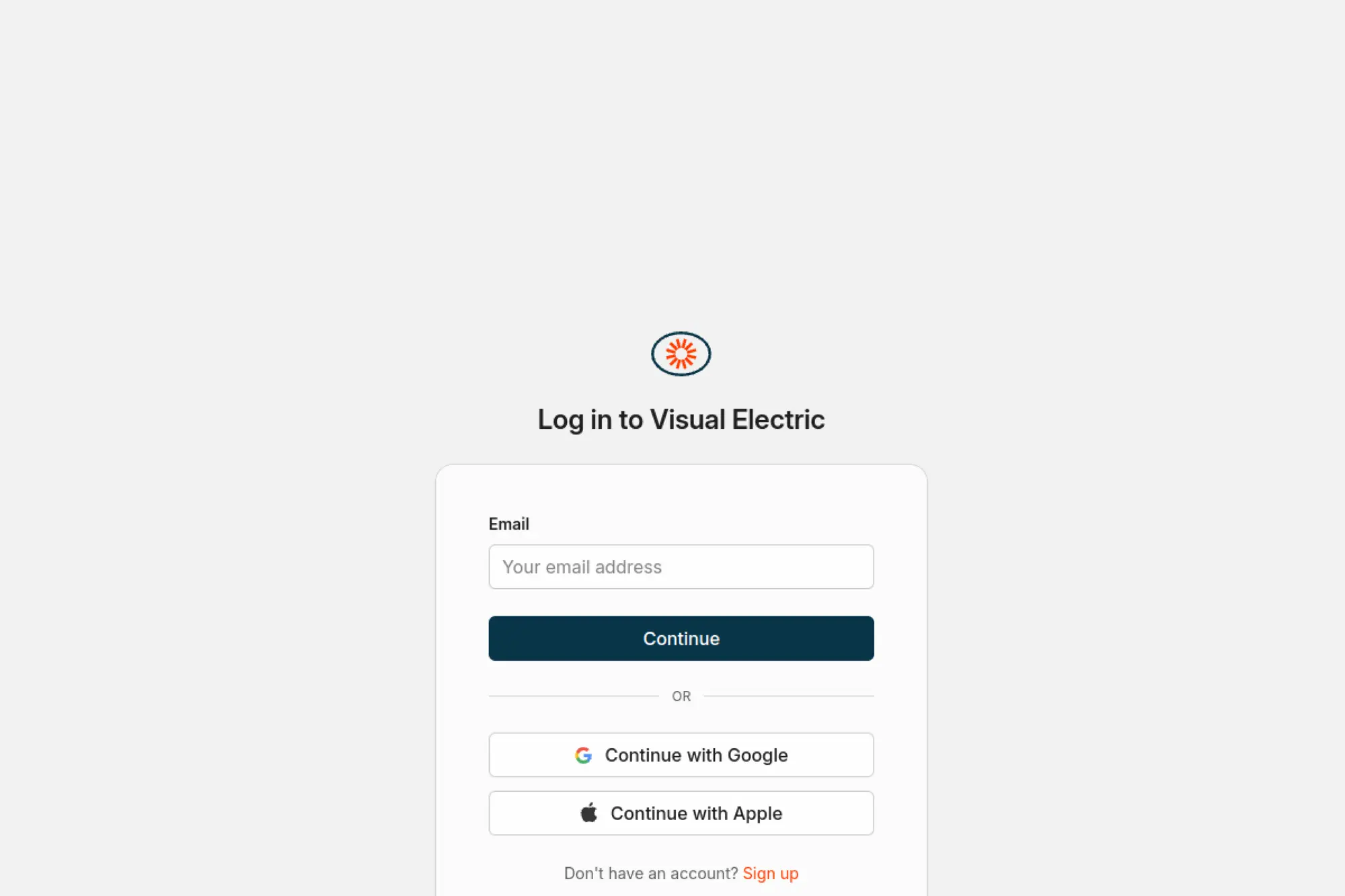
Visual Electric is positioned as a design-forward generator with workspace thinking. The team highlights plugins and licensing. It’s built to show up inside design tools, not just in a browser tab.
Tagline: Generate images where designers already work.
Best for: product designer, small creative team living in Figma and Framer.
- Plugins for design tools → you move images into layouts without manual downloads.
- Volts as shared workspace currency → you reduce approval loops around usage.
- Simple billing controls → time-to-first-value is about 10 minutes after signup.
Pricing & limits: From $0/mo with a Free plan. Trial: Free plan is the entry point. Caps: generations use “volts,” and unused volts can roll over up to a tier-based maximum.
Honest drawbacks: Pricing details may require in-app context to interpret fully. Non-designers may find the workflow less intuitive than chat-based tools.
Verdict: If you want “assets inside your design file,” this helps you iterate in the same workspace. Beats many tools at design-tool proximity; trails Runway on media-suite breadth.
Score: 3.4/5
19. Picsart
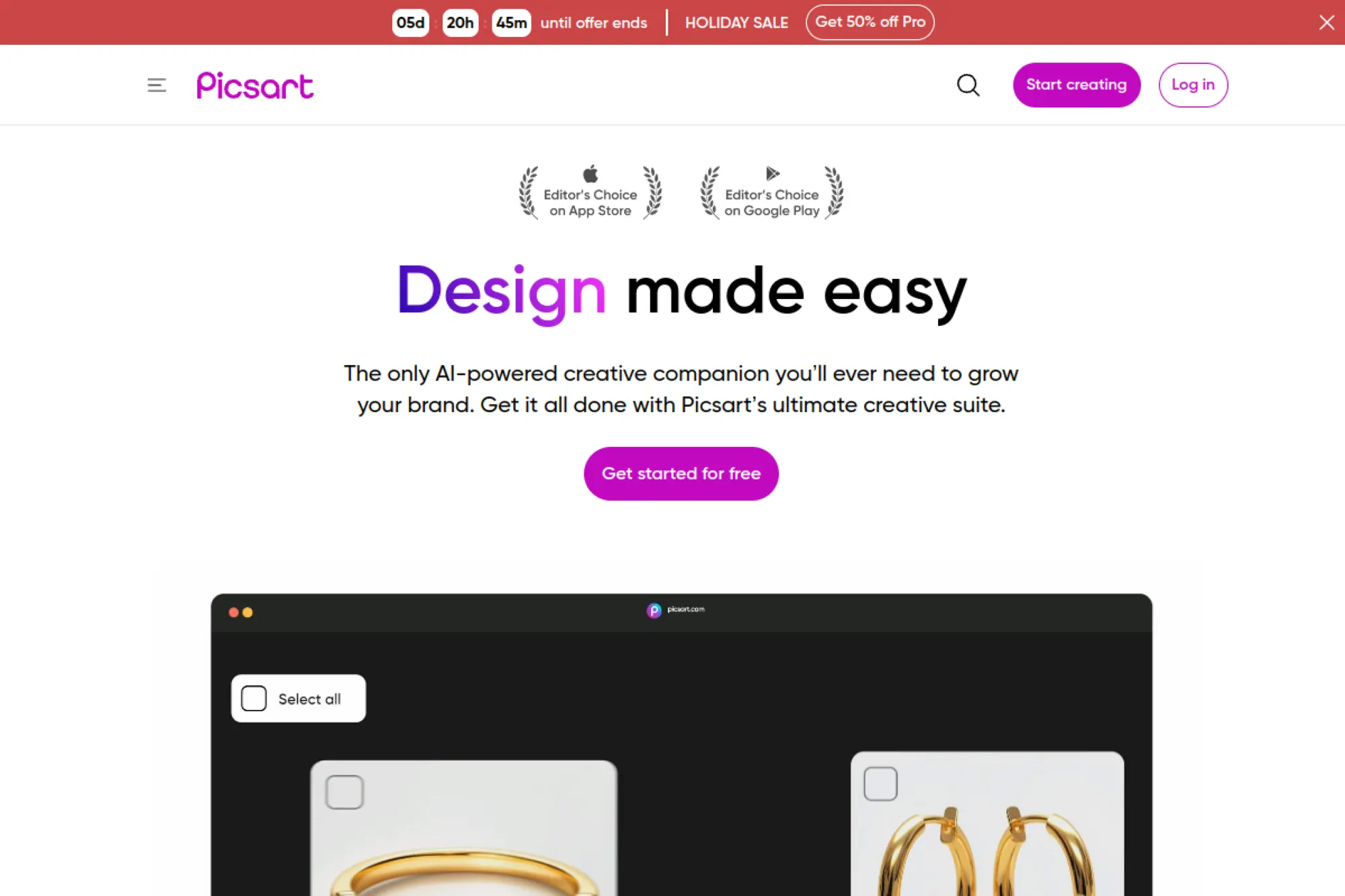
Picsart’s team has years of consumer editing DNA and a fast-moving AI layer. The product is built for creators who edit, remix, and publish quickly. It balances templates, editing, and generation.
Tagline: Create scroll-stopping visuals with AI, then edit them immediately.
Best for: creator economy teams, SMB marketers doing high-volume content.
- AI image generation plus editing → you go from draft to polished without switching apps.
- Monthly credits included → you avoid repeated checkout steps for routine work.
- Bulk edits in higher tiers → time-to-first-value is about 20 minutes for a batch.
Pricing & limits: From $0/mo; paid plans vary by billing, with Plus and Pro tiers offering monthly AI credits. Trial: “Try for free” is shown on paid plans. Caps: Free includes 5 credits per week, while paid tiers include 200 to 500 credits per month.
Honest drawbacks: Pricing can change with regional promos and seat sliders. Power users may want more precise prompt and seed controls.
Verdict: If you need “create and finish in one tool,” this helps you ship assets the same day. Beats Canva on photo-style editing depth; trails Canva on team template governance.
Score: 3.8/5
20. CF Studio
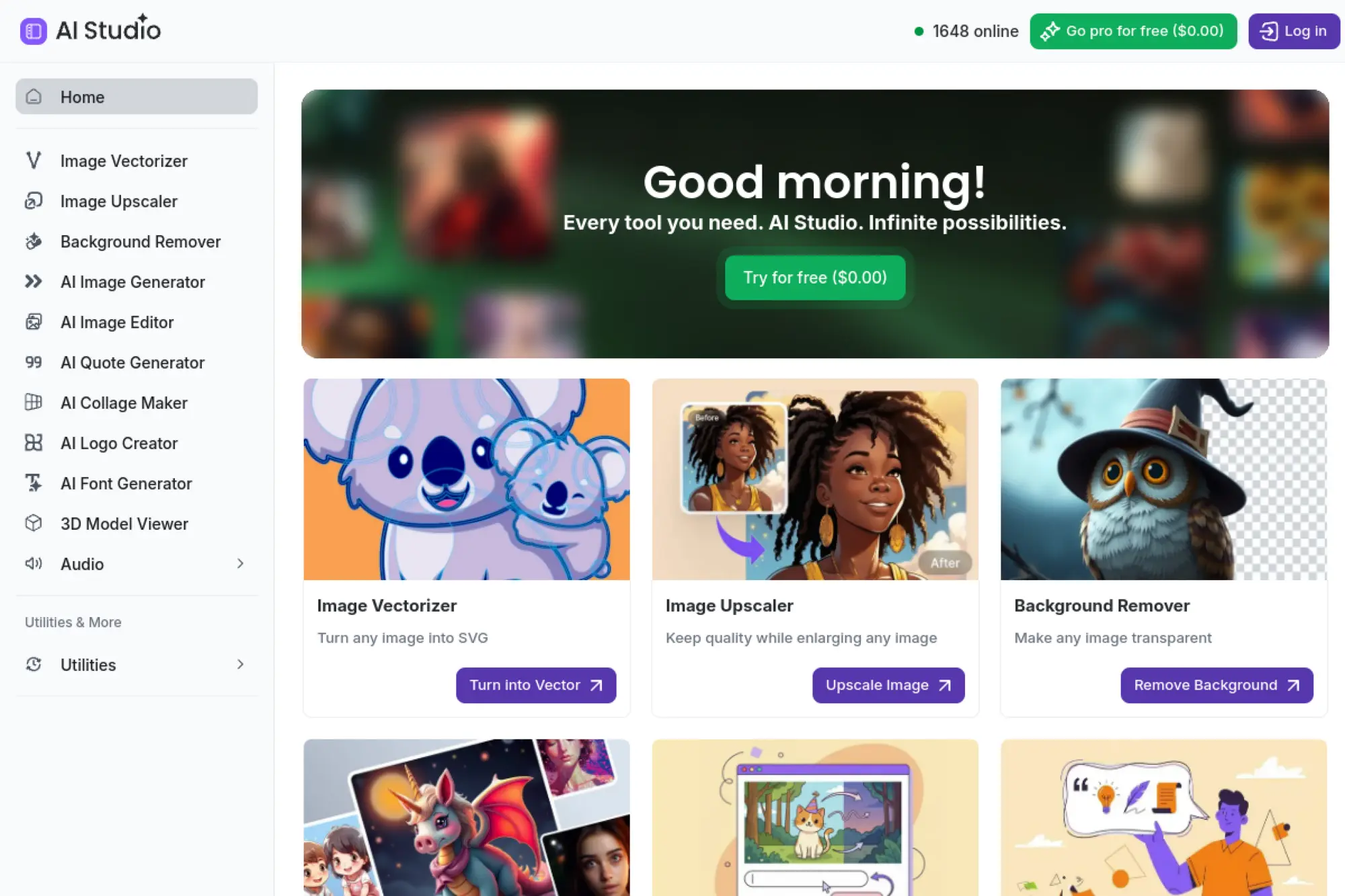
Creative Fabrica’s Studio is built for crafters and creators who want many AI utilities in one place. The team frames it as a suite with coins powering actions. It’s positioned as “creative factory,” not single tool.
Tagline: Generate and edit assets with one coin-based studio toolkit.
Best for: Etsy seller, DIY designer making lots of variations.
- Many AI tools in one studio → you produce assets without assembling a stack.
- Coin system across features → you skip multiple subscriptions and billing logins.
- Guided studio UX → time-to-first-value is about 15 minutes after signup.
Pricing & limits: From $3.99/mo billed annually for an All Access plan on the broader platform, while Studio AI access is described as a separate subscription. Trial: Studio trial is 30 days and includes 25,000 coins. Caps: a paid Studio AI subscription lists 620,000 coins for use within Studio.
Honest drawbacks: Subscription boundaries can be confusing across marketplace vs studio. Teams needing formal compliance should validate licensing details for their use case.
Verdict: If you want “many tools under one roof,” this helps you generate variations in a weekend. Beats single-purpose apps on breadth; trails Adobe on enterprise-grade governance.
Score: 3.5/5
21. LetsEnhance
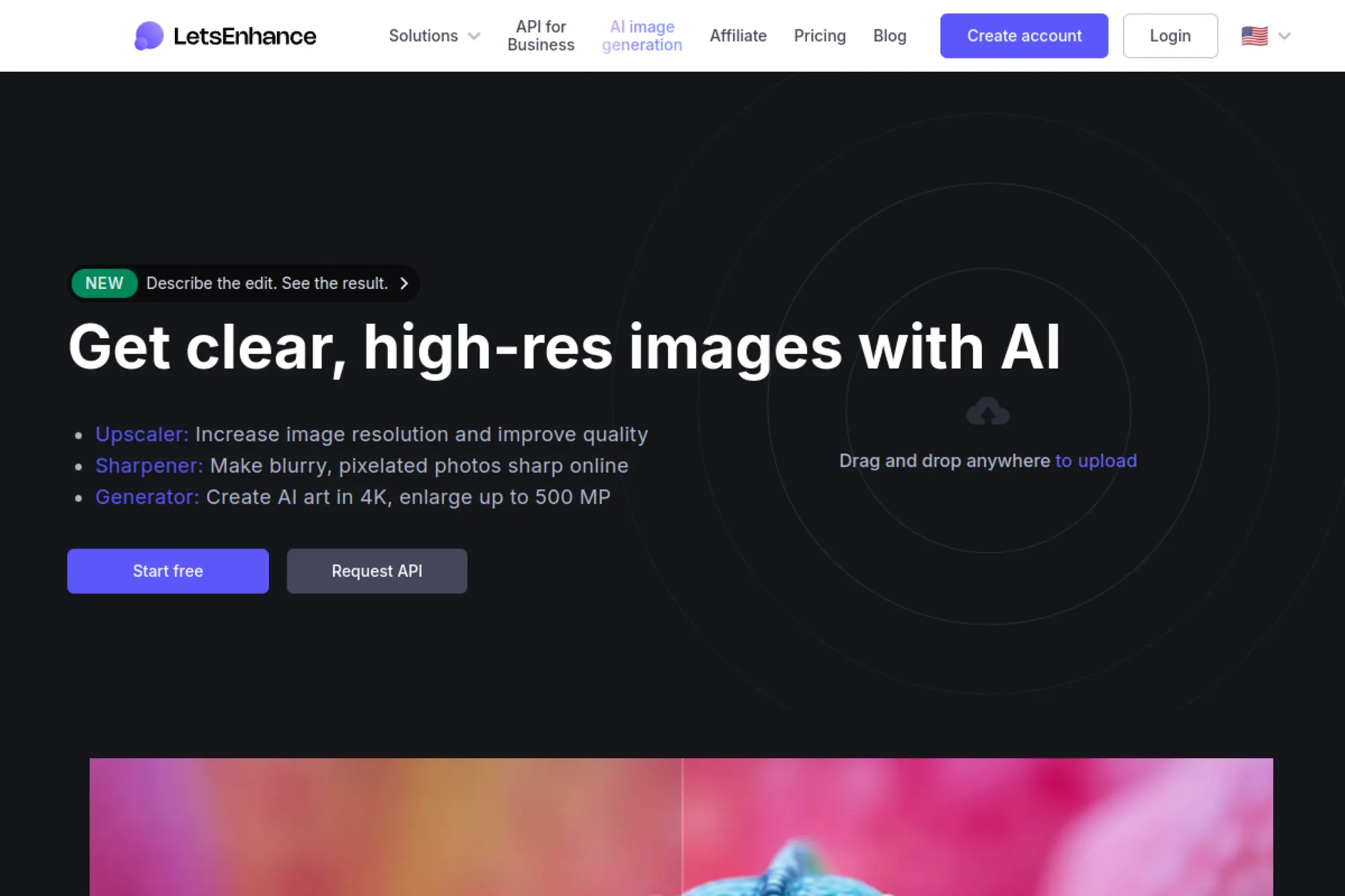
LetsEnhance is built by a team focused on practical image improvement, not just generation. The product is tuned for upscaling, clarity, and deliverable outputs. It’s the tool you use when “almost good” must become “usable.”
Tagline: Fix and upscale images so they hold up in real placements.
Best for: ecommerce operator, agency producer cleaning client assets.
- Credit-based enhancement workflows → you rescue weak images without reshoots.
- Rollover credits on personal plans → you waste fewer credits during slower months.
- Simple upload-and-enhance UX → time-to-first-value is about 3 minutes.
Pricing & limits: From $0/mo where free processing is offered; subscriptions are credit-based. Trial: depends on current signup path. Caps: 1 image typically equals 1 credit, and stored rollover credits can be capped at a multiple of your plan.
Honest drawbacks: It is not a pure text-to-image playground like Midjourney. Advanced users may want more granular control over enhancement artifacts.
Verdict: If you need “images that stop looking small and blurry,” this helps you deliver sharper assets in minutes. Beats most generators at post-fix work; trails them at imaginative scene creation.
Score: 3.6/5
22. Shutterstock AI Image Generator
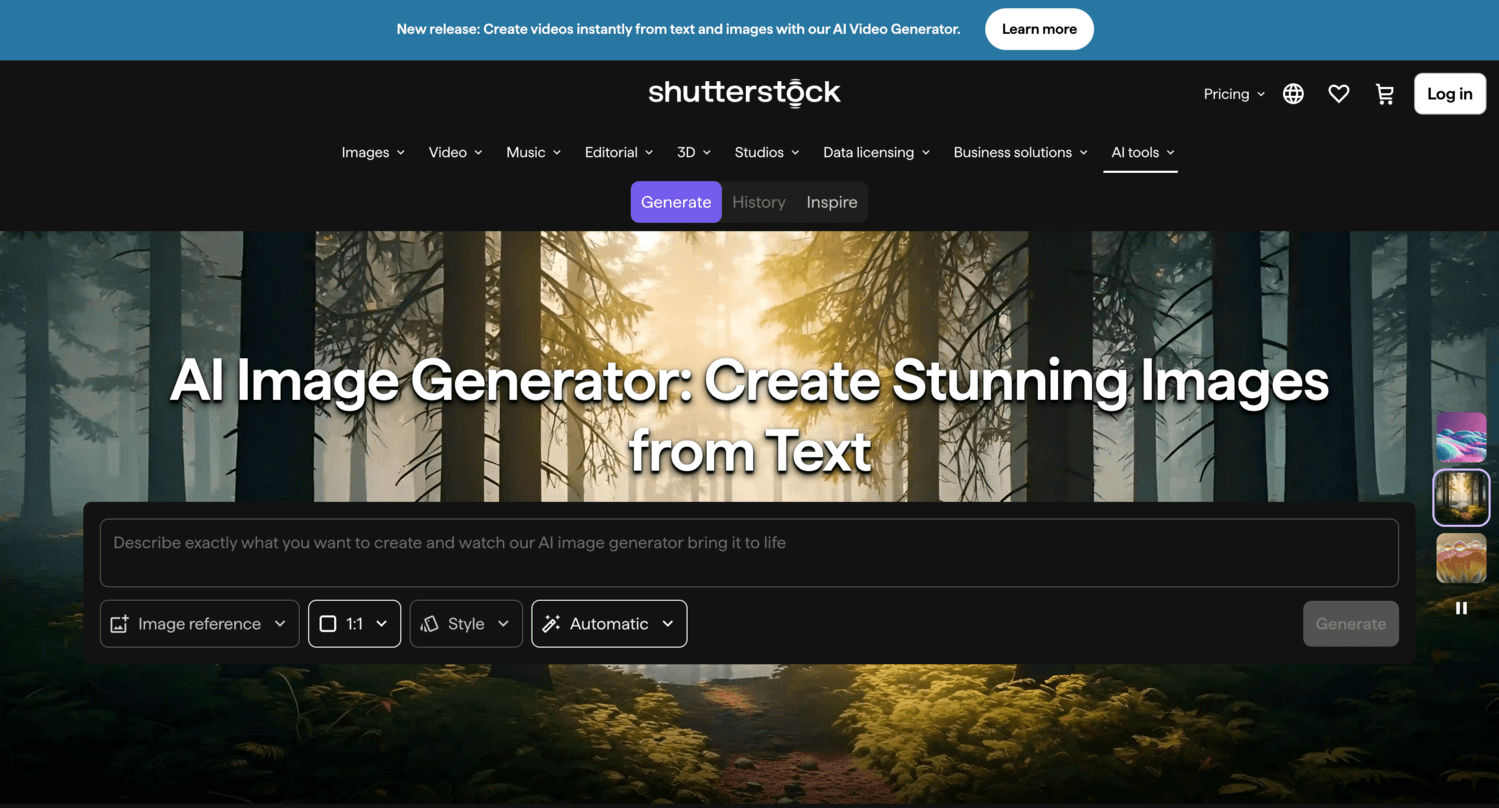
Shutterstock’s teams build this with licensing and commercial usage at the center. The generator is designed to feel like a stock workflow. It’s about “use it safely,” not “push the weird edge.”
Tagline: Generate images you can license like stock, then download with confidence.
Best for: SMB marketer, content team needing licensable visuals fast.
- Generation bundled with licensing → you reduce legal back-and-forth on usage rights.
- Simple monthly generation allotment → you avoid managing complex credit packs.
- Low learning curve → time-to-first-value is about 5 minutes.
Pricing & limits: From $7/mo. Trial: not highlighted on the AI generator plan page. Caps: 100 generations per month, and each generation creates 4 images.
Honest drawbacks: Creative range can feel more conservative than art-first tools. Power users may want deeper editing controls beyond generation and download.
Verdict: If you need “safe visuals that ship,” this helps you fill gaps in an hour. Beats many generators on licensing clarity; trails Midjourney on bold stylistic range.
Score: 3.7/5
23. Generative AI by Getty Images
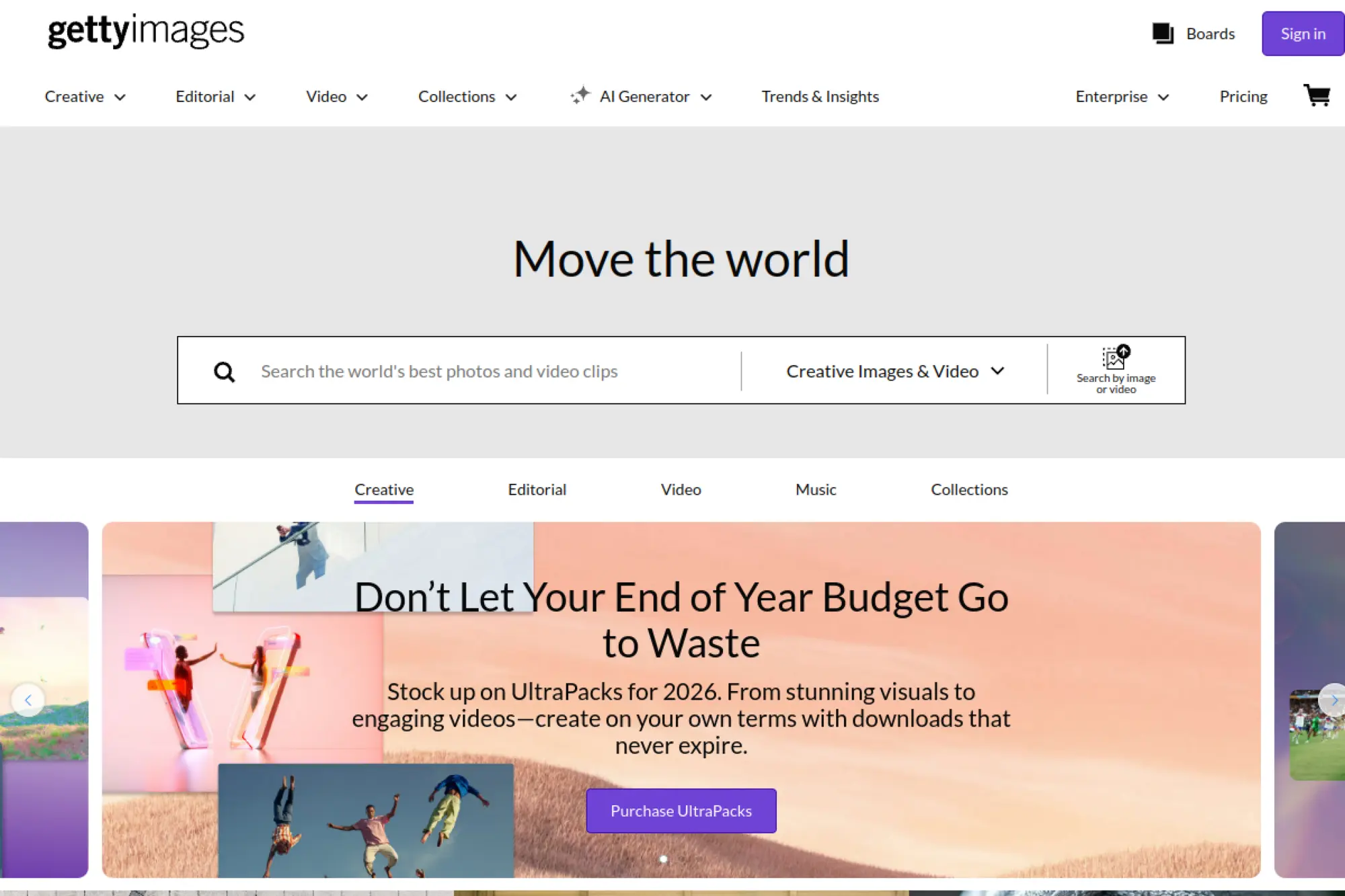
Getty Images approaches generative AI from a rights-first, enterprise lens. The product positioning is about commercial trust and customer assurance. It’s made for brands that fear risk more than they crave novelty.
Tagline: Create AI visuals with licensing comfort as the headline.
Best for: enterprise brand team, regulated-industry marketer.
- Rights-forward positioning → you spend less time in approval and compliance loops.
- Enterprise purchasing models → you reduce procurement friction for big teams.
- Familiar stock workflow → time-to-first-value is about 30 minutes once access is set.
Pricing & limits: From $0/mo to browse and manage accounts; generative access is typically sold with commercial licensing terms. Trial: varies by contract and region. Caps: usage is usually governed by your license and agreement limits.
Honest drawbacks: It may be overkill for casual creators and small teams. Creative flexibility can feel narrower than open-ended generators.
Verdict: If you need “boardroom-safe AI visuals,” this helps you deliver campaigns with fewer legal escalations. Beats most tools on trust posture; trails getimg.ai on raw output volume per dollar.
Score: 3.3/5
24. Deep Dream Generator
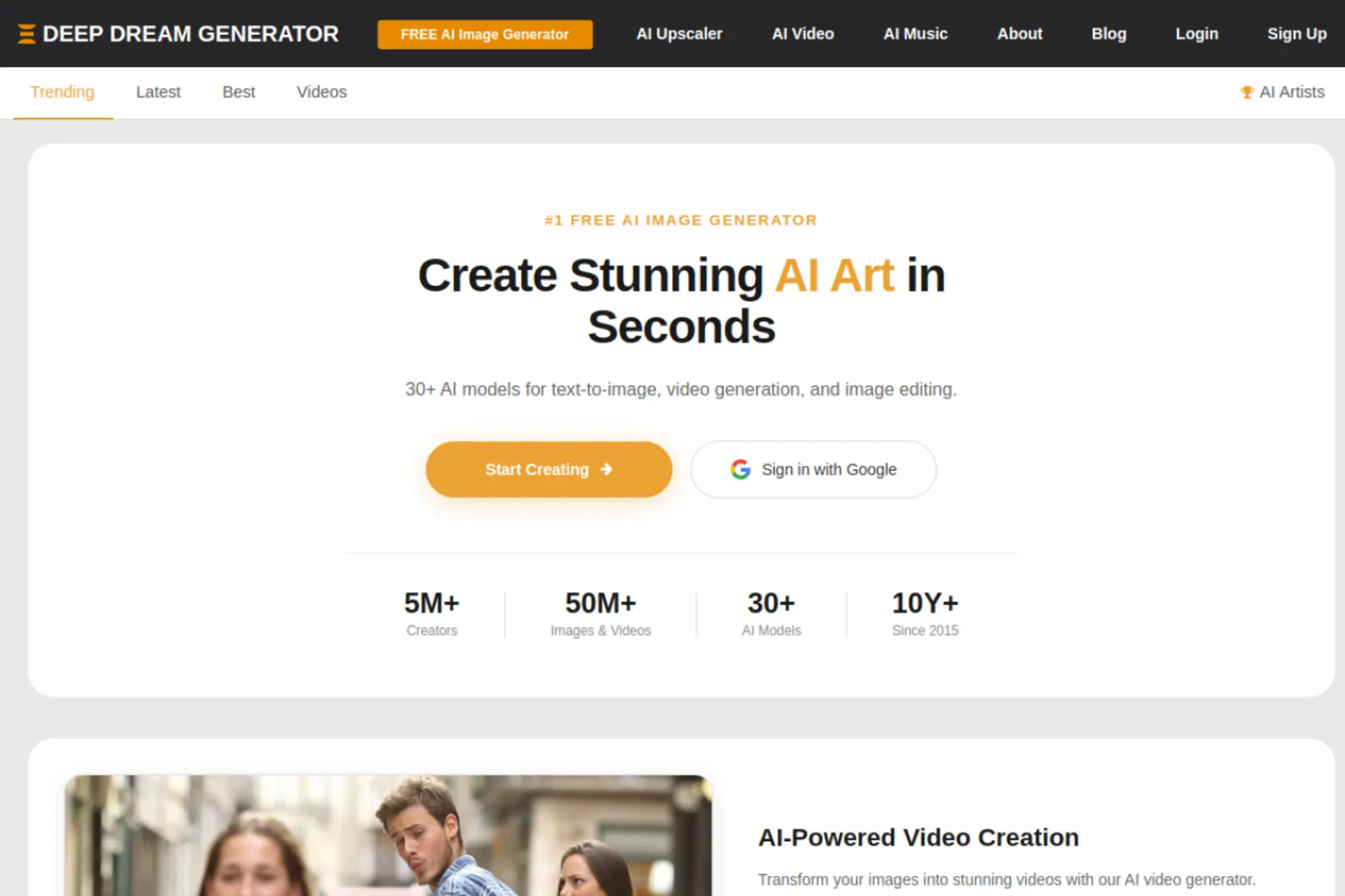
Deep Dream Generator is built by a team leaning into accessible creation plus a points system. The tool has a long-running community vibe. It’s oriented toward experimentation with guardrails.
Tagline: Keep creating daily with energy that recharges over time.
Best for: daily creator, hobbyist who likes structured limits.
- Rechargeable energy model → you can create daily without buying packs constantly.
- PRO model access on paid tiers → you spend fewer attempts to get a clean result.
- Simple plan upgrade path → time-to-first-value is about 5 minutes.
Pricing & limits: From $9/mo. Trial: pay-as-you-go and subscription options exist, depending on your preference. Caps: Basic lists 36 images per day and 10GB storage, with energy recharging per hour.
Honest drawbacks: The “energy” model takes a moment to understand. Integrations and pro team features are limited.
Verdict: If you want “a steady daily output habit,” this helps you create consistently without overspending. Beats many apps at routine pacing; trails Runway on modern production workflows.
Score: 3.1/5
25. Artbreeder
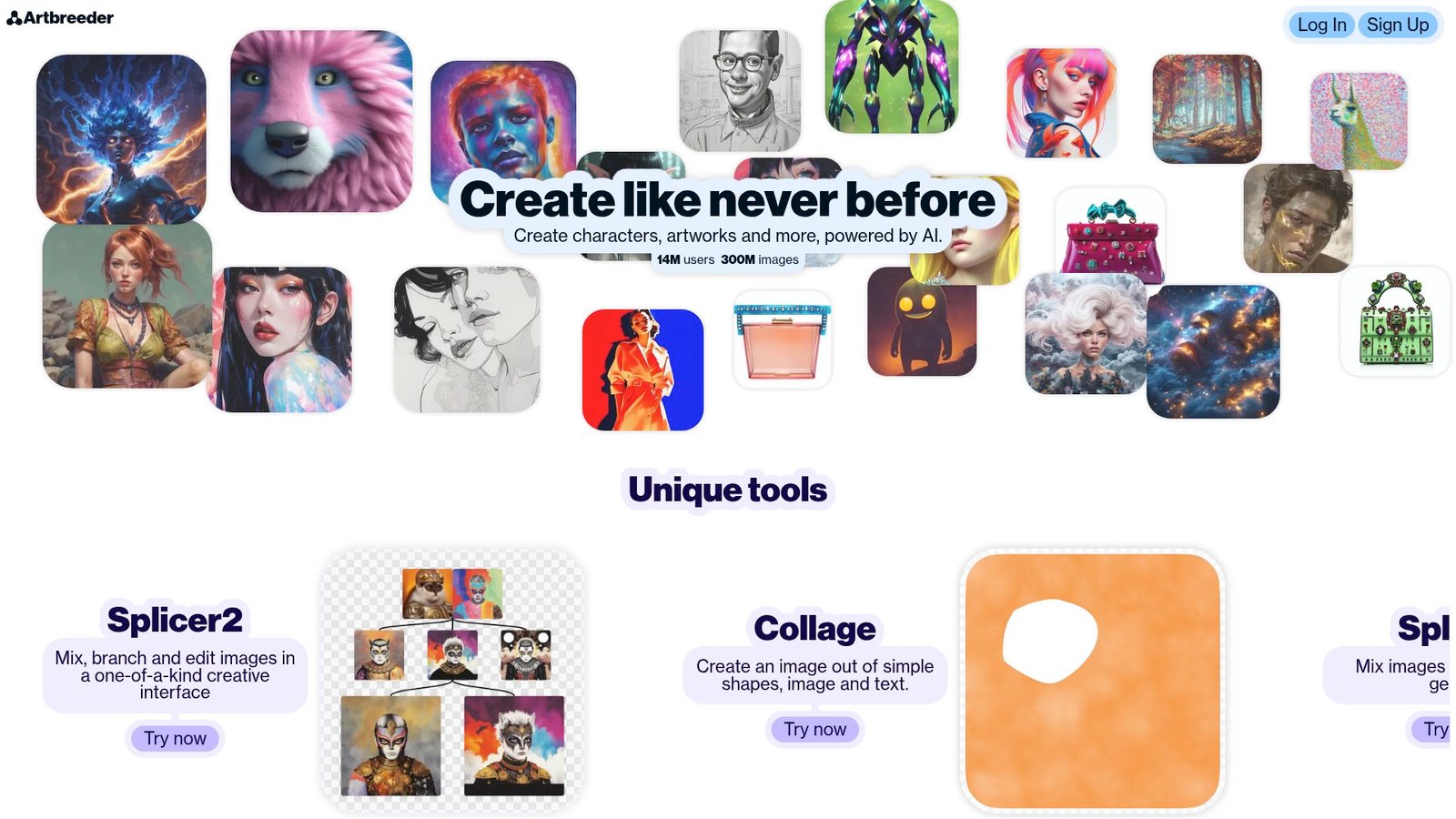
Artbreeder is built by an independent team with a long-standing generative art community. The product focuses on exploration and controlled variation. It’s designed for playful iteration, not corporate pipelines.
Tagline: Explore, remix, and evolve images through controlled variation.
Best for: indie creator, writer building characters and visual worlds.
- Credit-based output scaling → you plan experimentation without runaway costs.
- Pro benefits like privacy controls → you keep sensitive concepts out of public feeds.
- Fast learning curve → time-to-first-value is about 10 minutes.
Pricing & limits: From $7.49/mo when billed as a yearly plan. Trial: free access exists via signup and limited use, depending on current policies. Caps: plans list annual credit totals, like 1,200 credits per year on starter.
Honest drawbacks: Interface and workflow can feel different from modern prompt-first generators. Some users will want clearer commercial and enterprise tooling.
Verdict: If you want “exploration with structure,” this helps you build a character set over a weekend. Beats many tools at remix culture; trails Midjourney on cinematic polish.
Score: 3.2/5
26. Dream Machine
Luma’s team builds Dream Machine as a high-speed creative engine across image and video. The product is geared toward creators who want motion, not just stills. It feels like an R&D lab turned into a consumer plan table.
Tagline: Generate visuals that can move, not just pose.
Best for: video-first marketer, creator making short-form content weekly.
- Credits mapped to output types → you budget drafts versus final outputs more cleanly.
- Relaxed Mode on higher tiers → you keep generating when you hit fast limits.
- Quick web onboarding → time-to-first-value is about 5 minutes.
Pricing & limits: From $0/mo with a Free plan. Trial: Free plan included. Caps: Free includes 8 videos in draft mode, while Lite starts at $7.99/mo with 3,200 monthly credits.
Honest drawbacks: Commercial use can be tier-gated, so check your plan carefully. Credit burn can be faster than you expect in video-heavy weeks.
Verdict: If you need “drafts that turn into motion,” this helps you produce a week’s worth of concepts in a day. Beats image-only tools at motion workflows; trails Canva on template-driven publishing.
Score: 3.6/5
27. Bing Image Creator
Microsoft’s Bing team ships Image Creator as a mass-access creative utility. The goal is reach and convenience. It’s designed for “try it now,” not “configure your pipeline.”
Tagline: Get free image generation with the shortest path to a result.
Best for: students, casual creators needing quick images without a budget.
- Free access path → you generate without committing to a subscription.
- Integrated search context → you can move from idea to prompt with fewer steps.
- Instant onboarding → time-to-first-value is about 1 minute.
Pricing & limits: From $0/mo. Trial: free is the product. Caps: usage is typically governed by per-account rate limits and “boost” style acceleration rules.
Honest drawbacks: Pro controls, admin features, and enterprise governance are limited. Output can be inconsistent on niche styles and tight brand constraints.
Verdict: If you want “free drafts now,” this helps you get a concept on screen immediately. Beats most tools on price; trails paid leaders on consistency and fine control.
Score: 3.7/5
28. starryai
starryai is built for creators who want a straightforward mobile-friendly art generator. The team leans into accessibility and routine creation. It’s designed to keep you making, not configuring.
Tagline: Generate art daily with an app that stays out of your way.
Best for: mobile creator, casual artist posting regularly.
- Quick prompt-to-image flow → you create a post-ready image in minutes.
- Simple plan upgrades → you reduce purchase friction when you need more output.
- Mobile-first UX → time-to-first-value is about 3 minutes.
Pricing & limits: From $0/mo with a free tier in many app-first models. Trial: free access typically functions as the trial. Caps: usage is often limited by daily credits or a monthly quota on paid tiers.
Honest drawbacks: Integrations and team workflows are minimal. Advanced creators may miss deep controls like structured reference pipelines.
Verdict: If you want “creative reps every day,” this helps you keep a steady cadence without friction. Beats heavier tools on simplicity; trails Runway on creator-suite breadth.
Score: 3.2/5
29. Pollo AI

Pollo AI appears positioned as a multi-capability creator tool that emphasizes fast generation. The team messaging leans toward convenience. It targets creators who want output without a learning cliff.
Tagline: Generate images quickly when you need content, not complexity.
Best for: solo creator, small marketing team experimenting with AI visuals.
- Simple generation workflow → you turn a prompt into a usable draft fast.
- Automation-friendly usage patterns → you cut repetitive steps during batch creation.
- Easy onboarding → time-to-first-value is about 5 minutes.
Pricing & limits: From $0/mo where a free tier is offered. Trial: free access often functions as a trial. Caps: many tools in this category limit output by credits, daily quotas, or resolution tiers.
Honest drawbacks: Enterprise trust signals and detailed documentation may be lighter than larger vendors. Power users may want clearer control over consistency and reuse.
Verdict: If you need “quick visual drafts for campaigns,” this helps you produce options in the same hour. Beats heavier suites on speed; trails Ideogram on transparent plan mechanics.
Score: 3.0/5
30. Pixazo AI
Pixazo AI is positioned as a lightweight generator for fast creation. The team branding suggests a creator-first tool rather than an enterprise platform. It’s meant to keep the path from prompt to output short.
Tagline: Get images fast when you need options, not a new workflow.
Best for: small creator, marketer needing quick drafts for testing.
- Prompt-to-image simplicity → you produce multiple concepts for quick selection.
- Lightweight workflow → you reduce time spent learning advanced interfaces.
- Fast setup → time-to-first-value is about 5 minutes after signup.
Pricing & limits: From $0/mo where a free tier exists. Trial: free access often acts as a trial. Caps: expect usage limits tied to credits, daily generations, or export resolution tiers.
Honest drawbacks: Advanced integrations and admin controls may be limited. Long-term trust and support depth can be harder to assess than legacy vendors.
Verdict: If you want “drafts for decisions,” this helps you generate options quickly, then move on. Beats complex tools on learning time; trails Adobe Firefly on professional workflow depth.
Score: 2.9/5
How to Choose the Best AI Image Generator for Your Use Case

Adoption is real, but scaling is uneven. In Deloitte’s enterprise research, the most advanced initiatives in IT measure 28%, which matches what we see in delivery teams pushing automation into creative ops. That context matters. The right generator depends on the downstream system it must feed.
1. When you need the best ai image generator for realistic images
For realism, we pick tools that behave like controlled cameras. Lighting needs to feel coherent. Materials need believable response. We also want strong face consistency. That matters in lifestyle brands and product marketing.
In practice, we generate multiple candidates fast. Then we lock a direction. After that, we switch to image-to-image for controlled variation. This approach reduces “style drift” across a campaign.
2. When accurate text in images is the priority for ads, thumbnails, and posters
Text accuracy is a special requirement. Many models still hallucinate letters. Ideogram tends to be a reliable starting point for poster drafts. We also test layouts at small sizes. If text breaks at thumbnail scale, it will fail in paid media.
Our preferred workflow keeps typography editable. Background art comes from a generator. Final type comes from a design tool. That split is boring, but it works.
3. When you want graphic design outputs like logos, brand assets, and layouts
Logos and brand assets require clean geometry. Raster fuzz causes trouble in print and signage. Tools like Canva Magic Media and Recraft can help produce fast drafts. Still, we treat outputs as starting points. A designer should finalize marks and vectors.
Brand systems also demand constraints. Color palettes, safe margins, and exclusions matter. If a tool cannot respect constraints, it belongs in ideation only.
4. When you need image editing and photo integration, not just text-to-image
Editing is where business value concentrates. Product teams need background replacement. Agencies need object cleanup. Ecommerce teams need consistent shadow and reflection. Adobe Firefly shines when edits live inside a broader suite. Clipdrop and PhotoRoom also help in focused tasks.
We evaluate edit quality on real photos, not samples. Hair masks, glass edges, and translucent fabrics reveal true capability. Those details decide post-production effort.
5. When you want to test multiple models in one workflow
Model diversity is a hedge. Different models excel at different styles. Freepik’s suite approach is attractive for breadth. Leonardo can also route to varied backends. That multi-model posture matters when one provider changes behavior suddenly.
In our internal tooling, we abstract providers behind a single prompt interface. Then we log outputs and review side by side. That makes model choice a measurable decision.
6. When customization and control matter more than simplicity
Customization usually points to open workflows. You may want LoRAs, ControlNet-style guidance, or custom fine-tunes. In that case, a hosted “one button” tool can feel limiting. Teams with technical support can unlock more control. They also accept more operational complexity.
We recommend writing down control requirements early. List what must be stable across generations. Then pick the tool that can enforce it.
7. When you need commercially safe generations for business usage
Commercial safety is a mix of licensing and process. Shutterstock and Adobe position themselves for business use. That matters when you cannot risk ambiguous rights. We still advise teams to keep a provenance trail. Store prompts, seeds when available, and final approvals.
Brand safety also includes content moderation. A tool with weak controls can create reputational risk. For regulated industries, that risk can be existential.
8. When privacy and public-by-default generations affect your workflow
Privacy is not optional for many launches. If generations are public by default, client confidentiality is harder. In those cases, we look for private modes. We also check how training opt-outs work. Procurement teams will ask.
Our practical rule is simple. If the asset is sensitive, generate in a controlled workspace. Then export only what you need. Treat prompts like product plans.
9. When you want developer-friendly APIs and automation-ready tools
APIs turn images into a pipeline. That matters for ecommerce catalogs, A/B creatives, and personalization. We look for stable endpoints, clear rate limits, and predictable error handling. Logging must be first-class. So must retries and idempotency.
In one retail build, we used queued jobs for variant generation. A reviewer approved outputs in a simple dashboard. Only approved images shipped to the CDN. That pattern keeps humans in control.
10. When community models, LoRAs, and experimentation drive your results
Community ecosystems accelerate learning. Prompt libraries, shared styles, and model hubs help teams ramp. The risk is inconsistency. Community models can change or disappear. They can also carry unclear licensing. For internal R&D, that can be fine. For production campaigns, we tighten governance.
Our compromise is a two-track approach. Explore with community assets. Then productionize with vetted models and documented settings.
AI Art Prompting Tips to Get More from a Best AI Image Generator
Better prompts reduce wasted cycles. Gartner projects end-user spending on GenAI models could total $14.2 billion, and prompt quality becomes a practical cost lever when usage scales. We treat prompting like requirements writing. Clear inputs create predictable outputs. Ambiguous prompts create meetings.
1. Describe the subject clearly: who or what is in the scene
Start with the subject and identity. Name the role and the defining traits. Add age range only if it matters. Include materials, not just adjectives. “Wool coat” guides texture better than “nice coat.” Clarity reduces random artifacts.
We also define what must not change. That might be a product shape or a face. When the subject is stable, iteration becomes faster.
2. Specify the art form and style: illustration, film still, digital art, and more
Style is a rendering contract. Say “editorial illustration” or “product photography.” Mention if you want a studio look. Add references as descriptors, not as brand names. Many teams build a style glossary. That shared language reduces internal debates.
From our experience, style should be stated early. If you delay it, the model will choose for you. Then you fight inertia.
3. Add lighting, color, mood, and framing details for better composition
Lighting controls believability. Mood controls brand fit. Framing controls conversion in ads. We specify light direction and softness. We call out color temperature in plain language. And we also name the shot type, like “tight portrait” or “wide scene.”
Composition can be guided by intent. If the image needs room for copy, say so. Negative space is a real requirement.
4. Right-size prompt length for the model you are using
Long prompts can help, but they can also dilute priorities. Some models overweight early tokens. Others merge concepts unpredictably. We keep prompts structured. First comes subject. Then composition. Then style. Finally, constraints and exclusions. That order stays readable in reviews.
When a prompt feels bloated, we cut. Each word should earn its place. Prompt hygiene is a productivity habit.
5. Iterate quickly: generate, review, and refine the prompt with small edits
Iteration wins more than genius prompts. We change one variable at a time. That keeps learning measurable. If you change lighting and style together, you lose the causal thread. Small edits also support team collaboration. Everyone can see what changed.
We keep a simple log. Prompt version, output notes, decision. That record speeds handoffs. It also prevents circular debates.
6. Use negative prompts and constraints to reduce unwanted artifacts
Negative prompts are where we put quality constraints. We exclude blur, extra limbs, and warped faces. We also exclude brand risks, like “no logos.” Constraints can include camera behavior too. For example, we ban extreme distortions. These guardrails reduce failure rates.
In business settings, constraints should be shared. A team prompt template helps. It also protects junior staff from common mistakes.
7. Try multiple art forms and mediums to explore new looks
When a concept stalls, switch medium. Turn a photo concept into a sketch. Try a clay render feel. Move into paper collage. Models often “unlock” new composition ideas when the medium changes. That is valuable in early creative direction.
We use this for campaign ideation. One concept becomes a set of visual territories. Stakeholders choose faster when options are distinct.
8. Use batch generation workflows when you need many variations
Batching is how teams scale. Generate variations across background, wardrobe, and angle. Then score them quickly. The best tools make batching painless. They also keep settings visible. Hidden settings create non-reproducible wins.
In our pipelines, batch outputs go into a review grid. Reviewers tag what works. Then we refine prompts based on tags. That loop turns taste into data.
9. Build a repeatable prompt template for consistent outputs across a team
Templates are underrated. They reduce cognitive load. They also stabilize outputs. A template might include subject slots, style slots, and constraint slots. We keep it short and readable. Then we store it in a shared doc. New hires ramp faster with it.
Consistency is a brand requirement. It is also a cost reducer. Fewer surprises mean fewer revisions.
10. Start from proven prompt examples and adapt them to your brand style
Starting from proven prompts is not cheating. It is engineering. We pick a working baseline. Then we adapt tone, palette, and composition. We also align to brand voice, like “minimal” or “playful.” This is where prompt libraries shine. They encode team learning.
Our best teams treat prompts like code snippets. They refactor, document and reuse. That mindset compounds over time.
Open-Source Models and Self-Hosted Options Beyond a Best AI Image Generator
Open tooling keeps expanding. IDC forecasts AI software revenue could reach $307 billion, and open-source ecosystems often ride that wave with faster iteration. For some teams, hosted tools are enough. For others, self-hosting is the difference between “possible” and “approved.” We usually decide based on control, privacy, and cost predictability.
1. Stable Diffusion: what it is and why so many tools are built on it
Stable Diffusion remains a foundation in the ecosystem. Many products build interfaces on top of it. Teams like it because it is flexible. The model family supports fine-tunes and style adapters. It also supports local inference when hardware allows. That flexibility created a long tail of workflows.
From a business angle, Stable Diffusion is a platform choice. It is not just a model. You inherit a community and a toolchain.
2. FLUX open models: versions, licensing differences, and where they show up
FLUX models changed expectations around prompt adherence and detail. They also introduced licensing nuance across releases. Teams must read the license, not the marketing. Some variants are fine for internal prototypes. Others can be used in commercial work with clearer terms. That difference is easy to miss.
We advise keeping a license register. Track model name, version, and allowed use. It prevents accidental policy violations later.
3. Local vs hosted: when running models on your own hardware makes sense
Local runs make sense when privacy is strict. They also help when latency matters for interactive tools. The tradeoff is operations. You manage GPUs, drivers, and updates. You also manage queueing. Hosted tools avoid that overhead. They trade control for convenience.
Our decision rule is workload-based. If usage is spiky, hosted can be cheaper. If usage is steady, local can be predictable. Compliance requirements can override both.
4. Web interfaces for open models: from studio-style apps to multi-model hubs
Interfaces shape adoption. Studio-style apps suit designers. Node-based tools suit technical artists. Multi-model hubs suit exploration. The best teams choose one primary interface. Then they standardize settings and exports. Too many front ends create inconsistent results.
We also watch for reproducibility. Can you re-run a job later? Are settings stored? Those features matter for client work.
5. Fine-tuning and LoRAs for consistent characters and reusable styles
Consistency is the holy grail for brands and story-driven work. LoRAs help lock a character or product style. Fine-tuning can go deeper, but it costs more effort. We often start with LoRAs. They are faster to iterate. They also support modular style stacks.
Governance matters here. A team should approve which LoRAs are “official.” Otherwise, style fragmentation happens fast.
6. API-first building blocks for teams creating their own image products
API-first architecture turns images into features. That might mean auto-generated product scenes. It might mean custom sticker packs. It might mean personalized hero images. In those systems, image generation is one service among many. You still need storage, moderation, and review tooling. You also need rollback plans when a model changes.
We often recommend a provider abstraction layer. It allows model swaps without rewriting business logic. That design reduces vendor lock-in risk.
7. Model availability, safety filters, and version changes over time
Models change, even when names stay similar. Safety filters also shift. That can break prompt recipes overnight. We mitigate this with version pinning when possible. We also keep regression tests. A small test suite can catch quality drift early.
For regulated teams, we add approval gates. New model versions go through review. Only then do they hit production workflows.
8. Cost planning: GPUs, credits, and the tradeoffs between speed and control
Cost planning is not just compute pricing. It includes time, rework, and QA. Faster models may cost more per run, but save labor. Slower models may be cheaper, but increase review cycles. We plan cost at the workflow level. That means counting touchpoints, not just generations.
In our builds, we separate preview and final stages. Preview runs cheap and fast. Final runs are fewer and higher quality. This pattern keeps budgets stable.
How TechTide Solutions Helps You Build a Custom Best AI Image Generator Experience
Enterprise software budgets shape the tooling landscape. Gartner expects worldwide IT spending could total $5.74 trillion, and creative automation is now a serious line item inside that umbrella. Our work sits between design and engineering. We build systems that keep creativity high and risk low. That means guardrails, metrics, and integration.
1. Requirements discovery: define user goals, quality targets, and acceptance criteria
We begin with user roles and outputs. Marketers want speed and templates. Designers want control and edits. Legal wants safe usage and traceability. Then we define acceptance tests. What counts as “good enough” realism? What error types are unacceptable? Those criteria prevent endless subjective debates.
We also map data handling early. Prompts can include confidential details. Input images can be sensitive. Requirements must cover storage and retention from day one.
2. Custom development: model selection, API integrations, UI, and workflow automation
Custom work usually means composing tools. A generator becomes one service. Editing becomes another service. Review becomes a workflow layer. We integrate with DAM systems, ticketing, and brand libraries. We also add prompt templates and brand constraints. That reduces output variance across teams.
In one campaign system, we built a “brief to variants” flow. A marketer entered a short brief. The system generated structured prompts and drafts. Reviewers approved or rejected with tags. Approved assets flowed into ads and landing pages.
3. Deployment and scaling: security, performance, monitoring, and ongoing iteration
Scaling requires observability. We track latency, error rates, and output rejection rates. Monitoring tells us when a model drifts. Security reviews focus on access control and audit logs. Performance work focuses on queues and caching. We also plan rollback paths. Model changes should be reversible.
Iteration never stops. Prompt templates evolve. Brand rules evolve. Tools evolve. A good system expects change and absorbs it. That is how AI image generation becomes durable infrastructure.
Conclusion: How to Pick the Best AI Image Generator for Your Workflow
Tool choice is now a strategic decision, not a creative whim. The same forecasts and surveys we cited point to a market that will keep accelerating. Our recommendation is to choose based on workflow friction. Realism, editing, and text accuracy each demand different strengths. Licensing and privacy decide what is safe to ship.
At TechTide Solutions, we prefer a simple next step. Pick one high-quality generator, one reliable editor, and one review workflow. Then measure rework and turnaround time. Once you can quantify improvement, scaling becomes obvious. If you want a pragmatic starting point, which part of your pipeline feels most painful today: ideation, revision, or governance?