Market overview: at Techtide Solutions, we treat email writing as a productivity problem, and McKinsey’s estimate of $2.6 trillion to $4.4 trillion annually helps explain why leadership keeps funding GenAI pilots. Email sits at the intersection of marketing, sales, and customer operations. Those are exactly the functions where small copy improvements compound. Our view is simple. If your team ships emails every day, then the “writer” is now part copy desk and part software stack. The best tools feel less like a chatbot. They feel like a disciplined co-writer living inside your workflow.
What Is an AI Email Writer and Why Marketers Use the Best AI Email Writer Tools

Market overview: Gartner estimates marketing software could reach .8 billion in 2026, and that spend increasingly follows automation and AI-assisted creation. Email remains a frontline channel inside that stack. Marketers care because they need volume without losing voice. Sales teams care because outreach is repetitive. Support teams care because empathy needs consistency at scale.
1. AI email writer definition: software that generates email copy with artificial intelligence
An AI email writer is software that drafts or rewrites email copy using machine-learned language patterns. Some tools live as standalone writing apps. Others live inside inboxes, CRMs, or ESP editors. The best ones do more than “generate text.” They capture intent, audience, and constraints. That last word matters. Email is not a blank page. It is a deliverability, brand, and conversion system.
In our internal taxonomy, an “email writer” earns the name when it supports three jobs. It must propose content quickly, safely and help you ship content in context. If it only produces a paragraph, it is a generic text generator. If it helps you ship the right email to the right segment, it becomes an email tool.
2. How Natural Language Processing and Large Language Models power AI email writing
NLP handles the mechanics of language. LLMs handle probabilistic generation. The difference shows up in outputs. Older NLP features feel like grammar and autocorrect. Modern LLM features feel like drafting, tone shifting, and summarizing. Behind the scenes, the model predicts the next token. Yet the product wraps that prediction in constraints, templates, and guardrails.
In production, we rarely rely on a raw prompt alone. Strong systems add retrieval, brand rules, and structured inputs. That is where tools diverge. Some are “prompt boxes with buttons.” Others behave like mini platforms. The platform-grade tools treat your brand voice as data. They treat your campaign goal as a parameter. They treat your compliance constraints as a hard boundary.
3. Common outputs: draft emails, refine existing copy, and generate subject lines
Most teams start with drafting. They also quickly discover rewriting is the real daily win. Drafting is occasional. Rewriting is constant. A good tool can tighten a rambling internal note into a clean customer email. It can also convert a long sales pitch into a crisp, respectful outreach.
Subject lines deserve separate attention. They are tiny, but they drive opens and set expectations. AI helps because humans fatigue fast when brainstorming micro-variations. We also see value in preheaders and preview text. Those elements are often neglected, and AI can surface them early. That changes how the whole email is read.
4. Why teams adopt AI for email: speed, idea generation, and overcoming writer’s block
Speed is the obvious driver. Yet “speed” is rarely about typing. It is about decision latency. Teams get stuck on angles, tone, and structure. AI helps by proposing options that reduce blank-page friction. A marketer can react to something concrete. A sales rep can pick a direction and personalize it.
Idea generation also matters in lifecycle work. Think onboarding, win-back, renewal nudges, and product announcements. These flows require consistent creativity. The best AI writers act like a junior strategist. They suggest offers, objections, and framing. Humans keep the final say. That combination often produces better copy than either alone.
5. Core benefits: efficiency, optimization for testing, tone consistency, and personalization
Efficiency is only valuable if quality holds. We evaluate efficiency as “time to acceptable draft.” Optimization follows next. AI makes it easier to create structured variants. That supports testing without burning creative bandwidth. Tone consistency is the hidden benefit. It prevents a brand from sounding like five different companies across teams.
Personalization is the sharpest blade. Used well, it feels like relevance. Used poorly, it feels creepy or inaccurate. Our stance is pragmatic. We want personalization rooted in real context, not guesses. That is why context ingestion and data controls matter as much as the model itself.
Quick Comparison of Best AI Email Writer

Market overview: Statista forecasts G7 e-mail advertising spend could reach US$6.51bn by 2025, and budgets like that reward teams that can iterate faster. We built this table for decision speed. These are ten picks we see adopted in real teams. Each fits a different workflow, not a different “IQ score.”
| Tool | Best for | From price | Trial/Free | Key limits |
|---|---|---|---|---|
| Jasper | Brand voice marketing copy | $59/month billed yearly | Free trial | Best features need setup |
| Copy.ai | GTM teams and workflows | $29/mo | Free tier | Needs process to avoid fluff |
| Grammarly Pro | Polish and tone control | $12 per member monthly | Free trial | Not campaign-native |
| Lavender | Cold email coaching | $27 monthly billed annually | Free trial | Sales-focused, not lifecycle |
| Copilot for Outlook | Inbox drafting in Microsoft | $30.00 user monthly | Varies by plan | Tenant and license constraints |
| HubSpot Marketing Hub | All-in-one CRM emails | $9 per seat monthly | Free tools | Costs scale with contacts |
| Mailchimp | Small business newsletters | $13 per month | Free plan | Pricing tiers can surprise |
| Klaviyo | Ecommerce segmentation | $20 monthly | Free plan | Strongest in ecommerce stack |
| Brevo | Multichannel on a budget | $18 per month | Free plan | Advanced features gated |
| GetResponse | Email plus landing pages | $19/mo | Free trial | UI density can slow teams |
Our guiding opinion: “best” depends on where writing happens. A standalone writer shines for campaign ideation. An inbox assistant shines for replies and follow-ups. A marketing platform wins when copy must ship through automation. We prefer tools that keep context close. We also prefer tools with clear guardrails. Those two traits reduce embarrassing errors.
Top 30 best ai email writer Tools and Platforms for Better Emails

Choosing an AI email writer is less about “more features” and more about fewer stalled drafts. Our picks focus on the job: writing emails people actually read, reply to, and act on. We evaluate tools by running the same core scenarios: cold outreach, follow-ups, customer replies, and internal updates. We also check how well each tool stays on-brand, handles constraints, and fits real workflows.
Each tool gets a weighted score from 0–5. Value-for-money is 20%, and Feature depth is 20%. Ease of setup & learning is 15%, and Integrations & ecosystem is 15%. UX & performance is 10%, Security & trust is 10%, and Support & community is 10%. Pricing details are taken from vendors’ published pricing pages and help centers when available. When pricing is variable, we call out the visible entry point and the real caps that shape daily use.
1. Jasper
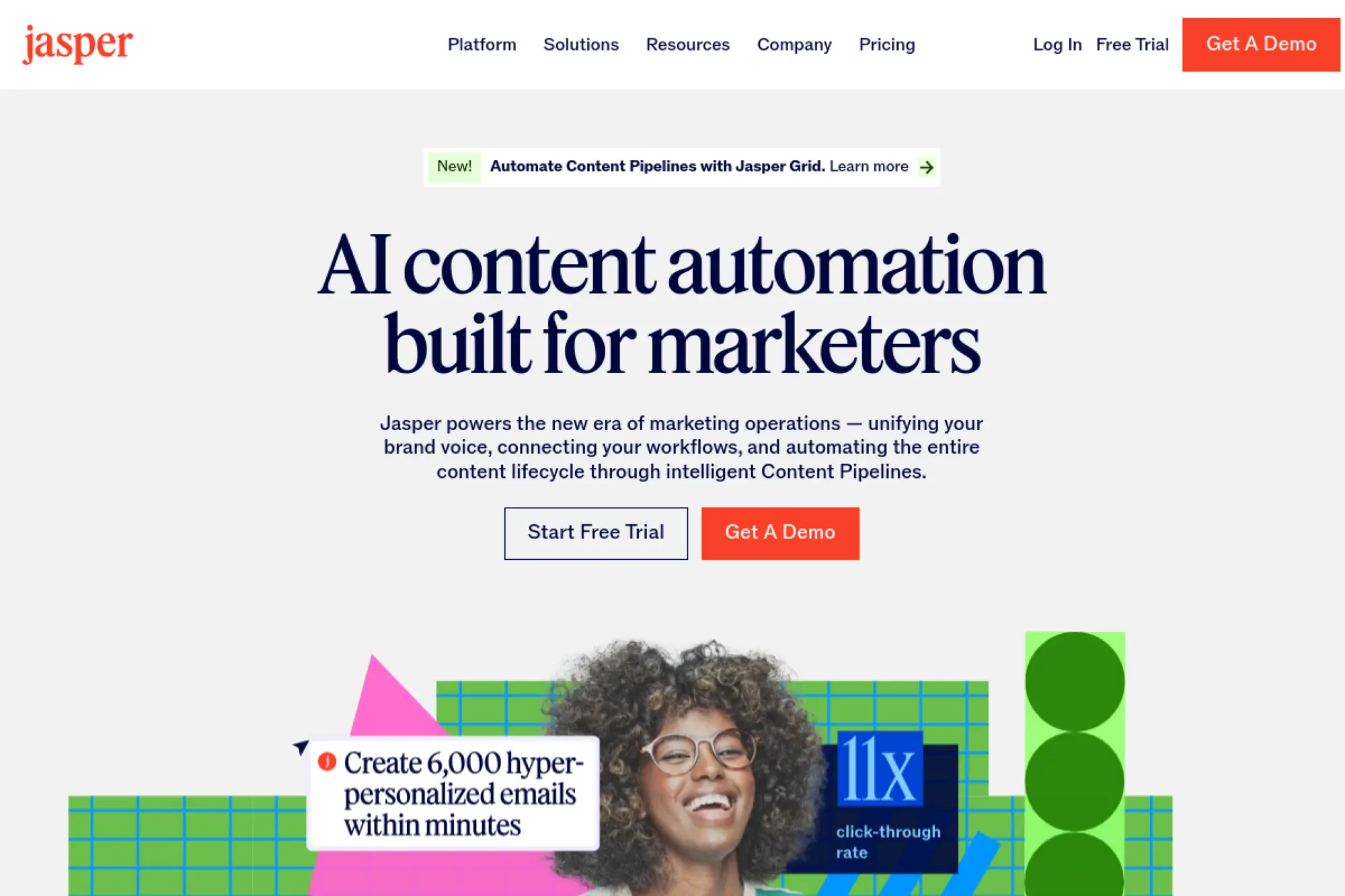
Jasper is a marketing-first AI writing platform built for teams that ship campaigns, not just copy. The product feels designed by people who live in briefs, approvals, and brand constraints.
Turn scattered inputs into on-brand email copy that still sounds human.
Best for: lifecycle marketers and lean content teams scaling newsletters and launch emails.
- Brand Voices + Knowledge assets → keep tone consistent across every send.
- Workflow-ready templates → can cut 3–5 rewrite loops per campaign.
- Canvas-style drafting → first sendable draft in about 15 minutes.
Pricing & limits: From $59/seat/mo (annual) for Pro. Trial: 7 days. Pro includes 1 seat, 2 Brand Voices, 5 Knowledge assets, and 3 Audiences.
Honest drawbacks: Jasper can feel pricey if you only write a few emails weekly. Also, some teams will want deeper native CRM send-and-track features.
Verdict: If you need on-brand emails at scale, Jasper helps you ship faster within a week. Beats generic chat tools for brand consistency; trails full ESPs on sending and deliverability controls.
Score: 3.9/5
2. WriteSonic
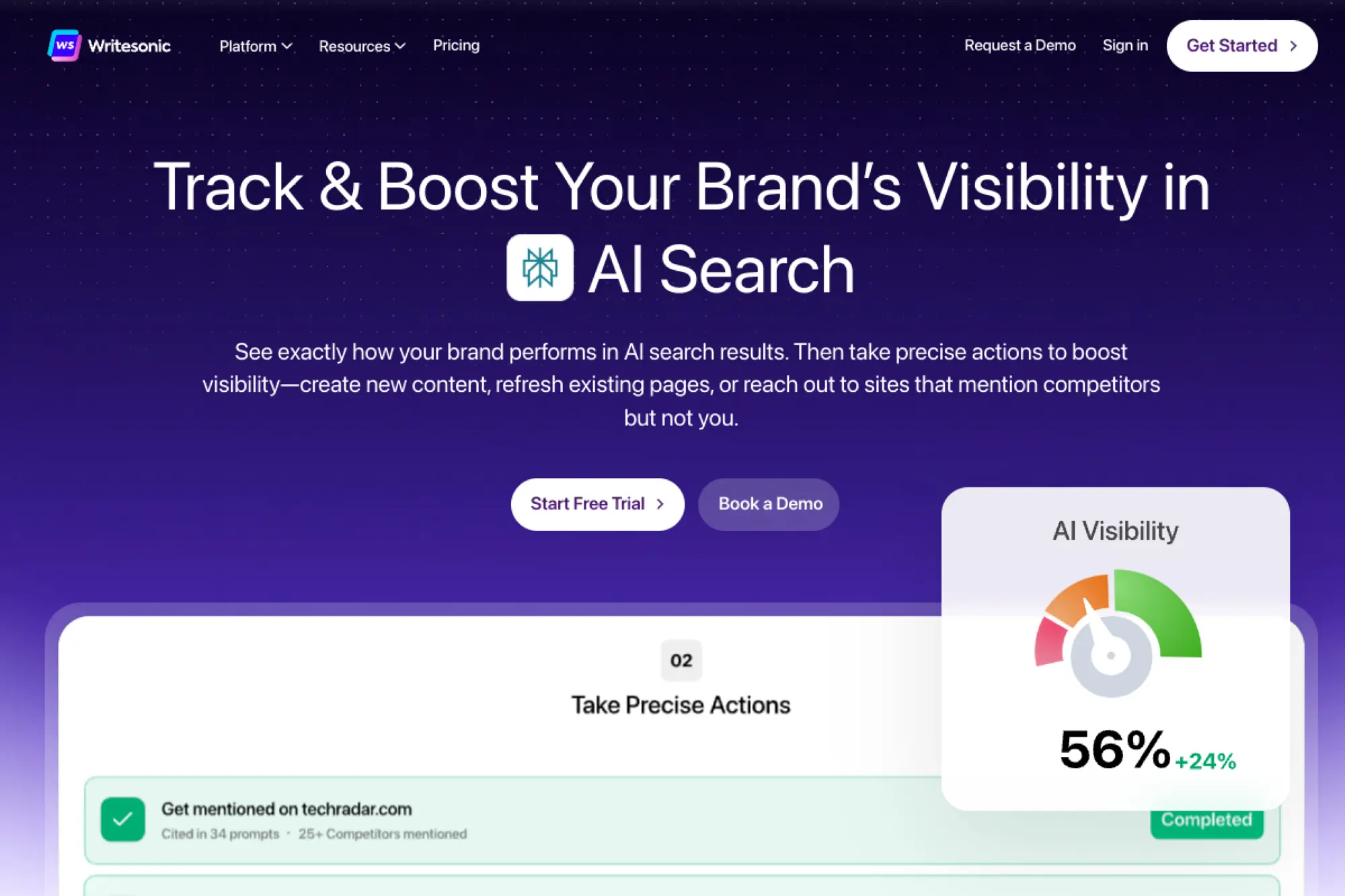
Writesonic has evolved into a broader marketing content platform with AI agents and SEO-heavy workflows. The team’s focus shows in structured outputs and repeatable “campaign building” patterns.
Draft persuasive emails fast, then reshape them for each segment.
Best for: solo marketers and small agencies juggling client email campaigns.
- Campaign-style generators → move from outline to full email in one pass.
- Integrations with SEO data sources → can remove 2–3 manual research steps.
- Quick start templates → first usable email draft in about 10 minutes.
Pricing & limits: From $49/mo (Lite, billed annually). Trial: available without a credit card; the vendor also describes a free trial word allowance in its help content. Lite includes 1 user and 1 project.
Honest drawbacks: The platform can feel broad when you only want email. Also, quotas and plan names can shift, so teams should confirm limits before committing.
Verdict: If you want one tool for email plus wider marketing copy, Writesonic helps you produce drafts in a day. Beats barebones email generators on breadth; trails Jasper on brand governance depth.
Score: 3.6/5
3. Copy.ai
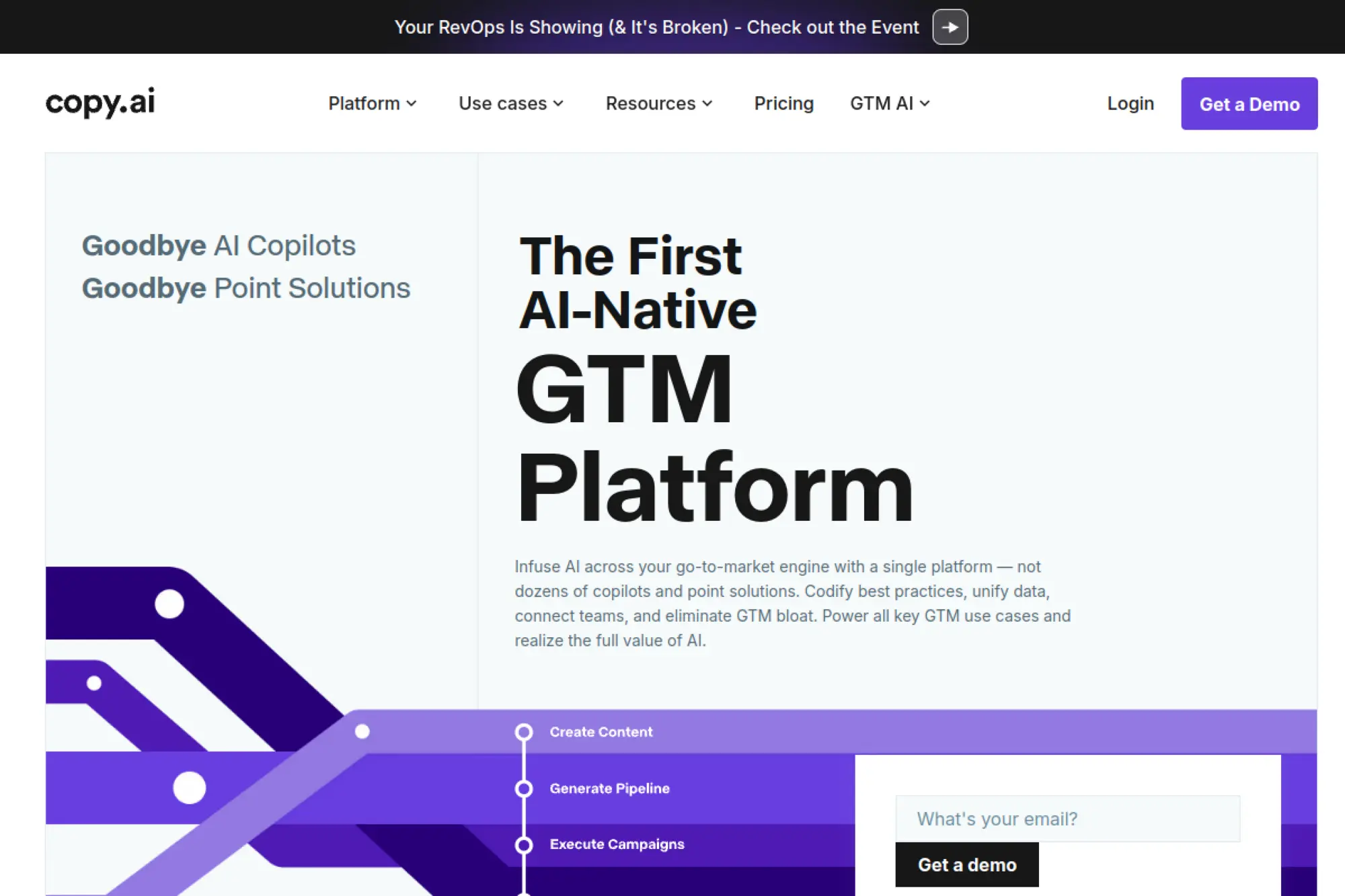
Copy.ai positions itself as a go-to-market AI platform, not a single copy tool. Its team clearly leans into automation, repeatable workflows, and multi-step content production.
Automate email copy creation so your team stops starting from zero.
Best for: sales enablement leads and SMB marketing teams building repeatable sequences.
- Workflows and agents → standardize your outreach sequence format across reps.
- Multi-model access → can reduce tool-switching by 2–4 steps per task.
- Chat projects → first sequence draft in about 20 minutes.
Pricing & limits: From $29/mo (Chat plan, billed monthly). Trial: not clearly stated on the pricing page. The entry plan lists 5 seats, unlimited words in chat, and unlimited chat projects.
Honest drawbacks: Copy.ai’s value depends on using workflows, not just chat. Also, credit-style limits can appear once you move into automation-heavy plans.
Verdict: If you want repeatable email systems, this helps you build them within a few days. Beats ad-hoc prompting for consistency; trails dedicated CRMs on contact-native context.
Score: 3.8/5
4. Rytr
Rytr is a lightweight AI writing tool aimed at speed and affordability. The team keeps the product simple, with fast paths from prompt to usable copy.
Get a clean email draft when you need “good enough” in minutes.
Best for: freelancers and bootstrapped founders writing lots of basic emails.
- Use-case templates → turn a few bullets into a structured email draft.
- Simple rewrite controls → can cut 2–3 revision rounds on tone.
- Minimal interface → time-to-first-value is about 5 minutes.
Pricing & limits: From $0/mo (Free). Paid tiers are shown from about $7.50/mo (Unlimited) and $24.16/mo (Premium). Free includes 10K characters per month.
Honest drawbacks: Brand controls are thinner than premium platforms. Also, deeper team workflows and approvals are not the point here.
Verdict: If you need fast drafts on a tight budget, Rytr helps you get to sendable text today. Beats expensive suites on value; trails Grammarly on polish and editing feedback.
Score: 3.7/5
5. Scalenut

Scalenut is built as an SEO and content operations platform, with AI writing as a core engine. The team’s roadmap clearly targets teams that want content plus optimization in one place.
Write email copy that matches the same messaging as your SEO content.
Best for: content marketers and SEO-led teams aligning email with organic campaigns.
- SEO-to-email repurposing → keep positioning consistent across channels.
- Research and optimization flow → can remove 2 separate tools from the stack.
- Guided creation paths → first campaign email in about 20 minutes.
Pricing & limits: From $49/mo (Essential Max). Trial: available, but the pricing page does not clearly state the length. Essential Max lists caps like 5 articles/month and 25 AI images/month.
Honest drawbacks: If you do not care about SEO, parts will feel irrelevant. Also, teams may find the UI busy for simple email-only work.
Verdict: If you want one system for content planning and email copy, Scalenut helps within the first week. Beats basic email writers on research flow; trails Brevo on send-and-automation breadth.
Score: 3.6/5
6. Anyword
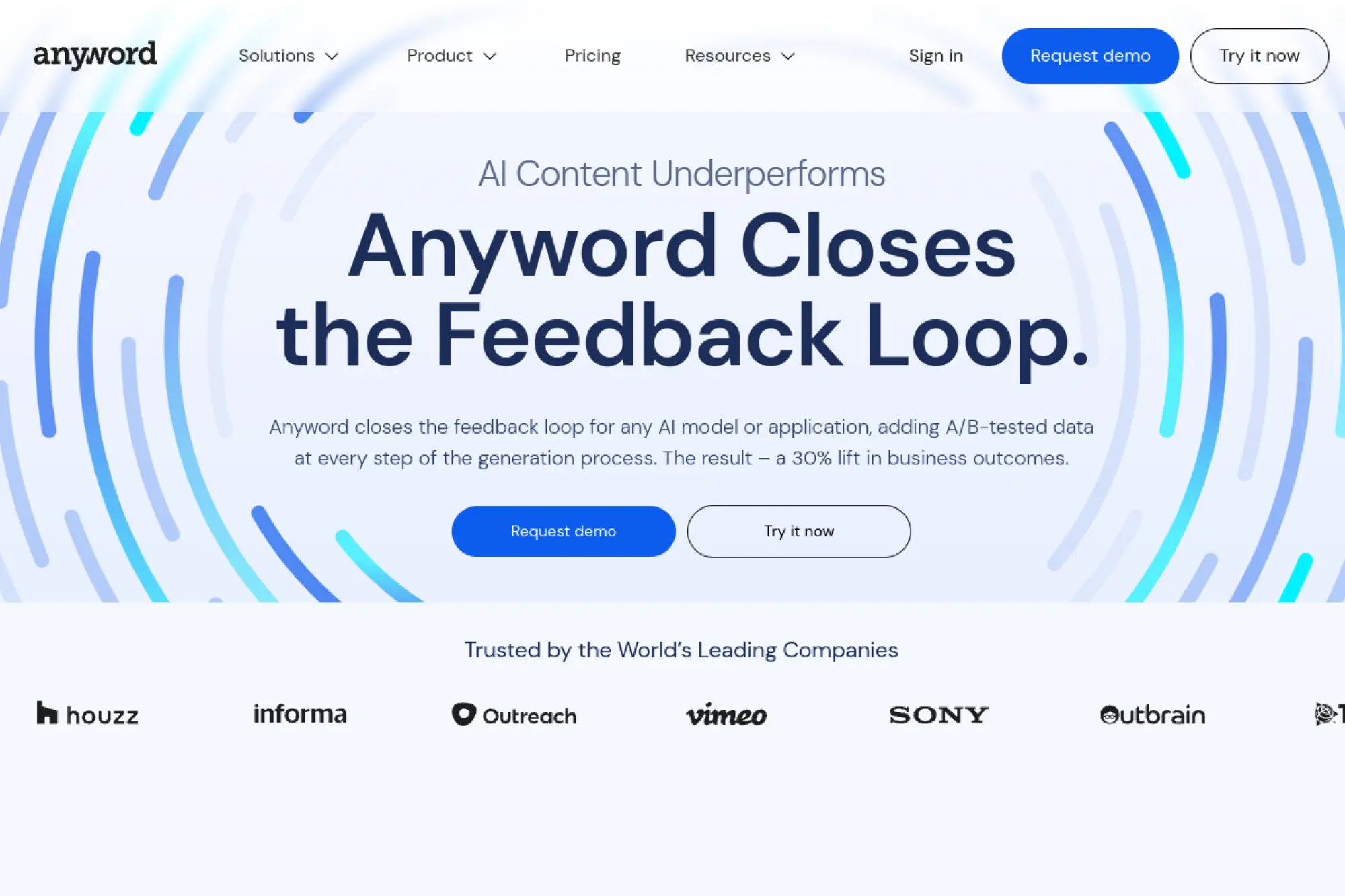
Anyword is built around predictive performance and data-driven messaging. The team’s angle is clear: help marketers choose copy that is more likely to work before it ships.
Write emails with a stronger chance of converting, not just sounding nice.
Best for: growth marketers and performance teams running high-volume tests.
- Performance predictions → pick a subject line with more confidence.
- Chrome extension + editor → can cut 2–3 hops between tools.
- Structured onboarding → first scored email draft in about 30 minutes.
Pricing & limits: From $49/mo (Starter). Trial: 7 days. Starter includes 1 seat, 50 performance predictions, 50 performance data rows, and 1 brand voice.
Honest drawbacks: If you do not trust score-driven copy, the value drops fast. Also, advanced capabilities can push you into higher pricing tiers quickly.
Verdict: If you optimize messaging for results, Anyword helps you iterate within days. Beats Jasper on performance scoring; trails Grammarly on line-level writing feedback.
Score: 3.7/5
7. Hypotenuse AI
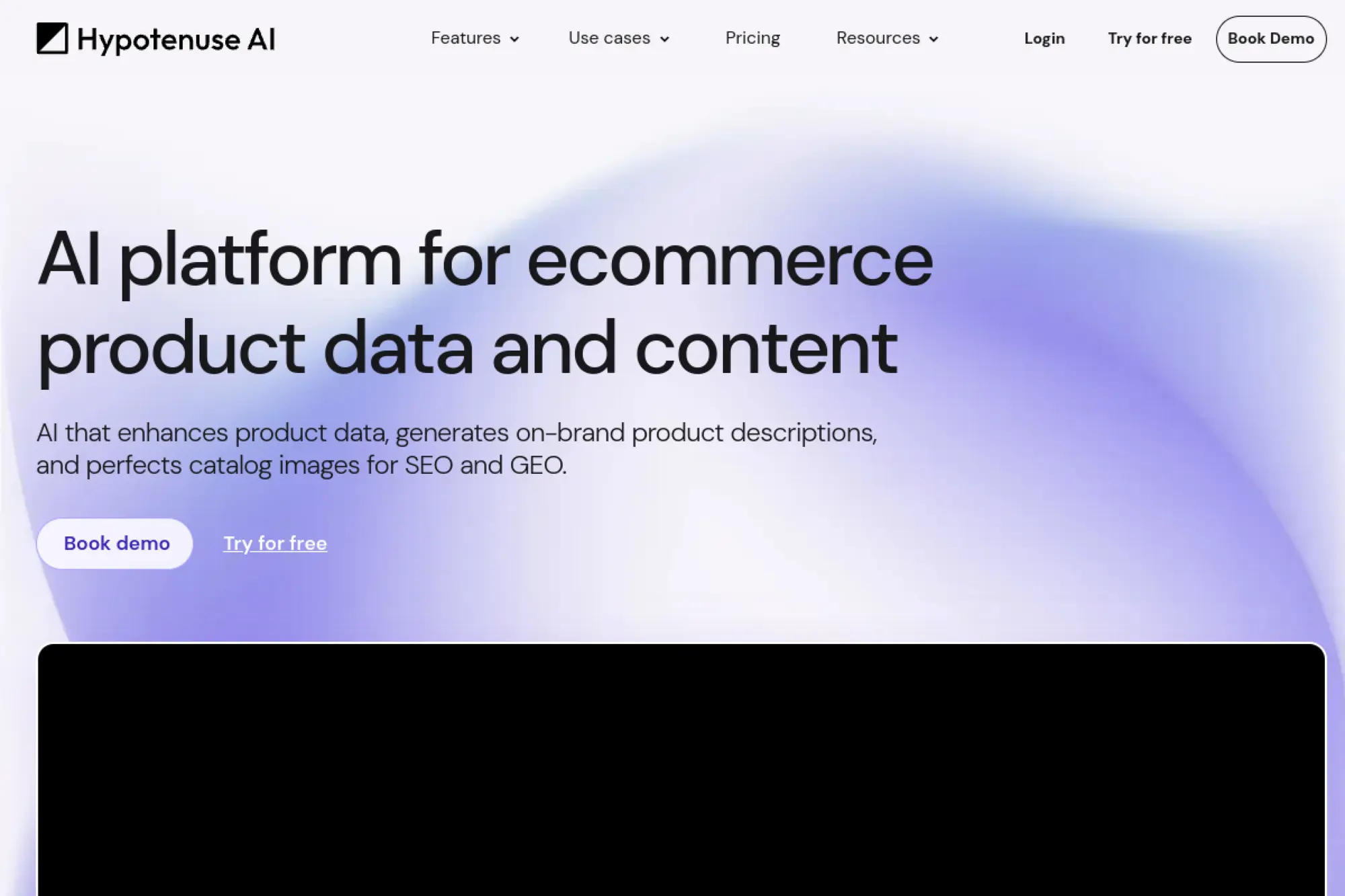
Hypotenuse AI is a content engine with strong ecommerce roots and structured generation. The team leans into scalable workflows, word-based limits, and catalog-friendly content.
Produce consistent email copy and product messaging without manual repetition.
Best for: ecommerce marketers and small content teams managing large catalogs.
- Word-based plans → predict usage and avoid surprise credit math.
- Bulk-friendly workflows → can save hours when repurposing product copy.
- Fast setup → first on-brand email draft in about 15 minutes.
Pricing & limits: From $19/mo (Entry, billed annually) or $29/mo billed monthly. Trial: “Try for free” is offered without a credit card. Entry includes 50,000 words and 1 seat.
Honest drawbacks: Some advanced team features live in higher tiers. Also, the product can feel content-first, not inbox-first.
Verdict: If you need repeatable, scalable email copy tied to product data, Hypotenuse helps within a week. Beats Rytr on structured outputs; trails MailerLite on sending workflows.
Score: 3.7/5
8. Lavender
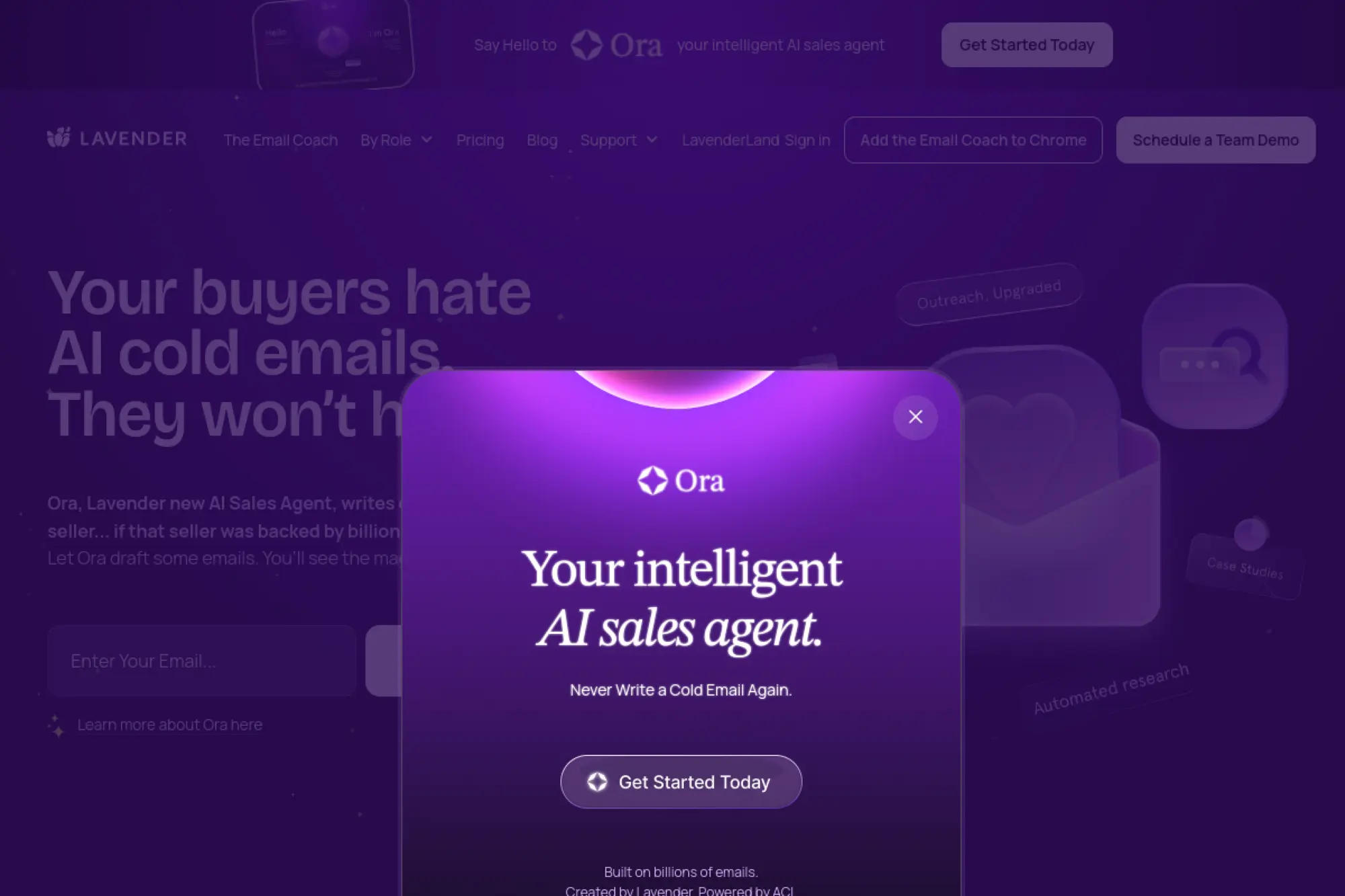
Lavender is an AI email coach aimed at real inbox writing, especially for sales. The team focuses on what happens before you hit send: clarity, brevity, and personalization.
Write better sales emails that earn replies, not eye-rolls.
Best for: SDRs and outbound teams writing high-stakes prospecting emails.
- Real-time coaching → tighten emails into skimmable messages with less guesswork.
- Inbox integrations → can remove 2–3 copy-paste steps per email.
- Extension-first UX → time-to-first-value is about 10 minutes.
Pricing & limits: From $0/mo (Basic). Trial: 7 days, no credit card required. The free plan caps analysis and personalization at 5 emails/month.
Honest drawbacks: Lavender is great for 1:1 emails, not bulk newsletters. Also, teams may want deeper admin controls on lower tiers.
Verdict: If you want better outbound emails quickly, Lavender helps you improve within the first week. Beats Grammarly on sales-specific guidance; trails full CRMs on pipeline context.
Score: 4.0/5
9. Flowrite
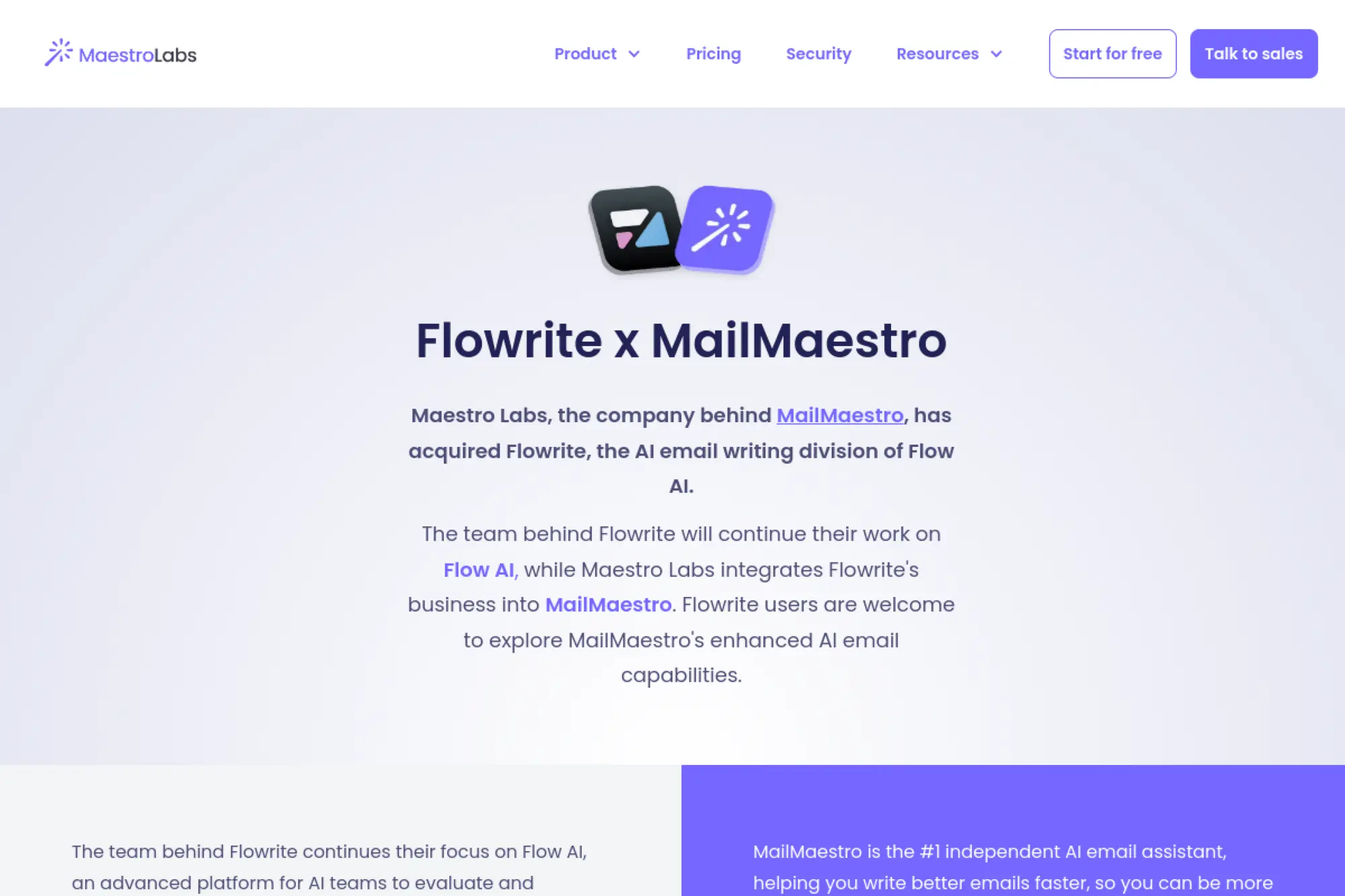
Flowrite is positioned as a writing assistant for daily messages and email responses. The team’s product idea is simple: give you strong templates and quick drafts without fuss.
Turn short instructions into send-ready emails, fast.
Best for: busy operators and founders who write the same emails repeatedly.
- Template-driven drafting → create consistent replies for common situations.
- Message quotas → can prevent overuse and keep costs predictable.
- Low-friction workflow → first useful result in about 10 minutes.
Pricing & limits: From about $4/mo (Light, billed annually) with 200 messages/year. Trial: 14 days. Premium annual pricing is shown around $12/mo for 2,000 messages/year.
Honest drawbacks: No true free plan means casual users may bounce. Also, heavy senders can outgrow message caps quickly.
Verdict: If you want quick drafts for routine emails, Flowrite helps you save time this week. Beats general chat tools on templates; trails Lavender on coaching and personalization depth.
Score: 3.6/5
10. MailerLite
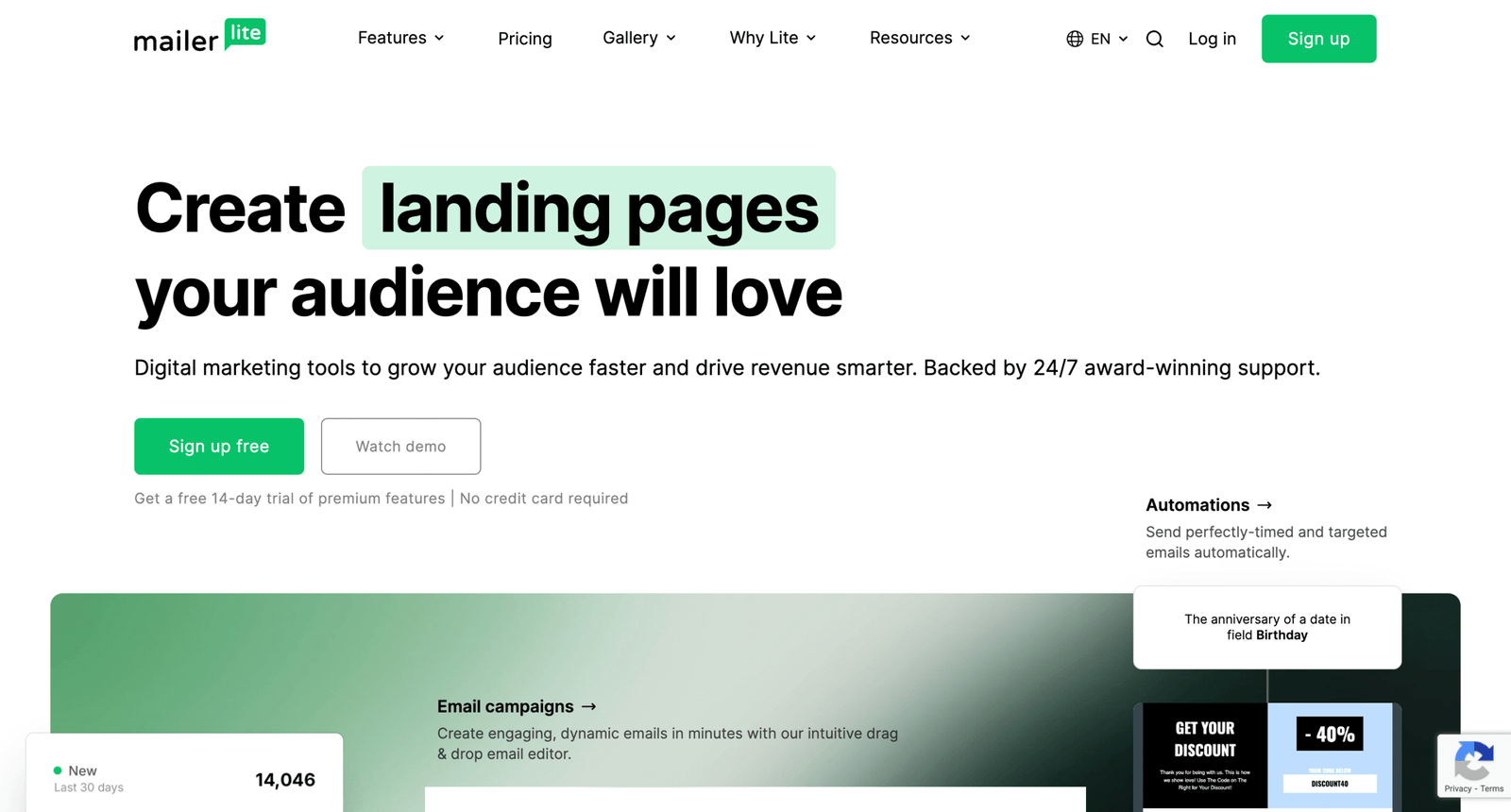
MailerLite is an email marketing platform that adds AI writing support inside a full sending workflow. The team’s strength is making email marketing feel approachable without feeling flimsy.
Write, design, and send better campaigns from one calm dashboard.
Best for: creators and SMBs who want AI help inside a real ESP.
- AI writing assistant → draft newsletters and promos without blank-page drag.
- Automation builder + forms → can remove 2–3 separate lead-capture tools.
- Simple onboarding → first campaign live in about 60 minutes.
Pricing & limits: From $0/mo (Free). Trial: 14 days of premium features, no credit card required. Free allows up to 500 subscribers and 12,000 emails/month with 1 user seat.
Honest drawbacks: Advanced needs can push you into higher plans by subscriber count. Also, deep enterprise governance is not the focus.
Verdict: If you want to send better emails, not just write them, MailerLite helps you launch in a day. Beats pure writers on end-to-end workflow; trails HubSpot on CRM depth.
Score: 4.0/5
11. Brevo

Brevo (formerly Sendinblue) is built as a multi-channel customer platform with email at the core. The team targets practical SMB needs: campaigns, automations, and transactional messaging.
Create emails that convert, then automate the follow-up without extra tools.
Best for: SMB marketing teams and founders who want email plus SMS in one place.
- Drag-and-drop campaigns → ship polished newsletters without design overhead.
- Automation + multichannel → can replace 2 tools for email and SMS basics.
- Fast setup → first campaign draft in about 30 minutes.
Pricing & limits: From $0/mo (Free). Trial: no separate trial needed because a free plan exists. Free includes 300 daily email sends, 100,000 contact storage, and 1 user.
Honest drawbacks: Free plan’s daily send cap can be restrictive for launches. Also, add-ons can complicate “simple” pricing once you scale.
Verdict: If you want a flexible platform that writes and sends, Brevo helps you deliver within days. Beats Mailjet on marketing automation; trails ActiveCampaign on deep orchestration.
Score: 4.0/5
12. GetResponse
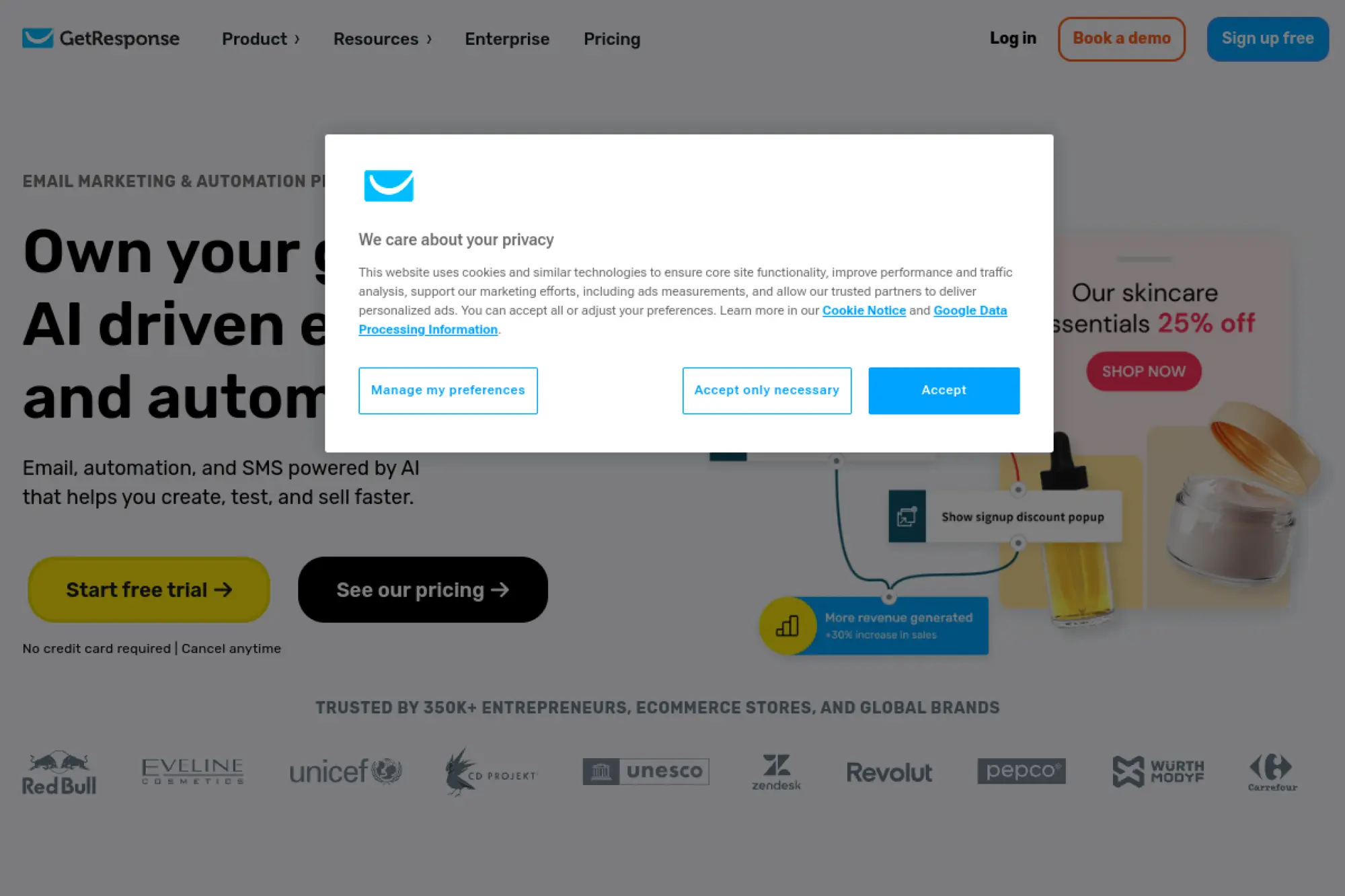
GetResponse is a long-running email marketing and automation platform with AI content helpers. The team’s bias is toward “do more in one place,” including landing pages and webinars.
Write and automate emails that nurture leads into buyers.
Best for: ecommerce marketers and creators running funnels and email sequences.
- AI-powered content generators → draft emails quickly from a campaign goal.
- Funnels + automations → can cut 2–4 tool handoffs across a launch.
- Guided setup → first automation running in about 90 minutes.
Pricing & limits: From $19/mo (Starter) or $15.58/mo paid annually. Trial: 14 days, no credit card required. Starter includes 1 custom automation workflow and unlimited monthly sends.
Honest drawbacks: The interface can feel dense if you only need email. Also, some features are gated by plan, which can drive upgrades.
Verdict: If you want email plus funnel tools, GetResponse helps you ship a working journey in a week. Beats MailerLite on breadth; trails HubSpot on CRM-native personalization.
Score: 3.9/5
13. ActiveCampaign
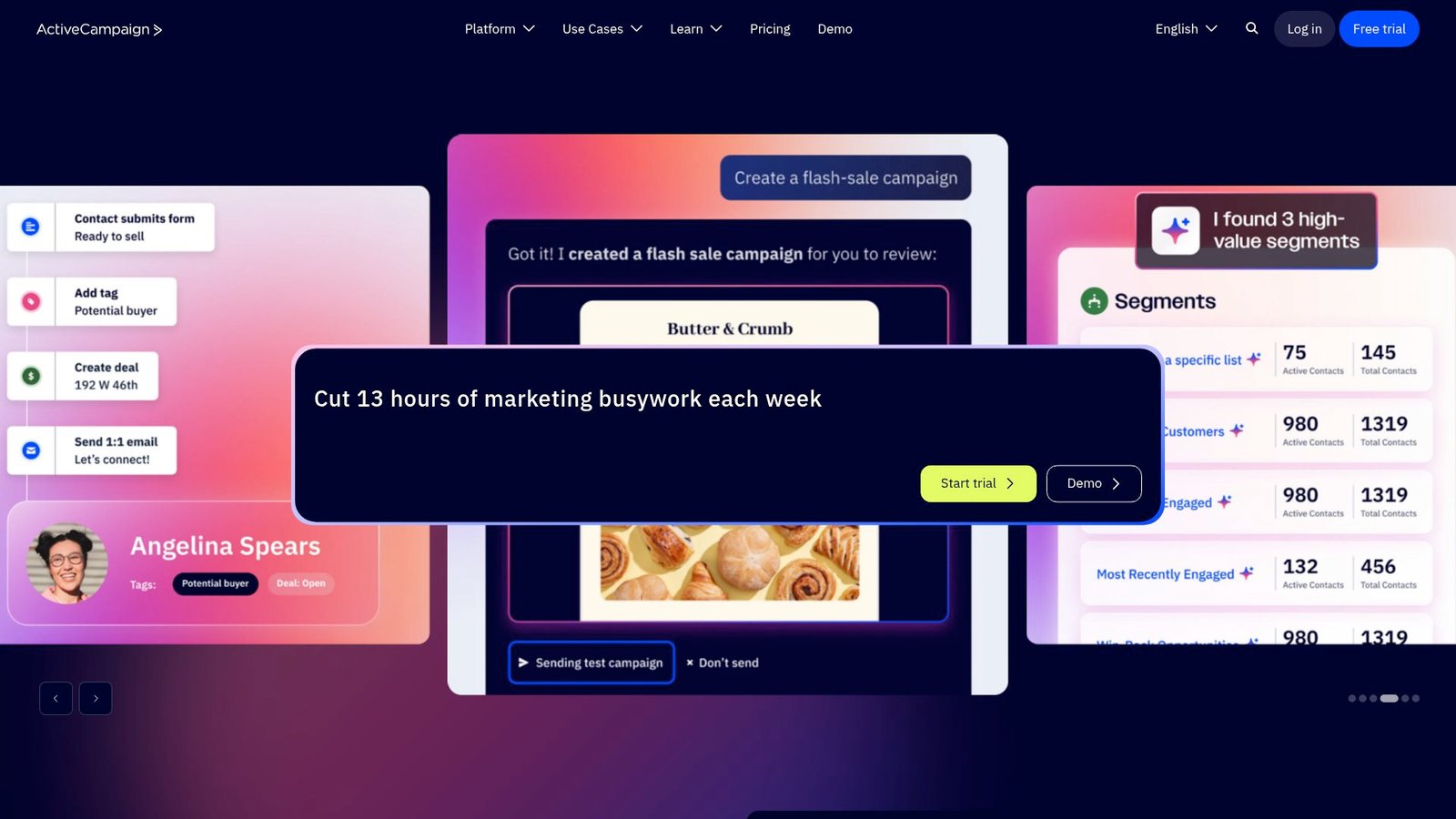
ActiveCampaign is built for automation-heavy marketing teams that care about segmentation and behavior. The team’s product DNA is orchestration: triggers, branching logic, and lifecycle precision.
Write the email, then let behavior decide the next message.
Best for: lifecycle marketers and SMBs graduating from basic autoresponders.
- Advanced automation builder → build journeys that react to clicks and purchases.
- Large integration ecosystem → can remove 2–3 manual sync steps per week.
- Guided migration tools → first automation live in about 1–2 days.
Pricing & limits: From about $29/mo (entry tier pricing varies by contact band). Trial: 14 days. Usage limits depend on plan and list size, so confirm the contact band before buying.
Honest drawbacks: Complexity is real, and small teams may underuse it. Also, the best value shows up only once your automation needs are mature.
Verdict: If you want lifecycle automation that feels deliberate, ActiveCampaign helps you improve outcomes within a month. Beats Brevo on orchestration depth; trails MailerLite on simplicity.
Score: 3.9/5
14. Grammarly
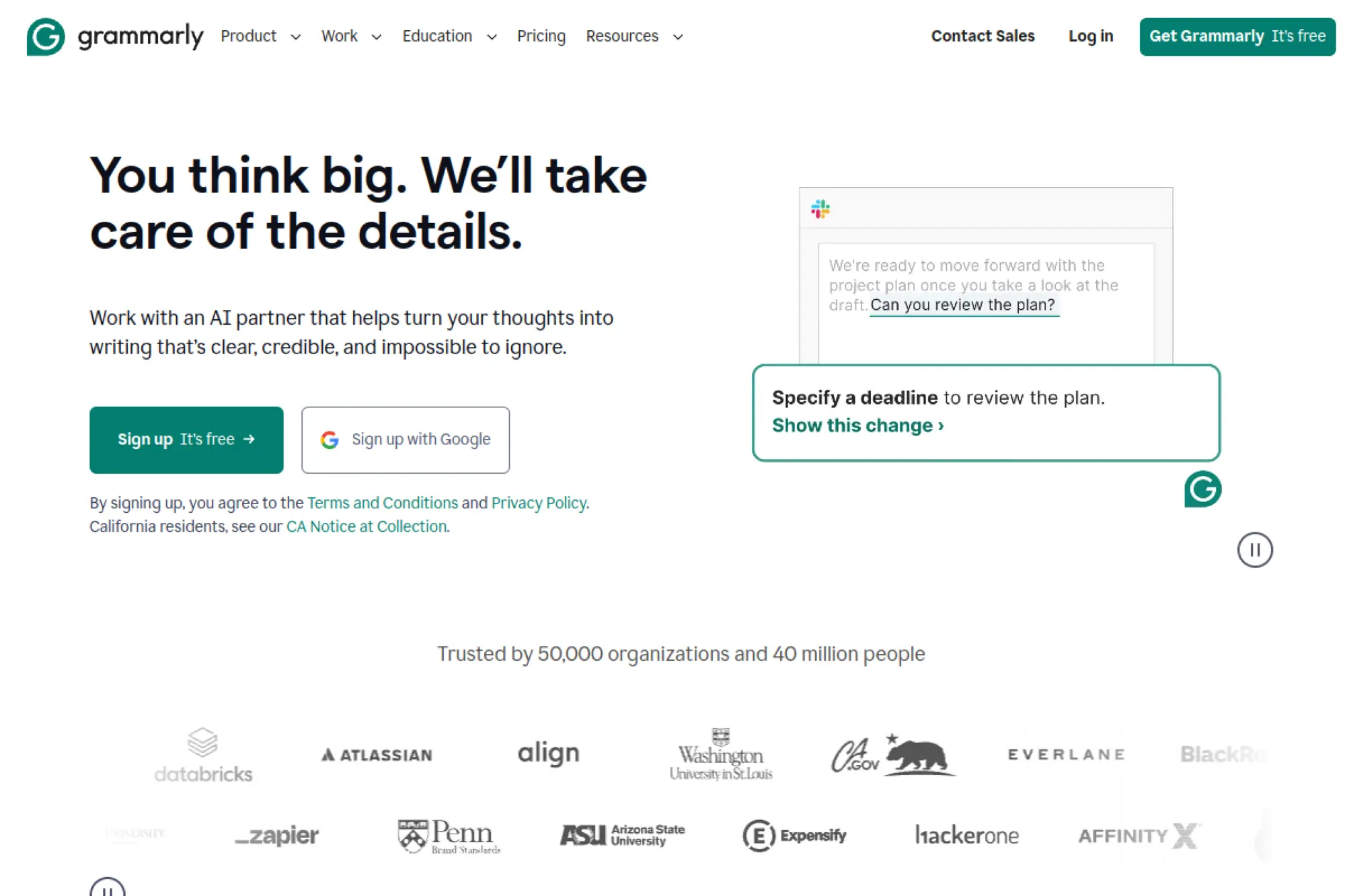
Grammarly is a writing assistant built to polish what you already wrote, including emails. The team’s strength is real-time feedback that improves clarity, tone, and correctness.
Make every email clearer, kinder, and harder to misread.
Best for: professionals and support teams who send high-volume daily emails.
- Tone and rewrite suggestions → reduce “what did you mean?” replies.
- Cross-app availability → can save 2–3 copy-edit steps per message.
- Instant feedback loop → value appears in the first email you write.
Pricing & limits: From $0/mo (Free). Trial: a 7-day Pro trial is offered on the pricing flow when available. Pro is listed at $12/member/mo billed annually and includes 2,000 AI prompts.
Honest drawbacks: Grammarly improves writing, but it does not design full campaigns. Also, some teams will want deeper brand voice controls than the basics.
Verdict: If you want cleaner emails without rewriting from scratch, Grammarly helps immediately. Beats Rytr on editing quality; trails Jasper on campaign-style generation.
Score: 4.2/5
15. ChatGPT

ChatGPT is a general-purpose AI assistant used by individuals and teams for drafting, rewriting, and ideation. OpenAI’s team ships frequent model improvements, and the product works well for flexible email tasks.
Go from messy notes to a clean email draft in one prompt.
Best for: solo operators and teams who want a flexible drafting partner.
- Promptable drafting → generate subject lines, variants, and follow-ups quickly.
- App ecosystem on business tiers → can remove 2–4 context-switches per task.
- Low setup overhead → first usable email in under 5 minutes.
Pricing & limits: From $0/mo (Free). Trial: not required for the free plan. Business pricing is listed separately from individual plans, and is shown from $25/user/mo billed annually.
Honest drawbacks: Output quality depends on your prompting and context. Also, without strong guardrails, teams can drift off-brand across many senders.
Verdict: If you need a fast drafting partner, ChatGPT helps you ship better emails today. Beats most niche writers on flexibility; trails Lavender on sales-specific coaching.
Score: 4.1/5
16. ClosersCopy

ClosersCopy is a copywriting tool built around structured frameworks and conversion-oriented templates. The team sells hard on “copy systems,” and it shows in the prompt library and workflows.
Write persuasive emails that feel like they came from a copywriter.
Best for: direct-response marketers and founders writing sales sequences.
- Framework library → turn offers into sequences with less staring at a blank page.
- SEO and audits bundled → can reduce tool sprawl by 1–2 subscriptions.
- Template-driven flow → first sequence draft in about 30 minutes.
Pricing & limits: From $29.99/mo (Starter). Trial: none stated. Starter is shown with 50,000 characters/month and 1–2 seats depending on plan type.
Honest drawbacks: The UI can feel dated compared with newer tools. Also, integrations and team collaboration are not the strongest suit.
Verdict: If you want conversion frameworks more than chat, ClosersCopy helps you produce sales copy within a weekend. Beats generic chat tools on frameworks; trails Jasper on brand governance.
Score: 3.4/5
17. Yet Another Mail Merge
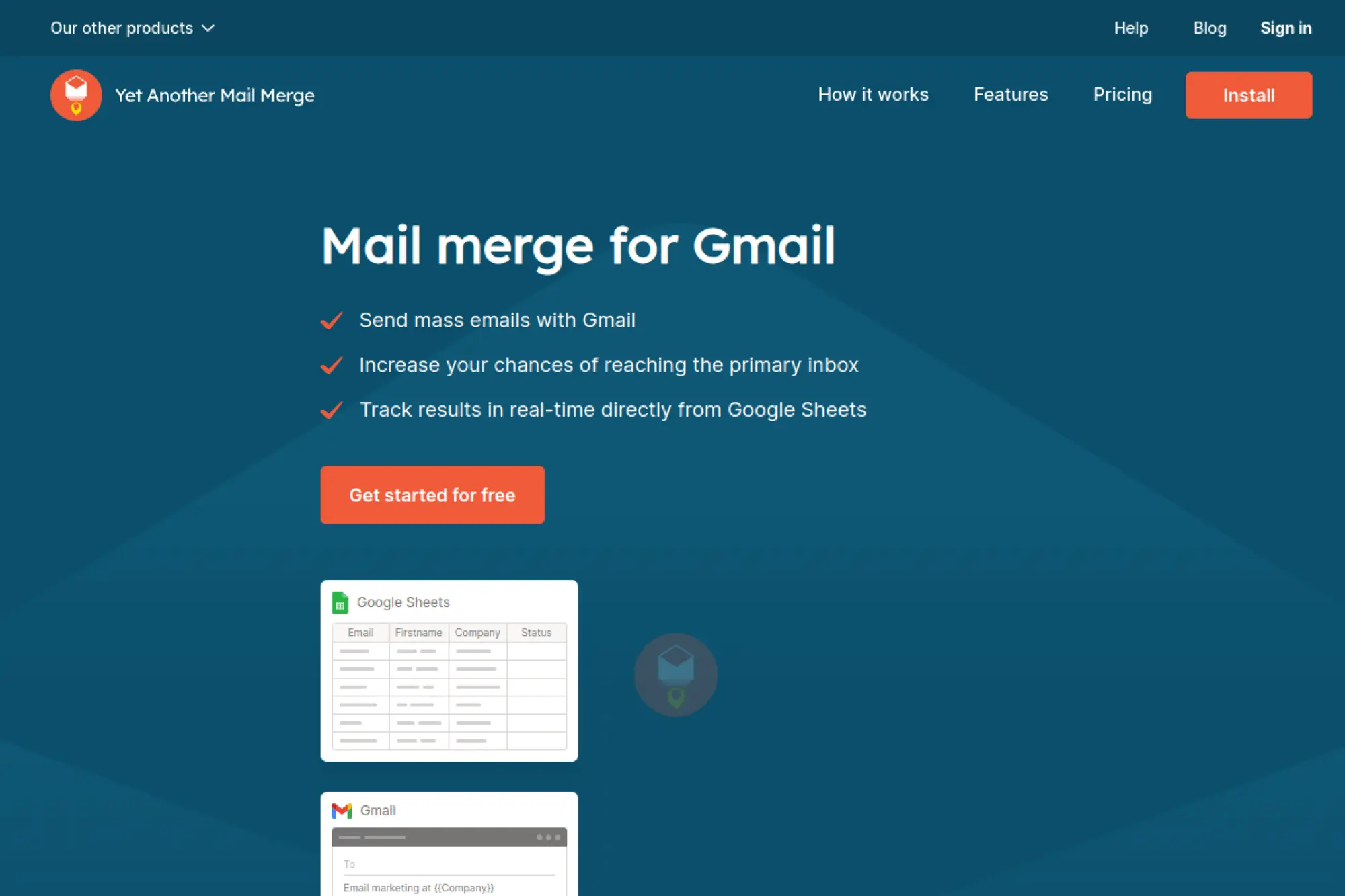
Yet Another Mail Merge (YAMM) is a Gmail-native mail merge tool built for practical outreach. The team focuses on sending mechanics, tracking, and staying inside Google workflows.
Send personalized emails at scale without leaving Google Sheets.
Best for: recruiters and founders doing lightweight outreach from Gmail.
- Sheet-to-inbox merge → launch personalized sends without a full ESP.
- Tracking and scheduling → can remove 2–3 manual follow-up reminders.
- Quick install → first mail merge in about 20 minutes.
Pricing & limits: From $0/year ($0/mo) on the Free plan. Trial: not needed because a free plan exists. Free is capped at 20 recipients/day, and Pro caps are listed up to 400/day (Gmail) or 1,500/day (Workspace).
Honest drawbacks: Pro pricing is shown through yearly billing and may be revealed at checkout. Also, YAMM is not a full marketing automation platform.
Verdict: If you want fast outreach from Gmail, YAMM helps you send today with minimal setup. Beats HubSpot on simplicity for mail merge; trails MailerLite on newsletter tooling.
Score: 3.9/5
18. Hyperwrite
Hyperwrite is an AI writing assistant designed for fast drafting and research-backed writing. The team emphasizes “real-time info” workflows and a broad library of tools.
Draft emails quickly, with a strong option for research-assisted writing.
Best for: solo professionals and consultants writing client emails and proposals.
- AI tools library → generate different email angles without rebuilding prompts.
- Real-time info modes → can cut research time by 10–20 minutes per email.
- Browser extension support → first draft in about 10 minutes.
Pricing & limits: From $19.99/mo (Premium). Trial: a free starter account exists with limited access. Premium lists 250 AI messages/month and 3 custom personas.
Honest drawbacks: Message caps can be tight for heavy daily use. Also, it is not an email sending platform, so you still need your ESP or inbox.
Verdict: If you want a flexible writing copilot, Hyperwrite helps you draft better emails this week. Beats Rytr on tool variety; trails ChatGPT on ecosystem momentum.
Score: 3.7/5
19. Botowski
Botowski is a straightforward AI writing tool with a generous free tier and simple plan structure. The team’s focus is accessibility: templates, fast outputs, and predictable word limits.
Get workable email copy without paying enterprise prices.
Best for: freelancers and small shops needing occasional email drafts.
- Template apps → generate promo emails and announcements with less prompting.
- API included on plans → can remove 1 integration layer for basic automation.
- Quick sign-up flow → first draft in about 5–10 minutes.
Pricing & limits: From $0/mo (Free). Trial: not required with a free plan. Free lists 15,000 words/month with a 500 words/day cap.
Honest drawbacks: Deeper brand controls and team governance are limited. Also, the product feels more “generator” than “email coach.”
Verdict: If you need inexpensive drafts fast, Botowski helps you ship today. Beats premium suites on price; trails Grammarly on polishing and tone nuance.
Score: 3.5/5
20. Ellie

Ellie is an AI email assistant focused on replies, built to live in your inbox workflow. The team’s emphasis is practical: mimic your tone, draft responses, and keep you in control.
Write better replies in your voice, without rereading the whole thread.
Best for: executives and support-heavy operators who answer lots of inbound email.
- Tone-matching replies → reduce time spent rewriting “almost right” drafts.
- Inbox-first workflow → can eliminate 2 copy-paste steps per response.
- Browser extension setup → first useful draft in about 10 minutes.
Pricing & limits: From about $19/mo (Casual) on third-party listings, plus a limited free tier. Trial: not clearly stated on the pricing page text. Plan limits are commonly described in replies-per-day caps.
Honest drawbacks: Published pricing is not clearly visible in accessible text on the vendor pricing page. Also, it is designed for replies, not cold outbound campaigns.
Verdict: If you want faster, on-tone replies, Ellie helps within the first few days. Beats Flowrite on reply-specific behavior; trails Lavender on outbound coaching.
Score: 3.8/5
21. MailMaestro
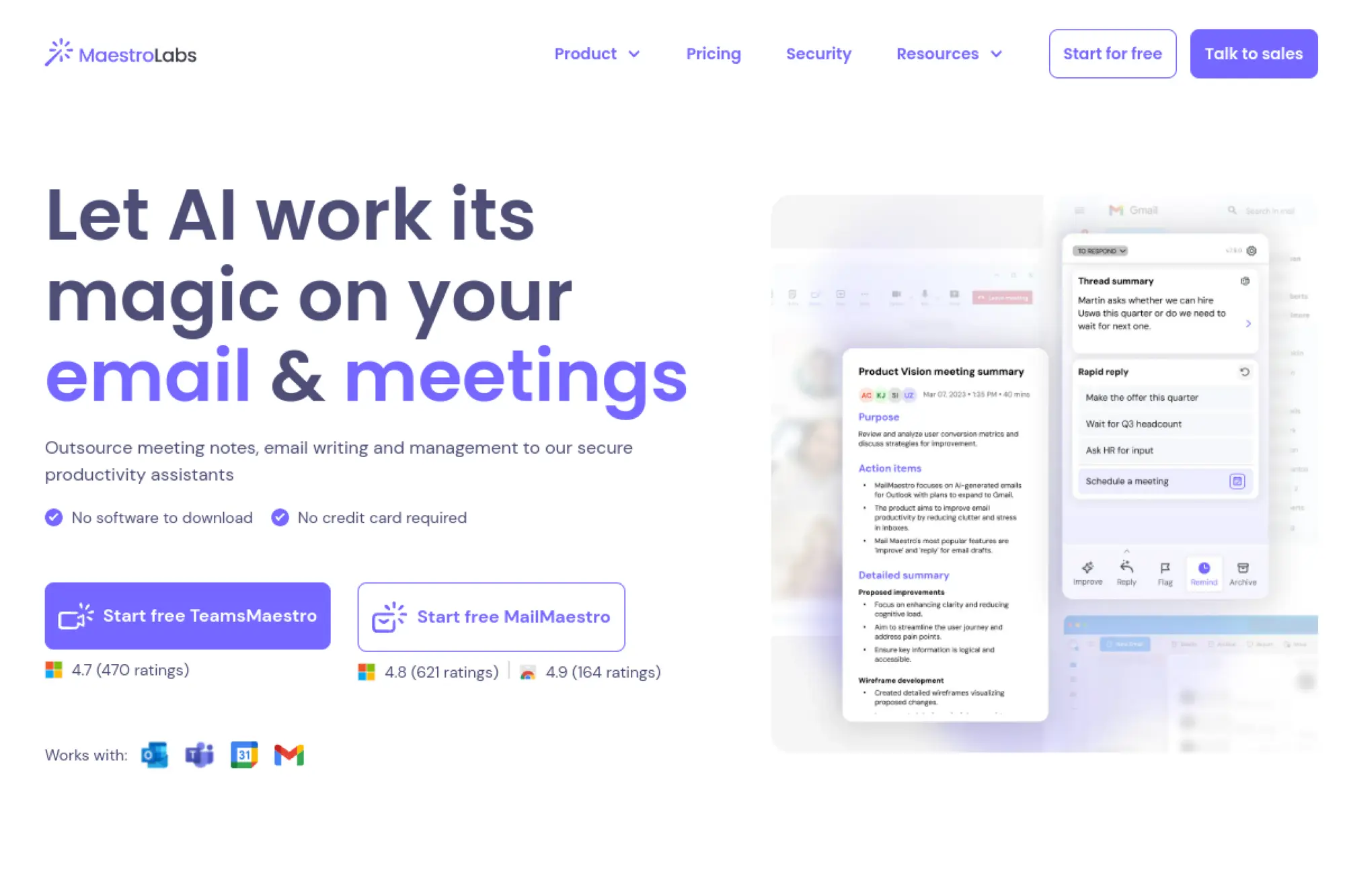
MailMaestro is an AI email assistant built for Gmail and Outlook workflows. The team aims for “everyday productivity,” with compose, reply, improve, and summary features.
Write and triage emails faster, without changing how you work.
Best for: professionals and small teams drowning in daily email volume.
- Compose, Reply, Improve → turn bullet notes into a draft without overthinking.
- Summaries and scheduling helpers → can save 10–15 minutes per long thread.
- Free plan + trial → first value in about 10 minutes.
Pricing & limits: From $0/seat/mo (Free). Trial: full functionality is offered for the first 14 days, then you revert to Free. The Free plan limits AI requests to 3 per week.
Honest drawbacks: Free limits are tight if you rely on AI daily. Also, advanced security and admin features live in higher tiers.
Verdict: If you want an inbox copilot for drafting and summaries, MailMaestro helps within a week. Beats ChatGPT on inbox convenience; trails Grammarly on fine-grained editorial feedback.
Score: 4.0/5
22. Google Gemini
Google Gemini is Google’s AI assistant experience, tied closely to Google’s ecosystem. The team’s advantage is integration: Gemini can support drafting across Gmail and Docs for eligible plans.
Draft emails faster, especially if you already live in Google Workspace.
Best for: Google Workspace users and students who want an integrated assistant.
- Gmail and Docs style drafting → keep writing where you already work.
- AI Premium bundle → can replace 1–2 separate AI subscriptions for many users.
- Low setup effort → first usable draft in about 5 minutes.
Pricing & limits: From $0/mo for basic access. Trial: a two-month trial is offered for Google One AI Premium in eligible regions. AI Premium is listed at $19.99/month and includes Gemini Advanced, while Google AI Ultra is listed at $249.99/month.
Honest drawbacks: The best experience depends on region and plan eligibility. Also, deep outbound email workflows still require a dedicated ESP.
Verdict: If you want an assistant inside Google tools, Gemini helps you write better emails today. Beats standalone writers on ecosystem fit; trails Jasper on brand governance for teams.
Score: 4.1/5
23. HubSpot

HubSpot is a full customer platform where email is tied to CRM data, automation, and reporting. The team builds for end-to-end marketing operations, not just copy generation.
Write smarter emails using CRM context, then automate what happens next.
Best for: SMB marketing teams and RevOps leaders who want one connected system.
- CRM-native email personalization → send more relevant messages with less manual work.
- Huge integrations ecosystem → can remove 2–4 data sync steps per week.
- Guided onboarding paths → first automated email flow in about 1–2 days.
Pricing & limits: From $0/mo for free tools, depending on the Hub and usage. Trial: free tiers exist, so a trial is often unnecessary. Marketing Hub Starter is listed from $20/month per seat and includes 1,000 marketing contacts.
Honest drawbacks: Costs can climb with contacts, seats, and required onboarding on higher tiers. Also, teams wanting only “an email writer” will overpay.
Verdict: If you want emails driven by customer data, HubSpot helps you ship a real lifecycle system in weeks. Beats standalone writers on context; trails MailerLite on lightweight simplicity.
Score: 3.9/5
24. EngageBay
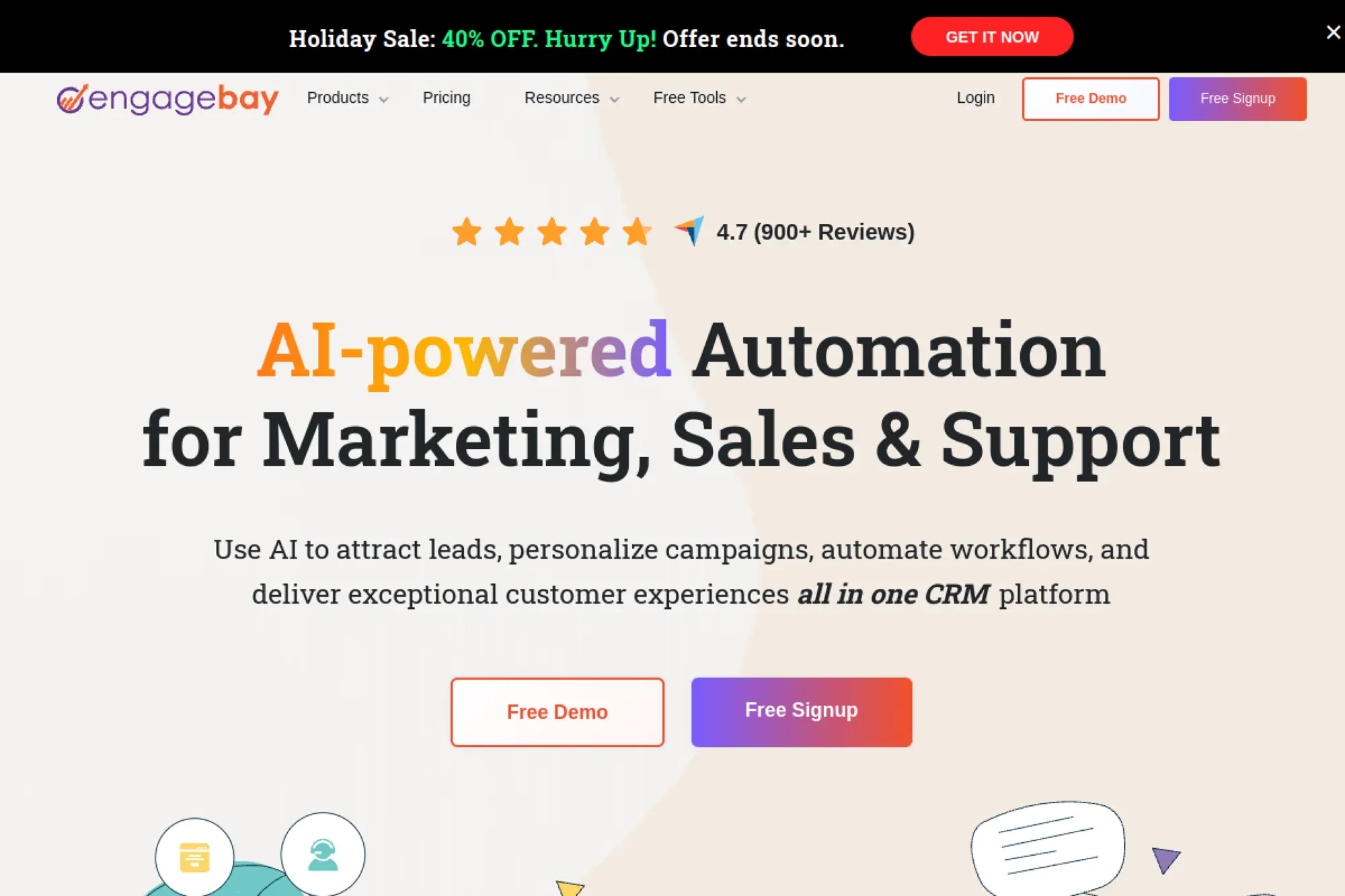
EngageBay is an SMB-focused CRM and marketing suite with email and automation features. The team targets affordability, bundling core marketing tools into a single, approachable platform.
Write and automate emails without buying a full enterprise stack.
Best for: bootstrapped SMBs and small sales teams needing CRM plus marketing.
- Email sequences and broadcasts → run basic nurture without extra systems.
- Built-in integrations → can cut 2–3 manual data moves per week.
- Quick onboarding → first campaign drafted in about 45 minutes.
Pricing & limits: From $0/user/mo (Free). Trial: not required with the free plan. Marketing Bay Basic is listed at $12.99/user/mo paid yearly, and the Free plan includes 250 contacts.
Honest drawbacks: The UI can feel “suite-like,” with more tabs than needed for email-only use. Also, advanced reporting and SSO are reserved for higher plans.
Verdict: If you want an affordable all-in-one, EngageBay helps you get campaigns running this week. Beats HubSpot on price; trails ActiveCampaign on automation depth.
Score: 3.8/5
25. EmailOctopus
EmailOctopus is a budget-friendly email marketing platform with a clean, no-drama approach. The team focuses on straightforward sending, simple automation, and predictable pricing.
Send clean campaigns without paying for features you will not use.
Best for: creators and small nonprofits building a list on a tight budget.
- Simple campaign builder → publish newsletters without a learning cliff.
- Generous free tier → can delay upgrades while your list grows.
- Fast setup → first campaign sent in about 45 minutes.
Pricing & limits: From $0/mo (Free). Trial: none, because the free plan is time-unlimited. Free includes 2,500 subscribers, 10,000 emails/month, 3 landing pages/forms, and 1 user.
Honest drawbacks: Advanced automation is limited compared with bigger platforms. Also, teams wanting deep segmentation may hit ceilings early.
Verdict: If you want low-cost email marketing, EmailOctopus helps you start sending in a day. Beats MailerLite on free subscriber ceiling; trails Brevo on multichannel options.
Score: 3.8/5
26. Mailgun
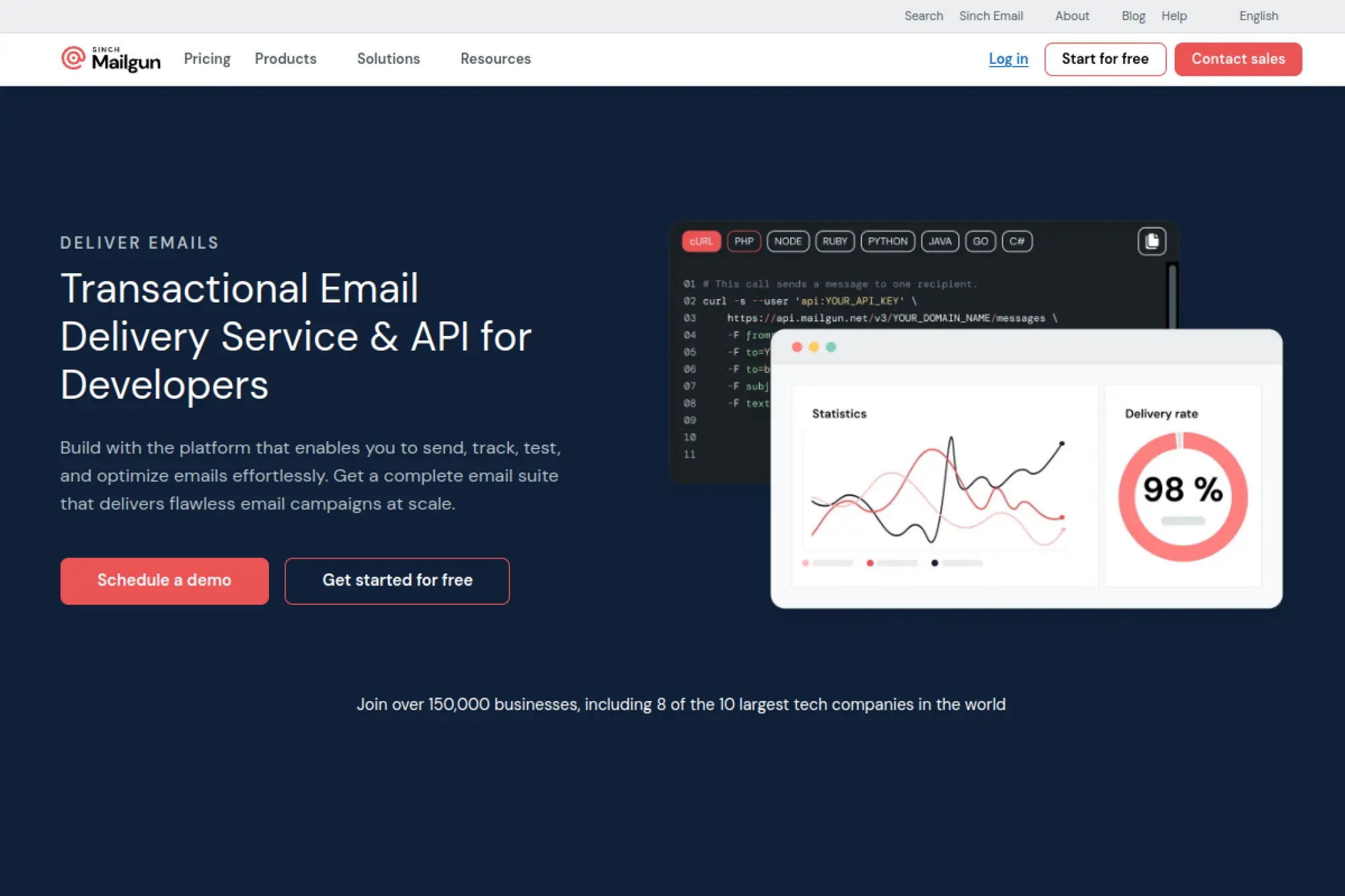
Mailgun is an email delivery platform built for developers and product teams. The team is oriented around reliability, APIs, deliverability tooling, and operational control.
Send product and transactional emails reliably, with fewer deliverability surprises.
Best for: SaaS teams and developers shipping transactional and lifecycle email.
- API-first sending → build email into your app without a marketing ESP.
- Webhooks and analytics → can reduce debugging cycles by 2–3 steps.
- Quick SMTP setup → first send in about 30 minutes.
Pricing & limits: From $0/mo (Free) with 100 emails/day and 1 custom sending domain. Trial: paid tiers include a free month on select plans. Basic starts at $15/mo with 10,000 emails/month included.
Honest drawbacks: There is no “send button,” so non-technical teams will struggle. Also, templates and marketing workflows need extra tooling.
Verdict: If you want dependable app-driven email, Mailgun helps you ship within days. Beats Mailjet on developer-first depth; trails HubSpot on marketer-friendly workflows.
Score: 4.0/5
27. Mailjet
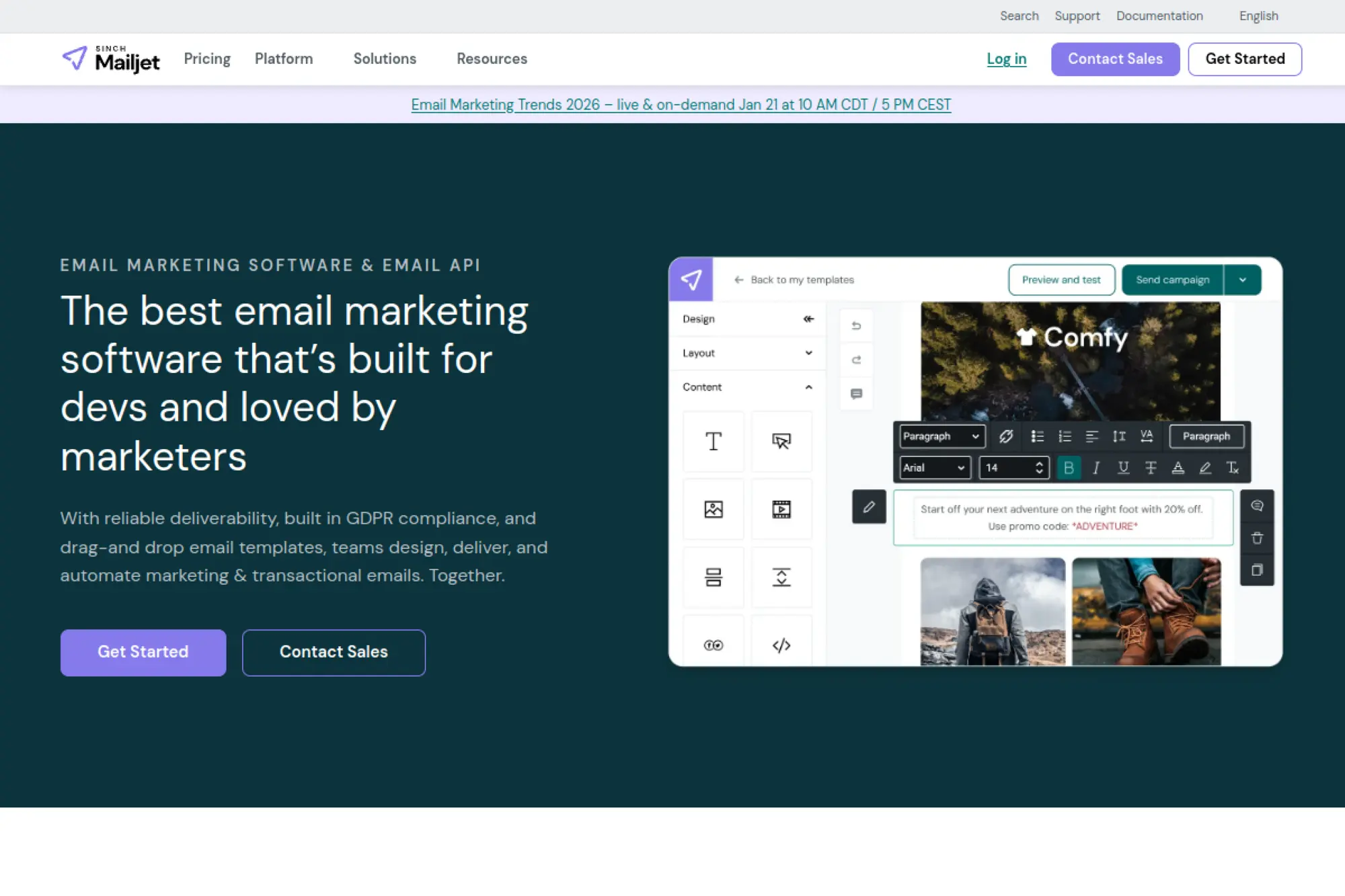
Mailjet sits between marketing email and developer email, with both a builder and APIs. The team emphasizes scalable sending, collaboration, and a practical free tier.
Design, personalize, and deliver emails without rebuilding your stack.
Best for: SMB teams that need marketing emails plus API sending options.
- Email editor + templates → build newsletters without external designers.
- API and SMTP relay → can cut 2–3 integration steps for product email.
- Free tier onboarding → first campaign draft in about 45 minutes.
Pricing & limits: From $0/mo (Free) with 6,000 emails/month and 200 emails/day. Trial: not required for Free, but higher tiers exist. Essential starts at $17/mo with 15,000 emails/month, no daily limit, and AI-assisted content creation.
Honest drawbacks: Advanced features often depend on volume tiers. Also, the UX can feel split between “marketer mode” and “developer mode.”
Verdict: If you need flexible sending and a builder, Mailjet helps you launch within a week. Beats Mailgun on marketer usability; trails Brevo on automation breadth.
Score: 3.9/5
28. MailUp
MailUp is an email marketing platform with a focus on campaign management, sending performance, and team collaboration. The team positions it as a professional newsletter tool with scalable sending options.
Run reliable newsletter operations without drowning in platform complexity.
Best for: marketing teams that send frequent newsletters and need structured workflows.
- Campaign creation tools → produce consistent newsletters with less manual formatting.
- Professional sending features → can reduce deliverability firefighting over time.
- Team-ready setup → first campaign built in about 1–2 days.
Pricing & limits: From €19/mo (Light, billed annually). Trial: a free trial is offered, but the visible pricing text does not clearly state its length. Light lists 1 user, 1 environment (list), and a sending speed of 500 emails/hour.
Honest drawbacks: Pricing and plan structure are less transparent than simpler SMB tools. Also, teams expecting modern AI-first UX may find it traditional.
Verdict: If you want steady newsletter operations, MailUp helps you stabilize within the first month. Beats basic senders on operational controls; trails MailerLite on ease of use.
Score: 3.6/5
29. Benchmark Email
Benchmark Email is an email marketing platform designed around straightforward campaign sending and list management. The team’s pitch is clarity: fewer surprises, simpler plans, and quick setup.
Create solid campaigns fast, without paying for unused complexity.
Best for: SMB marketers and nonprofits who need simple newsletters and promos.
- Simple campaign creation → build emails quickly with less tool friction.
- Team add-ons → can add collaborators without changing platforms.
- Fast onboarding → first campaign live in about 60 minutes.
Pricing & limits: From $0/mo (Free). Trial: not needed with a free plan. Free includes 500 contacts, 2,500 sends/month, 1 user, and 1 domain; Pro pricing is shown starting at $37/mo with sends tied to contact limits.
Honest drawbacks: Advanced automation and segmentation can feel limited for scaling teams. Also, pricing scales with contacts, so growth can change the math.
Verdict: If you want a clean, simple sending platform, Benchmark helps you start within a day. Beats complex suites on simplicity; trails ActiveCampaign on lifecycle automation.
Score: 3.7/5
30. AWeber
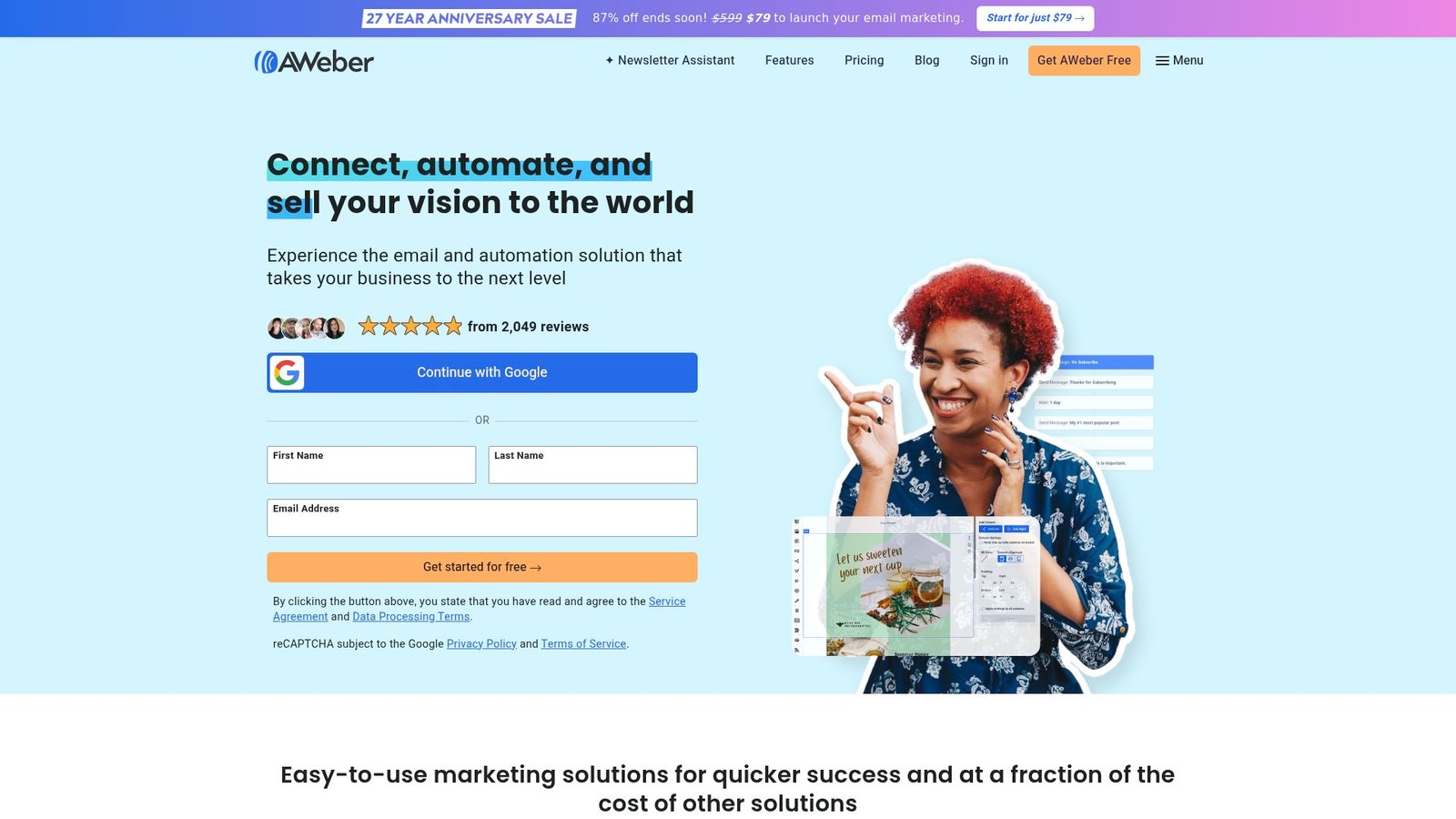
AWeber is a long-standing email marketing platform built for deliverability, list growth, and practical automation. The team targets reliability and beginner-friendly workflows.
Send newsletters and simple automations with fewer moving parts.
Best for: creators and small businesses starting email marketing seriously.
- Beginner-friendly automations → launch welcome emails without complex builders.
- Broad integration list → can remove 1–2 manual contact imports weekly.
- Quick list setup → first campaign sent in about 60 minutes.
Pricing & limits: From $0/mo (AWeber Free). Trial: not required due to the free plan. Free supports up to 500 subscribers and 3,000 emails/month, with a single list profile and a single campaign automation.
Honest drawbacks: Advanced segmentation and analytics live in higher tiers. Also, teams wanting deep multi-branch automation may outgrow it.
Verdict: If you want dependable email basics, AWeber helps you get sending within a day. Beats niche writers on deliverability workflow; trails MailerLite on modern UI polish.
Score: 3.8/5
How We Chose and Tested Each Best AI Email Writer Option

Market overview: Deloitte reports nearly half of surveyed leaders ( 47%) say they are moving fast on GenAI adoption, and email is usually where “fast” becomes visible. We test tools like we test software. We define requirements, run scenarios, and document failure modes. Marketing copy is creative, but the workflow is operational.
1. Workflow fit: choosing an AI email writer that matches how you create and send emails
Workflow fit is the first filter. A tool that lives outside your sending system adds friction. That friction kills adoption. We map the writing path end to end. It starts with a brief. It ends with a send, a reply, or a triggered automation.
For lifecycle teams, the tool must understand blocks and templates. For sales teams, it must sit near the inbox and CRM. And for support, it must handle empathy and accuracy. We also look for review flows. Approval is part of writing in real companies.
2. Interface and usability: prompts, templates, and speed to first draft
Usability is not aesthetics. It is how fast a user reaches a useful draft. Templates help, but only if they are adaptable. Prompting helps, but only if it is guided. We like tools that teach users what “good input” looks like.
In our tests, we measure friction points. Does the tool hide tone controls, require endless re-prompting? Does it support quick rewrites inside the editor? The best interfaces make iteration feel playful. The worst ones feel like wrestling a form.
3. Feature depth: subject lines, rewrites, responses, and campaign content generation
Depth matters when teams scale. A subject line feature is table stakes. A rewrite feature is essential. Response drafting helps inbox-heavy roles. Campaign generation matters for teams shipping full sequences. Depth is also where vendors sneak in complexity.
We look for composability. Can the tool generate, then refine, then adapt for segments? Can it keep a consistent voice across a sequence? And how it reference product facts without inventing them? Those capabilities separate novelty from utility.
4. Pricing and free access: free plans, free trials, and entry-level costs
Pricing is a workflow decision disguised as a procurement decision. Seat-based pricing pushes adoption toward specialists. Usage-based pricing pushes adoption toward shared teams. Contact-based pricing punishes success if you do not model growth.
We also examine free access. Free plans are great for evaluation. They are also great for shadow usage. That creates compliance risk. Our recommendation is boring, but reliable. Pick a tool you can standardize, not just experiment with.
5. Tool category match: standalone AI writers vs inbox assistants vs email marketing platforms with AI
Category match prevents disappointment. A standalone writer will not replace an ESP. An inbox assistant will not build lifecycle automations. A marketing platform will not feel like a writing playground. Teams often buy the wrong category, then blame the model.
Where Our Thirty-Tool Longlist Fits In Practice
- Jasper: marketing copy with brand voice controls.
- Copy.ai: go-to-market workflows and reusable playbooks.
- Grammarly: polishing, tone, and clarity across tools.
- Wordtune: fast rewrites and tone shifts.
- Writesonic: templates for promotional email drafts.
- Rytr: lightweight drafting for small teams.
- Anyword: performance-oriented copy variants for campaigns.
- Hypotenuse AI: ecommerce-friendly product messaging assistance.
- Hoppy Copy: email sequence ideation and newsletter drafting.
- Mailmodo: AI-assisted email templates inside an ESP workflow.
- Mailmeteor: quick outreach drafts for lightweight sending.
- Lavender: coaching, personalization hints, and sales writing.
- Flowrite: short-form email drafting with structured prompts.
- Superhuman Mail: inbox-first writing and summarization.
- Shortwave: AI-native email client with drafting tools.
- Gemini for Gmail: drafting inside Google email workflows.
- Copilot for Outlook: drafting inside Microsoft email workflows.
- HubSpot Marketing Hub: AI inside CRM-driven campaigns.
- Mailchimp: SMB email marketing with AI assistance.
- Klaviyo: ecommerce automations and AI copy helpers.
- ActiveCampaign: automation-first email with AI features.
- Brevo: multichannel messaging with AI content support.
- GetResponse: email, pages, and AI content generators.
- Salesforce Marketing Cloud: enterprise journeys with AI features.
- Adobe Journey Optimizer: cross-channel orchestration with AI help.
- Braze: lifecycle messaging with strong segmentation options.
- Iterable: campaign orchestration with experimentation support.
- Customer.io: behavioral messaging with developer-friendly patterns.
- Omnisend: ecommerce campaigns with fast templates.
- Lemlist: outbound sequences with AI sequence generation.
A longlist is not a recommendation list. It is a map of available approaches. From there, we narrow based on workflow constraints. We also consider your data posture. That point is often ignored until it hurts.
Best AI Email Writer Features That Matter Most

Market overview: Gartner expects GenAI-driven change to reshape skills, including an estimate that 80% of engineering workers will need to upskill through a future window, and marketing teams face the same pressure in practice. Features matter because they reduce that skills burden. The right feature makes a novice look competent. The wrong feature makes a competent marketer waste time.
1. Subject line generation for ideation and faster A/B testing
Subject lines are a constrained writing problem. They require clarity, intrigue, and truth. AI can propose many variations quickly. That accelerates ideation, not decision-making. Humans still pick the strategy.
We like tools that tie subject lines to the email body. Misalignment creates distrust. We also like tools that propose a few distinct angles. Tiny synonyms do not count as variety. True variation changes framing, not just adjectives.
2. Email templates and structured prompting for consistent outputs
Templates are guardrails in disguise. They embed structure, sections, and tone hints. They also encode institutional knowledge. When we build prompt libraries for clients, we treat them like design systems. They need names, owners, and versioning.
Structured prompting matters when teams share work. A prompt should capture audience, context, offer, and CTA. Without structure, every user invents their own method. That creates inconsistent brand voice. It also creates inconsistent compliance risk.
3. Rewrite and polishing tools for improving drafts without changing intent
Rewrite tools are where daily value lives. Marketers rarely need a fresh email from scratch. They need a better version of what already exists. A good rewrite respects intent. It also preserves product facts.
Polishing features should be reversible. Users need to compare versions quickly. We also want fine-grained controls. “Make it better” is not a real instruction. “Shorter, warmer, and more direct” is actionable.
4. Personalization at scale using context like audience data and past engagement
Personalization is not just merge tags. It is relevance. The best systems personalize based on segment context, not private data. They also avoid guessing. Guessing is how hallucinations leak into customer-facing copy.
At TechTide Solutions, we push for a “context budget.” Only allow the model to see what it must. Keep sensitive attributes out of the prompt path. Personalize with behavioral intent, not personal secrets. That approach protects trust and reduces policy headaches.
5. Inbox and editor integrations to write without leaving your workflow
Integrations decide whether AI becomes habit. When writing happens inside Gmail or Outlook, adoption becomes natural. When writing happens in the ESP editor, teams iterate inside the campaign itself. That is a big deal. It reduces copy drift between drafts and final sends.
We also look for CRM integration. Sales writing is only useful if it reflects pipeline stage and persona. Without that context, AI produces generic outreach. Generic outreach trains prospects to ignore you.
6. Multi-language support for global campaigns and outreach
Multi-language support is not just translation. It is cultural tone, formality and idiom choice. AI can help, but only with human review. Brand risk rises fast across languages.
We recommend treating language as a product surface. Build style guides per locale. Use bilingual reviewers for key flows. AI can handle first drafts. Humans should own nuance.
7. Quality controls: performance scoring, spam checks, and emotion analysis
Quality controls prevent silent failure. Spam checks flag risky patterns. Tone analysis flags unintended harshness. Performance scoring can guide iteration, but it should not become dogma. Email performance is contextual. A “good score” is not the same as a good outcome.
Our practical approach is to combine linting with review. Linting checks structure, links, and compliance phrases. Review checks meaning and ethics. Together, they catch most mistakes. Alone, each misses something important.
8. Beyond copy: send-time optimization, automations, and landing page support
Copy does not exist alone. Send timing matters. Automation logic matters. Landing page relevance matters. Many AI email writer tools now extend into these areas. That is both helpful and dangerous.
It is helpful because it keeps work in one system. It is dangerous because teams over-trust “smart defaults.” We advise making automation explicit. Treat AI suggestions as hypotheses. Then validate them with experiments and business outcomes.
Best Practices for Getting Better Results From an AI Email Writer

Market overview: under budget pressure, Gartner reported marketing budgets fell to 7.7% of company revenue in a recent survey, which forces teams to squeeze more output from the same headcount. Best practices protect quality while chasing speed. They also reduce risk. Email is a direct line to customers. That makes mistakes more expensive than a bad social post.
1. Run a human check on all AI-generated emails before sending
Human review is non-negotiable. AI can misstate product details. It can imply promises your company cannot keep. It can also generate tone that conflicts with your brand. A reviewer catches these issues quickly.
In our client work, we assign review roles. Brand owners check voice. Legal checks claims for regulated industries. Deliverability owners check structure and formatting. This division of labor scales better than ad hoc review.
2. Iterate with variations: generate multiple drafts and compare the best angles
Variation is the point of AI. Ask for several angles, not several synonyms. Compare them against your goal. Is it conversion, retention, or trust repair? Different goals require different tones.
We also recommend saving “winning patterns.” Store them as templates. Then reuse them with new context. That turns AI from a novelty into a system. Teams gain speed without sacrificing consistency.
3. Write specific, high-quality prompts to avoid generic email copy
Generic prompts yield generic copy. Specific prompts yield useful drafts. Good prompts name the audience, the offer, the objection, and the desired action. They also specify tone. “Friendly” is vague. “Warm, direct, and confident” is better.
We often embed constraints into prompts. Include banned phrases, reading level guidance and mandatory sections like “what changed” and “what to do next.” Constraints reduce rework. They also protect brand voice.
4. Use AI for subject line experimentation and structured A/B testing
AI is strong at generating subject line variants. It is also strong at producing preheader alternatives. Use that to accelerate testing. Keep your test design clean. Only change what you intend to measure.
When teams test too many changes at once, results become unclear. AI makes that temptation worse. Discipline matters more when iteration is cheap. We prefer a structured backlog of hypotheses. Each test should answer a single question.
5. Maintain brand voice and tone consistency across campaigns and teams
Brand voice is a shared asset. AI can amplify it, or distort it. Centralize your voice guidelines. Then encode them in templates and prompts. Make them accessible to every writer. This includes sales and support.
At TechTide Solutions, we also recommend “voice snapshots.” Save examples of good emails. Label why they work. Feed those examples into your process, not just your training docs. People learn faster from concrete artifacts.
6. Remember what makes emails perform: design, offers, CTAs, and automations
Email performance is not only copy. Layout affects comprehension. Offers affect motivation. CTAs affect action. Automations affect timing and relevance. AI can help with copy, but it cannot rescue a weak offer.
We encourage teams to treat AI as a multiplier. Multiply something good, not something broken. Fix segmentation first. Fix onboarding logic next. Then let AI help you scale creative work. The order matters more than most teams expect.
How TechTide Solutions Helps You Build a Custom Best AI Email Writer Solution

Market overview: IBM reports the global average cost of a breach reached $4.88 million in 2024, and AI systems can widen exposure if they ingest sensitive data carelessly. Custom solutions are not just about “better prompts.” They are about control. They are about governance, observability, and safe integration with your data. That is where we spend most of our engineering time.
1. Requirements discovery and workflow mapping to match customer needs
We start with workflow mapping, not model selection. Writing lives inside a chain of tools. That chain includes the CRM, the ESP, analytics, and approvals. We document where copy is created, reviewed, and shipped. Then we define what the AI should do at each step.
We also define boundaries early. What data is allowed in prompts? What data must be redacted? Which claims require citation or internal verification? These decisions become product rules. They prevent slow, painful rework later.
2. Custom development and integrations with email platforms, inbox tools, and data sources
Integration is where value becomes real. We build connectors to pull safe context from your systems. That might include product catalogs, help center snippets, or approved value propositions. We often implement retrieval so the model writes from trusted sources. That reduces hallucinations.
On the delivery side, we integrate where people work. That can mean an ESP plugin. It can mean a CRM sidebar. It can also mean an inbox add-on for reply drafting. The goal is simple. Users should not copy and paste between tabs.
3. Security, QA, and iterative optimization for reliable AI-assisted email creation
Security is a feature, not a checklist. We implement access controls, audit logs, and environment separation. We also add policy checks for sensitive data patterns. Those checks run before content generation and before sending.
QA is equally important. We build evaluation sets based on your real emails. Then we test tone, accuracy, and formatting. We also monitor drift. Models change. Prompts evolve. A reliable system needs regression tests, not just hope.
Conclusion: How to Choose the Best AI Email Writer for Your Workflow

Market overview: the same research landscape that highlights GenAI’s value potential also highlights a reality we see daily. Tools alone do not create outcomes. Outcomes come from workflows that reduce friction and protect quality. In email, that means a tool that matches where writing happens. It also means guardrails that prevent errors.
Our recommendation is to choose by category first. Decide if you need a standalone writer, an inbox assistant, or an ESP-native solution. Next, test with your real campaigns, not demo prompts. Finally, invest in a prompt and template system that your team can share. That is where consistency is born. If you want a next step, pick one high-impact email flow and pilot AI assistance end to end. Which flow would you bet on first: onboarding, win-back, or sales outreach?