At Techtide Solutions, we treat automation as a design discipline first and a tooling decision second. Investment momentum supports that stance, as private AI funding reached $100.4B in 2024, which reshaped product roadmaps across every layer of the stack. We see buyers moving from experiments to governed programs, with developers asking tougher questions about latency, guardrails, and data lineage. That shift rewards teams that connect business intent with model capability and human empathy. We also find that success depends on a deliberate operating model, not a dazzling demo.
Automate chatbots fundamentals and how they work

A practical market lens helps frame the fundamentals: the installed base of digital voice assistants reached 8bn in 2024, which normalizes conversational entry points for search, support, and shopping. That ubiquity sets expectations for natural, low‑friction exchanges, whether a user speaks to a phone, a kiosk, or a site widget. We design with that baseline in mind, since users rarely care which engine answers their question. They care that the answer is timely, correct, and kind. Done well, automation feels invisible and humane.
1. Definition of chatbot automation and scope
We define chatbot automation as an orchestration layer that interprets language, calls business systems, and resolves intents with minimal human effort. The scope includes inbound support, outbound reminders, internal service, and sales guidance. Under the hood, automation coordinates policies, prompts, functions, and fallbacks. It should reduce toil for teams while preserving brand voice. Clear boundaries avoid brittle expectations and prevent scope creep.
2. Core technologies to automate chatbots NLP ML APIs
Natural language processing parses text into intents and entities. Machine learning classifies, ranks, and routes to the best action. Retrieval or tool calling fetches facts or runs tasks through APIs and connectors. Dialogue managers hold context and decide the next move. Observability layers record events for audits and refinement.
3. Training techniques sentiment analysis entity recognition context awareness dialog management
Training should mirror actual user phrasing and channel quirks. We mix curated utterances with weak supervision, then refine through error analysis. Sentiment models guide tone and escalation. Entity recognizers handle product names and account attributes. Context windows hold conversation state, but we still persist essential memory in a secure store. Dialogue policies keep turns concise and recover gracefully from ambiguity.
4. Step by step flow user input intent recognition data retrieval response generation delivery learning
Every helpful exchange follows a compact loop. First, capture the raw message and normalize it. Next, detect the intent and extract key entities. Then, retrieve facts or run actions through governed tools. After that, compose an answer that matches tone and channel constraints. Finally, deliver, log, and learn from outcomes. This loop runs fast, yet it should always allow a human to intervene.
5. Multichannel automation and human handoff for complex issues
Channel physics matter. Messaging supports short bursts; email prefers summaries; voice demands low latency and graceful turn taking. We route complex threads to agents with full transcripts and rationale. The best handoffs preserve context and promise one next step. People forgive limits when they feel respected. Design for dignity and your metrics improve.
6. Knowledge sources websites help centers and internal articles
Knowledge is your model’s diet. We prioritize canonical help content, policy docs, and product catalogs. Crawlers ingest pages with schema cues and content tags. Editors own a publishing pipeline with reviews and expirations. Each article should have a purpose, a scope, and a single owner. Chaos in knowledge becomes chaos in answers.
7. Personalization data collection and user profiling
Personalization begins with consented attributes. We resolve identity, segment intent, and choose the next best action. Profiles should be sparse and useful, never invasive. We value recency over raw volume; a recent purchase is more useful than a long history. Preference memory must be portable across channels and respectful of privacy.
8. Security compliance and governance for automated chatbots
Security builds trust. We enforce least privilege on every connector. Data flows through secure gateways with redaction and filtering. Governance covers prompt libraries, versioning, and incident review. Compliance teams want documented controls and repeatable tests. We welcome those demands because they reduce surprise and reputational risk.
9. When to apply generative AI versus rulesbased flows
Generative systems excel where language varies and context matters. Rules shine where processes are strict and frequent. We favor hybrids that prefill structured actions with flexible language. For repetitive tasks, we use forms and menus. For discovery, we lean on generation plus retrieval. This balance cuts cost and raises reliability.
10. Business outcomes 24 7 availability efficiency and CX impact
Round‑the‑clock access lowers wait times and softens spikes. Teams spend more time on creative work and fewer hours on repetitive chores. Customers get faster answers and clearer next steps. Leaders gain diagnostic insight into real pain points. Those gains compound as models learn from safe feedback.
Quick Comparison of automate chatbots

Buyer energy is high, as 85% of customer service leaders plan to explore or pilot customer‑facing conversational generative tools in the near term. We see two patterns: platform ecosystems with deep enterprise controls and product‑led options that emphasize speed. Both can succeed when paired with crisp goals and strong content hygiene. Tool choice should follow your service blueprint, not the other way around.
| Tool | Best for | From price | Trial/Free | Key limits |
|---|---|---|---|---|
| OpenAI Assistants API | Custom agents with tool use | Usage based | Trial credits | Requires careful prompt and policy design |
| Google Dialogflow CX | Complex stateful flows | Usage based | Trial credits | Steeper learning curve for large graphs |
| Microsoft Copilot Studio | Microsoft stack workflows | Per tenant | Trial | Best with Microsoft identity and data |
| IBM watsonx Assistant | Governed enterprise bots | Tiered | Trial | Prefers curated intents and knowledge |
| Amazon Lex | Voice and chat on AWS | Usage based | Trial | Tightest fit within AWS services |
| Salesforce Einstein Bots | CRM‑native support | Edition add‑on | Sandbox | Best with Service Cloud data |
| ServiceNow Virtual Agent | ITSM and HR service | License add‑on | Sandbox | Optimized for ticket and catalog tasks |
| Zendesk Advanced AI | Support teams on Zendesk | Plan add‑on | Trial | Deepest value when macros are mature |
| Intercom Fin + Workflows | Product‑led support | Plan add‑on | Trial | Requires tidy help center content |
| Freshworks Freddy | All‑in‑one support | Tiered | Trial | Best with Freshdesk or Freshchat |
| HubSpot Chatbot | Inbound marketing and CRM | Included on plans | Free tier | Limited outside HubSpot data |
| Drift | Pipeline and demos | Tiered | Trial | Focused on sales outcomes |
| LivePerson | Enterprise messaging | Quote | Pilot | Implementation needs strong governance |
| Genesys Cloud CX Bots | Contact center journeys | License add‑on | Pilot | Best with native routing |
| Ada | High scale deflection | Quote | Pilot | Content ops discipline required |
| Kore.ai | Omnichannel and voice | Quote | Pilot | Strong but dense configuration model |
| Yellow.ai | Global automation | Quote | Pilot | Localization planning needed |
| Rasa Pro | Open core control | Subscription | Community | More engineering ownership |
| Botpress | Developer‑friendly studio | Freemium | Free tier | Custom integrations for depth |
| Landbot | No‑code web flows | Freemium | Free tier | Complexity can get unwieldy |
| Manychat | Social commerce | Freemium | Free tier | Best on Messenger and Instagram |
| Chatfuel | Marketing bots | Freemium | Free tier | Limited enterprise controls |
| Tidio | SMB support | Freemium | Free tier | Lightweight analytics |
| Crisp | Unified inbox | Tiered | Trial | Better for small teams |
| Zowie | Ecommerce automation | Quote | Pilot | Catalog mapping required |
| Ultimate.ai | Scaling service hubs | Quote | Pilot | Training needs structured playbooks |
| Netomi | Email and chat deflection | Quote | Pilot | Strongest in specific verticals |
| Aisera | IT and customer service | Quote | Pilot | Benefits with full agent assist |
| Cognigy | Voice and IVR automation | Quote | Pilot | Telephony design effort needed |
| Boost.ai | Banking and public sector | Quote | Pilot | Prefers curated intents |
Top 30 automate chatbots tools and services to try
We evaluate chatbot platforms by outcomes, not shiny features. Each tool here was assessed on how quickly real teams can automate answers, qualify and route conversations, create handoffs, and show measurable lift. Our test flow is simple and repeatable: greet, capture contact, qualify, deflect five FAQs, escalate to a human, and summarize to the system of record. We weigh pricing transparency and hidden limits, then check docs, sandboxes, and public roadmaps for momentum. Scoring uses a 0–5 scale with these weights: Value-for-money 20%, Feature depth 20%, Ease of setup and learning 15%, Integrations and ecosystem 15%, UX and performance 10%, Security and trust 10%, Support and community 10%. Use the mini‑reviews to match your job-to-be-done, whether that is reducing ticket volume, accelerating lead response, or driving self‑serve purchases. Favor the tools that remove steps and minutes. Avoid those that add orchestration overhead without business proof.
1. ManyChat
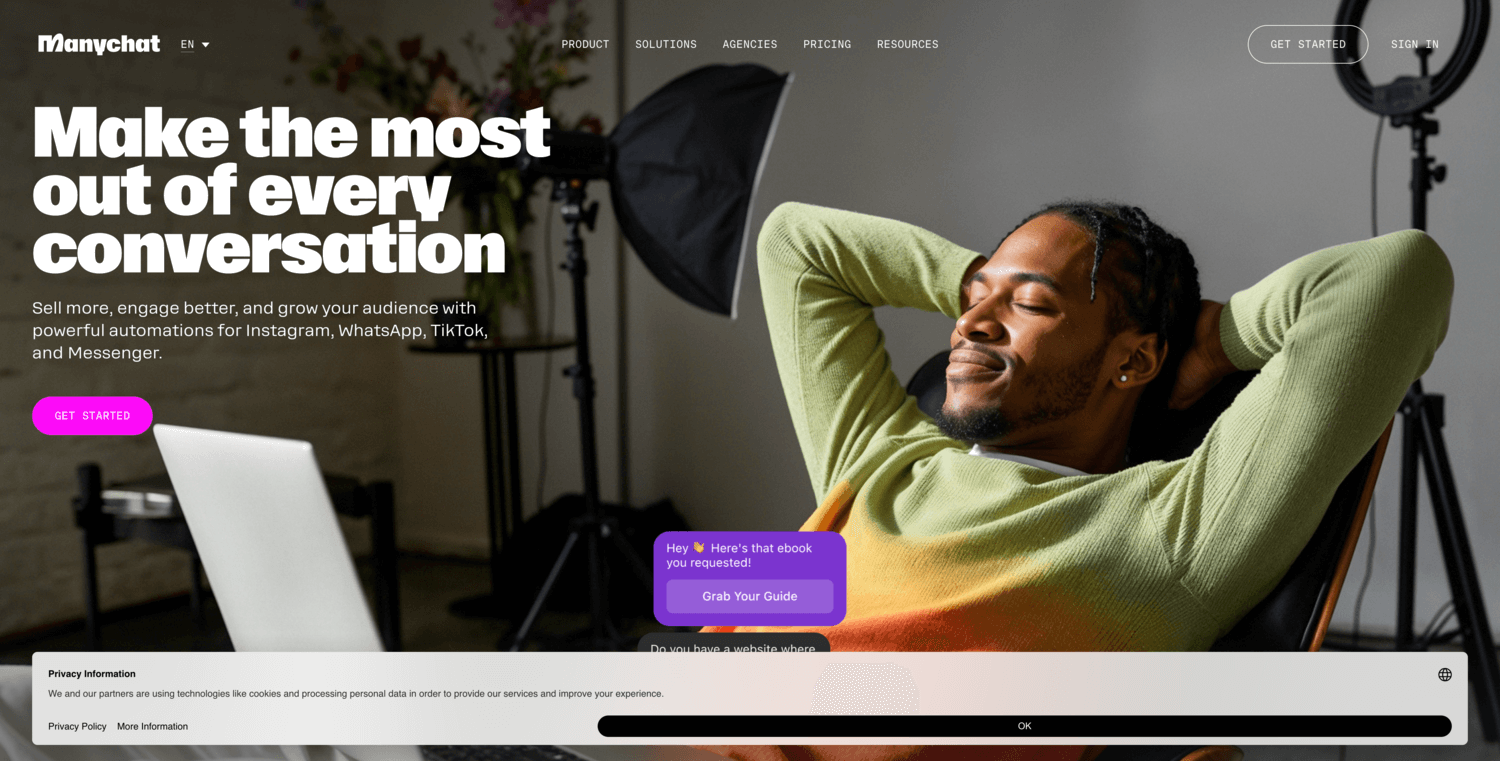
ManyChat grew with creators and small brands, then expanded to agencies and DTC teams. The company focuses on social messaging outcomes and fast iteration. Templates, visual flow tools, and growth entry points feel tuned for Instagram and Facebook. WhatsApp and SMS coverage round out the channels for commerce use cases.
Sell more through social DMs without drowning your team.
Best for: solo marketer; small DTC brand.
- Instagram and WhatsApp flows → auto-replies convert comments and DMs into carts.
- Native apps for Meta, Shopify, and email → trims 6–10 steps from promo campaigns.
- No‑code builder and templates → time‑to‑first‑value in under 60 minutes.
Pricing & limits: From $15/mo; free plan available. Pricing scales by contacts, channels, and seats. Trials and template libraries help teams validate quickly.
Honest drawbacks: Analytics are practical but not enterprise‑grade. Complex lead routing to external CRMs can need careful mapping.
Verdict: If you want revenue from social messaging, ManyChat turns comments and DMs into orders fast. It beats generic site chat at channel depth; it trails enterprise suites on governance.
Score: 4.3/5 and
2. Drift

Drift popularized “conversational marketing” for B2B pipelines. The team builds for revenue leaders, with tight focus on account targeting and qualification. Playbooks align to ABM motions and sales acceptance, not just generic FAQs. Leadership and community content skew toward operations and CRO goals.
Turn anonymous visitors into qualified meetings your reps actually want.
Best for: B2B demand teams; enterprise SDR managers.
- Account‑aware playbooks → verified routes push qualified buyers to calendar in minutes.
- CRM and marketing automation sync → removes 8–12 manual steps from lead handoffs.
- Guided implementation with success plans → time‑to‑first‑value in two to four weeks.
Pricing & limits: Custom pricing; enterprise focus. Expect plans tied to seats, traffic, and integrations. Trials and pilots are typically by request with defined success criteria.
Honest drawbacks: Public pricing is opaque. Niche CRMs can require middleware, which adds cost and complexity.
Verdict: If your goal is meetings from high‑intent traffic, Drift compresses lead capture and routing. It beats generic chat on ABM targeting; it trails nimble SMB tools on speed to test.
Score: 4.1/5 and
3. Kore.ai
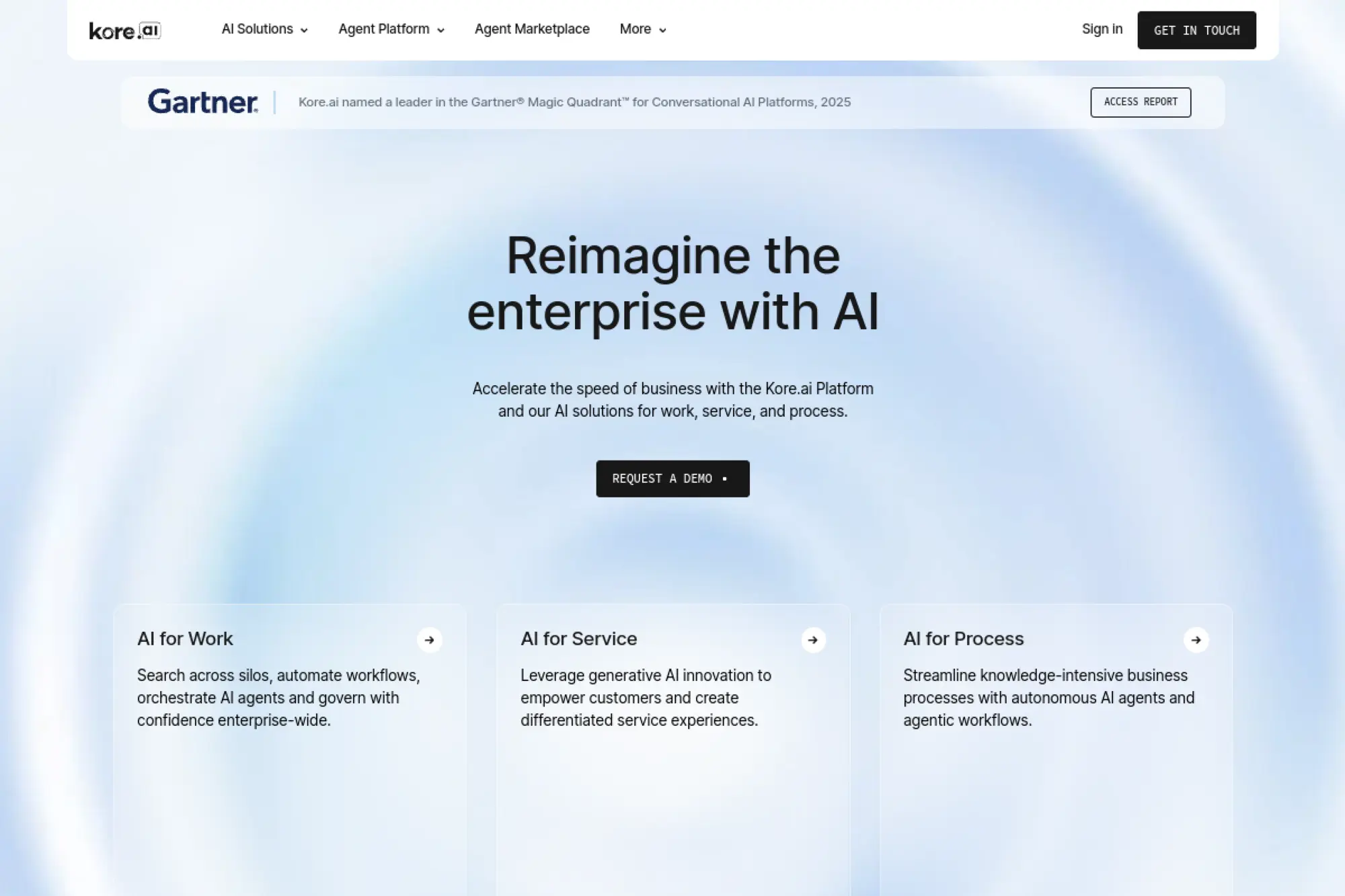
Kore.ai is an enterprise conversational AI platform with strong voice and text coverage. The company serves banks, healthcare, and large service organizations. Tooling spans design, analytics, and governance, with emphasis on NLU, guardrails, and compliance. Teams can standardize across use cases without juggling vendors.
Standardize complex service automation across chat and voice channels.
Best for: enterprise support leaders; regulated industries.
- Dialog and task automation → resolves multi‑step requests end‑to‑end with fewer escalations.
- Connectors for CRMs, ITSM, and telephony → strips 10–15 steps from cross‑system workflows.
- Blueprints and sandboxes → time‑to‑first‑value in three to six weeks.
Pricing & limits: Custom enterprise pricing. Developer access is available; production tiers scale by sessions, channels, and environments. Trials usually require scoping and security review.
Honest drawbacks: The platform is powerful yet dense. Smaller teams may find the learning curve and governance overhead heavy.
Verdict: If you need secure, multi‑channel automation with strong controls, Kore.ai fits. It beats light tools on reliability and policy; it trails SMB options on speed and simplicity.
Score: 4.2/5 and
4. HubSpot Chat

HubSpot Chat sits within the HubSpot CRM platform. The product connects marketing, sales, and service objects without glue code. HubSpot’s team optimizes for cross‑team handoffs and lifecycle context. Users benefit from shared data, consistent permissions, and reporting across hubs.
Work from one CRM, not five disconnected tools.
Best for: SMB go‑to‑market teams; HubSpot customers.
- Chatflows and inbox → capture leads and route to owners with property syncs.
- Native CRM, email, and meetings → removes 5–8 steps from scheduling and follow‑ups.
- Guided setup and templates → time‑to‑first‑value in under one afternoon.
Pricing & limits: From $0/mo inside the free CRM. Advanced automation requires paid Marketing or Service tiers. Limits scale by contacts, seats, and workflows.
Honest drawbacks: Deep customization outside HubSpot’s data model can feel constrained. Enterprise SSO and advanced roles may require higher tiers.
Verdict: If your CRM is HubSpot, start here. You reduce integration overhead and reach value quickly. It beats point bots on context; it trails enterprise AI suites on voice and complex orchestration.
Score: 4.0/5 and
5. Kommunicate
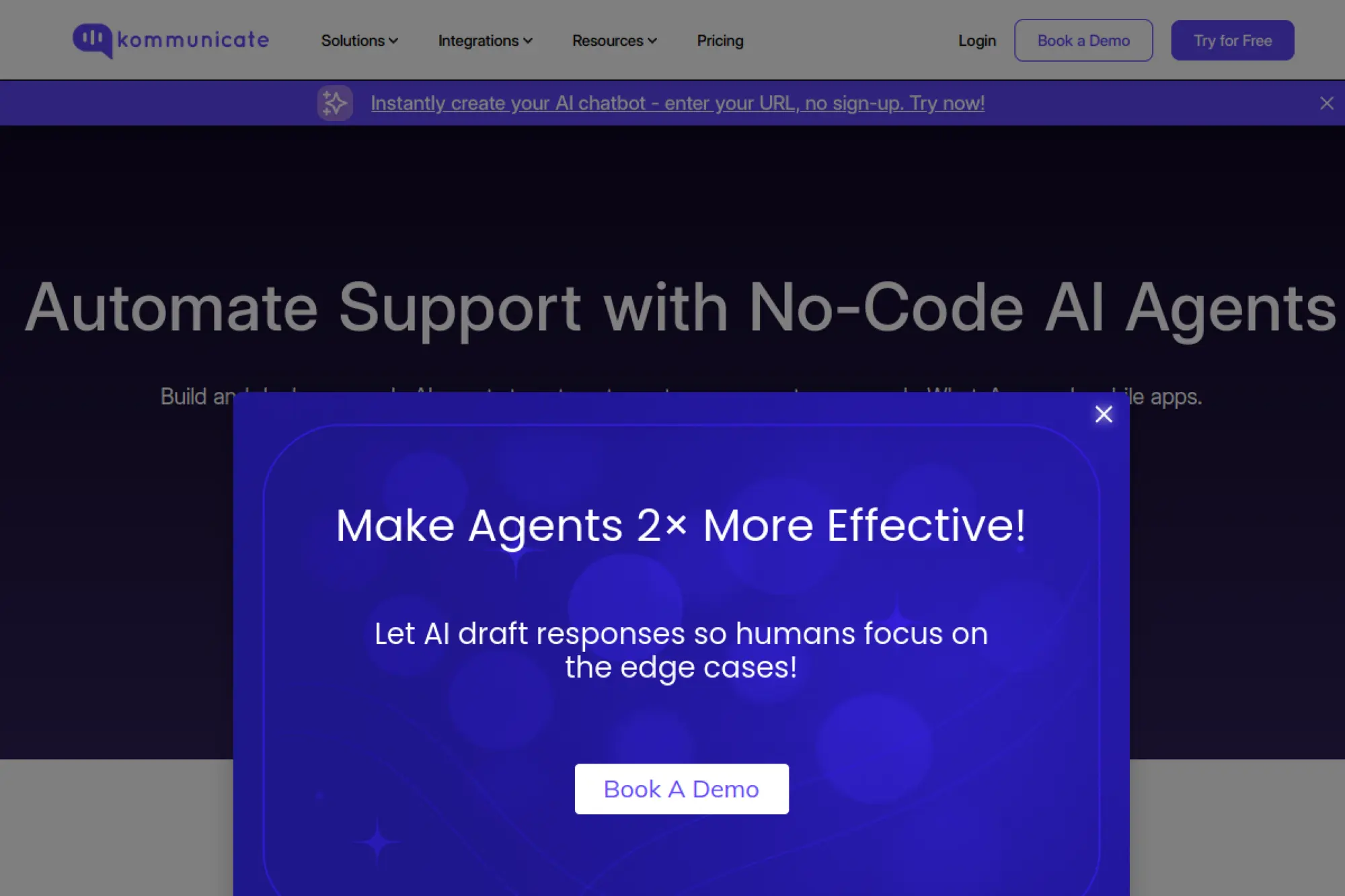
Kommunicate builds for support teams that need reliable deflection and smooth human handoffs. The company focuses on practical bots, live chat, and a clean operator experience. It pairs template skills with a builder that favors speed over complexity.
Lower ticket volume without losing the human touch.
Best for: SMB support teams; startups with lean staffing.
- Answer bots with handoff rules → faster resolutions while agents keep control.
- CRM, WhatsApp, and Helpdesk connectors → trims 6–9 steps from triage and tagging.
- No‑code flows and FAQs → time‑to‑first‑value in a single day.
Pricing & limits: From $0/mo with caps on users and conversations. Paid tiers expand seats, automation, and channel limits. Trials are available to validate fit.
Honest drawbacks: Advanced analytics and role controls are basic. Complex enterprise SSO and audit trails may require workarounds.
Verdict: If you need dependable deflection fast, Kommunicate delivers. It beats DIY chat on reliability; it trails enterprise vendors on compliance depth and multi‑language sophistication.
Score: 4.0/5 and
6. Tars
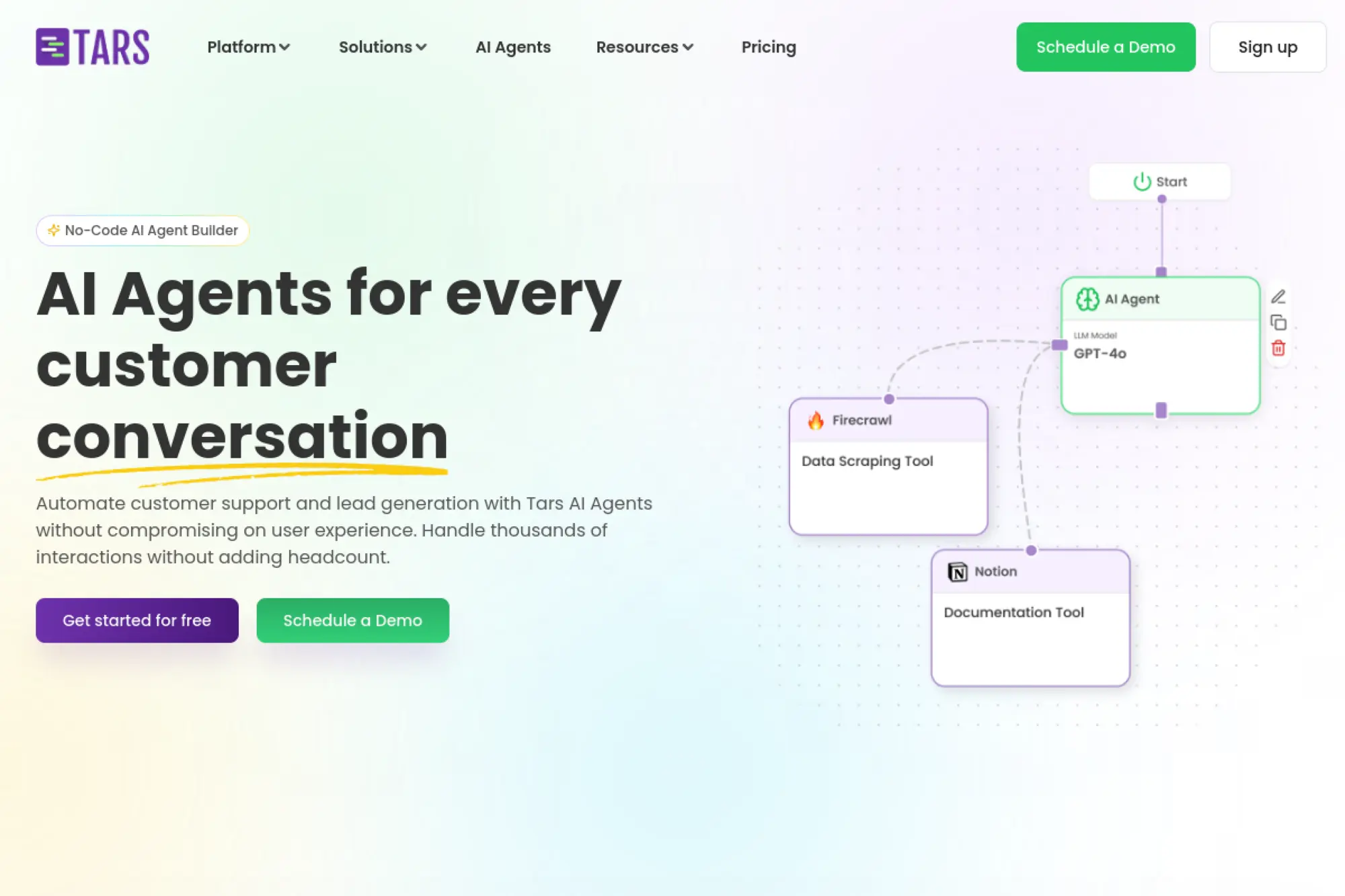
Tars targets marketing and service teams that want conversion‑focused chat on landing pages. The company is known for no‑code flows that replace long forms. Templates map to industries like banking, insurance, and hospitality. Reporting focuses on drop‑off and completion insights.
Swap long forms for fast, guided conversations that convert.
Best for: performance marketers; service SMBs.
- Branching flows and calculators → capture cleaner data and lift completions.
- CRM and ad platform hooks → removes 5–7 steps from lead pass and attribution.
- Template gallery and builder → time‑to‑first‑value in under two hours.
Pricing & limits: From $49/mo with limits on chat volume and workspaces. Trials let teams test templates and reporting before rollout.
Honest drawbacks: Complex backend workflows require external tools. Multi‑language and role management are present but not enterprise‑grade.
Verdict: If your goal is lead generation, Tars helps pages convert without dev time. It beats generic widgets on funnel focus; it trails enterprise suites on security controls.
Score: 4.1/5 and
7. LivePerson
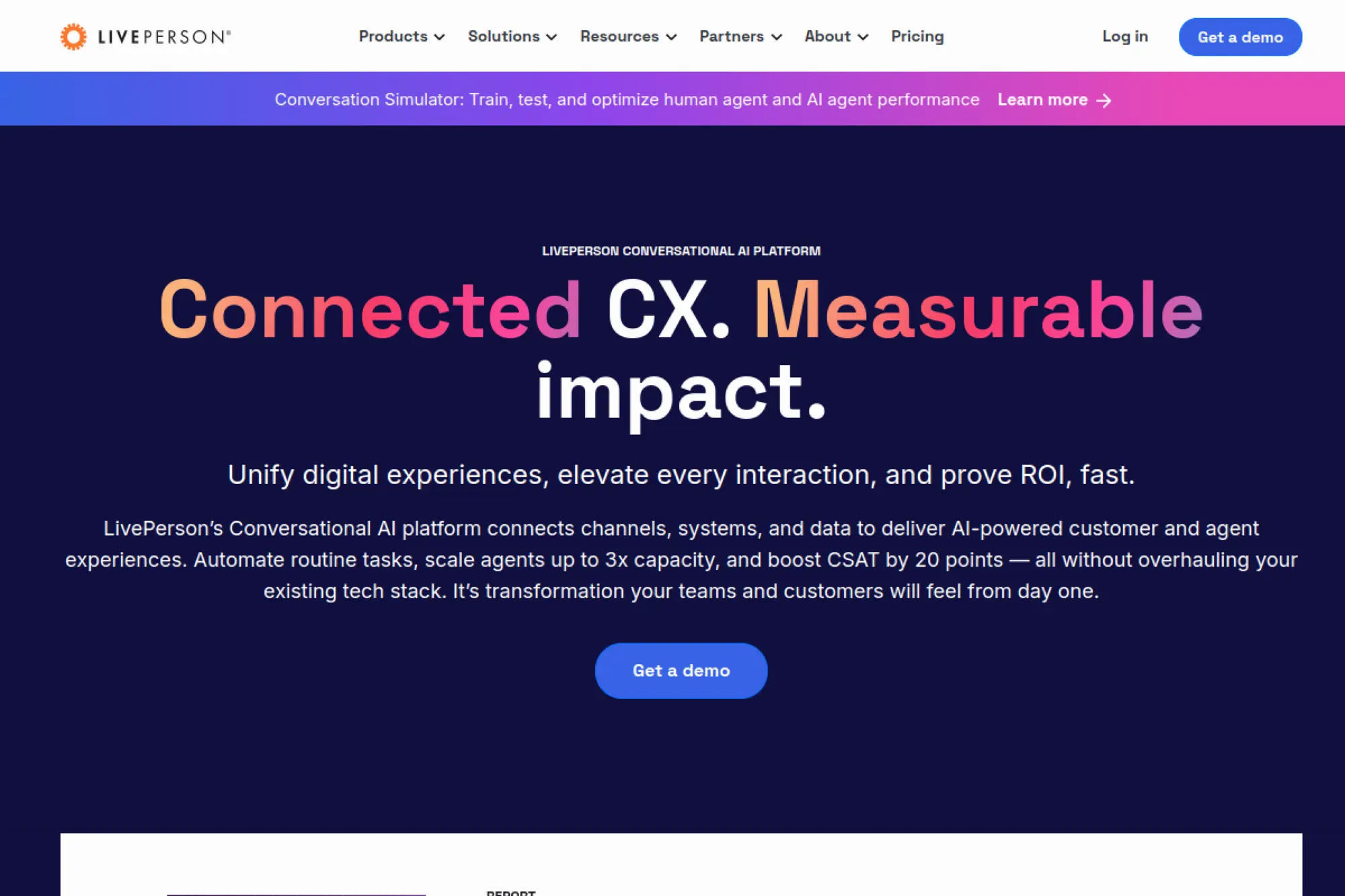
LivePerson serves large enterprises handling massive conversation volumes. The platform spans messaging, voice, bots, and agent tools. Its team leans into AI safety, analytics, and operational rigor. Brands centralize customer conversations across channels without stitching multiple vendors.
Run high‑scale, compliant conversations across channels customers already use.
Best for: enterprise CX leaders; regulated industries.
- Intent and bot orchestration → automates complex requests end‑to‑end with fewer transfers.
- Telecom, CRM, and workforce integrations → cuts 10–15 steps from routing and reporting.
- Proven deployment frameworks → time‑to‑first‑value in four to eight weeks.
Pricing & limits: Custom enterprise pricing. Contracts typically scale by volume, channels, and concurrency. Trials and proofs of concept are scoped engagements.
Honest drawbacks: Setup needs cross‑functional ownership. Costs can rise with heavy volumes and advanced analytics add‑ons.
Verdict: If reliability and scale matter most, LivePerson fits. It beats lightweight tools on orchestration and compliance; it trails SMB options on speed and price transparency.
Score: 4.0/5 and
8. Botsify

Botsify focuses on approachable automation for support and lead gen. The company aims at small teams that need quick wins. Templates, a visual builder, and channel coverage keep the learning curve modest. Agencies can manage multiple clients without heavy overhead.
Launch helpful bots fast, then grow templates as you learn.
Best for: agencies serving SMBs; solo operators.
- FAQ and form flows → fewer repetitive questions and cleaner lead capture.
- Facebook, WhatsApp, and website connectors → removes 4–6 steps from channel setup.
- Simple editor and previews → time‑to‑first‑value in one afternoon.
Pricing & limits: From $49/mo with caps on bots, users, and conversations. Trials allow building and testing before committing.
Honest drawbacks: Analytics and role permissions are basic. Complex backend updates often need middleware or scripts.
Verdict: If you want a straightforward starter, Botsify delivers value quickly. It beats DIY builders on stability; it trails enterprise contenders on governance and depth.
Score: 3.6/5 and
9. Chatfuel
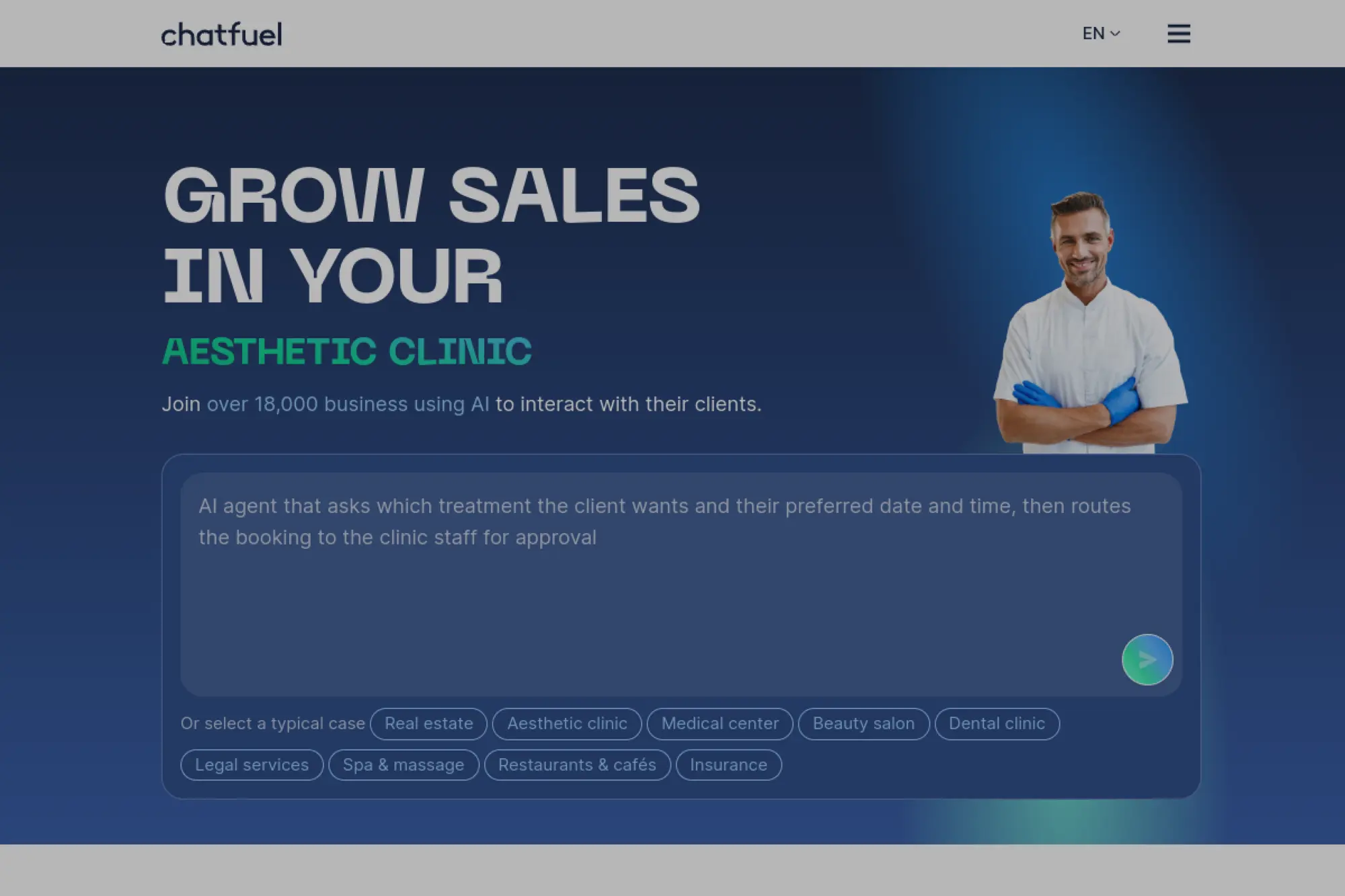
Chatfuel helped define Facebook Messenger automation, then expanded to WhatsApp and websites. The team keeps the product accessible for non‑developers, with templates for sales and support. Agencies and creators use it to run repeatable campaign mechanics.
Turn messaging channels into dependable sales and support lanes.
Best for: social commerce teams; creators with growing audiences.
- Campaign and FAQ flows → automates responses and drives opt‑ins without code.
- Meta and Shopify integrations → trims 6–9 steps from catalog and order follow‑ups.
- Template wizard and analytics → time‑to‑first‑value in under 90 minutes.
Pricing & limits: From $15/mo; free plan available. Limits scale by contacts, channels, and premium features. Trials help validate fit on a live page.
Honest drawbacks: Deep CRM mapping can require extra effort. Multi‑language content management is workable but not elegant.
Verdict: If you sell through Meta channels, Chatfuel is a practical choice. It beats generic site chat on social depth; it trails ABM tools on B2B routing.
Score: 4.0/5 and
10. Chatling
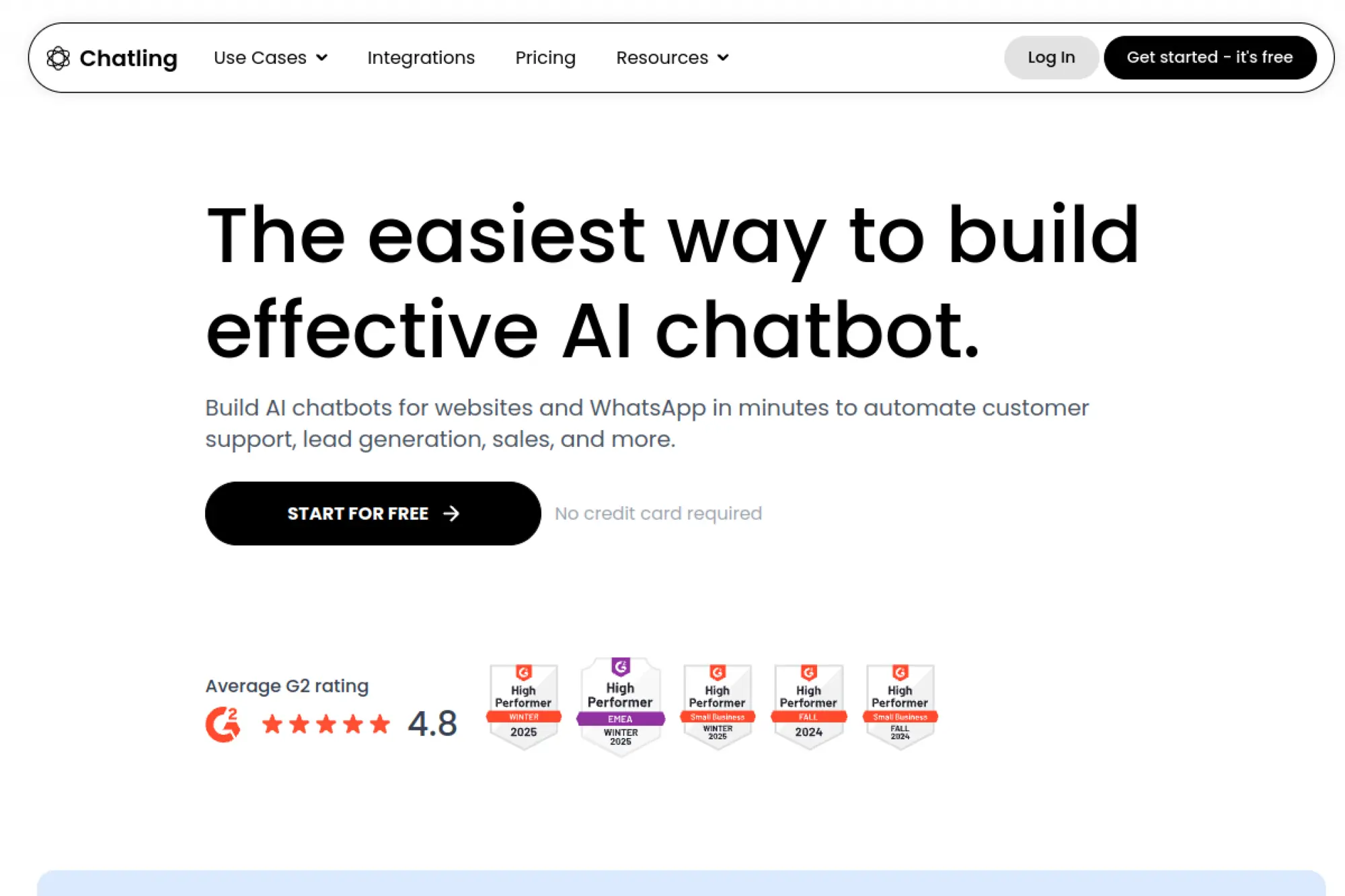
Chatling focuses on AI‑powered website chat trained on your content. The company serves startups and SaaS teams that want quick answers from docs and pages. Setup favors pasting a widget and indexing sources, with simple guardrails for tone and fallback.
Give visitors accurate, on‑brand answers from your actual content.
Best for: product‑led SaaS; documentation‑heavy startups.
- Content ingestion and retrieval → faster accurate replies without manual intents.
- Helpdesk and CRM hooks → removes 5–7 steps from ticket creation and logging.
- Copy‑paste widget and crawlers → time‑to‑first‑value in under an hour.
Pricing & limits: From $29/mo with caps on documents, chats, and sources. Trials let teams gauge answer quality and guardrail settings.
Honest drawbacks: Analytics are improving but basic. Complex workflows, such as multi‑system writebacks, need external automation.
Verdict: If you need a fast knowledge bot, Chatling gets you there. It beats old tree bots on accuracy; it trails enterprise platforms on orchestration and compliance breadth.
Score: 3.8/5 and
11. Kommo
Kommo, formerly amoCRM, blends lightweight CRM with messaging automation. The company caters to small sales teams, especially those selling through WhatsApp and Instagram. Pipelines, chat, and basic automation live together to reduce tool hopping.
Close deals inside the chats where your buyers live.
Best for: small sales teams; WhatsApp‑first sellers.
- Lead capture and stage automations → moves deals forward without manual nudges.
- WhatsApp, Instagram, and email → removes 5–8 steps from multichannel follow‑up.
- Guided setup and templates → time‑to‑first‑value in a single day.
Pricing & limits: From $15/user/mo, billed by seats and features. Trials are available. Limits vary by pipelines, integrations, and API access.
Honest drawbacks: Reporting is serviceable but not deep. Complex quote generation and approvals may need external tools.
Verdict: If you sell via messaging, Kommo covers the basics in one app. It beats spreadsheets on control; it trails heavyweight CRMs on analytics and governance.
Score: 3.9/5 and
12. ChatBot

ChatBot comes from the LiveChat ecosystem, which also includes HelpDesk and KnowledgeBase. The product targets practical automation for support and sales. The builder is approachable, while integrations and handoffs work cleanly with sibling tools.
Automate common questions and route the rest without drama.
Best for: SMB support teams; LiveChat users.
- Stories and decision trees → consistent answers with clear handoffs to agents.
- LiveChat, HelpDesk, and CRM hooks → removes 5–7 steps from ticketing and updates.
- Templates and testing → time‑to‑first‑value in one afternoon.
Pricing & limits: From $59/mo with caps on interactions and brands. Trials let teams build and measure before purchase. Bundles with LiveChat reduce integration effort.
Honest drawbacks: Complex backend logic can get verbose. AI‑assisted answers require careful content curation to avoid drift.
Verdict: If you want dependable automation linked to agent tools, ChatBot fits. It beats DIY flows on stability; it trails enterprise suites on voice and policy depth.
Score: 4.0/5 and
13. Workativ Assistant Chatbot

Workativ builds for IT and HR service automation. The team focuses on catalog‑driven workflows, with connectors to common SaaS systems. Employees can self‑serve requests like password resets, access, and routine HR questions.
Reduce ticket queues by automating routine employee requests.
Best for: IT service desks; HR operations.
- Workflow catalog and approvals → closes repeat tasks without agent work.
- Okta, ServiceNow, Slack, and email → removes 8–12 steps from fulfillment chains.
- Guided rollout playbooks → time‑to‑first‑value in two weeks.
Pricing & limits: From $0/mo for a limited tier; paid plans add workflows, users, and channels. Trials and sandboxes support validation with sample catalogs.
Honest drawbacks: Non‑IT workflows need extra modeling. Deep custom fields and complex SLAs may hit platform limits.
Verdict: If your backlog is repeatable tickets, Workativ cuts noise and cycle time. It beats general chat on fulfillment; it trails enterprise suites on broad analytics.
Score: 3.9/5 and
14. DevRev Computer for Support Teams

DevRev links support conversations to product work. The team builds for product‑led companies that need tight loops between users, support, and engineering. AI helps summarize, route, and suggest fixes tied to issues and features.
Turn support into a product improvement engine.
Best for: product‑led support teams; SaaS scaleups.
- Conversation summaries to product items → faster fixes and clearer prioritization.
- CRM, Git, and helpdesk connectors → removes 6–9 steps from bug routing.
- Opinionated setup with seeds → time‑to‑first‑value in one to two weeks.
Pricing & limits: From $0/mo for core features; paid tiers expand automation, seats, and environments. Trials help teams test AI routing and summaries.
Honest drawbacks: Mature ITSM features are evolving. Complex enterprise workflows may still require bridging tools.
Verdict: If you want support insights to shape the roadmap, DevRev helps. It beats standalone bots on product linkage; it trails legacy ITSM on deep process controls.
Score: 3.9/5 and
15. Jotform AI Chatbot Builder
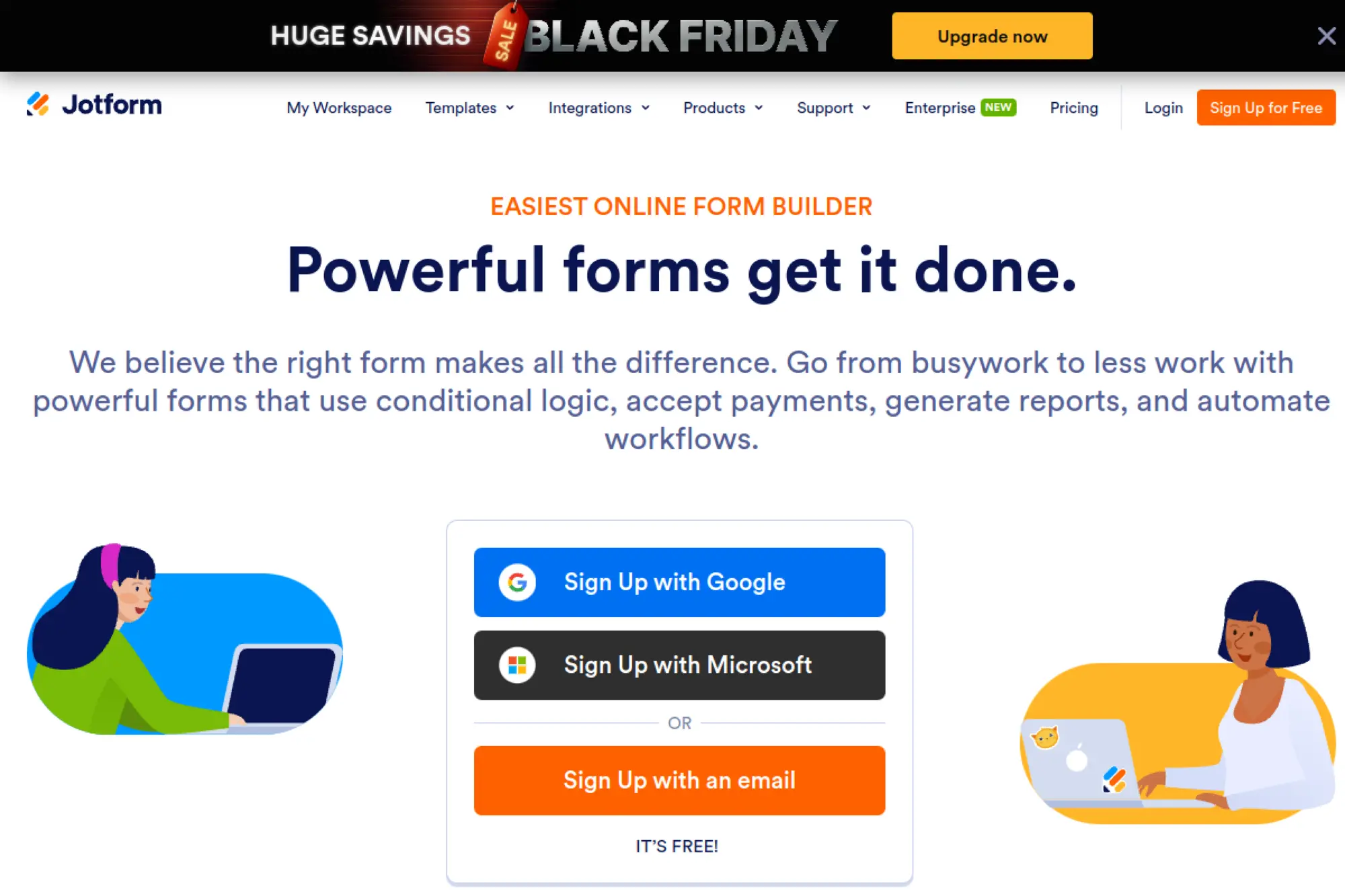
Jotform extends its form platform with AI chat that collects structured data. The company serves organizations that already live in forms and approvals. Builders use existing form logic while the chat front end guides respondents.
Collect cleaner data by chatting through your forms.
Best for: operations teams; event and intake managers.
- Form logic and validations → fewer incomplete submissions and cleaner records.
- CRM, Sheets, and email actions → removes 4–6 steps from handoffs and notifications.
- Templates and embed options → time‑to‑first‑value in under an hour.
Pricing & limits: From $0/mo; paid plans raise submission, storage, and user limits. Trials and free tiers support quick pilots on real forms.
Honest drawbacks: Chat experiences can feel form‑like. Complex, multi‑system workflows usually need external automation.
Verdict: If your process is already a form, Jotform’s chat front end streamlines it. It beats generic bots on validation; it trails enterprise suites on orchestration.
Score: 3.7/5 and
16. Superinterface

Superinterface focuses on AI chat connected to your docs and site. The company aims at teams that want fast setup and control over tone. The builder balances retrieval settings, canned answers, and fallback paths.
Answer visitor questions from your content with guardrails.
Best for: SaaS documentation teams; lean support squads.
- Content ingestion and answer tuning → reduces repetitive tickets and improves accuracy.
- Zapier and helpdesk integrations → removes 5–7 steps from escalations and updates.
- Lightweight embed and wizard → time‑to‑first‑value in under 60 minutes.
Pricing & limits: From $0/mo on a starter tier; paid plans add sources, chats, and seats. Trials support testing on live docs without code.
Honest drawbacks: Analytics depth is modest. Workflows that write to multiple systems require external automation.
Verdict: If you need a quick knowledge assistant, Superinterface fits. It beats rule trees on relevance; it trails enterprise platforms on controls and reporting.
Score: 3.6/5 and
17. My AskAI
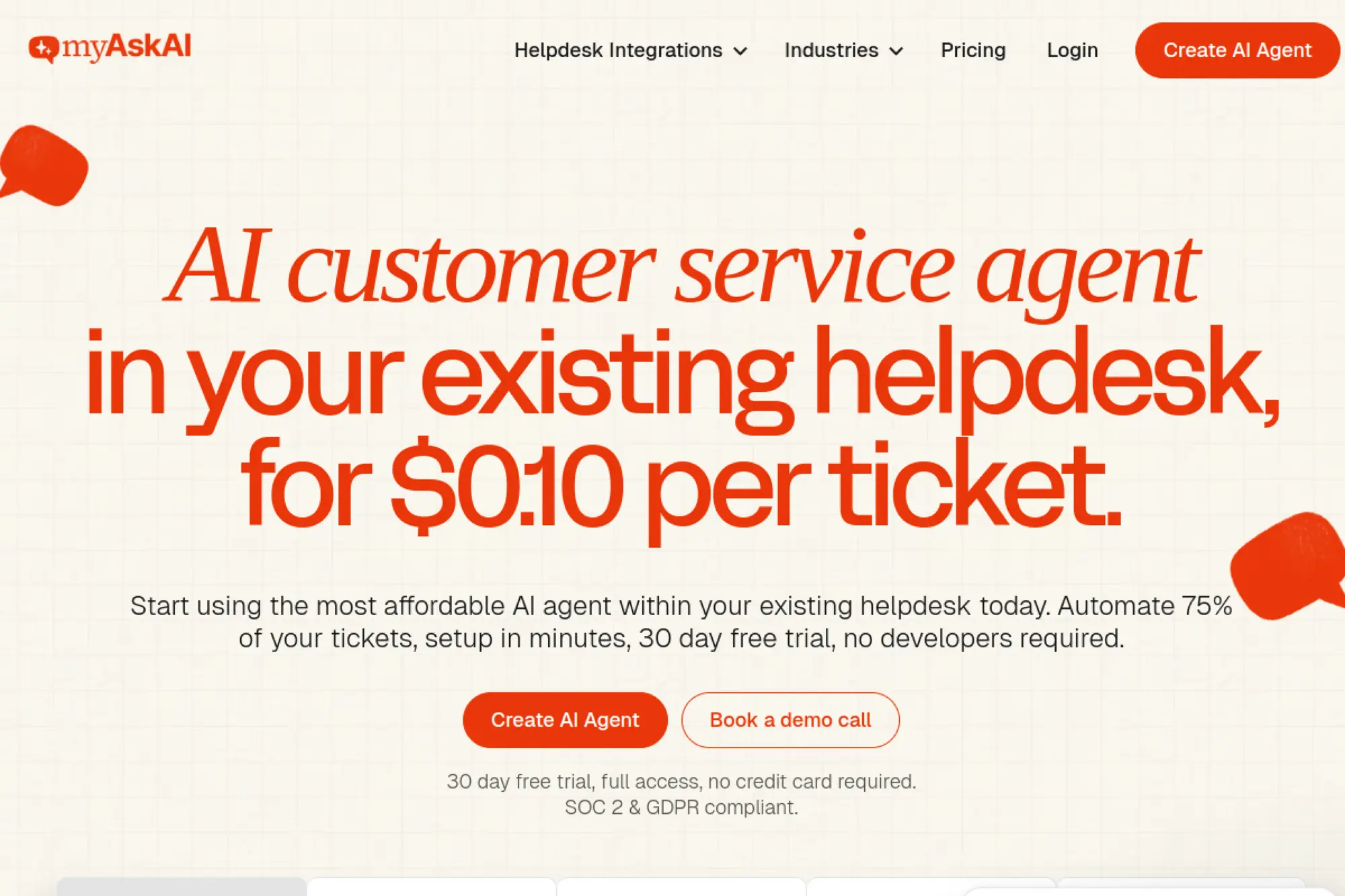
My AskAI builds AI assistants from your content. The team targets creators, support teams, and internal ops that want reliable answers without intent modeling. Setup focuses on uploading files, adding links, and setting tone and guardrails.
Ship an accurate, on‑brand assistant without heavy training.
Best for: small support teams; content‑rich creators.
- Document ingestion and citations → faster answers and higher trust with sources.
- Helpdesk and site embeds → removes 4–6 steps from responding and logging.
- Wizard‑based setup → time‑to‑first‑value in under 45 minutes.
Pricing & limits: From $0/mo; paid tiers expand documents, chats, and team seats. Trials let you benchmark answer quality before rollout.
Honest drawbacks: Complex transactional workflows are outside scope. Multi‑language nuance depends on content coverage.
Verdict: If your FAQs live in docs, My AskAI gets them working for you. It beats rigid trees on accuracy; it trails enterprise suites on governance and analytics.
Score: 3.7/5 and
18. Supportiko
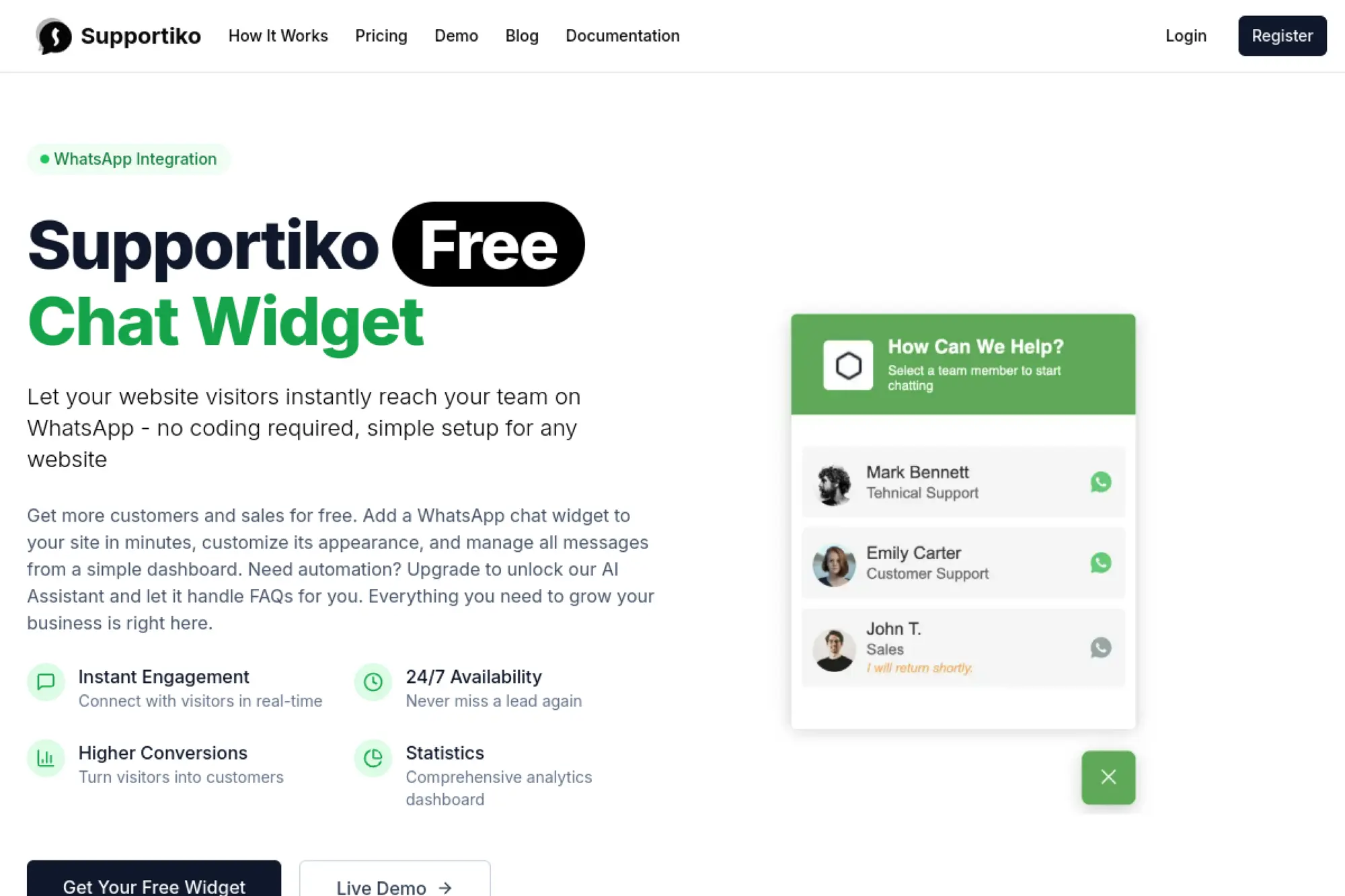
Supportiko targets small support teams that want deflection and simple routing. The product leans into knowledge‑based answers and quick handoffs. Setup guides keep the experience accessible for non‑technical users.
Deflect common questions and route the rest cleanly.
Best for: startup support; lightweight service desks.
- FAQ automation and forms → fewer repetitive tickets and faster triage.
- Helpdesk and email hooks → removes 4–5 steps from escalation and updates.
- Simple builder and templates → time‑to‑first‑value in one afternoon.
Pricing & limits: From $0/mo for a starter tier; paid plans raise chat limits and add seats. Trials help validate answer quality on live content.
Honest drawbacks: Reporting is basic. Advanced SSO and audit logs may be limited or require higher tiers.
Verdict: If you need quick deflection without overhead, Supportiko is practical. It beats DIY chat on reliability; it trails enterprise options on control and breadth.
Score: 3.4/5 and
19. Chattermate
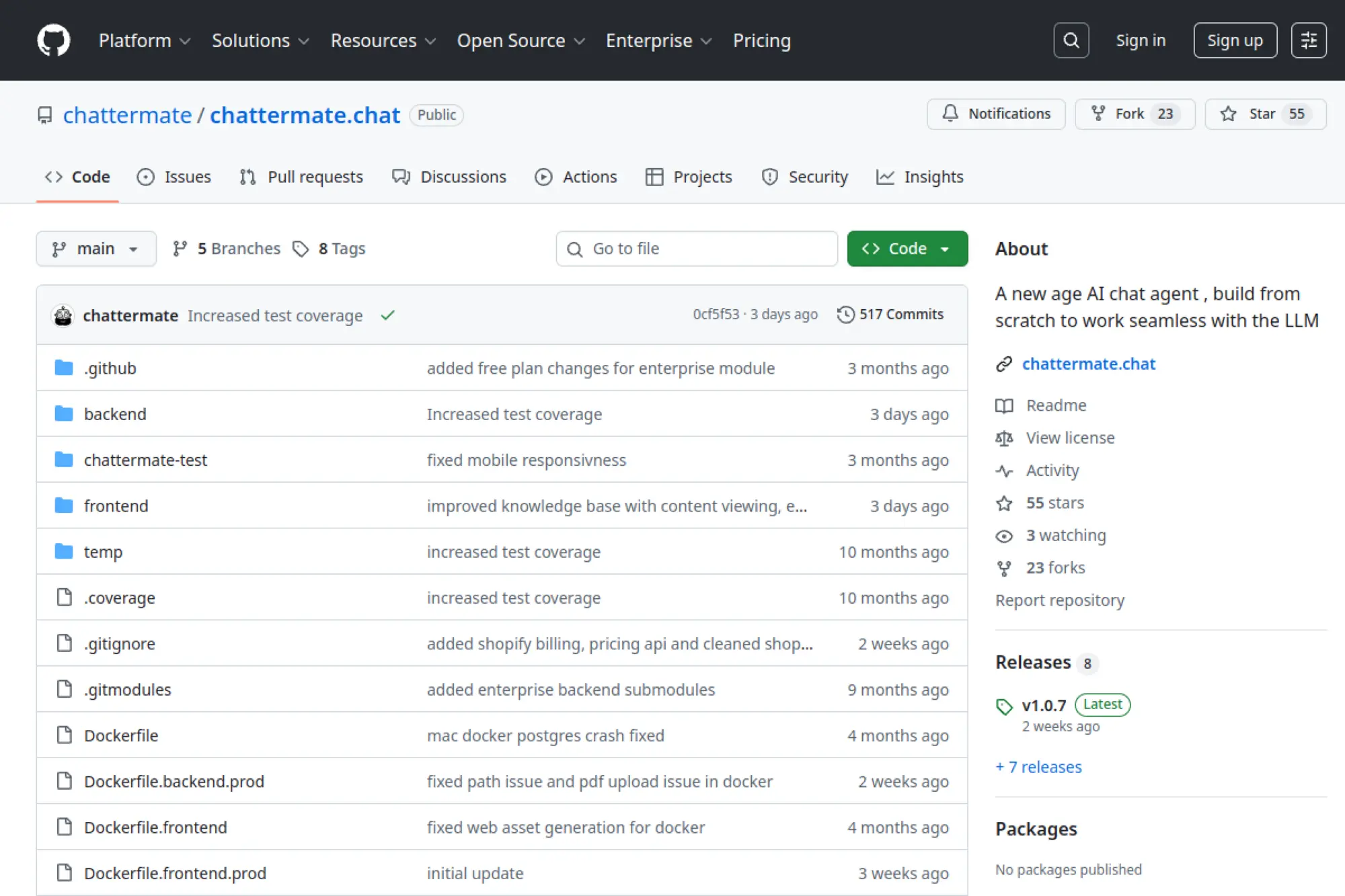
Chattermate is an open‑source chatbot project. The community builds for developers who want control and on‑prem options. You can self‑host, extend connectors, and adapt the UI to your stack.
Own your chatbot stack and deploy it your way.
Best for: developers; privacy‑sensitive teams.
- Source code access and plugins → tailor features to exact needs and policies.
- Webhooks and APIs → removes 6–10 steps from custom integrations.
- Docker deploys and docs → time‑to‑first‑value in a day for a typical stack.
Pricing & limits: From $0/mo for self‑hosting. Managed hosting, if used, is priced by instance and usage. Community support augments internal expertise.
Honest drawbacks: You own updates and uptime. Non‑technical teams may struggle without vendor support and SLAs.
Verdict: If control and extensibility matter, Chattermate offers freedom. It beats black‑box tools on flexibility; it trails hosted platforms on convenience and support.
Score: 3.5/5 and
20. LiveChat
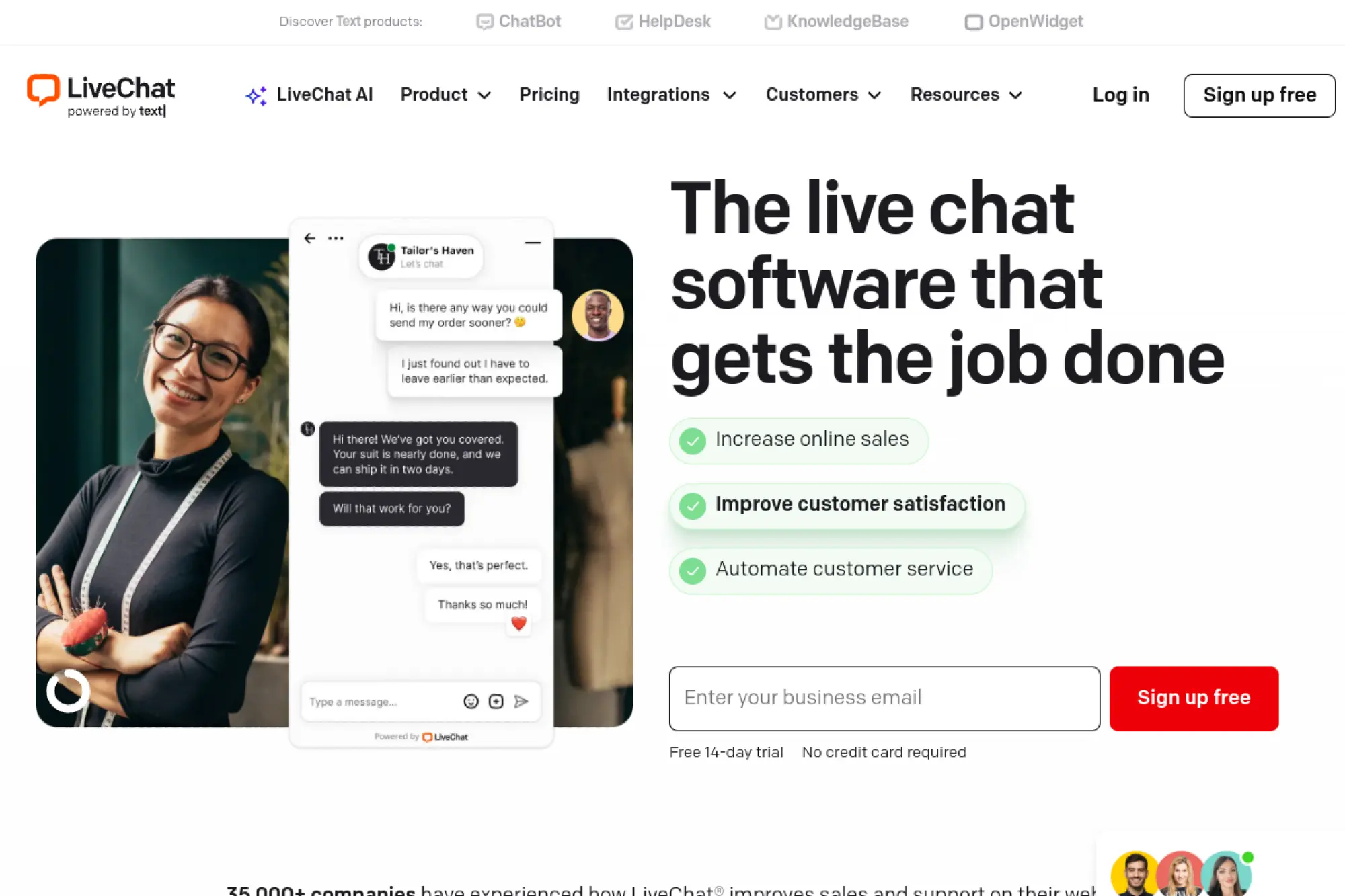
LiveChat is a mature live chat platform with automation add‑ons. The company offers a stable agent experience, strong widget performance, and sibling products for bots and helpdesk. Many teams use it as the agent hub while bots handle first contact.
Meet visitors fast, then route to the right human or flow.
Best for: support leaders; sales assist teams.
- Queues, routing, and canned actions → consistent service and faster resolutions.
- ChatBot, HelpDesk, and CRM → removes 5–8 steps from escalations and logging.
- Clean operator UI and apps → time‑to‑first‑value in one afternoon.
Pricing & limits: From $20/agent/mo with tiers by seats and features. Trials allow testing routing, apps, and performance under real traffic.
Honest drawbacks: Deep custom analytics are limited. Some advanced roles and SSO options sit behind higher plans.
Verdict: If you need a dependable live chat core, start here. It beats lightweight widgets on stability; it trails enterprise suites on governance breadth.
Score: 3.9/5 and
21. HelpDesk
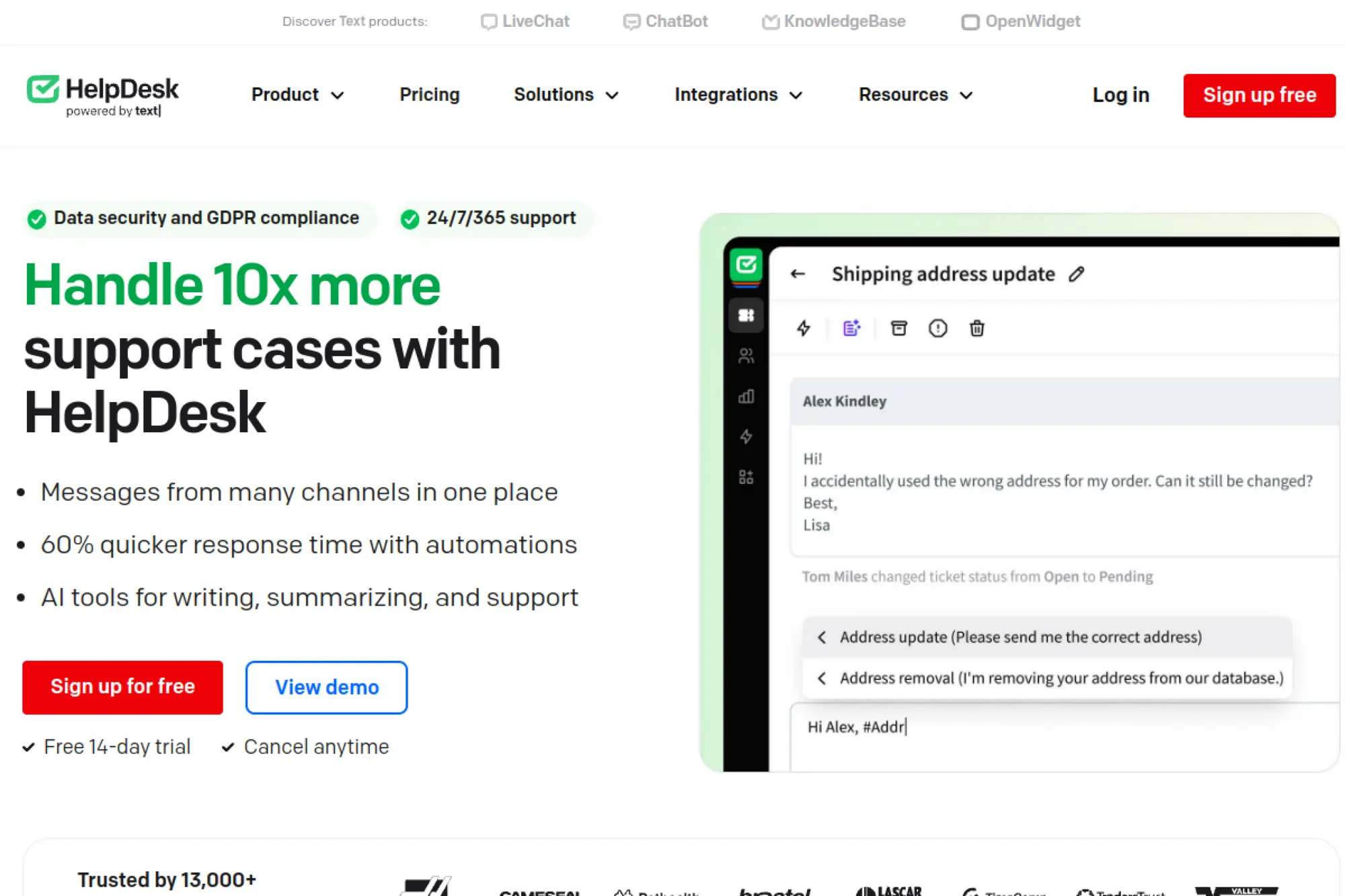
HelpDesk is a simple, dependable ticketing tool from the LiveChat group. The product targets teams moving off shared inboxes. Automation rules and collaboration features keep work organized without heavy process design.
Replace messy inboxes with a tidy, automated helpdesk.
Best for: SMB support teams; internal service desks.
- Rules, tags, and templates → consistent responses and faster resolutions.
- LiveChat, ChatBot, and email sync → removes 5–7 steps from triage and follow‑ups.
- Clean setup and roles → time‑to‑first‑value in one day.
Pricing & limits: From $25/agent/mo with caps by seats and features. Trials let teams validate automations and reporting quickly.
Honest drawbacks: Knowledge management requires a separate tool. Complex SLA and change workflows are basic.
Verdict: If you want order and automation without bloat, HelpDesk fits. It beats shared inbox chaos; it trails heavyweight ITSM on process depth.
Score: 3.6/5 and
22. KnowledgeBase
KnowledgeBase provides lightweight docs for public and internal content. The team builds for support and success leaders who want fast publishing and clean search. Paired with chat, it powers accurate deflection and agent suggested answers.
Publish answers once and reduce repeat questions everywhere.
Best for: SMB support; success teams.
- Collections and templates → consistent articles that agents and bots reuse.
- LiveChat and ChatBot links → removes 4–6 steps from answer sharing.
- Fast editor and roles → time‑to‑first‑value in under a day.
Pricing & limits: From $9/user/mo, with limits on contributors and sites. Trials help teams test authoring, search, and embedding.
Honest drawbacks: Advanced taxonomy and analytics are light. Workflow approvals are minimal compared to enterprise knowledge tools.
Verdict: If you want quick, clean documentation, KnowledgeBase delivers. It beats document sprawl on clarity; it trails enterprise KM on governance.
Score: 3.6/5 and
23. OpenWidget
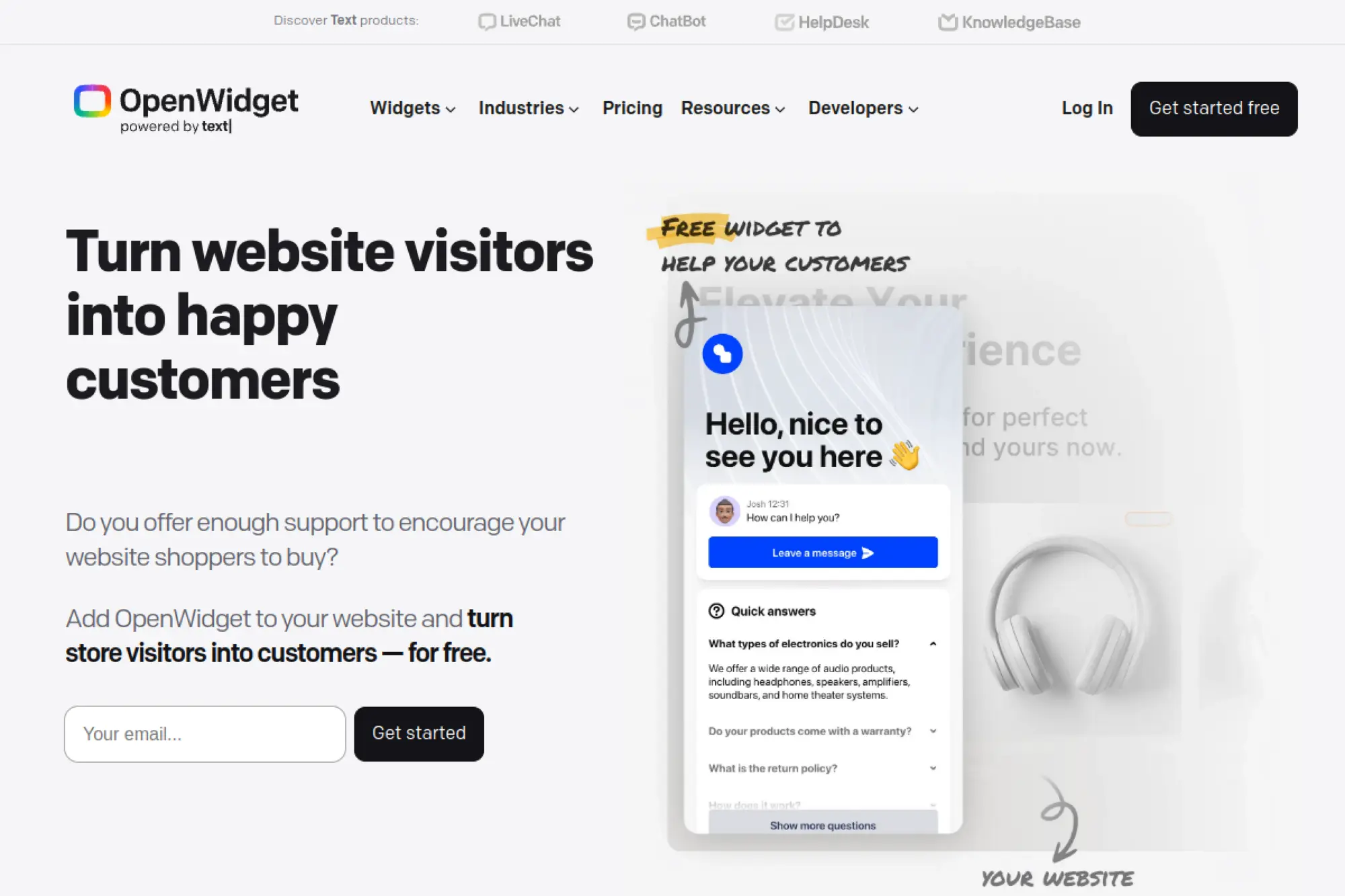
OpenWidget offers a lightweight website widget with contact, FAQs, and cards. The team optimizes for fast setups and small sites. It pairs well with LiveChat tools or stands alone for simple needs.
Add a friendly front door to your website in minutes.
Best for: very small businesses; portfolio sites.
- Cards, forms, and FAQ blocks → quick answers without a full chat stack.
- Integrations with LiveChat group tools → removes 3–5 steps from escalation.
- Simple configuration → time‑to‑first‑value in under 30 minutes.
Pricing & limits: From $0/mo with basic limits on modules and customization. Upgrades, if needed, expand branding and integrations.
Honest drawbacks: Not built for complex automation. Reporting and roles are minimal.
Verdict: If you need a light widget, OpenWidget is tidy and fast. It beats DIY scripts on polish; it trails full chat platforms on automation depth.
Score: 3.5/5 and
24. Shopify

Shopify provides a commerce platform with chat integrations and native chat options. The ecosystem includes apps for automation, support, and marketing. Teams benefit from unified product, order, and customer data.
Turn chat into a direct path from question to purchase.
Best for: ecommerce operators; DTC brands.
- Shop app and chat hooks → answers drive carts, orders, and post‑purchase support.
- Apps for helpdesk and messaging → removes 6–9 steps from returns and updates.
- Fast theme and app setup → time‑to‑first‑value in a day.
Pricing & limits: From $39/mo for core commerce. Chat capabilities expand via apps, which may add per‑seat or usage fees. Trials vary by promotion.
Honest drawbacks: Fragmentation across apps can create overlapping costs. Deep custom messaging requires development effort.
Verdict: If your store runs on Shopify, lean on its chat ecosystem. It beats generic bots on order context; it trails enterprise suites on centralized governance.
Score: 3.7/5 and
25. Slack
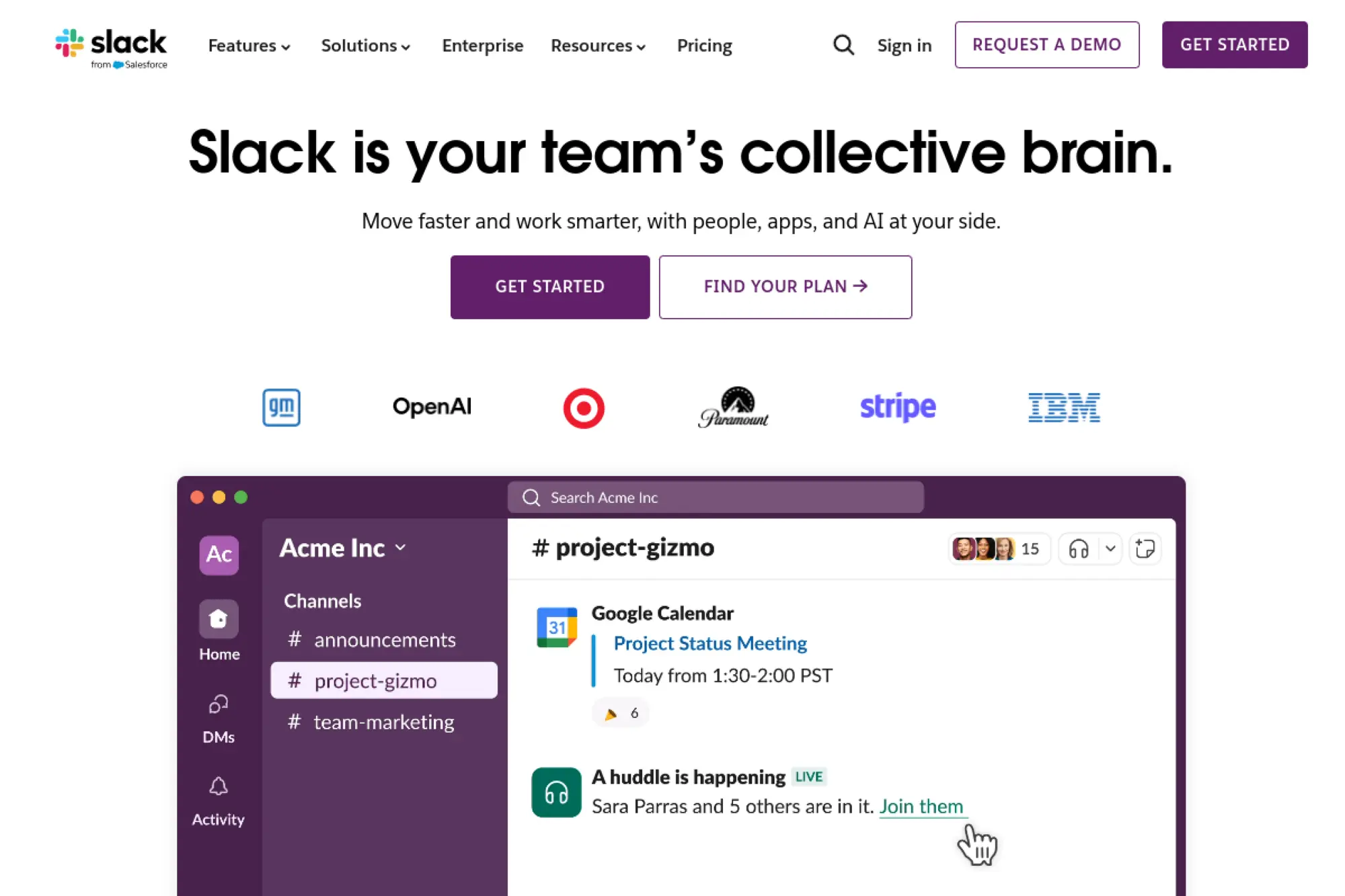
Slack is the connective tissue for many teams. Bots and workflows bring customer conversations into channels, while agents and experts collaborate in real time. The platform’s app directory and workflow builder speed internal automations.
Bring the right people to the issue, fast.
Best for: support operations; cross‑functional response teams.
- App‑driven incident and ticket flows → faster resolutions with fewer status meetings.
- CRM, helpdesk, and alerting apps → removes 6–10 steps from escalation and approvals.
- Workflow Builder and forms → time‑to‑first‑value in one afternoon.
Pricing & limits: From $0/mo for basic collaboration; paid tiers add history, roles, and compliance. Bot usage may depend on app and workspace limits.
Honest drawbacks: External collaboration can be noisy. Deep compliance requires higher tiers and careful governance.
Verdict: If speed of coordination matters, Slack amplifies your bot’s impact. It beats email on velocity; it trails dedicated helpdesks on structured reporting.
Score: 3.8/5 and
26. WordPress

WordPress powers websites for businesses of all sizes. Chatbots and live chat connect through plugins and embeds. The plugin ecosystem offers many options, from simple widgets to AI‑powered assistants.
Add automation to the site you already control.
Best for: content‑led teams; agencies shipping sites.
- Plugins for chat and forms → capture leads and deflect FAQs without coding.
- CRM and email integrations → removes 4–6 steps from follow‑ups and tagging.
- Theme and block embeds → time‑to‑first‑value in under an hour.
Pricing & limits: From $0/mo for self‑hosted; hosted plans add features and support. Plugin costs vary by vendor and usage limits.
Honest drawbacks: Quality varies across plugins. Performance and security need attention as you add extensions.
Verdict: If your site runs on WordPress, chatbot options are abundant. It beats custom builds on speed; it trails unified suites on centralized governance.
Score: 3.6/5 and
27. Freshdesk
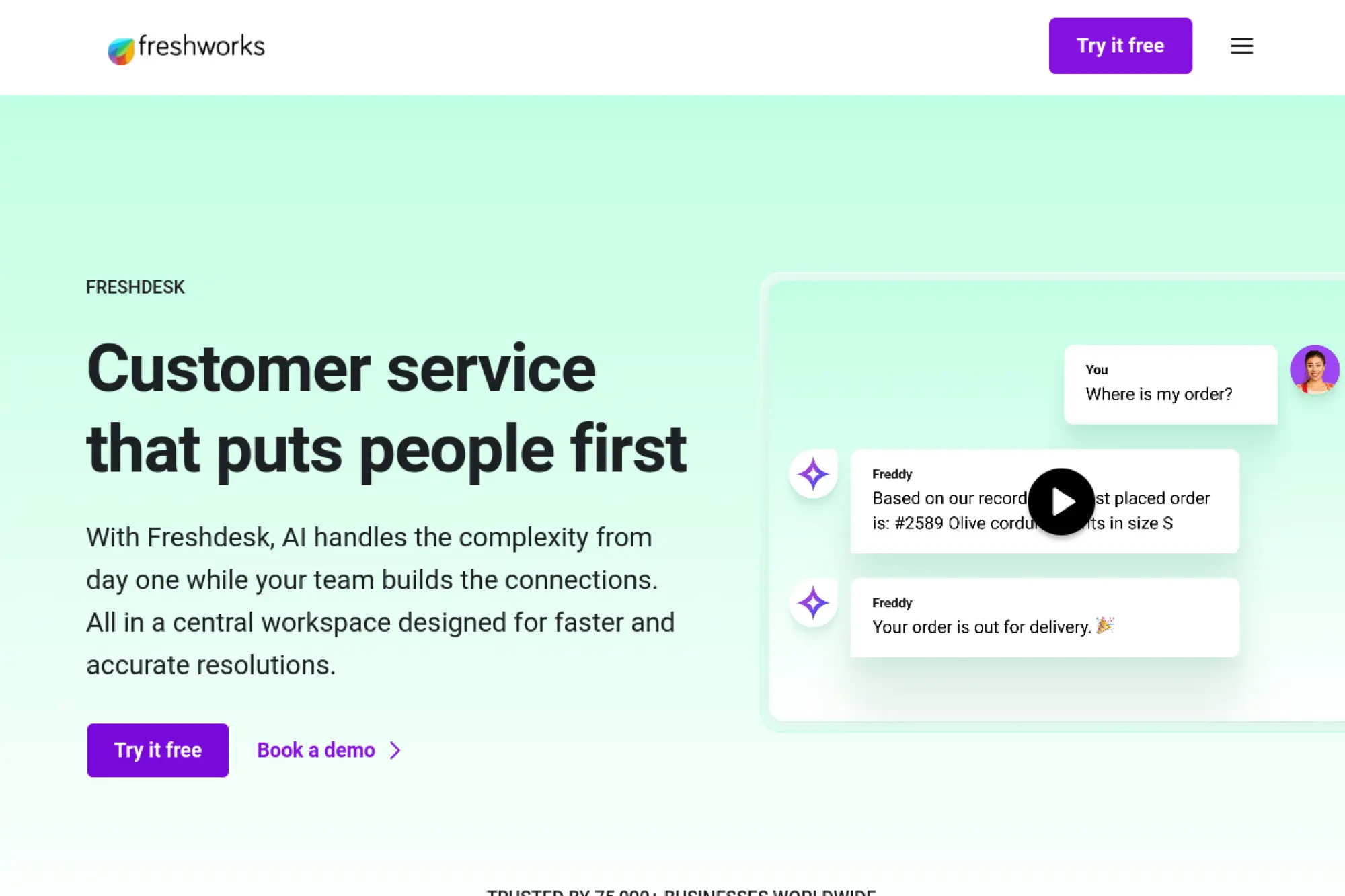
Freshdesk is a helpdesk with automation, knowledge, and messaging built in. The company serves SMBs and mid‑market teams that want clear pricing and a predictable feature path. Bots, workflows, and channels sit alongside tickets and SLAs.
Deflect, resolve, and report from one tidy platform.
Best for: SMB support leaders; cost‑conscious teams.
- Bots and automations → fewer repetitive tickets and faster resolutions.
- Marketplace apps and telephony → removes 6–9 steps from routing and updates.
- Guided onboarding → time‑to‑first‑value in one to two days.
Pricing & limits: From $0/mo for basic tiers; paid plans add automations, roles, and channels. Limits scale by agents, contacts, and bots.
Honest drawbacks: Advanced analytics and deep custom objects are limited. Very complex workflows can need app marketplace add‑ons.
Verdict: If you want dependable support automation at fair cost, Freshdesk fits. It beats piecemeal stacks on integration; it trails top enterprise suites on policy control.
Score: 3.9/5 and
28. Zendesk

Zendesk is a leading service platform with messaging, bots, knowledge, and telephony. The company serves businesses from startup to enterprise. Strengths include reliability, marketplace quality, and a mature admin model.
Scale service without sacrificing control or speed.
Best for: growing support orgs; enterprises standardizing on one platform.
- Unified agent workspace and bots → smooth deflection and handoffs across channels.
- CRM, apps, and Sunshine objects → removes 8–12 steps from complex workflows.
- Proven onboarding paths → time‑to‑first‑value in two to four weeks.
Pricing & limits: From $25/agent/mo; tiers add roles, AI, and channels. Limits scale by agents, brands, and automation volume. Trials help teams test fit before rollout.
Honest drawbacks: Costs rise with add‑ons. Deep customization may require developer time or marketplace purchases.
Verdict: If you need a stable, extensible service core, Zendesk delivers. It beats smaller tools on breadth and ecosystem; it trails niche ITSM on specialized process depth.
Score: 4.1/5 and
29. Squarespace

Squarespace offers elegant sites with an app ecosystem for chat and forms. Small businesses can embed chat widgets and connect messaging apps easily. The focus remains on design and simplicity.
Add polished chat to a beautiful site without hassle.
Best for: solo founders; local businesses.
- Embeds and extensions → quick answers and lead capture without coding.
- Integrations for email and CRM → removes 3–5 steps from follow‑ups.
- Template‑friendly setup → time‑to‑first‑value in under an hour.
Pricing & limits: From $16/mo for core site plans. Chat and automation features rely on extensions that may add usage or seat costs.
Honest drawbacks: Deep automation requires third‑party apps. Complex routing and analytics are limited.
Verdict: If design matters and needs are simple, Squarespace works. It beats DIY embeds on polish; it trails dedicated platforms on automation depth.
Score: 3.5/5 and
30. Facebook Messenger
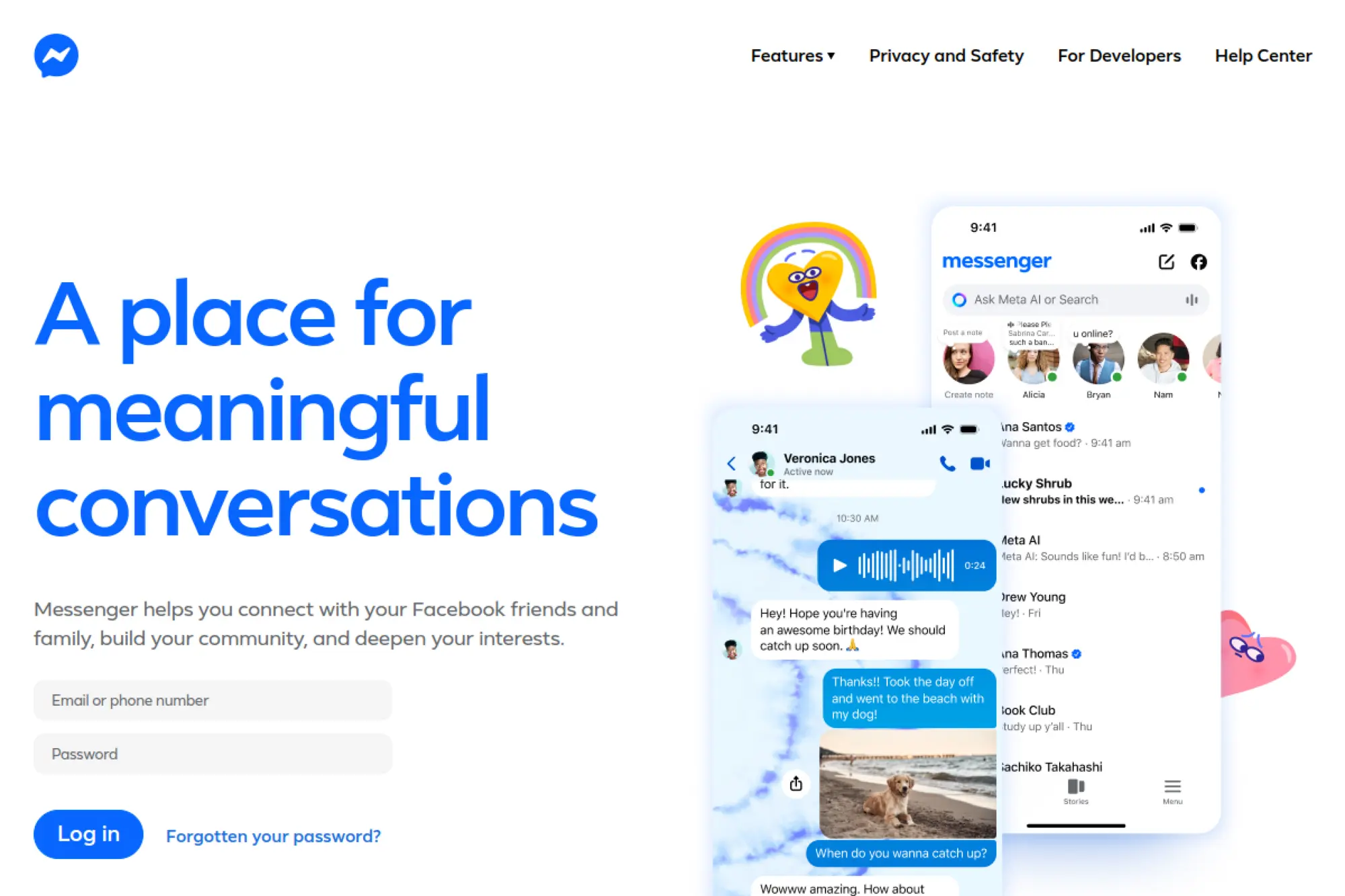
Facebook Messenger is a core consumer channel with business messaging options. Brands use it for support, notifications, and commerce. Bot frameworks and providers connect forms, answers, and order updates to the channel people already use.
Meet customers where they already spend their time.
Best for: social commerce; community‑driven brands.
- Structured messages and quick replies → faster answers and guided actions.
- Integrations with CRMs and shops → removes 5–8 steps from order updates.
- Well‑documented platform policies → time‑to‑first‑value in one to two days.
Pricing & limits: From $0/mo for the channel; provider and API costs vary. Limits and policies depend on message entry points and user permissions.
Honest drawbacks: Policy changes can impact flows. Channel scope is strong but not always ideal for complex service cases.
Verdict: If your audience is on Facebook, Messenger is essential. It beats email on responsiveness; it trails web chat on customization flexibility.
Score: 3.8/5 and
Core features that help you automate chatbots

Investment appetite remains strong, as a recent survey found that over 60% plan to invest in generative solutions that enhance service experiences. We see features falling into two families: language understanding that feels natural and operational controls that feel dependable. Both families need a shared governance spine. Without that spine, even the slickest demos struggle in production. Program leaders know that reliability beats novelty over time.
1. AI Assist generative answers tailored to your data
Generative answers work best with retrieval on trusted sources. We prefer small, well‑labeled corpora over sprawling dumps. Answers should cite their origins in plain language. When context is thin, the system should ask a helpful question rather than bluff. That honesty builds confidence faster than a guess.
2. AI Knowledge website and help center scanning to auto build bots
Automated ingestion accelerates setup, yet it needs editorial oversight. We tag sections for intent fit and assign confidence rules. Crawlers should respect robots directives and avoid hidden drafts. Editors decide what becomes a skill versus a reference. That separation keeps responses tidy and verifiable.
3. Training oversight review and refine AI responses
Teams need a review queue with searchable transcripts and labels. We score responses for accuracy, helpfulness, and tone. Low scores trigger retraining or prompt edits. High scores turn into exemplars for future runs. A steady cadence of review prevents drift.
4. Live chat transfer seamless agent handoff
Handoffs should feel instant and considerate. Agents receive the full exchange, key fields, and a short summary. Customers should not repeat details. After resolution, the bot can follow up with the next best action. That loop keeps journeys coherent.
5. Support tickets integrations with HelpDesk Zendesk Freshdesk
Tickets remain the backbone for accountability. We create tickets when confidence is low or policy requires tracking. Templates prefill fields to cut agent effort. Automations update status as tasks complete. Analytics then reveal themes and backlog patterns.
6. Visual Builder drag and drop flows for no code automation
Visual builders democratize iteration. Product managers can tweak language and branches without deployments. Guardrails still apply, including approval gates. Versioning allows rollbacks if a change harms outcomes. Collaboration features reduce bottlenecks across roles.
7. Templates for customer service satisfaction and ecommerce
Templates encode proven playbooks. We adapt them to brand voice and policy constraints. Examples include returns, order status, and appointment booking. Each template contains metrics, guardrails, and escalation cues. Reusable pieces shorten time to value.
8. Rich messages quick replies galleries images buttons
Rich content communicates faster than text alone. Quick replies guide choices without cognitive load. Galleries showcase products in context. Buttons can confirm actions with fewer errors. Accessibility should remain a design goal, not an afterthought.
9. Shopify flows product availability show products order status
Ecommerce flows demand precise inventory and policy hooks. We map collections to intents and cache safe fields. Bots should gracefully handle backorders and substitutions. When payment issues arise, they provide clear next steps. That clarity reduces frustration and repeat contacts.
10. Data collection and personalization questions attributes segments
Progressive profiling beats long forms. Ask for what you need now, and nothing more. Attribute capture must include consent and purpose. Segments should reflect current behavior rather than stale labels. Intelligent defaults keep journeys smooth.
11. Advanced workflows AB testing webhooks Zapier actions
Split tests validate design choices under real traffic. Webhooks extend reach into custom services. Orchestration tools glue stacks together with minimal code. Observability correlates actions with results. Together, these tools turn guesses into decisions.
12. Reports trends popular interactions and performance analytics
Good reports answer why, not only what. We track intent success, recontact reasons, and policy themes. Heatmaps reveal content gaps and confusing prompts. Leaders can then direct edits where they matter. Transparent metrics align teams on outcomes.
Implementation playbook to automate chatbots on web and channels
Adoption remains a challenge, as only 8% of customers used a bot in their most recent service interaction in a past survey. That gap highlights a design duty: earn time and trust with clear value and safe exits. Our playbook focuses on discoverability, relevance, and warm handoffs. Teams that honor those principles see faster habit formation. We have watched that shift happen with thoughtful pilots and honest messaging.
1. Install a chat widget quickly and customize the theme
Start with a lightweight widget that respects site performance budgets. Match brand colors, typography, and microcopy. Keep the bubble visible yet unobtrusive. Configure welcome text that states value plainly. Small courtesies shape first impressions.
2. Optimize mobile experience position bubble and behavior
Mobile users deserve thumb‑friendly controls and swift loads. Place the trigger away from nav elements. Avoid full‑screen takeovers unless the task is urgent. Minimize typing by offering helpful choices. Mobile success depends on frictionless turns.
3. Control text input for guided buttonbased flows
Guided flows reduce ambiguity for common requests. Offer smart suggestions early. Use validation to catch typos before they spread. Keep branches shallow and editable. When free text is needed, provide examples and a safety net.
4. Use greeting triggers by time visitor type and referring page
Greeting rules should reflect intent and context. A returning buyer may need a different prompt than a first‑time visitor. Referral paths can hint at goals. Align timing with user focus, not page load alone. Relevance beats aggressiveness every time.
5. Embed on WordPress Wix Weebly Webflow with oneclick connectors
Site builders simplify launches for marketing teams. Use official plugins where available. Keep configuration in code when governance requires reviews. Staging first, production later, always. Documentation should live alongside playbooks and prompts.
6. Connect ecommerce Shopify BigCommerce and Squarespace
Commerce connectors unlock powerful outcomes. Map intents to catalog queries and order lookups. Respect permissions when showing account details. Mirror fulfillment policies to avoid confusion. Consistency builds confidence during checkout moments.
7. Deploy multichannel on website Messenger Slack and live chat
Channels add reach, but each brings constraints. Messenger thrives on quick taps; Slack favors summaries and links. Live chat expects speed and empathy. Keep a shared brain across channels with channel‑specific skins. That pattern reduces duplicated work and drift.
8. Design clear escalation paths to agents
Escalation is a promise, not a failure. Offer it when confidence drops or policy requires human judgment. Provide estimated wait and alternatives. Capture user goals in a concise summary for agents. Close the loop with a follow‑up and a thank you.
9. Set up knowledge sources websites help centers and articles
Curate sources with intent in mind. Use structured headings and concise answers. Archive stale content instead of hiding it. Add update reminders to critical articles. Quality knowledge pays dividends across every channel.
10. Test version flows and publish with change control
Change control protects teams and customers. Test in sandboxes with synthetic and real data. Version prompts and policies with clear notes. Roll out in stages and watch signals closely. If a change harms outcomes, roll back without drama.
Pricing ROI and selection checklist to automate chatbots
Leaders justify programs through value creation, and cross‑industry analysis estimates generative systems could add $2.6 trillion to $4.4 trillion annually across use cases, with customer operations among the largest pools. In our work, value shows up as faster handle times, fewer recontacts, and happier agents. Those pathways depend on clean data and pragmatic scoping. Value also improves when teams teach models to say no. Focus brings clarity and durable wins.
1. Pricing tiers overview Starter Team Business Enterprise
Most vendors offer progressive tiers. Starter unlocks core flows with basic controls. Team layers collaboration and integrations. Business adds governance and priority support. Enterprise brings custom limits, security reviews, and dedicated help.
2. Active chatbots limits and chats package allowances
Packages often cap instances or monthly activity. Those caps guide architecture choices. We consolidate intents when cost sensitivity is high. We split bots when domains differ or policies diverge. Planning prevents surprise overages.
3. Overage pricing and cost control for high volume
Spikes happen. We prepare with caching, routing, and guardrails. Rate limits protect downstream systems. Blended responses reduce expensive calls where possible. Accurate forecasts secure better terms. Finance partners value predictability and control.
4. Training history version control and governance
Training assets deserve the same rigor as code. Keep prompts, examples, and test sets in versioned stores. Assign reviewers and rotate owners. Document changes and expected impacts. That discipline supports audits and smooth rollbacks.
5. White label options for brand control
Some teams need full brand ownership. White label options remove vendor marks and allow custom domains. Consistent styling reduces channel dissonance. Custom terms can cover stricter privacy rules. Brand feels safer when presentation stays coherent.
6. Automatic bot building from your existing content
Auto‑build features speed setup but still need curation. We prune low‑value pages and summarize long entries. Intent catalogs grow from top service drivers. Test with real phrases from users. Less content, better labeled, wins more often.
7. Team collaboration roles and user management
Clear roles prevent chaos. Writers own tone and accuracy. Designers craft flows and intents. Engineers secure integrations and observability. Managers guide strategy and ethics. Shared dashboards align everyone on outcomes.
8. ROI metrics CSAT FCR conversions and lead capture
Pick a north star and three supporting signals. Customer satisfaction explains sentiment and friction. First contact resolution shows closure quality. Conversions matter in commerce contexts. Lead capture proves inbound value. Review results with agents and managers, not in isolation.
9. Checklist purpose alignment and user experience
Begin with a crisp purpose statement. Map journeys to intents and knowledge. Simplify flows where confusion lurks. Keep language short and approachable. Respect user time with clear options and exits.
10. Checklist scalability integrations and APIs
Scale depends on efficient connectors and safe retries. Monitor latency across every hop. Choose idempotent patterns for reliability. Favor standards for identity and events. Healthy integrations reduce firefighting.
11. Checklist data privacy security and compliance
Privacy by design should inform every field and log. Limit retention to what is lawful and useful. Encrypt at rest and in transit. Run regular tests of redaction and access. Compliance is a habit, not a project.
12. Checklist humanAI collaboration training and maintenance
Human expertise remains central. Agents should correct, coach, and escalate wisely. Training loops keep models aligned with policy and tone. Maintenance budgets protect long‑term quality. Culture makes collaboration real, not a slogan.
How TechTide Solutions helps you automate chatbots your way

Customer behavior is shifting as unofficial tools grow more capable, and a forecast suggests such tools could resolve 40% of customer service issues by 2027, which changes how service journeys start. We prepare clients for that world by aligning search, owned channels, and community answers. Defensive posture alone will not help, so we design for discovery and helpful handoffs. Our teams build for versatility with strong governance. That mindset reduces risk while welcoming progress.
1. Discovery and solution architecture tailored to your customer journeys
We start with listening sessions and journey mapping. Pain points become intents and guardrails. Architecture choices follow business goals and risk posture. We document service principles that guide tone and escalation. Those documents live and adapt as data flows in.
2. Custom development integrations and data pipelines for omnichannel bots
Our engineers build connectors to commerce, billing, and identity systems. Pipelines clean and enrich content for retrieval. We add tool calls for tasks like refunds and appointments. Observability captures traces for debugging and learning. Reliability stays front and center at every step.
3. Lifecycle support testing analytics and continuous optimization
Delivery is only the start. We set review cadences and improvement targets. Analytics surface hard problems and quick wins. Agents contribute examples that sharpen answers. Over time, programs become calmer, kinder, and more effective.
Conclusion

The market’s center of gravity now favors governed, human‑aware automation. The same research that quantified large economic upside also highlighted customer operations as a leading value pool. We see that daily as agents pair empathy with well‑aimed tools. When leaders invest in knowledge, governance, and kindness, automation earns trust. Shall we map your journeys and turn intent into outcomes?