


At TechTide Solutions, we treat CRM as operational infrastructure, not “just software.” Market overview: Gartner sized the CRM market at 13.4% to $107 billion in 2023, and that scale shapes even tiny teams. Big markets attract big tooling, big pricing pages, and big feature lists. Small businesses need the opposite: clarity, speed, and habits that stick. Our best CRM advice starts with one idea. Choose the system your team will actually use on a busy Tuesday.
What a CRM for small businesses is and when you need one
In small companies, customer data tends to leak into inboxes and heads. Market overview: Gartner reports CRM sales software reached 12.2% to $25.7 billion in 2024, which explains the crowded tool landscape. That growth is a signal, not a mandate. Our view is blunt. A CRM is worth it only when it reduces friction daily.
1. Definition of crm for small businesses
A small-business CRM is a shared system that stores customer context and drives next actions. It typically covers contacts, deals, tasks, and communication history. Unlike enterprise CRM, it must be fast to learn. It must also be forgiving when your process changes. We judge it by one test. Can a new hire move one deal forward on day one?
Why we insist on “small-business” as a category
Small teams rarely have a dedicated admin. They also lack tolerance for brittle configuration. So “small-business CRM” is less about features. It is more about ergonomics, sensible defaults, and low maintenance.
2. How crm for small businesses works as a centralized system for customer interactions
A CRM centralizes the events that matter: emails, calls, meetings, quotes, tickets, and renewals. Each event becomes a timestamped record tied to a person and an account. That structure enables continuity. It also prevents the “who talked to them last” scramble. Most modern CRMs do this through sync, tracking, and integrations.
We often describe CRM as a “customer ledger.” Ledger thinking changes decisions. It pushes you toward consistent fields, reliable identities, and clear ownership. That makes automation safer. It also makes reporting meaningful.
3. CRM vs spreadsheets: what changes for follow-ups, visibility, and reporting
Spreadsheets capture snapshots. CRMs capture workflows. The difference shows up in follow-ups first. A spreadsheet can list “next step,” but it cannot enforce it. A CRM can schedule it, remind it, and attach it to an owner.
Visibility improves next. In a spreadsheet, “pipeline” is a manual status update. In a CRM, stage changes are events. Events can trigger tasks, emails, and routing. Reporting improves last. Spreadsheets report what you typed. CRMs report what happened.
The quiet killer: spreadsheet identity drift
We see the same contact duplicated under different spellings. We also see company names split by abbreviations. CRM deduping is not magic, but it is a real defense. It anchors identity to emails, domains, and activity history.
4. Benefits of using a crm for small businesses across sales, marketing, and service
A CRM aligns the whole customer journey. Sales gets structured pipeline movement. Marketing gets segmentation and attribution hooks. Service gets context and faster routing. Leaders get a consistent view of work in progress. The compound effect matters most. Each team stops reinventing the same customer story.
We like CRMs that reduce “copy-paste labor.” That includes auto-logging emails and auto-creating tasks. It also includes reusable templates and playbooks. Those features sound small. They are not small when repeated daily.
5. Signals your small business should start using a CRM
Teams usually wait too long. They also buy too big when they finally move. We watch for operational signals instead of headcount. These signals show up in support, billing, and sales at once.
- Missed follow-ups happen, even with good intentions.
- Leads arrive, but nobody owns the first response reliably.
- Customer context lives in one person’s inbox.
- Discounts get offered without a consistent approval habit.
- Support requests arrive through too many channels to track.
- Forecast conversations turn into guesses and debates.
6. Sales team wins: streamlined pipeline management and faster follow-ups
A CRM turns selling into a repeatable sequence, not a heroic effort. Pipeline stages become a shared language. Tasks become non-negotiable next steps. The best CRMs also reduce admin. They prefill fields, suggest activities, and keep context beside the deal.
In one HVAC client engagement, we saw quoting slow down due to scattered approvals. The CRM fixed it by standardizing the handoff. A deal could not move stages without required fields. That constraint felt annoying for a week. After that, it felt like relief.
7. Marketing wins: targeted campaigns and measuring true marketing ROI
Marketing needs clean segments. A CRM provides the raw material: lifecycle stage, industry, last touch, and product interest. When fields are consistent, campaigns become targeted. When tracking is unified, ROI discussions become calmer. Calm is underrated in marketing meetings.
We prefer CRMs that treat marketing as a first-class workflow. That means forms, list logic, and campaign membership. It also means auditability. You should know why a person is on a list. You should also know who changed that logic.
8. Service wins: faster issue routing, context, and knowledge base workflows
Support quality rises when agents see full context instantly. That context includes what was promised during sales. It also includes what is currently deployed and billed. A CRM connected to ticketing removes the “tell us again” frustration. Customers feel heard faster.
When we integrate CRM with a helpdesk, we focus on routing rules. Ownership must be explicit. Escalation paths must be visible. Knowledge base links should sit beside the ticket, not in a separate tab.
9. Owner view: pipeline health, forecasting, and spotting bottlenecks early
Owners do not need more dashboards. They need fewer, truer signals. A CRM can highlight stalled deals, aging tasks, and stage conversion weak points. It can also show capacity issues. Capacity issues often hide behind “busy” stories.
Our favorite owner metric is narrative, not numeric. Can you explain why the quarter will land where it lands? If the CRM cannot help you answer that, it is not a system. It is a diary.
Recommended reading: Top 30 ERP for Small Businesses Solutions to Streamline Operations and Scale
Quick Comparison of crm for small businesses
Choosing a CRM is a buying decision and a workflow decision. Market overview: McKinsey found online sales now account for 34 percent of revenue in its B2B Pulse research, which raises the bar for fast digital follow-up. That reality rewards CRMs that unify channels. It also punishes tools that bury activities across tabs.
| Tool | Best for | From price | Trial/Free | Key limits |
|---|---|---|---|---|
| HubSpot CRM | All-around starter hub | Free | Free tier | Add-ons scale quickly |
| Pipedrive | Pipeline-first selling | US$14/seat/mo | Trial available | Advanced features gated |
| Freshsales | SMB sales with built-ins | $9/user/mo | Trial available | Suite decisions matter |
| monday Sales CRM | Sales plus work management | $12/seat/mo | Trial available | Bundle sizing friction |
| Salesforce Starter Suite | Small teams needing Salesforce core | $25/user/mo | Trial available | Complexity grows with scale |
| Capsule | Simple CRM with delivery boards | $18/user/mo | Free tier (2 users) | Advanced marketing is limited |
| Less Annoying CRM | Minimalist contact discipline | $15/user/mo | Trial available | Light automation depth |
| Nimble | Relationship selling and enrichment | $24.90/seat/mo | Trial available | Reporting is basic |
| OnePageCRM | Action-oriented daily selling | $9.95/user/mo | Trial available | Fewer suite modules |
| Close | Outbound teams with calling | $35/seat/mo | Trial available | Some features cost extra |
Those are our tight picks for day-to-day momentum. The broader “top thirty” list also includes Zoho CRM, Bigin, Zendesk Sell, Microsoft Dynamics 365 Sales, Oracle NetSuite CRM, SugarCRM, Insightly, Keap, ActiveCampaign, Bitrix24, Apptivo, Copper, Streak, Agile CRM, Vtiger, Creatio, Odoo CRM, Pipeline CRM, Really Simple Systems CRM, and Nutshell. We rarely recommend based on brand alone. We recommend based on fit to your motion.
Recommended reading: Top 30 Customer Data Platforms to Unify Profiles, Activate Audiences, and Personalize at Scale
Top 30 crm for small businesses to consider for your stack
Choosing a CRM is less about “features” and more about momentum. We shortlist tools that help a small team follow up faster, keep data cleaner, and ship a repeatable sales motion. Each entry below is written from a jobs-to-be-done lens. You will see where a tool accelerates time-to-first-value, and where it drags.
We score every tool on a 0–5 scale across seven criteria. The weights stay consistent to keep the list honest. Value-for-money and feature depth carry 20% each. Ease of setup & learning and integrations & ecosystem carry 15% each. UX & performance, security & trust, and support & community carry 10% each. Scores are weighted and rounded to one decimal place. Pricing and plan limits are summarized as published, but they change. Treat the numbers as a starting checkpoint, not a contract.
1. Salesforce CRM
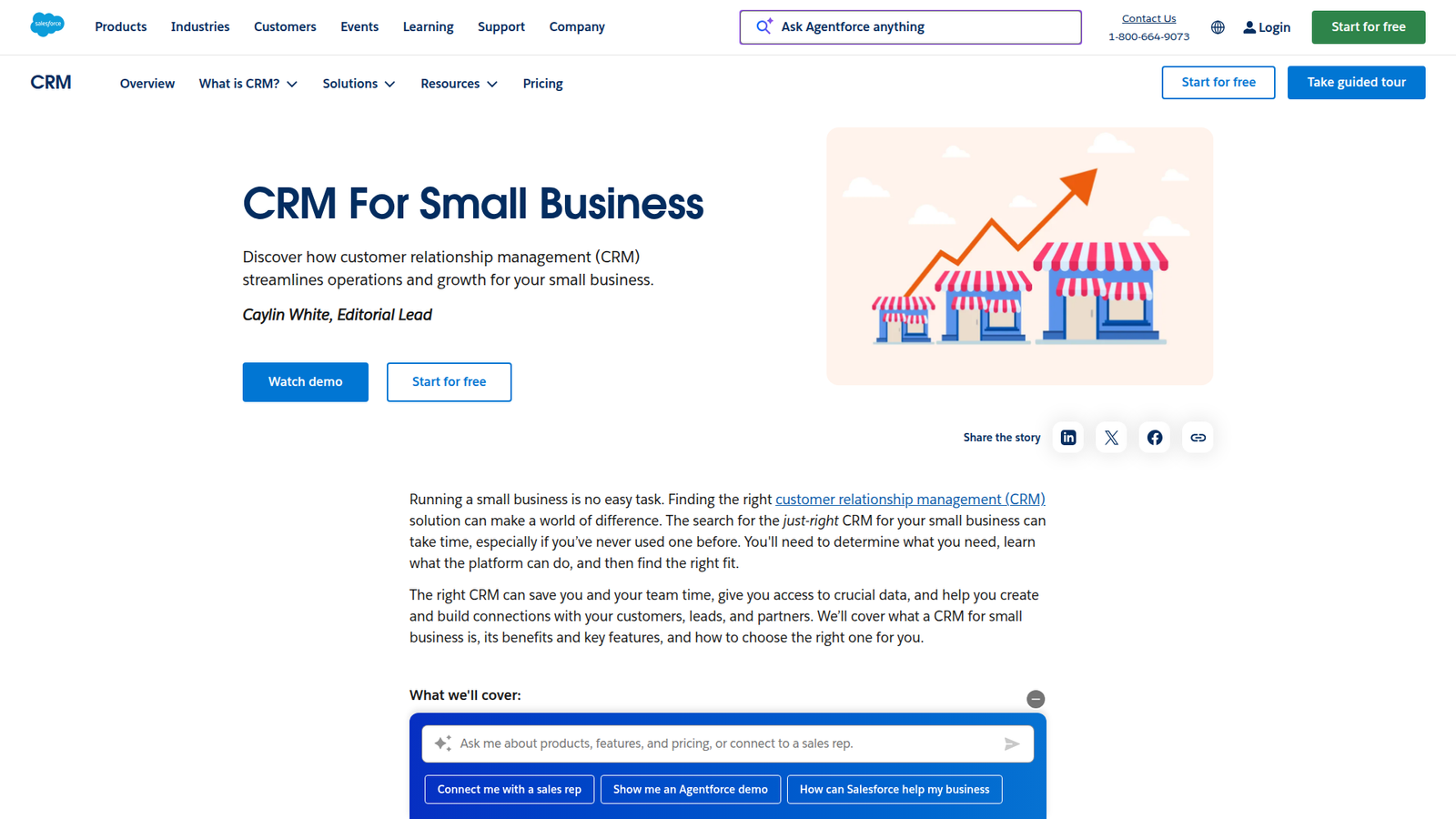
Salesforce is built by a long-running CRM company with a deep platform bench. Its product teams tend to optimize for scale, admin control, and customization power. That shows up immediately in the setup options and the sheer breadth of objects you can model.
Outcome: Build a pipeline that can grow up without a painful migration.
Best for: ops-led SMBs, and sales teams that expect complexity within a year.
- Starter Suite flows → standardize lead routing so follow-ups stop slipping.
- AppExchange ecosystem → replace 3–5 separate point tools as you mature.
- Guided setup paths → reach first usable pipeline in about 1–2 days.
Pricing & limits: From $25/user/mo for Starter Suite; Free Suite is $0 for up to 2 users. Trial: 30 days is available for small-business tiers. Caps vary by edition, so confirm users and automation limits before committing.
Honest drawbacks: Salesforce rewards an admin mindset. Without one, you may buy power you cannot operationalize. Some “simple” asks can turn into paid add-ons or consulting work.
Verdict: If you want a CRM that won’t corner you later, this helps you scale process in weeks, not quarters. Beats most tools at customization; trails simpler CRMs on day-one ease.
Score: 4.1/5
2. HubSpot CRM
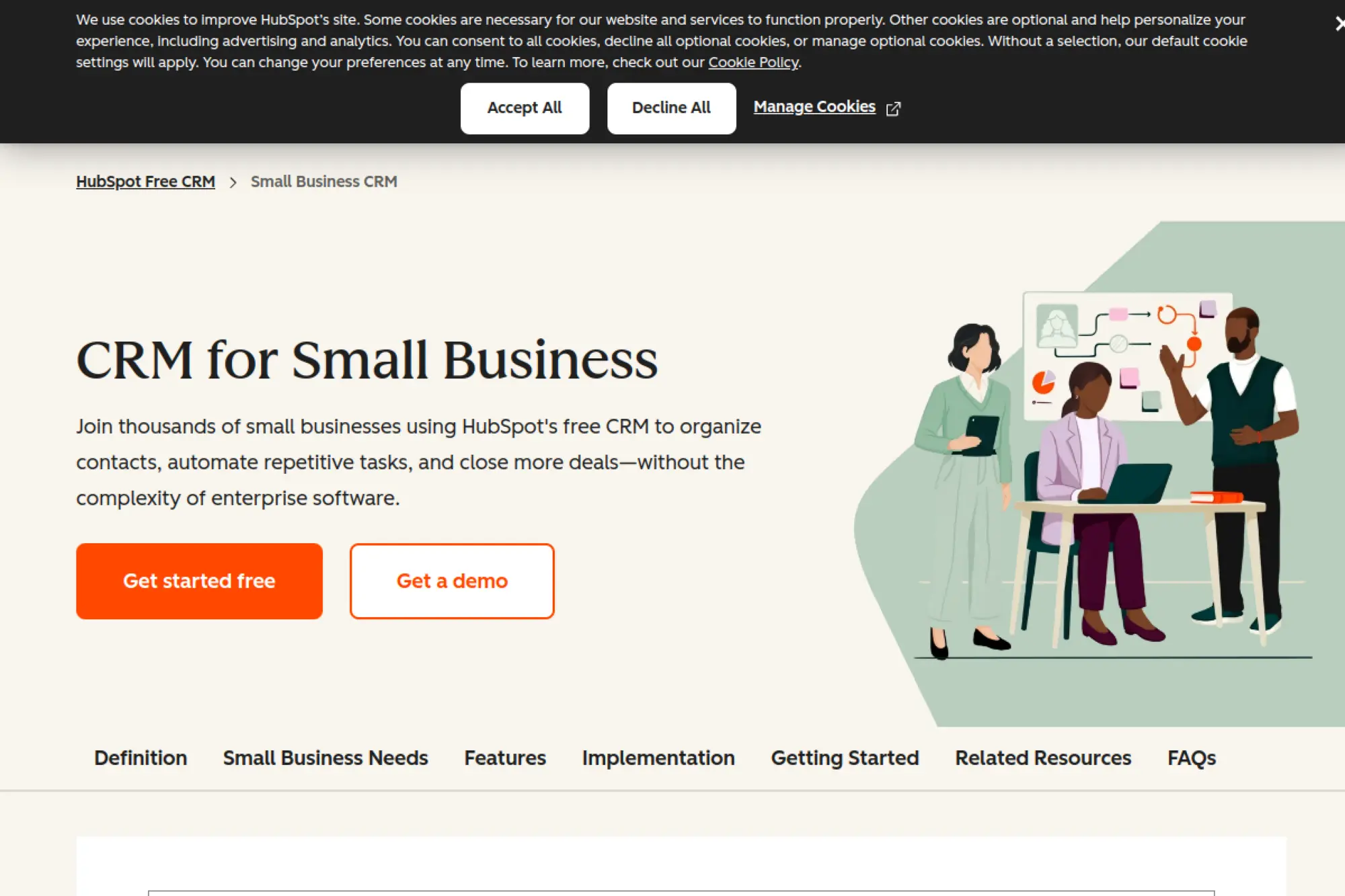
HubSpot is a customer platform company with strong small-business product discipline. The team’s north star is alignment across marketing, sales, and service. That makes the CRM feel like a shared workspace, not a sales-only database.
Outcome: Turn scattered conversations into one clean customer timeline.
Best for: solo marketers who sell, and lean revenue teams that share one inbox.
- Unified contact timeline → see emails, calls, and deals without tab-hopping.
- HubSpot ecosystem → save 10+ clicks per handoff with native hubs.
- Fast defaults → get to a working pipeline in about 1–3 hours.
Pricing & limits: From $0/mo for Free Tools; paid Starter seats commonly start at $20/month per seat. Trial: 14 days is available for HubSpot trials. Free Tools include limited seats and usage, so validate seats and automation caps per hub.
Honest drawbacks: Costs can rise as you add seats, hubs, and contact-based tiers. Some advanced reporting and automation live above Starter, so plan your upgrade path early.
Verdict: If you need marketing and sales to share one source of truth, this helps you ship a working system in a weekend. Beats Salesforce on speed; trails Salesforce on deep custom objects.
Score: 4.3/5
3. OnePageCRM
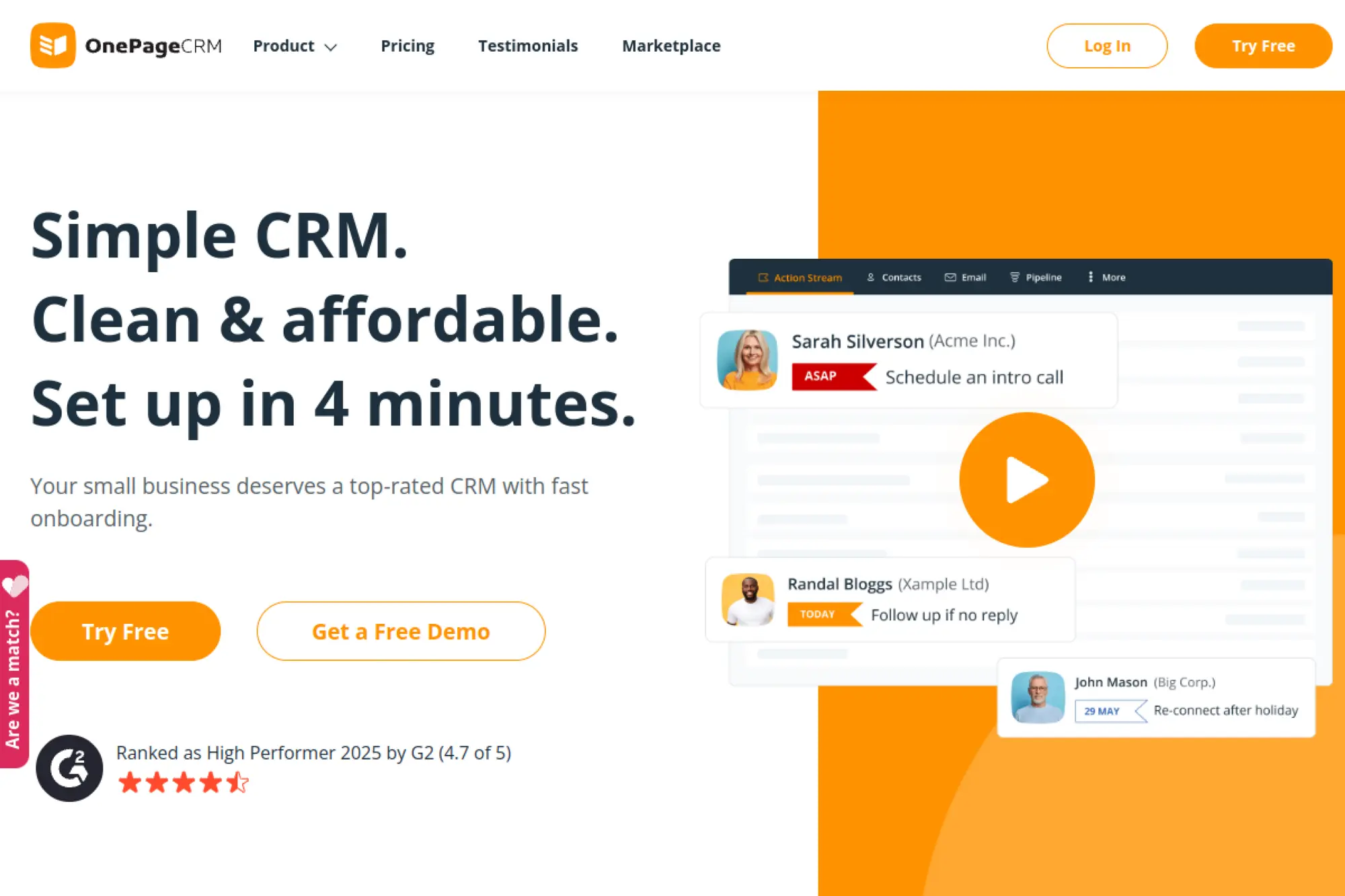
OnePageCRM is a focused CRM vendor with a product shaped around daily action. The team’s design bias is simple: keep you moving. It feels less like a database and more like a to-do engine attached to contacts.
Outcome: Keep every lead in motion with a next-step discipline.
Best for: outbound-heavy founders, and small sales teams that live on follow-up.
- Next Action workflow → turn “maybe later” into scheduled moves and wins.
- Email + pipeline basics → save 5–10 minutes per rep per day on logging.
- Minimal setup → hit first value in about 60–90 minutes.
Pricing & limits: From $9.95/user/mo on annual billing; monthly pricing is higher. Trial: 21 days with full feature access. Limits are generous on contacts, and plan differences show up in caps like daily bulk email and storage.
Honest drawbacks: It is intentionally not an all-in-one suite. If you need advanced marketing automation or heavy customization, you may outgrow it. Some teams also want deeper native integrations.
Verdict: If you want consistent follow-up without CRM bloat, this helps you tighten execution in a few days. Beats most CRMs at action focus; trails HubSpot on cross-team breadth.
Score: 4.0/5
4. Less Annoying CRM
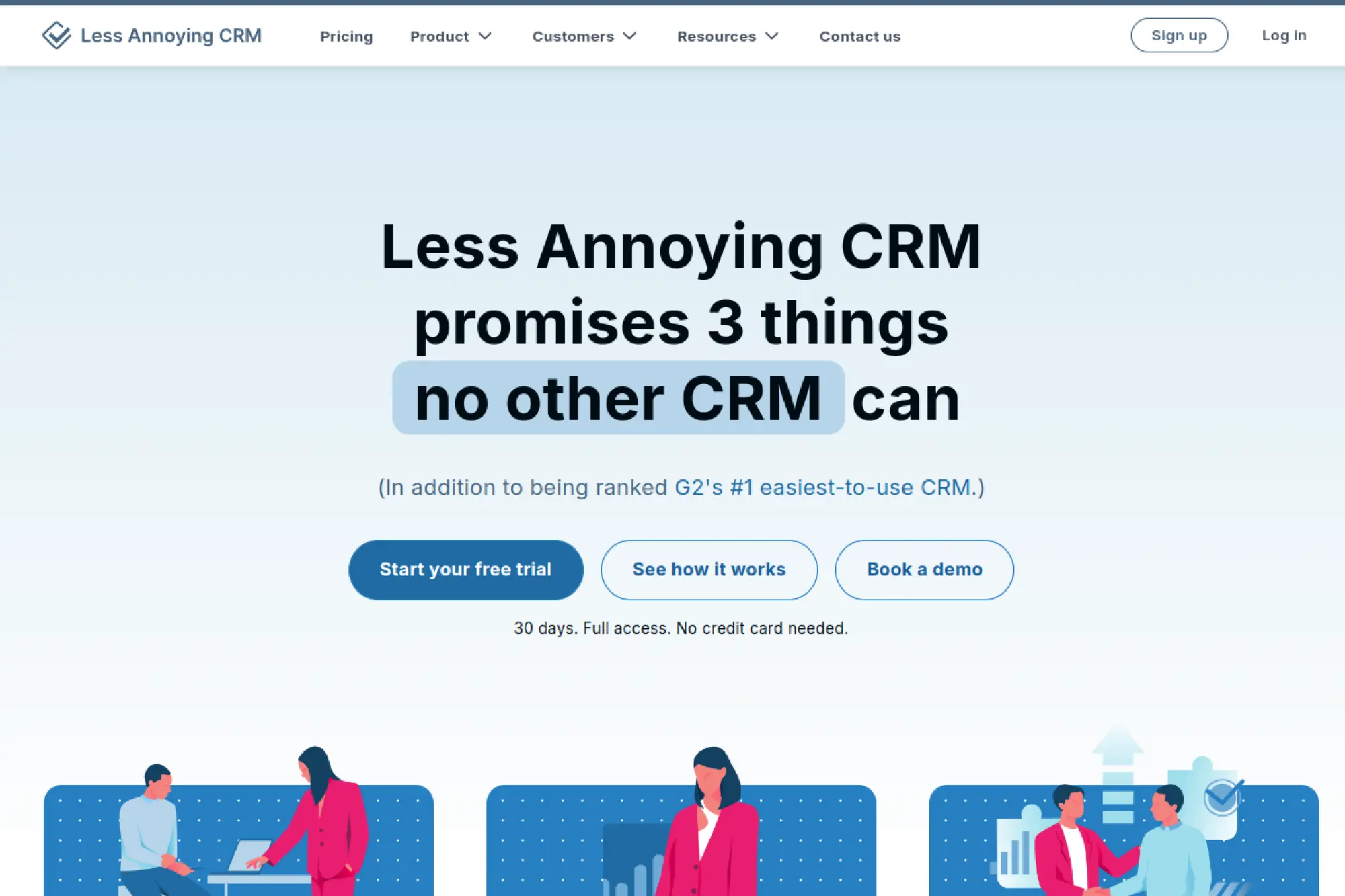
Less Annoying CRM is built by a small, opinionated team that values clarity over complexity. The product feels deliberately calm. You get a CRM that stays out of your way, and that is the point.
Outcome: Stop losing leads because your CRM feels like a second job.
Best for: service businesses, and founders upgrading from spreadsheets for the first time.
- Simple contact + pipeline flow → capture every inquiry and track follow-up reliably.
- Light integrations → reduce manual copy-paste by keeping essentials connected.
- Quick onboarding → reach first value in about 30–60 minutes.
Pricing & limits: From $15/user/mo with one plan only. Trial: free 30 days, with no payment details required upfront. Limits are intentionally straightforward, so confirm any advanced needs before you commit.
Honest drawbacks: You will not get enterprise-grade automation depth here. If you need advanced reporting, complex permissions, or sophisticated workflow logic, it may feel thin.
Verdict: If you want a CRM your team will actually use, this helps you get organized in a single afternoon. Beats heavyweight CRMs on simplicity; trails Zoho on feature breadth.
Score: 3.9/5
5. monday CRM
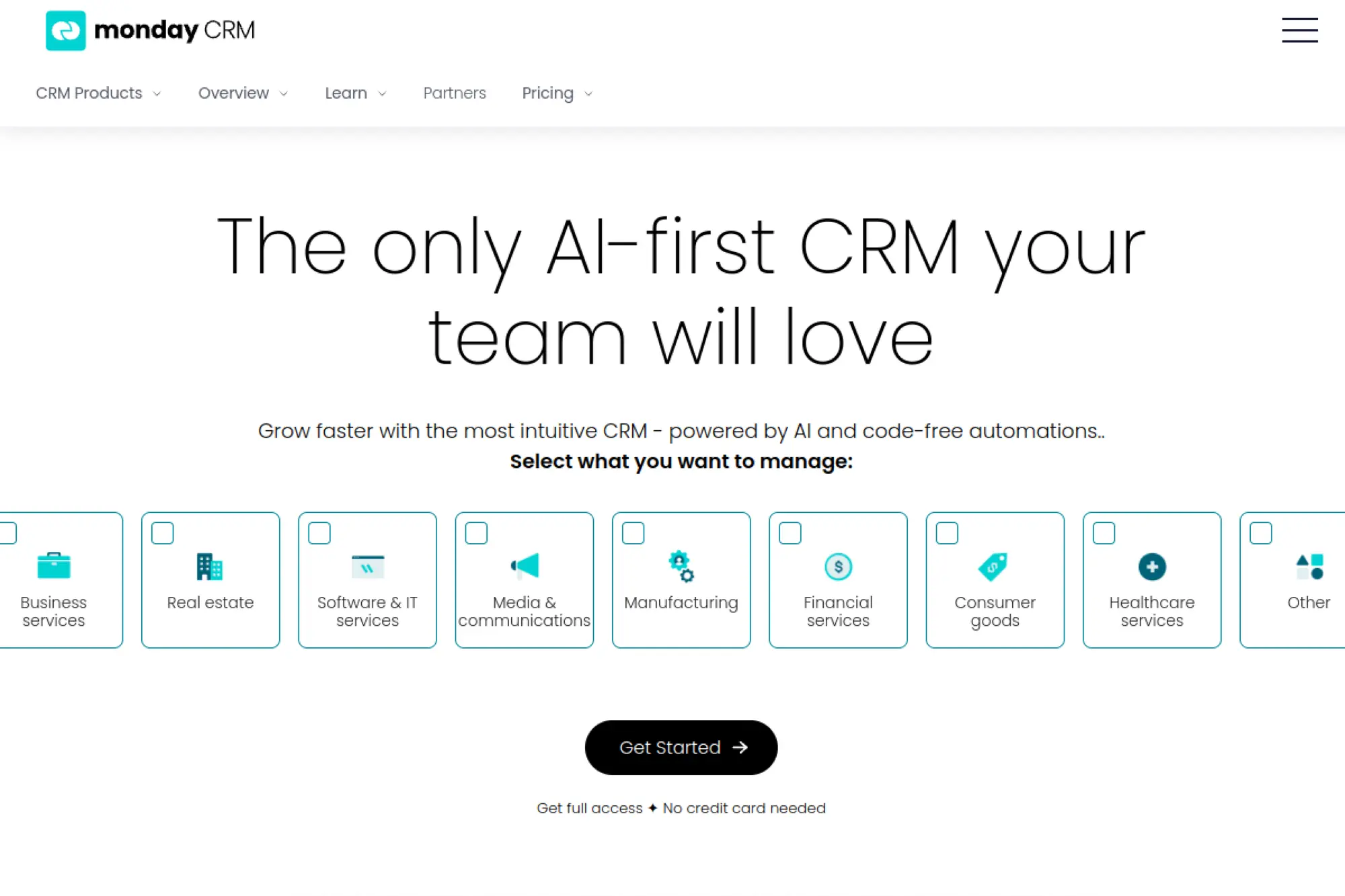
monday.com is a work management company that extended into sales CRM. The team builds around visual workflows and shared boards. If your sales process looks like a project, this feels natural fast.
Outcome: Run a sales pipeline your whole team can see and act on.
Best for: project-centric sales teams, and SMBs that want CRM plus work tracking.
- Board-style pipelines → move deals with clear owners and zero status meetings.
- Automations + integrations → cut 5–8 manual updates per deal stage change.
- Template-first setup → get first pipeline live in about 1–2 hours.
Pricing & limits: From $12/seat/mo billed annually for CRM entry tiers. Trial: 14 days is available for monday CRM. Entry limits can include caps like 1,000 active contacts & deals on basic tiers.
Honest drawbacks: Pricing can feel bundle-driven, especially with seat minimums. If you need classic CRM objects and deep reporting, dedicated CRMs may fit better.
Verdict: If you want a visual, collaborative pipeline, this helps you operationalize sales work in a week. Beats spreadsheets instantly; trails Pipedrive on sales-first focus.
Score: 4.0/5
6. Pipeline CRM
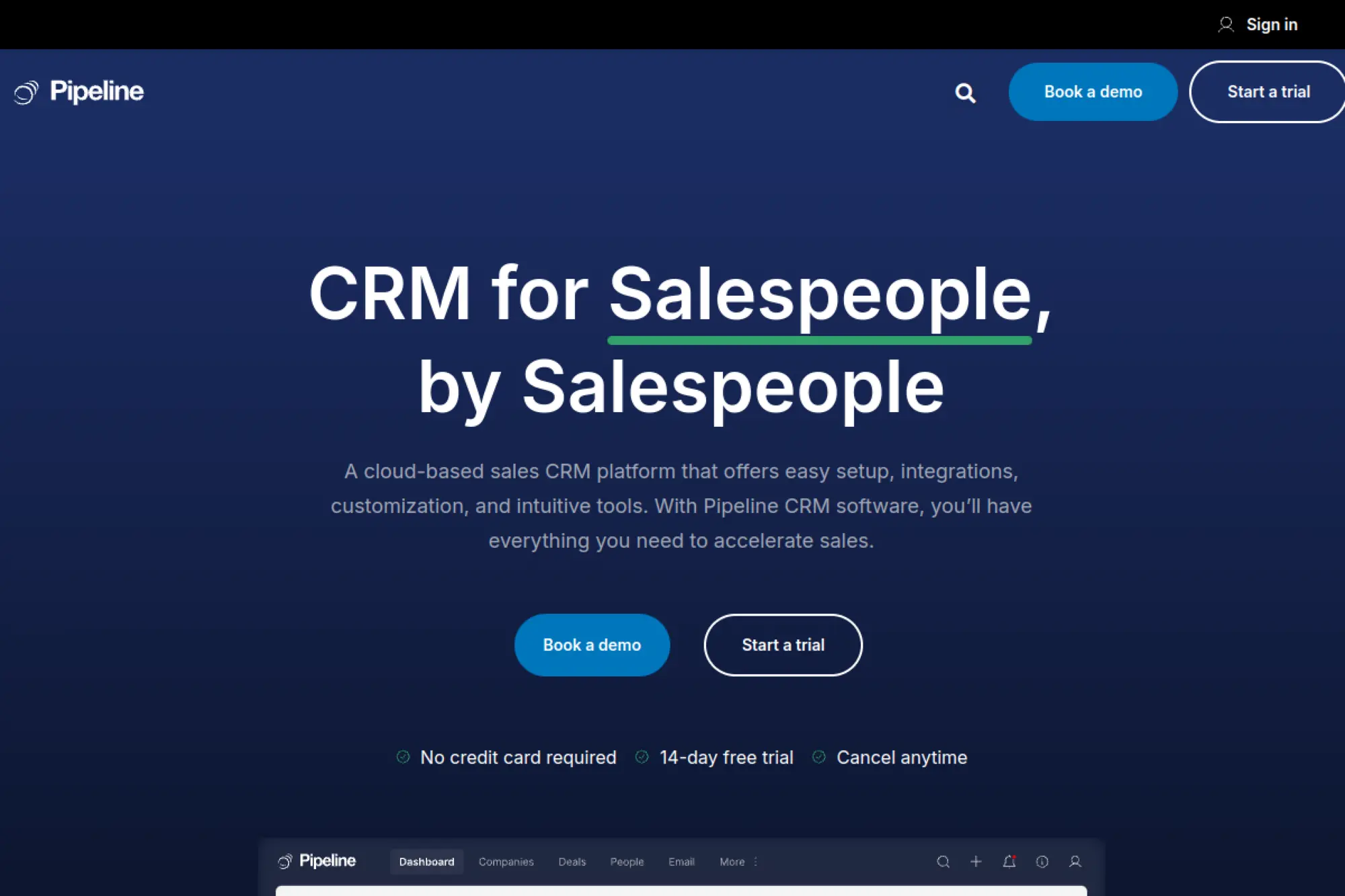
Pipeline CRM is a dedicated CRM vendor with a practical SMB tilt. The team focuses on core sales motions: track, follow up, report, repeat. You get a traditional CRM feel without enterprise sprawl.
Outcome: Keep deals moving with clean pipelines and usable reporting.
Best for: small B2B teams, and managers who want visibility without heavy admin work.
- Opportunity tracking → reduce “where is this deal?” slack messages to near zero.
- Email + automation basics → save several manual touches per week per rep.
- Guided trial setup → reach first value in about 2–4 hours.
Pricing & limits: From about $25.29/user/mo on annual pricing for the Start plan. Trial: 14 days with no credit card required. Entry tiers can include caps like a small monthly export limit per user.
Honest drawbacks: Some plan pages can be dense, and limits matter. If you expect a huge native integration catalog, you may lean on Zapier sooner.
Verdict: If you need a straightforward sales CRM that stays readable, this helps you get control in days. Beats Bitrix24 on simplicity; trails HubSpot on cross-hub depth.
Score: 3.8/5
7. Freshsales
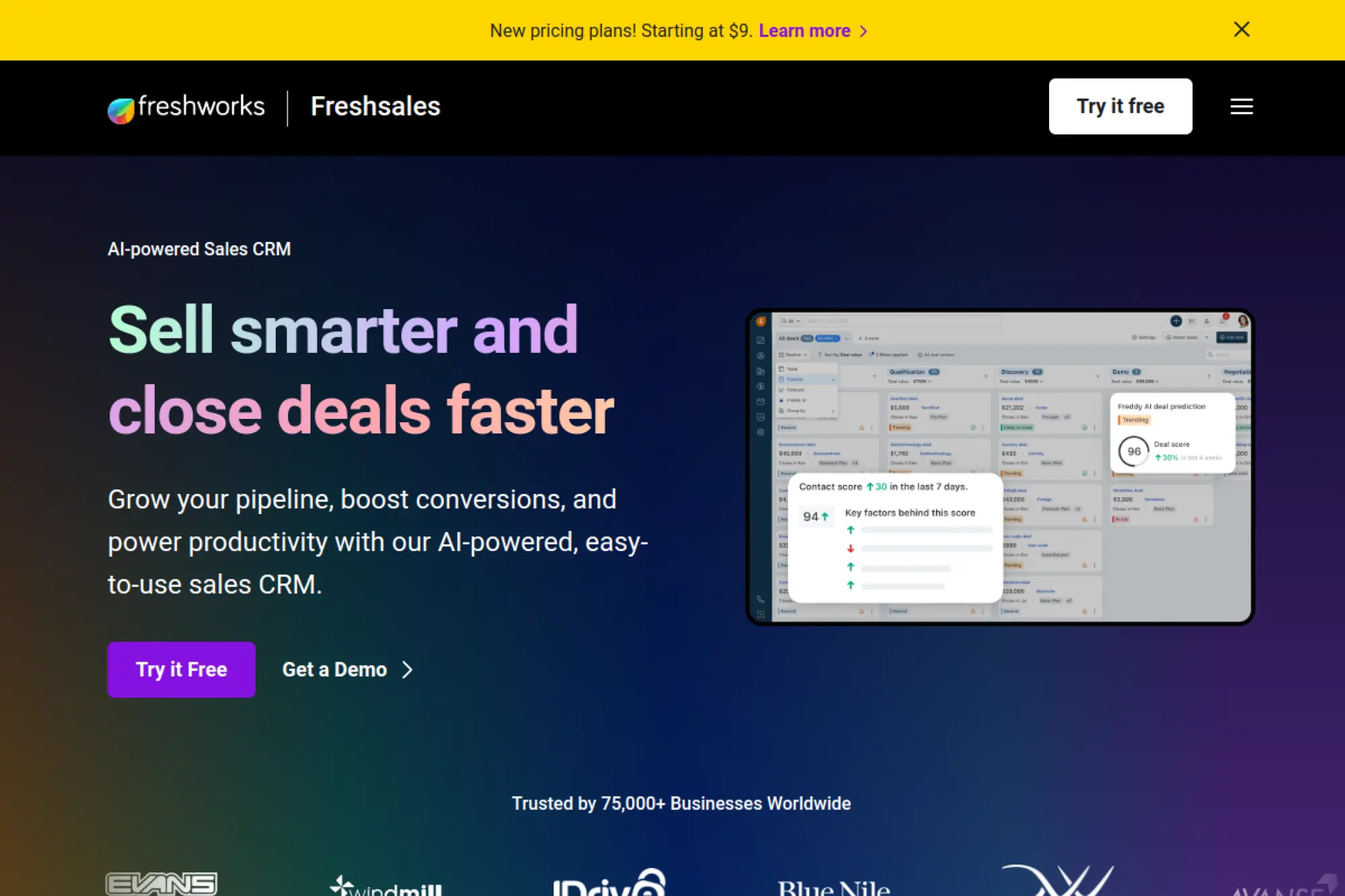
Freshsales comes from Freshworks, a customer experience software company. The team builds for speed and approachability. It often feels “ready to use” the moment you land inside.
Outcome: Get a sales team selling, not configuring.
Best for: SMB sales teams, and founders who want built-in phone and email basics.
- Built-in channels → log calls and emails without duct-taping separate tools.
- Freshworks ecosystem → save 5–10 minutes per lead with shared data flows.
- Clean onboarding → reach first value in about 1–2 hours.
Pricing & limits: From $9/user/mo billed annually for Growth. Trial: 21 days with no credit card required. A Free plan is available, and some tiers note user-based constraints on entry setups.
Honest drawbacks: Some advanced customization and analytics can require higher tiers. If you need a massive marketplace like Salesforce, you will rely on connectors.
Verdict: If you want a modern SMB CRM with quick wins, this helps you launch in a week. Beats heavier CRMs on onboarding; trails Zoho on suite breadth.
Score: 4.1/5
8. Zoho CRM
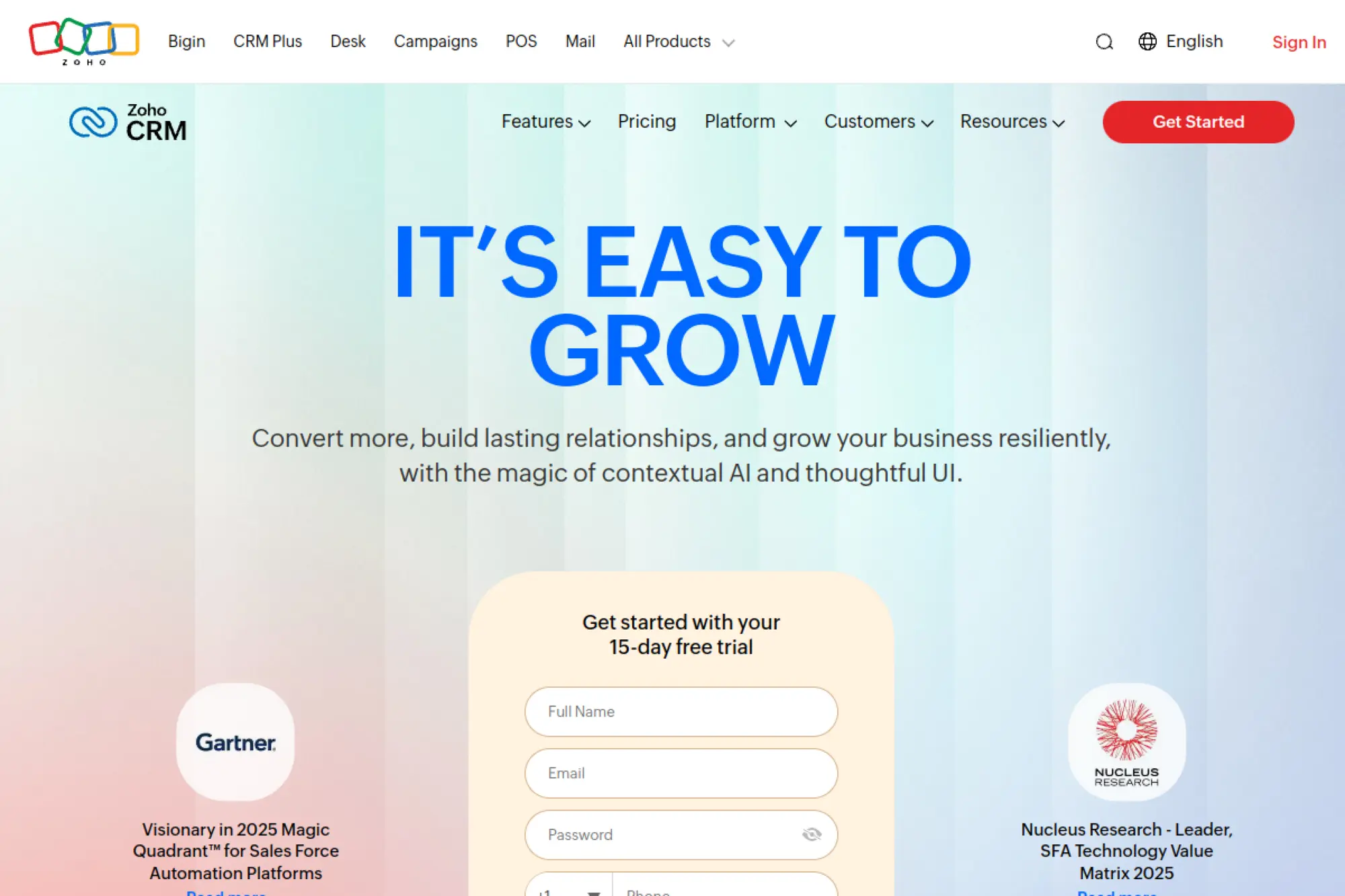
Zoho is a broad business software company with a deep catalog. The CRM team builds with “suite gravity” in mind. If you already use Zoho apps, the fit can feel frictionless.
Outcome: Replace scattered tools with one connected operating system.
Best for: budget-conscious SMBs, and teams that want CRM plus adjacent business apps.
- Automation + workflows → standardize follow-ups so reps stop freelancing process.
- Zoho app ecosystem → save hours per month by keeping sales, finance, and support aligned.
- Structured setup → reach first value in about 1–2 days.
Pricing & limits: From about $14/user/mo for entry paid tiers on annual billing. Trial: commonly 15 days, and a free edition supports up to 3 users. Limits vary by edition, so check pipeline, storage, and automation allowances.
Honest drawbacks: The suite is an advantage until it feels like a maze. UI consistency varies across modules. Support experiences can be uneven at lower tiers.
Verdict: If you want a capable CRM that can grow into a suite, this helps you consolidate in a month. Beats HubSpot on breadth-per-dollar; trails HubSpot on polish.
Score: 4.1/5
9. Bigin by Zoho
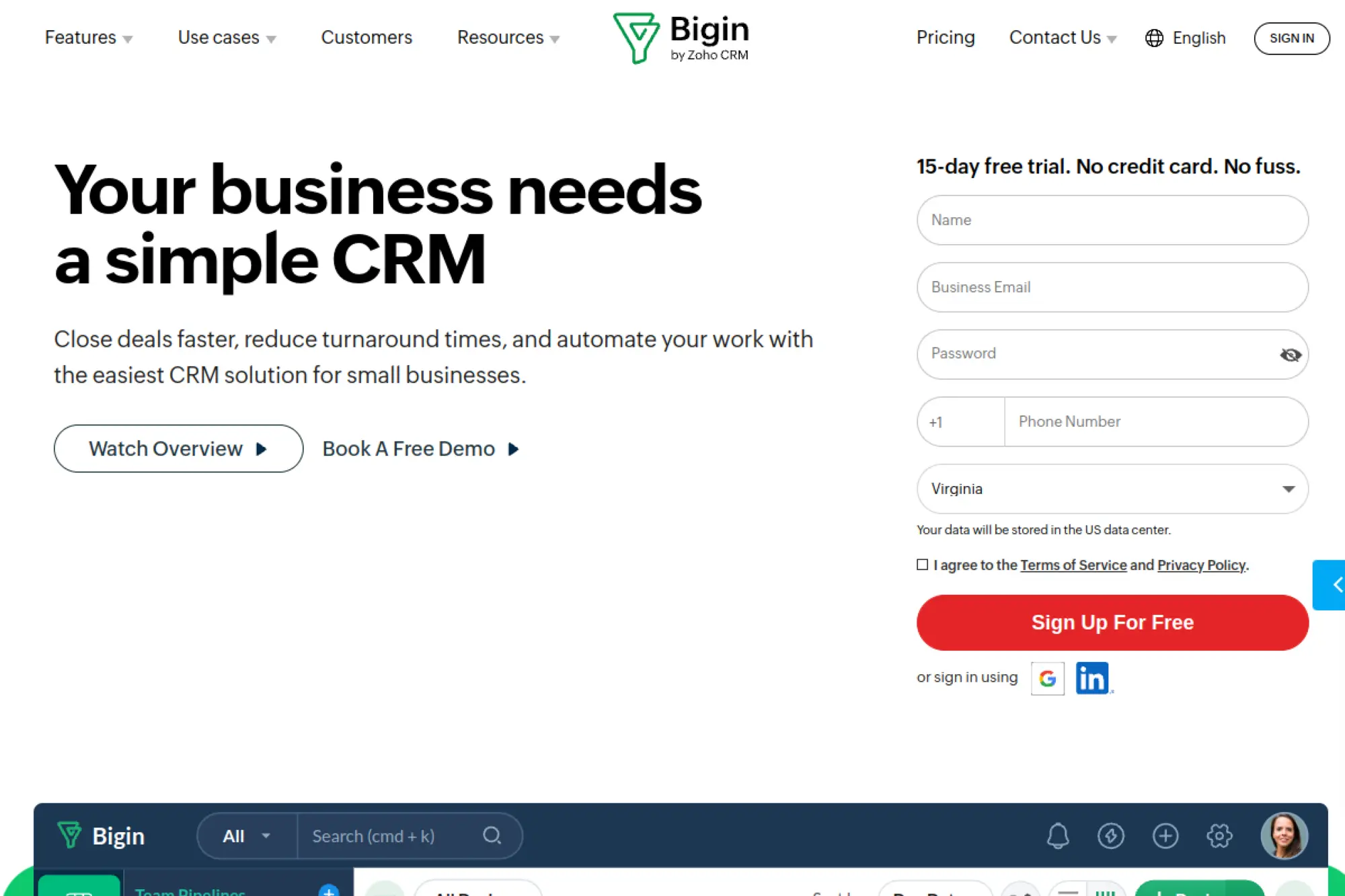
Bigin is Zoho’s lighter CRM, built for teams graduating from spreadsheets. The product team keeps the scope tight. You get pipelines, contacts, and basic automation without a long admin runway.
Outcome: Move from “we should track this” to a real pipeline this week.
Best for: micro-teams, and service businesses that need a simple deal flow.
- Pipeline-first UI → keep every lead visible and stage-based, not buried in inboxes.
- Zoho and Zapier connections → cut repetitive updates by 3–6 steps per handoff.
- Lightweight setup → reach first value in about 45–90 minutes.
Pricing & limits: From about $9/user/mo for Express in Zoho’s own examples. Trial: 15 days with full access is available. Free plans and plan caps can include limits like single-user tiers and record ceilings.
Honest drawbacks: You may outgrow it once you need deep reporting or complex permissions. Some advanced “toppings” and cross-app features can add cost and complexity.
Verdict: If you want a lightweight CRM that still feels structured, this helps you build discipline in days. Beats Zoho CRM on simplicity; trails Zoho CRM on depth.
Score: 3.9/5
10. EngageBay
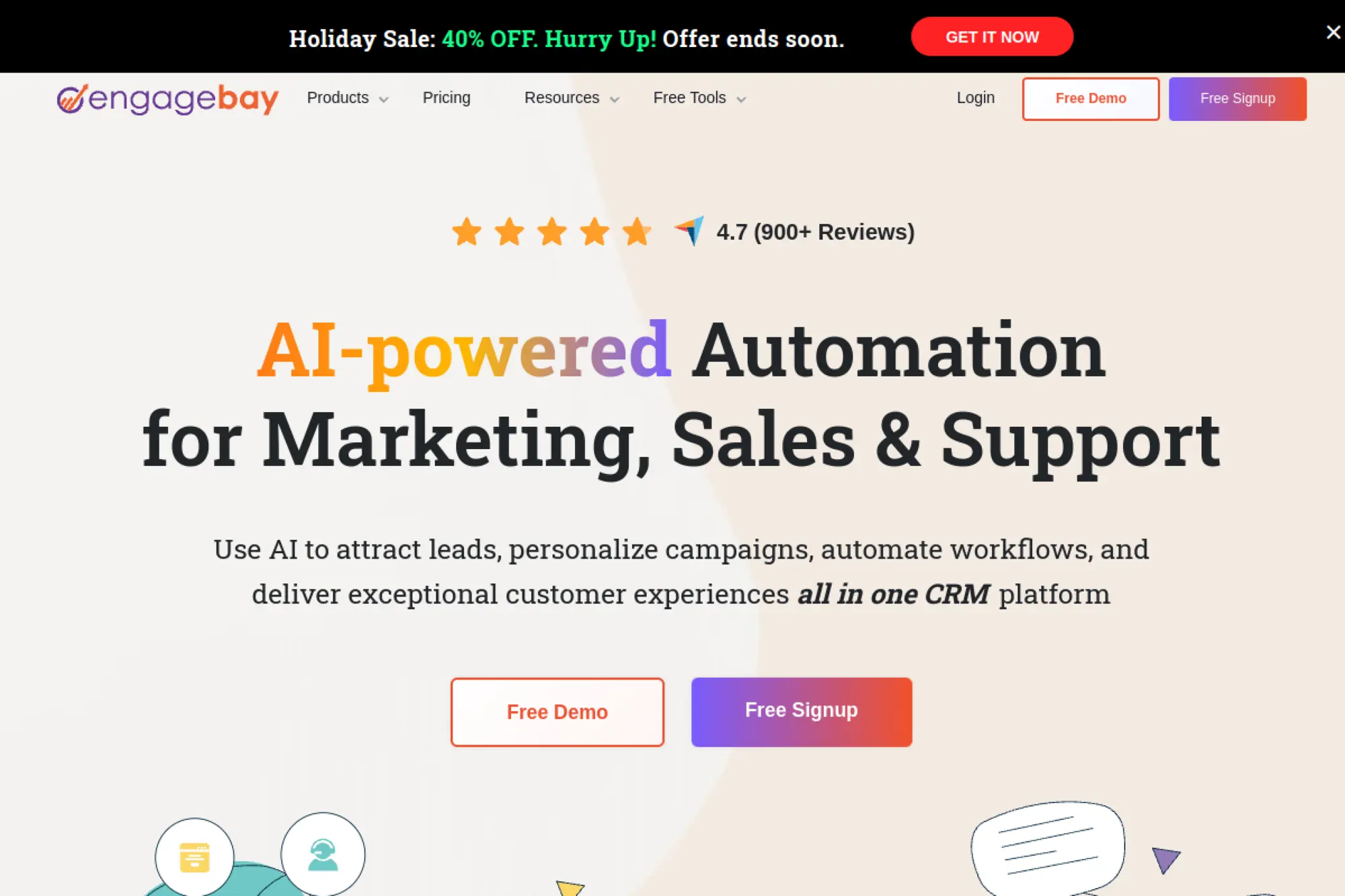
EngageBay is positioned as an affordable, all-in-one platform for SMB growth. The team leans into bundled value. You get CRM plus marketing and service-adjacent tools without enterprise pricing.
Outcome: Run basic CRM, email, and follow-up from one place.
Best for: solo marketers, and small teams that want “good enough” across functions.
- 360-degree contact view → reduce context switching when you jump between deals and emails.
- Built-in integrations → save 5–10 minutes per lead by reducing manual logging.
- Free-first entry → reach first value in about 1–2 hours.
Pricing & limits: From $0/user/mo on the Free plan, and paid CRM tiers list prices like $12.99/user/mo (paid yearly) for Basic. Trial: a free plan exists instead of a timed trial. Free caps can include 250 contacts, and paid tiers raise contact ceilings.
Honest drawbacks: The suite can feel broad rather than deep. Reporting and customization may not satisfy ops-heavy teams. If you scale fast, you may want a more specialized stack.
Verdict: If you want one tool to cover the basics, this helps you launch a simple system in a week. Beats many tools on price; trails HubSpot on refinement.
Score: 3.8/5
11. Pipedrive
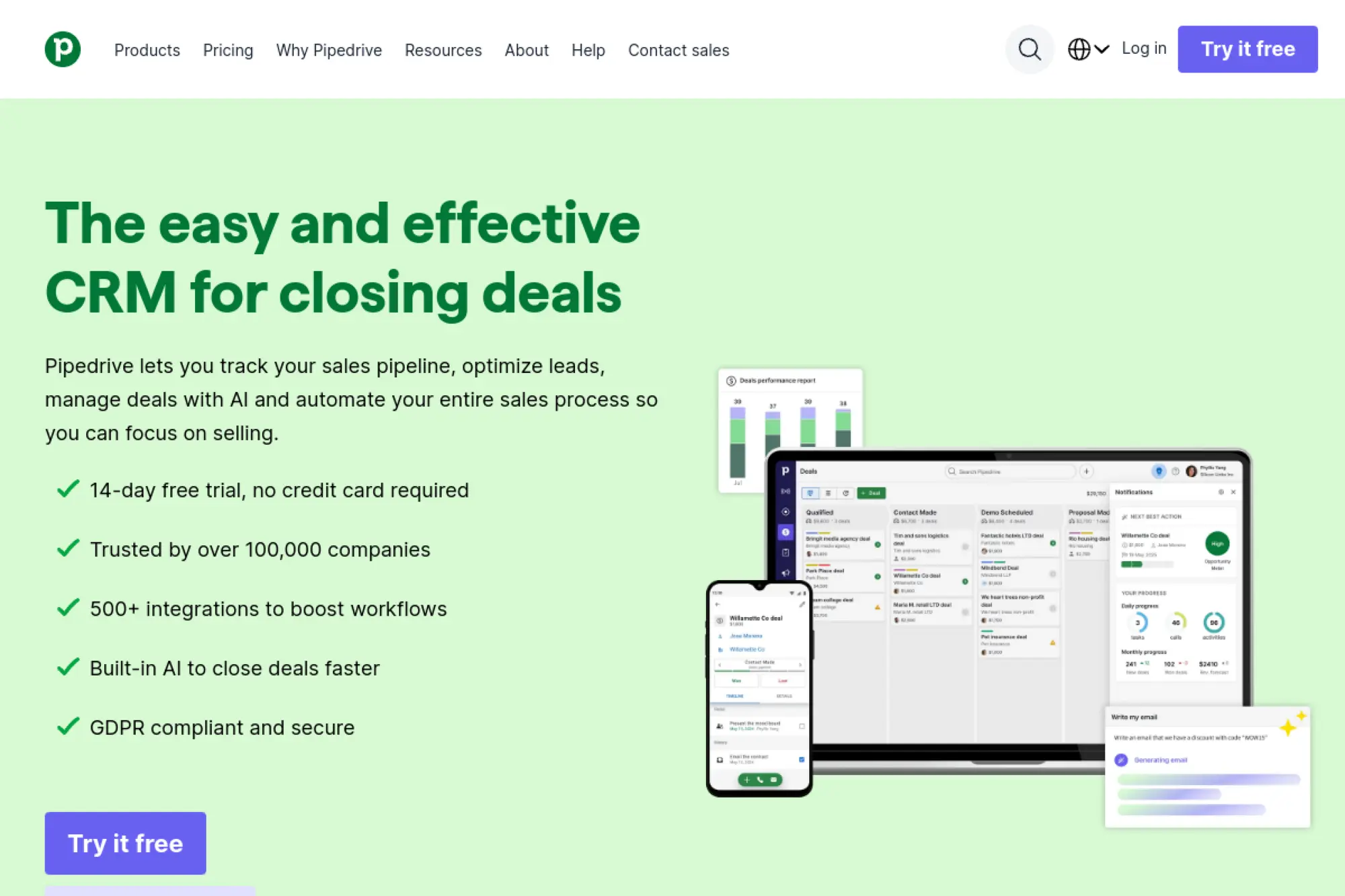
Pipedrive is a sales CRM company known for pipeline clarity. The team designs for reps who need speed and focus. It is one of the cleanest “deal-first” experiences in this list.
Outcome: Make your pipeline your daily operating screen.
Best for: SMB sales teams, and managers who want adoption without policing.
- Pipeline UX → keep next steps obvious so deals do not stall quietly.
- 500+ integrations → automate handoffs and save 5–8 manual updates per deal.
- Fast onboarding → reach first value in about 60 minutes.
Pricing & limits: From $14/seat/mo billed annually for Lite. Trial: 14 days with no credit card required. Plan differences show up in automation depth and reporting, so map needs before you pick a tier.
Honest drawbacks: Marketing automation is not the core. If you want deep email journeys, you will integrate another tool. Some advanced reports and permissions sit above entry tiers.
Verdict: If you want a CRM your reps will open daily, this helps you tighten execution in days. Beats monday CRM at sales focus; trails HubSpot on suite alignment.
Score: 4.1/5
12. Bitrix24
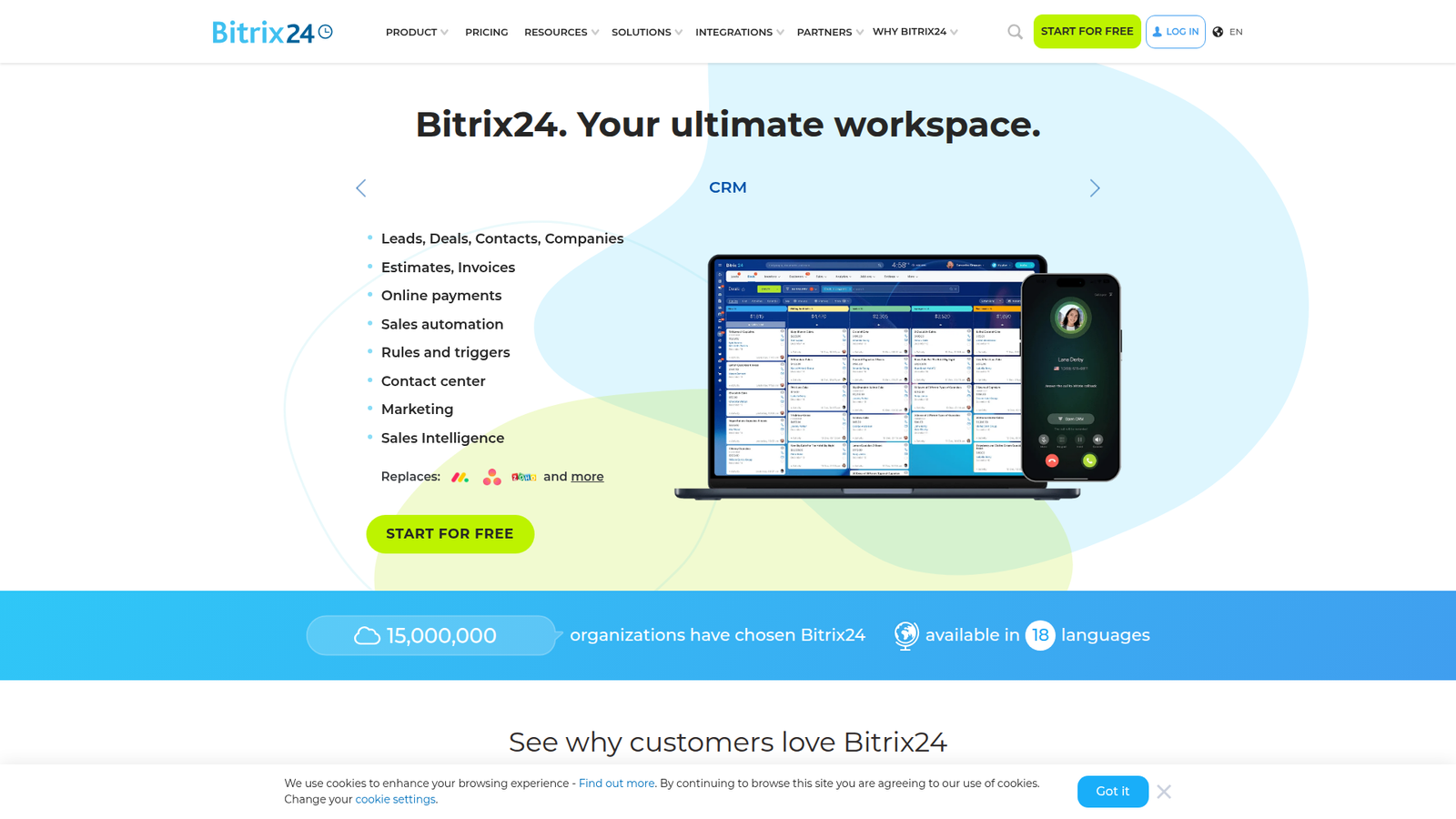
Bitrix24 is a broad collaboration platform with CRM included. The team aims to bundle chat, tasks, docs, and sales tools under one roof. It can replace several apps if your team commits.
Outcome: Centralize work, conversations, and customer records in one hub.
Best for: SMBs that want an all-in-one intranet, and teams needing many users cheaply.
- All-in-one workspace → reduce tool sprawl across chat, tasks, and deals.
- Flat plan pricing → add users without per-seat math within plan limits.
- Big footprint setup → reach first value in about 1–3 days.
Pricing & limits: From $0/mo for unlimited users on Free with 5 GB storage. Paid plans start around $61/org/mo billed monthly and include a user cap per plan, such as 5 users on Basic. Trial: the Free plan functions as your trial.
Honest drawbacks: The interface can feel crowded. Adoption depends on training and internal champions. If you only want CRM, the extra surface area can slow you down.
Verdict: If you want one platform for internal work and CRM, this helps you consolidate in a month. Beats per-seat tools on cost-per-user; trails Pipedrive on pure CRM focus.
Score: 3.8/5
13. Apptivo
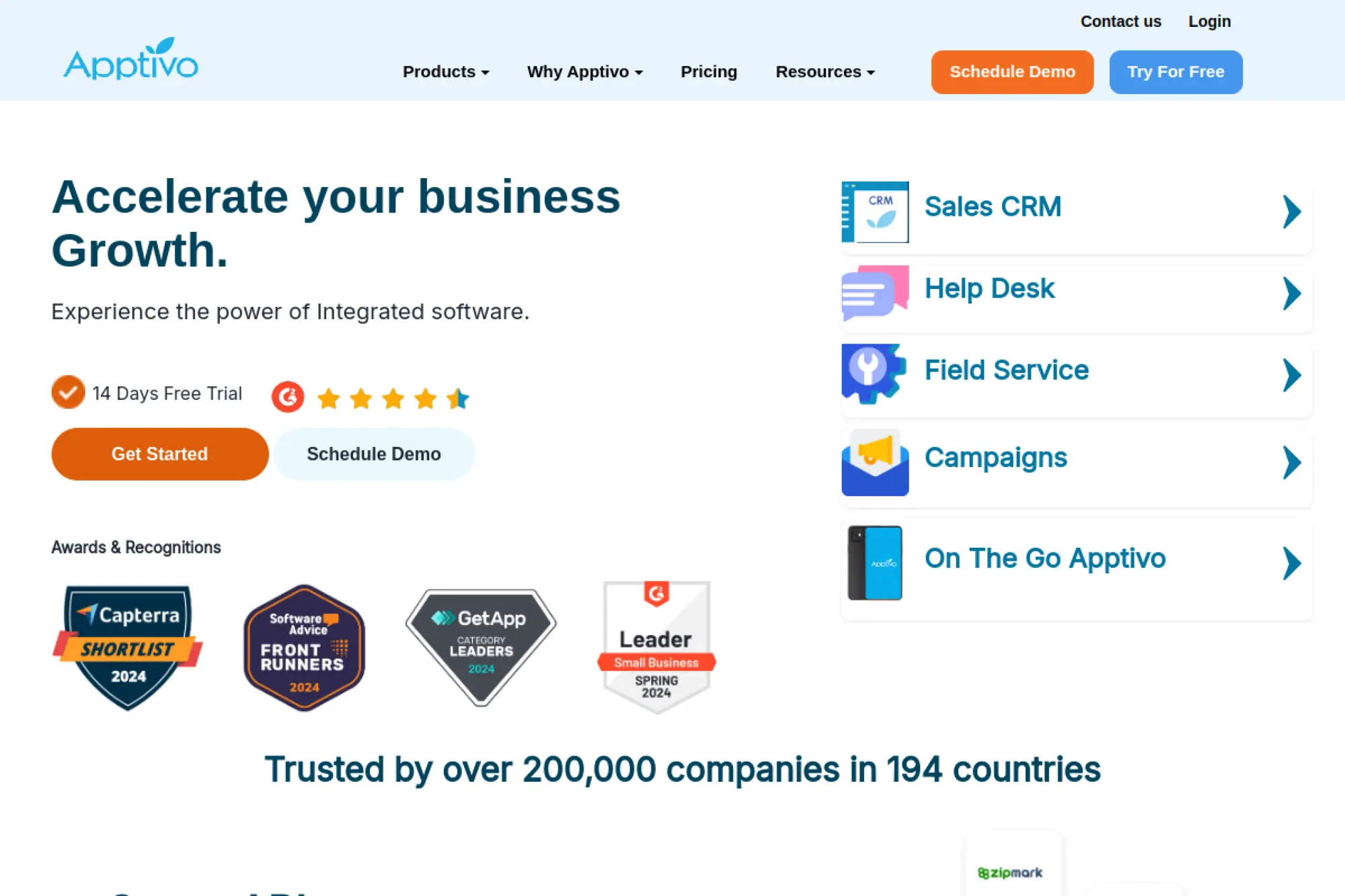
Apptivo is built as a suite of modular business apps with CRM at the center. The team’s strategy is flexibility through apps, not endless editions. That makes it feel like a build-your-own stack inside one vendor.
Outcome: Fit CRM to your process without paying enterprise premiums.
Best for: growing SMBs, and ops-minded teams that want customization without Salesforce overhead.
- App-based expansion → add quoting or projects only when you need them.
- Integrations included → save 3–6 steps per workflow via connected services.
- Structured onboarding → reach first value in about 1 day.
Pricing & limits: From $20/user/mo billed monthly for Lite, with lower per-user rates on annual billing. Trial: 14 days, noted as running on the Ultimate plan. Entry tiers list caps like included apps, custom fields, workflows, and dashboards.
Honest drawbacks: The “many apps” approach can feel fragmented at first. You must decide what to enable, or your team sees too much. Some teams prefer a single, tightly curated UI.
Verdict: If you want a configurable CRM that can grow sideways into operations, this helps you evolve in months. Beats Zoho when you want modularity; trails HubSpot on unified polish.
Score: 3.9/5
14. Teamgate CRM
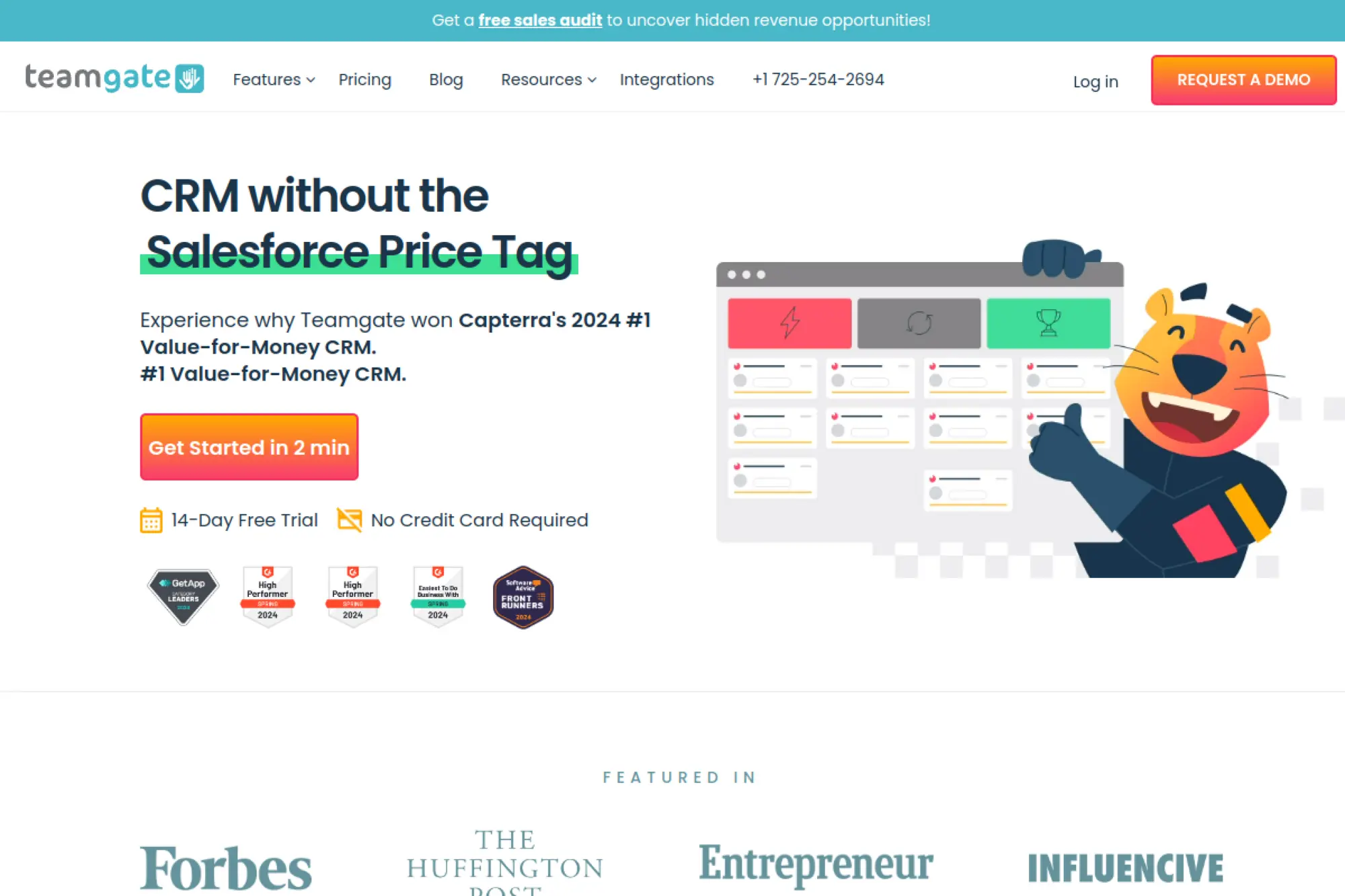
Teamgate is a sales CRM vendor oriented around contact and deal execution. The product team emphasizes usability and communication tracking. It feels designed to keep small teams aligned, not overwhelmed.
Outcome: Keep outreach, meetings, and pipeline in one disciplined loop.
Best for: small B2B teams, and founders who want a CRM that feels guided.
- Deal management basics → make pipeline stages consistent across the team.
- Dialing and messaging options → reduce app switching during outbound blocks.
- Starter path → reach first value in about 2–4 hours.
Pricing & limits: From Free for up to 2 users on the Starter tier, and paid plans list prices like $39.90 per user per month. Trial: the free tier functions as your trial. Starter notes caps like 500 contacts and a single customizable pipeline.
Honest drawbacks: Deeper automation and analytics can require higher plans. If you rely on niche integrations, you may need middleware. Some teams will want more advanced forecasting.
Verdict: If you want a guided CRM with a low barrier to entry, this helps you start tracking properly this week. Beats spreadsheets on structure; trails Pipedrive on marketplace breadth.
Score: 3.7/5
15. Daylite
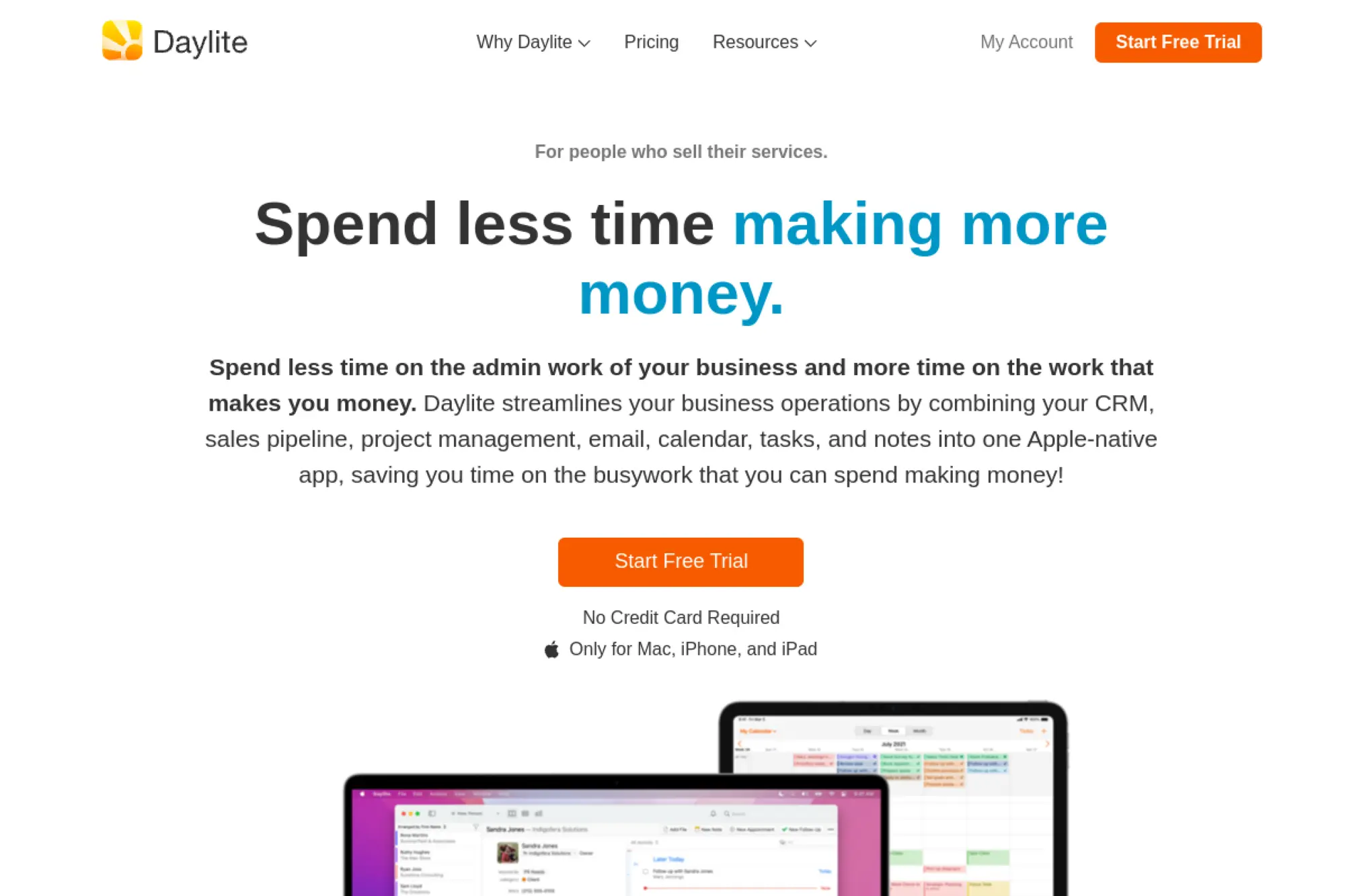
Daylite is built by Marketcircle with a strong Apple ecosystem orientation. The team designs for relationship-driven businesses that live in email, calendars, and projects. It feels like CRM and operations got married, quietly.
Outcome: Run client work and sales follow-up from one integrated home base.
Best for: Apple-first teams, and agencies that need CRM plus delivery tracking.
- Sales-to-project continuity → keep client context intact after a deal closes.
- Email and calendar integration → save minutes per interaction by reducing manual linking.
- Team-ready trial → reach first value in about 1–2 days.
Pricing & limits: From $19/month for Leap. Trial: 14 days, with no credit card required. Leap includes caps like 1 user, 1 email integration, and 500 contacts, while higher tiers expand users and contact limits.
Honest drawbacks: Pricing is not per-seat simple once you move beyond solo usage. If you are not in the Apple ecosystem, the appeal drops. Some teams may want a larger integration marketplace.
Verdict: If you want CRM tied closely to client delivery, this helps you stay organized within a few weeks. Beats generic CRMs at project continuity; trails HubSpot on web-first marketing depth.
Score: 3.6/5
16. Insightly
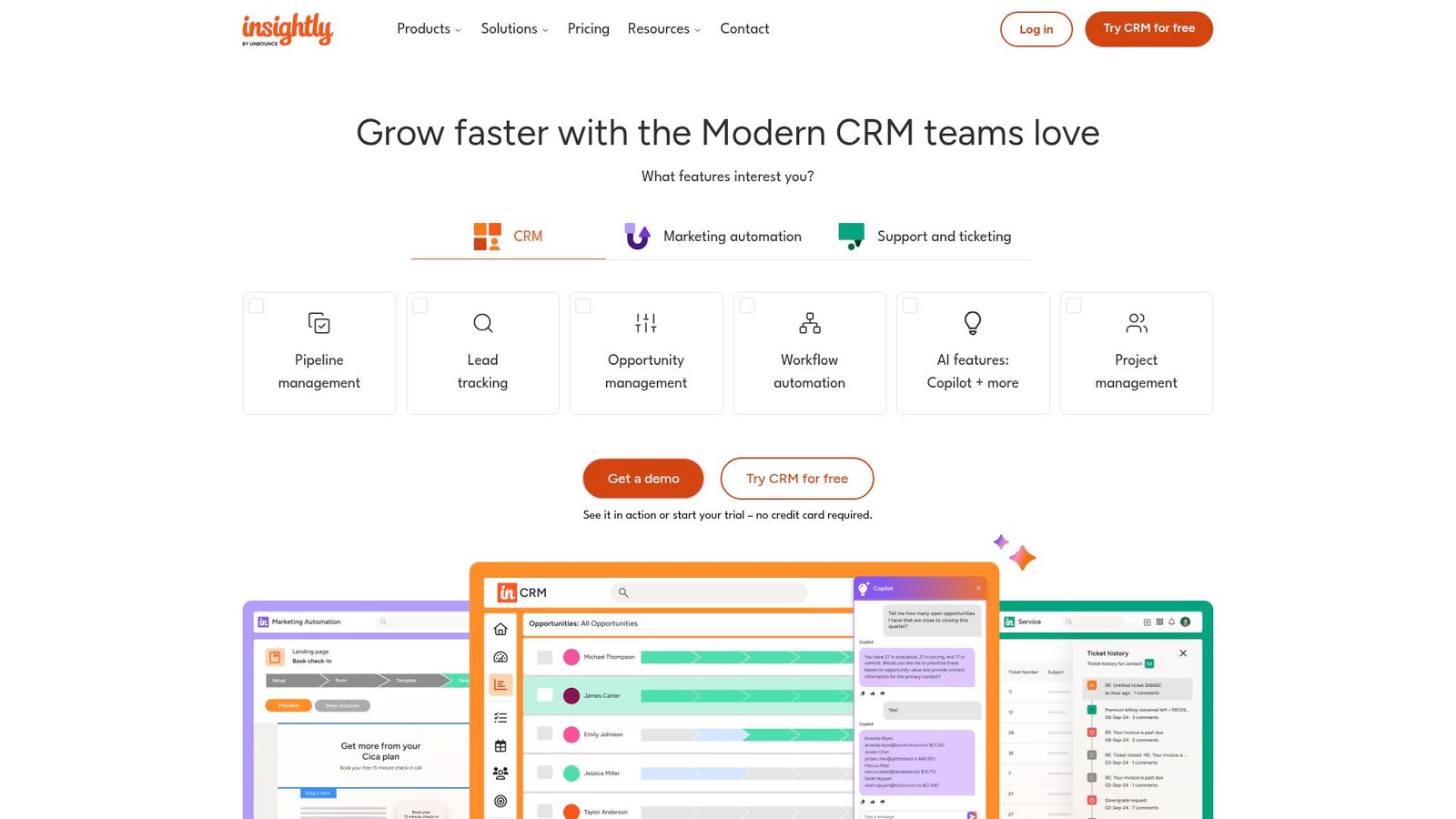
Insightly is a CRM vendor that blends sales tracking with project and workflow capabilities. The team leans into “after the deal” work. That makes it attractive when delivery matters as much as closing.
Outcome: Close deals, then turn them into trackable delivery work.
Best for: SMBs with post-sale projects, and teams that need CRM plus light PM.
- Opportunity-to-project handoff → reduce post-sale chaos and missed kickoff steps.
- AppConnect options → automate data movement and save 3–7 manual updates per deal.
- Structured plans → reach first value in about 1–2 days.
Pricing & limits: From $29/user/mo billed annually for Plus. Trial: 14 days is available. Limits vary by tier, so confirm workflow automation depth and reporting needs before you lock in.
Honest drawbacks: Some support and onboarding offerings can add cost. If you want a robust free tier, this is no longer that tool. Power users may still want deeper customization.
Verdict: If you need a CRM that respects delivery work, this helps you connect sales to execution in a month. Beats Pipedrive at post-sale flow; trails Pipedrive on pure pipeline elegance.
Score: 3.8/5
17. Follow Up Boss
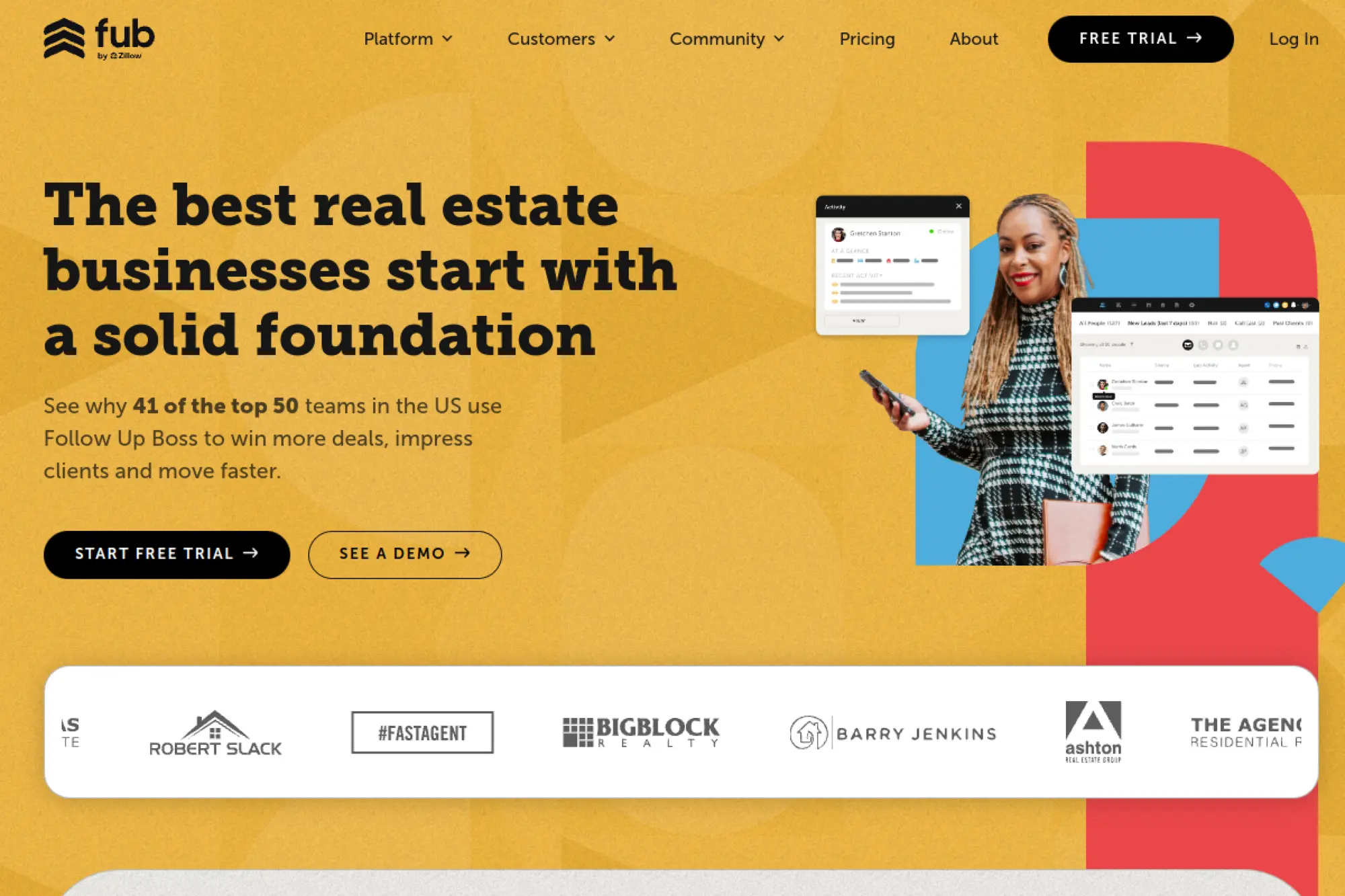
Follow Up Boss is built for lead-heavy sales teams, especially those living on speed-to-lead. The team’s priorities are inbox control, routing, and rapid response. It feels like a CRM designed around the first 10 minutes.
Outcome: Respond faster, route leads cleanly, and stop losing deals to silence.
Best for: real estate teams, and inbound-heavy SMBs that need structured follow-up.
- Smart Lists and action plans → turn new leads into a repeatable response playbook.
- Lead source connections → save time by eliminating manual lead entry and tagging.
- Quick start → reach first value in about 1 day with lead routing set.
Pricing & limits: From $69/month per user for Grow, with team bundles on higher tiers. Trial: a free trial is available, but the pricing page does not state the exact length. Many plans include unlimited contacts and integrations, so seat math becomes the core cost driver.
Honest drawbacks: It is specialized, not universal. If you need deep customization or complex objects, it may feel narrow. Costs rise quickly for larger teams on per-user tiers.
Verdict: If you win by responding first, this helps you tighten lead handling in days. Beats general CRMs at speed-to-lead; trails HubSpot on marketing breadth.
Score: 3.9/5
18. Podio
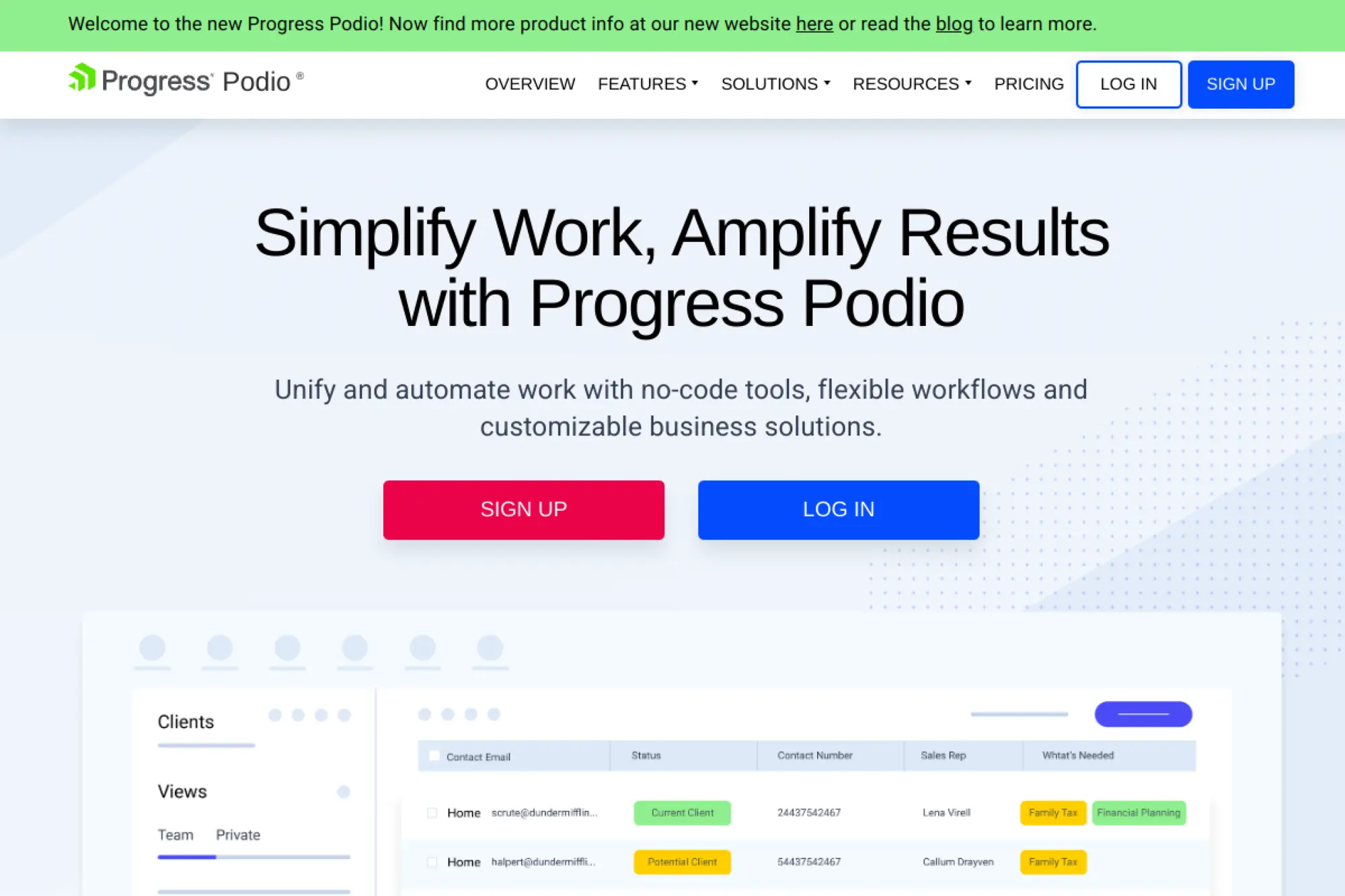
Podio is a flexible work platform that teams often bend into a CRM. The product team built a toolkit, not a rigid app. If you like designing your own workflows, Podio can feel like creative clay.
Outcome: Build a CRM-shaped workspace around how your team actually works.
Best for: operations teams, and SMBs that want custom workflows without custom code.
- Custom apps and workspaces → match your data model to reality, not templates.
- Workflow automation → remove repetitive routing and status updates across the team.
- Build-as-you-go setup → reach first value in about 1–2 days.
Pricing & limits: From $0/user/mo for up to five employees. Paid plans start at $14/user/mo, with annual discounts shown for Plus and Premium. Trial: the Free plan functions as your trial, and entry usage limits can include item caps per organization.
Honest drawbacks: Flexibility can become ambiguity. If nobody owns the build, your “CRM” turns into inconsistent forms. Some advanced CRM needs require add-ons or integrations.
Verdict: If you want a CRM you can shape to your workflow, this helps you build a tailored system in weeks. Beats rigid CRMs at customization; trails Pipedrive on out-of-box sales flow.
Score: 3.5/5
19. JobTread
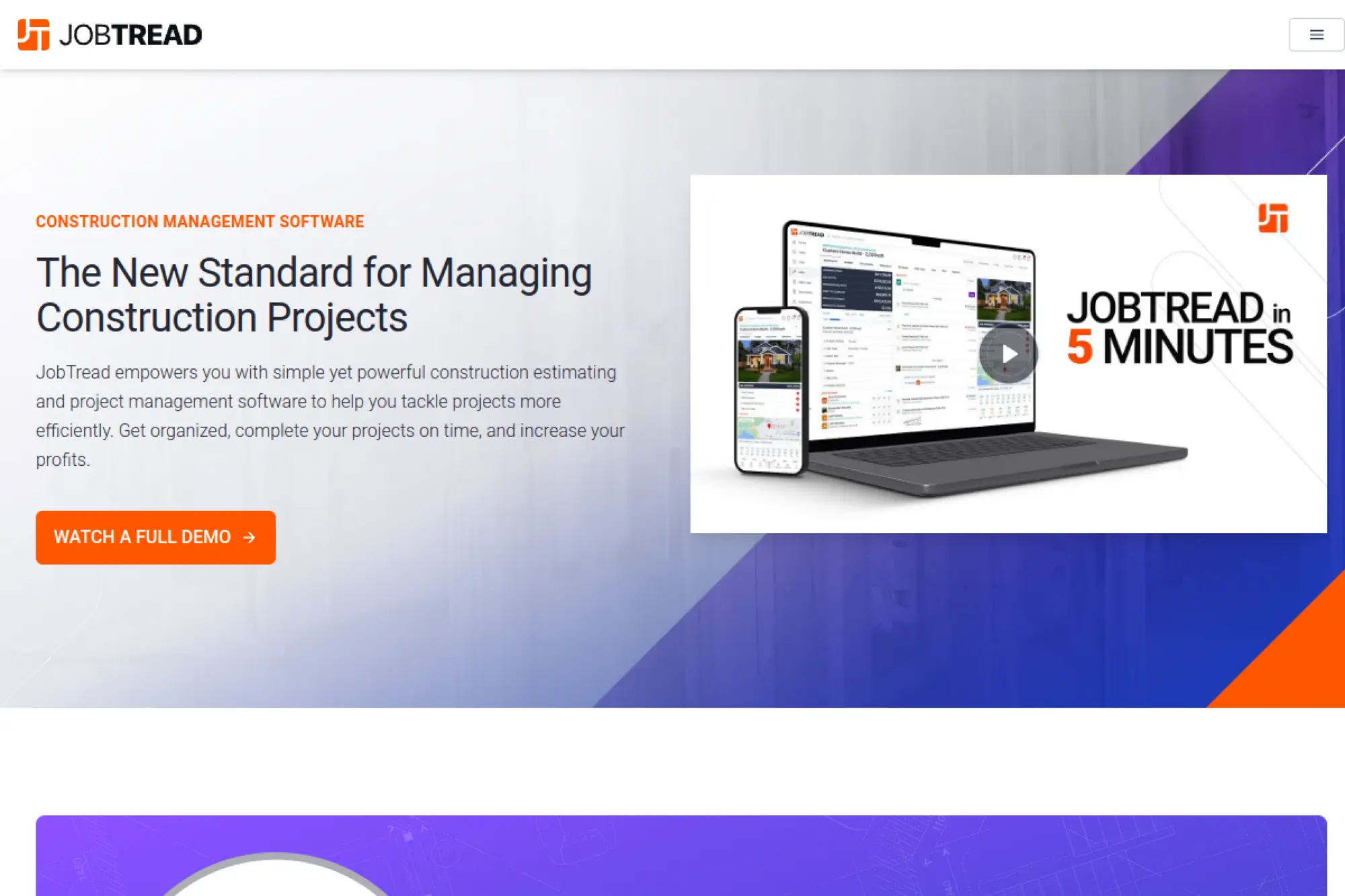
JobTread is built for construction businesses that need CRM tied to job costing and delivery. The team emphasizes implementation support and practical field workflows. It is less “sales CRM” and more “run the job” CRM.
Outcome: Track leads, estimates, and job finances in one connected system.
Best for: remodelers and builders, and contractors who need job costing tied to pipeline.
- Estimating-to-job workflow → keep budgets visible so profit leaks show early.
- Tool integrations → reduce double entry between project finance and customer records.
- Guided rollout → reach first value in about 2–4 weeks with onboarding.
Pricing & limits: Internal users start at $20/month, with tiered price breaks after 10 users. Trial: no free trial is offered, and a 30-day money-back guarantee is stated instead. Limits include free, unlimited vendor and customer portal users.
Honest drawbacks: It is industry-specific by design. If you are not running jobs and bids, it is overkill. No free trial also means you need real intent to evaluate.
Verdict: If you need CRM that speaks construction, this helps you control bids and margins within a month. Beats generic CRMs at job costing; trails HubSpot on general-purpose flexibility.
Score: 3.9/5
20. Zapier
Zapier is built by an automation platform team obsessed with glue. It is not a CRM, yet it quietly becomes the nervous system behind many CRMs. If your stack is already multi-tool, Zapier keeps it from splintering.
Outcome: Automate handoffs so your CRM stays current without manual labor.
Best for: lean ops, and teams stitching together CRM, forms, email, and billing tools.
- Trigger-action automations → eliminate repetitive updates and prevent stale pipelines.
- 1,000s of app connections → save 30–60 minutes weekly by removing copy-paste work.
- Quick build loop → reach first value in about 30 minutes for one key Zap.
Pricing & limits: From $0/mo with 100 tasks per month on Free. Pro starts at $19.99/month billed annually after a 14-day free trial. Limits are task-based, so estimate monthly volume before you pick a tier.
Honest drawbacks: Automations can become brittle without naming, ownership, and monitoring. Task overages can surprise you if volumes spike. It also will not fix broken process design.
Verdict: If you want your CRM to update itself, this helps you automate the boring parts in a day. Beats native integrations on breadth; trails native integrations on deep, vendor-specific features.
Score: 4.2/5
21. GoHighLevel
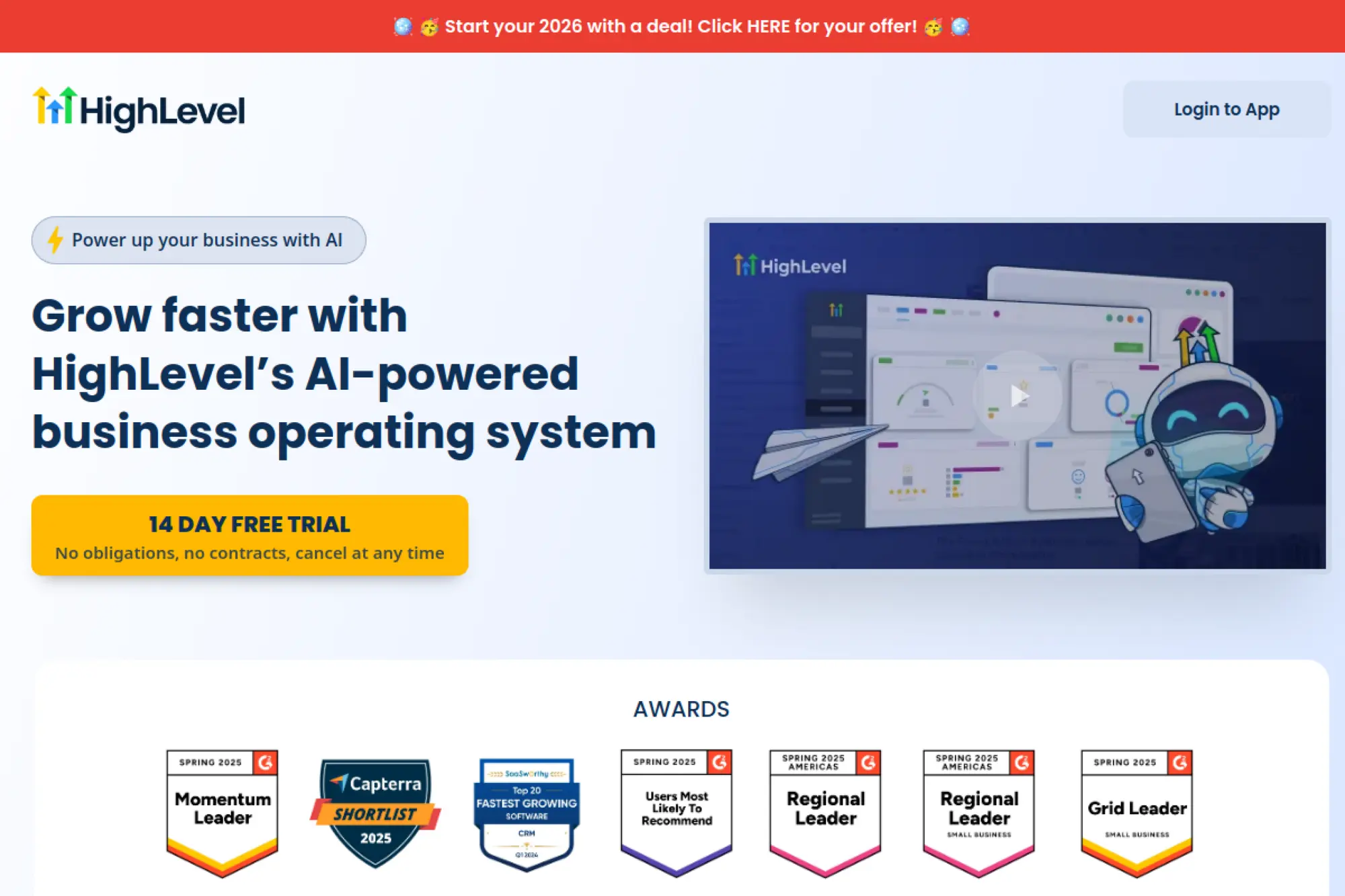
GoHighLevel (HighLevel) is built for agencies that run marketing and sales systems for clients. The team optimizes for multi-account management and white-label workflows. It feels like a control panel for lead gen operations.
Outcome: Launch funnels, pipelines, and follow-up across many client accounts.
Best for: marketing agencies, and consultants who manage CRM + campaigns for clients.
- Sub-account model → keep client data separated while you manage in one dashboard.
- Automation-first approach → reduce manual follow-up steps across funnels and appointments.
- Agency onboarding rhythm → reach first value in about 1–3 days for one client.
Pricing & limits: From $97/month for Starter, with a setup cap of up to three sub-accounts stated on promo pricing pages. Trial: 14 days is listed on some offer pages, and other promotions may show different trial windows. Limits focus on sub-accounts more than seats.
Honest drawbacks: It can feel like a lot of surface area for a single small business. Some workflows rely on external services you configure, which adds moving parts. Reporting can be “good enough” rather than best-in-class.
Verdict: If you deliver lead gen systems at scale, this helps you ship client-ready setups within days. Beats most CRMs at agency multi-accounting; trails HubSpot on native CRM polish.
Score: 3.8/5
22. CallTools
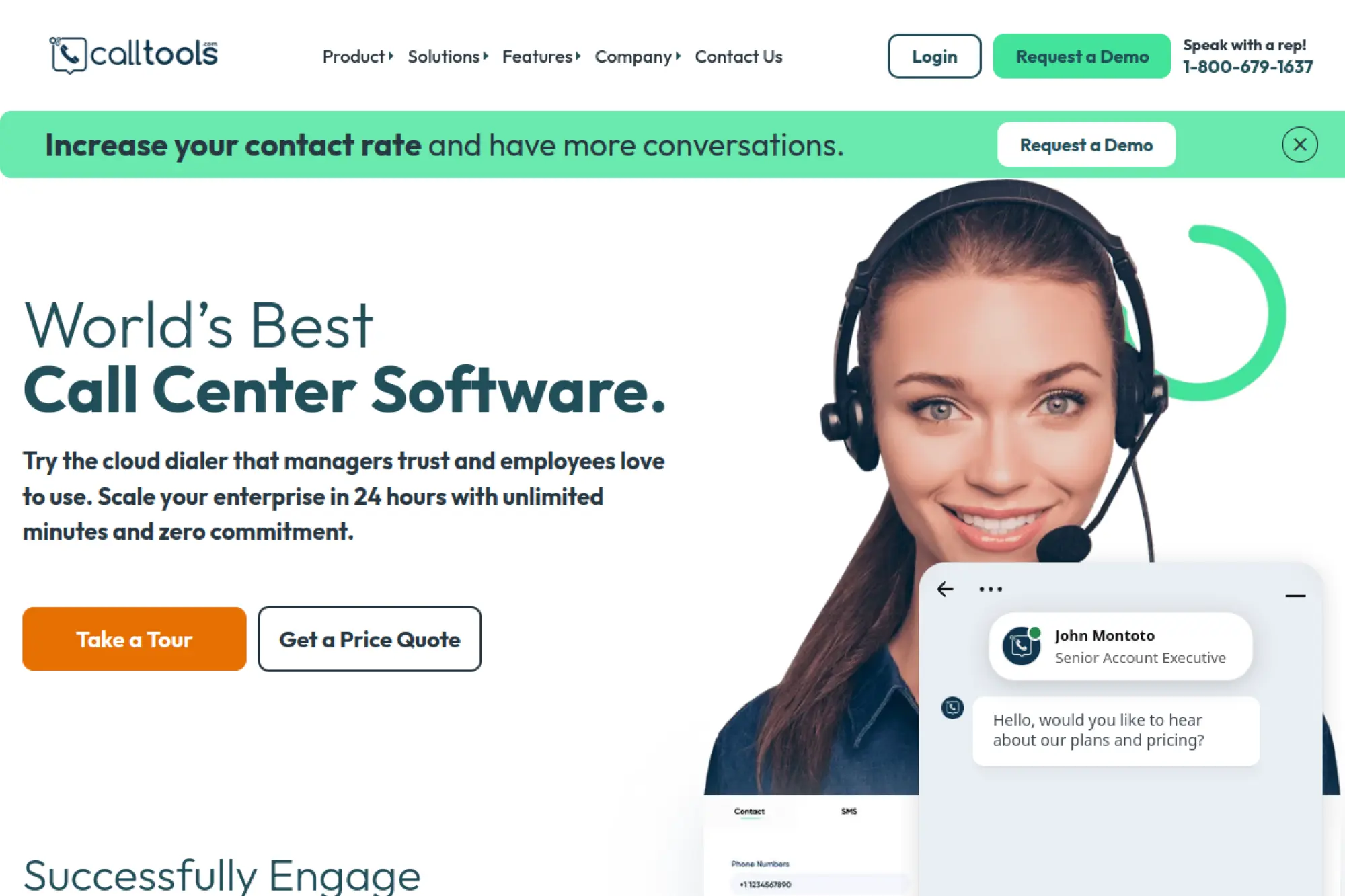
CallTools is built for outbound and inbound calling operations. The team’s focus is dialer performance, routing, and productivity analytics. It is CRM-adjacent, but it often becomes your frontline system of record for calls.
Outcome: Run high-volume calling with tracking that your CRM alone cannot match.
Best for: outbound SDR teams, and contact centers that live on calling throughput.
- Dialer workflows → increase call cadence by reducing manual dialing friction.
- CRM integrations → save several steps per lead by syncing dispositions automatically.
- Call-first implementation → reach first value in about 2–5 days after setup.
Pricing & limits: From about $79.99/month as listed in third-party pricing directories. Trial: no free trial is listed in those directories. Limits are typically quote-shaped in practice, so validate licensing, admin fees, and add-ons early.
Honest drawbacks: Pricing transparency can be limited depending on how you buy. If you only need light calling, Aircall or a CRM dialer may be simpler. Dialer adoption also needs scripts and QA discipline.
Verdict: If you win by volume calling and tight reporting, this helps you increase output within weeks. Beats general CRMs at dialer depth; trails them on full customer lifecycle views.
Score: 3.5/5
23. MailerLite
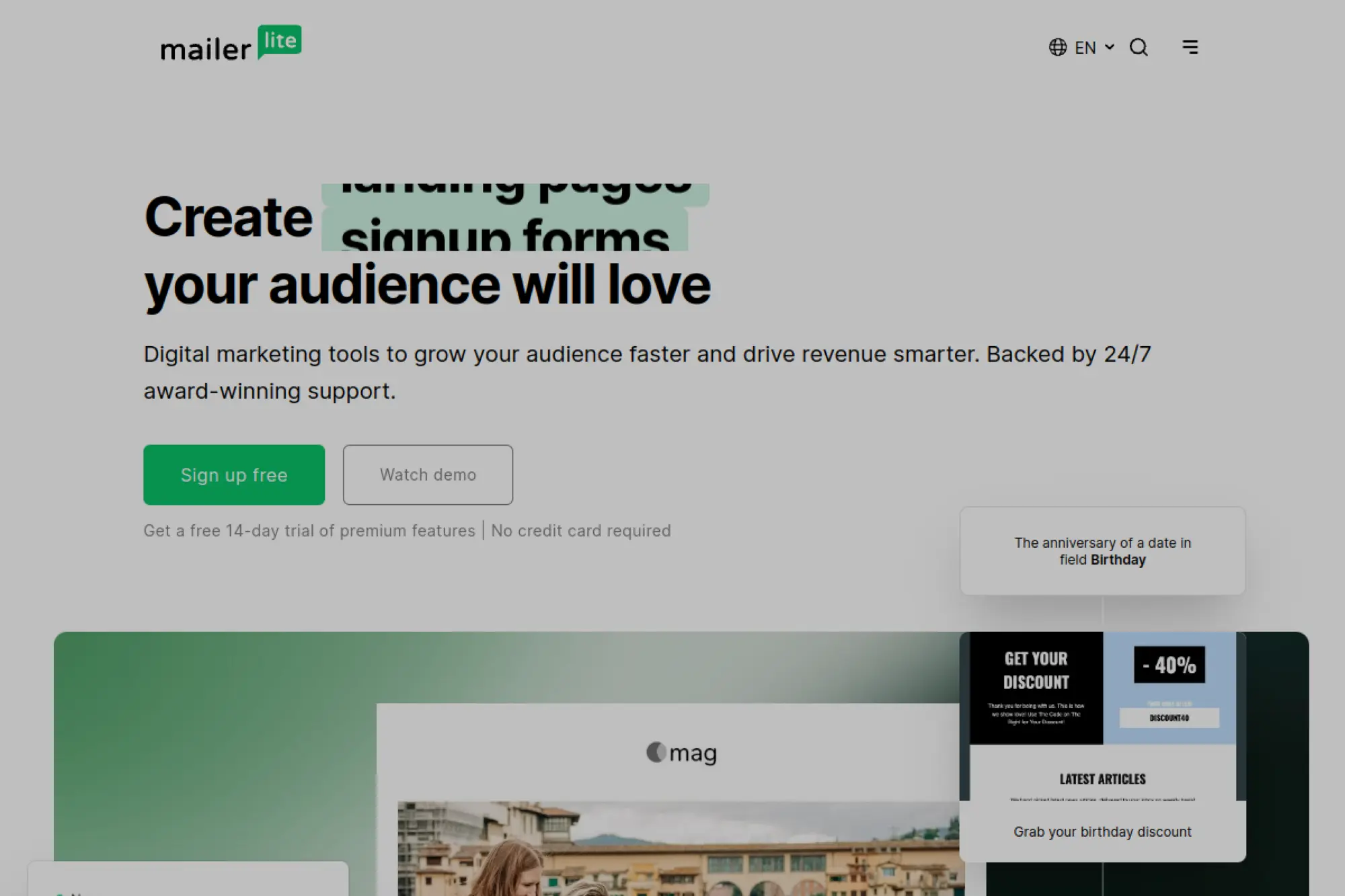
MailerLite is built by a team that prioritizes usability in email marketing automation. It is not a CRM, but it becomes the follow-up engine behind one. The product feels calm, fast, and friendly to small teams.
Outcome: Automate nurture sequences without hiring a marketing ops specialist.
Best for: creators and small businesses, and teams that need affordable email automation.
- Automation builder → nurture leads with consistent follow-up instead of manual reminders.
- Landing pages and forms → cut setup steps by keeping capture and email in one place.
- Free-first start → reach first value in about 60 minutes for a basic sequence.
Pricing & limits: From $0/mo for up to 500 subscribers and 12,000 emails per month. Paid plans start around $10/month, and a 14-day trial of premium features is offered. Free plan limits include one user, and support access changes after the trial window.
Honest drawbacks: It is not a full CRM, so pipeline management lives elsewhere. Advanced segmentation and multivariate testing can require higher plans. If you need deep sales automation, pair it with a CRM.
Verdict: If you want automated nurture without bloated costs, this helps you launch sequences in a weekend. Beats Mailchimp on simplicity for many teams; trails ActiveCampaign on advanced orchestration.
Score: 4.2/5
24. Xero
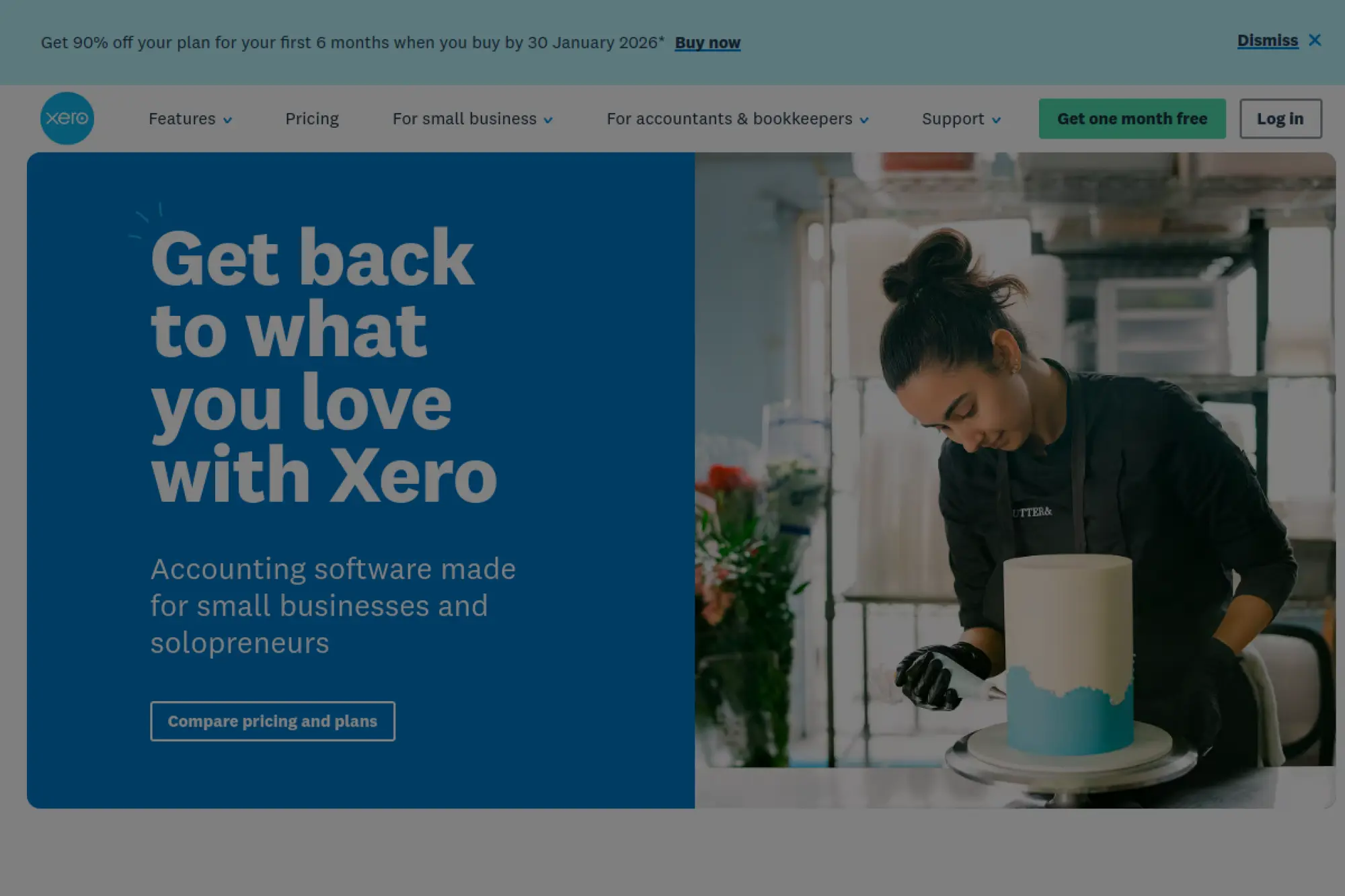
Xero is accounting software, not a CRM, yet it matters in your customer stack. The team builds around invoicing, reconciliation, and financial clarity. When connected well, it turns “deal won” into “cash collected” with less friction.
Outcome: Keep customer billing and payment status visible to your team.
Best for: service SMBs, and owners who want clean invoicing tied to customers.
- Invoices and quotes → get paid faster by sending clean billing immediately.
- App integrations → reduce double entry between sales tools and accounting.
- Fast setup → reach first value in about 1–2 days for invoicing workflows.
Pricing & limits: From $25/month for Early (regular price shown), with promotions sometimes offered. Trial: one month free is offered on Xero’s pricing page. Early includes caps like 20 invoices and 5 bills, so confirm fit before you standardize.
Honest drawbacks: Xero will not replace a CRM pipeline. Some features require add-ons, and promotions can obscure your long-term run rate. If you need heavy job costing, you may need an industry tool.
Verdict: If you want billing to stop living in spreadsheets, this helps you tighten cashflow within weeks. Beats using a CRM alone for finance visibility; trails QuickBooks in some US accountant ecosystems.
Score: 3.9/5
25. Mailchimp CRM
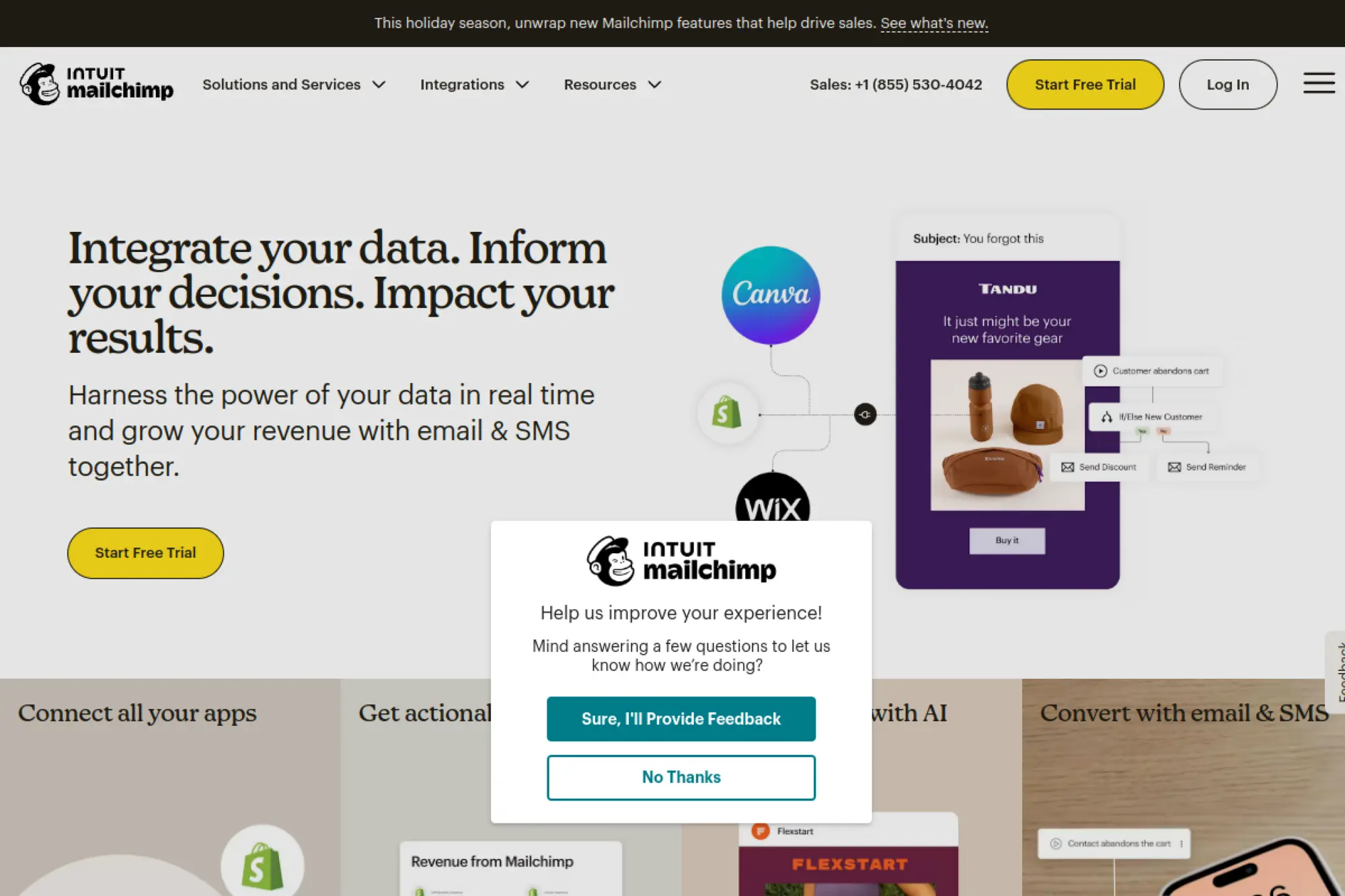
Mailchimp is a long-running email marketing platform that often plays “CRM-lite” for very small teams. The product team focuses on campaign creation, audience management, and templates. It pairs best with a dedicated CRM when sales gets serious.
Outcome: Turn contacts into repeatable email campaigns that drive responses.
Best for: early-stage marketers, and small shops running newsletters and promos.
- Campaign builder → ship emails faster with templates and predictable workflows.
- Segmentation basics → reduce manual list wrangling and targeting errors.
- Quick start → reach first value in about 30–60 minutes for a first send.
Pricing & limits: From $0/mo on Free, which includes limited contacts and sends per month. Paid plans for 500 contacts are commonly cited from around $13/month for Essentials. Trial: the Free plan works as your evaluation path, and paid pricing scales with contact count.
Honest drawbacks: Costs climb as your audience grows, and pricing complexity can surprise teams. Advanced automation depth is not as strong as ActiveCampaign. If you need sales pipelines, you will still want a CRM.
Verdict: If you need to start sending consistently, this helps you move from “someday” to scheduled campaigns within a week. Beats many tools on familiarity; trails MailerLite on value at small scales.
Score: 3.9/5
26. QuickBooks
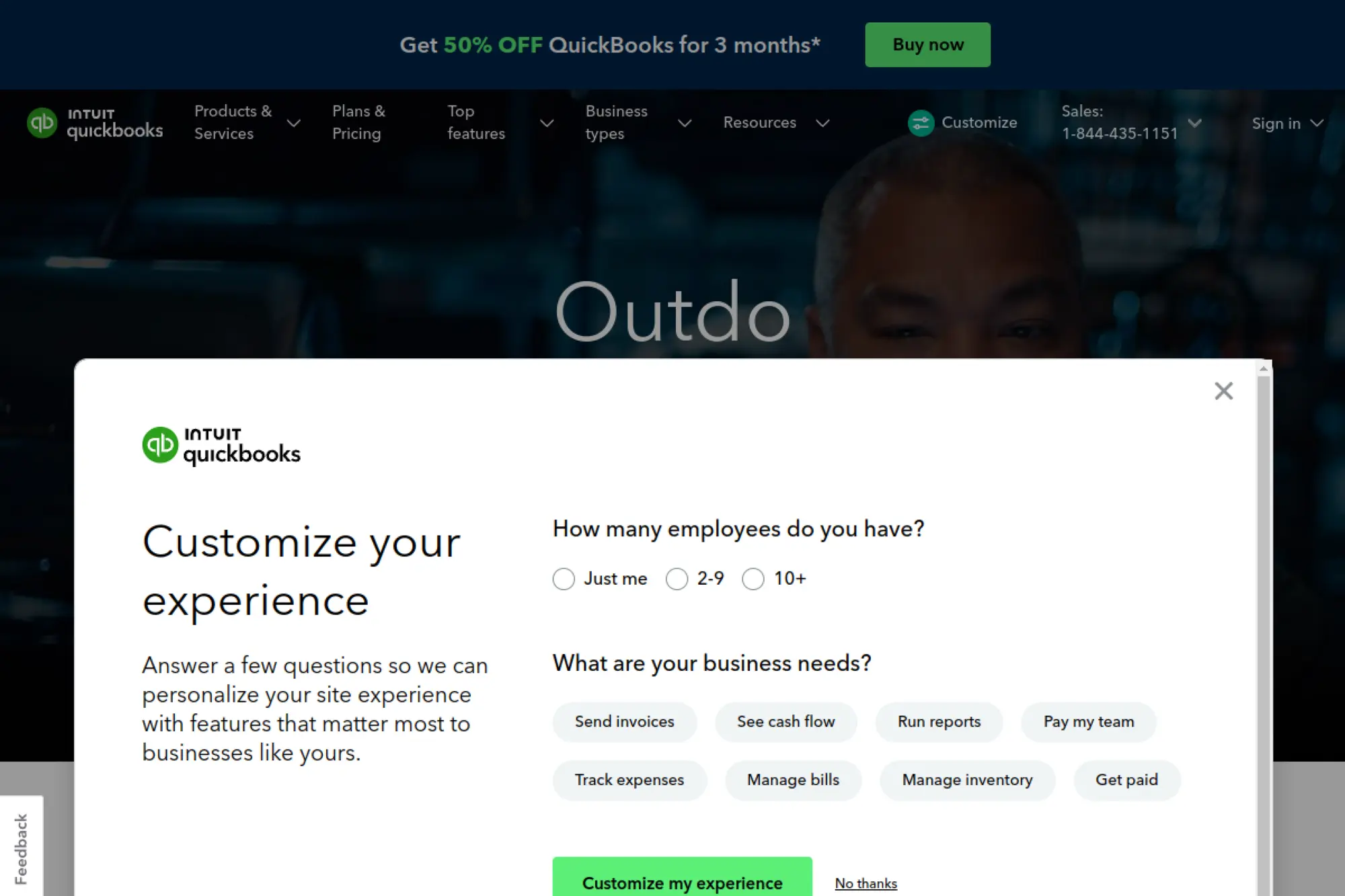
QuickBooks is accounting software from Intuit, and it anchors many US small business stacks. The product teams keep expanding automation and connected services. While it is not a CRM, it defines what “customer” means financially.
Outcome: See money reality fast, so sales and delivery decisions stay grounded.
Best for: US SMBs, and owners who want invoicing tied to clean bookkeeping.
- Customer-based bookkeeping → track revenue per customer without spreadsheet gymnastics.
- App ecosystem → reduce re-entry by syncing invoices and payments across tools.
- Quick start trial → reach first value in about 1–2 days for invoicing and bank feeds.
Pricing & limits: From $38/month for Simple Start, with a free 30-day trial offered. Simple Start includes 1 user, plus accountant access. Limits and features vary by plan, so confirm user counts and advanced workflow needs.
Honest drawbacks: It is not a sales pipeline tool, so you still need a CRM. Plan upgrades can be required as you add users. Some teams also dislike the feel of a “financial first” UI.
Verdict: If you want customer financials to stop being a blind spot, this helps you get clean billing within weeks. Beats Xero for many US accountant workflows; trails Xero for some multi-entity simplicity.
Score: 4.0/5
27. Help Scout
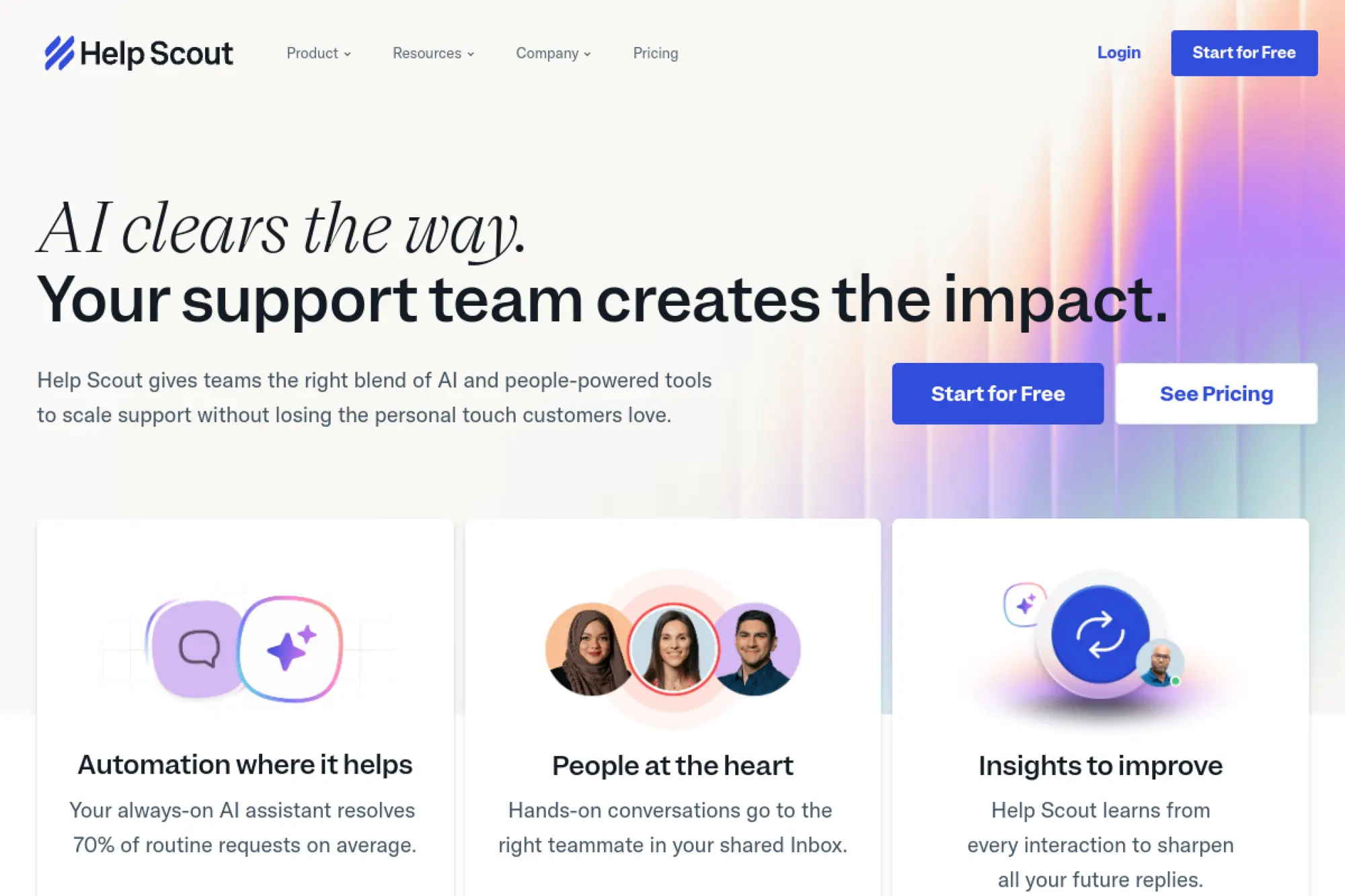
Help Scout is built by a customer support software team that values human-scale service. It is not a CRM, but it becomes your relationship memory on the support side. When integrated, it gives sales and service one shared truth.
Outcome: Deliver support that feels personal, even as volume grows.
Best for: SMB support teams, and founders who want a clean shared inbox with context.
- Shared inbox + knowledge base → reduce duplicate replies and speed up resolutions.
- CRM integrations → save minutes per ticket by keeping customer history attached.
- Fast rollout → reach first value in about 1 day for a basic inbox setup.
Pricing & limits: From $25/user/mo for Standard, with higher tiers at $45 and $75 per user per month. Trial: “Try for Free” is offered on the pricing page, though the exact trial length is not stated there. Limits vary by plan, so confirm workflows and SSO needs.
Honest drawbacks: It is a support platform, not a pipeline manager. Some advanced routing and security features sit at higher tiers. If you need omnichannel at scale, you may compare heavier help desks.
Verdict: If you want support to feel consistent and searchable, this helps you level up service within a week. Beats many help desks on simplicity; trails enterprise suites on deep ITSM features.
Score: 4.1/5
28. Aircall
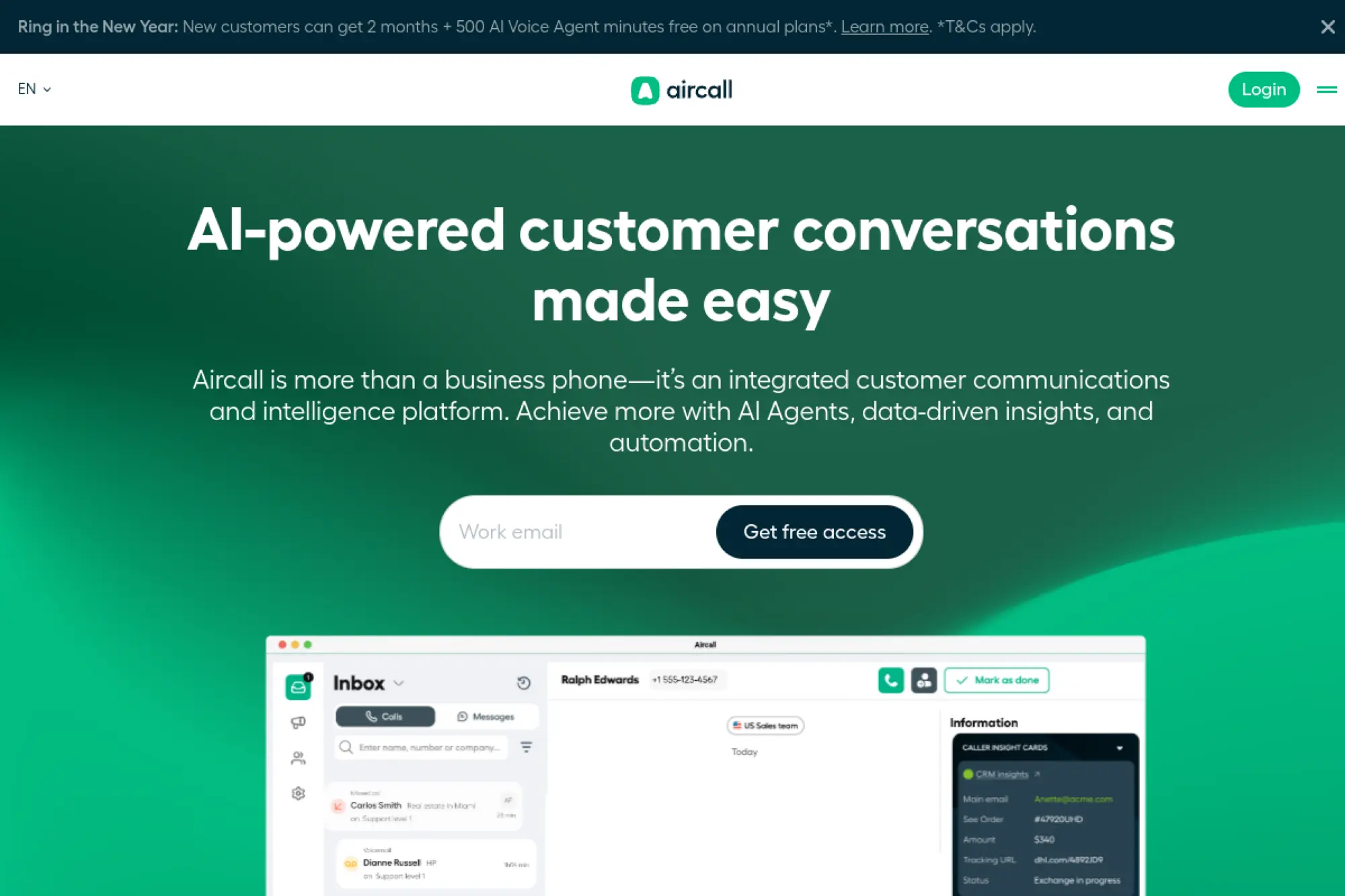
Aircall is built by a cloud phone system team focused on sales and support calling workflows. The product emphasizes integrations, call routing, and analytics. In many stacks, it becomes the call layer that keeps the CRM honest.
Outcome: Turn calls into logged, reportable pipeline activity.
Best for: SMB sales teams, and support teams that need shared call visibility.
- Call workflows → reduce missed handoffs with shared numbers and routing.
- CRM integrations → save several steps per call by syncing notes and outcomes.
- Trial-driven setup → reach first value in about 1–2 days with routing live.
Pricing & limits: From $30/user/mo on annual pricing, with monthly pricing listed higher in Aircall’s own comparisons. Trial: up to 7 days is defined in Aircall’s legal terms, and trial accounts include usage limitations. Seat minimums can apply by plan, so confirm before rollout.
Honest drawbacks: Calling quality and analytics expectations must be set realistically. Trial limitations can make evaluation feel constrained. Per-user pricing adds up quickly for larger teams.
Verdict: If you want calls to stop living outside your CRM, this helps you get visibility in weeks. Beats basic VoIP tools on CRM integration focus; trails dedicated dialers on extreme outbound volume.
Score: 3.8/5
29. ActiveCampaign
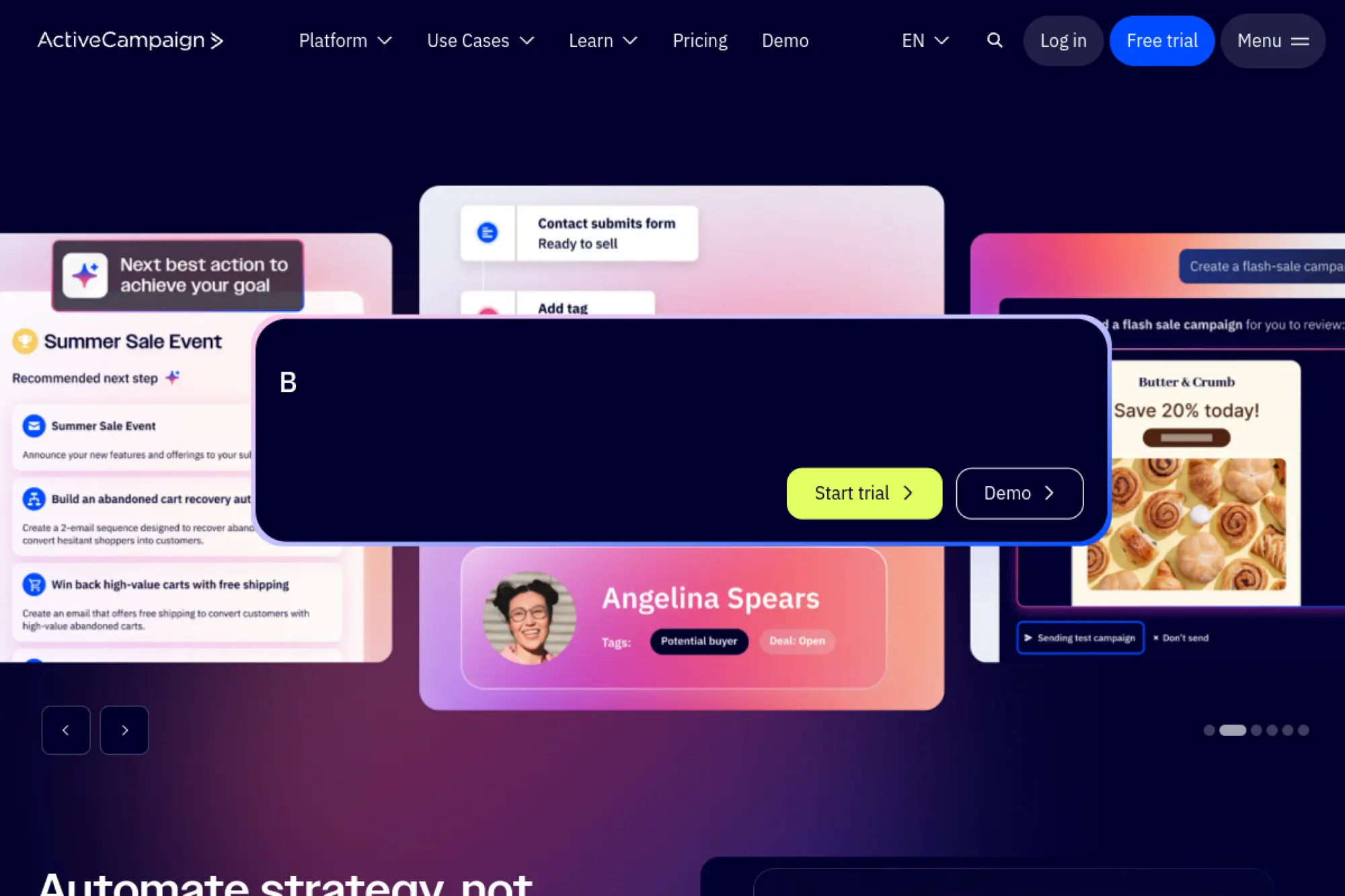
ActiveCampaign is built by a marketing automation company with CRM capabilities included across tiers. The team focuses on orchestration and segmentation. It shines when “follow-up” means journeys, not reminders.
Outcome: Automate customer journeys that drive replies and revenue.
Best for: ecommerce teams, and SMBs that need serious automation without enterprise suites.
- Automation recipes → ship nurture flows that run without daily babysitting.
- CRM included across plans → reduce tool switching as marketing and sales share context.
- Guided templates → reach first value in about 1 day for a starter journey.
Pricing & limits: From $15/month for Starter at 1,000 contacts, with pricing scaling by contact band. Trial: 14 days is offered. Limits can include user seats and automation action caps on entry tiers, so confirm before you build complex flows.
Honest drawbacks: Pricing can climb quickly as your list grows. The UI has depth, so training matters. If you only need a pipeline, it can be more than you need.
Verdict: If you want automation that actually sells while you sleep, this helps you launch journeys in weeks. Beats Mailchimp on automation depth; trails HubSpot when you want an all-in-one customer platform.
Score: 4.0/5
30. Gmail
Gmail is a consumer email product under Google, and it anchors countless small business workflows. On its own, it is not a CRM. Paired with labels, templates, and a light CRM layer, it becomes the daily front door for revenue.
Outcome: Keep customer communication fast, searchable, and consistently organized.
Best for: solo operators, and small teams that live in email more than dashboards.
- Search and threads → recover context in seconds instead of digging through notes.
- Workspace tie-ins → save steps by pairing email with calendar, Drive, and Meet.
- Instant start → reach first value in minutes with labels and canned responses.
Pricing & limits: From $0/mo for personal Gmail. For a business inbox with a custom domain, Google Workspace Business Starter lists pricing around $7/user per month (annual commitment) with a 14-day trial. Storage caps depend on plan, such as 30 GB pooled storage per user on Starter.
Honest drawbacks: Gmail will not manage pipelines, tasks, or forecasting by itself. Without discipline, your “system” becomes an inbox pile. Security and admin controls depend on Workspace tier.
Verdict: If your team sells from the inbox, this helps you stay responsive today and layer CRM later. Beats many CRMs at daily usability; trails them on pipeline rigor and reporting.
Score: 4.2/5
Recommended reading: Top 30 Japan Web Design Companies: 2026 Guide With Selection Criteria And Pricing Insights
Must-have features in a crm for small businesses
Feature lists can mislead teams into buying “potential” instead of solving pain. Market overview: IDC reported worldwide enterprise applications revenue reached $356 billion in 2023, and CRM is a major slice of that stack. A big market produces endless checkboxes. We focus on capabilities that change behavior. Behavior is where ROI hides.
1. Scalability: choosing a crm for small businesses that grows with your team
Scalability is not only user count. It is process complexity and data volume. A scalable CRM handles new pipelines, new products, and new regions gracefully. It also supports role-based permissions without pain. We prefer tools that scale in layers. You start simple, then unlock depth.
Watch for “configuration cliffs.” Some CRMs feel easy until you add a second pipeline. Others feel fine until you add approvals. The best platforms grow without forcing a full rebuild.
2. Contact limits and record caps that impact long-term CRM costs
Limits can be rational. They can also be a trap. Contact caps force you to delete history, which is a hidden cost. Record caps can break reporting, since “records” often include tasks and notes. We advise clients to map data growth early. It prevents surprise migrations later.
In practice, the most expensive CRM is the one you outgrow fast. The next most expensive is the one you never adopt. Limits influence both outcomes. So we read the fine print like engineers.
3. Contact database and customizable fields for accurate customer data
The contact database is the heart of any CRM. Custom fields are the arteries. If you cannot store what matters, users will create side notes. Side notes become side spreadsheets. Side spreadsheets become tribal knowledge.
We design fields with restraint. Each field should answer a future question. Each field should also have a defined owner. Ownership prevents “garbage-in” drift.
Our default field discipline
- Define what “required” means and keep it minimal.
- Prefer picklists over free text for key attributes.
- Document field meaning in plain language.
- Build dedupe rules around email and domain.
4. Sales pipelines and deal tracking for stage-by-stage visibility
Pipelines are a model of how you sell. They should reflect reality, not aspiration. We favor fewer stages with clearer exit criteria. That keeps reporting honest. It also keeps reps from stage-hopping.
Deal tracking should support attachments, stakeholders, and risks. It should also make “next step” visible. If a deal has no next step, it is not a deal. It is a hope.
5. Task management and follow-up reminders to prevent dropped leads
Tasks are the CRM feature that most teams underuse. They also deliver the fastest payoff. Good tasking turns intention into action. It also clarifies ownership. Ownership reduces internal friction quickly.
We like task systems that link to outcomes. A task should attach to a lead, deal, or ticket. It should also carry context. Context beats memory, especially on busy days.
6. Automation for lead scoring, lead assignment, and routine follow-ups
Automation is valuable when it encodes common sense. It is risky when it encodes assumptions. Lead assignment rules should be transparent. Scoring rules should be explainable. Routine follow-ups should respect consent and tone.
We implement automation in small steps. First, route leads. Next, standardize sequences. Then, add scoring. Each step should be measurable. Each step should also be reversible.
7. AI capabilities for insights, recommendations, and smarter prioritization
AI is useful when it reduces reading, writing, and searching. Summaries help reps catch up fast. Drafts help marketers ship quicker. Recommendations can help managers coach consistently. Still, AI must sit on clean data. Dirty data produces confident nonsense.
We ask one question before enabling AI features. Where will the recommendation be verified? If nobody can verify it, the risk rises. In that case, we limit AI to drafting and summarizing.
8. App integration to connect marketing, support, and communication tools
Integration is where CRM becomes a platform. Email and calendar sync are table stakes. Accounting and billing integration prevent broken handoffs. Helpdesk integration prevents context loss. Chat integration reduces response lag.
From our build work, we see two integration patterns. The first is “native connector first.” The second is “automation middleware” through iPaaS tools. We pick based on reliability needs and change rate.
9. Mobile access so reps can update data and work from anywhere
Mobile access matters because sales happens away from desks. A strong mobile app supports quick updates and quick retrieval. It should also handle weak connectivity gracefully. Nothing kills adoption faster than a spinning loader after a meeting.
We also care about mobile security. Device loss is real. So we push for strong auth, short sessions, and role-based data visibility.
10. Workflow management for repeatable processes and approvals
Workflows bring consistency to messy operations. They also surface bottlenecks early. Approvals are the most common need, especially for discounts and custom terms. A workflow should route, notify, and record decisions.
We design workflows like code. Each step has an input, an output, and a clear owner. Each transition should be auditable. Audits are not only for compliance. They are for learning.
11. Reporting, dashboards, and forecasting for data-driven decisions
Reporting should answer business questions, not decorate meetings. Dashboards should align with roles. Reps need activity and pipeline health. Managers need conversion and aging. Owners need trend and risk.
Forecasting is only as good as stage discipline. So we treat forecasting as a process project. The CRM is a tool. The habit is the product.
12. Data backup and security for compliance and sensitive customer information
Security is not optional, even for small teams. Customer data includes emails, phone numbers, and contract details. Many businesses also store sensitive notes. So access control matters. Encryption and audit logs matter too.
Backups matter because SaaS does not mean “no risk.” Vendors protect infrastructure. You still need operational resilience. We advise export routines, retention policies, and offboarding procedures. Those steps keep data portable and safer.
Recommended reading: Best Countries to Outsource Software Development: 2026 Decision Guide
Pricing and value: choosing a low-cost crm for small businesses
Pricing is never only the subscription. Market overview: a Forrester Consulting TEI study cited 346% ROI in a modern service operations rollout, and the lesson is clear. Implementation quality creates value. Tool cost alone does not. We plan budgets around total ownership. That includes time, training, and integrations.
1. Free CRM vs paid CRM: deciding what your small business actually needs now
Free CRMs can be excellent for habit formation. They remove procurement friction. They also let you test your pipeline language. Paid CRMs usually unlock automation, permissions, and deeper reporting. Those features matter when coordination becomes painful.
We suggest a phased approach. Start with the smallest plan that supports your workflow. Add spend only after adoption is steady. That keeps the CRM from becoming shelfware.
2. All-in-one suites vs add-ons and a la carte pricing as you scale
Suites promise simplicity, and sometimes they deliver it. They also increase vendor lock-in. Add-ons can keep costs low early. They can also create integration sprawl. Sprawl costs time and attention.
Our preference depends on your operating model. If you sell, market, and support in one motion, suites help. If you have specialized tools already, add-ons may fit. Either way, integration reliability becomes the deciding factor.
3. How users, contacts, and feature limits shape total CRM ownership cost
Per-user pricing punishes broad adoption if not planned. Contact limits punish growth if ignored. Feature gating punishes teams when they need a capability urgently. Those three forces shape total cost more than sticker price. They also shape culture.
We also watch for indirect costs. Admin time grows with customization. Training time grows with complexity. Migration time grows with bad data. Those are real costs, even when invoices look small.
4. OnePageCRM pricing highlights: business plan value and annual savings
OnePageCRM is a rare case where pricing aligns with its philosophy. It stays focused on action and clarity. The Forbes Advisor breakdown shows annual billing can shift the Business plan from $29 to $19.95, which is meaningful for small teams. We like that the pricing conversation stays simple. Simplicity keeps attention on adoption.
From our perspective, OnePageCRM shines when your sales motion is relationship-heavy. It also fits teams that want fewer modules. That focus can be a feature. It can also be a constraint.
5. Trial and onboarding considerations: demos, setup time, and quick wins
Trials are not just for feature checking. They are for workflow rehearsal. During a trial, we push teams to run live deals through the tool. We also push them to send real emails. Fake data produces fake confidence.
Onboarding time depends on data cleanliness. It also depends on integration scope. So we aim for quick wins first. A quick win is usually simple: one pipeline, one meeting sync, and one reporting view.
6. Budget checklist for crm for small businesses: essentials before upgrades
We budget for outcomes, not menus. Essentials come first. Upgrades come after adoption. This ordering keeps costs honest.
- Plan for data cleanup time and ownership.
- Reserve effort for email and calendar integration.
- Define a minimal pipeline and stage criteria.
- Set a training cadence and internal champions.
- Decide how support tickets link to accounts.
- Document a simple permission model early.
Recommended reading: Top 20 Blockchain Companies: 2026 Guide to Categories, and Custom Solutions
Implementation and adoption: integrating CRM into your daily workflow
Implementation is where most CRMs succeed or fail. Market overview: Deloitte reports 74% say their most advanced GenAI initiative meets or exceeds ROI expectations, and that mindset applies here too. Value appears when tools meet workflows. Adoption is the real multiplier. We implement CRMs like product rollouts, not like installs.
1. Needs assessment: clarify goals, pain points, and the outcomes you expect from CRM
Needs assessment should be plainspoken. Ask what hurts weekly, what breaks monthly and what leaders cannot see right now. Then translate those pains into CRM outcomes.
We like outcome statements with verbs. “Respond faster” beats “improve communication.” “Reduce dropped leads” beats “increase efficiency.” Verbs guide configuration decisions.
2. Inventory your current stack: email, calendars, support tools, and accounting apps
Your CRM will not live alone. So we inventory the stack early. Email and calendars are the usual center. Helpdesk, billing, and chat follow. Document storage matters too.
During inventory, we also assess identity sources. Which system “owns” the customer email? Which system “owns” the account domain? Those answers prevent future duplication pain.
3. Set up pipelines to match how you sell, deliver, and support customers
Pipelines should mirror your real journey. They should also support handoffs. A sales pipeline that ends at “won” is incomplete. Delivery and support must connect, even if loosely.
We often implement a post-sale stage or a delivery board. That choice depends on the business. Agencies need delivery visibility. Subscription companies need onboarding visibility. Each model can live in the same CRM with the right design.
4. Import and clean contact data before automation and reporting
Data cleanup is unglamorous and essential. We dedupe contacts, normalize companies, and standardize key fields. Then we import with a mapping plan. After import, we validate with spot checks.
Automation should never be turned on before cleanup. Otherwise, bad data gets amplified. Amplified bad data creates distrust. Distrust kills adoption.
5. Sync email and calendars to automatically capture interactions
Auto-capture is the adoption hinge. When emails and meetings log themselves, reps stop resenting the CRM. They also stop forgetting to record touchpoints. That changes coaching quality quickly.
We still recommend a lightweight logging guideline. Not every email belongs in CRM forever. Sensitive threads may need exclusions. So policy matters, even for small teams.
6. Adoption plan for crm for small businesses: start minimal and expand feature-by-feature
We roll out CRMs with a minimal core. That core includes contacts, pipeline, and tasks. Next comes reporting. After that comes automation. This pacing lowers resistance and reduces rework.
We also create a short internal playbook. It includes definitions, examples, and “what good looks like.” A playbook prevents opinion wars. It also protects new hires.
7. Make the CRM the single source of truth to prevent side spreadsheets
A CRM only works when people trust it. Trust comes from consistency. Consistency comes from policy. Policy must be easy to follow. If policy is hard, spreadsheets return.
We set a simple rule. If it impacts a customer, it belongs in CRM. If it changes revenue, it belongs in CRM. Those rules cut through debate.
8. Integrations and CRM API: when native connections aren’t enough
Native integrations are the first choice when they are stable. When they are not, APIs become your escape hatch. APIs also enable deeper workflows. They let you create custom objects and event-driven sync.
We design API integrations with resilience. That means retries, idempotency, and error visibility. Silent failures are worse than loud failures. Loud failures get fixed. Silent failures rot data.
Integration patterns we deploy often
- Webhook-driven updates for fast routing.
- Scheduled sync for financial reconciliation.
- Middleware orchestration for multi-step workflows.
- ETL pipelines for analytics and long-term history.
9. Track the right metrics: pipeline value, activity, close rates, and ROI
Metrics should drive action, not guilt. We track pipeline health and activity consistency. We also track stage conversion quality. ROI measurement should connect to revenue or retention. Vanity metrics create vanity decisions.
When metrics are defined, we tie them to dashboards. Then we tie dashboards to meetings. Meeting rituals matter. Rituals turn data into behavior.
10. Iterate after launch: automate workflows, refine fields, and improve reporting
Launch is not the finish. It is the first feedback loop. After launch, users reveal what is missing and what is noise. We refine fields, adjust required rules, and tune automation triggers.
Iteration should be governed. Otherwise, fields sprawl. Sprawl creates confusion. Confusion produces abandonment. We prefer a monthly change window with clear owners.
How TechTide Solutions Builds Custom CRM for Small Businesses
Off-the-shelf CRMs are powerful, yet they cannot fit every operating model. Market overview: In the same Gartner market research, cross-CRM growth is driven by workflow expansion and AI tooling. That trend reflects what we see daily. Small businesses want fewer swivel-chair steps. Custom CRM can remove those steps when integration is the real bottleneck.
1. Discovery and requirements mapping based on real customer workflows
Discovery starts with shadowing real work. We watch lead intake, quoting and delivery handoffs. We watch support escalations. Then we map those flows into a state model.
We also document “decision points.” Decision points include discount approvals and risk checks. They also include compliance triggers. Decision points drive automation design. Automation without decision mapping is guesswork.
What we capture in discovery artifacts
- Customer entities and relationship rules.
- Lifecycle stages and ownership transitions.
- Required data at each transition point.
- Integration touchpoints and failure impacts.
2. Custom CRM development with tailored automation, integrations, and data models
Custom CRM succeeds when the data model matches reality. So we design entities around your business, not generic templates. That can mean subscriptions, assets, locations, or projects. Each entity connects to communication and tasks.
Automation is then built on those entities. We add routing, reminders, and SLA logic. Integrations are treated as first-class engineering. We implement secure authentication and strict auditing. We also add observability so you can see sync health.
When AI is involved, we use it carefully. We start with summaries and drafts. Next comes classification and intent routing. Recommendation engines come later. This order reduces risk and builds trust.
3. Ongoing support and scaling to match changing customer needs over time
Small businesses evolve fast, so CRMs must evolve too. We provide ongoing change support and governance. That includes field additions, workflow changes, and integration upgrades. It also includes performance tuning.
Scaling is also about people. We help teams update playbooks and training. We also help leaders keep definitions consistent. Consistency is the best long-term cost control. It prevents “CRM drift” as teams grow.
Conclusion: choosing the best crm for small businesses for long-term growth
Choosing a CRM is choosing a system of record and a system of work. Market overview: The research we cited shows CRM and customer operations keep expanding, especially through workflow and AI investments. That expansion can help small businesses, but only with discipline. Our closing advice is simple. Optimize for adoption first, then optimize for sophistication.
1. Choose a CRM that fits your process today while staying scalable for tomorrow
Pick a CRM that matches your current motion. Avoid buying for an imaginary future org chart. Scalability should mean “can grow with us.” It should not mean “requires a consultant to breathe.” If you need heavy customization on day one, consider a lighter tool or custom build.
2. Prioritize adoption, clean data, and repeatable workflows over feature bloat
Adoption beats ambition. Clean data beats fancy dashboards. Repeatable workflows beat heroic memory. Those priorities sound boring. They also produce reliable revenue execution. In our experience, boring foundations are what make growth feel exciting later.
3. Plan integrations early so your CRM becomes the hub for customer data and execution
Integrations determine whether CRM becomes a hub or a silo. Plan the stack, define identity rules, and decide what system owns which data. Then implement in small, observable steps. If you want a practical next step, start by mapping one customer journey end to end. Which CRM in this list best matches that journey in your business today?

