


We at Techtide Solutions see AI coding assistants moving from novelty to standard gear, much like version control once did. The economic stakes explain the momentum, since credible analyses estimate that generative AI could add $2.6 trillion to $4.4 trillion annually to global value creation. That frame shapes our approach to every evaluation, integration, and rollout plan we deliver for clients. Our lens is pragmatic, engineering‑first, and evidence‑driven.
Quick Comparison of ai assisted coding tools
Market interest supports a vibrant vendor landscape, as the global generative AI market is projected to reach $66.89 billion in 2025, with strong traction for developer‑focused assistants. That demand shows up in budgets, procurement cycles, and security reviews across teams we advise.
| Tool | Best for | From price | Trial/Free | Key limits |
|---|---|---|---|---|
| GitHub Copilot Enterprise | Deep GitHub integration and policy controls | Per‑seat | Yes | Cloud‑centric; limited local model paths |
| Amazon Q Developer | AWS‑centric stacks and Bedrock model choice | Per‑seat | Yes | Tightest fit with AWS workflows |
| Google Gemini Code Assist | GCP projects and repository‑aware refactors | Per‑seat | Yes | Best value within GCP estates |
| JetBrains AI Assistant | JetBrains IDE power users | Included or add‑on | Yes | Quota applies for cloud features |
| Sourcegraph Cody Enterprise | Repo‑scale context and code search | Quote | No | Admin setup required for best results |
| Codeium Enterprise | Flexible hosting and broad language coverage | Freemium to quote | Yes | Advanced features shine on enterprise tier |
| Tabnine | Local or private deployments | Freemium to quote | Yes | Enterprise controls vary by tier |
| Cursor | Agentic editing inside a developer‑centric editor | Per‑seat | Yes | Vendor lock‑in to editor workflow |
| Replit Agents | Rapid prototyping and hosted runtimes | Freemium to add‑on | Yes | Best for greenfield and small apps |
| Aider CLI | Shell‑first automation and reproducible diffs | Open source | Yes | CLI familiarity expected |
Recommended reading: Top 30 Best SEO Software Tools for 2026: A Practical Stack for SEO, AEO, and AI Visibility
Top 30 ai assisted coding tools you can use today
We rate coding copilots the way busy teams actually use them: inside real repos, on messy tickets, with deadlines looming. Each tool faces the same smoke tests across new feature stubs, bug hunts, refactors, and doc chores. We score what matters to shipping speed, not novelty. Our rubric blends seven weights: Value-for-money 20%, Feature depth 20%, Ease of setup and learning 15%, Integrations and ecosystem 15%, UX and performance 10%, Security and trust 10%, Support and community 10%.
Scores land on a 0–5 scale, rounded to one decimal for clarity. We favor tools that compress steps, respect context, and keep teams unblocked. When pricing or limits vary by plan, we focus on practical caps that bite during sprints. Finally, we sanity check vendor claims against hands-on results. If something saves an hour weekly, you will see it called out. If a promise feels thin, we say so. The goal is simple: help you pick one tool that pays back this month.
1. Cursor
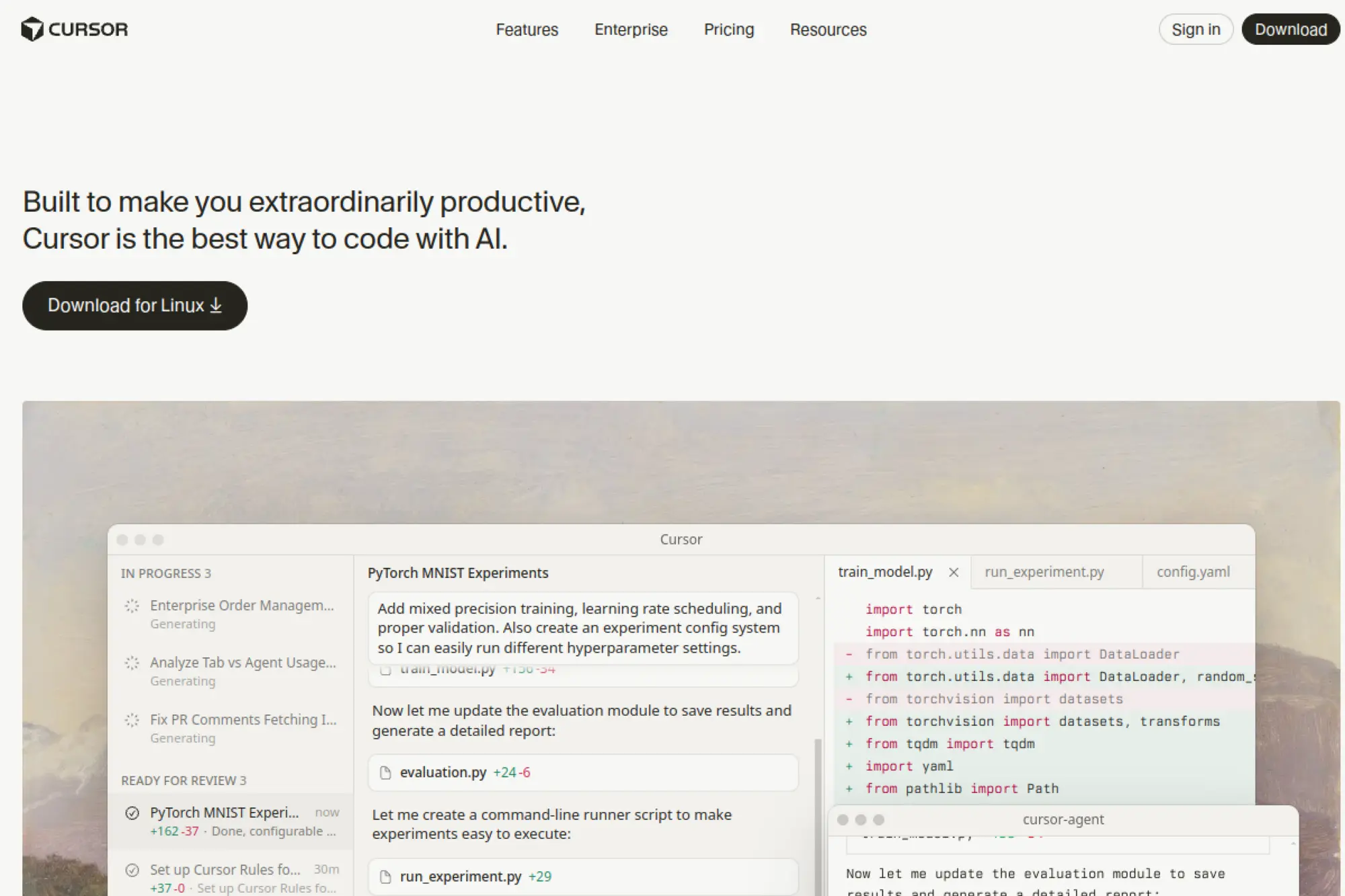
Cursor is built by a focused team pushing the AI-native editor idea forward. The product bundles code chat, inline edits, and agentic changes inside a familiar interface. It treats your repository as the conversation’s center, not an attachment. Updates arrive fast, which shows in the polish of refactor flows.
Ship ideas to working code without leaving your editor.
Best for: solo developers and lean product teams.
- Multi-file apply-and-review → land coherent changes without manual diff juggling.
- Issue and PR context injection → skip two to four setup steps per task.
- One-command project indexing → time-to-first-value under 15 minutes.
Pricing & limits: From $20/mo per seat on paid plans; free tier exists with usage caps. Trials are available periodically. Context, runs, and seat features scale by plan.
Honest drawbacks: Heavier edits can misread framework conventions in edge cases. Self-hosted or air‑gapped options remain limited for strict environments.
Verdict: If you live in pull requests, Cursor turns intent into reviewed diffs quickly. Expect faster small features and cleaner fixes this week. Beats general chat tools at code edits; trails enterprise suites on compliance.
Score: 4.6/5 and
2. GitHub Copilot

Copilot comes from GitHub and Microsoft, with deep hooks in the ecosystem developers already use. It started as code completion and now spans chat, context, and PR assistance. The team ships steady improvements across languages and editors. Reliability and developer familiarity remain its calling cards.
Turn keystrokes into shippable code with instant context.
Best for: polyglot teams and enterprise GitHub shops.
- Inline suggestions and chat → fewer repetitive lines and faster function stubs.
- PR summaries and tests generation → trim one to three review steps per change.
- Native IDE extensions → time-to-first-value near 10 minutes.
Pricing & limits: From $10/mo per individual; business plans add policy controls. A trial is available for new users. Usage is generally uncapped within fair use guidelines.
Honest drawbacks: Suggestions can mirror your codebase style yet still miss project conventions. Governance features require higher tiers and admin setup.
Verdict: If your repos live on GitHub, Copilot reduces repetition and nudges tests into existence. The payback shows within a sprint. Beats niche tools on editor coverage; trails specialized agents on large, multi-file refactors.
Score: 4.5/5 and
3. Bolt.new

Bolt.new is a lightweight, browser-based builder focused on getting a working app running quickly. The team favors instant scaffolding over complex dashboards. You describe the goal, and it assembles a runnable project with sensible defaults. It suits hackathons, prototypes, and landing quick demos for stakeholders.
Go from prompt to live prototype in one sitting.
Best for: founders and hackathon builders.
- Project scaffolding and one-click deploy → validate ideas before investing days.
- Preset frameworks and integrations → cut two to five setup steps per app.
- Zero-install web workspace → time-to-first-value under 5 minutes.
Pricing & limits: From $0/mo for basic usage. Paid tiers add private projects and higher resource caps. Trials mirror free functionality with extended limits.
Honest drawbacks: Generated structure can feel opinionated, which hinders custom architectures. Complex data flows usually need manual refinement after the first pass.
Verdict: If momentum matters more than knobs today, Bolt.new gets you a credible demo fast. Use it to test demand before fine-tuning. Beats local setups on speed; trails full IDEs on deep refactors.
Score: 4.2/5 and
4. JetBrains AI Assistant
JetBrains AI Assistant arrives from the makers of IntelliJ, PyCharm, and friends. The team understands static analysis and code navigation deeply. That knowledge powers context-aware chat, refactors, and code explanations that honor project structure. It feels native across JetBrains IDEs.
Add AI superpowers to already smart JetBrains tooling.
Best for: JVM and Python teams using JetBrains IDEs.
- Refactor-aware edits → fewer manual cleanups after large project changes.
- IDE inspections plus AI fixes → remove one to three remediation steps.
- Seamless IDE integration → time-to-first-value near 10 minutes.
Pricing & limits: From $8.33/mo per user when billed annually, as an add-on. Trials are available. Usage and context sizes vary by plan and IDE.
Honest drawbacks: Features lean toward supported IDEs and languages. Air‑gapped or strict compliance setups may need extra approvals.
Verdict: If you already rely on JetBrains, this adds velocity without changing habits. Expect better refactors and clearer diffs within days. Beats editor-agnostic tools on deep project context; trails open-source stacks on cost flexibility.
Score: 4.6/5 and
5. Windsurf
Windsurf comes from Codeium, which has shipped AI coding tools for teams and individuals. The editor blends chat, agents, and workspace context into a streamlined flow. It supports multi-file operations and framework-aware changes. The product moves quickly and listens to developer feedback.
Refactor, reason, and ship inside an AI-native IDE.
Best for: web engineers and cross-functional product squads.
- Workspace-wide edits → coordinate changes across files with fewer follow-ups.
- Repository indexing plus automations → cut two to four manual setup steps.
- Quick onboarding with templates → time-to-first-value about 15 minutes.
Pricing & limits: From $0/mo on a free tier; paid plans add larger contexts and collaboration. Trials exist for premium features. Limits scale by seat and organization.
Honest drawbacks: The IDE is still maturing compared to long-standing editors. Extension compatibility can lag for niche stacks.
Verdict: If you want an editor built around agents, Windsurf feels cohesive. It speeds delivery on greenfield and garden-variety refactors. Beats patchwork extensions for orchestration; trails entrenched IDEs on ecosystem breadth.
Score: 4.3/5 and
6. Xcode AI Assistant

Apple’s Xcode AI Assistant integrates with the toolchain iOS and macOS developers already trust. The team ties suggestions to platform APIs and modern Swift patterns. It leans on local context and native tooling to reduce friction. The experience feels aligned with Apple’s opinionated design.
Build Apple platform features with fewer detours.
Best for: Swift developers and Apple platform teams.
- Contextual code and tests → fewer round trips to documentation.
- Framework-aware snippets → remove two to three lookup steps per view.
- Native Xcode flow → time-to-first-value under 10 minutes.
Pricing & limits: From $0/mo as part of Xcode. Some capabilities may depend on system versions. Usage aligns with developer account terms and hardware limits.
Honest drawbacks: Scope focuses on Apple stacks, which limits cross-platform help. Enterprise controls and audit requirements may be minimal compared to third-party suites.
Verdict: If your roadmap is Swift-first, this tucks AI into your daily flow. Expect fewer documentation pauses and tidier patterns. Beats generic copilots on Apple nuance; trails multi-cloud tools on integrations.
Score: 4.2/5 and
7. Cline
Cline is an open-source agent for VS Code that executes multi-step tasks. The maintainers move fast and welcome community input. It chains tools, runs locally, and can call out to services you authorize. Transparency is a core principle, which helps teams trust changes.
Delegate repetitive chores to a supervised code agent.
Best for: indie hackers and experimental teams.
- Goal-driven tasks and tool calls → fewer manual shell and edit loops.
- Configurable toolchain → skip two to five glue steps per workflow.
- Straightforward setup in VS Code → time-to-first-value around 15 minutes.
Pricing & limits: From $0/mo, open source. Usage depends on your chosen model and API costs. No seat caps beyond your editor environment.
Honest drawbacks: Requires careful prompts and guardrails for safety. Complex repos can trigger long runs without strong constraints.
Verdict: If you like supervising agents, Cline turns checklists into progress. Use it to automate chores that drain momentum. Beats black-box assistants on transparency; trails managed products on turnkey reliability.
Score: 4.1/5 and
8. aider
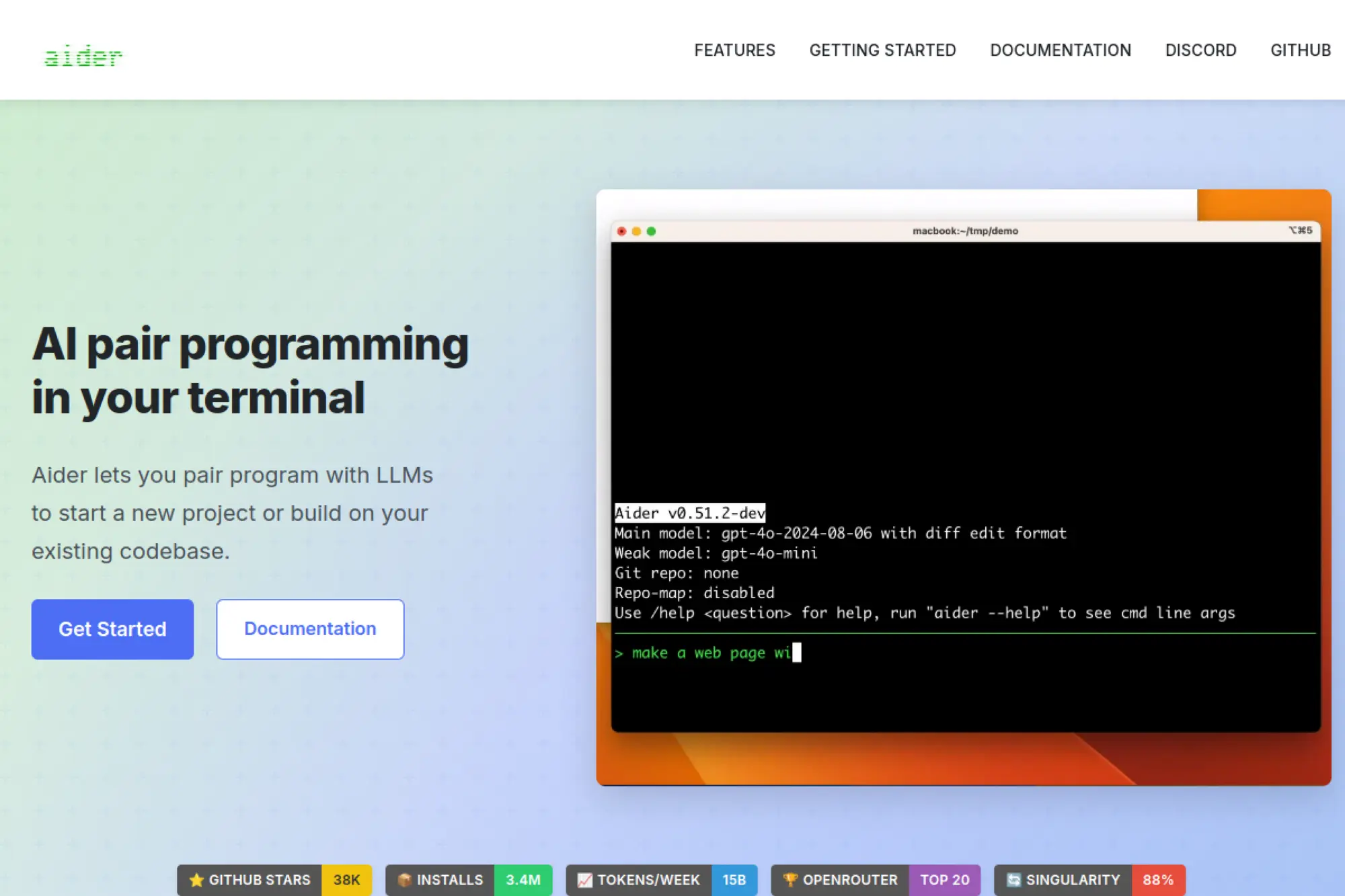
aider is a popular open-source CLI that lets an AI edit your repo safely. The maintainers favor practical safeguards, like explicit file diffs and commit hygiene. It works with local or hosted models, keeping you in control. Many developers adopt it for disciplined, reviewable changes.
Guide an AI through precise, diff-first code edits.
Best for: terminal-centric developers and refactorers.
- Commit-aware editing → cleaner history and easier reverts.
- Selective context packing → skip two to three manual file selections.
- Quick install and config → time-to-first-value near 10 minutes.
Pricing & limits: From $0/mo, open source. Costs depend on your model usage or local hardware. No seat limits; repository size may affect context windows.
Honest drawbacks: Pure CLI tooling can intimidate GUI-first teams. Very large refactors still need human splitting and direction.
Verdict: If you value surgical, reviewable edits, aider fits like a glove. Expect safer refactors and fewer “oops” commits. Beats chat-only tools on traceability; trails full IDEs on convenience.
Score: 4.3/5 and
9. Tabnine
Tabnine has long focused on privacy-conscious code completion. The team offers on-device and private-cloud options that many regulated industries need. Completions are fast, language-aware, and tuned for enterprise guardrails. It fits organizations that want AI without data drift.
Get helpful suggestions without leaking code.
Best for: security-minded teams and enterprises.
- Policy-aware completions → reduce risky suggestions in sensitive repos.
- Private deployments and SSO → remove two to four security exceptions.
- Simple rollout guides → time-to-first-value about 30 minutes.
Pricing & limits: From $12/mo per user on standard plans; enterprise pricing adds private hosting and controls. Trials are available. Usage and model options vary by tier.
Honest drawbacks: Chat and multi-file edits are less ambitious than agent-first tools. Some languages feel stronger than others.
Verdict: If compliance sits beside velocity, Tabnine offers a balanced path. You gain speed without policy heartburn. Beats cloud-only tools on data control; trails bleeding-edge agents on breadth.
Score: 4.2/5 and
10. Amazon Q Developer
Amazon Q Developer is AWS’s coding copilot for cloud builders. The team integrates deeply with services like Lambda, ECS, and CloudFormation. It handles code, infrastructure, and ops questions in one place. That blend suits teams shipping serverless and container workloads.
Design, code, and deploy faster across AWS.
Best for: backend teams and cloud engineers.
- Service-aware guidance → fewer detours to docs for AWS specifics.
- Infrastructure patterns and fixes → cut two to five IaC steps.
- IDE and console support → time-to-first-value near 20 minutes.
Pricing & limits: From $19/mo per user on developer plans. Trials and free tiers may exist with limited features. Usage caps and integrations scale by plan.
Honest drawbacks: Focus is AWS-first, which limits multi-cloud depth. Configuration requires permissions that some orgs restrict.
Verdict: If your world runs on AWS, Q Developer shortens tickets from idea to deploy. The effect shows in sprint burndown. Beats general copilots on AWS nuance; trails vendor-neutral tools across clouds.
Score: 4.4/5 and
11. CodeWP

CodeWP is built by a team steeped in WordPress development. It generates snippets, hooks, and plugin scaffolds that match the platform’s patterns. The product targets agencies and creators who need reliable WordPress glue. It focuses on speed without sacrificing convention.
Spin up WordPress logic that behaves like a seasoned dev wrote it.
Best for: WordPress freelancers and small agencies.
- Theme and plugin-aware snippets → fewer broken hooks and filters.
- Template and WooCommerce support → skip two to four reference checks.
- Web-based editor → time-to-first-value under 10 minutes.
Pricing & limits: From $0/mo on a free tier; paid plans add higher quotas and team seats. Trials are available. Requests per month and private snippets scale by plan.
Honest drawbacks: Outside WordPress, value drops quickly. Very custom plugins still need manual architecture decisions.
Verdict: If WordPress pays the bills, CodeWP accelerates everyday tasks. Expect fewer copy‑paste errors and faster launches. Beats general tools on WP idioms; trails IDE-native agents on cross-stack work.
Score: 4.0/5 and
12. Codiga
Codiga focused on code analysis and automated code reviews. The team emphasized fast feedback inside editors and CI pipelines. It offered rules, suggestions, and patterns that helped teams standardize code. Many developers valued its direct integrations.
Keep code quality consistent without heavy ceremony.
Best for: teams wanting lightweight static checks.
- IDE and CI suggestions → fewer style and safety regressions.
- Rule libraries and templates → cut two setup steps for new repos.
- Simple plugin install → time-to-first-value about 15 minutes.
Pricing & limits: Availability may be limited for new signups. Existing users can retain access based on legacy plans. Usage and seats depend on prior agreements.
Honest drawbacks: Current commercial availability is uncertain, which complicates adoption. Future updates may be irregular for some environments.
Verdict: If you already have access, Codiga can still trim review noise. New teams should evaluate actively maintained alternatives. Beats DIY rules on convenience; trails modern suites on momentum.
Score: 3.2/5 and
13. ChatGPT

ChatGPT is built by OpenAI and widely used across engineering tasks. The team ships rapid model improvements and tooling like function calling and code interpreters. It excels at explaining concepts, roughing out code, and generating tests. With careful prompts, it can plan refactors and outline designs.
Turn messy ideas into runnable, reviewed code plans.
Best for: solo builders and cross-functional teams.
- Code reasoning and test generation → fewer bugs reach review.
- Tool calling and retrieval → skip two to five research steps.
- Lightweight setup via web or IDE → time-to-first-value under 5 minutes.
Pricing & limits: From $20/mo on individual plans; team and enterprise tiers add collaboration and controls. Trials or free access may be limited. Rate limits and context windows vary by plan.
Honest drawbacks: Long multi-file edits require careful curation. Private code usage needs policy review in regulated settings.
Verdict: If you need a generalist that adapts, ChatGPT bends to many workflows. Expect faster research and better tests. Beats niche tools on breadth; trails repo-native agents on structured edits.
Score: 4.5/5 and
14. Replit Agent

Replit Agent comes from the team that popularized in-browser development. It pairs an AI with hosted compute and a project workspace. The assistant can create, run, and iterate without local setup. That makes it friendly for quick builds and teaching sessions.
Prototype end-to-end in the browser with a hands-on helper.
Best for: educators and rapid prototypers.
- Agent that runs code live → fewer environment headaches.
- Templates and integrations → skip two to three configuration steps.
- Zero-install start → time-to-first-value under 5 minutes.
Pricing & limits: From $0/mo with workspace limits; paid plans add compute, memory, and collaboration. Trials reflect higher quotas. Usage credits govern runs and builds.
Honest drawbacks: Performance depends on hosted resources. Large private repos work better on local machines.
Verdict: If you want to show rather than tell, Replit Agent removes setup drag. Use it for demos and exploratory builds. Beats desktop onboarding on speed; trails full IDEs on deep integrations.
Score: 4.0/5 and
15. Pieces for Developers
Pieces is built by a team focused on personal developer workflows. It captures, enriches, and retrieves code snippets with AI help. The tool turns your ad‑hoc notes into searchable building blocks. It bridges local privacy with cloud sync where needed.
Keep your best snippets close and smarter.
Best for: individual developers and small teams.
- Automatic snippet enrichment → fewer missing comments and metadata.
- Contextual recall across tools → save two lookup steps per reuse.
- Friendly desktop app → time-to-first-value around 10 minutes.
Pricing & limits: From $0/mo for core features; paid tiers add collaboration and storage. Trials are available. Sync limits and sharing features scale with plan.
Honest drawbacks: It complements, rather than replaces, full code assistants. Team governance features are still evolving.
Verdict: If knowledge scatter slows you down, Pieces turns reuse into a habit. Expect fewer repeats and steadier patterns. Beats scratchpads on retrieval; trails IDE-native agents on code changes.
Score: 4.1/5 and
16. Gemini Code Assist
Gemini Code Assist is Google’s offering for AI-assisted coding. The team ties it to Google Cloud services and modern frameworks. It helps with code generation, explanations, and cloud deployment steps. For teams on GCP, the fit is natural.
Generate, review, and ship with Google’s ecosystem at hand.
Best for: GCP-focused teams and full-stack developers.
- Framework and cloud-aware suggestions → fewer documentation detours.
- CI/CD and service hooks → cut two to four pipeline steps.
- Editor and console integration → time-to-first-value near 20 minutes.
Pricing & limits: From $0/mo in limited access tiers; paid enterprise plans add controls and scale. Trials may be offered. Usage, context, and governance depend on organization settings.
Honest drawbacks: Depth is strongest on GCP, with less parity across other clouds. Enterprise rollout requires alignment with admin policies.
Verdict: If your stack is GCP-first, Gemini Code Assist saves real time. Expect smoother deploys and clearer guidance. Beats neutral tools on Google fluency; trails AWS-focused tools inside AWS.
Score: 4.3/5 and
17. Qodo
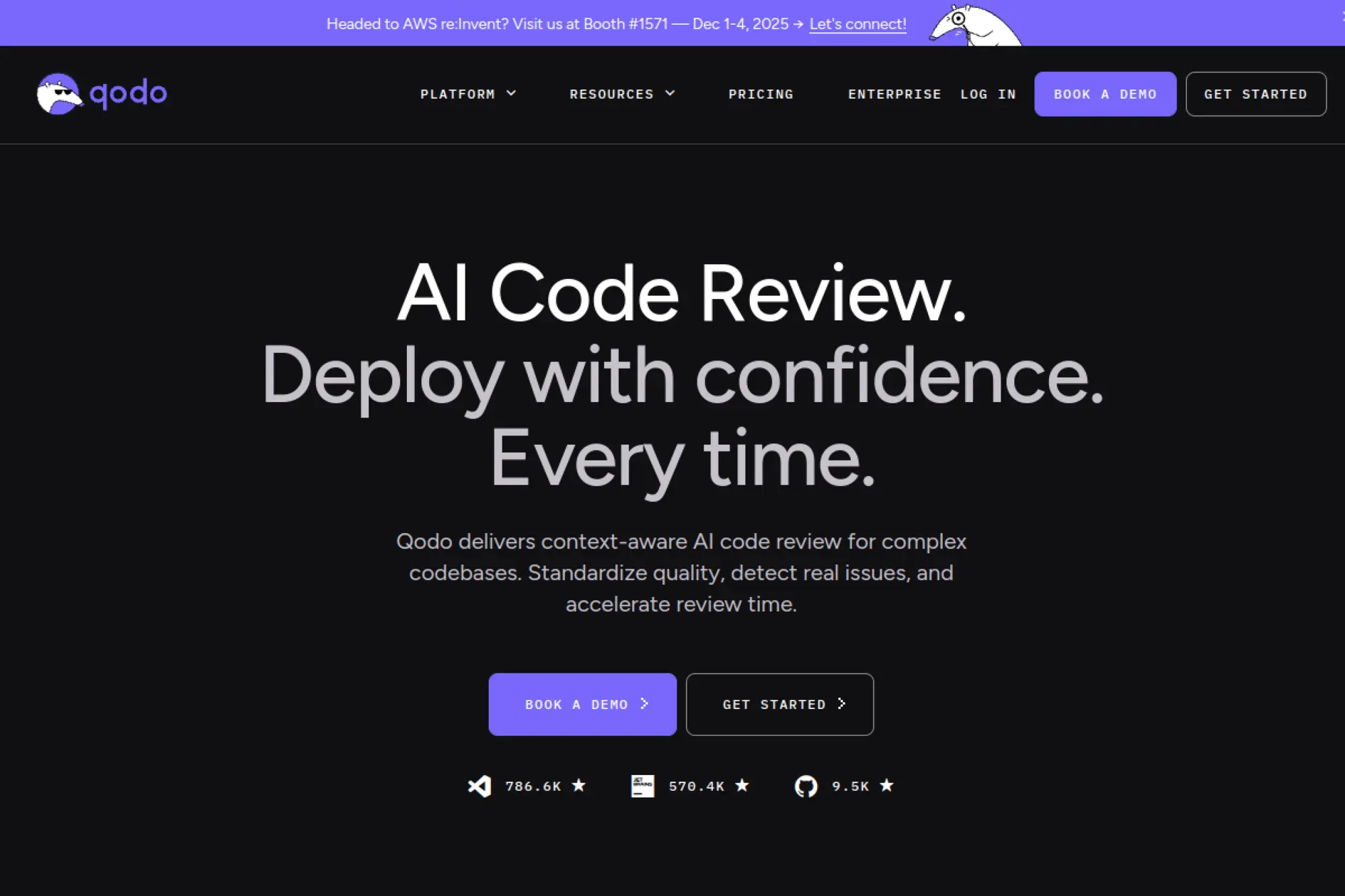
Qodo is a newer entrant focused on practical pair-programming flows. The team leans into repository context and explainable changes. It aims to help smaller teams ship with confidence. Early adopters highlight a friendly, focused experience.
Pair with an assistant that respects your codebase.
Best for: SMB product teams and startups.
- Change proposals with diffs → fewer risky merges from opaque edits.
- Issue tracker hooks → skip two setup steps per ticket.
- Guided onboarding → time-to-first-value around 20 minutes.
Pricing & limits: From $0/mo during early access; paid tiers planned with seat-based limits. Trials mirror upcoming features. Context and run quotas scale by plan.
Honest drawbacks: Ecosystem breadth is still growing. Larger monorepos may need careful tuning for context size.
Verdict: If you value clarity and small-team focus, Qodo feels purposeful. It brings steady gains without noise. Beats generic chats on reviewable diffs; trails incumbents on integration depth.
Score: 3.9/5 and
18. Continue
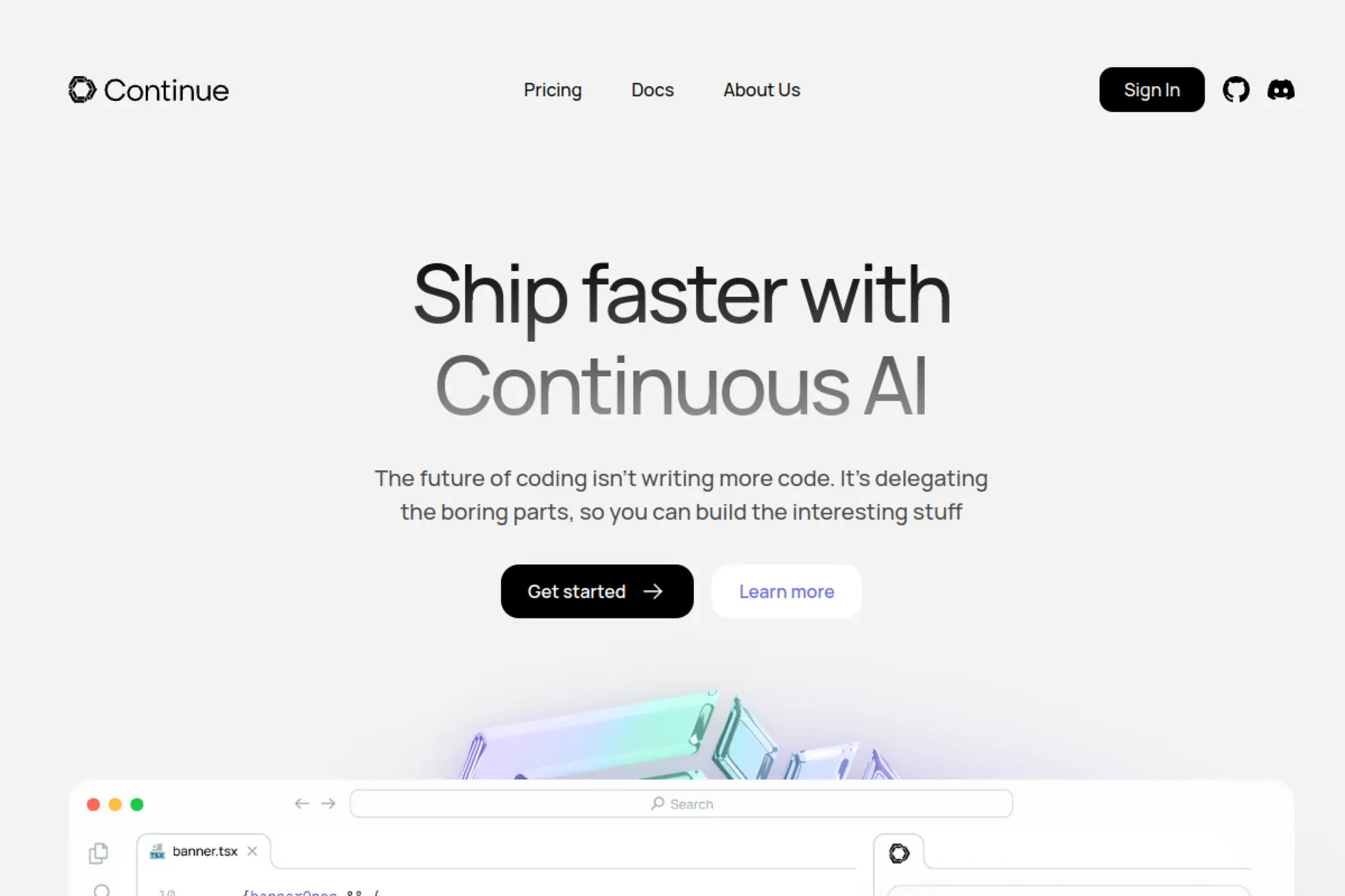
Continue is an open-source IDE extension that turns your editor into a playground for models. The maintainers prioritize flexibility and local control. You wire in the models and tools you prefer. It respects developer autonomy and experimentation.
Bring your own model and make it useful at the keyboard.
Best for: tinkerers and teams with custom models.
- Pluggable backends → fewer constraints on model choice.
- Retrieval and actions → cut two to five manual research steps.
- Quick VS Code setup → time-to-first-value under 15 minutes.
Pricing & limits: From $0/mo, open source. Costs reflect your chosen providers or hardware. Seats are unlimited; quotas are self-determined.
Honest drawbacks: You own the wiring, which adds setup complexity. Support depends on community and internal expertise.
Verdict: If you want control, Continue gives it without locking you in. Expect fast iteration on your ideal workflow. Beats closed tools on flexibility; trails managed suites on turnkey polish.
Score: 4.1/5 and
19. Claude Code
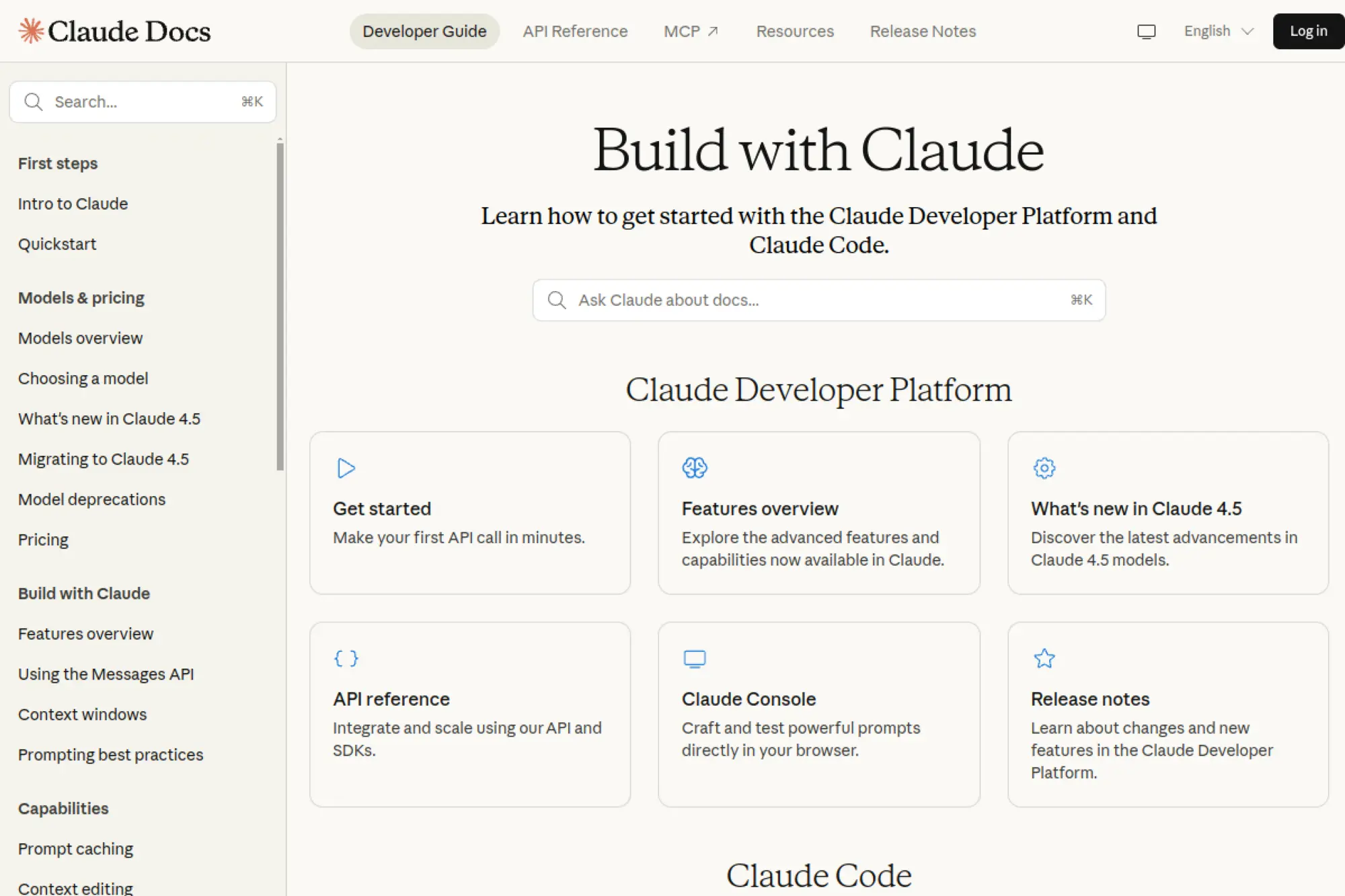
Claude Code applies Anthropic’s models to code understanding and generation. The team emphasizes helpfulness and safety, which shows in explanations. It handles long context and multi-file reasoning well. Many developers use it for tricky refactors and test design.
Explain, refactor, and test with extra context headroom.
Best for: senior engineers and code reviewers.
- Large-context understanding → fewer missed dependencies in edits.
- Structured reasoning prompts → skip two to three planning steps.
- Simple web and IDE access → time-to-first-value near 5 minutes.
Pricing & limits: From $20/mo for individual access; team and enterprise plans add controls. Trials vary by region. Context windows and rate limits depend on plan.
Honest drawbacks: Tool calling depth varies by integration. Extremely specific framework quirks may need follow-up nudges.
Verdict: If explanations and reliability matter, Claude Code earns trust. Expect fewer surprises in large edits. Beats many on context handling; trails repo-native agents on automated diffs.
Score: 4.4/5 and
20. Sourcegraph Cody
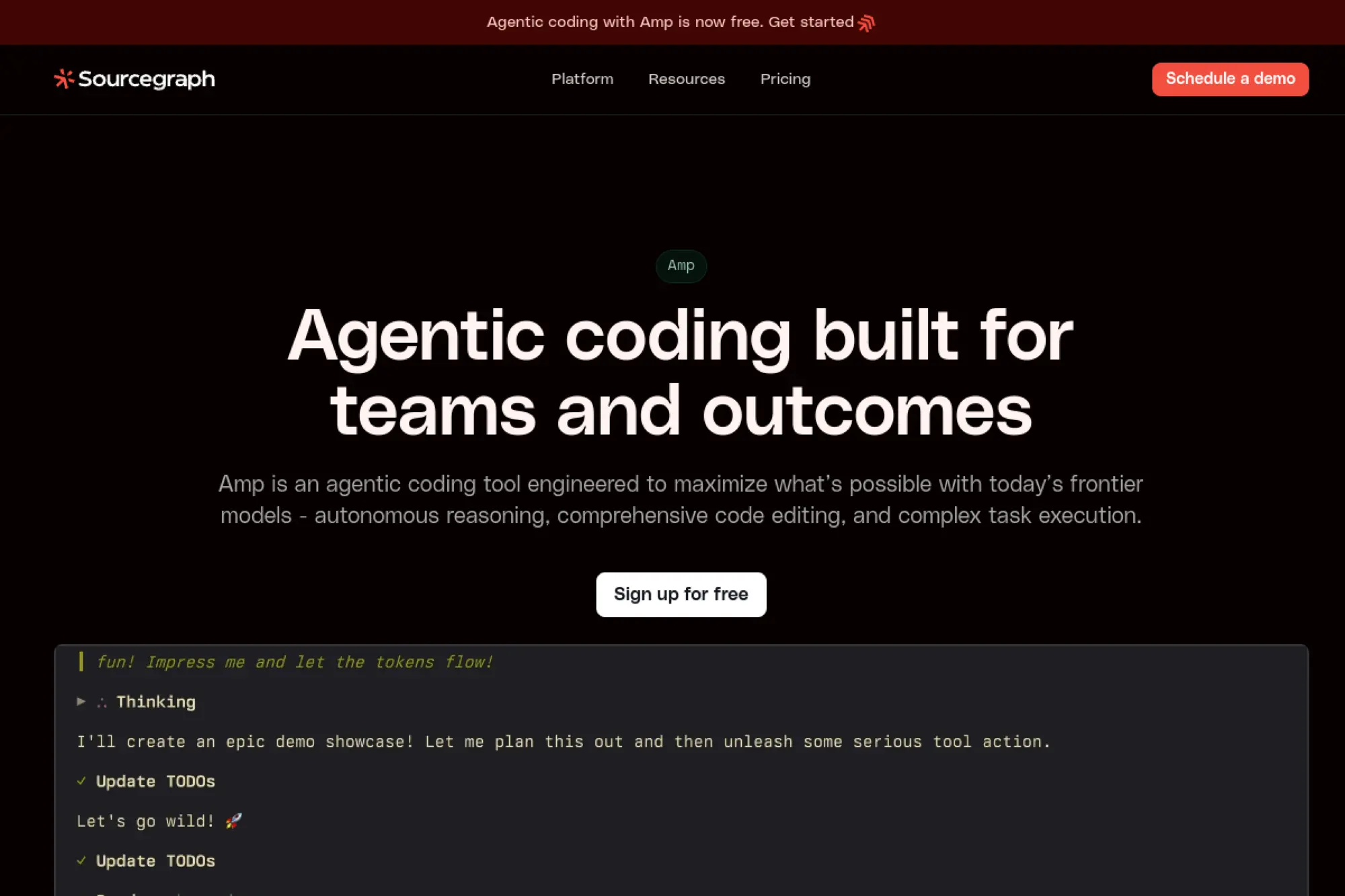
Cody comes from Sourcegraph, known for code search and code intelligence at scale. The team merges those strengths with AI chat and edits. It thrives on large monorepos and multi-language fleets. Search-first context keeps answers grounded.
Search, understand, and change massive codebases with confidence.
Best for: platform teams and enterprises.
- Code-aware search plus chat → fewer context misses in guidance.
- Repo graph integrations → remove two to four discovery steps.
- Managed rollout options → time-to-first-value around 30 minutes.
Pricing & limits: From $0/mo with limited features; paid tiers add enterprise controls and scale. Trials are offered. Context, seats, and audit features scale by plan.
Honest drawbacks: Best results appear with Sourcegraph indexing enabled. Setup complexity increases in very locked-down environments.
Verdict: If your codebase sprawls, Cody handles the sprawl elegantly. Expect faster investigations and safer edits. Beats chat-only tools on search; trails lighter apps on quick starts.
Score: 4.5/5 and
21. Microsoft IntelliCode

IntelliCode is Microsoft’s AI assistance baked into Visual Studio. The team built it on top of strong language services and telemetry. It improves completions and patterns for .NET and beyond. Many enterprise teams rely on it daily.
Code faster in Visual Studio with smart patterns.
Best for: .NET developers and Windows shops.
- Pattern-based suggestions → fewer repetitive lines in familiar code.
- Team-aware models → skip two review nits per PR.
- Native integration → time-to-first-value under 10 minutes.
Pricing & limits: From $0/mo included with Visual Studio features. Higher enterprise benefits arrive with Visual Studio subscriptions. Usage aligns with IDE licensing.
Honest drawbacks: Depth varies outside the Microsoft stack. It lacks the agent features found in newer tools.
Verdict: If Visual Studio anchors your world, IntelliCode gives quiet, steady gains. It shines on familiar patterns. Beats add-ons on stability; trails modern agents on scope.
Score: 4.0/5 and
22. AskCodi
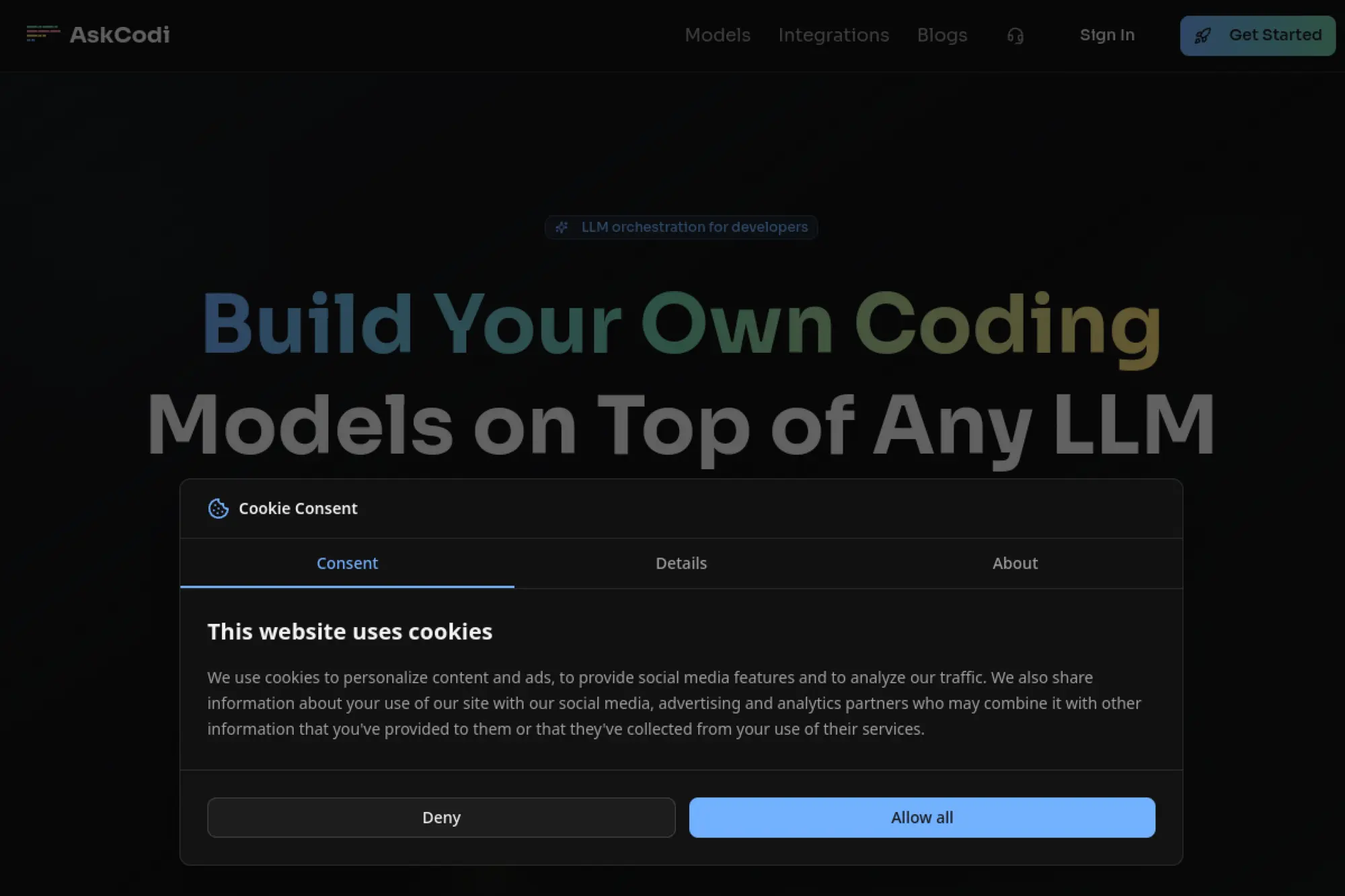
AskCodi targets developers who want lightweight assistance across languages. The team focuses on clear explanations and quick snippets. It offers editors, docs, and templates that simplify daily tasks. The product is approachable and pragmatic.
Get just enough help to keep shipping.
Best for: freelancers and small teams.
- Snippet generation and explanations → fewer context switches to search.
- Template packs → cut two to three boilerplate steps.
- Easy browser start → time-to-first-value about 5 minutes.
Pricing & limits: From $0/mo with basic quotas; paid plans add higher limits and team features. Trials exist. Requests per month and seats scale by tier.
Honest drawbacks: Depth is thinner for complex frameworks. Larger refactors require external tooling.
Verdict: If you need a nimble helper, AskCodi covers everyday coding chores. Expect smoother mornings and fewer dead ends. Beats raw search on speed; trails IDE agents on context.
Score: 3.8/5 and
23. Warp
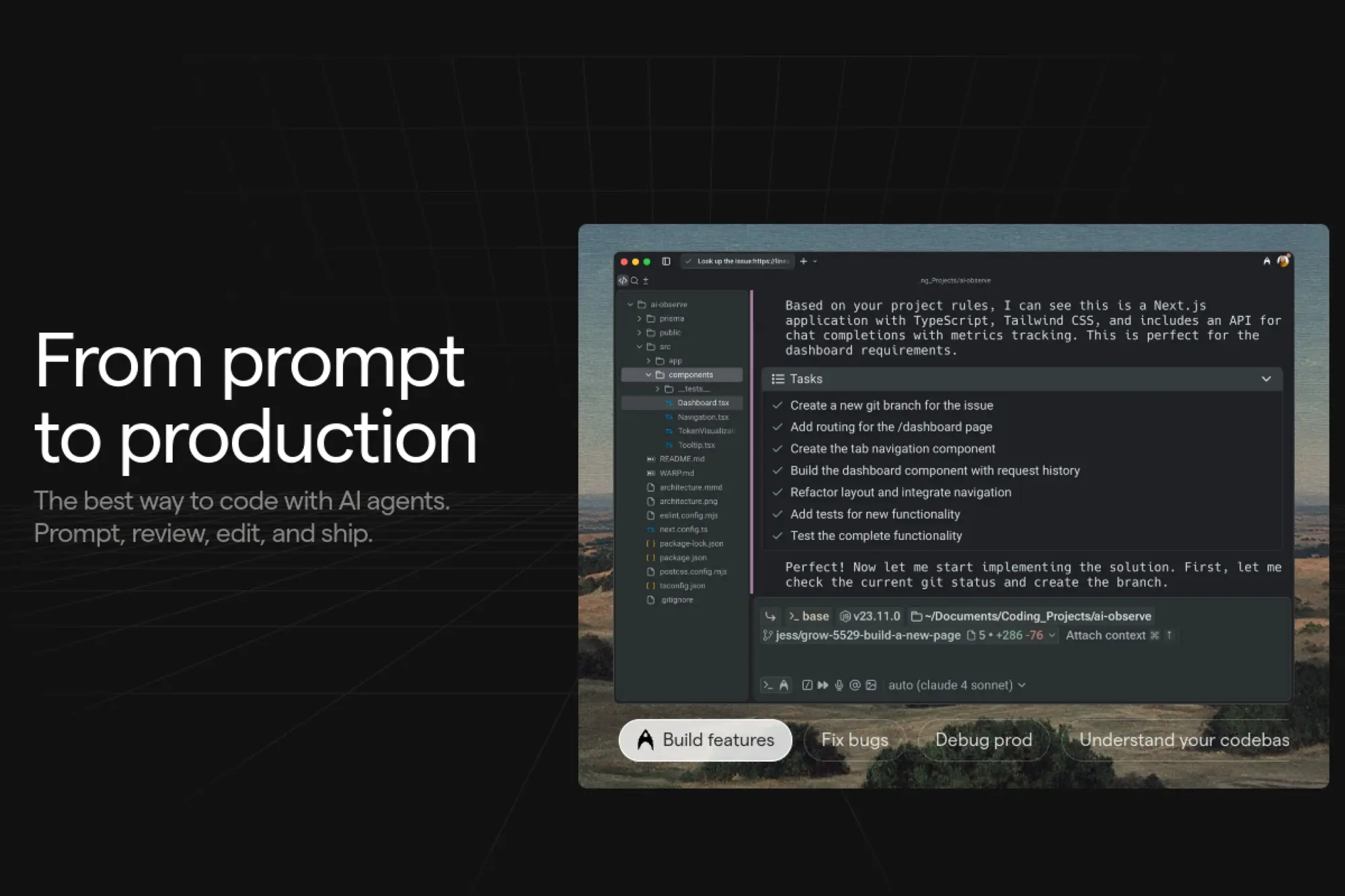
Warp is a modern terminal with an integrated AI assistant. The team rethinks shell workflows with fast rendering and shared commands. It helps craft, explain, and fix commands quickly. Teams can standardize scripts and reduce copy‑paste errors.
Type less, automate more, and avoid shell footguns.
Best for: DevOps engineers and power users.
- Command suggestions and explanations → fewer broken invocations.
- Workflows and templates → skip two to four manual steps.
- Fast onboarding → time-to-first-value under 10 minutes.
Pricing & limits: From $0/mo for individuals; team plans add collaboration and shared workflows. Trials are available. Command history and workspace limits scale by plan.
Honest drawbacks: Linux support and remote workflows may need specific setups. Deep server-side automation still lives outside the terminal.
Verdict: If the terminal is home, Warp brings comfort and speed. Expect safer commands and reusable workflows. Beats stock terminals on ergonomics; trails full CI tools on orchestration.
Score: 4.1/5 and
24. Figstack
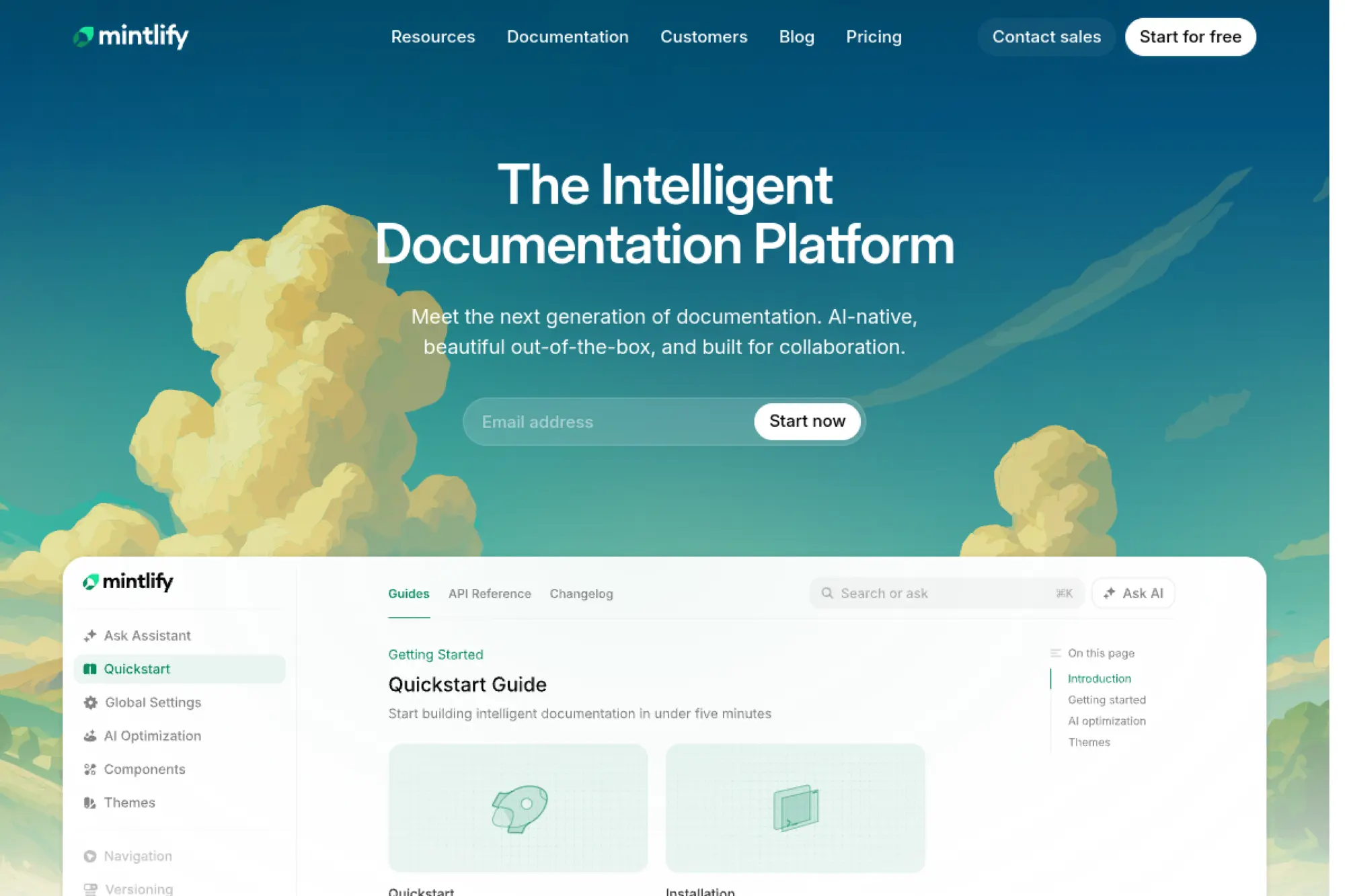
Figstack helps explain code and calculate complexity on demand. The team aims for clarity across unfamiliar languages. It is handy during onboarding or when inheriting legacy systems. Many use it as a teaching and documentation companion.
Understand unfamiliar code without slowing the team.
Best for: educators and engineers reading inherited code.
- Explain and translate functions → fewer hours lost parsing syntax.
- Complexity estimates → skip two manual analysis steps.
- Simple web interface → time-to-first-value near 5 minutes.
Pricing & limits: From $0/mo for basic use; paid tiers unlock higher quotas and exports. Trials are available. Limits hinge on requests and project sizes.
Honest drawbacks: It assists reading more than writing. IDE integrations are lighter than full assistants.
Verdict: If comprehension is the bottleneck, Figstack creates lift quickly. Expect more confident changes on old code. Beats generic chats on clarity; trails coders on generation.
Score: 3.9/5 and
25. CodeGeeX
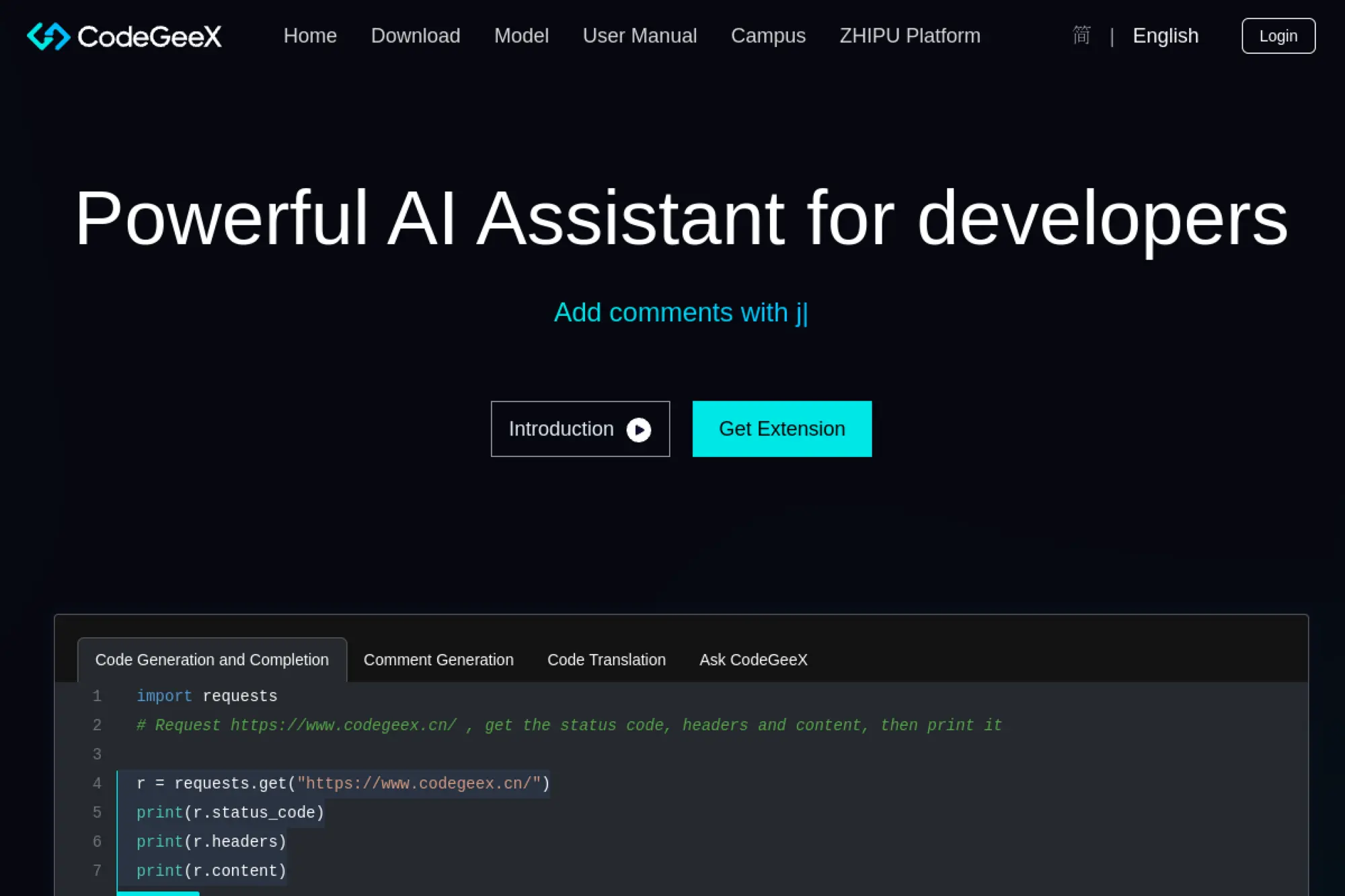
CodeGeeX is an open model family tuned for code. The research-led team publishes steady improvements and community tooling. It supports many languages and editors via plugins. Organizations appreciate its openness and adaptability.
Adopt an open, adaptable code model on your terms.
Best for: research teams and privacy-first orgs.
- Strong multilingual support → fewer gaps across stacks.
- Local or hosted options → cut two procurement steps.
- Community plugins → time-to-first-value around 20 minutes.
Pricing & limits: From $0/mo for open-source usage under the model’s license. Hosted options and enterprise support are available. Limits depend on deployment choices.
Honest drawbacks: Quality varies by language and version. Support depends on community or specific vendors.
Verdict: If openness matters, CodeGeeX gives you control without starting from scratch. Expect solid baselines. Beats black boxes on portability; trails top closed models on raw performance.
Score: 4.0/5 and
26. Lovable
Lovable pitches an AI engineer that builds and iterates full apps. The team aims for practical agents that act like a collaborator. It scaffolds, edits, and deploys with sensible defaults. That flow suits early product hunting.
Describe the app; get a working first version quickly.
Best for: founders and product generalists.
- Full-stack scaffolding → fewer blank-file moments when starting.
- Integrated runs and previews → skip two to three setup steps.
- Guided prompts → time-to-first-value under 10 minutes.
Pricing & limits: From $0/mo during open access; paid plans add private projects and higher limits. Trials mirror premium features. Usage caps expand with tiers.
Honest drawbacks: Complex business logic needs careful human shaping. Vendor lock-in risks appear if you rely on hosted flows.
Verdict: If you want momentum, Lovable gives you a running start. Use it to validate before hiring a full team. Beats manual scaffolds on speed; trails seasoned IDEs on stability.
Score: 3.9/5 and
27. CodeGPT
CodeGPT offers IDE integrations that connect to major models through one interface. The team focuses on editor ergonomics and prompt management. It brings chat, completions, and retrieval into daily routines. Teams like the vendor-agnostic approach.
Use the best model for each task without context loss.
Best for: polyglot teams and agencies.
- Unified prompts and history → fewer repeated explanations.
- Switchable providers → cut two procurement or setup steps.
- Quick extension install → time-to-first-value near 10 minutes.
Pricing & limits: From $0/mo on a basic tier; paid plans add team seats and higher quotas. Trials are available. Requests, contexts, and collaboration scale by plan.
Honest drawbacks: Experience depends on your chosen provider quality. Some advanced actions require scripting or extra setup.
Verdict: If you want flexibility without juggling plugins, CodeGPT aligns providers behind one pane. Expect steady gains and fewer switches. Beats single-model tools on choice; trails dedicated IDEs on deep refactors.
Score: 4.0/5 and
28. Augment Code
Augment Code aims to embed AI deeply in professional IDEs. The team emphasizes robust context and trustworthy edits. It targets teams that need repeatable results more than flashy demos. Integration patterns respect enterprise workflows.
Bring dependable AI changes into serious codebases.
Best for: mid-size teams and regulated orgs.
- Guardrailed edits with review → fewer post-merge surprises.
- Policy and repo hooks → skip two governance steps.
- Guided onboarding → time-to-first-value around 30 minutes.
Pricing & limits: From $0/mo for limited trials; paid plans add seats, controls, and support. Quotas and model choices depend on tier. Enterprise terms are available.
Honest drawbacks: Breadth of integrations is still expanding. Setup takes longer than lightweight assistants.
Verdict: If reliability matters more than novelty, Augment favors consistency. Expect predictable changes and happier reviewers. Beats hobby tools on governance; trails consumer apps on immediacy.
Score: 4.1/5 and
29. Qwen3‑Coder – Unsloth

Unsloth is a toolkit for efficient fine-tuning, here applied to Qwen3‑Coder models. The maintainers optimize training to run on modest hardware. Teams can adapt the model to house styles and private APIs. Researchers value the reproducibility and speedups.
Fine‑tune a strong code model without breaking the bank.
Best for: ML engineers and advanced platform teams.
- Parameter‑efficient training → fewer GPU hours for useful gains.
- Data curriculum tools → skip two manual preprocessing steps.
- Clear examples → time-to-first-value near one afternoon.
Pricing & limits: From $0/mo, open source tooling. Costs arise from your compute and storage. Model licenses and dataset terms apply.
Honest drawbacks: This is infrastructure, not a ready assistant. Maintenance and evaluation require ML fluency.
Verdict: If you need a tailored model, Unsloth shortens the path. Expect measurable improvements in domain tasks. Beats off-the-shelf on fit; trails hosted copilots on convenience.
Score: 4.2/5 and
30. DeepCode AI
DeepCode AI powers Snyk Code’s developer-first SAST approach. The team blends machine learning with rules to surface actionable findings. It integrates into IDEs and CI so feedback arrives early. Security teams appreciate its signal-to-noise balance.
Fix real vulnerabilities without drowning in false alarms.
Best for: product teams with security goals.
- IDE and PR insights → fewer late-cycle security surprises.
- Auto-suggestions and learnings → cut two remediation steps per issue.
- Managed rollout → time-to-first-value around 30 minutes.
Pricing & limits: From $0/mo for limited scanning; paid tiers unlock broader projects and compliance features. Trials are available. Seat counts and scan limits scale with plan.
Honest drawbacks: Enterprise rollout needs policy alignment and tuning. Some frameworks require custom rules for best results.
Verdict: If you need secure code without stall-outs, DeepCode AI fits the groove. It lifts security work into normal dev flow. Beats generic linters on insight; trails pure code copilots on generation.
Score: 4.3/5 and
Recommended reading: Top 30 Best AI Image Generator Tools for Stunning Visuals, Fast Workflows, and Better Prompt Results
AI assisted coding tools: where they help and how they work
Adoption is accelerating quickly inside software teams. One widely cited forecast expects 75% of enterprise software engineers will use AI code assistants by 2028, which aligns with what we see across modern engineering organizations. That trend changes the day‑to‑day texture of coding, testing, and review, and it also raises new governance and integration questions that leaders must address.
1. Inline code completion and chat co-pilots embedded in IDEs
Completion and chat are the entry points that most teams try first. In our hands, the best assistants feel invisible until they save a keystroke or a context switch. We treat completion as a small‑batch productivity boost, not a replacement for intent. A clean mental model helps: the assistant predicts the next move based on local context and a broader learned distribution. Chat then layers reasoning over that, allowing a developer to ask for an explanation, an edit, or an example. Real gains appear when both modes pull from project‑specific cues, such as past commits, architecture notes, and internal libraries.
On several client repos, we seeded assistants with short “API primers” that describe internal conventions. That small step nudged completions toward approved helpers and patterns. It also reduced stylistic churn between modules maintained by different squads. When the assistant drifted, we reset with a short clarification prompt and a pointer to the correct module. That pattern felt like pair programming with a colleague who needs occasional nudges.
We also favor assistants that preserve flow. A distraction‑free nudge beats a verbose essay. Inline edits should appear as diffs, not torrents of prose. Our developers now think of the assistant as a mechanical pencil. It keeps pace with thought, and it sharpens without ceremony.
2. Agentic workflows that plan steps and make multi-file edits with approval
Agentic tools propose a plan, gather context, and suggest coordinated edits across files. We do not let them free‑run. Instead, we place them behind review gates. A healthy pattern uses “plan → preview → apply” cycles on a feature branch. The plan explains the intent, the preview shows precise changes, and the apply step commits with annotated messages. This flow builds trust and leaves a clear paper trail for later audits.
Where do agents shine in our experience? Schema‑driven updates, dependency migrations, and refactors that touch scattered call sites. We aim them at deterministic changes with bounded blast radius, and we ask for a consolidated diff. If the plan includes risky steps, we split them into separate commits. That choice eases rollback and review.
Some teams ask whether agent chains can “own” entire epics. We caution against that framing. Agents are great at scaffolding, stitching, and chores that humans find tedious. Architectural moves still deserve human judgment backed by tests and staged rollouts. Autonomy without guardrails leads to messy code paths and confusing histories.
3. PR review automation and code quality feedback inside Git providers
Pull request agents act like diligent teammates who never tire of reading diffs. We configure them to comment on clarity, potential regressions, and boundary conditions, not only style. Our favorite setups read the ticket, parse the diff, and align suggested changes with acceptance criteria. We also enforce “explain why” comments from the agent when it flags risky regions. That habit changes behaviors and encourages developers to annotate intent before submission.
To avoid noise, we tune thresholds and ignore trivial churn. We also train the agent with real examples from past reviews that we consider exemplary. Over time, the comments shift from generic advice to context‑aware guidance. The agent then becomes a memory aid for institutional knowledge rather than a style linter with opinions.
4. Test generation and coverage insights to safeguard changes
Unit and integration test drafting is a sweet spot. We ask the assistant to suggest edge cases for functions with tricky branching and to generate table‑driven tests. However, we keep humans in the loop for fixtures, mocks that touch external systems, and complex concurrency. For property‑based tests, we lean on specialized libraries, then let the assistant propose seeds and invariants. The combination works well when accompanied by readable names and explicit assertions.
Coverage hints are useful when the assistant maps code paths to missing checks. We prefer plain language over raw metrics. The question is not a number; the question is “which risk remains untested and why.” That lens keeps test work aligned with real failure modes.
5. Context-aware reasoning across entire repositories and docs
Repository‑wide awareness is the next frontier, and it depends on smart context packing. We have seen success with code embeddings, symbol graphs, and topic‑aware indexing. When assistants can cite the precise file and line that informed an answer, trust jumps. We also feed them architecture decision records and runbooks. Those documents reduce hallucinations about “how we do things here.” The upside is not only better answers but also onboarding speed for new hires.
Quality hinges on retrieval strategy. We favor hybrids that blend static analysis with vector search. Static analysis provides exact relationships. Vector search recovers semantically related elements that live far apart. Together, they form a richer picture of intent and constraints. With that picture, assistants propose edits that respect boundaries established by past design choices.
6. CLI and terminal agents for code edits, commands, and troubleshooting
Terminal‑native assistants help when we need rapid triage. We use them to craft commands, explain tool errors, and summarize logs. The best ones ask for permission before running risky actions. They also maintain a session transcript for audit. That transcript becomes a learning artifact for the team. We often paste those transcripts into internal wikis to capture the debugging path.
During an incident workshop, we tasked a CLI agent with building a minimal reproducible case for a subtle caching bug. It suggested a small script that isolated the issue and created a failing test. That saved hours of context switching between the editor and shell. Human review still mattered, but the assistant cleared the path.
7. Model choice flexibility: preselected, BYOK, and local LLM options
Model choice affects cost, latency, and privacy. We advise choosing tools that allow vendor models, bring‑your‑own keys, and local options for sensitive work. BYOK matters because data routing, logging, and retention may fall under existing contracts. Local models help with secret code and air‑gapped environments, even if capability trails frontier options. For day‑to‑day work, we mix cloud and local paths. That bimodal approach keeps teams productive while respecting risk boundaries.
We also care about fallback strategies. If a primary model throttles, the assistant should degrade gracefully. Clear indicators help developers understand which engine produced a suggestion. Transparency builds confidence and informs performance tuning.
8. Security and governance: SOC 2, on‑prem/VPC, data retention controls
Security posture is not negotiable. We verify SOC reports, review data handling, and run tabletop exercises that simulate model misuse. For enterprises, on‑premises or VPC‑isolated deployments reduce exposure. Granular controls around log retention and prompt storage should exist and be easy to audit. We also set redaction policies for secrets and customer data. The right assistants allow policy enforcement in the IDE, the CLI, and the browser. That consistency prevents drift between environments.
Finally, we stress responsible use training. Developers need guidance on what to paste, how to phrase prompts, and when to consult a security partner. Policy without practice fails under pressure. Practice transforms policy into habits that stick.
9. Cross‑editor reach: VS Code, JetBrains IDEs, Xcode, and more
Cross‑editor support reduces friction during migrations and pairing. We prefer assistants that speak the language of multiple IDEs and code hosts. A shared vocabulary across plugins matters too. Commands and shortcuts should feel native in each editor. When teams work across languages, platform parity keeps the learning curve gentle. That parity also helps when contributors shift contexts between backend services and mobile apps.
We also consider remote development environments. Cloud‑hosted dev containers are common in larger setups. Assistants should understand those contexts without fragile manual steps. Reliable behavior in remote sessions becomes a strong differentiator.
10. Team collaboration: code search, insights, and knowledge integration
Individual speed gains are great, yet team‑level leverage closes the loop. Assistants tied to code search, incident retrospectives, and living documents deliver compounding returns. We connect assistants to design docs and decision logs, then encourage questions like “why did the team reject this library.” Answers grounded in project memory prevent churn. The same integration powers onboarding by turning tacit knowledge into accessible guidance.
We also surface analytics that respect privacy. Trend lines about suggested fixes that developers accept can reveal style drifts and training needs. Those insights feed coaching, not surveillance. Culture and context beat dashboards without a story.
Recommended reading: Top 30 Free AI Chatbots to Pick, Use, and Build in 2026
How we evaluated the best ai assisted coding tools
We grounded our review in real projects because AI value emerges in context. Leadership interest is strong, with 67% of global leaders reporting increased investment in generative AI, and that confidence shapes buying behavior. Our evaluation therefore blended development depth, security posture, and the human factors that determine actual adoption.
1. Hands‑on tests on a real multi‑file project and docs review
We used a working service with routing, persistence, and a small frontend. The assistants were asked to add features, fix defects, and explain unfamiliar modules. We also fed them architecture notes, runbooks, and a house style guide. That setup surfaced integration friction, latency bumps, and quality patterns that marketing pages never reveal. We documented acceptance criteria before each trial to avoid moving goalposts.
When an assistant claimed certainty, we asked for a reference to the file or doc that supported the claim. If the reply included a clear citation, confidence rose. Where a guess slipped through, we corrected it and noted the behavior. We repeated the exercise until suggestions converged on idiomatic code for the stack.
2. Installed tools, trial tiers and BYOK setups to mirror real use
We installed IDE extensions, configured CLI tools, and set up VPC connections where available. BYOK routes were validated with dummy keys and logging. For enterprise candidates, we reviewed permissions, audit trails, and deployment topologies. That work uncovered subtle misalignments, such as IDE features not honoring enterprise settings until a full restart. Small friction there becomes big friction at scale.
3. Core lens: IDE depth, AI interaction, and LLM integration
Beyond raw model power, we looked at how well the assistant behaved inside the editor. We value commands that respect selections, diffs that render cleanly, and chats that summarize intent rather than ramble. Model integration also mattered. Smooth switching between vendor models and clear telemetry controls made some tools stand out. We favored vendors who expose low‑level hooks rather than only glossy wizards.
4. Pricing strategies: flat‑rate, credit‑based, and BYOK trade‑offs
Pricing affects behavior. Credit systems encourage thoughtful prompts and clear workflows. Flat rates remove cognitive overhead. BYOK shifts unit costs to a different budget and emphasizes governance. We helped teams choose a model that aligned with procurement norms and existing cloud relationships. The right choice depends on development velocity, repository breadth, and security needs.
5. Context handling: repository maps, multi‑file memory, custom rules
Assistants that build a working map of the codebase suggest safer edits. We tested repository indexing, code graph features, and the ability to ingest design documents. Custom rules mattered as well. If a team bans a pattern, the assistant should avoid it and explain why when asked. The best tools learned quickly after we added a short standards file, then reflexively followed those conventions.
6. Maintenance realities: naming, patterns, and merge‑safety issues
We examined how assistants named things, how they handled deprecated APIs, and whether they respected function boundaries. Merge safety hinged on disciplined diffs and round‑trip edits that did not fight formatters. We looked for tools that recognize common code smells and propose small, reversible changes first. That bias reduces churn and keeps reviewers calm.
7. Privacy pathways: local models, custom API keys, enterprise controls
Different teams have different sensitivity levels. We favored options that support local inference, custom keys, and instance‑level controls. We also reviewed prompts and logs for secret leakage. Trust rises when vendors default to privacy‑preserving settings and explain how to audit usage. Without that clarity, even strong features stall in procurement.
8. UX signals: Composer/Workspace, agent modes, Super Complete
Some tools now bundle “workspaces” where plans, diffs, and tasks live together. That pattern beats chat transcripts for complex changes. We like interfaces that explain reasoning, cite sources, and show the proposed patch before it touches the tree. A good workspace makes pair programming with an assistant feel natural, not novel. The result is tighter feedback loops and fewer misfires.
Recommended reading: Top 10 AI Video Editor Tools to Edit Faster, Repurpose Content, and Publish Everywhere
Vibe coding and agentic workflows with ai assisted coding tools
Investor attention underscores the relevance of agent workflows, with AI funding hitting $100.4B in 2024 for private companies. That capital is pushing assistants beyond autocomplete into tools that plan, refactor, and verify. Our job is to translate that innovation into safe, measurable gains for engineering teams.
1. Define vibe coding: guide intent, iterate until the result “feels right”
Vibe coding prioritizes intent and feedback over line‑by‑line control. We set a target, describe the feel, and nudge the assistant toward acceptable outcomes. The workflow looks like sketching with rapid strokes then refining edges. Instead of upfront specification, we lean on guided iteration. It suits greenfield prototypes and UX tweaks, where taste and tradeoffs drive decisions.
In our practice, we frame vibe sessions with a light contract. We list constraints, libraries, and a definition of done. That scaffolding keeps the assistant inside guardrails while preserving room for exploration. When the result lands close to the target, we lock the shape and turn to hardening moves like tests and docs.
2. Pros: rapid prototyping, higher‑level focus, faster cycles, AI debugging
The gains feel tangible. Teams ship first drafts faster and keep minds on concepts rather than syntax. Assistants summarize options and explain tradeoffs with relatable examples. They also propose fixes when code throws errors, which reduces thrash during exploration. When developers alternate between chat and inline diffs, the loop becomes a creative flow with checkpoints.
Another upside is knowledge transfer. Vibe sessions often capture rich context in plain language. Those artifacts become seeds for onboarding and future refinements. The assistant thus doubles as both collaborator and scribe.
3. Cons: code understanding gaps, technical debt, security risks
Risks exist. Vibe sessions can drift into spaghetti if teams skip cleanup. Suggestion quality varies across stacks, and assistants can miss subtle invariants. Security holes creep in when prompts lack constraints. We have seen dependency misuse and shadow configuration that only surfaced during deployment. Without discipline, the playfulness that fuels creativity can leave thorns for maintenance.
We mitigate with review gates and explicit hardening passes. We also quarantine experimental branches and require human approval before merging. Guardrails turn vibe energy into sustainable progress.
4. Use it for boilerplate, quick prototypes, code suggestions, and tests
We reach for vibe workflows when scaffolding modules, exploring new libraries, or reworking UX micro‑interactions. The assistant drafts plausible code snippets, and we shape them to fit architecture. It also shines when generating test scaffolds and suggesting edge cases. Those tasks benefit from breadth more than depth, which suits current model strengths.
5. Avoid it for security‑critical and high‑scale architectures
We avoid vibe coding for cryptography, payments, and systems where failure has serious consequences. Highly tuned performance paths also require deliberate engineering rather than playful iteration. For these, we prefer traditional design docs, peer reviews, and benchmarks. The assistant can still help with utilities and tests, but it does not captain the ship.
6. Traditional vs vibe: speed and leverage vs control and oversight
Traditional workflows deliver predictability and clear ownership. Vibe workflows deliver speed and leverage. We switch modes based on risk and stage. Early discovery rewards exploration. Later milestones demand control. Tools that support both mindsets win because teams can shift without switching platforms.
7. Best practices: structured prompts, iterative checks, test‑driven guardrails
We teach developers to prompt like designers. Start with intent, name constraints, and ask for a plan before edits. Review the plan, then request changes with explicit acceptance criteria. After applying a patch, run relevant tests, re‑lint, and check logs. If something feels off, ask the assistant to explain choices and propose safer alternatives. That cadence keeps control while preserving pace.
8. Tool fit: assistants like Qodo, Cursor, Lovable support iterative refinement
We have used assistants that blend planning, code edits, and review comments in one canvas. The experience suits vibe workflows because plans, artifacts, and diffs live together. Cursor leans into agentic edits within an editor built for feedback. Qodo emphasizes quality and approval gates across IDE and PR steps. Lovable focuses on rapid full‑stack creation with opinionated defaults that users can refine. Each embodies a different bet on how iteration should feel, which lets teams pick a culture fit.
Recommended reading: Top 30 free html editors to Build, Preview, and Publish Web Pages
Coding standards and best practices with ai assisted coding tools
People and process remain decisive. Analysts expect workforce shifts, with 80% of the engineering workforce to upskill through 2027. That reality means standards, training, and governance must evolve alongside tools to prevent chaos and protect trust.
1. Document and socialize team‑wide coding standards
Standards only help if they are discoverable and alive. We keep them near the code, usually in a docs folder, with short “how to decide” guides. Assistants then ingest those files and follow the rules by default. When standards change, we update the docs and nudge the assistant with a small primer. That keeps generated code aligned with current expectations.
2. Target outcomes: consistency, readability, collaboration, maintainability, security
Outcomes beat rituals. We write standards that explain why patterns exist. If a rule supports readability or security, we say so. The assistant can then explain the rationale when asked. Human reviewers value the same clarity because it reduces unproductive debates and strengthens design choices.
3. Task completion criteria: tested, error‑free, documented, and reviewed
We embed completion criteria in templates and prompts. A task is not done unless tests pass, errors are resolved, and documentation reflects changes. The assistant helps by drafting notes and commit messages that reference the work. Those messages improve later searches and postmortems. We also connect criteria to CI checks so the gates are enforced automatically.
4. Traceability: link pull requests to user stories for auditability
Traceability becomes vital when assistants propose multi‑file changes. We require every PR to reference a story or ticket. The assistant includes that reference in the description and explains how the change meets acceptance criteria. During audits, those links shorten investigations and reveal intent. Traceability also deters rogue edits that could hide risks.
5. Code reviews: prioritize logic and risk over mere style issues
Review time is precious. We teach agents to ignore noise and focus on logic, state transitions, and edge conditions. Humans then weigh architectural choices and subtle performance concerns. When reviewers ask the assistant for a risk summary, it should label hot spots and suggest tests. That summary anchors discussion and speeds agreement on necessary changes.
6. Use AI for unit tests and coverage while keeping human oversight
Assistants draft test scaffolds and propose edge cases. We accept the help but keep humans in control. After merges, we examine failures to improve prompts and rules. Over time, a feedback loop forms that steers the assistant toward idiomatic tests for the stack. The loop turns mixed results into dependable acceleration.
7. Governance: SOC 2, data retention, on‑prem/VPC deployment options
Compliance readiness often decides vendor selection. We verify control mappings, examine data lifecycles, and test deletion flows. For sensitive code, VPC‑isolated or on‑premises deployments reduce risk without stalling work. Fine‑grained retention policies and redaction options protect secrets. We also confirm that users can export interaction logs for audit while respecting privacy.
8. Prefer context‑aware assistants that learn standards and compliance
Context‑aware tools reduce rework and missteps. We reward assistants that can read a “best‑practices” file, adhere to conventions, and explain choices. That behavior turns the assistant into a compliance ally rather than a policy risk. Leaders gain confidence, and developers keep momentum.
TechTide Solutions: building custom ai assisted coding tools for your stack
Our build‑partner role starts from outcomes and constraints. Market dynamics support investment, with year‑to‑date AI funding reaching $116.1B, which fuels rapid product cycles in the tools we implement. We translate that pace into stable, secure workflows tailored to each client’s environment.
1. Assessment and roadmap: pick the right assistants, models, and guardrails
We begin with a discovery sprint that maps languages, frameworks, CI/CD, and governance needs. Then we shortlist assistants that match those realities. BYOK is validated early to align with cloud contracts. We also define risk tiers for code areas. Low‑risk spaces welcome faster automation. High‑risk areas keep stricter gates. That segmentation prevents one‑size‑fits‑none rollouts.
We write an adoption playbook that includes prompt guidelines, model selection advice, and escalation paths. The playbook explains how to switch models when latency spikes or content filters misfire. It also outlines rollback procedures if an agent proposes surprising edits. Teams gain confidence because they know what to expect and how to react.
2. Custom integrations: IDE plugins, PR agents, CI/CD policies, and knowledge bases
Our implementations bridge the gaps between editor, code host, and pipeline. We wire assistants into PR templates that call for risk notes and test evidence. We add CI policies that verify commit messages and ensure agent plans match diffs. Knowledge bases hold design artifacts, runbooks, and standards. Assistants pull from those sources before composing suggestions.
When a client uses multiple editors, we harmonize keybindings and command vocabularies across plugins. Consistency keeps training short and reduces context switching. We also add a chat command that asks “what changed since the last release” and returns a human‑readable summary. That summary helps product leaders track progress without reading diffs.
3. Secure deployments: on‑prem/VPC setups, secrets, audit trails, and enablement
Security is designed in, not bolted on. We deploy assistants inside private networks where required, integrate secret scanners, and enforce masked logging. Audit trails record who approved what, when, and why. Those trails help during compliance reviews and incident analysis. We also run enablement sessions that cover safe prompting, data handling, and escalation steps.
After go‑live, we measure adoption through opt‑in telemetry and surveys. We watch for friction points and refine prompts, rules, and training. That cadence turns launch excitement into durable practice. The payoff shows up in lead time, review quality, and developer satisfaction.
Conclusion and next steps

Across respected research, the signal is clear: adoption, investment, and capability are rising, and software teams are the beneficiaries. The same body of work highlights risk and governance needs, which match what we see during real deployments. Balanced programs unlock gains without sacrificing security or maintainability.
1. Start with a pilot: match ai assisted coding tools to your languages and workflows
Begin with a pilot that mirrors production. Choose a representative repo, wire in your CI, and set measurable goals. Keep scope focused but realistic. Early wins build momentum, while honest misses surface gaps to address before scaling. Invite skeptics to the pilot so lessons reflect the full team.
2. Define evaluation criteria: context handling, security posture, total cost
Write criteria that everyone understands. Context fidelity, policy controls, and operating cost belong on the list. Add developer experience signals, such as latency tolerance and diff clarity. When tradeoffs appear, decide with explicit priorities rather than vibes. Clarity shortens debates and speeds adoption.
3. Establish policies: coding standards, test thresholds, and review gates
Policies should guide, not choke. Tie rules to outcomes, and encode them into templates and CI. Assistants can help enforce standards by detecting drifts and proposing fixes. Human reviewers then spend time on logic and risk. The combination keeps quality high without slowing delivery.
4. Scale deliberately: expand models and agents as practices mature
As teams grow comfortable, expand coverage and introduce agent workflows with review gates. Invest in prompt libraries and shared knowledge bases. Rotate champions to avoid single points of failure. Keep an eye on upgrade paths and backward compatibility. The goal is a smooth glide path rather than sharp bends.
5. Keep learning: revisit model choices, prompts, and governance as tools evolve
Tooling evolves quickly. Reassess model mixes, refine prompts, and update standards as you learn. Share field notes across teams, and let assistants teach while they assist. The organizations that learn fastest gain the most. If you want a partner in that journey, we would love to help you plan your next move. What outcome would you like your first pilot to achieve?

