


We are Techtide Solutions, and we have spent the last few product cycles building, shipping, and hardening chat experiences across sectors that rarely agree on anything—consumer, B2B SaaS, and the public sector. The broad backdrop matters: reputable analysis finds that generative AI could add the equivalent of $2.6 trillion to $4.4 trillion annually to the global economy, which explains why free AI chatbots that speak, listen, and reason are moving from novelty to necessity.
Quick Comparison of 10 Free AI Chatbots
We’re Techtide Solutions, and we spend our days stitching AI into the messy weave of real business systems. Free tiers, community editions, and open-source runners now make capable chat and assistant experiences attainable without big up-front spend. But “free” hides trade-offs: rate limits, watermarking, throttled latency, usage-based caps, and sometimes data retention that isn’t obvious at first glance.
| Tool | Best for | From price | Trial/Free | Key limits (free/entry tier) | Score |
|---|---|---|---|---|---|
| ChatGPT | Broad knowledge work, coding, ideation | $0 | Free forever | Usage caps on GPT‑5, slower at peak times | 4.8/5 |
| Claude | Writers, analysts, researchers | $0 | Free forever | Daily message limits on free tier | 4.7/5 |
| Perplexity | Answering web questions with citations | $0 | Free forever | Limited “Pro” searches and models on free plan | 4.7/5 |
| Google Gemini | Teams living in Google Workspace | $0 | Free forever | Most advanced models behind $19.99/mo plan | 4.5/5 |
| Tidio | Small ecommerce and SaaS support | $0 | Free + 7‑day full trial | 50 human chats, 50 AI chats, 100 chatbot visitors | 4.4/5 |
| HubSpot Chatbot Builder | Lead capture tied to CRM | $0 | Free forever | Advanced automation requires paid Hubs | 4.5/5 |
| GPT4All | Offline, privacy‑first AI use | $0 | Free, open‑source | Depends on your hardware; models lag frontier LLMs | 4.5/5 |
| Ollama | Developers running open models locally | $0 | Free local; paid cloud optional | Local performance bound by CPU/GPU resources | 4.6/5 |
Recommended reading: Top 10 AI Video Editor Tools to Edit Faster, Repurpose Content, and Publish Everywhere
Top 30 Free AI Chatbots, assistants, and tools
This guide surfaces what matters if you’re testing the waters before committing budget: fit to industry context, how mature the vendor or project is, and which deployment patterns (embedded widget, API-first, on-device, or fully managed SaaS) line up with your stack. We’ll keep the tone practical—what we’d advise a founder at 7 p.m. before a launch—while focusing on integration realities like identity handoff, session memory, RAG options, and support workflows. If you evaluate with a crisp lens on privacy, observability, and extensibility, the options below can move from “free trial toy” to “reliable starting line.”
The AI chatbot market is noisy, but your job is simple: find a tool that actually takes work off your plate without wrecking your budget. This guide focuses on what you can do on a free tier (or with genuinely low spend), not on glossy feature lists. You’ll see fast ways to add AI chat to your site, local tools that never send data to the cloud, research copilots, and pure entertainment bots. For each, you’ll get who it’s really for, what the free plan can handle, and where you’ll quickly hit limits. Use it to shortlist two or three tools, try them with a real task this week, and keep the one that makes your work feel lighter.
1. ChatGPT

Still the default AI workbench for many people—and for good reason. ChatGPT combines strong models, rich features, and a huge ecosystem.
Best for: Knowledge workers, developers, students, and teams who want one place to research, write, code, and experiment.
- Powerful GPT‑5‑class models with tools for browsing, file analysis, and images → compress research, drafting, and coding into a single conversation.
- Projects, custom GPTs, and integrations via API and partners → turn ad‑hoc chats into repeatable workflows that save hours every week.
- Polished apps on web, mobile, and desktop → most users see value within their first few prompts.
Pricing & limits: From $0/mo with access to advanced models under usage caps. Plus starts around $20/mo and raises limits while unlocking more tools; Pro and Business/Enterprise tiers add higher quotas, collaboration, security controls, and SLAs, priced per user or contract.
Honest drawbacks: Free usage can slow or cap out at busy times, and power features increasingly sit behind paid tiers. Some organizations remain cautious about sending proprietary data to any cloud LLM, even with improved privacy controls.
Verdict: If you only adopt one AI assistant for work, ChatGPT is still the most versatile choice—and the free tier is more capable than many paid tools.
Score: 4.8/52. Claude

Treat Claude like a careful, exceptionally literate colleague. It shines on long documents, nuanced writing, and polite, grounded reasoning.
Best for: Writers, analysts, lawyers, researchers, and teams who work with long, complex text and need a model that “gets” subtlety.
- Large context window and strong reading skills → upload long reports or contracts and ask real questions instead of skimming for hours.
- Pro features like Claude Code, projects, and research tools → reduce multi‑step analysis and coding workflows into a single chat thread.
- Clean UI with clear project organization → you can move from ad‑hoc chats to structured workspaces in a day or two.
Pricing & limits: From $0/mo for the Free plan on web, mobile, and desktop with message caps. Pro is roughly $20/mo (less with annual billing) and increases usage, unlocks Claude Code, projects, and research features. Higher‑priced Max and Team tiers add much higher limits, collaboration, and admin controls.
Honest drawbacks: The free tier can hit limits quickly on heavy days, forcing you to wait or upgrade. Claude’s ecosystem is smaller than OpenAI’s, so you’ll see fewer third‑party plugins and “works‑with‑Claude” badges.
Verdict: If you live in documents and need an AI that can think through them with you, Claude deserves a permanent tab in your browser.
Score: 4.7/53. Perplexity
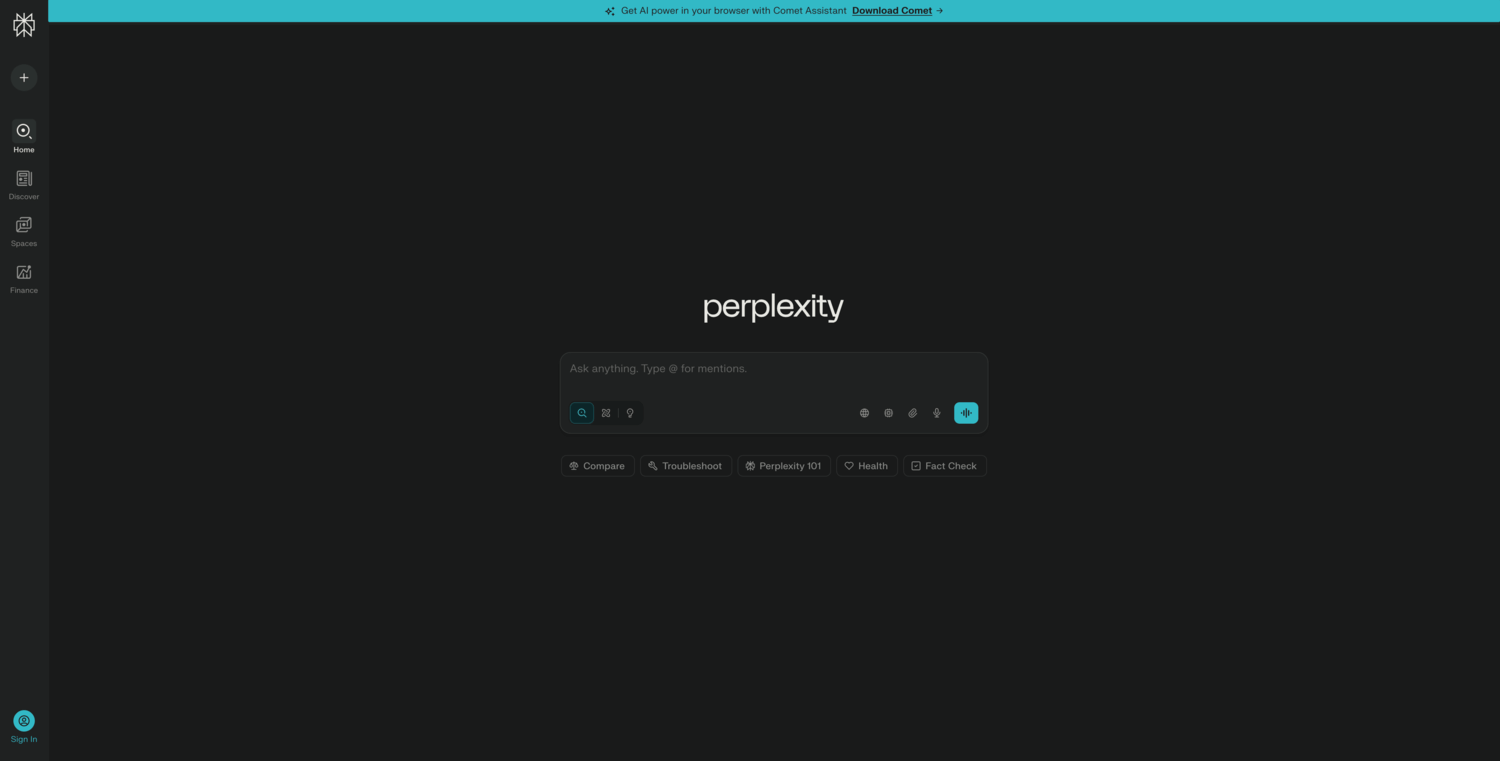
Ask the internet a question and get an actually readable, sourced answer. Perplexity fuses search, browsing, and summarization into one fast interface.
Best for: Researchers, journalists, consultants, and anyone who spends a lot of time turning web searches into briefings.
- Answer‑first interface with citations → skip opening ten tabs and instead read one synthesized response you can quickly verify.
- Advanced models, file uploads, and spaces on Pro → collapse multi‑step research, note‑taking, and summarizing into a single workflow.
- Minimal UI with strong keyboard navigation → expect real time‑savings from day one, even if you’re new to AI tools.
Pricing & limits: From $0/mo for the Standard plan, which offers “practically unlimited” basic searches, limited Pro‑model queries, and constrained uploads. Perplexity Pro is around $20/mo and includes a high daily quota of Pro searches, access to more models, richer file analysis, and priority support. Enterprise plans add SSO, SOC 2, and strict data controls.
Honest drawbacks: Free users can feel the ceiling quickly if they rely heavily on Pro searches or advanced models. The model‑switching and search modes can confuse new users who just want “one button that works.”
Verdict: If your job is to turn messy online information into clear answers, Perplexity is one of the fastest ways to do it—and the free tier is strong enough to prove that quickly.
Score: 4.7/54. Google Gemini

Put an AI brain directly inside your Google account. Gemini is at its best when you already live in Gmail, Docs, and Drive.
Best for: Individuals and teams embedded in Google Workspace who want AI to draft, analyze, and search across their documents and mail.
- Gemini chat plus side‑panel helpers in Docs, Sheets, and Gmail → move from request to drafted email or analysis with far fewer manual steps.
- Developer APIs and model variants (from lightweight to advanced) → build apps or automations that tap the same models across your stack.
- Familiar Google UI and account system → most users can start getting useful suggestions within their existing tools in a day.
Pricing & limits: From $0/mo for basic Gemini access in consumer accounts, with reasonable usage limits. Gemini Advanced lies around $19.99/mo and offers more powerful models, deeper research features, and extra cloud storage. Workspace plans bundle certain Gemini capabilities depending on your edition.
Honest drawbacks: The best features sit behind paid add‑ons or certain Workspace tiers, which can complicate budgeting. If you’re not already committed to Google’s ecosystem, Gemini feels less compelling than neutral options.
Verdict: If your calendar, inbox, and files are already in Google, adding Gemini is one of the lowest‑friction ways to get real AI productivity wins.
Score: 4.5/55. Tidio
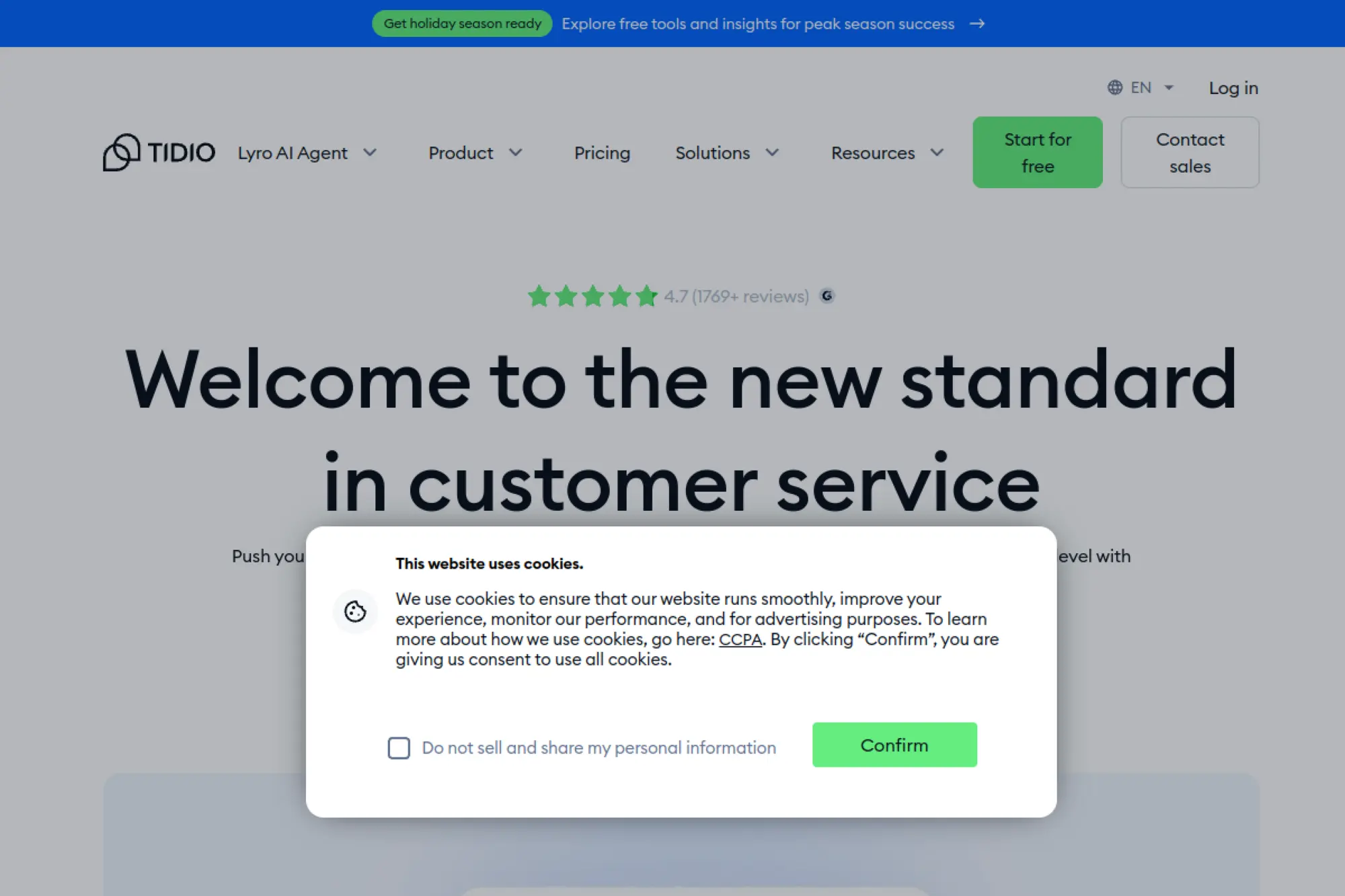
Put an AI front desk on your storefront that doesn’t sleep or lose patience. Tidio blends live chat, an AI agent, and automation flows into one inbox.
Best for: Ecommerce stores and small SaaS teams that want AI to catch pre‑sale questions and basic support before humans step in.
- Drag‑and‑drop chatbots plus Lyro AI → answer common questions and route real buyers to humans before they bounce.
- Integrations with Shopify, WooCommerce, and social channels → handle web, Instagram, and Messenger conversations without jumping between tools.
- Guided setup and templates for FAQs, carts, and lead capture → expect your first AI‑assisted chat going live within an afternoon.
Pricing & limits: From $0/mo with 50 live chat/ticket conversations, a one‑time pool of 50 AI conversations, and chatbots reaching up to 100 visitors per month. Paid plans start around $29/mo and raise conversation caps, unlock richer analytics, and give Lyro AI larger quotas.
Honest drawbacks: The free plan’s low conversation limits mean most active stores will hit a paywall quickly. Advanced flows and AI features can feel fragmented across separate add‑on plans, so budgeting takes a bit of homework.
Verdict: If your cart abandonment stems from unanswered questions, Tidio’s free tier is a low‑risk way to see if AI chat moves the needle before investing.
Score: 4.4/56. HubSpot Chatbot Builder
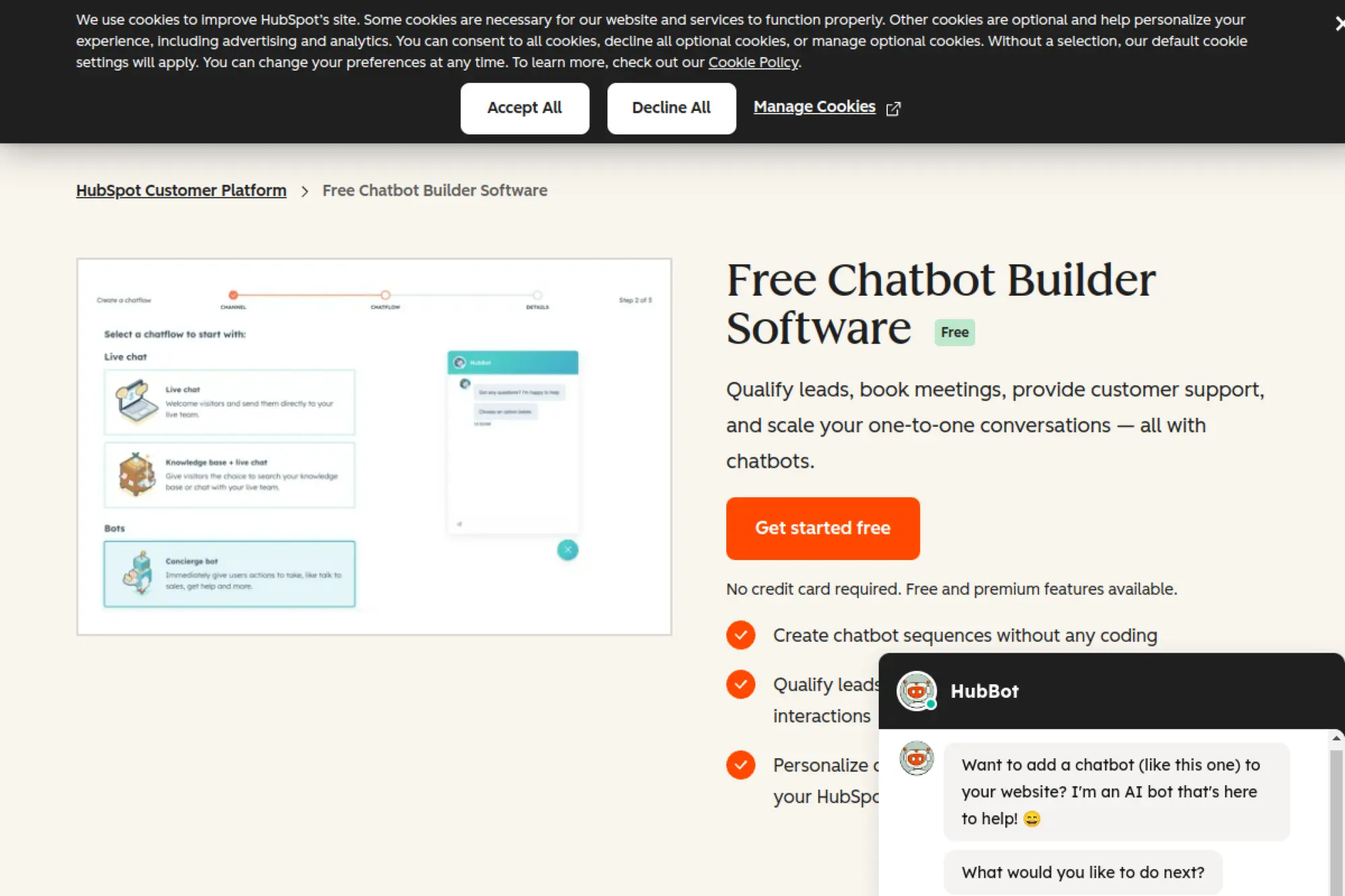
Turn “Just browsing” into a contact with context. HubSpot’s chatbot builder is less a standalone tool and more a front door into its CRM.
Best for: B2B and SaaS teams who already use—or want to adopt—HubSpot CRM and marketing tools.
- Visual bot builder tied to contact records → route chats, qualify leads, and update CRM fields without your reps lifting a finger.
- Integrations across email, deals, meetings, and knowledge base → collapse multi‑step follow‑ups into one guided sequence triggered by a chat.
- Embedded in HubSpot’s free CRM → expect your first simple bot and live chat widget to go live in under an hour.
Pricing & limits: From $0/mo as part of HubSpot’s free CRM, which includes basic chat, forms, and canned bots. More sophisticated automation, branching logic, and AI features require paid Marketing, Sales, or Service Hubs, which scale from starter packages into more expensive enterprise tiers.
Honest drawbacks: If you only want a chatbot and not a CRM, HubSpot’s interface and pricing can feel like overkill. Complex flows sometimes require juggling multiple HubSpot tools, which introduces a learning curve for non‑marketers.
Verdict: If your main job is turning anonymous visitors into qualified opportunities, HubSpot’s free chatbot is an easy on‑ramp into a fully connected revenue stack.
Score: 4.5/57. GPT4All
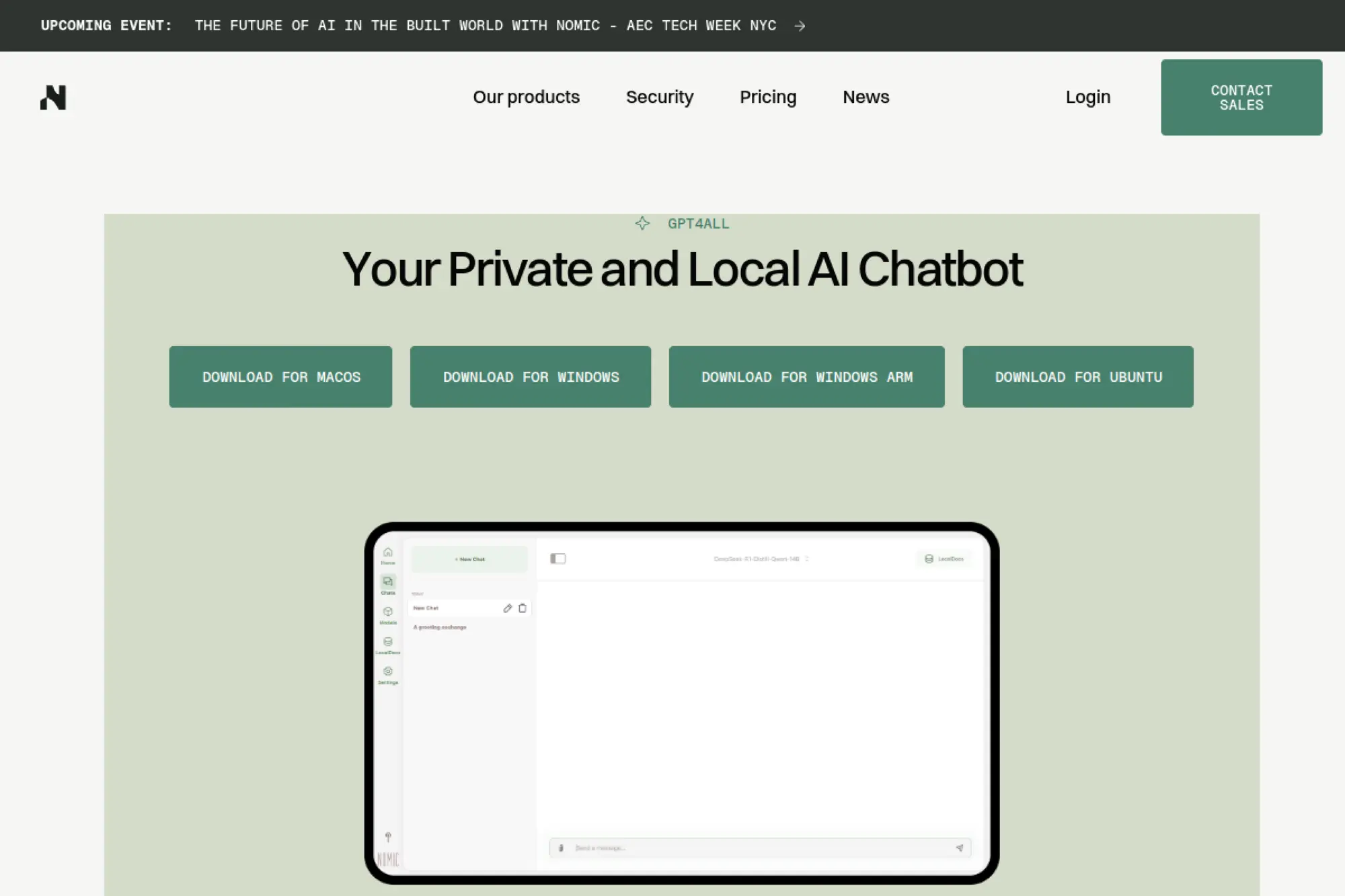
Run a capable chatbot on your laptop with zero cloud calls. GPT4All turns open‑source models into a desktop app for everyday users.
Best for: Developers, researchers, and privacy‑sensitive professionals who want local AI without subscription fees.
- Local model runner with a simple chat UI → brainstorm, draft, and prototype without sending data to any external server.
- Support for many open models and “LocalDocs” → search and chat over your own files in one step instead of stitching tools together.
- Installers for Windows, macOS, and Linux → most users can be chatting with a basic model within 15–20 minutes.
Pricing & limits: From $0/mo—GPT4All is free and open‑source, including the desktop app and Python bindings. Your only “cost” is disk space, hardware requirements, and time spent downloading models.
Honest drawbacks: Quality and speed depend heavily on your hardware and the model you pick; expect slower, less capable answers than top cloud LLMs on weaker machines. There’s no official hosted plan, so everything from updates to backups is on you.
Verdict: If your priority is “keep everything on my device,” GPT4All is one of the most accessible ways to get a private, offline assistant.
Score: 4.5/58. Ollama
Run cutting‑edge open models with a single command. Ollama turns your machine into a flexible local inference server.
Best for: Developers and power users who want to experiment with modern open‑weight models locally and wire them into apps.
- Simple “ollama run model” CLI and desktop app → pull and switch between Llama, DeepSeek, and other models with minimal setup.
- Local API and tooling plus optional cloud → prototype against an OpenAI‑style endpoint without paying per token until you choose to.
- Cross‑platform installers and clear docs → expect time‑to‑first‑response in under an hour if you’re comfortable with basic terminal commands.
Pricing & limits: From $0/mo for local use—running models on your own hardware is free. A new cloud offering adds hosted models with a free tier and paid Pro/Max plans (around the tens and low hundreds of dollars per month) for higher usage and larger models.
Honest drawbacks: You’re responsible for managing model downloads, disk space, and performance tuning. Non‑technical users will find the CLI and configuration intimidating compared with browser‑based chatbots.
Verdict: If you want serious control over which models you use and how you integrate them, Ollama is one of the fastest ways to get there with minimal friction.
Score: 4.6/59. ProProfs Live Chat
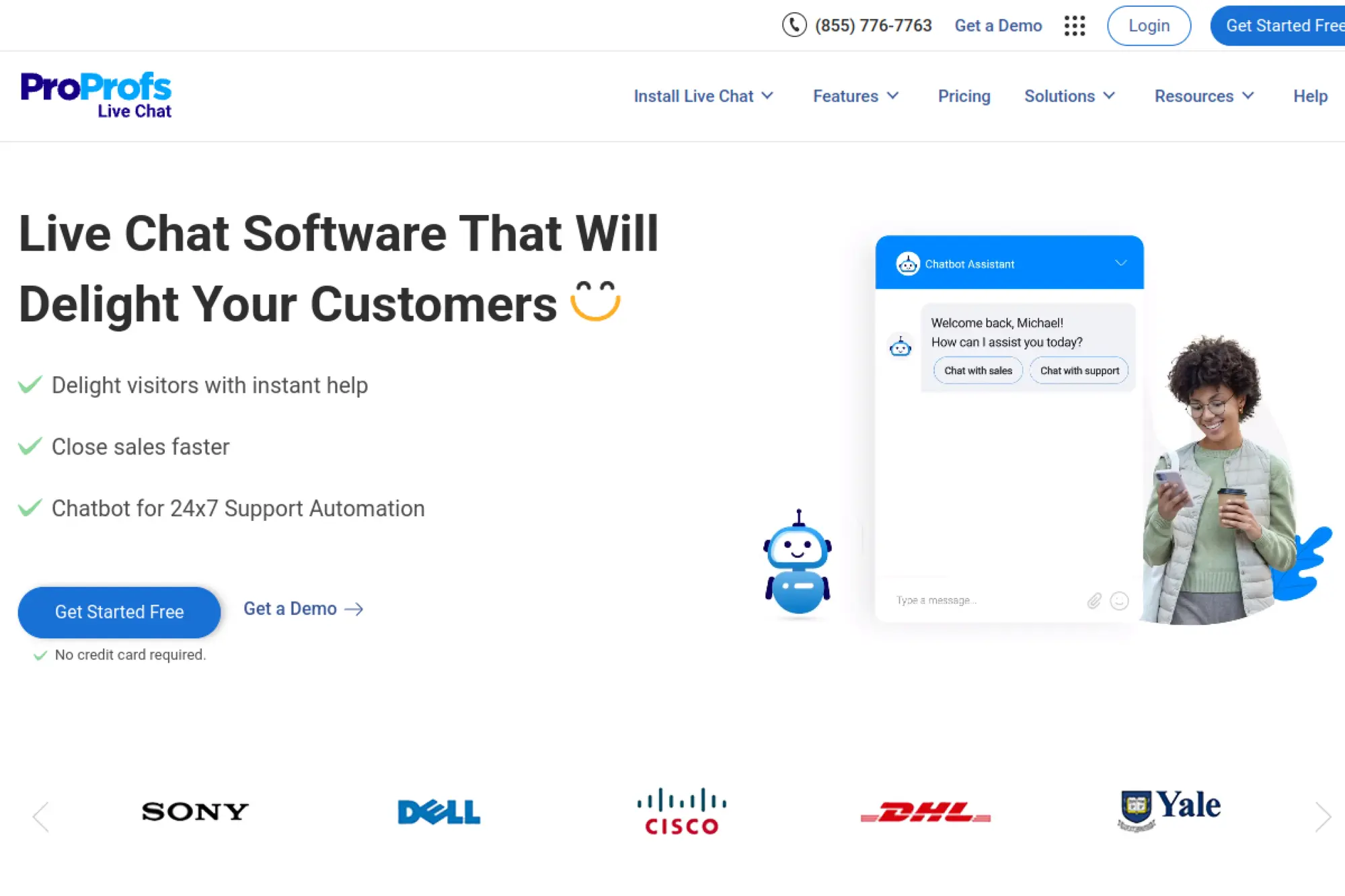
Turn website visitors into conversations you can actually track and close. ProProfs Live Chat wraps basic AI, routing, and transcripts into a straightforward widget any small team can run.
Best for: Small support or sales teams that want a no‑nonsense, affordable live chat with simple automation.
- Pre‑chat forms, canned replies, and chat routing → qualify visitors and send them to the right person without manual triage.
- Chatbots plus integrations with tools like help desks and CRMs → cut repetitive “Where’s my order?” or FAQ replies from minutes to seconds.
- Clean operator dashboard with simple setup → get a branded chat box live on your site in under an hour.
Pricing & limits: From $0/mo for a single operator with unlimited chats, domains, and history. Paid “Team” seats are priced per operator and add collaboration, reporting, and more advanced automation. There’s also a 15‑day full‑feature trial if you want to stress‑test before paying.
Honest drawbacks: The AI chatbot features are fairly basic compared with dedicated bot platforms, and deeper CRM or ecommerce workflows may require juggling several ProProfs products. The interface looks a bit dated next to newer AI tools, which may matter if your team lives in it all day.
Verdict: If you just need reliable live chat with light automation and a generous free tier, this can replace clunky contact forms and slow email back‑and‑forth quickly.
Score: 4.3/510. TechTide Solutions

When you’ve outgrown plug‑and‑play bots, TechTide Solutions builds the custom AI assistant your off‑the‑shelf tools can’t. Think tailored workflows instead of generic chat widgets.
Best for: Mid‑size companies that need custom, secure AI chat or automation wired into existing products, data, or IoT systems.
- Bespoke chatbot and integration projects → turn messy, multi‑system processes into one guided conversation tuned to your business rules.
- Use of modern LLMs and cloud infrastructure → replace brittle, rule‑based flows with AI that can pull data from your apps in one step.
- Project‑based delivery with discovery, build, and rollout phases → expect time‑to‑first‑value in weeks rather than months.
Pricing & limits: Pricing varies—check the official page. As a consultancy rather than a SaaS product, you’re looking at scoped projects, not a self‑serve free tier. Expect discovery workshops, fixed‑fee pilots, and then longer engagements as solutions prove ROI.
Honest drawbacks: There’s no “sign up and try it tonight” experience; everything runs through sales and scoping. For micro‑businesses or solo creators, that level of customization (and cost) is usually overkill compared with template‑driven tools.
Verdict: If your main blocker is that standard chatbots can’t reach into your systems or match your compliance needs, TechTide is worth a call; everyone else should start with simpler SaaS options on this list.
Score: 3.6/511. Smartsupp
Turn your shop chat into a 24/7 sales clerk that never forgets a SKU. Smartsupp mixes live chat with an AI shopping assistant built for online stores.
Best for: Small online retailers that want a simple live chat now and AI sales help as they grow.
- Live chat plus basic automation and contact forms → capture leads and support requests instead of losing them to email silence.
- Mira AI Shopping Assistant add‑on → recommend products and answer FAQ in one conversation, shrinking manual back‑and‑forth dramatically.
- Free plan with unlimited agents and easy widget install → you can have your team chatting with visitors the same day.
Pricing & limits: From $0/mo with 50 live chat conversations per month, live chat + email, social channels, and unlimited agents. Paid plans start around $14/mo and expand conversation quotas, analytics, and chatbots. The Mira AI assistant is a paid add‑on, priced by the number of AI conversations you pre‑purchase.
Honest drawbacks: The free plan’s 50‑conversation cap is tight for active stores, and AI automation is locked behind extra spend. Navigation between live chat, bots, and AI pricing feels more complex than it needs to be for non‑technical users.
Verdict: If you’re a small shop wanting to test whether chat boosts conversions, Smartsupp’s free tier plus optional Mira add‑on gives you a clear upgrade path without forcing an early commitment.
Score: 4.1/512. Zoho SalesIQ

Watch anonymous visitors turn into named leads you can nurture across the Zoho stack. SalesIQ marries live chat, basic bots, and visitor tracking inside a broader CRM ecosystem.
Best for: Small to mid‑size businesses already using Zoho, or those wanting an all‑in‑one CRM plus chat stack.
- Visitor insights, lead scoring, and chat → see who’s on site, what they’ve viewed, and chat at the right moment to convert.
- Codeless and programmable bots plus Zoho/third‑party integrations → build flows that pull CRM data or trigger follow‑ups without manual export/import.
- Guided onboarding and templates → most teams can launch a branded widget and a simple bot in a single working session.
Pricing & limits: From $0/mo for up to 3 operators, 10k tracked visitors, 100 chat sessions per month, and one brand. Paid tiers start around the single‑digit dollars per operator each month and add more chat sessions, custom chatbots, and advanced analytics.
Honest drawbacks: The interface can feel busy if you only want a lightweight chatbot. Some of the stronger AI features are reserved for upper‑tier plans, so very small teams may never touch the full power they’re paying for.
Verdict: If you’re already in Zoho (or want CRM, email, and chat in one place), SalesIQ is a natural add‑on that keeps sales, marketing, and support on the same page.
Score: 4.2/513. Freshchat
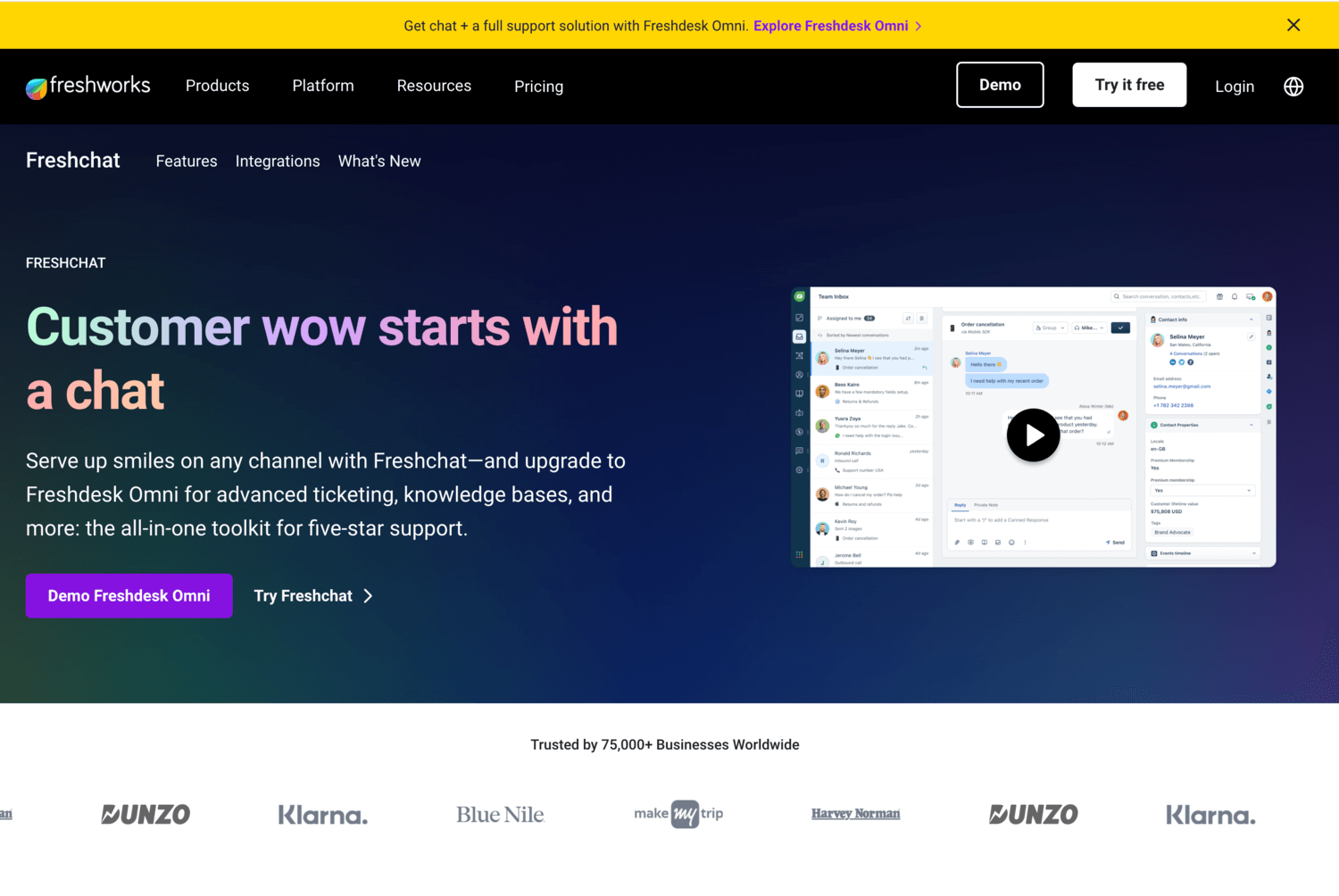
Give customers one inbox for website, app, and social DMs—and layer AI on top when you’re ready. Freshchat sits in the Freshworks ecosystem alongside ticketing and CRM.
Best for: Support teams that want to grow from basic live chat into full conversational support without switching vendors.
- Unified inbox for web, mobile, and messaging channels → handle support without hopping between dashboards.
- Freshbot and automation rules in paid tiers → offload common queries and triage to AI so agents focus on high‑value tickets.
- Modern UI with guided tours → teams can install the widget and start handling live chat the same day.
Pricing & limits: From $0/mo for up to around 10 agents on a live‑chat‑only plan that omits Freshbot automation. Paid plans start in the high‑teens per agent each month and add AI sessions, advanced routing, richer analytics, and deeper marketplace integrations.
Honest drawbacks: The free plan is generous for live chat but doesn’t include Freshbots, so you’ll pay to seriously automate. Freshworks has many overlapping products; it’s easy for smaller teams to get lost in cross‑selling instead of the one or two features they need.
Verdict: If you see Freshdesk or other Freshworks tools in your future, Freshchat’s free tier is a solid, low‑risk way to centralize support conversations before layering in automation.
Score: 4.0/514. Landbot
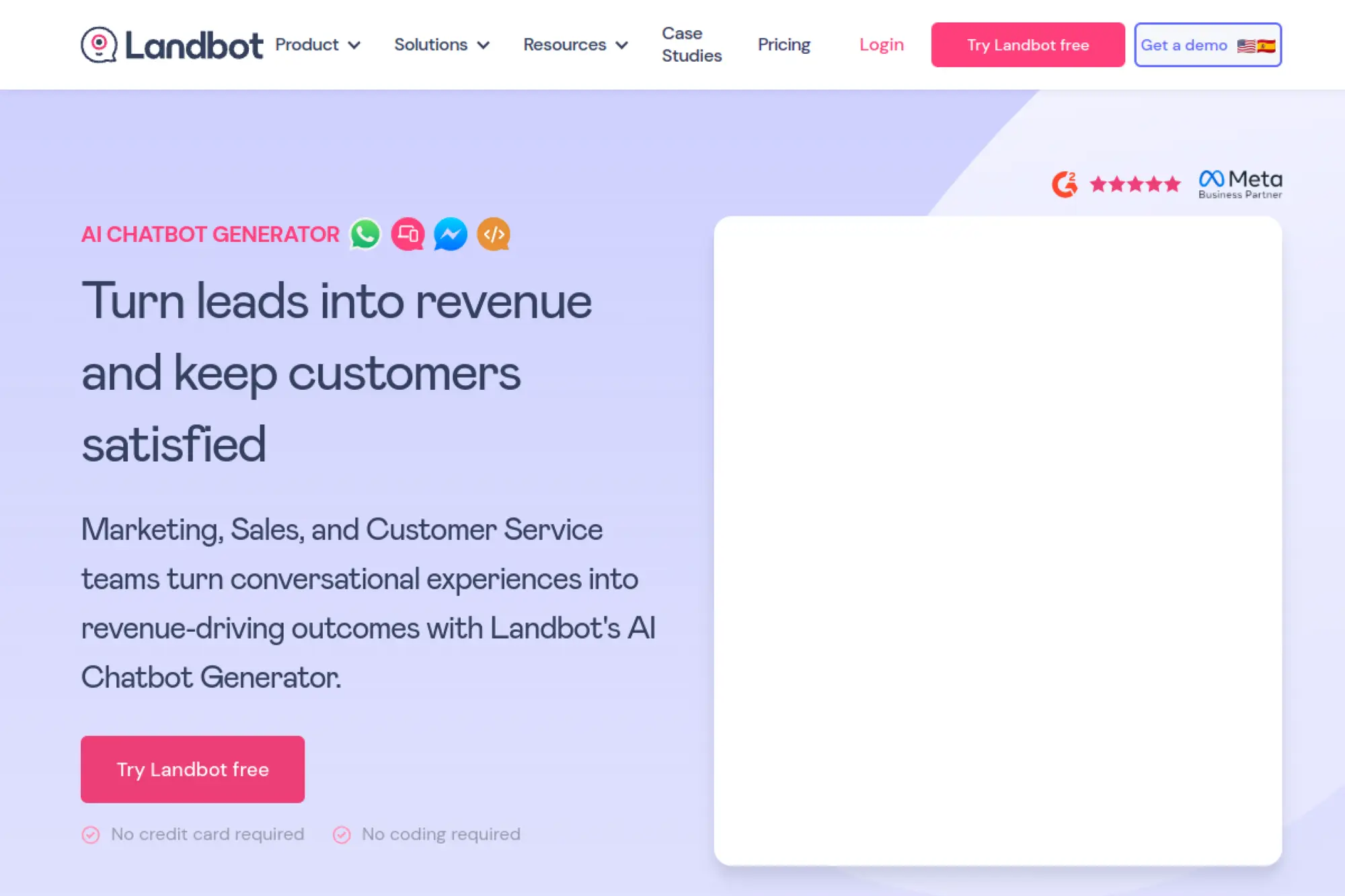
Turn static forms into playful, branching conversations. Landbot is a visual chatbot builder that makes “boring” data capture feel human.
Best for: Marketers and product teams who want pixel‑perfect conversational flows on web or messaging without writing code.
- Flow‑based builder with variables, logic, and A/B tests → design precise funnels that nudge users to the next step instead of losing them.
- Integrations with tools like Zapier, HubSpot, Airtable, and Stripe → automate lead routing, data capture, and payments in fewer manual steps.
- Sandbox free plan with templates → expect a first lead‑gen or survey bot live in well under a day.
Pricing & limits: From $0/mo on the Sandbox plan, which includes 100 chats per month, one seat, web channel, and limited integrations. Paid plans start around the mid‑two‑digits per month and lift chat limits, add channels like WhatsApp, and unlock more integrations and support.
Honest drawbacks: It’s easy to over‑engineer flows that become hard to maintain, especially for non‑technical teams. The free plan’s chat limit is low, so a successful bot quickly forces you into paid tiers.
Verdict: If you want polished conversational experiences for acquisition or onboarding and can live with tight free limits, Landbot is one of the most approachable builders around.
Score: 4.1/515. Chatfuel

Turn Instagram and Facebook DMs into automated sales funnels at scale. Chatfuel focuses squarely on marketing automation over generic chat.
Best for: Social‑first brands and agencies that run paid campaigns and want bots to pick up and nurture incoming leads.
- Flow builder for replies to comments, stories, and ads → convert social engagement into opt‑ins and offers without manual DM work.
- Integrations with Meta channels, Stripe, and webhooks → cut out copy‑pasting between chats, payment links, and CRMs.
- Onboarding wizards and templates for common campaigns → many teams can go from sign‑up to a basic lead‑capture funnel in a day.
Pricing & limits: Chatfuel offers a short free trial (typically around 7 days) but no long‑term free plan. Paid plans start from roughly the mid‑twenties per month, priced by conversation volume and channels, with enterprise tiers for high‑scale brands.
Honest drawbacks: Because there’s no forever‑free tier, you can’t run a small side project indefinitely without paying. The product is optimized for Meta platforms, so if you need rich web chat or email‑heavy flows, you’ll layer other tools.
Verdict: If your revenue lives in Instagram and Facebook DMs, Chatfuel can quickly automate what would otherwise be tedious manual replying—but budget for it from day one.
Score: 3.8/516. ManyChat
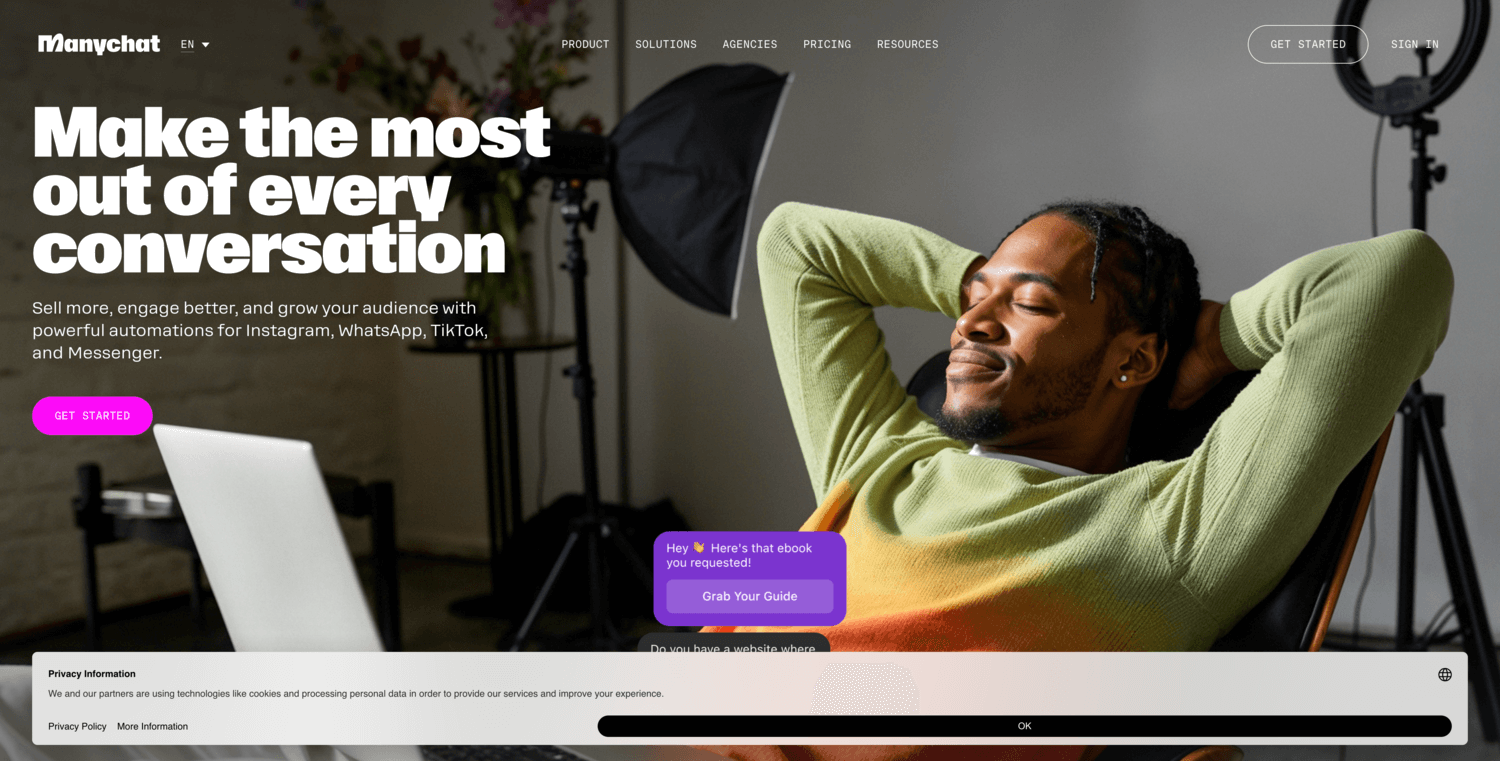
Automate “DM me” campaigns without burning out your social team. ManyChat turns Instagram, Facebook, and WhatsApp engagement into structured flows.
Best for: Creators, local businesses, and DTC brands that want automated replies and opt‑in funnels on social channels.
- Visual flow builder for comment triggers, keyword replies, and sequences → capture leads and send offers automatically instead of manually messaging each follower.
- Integrations with email, SMS, CRMs, and ChatGPT via connectors → collapse multi‑channel follow‑ups from several tools into one automation.
- Free tier with templates and basic flows → you can launch a simple Instagram or Messenger bot in under an afternoon.
Pricing & limits: From $0/mo for up to 1,000 contacts with limited triggers, tags, and one team member. Pro plans start around $15/mo and scale with contact count, unlocking unlimited keywords, advanced segmentation, more channels, and branding removal.
Honest drawbacks: The free plan’s hard 1,000‑contact cap is strict; once you hit it, messages simply stop unless you upgrade. Sophisticated flows and integrations live behind Pro, so the tool really shines only once you pay.
Verdict: If you rely on social media to drive sales, ManyChat’s free tier is a strong sandbox, and the Pro tier is easy to justify once campaigns start to perform.
Score: 4.3/517. Collect.chat
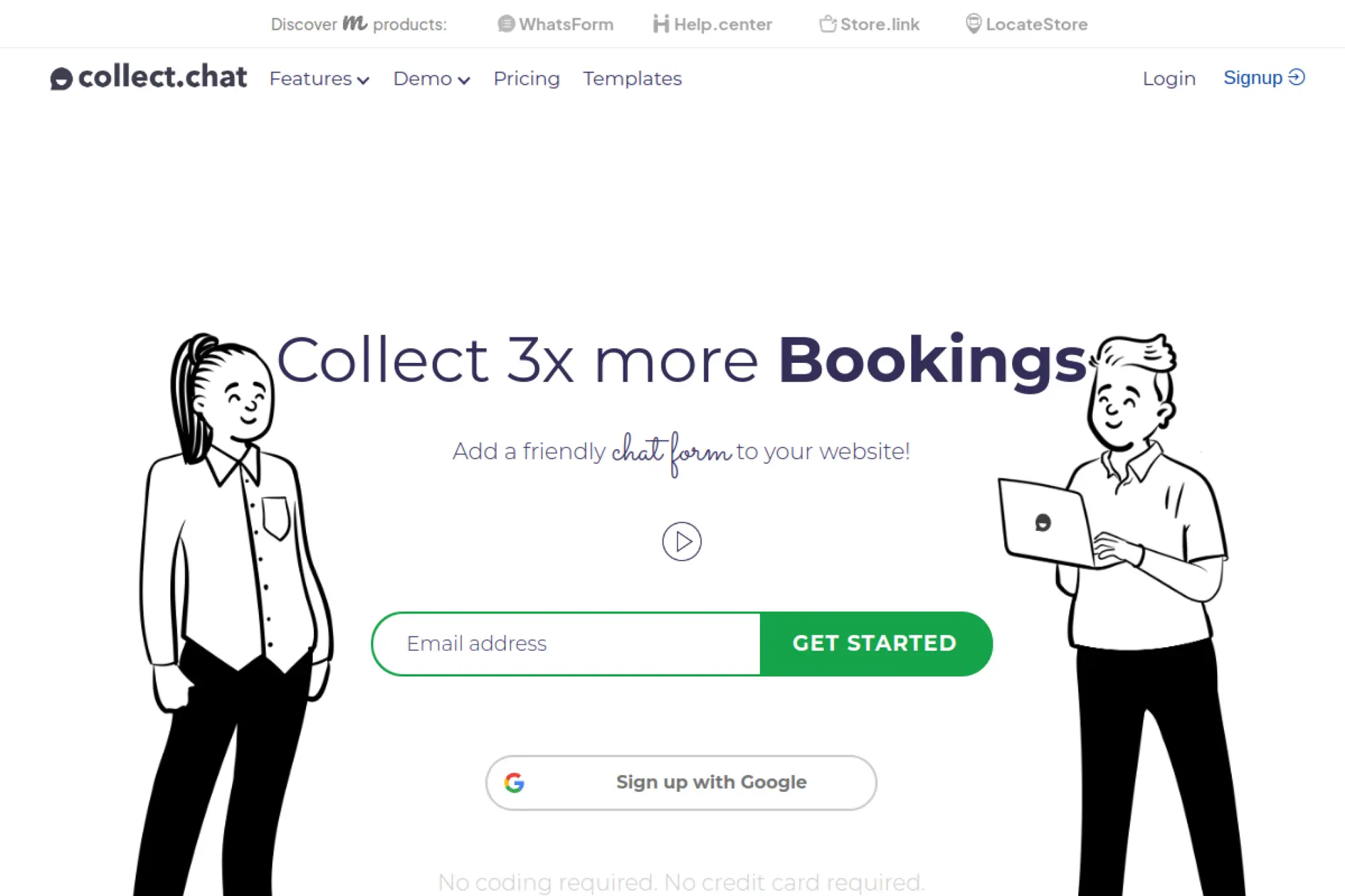
Replace static forms with chatty widgets that actually get filled in. Collect.chat focuses on conversational lead and survey collection.
Best for: Small businesses and agencies that want simple, embeddable bots to collect inquiries, bookings, or feedback.
- Question‑by‑question bot builder → turn long forms into short chats that nudge users to complete the journey.
- Webhook and third‑party integrations on paid tiers → push responses straight into tools like CRMs or spreadsheets instead of manual export.
- Lightweight widget with preset templates → you can embed a functional bot on a site in under an hour.
Pricing & limits: From $0/mo with unlimited bots and 50 responses per month. Paid plans start around the high‑teens per month and raise response quotas, unlock integrations, and provide more advanced analytics.
Honest drawbacks: There’s no AI brain here—these are structured bots, not assistants that can handle unstructured queries. The free plan’s 50‑response limit makes it more of a proof‑of‑concept than a long‑term solution for busy sites.
Verdict: If your main goal is to get more people completing forms, Collect.chat is a simple upgrade; just don’t expect it to answer complex questions like a full AI agent.
Score: 3.9/518. DeepAI Chat
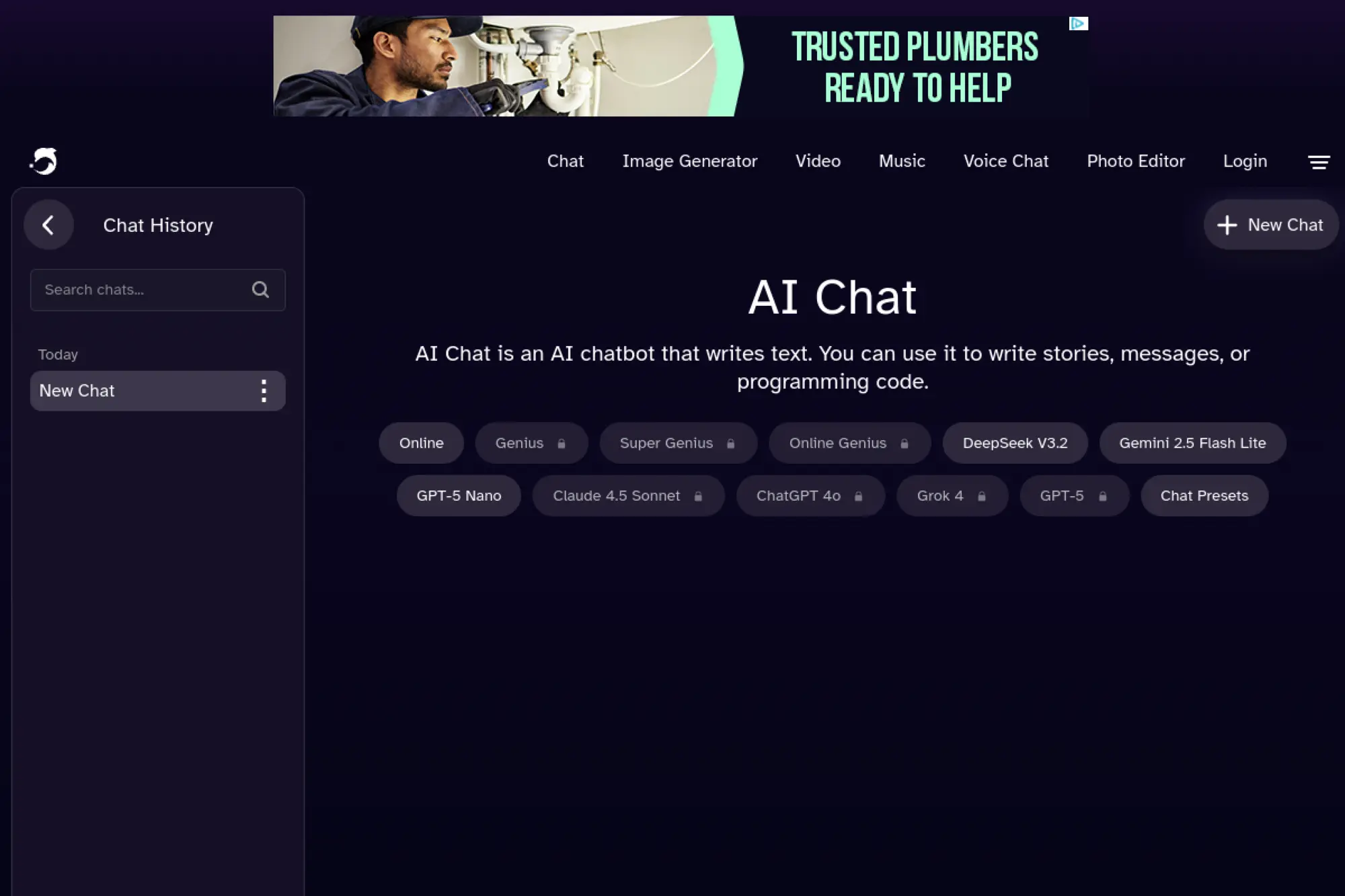
Dip a toe into general‑purpose AI without wrangling multiple apps. DeepAI Chat sits alongside image, video, and music generators in one place.
Best for: Casual users and creators who want a single, straightforward site for text and media generation with a low‑cost upgrade path.
- Simple chat interface with presets → draft code, stories, or messages without tuning complex settings.
- Option to tap into multiple models and media tools under one account → go from brainstorming copy to generating images in fewer tools.
- No‑frills web app with basic limits for free users → you can start chatting and testing ideas in minutes.
Pricing & limits: From $0/mo with limited access to basic features and lower message caps. DeepAI Pro starts at about $4.99/mo (or a discounted annual price) and includes monthly allowances for chat, images, video, and music, plus pay‑as‑you‑go top‑ups.
Honest drawbacks: The free tier is constrained; serious usage quickly nudges you into Pro. Model quality and reliability lag the very top assistants, and the UI feels more like a utility than a polished daily‑driver workspace.
Verdict: If you occasionally need AI help across text and media and want predictable, low pricing, DeepAI is a handy sidekick—just not the best choice for heavy professional workloads.
Score: 3.7/519. Julius AI
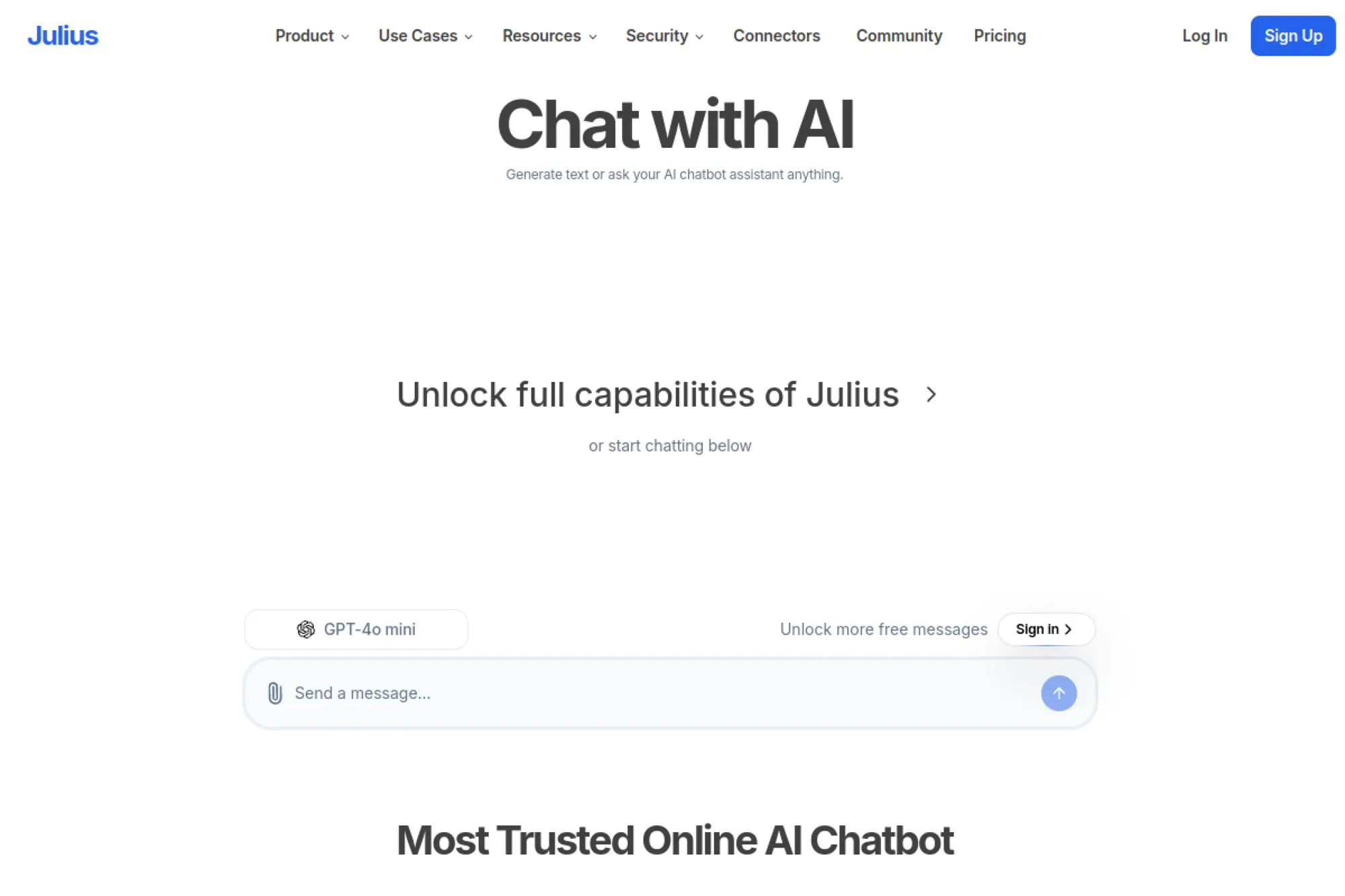
Turn raw spreadsheets into charts and insights by chatting, not writing formulas. Julius AI is an analyst in your browser that speaks plain language.
Best for: Analysts, finance and operations teams, and founders who live in CSVs and dashboards but don’t want to code.
- Natural‑language queries over uploaded data → ask “What changed in Q3 margins?” and see charts instead of wrestling with pivot tables.
- Support for Python/R code and database connections on higher tiers → compress multi‑tool, multi‑step analysis into one Julius notebook.
- Simple upload‑and‑ask workflow → you can get the first useful chart out of an Excel file within minutes of sign‑up.
Pricing & limits: From $0/mo with roughly 15 queries per month on the Free plan to test the experience. Paid tiers range from around $20/mo for light use up to higher plans with unlimited queries, more memory, collaboration features, and premium support.
Honest drawbacks: The free tier is very limited, so you won’t run a serious reporting cadence without paying. It’s focused on structured data; for messy documents or brainstorming, general‑purpose chatbots still win.
Verdict: If you constantly ask someone “Can you pull a quick chart on this?”, Julius is a strong way to self‑serve—and the free plan is enough to see whether it fits your datasets.
Score: 4.3/520. Duck.ai
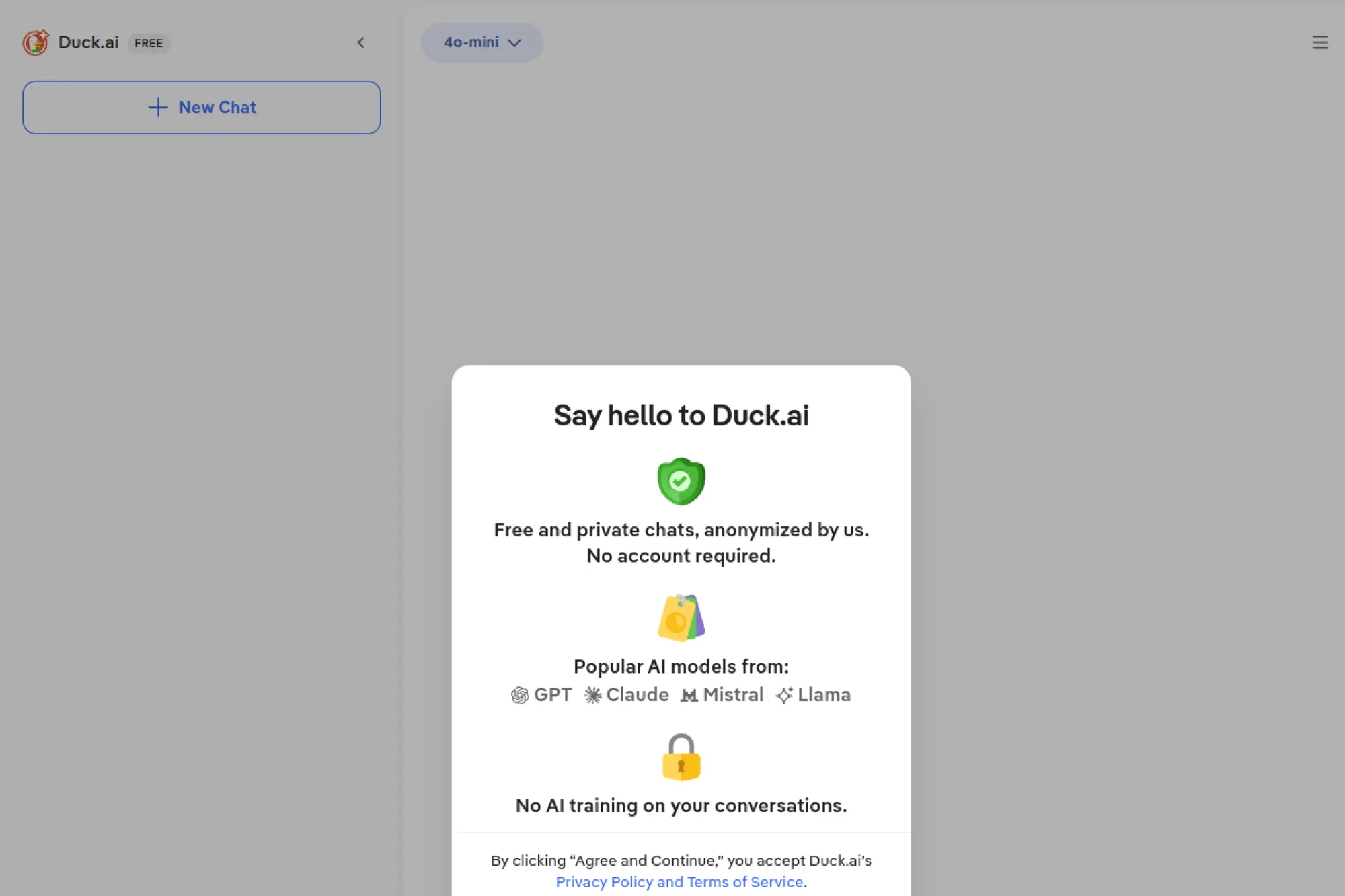
Get multi‑model AI chat without sacrificing your privacy. Duck.ai wraps several leading models in DuckDuckGo’s anonymous shell.
Best for: Privacy‑conscious users who want mainstream model quality but dislike account creation, tracking, or data retention.
- Switchable models (like GPT‑family and Claude variants) → pick the right “brain” for each task without opening three sites.
- Anonymous chats with no training on your data → skip accounts, cookies, and telemetry while still getting strong answers.
- Simple interface with “search the web” options → go from question to answer, with sources, in a couple of clicks.
Pricing & limits: From $0/mo for core Duck.ai, which is free to use in supported regions with reasonable limits per day. A separate DuckDuckGo subscription (around the low‑double‑digits per month) bundles premium AI models, VPN, and other features, but is optional.
Honest drawbacks: Model range and features are narrower than on dedicated AI platforms, and there’s less control over fine‑tuning or advanced workflows. Availability and feature sets can vary by country.
Verdict: If you care more about “Don’t track me” than about bleeding‑edge features, Duck.ai is an easy, zero‑friction way to use strong models safely.
Score: 4.4/521. Papeg AI
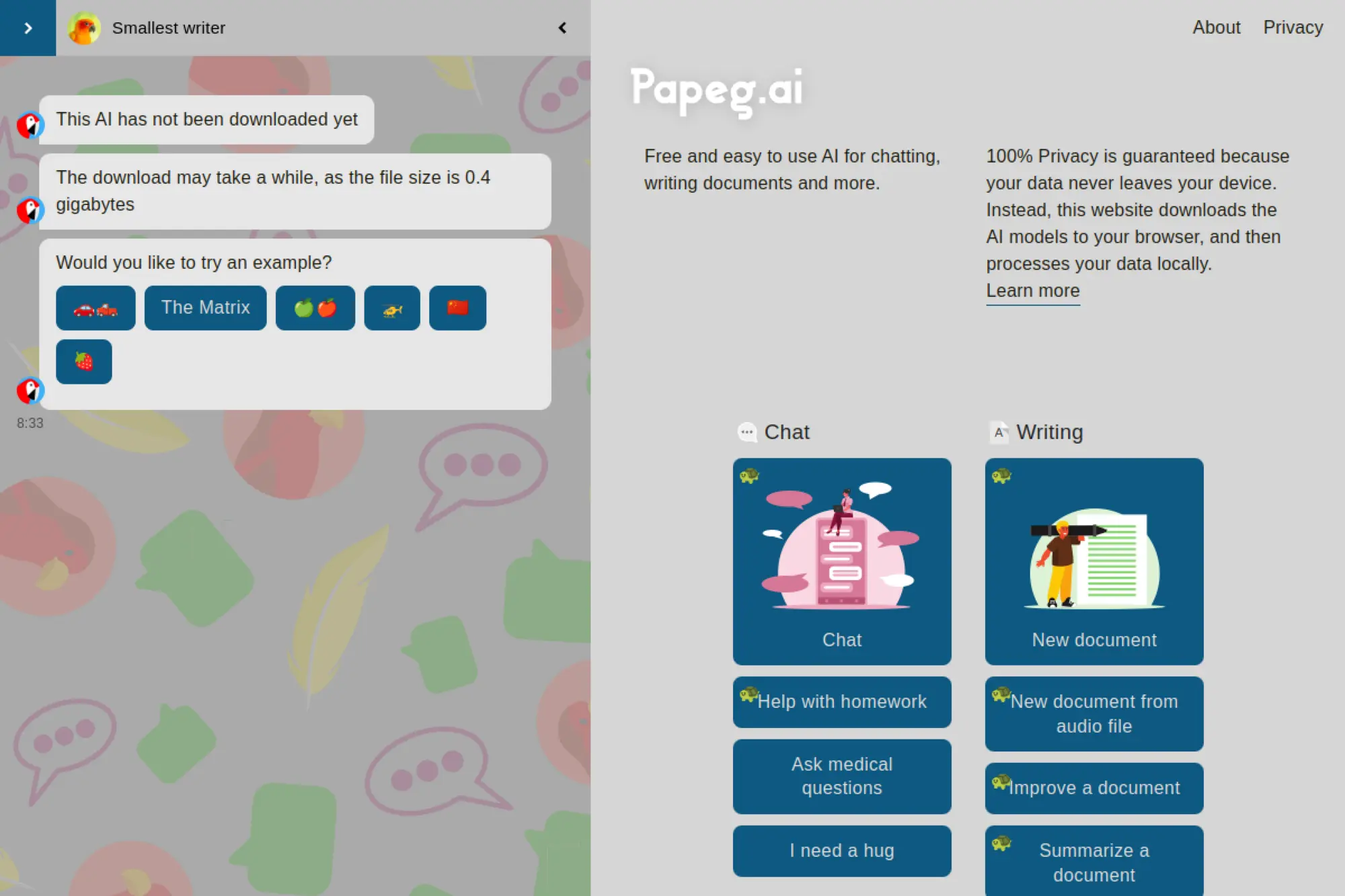
Bring local‑style AI into your browser without installing a desktop app. Papeg downloads models into your browser and runs them on your device.
Best for: Privacy‑aware individuals who want chat, document help, and simple image generation without sending data to the cloud.
- On‑device models and storage → chat, write, and edit documents knowing your data stays in your browser.
- Built‑in tools for scanning, summarizing, translating, and coding → replace several small utilities with one AI workspace.
- Runs entirely in a modern browser → you can try it in minutes on a laptop without installing anything.
Pricing & limits: From $0/mo—Papeg currently presents itself as a free, browser‑based tool, downloading open models and storing documents locally. There’s no public pricing grid, and any future paid options would be surfaced on the site.
Honest drawbacks: Because everything runs in the browser, performance depends on your device; older machines can struggle. There’s no cloud sync or team workspace, so it’s not ideal if you need sharing or collaboration.
Verdict: If you like the idea of local AI but don’t want to manage installers and environments, Papeg gives you a surprisingly capable private assistant in a tab.
Score: 4.1/522. Spicychat

Lean into AI for role‑play and adult chat instead of productivity. Spicychat is unapologetically focused on NSFW, character‑driven conversations.
Best for: Adults seeking uncensored role‑play, fictional companions, or creative storytelling that mainstream bots block.
- Large character library and custom persona tools → quickly find or design bots that match very specific fantasies or stories.
- Free tier with premium context and additional models on paid plans → keep long conversations flowing with fewer resets than generic chatbots.
- Web‑based interface with straightforward onboarding → most users can create a character and start a conversation within minutes.
Pricing & limits: From $0/mo with unlimited messages but constraints on personas, speed, and advanced memory. Paid tiers start in the mid‑single‑digits per month and scale up, adding more personas, deeper memory, image generation, and priority queues.
Honest drawbacks: This is an adults‑only platform with minimal content filters, which is a deal‑breaker for many users and organizations. It’s not built for work tasks—no docs, coding, or structured workflows—so you’ll still need another assistant for productivity.
Verdict: If you’re specifically looking for adult role‑play chat with generous free usage, Spicychat delivers—but treat it as entertainment, not a general‑purpose AI tool.
Score: 4.0/523. Oobabooga Text Generation Web UI
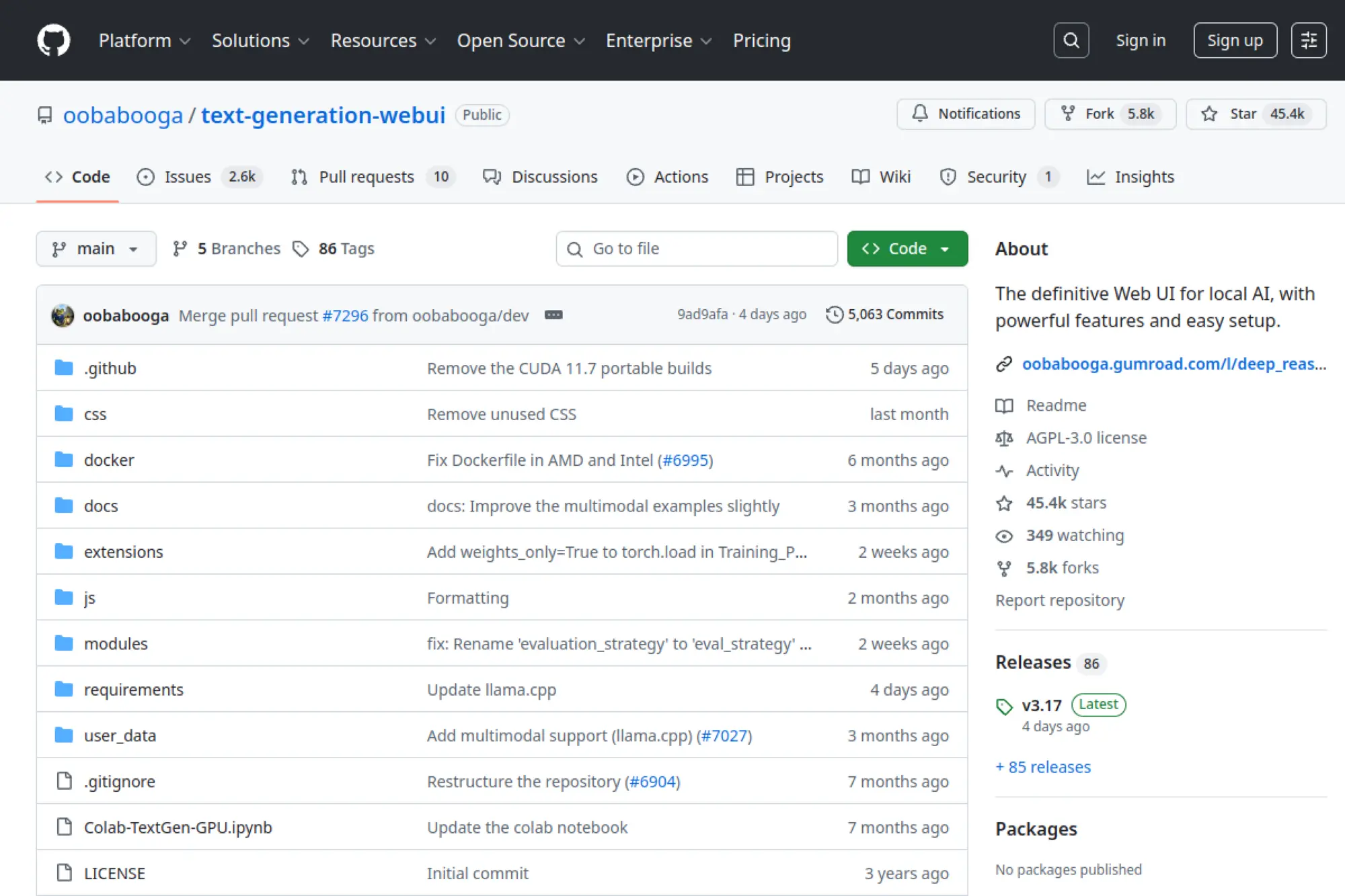
Build your own local ChatGPT clone with knobs on everything. Oobabooga’s web UI is the Swiss Army knife for local LLM power users.
Best for: Hobbyists and engineers who want deep control over models, sampling, extensions, and multi‑backend setups.
- Supports many backends (llama.cpp, Transformers, ExLlama, etc.) → run a wide range of models and switch between them without rebuilding your stack.
- Extensions for tools like web search, vision, TTS, and more → chain capabilities together instead of juggling separate apps.
- Portable builds and one‑click installers → technical users can get a full local chat environment running in an evening.
Pricing & limits: From $0/mo—this is open‑source software under an AGPL license. There’s no official paid tier; your “limits” are hardware resources, your time, and whatever models you download.
Honest drawbacks: The feature set is overwhelming, and setup can be brittle for non‑experts. There’s no official support; you rely on community docs and forums, which can be hit‑or‑miss under pressure.
Verdict: If you enjoy tinkering and want to experiment with many models, prompts, and workflows locally, Oobabooga is unmatched—but it’s overkill if you just want a simple chatbot.
Score: 4.2/524. KoboldAI
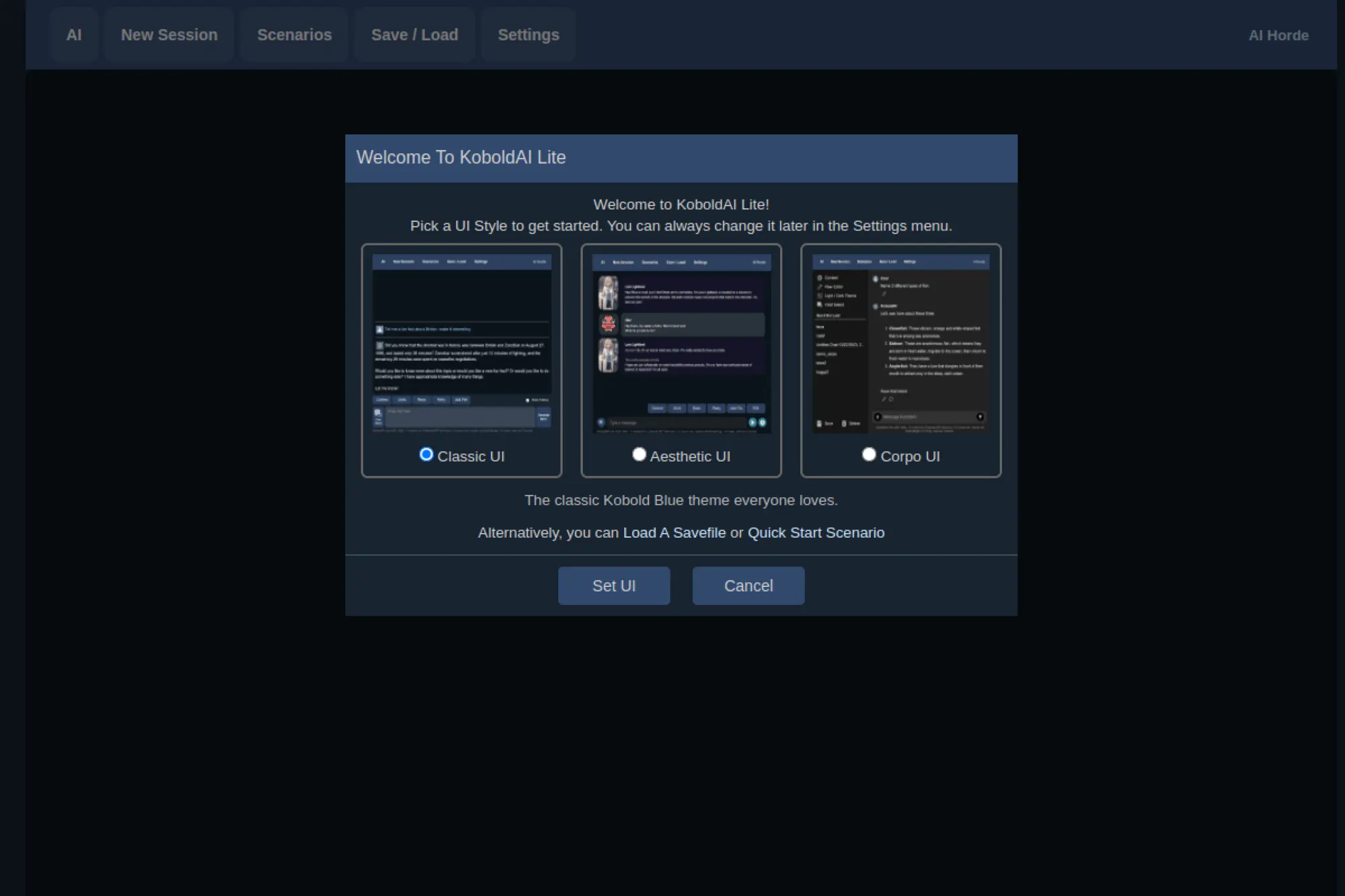
Give fiction writers and role‑players a sandbox made for storytelling. KoboldAI wraps text‑generation models in tools tuned for narrative work.
Best for: Authors, fan‑fiction writers, and interactive‑fiction fans who want AI help drafting scenes, worlds, and dialogues.
- Story‑focused interface with memory, notes, and world info → keep characters and timelines consistent instead of juggling separate docs.
- Support for local models and external APIs → choose between fully local privacy or hosted power without changing your workflows.
- Hosted KoboldAI Lite at koboldai.net → start writing in the browser for free in minutes before deciding on a local install.
Pricing & limits: From $0/mo when self‑hosting; the software is free and open‑source. KoboldAI.net offers a free, browser‑based experience using community compute (with reasonable limits); any paid options are typically tied to third‑party APIs or separate hosting.
Honest drawbacks: It’s narrowly optimized for narrative use, not general Q&A or business tasks. Performance and quality depend on which model you pick and whether you self‑host, so results can be inconsistent.
Verdict: If your main goal with AI is to co‑write stories rather than answer emails, KoboldAI feels like home in a way general chatbots rarely do.
Score: 4.0/525. Perchance AI Chat
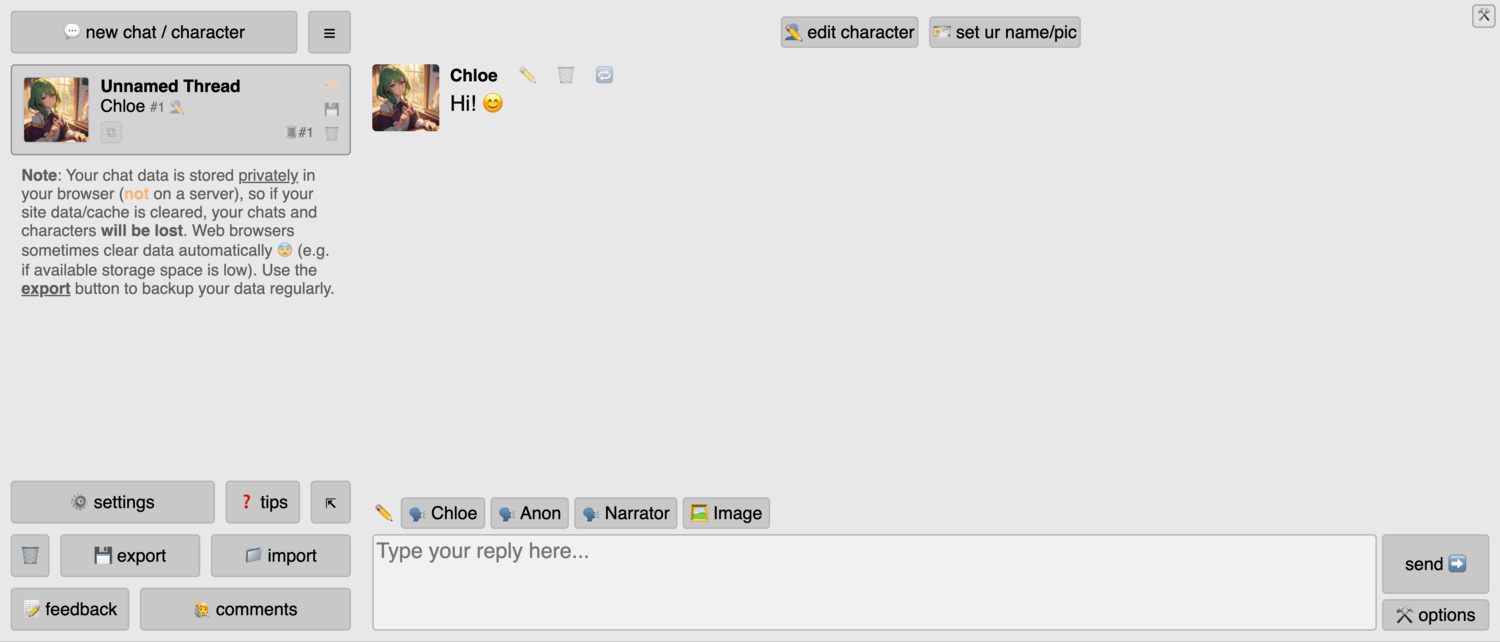
Play with AI chat, stories, and generators without logins or limits. Perchance is equal parts toybox and tool.
Best for: Casual users, role‑players, and indie creators who want free AI chats and generators without accounts.
- Ready‑made AI chat, RPG, and story generators → jump straight into adventures or conversations instead of configuring a bot.
- Community‑built generators and AI tools → reuse or fork others’ work to cut the time from idea to prototype drastically.
- Instant use in a browser and usually no sign‑up → you can test a concept or have fun in seconds.
Pricing & limits: From $0/mo—Perchance AI chat and generators are currently free to use, with no enforced message limits for typical use. There’s no formal paid tier for casual chat; support comes via donations or external projects.
Honest drawbacks: Reliability and uptime can vary since it’s a community‑driven project. There are minimal guarantees around data handling or long‑term availability, so it’s not suited to sensitive or business‑critical work.
Verdict: If you want to explore AI chat and storytelling with zero friction and no wallet, Perchance is a delight—just don’t build your company’s support strategy on it.
Score: 4.2/526. DeepSeek
Get a surprisingly powerful assistant free—but with serious geopolitical baggage. DeepSeek has shaken the market with strong models at low cost.
Best for: Individual tinkerers and non‑sensitive experimentation where price‑to‑performance matters more than regulatory comfort.
- High‑performing models accessible via web and apps → handle coding, reasoning, and general chat at a level that rivals big Western players.
- Low‑priced APIs for developers → cut per‑token costs dramatically if you’re building side projects or internal tools.
- Simple chat interface, often with minimal friction to sign up → you can test capabilities quickly with everyday prompts.
Pricing & limits: From $0/mo for end‑user chat with generous message allowances. API pricing is usage‑based at notably low per‑million‑token rates compared with many competitors, making experimentation affordable.
Honest drawbacks: DeepSeek faces regulatory scrutiny and outright bans in some countries due to privacy, security, and content concerns. Data routing and governance may be unacceptable for enterprises or public‑sector teams, and content moderation can behave unpredictably.
Verdict: If you’re purely testing what modern models can do and aren’t sending sensitive data, DeepSeek is worth a look; for anything regulated or high‑stakes, pick a vendor with clearer compliance posture.
Score: 4.3/527. xAI Grok

Lean on a snarky, opinionated assistant with strong reasoning chops. Grok’s personality is part of the pitch.
Best for: Heavy X (Twitter) users, tech enthusiasts, and people who value open‑ended, sometimes edgy answers over corporate polish.
- Deep integration with X for live content → ask about trending topics or posts and get context that standard models may miss.
- Multiple access levels (free, Premium, Premium+, SuperGrok) → scale from casual queries to near‑unlimited usage without changing tools.
- Accessible through the X app and web → if you already use X daily, you can add Grok to your routine in minutes.
Pricing & limits: From $0/mo for limited Grok access to all X users (with caps on queries). Richer access comes via X Premium tiers or dedicated Grok subscriptions that range from single‑digit to higher monthly fees, depending on features and limits.
Honest drawbacks: The product and pricing evolve quickly, so limits and features can change under your feet. Grok’s tone and content have raised concerns for bias and accuracy, making it a poor fit for sensitive or regulated contexts.
Verdict: If you’re already deeply embedded in X and want an AI that matches that culture, Grok is fun and capable; for more neutral, office‑friendly use, others on this list are safer bets.
Score: 4.1/528. Meta Llama Chat
Get a free assistant woven into the apps you already doom‑scroll. Meta’s Llama‑powered chat shows up across Facebook, Instagram, and WhatsApp.
Best for: Everyday users and small teams who want a convenient, no‑cost general assistant for quick questions, drafts, and ideas.
- Integration in social apps plus a standalone site → summon AI where you already spend your time instead of opening another app.
- Llama‑based models that keep improving → answer general questions, draft content, and brainstorm with solid quality for a free service.
- Zero direct subscription cost for core features → most users can start using Meta AI in chats within minutes.
Pricing & limits: From $0/mo—Meta AI’s core chatbot is currently free to use, with plans for optional premium tiers under discussion. Usage caps and capabilities can vary by region and rollout phase.
Honest drawbacks: Data use for personalization and training may give some users pause, especially in regulated industries. Features arrive at different times in different countries, and you can’t fully opt out of its presence in Meta apps.
Verdict: If you’re a heavy WhatsApp, Facebook, or Instagram user and you’re comfortable with Meta’s data practices, Llama Chat is a convenient “good enough” assistant at no extra cost.
Score: 4.2/529. PocketPal AI
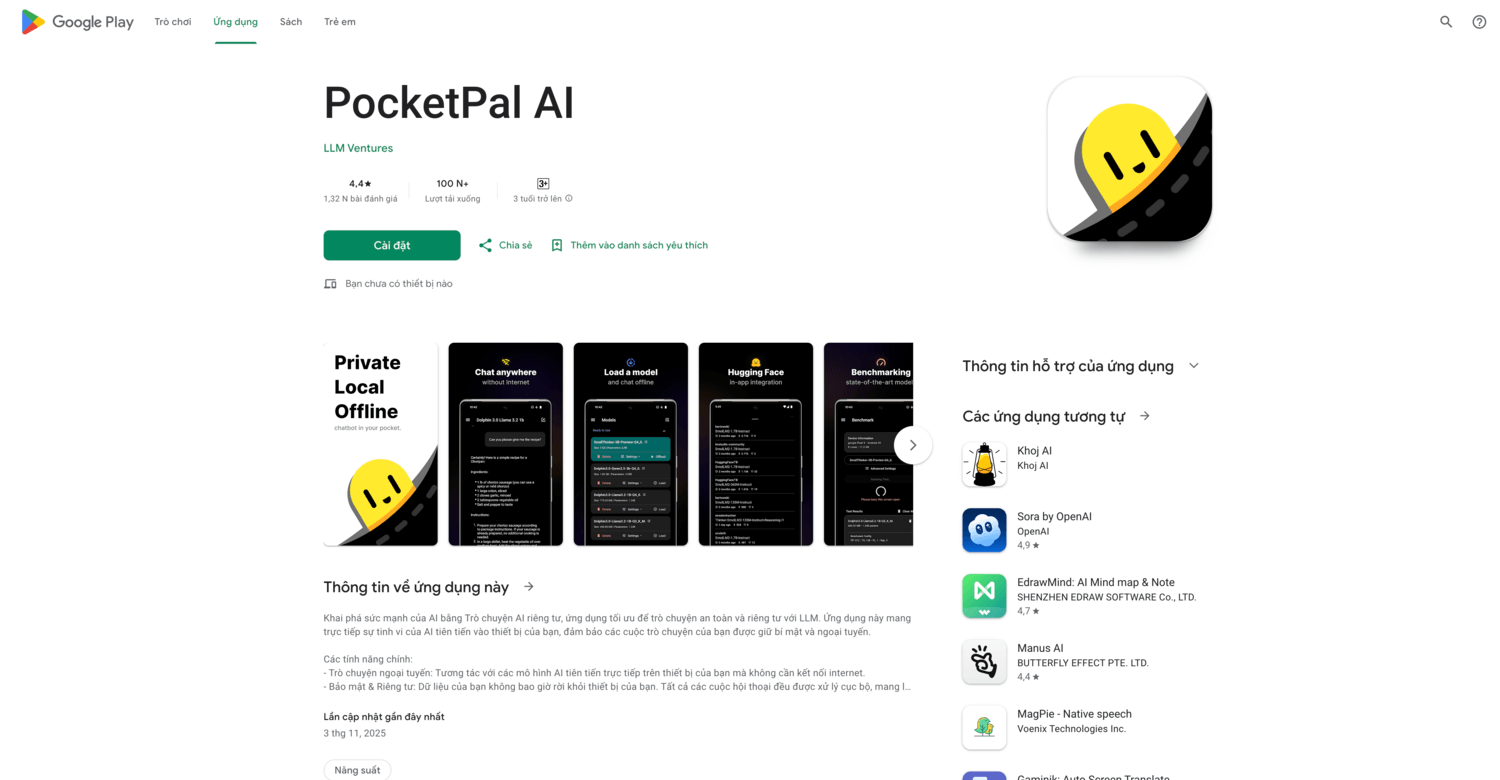
Carry a local‑style AI companion in your pocket. PocketPal focuses on running open models directly on your Android device.
Best for: Android users who want private, offline‑capable AI chat without setting up a full desktop environment.
- On‑device inference with downloaded models → chat and experiment even without a data connection, keeping conversations on your phone.
- Benchmarking and model management features → compare how different models perform on your hardware in fewer manual tests.
- Mobile‑friendly UI → most users can install, download a model, and start chatting in under half an hour.
Pricing & limits: The app is free to download on Android. Some models or advanced features may rely on external downloads or in‑app purchases, so check the store listing for current details and any usage caps.
Honest drawbacks: Running LLMs on a phone taxes battery and storage; performance varies widely by device. There’s no desktop or web companion, so serious work will still happen elsewhere.
Verdict: If you’re curious about local AI and want to try it without touching a terminal, PocketPal is a friendly way to explore on‑device chat.
Score: 4.0/530. Character.AI

Chat with just about anyone or anything you can imagine—fictional or otherwise. Character.AI is AI as entertainment.
Best for: Role‑players, fans, and creatives who want character‑driven conversations, not spreadsheets and slide decks.
- Huge library of user‑created characters plus custom builders → find or design bots tailored to your favorite worlds and archetypes.
- Group chats, memory, and optional voice → turn one‑off sessions into ongoing “relationships” without juggling multiple apps.
- Fast web and mobile apps → you can go from idea to a talking character in minutes, with no coding required.
Pricing & limits: From $0/mo with free access to most chat features, subject to queues and usage limits at peak times. A paid c.ai+ subscription, priced under $10/mo with annual discounts, adds faster responses, higher limits, better memory, and early access to new features.
Honest drawbacks: Safety and moderation have been under scrutiny, and it’s not suitable for children or sensitive work data. The focus on entertainment means there’s little support for structured productivity tasks compared with general assistants.
Verdict: If you want AI as a sandbox for characters and stories, Character.AI is hard to beat on sheer variety—but treat it like a game platform, not a business tool.
Score: 4.2/5Recommended reading: Top 30 free html editors to Build, Preview, and Publish Web Pages
Free AI Chatbots: what they are and why they matter
At their best, free AI chatbots turn natural conversation into a user interface for knowledge, automation, and creation. They are not a fad. Senior-IT research shows enterprise adoption is on a tear, with organizations projected to surpass more than 80% by 2026 in terms of direct use of generative AI APIs or embedded applications, a trend we see echoed daily in RFPs and vendor roadmaps.
1. Plain-language definition of AI chatbots and how they simulate conversation
We define an AI chatbot as a software front end that turns prompts (words, images, sometimes voice) into actions and replies using a sequence of components: a language model to predict responses, a policy layer to keep those responses inside guardrails, and optional tools (search, calculators, databases) to ground outputs in facts. The illusion of conversation rides on two mechanics borrowed from linguistics and human–computer interaction: adjacency pairs (question → answer, request → compliance) and repair moves (clarifications when the bot is uncertain). When teams get these right, the experience feels fluid even when the bot pauses to look something up or run a task.
2. What “free” really means forever-free plans, limited trials, and usage caps
“Free” is a spectrum, not a promise. We see three flavors in the wild. First, forever-free: a vendor offers a core experience with latency, model, or history limits but no time pressure. Second, trial: full features for a short window, typically nudging users to test premium capabilities. Third, capped usage: a daily ceiling that resets, sometimes with an ad-supported twist. Our rule of thumb for clients is simple: plan for sudden ceilings. If your workflow depends on a free tier, keep a fallback—either an alternate provider or a local model—to avoid silent failure during a crunch.
3. Core capabilities natural language, reasoning, and task automation
Today’s free chatbots speak, summarize, translate, and outline almost by default. The differentiators appear when you push past chit-chat. Reasoning quality shows up in multi-step instructions, follow-up questions, and the way a bot handles contradictions. Automation is the other axis: can the bot call functions, post to a CRM, or schedule meetings while maintaining context and consent? In our testing, the best results come from combining a strong general model for open text with narrow, deterministic tools for business-critical steps, so that creativity and precision take turns rather than collide.
4. Common modes text, voice, images, and character-based chats
Modes matter because they shape user intent. Text is universal and quiet. Voice feels intimate and fast, ideal for hands-busy scenarios like field service or commuting. Image-in prompts open the door to on-the-spot troubleshooting, labeling, and visual ideation. Character-based chats—bots with named personas—lower the intimidation barrier by framing interactions as fictional or role-based, which is useful for learning, coaching, or brand campaigns. We encourage teams to pilot with text, then layer voice and image when a use case proves sticky enough to warrant investment.
5. Where Free AI Chatbots fit daily life assistants, search, support, and creation
In daily life, a single conversational surface can juggle errands, explain documents, draft emails, and brainstorm. For organizations, the wins cluster around customer triage, internal knowledge lookup, and content workflows. Search is a special case: retrieval-augmented chat can blend the convenience of an assistant with the trust of citations, allowing faster “first pass” answers before deeper research. Creative work benefits too—as long as the bot’s output is treated as a draft and edited by a human who understands audience and intent.
6. Key building blocks models, prompts, memory, and safety layers
Four pieces underpin a stable chatbot. Models provide linguistic competence. Prompts act as the operating instructions—short, but decisive. Memory stores conversation history and selected facts, either in a short-lived window or in a long-term store keyed by user identity. Safety layers enforce policy, prevent data leakage, and route edge cases. We often add a fifth: a tools gateway that standardizes how the bot calls your systems. The art is in how these blocks interlock—tight enough to be coherent, loose enough to evolve without breaking.
Recommended reading: Top 30 Best Freelance Websites to Find Freelance Work and Clients in 2026
How Free AI Chatbots work under the hood

Underneath the friendly bubble UI, modern chat is a pair of loops: a prediction loop that composes words and a control loop that decides when to call tools, fetch knowledge, or ask for clarification. Even plumbing choices ripple outward; for example, the platform API layer is becoming strategic as AI usage accelerates, with analysts predicting that developer demand for interfaces will shift significantly, with more than 30% by 2026 of new API demand tied directly to AI and LLM-driven tools.
1. Large Language Models fundamentals training, inference, and prompt conditioning
First, training teaches a model the latent structure of language. This is a statistical process over vast corpora, but what matters to practitioners is the behavior that emerges: pattern recognition, paraphrase, analogy. Second, inference is the real-time step your users feel—sampling the next token while the system juggles latency, cost, and safety. Third, prompt conditioning sets goals. A strong system prompt compresses product intent into a compact instruction set, clarifying audience, voice, and non-negotiables. We rarely ship prompts as prose; we ship them as checklists with examples, because checklists survive stress.
2. Retrieval and web-answering for grounded, up-to-date responses
Retrieval inserts your knowledge into the model’s short-term memory. The common pattern: convert documents into vectors, store them in a specialized index, and at runtime, embed the user question, fetch the closest passages, and feed them back to the model. The subtle bits are hygiene (deduplication and canonicalization), chunking (segmentation to keep facts intact), and instruction tuning (“cite your sources and never invent”). When retrieval behaves, you reduce hallucinations and keep answers in sync with policy and product changes. When it stumbles, you get beautifully phrased nonsense.
3. Multimodal inputs images, audio, and documents in chat
Multimodality lets users point, show, and tell. In our deployments, image-in shines when users ask, “What is this?” or “How do I fix it?” Audio brings hands-free speed and accessibility, but it also forces you to budget for streaming recognition, partial hypotheses, and barge-in handling so the bot can gracefully accept interruptions. Documents benefit from structured parsing: rather than dumping a PDF into the model, we extract tables, headings, and entities to give the model scaffolding. The rule remains: make it easy for the system to find the right nugget at the right moment.
4. No-code builders and flows mapping intents to actions
No-code tools promise velocity—and deliver it—when paired with a governance plan. We map intents to actions with visual nodes: ask, decide, call function, and handoff. Two patterns help non-technical teams ship responsibly. First, treat each node as a testable component with clear success criteria. Second, design for fallbacks: when a tool call fails, the bot should apologize, reveal capability limits, and offer a safe alternative. We also tag every branch with a metric name so analytics can later tell us which paths delight, stall, or frustrate.
5. Extending chat with integrations CRM, help desk, and analytics
Chat without integrations is a demo. The moment your bot can create a ticket, look up an order, or push a qualified lead, it becomes a teammate. We encourage teams to standardize function signatures across vendors (for identity, authorization, and observability) so you can upgrade tools without retraining the bot. On the analytics side, conversation-level telemetry—intent arrival, tool success, sentiment shift—beats aggregate message counts because it correlates directly with business outcomes. Your first “aha” usually arrives when you see which questions weren’t answerable and why.
6. Character-style agents persona, guardrails, and public sharing
Personas make bots memorable, but they are also risk magnets. The safest approach is to declare persona and boundaries in the system prompt, then cross-check outputs against policy using a second reviewer model. If your bot will be shared publicly, make every share link revocable, rate-limited, and scoped to non-sensitive capabilities. In education pilots, we’ve seen character-style tutors lower the intimidation barrier for learners; in brand pilots, we’ve seen creative personas earn attention, with the caveat that snappy personalities need crisp escalation paths when users want real support.
Recommended reading: Top 30 WordPress Alternatives for Faster, Safer Websites in 2026
High‑value use cases for Free AI Chatbots
We prioritize use cases that combine clear user intent, repeatable phrasing, and measurable business impact. In service-heavy environments, this typically means deflection to self-service and faster agent assist, areas where credible forecasts estimate a reduction of contact center agent labor costs by $80 billion in 2026, a direction of travel we already see in blended bot–human workflows.
1. Customer support and lead capture for websites and eCommerce
A web visitor’s first question is rarely exotic; it is often “Where is my order?” or “Do you ship here?” Free chatbots shine on these fronts. The pattern we implement starts with intent detection, then policy checks, then a tool call (order lookup, shipping estimator), and finally a human-friendly explanation. For lead capture, we replace a wall of fields with a guided dialogue that collects just enough information to schedule a demo or route the lead. The subtle win is consistency—your brand’s tone, your policy, every time.
2. Sales assistance proactive prompts, qualification, and booking
Sales bots help when they behave like concierge services rather than pitch machines. We nudge them to ask context-aware follow-ups: “Are you designing for mobile?” or “Do you need SSO?” These questions are not guesswork; they are forks that guide users toward the right plan, the right case study, or the right calendar slot. When the bot detects high intent, it should gracefully escalate to a human with a complete transcript so the rep starts with context, not a cold hello.
3. Search and research copilots for quick answers
Research copilots are best used as accelerators, not judges. We build them to retrieve from curated sources, quote precisely, and label their confidence. That confidence label is not decoration—it tells the user when to accept, when to verify, and when to ask for a source. In internal deployments, we bias toward surfacing canonical pages (policy, pricing, SLAs) rather than raw web search to minimize drift. Done well, a copilot becomes a map to your knowledge, not a replacement for critical reading.
4. Math tutoring and code help step-by-step solving
For learning use cases, the bot should teach the next idea, not just the next answer. We have tutors break problems into intermediate steps, confirm understanding, and accept partial work (a photo of a solution, a pasted snippet) before offering guidance. For code help, we combine the general model with language-specific tools—linters, formatters, test runners—and we anchor the bot’s advice to your team’s style guide. The aim is to turn debugging into a conversation mediated by fast feedback, not a back-and-forth of copy–paste misses.
5. Creative writing and storytelling drafts, outlines, and editing
In content work, we discourage bots from pretending to be authors. Instead, we use them as thought partners: brainstorm angles, outline a structure, then edit for clarity and voice. A helpful trick is to encode audience, tone, and desired action in the system prompt as a compact brief. Another is to keep a library of exemplary paragraphs that the bot can imitate via few-shot examples. Human editors remain the last line, ensuring claims are accurate and sensitive to context.
6. Personal productivity summaries, translation, and note-making
Personal assistants excel at trimming the friction from everyday tasks: summarize a meeting, draft a reply, clean a transcript, translate a paragraph. The gains compound when your assistant has safe, narrow access to your calendar, files, and task list. We recommend explicit, revocable scopes for every integration and a visible log of actions. The UI should expose what the bot did and why, so trust grows with every helpful, reversible action.
Recommended reading: Top 30 Best AI Resume Builder Tools to Create an ATS-Friendly Resume
How to choose the right Free AI Chatbot for your needs

Selection tends to hinge less on the flashiest demo and more on limits, controls, and fit. Enterprise surveys this year show momentum, with a substantial 47% of respondents saying they are moving fast with adoption, and that speed makes checklists and pilot discipline even more essential.
1. Setup speed and no‑code flexibility
If your team can stand up a pilot in an afternoon, you learn faster. Look for no-code flows that still let you inject structured prompts, add custom tools, and define success criteria. We prefer builders that make “human handoff” a first-class node and expose environment flags so you can test safely before going live. When legal, security, and support can see the same canvas as product, approvals pick up pace.
2. Free plan limits conversations, seats, and channels
Free tiers are perfect for discovery but risky for operations. Watch for caps on history, team seats, and channels like web widgets or messaging apps. We advise teams to map their essential journeys and soak-test them during peak traffic hours. If you hit friction—slower responses, degraded reasoning, or hard stops—use that signal to negotiate paid terms or diversify providers before you build real dependencies.
3. Model quality accuracy, tone, and safety behavior
Every model has a personality. Some excel at structured logic; others shine in creative phrasing. Evaluate them on your tasks, not leaderboard tasks. We score for tone control, instruction obedience, and safety behavior under pressure. Throw policy edge cases at the bot and watch. A capable free plan should let you switch or upgrade models without rewriting flows, because model preferences evolve with your workload.
4. Integrations CRM, ticketing, forms, and payment
A chatbot that cannot touch your systems can only talk about value; it cannot create it. Insist on vetted connectors to CRM, support desks, data warehouses, and forms. If a direct connector is missing, check for function calling or webhooks so you can bridge gaps with a small shim. We also mirror read/write permissions to user consent: the bot should read widely to answer questions but write narrowly to reduce risk.
5. Data control privacy options, history, and retention
Control over data flows is non-negotiable. Your free plan should tell you what goes to the model provider, what is stored, and how to purge it. We disable training on client data by default when policies allow and partition logs by environment. For sensitive teams, local vectors and per-tenant encryption help, but the simplest wins often come from clear scoping: only send the minimum context needed to answer the question at hand.
6. Analytics and optimization conversation insights and A/B tests
Analytics should answer three questions: what do people ask, where do we fail, and which improvements move the needle. We tag intents and tool calls so we can run controlled experiments on prompts, reply styles, and escalation rules. The feedback loop must be tight: deploy, measure, adjust. Without it, you have no reliable way to tell whether a clever-sounding prompt actually reduces re-contacts or boosts resolution.
Limitations, privacy, and safety realities to expect

Free chatbots are stunningly capable—and stubbornly imperfect. Leadership should enter with clear eyes: customer adoption remains uneven, highlighted by a finding that just 8% of customers reported using a chatbot in their most recent service interaction, which means the human experience surrounding the bot remains decisive.
1. “Free” trade‑offs usage caps, ads, or data collection
When software costs money to run, the provider will recover that cost somehow. Free tiers often carry daily ceilings, slower responses during busy hours, or ads. Some may pool anonymized telemetry to improve models. As buyers, we draw a bright line between product analytics (which help you) and data reuse (which may not). Insist on a clear privacy statement and a simple way to opt out of training and marketing use.
2. Local vs hosted models privacy gains vs hardware needs
Local models keep sensitive text close to home and reduce exposure to third-party retention. The trade-off is infrastructure: you own setup, updates, and monitoring. Hosted models remove much of that toil and provide the latest capabilities at the cost of external processing. Many teams adopt a hybrid: hosted for general chat and ideation, local for compliance-bound documents. The deciding factor is usually governance rather than pure performance.
3. Hallucinations and oversight when to verify answers
Any model that predicts words can be confidently wrong. The mitigation playbook is consistent: constrain queries with retrieval, require citations for system-of-record answers, and route sensitive actions through explicit confirmation. We also teach bots to say, “I don’t know” and escalate. In practice, oversight looks like lightweight review for routine tasks and heavier review for policy or financial decisions. Trust grows when the bot demonstrates humility.
4. NSFW and policy guardrails content restrictions vary
Content policies vary widely across vendors and jurisdictions. Some providers block whole categories; others allow nuanced, educational contexts. When your brand is on the line, err on the side of narrow allowances and explicit appeals. We implement a two-stage safety system: pre-filter inputs for obviously disallowed content, then post-filter outputs using a reviewer model that cites the rule it applied. When a refusal happens, the bot should explain why and offer a safe alternative path.
5. Account, sign‑in, and daily cap friction
From a user’s view, the rough edges of free plans add up: forced sign-ins for simple questions, captcha walls, and hard stops at daily caps. Product teams can soften this by caching permissible content, offering guest modes for low-risk actions, and turning “you’ve hit your limit” into a helpful moment that suggests next steps or alternate channels. Friction is not fatal if users feel respected and informed.
How TechTide Solutions helps you build custom AI chatbots
We help organizations convert chatbot enthusiasm into durable systems. The market context supports investment discipline: private-market analysis shows total AI funding hit $66.6B in Q1’25, a signal that capital is concentrating around platforms and infrastructure while buyers seek outcomes, not demos.
1. Tailored chatbot design align intents, flows, and UX to your processes
Our first step is always a joint intent map: the top questions users actually ask, the rules that govern answers, and the actions that create value. From there, we design flows that emphasize reversibility (every action can be undone), observability (every decision can be explained), and brand voice (every reply sounds like you). We then encode these as modular prompts, tool contracts, and escalation paths, so your bot behaves predictably under pressure.
2. Deep integrations connect CRMs, help desks, and knowledge bases with secure RAG
We implement retrieval that respects ownership and visibility. Public docs and private knowledge live in separate indexes with clear access checks. When the bot answers, it cites the underlying passages to make verification easy. On the systems side, we wire function calls into your CRM, help desk, and analytics so the bot can create tickets, enrich records, and log outcomes. The result is a loop: questions arrive, actions happen, data flows back to improve the model’s context.
3. Governance by design privacy controls, auditability, and safe deployment
Governance is not a bolt-on; we design it in. That means roles and scopes for every integration, red-teaming prompts for abuse cases, and audit trails that show who asked what and what the bot did in response. For regulated teams, we set retention windows that match policy and provide administrators a one-click purge for individuals who request erasure. We also run tabletop exercises so support and legal know how to respond to edge cases before they happen.
Conclusion Free AI Chatbots to start fast and scale smart
The case for starting now is strong. Authoritative research across strategy and technology circles points to broadening enterprise use and strong investment flows, yet experience shows that durable wins come from pairing great models with careful design, retrieval, and governance. In other words, ambition plus guardrails beats ambition alone.
1. Begin with a free plan, validate ROI, and graduate to paid as usage grows
Pilots are for learning, not proving perfection. Use a free tier to map real intents, collect failure patterns, and measure the difference a bot makes to response quality and task completion. Once you know where it helps most, upgrade with intent: buy the features and guarantees that protect your success, rather than every feature on the page.
2. Balance convenience with privacy choose hosted or local where it fits
Hosted services deliver rapid innovation; local deployments deliver tighter control. Blend them. Keep low-risk ideation in hosted models and run sensitive workloads on controlled infrastructure. Let policy dictate placement, not hype. A balanced architecture means you can scale without compromising trust.
3. Pair strong models with data, integrations, and oversight for outcomes
Models do not win alone. Combine them with clean data, reliable tools, and a feedback loop that notices when the bot is uncertain or drifting. Teach it to ask for help. Create dashboards that tell you where to improve next. The result is a system that learns responsibly and delivers compounding value over time.
4. Partner for custom builds to transform pilots into durable solutions
If you want a guide, we are ready to help. Tell us which user journey is most urgent, and we will design a pilot that proves value without painting you into a corner. Where do you want your first chatbot to make a meaningful difference?

