



At TechTide Solutions, we reach for the tree data structure whenever data has a clear parent-child shape. That instinct is not just academic. IDC expects global data creation to reach 221.2ZB by 2026, and once information grows that large, clean structure stops being optional.
We think trees are one of the first data structures that truly sharpen a developer’s design instincts. Once we understand roots, children, depth, balance, and traversal, many systems start looking familiar, from folders and browser documents to indexes and parsed code. That is why we keep teaching this topic to new engineers and revisiting it in real client work.
Definition and Characteristics of a Tree Data Structure
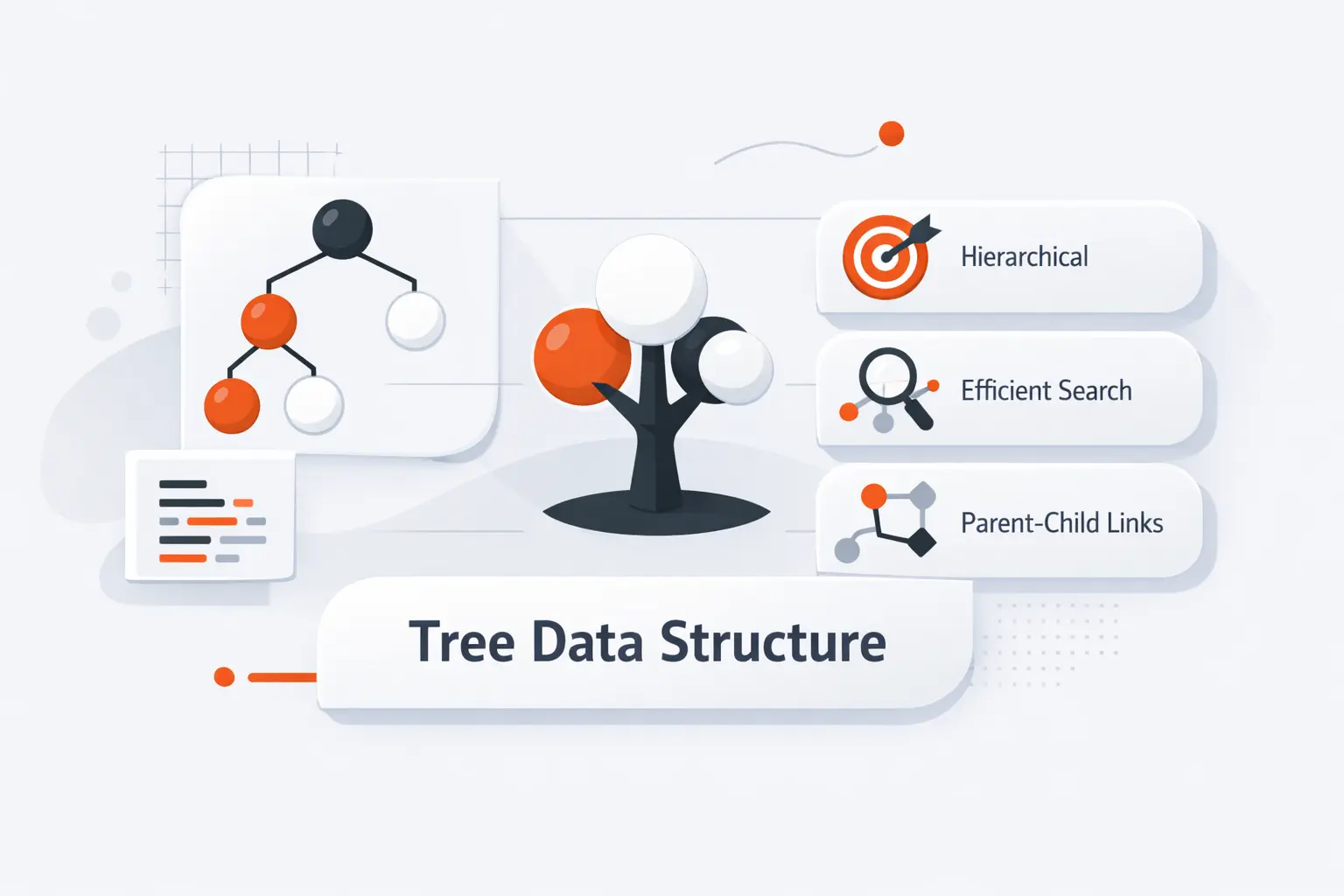
Before we talk about types or algorithms, we need the right picture in our heads. A tree starts at a root and expands into subtrees. Oddly enough, the root is shown at the top and the leaves at the bottom. That small mental model carries most of the subject.
1. Hierarchical Organization and Parent-Child Relationships
A tree data structure models hierarchy. One node becomes the parent, other nodes become its children, and children with the same parent are siblings. We use this family language because it matches real systems well, like a folder above subfolders or a manager above direct reports. Once we see that pattern, tree problems become much easier to reason about.
2. Nonlinear Structure and Node Connections
A tree is called nonlinear because data does not sit in one straight run. A single node can branch into several children, which gives us multiple next choices instead of one. That branching is what makes trees fit nested menus, category systems, and parsed documents so naturally. In many trees, the order of children matters too, which is why a tree is more than a loose cluster of links.
3. Trees Versus Linear Data Structures
Linear structures, such as arrays and linked lists, move item by item in sequence. Trees do not. They let us jump from a parent to a whole branch, which is why they work better for hierarchy and guided search. If a list is a road, a tree is a road network with intersections. That difference changes both how we store data and how we find it.
Recommended reading: How Gitignore Works: Patterns, Precedence, and Best Practices for Clean Repositories
Core Tree Data Structure Terminology
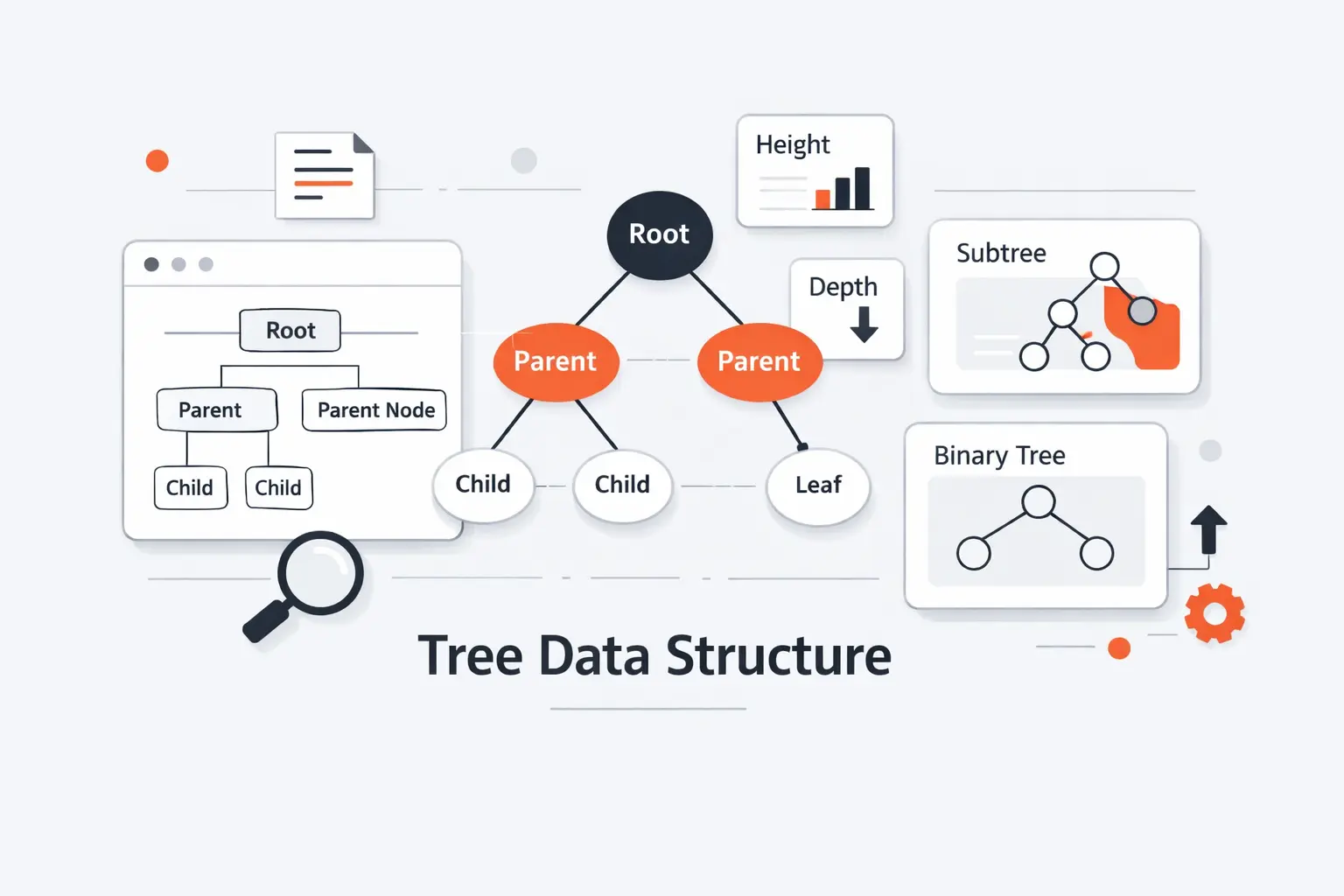
The vocabulary can look dense at first, but it is worth learning cleanly. We usually teach these terms together because they define each other. Once the language clicks, most diagrams and code snippets stop feeling mysterious.
1. Root, Parent, Child, Sibling, Internal, and Leaf Nodes
The root is the only node with no parent. A parent points to one or more children. Children of the same parent are siblings. An internal node has at least one child. A leaf has none. There is one neat edge case beginners often miss. In a one-node tree, the root is also a leaf.
2. Depth, Height, Level, Degree, and Subtrees
Depth tells us how far a node is from the root. Height tells us the greatest depth found anywhere in the tree. A level groups nodes that share the same depth. Degree tells us how many children a node has. A subtree is simply the smaller tree hanging below a child. These terms sound technical, but they are really just ways to talk about position and shape.
3. Paths, Edges, and Node Relationships
A path is the route from one node to another, usually discussed as a chain from the root to a target. Each parent-child connection is commonly treated as an edge. Ancestor and descendant describe longer family relationships across levels, not just one step up or down. We rely on these ideas all the time when we build breadcrumbs, permission inheritance, or navigation trails.
Recommended reading: Hash Values SHA 1 in Git: How Commit SHAs Work, Why They Matter, and What Comes Next
Validity Rules for a Tree Data Structure
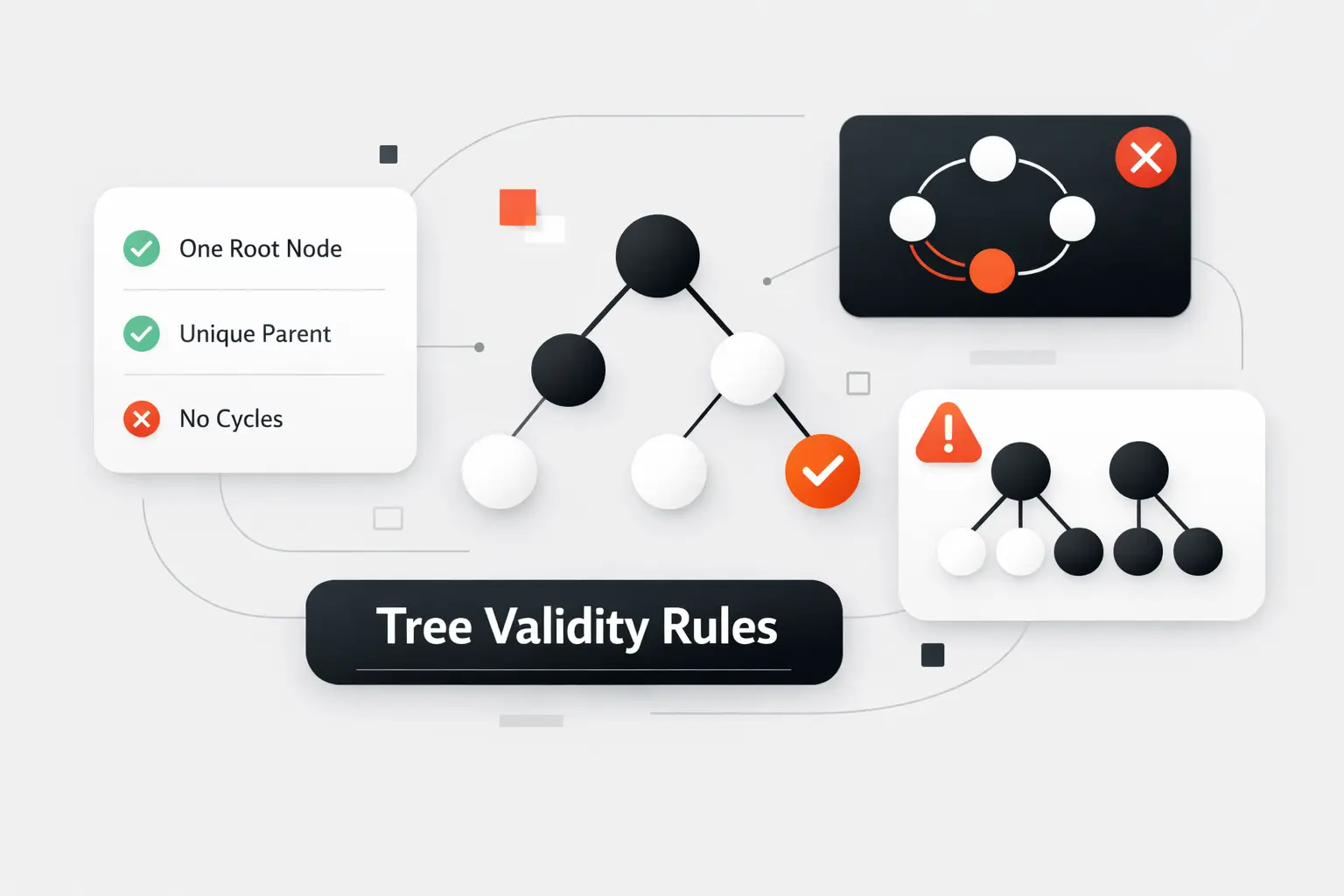
Not every picture with circles and arrows is a tree. This is where many beginners trip. A valid tree follows a short list of hard rules, and if one of them breaks, the structure becomes a graph, a forest, or just a bug.
1. Root and Parent Rules
A valid tree has one root for the whole structure. That root has no parent. Every other node must have exactly one parent. If a node has two parents, the hierarchy is no longer a tree. We now have a shared dependency, which belongs to a more general graph model.
2. Child Relationships and Cycle Restrictions
A valid tree cannot contain a cycle. In plain terms, we must never be able to follow child links and eventually come back to the same node. Trees are also connected. If a node cannot be reached from the root, it is outside the tree rather than inside some hidden branch. These two ideas, connectedness and acyclicity, do a lot of heavy lifting.
3. Common Invalid Tree Patterns
The usual broken patterns are easy to name once we know the rules. A shared child creates two parents. A back reference to an ancestor creates a cycle. Two disconnected groups create a forest or a graph, but not one tree. We have seen these mistakes appear in rushed imports, badly merged category data, and permission models that grew without clear ownership rules.
Recommended reading: Git Concepts Architecture: How Git Stores Data, Tracks Changes, and Powers Modern Workflows
Benefits of Using a Tree Data Structure
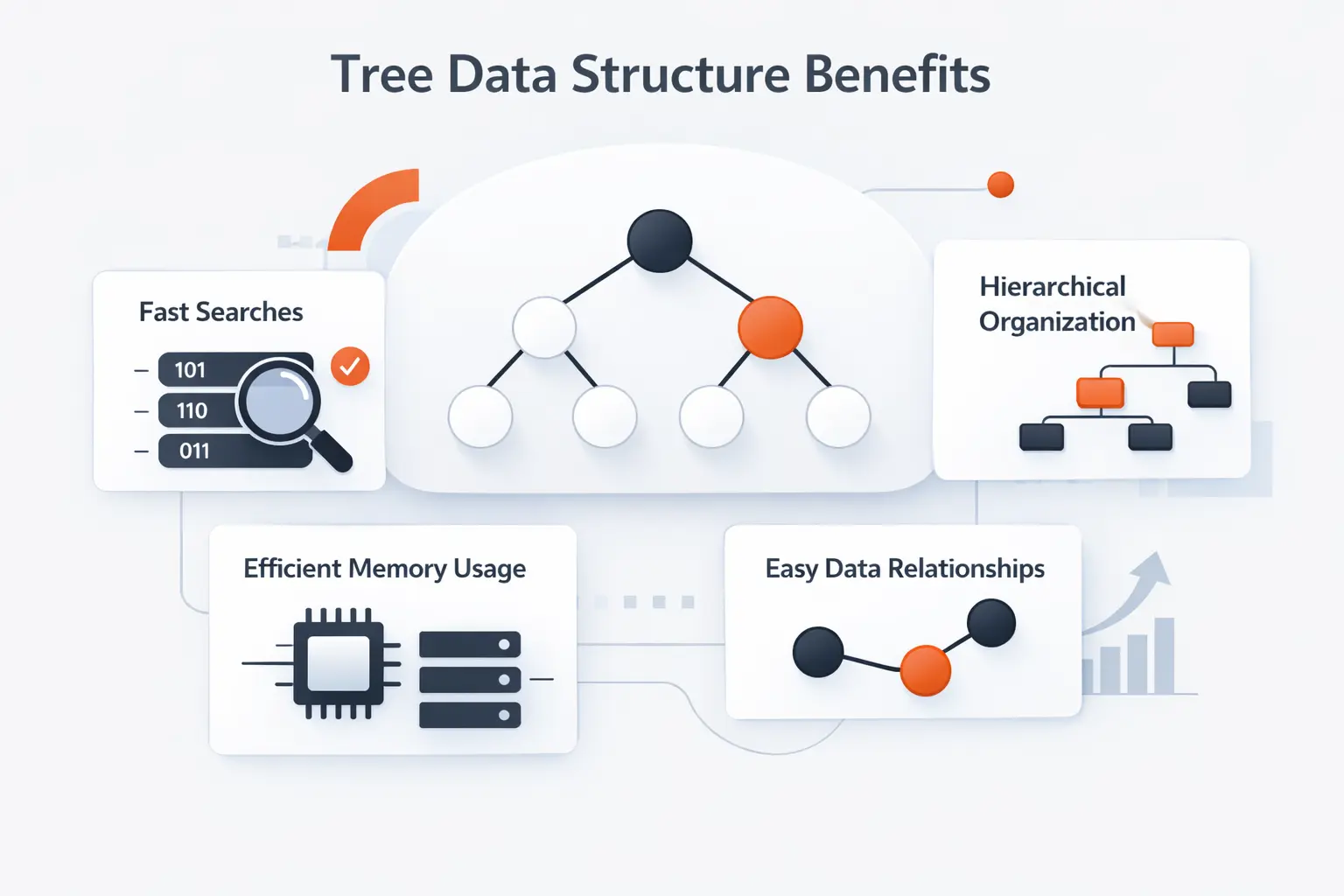
Why do we keep coming back to trees? Because many real problems already look like trees before we write a single line of code. Trees also give us a disciplined way to organize search, nesting, aggregation, and ordered lookup. That mix is hard to beat.
1. Natural Hierarchies and Structured Data Modeling
Trees mirror the way people think about folders, teams, categories, and documents. That matters. When the data model matches the user’s mental model, the software is easier to explain and easier to maintain. In our work, if a client asks for nested categories or expandable sections, we do not flatten the idea first. We begin with the hierarchy that already exists in the problem.
2. Efficient Data Organization and Retrieval
Trees help us narrow the search space. If a value belongs under one branch, we can ignore the others. When a tree stays reasonably balanced, its height stays under control, and many operations remain fast. That is the basic promise behind balanced binary trees, AVL trees, and red-black trees. The details differ, but the goal is the same. Keep paths short enough to stay useful.
3. Search, Sorting, and Indexing Support
Ordered trees do more than hold data. They guide search and preserve useful ordering. That makes them strong choices for sorted output, range lookups, and indexing. We think this is where tree structures move from classroom examples to working infrastructure. Once order is built into the shape, the algorithms have less guesswork to do.
Recommended reading: Git Architecture: Internals, Objects, and the Three‑Tier Workflow
Representing a Tree Data Structure in Code
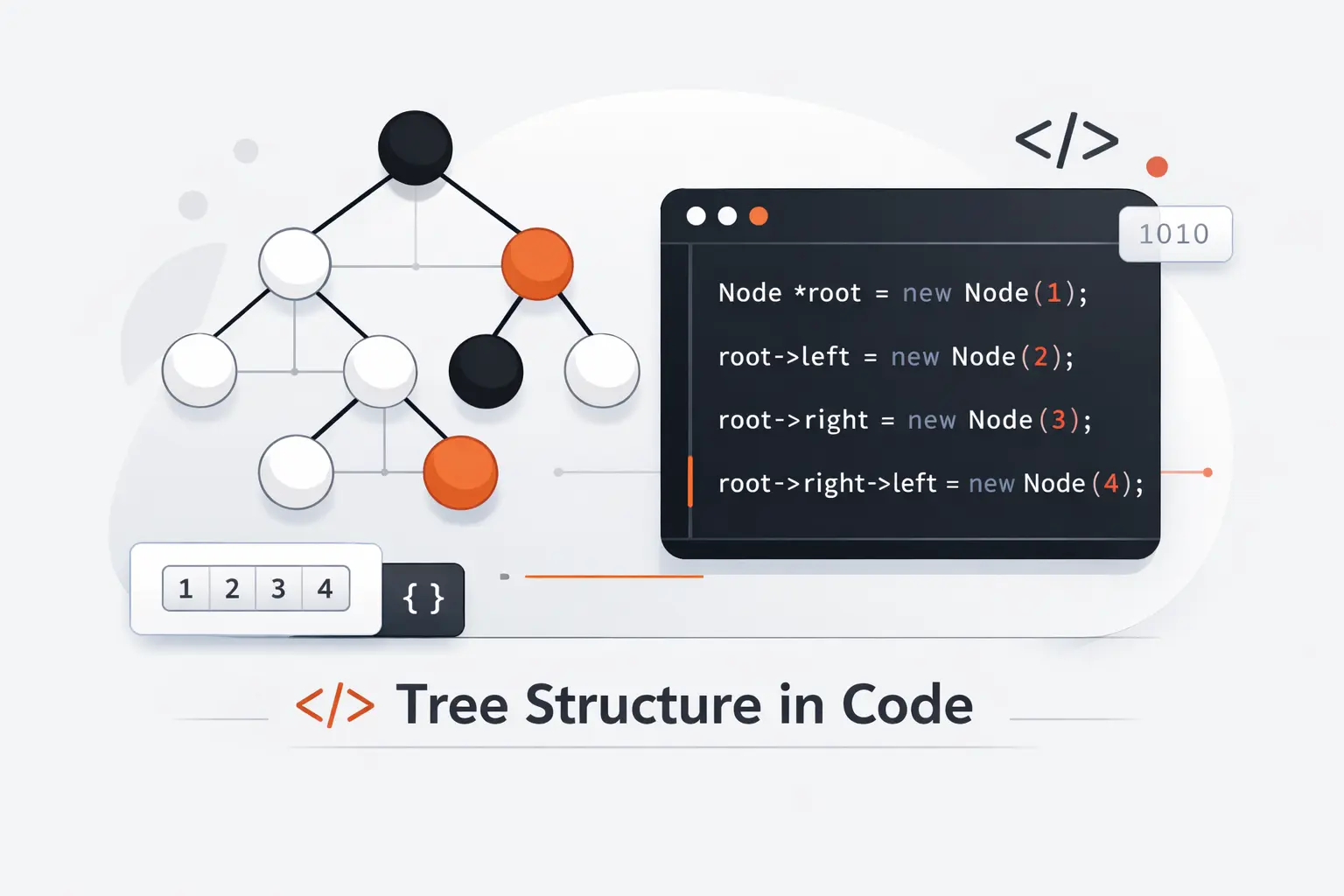
In code, a tree is usually less mysterious than it first sounds. Most implementations are just node records plus references to other nodes. The real design question is how many children each node can have and how we want to navigate them.
1. Node Structure and Child References
A simple node often stores a value and a list of children. A binary tree usually stores left and right references instead. Some implementations also keep a parent pointer, which makes upward movement easier. For n-ary trees, a dynamic child list is usually the cleanest fit. Complete binary trees are a special case, because their positions can often be stored efficiently in arrays rather than separate objects.
2. Building a Tree One Node at a Time
We usually build trees from the top down. First we create the root. Then we attach children. Then we attach grandchildren and deeper descendants. If data arrives as rows with ids and parent ids, we often build a node map first and connect each node afterward. The key rule never changes. Every non-root node must end up under exactly one parent.
3. Parents, Children, Leaves, and Degrees in Practice
In production code, tree terminology becomes a set of simple checks. No children means leaf. At least one child means internal node. Degree is just the current child count. These checks show up in validators, UI expand icons, import pipelines, and recursive functions. They sound small, but small checks prevent big headaches.
Recommended reading: Computer Programmer Skills: Definition, Examples, and How to Improve Them
Basic Operations and Traversal in a Tree Data Structure
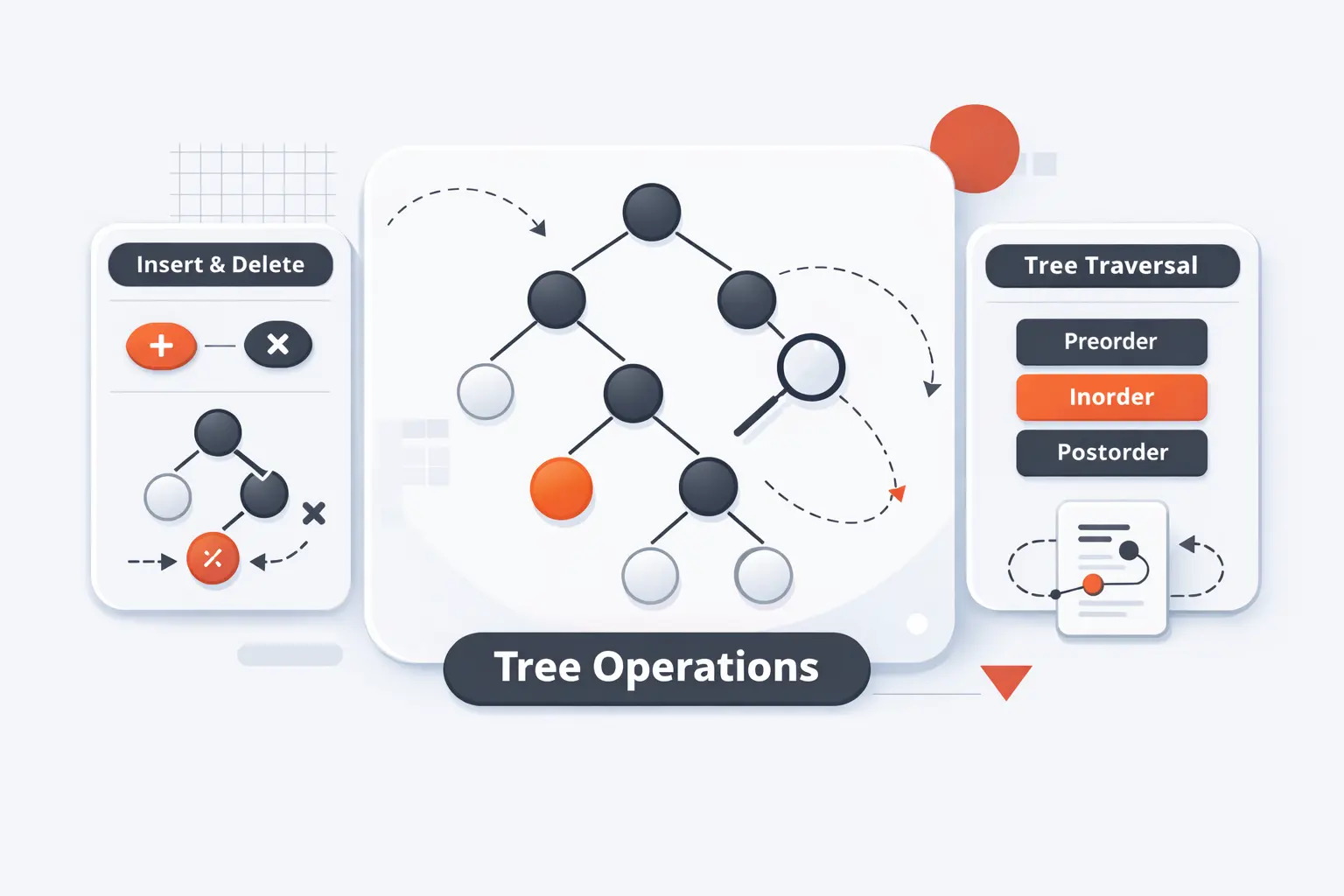
Once the structure exists, the work becomes operational. We create nodes, insert them, search for them, and walk through them. In tree-based code, the cost of these actions usually depends more on height than on raw size, which is why shape matters so much.
1. Create, Insert, Search, and Traverse
Create means choosing a root and node format. Insert means placing a new node in a valid position. Search means finding a value, location, or matching node. Traverse means visiting nodes in a chosen order. In a plain tree, search may require exploring large branches. In an ordered tree, the structure itself helps guide the search.
2. Depth-First Search and Breadth-First Search
Depth-first search dives down a branch before backing up, which is why recursion fits it so well. Breadth-first search visits nodes level by level from the root. In tree language, level-order traversal is breadth-first search from that root. Preorder, inorder, and postorder are depth-first patterns, with inorder being the binary-tree-specific case. We use DFS when branch detail matters first. We use BFS when distance from the root matters most.
3. Traversal for Node Counting and Value Computation
Traversal is how trees become useful. We count nodes, sum values, compute maximum depth, validate rules, and build paths by visiting nodes in order. A tree rarely stores every answer we need. More often, it stores the structure that lets us compute those answers cleanly. That is a subtle difference, but it is a powerful one.
Common Types of Tree Data Structures
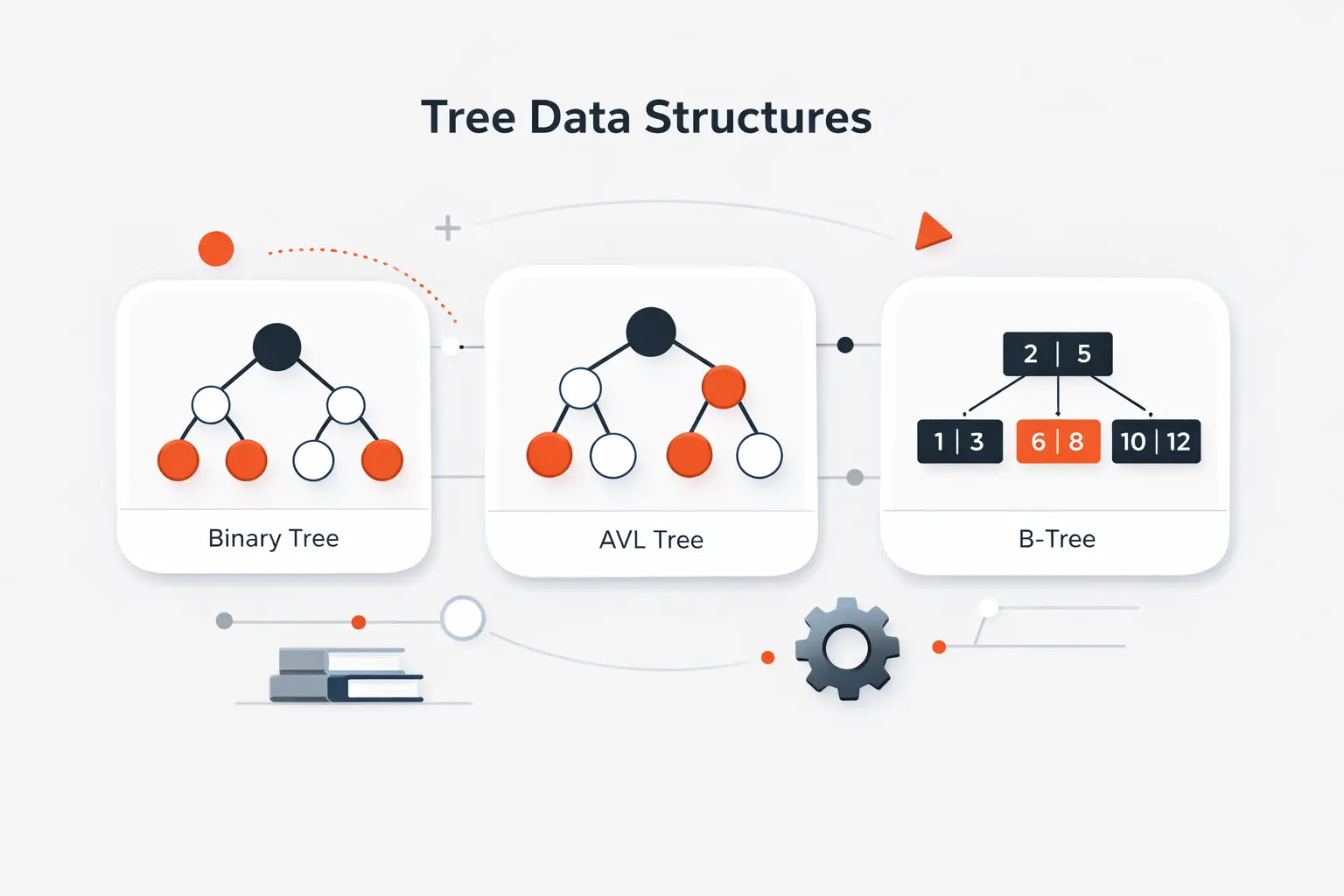
Tree is a family name, not a single design. Different members of the family solve different problems. Some focus on shape, some on order, some on balance, and some on storage behavior. Picking the right kind matters far more than memorizing fancy names.
1. Binary Trees and Their Full, Complete, Perfect, Balanced, and Degenerate Variants
A binary tree allows at most two children per node. A full binary tree gives each node either no children or two children. A complete binary tree fills levels from left to right, except maybe the deepest. A perfect binary tree puts all leaves at the same depth and gives every internal node degree two. A balanced binary tree keeps leaf distances from the root within a limited range. At the other extreme, many textbooks use degenerate for the case where repeated single-child nodes make the structure behave like a chain. That last line is our practical inference from the general definitions.
2. Binary Search Trees, AVL Trees, and Red-Black Trees
A binary search tree adds an ordering rule. Smaller values go left, and larger values go right. AVL trees add a tighter balance condition based on subtree height. Red-black trees use coloring rules to stay nearly balanced. We teach it this way to beginners. A BST gives order, and AVL or red-black trees keep that order from collapsing into a bad shape.
3. Ternary Trees, N-Ary Trees, Segment Trees, and B-Trees
Not every useful tree is binary. Ternary search trees split work three ways. N-ary trees allow a fixed maximum number of children. Segment trees are built for range query and update problems. B-trees widen the branching factor on purpose so height stays small, which makes them especially useful when storage access matters. Different tools, different jobs.
How to Choose the Right Tree Data Structure
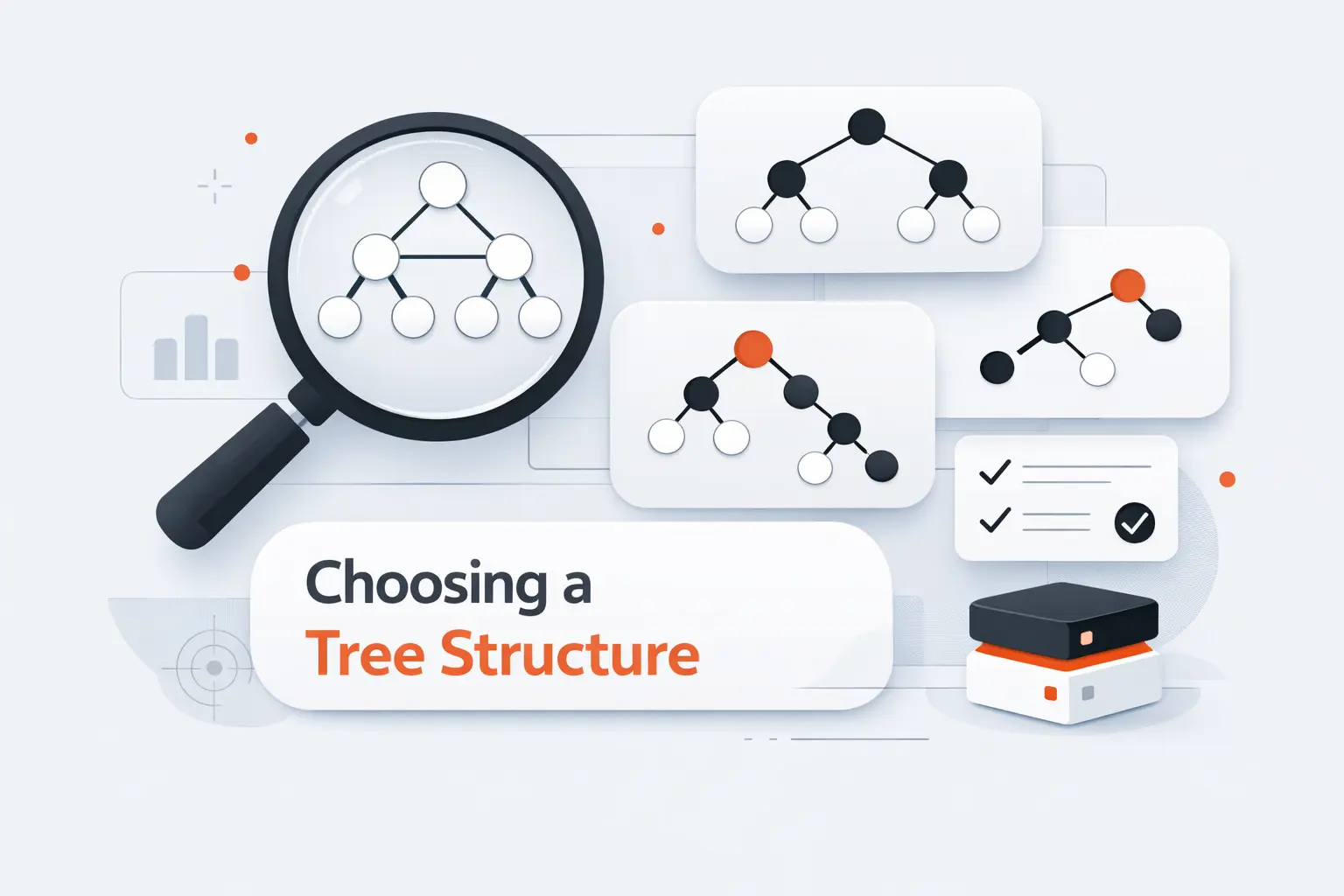
We never choose a tree just because it sounds advanced. We choose it because the workload demands a certain shape. The right questions are simple. Is the data ordered? How often will it change? How large is it? Does it live mostly in memory or on storage pages?
1. Ordered Data and Binary Search Trees
If we need ordered lookup in memory, the BST family is a natural starting point. It fits sets, maps, and any feature that needs sorted output. The catch is tree shape. An ordinary BST works well only if insertion patterns do not let it lean too heavily to one side. If they do, search gets less pleasant fast.
2. Self-Balancing Trees and Consistent Performance
If consistent performance matters, we usually prefer a self-balancing option. AVL trees enforce a tighter height rule. Red-black trees stay nearly balanced with coloring rules. Both protect us from the slow, stretched-out paths that make ordinary BSTs unreliable under bad insertion order. When latency matters, this trade is often worth it.
3. Large Datasets, Range Queries, and Specialized Trees
When data is large or stored on page-oriented media, wider trees usually win. B-trees keep height small by allowing many children per node. Range-heavy problems often point elsewhere, usually to segment trees. Those are different tools for different questions. One is about ordered storage. The other is about fast interval answers.
Real-World Applications of Tree Data Structures
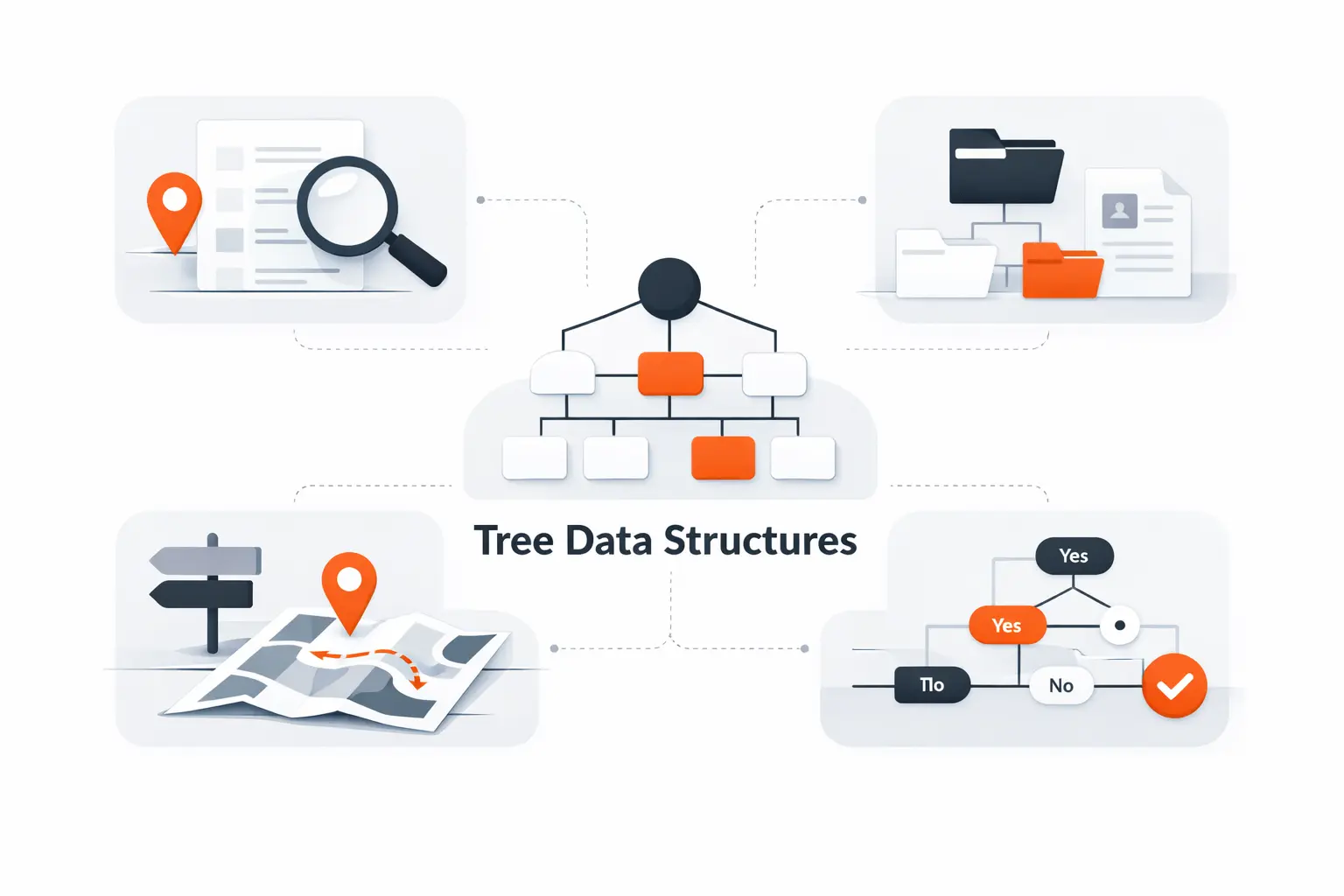
This is where trees stop looking abstract. We see them in operating systems, browsers, databases, compilers, and analytics code. Once we learn the pattern, the structure starts showing up in plain sight. That is one reason we like teaching trees early. They keep paying rent.
1. File Systems, Organizational Charts, and the HTML DOM
File systems are a classic example. The Filesystem Hierarchy Standard defines directory placement under UNIX-like systems, which only makes sense because directories and subdirectories form a hierarchy. Organizational charts use the same shape, even if they are drawn with nicer colors and less code.
The web platform gives us another familiar example. The DOM standard describes objects in the document model as having a parent and ordered children, which is why we can move from an element to its parent, child, or sibling in code. If we have ever walked nested HTML, we have already worked with a tree.
2. Database Indexing, Multi-Level Indexing, and Sorted Streams
Database indexing is where tree theory turns into daily engineering value. PostgreSQL’s documentation says B-trees can handle equality and range queries, and the same documentation explains that they can help return rows in sorted order. That is exactly the kind of practical job balanced search trees were built for.
SQLite shows the disk story even more plainly. Its file format explains that B-tree logic provides ordered keys on page storage, using interior and leaf pages to keep access structured instead of flat and brute-force. When we talk about multi-level indexing, this is the kind of design we mean.
3. Syntax Trees, Expression Trees, and Range Query Problems
Compilers, linters, and code tools use trees constantly. Python’s standard library can process Python abstract syntax, turning source code into nodes that tools can inspect, rewrite, or analyze. Expression trees follow the same core idea in calculators, interpreters, and query planners.
Range query problems usually need a different specialist. Segment trees store aggregated information over intervals, which lets them answer questions like sums, minimums, or maximums over a range while still supporting updates. We would not pick one for folders or DOM nodes. We would pick one when the real problem is interval math.
Recursion and Tree Data Structure Processing
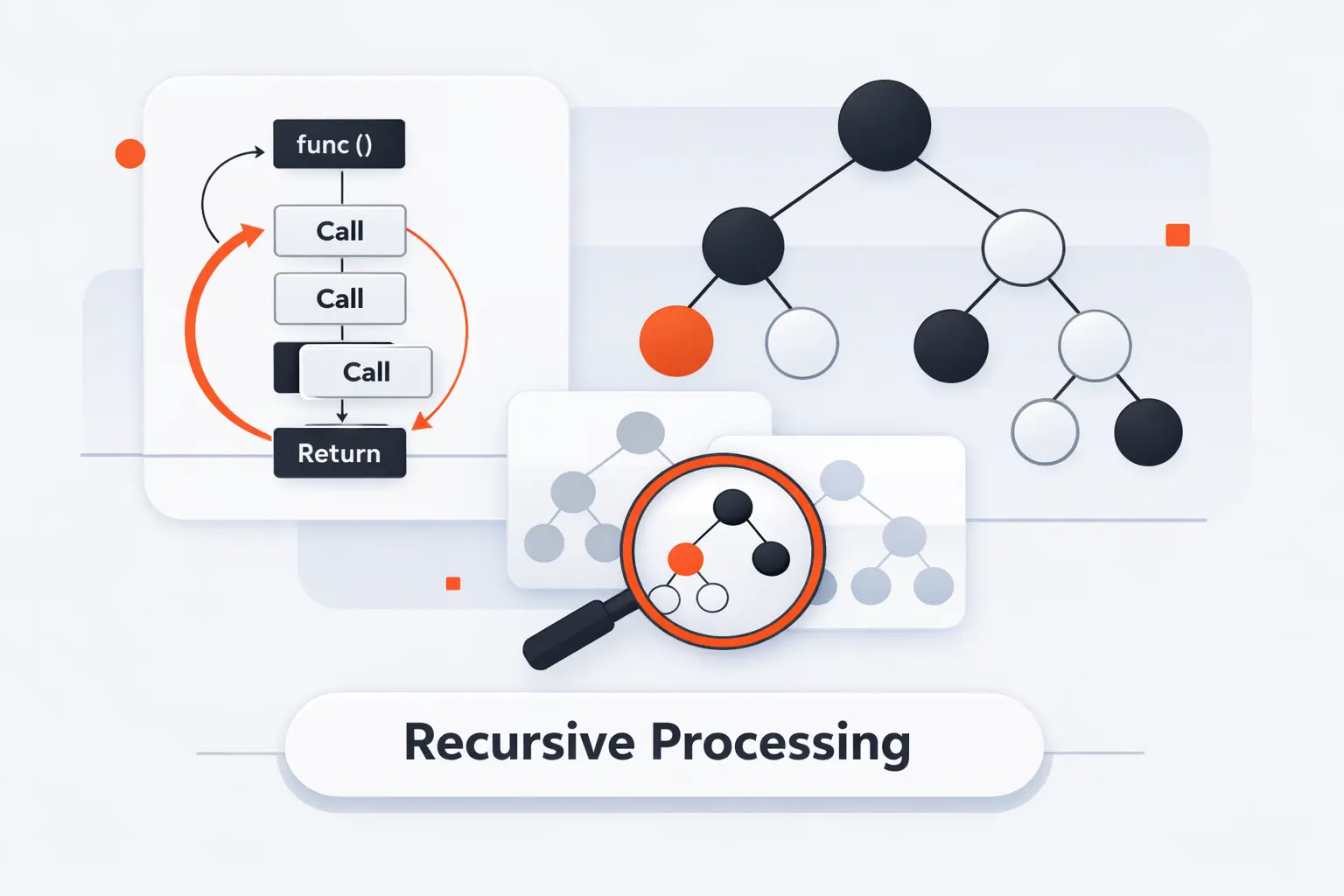
Recursion and trees fit together naturally because each subtree is itself a tree. That is not just a coding trick. It mirrors the formal definition. When the model repeats inside itself, recursive logic often becomes the clearest way to express the work.
1. Recursive Logic for Parent-Child Hierarchies
The basic recursive pattern is simple. Process the current node. Then process each child with the same function. That shape mirrors the idea of a root plus smaller subtrees below it. When we explain recursion to beginners, trees are often the first place where it feels sensible instead of scary.
2. Base Cases at Leaf Nodes
Every recursive tree function needs a stopping point. That base case is usually a null reference or a leaf node. Once we hit a leaf, there is nowhere deeper to go. Good base cases keep code readable and prevent accidental infinite descent. This is one of those small habits that separates reliable recursive code from fragile code.
3. Aggregating Results Across Child Nodes
Many useful tree results are built on the way back up the call stack. We compute a node count by adding child counts height by combining child depths. We compute inherited properties by mixing what the current node knows with what its children report. Trees reward this bottom-up style because the structure already breaks the problem into parts.
Tree Data Structure FAQ
These are the questions we hear most often from junior developers, product teams, and founders who are learning the basics. The short answers are usually enough to point people in the right direction. After that, the real work is matching the tree type to the problem.
1. What Is a Tree Data Structure Used For?
A tree data structure is used for hierarchy, ordered search, indexing, parsed code, and many recursive computations. That includes file systems, browser documents, database indexes, syntax trees, and permission models. If the data branches naturally, trees should be on the shortlist from the start.
2. Why Is a Tree Data Structure Considered Nonlinear?
It is considered nonlinear because one node can lead to several children instead of one next element. Arrays and linked lists move in a line. Trees branch. That branching changes how we organize data and how we traverse it.
3. How Is a Binary Search Tree Different from a Binary Tree?
A binary tree only limits each node to at most two children. A binary search tree adds an ordering rule on top of that shape. So every BST is a binary tree, but not every binary tree is a BST. That distinction matters a lot when search speed is part of the goal.
4. How Is a Tree Data Structure Traversed?
A tree is traversed by visiting its nodes in a chosen order. Common choices are depth-first orders such as preorder, inorder, and postorder, or breadth-first order, which walks level by level from the root. The right order depends on what result we want to compute.
5. What Are the Most Common Types of Tree Data Structures?
The most common types are binary trees, binary search trees, AVL trees, red-black trees, B-trees, n-ary trees, and segment trees. Each solves a different kind of problem. Some model hierarchy, keep data ordered or stay balanced. Some are tuned for storage pages or range queries.
How TechTide Solutions Helps Build Custom Tree-Based Software
At TechTide Solutions, we do not bring up trees to sound academic. We bring them up when the product requirements quietly demand them. If a system needs hierarchy, ordered lookup, or recursive rules, a tree data structure is often the clearest model we can choose.
1. Designing Data Models for Complex Hierarchies
For complex hierarchies, we start with plain questions. What is the root? What counts as a child? Can a node move? Does child order matter? Can a node belong to more than one parent? Those answers shape the schema, the API, and the validation logic. In our experience, clear parent-child rules prevent a surprising number of downstream bugs.
2. Building Web and Mobile Applications with Efficient Tree Operations
For web and mobile products, tree operations often drive visible features. Think nested menus, comment threads, expandable categories, content outlines, or permission scopes. We plan how branches load, how traversal powers views, and how users move nodes without breaking the hierarchy. That keeps the data model aligned with the interface instead of fighting it.
3. Creating Custom Solutions for Search, Indexing, and Scalable Data Management
When search or scale is the hard part, we match the tree to the job. B-trees fit disk-backed indexes. Segment trees fit interval analytics. Syntax trees fit code processing. We design around the questions the software must answer, then choose the structure that makes those answers cheap and predictable. That is the practical side of computer science, and we genuinely enjoy it.
Conclusion: Choosing the Right Tree Data Structure for the Job
The right tree data structure depends on the job in front of us. Plain trees model hierarchy. BST variants support ordered in-memory data. Self-balancing trees protect consistency. B-trees help with large indexed storage. Segment trees answer interval questions. The label matters less than the fit between structure and workload.
We think trees are worth learning deeply because they improve design judgment, not just interview performance. Once we can spot roots, children, balance, and traversal patterns, many systems become easier to model and easier to build. That is why this subject keeps showing up in our work at TechTide Solutions, and why we expect it to keep showing up in yours.


