


At TechTide Solutions, we use low code development platforms when they solve a real delivery problem, not when a vendor demo looks slick. The right platform can help a team ship internal tools, partner portals, and workflow apps much faster. The wrong one can lock that same team into awkward pricing, weak governance, or a UI they outgrow in six months.
Market size is one reason buyers keep coming back to this category. Statista points to 47bn USD in 2024 in global low-code platform revenue, which tells us this is now a serious software buying decision, not a side experiment. Gartner had already forecast the broader low-code technologies market at $26.9 billion in 2023, and that lines up with what we see in client roadmaps. Demand for new apps keeps outrunning what most IT teams can build with custom code alone.
Adoption is also spreading beyond central engineering. Deloitte found the share of organizations with no plans to use low-code dropped from 47 percent in 2020 to 30 percent in 2022. That is why governance, data access, and role control now matter just as much as builder speed. We want proof that these tools survive beyond a pilot. Kissflow says Puma Energy uses the platform across 700+ use cases, which is the kind of operational breadth that gets our attention.
Quick Comparison of Low Code Development Platforms
We also care about day-to-day outcome, not just architecture diagrams. Pega highlights Starbucks automations that saved thousands of hours of manual work. That is the bar we use in this guide. Can the platform cut rework, approval lag, or duplicate data entry in a way your team will actually feel?
We built this table for buyers who need a quick read before diving into full reviews. It covers the first ten platforms in our ranked list and focuses on the shortlisting questions that usually decide a buying conversation faster than a feature grid does.
| Tool | Best for | From price | Trial/Free | Key limits |
|---|---|---|---|---|
| OutSystems | Enterprise modernization | Custom | Free Personal Edition | Free tier is personal-use oriented, 1GB app data |
| Mendix | Governed business apps | $75/mo | Free plan | Free is limited, paid plans climb fast |
| Microsoft Power Apps | Microsoft-first organizations | $5/user/app/mo | 30-day trial | Per-app licensing and premium connector costs |
| Appian | Regulated process apps | Custom | Free Community Edition | Standard has 1 data source, 4M rows, 5 bots |
| Oracle APEX | Oracle database apps | $0 or $122/mo | Always Free | Oracle-centric stack |
| WeWeb | Portals and front ends | $20/mo | Free to start | Seat pricing plus hosting if you use WeWeb CDN |
| ServiceNow App Engine | ServiceNow extensions | Custom | Trial available | Foundation caps custom tables and apps |
| Salesforce Lightning | Salesforce-native apps | $25/user/mo | Free trial | Starter caps custom objects |
| Pega | Complex case management | Custom | 30-day trial | Enterprise-heavy rollout and skills need |
| Quickbase | Operations apps | $35/user/mo | 30-day trial | Platform minimum fee applies |
Recommended reading: 30 Best CRM for Startups 2026: Buyer’s Guide, Toplist, and Implementation Outline
Top 20 Low Code Development Platforms Ranked by Fit and Flexibility
We ranked these platforms by fit, flexibility, governance, pricing clarity, and how often we would confidently recommend them after a real scoping call. Rank matters, but fit matters more. A platform in spot twelve can still be the smartest buy if your data, team, and app type match its strengths.
1. OutSystems
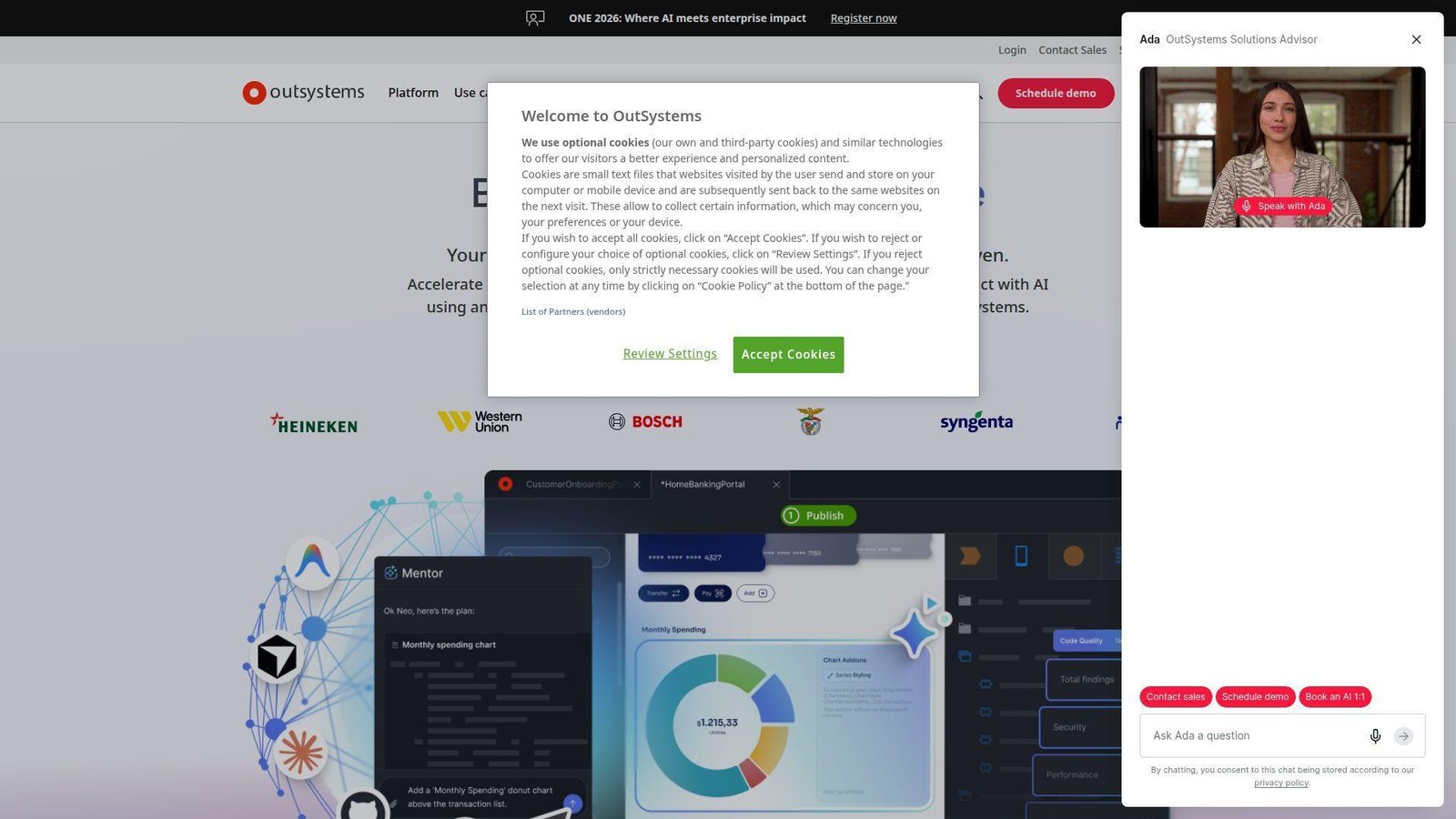
OutSystems comes from a mature enterprise platform team that thinks in portfolios, reusable assets, and long-lived applications. We read it as a builder for organizations that expect serious governance from day one, not a quick form tool that accidentally turned into an app platform. Best for: enterprise architecture teams and IT leaders modernizing internal systems or customer portals with strict delivery standards.
- Full-stack model-driven development flow → teams can move from data model to working workflow app without hand-stitching every layer.
- AI features, Agent Workbench, and reusable assets → common setup work drops by several steps when auth, forms, and APIs repeat.
- Personal Edition and ODC trial path → most teams can get a proof of concept running inside a day, then decide whether to harden it.
Pricing & limits: From custom quote per month for production use. OutSystems now offers a forever-free Personal Edition with 1GB of dedicated application data storage, plus a 30-day ODC trial for evaluation. That free path is good for one builder learning the platform, but it is not a substitute for a governed rollout.
Honest drawbacks: This is rarely the cheapest option, and smaller teams can feel buried under platform depth they simply do not need. If your only goal is an internal admin panel, Appsmith or UI Bakery gets there with less ceremony. Beats Power Apps on independent deployment options, but trails Oracle APEX on raw SQL transparency.
Verdict: If you need enterprise-grade low code development platforms for modernization work, OutSystems helps you move from proof of concept to governed production in a reasonable first quarter, not an endless pilot.
2. Mendix
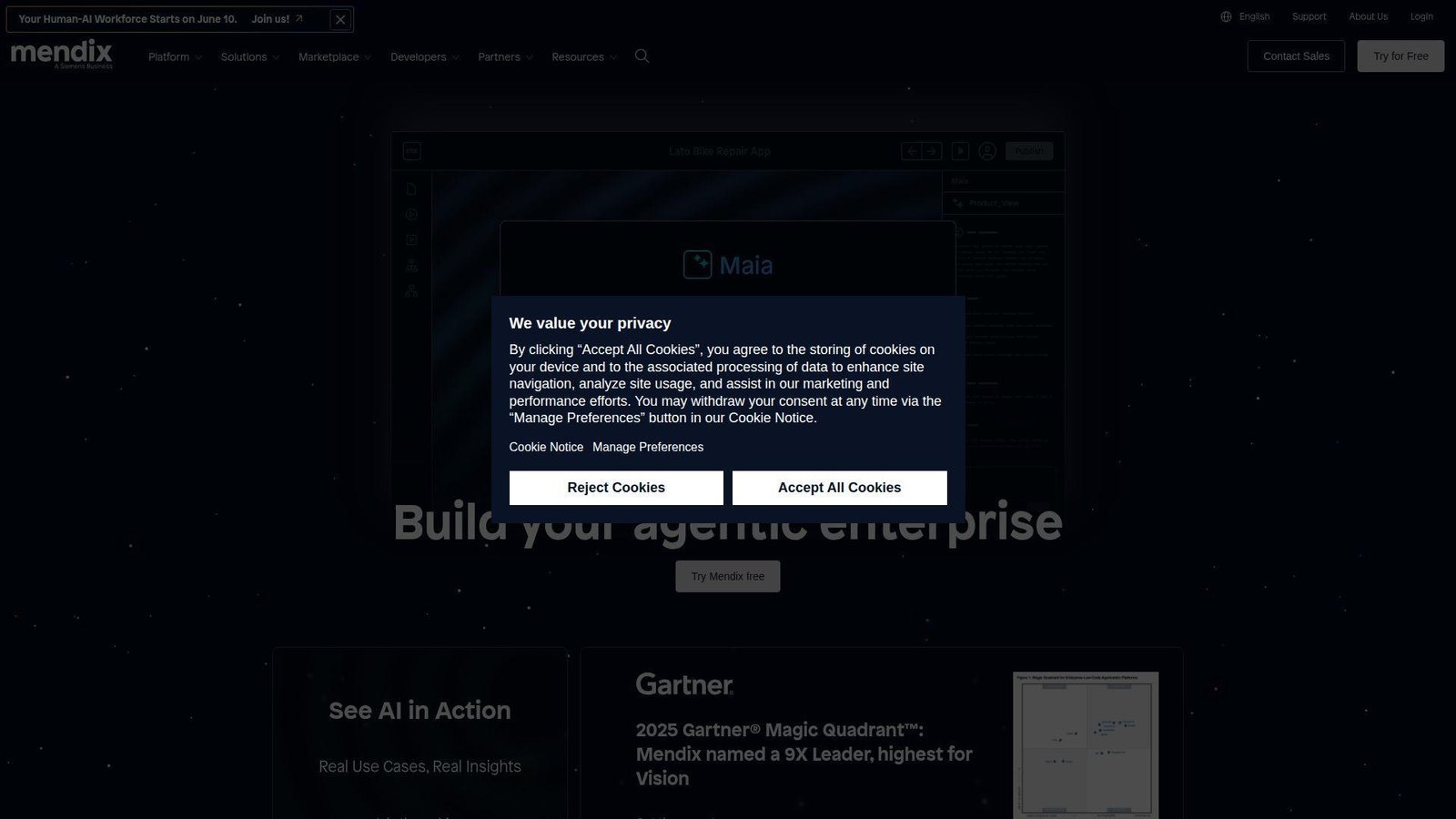
Mendix feels like it was built for mixed teams, people who want business analysts and developers working in the same lane without pretending they need the same tool surface. That balance is why we keep it near the top. Best for: platform teams in large organizations and business technology groups that want governance without shutting out nontraditional builders.
- Model-driven app design with strong lifecycle support → teams can turn process and data ideas into production apps with less handoff friction.
- Marketplace assets, cloud options, and collaboration flow → repeated setup work shrinks when teams keep using the same building blocks.
- Free app environment with built-in cloud deployment → a serious team can get first value in a day or two instead of waiting on infrastructure.
Pricing & limits: From $75 per month on the Basic one-app path, with a free tier available for learning and early experiments. Mendix documents note that free apps can use Mendix Cloud and, for regular free apps, support unlimited users, but higher environments, deployment choices, and full enterprise controls live in paid plans.
Honest drawbacks: Pricing climbs quickly once you move into department-wide or mission-critical use. The tooling can also feel heavier than internal-tool builders. If your buyer wants fast CRUD apps more than formal lifecycle management, Quickbase or Zoho Creator may land better.
Verdict: If you want a serious enterprise platform that still gives business teams a seat at the table, Mendix is one of the cleanest compromises in the market.
3. Microsoft Power Apps
Power Apps is the obvious shortlist entry when a company already lives in Microsoft 365, Teams, Entra, SharePoint, and Power Automate. We do not love every licensing wrinkle, but the ecosystem pull is real. Best for: Microsoft-first IT teams and department admins who want to build apps around existing Microsoft data and identity.
- Canvas apps, model-driven apps, and Dataverse in one stack → teams can cover simple forms and more structured business apps without switching vendors.
- Copilot, Power Automate, and Microsoft connectors → common app and workflow setup takes fewer steps when identity and data are already in Microsoft.
- Existing Microsoft tenant access → plenty of teams can get a first working app the same afternoon without a new security review.
Pricing & limits: From $5 per user, per app, per month for the per-app option, or $20 per user per month for broader premium access, plus a 30-day free trial. The key cap to remember is that the per-app plan is tied to one custom app or one Power Pages site for a specific scenario.
Honest drawbacks: Licensing is still too easy to misunderstand, especially once premium connectors, Dataverse, and adjacent Power Platform pieces enter the mix. Outside a Microsoft-heavy stack, the case weakens fast. Beats Salesforce Lightning when Microsoft 365 is the true home base, but trails Appian on deep case orchestration.
Verdict: If your users, documents, and identity already live in Microsoft, Power Apps can turn backlog items into working internal apps very quickly.
4. Appian
Appian still stands out when the app is really a process machine, not just a screen over a table. Its team has spent years building around workflow, case handling, and operational visibility, and that focus shows. Best for: regulated operations teams, shared-service groups, and buyers who need case management as much as app development.
- Process, case, and data fabric capabilities in one platform → teams get a clear operational backbone instead of stitching workflow onto forms later.
- RPA, portals, AI, and process intelligence under the same umbrella → fewer handoffs between automation projects and application delivery.
- Community Edition is persistent and easy to request → a team can get hands-on quickly and test real workflow ideas before a paid motion starts.
Pricing & limits: From custom production pricing. Appian’s public pricing page shows the Standard platform is priced per user, per month, per app, with limits such as a single data source, 4M rows per record type, five bots, and one portal per app. Community Edition is free, and it does not expire as long as it stays in active use.
Honest drawbacks: If you need a highly branded, consumer-style front end, Appian is not our first choice. The pricing model also needs careful review if you expect a lot of occasional users. Appian beats lighter builders on operational depth, but trails WeWeb and Bubble on front-end freedom.
Verdict: If your app is really a high-stakes workflow with approvals, audits, and exceptions, Appian deserves its place near the very top.
5. Oracle APEX
Oracle APEX is one of our favorite value picks when the data model lives in Oracle and the team is comfortable thinking in SQL. This is not a shiny trend product. It is a very practical one. Best for: Oracle database teams, internal business systems groups, and buyers whose apps are data-heavy first and design-heavy second.
- Database-centric low-code flow → teams can build forms, reports, dashboards, and process apps close to the data with less middleware overhead.
- Cloud, on-premises, and multicloud deployment options → rollout planning takes fewer steps when the same platform can stay where your data already is.
- Always Free environments on OCI → many teams can prove a use case in a single day without procurement.
Pricing & limits: From free on Oracle Database or OCI Free Tier, with paid APEX Application Development Service starting at $122 per month. Oracle says its Always Free option includes up to two APEX development environments with about 20 GB each, and it does not meter by app users or developer count.
Honest drawbacks: APEX is best when you are happy to live in the Oracle world. The UI is usually functional rather than flashy, and a team without Oracle database skill can struggle. It beats Power Apps on raw SQL control, but it trails WeWeb and Bubble for modern front-end polish.
Verdict: If your business logic belongs near the database and your app is mostly forms, reports, and approvals, Oracle APEX offers unusual power for the money.
7. ServiceNow App Engine
ServiceNow App Engine makes the most sense when you already run a big part of your business on ServiceNow. That sounds obvious, but it is the key buying truth. Best for: ServiceNow admins, enterprise workflow owners, and IT or HR teams extending processes that already live on the Now Platform.
- Build Agent and guided studios for workflow app generation → teams can extend service operations without rebuilding governance from scratch.
- Reuse of CMDB, common data model, workspaces, and identity → several integration and permission steps disappear when the data is already in ServiceNow.
- Creator Studio and App Engine Studio → an existing ServiceNow team can usually get first value within days, not a quarter.
Pricing & limits: From custom quote. ServiceNow’s public package pages show Foundation and Prime plans, where Foundation includes 15 custom tables and 3 scoped apps, while Prime removes those caps and adds broader governance and analytics.
Honest drawbacks: As a greenfield low-code buy, it is hard to justify unless you already run ServiceNow broadly. The product is strongest for workflow extensions, not for independent customer-facing software. It beats standalone platforms on internal governance inside the ServiceNow estate, but it trails Appsmith and Oracle APEX on pricing simplicity.
Verdict: If your data, approvals, and support logic already live in ServiceNow, App Engine is usually the least disruptive way to build the next app.
8. Salesforce Lightning
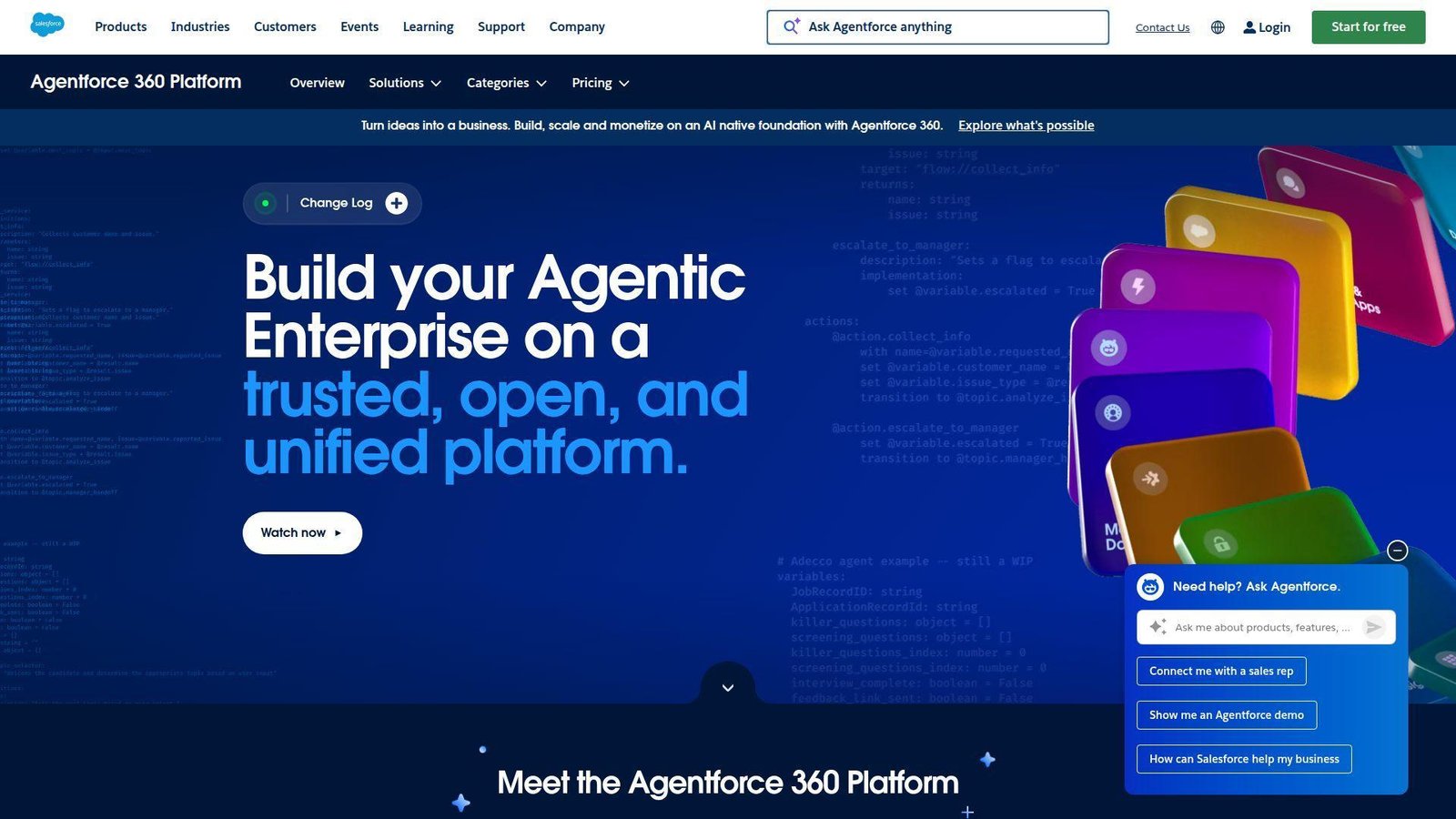
Salesforce Lightning belongs high on the list for one reason, data gravity. If the workflow starts and ends in Salesforce, using the native platform is often the sensible answer. Best for: Salesforce admins, RevOps teams, service teams, and companies that already live in the Salesforce object model.
- Native access to CRM data, automation, and AppExchange → teams avoid the usual sync pain that shows up in bolt-on app builders.
- Declarative app building on top of existing security and roles → rollout can skip a lot of auth and provisioning work.
- Admin-friendly tooling and trial options → many teams can get a first internal app moving within days instead of standing up a separate stack.
Pricing & limits: From about $25 per user per month for Platform Starter, with higher editions around $100 per user per month and free trials available. Public edition comparisons also note that Platform Starter includes 10 customized objects, while Platform Plus lifts that to 110.
Honest drawbacks: Salesforce pricing and object math can become their own project. External access and add-on costs need a close read, too. Beats Power Apps when Salesforce is your real system of record, but trails Power Apps when your collaboration layer is mostly Microsoft.
Verdict: If your apps mainly extend CRM data and workflows, Salesforce Lightning is usually smarter than bolting on a second low-code stack.
9. Pega
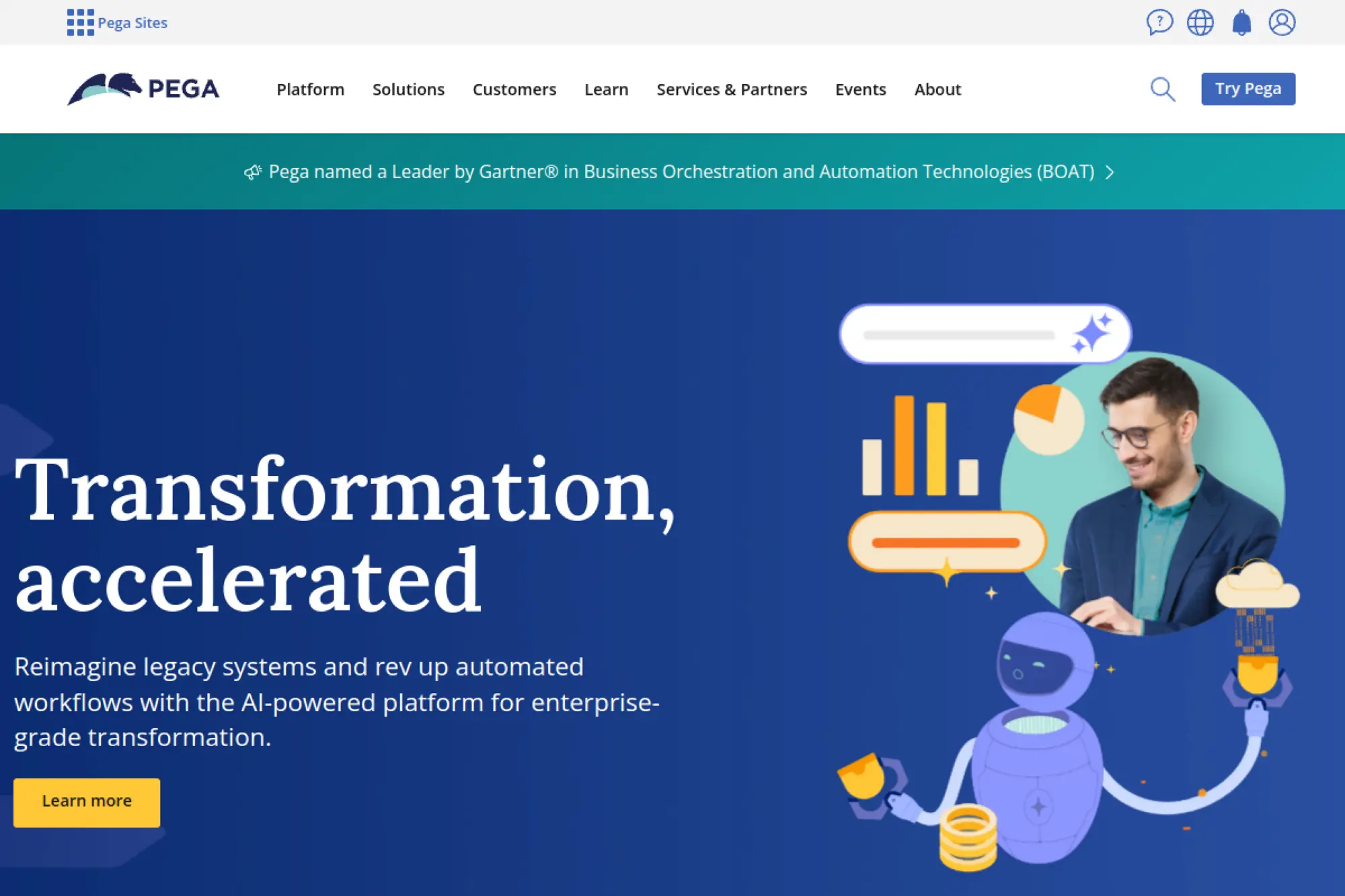
Pega still feels like a platform built by people who expect mess, branching, exceptions, SLAs, and serious business rules. That is not every buyer’s problem, but when it is your problem, few tools fit better. Best for: banks, insurers, telecoms, and large operations teams with complex case work and rule-driven processes.
- Case management, workflow automation, and decisioning in one platform → teams can model exceptions and next-best actions without gluing multiple products together.
- RPA, AI, and industry patterns → repeated operational work can be automated with fewer custom branches and less copy-paste process logic.
- Community Edition gives real hands-on access → a team can test App Studio, Dev Studio, and Prediction Studio before a full buying motion.
Pricing & limits: From custom quote for production. Pega Community Edition gives a 30-day trial and can be extended for another 15 days. It includes the main developer toolset, but paid production access goes through sales.
Honest drawbacks: Pega is easy to overshoot for simple CRUD apps. It also wants capable architects and business analysts. Beats Appian on decisioning depth and rule-heavy work, but trails Appian on approachability for broader low-code buyers.
Verdict: If your workflow is full of exceptions, routing rules, and service-level pressure, Pega should move up your shortlist fast.
10. Quickbase
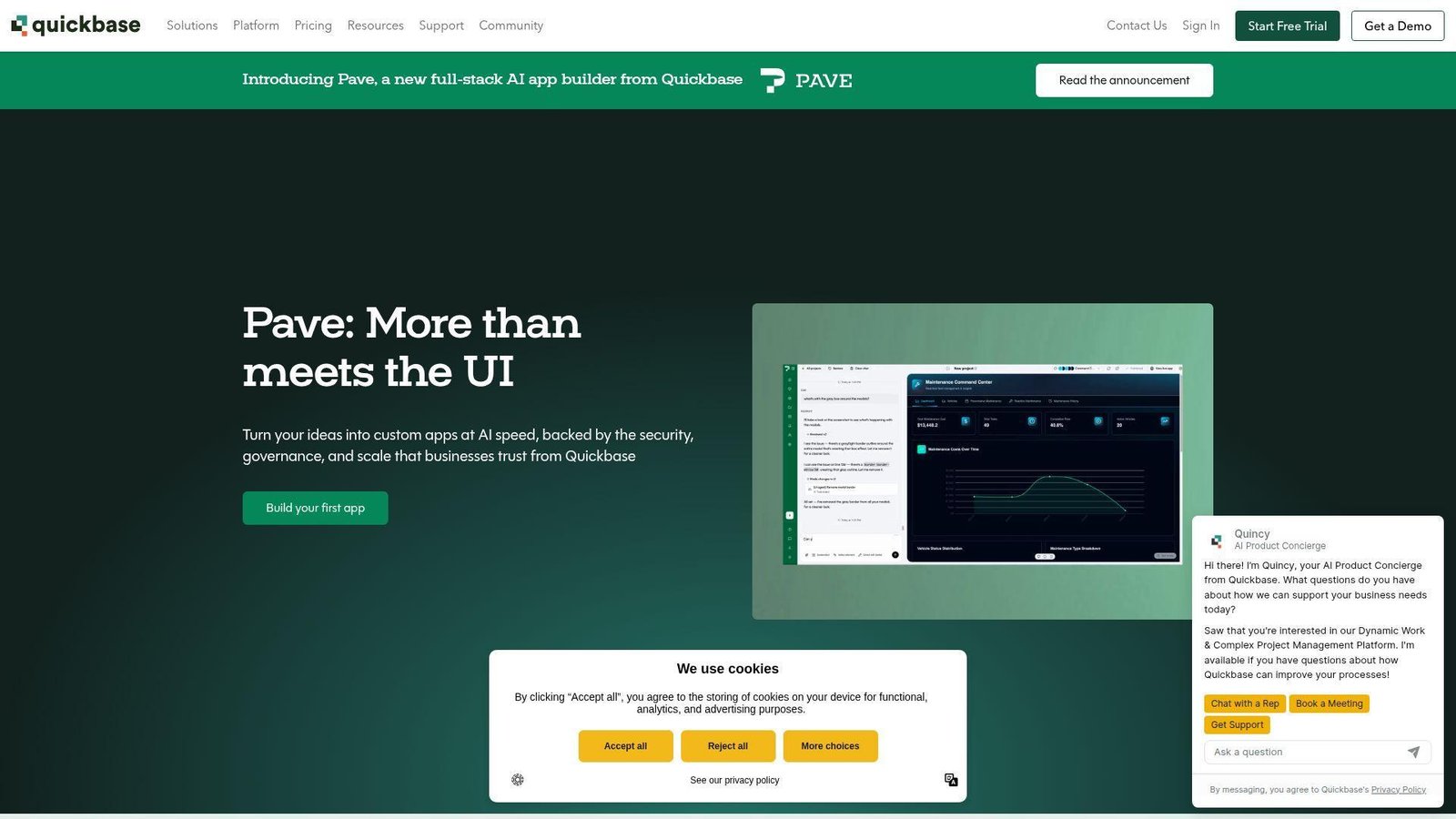
Quickbase has always made more sense to us as an operations platform than as a general-purpose software engineering platform, and that is a strength, not a weakness. Best for: operations leaders, PMOs, field teams, and business systems managers who need multi-team apps quickly.
- Table-driven builder, dashboards, and workflow automation → teams can replace spreadsheet chaos with something structured and usable fast.
- External collaboration, integrations, and templated app patterns → fewer email handoffs and less reinvention for common operations use cases.
- 30-day trial and business-user-friendly setup → first value often shows up in under a week for the right use case.
Pricing & limits: From $35 per user per month on Team, or $55 on Business, both priced annually, plus a platform minimum fee. Business adds sandbox, SSO, and SCIM, which matters once the pilot becomes a program.
Honest drawbacks: The UI is functional rather than modern, and really custom experiences are easier in Appsmith or WeWeb. Quickbase beats spreadsheets and old Access-style tools quickly, but it trails Appsmith on developer control.
Verdict: If you need a dependable platform for controlled operations apps, Quickbase is one of the safest mid-market choices in the category.
11. Appsmith
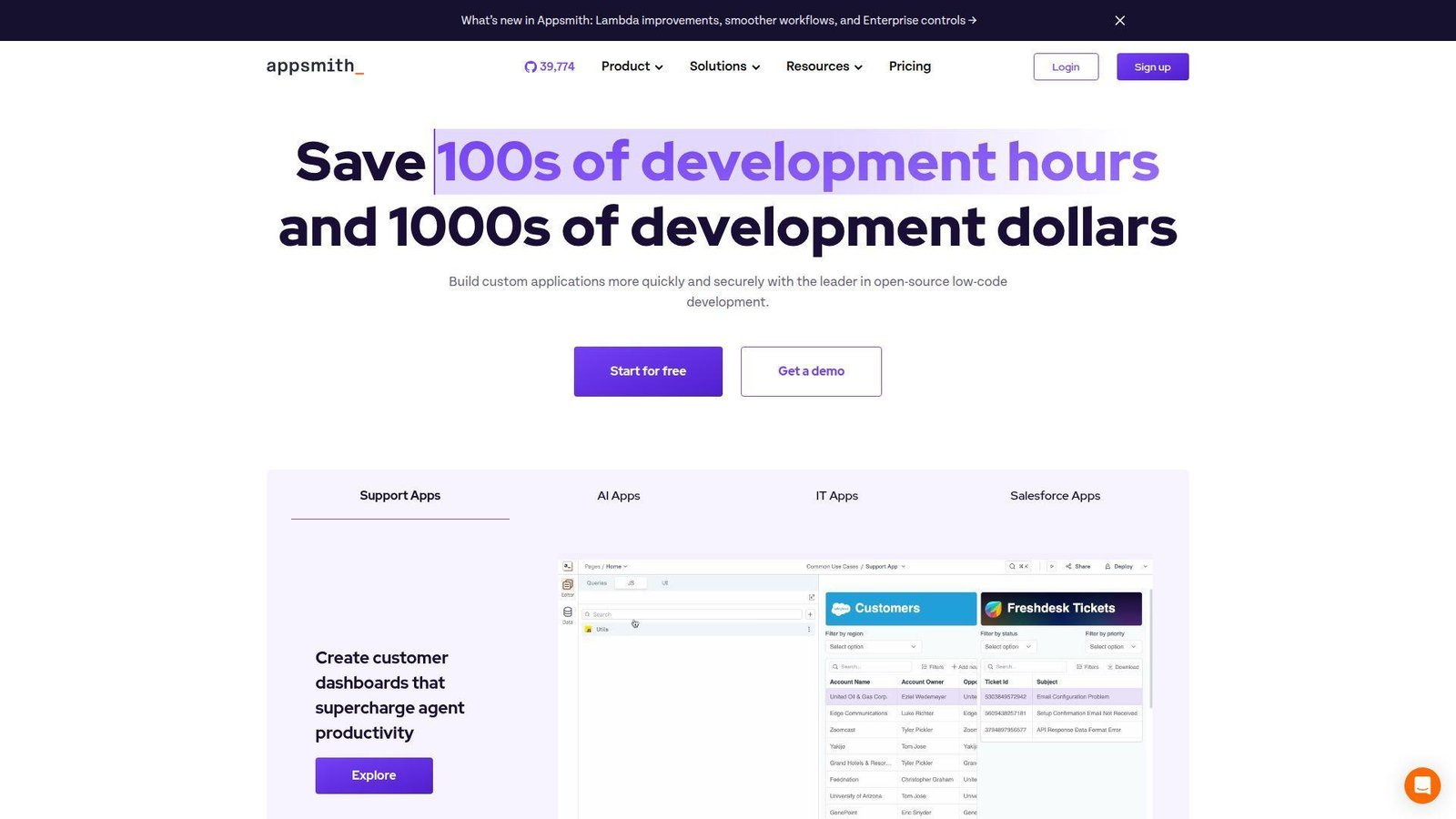
Appsmith is one of the few platforms here that feels native to developer habits. That matters. We often prefer it when a team wants low-code speed but refuses to give up code access or self-host control. Best for: engineering teams, startups, and internal platform groups building admin panels, dashboards, and data tools.
- Custom widgets, JavaScript, reusable packages, and integrations → teams can break out of template limitations without rebuilding from scratch.
- Cloud and self-hosted onboarding with the same product model → several infrastructure choices stay open as needs change.
- Internal tooling focus and a generous free tier → useful admin apps can be up the same day with live API or SQL data.
Pricing & limits: Free is $0. Business is $15 per user per month. Enterprise starts at $2,500 per month for 100 users. New signups get a 15-day Business trial. Free cloud usage is capped at up to five users and five workspaces.
Honest drawbacks: Appsmith is not our first pick for polished customer-facing apps. Nontechnical builders can also find it more intimidating than Quickbase or Zoho Creator. It beats Quickbase on code-level freedom, but it trails WeWeb on front-end presentation.
Verdict: If your builders are comfortable with JavaScript and want a serious internal tool platform without a giant enterprise sales cycle, Appsmith is an excellent choice.
12. AppSheet
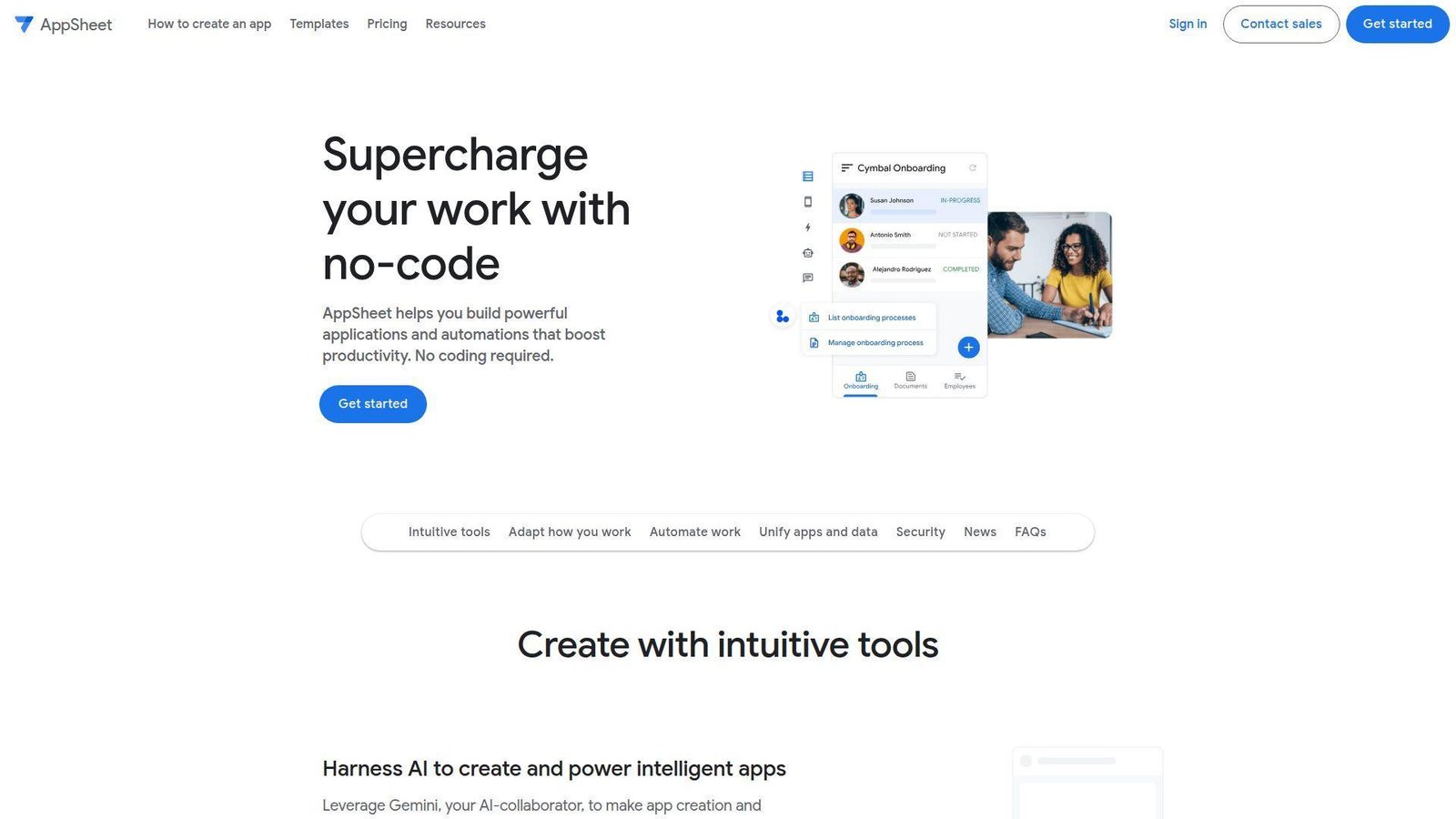
AppSheet is still one of the fastest ways to turn spreadsheet-driven work into a usable app, especially if your company already pays for Google Workspace. It is less about pixel-perfect UI and more about getting business data moving. Best for: Google Workspace admins, field teams, and SMBs building mobile forms, approvals, and data collection apps.
- Spreadsheet and table sources convert into apps quickly → teams skip a lot of schema and interface setup work.
- Google identity, automation, and AI-assisted creation → fewer moving parts when the rest of the workflow already lives in Workspace.
- Free testing with up to 10 users → a pilot can start almost immediately without budget approval drama.
Pricing & limits: Starter is $5 per user per month. Core is $10. Enterprise Plus is $20. Google also lets you build and test apps with up to 10 users at no cost before broader deployment.
Honest drawbacks: AppSheet can feel constrained when branding, advanced UX, or complex relational logic become central. It beats Power Apps for Google-native teams, but it trails Bubble and WeWeb on front-end freedom.
Verdict: If your use case is mobile data capture, inspections, simple approvals, or spreadsheet replacement, AppSheet is one of the quickest paths from idea to working app.
13. Creatio Studio
Creatio sits in an interesting middle ground, stronger than most mid-market workflow tools, but less intimidating than the heaviest enterprise suites. We like it most when process orchestration and business ownership both matter. Best for: mid-market and enterprise teams that want no-code workflows, CRM-style data structures, and clearer governance than lighter app builders usually offer.
- No-code UI and workflow designers across web, desktop, and mobile → teams can cover more use cases without a fragmented toolchain.
- Composable platform plus marketplace and AI modules → repeated process work takes fewer steps once the core model is in place.
- Growth plan entry point and structured environments → a serious business app can move into controlled delivery quickly.
Pricing & limits: Growth starts at $25 per user per month, Enterprise at $55, and Unlimited at $85. Public plan details show minimums of five users on Growth and Enterprise, and 50 on Unlimited. Growth also includes two environments and a monthly workflow execution cap.
Honest drawbacks: Creatio is heavier than Appsmith or Zoho Creator if all you need is a simple internal admin app. Front-end control is also less free-form than WeWeb or Bubble. It beats Kissflow on enterprise depth, but it trails Pega on top-end decisioning and case complexity.
Verdict: If workflow orchestration is the center of gravity and you want business teams involved without losing control, Creatio is a very credible pick.
14. UI Bakery
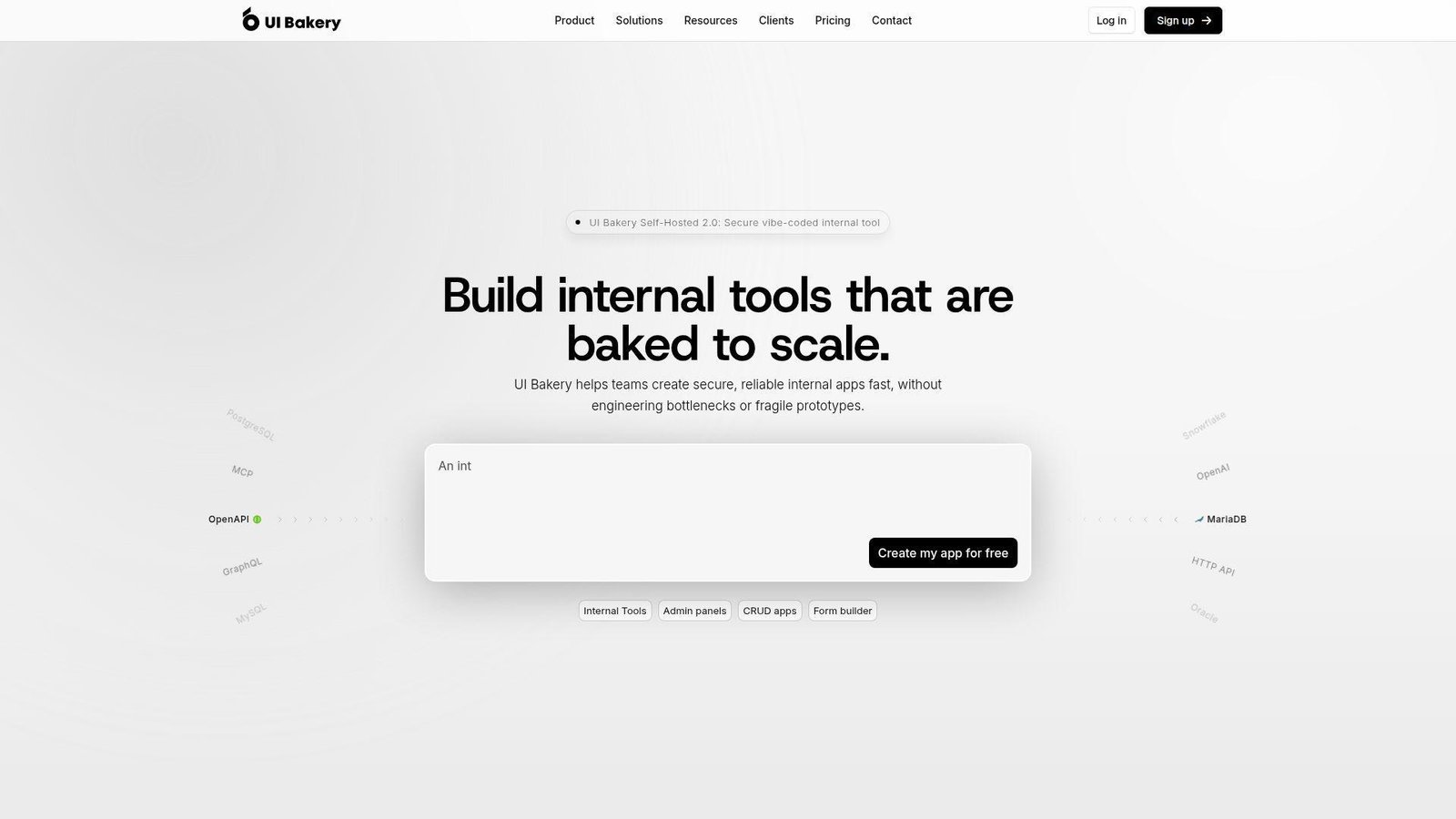
UI Bakery openly positions itself as a developer-centric platform, and we think that honesty helps buyers. This is not pretending to be for everyone. It is especially good when you want speed on internal apps but still want your engineering instincts to matter. Best for: developers and technical operations teams building internal dashboards, SQL-backed tools, and admin panels.
- Connect live databases and APIs to internal UIs fast → teams cut a lot of repetitive CRUD and dashboard work.
- AI App Agent, Git version control, and custom JS or Python → common development tasks take fewer steps without giving up technical control.
- Low-code flow with code escape hatches → many teams can stand up a real internal tool on the first day.
Pricing & limits: Free is $0. Builder starts at $20 per month per developer on annual billing, or $25 monthly. Team starts at $35 annual or $40 monthly. Builder and Team include 50 workspace viewer seats, and the hosted database starts at 5 GB.
Honest drawbacks: We would not choose UI Bakery first for a consumer-facing product where brand, motion, and storytelling matter. The seat and automation math also deserves attention at scale. It beats many ops builders on developer ergonomics, but it trails WeWeb on front-end polish.
Verdict: If you want internal tools with more code access than Quickbase and less setup than a custom React stack, UI Bakery is one of the stronger options on the market.
15. Zoho Creator
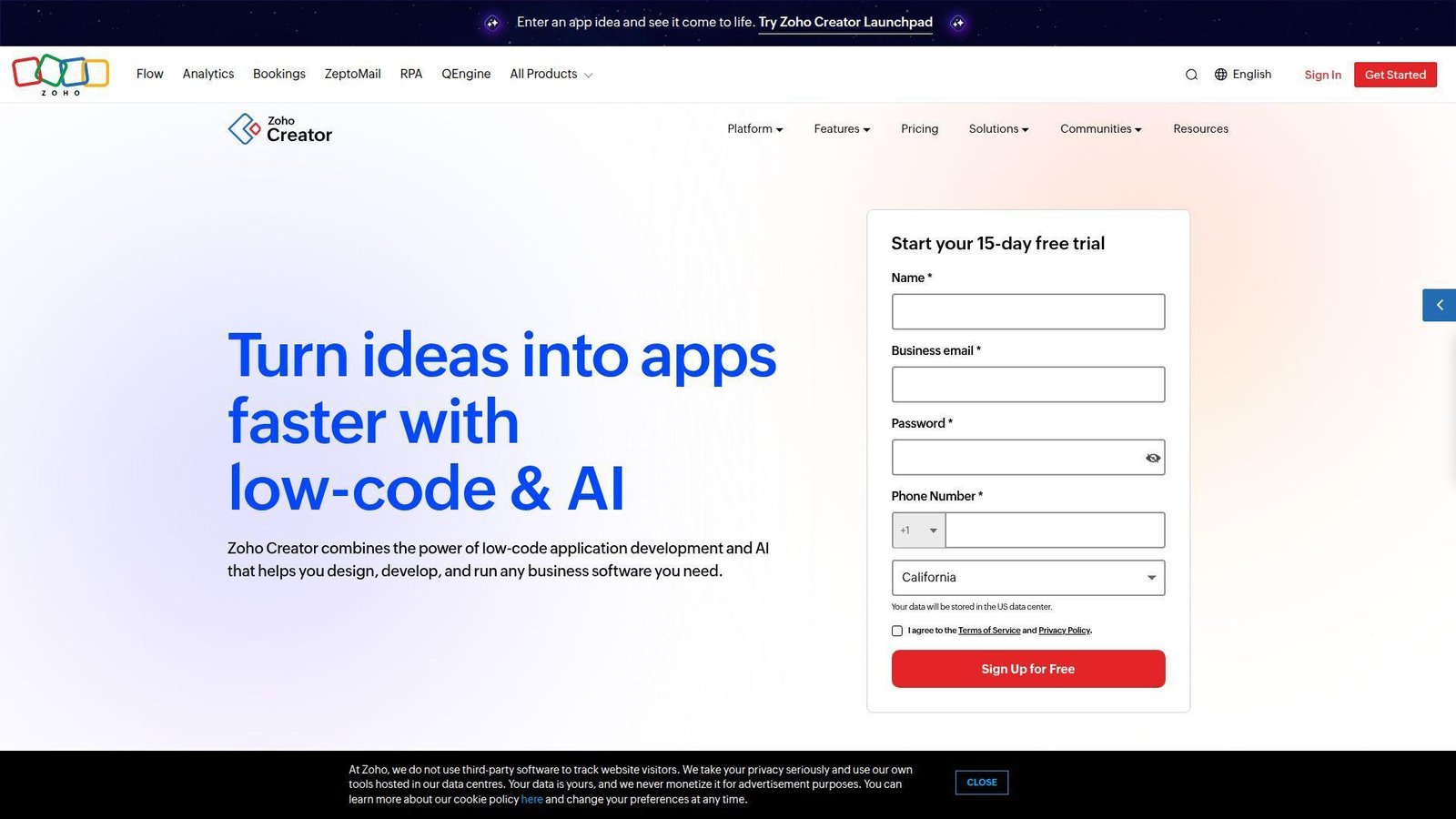
Zoho Creator works best when the buyer wants practical business software, not a platform science project. We often see it land well with small and midsize teams that already use other Zoho products and want pricing that does not start with a sales negotiation. Best for: SMB operations teams, business admins, and companies already inside the Zoho ecosystem.
- Forms, reports, pages, workflows, and blueprints in one builder → common line-of-business apps can be launched without much technical setup.
- Strong Zoho app integrations and built-in AI model allowances → teams using Zoho CRM or other Zoho apps cut several integration steps.
- Free edition and 15-day trial → a small team can test a real workflow in a day or two.
Pricing & limits: From about $5 per user per month, with a free edition and a 15-day free trial. Zoho’s public pricing details also show the free edition starts with one custom app, while higher tiers expand schedules, data sources, connectors, portals, and AI allowances.
Honest drawbacks: Creator is practical, but it is not the most modern-looking builder in the field. It also offers less engineering depth than Appsmith, Mendix, or OutSystems. It beats Quickbase when Zoho integration is the main reason you are buying, but it trails Appsmith on code-level freedom.
Verdict: If you want a budget-friendly business app platform and your company already leans on Zoho, Creator is a sensible buy.
16. Bubble
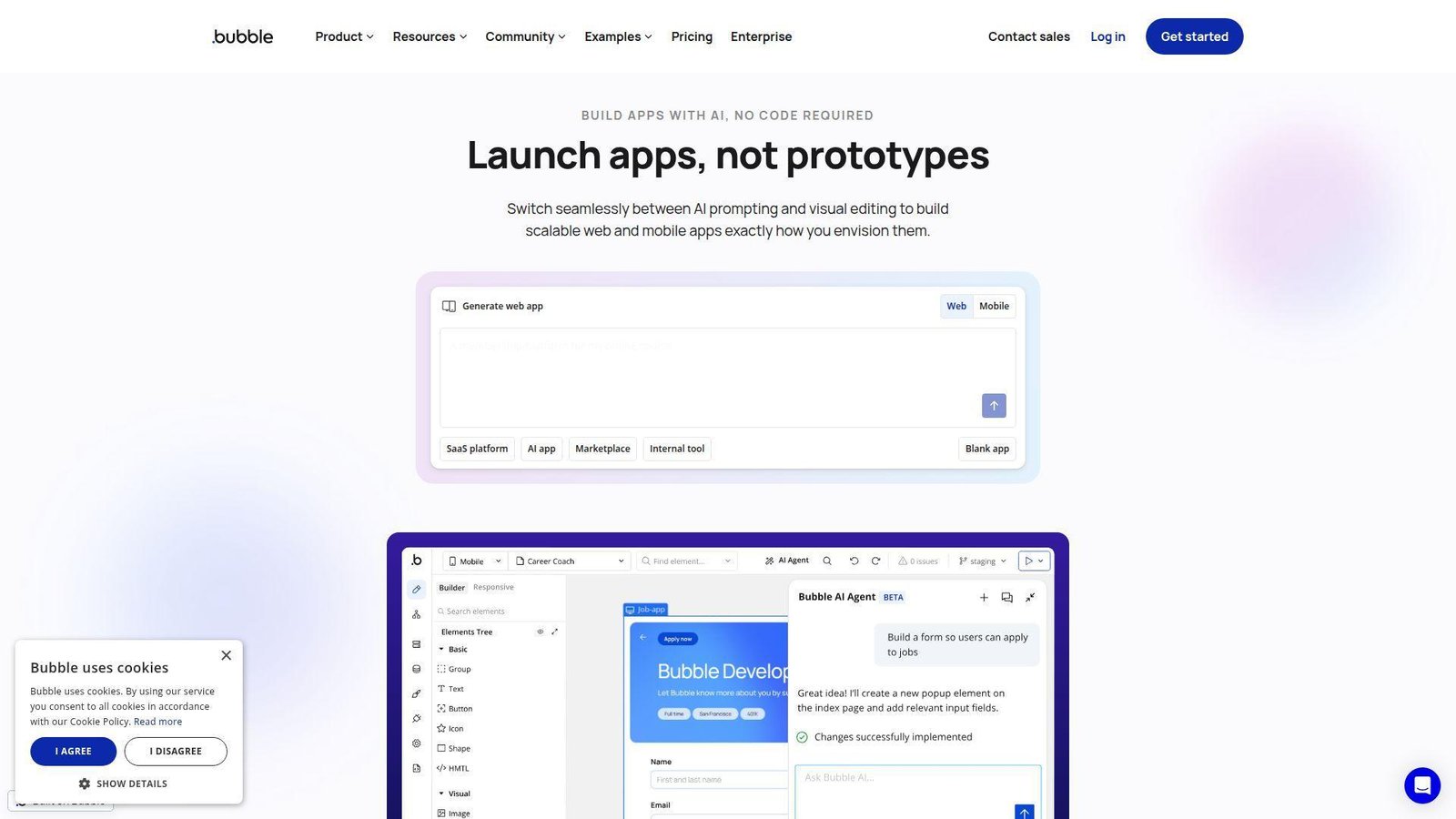
Bubble remains the default name many buyers bring up when they mean “build a startup product without hiring a full dev team.” That reputation is deserved, even if it does not fit every serious enterprise use case. Best for: founders, product teams, and agencies building MVPs, SaaS apps, or customer-facing products quickly.
- Visual full-stack builder for web and mobile → teams can keep front end, workflow logic, and data in one project.
- Plugin ecosystem and backend workflows → several common product tasks take fewer setup steps than a custom stack.
- Free plan and fast launch path → a team can validate demand before paying for production features.
Pricing & limits: Free is $0. Starter is $59 per month billed annually. Growth is $209. Team is $549. Enterprise is custom. Bubble also meters workload, with the free tier including 50K workload units and one app editor.
Honest drawbacks: Workload pricing can make cost forecasting harder after an app takes off. Bubble also demands architecture discipline once workflows and database rules pile up. It beats WeWeb when you want the back end included, but it trails WeWeb on export freedom and ownership.
Verdict: If your goal is to get a customer-facing MVP or SaaS product in front of users fast, Bubble still earns its place on the shortlist.
17. Caspio
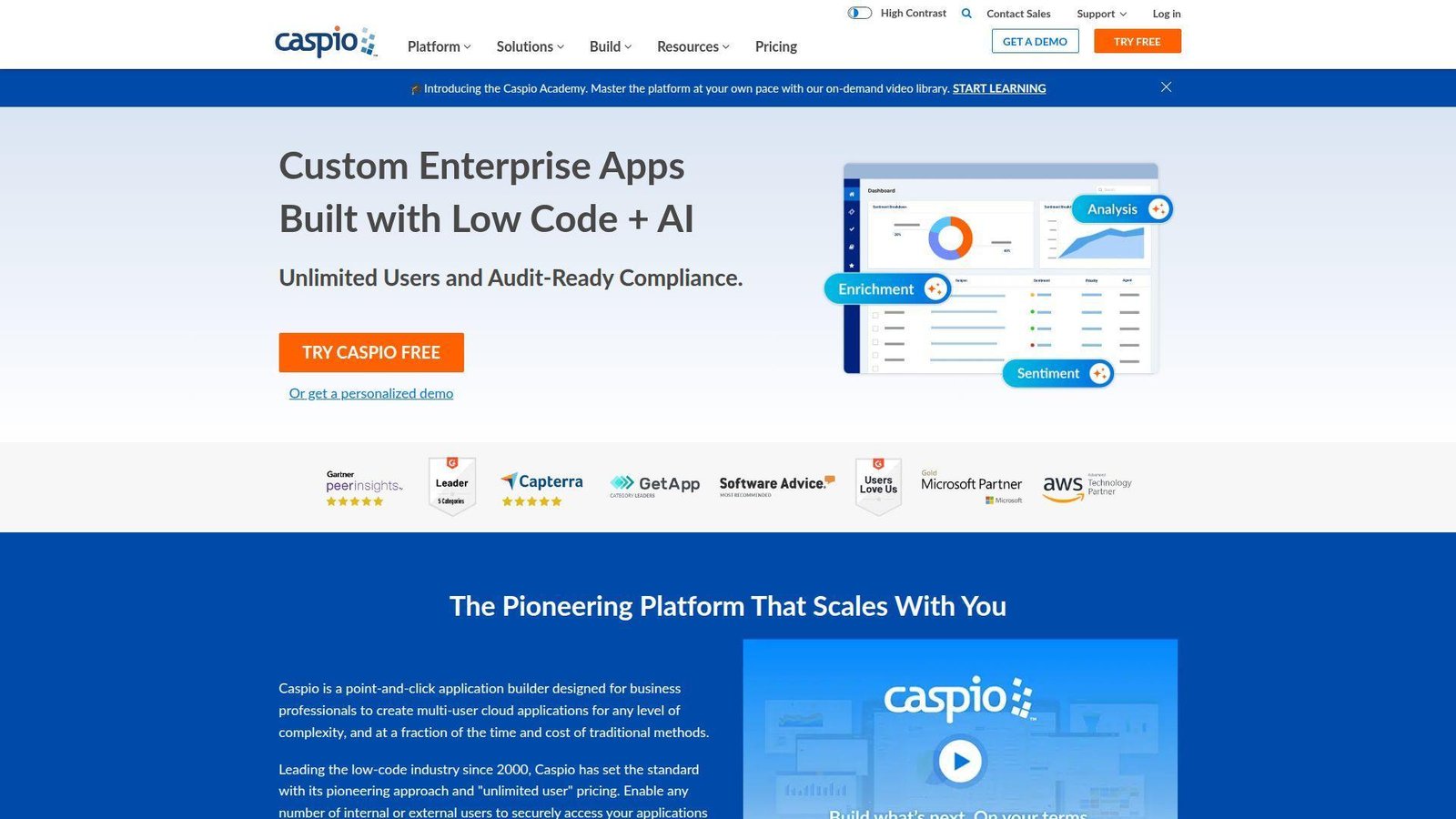
Caspio is old enough in this market to know exactly what it is good at, and that clarity helps. We see it as a strong fit when the app is really a secure, database-backed business system with lots of users. Best for: data-heavy business apps, partner portals, and use cases where per-seat pricing would get ugly fast.
- Cloud database and application platform in one product → teams avoid stitching together too many services for standard business apps.
- Unlimited-user pricing across plans → portal or broad workforce rollouts avoid several licensing headaches.
- Free trial and onboarding help → many teams can get a business app moving without a full custom build team.
Pricing & limits: Team is $300 per month. Business is $600. Enterprise is custom. Caspio does not meter users on standard plans, but it does meter capacity across records, pages, integrations, storage, and document generation, so buyers still need to model real usage.
Honest drawbacks: Caspio’s interface feels more traditional than Bubble or WeWeb. If the app needs a highly custom product experience, we would usually look elsewhere first. It beats many per-seat platforms on portal economics, but it trails newer builders on modern UX.
Verdict: If you need a secure business app with lots of users and predictable licensing pressure, Caspio deserves a closer look than it usually gets.
18. Quixy
Quixy is one of those platforms that makes the most sense when a company wants citizen development with more governance than a lightweight form tool can offer. It is not as famous as the giants, but the fit is real for the right buyer. Best for: midmarket operations teams, citizen development programs, and IT teams that still want policy controls.
- UI and workflow designer with data tables, dashboards, and audit logs → teams can cover many internal process apps in one platform.
- Public or private cloud options, SSO, and white-label mobile at higher tiers → fewer governance detours when programs scale.
- 14-day free trial with no credit card → first value can appear in days if the use case is well chosen.
Pricing & limits: Platform starts at $20 per user per month billed annually, with a 20-user minimum. Quixy’s comparison details also show 5 GB storage per user on the Platform tier, with Enterprise adding broader security, identity, and deployment options.
Honest drawbacks: The smaller ecosystem can matter if you want a giant hiring pool or lots of third-party implementation partners. The 20-user floor also rules it out for tiny teams. It beats simple form tools on governance, but it trails Microsoft and Salesforce on ecosystem pull.
Verdict: If you want a governed citizen development platform without stepping into the heaviest enterprise suites, Quixy is worth a serious demo.
19. Kissflow
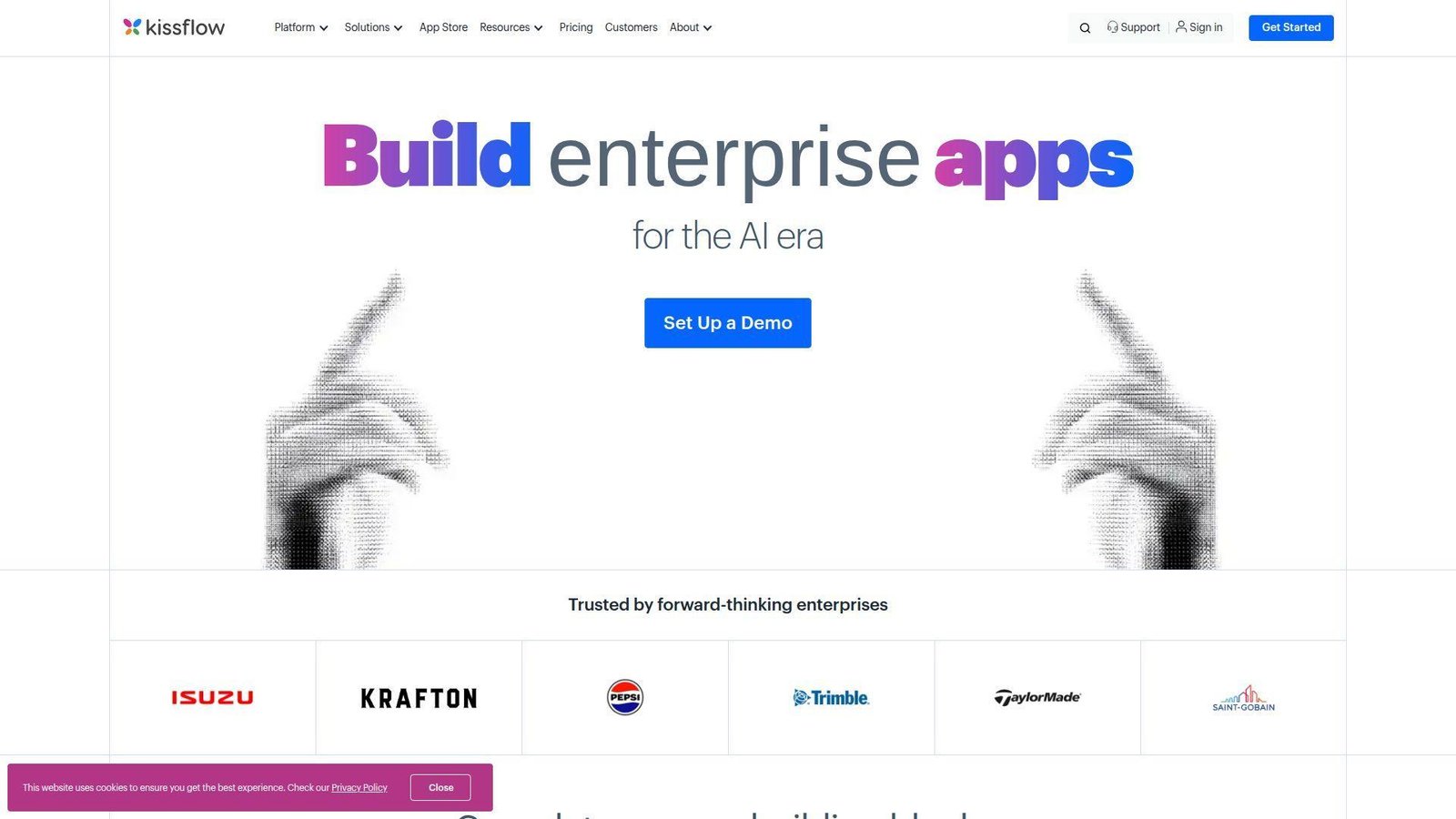
Kissflow still reads to us as a workflow company first and a broader app platform second, and that is usually the right lens for buyers. It shines when the backlog is full of internal process problems. Best for: midmarket IT leaders, finance and HR teams, and operations groups digitizing internal requests and approvals fast.
- Apps, workflows, boards, and reporting in one platform → teams can digitize internal operations without buying separate automation tools.
- Prebuilt apps and simple builder flow → common department use cases take fewer steps to launch.
- Many workflows can go live in hours → first value appears quickly when the process is already understood.
Pricing & limits: Basic starts at $2,500 per month. Enterprise is custom. Basic comes with limited apps, integrations, reports, and support, while Enterprise adds unlimited apps and workflows, SSO and SCIM, advanced analytics, and custom environments. Free trials are available after qualification.
Honest drawbacks: The starting price is high for smaller teams, and the platform is less compelling for polished customer-facing products than Bubble or WeWeb. It beats generic BPM tools on usability, but it trails Creatio and Pega on higher-end enterprise orchestration depth.
Verdict: If your mission is to reduce internal process backlog and give business teams a platform they can actually use, Kissflow makes sense quickly.
20. Kintone
Kintone blends app building with team collaboration better than most products in this list. That makes it less flashy than some rivals, but often more usable for everyday operational work. Best for: departmental teams replacing spreadsheets, email threads, and lightweight approval systems with a shared work database.
- Drag-and-drop app building and spreadsheet import → teams can move work out of Excel quickly without a long setup phase.
- Data, tasks, comments, and process tracking in one workspace → people waste fewer steps bouncing between tools.
- 30-day full-feature trial → the first useful app can appear on day one, especially for team workflow use cases.
Pricing & limits: Kintone is $24 per user per month, with a five-user minimum. The platform also publishes key caps such as 900 apps, 300 spaces, 50,000 records per app, 10,000 API calls per day, 150 fields per app, and 5 GB of storage per user.
Honest drawbacks: Kintone is practical, not glamorous. If you need a polished customer portal or deep custom UX, other tools fit better. It beats spreadsheets and email chains fast, but it trails Quickbase and Appsmith on more advanced internal app control.
Verdict: If your team needs a collaborative app workspace more than a front-end showcase, Kintone is refreshingly direct and easy to justify.
Recommended reading: Top 30 Automate Chatbots Tools and Services for 2026
How to Choose the Right Low Code Development Platform
We do not start with brand names when we choose low code development platforms. We start with the app type, the data model, the builder profile, and the governance burden. Do that first, and the shortlist usually gets much smaller very quickly.
1. Match the Platform to Internal Tools, Portals, or Customer Apps
Most buying mistakes start here. Internal tools, employee workflows, partner portals, and customer-facing products do not need the same platform shape. If you mainly need admin panels, dashboards, and CRUD-heavy workflows, tools like Appsmith, UI Bakery, Quickbase, and Kintone are easier to justify. If the app must look polished in front of customers, WeWeb, Bubble, OutSystems, and Mendix usually fit better. If the job is process orchestration, not interface design, Appian, Pega, Creatio, and Kissflow deserve more attention. We always tell buyers to name the first three apps they expect to build, not the first one only. That simple move exposes whether the platform is a niche fit or a real portfolio fit.
2. Decide How Much Pro-Code Access and AI Help You Really Need
Some teams need a visual builder with strict guardrails. Others need Git, SDKs, custom code, reusable components, and a clean path to engineering ownership. Be honest about which team you are. We see too many companies buy a “citizen-friendly” product, then discover their hardest requirements still need developers. AI changes the calculus a bit, but not as much as marketing suggests. AI is great for scaffolding forms, generating starter logic, proposing SQL, or drafting validation rules. It is not a substitute for sound data models, permission design, integration planning, or testing. If your engineering team will maintain the app long term, choose a platform they will not hate in month six.
3. Check Integration Depth, Data Access, and Deployment Options
Connector count is not the same as integration depth. We care more about how the platform connects to live systems, whether it can query real databases safely, how it handles APIs, and whether it supports on-premises or private-cloud needs when required. A beautiful builder loses value fast if your team has to export CSV files to move data around. We also check deployment flexibility early. Some tools are happiest in managed SaaS. Others let you self-host, export code, or run near your database. That matters for regulated environments, data residency, and long-term lock-in risk. We usually ask one blunt question in discovery: where does the source of truth live, and can the platform work there without awkward workarounds?
4. Compare Governance, Security, and Pricing Before You Commit
Governance is where strong pilots turn into stable programs. We look for SSO, SCIM, audit logs, role controls, environment separation, deployment controls, and a pricing model that still makes sense after a successful rollout. The cheapest entry plan can become the most expensive option once you add viewer seats, premium connectors, portal access, custom tables, workloads, or support. We recommend modeling the first year cost for three real use cases, not just the pilot. Also ask who owns standards. Without naming rules, review steps, and clear app ownership, low-code can create the same mess it promised to clean up. A fast builder with weak control is a shadow IT engine waiting to happen.
Recommended reading: Top 30 Simple SEO Platforms for Beginners and Busy Teams
Low Code Development Platform Categories That Matter Most
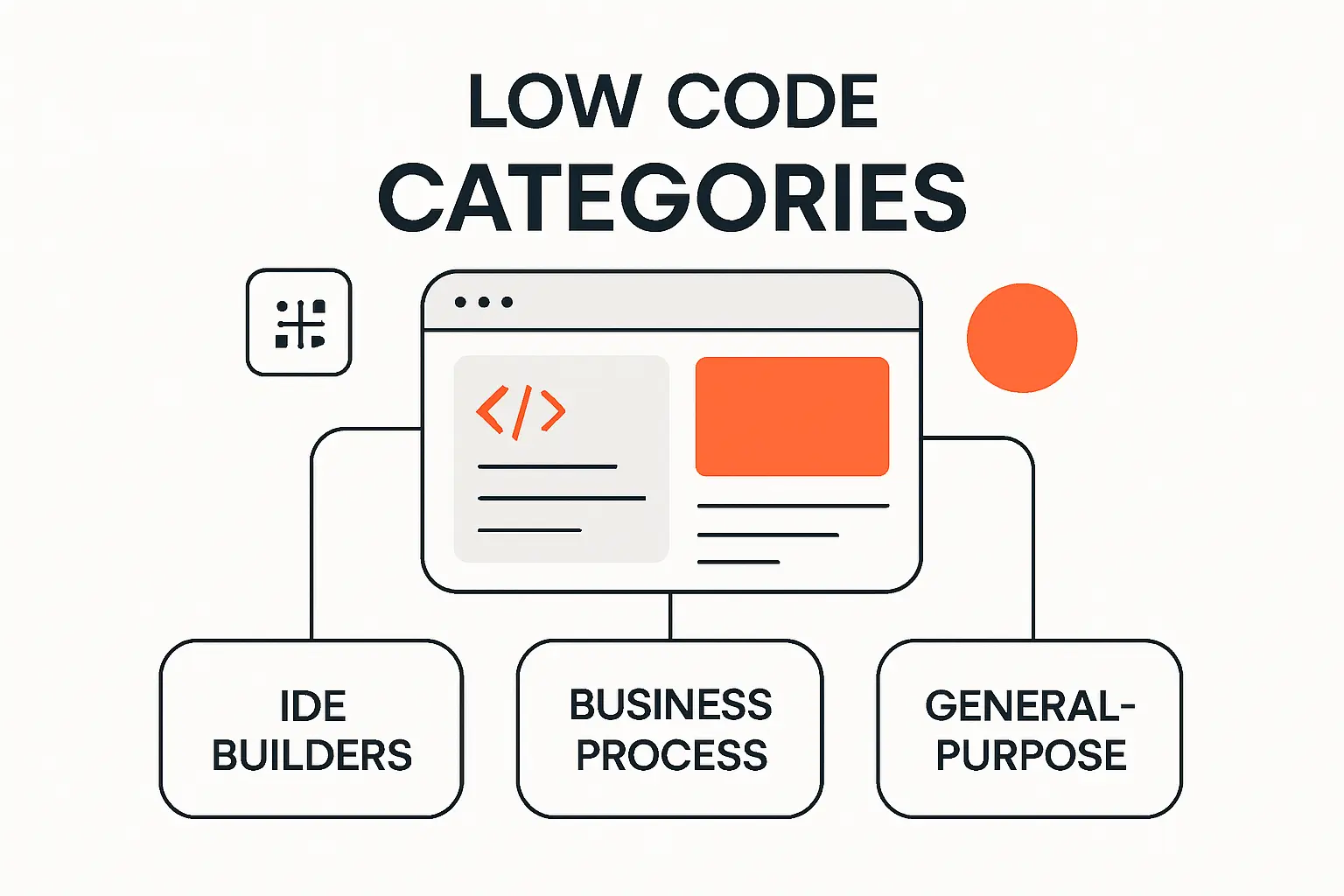
We do not think the market is best understood as one giant ranking. It is better understood as a few practical categories. Once you know which category you need, the wrong vendors fall away fast.
1. Enterprise Platforms for Mission-Critical Apps and Regulated Workflows
OutSystems, Mendix, Appian, Oracle APEX, and Pega belong here. These platforms aim at serious production workloads, formal delivery processes, and higher governance expectations. We usually recommend them when the app touches regulated processes, core internal operations, or a broader modernization program. The upside is depth. The trade-off is cost, complexity, and a longer buying motion.
2. Ecosystem-Led Platforms for Microsoft, Salesforce, and ServiceNow Teams
Power Apps, Salesforce Lightning, and ServiceNow App Engine win when the data, identity, and admin habits already live inside their parent ecosystems. These are not always the most flexible products in the abstract. They are often the most practical in a real company. If your users already work there, the time-to-first-value can be hard to beat.
3. Workflow-First Platforms for Process Automation and Case Management
Appian, Pega, Creatio, and Kissflow are strongest when the business problem is really a process problem. Think approvals, claims, onboarding, case routing, exception handling, and service coordination. These tools shine when sequence, routing, SLA pressure, and auditability matter more than design freedom or public-facing UX polish.
4. Data-Centric Platforms for SQL-Heavy and Form-Driven Apps
Oracle APEX, Caspio, Quickbase, Zoho Creator, and Kintone do well when the app is basically a structured layer over data, forms, rules, and reports. We like these platforms when the biggest need is replacing spreadsheet operations, old Access databases, or departmental tracking tools with something controlled and shareable.
5. Internal Tool Builders for Admin Panels, Dashboards, and CRUD Apps
Appsmith and UI Bakery stand out here, with Quickbase and Kintone also fitting many cases. These tools are best when the buyer needs an internal app fast and already knows the tables, APIs, and user roles involved. They are not pretending to be the answer for every customer portal on earth. That focus helps them move quickly.
6. Front-End-First Platforms for Portals, SaaS, and Customer Experience
WeWeb and Bubble are the clearest names in this bucket. AppSheet can help on simpler business-led builds, but it is less design-led. We use front-end-first tools when interface quality, portal experience, and product iteration matter. We avoid them when the main problem is case management or deeply regulated workflow control.
7. Open-Source and Self-Hosted Options for More Control Over Security and Lock-In
Appsmith is the cleanest open-source-led option in this list. UI Bakery offers self-hosting. WeWeb offers code export. Oracle APEX can run on premises with Oracle Database. Some enterprise platforms also support self-managed deployment paths, though usually through higher-tier commercial agreements. If lock-in, data control, or internal platform ownership is a major issue, these options move up quickly.
Recommended reading: Top 30 Online Payment Methods for Ecommerce and Digital Businesses
Must-Have Features in Modern Low Code Development Platforms
Buyers often get distracted by AI demos and template galleries. We do not blame them. But the features that matter most usually look more boring on the surface. They decide whether the platform still feels smart after the pilot.
1. Visual Builders, Reusable Components, and Integrated Runtime Support
A good visual builder should handle UI, logic, and data interaction without turning into a maze. Just as important, it should support reusable components, modules, or app patterns. Why? Because the first app is not the hard part. App three is. We look for products that make repeatable work easier, not just first-time work faster. Integrated runtime and deployment support also matter. If teams need too much manual infrastructure work to go live, the “low-code” label loses force fast.
2. Connectors, APIs, and Distributed Data Access Without Fragile Workarounds
The platform should connect to the systems you already use, not force you into a clumsy side database for every serious use case. Standard connectors help, but we also want REST support, custom connectors, database access where appropriate, webhooks, and clear patterns for on-premises data. If the product turns every integration into a special project, it will frustrate both IT and business owners.
3. Git, SDKs, and Pro-Code Extensibility for Engineering Teams
If software engineers will touch the platform, pro-code support is not optional. Git integration, source visibility, custom components, CLI or SDK access, and clear extension points make a big difference. Without them, teams end up with fragile visual logic that no one wants to maintain. We usually push harder on this requirement when the app is customer-facing, long-lived, or likely to grow into a hybrid stack.
4. IAM, Audit Logs, Role Controls, and Compliance Safeguards
Most internal tools touch sensitive data faster than people expect. Expense apps, HR requests, service approvals, vendor records, or customer cases can all turn into permission headaches. That is why we want SSO, SCIM, field-level controls where possible, app-level roles, audit history, and environment separation. Security is not a checkbox here. It changes who can responsibly build on the platform and what kind of app should be allowed there.
5. AI-Assisted App Building That Still Preserves Governance
AI is useful when it accelerates real work, screen scaffolding, formula suggestions, SQL drafts, workflow suggestions, and documentation. We get skeptical when it becomes a theater feature. The right question is not “does it have AI?” It is “what can AI generate, where does the output live, how is it versioned, and who reviews it before it reaches users?” Governance still wins. AI should shorten the first draft, not bypass the controls that keep the app safe and maintainable.
Recommended reading: Top 30 Best Content AI Writing Tools for Faster SEO-Friendly Content in 2026
The Biggest Trade-Offs in Low Code Development Platforms
Every serious platform makes at least one big trade-off. Buyers get burned when they assume all upside arrives together. It does not.
1. Speed and Visual Ease Versus Custom Flexibility
The faster a platform gets nontechnical users to a working app, the more likely it is to impose patterns. That is often fine. It becomes a problem when the app needs unusual UX, complex domain logic, or deep testing and extension. We try to match the platform to the edge cases likely to show up later, not just the easy case that sells the demo.
2. Citizen Developer Access Versus Architecture Discipline
We like opening app delivery to business teams, but only inside a framework. Without naming rules, reuse patterns, ownership, review steps, and data standards, citizen development turns into application clutter. The best programs encourage business building while giving IT final control over standards, security, and deployment. That balance is hard work, but worth it.
3. Managed SaaS Simplicity Versus Self-Hosting and Data Control
Managed SaaS is usually the fastest route. There is less infrastructure to own and fewer patches to think about. Self-hosting or code export buys more control, but it also hands you more operational responsibility. We tell teams to choose this trade-off on purpose. Do not buy a self-hostable platform if you do not want the platform operations that follow.
4. All-in-One Convenience Versus Best-of-Breed Flexibility
Bubble is a good example of all-in-one convenience. WeWeb paired with your own backend is a better example of best-of-breed flexibility. Neither is automatically better. One reduces moving parts. The other reduces lock-in and can fit stronger engineering practices. We usually decide based on how differentiated the app will become over time.
5. Low Starter Pricing Versus Connector Fees, Seat Costs, and Scale Limits
A cheap starter plan can hide expensive reality. Some tools bill per app, some per editor, some per user, some per viewer, and some by workload or usage. Others add pricing pressure through portals, premium connectors, custom domains, environments, or platform minimums. We always model the likely year-one rollout, not just the first month. That is where the real buying picture appears.
Where Low Code Development Platforms Fit Best, and Where They Do Not
We are bullish on low-code where it truly fits. We are also happy to say “do not use it” when the requirements point elsewhere. That honesty saves time and money.
1. Internal Tools, Back-Office Apps, and Employee Workflows
This is still the strongest use case. Internal approval flows, operations dashboards, procurement apps, QA systems, service requests, inventory tools, and employee portals are natural fits. The UX burden is manageable, the users are known, and the business value is easy to track. That is why so many successful low-code programs start here.
2. Customer-Facing Web Apps, Portals, and Mobile Experiences
These can work well too, but the shortlist changes. We lean toward WeWeb, Bubble, OutSystems, Mendix, or ecosystem-native tools when the audience is external. The bar is higher here. You need cleaner UX, stronger authentication, clearer performance expectations, and a better answer for scale. A customer portal is not just an internal form with a login page.
3. Legacy Modernization and API-Driven Integration Projects
Low-code can be a smart way to put new interfaces and workflow logic on top of old systems. We often use it as a modernization layer when full replacement is too risky or too slow. This is where data access, API strategy, and governance matter more than template count. OutSystems, Mendix, Appian, Pega, and Oracle APEX are often stronger here than lightweight builders.
4. Cases Where Full Custom Development Is Still the Better Call
If the product depends on unusual user experience, complex real-time interaction, deep algorithmic logic, or highly specialized platform behavior, custom development is often the better answer. The same goes for apps where long-term product differentiation matters more than initial speed. In those cases, we may still use low-code at the edges, for admin tools or workflow support, but not as the core product architecture.
Implementation Priorities That Prevent Rework and Shadow IT
Most low-code problems are not caused by the platform itself. They come from rushed selection, unclear ownership, and weak rollout discipline. We try to fix that before the contract starts.
1. Gather Requirements and Stakeholder Buy-In Before the Shortlist
We want to know who builds, who approves, who uses, who supports, and who owns the data before we ever compare vendors. We also map integrations, compliance needs, SLAs, and the real business pain. A buyer who skips this step usually ends up buying the platform with the best demo, not the best fit.
2. Run Proofs of Concept Against Real Workflows and Real Data
A hello-world test proves almost nothing. A useful proof of concept should include one messy workflow, one real data source, one permission model, and one real reporting need. We score the results by build speed, admin effort, clarity of logic, and how comfortable the team feels owning the result later. That is far more revealing than a polished sandbox demo.
3. Train Builders Early and Set Governance Standards on Day One
Training is not just about how to drag components onto a page. It is about naming, versioning, permission design, reuse, testing, and support expectations. Teams that skip this part create inconsistent apps and hard-to-debug logic. We prefer a basic governance pack from day one, even for small pilots.
4. Roll Out Iteratively Instead of Letting Shadow IT Spread
A phased rollout works better than a big reveal. Start with one or two real departmental wins, capture reuse patterns, then expand. That lets you create templates, guardrails, and standards before dozens of one-off apps appear. Low-code can reduce shadow IT, but only if the formal program moves faster than the unofficial workarounds.
5. Use a Delivery Partner When the Platform Outruns Internal Capacity
Some teams can own everything in-house. Others need help with architecture, integrations, migration, rescue work, or governance design. We think that is normal. The wrong time to ask for help is after the platform has already become a tangle of half-owned apps and undocumented logic. A strong delivery partner should shorten that risk, not add another layer of dependency.
Frequently Asked Questions About Low Code Development Platforms
These are the questions we hear most often when teams move from curiosity to an actual buying decision. The short answers matter, but the context around them matters more.
1. What Is a Low Code Development Platform?
A low code development platform is software that helps teams build applications with visual tools, reusable components, and prebuilt logic instead of writing every layer by hand. Most platforms also include deployment support, data connectors, permissions, and workflow tools. The real difference is not “no code at all.” It is how much repetitive development work the platform removes.
2. What Is the Difference Between a Low Code Platform and a No-Code Platform?
No-code platforms are designed for users who do not want to touch code. Low-code platforms still aim to reduce coding effort, but they usually leave room for custom logic, APIs, SDKs, or engineering-level control. In practice, the line can blur. We treat no-code as the stricter, simpler end of the spectrum, and low-code as the more expandable end.
3. Can Low Code Development Platforms Build Complex Applications?
Yes, some of them can. OutSystems, Mendix, Appian, Pega, Oracle APEX, and similar platforms are built specifically for more complex applications. The catch is that “complex” does not mean “good at everything.” A platform may be great at case management and poor at highly custom front-end experience, or vice versa. Complexity has shape.
4. What Types of Apps Can Low Code Development Platforms Build?
They can build internal tools, approvals, dashboards, case systems, field apps, employee portals, customer portals, partner apps, and even some full customer-facing web or mobile products. The most successful projects usually have clear workflows, structured data, and a known user group. That is where low-code tends to shine fastest.
5. Are Low Code Development Platforms Secure Enough for Enterprise Use?
Many are, yes. Enterprise-ready platforms often include SSO, audit logs, encryption, role-based access, environment separation, and compliance support. Security still depends on how the platform is configured and governed. A secure product can still be used badly. We always evaluate both the platform controls and the operating model around it.
6. How Do Low Code Development Platforms Connect With Existing Databases and APIs?
Most support a mix of native connectors, REST APIs, webhooks, and database connections. Some handle on-premises data through gateways or private deployment options. We care less about the number of logos on the integrations page and more about whether the platform can work with your actual source systems without brittle manual steps.
7. Will AI Replace Low Code Development Platforms?
We do not think so. AI will change how people build inside these platforms, and in many cases it already has. But a chat prompt is not the same thing as application lifecycle management, governance, runtime support, auditability, deployment controls, and structured data modeling. AI makes builders faster. It does not remove the need for the platform underneath.
8. Is ChatGPT a No-Code Platform?
No. ChatGPT is an AI assistant, not a no-code or low-code application platform. It can help brainstorm flows, draft SQL, explain formulas, or suggest logic, but it does not replace the runtime, data model, role system, deployment controls, or governance that an actual app platform provides.
How TechTide Solutions Helps Teams Build Custom Software Around Low Code Development Platforms
At TechTide Solutions, we do not treat low-code as a religion. We treat it as one delivery option. Sometimes it is the right one. Sometimes custom code is the better long-term answer. Often the best path is a hybrid stack that uses each where it fits.
1. Assess Whether Low Code, Custom Code, or a Hybrid Stack Fits the Roadmap
We start by looking at the roadmap, not just the first app request. That means user profiles, integrations, security expectations, app portfolio plans, data residency, and where product differentiation actually lives. If a platform will save time now but create a dead end later, we say so. If it will give a team a faster route to stable internal software, we say that too.
2. Develop Web Apps, Mobile Apps, and Integrations Tailored to Real Workflows
We help teams build around the chosen platform, not just inside it. That can mean custom APIs, backend services, identity setup, portal front ends, reporting layers, migration scripts, or mobile flows that match how people really work. We care less about whether the stack looks trendy and more about whether the business process becomes easier to run and easier to change.
3. Extend, Migrate, or Replace Platform-Based Apps as Requirements Grow
Plenty of teams reach a point where the original low-code build needs help. We step in when an app needs to be extended, cleaned up, migrated to a new platform, or replaced with custom code. That kind of rescue work matters because a good early platform choice should still leave you with an exit path later. We build with that in mind.
Final Thoughts on the Best Low Code Development Platforms
1. Start With OutSystems, Mendix, Power Apps, Appian, or Oracle APEX for Enterprise Breadth
If you need enterprise breadth, this is the first cluster we would study. OutSystems and Mendix are strong portfolio platforms. Power Apps is the obvious move in Microsoft-heavy companies. Appian is excellent when workflow depth leads the conversation. Oracle APEX is a terrific pick when Oracle data is already the center of the system.
2. Move Pega or Creatio Higher on the List When Process Orchestration Is the Priority
We move Pega and Creatio up fast when the core problem is not just “build an app,” but “coordinate a messy process with rules, cases, routing, and exceptions.” That is where their value gets easier to feel. They are not the lightest tools here, but they can be the smartest ones when the work itself is complicated.
3. Start With Appsmith, UI Bakery, Quickbase, or Zoho Creator for Internal Tools
For internal tools, this group often gives the best speed-to-usefulness ratio. Appsmith and UI Bakery appeal more to technical teams. Quickbase is dependable for operations-heavy programs. Zoho Creator is a practical budget-conscious fit for smaller teams, especially when the wider Zoho stack is already in place.
4. Start With WeWeb, Bubble, or AppSheet for Faster Front-End Delivery and Business-Led Builds
Choose WeWeb when front-end control and code ownership matter. Choose Bubble when you want an all-in-one path to a product MVP. Choose AppSheet when the use case is simple, mobile, and tied to Google data. These tools can move very fast, but each makes different trade-offs around backend depth, governance, and scale planning.
5. Stay Inside Salesforce or ServiceNow When Your Data and Governance Already Live There
This is one of the easiest calls we make. If your workflows already depend on Salesforce or ServiceNow data, buying a separate platform often adds more friction than value. Start where the users, roles, and records already are. Then run a proof of concept on your messiest real workflow, not your cleanest one. Which platform would your team still want to own a year from now?

