


At Techtide Solutions, we treat WordPress hosting as an engineering choice, not a shopping choice.
Performance feels “soft” until it hits revenue, credibility, and internal velocity.
Security feels “optional” until an incident turns into a weekend-long incident response.
Market reality shapes our recommendations, even when we dislike it.
In one Gartner forecast, public cloud end-user spending reaches $675.4 billion in 2024, so infrastructure efficiency keeps mattering.
In one Statista outlook, the worldwide web hosting market shows US$196.62bn in 2025, which explains the relentless tooling arms race.
Another macro force is content volume, and it is not slowing down.
McKinsey estimates generative AI could add $4.4 trillion annually in value, and a lot of that value becomes web pages.
When publishing velocity rises, hosting weaknesses surface faster.
We also ground our advice in what we see each week.
One mid-market services firm came to us after a plugin update broke lead capture.
Another retailer needed stability during campaign spikes, not just a faster homepage.
WordPress remains central in that story.
Automattic’s overview cites 43.4% of the websites on the internet running on WordPress, which makes it a default target.
That scale is a strength, yet it also attracts abuse.
What “best cms hosting for wordpress” means in 2026

1. WordPress.org self-hosted CMS vs WordPress.com hosted CMS
In our vocabulary, “WordPress hosting” starts with one fork in the road.
Self-hosted WordPress.org means you control the code and the server choices.
WordPress.com means the platform owns more of the operational surface area.
Control can be a feature, yet it can also be a liability.
On WordPress.org, every plugin decision is also a risk decision.
On WordPress.com, limitations can reduce risk, but can limit integration freedom.
2. Open-source CMS vs all-in-one hosted platforms with hosting included
WordPress is open-source, so hosting is a separate procurement step.
That separation creates modularity, and it also creates responsibility.
All-in-one platforms bundle hosting, deployment, and guardrails into one SKU.
We like modular systems when teams have real operational maturity.
In smaller orgs, bundling can remove failure modes that nobody wants to own.
In regulated orgs, bundling can also simplify audits and vendor accountability.
3. Who owns security, backups, and updates in each hosting model
Ownership is the hidden contract inside every hosting plan.
Someone must own patching, backups, restores, and incident response.
If “someone” is unclear, production becomes the default owner.
Our Rule of Thumb
Managed WordPress hosting usually owns platform patches and baseline hardening.
Your team still owns plugin hygiene, admin access, and content governance.
On raw cloud hosting, your team owns almost everything, even when tools help.
4. Why WordPress hosting choices depend on themes, plugins, and scaling needs
WordPress hosting is rarely “just hosting” once plugins enter the chat.
WooCommerce changes caching, because carts and sessions hate naive page caching.
Builders change performance, because extra scripts and CSS raise baseline cost.
Scaling also shows up in odd places.
Search plugins can melt a database when they run heavy queries.
Membership plugins can push you toward object caching and stricter session handling.
5. When to upgrade from basic hosting to managed WordPress hosting
We see three triggers that justify an upgrade.
First, failures become expensive, because the website is tied to revenue.
Second, changes become frequent, because marketing needs speed without breakage.
The third trigger is team shape.
If nobody on staff enjoys owning servers, ownership will degrade quietly.
At that point, managed hosting is not luxury; it is risk containment.
Recommended reading: Top 30 Data Backup Solutions to Protect Files, Servers, and Cloud Workloads
Quick Comparison of best cms hosting for wordpress
This table is intentionally compact.
We use it to start conversations, not to end them.
After the table, we share our broader longlist for deeper shortlisting.
| Tool | Best for | From price | Trial/Free | Key limits |
|---|---|---|---|---|
| WP Engine | High-stakes marketing sites needing guardrails | $25/mo | Refund window | Visit-based plans; platform opinions |
| Kinsta | Teams wanting managed performance tooling | $35/month | Trial offer | Premium pricing; plan ceilings |
| Rocket.net | Speed-first publishers and campaign landing pages | $30/month | Refund window | Opinionated stack; fewer knobs |
| Pressable | Multi-site operators wanting predictable workflows | $20.83/mo | Migration help | Higher tiers for heavy spikes |
| Cloudways | Flexible cloud hosting with a managed layer | $14/month | Trial option | Complexity rises with scale |
| SiteGround | Small business WordPress with strong support | $2.99/mo | Refund window | Renewal jumps; shared resource contention |
| DigitalOcean Droplets | DIY WordPress on predictable cloud VMs | $4.00/mo | Credits vary | You own hardening and backups |
| Amazon Lightsail | Simple AWS entry for WordPress pilots | $3.50 USD/month | Free tier rules | DIY operations; limited managed features |
| Akamai Connected Cloud | DIY WordPress with global cloud footprint | $5.00/mo | Credits vary | Admin burden; backups need design |
| Vultr Cloud Compute | Cost-sensitive WordPress with simple VM hosting | $2.50/mo | Credits vary | DIY security; DIY observability |
Our Broader WordPress-Ready Longlist
- WP Engine
- Kinsta
- Rocket.net
- Pressable
- Flywheel
- SiteGround
- Nexcess
- Liquid Web
- DreamHost DreamPress
- Bluehost
- Hostinger
- InMotion Hosting
- A2 Hosting
- GreenGeeks
- ScalaHosting
- KnownHost
- Namecheap EasyWP
- IONOS
- GoDaddy Managed WordPress
- HostGator
- Cloudways
- Pagely
- WordPress VIP
- WordPress.com
- Pantheon
- DigitalOcean
- Amazon Lightsail
- Akamai Connected Cloud
- Vultr
- Google Cloud Compute Engine
Recommended reading: Top 30 Payment Trends Shaping 2026: Reports, Tools, and Strategy
Top 30 best cms hosting for wordpress tools and platforms
We picked these platforms by asking one question: “What gets a real site live, stable, and editable with the least regret?” That job-to-be-done lens matters more than feature sprawl. We also favored tools with clear “next steps,” whether that’s managed hosting, a builder, a commerce layer, or a headless CMS that plays nicely with modern front ends.
Each entry is scored on a 0–5 scale using a weighted rubric: Value-for-money (20%), Feature depth (20%), Ease of setup & learning (15%), Integrations & ecosystem (15%), UX & performance (10%), Security & trust (10%), and Support & community (10%). The goal is practical clarity. You should be able to match a tool to a team, a budget, and a timeline without wishful thinking.
1. WordPress.com Hosting
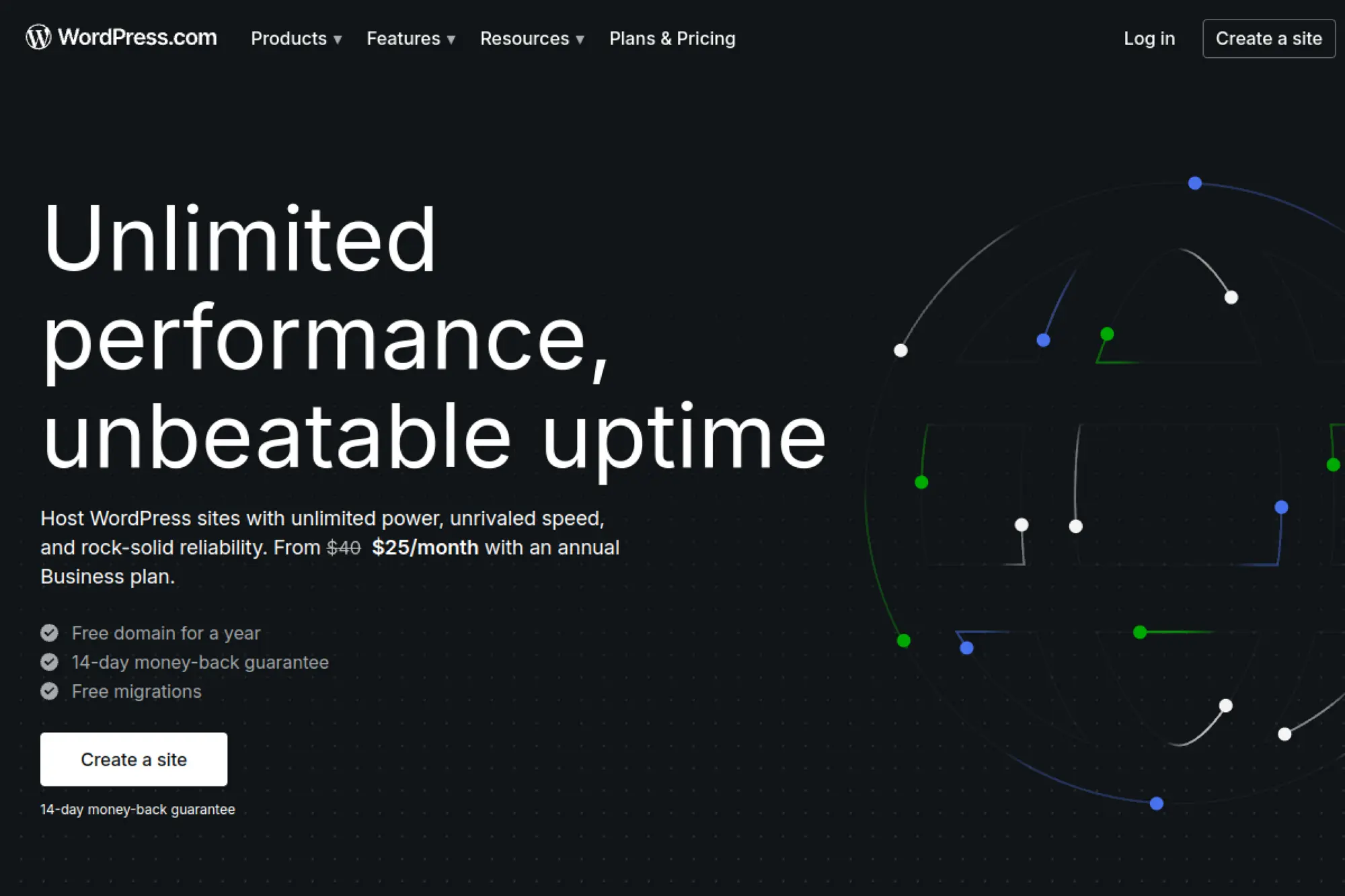
WordPress.com Hosting is built by Automattic, the company behind WordPress.com and major WordPress tooling. The team’s advantage is proximity to the core platform and a long history of running WordPress at scale. That shows up in fewer “mystery issues” during launch week.
Primary outcome: Ship a WordPress site without babysitting servers.
Best for: solo creators who want managed simplicity; small business owners who need plugins without devops.
- Managed WordPress flow → fewer update surprises and less “plugin roulette” on launch day.
- Built-in platform tools → skip 2–3 extra plugins for basics like performance and security.
- Guided setup UX → time-to-first-value is often under 60 minutes for a simple site.
Pricing & limits: From $4/mo (Personal, billed yearly). Trial: free plan available. Caps: Personal includes 6GB storage; higher tiers raise storage and unlock more advanced site capabilities.
Honest drawbacks: You trade some infrastructure control for convenience. Advanced workflows can feel boxed-in compared with a custom host stack.
Verdict: If you want WordPress live fast, this helps you publish confidently in a weekend. Beats bargain hosts at stability; trails specialist hosts on deep server tuning.
Score: 4.4/5
2. Bluehost
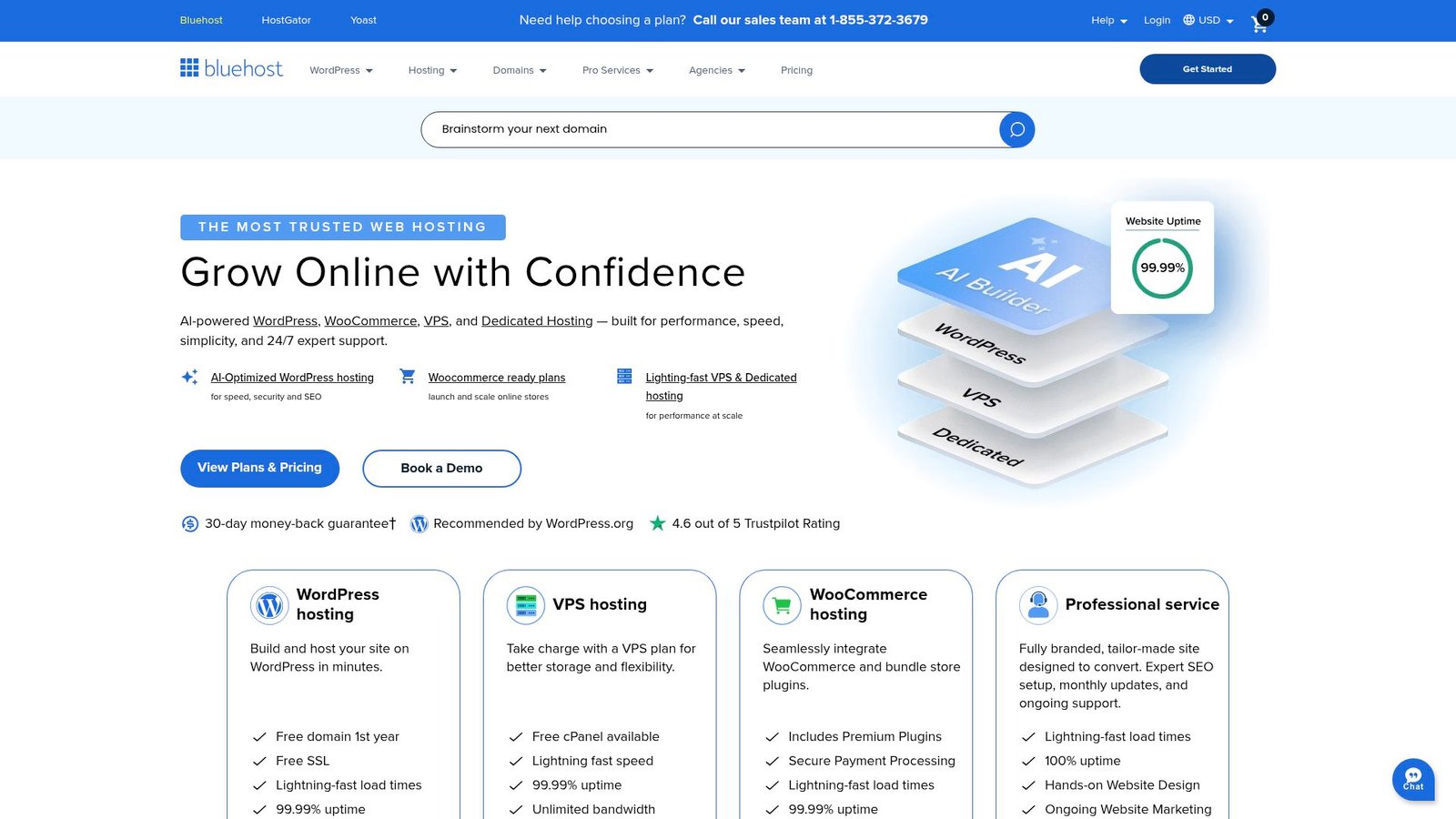
Bluehost is a long-running web host with a large WordPress-focused product line and support organization. The team leans into guided onboarding, bundled essentials, and a mainstream control panel experience. For many first-time site owners, that’s the difference between launching and stalling.
Primary outcome: Get a WordPress site online cheaply, with training wheels.
Best for: first-time WordPress owners; budget-minded SMBs who want “good enough” managed hosting.
- Managed WordPress plans → faster setup, fewer manual updates, and a cleaner launch checklist.
- Bundled site tools → replace 2–4 separate add-ons with one dashboard and fewer logins.
- Clear plan sizing → time-to-first-value can be 1–2 hours with migration tools.
Pricing & limits: From $3.00/mo (Starter, 36-month term). Trial: 30-day money-back guarantee. Caps: Starter lists 10 websites, 10GB NVMe storage, and “ideal for 40K visits/mo.”
Honest drawbacks: The best price requires a long prepay term. Some support and advanced features vary by tier.
Verdict: If you need a basic WordPress home quickly, this helps you get live this week. Beats DIY VPS setups on ease; trails premium managed hosts on polish.
Score: 3.9/5
3. SiteGround

SiteGround is a hosting company known for WordPress-friendly tooling and hands-on support. Their team invests heavily in performance features, security layers, and managed workflows that reduce routine maintenance. You feel it when updates don’t turn into a fire drill.
Primary outcome: Run WordPress fast, with support that actually solves problems.
Best for: content teams who hate downtime; small agencies managing a few client sites.
- Managed WordPress stack → fewer slow-page complaints and smoother update cycles.
- Automations and migrations → save 30–60 minutes per site move versus manual transfers.
- Polished control tools → time-to-first-value is often under 90 minutes per site.
Pricing & limits: From $2.99/mo (StartUp promo, prepaid 12 months). Trial: 30-day money-back guarantee. Caps: StartUp lists 1 website, 10GB web space, and ~10,000 visits monthly.
Honest drawbacks: Renewals can jump sharply after promos end. Entry plans can feel tight once you add multiple sites.
Verdict: If you want WordPress that stays quick under real traffic, this helps you stabilize performance in days. Beats Bluehost on support; trails WordPress.com on all-in-one simplicity.
Score: 4.2/5
4. Hostinger
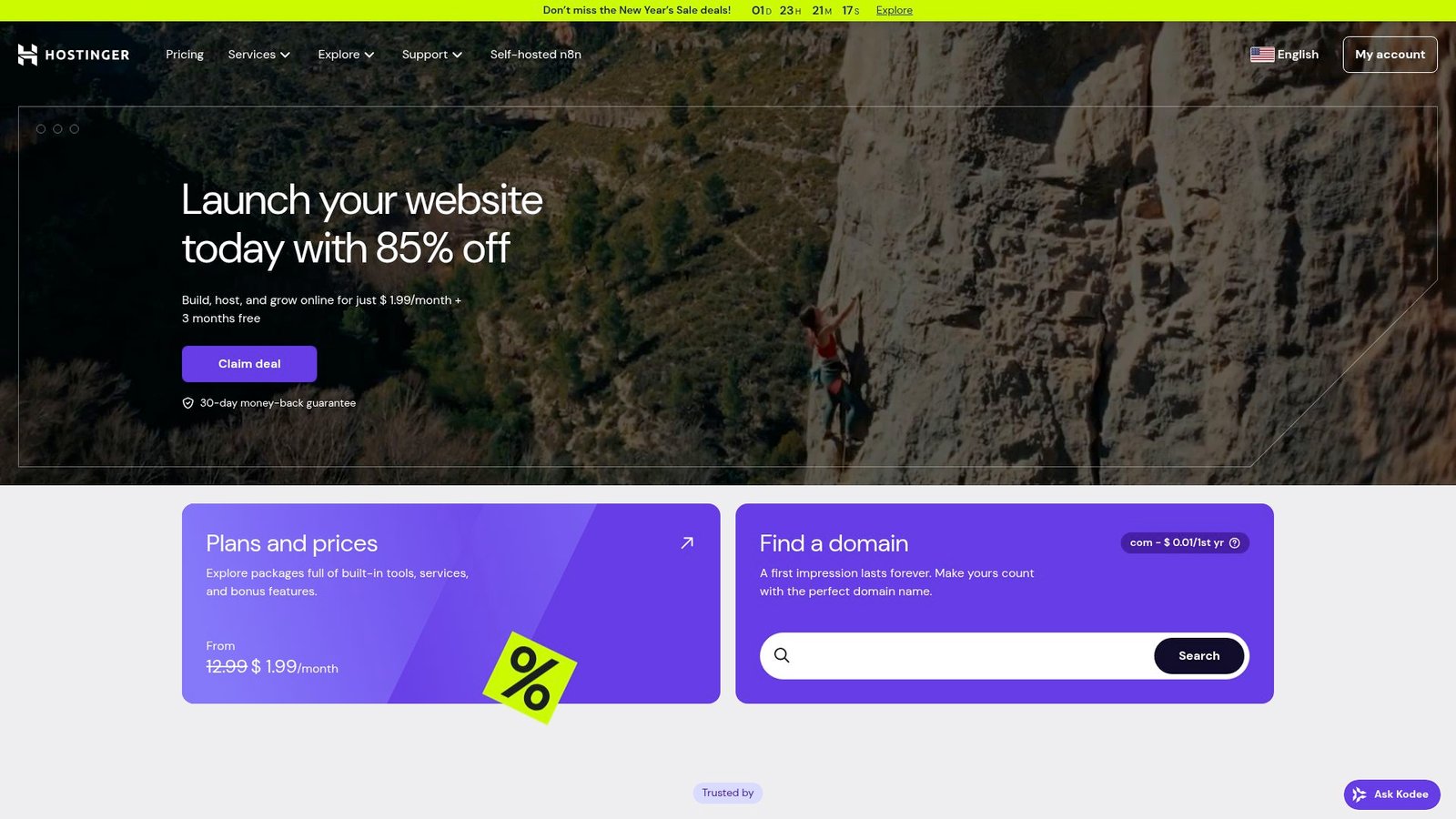
Hostinger runs a large global hosting business with a strong focus on aggressive pricing and streamlined setup. The team has built a beginner-friendly purchase-to-publish path that minimizes the “blank dashboard panic.” You get momentum early, which matters.
Primary outcome: Launch WordPress on a tight budget, without feeling lost.
Best for: solo marketers; small teams spinning up multiple sites quickly.
- Low-cost hosting tiers → stretch budget across more projects without cutting corners on basics.
- Bundled essentials → save 3–5 setup steps for SSL, backups, and basic site hardening.
- Fast onboarding → time-to-first-value can be under 45 minutes for a fresh install.
Pricing & limits: From $1.99/mo (Premium hosting, 48-month term). Trial: 30-day money-back guarantee. Caps: Premium includes up to 3 websites and 20GB SSD storage.
Honest drawbacks: The best pricing is tied to long commitments. Resource ceilings can show up when sites grow beyond “starter” scale.
Verdict: If you want to test ideas quickly, this helps you publish three sites for the price of one. Beats many hosts on cost; trails SiteGround on premium support depth.
Score: 4.3/5
5. Elementor
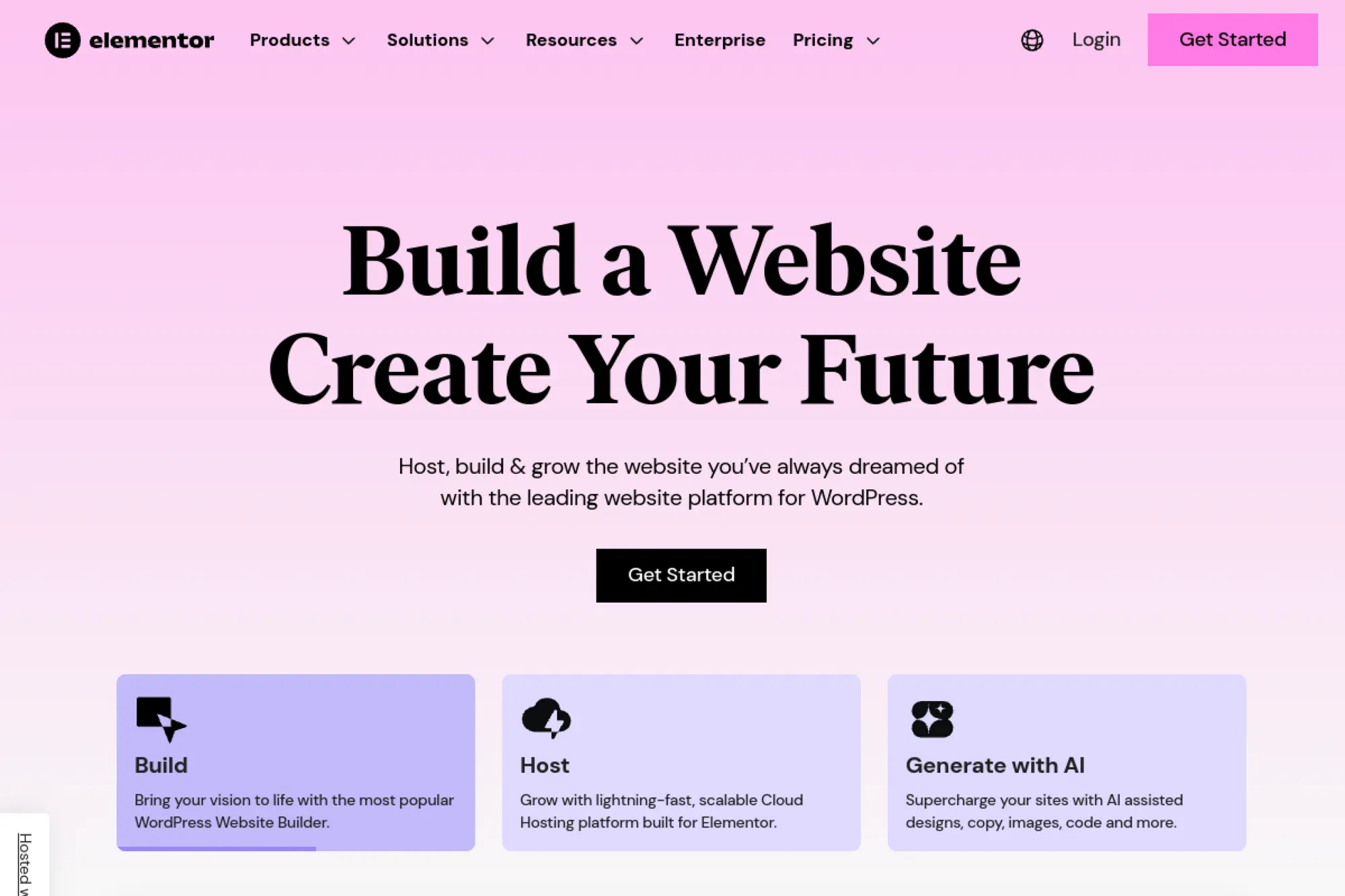
Elementor is a WordPress website builder company with a large product team focused on design workflows. Their hosting offering wraps WordPress with a setup that’s tuned for the Elementor builder experience. The result is fewer moving parts for non-developers.
Primary outcome: Build WordPress pages visually, and publish without tech friction.
Best for: freelance designers; founders who want landing pages fast.
- Elementor-first build flow → ship new pages without touching theme code or templates.
- Bundled managed hosting → skip 2–3 integration steps for SSL, CDN, and backups.
- One-vendor setup → time-to-first-value is often under 60 minutes for a basic site.
Pricing & limits: From $2.99/mo (Hosting Lite). Trial: 30-day money-back guarantee (on annual plans). Caps: Lite supports 1 website, includes Elementor Core, and has limited backups.
Honest drawbacks: Deep customization can still demand WordPress know-how. Some advanced collaboration and staging features sit on higher tiers.
Verdict: If you want design control without a dev sprint, this helps you launch pages in days. Beats generic hosts at Elementor fit; trails Webflow on all-in-one design system polish.
Score: 4.0/5
6. WooCommerce
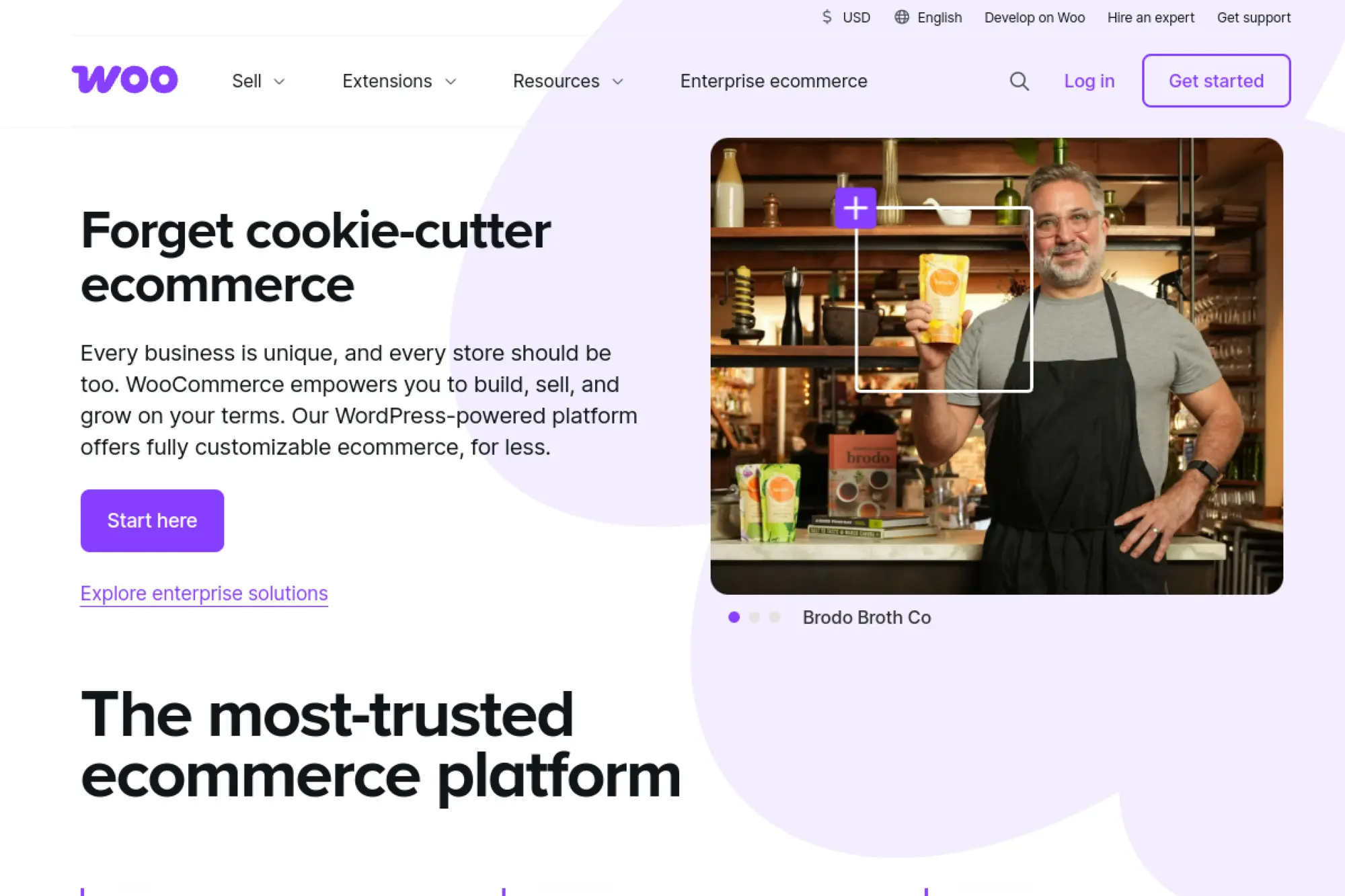
WooCommerce is the commerce layer built for WordPress, stewarded by teams in the WordPress ecosystem. The core project is widely used, and the extension marketplace is massive. That breadth is both its superpower and its trap.
Primary outcome: Turn WordPress into a real online store you control.
Best for: SMB ecommerce owners; agencies building custom stores on WordPress.
- WordPress-native checkout flow → sell with your own domain and content stack in one place.
- Extensions ecosystem → save weeks by adding proven payments, shipping, and taxes add-ons.
- Flexible setup path → time-to-first-value can be 1–2 days for a simple catalog store.
Pricing & limits: From $0/mo (core plugin). Trial: not applicable for the plugin itself. Caps: seats are unlimited; usage limits depend on your host and extensions you choose.
Honest drawbacks: Plugin sprawl can slow sites and complicate updates. A serious store often needs paid extensions and performance work.
Verdict: If you need a store that grows with custom requirements, this helps you sell without replatforming in months. Beats Shopify on ownership; trails Shopify on out-of-box simplicity.
Score: 4.1/5
7. HubSpot & WordPress Hosting

HubSpot’s WordPress Hosting partner page is basically a “safe list” for anyone who wants WordPress to play nicely with HubSpot’s free plugin. HubSpot highlights reliable and scalable hosting providers that are optimized for fast setup and smooth integration, including one-click installation of the HubSpot plugin so you can connect your HubSpot account in minutes.
It features recommended options like SiteGround, Nexcess, and DreamHost, plus other strong providers such as Kinsta and WP Engine—each with different pricing and performance levels. In short: less tech headache, more time focusing on growth (and fewer late-night hosting regrets).
Primary outcome: Publish content that directly feeds your pipeline.
Best for: B2B marketing teams; startups that want CRM and CMS together.
- CRM-connected publishing → turn pages into lead capture flows with less manual tracking.
- Automation inside one system → save 4–6 steps versus syncing forms into a separate CRM.
- Guided setup → time-to-first-value can be 1–2 days for a small marketing site.
Pricing & limits: From $0/mo (Free Tools). Trial: free tier available instead of a timed trial. Caps: Starter is priced per seat; higher tiers include bundled seats and expand capabilities.
Honest drawbacks: Costs can climb as you add seats and hubs. Design flexibility can feel constrained compared with Webflow.
Verdict: If you want content tied to revenue, this helps you measure and automate within weeks. Beats WordPress at native CRM alignment; trails WordPress on plugin flexibility.
Score: 4.0/5
8. Wix Studio
Wix Studio is Wix’s platform for agencies and professional creators. The Studio team has pushed collaboration, responsive layout control, and client handoff features beyond “DIY builder” expectations. It feels like Wix grew up and learned project management.
Primary outcome: Build and hand off client sites with fewer revisions and fewer rebuilds.
Best for: small agencies; freelance designers shipping multiple client sites.
- Studio editor workflows → iterate faster and reduce back-and-forth during client approvals.
- Native business tooling → skip 2–3 external apps for forms, basic marketing, and payments.
- Client-ready plans → time-to-first-value can be a single afternoon for a brochure site.
Pricing & limits: From $19/mo (Basic, billed annually). Trial: 14-day money-back guarantee for first upgrades. Caps: Basic includes 10GB storage, 3 collaborators, and 1,500 CMS items.
Honest drawbacks: Deep custom code work is possible, but it’s not the default path. Migration out can be harder than with open-source CMS stacks.
Verdict: If you sell websites as a service, this helps you ship clean client builds in a week. Beats Squarespace on agency workflows; trails Webflow on advanced front-end control.
Score: 4.1/5
9. Joomla

Joomla is an open-source CMS maintained by a global community and a core leadership team. The project sits between “simple blog CMS” and “enterprise framework CMS.” It can be a smart fit when you want structure without becoming a full-time developer.
Primary outcome: Run a flexible site with strong content structure on your own hosting.
Best for: technical site owners; nonprofits needing multilingual structure.
- Structured content management → reduce messy page sprawl and keep navigation maintainable.
- Extensions ecosystem → save days by adding SEO and forms without custom development.
- Self-hosted setup → time-to-first-value is usually 2–4 hours on a good host.
Pricing & limits: From $0/mo (open-source). Trial: not applicable. Caps: seats are unlimited; storage and traffic depend on your hosting plan.
Honest drawbacks: The learning curve is steeper than WordPress for casual users. Some extensions vary widely in quality and maintenance.
Verdict: If you want control without a SaaS lock-in, this helps you publish reliably in days. Beats Blogger on flexibility; trails WordPress on mainstream plugin polish.
Score: 3.6/5
10. Drupal
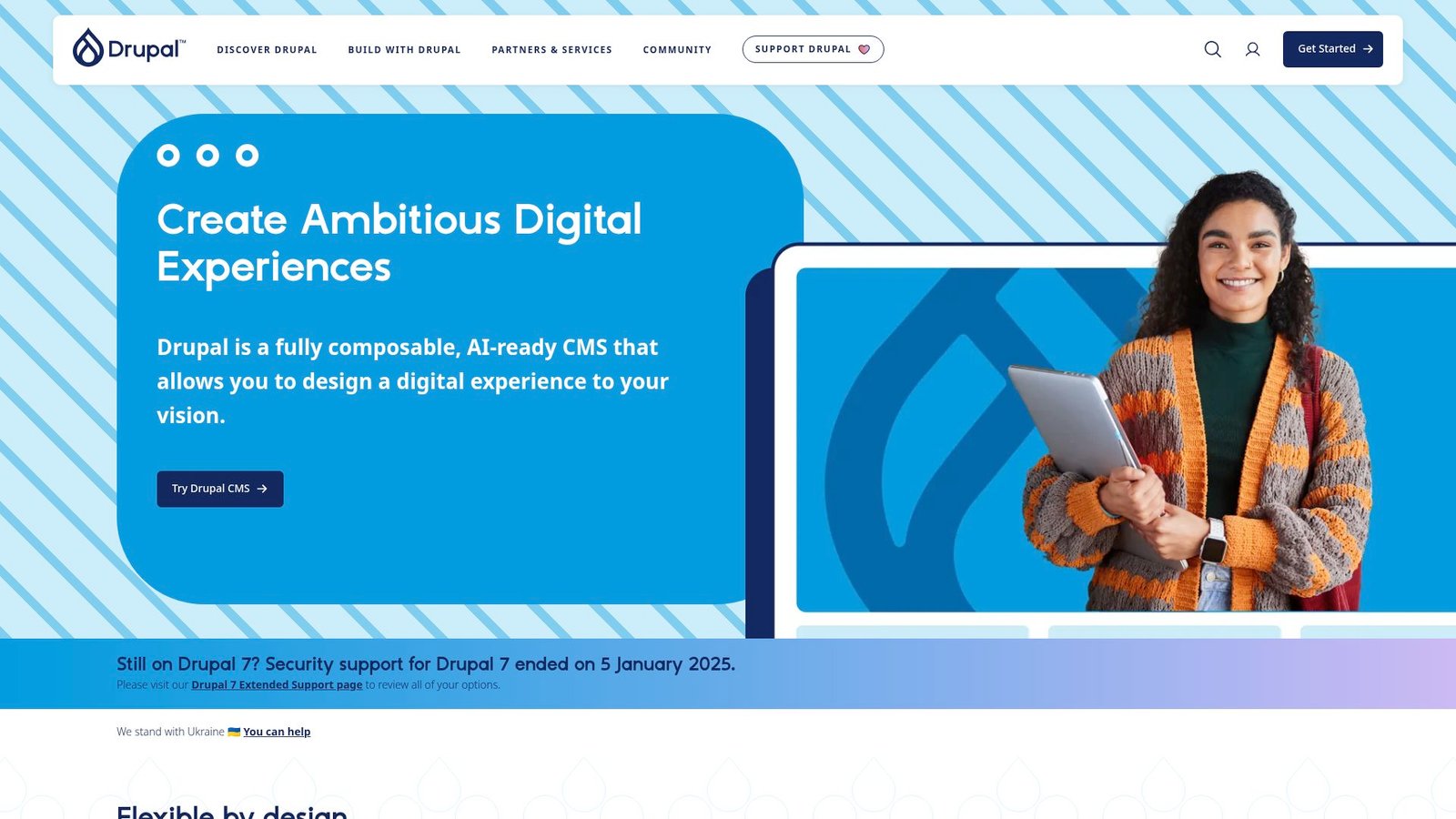
Drupal is an open-source CMS backed by a large developer community and a long-standing governance model. The project is built for structured content, permissions, and complex site architectures. You choose Drupal when content modeling matters more than quick theme tweaks.
Primary outcome: Build complex, structured sites that won’t collapse under governance needs.
Best for: universities and public sector teams; enterprises with strict roles and workflows.
- Robust content architecture → keep large sites consistent across hundreds of pages.
- API-ready capabilities → save weeks when integrating with apps and external systems.
- Scalable foundations → time-to-first-value is often 1–2 weeks with a capable developer.
Pricing & limits: From $0/mo (open-source). Trial: not applicable. Caps: unlimited users; performance limits depend on hosting and implementation choices.
Honest drawbacks: DIY setup is not beginner-friendly. Costs rise if you need custom modules and professional maintenance.
Verdict: If you need governance and structure, this helps you avoid a rebuild next year. Beats WordPress on permissions; trails WordPress on quick publishing ease.
Score: 3.8/5
11. BigCommerce

BigCommerce is a commerce platform built for growing catalogs and multi-channel selling. The product team focuses on scalability, integrations, and serious ecommerce capabilities without forcing you into a fully custom build. It’s less “cute storefront” and more “operations-ready.”
Primary outcome: Run a store that scales without constant plugin triage.
Best for: ecommerce operators; mid-market brands outgrowing basic store builders.
- Commerce-first platform → reduce checkout issues and operational hacks as volume grows.
- Built-in capabilities → save 5–10 setup steps versus assembling WooCommerce extensions.
- Trial-friendly onboarding → time-to-first-value can be 1–3 days for a basic store build.
Pricing & limits: From $29/mo (Standard, billed annually). Trial: 15-day free trial. Caps: Standard is listed up to $50K online revenue, with higher tiers raising thresholds.
Honest drawbacks: Themes and design can feel less flexible than Webflow plus headless commerce. Costs can rise quickly as you move into higher revenue tiers.
Verdict: If you want fewer ecommerce fires, this helps you stabilize selling in weeks. Beats WooCommerce on operational predictability; trails Shopify on theme ecosystem breadth.
Score: 4.0/5
12. Shopify

Shopify is built by a large product and infrastructure organization focused on commerce at global scale. The platform’s strength is consistency: checkout, payments, apps, and hosting behave predictably. That predictability is why so many teams stop fighting their store stack.
Primary outcome: Start selling online with the fewest moving parts.
Best for: new ecommerce founders; small teams that need speed and reliability.
- End-to-end commerce flow → launch a store without stitching payments, tax, and hosting together.
- App ecosystem → save days by adding shipping, email, and reporting with one-click installs.
- Fast start path → time-to-first-value can be 1 day for a simple product catalog.
Pricing & limits: From $29/mo (Basic, billed yearly). Trial: 3 days free, then $1/month for 3 months. Caps: Basic includes 10 inventory locations and 24/7 chat support.
Honest drawbacks: App costs add up fast. Customization beyond themes can push you into developer work and higher plans.
Verdict: If you need a store live quickly, this helps you start selling this month. Beats WooCommerce on simplicity; trails WooCommerce on full ownership and hosting choice.
Score: 4.3/5
13. Ghost

Ghost is built by the Ghost team with an open-source core and a hosted Ghost(Pro) offering. The product is designed for publishing businesses: newsletters, memberships, and clean editorial workflows. It’s purpose-built for writers who want revenue, not plugin archaeology.
Primary outcome: Publish and monetize content without a messy tech stack.
Best for: newsletter writers; small media teams running memberships.
- Membership-first publishing → turn readers into members with built-in paid tiers.
- Integrations catalog → save 3–5 setup steps for analytics and marketing connections.
- Hosted Ghost(Pro) launch → time-to-first-value can be a few hours for a newsletter site.
Pricing & limits: From $18/mo (Starter, billed yearly). Trial: 14-day free trial. Caps: Starter includes 1 staff user, 1 newsletter, and 1,000 members.
Honest drawbacks: It’s not a general-purpose CMS like WordPress. Deep design changes can require theme work and templating comfort.
Verdict: If you want a paid publication, this helps you launch subscriptions in days. Beats WordPress at memberships simplicity; trails WordPress on plugin variety.
Score: 4.2/5
14. Magento Open Source

Magento Open Source is the community-available ecommerce platform associated with the broader Magento ecosystem. It’s built for complex catalogs and customization-heavy commerce. The trade is clear: you get power, and you also inherit responsibility.
Primary outcome: Build a deeply customized store with full code control.
Best for: developer-led ecommerce teams; businesses with complex catalog rules.
- Custom commerce logic → fit unique pricing, inventory, and checkout needs without platform ceilings.
- Integration flexibility → save rework by connecting ERP or PIM systems directly to the backend.
- Self-hosted architecture → time-to-first-value is often measured in weeks, not hours.
Pricing & limits: From $0/mo (open-source). Trial: not applicable. Caps: unlimited users; hosting resources and implementation define real-world limits.
Honest drawbacks: Setup and maintenance require strong developers. Hosting, caching, and security hardening are not optional at scale.
Verdict: If you need custom commerce control, this helps you avoid “platform can’t do that” dead ends in a quarter. Beats Shopify on code freedom; trails Shopify on speed to launch.
Score: 3.7/5
15. ProcessWire
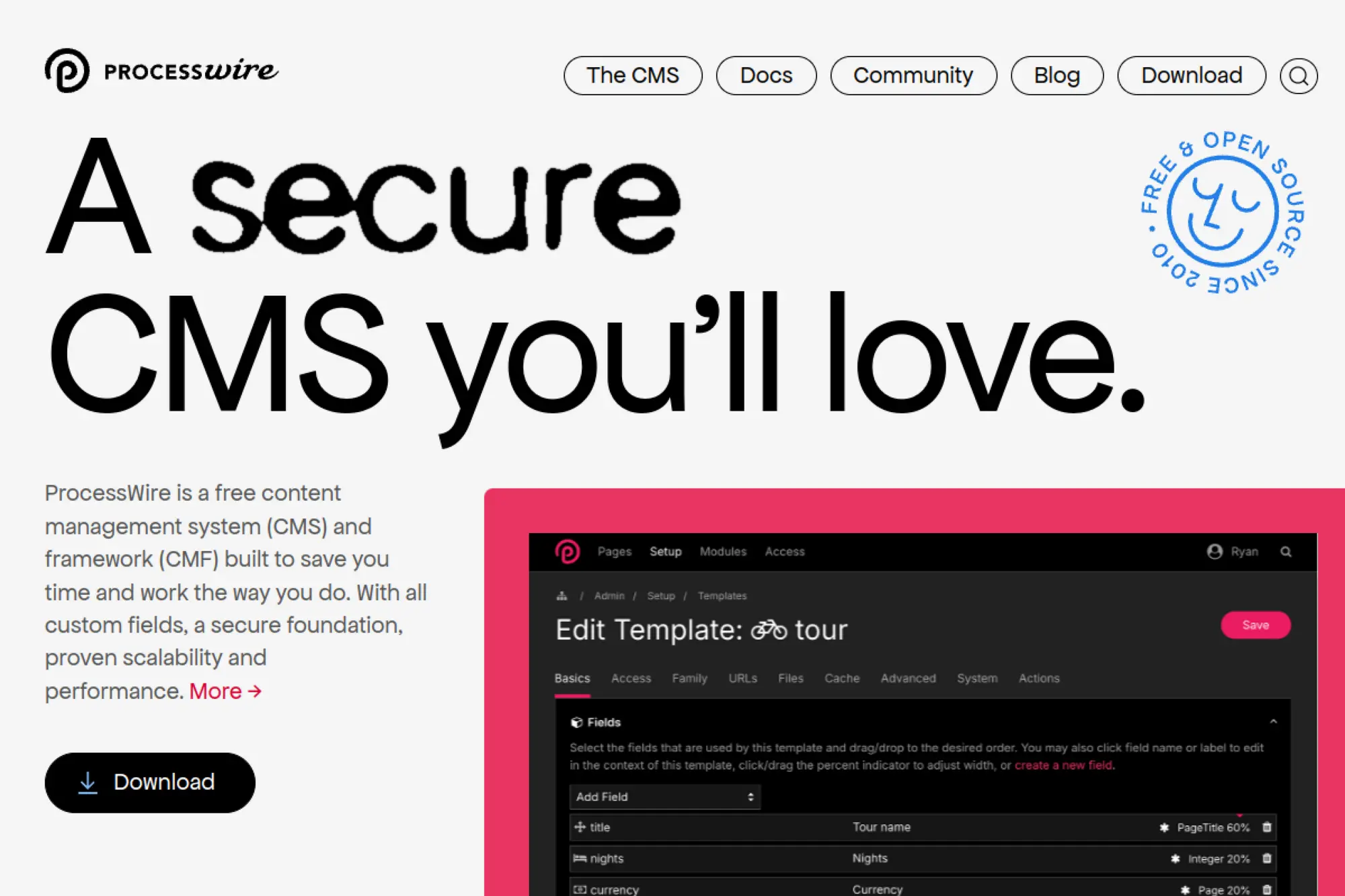
ProcessWire is an open-source CMS maintained by a smaller core team and an active community. The philosophy is developer-friendly content modeling without unnecessary ceremony. It’s a quiet tool that rewards teams who like clean data structures.
Primary outcome: Build structured sites with less CMS friction.
Best for: developers building custom sites; small agencies that value clean content models.
- Flexible field modeling → keep content reusable and avoid “page builder spaghetti.”
- Lightweight integration approach → save hours when connecting custom front ends and APIs.
- Lean admin UX → time-to-first-value is often a day for developers who know PHP.
Pricing & limits: From $0/mo (open-source). Trial: not applicable. Caps: unlimited users; traffic and storage are determined by your hosting choice.
Honest drawbacks: Non-technical users may need more guidance than with WordPress. The ecosystem is smaller, so niche plugins can be limited.
Verdict: If you want a clean CMS layer for custom builds, this helps you ship stable sites in weeks. Beats Joomla on developer ergonomics; trails WordPress on plug-and-play variety.
Score: 3.8/5
16. OctoberCMS
OctoberCMS is built by a focused product team with a CMS designed for developers who like Laravel-style patterns. It blends a marketplace ecosystem with a more structured “build it properly” approach. The project is pragmatic: ship sites without fighting your tools.
Primary outcome: Build a developer-led CMS site with tidy architecture.
Best for: Laravel-leaning developers; agencies delivering custom CMS builds.
- Developer-friendly structure → reduce hacky theme edits and keep deployments predictable.
- Licensing options → save admin time by using one subscription for many projects.
- Fast project start → time-to-first-value can be 1–2 days for experienced devs.
Pricing & limits: From $0/mo (One Free License). Trial: the free license can be used for commercial projects. Caps: free license includes one year of updates; paid subscriptions cover unlimited licenses.
Honest drawbacks: It’s less mainstream, so hiring and handoffs can be harder. Some teams may prefer fully open-source licensing models.
Verdict: If you build bespoke CMS sites often, this helps you standardize delivery in weeks. Beats Drupal on speed; trails WordPress on mass-market ecosystem depth.
Score: 3.6/5
17. Craft CMS
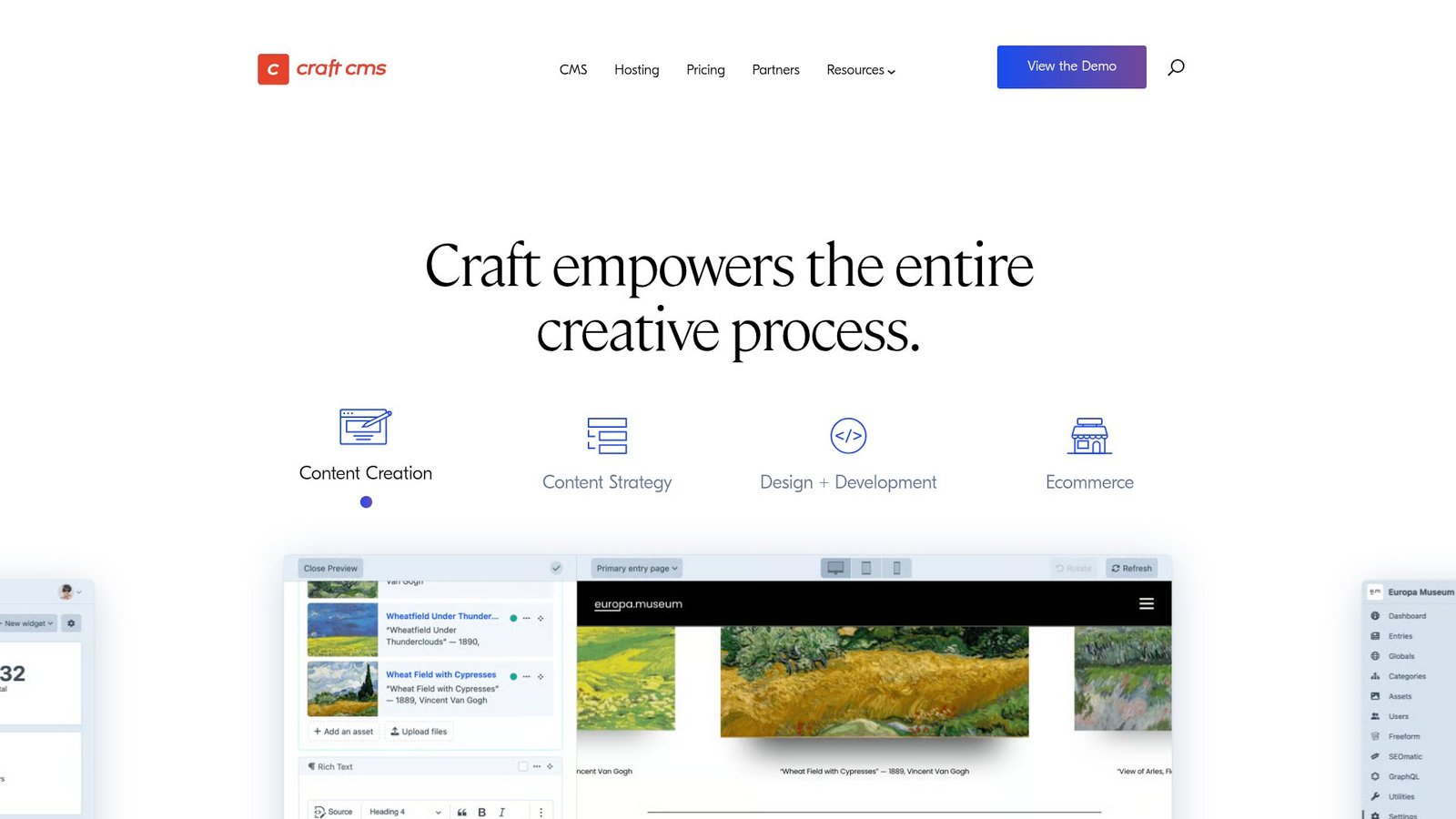
Craft CMS is built by Pixel & Tonic, a team known for obsessive attention to authoring experience and content modeling. It is a “content studio” more than a template machine. When clients ask for complex pages that still feel editable, Craft shines.
Primary outcome: Give editors a clean, structured CMS that still feels human.
Best for: agencies building premium marketing sites; teams with complex content types.
- Content modeling depth → reduce editorial chaos and keep components consistent.
- Craft Cloud option → save days by skipping server setup, builds, and deployment wiring.
- Editor-first UX → time-to-first-value is often 1–2 weeks for a full custom build.
Pricing & limits: From $0/mo (Solo self-hosted). Trial: Craft Cloud has a 7-day trial per project. Caps: Craft Cloud Team includes 10GB asset storage per environment and 250GB bandwidth.
Honest drawbacks: Serious projects usually involve paid licensing or managed hosting. It’s not the cheapest route for simple brochure sites.
Verdict: If you want a premium CMS experience, this helps you deliver cleaner content operations in a month. Beats WordPress on structured modeling; trails WordPress on sheer plugin breadth.
Score: 4.0/5
18. Textpattern
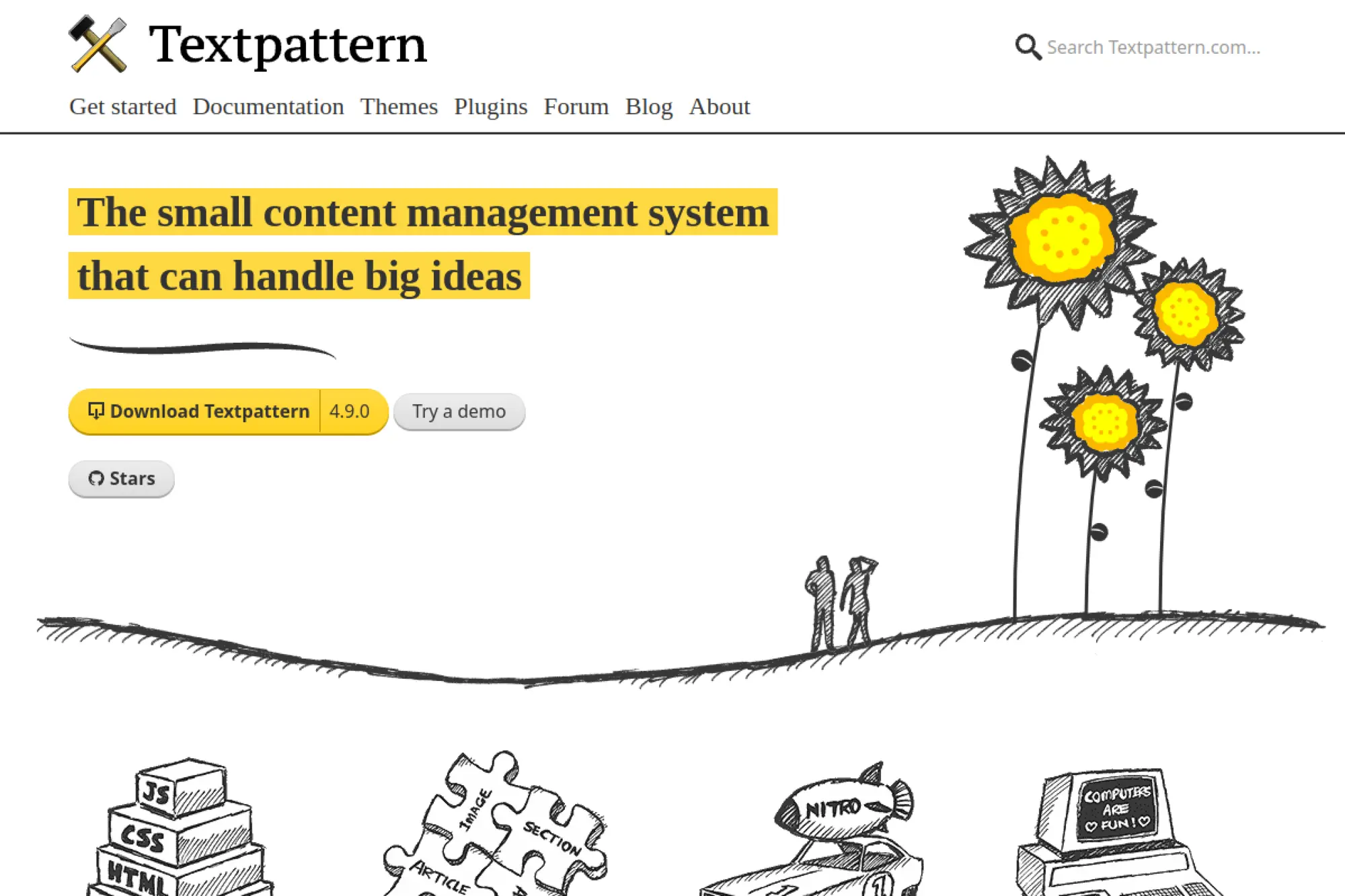
Textpattern is an open-source CMS maintained by a small community with a long history. The project focuses on a lean, writer-friendly core and template-driven publishing. It’s a minimalist tool for teams who value stability over novelty.
Primary outcome: Publish a simple, fast site with minimal bloat.
Best for: bloggers who prefer lightweight tools; developers maintaining legacy, stable sites.
- Lean publishing core → keep pages fast and reduce security surface area.
- Template-based control → save hours versus fighting a heavy page builder stack.
- Simple hosting needs → time-to-first-value can be under 2 hours on shared hosting.
Pricing & limits: From $0/mo (open-source). Trial: not applicable. Caps: unlimited users; limits come from your hosting resources and database size.
Honest drawbacks: The ecosystem is smaller and less modern. Advanced integrations often require custom development.
Verdict: If you want a durable, lightweight CMS, this helps you keep a site steady for years. Beats Blogger on ownership; trails WordPress on modern plugin options.
Score: 3.2/5
19. Blogger

Blogger is Google’s long-running publishing platform with a straightforward editor and hosted infrastructure. The product team keeps it simple and stable, which is the point. You trade advanced flexibility for “it just works” posting.
Primary outcome: Publish blog posts without managing hosting or updates.
Best for: hobby bloggers; creators who want zero hosting overhead.
- Hosted blogging flow → publish posts without worrying about patches and backups.
- Google account simplicity → save 5–10 minutes per login and admin workflow each session.
- Instant setup → time-to-first-value can be under 15 minutes for a basic blog.
Pricing & limits: From $0/mo. Trial: not applicable. Caps: feature set is intentionally limited; customization depends on themes and basic settings.
Honest drawbacks: Design control and extensibility are limited. You’re also tightly tied to the platform’s direction and feature pace.
Verdict: If you just want to write publicly, this helps you start today. Beats WordPress on zero-maintenance; trails WordPress on professional site capabilities.
Score: 3.3/5
20. TYPO3

TYPO3 is an open-source CMS backed by a mature community and an association-driven ecosystem. The platform is known for enterprise-grade content needs, multilingual complexity, and structured governance. It’s a serious CMS for serious publishing operations.
Primary outcome: Manage complex, multilingual sites with strong editorial control.
Best for: enterprises with many editors; organizations running multi-site content programs.
- Enterprise content governance → reduce publishing errors across teams and regions.
- Integration readiness → save weeks when connecting identity, search, and backend systems.
- Structured setup path → time-to-first-value is often 2–6 weeks with a specialist team.
Pricing & limits: From $0/mo (open-source). Trial: not applicable. Caps: unlimited seats; limits depend on hosting and the implementation architecture.
Honest drawbacks: It’s not a casual CMS. Finding experienced implementers can be harder than for WordPress.
Verdict: If you need governance at scale, this helps you run stable publishing operations for years. Beats Joomla on enterprise depth; trails WordPress on beginner accessibility.
Score: 3.7/5
21. Bitrix24

Bitrix24 is built by a company team focused on bundling collaboration, CRM, and site tools into one workspace. It’s less “pure CMS” and more “business operating system.” For teams who want fewer vendors, that’s appealing.
Primary outcome: Run a basic site while keeping CRM and teamwork in one hub.
Best for: SMBs wanting an all-in-one suite; teams that need CRM plus simple pages.
- Suite-style workflow → reduce tool switching and keep leads tied to site forms.
- Automation and CRM hooks → save 3–6 steps per lead handoff versus spreadsheets.
- All-in-one onboarding → time-to-first-value can be 1–2 days for a simple setup.
Pricing & limits: From $0/mo (free plan available). Trial: free plan acts as an ongoing trial. Caps: higher tiers unlock more advanced automation and storage, depending on plan.
Honest drawbacks: The “everything in one place” UI can feel dense. Design flexibility is limited compared with dedicated web builders.
Verdict: If you want a site that feeds your CRM, this helps you operationalize lead capture in weeks. Beats stand-alone builders on CRM depth; trails WordPress on web design flexibility.
Score: 3.8/5
22. PrestaShop

PrestaShop is an ecommerce platform with an open-source core and a broad ecosystem. The product and community focus on giving merchants a flexible store engine they can host and customize. It’s a middle path between WooCommerce and heavier enterprise platforms.
Primary outcome: Run an owned ecommerce store with strong catalog controls.
Best for: merchants who want control; developers building custom shops without SaaS lock-in.
- Commerce-focused admin → manage products and orders without forcing a CMS-first mindset.
- Module ecosystem → save days by adding payments, shipping, and marketing integrations.
- Self-hosted deployment → time-to-first-value can be 2–7 days with a solid host.
Pricing & limits: From $0/mo (open-source). Trial: not applicable. Caps: unlimited products and users in principle; real limits come from hosting and chosen modules.
Honest drawbacks: Module quality varies, and costs can stack up. Performance tuning is your responsibility when traffic grows.
Verdict: If you want ecommerce ownership without rebuilding later, this helps you launch a flexible store in weeks. Beats Shopify on portability; trails Shopify on speed and managed convenience.
Score: 3.8/5
23. Webflow
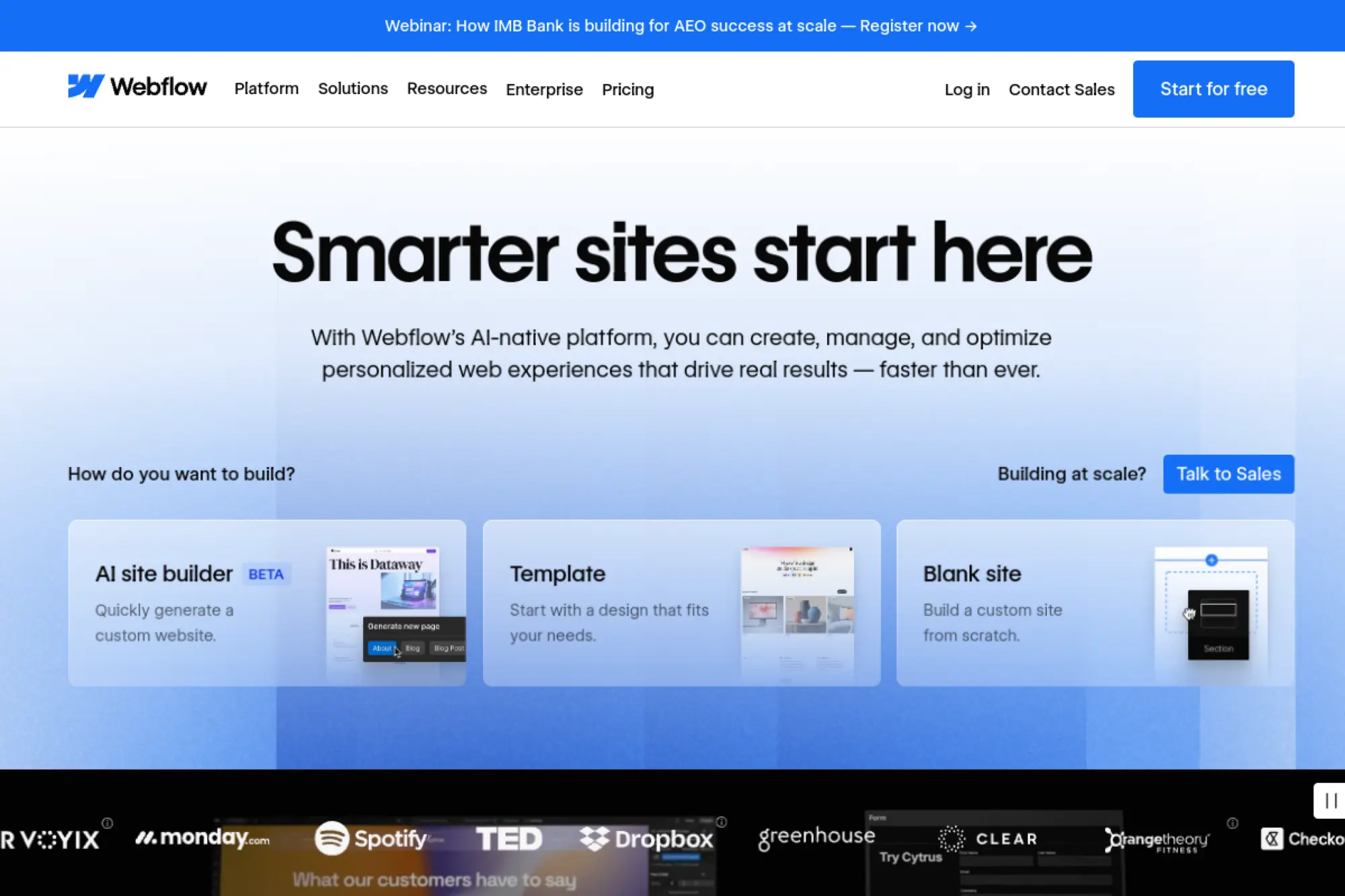
Webflow is built by a product team obsessed with visual development and modern site performance. The platform blends design control, CMS structure, and managed hosting into one workflow. It’s the rare tool that makes designers feel powerful without instantly breaking the front end.
Primary outcome: Ship high-performing marketing sites without developer bottlenecks.
Best for: marketing teams; designers building CMS-driven sites with strong layout control.
- Designer-to-publish flow → reduce handoff delays and ship pages the same day.
- CMS and hosting together → save 4–6 setup steps versus WordPress plus managed hosting.
- Fast publishing workflow → time-to-first-value can be 1–3 days for a real site.
Pricing & limits: From $0/mo (Starter site plan). Trial: free plan available. Caps: Starter includes 2 pages and 50 CMS items; Basic is $14/mo billed yearly for custom domains.
Honest drawbacks: Ecommerce and membership features can require add-ons and complexity. Some teams find the CMS editor less familiar than WordPress.
Verdict: If you want premium marketing pages fast, this helps you move from design to live site in a week. Beats Squarespace on layout control; trails WordPress on plugin variety.
Score: 4.4/5
24. Squarespace

Squarespace is built by a product team focused on design-forward templates and an all-in-one small business toolkit. The experience is intentionally curated, with fewer knobs and fewer ways to break things. For many owners, that’s a feature, not a limitation.
Primary outcome: Launch a polished website that looks expensive, fast.
Best for: creatives; small businesses that want an attractive site without hiring developers.
- Template-led workflow → publish a credible site without design paralysis.
- Built-in business tools → save 2–4 integrations for basic commerce and marketing needs.
- Guided editor UX → time-to-first-value can be a single afternoon for core pages.
Pricing & limits: From $8/mo (Personal, billed annually). Trial: free website trial available, with duration shown during signup. Caps: Personal lists 20 pages and 2 contributors, with limited selling features.
Honest drawbacks: Deep customization can feel constrained. Advanced CMS structure is limited compared with Webflow or WordPress.
Verdict: If you want “looks great” with low effort, this helps you launch in days. Beats Wix on template elegance; trails Webflow on advanced layout control.
Score: 4.0/5
25. Strapi

Strapi is built by a team focused on open-source headless CMS for modern developer stacks. The product is designed to sit behind any front end, including WordPress-style sites rebuilt in Next.js. You use Strapi when content needs to power more than one surface.
Primary outcome: Centralize content and ship it anywhere via APIs.
Best for: developer teams; startups building headless sites and apps.
- API-first content modeling → reuse content across web, app, and landing pages cleanly.
- Cloud plan options → save days by skipping database and deployment setup for prototypes.
- Modern admin UX → time-to-first-value can be 2–6 hours for a basic content API.
Pricing & limits: From $0/mo (Strapi Cloud Free plan). Trial: free plan, no time limit. Caps: Free plan limits database entries, asset storage, bandwidth, and API requests per month.
Honest drawbacks: You must bring your own front end. Non-technical teams still need developer help for presentation changes.
Verdict: If you want a headless content backbone, this helps you publish across channels in weeks. Beats WordPress on API purity; trails WordPress on out-of-box theming.
Score: 4.0/5
26. Sanity
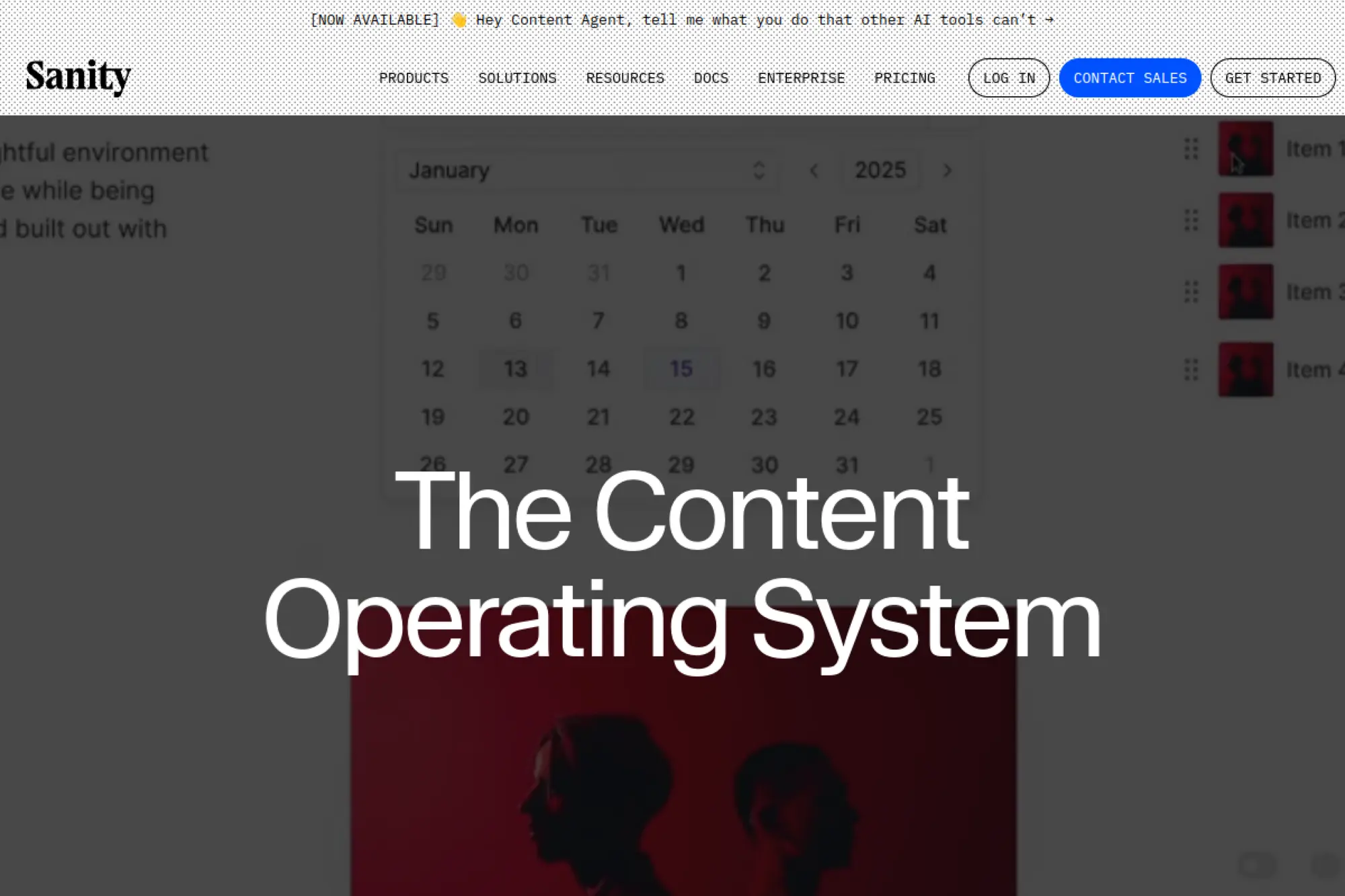
Sanity is built by a team focused on structured content and real-time collaboration. The platform feels like a content database with a powerful editor on top. It’s especially strong when content is complex, relational, and reused across many pages and products.
Primary outcome: Model content once, then reuse it everywhere with confidence.
Best for: product content teams; developers building structured, headless sites.
- Structured content studio → reduce messy “copy-paste” pages and improve consistency.
- Collaboration features → save review cycles by keeping comments and tasks near content.
- Quick project start → time-to-first-value can be under a day for a working content API.
Pricing & limits: From $0/mo (Free). Trial: Growth includes a 30-day free trial on new projects. Caps: Free is limited by users, documents, datasets, and usage quotas.
Honest drawbacks: You need a developer-led front end to publish a full site. Cost scales per user once teams grow past the free tier.
Verdict: If you need reliable structured content, this helps you ship consistent experiences in a month. Beats many headless tools on editorial collaboration; trails WordPress on “just install a theme.”
Score: 4.2/5
27. DatoCMS

DatoCMS is built by a product team focused on a clean headless CMS experience for modern sites. The platform emphasizes structured content, roles, and predictable delivery to front-end frameworks. It’s a good fit when WordPress feels too template-led.
Primary outcome: Give teams a headless CMS that stays organized as content grows.
Best for: marketing teams with developers; agencies delivering Jamstack sites.
- Structured content models → keep pages consistent and reduce publishing mistakes.
- API-driven delivery → save time when powering multiple sites from one content source.
- Clean admin experience → time-to-first-value can be 1–2 days for a basic model set.
Pricing & limits: From $0/mo (self-hosted alternatives exist; plan availability varies). Trial: plan-specific trial options may apply. Caps: usage typically scales by projects, seats, and API usage on paid tiers.
Honest drawbacks: You need a front end to see results. Teams expecting a template gallery may feel stranded.
Verdict: If you want structured headless content without heavy ops, this helps you deliver maintainable sites in weeks. Beats WordPress on structured modeling; trails Webflow on visual page building.
Score: 4.1/5
28. Payload CMS
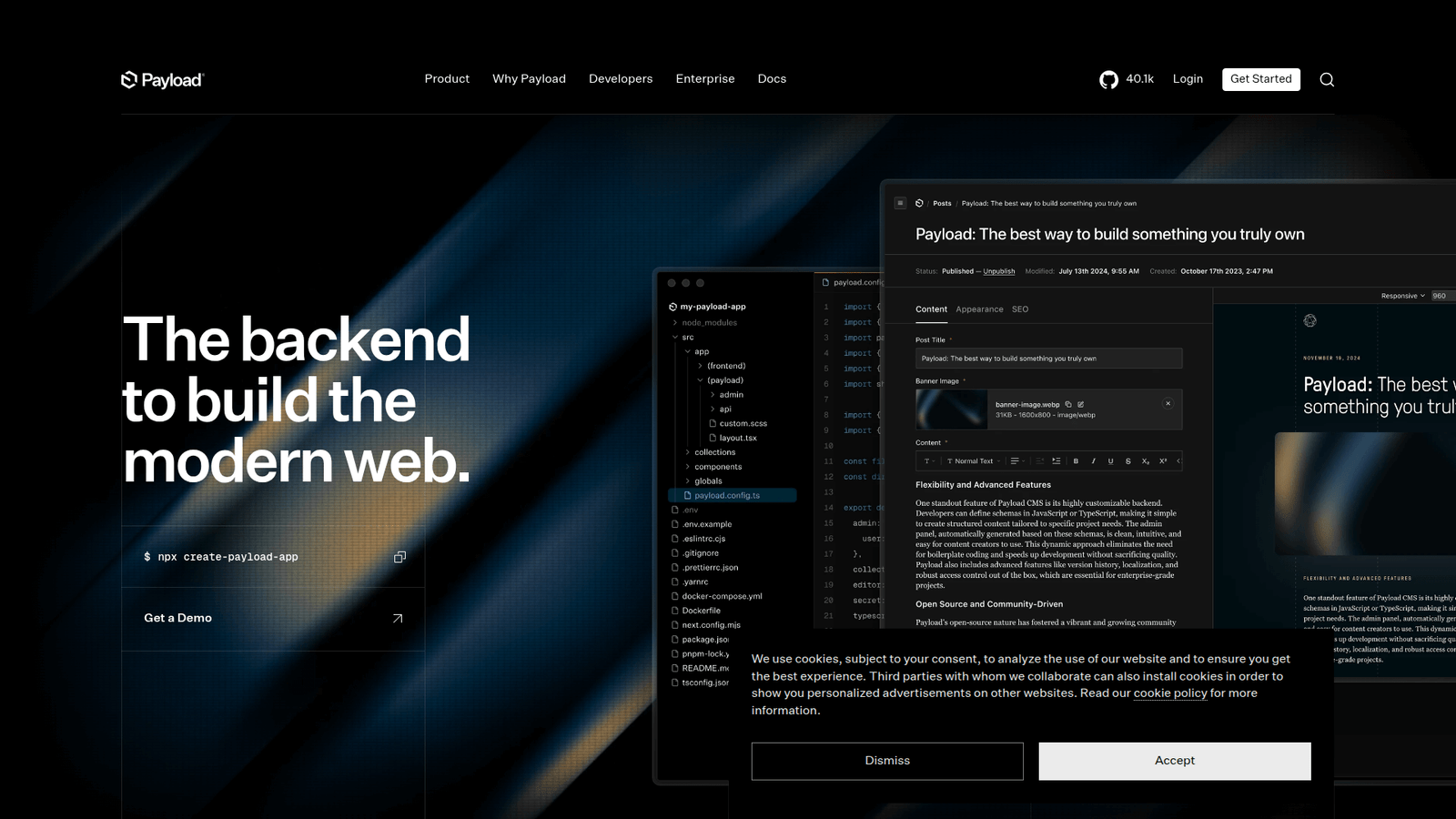
Payload is built by a team focused on developer-first CMS with modern TypeScript and a flexible admin UI. The project appeals to teams who want to keep content in the same codebase and deployment story as the rest of the app. It feels closer to “build a product” than “install a website.”
Primary outcome: Ship a custom CMS fast, with code-level control.
Best for: product teams; agencies building bespoke, app-like sites.
- Code-first configuration → keep CMS and app logic aligned without fragile plugin stacks.
- Modern developer workflow → save days by reusing auth, hosting, and deployment patterns.
- Quick local start → time-to-first-value can be a few hours for developers.
Pricing & limits: From $0/mo (open-source, self-hosted). Trial: not applicable for open-source use. Caps: unlimited users; limits come from your database and hosting resources.
Honest drawbacks: Non-technical teams need developers for most changes. The ecosystem is younger than WordPress, so fewer ready-made templates exist.
Verdict: If you want a CMS that behaves like your product, this helps you ship faster in a sprint. Beats WordPress on code cohesion; trails WordPress on plug-and-play convenience.
Score: 4.0/5
29. Umbraco
Umbraco is built by Umbraco HQ with a strong community around a .NET CMS ecosystem. The platform is known for a friendly editor experience and enterprise-ready patterns in Microsoft stacks. It’s a natural choice when your organization already runs on .NET.
Primary outcome: Deliver a maintainable CMS in a Microsoft-friendly stack.
Best for: .NET teams; mid-sized organizations needing structured editorial workflows.
- .NET-first CMS foundation → reduce integration friction for Microsoft-based environments.
- Extensible architecture → save weeks when building custom components and integrations.
- Editor-focused UI → time-to-first-value is often 2–6 weeks for a full build.
Pricing & limits: From $0/mo (open-source CMS). Trial: not applicable for the open-source core. Caps: unlimited users; hosting and implementation define performance limits.
Honest drawbacks: It requires .NET expertise, which narrows your hiring pool. WordPress-level theme ecosystems are not the norm here.
Verdict: If you run on Microsoft and need a real CMS, this helps you standardize publishing in a quarter. Beats Drupal on .NET alignment; trails WordPress on commodity staffing.
Score: 3.9/5
30. Netlify

Netlify is built by a team focused on modern web hosting for static and Jamstack sites. It’s a hosting platform rather than a CMS, but it pairs with WordPress headless, Strapi, Sanity, and other content backends. The big win is deployment speed and predictable environments.
Primary outcome: Deploy modern sites fast, with clean previews and rollbacks.
Best for: developers shipping static sites; teams running headless CMS front ends.
- Git-based deploy flow → ship updates without FTP and reduce “what changed” confusion.
- Preview and automation → save 5–10 manual steps per release with CI-style publishing.
- Instant onboarding → time-to-first-value can be under 30 minutes for an existing repo.
Pricing & limits: From $0/mo (free plan available). Trial: free plan, no time limit. Caps: usage limits vary by plan, typically around bandwidth, build minutes, and team features.
Honest drawbacks: Dynamic sites still need backend services. Costs can rise when build volume and bandwidth climb.
Verdict: If you want fast deploys with safer releases, this helps you ship changes daily. Beats traditional shared hosting on workflow; trails WordPress.com on “one dashboard for everything.”
Score: 4.2/5
Recommended reading: Top 30 CRM for Small Businesses to Streamline Sales, Marketing, and Support
How to evaluate best cms hosting for wordpress: performance, uptime, and security
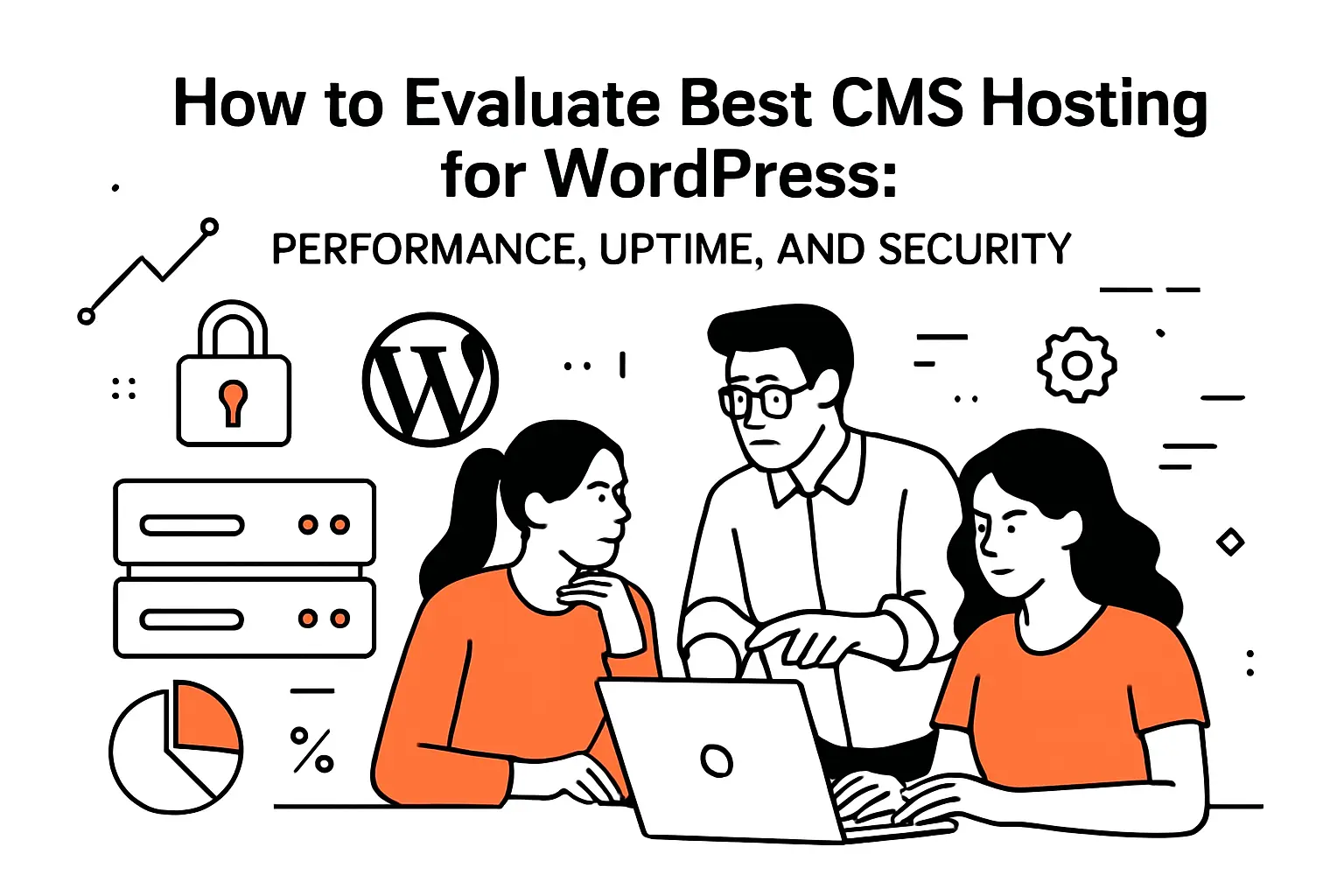
1. Performance fundamentals: CPU resources, caching layers, and image handling
Performance begins with the boring parts: CPU time, disk speed, and query patterns.
A fast theme can still be slow if PHP workers queue behind long database calls.
Good hosts reduce queueing with sane defaults and observability.
What We Measure in Practice
- Server response time under uncached requests
- Cache hit ratio during normal browsing
- Database behavior during admin and search tasks
Images are the silent budget-killer on WordPress.
Modern image optimization at upload is often worth more than micro-tuning PHP.
We prefer stacks that make “doing the right thing” effortless.
2. Traffic spikes and scalability: burst scaling and capacity planning
Spikes are rarely random in business terms.
They come from launches, PR mentions, email blasts, and paid ads.
Hosting should treat spikes as a design input, not as a surprise.
Managed hosts often offer autoscaling, yet the details matter.
Some stacks scale PHP but bottleneck on database or filesystem operations.
Cloud VM stacks scale best when we separate concerns early.
Capacity Planning We Actually Trust
- Load tests that include logged-in and cart flows
- Back-of-napkin math validated by real traces
- Fail plans that assume caches will cold-start
3. Global delivery: edge cache and CDN coverage considerations
Global delivery is not only about geography.
It is also about concurrency and latency sensitivity.
Even local audiences benefit from edge caching during traffic surges.
Edge caching helps most when pages are cacheable.
WordPress makes many pages cacheable, but plugins can sabotage that quickly.
For dynamic content, we focus on fragment caching and database efficiency.
4. Reliability targets: uptime expectations and failover architecture
Reliability is a system property, not a promise on a pricing page.
Redundancy, monitoring, and operational discipline create uptime.
A single server with a perfect SLA is still a single server.
We ask vendors uncomfortable questions during selection.
How do they handle hardware failure, and who is paged first.
Which layer fails over, and what gets rebuilt from backups.
5. Backup strategy: real-time backups, restore workflows, and disaster recovery readiness
Backups are only valuable when restores are routine.
Teams often buy backups, then never practice recovery.
That gap shows up when a plugin deletes tables or media folders.
Restore Readiness Checklist
- Single-click restore to a non-production environment
- Clear RPO and RTO expectations in plain language
- Off-platform copies for true disaster recovery
We also care about who can trigger restores.
Role-based access reduces the blast radius of a panicked admin decision.
That is a practical security control, not just process overhead.
6. Security baseline: WAF, DDoS protection, malware scanning, and SSL
Security is layered, and WordPress needs every layer.
At minimum, we want a WAF, bot filtering, and sensible rate limits.
Malware scanning matters, yet prevention matters more.
SSL is table stakes, but certificate handling still trips teams up.
Auto-renewal avoids the classic failure of “it expired during a holiday.”
We also value hosts that make secure headers and redirects easy.
7. Safe change management: staging sites and pre-release testing workflows
Most WordPress outages we see are self-inflicted by rushed updates.
Staging is the cheapest insurance policy in the stack.
Still, staging must match production behavior to be trustworthy.
Staging Practices That Actually Help
- Copy production data safely, with secrets redacted
- Test checkout, forms, and search before every deploy
- Promote changes with predictable, reversible steps
Visual regressions matter more than many engineers admit.
Marketing teams care about layout integrity more than micro-benchmarks.
Our workflows treat both as first-class acceptance criteria.
8. Developer tooling: SSH access, WP-CLI, and Git-based deployments
Developer tooling decides whether WordPress is a platform or a toy.
SSH access enables real debugging and safer automation.
WP-CLI reduces fragile clicking and turns tasks into scripts.
Git-based deployments reduce drift between environments.
Click-to-edit in production creates mysteries that nobody can reproduce.
At Techtide Solutions, we push for versioned infrastructure and versioned theme code.
9. Support and operations: responsive support teams and clear escalation paths
Support is part of your incident response plan.
During an outage, speed matters, but clarity matters more.
We want to know what “escalation” means in concrete operational terms.
Support Signals We Look For
- Clear ownership between platform and application issues
- Evidence-based troubleshooting, not script reading
- Post-incident summaries that teach, not deflect
Good support also makes teams braver.
When help is reliable, teams ship improvements more often.
That feedback loop is a competitive advantage.
10. Cost structure: bandwidth policies, overages, and plan limits that impact WordPress growth
Cost surprises are a common reason teams churn hosting providers.
Bandwidth, CDN usage, backups, and “visits” definitions can distort budgets.
Those definitions also shape architectural decisions, sometimes in bad ways.
We prefer transparent limits tied to technical reality.
When a plan hides constraints, teams end up optimizing for invoices.
A healthy plan lets engineers optimize for user experience instead.
Recommended reading: Top 30 ERP for Small Businesses Solutions to Streamline Operations and Scale
WordPress CMS hosting scenarios: matching the stack to the site type
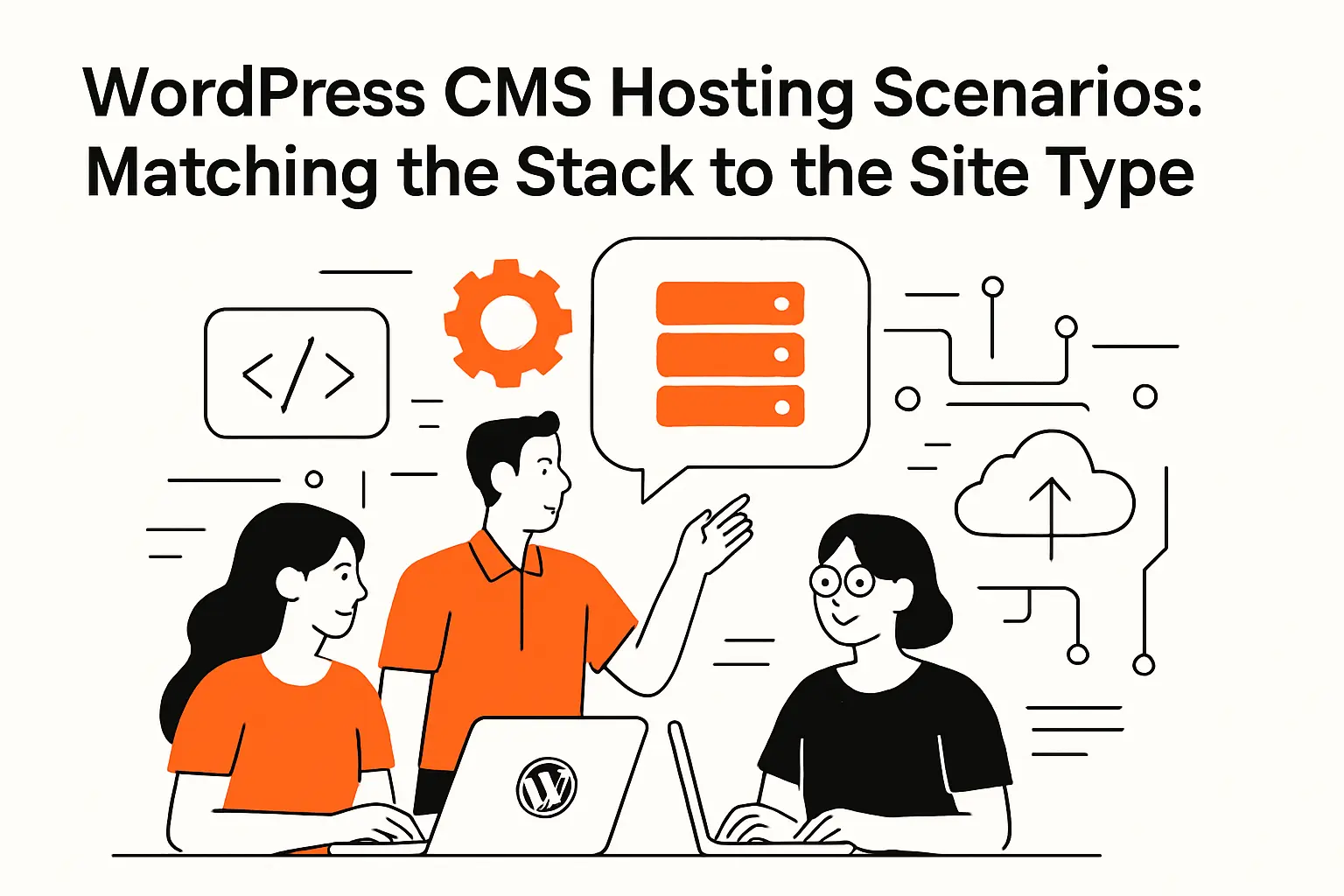
1. Content-first sites: block editor workflows, themes, and plugin ecosystems
Content-first sites live and die by editorial flow.
Fast drafts, predictable previews, and stable media handling matter daily.
For these sites, we prioritize caching, image optimization, and safe updates.
Theme choice can either simplify life or create a performance tax.
We favor themes that ship less code and rely on WordPress standards.
When a theme fights core behavior, hosting becomes harder than it should.
2. Marketing-led sites: CMS plus automation and CRM-driven publishing needs
Marketing-led sites need integration more than they need exotic infrastructure.
Forms must flow into CRM systems, and pages must ship quickly.
Those needs push us toward staging, role control, and reliable rollback paths.
In this world, uptime is brand protection.
A broken landing page wastes ad spend and damages trust.
Our opinion is blunt: choose a host that treats staging as a core feature.
3. Online stores: WooCommerce hosting requirements and extension planning
WooCommerce is an application, not just a plugin.
Carts, inventory, and payment steps add state that complicates caching.
Stores also need predictable database performance under write-heavy workloads.
Store-Specific Hosting Requirements
- Object caching tuned for sessions and fragments
- Background jobs that do not starve checkout traffic
- Security posture aligned with payment risk
Extensions are where store risk hides.
Each extension adds code paths, yet it also adds business capability.
We budget time for extension audits before we budget time for design tweaks.
4. Hosted commerce alternatives: when Shopify or BigCommerce fit better than WordPress
WordPress is flexible, but flexibility carries operational cost.
Hosted commerce can be a smarter trade when a team needs simplicity.
For many catalog-driven brands, predictable operations beat endless customization.
We do not treat this as a WordPress versus everything argument.
Instead, we treat it as an ownership question.
If the team wants to avoid platform operations, hosted commerce earns a serious look.
5. Agency workflows: managing multiple sites, collaboration, and client handoff
Agencies need multi-site workflows more than any single site needs horsepower.
Client handoff, permissions, and repeatable builds are the real bottlenecks.
We like hosts with transfer workflows and clear separation between client accounts.
Collaboration also changes security needs.
Many contributors touch production, often with uneven technical literacy.
In that environment, strict roles and audit logs stop accidents from becoming incidents.
6. Maintenance reality: updates, plugin conflicts, and long-term maintainability
Maintenance is the true cost center in WordPress.
Updates are frequent, and they rarely fail in polite ways.
Plugin conflicts often appear only after real traffic arrives.
Our maintenance stance is pragmatic.
We standardize plugins, remove dead features, and document “why” decisions.
Hosting is part of that discipline, because good tooling makes maintenance less stressful.
Recommended reading: Top 30 Customer Data Platforms to Unify Profiles, Activate Audiences, and Personalize at Scale
When to consider alternatives to WordPress CMS hosting
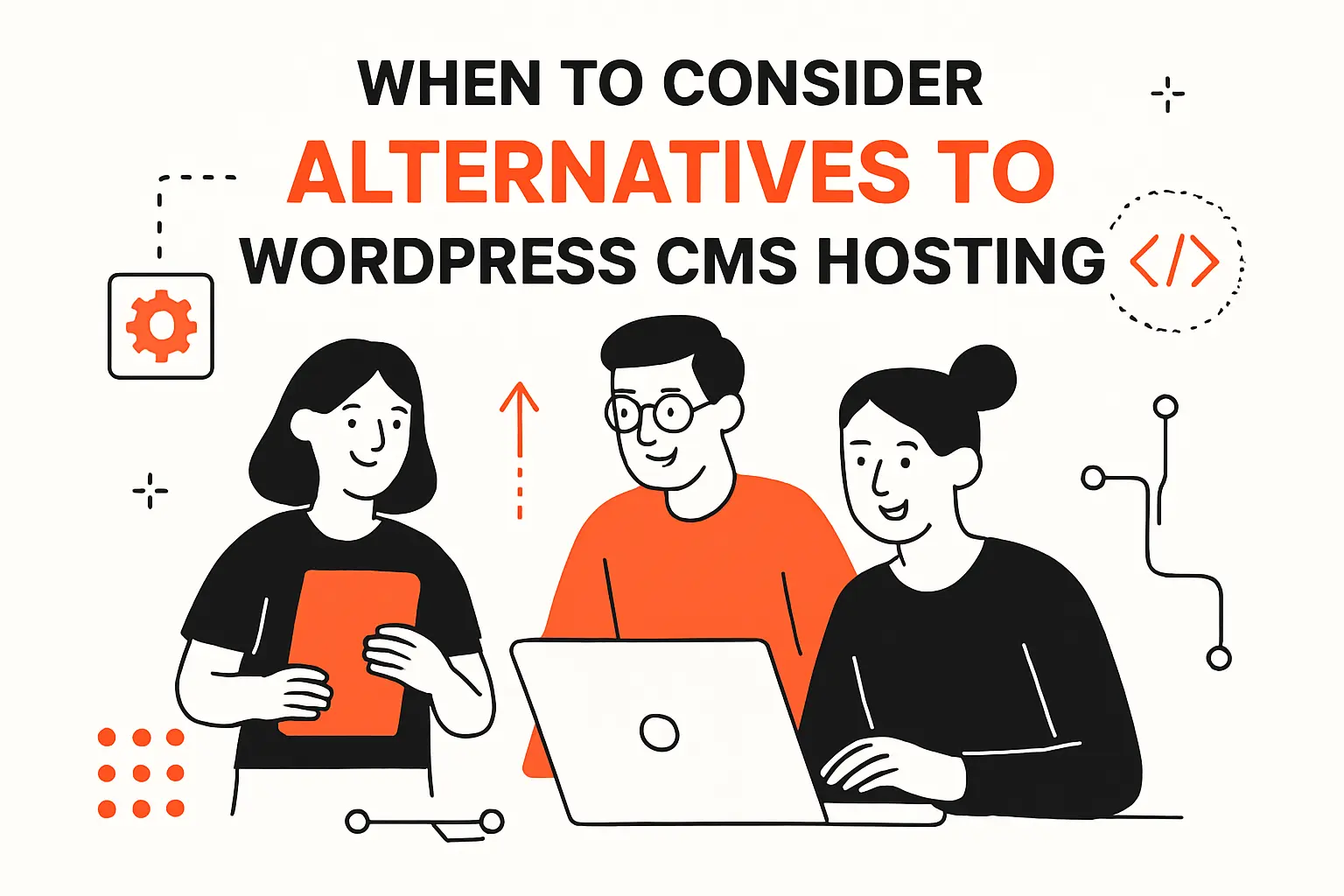
1. Client concerns: plugin security risk and DDoS worries driving platform decisions
Some clients do not want an ecosystem with endless third-party code.
That worry is rational, especially for public brands and regulated orgs.
In those cases, platform selection becomes a threat-model exercise.
DDoS concerns also change decisions.
A site can be “secure” and still be unavailable under traffic abuse.
We sometimes choose platforms with smaller attack surfaces for that reason alone.
2. Security-first open-source options: Drupal and controlled permissions
Drupal often wins when permissions are complex.
Editorial workflows can be strict without feeling bolted on.
For government-style publishing, that structure can beat WordPress flexibility.
Hosting Drupal still requires care.
Yet the platform’s permission model can reduce risky admin behaviors.
That trade can be worth it when teams are large and distributed.
3. Developer-focused custom builds: Craft CMS and OctoberCMS for tailored sites
Craft CMS fits teams that want editorial polish and developer control.
OctoberCMS can work when you want a Laravel-like workflow for content.
Both can reduce plugin sprawl by encouraging intentional custom development.
We like these tools for bespoke builds with clear requirements.
They shine when a site is more product than brochure.
In those builds, hosting often looks like standard web app hosting.
4. Headless CMS route: decoupled front ends with API token hygiene and access controls
Headless shifts risk and power at the same time.
You gain front-end speed and architecture freedom.
You also inherit API security, token rotation, and more moving parts.
Token hygiene becomes non-negotiable.
Leaked tokens can become silent data exfiltration paths.
At Techtide Solutions, we treat secrets management as a product feature.
5. Headless CMS options mentioned by practitioners: DatoCMS, Sanity, and Strapi
DatoCMS is often chosen for editor experience and structured content.
Sanity is popular when teams want a flexible content studio.
Strapi is a common pick when teams want self-hosted headless control.
Hosting strategy differs by choice.
With hosted headless, you manage fewer servers but more integration seams.
With self-hosted headless, you trade vendor simplicity for operational ownership.
6. Beginner-friendly all-in-one builders: Wix Studio and Squarespace for simplicity
Sometimes “best” means “hardest to break.”
Wix Studio and Squarespace reduce choices, which reduces failure modes.
For brochure sites, that constraint can be a gift.
We still push clients to think beyond launch day.
Portability and integration options can matter later.
If the roadmap includes custom workflows, we caution against early lock-in.
7. Publishing platforms: Ghost for fast editorial workflows with memberships and newsletters
Ghost is opinionated, and that is the point.
Editorial speed can be excellent, and membership features are straightforward.
For paid newsletters, Ghost can beat WordPress stacks full of plugins.
We like Ghost when publishing is the product.
In that scenario, operational simplicity is revenue protection.
Hosting becomes easier when the platform is narrower.
8. Modern build stacks: Astro front end with Supabase back end deployed on Netlify
Modern stacks can outperform WordPress for certain site shapes.
Astro can deliver fast static output with selective dynamism.
Supabase can cover auth, data, and storage without a bespoke backend build.
Netlify-style deployment workflows also reduce human error.
Immutable deploys are easier to reason about than mutable servers.
For some teams, that clarity is the real performance win.
9. Migration caution: switching CMS later is typically expensive and time-consuming
Migration cost is usually underestimated during platform selection.
Content models, URL structures, and editor habits are sticky.
Even when data exports exist, real parity takes time.
Our advice is simple.
Choose the CMS you can maintain for years, not months.
Then choose hosting that supports that long horizon without heroics.
TechTide Solutions: Custom solutions tailored to customer needs
1. Requirements discovery and solution architecture for WordPress CMS hosting
We start by mapping the site to business workflows.
That mapping reveals which pages are mission-critical and which are nice-to-have.
From there, hosting stops being vague and becomes a set of testable requirements.
Threat modeling is part of discovery, not an afterthought.
We identify likely abuse paths and operational weak points early.
Then we align platform responsibility with real team capacity.
2. Custom WordPress development: themes, plugins, integrations, and workflow automation
Custom development is how we reduce plugin risk without losing capability.
We build themes that respect core patterns and avoid brittle hacks.
Integrations are treated as products, with monitoring and failure handling.
Automation We Commonly Implement
- Content workflows with approvals and scheduled publishing
- Deployment pipelines that reduce manual production changes
- Performance budgets tied to real user journeys
Our viewpoint is direct.
WordPress becomes stable when teams treat it like software, not a template.
Hosting then becomes the runway, not the roulette wheel.
3. Migrations and optimization: performance tuning, security hardening, and ongoing maintenance
Migrations are where hidden assumptions come to light.
We plan cutovers to minimize risk, then validate functionality end-to-end.
After launch, we tune caching, queries, and media delivery based on traces.
Security hardening is never a single checklist.
Instead, we iterate: reduce exposure, tighten access, and monitor continuously.
Ongoing maintenance is how WordPress stays boring, and boring is the goal.
Conclusion: How to choose the best cms hosting for wordpress for your next build

1. Choose the hosting model first: self-hosted WordPress responsibilities vs managed stacks
The hosting model decides who gets paged when something breaks.
Self-hosted gives freedom, but it also assigns you the operational burden.
Managed stacks reduce burden, but they can constrain exotic architectures.
We recommend making that choice explicitly.
Ambiguity creates fragile systems and slow teams.
Clarity creates predictable outcomes and calmer launches.
2. Use a final checklist: performance, security, backups, staging, support, and scalability
A final checklist prevents charisma from driving procurement.
We ask how staging works, how restores work, and how incidents escalate.
Then we validate developer tooling, caching behavior, and security boundaries.
If a vendor cannot explain their limits clearly, we assume surprises later.
If a host can explain tradeoffs plainly, we trust them more.
That clarity is often the real differentiator.
3. Commit intentionally: reduce rebuild risk by aligning CMS choice to long-term needs
Long-term alignment beats short-term convenience.
A CMS choice shapes hiring, workflows, and integration patterns for years.
Hosting should support that direction without constant platform churn.
Next step: pick a shortlist from our table and longlist, then define your ownership boundaries.
From there, do you want your team to own operations, or would you rather buy operational certainty?

